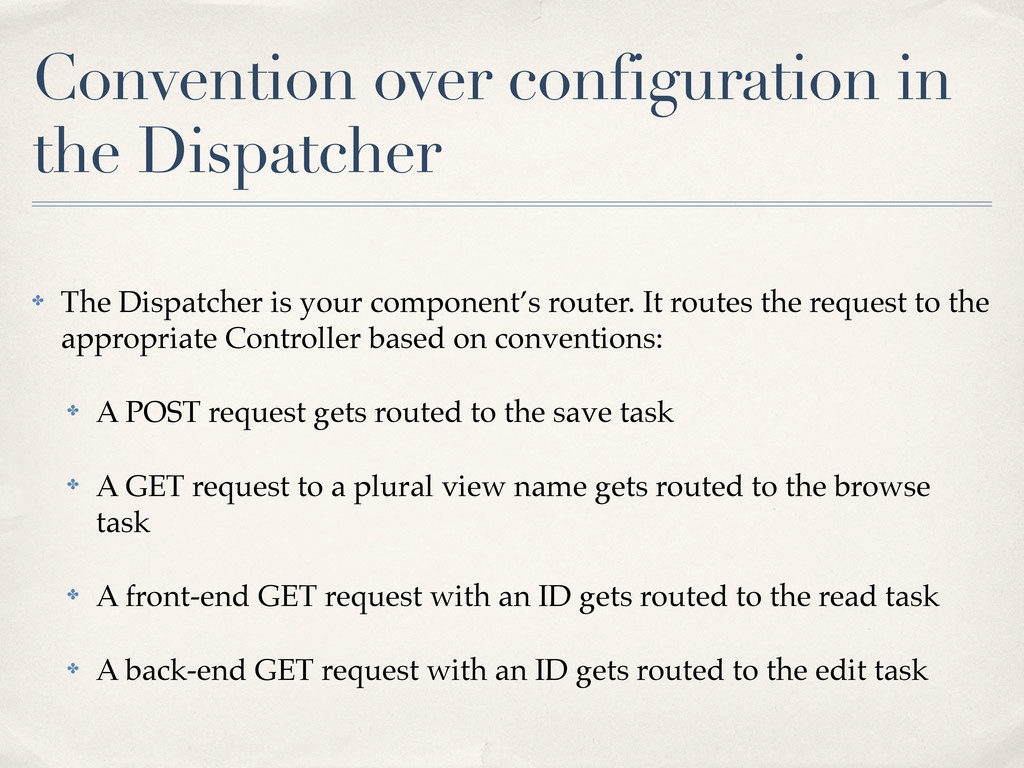
your component’s router. It routes the request to the appropriate Controller based on conventions: ✤ A POST request gets routed to the save task ✤ A GET request to a plural view name gets routed to the browse task ✤ A front-end GET request with an ID gets routed to the read task ✤ A back-end GET request with an ID gets routed to the edit task
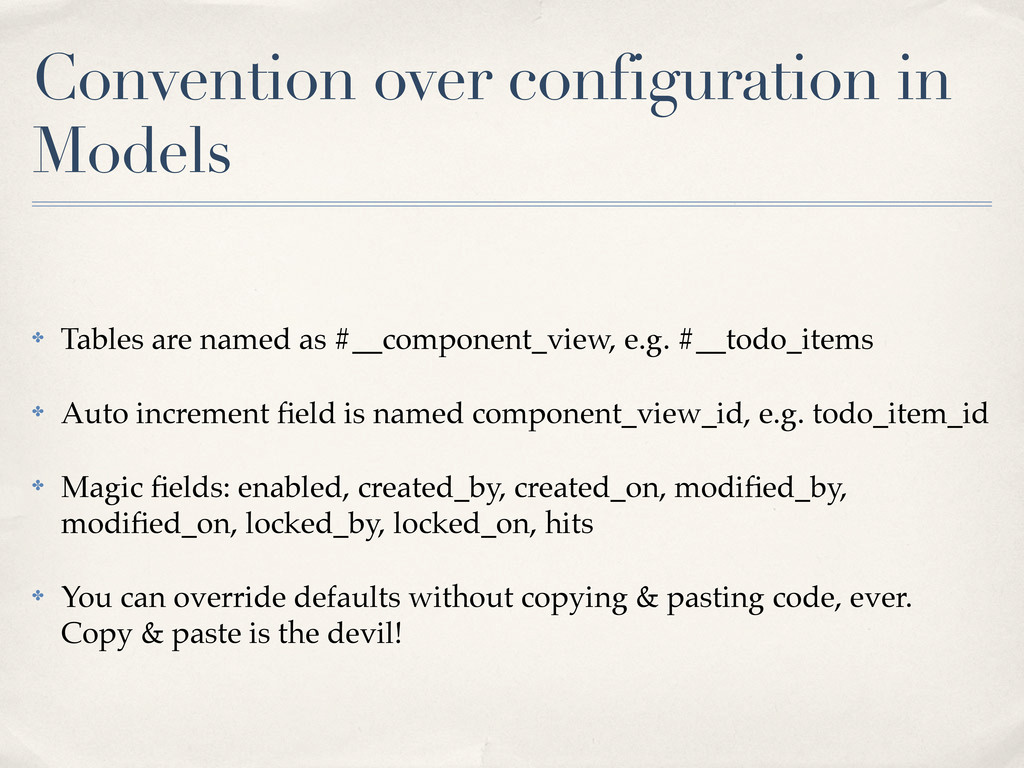
#__component_view, e.g. #__todo_items ✤ Auto increment field is named component_view_id, e.g. todo_item_id ✤ Magic fields: enabled, created_by, created_on, modified_by, modified_on, locked_by, locked_on, hits ✤ You can override defaults without copying & pasting code, ever. Copy & paste is the devil!
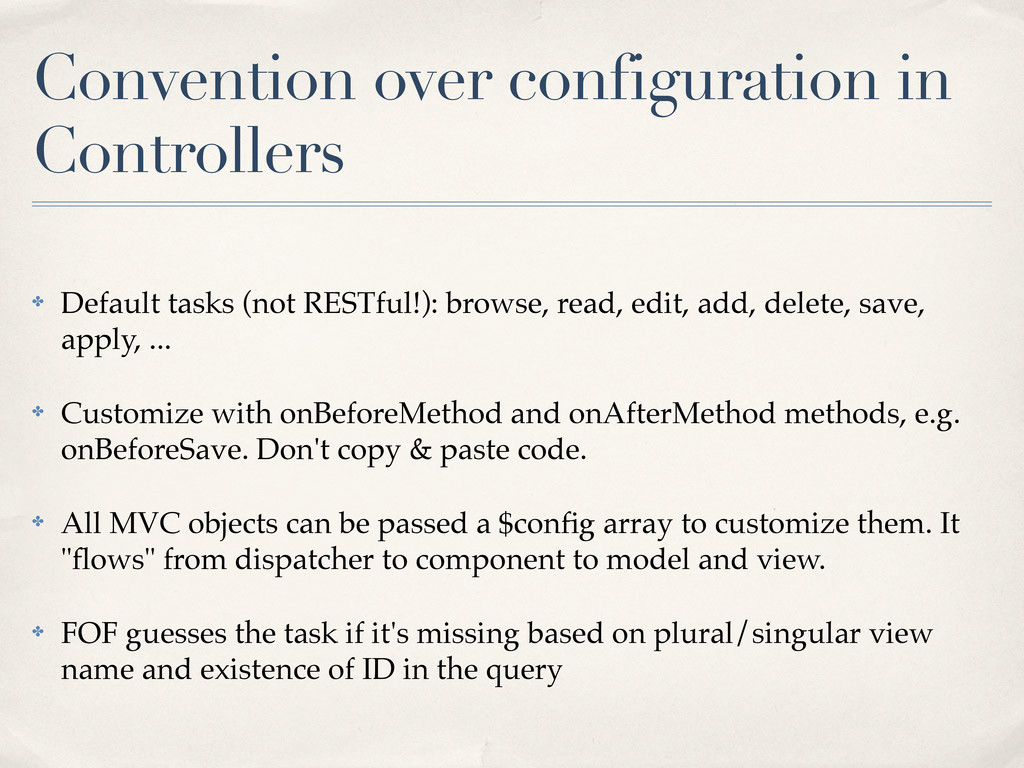
browse, read, edit, add, delete, save, apply, ... ✤ Customize with onBeforeMethod and onAfterMethod methods, e.g. onBeforeSave. Don't copy & paste code. ✤ All MVC objects can be passed a $config array to customize them. It "flows" from dispatcher to component to model and view. ✤ FOF guesses the task if it's missing based on plural/singular view name and existence of ID in the query
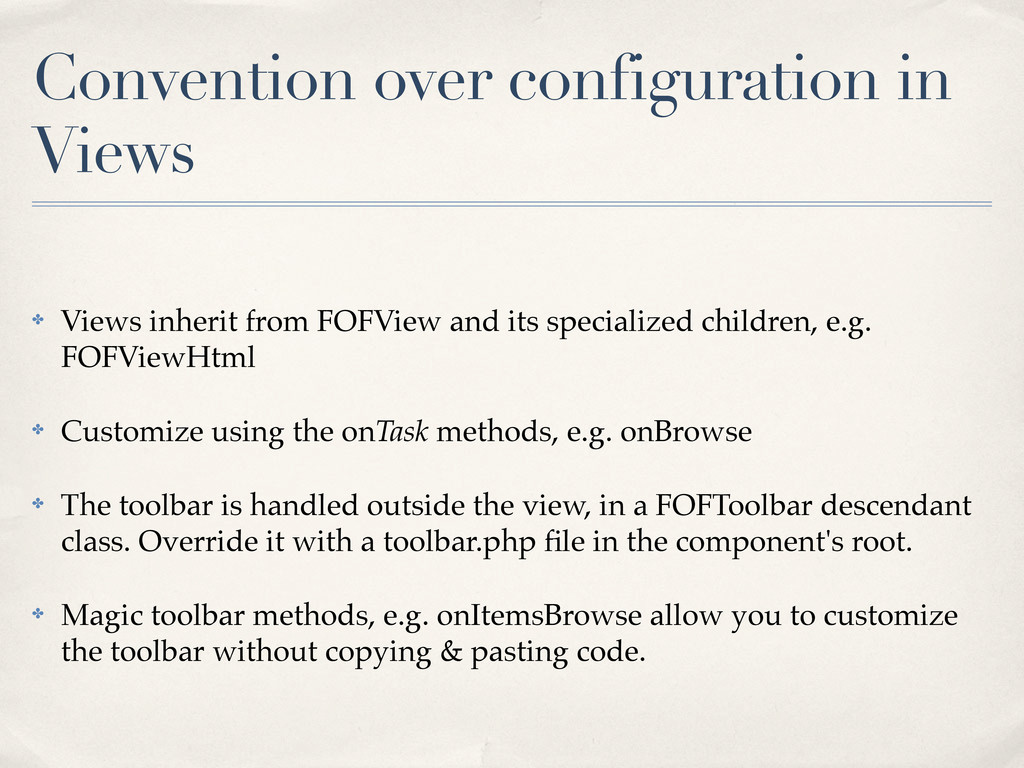
and its specialized children, e.g. FOFViewHtml ✤ Customize using the onTask methods, e.g. onBrowse ✤ The toolbar is handled outside the view, in a FOFToolbar descendant class. Override it with a toolbar.php file in the component's root. ✤ Magic toolbar methods, e.g. onItemsBrowse allow you to customize the toolbar without copying & pasting code.
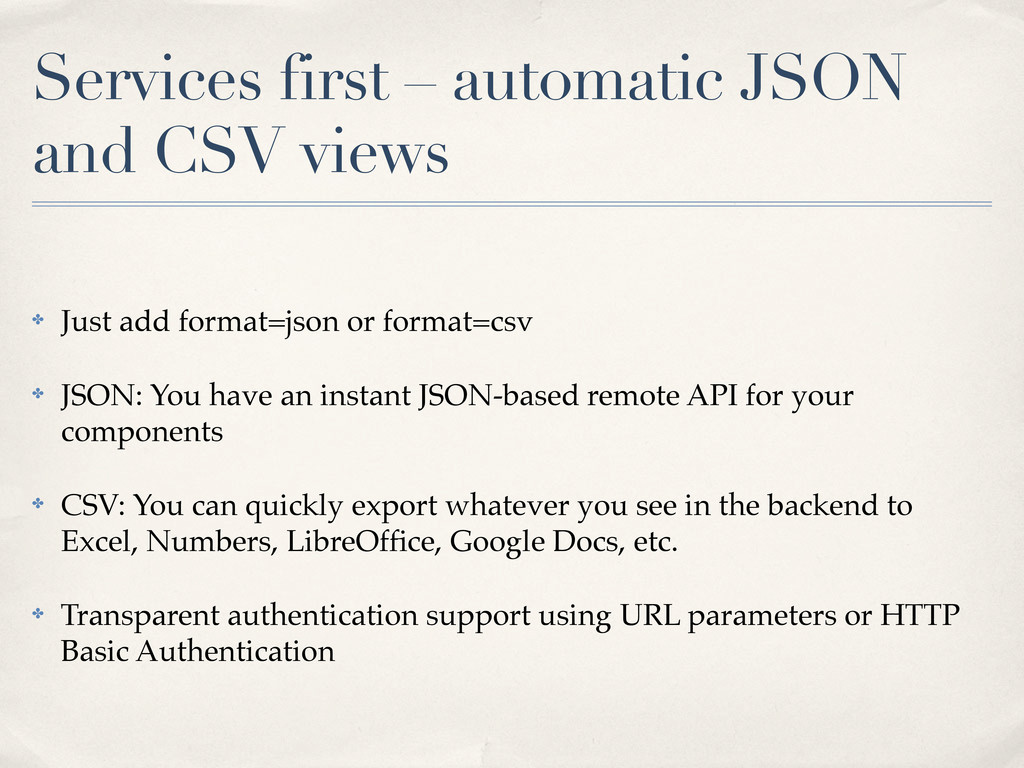
add format=json or format=csv ✤ JSON: You have an instant JSON-based remote API for your components ✤ CSV: You can quickly export whatever you see in the backend to Excel, Numbers, LibreOffice, Google Docs, etc. ✤ Transparent authentication support using URL parameters or HTTP Basic Authentication
✤ Browse, read and edit views from XML templates ✤ You don’t need to write any PHP or HTML, but you can mix traditional PHP-based and XML-based templates, even in the same view ✤ Overridable with Joomla! template overrides


 joomlafrappe
 daidaidai
 iotengineer22
 teamlab
 tomokusaba
 bgpat
bgpat
 kizawa2020
 satoshi7
 taketakekaho
 jozono
 cogakira
 ueponx
 addyosmani
 aleyda
 marcelosomers
 matthewcrist
 akihiro_kokubo
 sergeychernyshev
 techseoconnect
 seathinner
 badams
 mlcsv
mlcsv
 kimpetersen
 panda_program