Upgrade to Pro — share decks privately, control downloads, hide ads and more …

Best practices for building Docker images for P...

Avatar for Jozef Gaborik Jozef Gaborik
September 11, 2022

Best practices for building Docker images for Python apps

Docker is very popular among developers and many teams use it to deliver their software. I want to use it too, but my images are large and take forever to build. Does it have to be like that? Is there a better way to do it?

In this presentation, we will go through the whole process of building a docker image for a Python web app. How to select a base image, how to optimize the size, and how to increase the speed of build. We will think about security, logging, and caching and see how to do it all in CI. You will end up with the set of applicable best practices in creating Docker images that you can use in your projects.

Avatar for Jozef Gaborik

Jozef Gaborik

September 11, 2022

Other Decks in Programming

Transcript

  1. Dockerfile 1 FROM debian COPY [".", "/app"] RUN apt-get update

    .& apt-get install -y python3 python3-pip python3-dev libpq-dev RUN cd /app .& pip install -r requirements.txt RUN apt-get install -y nodejs npm RUN cd /app/react-app .& npm install .& npm run build CMD ["gunicorn", ".-workers=2", ".-bind=0.0.0.0", "django_app.wsgi"]
  2. Dockerfile 1 FROM debian COPY [".", "/app"] RUN apt-get update

    .& apt-get install -y python3 python3-pip python3-dev libpq-dev RUN cd /app .& pip install -r requirements.txt RUN apt-get install -y nodejs npm RUN cd /app/react-app .& npm install .& npm run build CMD ["gunicorn", ".-workers=2", ".-bind=0.0.0.0", "django_app.wsgi"] 1.46 GB 2m 10s
  3. Minimize the number of layers FROM debian COPY [".", "/app"]

    RUN apt-get update -& apt-get install -y python3 python3-pip python3-dev libpq-dev RUN cd /app -& pip install -r requirements.txt RUN apt-get install -y nodejs npm RUN cd /app/react-app -& npm install -& npm run build CMD ["gunicorn", ".-workers=2", ".-bind=0.0.0.0", "django_app.wsgi"]
  4. Minimize the number of layers FROM debian COPY [".", "/app"]

    RUN apt-get update -& apt-get install -y \ python3 python3-pip python3-dev libpq-dev nodejs npm \ -& cd /app -& pip install -r requirements.txt \ -& cd /app/react-app -& npm install -& npm run build CMD ["gunicorn", ".-workers=2", ".-bind=0.0.0.0", "django_app.wsgi"]
  5. Minimize the number of layers FROM debian COPY [".", "/app"]

    RUN apt-get update -& apt-get install -y \ python3 python3-pip python3-dev libpq-dev nodejs npm \ -& cd /app -& pip install -r requirements.txt \ -& cd /app/react-app -& npm install -& npm run build CMD ["gunicorn", ".-workers=2", ".-bind=0.0.0.0", "django_app.wsgi"] 1.31 GB ~10% less
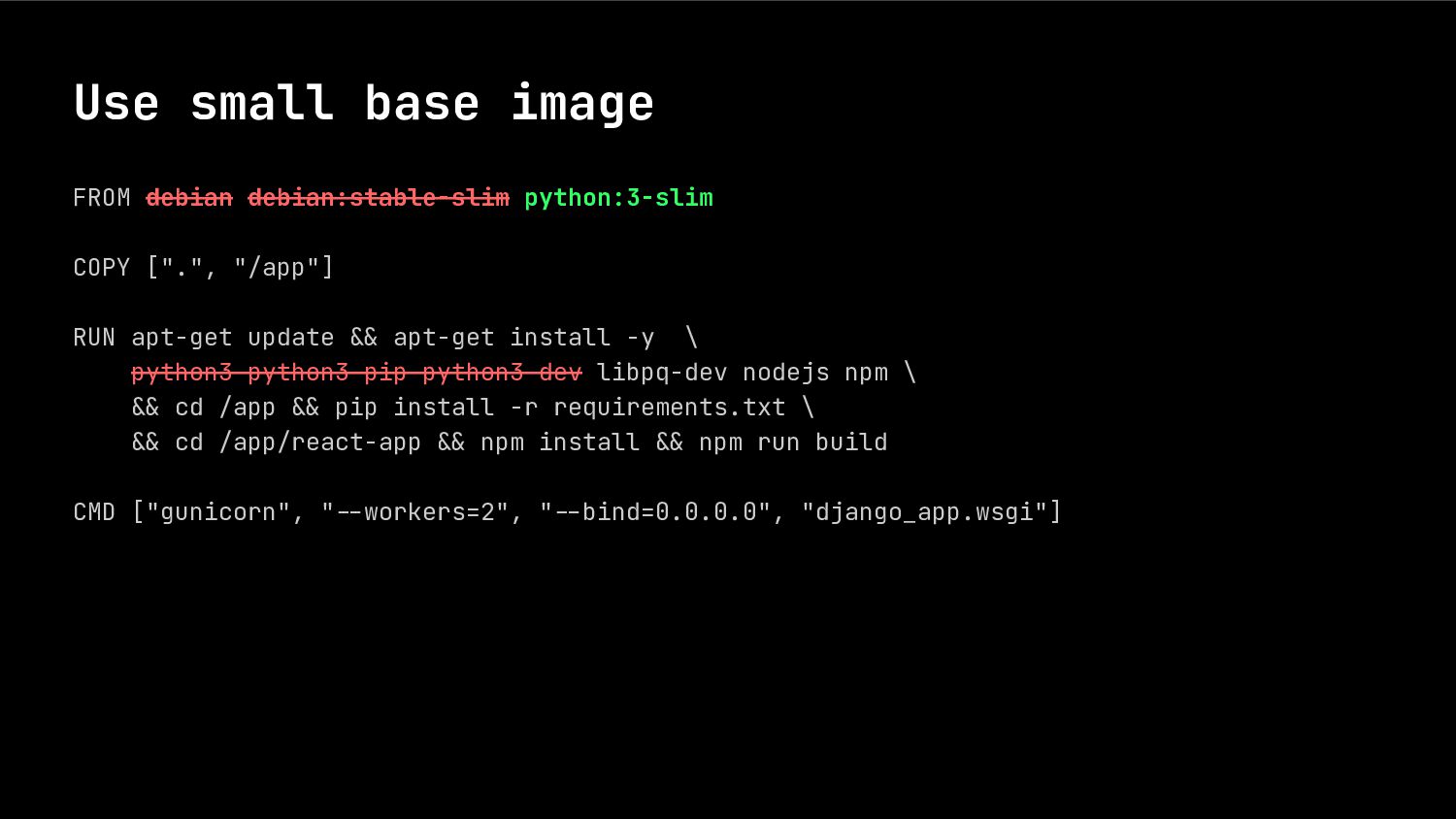
  6. Use small base image FROM debian COPY [".", "/app"] RUN

    apt-get update .& apt-get install -y \ python3 python3-pip python3-dev libpq-dev nodejs npm \ .& cd /app .& pip install -r requirements.txt \ .& cd /app/react-app .& npm install .& npm run build CMD ["gunicorn", ".-workers=2", ".-bind=0.0.0.0", "django_app.wsgi"]
  7. Use small base image FROM debian debian:stable-slim COPY [".", "/app"]

    RUN apt-get update .& apt-get install -y \ python3 python3-pip python3-dev libpq-dev nodejs npm \ .& cd /app .& pip install -r requirements.txt \ .& cd /app/react-app .& npm install .& npm run build CMD ["gunicorn", ".-workers=2", ".-bind=0.0.0.0", "django_app.wsgi"]
  8. Use small base image FROM debian debian:stable-slim python:3-slim COPY [".",

    "/app"] RUN apt-get update .& apt-get install -y \ python3 python3-pip python3-dev libpq-dev nodejs npm \ .& cd /app .& pip install -r requirements.txt \ .& cd /app/react-app .& npm install .& npm run build CMD ["gunicorn", ".-workers=2", ".-bind=0.0.0.0", "django_app.wsgi"]
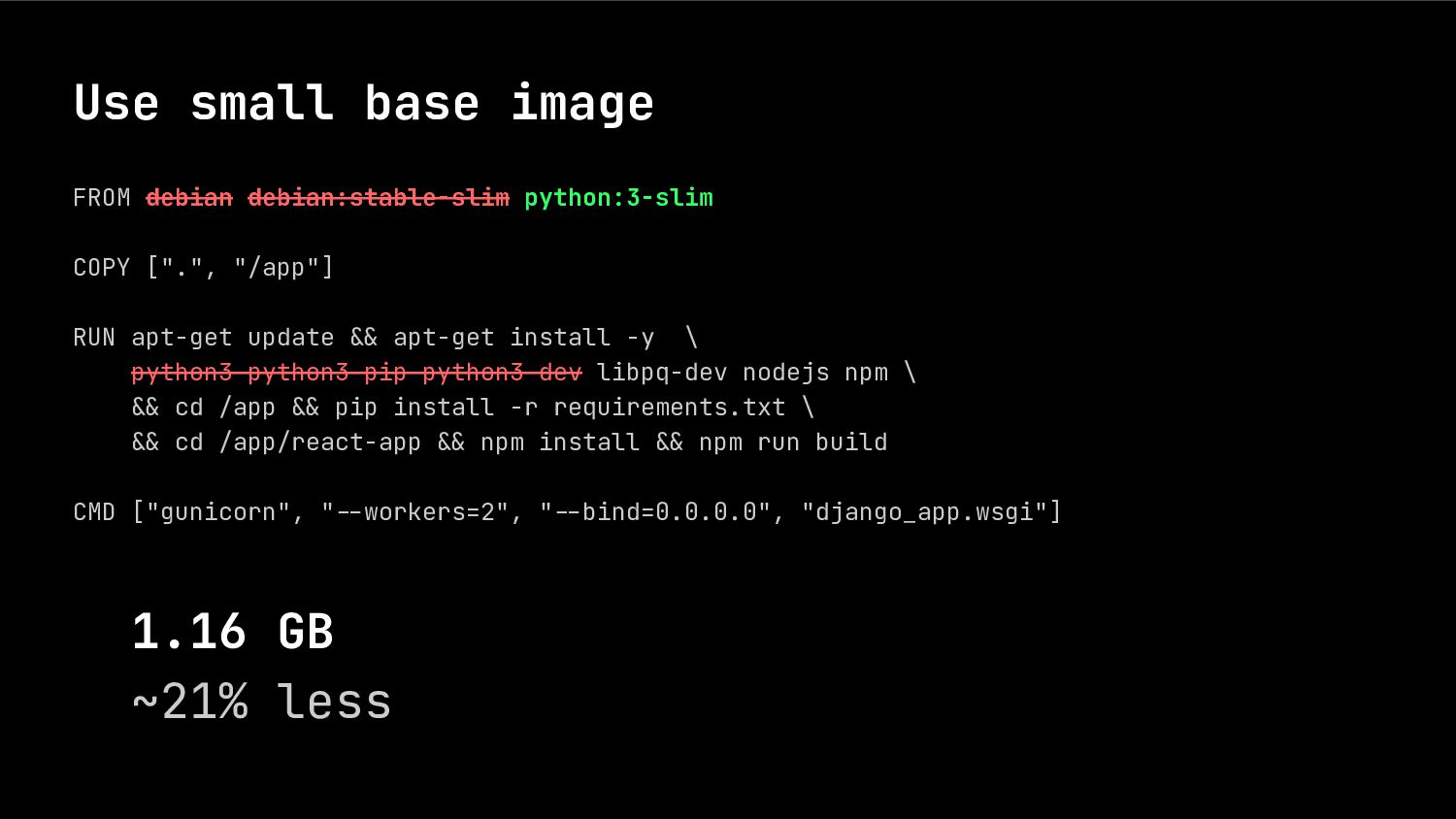
  9. Use small base image FROM debian debian:stable-slim python:3-slim COPY [".",

    "/app"] RUN apt-get update .& apt-get install -y \ python3 python3-pip python3-dev libpq-dev nodejs npm \ .& cd /app .& pip install -r requirements.txt \ .& cd /app/react-app .& npm install .& npm run build CMD ["gunicorn", ".-workers=2", ".-bind=0.0.0.0", "django_app.wsgi"] 1.16 GB ~21% less
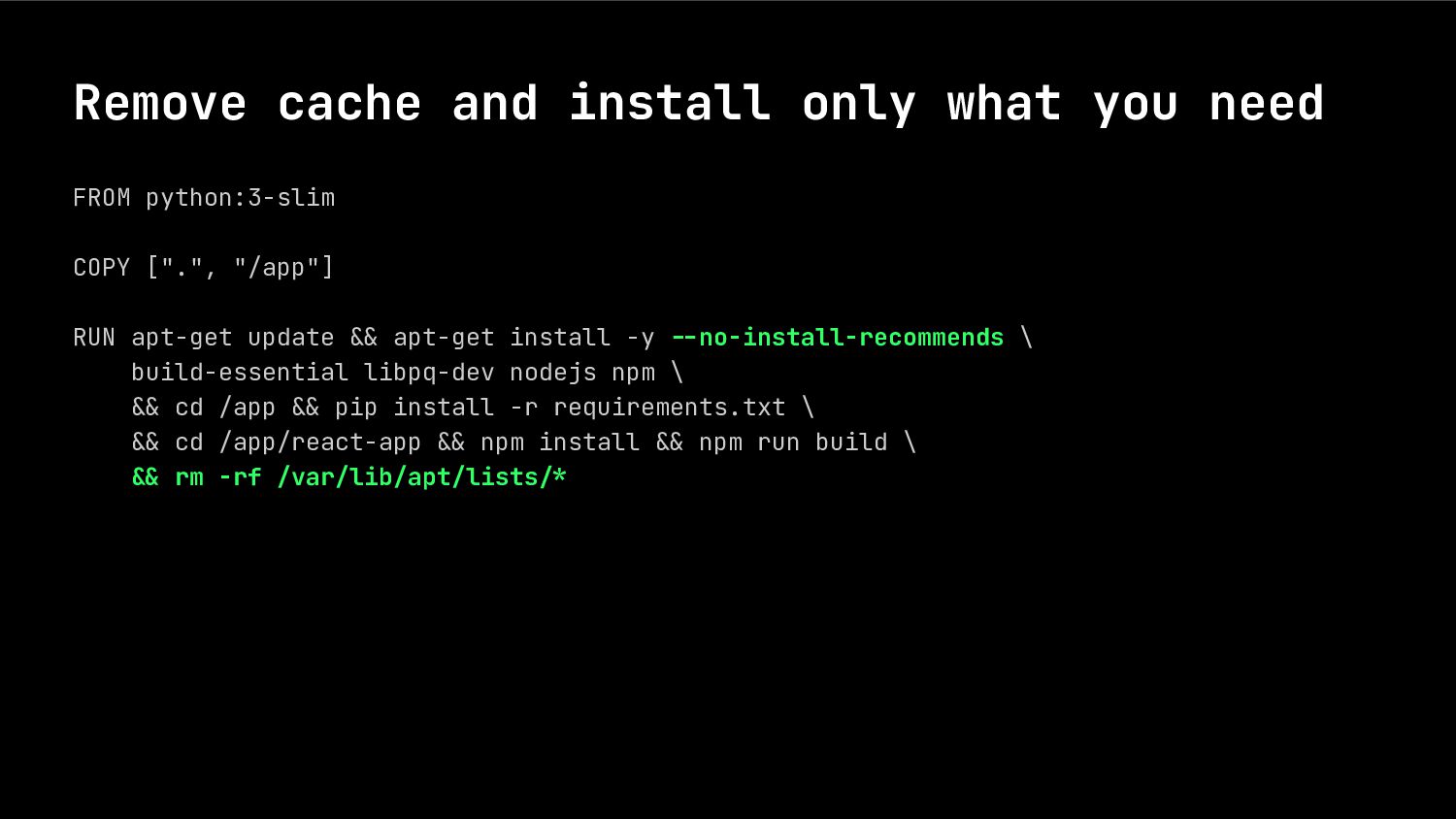
  10. Remove cache and install only what you need FROM python:3-slim

    COPY [".", "/app"] RUN apt-get update .& apt-get install -y --no-install-recommends \ build-essential libpq-dev nodejs npm \ .& cd /app .& pip install -r requirements.txt \ .& cd /app/react-app .& npm install .& npm run build \ -& rm -rf /var/lib/apt/lists-*
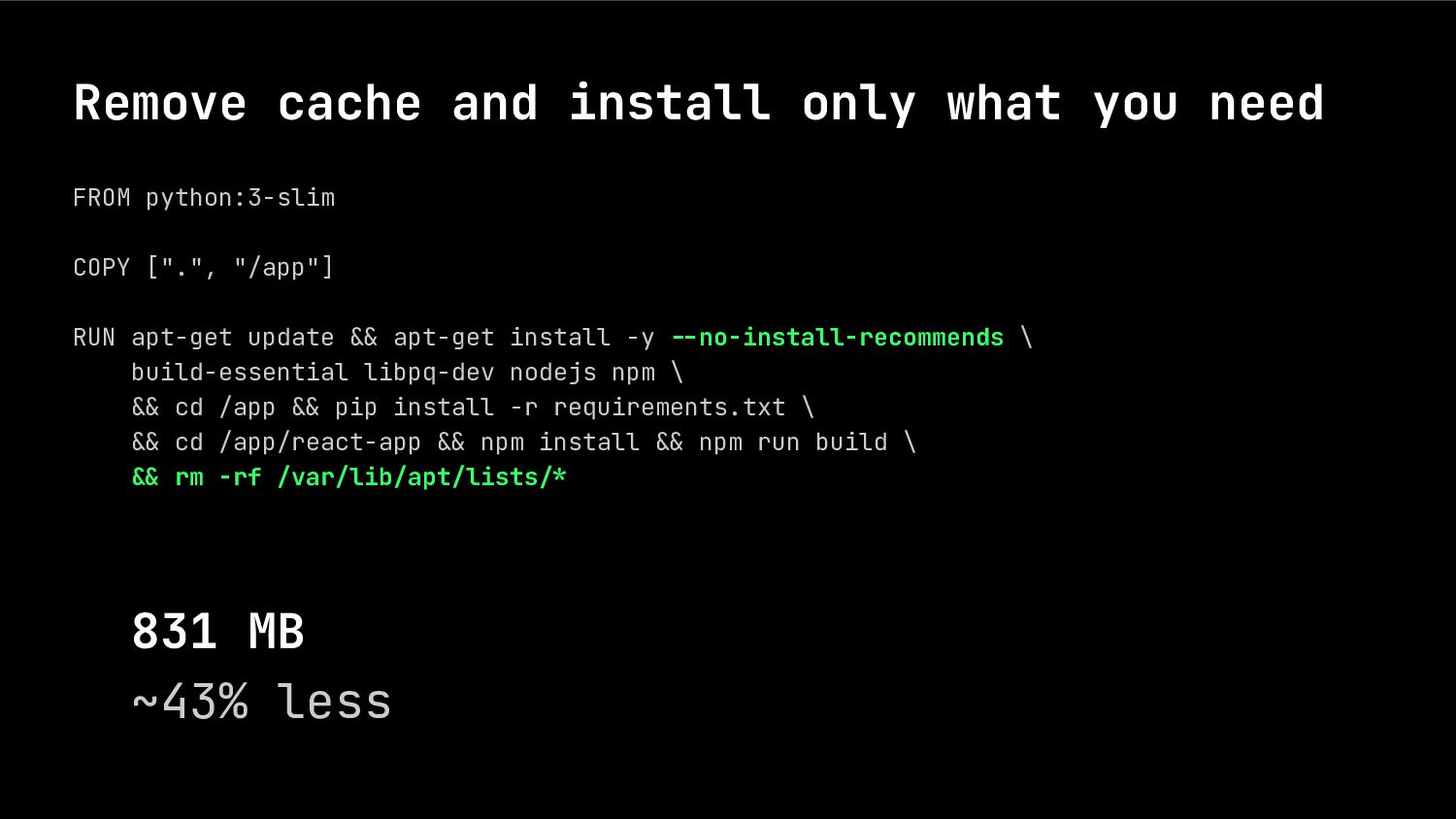
  11. Remove cache and install only what you need FROM python:3-slim

    COPY [".", "/app"] RUN apt-get update .& apt-get install -y --no-install-recommends \ build-essential libpq-dev nodejs npm \ .& cd /app .& pip install -r requirements.txt \ .& cd /app/react-app .& npm install .& npm run build \ -& rm -rf /var/lib/apt/lists-* 831 MB ~43% less
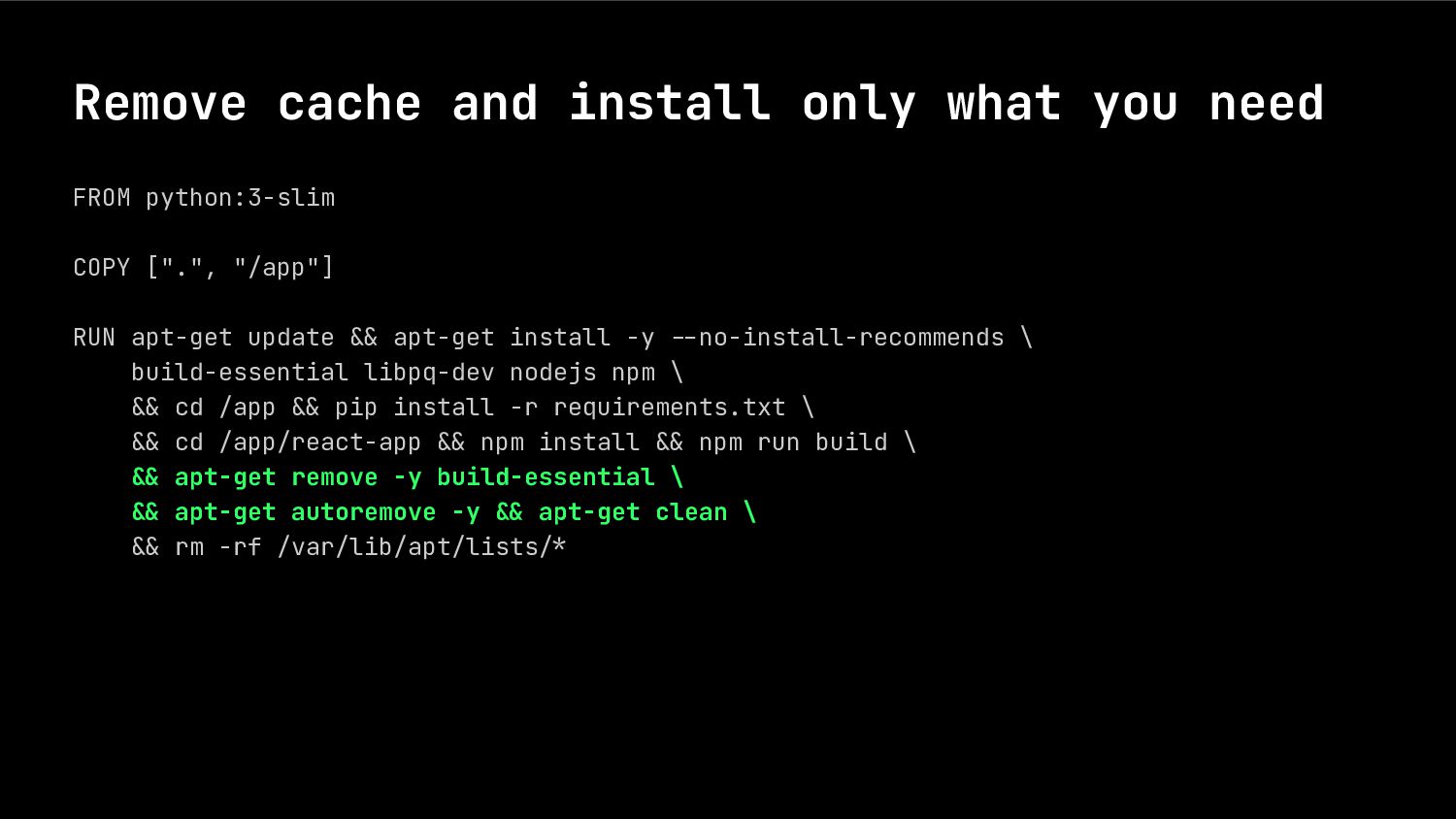
  12. Remove cache and install only what you need FROM python:3-slim

    COPY [".", "/app"] RUN apt-get update .& apt-get install -y .-no-install-recommends \ build-essential libpq-dev nodejs npm \ .& cd /app .& pip install -r requirements.txt \ .& cd /app/react-app .& npm install .& npm run build \ -& apt-get remove -y build-essential \ -& apt-get autoremove -y -& apt-get clean \ .& rm -rf /var/lib/apt/lists.*
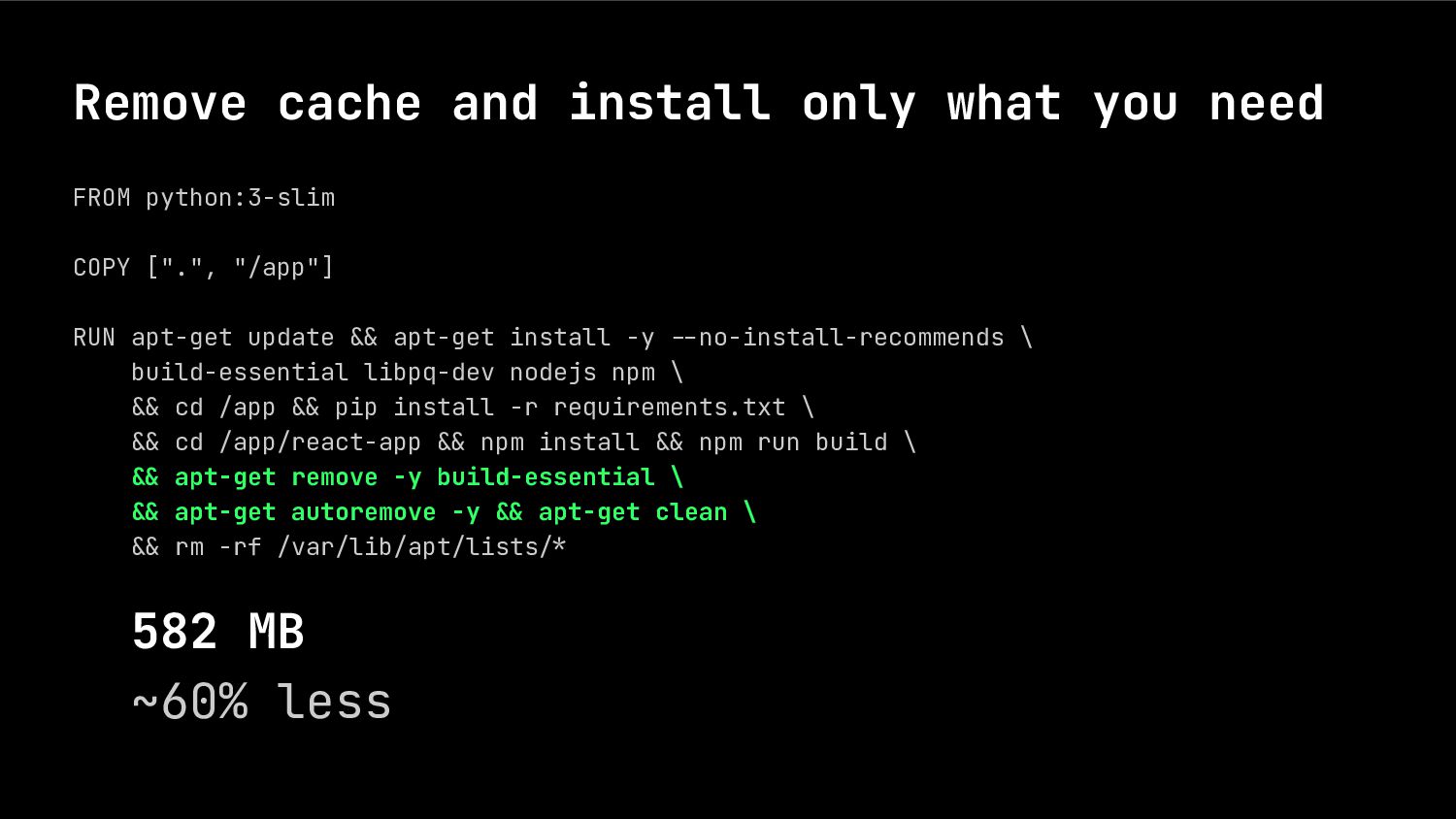
  13. Remove cache and install only what you need FROM python:3-slim

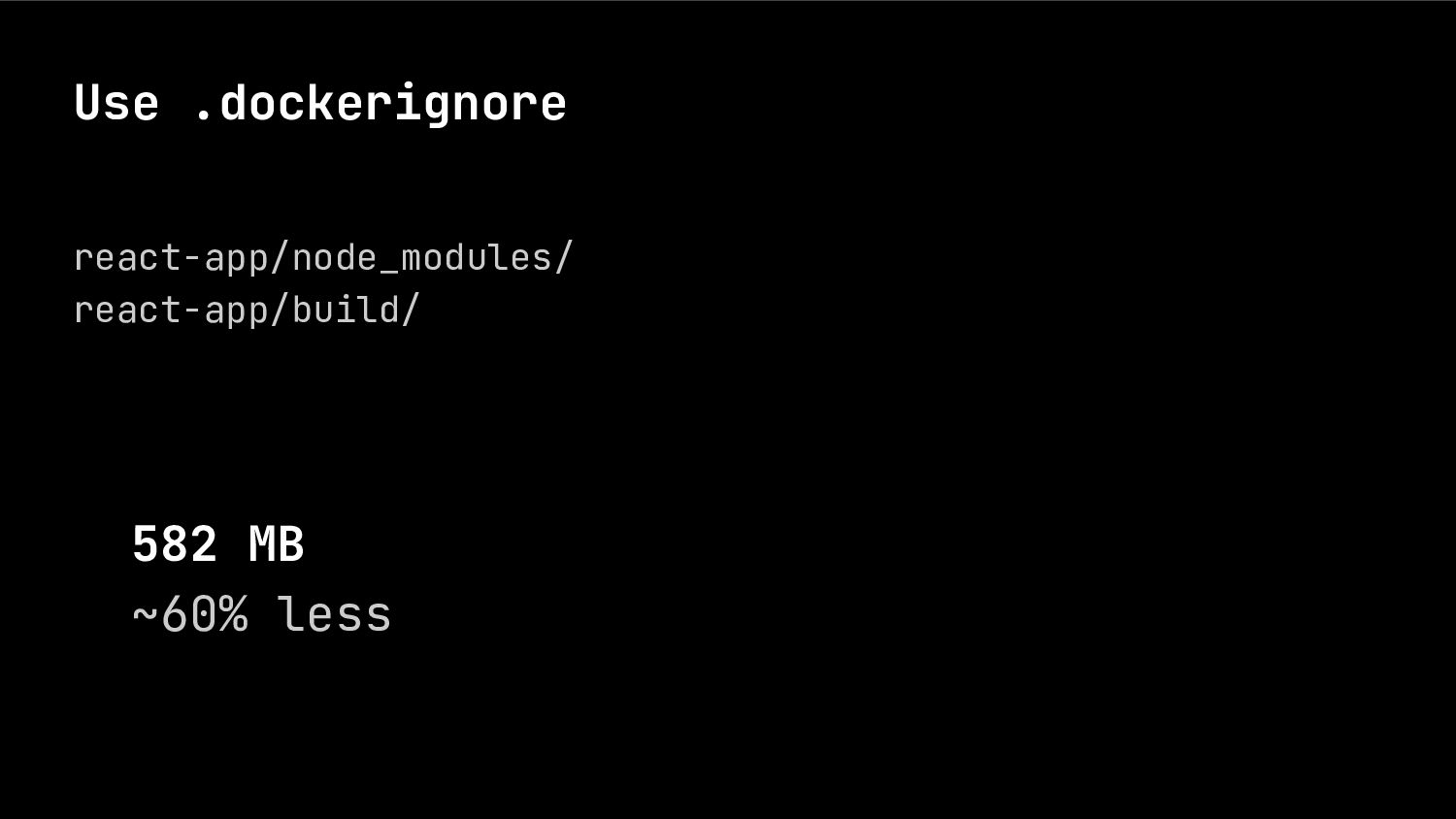
    COPY [".", "/app"] RUN apt-get update .& apt-get install -y .-no-install-recommends \ build-essential libpq-dev nodejs npm \ .& cd /app .& pip install -r requirements.txt \ .& cd /app/react-app .& npm install .& npm run build \ -& apt-get remove -y build-essential \ -& apt-get autoremove -y -& apt-get clean \ .& rm -rf /var/lib/apt/lists.* 582 MB ~60% less
  14. Use multistage build FROM node:18-bullseye-slim AS js-builder COPY ["react-app/", "/app"]

    RUN cd /app -& npm install -& npm run build FROM python:3-slim COPY --from=js-builder ["/app/build/", "/app/"] COPY [".", "/app"] RUN apt-get update .& . . .
  15. Use multistage build FROM node:18-bullseye-slim AS js-builder COPY ["react-app/", "/app"]

    RUN cd /app -& npm install -& npm run build FROM python:3-slim COPY --from=js-builder ["/app/build/", "/app/"] COPY [".", "/app"] RUN apt-get update .& ... 177 MB ~88% less
  16. Use multistage build FROM node:18-bullseye-slim AS js-builder . . .

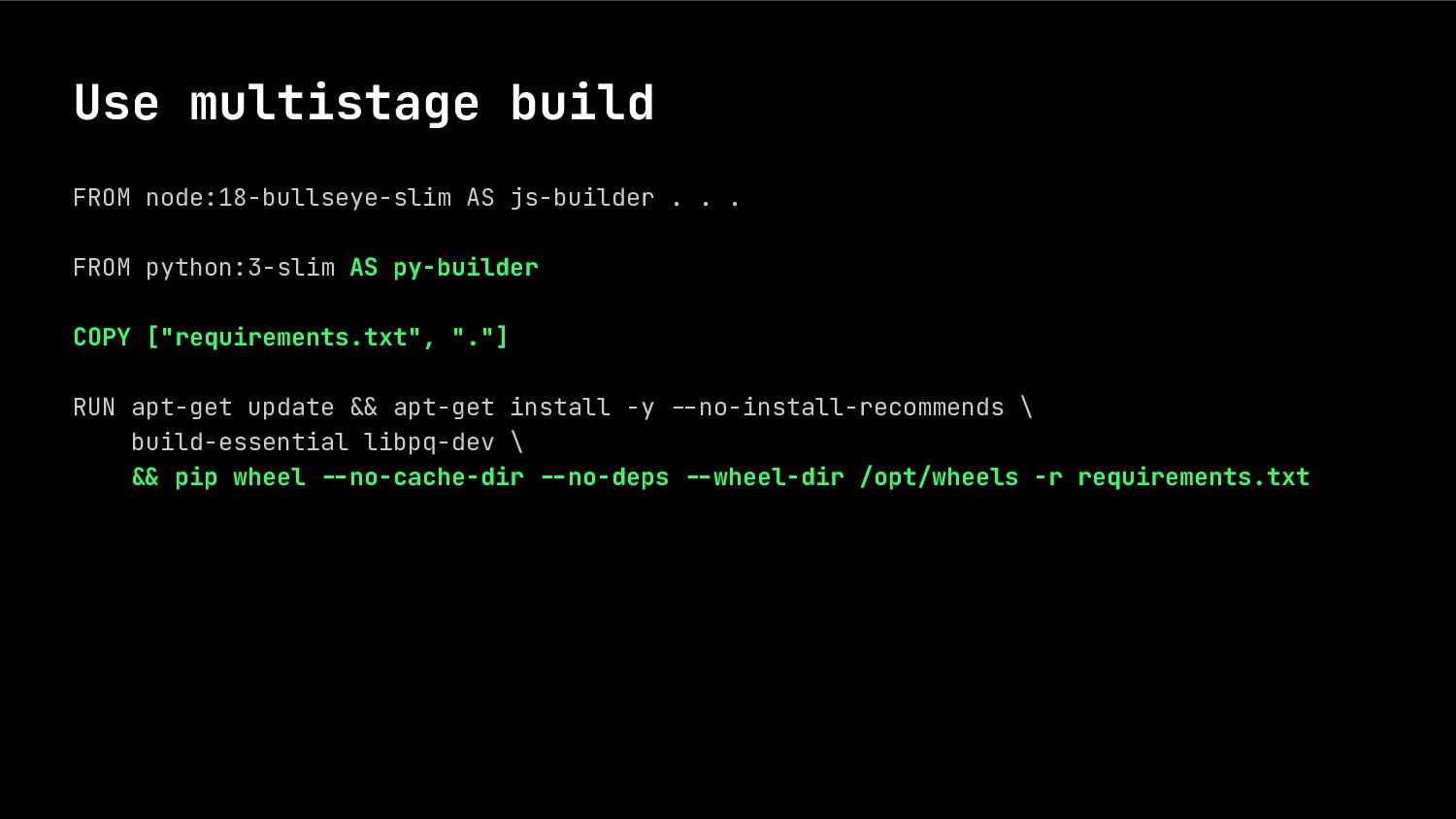
    FROM python:3-slim AS py-builder COPY ["requirements.txt", "."] RUN apt-get update .& apt-get install -y .-no-install-recommends \ build-essential libpq-dev \ -& pip wheel --no-cache-dir --no-deps --wheel-dir /opt/wheels -r requirements.txt
  17. Use multistage build FROM node:18-bullseye-slim AS js-builder . . .

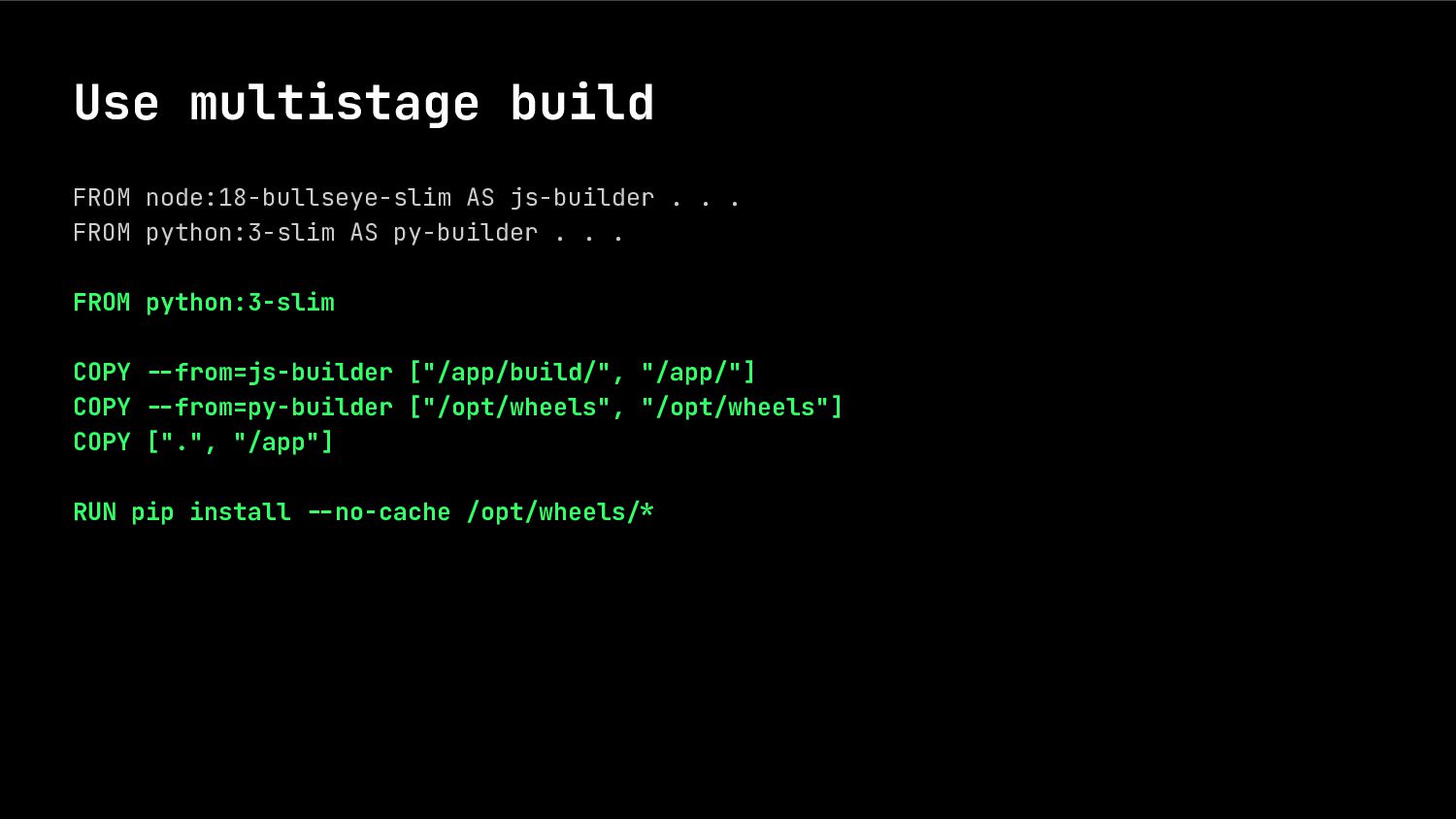
    FROM python:3-slim AS py-builder . . . FROM python:3-slim COPY --from=js-builder ["/app/build/", "/app/"] COPY --from=py-builder ["/opt/wheels", "/opt/wheels"] COPY [".", "/app"] RUN pip install --no-cache /opt/wheels-*
  18. Use multistage build FROM node:18-bullseye-slim AS js-builder . . .

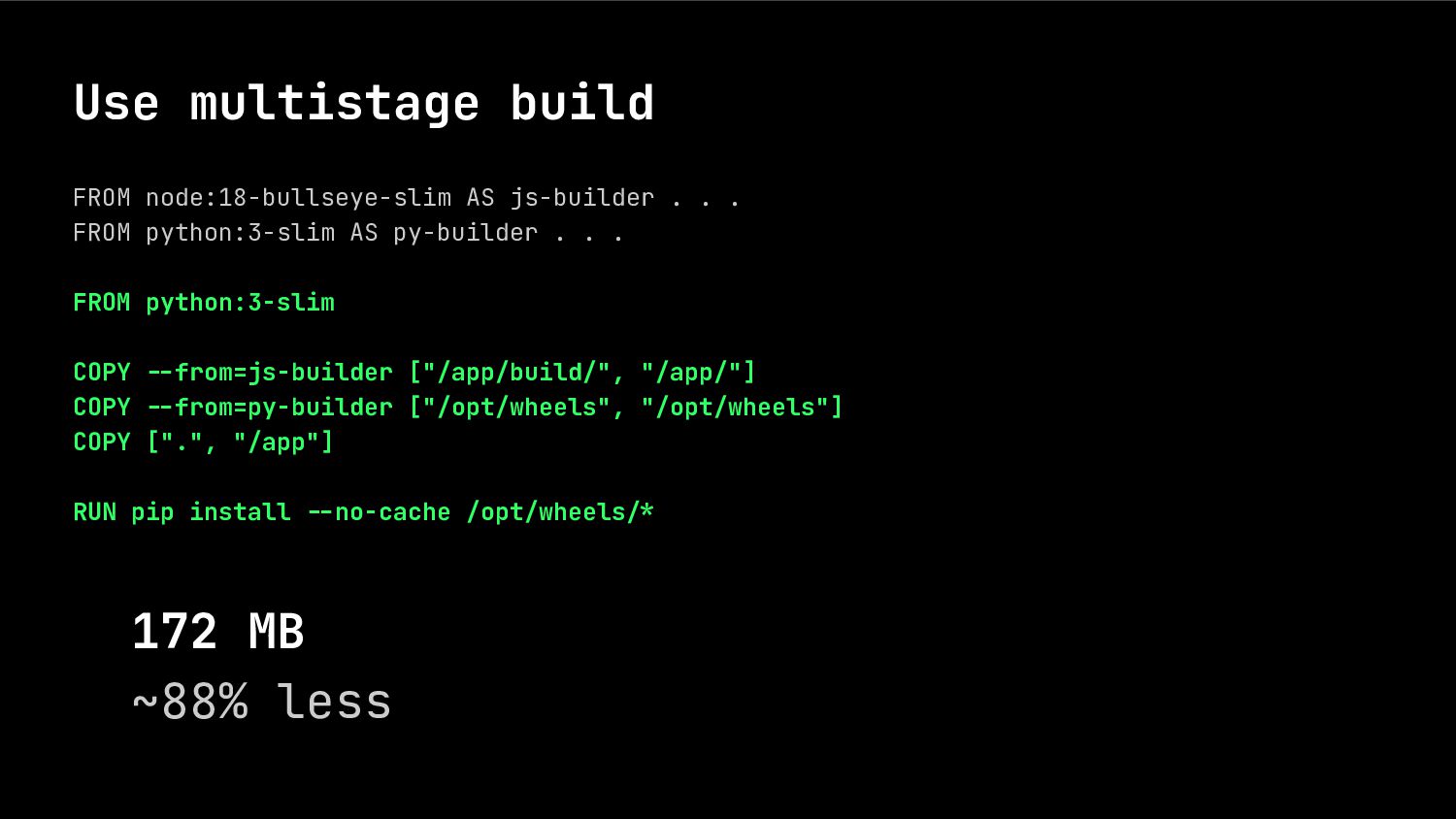
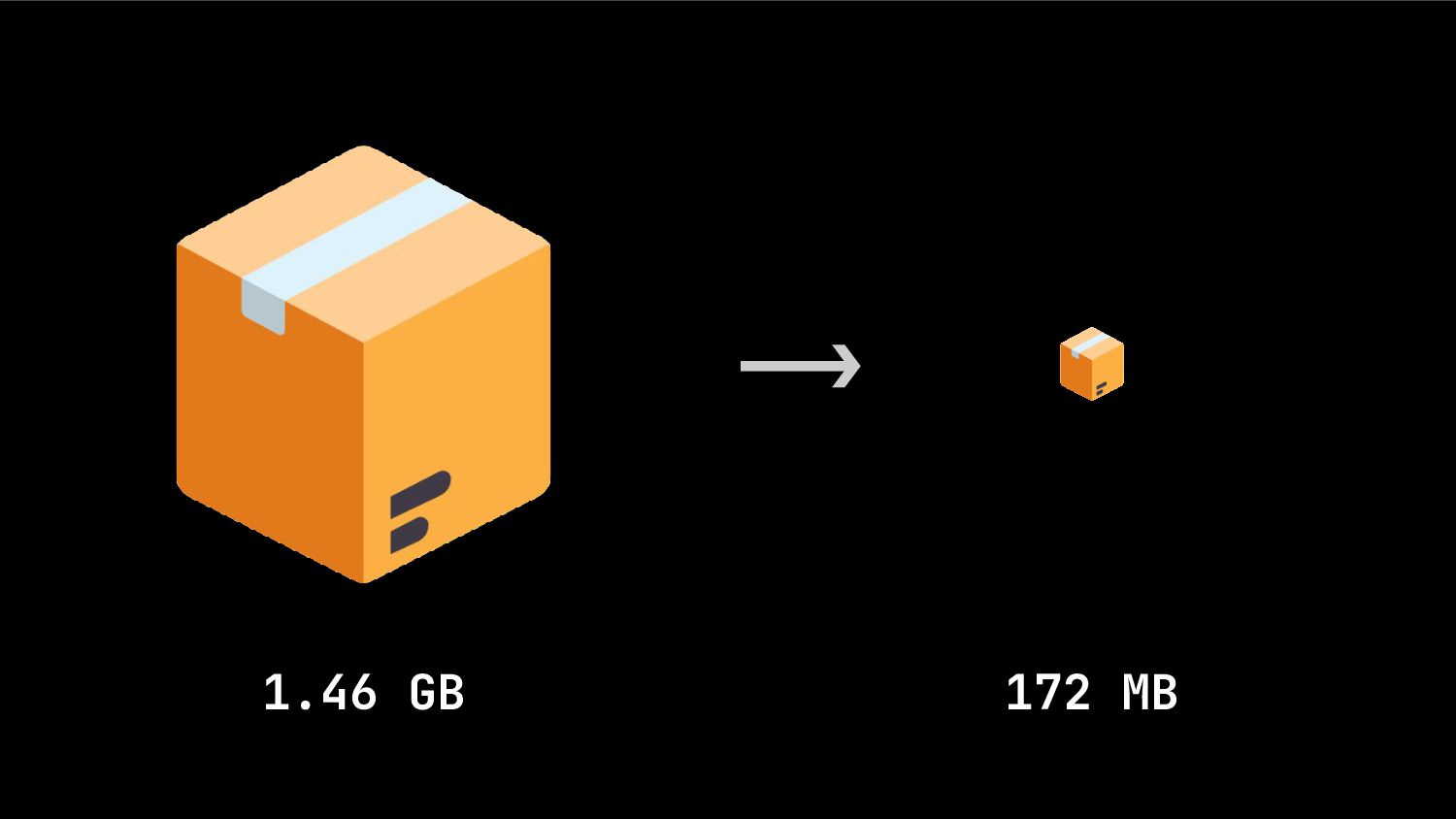
    FROM python:3-slim AS py-builder . . . FROM python:3-slim COPY --from=js-builder ["/app/build/", "/app/"] COPY --from=py-builder ["/opt/wheels", "/opt/wheels"] COPY [".", "/app"] RUN pip install --no-cache /opt/wheels-* 172 MB ~88% less
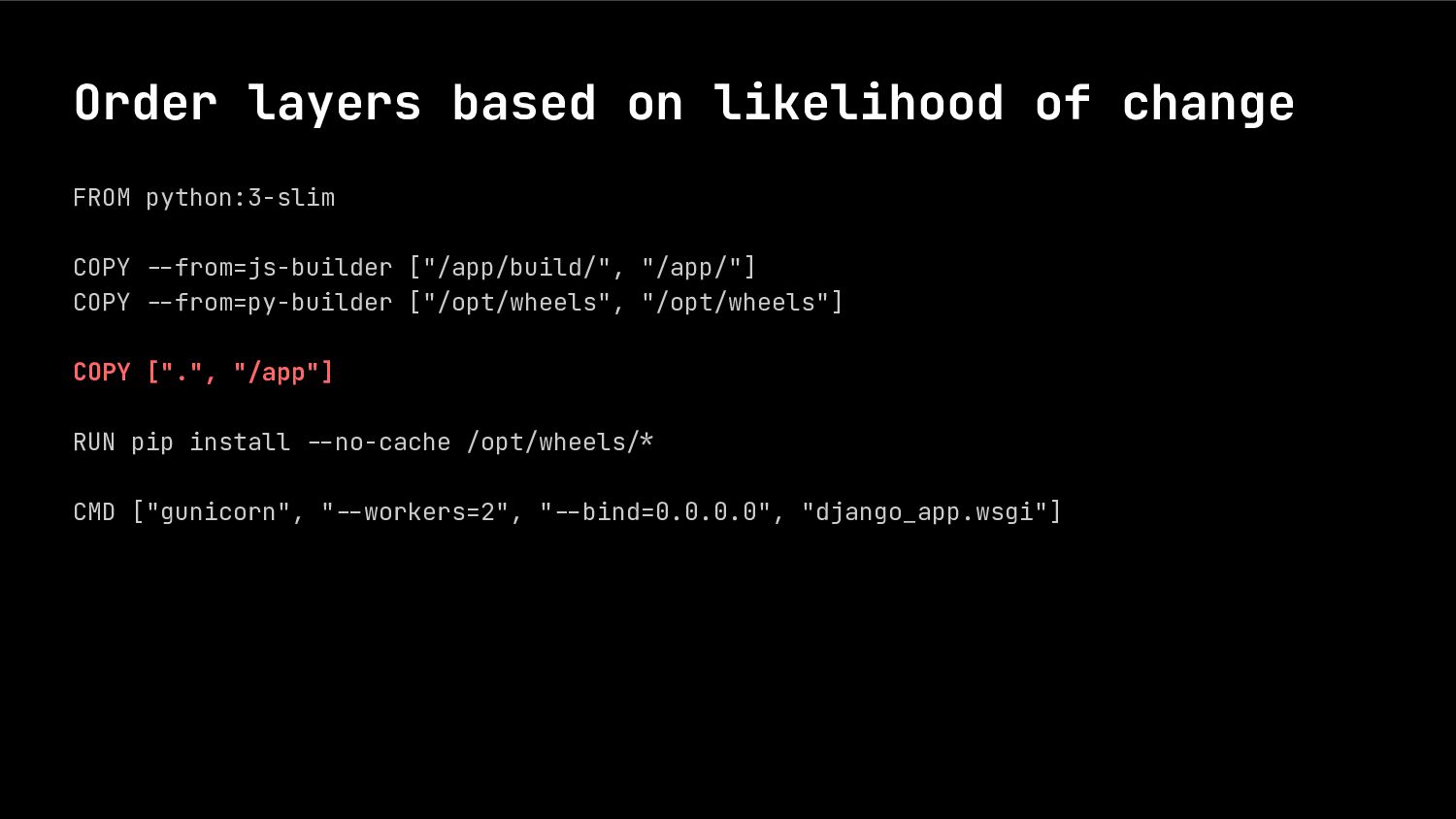
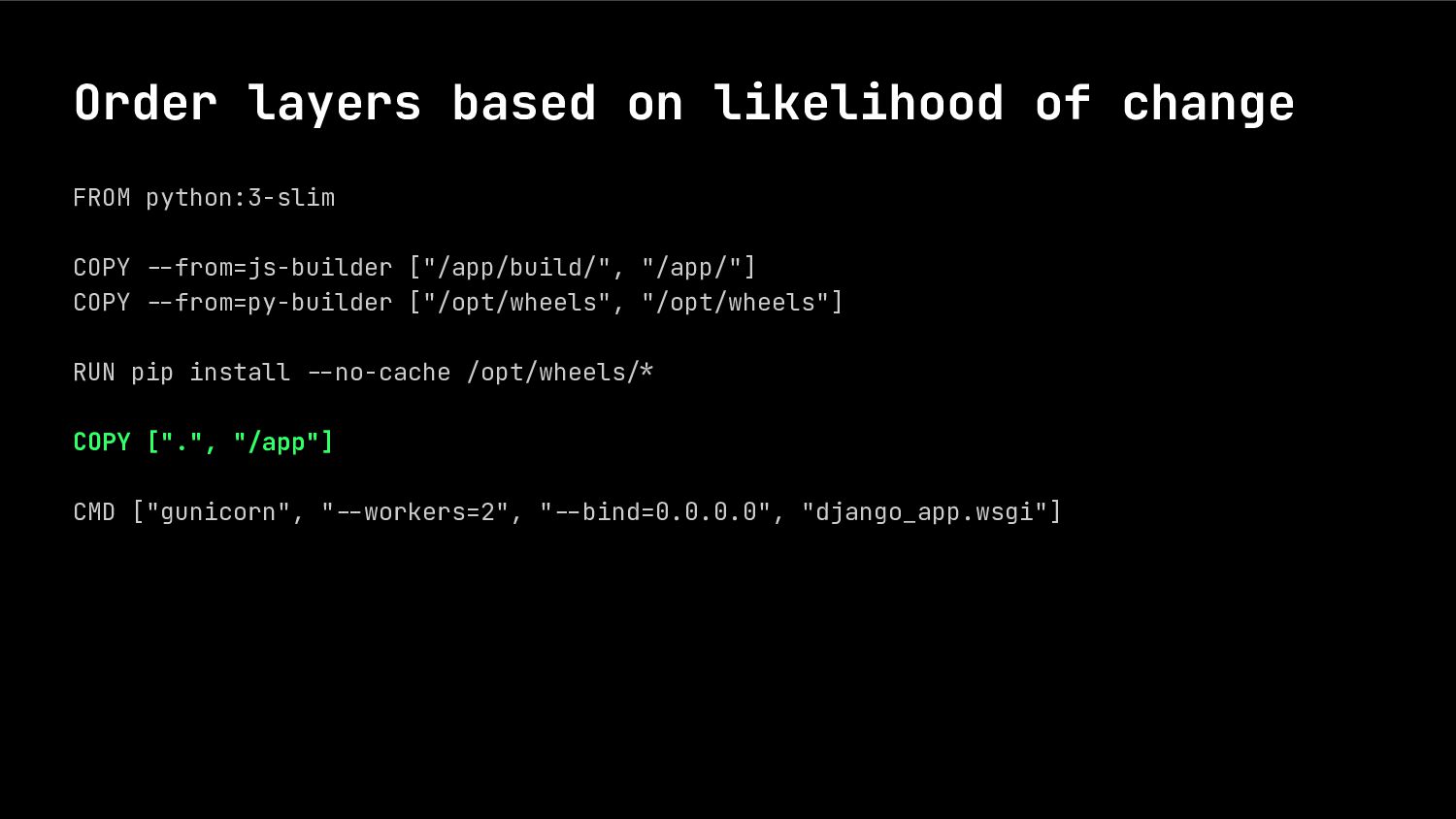
  19. Order layers based on likelihood of change FROM python:3-slim COPY

    .-from=js-builder ["/app/build/", "/app/"] COPY .-from=py-builder ["/opt/wheels", "/opt/wheels"] COPY [".", "/app"] RUN pip install .-no-cache /opt/wheels.* CMD ["gunicorn", ".-workers=2", ".-bind=0.0.0.0", "django_app.wsgi"]
  20. Order layers based on likelihood of change FROM python:3-slim COPY

    .-from=js-builder ["/app/build/", "/app/"] COPY .-from=py-builder ["/opt/wheels", "/opt/wheels"] RUN pip install .-no-cache /opt/wheels.* COPY [".", "/app"] CMD ["gunicorn", ".-workers=2", ".-bind=0.0.0.0", "django_app.wsgi"]
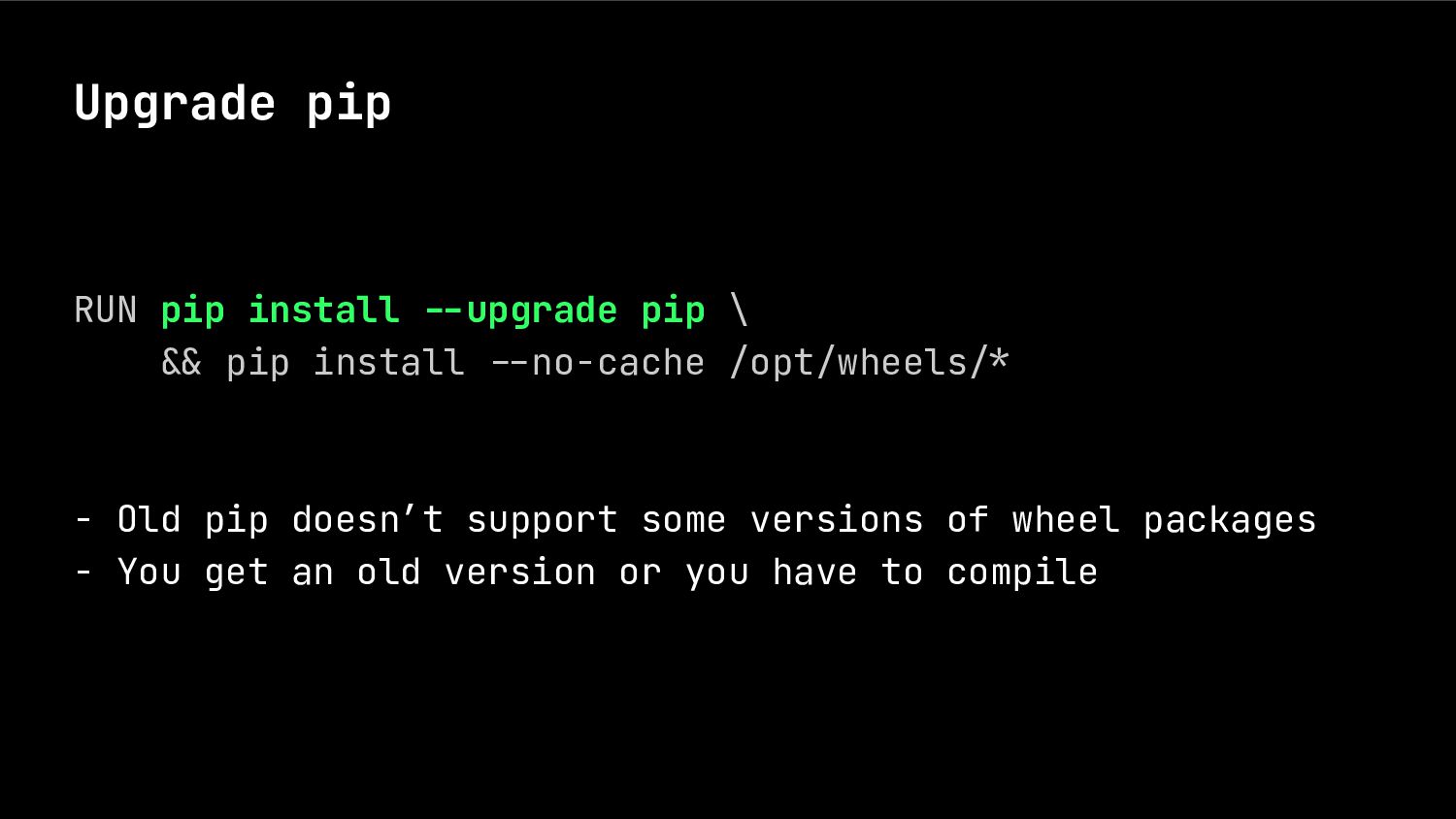
  21. Upgrade pip RUN pip install --upgrade pip \ .& pip

    install .-no-cache /opt/wheels.* - Old pip doesn’t support some versions of wheel packages - You get an old version or you have to compile
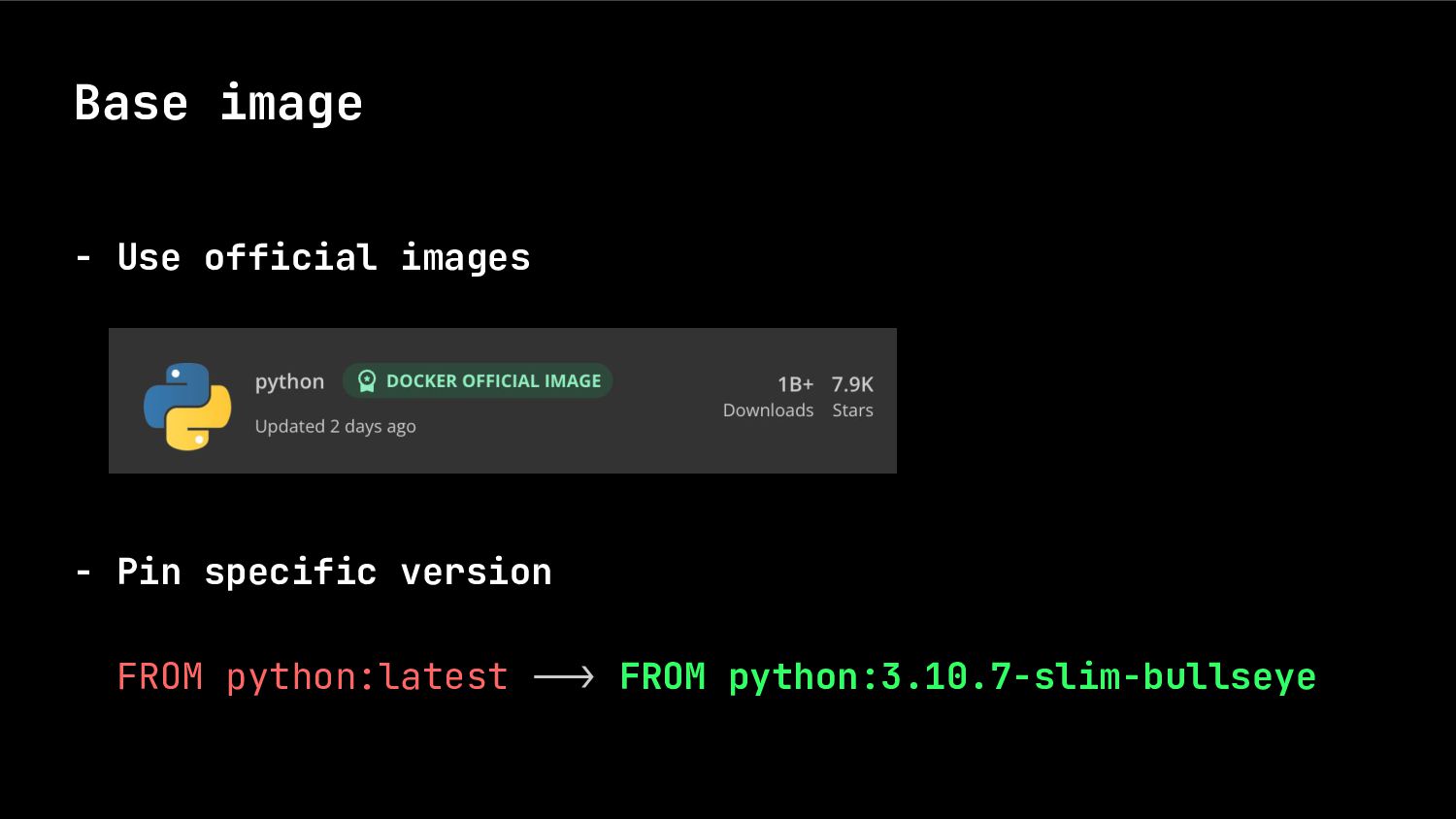
  22. Base image - Use official images - Pin specific version

    FROM python:latest ..> FROM python:3.10.7-slim-bullseye
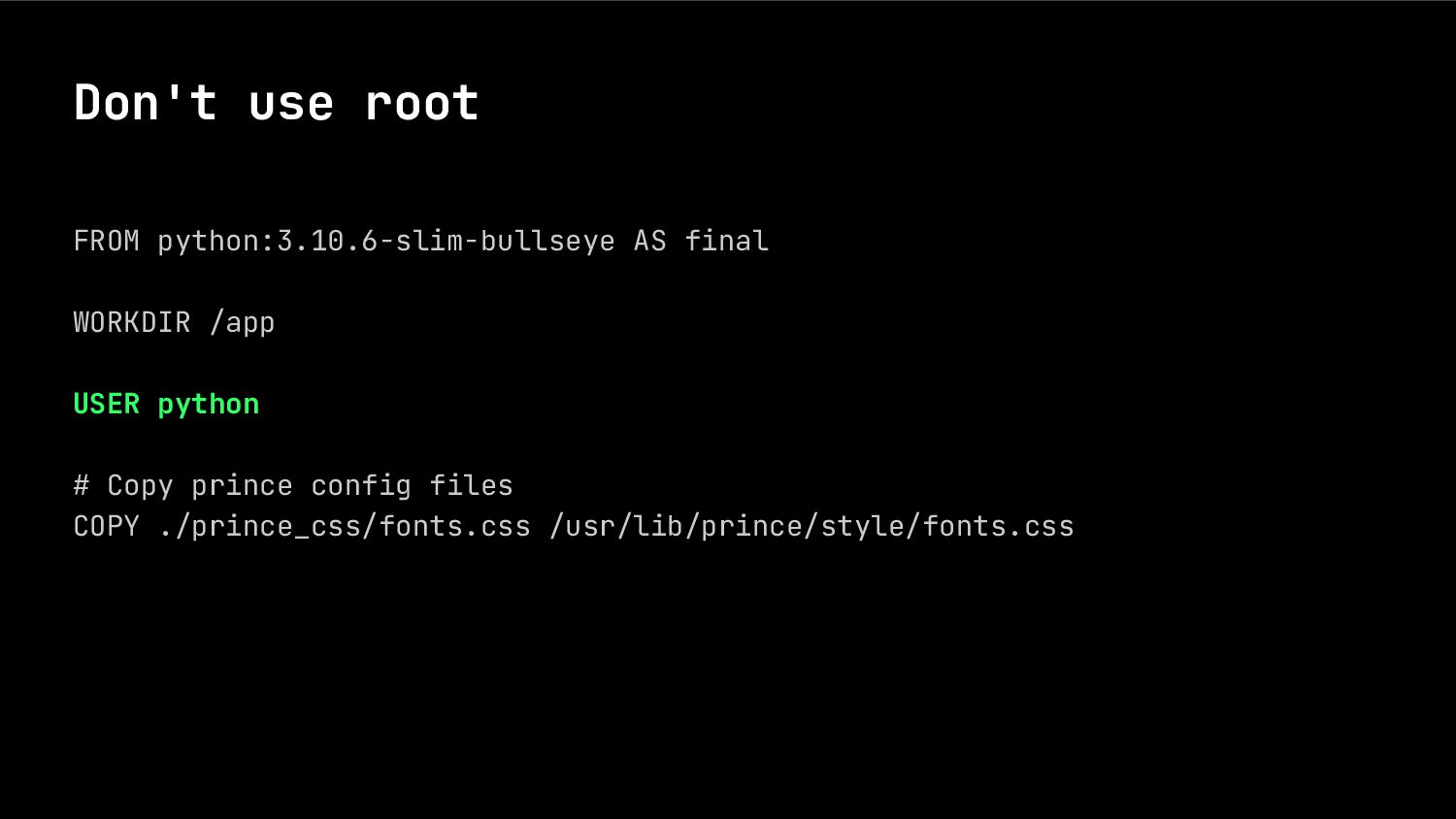
  23. Don't use root FROM python:3.10.6-slim-bullseye AS final WORKDIR /app USER

    python # Copy prince config files COPY ./prince_css/fonts.css /usr/lib/prince/style/fonts.css
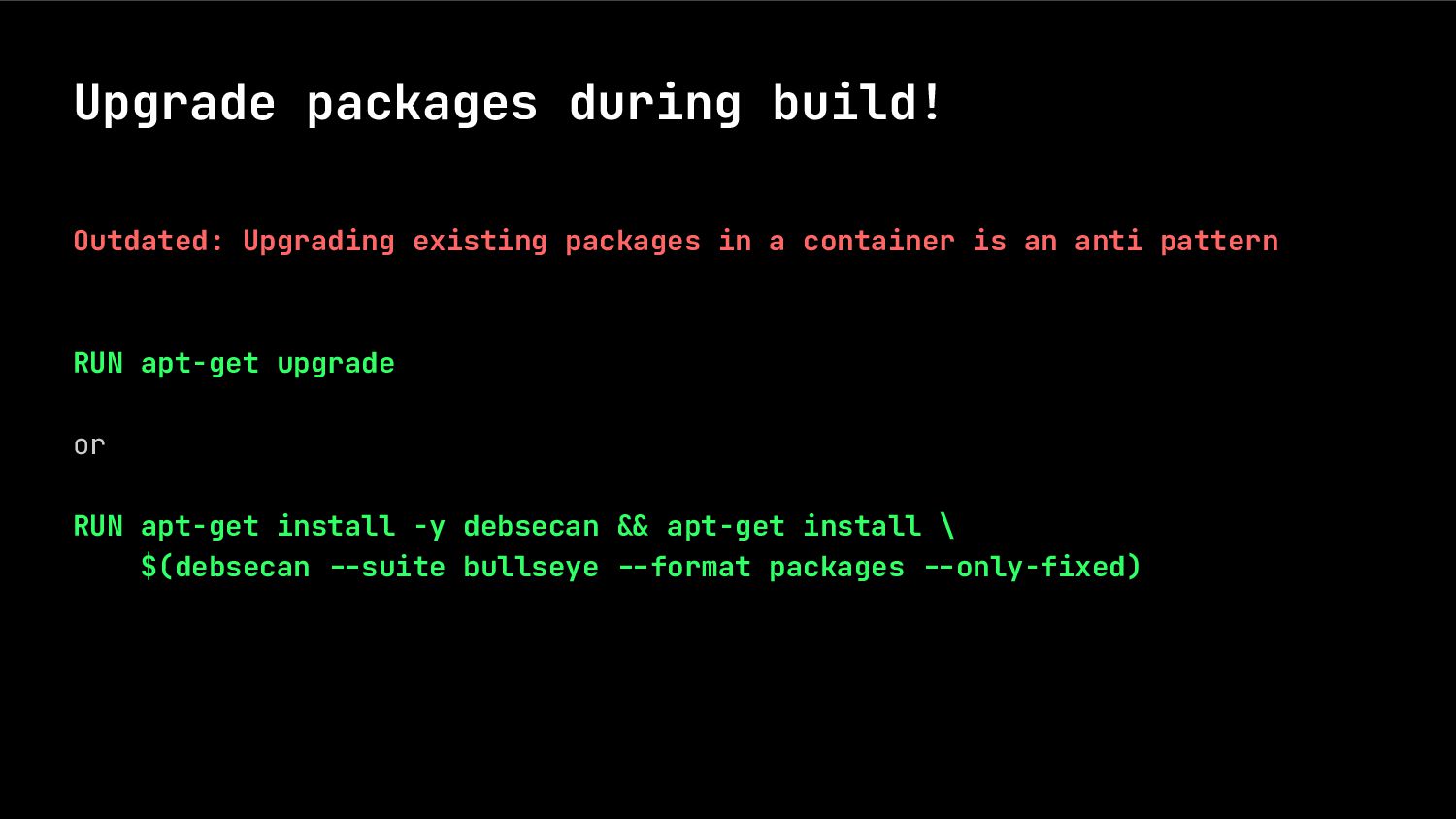
  24. Upgrade packages during build! Outdated: Upgrading existing packages in a

    container is an anti pattern RUN apt-get upgrade or RUN apt-get install -y debsecan -& apt-get install \ $(debsecan --suite bullseye --format packages --only-fixed)
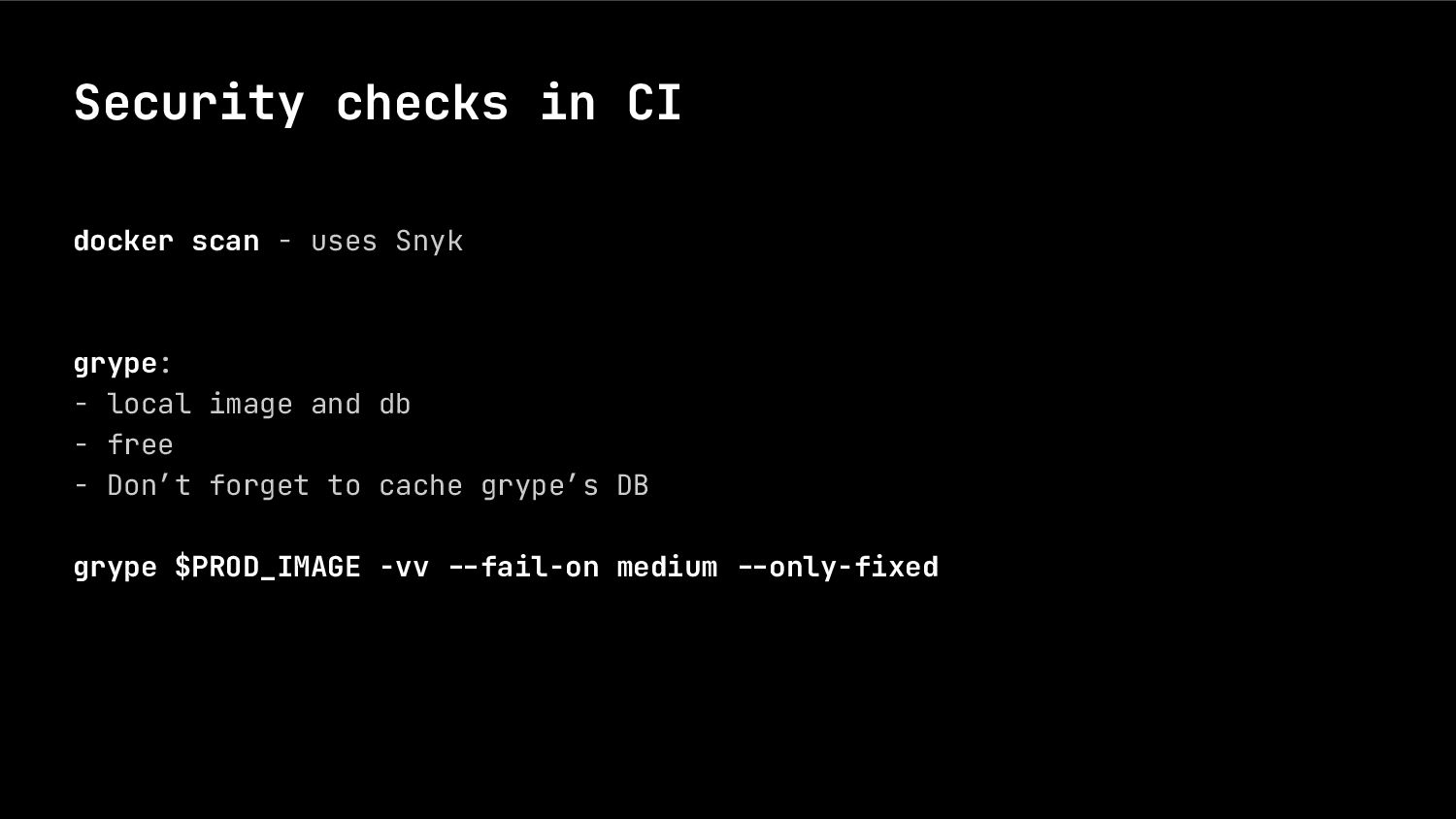
  25. Security checks in CI docker scan - uses Snyk grype:

    - local image and db - free - Don’t forget to cache grype’s DB grype $PROD_IMAGE -vv --fail-on medium --only-fixed
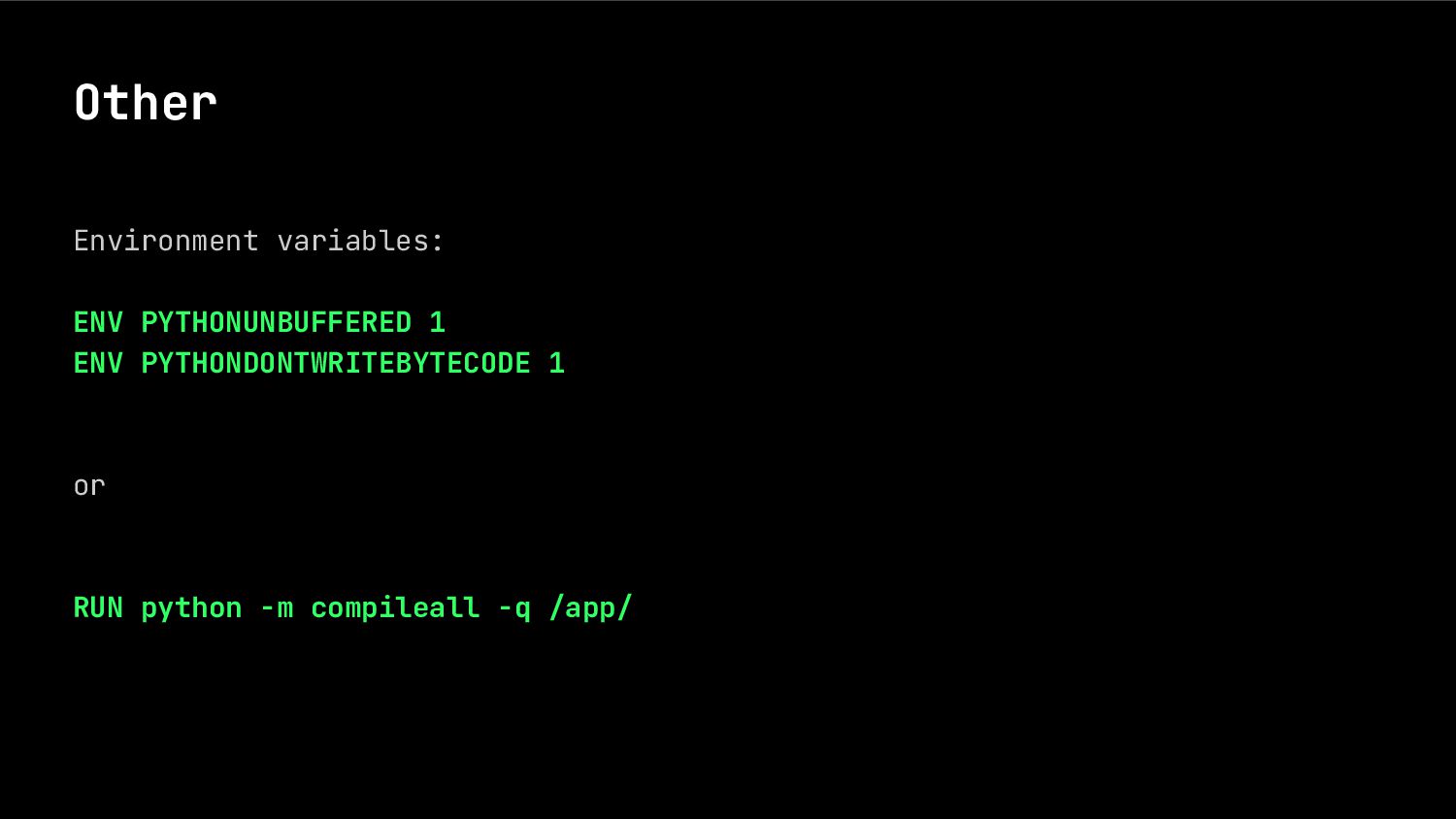
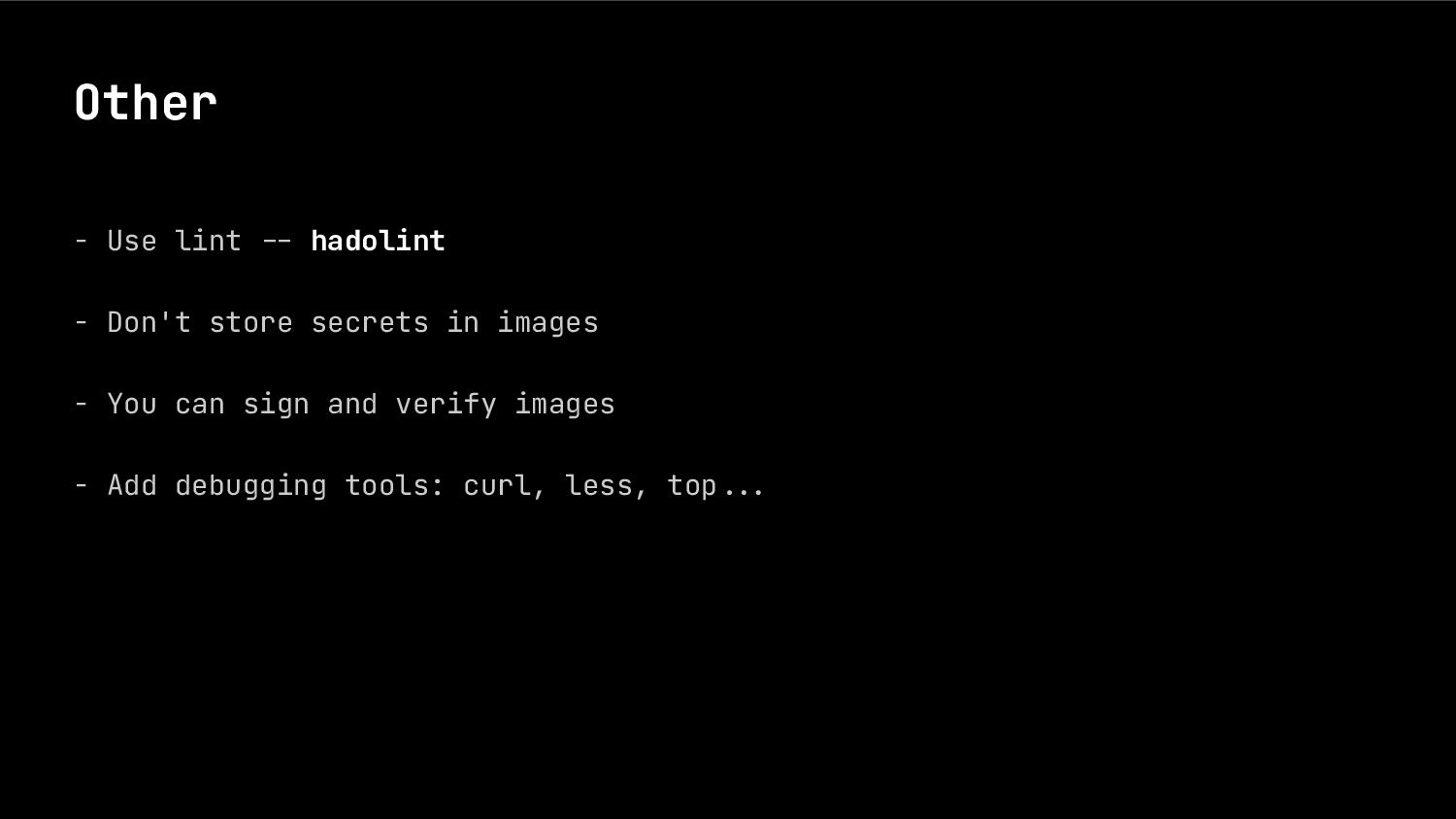
  26. Other - Use lint .- hadolint - Don't store secrets

    in images - You can sign and verify images - Add debugging tools: curl, less, top...