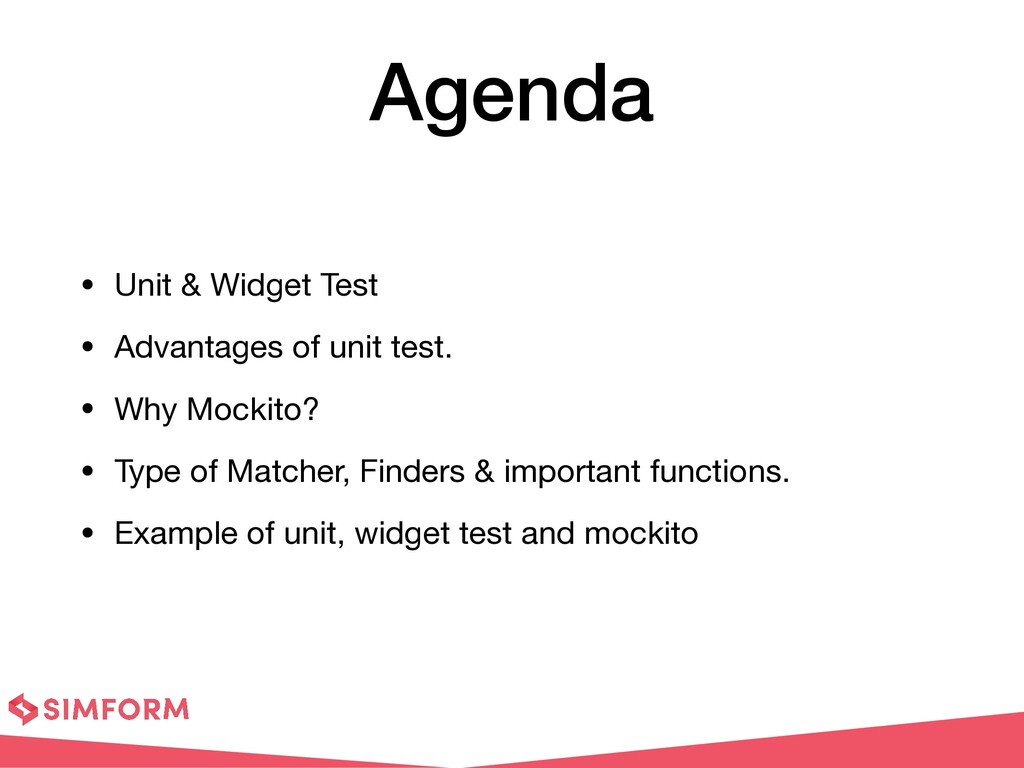
Agenda:
- Unit & Widget Test
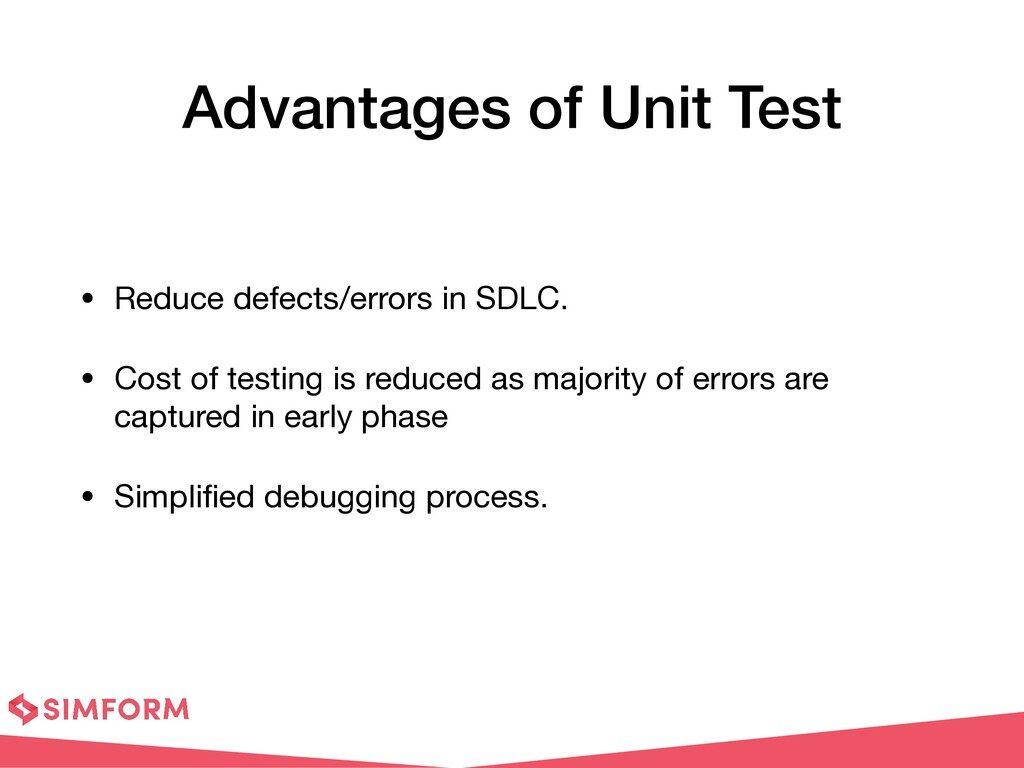
- Advantages of unit test.
- Why Mockito?
- Type of Matcher, Finders & important functions.
- Example of unit, widget test and mockito
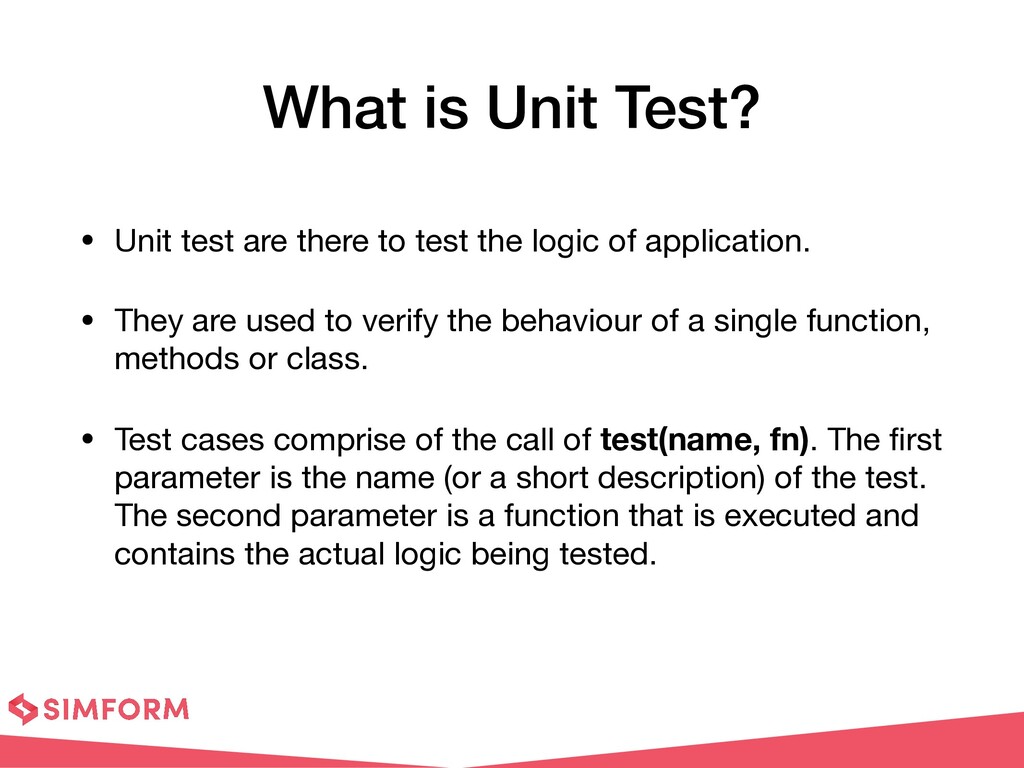
test the logic of application. • They are used to verify the behaviour of a single function, methods or class. • Test cases comprise of the call of test(name, fn). The fi rst parameter is the name (or a short description) of the test. The second parameter is a function that is executed and contains the actual logic being tested.
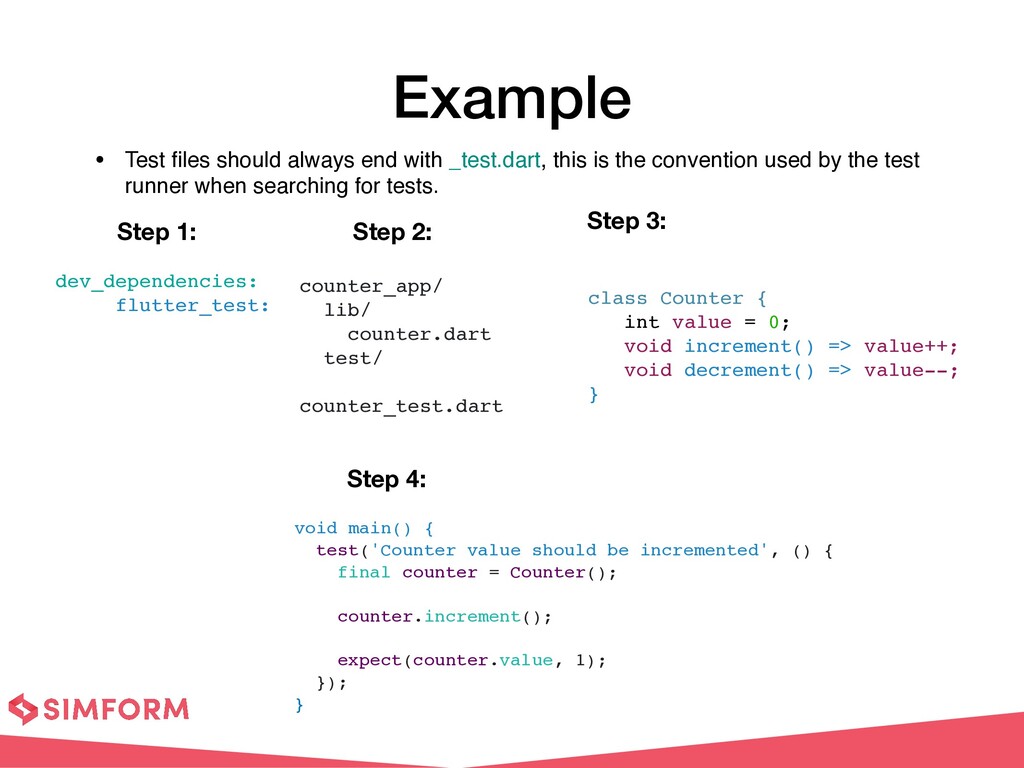
t • Test fi les should always end with _test.dart, this is the convention used by the test runner when searching for tests. void main() { test('Counter value should be incremented', () { final counter = Counter(); counter.increment(); expect(counter.value, 1); }) ; } class Counter { int value = 0; void increment() => value++; void decrement() => value-- ; } dev_dependencies : flutter_test: Step 1: Step 2: Step 3: Step 4:
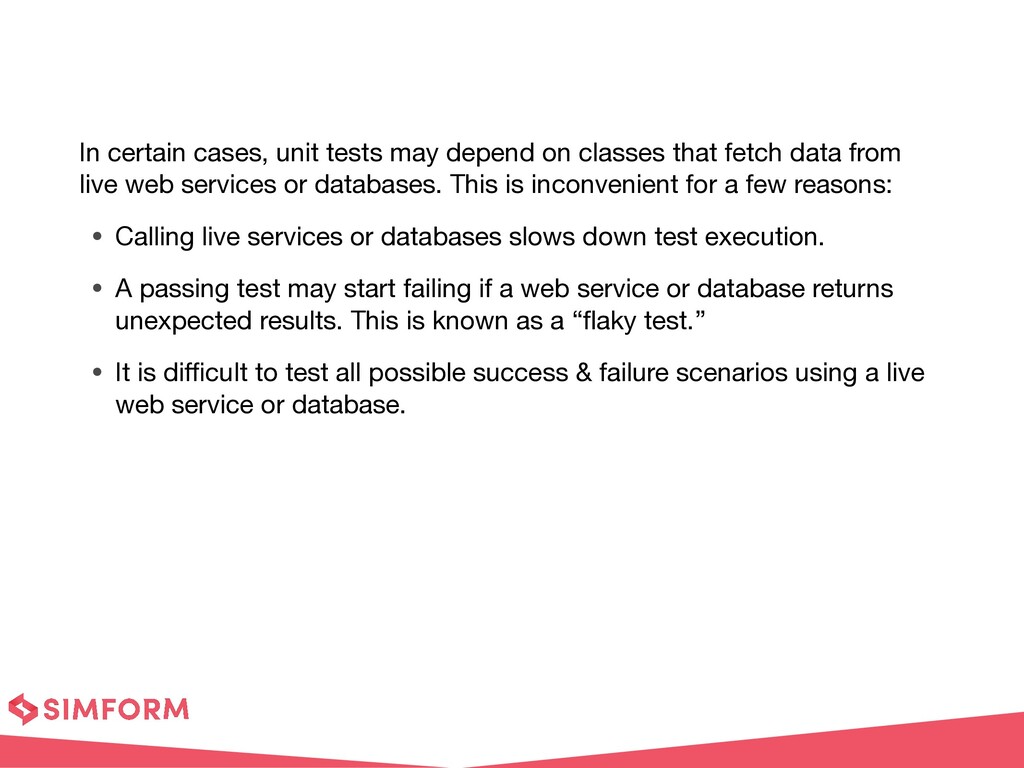
fetch data from live web services or databases. This is inconvenient for a few reasons: • Calling live services or databases slows down test execution. • A passing test may start failing if a web service or database returns unexpected results. This is known as a “ fl aky test.” • It is di ffi cult to test all possible success & failure scenarios using a live web service or database.
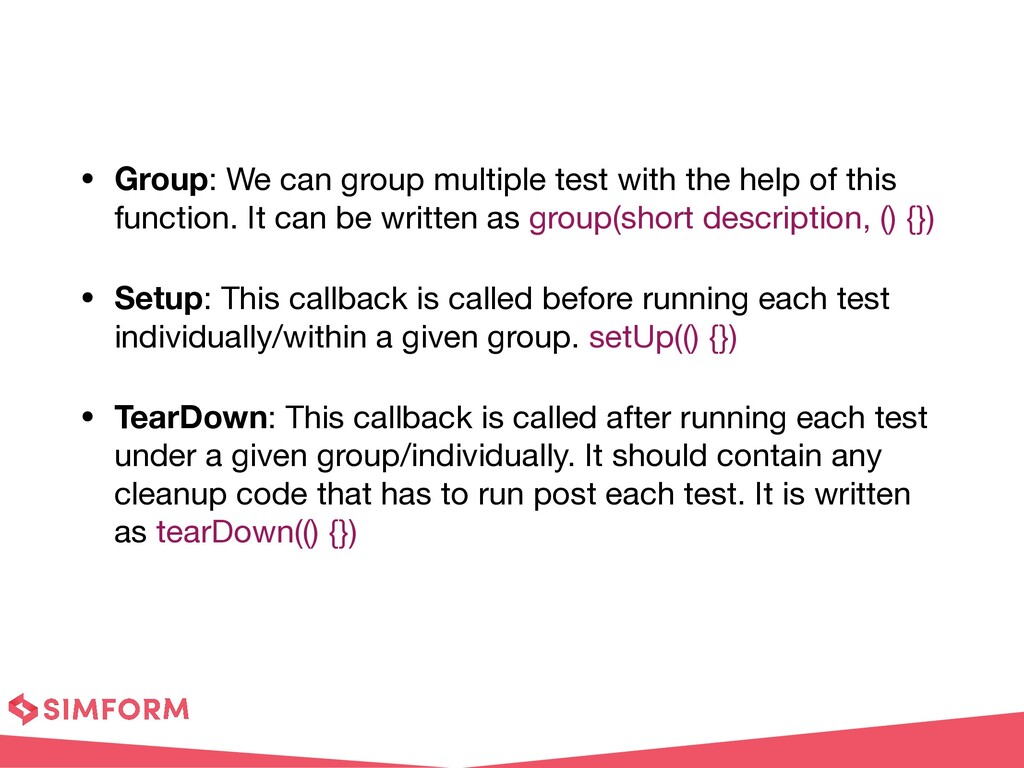
of this function. It can be written as group(short description, () {}) • Setup: This callback is called before running each test individually/within a given group. setUp(() {}) • TearDown: This callback is called after running each test under a given group/individually. It should contain any cleanup code that has to run post each test. It is written as tearDown(() {})
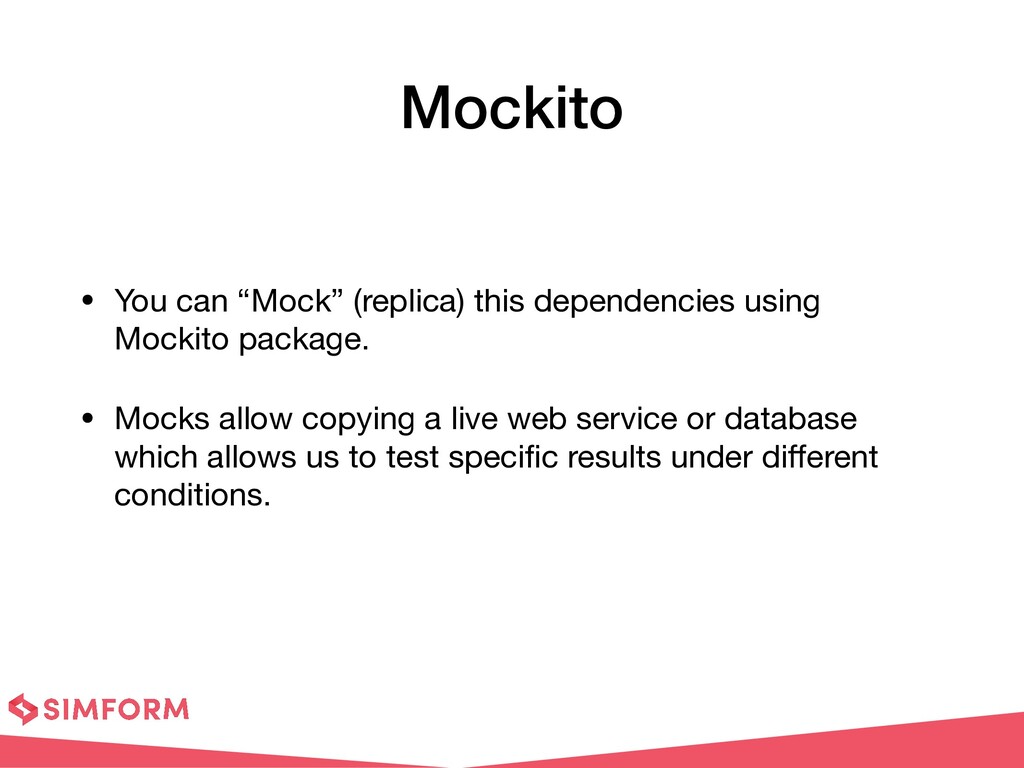
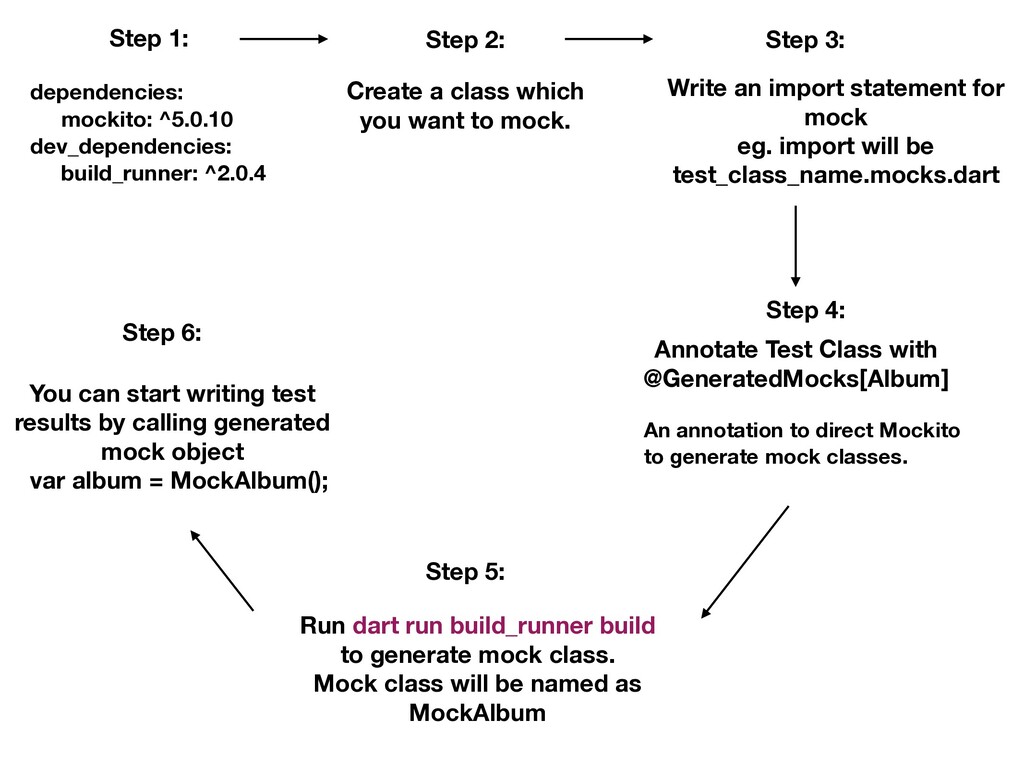
2: Create a class which you want to mock. Step 3: Annotate Test Class with @GeneratedMocks[Album] An annotation to direct Mockito to generate mock classes. Step 4: Write an import statement for mock eg. import will be test_class_name.mocks.dart Step 5: Run dart run build_runner build to generate mock class. Mock class will be named as MockAlbum Step 6: You can start writing test results by calling generated mock object var album = MockAlbum();
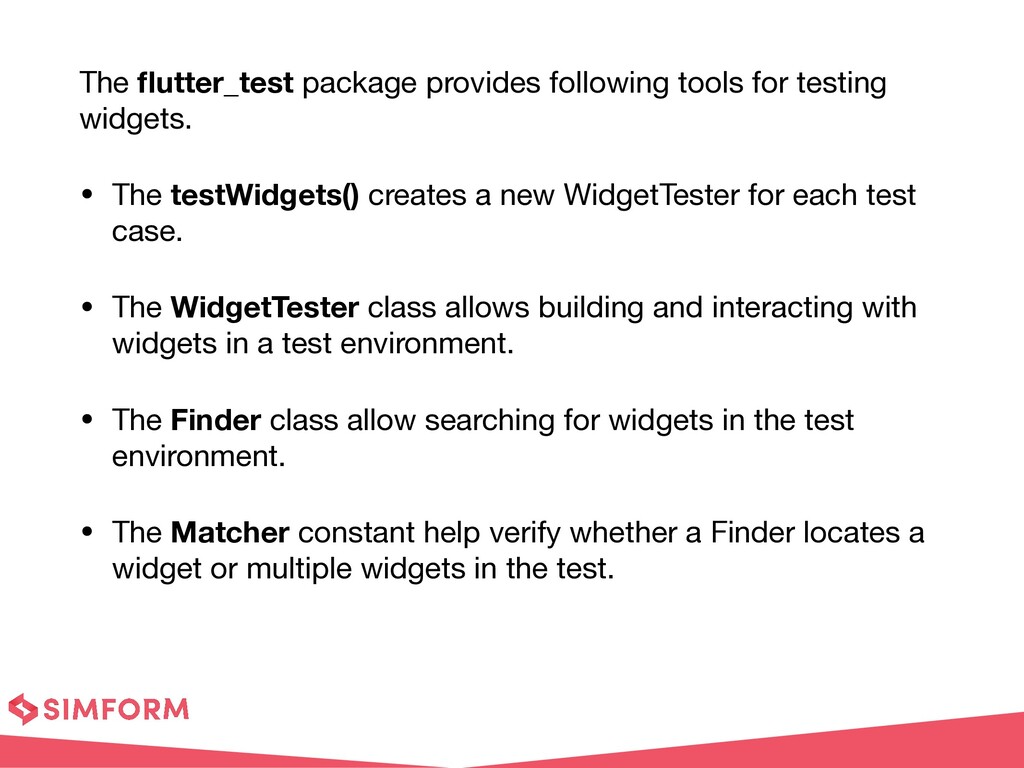
• The testWidgets() creates a new WidgetTester for each test case. • The WidgetTester class allows building and interacting with widgets in a test environment. • The Finder class allow searching for widgets in the test environment. • The Matcher constant help verify whether a Finder locates a widget or multiple widgets in the test.
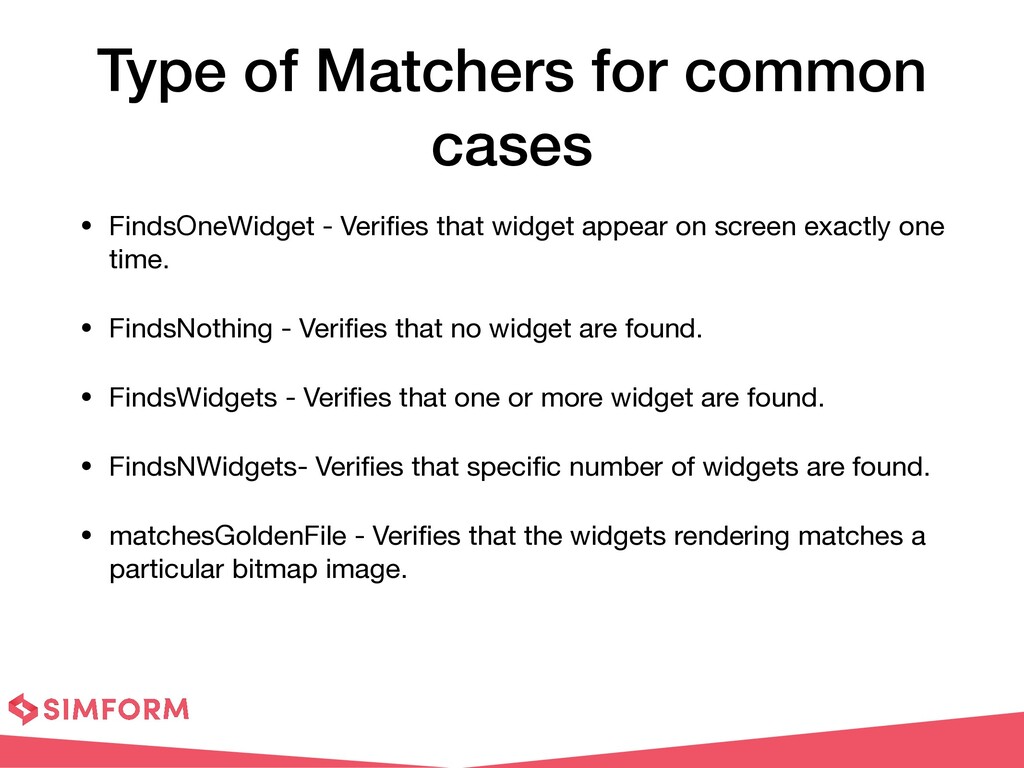
fi es that widget appear on screen exactly one time. • FindsNothing - Veri fi es that no widget are found. • FindsWidgets - Veri fi es that one or more widget are found. • FindsNWidgets- Veri fi es that speci fi c number of widgets are found. • matchesGoldenFile - Veri fi es that the widgets rendering matches a particular bitmap image.
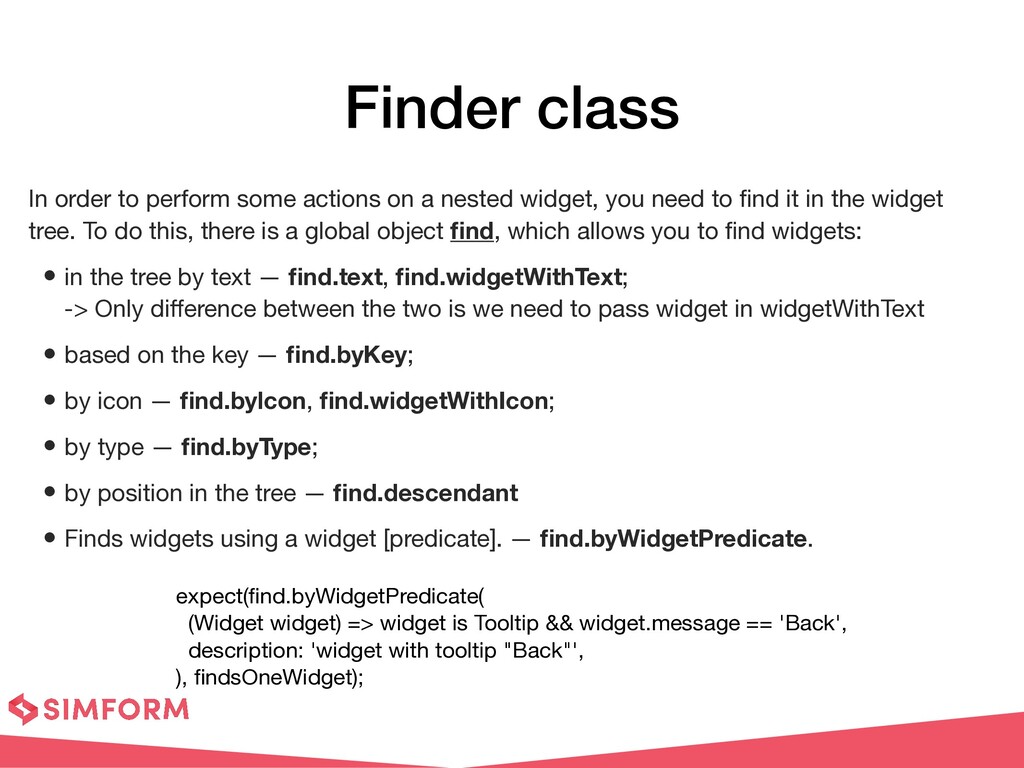
nested widget, you need to fi nd it in the widget tree. To do this, there is a global object fi nd, which allows you to fi nd widgets: • in the tree by text — fi nd.text, fi nd.widgetWithText; -> Only di ff erence between the two is we need to pass widget in widgetWithText • based on the key — fi nd.byKey; • by icon — fi nd.bylcon, fi nd.widgetWithIcon; • by type — fi nd.byType; • by position in the tree — fi nd.descendant • Finds widgets using a widget [predicate]. — fi nd.byWidgetPredicate. expect( fi nd.byWidgetPredicate( (Widget widget) => widget is Tooltip && widget.message == 'Back', description: 'widget with tooltip "Back"', ), fi ndsOneWidget);
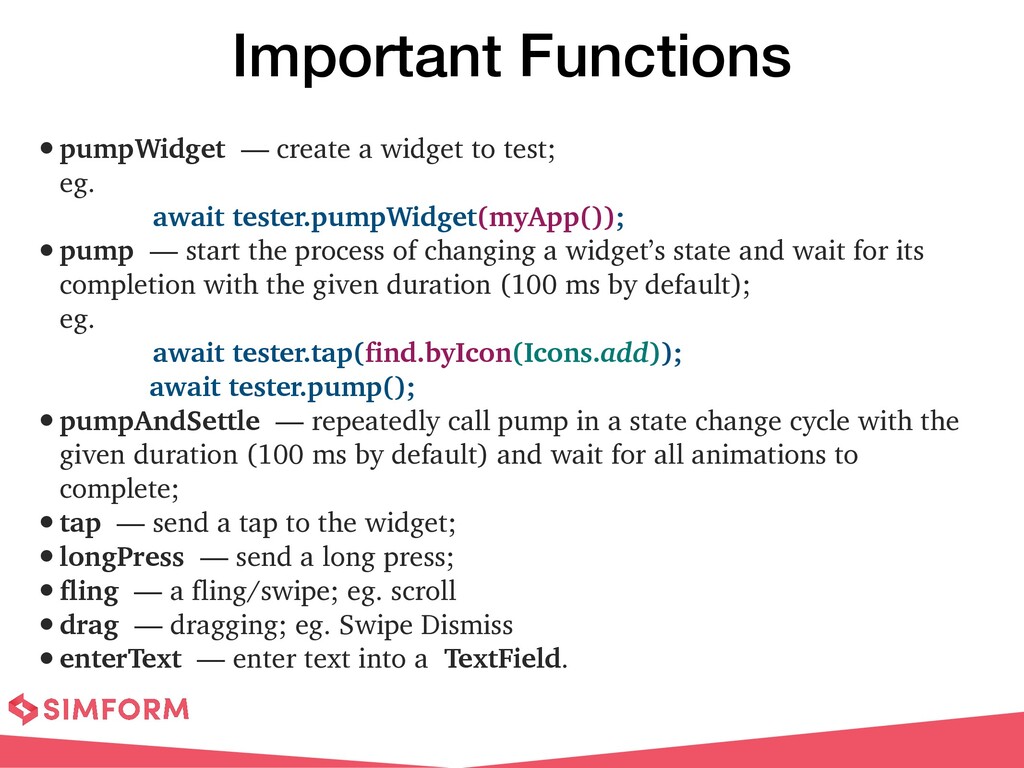
eg. await tester.pumpWidget(myApp()); • pump — start the process of changing a widget’s state and wait for its completion with the given duration (100 ms by default); eg. await tester.tap(find.byIcon(Icons.add)); await tester.pump(); • pumpAndSettle — repeatedly call pump in a state change cycle with the given duration (100 ms by default) and wait for all animations to complete; • tap — send a tap to the widget; • longPress — send a long press; • fling — a fling/swipe; eg. scroll • drag — dragging; eg. Swipe Dismiss • enterText — enter text into a TextField.


 kmars0605
 oniak3ibm
 lynnswap
 sylph01
 xleitix
 a_matsuda
 dske104
 uyuki234
 texmeijin
 satoshi256kbyte
 irinanazarova
 taiseiue
 watany
 sstephenson
 addyosmani
 marktimemedia
 tmiket
 lcolladotor
 schlessera
 inesmontani
 productmarketing
 lara
lara
 sabderemane
 elsirapls