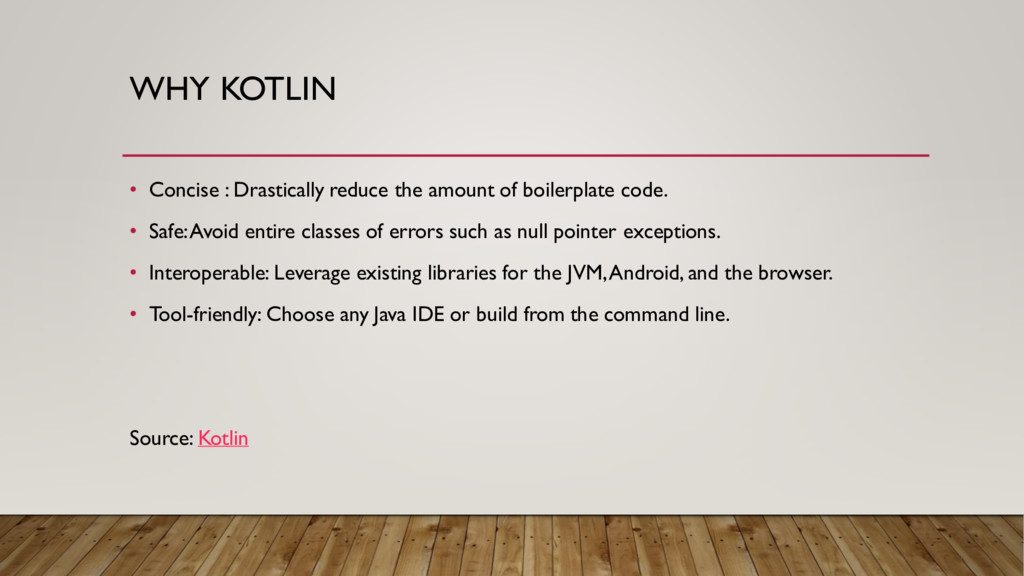
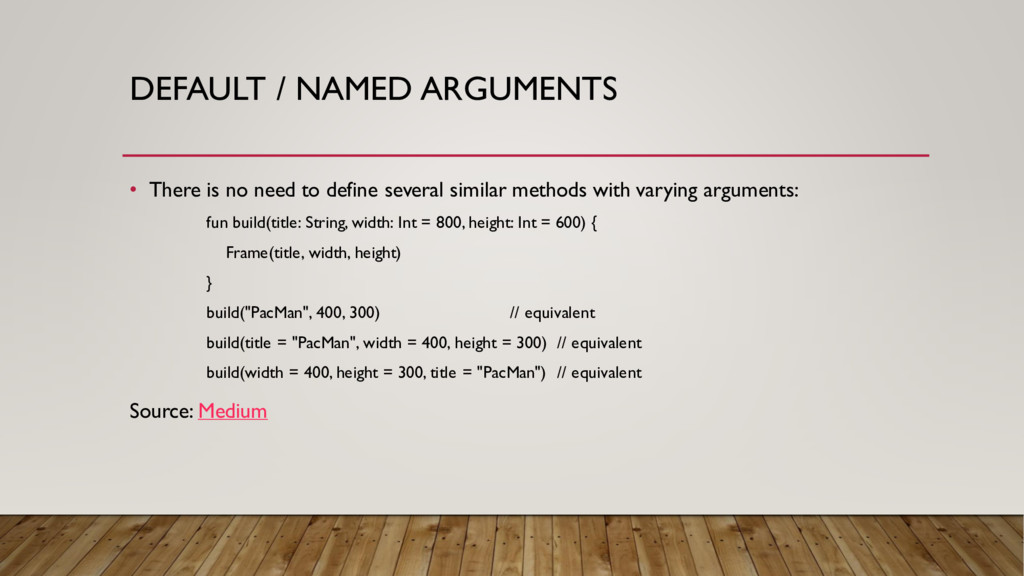
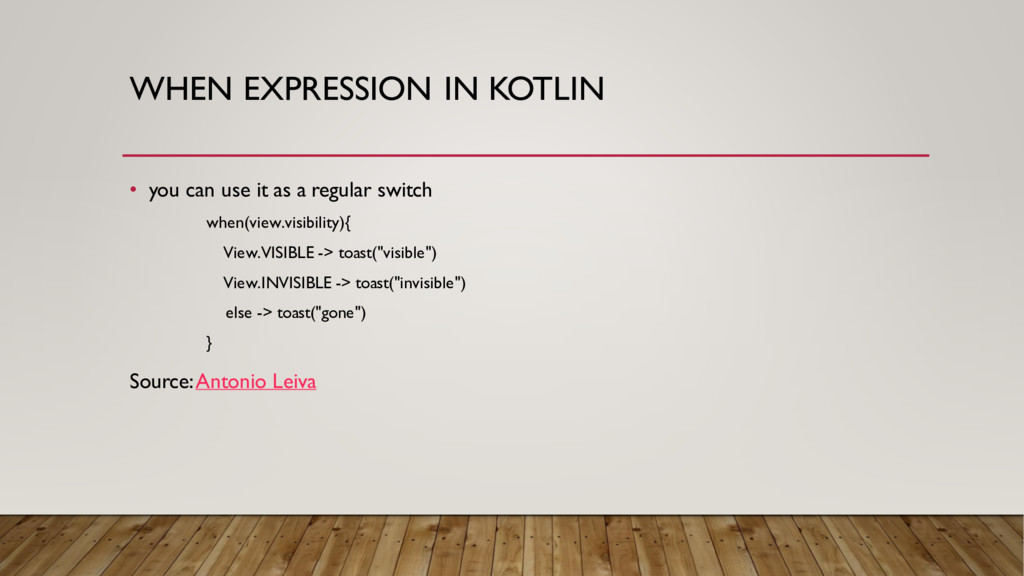
boilerplate code. • Safe:Avoid entire classes of errors such as null pointer exceptions. • Interoperable: Leverage existing libraries for the JVM, Android, and the browser. • Tool-friendly: Choose any Java IDE or build from the command line. Source: Kotlin
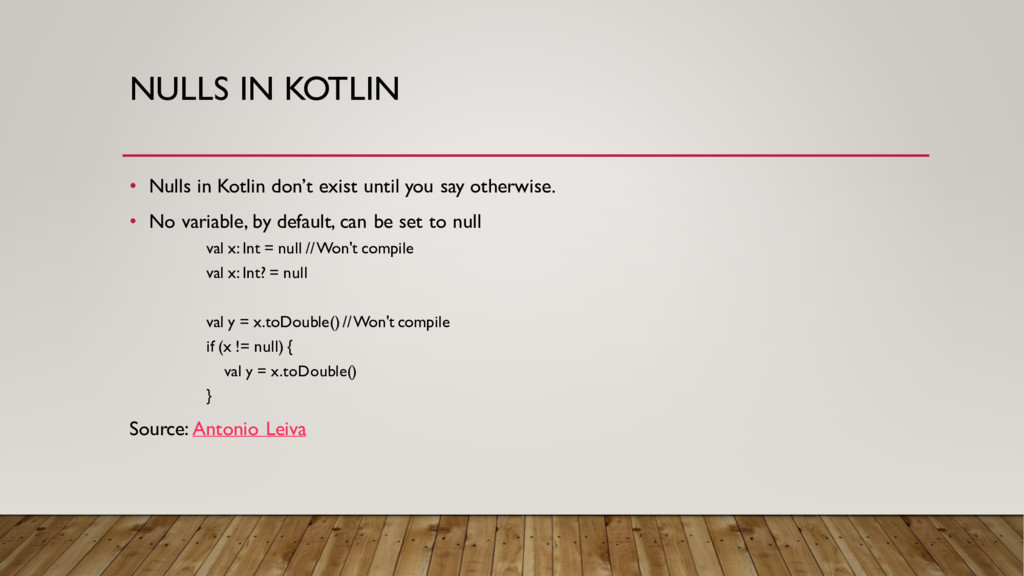
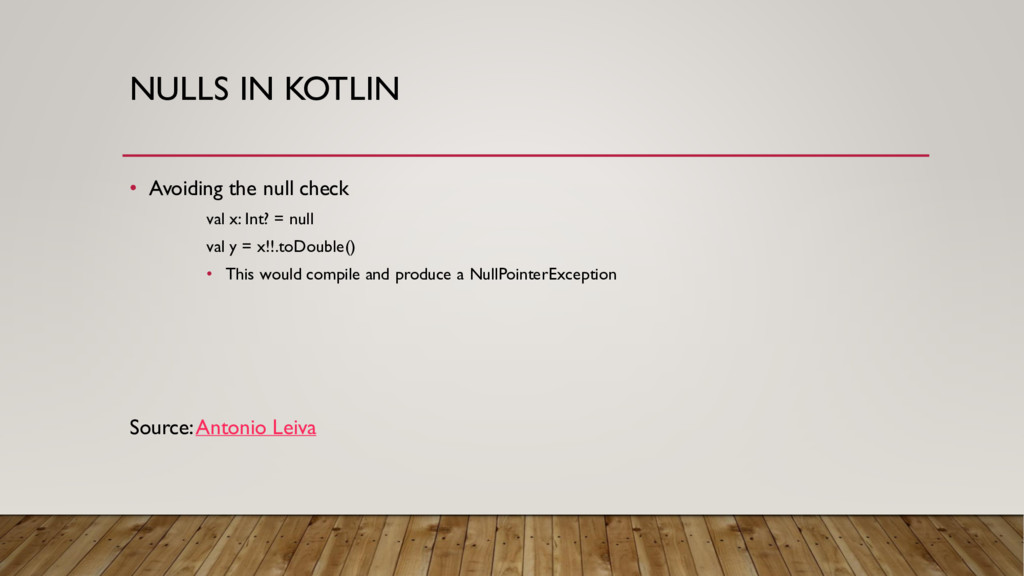
you say otherwise. • No variable, by default, can be set to null val x: Int = null // Won't compile val x: Int? = null val y = x.toDouble() // Won't compile if (x != null) { val y = x.toDouble() } Source: Antonio Leiva
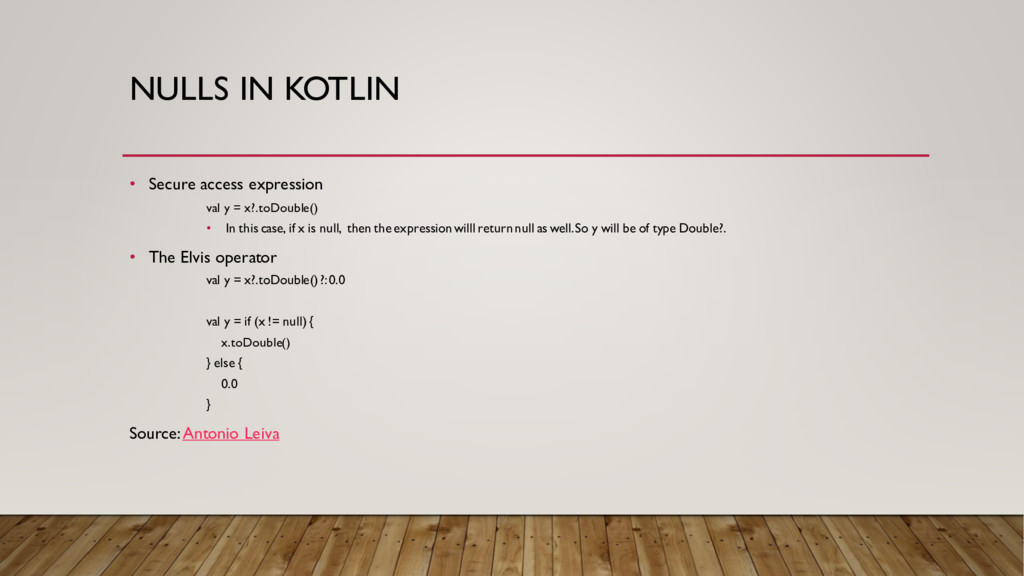
x?.toDouble() • In this case, if x is null, then the expression willl return null as well. So y will be of type Double?. • The Elvis operator val y = x?.toDouble() ?: 0.0 val y = if (x != null) { x.toDouble() } else { 0.0 } Source:Antonio Leiva
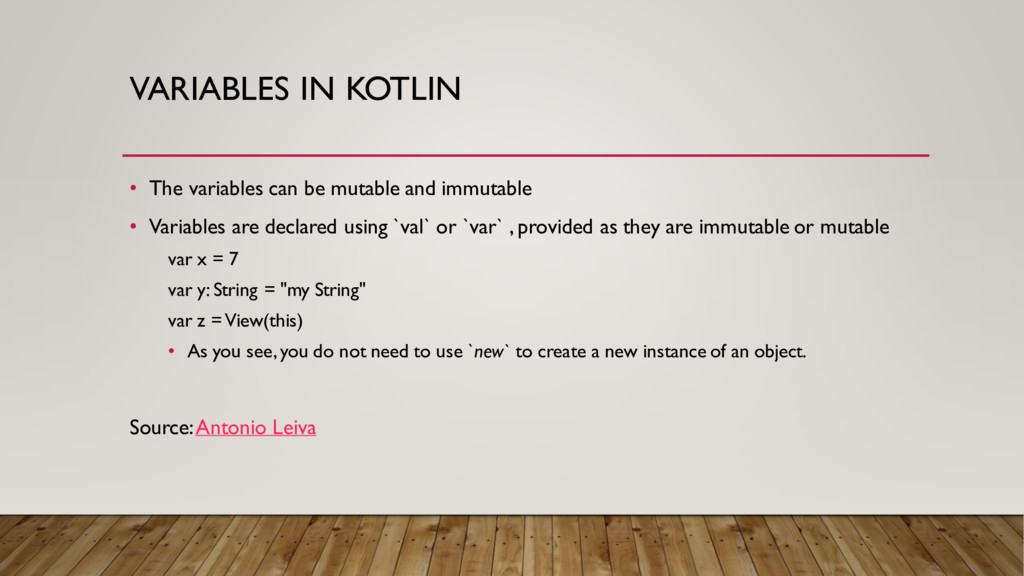
immutable • Variables are declared using `val` or `var` , provided as they are immutable or mutable var x = 7 var y: String = "my String" var z = View(this) • As you see, you do not need to use `new` to create a new instance of an object. Source:Antonio Leiva
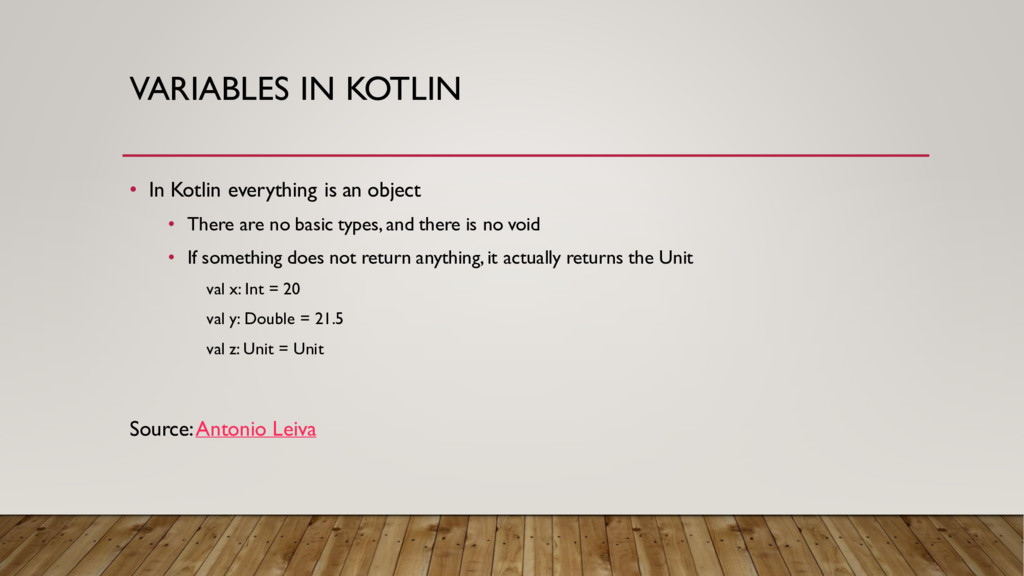
• There are no basic types, and there is no void • If something does not return anything, it actually returns the Unit val x: Int = 20 val y: Double = 21.5 val z: Unit = Unit Source:Antonio Leiva
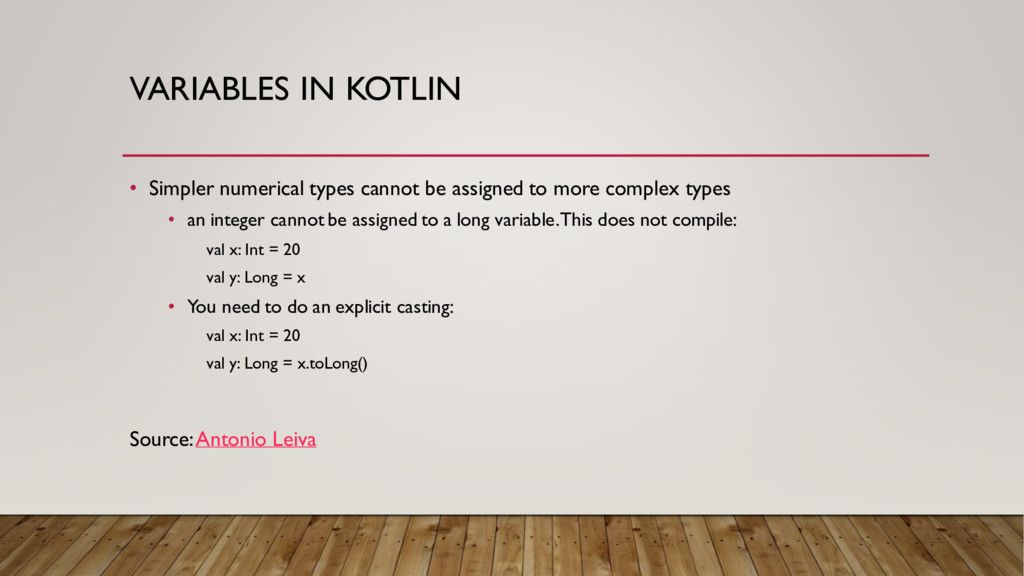
to more complex types • an integer cannot be assigned to a long variable. This does not compile: val x: Int = 20 val y: Long = x • You need to do an explicit casting: val x: Int = 20 val y: Long = x.toLong() Source:Antonio Leiva
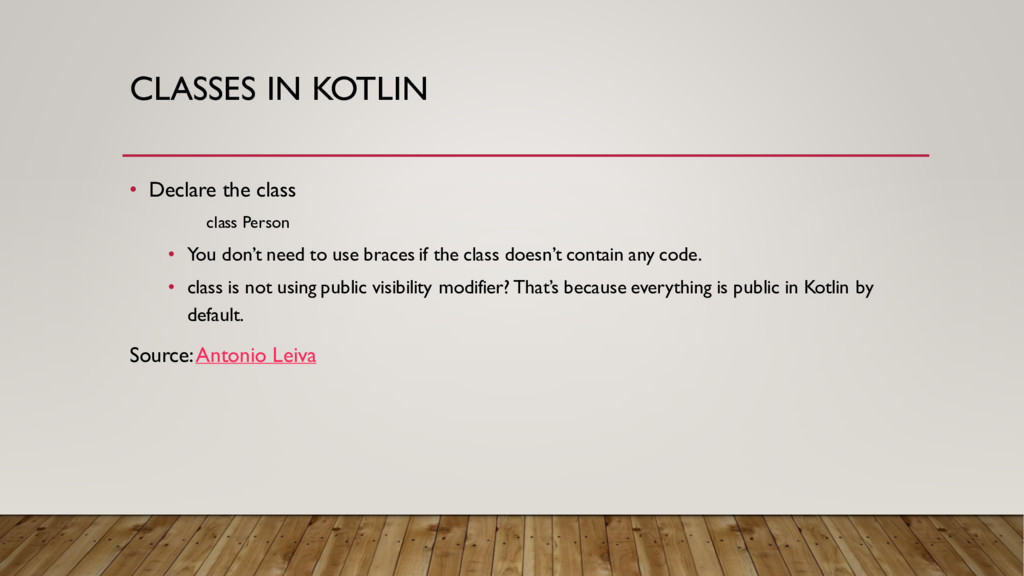
You don’t need to use braces if the class doesn’t contain any code. • class is not using public visibility modifier? That’s because everything is public in Kotlin by default. Source:Antonio Leiva
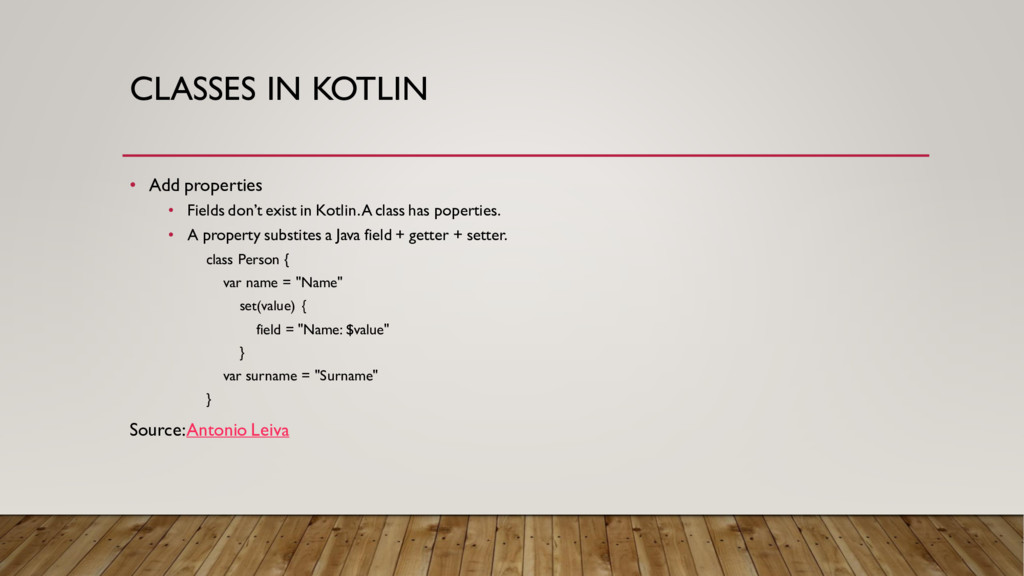
in Kotlin. A class has poperties. • A property substites a Java field + getter + setter. class Person { var name = "Name" set(value) { field = "Name: $value" } var surname = "Surname" } Source:Antonio Leiva
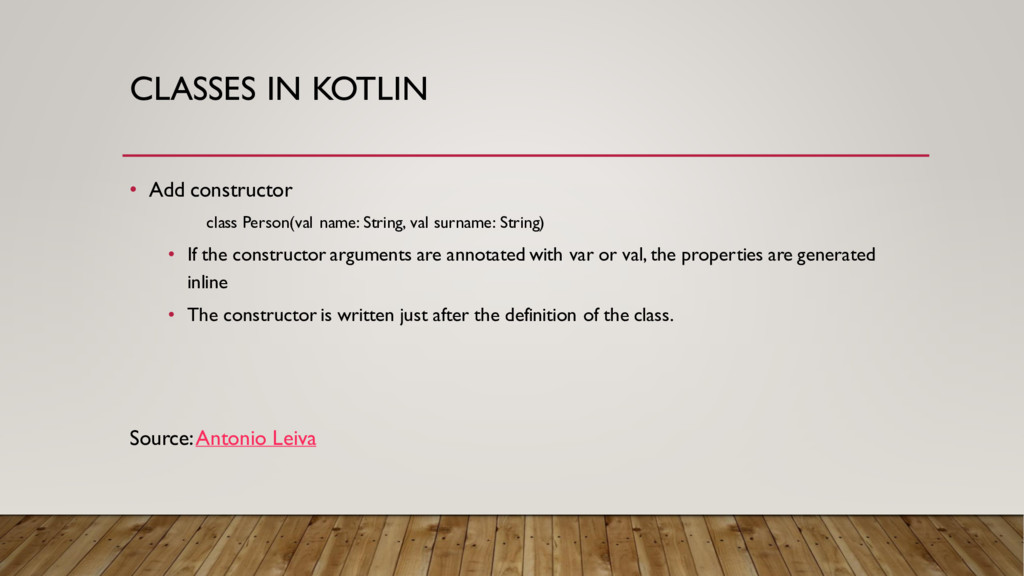
val surname: String) • If the constructor arguments are annotated with var or val, the properties are generated inline • The constructor is written just after the definition of the class. Source:Antonio Leiva
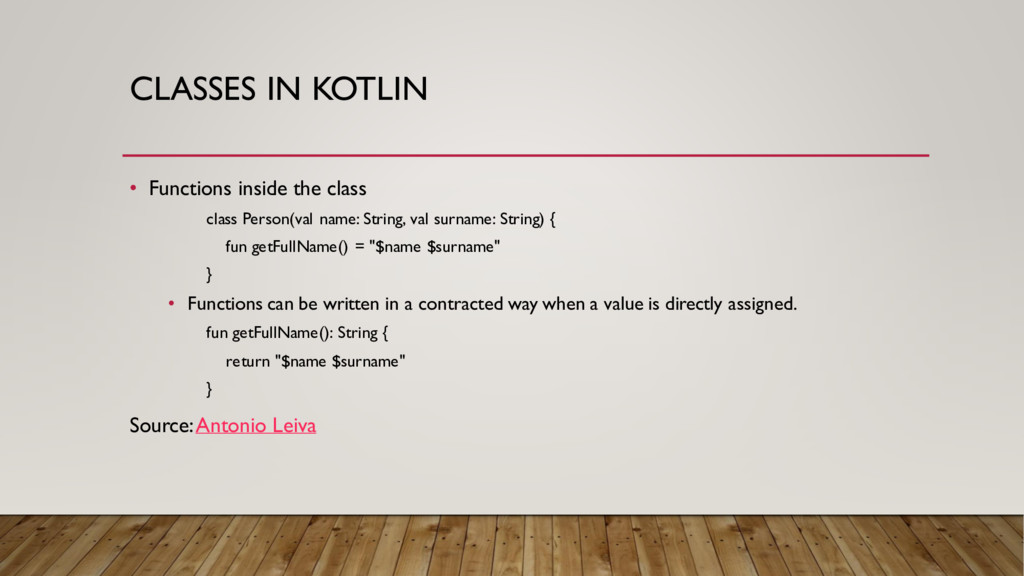
name: String, val surname: String) { fun getFullName() = "$name $surname" } • Functions can be written in a contracted way when a value is directly assigned. fun getFullName(): String { return "$name $surname" } Source:Antonio Leiva
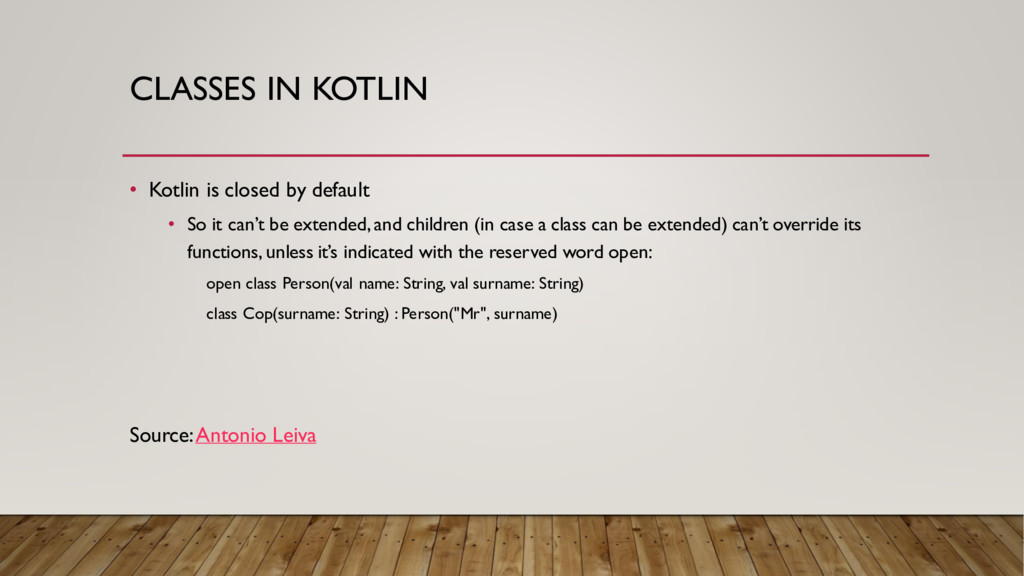
So it can’t be extended, and children (in case a class can be extended) can’t override its functions, unless it’s indicated with the reserved word open: open class Person(val name: String, val surname: String) class Cop(surname: String) : Person("Mr", surname) Source:Antonio Leiva
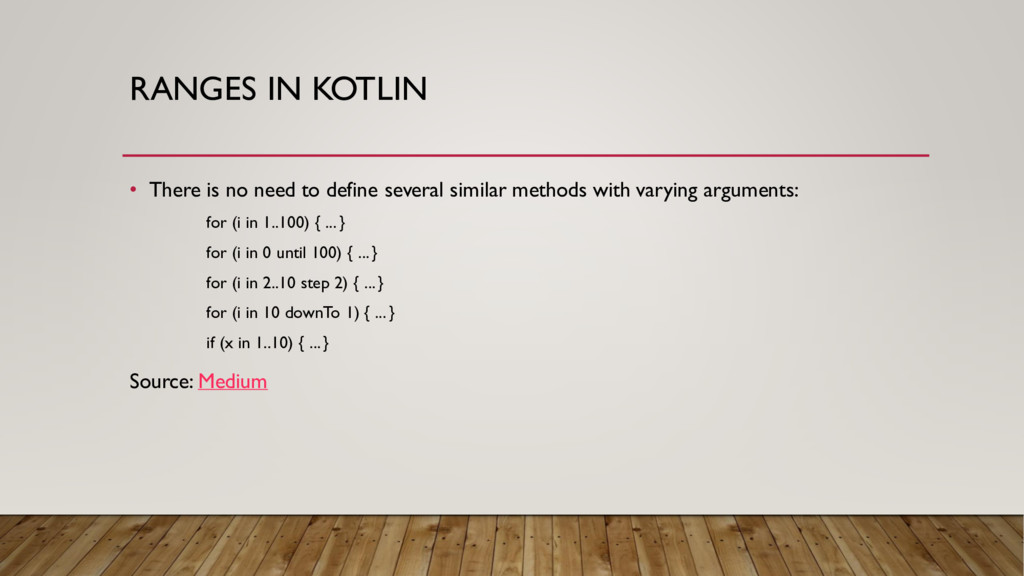
several similar methods with varying arguments: for (i in 1..100) { ... } for (i in 0 until 100) { ... } for (i in 2..10 step 2) { ... } for (i in 10 downTo 1) { ... } if (x in 1..10) { ... } Source: Medium
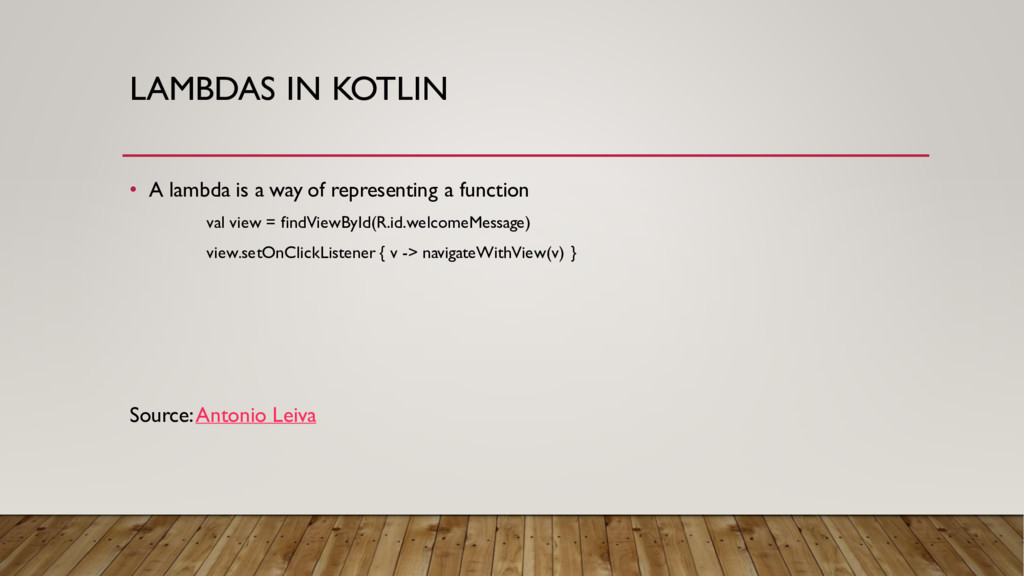
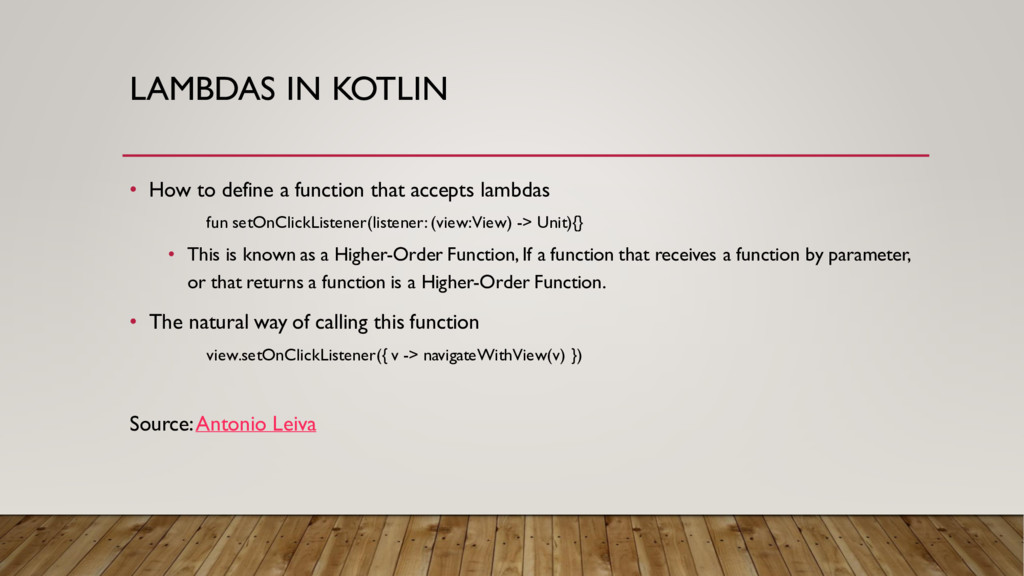
accepts lambdas fun setOnClickListener(listener: (view: View) -> Unit){} • This is known as a Higher-Order Function, If a function that receives a function by parameter, or that returns a function is a Higher-Order Function. • The natural way of calling this function view.setOnClickListener({ v -> navigateWithView(v) }) Source:Antonio Leiva
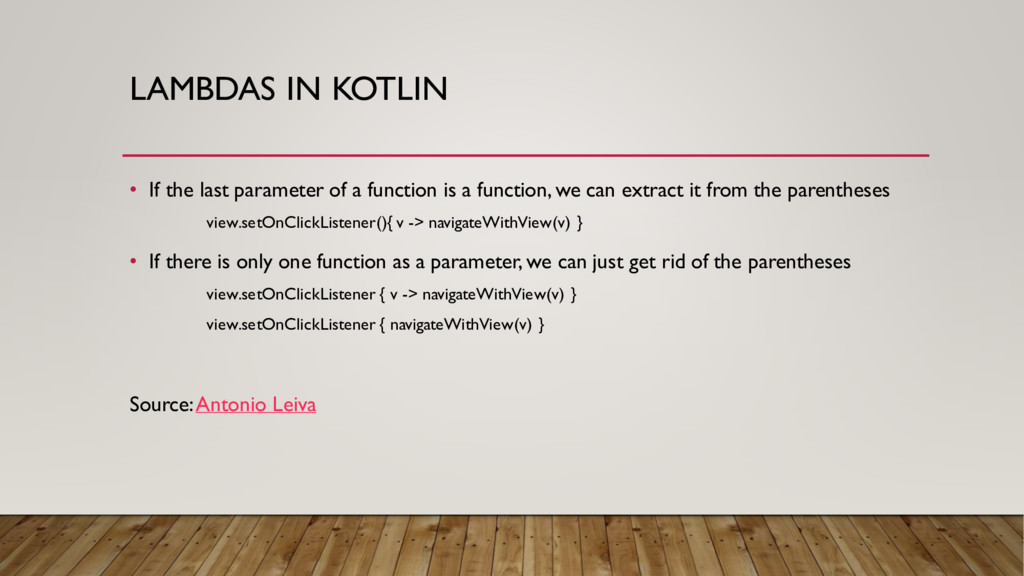
function is a function, we can extract it from the parentheses view.setOnClickListener(){ v -> navigateWithView(v) } • If there is only one function as a parameter, we can just get rid of the parentheses view.setOnClickListener { v -> navigateWithView(v) } view.setOnClickListener { navigateWithView(v) } Source:Antonio Leiva
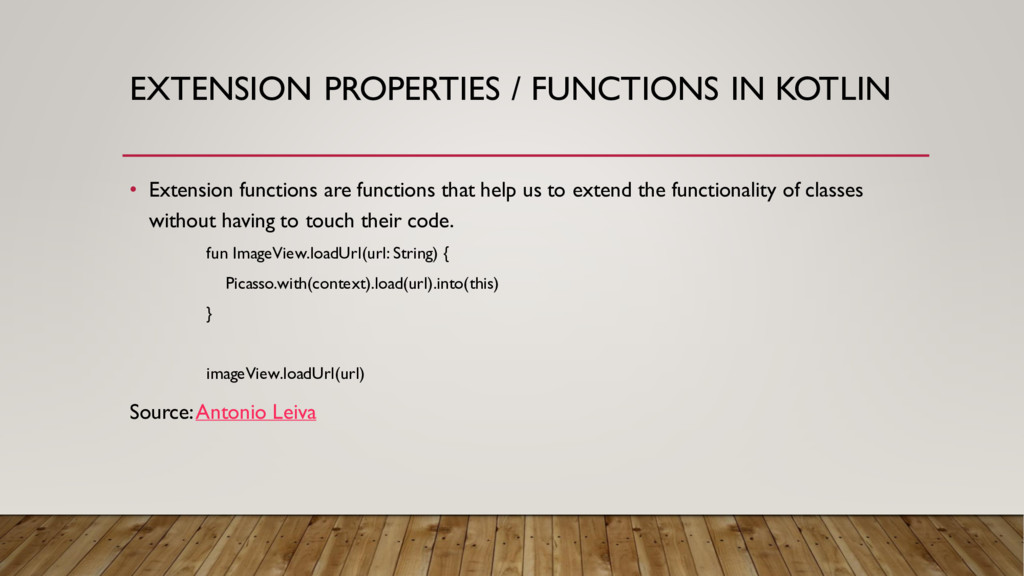
functions that help us to extend the functionality of classes without having to touch their code. fun ImageView.loadUrl(url: String) { Picasso.with(context).load(url).into(this) } imageView.loadUrl(url) Source:Antonio Leiva
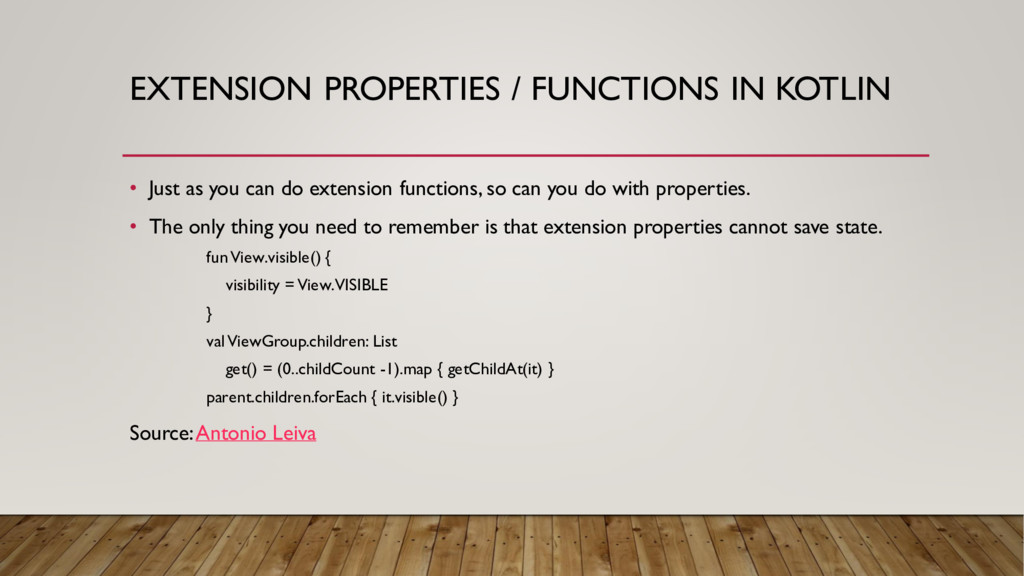
can do extension functions, so can you do with properties. • The only thing you need to remember is that extension properties cannot save state. fun View.visible() { visibility = View.VISIBLE } valViewGroup.children: List get() = (0..childCount -1).map { getChildAt(it) } parent.children.forEach { it.visible() } Source:Antonio Leiva
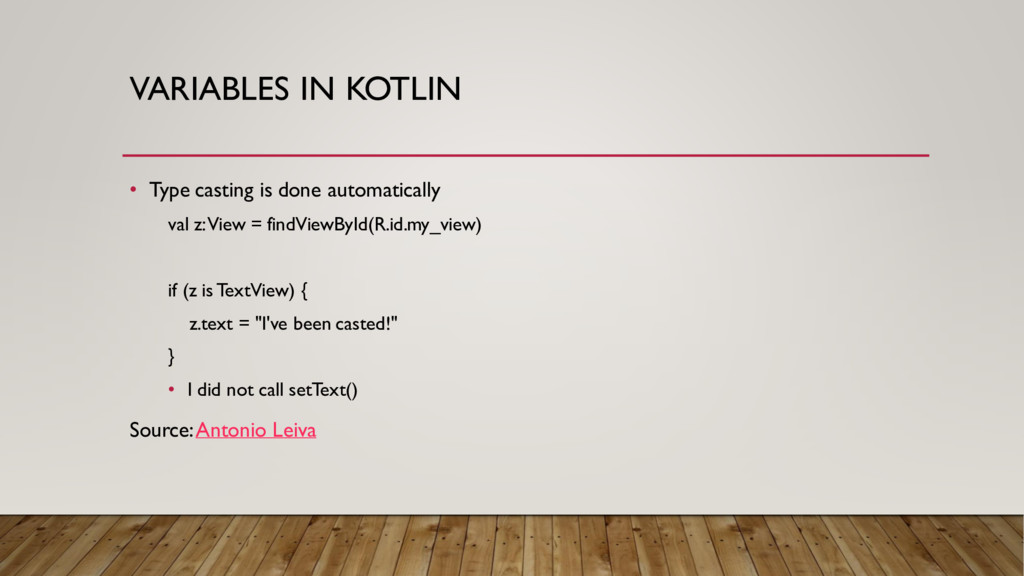
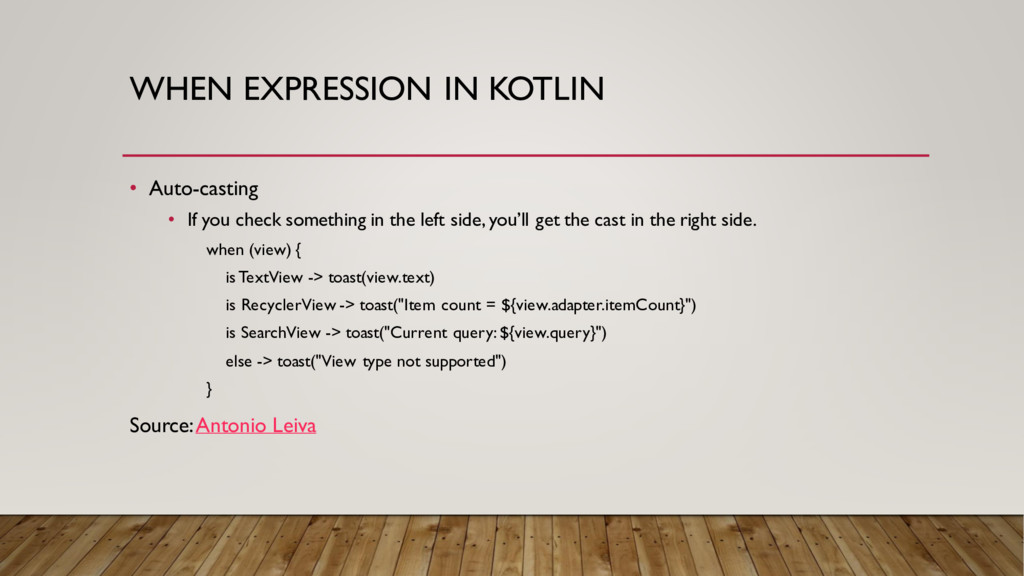
something in the left side, you’ll get the cast in the right side. when (view) { is TextView -> toast(view.text) is RecyclerView -> toast("Item count = ${view.adapter.itemCount}") is SearchView -> toast("Current query: ${view.query}") else -> toast("View type not supported") } Source:Antonio Leiva
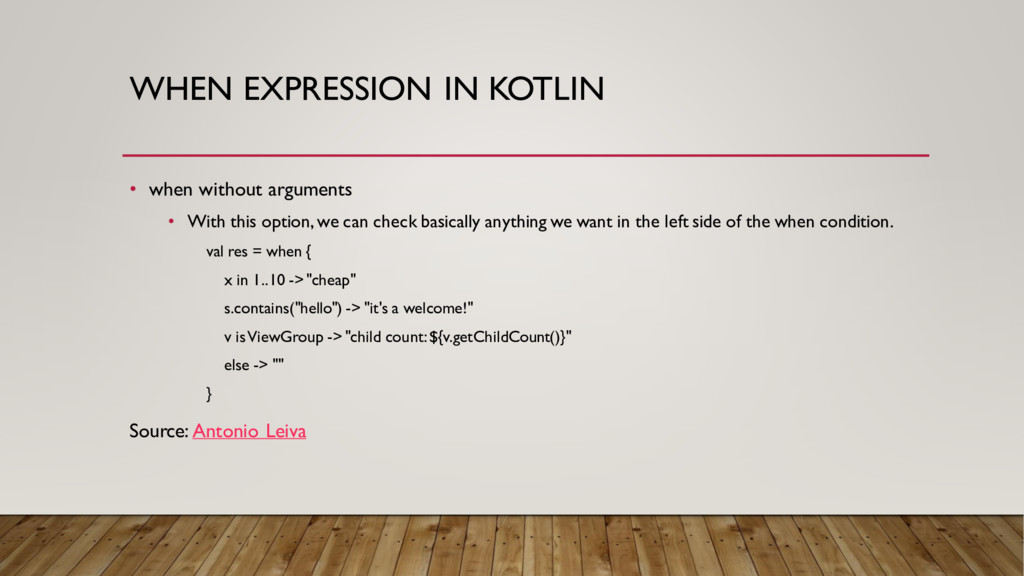
this option, we can check basically anything we want in the left side of the when condition. val res = when { x in 1..10 -> "cheap" s.contains("hello") -> "it's a welcome!" v is ViewGroup -> "child count: ${v.getChildCount()}" else -> "" } Source: Antonio Leiva
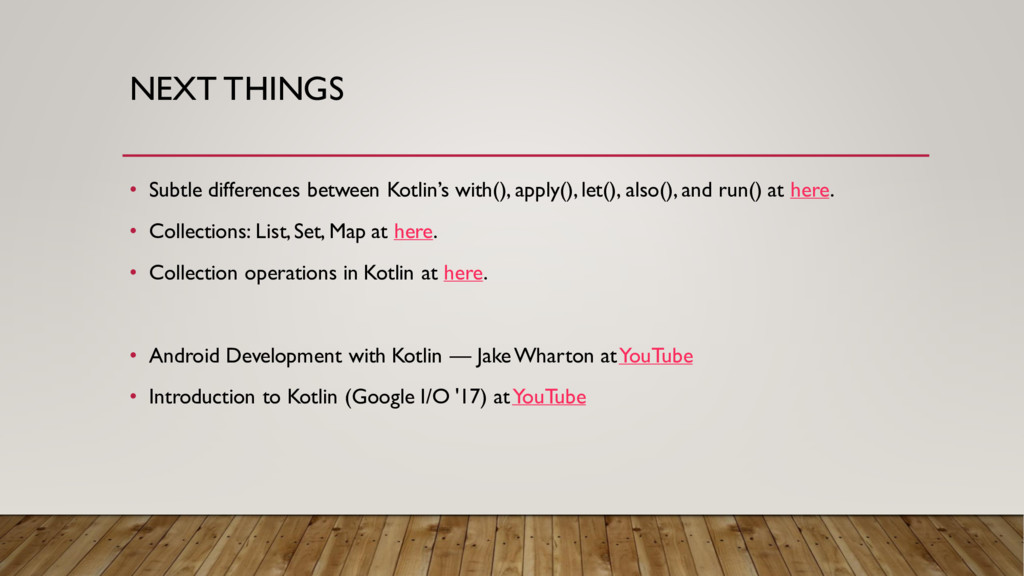
also(), and run() at here. • Collections: List, Set, Map at here. • Collection operations in Kotlin at here. • Android Development with Kotlin — Jake Wharton at YouTube • Introduction to Kotlin (Google I/O '17) at YouTube


 genda
genda
 sh_fk2
 riyaamemiya
 satoshi7
 ivry_presentationmaterials
 terapyon
 ykanoh
 takuroabe
 terurou
 pfn
pfn
 iktakahiro
 akitoshiga
 schlessera
 takai
takai
 axbom
axbom
 jct
jct
 kevinliebholz
 addyosmani
 tmiket
 sabderemane
 jonoalderson
 lemiorhan
 charlesmeaden
 aleyda