Share
Embed
Spring '26 Release Webinar
Slide deck from the Spring '26 Salesforce release webinar in partnership with Ziipline.
Keir Bowden
February 12, 2026
Transcript
53 slides
-
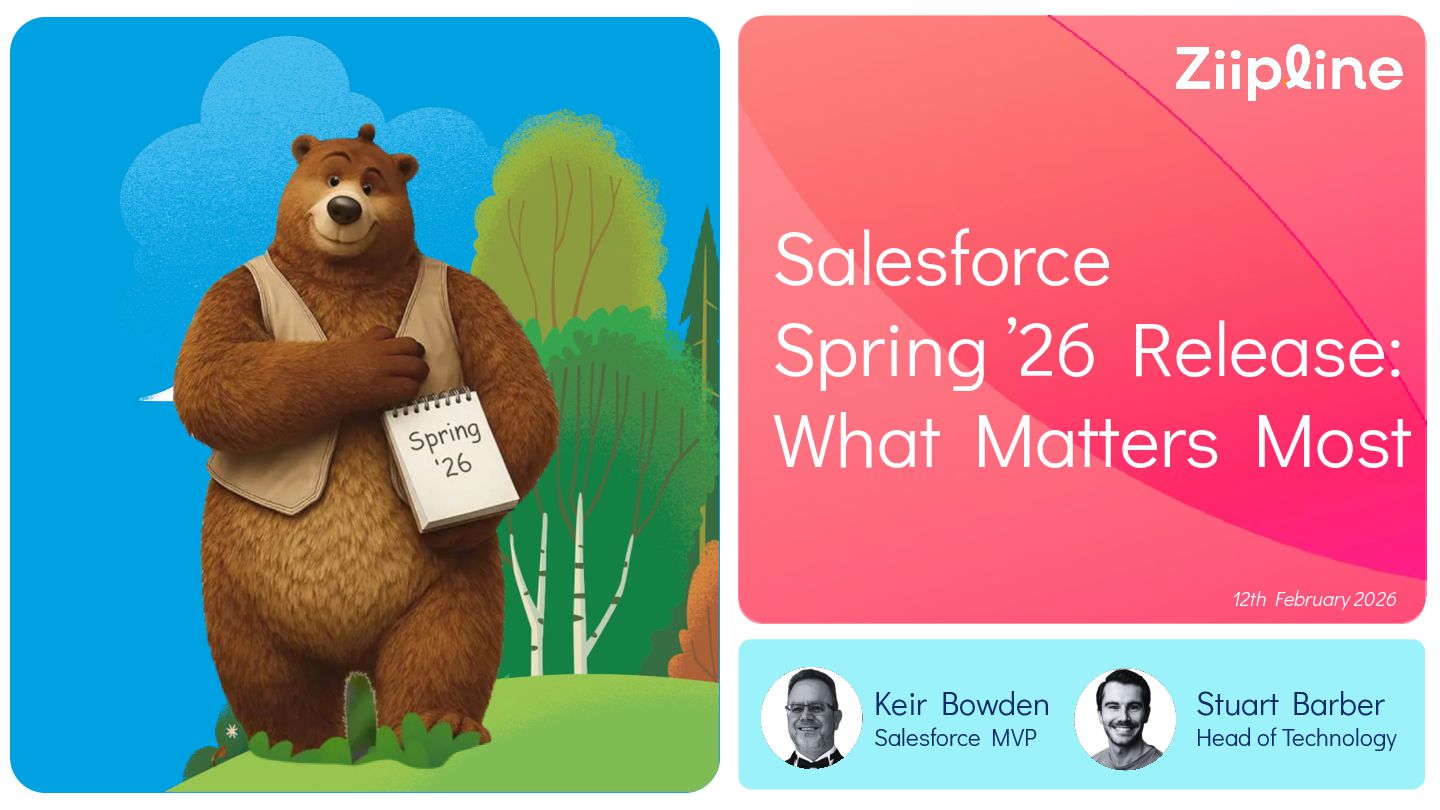
Salesforce Spring ’26 Release: What Matters Most 12th February 2026
Stuart Barber Head of Technology Keir Bowden Salesforce MVP -
Who Are Ziipline? Scan to visit our website We’re a
team of industry leaders and transformation specialists with a consultant mindset. We’re strategic partners to our clients, not just technical implementers – combining deep technical knowledge with a real-world pragmatism and no-nonsense approach that prioritises getting stuff done. On our website, you’ll find more detail on what we do, our people, and how we partner with organisations to deliver meaningful transformation. -
Agenda Fond Farewells General Analytics Customisation Automation Experience Cloud Marketing
Mobile Sales Service Release Readiness -
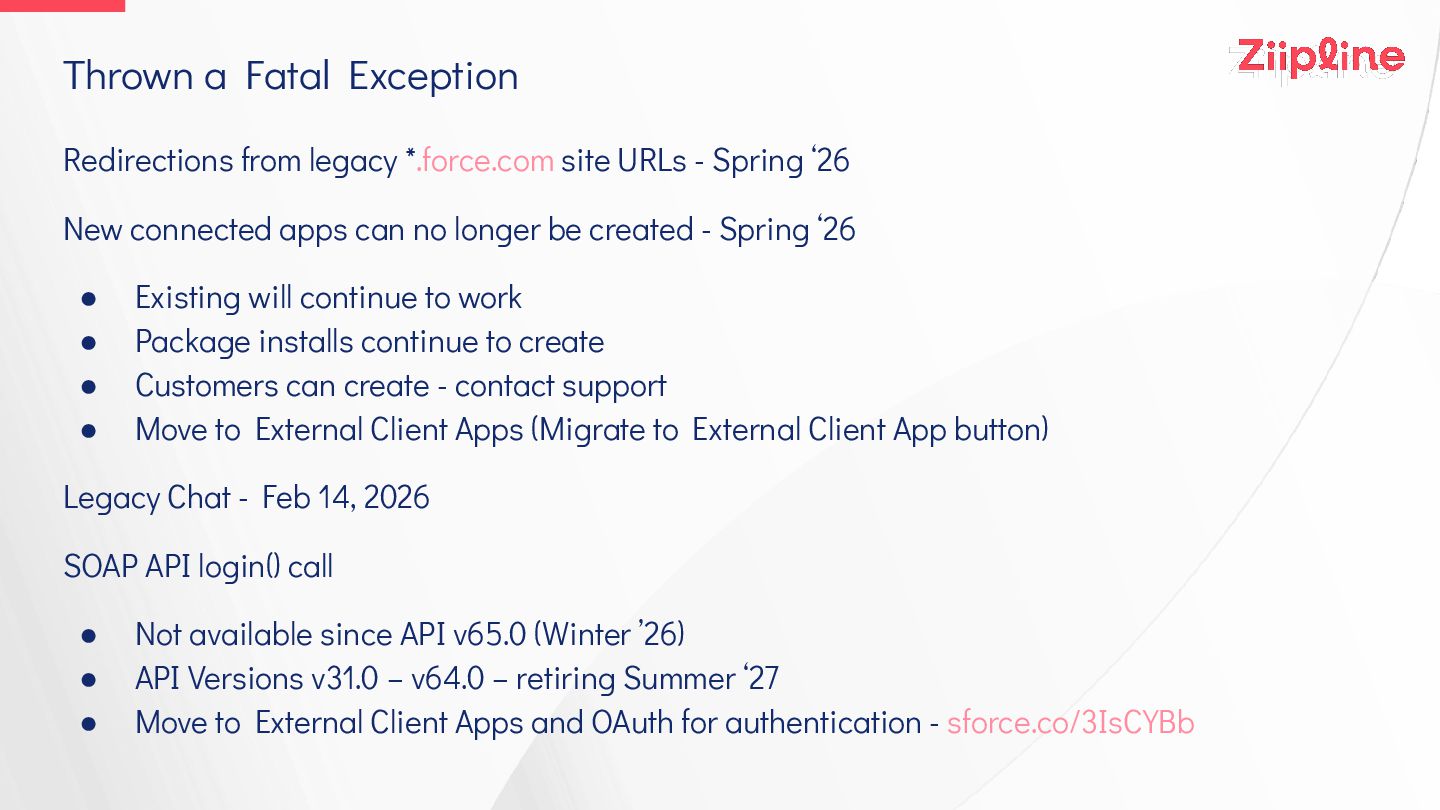
Thrown a Fatal Exception Redirections from legacy *.force.com site URLs
- Spring ‘26 New connected apps can no longer be created - Spring ‘26 • Existing will continue to work • Package installs continue to create • Customers can create - contact support • Move to External Client Apps (Migrate to External Client App button) Legacy Chat - Feb 14, 2026 SOAP API login() call • Not available since API v65.0 (Winter ’26) • API Versions v31.0 – v64.0 – retiring Summer ‘27 • Move to External Client Apps and OAuth for authentication - sforce.co/3IsCYBb -
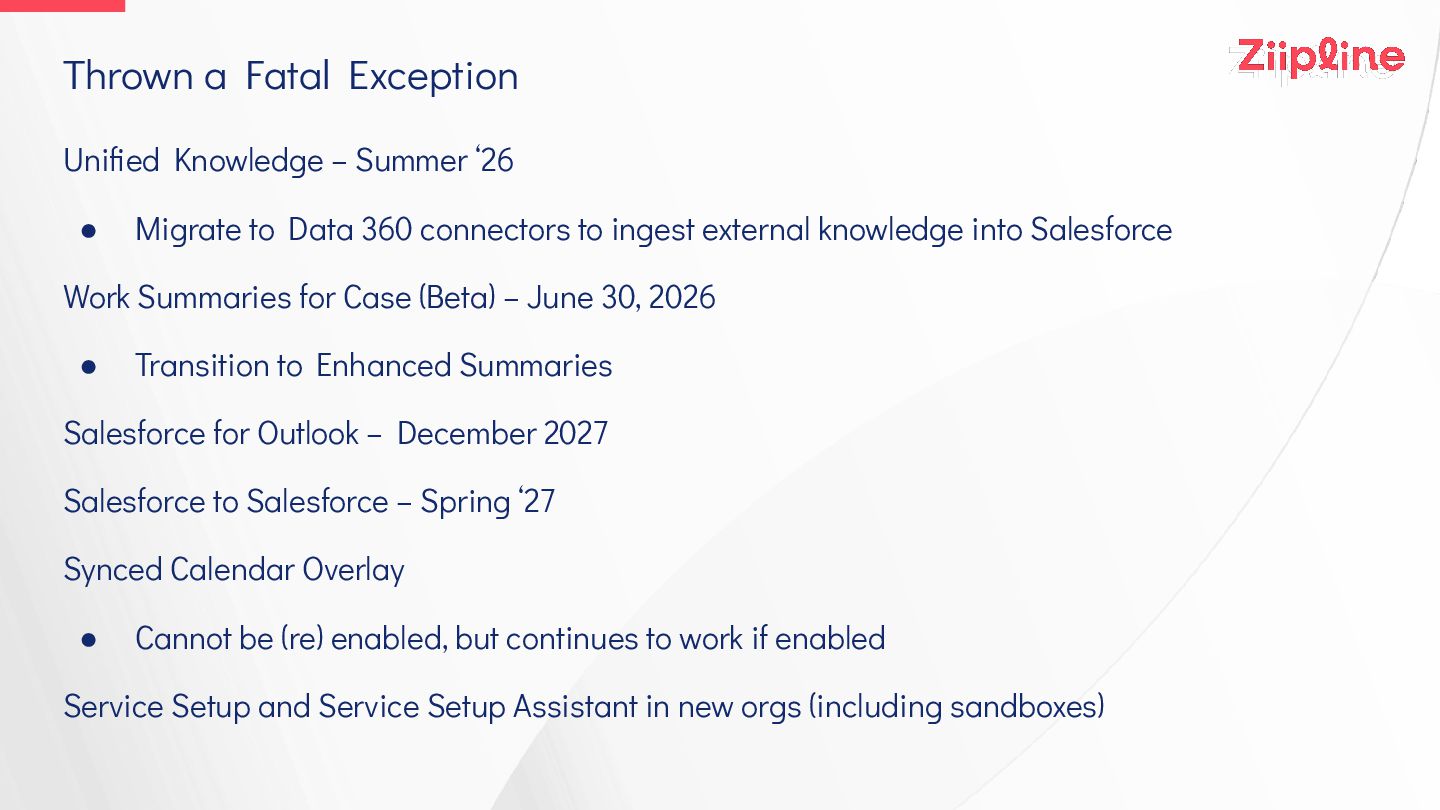
Thrown a Fatal Exception Unified Knowledge – Summer ‘26 •
Migrate to Data 360 connectors to ingest external knowledge into Salesforce Work Summaries for Case (Beta) – June 30, 2026 • Transition to Enhanced Summaries Salesforce for Outlook – December 2027 Salesforce to Salesforce – Spring ‘27 Synced Calendar Overlay • Cannot be (re) enabled, but continues to work if enabled Service Setup and Service Setup Assistant in new orgs (including sandboxes) -
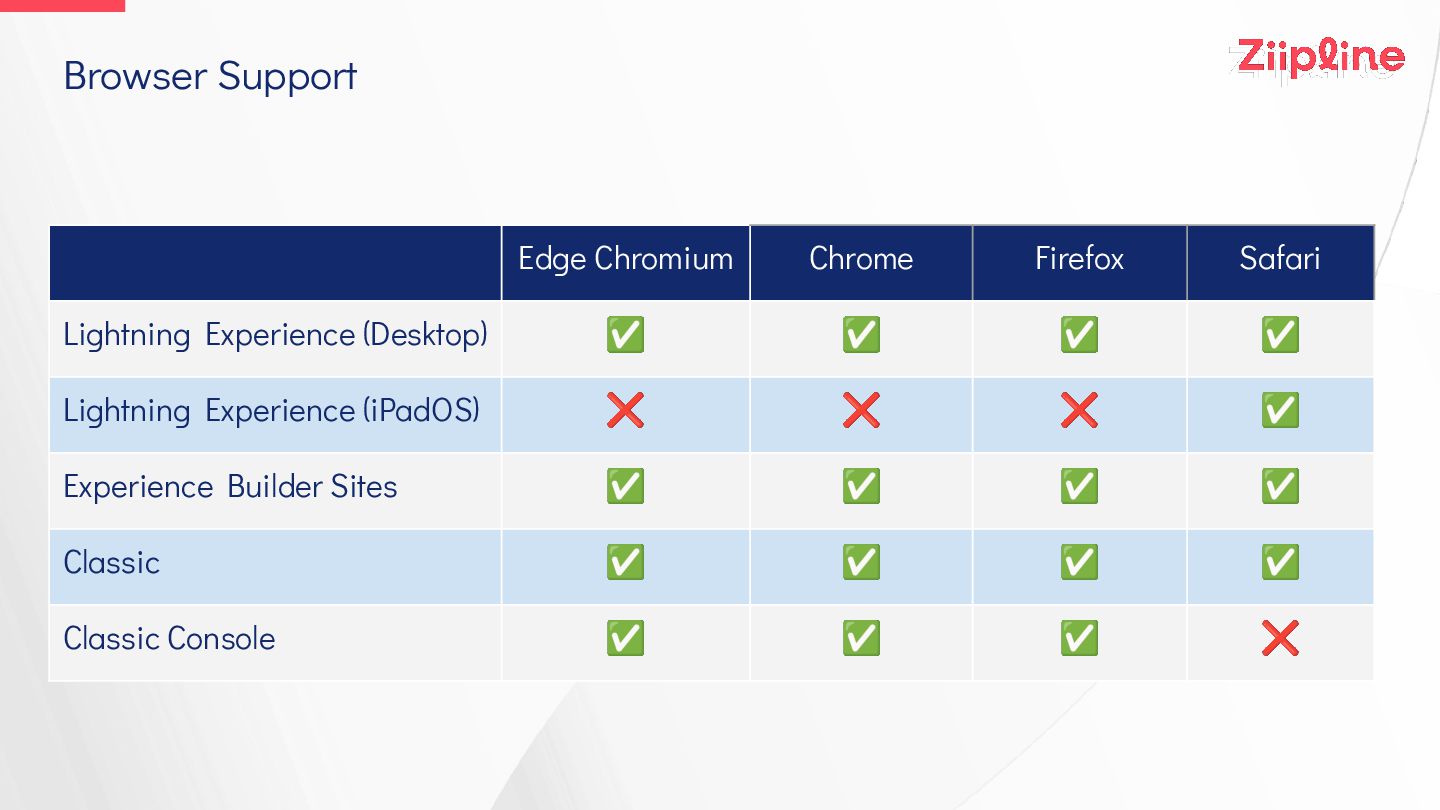
Browser Support Edge Chromium Chrome Firefox Safari Lightning Experience (Desktop)
✅ ✅ ✅ ✅ Lightning Experience (iPadOS) ❌ ❌ ❌ ✅ Experience Builder Sites ✅ ✅ ✅ ✅ Classic ✅ ✅ ✅ ✅ Classic Console ✅ ✅ ✅ ❌ -
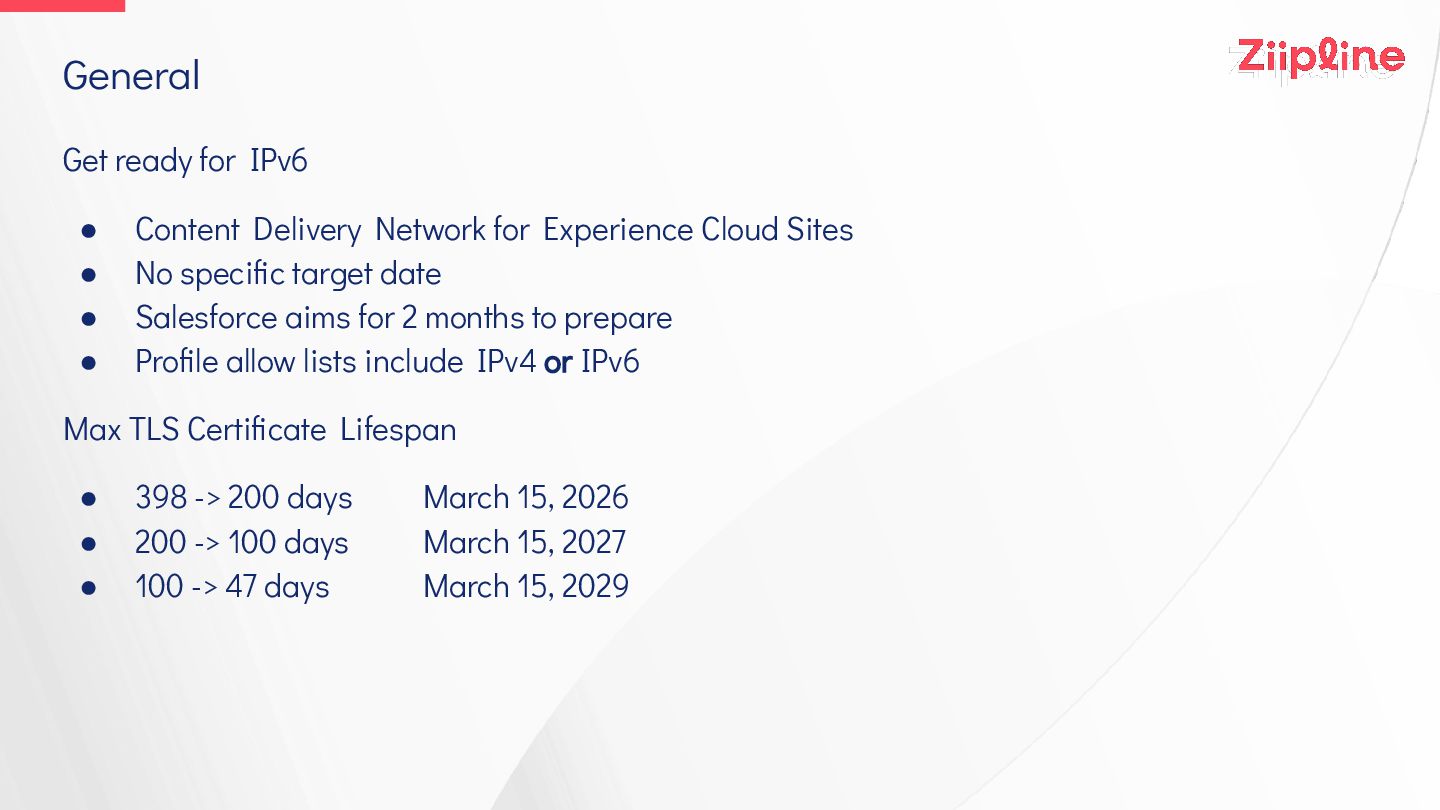
General Get ready for IPv6 • Content Delivery Network for
Experience Cloud Sites • No specific target date • Salesforce aims for 2 months to prepare • Profile allow lists include IPv4 or IPv6 Max TLS Certificate Lifespan • 398 -> 200 days March 15, 2026 • 200 -> 100 days March 15, 2027 • 100 -> 47 days March 15, 2029 -
Release Updates Enforced Spring ‘26 • Escape the Label Attribute
of <apex:inputField> Elements to Prevent Cross-Site Scripting in Visualforce Pages • Update References to Legacy Host Names Enforced Summer ‘26 • Enable Accessibility Enhancements for Date Pickers, Popovers, Bottom Utility Bars, Record Headers • Enable Accessibility Enhancements for Page Headers and Modal Windows When Zoom Is Greater Than 200% • Migrate to a Multiple-Configuration SAML Framework • Salesforce-Managed X (Formerly Twitter) Authentication Provider Retirement • Update Instanced URLs in API Traffic • Use Visualforce PDF Rendering Service with Apex Blob.toPdf() -
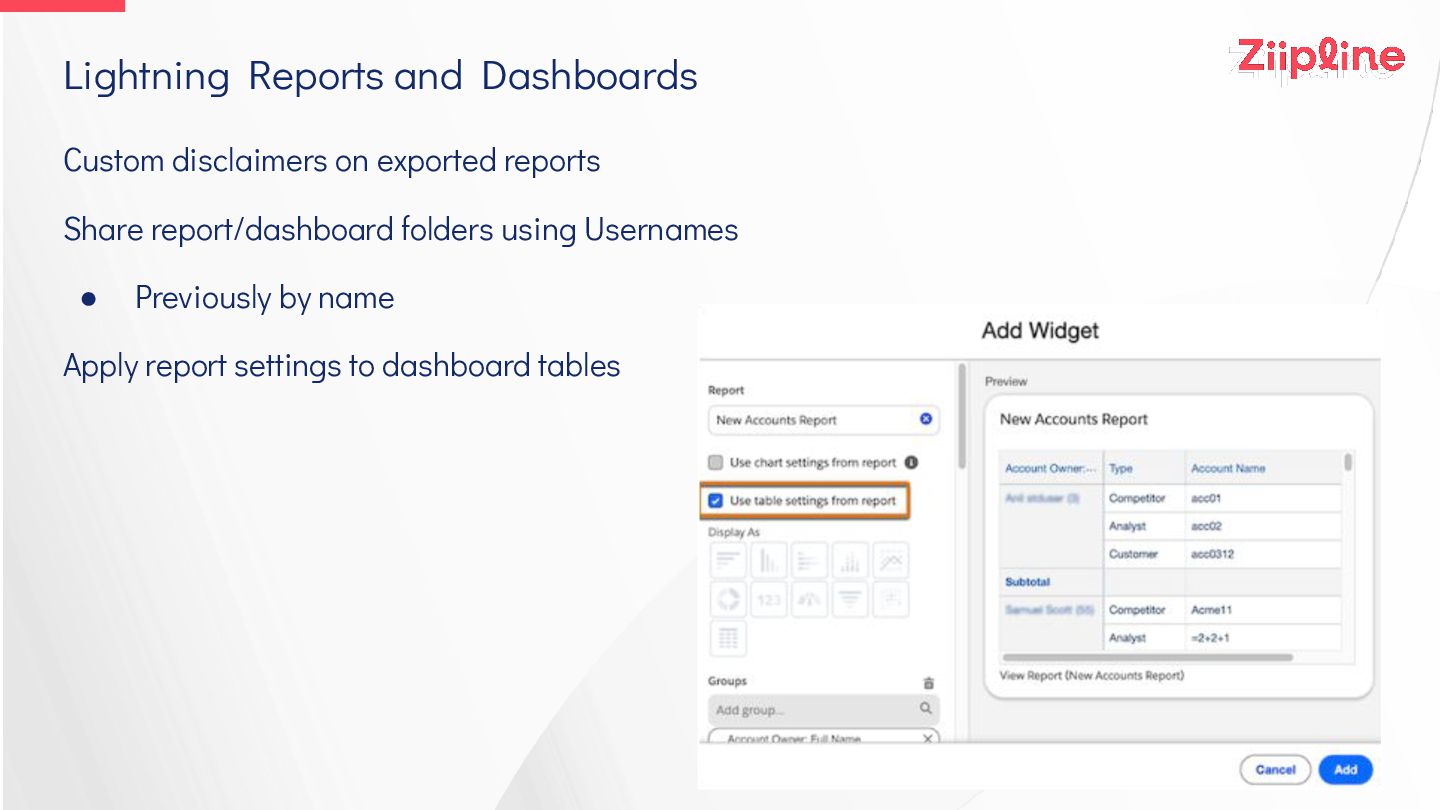
Lightning Reports and Dashboards Custom disclaimers on exported reports Share
report/dashboard folders using Usernames • Previously by name Apply report settings to dashboard tables -
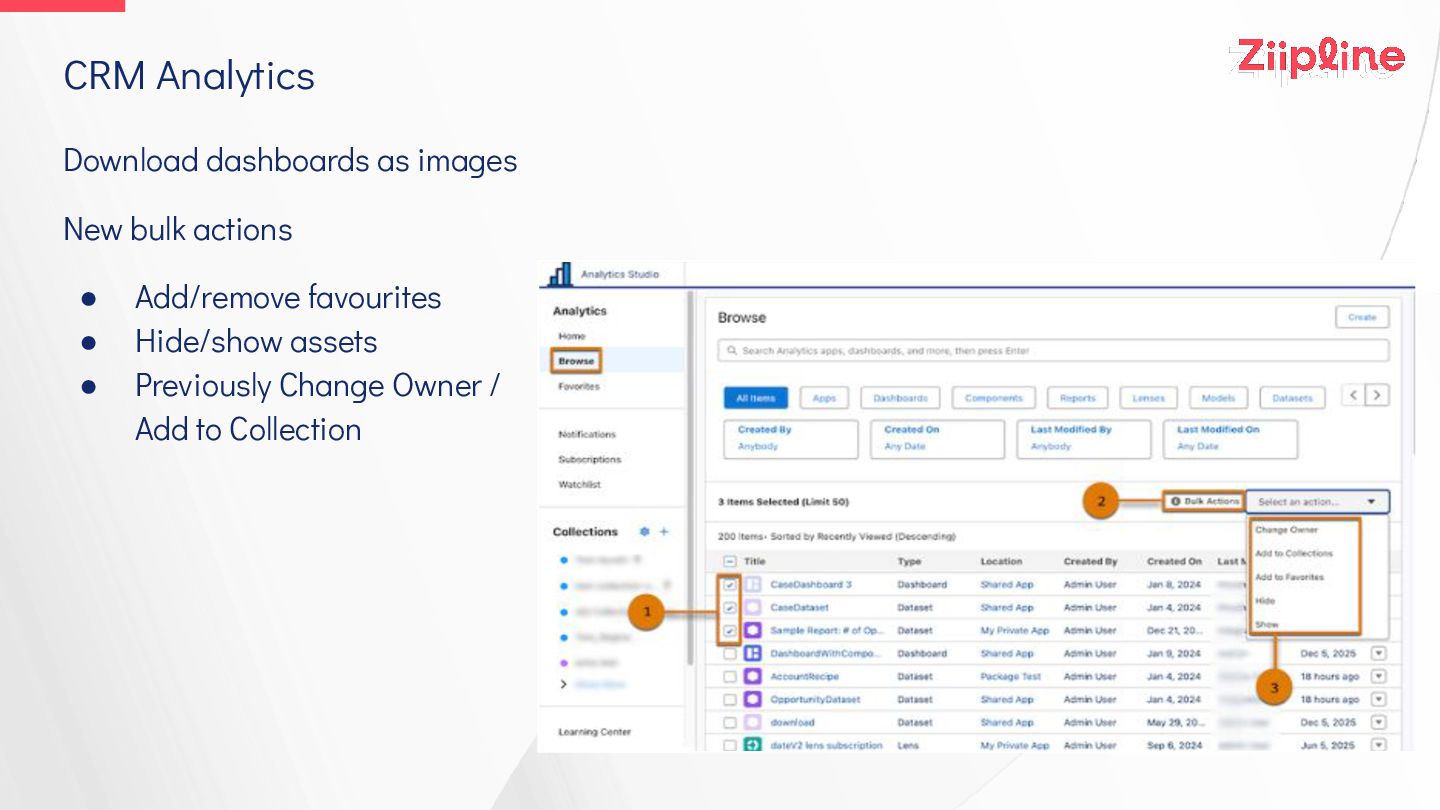
CRM Analytics Download dashboards as images New bulk actions •
Add/remove favourites • Hide/show assets • Previously Change Owner / Add to Collection -
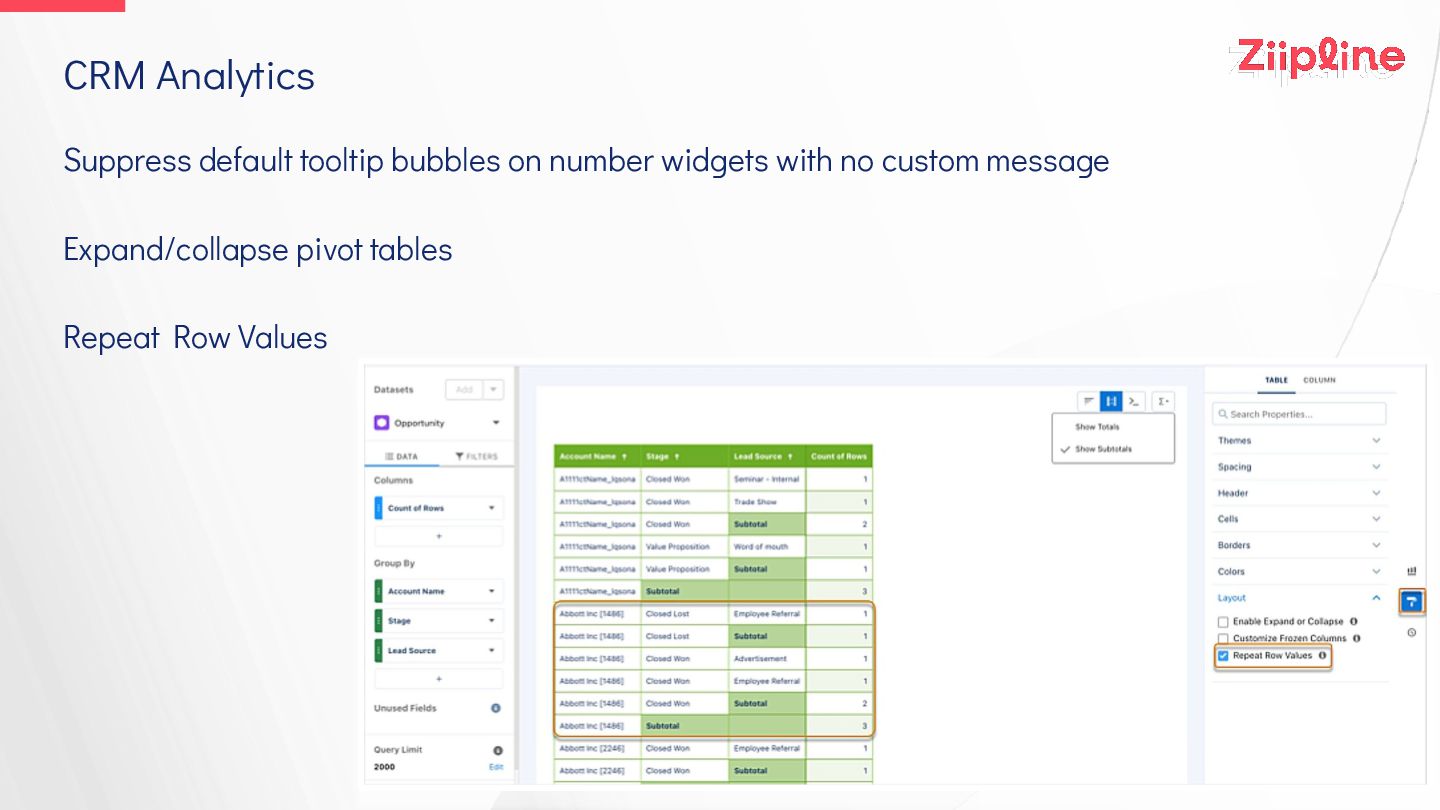
CRM Analytics Suppress default tooltip bubbles on number widgets with
no custom message Expand/collapse pivot tables Repeat Row Values -
Translation Workbench Filters for metadata export Invalid records don’t fail
import • Valid records imported • All errors reported (previously max 50) • Error report is link to zip archive Update custom labels in Translation Workbench UI • Previously had to navigate to Custom Labels setup -
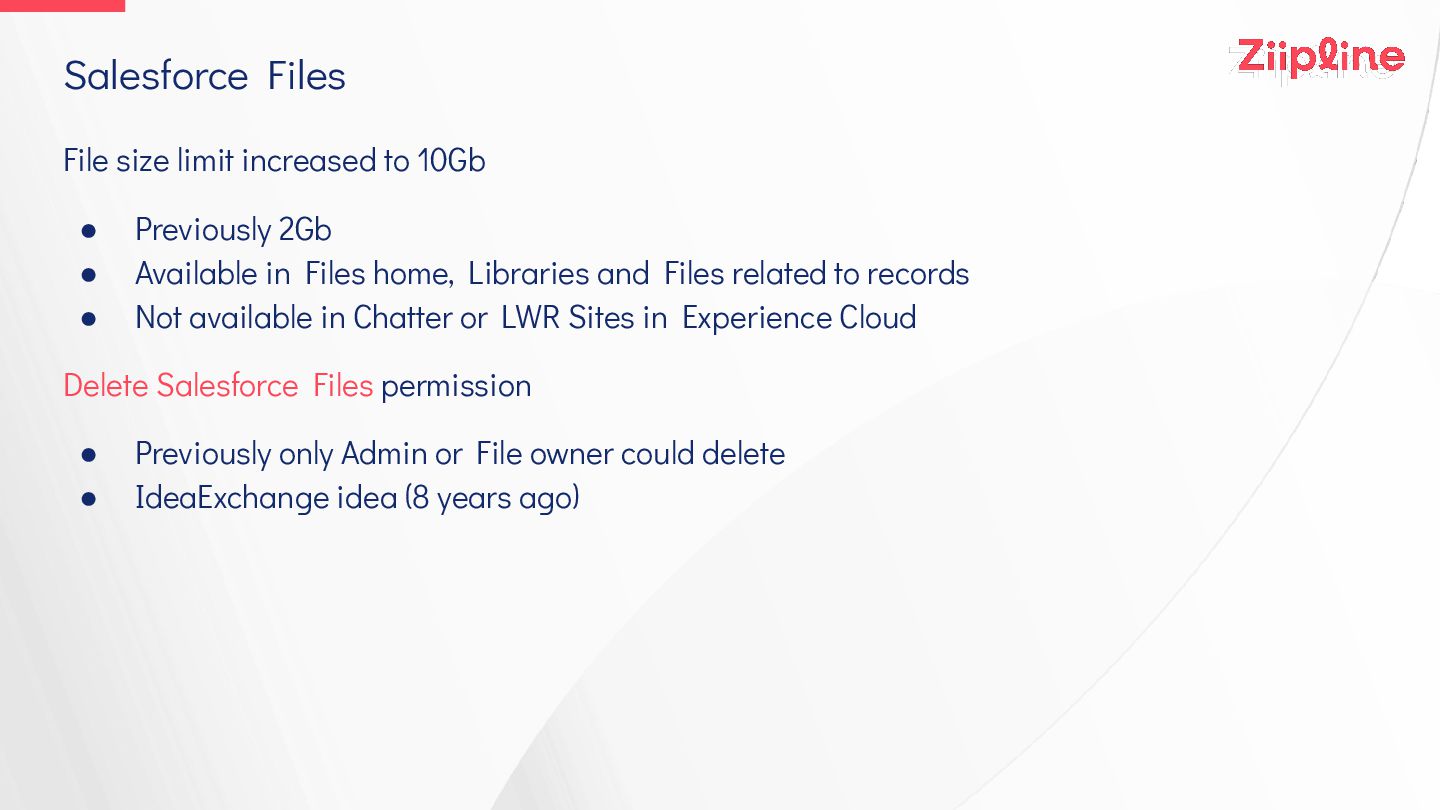
Salesforce Files File size limit increased to 10Gb • Previously
2Gb • Available in Files home, Libraries and Files related to records • Not available in Chatter or LWR Sites in Experience Cloud Delete Salesforce Files permission • Previously only Admin or File owner could delete • IdeaExchange idea (8 years ago) -
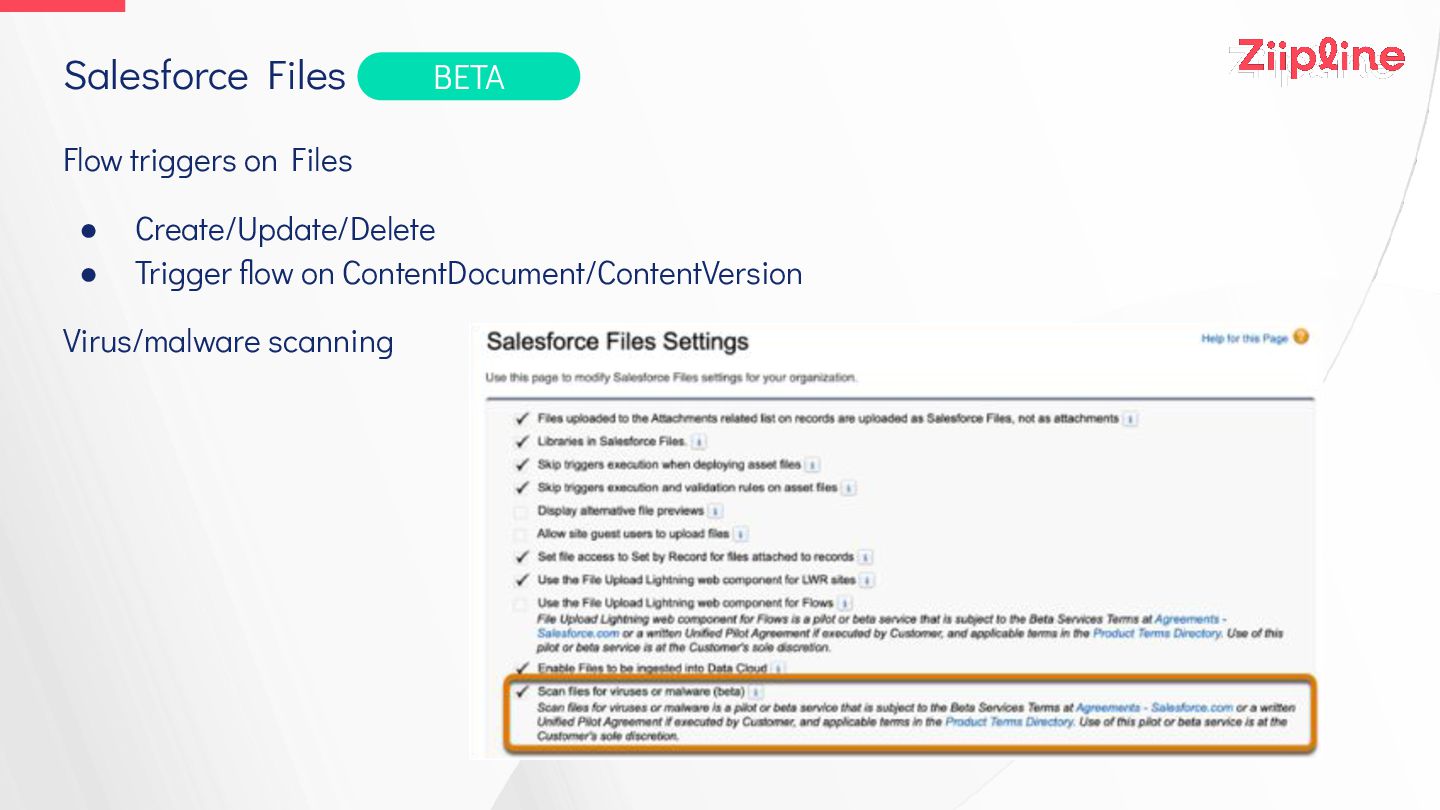
Salesforce Files Flow triggers on Files • Create/Update/Delete • Trigger
flow on ContentDocument/ContentVersion Virus/malware scanning BETA -
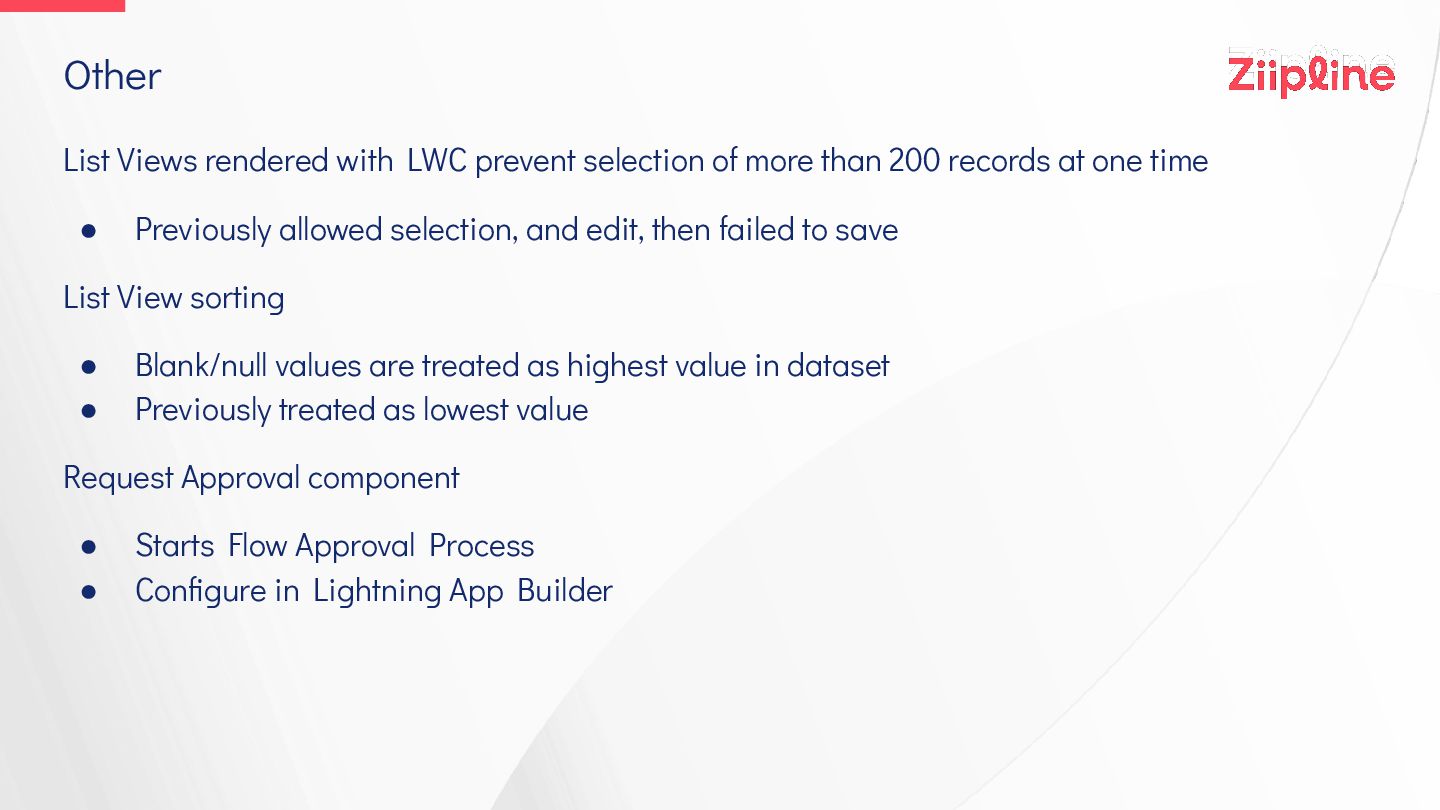
Other List Views rendered with LWC prevent selection of more
than 200 records at one time • Previously allowed selection, and edit, then failed to save List View sorting • Blank/null values are treated as highest value in dataset • Previously treated as lowest value Request Approval component • Starts Flow Approval Process • Configure in Lightning App Builder -
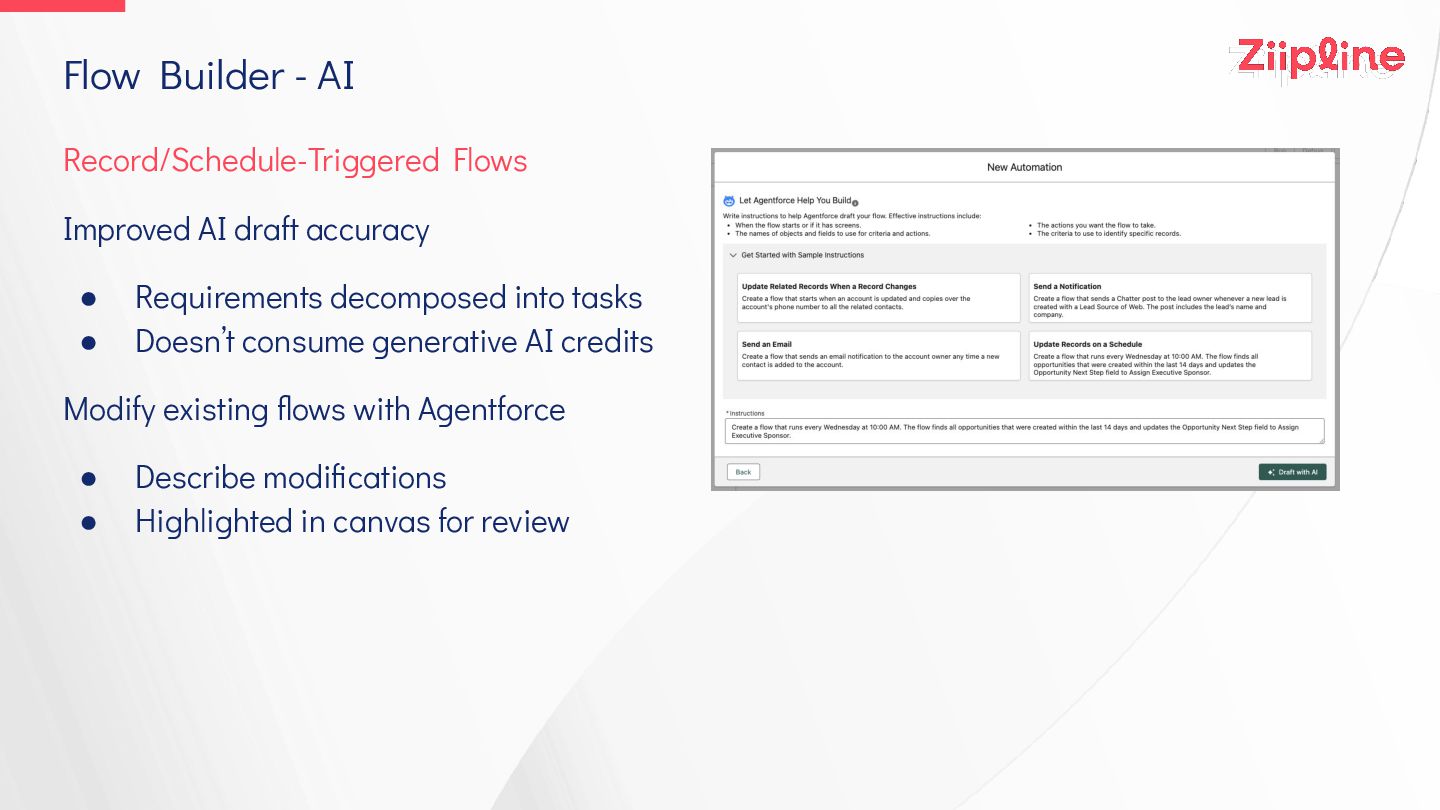
Flow Builder - AI Record/Schedule-Triggered Flows Improved AI draft accuracy
• Requirements decomposed into tasks • Doesn’t consume generative AI credits Modify existing flows with Agentforce • Describe modifications • Highlighted in canvas for review -
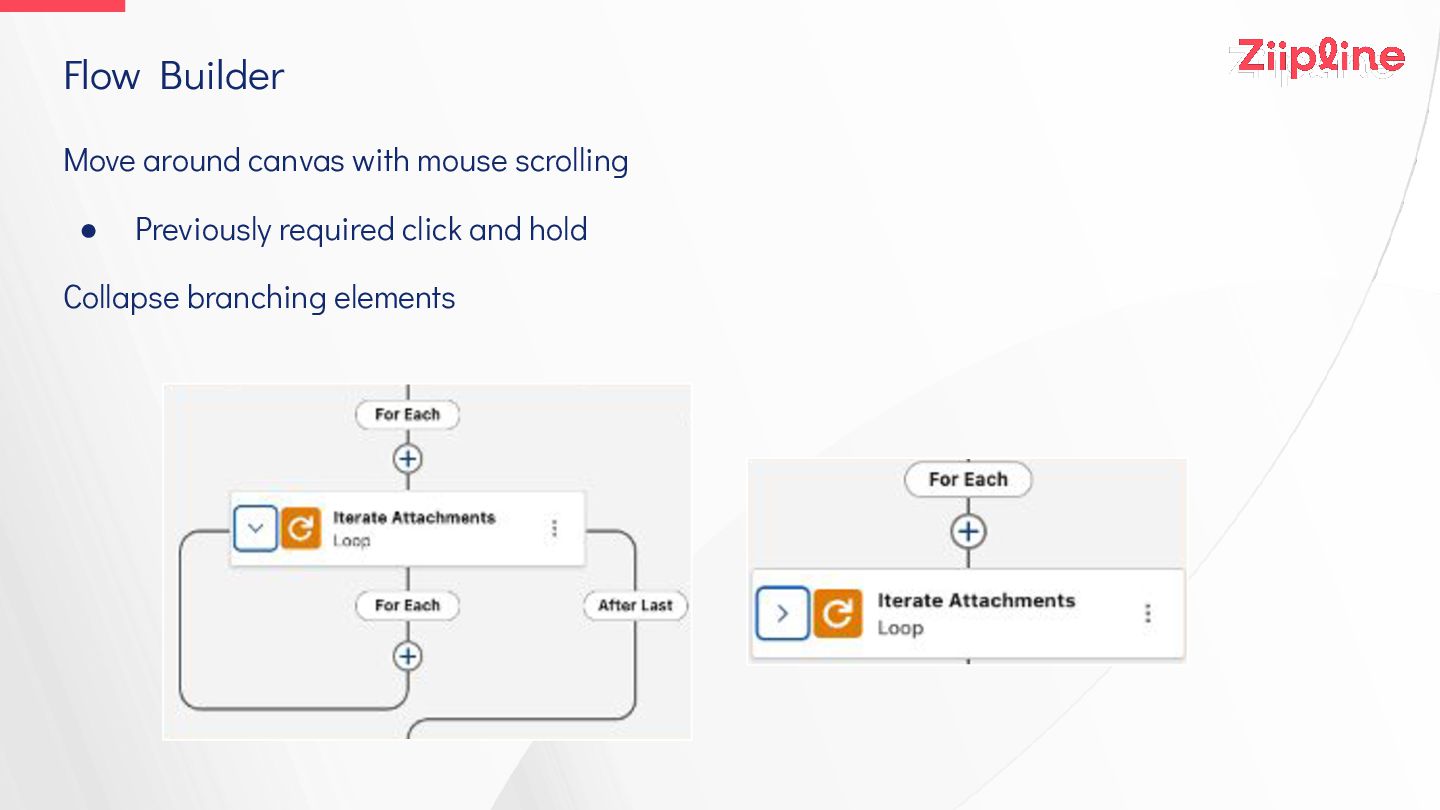
Flow Builder Move around canvas with mouse scrolling • Previously
required click and hold Collapse branching elements -
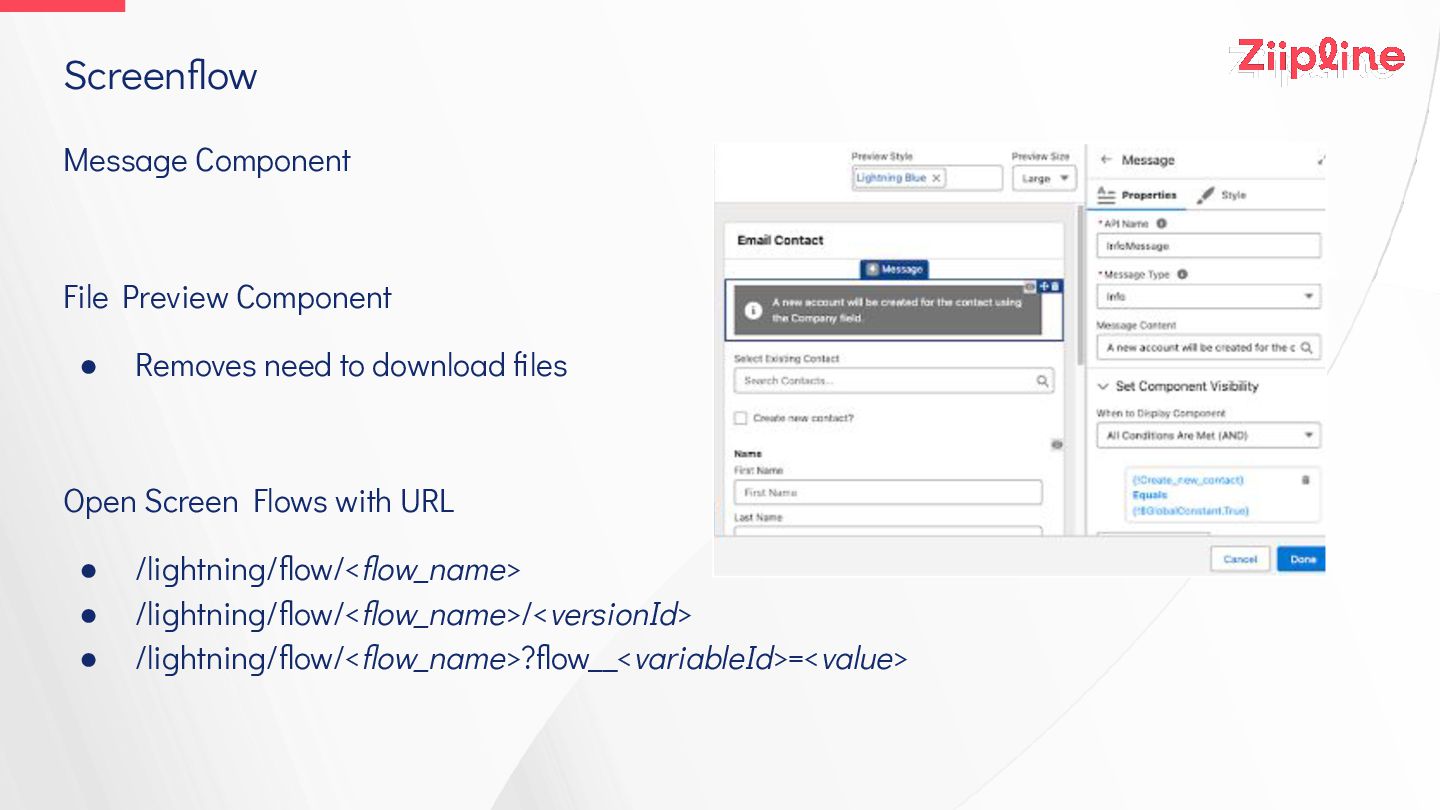
Screenflow Message Component File Preview Component • Removes need to
download files Open Screen Flows with URL • /lightning/flow/<flow_name> • /lightning/flow/<flow_name>/<versionId> • /lightning/flow/<flow_name>?flow__<variableId>=<value> -
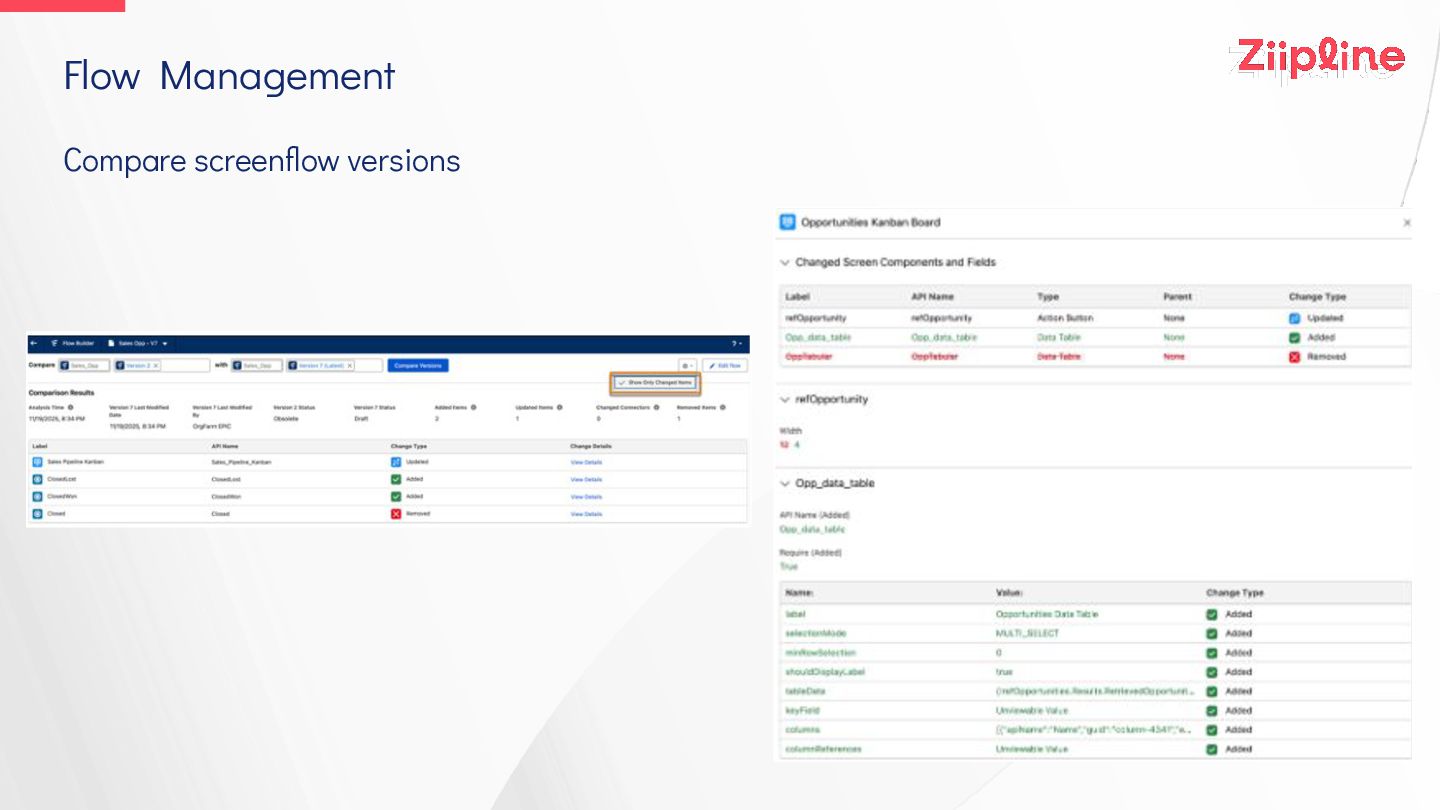
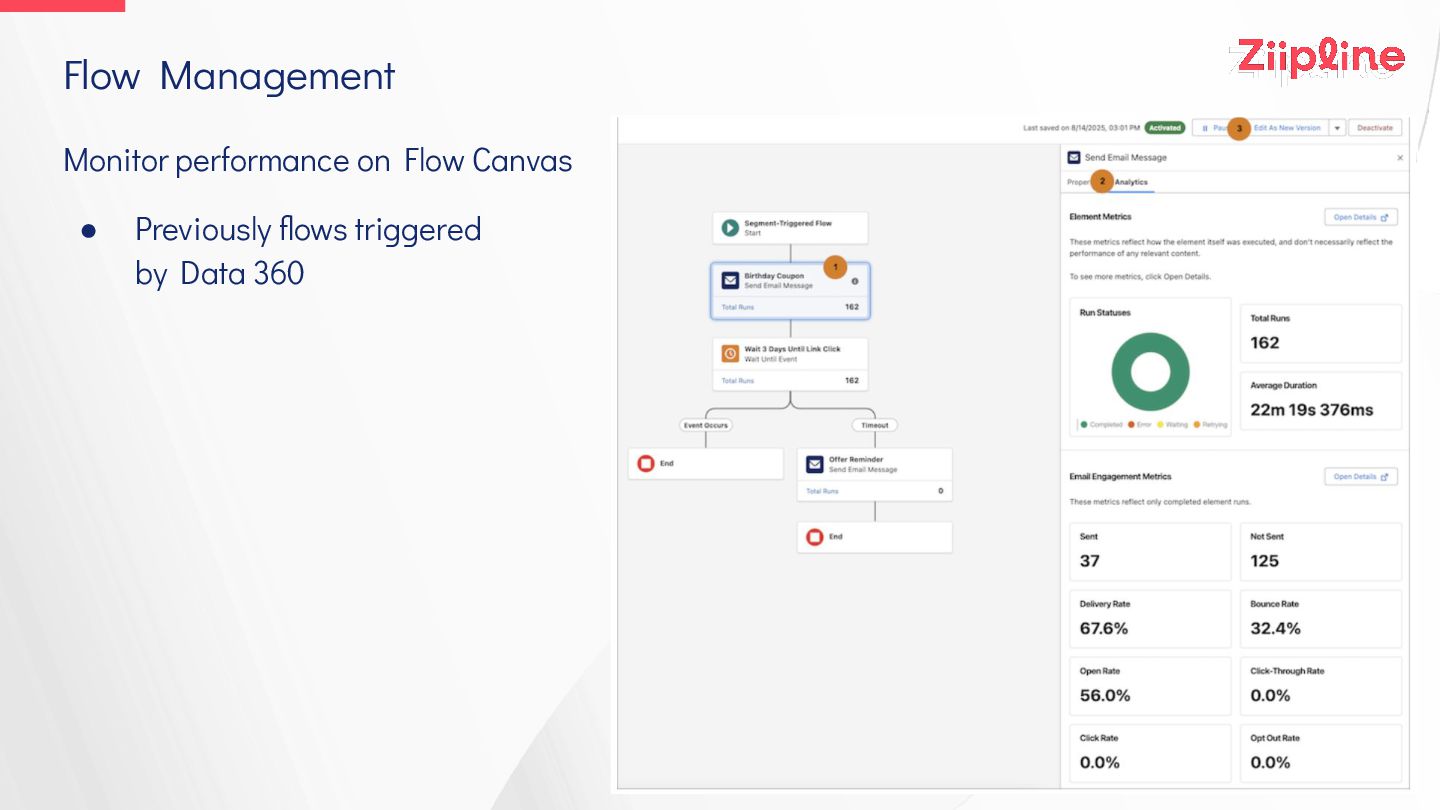
Flow Management Monitor performance on Flow Canvas • Previously flows
triggered by Data 360 -
Aura/LWR Sites Site pages more discoverable by AI (LWR +
Aura) • Enable Generative Engine Optimisation (GEO) in Experience Builder • AI bots can request content snapshots • Opting in to access by LLMS : sforce.co/49ZJVUb Dynamic redirect rules in Aura sites • Redirect users to another URL, no code • Configure in URL Redirects area of site’s Administration workspace Return users to previous page after session timeout in LWR sites -
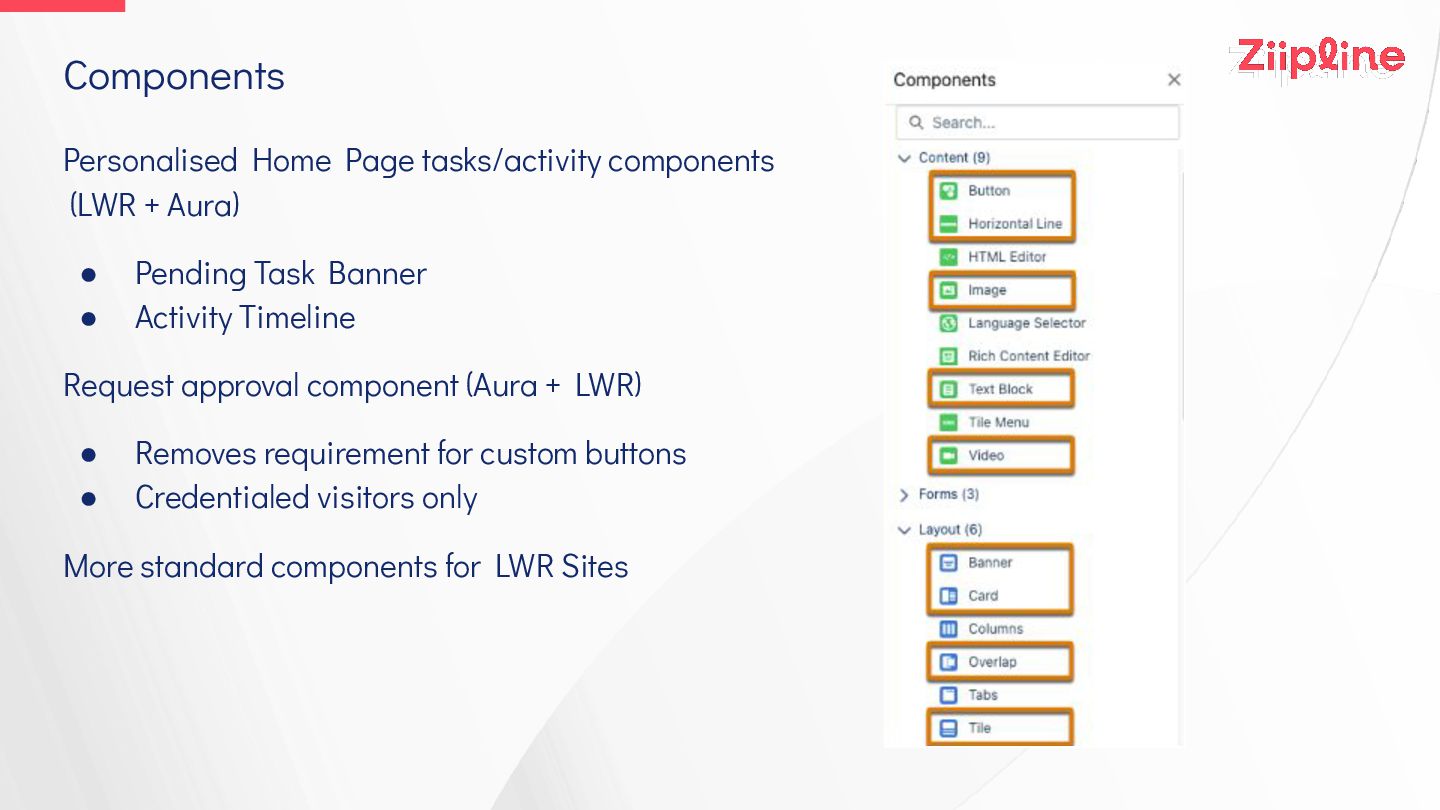
Components Personalised Home Page tasks/activity components (LWR + Aura) •
Pending Task Banner • Activity Timeline Request approval component (Aura + LWR) • Removes requirement for custom buttons • Credentialed visitors only More standard components for LWR Sites -
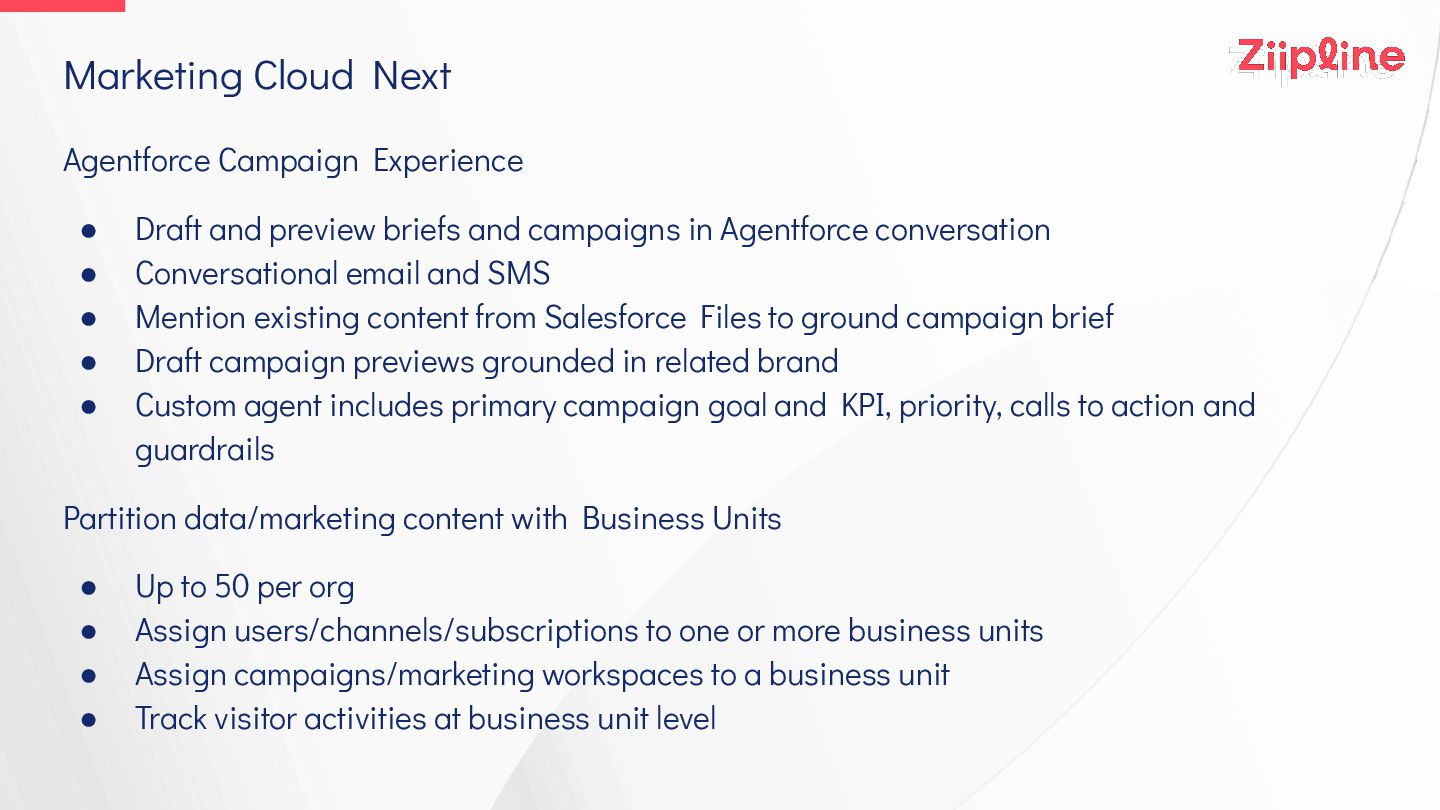
Marketing Cloud Next Agentforce Campaign Experience • Draft and preview
briefs and campaigns in Agentforce conversation • Conversational email and SMS • Mention existing content from Salesforce Files to ground campaign brief • Draft campaign previews grounded in related brand • Custom agent includes primary campaign goal and KPI, priority, calls to action and guardrails Partition data/marketing content with Business Units • Up to 50 per org • Assign users/channels/subscriptions to one or more business units • Assign campaigns/marketing workspaces to a business unit • Track visitor activities at business unit level -
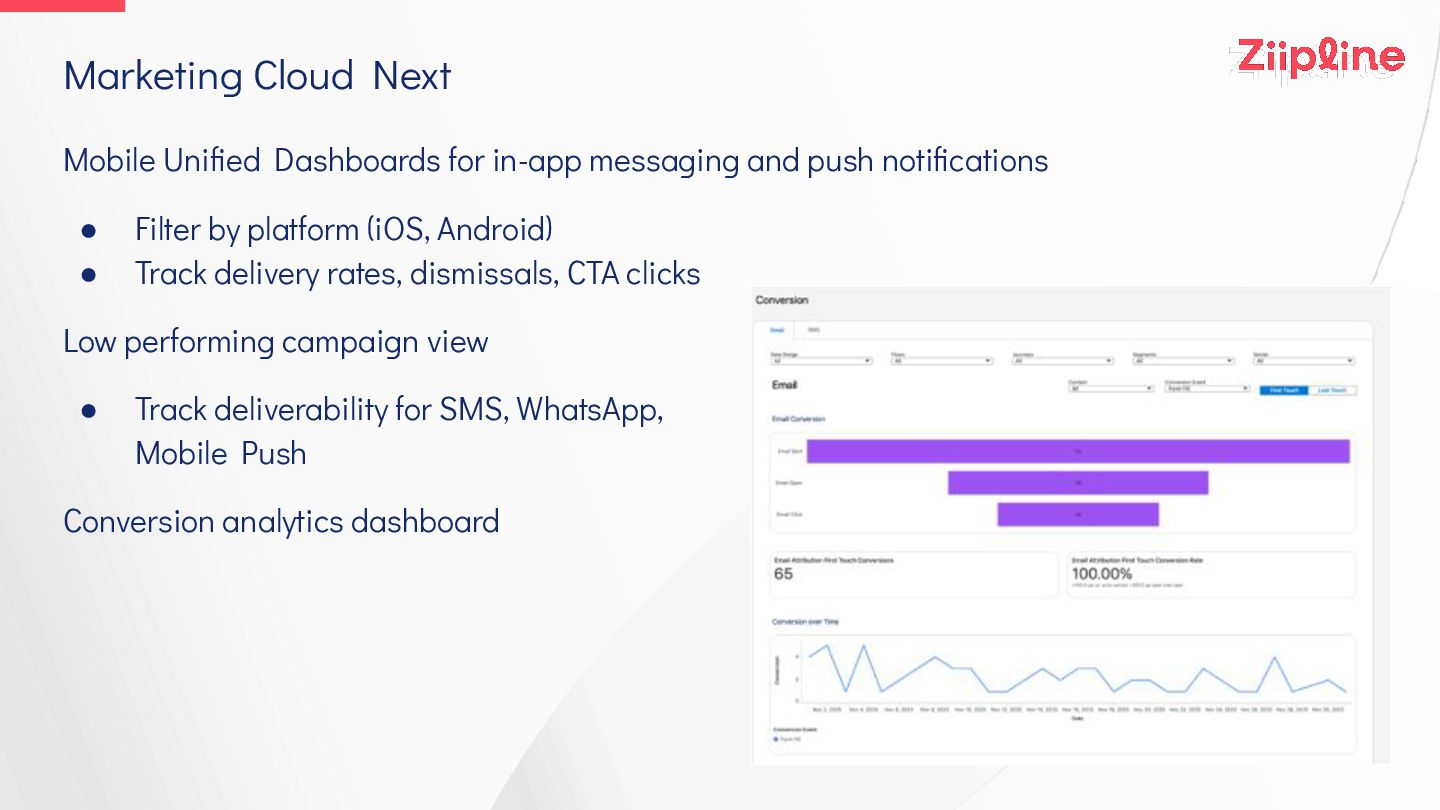
Mobile Unified Dashboards for in-app messaging and push notifications •
Filter by platform (iOS, Android) • Track delivery rates, dismissals, CTA clicks Low performing campaign view • Track deliverability for SMS, WhatsApp, Mobile Push Conversion analytics dashboard Marketing Cloud Next -
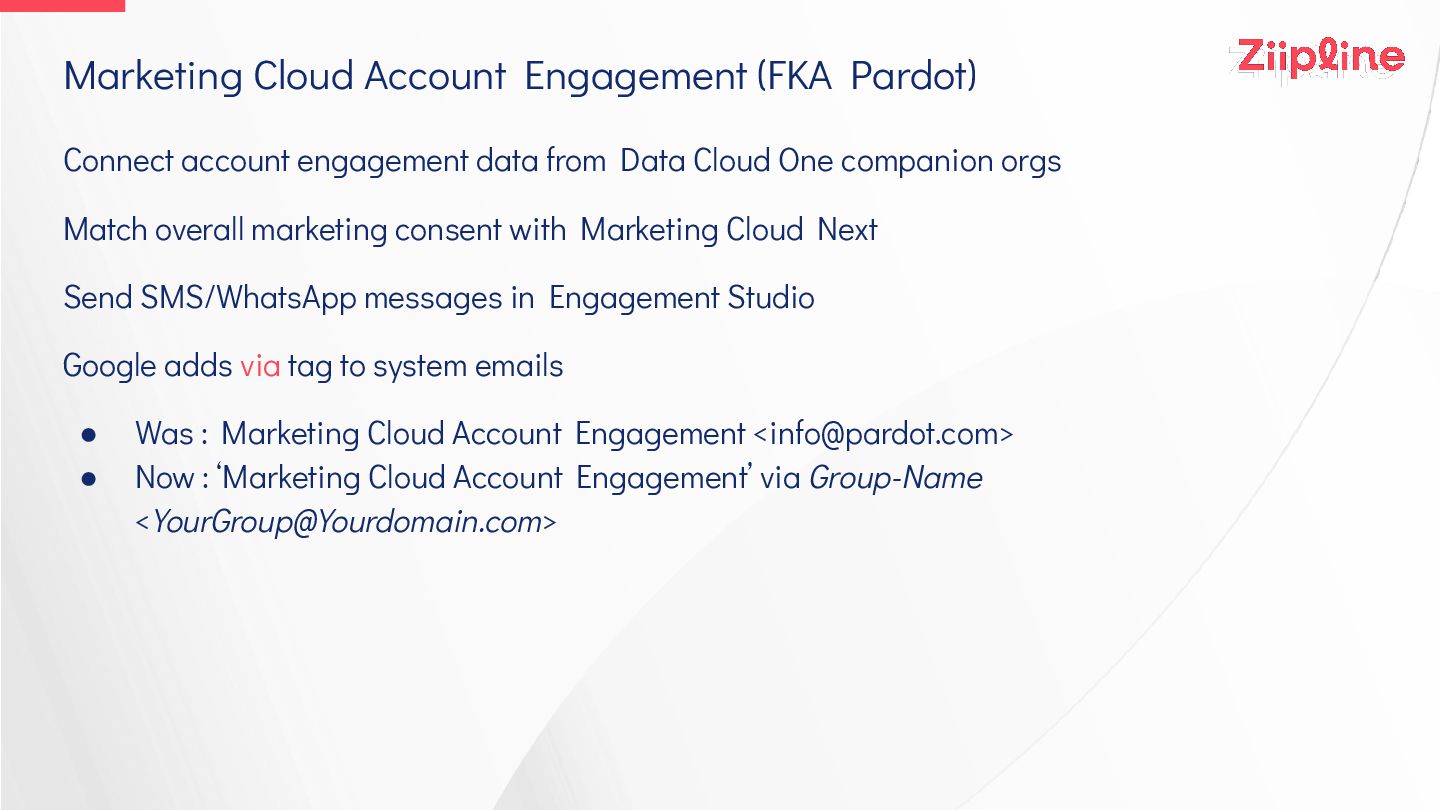
Marketing Cloud Account Engagement (FKA Pardot) Connect account engagement data
from Data Cloud One companion orgs Match overall marketing consent with Marketing Cloud Next Send SMS/WhatsApp messages in Engagement Studio Google adds via tag to system emails • Was : Marketing Cloud Account Engagement <[email protected]> • Now : ‘Marketing Cloud Account Engagement’ via Group-Name <[email protected]> -
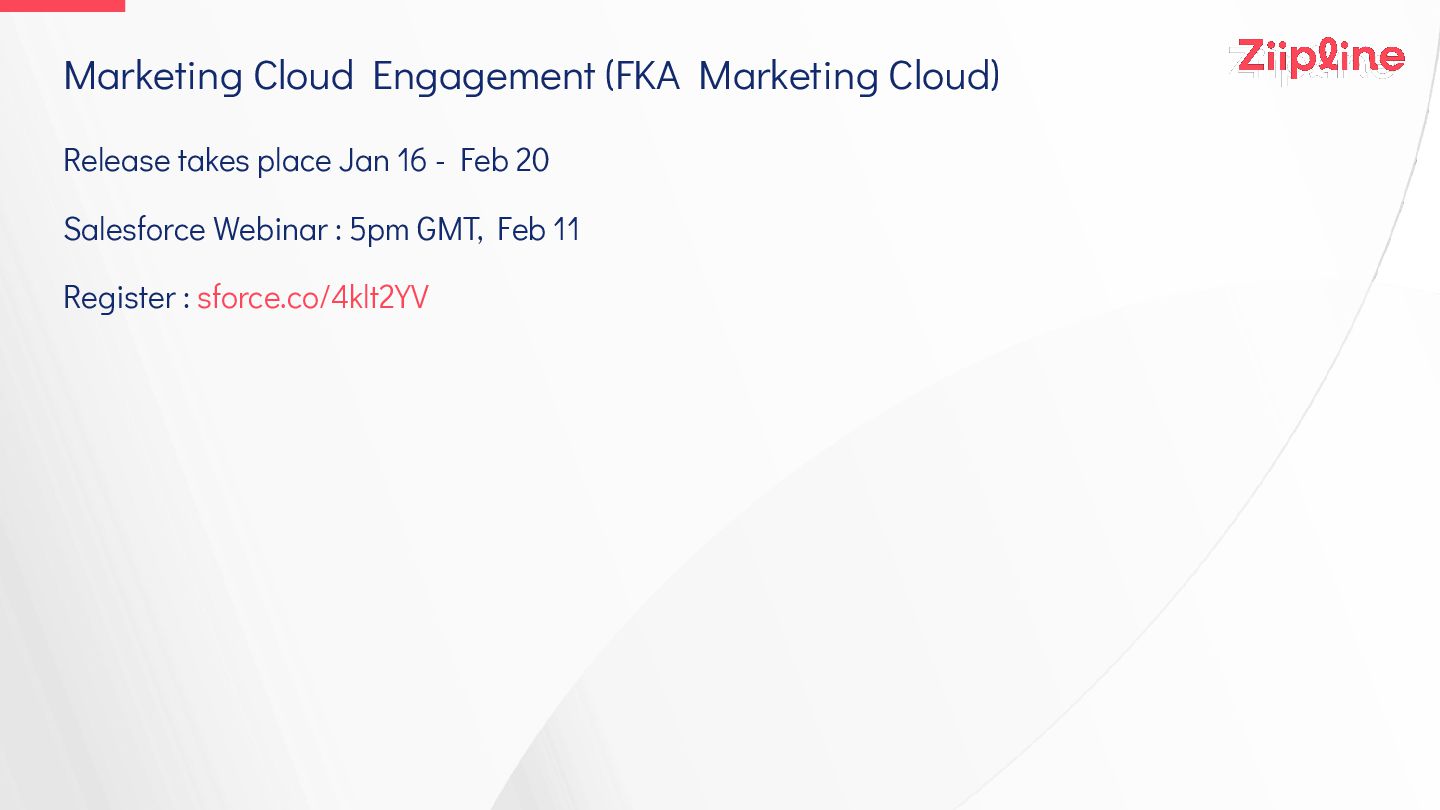
Marketing Cloud Engagement (FKA Marketing Cloud) Release takes place Jan
16 - Feb 20 Salesforce Webinar : 5pm GMT, Feb 11 Register : sforce.co/4klt2YV -
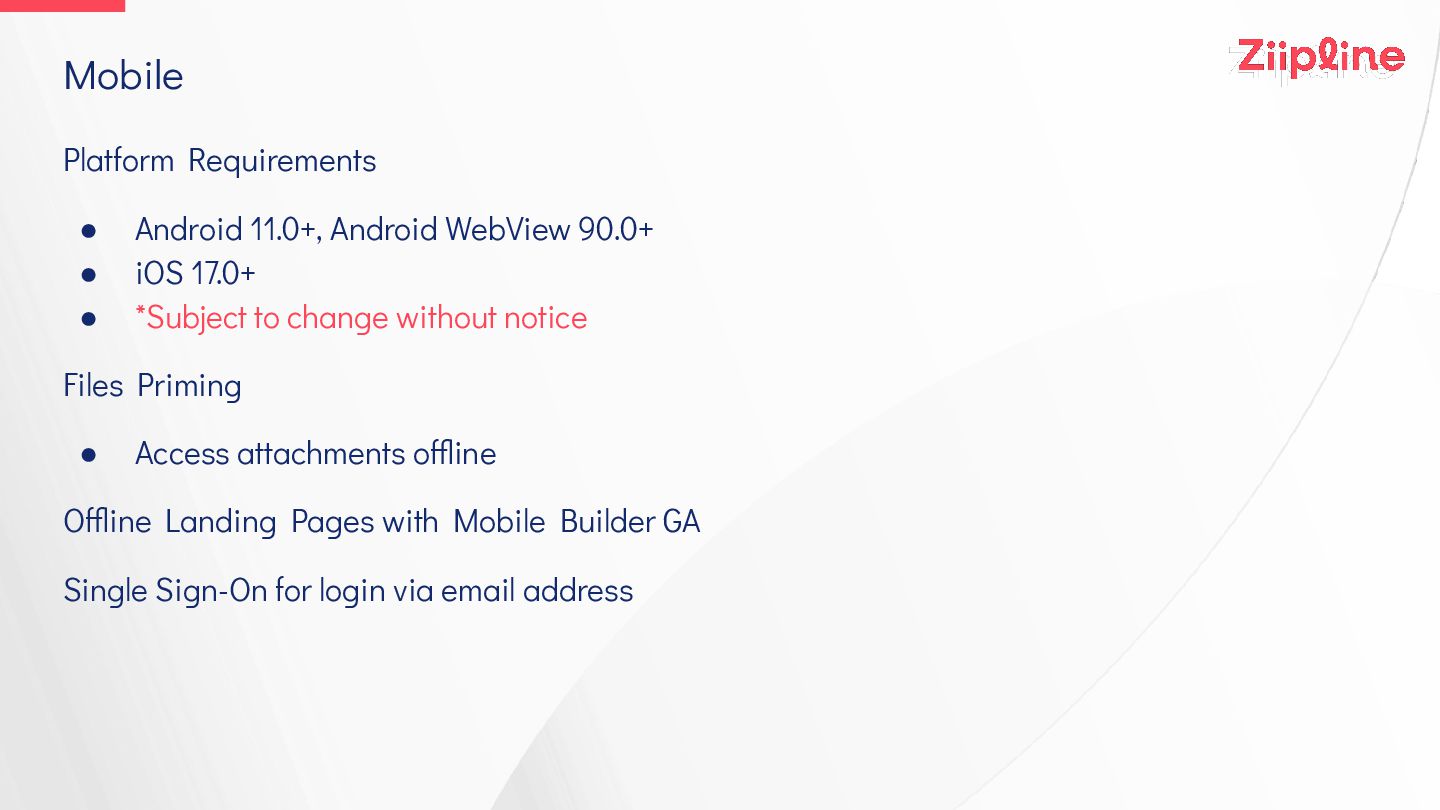
Platform Requirements • Android 11.0+, Android WebView 90.0+ • iOS
17.0+ • *Subject to change without notice Files Priming • Access attachments offline Offline Landing Pages with Mobile Builder GA Single Sign-On for login via email address Mobile -
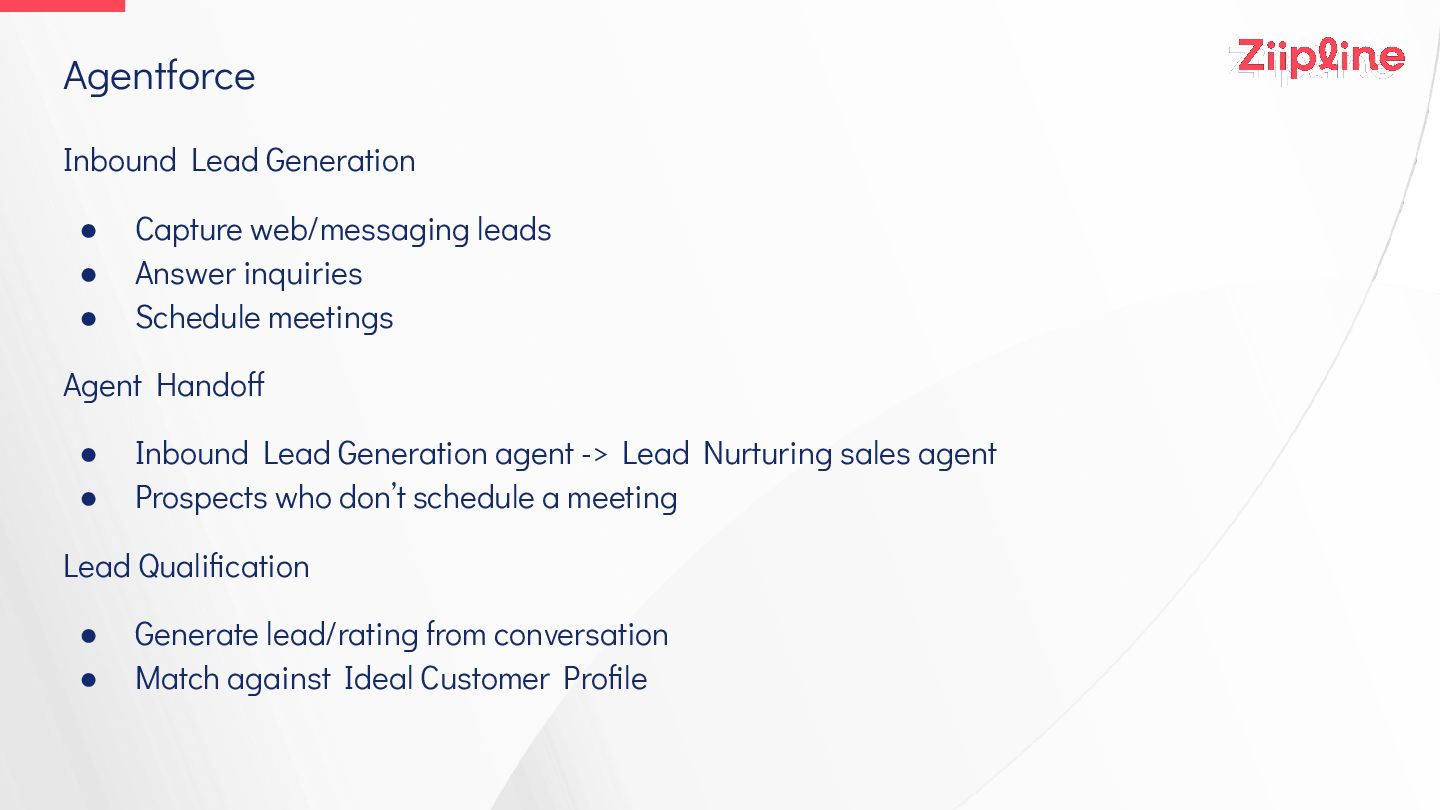
Inbound Lead Generation • Capture web/messaging leads • Answer inquiries
• Schedule meetings Agent Handoff • Inbound Lead Generation agent -> Lead Nurturing sales agent • Prospects who don’t schedule a meeting Lead Qualification • Generate lead/rating from conversation • Match against Ideal Customer Profile Agentforce -
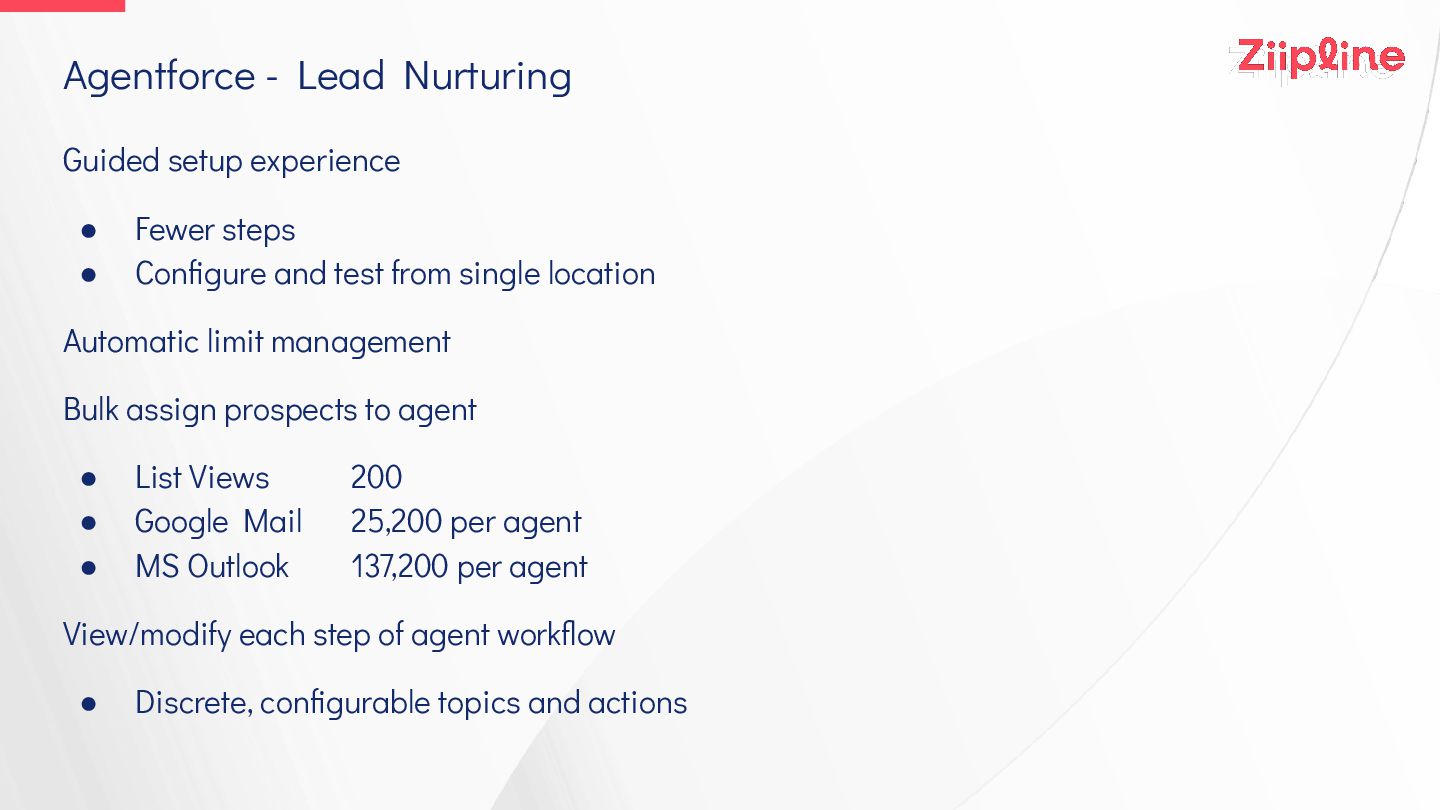
Guided setup experience • Fewer steps • Configure and test
from single location Automatic limit management Bulk assign prospects to agent • List Views 200 • Google Mail 25,200 per agent • MS Outlook 137,200 per agent View/modify each step of agent workflow • Discrete, configurable topics and actions Agentforce - Lead Nurturing -
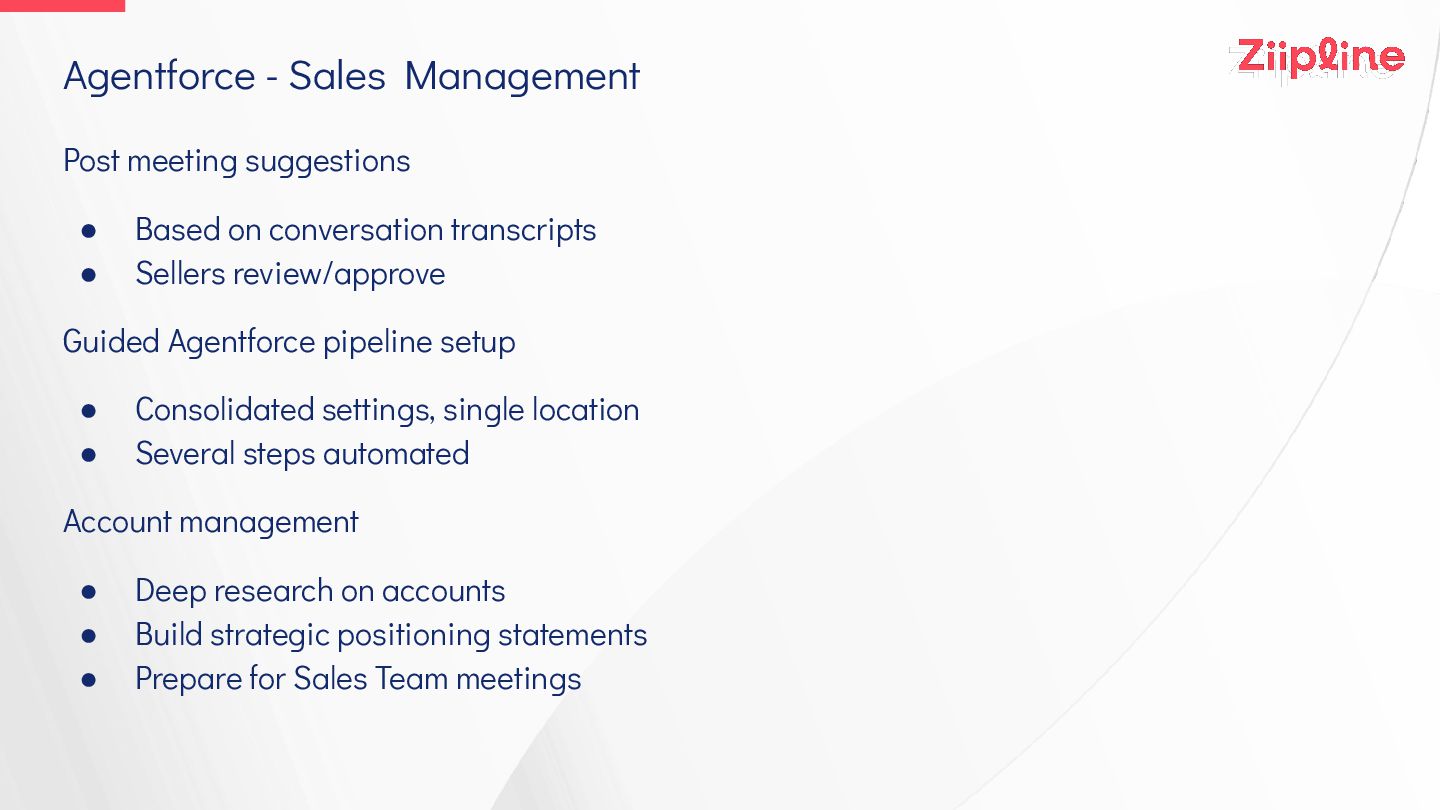
Post meeting suggestions • Based on conversation transcripts • Sellers
review/approve Guided Agentforce pipeline setup • Consolidated settings, single location • Several steps automated Account management • Deep research on accounts • Build strategic positioning statements • Prepare for Sales Team meetings Agentforce - Sales Management -
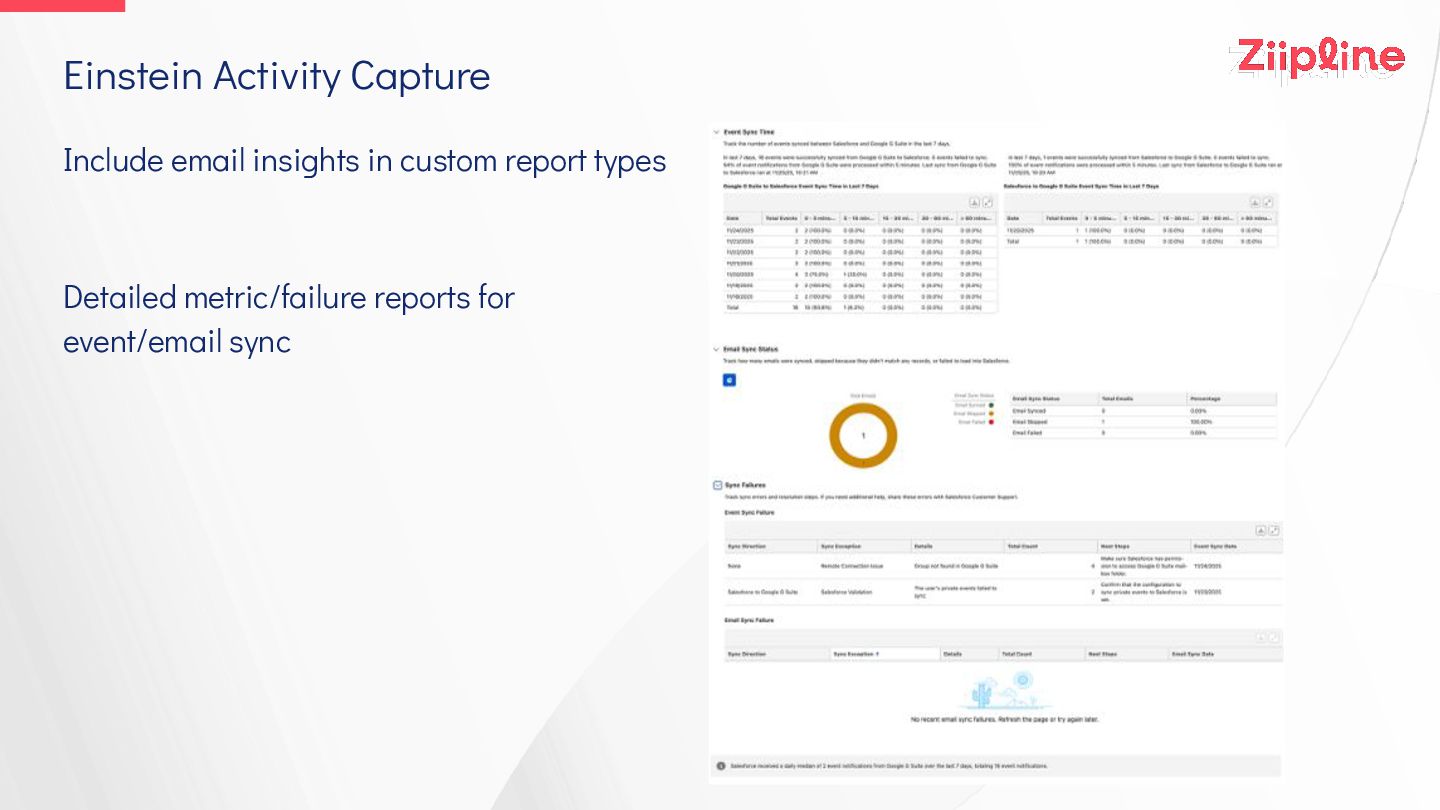
Include email insights in custom report types Detailed metric/failure reports
for event/email sync Einstein Activity Capture -
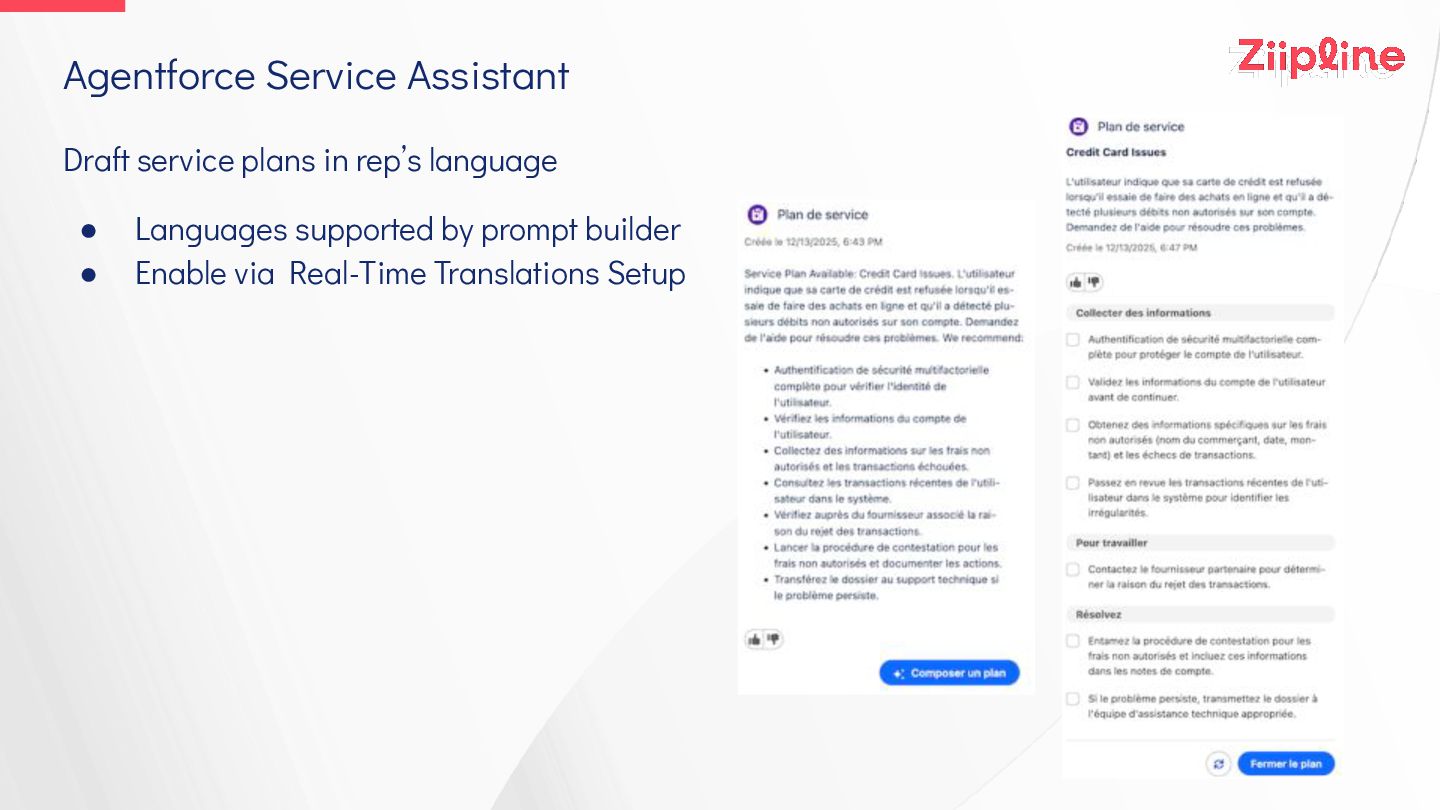
Draft service plans in rep’s language • Languages supported by
prompt builder • Enable via Real-Time Translations Setup Agentforce Service Assistant -
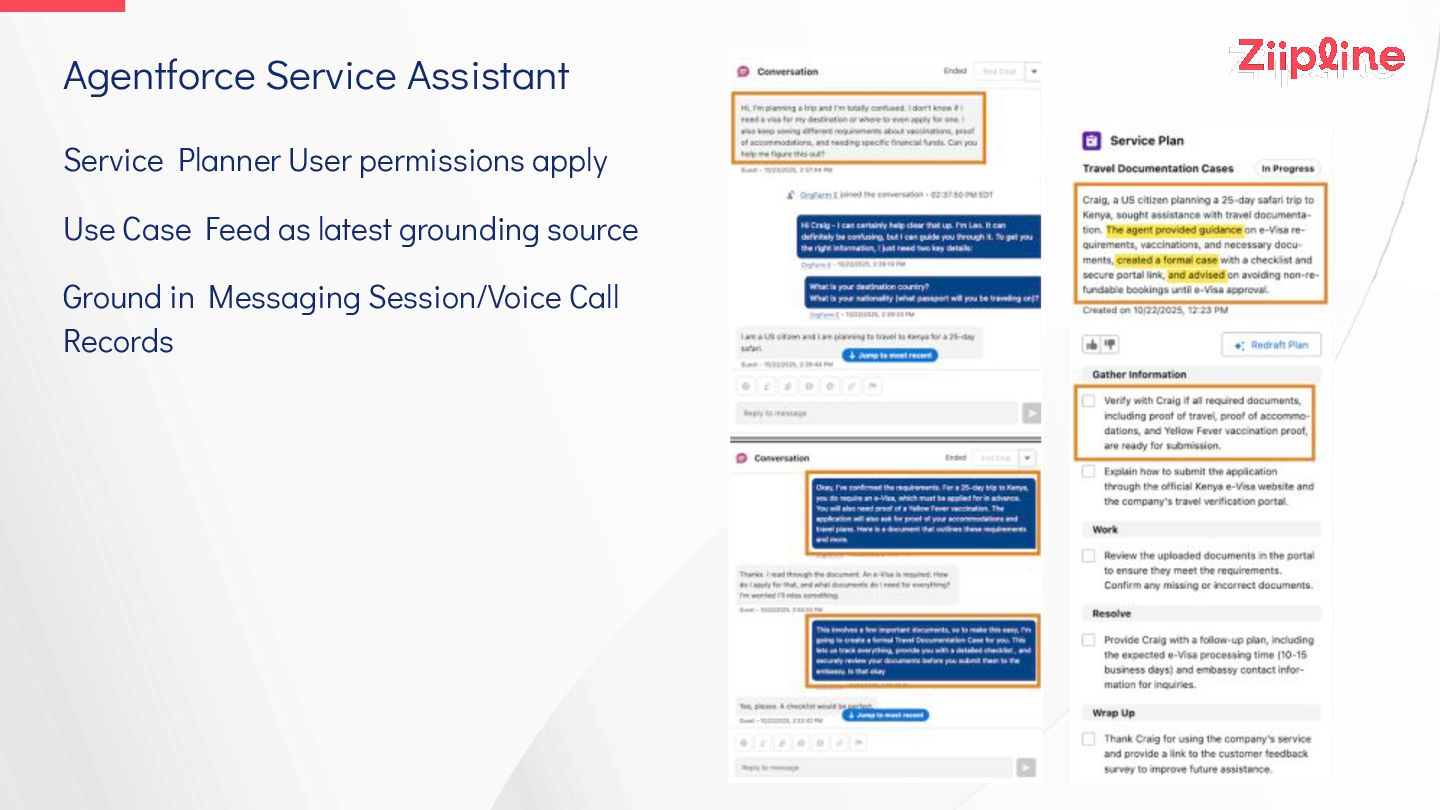
Service Planner User permissions apply Use Case Feed as latest
grounding source Ground in Messaging Session/Voice Call Records Agentforce Service Assistant -
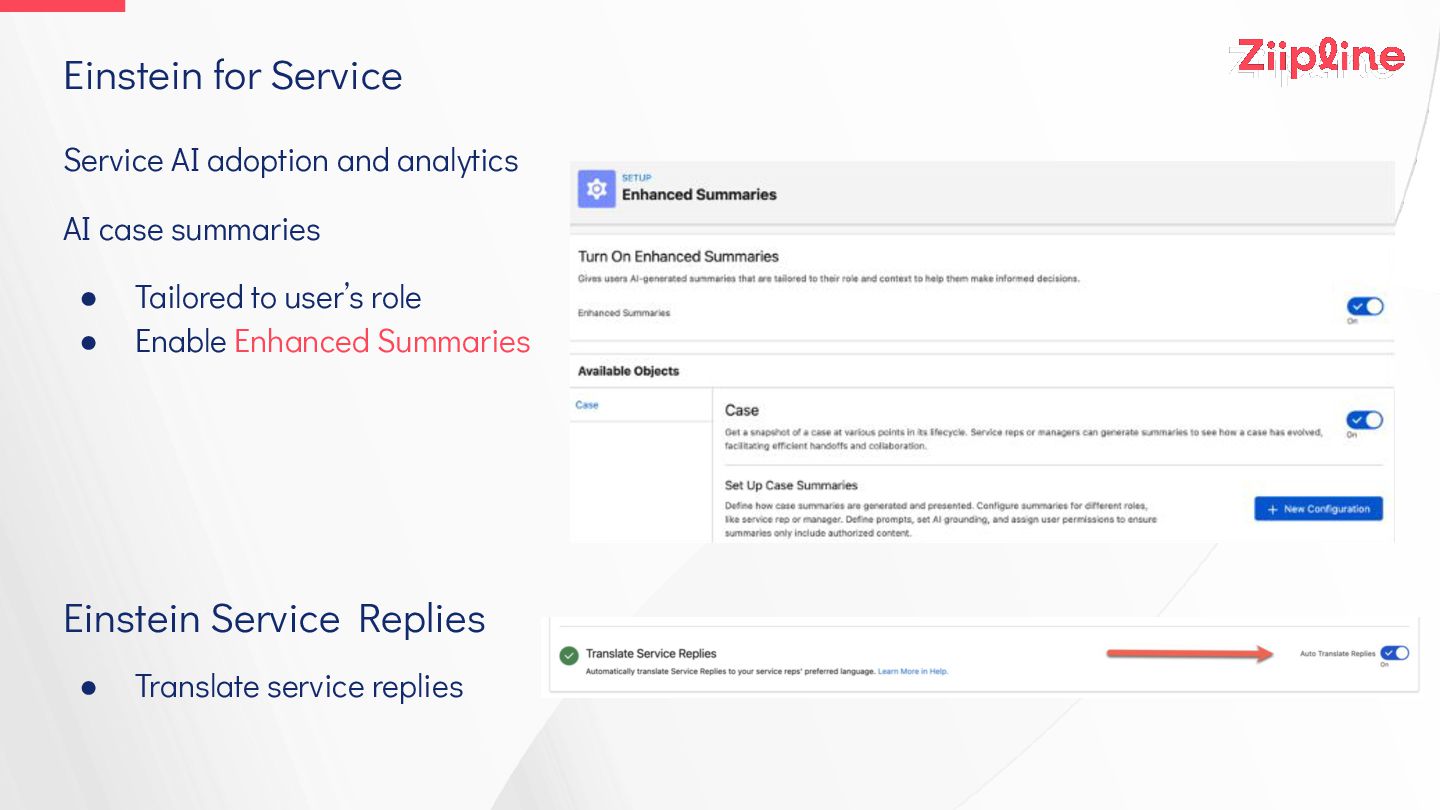
Service AI adoption and analytics AI case summaries • Tailored
to user’s role • Enable Enhanced Summaries Einstein Service Replies • Translate service replies Einstein for Service -
Rule-based milestone pause • Timer stopped when conditions are met
• Target date recalculated when timer restarts Case timeline component Verify Org-Wide Email Address before sending Case emails Agentforce Session Continuity • Session tied to case for 3 days, including emails Agentforce for Service on Email limit • 5,000 transactions per day (previously part of single email limit) Other -
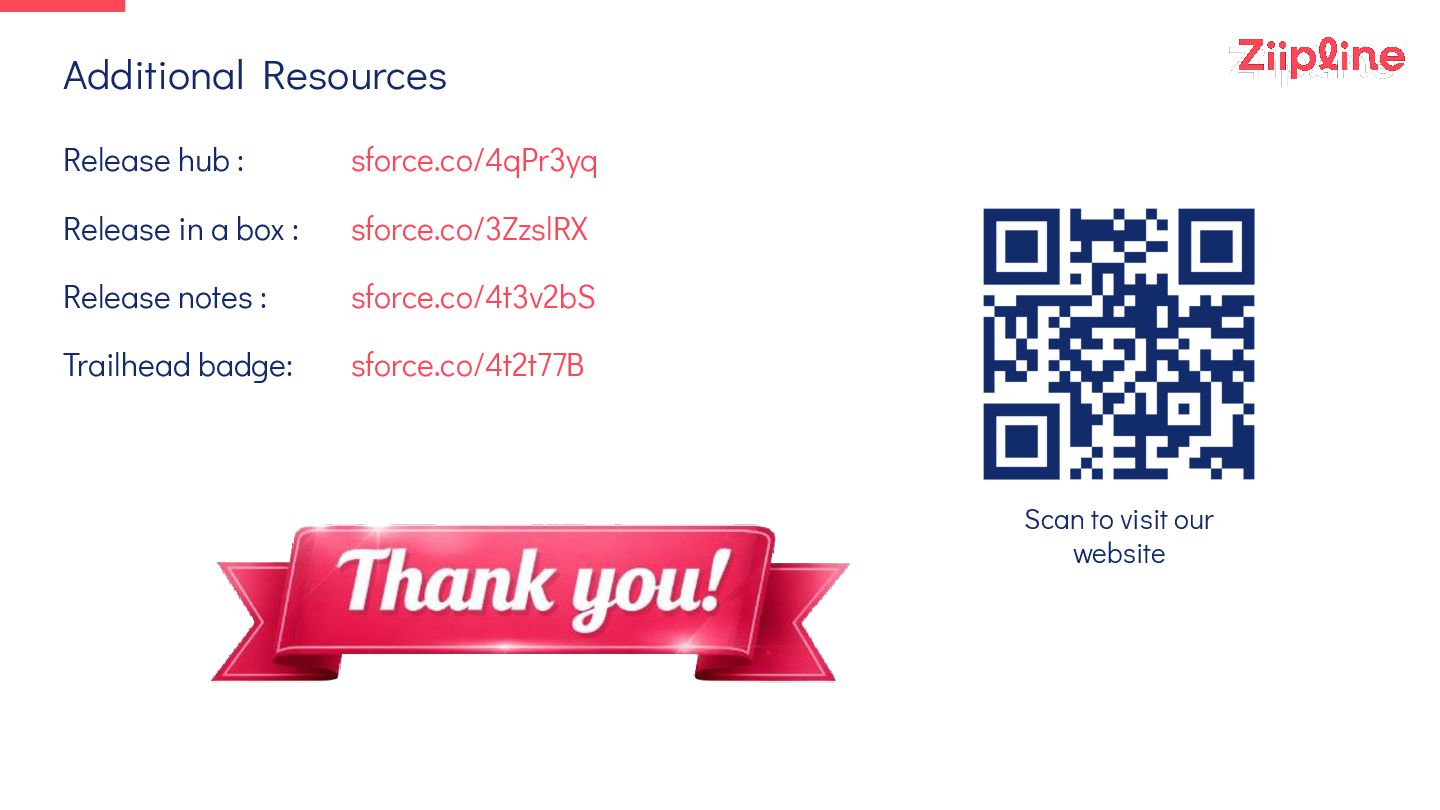
Release hub : sforce.co/4qPr3yq Release in a box : sforce.co/3ZzslRX
Release notes : sforce.co/4t3v2bS Trailhead badge: sforce.co/4t2t77B Additional Resources Scan to visit our website