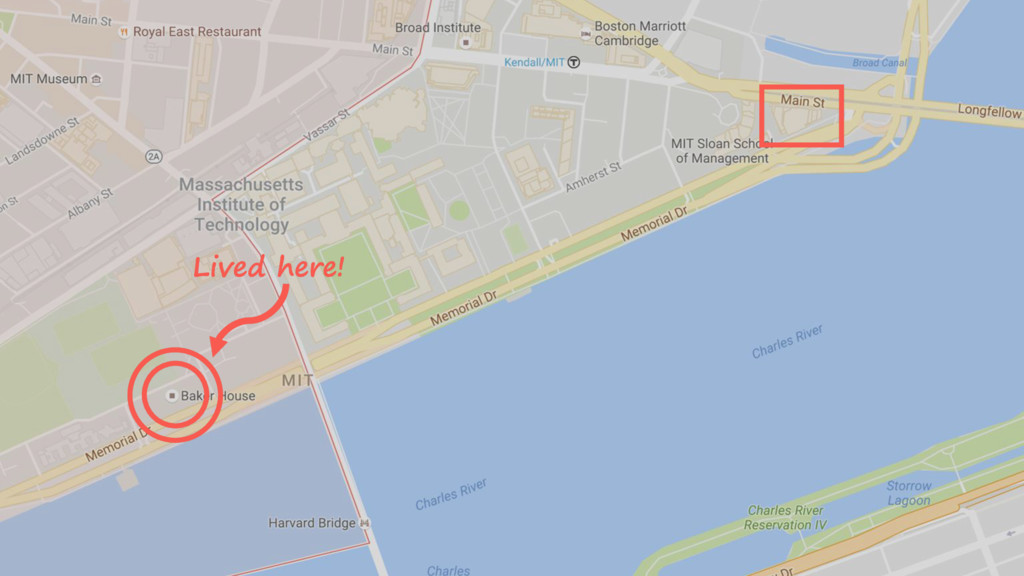
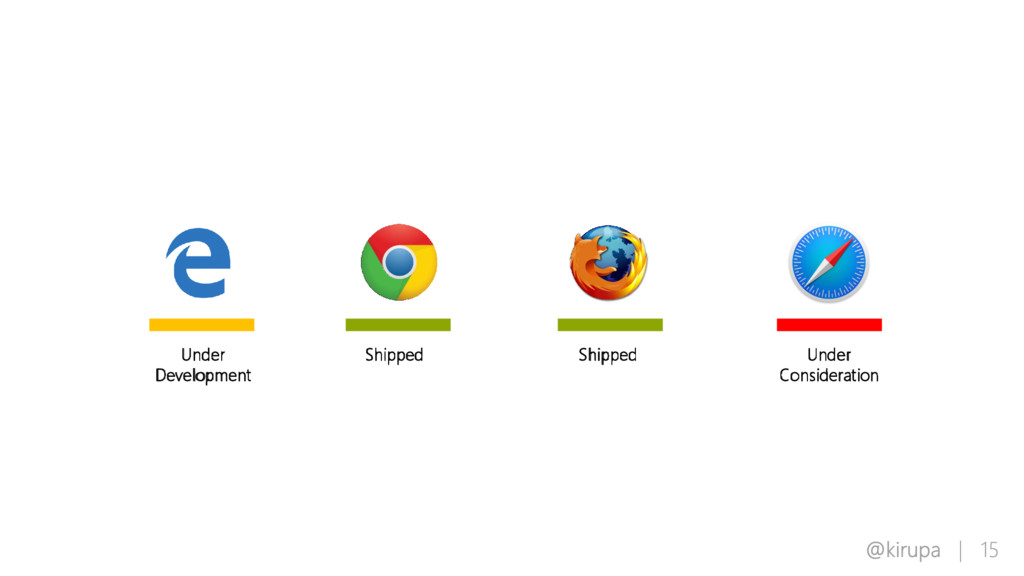
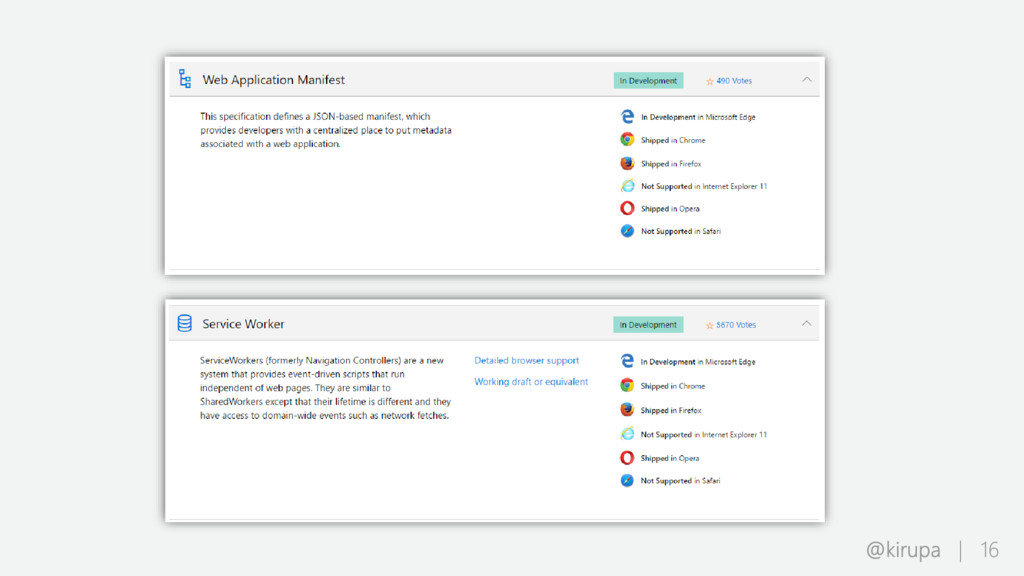
A talk around PWAs and and what we are doing on the Edge team to support them. This was presented at the MS NERD building as part of the Boston Frontend Developers Meetup group.
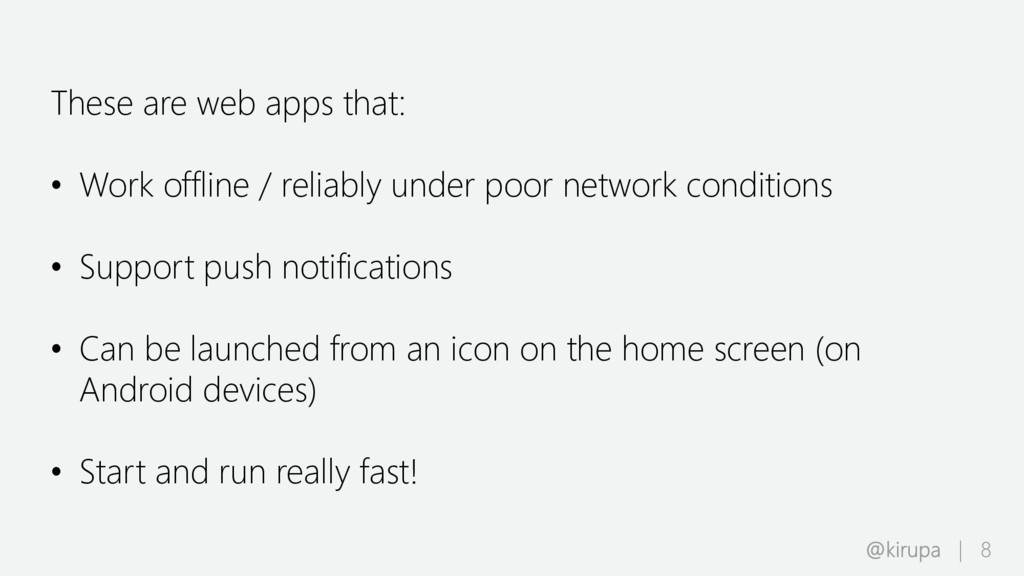
under poor network conditions • Support push notifications • Can be launched from an icon on the home screen (on Android devices) • Start and run really fast!
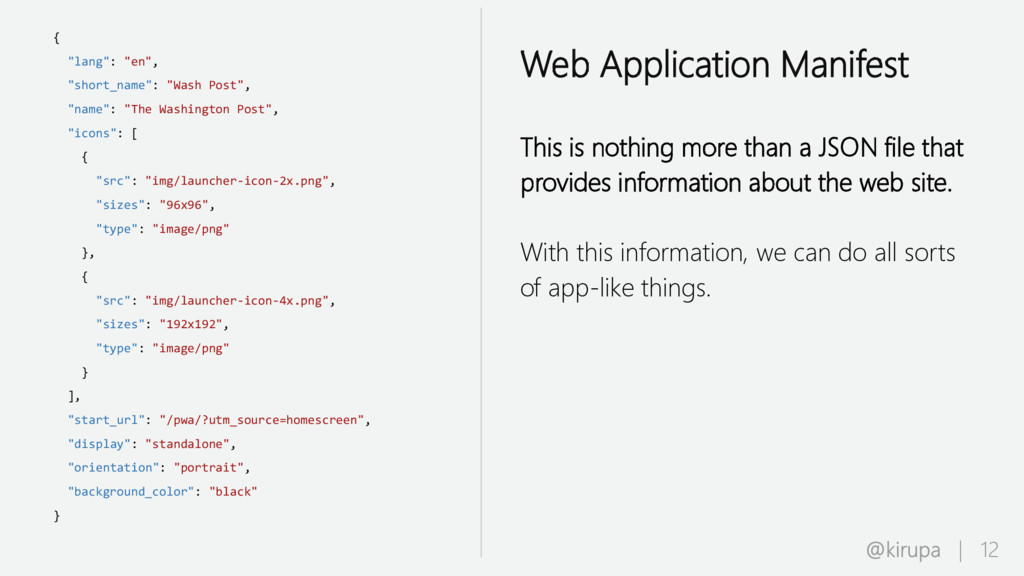
"icons": [ { "src": "img/launcher-icon-2x.png", "sizes": "96x96", "type": "image/png" }, { "src": "img/launcher-icon-4x.png", "sizes": "192x192", "type": "image/png" } ], "start_url": "/pwa/?utm_source=homescreen", "display": "standalone", "orientation": "portrait", "background_color": "black" } Web Application Manifest This is nothing more than a JSON file that provides information about the web site. With this information, we can do all sorts of app-like things.
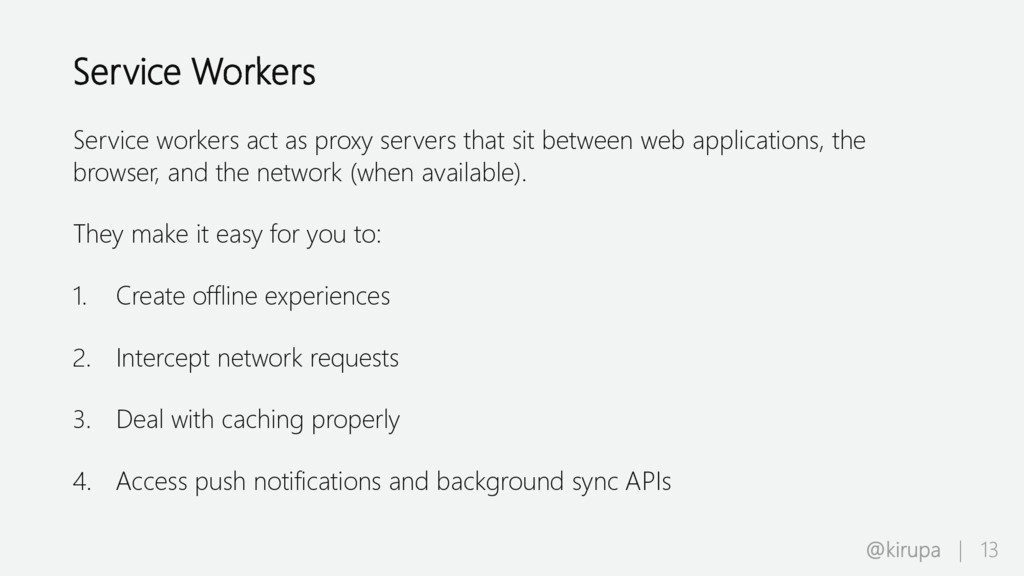
between web applications, the browser, and the network (when available). They make it easy for you to: 1. Create offline experiences 2. Intercept network requests 3. Deal with caching properly 4. Access push notifications and background sync APIs


 iwatsukayura
 nokomoro3
 mixplace
 morizo_1984
 gonta
gonta
 kaityo256
 moro
moro
 drumath2237
 minodriven
 suneo3476
 tanahiro2010
 tomokon
 techseoconnect
 ks91
ks91
 samlambert
 carmenintech
 tammyeverts
 csswizardry
 garrettdimon
 trallard
 danielanewman
 swwweet
 watany


![Ask me questions! Kirupa Chinnathambi (@kirupa) [email protected] https://www.kirupa.com](https://files.speakerdeck.com/presentations/bf389b750cb74c10b40fdea324ce8950/slide_49.jpg)