Upgrade to Pro — share decks privately, control downloads, hide ads and more …

stable-context-map

Avatar for kkoisland kkoisland
February 12, 2026

 stable-context-map

A map app that keeps your view stable when you search. Built with React, TypeScript, and OpenStreetMap — no API key required.

Avatar for kkoisland

kkoisland

February 12, 2026
Tweet

More Decks by kkoisland

Other Decks in Programming

Transcript

  1. stable-context-map A Map App That Preserves Your Viewing Context Demo:

    https://www.kkoisland.com/stable-context-map/ GitHub: https://github.com/kkoisland/stable-context-map kkoisland (Keiko)
  2. About Me kkoisland (Keiko) Frontend Engineer • React / TypeScript

    • Interactive UI • Developer experience Portfolio: www.kkoisland.com GitHub: github.com/kkoisland
  3. Why I Built This Problems I had while planning trips:

    ❌ Map auto-moves on every search ❌ Zoom level changes & can't lock ❌ Hard to export data when closing browser → So I built my own solution Built with ❤ for the React community
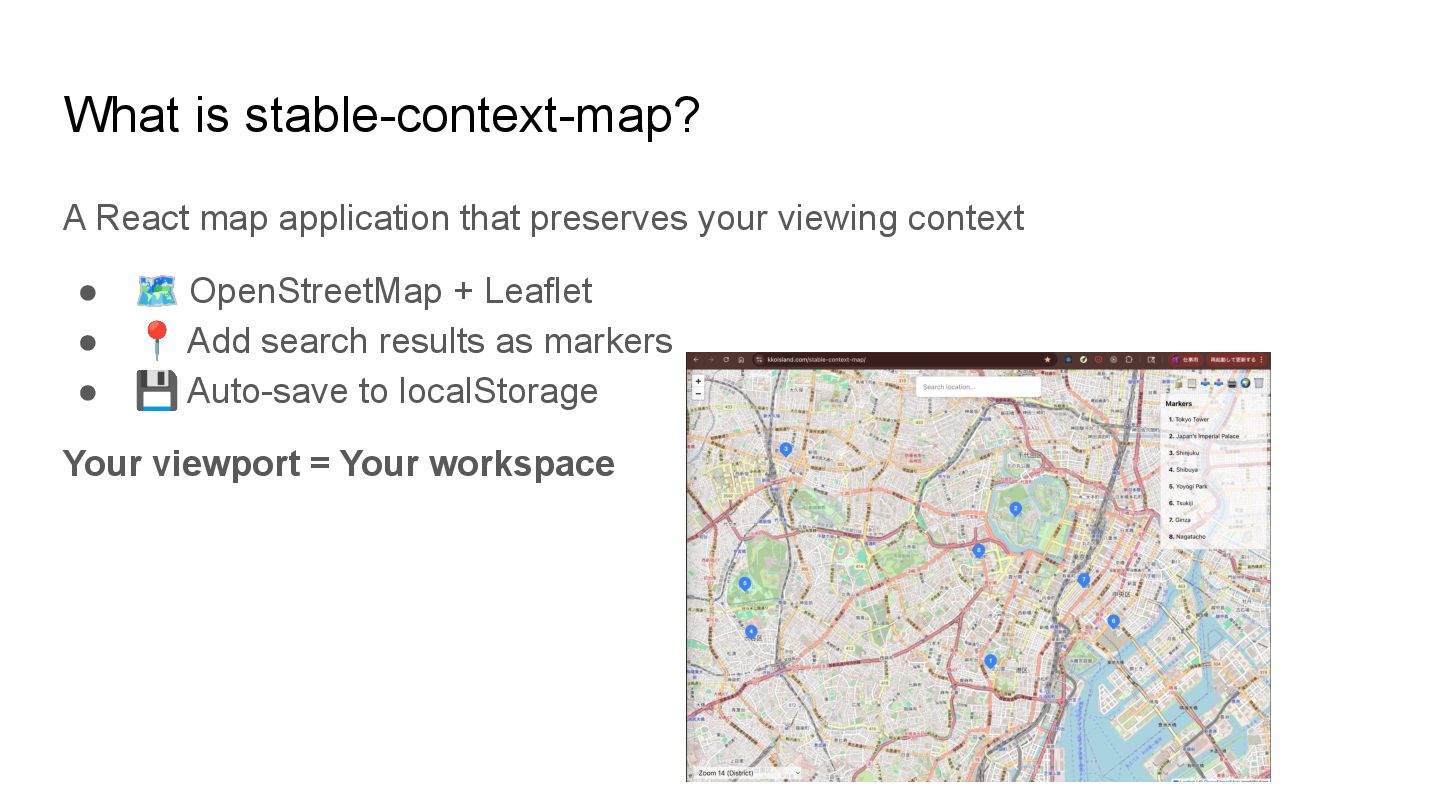
  4. What is stable-context-map? A React map application that preserves your

    viewing context • 🗺 OpenStreetMap + Leaflet • 📍 Add search results as markers • 💾 Auto-save to localStorage Your viewport = Your workspace
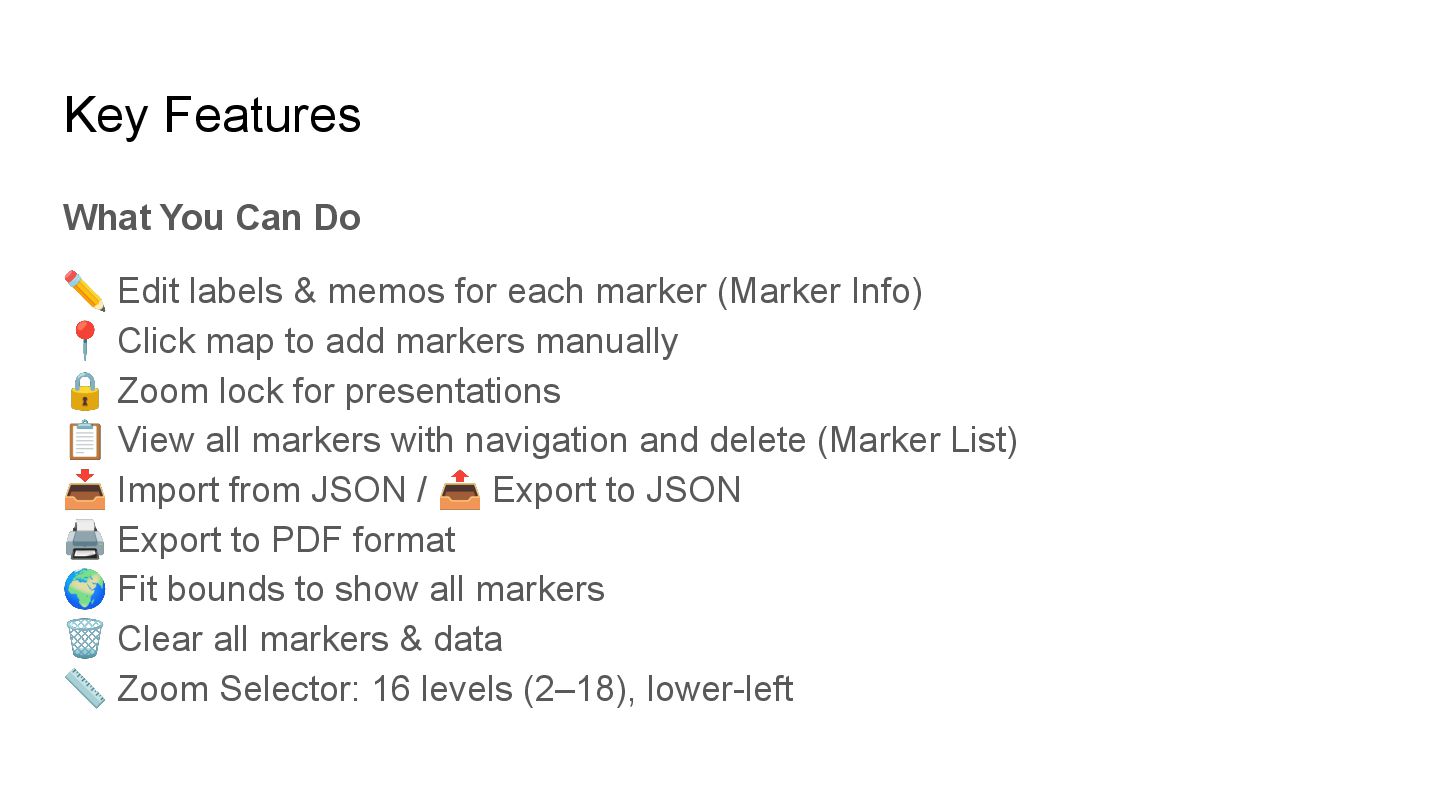
  5. Key Features What You Can Do ✏ Edit labels &

    memos for each marker (Marker Info) 📍 Click map to add markers manually 🔒 Zoom lock for presentations 📋 View all markers with navigation and delete (Marker List) 📥 Import from JSON / 📤 Export to JSON 🖨 Export to PDF format 🌍 Fit bounds to show all markers 🗑 Clear all markers & data 📏 Zoom Selector: 16 levels (2–18), lower-left
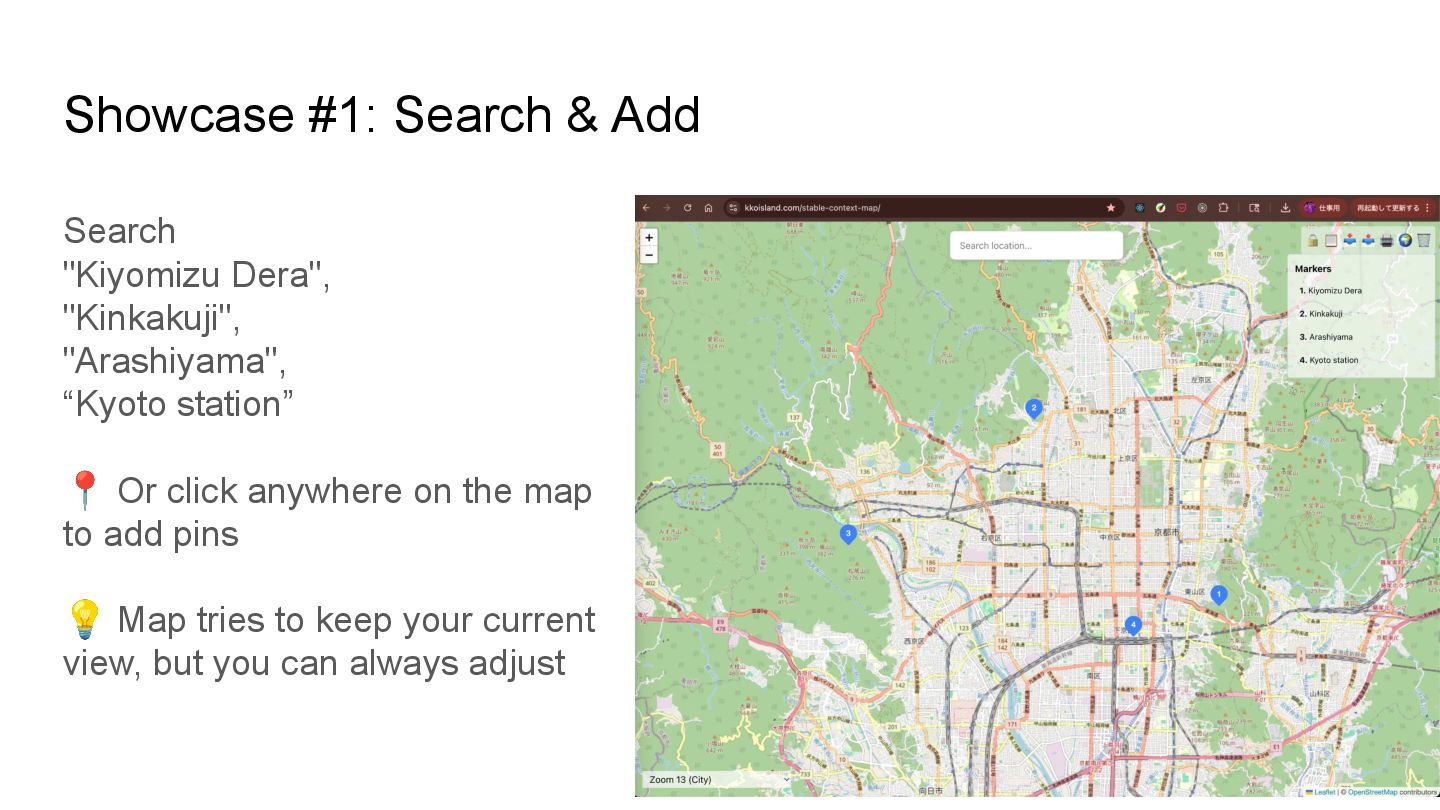
  6. Showcase #1: Search & Add Search "Kiyomizu Dera", "Kinkakuji", "Arashiyama",

    “Kyoto station” 📍 Or click anywhere on the map to add pins 💡 Map tries to keep your current view, but you can always adjust
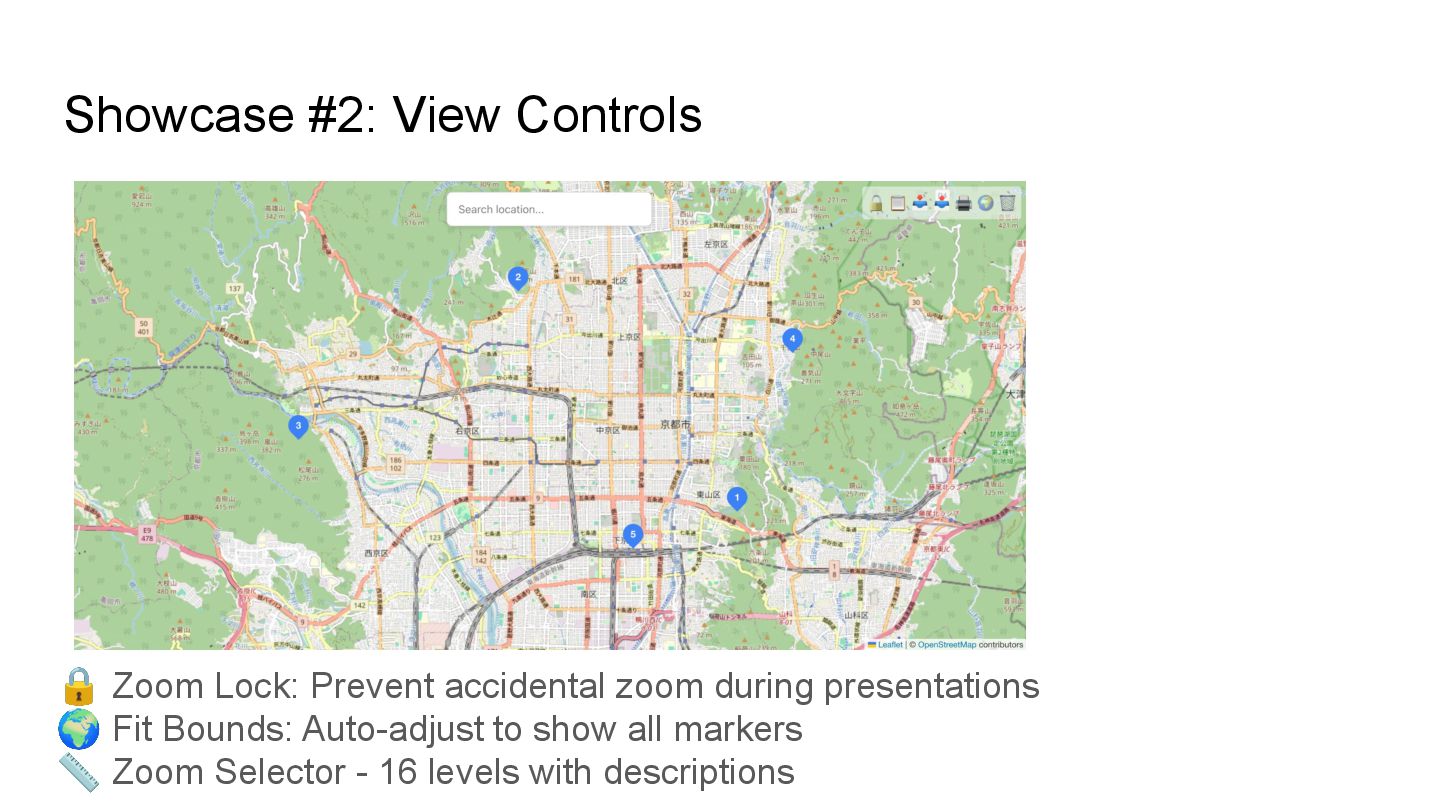
  7. Showcase #2: View Controls 🔒 Zoom Lock: Prevent accidental zoom

    during presentations 🌍 Fit Bounds: Auto-adjust to show all markers 📏 Zoom Selector - 16 levels with descriptions
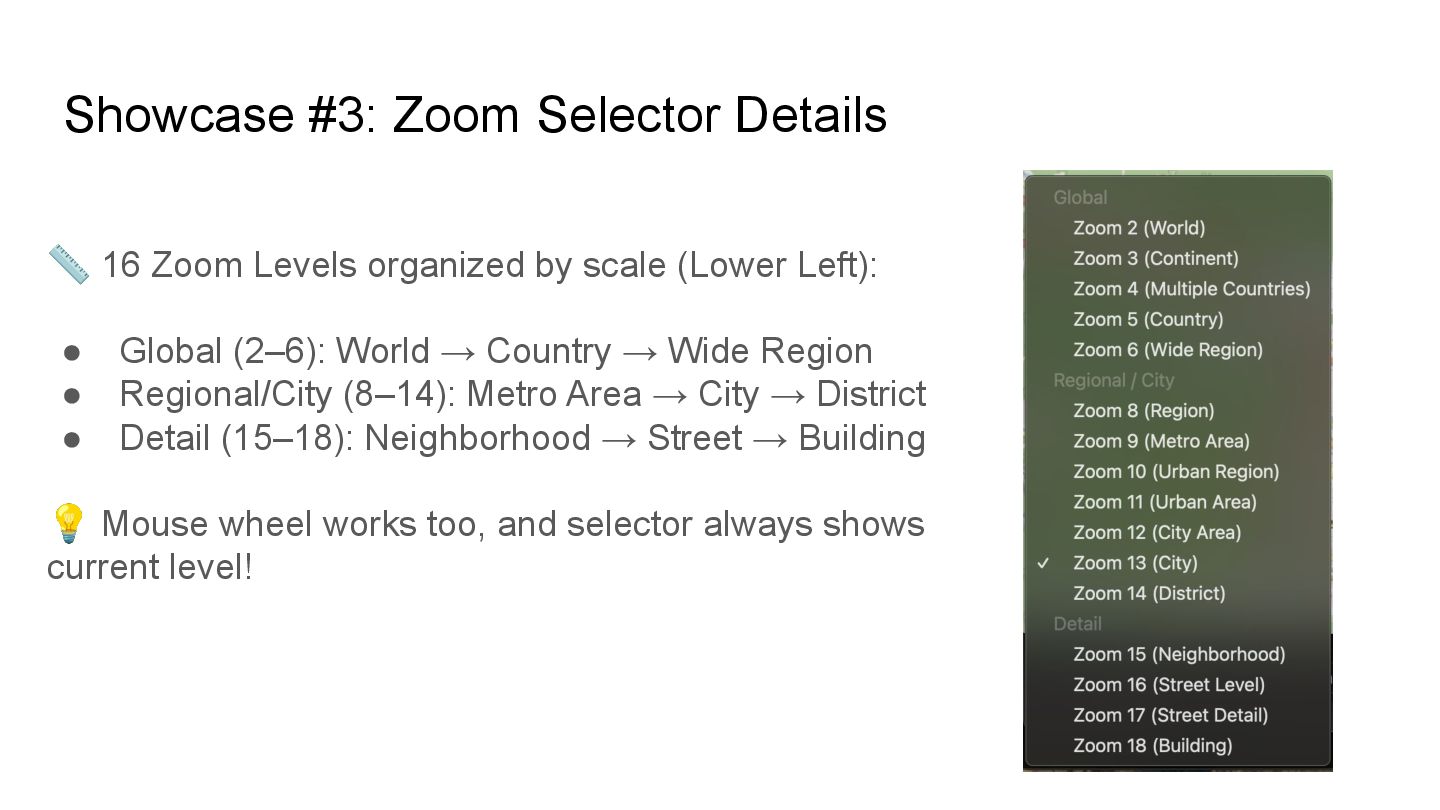
  8. Showcase #3: Zoom Selector Details 📏 16 Zoom Levels organized

    by scale (Lower Left): • Global (2–6): World → Country → Wide Region • Regional/City (8–14): Metro Area → City → District • Detail (15–18): Neighborhood → Street → Building 💡 Mouse wheel works too, and selector always shows current level!
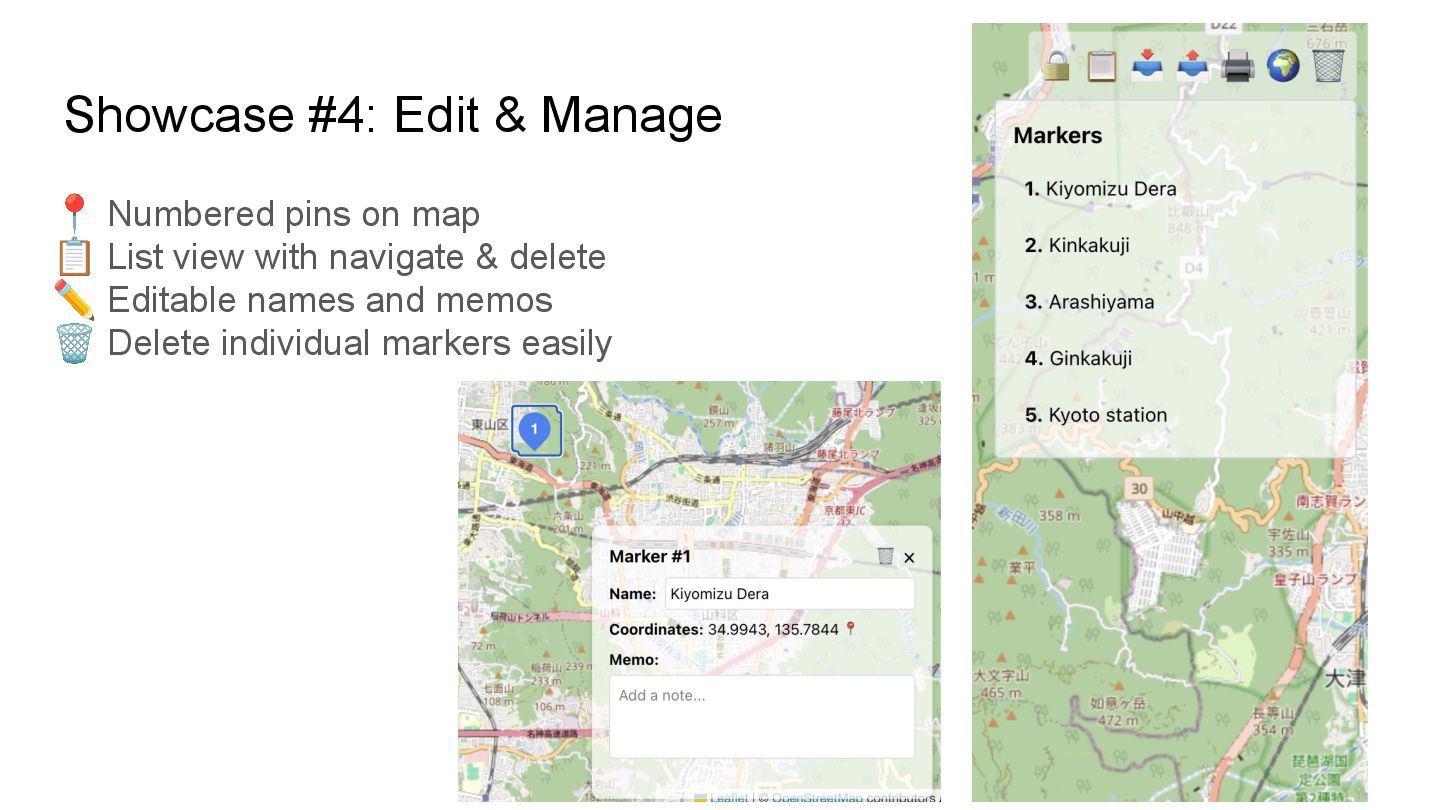
  9. Showcase #4: Edit & Manage 📍 Numbered pins on map

    📋 List view with navigate & delete ✏ Editable names and memos 🗑 Delete individual markers easily
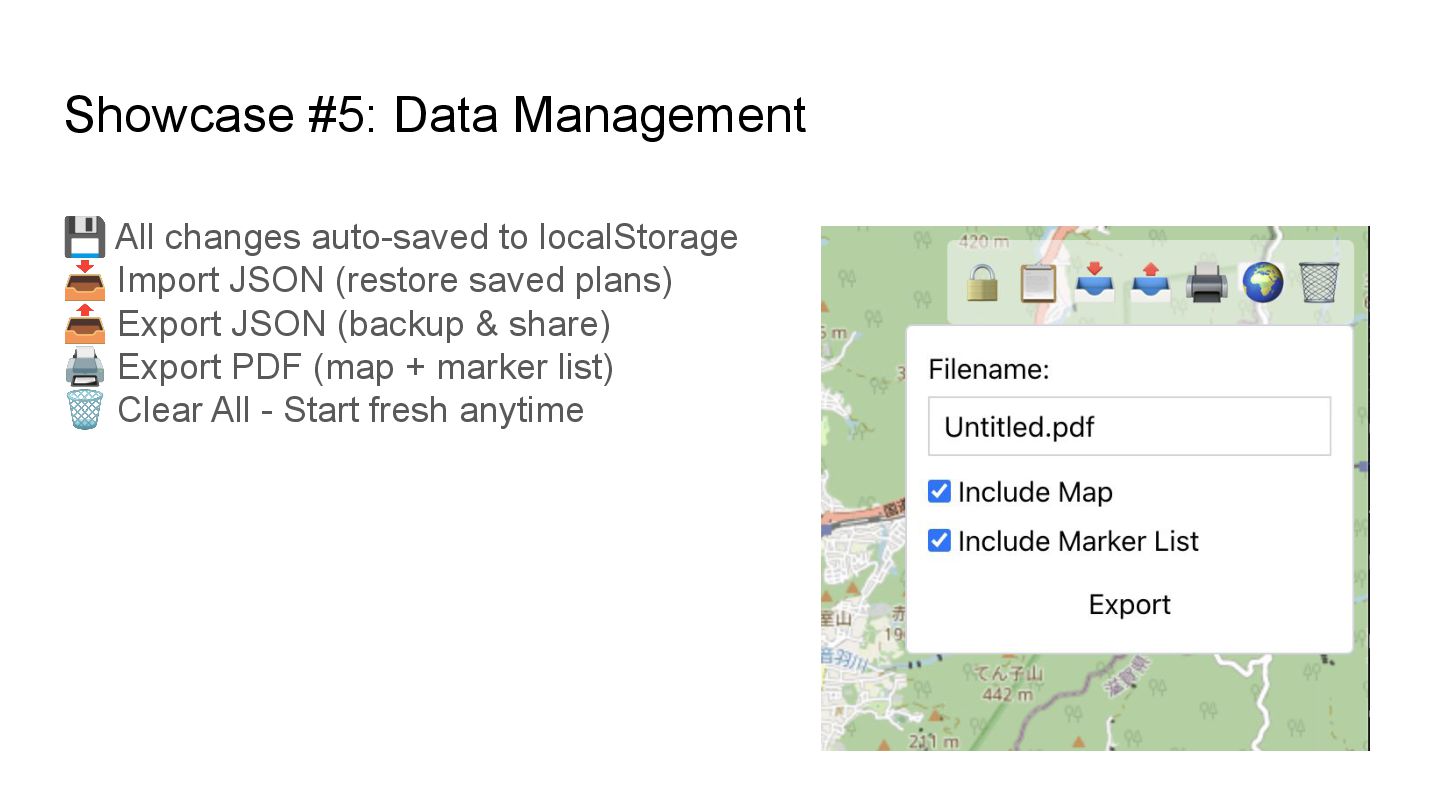
  10. Showcase #5: Data Management 💾 All changes auto-saved to localStorage

    📥 Import JSON (restore saved plans) 📤 Export JSON (backup & share) 🖨 Export PDF (map + marker list) 🗑 Clear All - Start fresh anytime
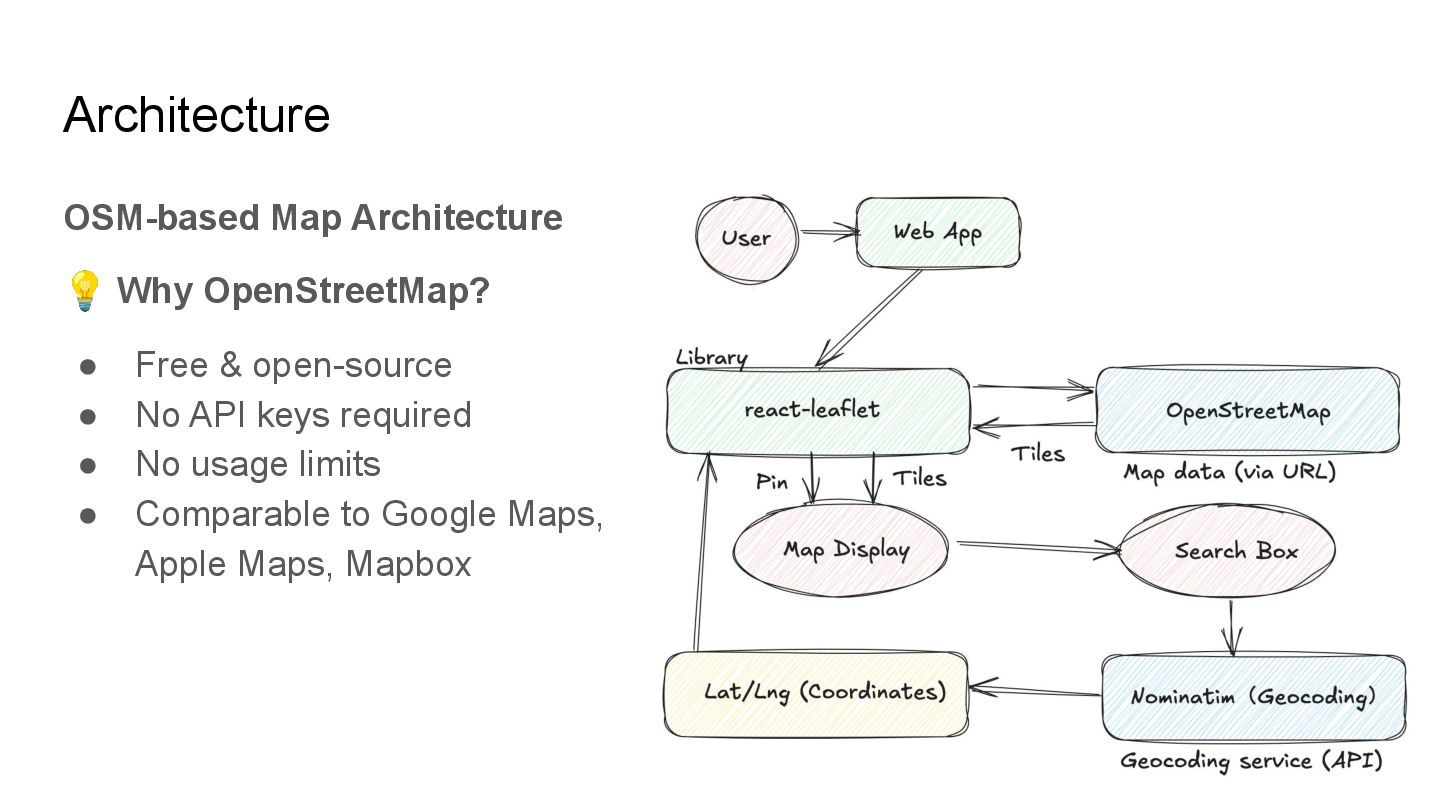
  11. Architecture OSM-based Map Architecture 💡 Why OpenStreetMap? • Free &

    open-source • No API keys required • No usage limits • Comparable to Google Maps, Apple Maps, Mapbox
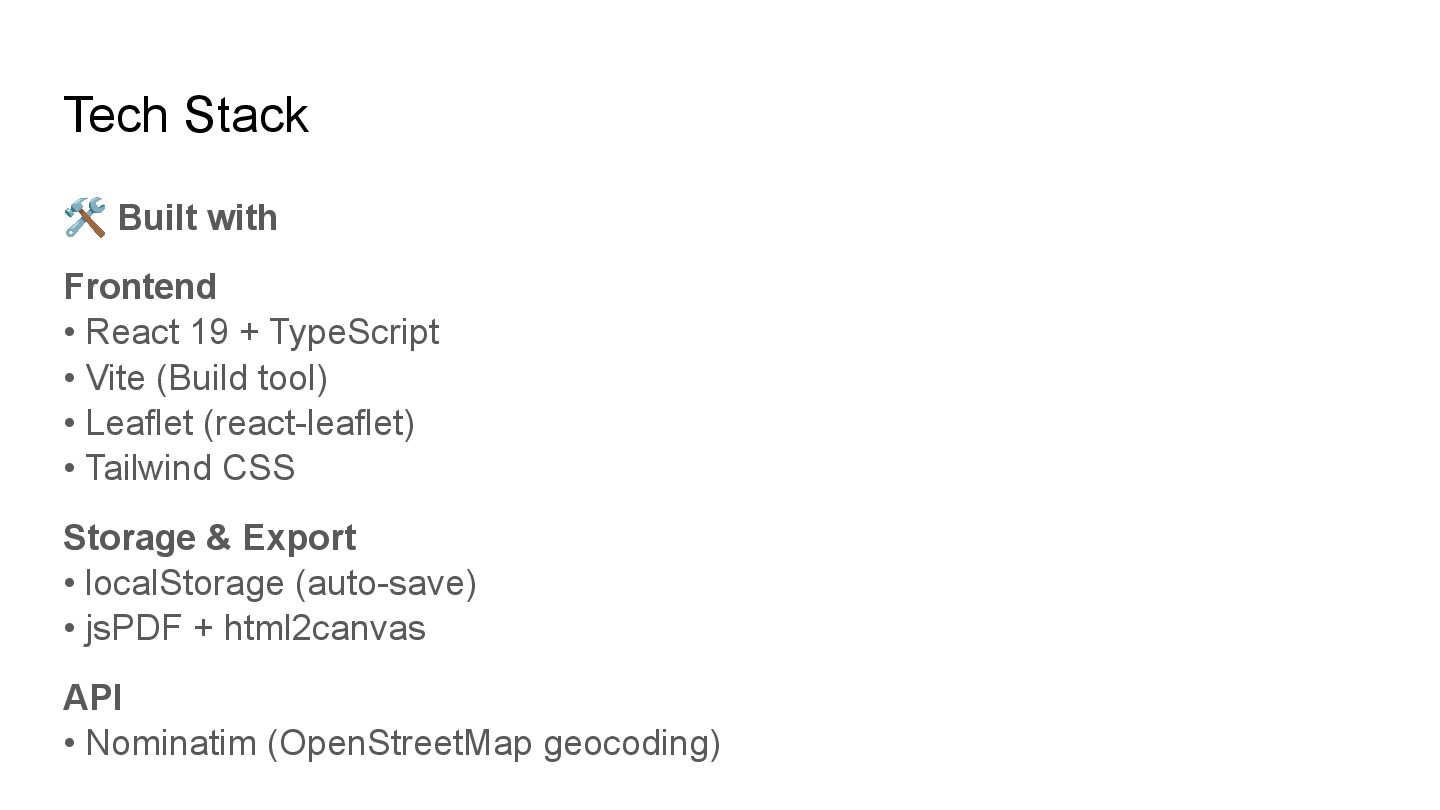
  12. Tech Stack 🛠 Built with Frontend • React 19 +

    TypeScript • Vite (Build tool) • Leaflet (react-leaflet) • Tailwind CSS Storage & Export • localStorage (auto-save) • jsPDF + html2canvas API • Nominatim (OpenStreetMap geocoding)
  13. Try the Demo! 🚀 Live Demo https://www.kkoisland.com/stable-context-map/ 💻 Source Code

    https://github.com/kkoisland/stable-context-map 📐 Hand-drawn diagrams excalidraw-animate (OSS contributor) Perfect for exploring places and organizing ideas on a map! kkoisland (Keiko)