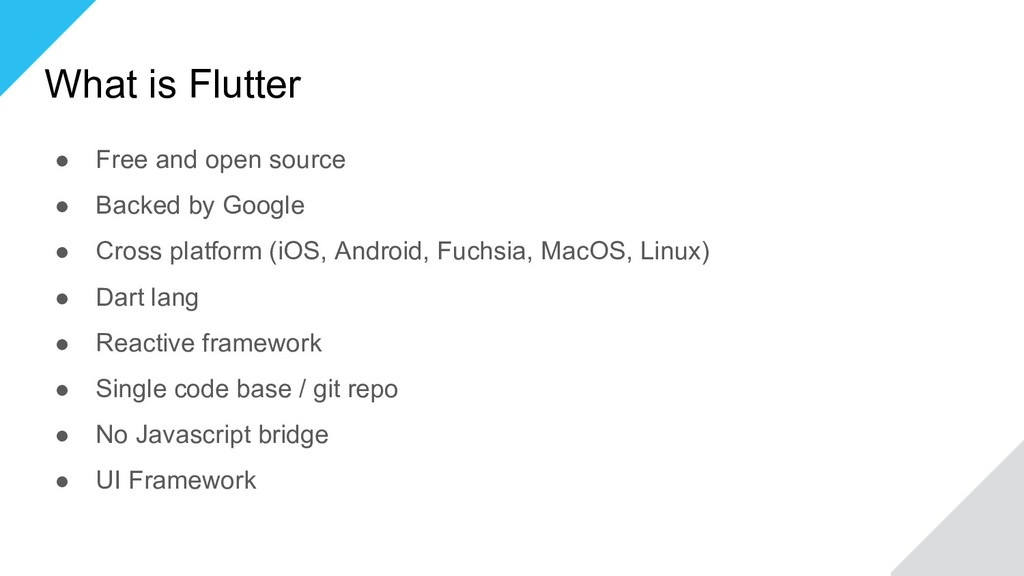
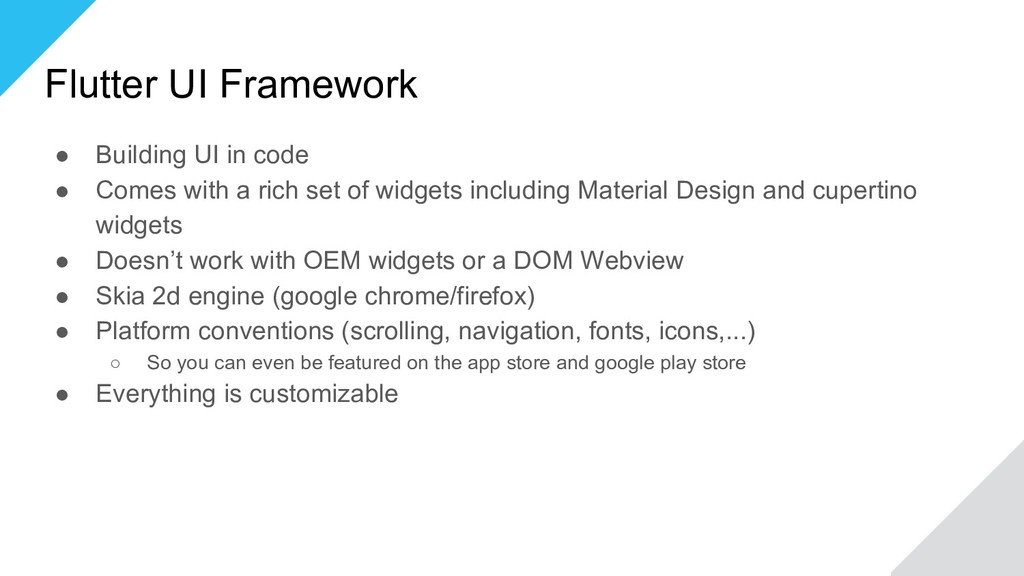
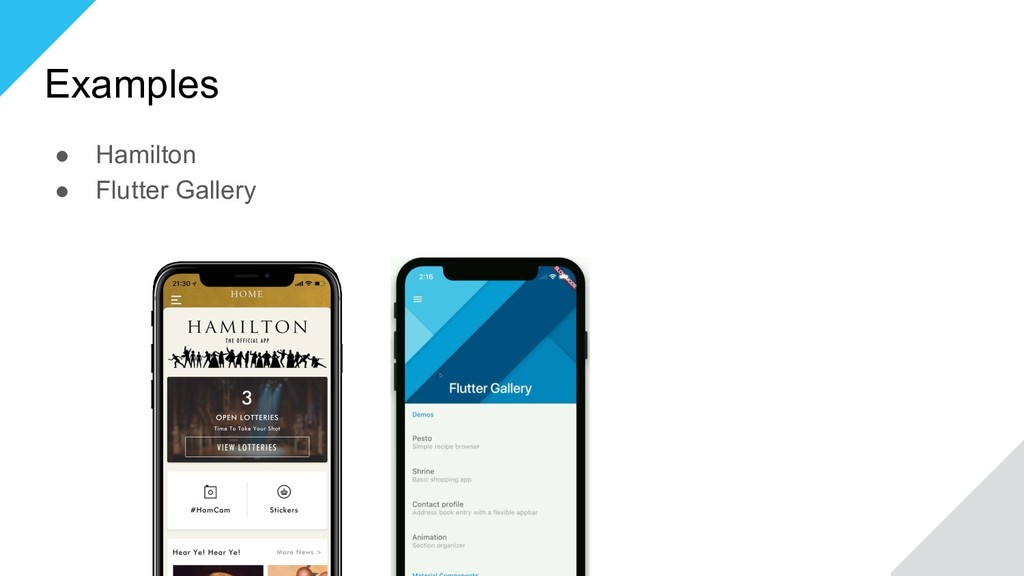
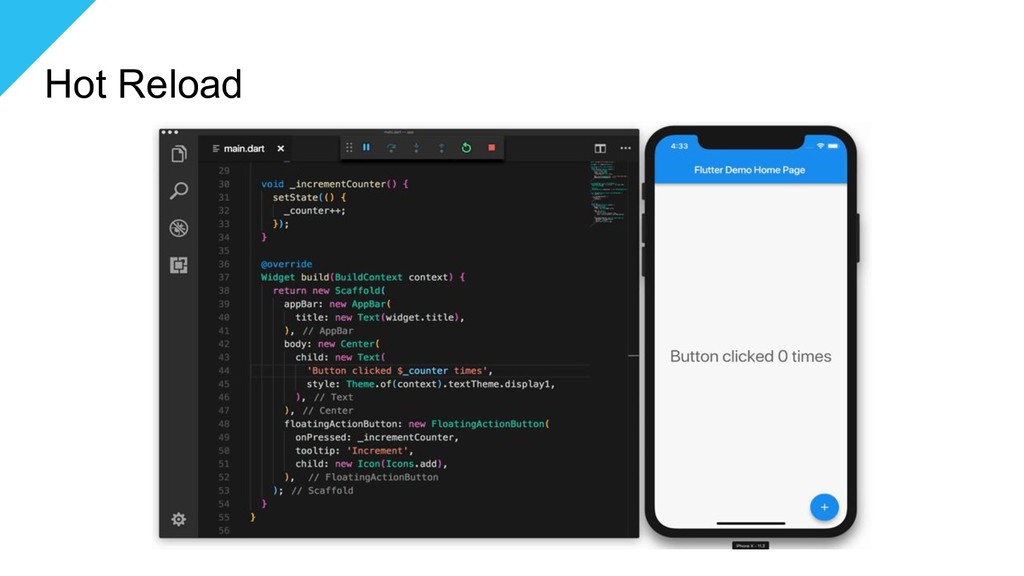
by Google • Cross platform (iOS, Android, Fuchsia, MacOS, Linux) • Dart lang • Reactive framework • Single code base / git repo • No Javascript bridge • UI Framework
with a rich set of widgets including Material Design and cupertino widgets • Doesn’t work with OEM widgets or a DOM Webview • Skia 2d engine (google chrome/firefox) • Platform conventions (scrolling, navigation, fonts, icons,...) ◦ So you can even be featured on the app store and google play store • Everything is customizable
all details, run flutter doctor -v): [✓] Flutter (Channel master, v0.4.4, on Mac OS X 10.13.4 17E202, locale en-BE) [✓] Android toolchain - develop for Android devices (Android SDK 27.0.3) [!] iOS toolchain - develop for iOS devices (Xcode 9.4) ! CocoaPods out of date (1.5.0 is recommended). CocoaPods is used to retrieve the iOS platform side's plugin code that responds to your plugin usage on the Dart side. Without resolving iOS dependencies with CocoaPods, plugins will not work on iOS. For more info, see https://flutter.io/platform-plugins To upgrade: brew upgrade cocoapods pod setup [✓] Android Studio (version 3.1) [✓] IntelliJ IDEA Ultimate Edition (version 2017.3.5)
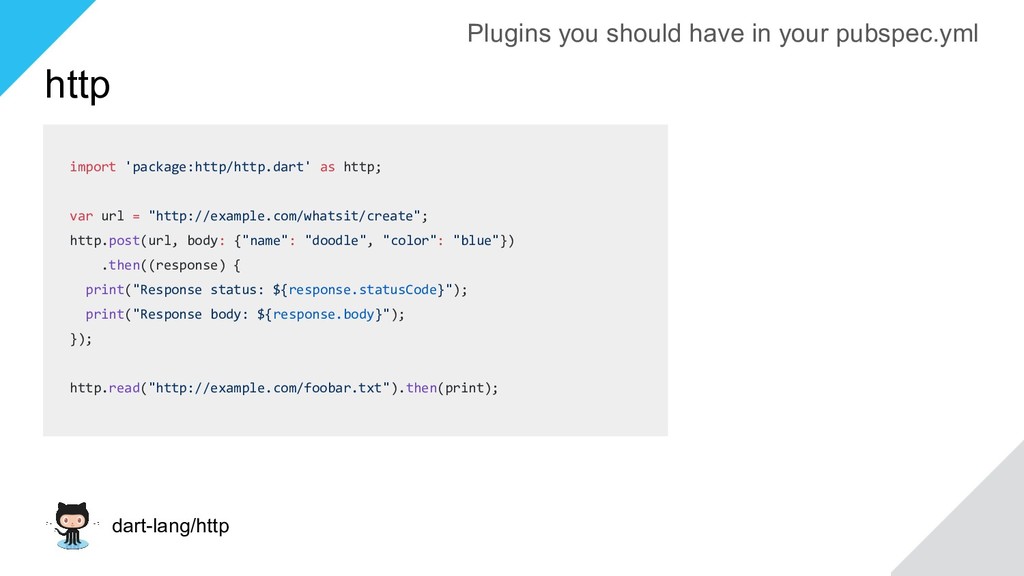
http.post(url, body: {"name": "doodle", "color": "blue"}) .then((response) { print("Response status: ${response.statusCode}"); print("Response body: ${response.body}"); }); http.read("http://example.com/foobar.txt").then(print); Plugins you should have in your pubspec.yml
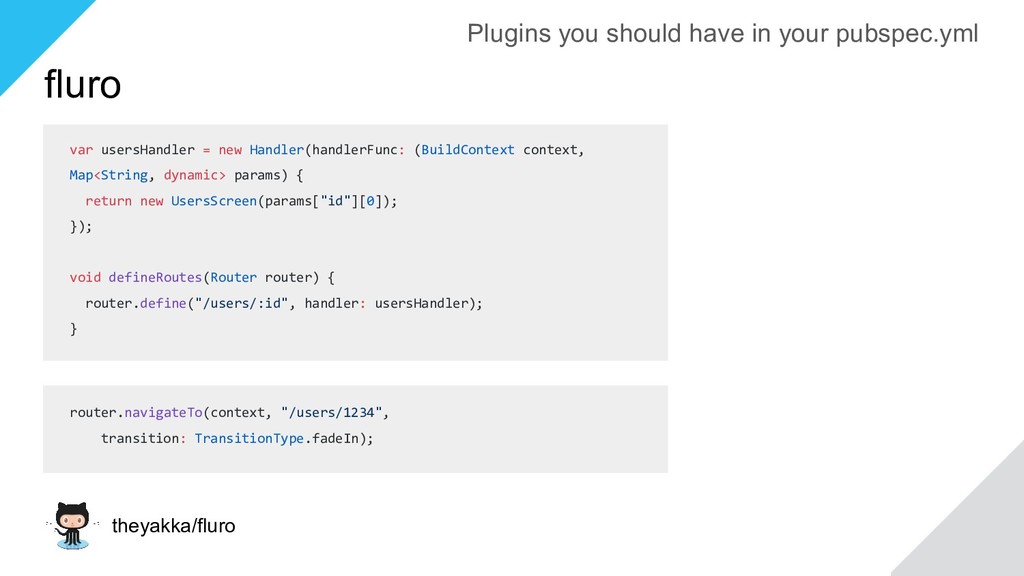
dynamic> params) { return new UsersScreen(params["id"][0]); }); void defineRoutes(Router router) { router.define("/users/:id", handler: usersHandler); } router.navigateTo(context, "/users/1234", transition: TransitionType.fadeIn); Plugins you should have in your pubspec.yml
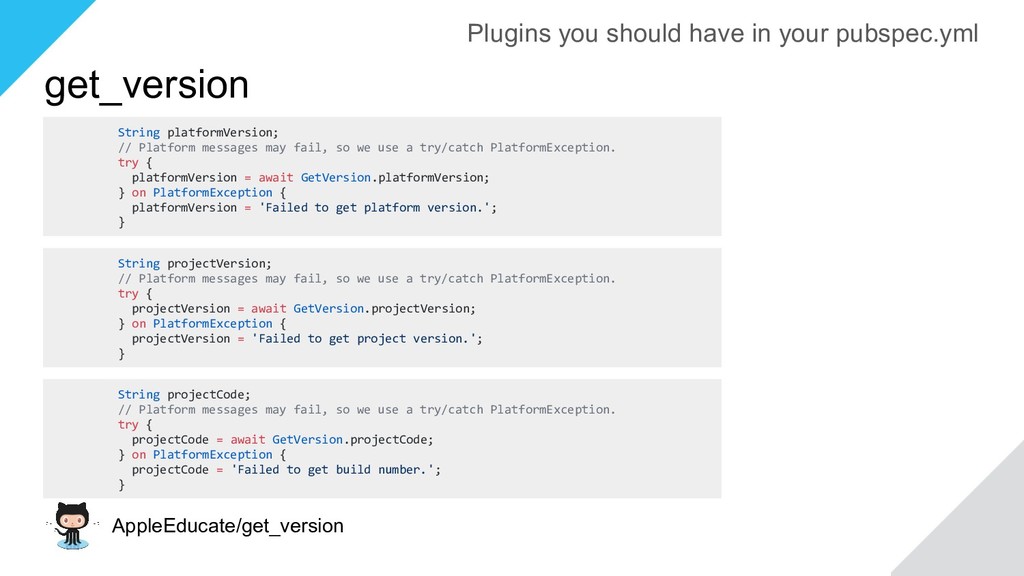
we use a try/catch PlatformException. try { platformVersion = await GetVersion.platformVersion; } on PlatformException { platformVersion = 'Failed to get platform version.'; } String projectVersion; // Platform messages may fail, so we use a try/catch PlatformException. try { projectVersion = await GetVersion.projectVersion; } on PlatformException { projectVersion = 'Failed to get project version.'; } String projectCode; // Platform messages may fail, so we use a try/catch PlatformException. try { projectCode = await GetVersion.projectCode; } on PlatformException { projectCode = 'Failed to get build number.'; } Plugins you should have in your pubspec.yml
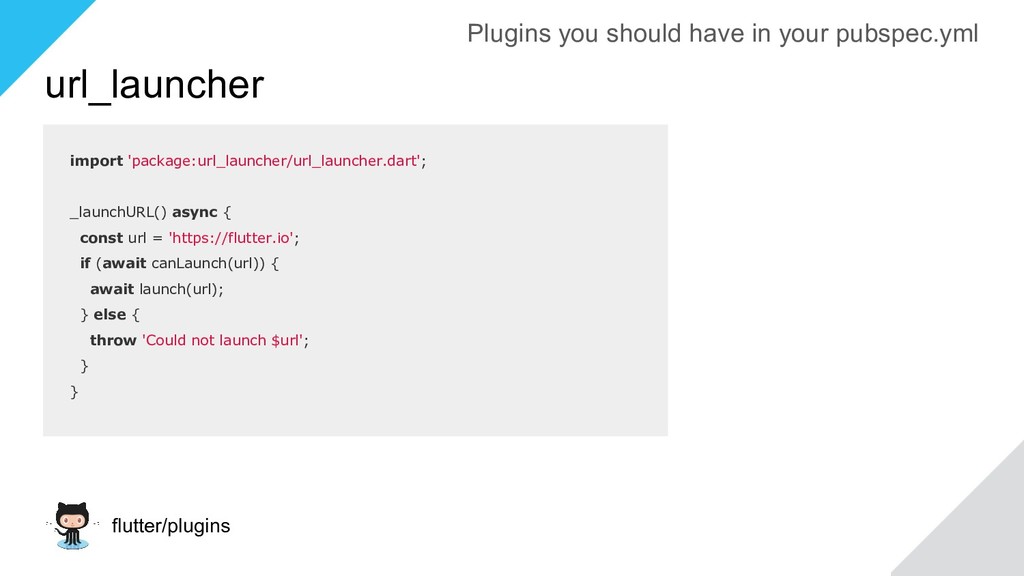
'https://flutter.io'; if (await canLaunch(url)) { await launch(url); } else { throw 'Could not launch $url'; } } Plugins you should have in your pubspec.yml
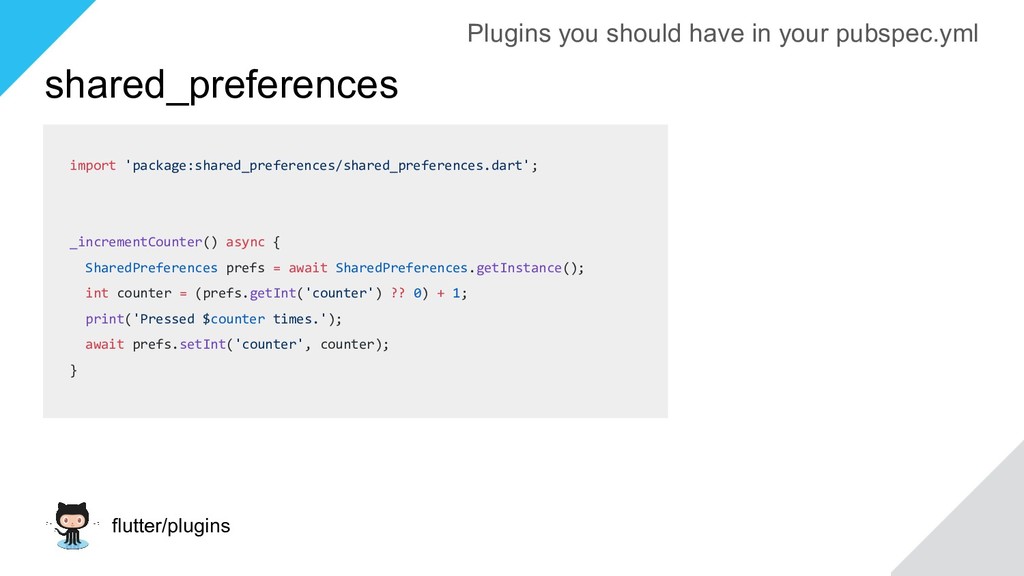
await SharedPreferences.getInstance(); int counter = (prefs.getInt('counter') ?? 0) + 1; print('Pressed $counter times.'); await prefs.setInt('counter', counter); } Plugins you should have in your pubspec.yml
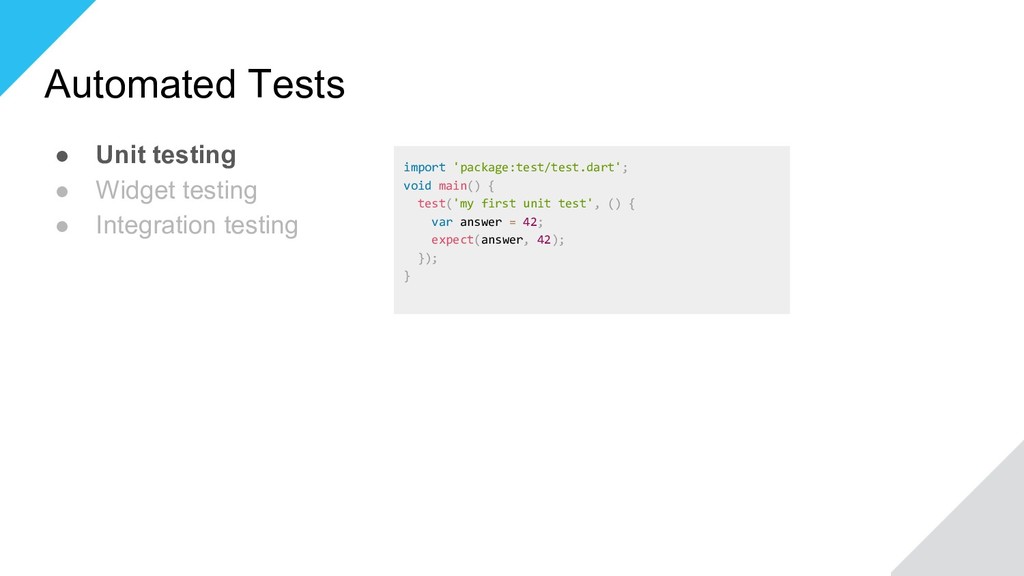
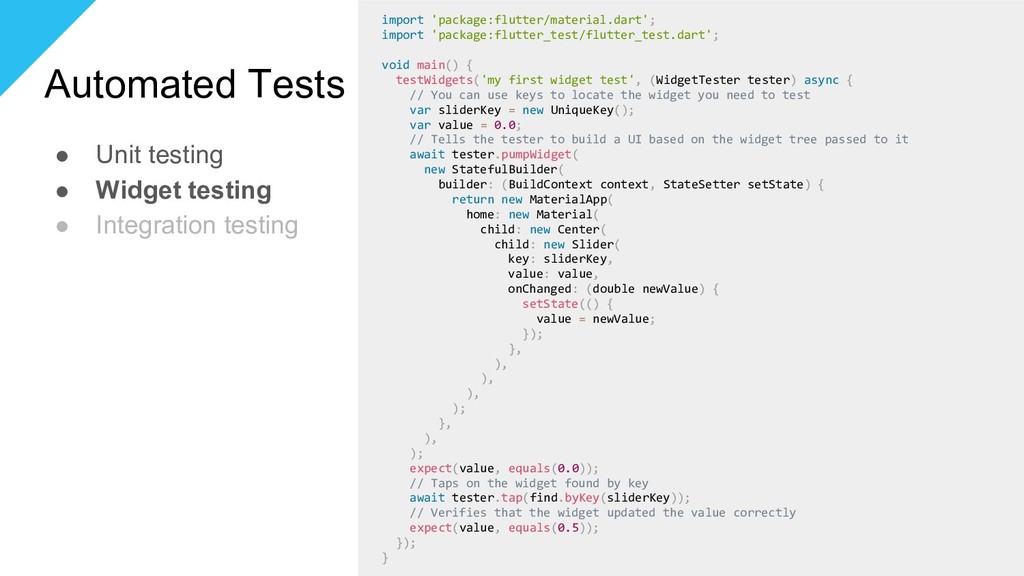
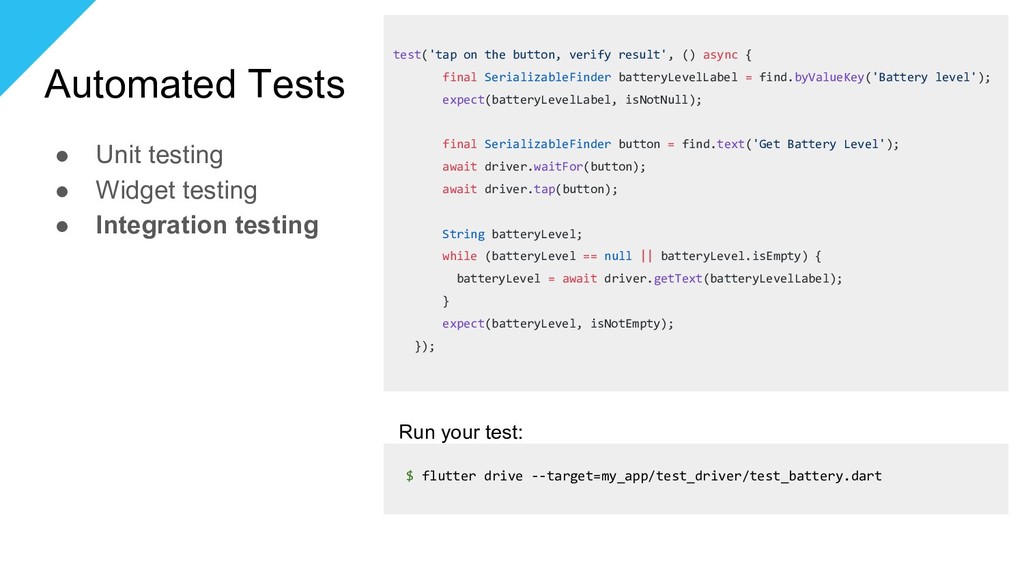
testing import 'package:test/test.dart'; void main() { test('my first unit test', () { var answer = 42; expect(answer, 42); }); } import 'package:flutter/material.dart'; import 'package:flutter_test/flutter_test.dart'; void main() { testWidgets('my first widget test', (WidgetTester tester) async { // You can use keys to locate the widget you need to test var sliderKey = new UniqueKey(); var value = 0.0; // Tells the tester to build a UI based on the widget tree passed to it await tester.pumpWidget( new StatefulBuilder( builder: (BuildContext context, StateSetter setState) { return new MaterialApp( home: new Material( child: new Center( child: new Slider( key: sliderKey, value: value, onChanged: (double newValue) { setState(() { value = newValue; }); }, ), ), ), ); }, ), ); expect(value, equals(0.0)); // Taps on the widget found by key await tester.tap(find.byKey(sliderKey)); // Verifies that the widget updated the value correctly expect(value, equals(0.5)); }); }
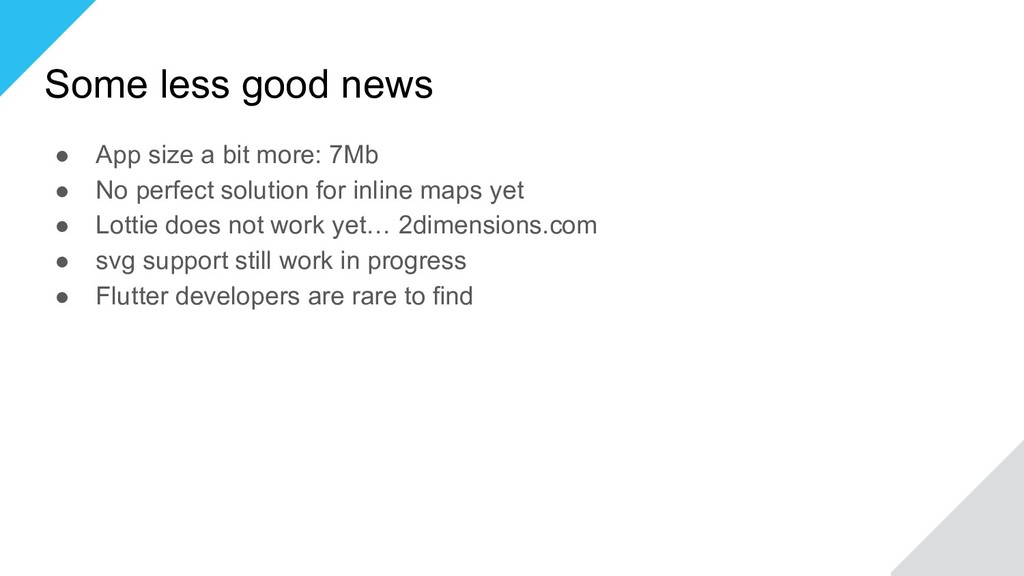
7Mb • No perfect solution for inline maps yet • Lottie does not work yet… 2dimensions.com • svg support still work in progress • Flutter developers are rare to find


 iwiwi
iwiwi
 yuta_onishi_97
 uyuki234
 marcoroth
 yukiny
 kishida
 yub0n
yub0n
 sylph01
 minodriven
 iwatsukayura
 ichirokano2
 skipperchong
 moore
moore
 dugsong
 jonoalderson
 matthewcrist
.jpg) cargoodrich
cargoodrich
 eileencodes
 signer
 holman
 jnunemaker
 ianozsvald
 katiecoart