Upgrade to Pro — share decks privately, control downloads, hide ads and more …

Ediroo - AI Photo Editor: Edit Pictures with Text

Sponsored · Your Podcast. Everywhere. Effortlessly. Share. Educate. Inspire. Entertain. You do you. We'll handle the rest. →
Leanna Yoder
October 26, 2026
16

Ediroo - AI Photo Editor: Edit Pictures with Text

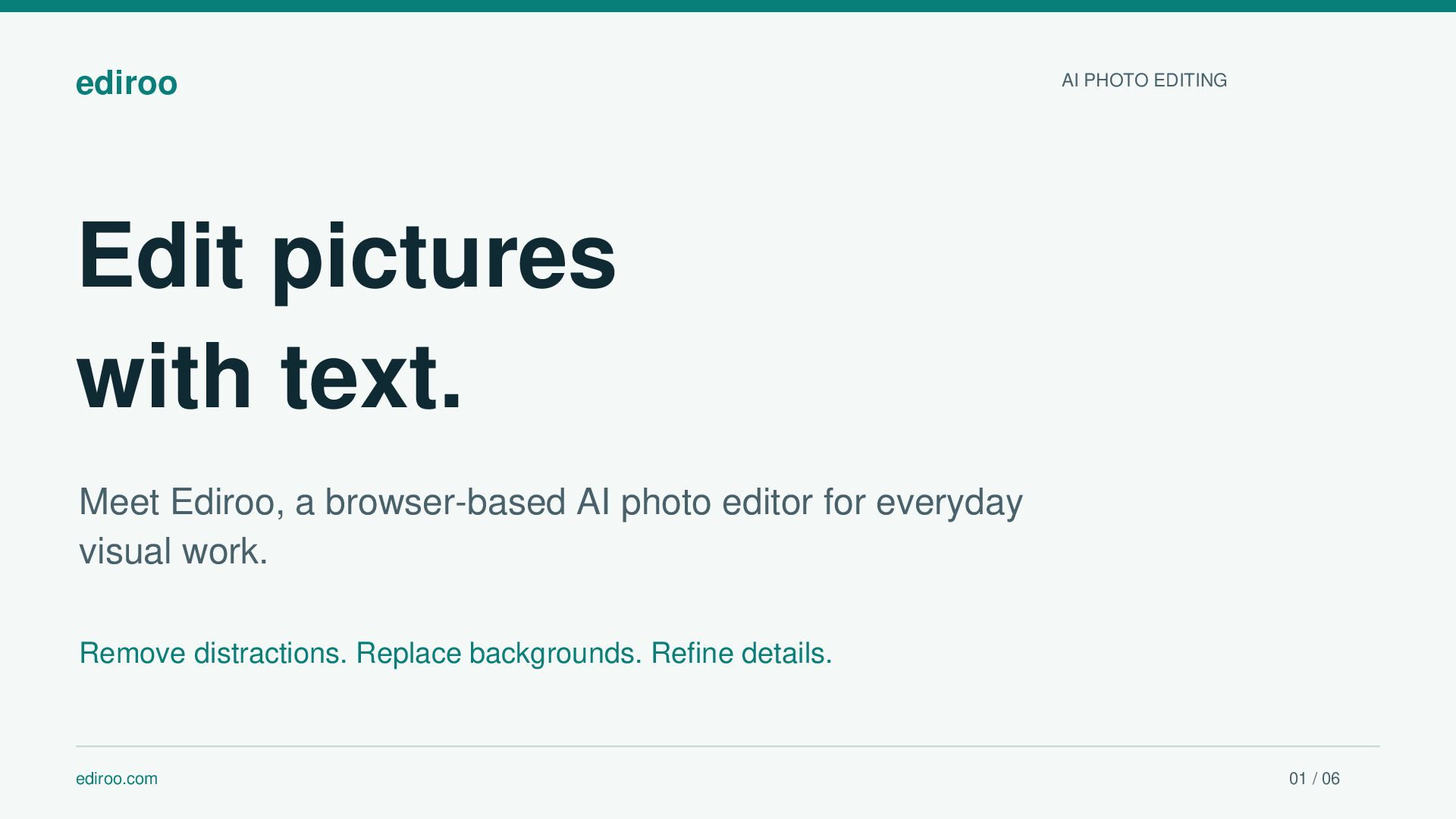
Ediroo is a browser-based AI picture editor that turns text prompts into image edits. Remove unwanted objects, replace backgrounds, restore old photos, and refine visual details without installing complex software.

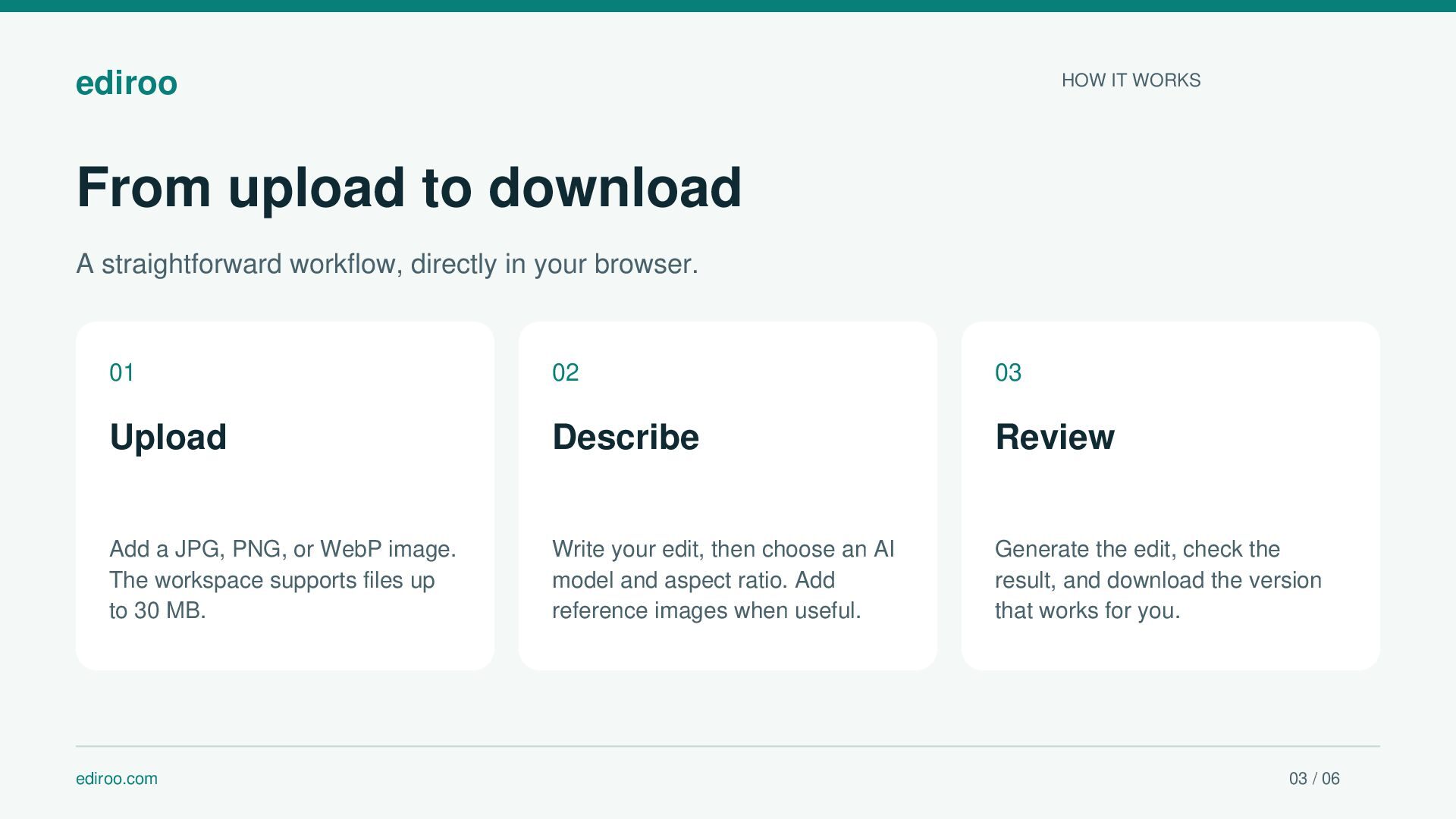
Upload a photo, describe your changes, choose a model and aspect ratio, then review and download the result. Reference images and multi-image blending support creative compositions for product photos, social media visuals, and portraits.

New users receive free trial credits, with credit costs shown before each edit.

Explore Ediroo: https://ediroo.com

Leanna Yoder

October 26, 2026

Transcript

6 slides
  1. ediroo AI PHOTO EDITING Edit pictures with text. Meet Ediroo,

    a browser-based AI photo editor for everyday visual work. Remove distractions. Replace backgrounds. Refine details. ediroo.com 01 / 06
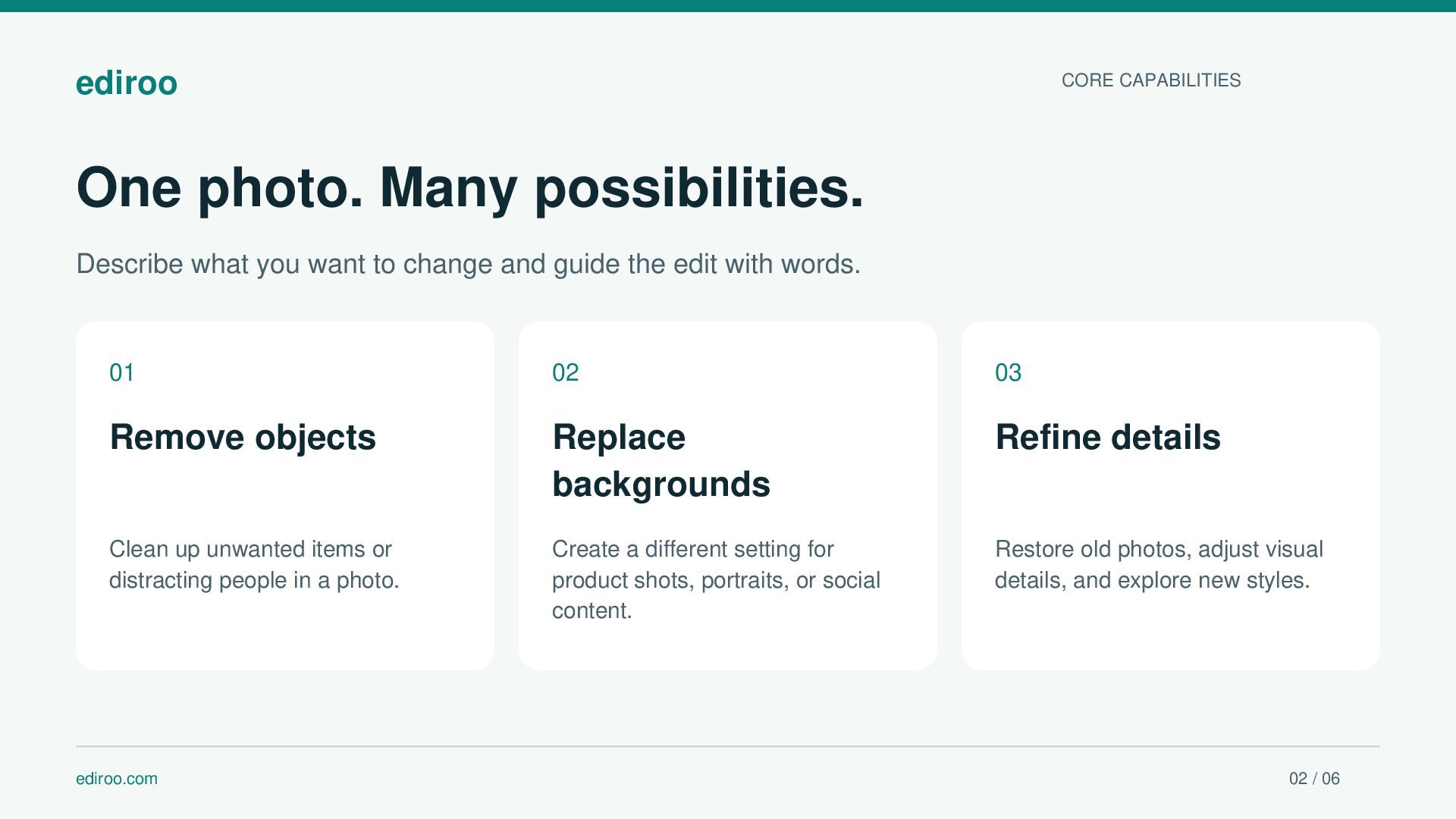
  2. ediroo CORE CAPABILITIES One photo. Many possibilities. Describe what you

    want to change and guide the edit with words. 01 02 03 Remove objects Replace backgrounds Refine details Clean up unwanted items or distracting people in a photo. Create a different setting for product shots, portraits, or social content. Restore old photos, adjust visual details, and explore new styles. ediroo.com 02 / 06
  3. ediroo HOW IT WORKS From upload to download A straightforward

    workflow, directly in your browser. 01 02 03 Upload Describe Review Add a JPG, PNG, or WebP image. The workspace supports files up to 30 MB. Write your edit, then choose an AI model and aspect ratio. Add reference images when useful. Generate the edit, check the result, and download the version that works for you. ediroo.com 03 / 06
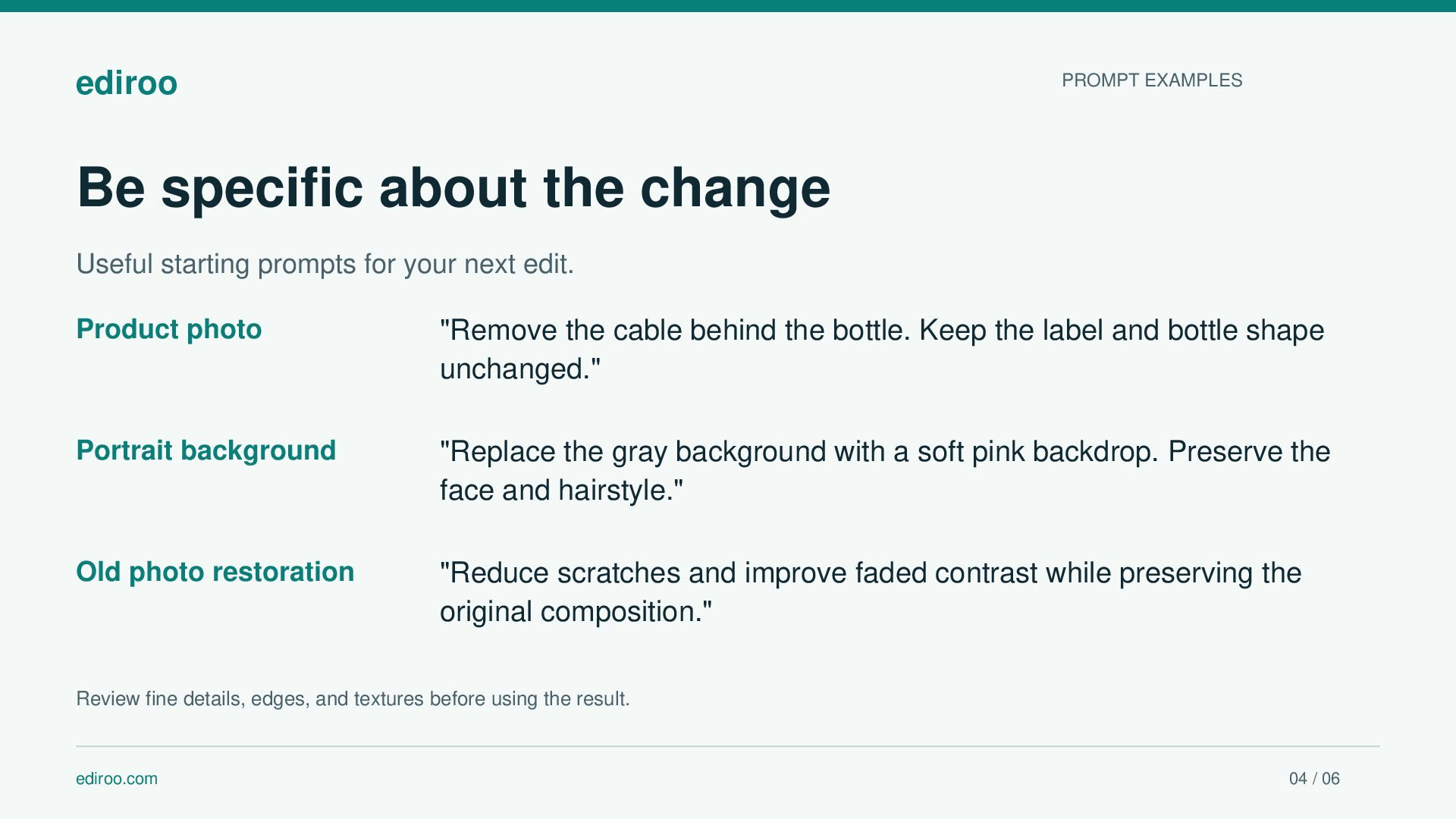
  4. ediroo PROMPT EXAMPLES Be specific about the change Useful starting

    prompts for your next edit. Product photo "Remove the cable behind the bottle. Keep the label and bottle shape unchanged." Portrait background "Replace the gray background with a soft pink backdrop. Preserve the face and hairstyle." Old photo restoration "Reduce scratches and improve faded contrast while preserving the original composition." Review fine details, edges, and textures before using the result. ediroo.com 04 / 06
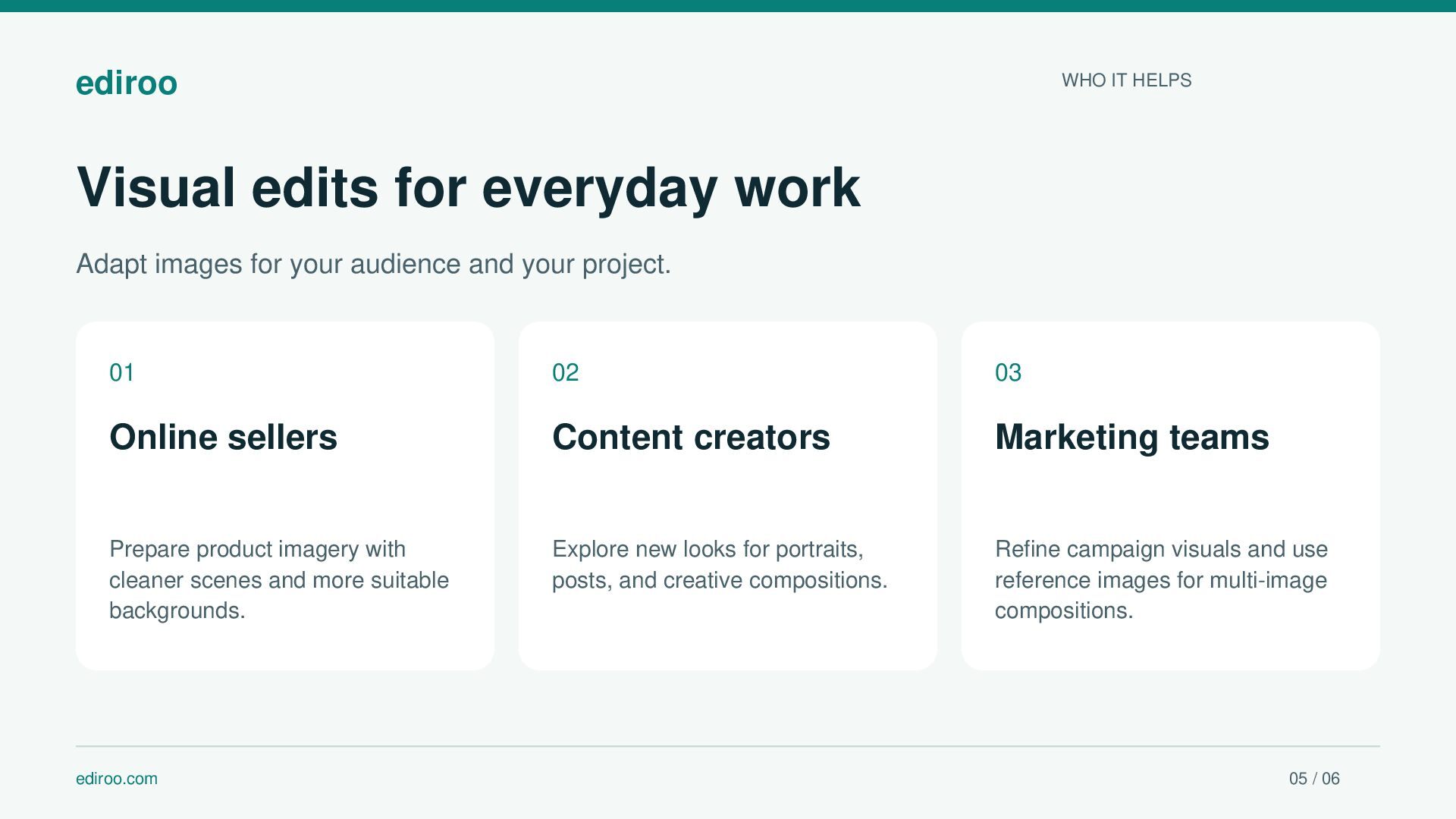
  5. ediroo WHO IT HELPS Visual edits for everyday work Adapt

    images for your audience and your project. 01 02 03 Online sellers Content creators Marketing teams Prepare product imagery with cleaner scenes and more suitable backgrounds. Explore new looks for portraits, posts, and creative compositions. Refine campaign visuals and use reference images for multi-image compositions. ediroo.com 05 / 06
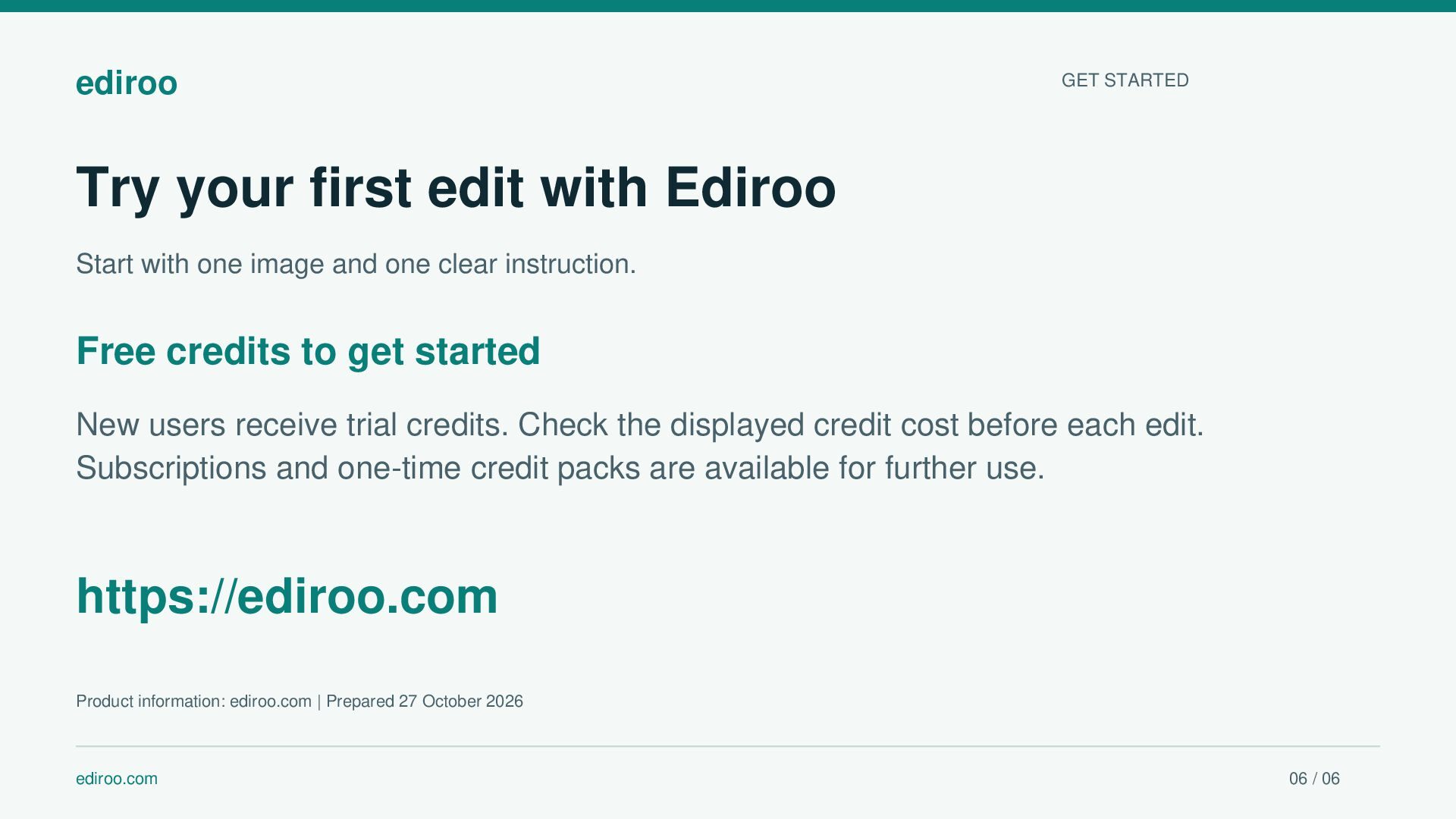
  6. ediroo GET STARTED Try your first edit with Ediroo Start

    with one image and one clear instruction. Free credits to get started New users receive trial credits. Check the displayed credit cost before each edit. Subscriptions and one-time credit packs are available for further use. https://ediroo.com Product information: ediroo.com | Prepared 27 October 2026 ediroo.com 06 / 06