Share
Embed
Transcript
69 slides
-
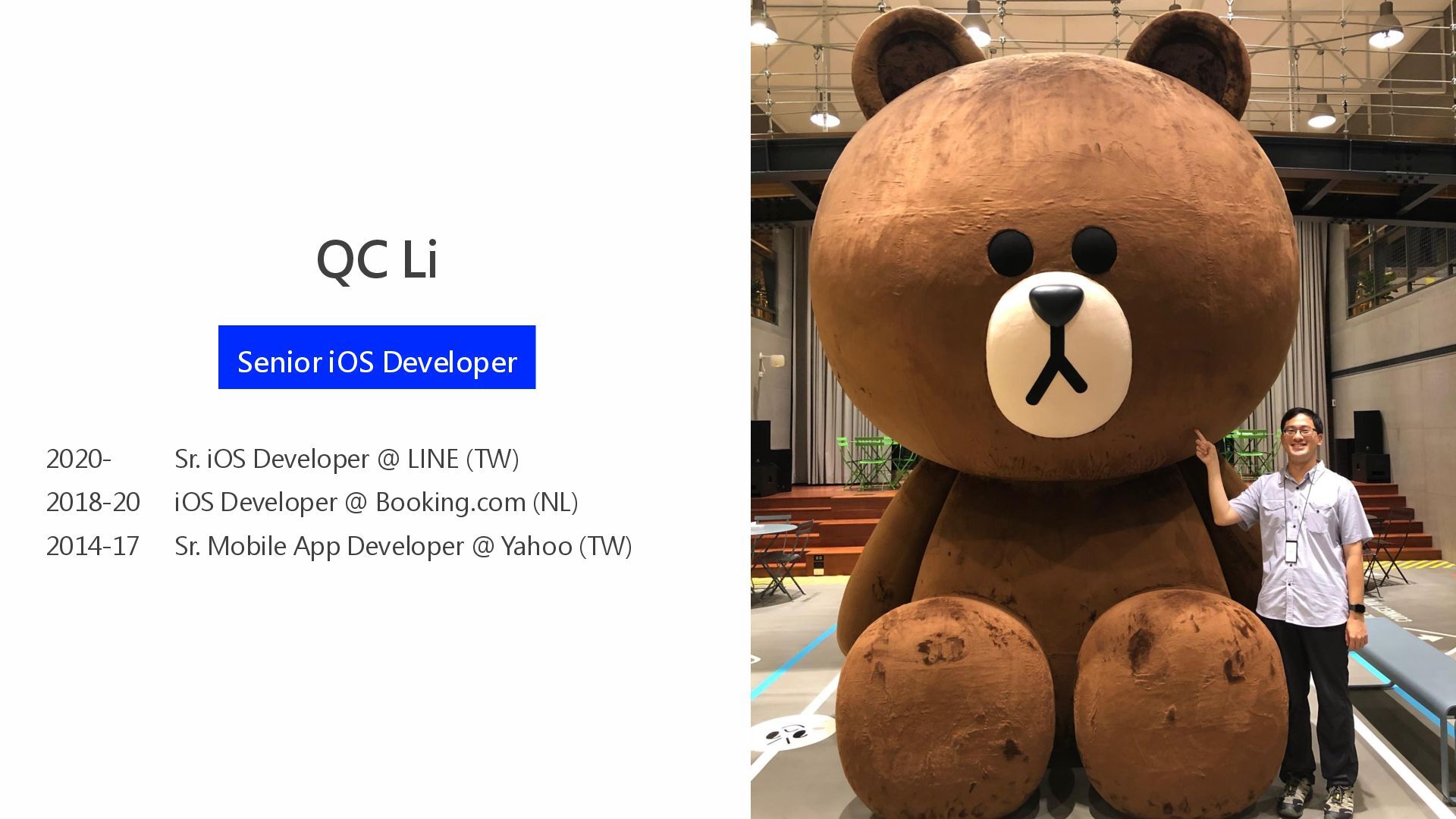
QC Li Senior iOS Developer Sr. iOS Developer @ LINE
(TW) iOS Developer @ Booking.com (NL) Sr. Mobile App Developer @ Yahoo (TW) 2020- 2018-20 2014-17 -
01 02 03 04 Overview Initiation Compromise How we start
Reality Solutions Troubleshooting Live Activities 05 Takeaways Conclusions CONTENT -
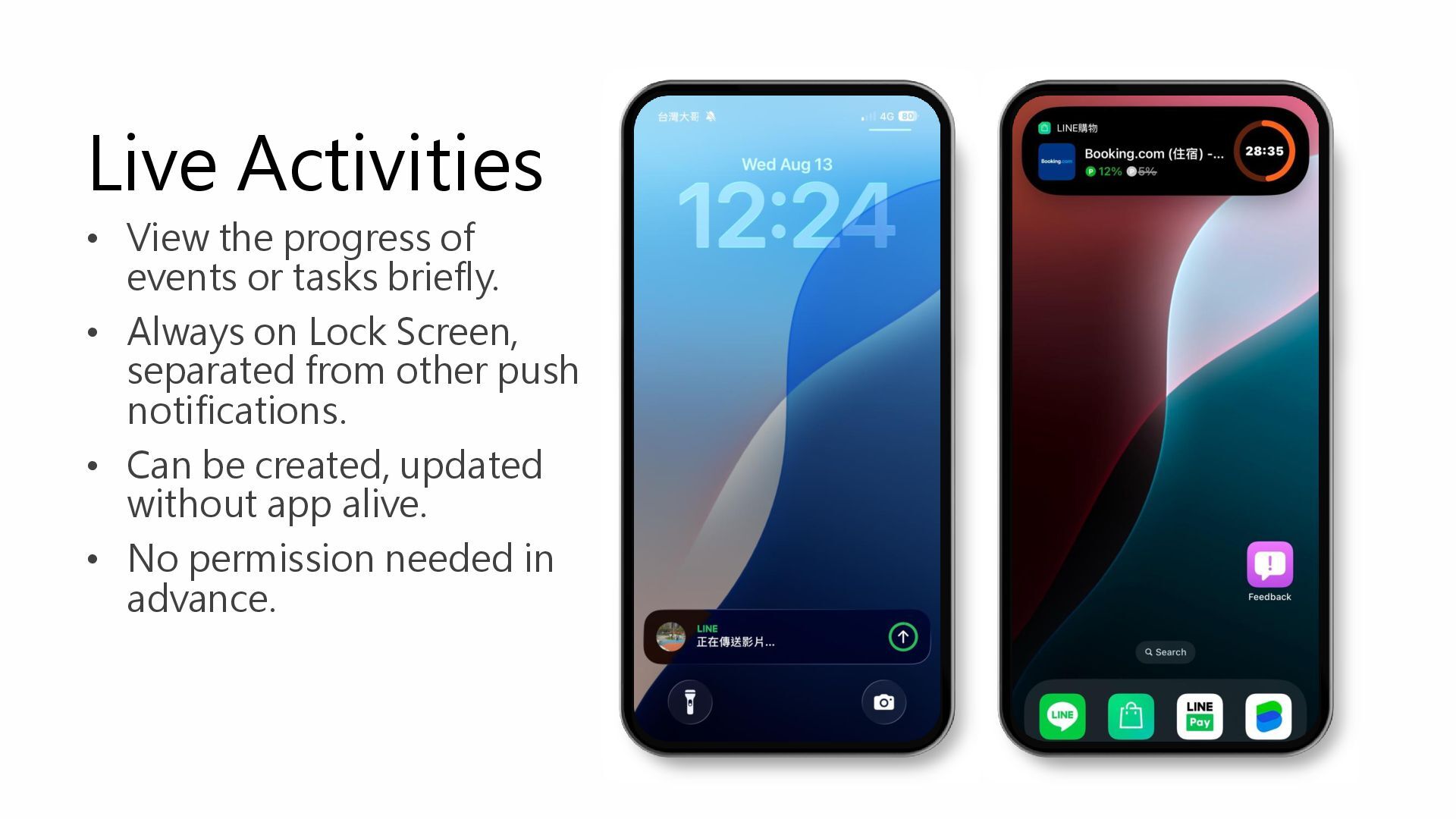
Live Activities • View the progress of events or tasks
briefly. • Always on Lock Screen, separated from other push notifications. • Can be created, updated without app alive. • No permission needed in advance. -
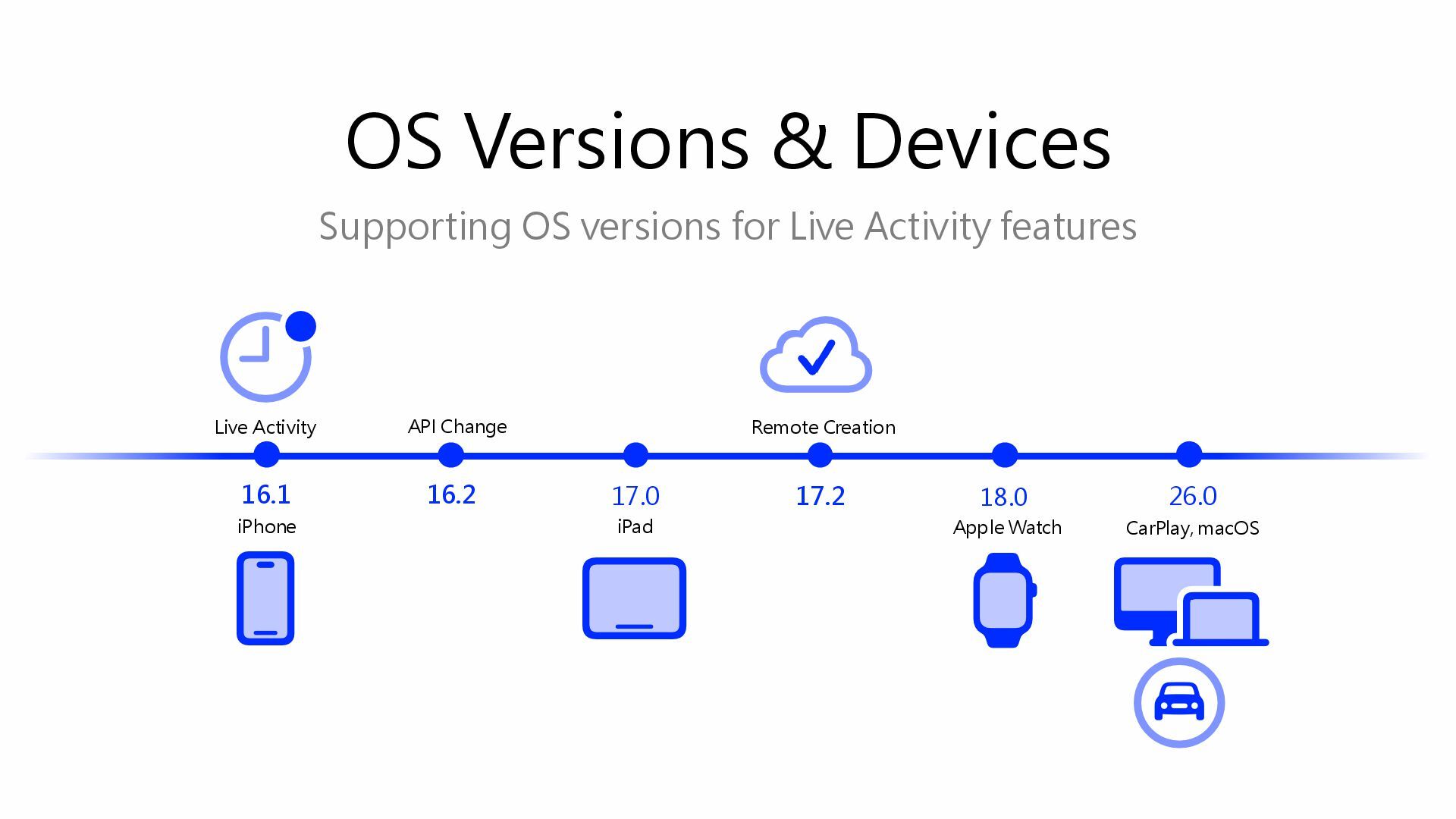
Supporting OS versions for Live Activity features OS Versions &
Devices 18.0 Apple Watch 16.1 17.0 17.2 Remote Creation iPad Live Activity 26.0 CarPlay, macOS iPhone 16.2 API Change -
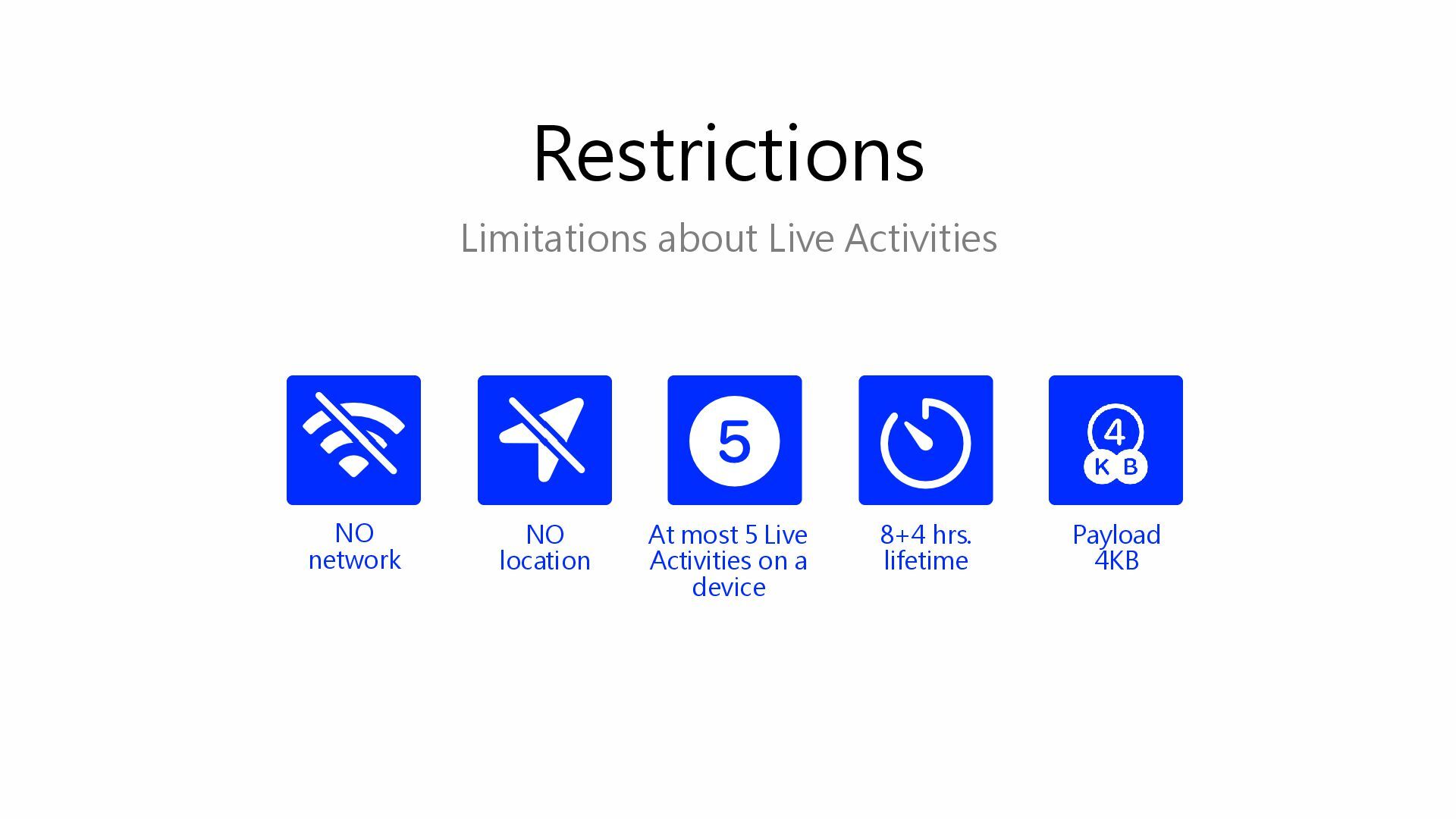
Limitations about Live Activities Restrictions NO location 8+4 hrs. lifetime
NO network At most 5 Live Activities on a device Payload 4KB -
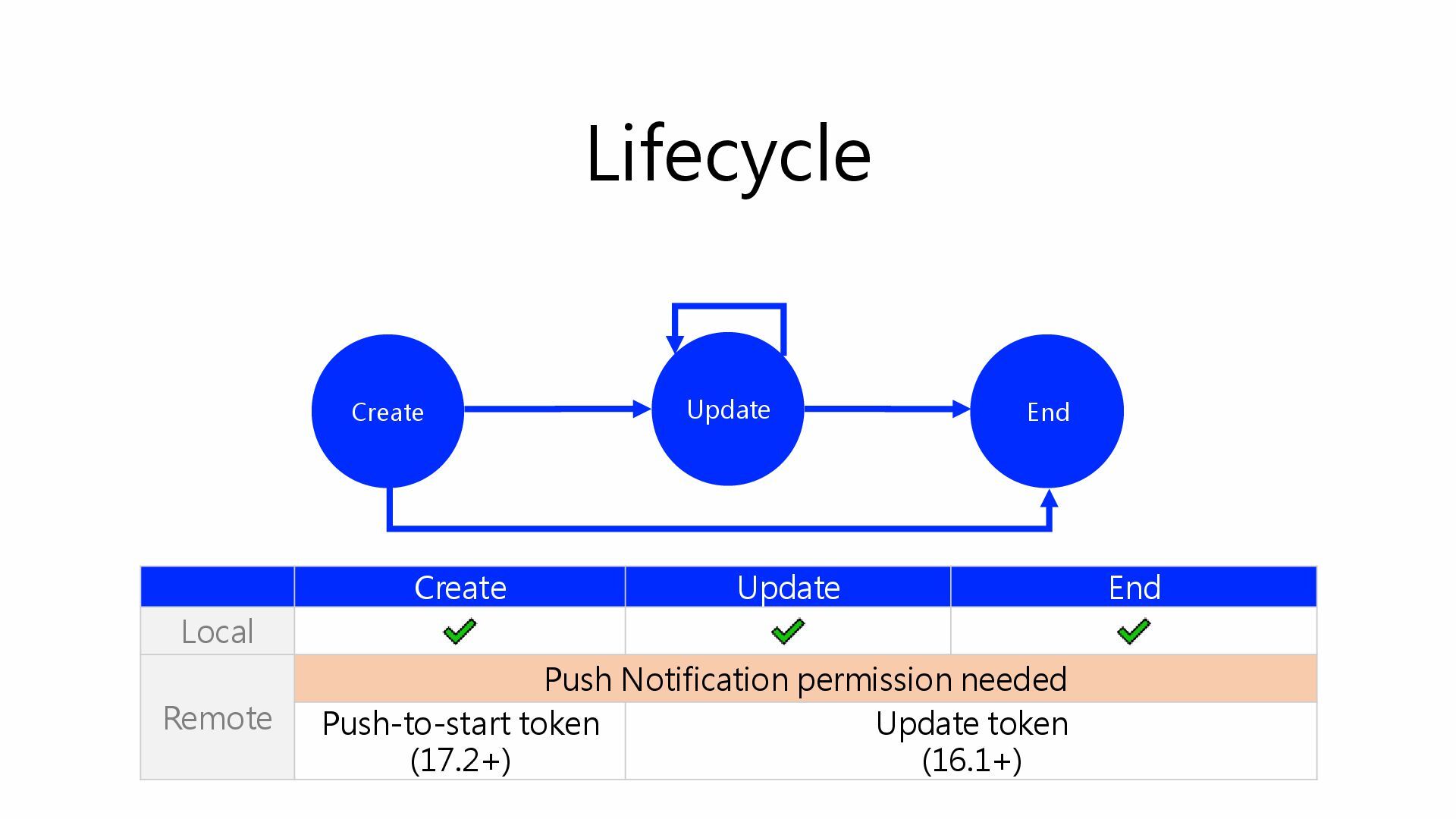
Lifecycle Create Update End Create Update End Local Remote Push
Notification permission needed Push-to-start token (17.2+) Update token (16.1+) -
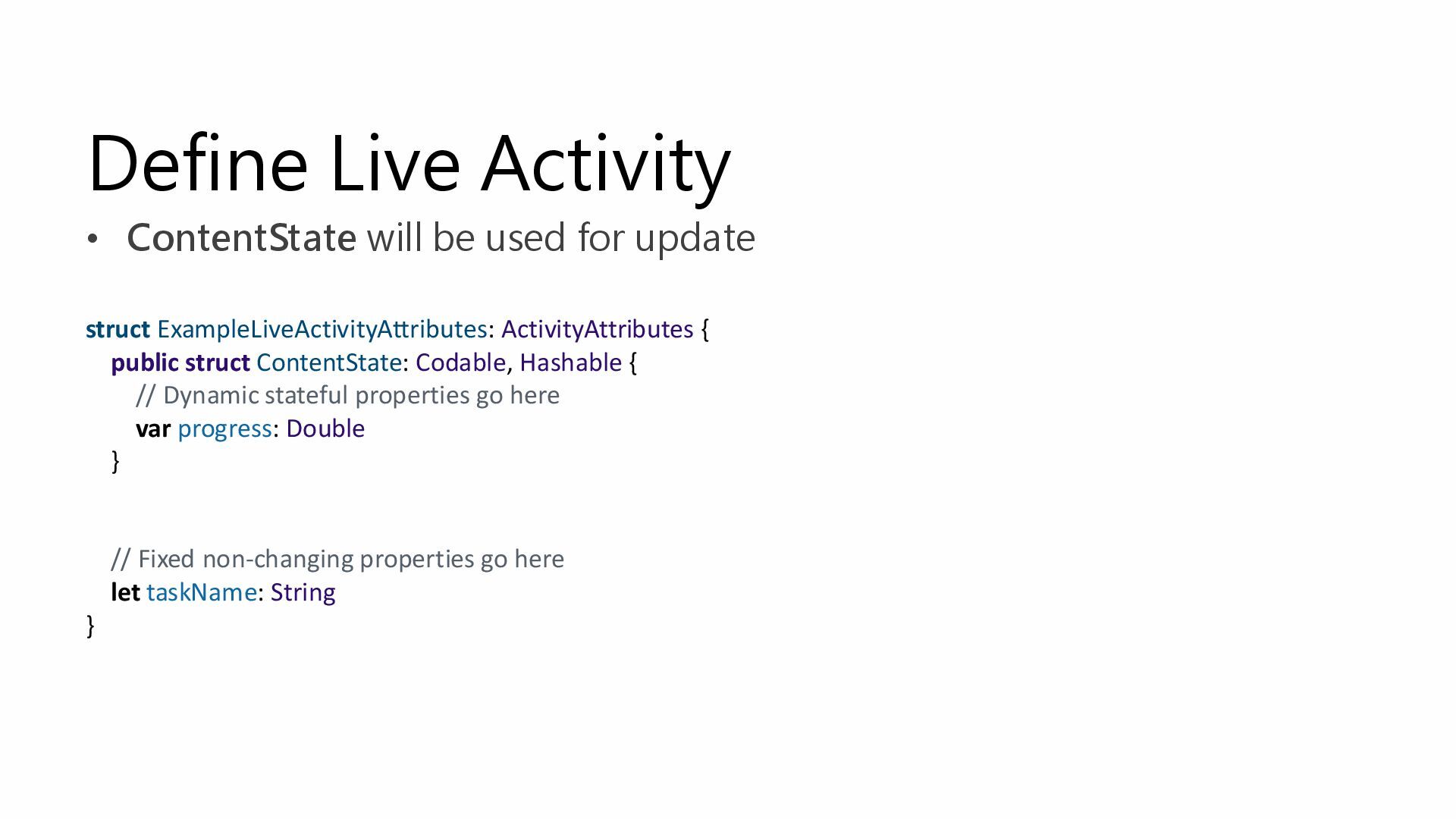
Define Live Activity • ContentState will be used for update
struct ExampleLiveActivityAttributes: ActivityAttributes { public struct ContentState: Codable, Hashable { // Dynamic stateful properties go here var progress: Double } // Fixed non-changing properties go here let taskName: String } -
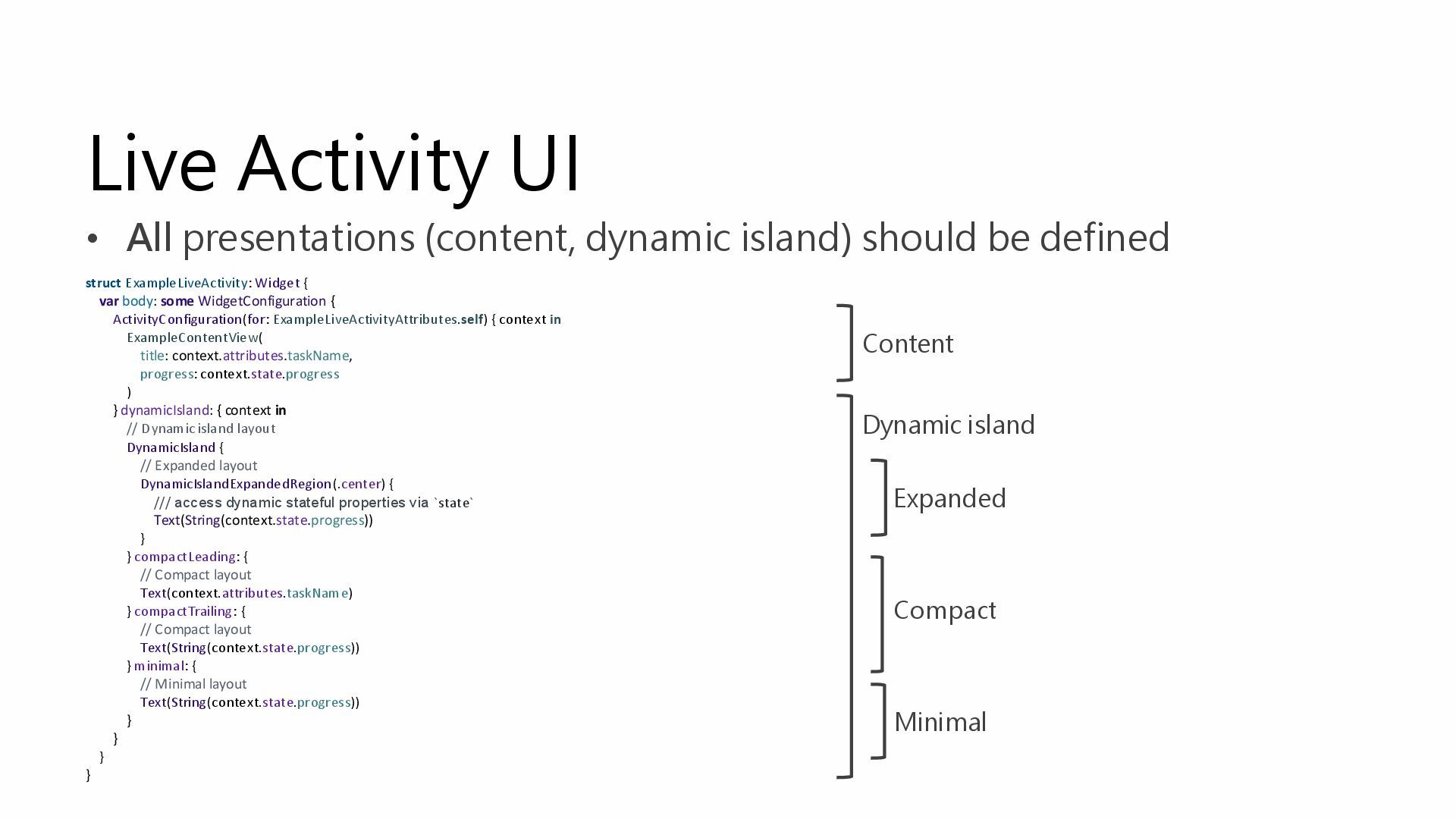
Live Activity UI • All presentations (content, dynamic island) should
be defined Content Dynamic island Expanded Compact Minimal struct ExampleLiveActivity: Widget { var body: some WidgetConfiguration { ActivityConfiguration(for: ExampleLiveActivityAttributes.self) { context in ExampleContentView( title: context.attributes.taskName, progress: context.state.progress ) } dynamicIsland: { context in // Dynamic island layout DynamicIsland { // Expanded layout DynamicIslandExpandedRegion(.center) { /// access dynamic stateful properties via `state` Text(String(context.state.progress)) } } compactLeading: { // Compact layout Text(context.attributes.taskName) } compactTrailing: { // Compact layout Text(String(context.state.progress)) } minimal: { // Minimal layout Text(String(context.state.progress)) } } } } -
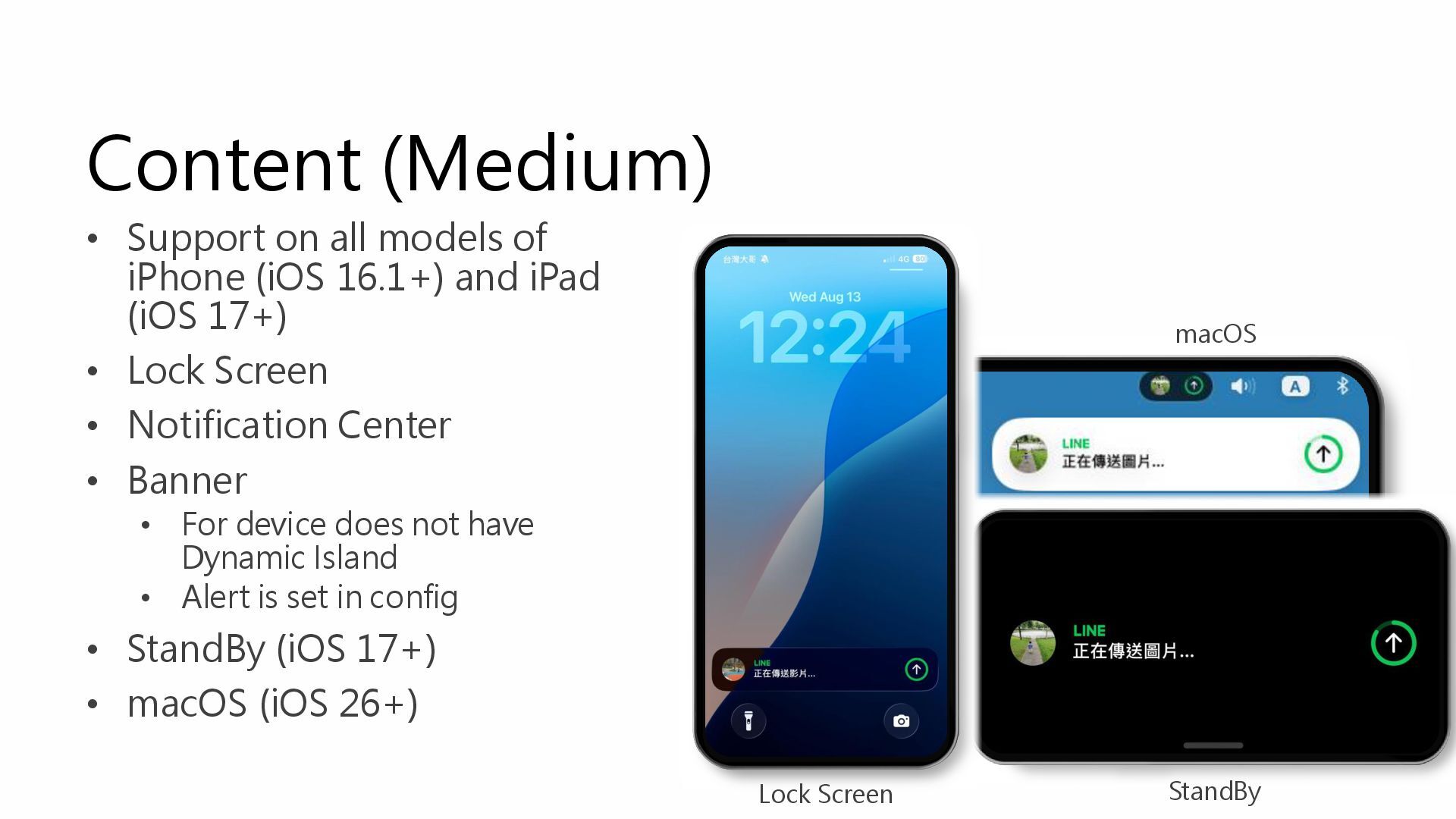
Content (Medium) • Support on all models of iPhone (iOS
16.1+) and iPad (iOS 17+) • Lock Screen • Notification Center • Banner • For device does not have Dynamic Island • Alert is set in config • StandBy (iOS 17+) • macOS (iOS 26+) Lock Screen macOS StandBy -
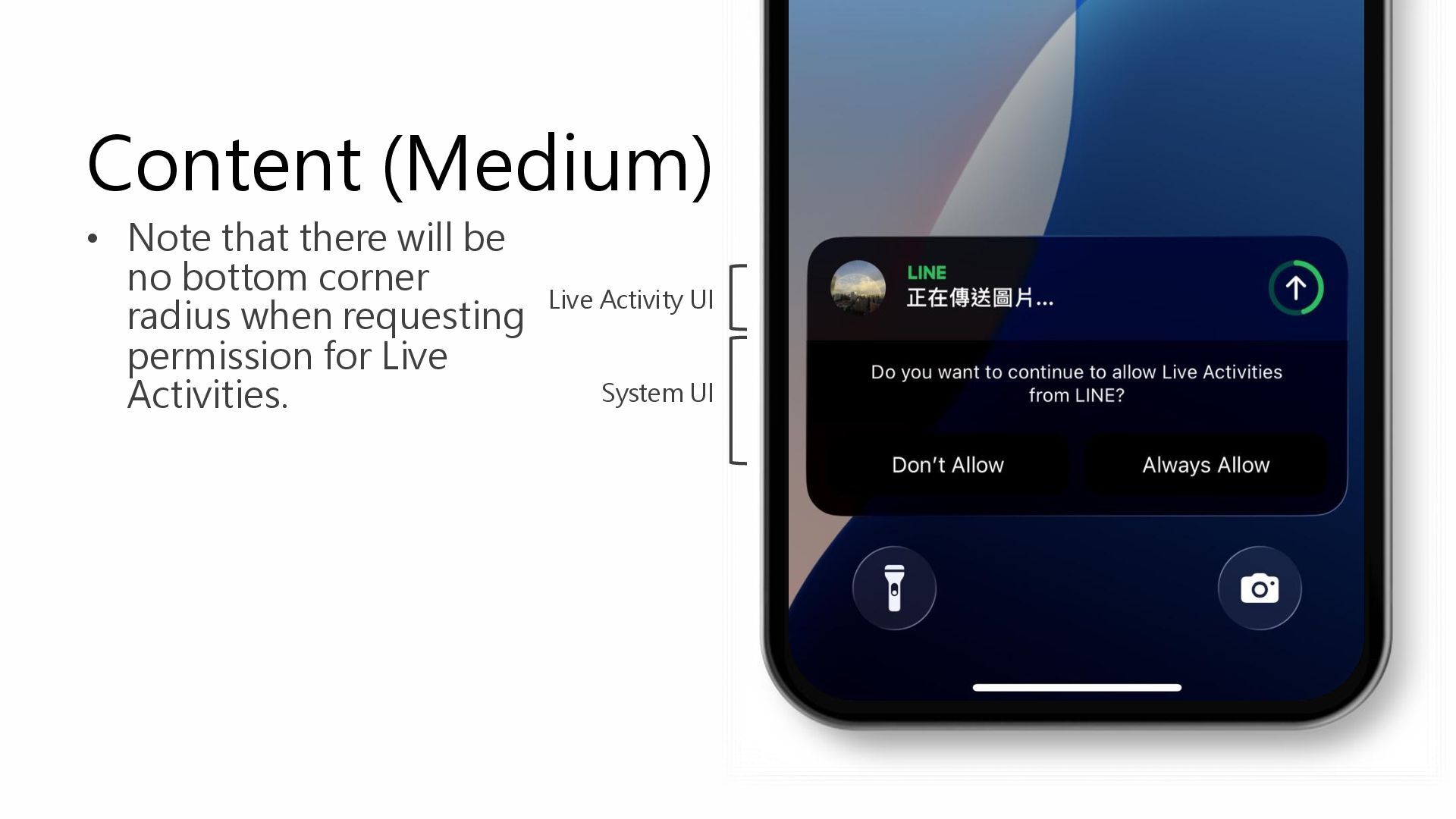
Content (Medium) • Note that there will be no bottom
corner radius when requesting permission for Live Activities. System UI Live Activity UI -
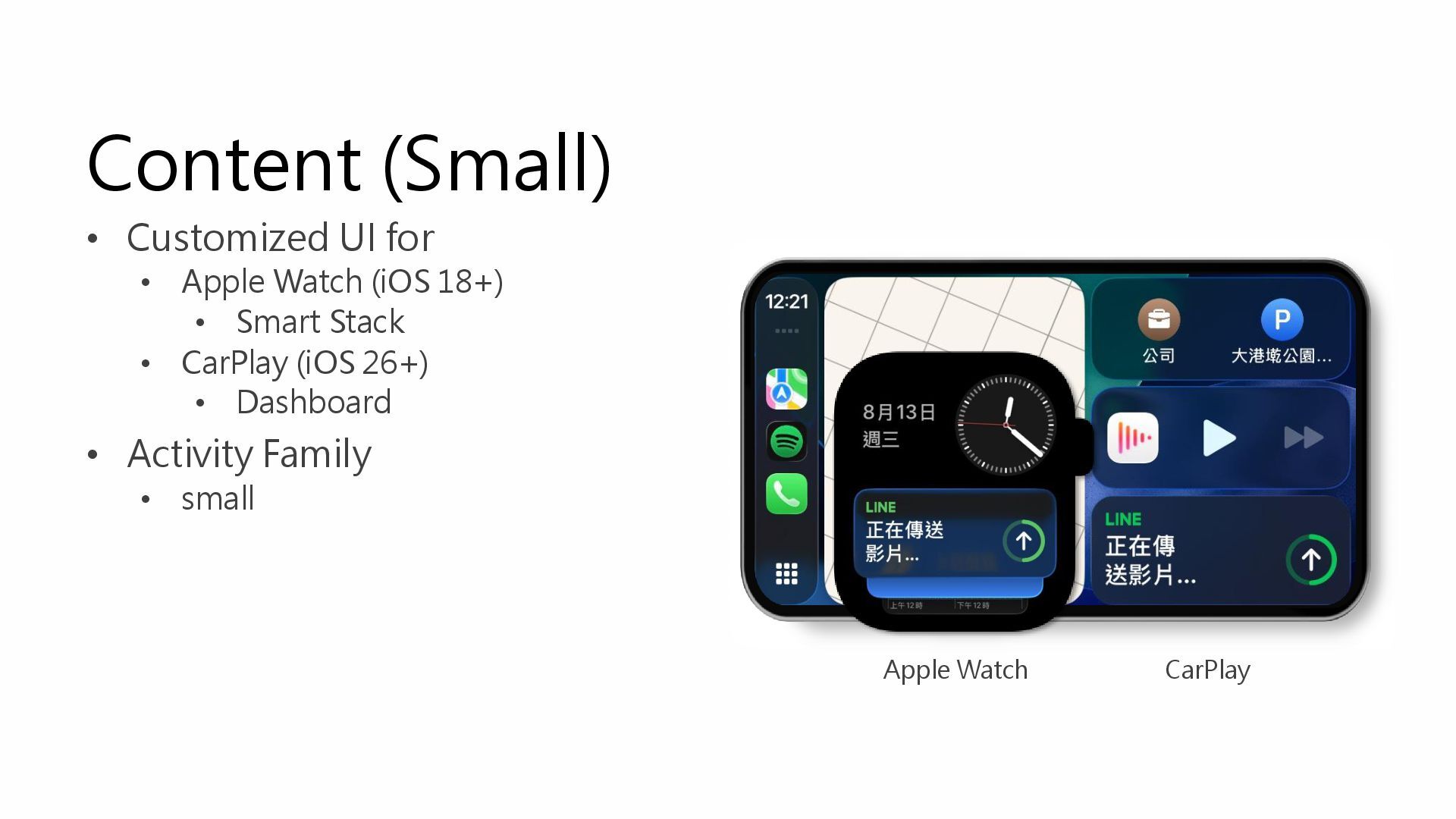
Content (Small) • Customized UI for • Apple Watch (iOS
18+) • Smart Stack • CarPlay (iOS 26+) • Dashboard • Activity Family • small Apple Watch CarPlay -
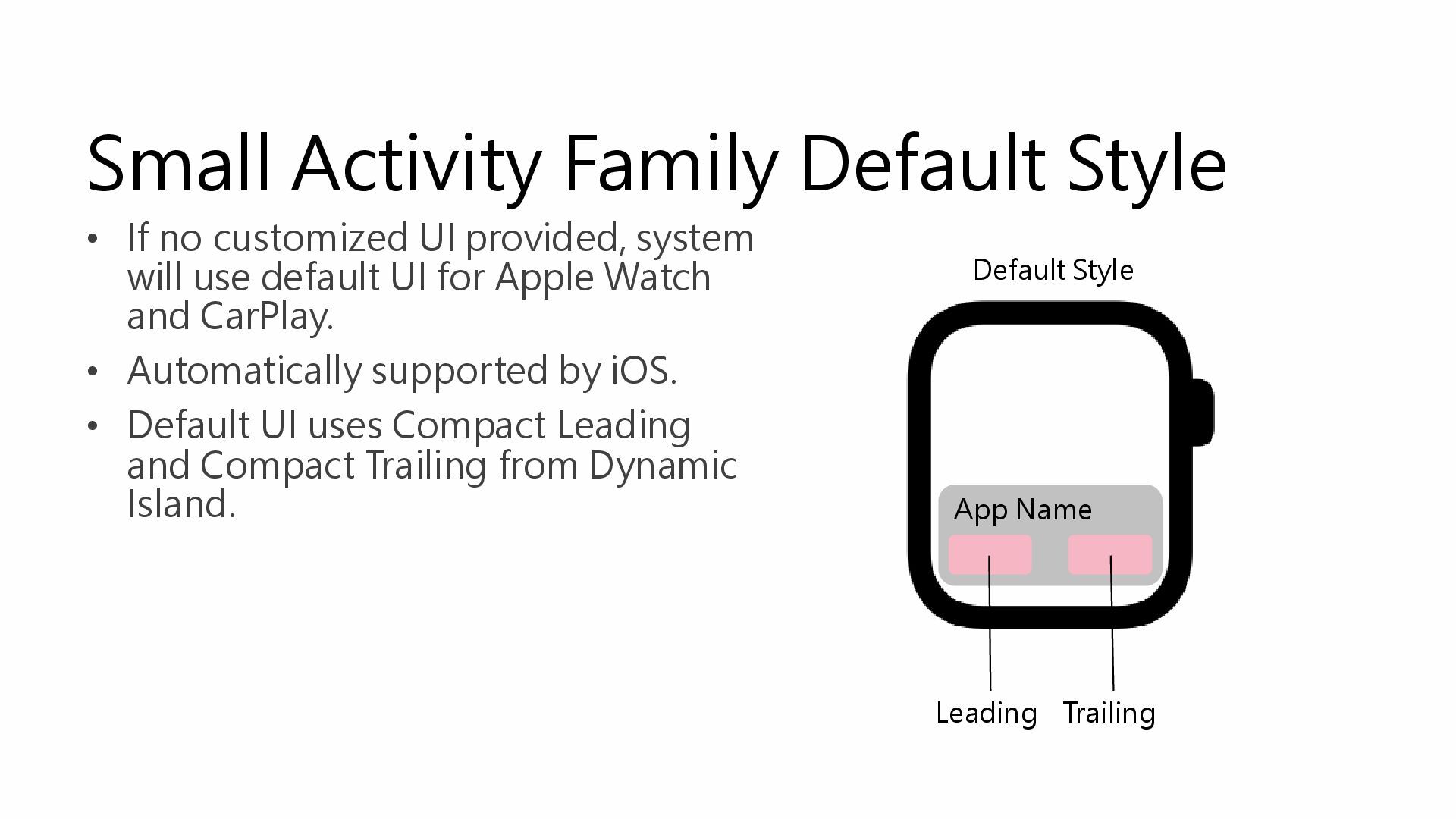
Small Activity Family Default Style • If no customized UI
provided, system will use default UI for Apple Watch and CarPlay. • Automatically supported by iOS. • Default UI uses Compact Leading and Compact Trailing from Dynamic Island. Leading Trailing App Name Default Style -
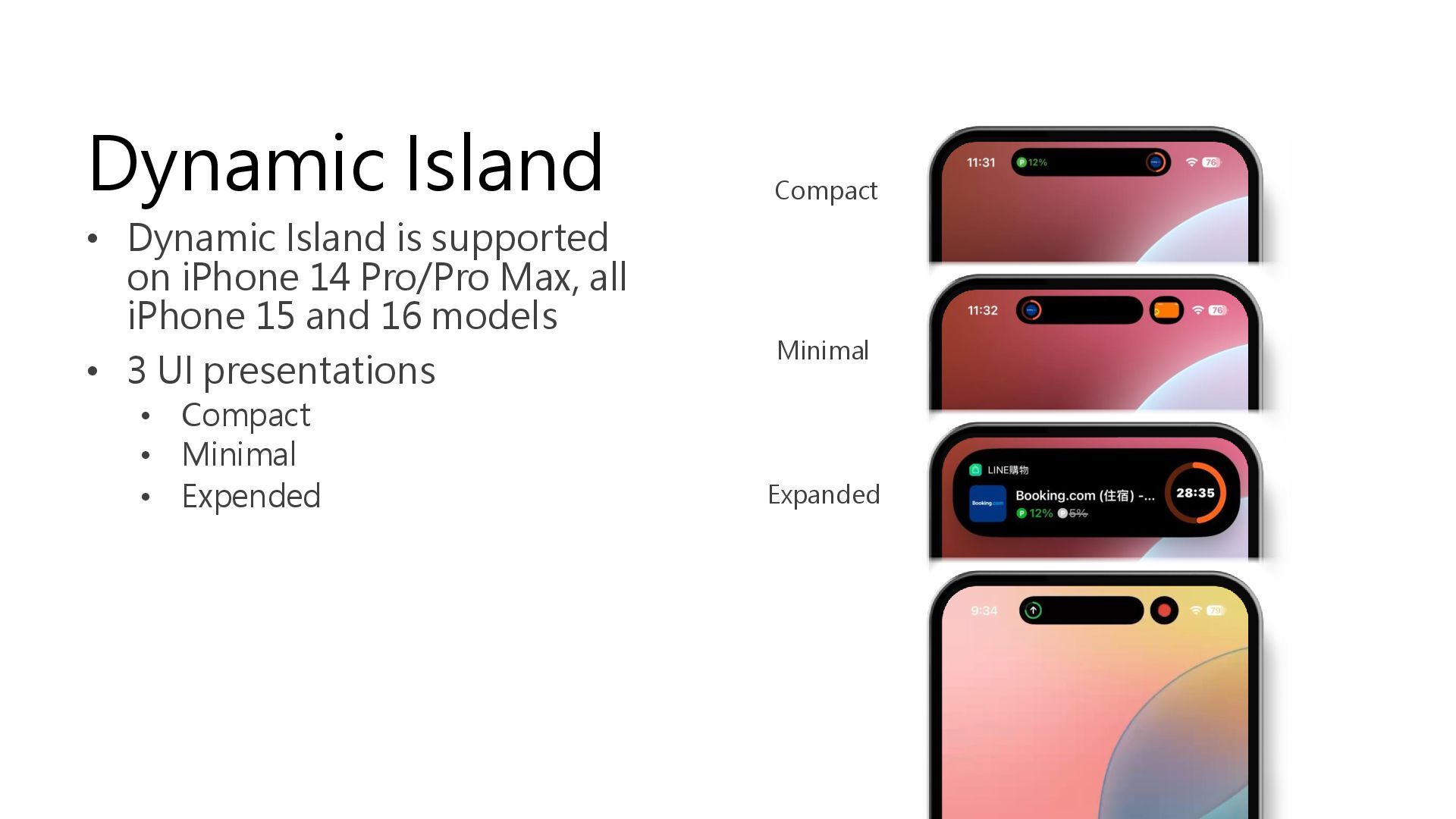
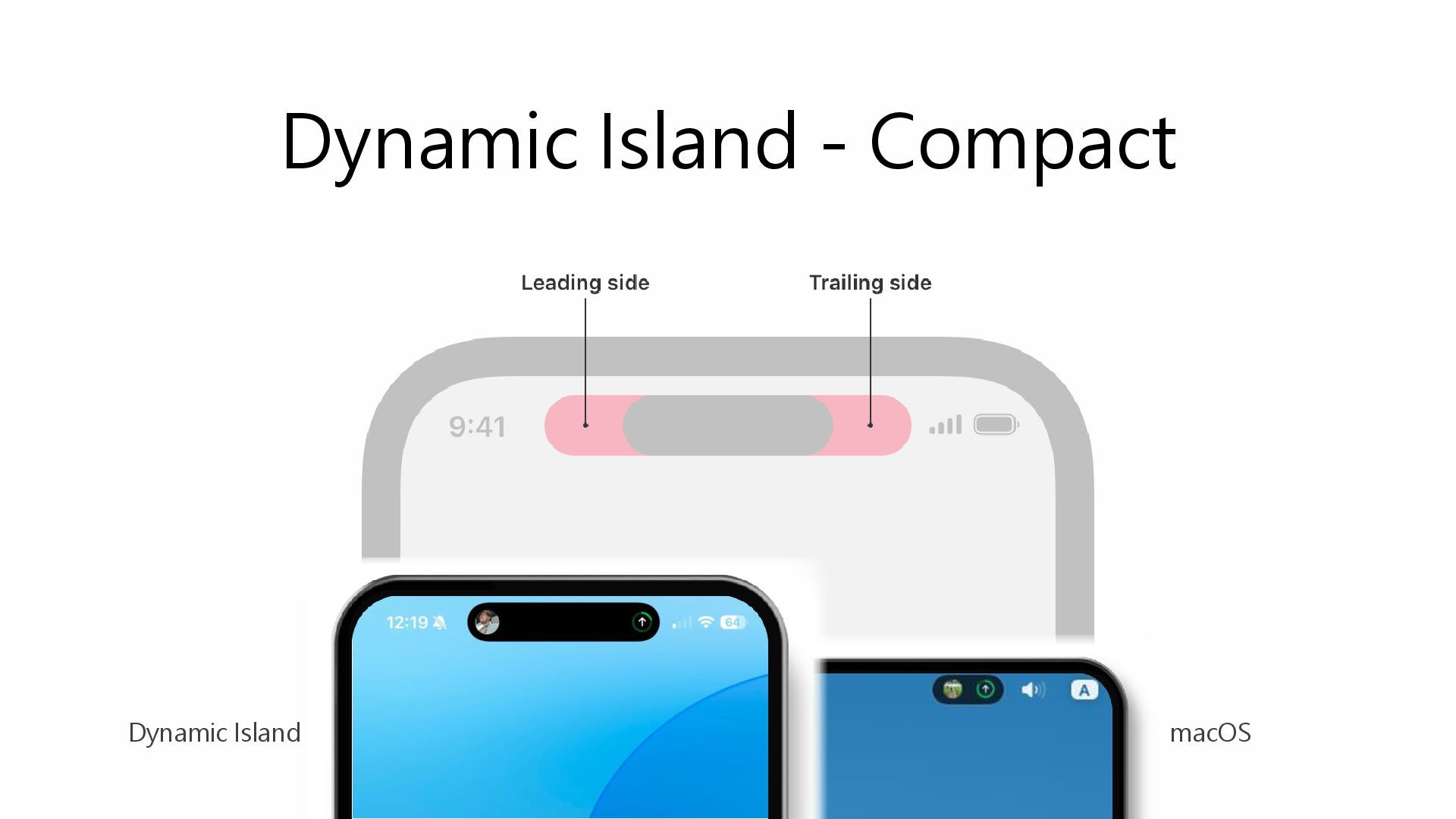
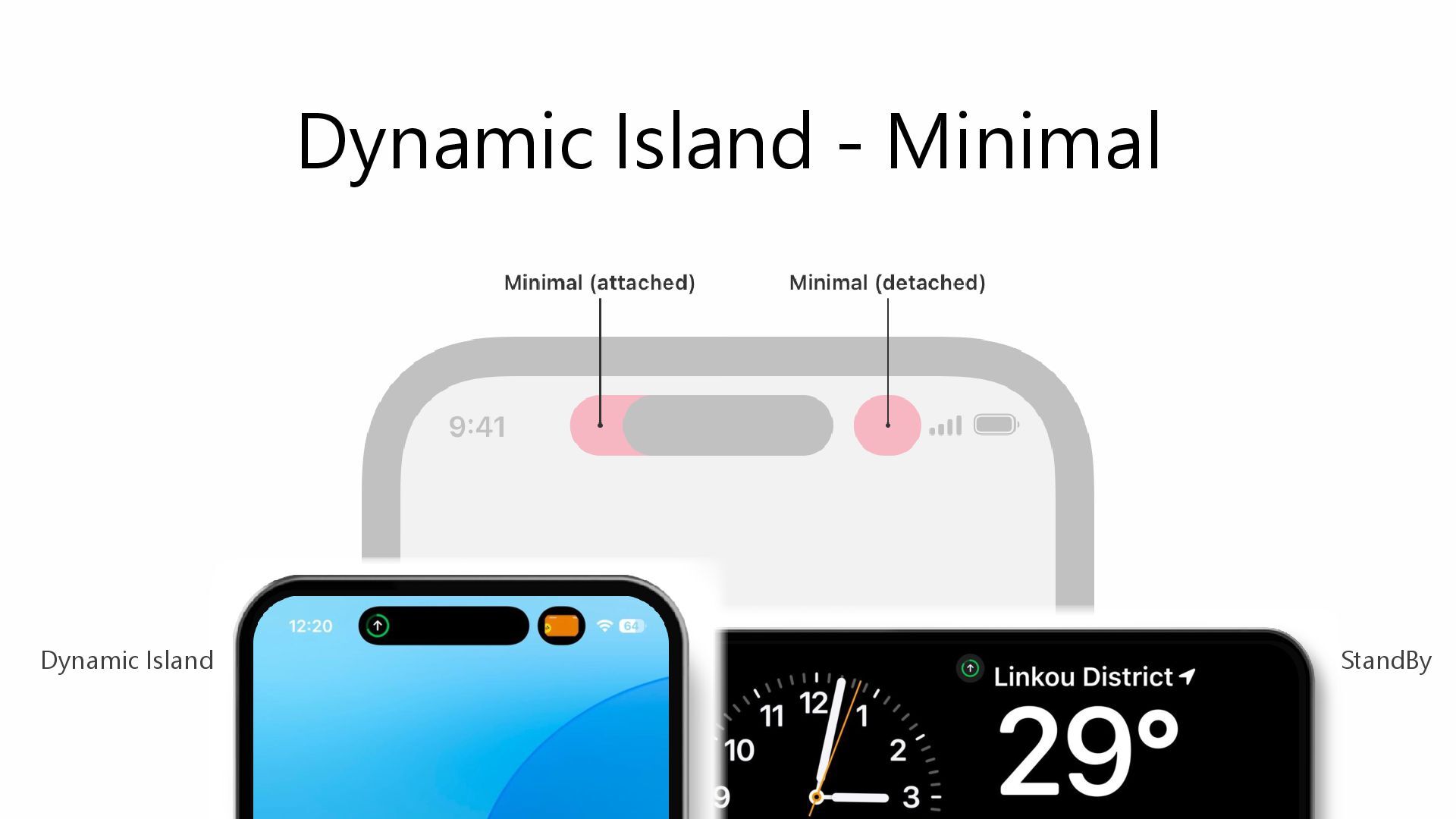
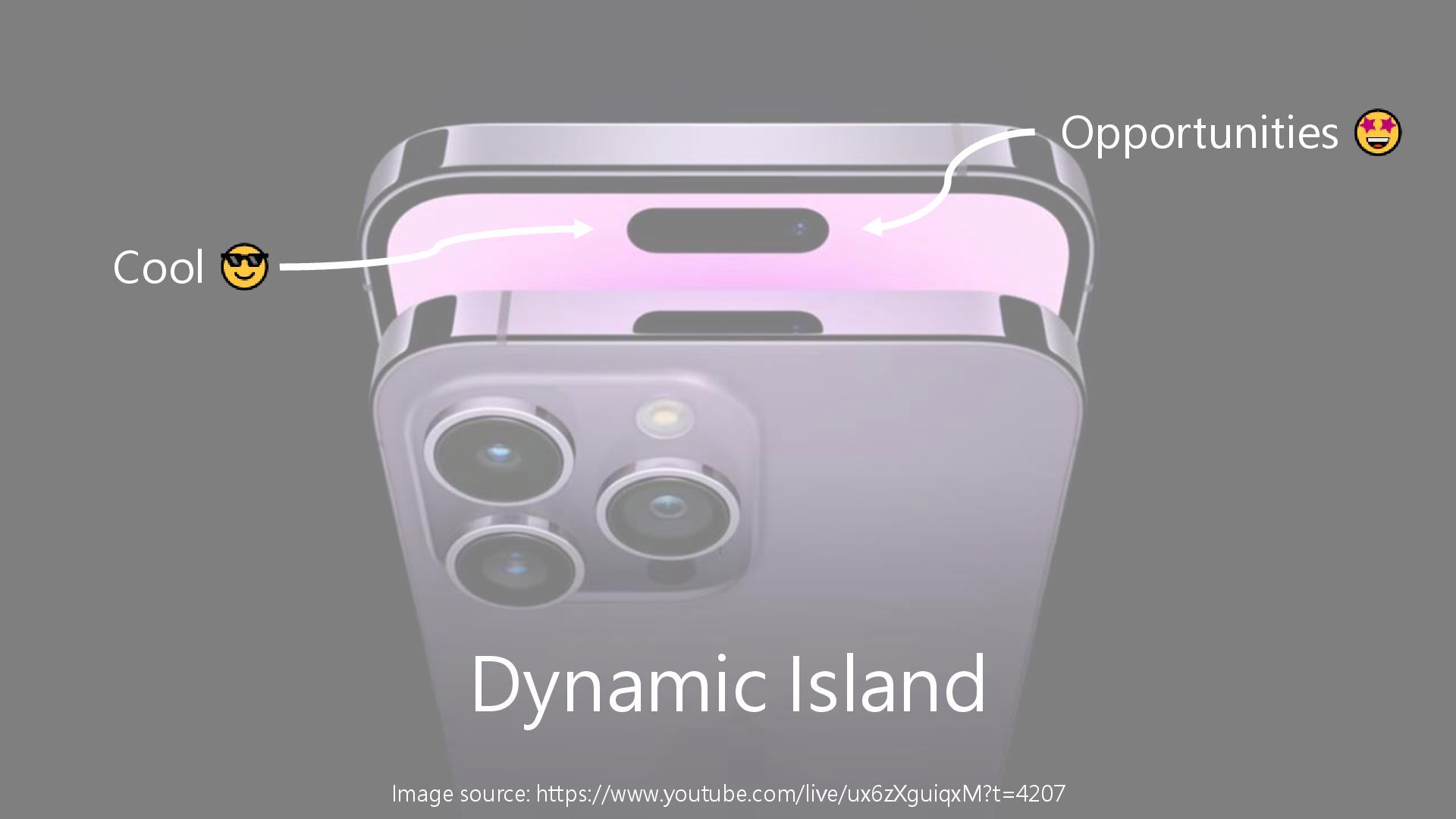
Dynamic Island • Dynamic Island is supported on iPhone 14
Pro/Pro Max, all iPhone 15 and 16 models • 3 UI presentations • Compact • Minimal • Expended Compact Minimal Expanded -
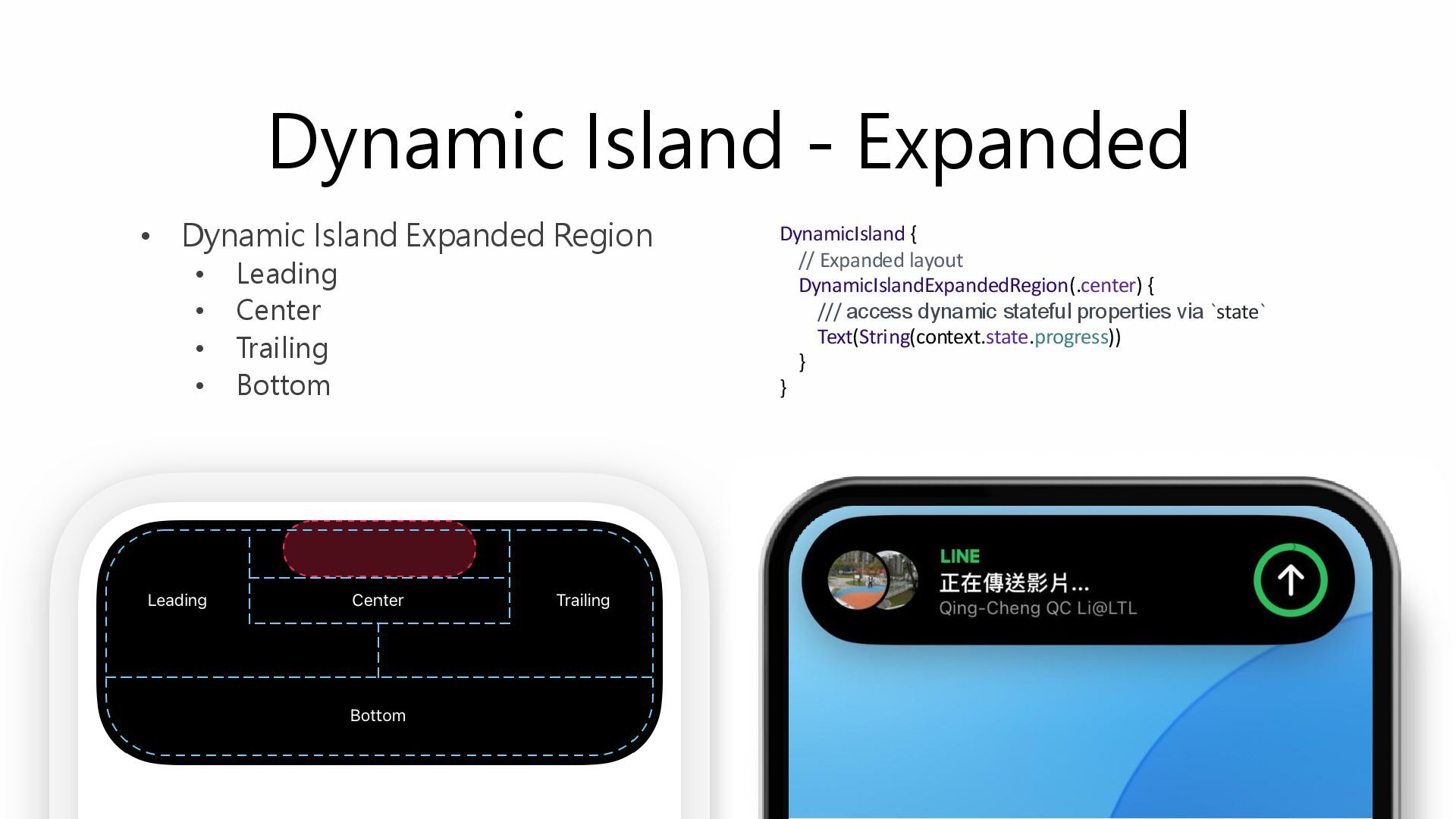
Dynamic Island - Expanded • Dynamic Island Expanded Region •
Leading • Center • Trailing • Bottom DynamicIsland { // Expanded layout DynamicIslandExpandedRegion(.center) { /// access dynamic stateful properties via `state` Text(String(context.state.progress)) } } -
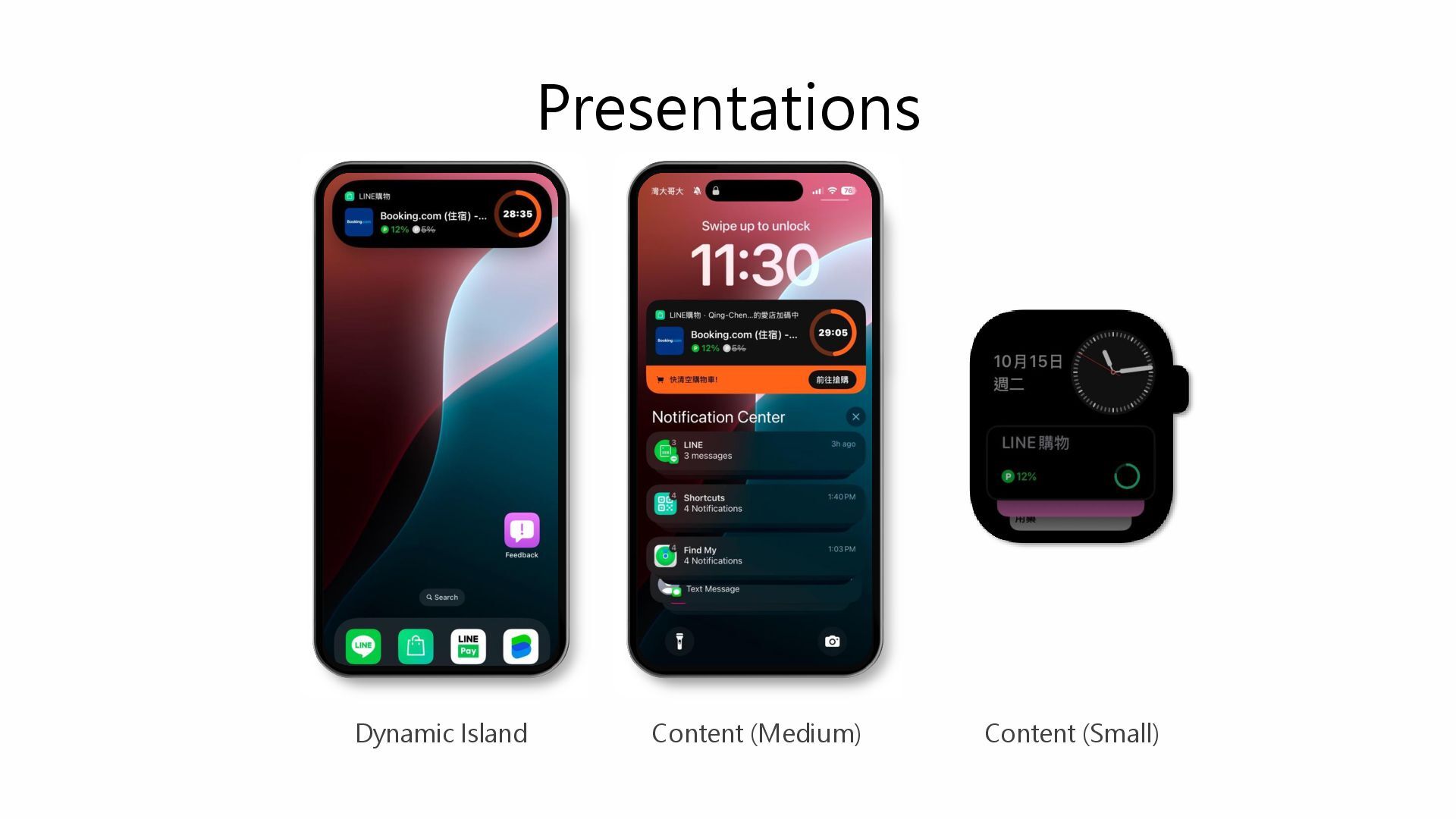
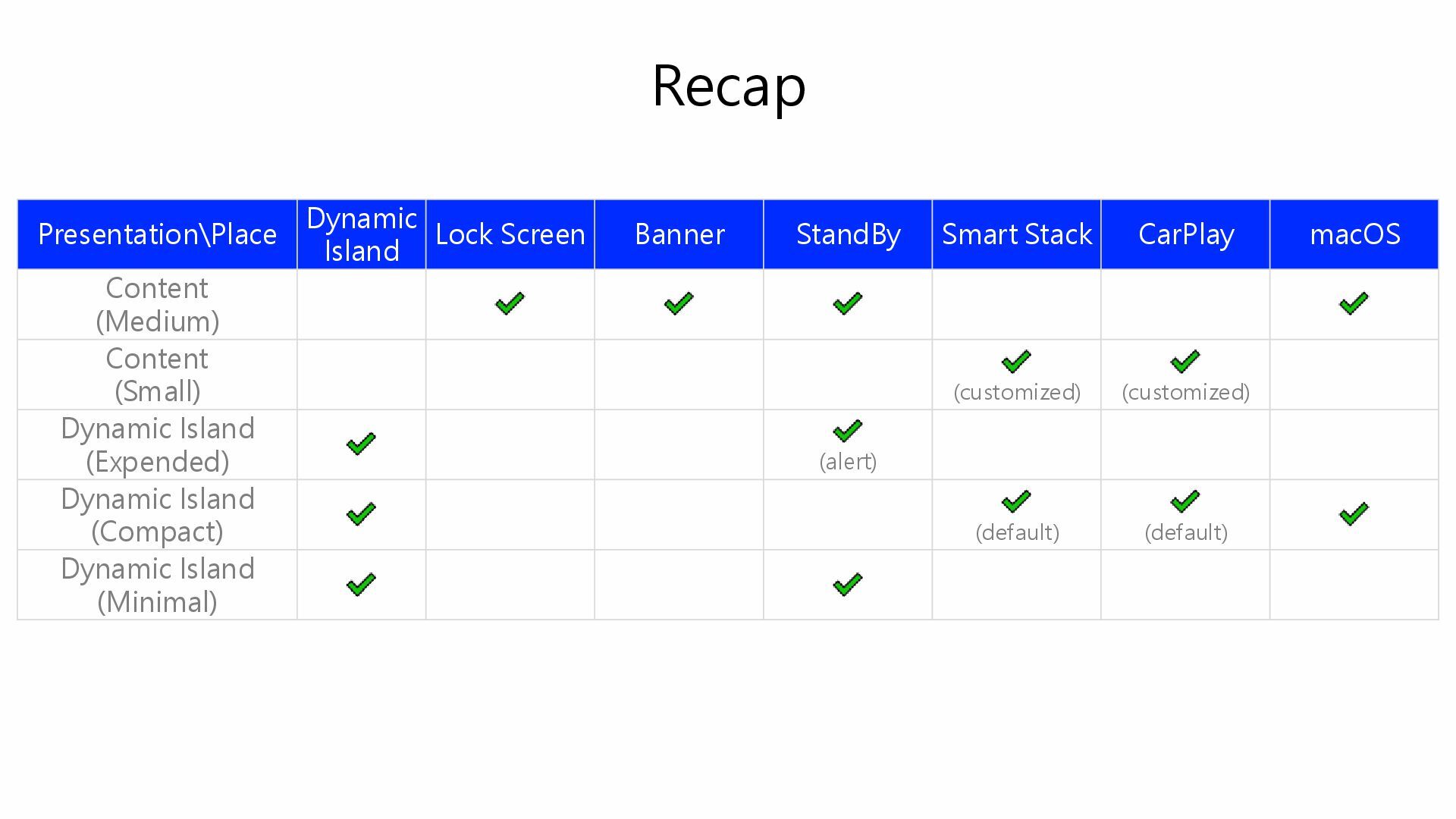
Recap Presentation\Place Dynamic Island Lock Screen Banner StandBy Smart Stack
CarPlay macOS Content (Medium) Content (Small) (customized) (customized) Dynamic Island (Expended) (alert) Dynamic Island (Compact) (default) (default) Dynamic Island (Minimal) -
Feasibility Study • Build prototype • As developers, this is
our superpower • A show case app is very helpful for demonstrating ideas to others. -
Build Tools • For test and verifying remote operations such
as creating, updating and ending a Live Activity • From • Print and copy token from console • Generate the authentication token manually • Manually modify payload • CLI command to send push notification • To • Build a mini CMS to • Collect token • Generate authentication token and call APNs API • Provide web UI to modify payload and manage tokens -
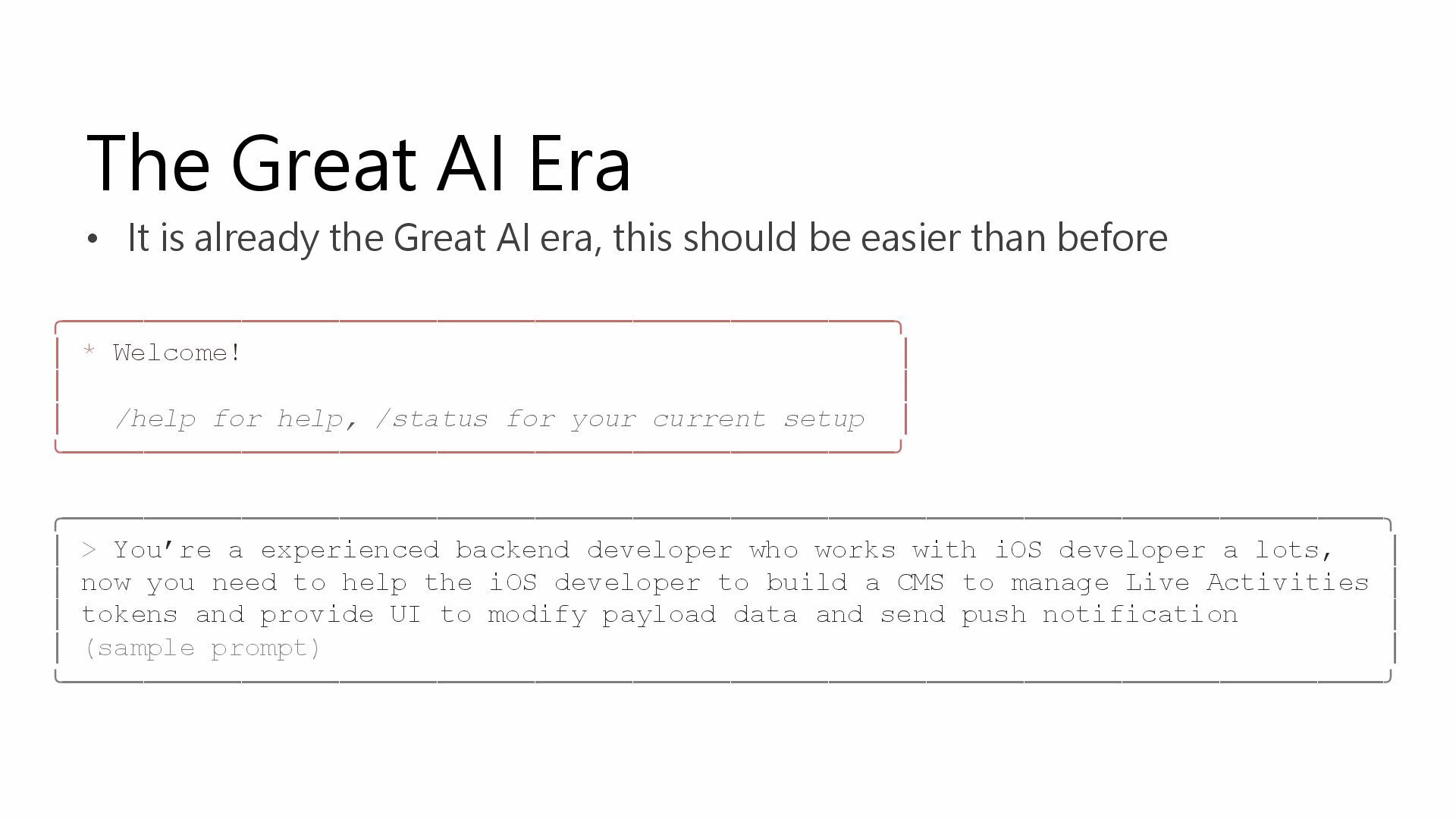
The Great AI Era • It is already the Great
AI era, this should be easier than before ╭───────────────────────────────────────────────────╮ │ * Welcome! │ │ │ │ /help for help, /status for your current setup │ ╰───────────────────────────────────────────────────╯ ╭─────────────────────────────────────────────────────────────────────────────────╮ │ > You’re a experienced backend developer who works with iOS developer a lots, │ │ now you need to help the iOS developer to build a CMS to manage Live Activities │ │ tokens and provide UI to modify payload data and send push notification │ │ (sample prompt) │ ╰─────────────────────────────────────────────────────────────────────────────────╯ -
Promote • Bring ideas to stakeholders • Find people who
can make decision • Let ideas come to dev team • Let others know that we can do this -
Planning • Resources • Evaluate cost and business impact •
Define metrics • Release schedule -
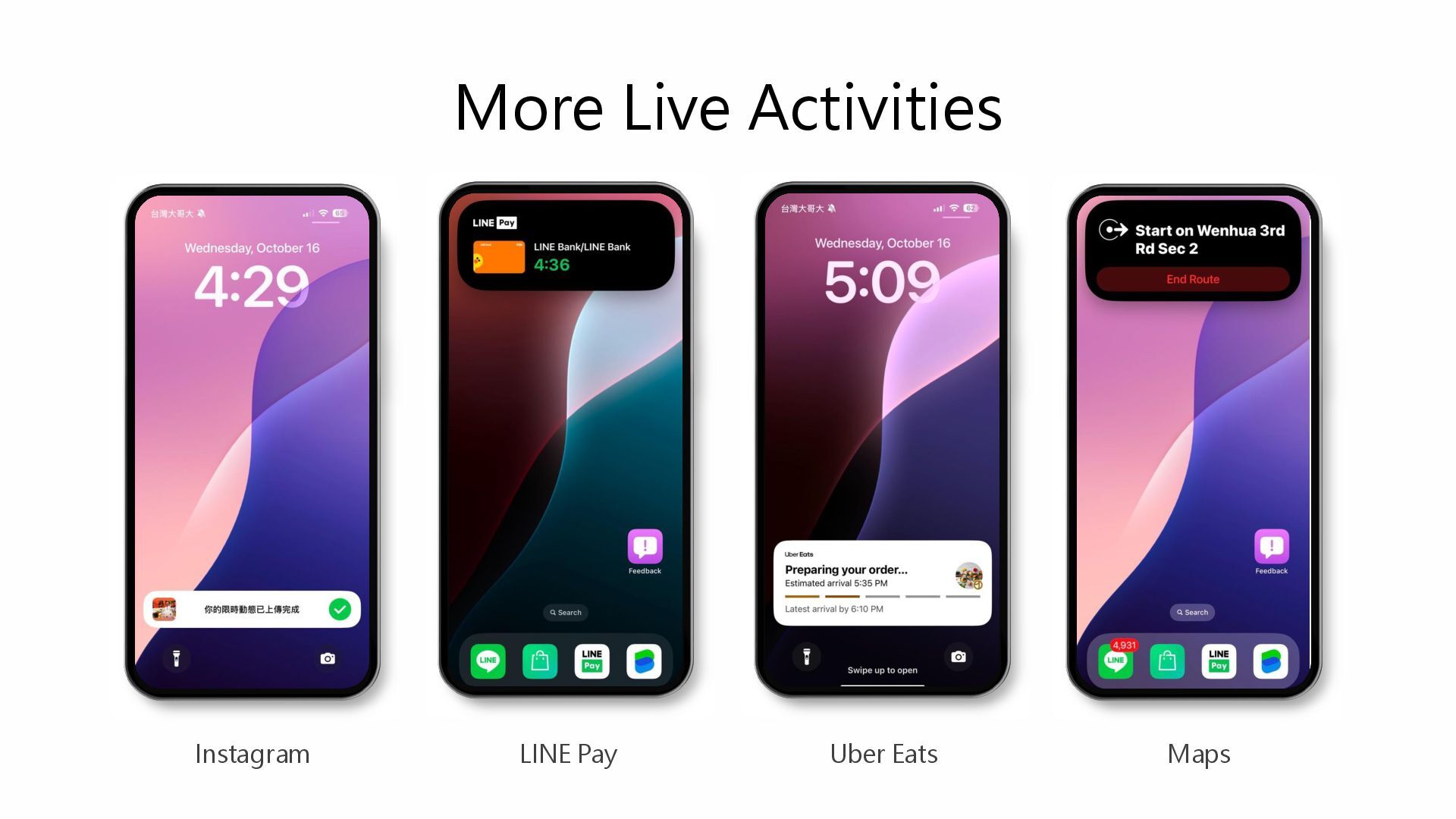
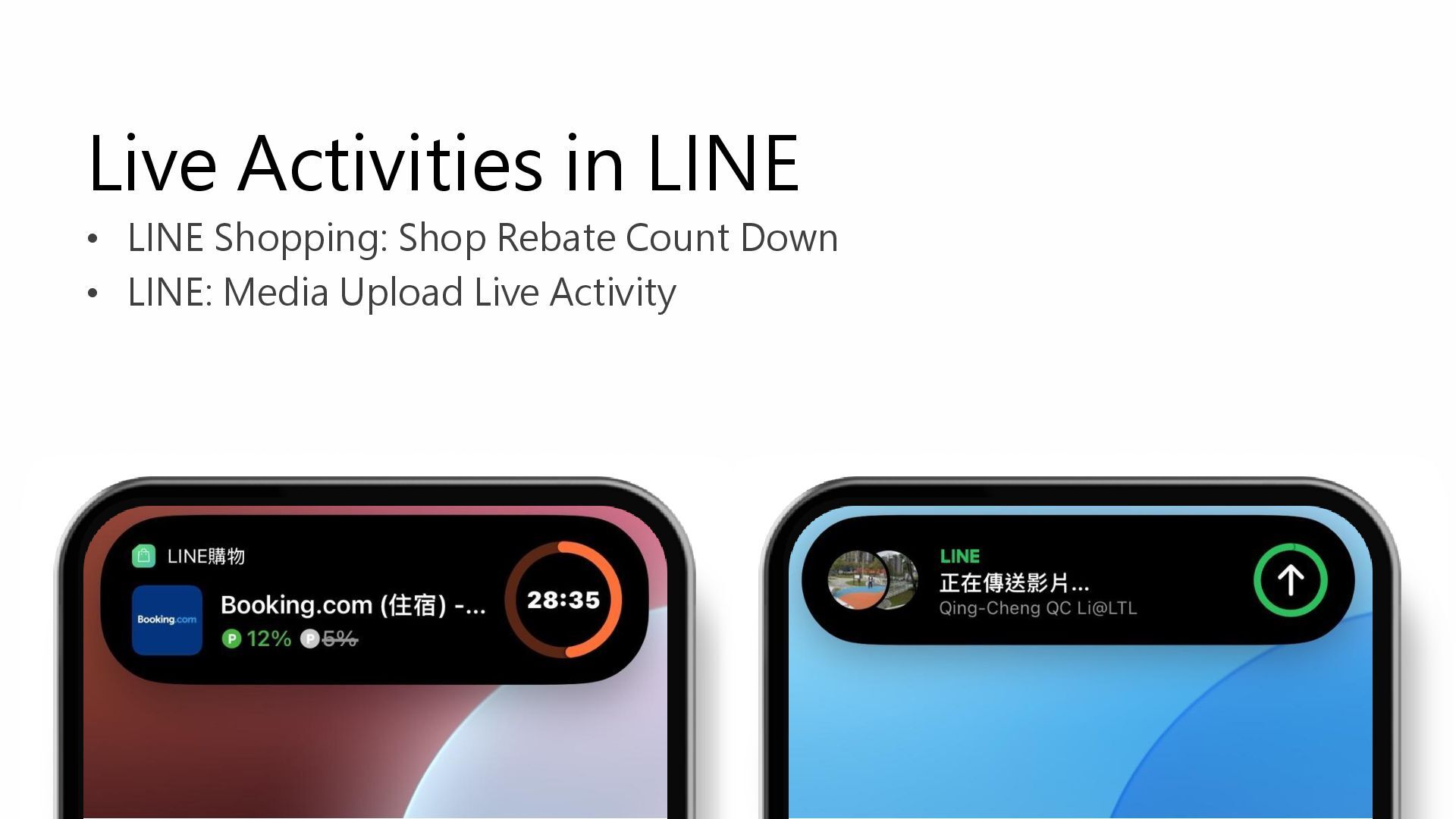
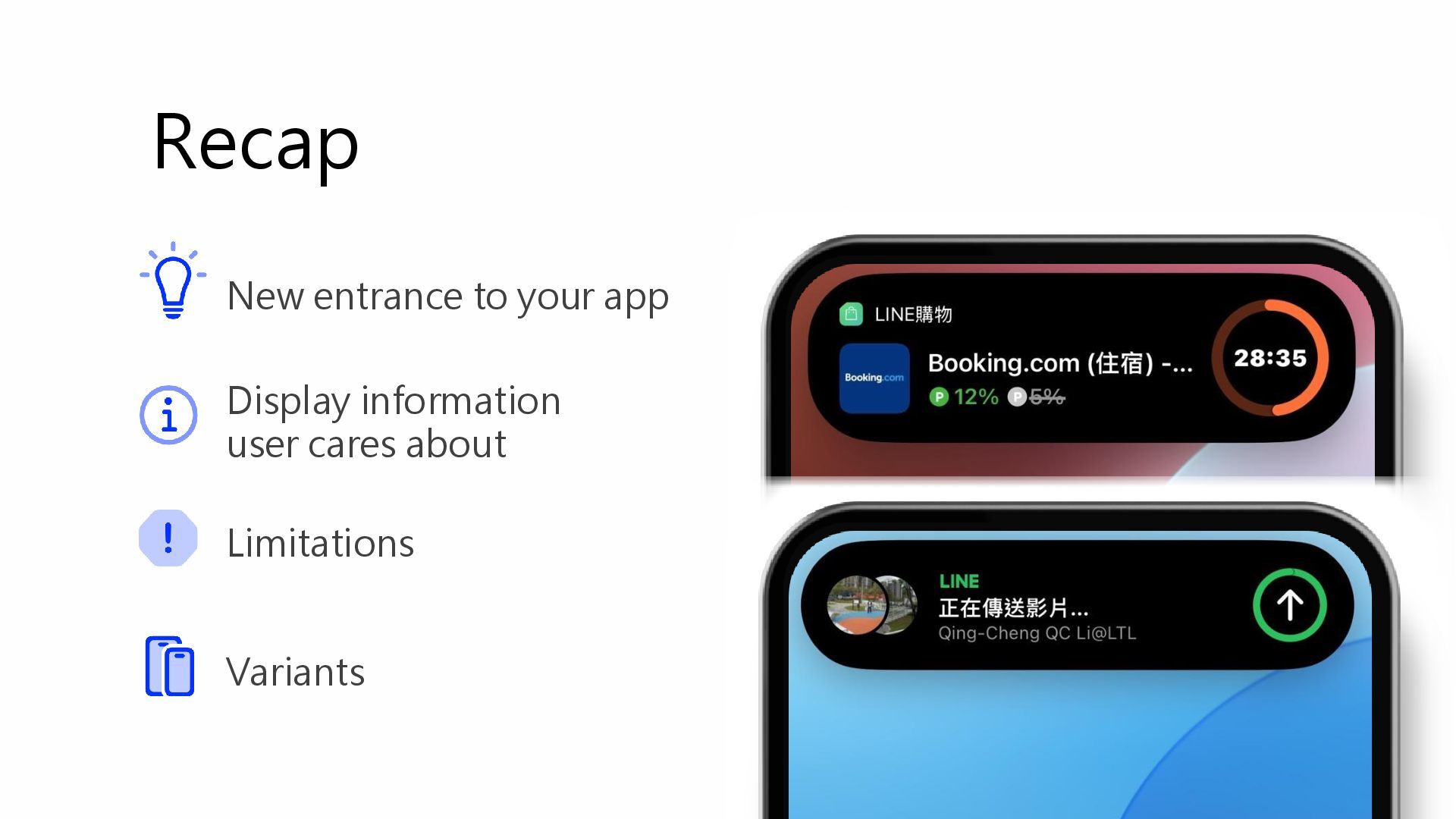
Live Activities in LINE • LINE Shopping: Shop Rebate Count
Down • LINE: Media Upload Live Activity -
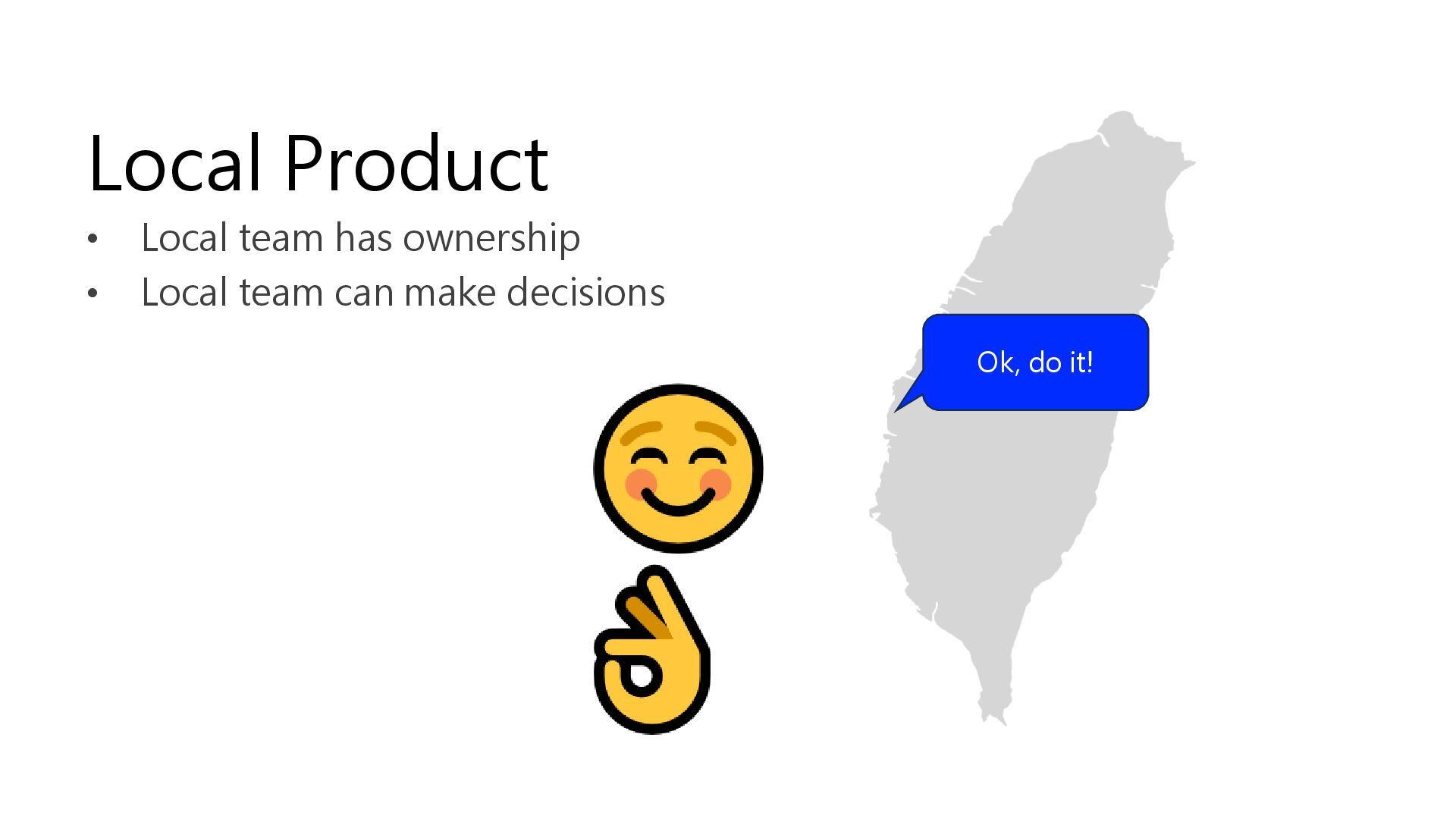
• Local team has ownership • Local team can make
decisions Ok, do it! Local Product -
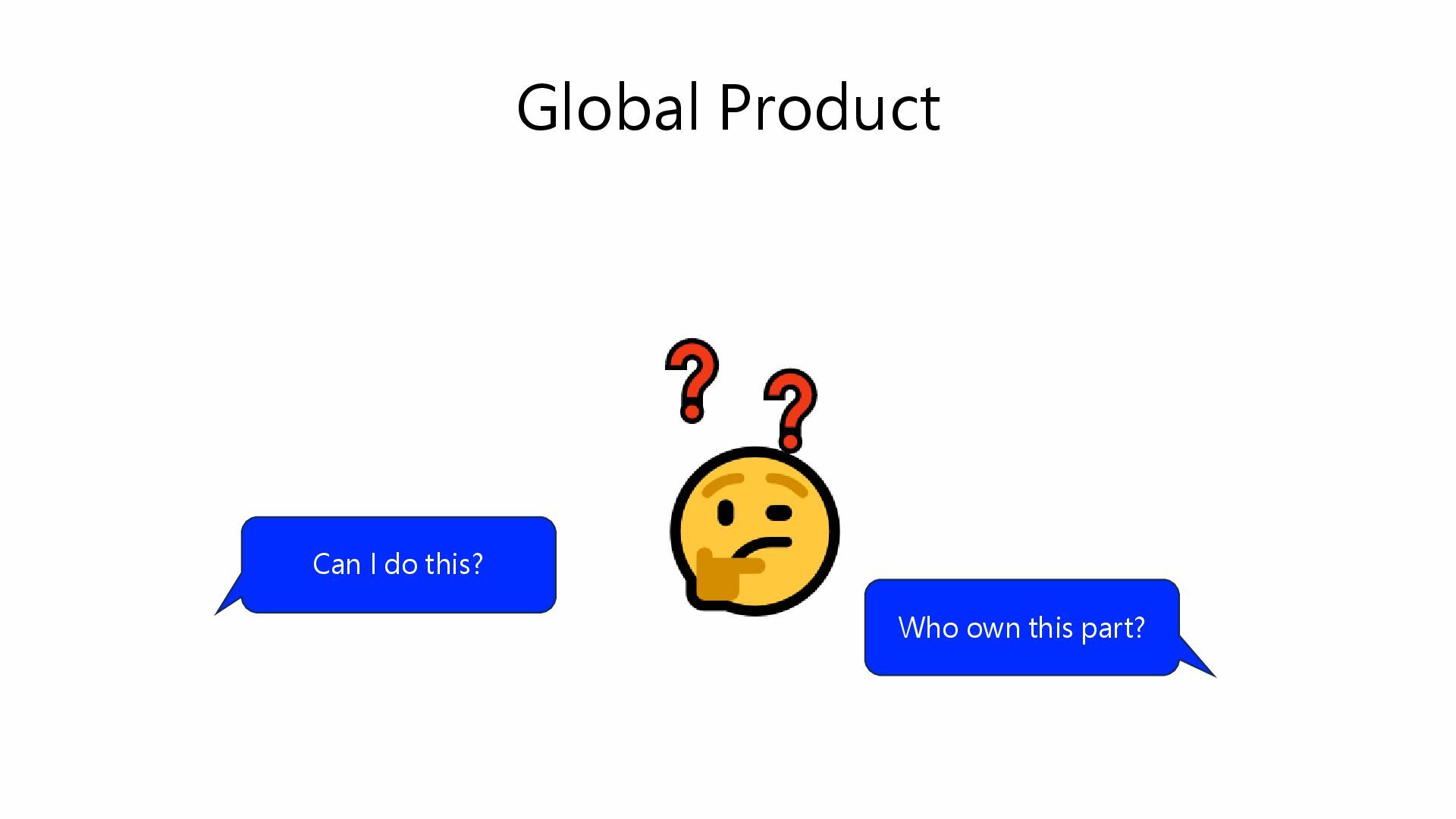
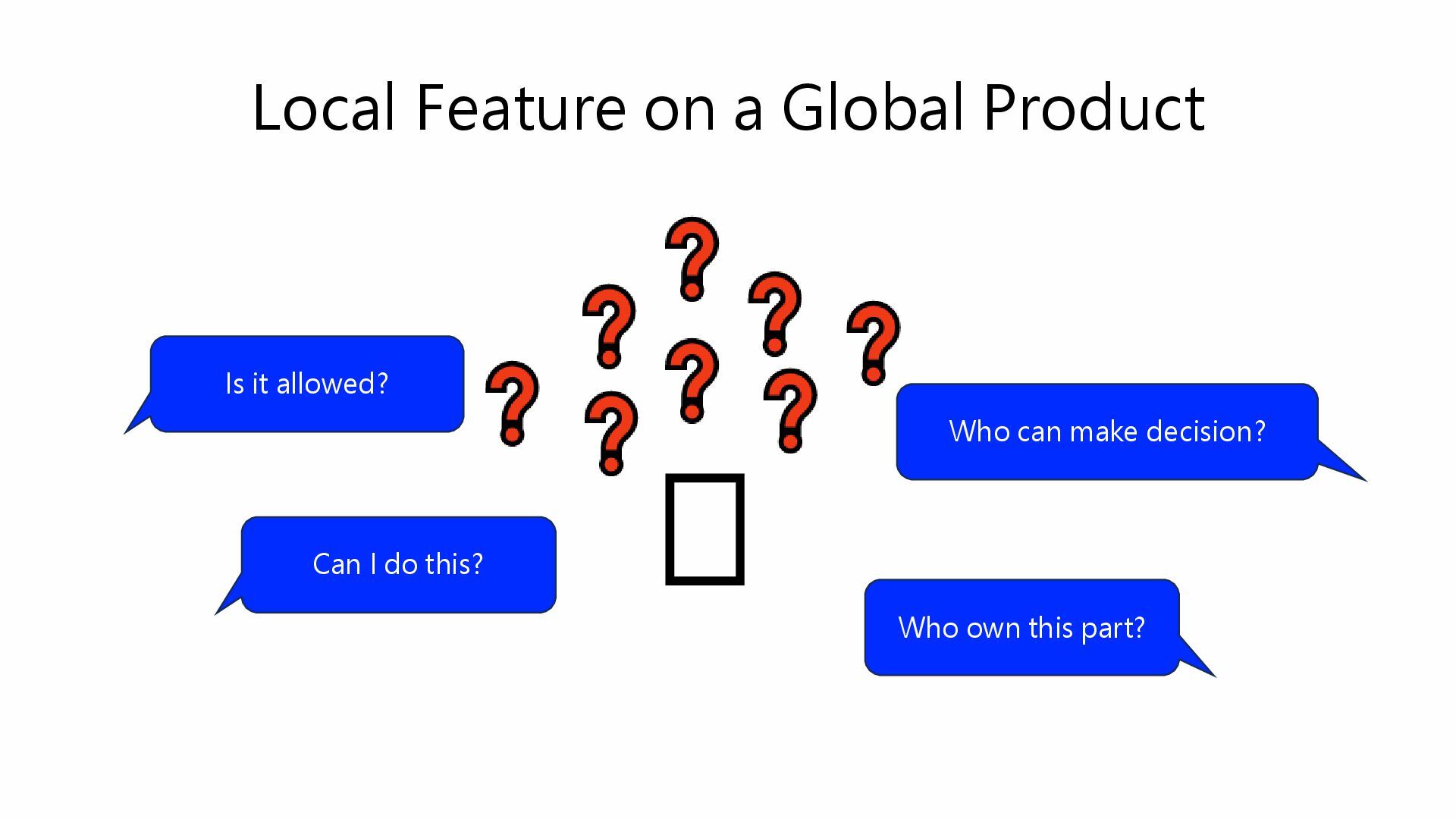
Local Feature on a Global Product 🫠 Can I do
this? Who own this part? Who can make decision? Is it allowed? -
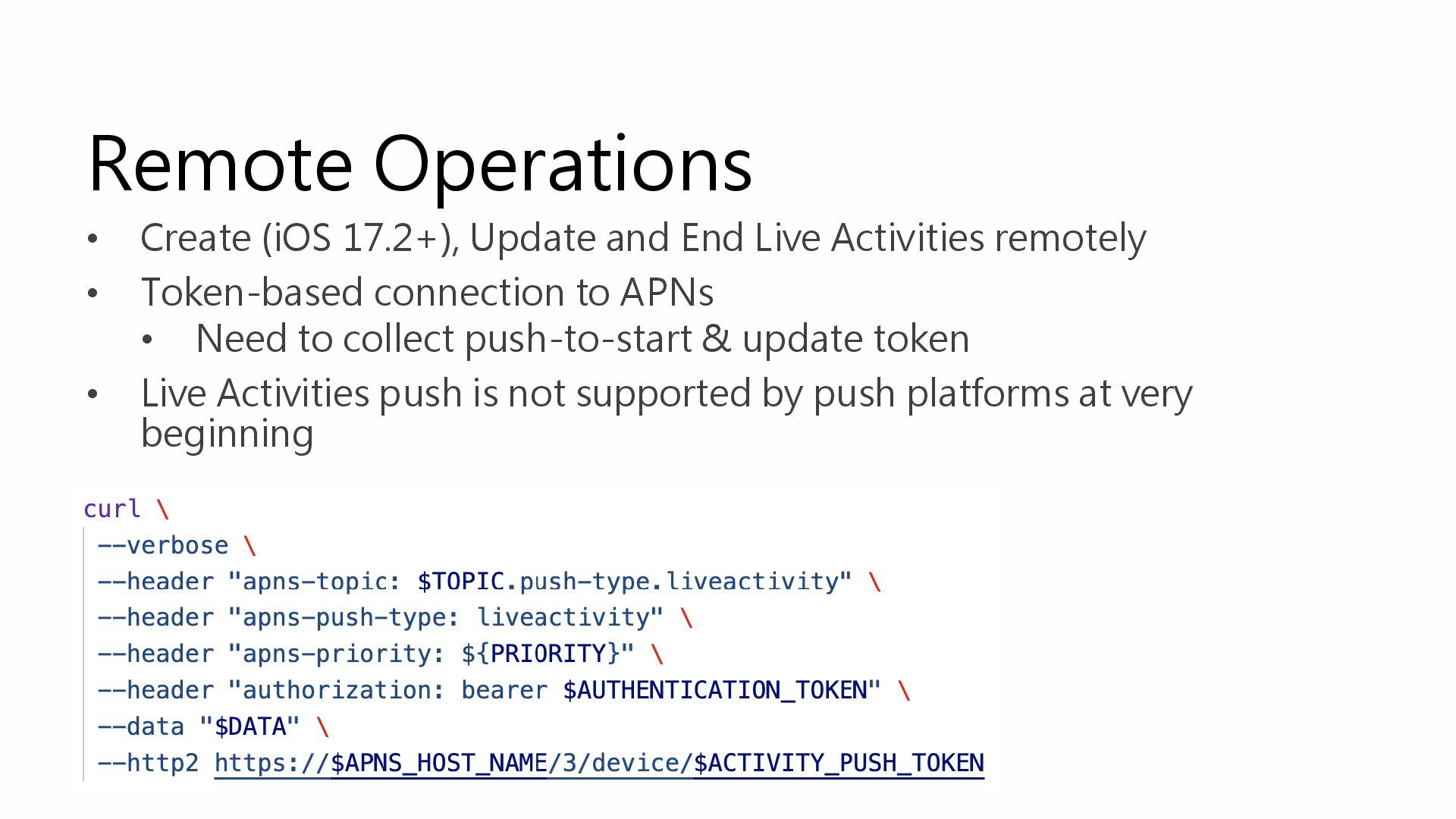
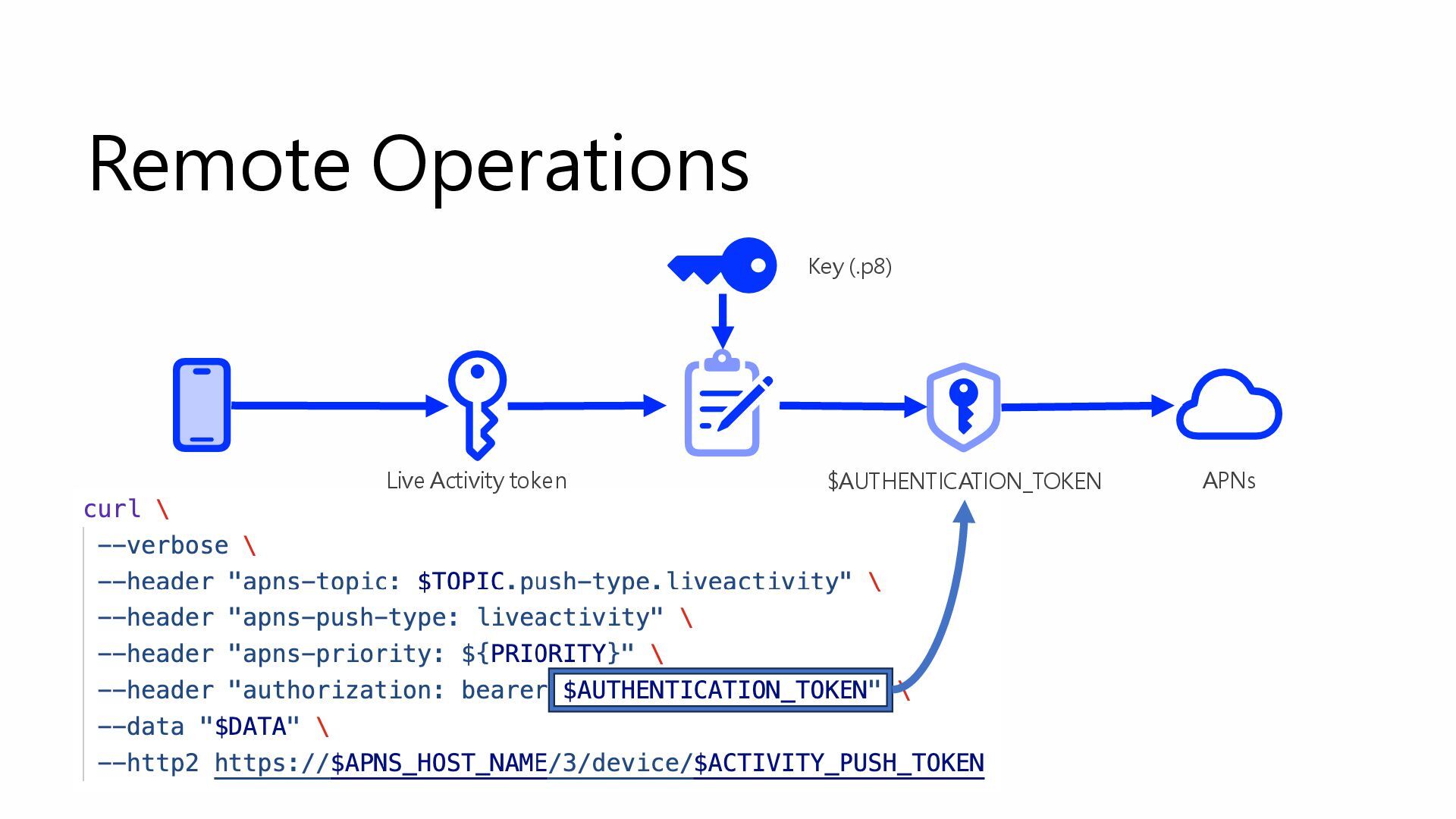
Remote Operations • Create (iOS 17.2+), Update and End Live
Activities remotely • Token-based connection to APNs • Need to collect push-to-start & update token • Live Activities push is not supported by push platforms at very beginning -
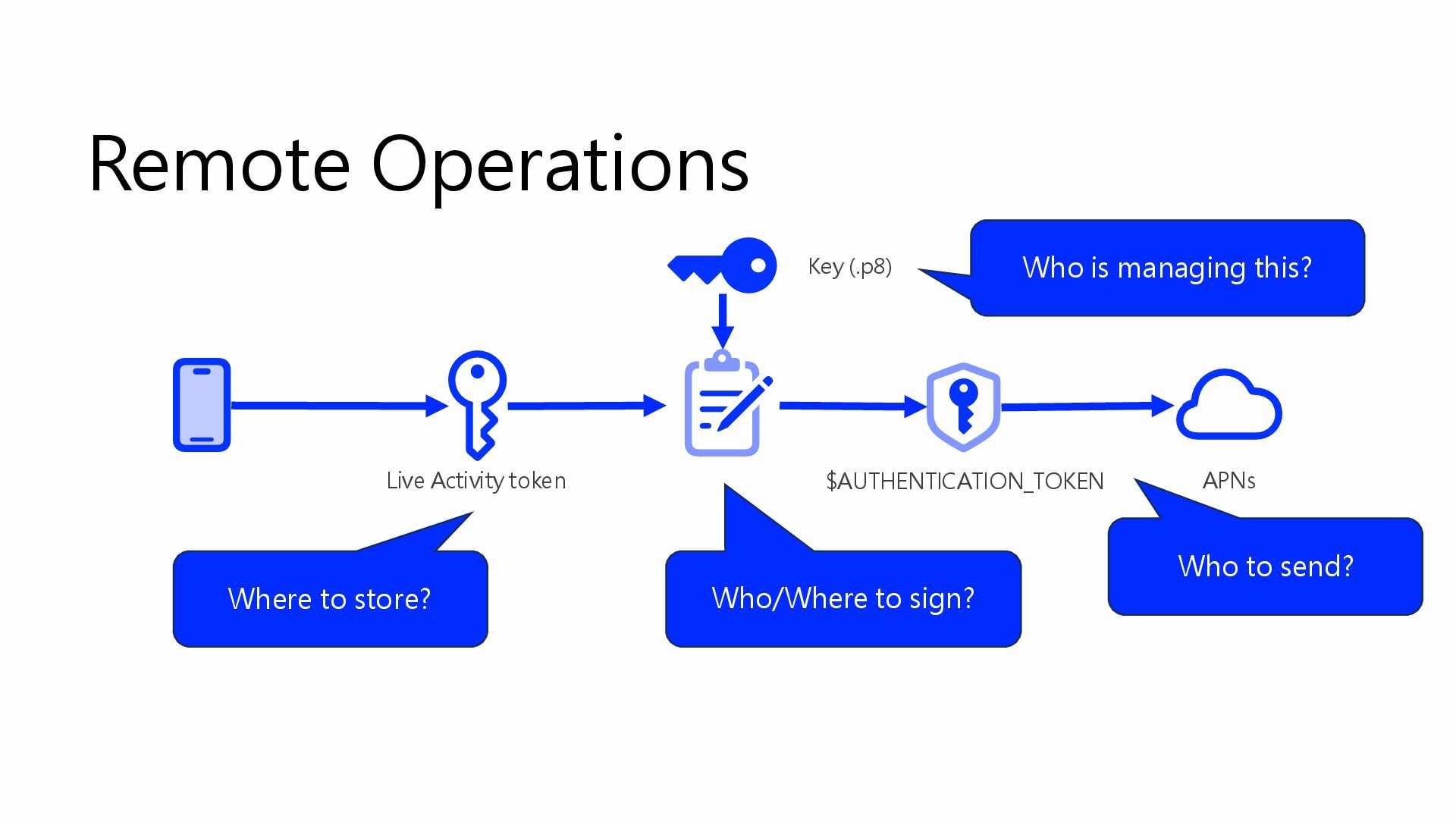
Remote Operations Where to store? Who to send? Who is
managing this? Who/Where to sign? $AUTHENTICATION_TOKEN Live Activity token APNs Key (.p8) -
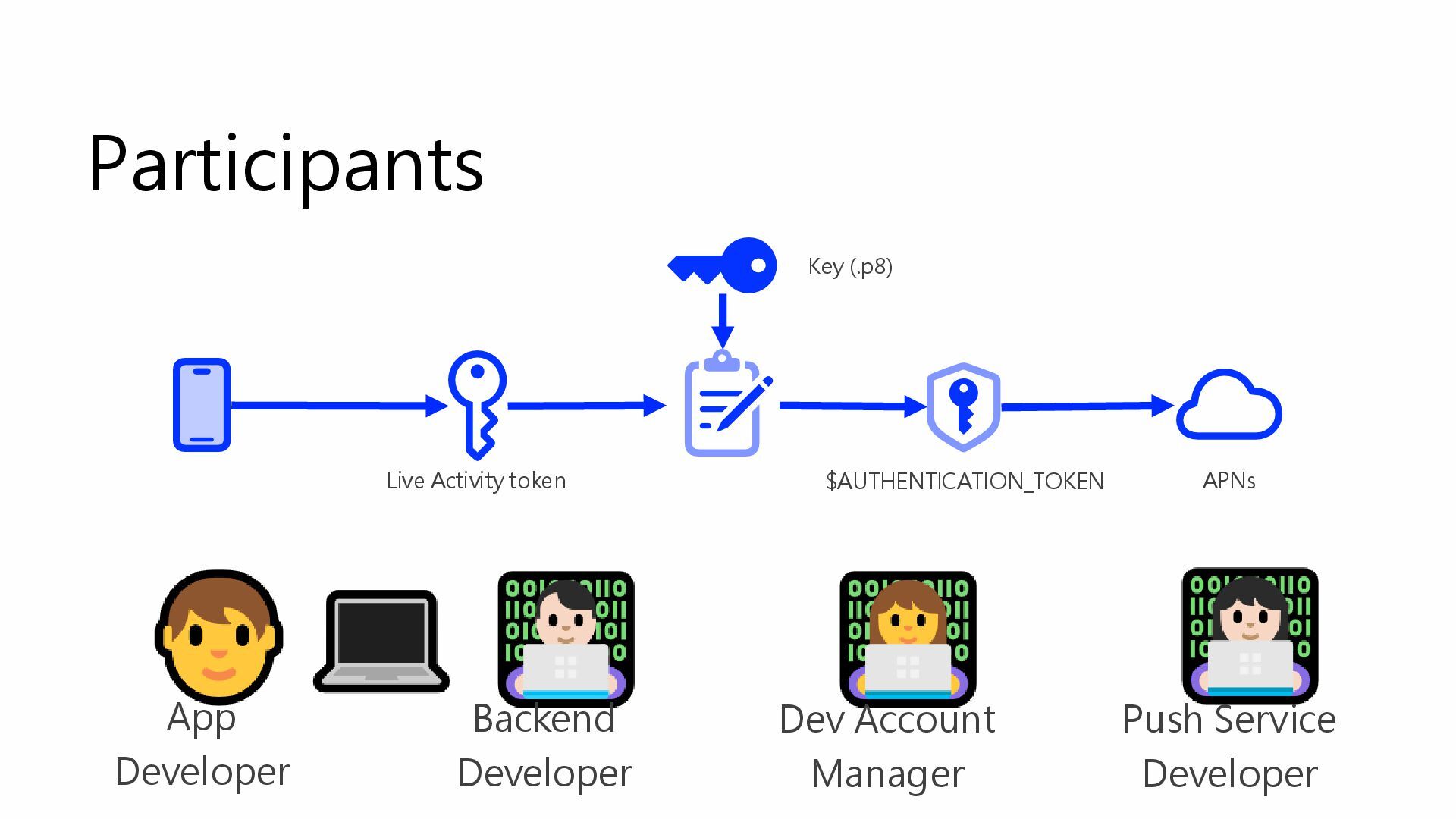
Participants App Developer Backend Developer Push Service Developer Dev Account
Manager $AUTHENTICATION_TOKEN Live Activity token APNs Key (.p8) -
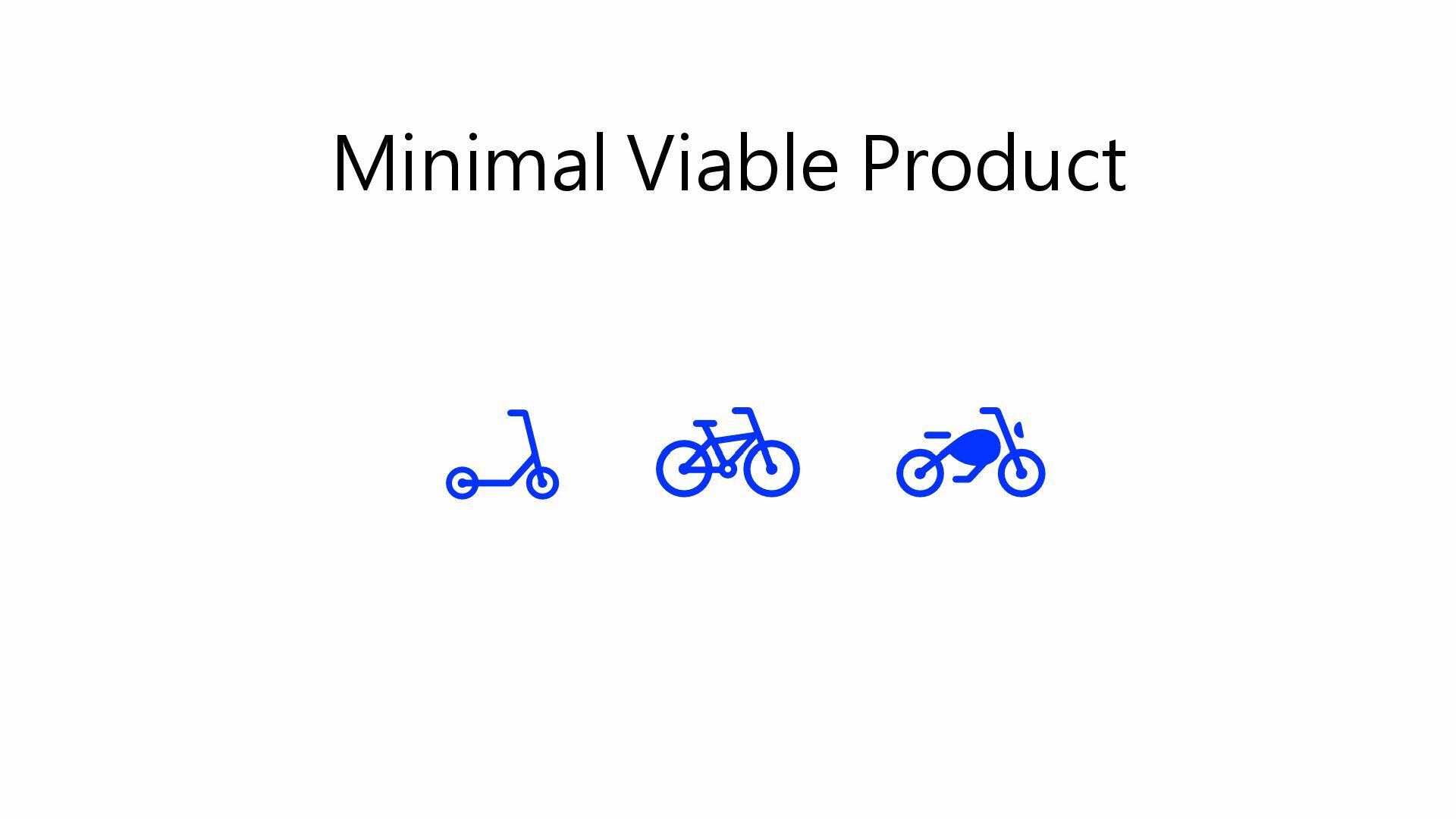
What is a Live Activity MVP? • Local controlled •
Create, update and end all on local side • No server needed • Simple, clear state transition • Easy to manage state • Less edge cases • No major business impact would be preferred • Easy to convince stakeholders -
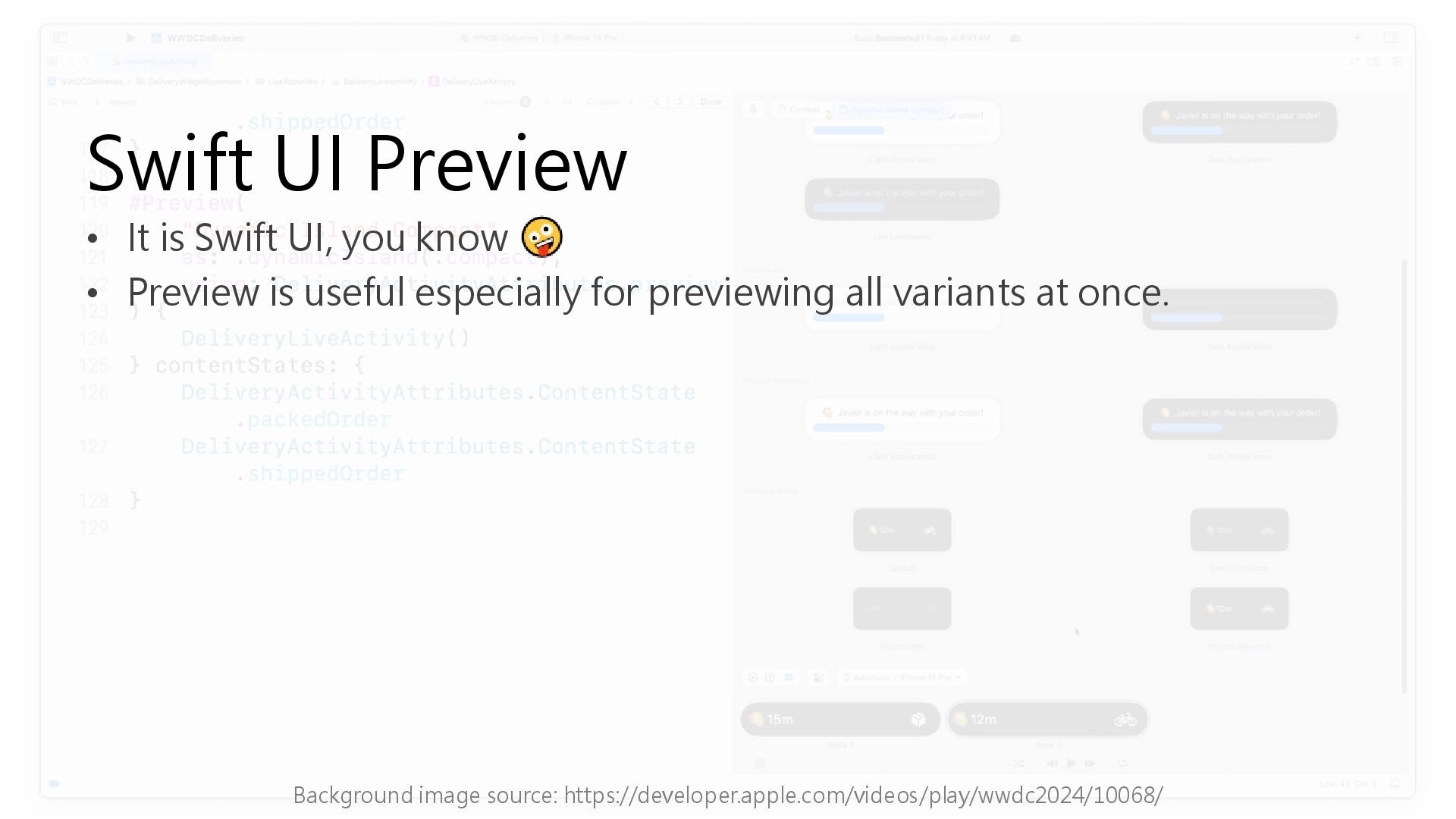
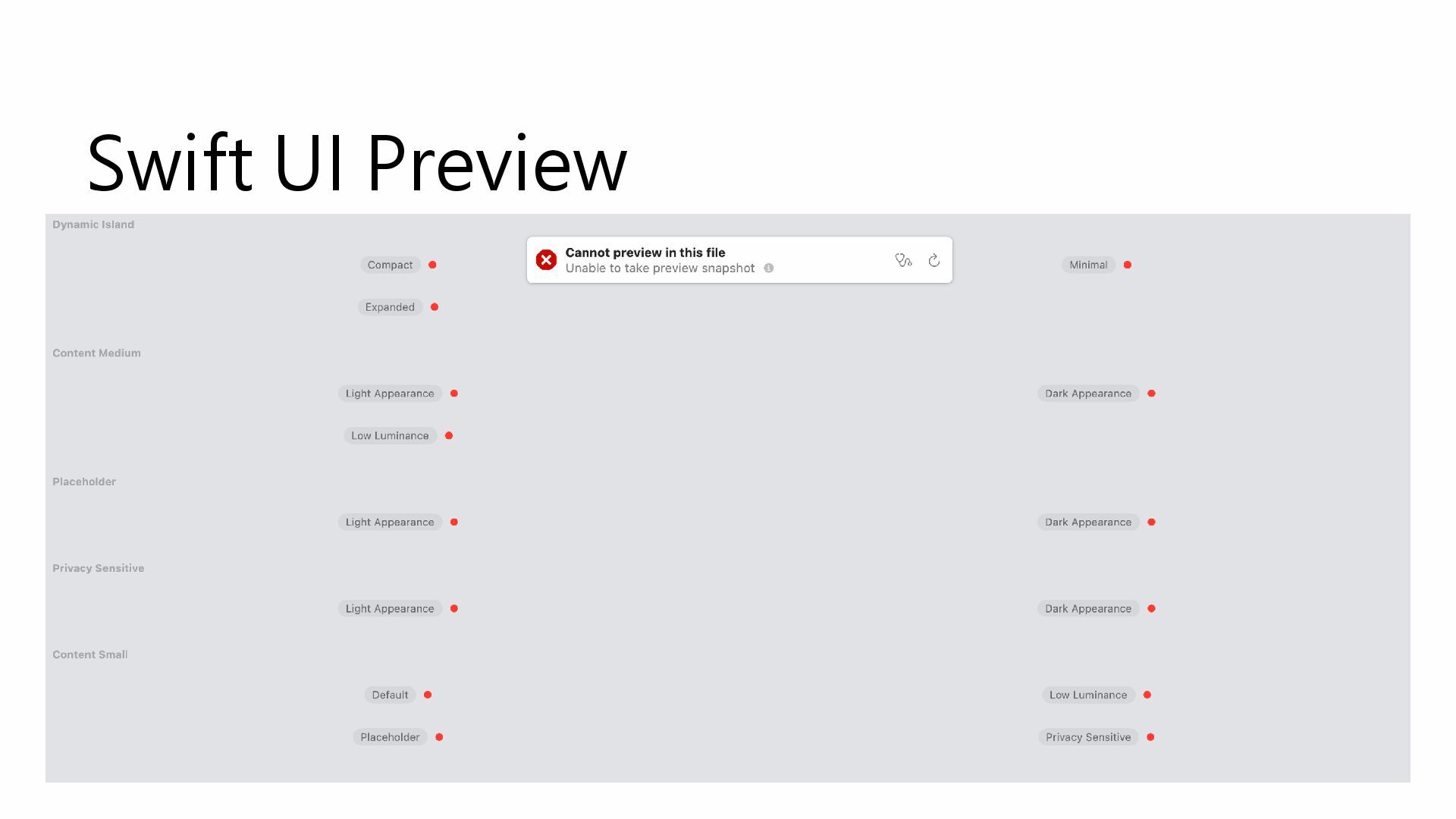
Swift UI Preview • It is Swift UI, you know
• Preview is useful especially for previewing all variants at once. Background image source: https://developer.apple.com/videos/play/wwdc2024/10068/ -
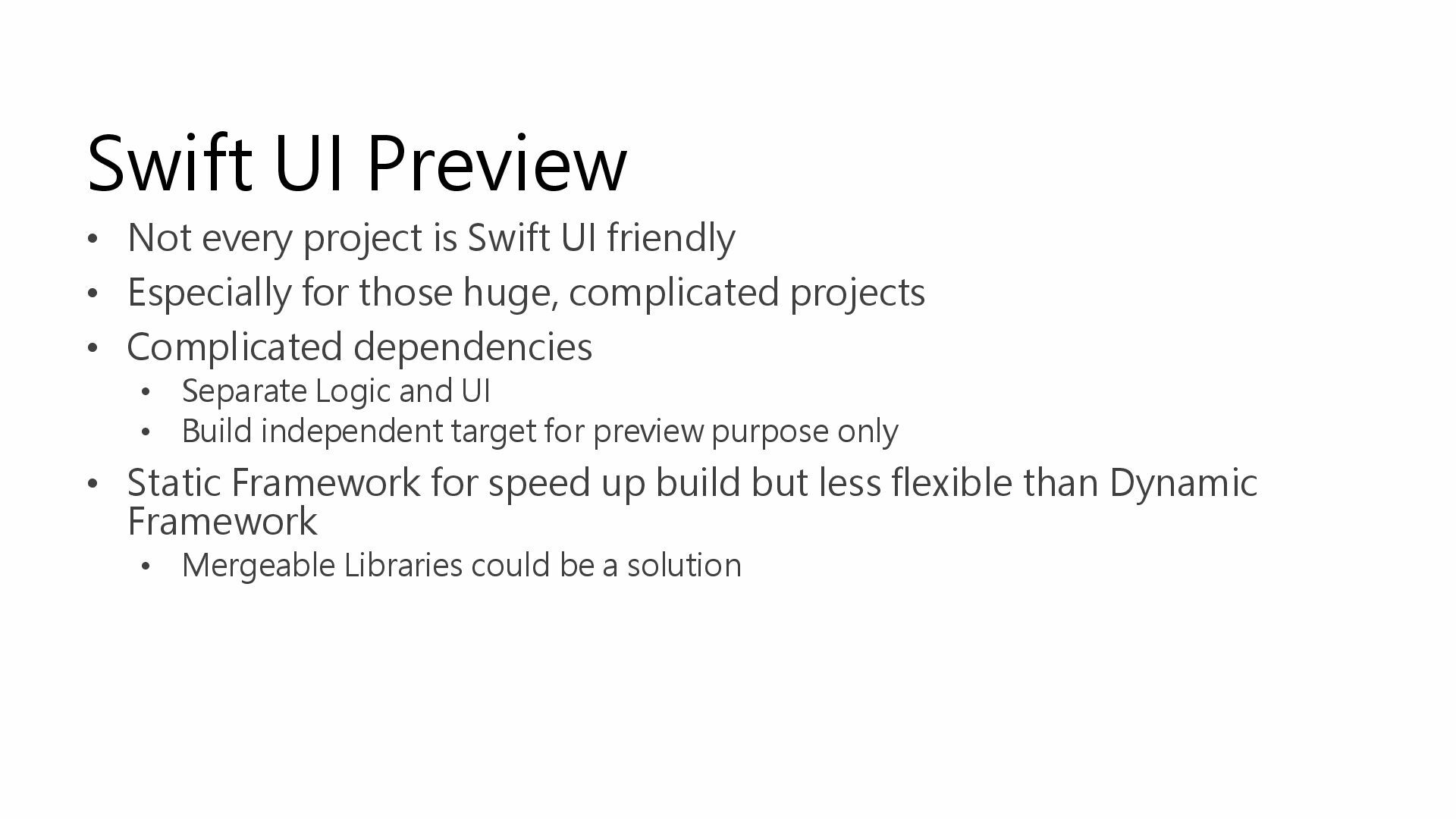
Swift UI Preview • Not every project is Swift UI
friendly • Especially for those huge, complicated projects • Complicated dependencies • Separate Logic and UI • Build independent target for preview purpose only • Static Framework for speed up build but less flexible than Dynamic Framework • Mergeable Libraries could be a solution -
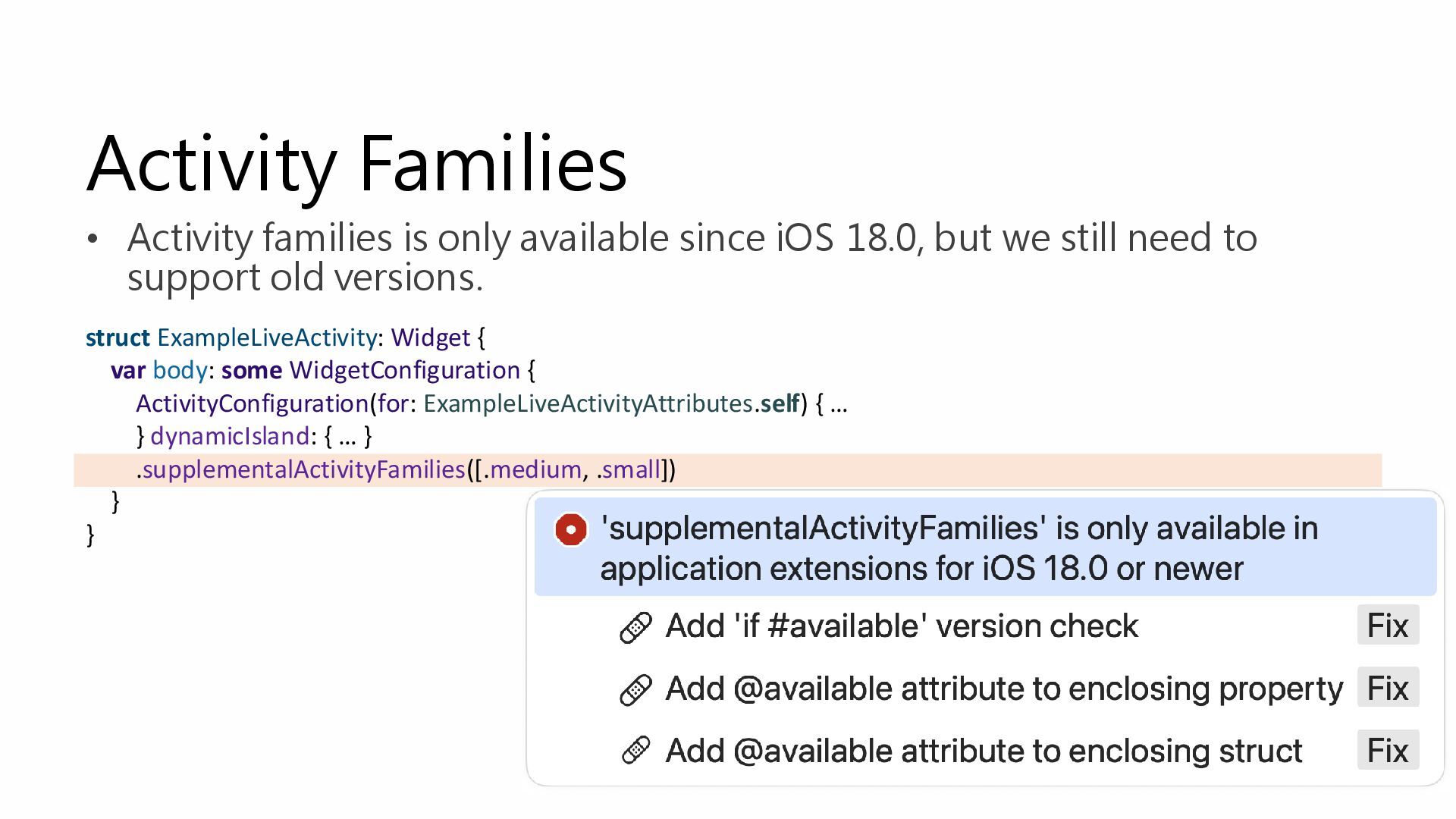
• Activity families is only available since iOS 18.0, but
we still need to support old versions. struct ExampleLiveActivity: Widget { var body: some WidgetConfiguration { ActivityConfiguration(for: ExampleLiveActivityAttributes.self) { … } dynamicIsland: { … } .supplementalActivityFamilies([.medium, .small]) } } Activity Families -
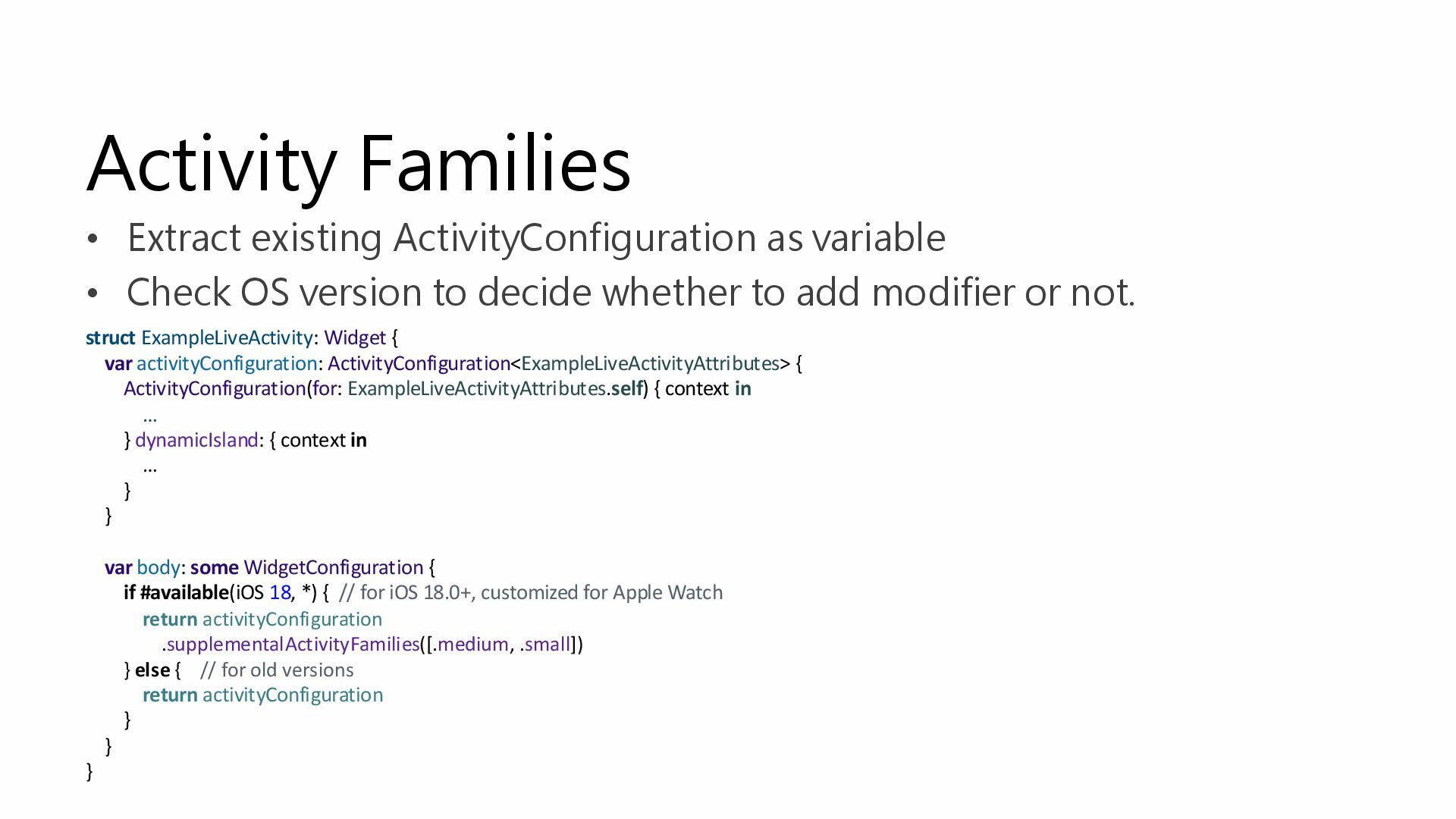
Activity Families • Extract existing ActivityConfiguration as variable • Check
OS version to decide whether to add modifier or not. struct ExampleLiveActivity: Widget { var activityConfiguration: ActivityConfiguration<ExampleLiveActivityAttributes> { ActivityConfiguration(for: ExampleLiveActivityAttributes.self) { context in … } dynamicIsland: { context in … } } var body: some WidgetConfiguration { if #available(iOS 18, *) { // for iOS 18.0+, customized for Apple Watch return activityConfiguration .supplementalActivityFamilies([.medium, .small]) } else { // for old versions return activityConfiguration } } } -
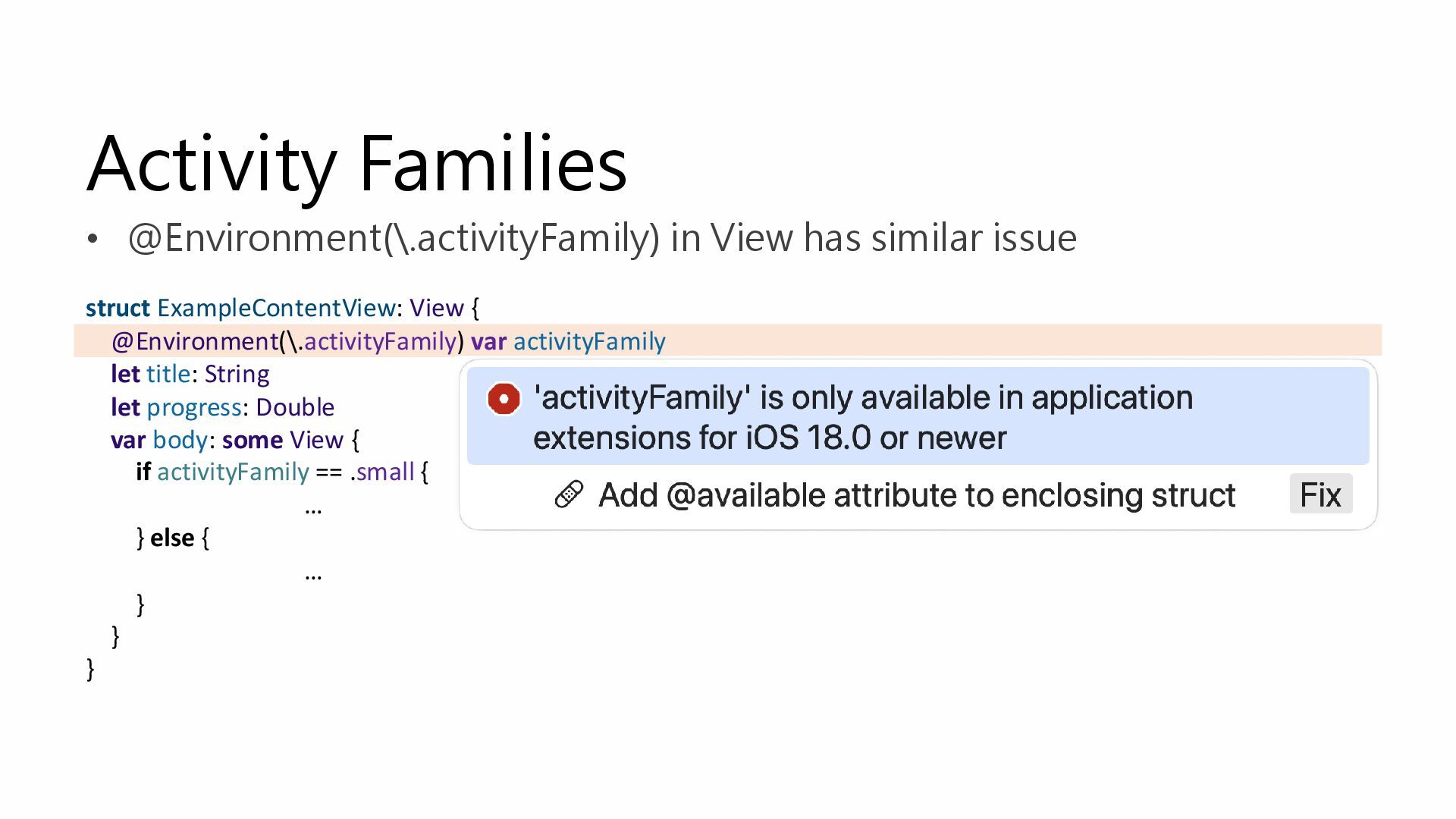
Activity Families • @Environment(\.activityFamily) in View has similar issue struct
ExampleContentView: View { @Environment(\.activityFamily) var activityFamily let title: String let progress: Double var body: some View { if activityFamily == .small { … } else { … } } } -
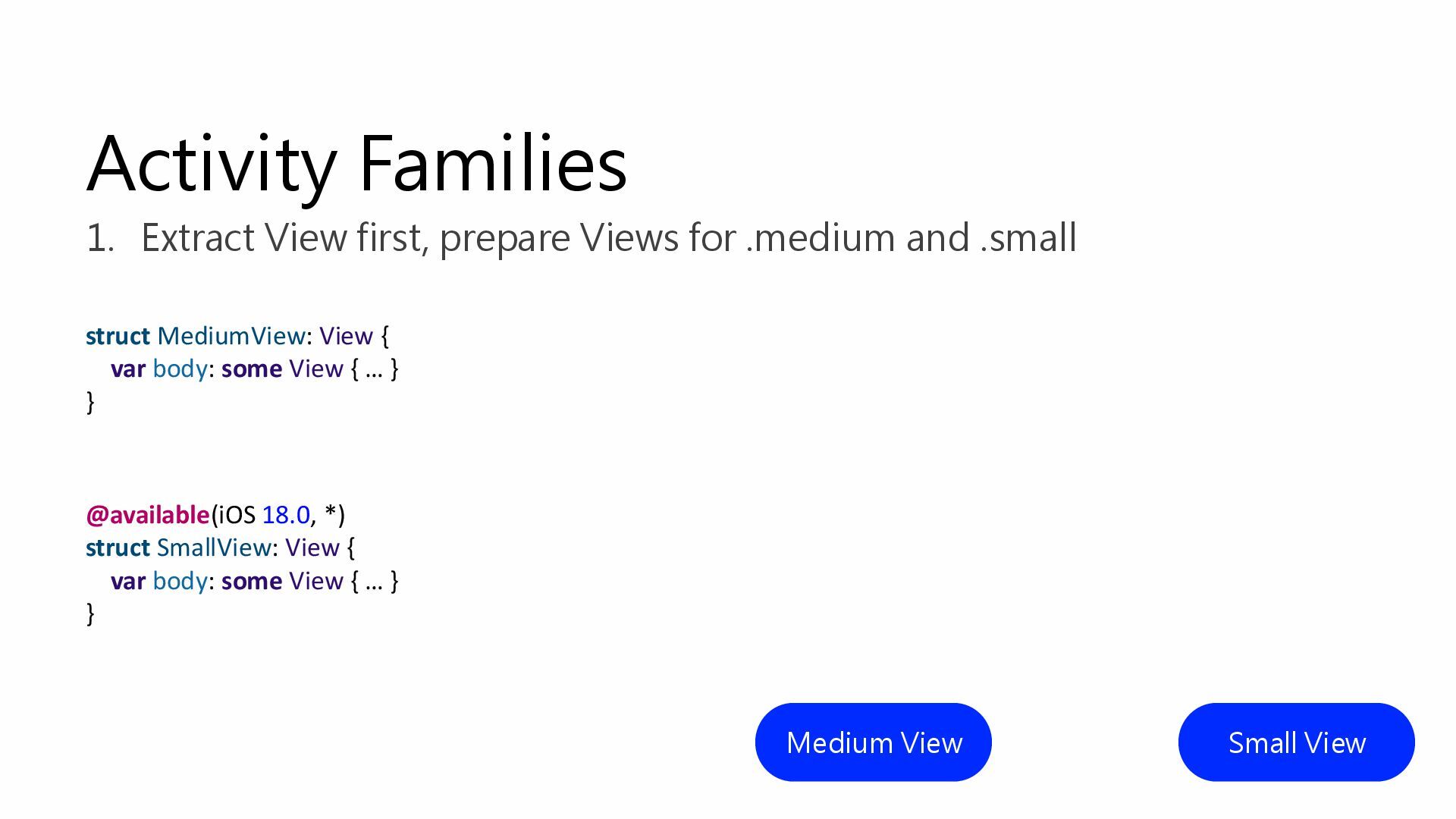
Activity Families Medium View Small View 1. Extract View first,
prepare Views for .medium and .small struct MediumView: View { var body: some View { … } } @available(iOS 18.0, *) struct SmallView: View { var body: some View { … } } -
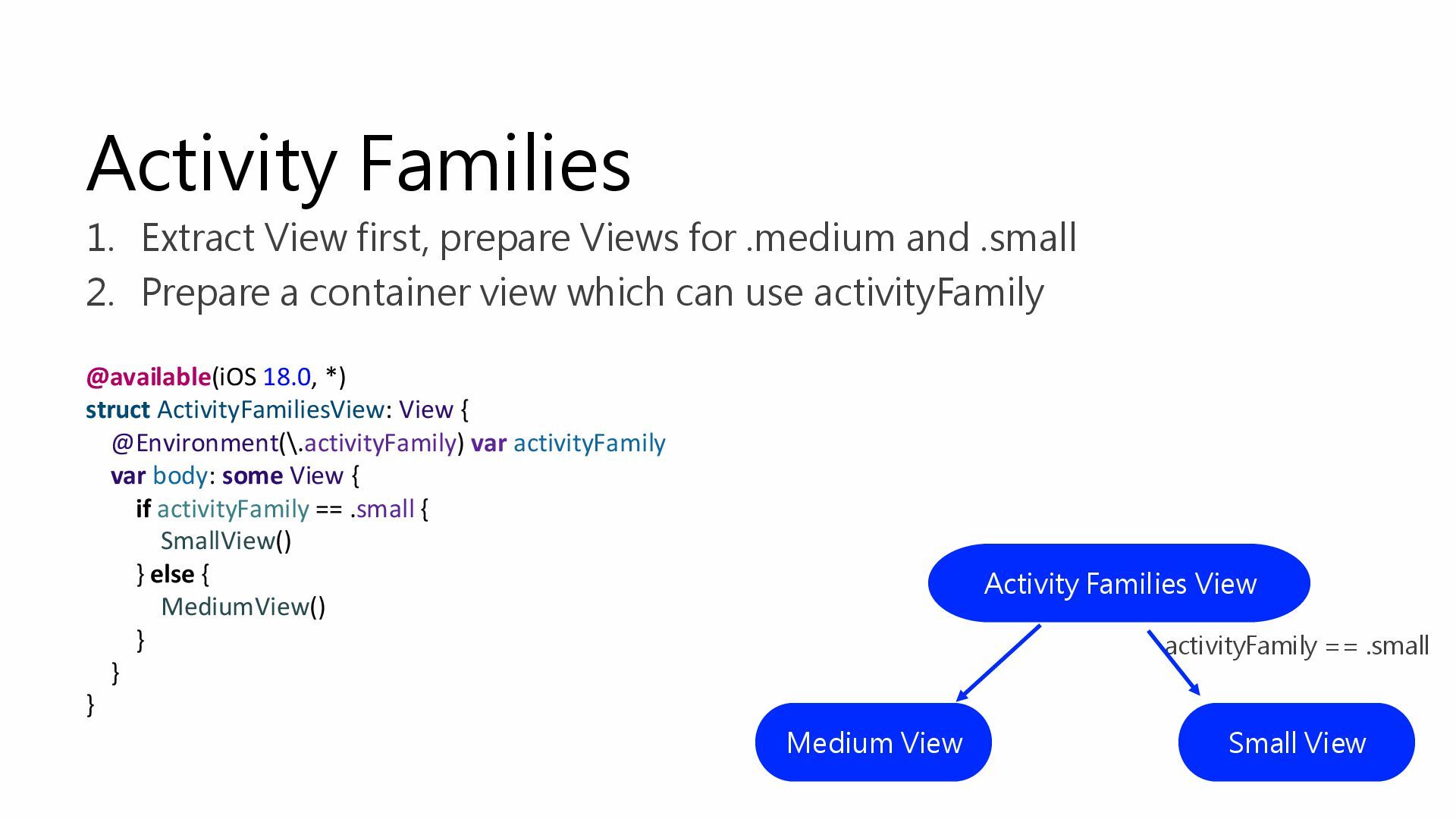
@available(iOS 18.0, *) struct ActivityFamiliesView: View { @Environment(\.activityFamily) var activityFamily
var body: some View { if activityFamily == .small { SmallView() } else { MediumView() } } } Activity Families 1. Extract View first, prepare Views for .medium and .small 2. Prepare a container view which can use activityFamily Medium View Small View activityFamily == .small Activity Families View -
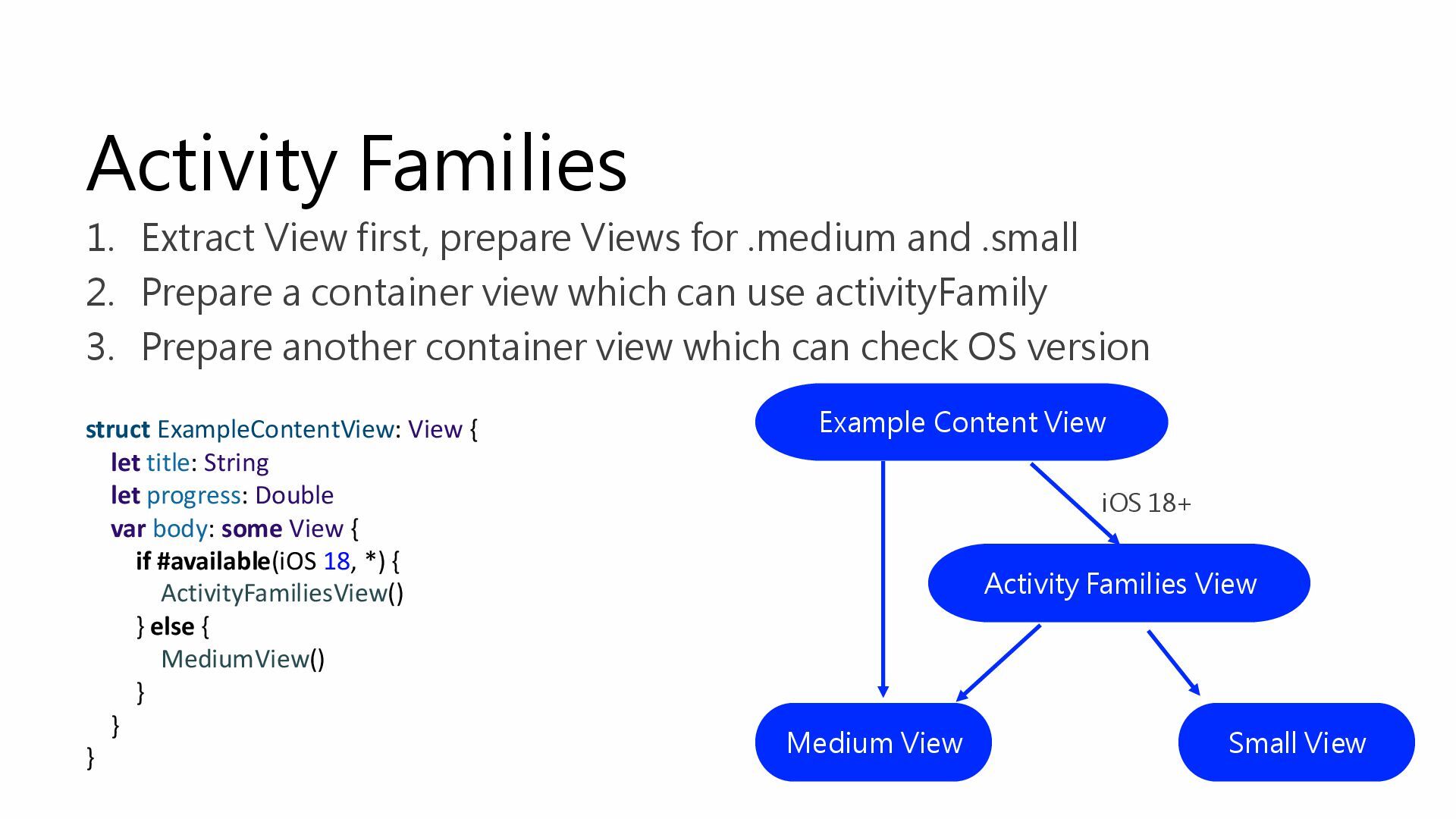
Activity Families 1. Extract View first, prepare Views for .medium
and .small 2. Prepare a container view which can use activityFamily 3. Prepare another container view which can check OS version Medium View Small View Activity Families View Example Content View iOS 18+ struct ExampleContentView: View { let title: String let progress: Double var body: some View { if #available(iOS 18, *) { ActivityFamiliesView() } else { MediumView() } } } -
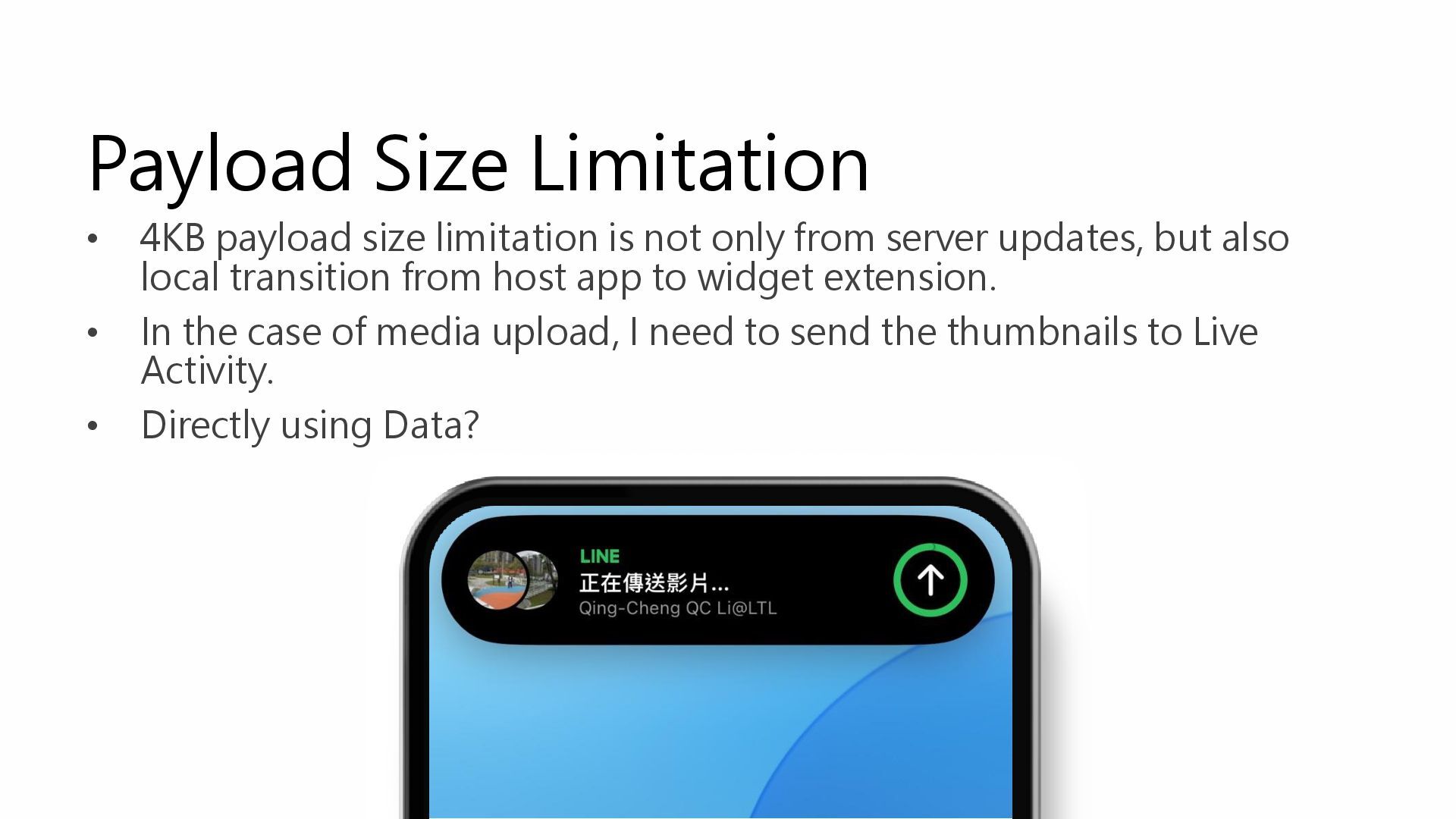
Payload Size Limitation • 4KB payload size limitation is not
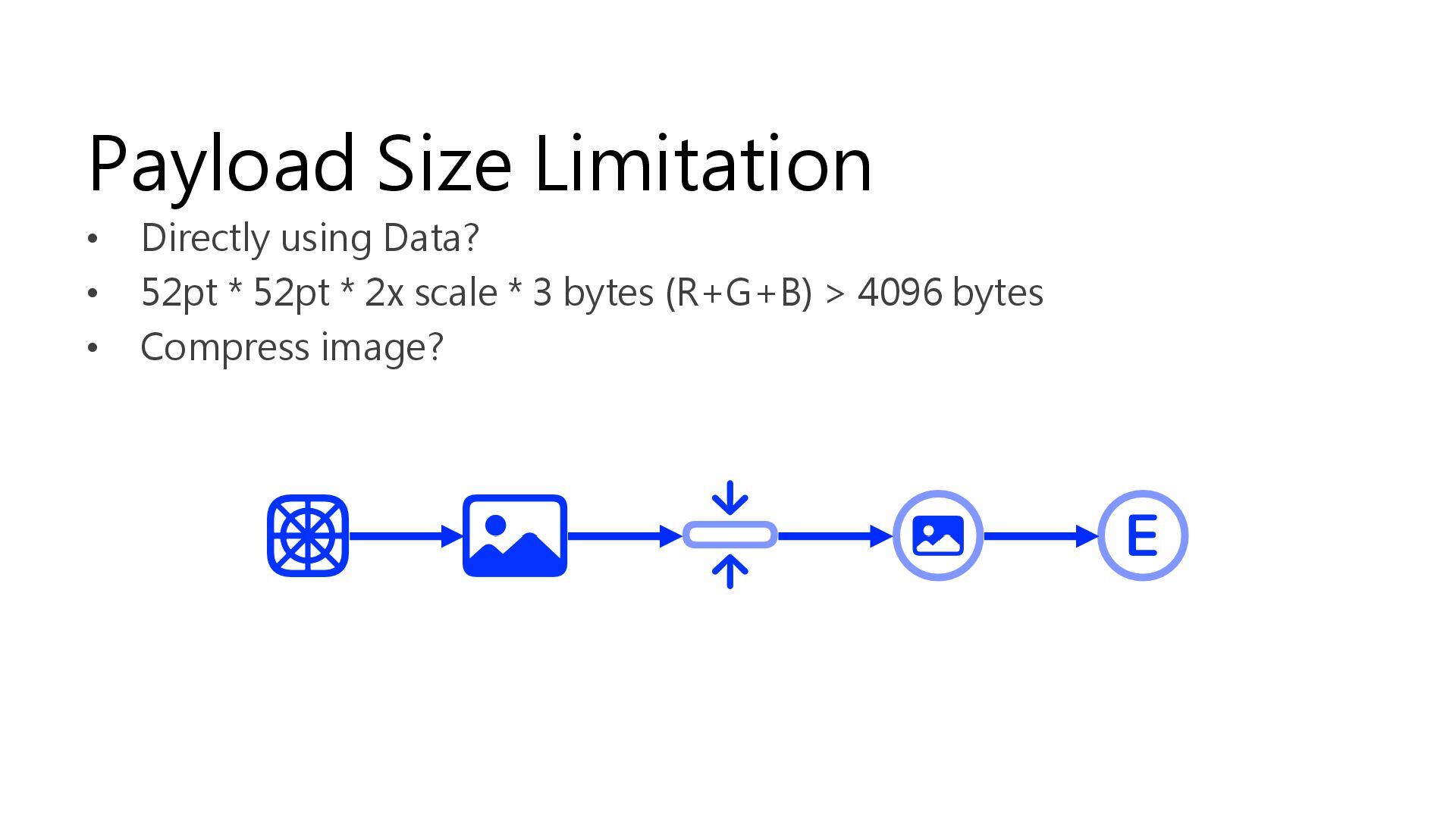
only from server updates, but also local transition from host app to widget extension. • In the case of media upload, I need to send the thumbnails to Live Activity. • Directly using Data? -
Payload Size Limitation • Directly using Data? • 52pt *
52pt * 2x scale * 3 bytes (R+G+B) > 4096 bytes • Compress image? -
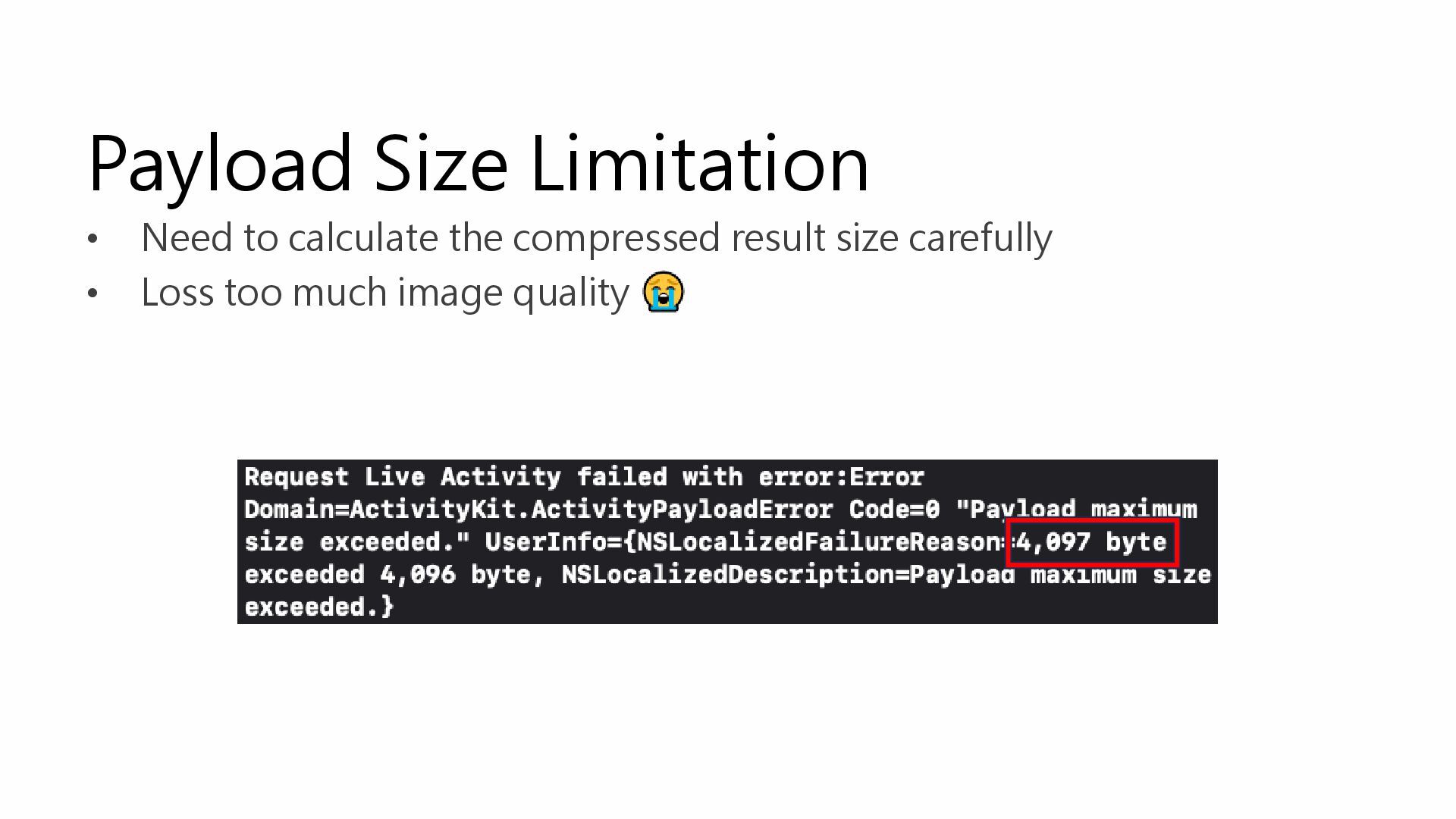
Payload Size Limitation • Need to calculate the compressed result
size carefully • Loss too much image quality -
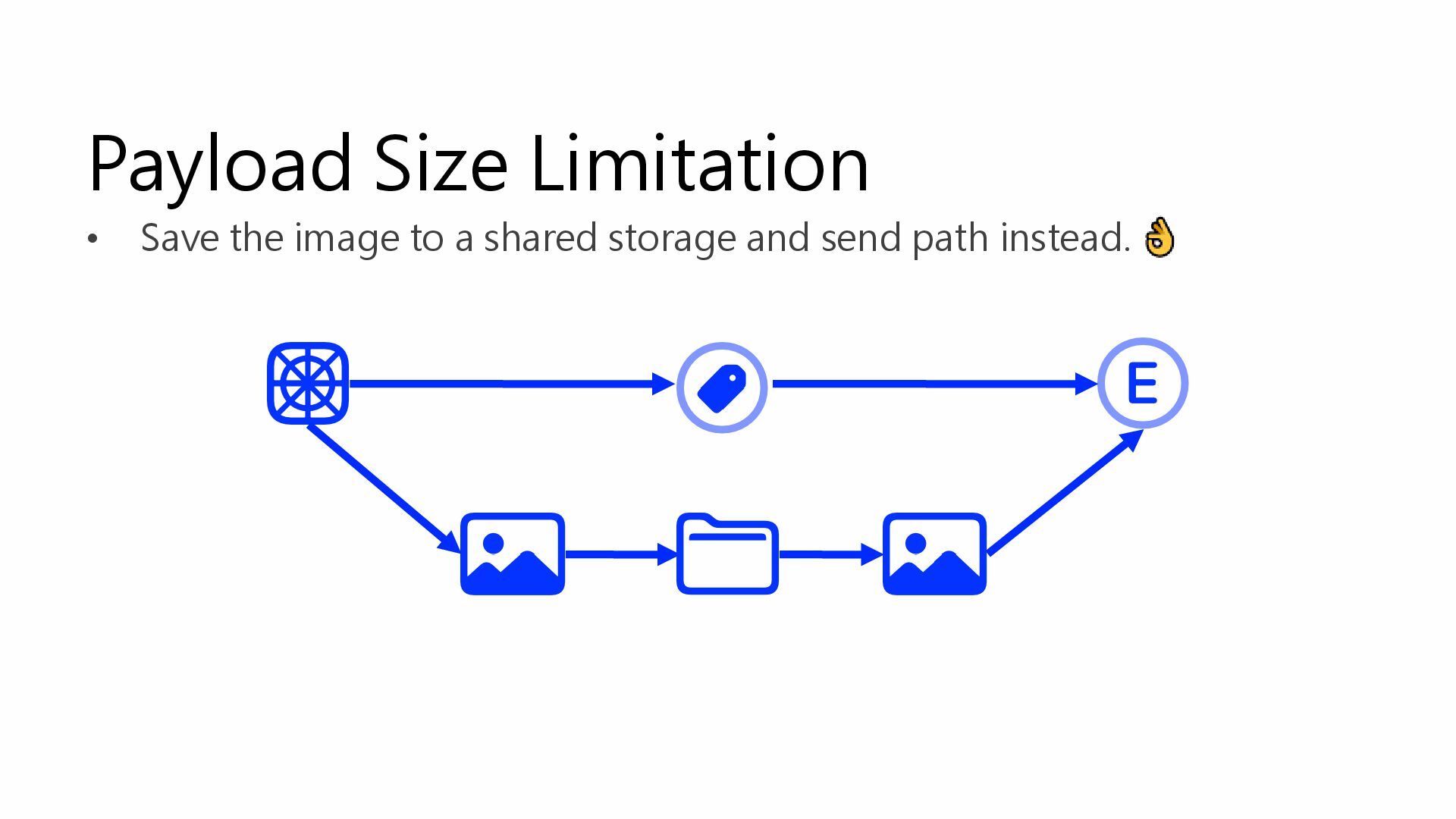
Payload Size Limitation • Save the image to a shared
storage and send path instead. -
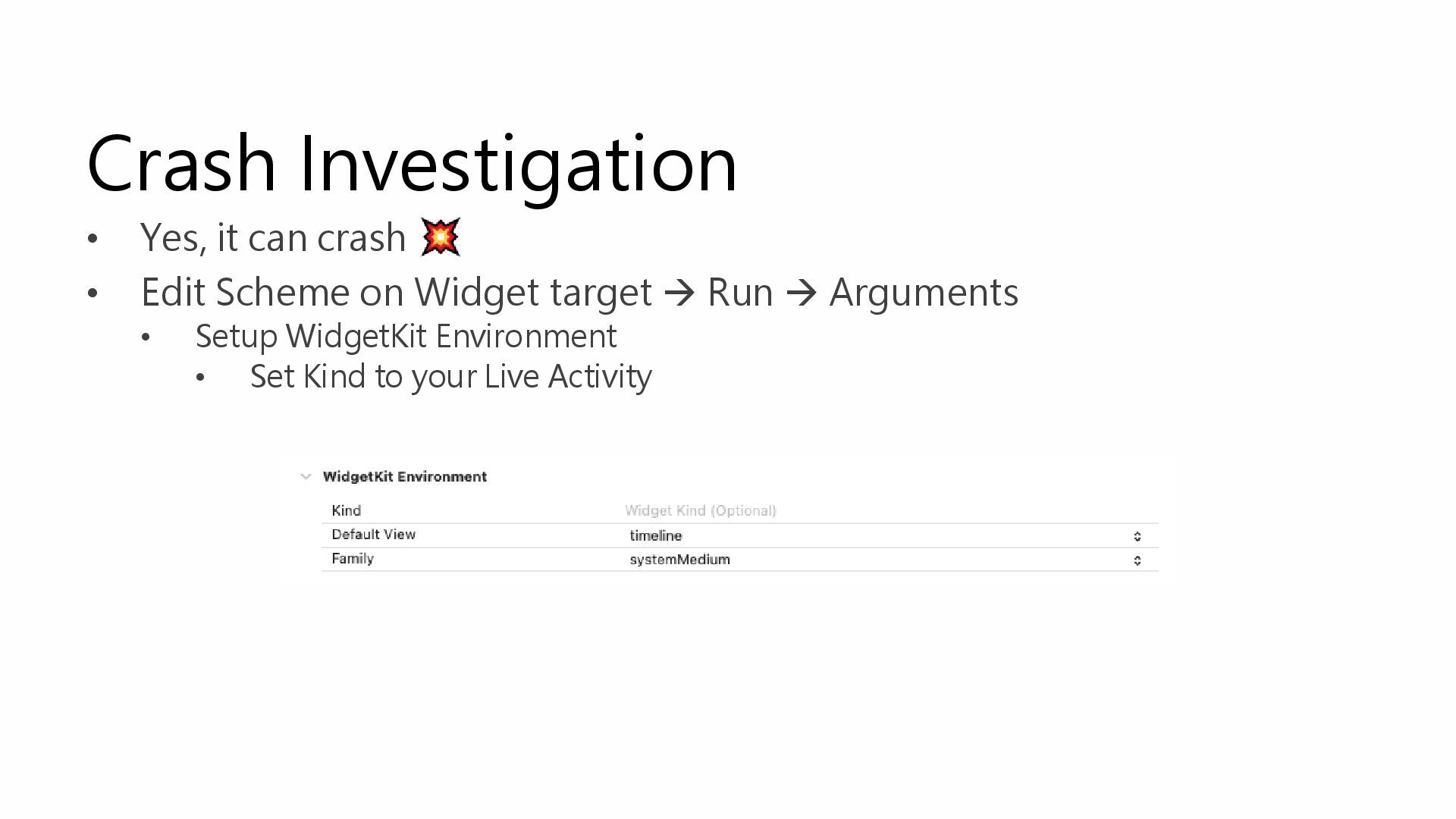
Crash Investigation • Yes, it can crash • Edit Scheme
on Widget target → Run → Arguments • Setup WidgetKit Environment • Set Kind to your Live Activity -
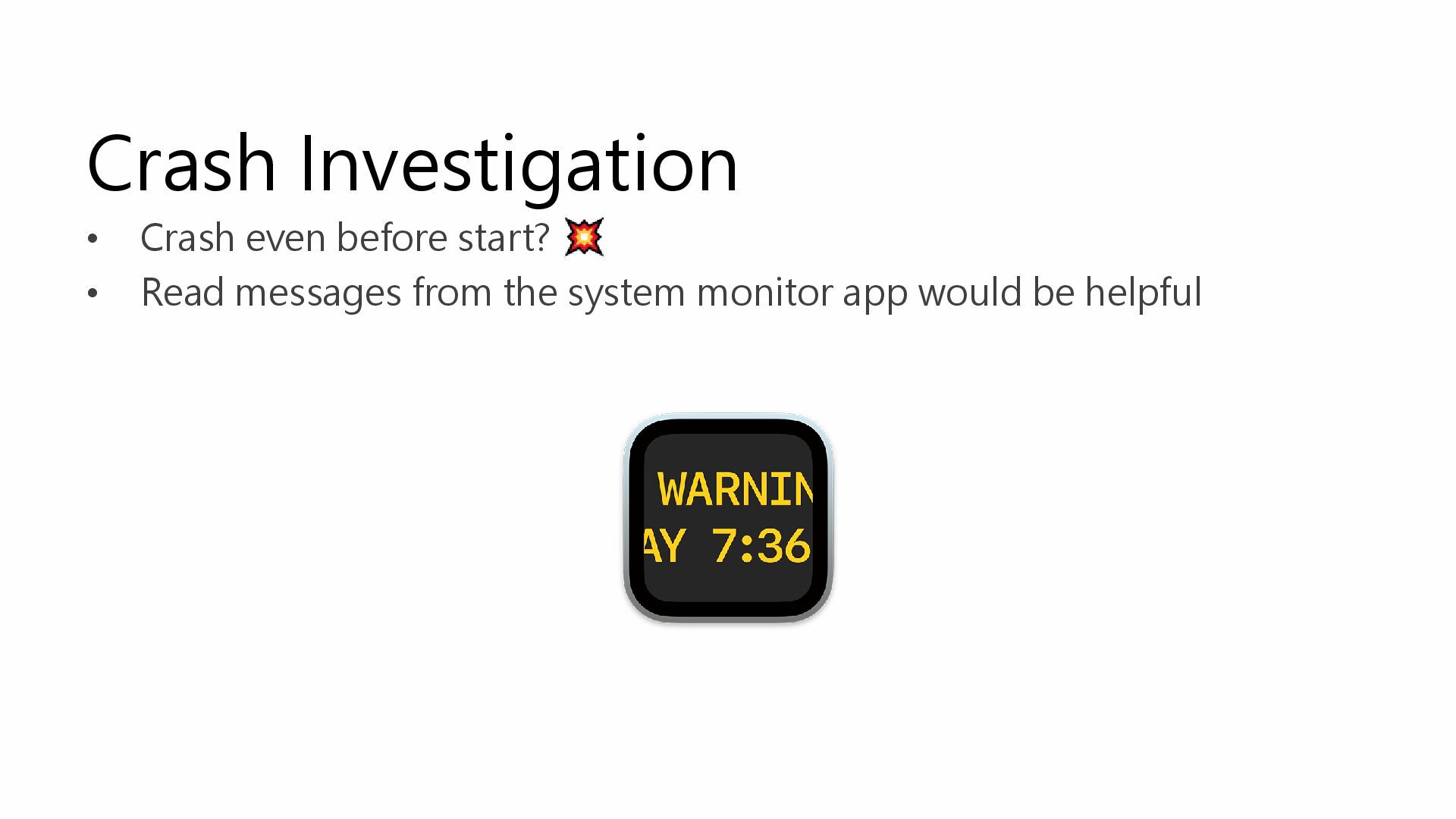
Crash Investigation • Crash even before start? • Read messages
from the system monitor app would be helpful -
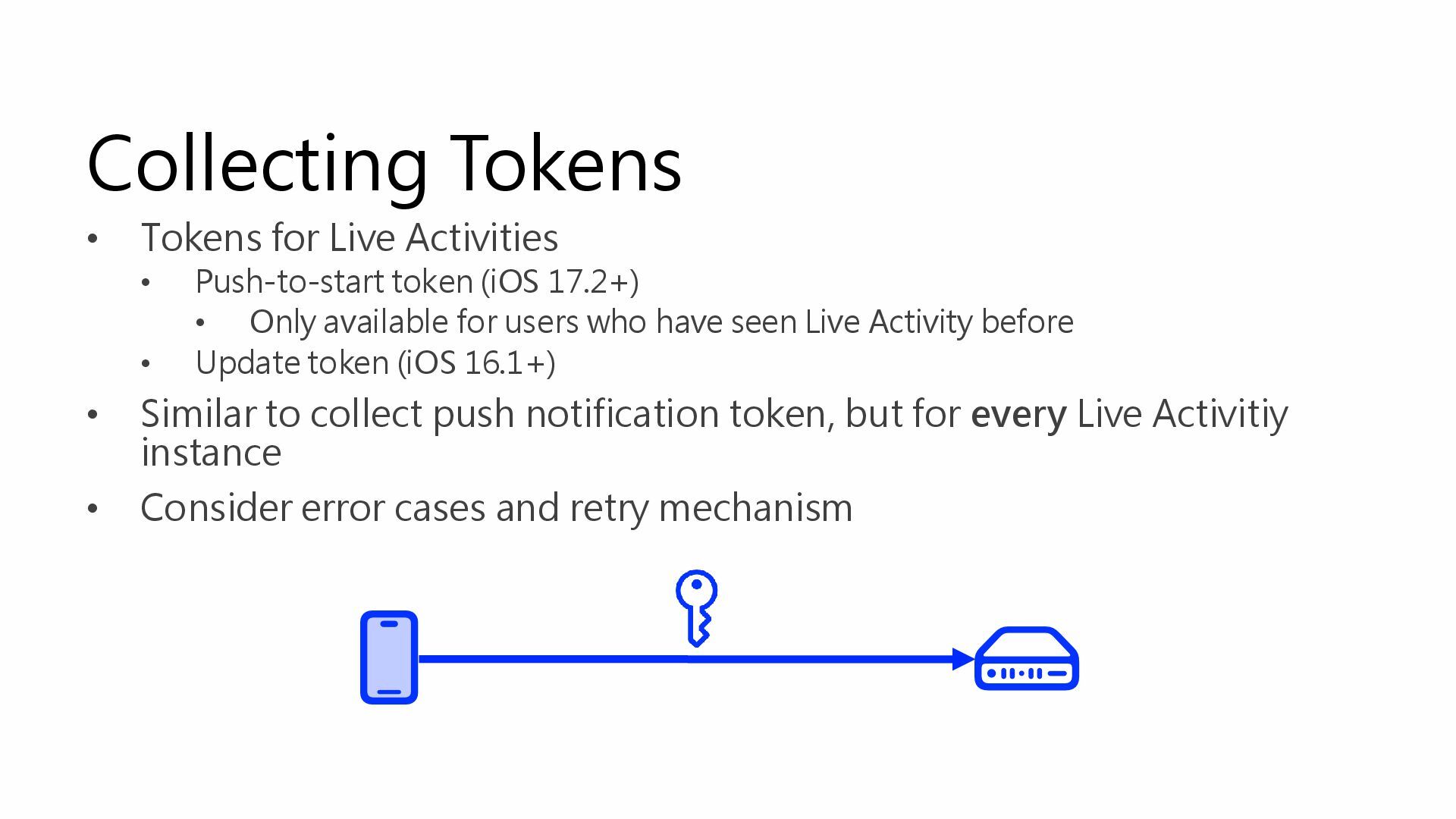
Collecting Tokens • Tokens for Live Activities • Push-to-start token
(iOS 17.2+) • Only available for users who have seen Live Activity before • Update token (iOS 16.1+) • Similar to collect push notification token, but for every Live Activitiy instance • Consider error cases and retry mechanism -
Recap New entrance to your app Display information user cares
about Limitations Variants