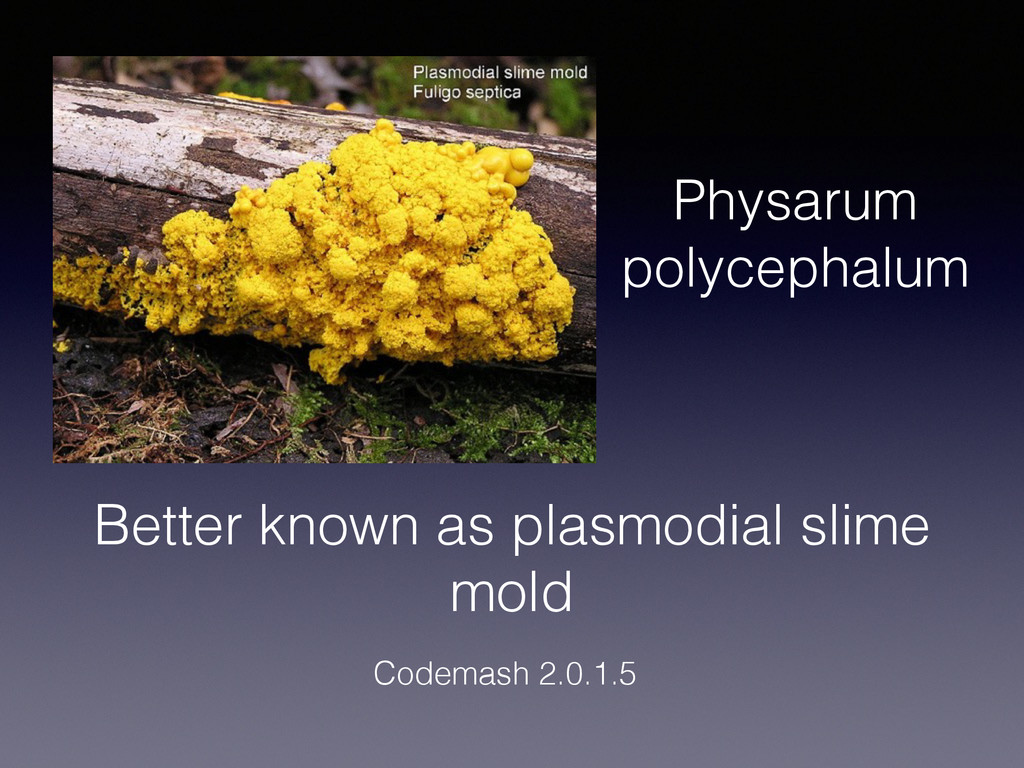
slime mold is entrenched in everything around us" Mobile. It’s everywhere. Some may see beauty in the patterns the mold creates. Others see beauty in code.
flux.”. DON’T BE THE SLIME. Development can be in flux each and every day, but it doesn’t need to be. Flux burns brain cells. Flux increases costs. Flux is bad. Beat the flux. Strive to be organized. Use the right tools for the right jobs.
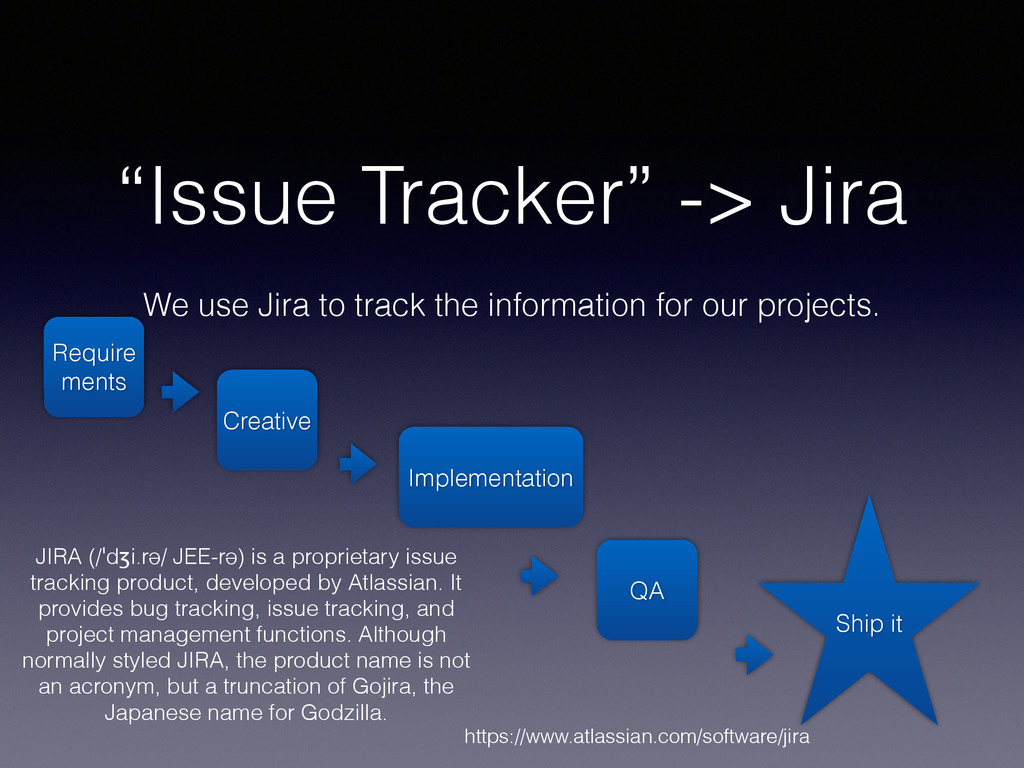
information for our projects. Require ments Creative Implementation QA Ship it JIRA (/ˈdʒi.rə/ JEE-rə) is a proprietary issue tracking product, developed by Atlassian. It provides bug tracking, issue tracking, and project management functions. Although normally styled JIRA, the product name is not an acronym, but a truncation of Gojira, the Japanese name for Godzilla. https://www.atlassian.com/software/jira
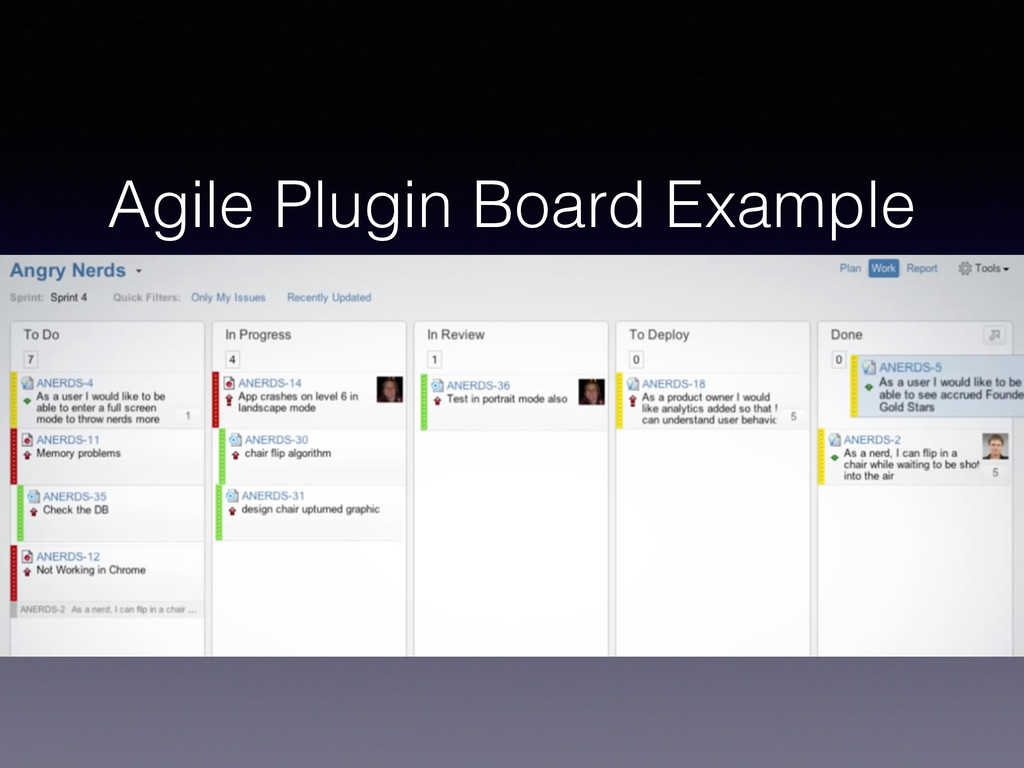
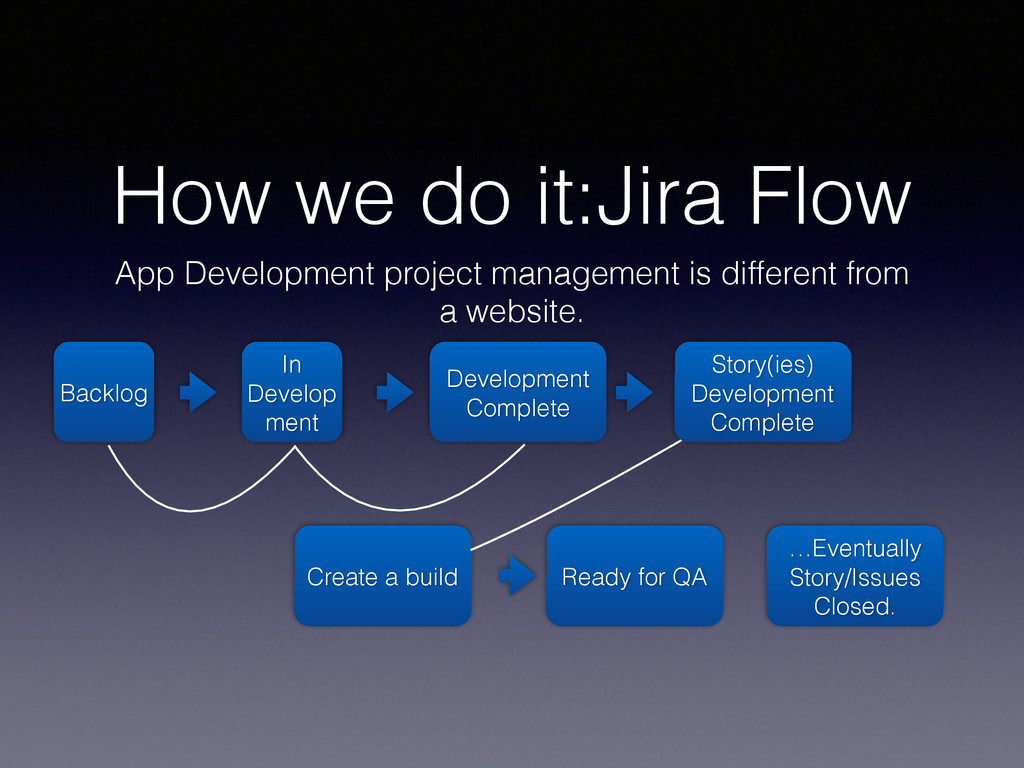
different from a website. Backlog In Develop ment Development Complete Create a build Ready for QA Story(ies) Development Complete …Eventually Story/Issues Closed.
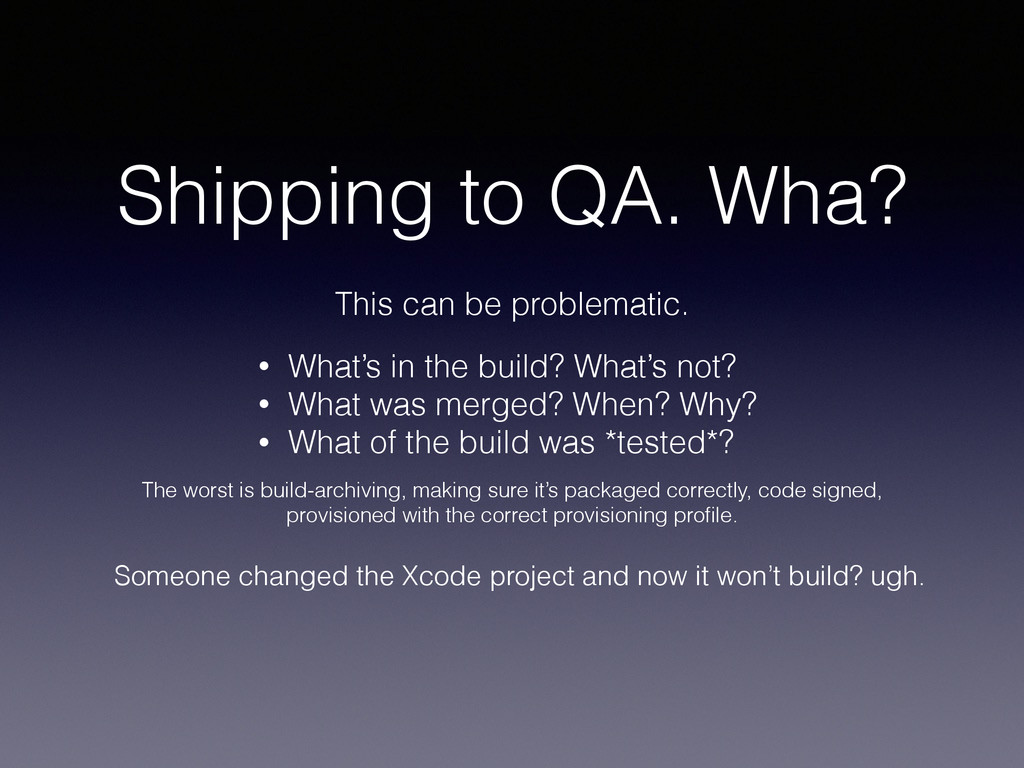
in the build? What’s not? • What was merged? When? Why? • What of the build was *tested*? The worst is build-archiving, making sure it’s packaged correctly, code signed, provisioned with the correct provisioning profile. Someone changed the Xcode project and now it won’t build? ugh.
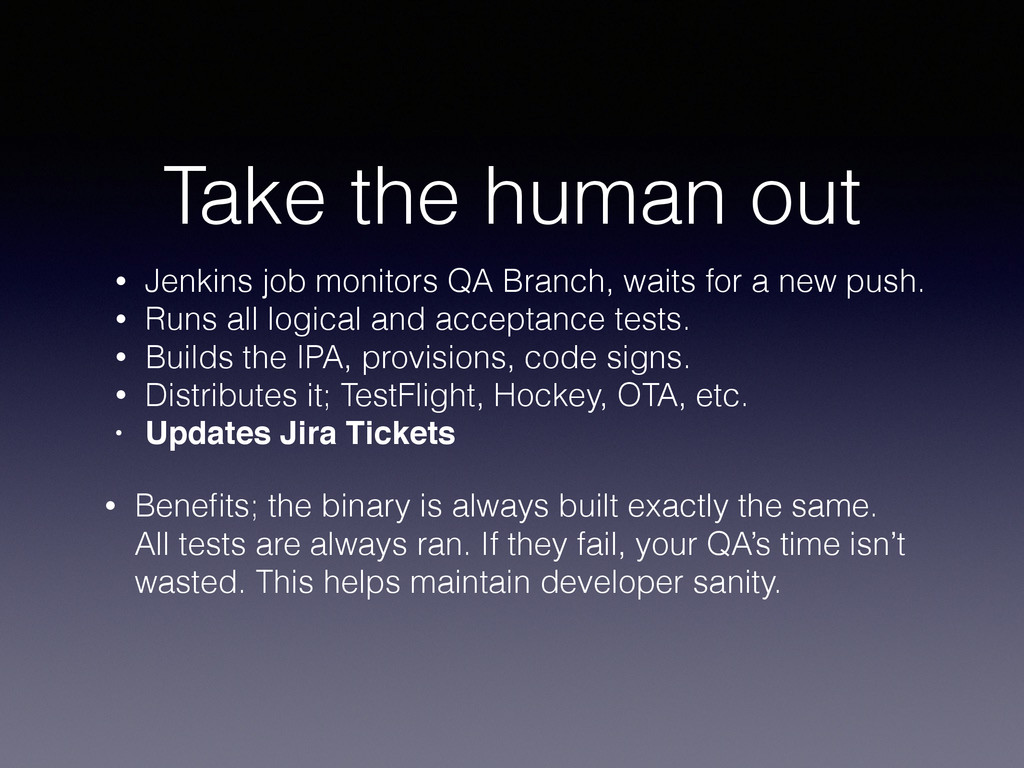
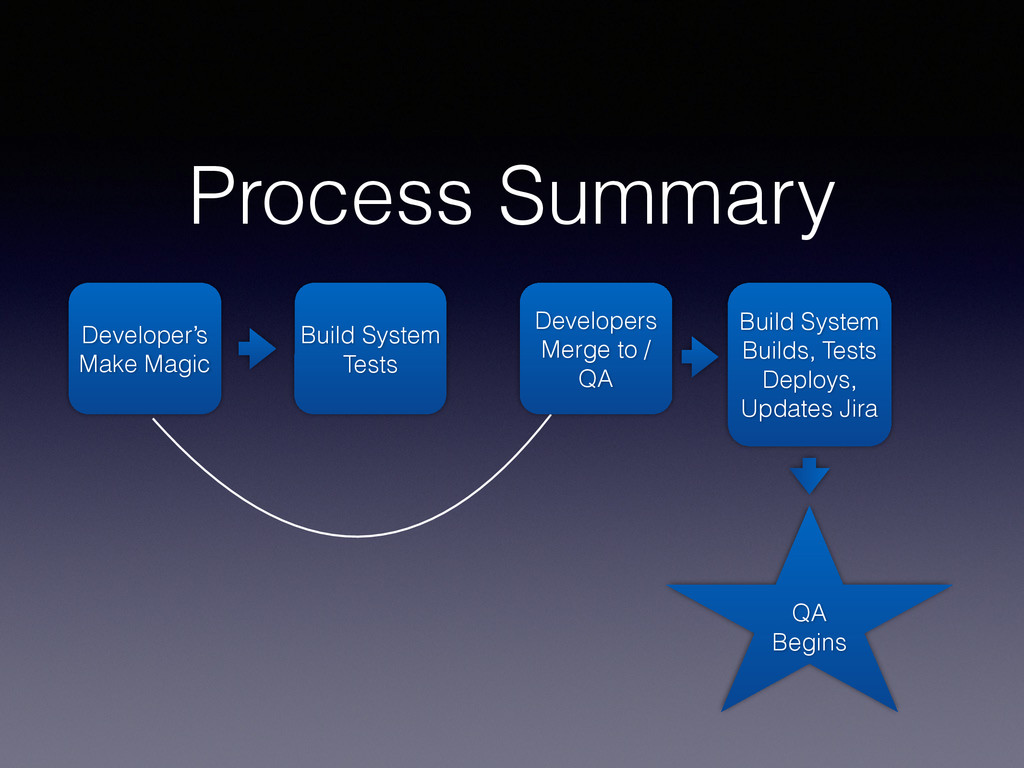
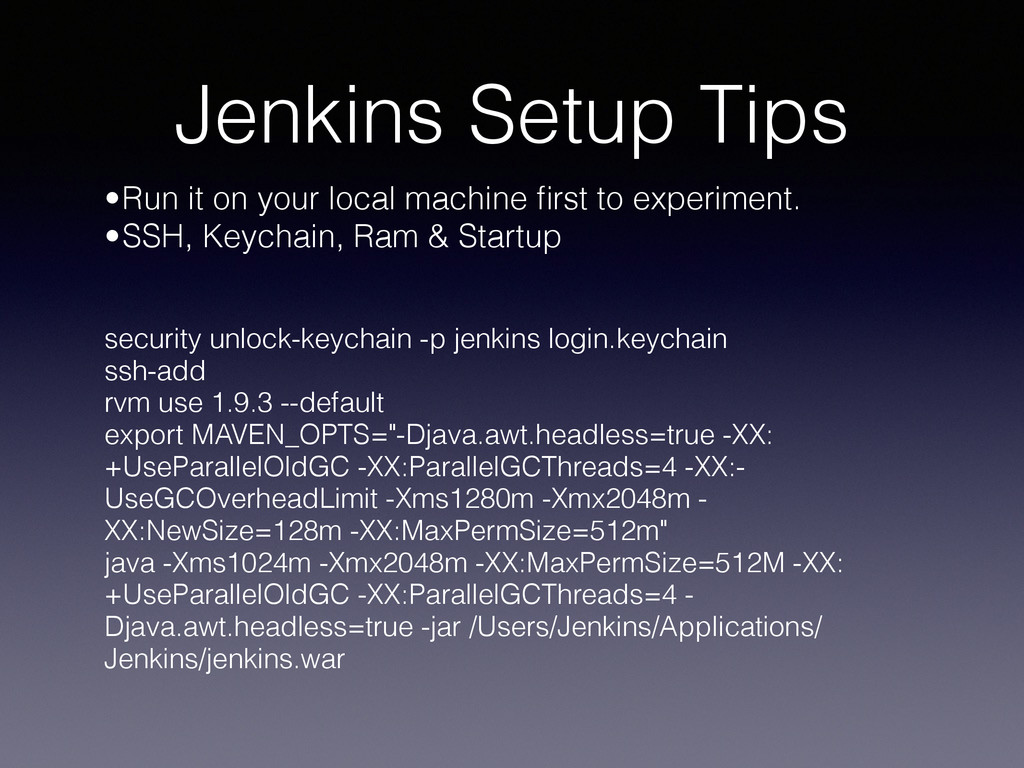
waits for a new push. • Runs all logical and acceptance tests. • Builds the IPA, provisions, code signs. • Distributes it; TestFlight, Hockey, OTA, etc. • Updates Jira Tickets • Benefits; the binary is always built exactly the same. All tests are always ran. If they fail, your QA’s time isn’t wasted. This helps maintain developer sanity.
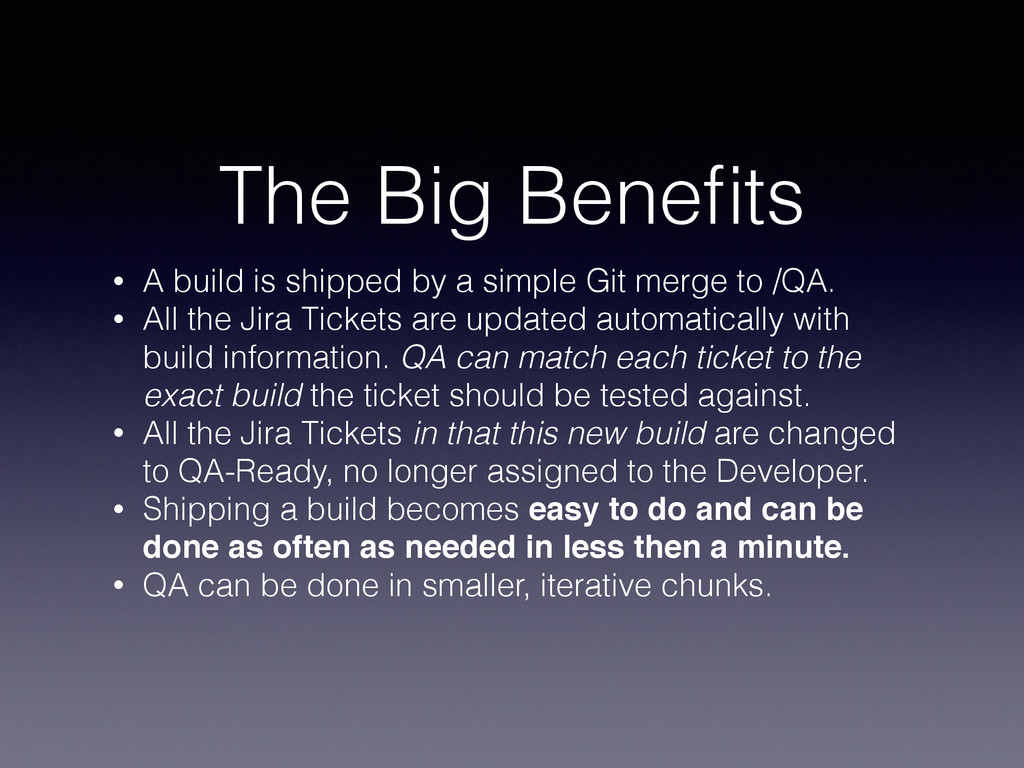
simple Git merge to /QA. • All the Jira Tickets are updated automatically with build information. QA can match each ticket to the exact build the ticket should be tested against. • All the Jira Tickets in that this new build are changed to QA-Ready, no longer assigned to the Developer. • Shipping a build becomes easy to do and can be done as often as needed in less then a minute. • QA can be done in smaller, iterative chunks.
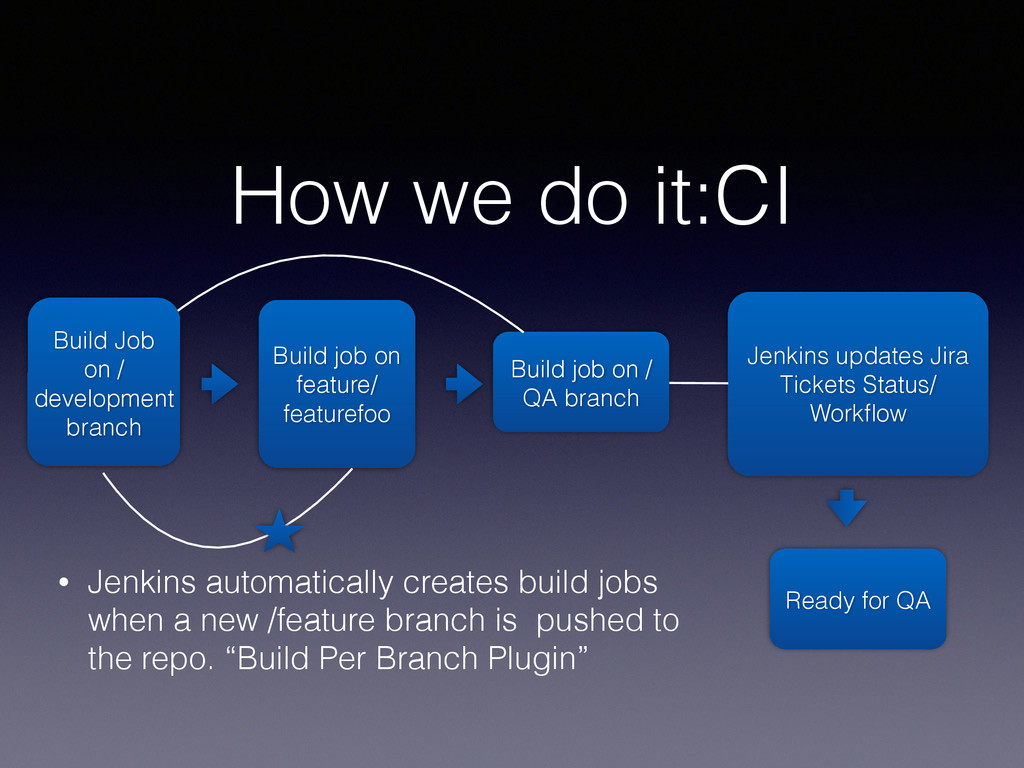
Build job on feature/ featurefoo Build job on / QA branch Jenkins updates Jira Tickets Status/ Workflow Ready for QA • Jenkins automatically creates build jobs when a new /feature branch is pushed to the repo. “Build Per Branch Plugin”
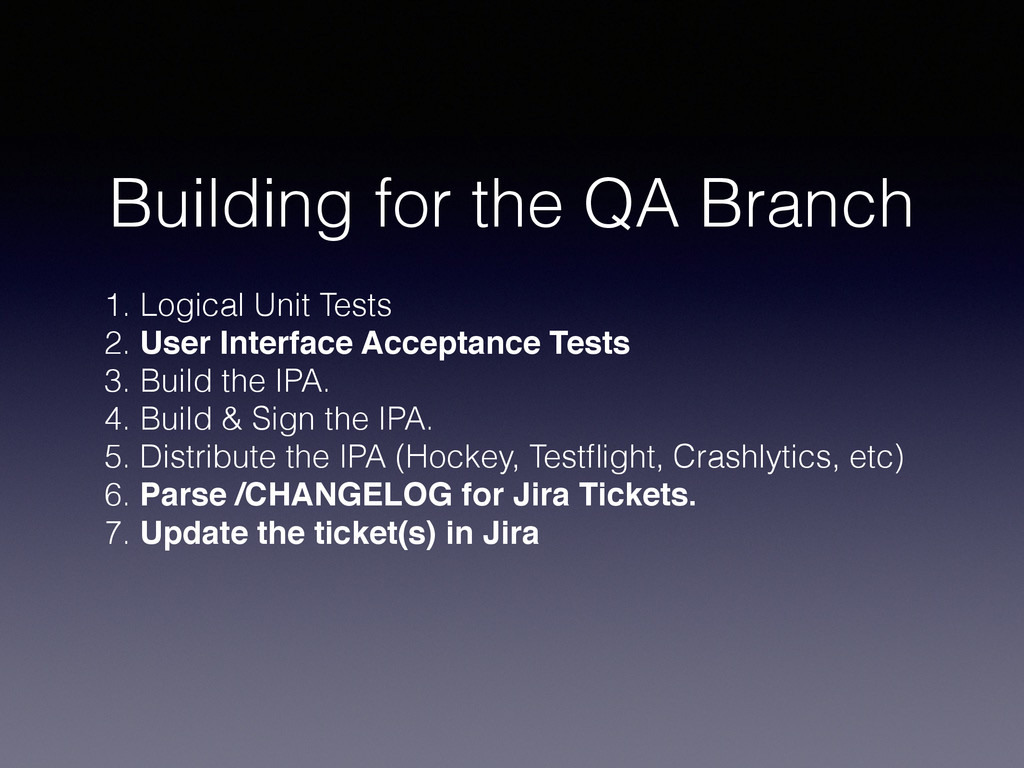
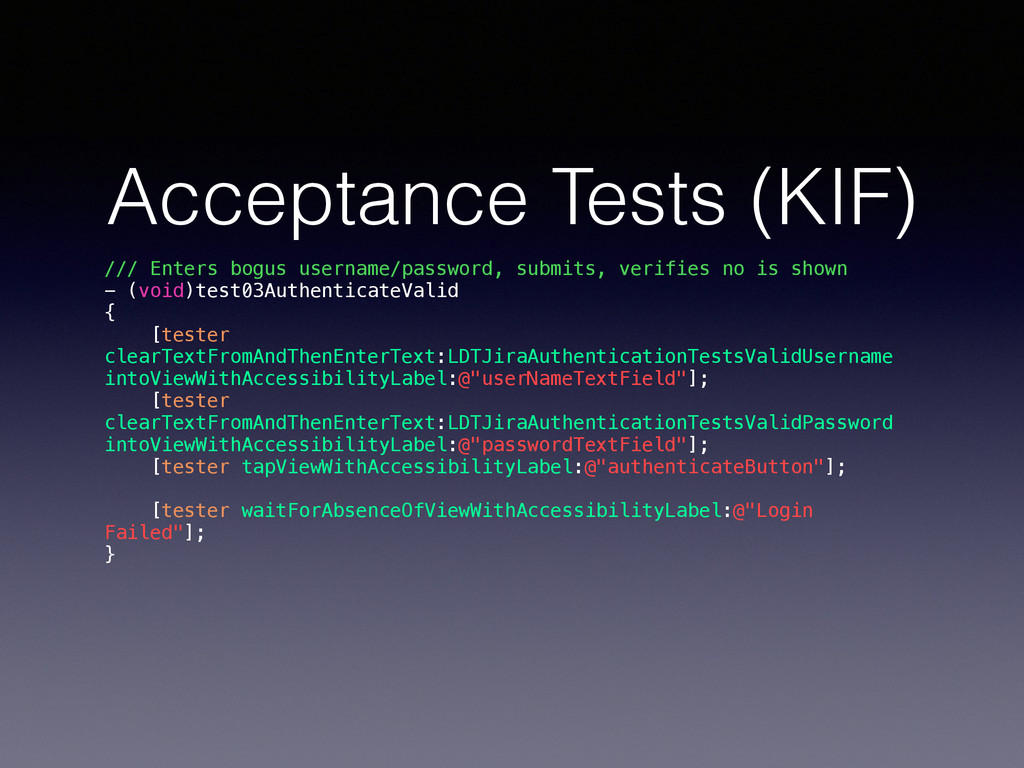
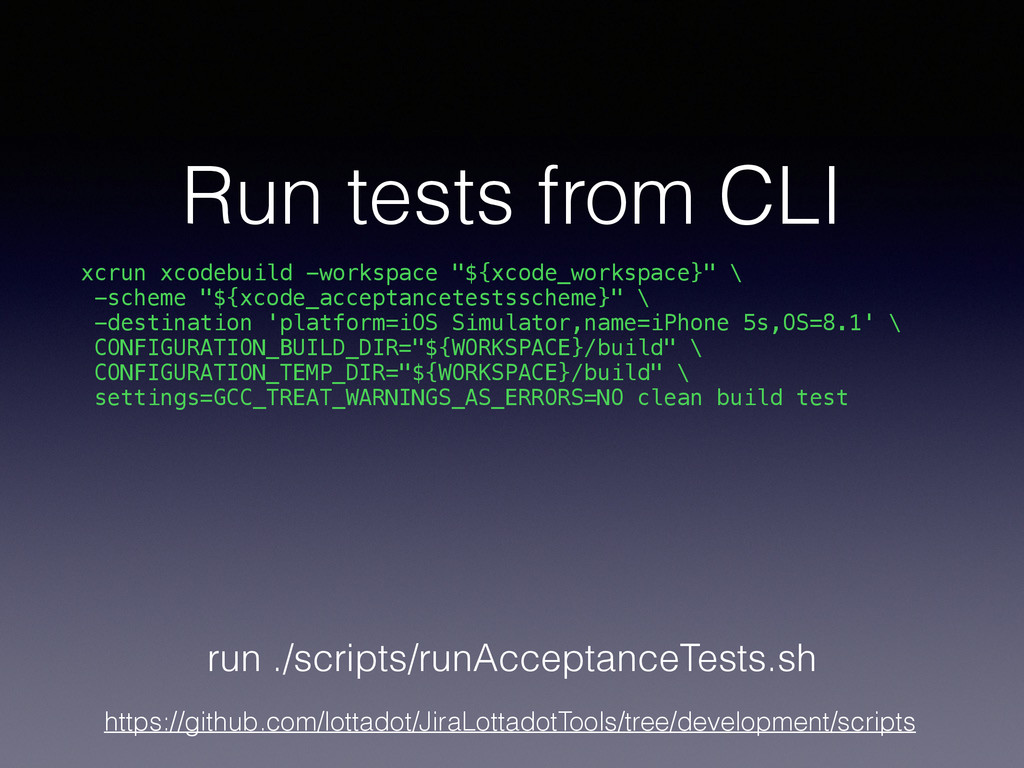
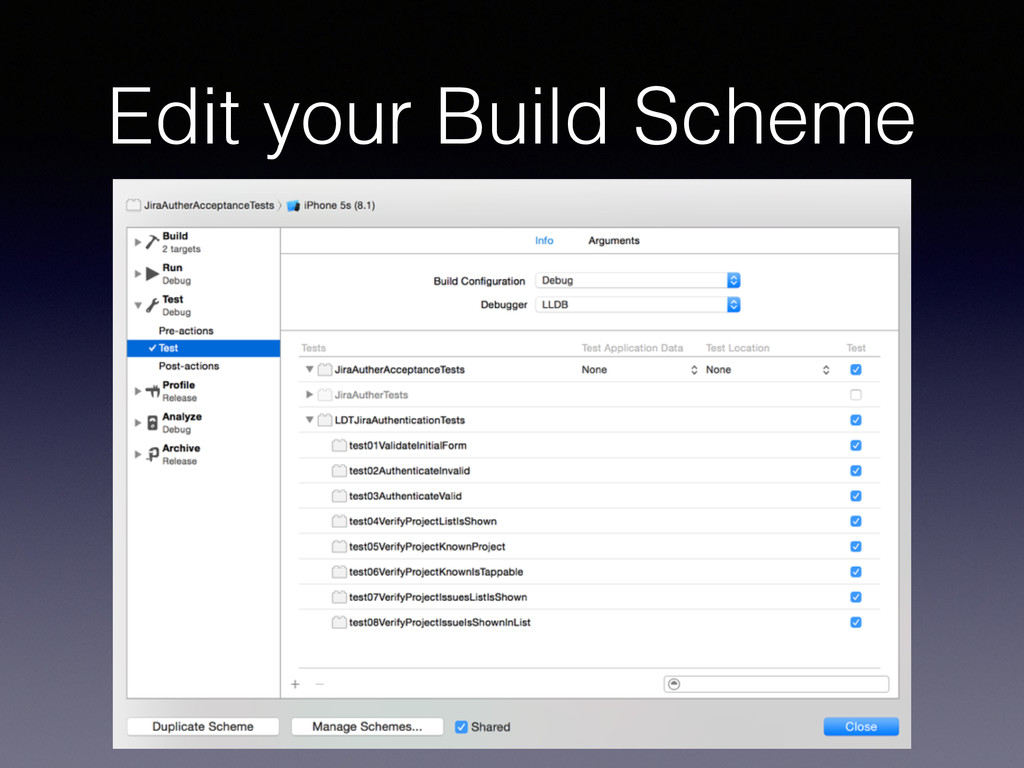
User Interface Acceptance Tests 3. Build the IPA. 4. Build & Sign the IPA. 5. Distribute the IPA (Hockey, Testflight, Crashlytics, etc) 6. Parse /CHANGELOG for Jira Tickets. 7. Update the ticket(s) in Jira
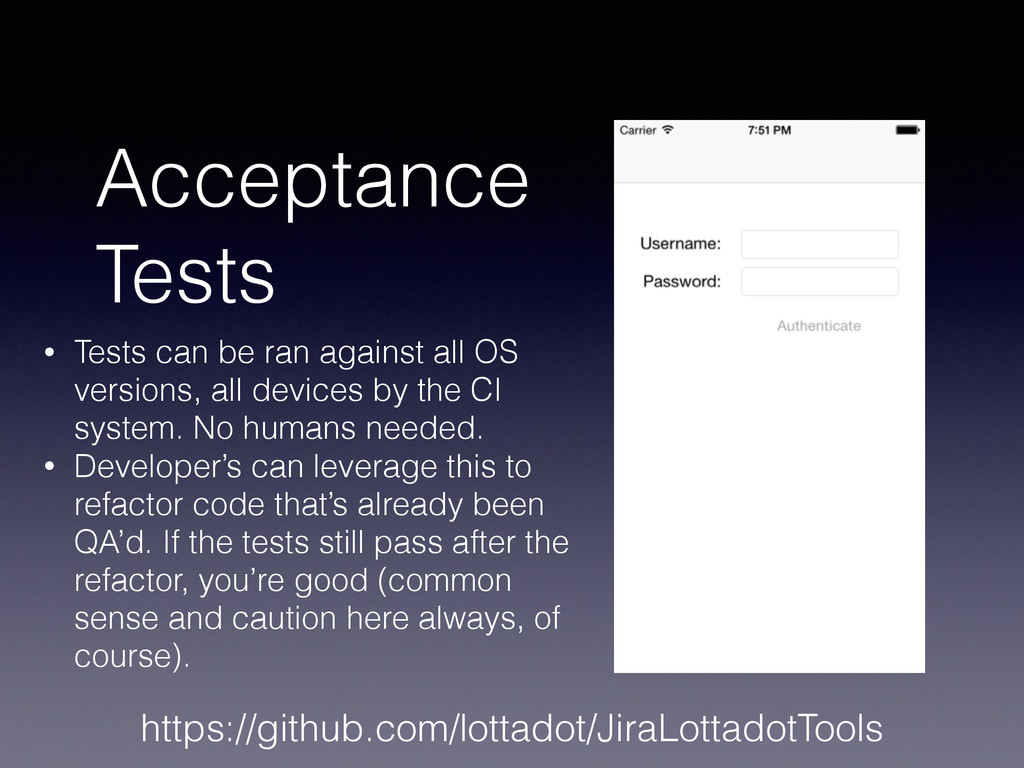
versions, all devices by the CI system. No humans needed. • Developer’s can leverage this to refactor code that’s already been QA’d. If the tests still pass after the refactor, you’re good (common sense and caution here always, of course). https://github.com/lottadot/JiraLottadotTools
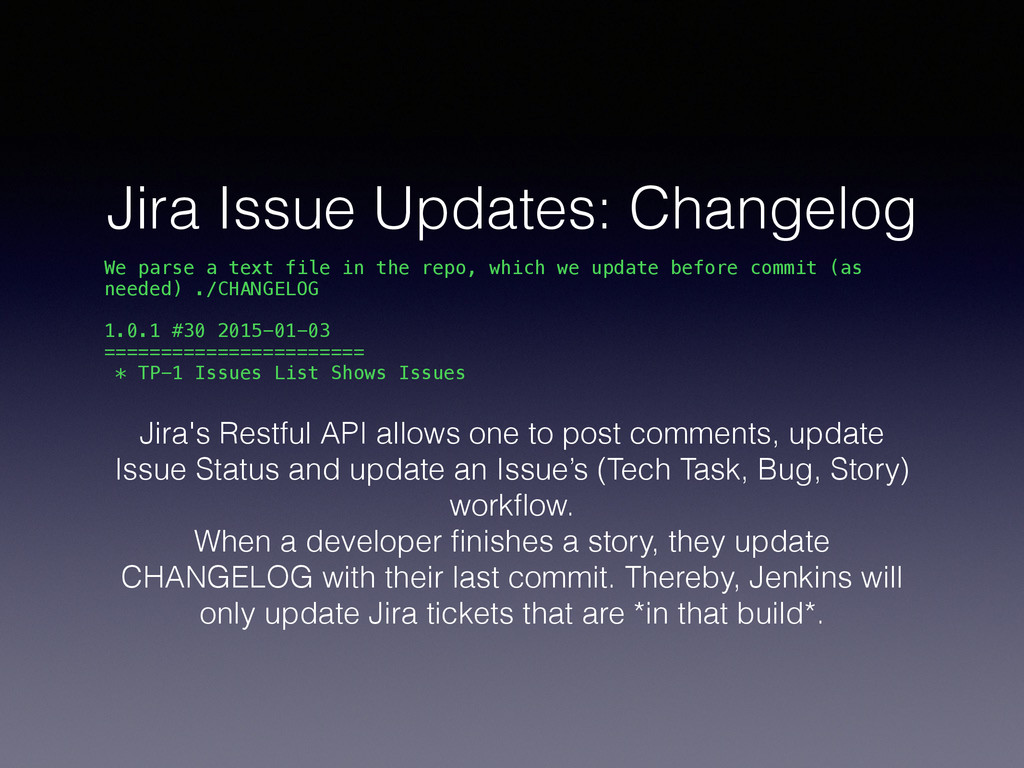
the repo, which we update before commit (as needed) ./CHANGELOG 1.0.1 #30 2015-01-03 ======================= * TP-1 Issues List Shows Issues Jira's Restful API allows one to post comments, update Issue Status and update an Issue’s (Tech Task, Bug, Story) workflow. When a developer finishes a story, they update CHANGELOG with their last commit. Thereby, Jenkins will only update Jira tickets that are *in that build*.
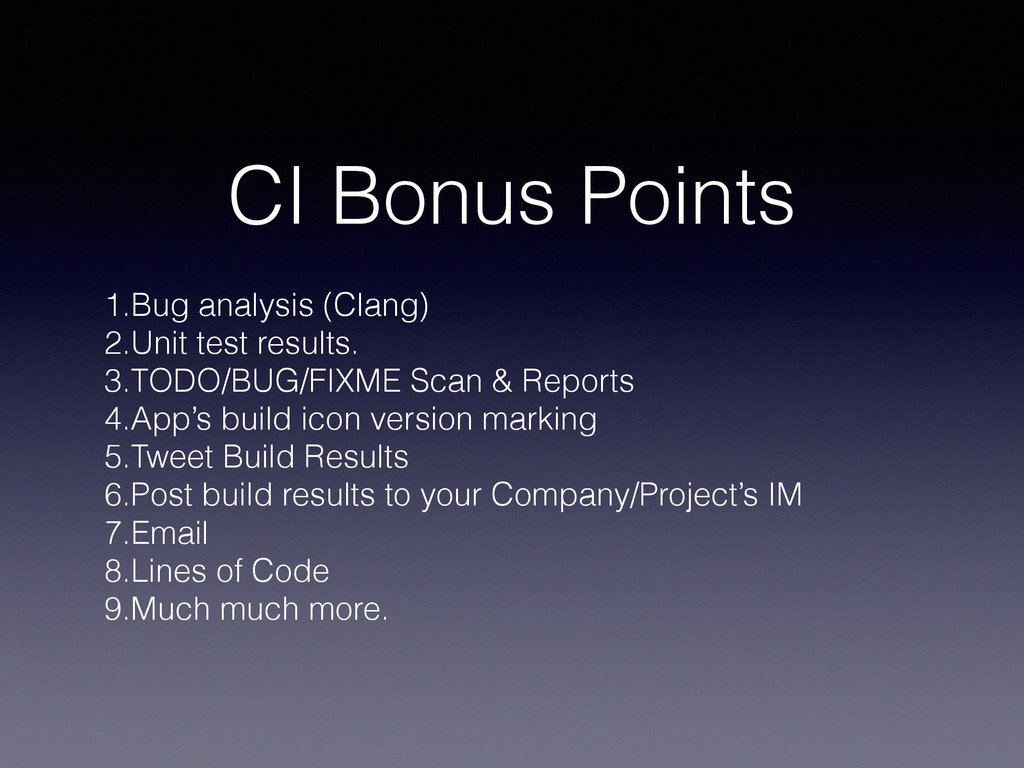
Scan & Reports 4.App’s build icon version marking 5.Tweet Build Results 6.Post build results to your Company/Project’s IM 7.Email 8.Lines of Code 9.Much much more.
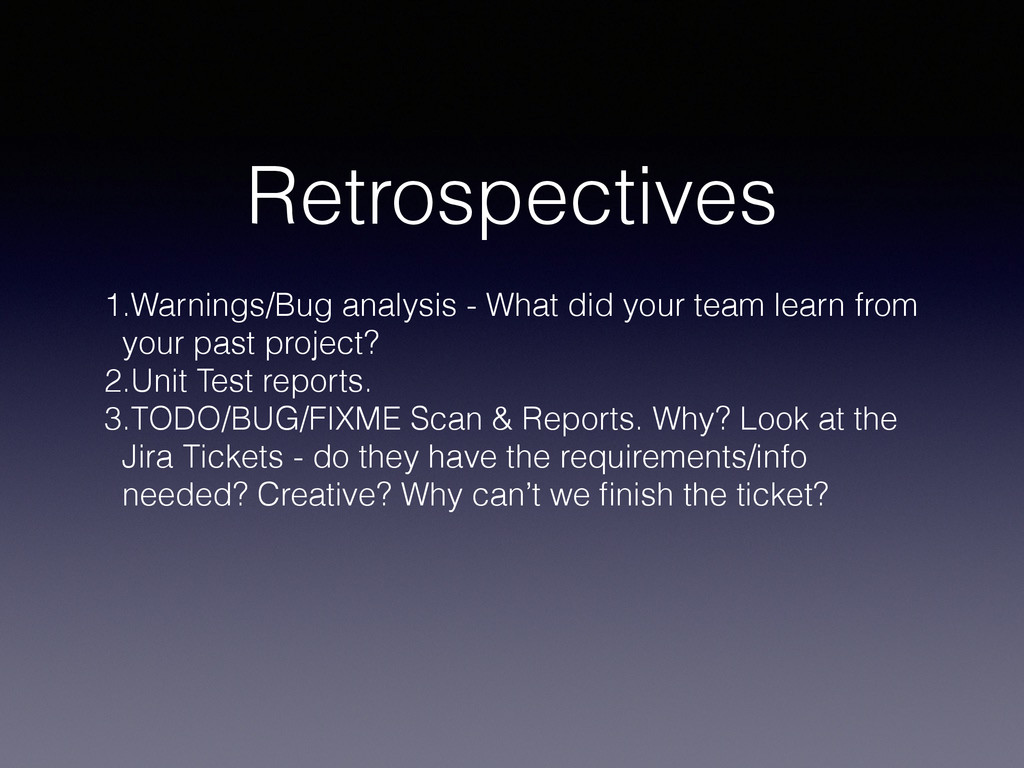
your past project? 2.Unit Test reports. 3.TODO/BUG/FIXME Scan & Reports. Why? Look at the Jira Tickets - do they have the requirements/info needed? Creative? Why can’t we finish the ticket?
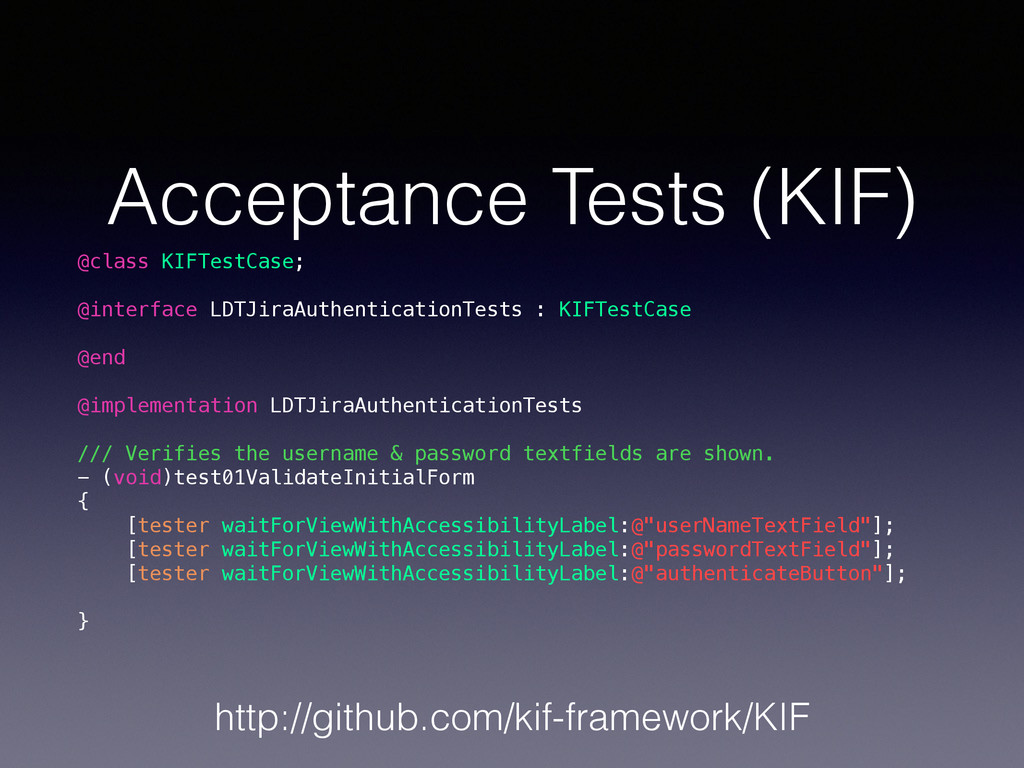
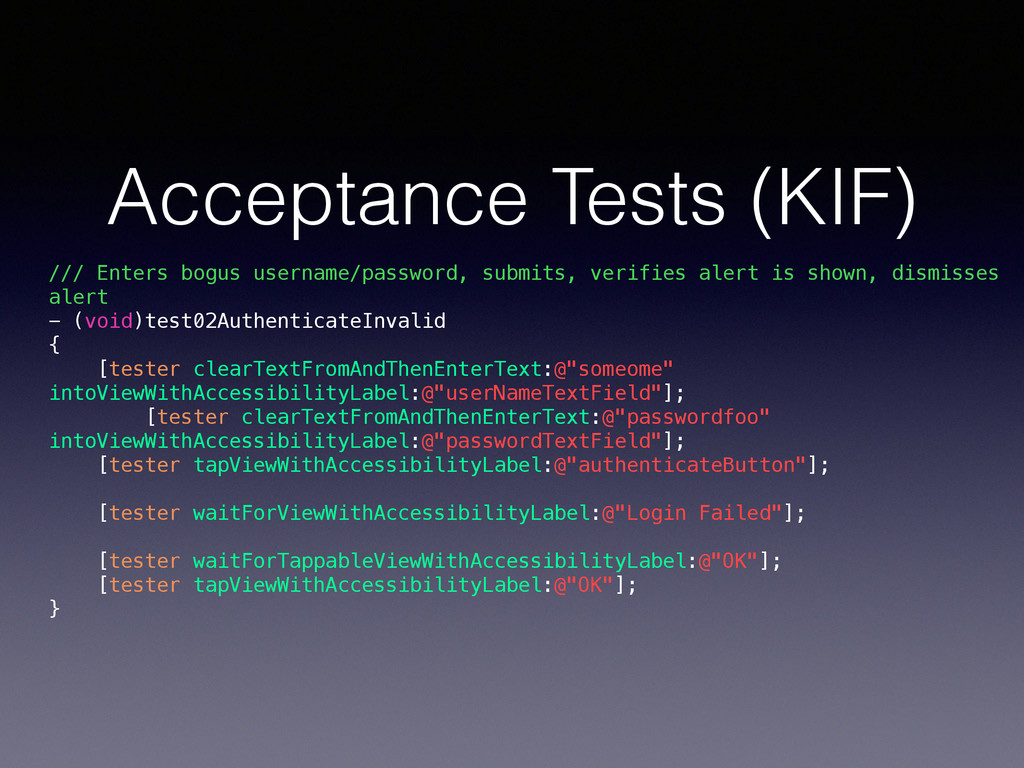
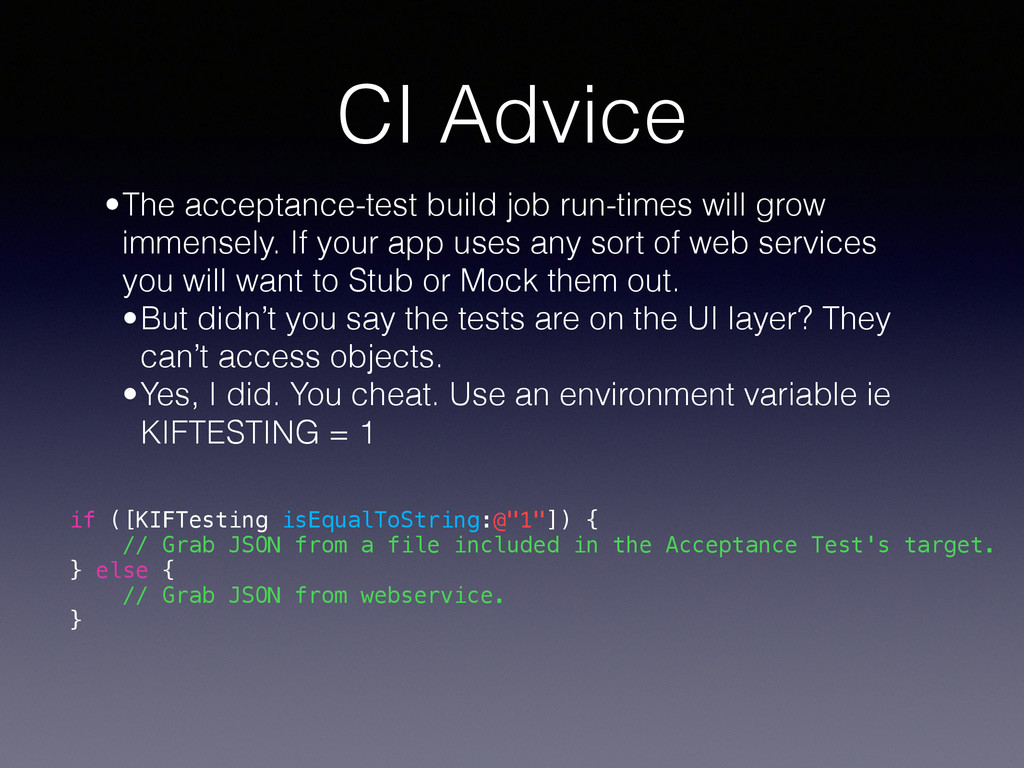
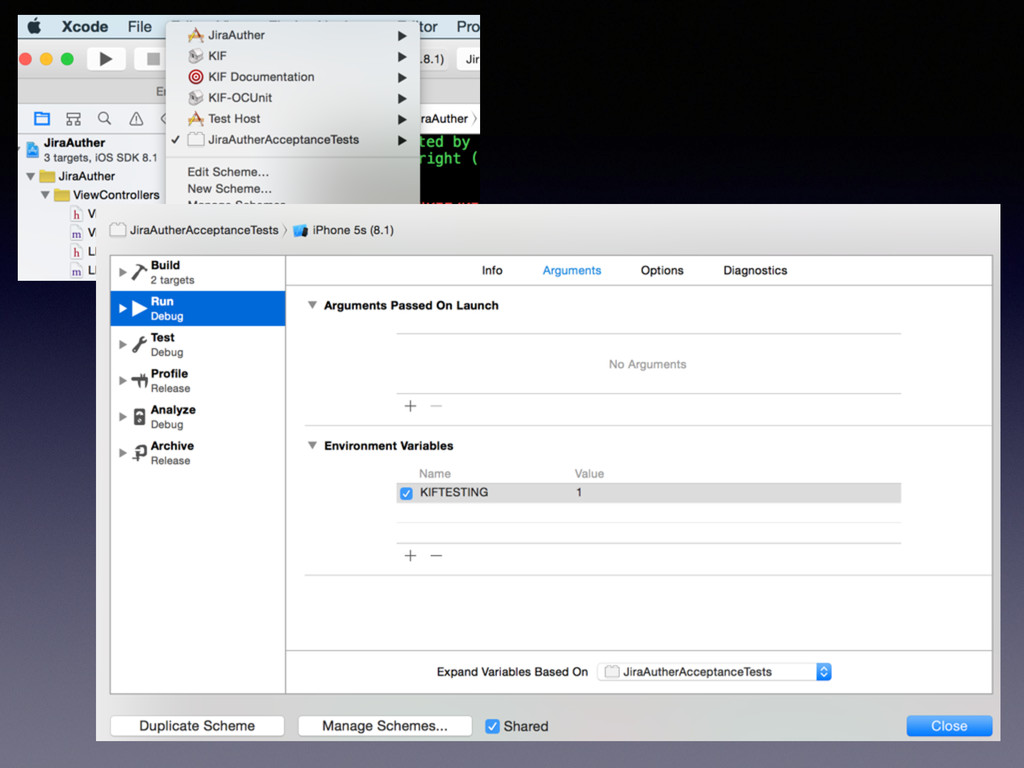
If your app uses any sort of web services you will want to Stub or Mock them out. •But didn’t you say the tests are on the UI layer? They can’t access objects. •Yes, I did. You cheat. Use an environment variable ie KIFTESTING = 1 if ([KIFTesting isEqualToString:@"1"]) { // Grab JSON from a file included in the Acceptance Test's target. } else { // Grab JSON from webservice. }
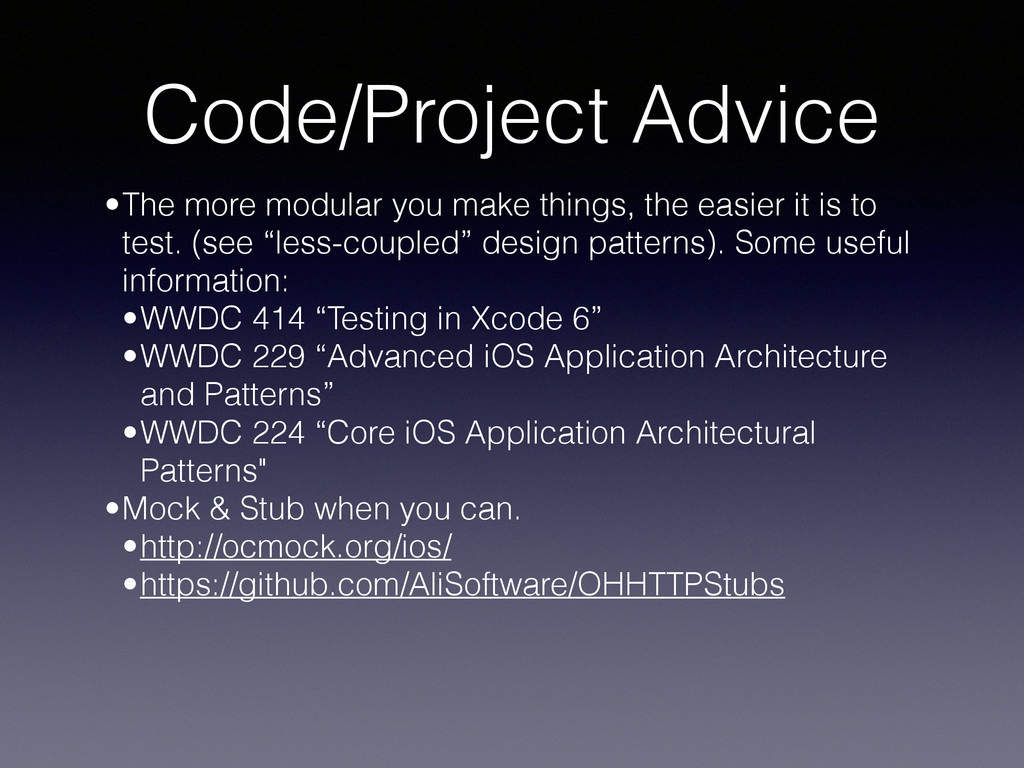
it is to test. (see “less-coupled” design patterns). Some useful information: •WWDC 414 “Testing in Xcode 6” •WWDC 229 “Advanced iOS Application Architecture and Patterns” •WWDC 224 “Core iOS Application Architectural Patterns" •Mock & Stub when you can. •http://ocmock.org/ios/ •https://github.com/AliSoftware/OHHTTPStubs
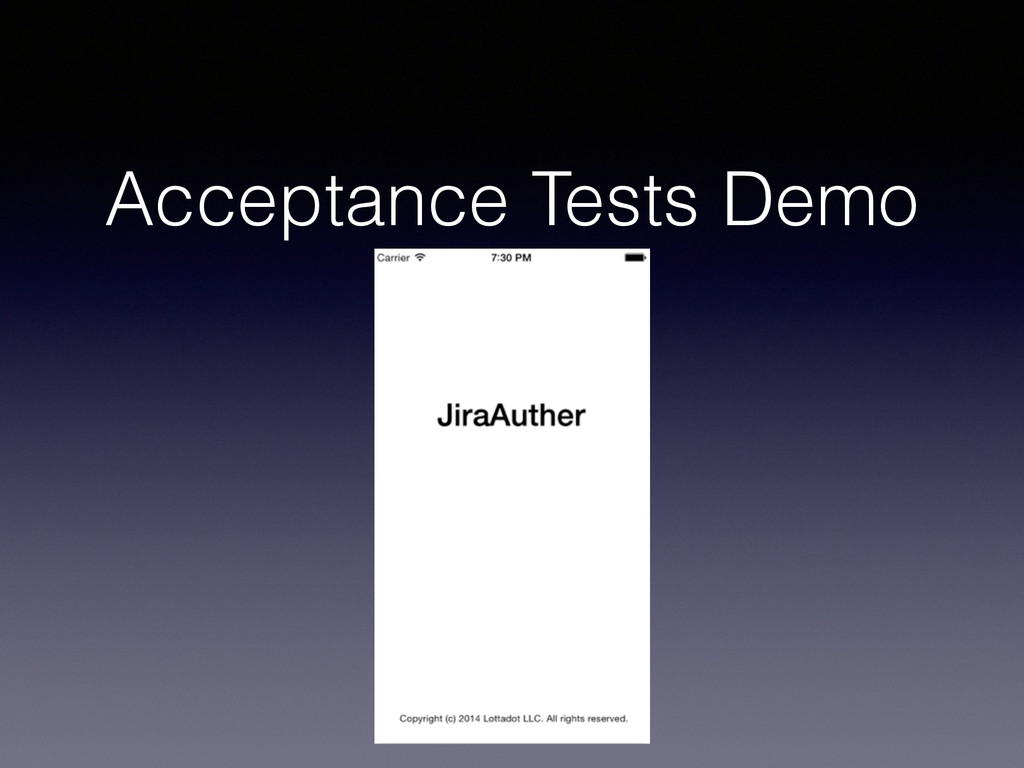
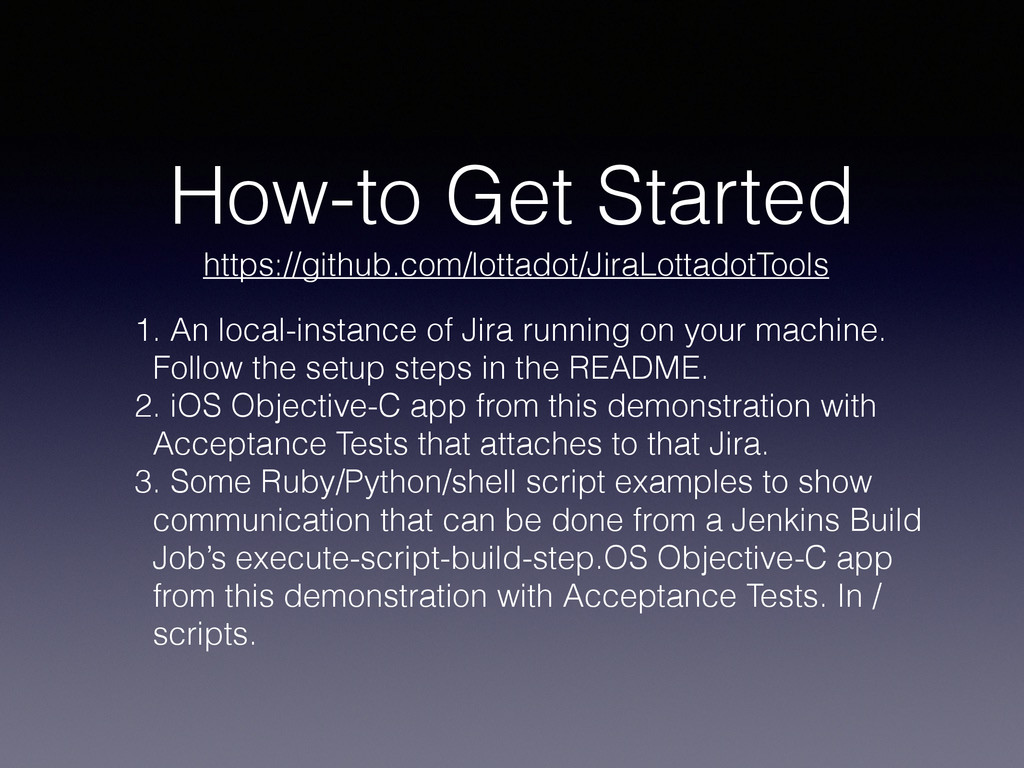
your machine. Follow the setup steps in the README. 2. iOS Objective-C app from this demonstration with Acceptance Tests that attaches to that Jira. 3. Some Ruby/Python/shell script examples to show communication that can be done from a Jenkins Build Job’s execute-script-build-step.OS Objective-C app from this demonstration with Acceptance Tests. In / scripts. https://github.com/lottadot/JiraLottadotTools
out what they want. Then I make their app for them. I run the @BuckeyeCocoa user group. I own Lottadot LLC. I create sweet apps with my team at @Dynamit in Columbus, OH. And we’re hiring. Hit me up. @lottadot http://www.linkedin.com/in/lottadot http://dynamit.com/careers @buckeyecocoa @dynamit


 lottadot
 moro
moro
 satoshi256kbyte
 yukiny
 optim
optim
 akit37
 gam0022
 rshindo
 neuecc
 tanahiro2010
 ichirokano2
 mixplace
 steliosf
 jeffersonlam
 thekraken
 helmedeiros
 techseoconnect
 inesmontani
 aleyda
 szymonslowik
 jlugia
 marketingsoph
 varn
varn
 greggifford
 hannesfritz