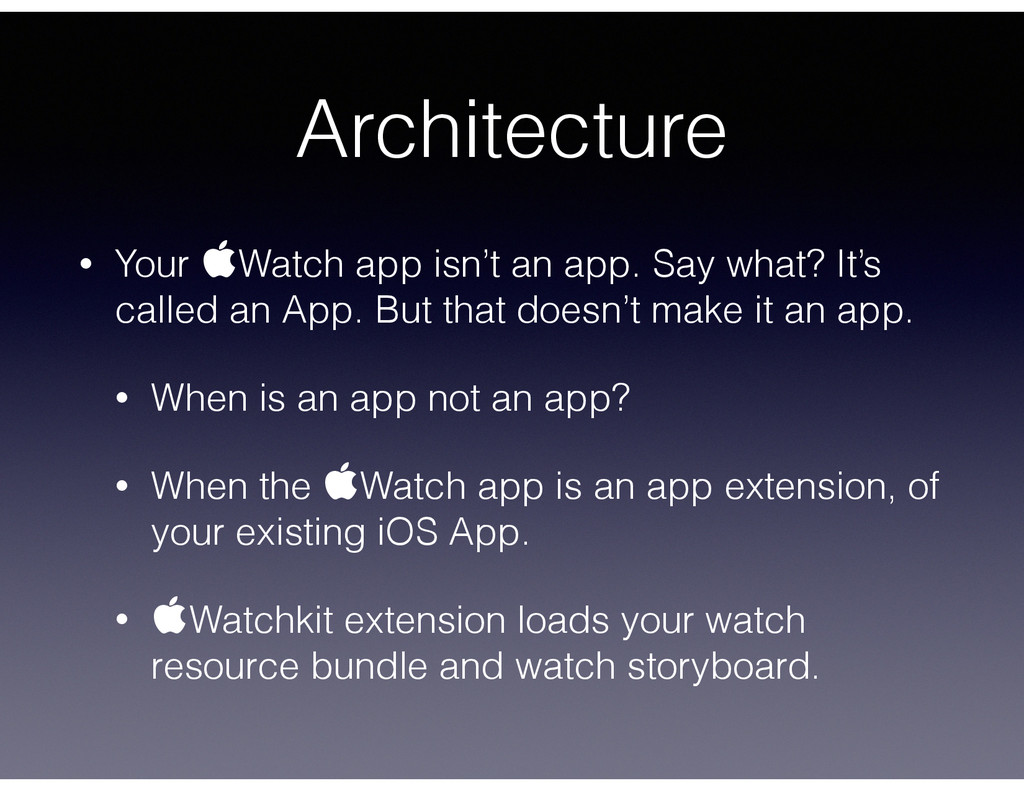
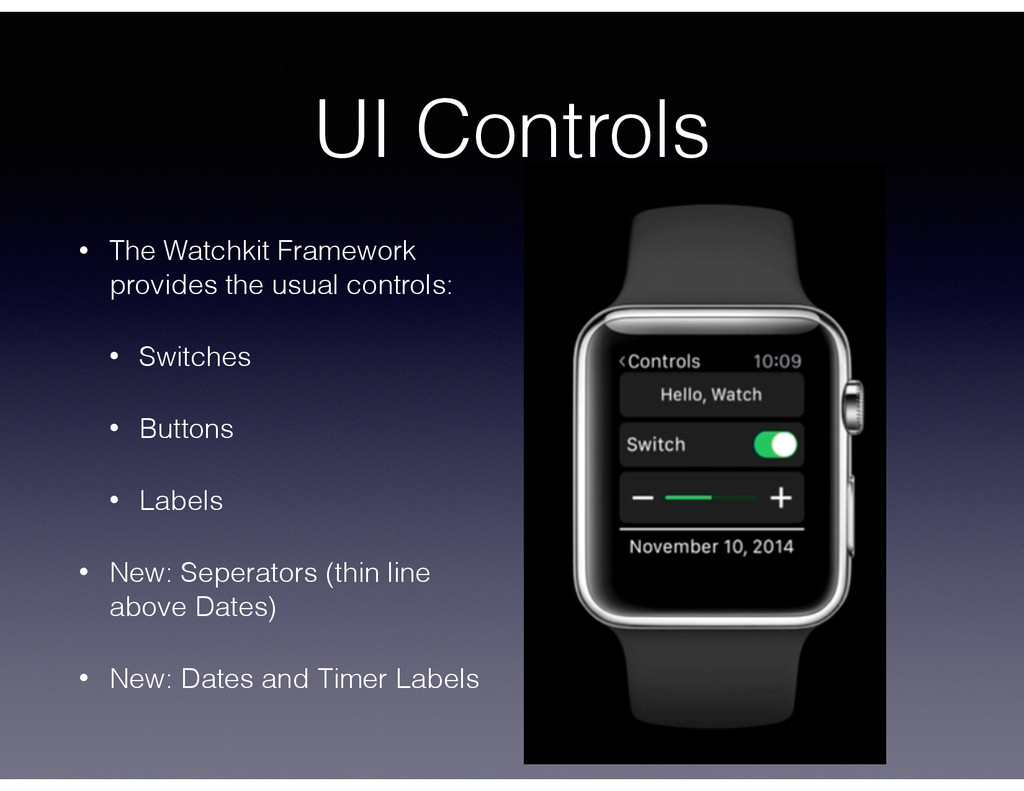
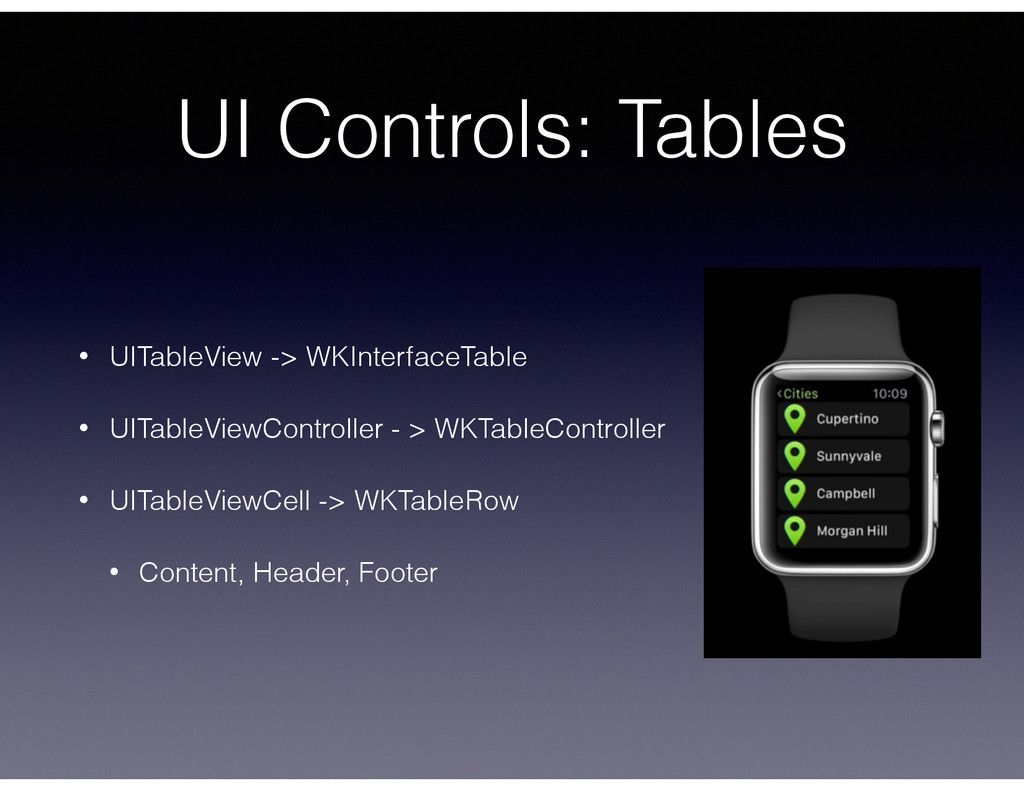
It’s called an App. But that doesn’t make it an app. • When is an app not an app? • When the Watch app is an app extension, of your existing iOS App. • Watchkit extension loads your watch resource bundle and watch storyboard.
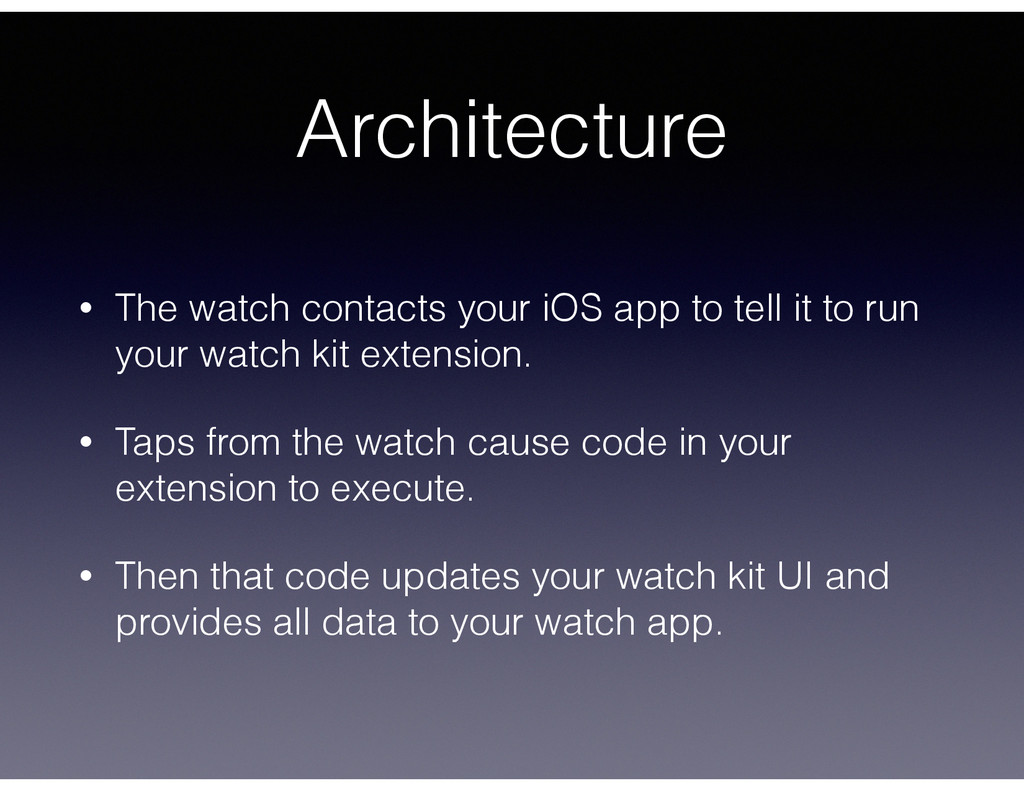
it to run your watch kit extension. • Taps from the watch cause code in your extension to execute. • Then that code updates your watch kit UI and provides all data to your watch app.
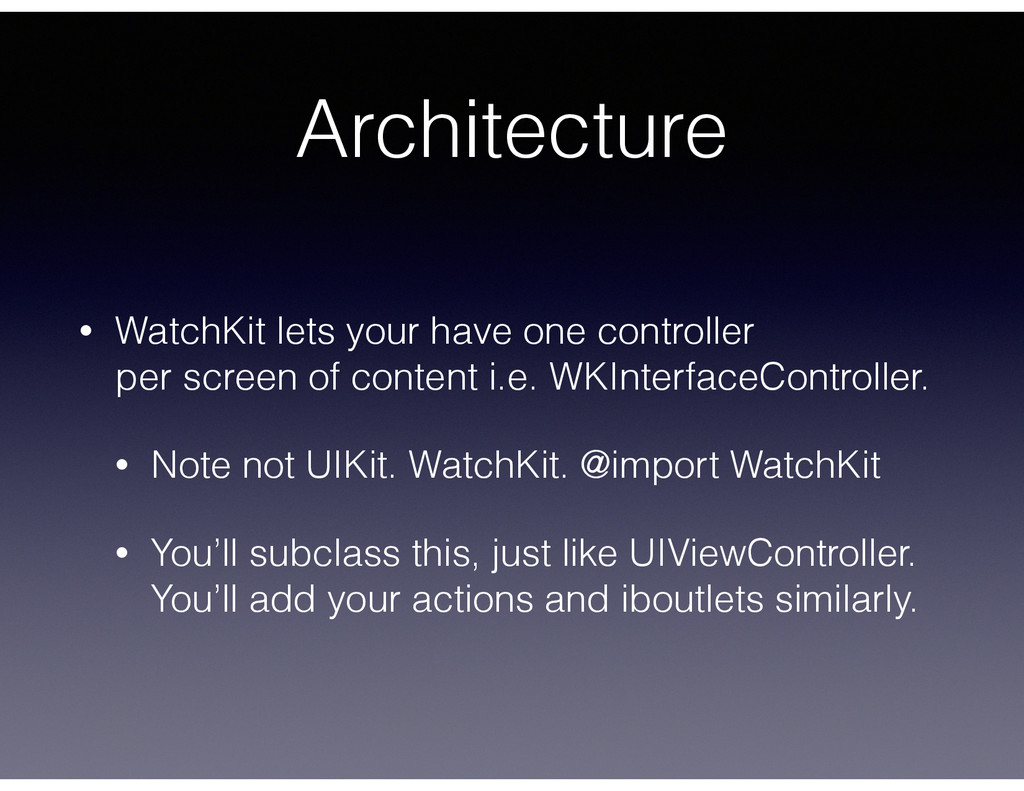
of content i.e. WKInterfaceController. • Note not UIKit. WatchKit. @import WatchKit • You’ll subclass this, just like UIViewController. You’ll add your actions and iboutlets similarly.
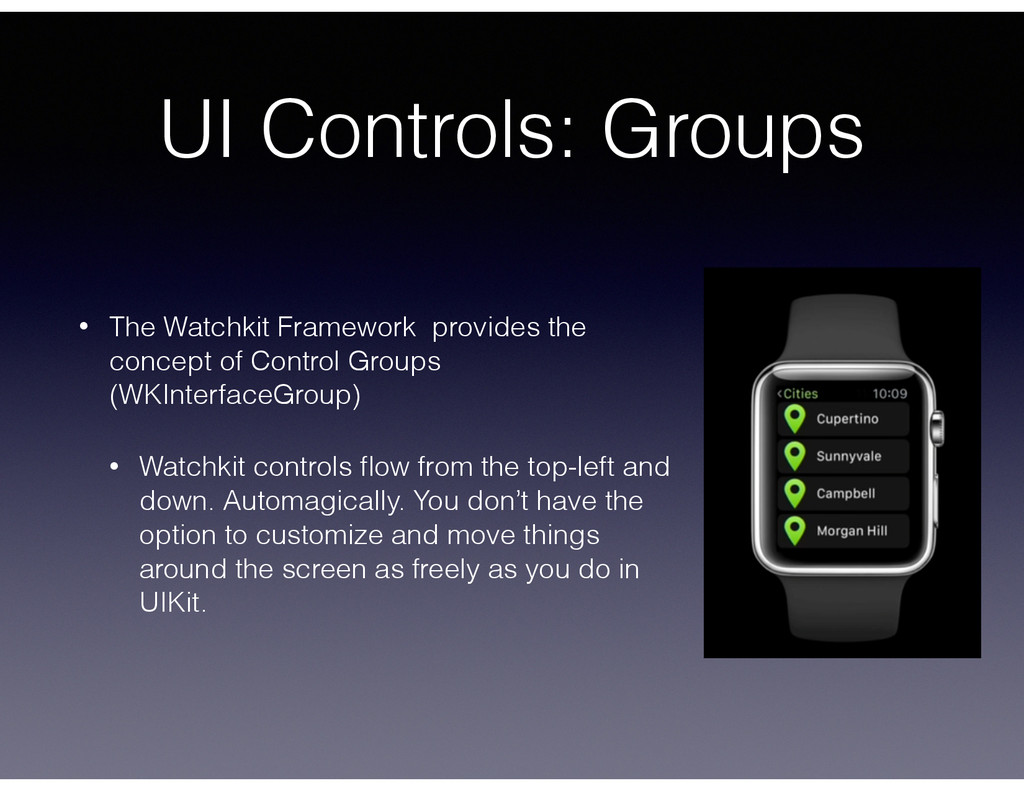
of Control Groups (WKInterfaceGroup) • Watchkit controls flow from the top-left and down. Automagically. You don’t have the option to customize and move things around the screen as freely as you do in UIKit.
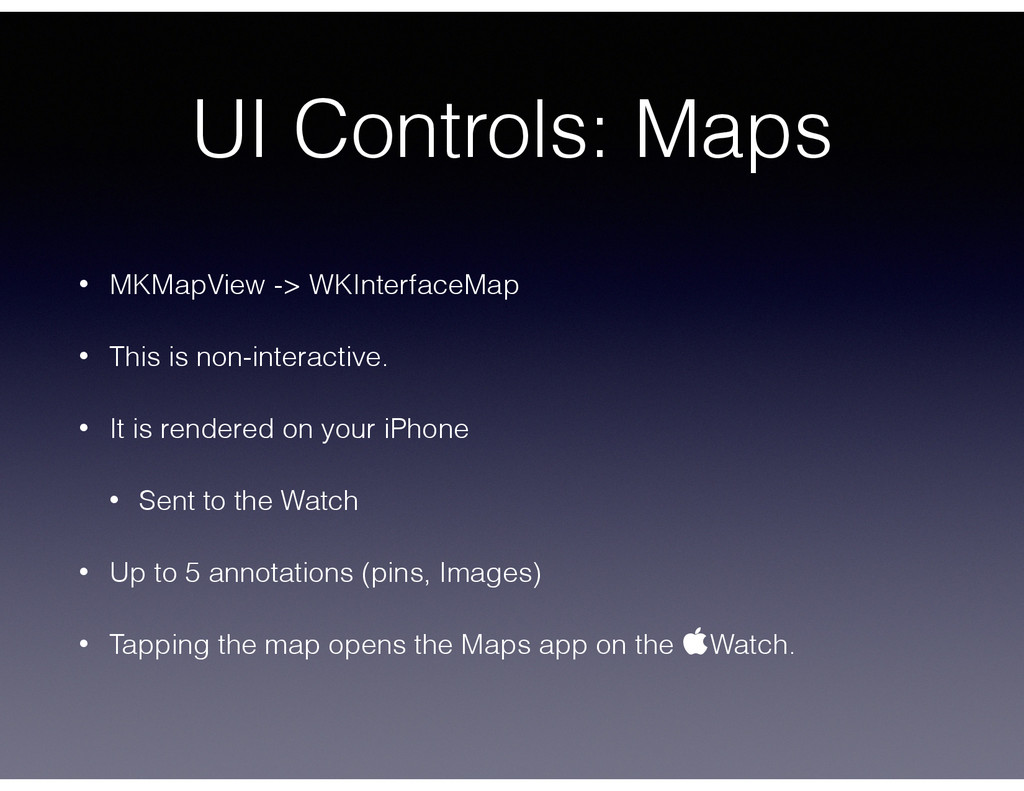
non-interactive. • It is rendered on your iPhone • Sent to the Watch • Up to 5 annotations (pins, Images) • Tapping the map opens the Maps app on the Watch.
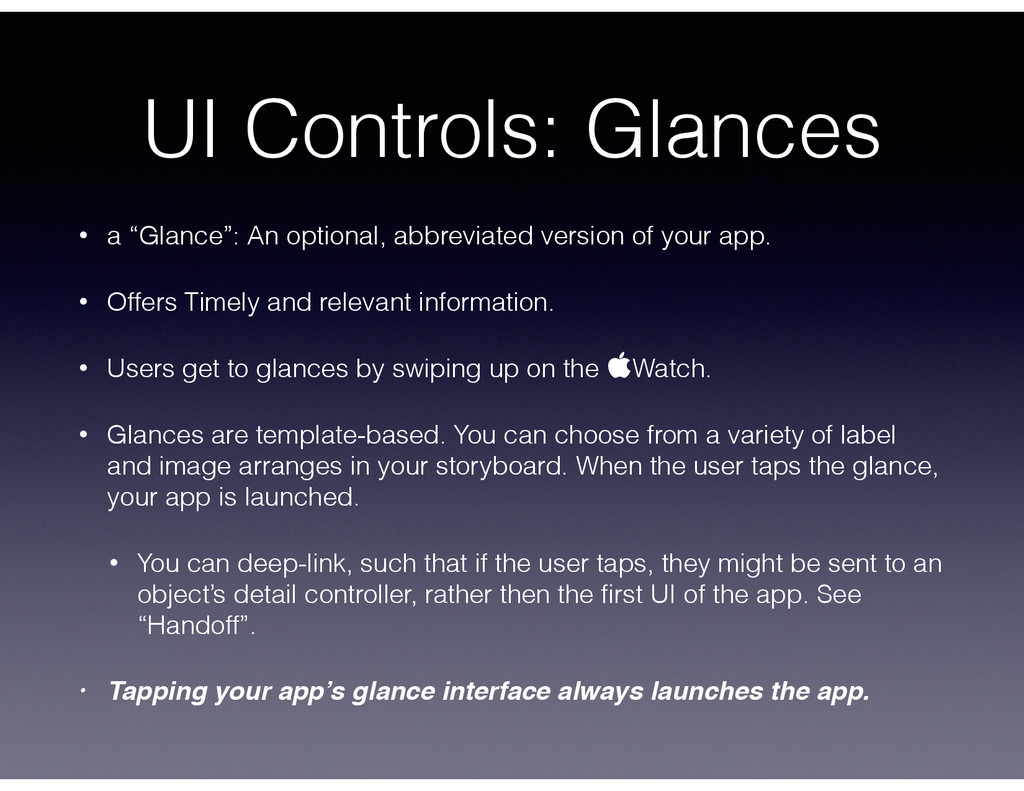
of your app. • Offers Timely and relevant information. • Users get to glances by swiping up on the Watch. • Glances are template-based. You can choose from a variety of label and image arranges in your storyboard. When the user taps the glance, your app is launched. • You can deep-link, such that if the user taps, they might be sent to an object’s detail controller, rather then the first UI of the app. See “Handoff”. • Tapping your app’s glance interface always launches the app.
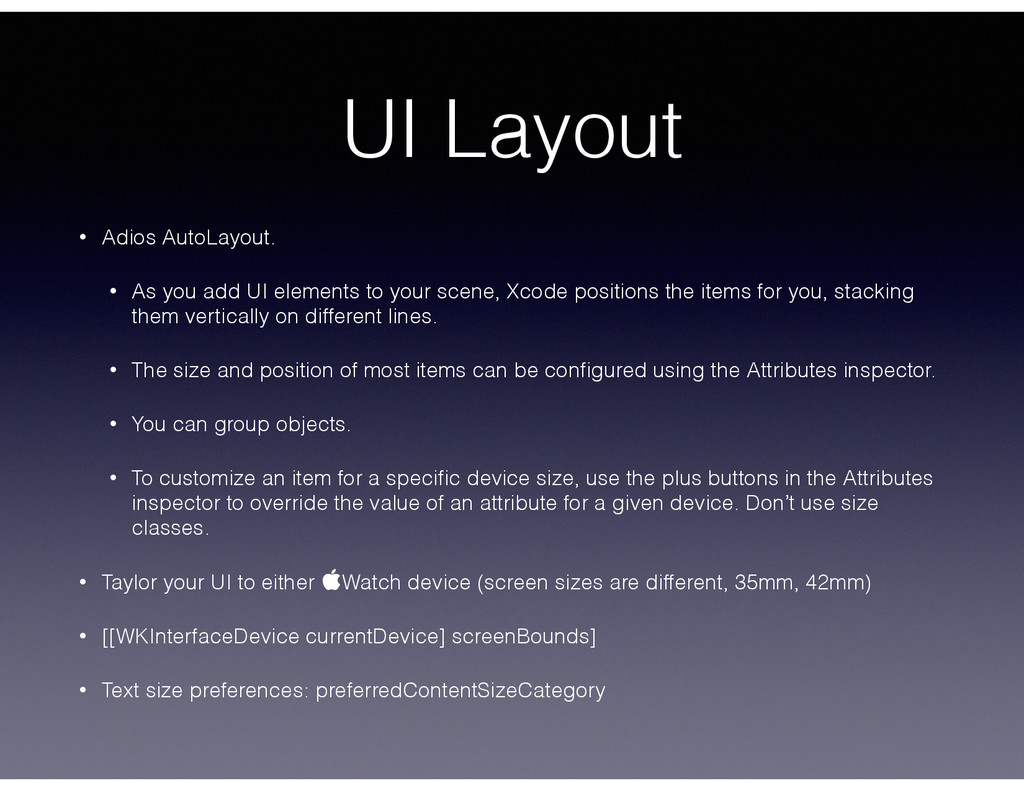
your scene, Xcode positions the items for you, stacking them vertically on different lines. • The size and position of most items can be configured using the Attributes inspector. • You can group objects. • To customize an item for a specific device size, use the plus buttons in the Attributes inspector to override the value of an attribute for a given device. Don’t use size classes. • Taylor your UI to either Watch device (screen sizes are different, 35mm, 42mm) • [[WKInterfaceDevice currentDevice] screenBounds] • Text size preferences: preferredContentSizeCategory UI Layout
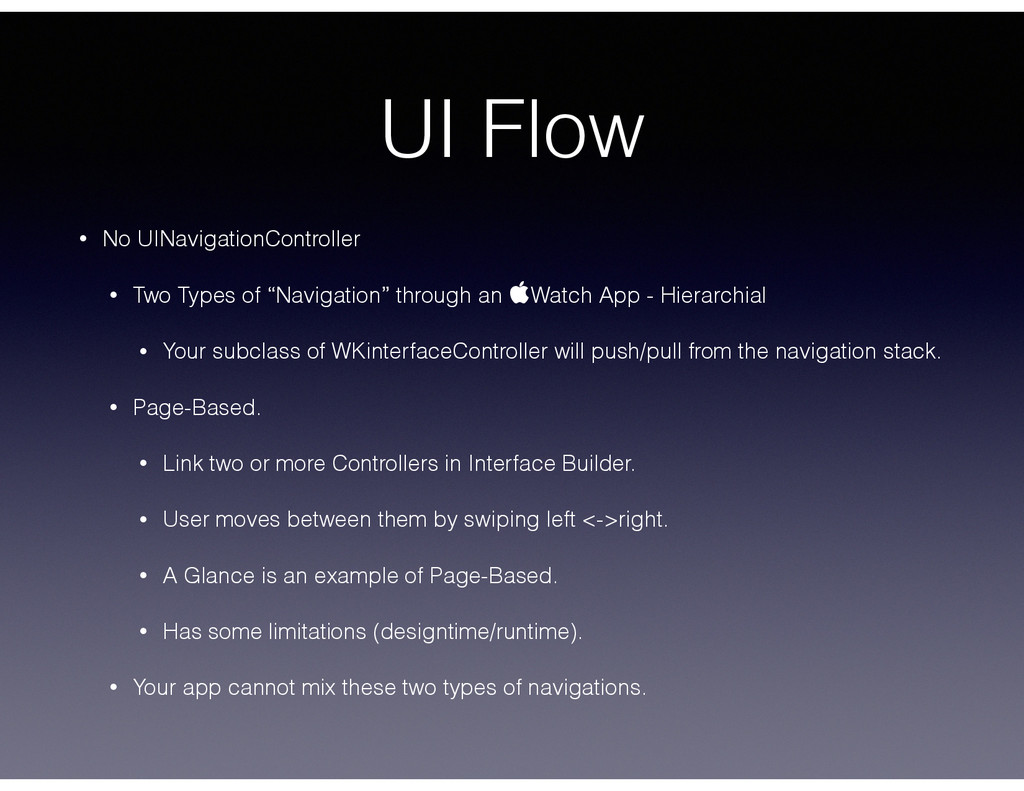
through an Watch App - Hierarchial • Your subclass of WKinterfaceController will push/pull from the navigation stack. • Page-Based. • Link two or more Controllers in Interface Builder. • User moves between them by swiping left <->right. • A Glance is an example of Page-Based. • Has some limitations (designtime/runtime). • Your app cannot mix these two types of navigations.
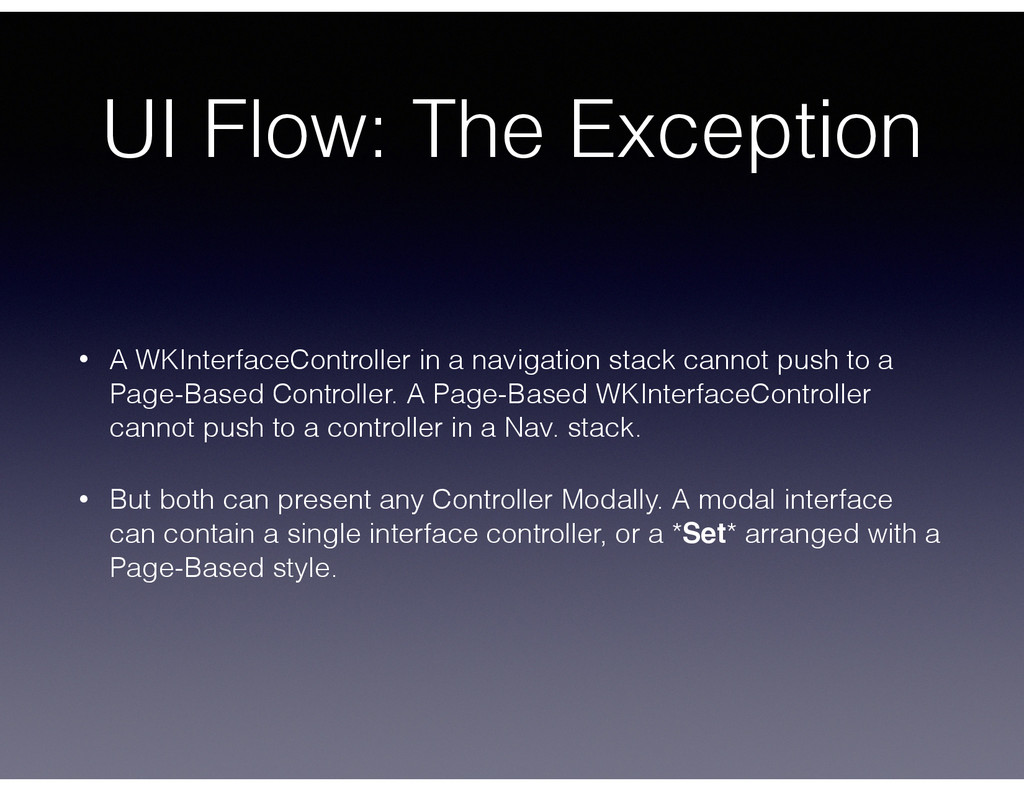
stack cannot push to a Page-Based Controller. A Page-Based WKInterfaceController cannot push to a controller in a Nav. stack. • But both can present any Controller Modally. A modal interface can contain a single interface controller, or a *Set* arranged with a Page-Based style.
use in your Glance and Notification interfaces to deep link into your app. • ie Present a different interface upon launch, based on the type of notification given to the user. • You can use Handoff to allow the user to move between the Watch and iPhone to increase user interaction and usage time.
Category Types - provides a different customized UI to the user depending on the type of Notification sent. • Static Notification UI version is required. You basically provide generic images and labels that won’t require anything dynamic, saving CPU cycles and battery life. • Can display an action button, to take the user to someplace specific within your app, if they tap the button. • iOS Simulator supports Custom notifications for your testing.
a stick man walking, and flip through them to create an animated cartoon? You’ll do that with a set of images. Why? Battery life. • Put the images into your Watch Extension’s Bundle. • Animate a constraint to remove something from the user’s view? Nope. You can merely hide things. When an item is hidden, other objects fill in the space previously occupied by the item. To hide an object without filling in the space, set the item’s alpha value to 0.
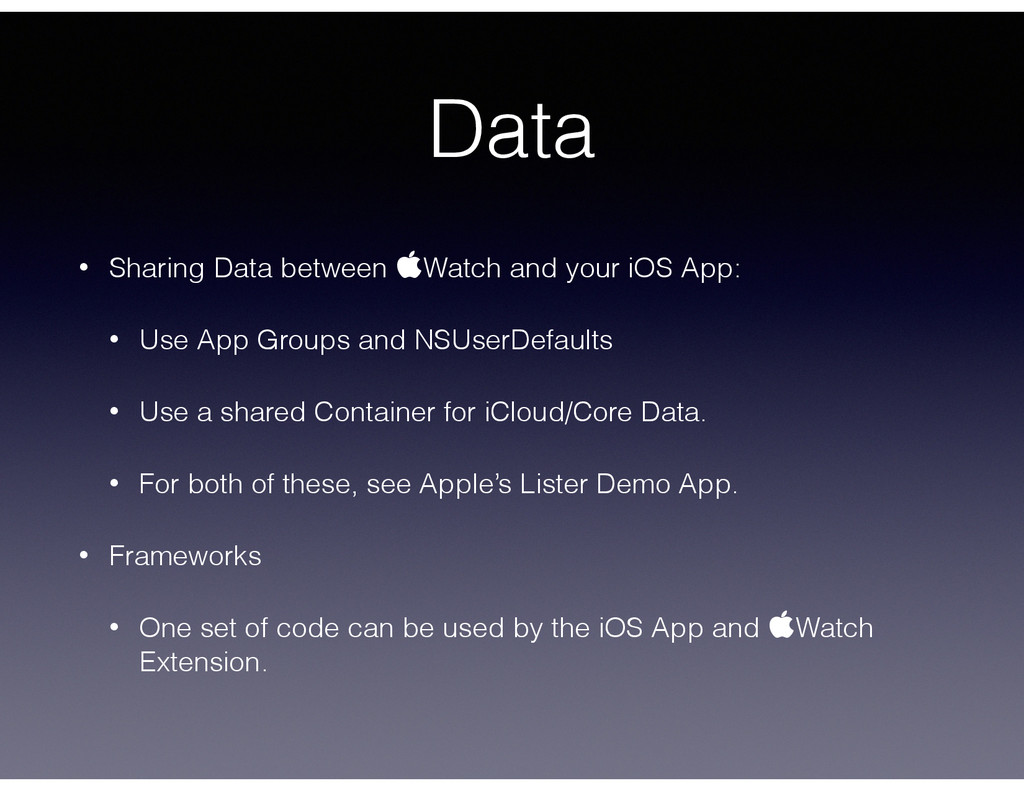
• Use App Groups and NSUserDefaults • Use a shared Container for iCloud/Core Data. • For both of these, see Apple’s Lister Demo App. • Frameworks • One set of code can be used by the iOS App and Watch Extension.
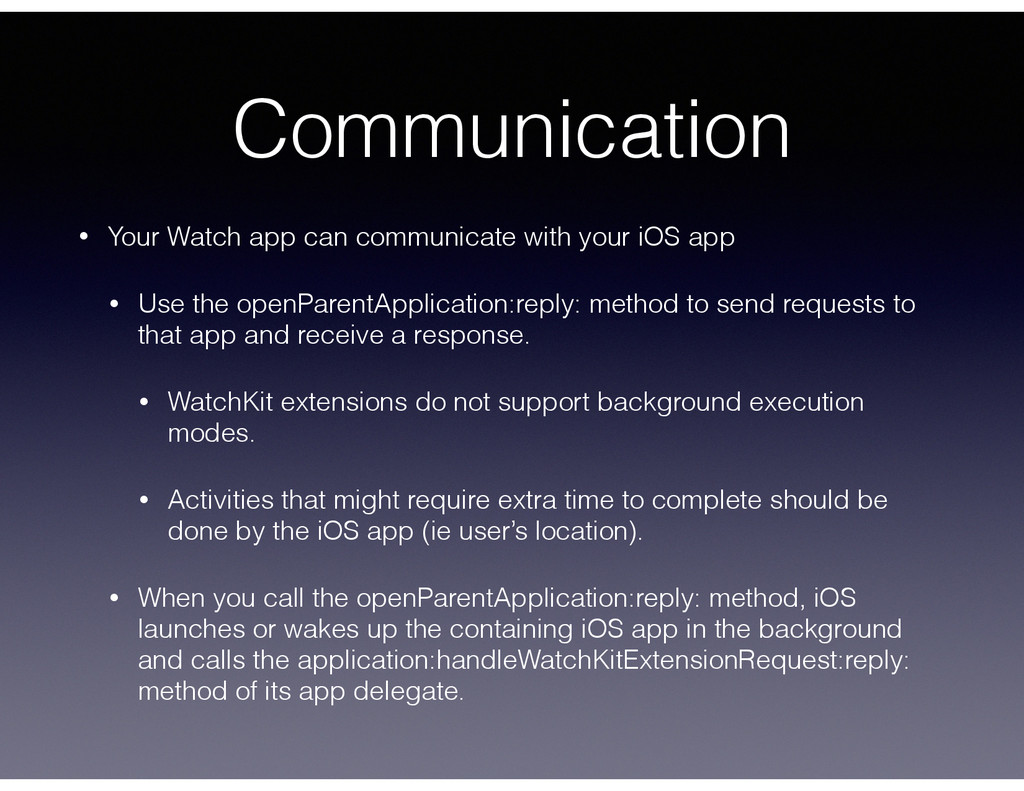
app • Use the openParentApplication:reply: method to send requests to that app and receive a response. • WatchKit extensions do not support background execution modes. • Activities that might require extra time to complete should be done by the iOS app (ie user’s location). • When you call the openParentApplication:reply: method, iOS launches or wakes up the containing iOS app in the background and calls the application:handleWatchKitExtensionRequest:reply: method of its app delegate.
• Your Watch App will list… beers. • How does your Watch have the list of Beers? • A plist? Is it in there shared App Groups container? Delivered in a notification userInfo? openParentApplication:reply:? • … Open discussion about app development, frameworks, project layout and lose coupling design. For the developer’s sanity.
out what they want. Then I make their app for them. I manage the @BuckeyeCocoa user group. I own Lottadot LLC. And I create apps with my team at @Dynamit in Columbus, OH. And we’re hiring. Hit me up. @lottadot •Presentation stuff http://bit.ly/1A2HCLL Job stuff http://bit.ly/1AihJ9k


 lottadot
 satoshi256kbyte
 steliosf
 skydoves
 uyuki234
 o0h
o0h
 timakin
 naokihaba
 guaca
guaca
 iwatsukayura
 minodriven
 prota
prota
 a_matsuda
 addyosmani
 szymonslowik
 marktimemedia
 thekraken
 letsgokoyo
 davidcarrasco
 sabderemane
 chrislema
 paigeccino
 stephaniewalter
 mkilby
 ammeep