Upgrade to Pro
— share decks privately, control downloads, hide ads and more …
Speaker Deck
Sign up for free
Menu
Search
Features
All features
Private URLs
Password Protection
Custom URLS
Scheduled publishing
Remove Branding
Restrict embedding
Deck Collections
Notes
Features
All features
Private URLs
Password Protection
Custom URLS
Scheduled publishing
Remove Branding
Restrict embedding
Deck Collections
Notes
Explore
Featured decks
Featured speakers
Programming
Technology
Storyboards
Explore
Featured decks
Featured speakers
Programming
Technology
Storyboards
Pricing
Search
Sign in
Sign up for free
UVの使い方紹介
Search
愛計
October 29, 2025
Programming
47
0
Share
Embed
Copy iframe code
Copy JS code
Copy link
Start on current slide
UVの使い方紹介
研究室のゼミでの進捗スライドから抜粋しました。
2025/6/10時点での内容となっております。
愛計
October 29, 2025
More Decks by 愛計
See All by 愛計
LLMをチャンプルーしてみたい!
lovemeasure
0
60
【制限時間5分】 スマホだけでゲームを作れるか
lovemeasure
0
35
Other Decks in Programming
See All in Programming
機械に任せるテスト、人が見るテスト ⽣成AIで引き直した、運⽤保守フェーズの線引き
dske104
0
190
現場と育てるRailsモデリング 〜Spreadsheetから始めたモデル設計〜
siroemk
2
620
Herb in Rails 8.2: Your ERB views, now HTML-aware @ Rails World 2026, Austin, Texas
marcoroth
0
220
S3 TablesのIcebergデータに、AIエージェントからアクセスしてみた / 20261016developersio2026joetsu-accessing-iceberg-in-s3tables-via-agent
kasacchiful
PRO
0
160
Augmenting AI with the Power of Jakarta EE
ivargrimstad
0
220
FactoryBotをやめればRSpecは速くなるのか?
yuta_onishi_97
0
640
Domain-Driven Transformation
hschwentner
2
2.3k
AIに “答え“を書かせるのを やめてみた
___akari11
0
120
3回つくってわかった、 定期実行ジョブ基盤の本質情報
takai
0
510
[Dev Group Paris Octobre 26] Agentforce, SIforce, Claudeforce, Slackbot… on s'y retrouve ?
nabondance
0
110
月間100万人のサービス刷新で、 技術選定をHonoに振り切った話
yutobara
8
6.7k
AI時代のコードレビューは人に向けるな、仕組みに向けろ
texmeijin
5
3.7k
Featured
See All Featured
How Fast Is Fast Enough? [PerfNow 2025]
tammyeverts
3
940
How to build a perfect <img>
jonoalderson
1
6.1k
Designing for Timeless Needs
cassininazir
1
530
How To Speak Unicorn (iThemes Webinar)
marktimemedia
1
600
Balancing Empowerment & Direction
lara
6
1.3k
How to Ace a Technical Interview
jacobian
280
24k
Visualization
eitanlees
153
17k
Why You Should Never Use an ORM
jnunemaker
PRO
61
10k
Dealing with People You Can't Stand - Big Design 2015
cassininazir
367
27k
Mozcon NYC 2025: Stop Losing SEO Traffic
samtorres
1
580
JavaScript: Past, Present, and Future - NDC Porto 2020
reverentgeek
52
6.1k
Dominate Local Search Results - an insider guide to GBP, reviews, and Local SEO
greggifford
PRO
0
370
Transcript
UVの使い方紹介 研究室のゼミでの進捗スライドから抜粋 X/Twitter:@lovemeasure9
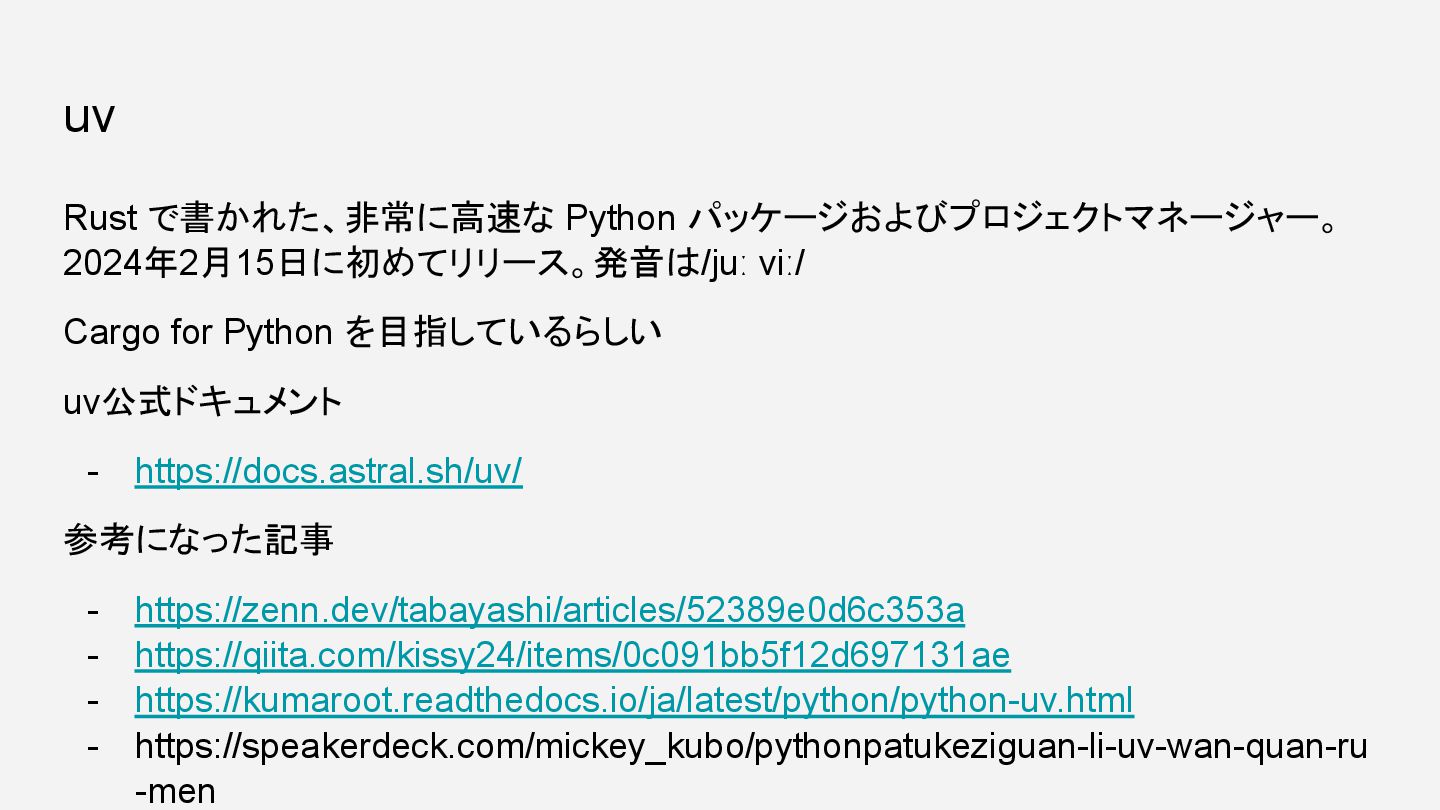
uv Rust で書かれた、非常に高速な Python パッケージおよびプロジェクトマネージャー。 2024年2月15日に初めてリリース。発音は/juː viː/ Cargo for Python
を目指しているらしい uv公式ドキュメント - https://docs.astral.sh/uv/ 参考になった記事 - https://zenn.dev/tabayashi/articles/52389e0d6c353a - https://qiita.com/kissy24/items/0c091bb5f12d697131ae - https://kumaroot.readthedocs.io/ja/latest/python/python-uv.html - https://speakerdeck.com/mickey_kubo/pythonpatukeziguan-li-uv-wan-quan-ru -men
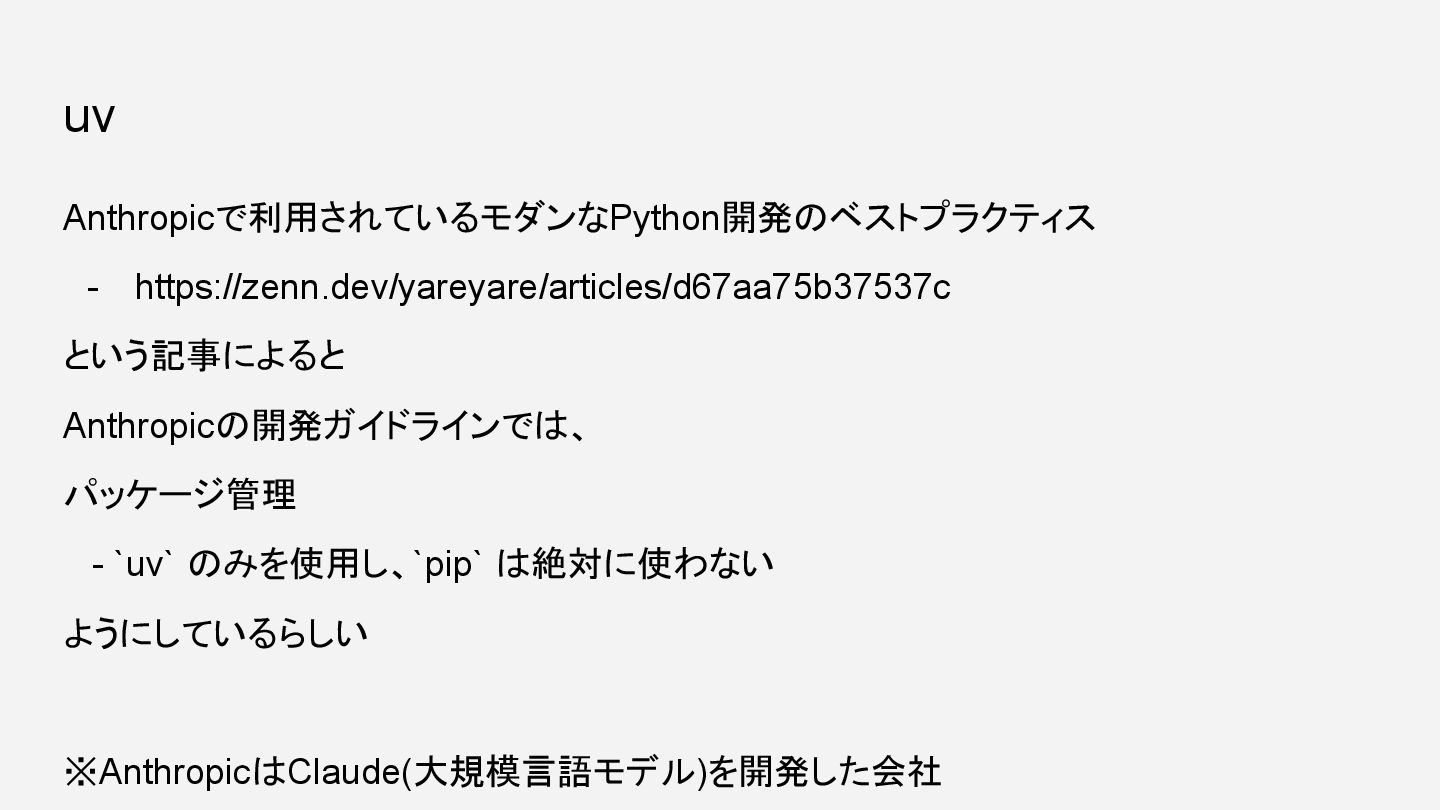
uv Anthropicで利用されているモダンなPython開発のベストプラクティス - https://zenn.dev/yareyare/articles/d67aa75b37537c という記事によると Anthropicの開発ガイドラインでは、 パッケージ管理 - `uv` のみを使用し、`pip`
は絶対に使わない ようにしているらしい ※AnthropicはClaude(大規模言語モデル)を開発した会社
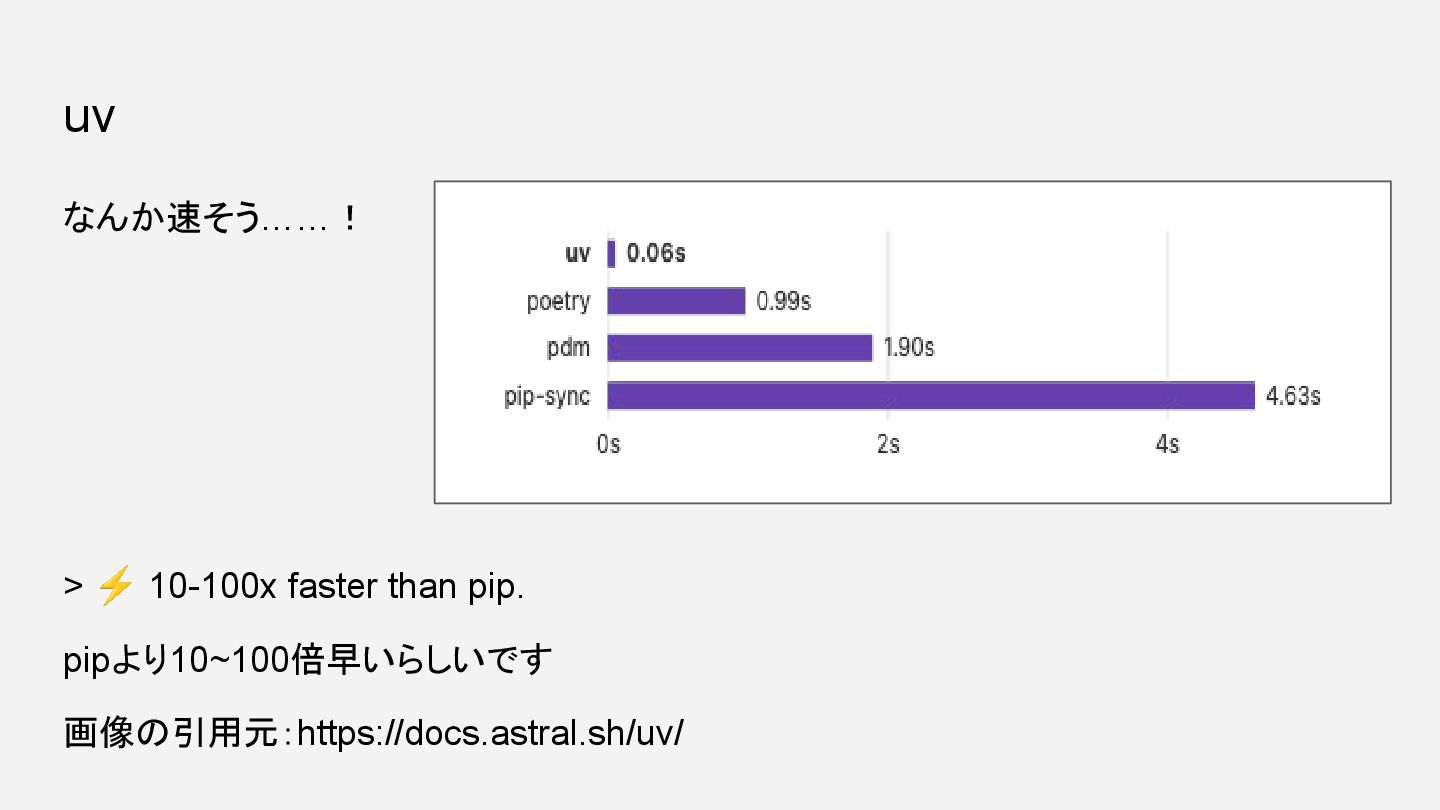
なんか速そう……! > ⚡ 10-100x faster than pip. pipより10~100倍早いらしいです 画像の引用元:https://docs.astral.sh/uv/ uv
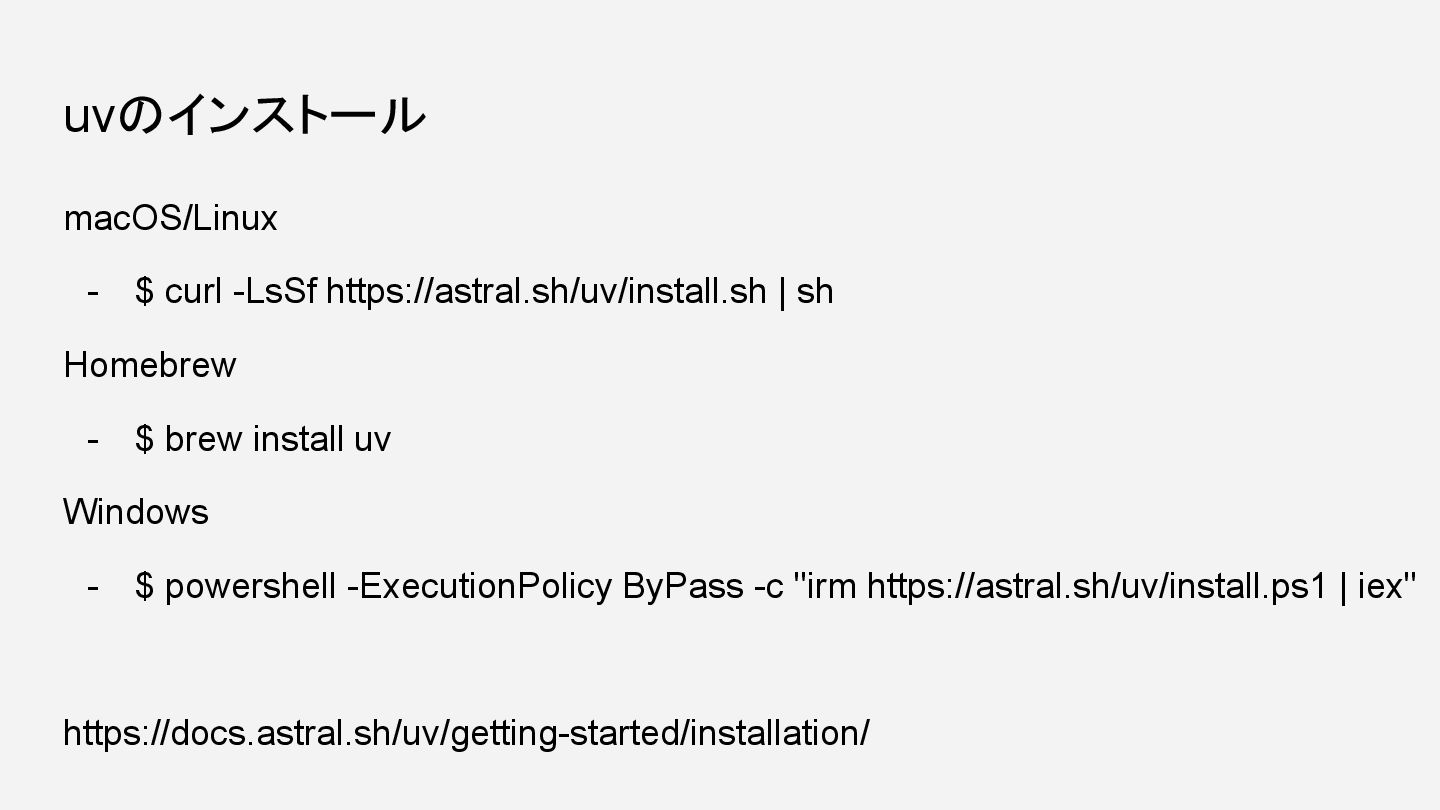
uvのインストール macOS/Linux - $ curl -LsSf https://astral.sh/uv/install.sh | sh Homebrew
- $ brew install uv Windows - $ powershell -ExecutionPolicy ByPass -c "irm https://astral.sh/uv/install.ps1 | iex" https://docs.astral.sh/uv/getting-started/installation/
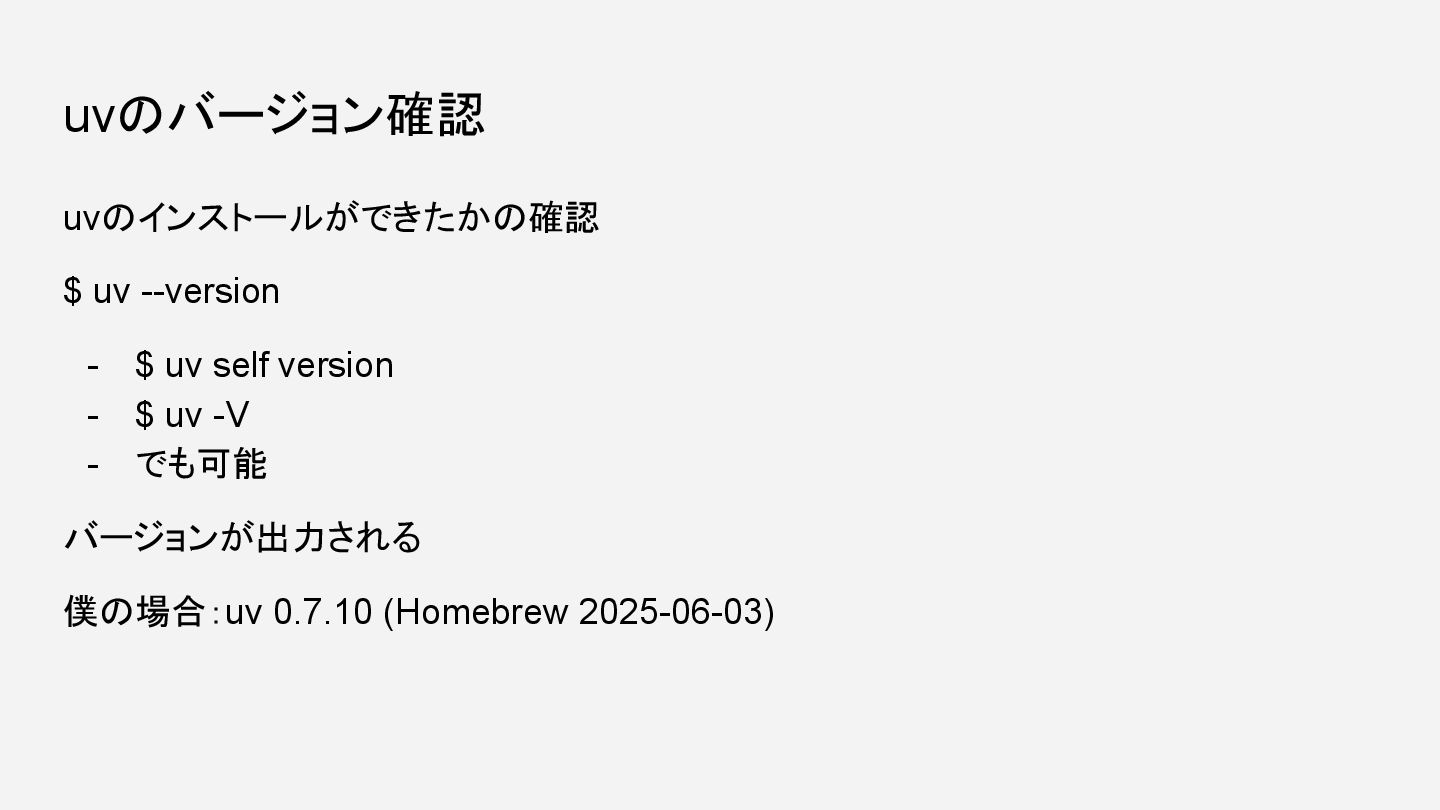
uvのバージョン確認 uvのインストールができたかの確認 $ uv --version - $ uv self version
- $ uv -V - でも可能 バージョンが出力される 僕の場合:uv 0.7.10 (Homebrew 2025-06-03)
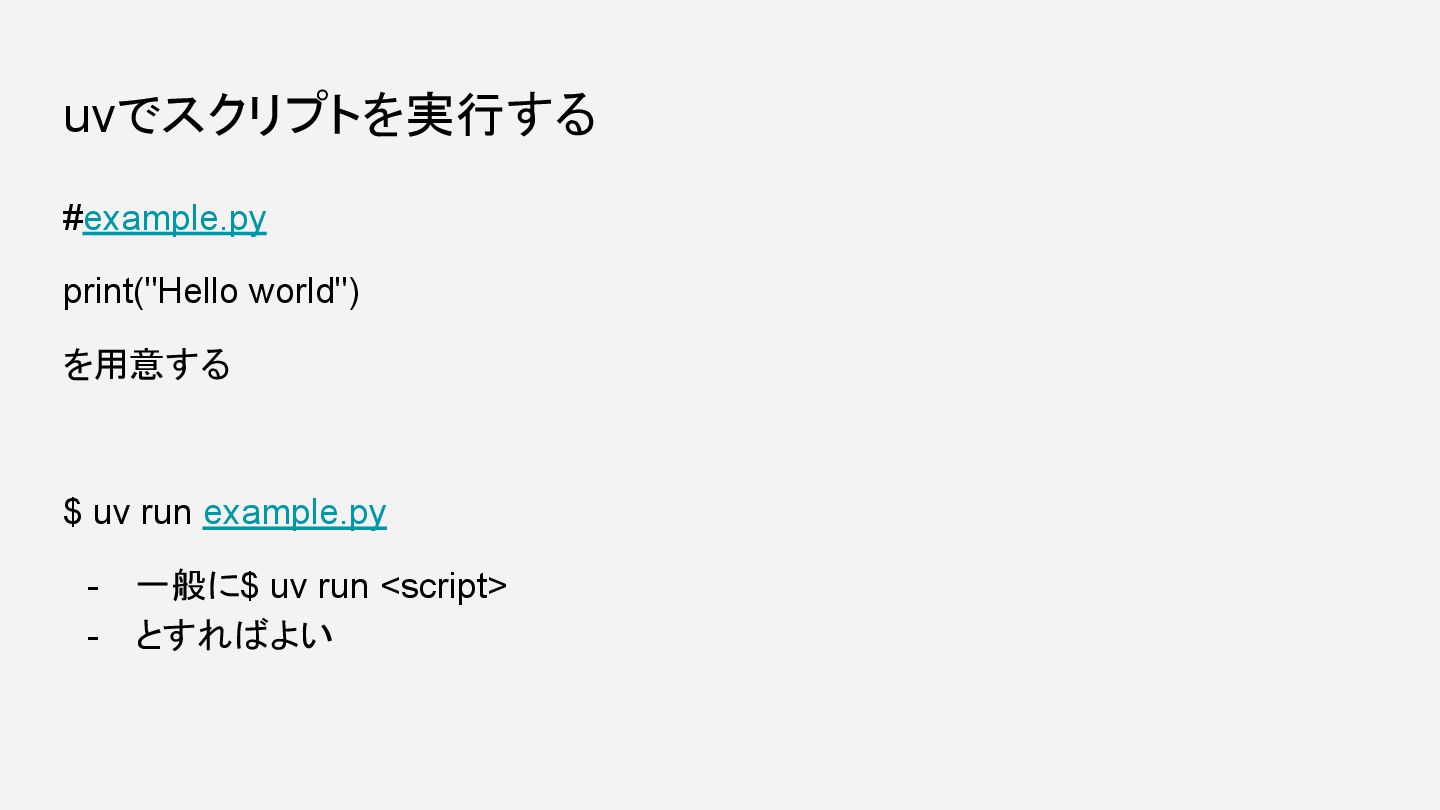
uvでスクリプトを実行する #example.py print("Hello world") を用意する $ uv run example.py -
一般に$ uv run <script> - とすればよい
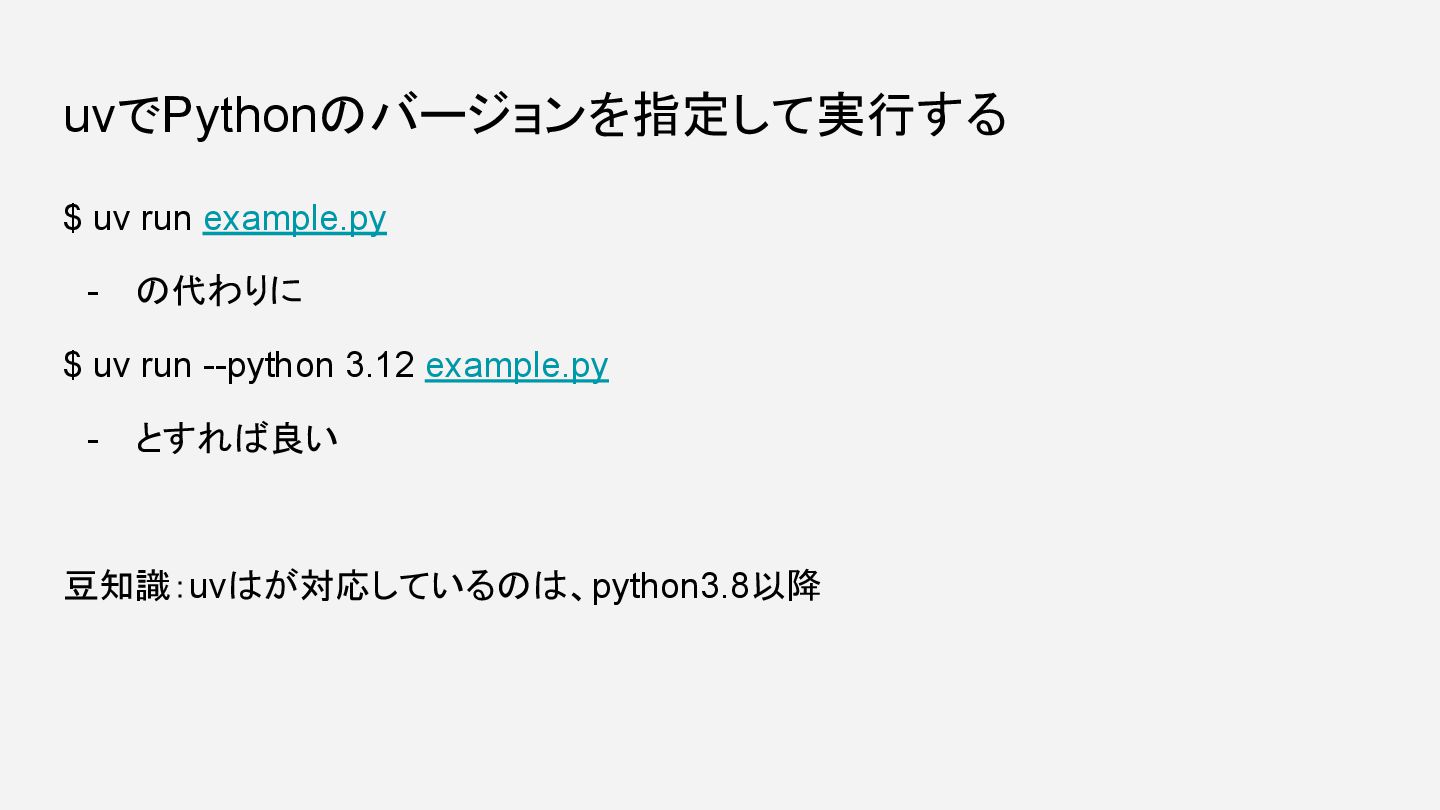
uvでPythonのバージョンを指定して実行する $ uv run example.py - の代わりに $ uv run
--python 3.12 example.py - とすれば良い 豆知識:uvはが対応しているのは、python3.8以降
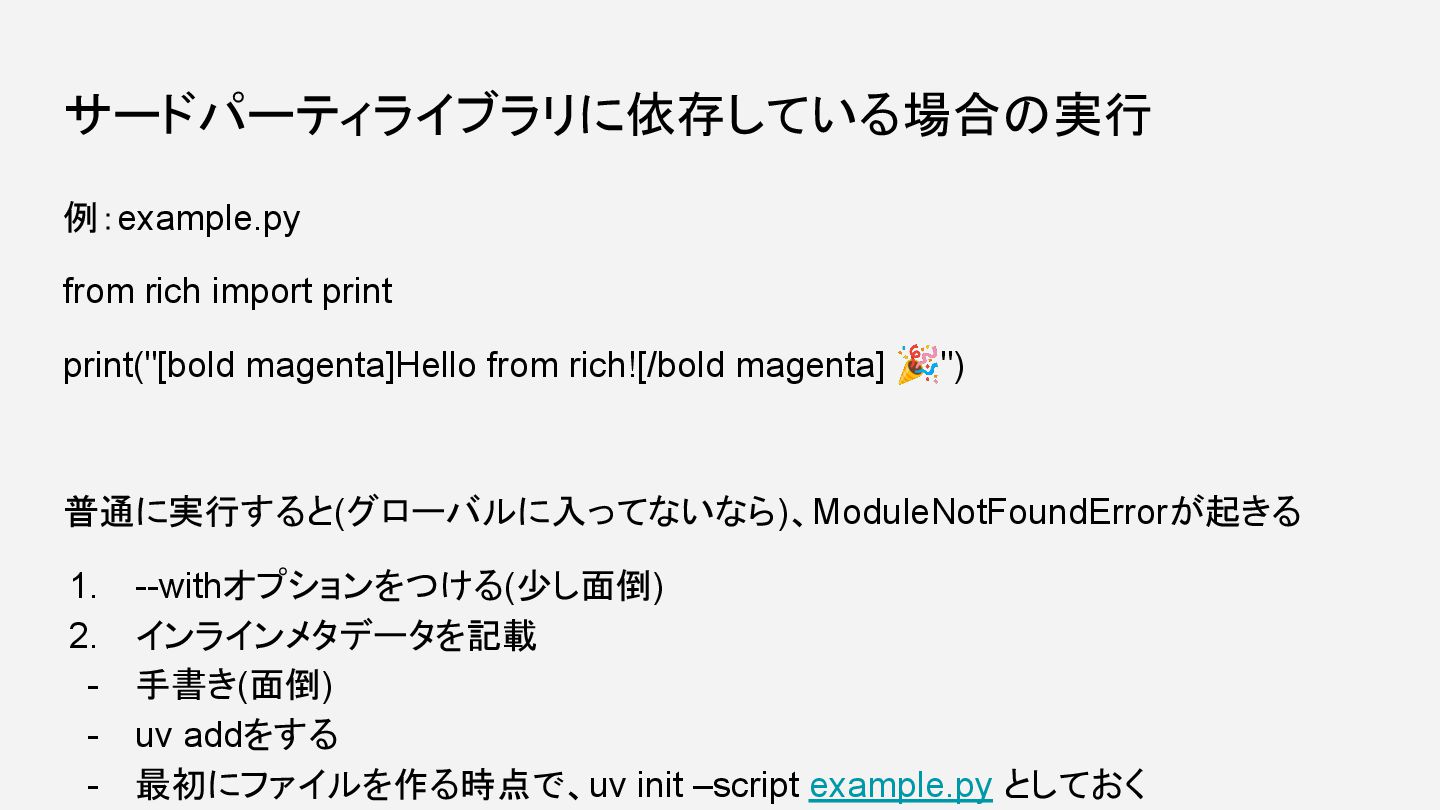
サードパーティライブラリに依存している場合の実行 例:example.py from rich import print print("[bold magenta]Hello from rich![/bold
magenta] 🎉") 普通に実行すると(グローバルに入ってないなら)、ModuleNotFoundErrorが起きる 1. --withオプションをつける(少し面倒) 2. インラインメタデータを記載 - 手書き(面倒) - uv addをする - 最初にファイルを作る時点で、uv init –script example.py としておく
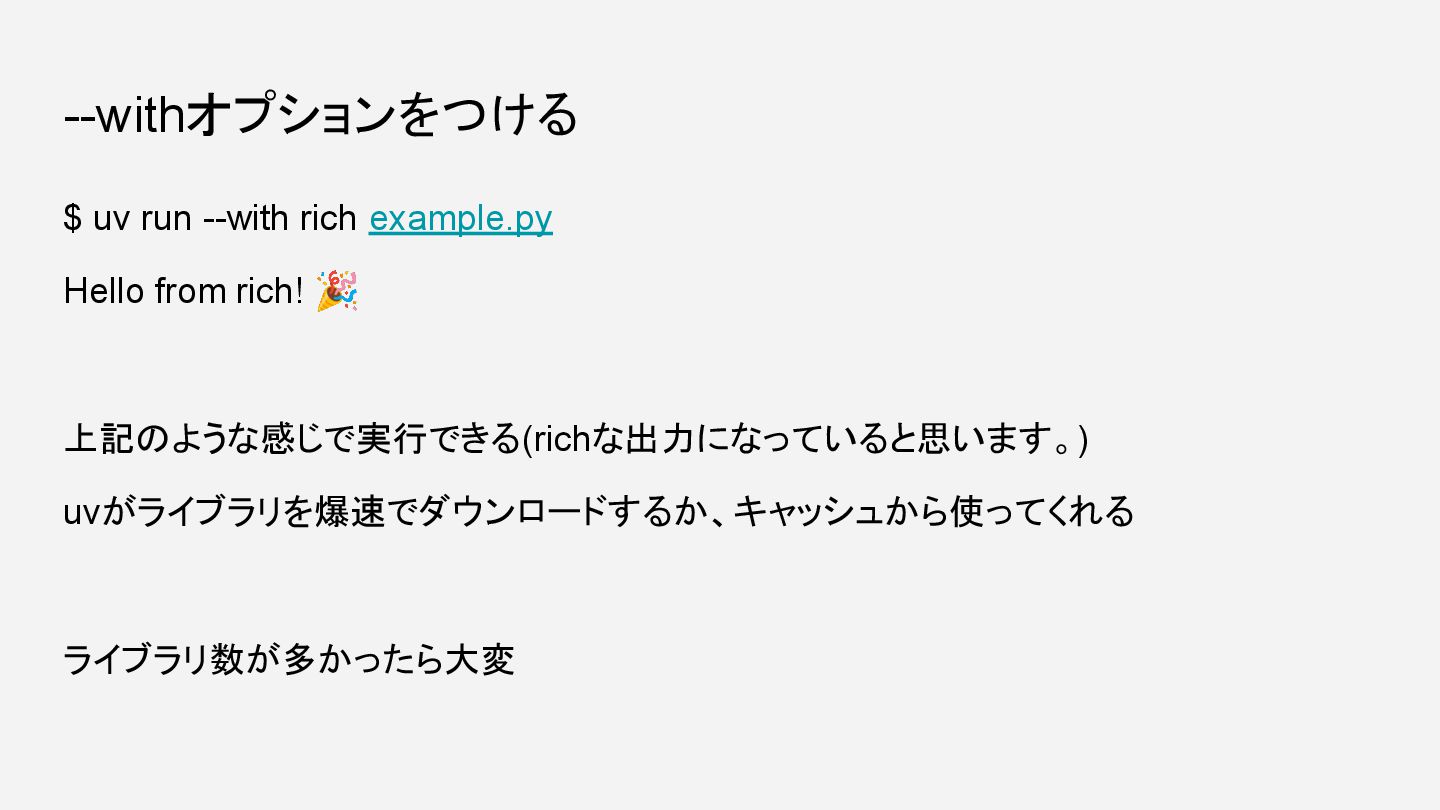
--withオプションをつける $ uv run --with rich example.py Hello from rich!
🎉 上記のような感じで実行できる(richな出力になっていると思います。) uvがライブラリを爆速でダウンロードするか、キャッシュから使ってくれる ライブラリ数が多かったら大変
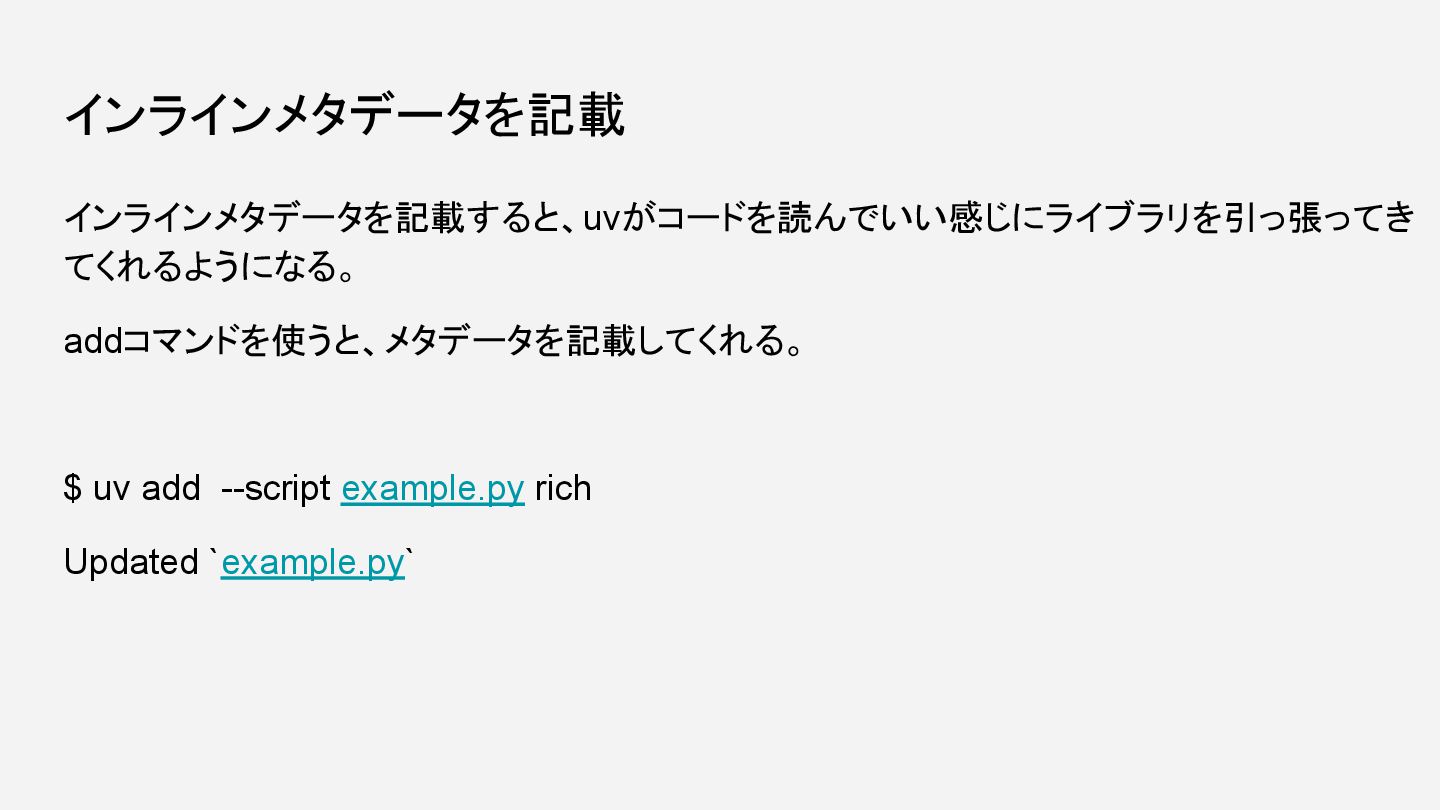
インラインメタデータを記載 インラインメタデータを記載すると、uvがコードを読んでいい感じにライブラリを引っ張ってき てくれるようになる。 addコマンドを使うと、メタデータを記載してくれる。 $ uv add --script example.py rich
Updated `example.py`
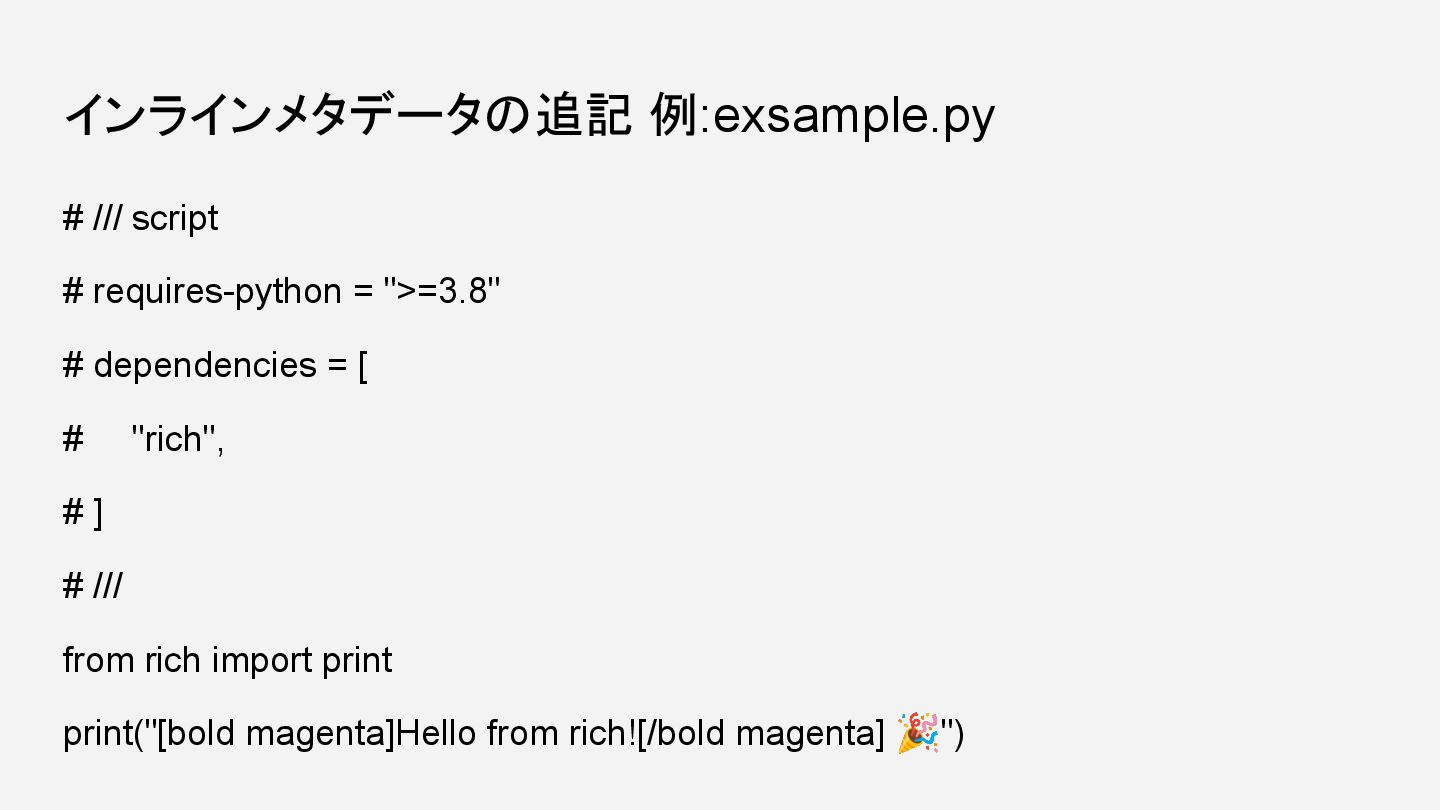
インラインメタデータの追記 例:exsample.py # /// script # requires-python = ">=3.8" #
dependencies = [ # "rich", # ] # /// from rich import print print("[bold magenta]Hello from rich![/bold magenta] 🎉")
実行成功 $ uv run example.py Hello from rich! 🎉 となるはずです!!
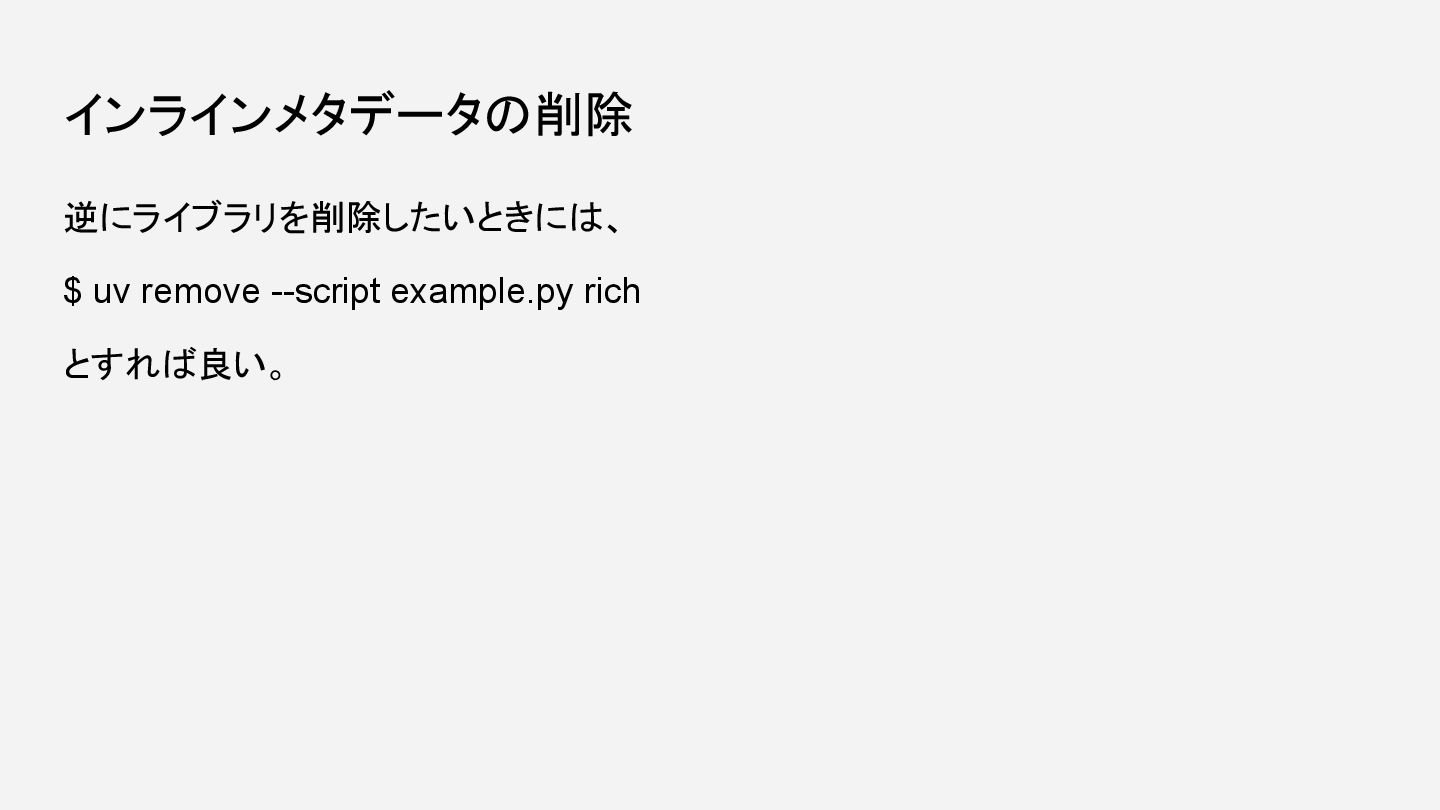
インラインメタデータの削除 逆にライブラリを削除したいときには、 $ uv remove --script example.py rich とすれば良い。
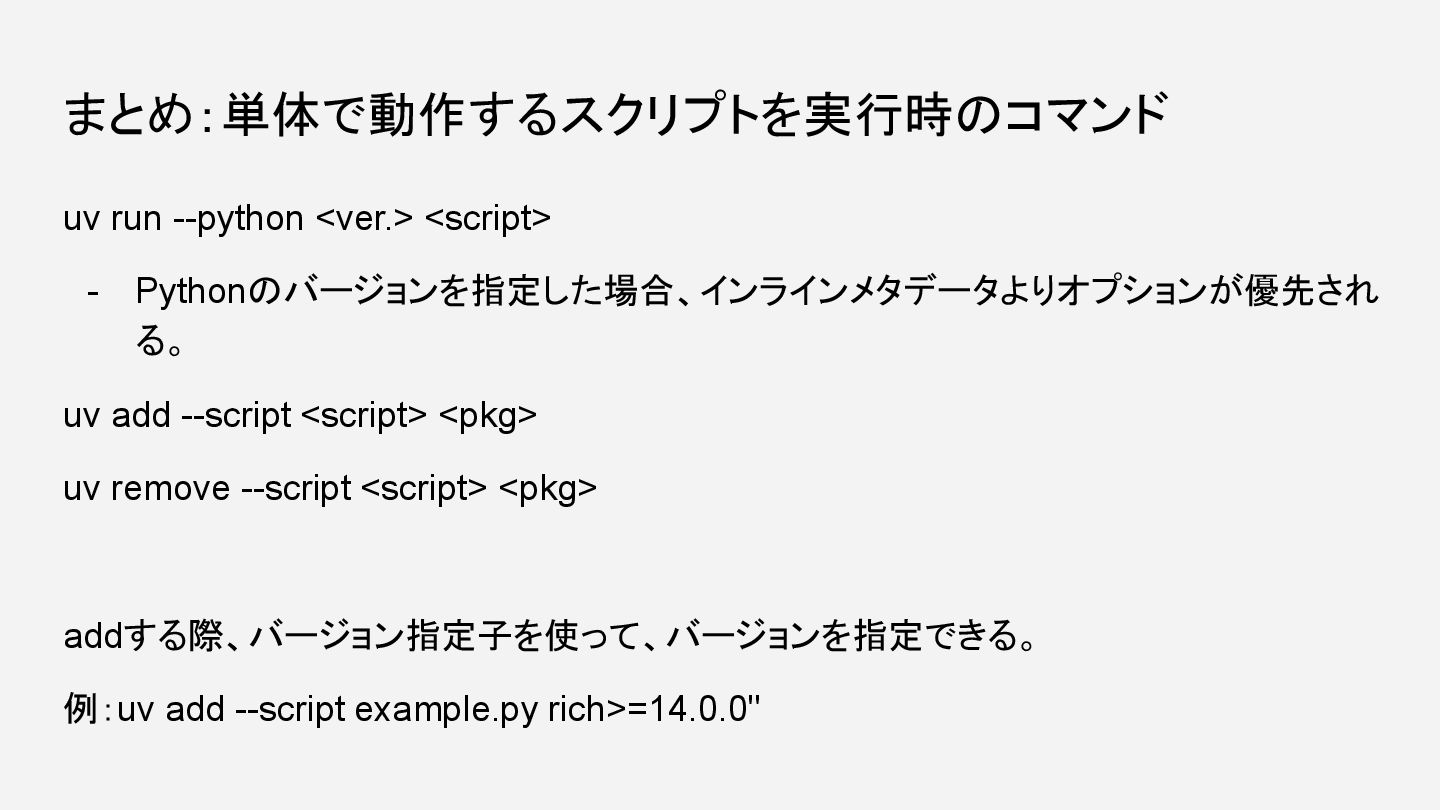
まとめ:単体で動作するスクリプトを実行時のコマンド uv run --python <ver.> <script> - Pythonのバージョンを指定した場合、インラインメタデータよりオプションが優先され る。 uv
add --script <script> <pkg> uv remove --script <script> <pkg> addする際、バージョン指定子を使って、バージョンを指定できる。 例:uv add --script example.py rich>=14.0.0"
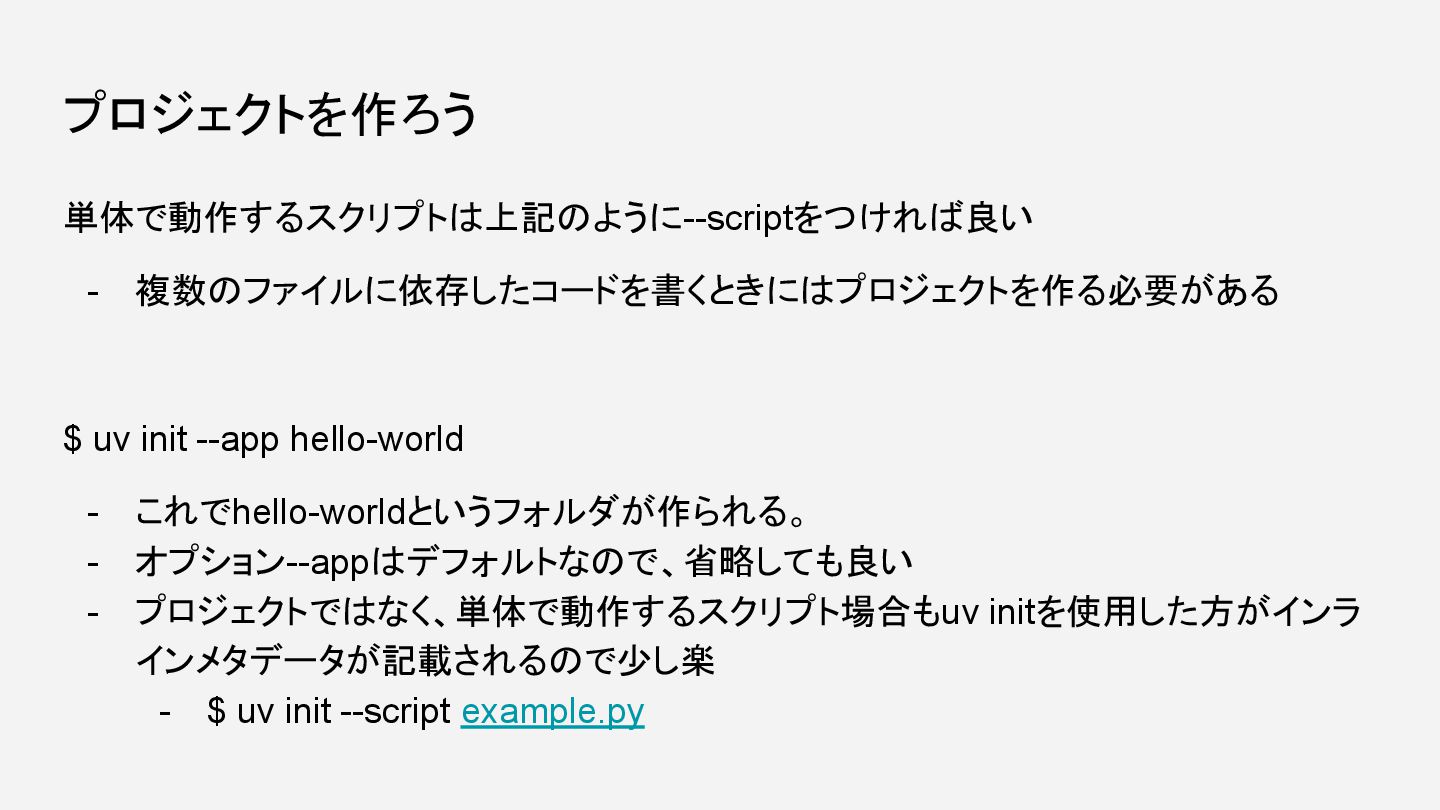
プロジェクトを作ろう 単体で動作するスクリプトは上記のように--scriptをつければ良い - 複数のファイルに依存したコードを書くときにはプロジェクトを作る必要がある $ uv init --app hello-world -
これでhello-worldというフォルダが作られる。 - オプション--appはデフォルトなので、省略しても良い - プロジェクトではなく、単体で動作するスクリプト場合もuv initを使用した方がインラ インメタデータが記載されるので少し楽 - $ uv init --script example.py
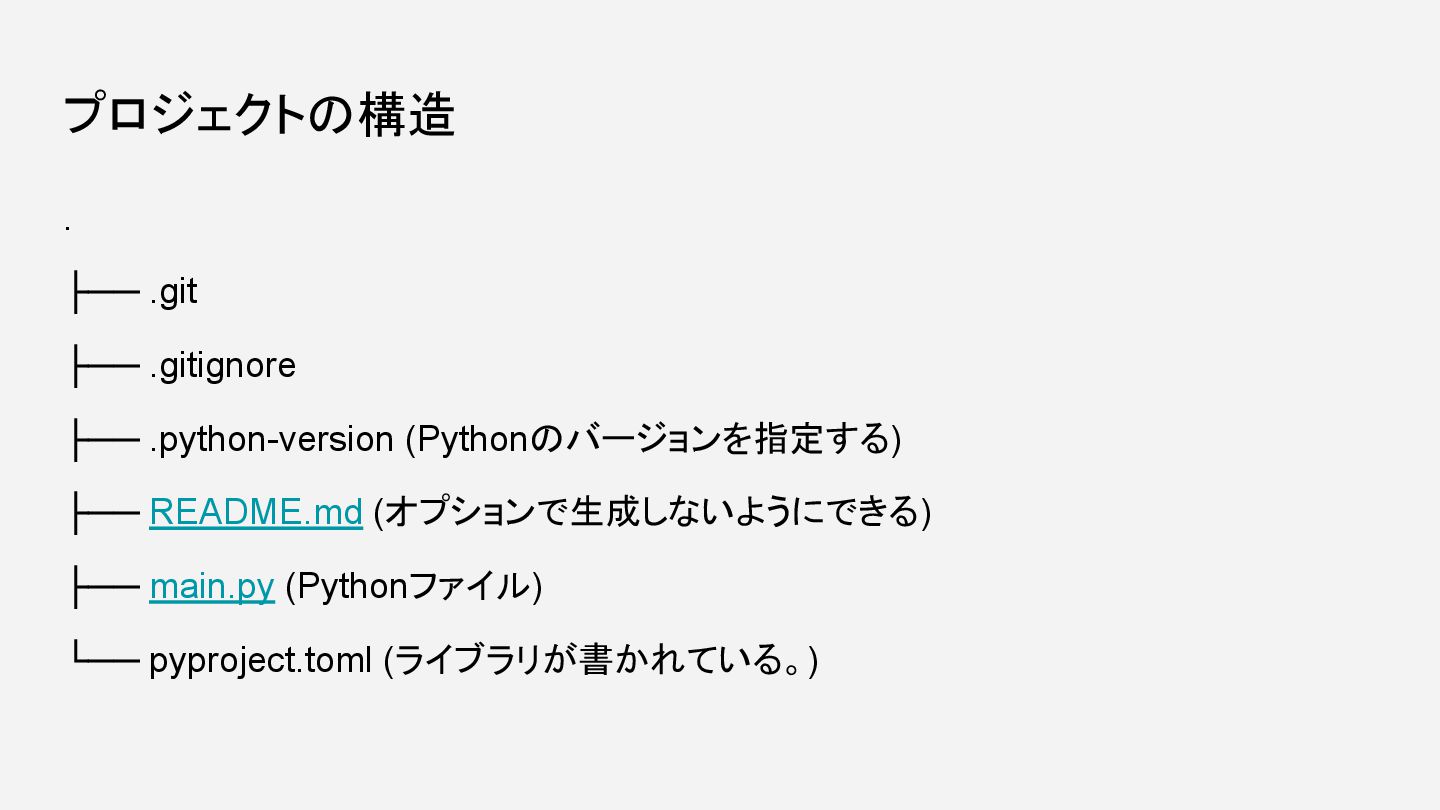
プロジェクトの構造 . ├── .git ├── .gitignore ├── .python-version (Pythonのバージョンを指定する) ├──
README.md (オプションで生成しないようにできる) ├── main.py (Pythonファイル) └── pyproject.toml (ライブラリが書かれている。)
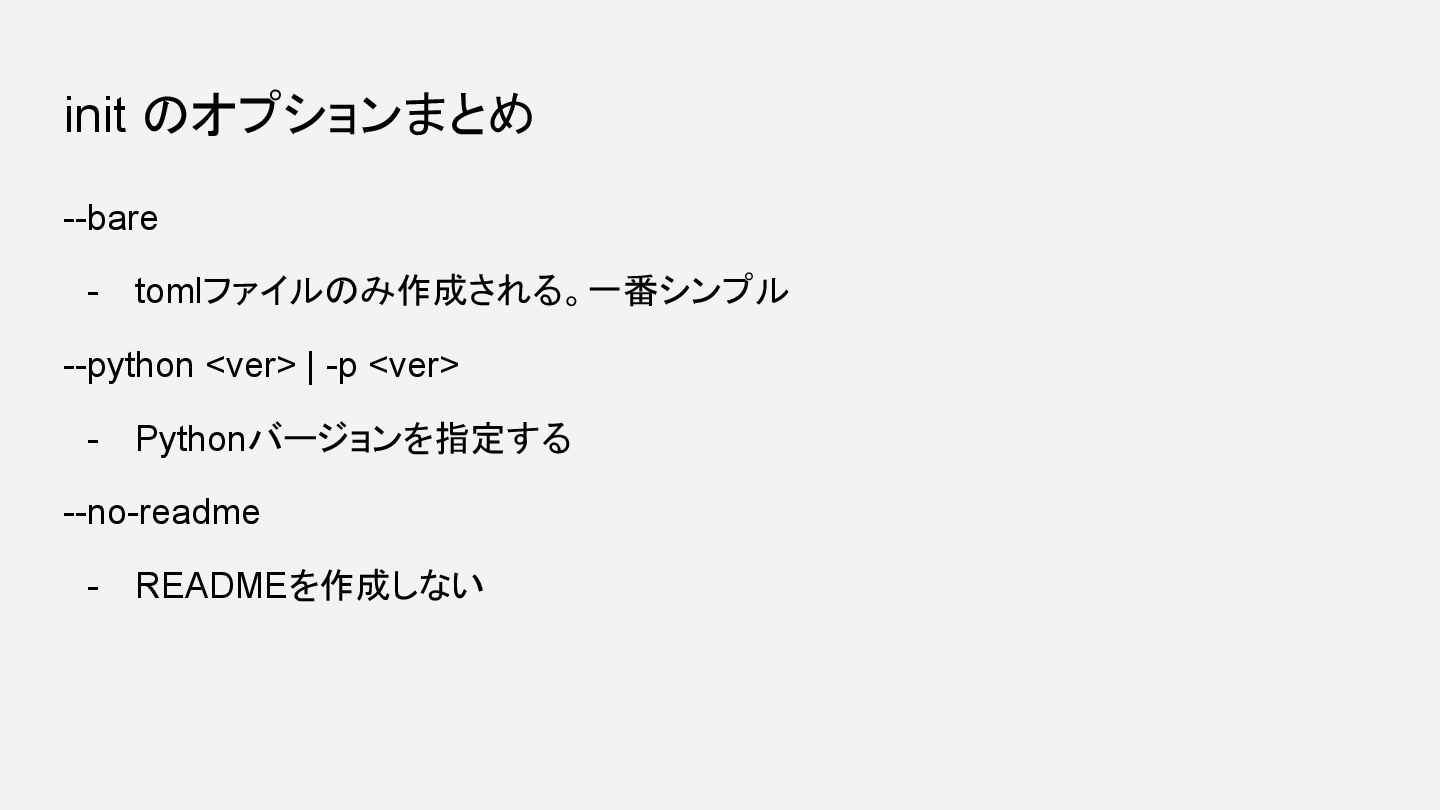
init のオプションまとめ --bare - tomlファイルのみ作成される。一番シンプル --python <ver> | -p <ver>
- Pythonバージョンを指定する --no-readme - READMEを作成しない
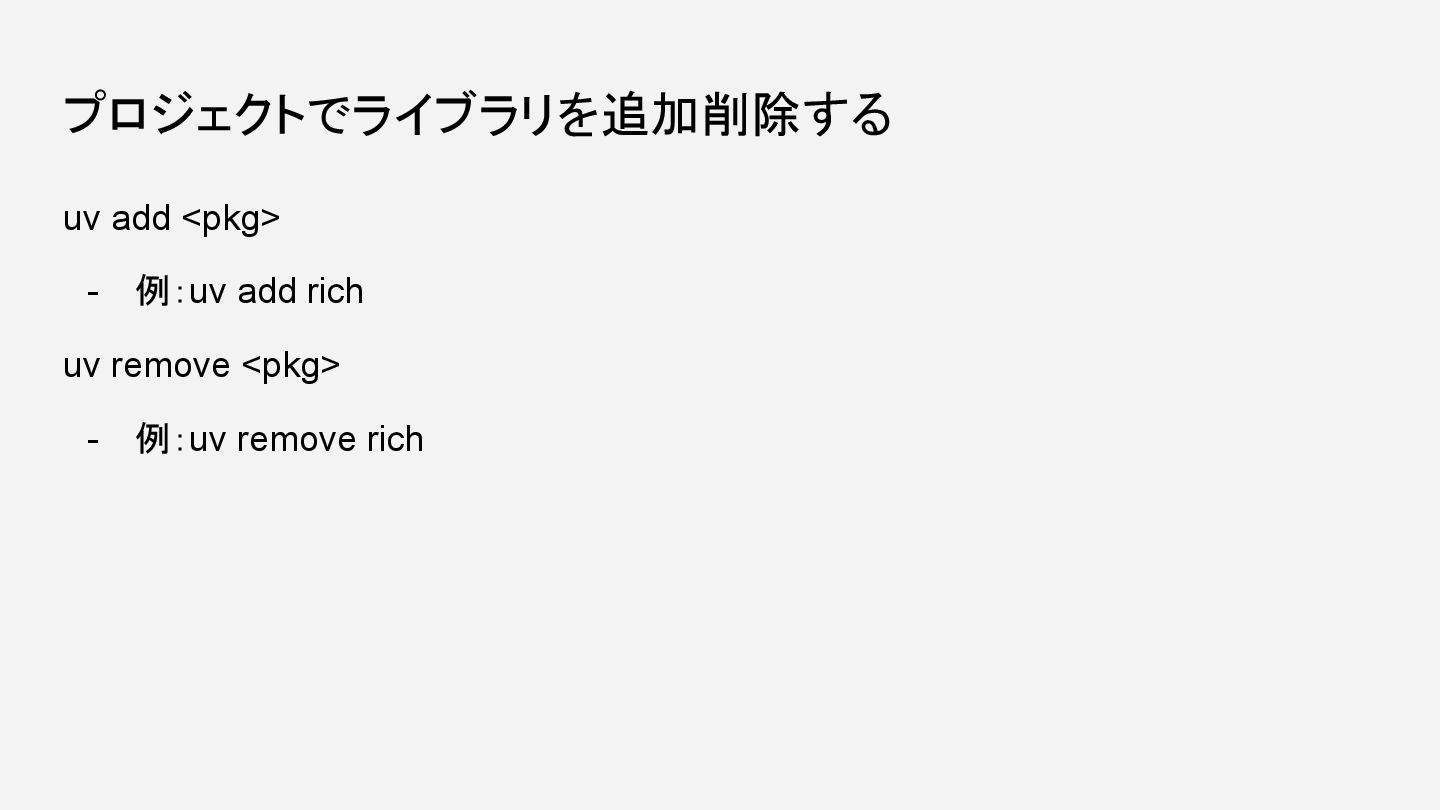
プロジェクトでライブラリを追加削除する uv add <pkg> - 例:uv add rich uv remove
<pkg> - 例:uv remove rich
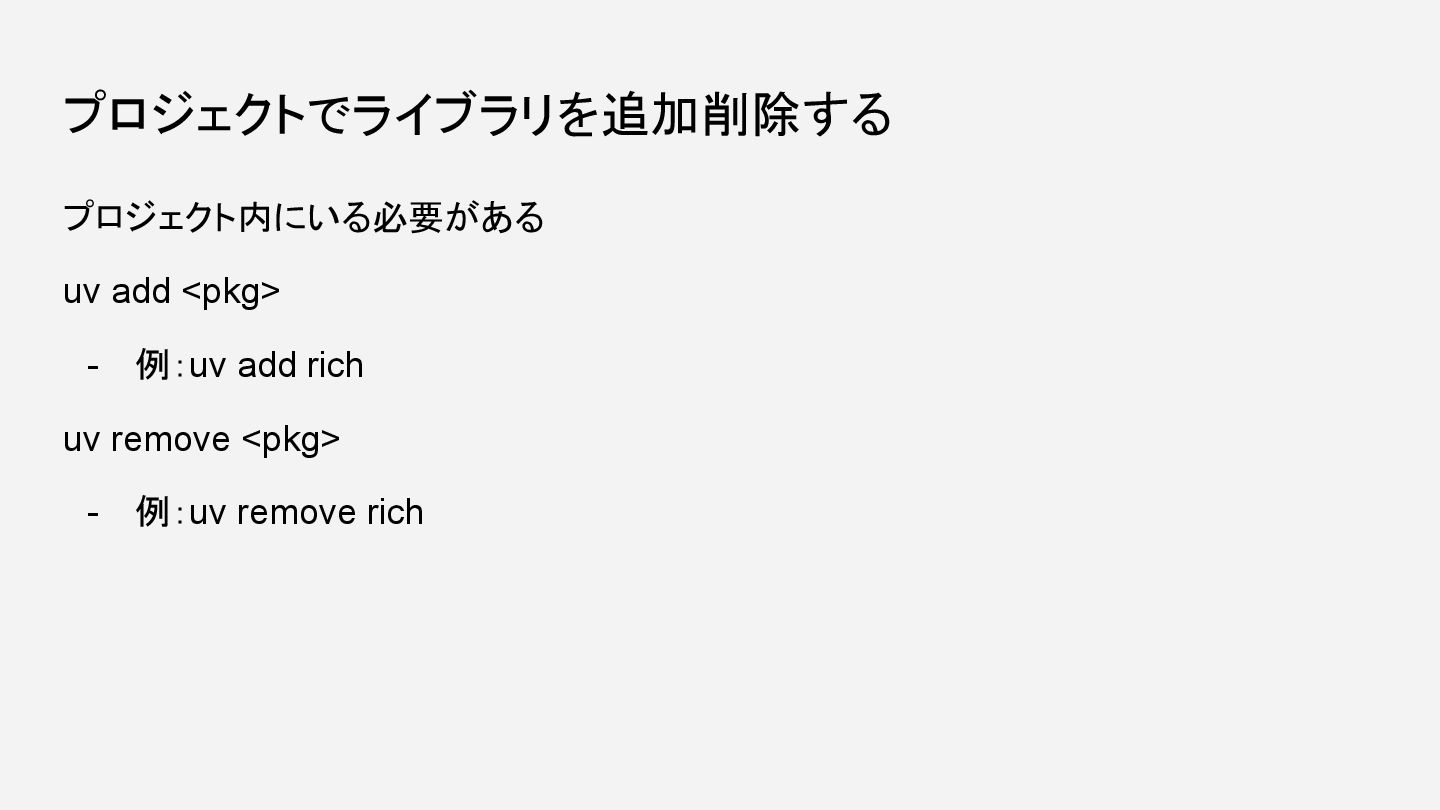
プロジェクトでライブラリを追加削除する プロジェクト内にいる必要がある uv add <pkg> - 例:uv add rich uv
remove <pkg> - 例:uv remove rich
実行する uv run main.py 結果 Hello from hello-world
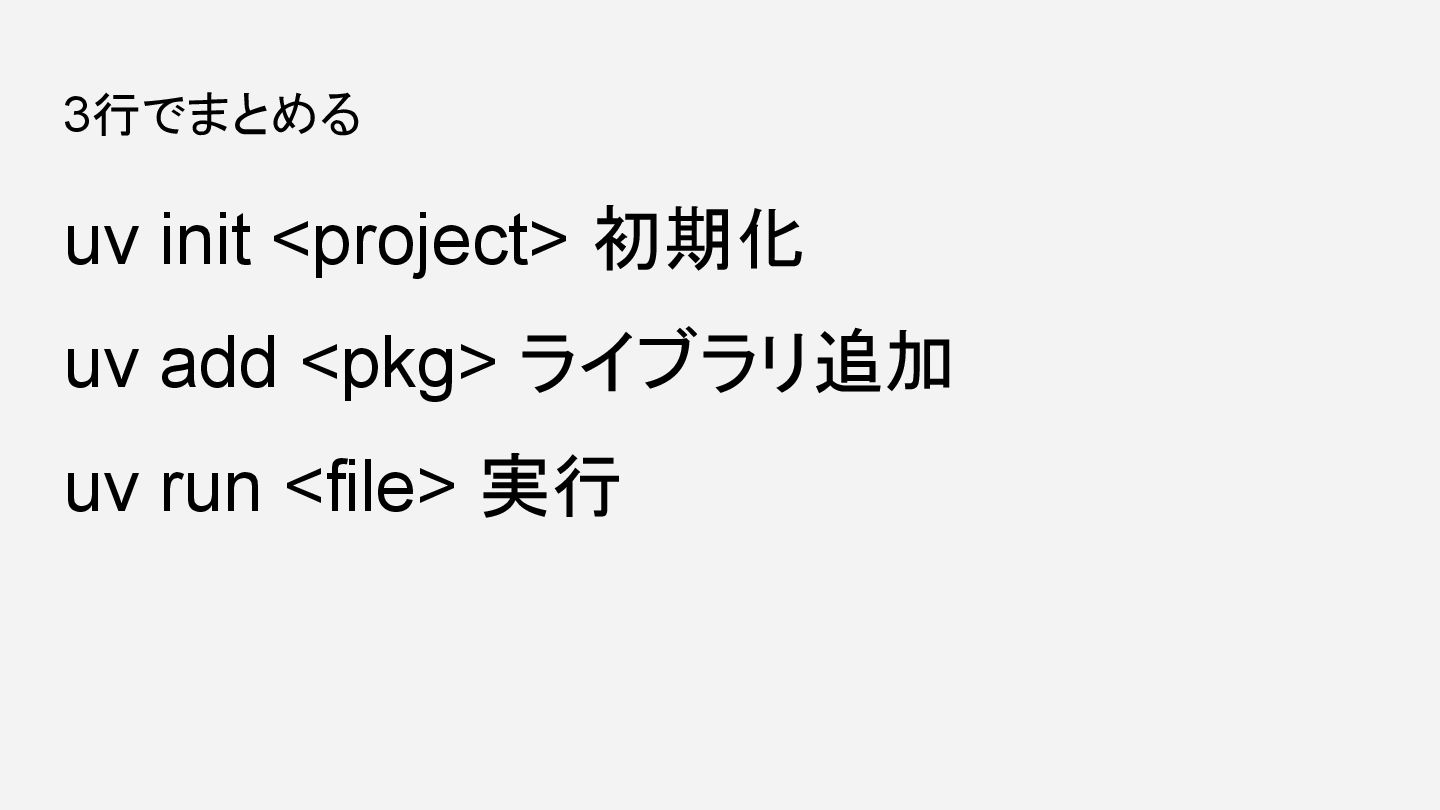
3行でまとめる uv init <project> 初期化 uv add <pkg> ライブラリ追加 uv
run <file> 実行


 lovemeasure
 dske104
 siroemk
 marcoroth
 kasacchiful
 ivargrimstad
 yuta_onishi_97
 hschwentner
 ___akari11
 takai
takai
 nabondance
 yutobara
 texmeijin
 tammyeverts
 jonoalderson
 cassininazir
 marktimemedia
 lara
lara
 jacobian
 eitanlees
 jnunemaker
 samtorres
 reverentgeek
 greggifford

![サードパーティライブラリに依存している場合の実行 例:example.py from rich import print print("[bold magenta]Hello from rich