Upgrade to Pro
— share decks privately, control downloads, hide ads and more …
Speaker Deck
Sign up for free
Menu
Search
Features
All features
Private URLs
Password Protection
Custom URLS
Scheduled publishing
Remove Branding
Restrict embedding
Deck Collections
Notes
Features
All features
Private URLs
Password Protection
Custom URLS
Scheduled publishing
Remove Branding
Restrict embedding
Deck Collections
Notes
Explore
Featured decks
Featured speakers
Programming
Technology
Storyboards
Explore
Featured decks
Featured speakers
Programming
Technology
Storyboards
Pricing
Search
Sign in
Sign up for free
Networking & DNS 101
Search
Marc Cluet
June 08, 2013
Technology
110
0
Share
Embed
Copy iframe code
Copy JS code
Copy link
Start on current slide
Networking & DNS 101
Marc Cluet
June 08, 2013
More Decks by Marc Cluet
See All by Marc Cluet
FOSDEM'14 - Autoscaling Best Practices
lynxman
1
130
A metadata ocean in Chef and Puppet
lynxman
0
71
Rackspace Hack Night - Vagrant & Packer
lynxman
0
170
Innovation in the Cloud - Rackspace Zurich Event
lynxman
0
110
Introduction to DevOps - Rackspace Tech Night
lynxman
1
96
Introduction To Hadoop
lynxman
1
140
SSH That Wonderful Thing
lynxman
1
120
Hadoop Operations
lynxman
0
130
Juju and Puppet - Rapid Harmonious Deployment
lynxman
0
120
Other Decks in Technology
See All in Technology
SDDの運用にめげずに向き合った話
sansantech
PRO
1
140
ハードウェアコンペでもAI駆動開発が進んでいる話
iotengineer22
1
680
無理せず続ける、子育てエンジニアの学び
codmoninc
PRO
0
650
Running Kotlin + Quarkus with Lambda
nealle
0
380
おそらく日本で唯一のDevRelインターン生として
husengs7
0
170
OSC2026on_the-world-is-waiting-for-your-voice.pdf
naruoga
0
370
DevelopersIO 2026 知識の地図を描く ─ オントロジーとは何か?
ishikawa_satoru
1
1.4k
AI時代だからこそ推したい!Gitコマンド再入門
munakata
0
170
使いこなすために知っておきたい Azure SRE Agent アンチパターン
torumakabe
2
470
組み立てて楽しむ AWS Blocks 入門
kmiya84377
0
230
全人類(ほぼ)AWS Organizations の上でAWSを利用している、その世界を知る話
htan
1
130
[AWS 秋のクラウドオペレーション祭り 2026]AWS DevOps Agentで変わる リリースと運用対応 ~リリース管理機能と Directed actions のご紹介~
furuton
4
1.2k
Featured
See All Featured
Self-Hosted WebAssembly Runtime for Runtime-Neutral Checkpoint/Restore in Edge–Cloud Continuum
chikuwait
0
870
What Being in a Rock Band Can Teach Us About Real World SEO
427marketing
0
1.1k
I Don’t Have Time: Getting Over the Fear to Launch Your Podcast
jcasabona
35
2.9k
Pawsitive SEO: Lessons from My Dog (and Many Mistakes) on Thriving as a Consultant in the Age of AI
davidcarrasco
0
260
How to Ace a Technical Interview
jacobian
280
24k
Crafting Experiences
bethany
1
380
16th Malabo Montpellier Forum Presentation
akademiya2063
PRO
0
400
Thoughts on Productivity
jonyablonski
76
5.4k
For a Future-Friendly Web
brad_frost
184
10k
Leadership Guide Workshop - DevTernity 2021
reverentgeek
1
390
Building a A Zero-Code AI SEO Workflow
portentint
PRO
0
770
Mozcon NYC 2025: Stop Losing SEO Traffic
samtorres
1
570
Transcript
Marc Cluet – Lynx Consultants
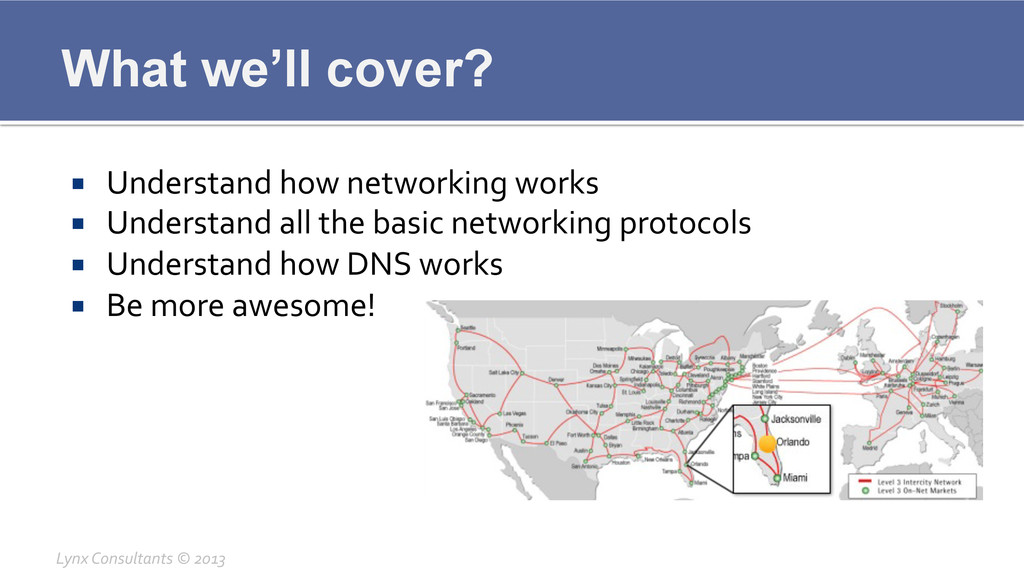
What we’ll cover? ¡ Understand how networking works ¡
Understand all the basic networking protocols ¡ Understand how DNS works ¡ Be more awesome! Lynx Consultants © 2013
What is a Network? ¡ A computer network, or simply
a network, is a collection of computers and other hardware interconnected by communication channels that allow sharing of resources and information.[1] Where at least one process in one device is able to send/receive data to/from at least one process residing in a remote device, then the two devices are said to be in a network. A network is a group of devices connected to each other. Networks may be classified into a wide variety of characteristics, such as the medium used to transport the data, communications protocol used, scale, topology, benefit, and organizational scope. (gotta love Wikipedia) Lynx Consultants © 2013
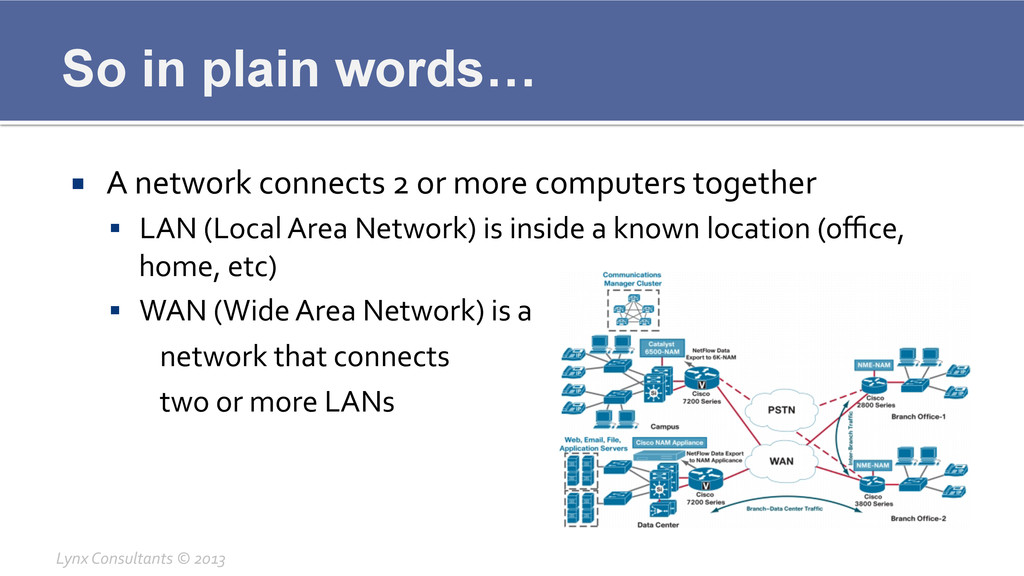
So in plain words… ¡ A network connects 2 or
more computers together § LAN (Local Area Network) is inside a known location (office, home, etc) § WAN (Wide Area Network) is a network that connects two or more LANs Lynx Consultants © 2013
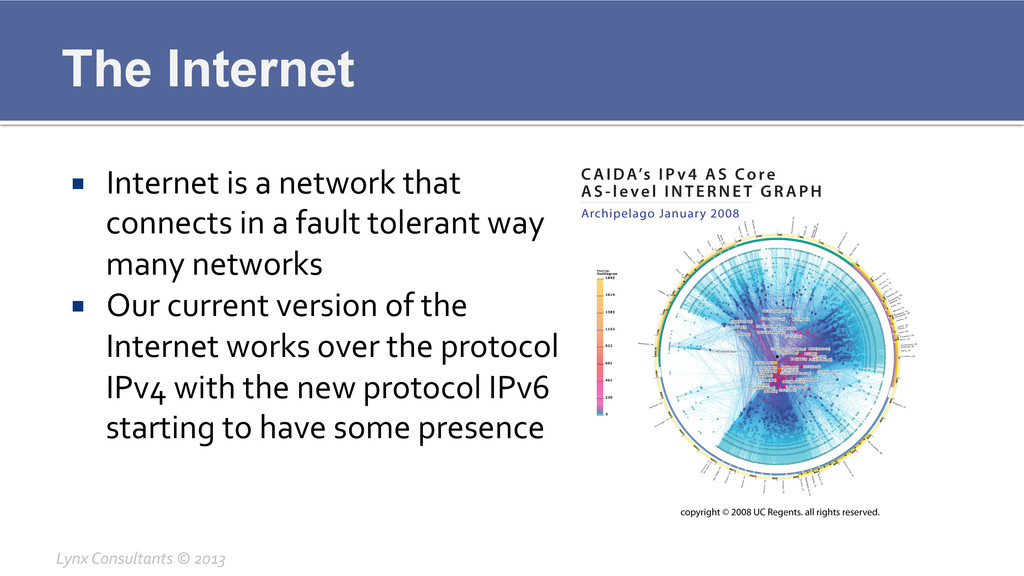
The Internet ¡ Internet is a network that connects
in a fault tolerant way many networks ¡ Our current version of the Internet works over the protocol IPv4 with the new protocol IPv6 starting to have some presence Lynx Consultants © 2013
Internet IPv4 ¡ The most common protocol in Internet is
right now IPv4 ¡ IPv4 has been the Internet protocol since 1980 (RFC 760) ¡ IPv4 uses 32 bit addresses, having a total space of 4,294,967,296 unique IPs Lynx Consultants © 2013
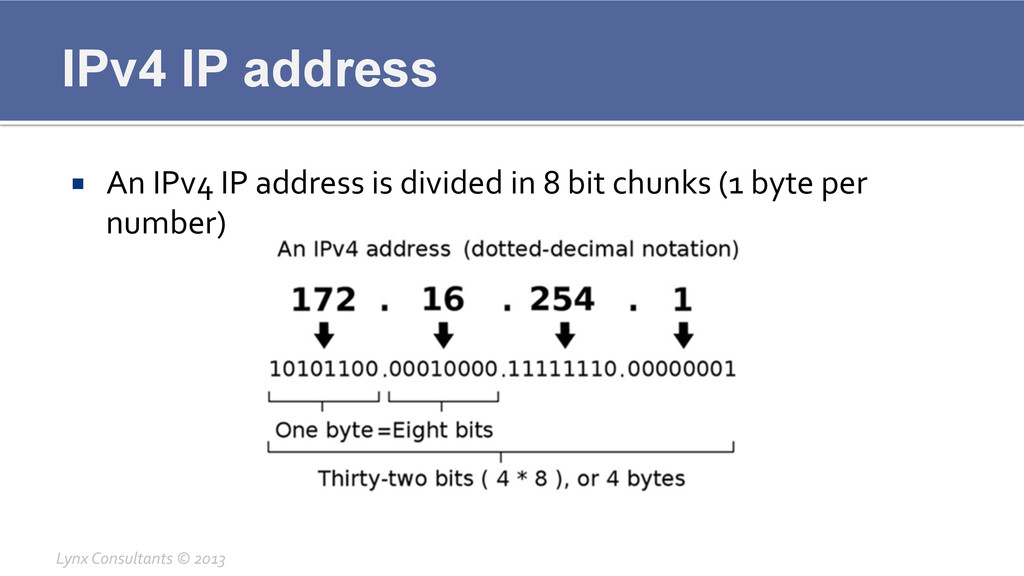
IPv4 IP address ¡ An IPv4 IP address is divided
in 8 bit chunks (1 byte per number) Lynx Consultants © 2013
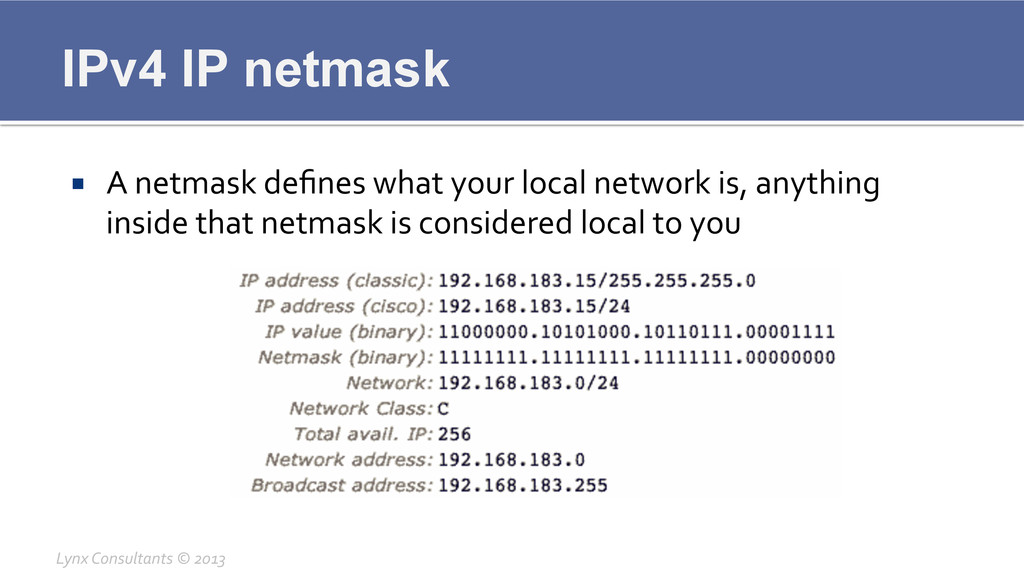
IPv4 IP netmask ¡ A netmask defines what your local
network is, anything inside that netmask is considered local to you Lynx Consultants © 2013
IPv4 Problems ¡ IPv4 is running out of IP addresses
(last /8 delivered this year) ¡ IPv4 is not secure for most uses ¡ IPv4 was designed in the 70ies so its up for a review Lynx Consultants © 2013
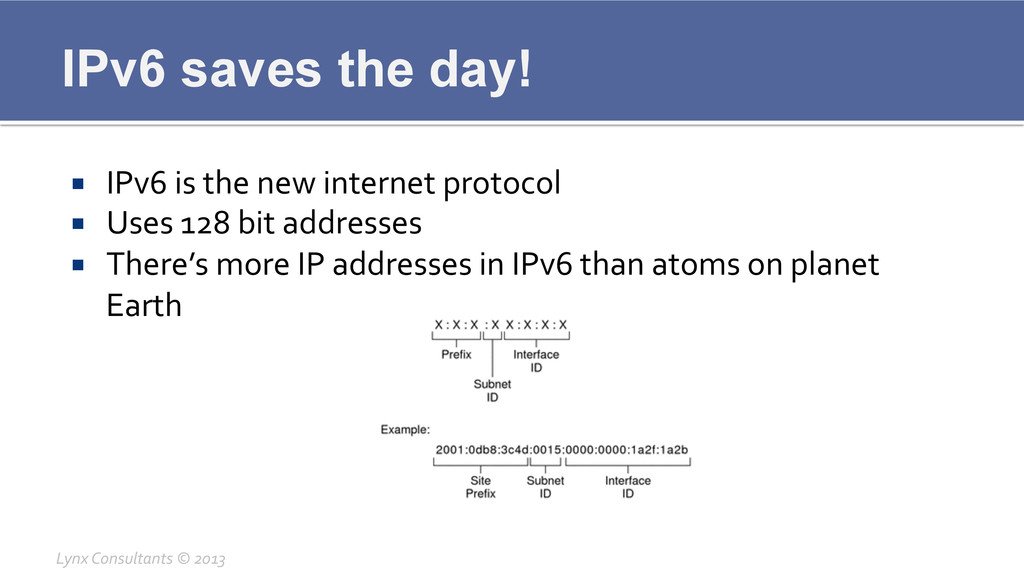
IPv6 saves the day! ¡ IPv6 is the new internet
protocol ¡ Uses 128 bit addresses ¡ There’s more IP addresses in IPv6 than atoms on planet Earth Lynx Consultants © 2013
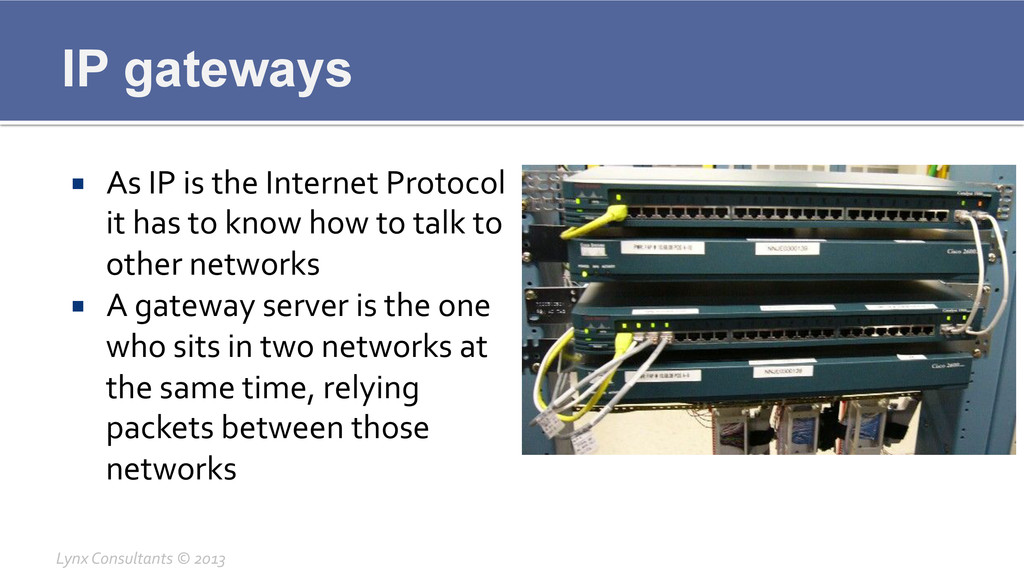
IP gateways ¡ As IP is the Internet Protocol
it has to know how to talk to other networks ¡ A gateway server is the one who sits in two networks at the same time, relying packets between those networks Lynx Consultants © 2013
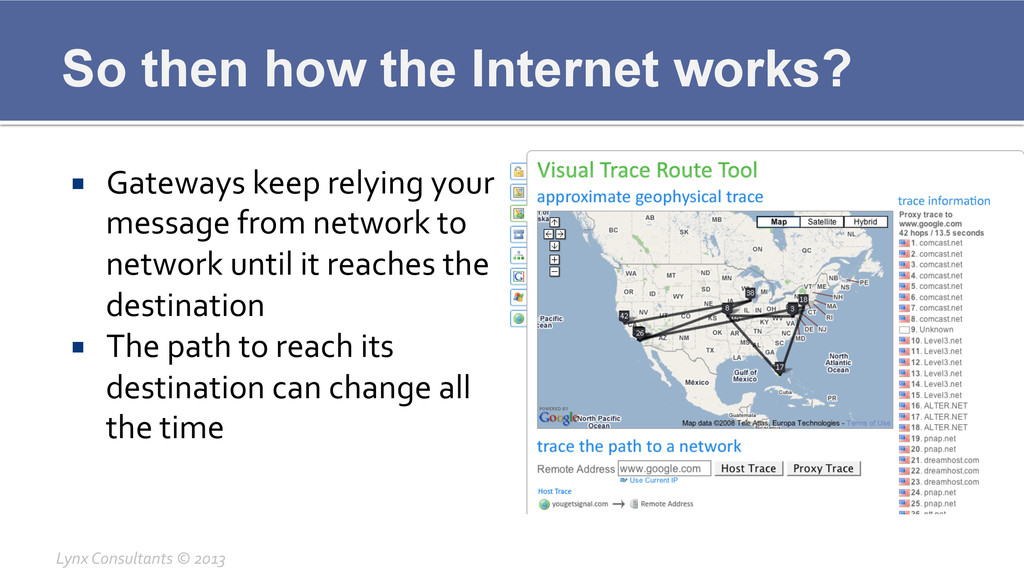
So then how the Internet works? ¡ Gateways keep relying
your message from network to network until it reaches the destination ¡ The path to reach its destination can change all the time Lynx Consultants © 2013
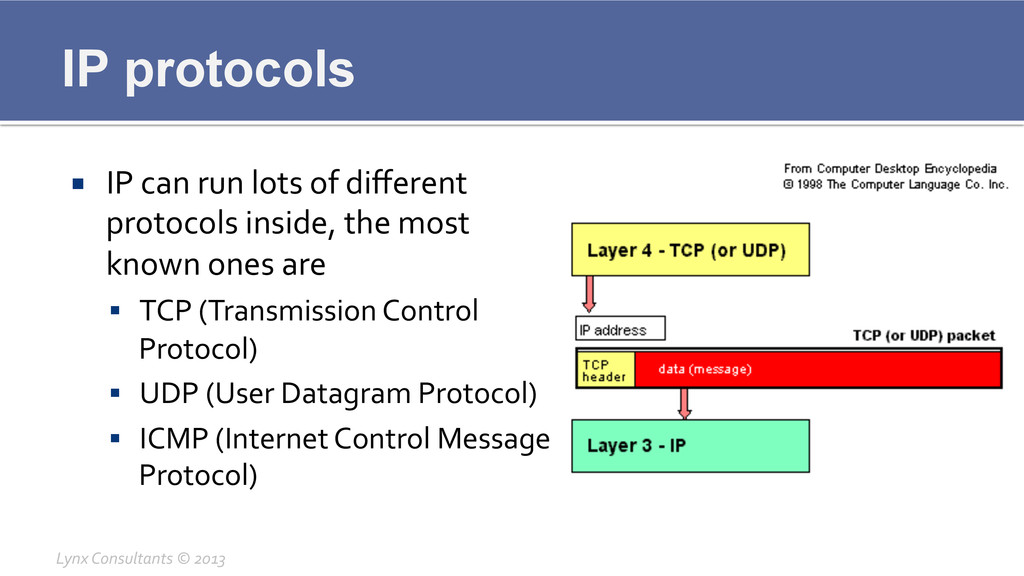
IP protocols ¡ IP can run lots of different
protocols inside, the most known ones are § TCP (Transmission Control Protocol) § UDP (User Datagram Protocol) § ICMP (Internet Control Message Protocol) Lynx Consultants © 2013
IP protocol definitions ¡ TCP sends packets with complete assurance
that they’ll reach their destination ¡ UDP sends packets without any kind of assurance that they’ll reach their destination ¡ ICMP sends control messages auxiliary to the IP protocol (like ping, traceroute, etc) Lynx Consultants © 2013
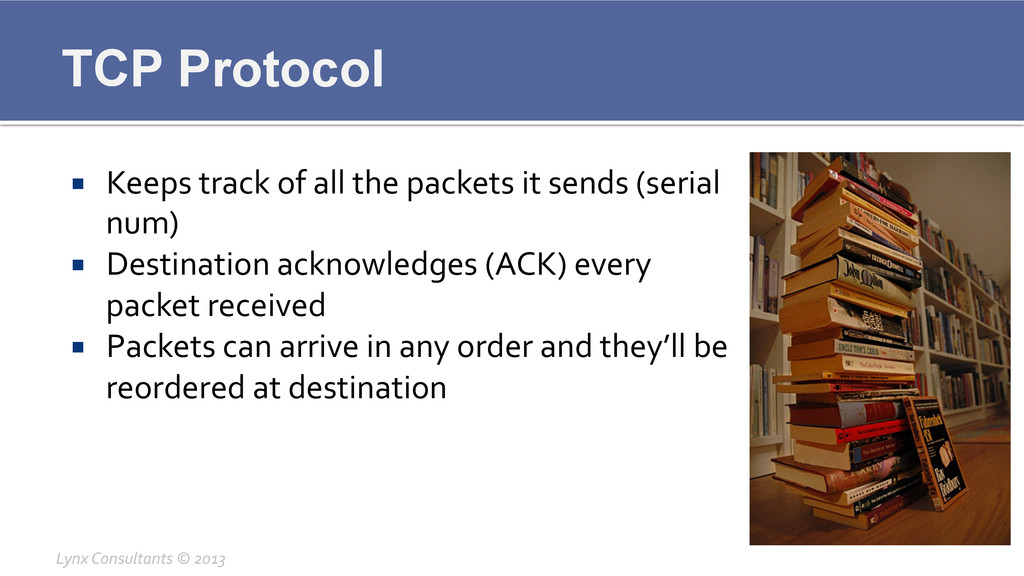
TCP Protocol ¡ Keeps track of all the packets it
sends (serial num) ¡ Destination acknowledges (ACK) every packet received ¡ Packets can arrive in any order and they’ll be reordered at destination Lynx Consultants © 2013
TCP Ports ¡ TCP can listen or talk in several
“channels” at the same time ¡ Ports are the channels where TCP (and UDP) talk, there’s a total of 65,536 channels ¡ Most common Ports § 80 http § 443 https § 25 smtp § 110 pop3 § 143 imap Lynx Consultants © 2013
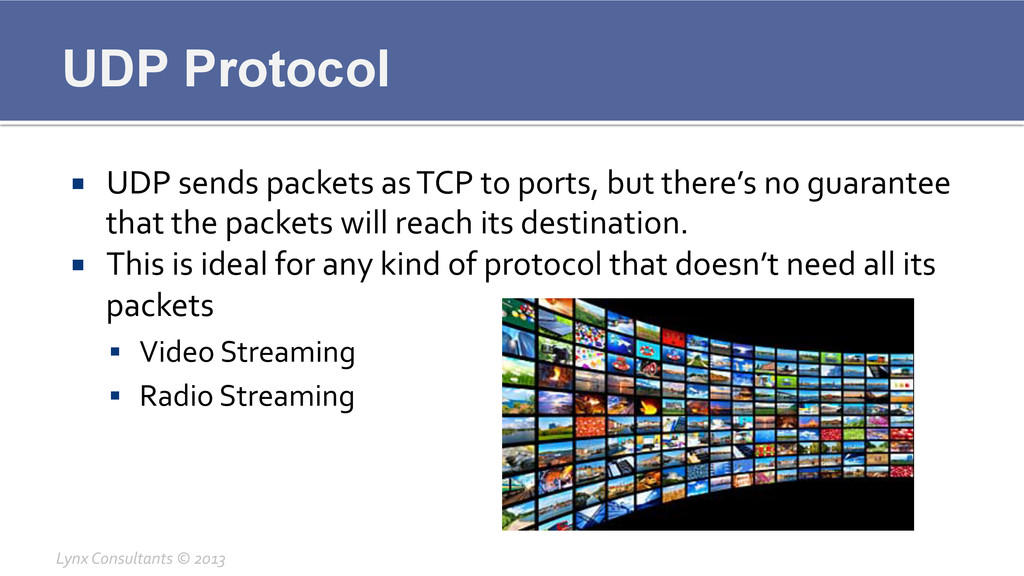
UDP Protocol ¡ UDP sends packets as TCP to ports,
but there’s no guarantee that the packets will reach its destination. ¡ This is ideal for any kind of protocol that doesn’t need all its packets § Video Streaming § Radio Streaming Lynx Consultants © 2013
ICMP Protocol ¡ ICMP sends auxiliary messages that help Internet
routing ¡ Used in all of our common diagnostic tools § PING (icmp echo) § TRACEROUTE (icmp route) Lynx Consultants © 2013
ICMP - Ping ¡ Ping sends a packet to a
destination and reads the reply ¡ Bases itself on ICMP echo ¡ Can be filtered by routers and inbetween policy filters Lynx Consultants © 2013
ICMP - Traceroute ¡ Traceroute sends requests to every single
hop between us and a destination ¡ This is based on one special type of ICMP packet ¡ Some routers can decide to filter traceroute, in that case * will appear instead of the TTL Lynx Consultants © 2013
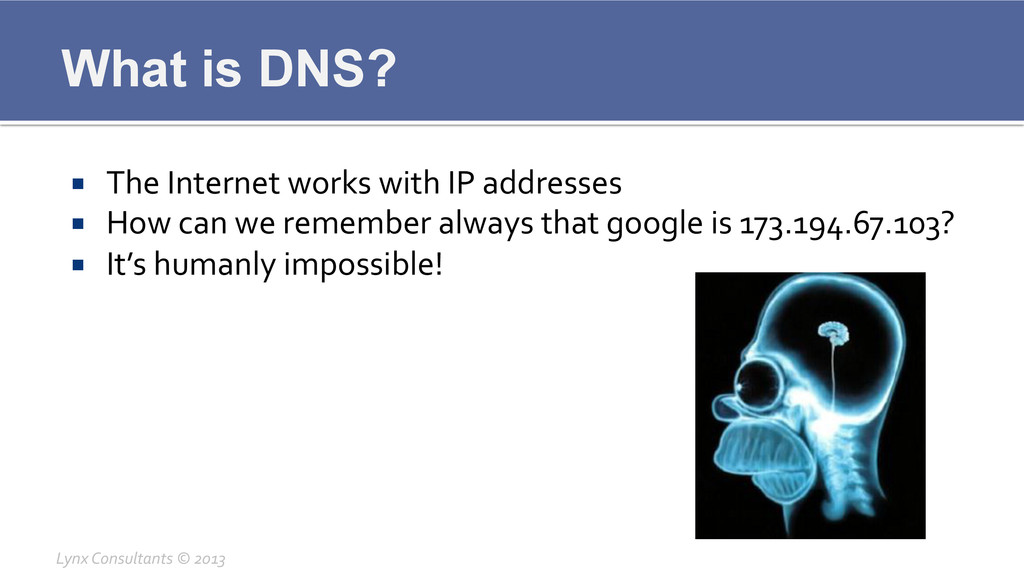
What is DNS? ¡ The Internet works with IP addresses
¡ How can we remember always that google is 173.194.67.103? ¡ It’s humanly impossible! Lynx Consultants © 2013
DNS saves the day ¡ DNS is a service (listens
on UDP port 53) ¡ DNS will give you the IP address of any name you want ¡ It can give you more than one address for extra redundancy Lynx Consultants © 2013
DNS Servers ¡ DNS is also a security risk, you
don’t want everyone to know your full DNS structure ¡ Big companies will show you a different DNS “view” based on where you are Lynx Consultants © 2013
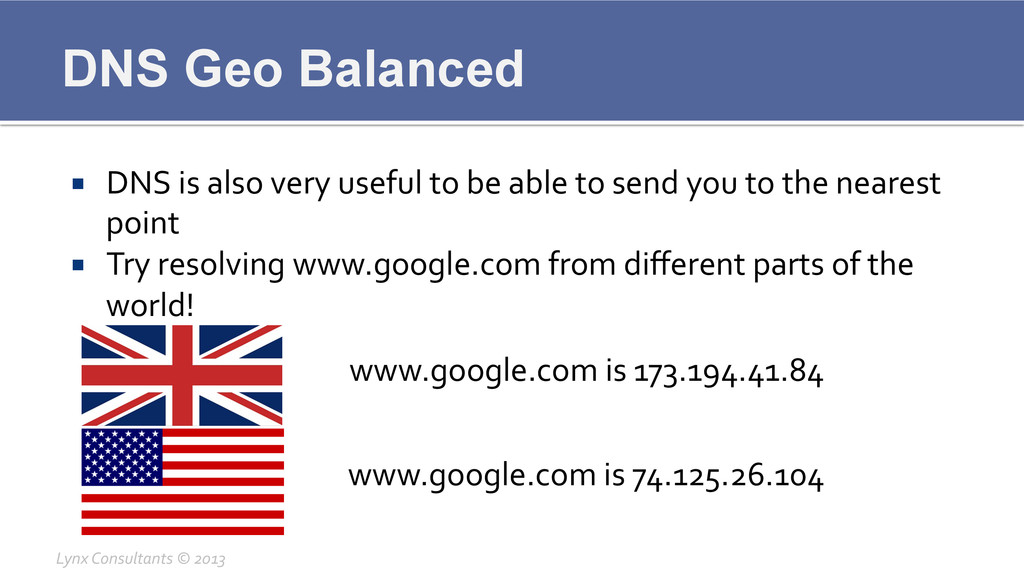
DNS Geo Balanced ¡ DNS is also very useful to
be able to send you to the nearest point ¡ Try resolving www.google.com from different parts of the world! Lynx Consultants © 2013 www.google.com is 173.194.41.84 www.google.com is 74.125.26.104
Questions? Lynx Consultants © 2013


 lynxman
 sansantech
 iotengineer22
 codmoninc
 nealle
 husengs7
 naruoga
 ishikawa_satoru
 munakata
 torumakabe
 kmiya84377
 htan
htan
 furuton
 chikuwait
 427marketing
 jcasabona
 davidcarrasco
 jacobian
 bethany
 akademiya2063
 jonyablonski
 brad_frost
 reverentgeek
 portentint
 samtorres