Upgrade to Pro
— share decks privately, control downloads, hide ads and more …
Speaker Deck
Sign up for free
Menu
Search
Features
All features
Private URLs
Password Protection
Custom URLS
Scheduled publishing
Remove Branding
Restrict embedding
Deck Collections
Notes
Features
All features
Private URLs
Password Protection
Custom URLS
Scheduled publishing
Remove Branding
Restrict embedding
Deck Collections
Notes
Explore
Featured decks
Featured speakers
Programming
Technology
Storyboards
Explore
Featured decks
Featured speakers
Programming
Technology
Storyboards
Pricing
Search
Sign in
Sign up for free
SSH That Wonderful Thing
Search
Marc Cluet
June 09, 2013
Technology
120
1
Share
Embed
Copy iframe code
Copy JS code
Copy link
Start on current slide
SSH That Wonderful Thing
Marc Cluet
June 09, 2013
More Decks by Marc Cluet
See All by Marc Cluet
FOSDEM'14 - Autoscaling Best Practices
lynxman
1
130
A metadata ocean in Chef and Puppet
lynxman
0
71
Rackspace Hack Night - Vagrant & Packer
lynxman
0
170
Innovation in the Cloud - Rackspace Zurich Event
lynxman
0
110
Introduction to DevOps - Rackspace Tech Night
lynxman
1
96
Introduction To Hadoop
lynxman
1
140
Hadoop Operations
lynxman
0
130
Networking & DNS 101
lynxman
0
110
Juju and Puppet - Rapid Harmonious Deployment
lynxman
0
120
Other Decks in Technology
See All in Technology
Datadog の学び方 - あるいは、オブザーバビリティを学ぶとは何か
mananyuki
1
540
ゲームのリアルタイム通信から見た QUIC と MoQ
segadevtech
0
110
UniFi(ユニファイ)AIカメラの現場活用
ludicmind
1
410
脆弱性診断って、何をしているの? 〜弱点を見つけて、会社の改善につなげるまで〜
keeg
0
840
ai_cording_with_k8s_knowledge.pdf
mochizuki875
1
330
IoTデバイスを繋げるプロトコルMatterをAndroidで使用する方法
harutiro
0
140
スキルを作る、その前に!複数人で使われるスキルを 作るためのプロセス
junkifurukawa
2
380
契約書画像からの情報抽出に特化した視覚接地モデルを育てる話
sansantech
PRO
1
160
Jetson Orin Nanoとk3sとローカルLLMで音声文字起こしシステム作ってみた
y_sera15
0
120
「Docker Desktop不要の時代」は 来たのか?
ueponx
0
480
AIがコードを書く時代に、エンジニアは何で自分の価値を証明するのか / In an era where AI writes code how do engineers prove their value
carta_engineering
1
790
プロダクト価値を、 チームが使える判断軸に変える
vivion
0
140
Featured
See All Featured
Avoiding the “Bad Training, Faster” Trap in the Age of AI
tmiket
0
270
My Coaching Mixtape
mlcsv
0
350
Unlocking the hidden potential of vector embeddings in international SEO
frankvandijk
0
980
Typedesign – Prime Four
hannesfritz
42
3.2k
16th Malabo Montpellier Forum Presentation
akademiya2063
PRO
0
400
Are puppies a ranking factor?
jonoalderson
2
4k
The Illustrated Guide to Node.js - THAT Conference 2024
reverentgeek
1
560
Skip the Path - Find Your Career Trail
mkilby
1
250
Tell your own story through comics
letsgokoyo
1
1.1k
The Psychology of Web Performance [Beyond Tellerrand 2023]
tammyeverts
49
3.6k
Java REST API Framework Comparison - PWX 2021
mraible
34
9.8k
Fantastic passwords and where to find them - at NoRuKo
philnash
53
4k
Transcript
Marc Cluet – Lynx Consultants How I learned to
stop worrying and love the shell
What we’ll cover? ¡ Understand how SSH works ¡
Get a clear picture of how ssh bastion hosts work ¡ Be able to do more awesome stuff with SSH! Lynx Consultants © 2013
What is SSH? ¡ Secure Shell (SSH) is a cryptographic
network protocol for secure data communication, remote shell services or command execution and other secure network services between two networked computers that it connects via a secure channel over an insecure network: a server and a client (running SSH server and SSH client programs, respectively).[1] The protocol specification distinguishes two major versions that are referred to as SSH-‐1 and SSH-‐2…. *whew* Lynx Consultants © 2013
But really, what is SSH? ¡ SSH opens a terminal
connection to a remote host ¡ It does so using cryptography to avoid any break or leak in communication ¡ It is a very powerful tool for remote execution ¡ It is awesome! Lynx Consultants © 2013
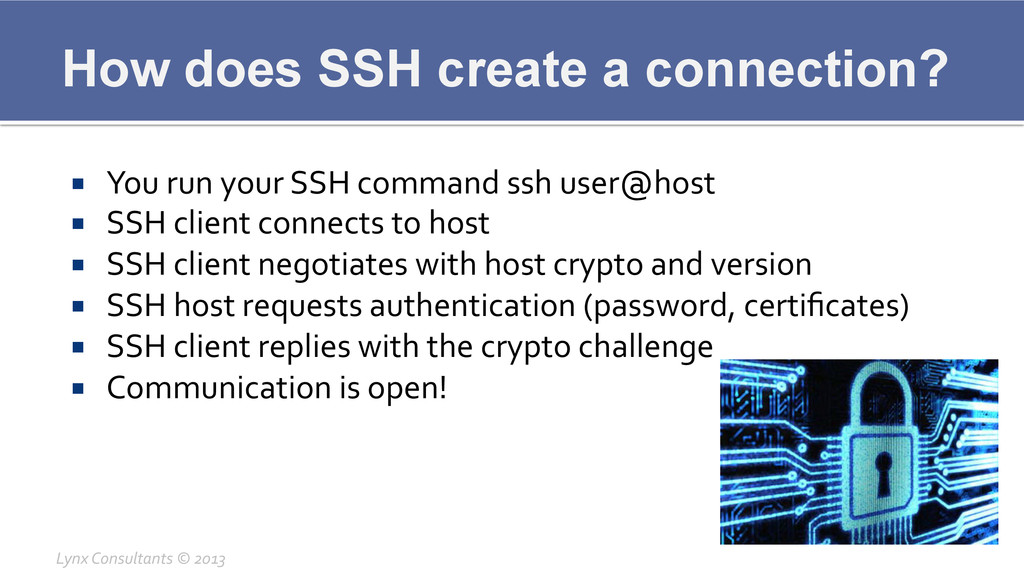
How does SSH create a connection? ¡ You run your
SSH command ssh user@host ¡ SSH client connects to host ¡ SSH client negotiates with host crypto and version ¡ SSH host requests authentication (password, certificates) ¡ SSH client replies with the crypto challenge ¡ Communication is open! Lynx Consultants © 2013
Authentication methods ¡ Password § Typical manual password
§ Turing keyboard test ¡ Certificates § Public Key certificates (RSA1, RSA, DSA, GSS) § Host-‐based certificates Lynx Consultants © 2013
Certificates ¡ A certificate ensures your identity by providing a
crypto key divided in public and private parts (asymmetric cryptography) ¡ A public crypto key can be shared and is mathematically linked to the private key ¡ A private key shouldn’t be shared and is able to unlock and decipher the ciphertext Lynx Consultants © 2013
Certificates ¡ A certificate can be generated for each host
or group of hosts you want to access ¡ Each certificate can and should be protected by a password for extra security ¡ Certificates are easy to revoke, so in case of any incident a new certificate can be generated Lynx Consultants © 2013
Certificates ¡ Run the command § ssh-‐keygen –t rsa
~/.ssh/id_foryournetwork ¡ This will create a unique certificate for network hosts ¡ All your other hosts or keys (github, etc) are safely different Lynx Consultants © 2013
Security risks of running an infrastructure ¡ If we leave
password authentication open we’re subject to dictionary attacks § The whole system strength is defined by the weakest password ¡ Each host that has ssh open is another security risk ¡ All this can be resolved by Bastion Hosts! Lynx Consultants © 2013
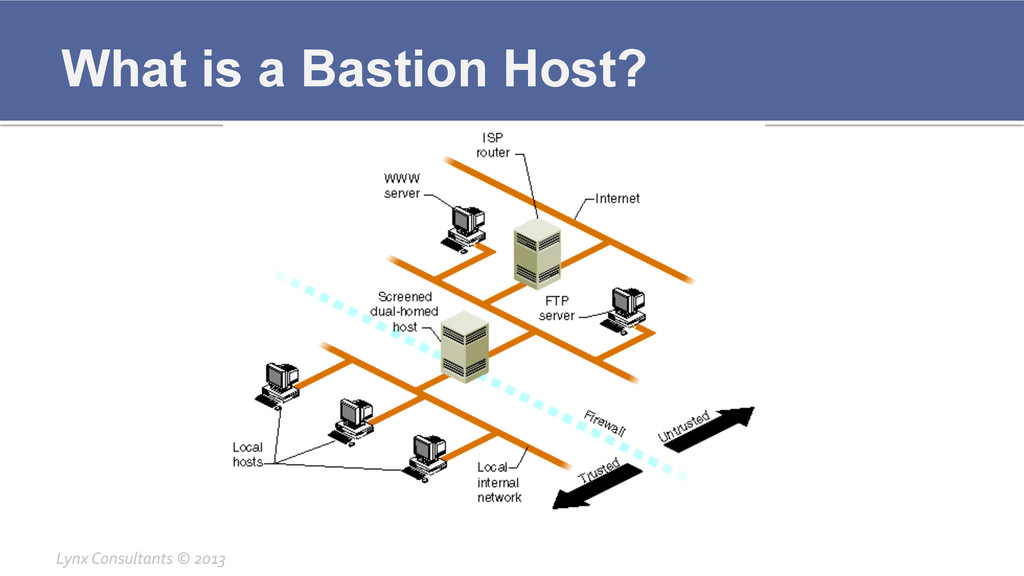
What is a Bastion Host? Lynx Consultants © 2013
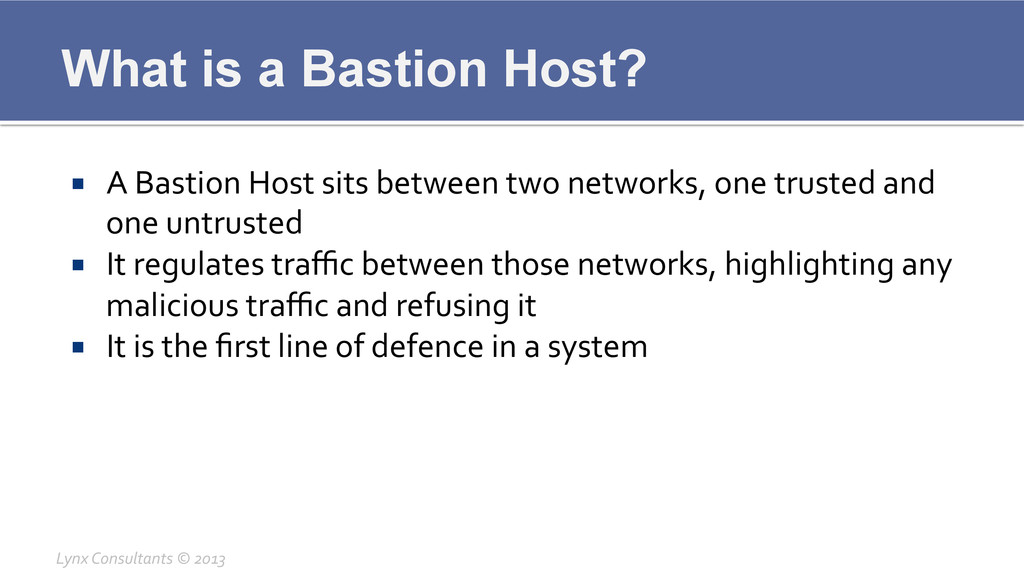
What is a Bastion Host? ¡ A Bastion Host sits
between two networks, one trusted and one untrusted ¡ It regulates traffic between those networks, highlighting any malicious traffic and refusing it ¡ It is the first line of defence in a system Lynx Consultants © 2013
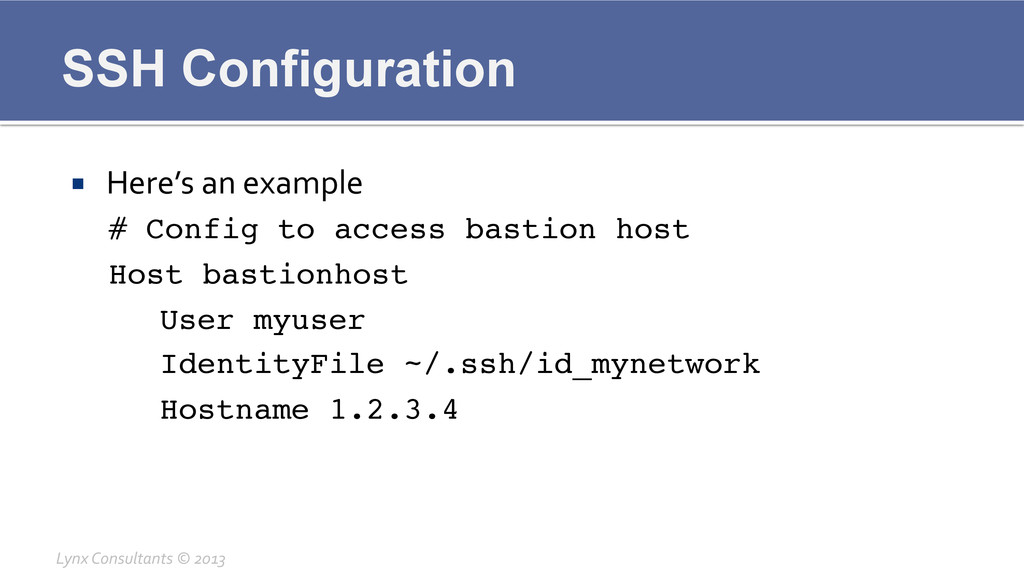
SSH Configuration ¡ Here’s an example # Config to
access bastion host! Host bastionhost! !User myuser! !IdentityFile ~/.ssh/id_mynetwork! !Hostname 1.2.3.4! Lynx Consultants © 2013
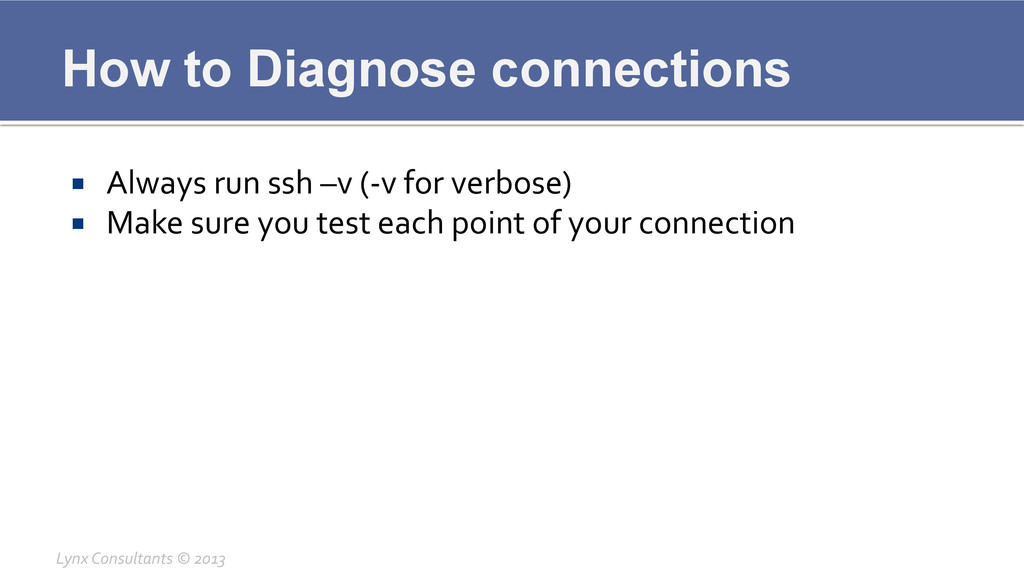
How to Diagnose connections ¡ Always run ssh –v (-‐v
for verbose) ¡ Make sure you test each point of your connection Lynx Consultants © 2013
How to Diagnose connections ¡ Always run ssh –v (-‐v
for verbose) ¡ Make sure you test each point of your connection § First bastion host § Then proceed further up ¡ Regular issues § Lack of Certificate § DNS problem § Internets is broken Lynx Consultants © 2013
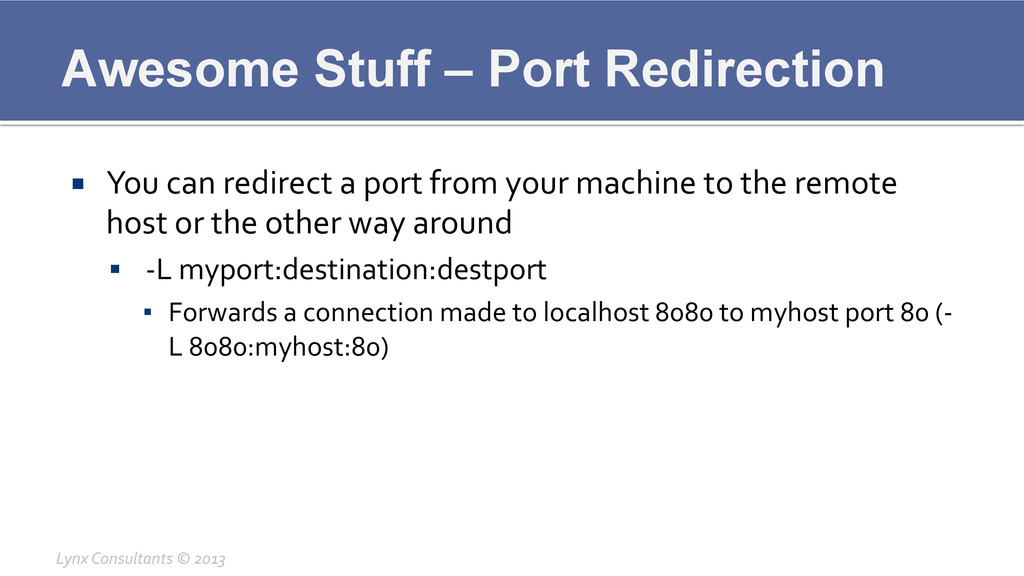
Awesome Stuff – Port Redirection ¡ You can redirect a
port from your machine to the remote host or the other way around § -‐L myport:destination:destport ▪ Forwards a connection made to localhost 8080 to myhost port 80 (-‐ L 8080:myhost:80) Lynx Consultants © 2013
Awesome Stuff – Port Redirection ¡ You can redirect a
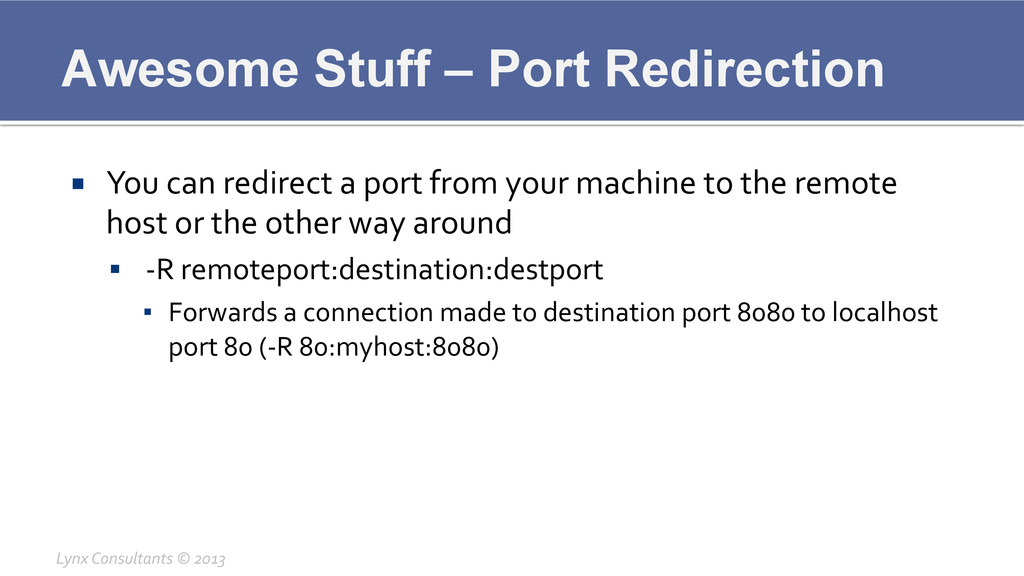
port from your machine to the remote host or the other way around § -‐R remoteport:destination:destport ▪ Forwards a connection made to destination port 8080 to localhost port 80 (-‐R 80:myhost:8080) Lynx Consultants © 2013
Awesome Stuff – Socks Proxy ¡ You can create a
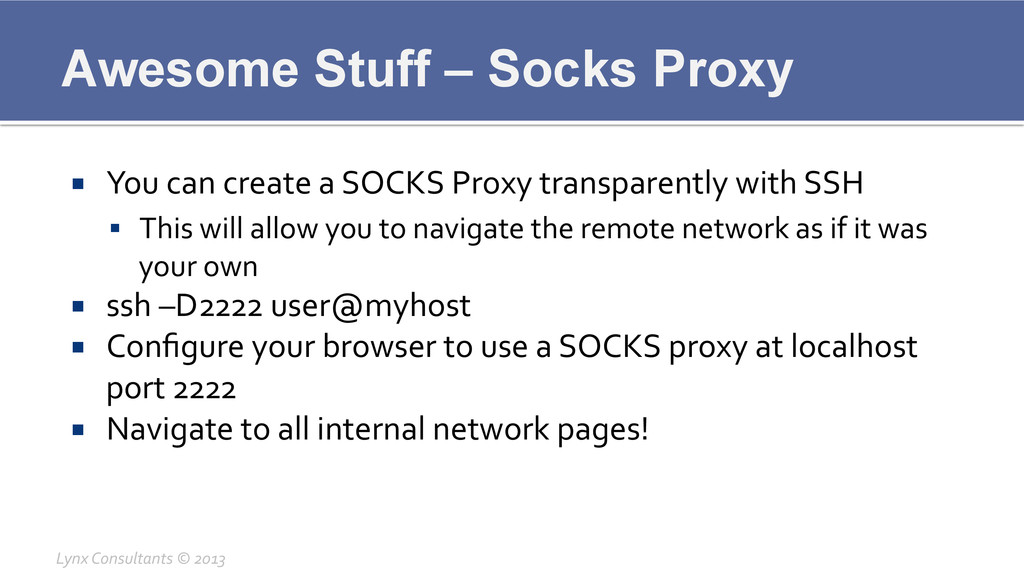
SOCKS Proxy transparently with SSH § This will allow you to navigate the remote network as if it was your own ¡ ssh –D2222 user@myhost ¡ Configure your browser to use a SOCKS proxy at localhost port 2222 ¡ Navigate to all internal network pages! Lynx Consultants © 2013
Questions? Lynx Consultants © 2013


 lynxman
 mananyuki
 segadevtech
 ludicmind
 keeg
keeg
 mochizuki875
 harutiro
 junkifurukawa
 sansantech
 y_sera15
 ueponx
 carta_engineering
 vivion
 tmiket
 mlcsv
mlcsv
 frankvandijk
 hannesfritz
 akademiya2063
 jonoalderson
 reverentgeek
 mkilby
 letsgokoyo
 tammyeverts
 mraible
 philnash