to Europe for EMC to train people on hard drive failures Gained a passion for IO 2009 - 2014 - Director of Technology for UseAllFive Attended Node.js camp in 2010 2015 - CTO of GoFormative.com Created multi-threaded WebSocket to RESTful API bridge
to Javascript How to install Node, and 3rd party libraries Create a basic HTTP server Build our first Express.js application Use Socket.io to create a Chat server INTRO TO JAVASCRIPT
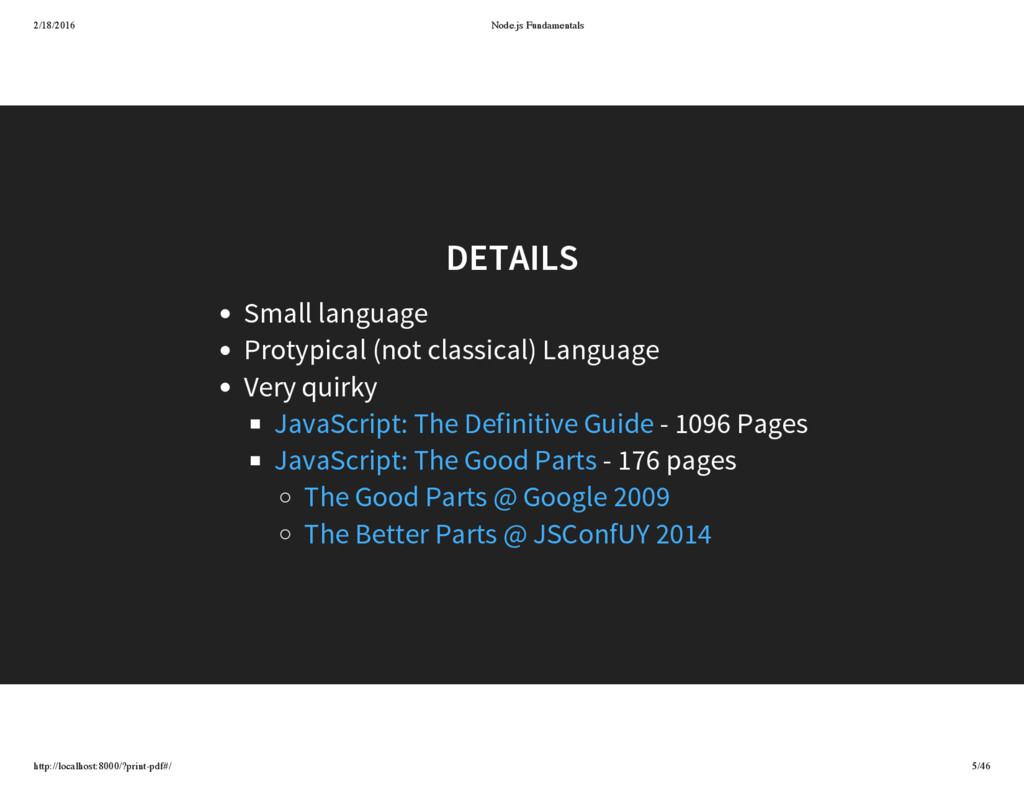
classical) Language Very quirky - 1096 Pages - 176 pages JavaScript: The Definitive Guide JavaScript: The Good Parts The Good Parts @ Google 2009 The Better Parts @ JSConfUY 2014
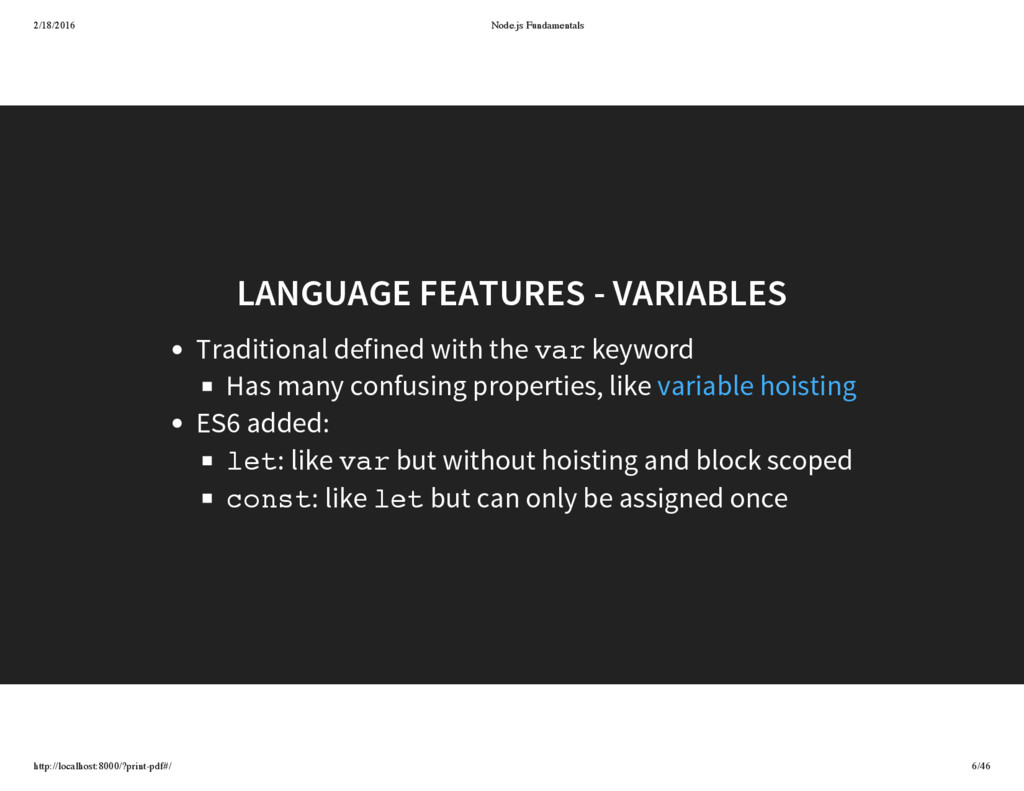
defined with the var keyword Has many confusing properties, like ES6 added: let: like var but without hoisting and block scoped const: like let but can only be assigned once variable hoisting
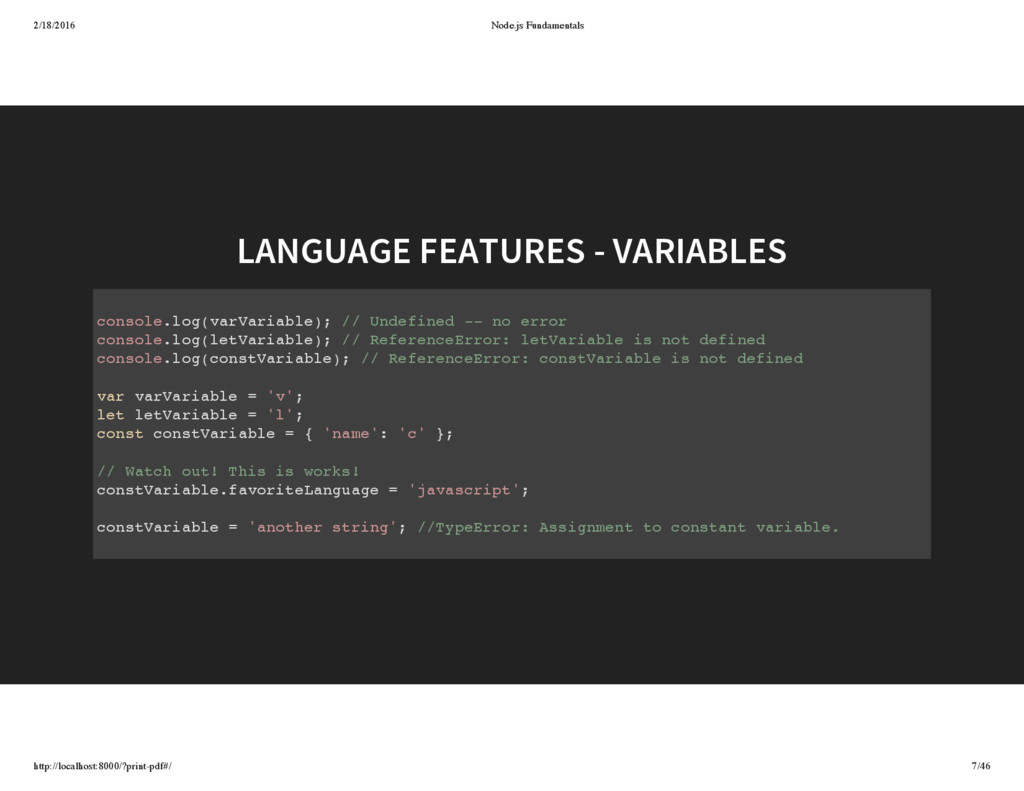
// Undefined -- no error console.log(letVariable); // ReferenceError: letVariable is not defined console.log(constVariable); // ReferenceError: constVariable is not defined var varVariable = 'v'; let letVariable = 'l'; const constVariable = { 'name': 'c' }; // Watch out! This is works! constVariable.favoriteLanguage = 'javascript'; constVariable = 'another string'; //TypeError: Assignment to constant variable.
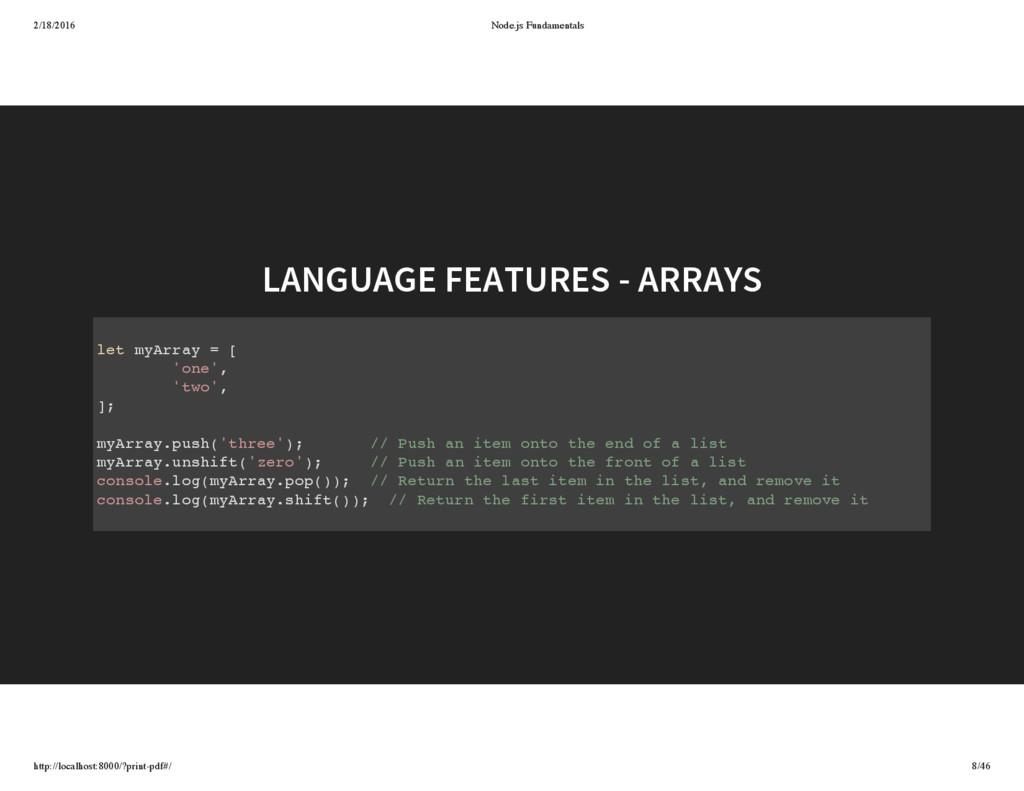
myArray = [ 'one', 'two', ]; myArray.push('three'); // Push an item onto the end of a list myArray.unshift('zero'); // Push an item onto the front of a list console.log(myArray.pop()); // Return the last item in the list, and remove it console.log(myArray.shift()); // Return the first item in the list, and remove it
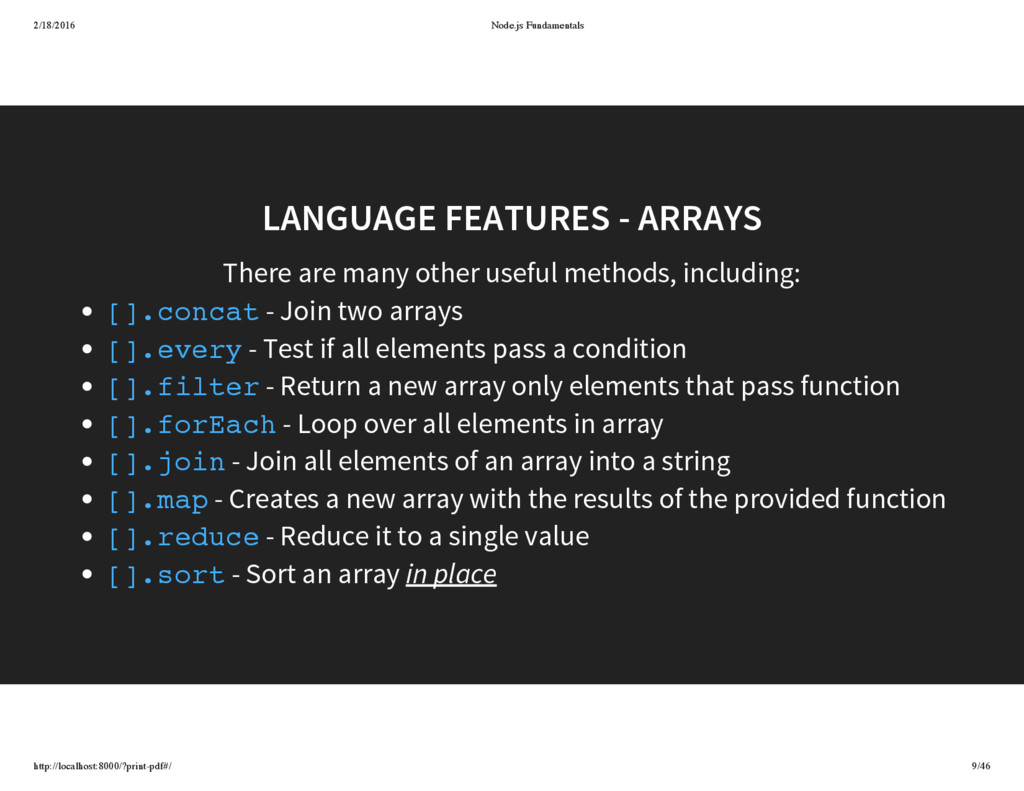
methods, including: LANGUAGE FEATURES - ARRAYS - Join two arrays - Test if all elements pass a condition - Return a new array only elements that pass function - Loop over all elements in array - Join all elements of an array into a string - Creates a new array with the results of the provided function - Reduce it to a single value - Sort an array in place [].concat [].every [].filter [].forEach [].join [].map [].reduce [].sort
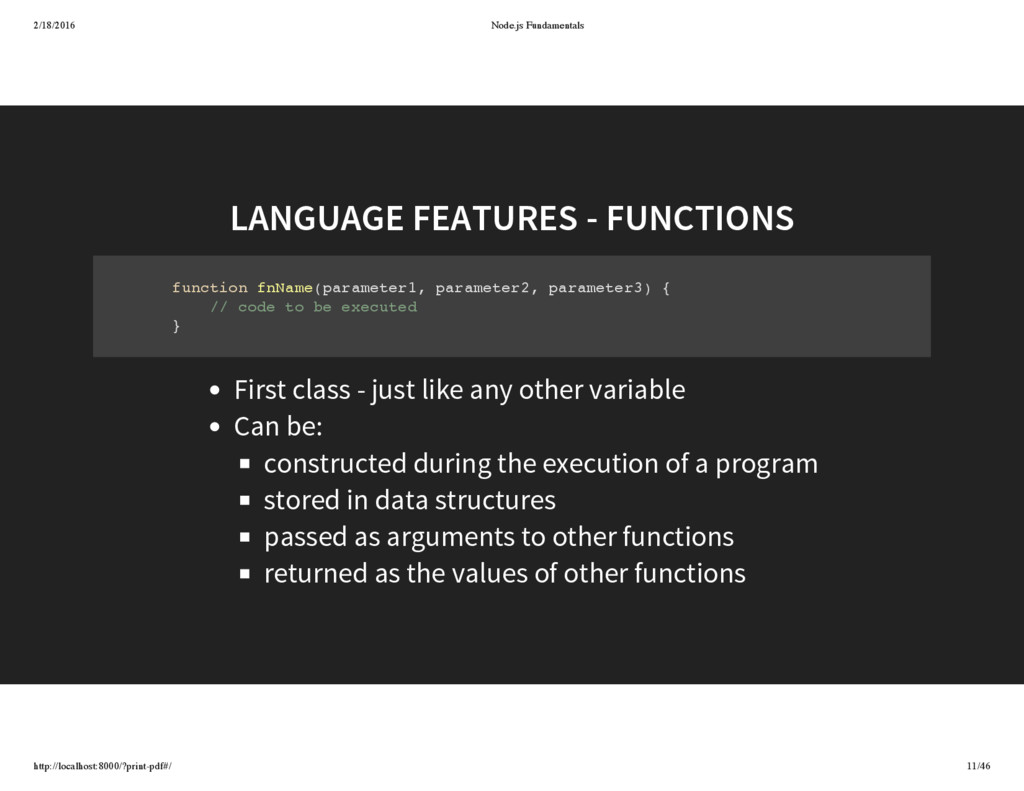
fnName(parameter1, parameter2, parameter3) { // code to be executed } First class - just like any other variable Can be: constructed during the execution of a program stored in data structures passed as arguments to other functions returned as the values of other functions
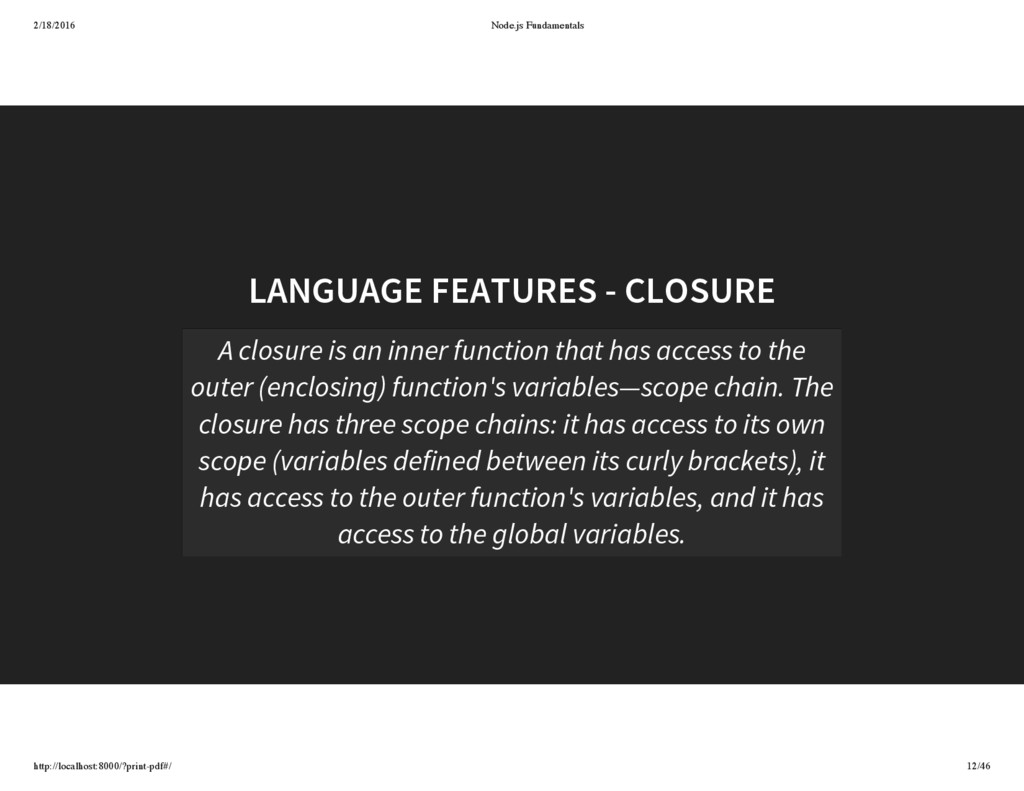
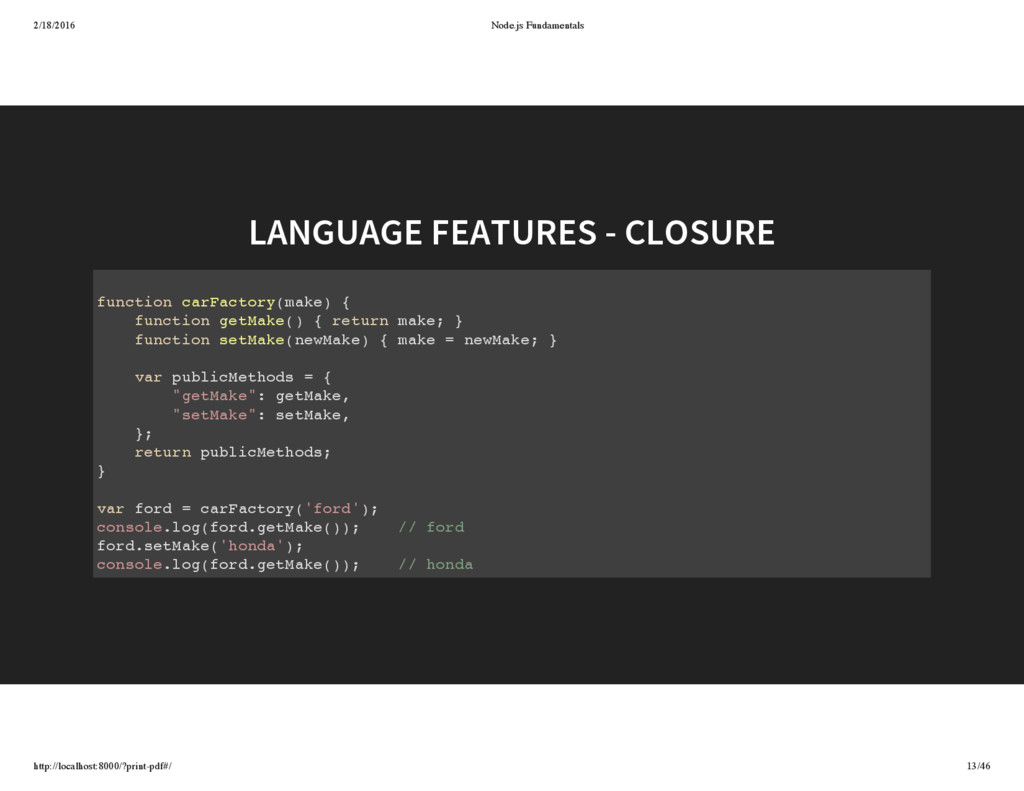
closure is an inner function that has access to the outer (enclosing) function's variables—scope chain. The closure has three scope chains: it has access to its own scope (variables defined between its curly brackets), it has access to the outer function's variables, and it has access to the global variables.
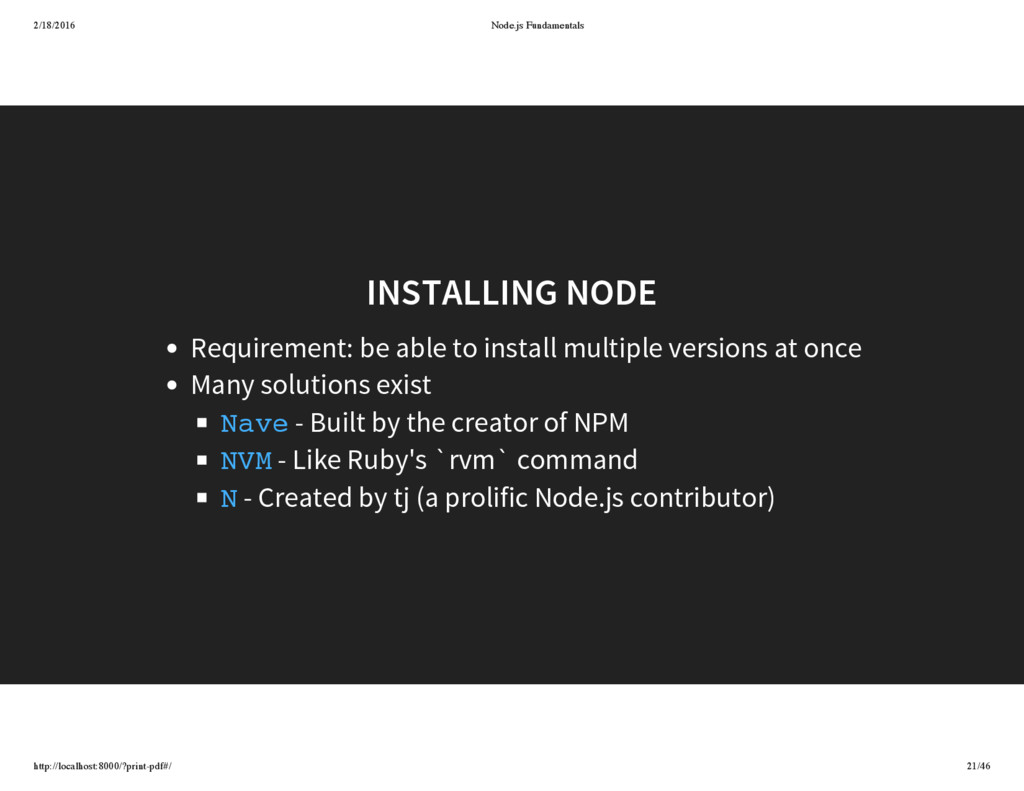
to install multiple versions at once Many solutions exist - Built by the creator of NPM - Like Ruby's `rvm` command - Created by tj (a prolific Node.js contributor) Nave NVM N
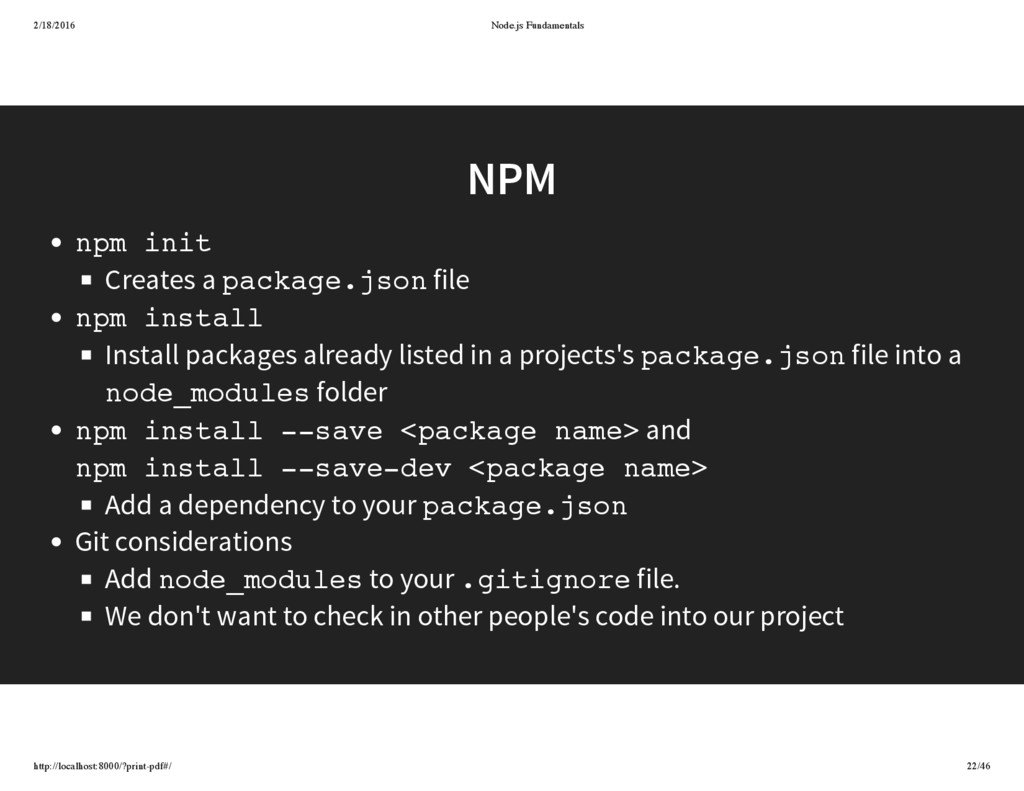
package.json file npm install Install packages already listed in a projects's package.json file into a node_modules folder npm install --save <package name> and npm install --save-dev <package name> Add a dependency to your package.json Git considerations Add node_modules to your .gitignore file. We don't want to check in other people's code into our project
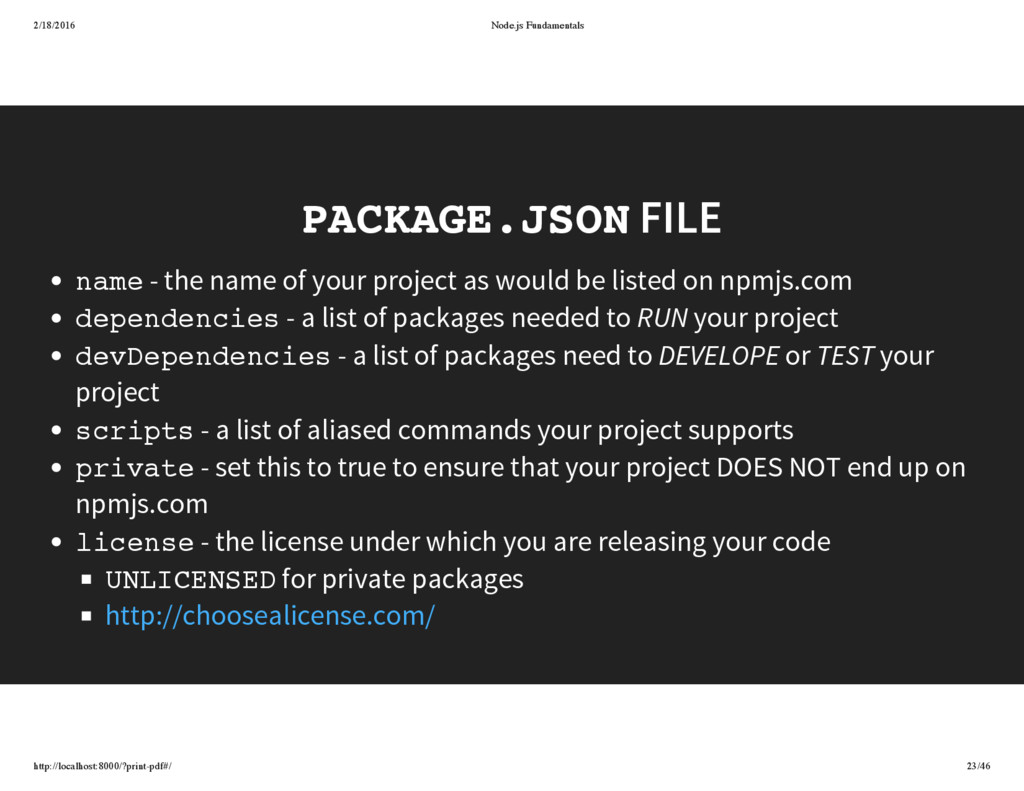
name of your project as would be listed on npmjs.com dependencies - a list of packages needed to RUN your project devDependencies - a list of packages need to DEVELOPE or TEST your project scripts - a list of aliased commands your project supports private - set this to true to ensure that your project DOES NOT end up on npmjs.com license - the license under which you are releasing your code UNLICENSED for private packages http://choosealicense.com/
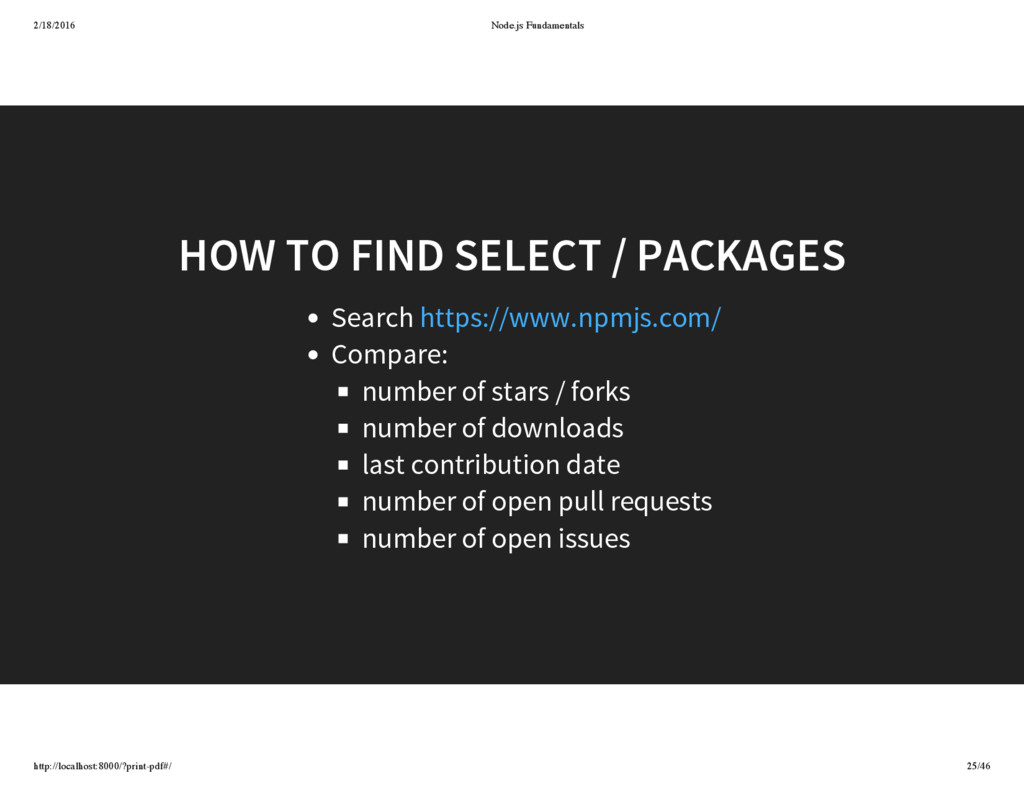
PACKAGES Search Compare: number of stars / forks number of downloads last contribution date number of open pull requests number of open issues https://www.npmjs.com/
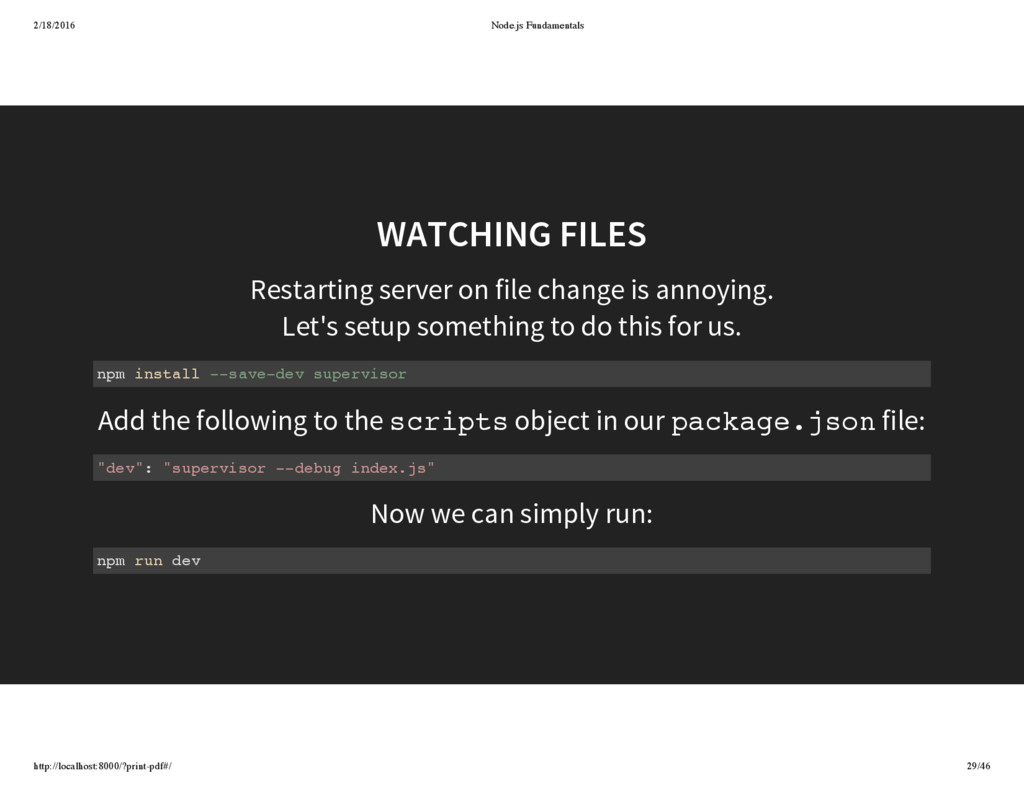
is annoying. Let's setup something to do this for us. Add the following to the object in our file: Now we can simply run: WATCHING FILES npm install --save-dev supervisor scripts package.json "dev": "supervisor --debug index.js" npm run dev
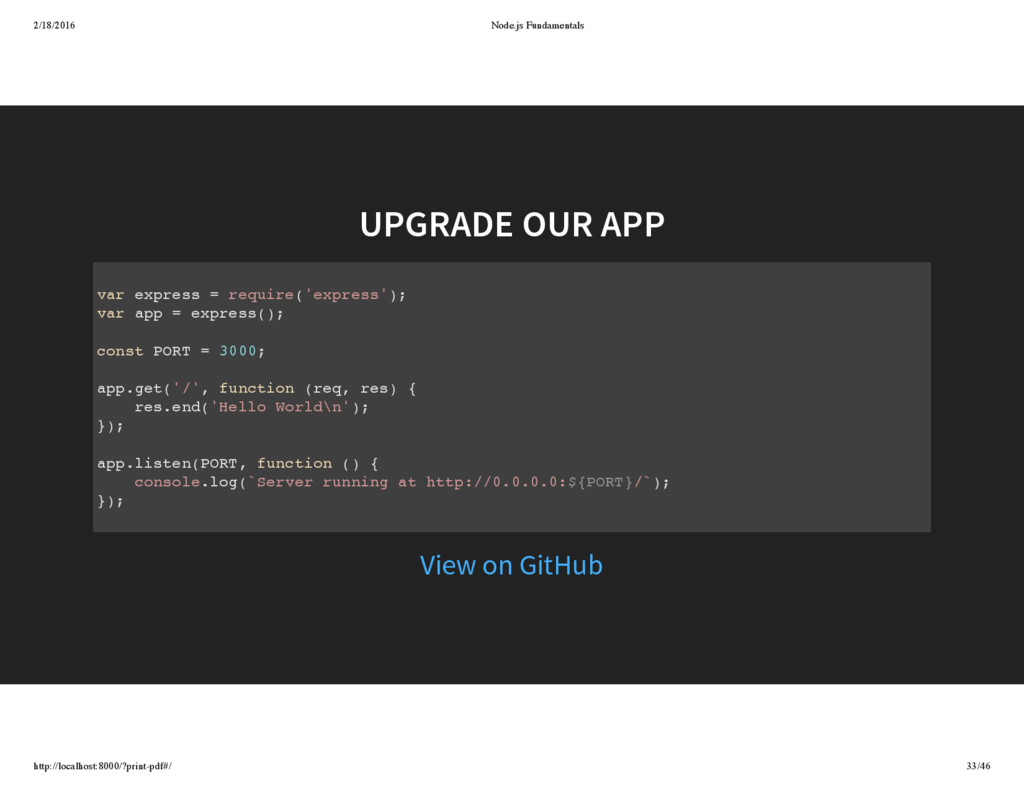
= require('express'); var app = express(); const PORT = 3000; app.get('/', function (req, res) { res.end('Hello World\n'); }); app.listen(PORT, function () { console.log(`Server running at http://0.0.0.0:${PORT}/`); }); View on GitHub
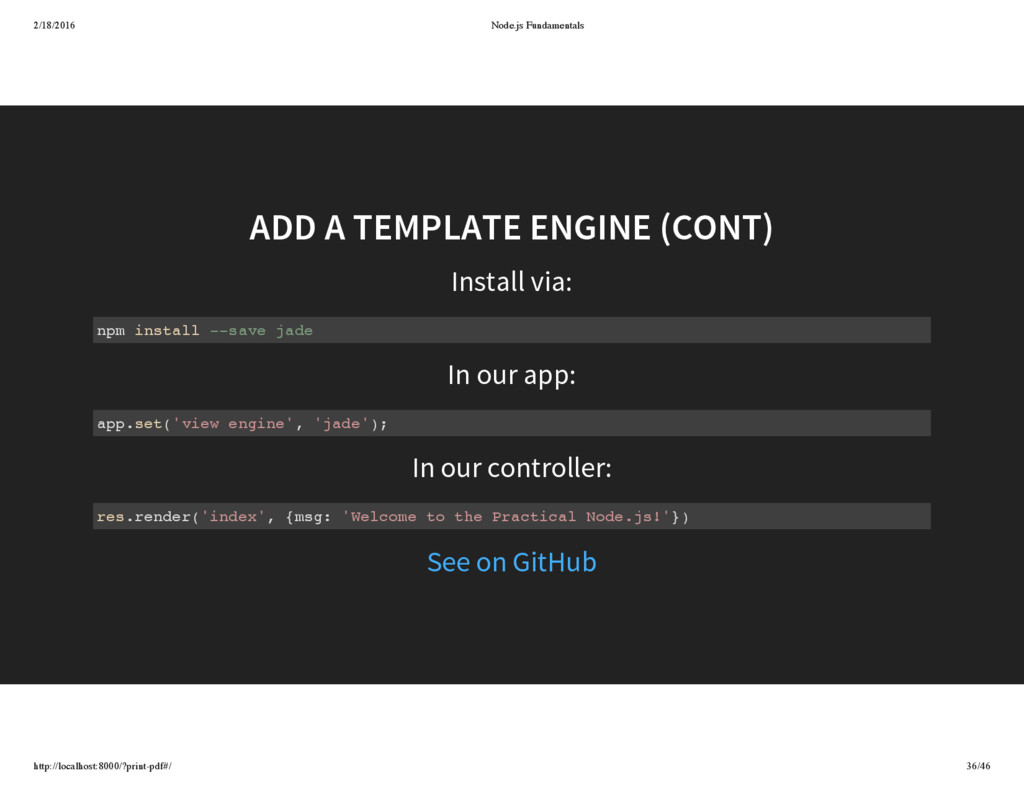
In our controller: ADD A TEMPLATE ENGINE (CONT) npm install --save jade app.set('view engine', 'jade'); res.render('index', {msg: 'Welcome to the Practical Node.js!'}) See on GitHub
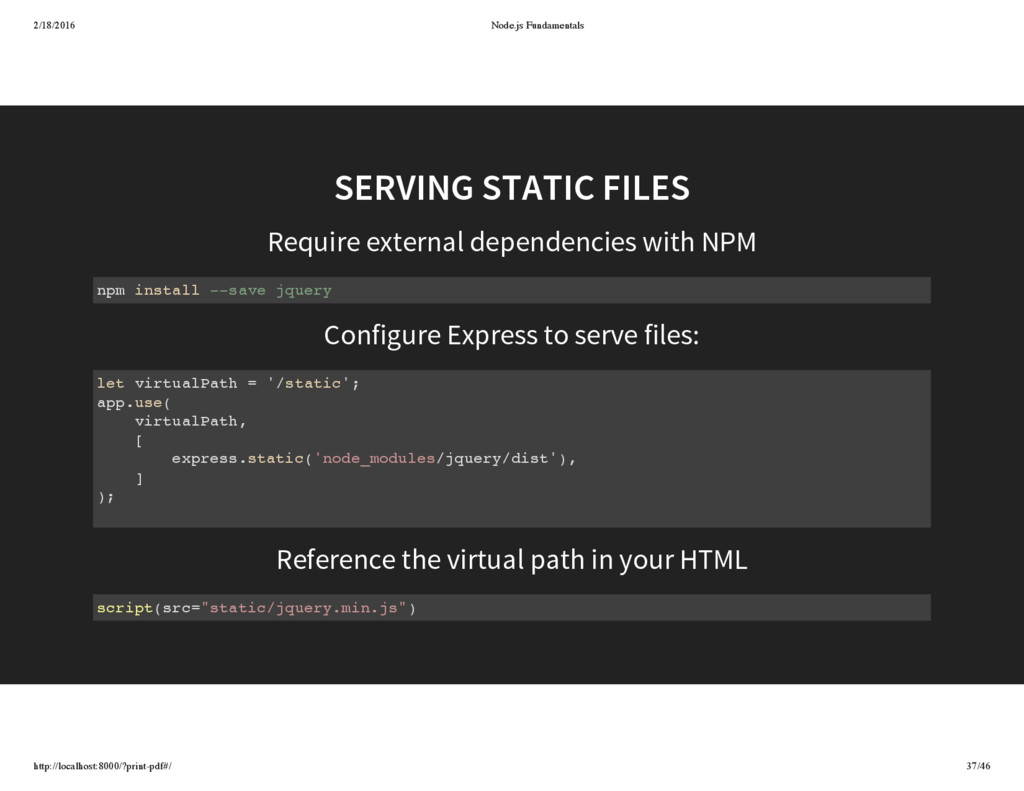
Configure Express to serve files: Reference the virtual path in your HTML SERVING STATIC FILES npm install --save jquery let virtualPath = '/static'; app.use( virtualPath, [ express.static('node_modules/jquery/dist'), ] ); script(src="static/jquery.min.js")
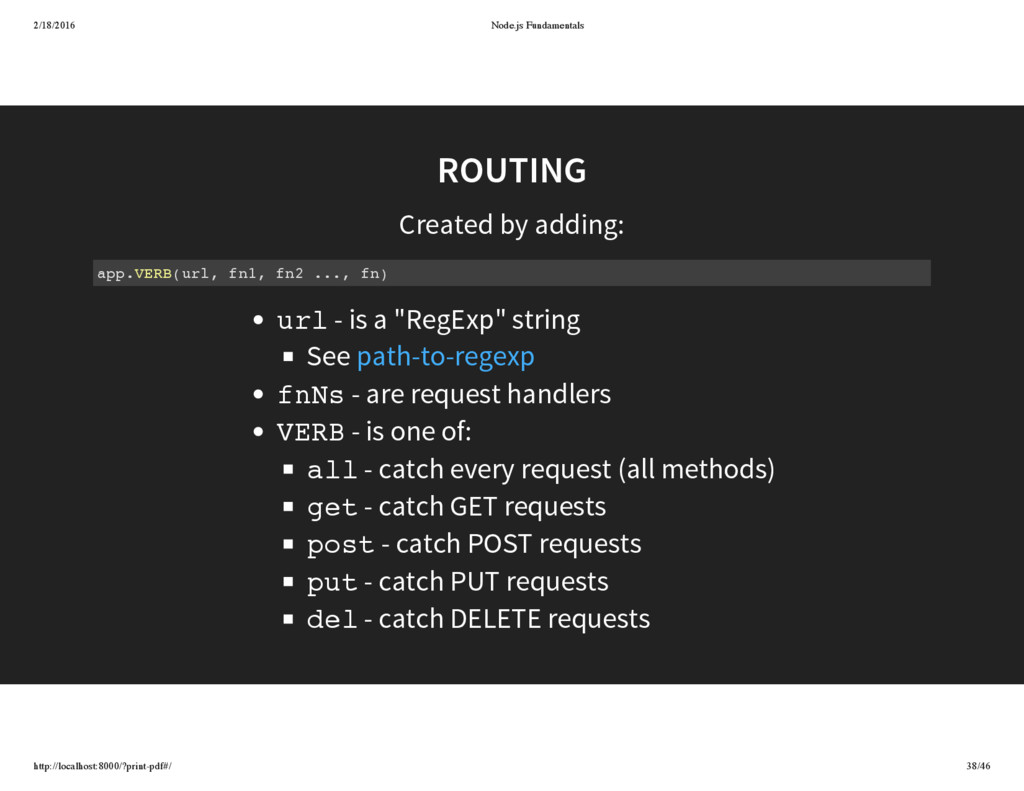
fn1, fn2 ..., fn) url - is a "RegExp" string See fnNs - are request handlers VERB - is one of: all - catch every request (all methods) get - catch GET requests post - catch POST requests put - catch PUT requests del - catch DELETE requests path-to-regexp
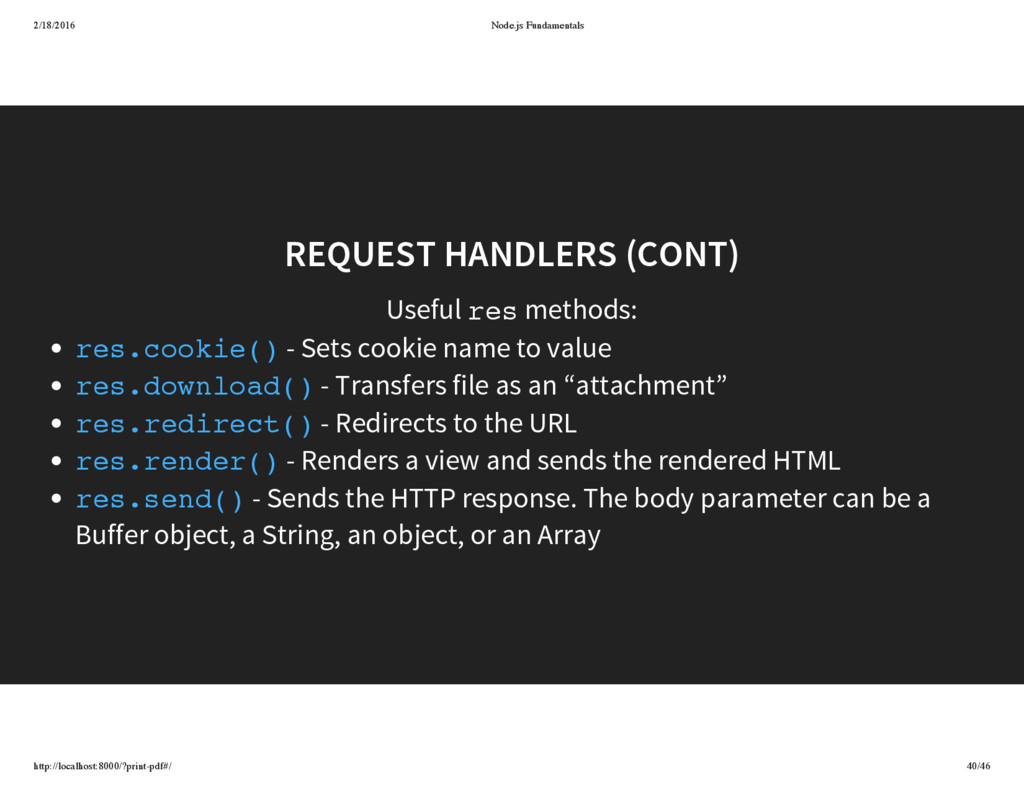
res - Sets cookie name to value - Transfers file as an “attachment” - Redirects to the URL - Renders a view and sends the rendered HTML - Sends the HTTP response. The body parameter can be a Buffer object, a String, an object, or an Array res.cookie() res.download() res.redirect() res.render() res.send()
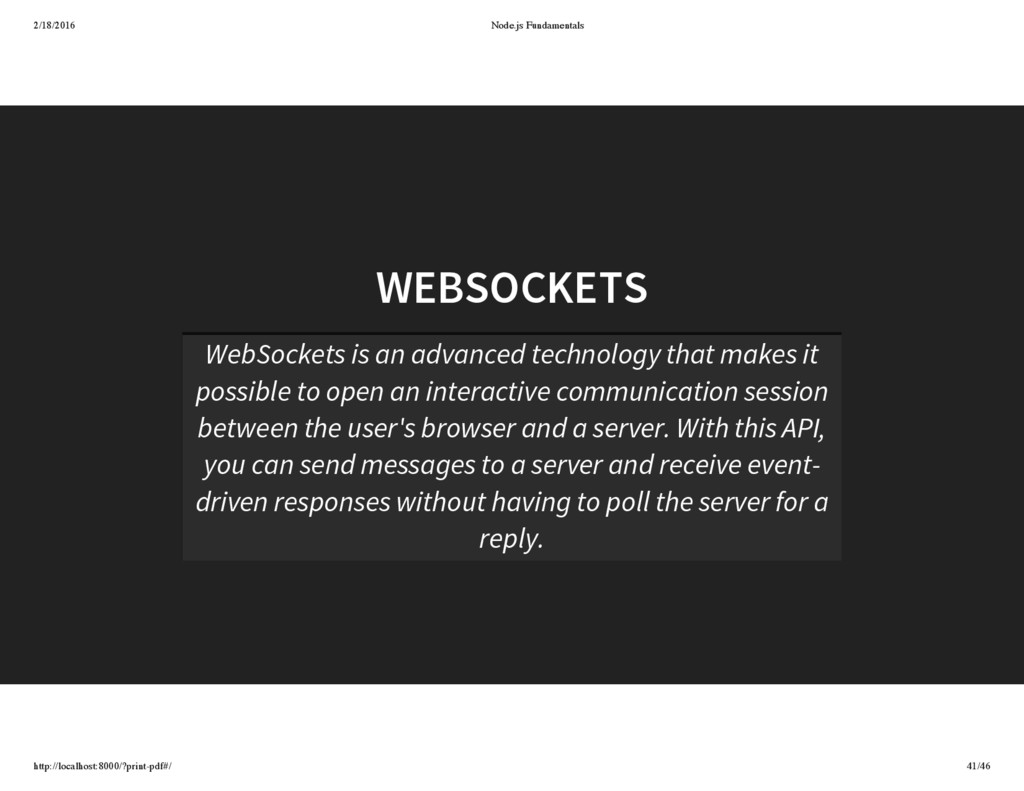
technology that makes it possible to open an interactive communication session between the user's browser and a server. With this API, you can send messages to a server and receive event- driven responses without having to poll the server for a reply.
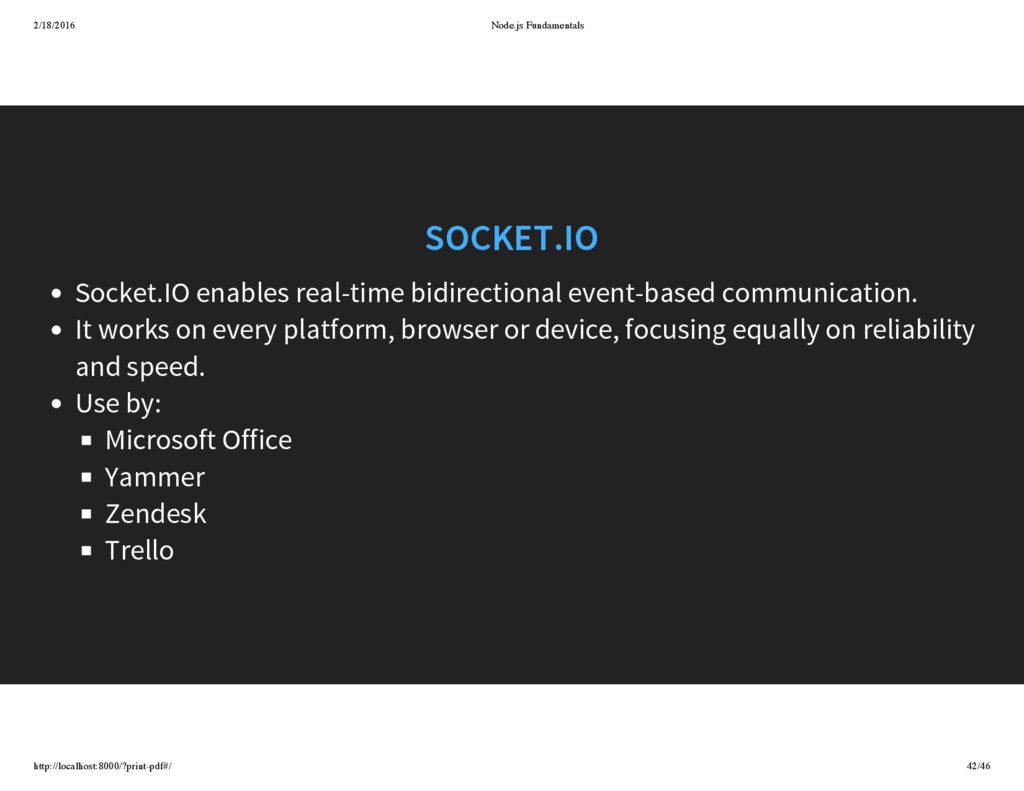
event-based communication. It works on every platform, browser or device, focusing equally on reliability and speed. Use by: Microsoft Office Yammer Zendesk Trello
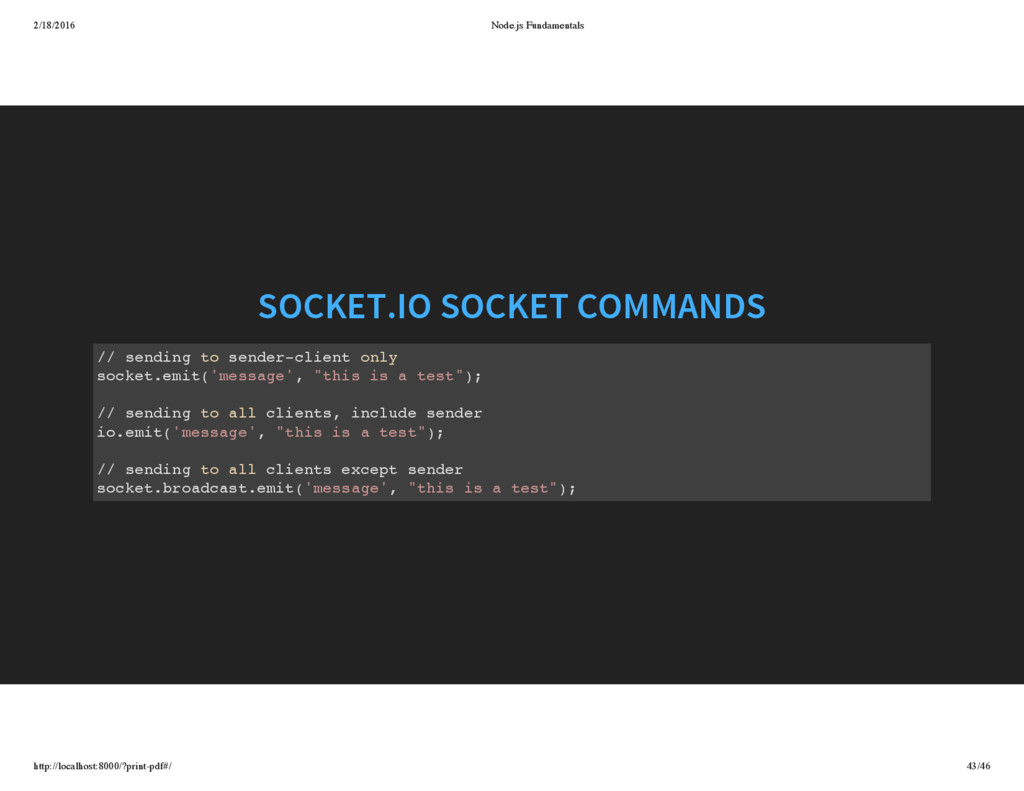
to sender-client only socket.emit('message', "this is a test"); // sending to all clients, include sender io.emit('message', "this is a test"); // sending to all clients except sender socket.broadcast.emit('message', "this is a test");
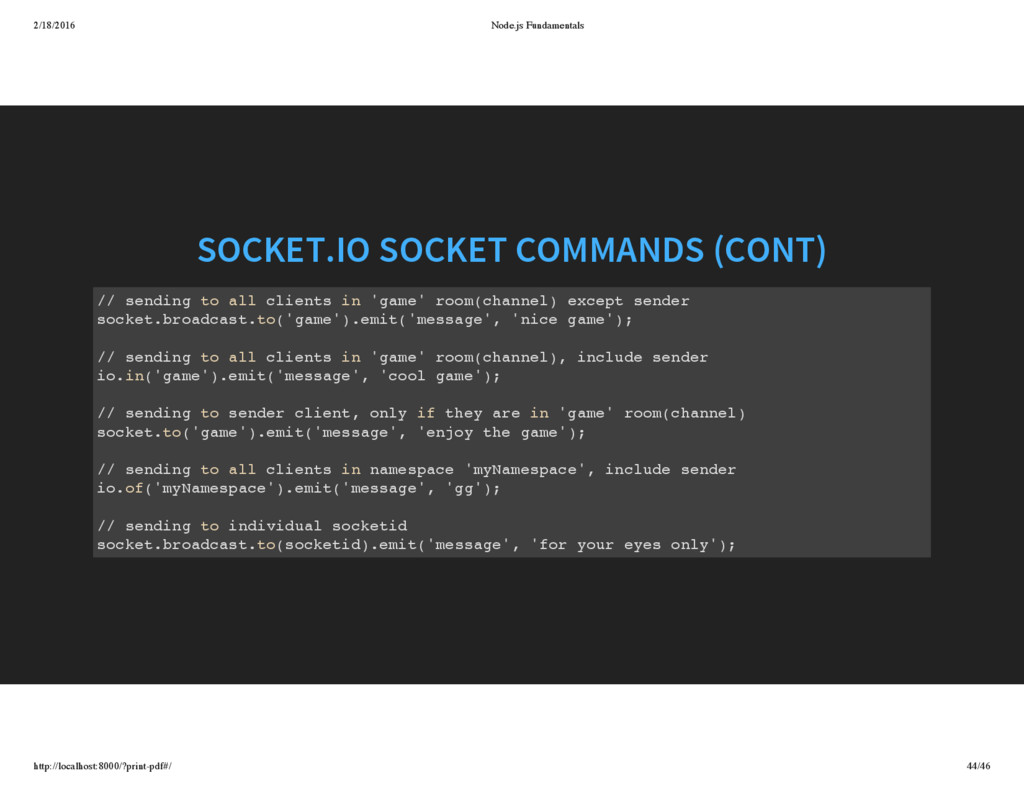
sending to all clients in 'game' room(channel) except sender socket.broadcast.to('game').emit('message', 'nice game'); // sending to all clients in 'game' room(channel), include sender io.in('game').emit('message', 'cool game'); // sending to sender client, only if they are in 'game' room(channel) socket.to('game').emit('message', 'enjoy the game'); // sending to all clients in namespace 'myNamespace', include sender io.of('myNamespace').emit('message', 'gg'); // sending to individual socketid socket.broadcast.to(socketid).emit('message', 'for your eyes only');
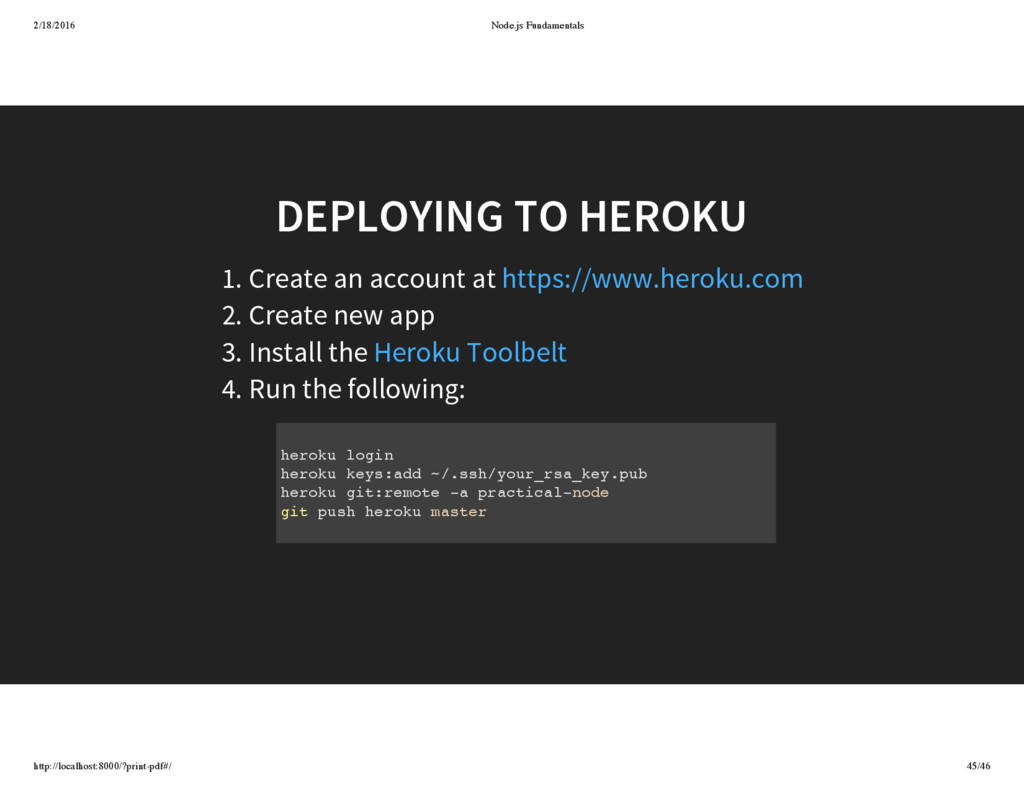
an account at 2. Create new app 3. Install the 4. Run the following: https://www.heroku.com Heroku Toolbelt heroku login heroku keys:add ~/.ssh/your_rsa_key.pub heroku git:remote -a practical-node git push heroku master


 kishida
 akit37
 mixplace
 y0hgi
y0hgi
 jame2408
 takai
takai
 akihisaikeda
 gam0022
 ryu1013
 texmeijin
 hollycummins
 florets1
 lauravandoore
 panda_program
 sugarenia
 destraynor
 konakalab
 holman
 techseoconnect
 cassininazir
 addyosmani
 speakerdeck
 danielanewman
 62gerente