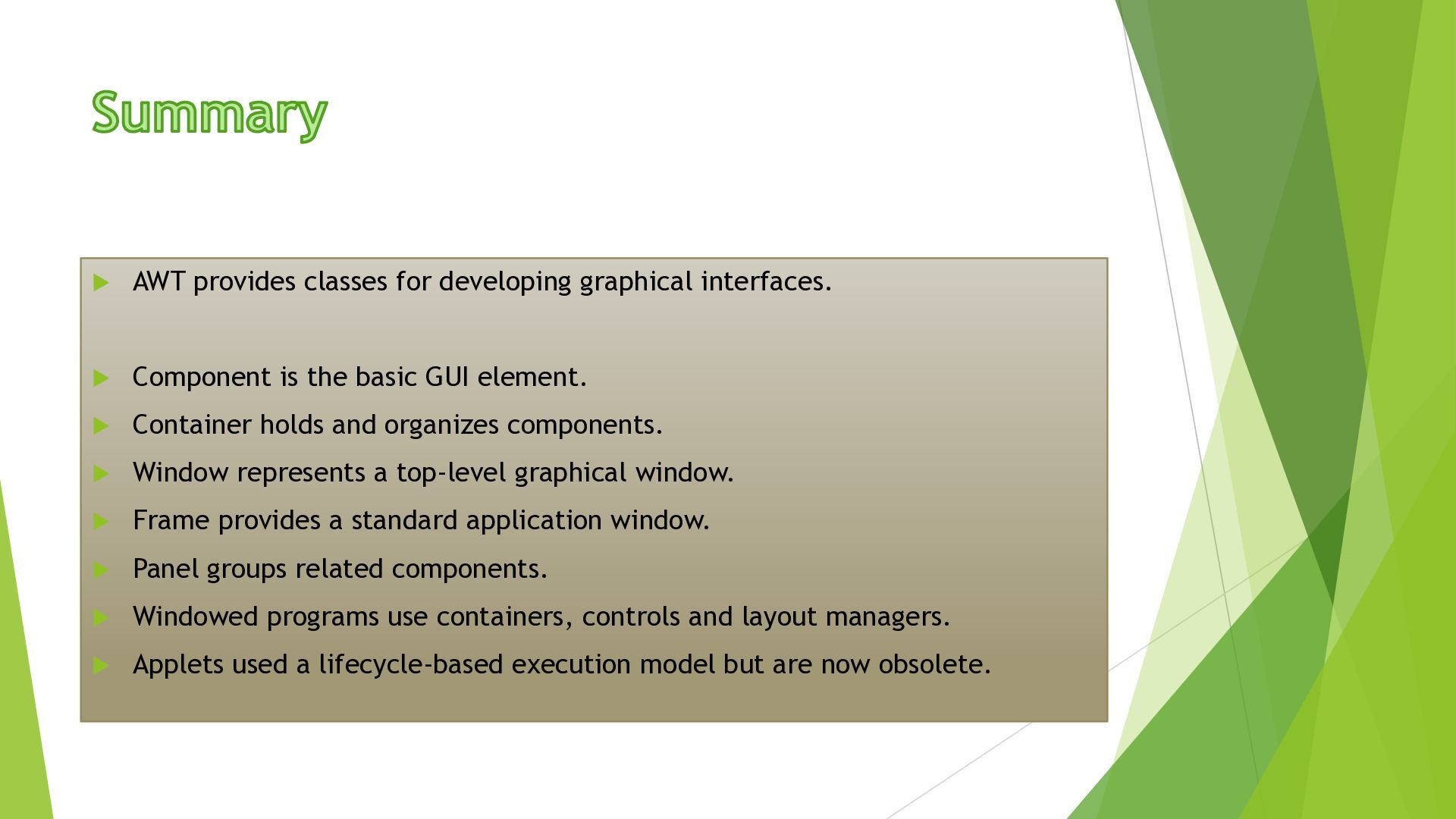
Technology, College of Engineering Yadrav- (Ichalkaranji) (An Autonomous Institute) NBA Accredited Programmes, NAAC ‘A’ Grade Institution, ISO 9001:2015 Certified Institute, Recognized u/s 2(f) and 12(B) of the UGC Act 1956 AWT Fundamentals Mrs. Vidya S. Mali Asst. Professor,SITCOE,Yadrav
a Java library used to create graphical user interfaces. It provides classes for windows, buttons, labels, text input, menus and other GUI elements. The main AWT package is java.awt. AWT components are connected to native operating-system GUI components. AWT also provides layout managers for arranging components.
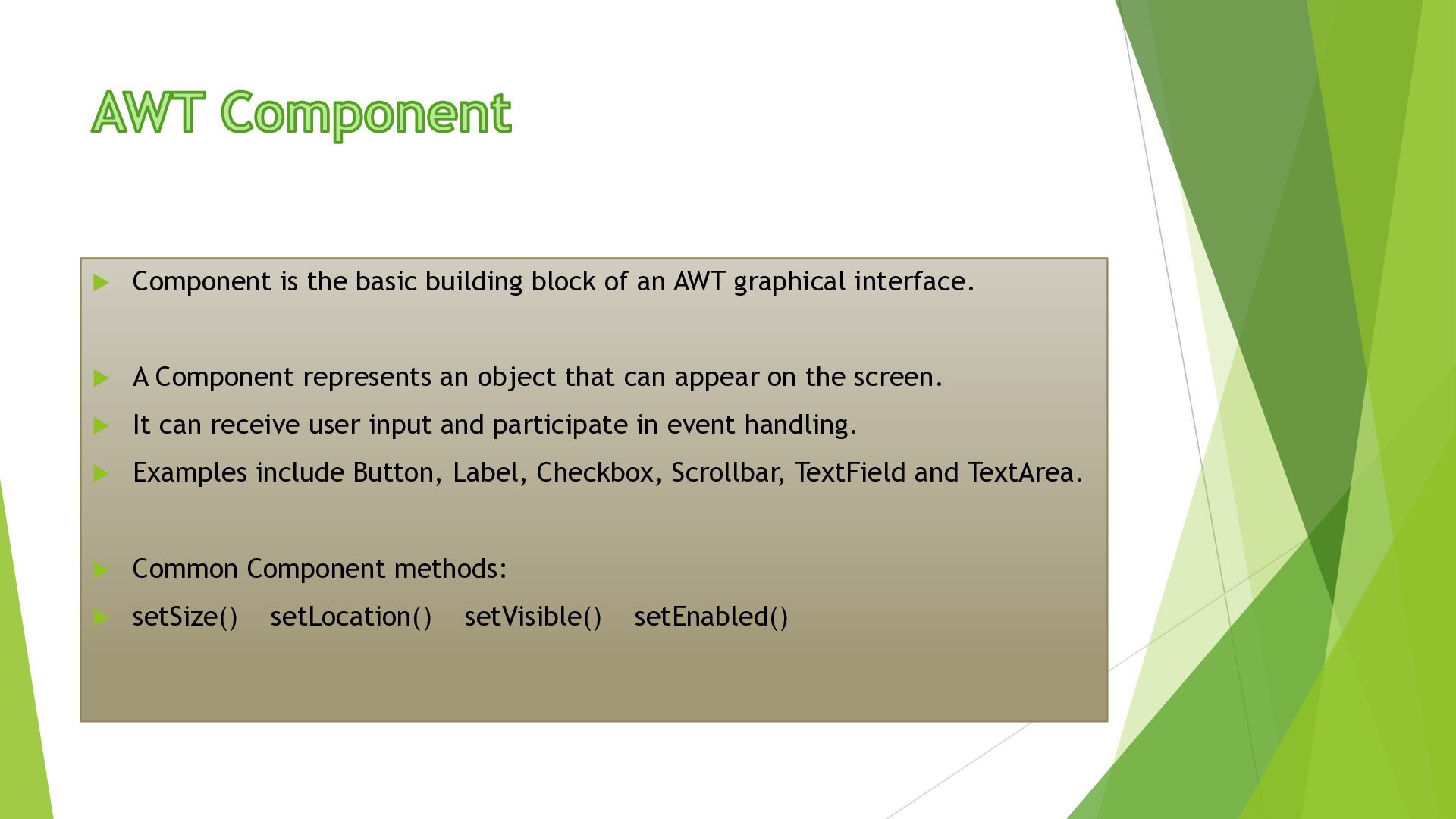
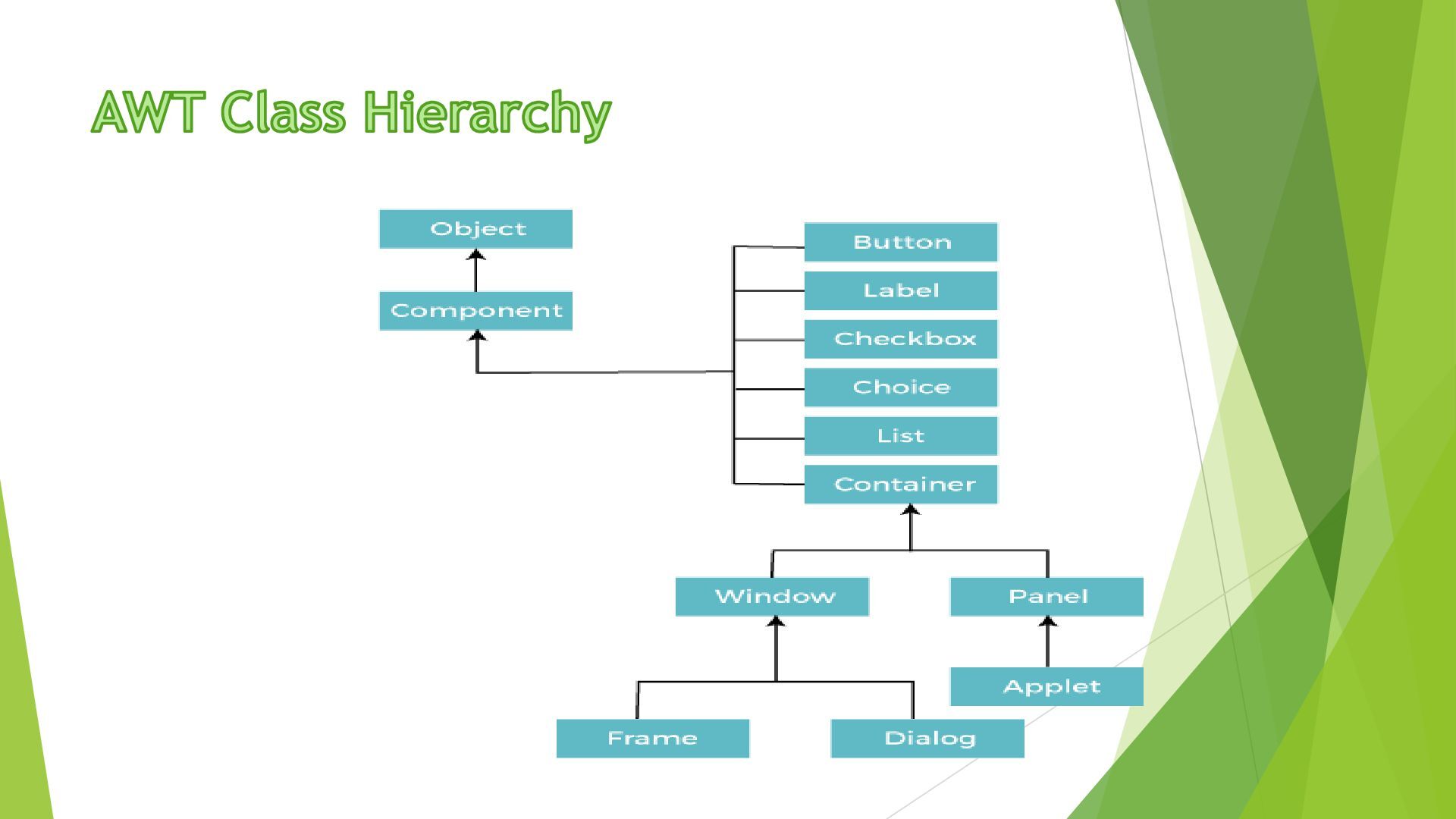
graphical interface. A Component represents an object that can appear on the screen. It can receive user input and participate in event handling. Examples include Button, Label, Checkbox, Scrollbar, TextField and TextArea. Common Component methods: setSize() setLocation() setVisible() setEnabled()
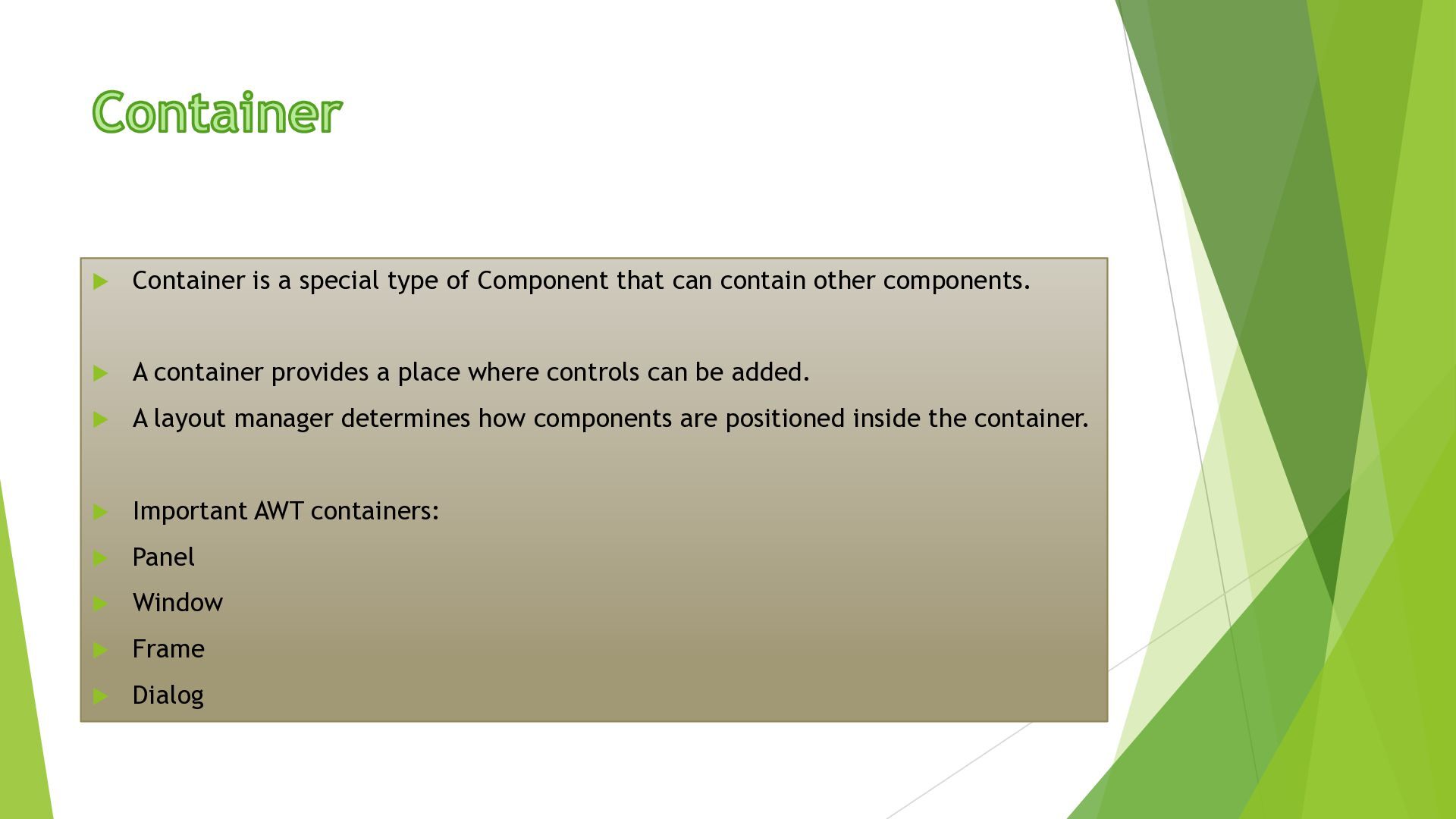
contain other components. A container provides a place where controls can be added. A layout manager determines how components are positioned inside the container. Important AWT containers: Panel Window Frame Dialog
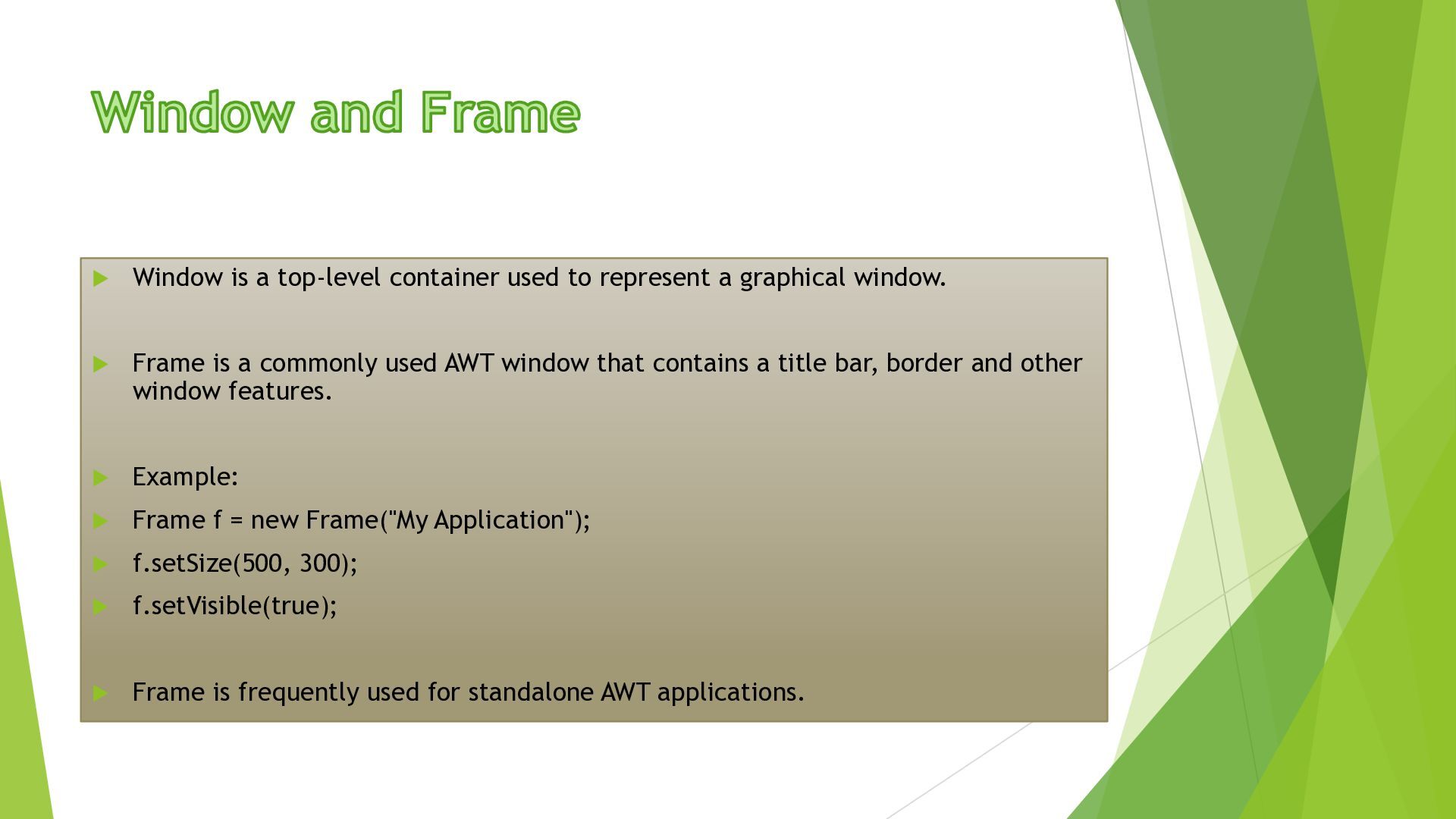
graphical window. Frame is a commonly used AWT window that contains a title bar, border and other window features. Example: Frame f = new Frame("My Application"); f.setSize(500, 300); f.setVisible(true); Frame is frequently used for standalone AWT applications.
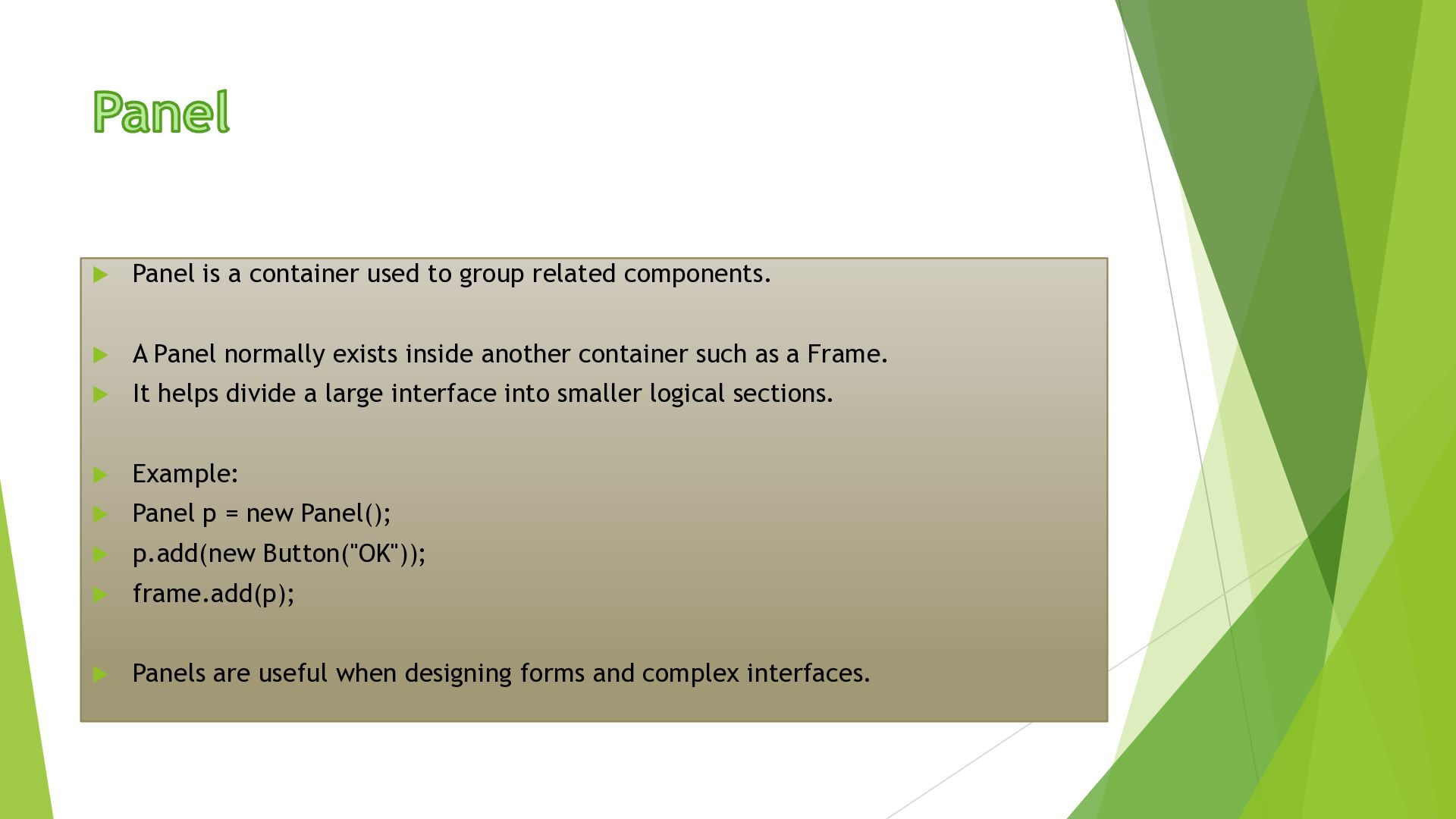
A Panel normally exists inside another container such as a Frame. It helps divide a large interface into smaller logical sections. Example: Panel p = new Panel(); p.add(new Button("OK")); frame.add(p); Panels are useful when designing forms and complex interfaces.
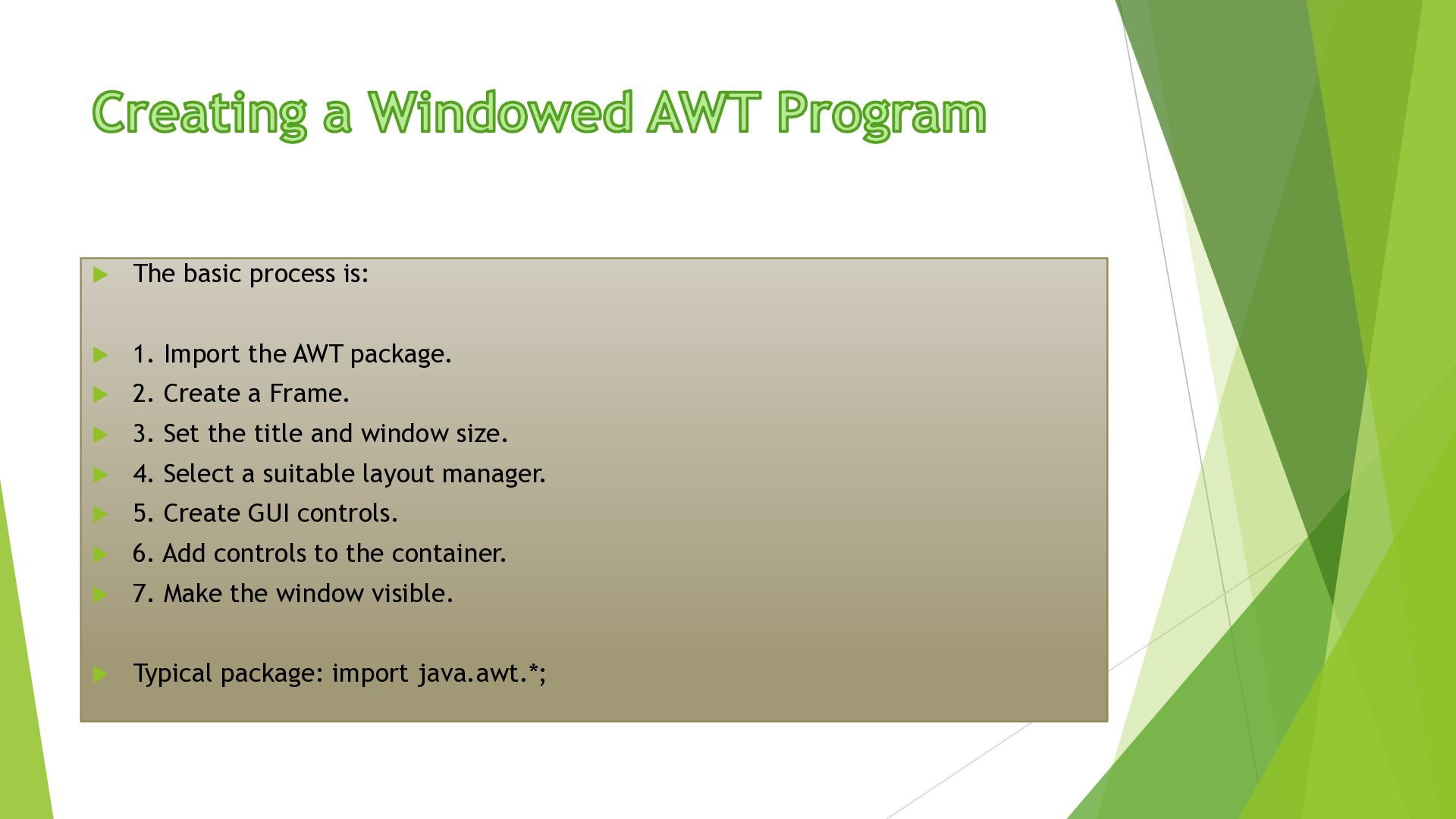
package. 2. Create a Frame. 3. Set the title and window size. 4. Select a suitable layout manager. 5. Create GUI controls. 6. Add controls to the container. 7. Make the window visible. Typical package: import java.awt.*;
is the basic GUI element. Container holds and organizes components. Window represents a top-level graphical window. Frame provides a standard application window. Panel groups related components. Windowed programs use containers, controls and layout managers. Applets used a lifecycle-based execution model but are now obsolete.


 morganepeng
 scottboms
 tammyeverts
 jlugia
 retrage
 danielanewman
 inesmontani
 szymonslowik
 destraynor
 eitanlees
 konakalab
 gurzu
gurzu
![import java.awt.*; class LoginForm { public static void main(String[] args)](https://files.speakerdeck.com/presentations/57f5bb1dfc084b1c95005cb1fb47e194/slide_9.jpg)