Upgrade to Pro — share decks privately, control downloads, hide ads and more …

UX & Cognitive Accessibility Making User Experi...

Avatar for Marie Marie
January 22, 2026

UX & Cognitive Accessibility Making User Experiences Truly Simple !

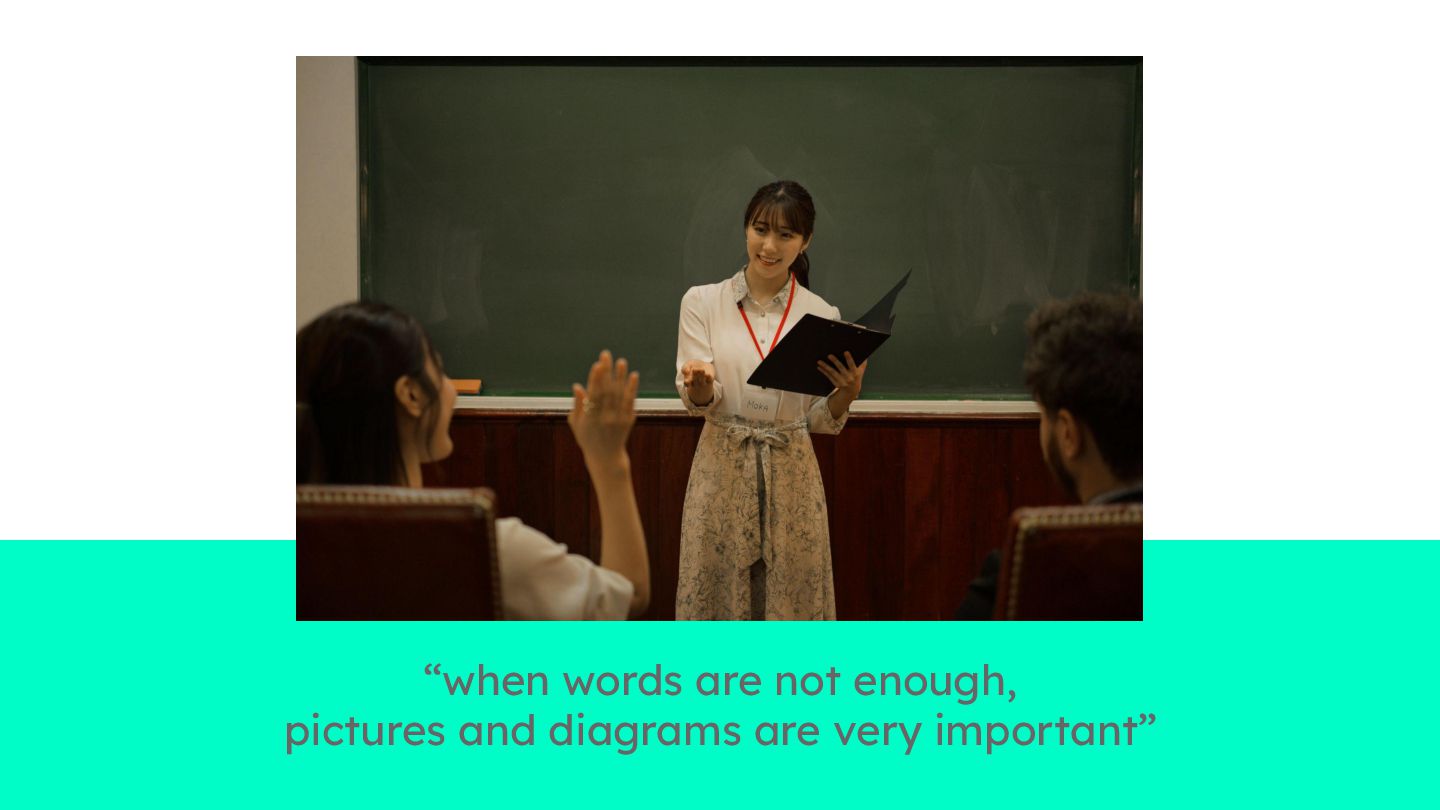
Before becoming a mobile developer, Marie supported newcomers to France. She quickly learned that when words fall short, visuals and intuitive interactions bridge the gap. Later, these lessons became even more relevant in mobile development, where she faced overloaded screens, complex jargon, and confusing flows. These are barriers that can make apps particularly challenging for people with cognitive disabilities.

This insight led her to Fanny, an expert in mobile accessibility. Their immediate connection sparked a collaboration to turn these lessons into practical design strategies, creating cleaner interfaces with simple language and meaningful visual cues.

In this talk, we’ll show you through hands-on, interactive examples how to simplify user experiences using cognitive accessibility principles. Good design isn’t just beautiful, it’s also understandable by everyone.

Ready to rethink your UX?

Avatar for Marie

Marie

January 22, 2026

Other Decks in Technology

Transcript

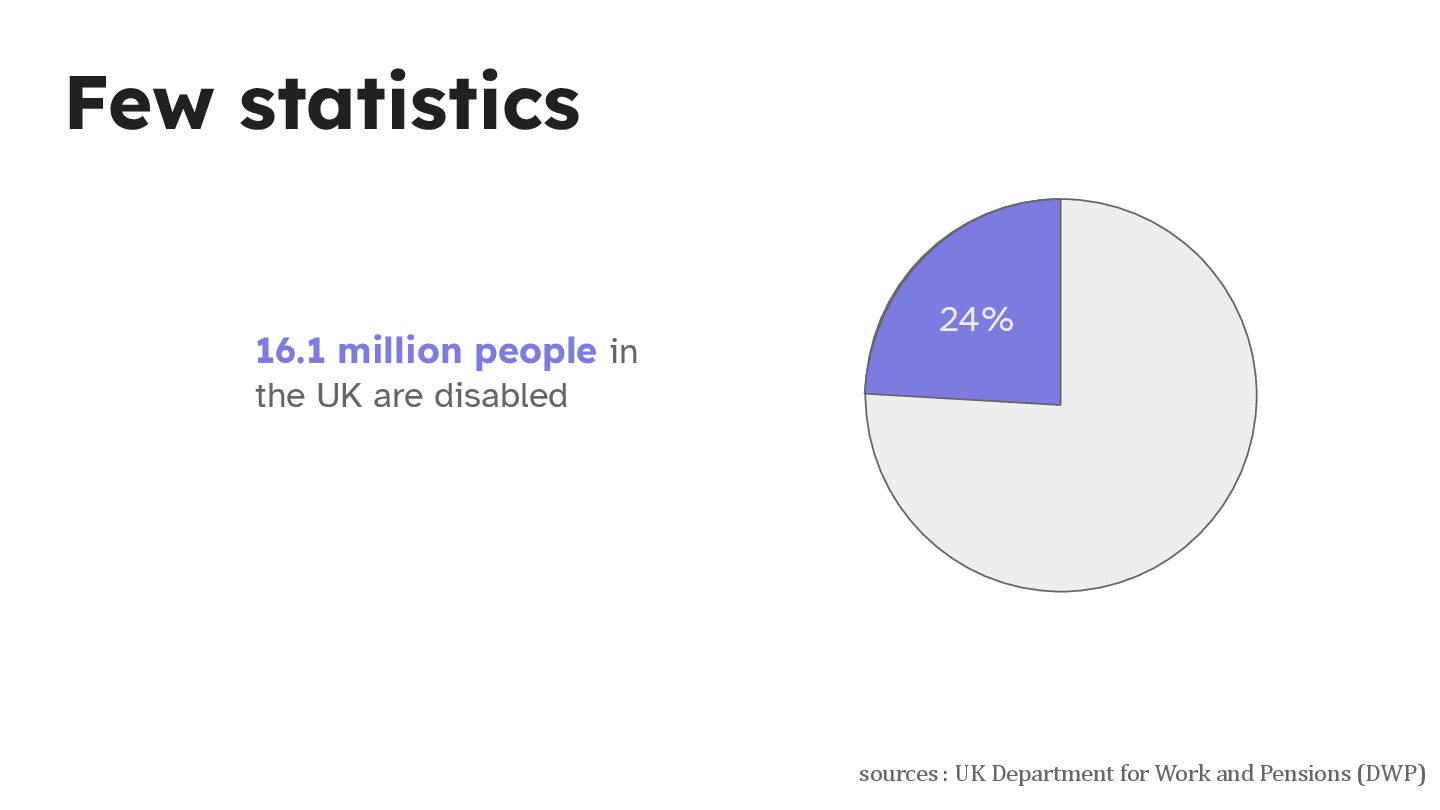
  1. Few statistics sources : UK Department for Work and Pensions

    (DWP) 16.1 million people in the UK are disabled 24%
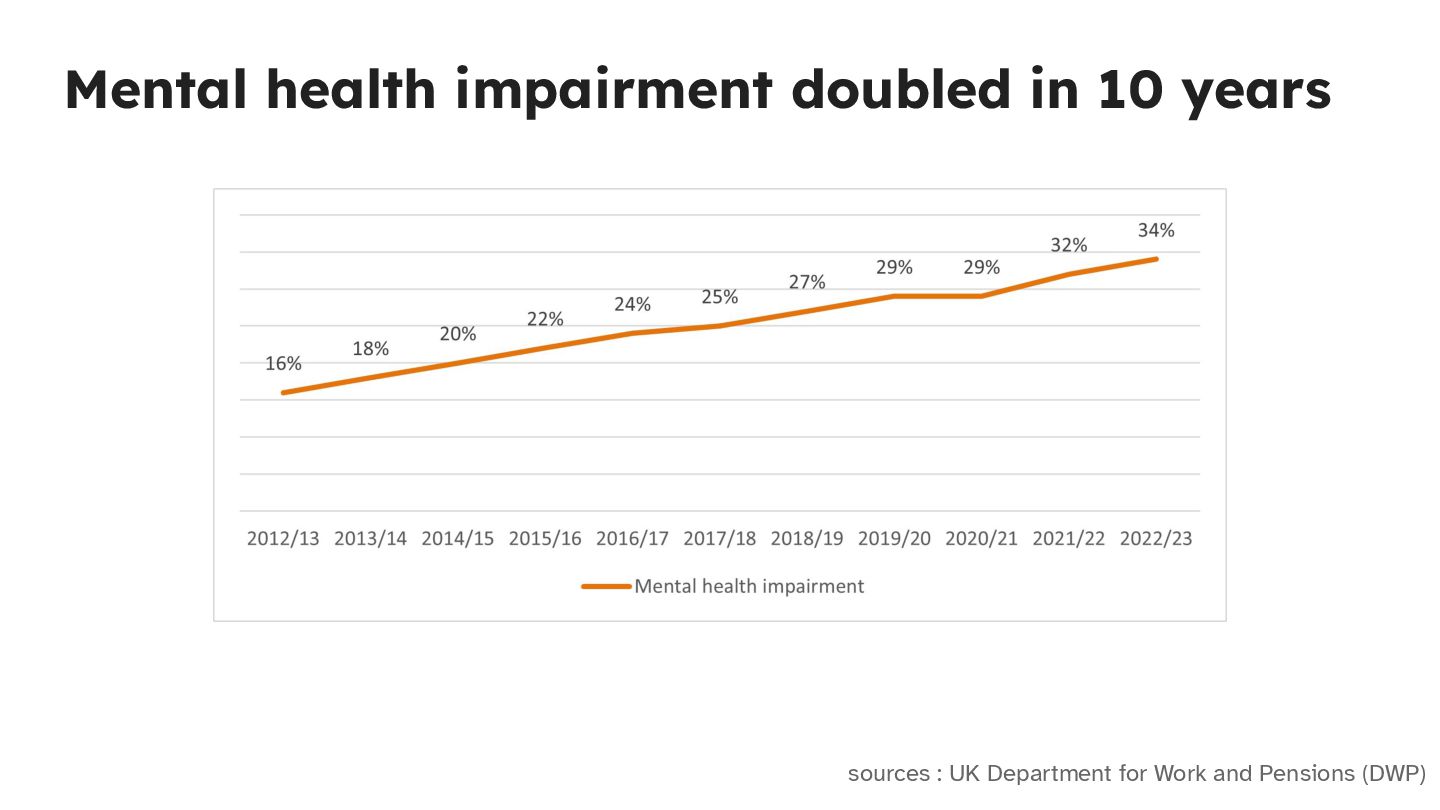
  2. Mental health impairment doubled in 10 years sources : UK

    Department for Work and Pensions (DWP)
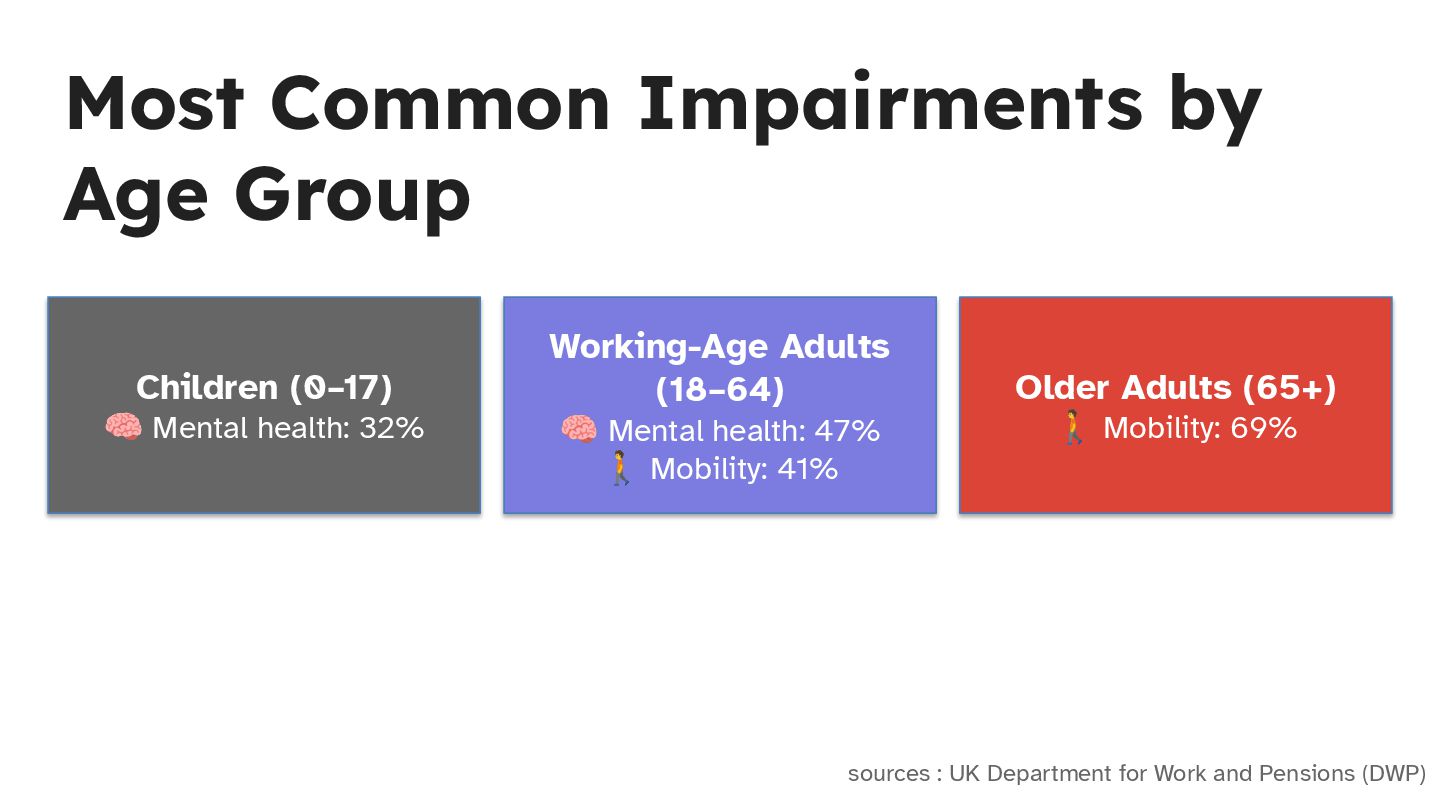
  3. Most Common Impairments by Age Group sources : UK Department

    for Work and Pensions (DWP) Working-Age Adults (18–64) 🧠 Mental health: 47% 🚶 Mobility: 41% Children (0–17) 🧠 Mental health: 32% Older Adults (65+) 🚶 Mobility: 69%
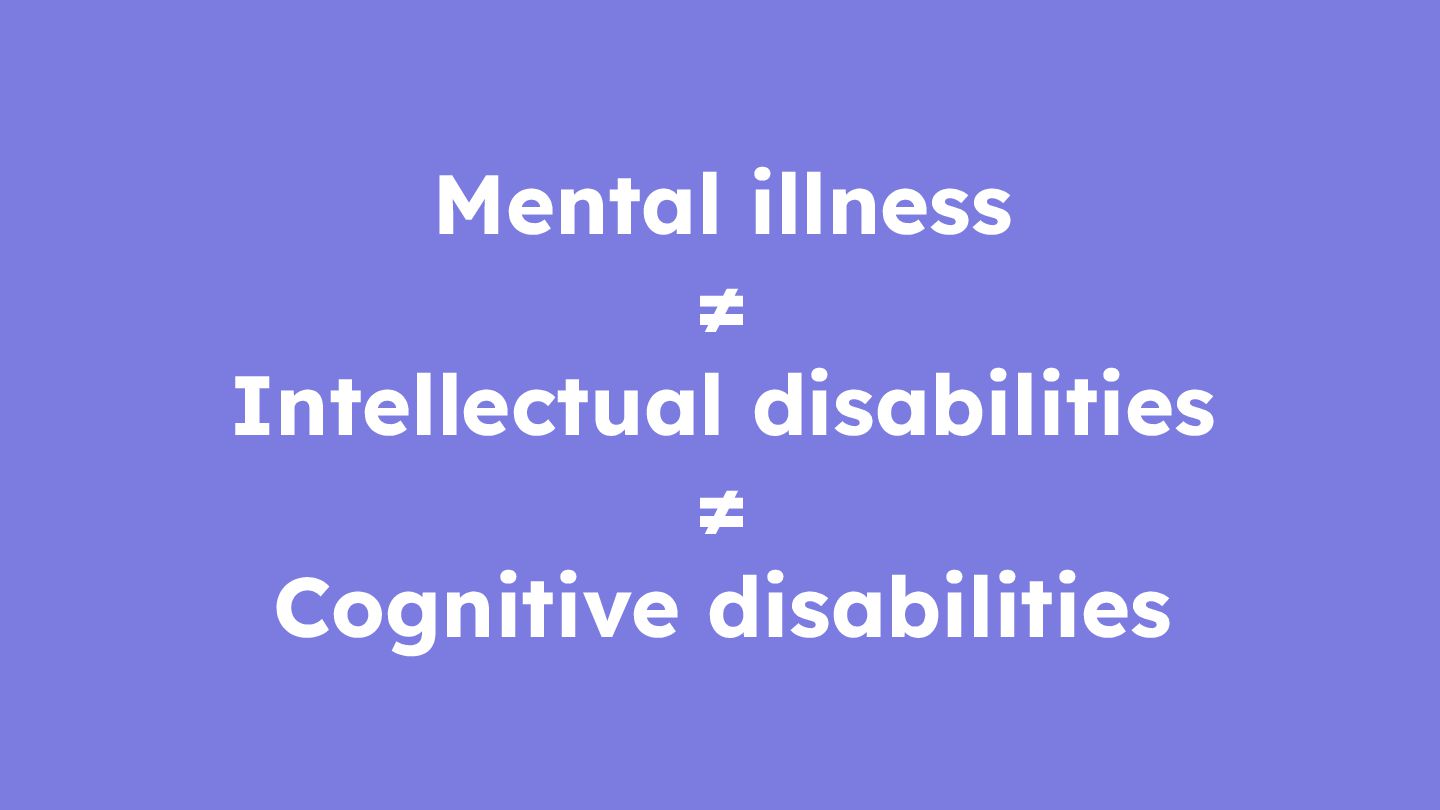
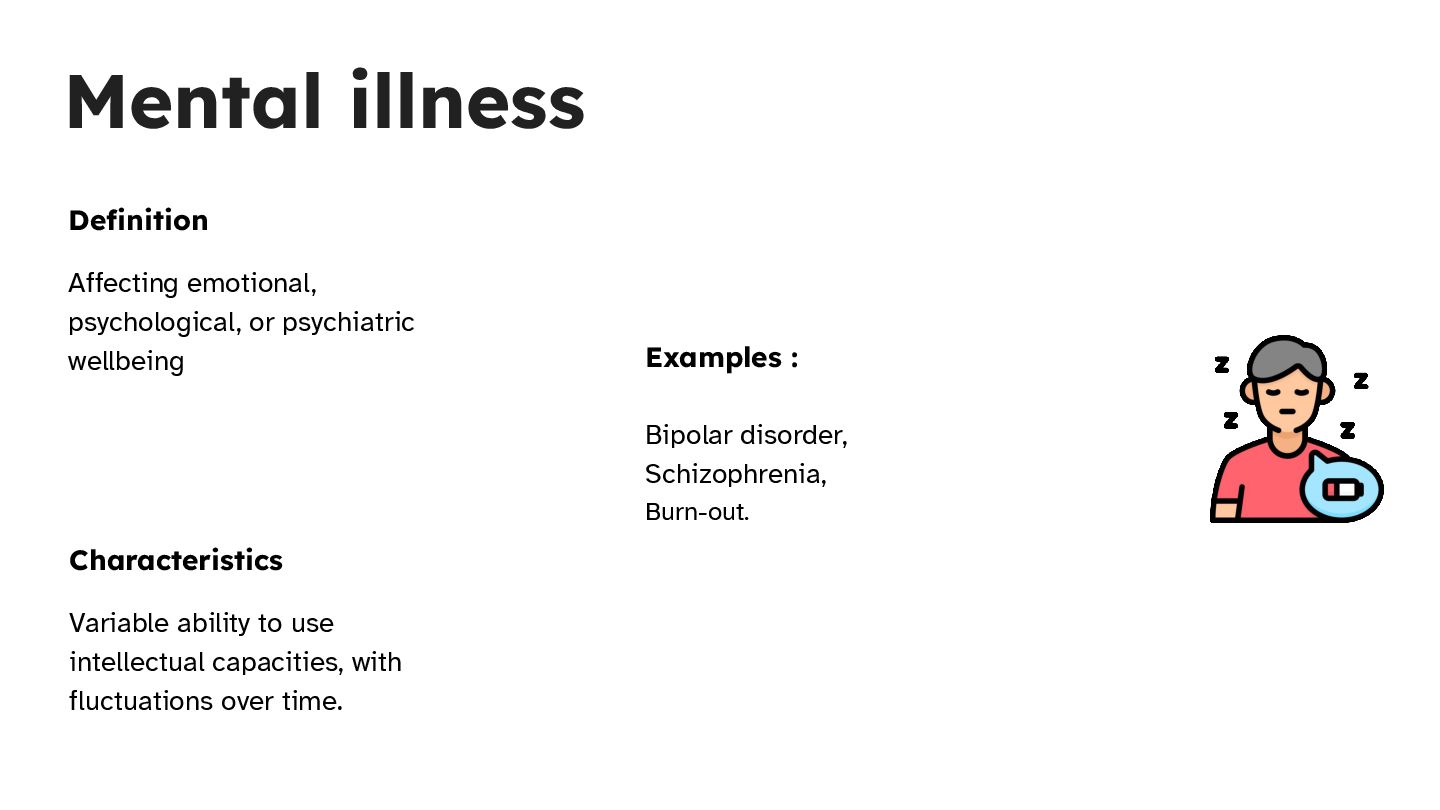
  4. Mental illness Definition Affecting emotional, psychological, or psychiatric wellbeing Examples

    : Bipolar disorder, Schizophrenia, Burn-out. Characteristics Variable ability to use intellectual capacities, with fluctuations over time.
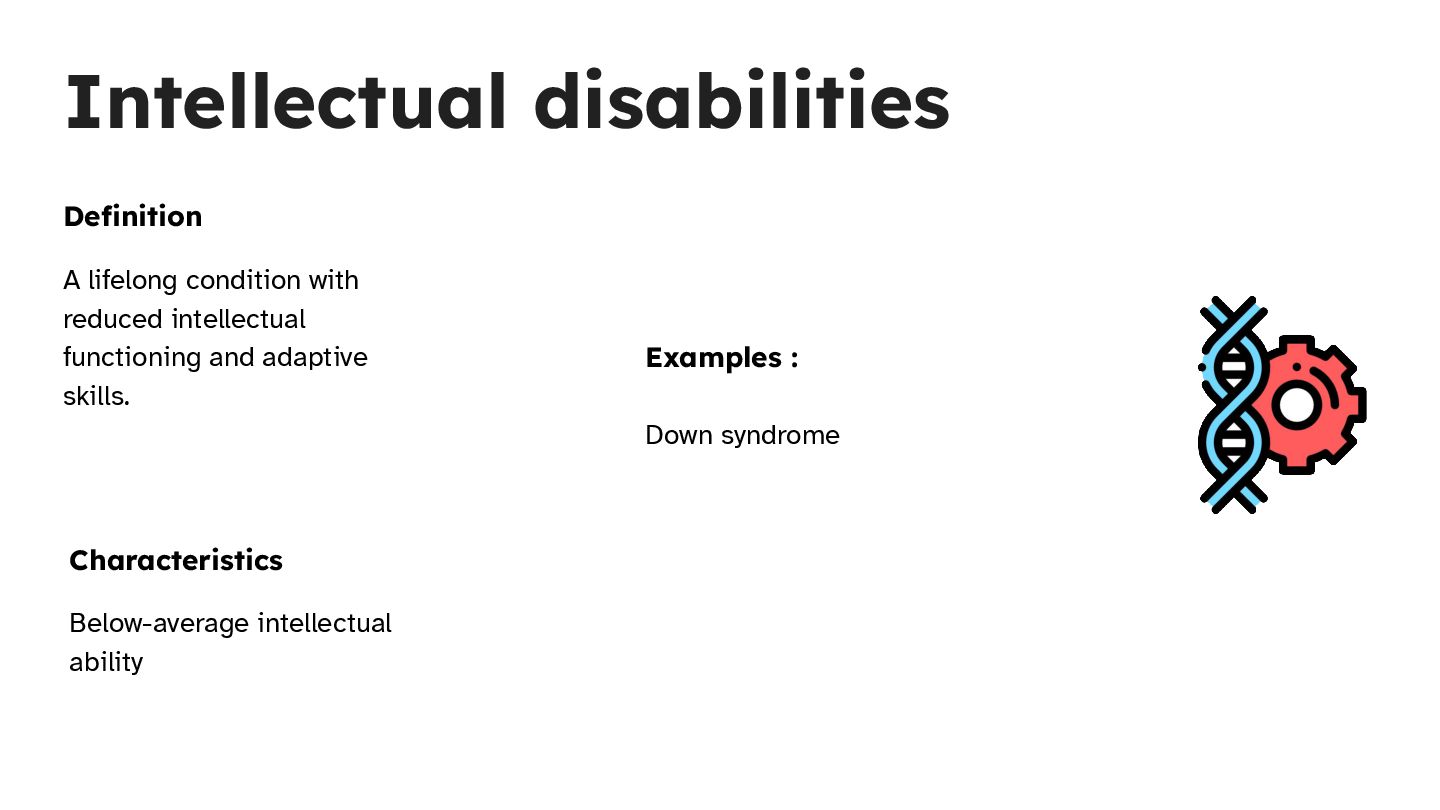
  5. Intellectual disabilities Definition A lifelong condition with reduced intellectual functioning

    and adaptive skills. Characteristics Below-average intellectual ability Examples : Down syndrome
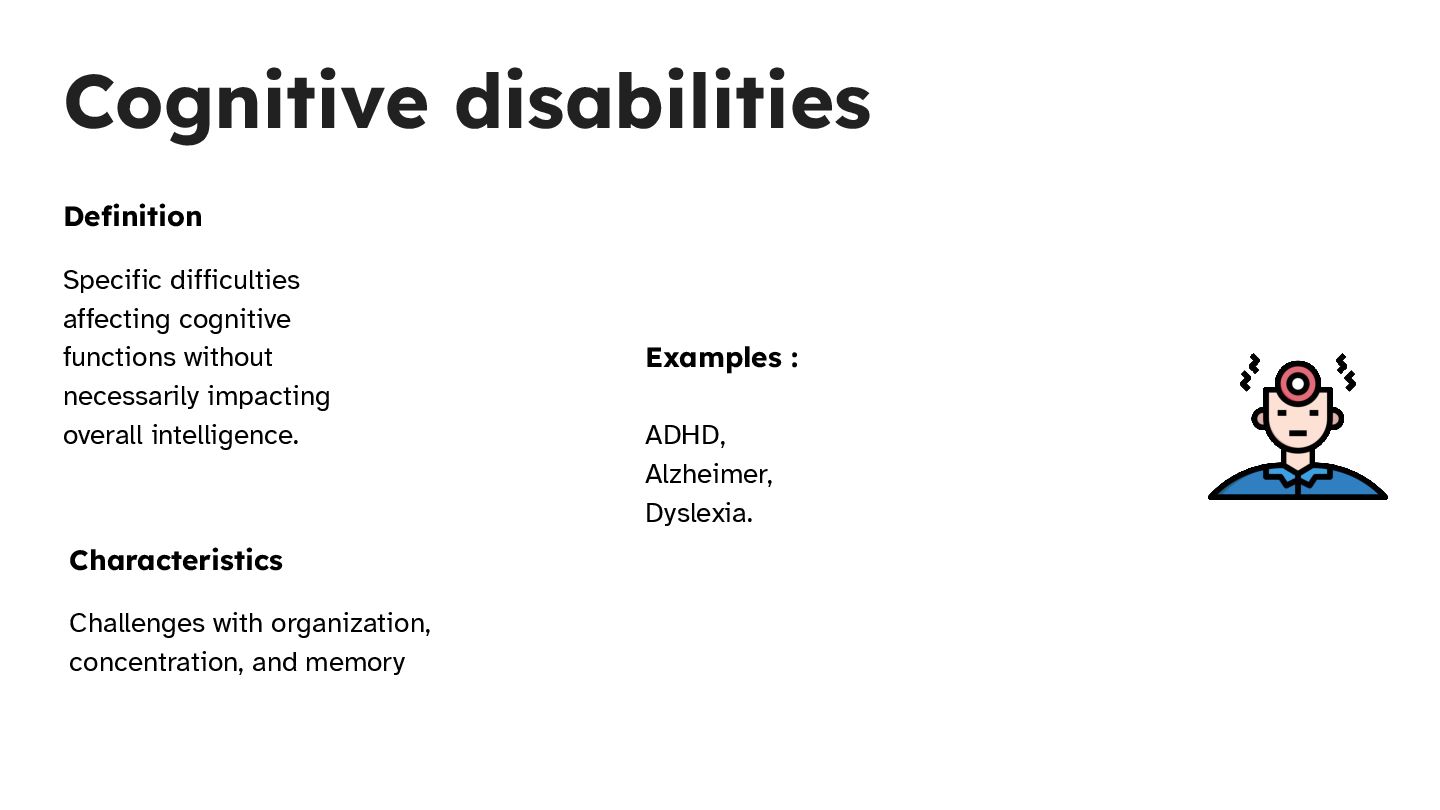
  6. Cognitive disabilities Definition Specific difficulties affecting cognitive functions without necessarily

    impacting overall intelligence. Characteristics Challenges with organization, concentration, and memory Examples : ADHD, Alzheimer, Dyslexia.
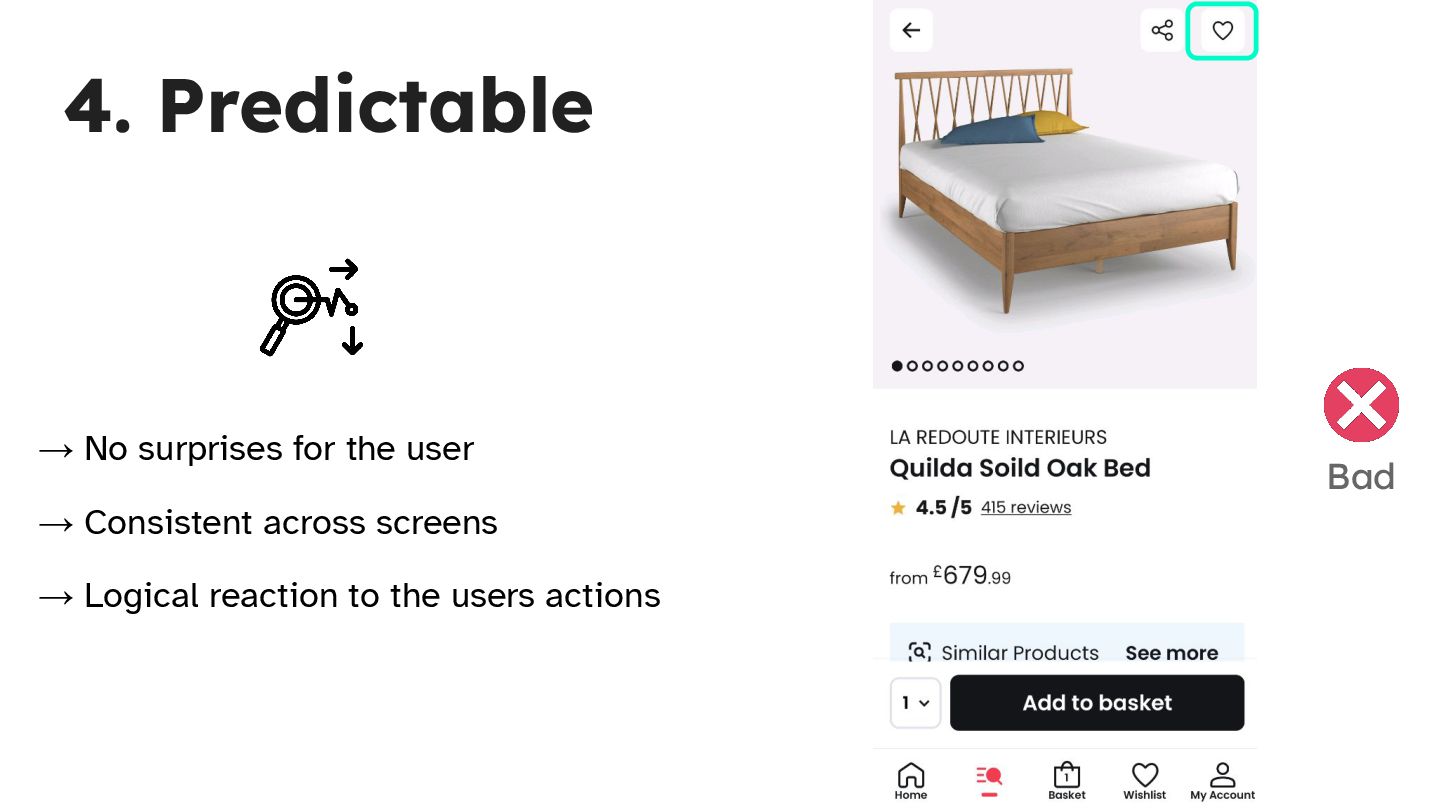
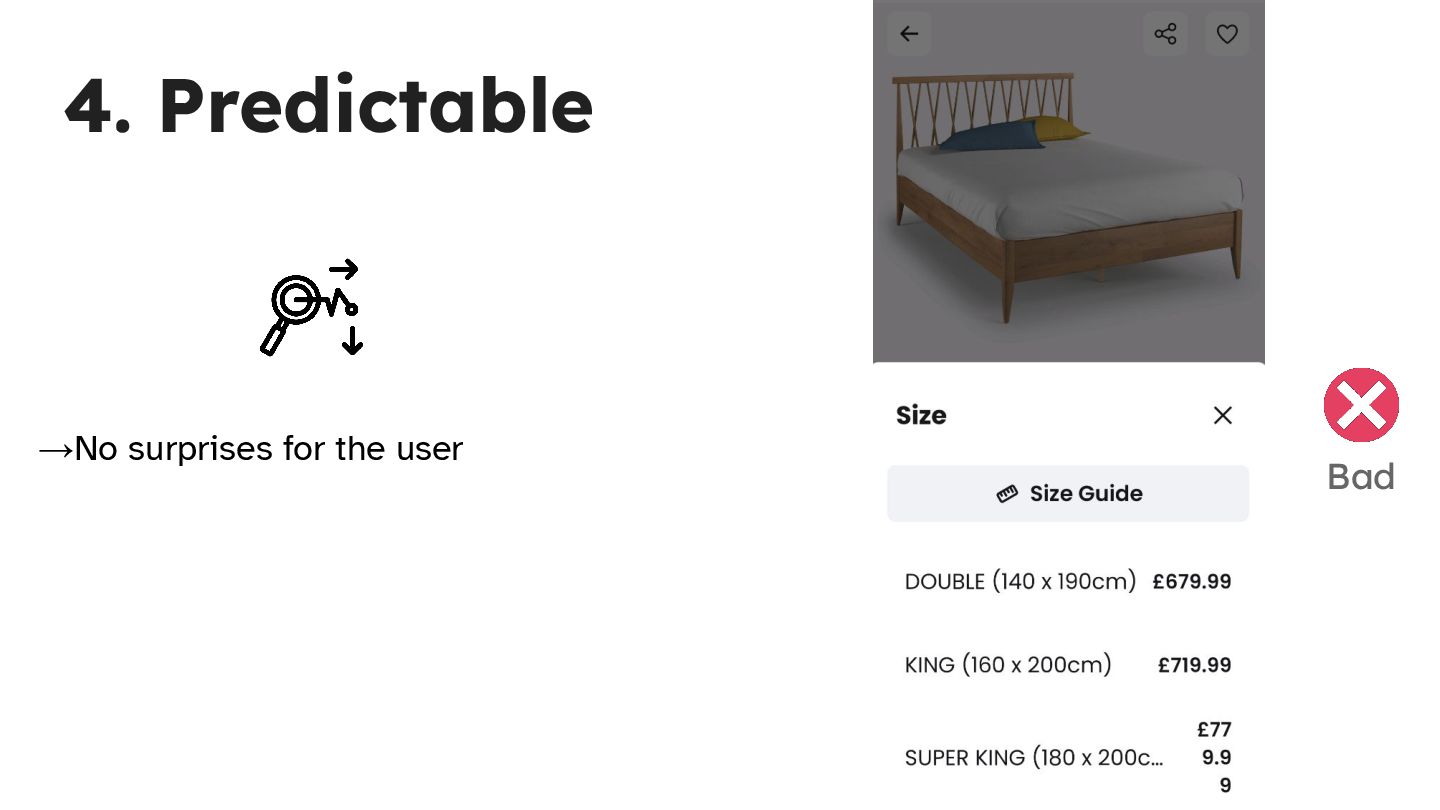
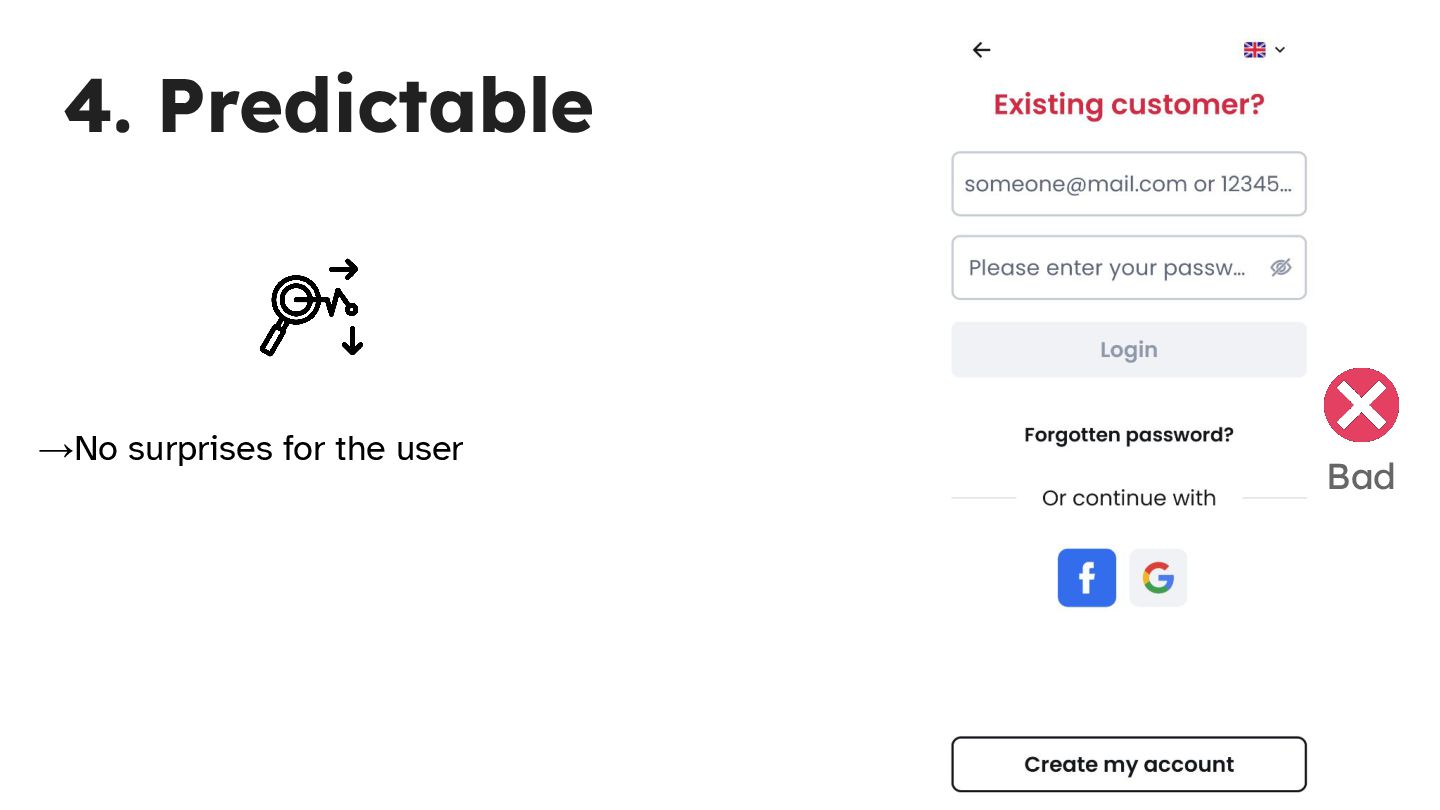
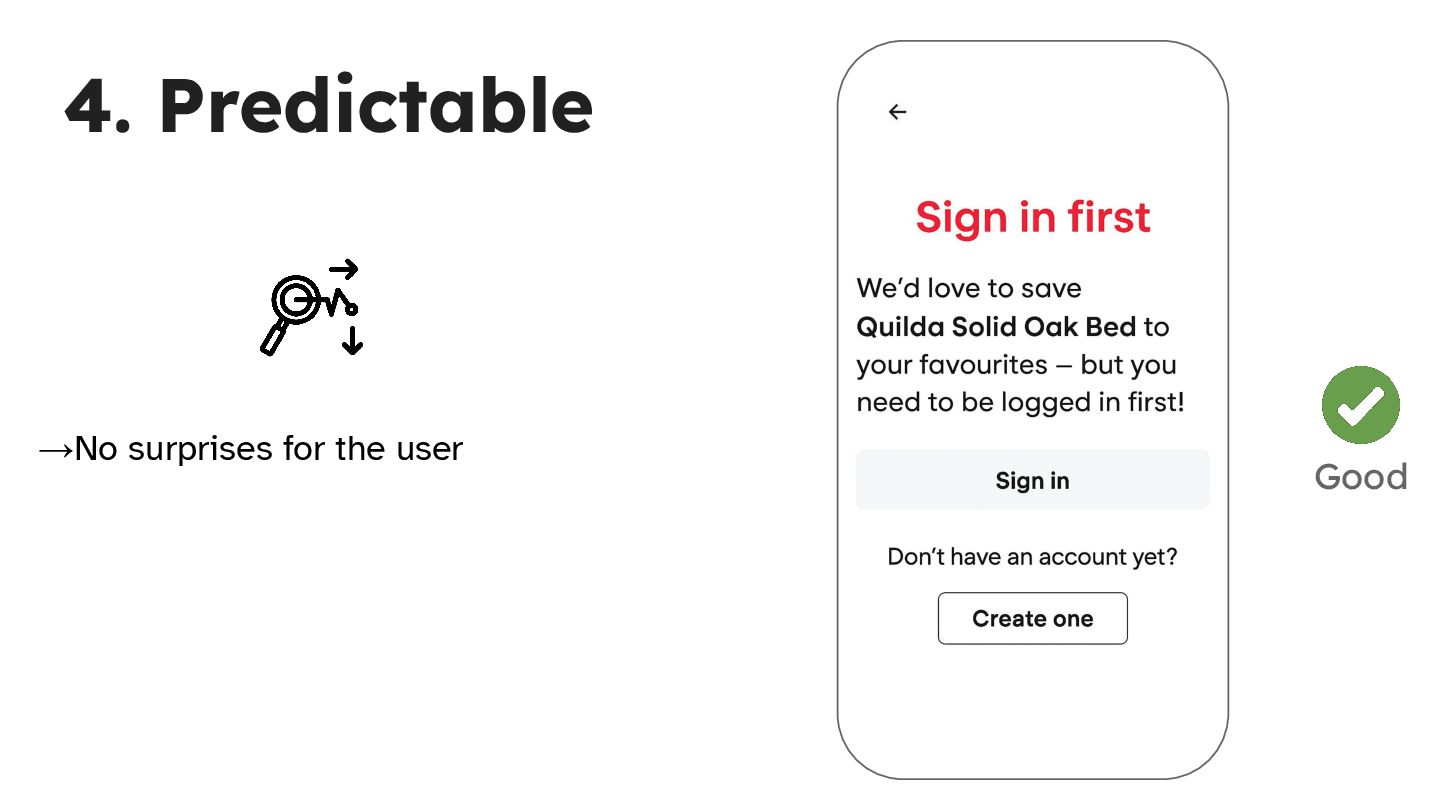
  7. 4. Predictable → No surprises for the user → Consistent

    across screens → Logical reaction to the users actions Bad
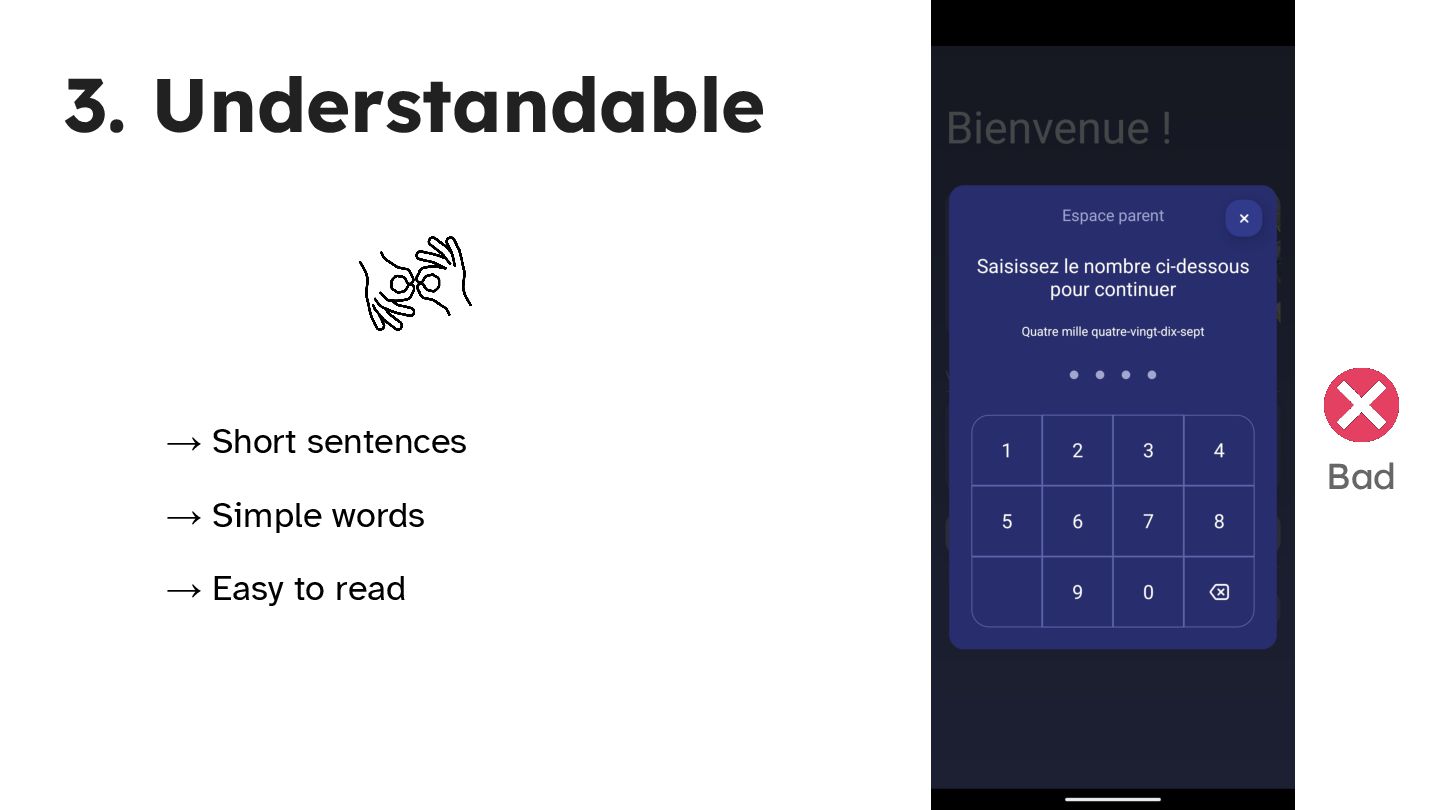
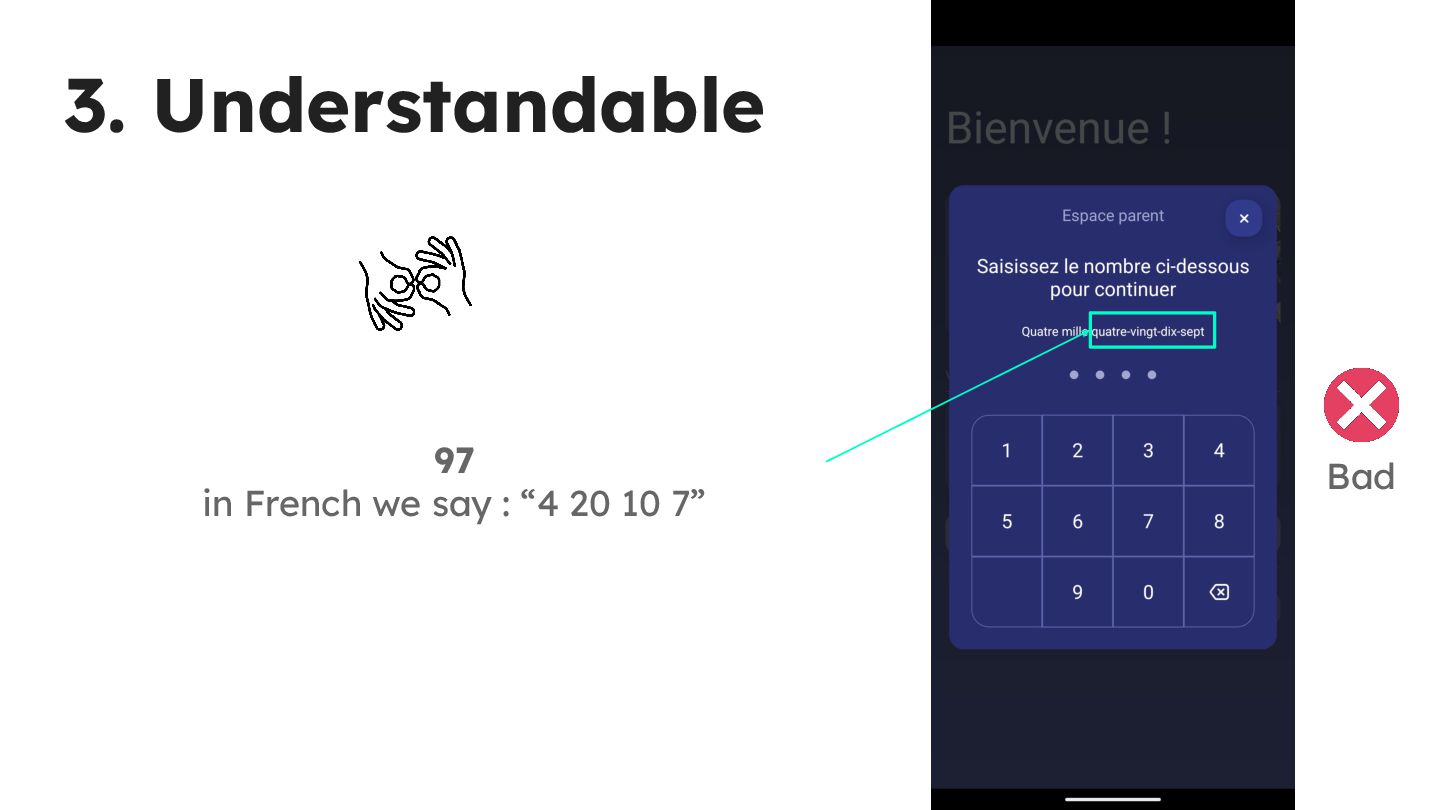
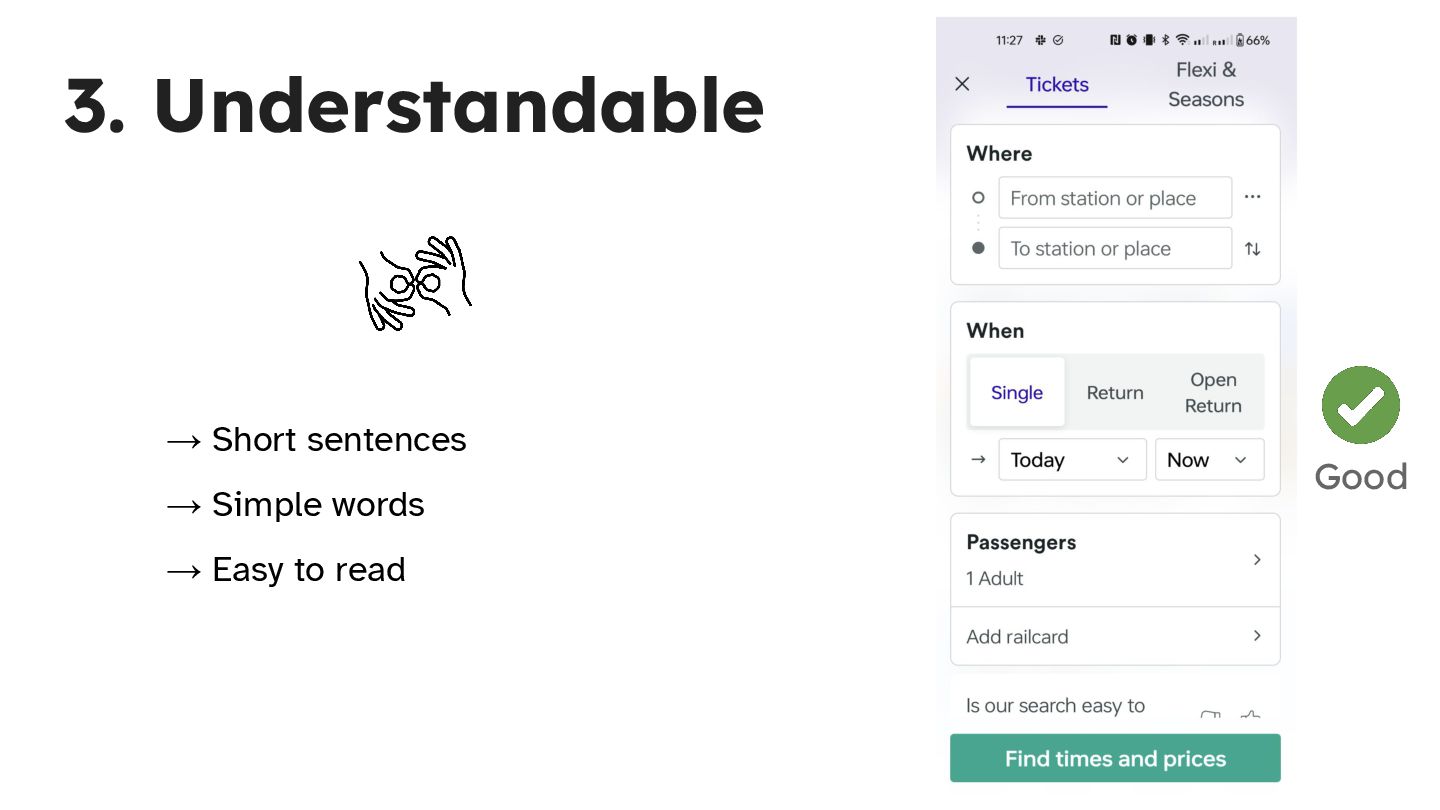
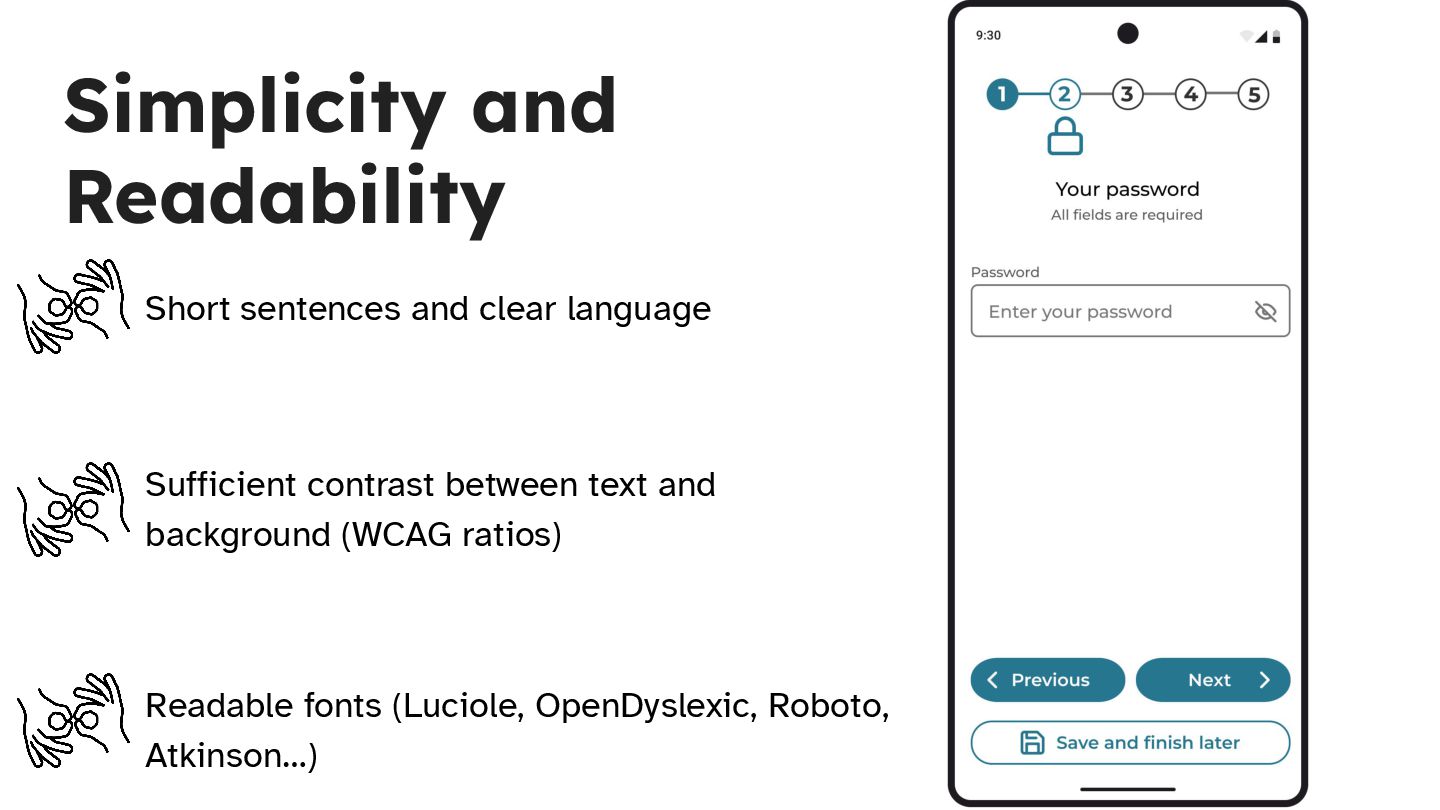
  8. Simplicity and Readability Short sentences and clear language Sufficient contrast

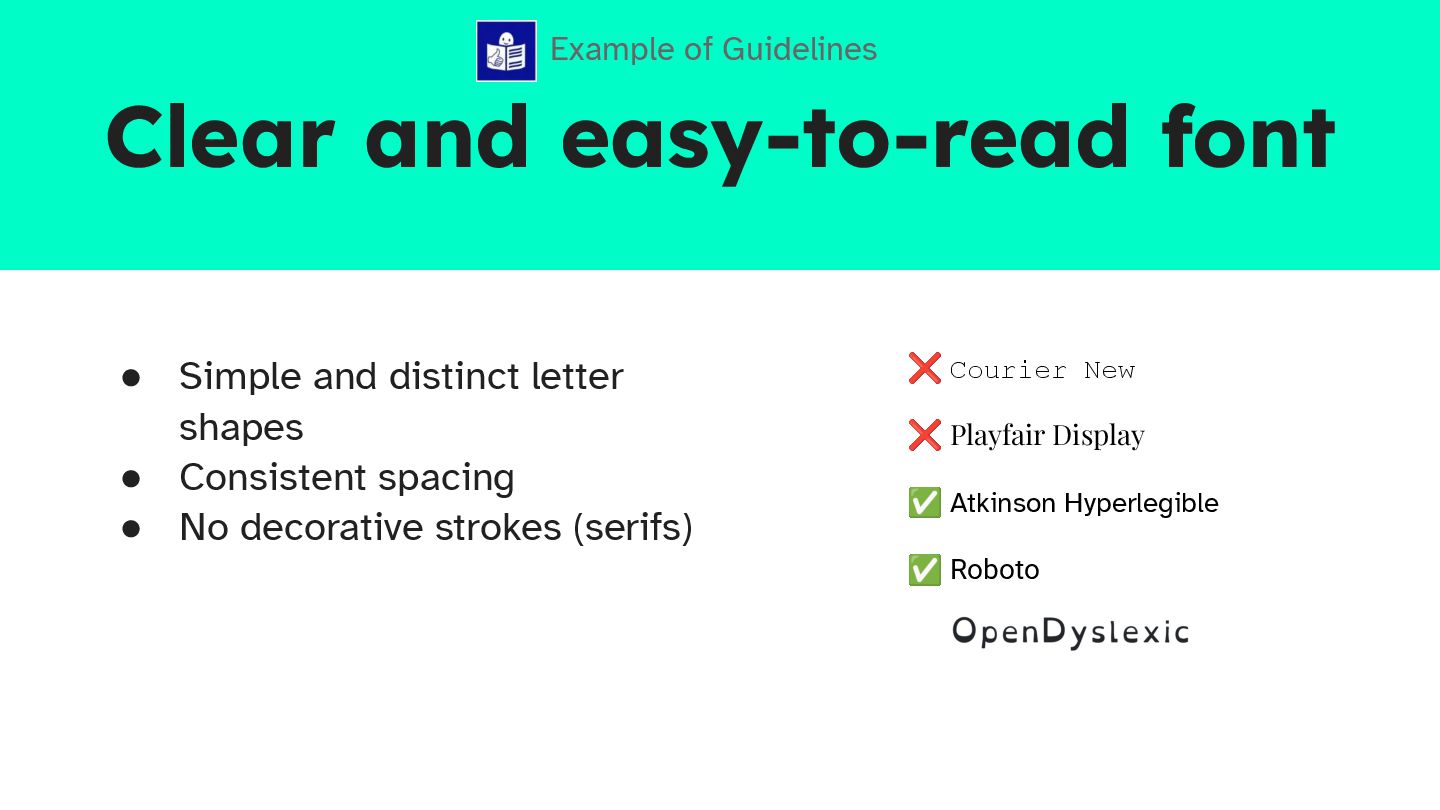
    between text and background (WCAG ratios) Readable fonts (Luciole, OpenDyslexic, Roboto, Atkinson…)
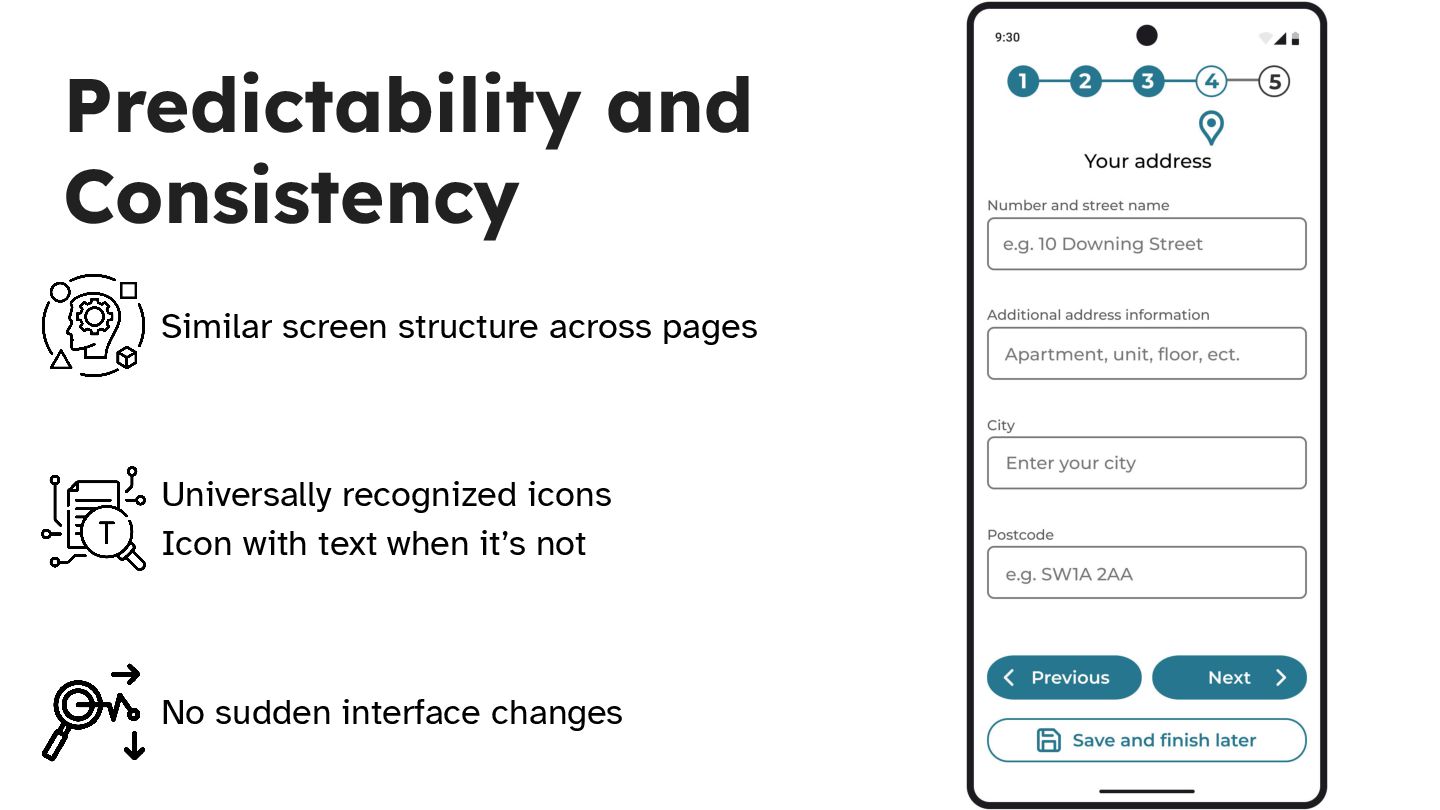
  9. Predictability and Consistency Similar screen structure across pages Universally recognized

    icons Icon with text when it’s not No sudden interface changes
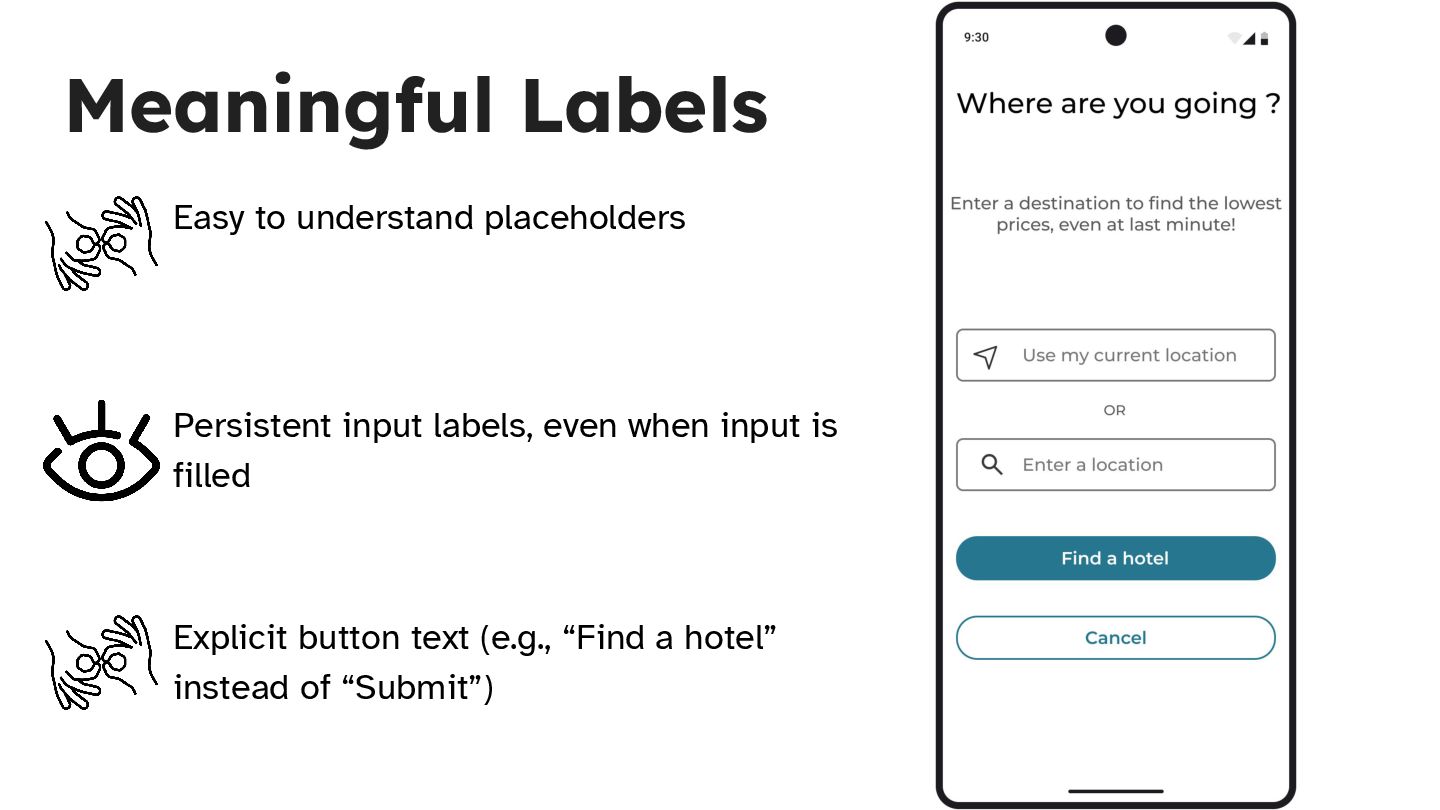
  10. Meaningful Labels Easy to understand placeholders Persistent input labels, even

    when input is filled Explicit button text (e.g., “Find a hotel” instead of “Submit”)
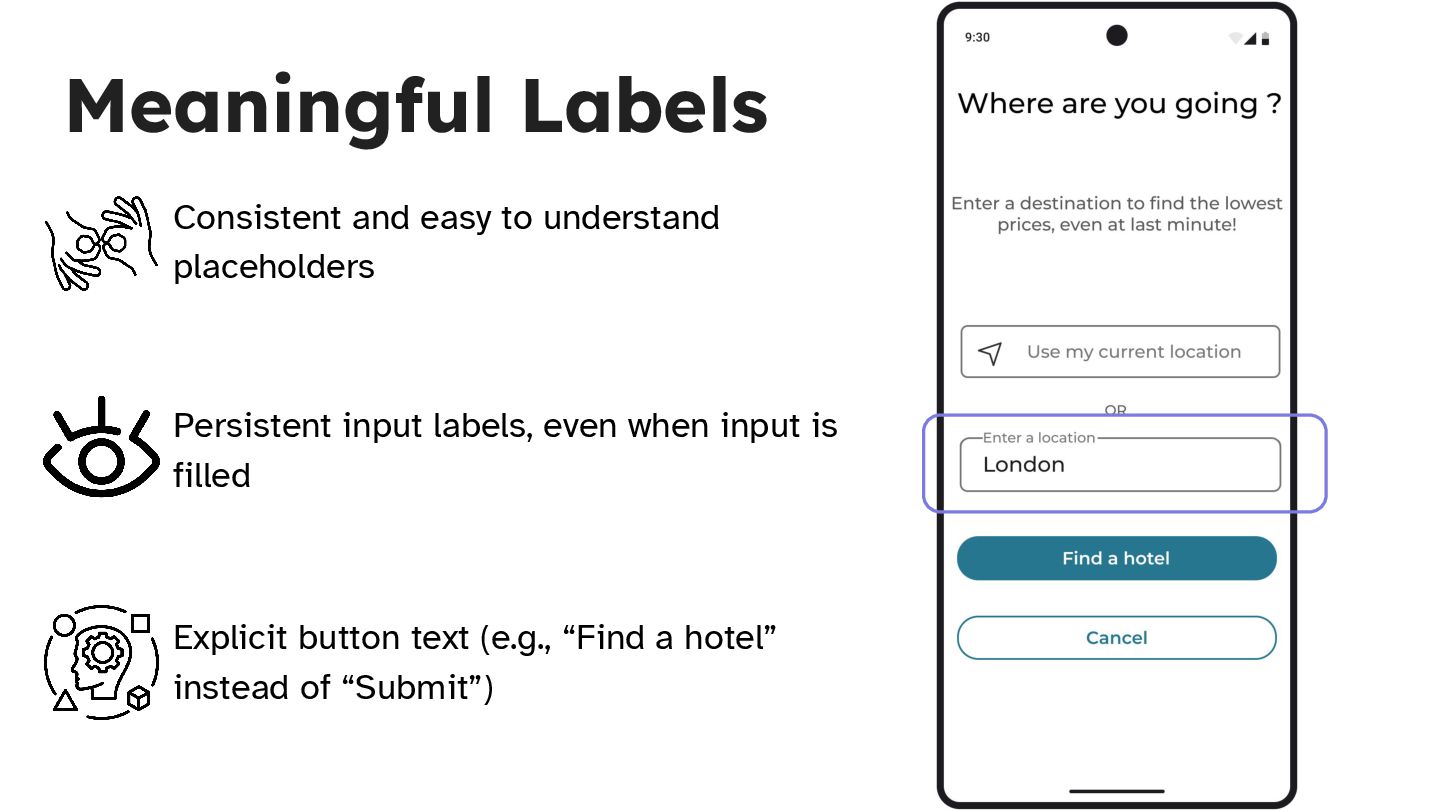
  11. Meaningful Labels Consistent and easy to understand placeholders Persistent input

    labels, even when input is filled Explicit button text (e.g., “Find a hotel” instead of “Submit”)
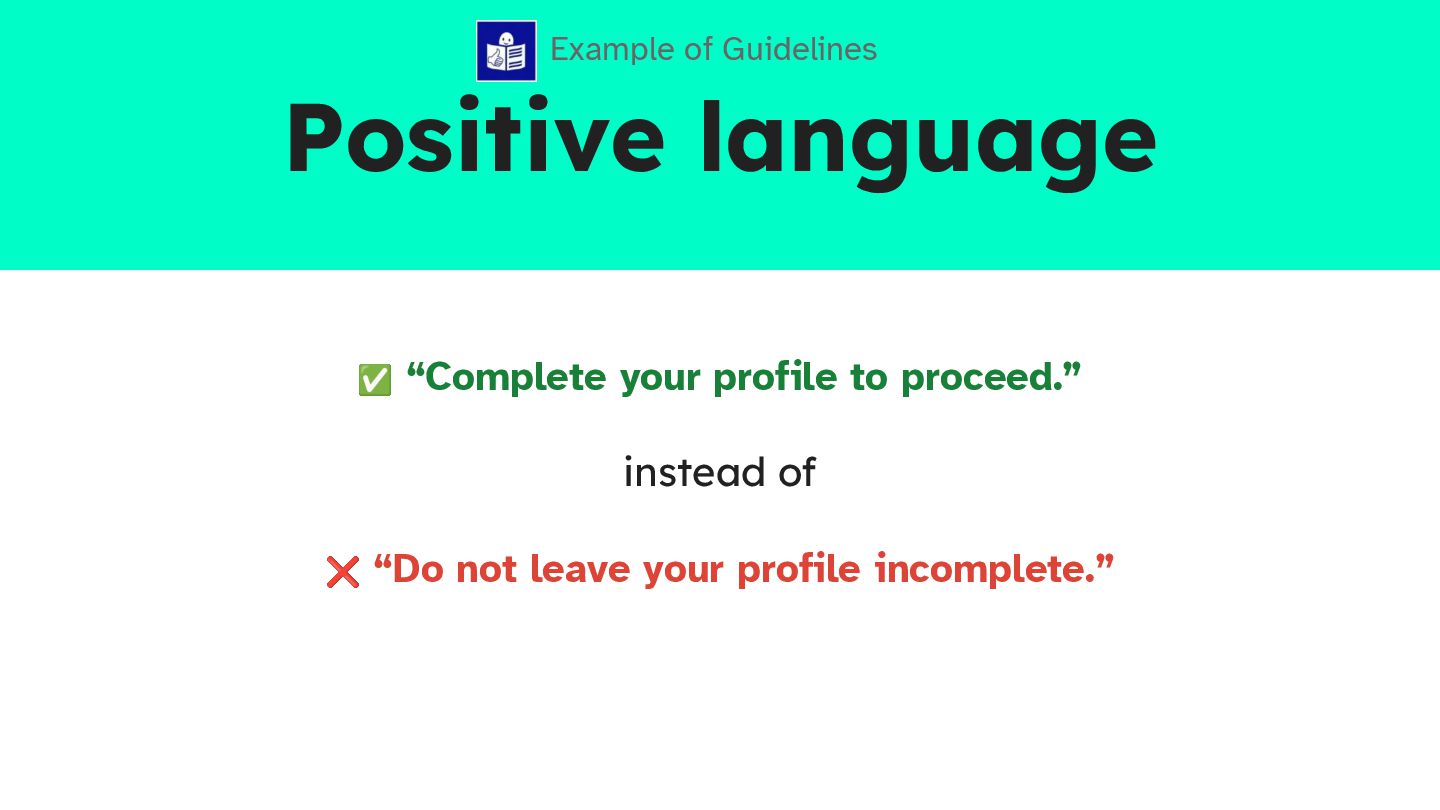
  12. Positive language ✅ “Complete your profile to proceed.” instead of

    ❌ “Do not leave your profile incomplete.” Example of Guidelines
  13. Clear and easy-to-read font • Simple and distinct letter shapes

    • Consistent spacing • No decorative strokes (serifs) Example of Guidelines ❌ Courier New ❌ Playfair Display ✅ Atkinson Hyperlegible ✅ Roboto
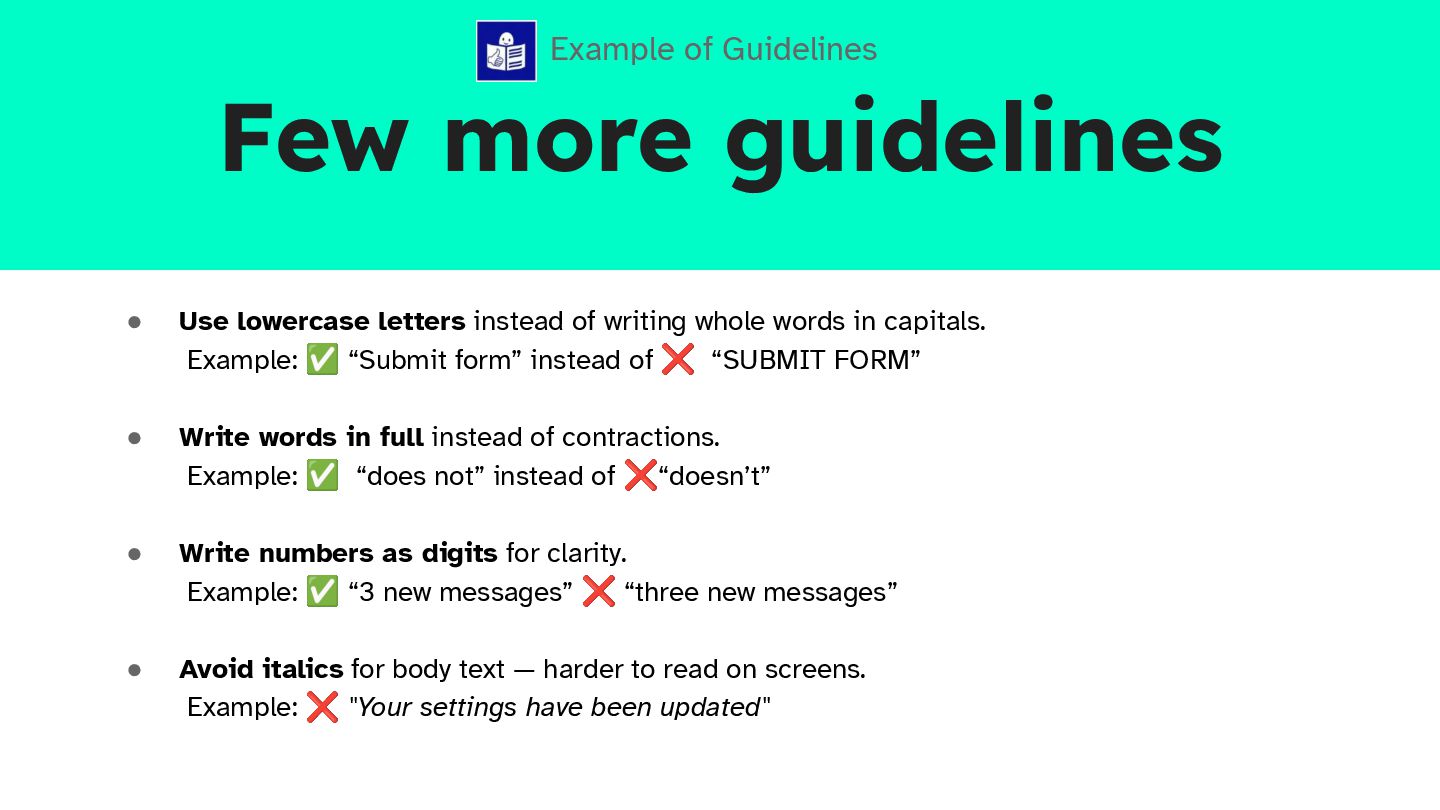
  14. Few more guidelines • Use lowercase letters instead of writing

    whole words in capitals. Example: ✅ “Submit form” instead of ❌ “SUBMIT FORM” • Write words in full instead of contractions. Example: ✅ “does not” instead of ❌“doesn’t” • Write numbers as digits for clarity. Example: ✅ “3 new messages” ❌ “three new messages” • Avoid italics for body text — harder to read on screens. Example: ❌ "Your settings have been updated" Example of Guidelines
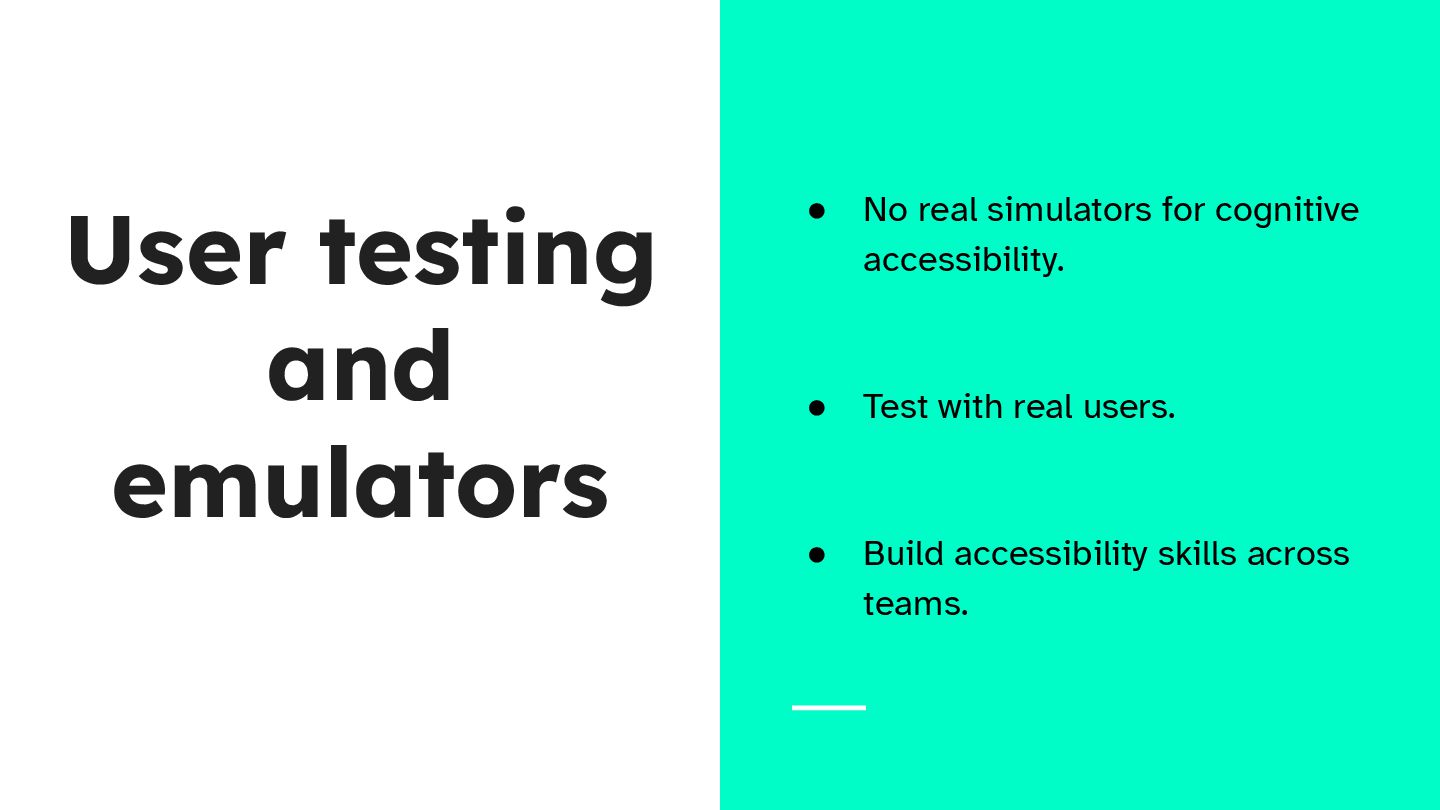
  15. User testing and emulators • No real simulators for cognitive

    accessibility. • Test with real users. • Build accessibility skills across teams.
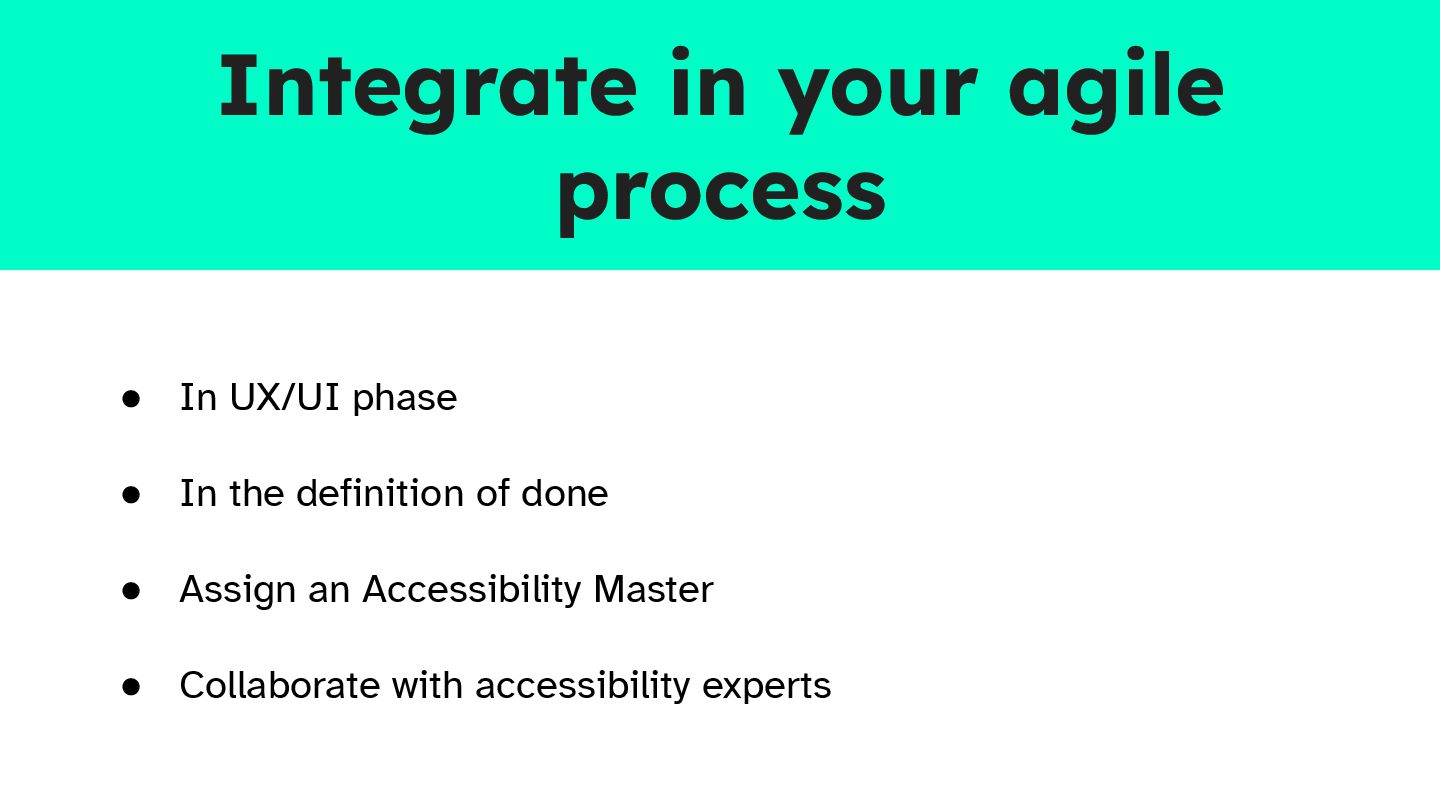
  16. Integrate in your agile process • In UX/UI phase •

    In the definition of done • Assign an Accessibility Master • Collaborate with accessibility experts
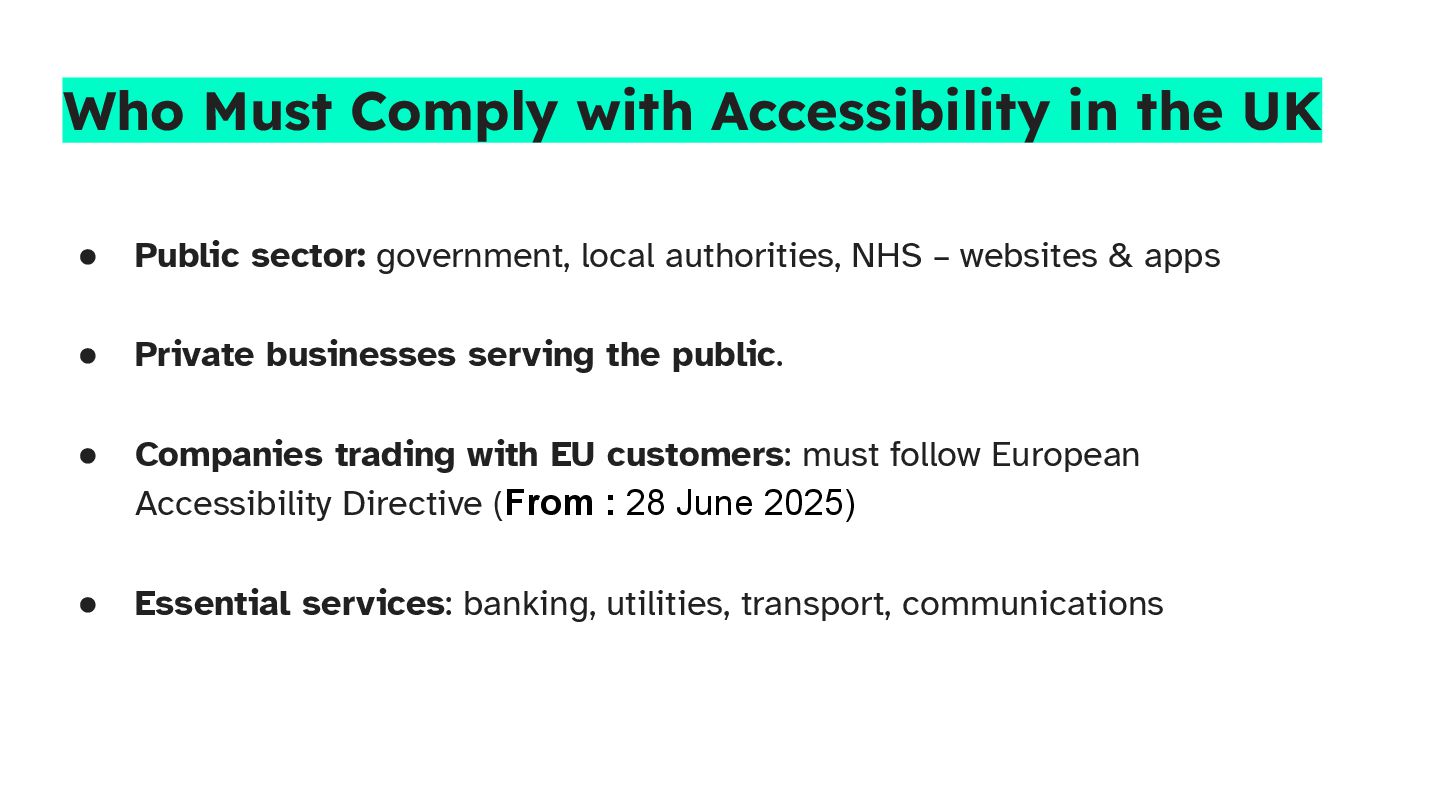
  17. Who Must Comply with Accessibility in the UK • Public

    sector: government, local authorities, NHS – websites & apps • Private businesses serving the public. • Companies trading with EU customers: must follow European Accessibility Directive (From : 28 June 2025) • Essential services: banking, utilities, transport, communications
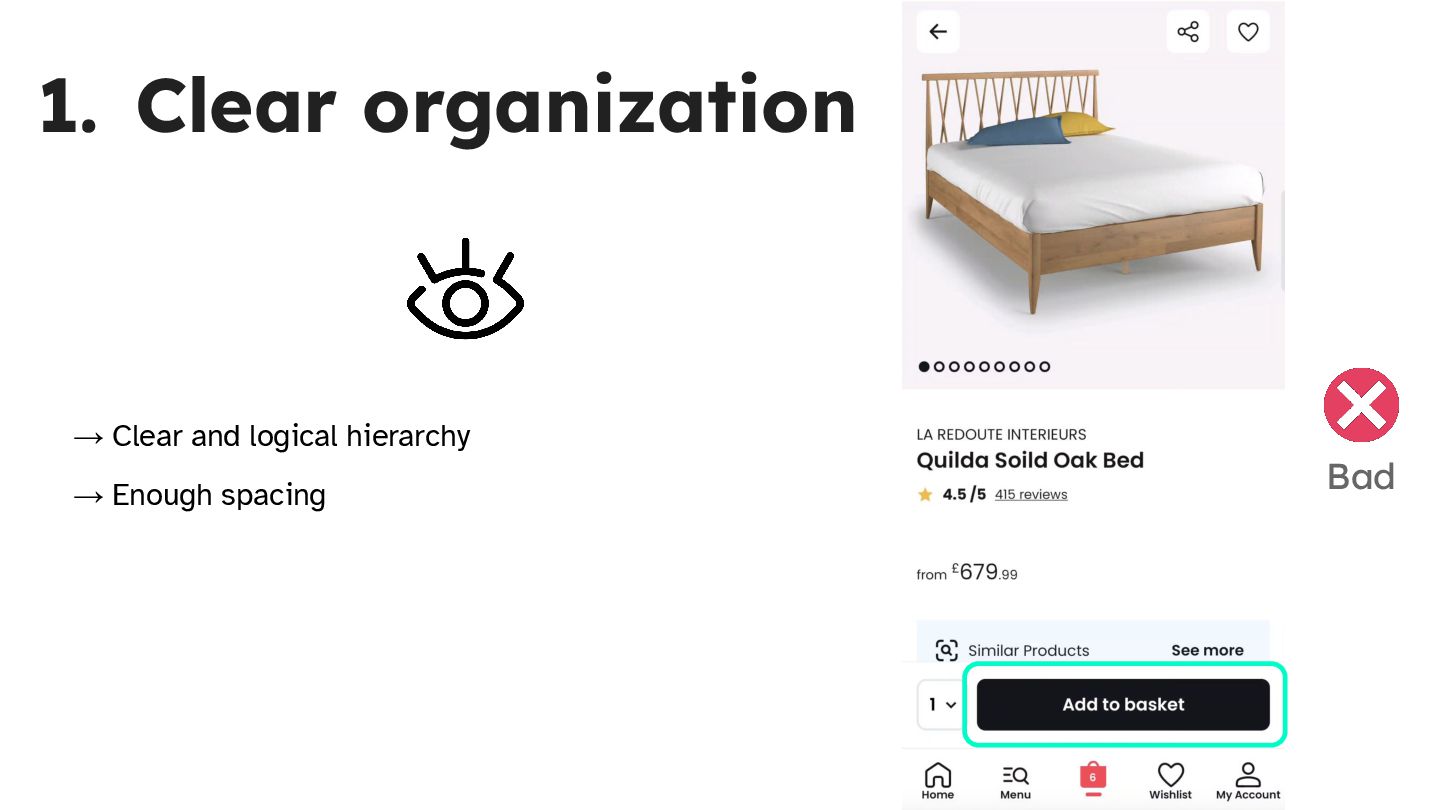
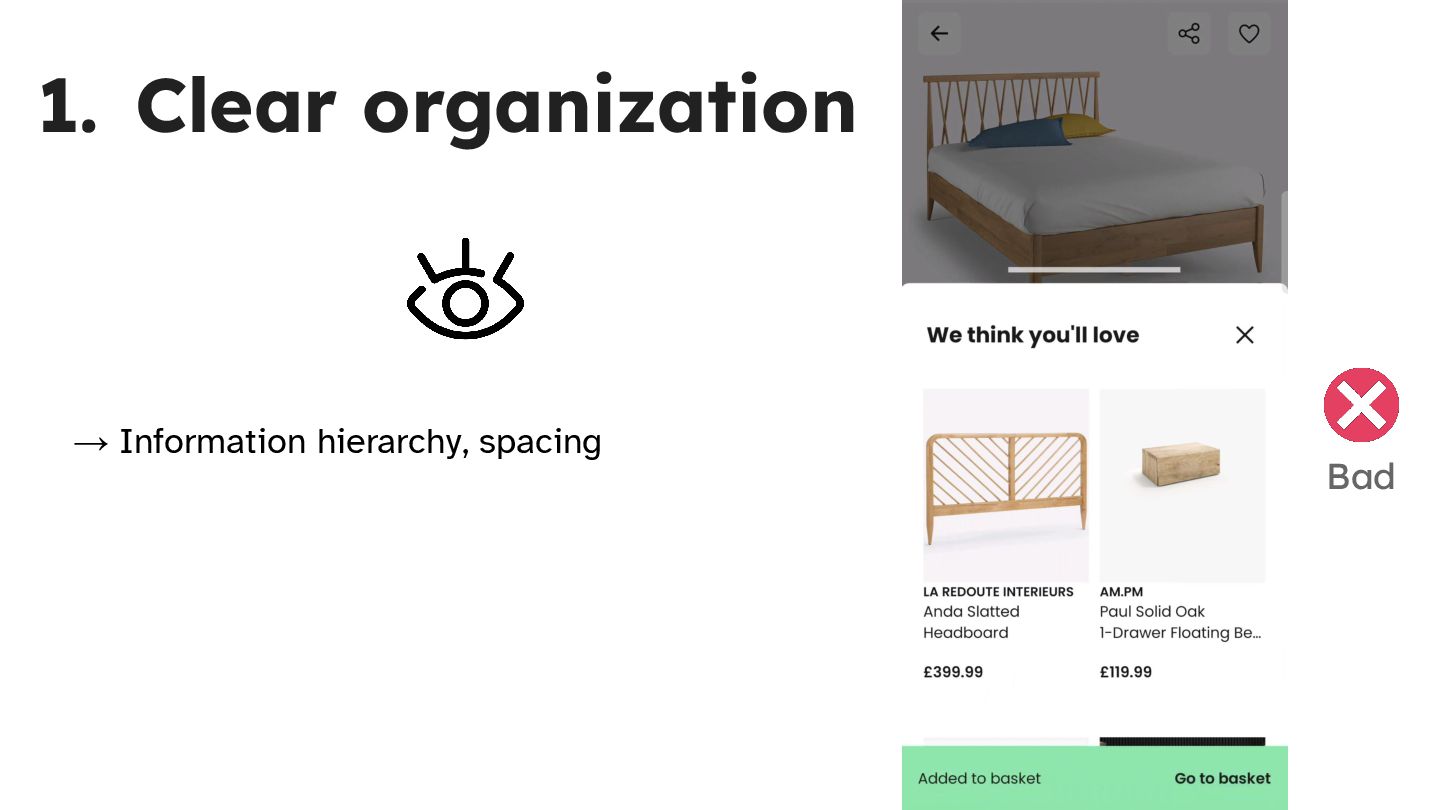
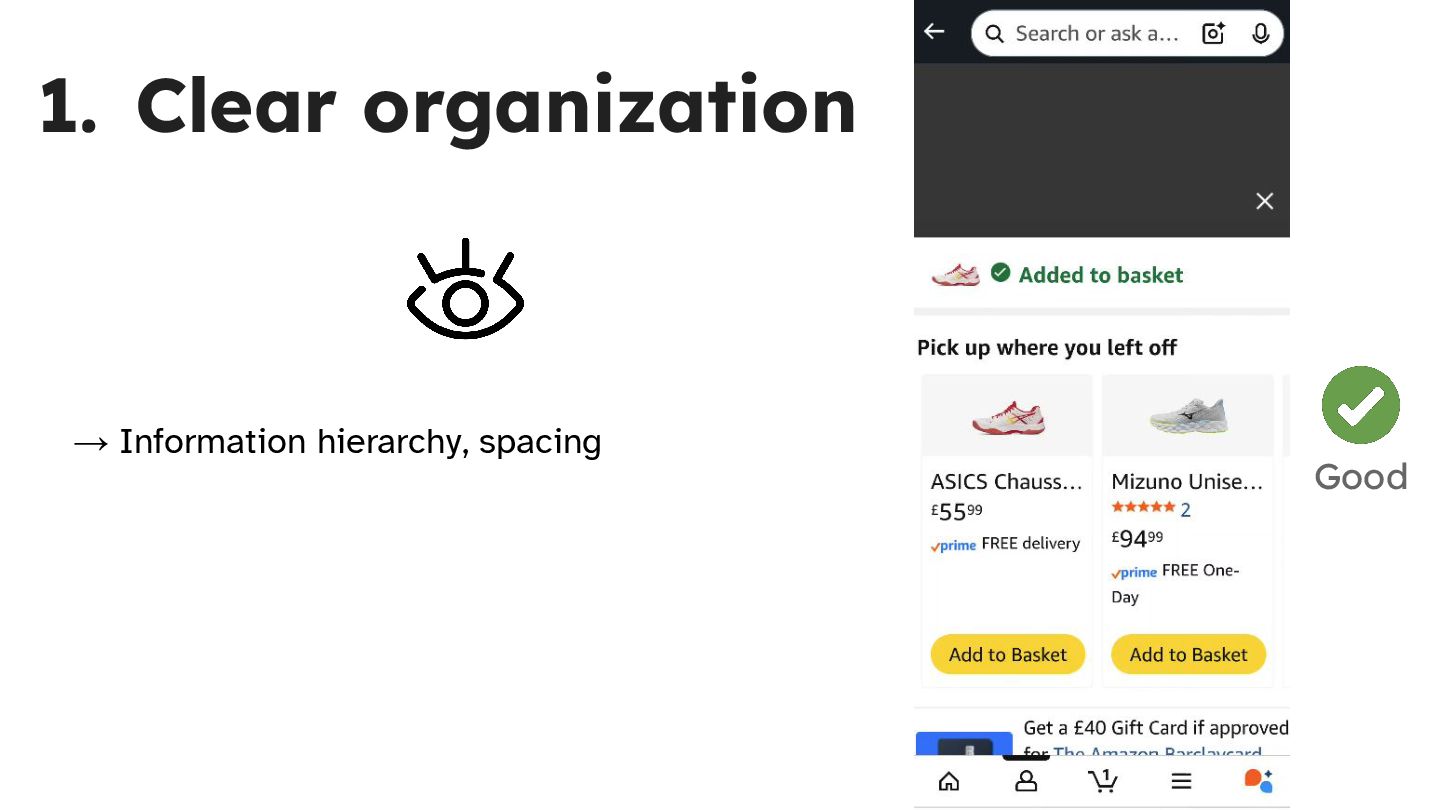
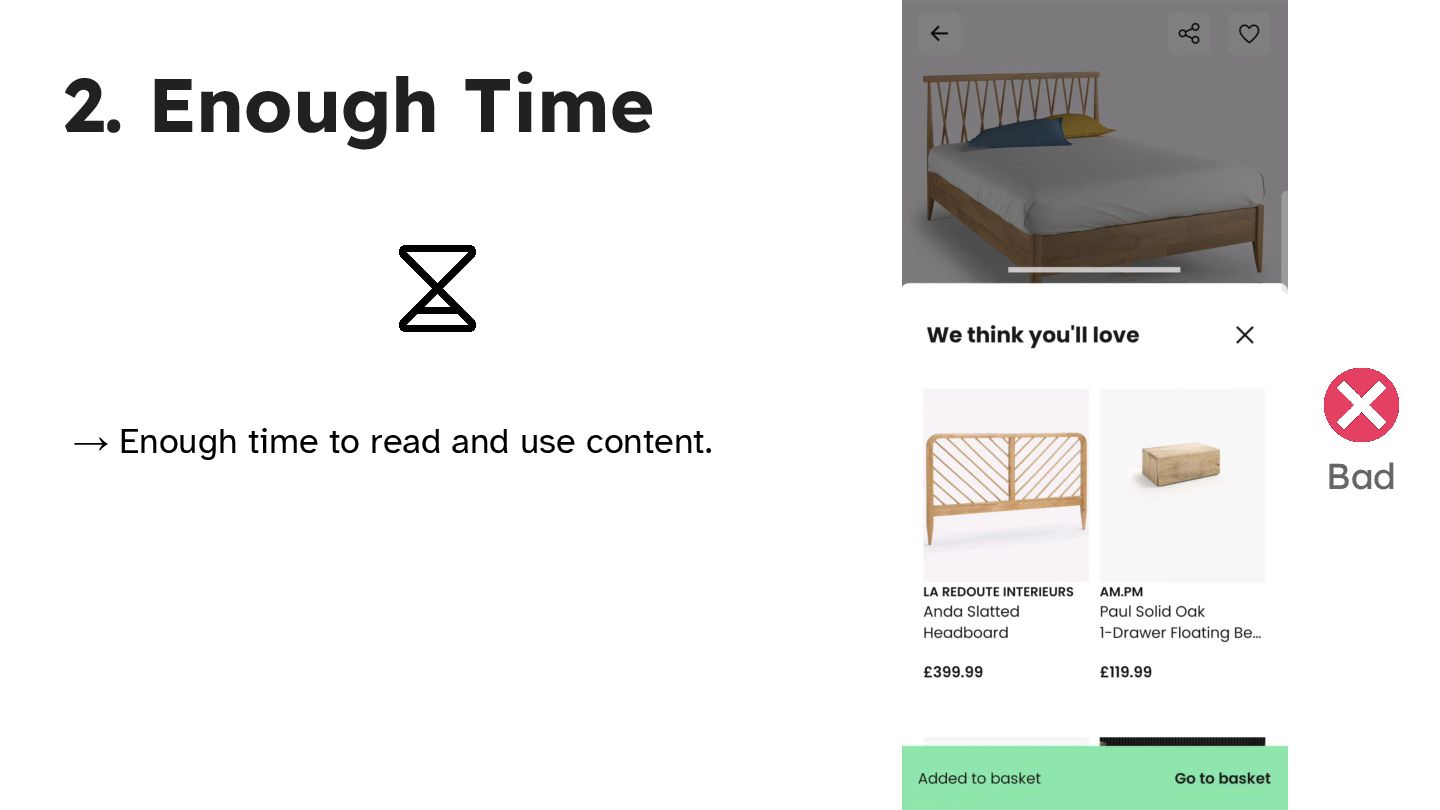
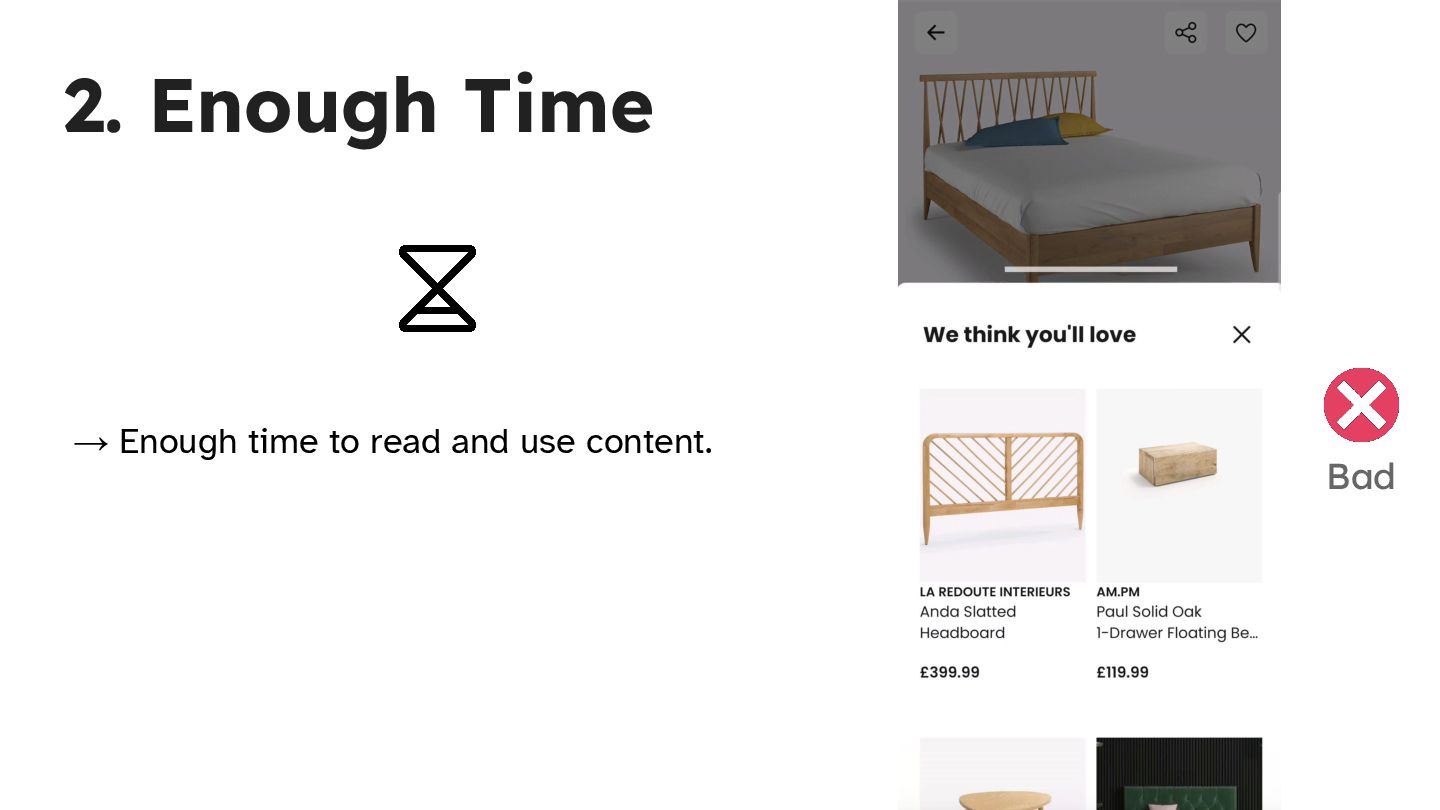
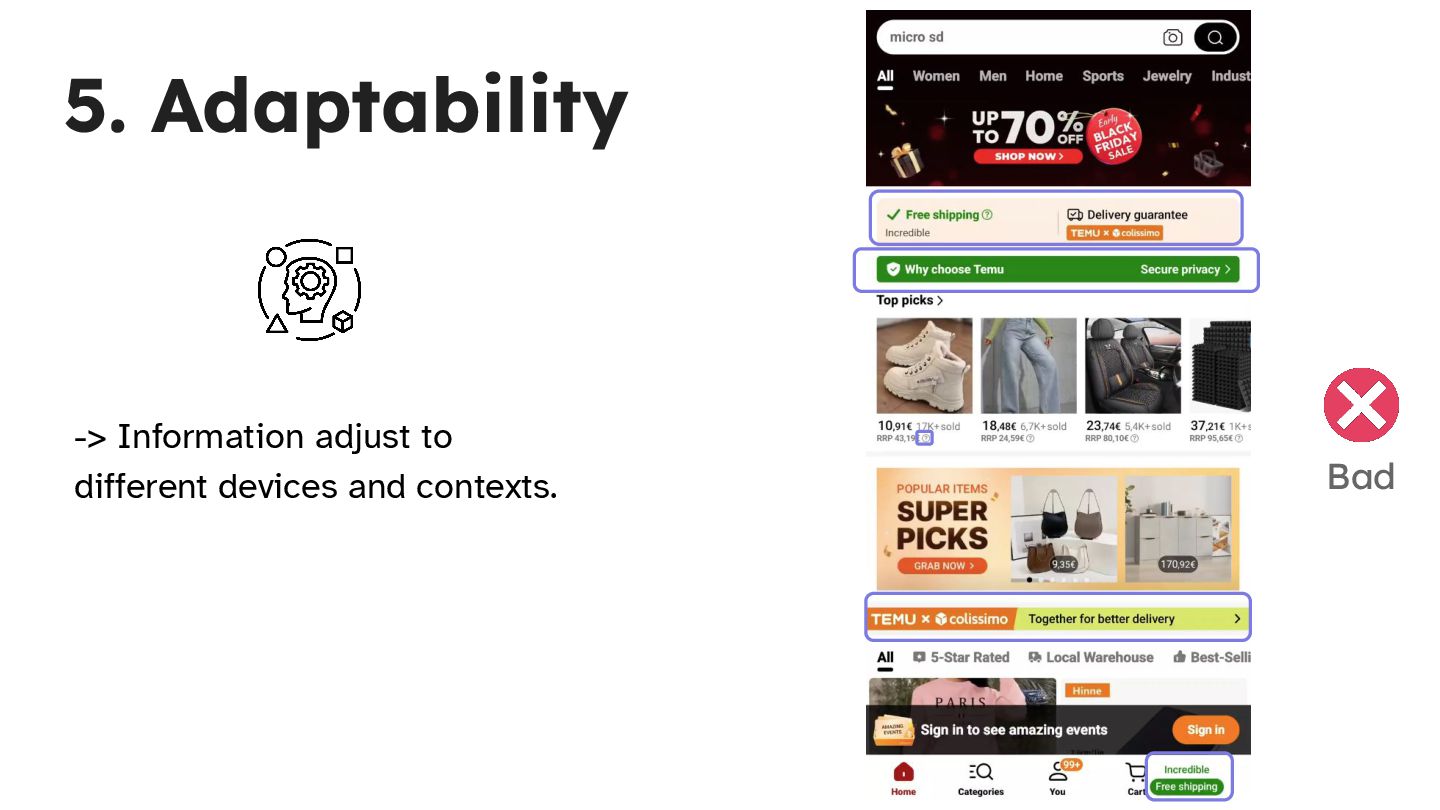
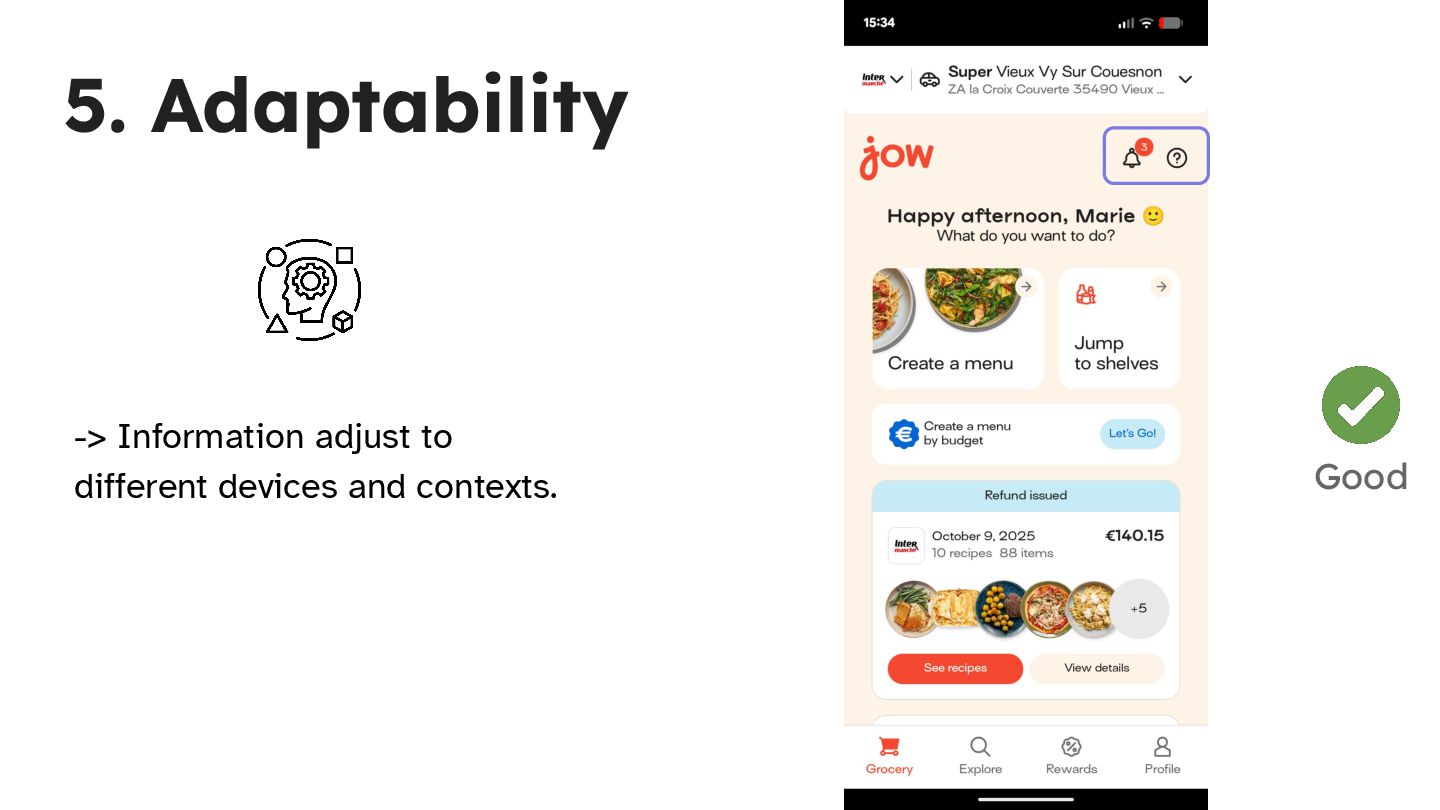
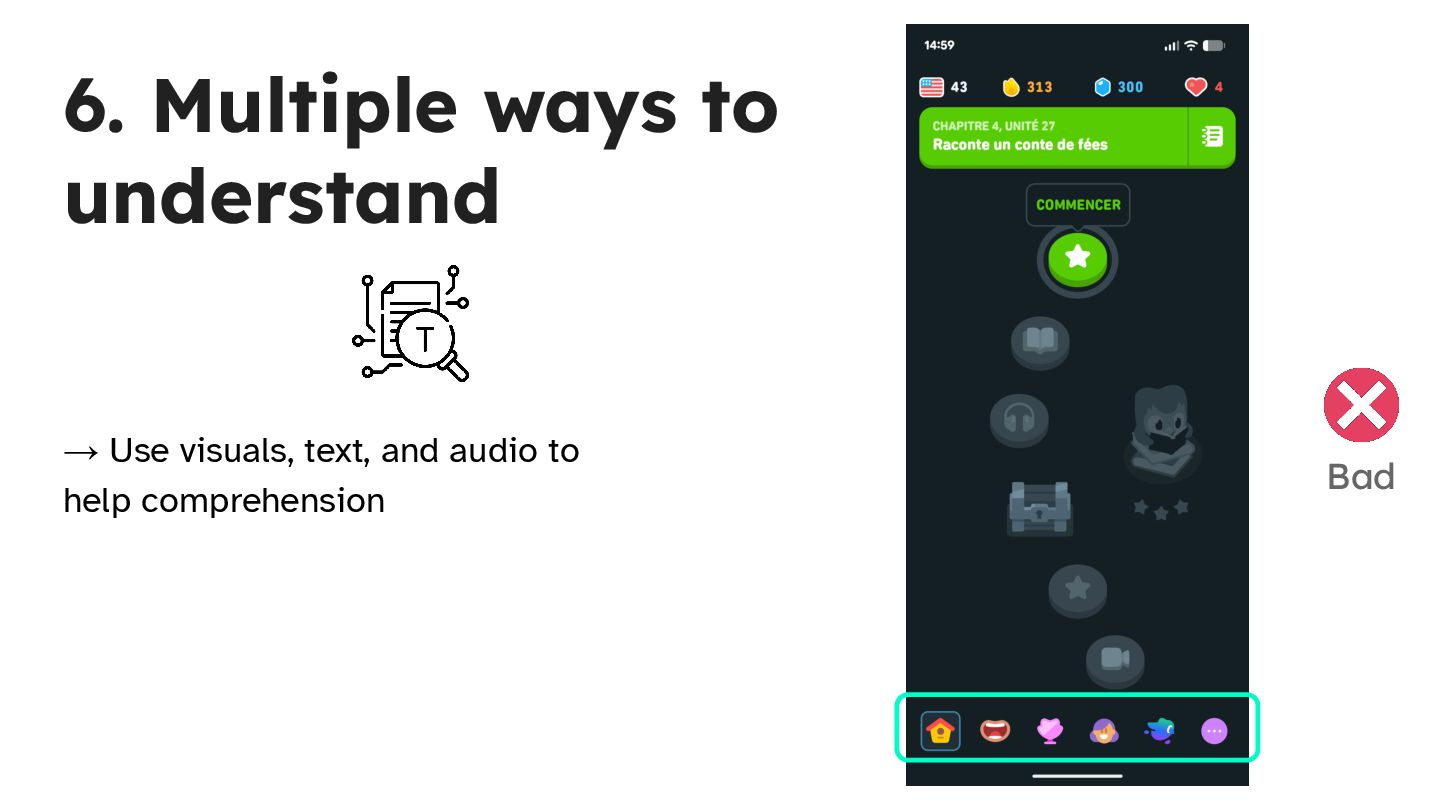
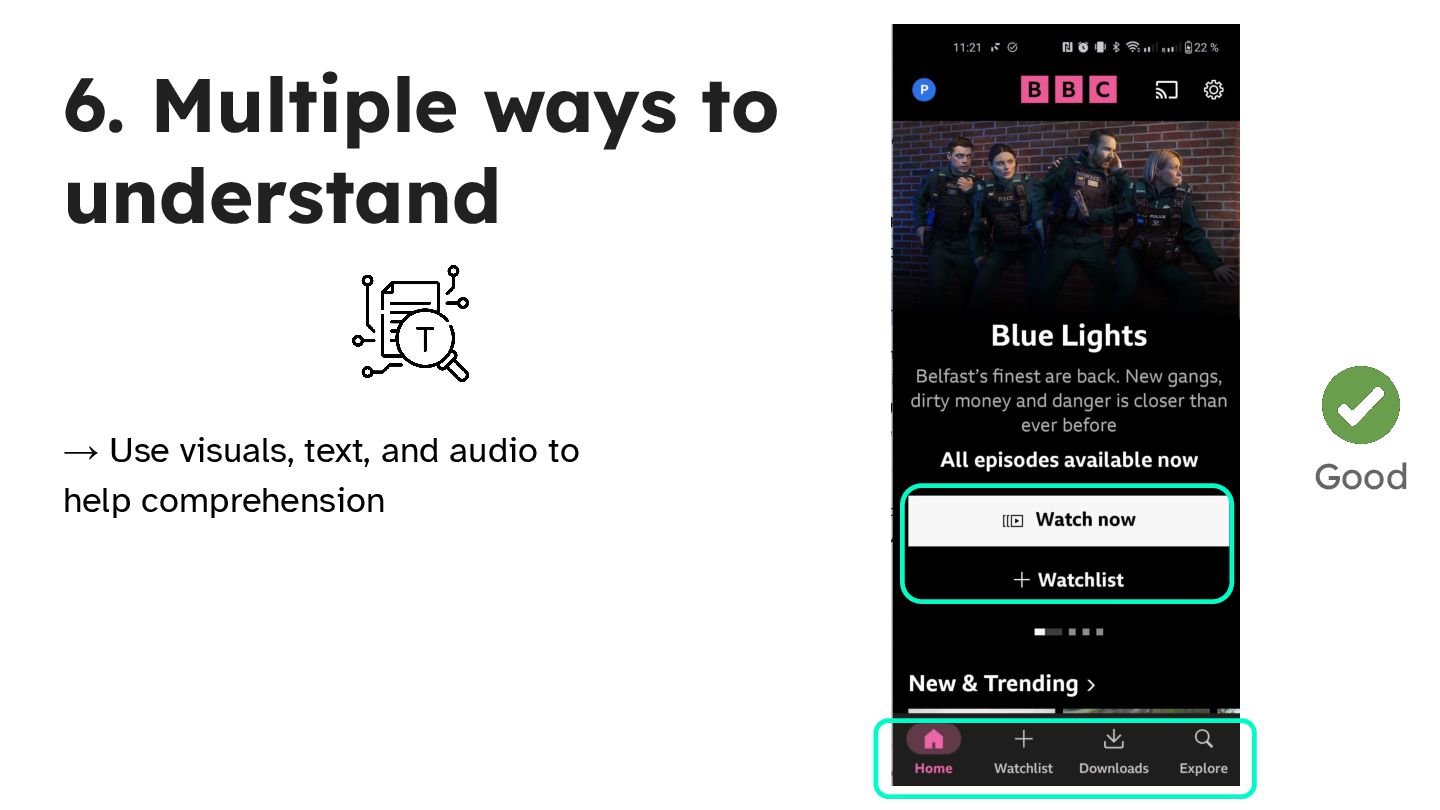
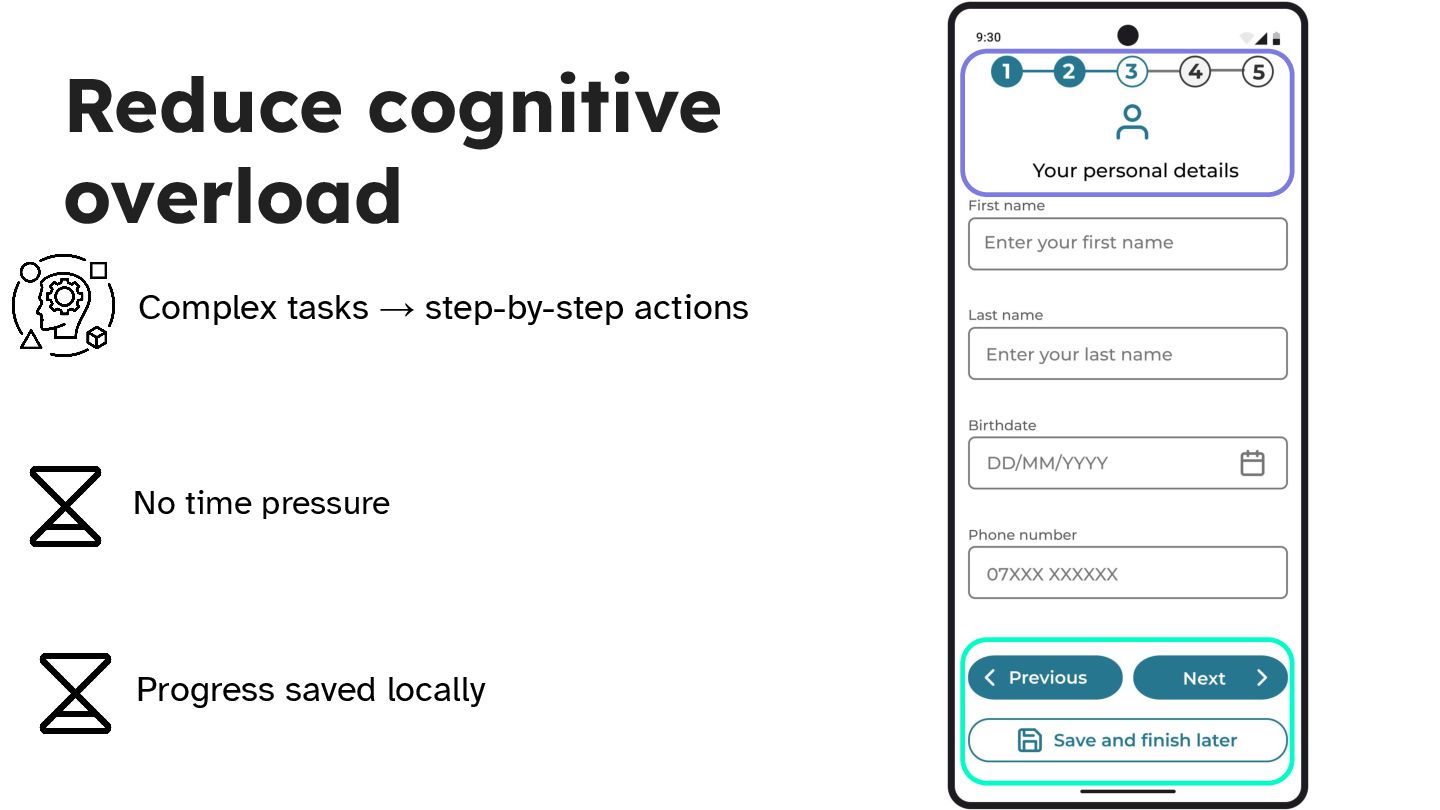
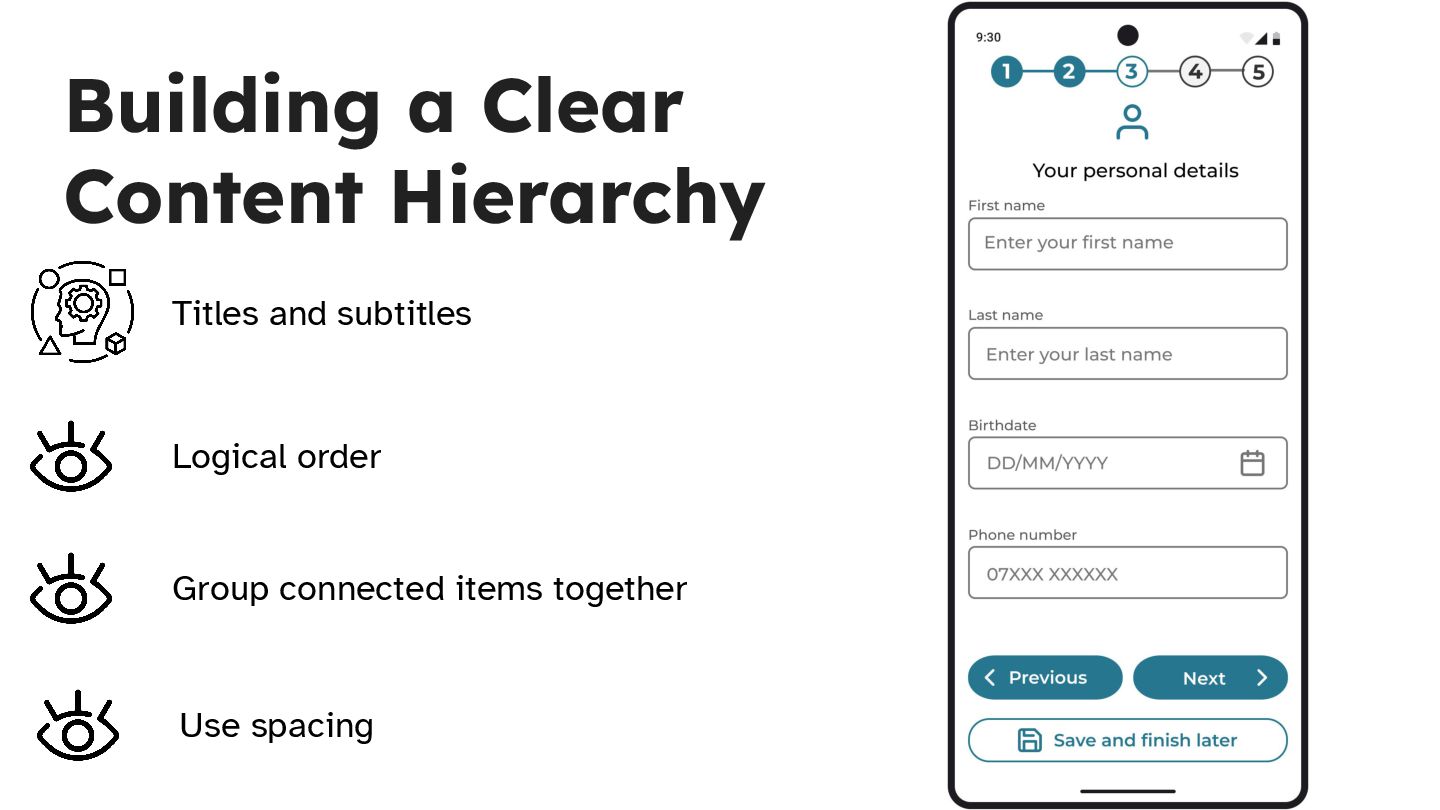
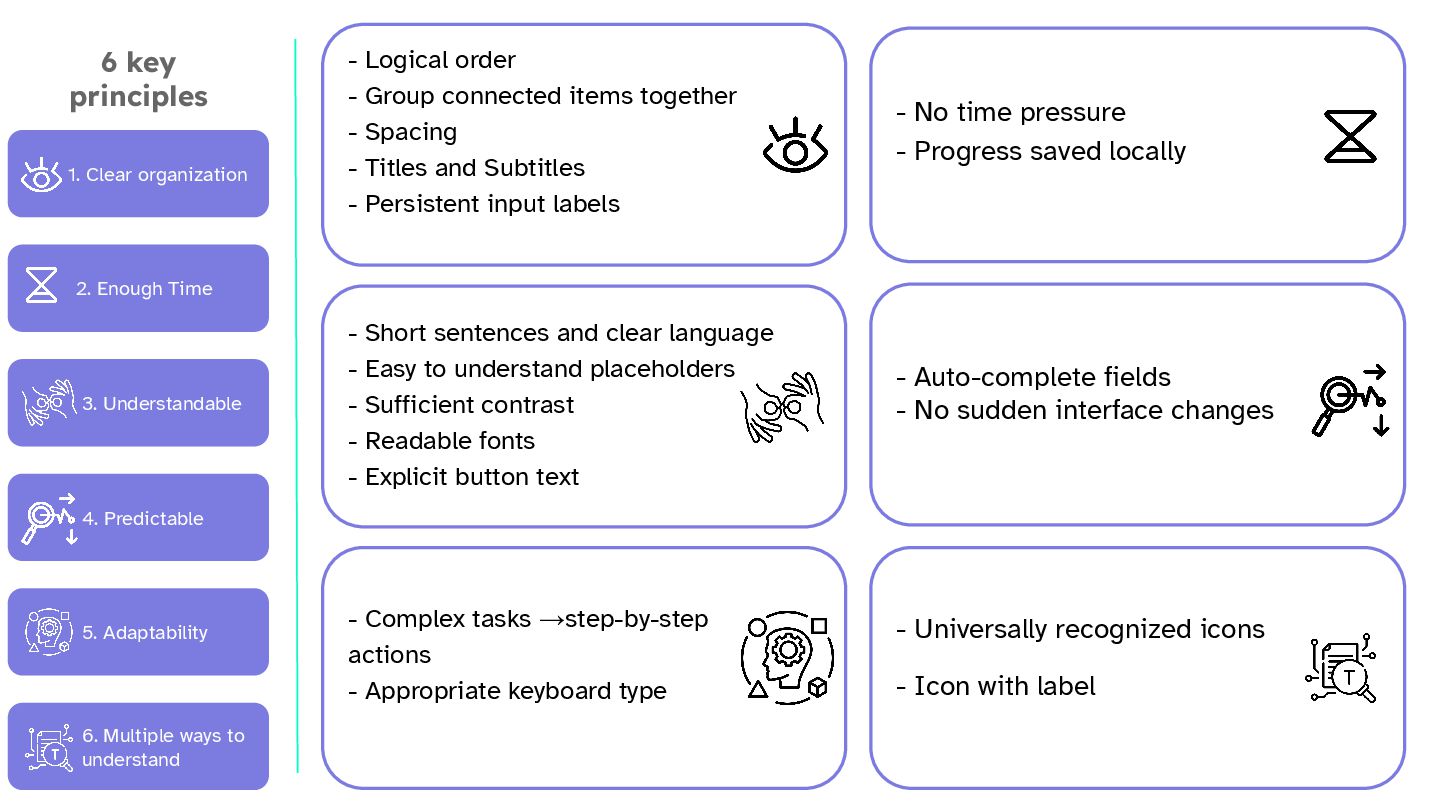
  18. 1. Clear organization 2. Enough Time 3. Understandable 4. Predictable

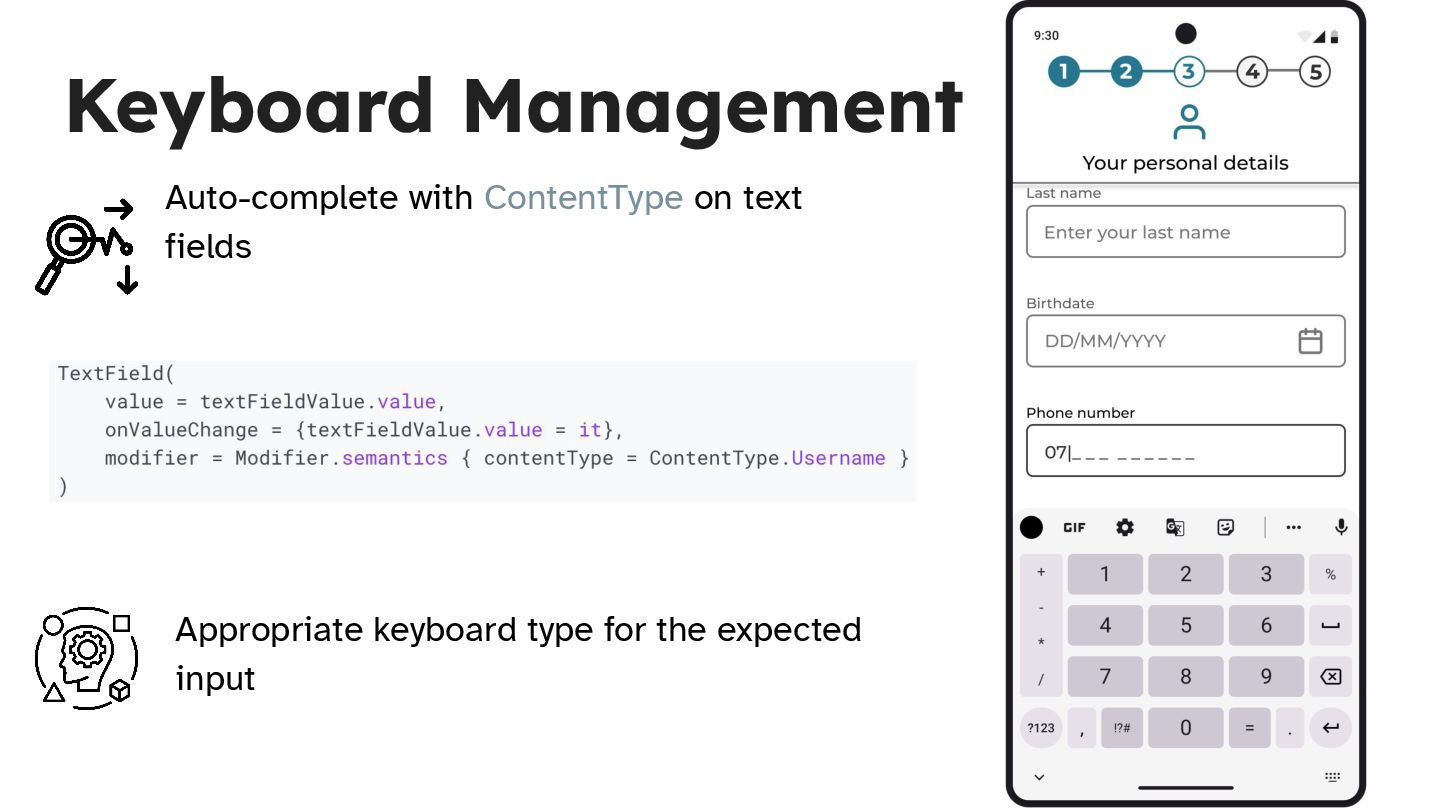
    5. Adaptability 6. Multiple ways to understand 6 key principles - Logical order - Group connected items together - Spacing - Titles and Subtitles - Persistent input labels - No time pressure - Progress saved locally - Short sentences and clear language - Easy to understand placeholders - Sufficient contrast - Readable fonts - Explicit button text - Complex tasks →step-by-step actions - Appropriate keyboard type - Auto-complete fields - No sudden interface changes - Universally recognized icons - Icon with label