Upgrade to Pro — share decks privately, control downloads, hide ads and more …

High Availability MODX

Avatar for Mark Willis Mark Willis
September 26, 2014

High Availability MODX

Continuing where colleague Chris Cherrett left off at MODXpo 2013, Mark Willis will talk about a possible workflow for building and maintaining MODX sites on a high availability platform.

Avatar for Mark Willis

Mark Willis

September 26, 2014

Other Decks in Technology

Transcript

  1. Whoami ➔ Back end developer ➔ Linux sys admin ➔

    Previous: ◆ 8+ years experience in Linux + PHP ◆ 50 million+ hits/month ➔ Now: ◆ Custom development for MODx sites ◆ Developing hosting and infrastructure
  2. High availability is… ➔ Minimal Downtime ➔ Serving 100% requests

    ➔ Maintaining SLAs ➔ Server Redundancy ➔ Automatic Failover
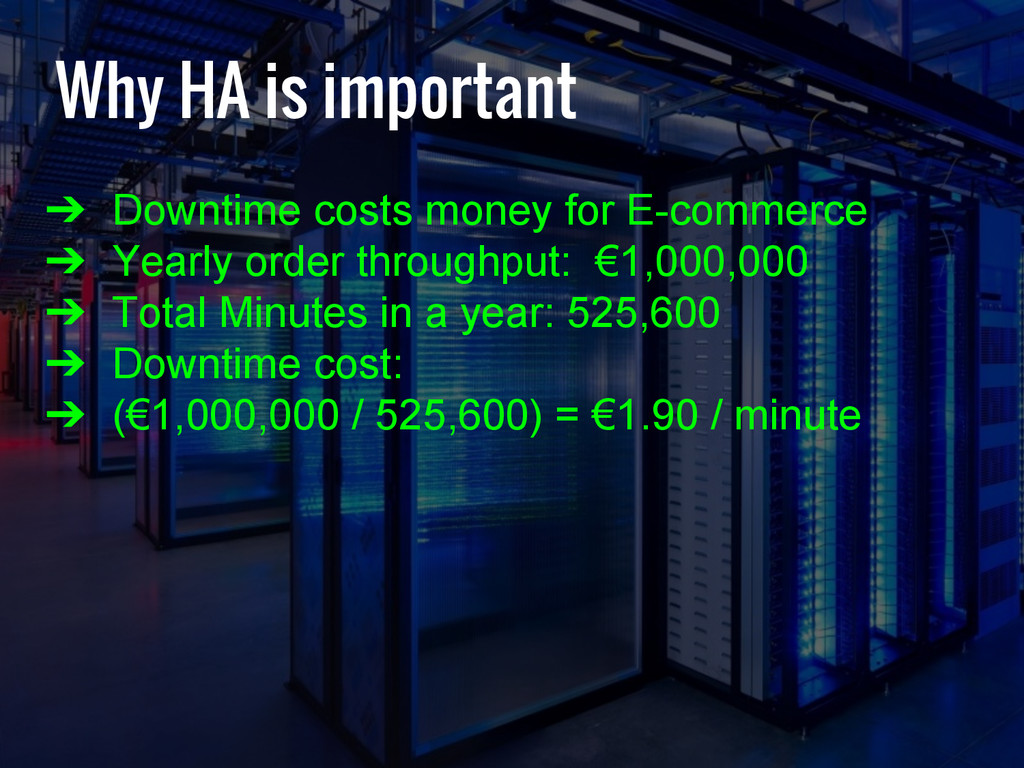
  3. Why HA is important ➔ Downtime costs money for E-commerce

    ➔ Yearly order throughput: €1,000,000 ➔ Total Minutes in a year: 525,600 ➔ Downtime cost: ➔ (€1,000,000 / 525,600) = €1.90 / minute
  4. Why HA is important ➔ High Availability is expensive ➔

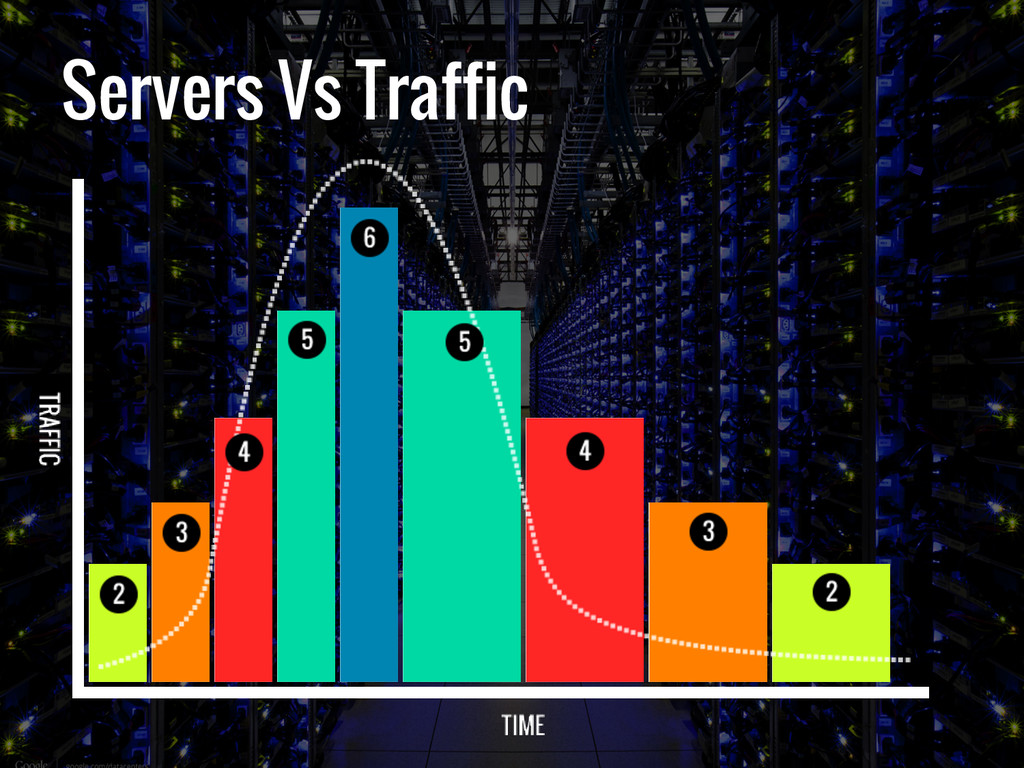
    Provision servers on demand ➔ Scale up when traffic / load increases ➔ Scale down when load returns to normal
  5. Redundancy all the way down ➔ Rackspace Load balancers ➔

    Multiple web servers – scaling to demand ➔ 3 node Percona XtraDB Cluster
  6. Web Servers ➔ Built and destroyed on request ➔ Treated

    like cattle ➔ All identical hardware ➔ Managed by Puppet/gold image ➔ All logs forwarded to Logstash ➔ Scale up on 5 minute load average ➔ Scale down on 15 minute average
  7. Scaling Policies ➔ No day of the week is the

    same. ➔ Saturday - Wednesday scale by 1 ➔ Thursday - Friday scale by 2 ➔ Servers built from a pre-built "gold" image ➔ From alert to serving requests ~2 minutes
  8. Database Cluster ➔ Converted ALL db tables to INNODB ➔

    MySQL 5.6 Supports FULLTEXT Index on INNODB ➔ 3 node Percona XtraDB "Galera" Cluster
  9. Galera Replication ➔ Write to all nodes ➔ Near-Synchronous Replication

    ➔ Automatic Node Recovery ➔ Zero replication lag* ➔ PHP Load balancer - php_mysqlnd_ms ➔ Equal hardware use
  10. PROS and CONS of GALERA Pros ➔ Faster selects ➔

    Data redundancy ➔ Auto recovery ➔ Remove node for backup Cons ➔ Over provisioned hardware ➔ Roughly 10-100ms performance loss
  11. ➔ Rackspace Cloud Files - unlimited file storage ➔ Custom

    media source ➔ Global CDN Cloud File Storage
  12. Distributed MODx ➔ Caching per-server causes issues ➔ Servers can

    live for only a few hours ➔ Cold cache on new servers – high load ➔ Remove caching from scaling layer ➔ Persist cache as much as possible
  13. Caching: File Based Pros ➔ Standard level of caching ➔

    Simple to understand ➔ Works out the box ➔ Quick on SSD ➔ Cache per site Cons ➔ Single server ➔ Heavy disk IO when cold ➔ Slowest form of caching ➔ File locking / herding ➔ Herd effect
  14. Caching: APC Pros ➔ Memory Backed = quick ➔ Simple

    to get set up Cons ➔ Shared cache (custom cache keys needed) ➔ Single server ➔ Can exhaust RAM ➔ LRU Garbage Collection ➔ Herd effect
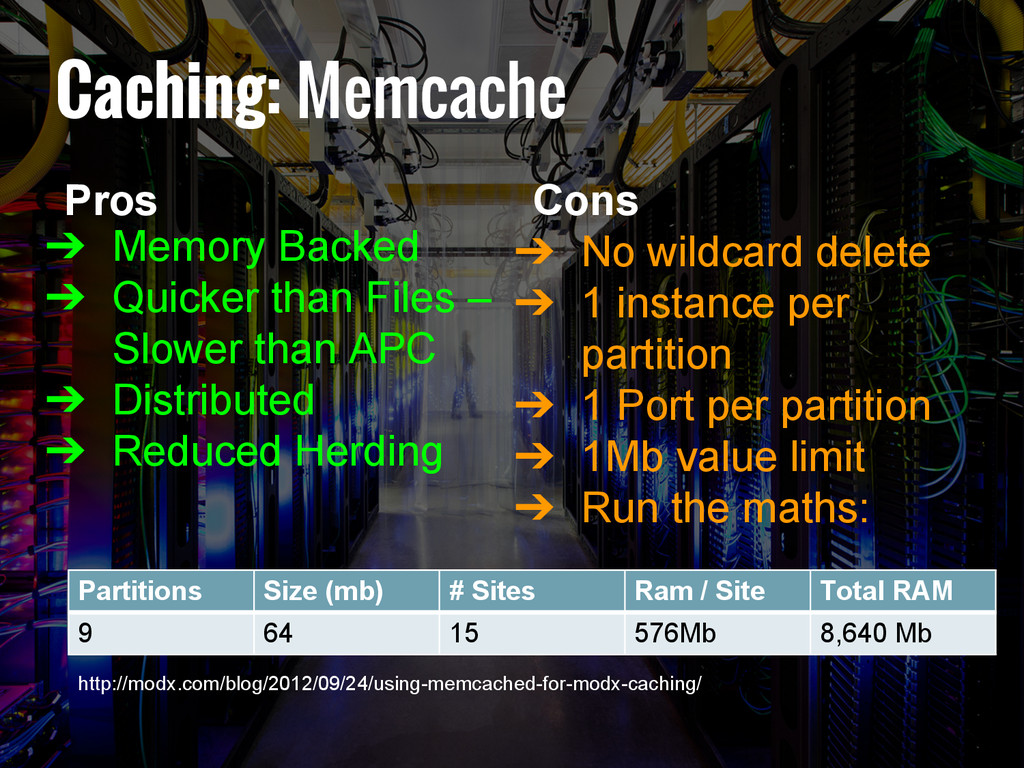
  15. Caching: Memcache http://modx.com/blog/2012/09/24/using-memcached-for-modx-caching/ Pros ➔ Memory Backed ➔ Quicker than

    Files – Slower than APC ➔ Distributed ➔ Reduced Herding Cons ➔ No wildcard delete ➔ 1 instance per partition ➔ 1 Port per partition ➔ 1Mb value limit ➔ Run the maths: Partitions Size (mb) # Sites Ram / Site Total RAM 9 64 15 576Mb 8,640 Mb
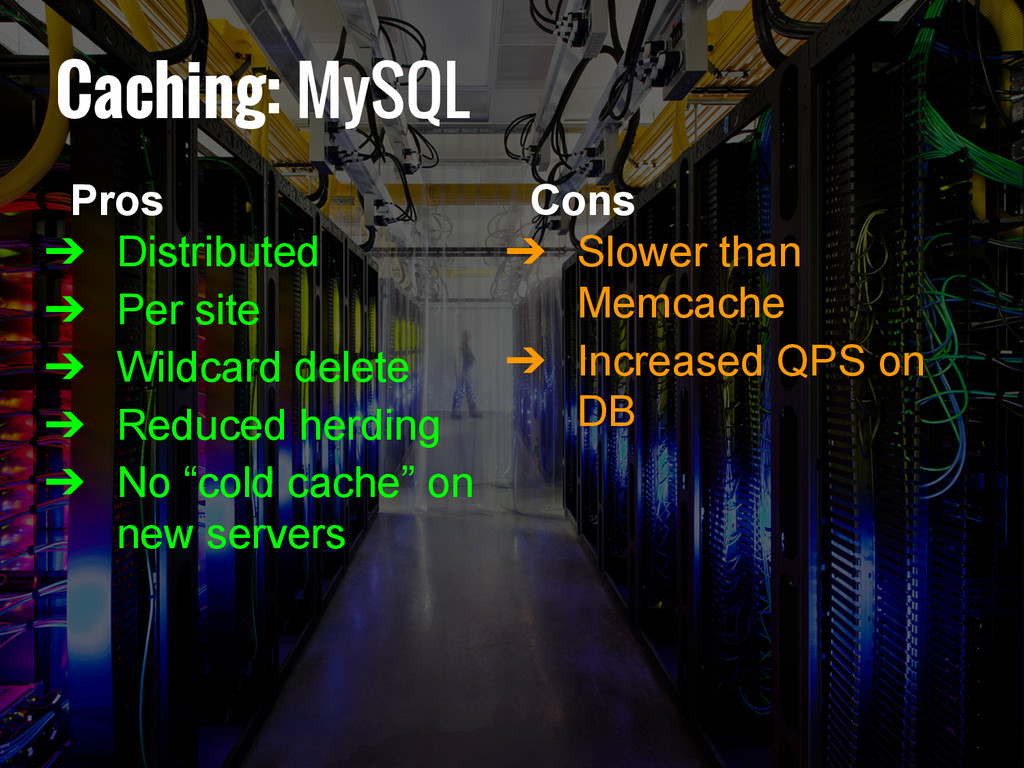
  16. Caching: MySQL Pros ➔ Distributed ➔ Per site ➔ Wildcard

    delete ➔ Reduced herding ➔ No “cold cache” on new servers Cons ➔ Slower than Memcache ➔ Increased QPS on DB
  17. Caching: Everything else ➔ modDBregistry – Register servers ➔ onCacheUpdate

    / onWebPageInit – delete all files in local cache
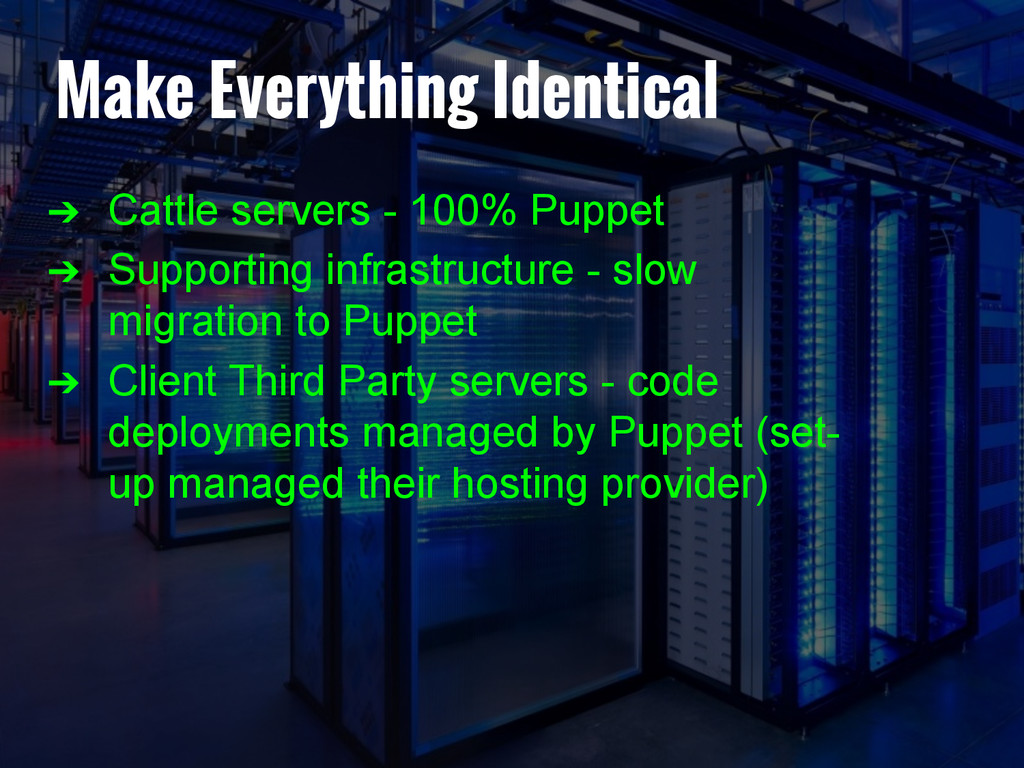
  18. Make Everything Identical ➔ Cattle servers - 100% Puppet ➔

    Supporting infrastructure - slow migration to Puppet ➔ Client Third Party servers - code deployments managed by Puppet (set- up managed their hosting provider)
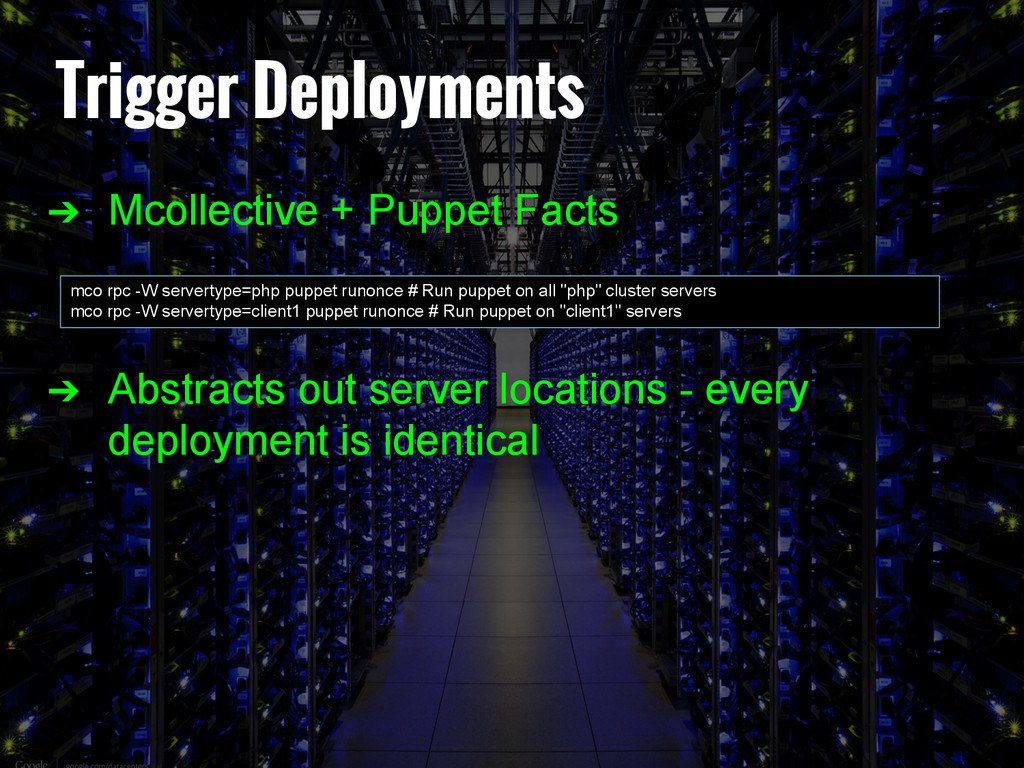
  19. Trigger Deployments ➔ Mcollective + Puppet Facts ➔ Abstracts out

    server locations - every deployment is identical mco rpc -W servertype=php puppet runonce # Run puppet on all "php" cluster servers mco rpc -W servertype=client1 puppet runonce # Run puppet on "client1" servers
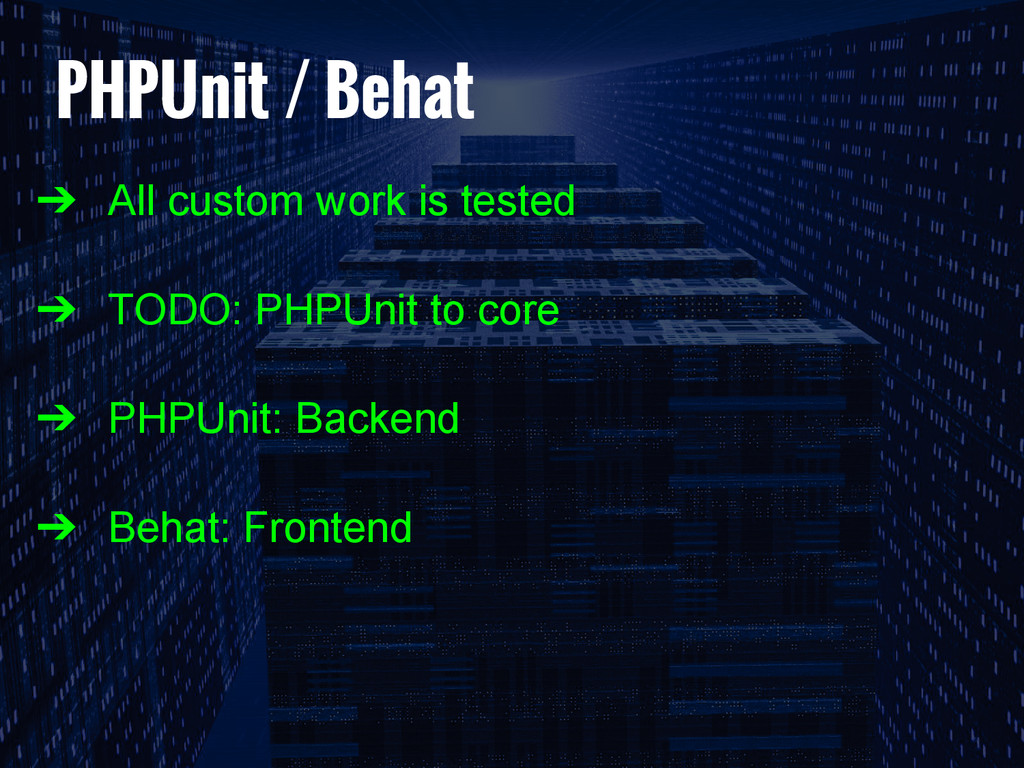
  20. PHPUnit / Behat ➔ All custom work is tested ➔

    TODO: PHPUnit to core ➔ PHPUnit: Backend ➔ Behat: Frontend
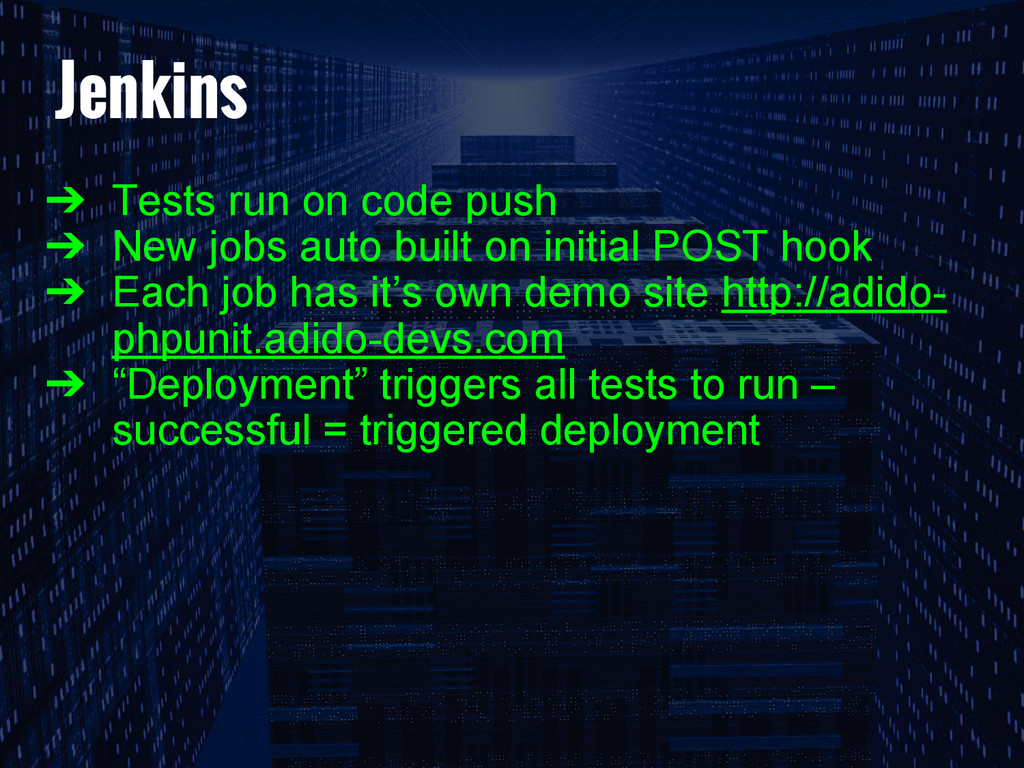
  21. Jenkins ➔ Tests run on code push ➔ New jobs

    auto built on initial POST hook ➔ Each job has it’s own demo site http://adido- phpunit.adido-devs.com ➔ “Deployment” triggers all tests to run – successful = triggered deployment
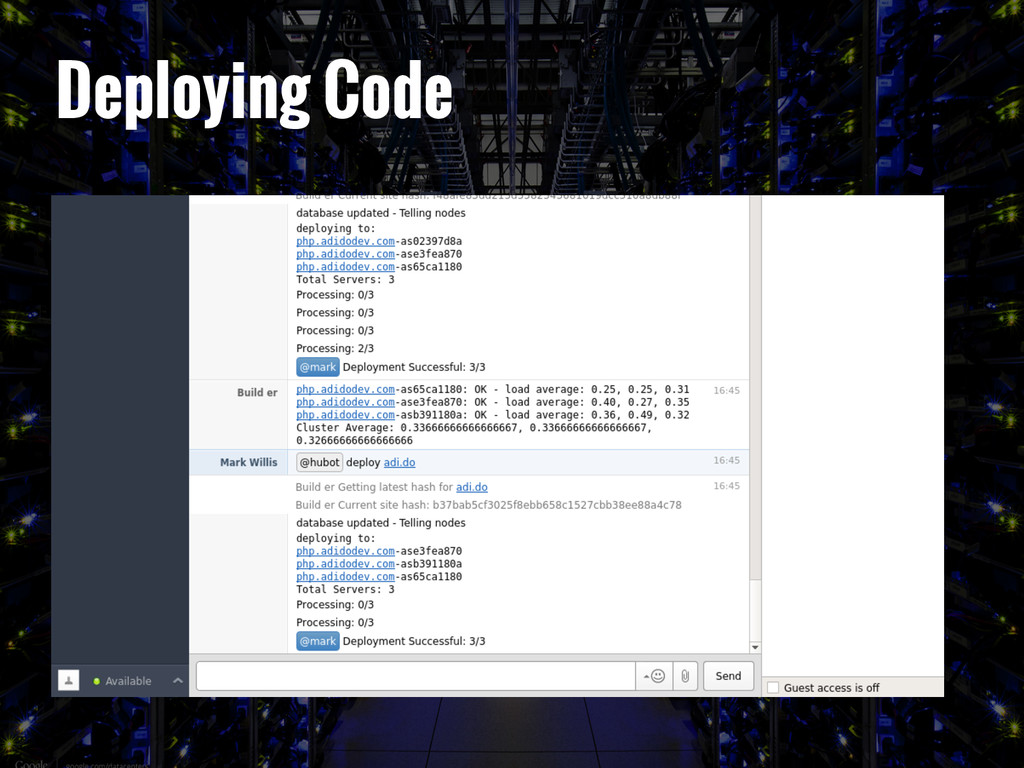
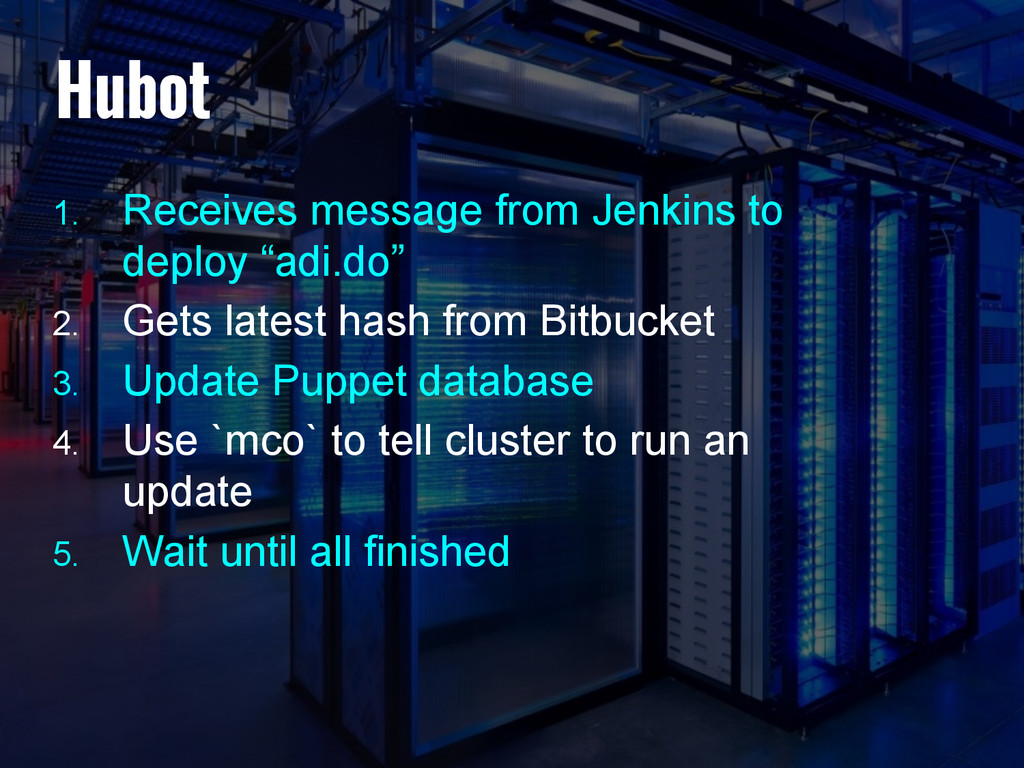
  22. Hubot 1. Receives message from Jenkins to deploy “adi.do” 2.

    Gets latest hash from Bitbucket 3. Update Puppet database 4. Use `mco` to tell cluster to run an update 5. Wait until all finished
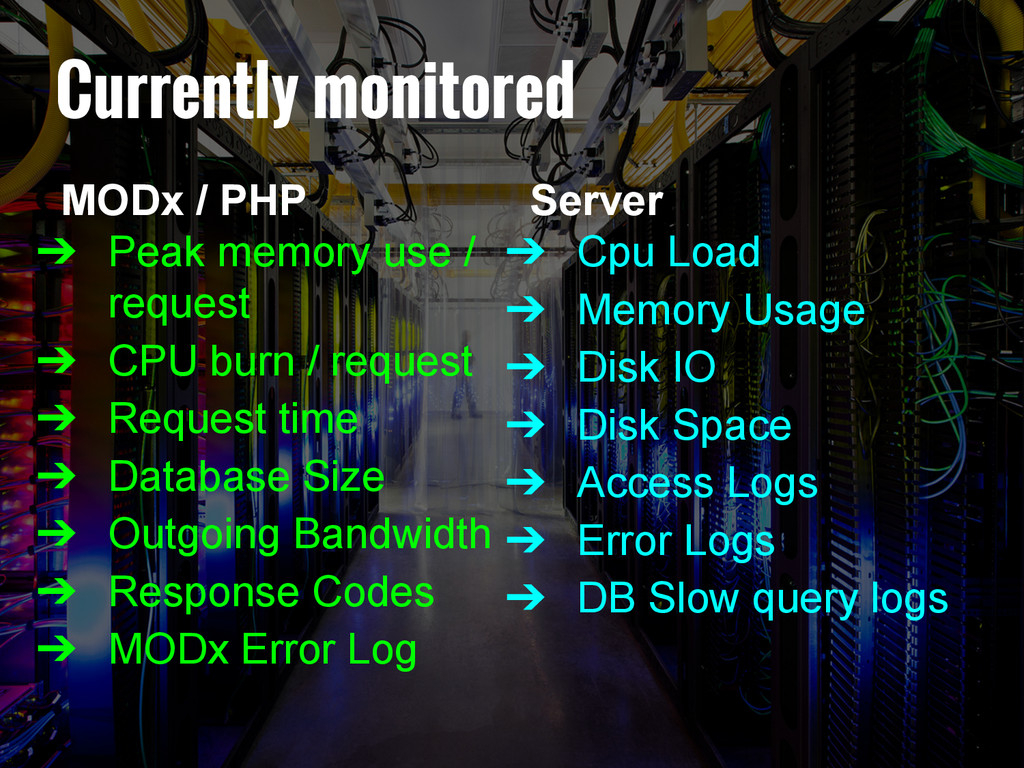
  23. Currently monitored MODx / PHP ➔ Peak memory use /

    request ➔ CPU burn / request ➔ Request time ➔ Database Size ➔ Outgoing Bandwidth ➔ Response Codes ➔ MODx Error Log Server ➔ Cpu Load ➔ Memory Usage ➔ Disk IO ➔ Disk Space ➔ Access Logs ➔ Error Logs ➔ DB Slow query logs
  24. Allows us to ➔ See where our resources are going

    ➔ Report on outgoing bandwidth costs ➔ Justify spend on CDN usage ➔ See trends in long term traffic and growth
  25. Performance hiccups ➔ 50-100ms increase in page load time ➔

    Rewrite any slow SQL (or add caching) ➔ Use faster Extras (pdoTools over getResources) ➔ Profile with xdebug / xBug (Extra)
  26. What we’ve learnt ➔ Centralise caching ➔ Performance is key

    ➔ Monitor as much as possible ➔ Tweak scaling policies regularly ➔ Document everything