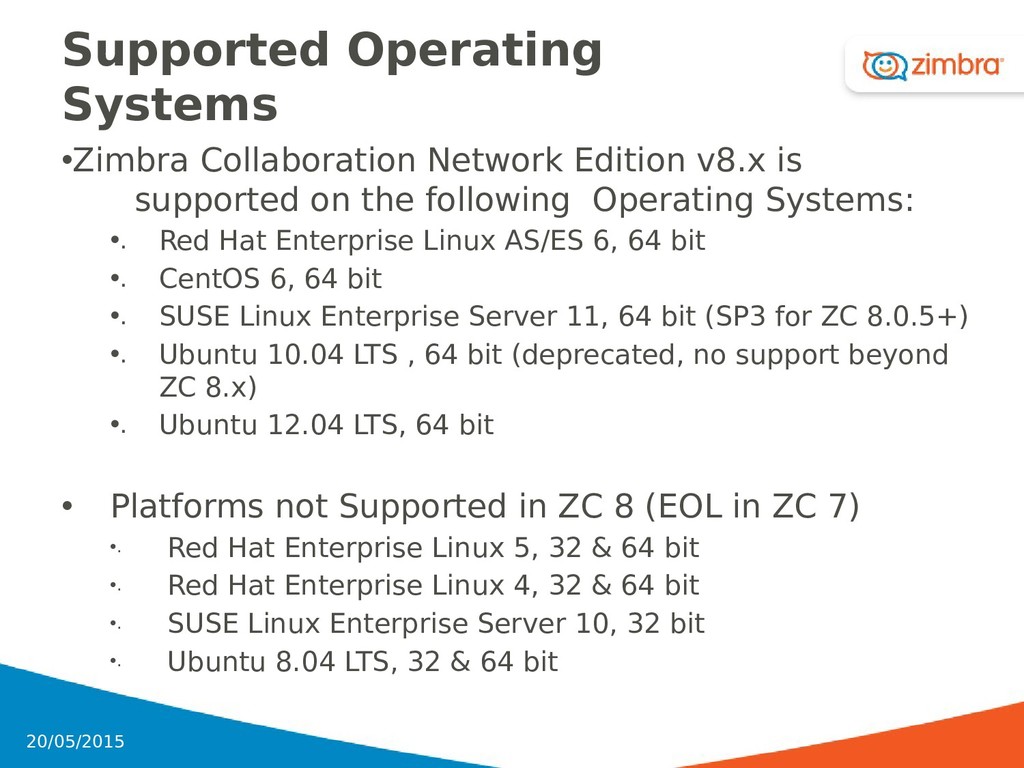
on the following Operating Systems: •. Red Hat Enterprise Linux AS/ES 6, 64 bit •. CentOS 6, 64 bit •. SUSE Linux Enterprise Server 11, 64 bit (SP3 for ZC 8.0.5+) •. Ubuntu 10.04 LTS , 64 bit (deprecated, no support beyond ZC 8.x) •. Ubuntu 12.04 LTS, 64 bit • Platforms not Supported in ZC 8 (EOL in ZC 7) •. Red Hat Enterprise Linux 5, 32 & 64 bit •. Red Hat Enterprise Linux 4, 32 & 64 bit •. SUSE Linux Enterprise Server 10, 32 bit •. Ubuntu 8.04 LTS, 32 & 64 bit 6 20/05/2015
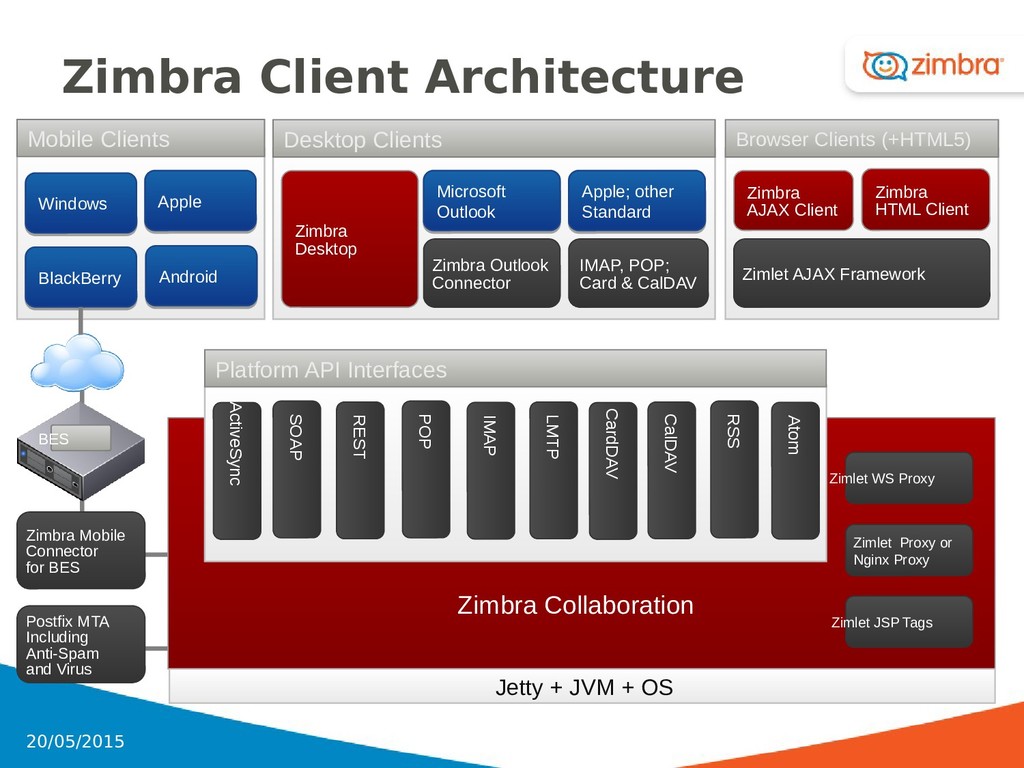
Proxy Zimbra Mobile Connector for BES Zimlet Proxy or Nginx Proxy Zimbra Outlook Connector Microsoft Outlook Microsoft Outlook Zimbra Desktop IMAP, POP; Card & CalDAV Apple; other Standard Apple; other Standard SOAP REST POP LMTP Zimbra Collaboration CalDAV IMAP RSS Atom Platform API Interfaces Zimbra AJAX Client Zimlet AJAX Framework Zimbra HTML Client CardDAV ActiveSync Postfix MTA Including Anti-Spam and Virus Desktop Clients Browser Clients (+HTML5) Mobile Clients BlackBerry BlackBerry Apple Apple BES Windows Windows Zimlet JSP Tags Android Android 8 20/05/2015
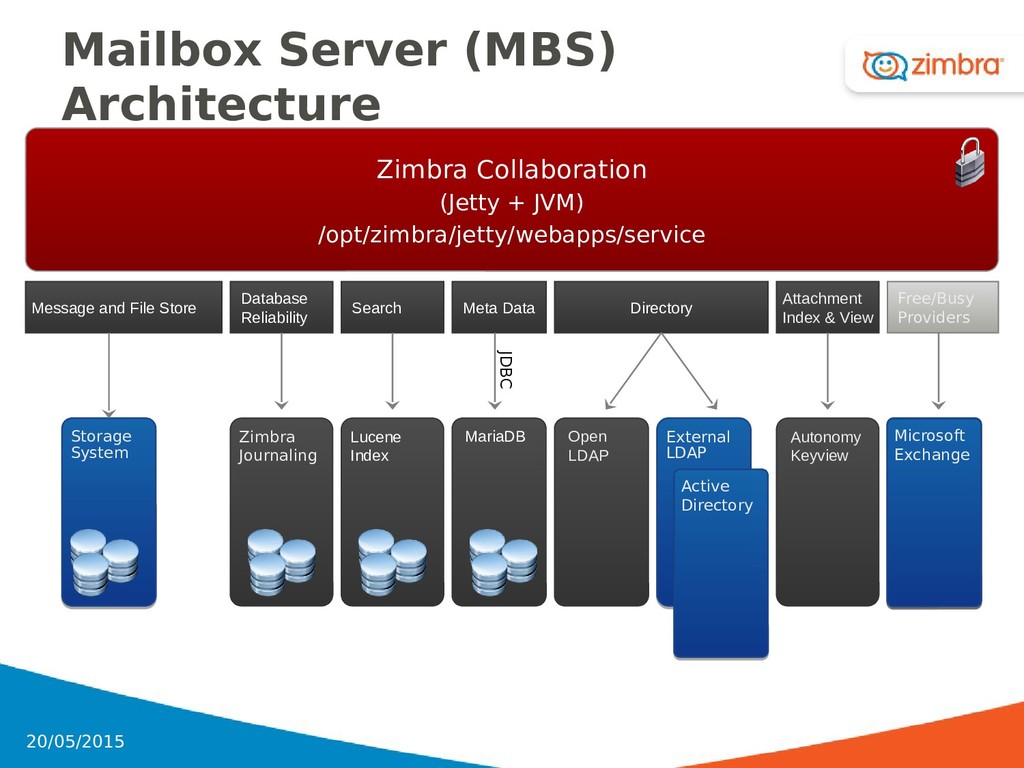
Mailbox Server (MBS) Architecture Zimbra Collaboration (Jetty + JVM) /opt/zimbra/jetty/webapps/service JDBC Message and File Store Attachment Index & View Meta Data Open LDAP External LDAP External LDAP IBM Domino IBM Domino Microsoft Exchange Microsoft Exchange Active Directory Active Directory Autonomy Keyview Free/Busy Providers Search Database Reliability 9 20/05/2015
training session (such as zimbra1.lab, zimbra2.lab, etc.) • Select the single-server environment option, and enter the domain you were assigned • Please re-use that same domain throughout the training session 20 20/05/2015
( sudo su - ) • Disable unnecessary applications • Accept software agreement • Auto-check for prerequisite software • Select services to be installed •. Accept or change default entries as needed • Save the files in the appropriate directories • Modify the server • End the installation process 21 20/05/2015
Firewall stopped • LDAP cannot start or you cannot connect to LDAP during installation • DNS setup • Cannot resolve hostname • Compat-* libraries not found • Remove other MTAs, mail apps, or web servers • SE Linux disabled 23 20/05/2015
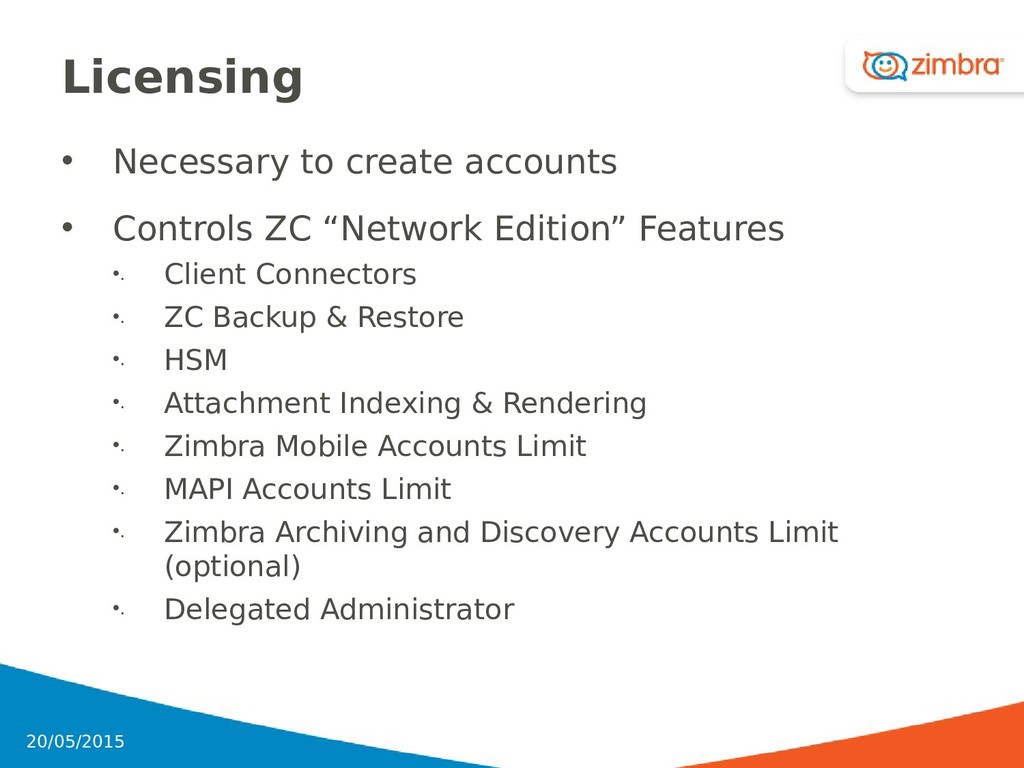
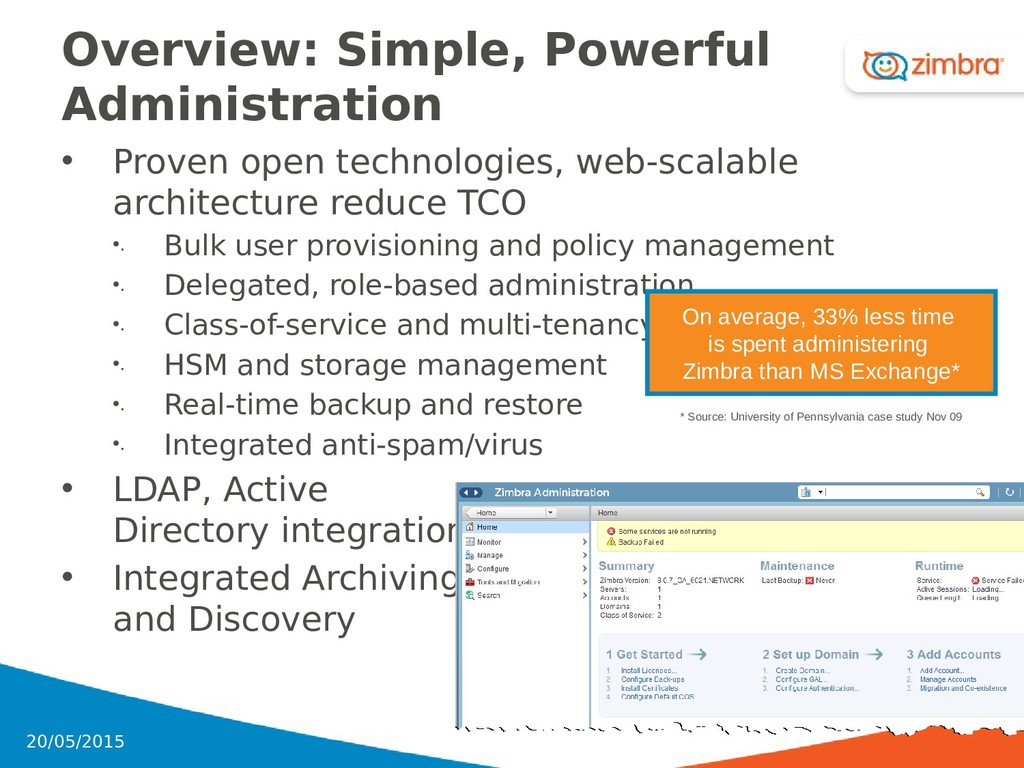
reduce TCO •. Bulk user provisioning and policy management •. Delegated, role-based administration •. Class-of-service and multi-tenancy •. HSM and storage management •. Real-time backup and restore •. Integrated anti-spam/virus • LDAP, Active Directory integration • Integrated Archiving and Discovery On average, 33% less time is spent administering Zimbra than MS Exchange* * Source: University of Pennsylvania case study Nov 09 25 20/05/2015
to create different feature packages for different users •. Advertising and Zimlets can be controlled at the COS or user level • Granular Delegated Administration •. Accounts, Aliases •. Distribution lists, Resources • Administrative APIs and Utilities •. Administration API provided for provisioning, billing, integration, and SSO •. Command line utilities and Ajax Admin Console 26 20/05/2015
Flexible architecture – easy to break out MTAs, directory, mail servers and the storage •. Single-copy storage of messages and attachments •. Out-of-the-box tools for moving mailboxes • Disaster Recovery and Back Up •. Per mailbox and online mailbox back up and restore tools • Multi-Tenancy •. Domains are directory entries, and enabling you to spread all of your users across shared servers and storage 27 20/05/2015
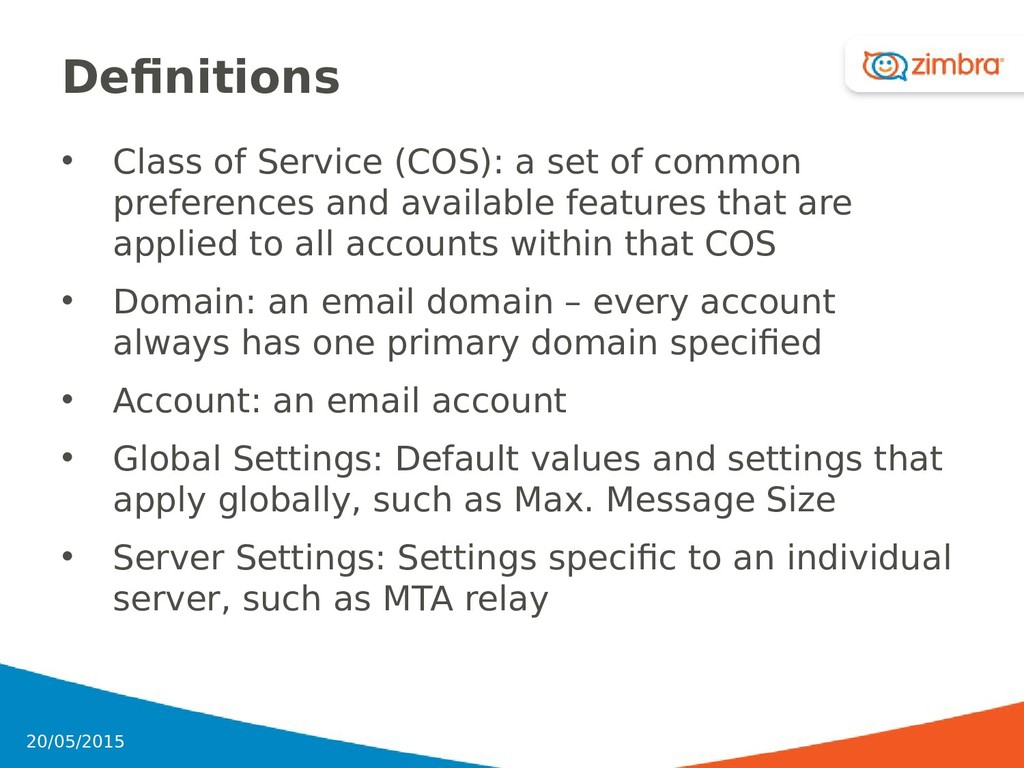
preferences and available features that are applied to all accounts within that COS • Domain: an email domain – every account always has one primary domain specified • Account: an email account • Global Settings: Default values and settings that apply globally, such as Max. Message Size • Server Settings: Settings specific to an individual server, such as MTA relay 28 20/05/2015
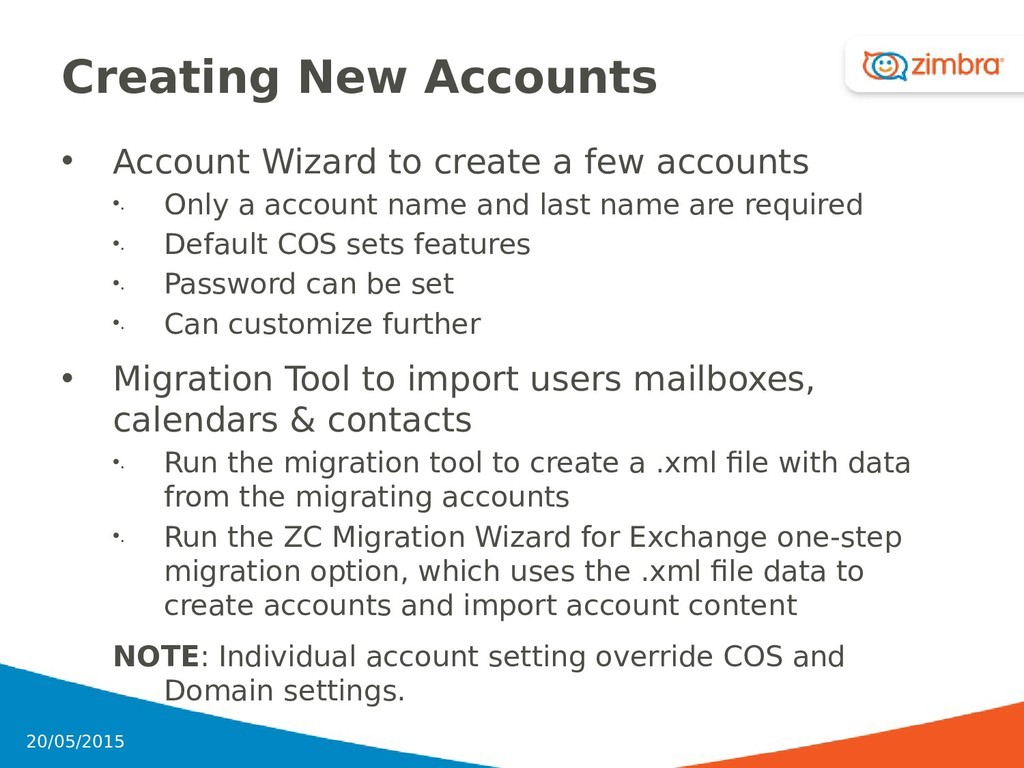
accounts •. Only a account name and last name are required •. Default COS sets features •. Password can be set •. Can customize further • Migration Tool to import users mailboxes, calendars & contacts •. Run the migration tool to create a .xml file with data from the migrating accounts •. Run the ZC Migration Wizard for Exchange one-step migration option, which uses the .xml file data to create accounts and import account content NOTE: Individual account setting override COS and Domain settings. 30 20/05/2015
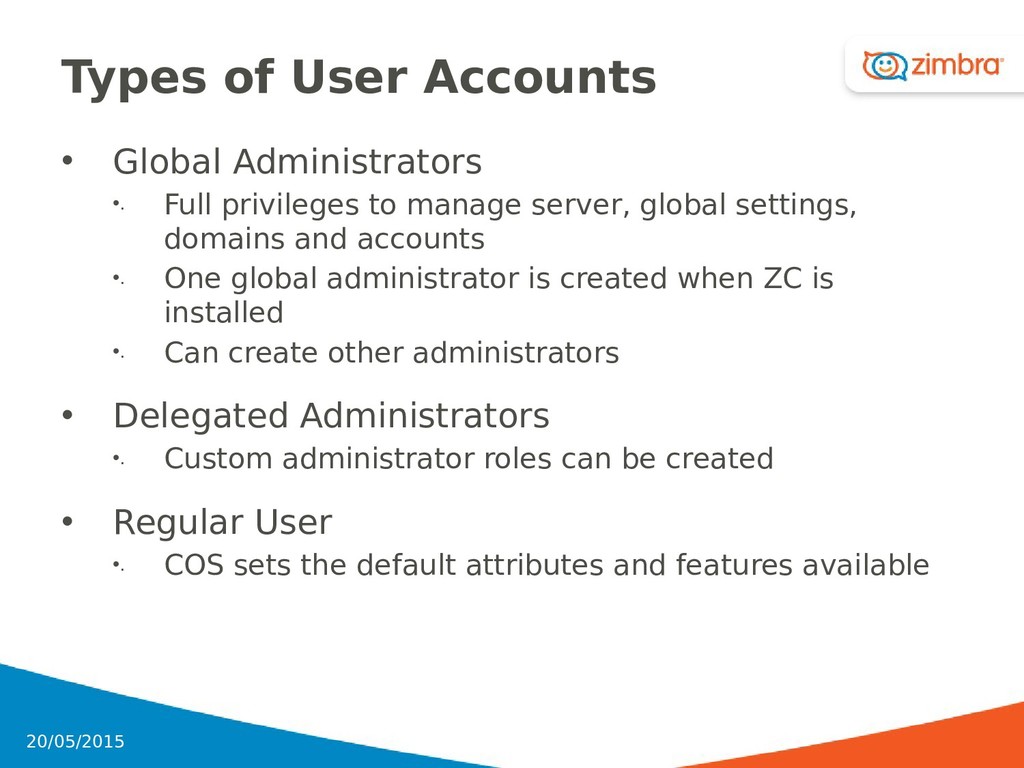
to manage server, global settings, domains and accounts •. One global administrator is created when ZC is installed •. Can create other administrators • Delegated Administrators •. Custom administrator roles can be created • Regular User •. COS sets the default attributes and features available 31 20/05/2015
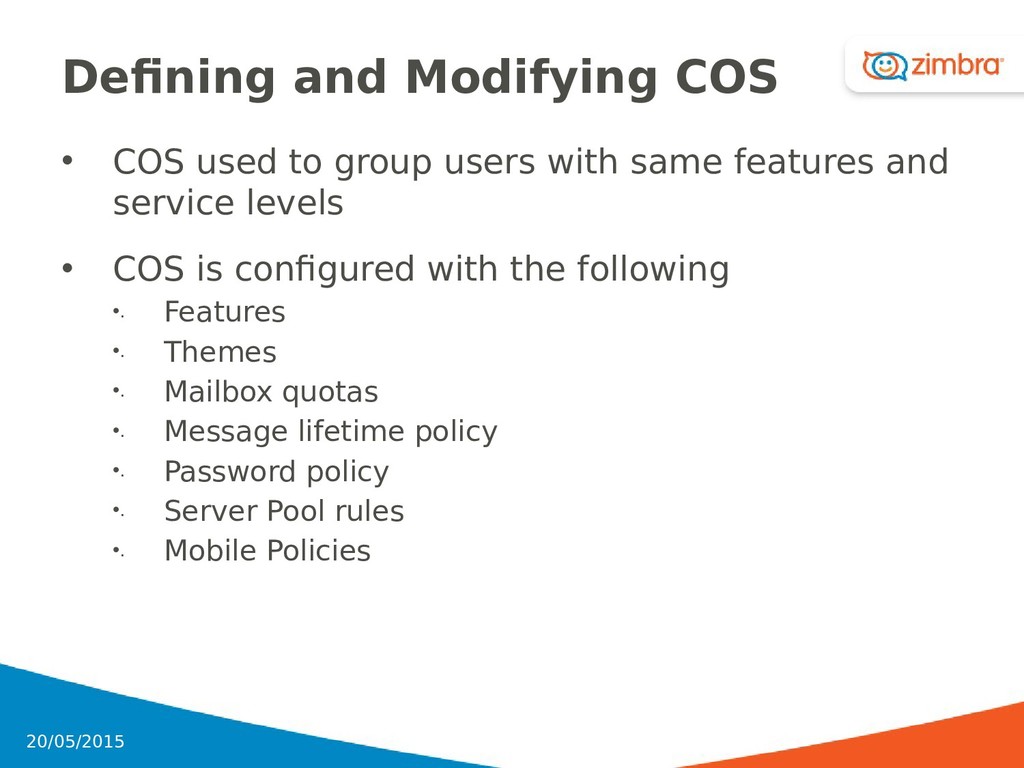
with same features and service levels • COS is configured with the following •. Features •. Themes •. Mailbox quotas •. Message lifetime policy •. Password policy •. Server Pool rules •. Mobile Policies 32 20/05/2015
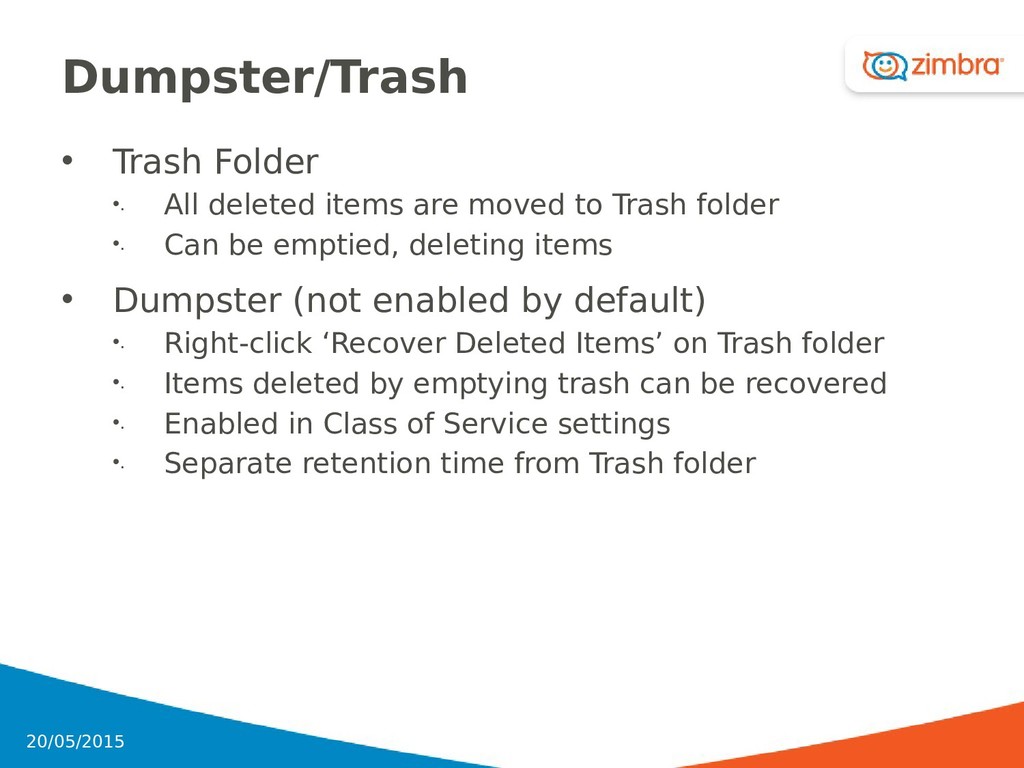
to Trash folder •. Can be emptied, deleting items • Dumpster (not enabled by default) •. Right-click ‘Recover Deleted Items’ on Trash folder •. Items deleted by emptying trash can be recovered •. Enabled in Class of Service settings •. Separate retention time from Trash folder 34 20/05/2015
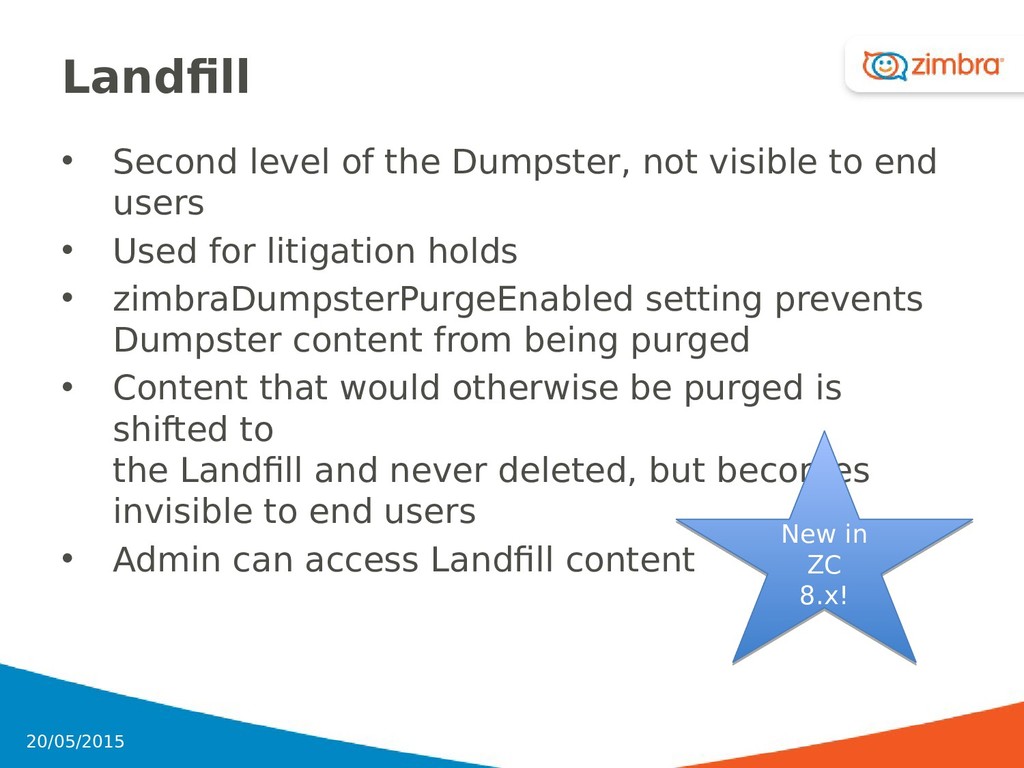
end users • Used for litigation holds • zimbraDumpsterPurgeEnabled setting prevents Dumpster content from being purged • Content that would otherwise be purged is shifted to the Landfill and never deleted, but becomes invisible to end users • Admin can access Landfill content 35 20/05/2015 New in ZC 8.x! New in ZC 8.x!
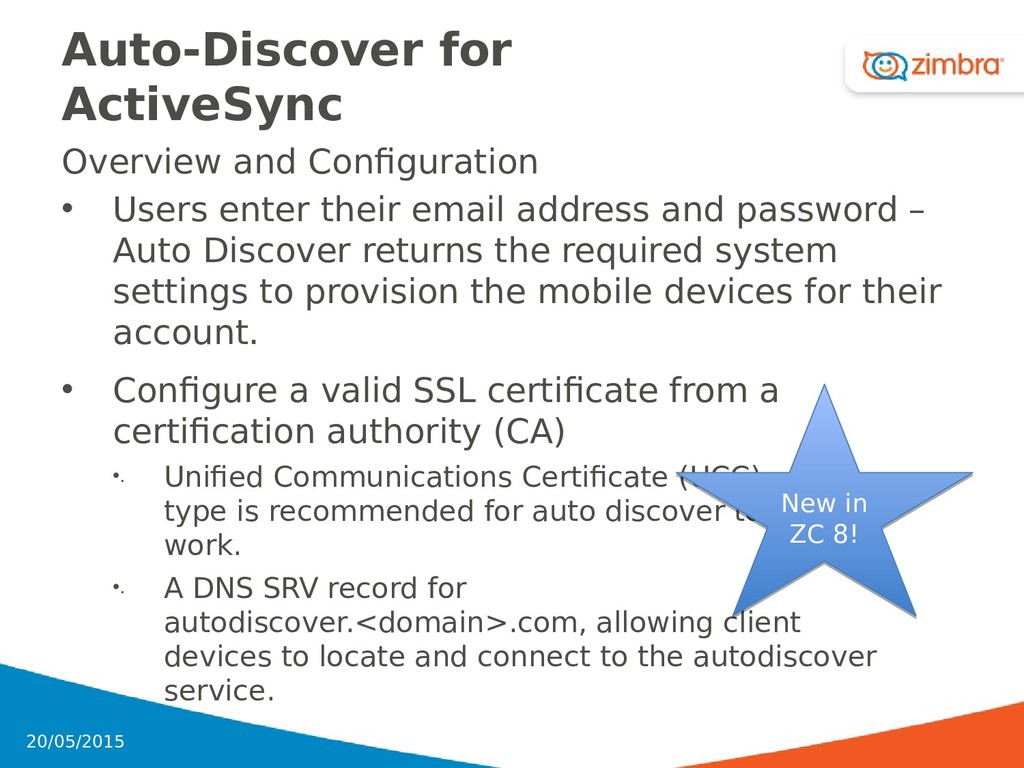
email address and password – Auto Discover returns the required system settings to provision the mobile devices for their account. • Configure a valid SSL certificate from a certification authority (CA) •. Unified Communications Certificate (UCC) type is recommended for auto discover to work. •. A DNS SRV record for autodiscover.<domain>.com, allowing client devices to locate and connect to the autodiscover service. 36 20/05/2015 New in ZC 8! New in ZC 8!
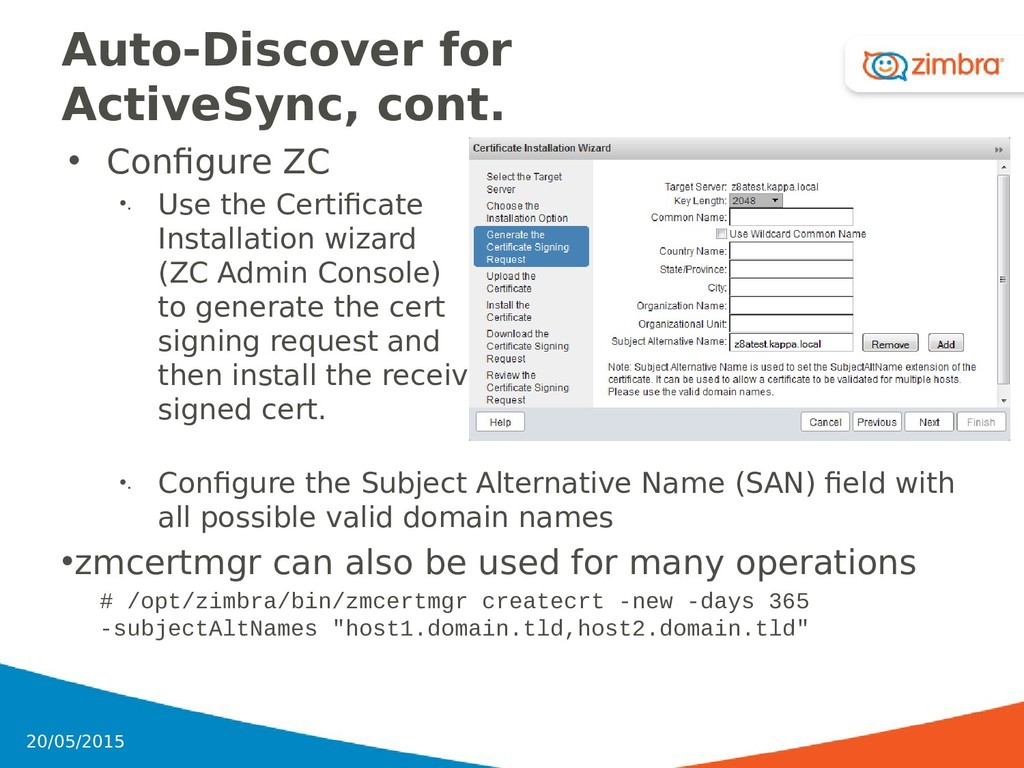
Certificate Installation wizard (ZC Admin Console) to generate the cert signing request and then install the received signed cert. •. Configure the Subject Alternative Name (SAN) field with all possible valid domain names •zmcertmgr can also be used for many operations # /opt/zimbra/bin/zmcertmgr createcrt -new -days 365 -subjectAltNames "host1.domain.tld,host2.domain.tld" 37 20/05/2015
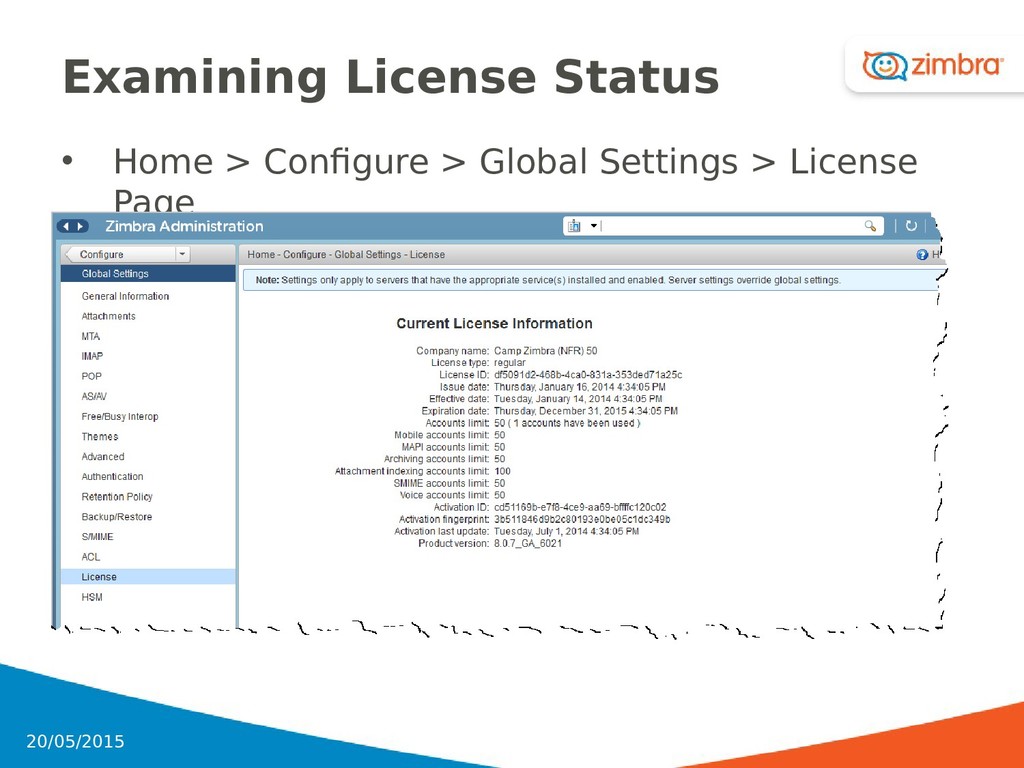
for servers, accounts, COS, and domains • Global settings include the following settings •. General– default domain, mail purge rules, etc. •. Attachments rules – included blocked extensions •. MTA – authentication, network, message size, etc. •. IMAP and POP3 proxy service •. Anti-spam and anti-virus checking •. Free/busy Interop •. Hierarchical storage management •. License information •. Backup and restore configuration 38 20/05/2015
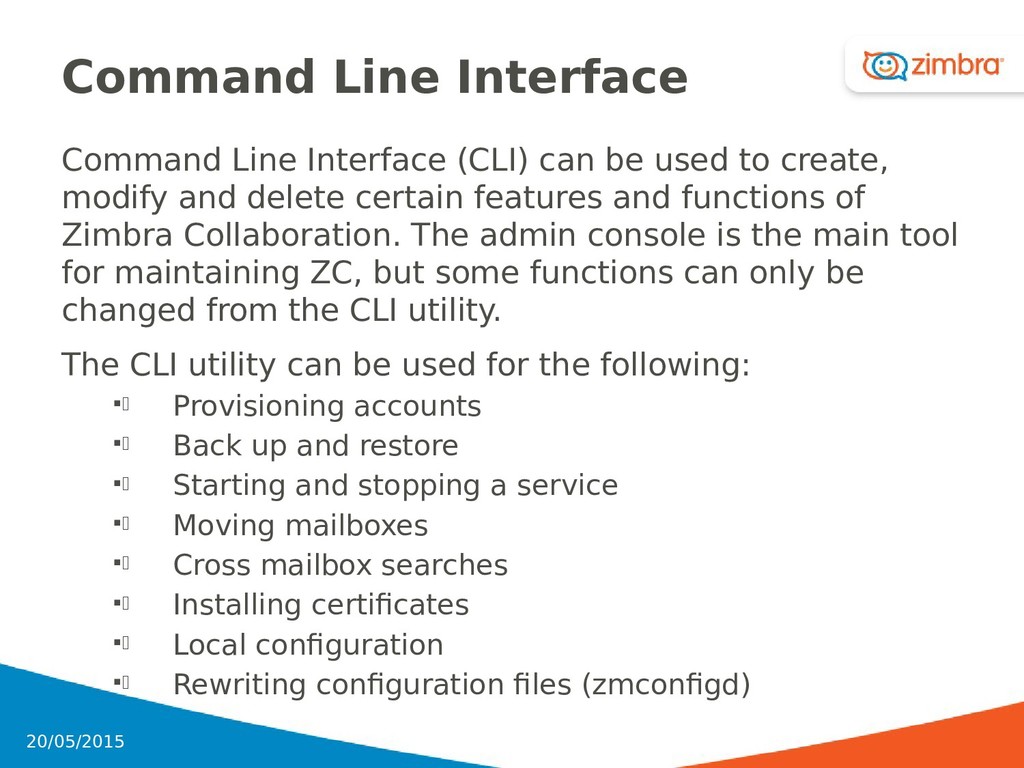
to create, modify and delete certain features and functions of Zimbra Collaboration. The admin console is the main tool for maintaining ZC, but some functions can only be changed from the CLI utility. The CLI utility can be used for the following: . Provisioning accounts . Back up and restore . Starting and stopping a service . Moving mailboxes . Cross mailbox searches . Installing certificates . Local configuration . Rewriting configuration files (zmconfigd) 41 20/05/2015
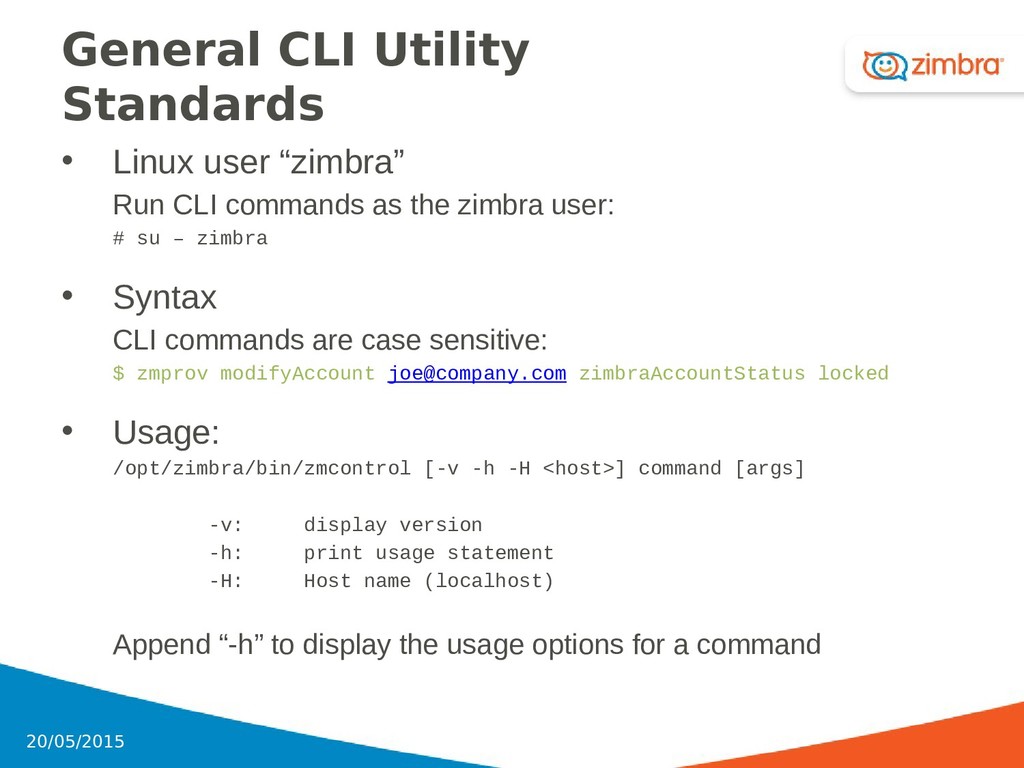
commands as the zimbra user: # su – zimbra • Syntax CLI commands are case sensitive: $ zmprov modifyAccount [email protected] zimbraAccountStatus locked • Usage: /opt/zimbra/bin/zmcontrol [-v -h -H <host>] command [args] -v: display version -h: print usage statement -H: Host name (localhost) Append “-h” to display the usage options for a command 42 20/05/2015
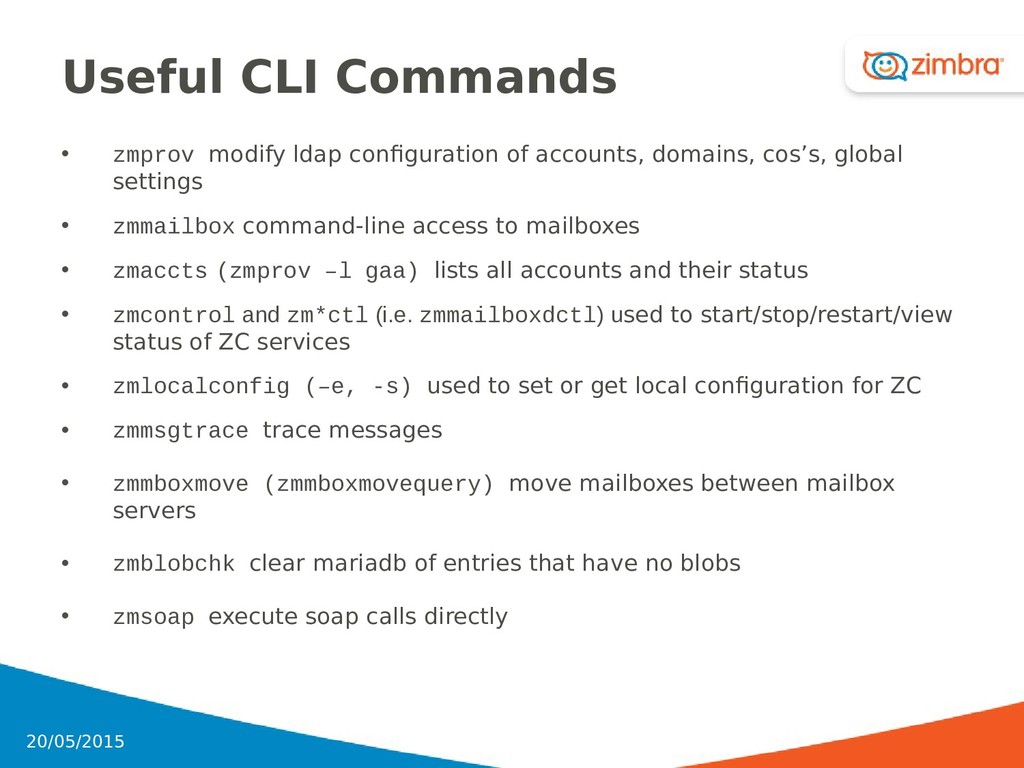
domains, cos’s, global settings • zmmailbox command-line access to mailboxes • zmaccts (zmprov –l gaa) lists all accounts and their status • zmcontrol and zm*ctl (i.e. zmmailboxdctl) used to start/stop/restart/view status of ZC services • zmlocalconfig (–e, -s) used to set or get local configuration for ZC • zmmsgtrace trace messages • zmmboxmove (zmmboxmovequery) move mailboxes between mailbox servers • zmblobchk clear mariadb of entries that have no blobs • zmsoap execute soap calls directly 43 20/05/2015
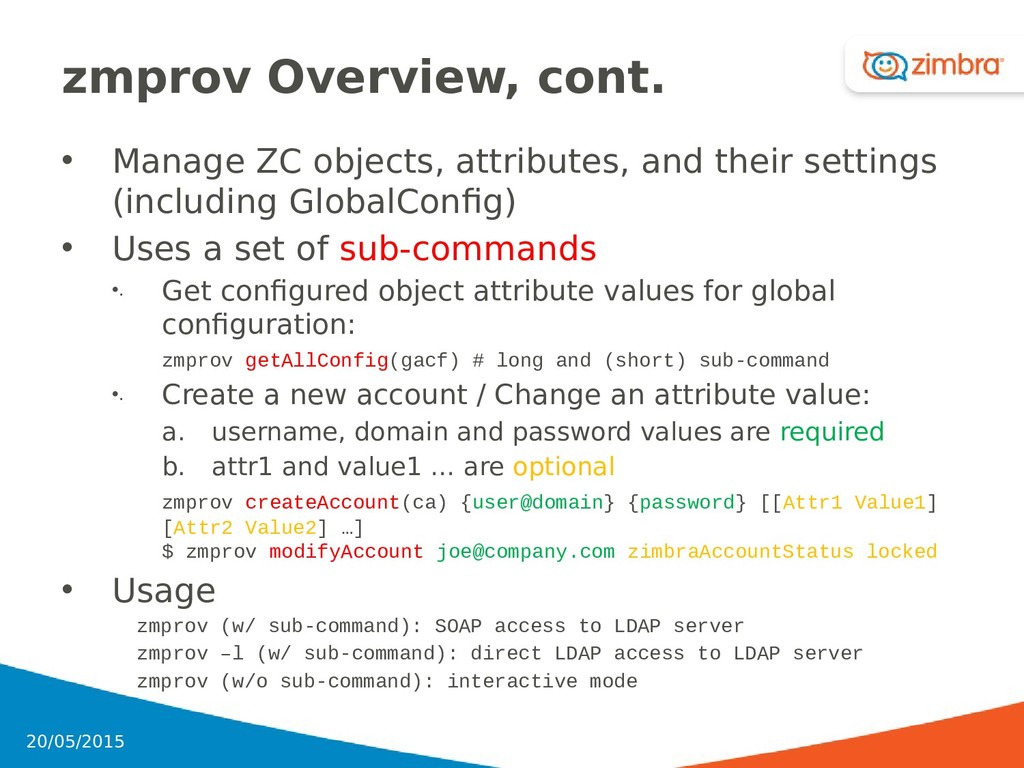
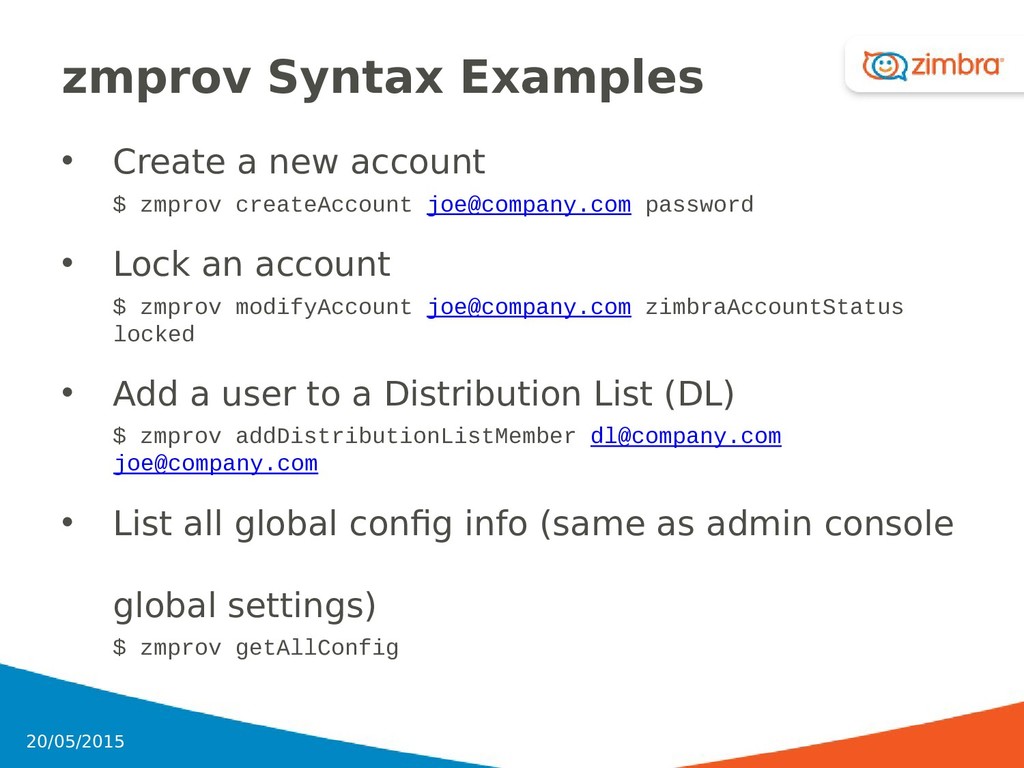
settings (including GlobalConfig) • Uses a set of sub-commands •. Get configured object attribute values for global configuration: zmprov getAllConfig(gacf) # long and (short) sub-command •. Create a new account / Change an attribute value: a. username, domain and password values are required b. attr1 and value1 … are optional zmprov createAccount(ca) {user@domain} {password} [[Attr1 Value1] [Attr2 Value2] …] $ zmprov modifyAccount [email protected] zimbraAccountStatus locked • Usage zmprov (w/ sub-command): SOAP access to LDAP server zmprov –l (w/ sub-command): direct LDAP access to LDAP server zmprov (w/o sub-command): interactive mode 45 20/05/2015
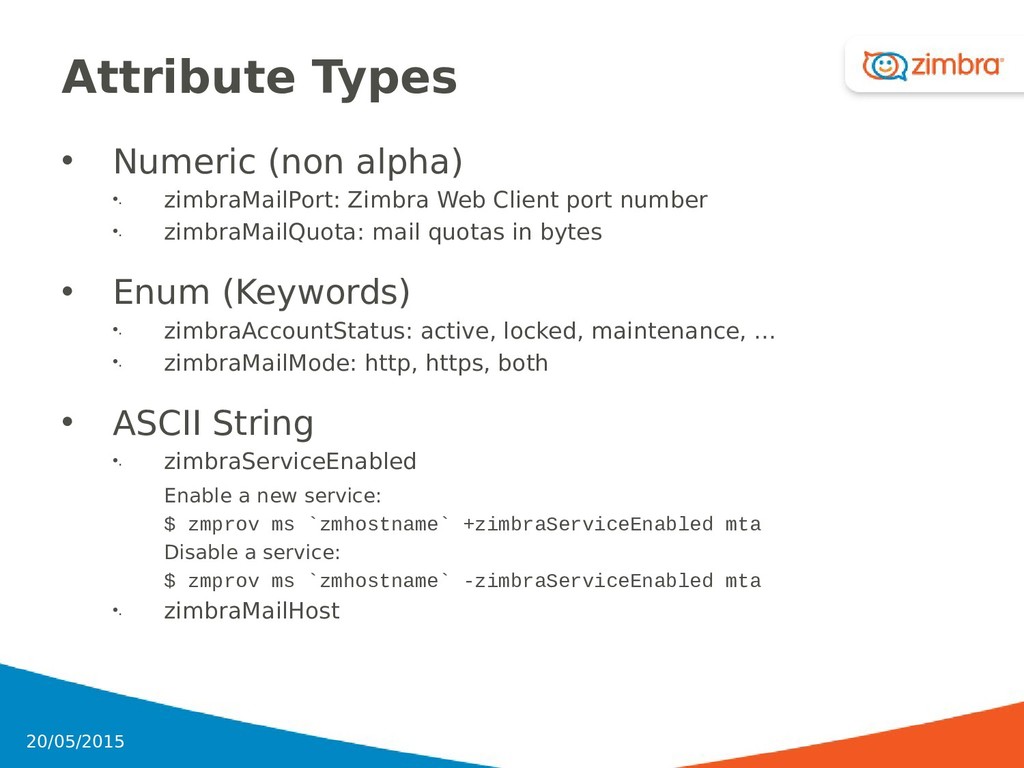
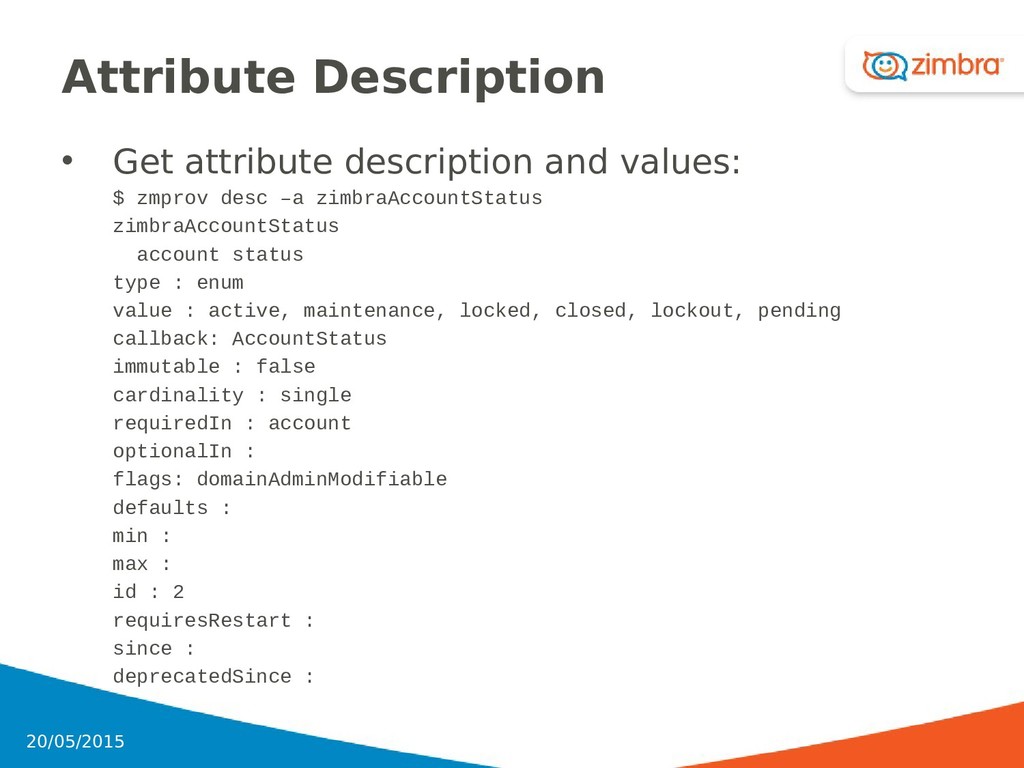
Client port number •. zimbraMailQuota: mail quotas in bytes • Enum (Keywords) •. zimbraAccountStatus: active, locked, maintenance, … •. zimbraMailMode: http, https, both • ASCII String •. zimbraServiceEnabled Enable a new service: $ zmprov ms `zmhostname` +zimbraServiceEnabled mta Disable a service: $ zmprov ms `zmhostname` -zimbraServiceEnabled mta •. zimbraMailHost 47 20/05/2015
createAccount [email protected] password • Lock an account $ zmprov modifyAccount [email protected] zimbraAccountStatus locked • Add a user to a Distribution List (DL) $ zmprov addDistributionListMember [email protected][email protected] • List all global config info (same as admin console global settings) $ zmprov getAllConfig 49 20/05/2015
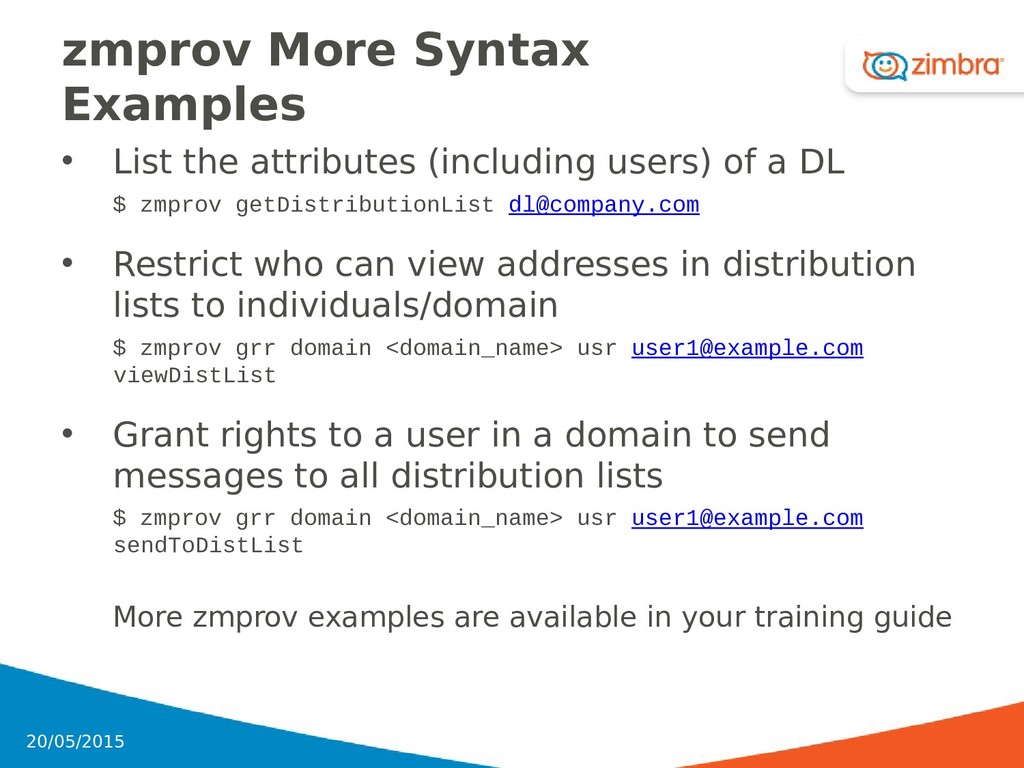
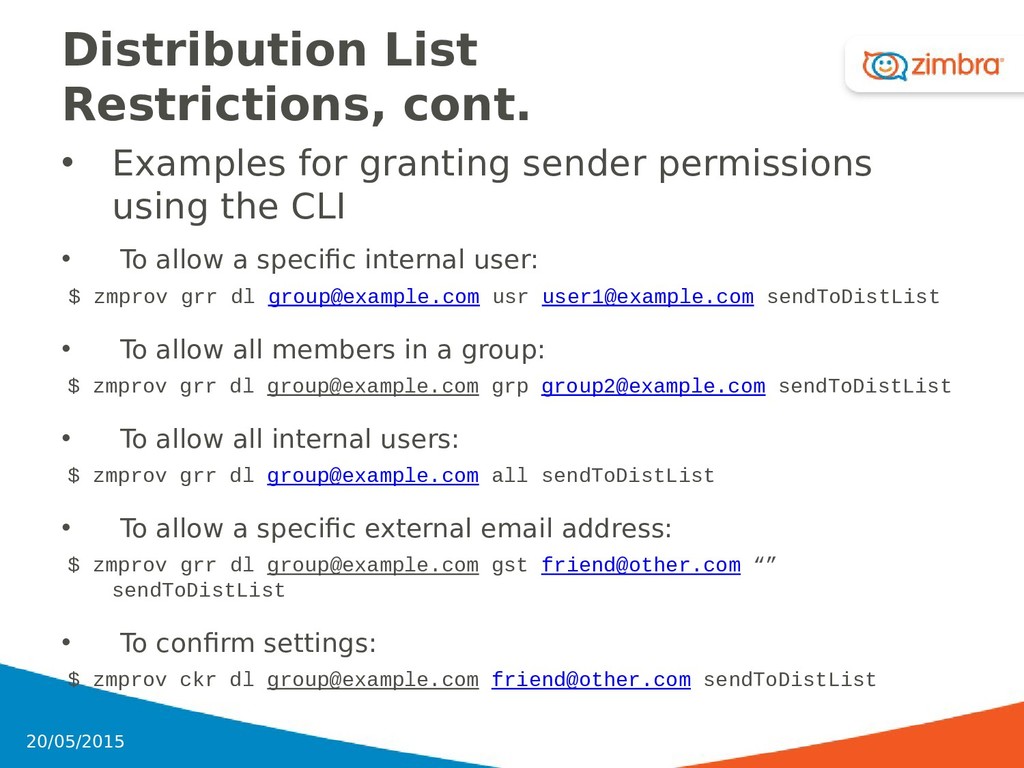
of a DL $ zmprov getDistributionList [email protected] • Restrict who can view addresses in distribution lists to individuals/domain $ zmprov grr domain <domain_name> usr [email protected] viewDistList • Grant rights to a user in a domain to send messages to all distribution lists $ zmprov grr domain <domain_name> usr [email protected] sendToDistList More zmprov examples are available in your training guide 50 20/05/2015
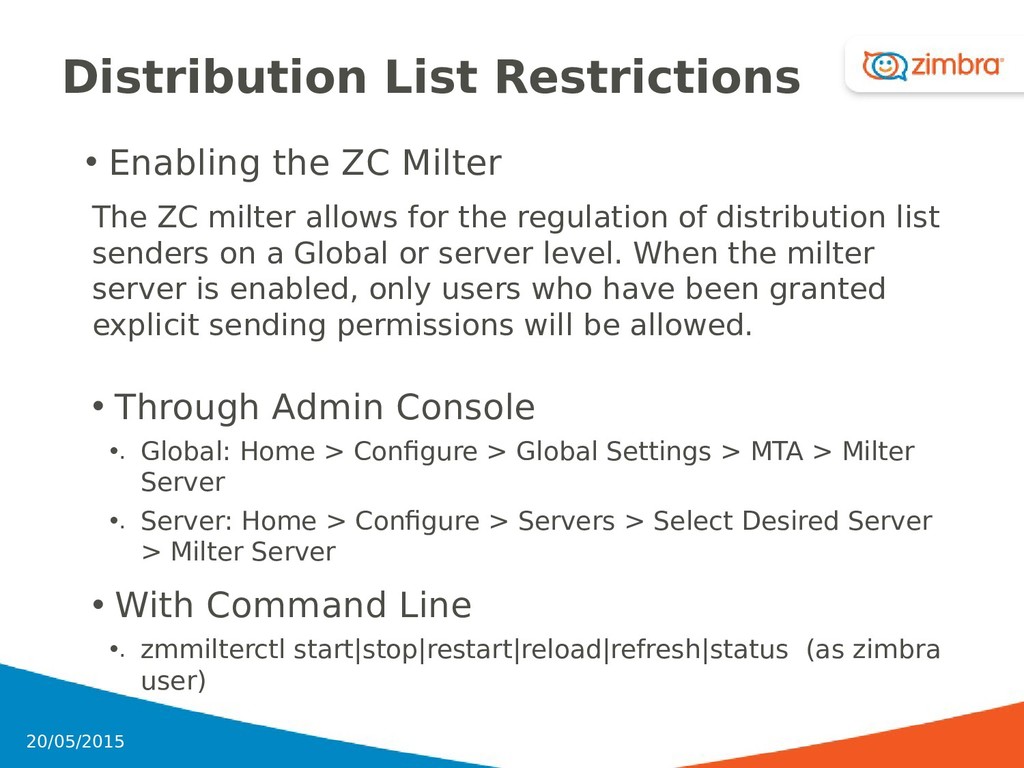
milter allows for the regulation of distribution list senders on a Global or server level. When the milter server is enabled, only users who have been granted explicit sending permissions will be allowed. • Through Admin Console •. Global: Home > Configure > Global Settings > MTA > Milter Server •. Server: Home > Configure > Servers > Select Desired Server > Milter Server • With Command Line •. zmmilterctl start|stop|restart|reload|refresh|status (as zimbra user) 51 20/05/2015
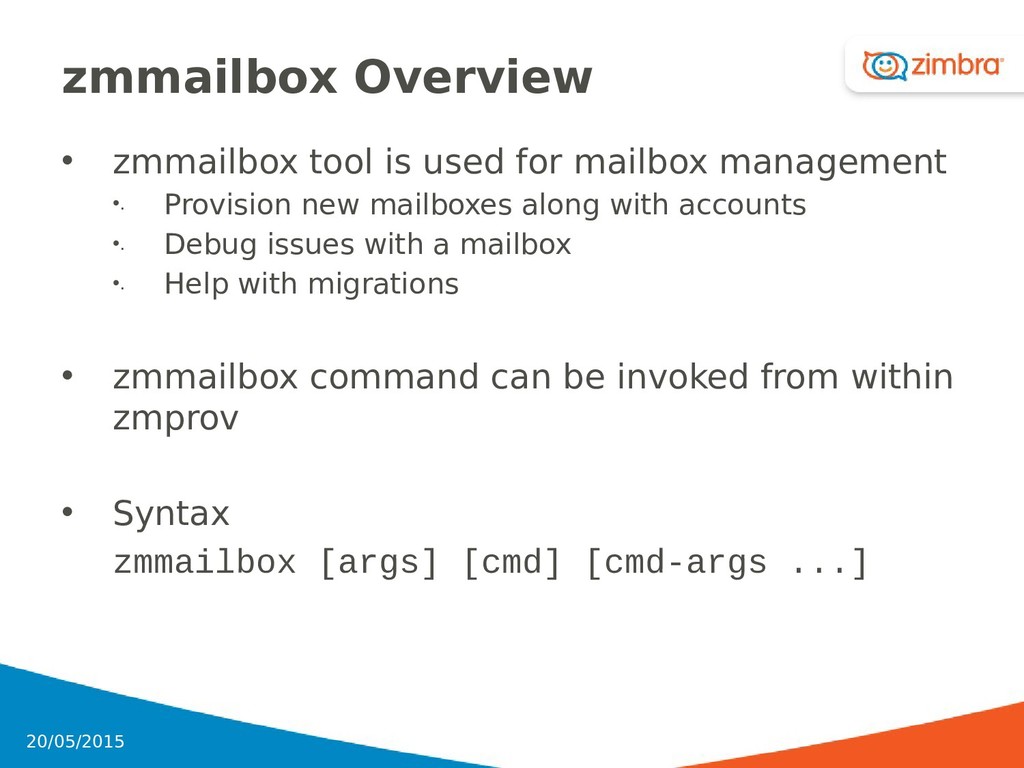
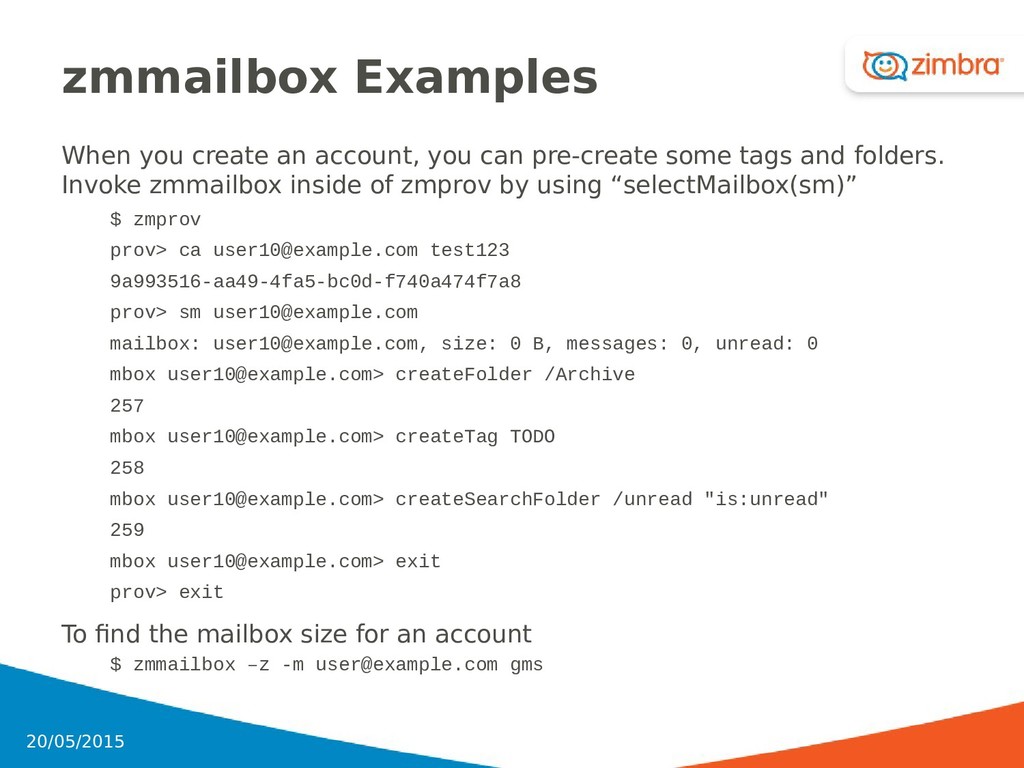
•. Provision new mailboxes along with accounts •. Debug issues with a mailbox •. Help with migrations • zmmailbox command can be invoked from within zmprov • Syntax zmmailbox [args] [cmd] [cmd-args ...] 53 20/05/2015
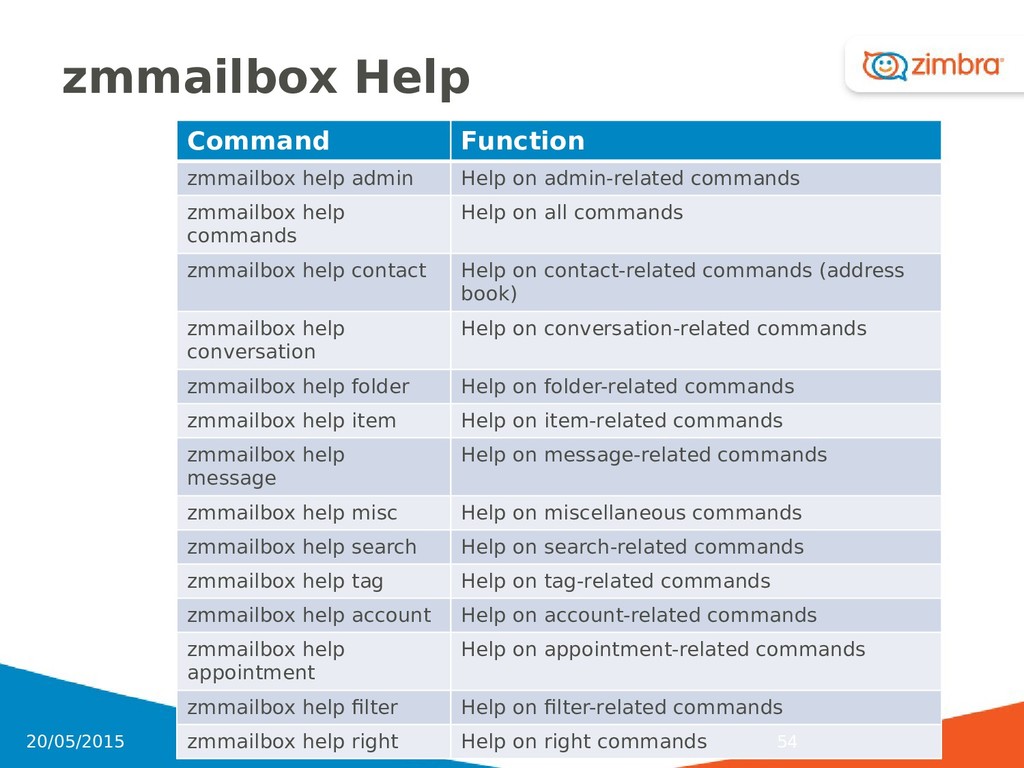
commands zmmailbox help commands Help on all commands zmmailbox help contact Help on contact-related commands (address book) zmmailbox help conversation Help on conversation-related commands zmmailbox help folder Help on folder-related commands zmmailbox help item Help on item-related commands zmmailbox help message Help on message-related commands zmmailbox help misc Help on miscellaneous commands zmmailbox help search Help on search-related commands zmmailbox help tag Help on tag-related commands zmmailbox help account Help on account-related commands zmmailbox help appointment Help on appointment-related commands zmmailbox help filter Help on filter-related commands zmmailbox help right Help on right commands 54 20/05/2015
Domain based •. (mail.mycompany.com OR mail.companyA.com + mail.companyB.com) •. Additional IP needed for each domain based certificate • Subject Alt Names (mail.mycompany.com, mb1.mycompany.com, mb2.mycompany.com) vs. Wild Card (*.mycompany.com) • In the case of SSL offloading, certificates will be applied to an external device and Zimbra can keep self-signed certificates 57 20/05/2015
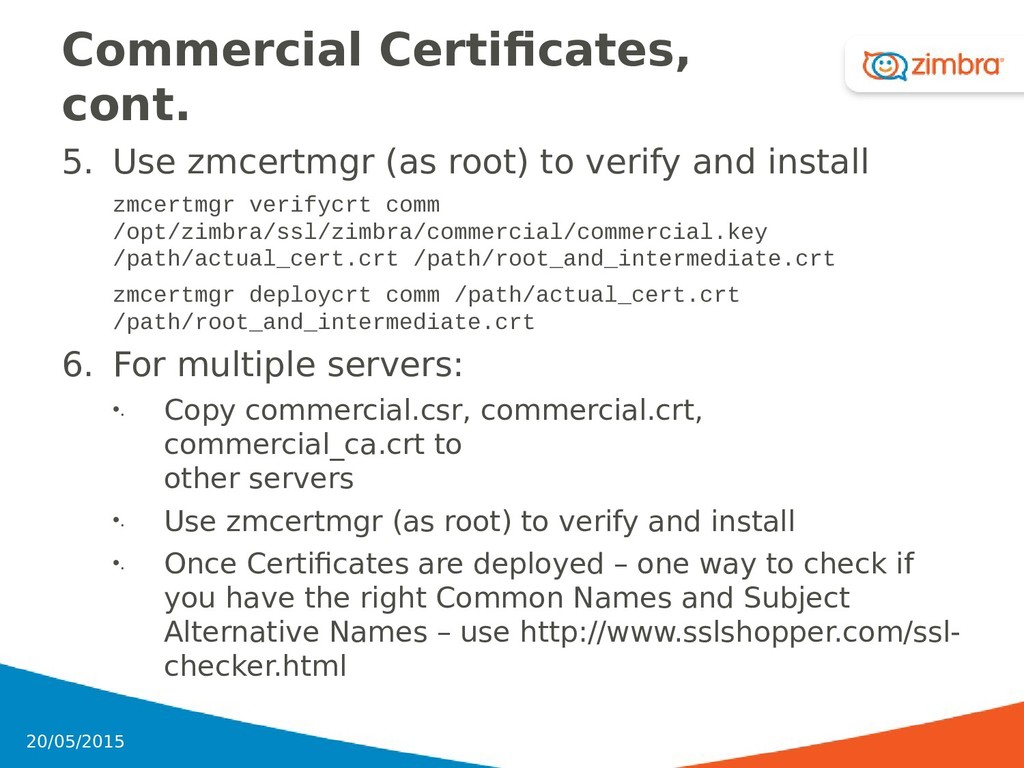
•. Use Admin Console or zmcertmgr a. In a Zimbra multi-server certificate deployment, zmcertmgr is the better tool to use b. The CSR and private key generated by Zimbra should always return identical md5-hash values. 2. Copy and paste the CSR to Certificate Authority through the on-line interfaces provided 3. Retrieve the files from the Certificate Authority 4. Install the certificate, intermediate, and root. For multiple servers: a. Copy commercial.csr, commercial.crt, commercial_ca.crt to other servers b. Use zmcertmgr (as root) to verify and install 58 20/05/2015
CA! •. What you import into Zimbra is the SSL certificate + the root and intermediate certificates combined zmcertmgr deploycrt comm /path/actual_cert.crt /path/root_and_intermediate.crt •. Use cat or notepad to review the certificate chain •. Check that the actual certificate file has the same md5- hash value as the private key generated by Zimbra # openssl rsa -in /opt/zimbra/ssl/zimbra/commercial/commercial.key -modulus -noout | openssl md5; openssl x509 -in /path/hostname.domain.ext.crt -modulus -noout | openssl md5 • If the md5-hashes are different, something went wrong 20/05/2015 59
and install zmcertmgr verifycrt comm /opt/zimbra/ssl/zimbra/commercial/commercial.key /path/actual_cert.crt /path/root_and_intermediate.crt zmcertmgr deploycrt comm /path/actual_cert.crt /path/root_and_intermediate.crt 6. For multiple servers: •. Copy commercial.csr, commercial.crt, commercial_ca.crt to other servers •. Use zmcertmgr (as root) to verify and install •. Once Certificates are deployed – one way to check if you have the right Common Names and Subject Alternative Names – use http://www.sslshopper.com/ssl- checker.html 20/05/2015 60
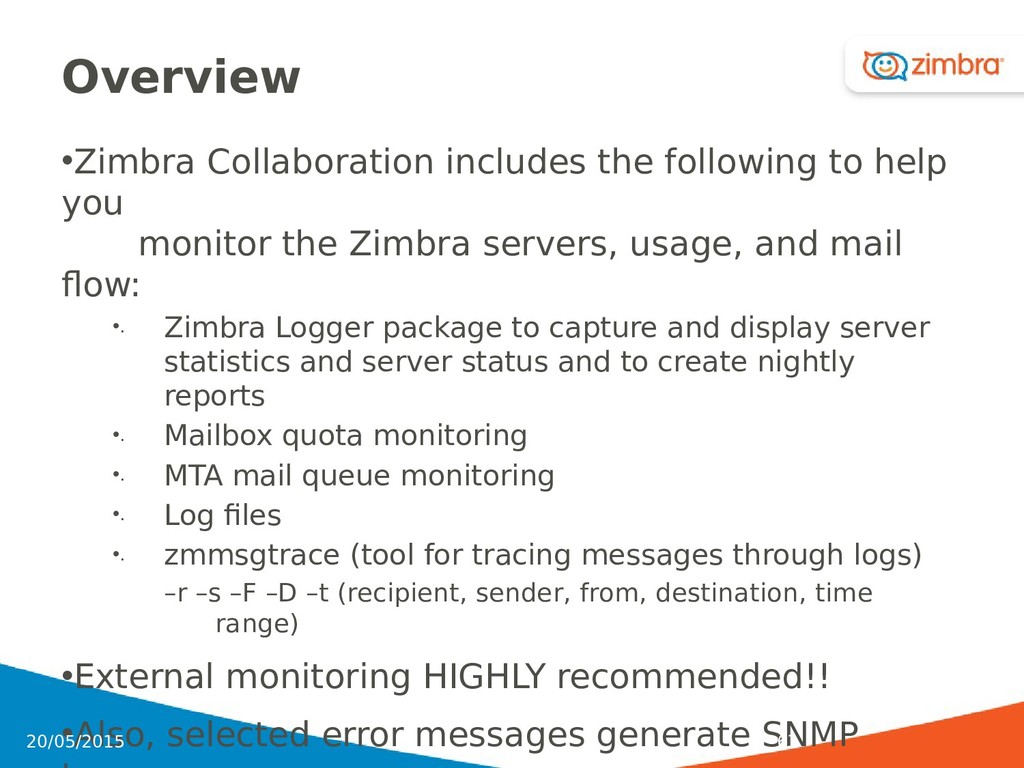
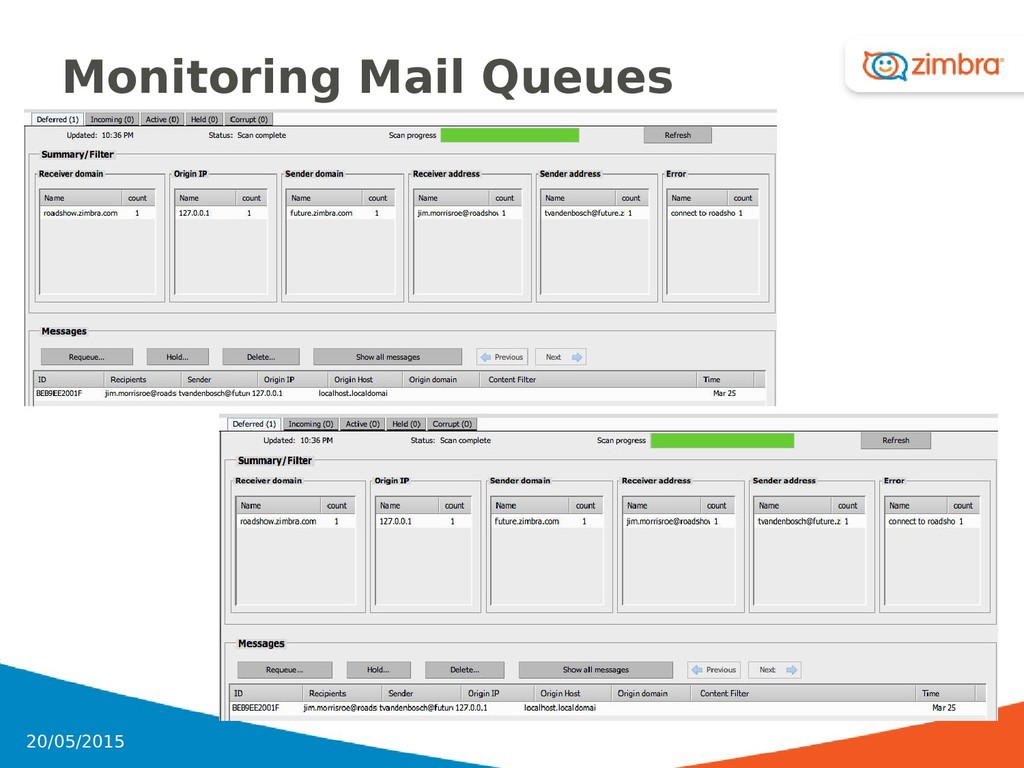
the Zimbra servers, usage, and mail flow: •. Zimbra Logger package to capture and display server statistics and server status and to create nightly reports •. Mailbox quota monitoring •. MTA mail queue monitoring •. Log files •. zmmsgtrace (tool for tracing messages through logs) –r –s –F –D –t (recipient, sender, from, destination, time range) •External monitoring HIGHLY recommended!! •Also, selected error messages generate SNMP 63 20/05/2015
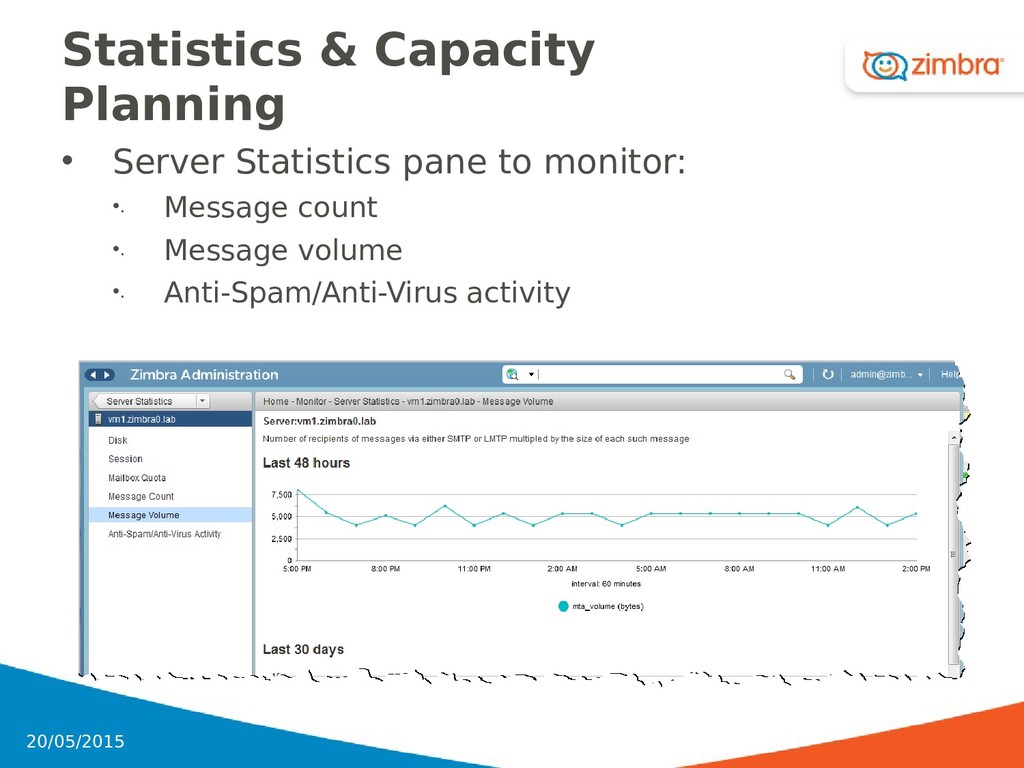
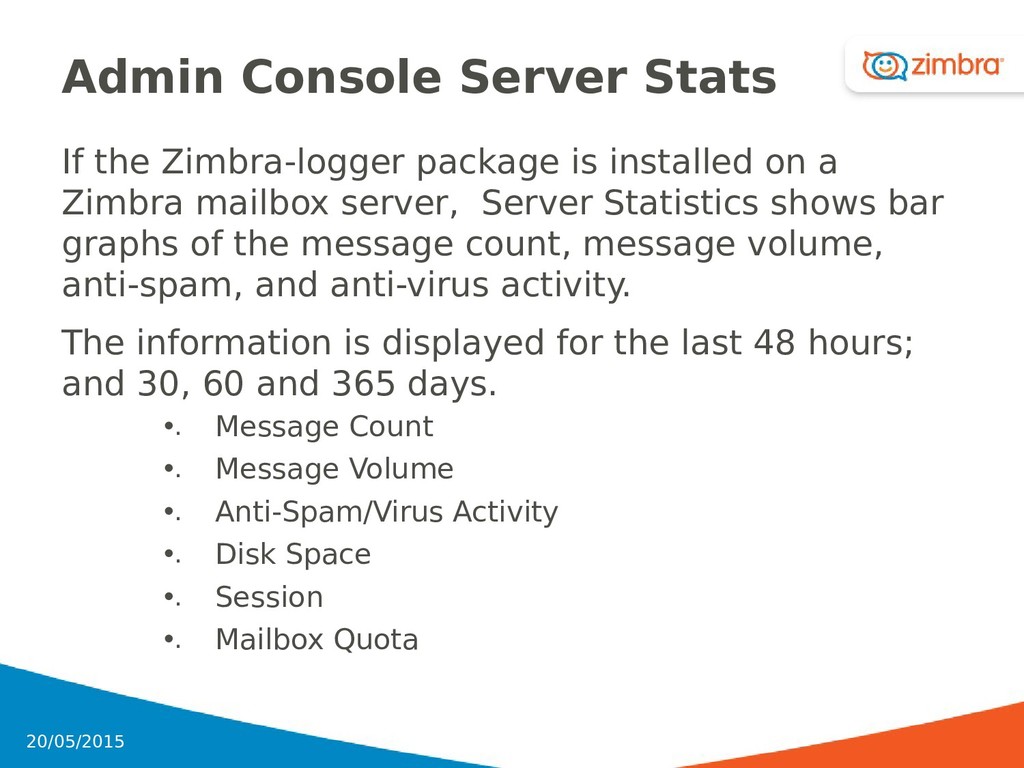
on a Zimbra mailbox server, Server Statistics shows bar graphs of the message count, message volume, anti-spam, and anti-virus activity. The information is displayed for the last 48 hours; and 30, 60 and 365 days. •. Message Count •. Message Volume •. Anti-Spam/Virus Activity •. Disk Space •. Session •. Mailbox Quota 65 20/05/2015
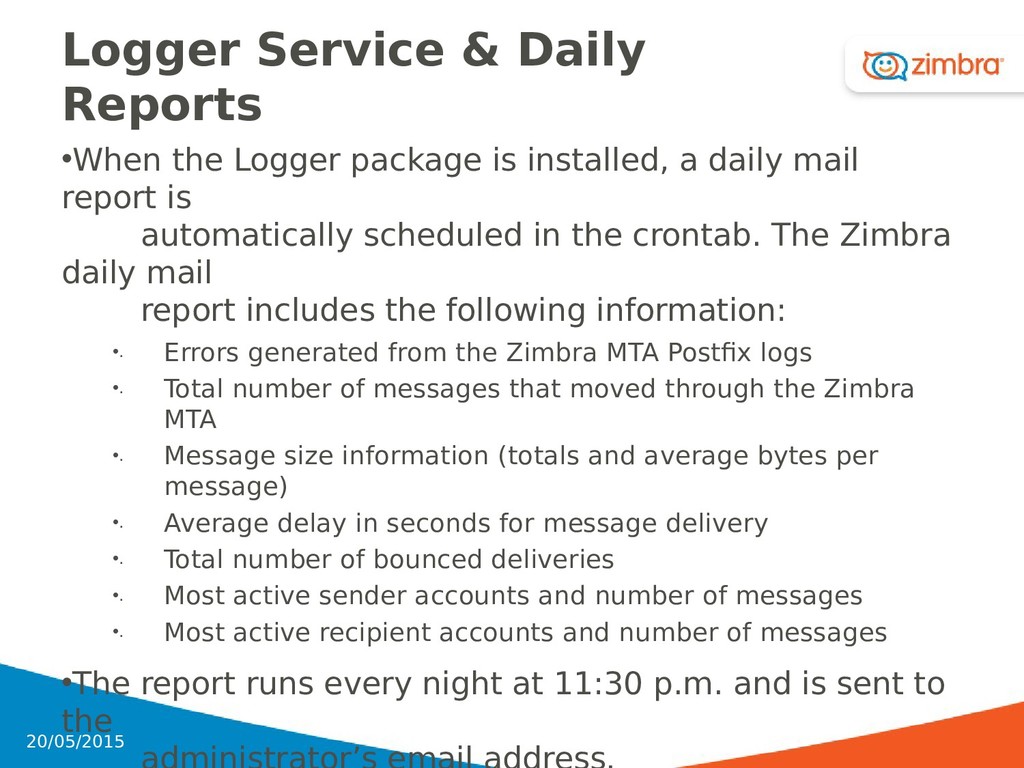
installed, a daily mail report is automatically scheduled in the crontab. The Zimbra daily mail report includes the following information: •. Errors generated from the Zimbra MTA Postfix logs •. Total number of messages that moved through the Zimbra MTA •. Message size information (totals and average bytes per message) •. Average delay in seconds for message delivery •. Total number of bounced deliveries •. Most active sender accounts and number of messages •. Most active recipient accounts and number of messages •The report runs every night at 11:30 p.m. and is sent to the 66 20/05/2015
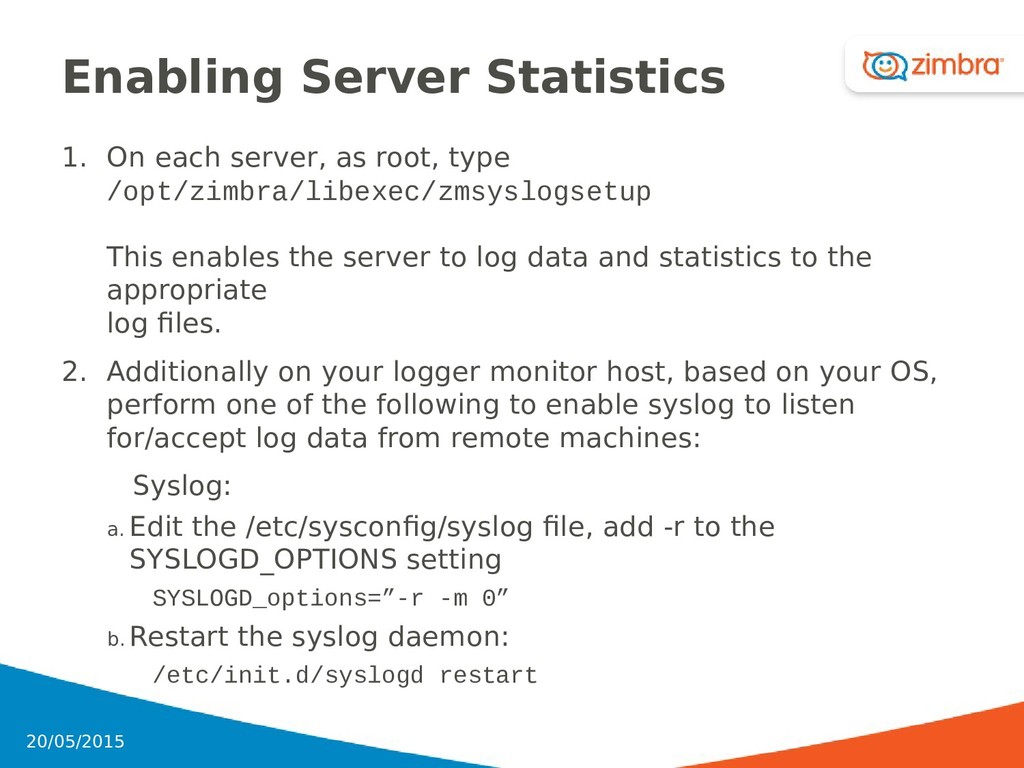
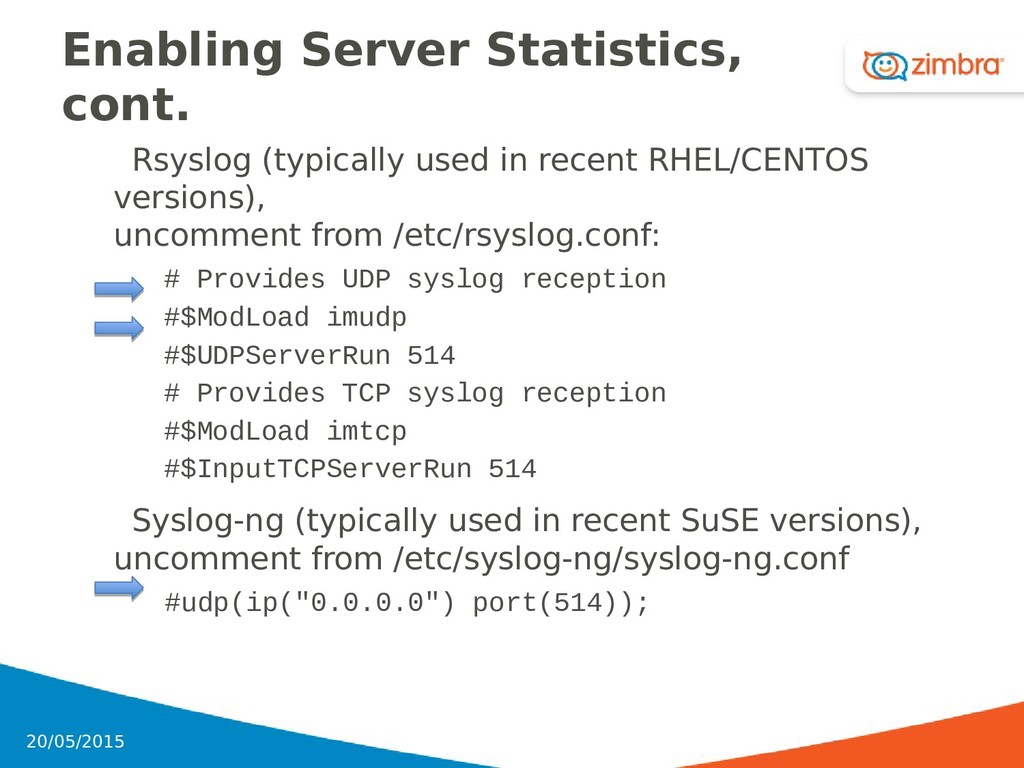
/opt/zimbra/libexec/zmsyslogsetup This enables the server to log data and statistics to the appropriate log files. 2. Additionally on your logger monitor host, based on your OS, perform one of the following to enable syslog to listen for/accept log data from remote machines: Syslog: a. Edit the /etc/sysconfig/syslog file, add -r to the SYSLOGD_OPTIONS setting SYSLOGD_options=”-r -m 0” b. Restart the syslog daemon: /etc/init.d/syslogd restart 68 20/05/2015
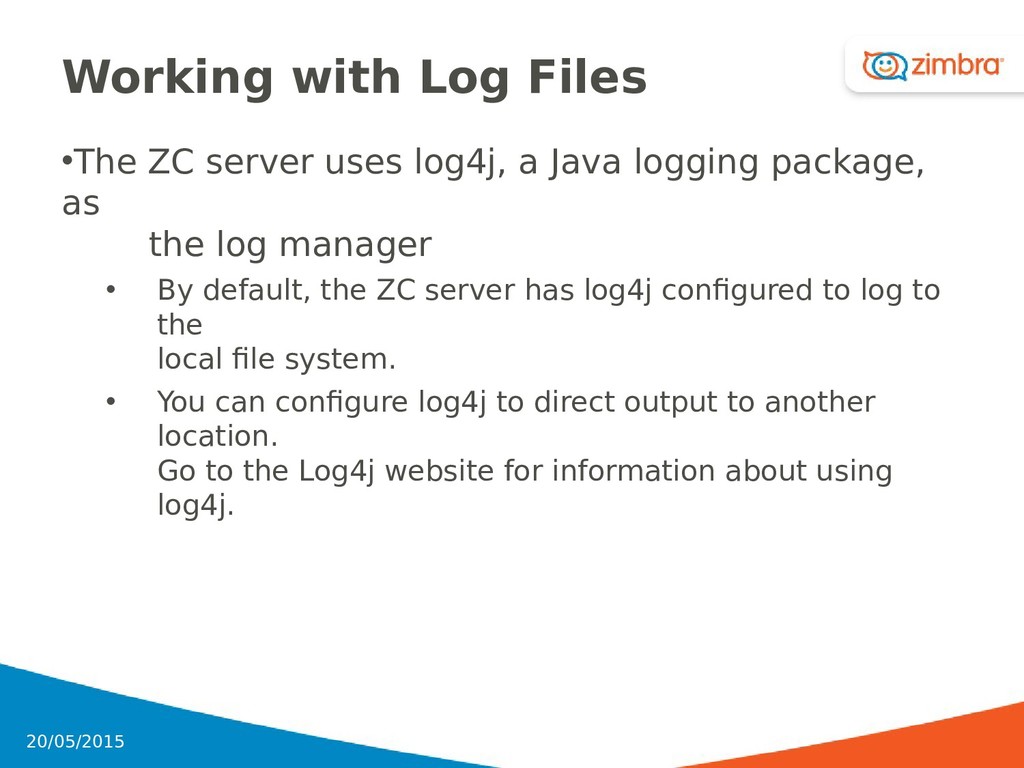
Java logging package, as the log manager • By default, the ZC server has log4j configured to log to the local file system. • You can configure log4j to direct output to another location. Go to the Log4j website for information about using log4j. 70 20/05/2015
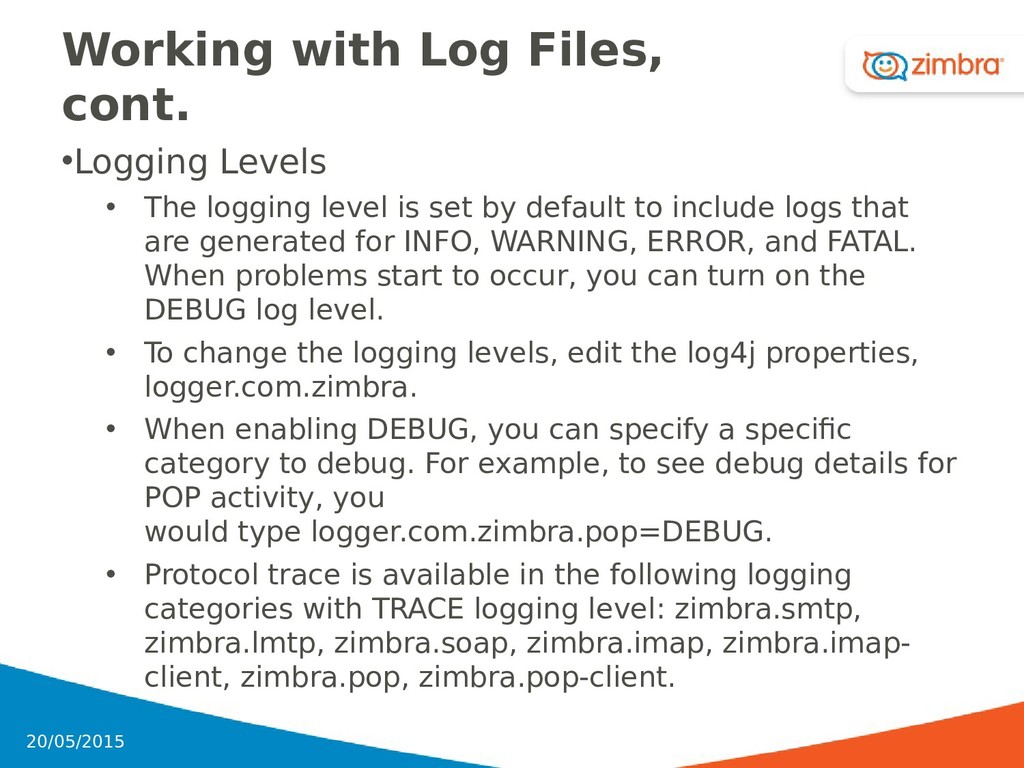
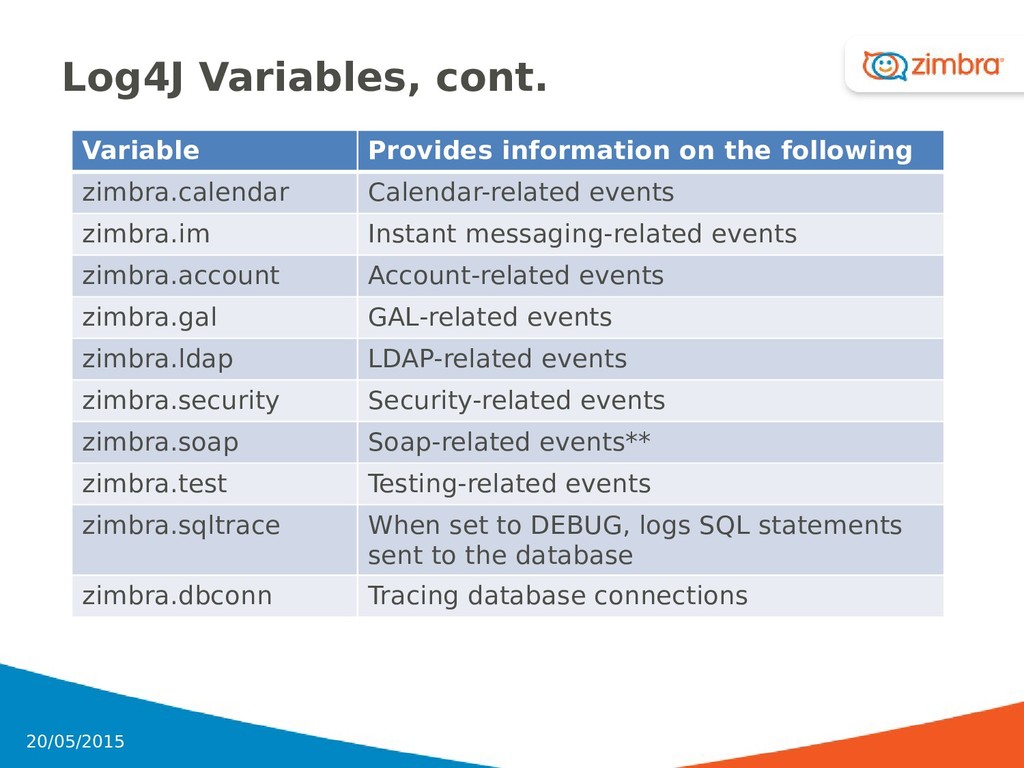
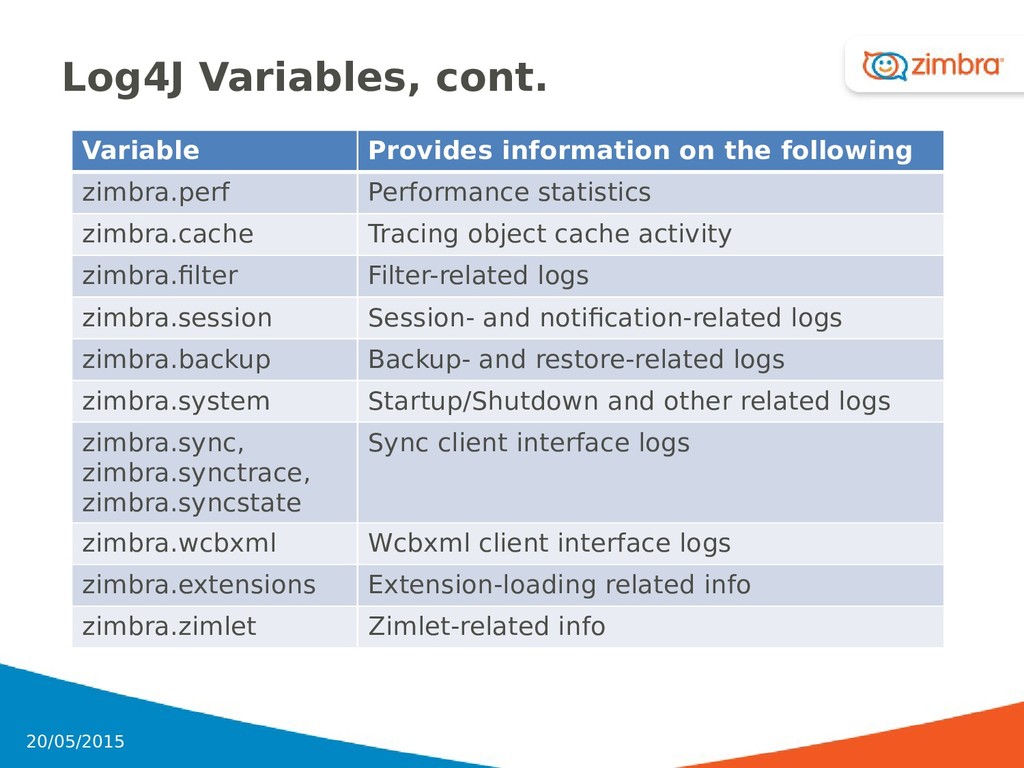
level is set by default to include logs that are generated for INFO, WARNING, ERROR, and FATAL. When problems start to occur, you can turn on the DEBUG log level. • To change the logging levels, edit the log4j properties, logger.com.zimbra. • When enabling DEBUG, you can specify a specific category to debug. For example, to see debug details for POP activity, you would type logger.com.zimbra.pop=DEBUG. • Protocol trace is available in the following logging categories with TRACE logging level: zimbra.smtp, zimbra.lmtp, zimbra.soap, zimbra.imap, zimbra.imap- client, zimbra.pop, zimbra.pop-client. 71 20/05/2015
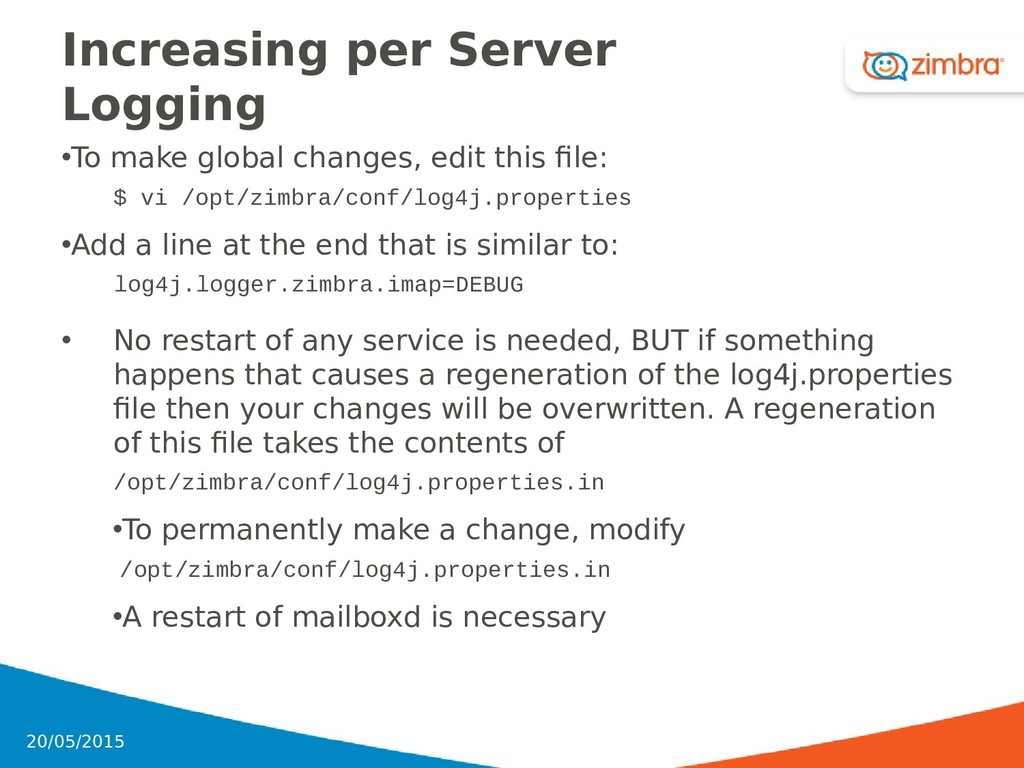
file: $ vi /opt/zimbra/conf/log4j.properties •Add a line at the end that is similar to: log4j.logger.zimbra.imap=DEBUG • No restart of any service is needed, BUT if something happens that causes a regeneration of the log4j.properties file then your changes will be overwritten. A regeneration of this file takes the contents of /opt/zimbra/conf/log4j.properties.in •To permanently make a change, modify /opt/zimbra/conf/log4j.properties.in •A restart of mailboxd is necessary 72 20/05/2015
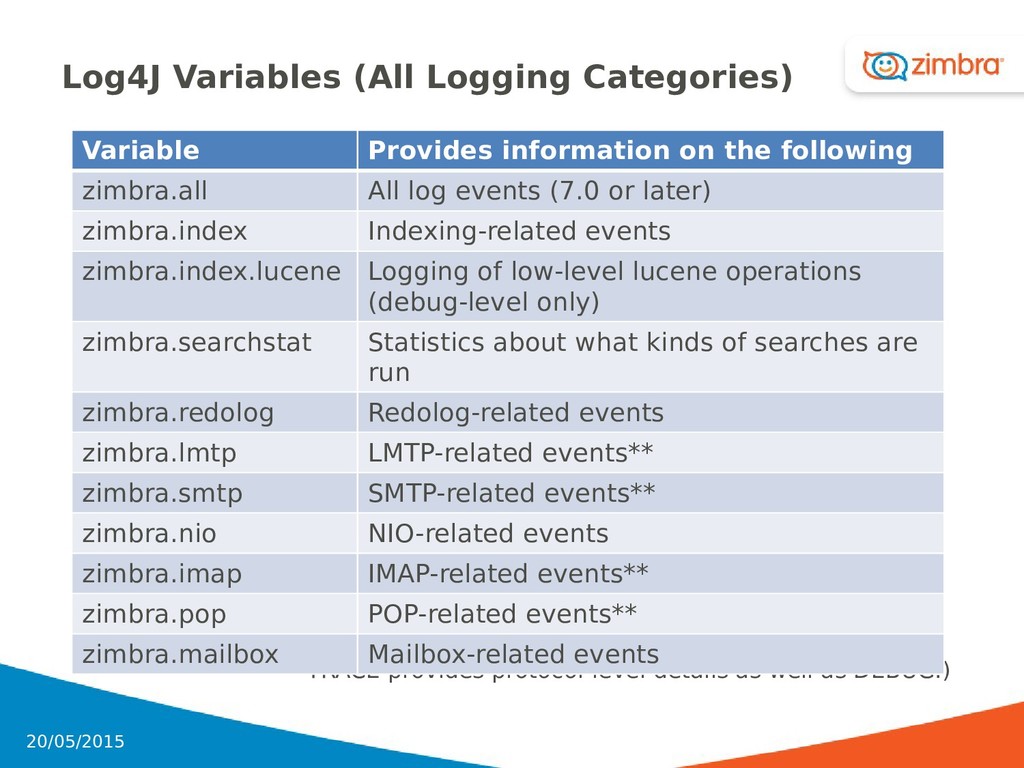
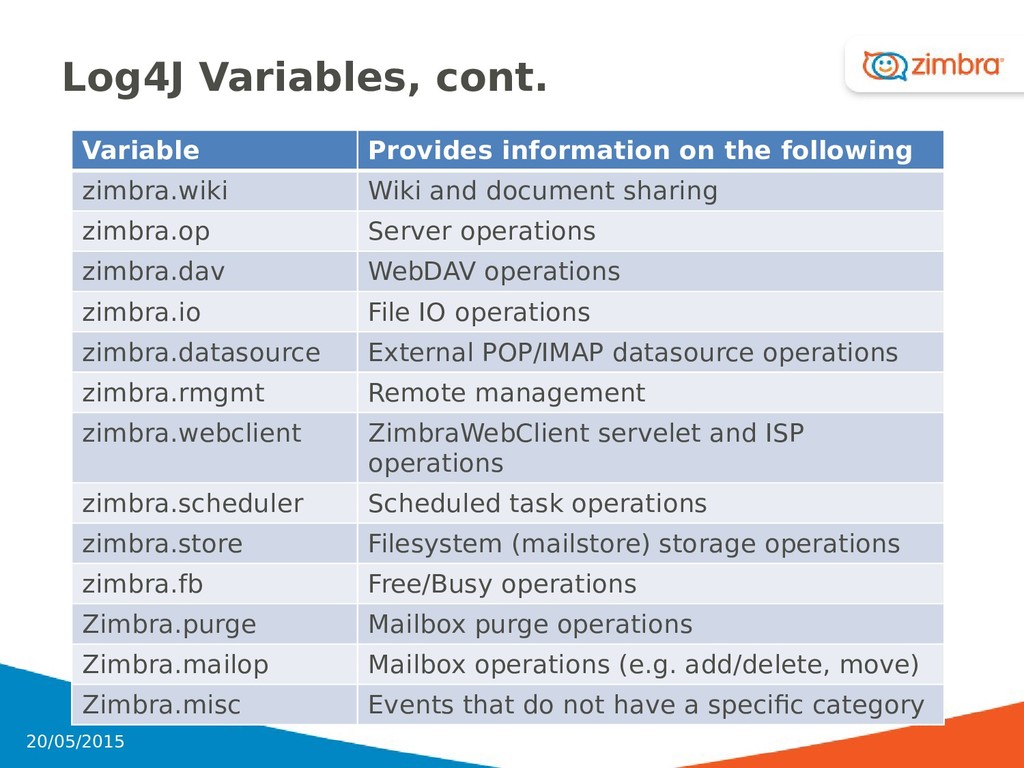
debug information. TRACE provides protocol-level details as well as DEBUG.) Log4J Variables (All Logging Categories) 73 Variable Provides information on the following zimbra.all All log events (7.0 or later) zimbra.index Indexing-related events zimbra.index.lucene Logging of low-level lucene operations (debug-level only) zimbra.searchstat Statistics about what kinds of searches are run zimbra.redolog Redolog-related events zimbra.lmtp LMTP-related events** zimbra.smtp SMTP-related events** zimbra.nio NIO-related events zimbra.imap IMAP-related events** zimbra.pop POP-related events** zimbra.mailbox Mailbox-related events 20/05/2015
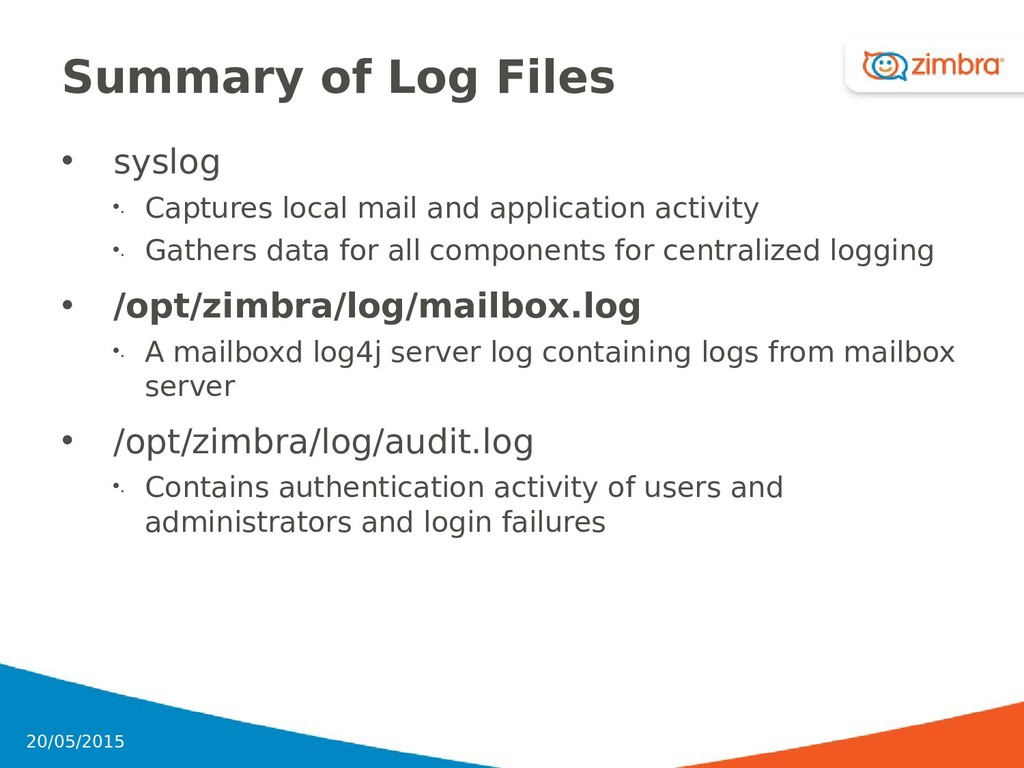
and application activity •. Gathers data for all components for centralized logging • /opt/zimbra/log/mailbox.log •. A mailboxd log4j server log containing logs from mailbox server • /opt/zimbra/log/audit.log •. Contains authentication activity of users and administrators and login failures 77 20/05/2015
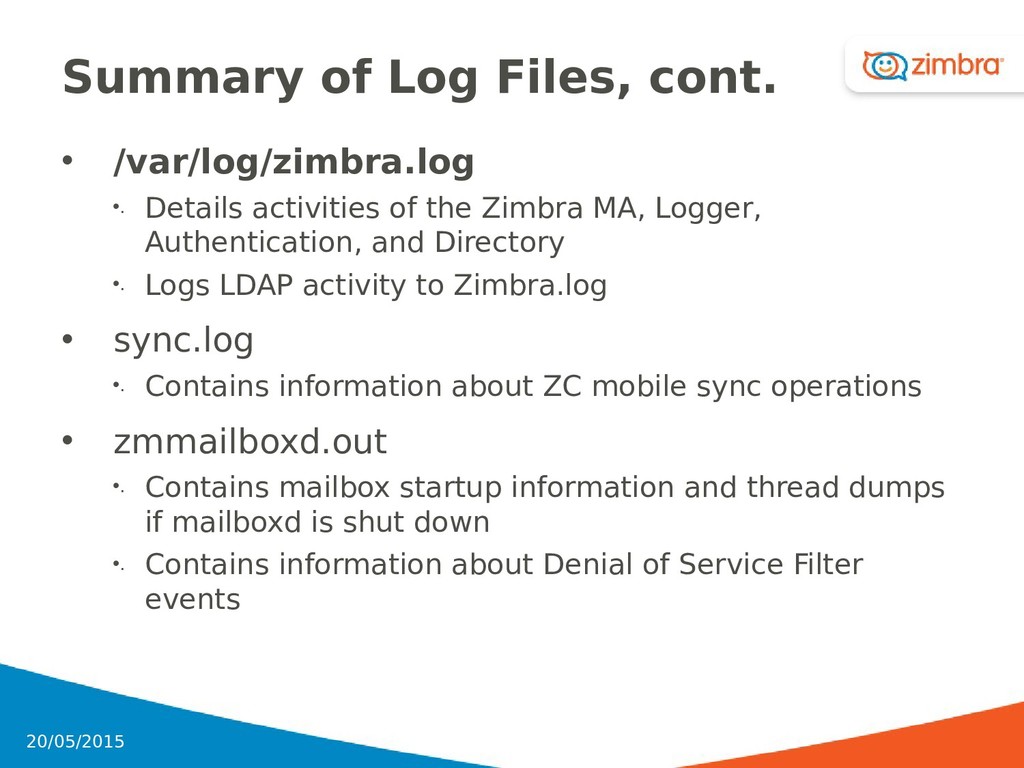
of the Zimbra MA, Logger, Authentication, and Directory •. Logs LDAP activity to Zimbra.log • sync.log •. Contains information about ZC mobile sync operations • zmmailboxd.out •. Contains mailbox startup information and thread dumps if mailboxd is shut down •. Contains information about Denial of Service Filter events 78 20/05/2015
(Win)/8.0.4_GA_5737;] smtp Sending message to MTA at zcsmta2.kappa.local: MessageID=<[email protected]>, replyType=r Date Time Log Level Jetty thread-pool number mailbox server processing the SOAP request SOAP request type 20131031 14:20:20,386 INFO [LmtpServer1] [ip=10.137.28.179;] lmtp Delivering message: size=1734 bytes, nrcpts=1, [email protected], msgid=<[email protected]> Originato r Originator IP Zimbra Client Type Browser/Versi on ZC Version Operation Description FQDN of MTA Message ID Date Time Log Level Thread/Process IP Operation Description Message size number recipients Message ID Originator 79 20/05/2015
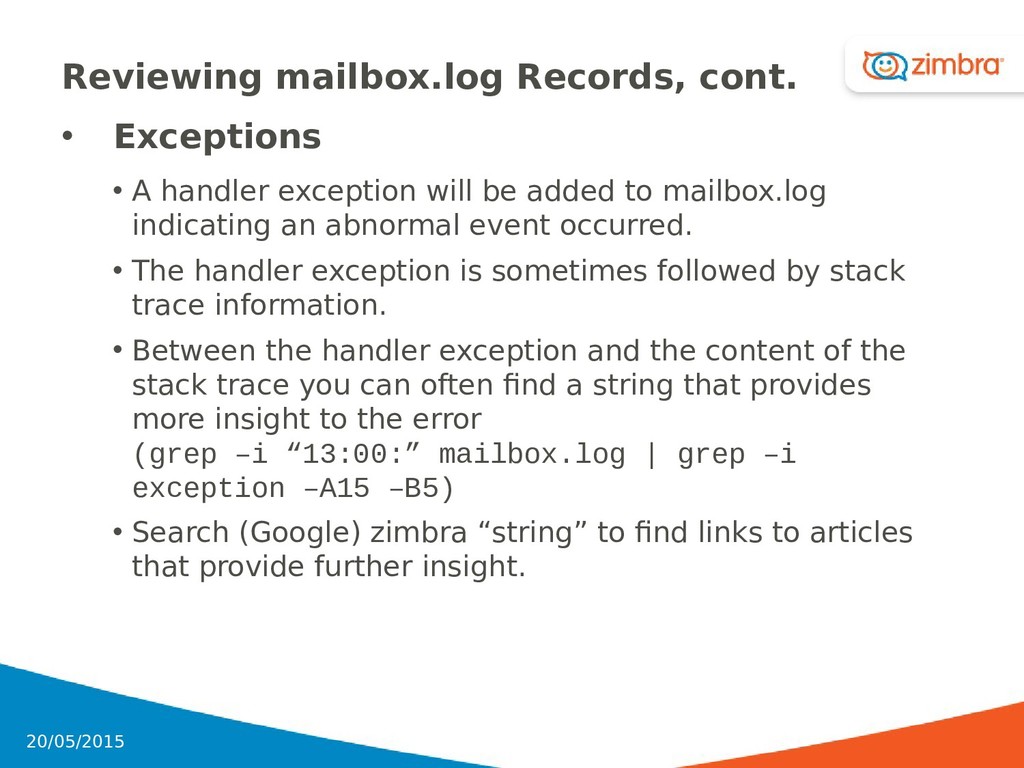
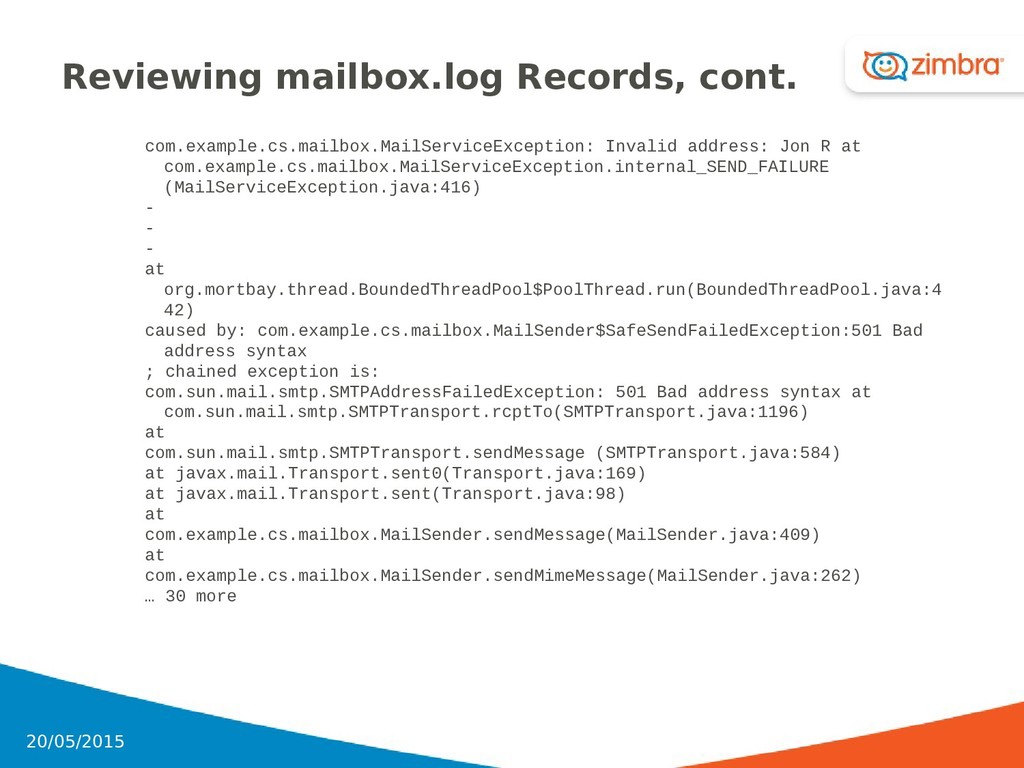
will be added to mailbox.log indicating an abnormal event occurred. • The handler exception is sometimes followed by stack trace information. • Between the handler exception and the content of the stack trace you can often find a string that provides more insight to the error (grep –i “13:00:” mailbox.log | grep –i exception –A15 –B5) • Search (Google) zimbra “string” to find links to articles that provide further insight. 80 20/05/2015
com.example.cs.mailbox.MailServiceException.internal_SEND_FAILURE (MailServiceException.java:416) - - - at org.mortbay.thread.BoundedThreadPool$PoolThread.run(BoundedThreadPool.java:4 42) caused by: com.example.cs.mailbox.MailSender$SafeSendFailedException:501 Bad address syntax ; chained exception is: com.sun.mail.smtp.SMTPAddressFailedException: 501 Bad address syntax at com.sun.mail.smtp.SMTPTransport.rcptTo(SMTPTransport.java:1196) at com.sun.mail.smtp.SMTPTransport.sendMessage (SMTPTransport.java:584) at javax.mail.Transport.sent0(Transport.java:169) at javax.mail.Transport.sent(Transport.java:98) at com.example.cs.mailbox.MailSender.sendMessage(MailSender.java:409) at com.example.cs.mailbox.MailSender.sendMimeMessage(MailSender.java:262) … 30 more 81 20/05/2015
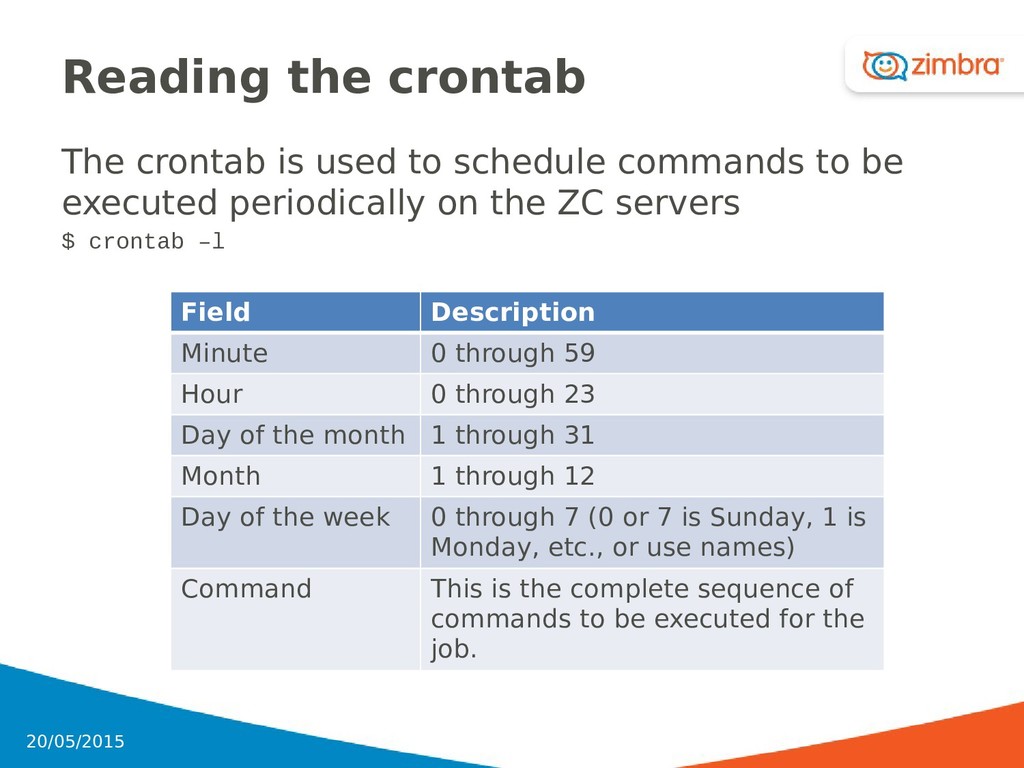
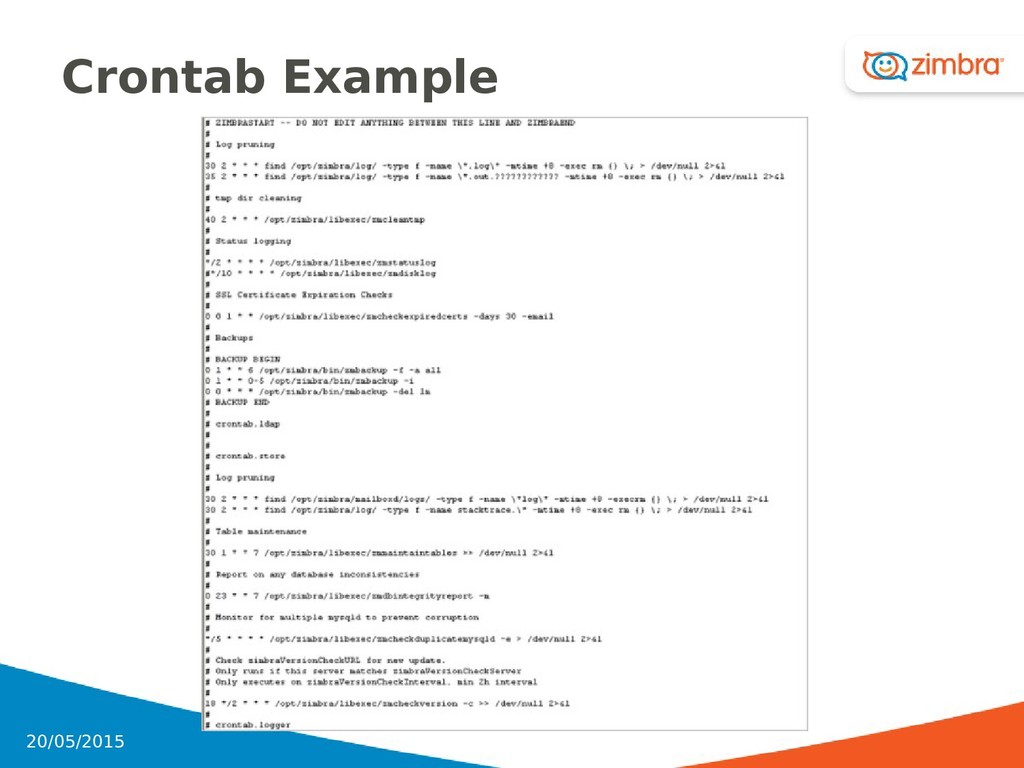
to be executed periodically on the ZC servers $ crontab –l 89 Field Description Minute 0 through 59 Hour 0 through 23 Day of the month 1 through 31 Month 1 through 12 Day of the week 0 through 7 (0 or 7 is Sunday, 1 is Monday, etc., or use names) Command This is the complete sequence of commands to be executed for the job. 20/05/2015
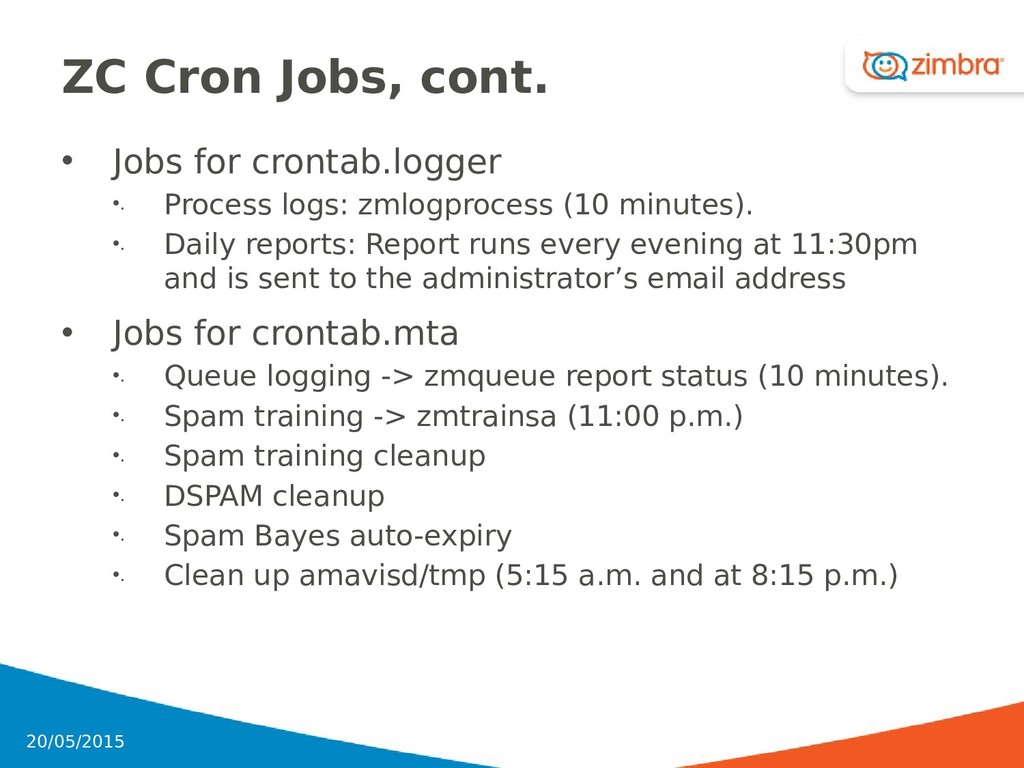
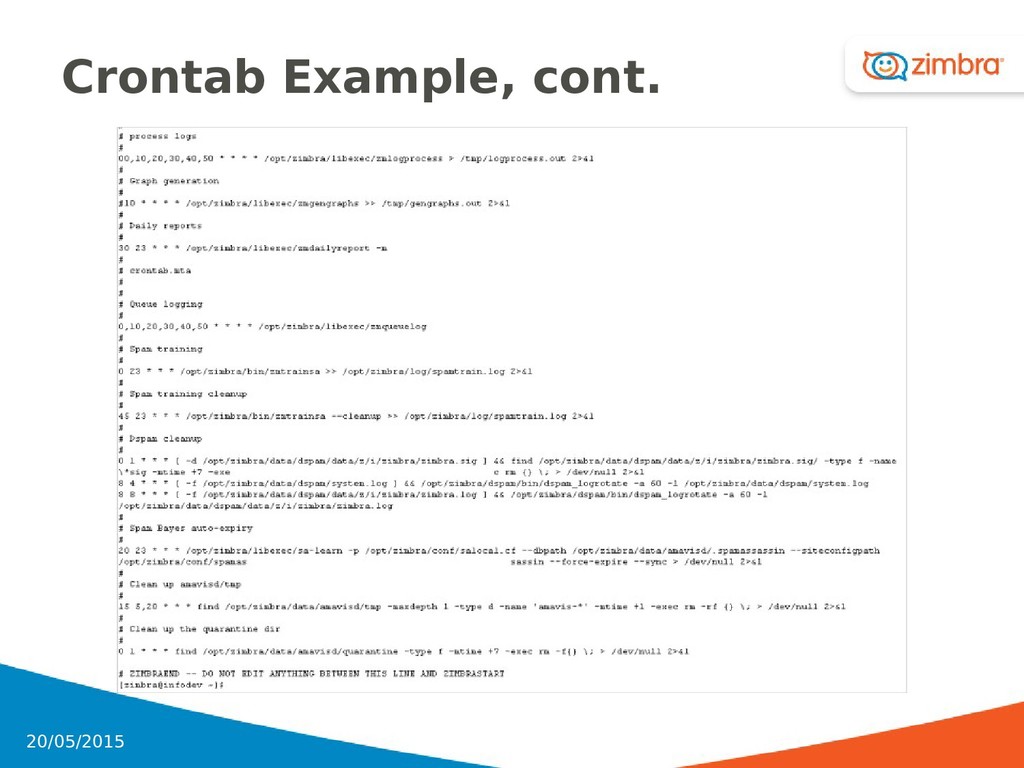
logs: zmlogprocess (10 minutes). •. Daily reports: Report runs every evening at 11:30pm and is sent to the administrator’s email address • Jobs for crontab.mta •. Queue logging -> zmqueue report status (10 minutes). •. Spam training -> zmtrainsa (11:00 p.m.) •. Spam training cleanup •. DSPAM cleanup •. Spam Bayes auto-expiry •. Clean up amavisd/tmp (5:15 a.m. and at 8:15 p.m.) 91 20/05/2015
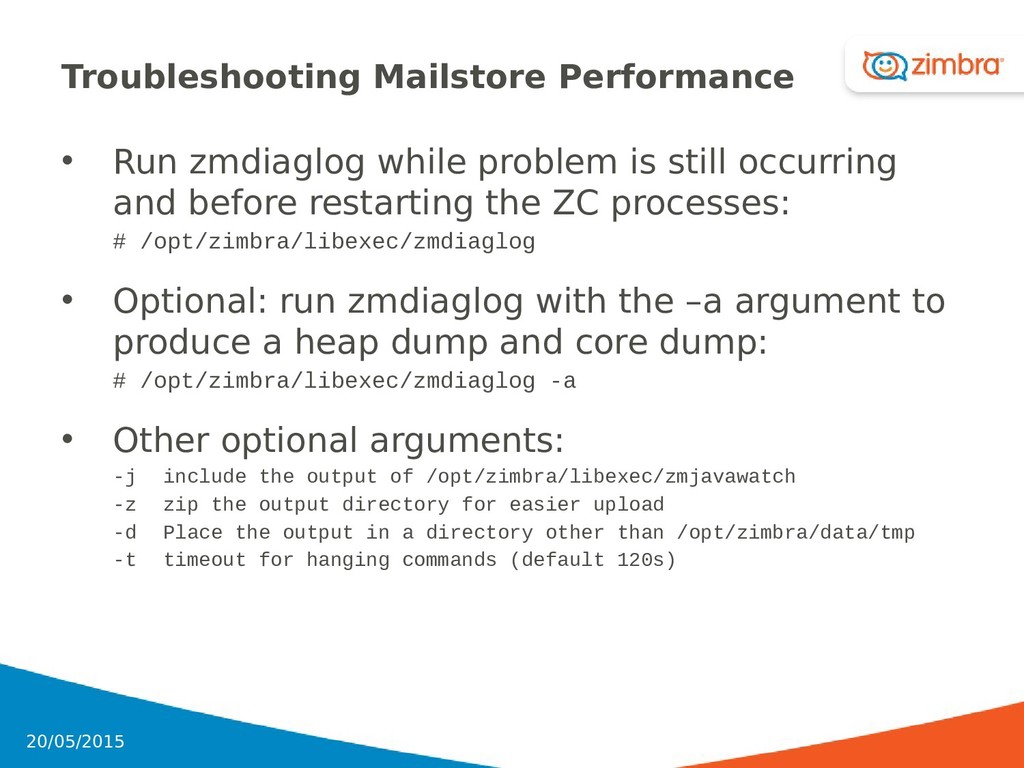
occurring and before restarting the ZC processes: # /opt/zimbra/libexec/zmdiaglog • Optional: run zmdiaglog with the –a argument to produce a heap dump and core dump: # /opt/zimbra/libexec/zmdiaglog -a • Other optional arguments: -j include the output of /opt/zimbra/libexec/zmjavawatch -z zip the output directory for easier upload -d Place the output in a directory other than /opt/zimbra/data/tmp -t timeout for hanging commands (default 120s) 94 20/05/2015
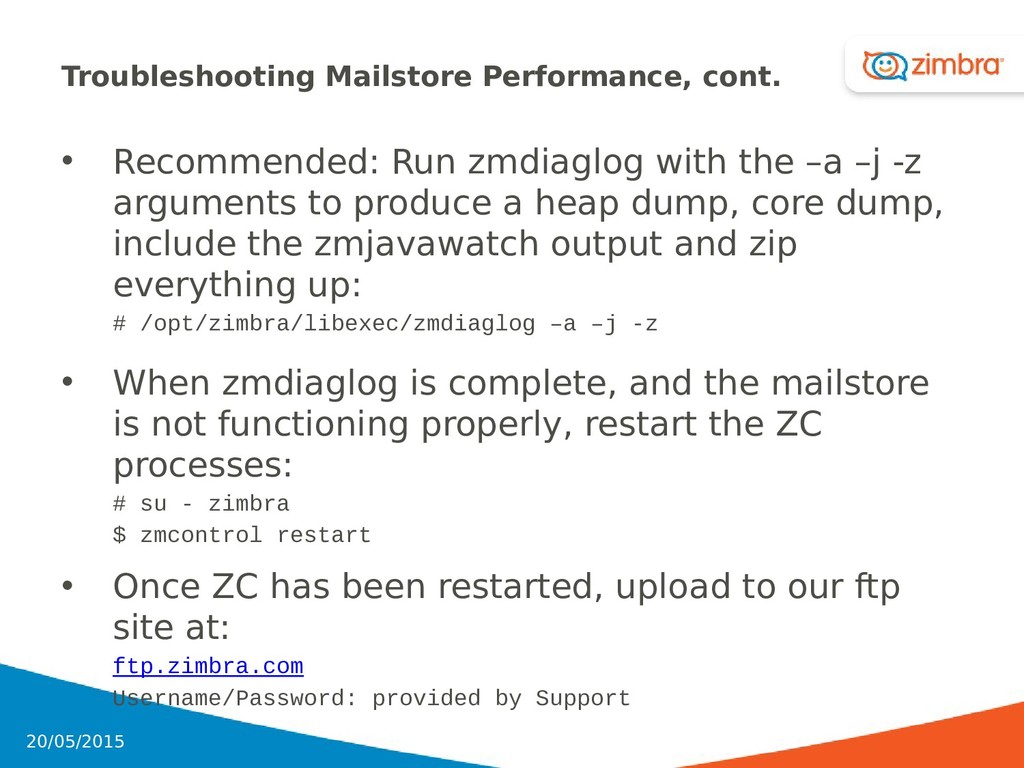
–a –j -z arguments to produce a heap dump, core dump, include the zmjavawatch output and zip everything up: # /opt/zimbra/libexec/zmdiaglog –a –j -z • When zmdiaglog is complete, and the mailstore is not functioning properly, restart the ZC processes: # su - zimbra $ zmcontrol restart • Once ZC has been restarted, upload to our ftp site at: ftp.zimbra.com Username/Password: provided by Support 95 20/05/2015
the event of a crash • Full Backup: Includes LDAP directory server, database, index directory, and message directory for each mailbox • Incremental Backup: Includes LDAP directory server and gathers all redo log transactions 102 20/05/2015
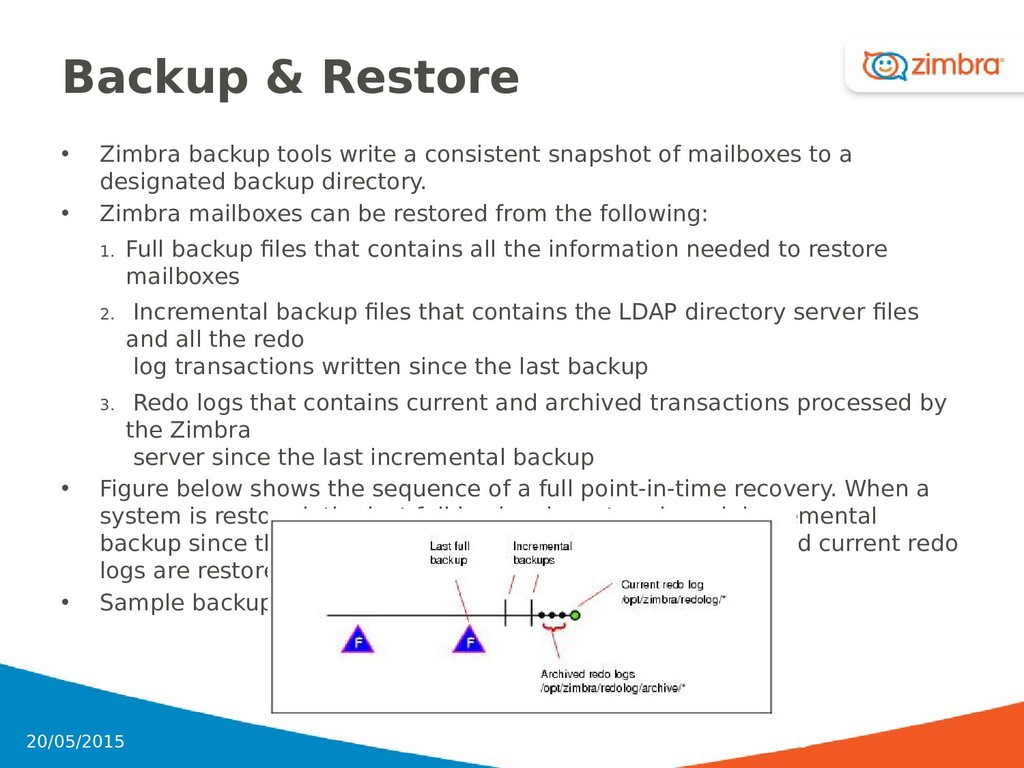
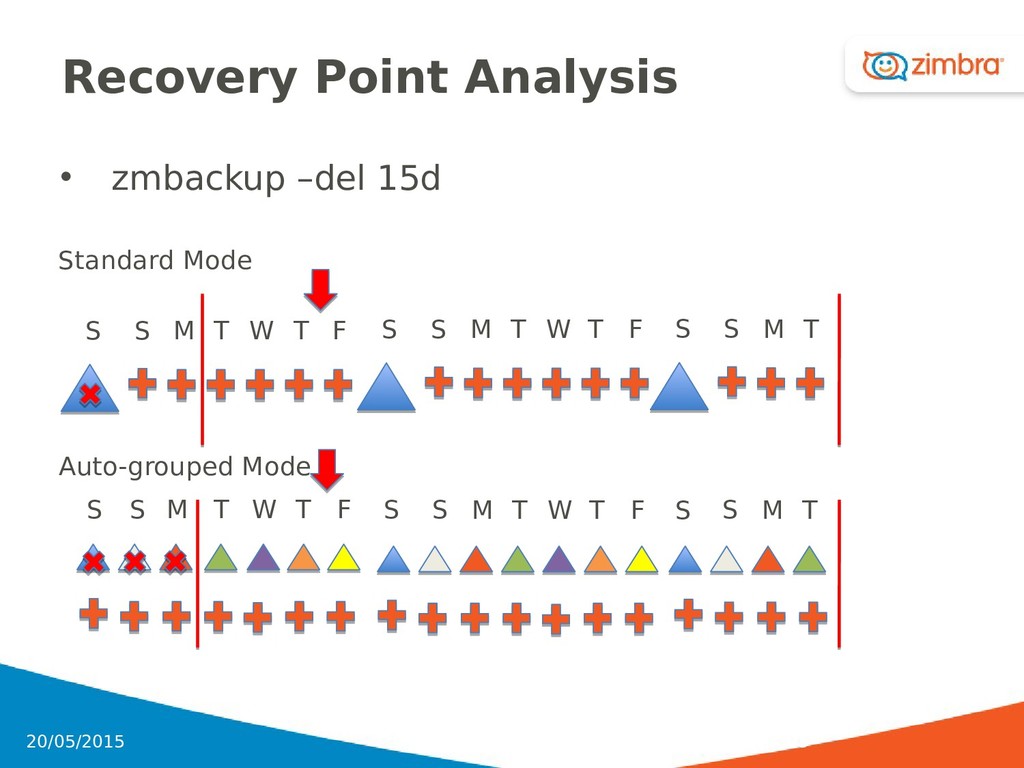
snapshot of mailboxes to a designated backup directory. • Zimbra mailboxes can be restored from the following: 1. Full backup files that contains all the information needed to restore mailboxes 2. Incremental backup files that contains the LDAP directory server files and all the redo log transactions written since the last backup 3. Redo logs that contains current and archived transactions processed by the Zimbra server since the last incremental backup • Figure below shows the sequence of a full point-in-time recovery. When a system is restored, the last full backup is restored, each incremental backup since the last backup is restored, and the archived and current redo logs are restored. • Sample backup timeline: 103 20/05/2015
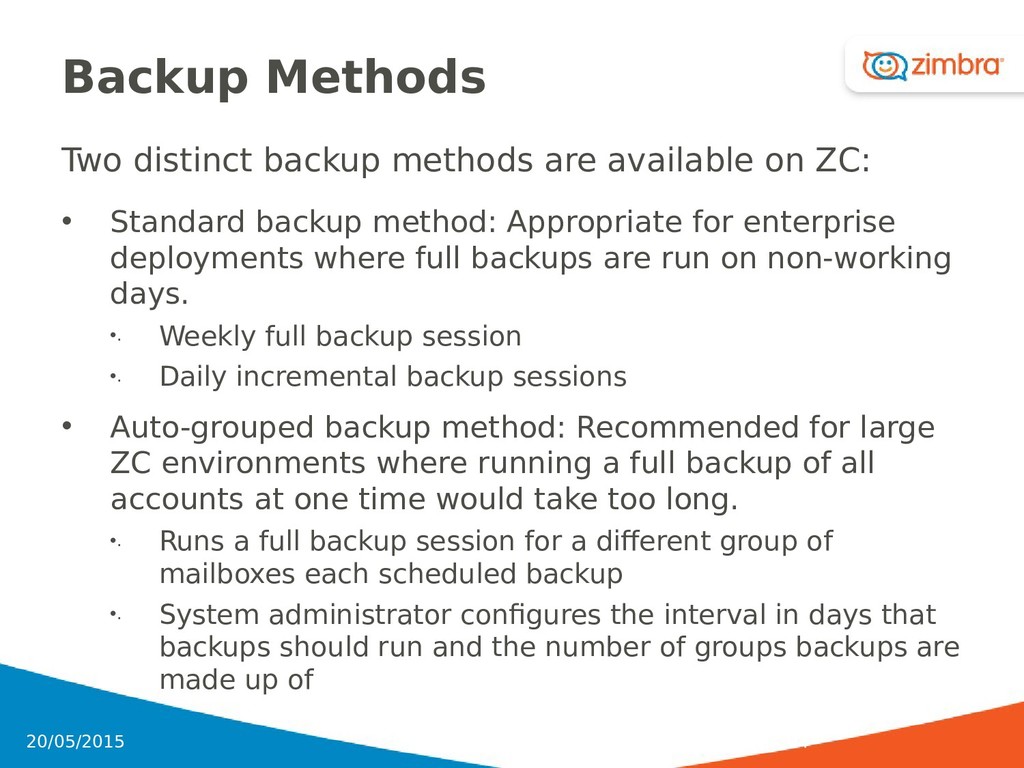
• Standard backup method: Appropriate for enterprise deployments where full backups are run on non-working days. •. Weekly full backup session •. Daily incremental backup sessions • Auto-grouped backup method: Recommended for large ZC environments where running a full backup of all accounts at one time would take too long. •. Runs a full backup session for a different group of mailboxes each scheduled backup •. System administrator configures the interval in days that backups should run and the number of groups backups are made up of 104 20/05/2015
•. zmschedulebackup - Used to schedule full backups, incremental backups, and deletion of old backups •. zmbackup - Executes full or incremental backup of the mail server a. This is run on a live server, while the mailboxd process and the mailbox server are running b. This command also has an option to manually delete old backups when they are no longer needed 106 20/05/2015
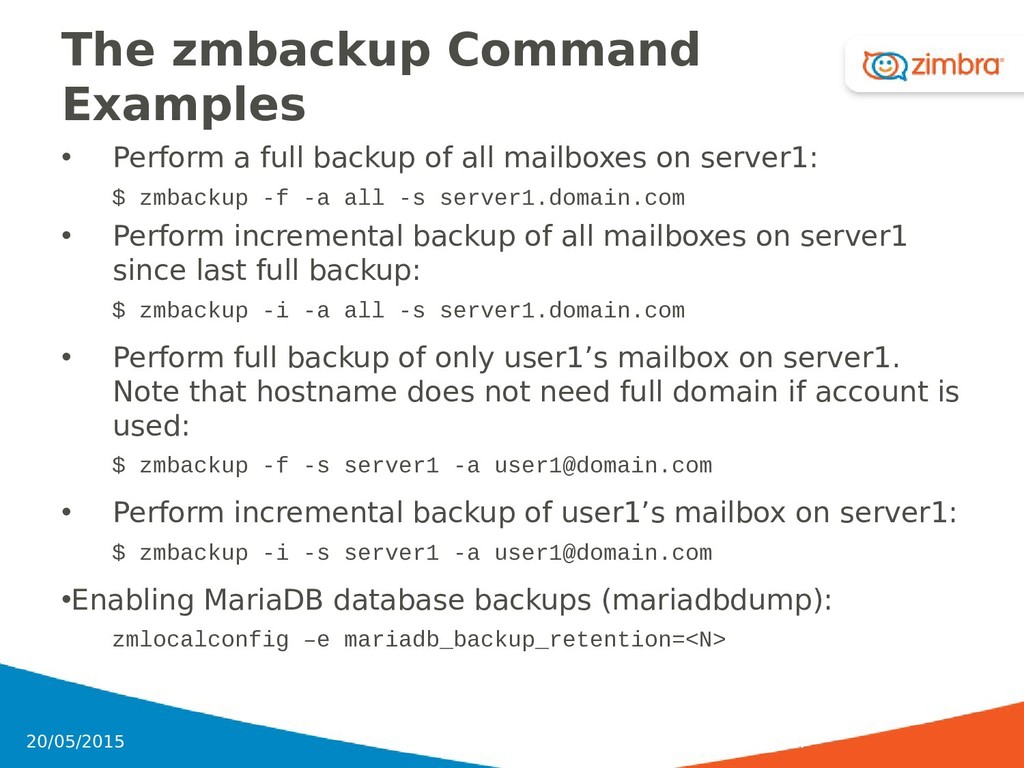
all mailboxes on server1: $ zmbackup -f -a all -s server1.domain.com • Perform incremental backup of all mailboxes on server1 since last full backup: $ zmbackup -i -a all -s server1.domain.com • Perform full backup of only user1’s mailbox on server1. Note that hostname does not need full domain if account is used: $ zmbackup -f -s server1 -a [email protected] • Perform incremental backup of user1’s mailbox on server1: $ zmbackup -i -s server1 -a [email protected] •Enabling MariaDB database backups (mariadbdump): zmlocalconfig –e mariadb_backup_retention=<N> 107 20/05/2015
incremental restore to the ZC mail server •. The zmrestore command is performed on a server that is running • zmrestoreoffline: Restores the ZC mail server when the mailboxd process is stopped • zmrestoreldap: Restores the complete LDAP directory server, including accounts, domains, servers, COS, and other data • Zimbra backup & restore can also be run from the admin console 108 20/05/2015
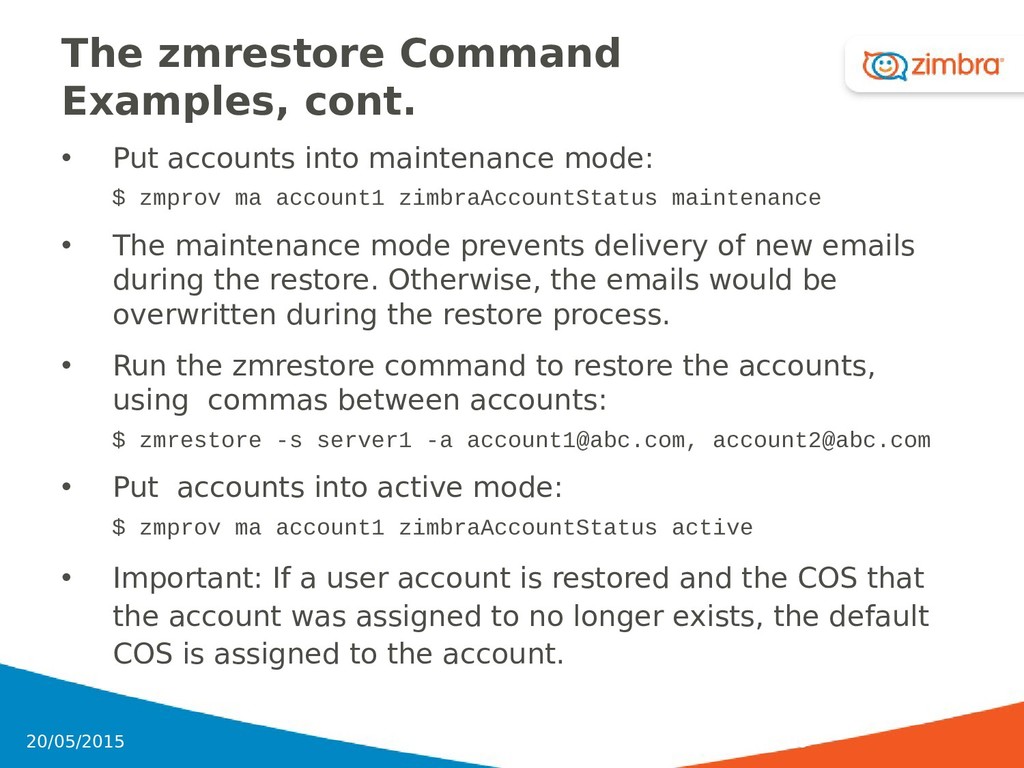
mode: $ zmprov ma account1 zimbraAccountStatus maintenance • The maintenance mode prevents delivery of new emails during the restore. Otherwise, the emails would be overwritten during the restore process. • Run the zmrestore command to restore the accounts, using commas between accounts: $ zmrestore -s server1 -a [email protected], [email protected] • Put accounts into active mode: $ zmprov ma account1 zimbraAccountStatus active • Important: If a user account is restored and the COS that the account was assigned to no longer exists, the default COS is assigned to the account. 109 20/05/2015
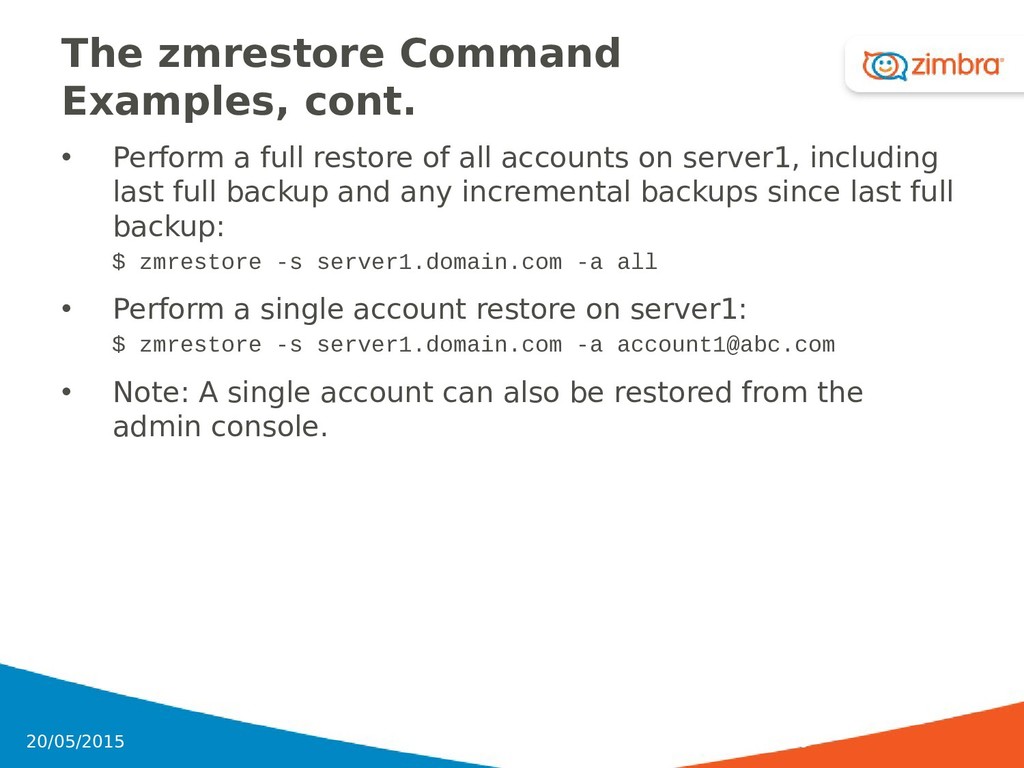
of all accounts on server1, including last full backup and any incremental backups since last full backup: $ zmrestore -s server1.domain.com -a all • Perform a single account restore on server1: $ zmrestore -s server1.domain.com -a [email protected] • Note: A single account can also be restored from the admin console. 110 20/05/2015
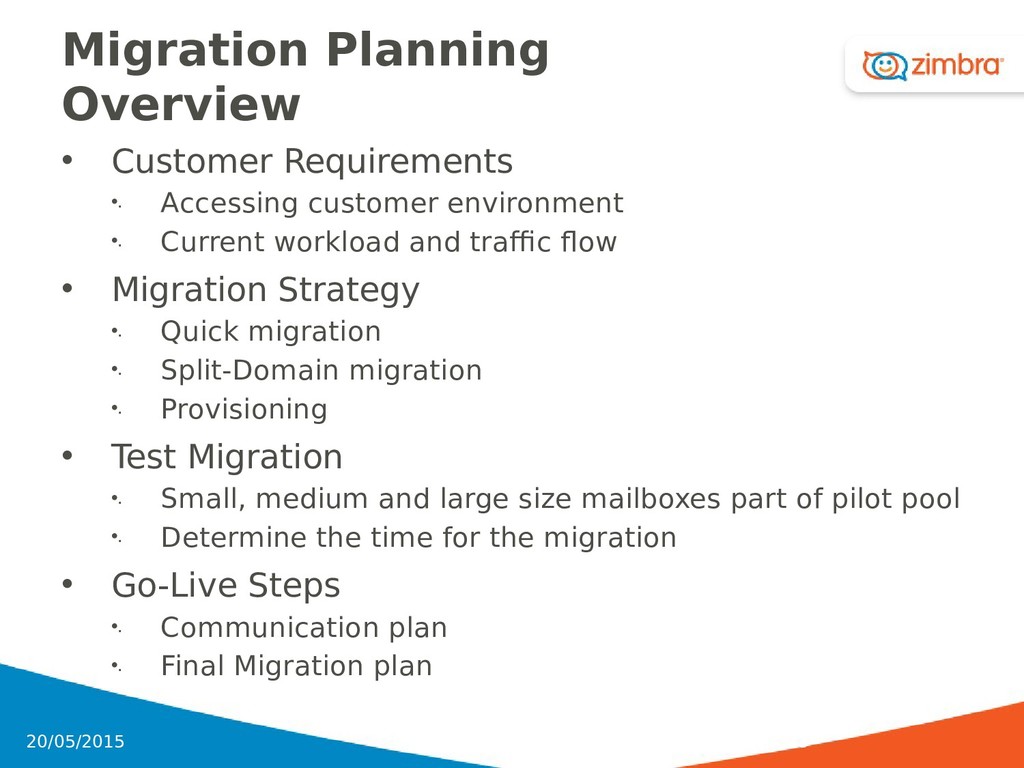
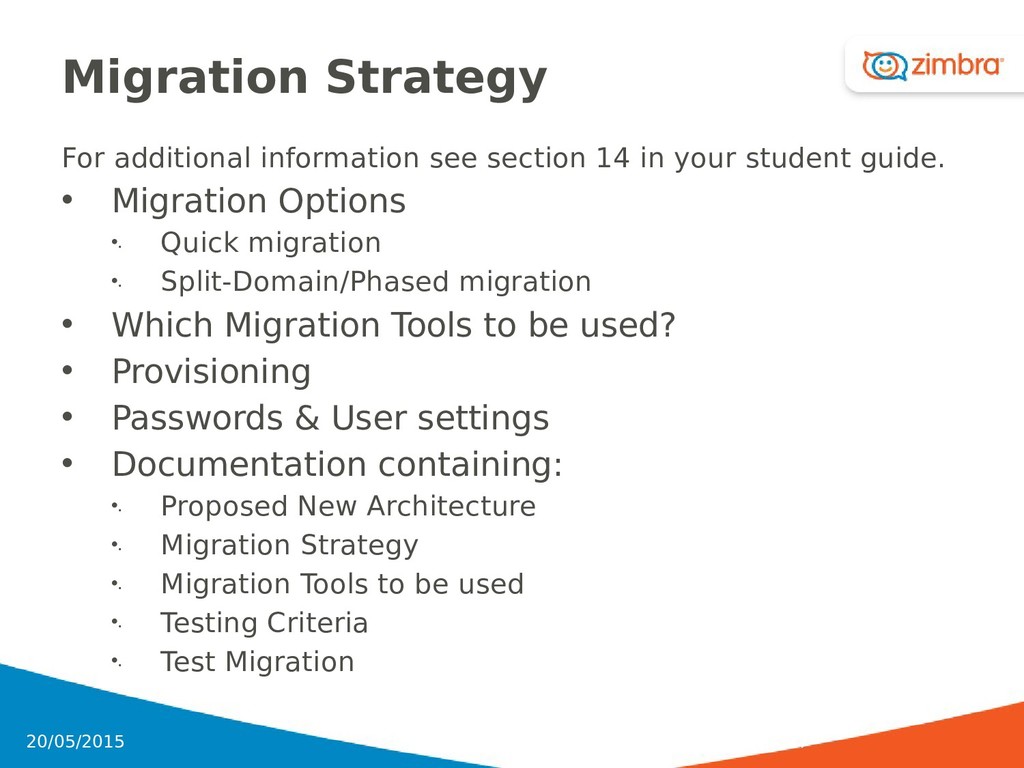
•. Current workload and traffic flow • Migration Strategy •. Quick migration •. Split-Domain migration •. Provisioning • Test Migration •. Small, medium and large size mailboxes part of pilot pool •. Determine the time for the migration • Go-Live Steps •. Communication plan •. Final Migration plan 113 20/05/2015
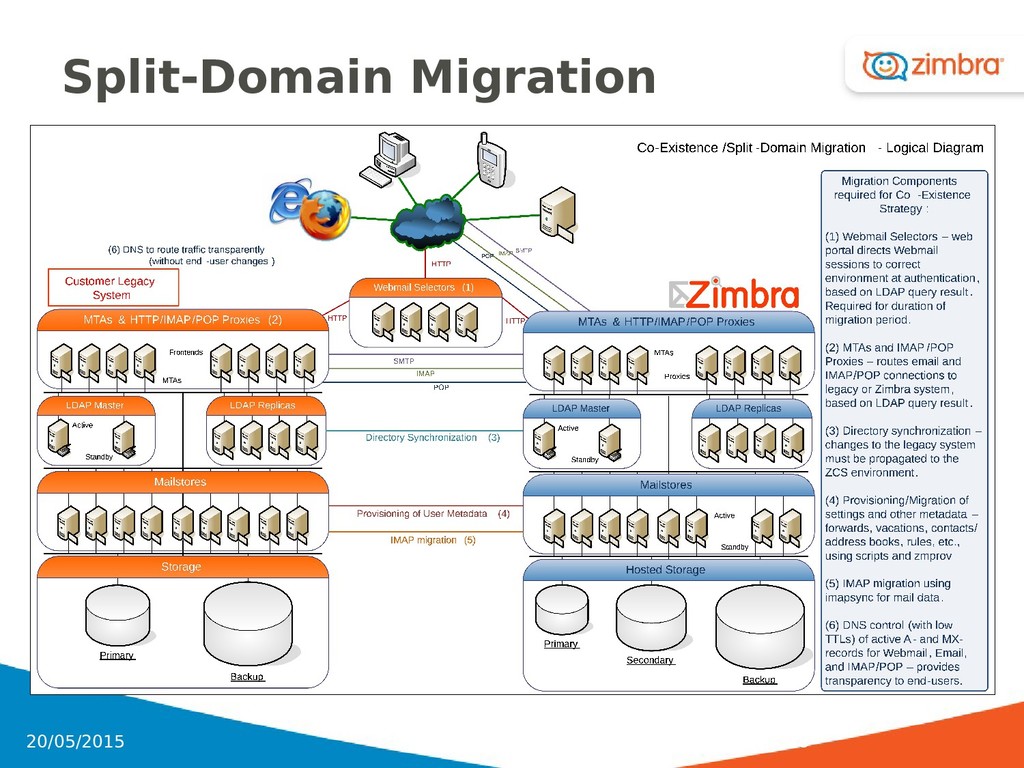
customer’s existing legacy system • Zimbra can be deployed as the primary system or the secondary system to an existing messaging environment 119 20/05/2015
used during migration • ZC as primary system gives customers options •. Taking advantage of ZC functionality •. Re-directing access to legacy system for accounts that have not migrated • Less technical tasks to perform once the cutover to ZC is complete •. Turnoff legacy system 120 20/05/2015
customer to not change any email routing configuration in production • Setup ZC with same email domain during trial and migration period • Allows Pilot users to be moved from one system to another 121 20/05/2015
• COSs are created to match user’s existing features and preferences • User accounts are created on the Zimbra server • Appropriate migration tools are run to migrate user’s mail, calendar, contacts, etc. to ZC 122 20/05/2015
•. Run by Administrator (from admin console) •. One-step process uses .xml template to provision accounts and import users’ email, calendars, contacts, and tasks • Domino Migration Tools •. Run by Administrator •. System-to-System •. Includes NSF-import tool for local PAB’s • Groupwise Migration Tools •. Run by Administrator •. System-to-System • IMAP tools for migrating email •. IMAPsync run by Administrator, •. External IMAP connection in “Inbox” by user •. System-to-System 123 20/05/2015
Usually run by End-User, could be done by Administrator •. Loads Outlook-created PST to Zimbra • REST interface to import calendar and contacts •. Run by Administrator •. System-to-System • Sun iPlanet calendar migration tool • Oracle calendar migration tool • Migration tool information available at: http://wiki.zimbra.com/index.php?title=User_Migration http://www.zimbra.com/products/documentation_addit ional.html 124 20/05/2015
LDAP source such as Active Directory •. Definable Attribute Mapping •. Generates “Welcome Email” •. Limited by LDAP Search Base/Search Filter • Does not “clean-up” deleted users, dynamically assign COS, create archive accounts • “Eager” Mode •. Users automatically created on a schedule basis •. By domain • “Lazy” Mode - Account creation occurs when user attempts to login • Alternative: zmexternaldirsync, a tool from the Zimbra PS Team that requires configuration and customization 125 20/05/2015
for migrating from Exchange can be Exchange I/O Subsystem •. Number of messages and size of the messages can impact the length of the migration •. OPTIONAL CONSIDERATION: Have the users clean out Trash and Junk folders prior to migration NOTE: This is optional because some users use their Trash folder as an archive 126 20/05/2015
at least Windows 2003 Server to run the migration wizard with Outlook 2010 installed •. Migration Wizard must be joined to the customer’s domain and logged into that domain with Exchange Administrator privileges •. Recommended for the migration server to be at the customer’s site since MAPI calls are made to retrieve messages •. Ports 443, 7070, and 7071 are used for communication by the Wizard to talk to the Zimbra environment 127 20/05/2015
Wizard performs best with X simultaneous threads per instance The number of threads per instance is based on your environment. In many cases, 3-4 simultaneous threads per instance works •. You can run multiple instances of the migration wizard •. If an account migration fails, you can restart the migration by using the SAME original account login name 128 20/05/2015
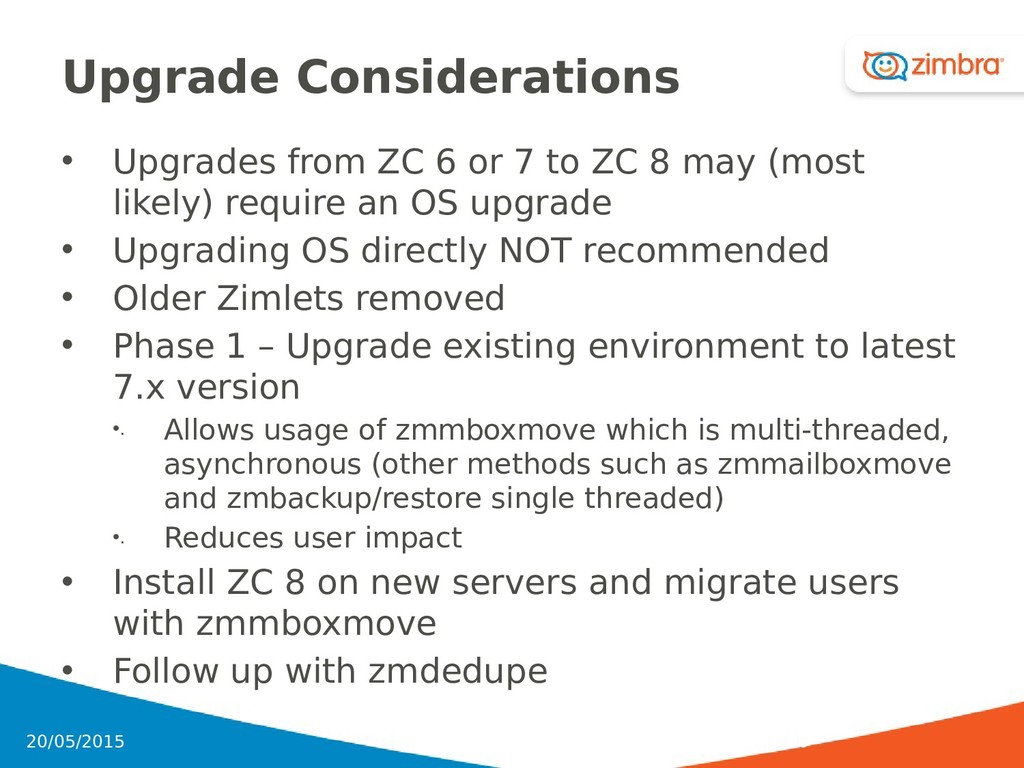
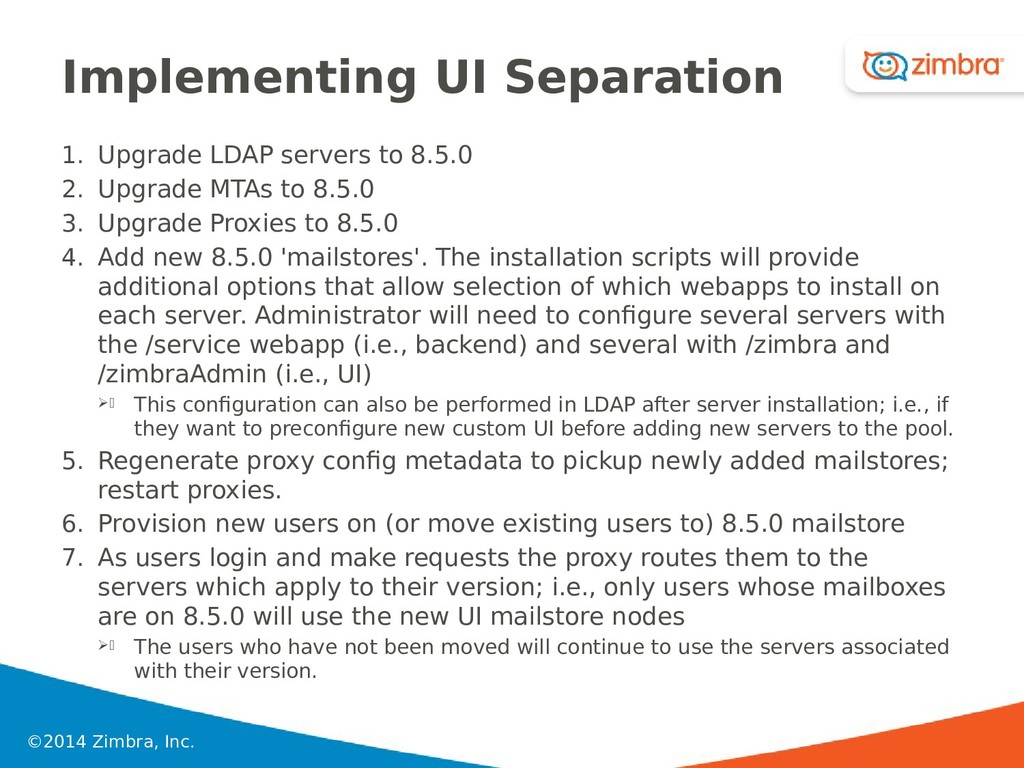
ZC 8 may (most likely) require an OS upgrade • Upgrading OS directly NOT recommended • Older Zimlets removed • Phase 1 – Upgrade existing environment to latest 7.x version •. Allows usage of zmmboxmove which is multi-threaded, asynchronous (other methods such as zmmailboxmove and zmbackup/restore single threaded) •. Reduces user impact • Install ZC 8 on new servers and migrate users with zmmboxmove • Follow up with zmdedupe 20/05/2015 130
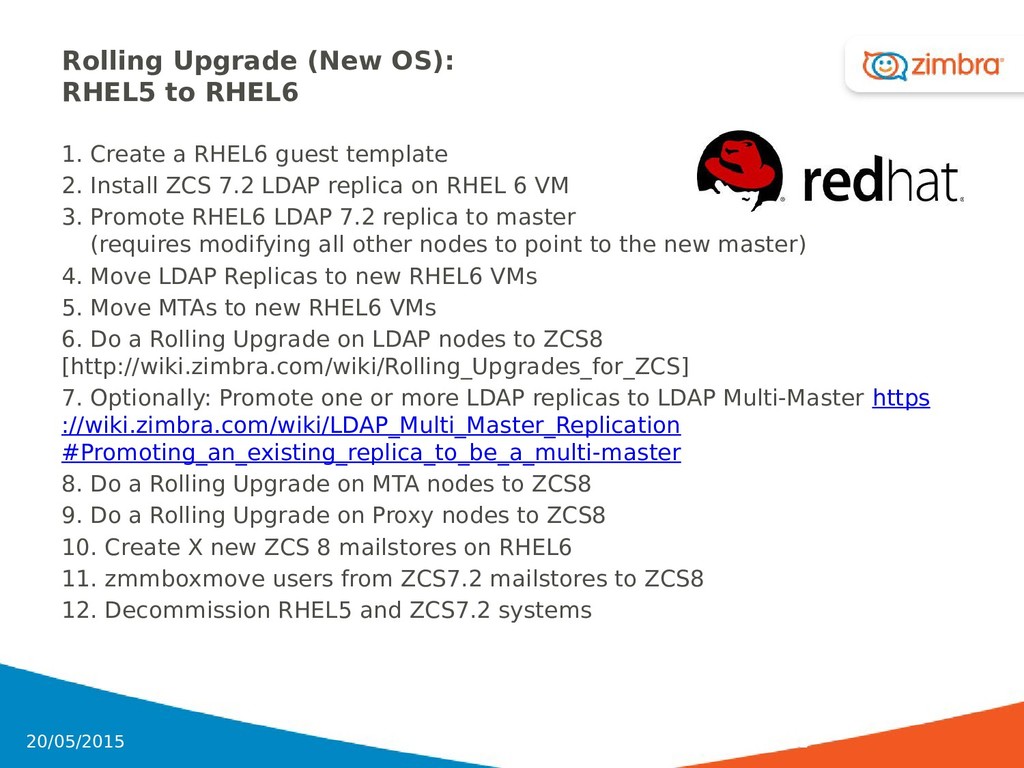
RHEL6 guest template 2. Install ZCS 7.2 LDAP replica on RHEL 6 VM 3. Promote RHEL6 LDAP 7.2 replica to master (requires modifying all other nodes to point to the new master) 4. Move LDAP Replicas to new RHEL6 VMs 5. Move MTAs to new RHEL6 VMs 6. Do a Rolling Upgrade on LDAP nodes to ZCS8 [http://wiki.zimbra.com/wiki/Rolling_Upgrades_for_ZCS] 7. Optionally: Promote one or more LDAP replicas to LDAP Multi-Master https ://wiki.zimbra.com/wiki/LDAP_Multi_Master_Replication #Promoting_an_existing_replica_to_be_a_multi-master 8. Do a Rolling Upgrade on MTA nodes to ZCS8 9. Do a Rolling Upgrade on Proxy nodes to ZCS8 10. Create X new ZCS 8 mailstores on RHEL6 11. zmmboxmove users from ZCS7.2 mailstores to ZCS8 12. Decommission RHEL5 and ZCS7.2 systems 131 20/05/2015
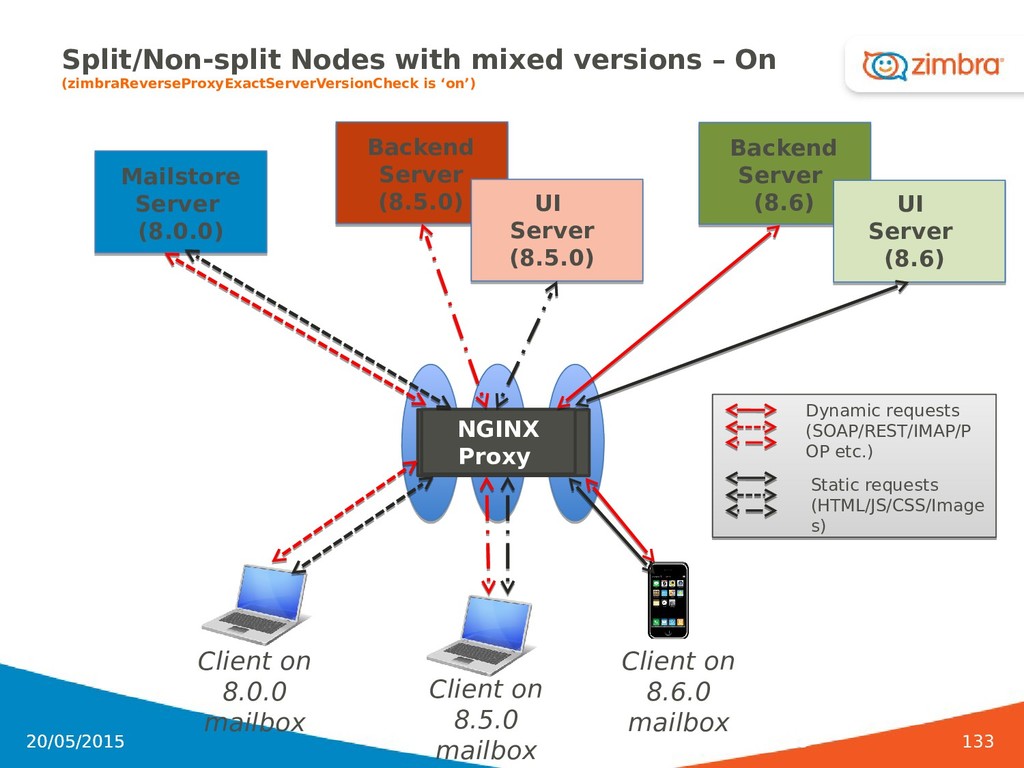
is ‘on’) 20/05/2015 133 Backend Server (8.5.0) NGINX Proxy UI Server (8.5.0) Mailstore Server (8.0.0) Client on 8.0.0 mailbox Client on 8.6.0 mailbox Backend Server (8.6) UI Server (8.6) Client on 8.5.0 mailbox Dynamic requests (SOAP/REST/IMAP/P OP etc.) Static requests (HTML/JS/CSS/Image s)
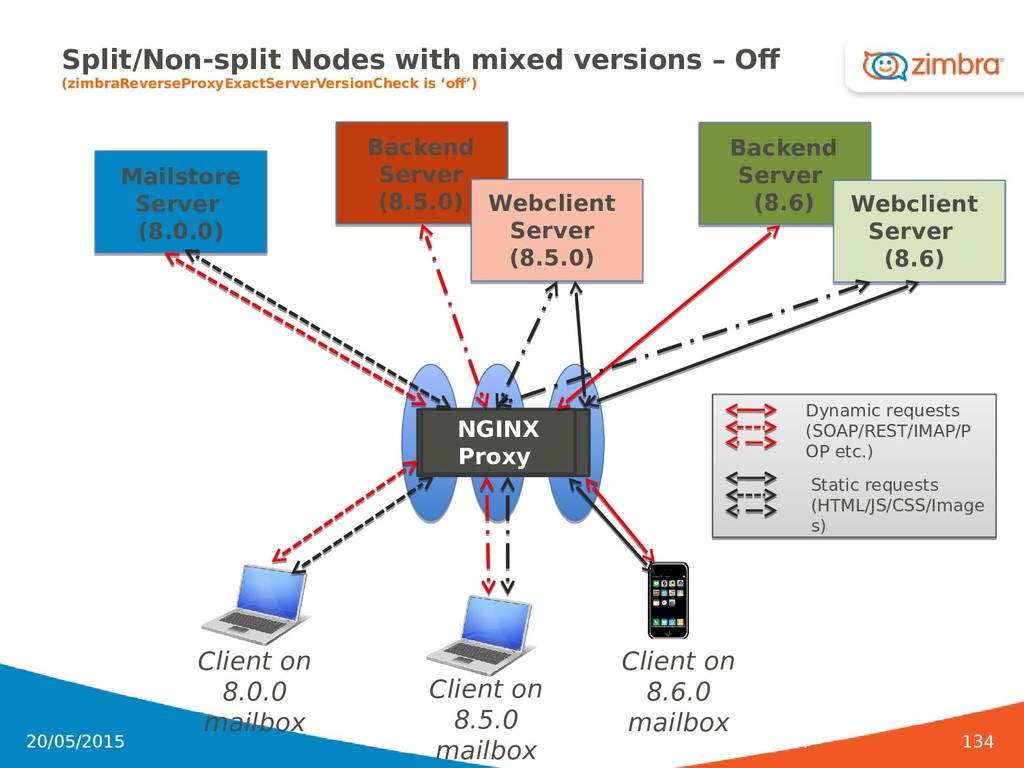
is ‘off’) 20/05/2015 134 Backend Server (8.5.0) NGINX Proxy Webclient Server (8.5.0) Mailstore Server (8.0.0) Client on 8.0.0 mailbox Client on 8.6.0 mailbox Backend Server (8.6) Webclient Server (8.6) Client on 8.5.0 mailbox Dynamic requests (SOAP/REST/IMAP/P OP etc.) Static requests (HTML/JS/CSS/Image s)
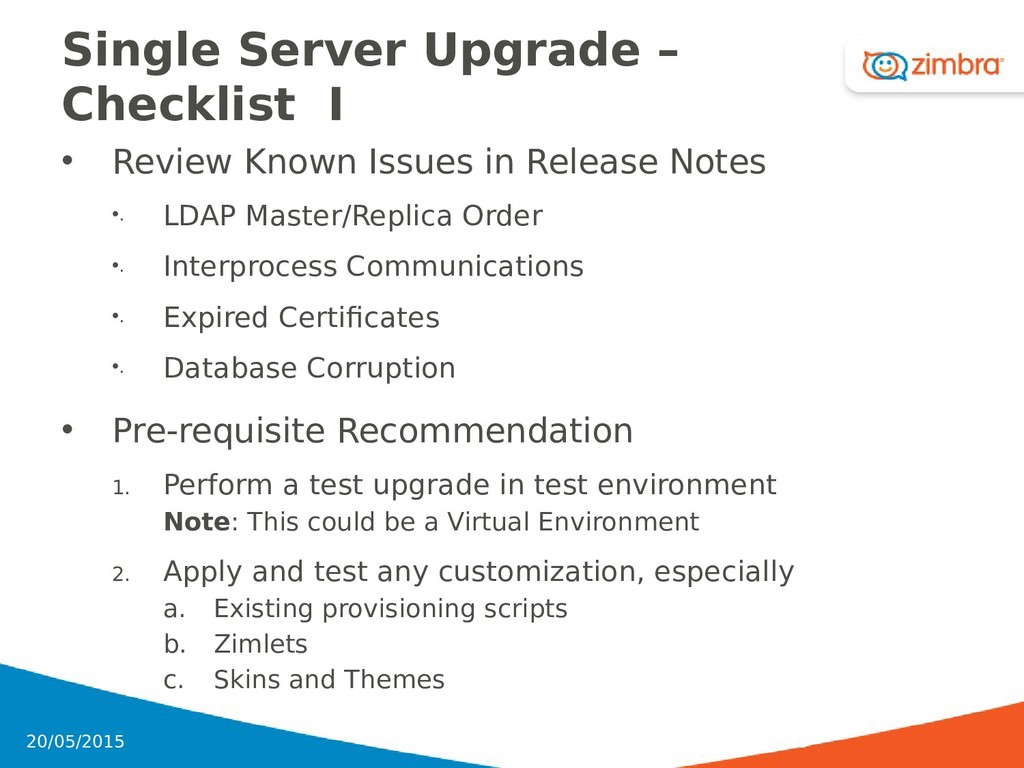
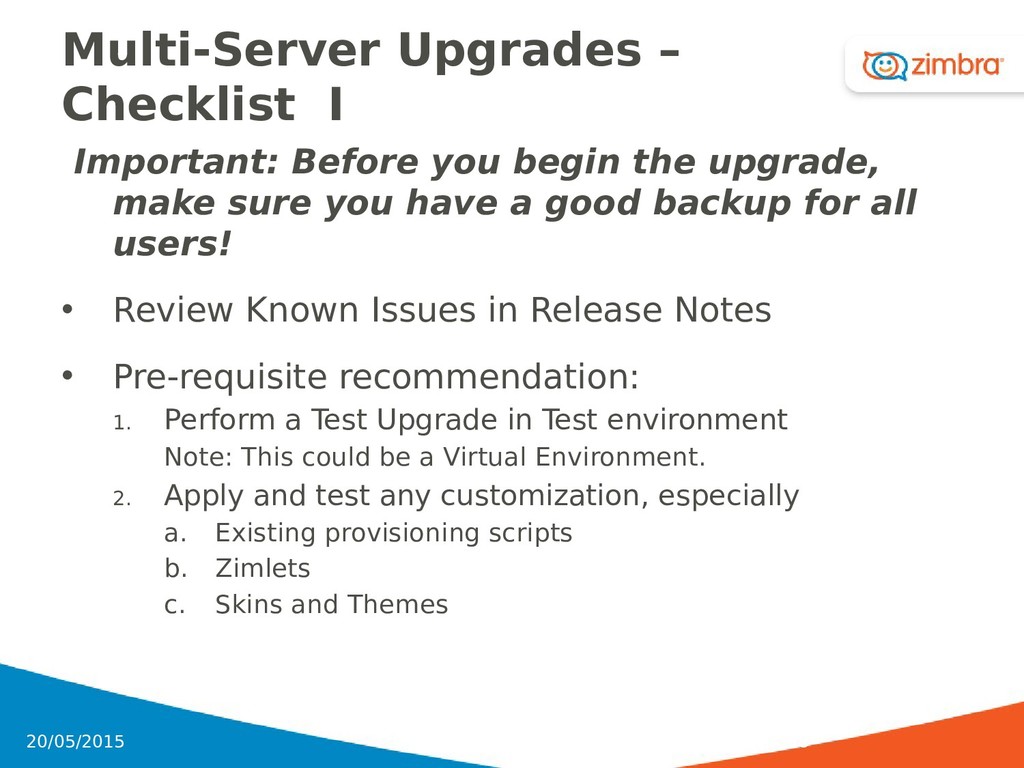
in Release Notes •. LDAP Master/Replica Order •. Interprocess Communications •. Expired Certificates •. Database Corruption • Pre-requisite Recommendation 1. Perform a test upgrade in test environment Note: This could be a Virtual Environment 2. Apply and test any customization, especially a. Existing provisioning scripts b. Zimlets c. Skins and Themes 135 20/05/2015
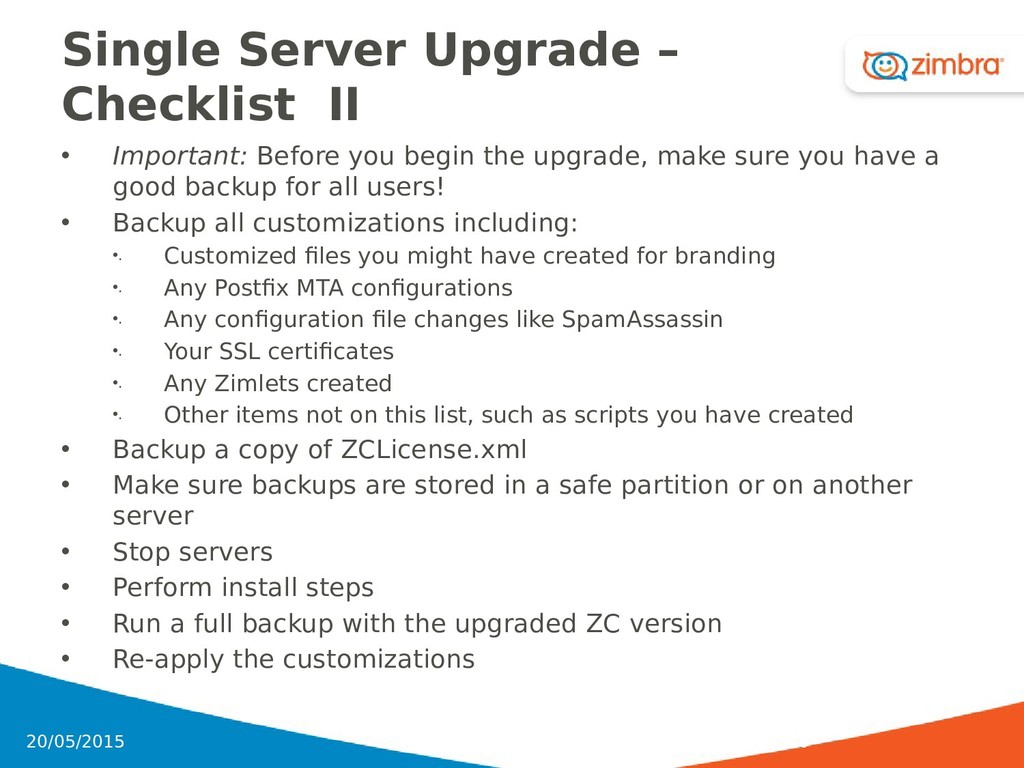
begin the upgrade, make sure you have a good backup for all users! • Backup all customizations including: •. Customized files you might have created for branding •. Any Postfix MTA configurations •. Any configuration file changes like SpamAssassin •. Your SSL certificates •. Any Zimlets created •. Other items not on this list, such as scripts you have created • Backup a copy of ZCLicense.xml • Make sure backups are stored in a safe partition or on another server • Stop servers • Perform install steps • Run a full backup with the upgraded ZC version • Re-apply the customizations 136 20/05/2015
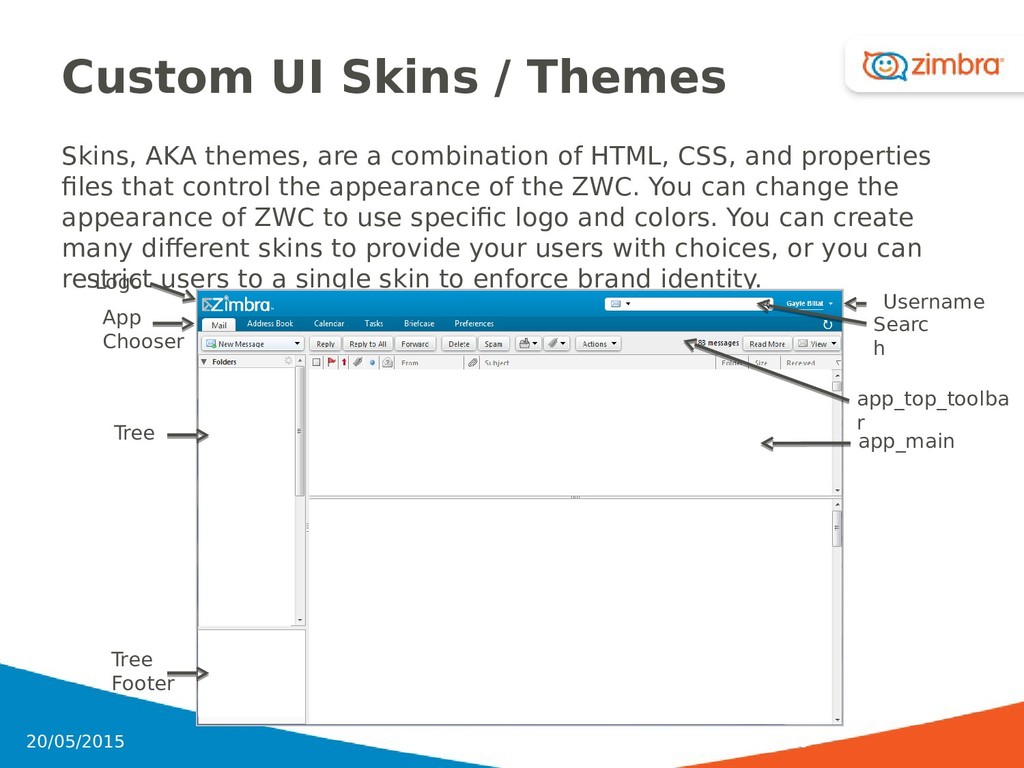
combination of HTML, CSS, and properties files that control the appearance of the ZWC. You can change the appearance of ZWC to use specific logo and colors. You can create many different skins to provide your users with choices, or you can restrict users to a single skin to enforce brand identity. 140 20/05/2015 Logo Tree Tree Footer App Chooser Searc h Username app_main app_top_toolba r
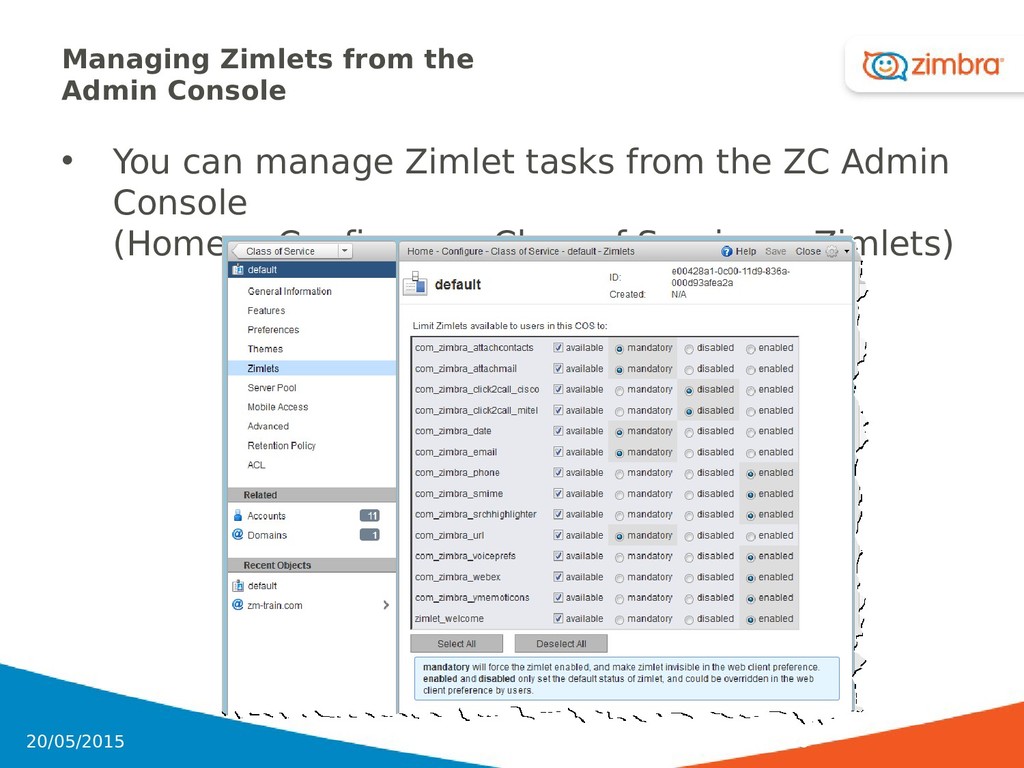
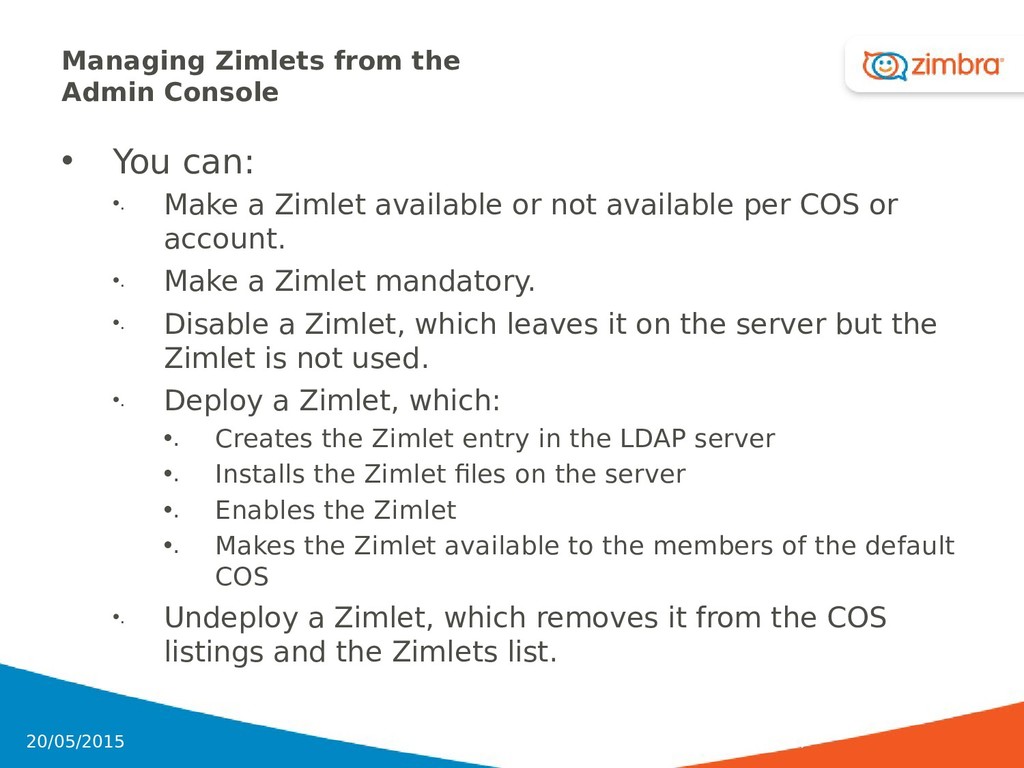
Make a Zimlet available or not available per COS or account. •. Make a Zimlet mandatory. •. Disable a Zimlet, which leaves it on the server but the Zimlet is not used. •. Deploy a Zimlet, which: •. Creates the Zimlet entry in the LDAP server •. Installs the Zimlet files on the server •. Enables the Zimlet •. Makes the Zimlet available to the members of the default COS •. Undeploy a Zimlet, which removes it from the COS listings and the Zimlets list. 147 20/05/2015
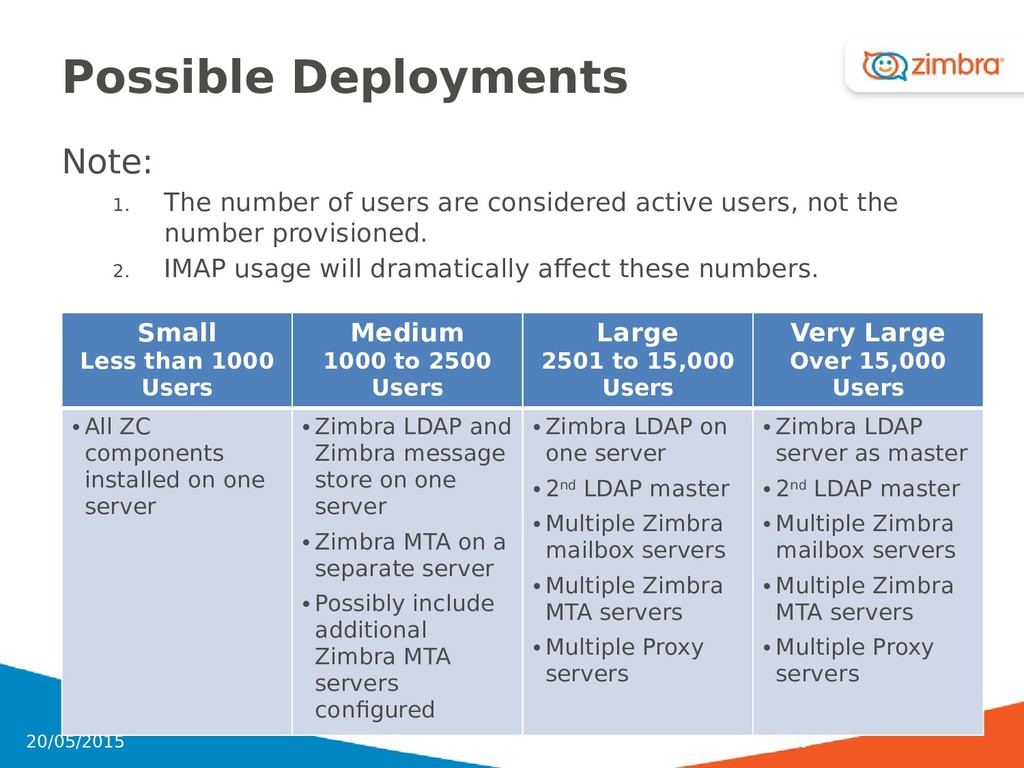
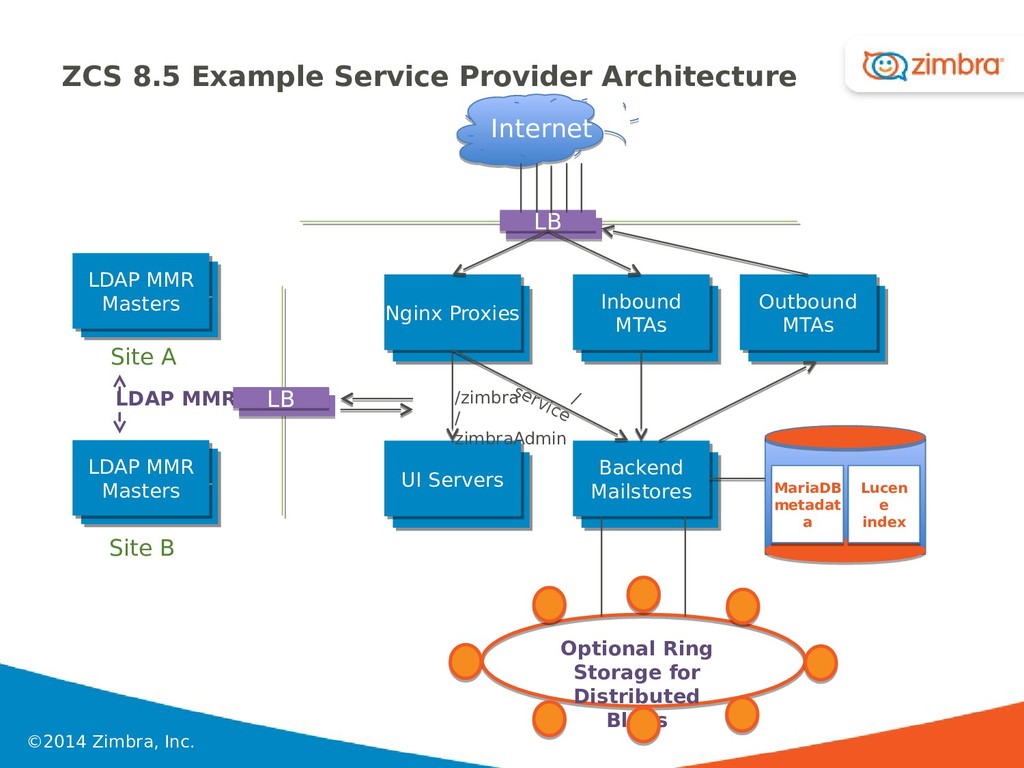
active users, not the number provisioned. 2. IMAP usage will dramatically affect these numbers. Small Less than 1000 Users Medium 1000 to 2500 Users Large 2501 to 15,000 Users Very Large Over 15,000 Users • All ZC components installed on one server • Zimbra LDAP and Zimbra message store on one server • Zimbra MTA on a separate server • Possibly include additional Zimbra MTA servers configured • Zimbra LDAP on one server • 2nd LDAP master • Multiple Zimbra mailbox servers • Multiple Zimbra MTA servers • Multiple Proxy servers • Zimbra LDAP server as master • 2nd LDAP master • Multiple Zimbra mailbox servers • Multiple Zimbra MTA servers • Multiple Proxy servers 150 20/05/2015
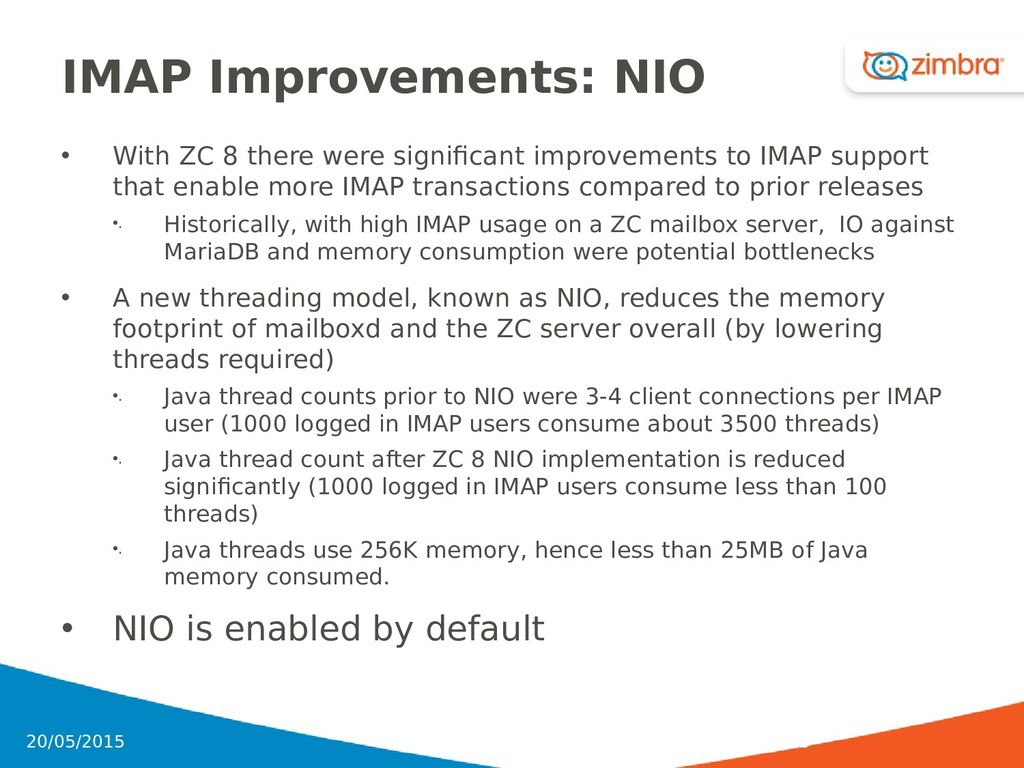
improvements to IMAP support that enable more IMAP transactions compared to prior releases •. Historically, with high IMAP usage on a ZC mailbox server, IO against MariaDB and memory consumption were potential bottlenecks • A new threading model, known as NIO, reduces the memory footprint of mailboxd and the ZC server overall (by lowering threads required) •. Java thread counts prior to NIO were 3-4 client connections per IMAP user (1000 logged in IMAP users consume about 3500 threads) •. Java thread count after ZC 8 NIO implementation is reduced significantly (1000 logged in IMAP users consume less than 100 threads) •. Java threads use 256K memory, hence less than 25MB of Java memory consumed. • NIO is enabled by default 151 20/05/2015
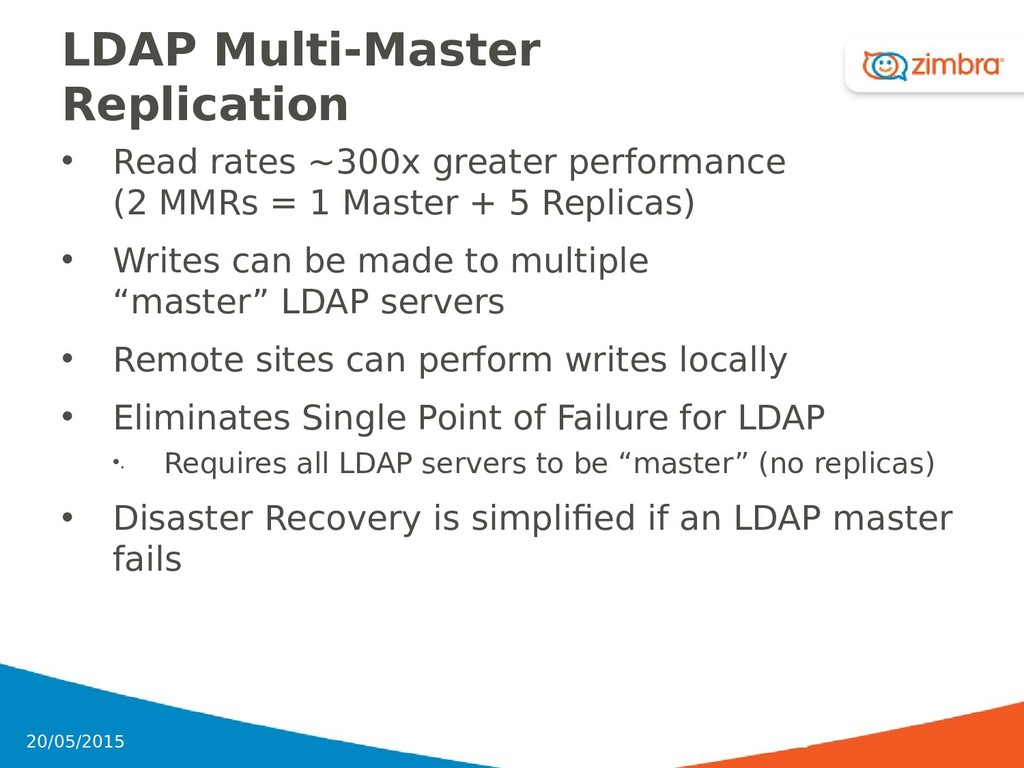
MMRs = 1 Master + 5 Replicas) • Writes can be made to multiple “master” LDAP servers • Remote sites can perform writes locally • Eliminates Single Point of Failure for LDAP •. Requires all LDAP servers to be “master” (no replicas) • Disaster Recovery is simplified if an LDAP master fails 152 20/05/2015
servers •. Modify existing LDAP replicas to participate as Masters Note: Server IDs MUST be unique between masters, and Replication IDs must be unique in a master. • See also: http://wiki.zimbra.com/wiki/LDAP_Multi_Master_Replication 153 20/05/2015
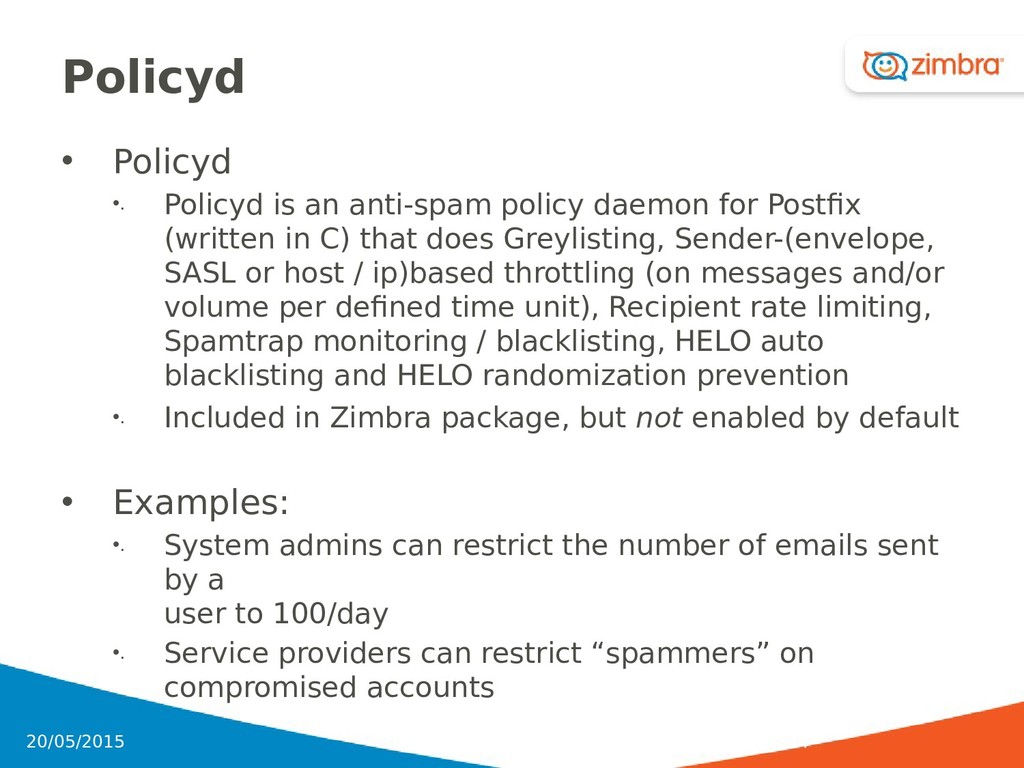
for Postfix (written in C) that does Greylisting, Sender-(envelope, SASL or host / ip)based throttling (on messages and/or volume per defined time unit), Recipient rate limiting, Spamtrap monitoring / blacklisting, HELO auto blacklisting and HELO randomization prevention •. Included in Zimbra package, but not enabled by default • Examples: •. System admins can restrict the number of emails sent by a user to 100/day •. Service providers can restrict “spammers” on compromised accounts 154 20/05/2015
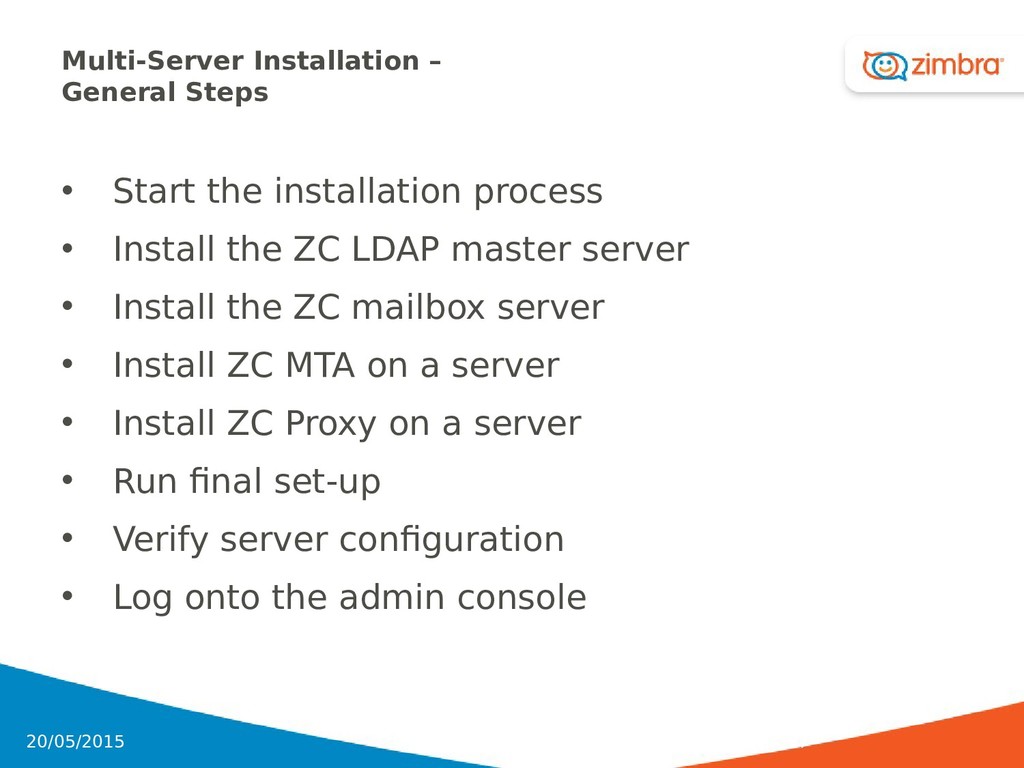
• Install the ZC LDAP master server • Install the ZC mailbox server • Install ZC MTA on a server • Install ZC Proxy on a server • Run final set-up • Verify server configuration • Log onto the admin console 157 20/05/2015
upgrade, make sure you have a good backup for all users! • Review Known Issues in Release Notes • Pre-requisite recommendation: 1. Perform a Test Upgrade in Test environment Note: This could be a Virtual Environment. 2. Apply and test any customization, especially a. Existing provisioning scripts b. Zimlets c. Skins and Themes 158 20/05/2015
•. Themes and Skins created •. Any Postfix MTA configurations •. Any configuration file changes like SpamAssassin •. Copy of SSL certificates •. Any Zimlets created •. Others not on this list like scripts • Make sure backups are stored in a safe partition or on another server • Perform install steps • Run a full backup with the upgraded ZC version • Re-apply customizations 159 20/05/2015
recovery requirement • Backup a copy of ZCLicense.xml • Backup customized files you might have created for branding • Backup your certificates 160 20/05/2015
vm2 virtual machine • vm1 will be used for LDAP and MTA • Locate the ZC software • Install Mailbox Service on vm2 • Install Proxy Service on vm1 • Configure vm1 and vm2 for running Proxy service • Log into the Admin Console 161 20/05/2015
a custom extension of generic OpenLDAP schema • All ZC components depend upon this • All Zimbra defined attributes prefixed with “zimbra” 166 20/05/2015
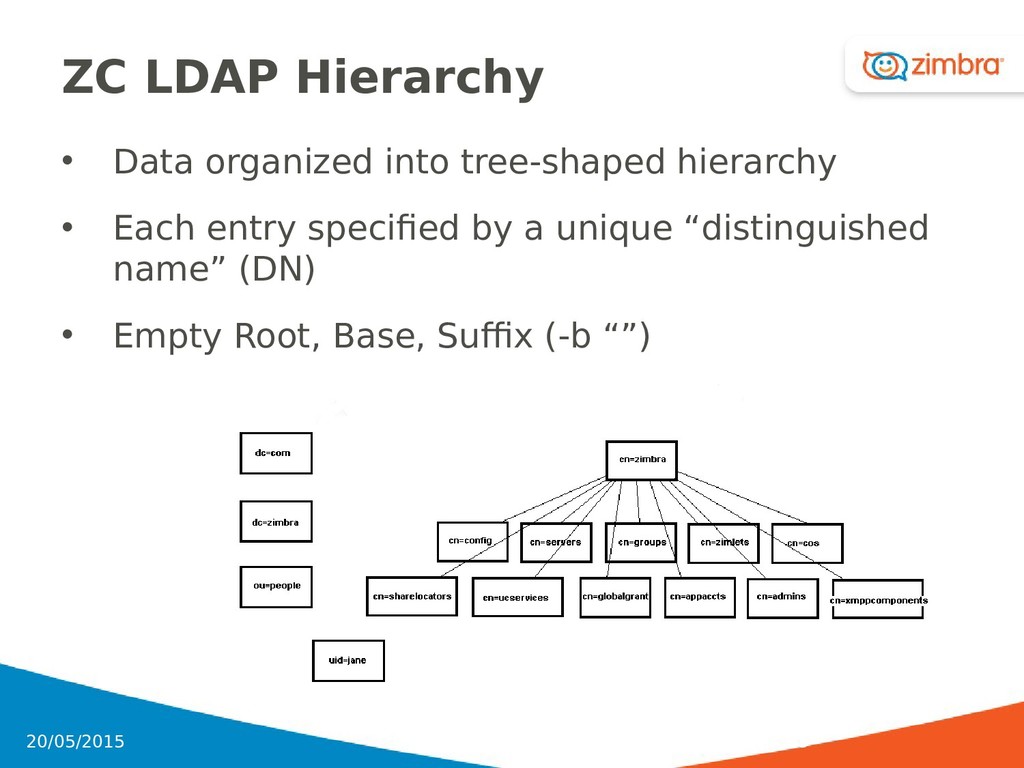
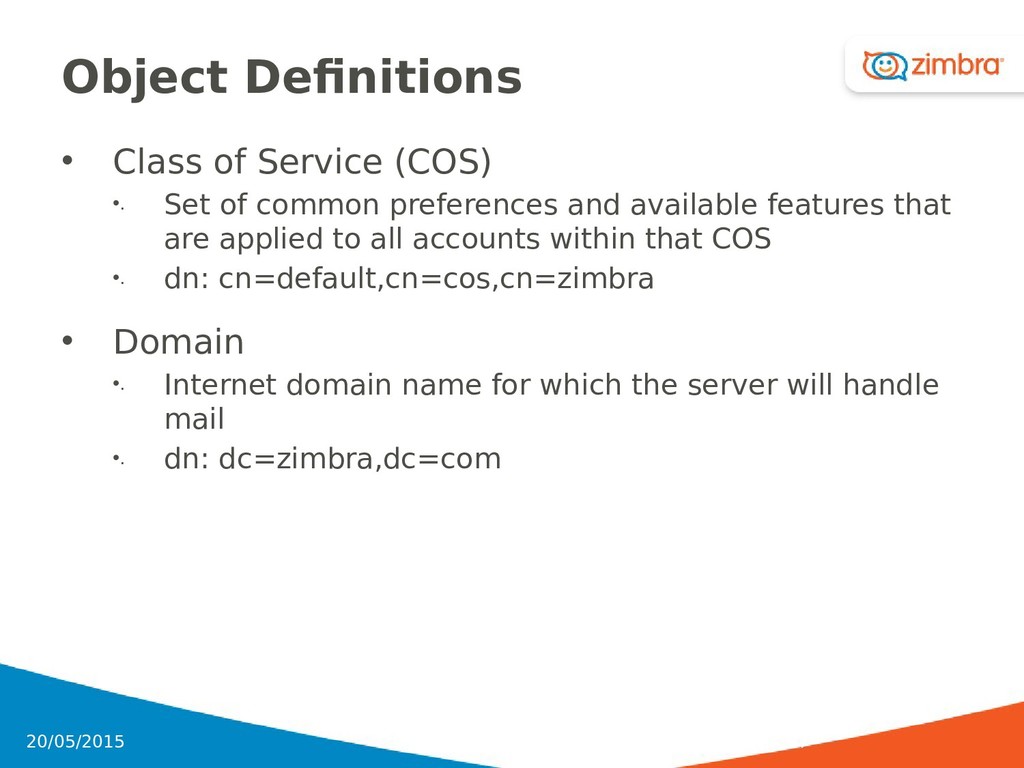
common preferences and available features that are applied to all accounts within that COS •. dn: cn=default,cn=cos,cn=zimbra • Domain •. Internet domain name for which the server will handle mail •. dn: dc=zimbra,dc=com 167 20/05/2015
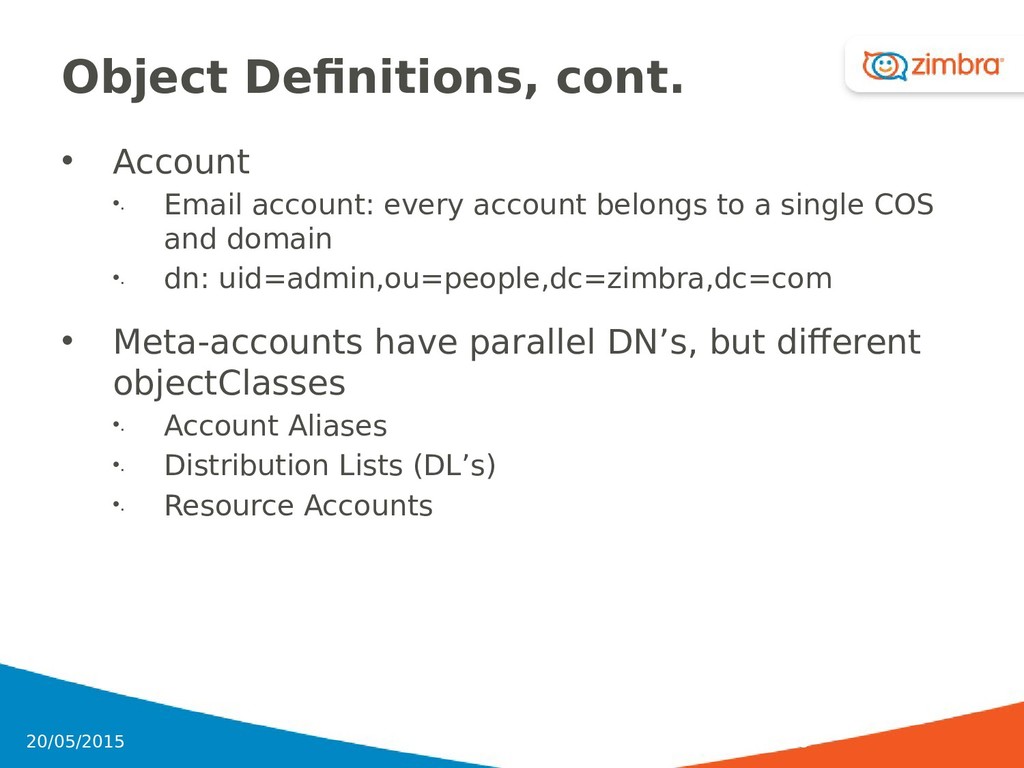
belongs to a single COS and domain •. dn: uid=admin,ou=people,dc=zimbra,dc=com • Meta-accounts have parallel DN’s, but different objectClasses •. Account Aliases •. Distribution Lists (DL’s) •. Resource Accounts 168 20/05/2015
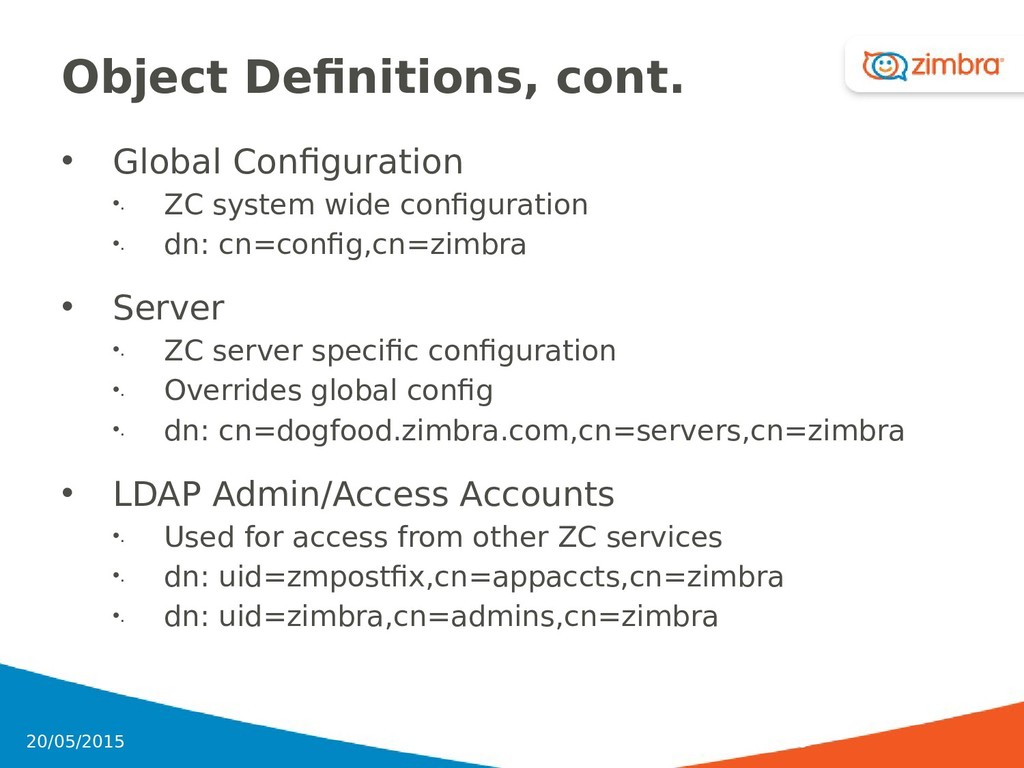
configuration •. dn: cn=config,cn=zimbra • Server •. ZC server specific configuration •. Overrides global config •. dn: cn=dogfood.zimbra.com,cn=servers,cn=zimbra • LDAP Admin/Access Accounts •. Used for access from other ZC services •. dn: uid=zmpostfix,cn=appaccts,cn=zimbra •. dn: uid=zimbra,cn=admins,cn=zimbra 169 20/05/2015
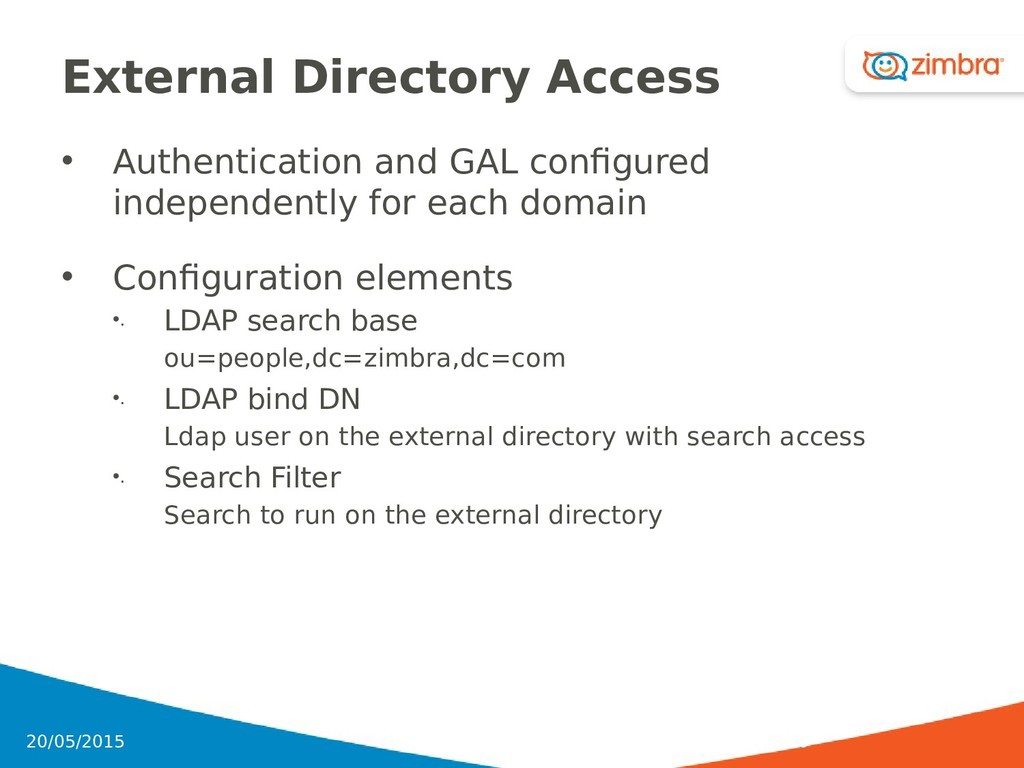
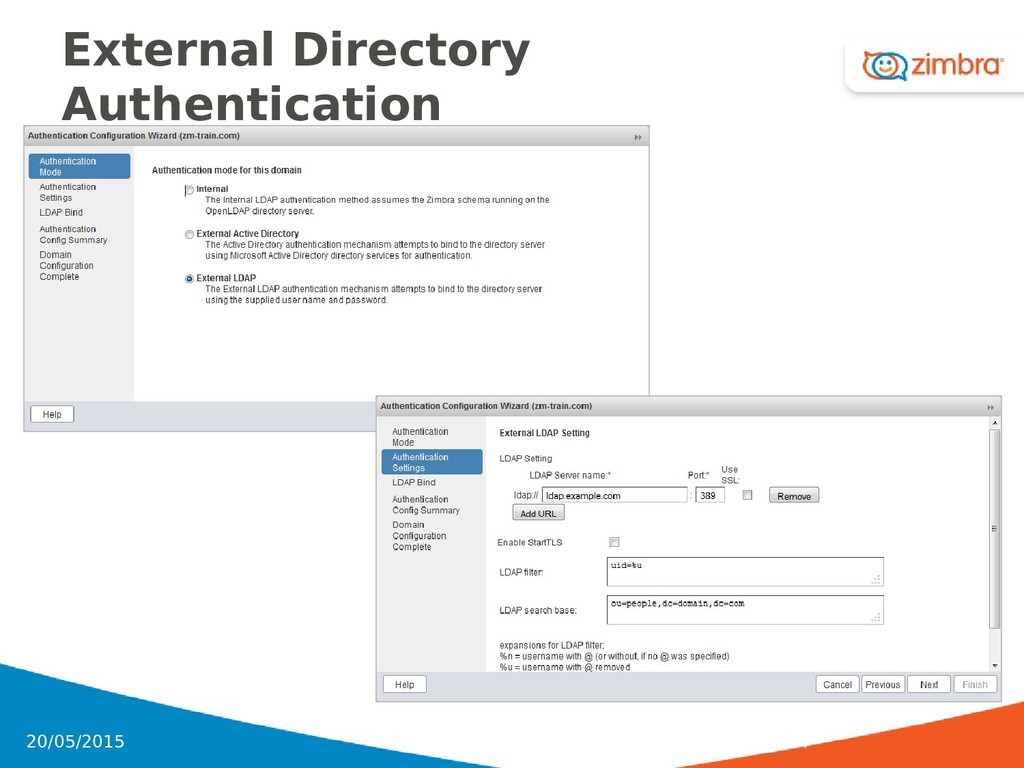
each domain • Configuration elements •. LDAP search base ou=people,dc=zimbra,dc=com •. LDAP bind DN Ldap user on the external directory with search access •. Search Filter Search to run on the external directory 170 20/05/2015
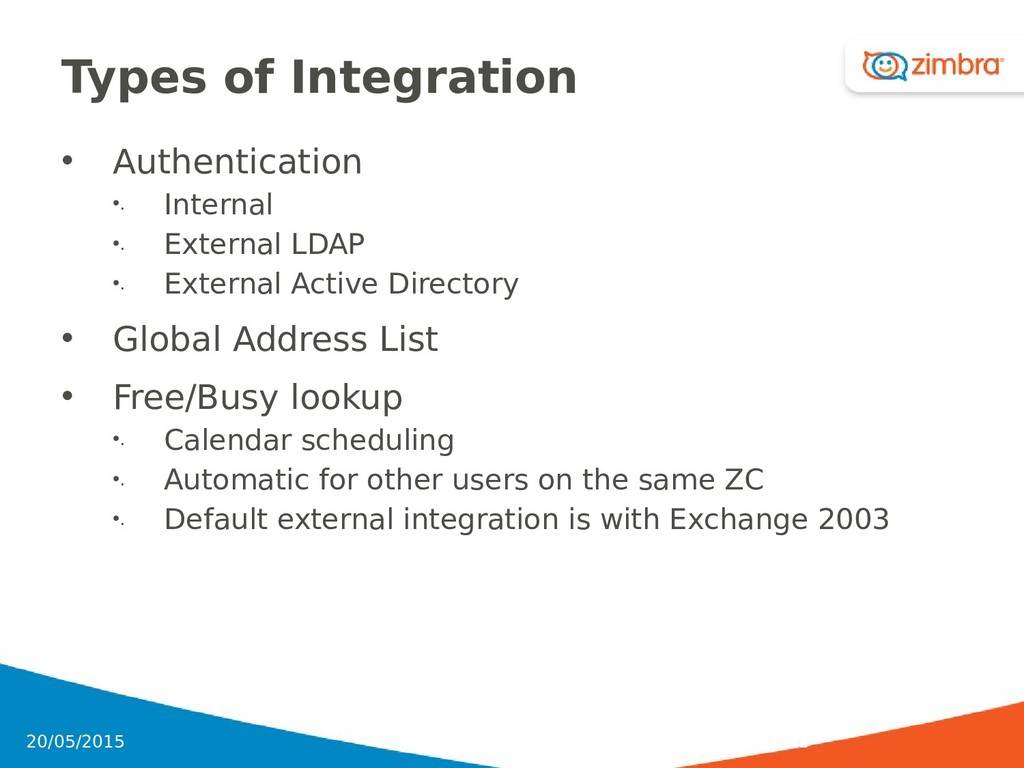
•. External Active Directory • Global Address List • Free/Busy lookup •. Calendar scheduling •. Automatic for other users on the same ZC •. Default external integration is with Exchange 2003 171 20/05/2015
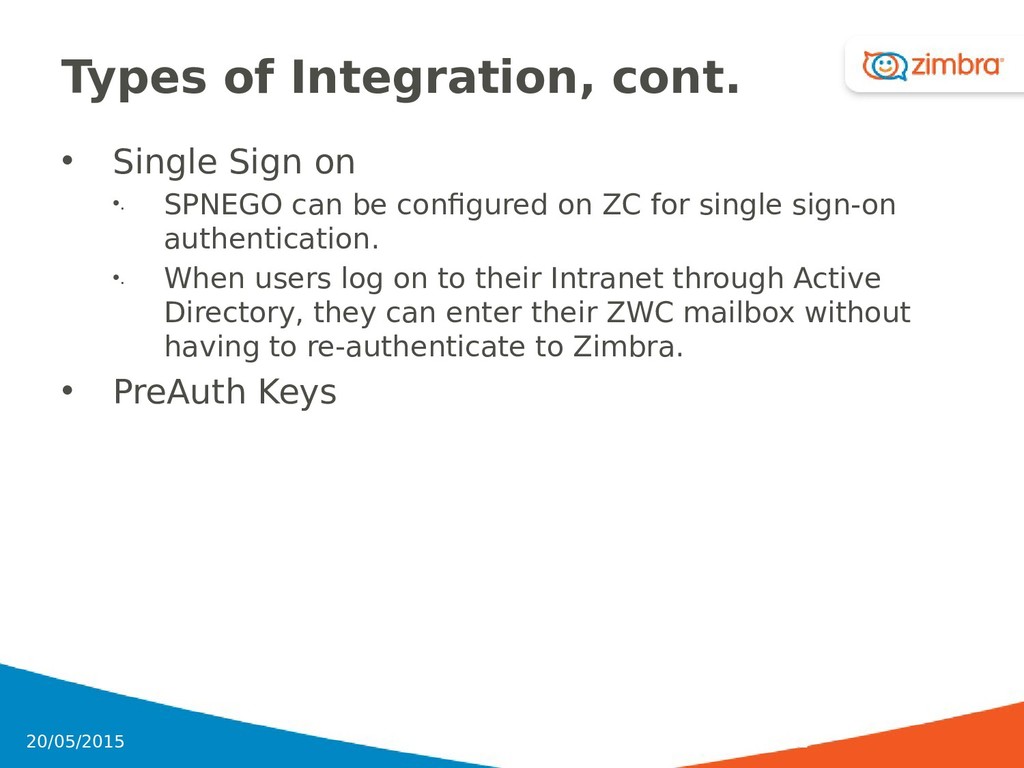
can be configured on ZC for single sign-on authentication. •. When users log on to their Intranet through Active Directory, they can enter their ZWC mailbox without having to re-authenticate to Zimbra. • PreAuth Keys 172 20/05/2015
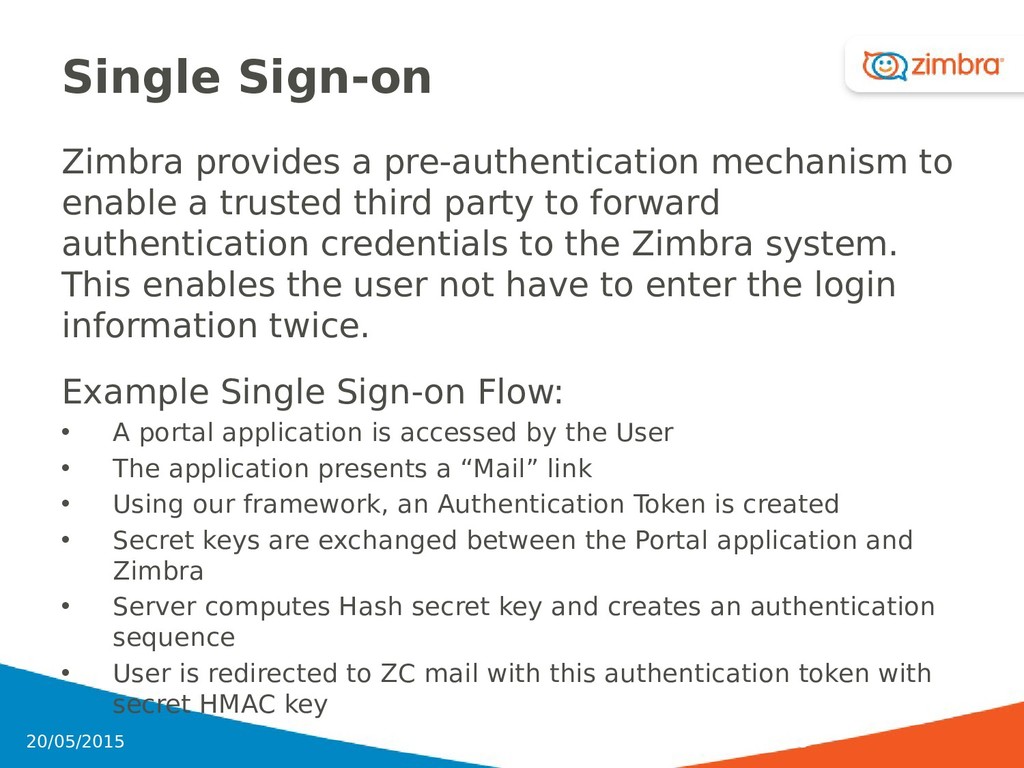
trusted third party to forward authentication credentials to the Zimbra system. This enables the user not have to enter the login information twice. Example Single Sign-on Flow: • A portal application is accessed by the User • The application presents a “Mail” link • Using our framework, an Authentication Token is created • Secret keys are exchanged between the Portal application and Zimbra • Server computes Hash secret key and creates an authentication sequence • User is redirected to ZC mail with this authentication token with secret HMAC key 173 20/05/2015
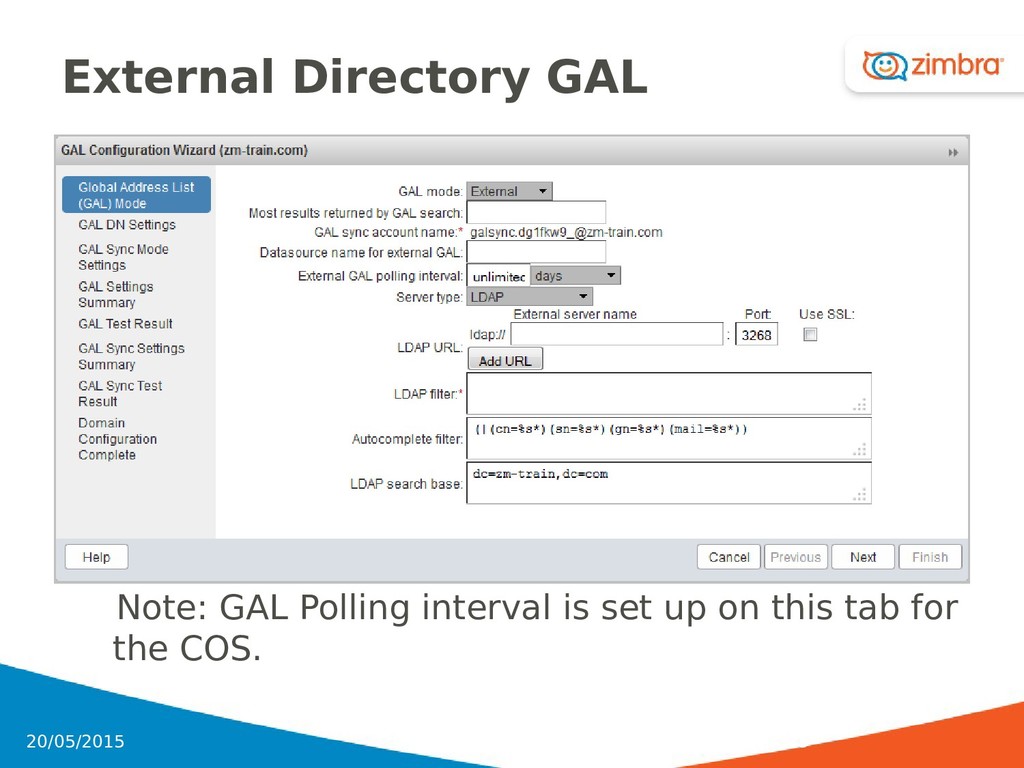
access to GAL data •. GALsync accounts are created for internal or external GAL •. With Both, a GALsync account is created for each LDAP data source •. GALsync account polling interval to LDAP server can be set •. New contact, modified contact and deleted contact information is synced to the GALsync account 176 20/05/2015
Web Client, directory lookups against an external (AD or other LDAPv3 source) can be costly in larger directories • By enabling a GalSync Account, the browsing and paging of the global address list is done locally (less resource consumption) • A galsync account will always be created by default in a ZC 8 installation, of the format [email protected] (where xxxxxxxxxx is random alpha-numerics) • An internal or external datasource is required, that must be associated to the galsync account • Many other settings must be configured correctly, which is where the complexity (and sometimes confusion) occurs. • ZC Admin Console or CLI can be used • GALs and GalSync Facilities are Domain configurations 177 20/05/2015
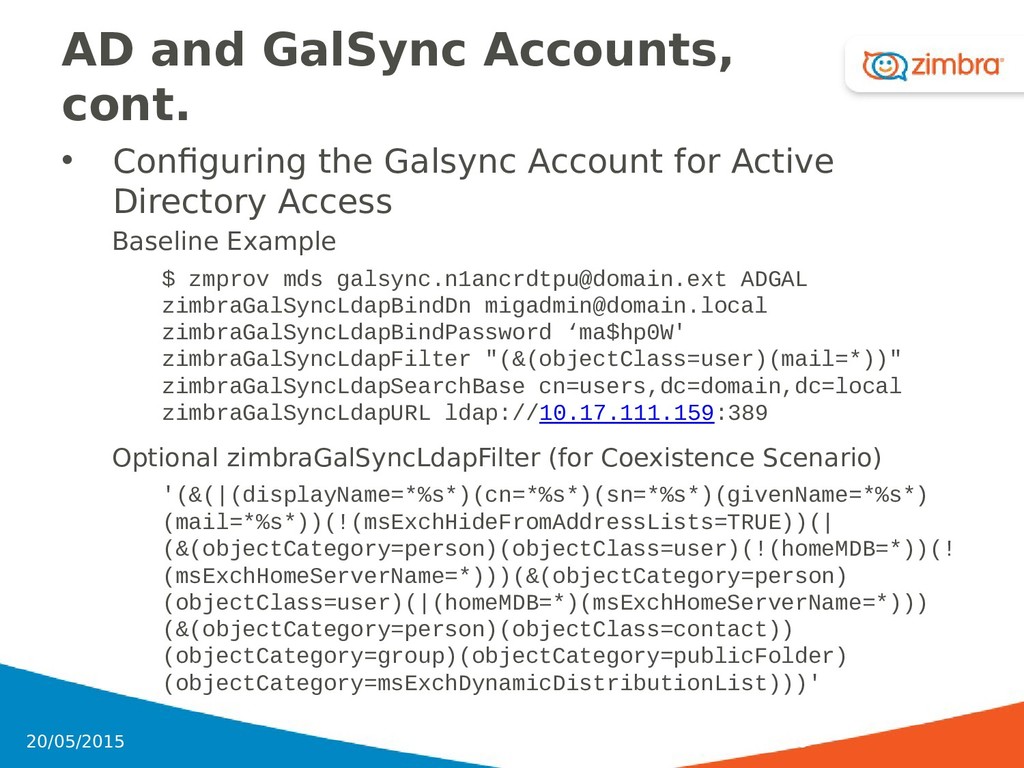
to existing GalSync Account $ zmprov md domain.ext zimbraGalMode both $ zmmailbox -z -m [email protected] createFolder --view contact /_ADGAL $ zmgsautil adddatasource -a [email protected] -n ADGAL –domain domain.ext -t ldap -f _ADGAL -p 1h • At this point you have two datasources within the Galsync account, however the ADGAL datasource requires a lot more configuration to work properly. •. LDAP Search Base •. LDAP Bind DN •. LDAP Bind Password •. LDAP URL (where to connect to Active Directory) •. LDAP Filter (what AD objects you want to reveal to Zimbra users) 178 20/05/2015
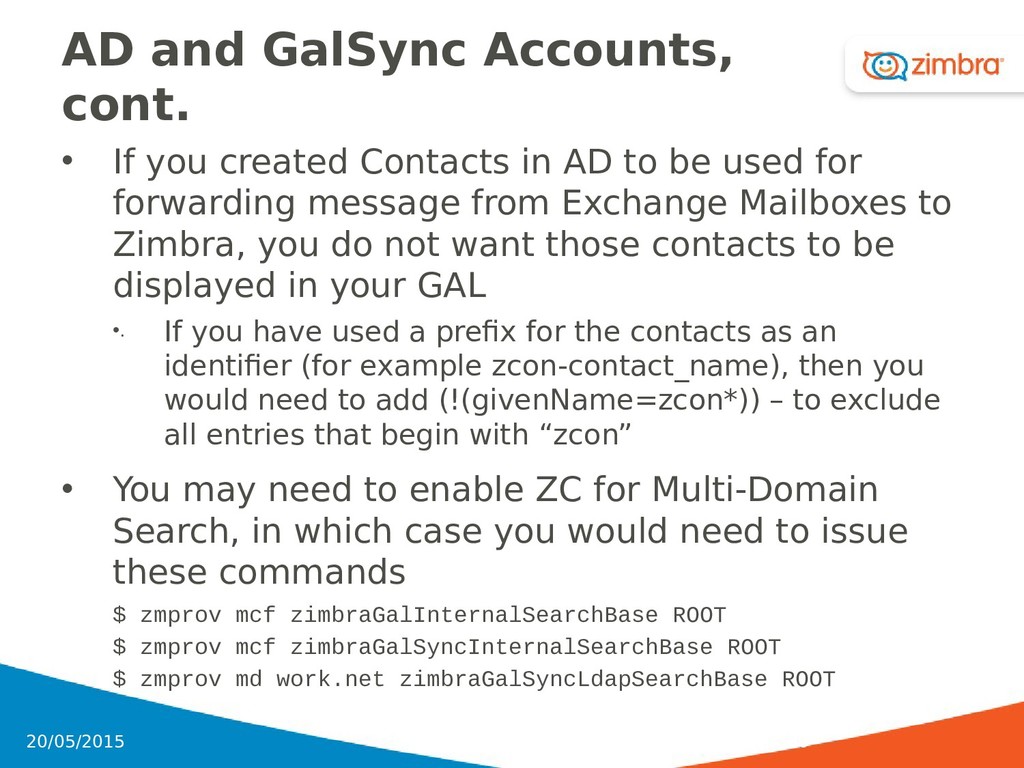
in AD to be used for forwarding message from Exchange Mailboxes to Zimbra, you do not want those contacts to be displayed in your GAL •. If you have used a prefix for the contacts as an identifier (for example zcon-contact_name), then you would need to add (!(givenName=zcon*)) – to exclude all entries that begin with “zcon” • You may need to enable ZC for Multi-Domain Search, in which case you would need to issue these commands $ zmprov mcf zimbraGalInternalSearchBase ROOT $ zmprov mcf zimbraGalSyncInternalSearchBase ROOT $ zmprov md work.net zimbraGalSyncLdapSearchBase ROOT 180 20/05/2015


 signer
 tasusu
 yasslab
 ainischool
 ichiroc
 yoshimura_datam
 pawan_pharm
 naoji_taniguchi_ksk_0827
 doratex
 drpoonamkc
 csswizardry
 marktimemedia
 rakko
rakko
 baasie
 notwaldorf
 tmiket
 maggiecrowley
 moore
moore
 aleyda
 katarinadahlin
 kastner
 reverentgeek

![Reviewing mailbox.log Records 20131031 14:20:19,592 INFO [qtp1075680019180857:https://10.137.28.179:443/service/soap/SendMsgRequest] [[email protected];mid=2;ip=10.113.235.213;ua=ZimbraWebClient FF24](https://files.speakerdeck.com/presentations/8f77290a3e2942b3bea3e9e2fb347a25/slide_78.jpg)
![Increasing per user Logging • addAccountLogger $ zmprov aal [email protected]](https://files.speakerdeck.com/presentations/8f77290a3e2942b3bea3e9e2fb347a25/slide_81.jpg)