Upgrade to Pro — share decks privately, control downloads, hide ads and more …

IoT and Xamarin with Rod Hemphill

IoT and Xamarin with Rod Hemphill

The Internet Of Things often refers to applications controlling household or personal devices such as music, opening doors, listening to your heart rate. But from a developers perspective, what is IoT and how do you develop an IoT application controlling a device using Xamarin?

Rod has joined forces with a circuit board manufacturer to develop such an app using Xamarin Forms. In this session he will present his learnings plus a more general picture of IoT and which sections Xamarin is most suitable for.

Avatar for Melbourne Xamarin Meetup

Melbourne Xamarin Meetup

February 22, 2017
Tweet

More Decks by Melbourne Xamarin Meetup

Other Decks in Technology

Transcript

  1. Internet Of Things Presented by: Rod Hemphill 22/2/2017 Melbourne App

    development www.melbourneappdevelopment [email protected] +61 407800900 Melbourne App Development
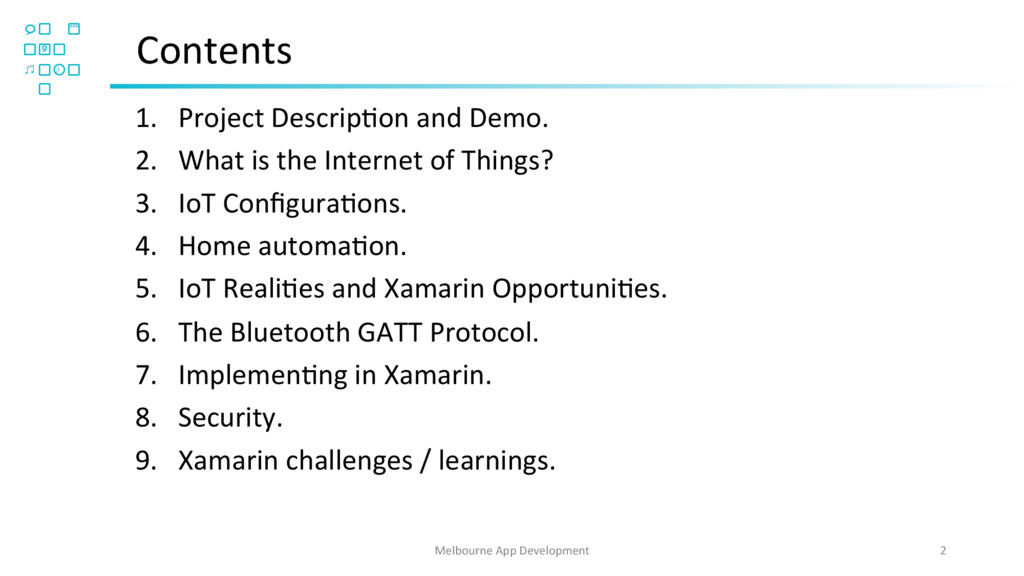
  2. Contents 1.  Project DescripOon and Demo. 2.  What is the

    Internet of Things? 3.  IoT ConfiguraOons. 4.  Home automaOon. 5.  IoT RealiOes and Xamarin OpportuniOes. 6.  The Bluetooth GATT Protocol. 7.  ImplemenOng in Xamarin. 8.  Security. 9.  Xamarin challenges / learnings. Melbourne App Development 2
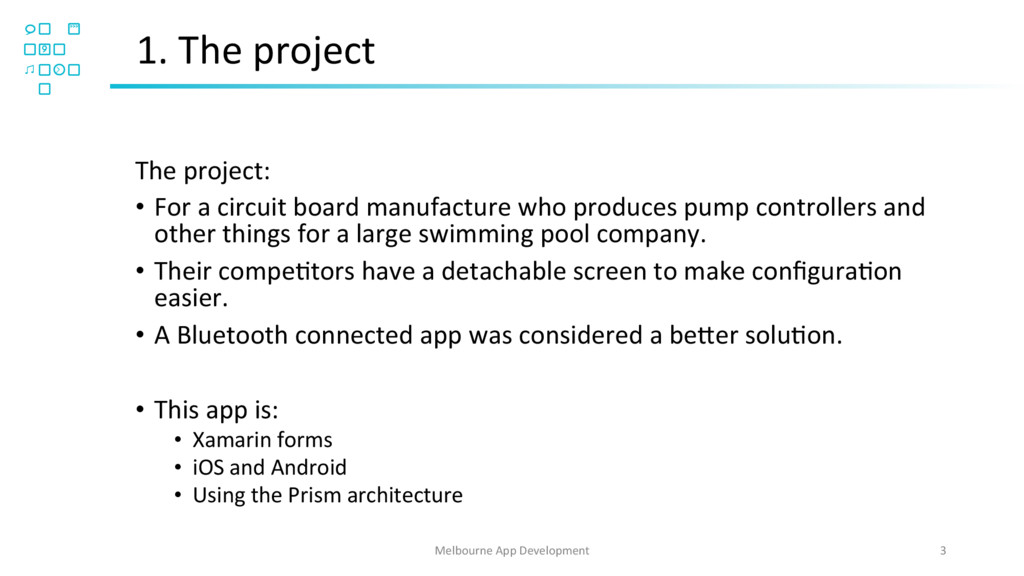
  3. 1. The project The project: •  For a circuit board

    manufacture who produces pump controllers and other things for a large swimming pool company. •  Their compeOtors have a detachable screen to make configuraOon easier. •  A Bluetooth connected app was considered a be[er soluOon. •  This app is: •  Xamarin forms •  iOS and Android •  Using the Prism architecture Melbourne App Development 3
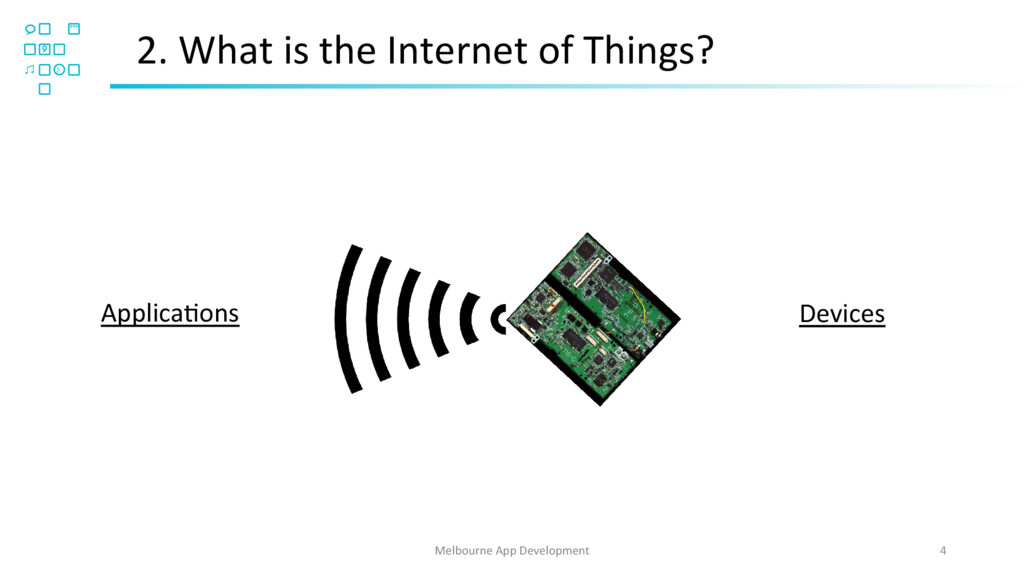
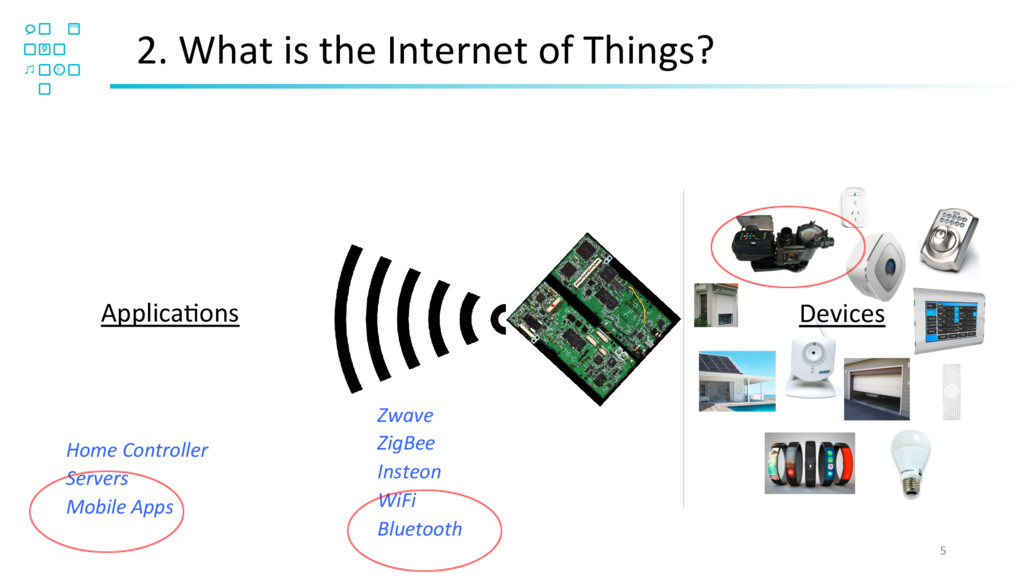
  4. 2. What is the Internet of Things? ApplicaOons 5 Devices

    Zwave ZigBee Insteon WiFi Bluetooth Home Controller Servers Mobile Apps
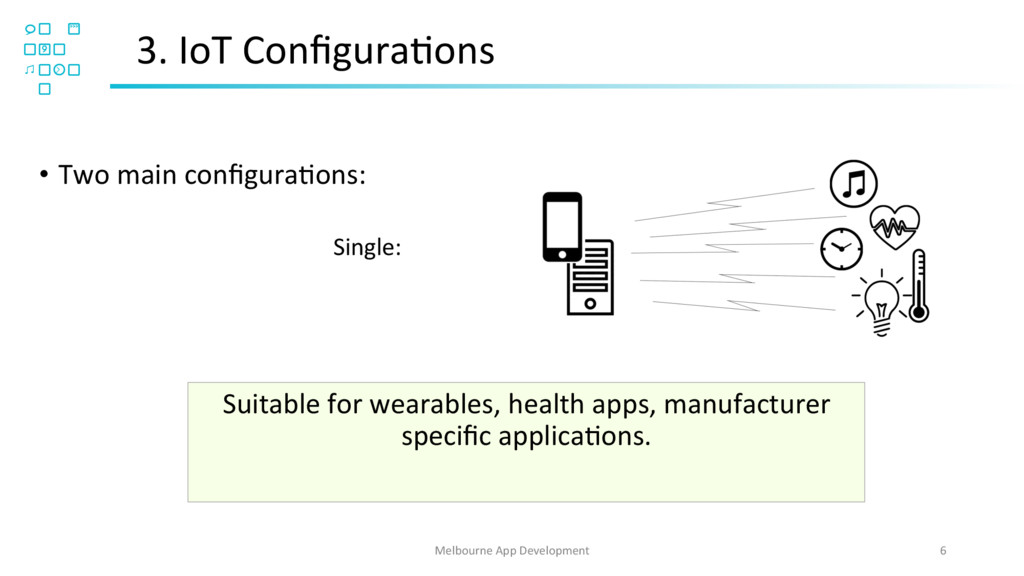
  5. 6 Melbourne App Development •  Two main configuraOons: Single: Suitable

    for wearables, health apps, manufacturer specific applicaOons. 3. IoT ConfiguraOons
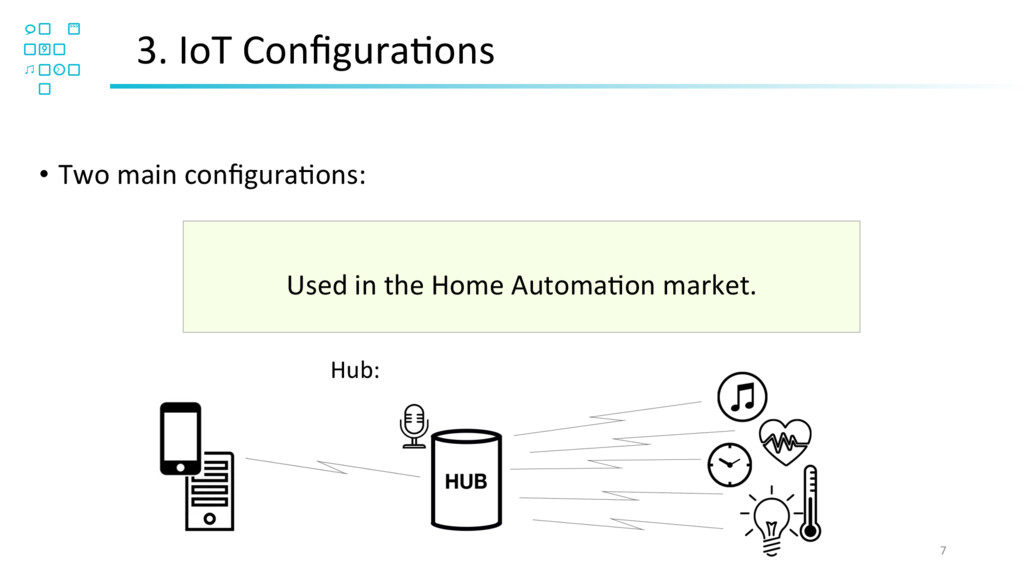
  6. 7 Melbourne App Development •  Two main configuraOons: Hub: 3.

    IoT ConfiguraOons Used in the Home AutomaOon market.
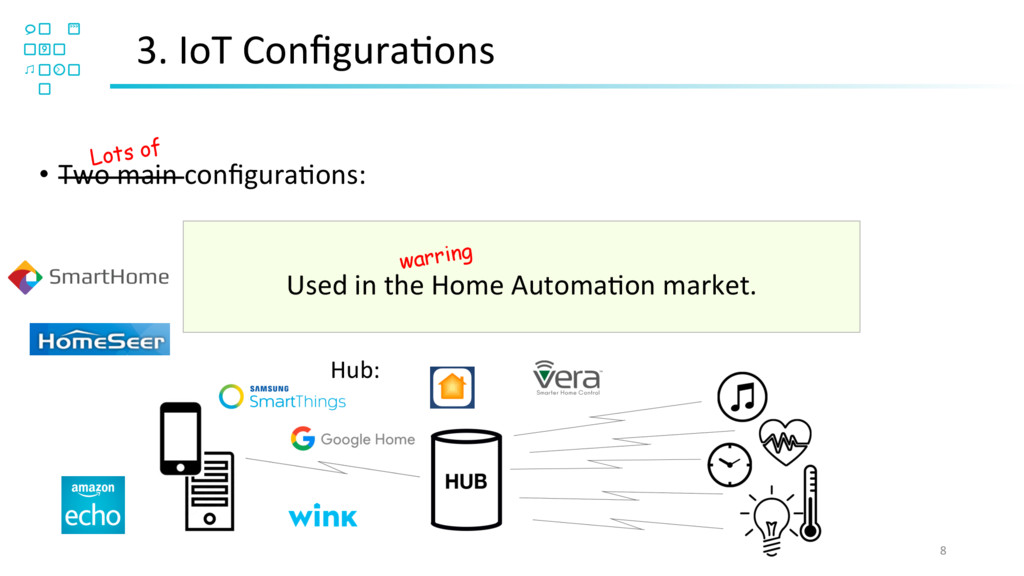
  7. 8 Melbourne App Development Hub: 3. IoT ConfiguraOons Used in

    the Home AutomaOon market. •  Two main configuraOons: Lots of warring
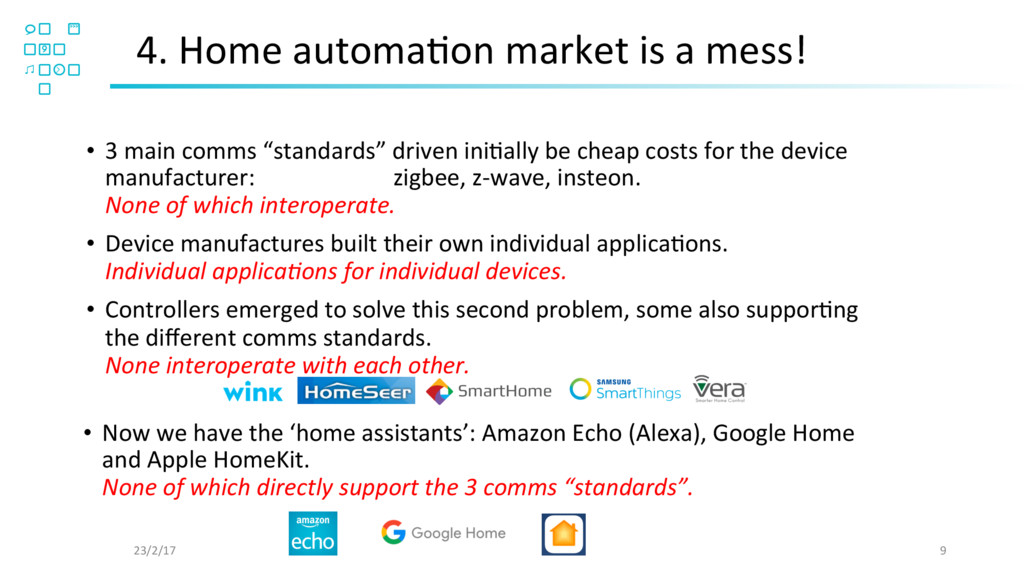
  8. 4. Home automaOon market is a mess! 23/2/17 9 • 

    Now we have the ‘home assistants’: Amazon Echo (Alexa), Google Home and Apple HomeKit. None of which directly support the 3 comms “standards”. •  3 main comms “standards” driven iniOally be cheap costs for the device manufacturer: zigbee, z-wave, insteon. None of which interoperate. •  Device manufactures built their own individual applicaOons. Individual applicaFons for individual devices. •  Controllers emerged to solve this second problem, some also supporOng the different comms standards. None interoperate with each other.
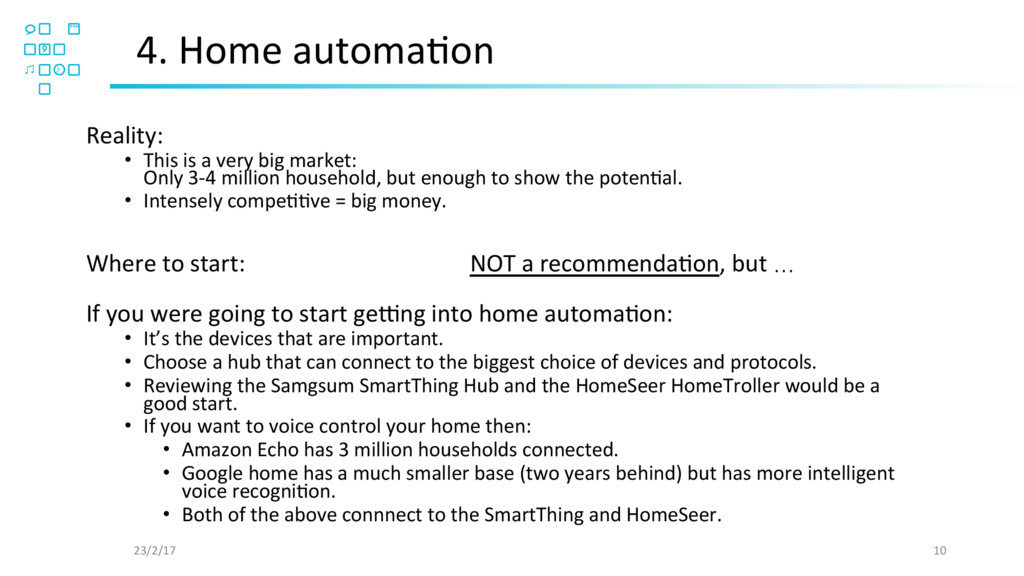
  9. 4. Home automaOon 23/2/17 10 Reality: •  This is a

    very big market: Only 3-4 million household, but enough to show the potenOal. •  Intensely compeOOve = big money. Where to start: NOT a recommendaOon, but … If you were going to start gemng into home automaOon: •  It’s the devices that are important. •  Choose a hub that can connect to the biggest choice of devices and protocols. •  Reviewing the Samgsum SmartThing Hub and the HomeSeer HomeTroller would be a good start. •  If you want to voice control your home then: •  Amazon Echo has 3 million households connected. •  Google home has a much smaller base (two years behind) but has more intelligent voice recogniOon. •  Both of the above connnect to the SmartThing and HomeSeer.
  10. 5. Xamarin OpportuniOes 23/2/17 11 •  Mobile phones only support

    bluetooth and wifi, not z-wave, zigbee etc. •  Apple HomeKit is available, but Apple is the only player taking a mobile driven approach. •  Personal apps like health apps and wearables use bluetooth connect devices. •  If a manufacturer wants to enter the home automaOon market – they have to develop a stand alone app first (wifi or bluetooth). •  Various bespoke soluOons appear: - sprinkler systems, pool solar heaOng controllers, digital signage adjustments, machinery diagnosOcs.
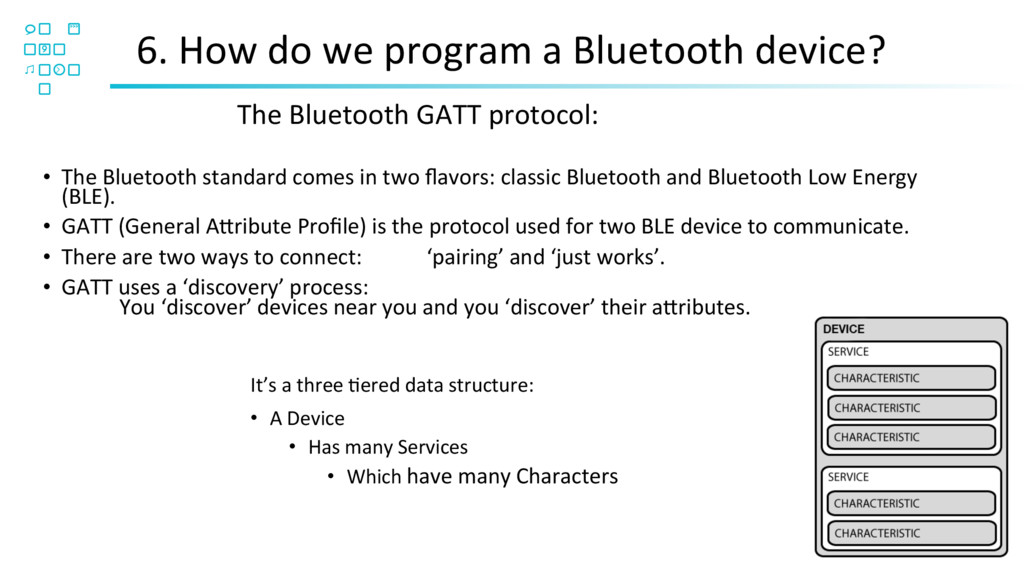
  11. 6. How do we program a Bluetooth device? 12 • 

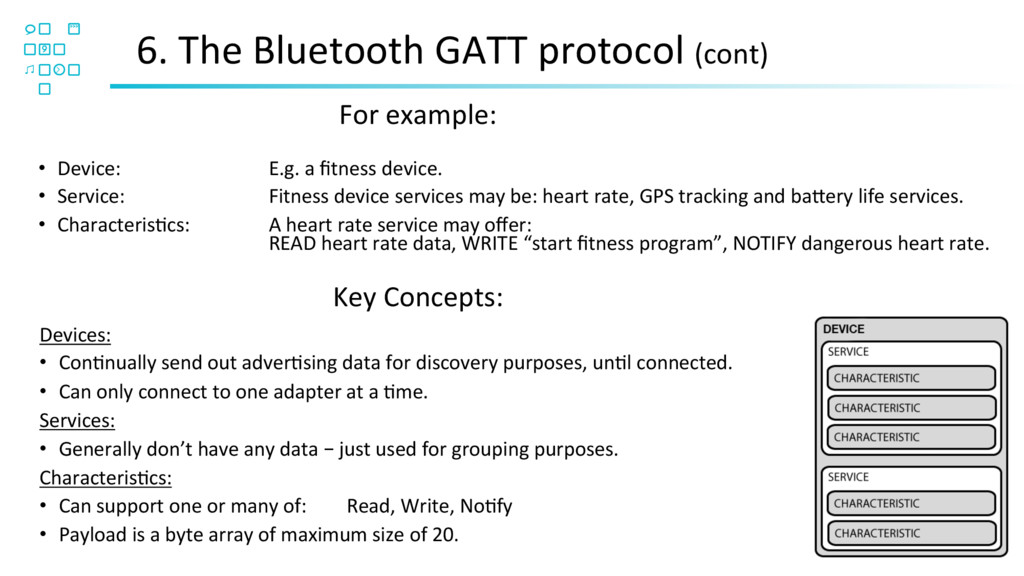
    The Bluetooth standard comes in two flavors: classic Bluetooth and Bluetooth Low Energy (BLE). •  GATT (General A[ribute Profile) is the protocol used for two BLE device to communicate. •  There are two ways to connect: ‘pairing’ and ‘just works’. •  GATT uses a ‘discovery’ process: You ‘discover’ devices near you and you ‘discover’ their a[ributes. It’s a three Oered data structure: •  A Device •  Has many Services •  Which have many Characters The Bluetooth GATT protocol:
  12. 6. The Bluetooth GATT protocol (cont) 13 Devices: •  ConOnually

    send out adverOsing data for discovery purposes, unOl connected. •  Can only connect to one adapter at a Ome. Services: •  Generally don’t have any data – just used for grouping purposes. CharacterisOcs: •  Can support one or many of: Read, Write, NoOfy •  Payload is a byte array of maximum size of 20. •  Device: E.g. a fitness device. •  Service: Fitness device services may be: heart rate, GPS tracking and ba[ery life services. •  CharacterisOcs: A heart rate service may offer: READ heart rate data, WRITE “start fitness program”, NOTIFY dangerous heart rate. For example: Key Concepts:
  13. 7. ImplemenOng in Xamarin •  iOS and Android implement BLE

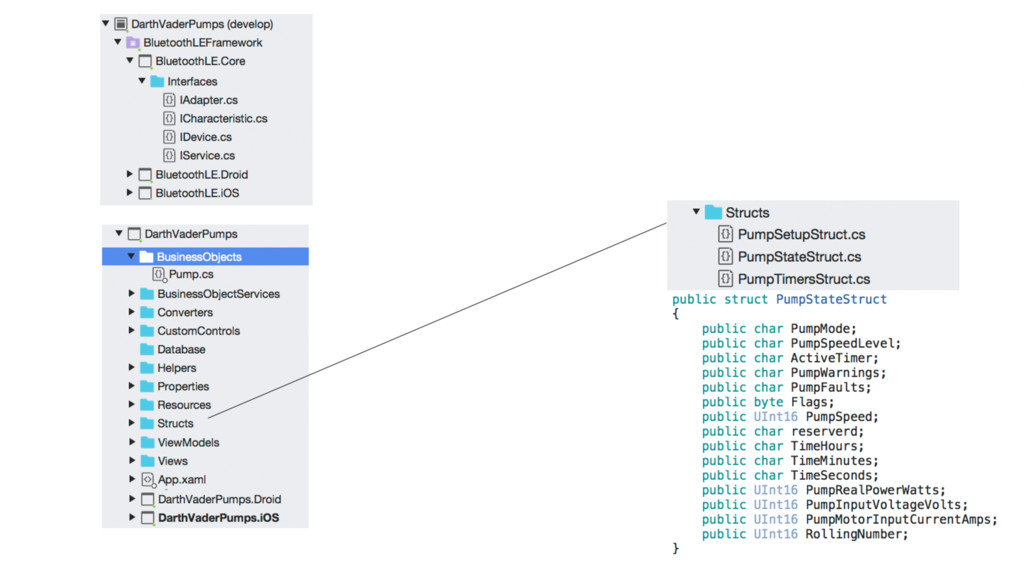
    differently. •  Neither iOS or Android implement BLE in an Object Oriented way that is suitable for an MVVM implementaOon. •  We create a client independent implementaOon of the BLE framework as a separate Xamarin project. •  In the client project we create the normal MVVM structure, but create a non user interface implementaOon of the device (in our case a Pump class). •  The Pump class includes a HasA implementaOon of the BLE interfaces … •  … which includes the translaOon of the 20 character byte array to the client specific implementaOon. 14 Melbourne App Development
  14. 8. Security Two reasons to implement security: •  Protect the

    customers assets: •  data, •  physical access, •  malicious pranks. •  Industrial espionage: •  A compeOOve could use your device and sell it as their own, or •  A compeOOve could swap you device out for a cheaper one. Issues to consider: •  The app needs to authenOcate the device and the device needs to authenOcate the app. •  If compromised you do not want to recall all devices. •  Android Java code is the weakest link – be careful using a common secret key. •  The higher the security level – the higher the user inconvenience. i.e. A “Just Works” connecOon is convenient but more difficult to secure. For a basic understanding of the opOons and concepts: h[ps://eewiki.net/display/Wireless/A+Basic+IntroducOon+to+BLE+Security 16
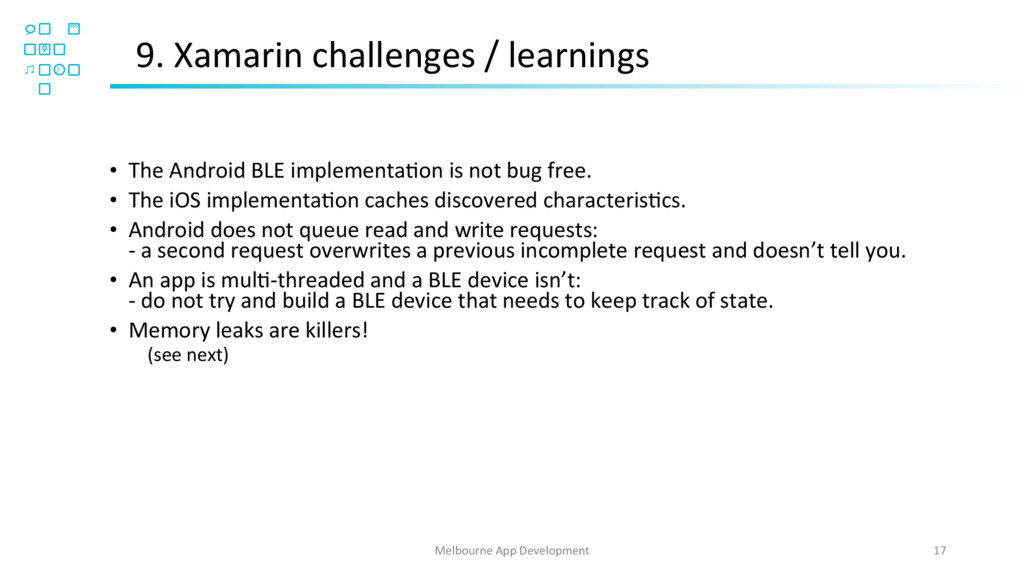
  15. 9. Xamarin challenges / learnings 17 Melbourne App Development • 

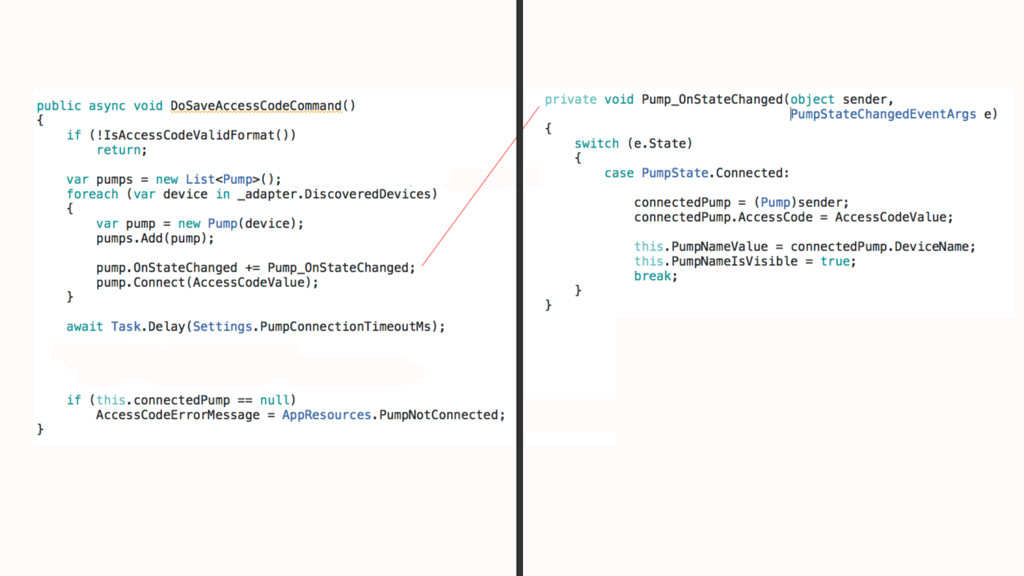
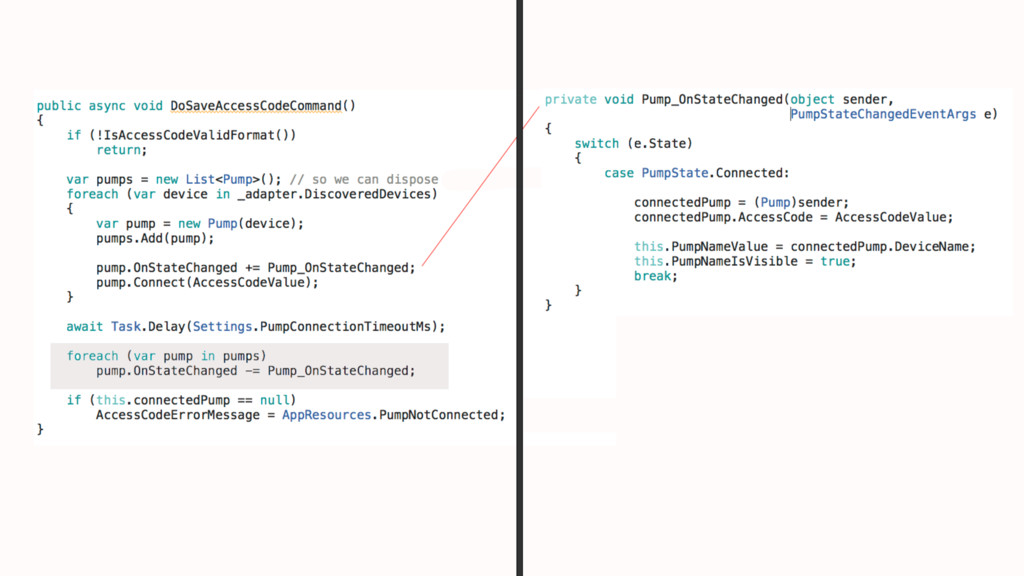
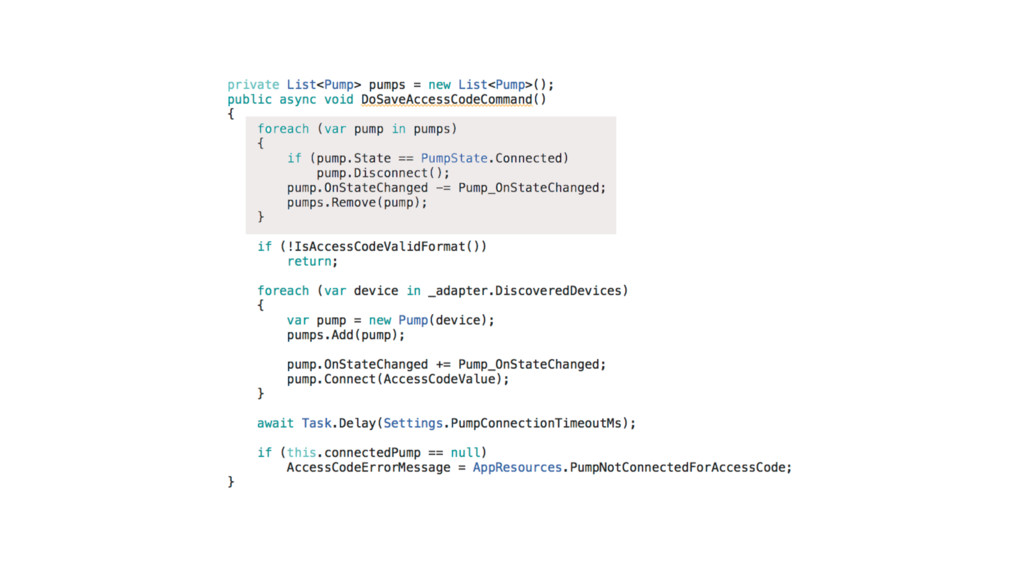
    The Android BLE implementaOon is not bug free. •  The iOS implementaOon caches discovered characterisOcs. •  Android does not queue read and write requests: - a second request overwrites a previous incomplete request and doesn’t tell you. •  An app is mulO-threaded and a BLE device isn’t: - do not try and build a BLE device that needs to keep track of state. •  Memory leaks are killers! (see next)
  16. Further quesOons? 21 Rod Hemphill Melbourne App Development [email protected] 0407800900

    Git repo: h[ps://bitbucket.org/rodhemphill/blescan.git Sniffer: (Nordic nRF51 Development Kit) h[ps://www.nordicsemi.com/eng/Products/Bluetooth-low-energy/nRF-Sniffer h[p://au.rs-online.com/web/p/products/8855823/?grossPrice=Y&cm_mmc=AU-PLA-_-google-_- PLA_AU_EN_Semiconductors-_-Standard_Logic&mkwid=swwV8CmsI_dc|pcrid|99325702954|pkw||pmt||prd| 8855823