Upgrade to Pro — share decks privately, control downloads, hide ads and more …

Building a code analyzer using Roslyn

Building a code analyzer using Roslyn

We as developers rely a lot on the IDE features, such as IntelliSense, and other intelligent tooling to increase code quality and facilitate refactoring. But have you wondered what it would take to build your own code-aware tool? With Visual Studio 2015, we now have the ability to create custom code analyzers that provide real time code warnings and fixes. We can use them to enforce coding standards or to guide developers in avoiding common pitfalls. Let’s explore together how to build a code-aware library using the .NET Compiler Platform (Roslyn).

Avatar for mihaeladiaconu

mihaeladiaconu

October 22, 2016

Other Decks in Programming

Transcript

  1. Project Roslyn • .NET Compiler Platform • C# compiler •

    VB compiler • Provides a set of APIs over the compiler
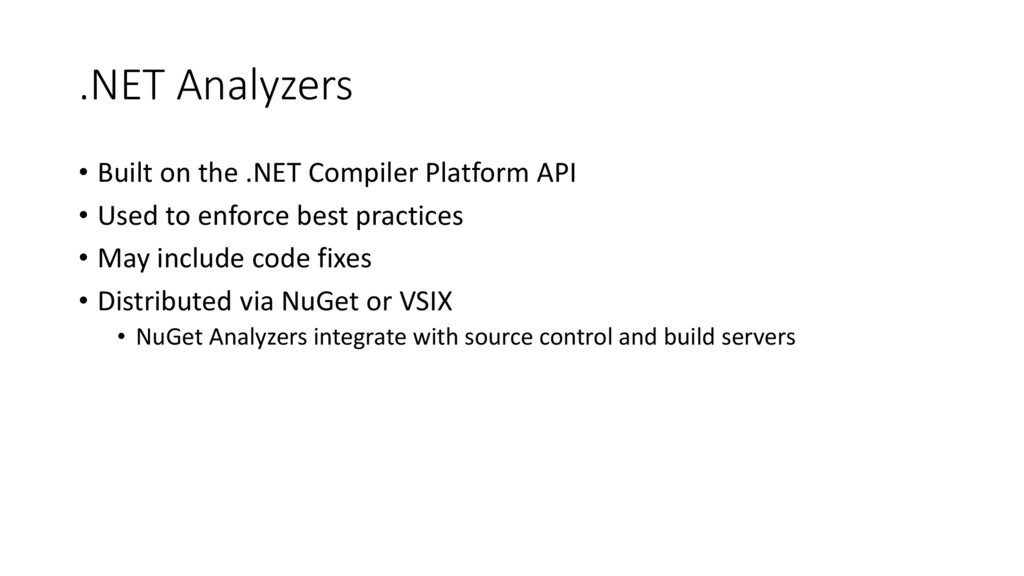
  2. .NET Analyzers • Built on the .NET Compiler Platform API

    • Used to enforce best practices • May include code fixes • Distributed via NuGet or VSIX • NuGet Analyzers integrate with source control and build servers
  3. Getting started • Visual Studio 2015 Community or Enterprise edition

    • .NET Compiler Platform SDK • Project template: • Analyzer with Code Fix (NuGet + VSIX)
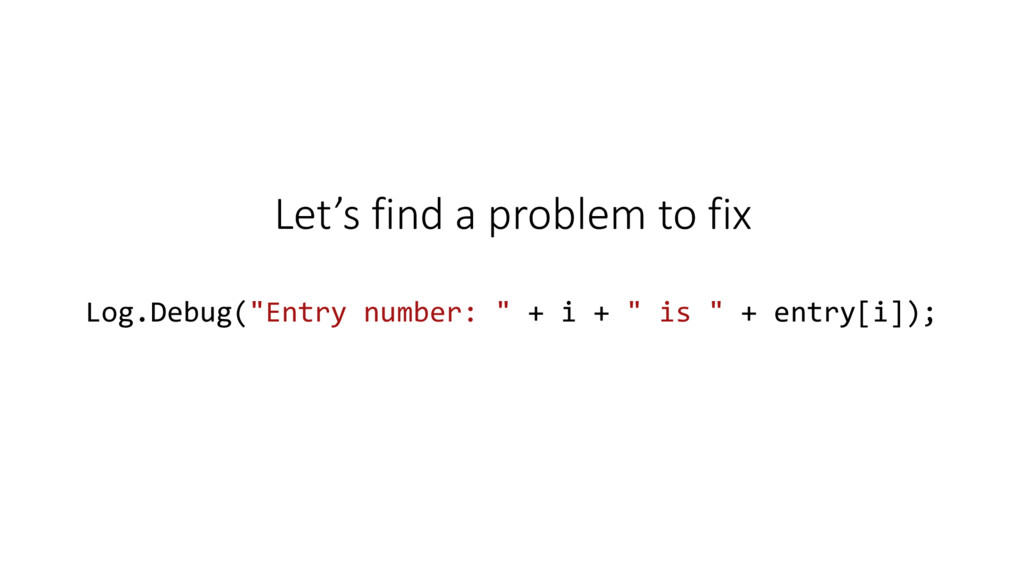
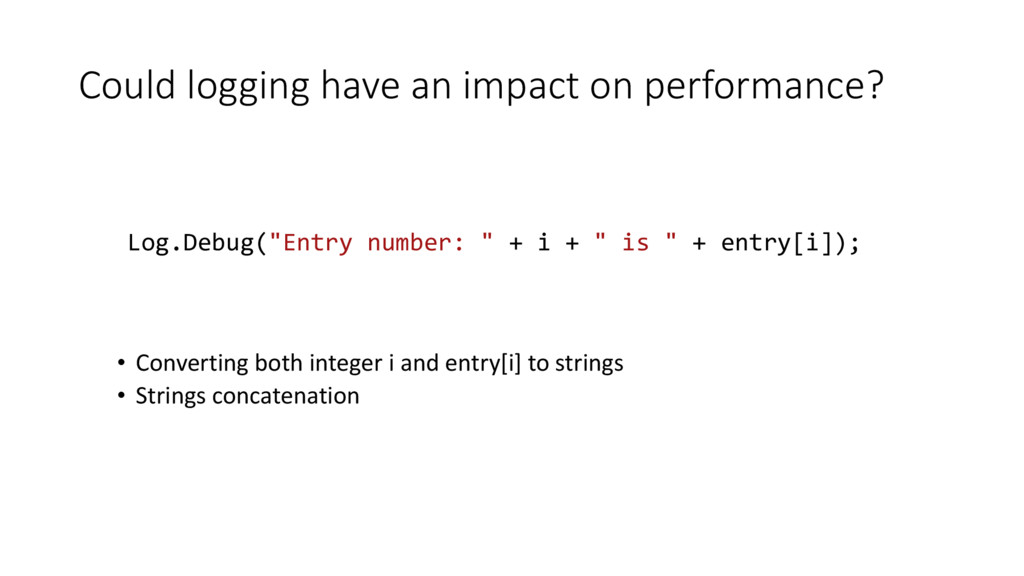
  4. Could logging have an impact on performance? • Converting both

    integer i and entry[i] to strings • Strings concatenation Log.Debug("Entry number: " + i + " is " + entry[i]);
  5. .NET Analyzer [DiagnosticAnalyzer(LanguageNames.CSharp)] public class LogLevelAnalyzer : DiagnosticAnalyzer { …………

    public override void Initialize(AnalysisContext context) { context.RegisterSyntaxNodeAction(AnalyzeNode, SyntaxKind.InvocationExpression); } }
  6. .NET Analyzer [DiagnosticAnalyzer(LanguageNames.CSharp)] public class LogLevelAnalyzer : DiagnosticAnalyzer { …………

    public override void Initialize(AnalysisContext context) { context.RegisterSyntaxNodeAction(AnalyzeNode, SyntaxKind.InvocationExpression); } }
  7. .NET Analyzer [DiagnosticAnalyzer(LanguageNames.CSharp)] public class LogLevelAnalyzer : DiagnosticAnalyzer { …………

    public override void Initialize(AnalysisContext context) { context.RegisterSyntaxNodeAction(AnalyzeNode, SyntaxKind.InvocationExpression); } }
  8. .NET Analyzer [DiagnosticAnalyzer(LanguageNames.CSharp)] public class LogLevelAnalyzer : DiagnosticAnalyzer { …………

    public override void Initialize(AnalysisContext context) { context.RegisterSyntaxNodeAction(AnalyzeNode, SyntaxKind.InvocationExpression); } }
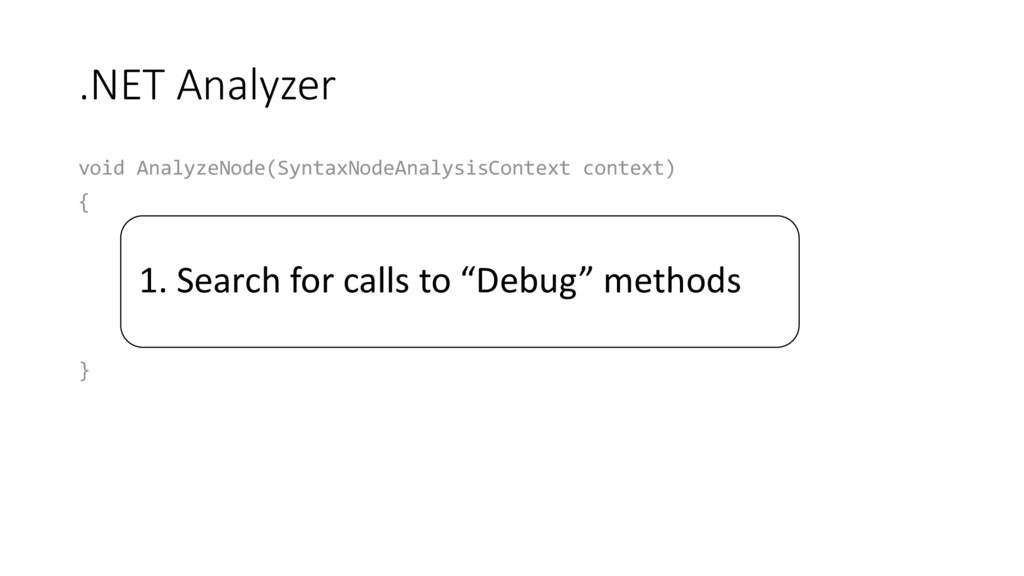
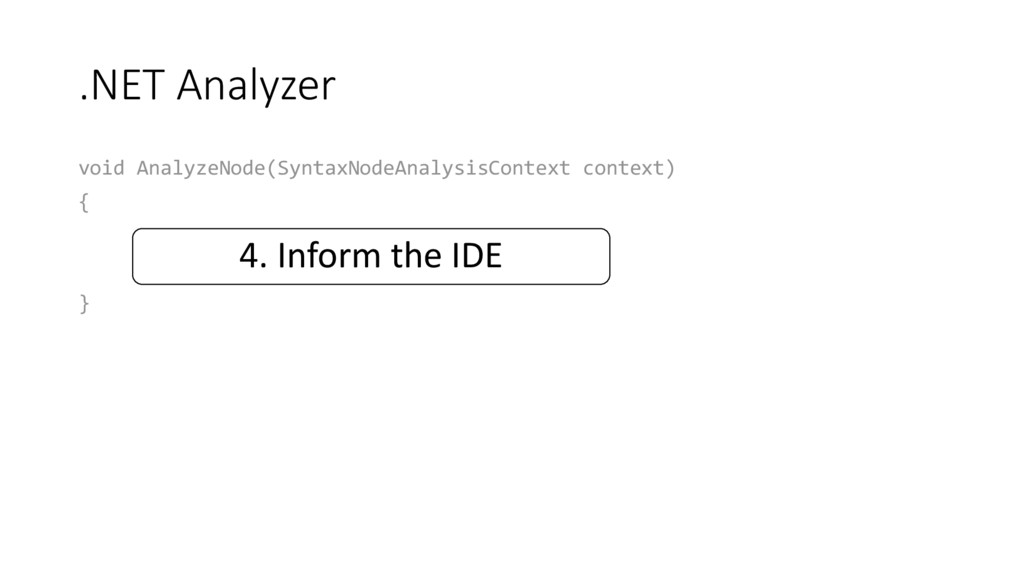
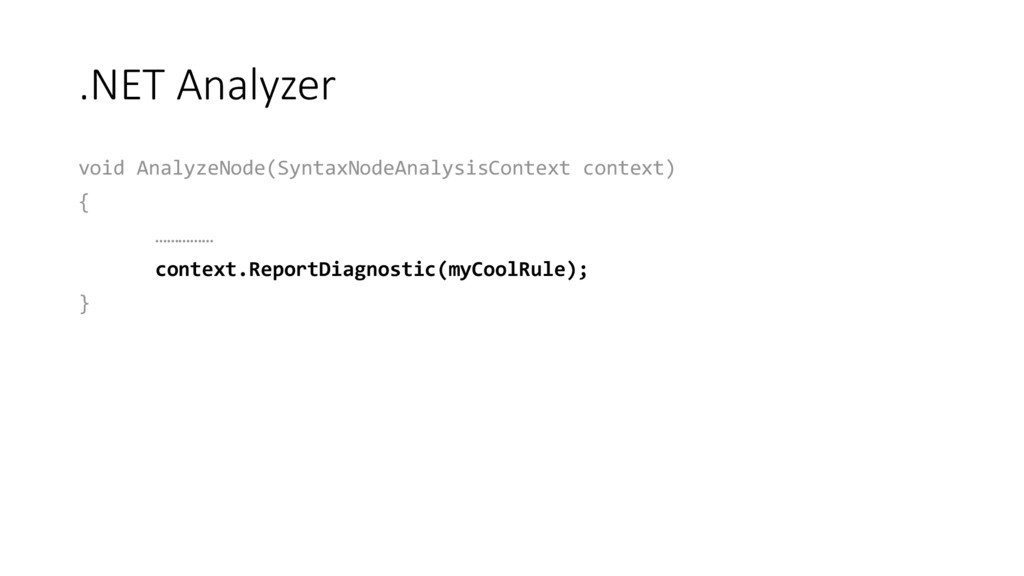
  9. .NET Analyzer void AnalyzeNode(SyntaxNodeAnalysisContext context) { var methodName = context.Node.Expression;

    if (!methodName.Name.ToString().StartsWith("Debug")) return; ………… } 1. Search for calls to “Debug” methods
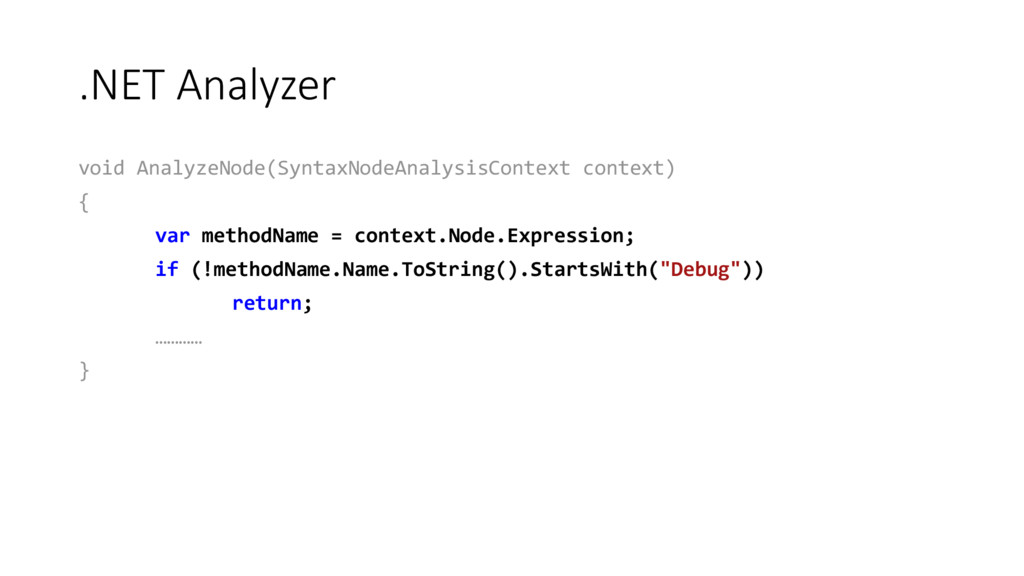
  10. .NET Analyzer void AnalyzeNode(SyntaxNodeAnalysisContext context) { var methodName = context.Node.Expression;

    if (!methodName.Name.ToString().StartsWith("Debug")) return; ………… }
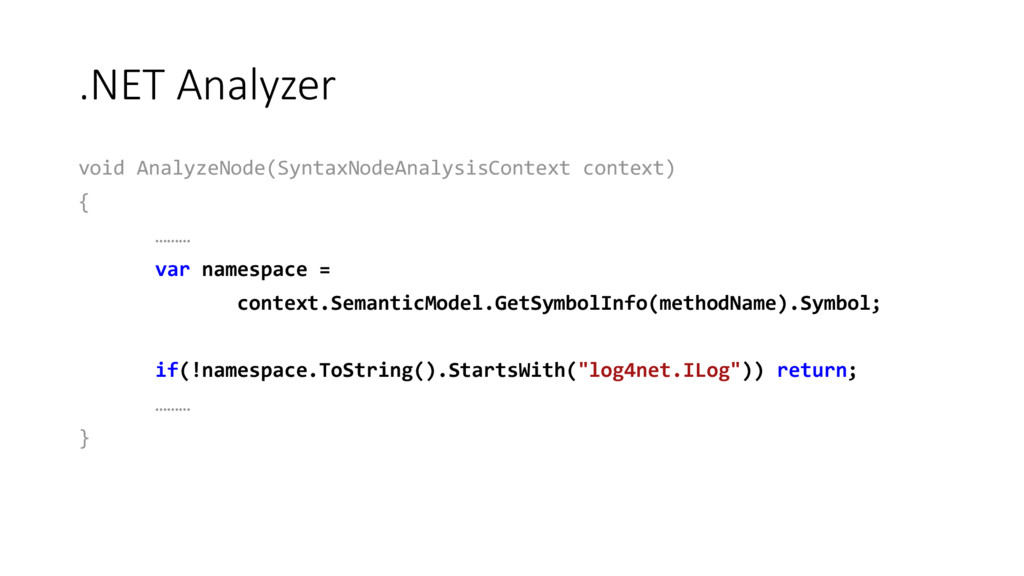
  11. .NET Analyzer void AnalyzeNode(SyntaxNodeAnalysisContext context) { ……… var namespace =

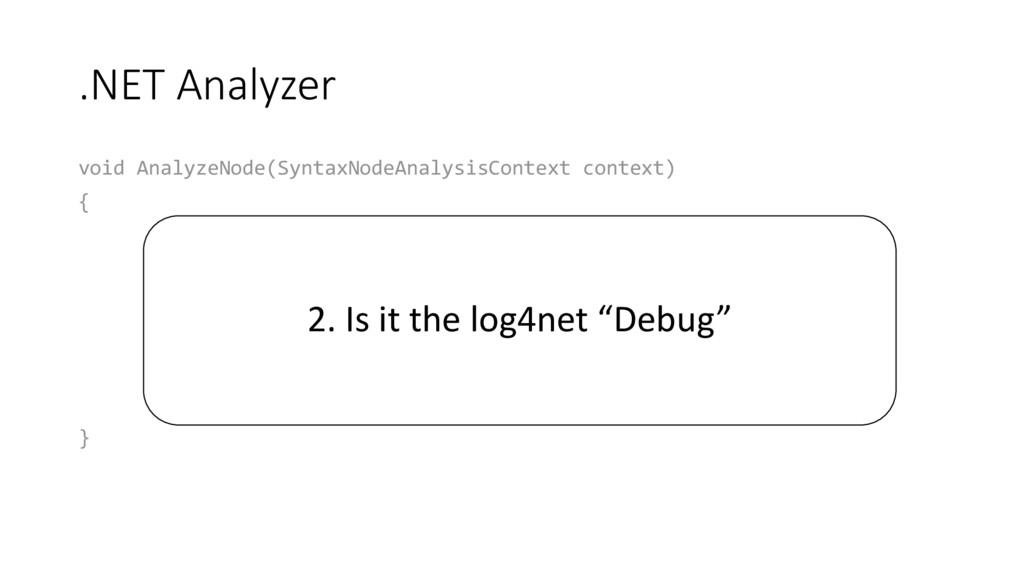
    context.SemanticModel.GetSymbolInfo(methodName).Symbol; if(!namespace.ToString().StartsWith("log4net.ILog")) return; ……… } 2. Is it the log4net “Debug”
  12. .NET Analyzer void AnalyzeNode(SyntaxNodeAnalysisContext context) { ……… var namespace =

    context.SemanticModel.GetSymbolInfo(methodName).Symbol; if(!namespace.ToString().StartsWith("log4net.ILog")) return; ……… }
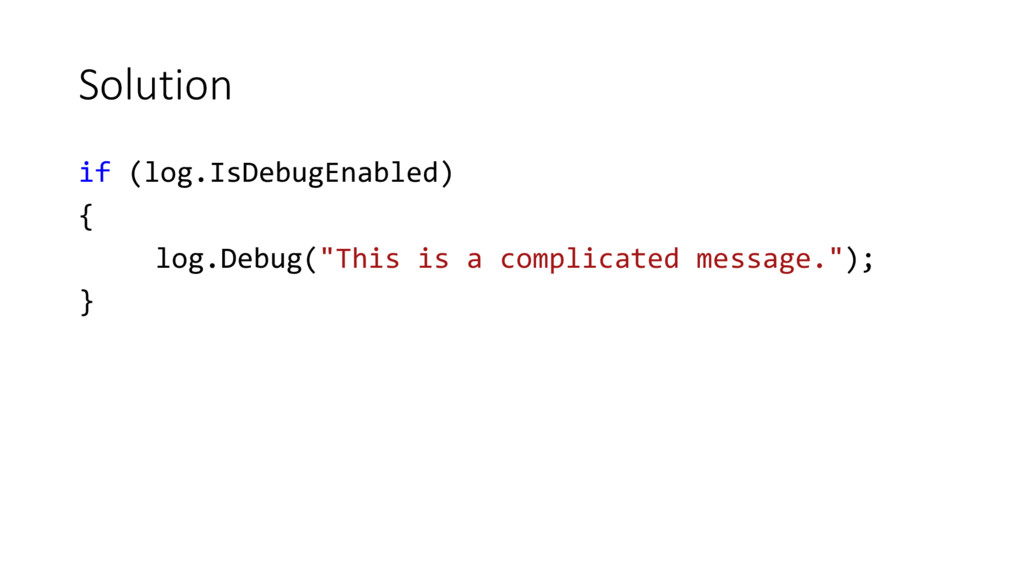
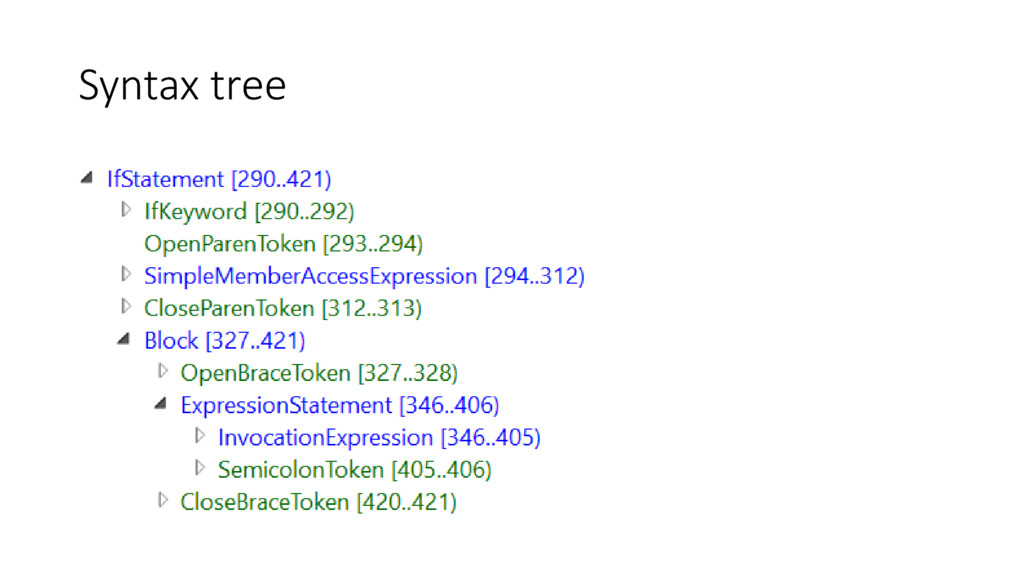
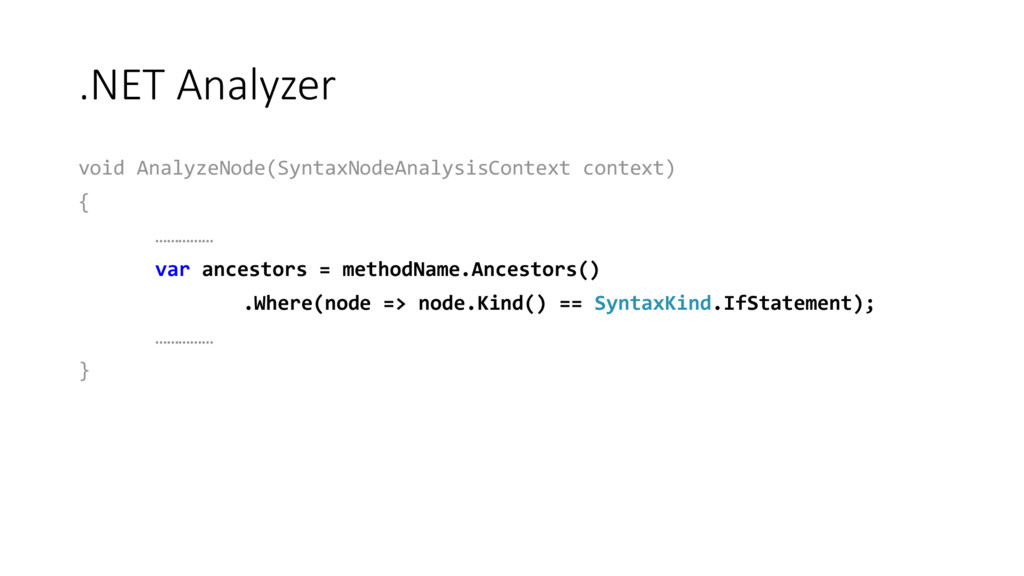
  13. .NET Analyzer void AnalyzeNode(SyntaxNodeAnalysisContext context) { …………… var ancestors =

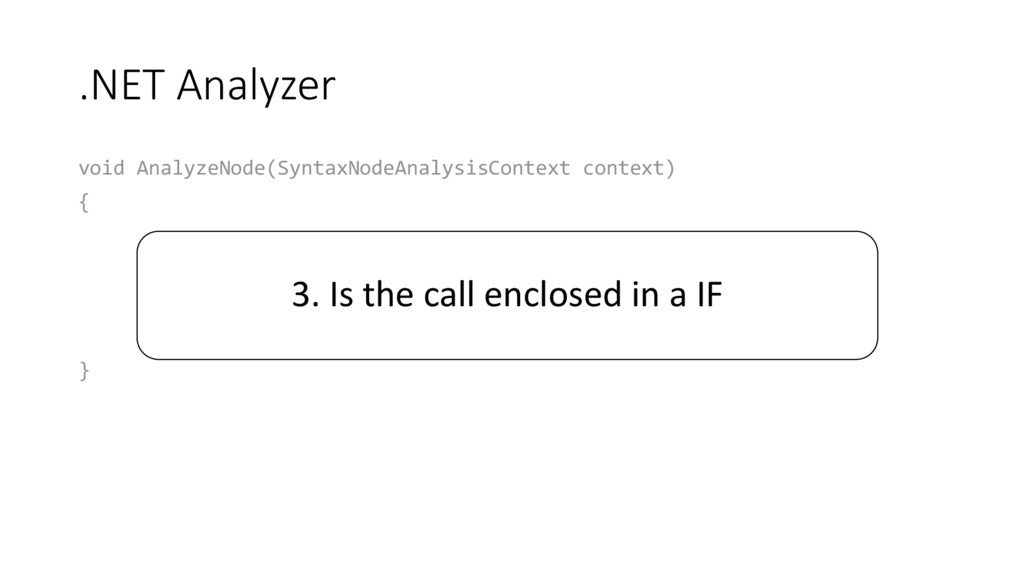
    methodName.Ancestors() .Where(node => node.Kind() == SyntaxKind.IfStatement); …………… } 3. Is the call enclosed in a IF
  14. .NET Analyzer void AnalyzeNode(SyntaxNodeAnalysisContext context) { …………… var ancestors =

    methodName.Ancestors() .Where(node => node.Kind() == SyntaxKind.IfStatement); …………… }
  15. Library + Analyzer/Fix = Code-Aware Library • You don’t need

    to be a compiler guru to build a code analyzer • You can build a custom tool that fits to your needs