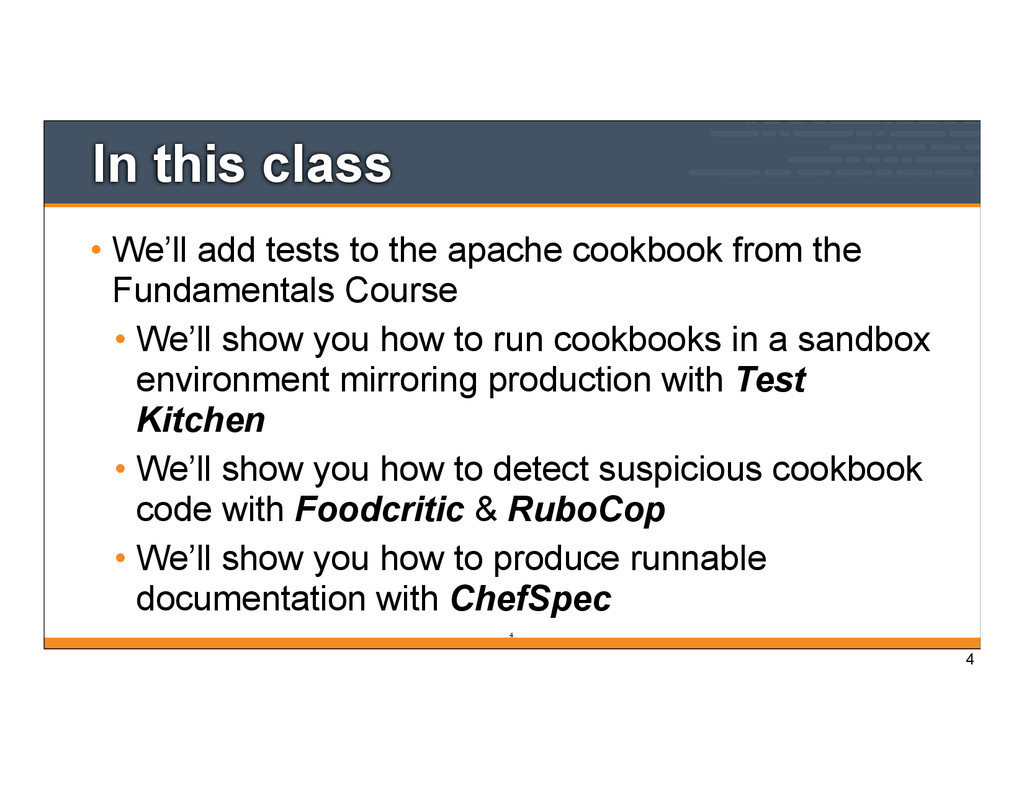
cookbook from the Fundamentals Course • We’ll show you how to run cookbooks in a sandbox environment mirroring production with Test Kitchen • We’ll show you how to detect suspicious cookbook code with Foodcritic & RuboCop • We’ll show you how to produce runnable documentation with ChefSpec 4 4
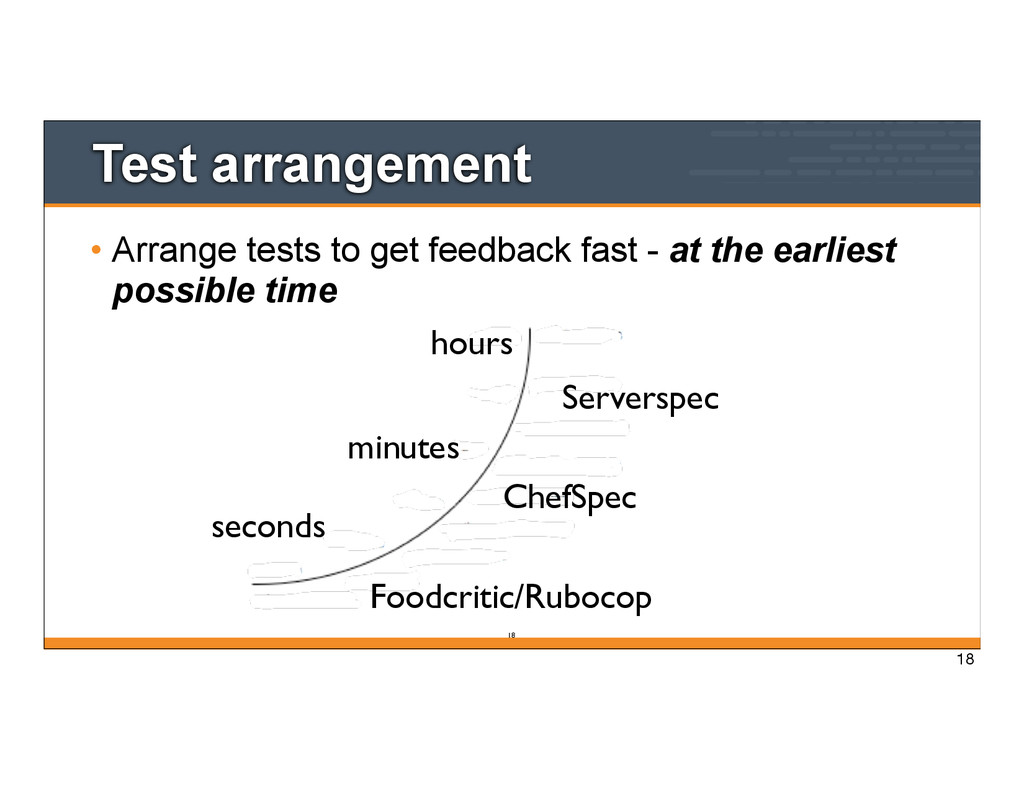
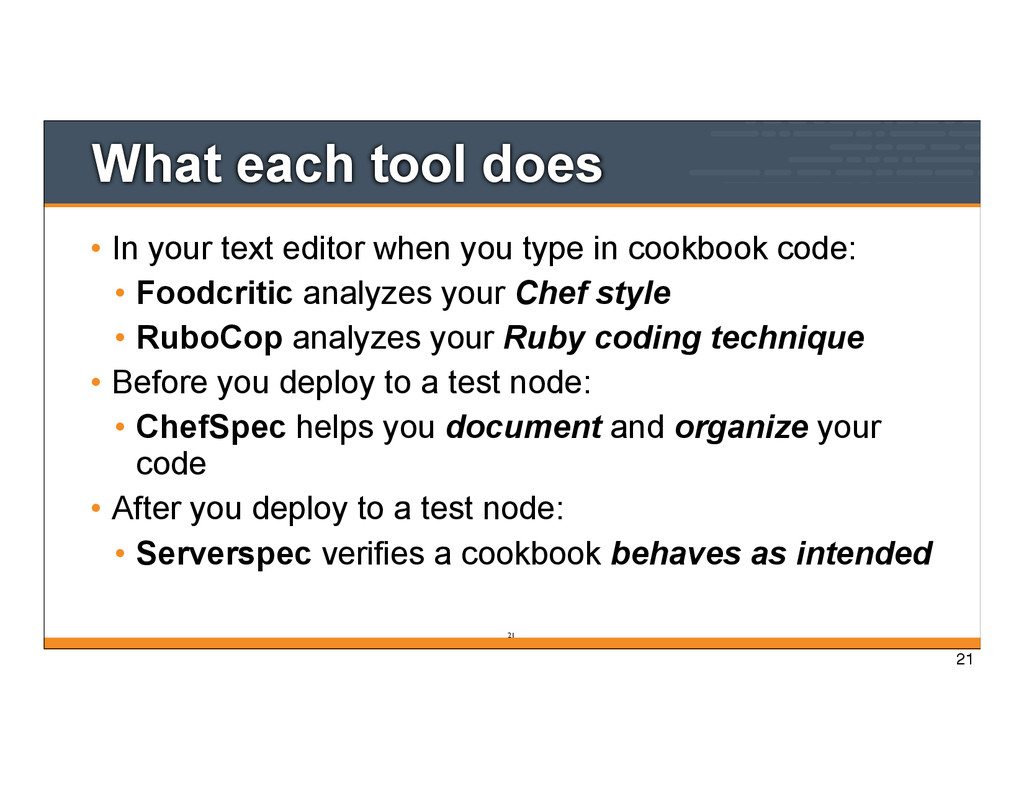
you type in cookbook code: • Foodcritic analyzes your Chef style • RuboCop analyzes your Ruby coding technique • Before you deploy to a test node: • ChefSpec helps you document and organize your code • After you deploy to a test node: • Serverspec verifies a cookbook behaves as intended 21 21
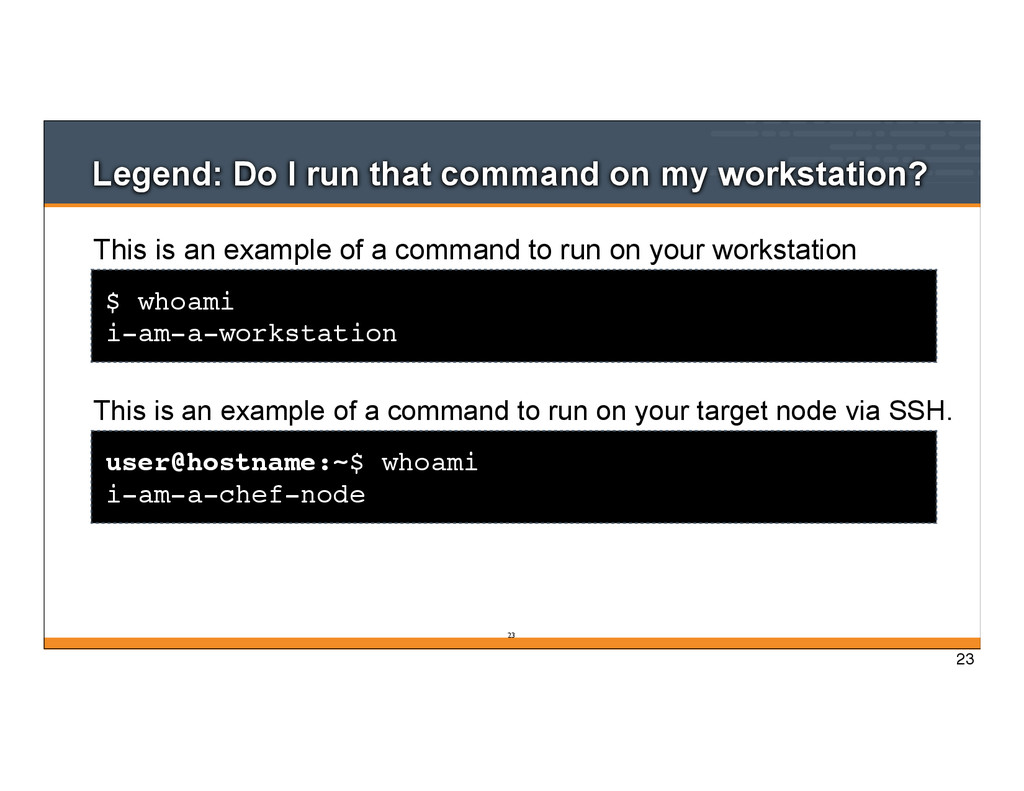
whoami i-am-a-workstation This is an example of a command to run on your workstation user@hostname:~$ whoami i-am-a-chef-node This is an example of a command to run on your target node via SSH. 23 23
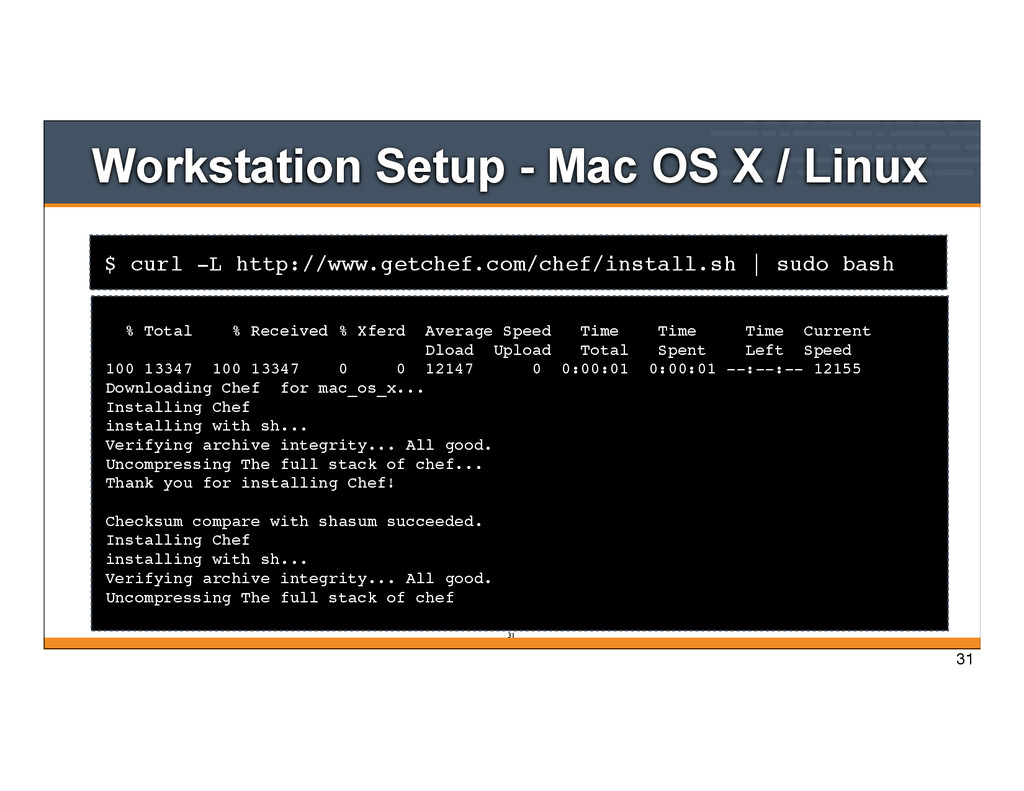
Mac OS X / Linux % Total % Received % Xferd Average Speed Time Time Time Current Dload Upload Total Spent Left Speed 100 13347 100 13347 0 0 12147 0 0:00:01 0:00:01 --:--:-- 12155 Downloading Chef for mac_os_x... Installing Chef installing with sh... Verifying archive integrity... All good. Uncompressing The full stack of chef... Thank you for installing Chef! Checksum compare with shasum succeeded. Installing Chef installing with sh... Verifying archive integrity... All good. Uncompressing The full stack of chef 31 31
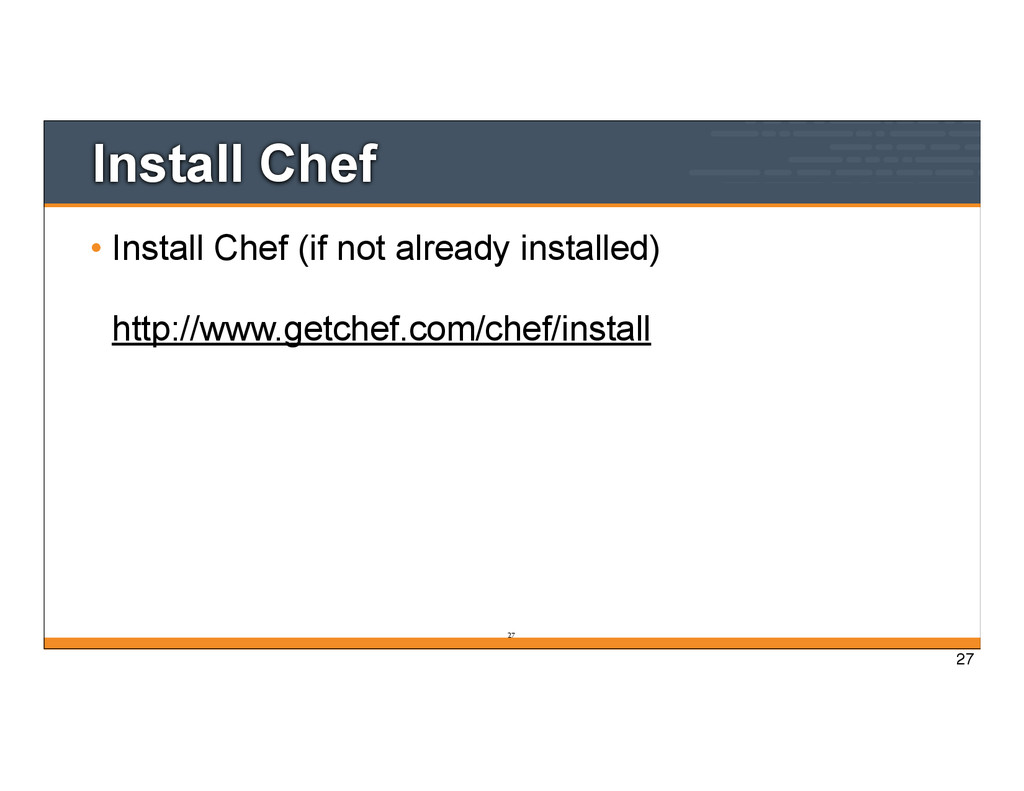
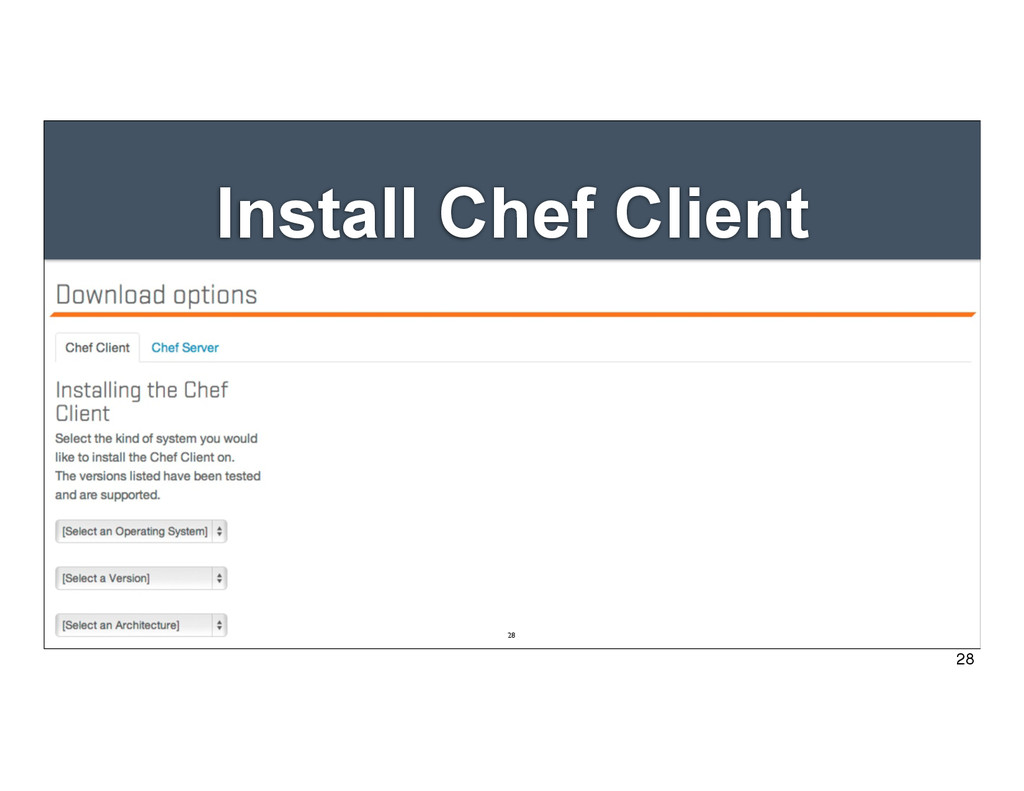
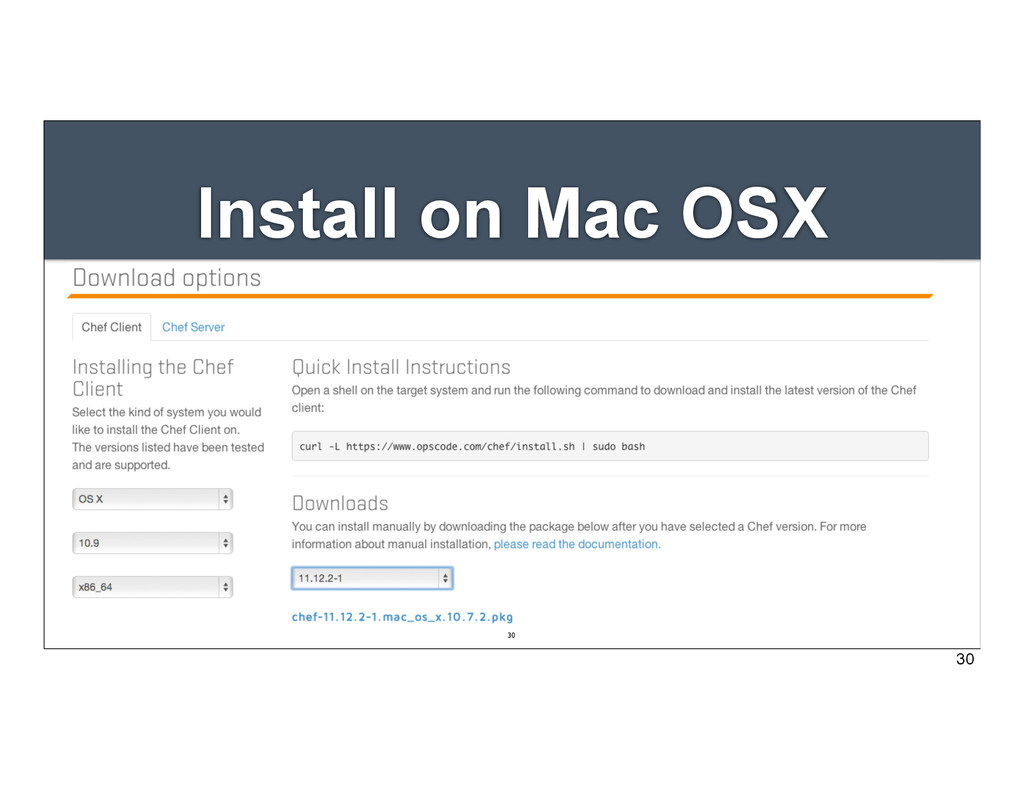
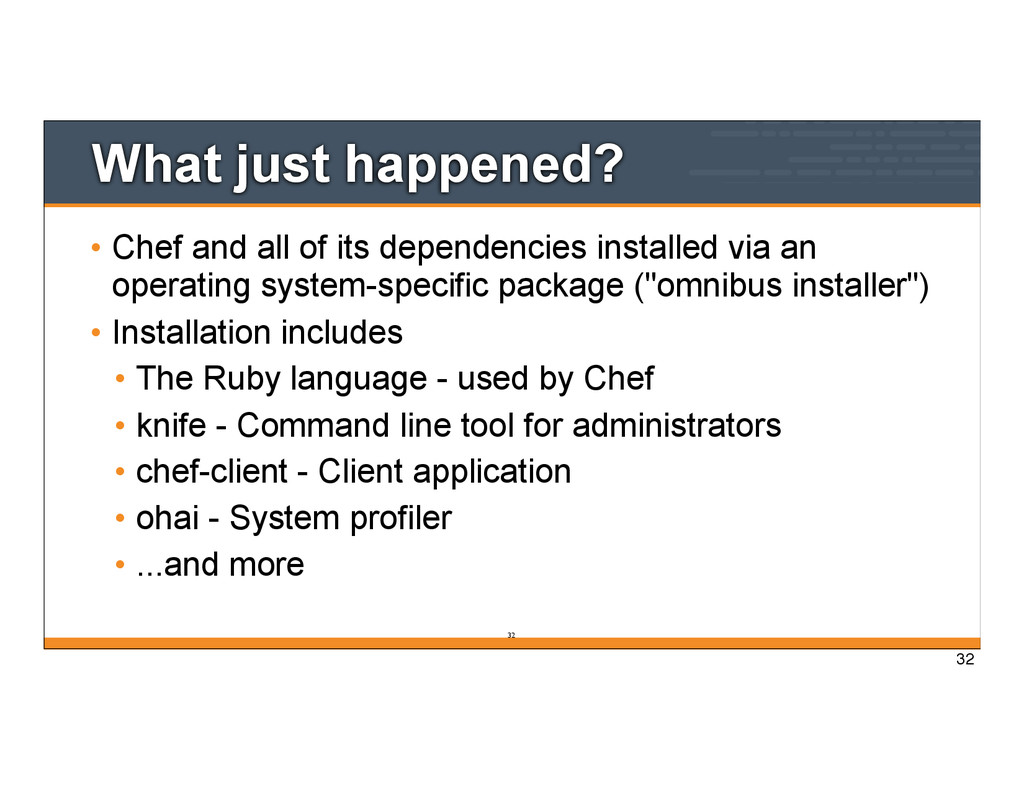
installed via an operating system-specific package ("omnibus installer") • Installation includes • The Ruby language - used by Chef • knife - Command line tool for administrators • chef-client - Client application • ohai - System profiler • ...and more 32 32
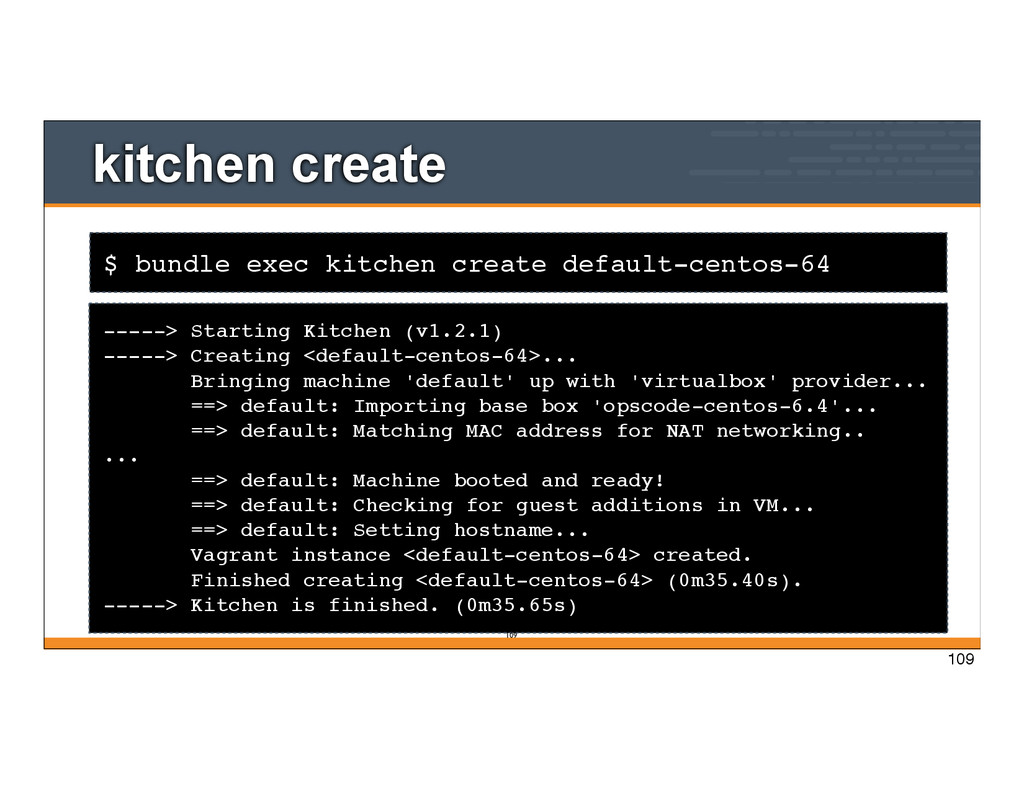
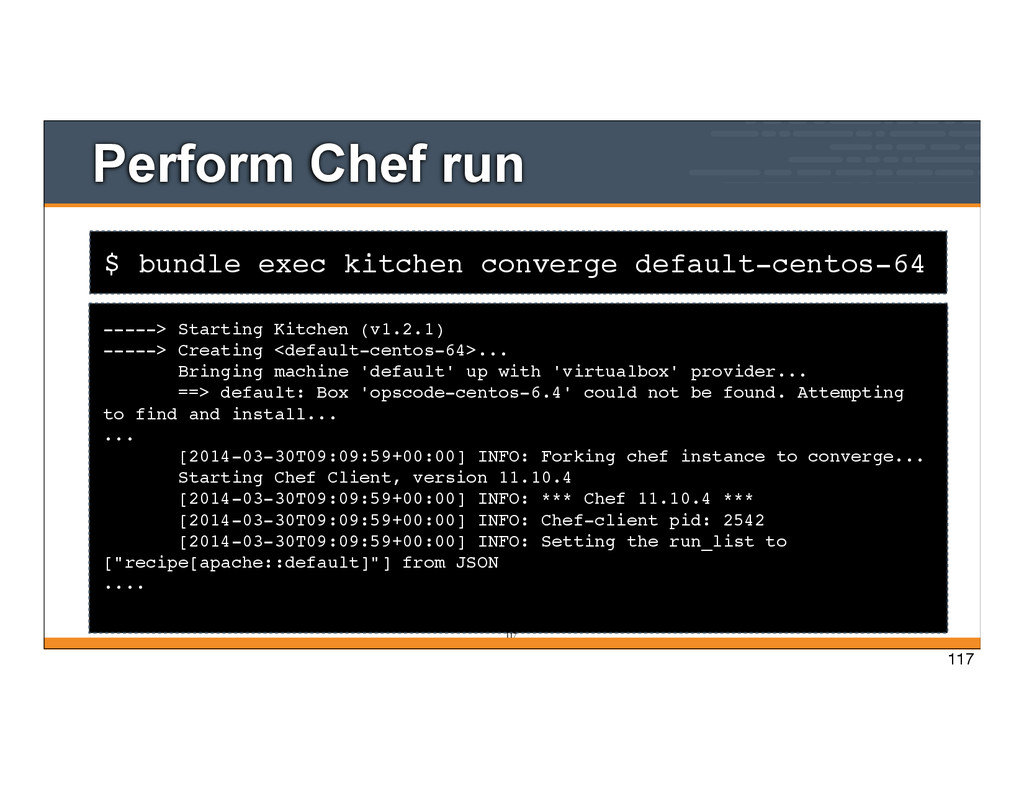
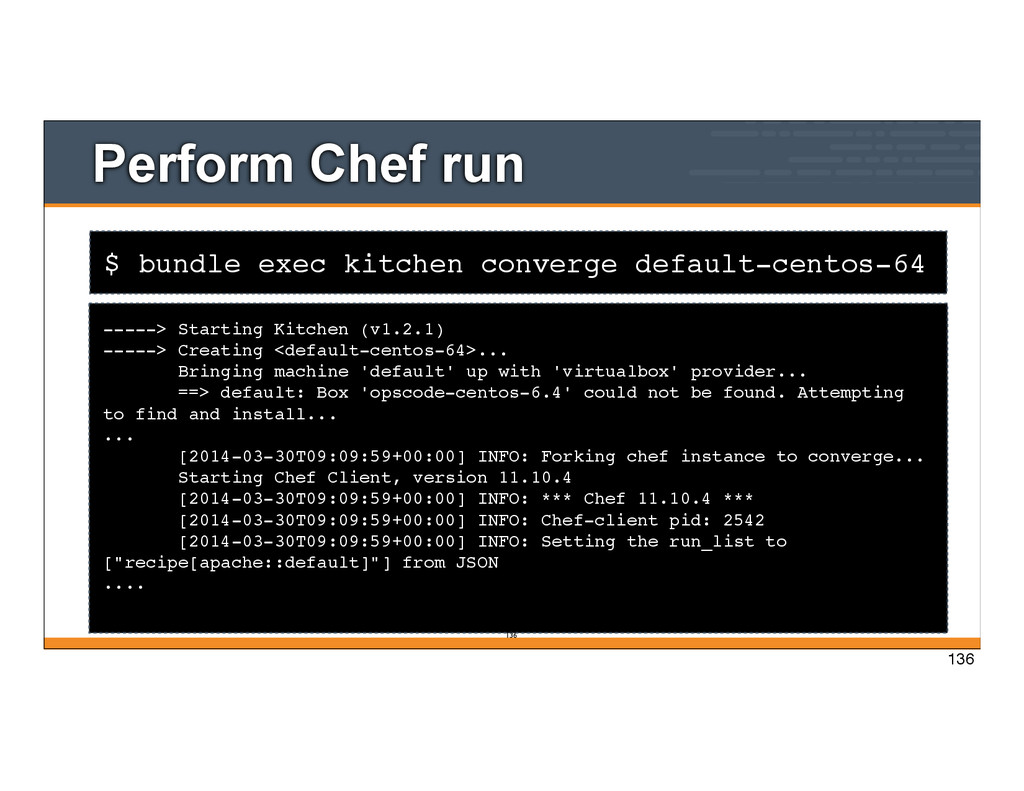
Starting Kitchen (v1.2.1) -----> Creating <default-centos-64>... Bringing machine 'default' up with 'virtualbox' provider... ==> default: Box 'opscode-centos-6.4' could not be found. Attempting to find and install... ... [2014-03-30T09:09:59+00:00] INFO: Forking chef instance to converge... Starting Chef Client, version 11.10.4 [2014-03-30T09:09:59+00:00] INFO: *** Chef 11.10.4 *** [2014-03-30T09:09:59+00:00] INFO: Chef-client pid: 2542 [2014-03-30T09:09:59+00:00] INFO: Setting the run_list to ["recipe[apache::default]"] from JSON .... 117 117
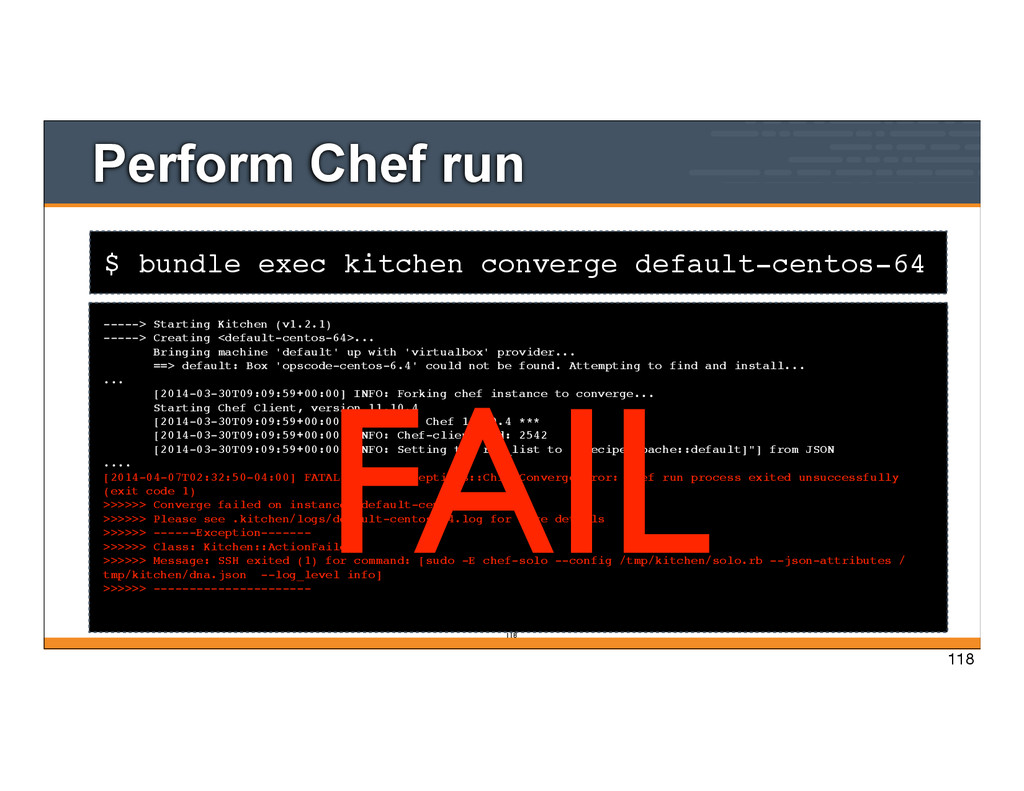
Starting Kitchen (v1.2.1) -----> Creating <default-centos-64>... Bringing machine 'default' up with 'virtualbox' provider... ==> default: Box 'opscode-centos-6.4' could not be found. Attempting to find and install... ... [2014-03-30T09:09:59+00:00] INFO: Forking chef instance to converge... Starting Chef Client, version 11.10.4 [2014-03-30T09:09:59+00:00] INFO: *** Chef 11.10.4 *** [2014-03-30T09:09:59+00:00] INFO: Chef-client pid: 2542 [2014-03-30T09:09:59+00:00] INFO: Setting the run_list to ["recipe[apache::default]"] from JSON .... [2014-04-07T02:32:50-04:00] FATAL: Chef::Exceptions::ChildConvergeError: Chef run process exited unsuccessfully (exit code 1) >>>>>> Converge failed on instance <default-centos-64>. >>>>>> Please see .kitchen/logs/default-centos-64.log for more details >>>>>> ------Exception------- >>>>>> Class: Kitchen::ActionFailed >>>>>> Message: SSH exited (1) for command: [sudo -E chef-solo --config /tmp/kitchen/solo.rb --json-attributes / tmp/kitchen/dna.json --log_level info] >>>>>> ---------------------- 118 FAIL 118
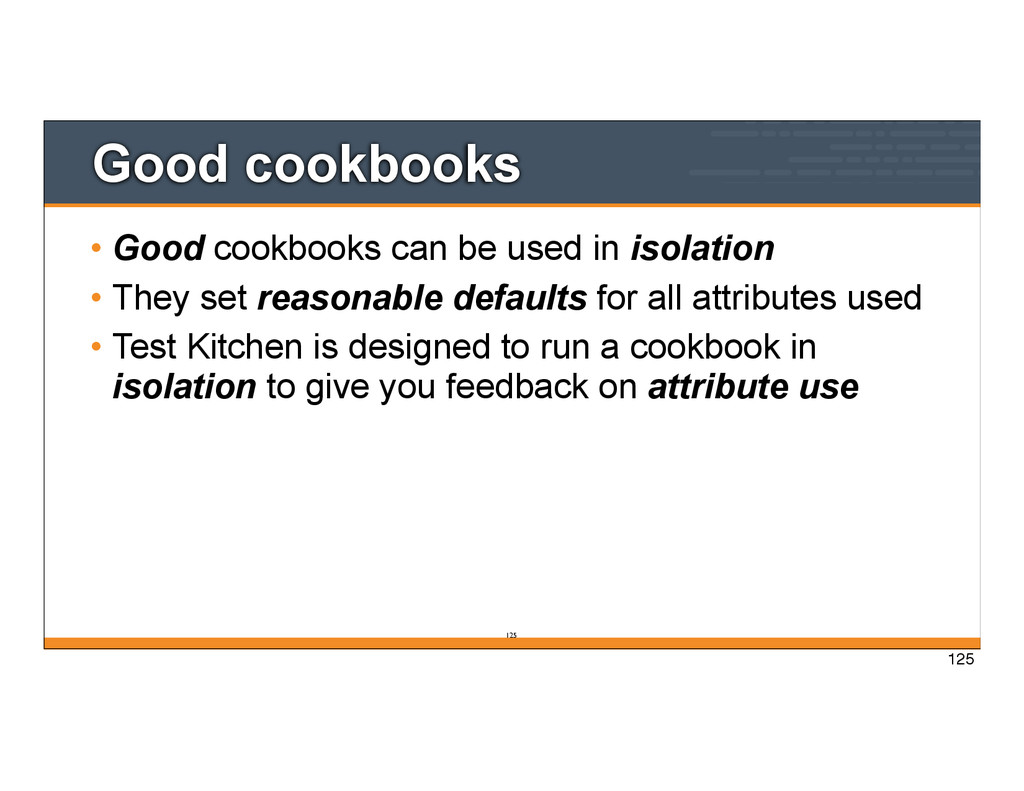
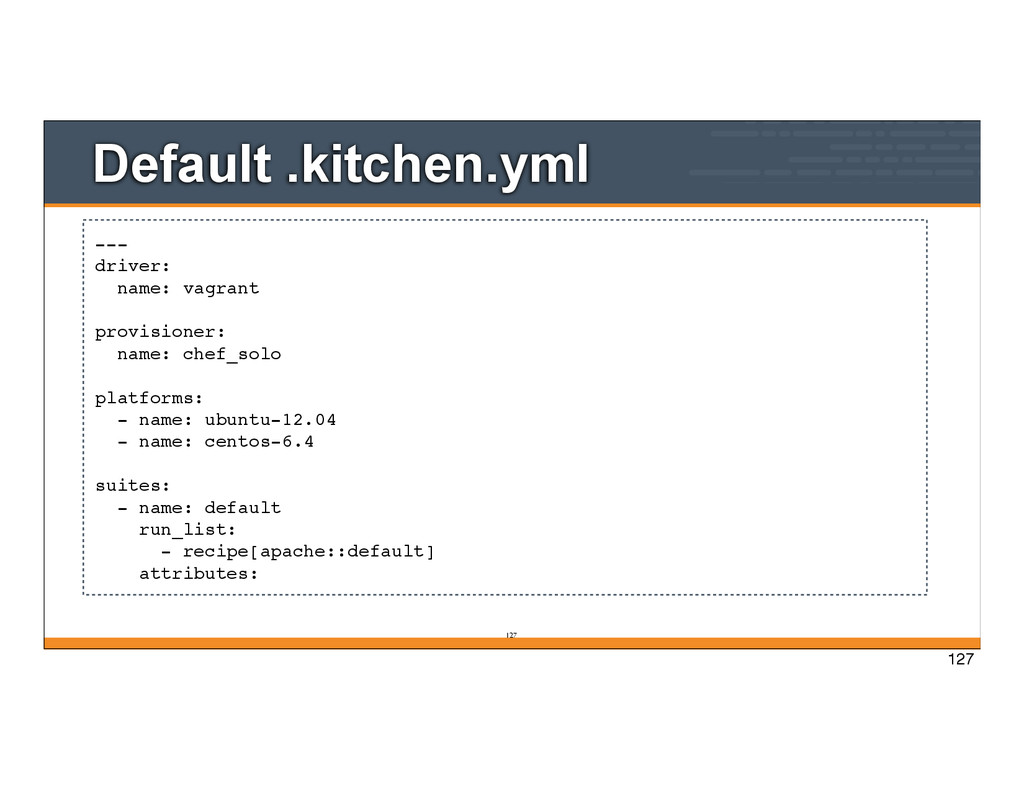
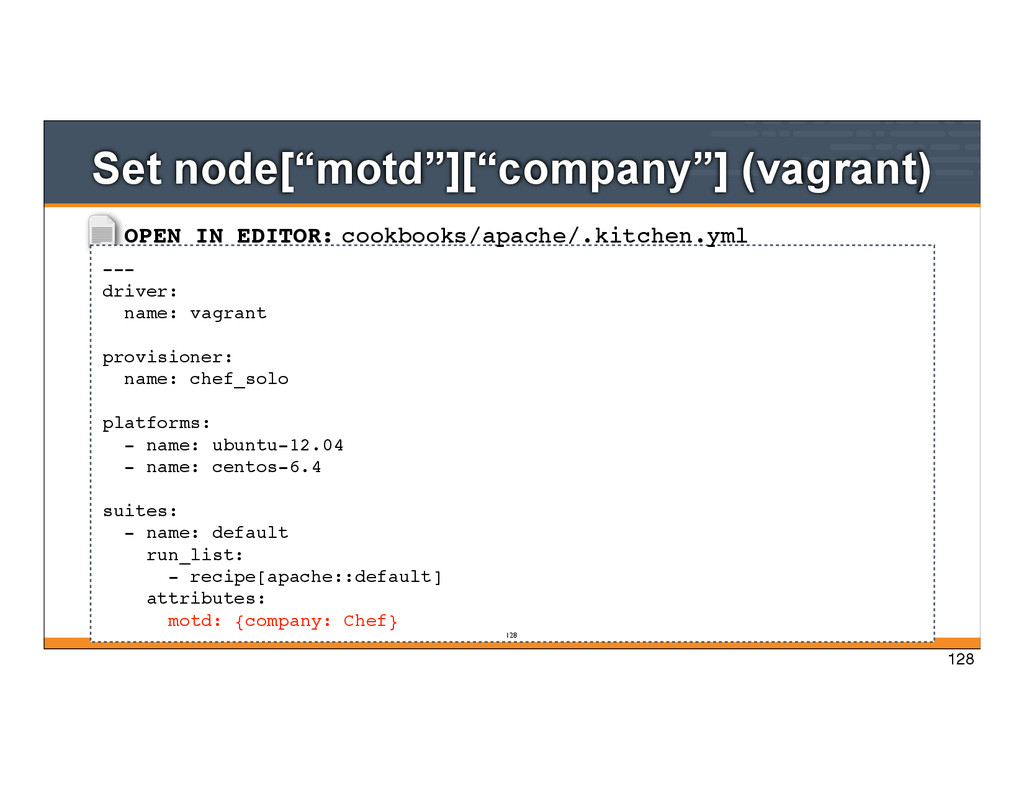
• They set reasonable defaults for all attributes used • Test Kitchen is designed to run a cookbook in isolation to give you feedback on attribute use 125 125
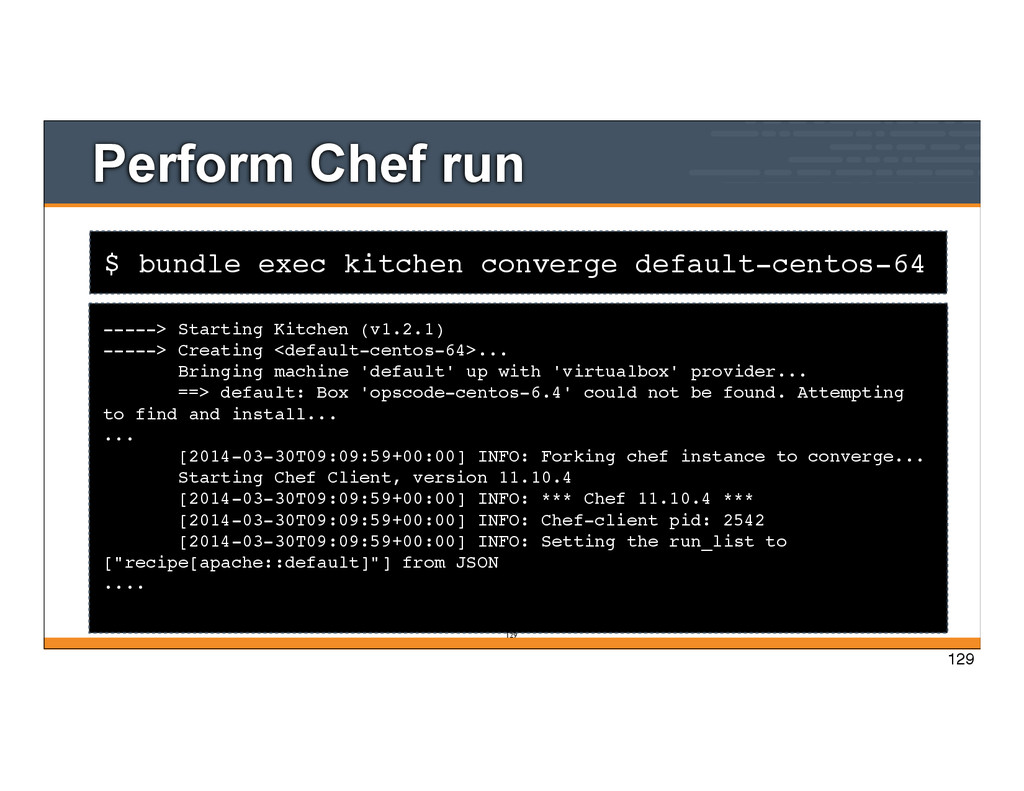
Starting Kitchen (v1.2.1) -----> Creating <default-centos-64>... Bringing machine 'default' up with 'virtualbox' provider... ==> default: Box 'opscode-centos-6.4' could not be found. Attempting to find and install... ... [2014-03-30T09:09:59+00:00] INFO: Forking chef instance to converge... Starting Chef Client, version 11.10.4 [2014-03-30T09:09:59+00:00] INFO: *** Chef 11.10.4 *** [2014-03-30T09:09:59+00:00] INFO: Chef-client pid: 2542 [2014-03-30T09:09:59+00:00] INFO: Setting the run_list to ["recipe[apache::default]"] from JSON .... 129 129
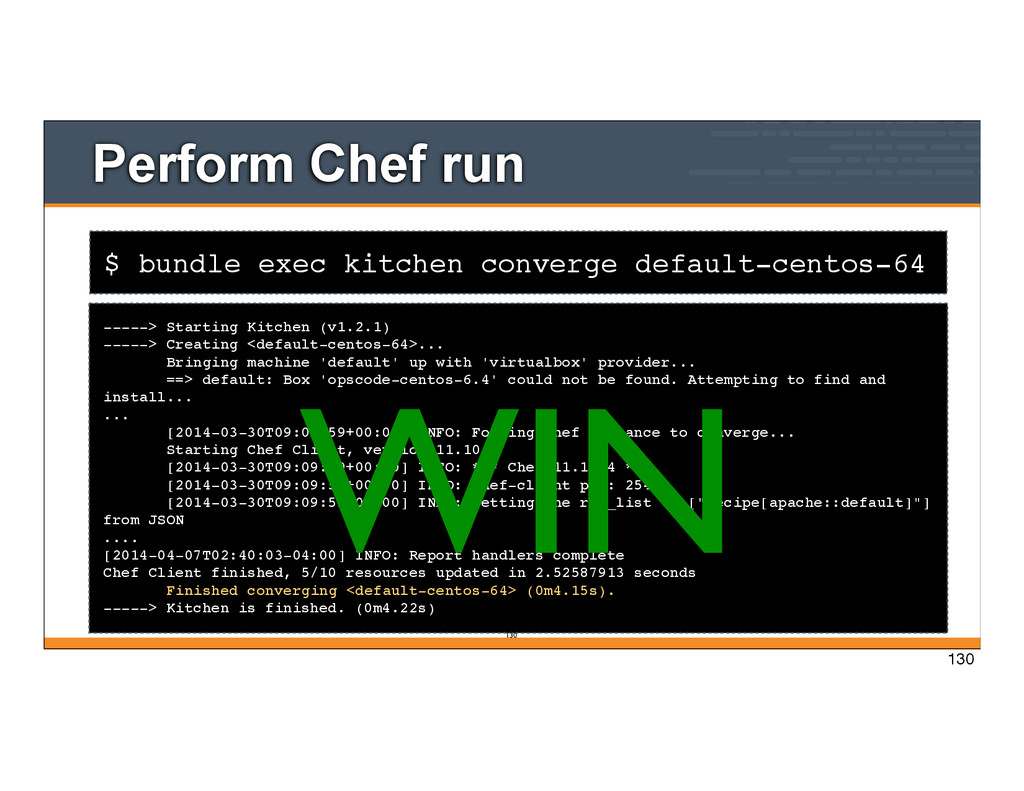
Starting Kitchen (v1.2.1) -----> Creating <default-centos-64>... Bringing machine 'default' up with 'virtualbox' provider... ==> default: Box 'opscode-centos-6.4' could not be found. Attempting to find and install... ... [2014-03-30T09:09:59+00:00] INFO: Forking chef instance to converge... Starting Chef Client, version 11.10.4 [2014-03-30T09:09:59+00:00] INFO: *** Chef 11.10.4 *** [2014-03-30T09:09:59+00:00] INFO: Chef-client pid: 2542 [2014-03-30T09:09:59+00:00] INFO: Setting the run_list to ["recipe[apache::default]"] from JSON .... [2014-04-07T02:40:03-04:00] INFO: Report handlers complete Chef Client finished, 5/10 resources updated in 2.52587913 seconds Finished converging <default-centos-64> (0m4.15s). -----> Kitchen is finished. (0m4.22s) 130 WIN 130
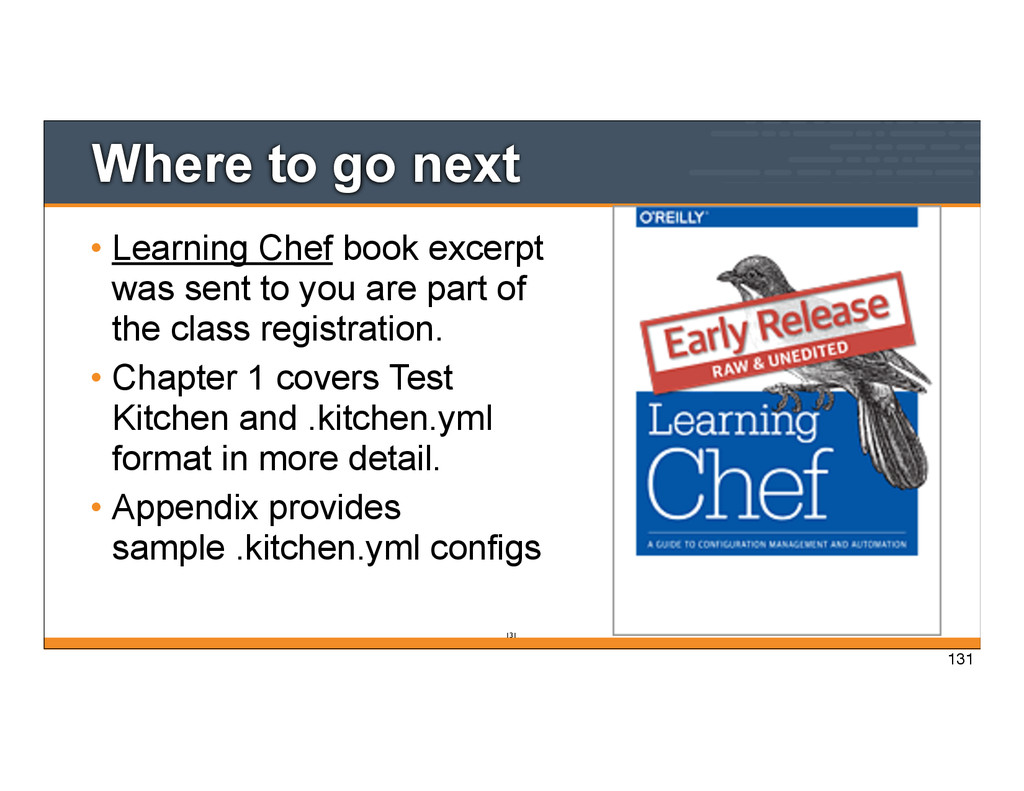
sent to you are part of the class registration. • Chapter 1 covers Test Kitchen and .kitchen.yml format in more detail. • Appendix provides sample .kitchen.yml configs 131 131
Starting Kitchen (v1.2.1) -----> Creating <default-centos-64>... Bringing machine 'default' up with 'virtualbox' provider... ==> default: Box 'opscode-centos-6.4' could not be found. Attempting to find and install... ... [2014-03-30T09:09:59+00:00] INFO: Forking chef instance to converge... Starting Chef Client, version 11.10.4 [2014-03-30T09:09:59+00:00] INFO: *** Chef 11.10.4 *** [2014-03-30T09:09:59+00:00] INFO: Chef-client pid: 2542 [2014-03-30T09:09:59+00:00] INFO: Setting the run_list to ["recipe[apache::default]"] from JSON .... 136 136
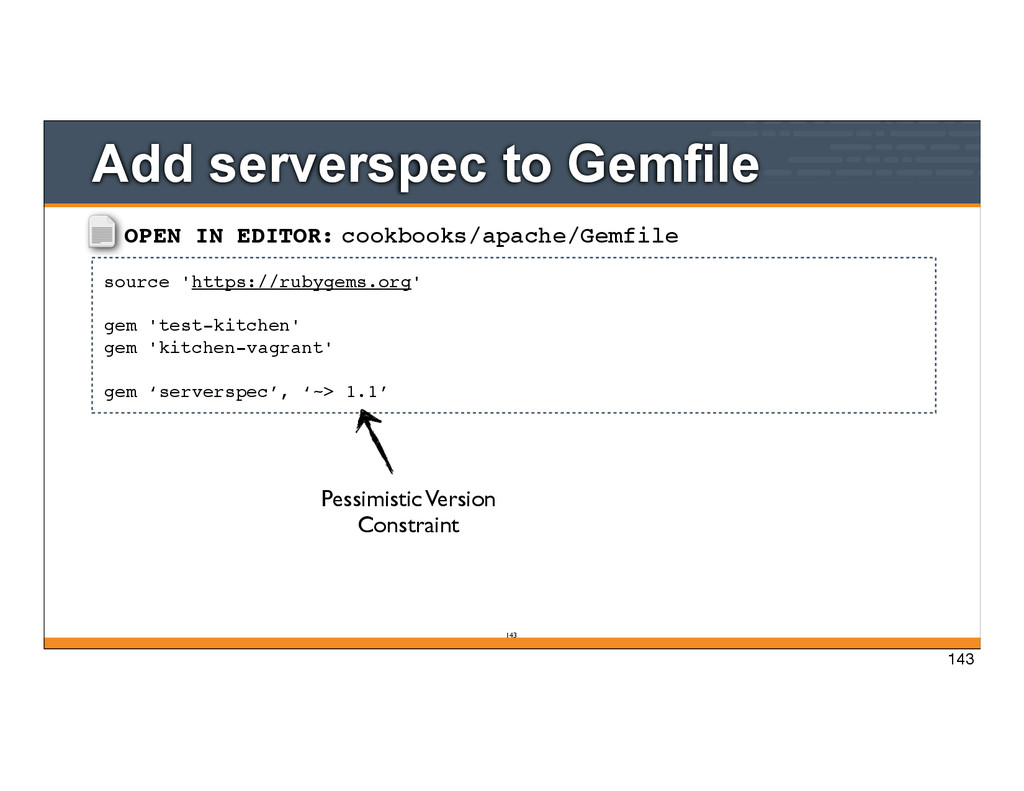
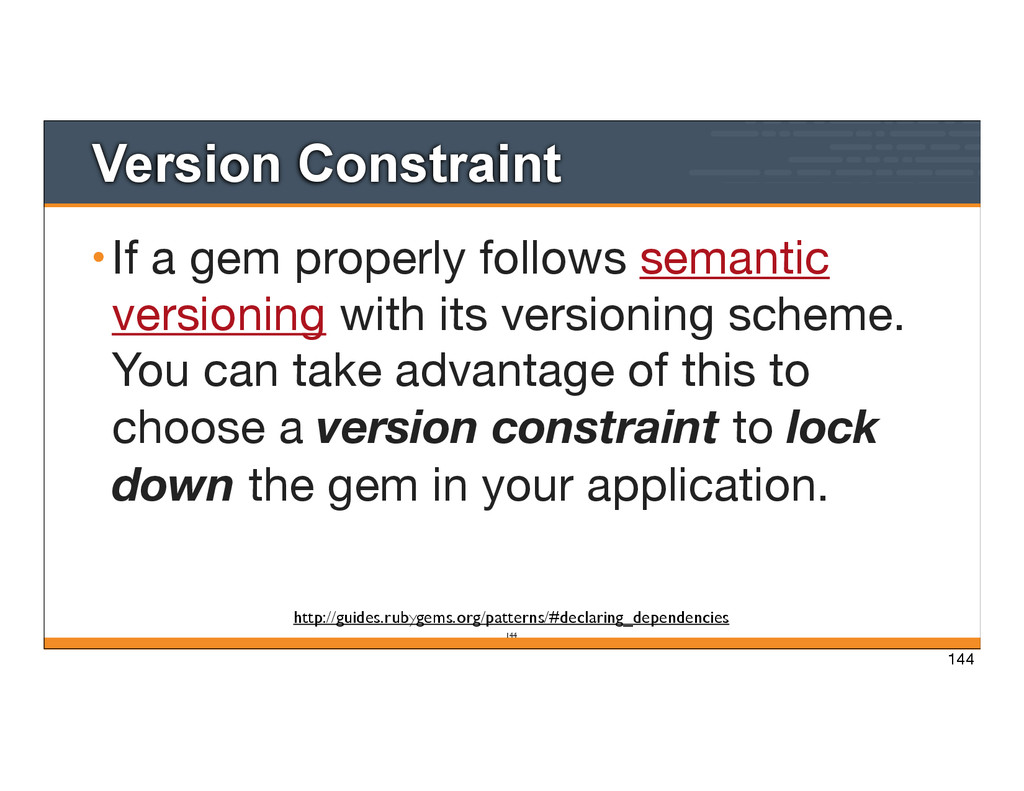
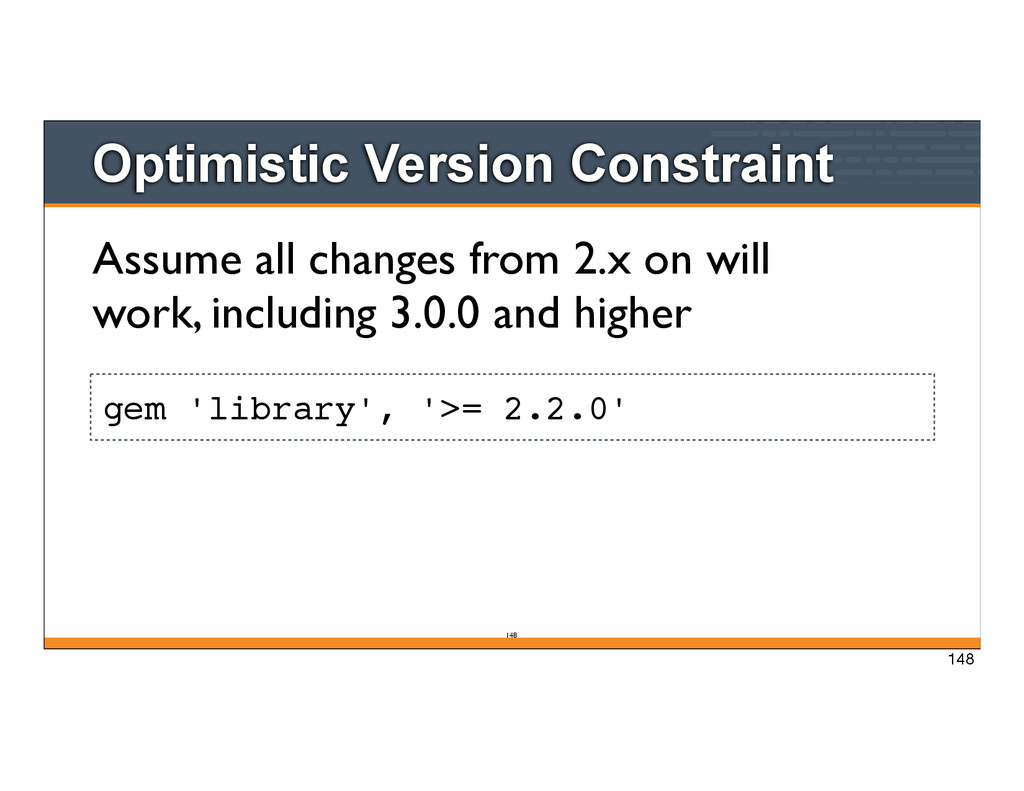
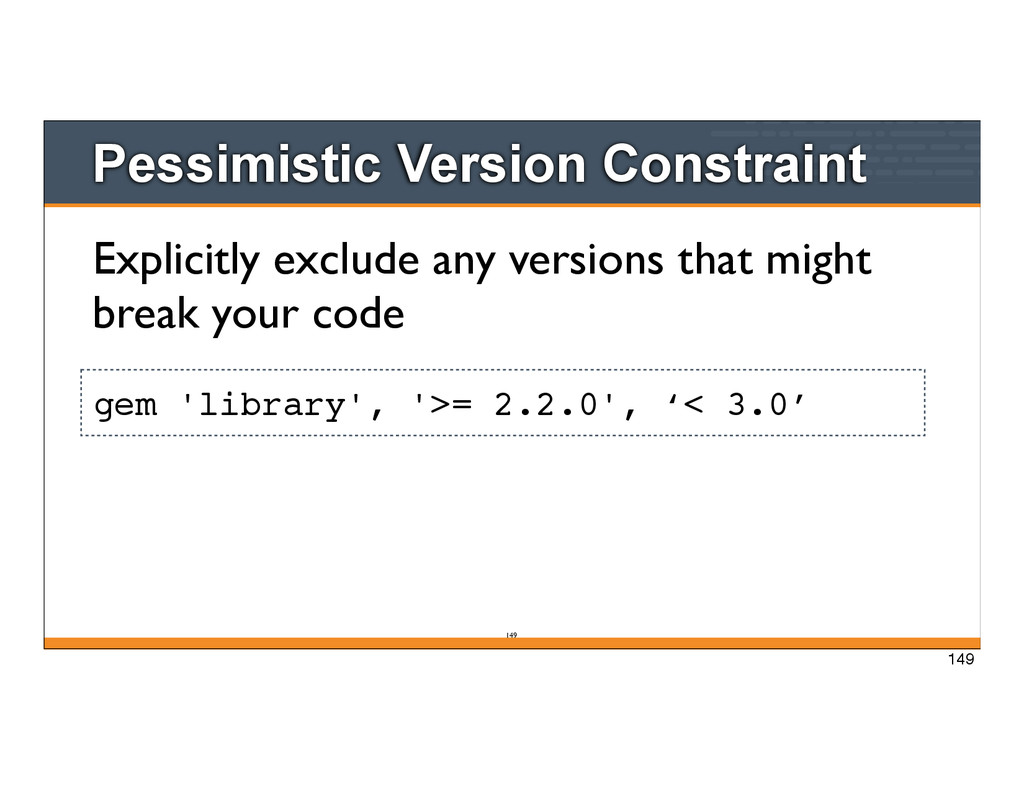
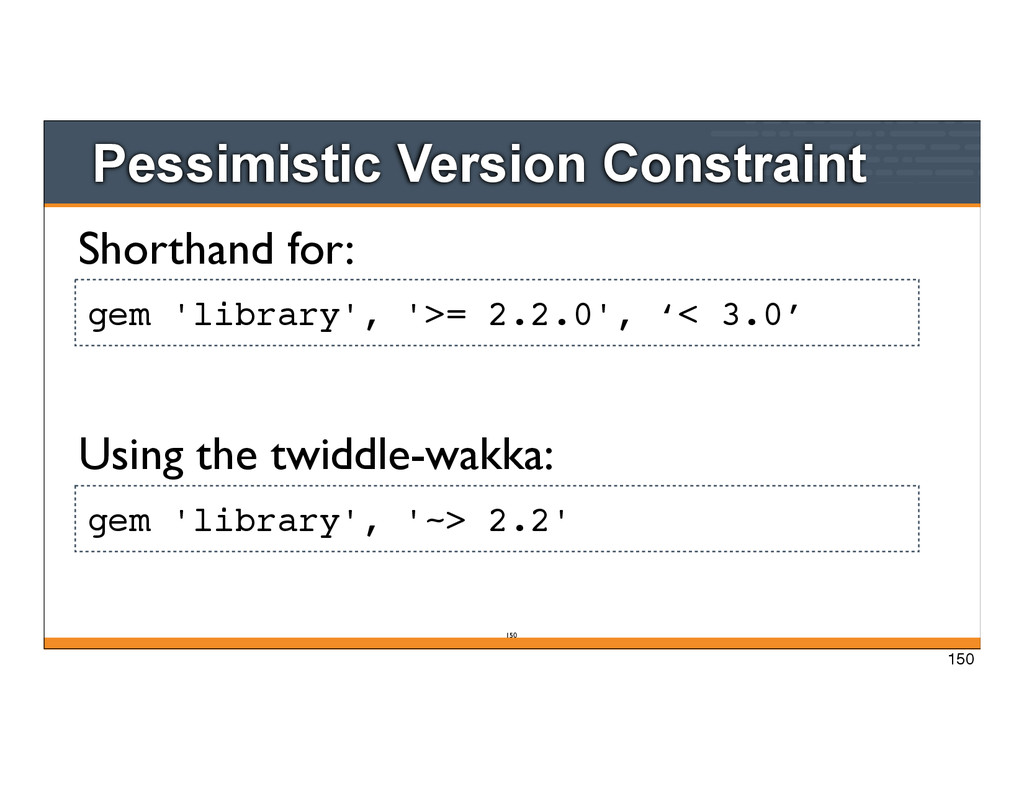
with its versioning scheme. You can take advantage of this to choose a version constraint to lock down the gem in your application. http://guides.rubygems.org/patterns/#declaring_dependencies 144
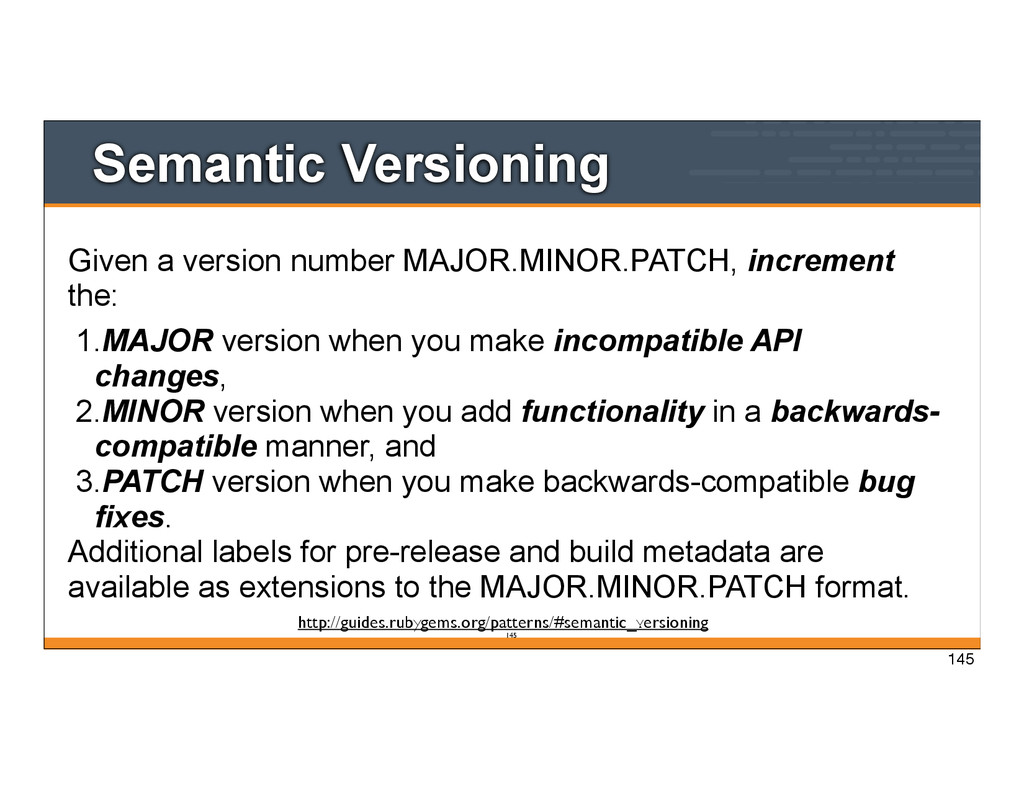
1.MAJOR version when you make incompatible API changes, 2.MINOR version when you add functionality in a backwards- compatible manner, and 3.PATCH version when you make backwards-compatible bug fixes. Additional labels for pre-release and build metadata are available as extensions to the MAJOR.MINOR.PATCH format. http://guides.rubygems.org/patterns/#semantic_versioning 145
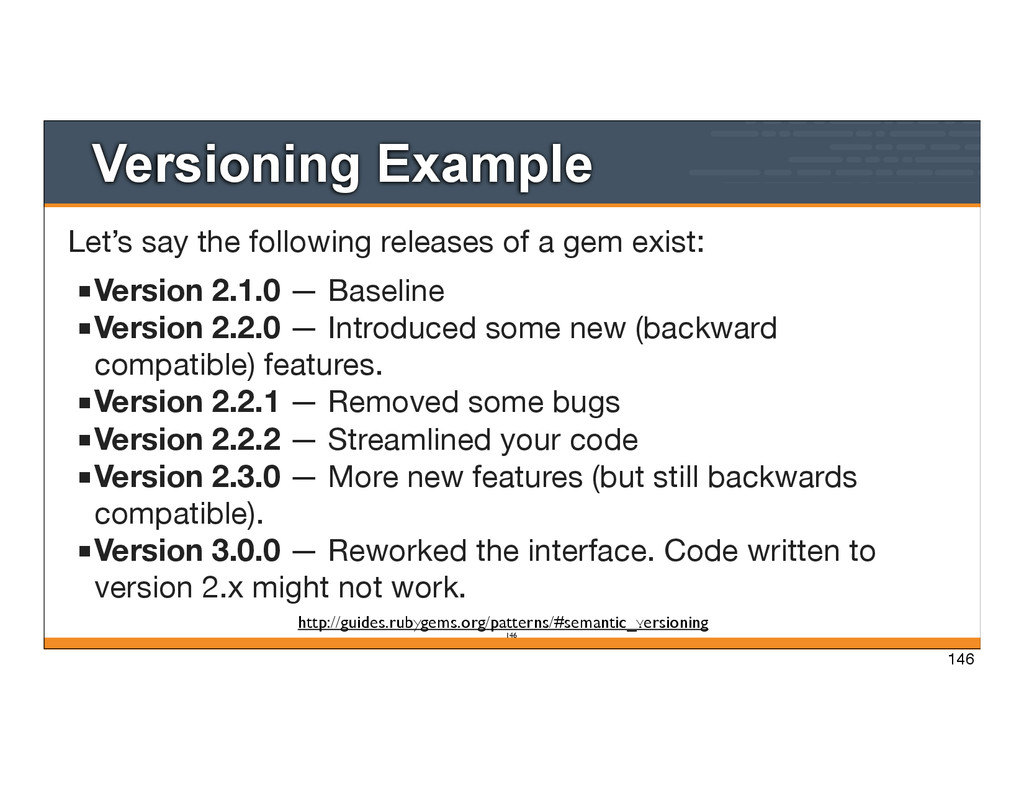
gem exist: ▪Version 2.1.0 — Baseline ▪Version 2.2.0 — Introduced some new (backward compatible) features. ▪Version 2.2.1 — Removed some bugs ▪Version 2.2.2 — Streamlined your code ▪Version 2.3.0 — More new features (but still backwards compatible). ▪Version 3.0.0 — Reworked the interface. Code written to version 2.x might not work. http://guides.rubygems.org/patterns/#semantic_versioning 146
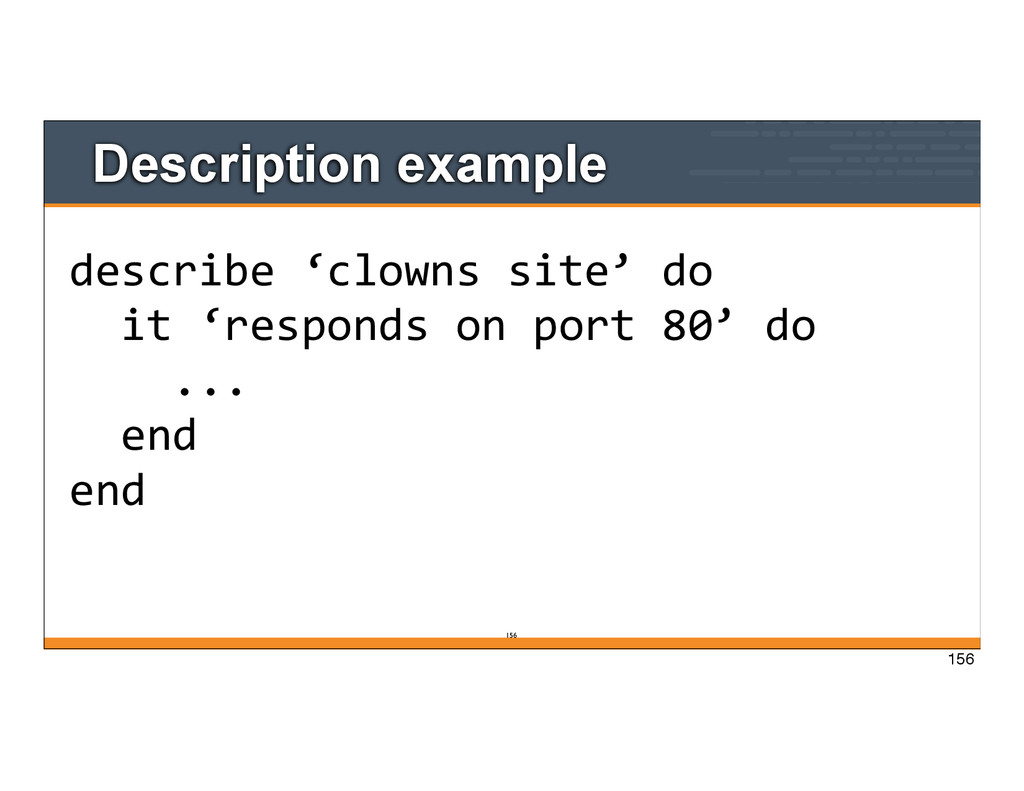
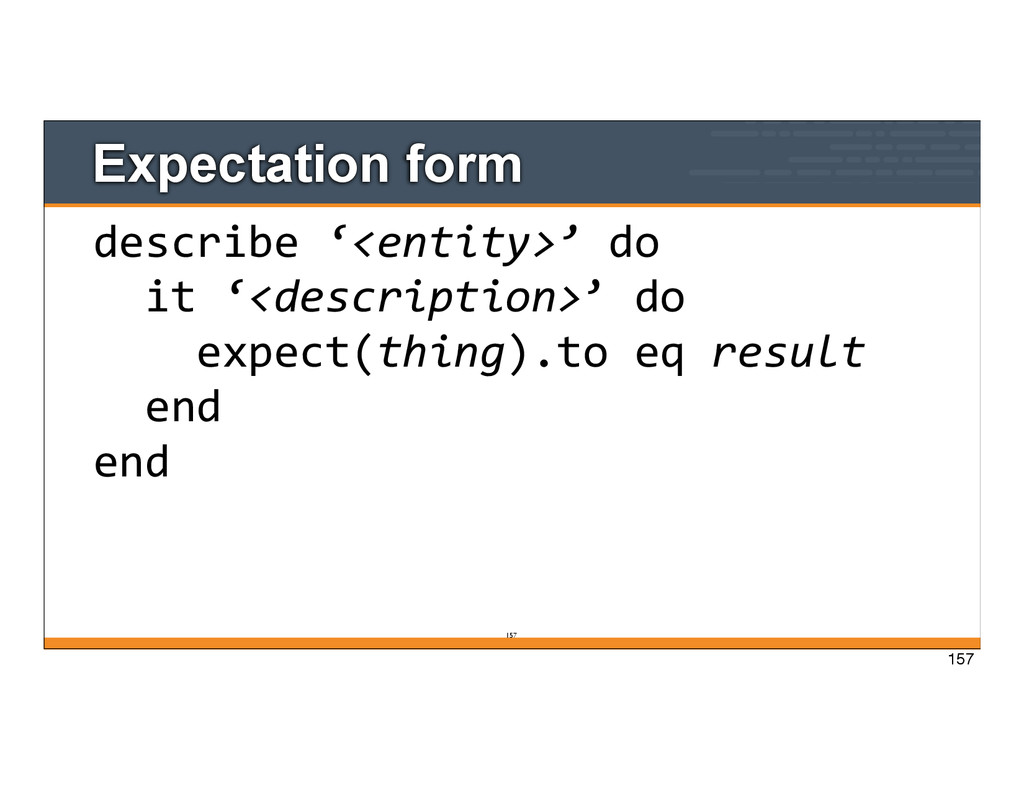
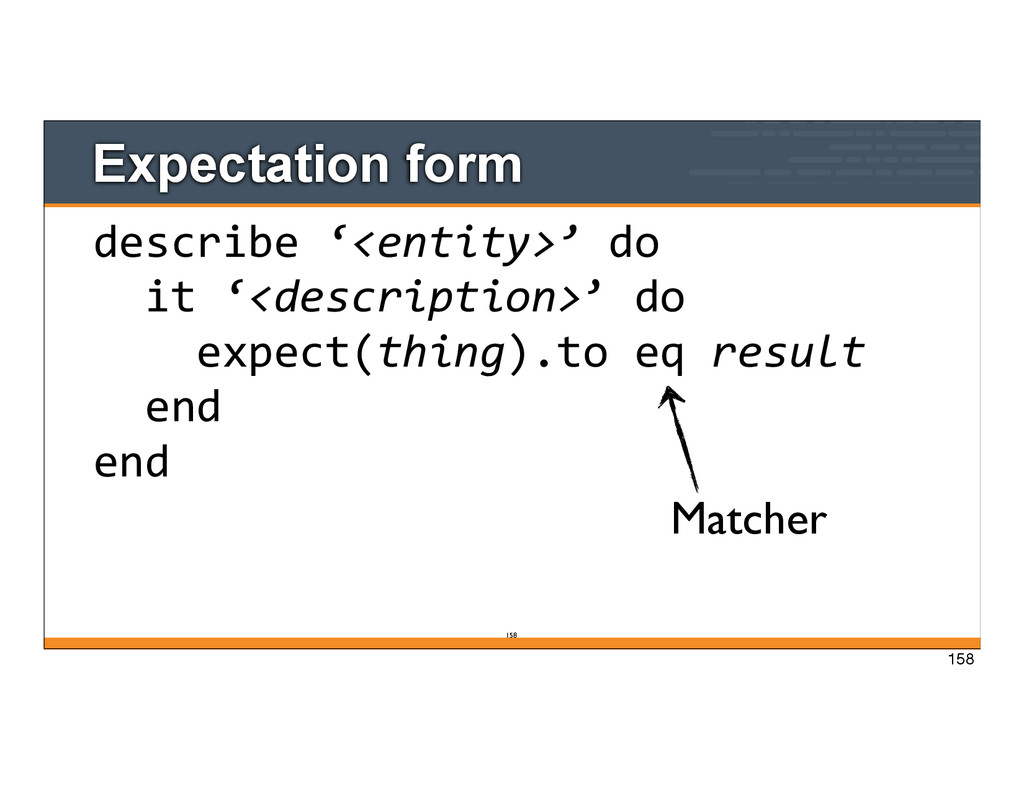
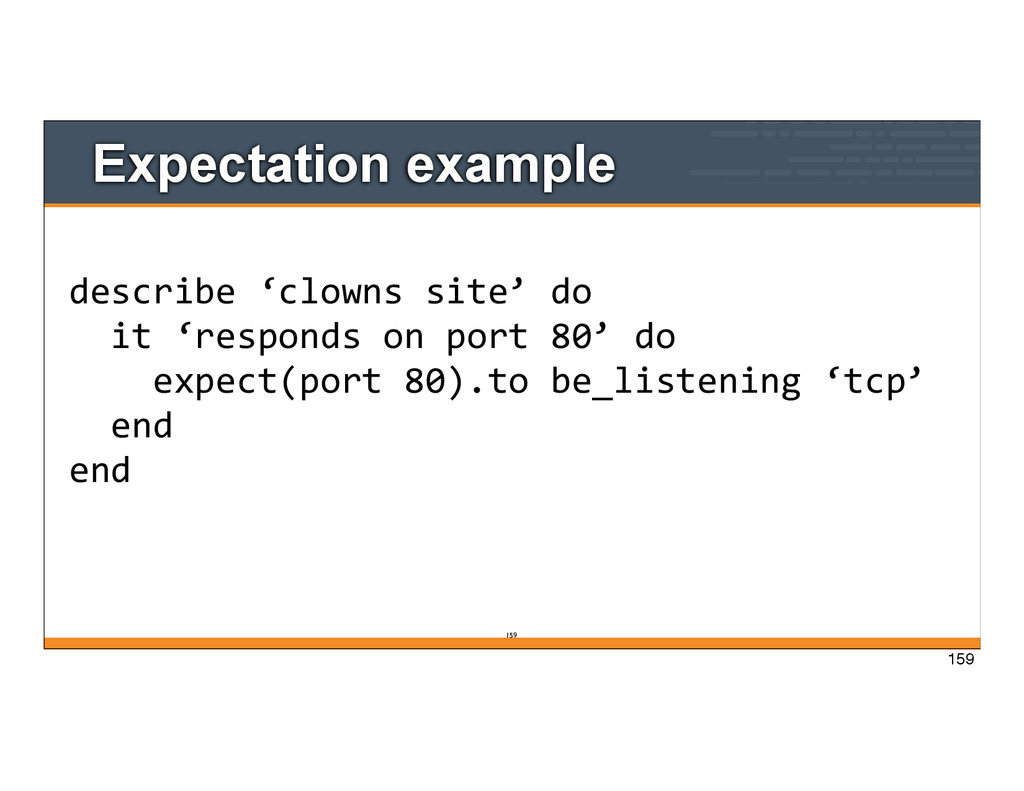
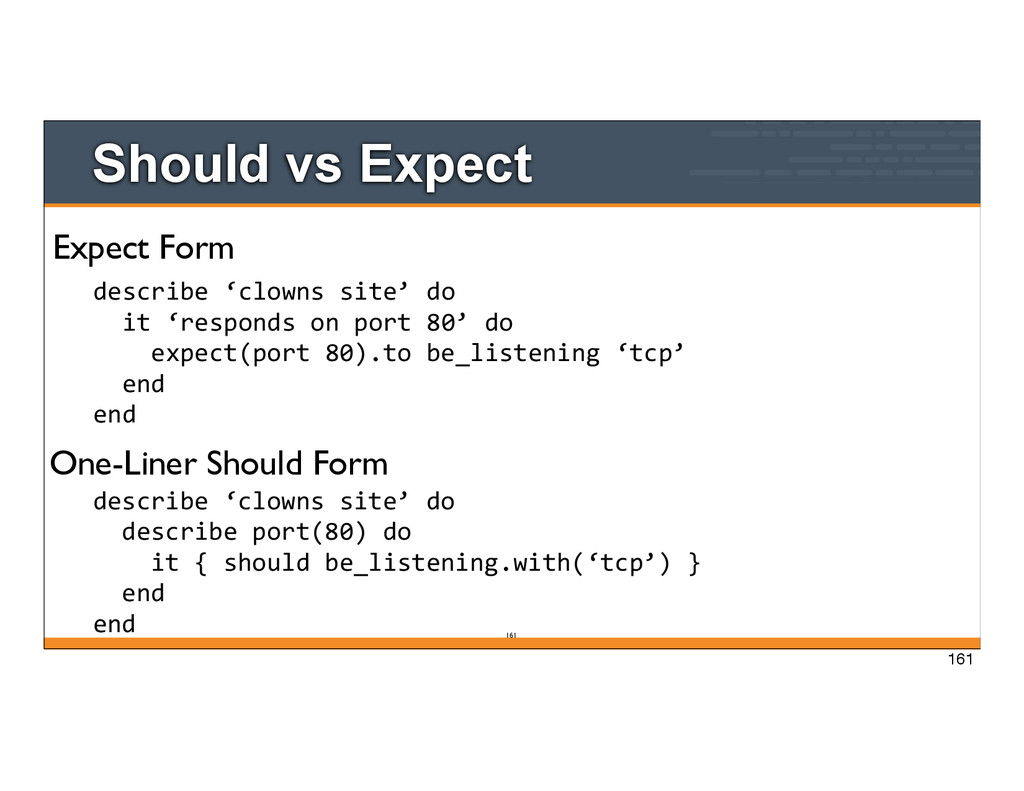
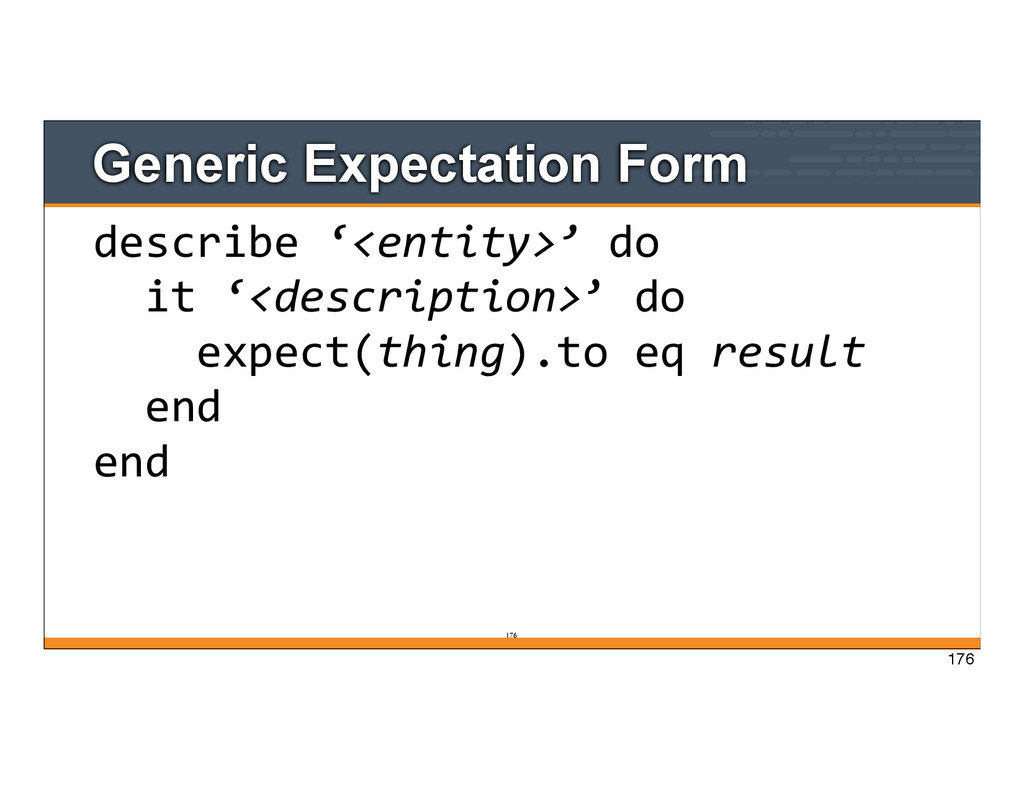
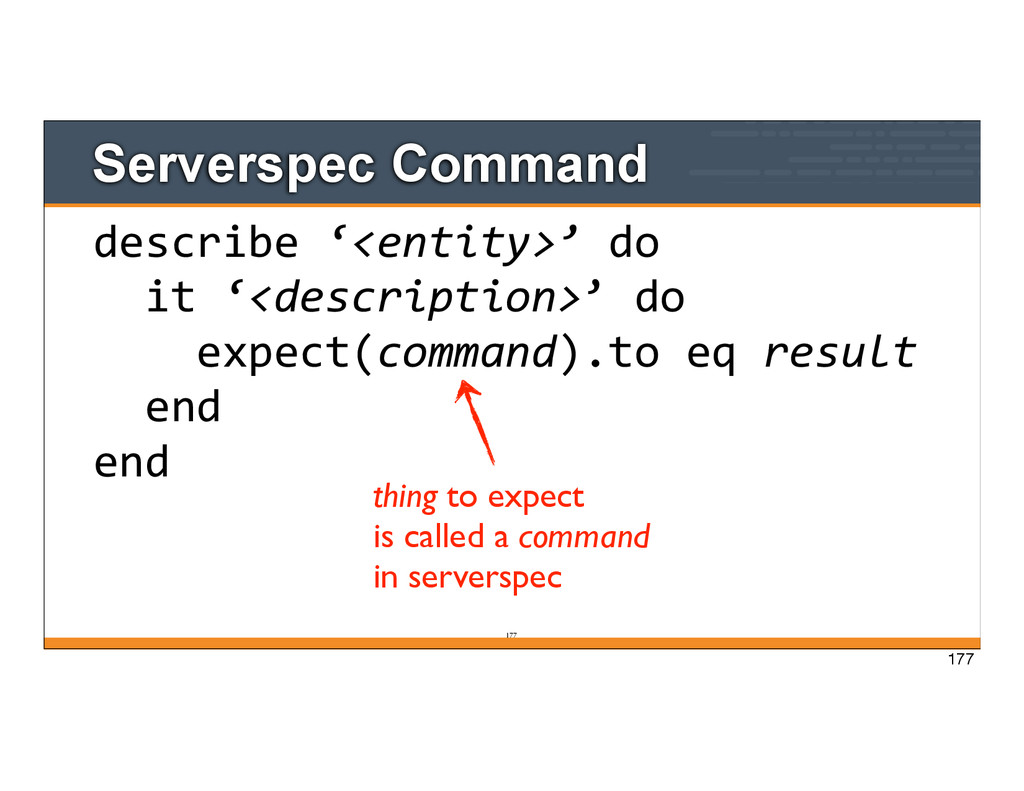
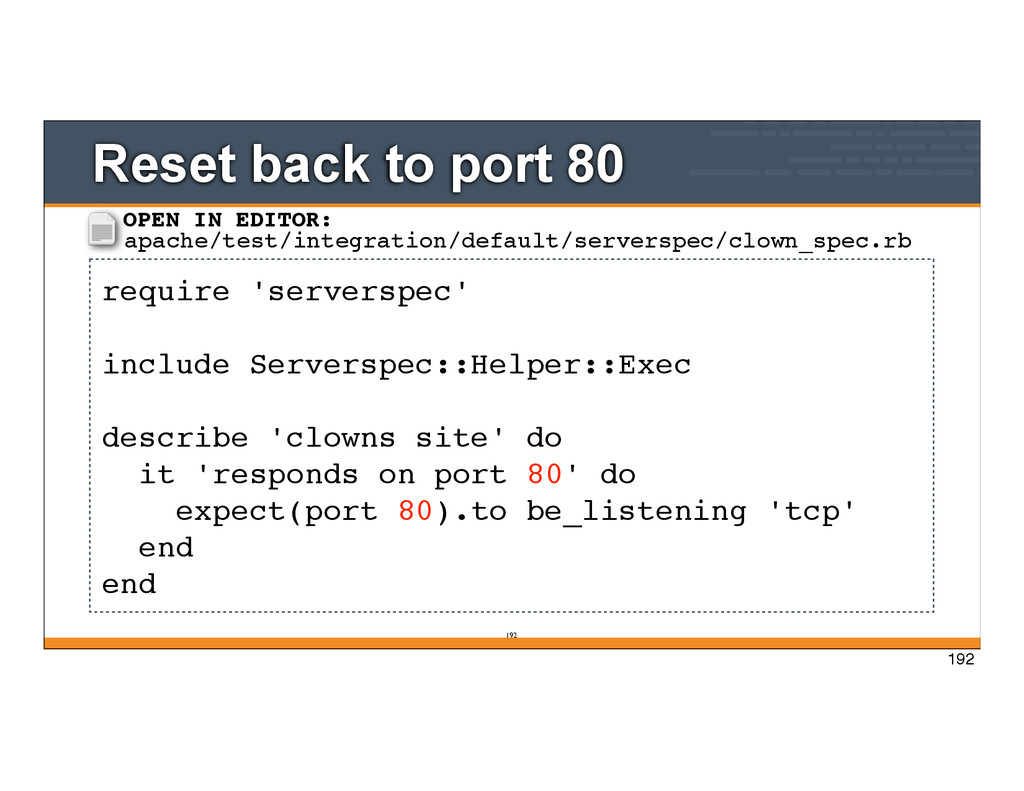
‘responds on port 80’ do expect(port 80).to be_listening ‘tcp’ end end Expect Form One-Liner Should Form describe ‘clowns site’ do describe port(80) do it { should be_listening.with(‘tcp’) } end end 161
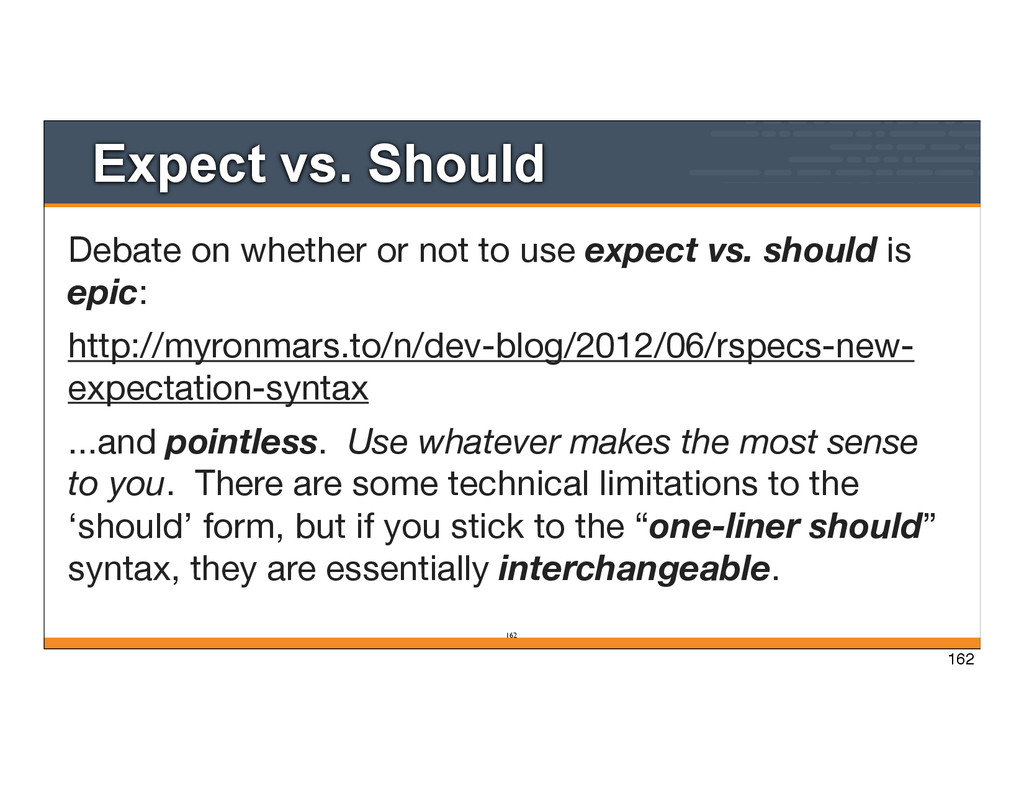
use expect vs. should is epic: http://myronmars.to/n/dev-blog/2012/06/rspecs-new- expectation-syntax ...and pointless. Use whatever makes the most sense to you. There are some technical limitations to the ‘should’ form, but if you stick to the “one-liner should” syntax, they are essentially interchangeable. 162
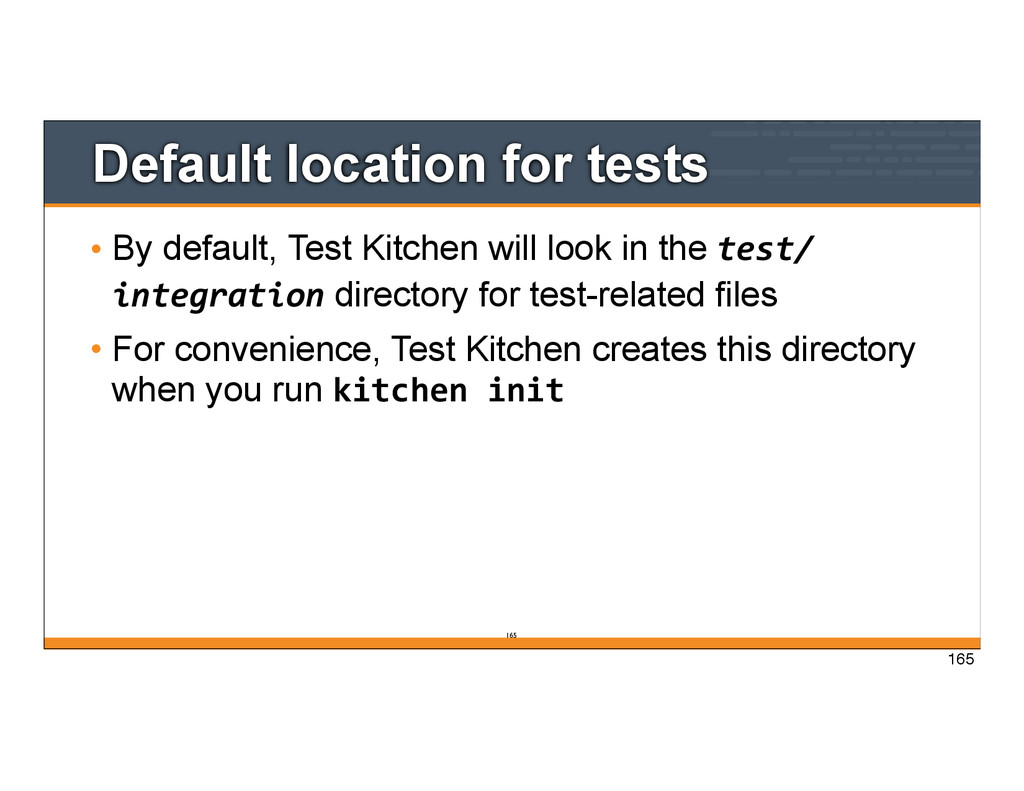
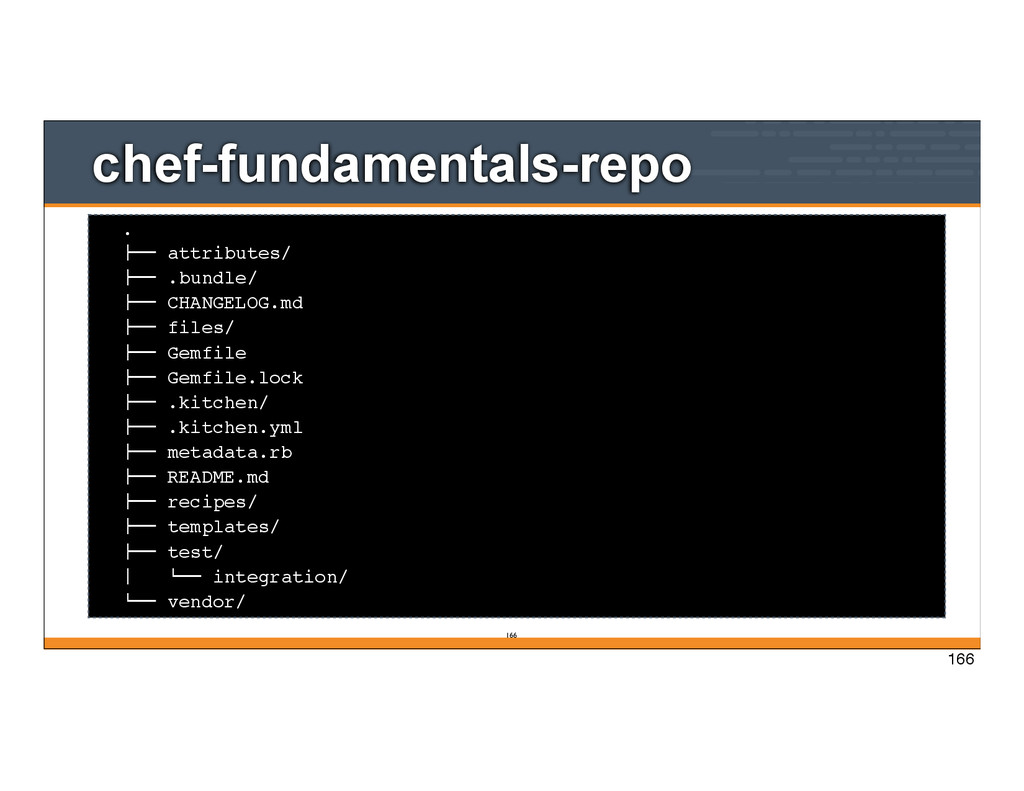
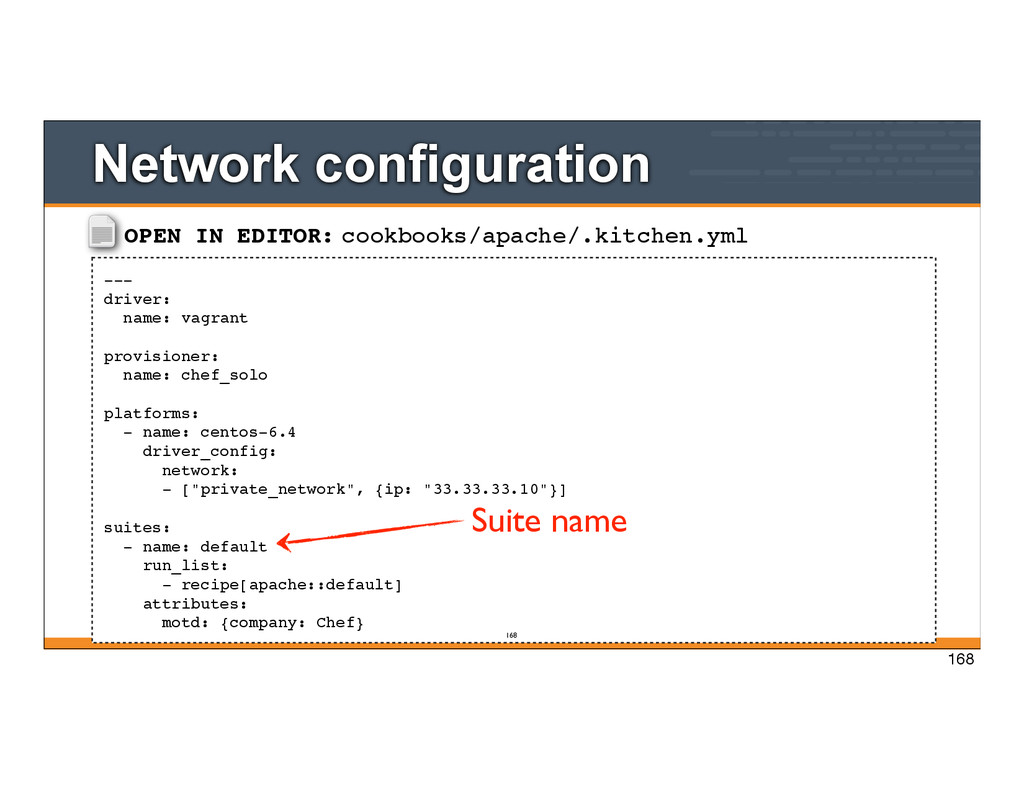
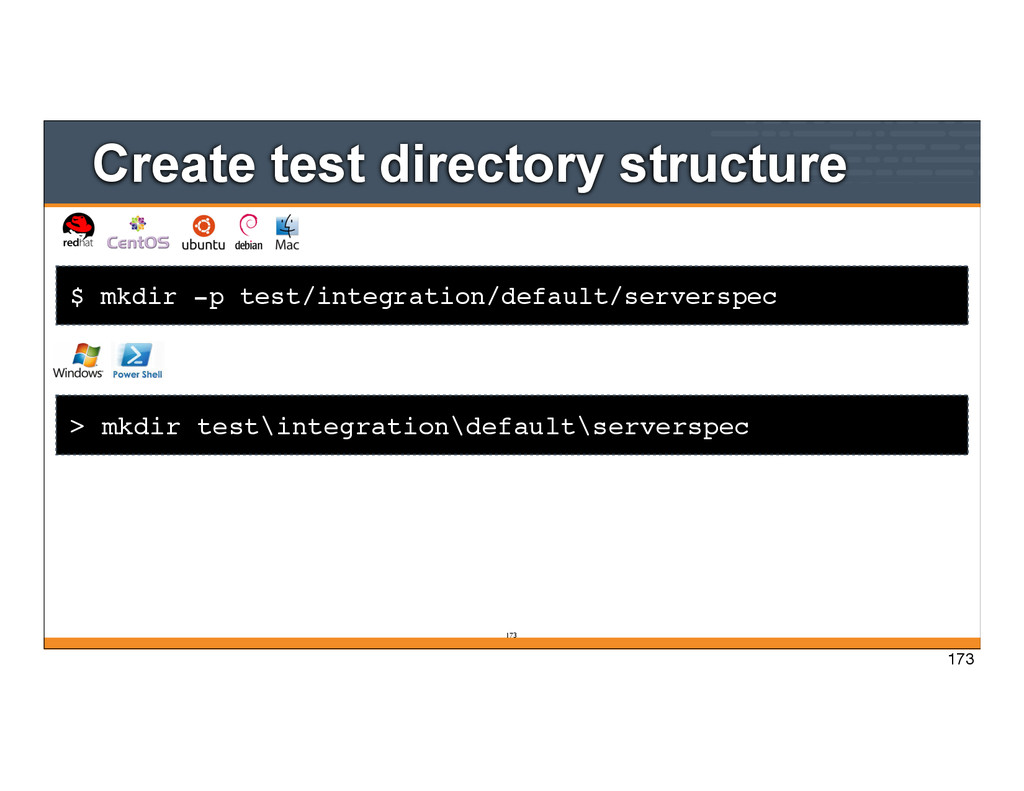
will look in the test/ integration directory for test-related files • For convenience, Test Kitchen creates this directory when you run kitchen init 165
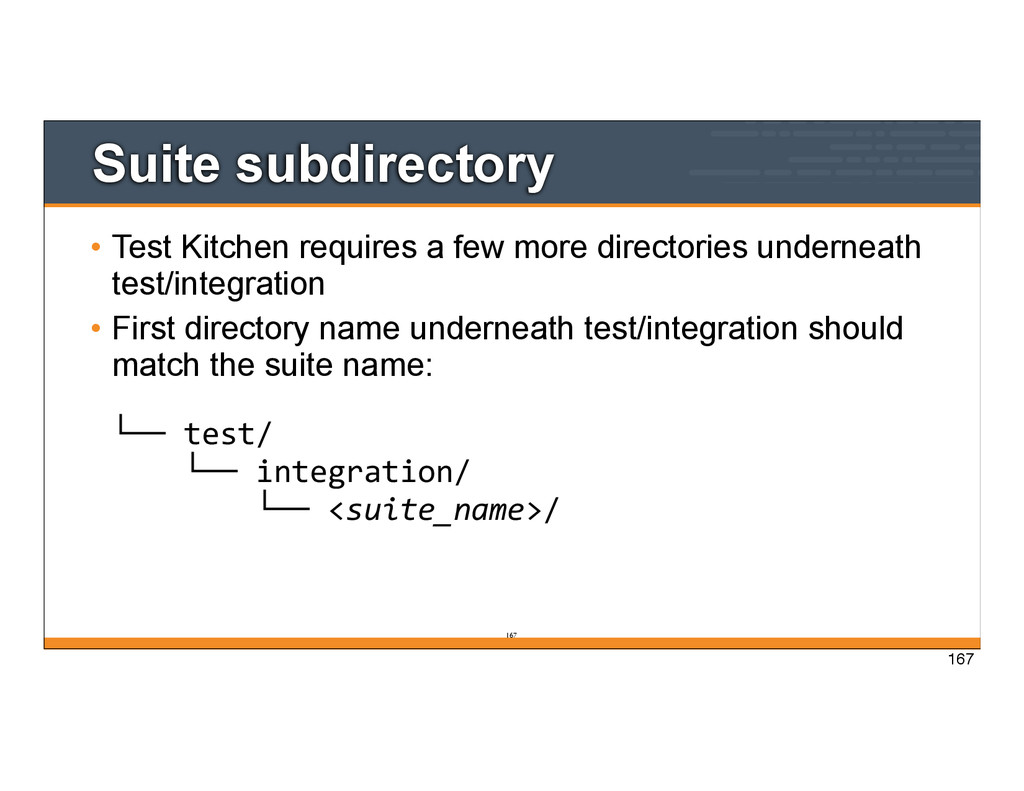
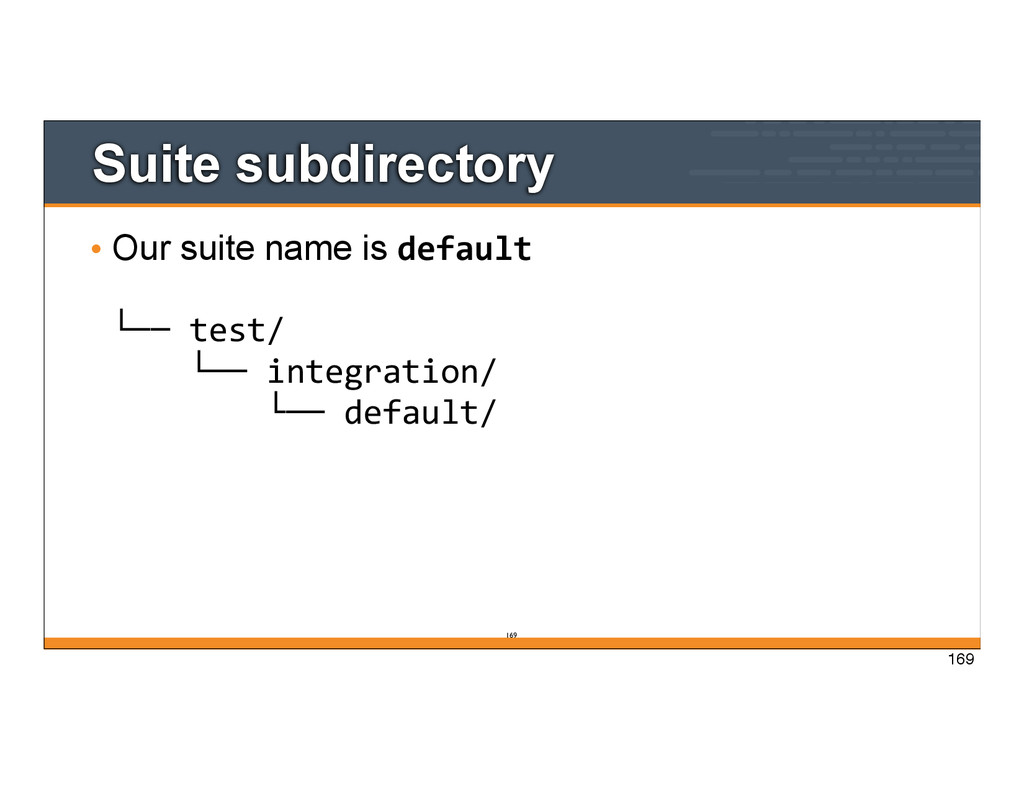
directories underneath test/integration • First directory name underneath test/integration should match the suite name: └── test/ └── integration/ └── <suite_name>/ 167
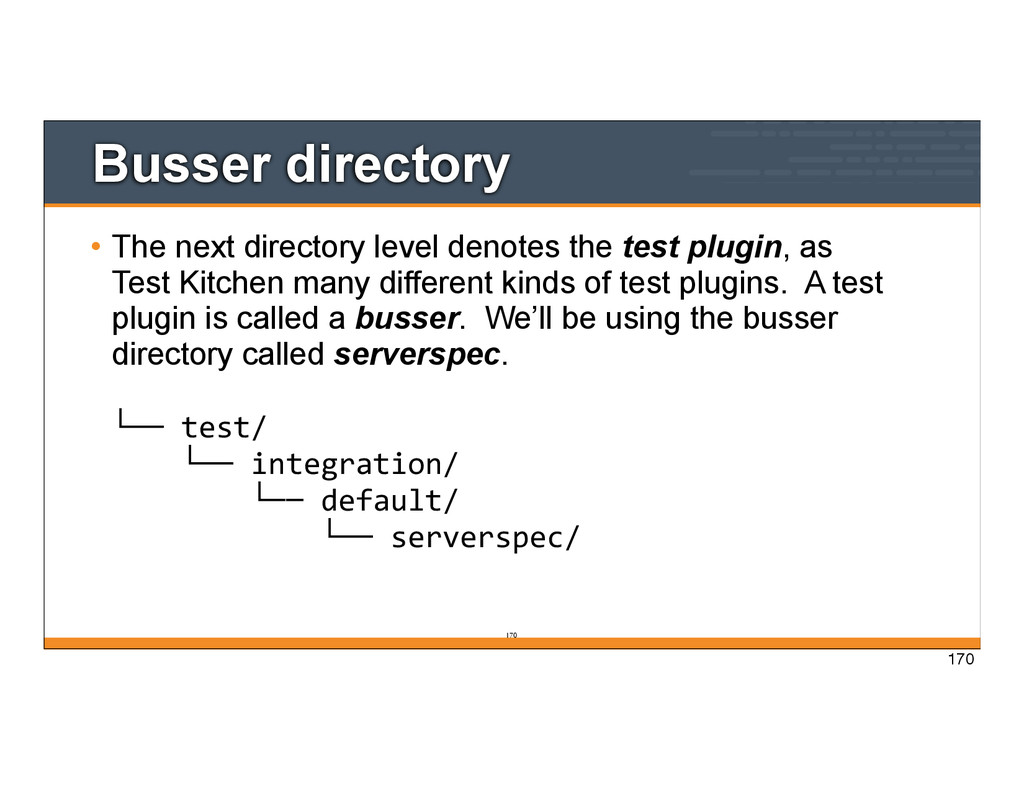
test plugin, as Test Kitchen many different kinds of test plugins. A test plugin is called a busser. We’ll be using the busser directory called serverspec. └── test/ └── integration/ └── default/ └── serverspec/ 170
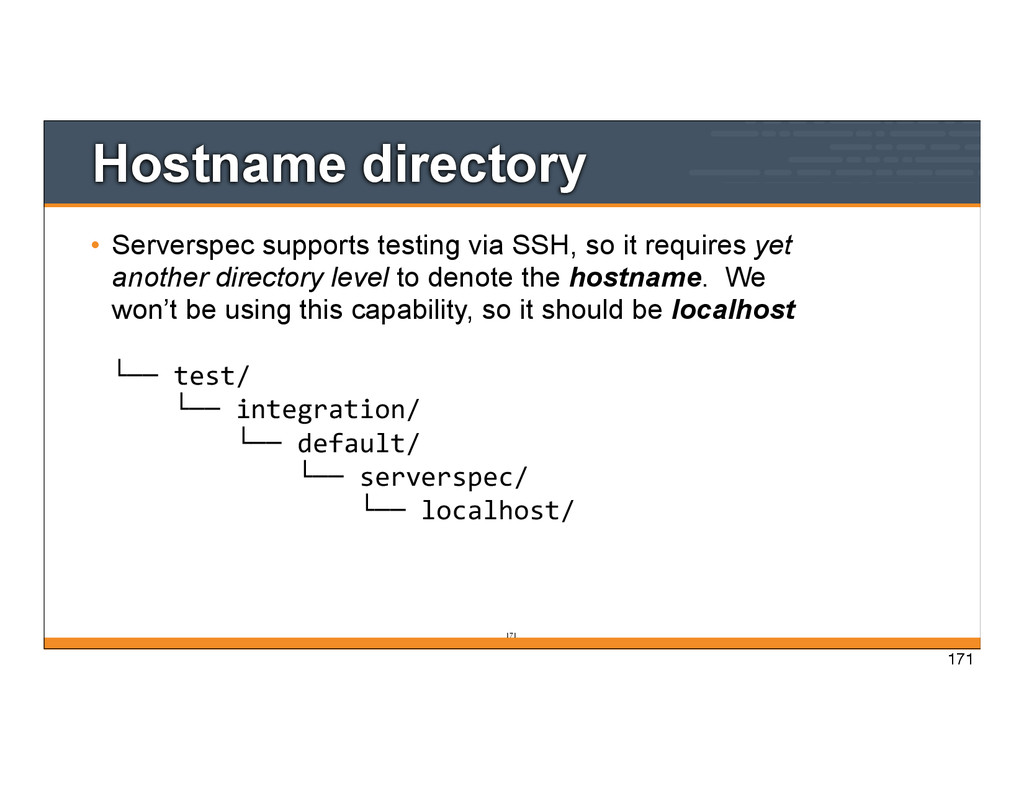
it requires yet another directory level to denote the hostname. We won’t be using this capability, so it should be localhost └── test/ └── integration/ └── default/ └── serverspec/ └── localhost/ 171
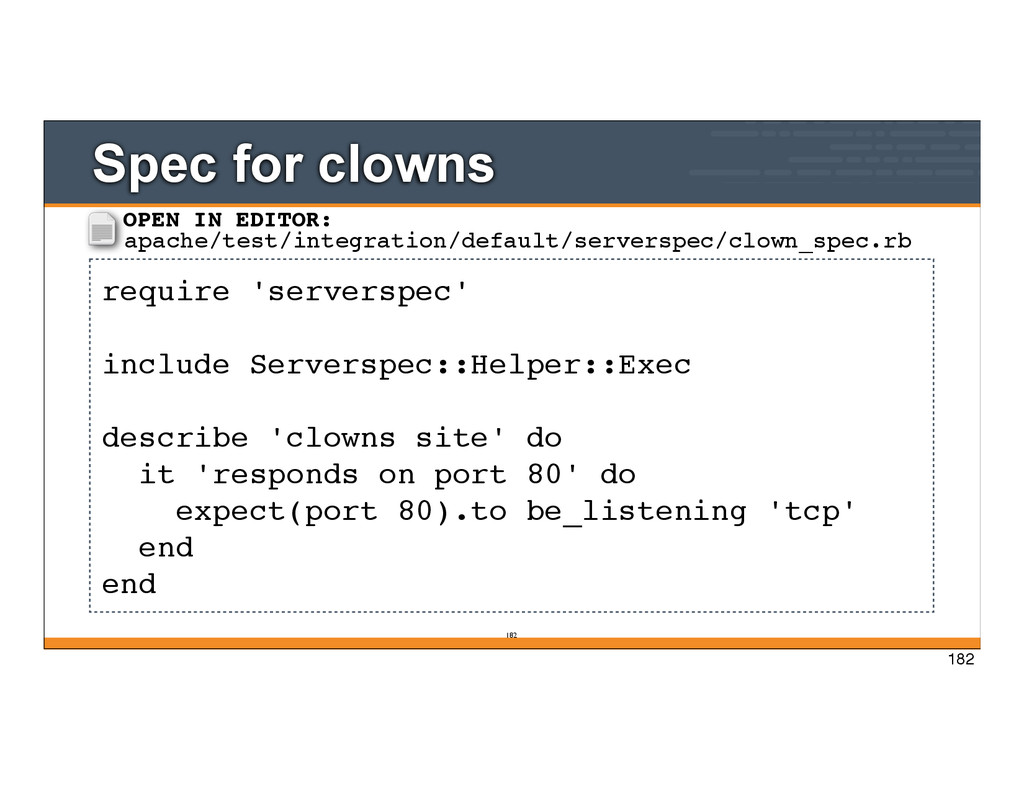
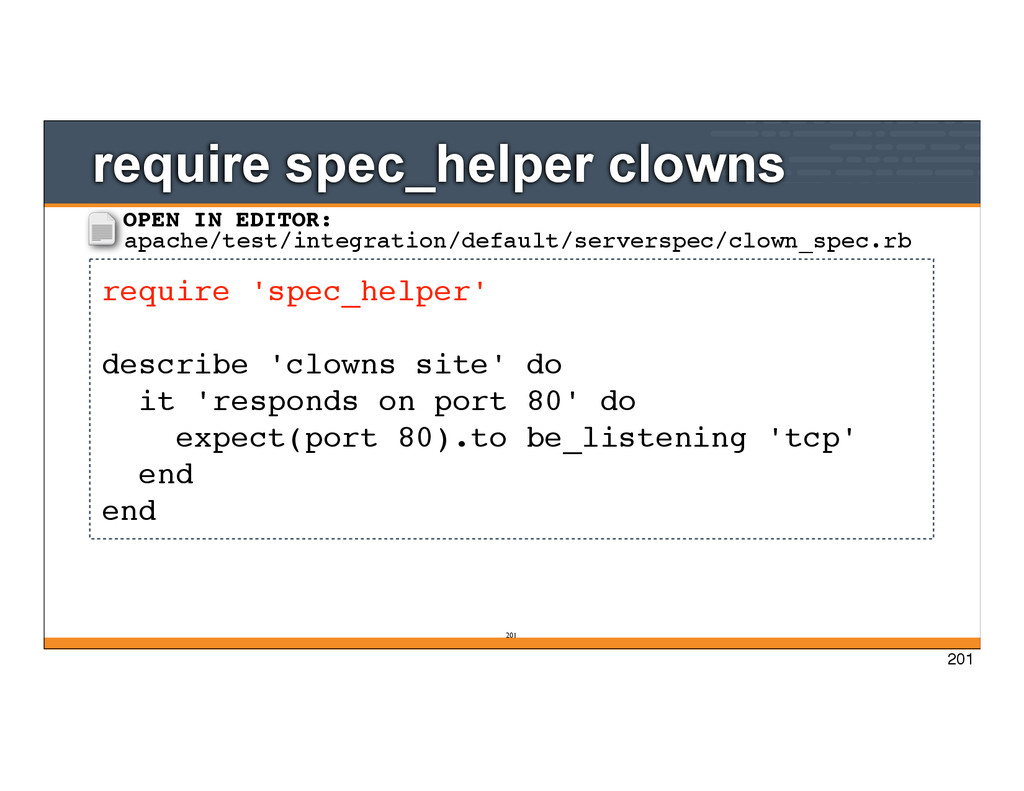
site' do it 'responds on port 80' do expect(port 80).to be_listening 'tcp' end end OPEN IN EDITOR: apache/test/integration/default/serverspec/clown_spec.rb 182
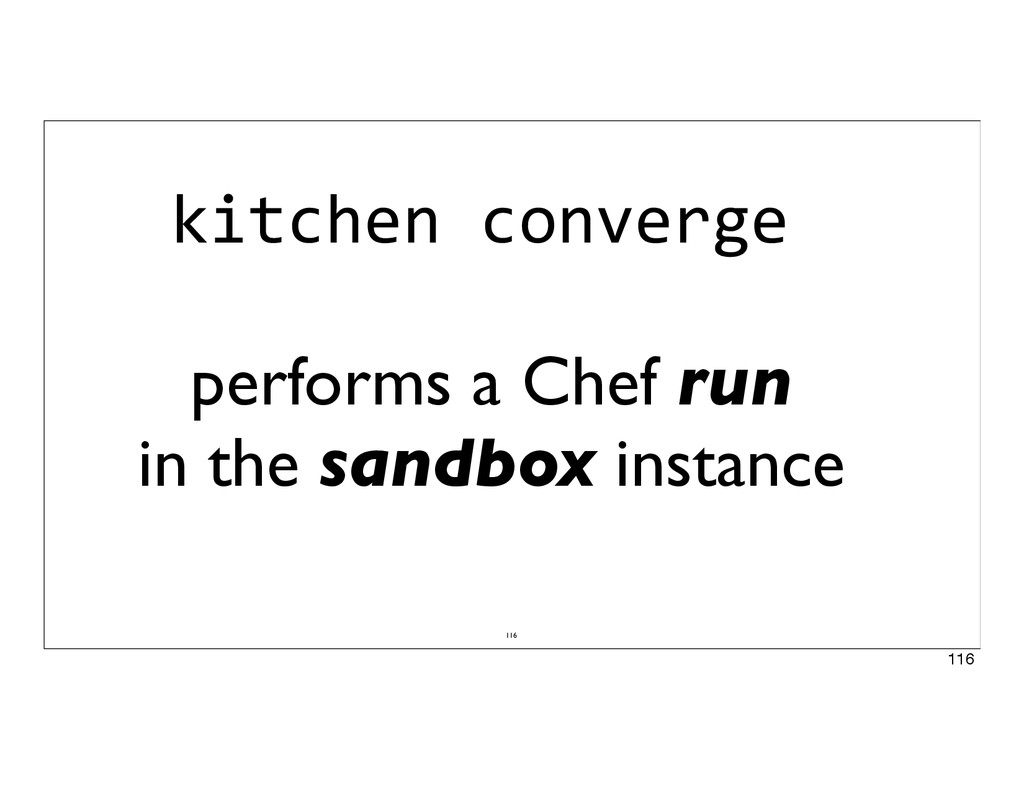
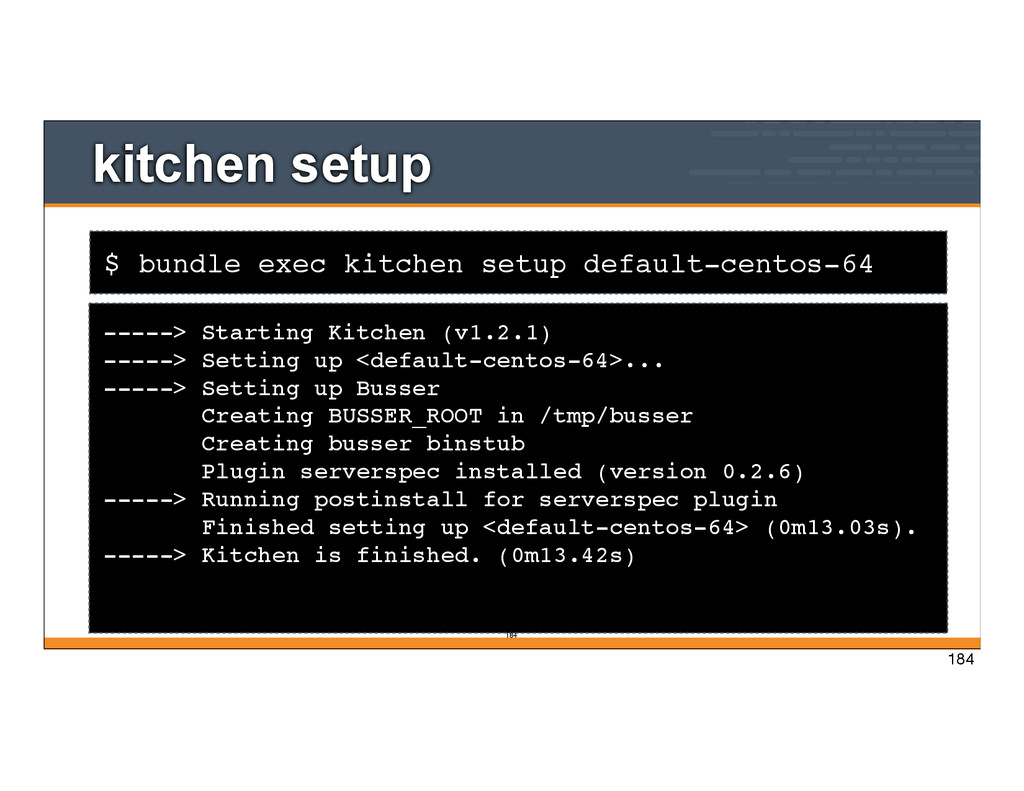
run kitchen setup • kitchen setup loads and configures the file necessary to run test plugins on the node • The component that manages Test Kitchen plugins is called Busser 183
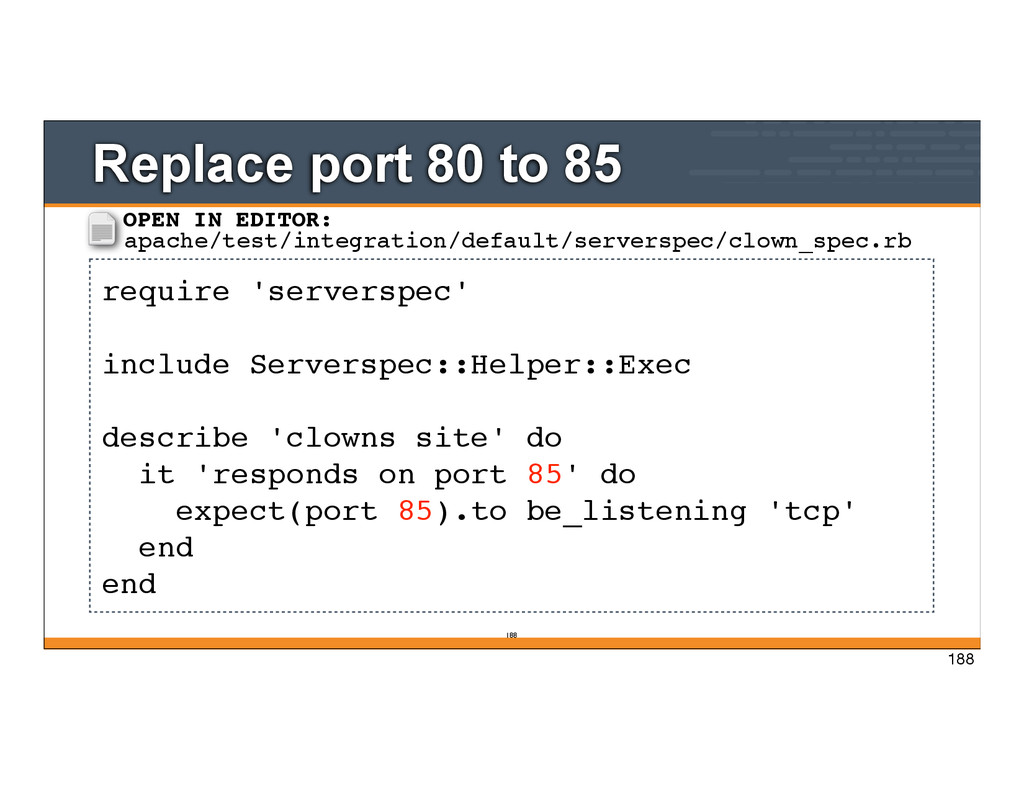
describe 'clowns site' do it 'responds on port 85' do expect(port 85).to be_listening 'tcp' end end OPEN IN EDITOR: apache/test/integration/default/serverspec/clown_spec.rb 188
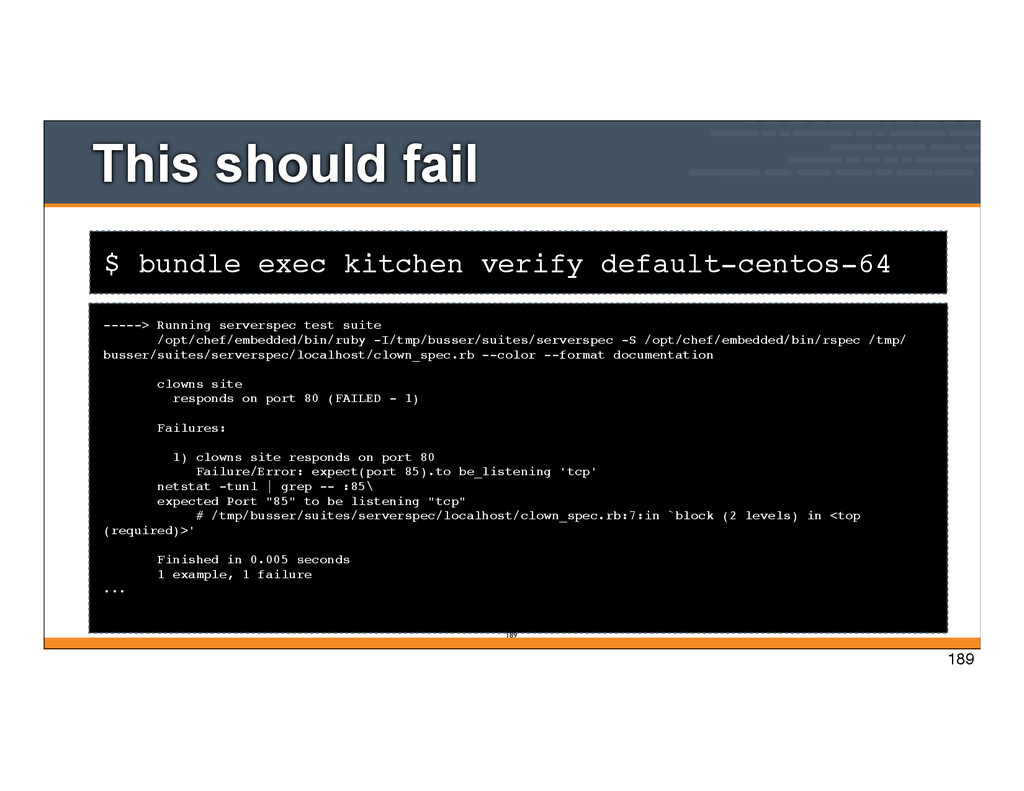
Running serverspec test suite /opt/chef/embedded/bin/ruby -I/tmp/busser/suites/serverspec -S /opt/chef/embedded/bin/rspec /tmp/ busser/suites/serverspec/localhost/clown_spec.rb --color --format documentation clowns site responds on port 80 (FAILED - 1) Failures: 1) clowns site responds on port 80 Failure/Error: expect(port 85).to be_listening 'tcp' netstat -tunl | grep -- :85\ expected Port "85" to be listening "tcp" # /tmp/busser/suites/serverspec/localhost/clown_spec.rb:7:in `block (2 levels) in <top (required)>' Finished in 0.005 seconds 1 example, 1 failure ... 189 189
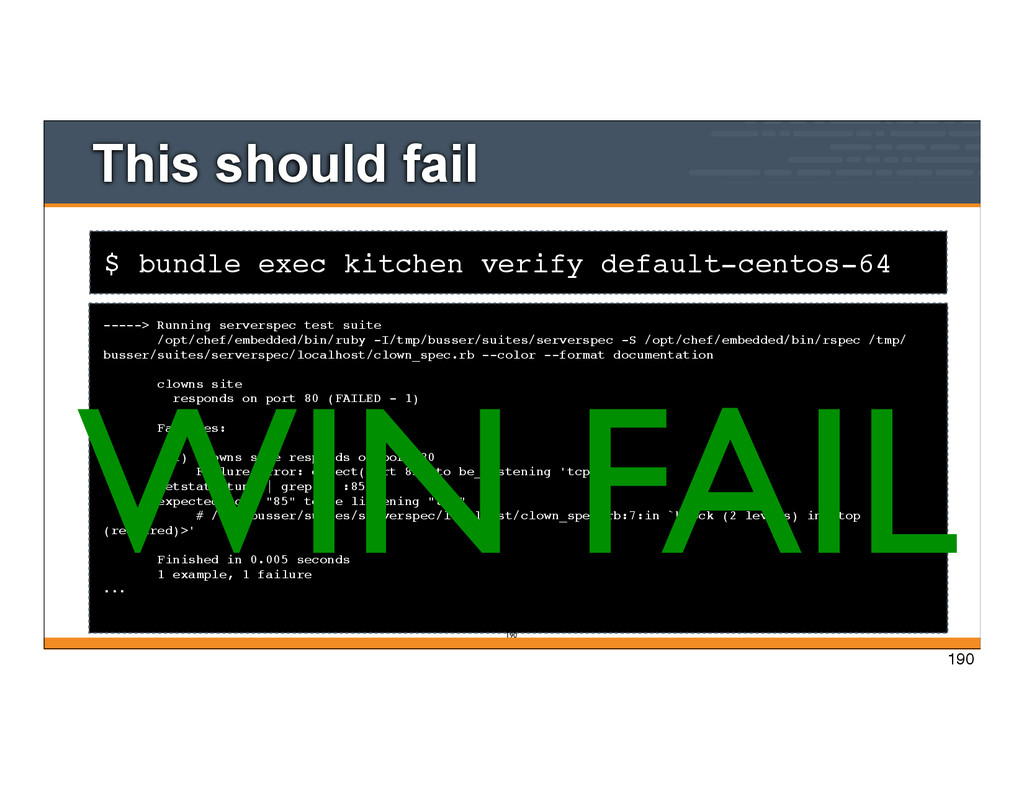
Running serverspec test suite /opt/chef/embedded/bin/ruby -I/tmp/busser/suites/serverspec -S /opt/chef/embedded/bin/rspec /tmp/ busser/suites/serverspec/localhost/clown_spec.rb --color --format documentation clowns site responds on port 80 (FAILED - 1) Failures: 1) clowns site responds on port 80 Failure/Error: expect(port 85).to be_listening 'tcp' netstat -tunl | grep -- :85\ expected Port "85" to be listening "tcp" # /tmp/busser/suites/serverspec/localhost/clown_spec.rb:7:in `block (2 levels) in <top (required)>' Finished in 0.005 seconds 1 example, 1 failure ... 190 WIN FAIL 190
describe 'clowns site' do it 'responds on port 80' do expect(port 80).to be_listening 'tcp' end end OPEN IN EDITOR: apache/test/integration/default/serverspec/clown_spec.rb 192
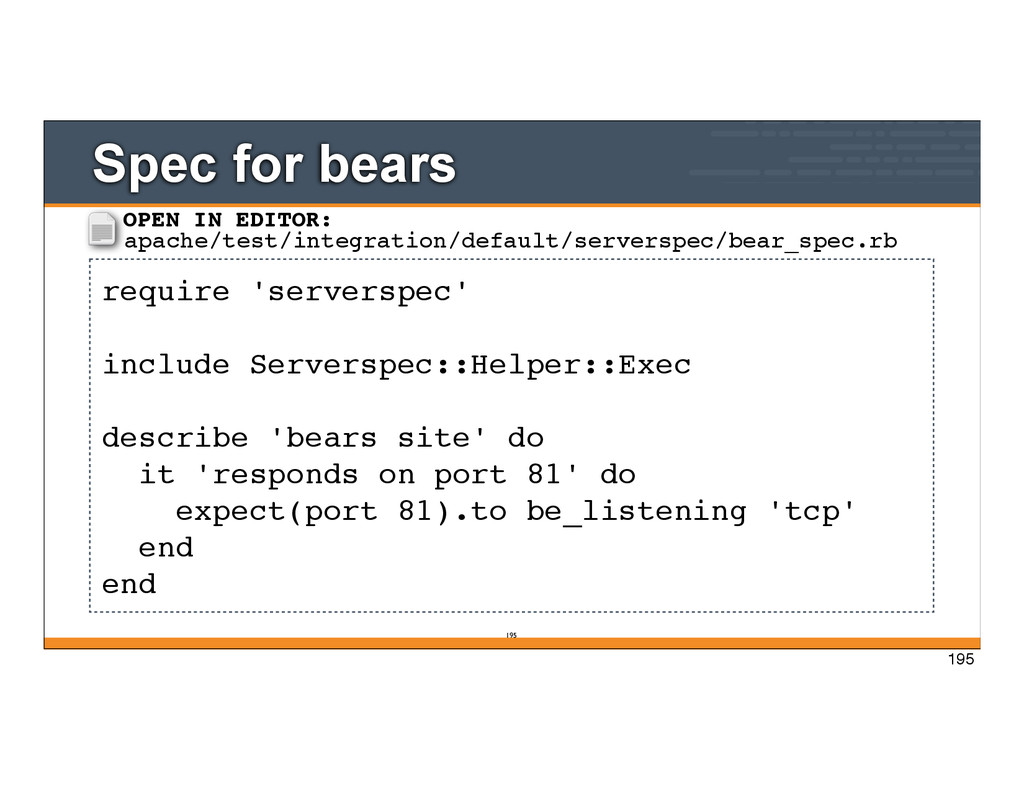
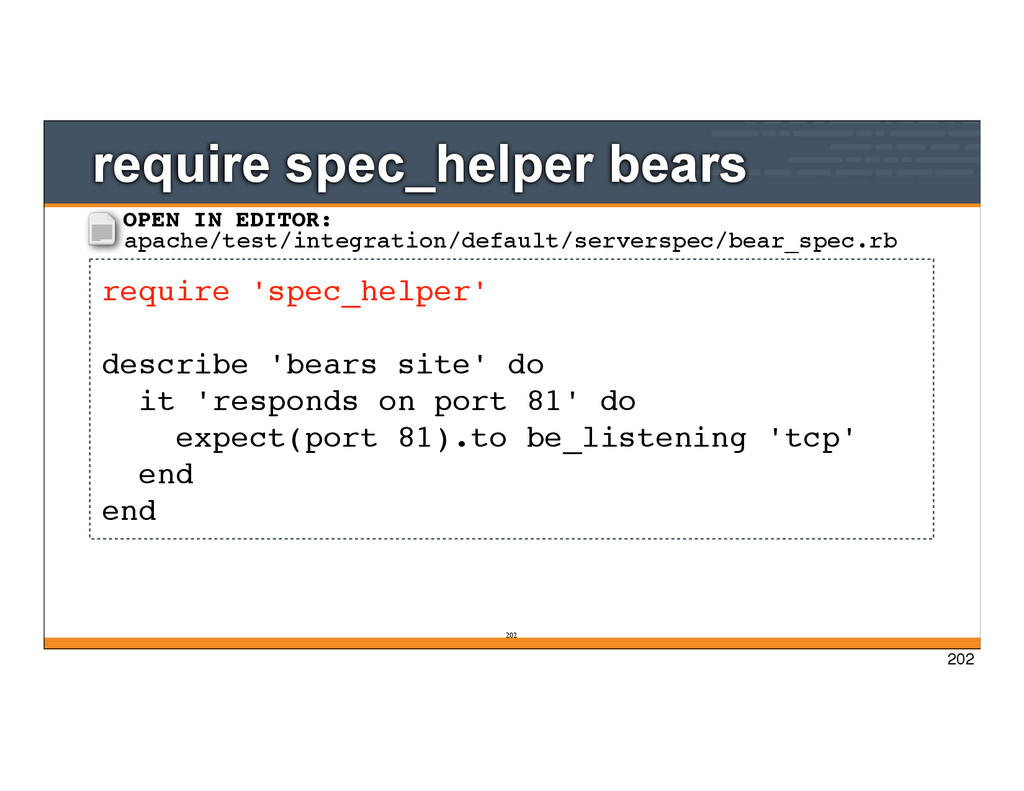
site' do it 'responds on port 81' do expect(port 81).to be_listening 'tcp' end end OPEN IN EDITOR: apache/test/integration/default/serverspec/bear_spec.rb 195
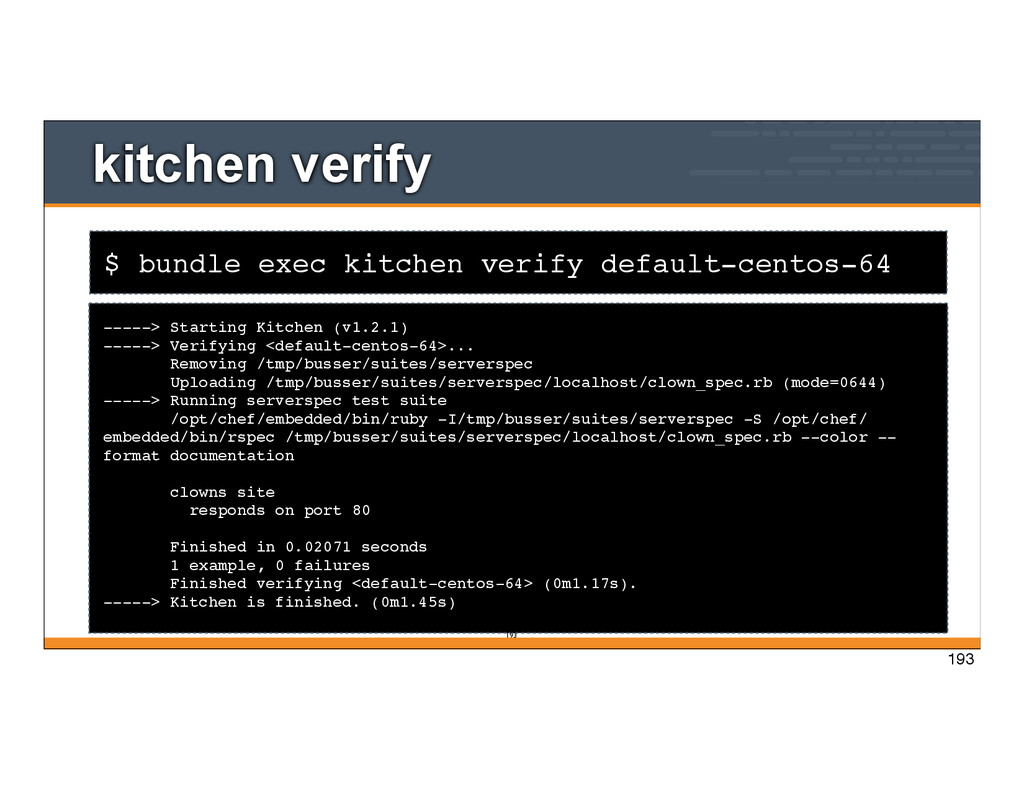
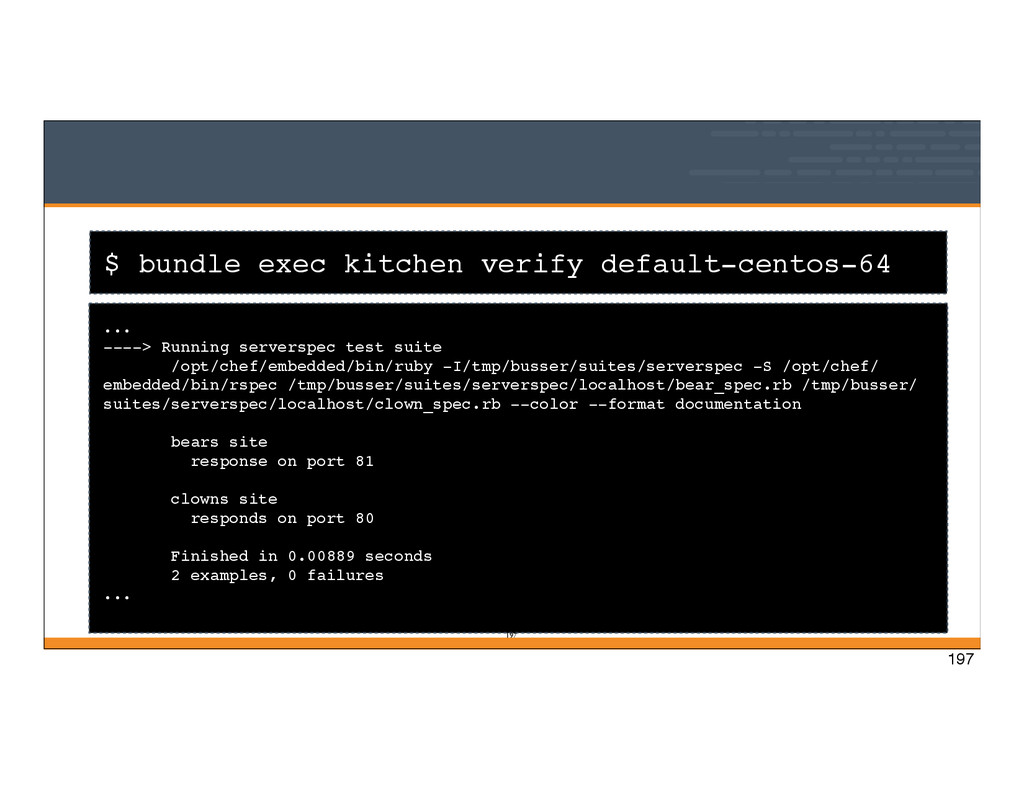
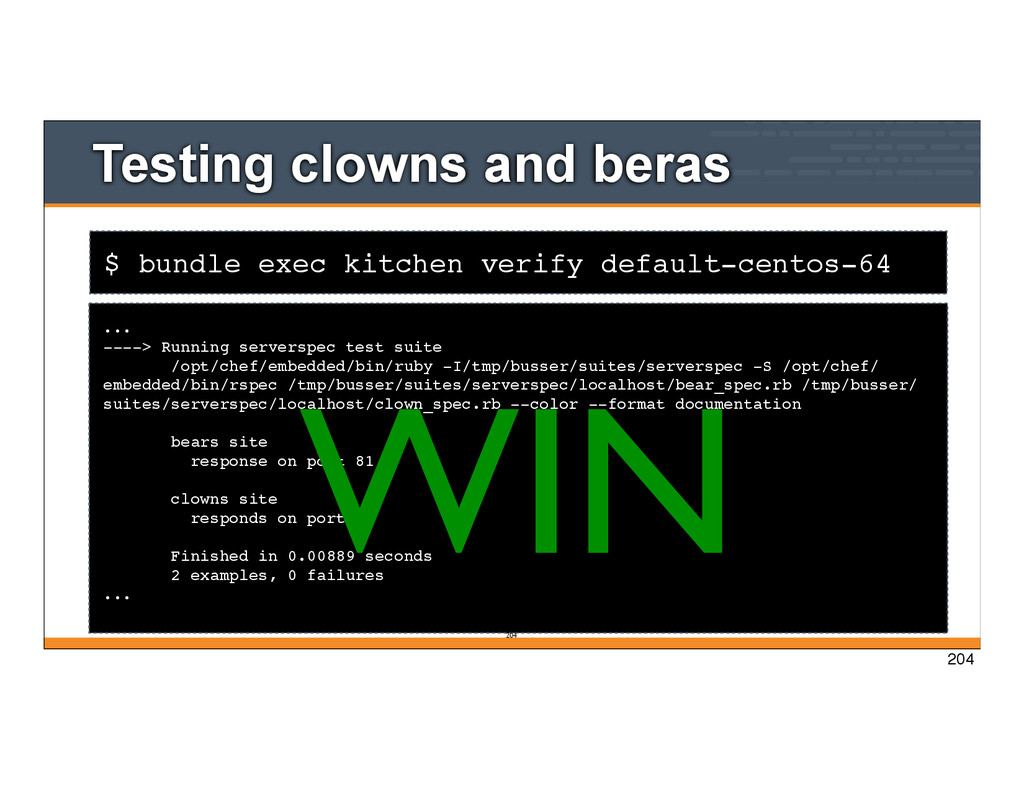
test suite /opt/chef/embedded/bin/ruby -I/tmp/busser/suites/serverspec -S /opt/chef/ embedded/bin/rspec /tmp/busser/suites/serverspec/localhost/bear_spec.rb /tmp/busser/ suites/serverspec/localhost/clown_spec.rb --color --format documentation bears site response on port 81 clowns site responds on port 80 Finished in 0.00889 seconds 2 examples, 0 failures ... 197 197
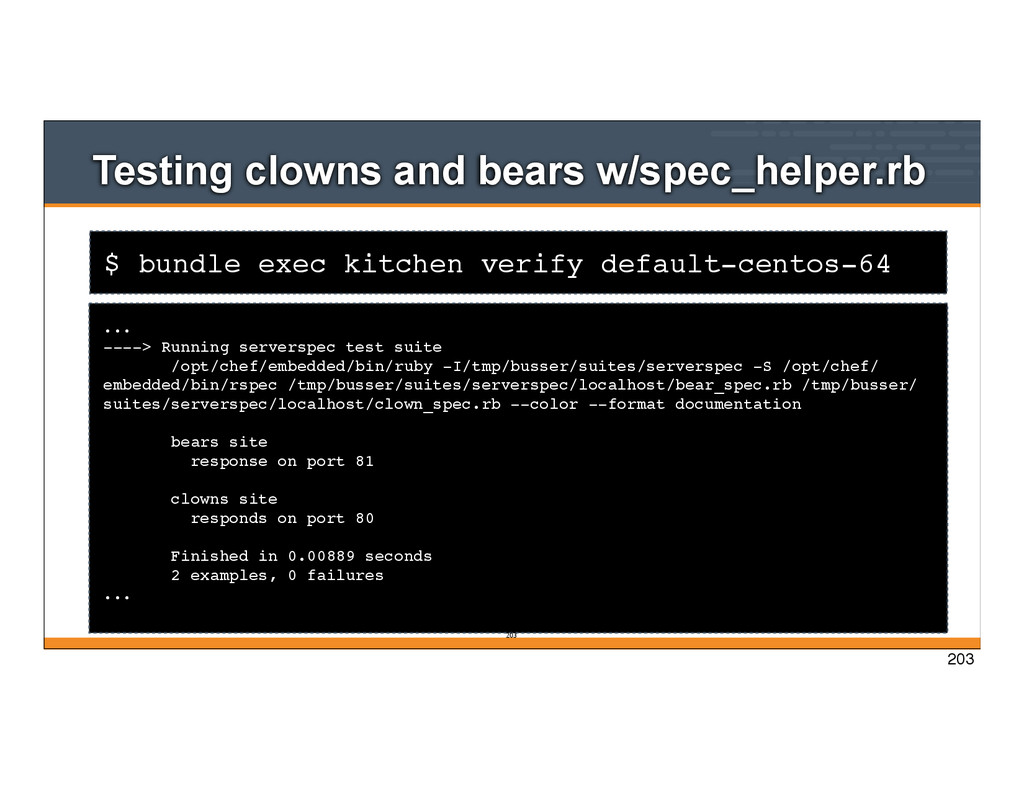
w/spec_helper.rb ... ----> Running serverspec test suite /opt/chef/embedded/bin/ruby -I/tmp/busser/suites/serverspec -S /opt/chef/ embedded/bin/rspec /tmp/busser/suites/serverspec/localhost/bear_spec.rb /tmp/busser/ suites/serverspec/localhost/clown_spec.rb --color --format documentation bears site response on port 81 clowns site responds on port 80 Finished in 0.00889 seconds 2 examples, 0 failures ... 203 203
... ----> Running serverspec test suite /opt/chef/embedded/bin/ruby -I/tmp/busser/suites/serverspec -S /opt/chef/ embedded/bin/rspec /tmp/busser/suites/serverspec/localhost/bear_spec.rb /tmp/busser/ suites/serverspec/localhost/clown_spec.rb --color --format documentation bears site response on port 81 clowns site responds on port 80 Finished in 0.00889 seconds 2 examples, 0 failures ... 204 WIN 204
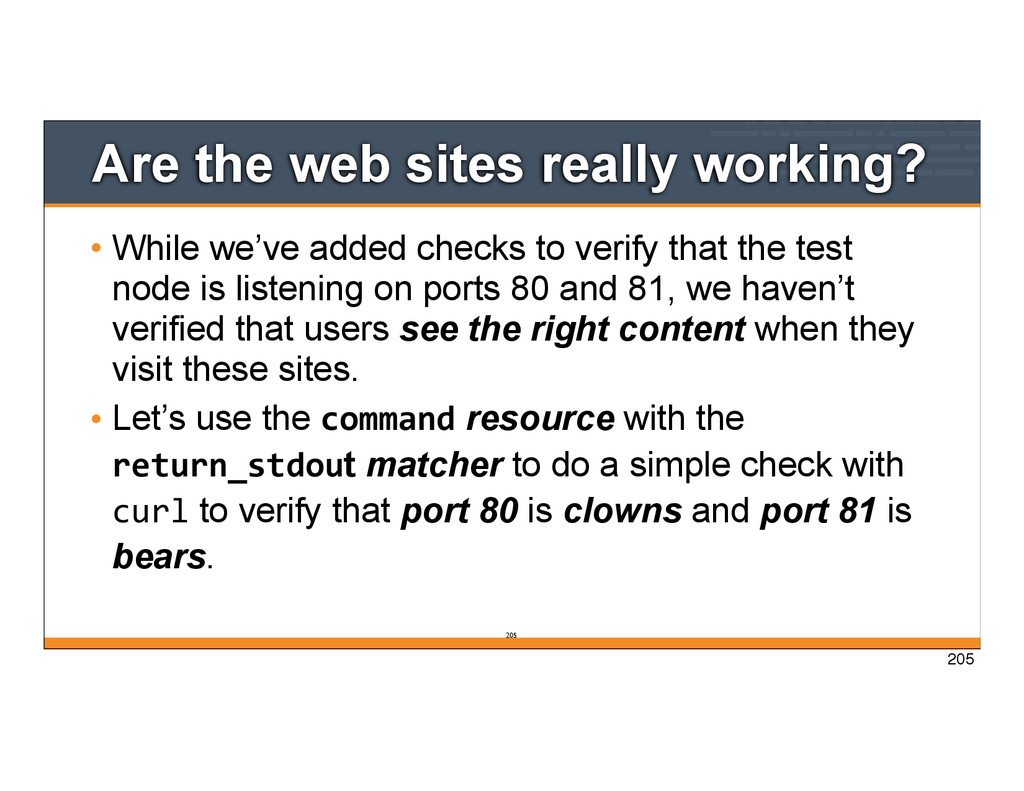
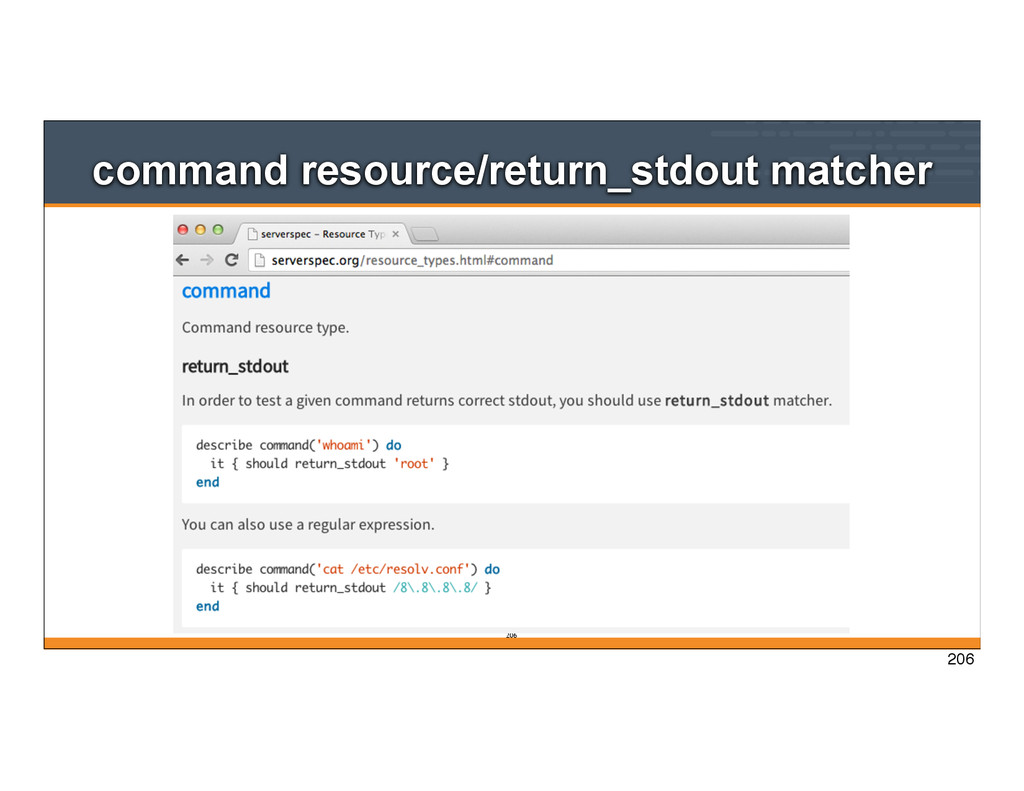
added checks to verify that the test node is listening on ports 80 and 81, we haven’t verified that users see the right content when they visit these sites. • Let’s use the command resource with the return_stdout matcher to do a simple check with curl to verify that port 80 is clowns and port 81 is bears. 205
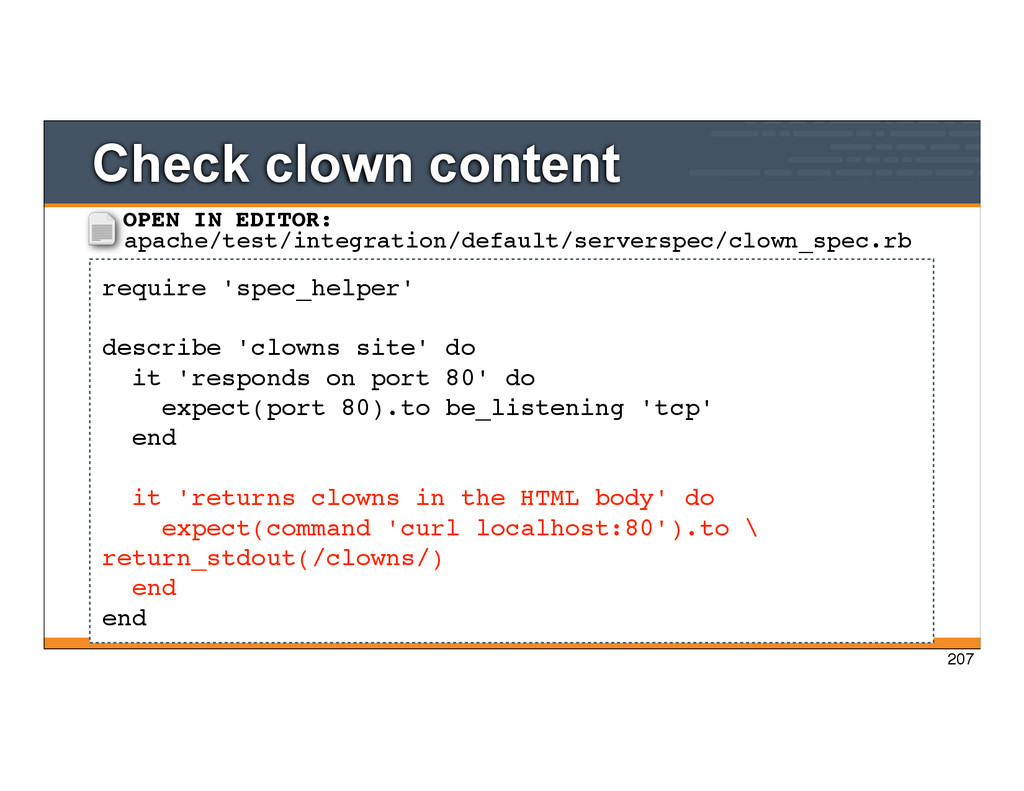
it 'responds on port 80' do expect(port 80).to be_listening 'tcp' end it 'returns clowns in the HTML body' do expect(command 'curl localhost:80').to \ return_stdout(/clowns/) end end OPEN IN EDITOR: apache/test/integration/default/serverspec/clown_spec.rb 207
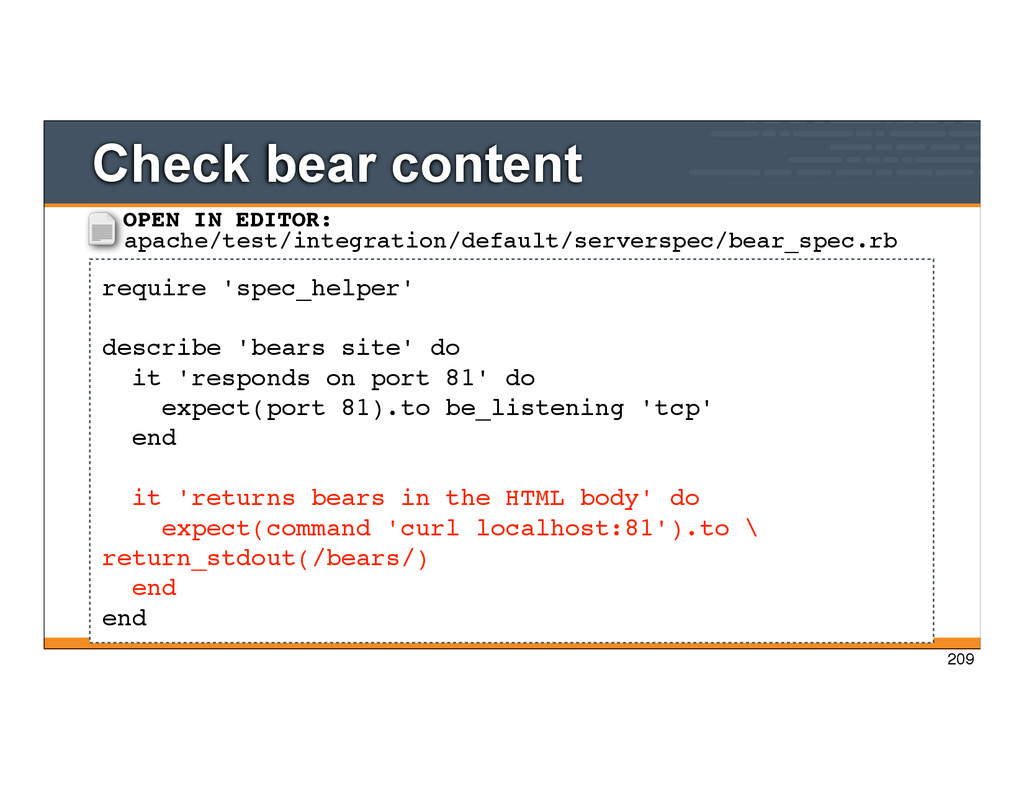
it 'responds on port 81' do expect(port 81).to be_listening 'tcp' end it 'returns bears in the HTML body' do expect(command 'curl localhost:81').to \ return_stdout(/bears/) end end OPEN IN EDITOR: apache/test/integration/default/serverspec/bear_spec.rb 209
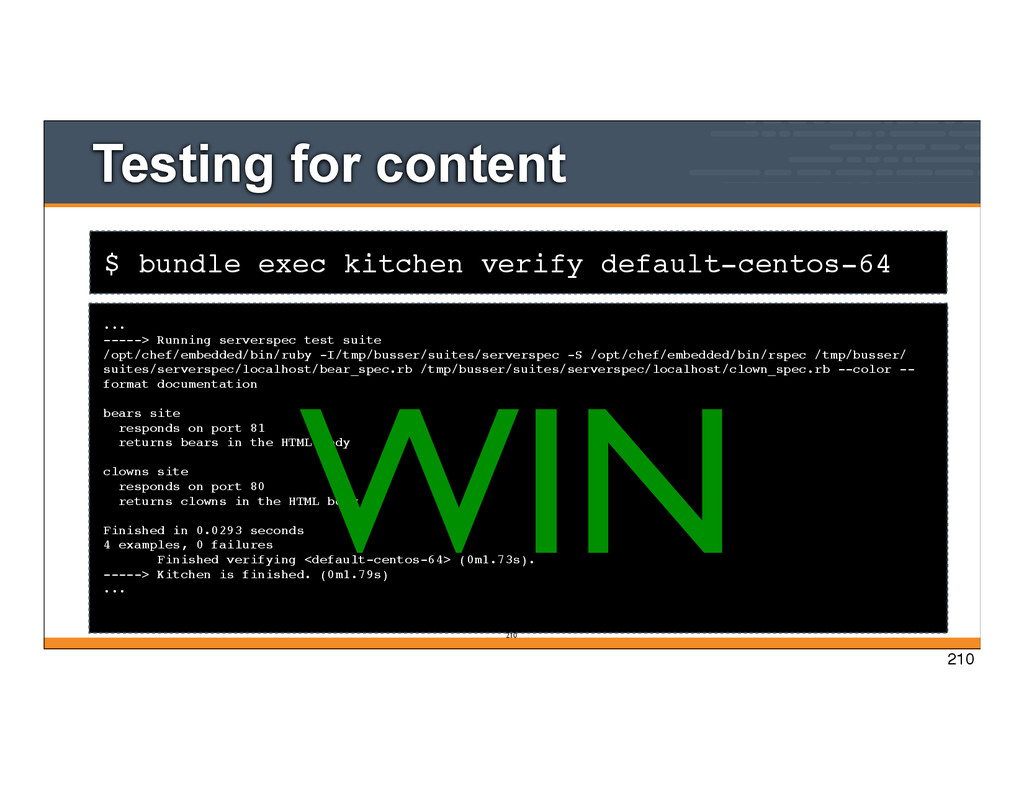
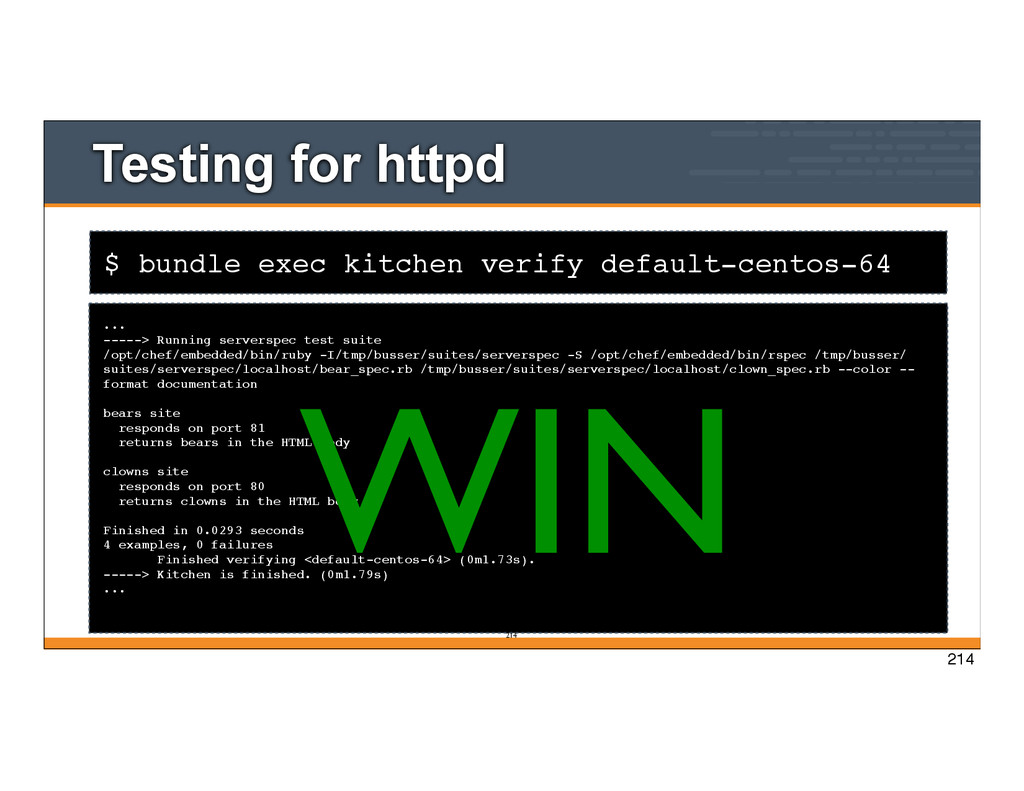
-----> Running serverspec test suite /opt/chef/embedded/bin/ruby -I/tmp/busser/suites/serverspec -S /opt/chef/embedded/bin/rspec /tmp/busser/ suites/serverspec/localhost/bear_spec.rb /tmp/busser/suites/serverspec/localhost/clown_spec.rb --color -- format documentation bears site responds on port 81 returns bears in the HTML body clowns site responds on port 80 returns clowns in the HTML body Finished in 0.0293 seconds 4 examples, 0 failures Finished verifying <default-centos-64> (0m1.73s). -----> Kitchen is finished. (0m1.79s) ... 210 WIN 210
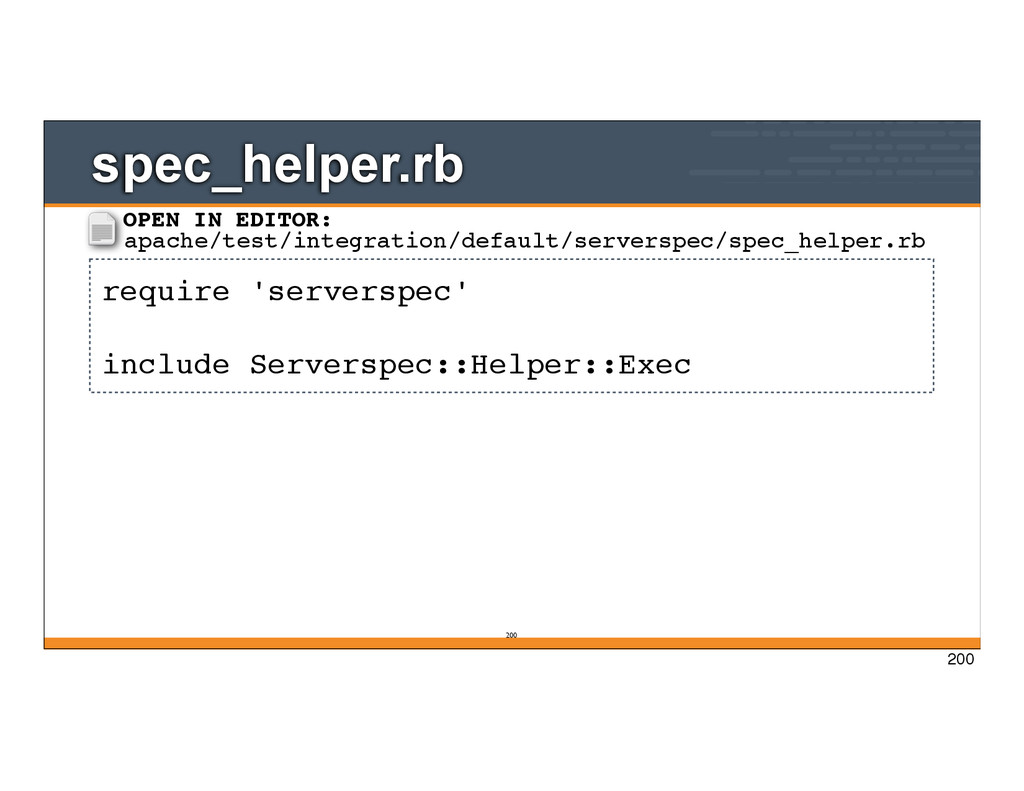
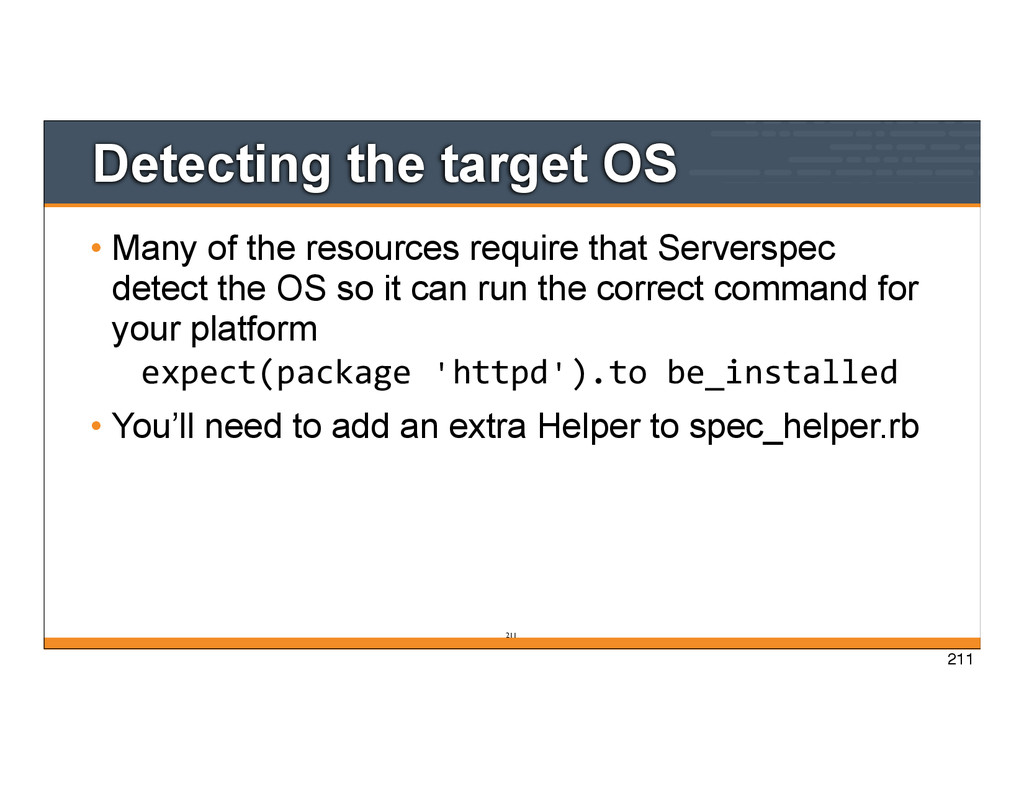
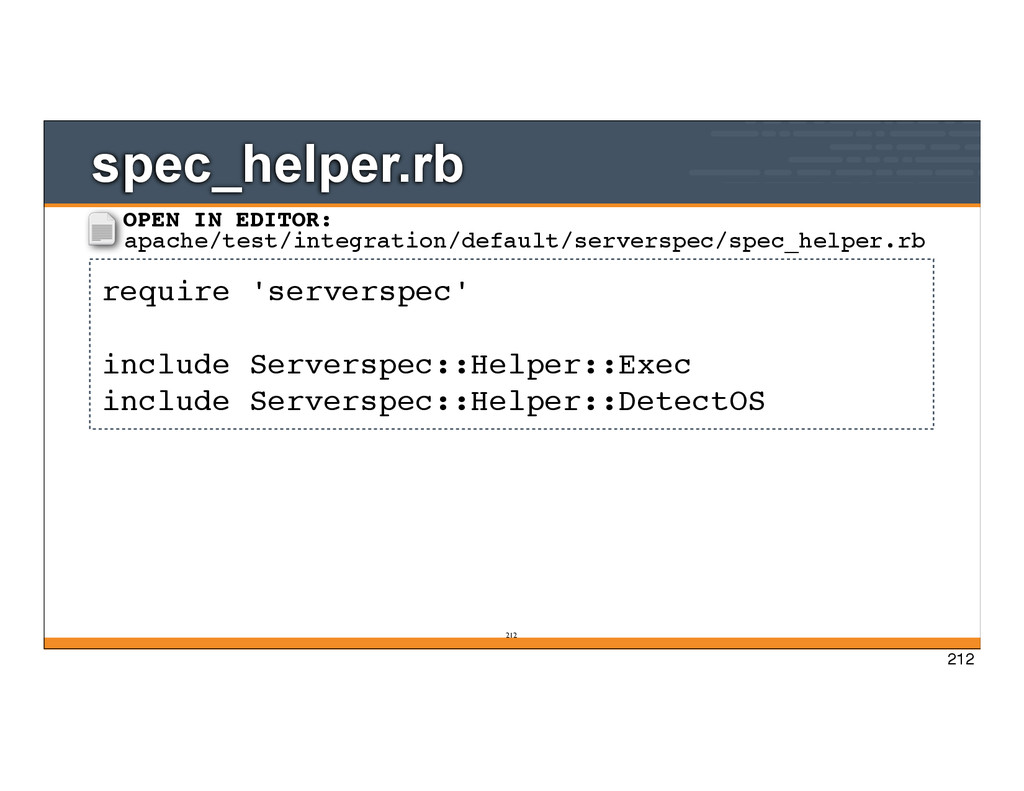
require that Serverspec detect the OS so it can run the correct command for your platform expect(package 'httpd').to be_installed • You’ll need to add an extra Helper to spec_helper.rb 211
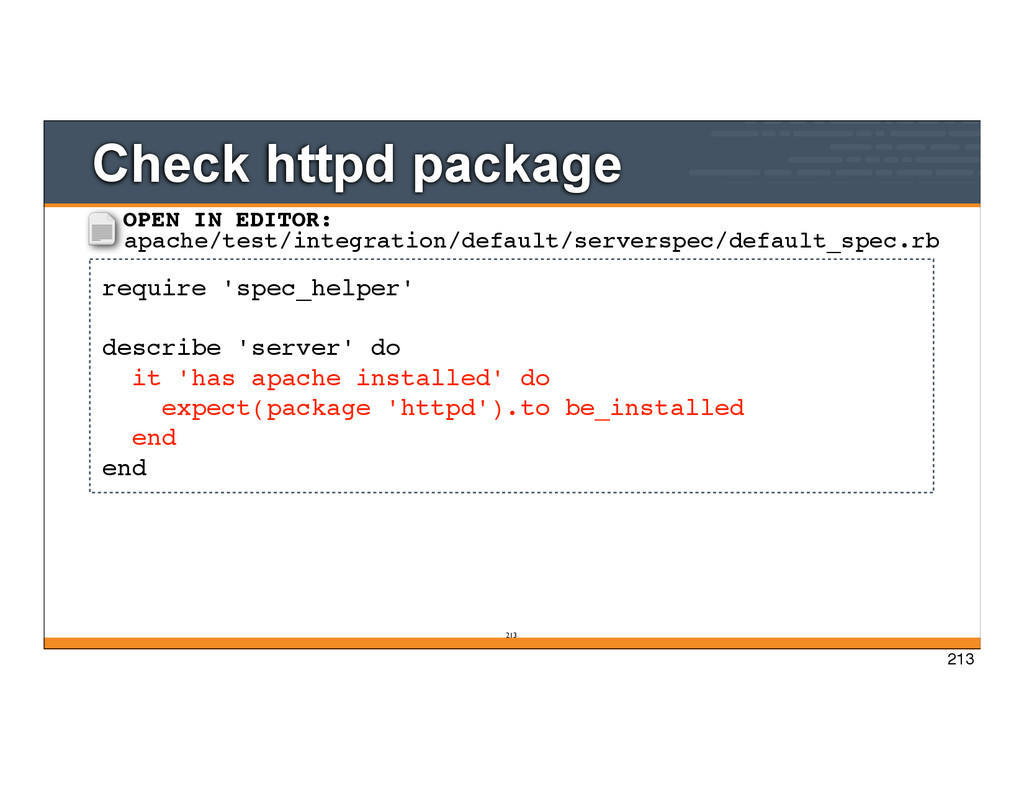
'has apache installed' do expect(package 'httpd').to be_installed end end OPEN IN EDITOR: apache/test/integration/default/serverspec/default_spec.rb 213
-----> Running serverspec test suite /opt/chef/embedded/bin/ruby -I/tmp/busser/suites/serverspec -S /opt/chef/embedded/bin/rspec /tmp/busser/ suites/serverspec/localhost/bear_spec.rb /tmp/busser/suites/serverspec/localhost/clown_spec.rb --color -- format documentation bears site responds on port 81 returns bears in the HTML body clowns site responds on port 80 returns clowns in the HTML body Finished in 0.0293 seconds 4 examples, 0 failures Finished verifying <default-centos-64> (0m1.73s). -----> Kitchen is finished. (0m1.79s) ... 214 WIN 214
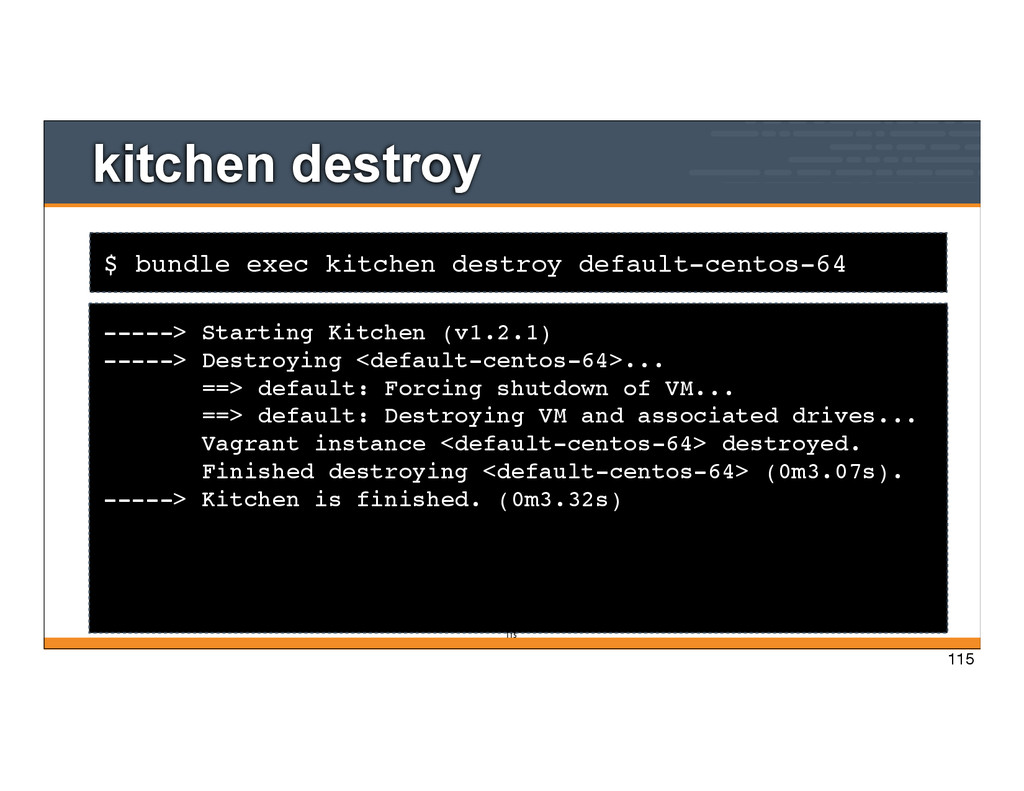
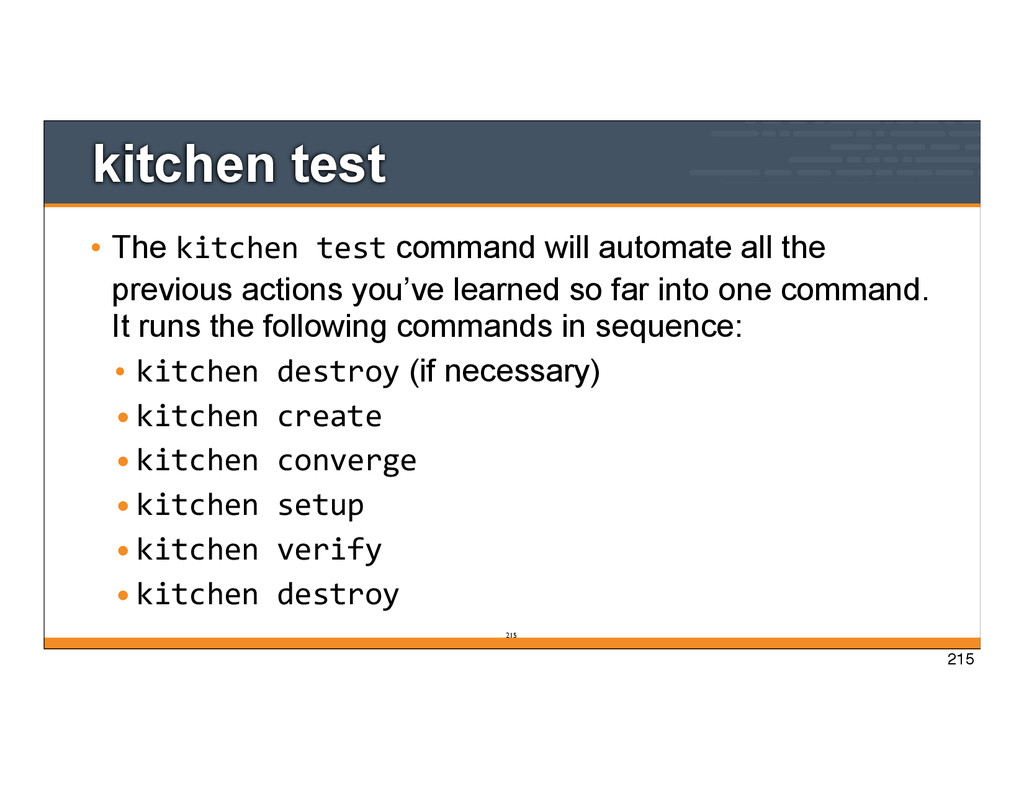
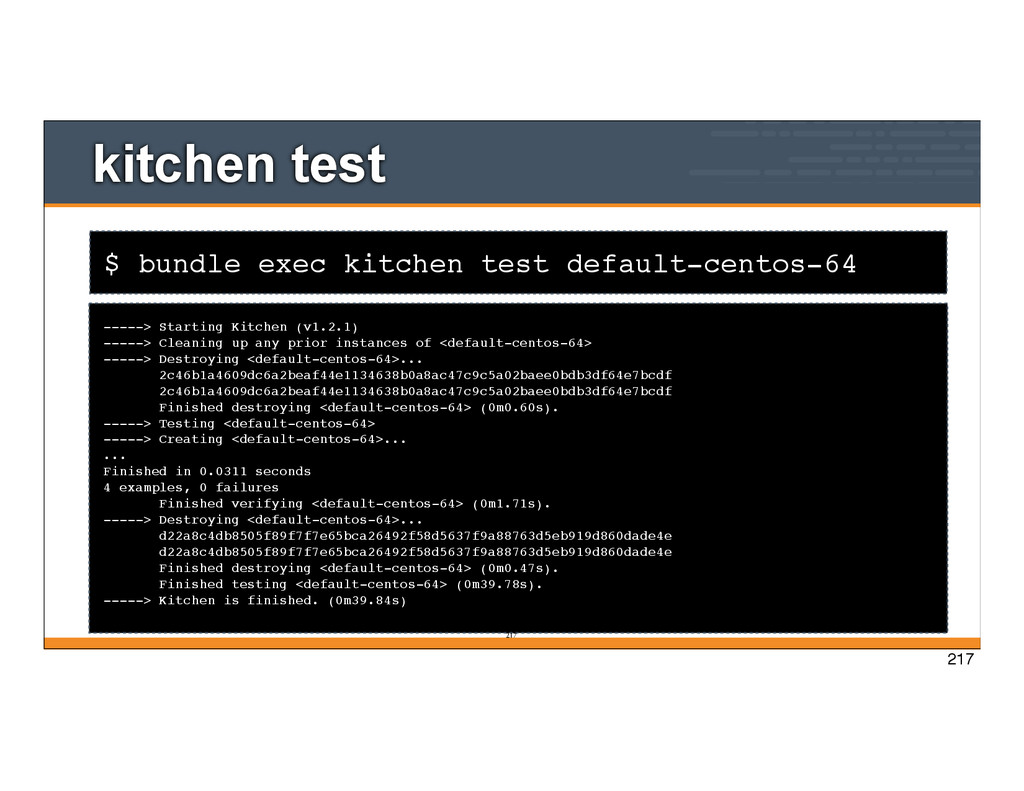
all the previous actions you’ve learned so far into one command. It runs the following commands in sequence: • kitchen destroy (if necessary) •kitchen create •kitchen converge •kitchen setup •kitchen verify •kitchen destroy 215
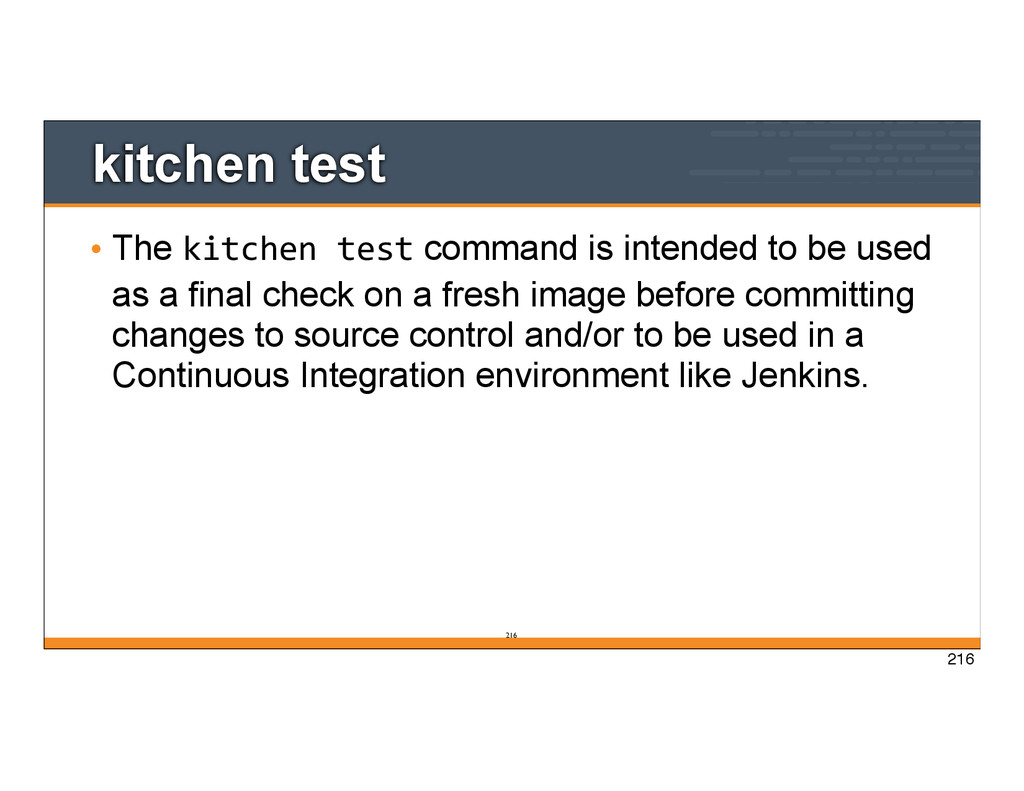
to be used as a final check on a fresh image before committing changes to source control and/or to be used in a Continuous Integration environment like Jenkins. 216
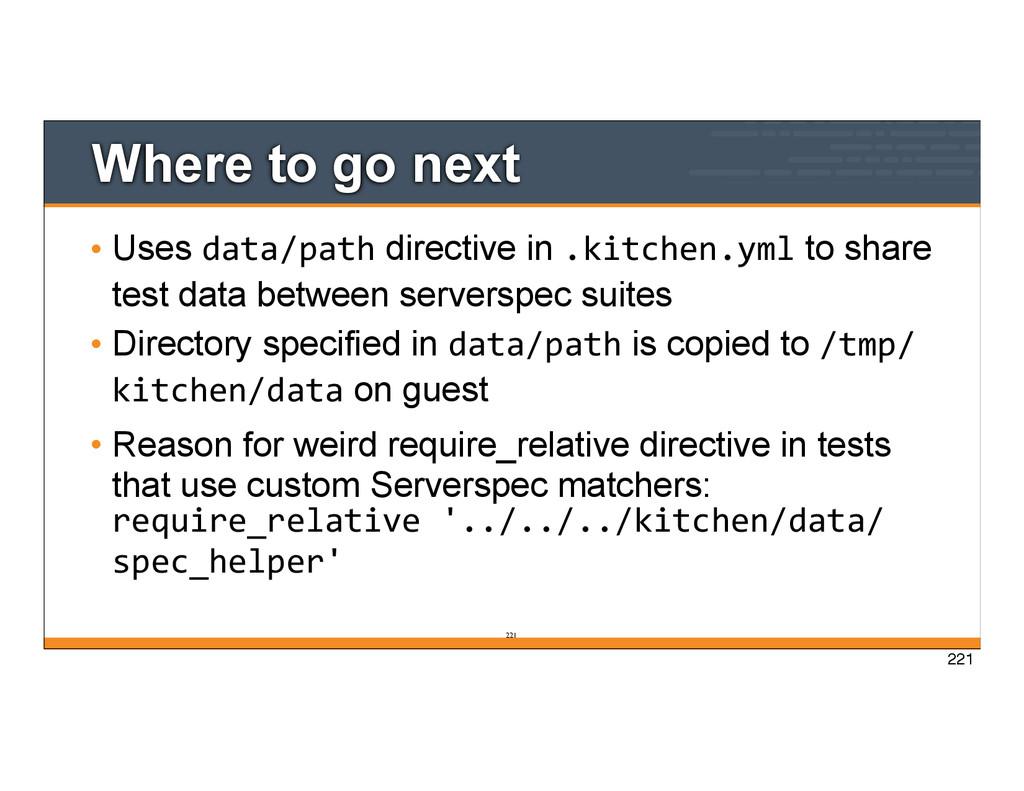
to share test data between serverspec suites • Directory specified in data/path is copied to /tmp/ kitchen/data on guest • Reason for weird require_relative directive in tests that use custom Serverspec matchers: require_relative '../../../kitchen/data/ spec_helper' 221 221
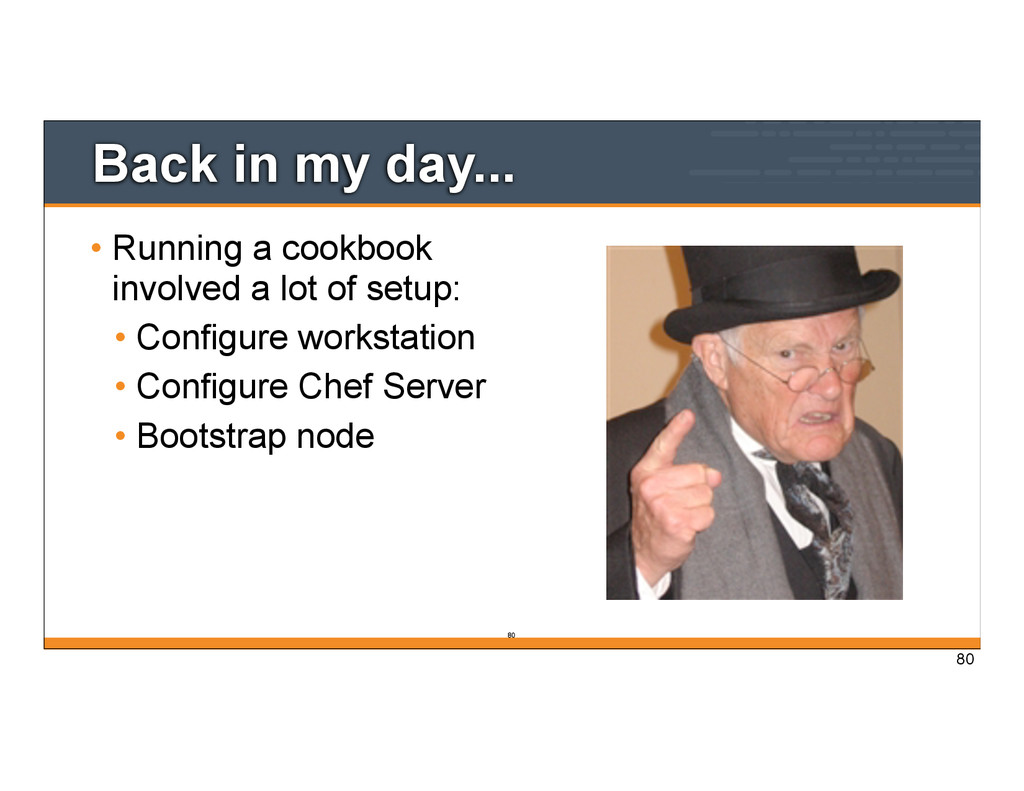
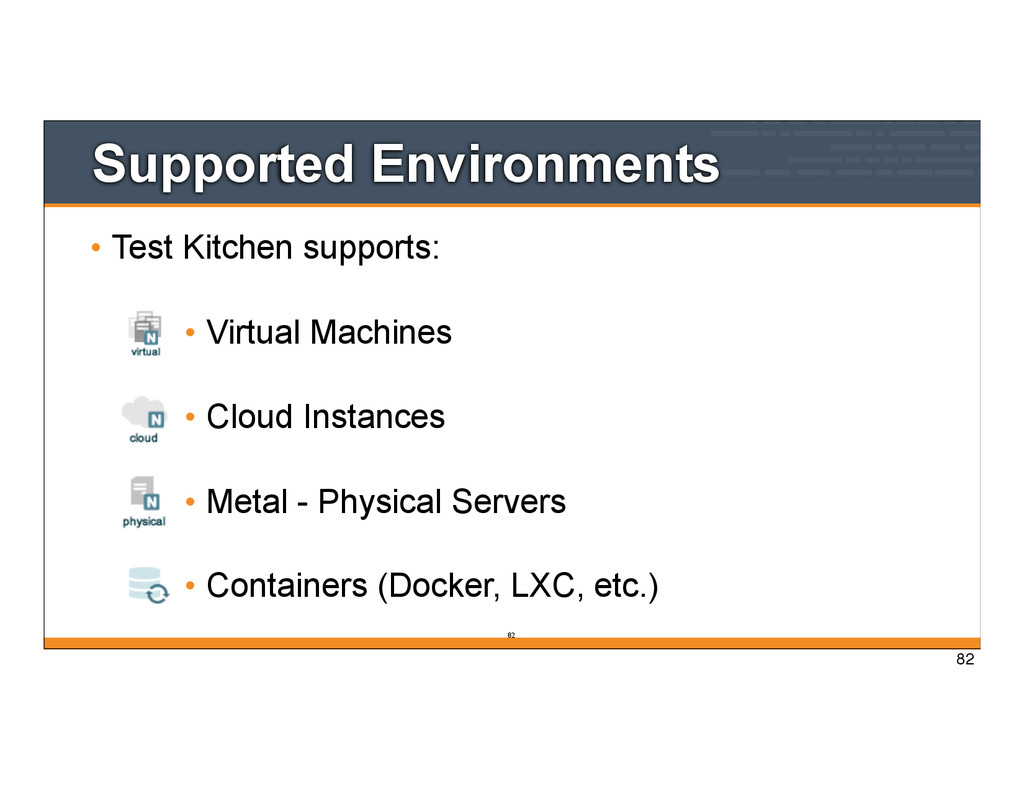
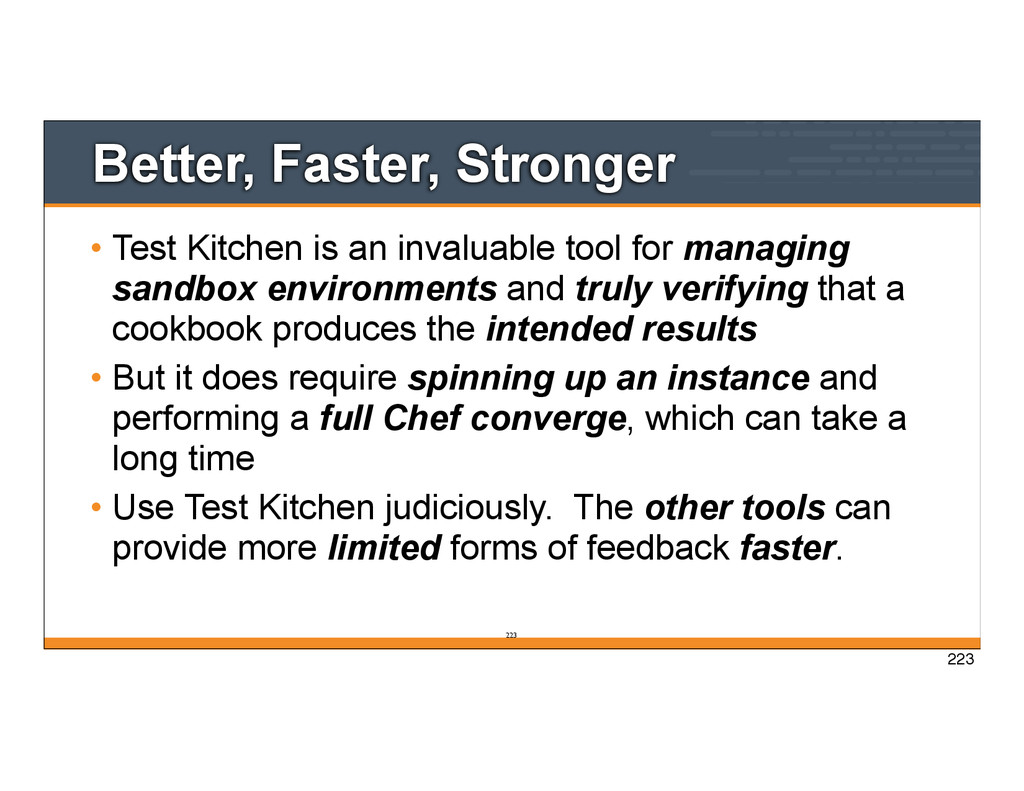
for managing sandbox environments and truly verifying that a cookbook produces the intended results • But it does require spinning up an instance and performing a full Chef converge, which can take a long time • Use Test Kitchen judiciously. The other tools can provide more limited forms of feedback faster. 223 223
your Chef coding style • It is designed to be used as you are writing Chef code - how’s that for freaking fast! • Written by Andrew Crump http://acrmp.github.com/footcritic 225 225
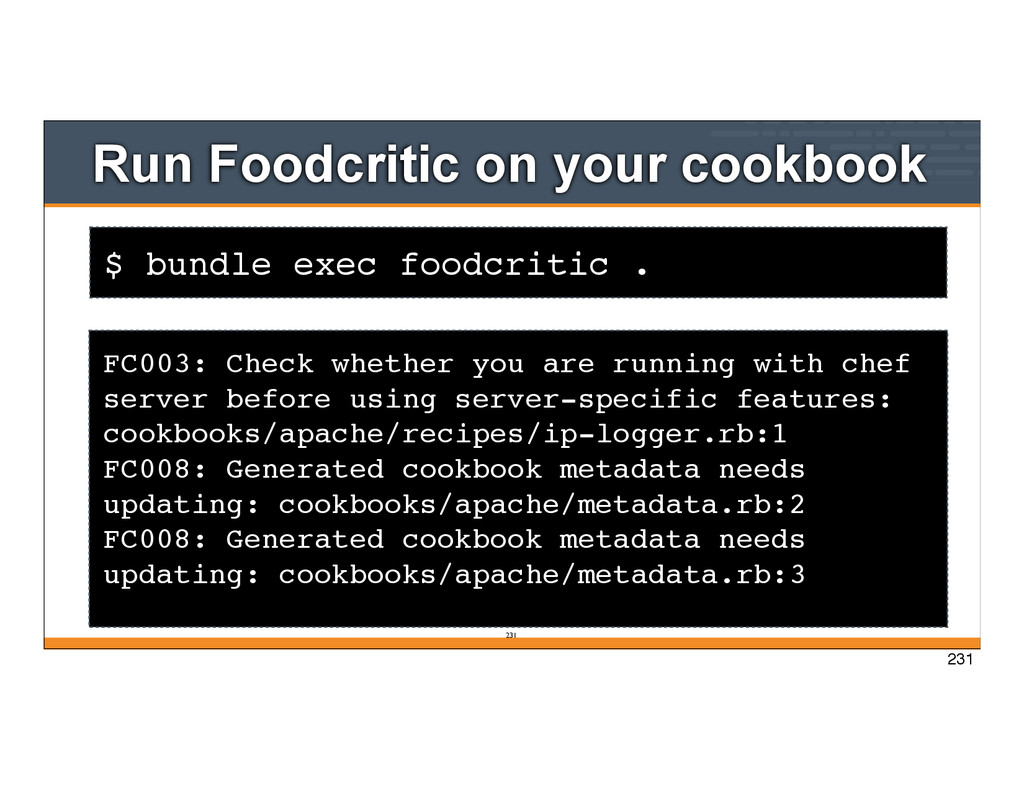
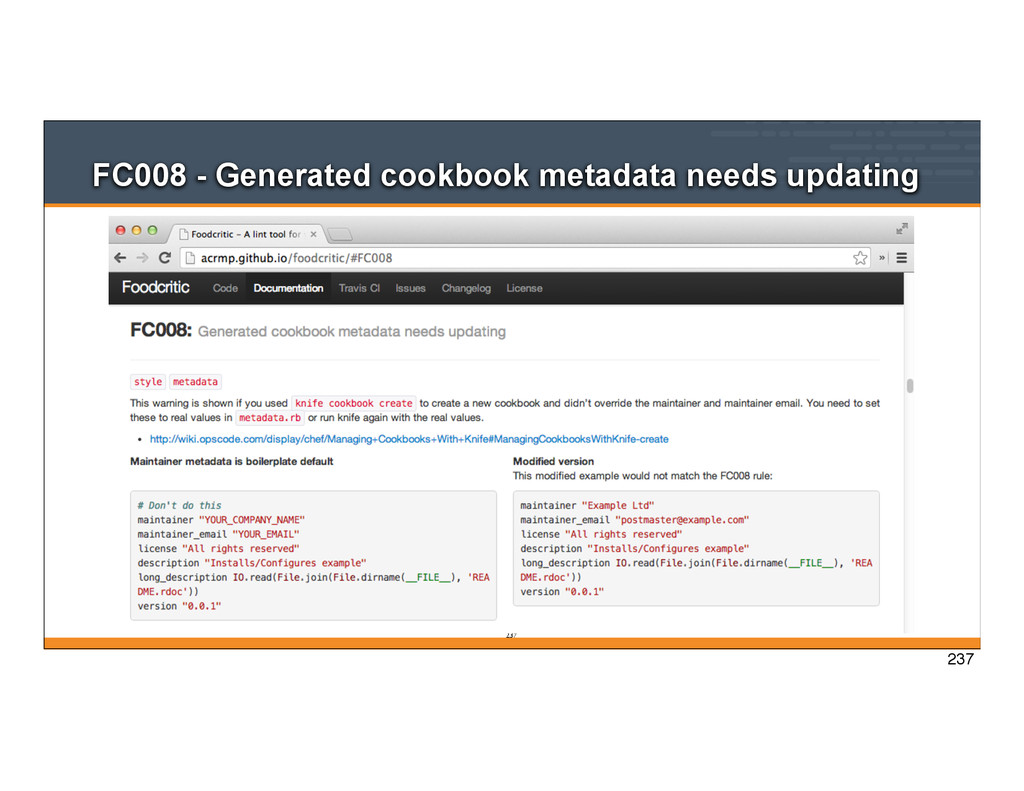
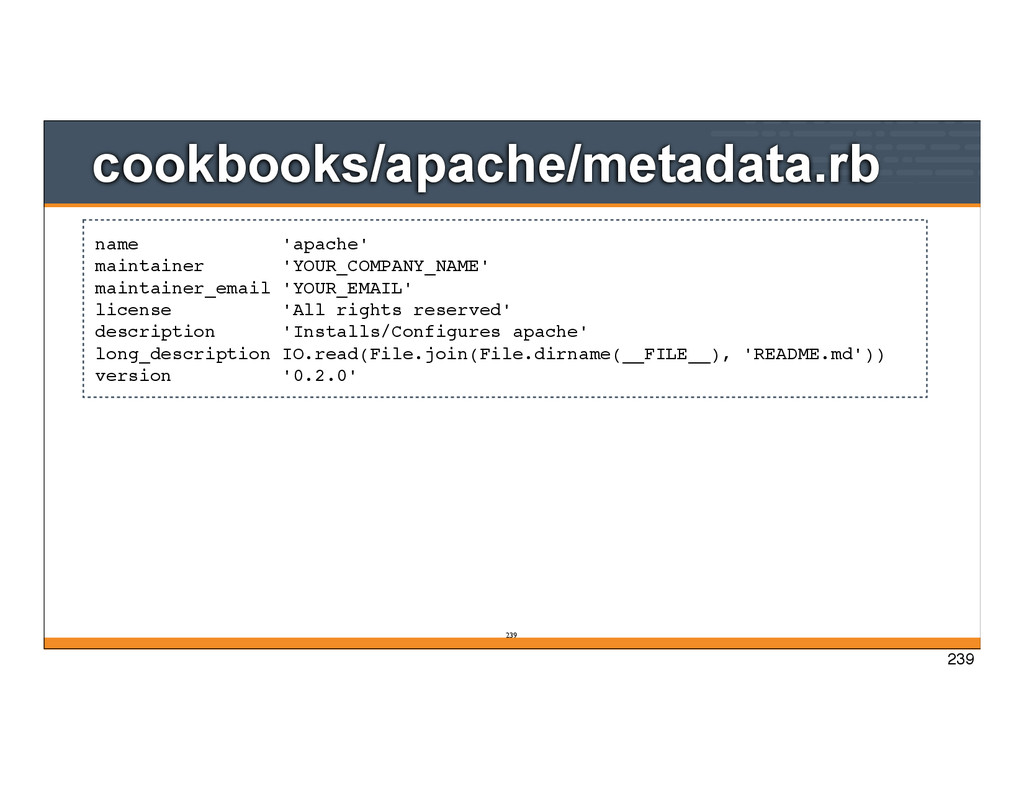
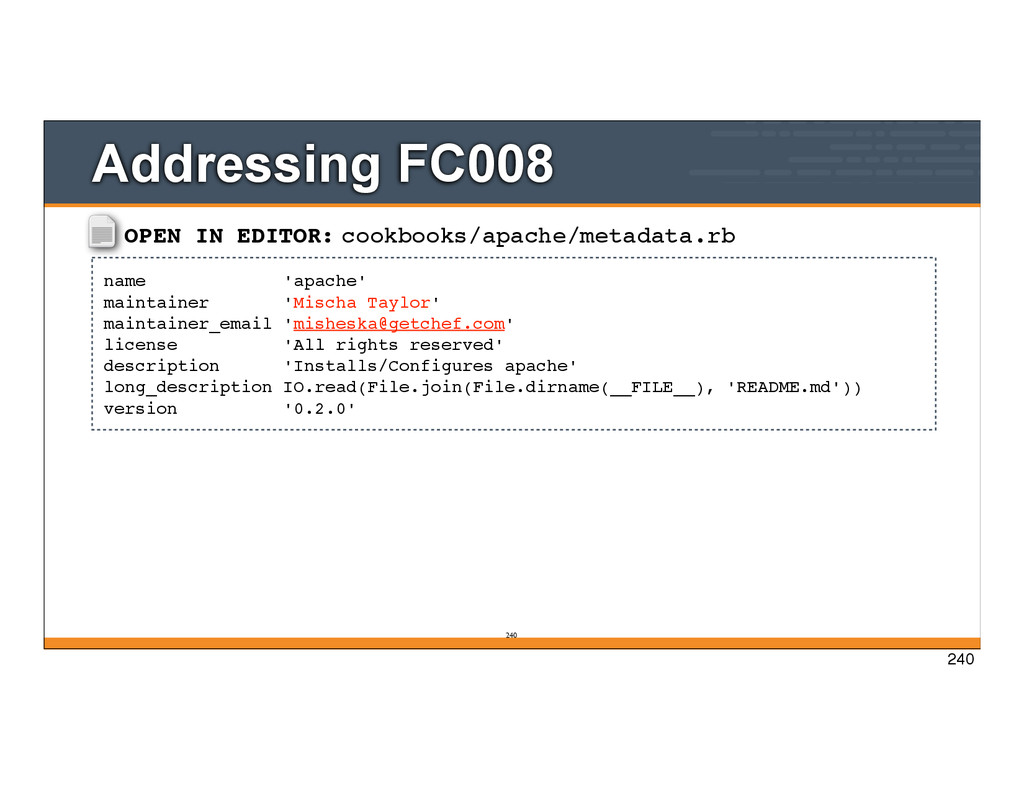
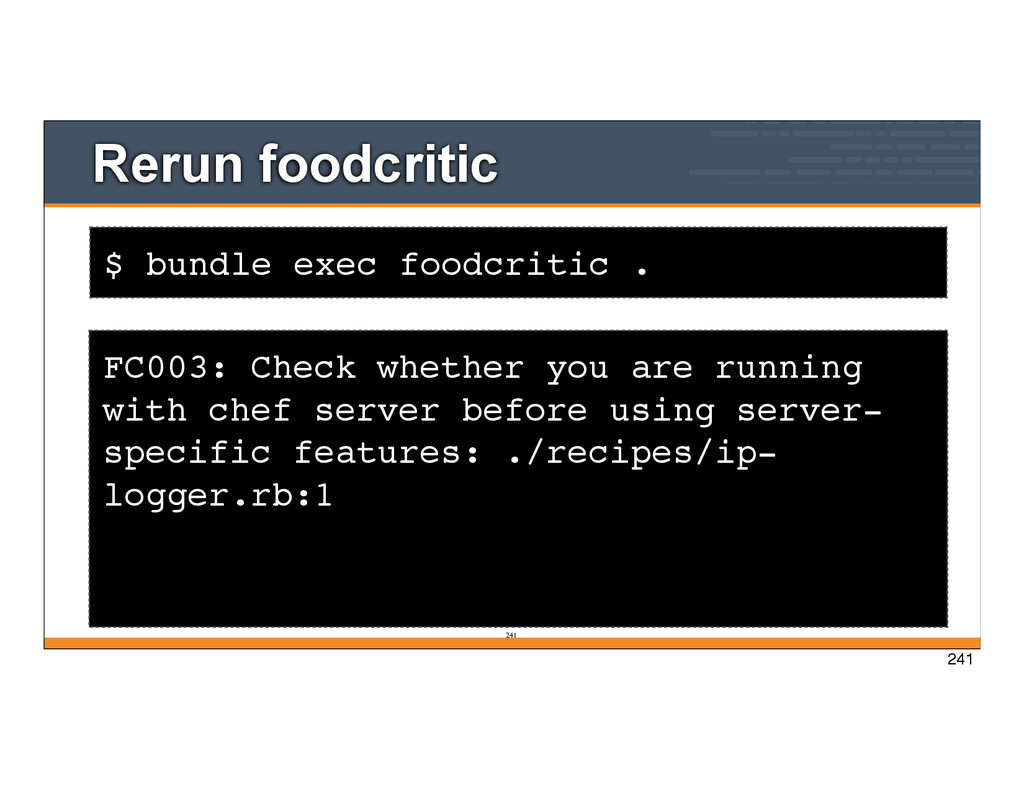
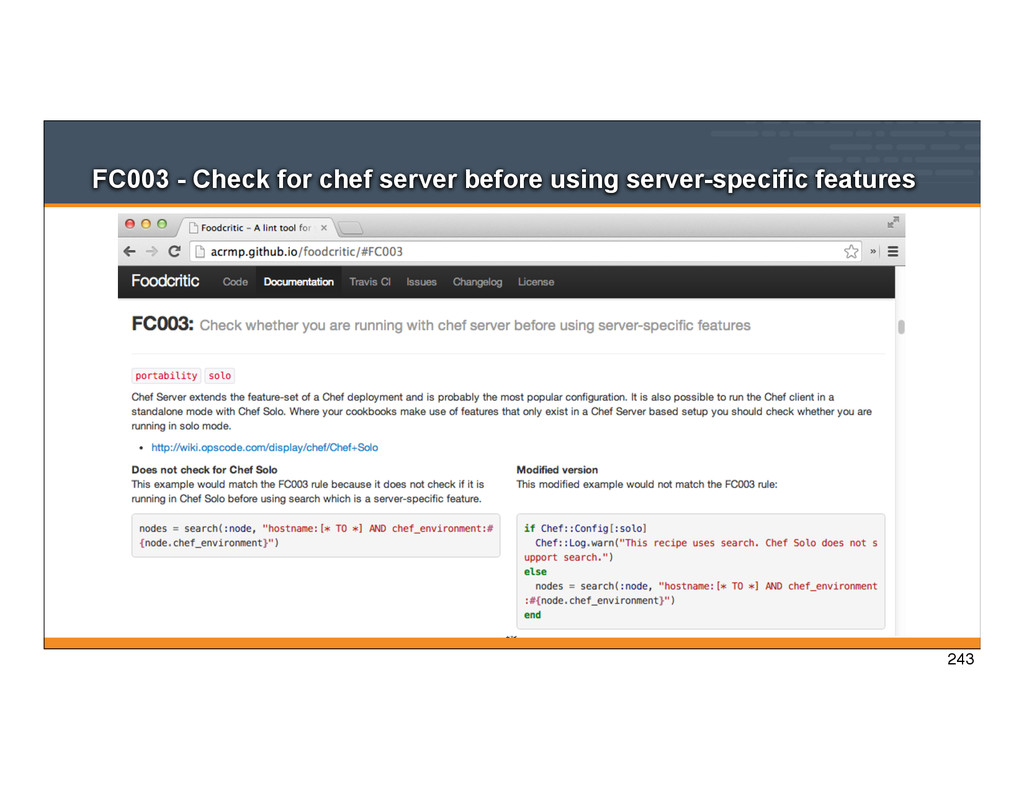
231 FC003: Check whether you are running with chef server before using server-specific features: cookbooks/apache/recipes/ip-logger.rb:1 FC008: Generated cookbook metadata needs updating: cookbooks/apache/metadata.rb:2 FC008: Generated cookbook metadata needs updating: cookbooks/apache/metadata.rb:3 231
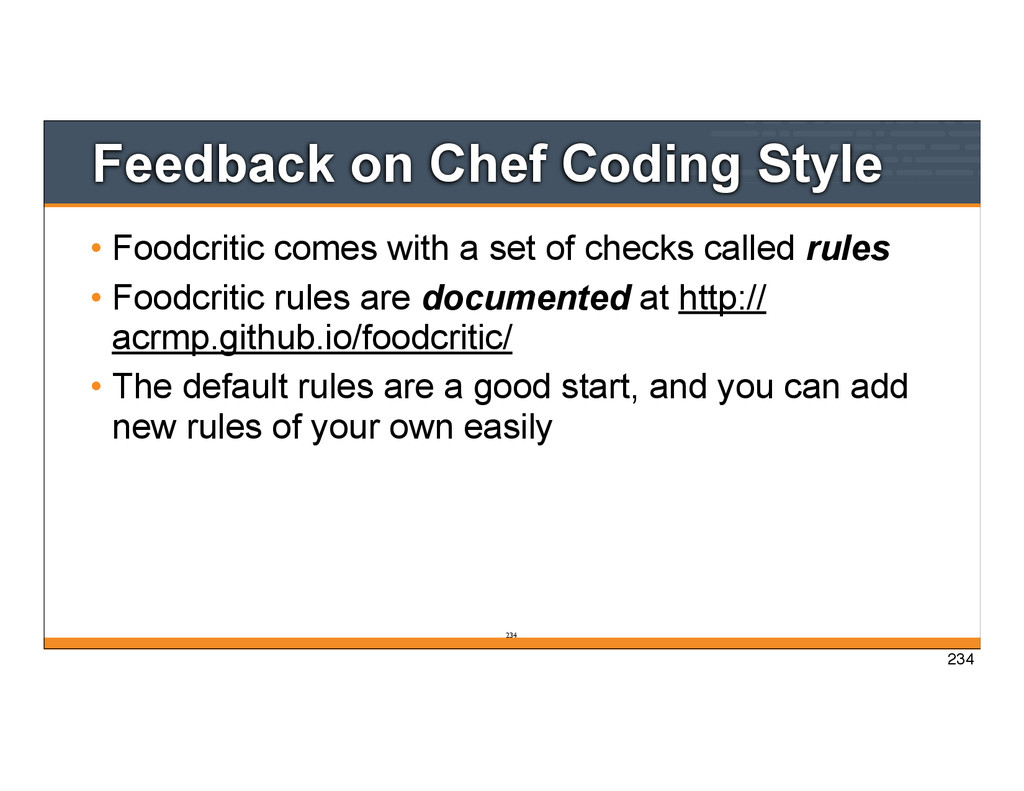
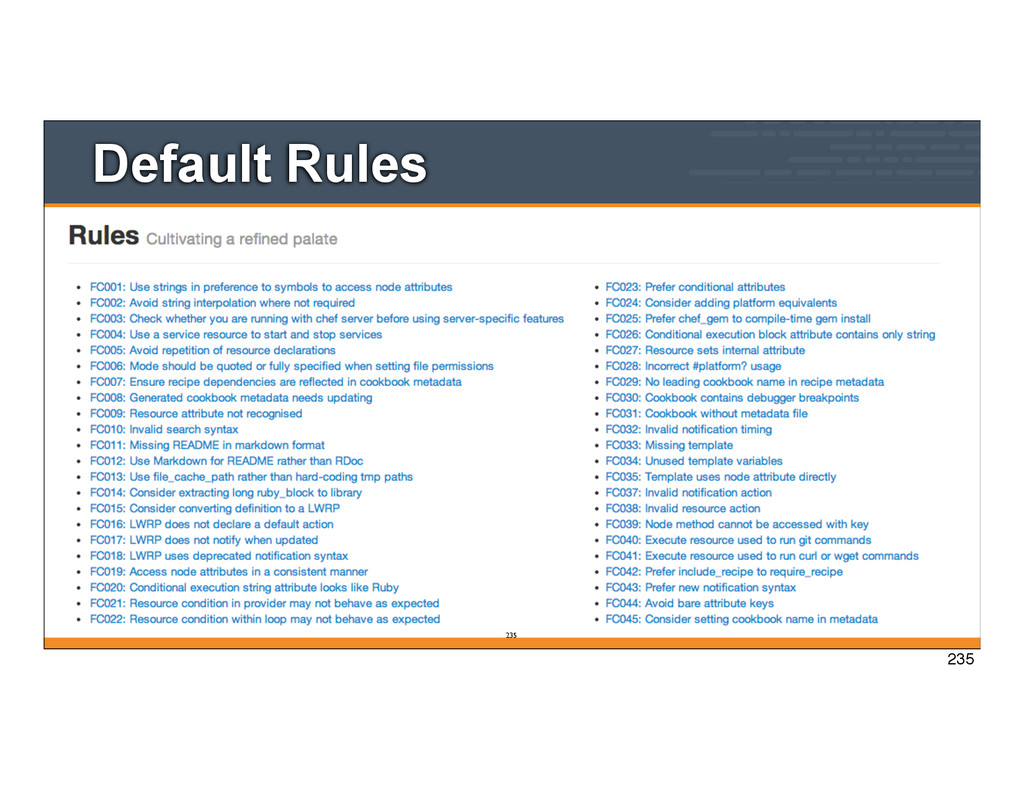
set of checks called rules • Foodcritic rules are documented at http:// acrmp.github.io/foodcritic/ • The default rules are a good start, and you can add new rules of your own easily 234 234
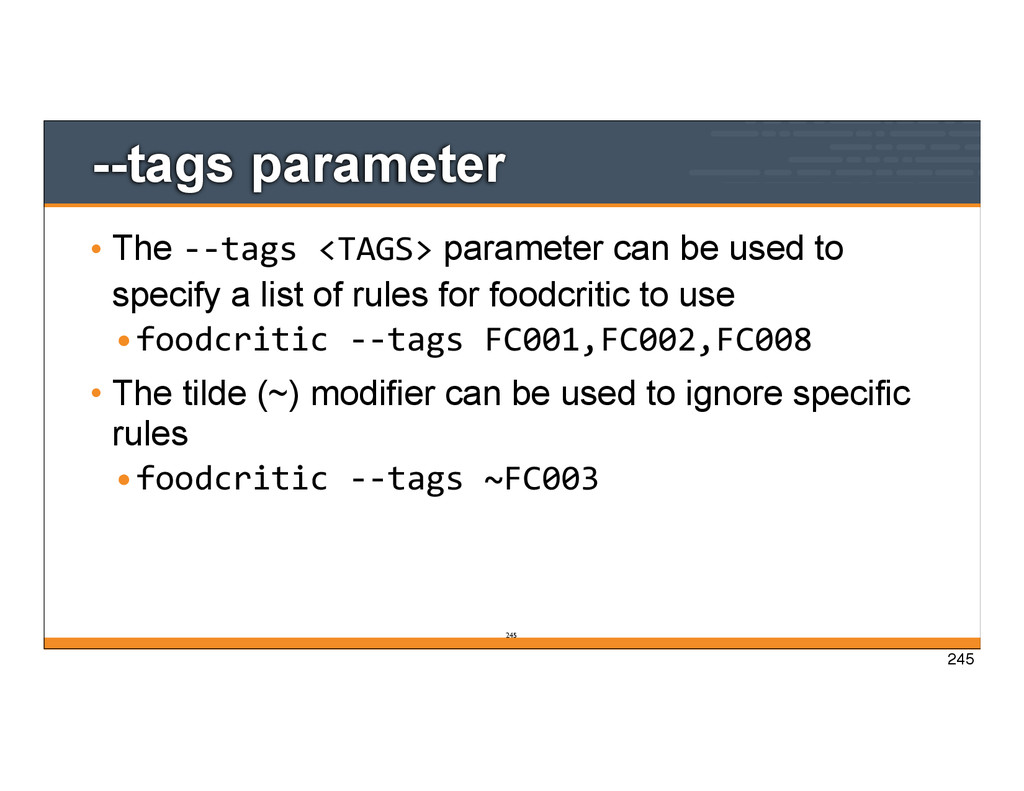
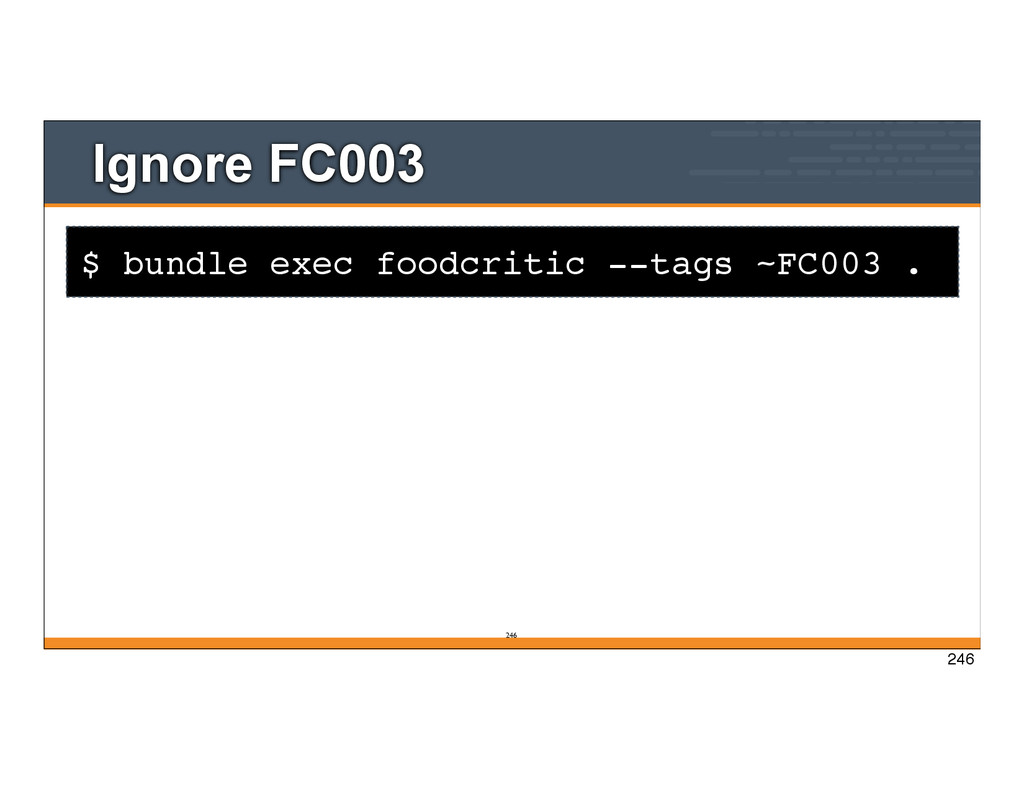
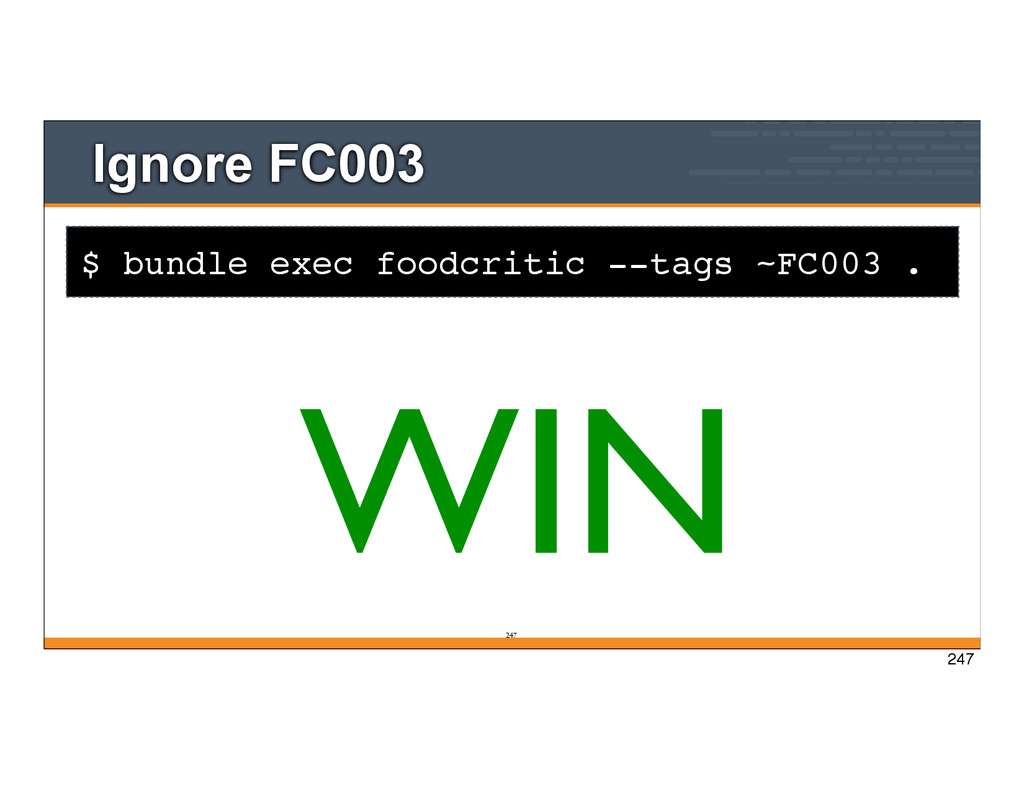
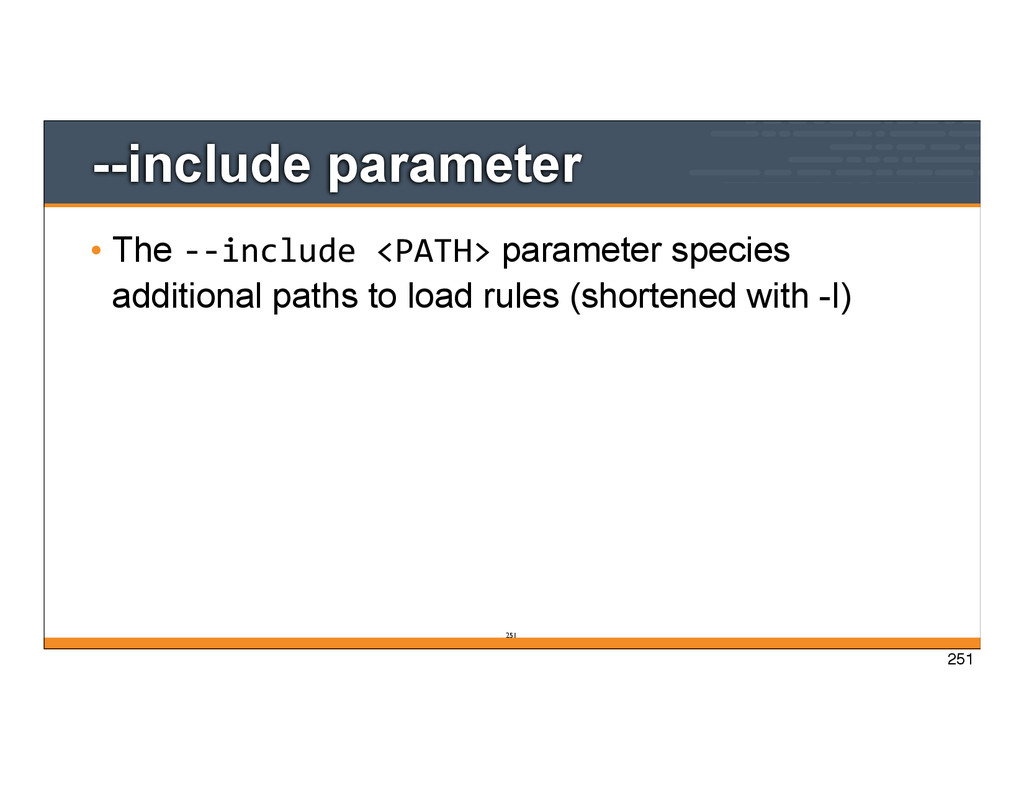
used to specify a list of rules for foodcritic to use •foodcritic -‐-‐tags FC001,FC002,FC008 • The tilde (~) modifier can be used to ignore specific rules •foodcritic -‐-‐tags ~FC003 245
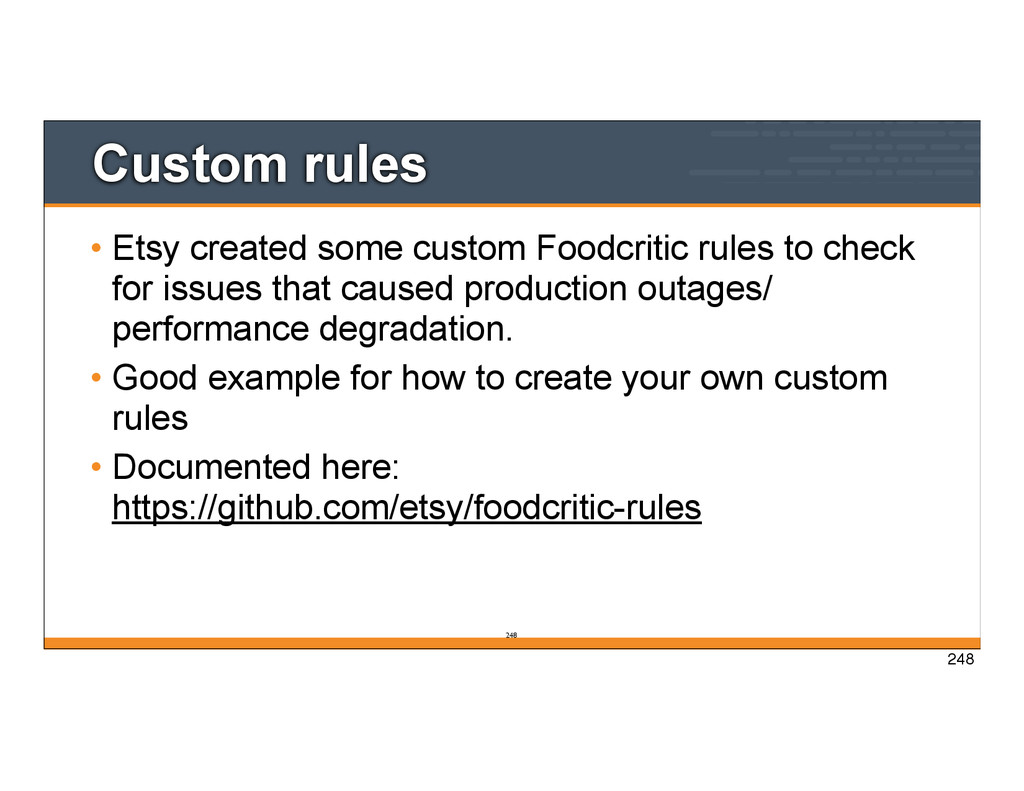
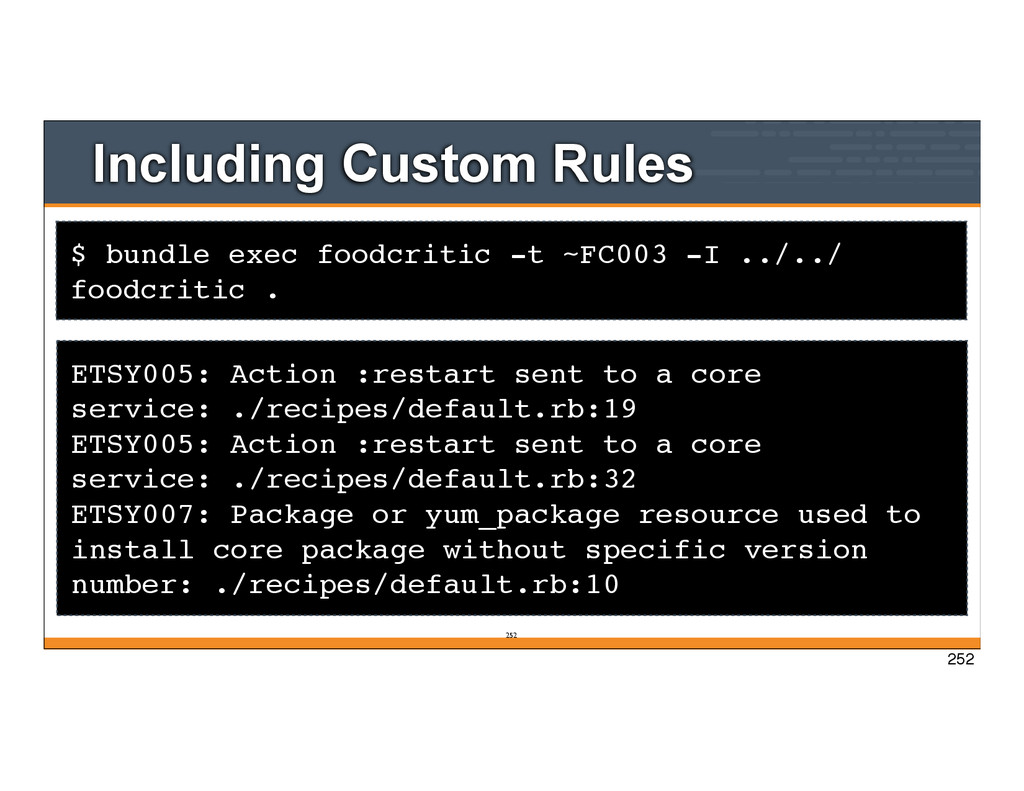
to check for issues that caused production outages/ performance degradation. • Good example for how to create your own custom rules • Documented here: https://github.com/etsy/foodcritic-rules 248
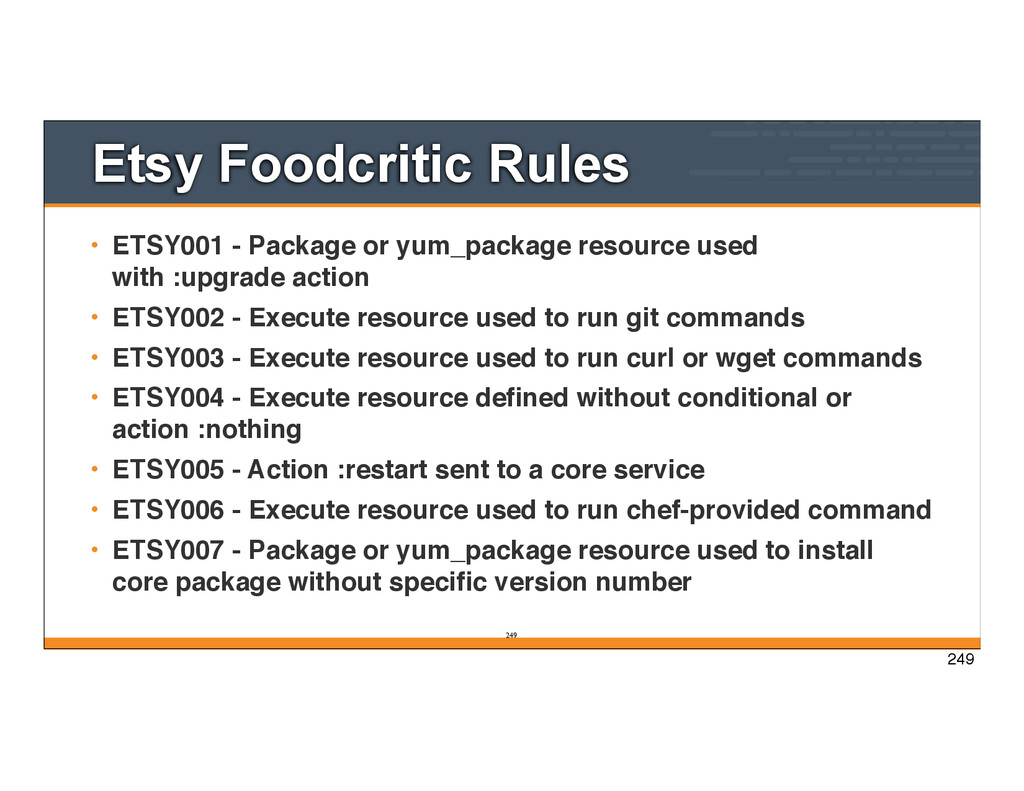
used with :upgrade action • ETSY002 - Execute resource used to run git commands • ETSY003 - Execute resource used to run curl or wget commands • ETSY004 - Execute resource defined without conditional or action :nothing • ETSY005 - Action :restart sent to a core service • ETSY006 - Execute resource used to run chef-provided command • ETSY007 - Package or yum_package resource used to install core package without specific version number 249 249
Including Custom Rules ETSY005: Action :restart sent to a core service: ./recipes/default.rb:19 ETSY005: Action :restart sent to a core service: ./recipes/default.rb:32 ETSY007: Package or yum_package resource used to install core package without specific version number: ./recipes/default.rb:10 252 252
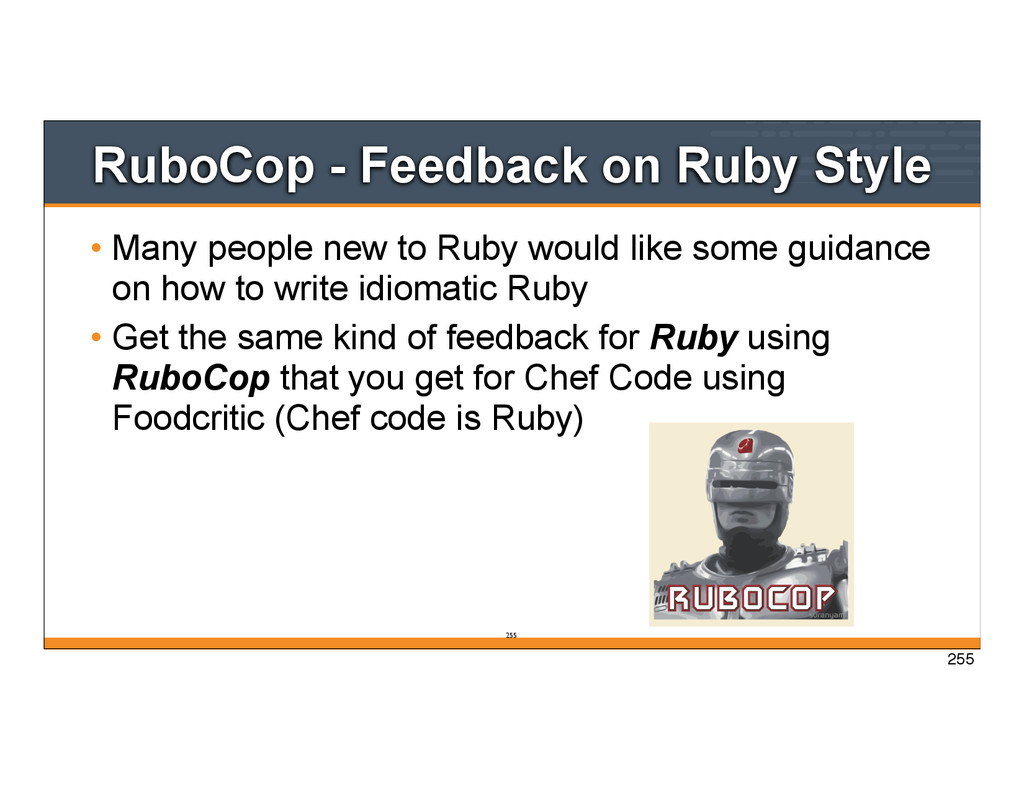
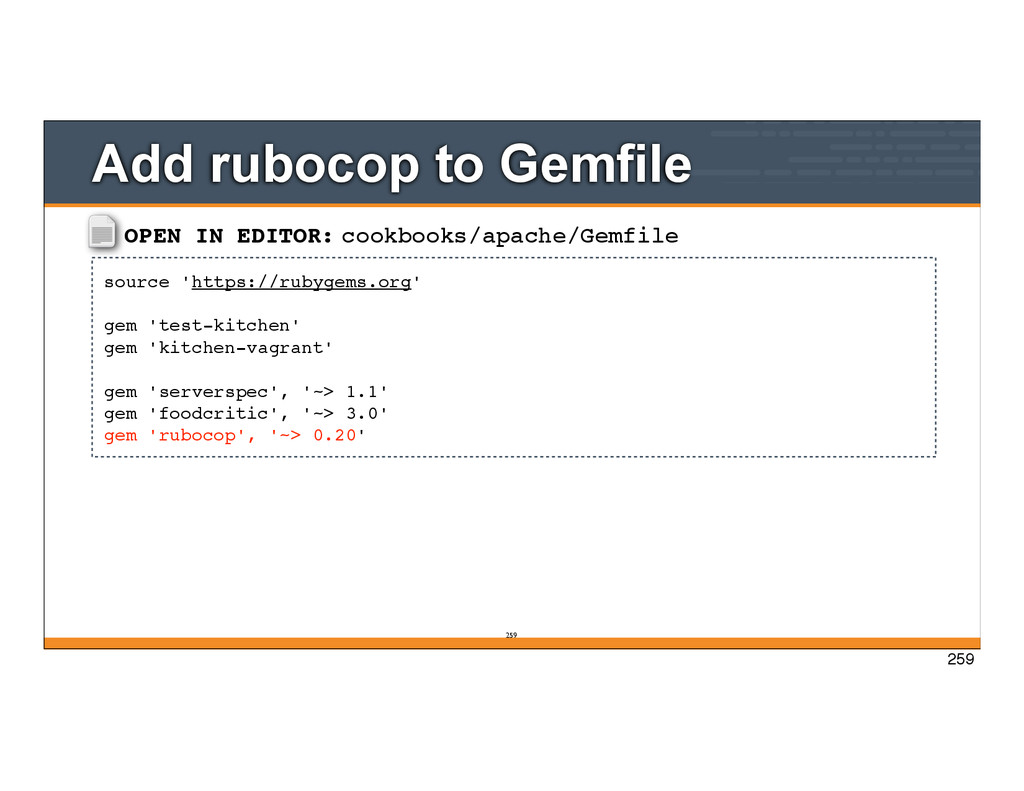
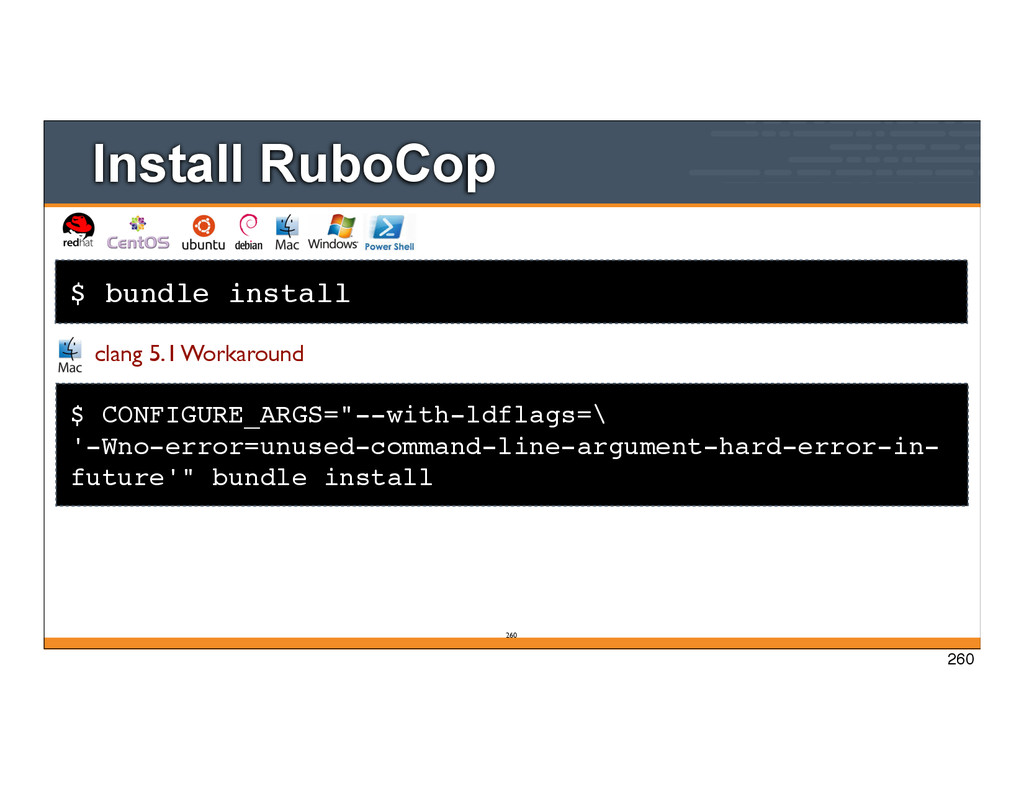
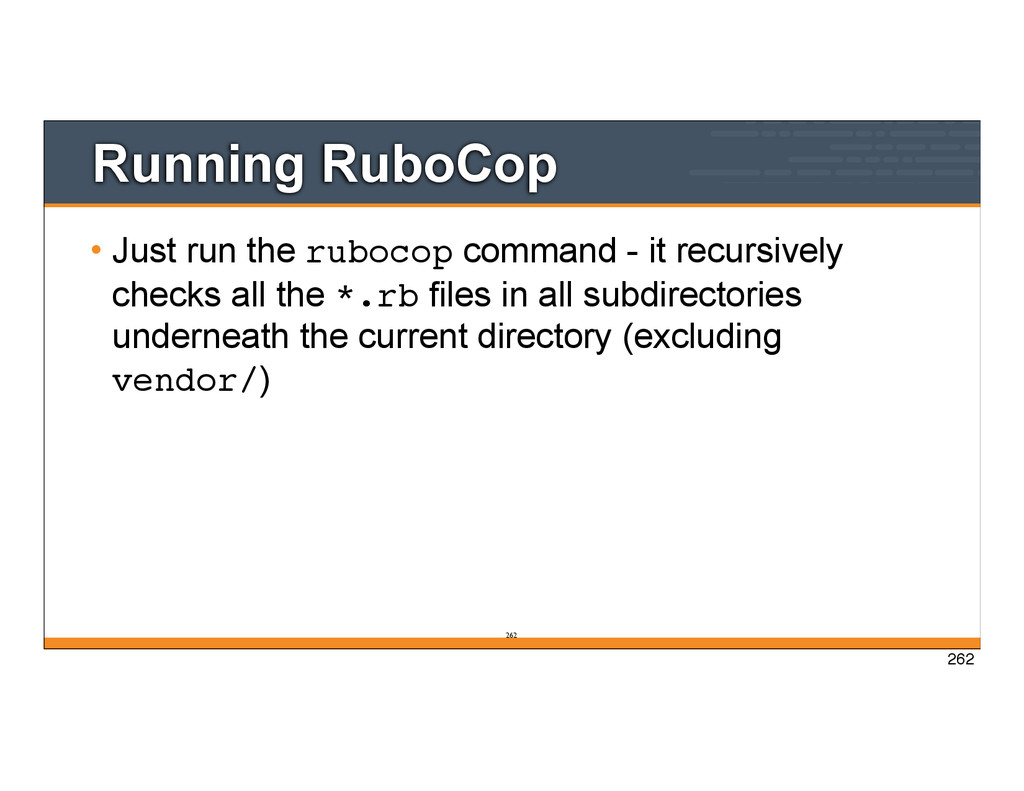
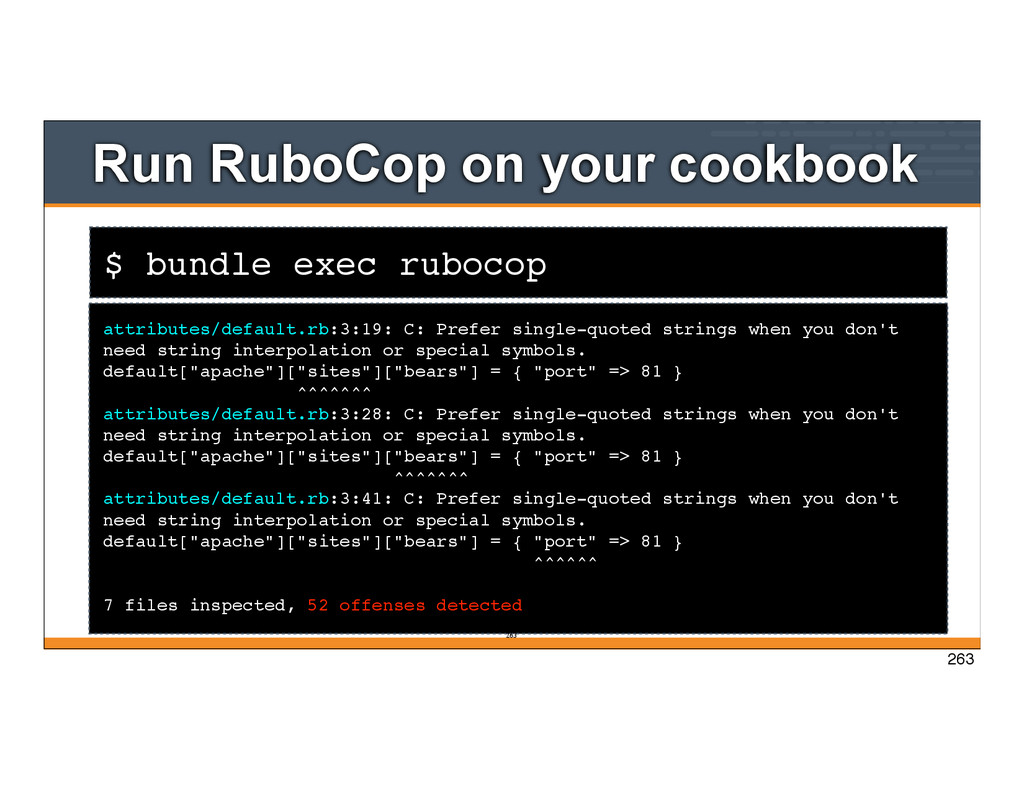
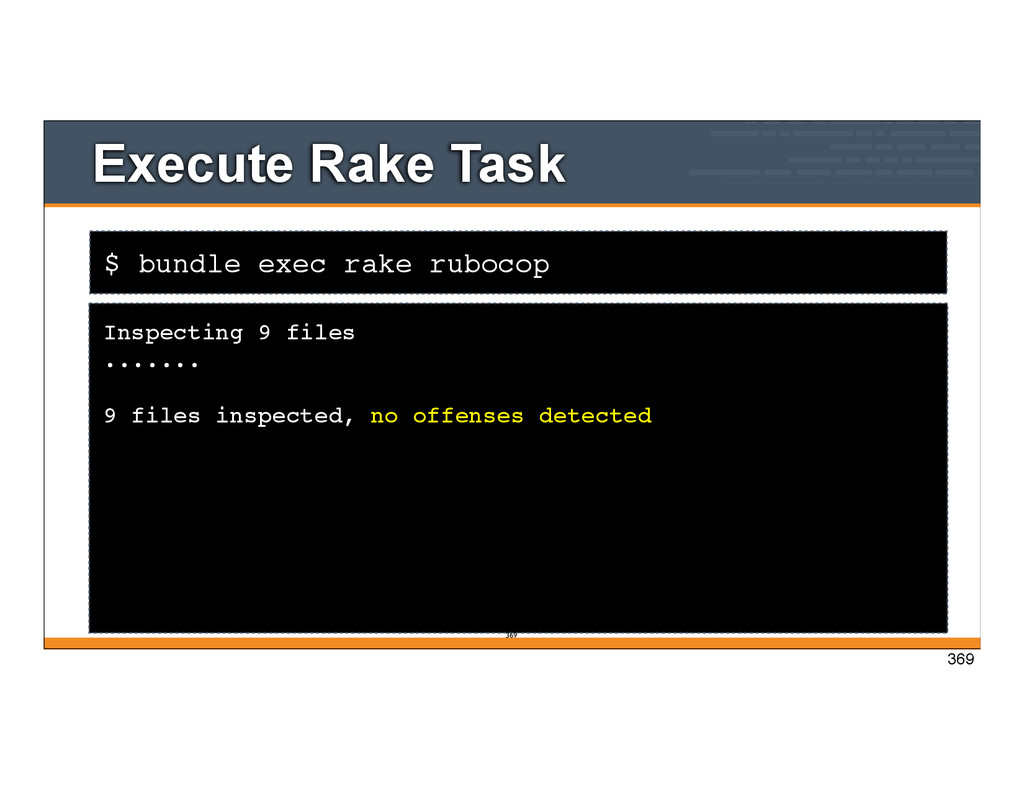
to Ruby would like some guidance on how to write idiomatic Ruby • Get the same kind of feedback for Ruby using RuboCop that you get for Chef Code using Foodcritic (Chef code is Ruby) 255 255
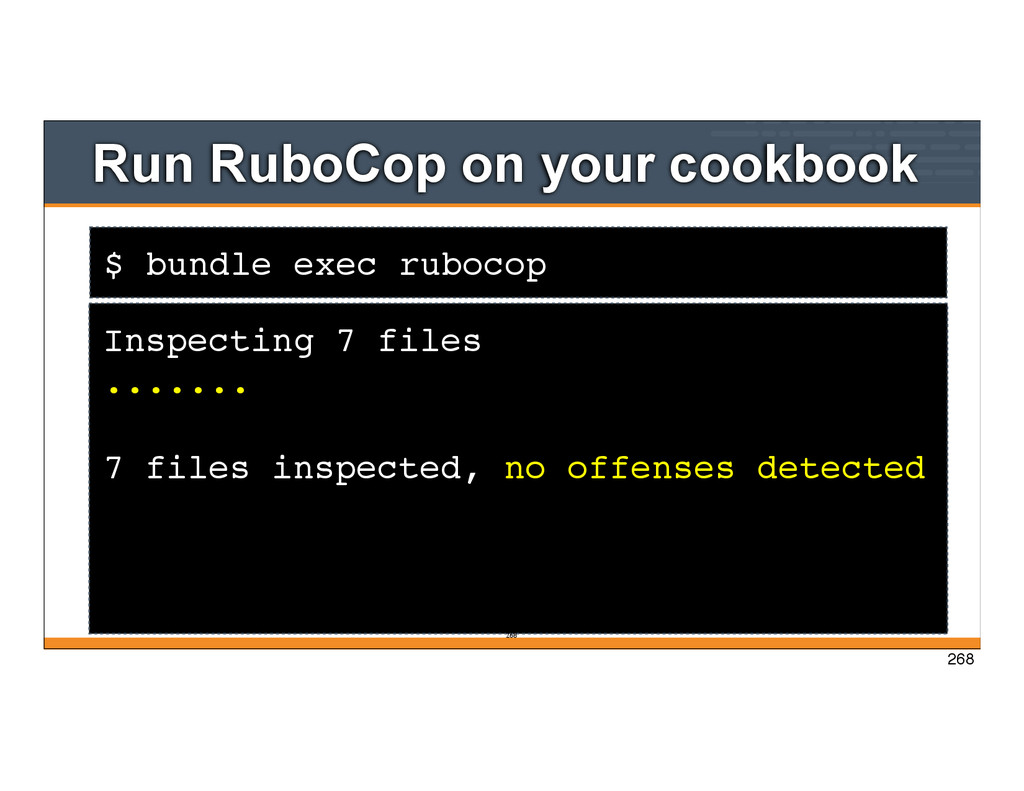
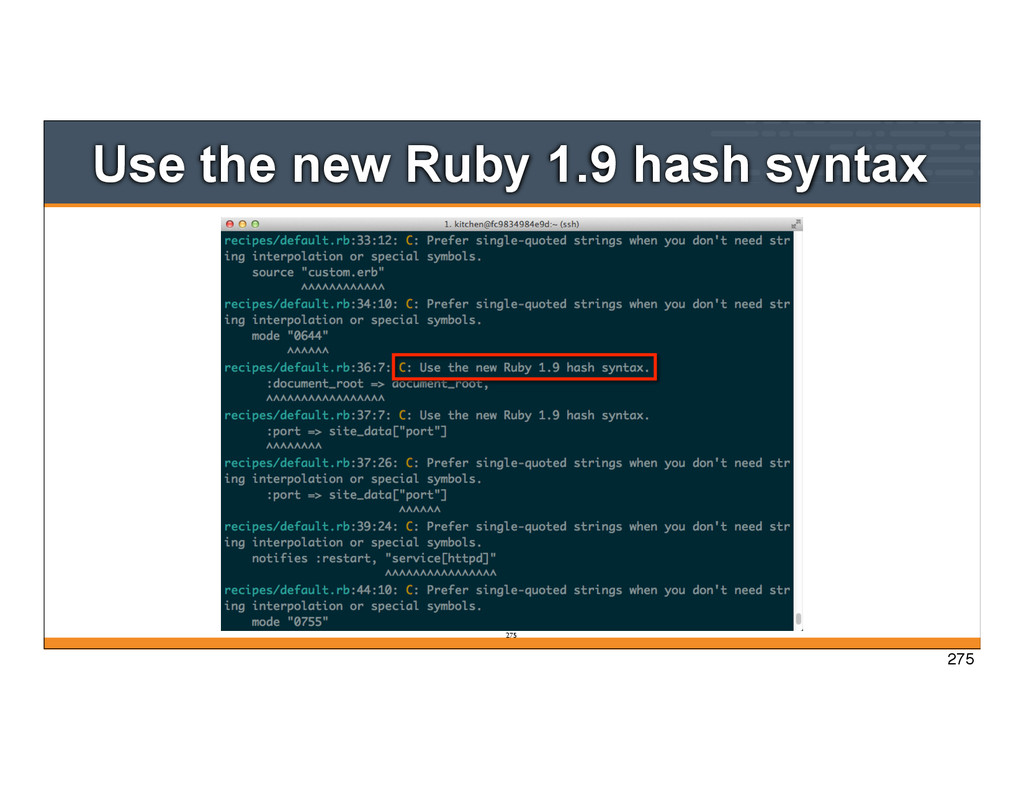
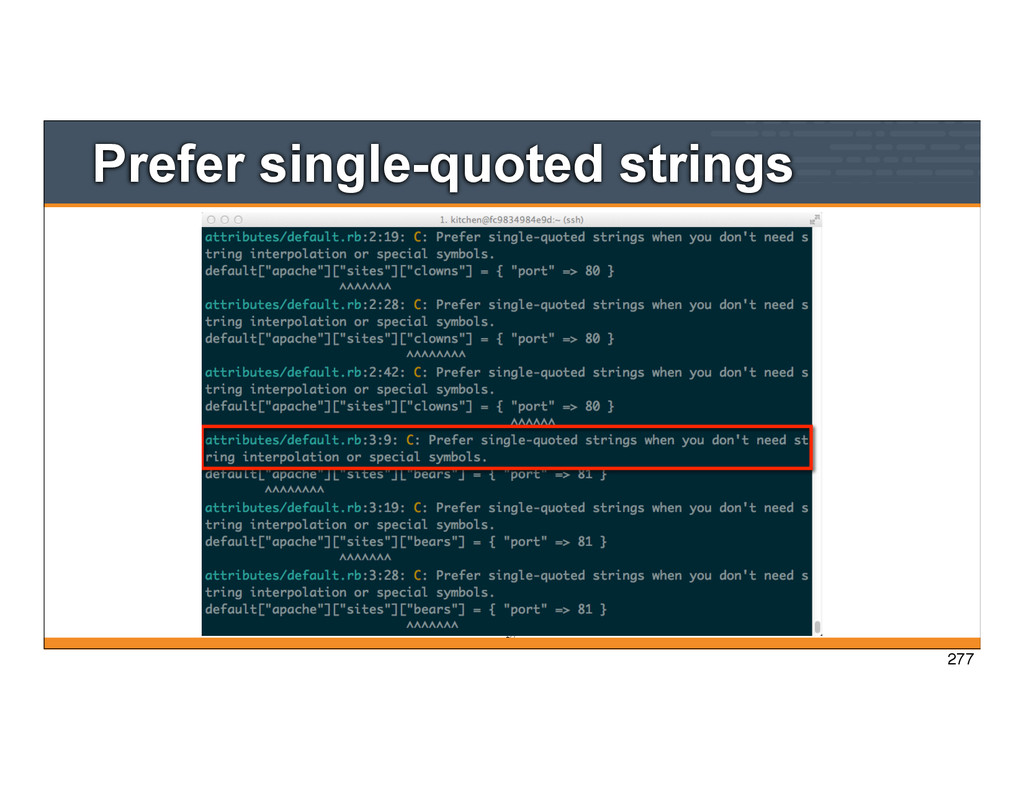
C: Prefer single-quoted strings when you don't need string interpolation or special symbols. default["apache"]["sites"]["bears"] = { "port" => 81 } ^^^^^^^ attributes/default.rb:3:28: C: Prefer single-quoted strings when you don't need string interpolation or special symbols. default["apache"]["sites"]["bears"] = { "port" => 81 } ^^^^^^^ attributes/default.rb:3:41: C: Prefer single-quoted strings when you don't need string interpolation or special symbols. default["apache"]["sites"]["bears"] = { "port" => 81 } ^^^^^^ 7 files inspected, 52 offenses detected 263 263
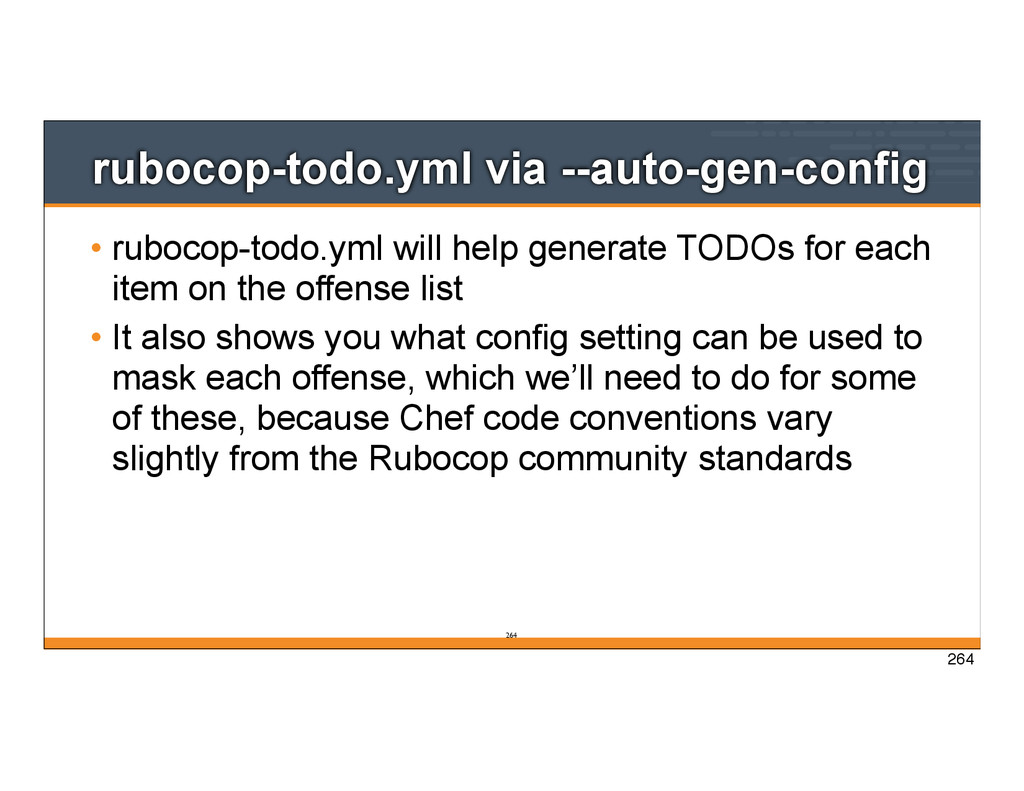
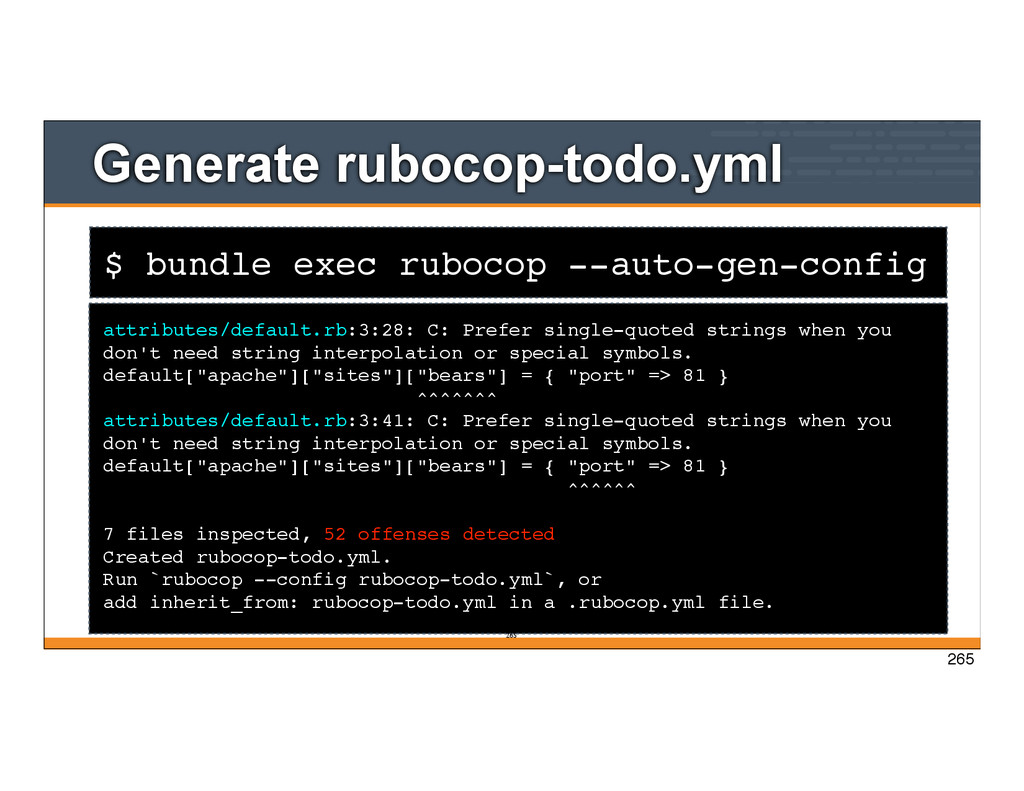
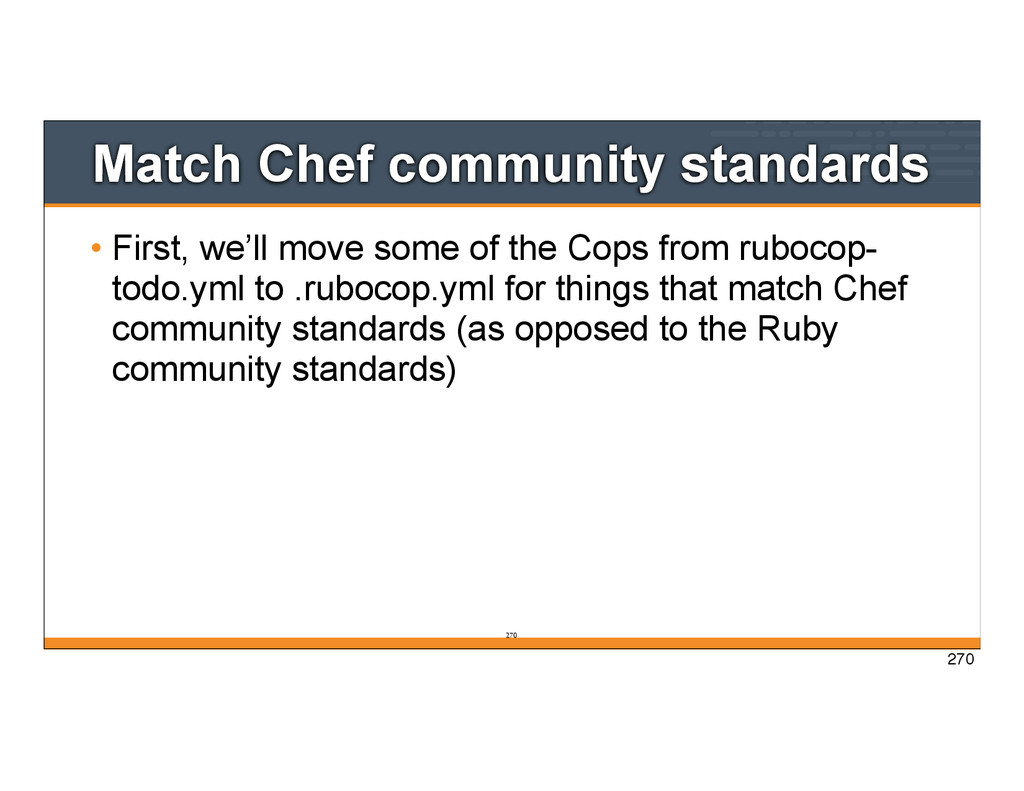
each item on the offense list • It also shows you what config setting can be used to mask each offense, which we’ll need to do for some of these, because Chef code conventions vary slightly from the Rubocop community standards 264 264
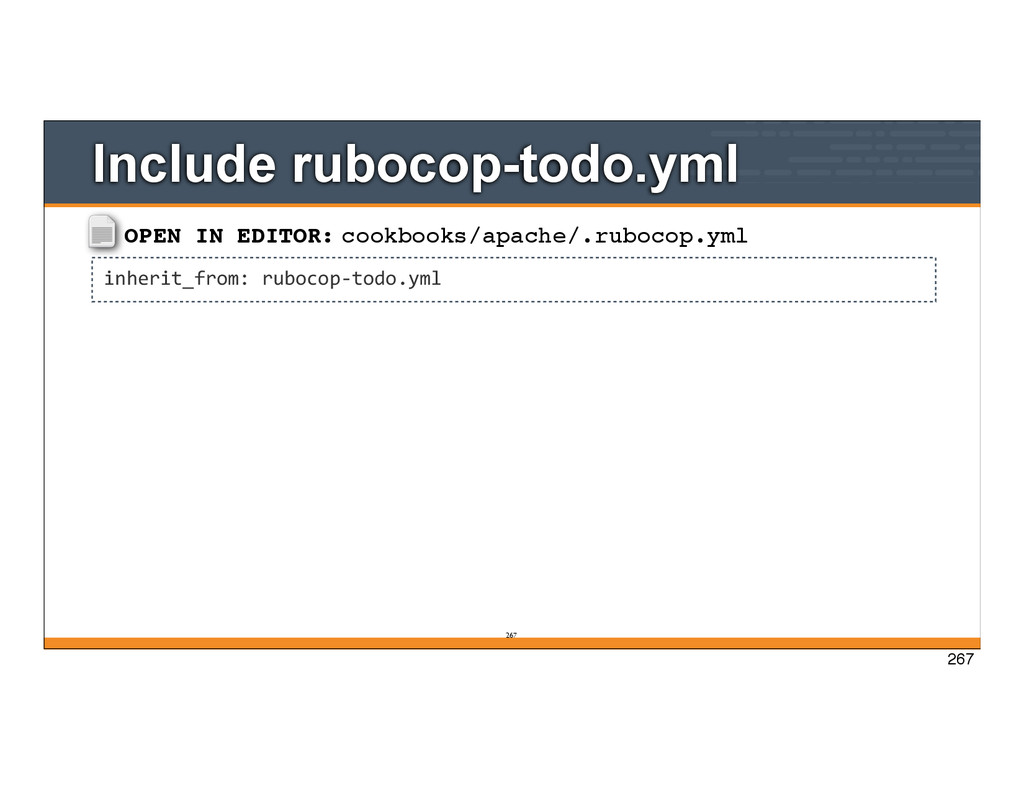
single-quoted strings when you don't need string interpolation or special symbols. default["apache"]["sites"]["bears"] = { "port" => 81 } ^^^^^^^ attributes/default.rb:3:41: C: Prefer single-quoted strings when you don't need string interpolation or special symbols. default["apache"]["sites"]["bears"] = { "port" => 81 } ^^^^^^ 7 files inspected, 52 offenses detected Created rubocop-todo.yml. Run `rubocop --config rubocop-todo.yml`, or add inherit_from: rubocop-todo.yml in a .rubocop.yml file. 265 265
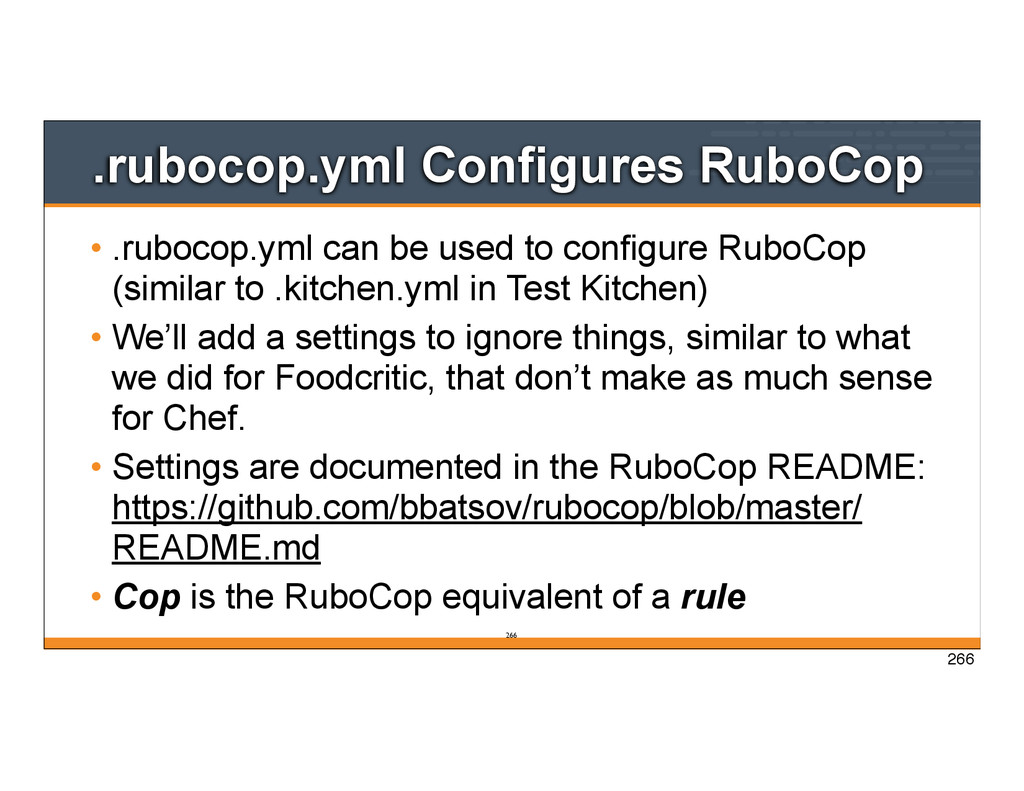
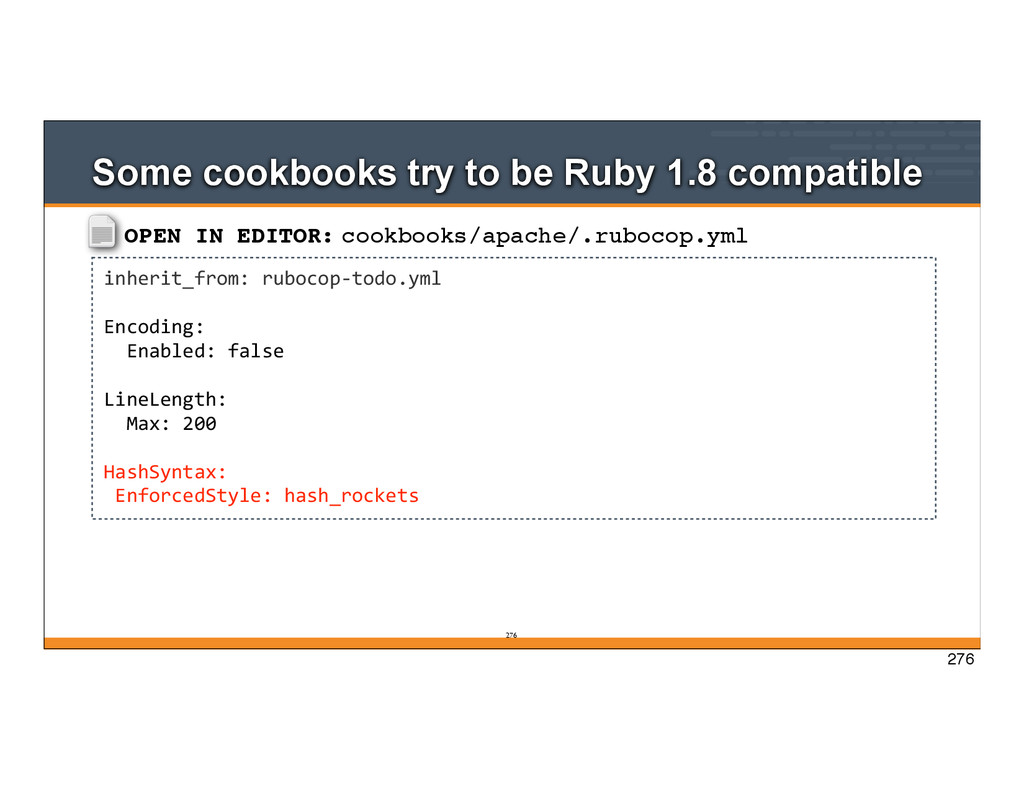
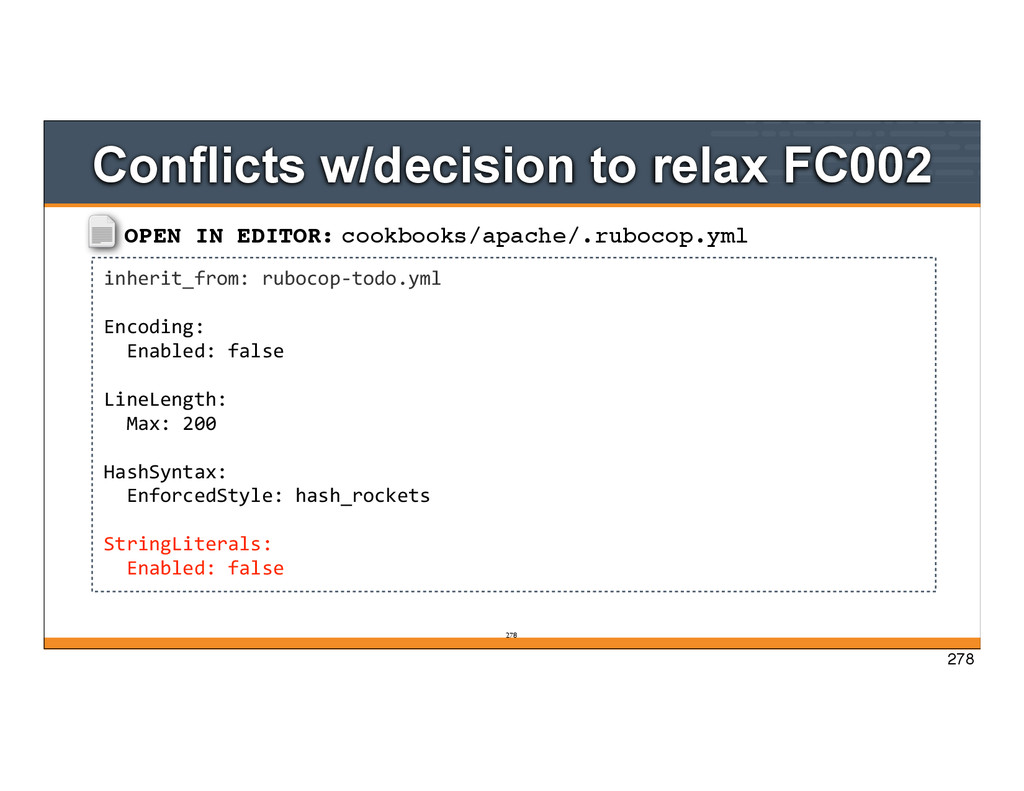
RuboCop (similar to .kitchen.yml in Test Kitchen) • We’ll add a settings to ignore things, similar to what we did for Foodcritic, that don’t make as much sense for Chef. • Settings are documented in the RuboCop README: https://github.com/bbatsov/rubocop/blob/master/ README.md • Cop is the RuboCop equivalent of a rule 266 266
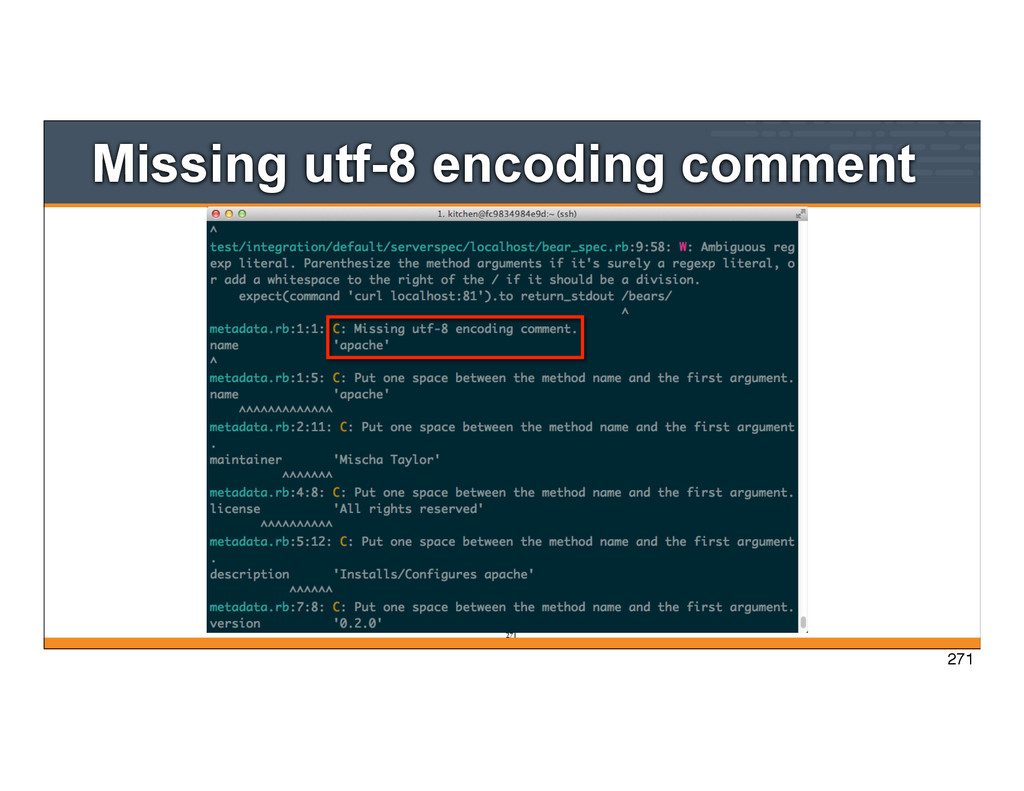
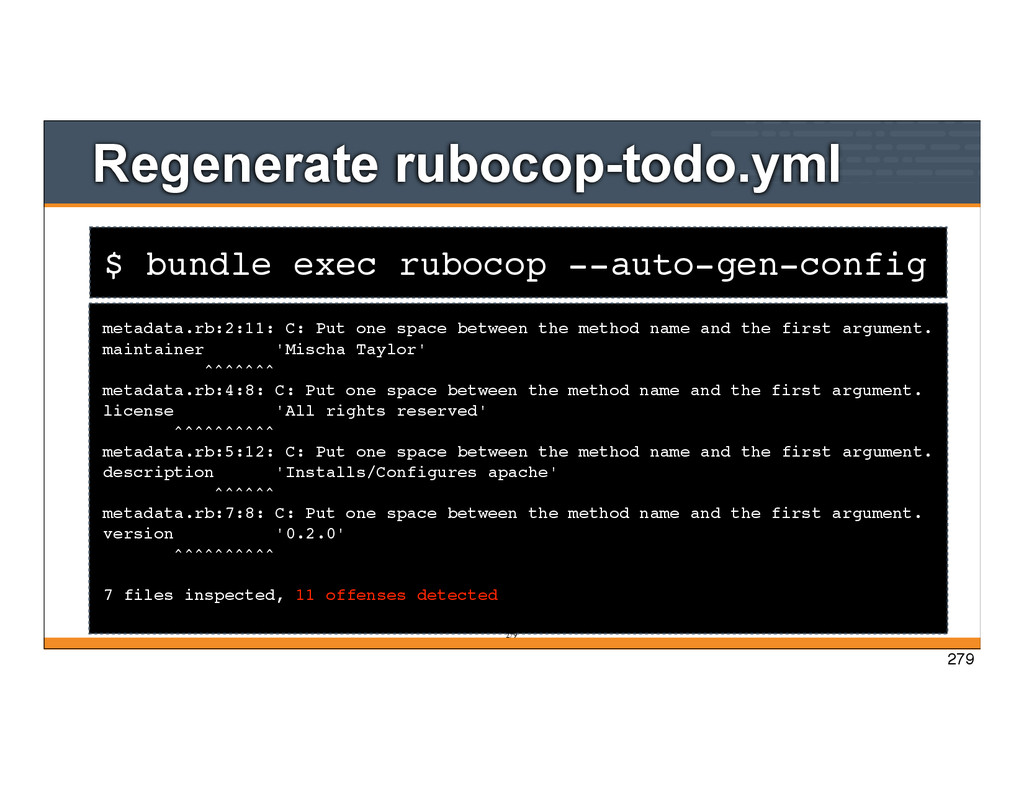
one space between the method name and the first argument. maintainer 'Mischa Taylor' ^^^^^^^ metadata.rb:4:8: C: Put one space between the method name and the first argument. license 'All rights reserved' ^^^^^^^^^^ metadata.rb:5:12: C: Put one space between the method name and the first argument. description 'Installs/Configures apache' ^^^^^^ metadata.rb:7:8: C: Put one space between the method name and the first argument. version '0.2.0' ^^^^^^^^^^ 7 files inspected, 11 offenses detected 279 279
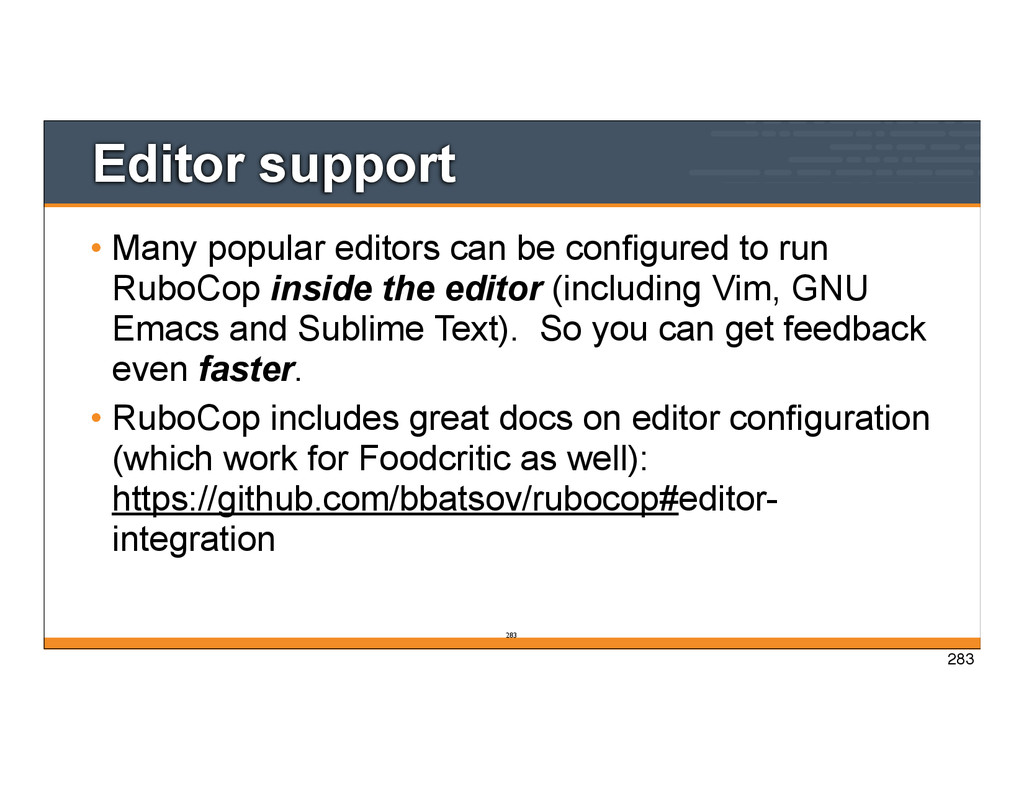
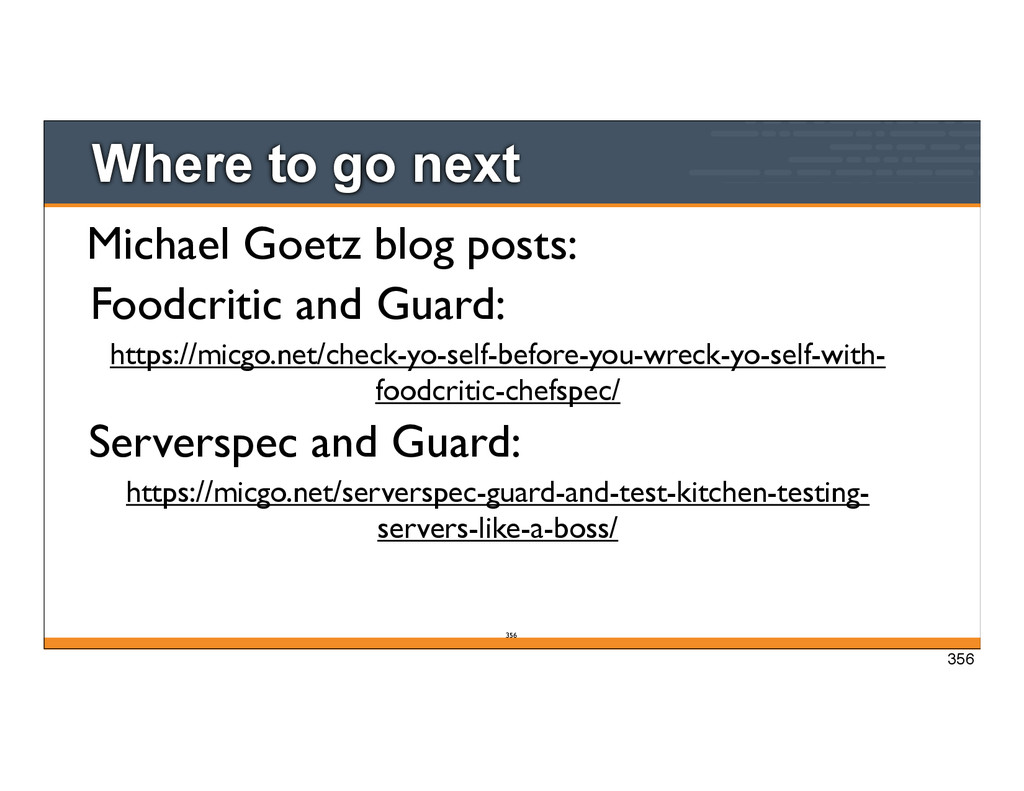
to run RuboCop inside the editor (including Vim, GNU Emacs and Sublime Text). So you can get feedback even faster. • RuboCop includes great docs on editor configuration (which work for Foodcritic as well): https://github.com/bbatsov/rubocop#editor- integration 283
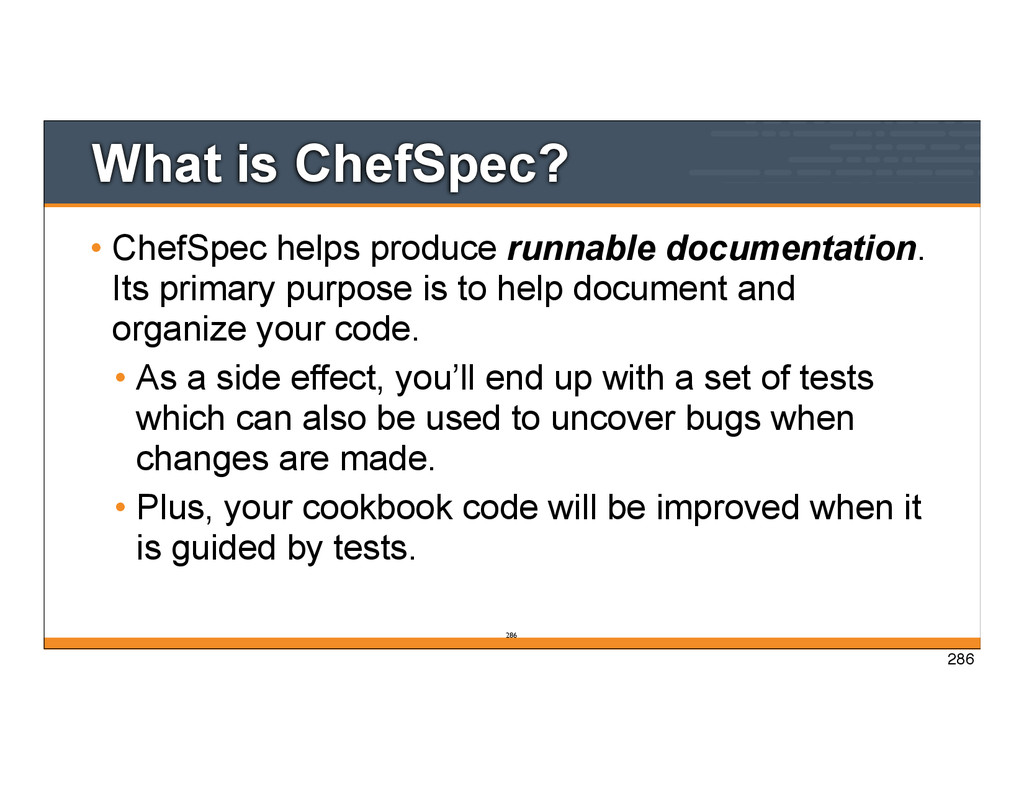
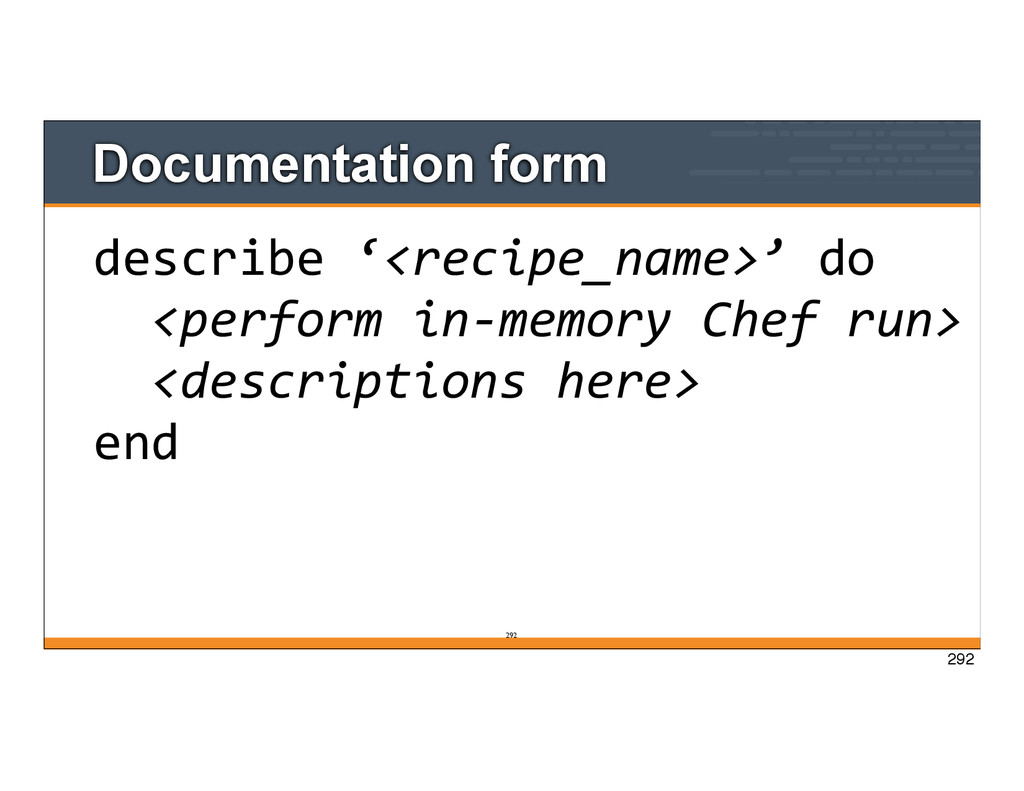
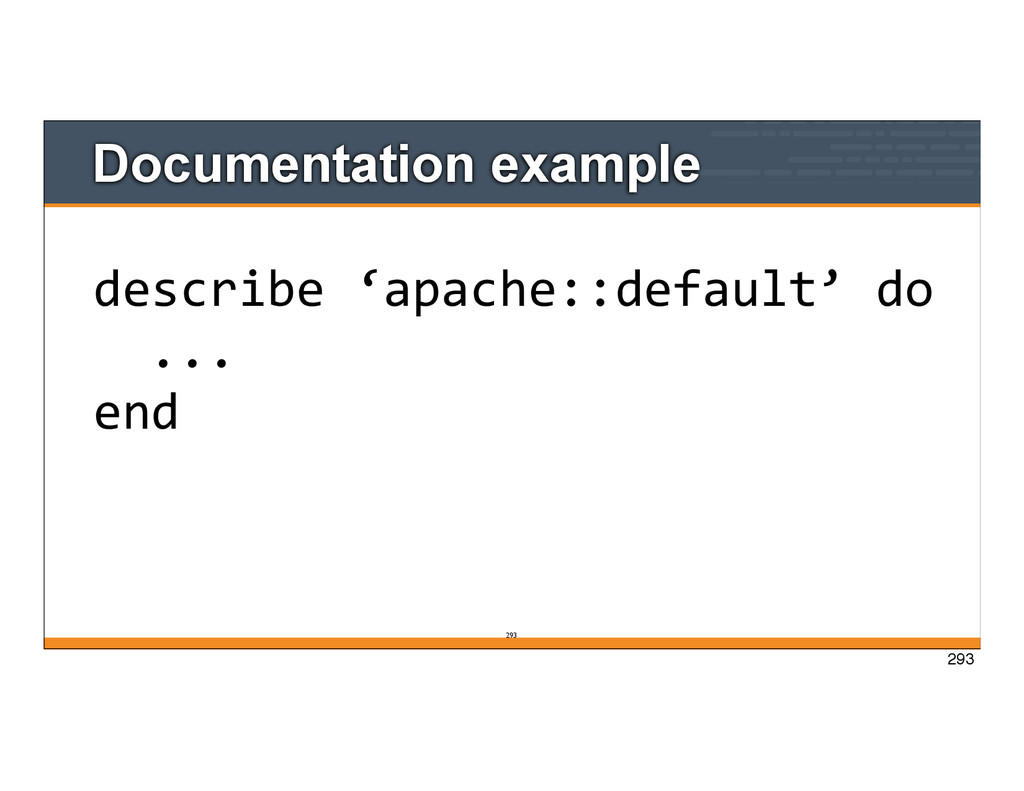
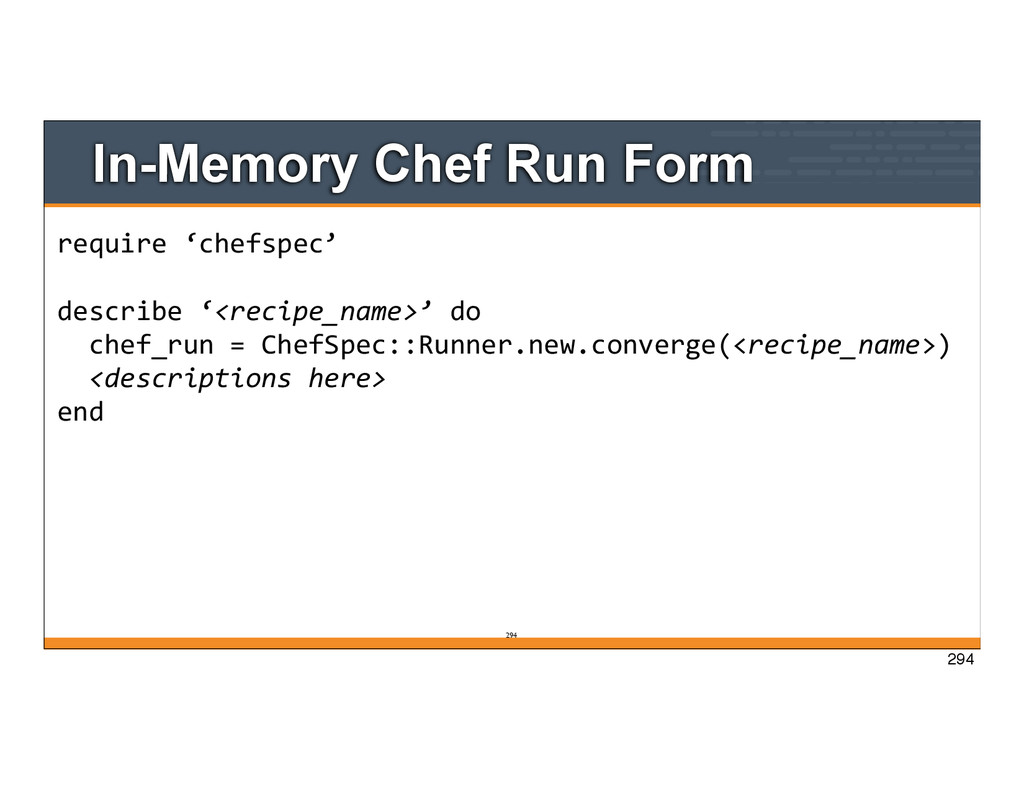
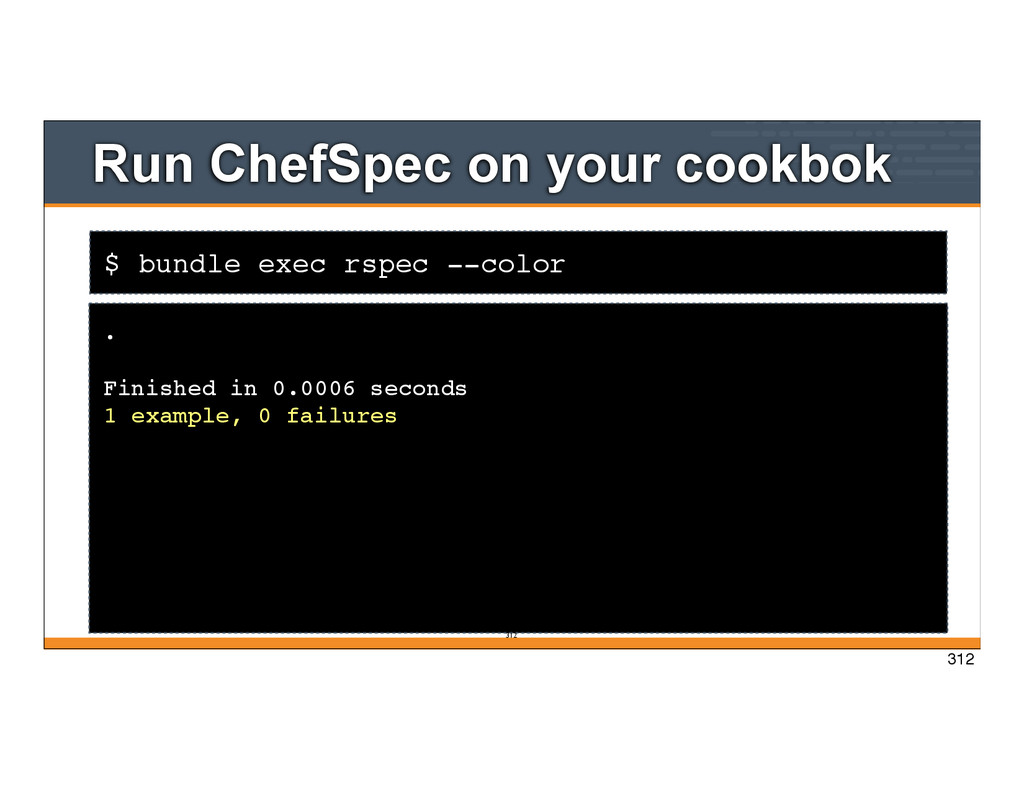
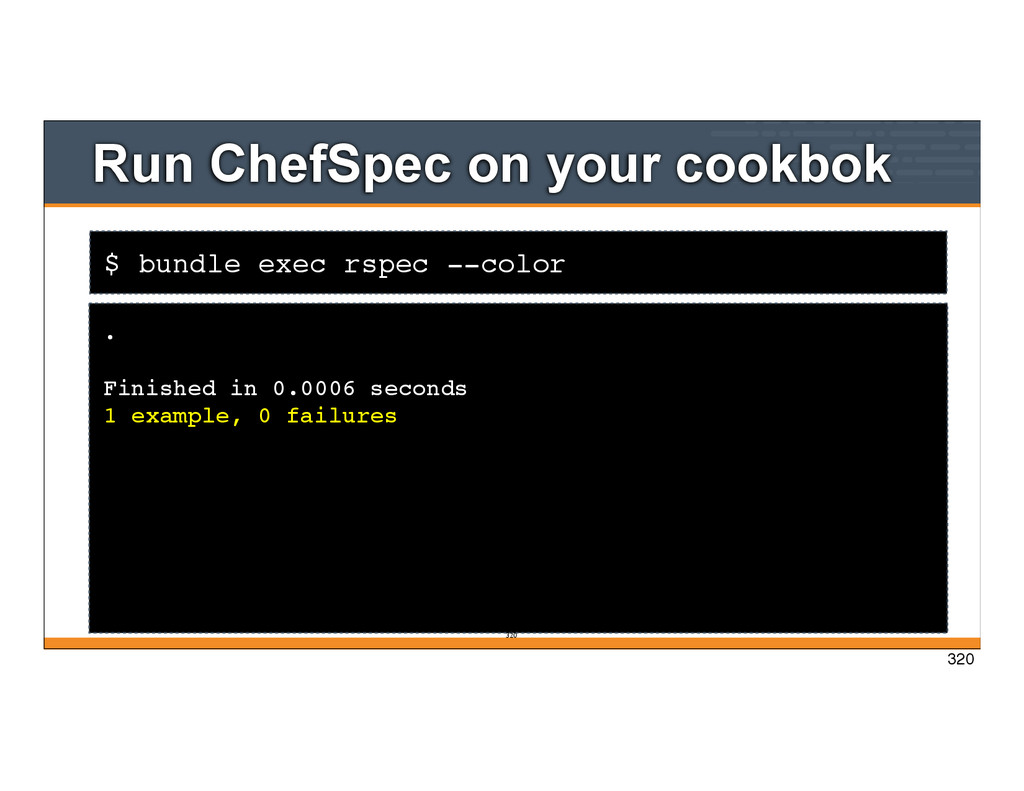
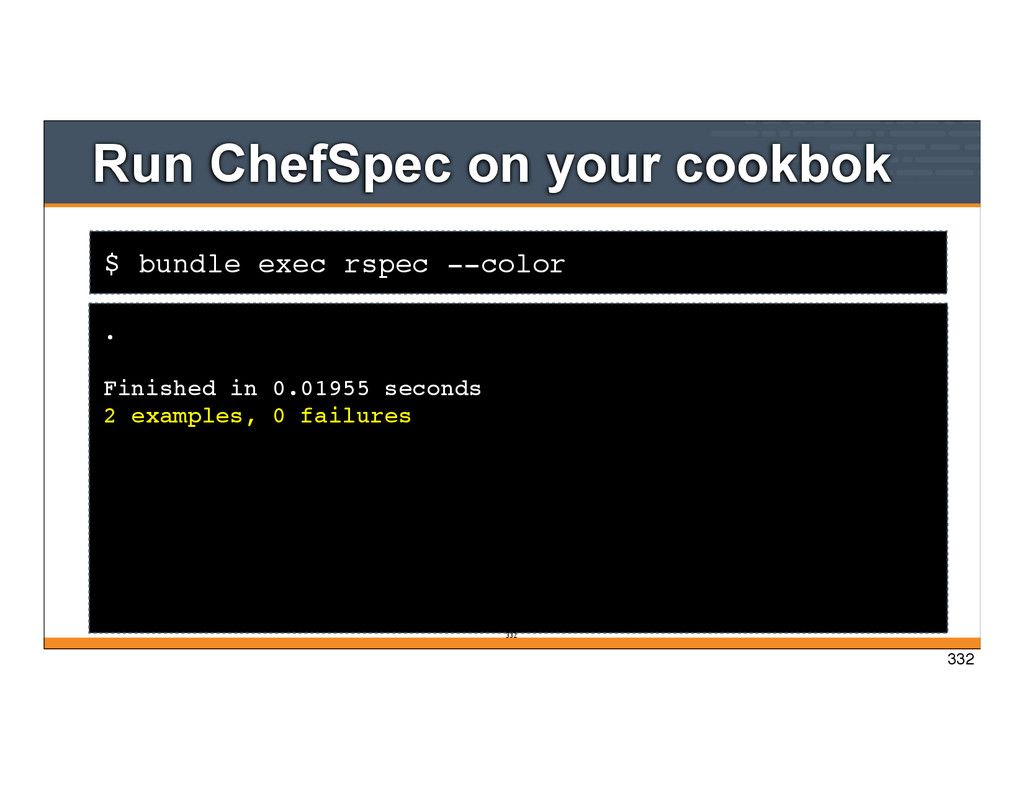
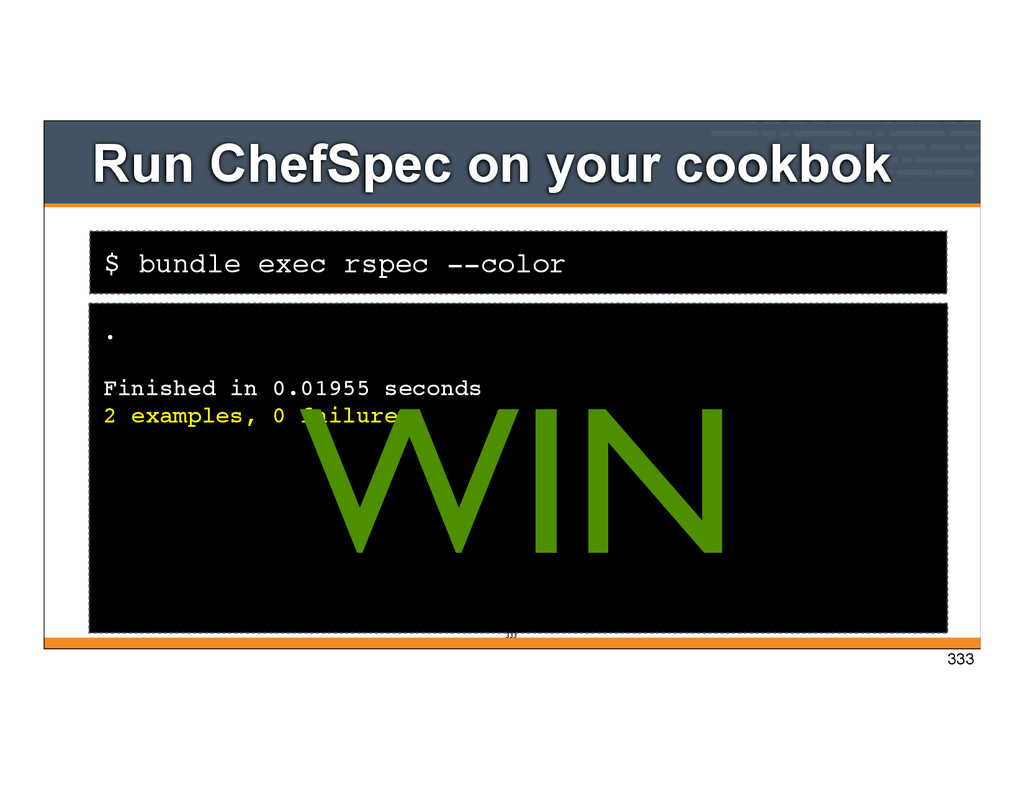
primary purpose is to help document and organize your code. • As a side effect, you’ll end up with a set of tests which can also be used to uncover bugs when changes are made. • Plus, your cookbook code will be improved when it is guided by tests. 286 286
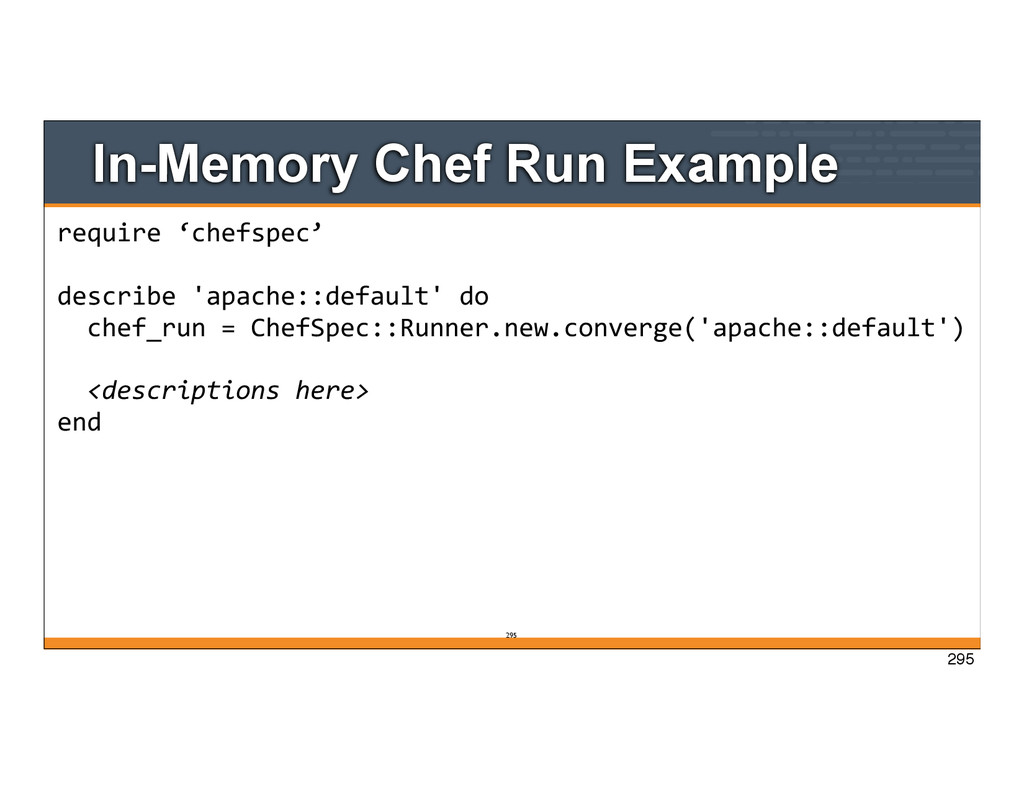
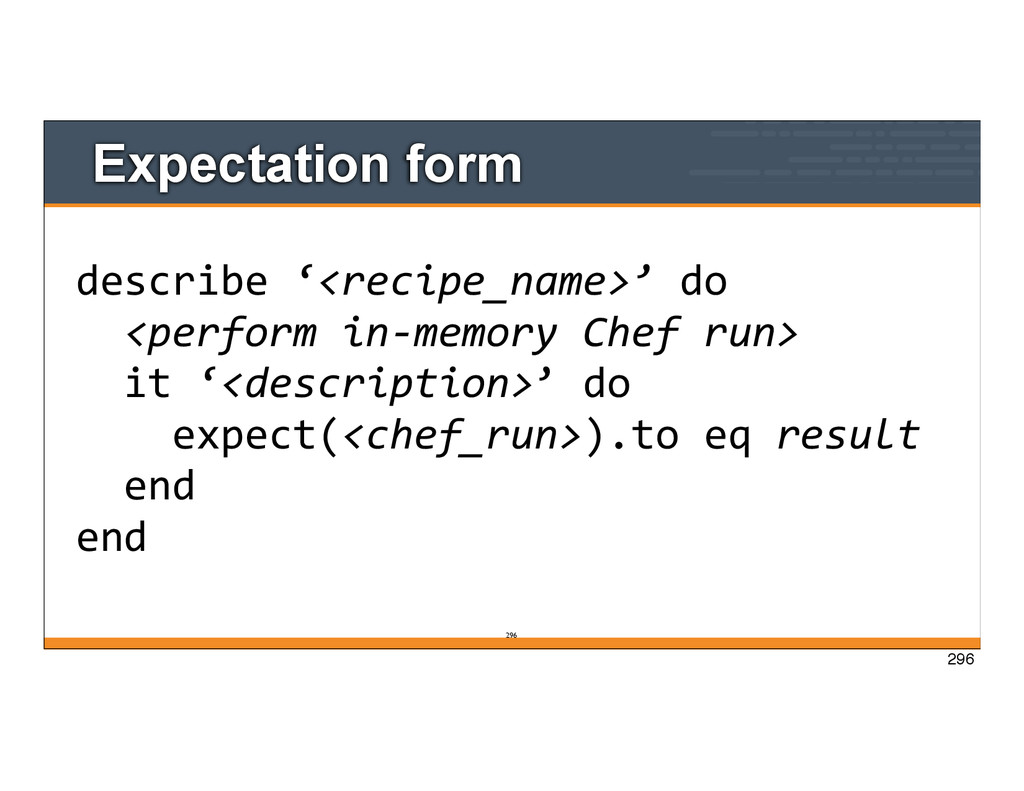
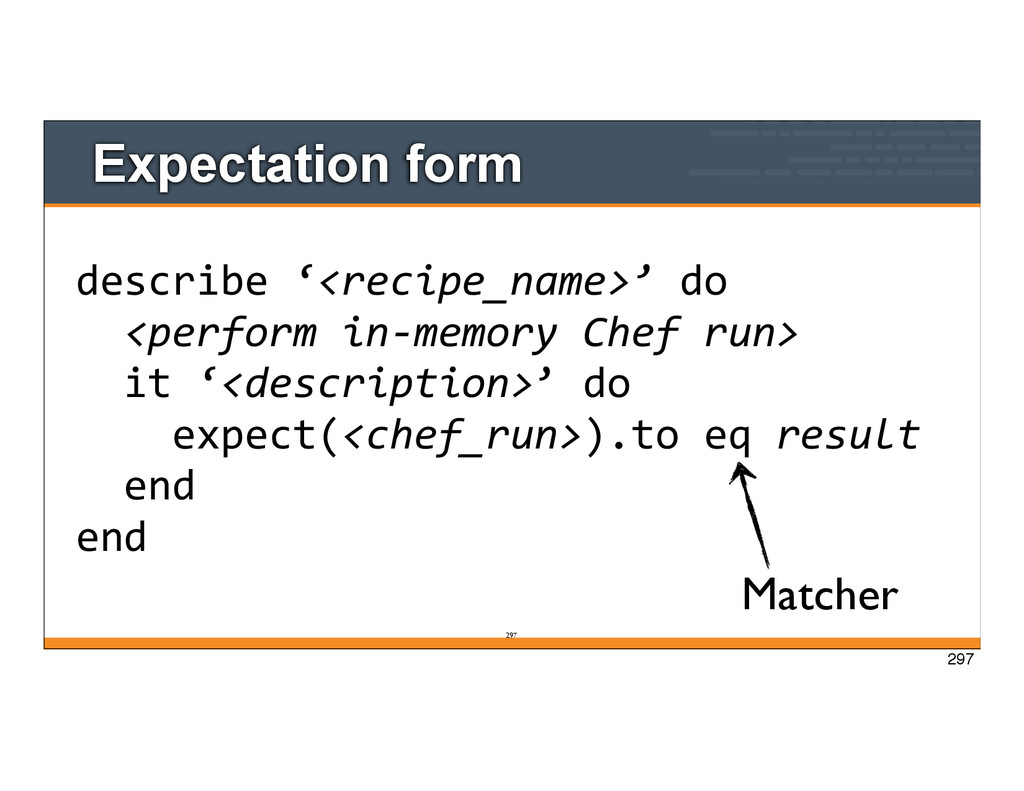
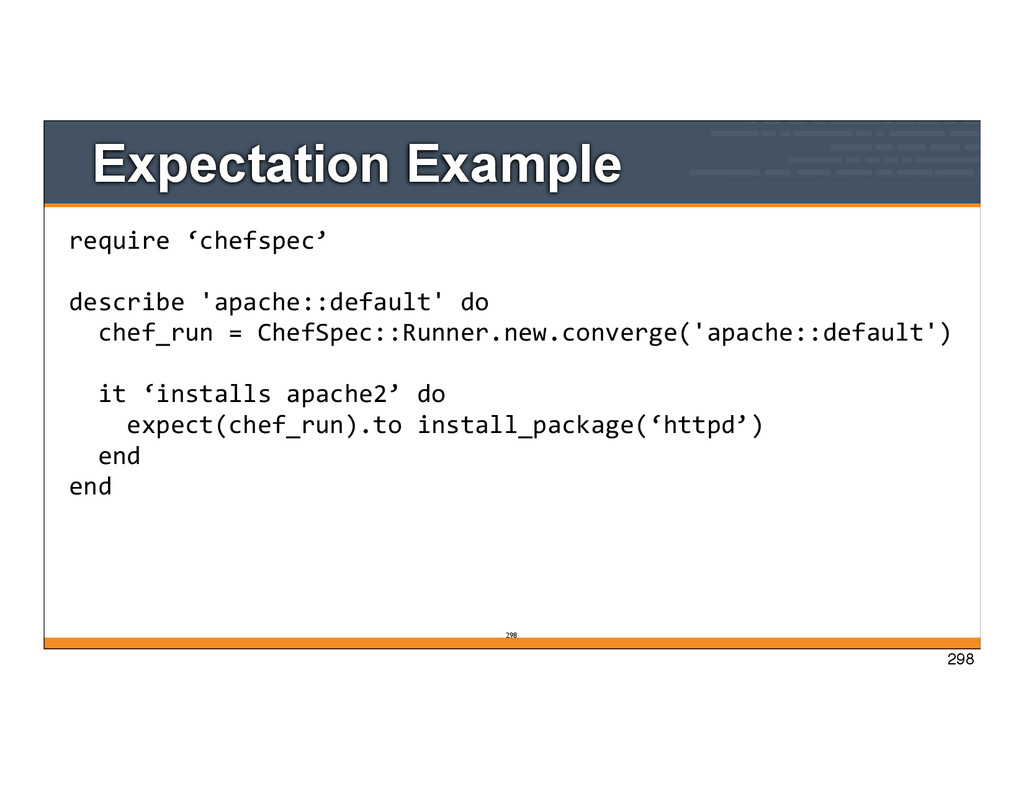
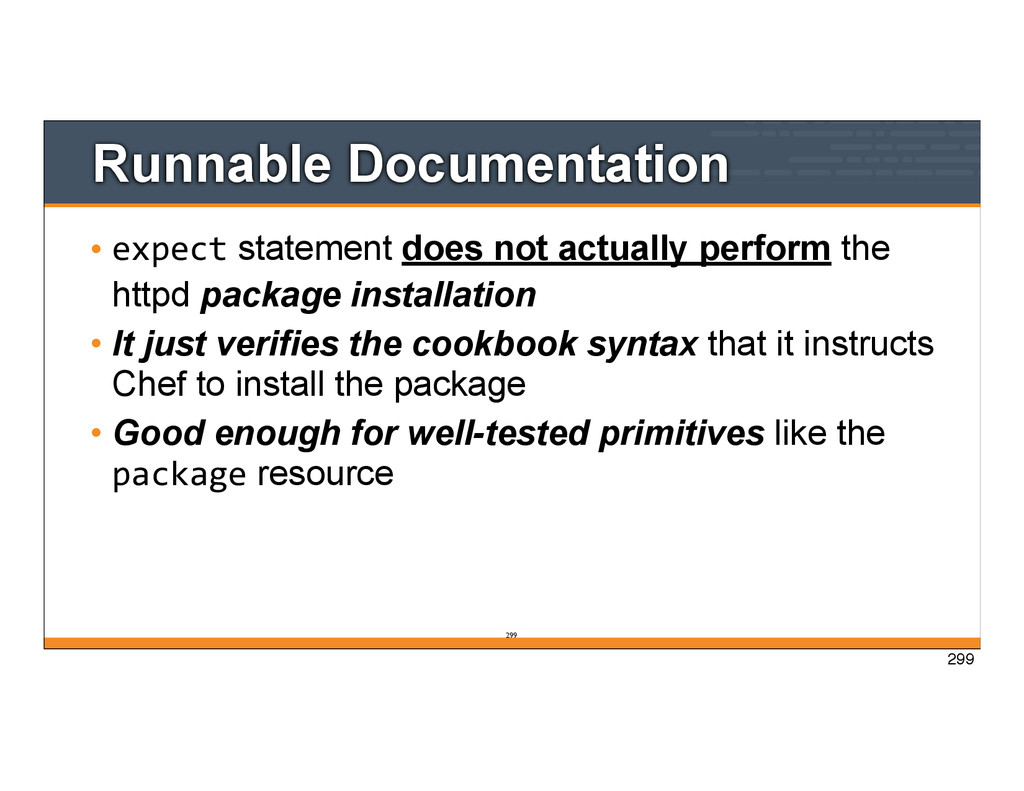
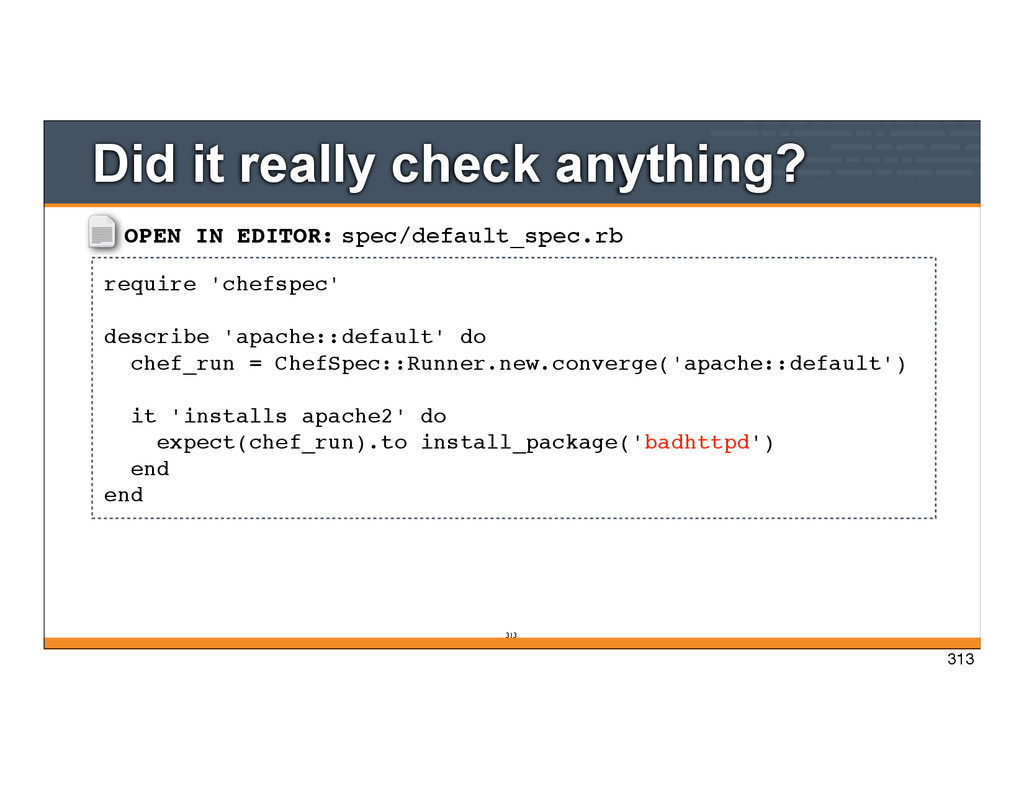
httpd package installation • It just verifies the cookbook syntax that it instructs Chef to install the package • Good enough for well-tested primitives like the package resource 299 299
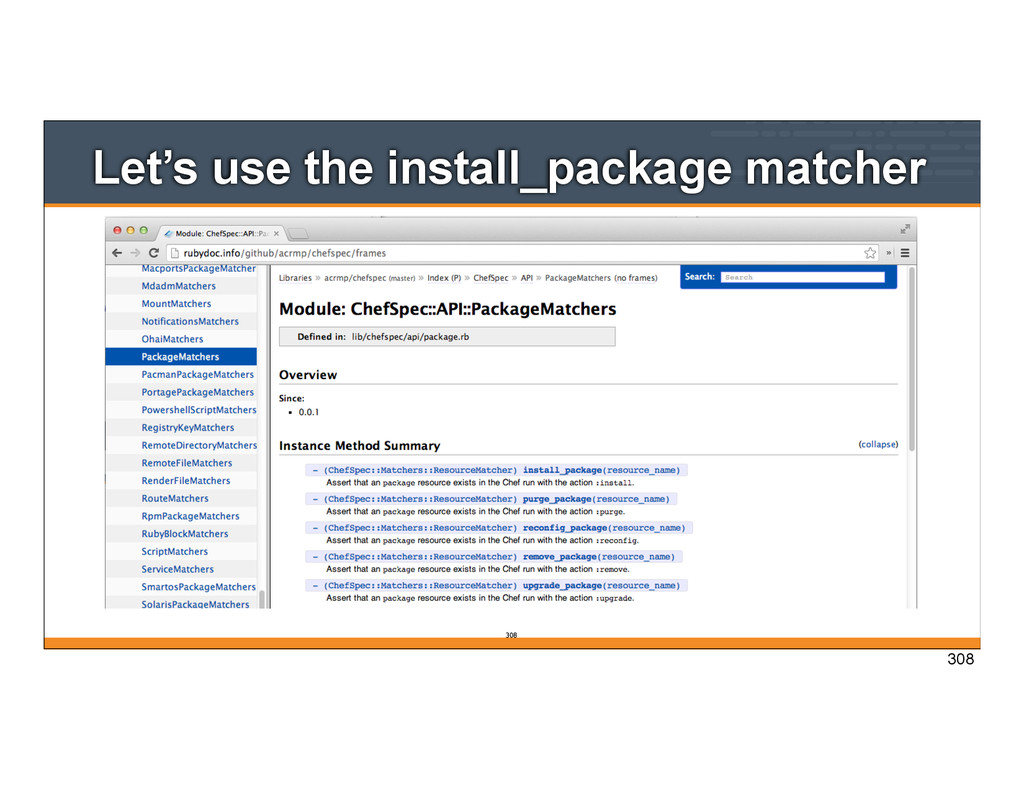
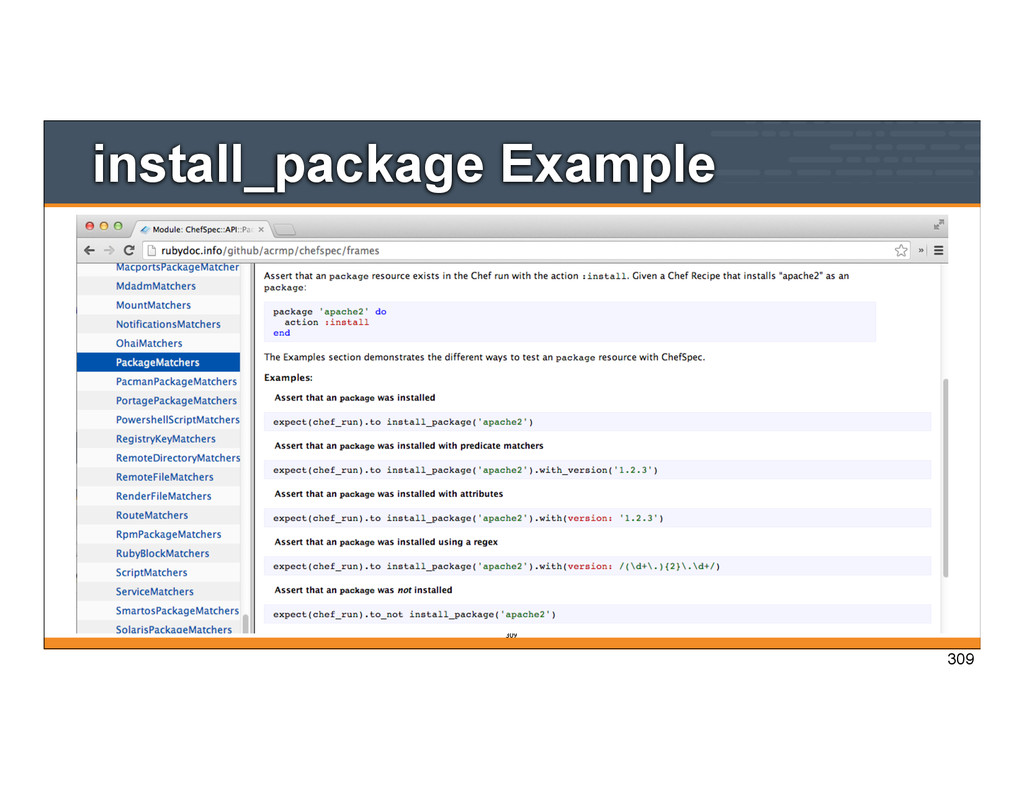
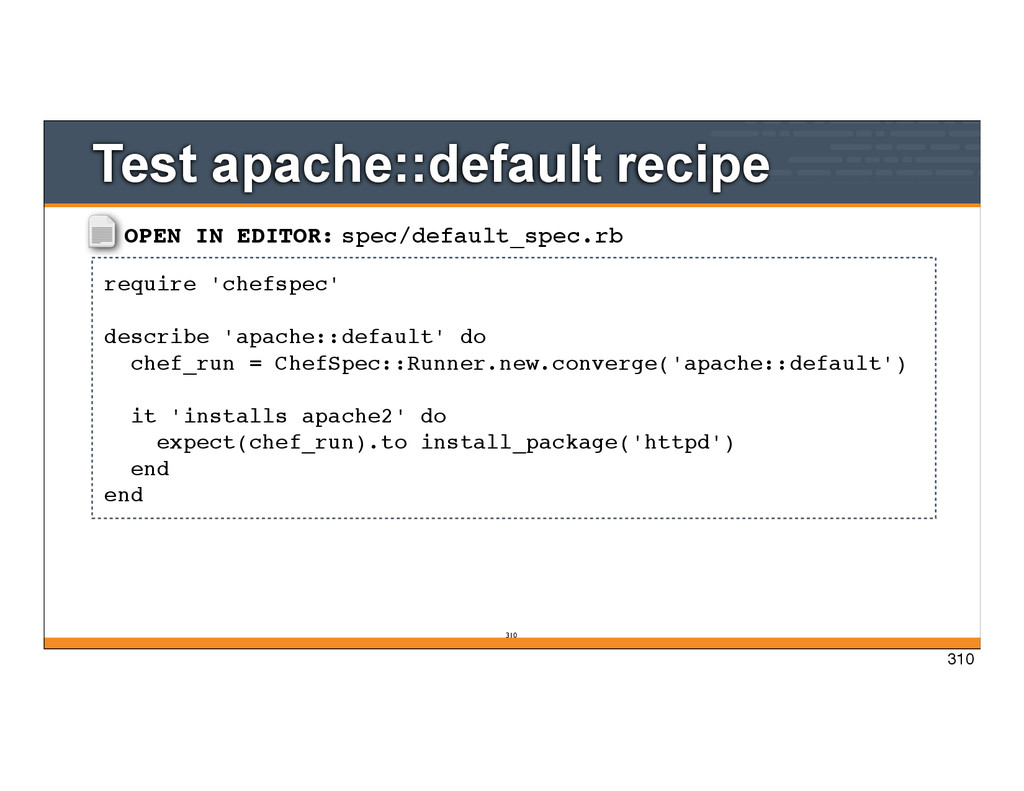
= ChefSpec::Runner.new.converge('apache::default') it 'installs apache2' do expect(chef_run).to install_package('httpd') end end Test apache::default recipe 310 310
= ChefSpec::Runner.new.converge('apache::default') it 'installs apache2' do expect(chef_run).to install_package('badhttpd') end end Did it really check anything? 313 313
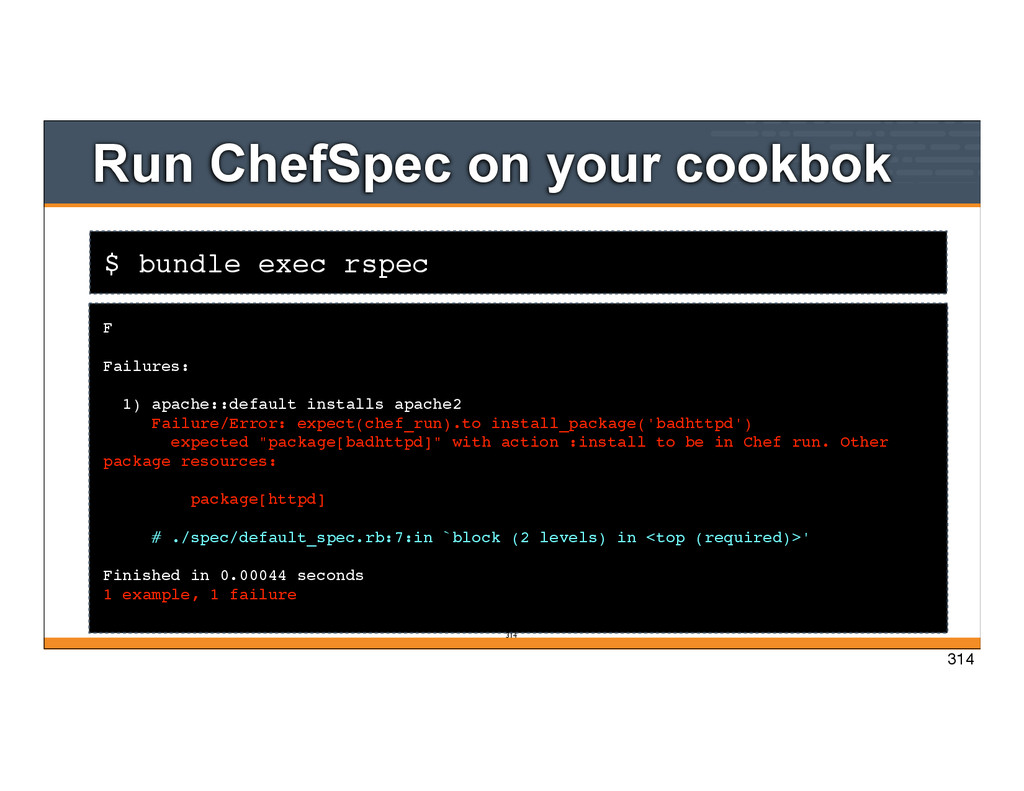
Failures: 1) apache::default installs apache2 Failure/Error: expect(chef_run).to install_package('badhttpd') expected "package[badhttpd]" with action :install to be in Chef run. Other package resources: package[httpd] # ./spec/default_spec.rb:7:in `block (2 levels) in <top (required)>' Finished in 0.00044 seconds 1 example, 1 failure 314 314
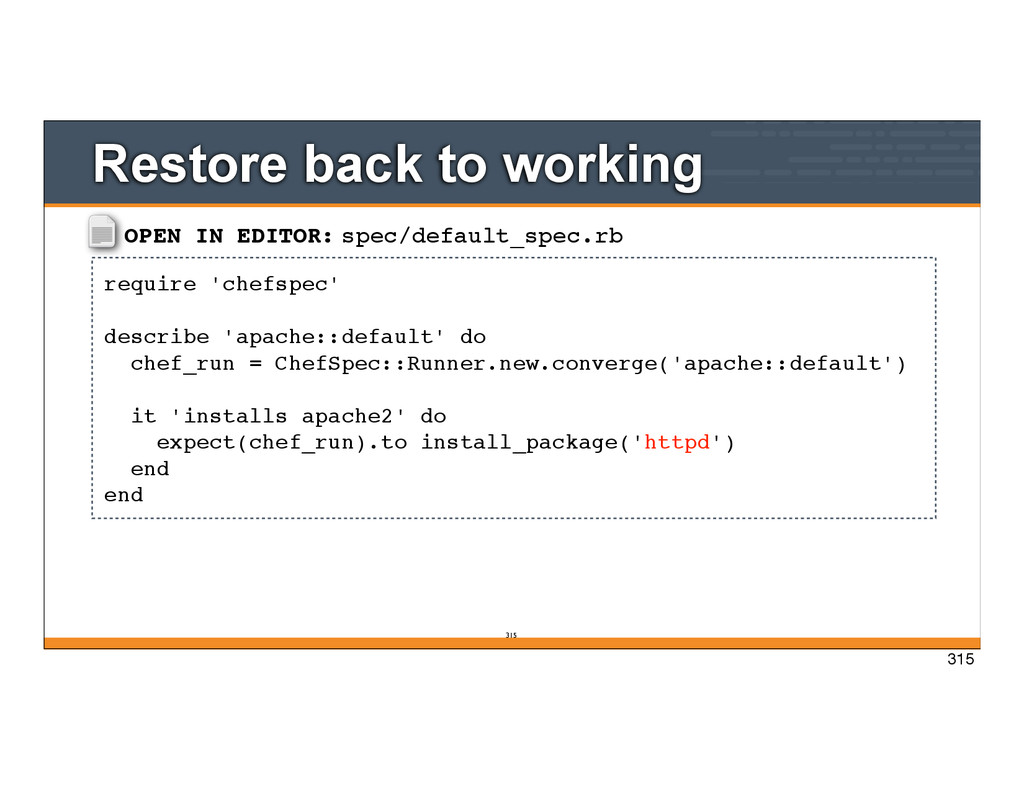
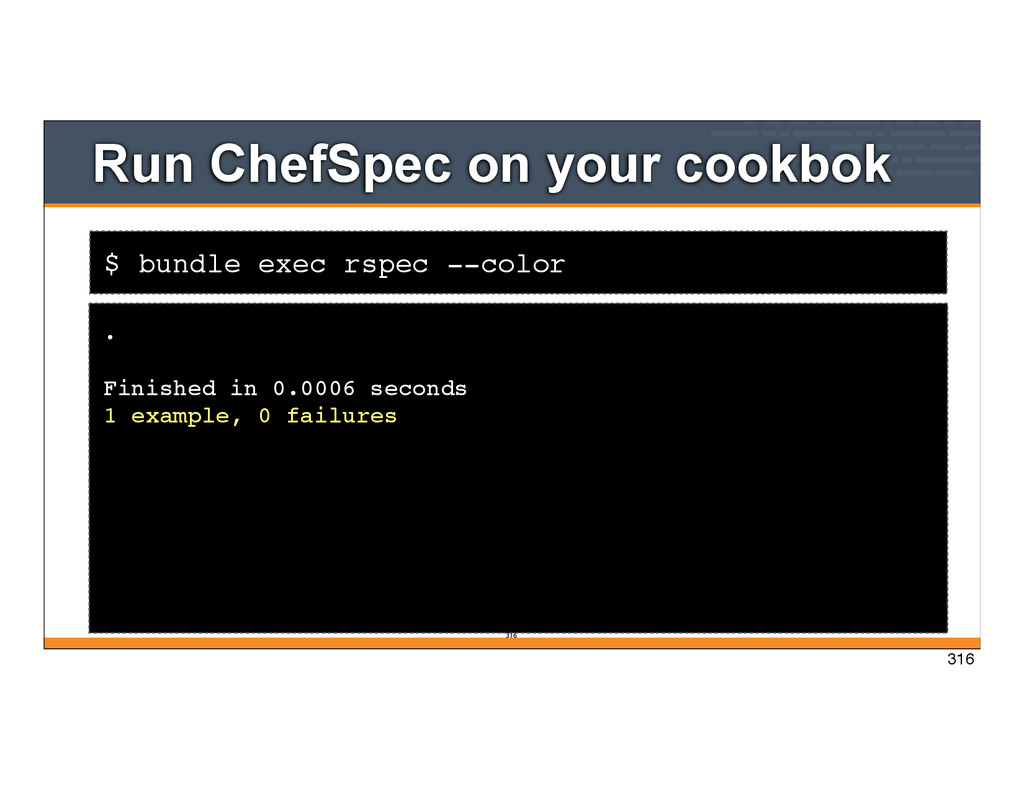
= ChefSpec::Runner.new.converge('apache::default') it 'installs apache2' do expect(chef_run).to install_package('httpd') end end Restore back to working 315 315
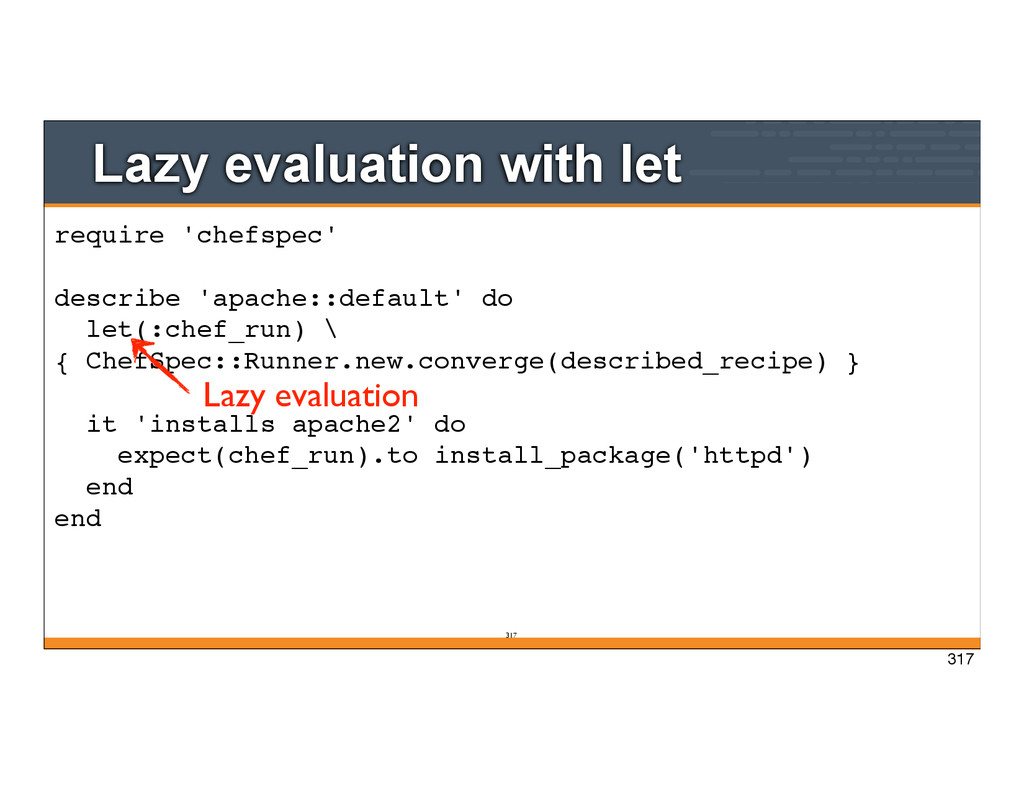
let(:chef_run) \ { ChefSpec::Runner.new.converge(described_recipe) } it 'installs apache2' do expect(chef_run).to install_package('httpd') end end Lazy evaluation 317
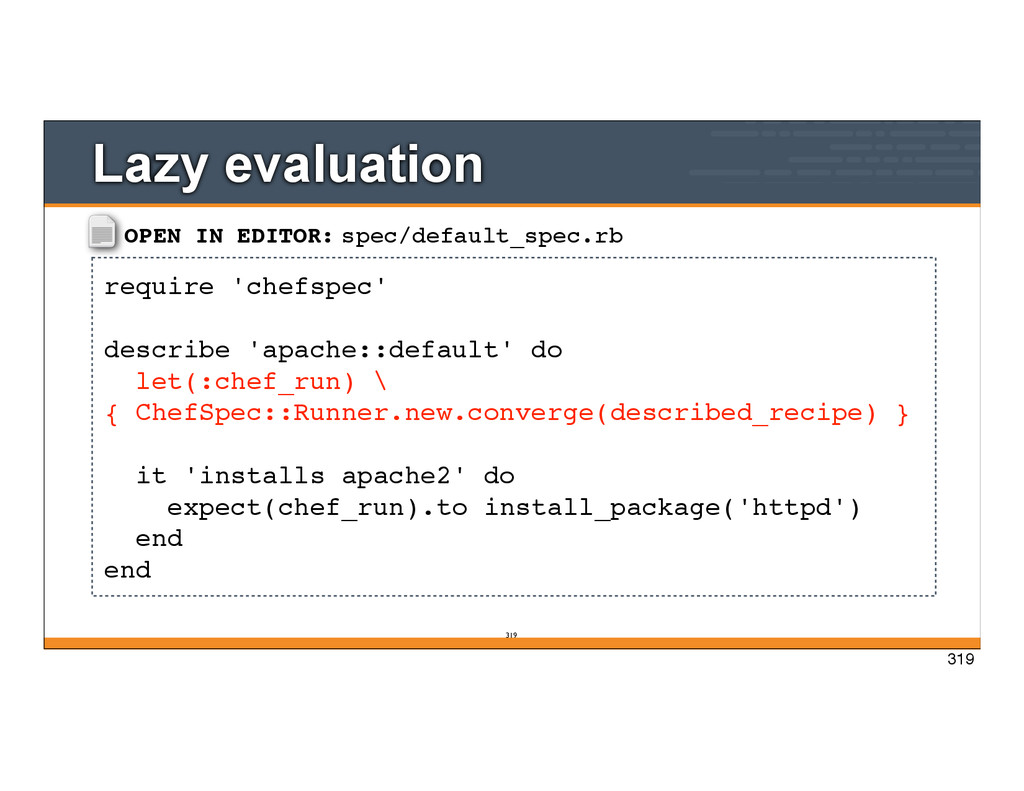
\ { ChefSpec::Runner.new.converge(described_recipe) } it 'installs apache2' do expect(chef_run).to install_package('httpd') end end Lazy evaluation 319 319
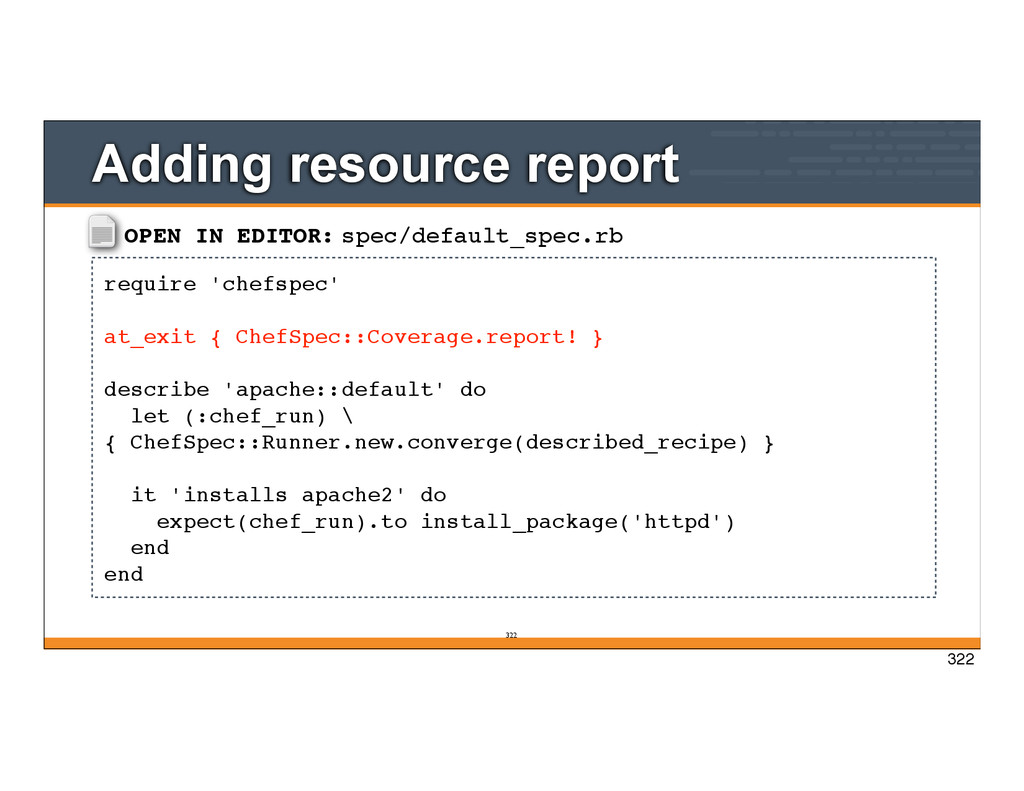
describe 'apache::default' do let (:chef_run) \ { ChefSpec::Runner.new.converge(described_recipe) } it 'installs apache2' do expect(chef_run).to install_package('httpd') end end Adding resource report 322 322
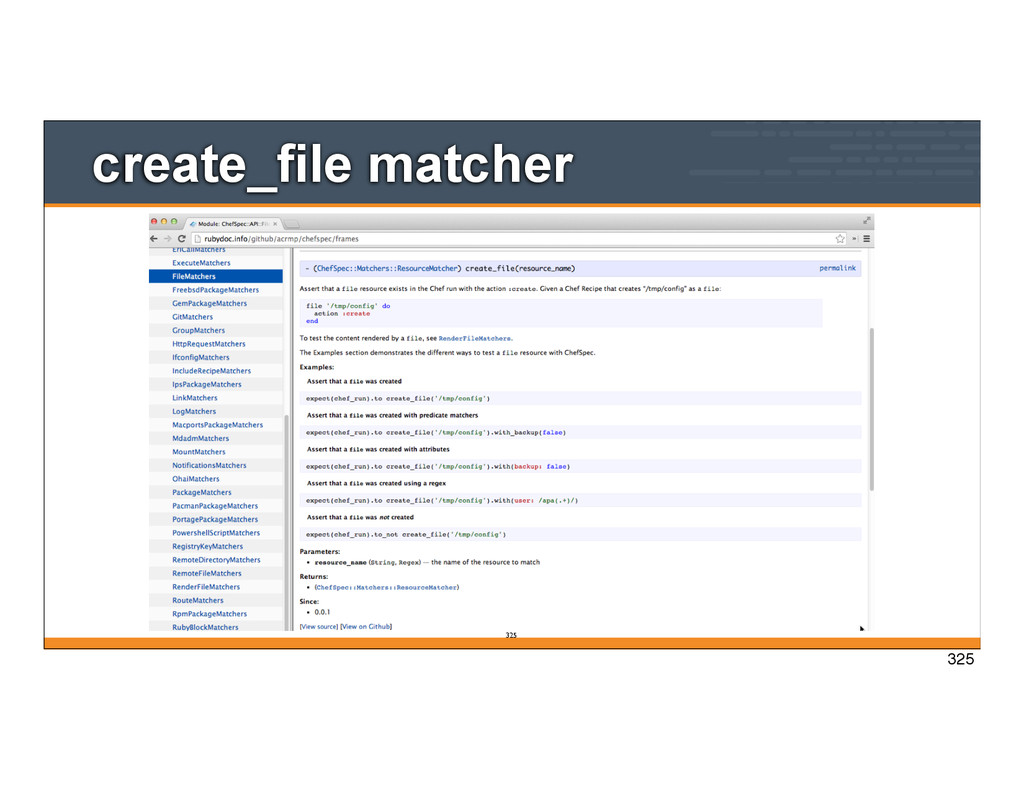
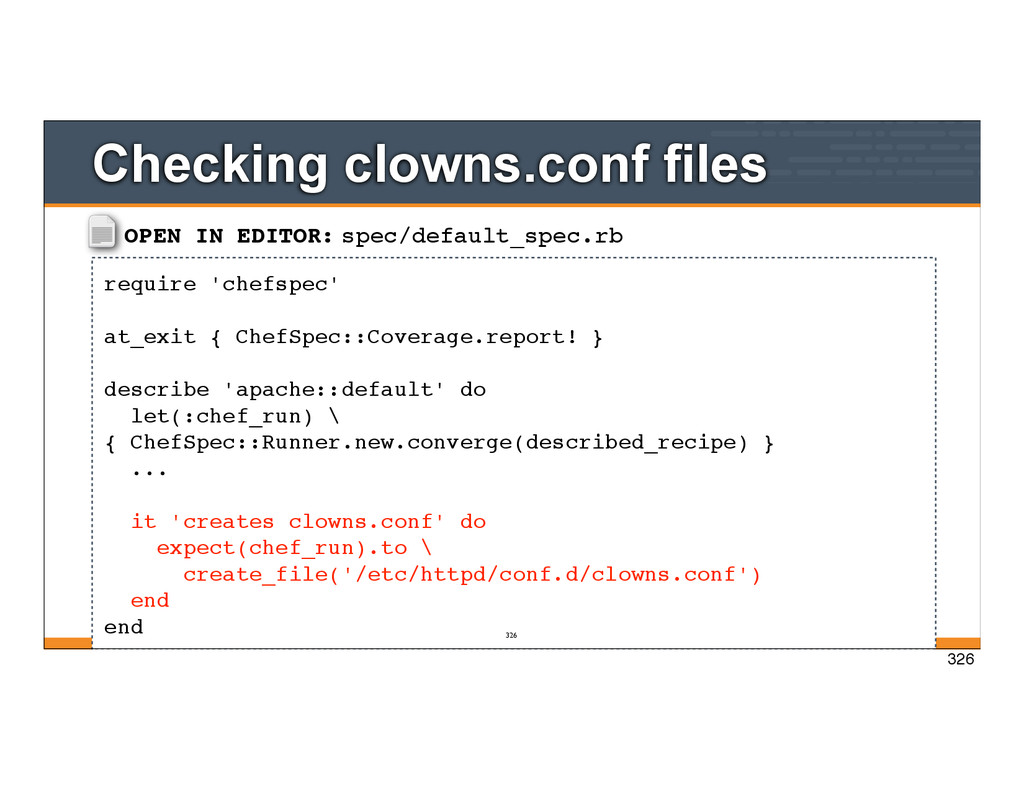
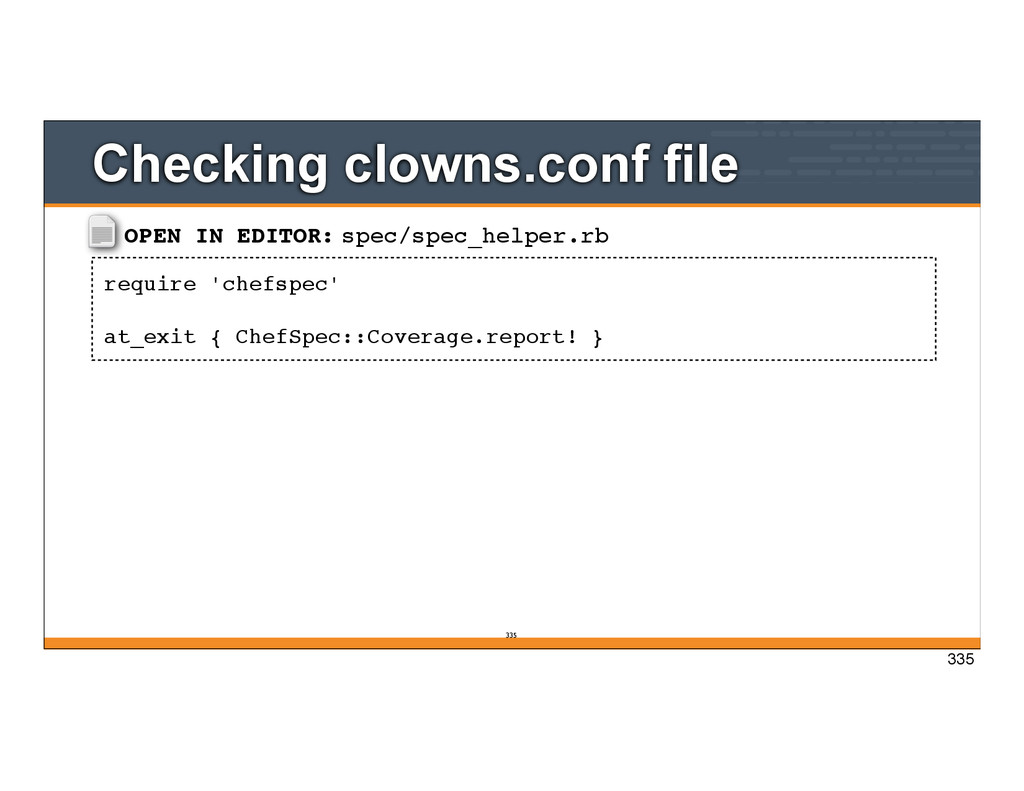
describe 'apache::default' do let(:chef_run) \ { ChefSpec::Runner.new.converge(described_recipe) } ... it 'creates clowns.conf' do expect(chef_run).to \ create_file('/etc/httpd/conf.d/clowns.conf') end end Checking clowns.conf files 326 326
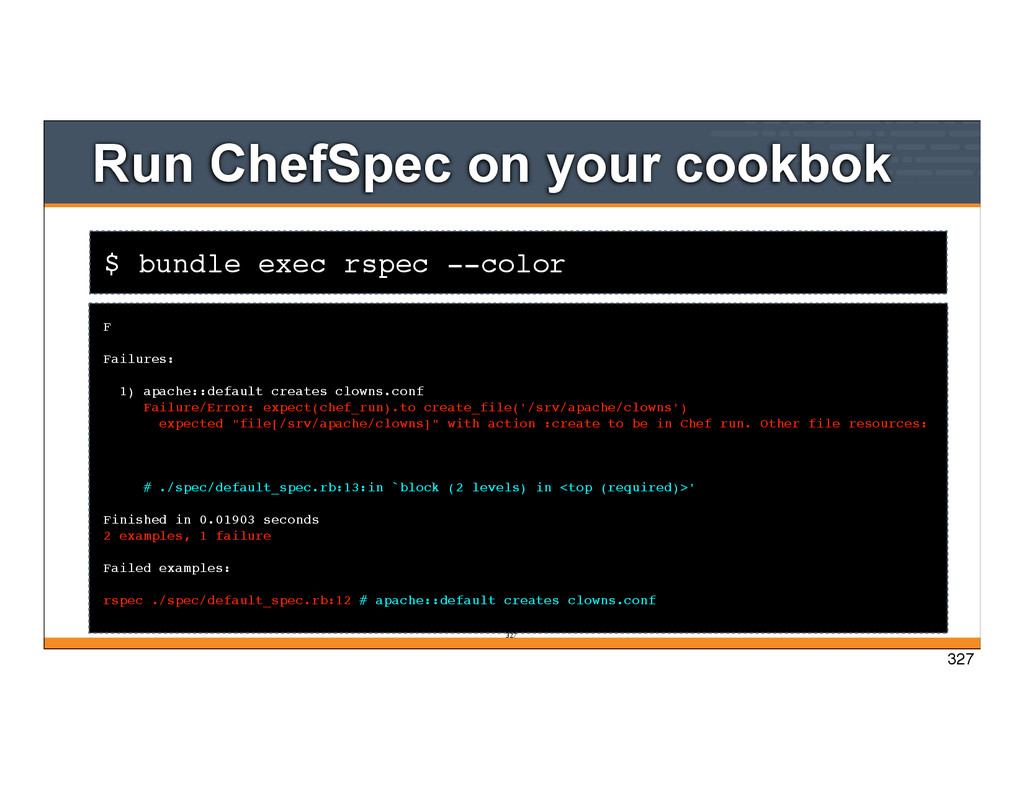
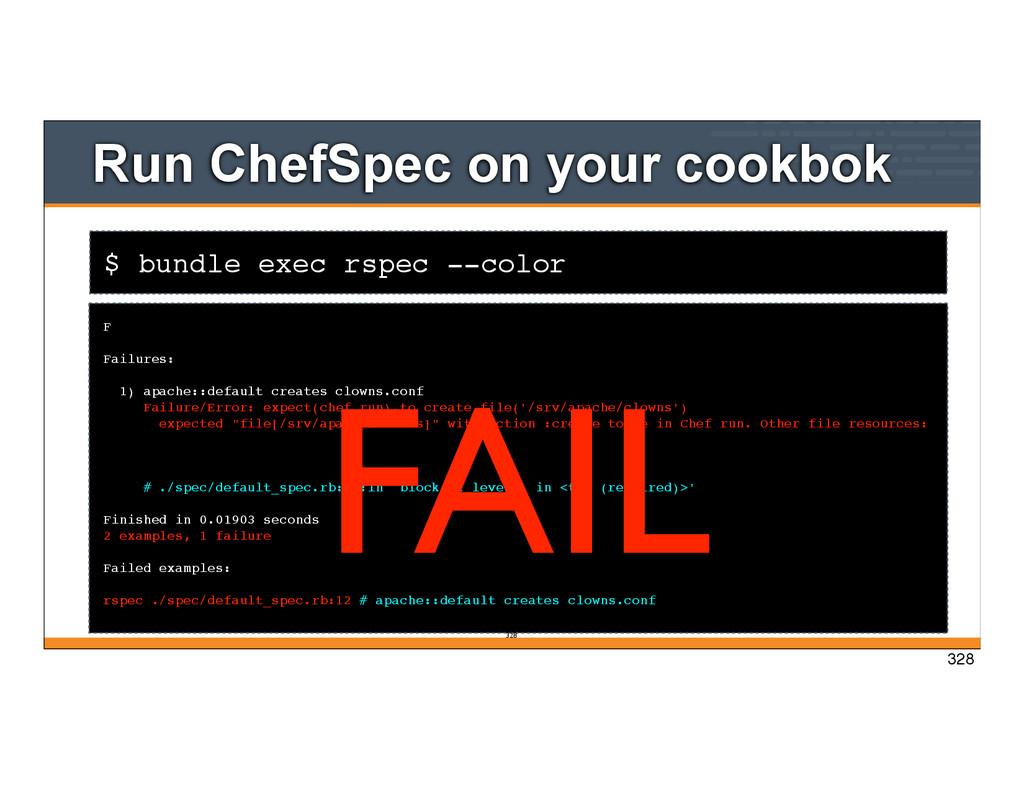
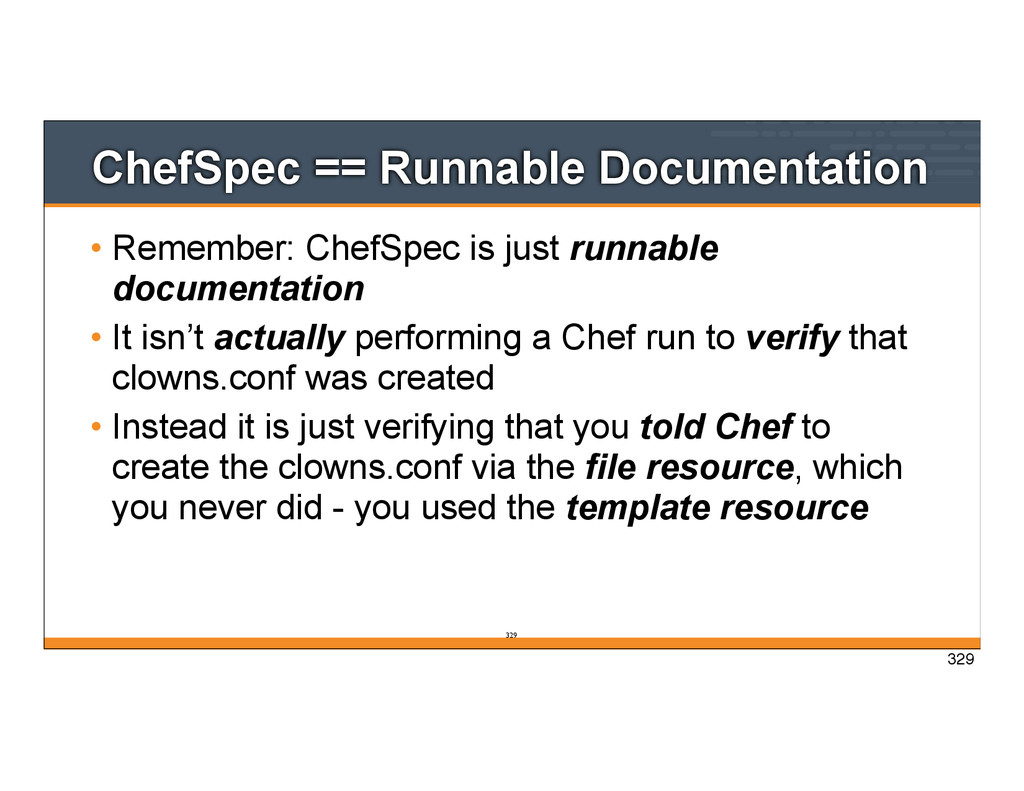
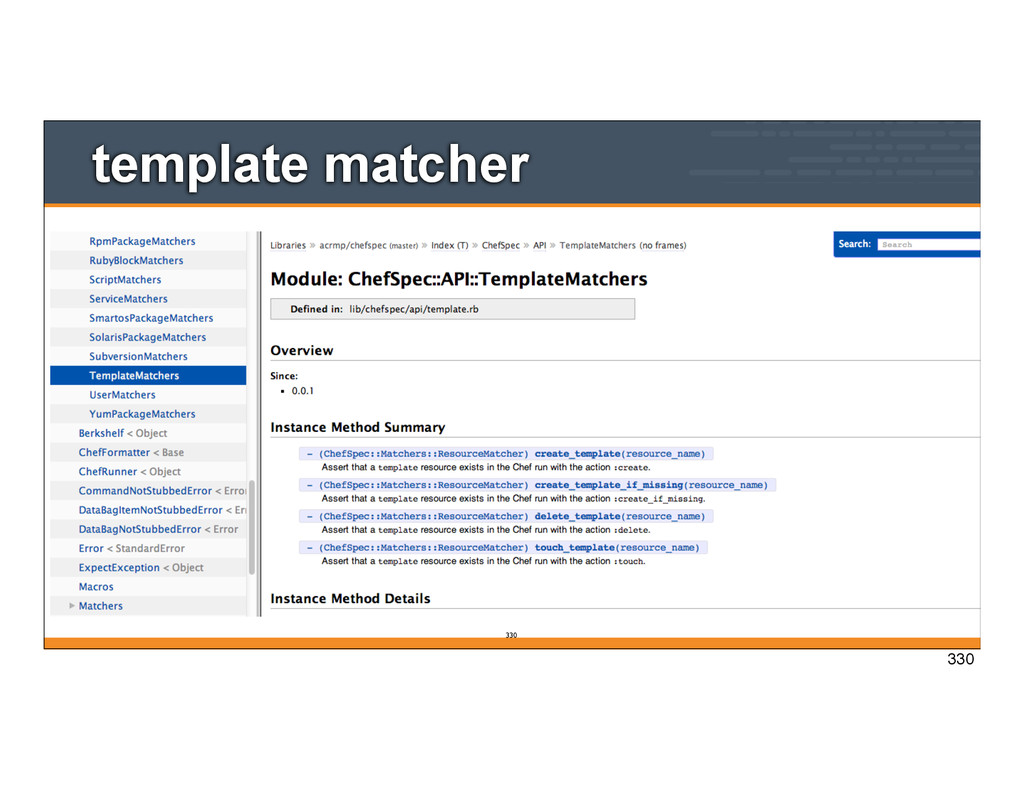
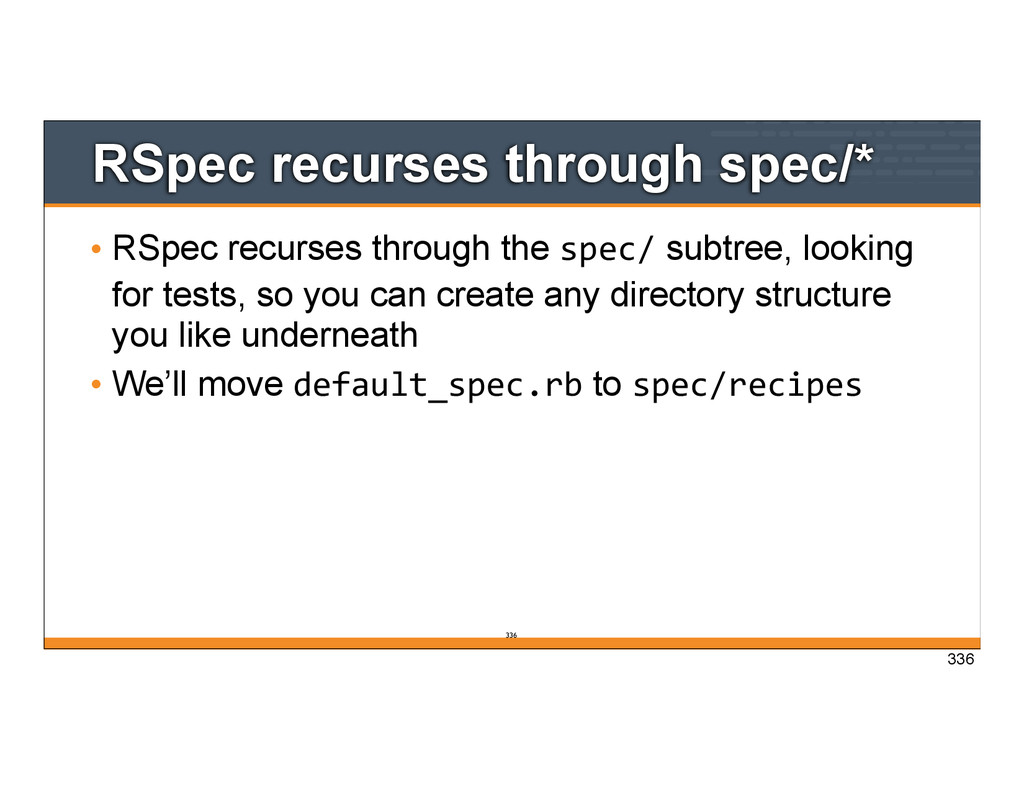
runnable documentation • It isn’t actually performing a Chef run to verify that clowns.conf was created • Instead it is just verifying that you told Chef to create the clowns.conf via the file resource, which you never did - you used the template resource 329
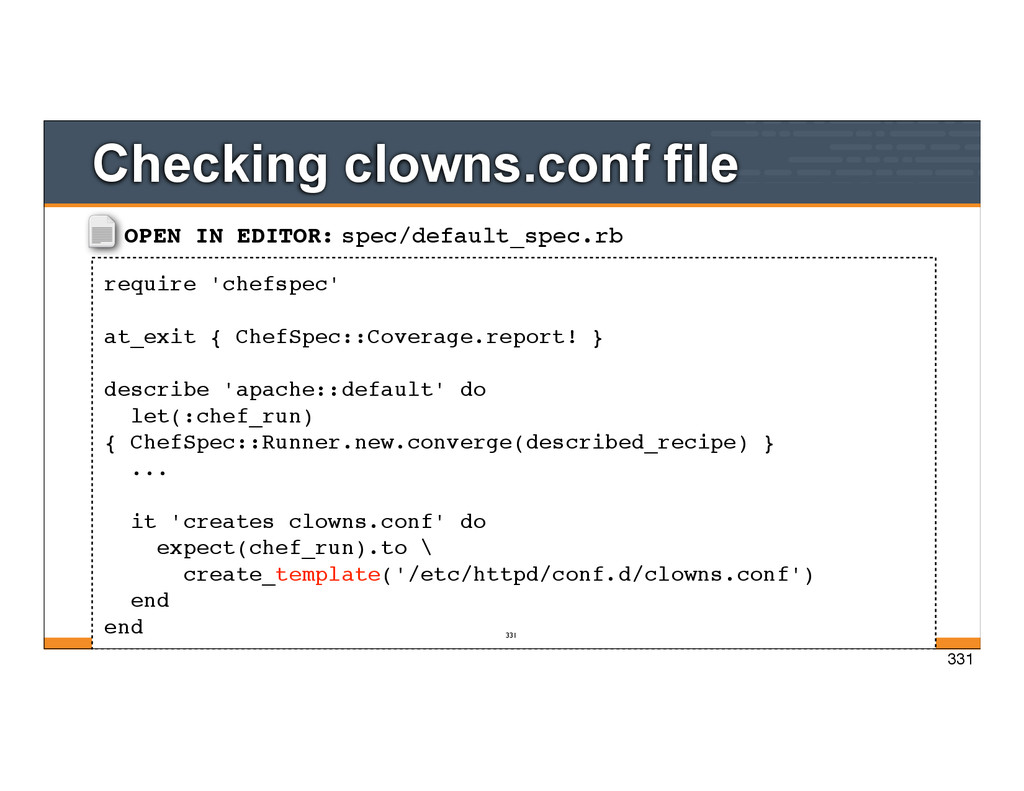
describe 'apache::default' do let(:chef_run) { ChefSpec::Runner.new.converge(described_recipe) } ... it 'creates clowns.conf' do expect(chef_run).to \ create_template('/etc/httpd/conf.d/clowns.conf') end end Checking clowns.conf file 331 331
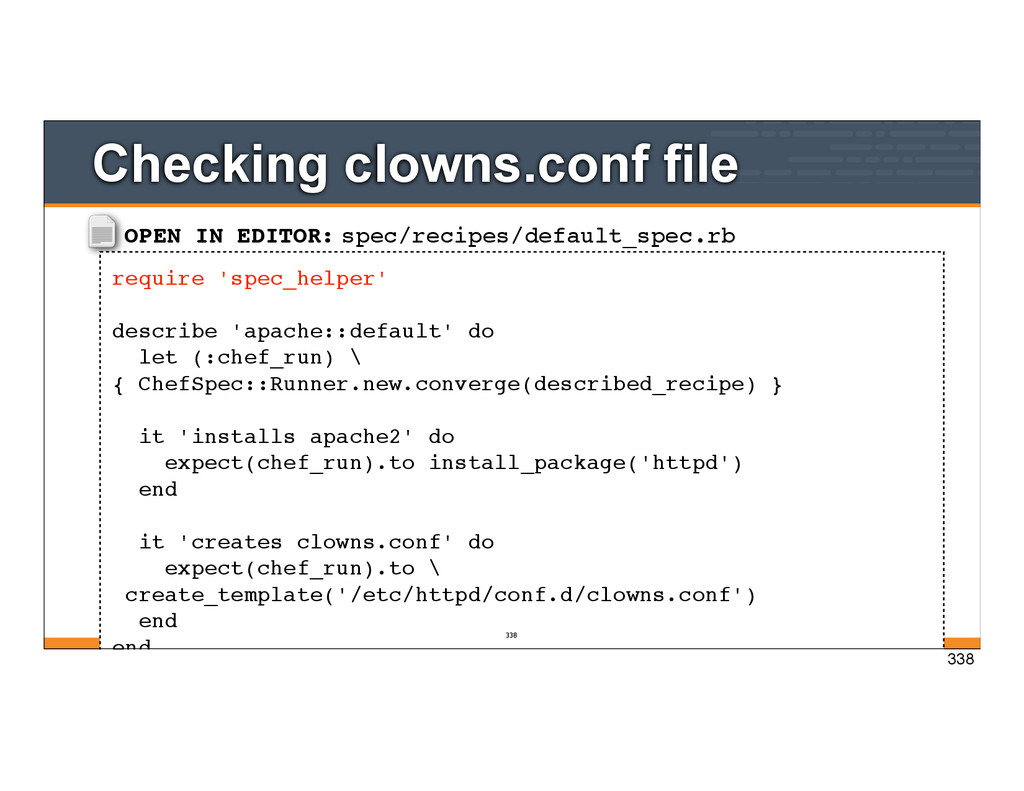
(:chef_run) \ { ChefSpec::Runner.new.converge(described_recipe) } it 'installs apache2' do expect(chef_run).to install_package('httpd') end it 'creates clowns.conf' do expect(chef_run).to \ create_template('/etc/httpd/conf.d/clowns.conf') end end Checking clowns.conf file 338 338
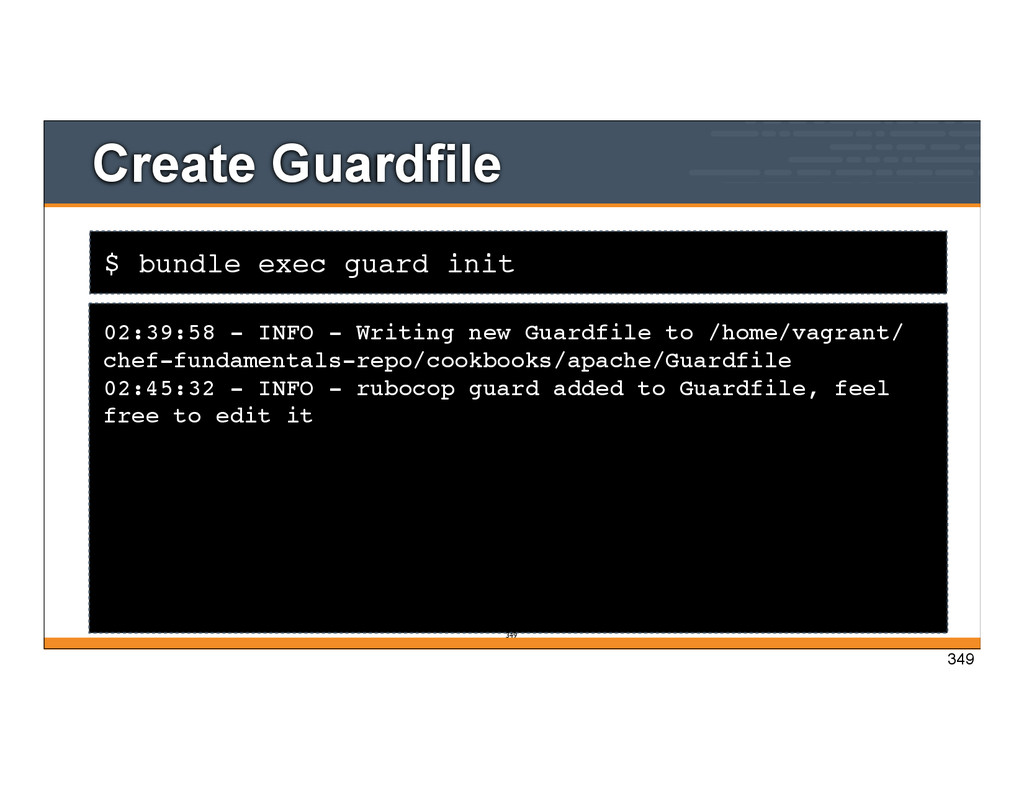
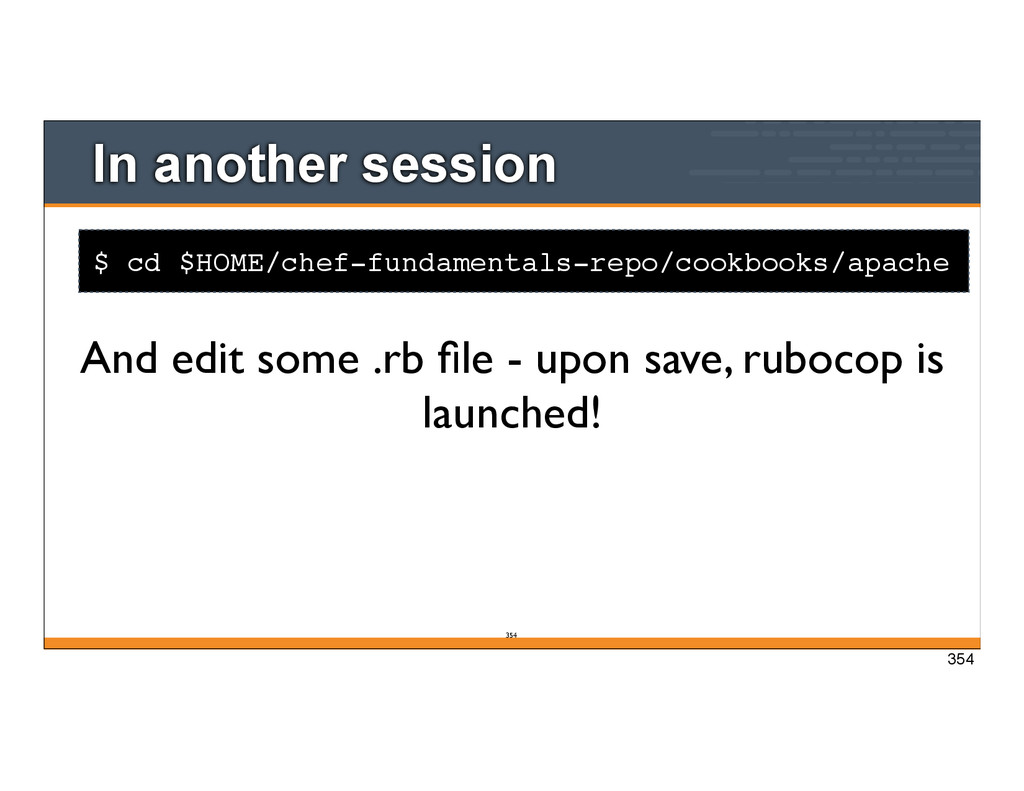
- Writing new Guardfile to /home/vagrant/ chef-fundamentals-repo/cookbooks/apache/Guardfile 02:45:32 - INFO - rubocop guard added to Guardfile, feel free to edit it 349 349
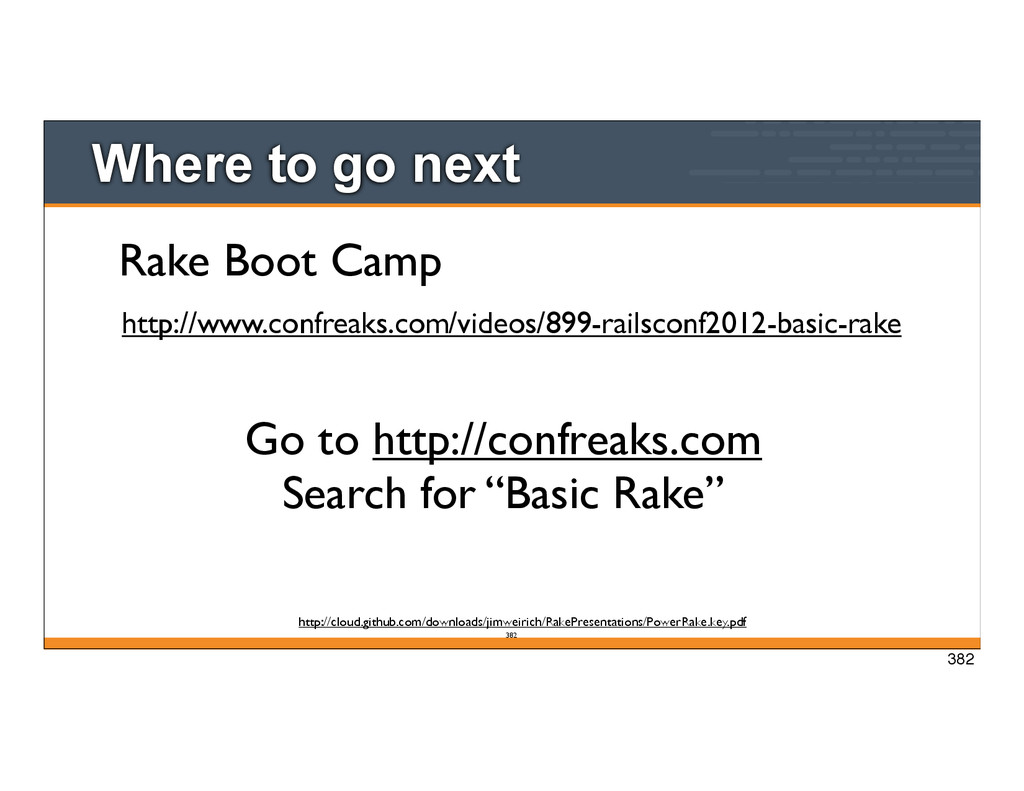
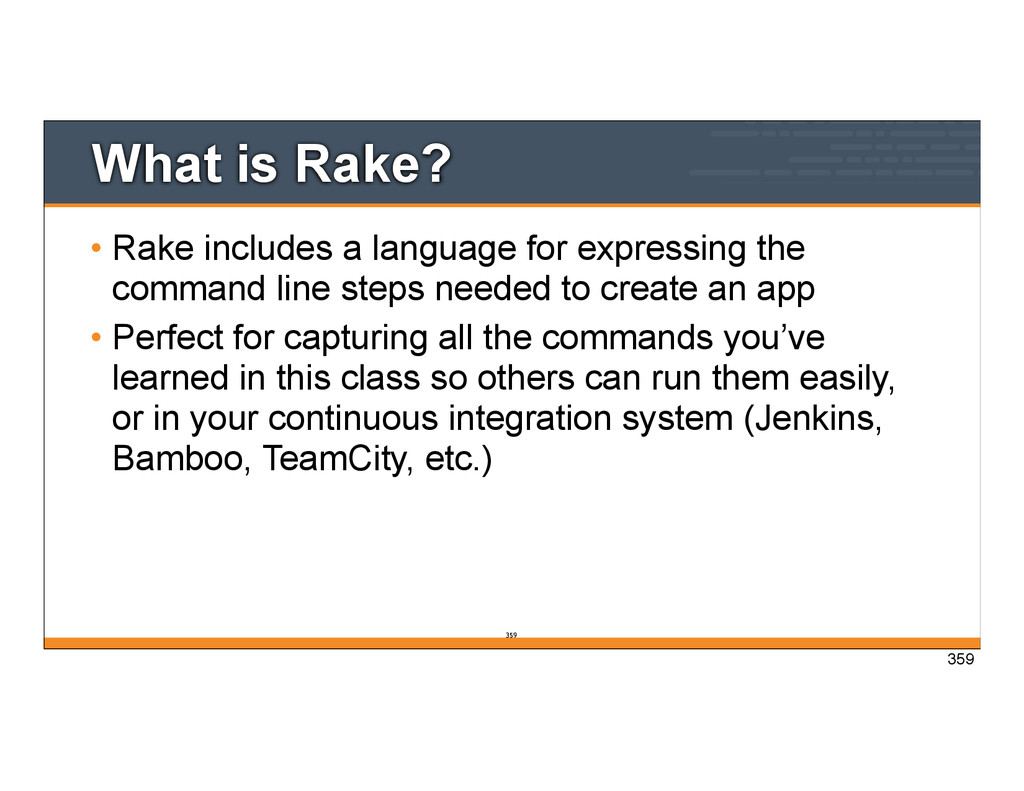
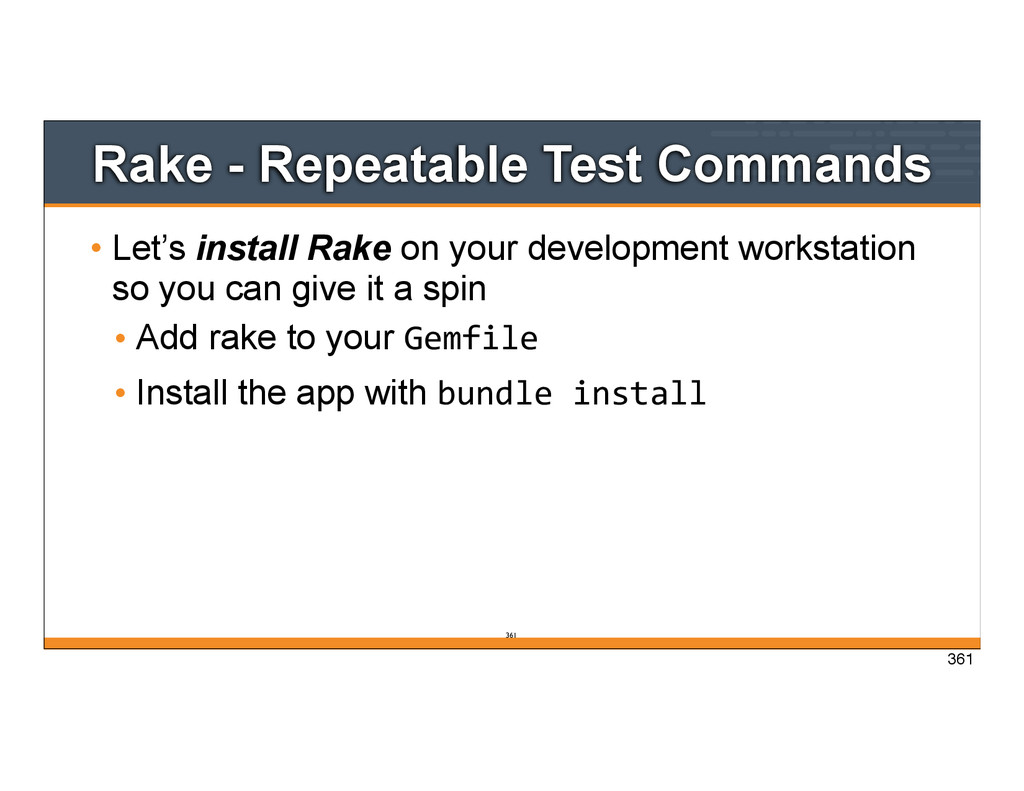
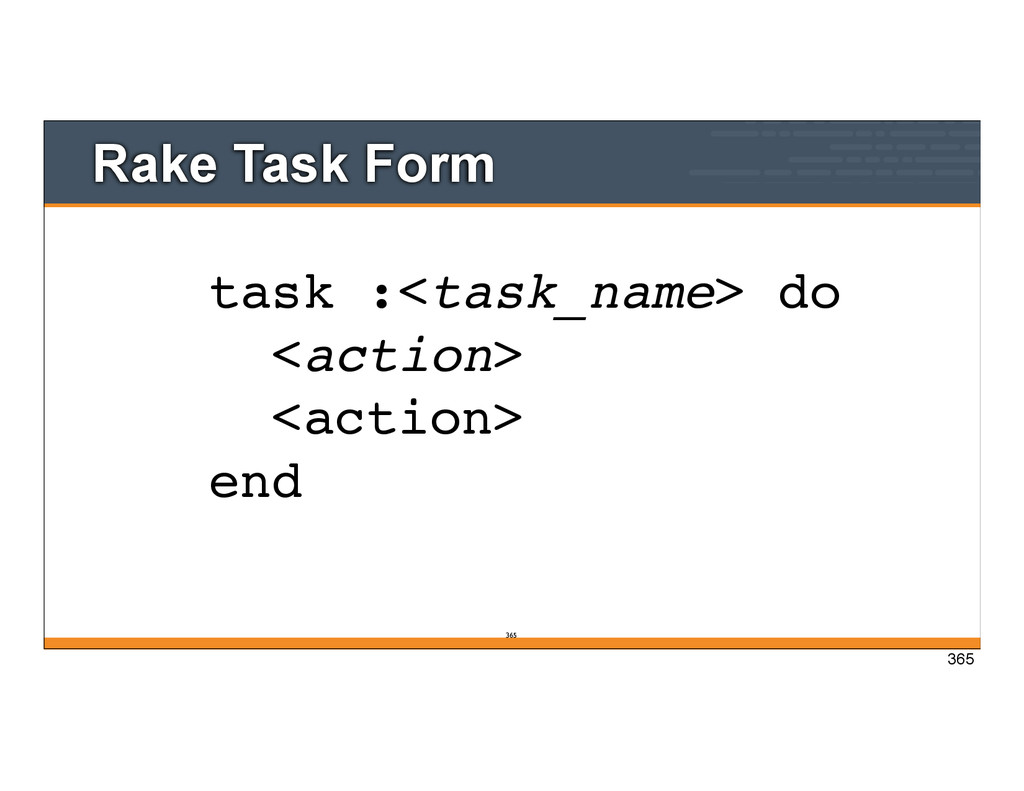
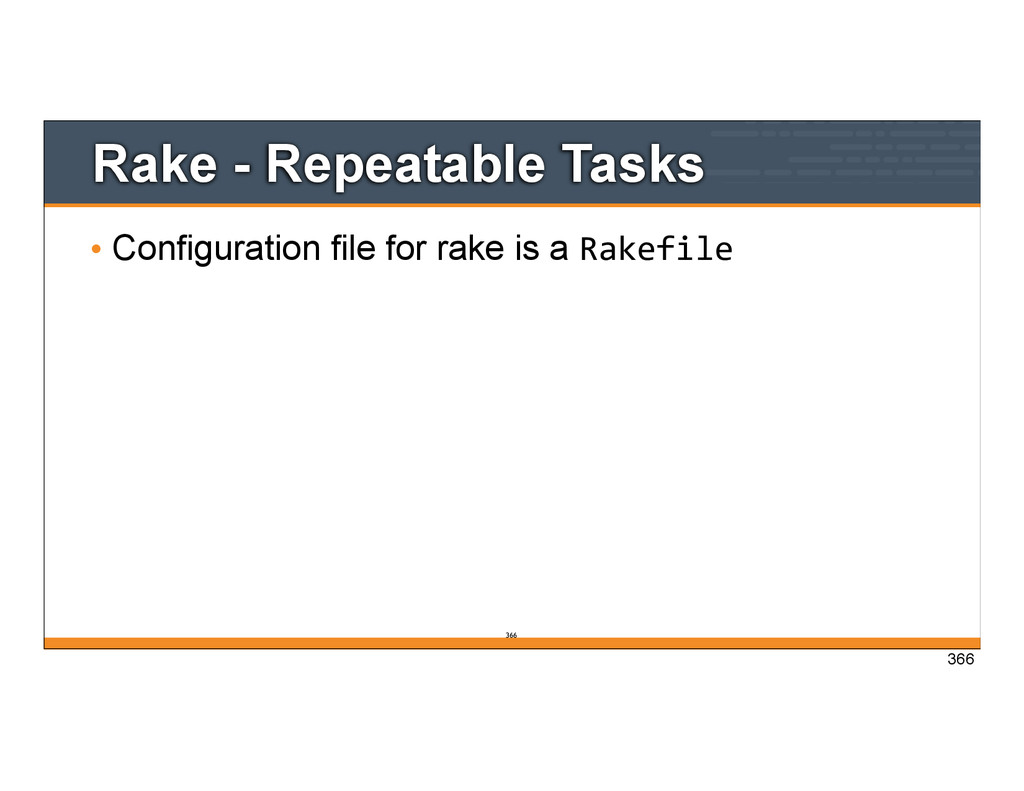
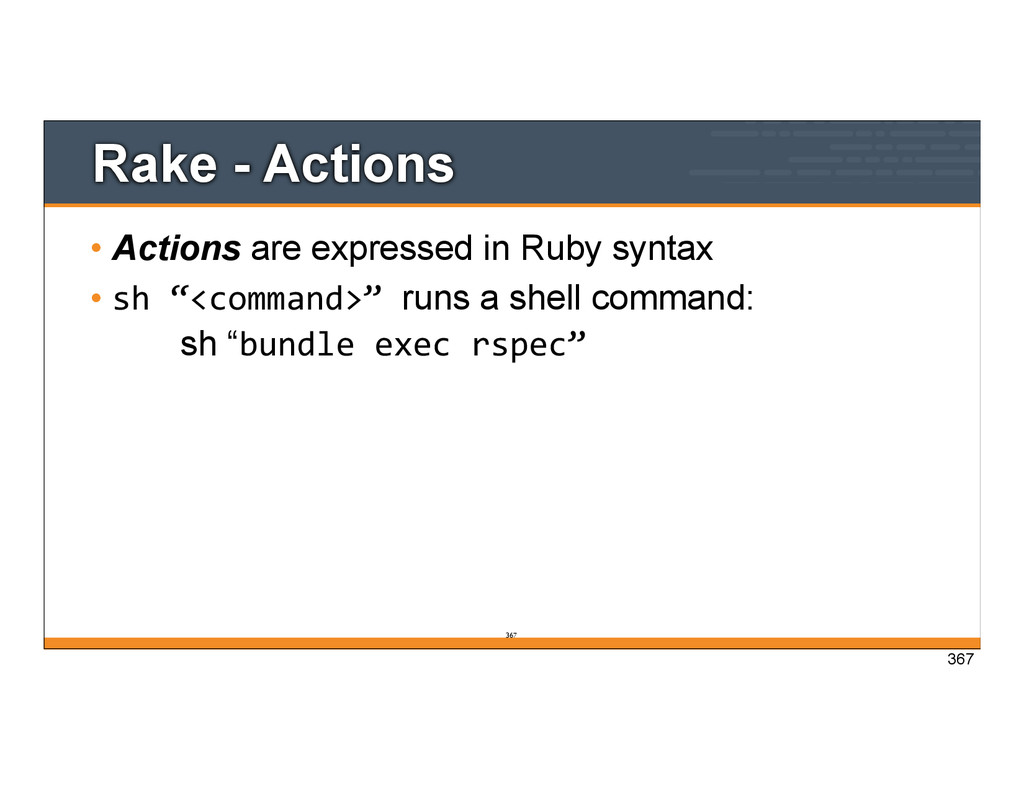
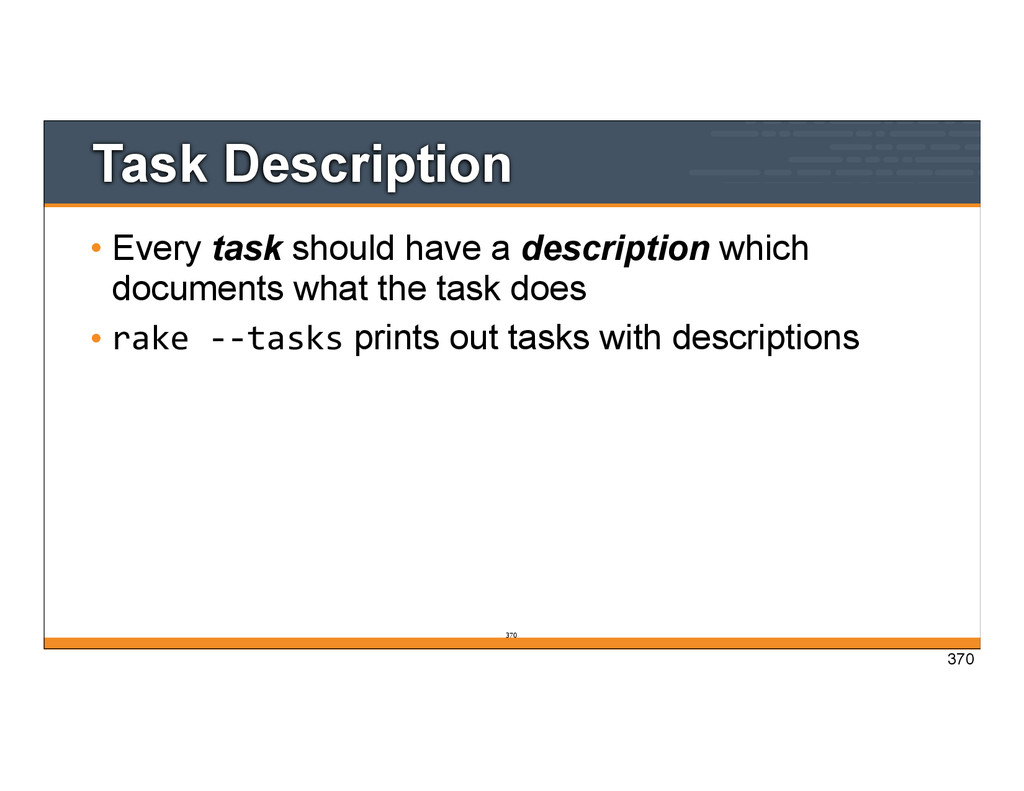
the command line steps needed to create an app • Perfect for capturing all the commands you’ve learned in this class so others can run them easily, or in your continuous integration system (Jenkins, Bamboo, TeamCity, etc.) 359 359
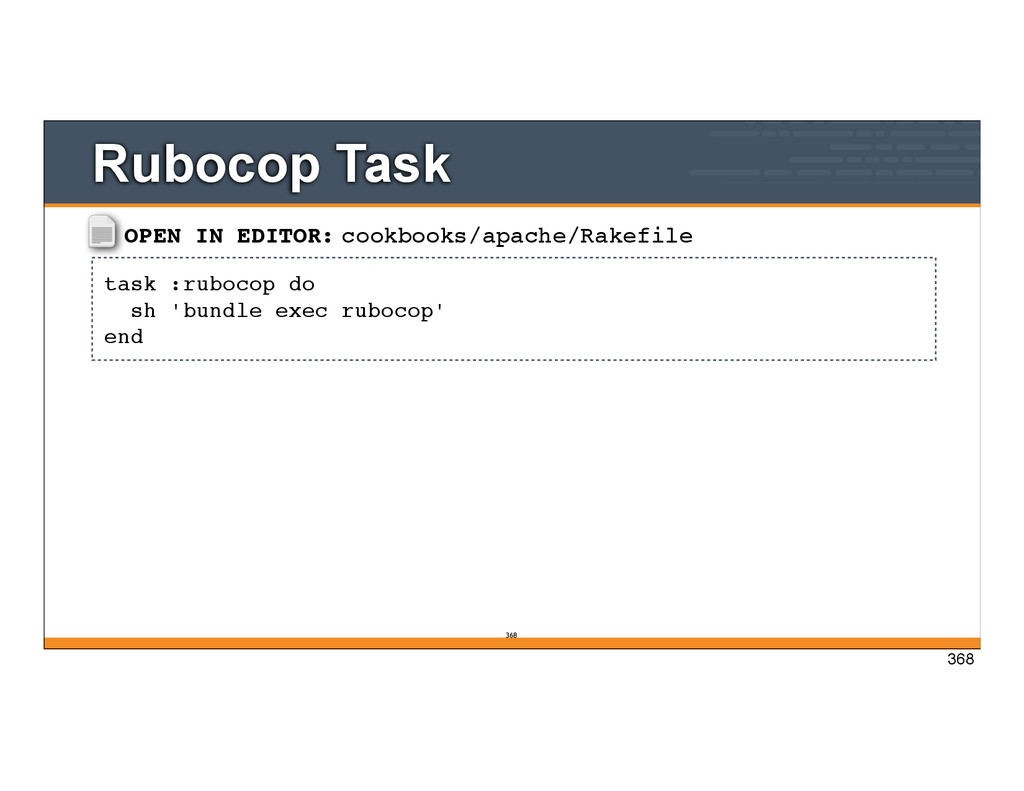
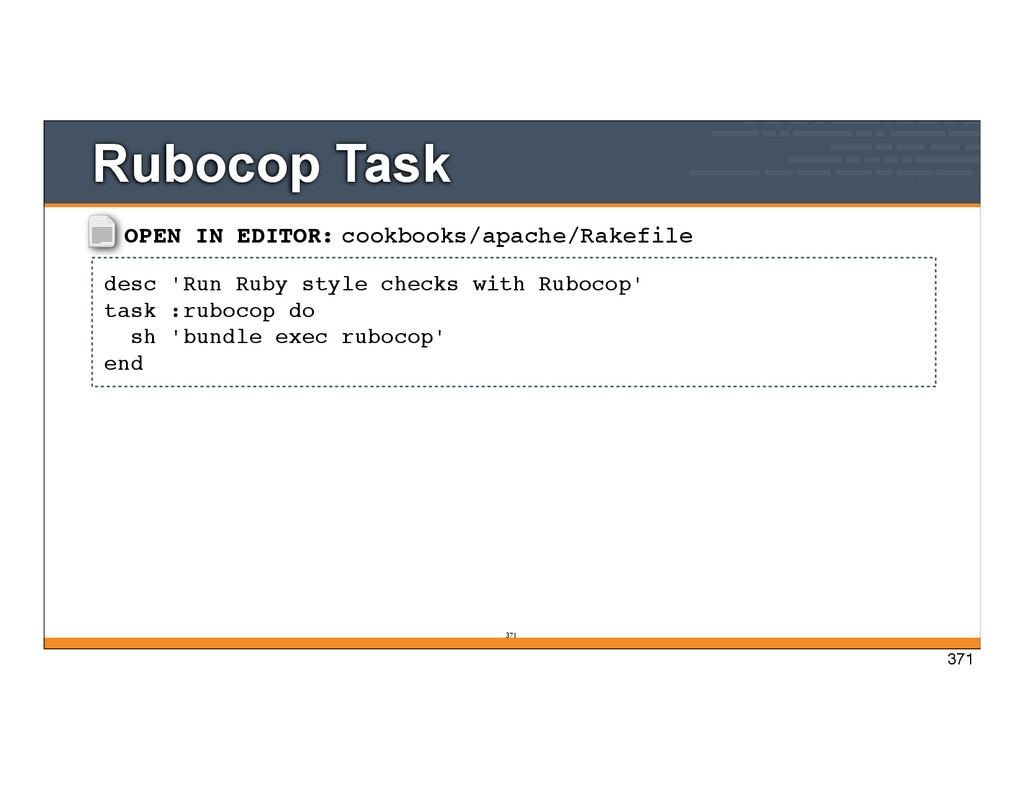
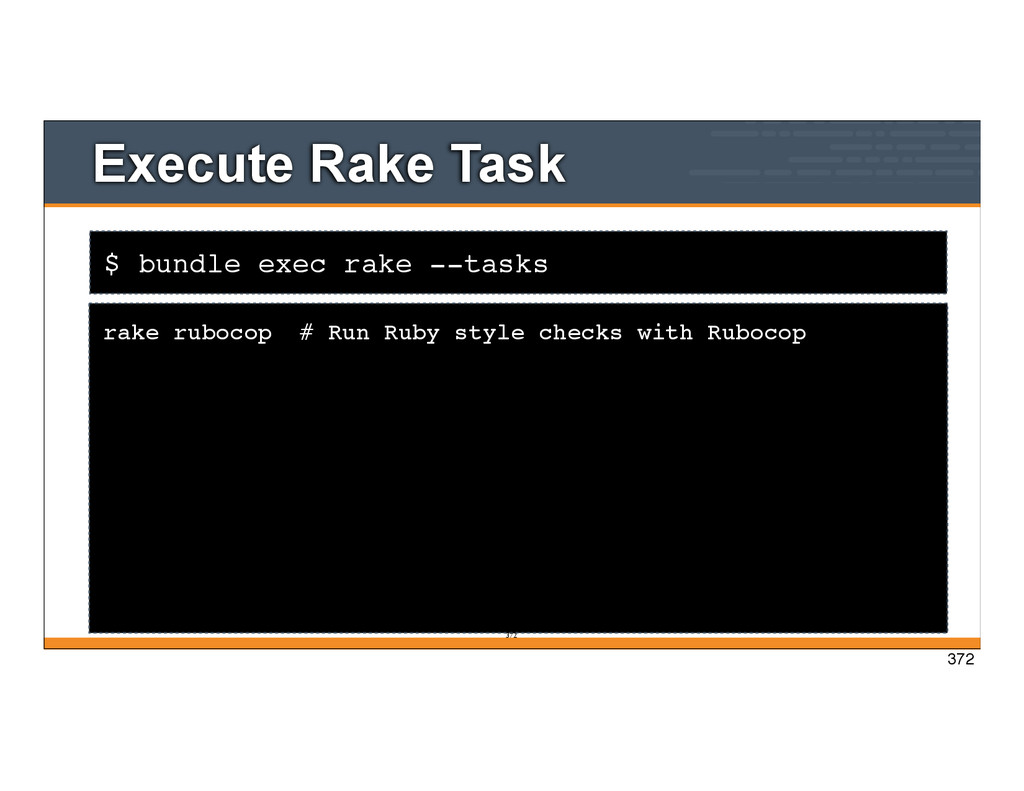
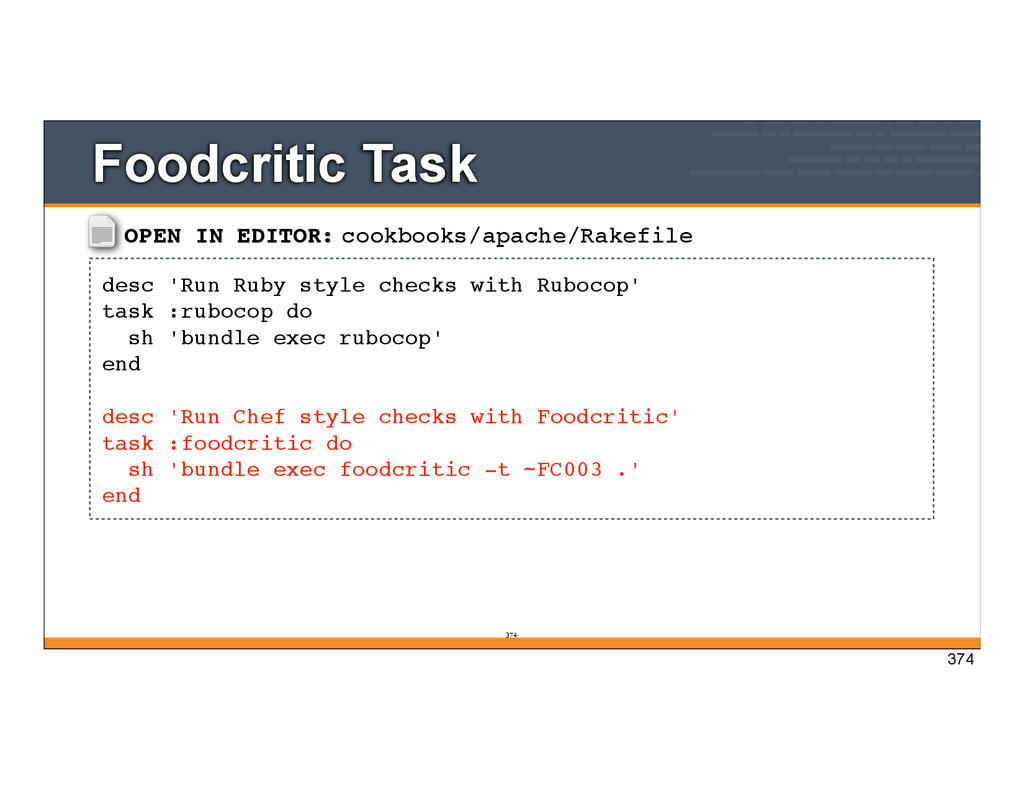
Rubocop' task :rubocop do sh 'bundle exec rubocop' end desc 'Run Chef style checks with Foodcritic' task :foodcritic do sh 'bundle exec foodcritic -t ~FC003 .' end Foodcritic Task 374 374
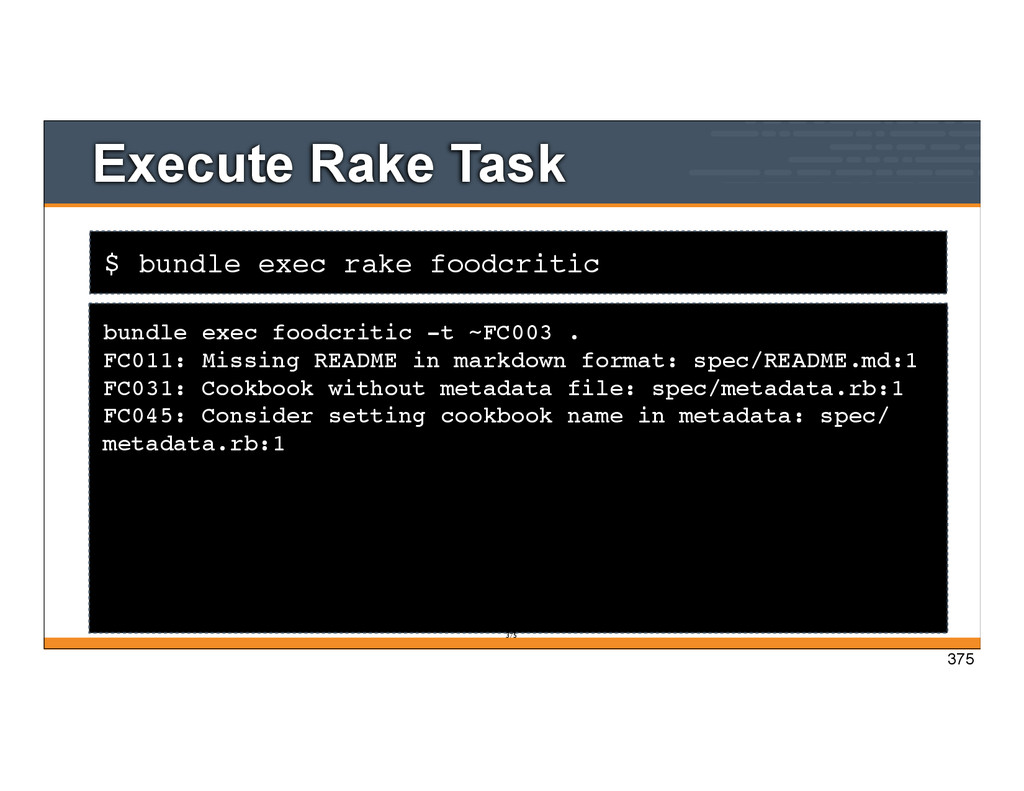
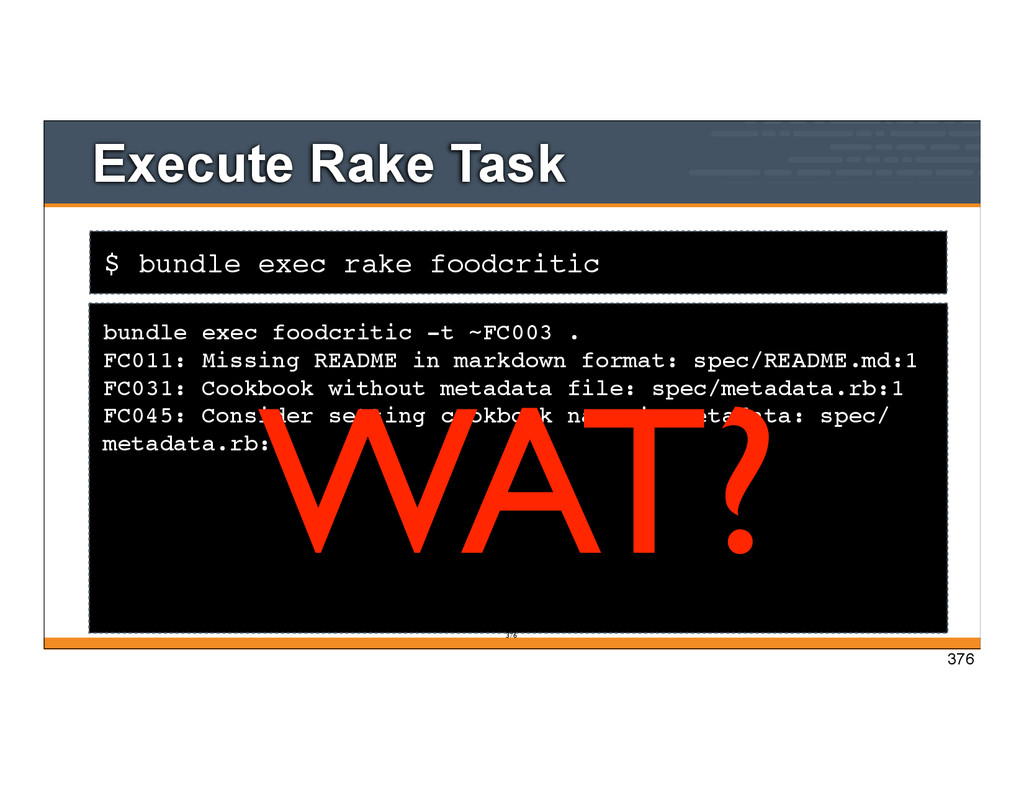
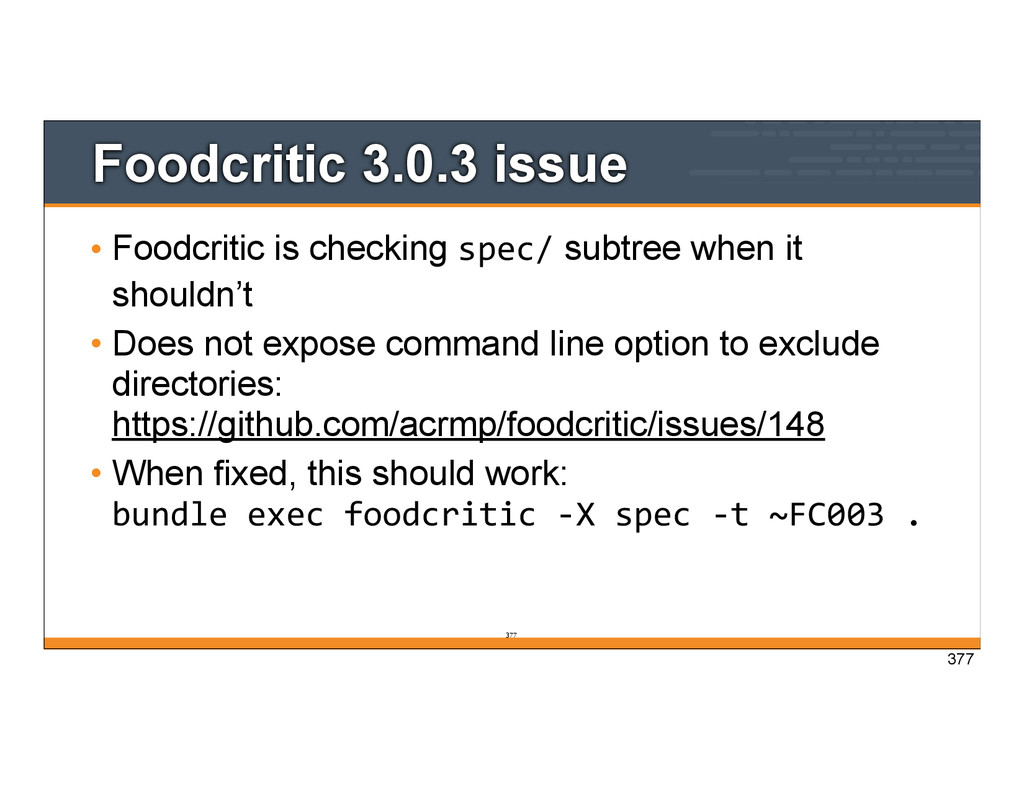
it shouldn’t • Does not expose command line option to exclude directories: https://github.com/acrmp/foodcritic/issues/148 • When fixed, this should work: bundle exec foodcritic -‐X spec -‐t ~FC003 . 377 377
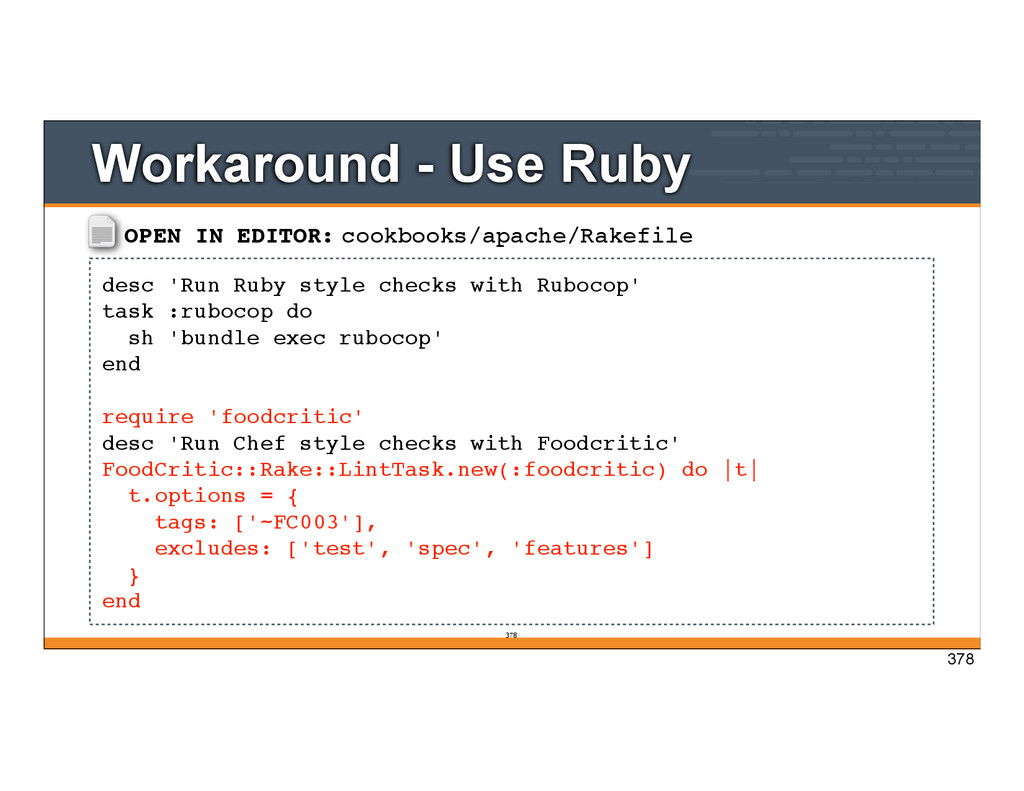
Rubocop' task :rubocop do sh 'bundle exec rubocop' end require 'foodcritic' desc 'Run Chef style checks with Foodcritic' FoodCritic::Rake::LintTask.new(:foodcritic) do |t| t.options = { tags: ['~FC003'], excludes: ['test', 'spec', 'features'] } end Workaround - Use Ruby 378 378
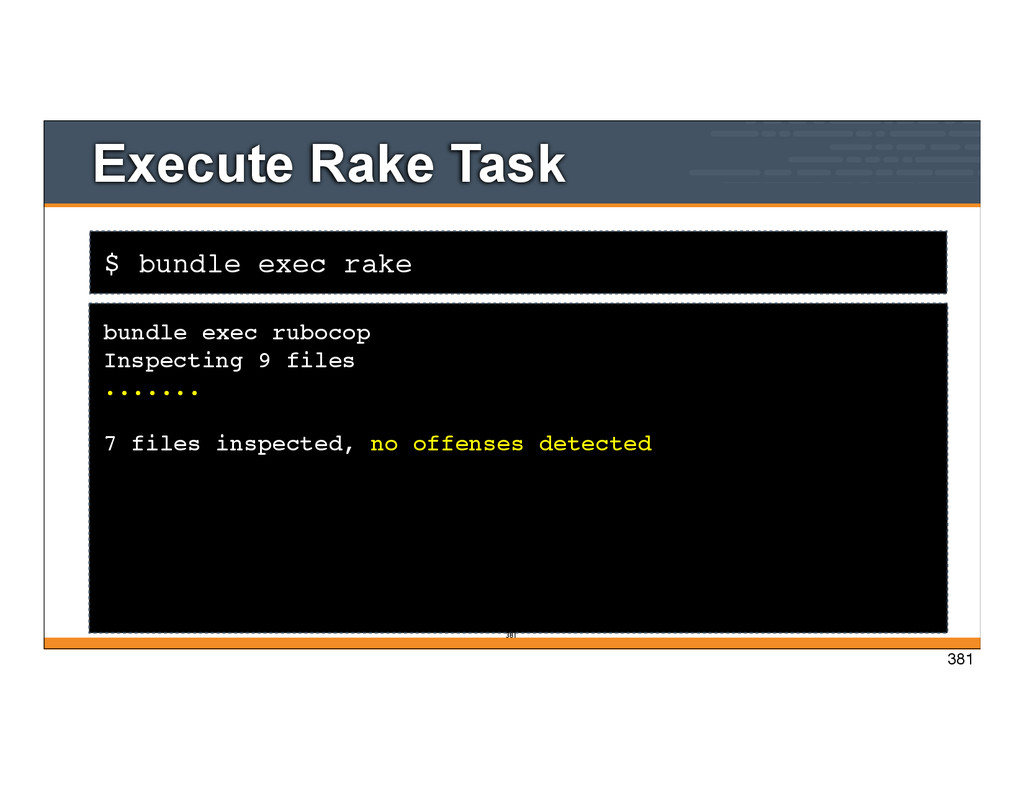
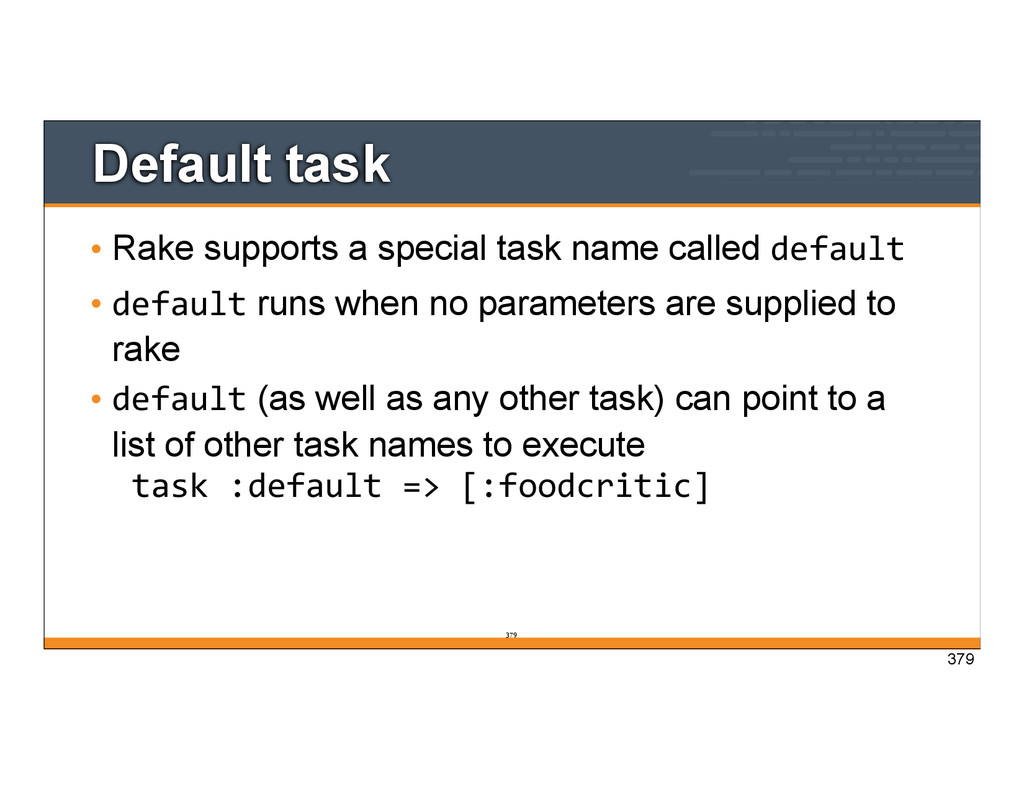
default • default runs when no parameters are supplied to rake • default (as well as any other task) can point to a list of other task names to execute task :default => [:foodcritic] 379 379


 misheska
 tetsuya28
 jozono
 camiha
 makocchi
 techtekt
 kentapapa
 kaminashi
 yahonda
 pfn
pfn
 greenmidori
 tokuty
 bryan
bryan
 livdayseo
 lcolladotor
 morganepeng
 tammyeverts
 jacobtomlinson
 holman
 akashhashmi
 inesmontani
 madoxten
 jcasabona
 caitiem20
![v0.0.1 Testing Your Automation Code Mischa Taylor (@misheska) [email protected] Copyright](https://files.speakerdeck.com/presentations/411a77b0c24f013182a106bc48385697/slide_0.jpg)








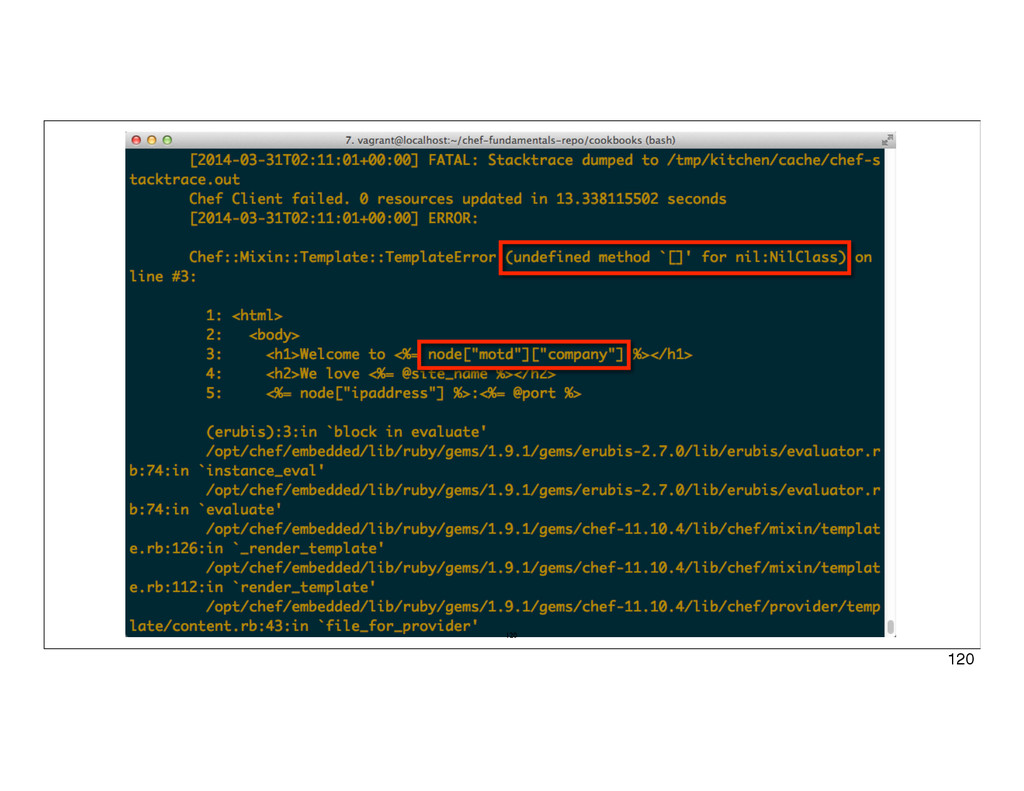
![121 Undefined attribute • When you see undefined method ‘[]’](https://files.speakerdeck.com/presentations/411a77b0c24f013182a106bc48385697/slide_120.jpg)
![cookbooks/apache/attributes/default.rb 122 default["apache"]["indexfile"] = "index1.html" default["apache"]["sites"]["clowns"] = { "port" =>](https://files.speakerdeck.com/presentations/411a77b0c24f013182a106bc48385697/slide_121.jpg)
![123 Undefined attribute • How is ["motd"]["company"] set in the](https://files.speakerdeck.com/presentations/411a77b0c24f013182a106bc48385697/slide_122.jpg)
![cookbooks/motd/attributes/default.rb 124 default["motd"]["company"] = "Chef" 124](https://files.speakerdeck.com/presentations/411a77b0c24f013182a106bc48385697/slide_123.jpg)





![Stopping guard [1] guard(main)> quit 19:23:42 - INFO - Bye](https://files.speakerdeck.com/presentations/411a77b0c24f013182a106bc48385697/slide_354.jpg)
![OPEN IN EDITOR: cookbooks/apache/Rakefile task :default => [:rubocop, :foodcritic] desc](https://files.speakerdeck.com/presentations/411a77b0c24f013182a106bc48385697/slide_379.jpg)