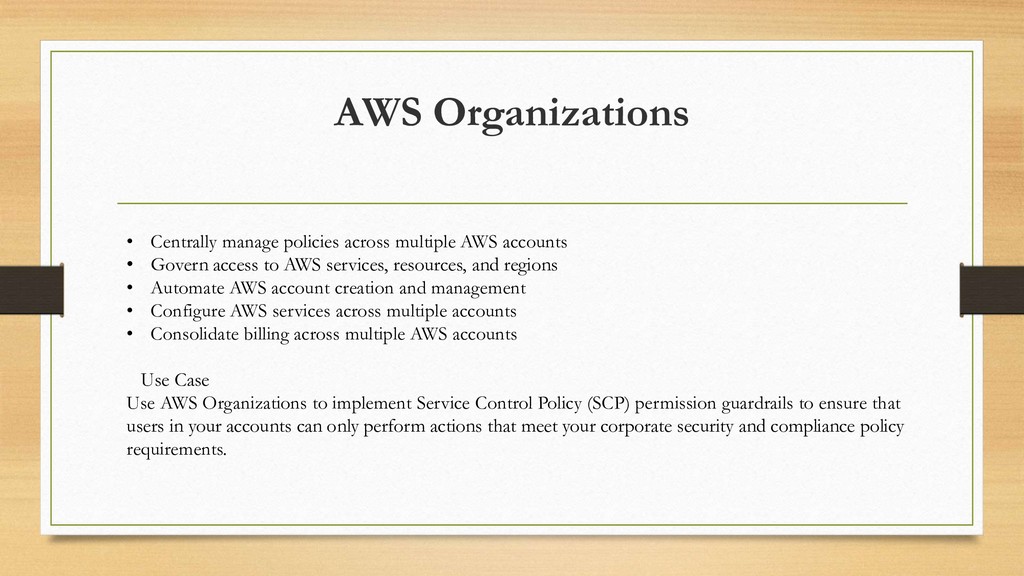
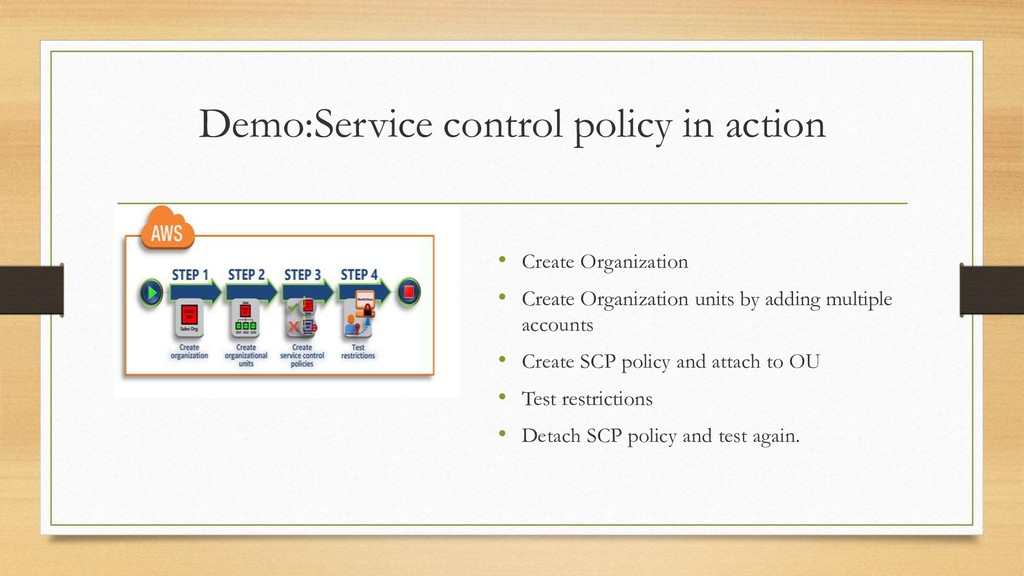
• Govern access to AWS services, resources, and regions • Automate AWS account creation and management • Configure AWS services across multiple accounts • Consolidate billing across multiple AWS accounts Use Case Use AWS Organizations to implement Service Control Policy (SCP) permission guardrails to ensure that users in your accounts can only perform actions that meet your corporate security and compliance policy requirements.
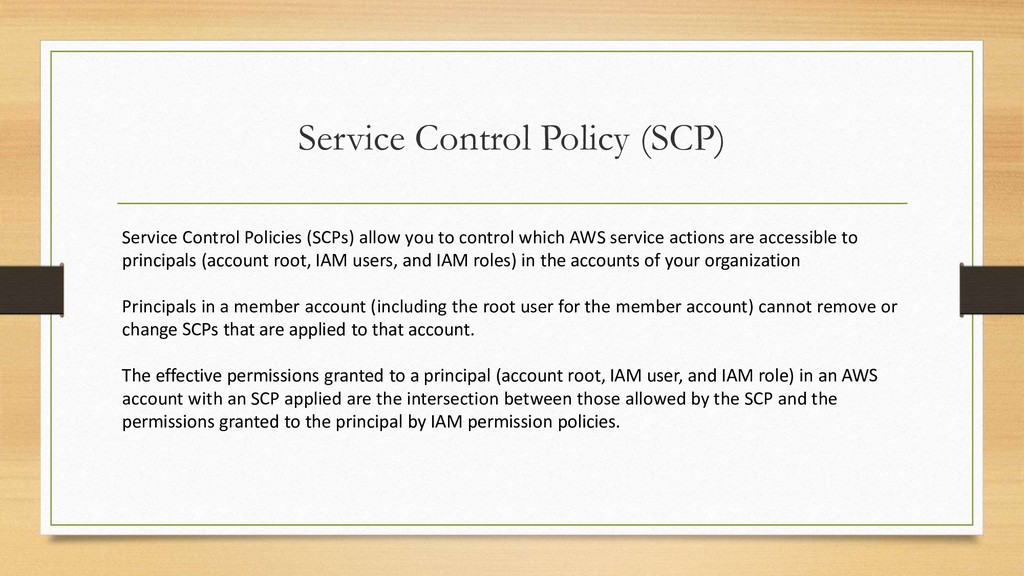
to control which AWS service actions are accessible to principals (account root, IAM users, and IAM roles) in the accounts of your organization Principals in a member account (including the root user for the member account) cannot remove or change SCPs that are applied to that account. The effective permissions granted to a principal (account root, IAM user, and IAM role) in an AWS account with an SCP applied are the intersection between those allowed by the SCP and the permissions granted to the principal by IAM permission policies.
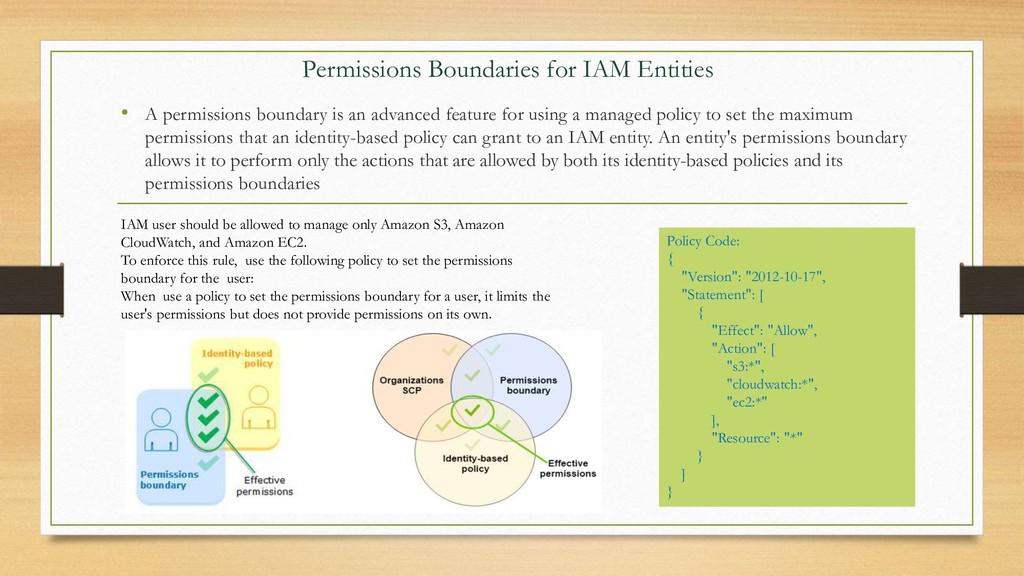
an advanced feature for using a managed policy to set the maximum permissions that an identity-based policy can grant to an IAM entity. An entity's permissions boundary allows it to perform only the actions that are allowed by both its identity-based policies and its permissions boundaries Policy Code: { "Version": "2012-10-17", "Statement": [ { "Effect": "Allow", "Action": [ "s3:*", "cloudwatch:*", "ec2:*" ], "Resource": "*" } ] } IAM user should be allowed to manage only Amazon S3, Amazon CloudWatch, and Amazon EC2. To enforce this rule, use the following policy to set the permissions boundary for the user: When use a policy to set the permissions boundary for a user, it limits the user's permissions but does not provide permissions on its own.


 jtakeda
 codmoninc
 jyouryuusui
 ivry_presentationmaterials
 moznion
 carta_engineering
 raspython3
 genda
genda
 pfn
pfn
 sansantech
 puhitaku
 nttcom
 tapps
tapps
 baasie
 akashhashmi
 tammielis
 szymonslowik
 palkan
 skipperchong
 bethany
 sergeychernyshev
 jdejongh
 reverentgeek
 rasmusluckow