MongoAtlanta_CSharpDriver.pptx.pdf
Sponsored
·
 Your Podcast. Everywhere. Effortlessly.
Share. Educate. Inspire. Entertain. You do you. We'll handle the rest.
→
Your Podcast. Everywhere. Effortlessly.
Share. Educate. Inspire. Entertain. You do you. We'll handle the rest.
→

Share
Embed
MongoAtlanta_CSharpDriver.pptx.pdf

mongodb
July 12, 2011
Transcript
48 slides
-
Slides available online • http://www.10gen.com/presentations • Search for “Atlanta MongoDB
User Group” using the Event drop-down -
Highlights • Full featured • High performance • Rapidly tracks
new releases of MongoDB • Fully supported by 10gen -
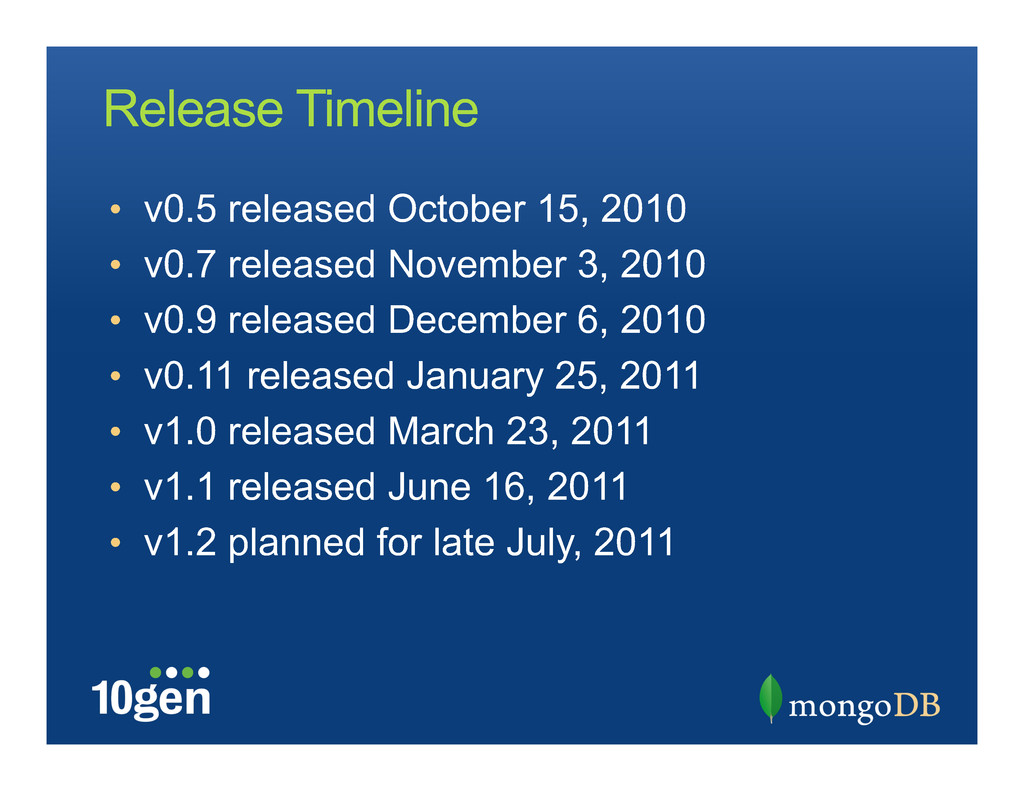
Release Timeline • v0.5 released October 15, 2010 • v0.7
released November 3, 2010 • v0.9 released December 6, 2010 • v0.11 released January 25, 2011 • v1.0 released March 23, 2011 • v1.1 released June 16, 2011 • v1.2 planned for late July, 2011 -
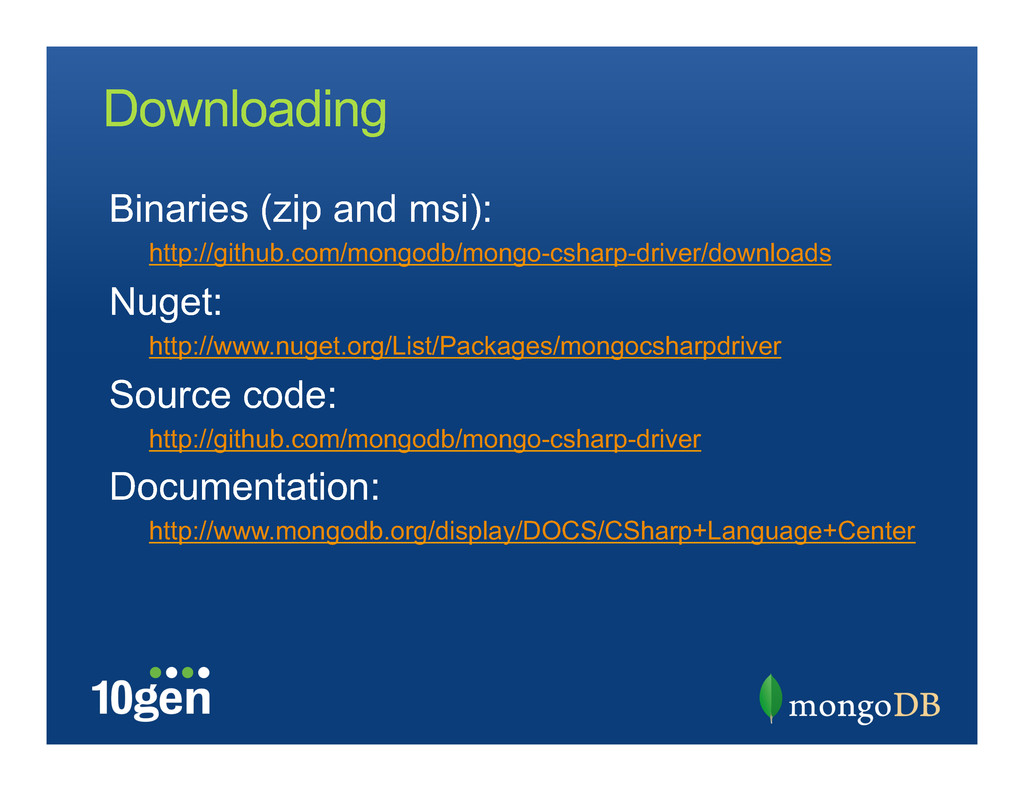
Downloading Binaries (zip and msi): http://github.com/mongodb/mongo-csharp-driver/downloads Nuget: http://www.nuget.org/List/Packages/mongocsharpdriver Source code:
http://github.com/mongodb/mongo-csharp-driver Documentation: http://www.mongodb.org/display/DOCS/CSharp+Language+Center -
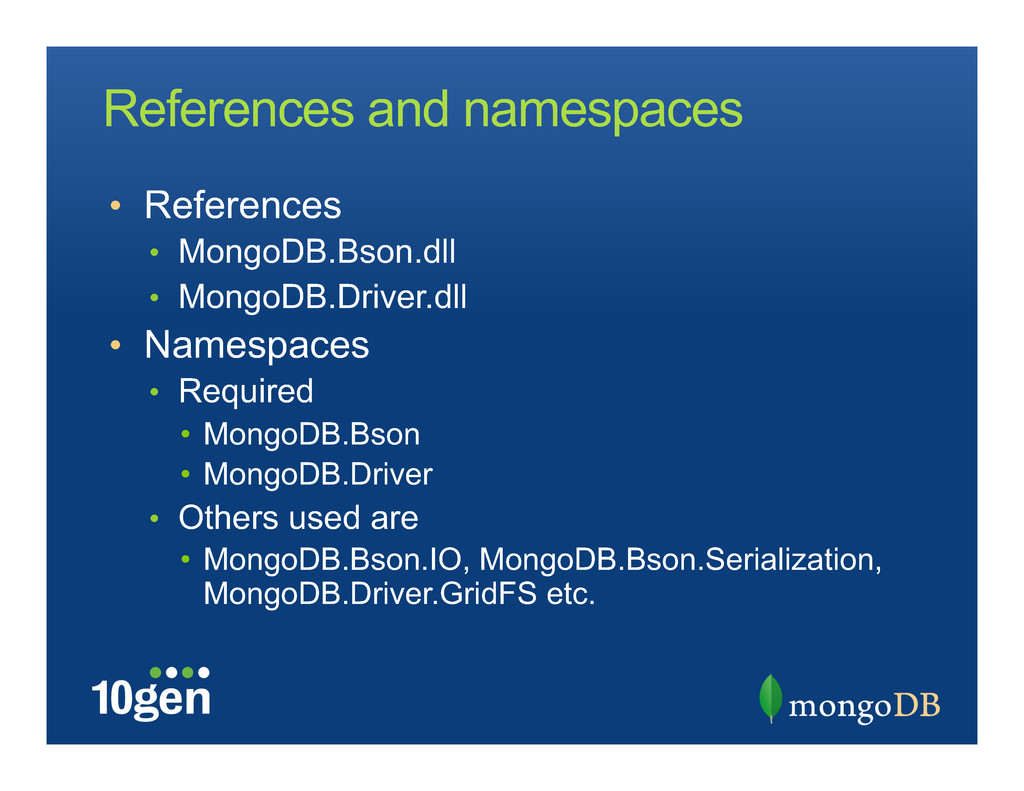
References and namespaces • References • MongoDB.Bson.dll • MongoDB.Driver.dll •
Namespaces • Required • MongoDB.Bson • MongoDB.Driver • Others used are • MongoDB.Bson.IO, MongoDB.Bson.Serialization, MongoDB.Driver.GridFS etc. -
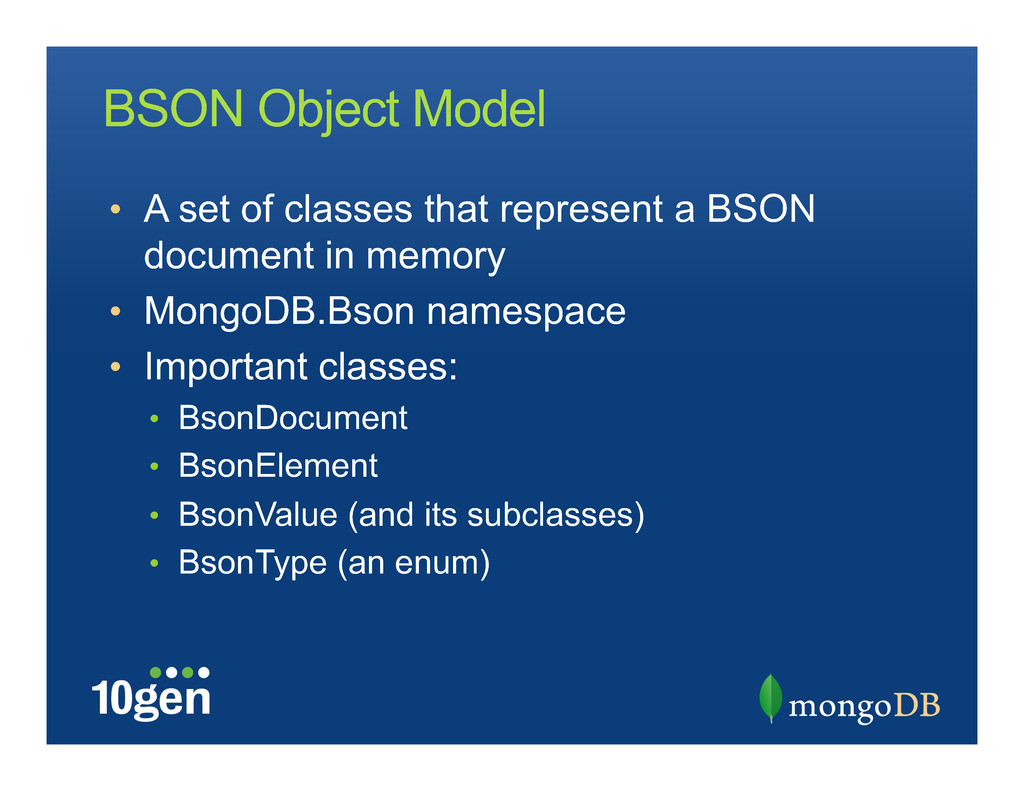
BSON Object Model • A set of classes that represent
a BSON document in memory • MongoDB.Bson namespace • Important classes: • BsonDocument • BsonElement • BsonValue (and its subclasses) • BsonType (an enum) -
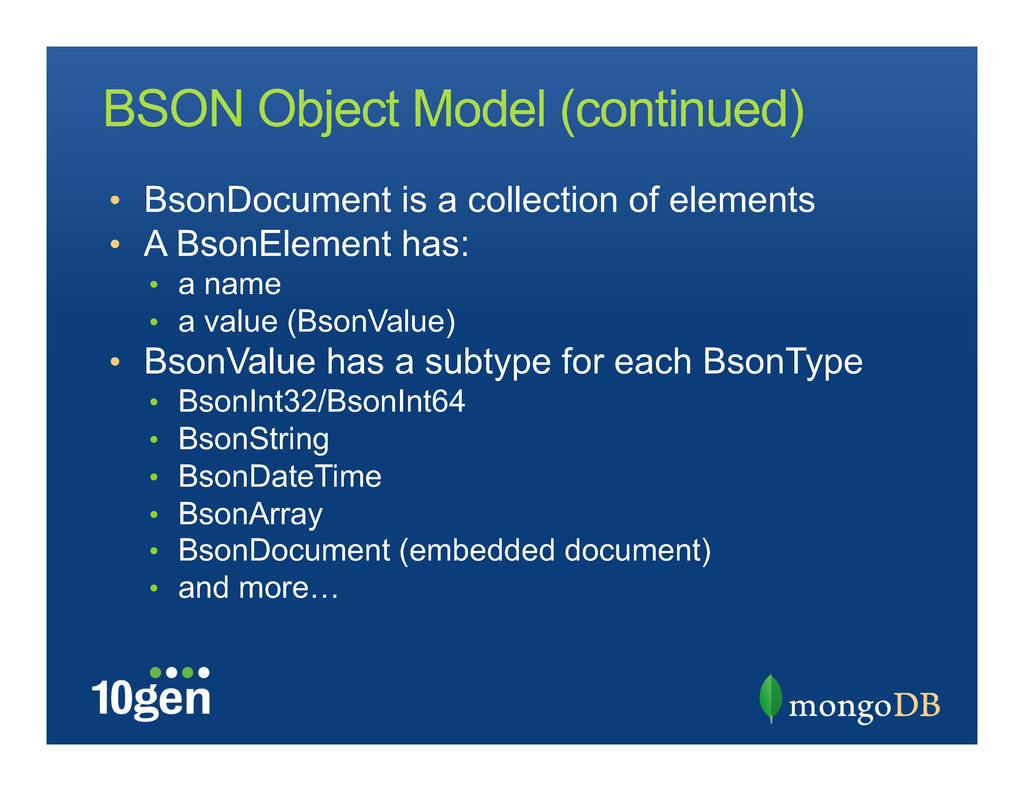
BSON Object Model (continued) • BsonDocument is a collection of
elements • A BsonElement has: • a name • a value (BsonValue) • BsonValue has a subtype for each BsonType • BsonInt32/BsonInt64 • BsonString • BsonDateTime • BsonArray • BsonDocument (embedded document) • and more… -
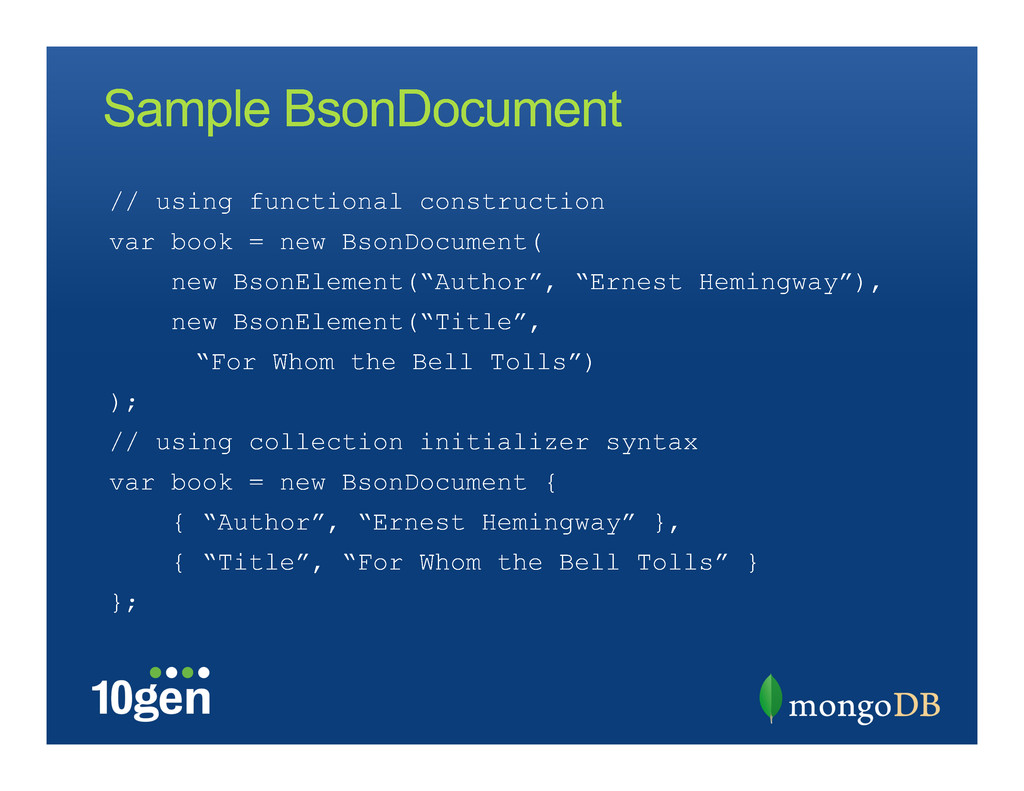
Sample BsonDocument // using functional construction var book = new
BsonDocument( new BsonElement(“Author”, “Ernest Hemingway”), new BsonElement(“Title”, “For Whom the Bell Tolls”) ); // using collection initializer syntax var book = new BsonDocument { { “Author”, “Ernest Hemingway” }, { “Title”, “For Whom the Bell Tolls” } }; -
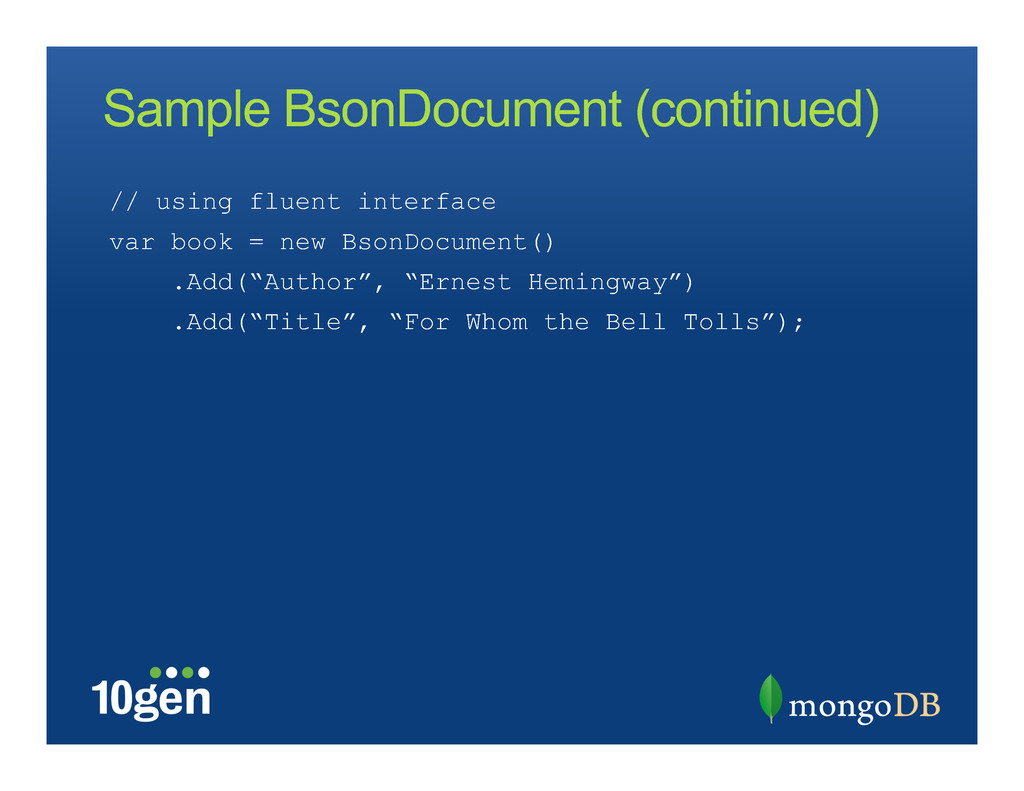
Sample BsonDocument (continued) // using fluent interface var book =
new BsonDocument() .Add(“Author”, “Ernest Hemingway”) .Add(“Title”, “For Whom the Bell Tolls”); -
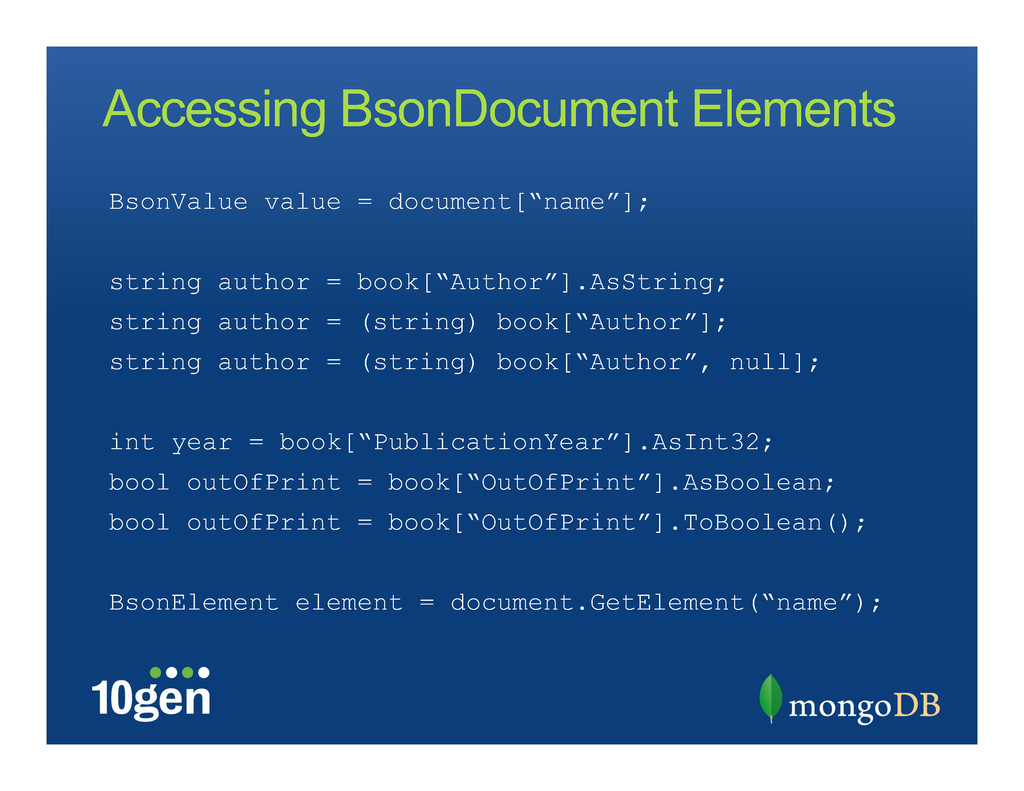
Accessing BsonDocument Elements BsonValue value = document[“name”]; string author =
book[“Author”].AsString; string author = (string) book[“Author”]; string author = (string) book[“Author”, null]; int year = book[“PublicationYear”].AsInt32; bool outOfPrint = book[“OutOfPrint”].AsBoolean; bool outOfPrint = book[“OutOfPrint”].ToBoolean(); BsonElement element = document.GetElement(“name”); -
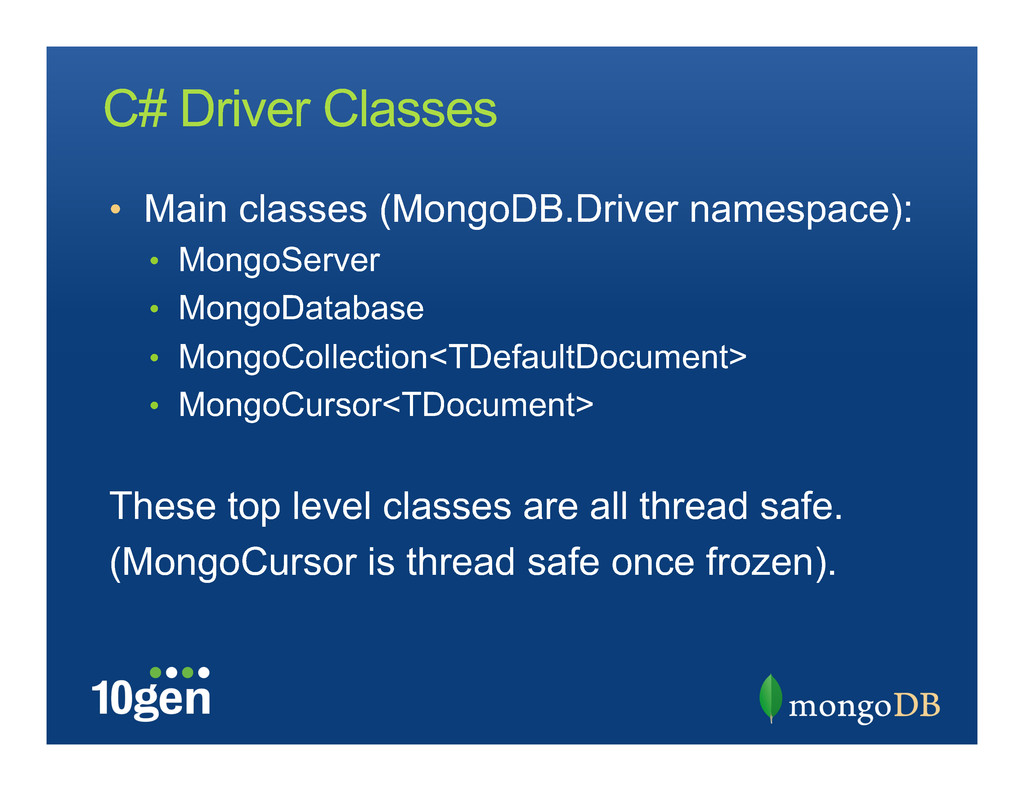
C# Driver Classes • Main classes (MongoDB.Driver namespace): • MongoServer
• MongoDatabase • MongoCollection<TDefaultDocument> • MongoCursor<TDocument> These top level classes are all thread safe. (MongoCursor is thread safe once frozen). -
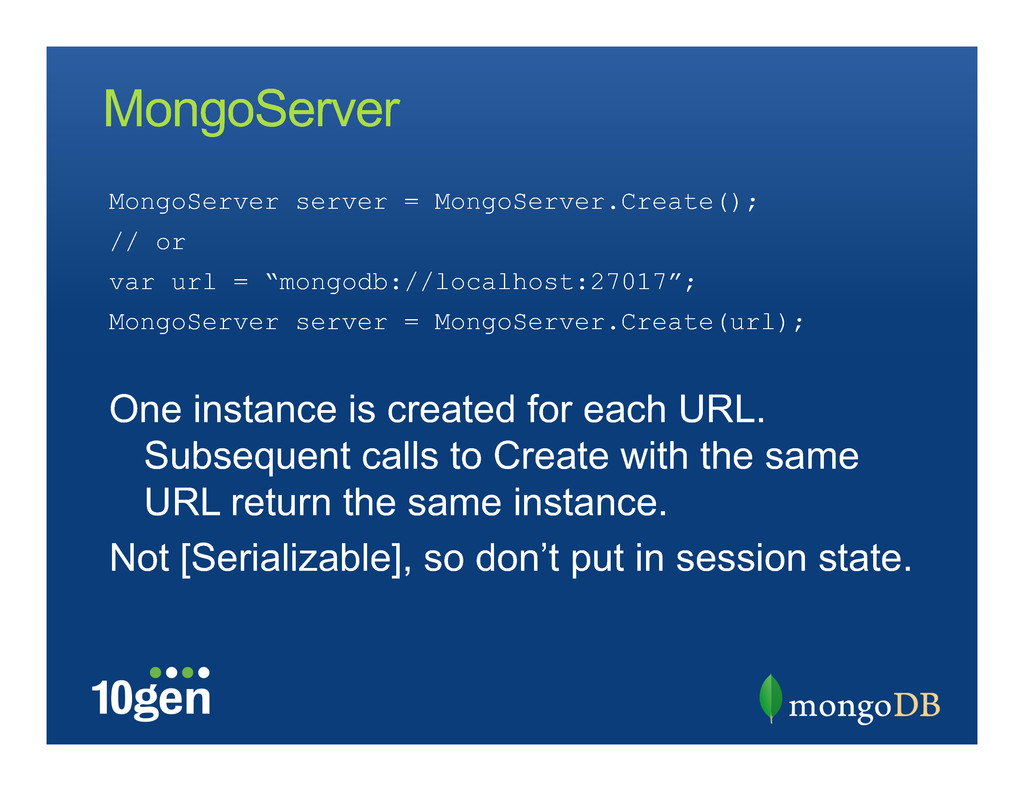
MongoServer MongoServer server = MongoServer.Create(); // or var url =
“mongodb://localhost:27017”; MongoServer server = MongoServer.Create(url); One instance is created for each URL. Subsequent calls to Create with the same URL return the same instance. Not [Serializable], so don’t put in session state. -
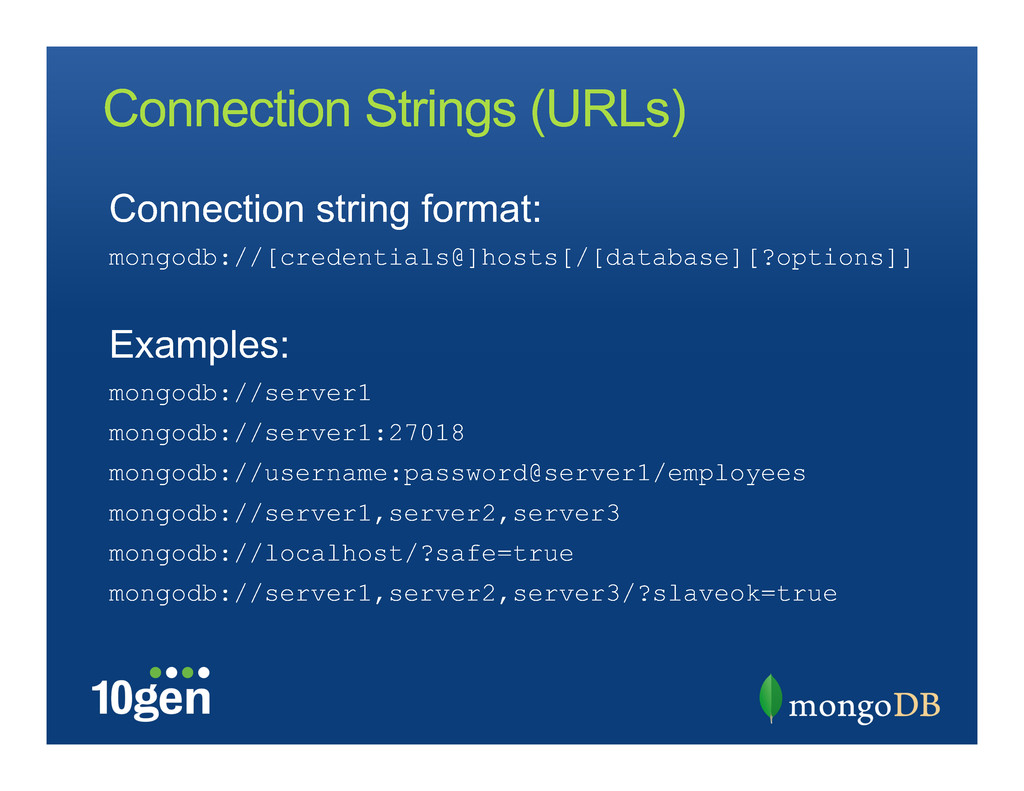
Connection Strings (URLs) Connection string format: mongodb://[credentials@]hosts[/[database][?options]] Examples: mongodb://server1 mongodb://server1:27018
mongodb://username:password@server1/employees mongodb://server1,server2,server3 mongodb://localhost/?safe=true mongodb://server1,server2,server3/?slaveok=true -
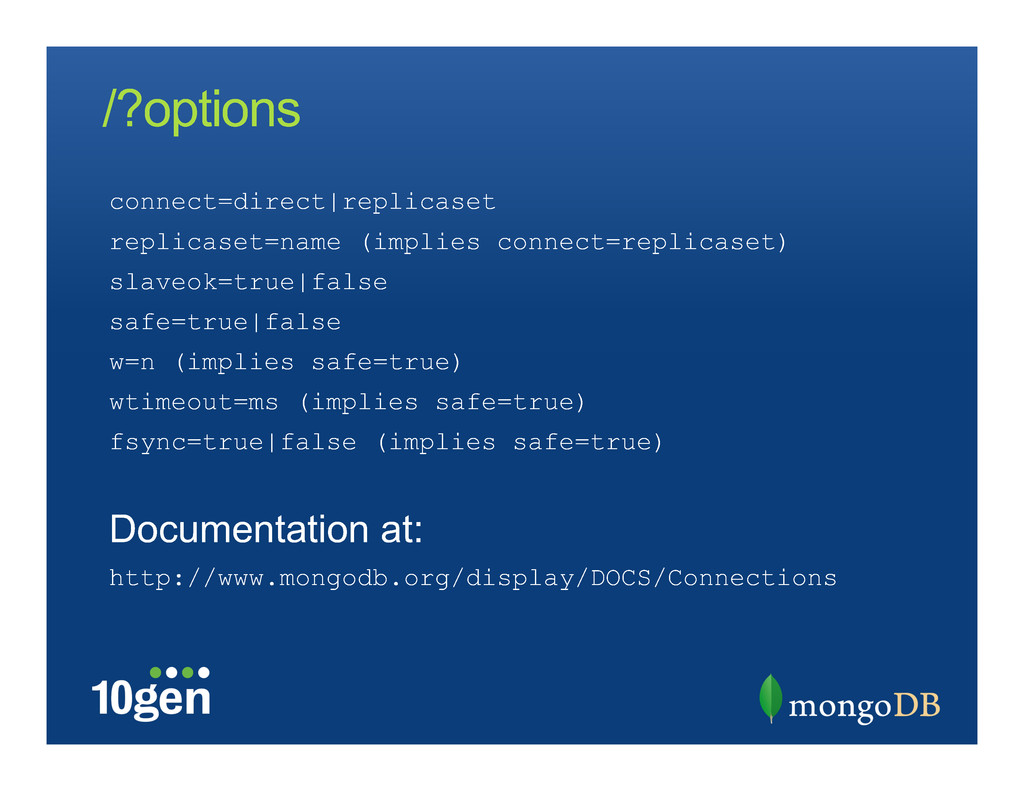
/?options connect=direct|replicaset replicaset=name (implies connect=replicaset) slaveok=true|false safe=true|false w=n (implies safe=true)
wtimeout=ms (implies safe=true) fsync=true|false (implies safe=true) Documentation at: http://www.mongodb.org/display/DOCS/Connections -
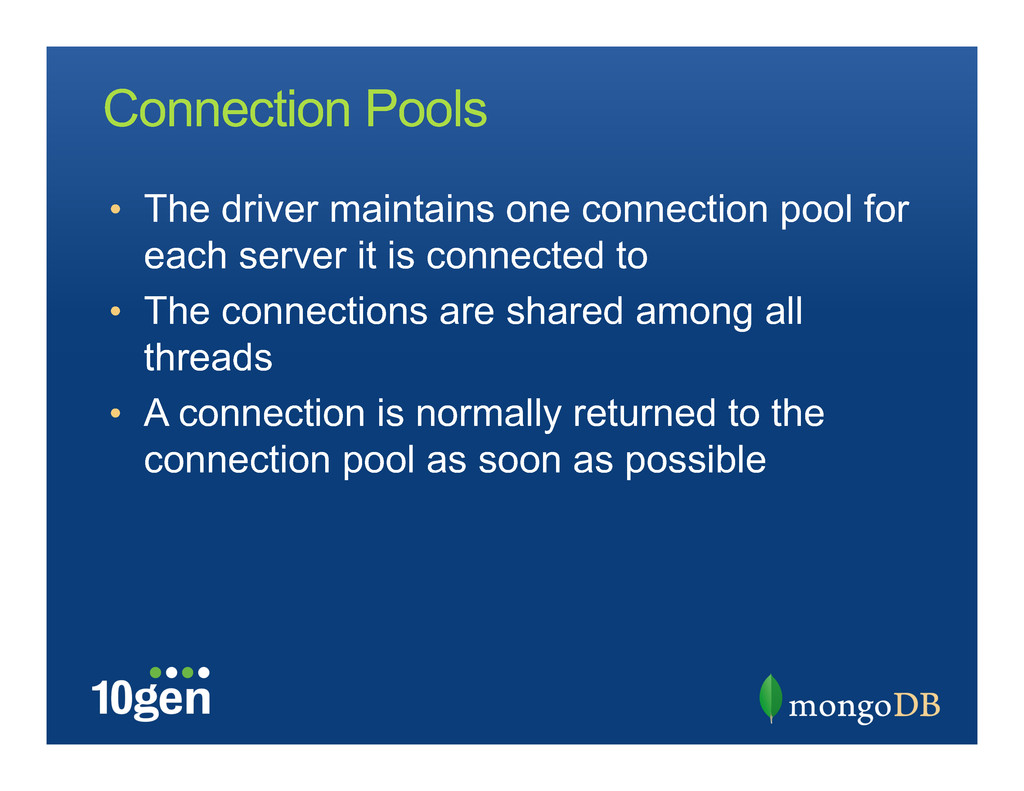
Connection Pools • The driver maintains one connection pool for
each server it is connected to • The connections are shared among all threads • A connection is normally returned to the connection pool as soon as possible -
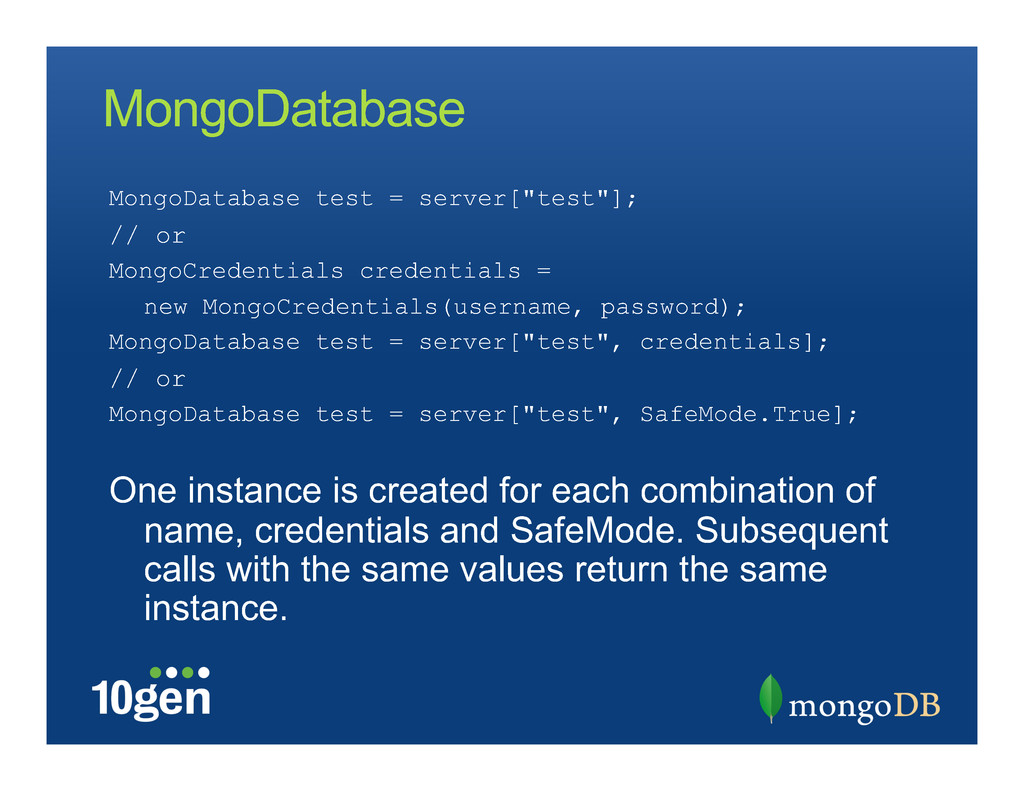
MongoDatabase MongoDatabase test = server["test"]; // or MongoCredentials credentials =
new MongoCredentials(username, password); MongoDatabase test = server["test", credentials]; // or MongoDatabase test = server["test", SafeMode.True]; One instance is created for each combination of name, credentials and SafeMode. Subsequent calls with the same values return the same instance. -
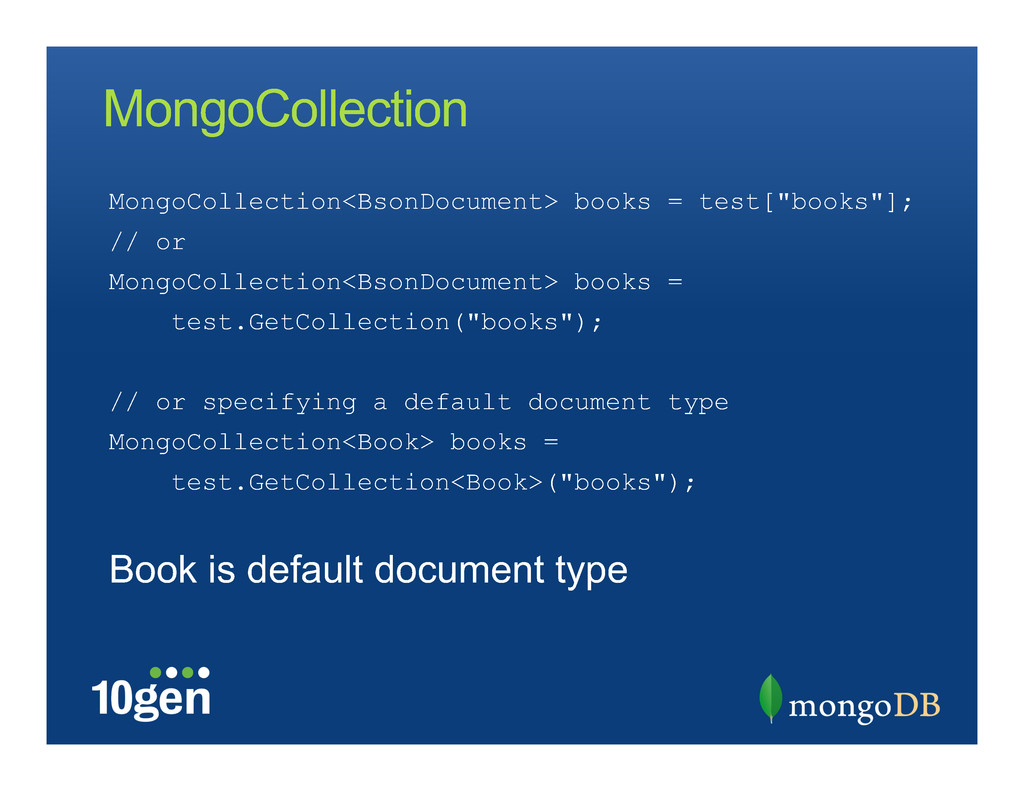
MongoCollection MongoCollection<BsonDocument> books = test["books"]; // or MongoCollection<BsonDocument> books =
test.GetCollection("books"); // or specifying a default document type MongoCollection<Book> books = test.GetCollection<Book>("books"); Book is default document type -
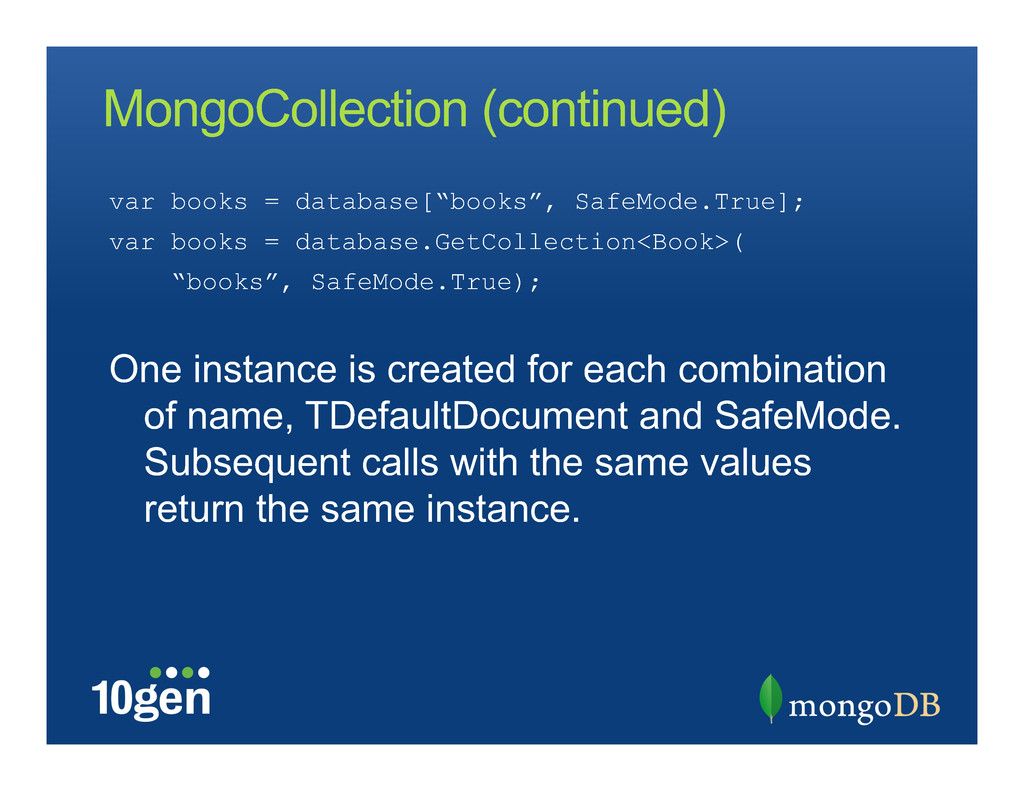
MongoCollection (continued) var books = database[“books”, SafeMode.True]; var books =
database.GetCollection<Book>( “books”, SafeMode.True); One instance is created for each combination of name, TDefaultDocument and SafeMode. Subsequent calls with the same values return the same instance. -
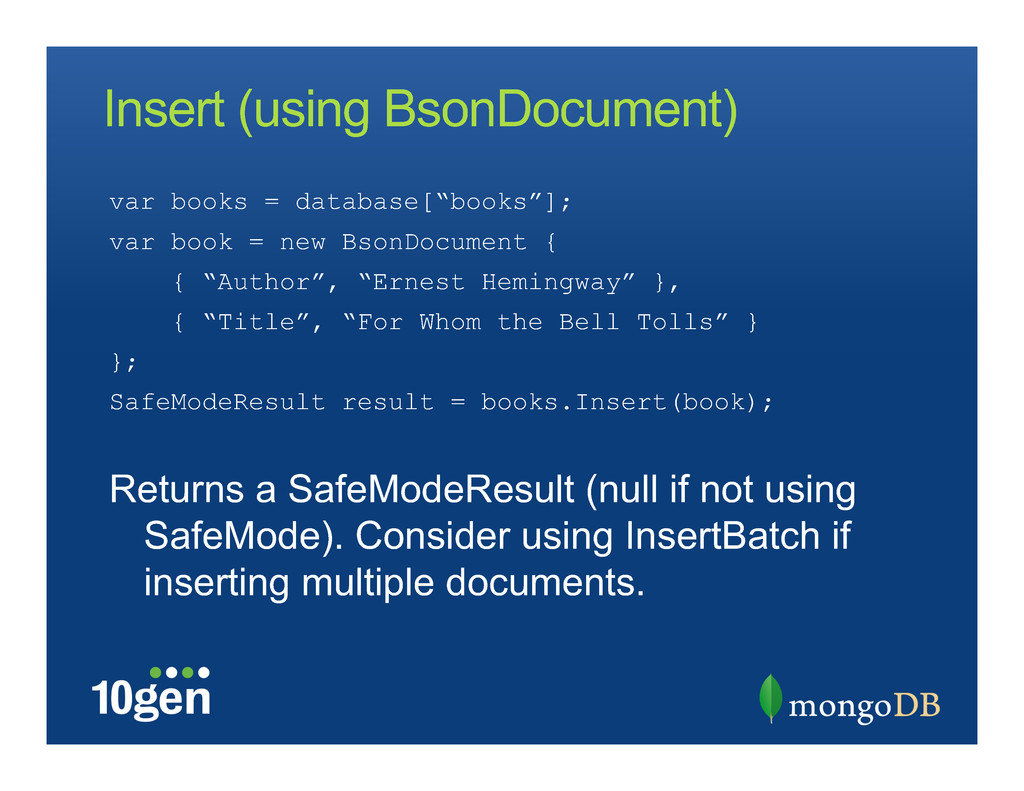
Insert (using BsonDocument) var books = database[“books”]; var book =
new BsonDocument { { “Author”, “Ernest Hemingway” }, { “Title”, “For Whom the Bell Tolls” } }; SafeModeResult result = books.Insert(book); Returns a SafeModeResult (null if not using SafeMode). Consider using InsertBatch if inserting multiple documents. -
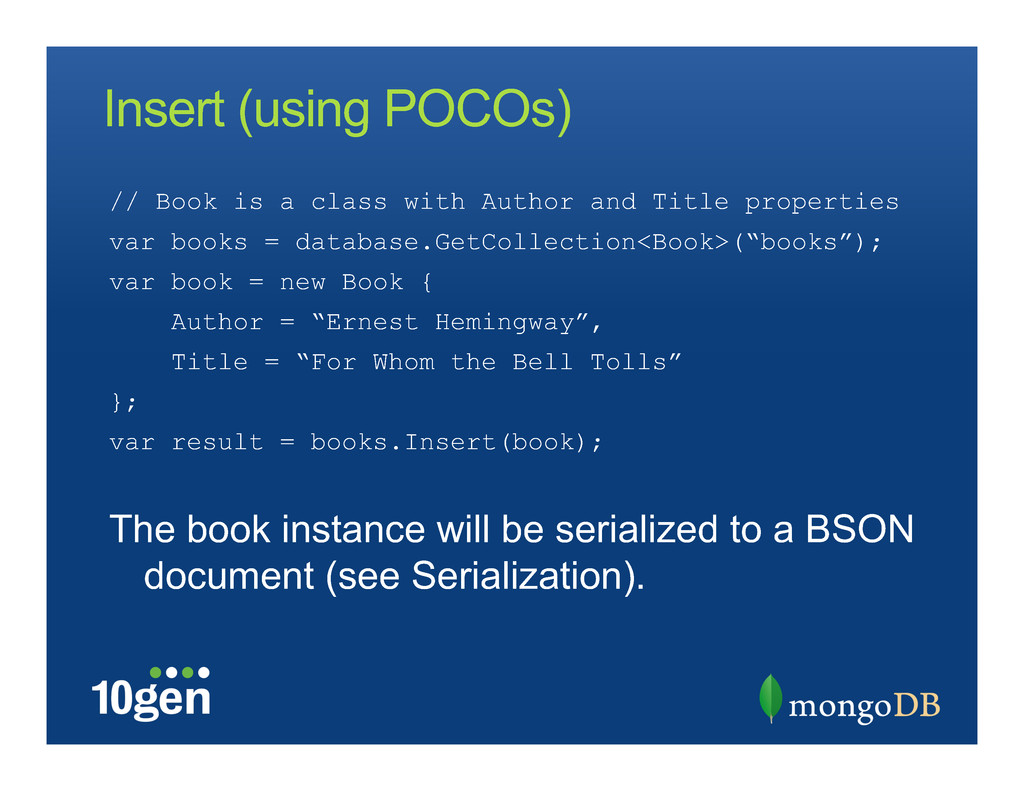
Insert (using POCOs) // Book is a class with Author
and Title properties var books = database.GetCollection<Book>(“books”); var book = new Book { Author = “Ernest Hemingway”, Title = “For Whom the Bell Tolls” }; var result = books.Insert(book); The book instance will be serialized to a BSON document (see Serialization). -
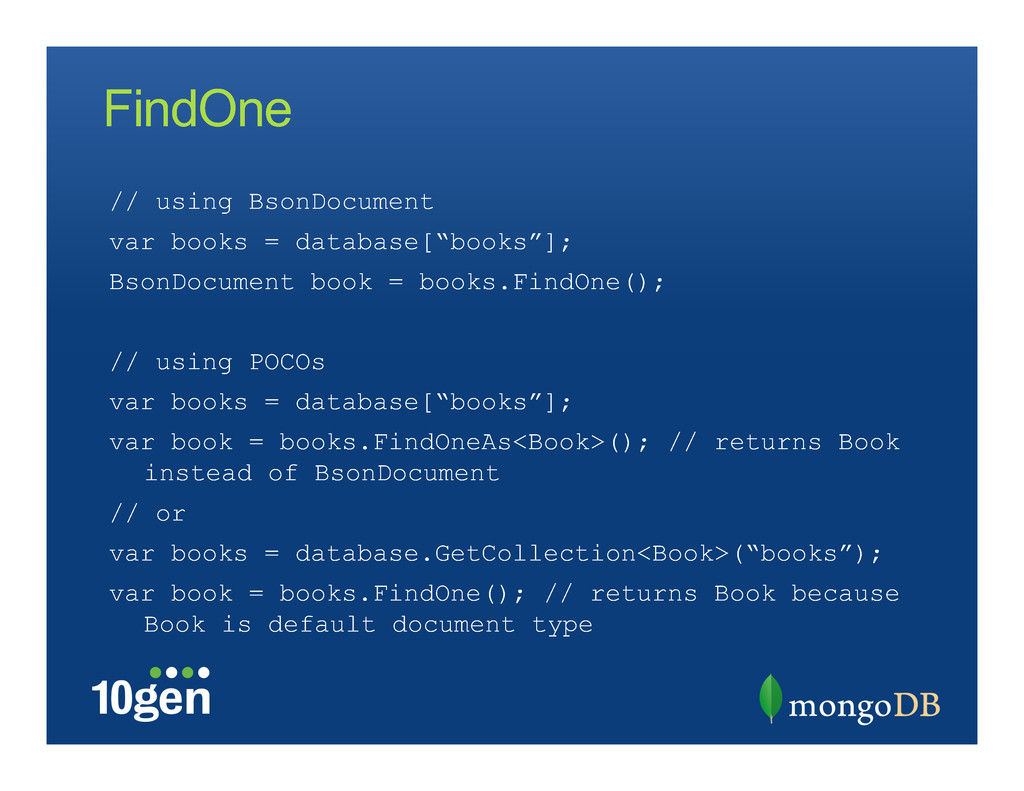
FindOne // using BsonDocument var books = database[“books”]; BsonDocument book
= books.FindOne(); // using POCOs var books = database[“books”]; var book = books.FindOneAs<Book>(); // returns Book instead of BsonDocument // or var books = database.GetCollection<Book>(“books”); var book = books.FindOne(); // returns Book because Book is default document type -
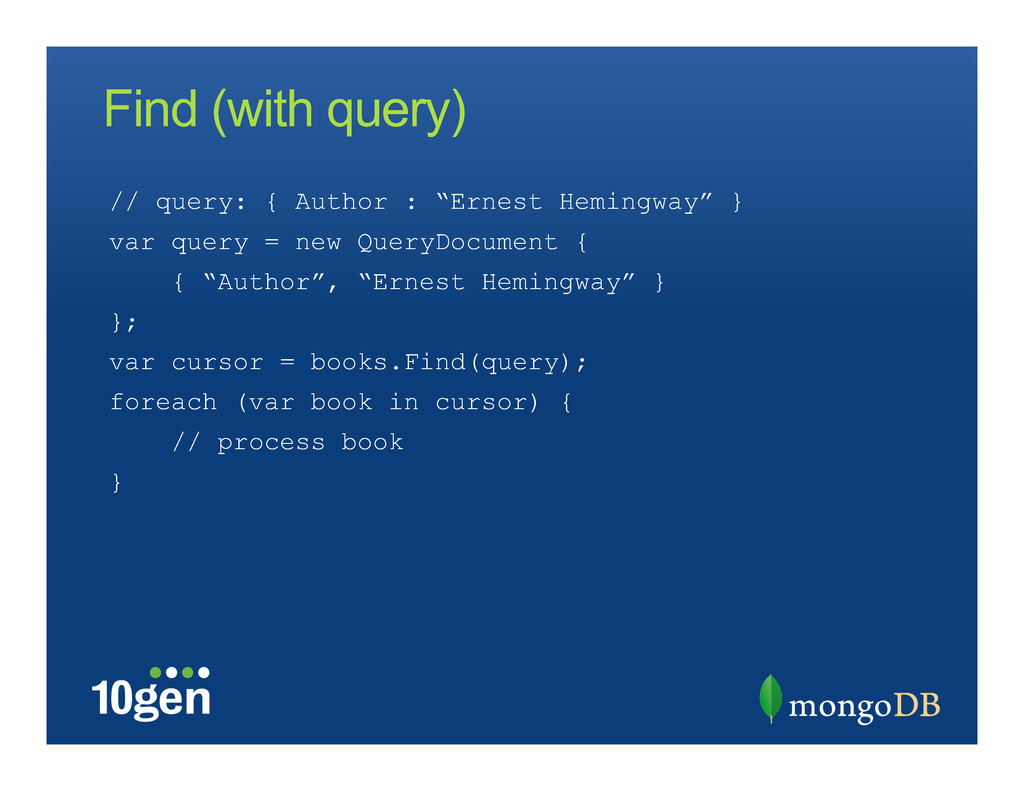
Find (with query) // query: { Author : “Ernest Hemingway”
} var query = new QueryDocument { { “Author”, “Ernest Hemingway” } }; var cursor = books.Find(query); foreach (var book in cursor) { // process book } -
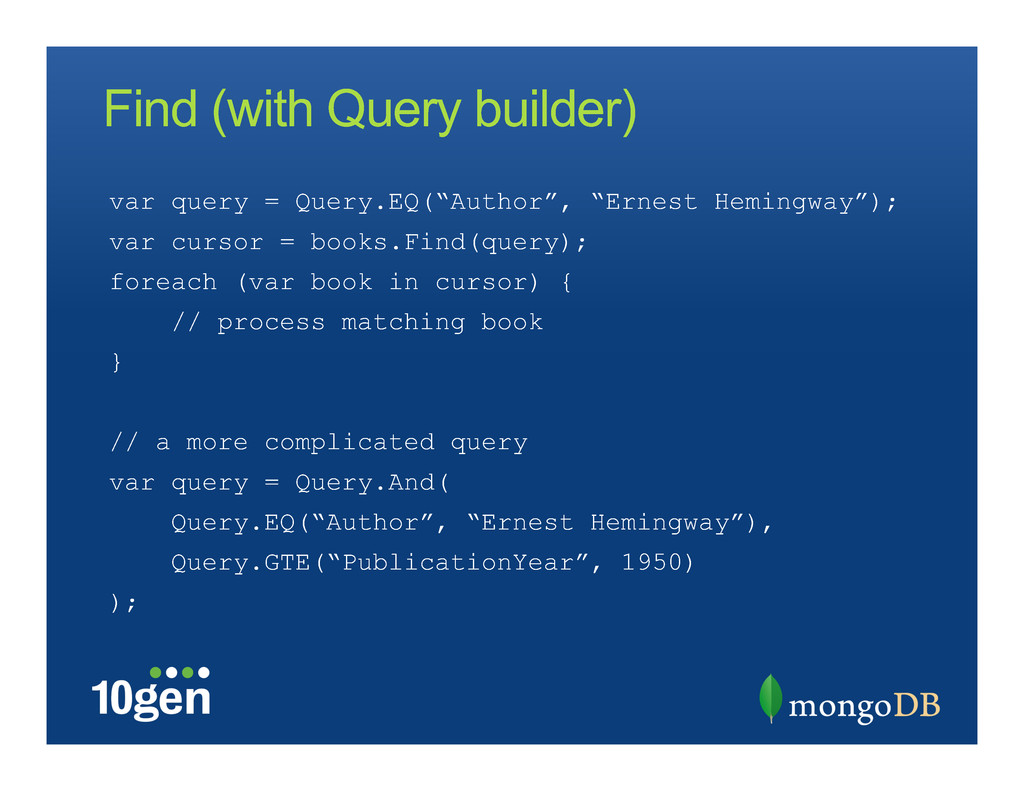
Find (with Query builder) var query = Query.EQ(“Author”, “Ernest Hemingway”);
var cursor = books.Find(query); foreach (var book in cursor) { // process matching book } // a more complicated query var query = Query.And( Query.EQ(“Author”, “Ernest Hemingway”), Query.GTE(“PublicationYear”, 1950) ); -
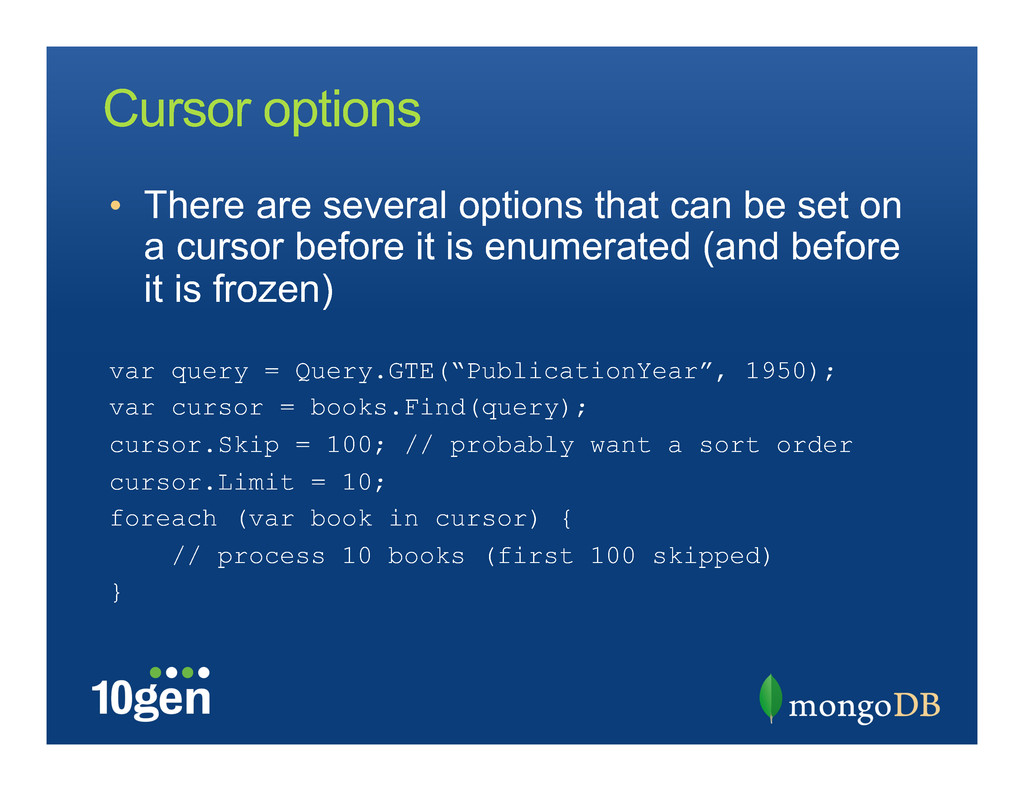
Cursor options • There are several options that can be
set on a cursor before it is enumerated (and before it is frozen) var query = Query.GTE(“PublicationYear”, 1950); var cursor = books.Find(query); cursor.Skip = 100; // probably want a sort order cursor.Limit = 10; foreach (var book in cursor) { // process 10 books (first 100 skipped) } -
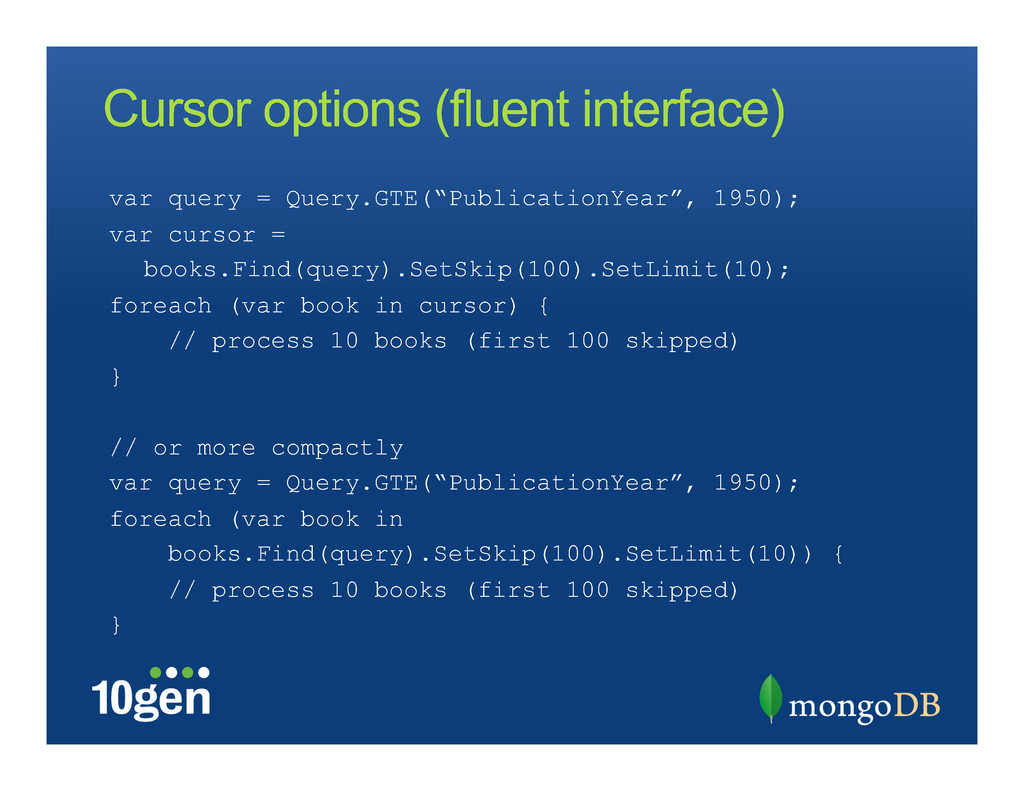
Cursor options (fluent interface) var query = Query.GTE(“PublicationYear”, 1950); var
cursor = books.Find(query).SetSkip(100).SetLimit(10); foreach (var book in cursor) { // process 10 books (first 100 skipped) } // or more compactly var query = Query.GTE(“PublicationYear”, 1950); foreach (var book in books.Find(query).SetSkip(100).SetLimit(10)) { // process 10 books (first 100 skipped) } -
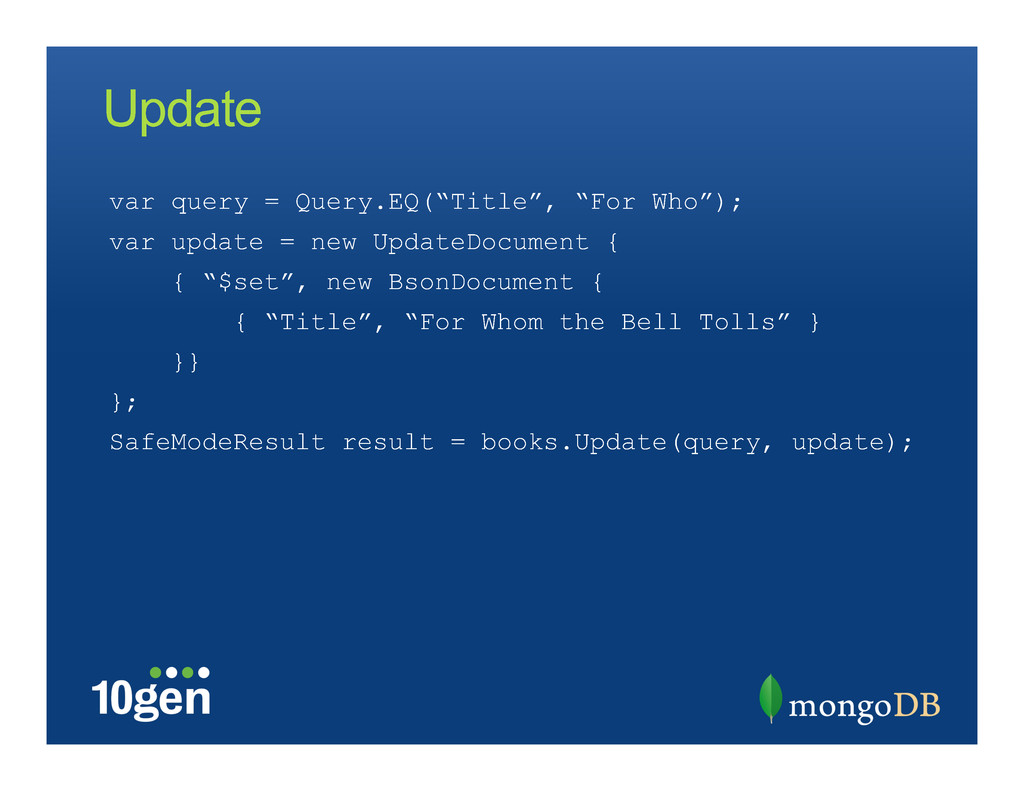
Update var query = Query.EQ(“Title”, “For Who”); var update =
new UpdateDocument { { “$set”, new BsonDocument { { “Title”, “For Whom the Bell Tolls” } }} }; SafeModeResult result = books.Update(query, update); -
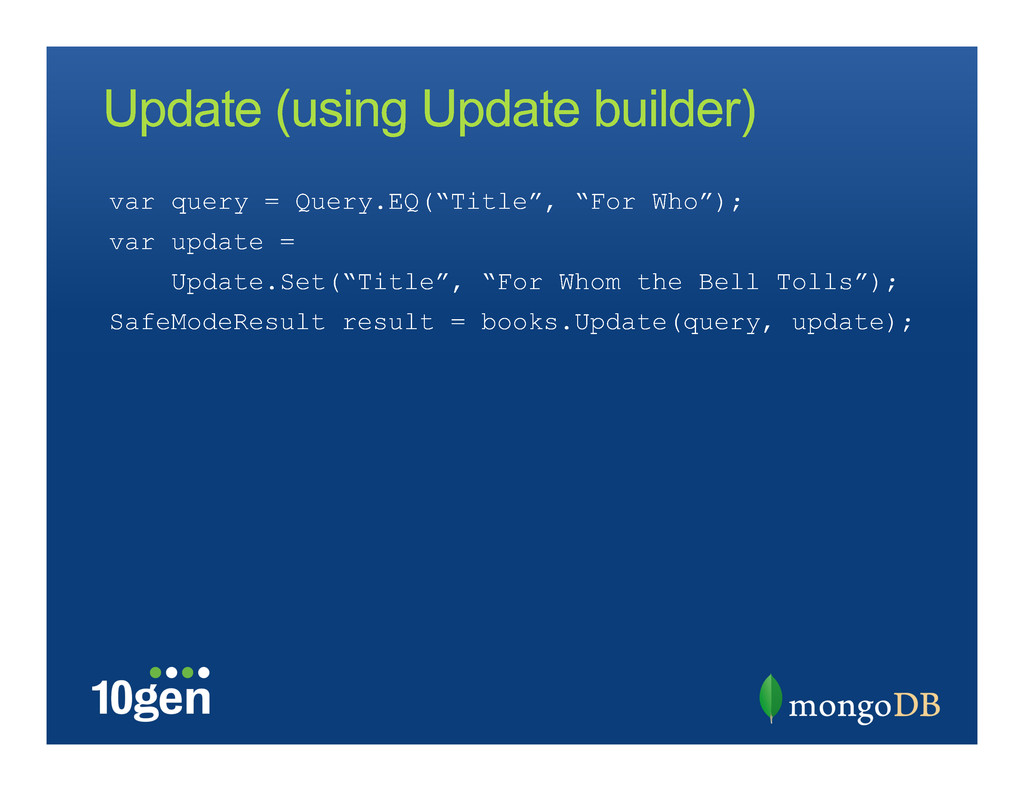
Update (using Update builder) var query = Query.EQ(“Title”, “For Who”);
var update = Update.Set(“Title”, “For Whom the Bell Tolls”); SafeModeResult result = books.Update(query, update); -
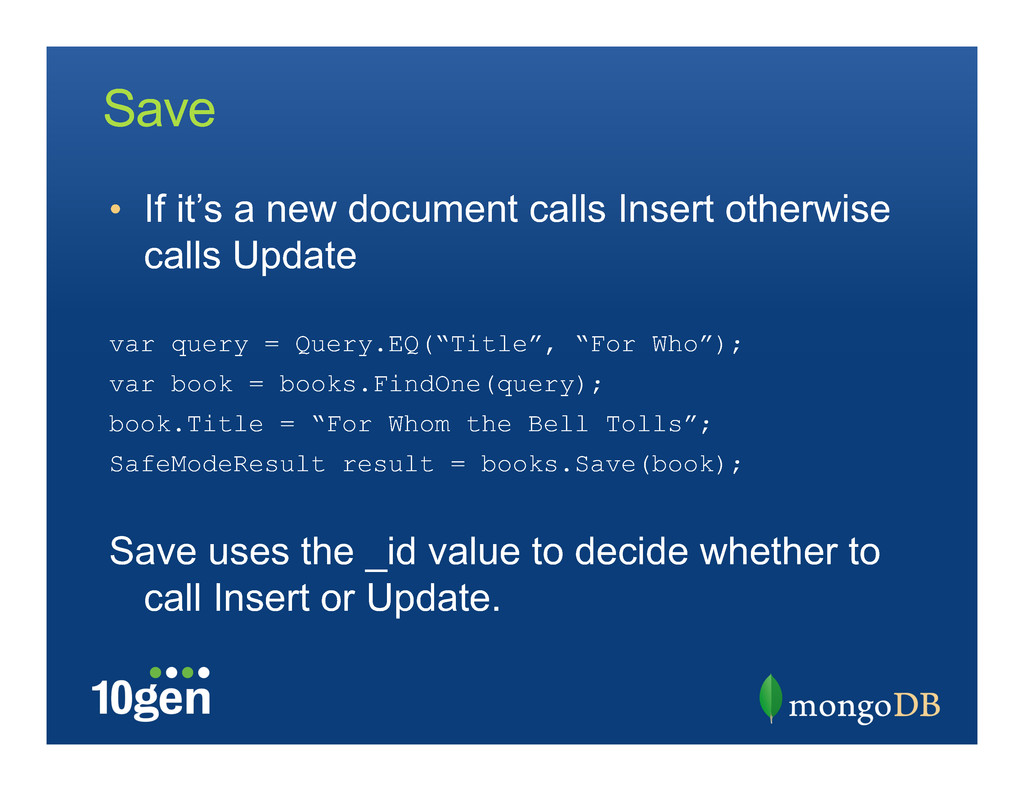
Save • If it’s a new document calls Insert otherwise
calls Update var query = Query.EQ(“Title”, “For Who”); var book = books.FindOne(query); book.Title = “For Whom the Bell Tolls”; SafeModeResult result = books.Save(book); Save uses the _id value to decide whether to call Insert or Update. -
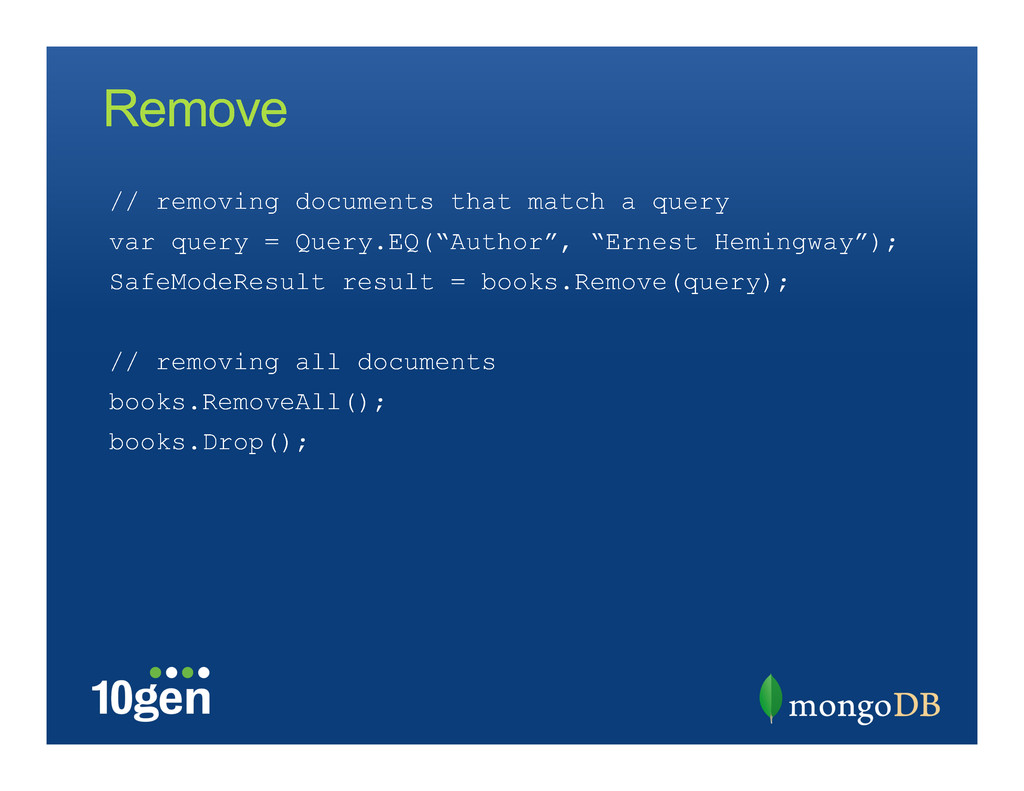
Remove // removing documents that match a query var query
= Query.EQ(“Author”, “Ernest Hemingway”); SafeModeResult result = books.Remove(query); // removing all documents books.RemoveAll(); books.Drop(); -
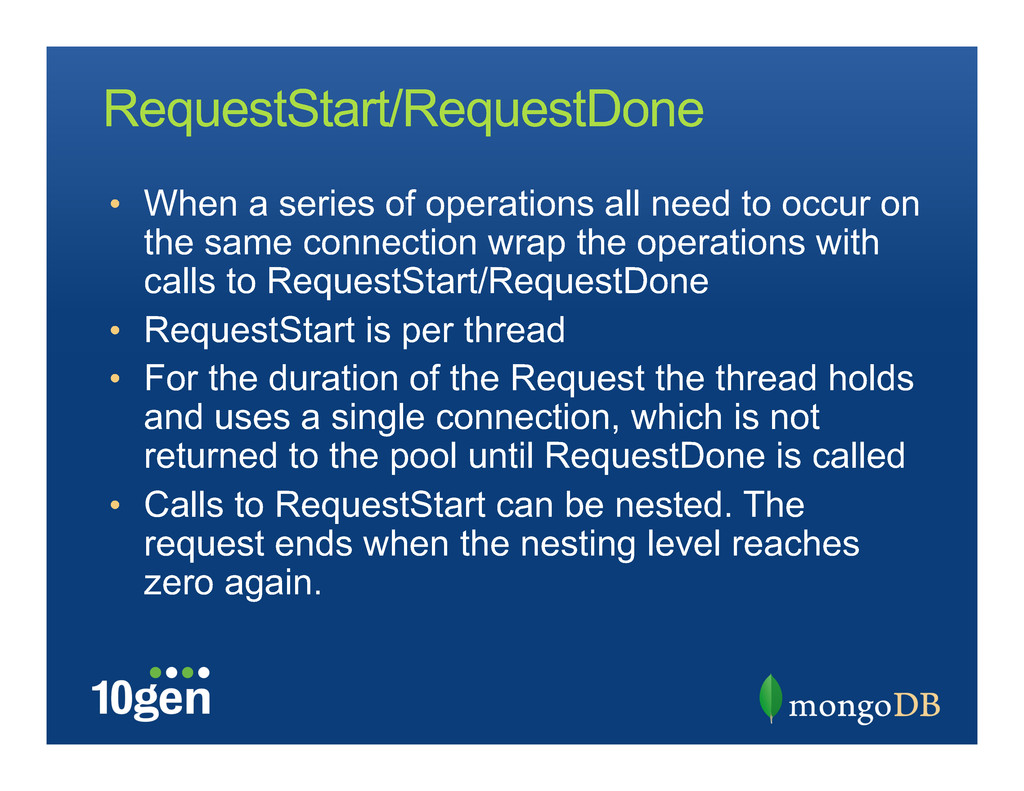
RequestStart/RequestDone • When a series of operations all need to
occur on the same connection wrap the operations with calls to RequestStart/RequestDone • RequestStart is per thread • For the duration of the Request the thread holds and uses a single connection, which is not returned to the pool until RequestDone is called • Calls to RequestStart can be nested. The request ends when the nesting level reaches zero again. -
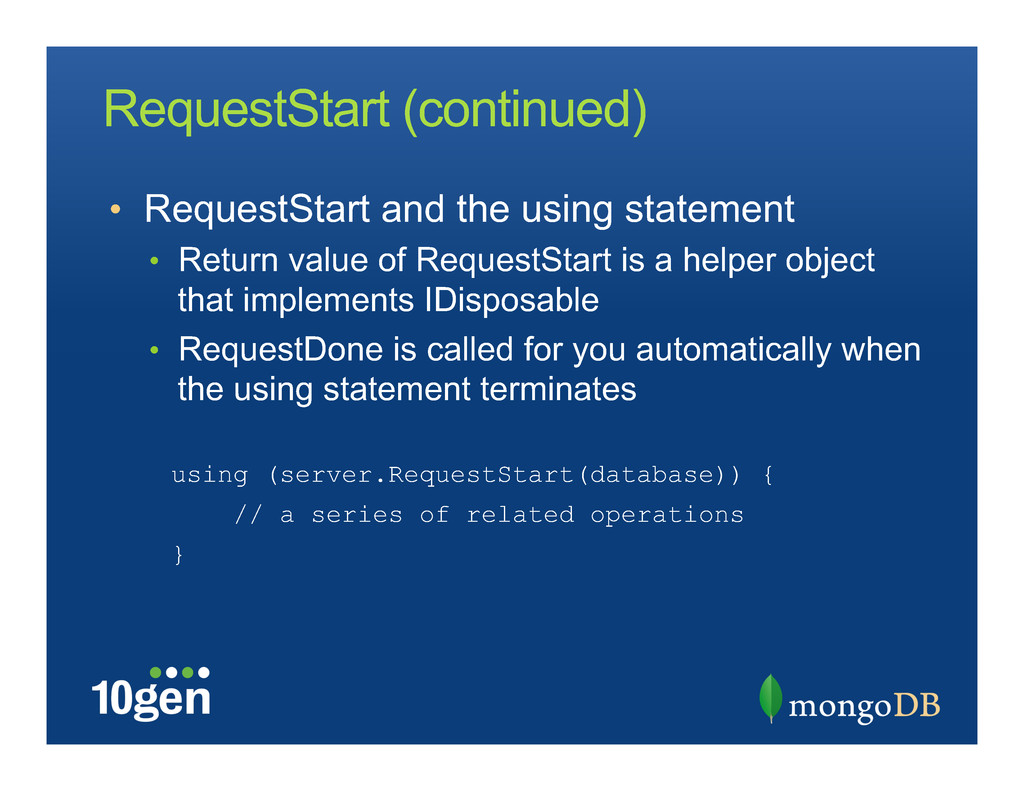
RequestStart (continued) • RequestStart and the using statement • Return
value of RequestStart is a helper object that implements IDisposable • RequestDone is called for you automatically when the using statement terminates using (server.RequestStart(database)) { // a series of related operations } -
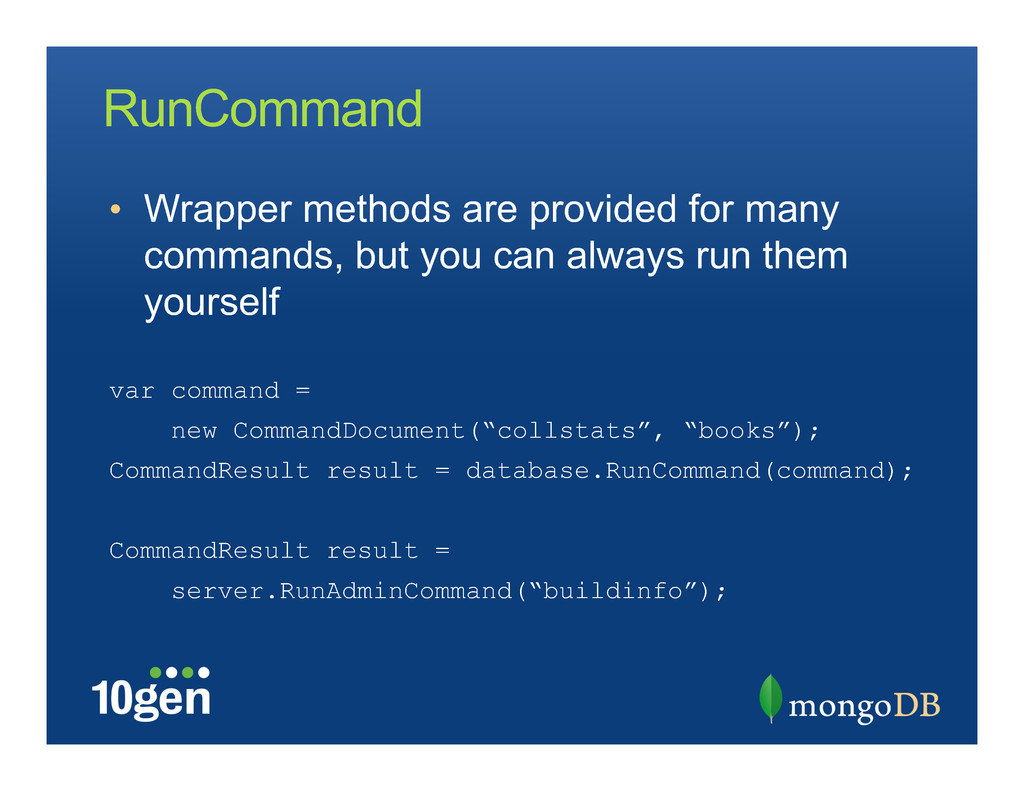
RunCommand • Wrapper methods are provided for many commands, but
you can always run them yourself var command = new CommandDocument(“collstats”, “books”); CommandResult result = database.RunCommand(command); CommandResult result = server.RunAdminCommand(“buildinfo”); -
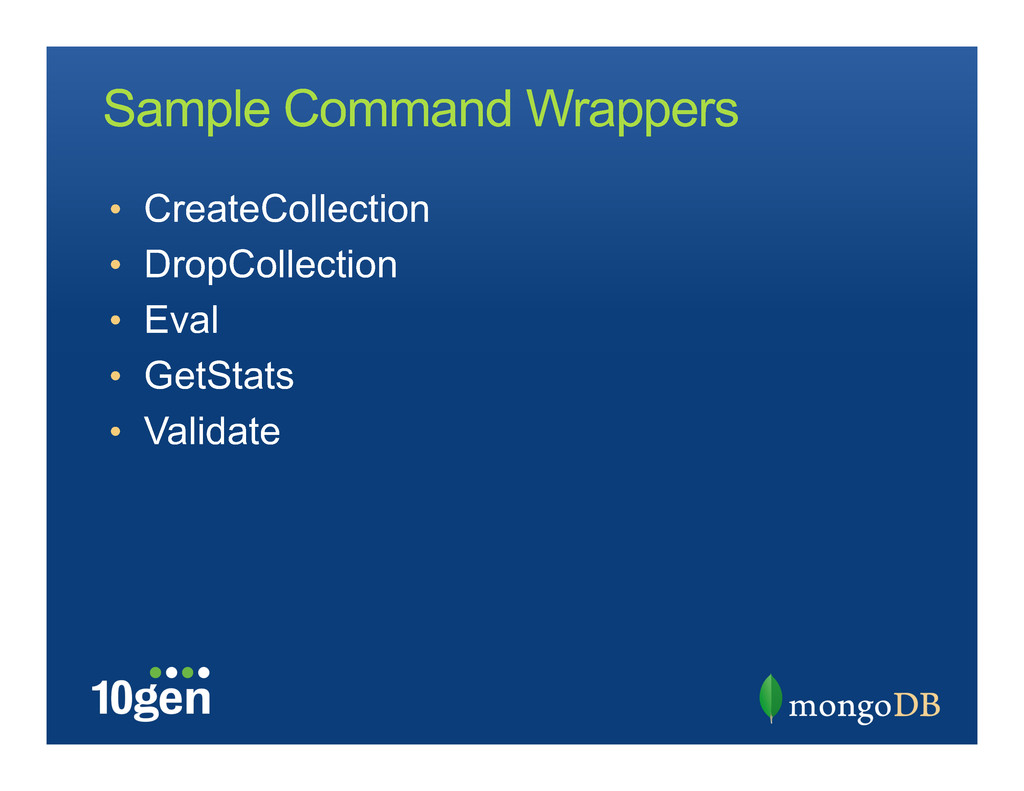
Sample Command Wrappers • CreateCollection • DropCollection • Eval •
GetStats • Validate -
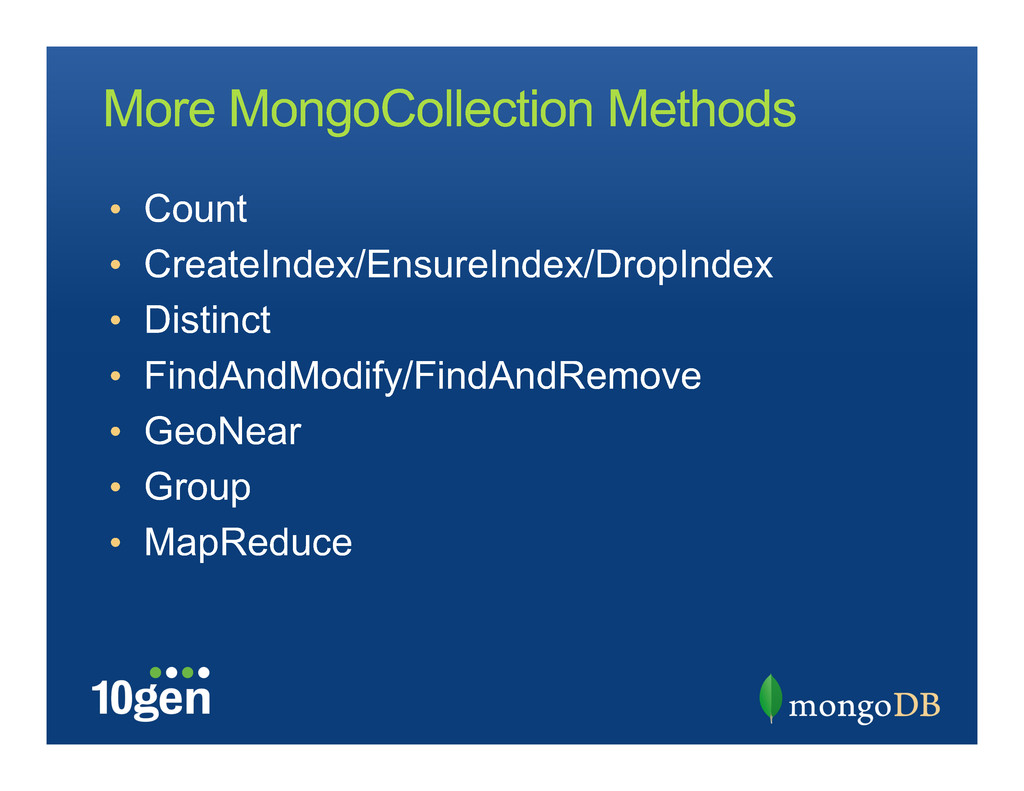
More MongoCollection Methods • Count • CreateIndex/EnsureIndex/DropIndex • Distinct •
FindAndModify/FindAndRemove • GeoNear • Group • MapReduce -
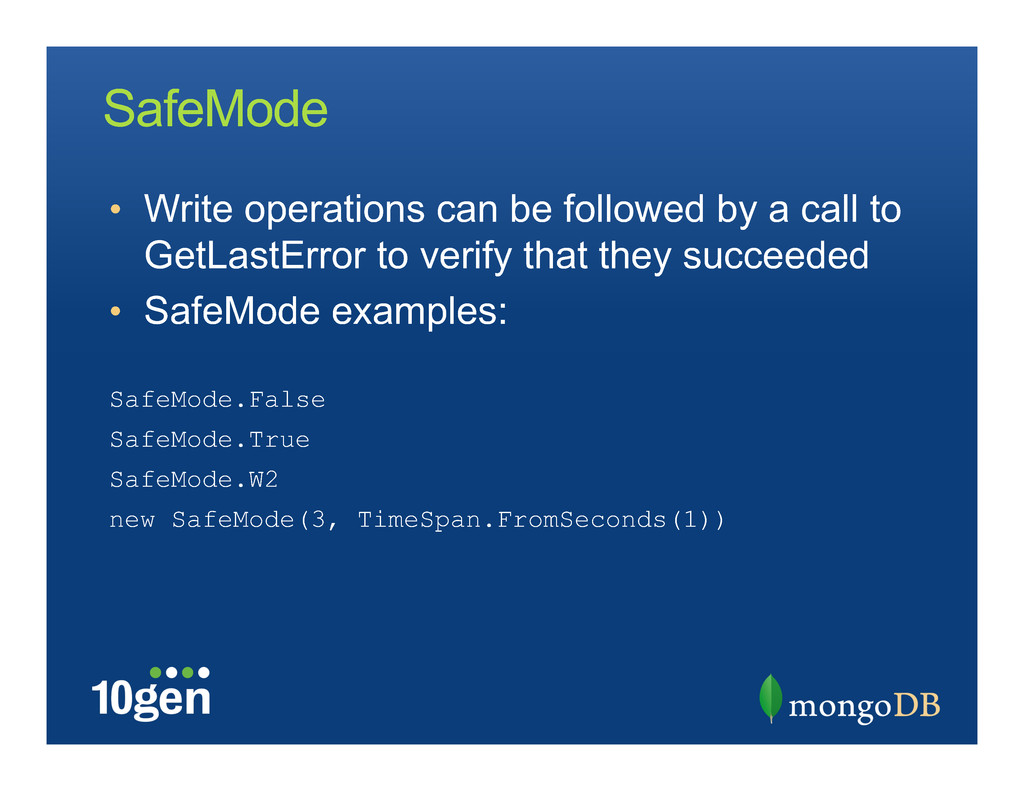
SafeMode • Write operations can be followed by a call
to GetLastError to verify that they succeeded • SafeMode examples: SafeMode.False SafeMode.True SafeMode.W2 new SafeMode(3, TimeSpan.FromSeconds(1)) -
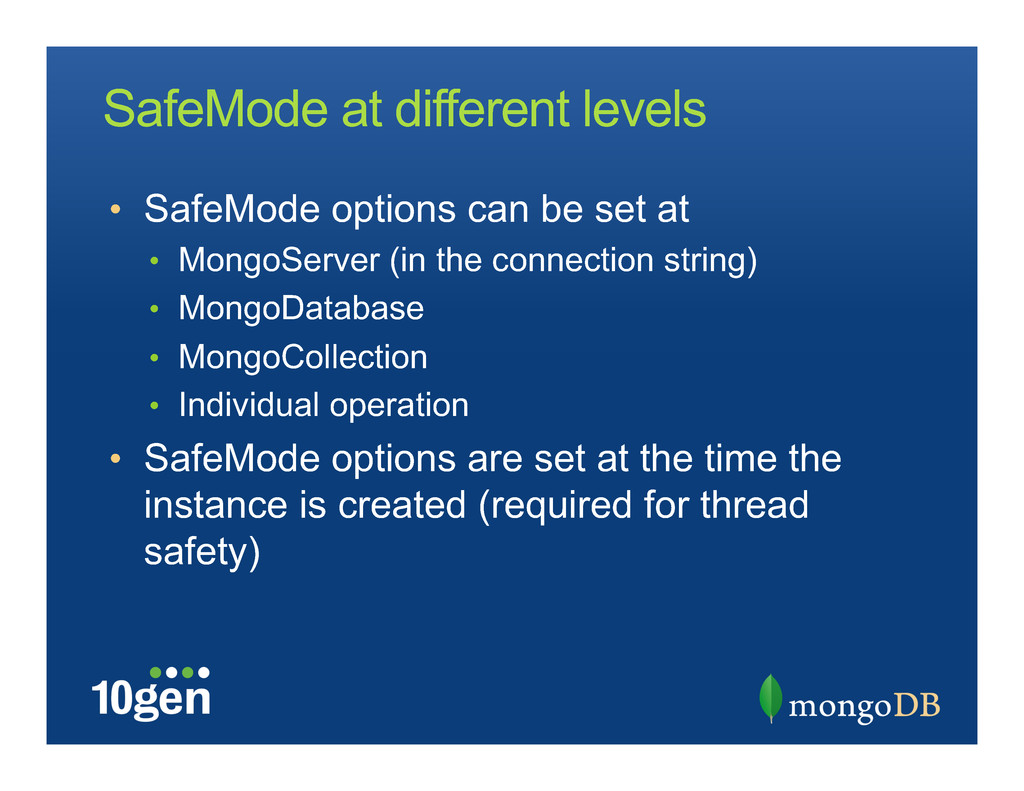
SafeMode at different levels • SafeMode options can be set
at • MongoServer (in the connection string) • MongoDatabase • MongoCollection • Individual operation • SafeMode options are set at the time the instance is created (required for thread safety) -
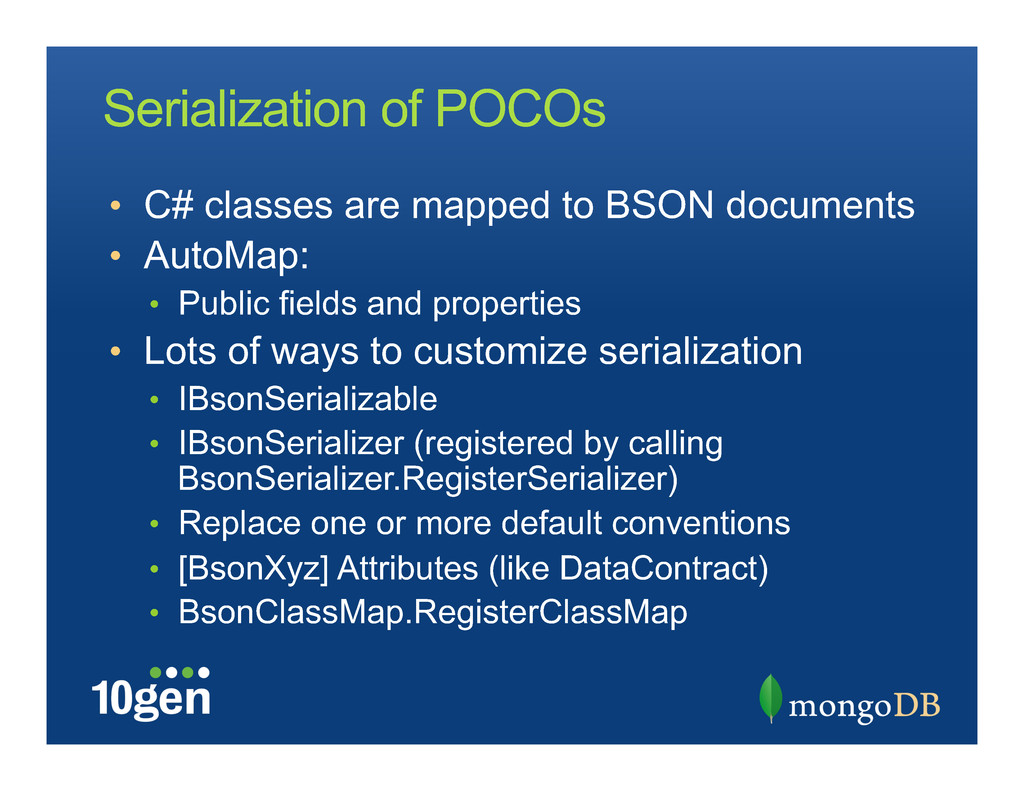
Serialization of POCOs • C# classes are mapped to BSON
documents • AutoMap: • Public fields and properties • Lots of ways to customize serialization • IBsonSerializable • IBsonSerializer (registered by calling BsonSerializer.RegisterSerializer) • Replace one or more default conventions • [BsonXyz] Attributes (like DataContract) • BsonClassMap.RegisterClassMap -
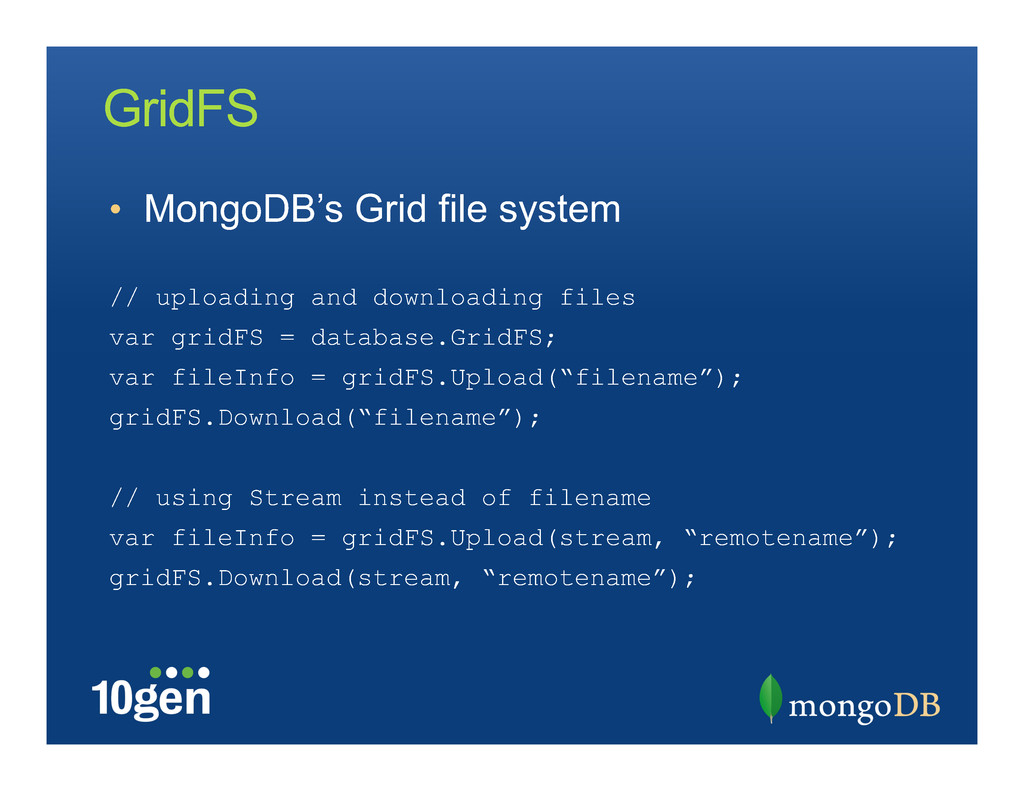
GridFS • MongoDB’s Grid file system // uploading and downloading
files var gridFS = database.GridFS; var fileInfo = gridFS.Upload(“filename”); gridFS.Download(“filename”); // using Stream instead of filename var fileInfo = gridFS.Upload(stream, “remotename”); gridFS.Download(stream, “remotename”); -
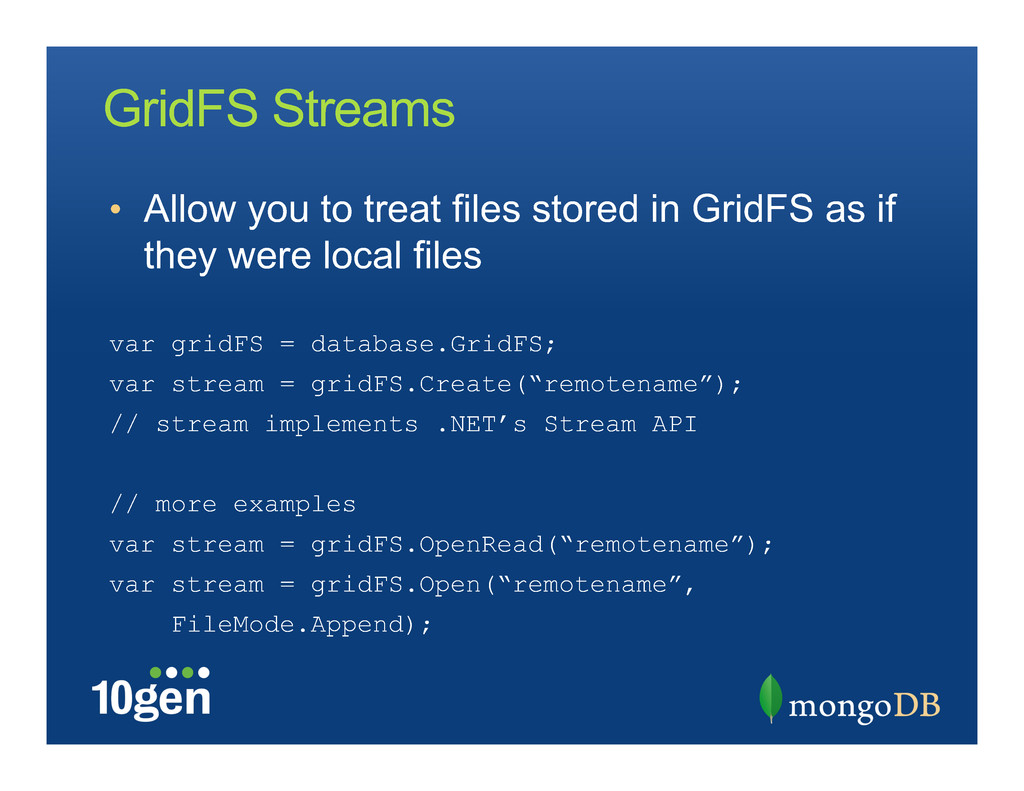
GridFS Streams • Allow you to treat files stored in
GridFS as if they were local files var gridFS = database.GridFS; var stream = gridFS.Create(“remotename”); // stream implements .NET’s Stream API // more examples var stream = gridFS.OpenRead(“remotename”); var stream = gridFS.Open(“remotename”, FileMode.Append); -
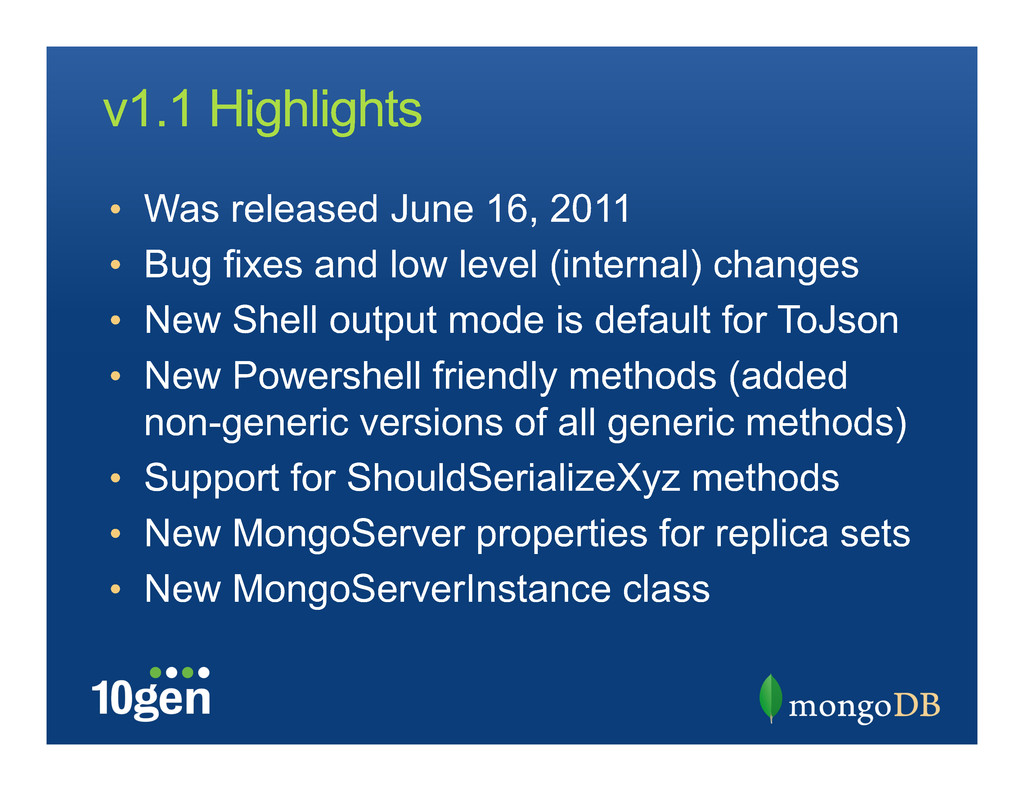
v1.1 Highlights • Was released June 16, 2011 • Bug
fixes and low level (internal) changes • New Shell output mode is default for ToJson • New Powershell friendly methods (added non-generic versions of all generic methods) • Support for ShouldSerializeXyz methods • New MongoServer properties for replica sets • New MongoServerInstance class -
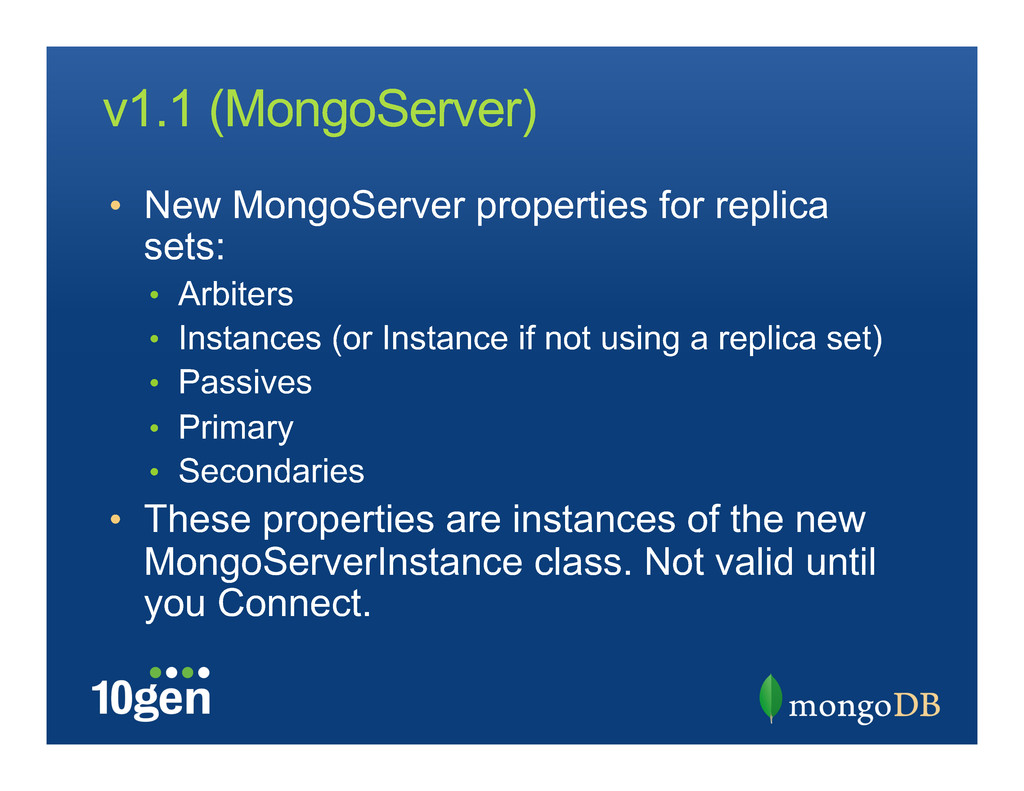
v1.1 (MongoServer) • New MongoServer properties for replica sets: •
Arbiters • Instances (or Instance if not using a replica set) • Passives • Primary • Secondaries • These properties are instances of the new MongoServerInstance class. Not valid until you Connect. -
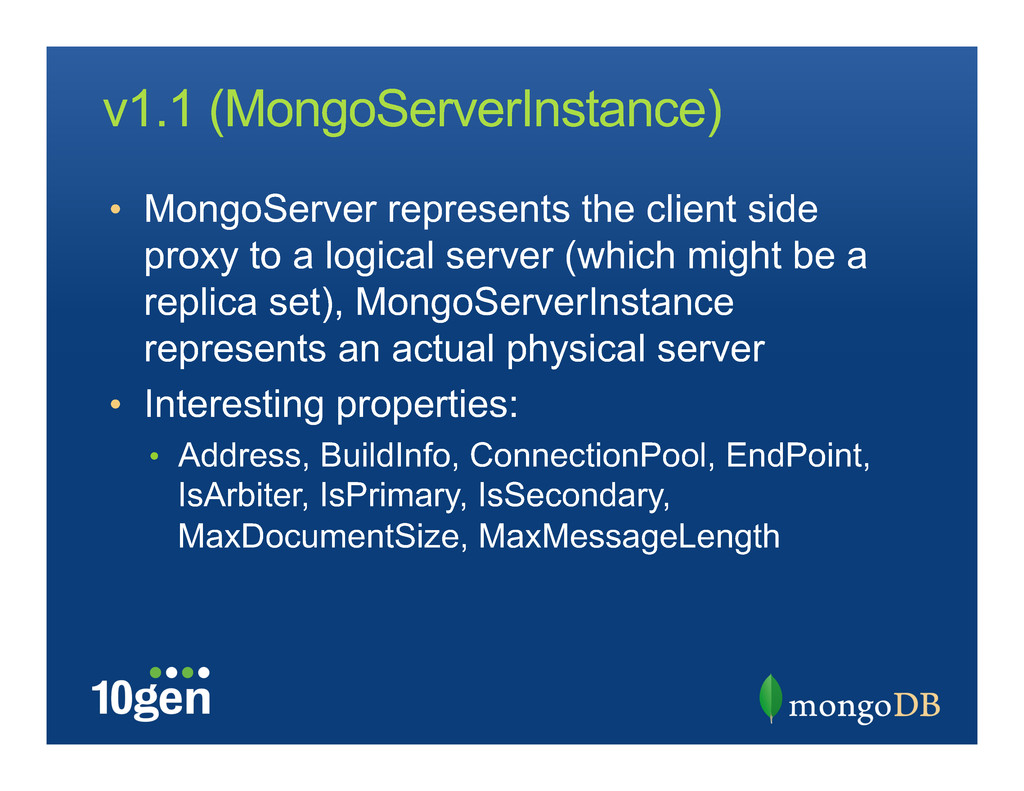
v1.1 (MongoServerInstance) • MongoServer represents the client side proxy to
a logical server (which might be a replica set), MongoServerInstance represents an actual physical server • Interesting properties: • Address, BuildInfo, ConnectionPool, EndPoint, IsArbiter, IsPrimary, IsSecondary, MaxDocumentSize, MaxMessageLength -
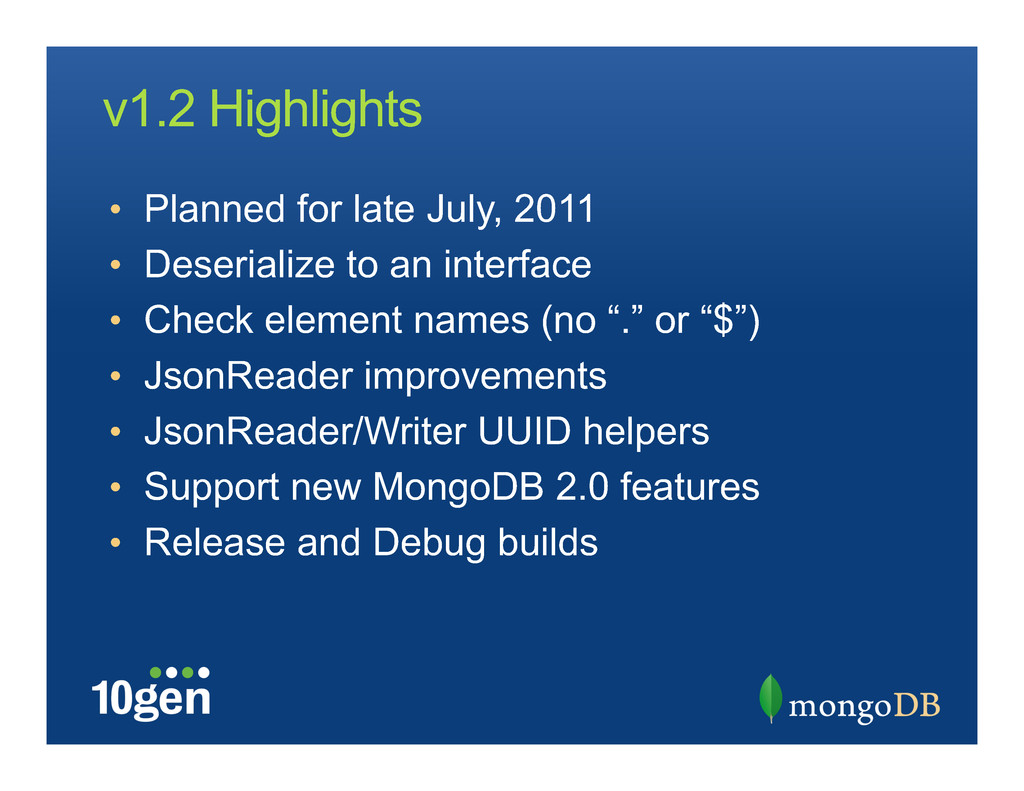
v1.2 Highlights • Planned for late July, 2011 • Deserialize
to an interface • Check element names (no “.” or “$”) • JsonReader improvements • JsonReader/Writer UUID helpers • Support new MongoDB 2.0 features • Release and Debug builds -
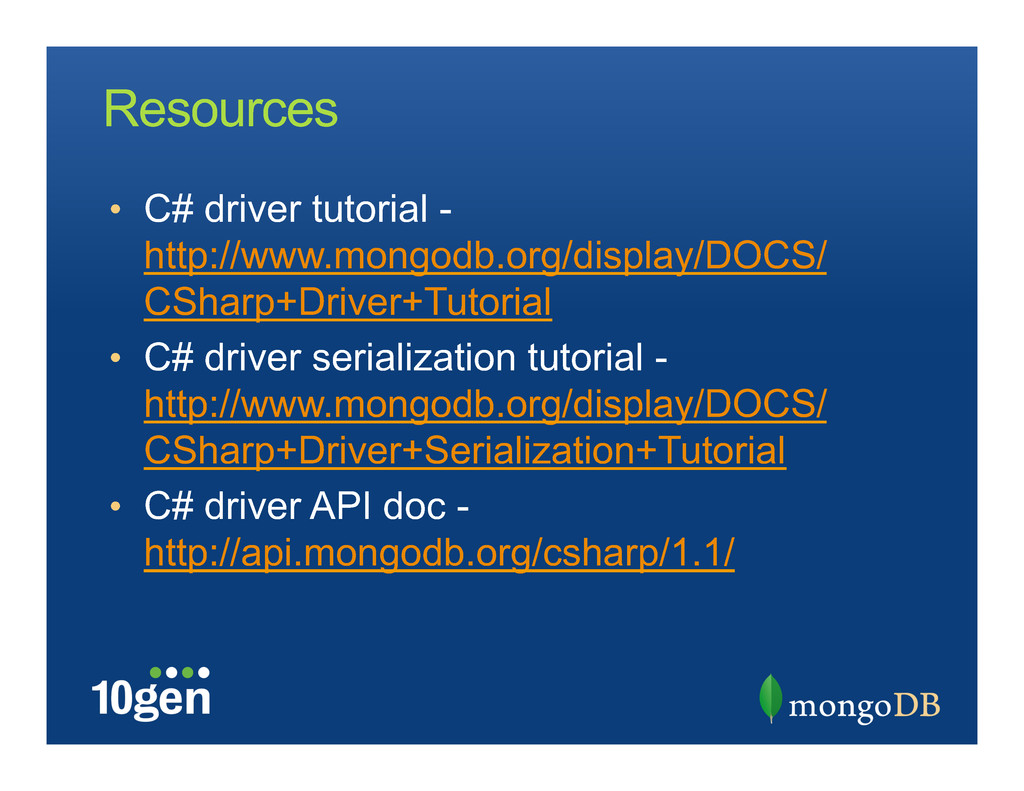
Resources • C# driver tutorial - http://www.mongodb.org/display/DOCS/ CSharp+Driver+Tutorial • C#
driver serialization tutorial - http://www.mongodb.org/display/DOCS/ CSharp+Driver+Serialization+Tutorial • C# driver API doc - http://api.mongodb.org/csharp/1.1/ -
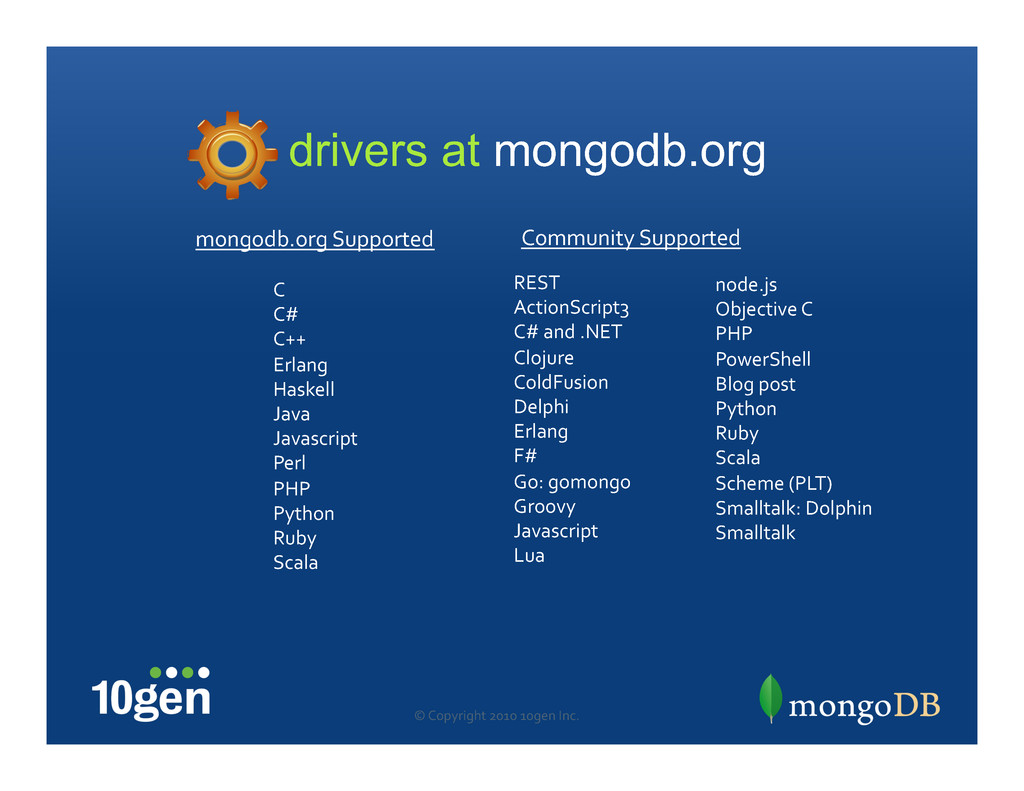
© Copyright 2010 10gen Inc. drivers at mongodb.org REST
ActionScript3 C# and .NET Clojure ColdFusion Delphi Erlang F# Go: gomongo Groovy Javascript Lua C C# C++ Erlang Haskell Java Javascript Perl PHP Python Ruby Scala node.js Objective C PHP PowerShell Blog post Python Ruby Scala Scheme (PLT) Smalltalk: Dolphin Smalltalk Community Supported mongodb.org Supported -
@mongodb © Copyright 2010 10gen Inc. conferences, appearances,
and meetups http://www.10gen.com/events http://bit.ly/mongoX Facebook | Twitter | LinkedIn http://linkd.in/joinmongo download at mongodb.org support, training, and this talk brought to you by
 mongodb
 a_okui
 veronikapj
 bicstone
 dalinaum
 usagi0920_pochi
 kazuki1023
 leew
 ssssota
 syumai
 yuuu
 syobochim
 takehaya
 csswizardry
 destraynor
 szymonslowik
 uxyall
 greggifford
 cassininazir
 kneath
 reverentgeek
 lauravandoore
 livdayseo
 skipperchong
 frankvandijk