Upgrade to Pro
— share decks privately, control downloads, hide ads and more …
Speaker Deck
Sign up for free
Menu
Search
Features
All features
Private URLs
Password Protection
Custom URLS
Scheduled publishing
Remove Branding
Restrict embedding
Deck Collections
Notes
Features
All features
Private URLs
Password Protection
Custom URLS
Scheduled publishing
Remove Branding
Restrict embedding
Deck Collections
Notes
Explore
Featured decks
Featured speakers
Programming
Technology
Storyboards
Explore
Featured decks
Featured speakers
Programming
Technology
Storyboards
Pricing
Search
Sign in
Sign up for free
Media & Accessibility
Search
MSW
January 22, 2020
46
0
Share
Embed
Copy iframe code
Copy JS code
Copy link
Start on current slide
Media & Accessibility
MSW
January 22, 2020
More Decks by MSW
See All by MSW
Student Engagement
msweatherly
0
19
Copyright
msweatherly
0
20
Demystifying Online Learning
msweatherly
0
30
Featured
See All Featured
Practical Tips for Bootstrapping Information Extraction Pipelines
honnibal
25
2.1k
実際に使うSQLの書き方 徹底解説 / pgcon21j-tutorial
soudai
PRO
203
77k
Being A Developer After 40
akosma
92
590k
Primal Persuasion: How to Engage the Brain for Learning That Lasts
tmiket
0
500
Jess Joyce - The Pitfalls of Following Frameworks
techseoconnect
PRO
1
450
SERP Conf. Vienna - Web Accessibility: Optimizing for Inclusivity and SEO
sarafernandez
2
1.6k
Music & Morning Musume
bryan
48
7.4k
Evolution of real-time – Irina Nazarova, EuRuKo, 2024
irinanazarova
9
1.6k
The Illustrated Children's Guide to Kubernetes
chrisshort
51
53k
JavaScript: Past, Present, and Future - NDC Porto 2020
reverentgeek
52
6.1k
The agentic SEO stack - context over prompts
schlessera
0
970
What's in a price? How to price your products and services
michaelherold
247
13k
Transcript
Media & Accessibility Universal Design Benefits You & Your Students
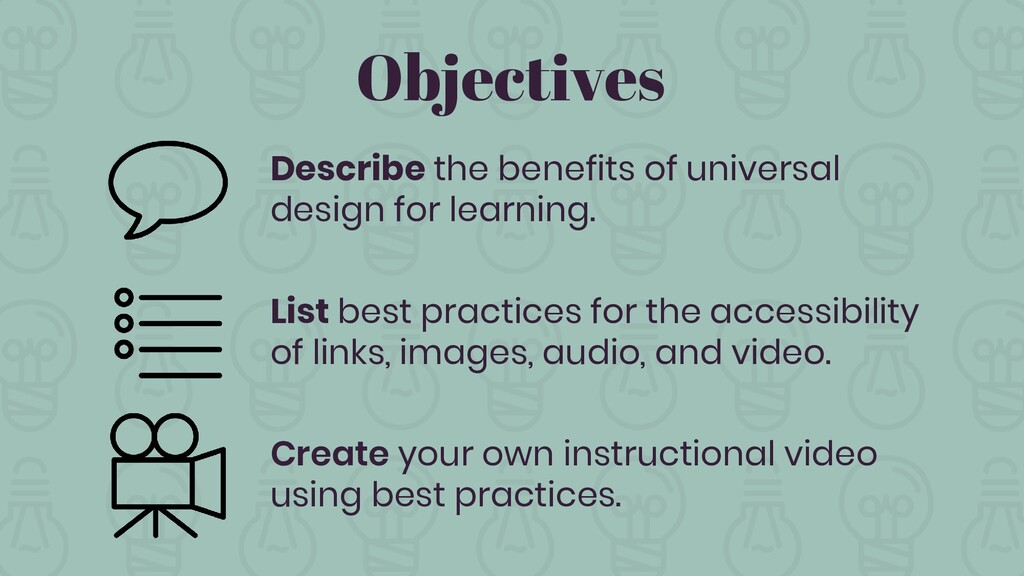
Objectives Describe the benefits of universal design for learning. List
best practices for the accessibility of links, images, audio, and video. Create your own instructional video using best practices.
What is universal design for learning?
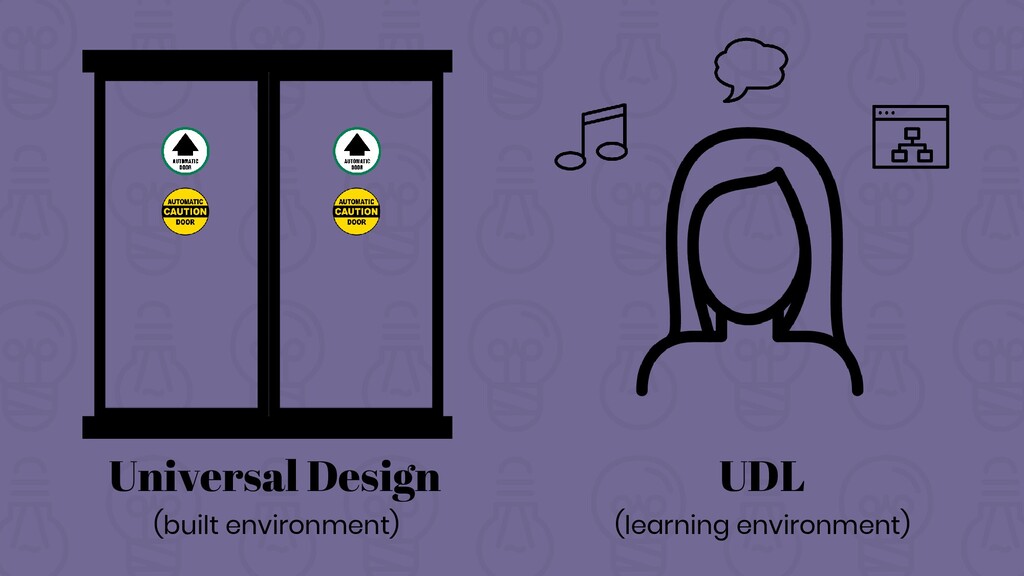
Universal Design (built environment) UDL (learning environment)
Removing Barriers
Accessibility Best Practice #1: Alt Tags
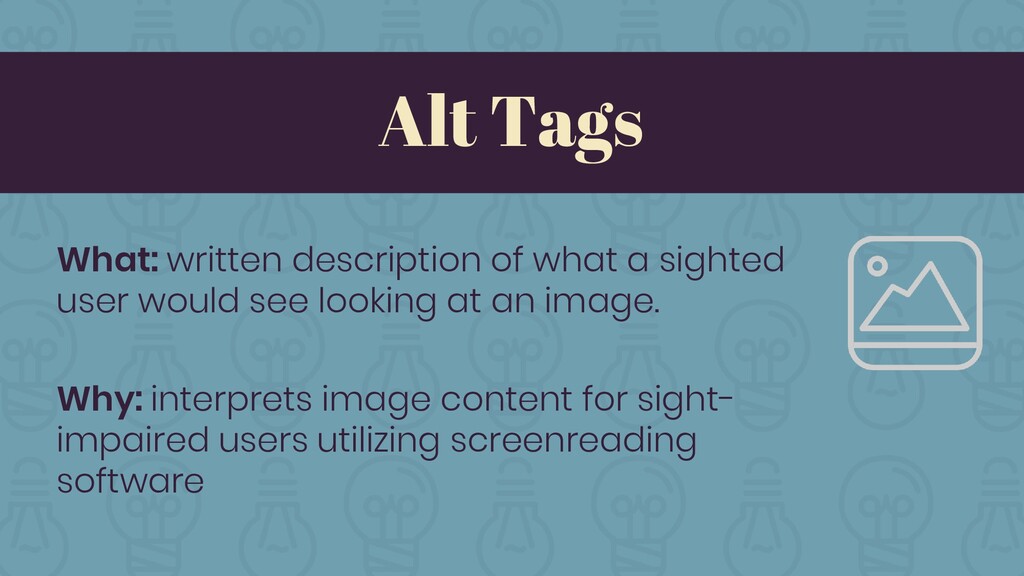
Alt Tags What: written description of what a sighted user
would see looking at an image. Why: interprets image content for sight- impaired users utilizing screenreading software
*
Accessibility Best Practice #2: Linked Words
Linked Words What: linked, written description of link content, replacing
http://... Why: tells screenreader users where link will lead them, prevents letter-by-letter reading
Accessibility Best Practice #3: Mind Your Colors
Mind Your Colors What: do not organize information by color
only, avoid low-contrast color combos Why: accommodates users with color blindness, sight issues
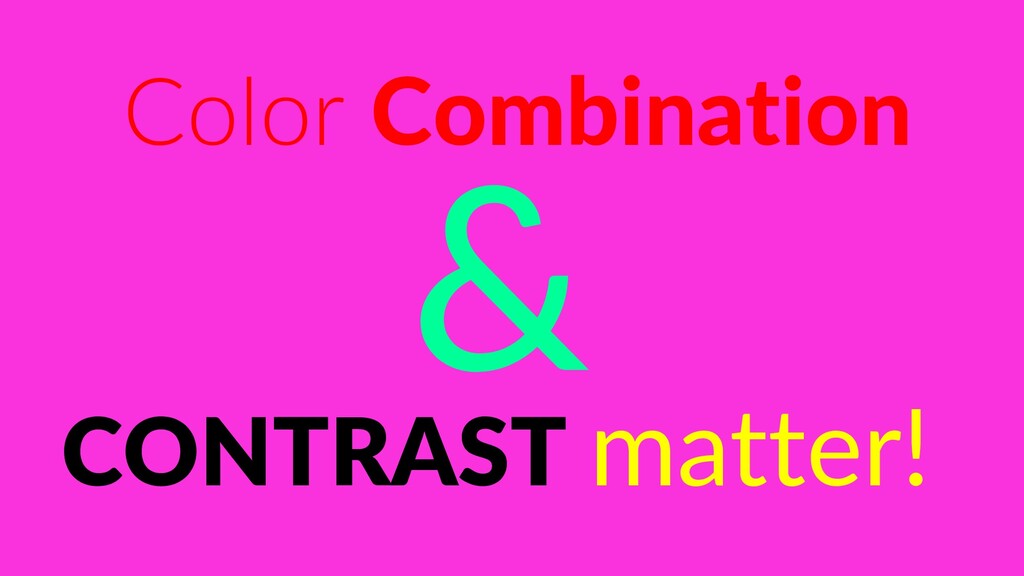
Color Combination CONTRAST matter!
Accessibility Best Practice #4: Audio & Visual Equivalents
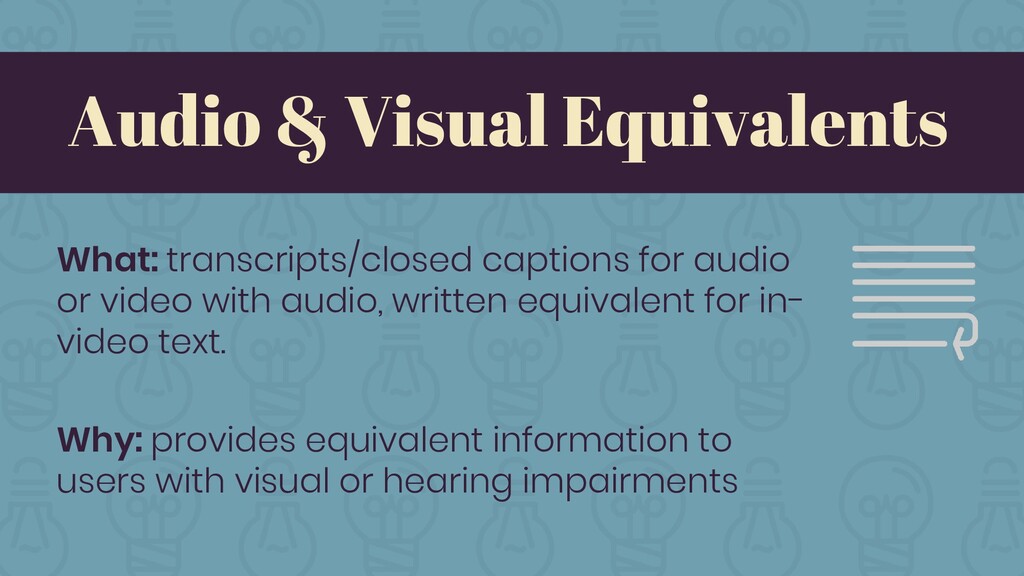
Audio & Visual Equivalents What: transcripts/closed captions for audio or
video with audio, written equivalent for in- video text. Why: provides equivalent information to users with visual or hearing impairments
Accessibility Best Practice #5: OCR + Alt Tags in Documents
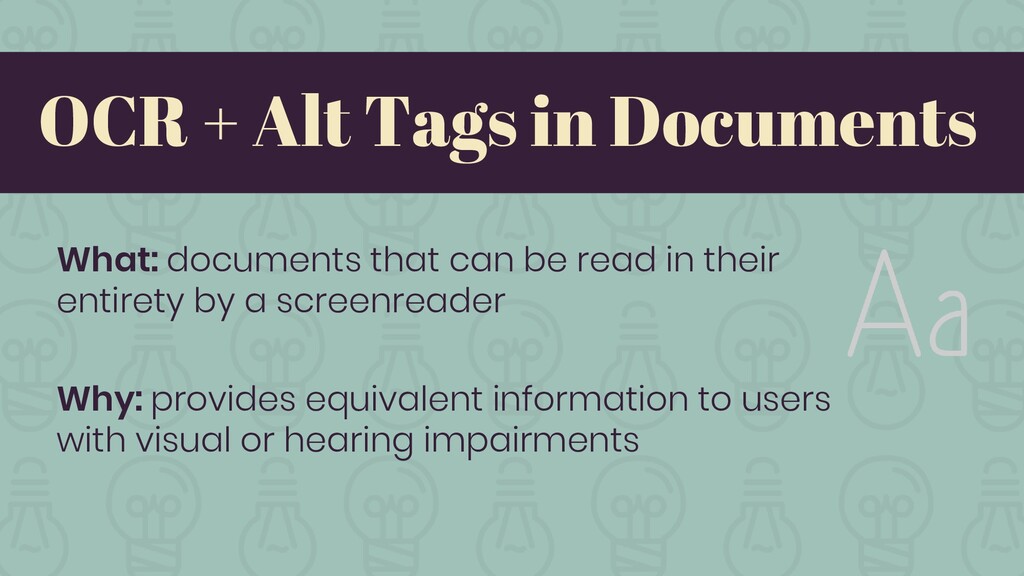
OCR + Alt Tags in Documents What: documents that can
be read in their entirety by a screenreader Why: provides equivalent information to users with visual or hearing impairments
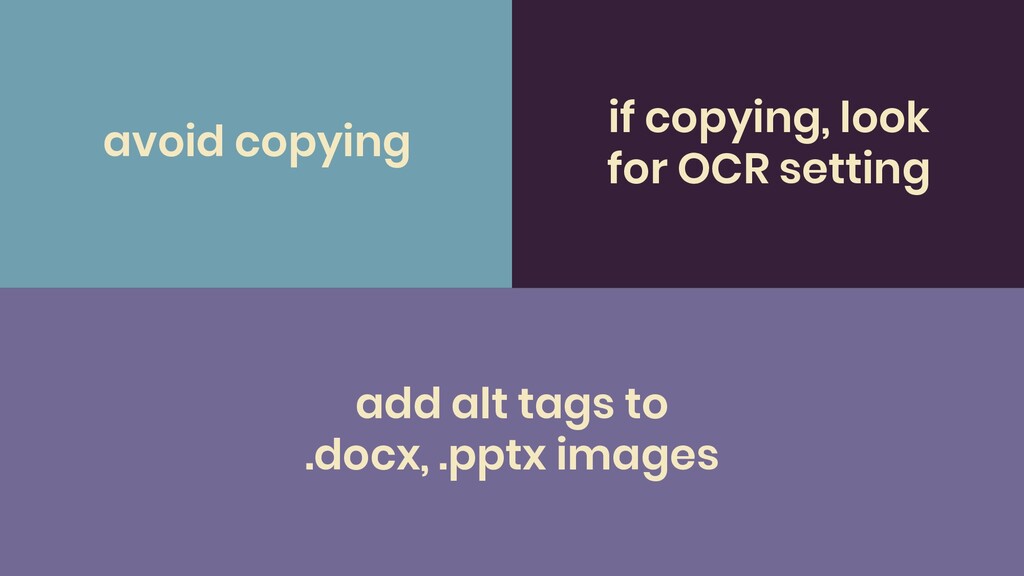
Tips for Compliance
if copying, look for OCR setting avoid copying add alt
tags to .docx, .pptx images
Shifting gears…
Creating Quality Instructional Videos
Have you had a negative experience with an instructional video?
None
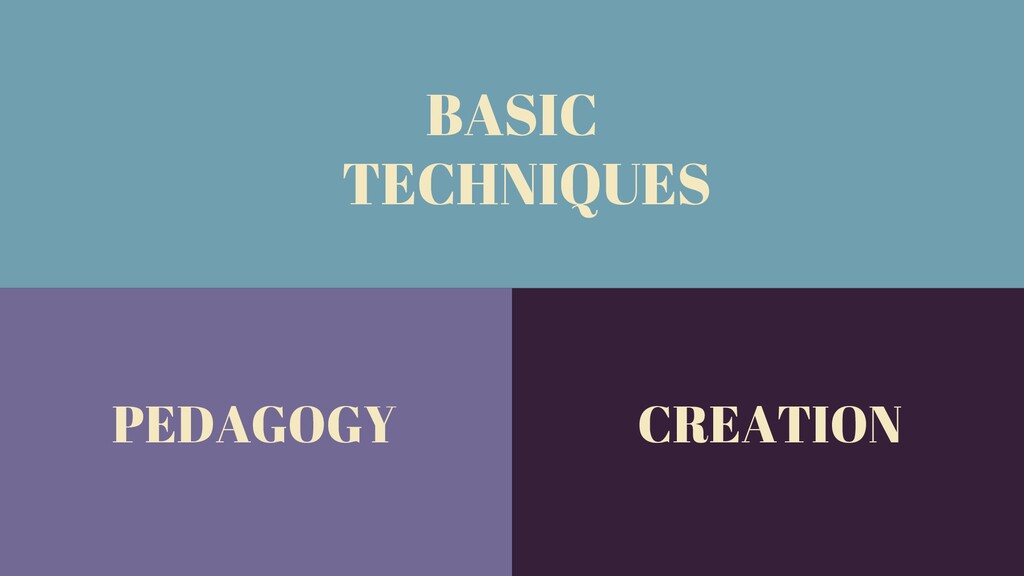
INSTRUCTIONAL VIDEO BASIC TECHNIQUES PEDAGOGY CREATION
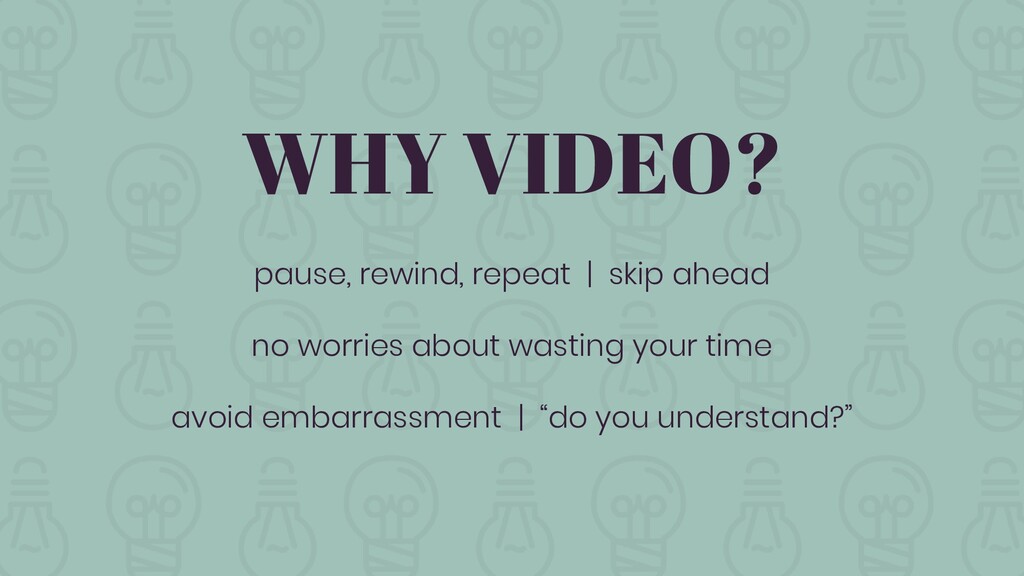
WHY VIDEO? pause, rewind, repeat | skip ahead no worries
about wasting your time avoid embarrassment | “do you understand?”
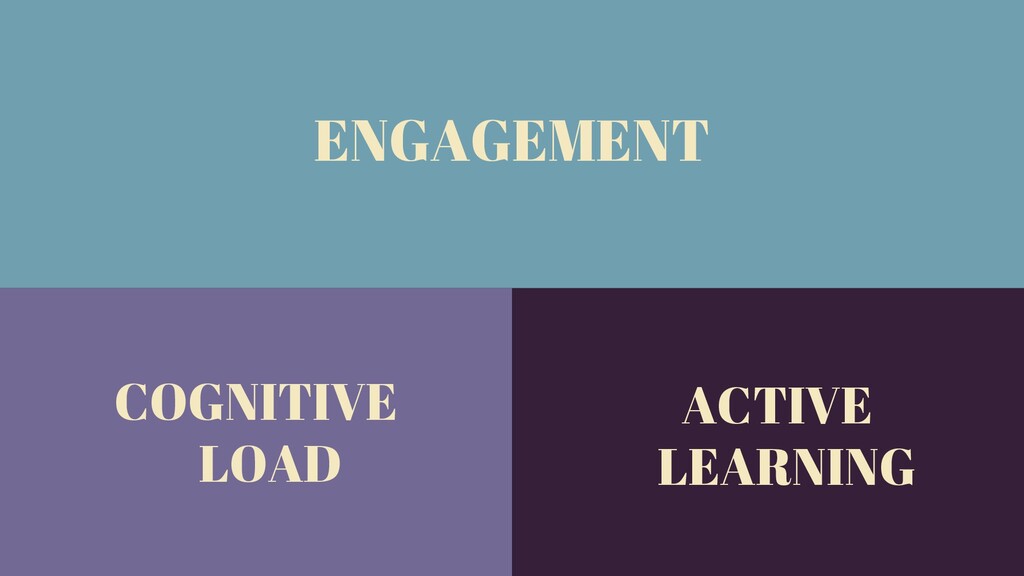
INSTRUCTIONAL VIDEO ENGAGEMENT COGNITIVE LOAD ACTIVE LEARNING
Watch and critique…
*
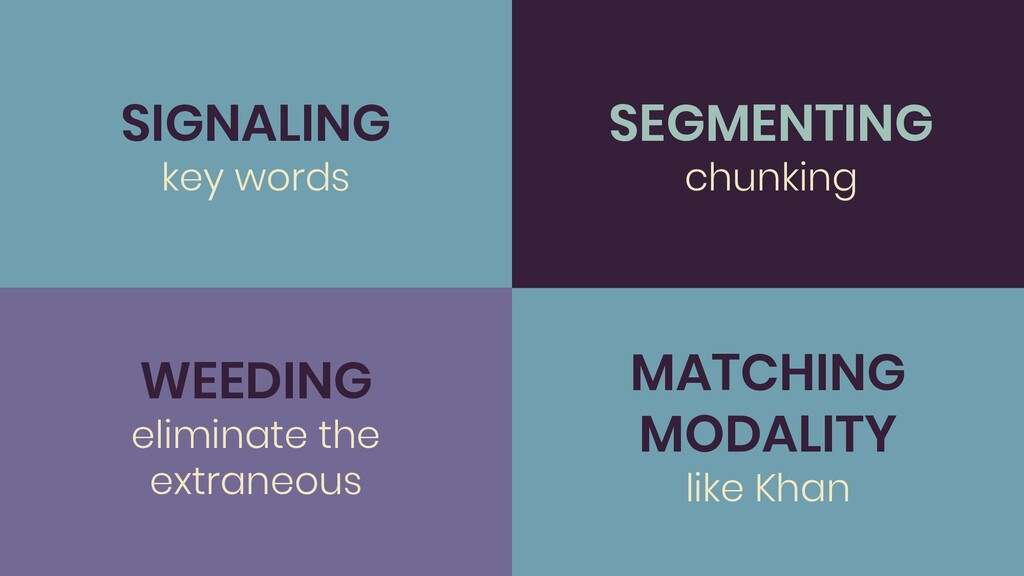
SEGMENTING chunking SIGNALING key words WEEDING eliminate the extraneous ACTIVE
LEARNING MATCHING MODALITY like Khan
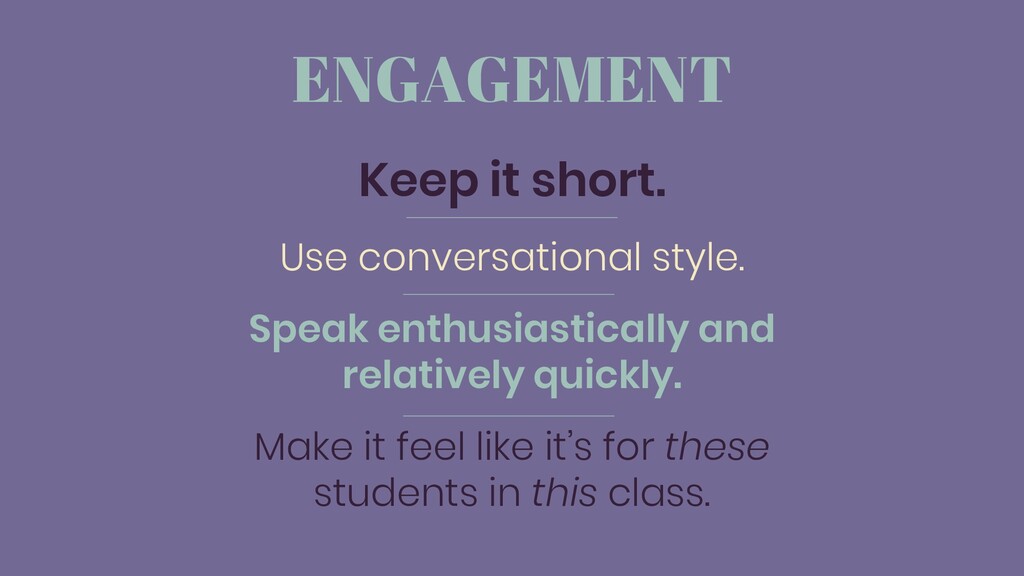
ENGAGEMENT Keep it short. Use conversational style. Speak enthusiastically and
relatively quickly. Make it feel like it’s for these students in this class.
ACTIVE LEARNING Use guided questions. Integrate questions.
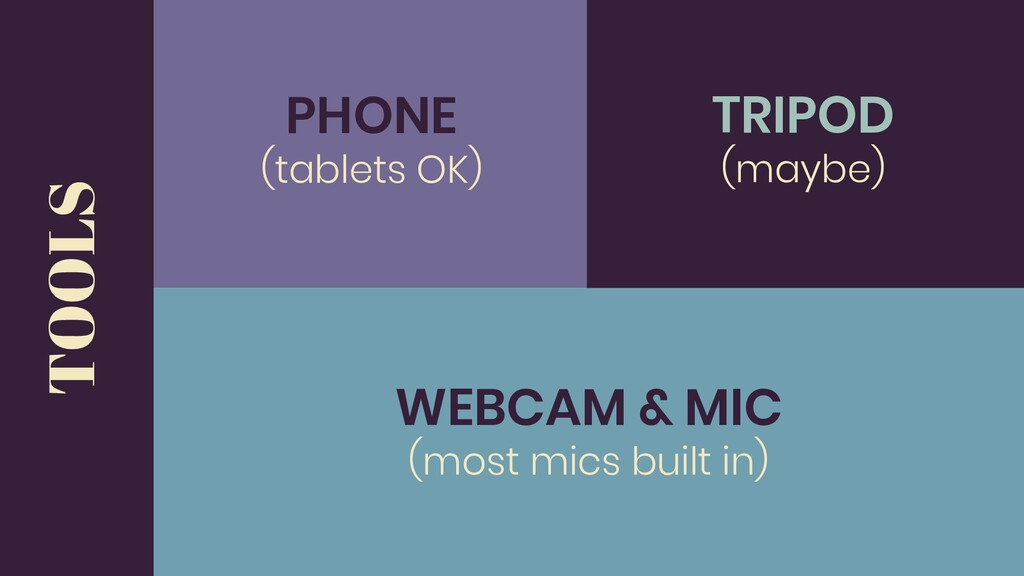
ACTIVE LEARNING WEBCAM & MIC (most mics built in) TOOLS
TRIPOD (maybe) PHONE (tablets OK)
PLACEMENT/ENVIRONMENT “Small stuff” matters. Online classroom environment is important! Think
about background and lighting. Sound, too! Background sound matters.
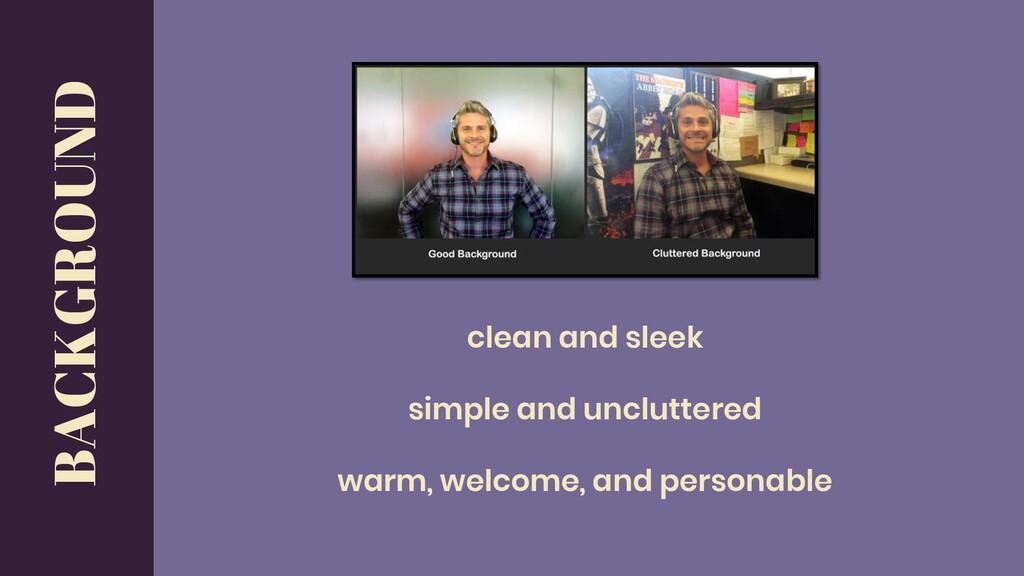
clean and sleek simple and uncluttered warm, welcome, and personable
BACKGROUND
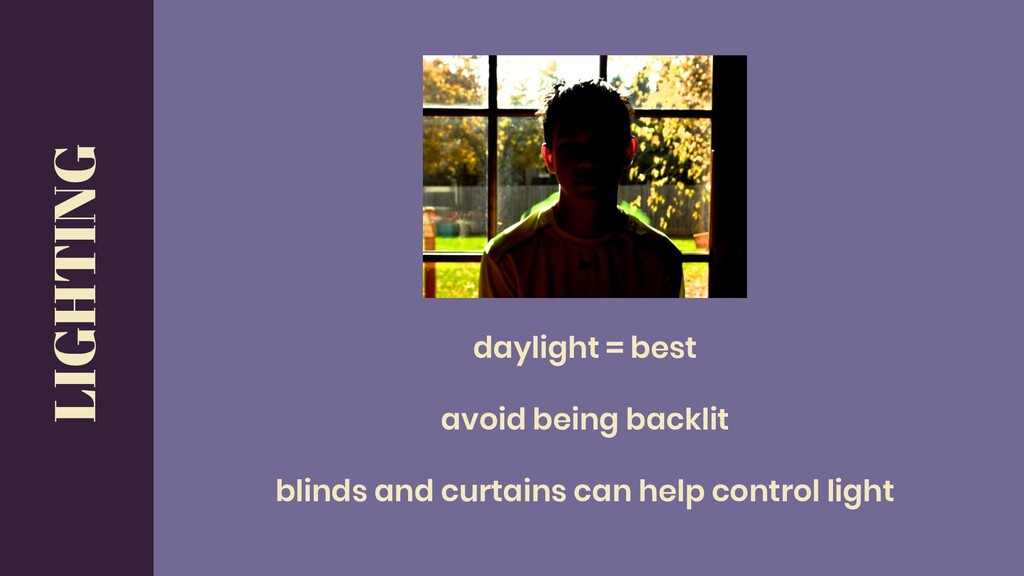
daylight = best avoid being backlit blinds and curtains can
help control light LIGHTING
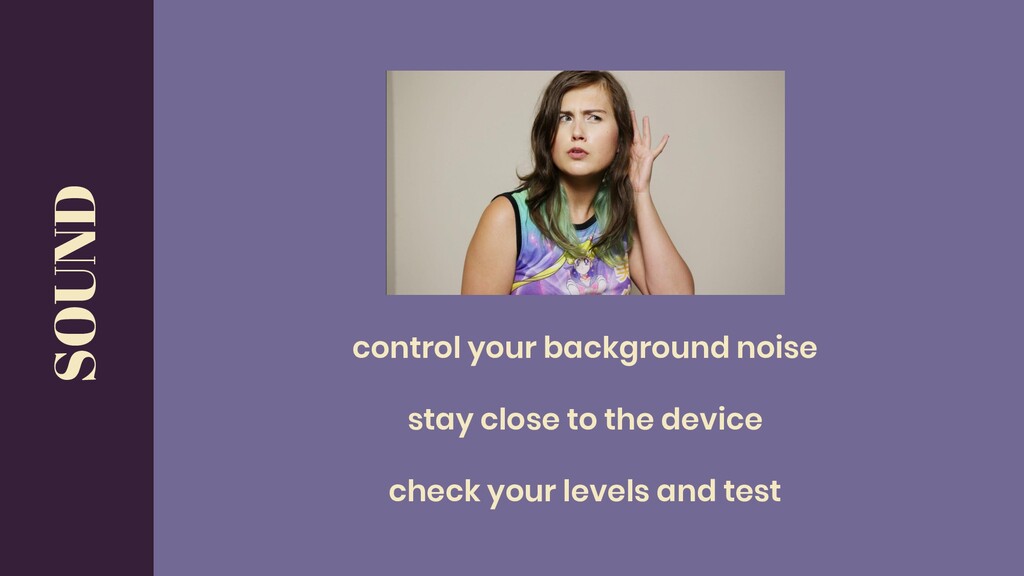
control your background noise stay close to the device check
your levels and test SOUND
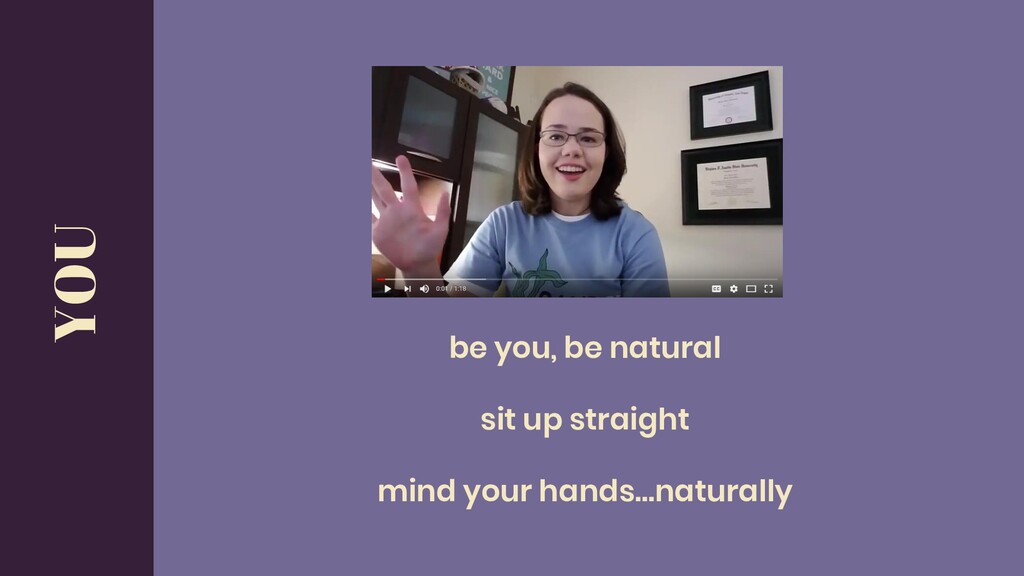
be you, be natural sit up straight mind your hands…naturally
YOU
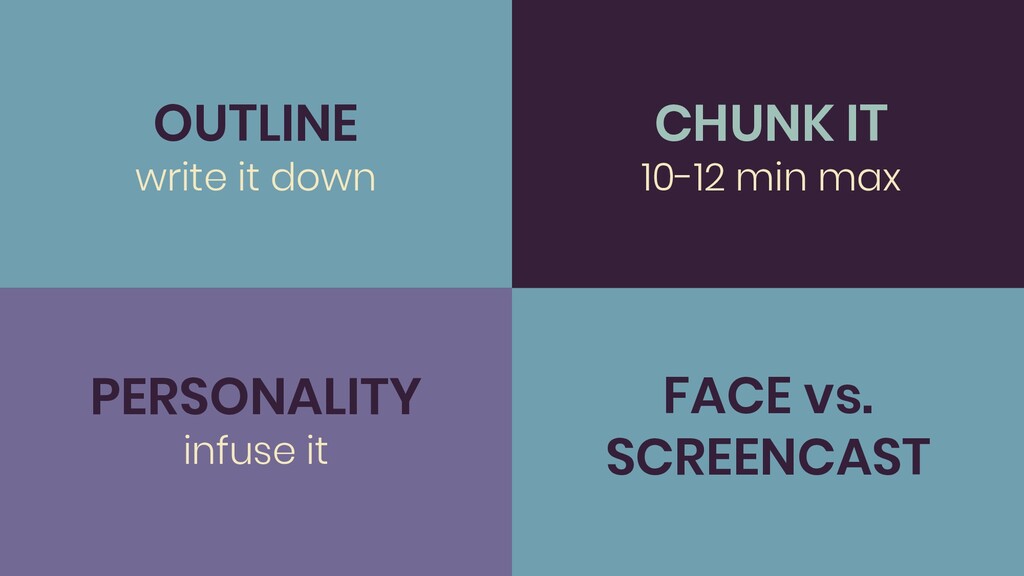
CHUNK IT 10-12 min max OUTLINE write it down PERSONALITY
infuse it ACTIVE LEARNING FACE vs. SCREENCAST
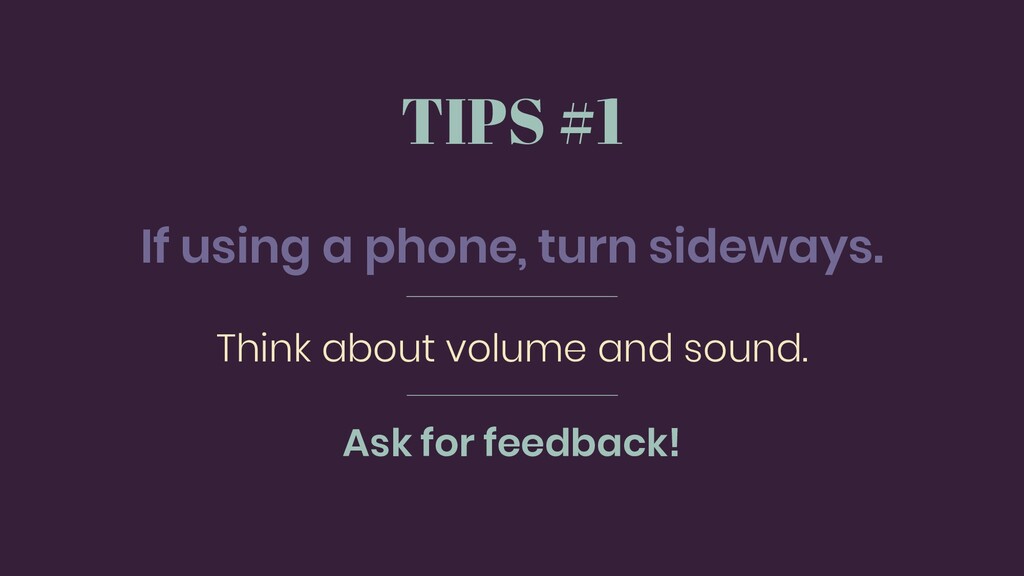
TIPS #1 If using a phone, turn sideways. Think about
volume and sound. Ask for feedback!
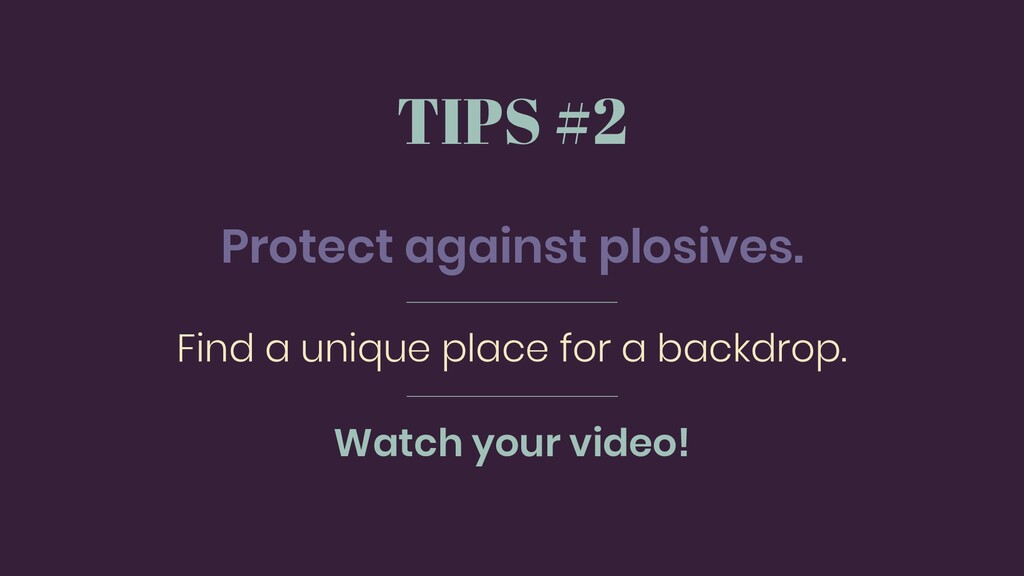
TIPS #2 Protect against plosives. Find a unique place for
a backdrop. Watch your video!
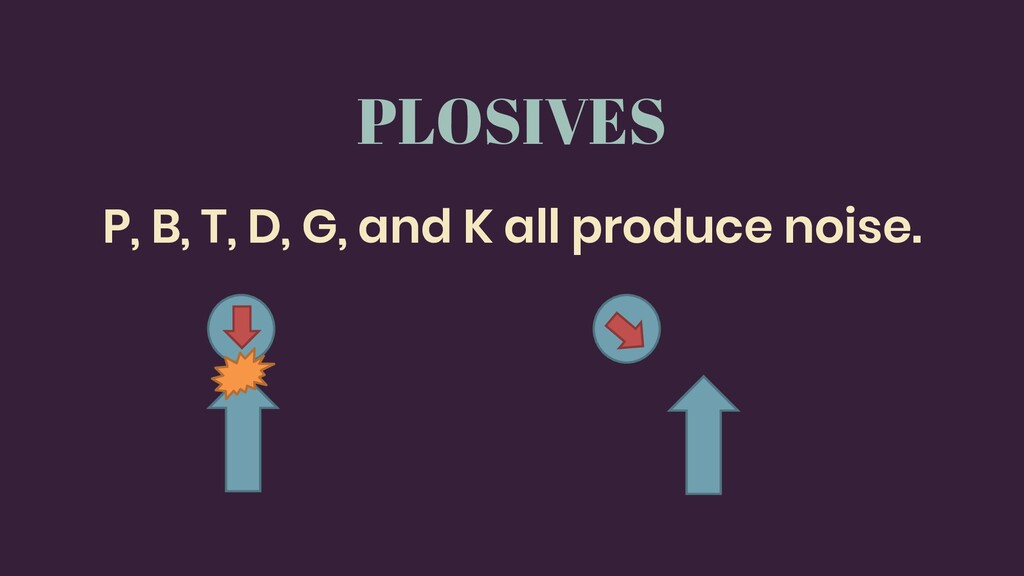
PLOSIVES P, B, T, D, G, and K all produce
noise.
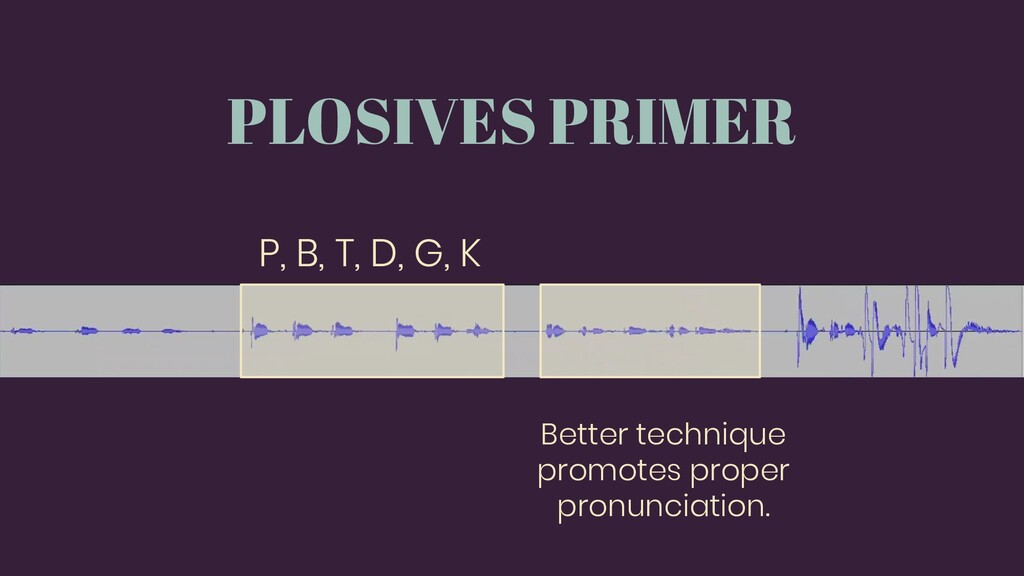
PLOSIVES PRIMER P, B, T, D, G, K Better technique
promotes proper pronunciation.
Meet Screencast-o-Matic
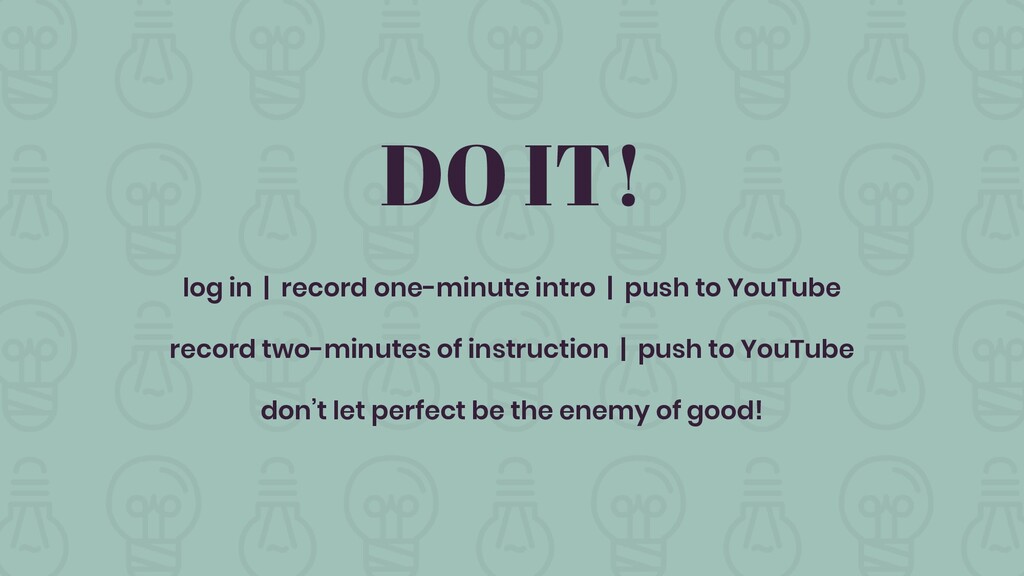
DO IT! log in | record one-minute intro | push
to YouTube record two-minutes of instruction | push to YouTube don’t let perfect be the enemy of good!
Grab a pen and paper…
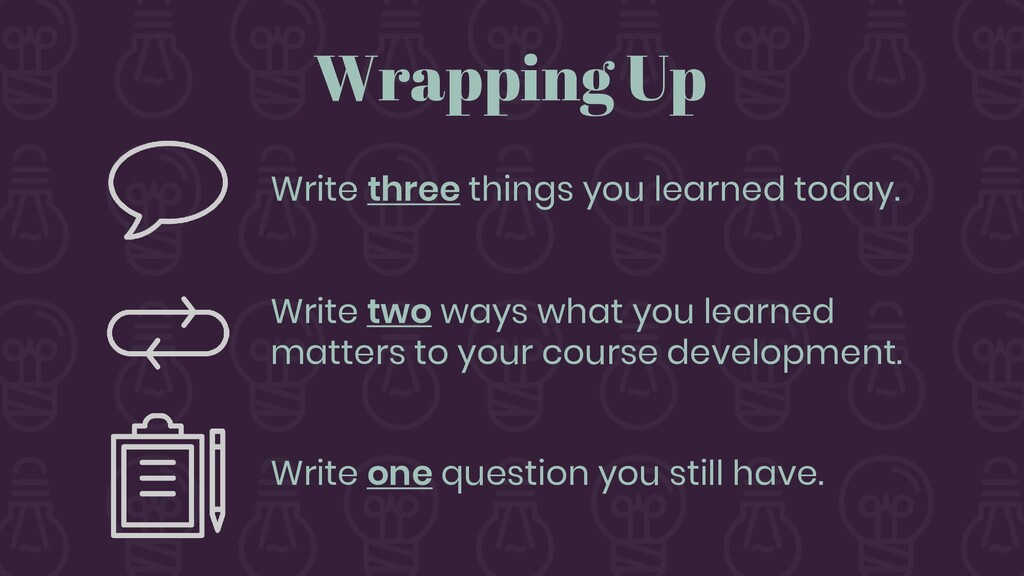
Wrapping Up Write three things you learned today. Write two
ways what you learned matters to your course development. Write one question you still have.
Thank You! See you soon!


 msweatherly
 honnibal
 soudai
 akosma
 tmiket
 techseoconnect
 sarafernandez
 bryan
bryan
 irinanazarova
 chrisshort
 reverentgeek
 schlessera
 michaelherold