Upgrade to Pro
— share decks privately, control downloads, hide ads and more …
Speaker Deck
Sign up for free
Menu
Search
Features
All features
Private URLs
Password Protection
Custom URLS
Scheduled publishing
Remove Branding
Restrict embedding
Deck Collections
Notes
Features
All features
Private URLs
Password Protection
Custom URLS
Scheduled publishing
Remove Branding
Restrict embedding
Deck Collections
Notes
Explore
Featured decks
Featured speakers
Programming
Technology
Storyboards
Explore
Featured decks
Featured speakers
Programming
Technology
Storyboards
Pricing
Search
Sign in
Sign up for free
Apache CouchDB
Search
Myles Braithwaite
September 09, 2014
Technology
53
0
Share
Embed
Copy iframe code
Copy JS code
Copy link
Start on current slide
Apache CouchDB
Myles Braithwaite
September 09, 2014
More Decks by Myles Braithwaite
See All by Myles Braithwaite
pgloader
myles
0
96
IndieWeb - The person-focused alternative to the corporate web
myles
0
210
Let's Encrypt All the Things
myles
1
140
Chat Bots
myles
1
170
Ansible: Orchestrate Your Infustrature Like Gustav Mahler
myles
0
230
PostgresDoc: Using Postgres as a Document Oriented Database
myles
0
220
Take a Stroll in the Bazaar
myles
0
160
LessCSS
myles
0
59
jrnl
myles
0
55
Other Decks in Technology
See All in Technology
パッチ更新でterraform initが落ちた日
grimoh
1
140
QA4AI 2026-Oct 生成AI時代の品質保証
tokuty
1
860
PagerDuty Tech Hub-鳴らすけれど、人は動かない
ezaki
0
170
Railsで挑む大量データ永続化 〜600億件を永続化するための設計とボトルネックとの戦い〜
occhi
1
580
エンタメ企業のM&Aを支えるデータ基盤 ― 統合から店舗のリアルタイム分析まで / Data Engineering Summit 2026
genda
0
170
日本語に強いオープンな大規模言語モデル「LLM-jp」
odashi
4
1.1k
今さら理解するウェブフォントver.2026
takanorip
3
770
20261017福岡devIO 「AIは"良いダッシュボード"を作れるか?
jtakeda
0
140
Refining Active Record
shugo
0
150
自作バイナリを動かす「入口」8選
puhitaku
2
1.3k
その Valkey 使いこなしていますか?
onk
PRO
5
1.5k
Gemini Intelligence 入門 ― AppFunctions と Gemini Nano
takuroabe
0
250
Featured
See All Featured
エンジニアに許された特別な時間の終わり
watany
109
250k
Reflections from 52 weeks, 52 projects
jeffersonlam
356
22k
Testing 201, or: Great Expectations
jmmastey
46
8.3k
Reality Check: Gamification 10 Years Later
codingconduct
0
2.3k
Keith and Marios Guide to Fast Websites
keithpitt
413
23k
Marketing Yourself as an Engineer | Alaka | Gurzu
gurzu
0
330
Bootstrapping a Software Product
garrettdimon
PRO
306
120k
Jamie Indigo - Trashchat’s Guide to Black Boxes: Technical SEO Tactics for LLMs
techseoconnect
PRO
0
710
Discover your Explorer Soul
emna__ayadi
2
1.3k
How to train your dragon (web standard)
notwaldorf
96
6.9k
Leo the Paperboy
mayatellez
10
2.4k
How to build an LLM SEO readiness audit: a practical framework
nmsamuel
2
950
Transcript
Apache CouchDB Myles Braithwaite
[email protected]
| http://mylesb.ca | @mylesb
What is CouchDB?
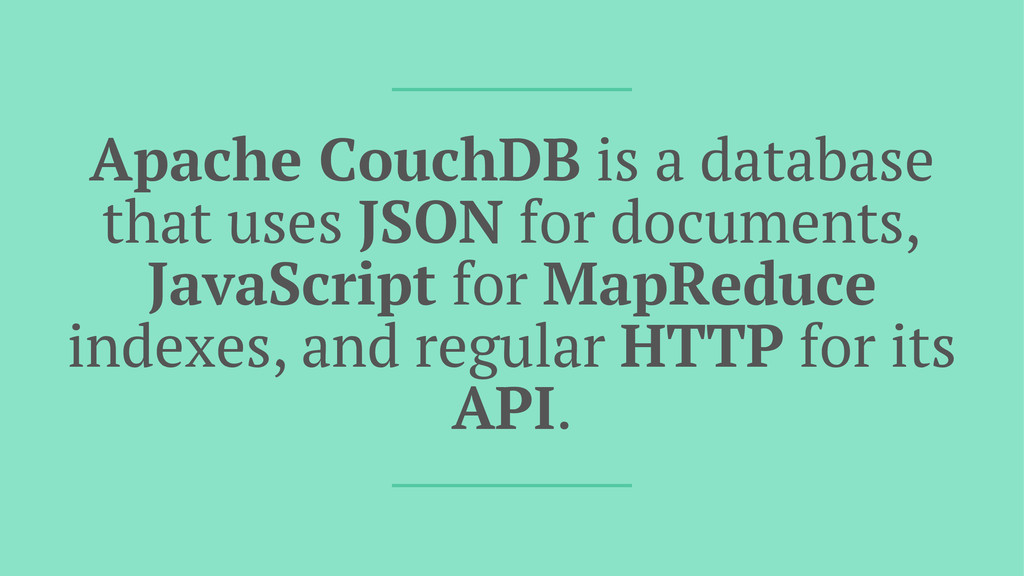
Apache CouchDB is a database that uses JSON for documents,
JavaScript for MapReduce indexes, and regular HTTP for its API.
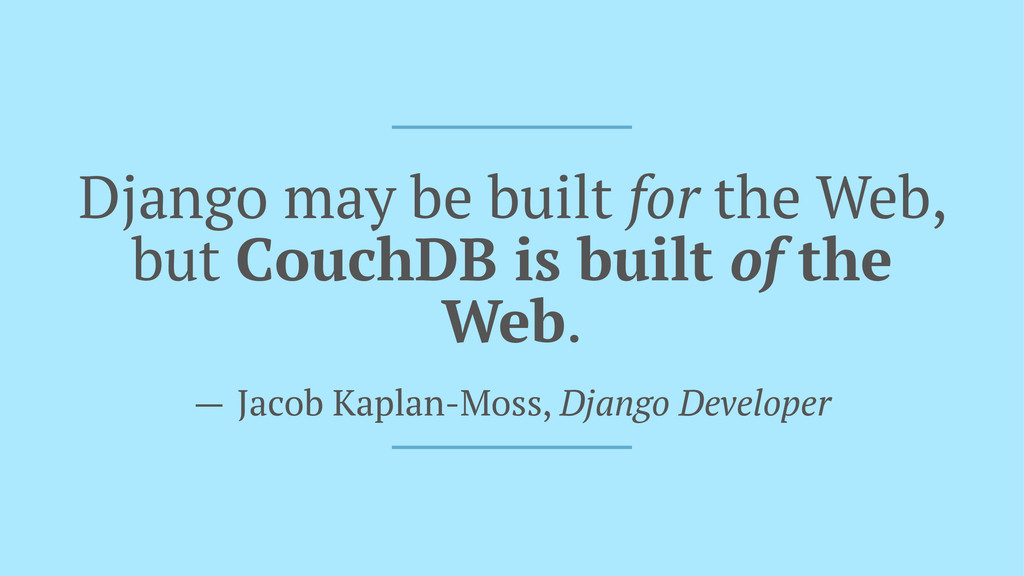
Django may be built for the Web, but CouchDB is
built of the Web. — Jacob Kaplan-Moss, Django Developer
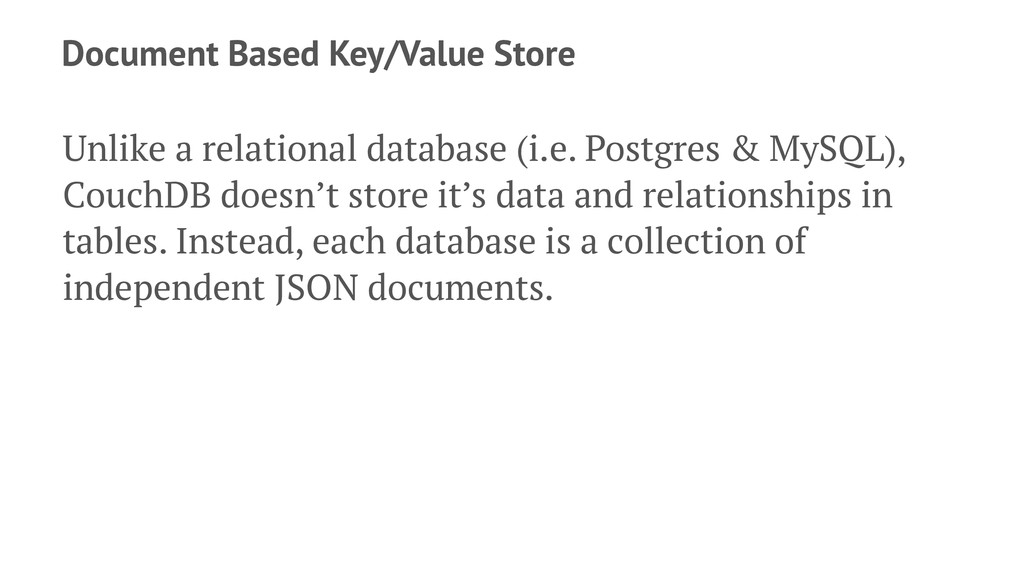
Document Based Key/Value Store Unlike a relational database (i.e. Postgres
& MySQL), CouchDB doesn’t store it’s data and relationships in tables. Instead, each database is a collection of independent JSON documents.
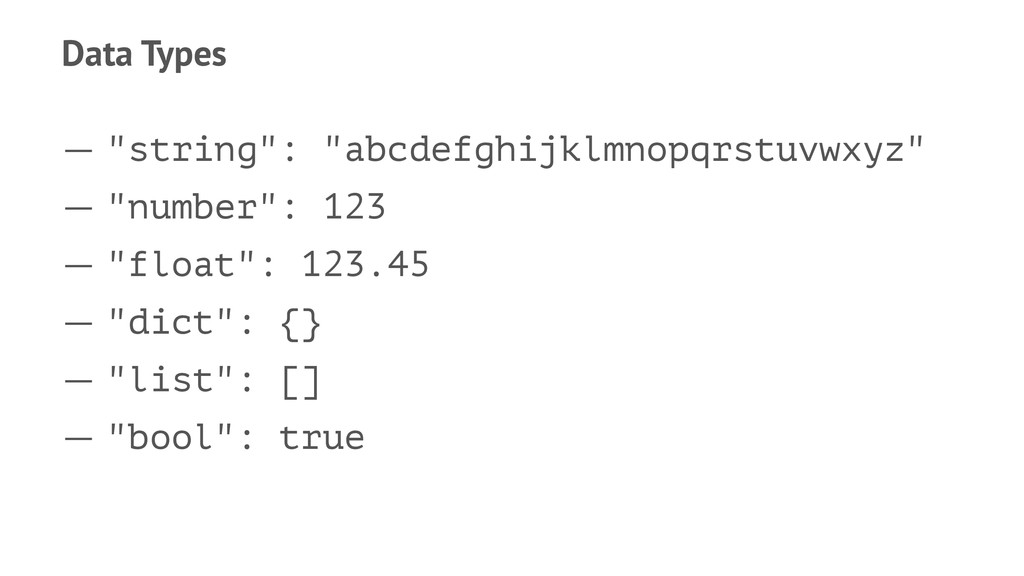
Data Types — "string": "abcdefghijklmnopqrstuvwxyz" — "number": 123 — "float":
123.45 — "dict": {} — "list": [] — "bool": true
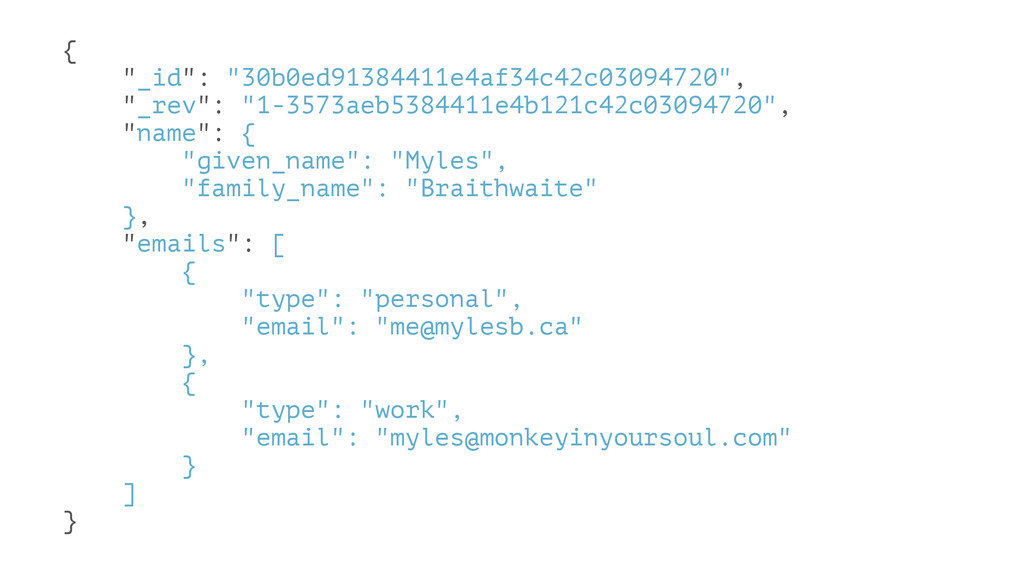
{ "_id": "30b0ed91384411e4af34c42c03094720", "_rev": "1-3573aeb5384411e4b121c42c03094720", "name": { "given_name": "Myles", "family_name":
"Braithwaite" }, "emails": [ { "type": "personal", "email": "
[email protected]
" }, { "type": "work", "email": "
[email protected]
" } ] }
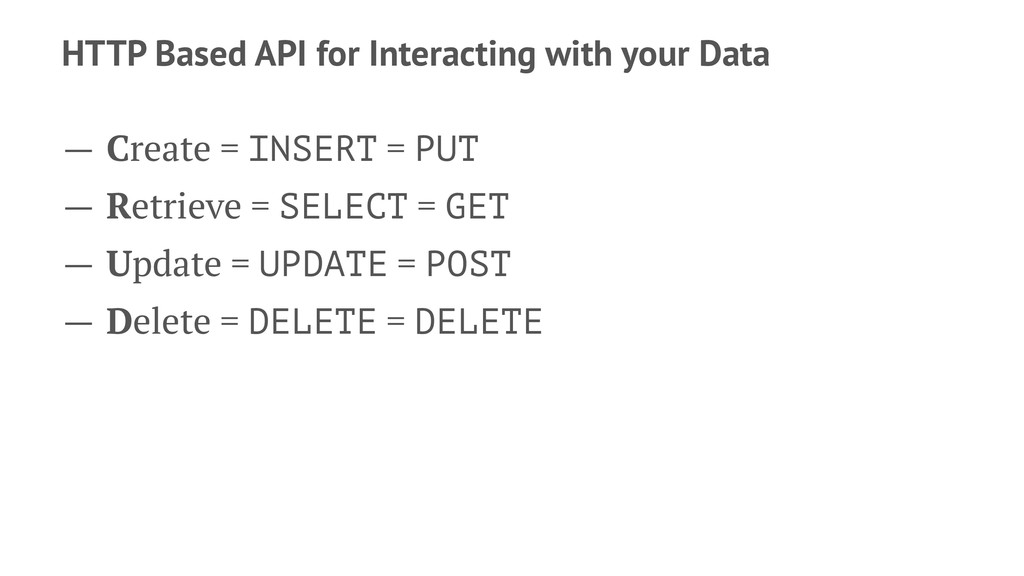
HTTP Based API for Interacting with your Data — Create
= INSERT = PUT — Retrieve = SELECT = GET — Update = UPDATE = POST — Delete = DELETE = DELETE
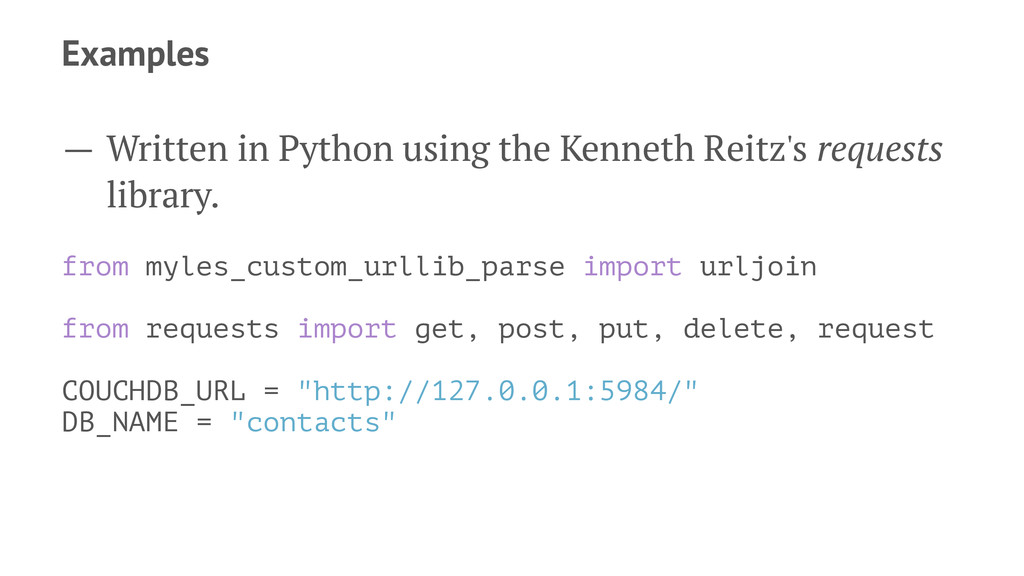
Examples — Written in Python using the Kenneth Reitz's requests
library. from myles_custom_urllib_parse import urljoin from requests import get, post, put, delete, request COUCHDB_URL = "http://127.0.0.1:5984/" DB_NAME = "contacts"
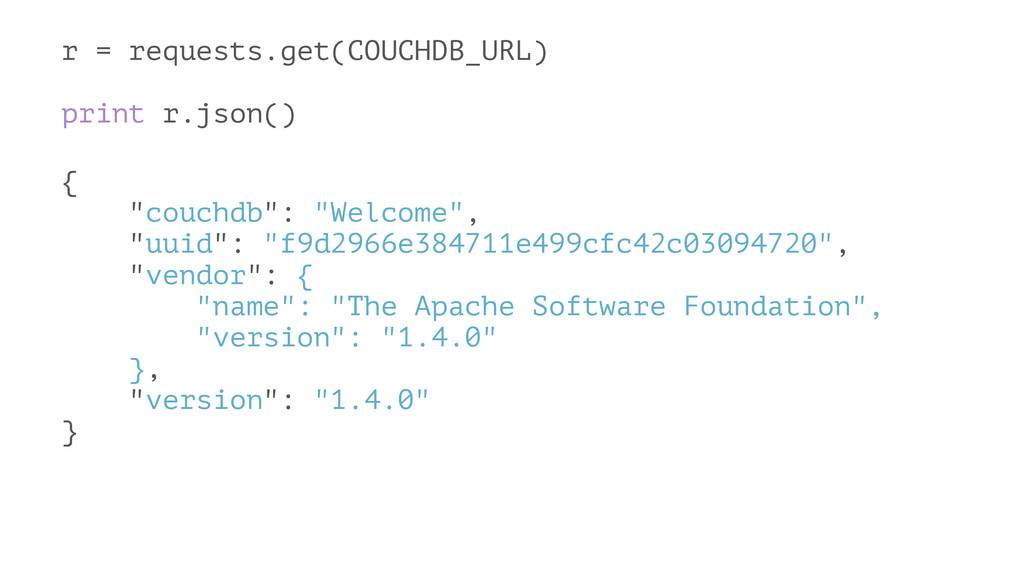
r = requests.get(COUCHDB_URL) print r.json() { "couchdb": "Welcome", "uuid": "f9d2966e384711e499cfc42c03094720",
"vendor": { "name": "The Apache Software Foundation", "version": "1.4.0" }, "version": "1.4.0" }
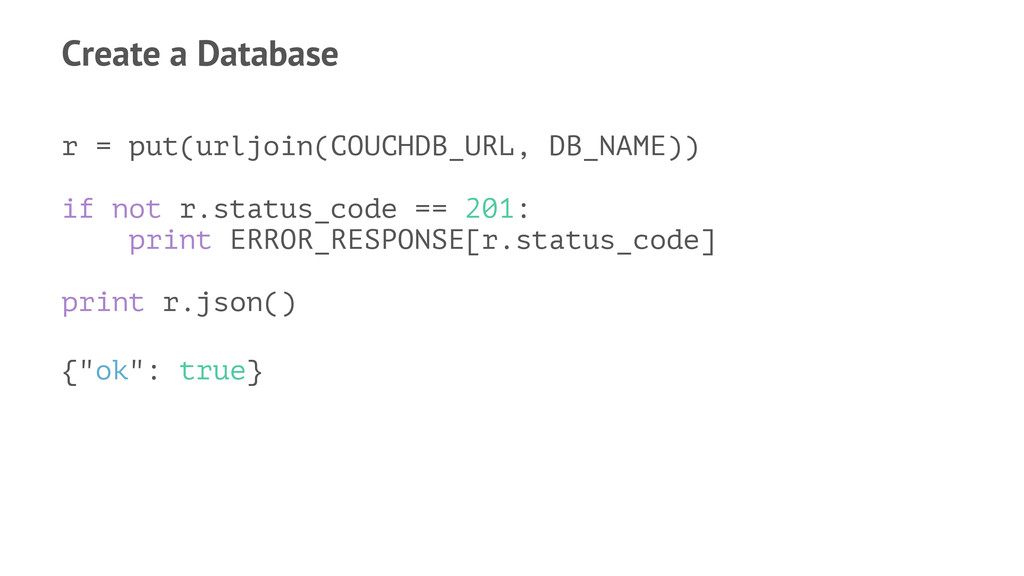
Create a Database r = put(urljoin(COUCHDB_URL, DB_NAME)) if not r.status_code
== 201: print ERROR_RESPONSE[r.status_code] print r.json() {"ok": true}
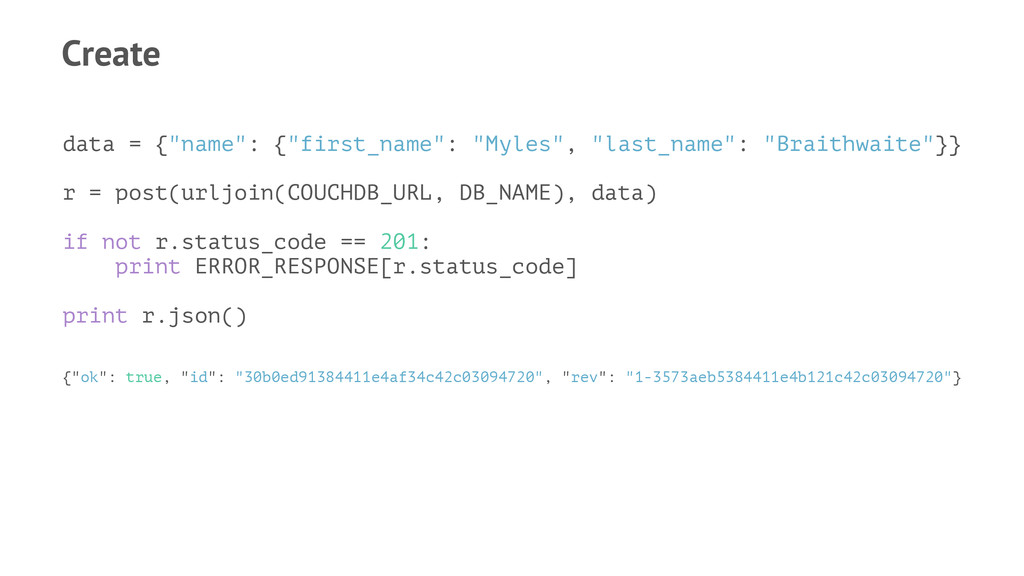
Create data = {"name": {"first_name": "Myles", "last_name": "Braithwaite"}} r =
post(urljoin(COUCHDB_URL, DB_NAME), data) if not r.status_code == 201: print ERROR_RESPONSE[r.status_code] print r.json() {"ok": true, "id": "30b0ed91384411e4af34c42c03094720", "rev": "1-3573aeb5384411e4b121c42c03094720"}
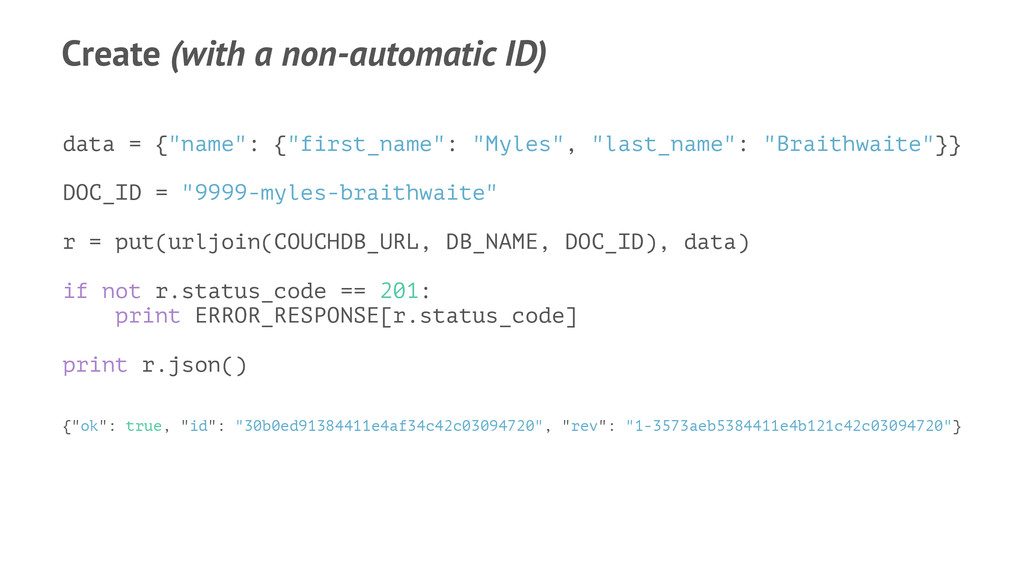
Create (with a non-automatic ID) data = {"name": {"first_name": "Myles",
"last_name": "Braithwaite"}} DOC_ID = "9999-myles-braithwaite" r = put(urljoin(COUCHDB_URL, DB_NAME, DOC_ID), data) if not r.status_code == 201: print ERROR_RESPONSE[r.status_code] print r.json() {"ok": true, "id": "30b0ed91384411e4af34c42c03094720", "rev": "1-3573aeb5384411e4b121c42c03094720"}
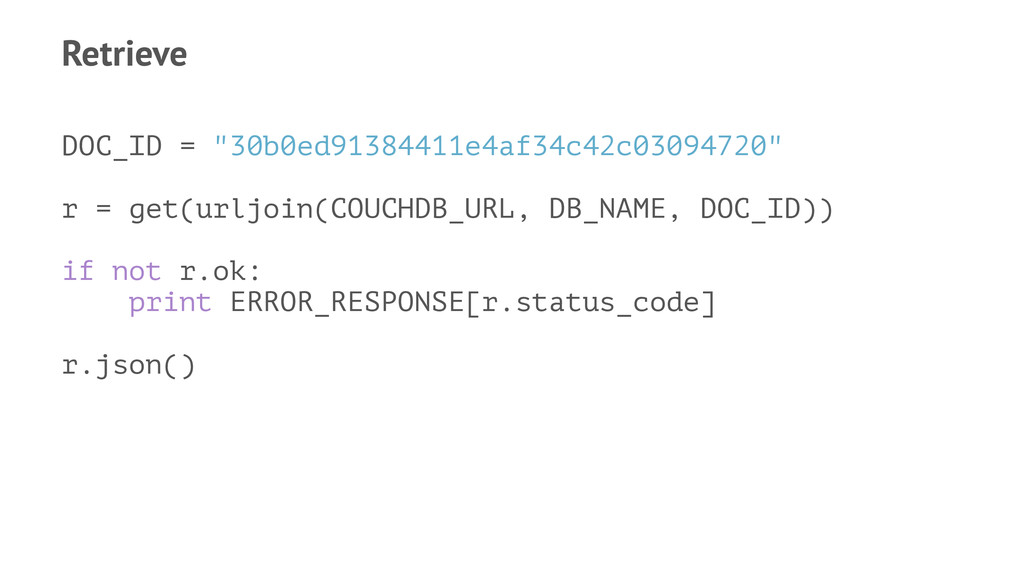
Retrieve DOC_ID = "30b0ed91384411e4af34c42c03094720" r = get(urljoin(COUCHDB_URL, DB_NAME, DOC_ID)) if
not r.ok: print ERROR_RESPONSE[r.status_code] r.json()
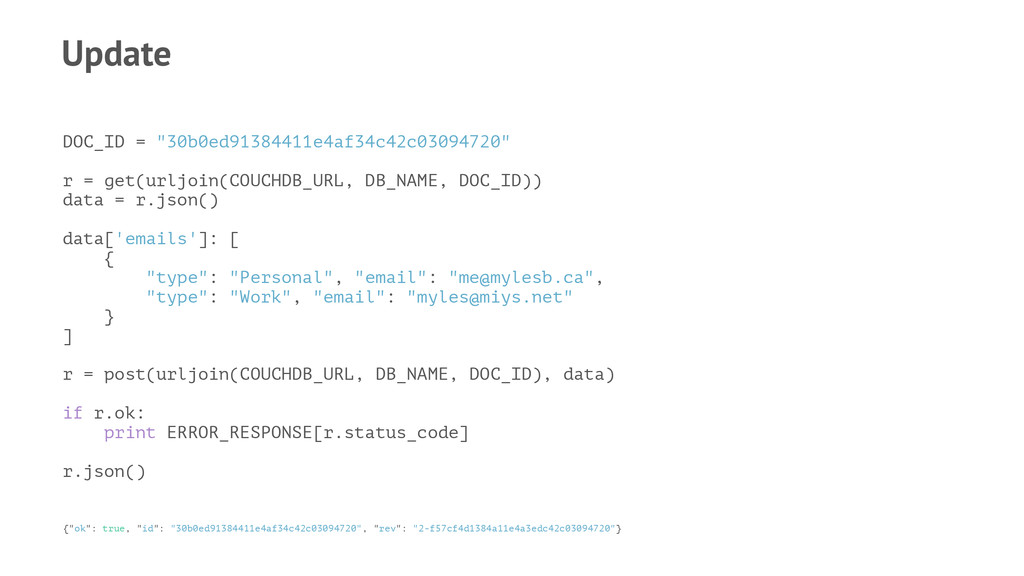
Update DOC_ID = "30b0ed91384411e4af34c42c03094720" r = get(urljoin(COUCHDB_URL, DB_NAME, DOC_ID)) data
= r.json() data['emails']: [ { "type": "Personal", "email": "
[email protected]
", "type": "Work", "email": "
[email protected]
" } ] r = post(urljoin(COUCHDB_URL, DB_NAME, DOC_ID), data) if r.ok: print ERROR_RESPONSE[r.status_code] r.json() {"ok": true, "id": "30b0ed91384411e4af34c42c03094720", "rev": "2-f57cf4d1384a11e4a3edc42c03094720"}
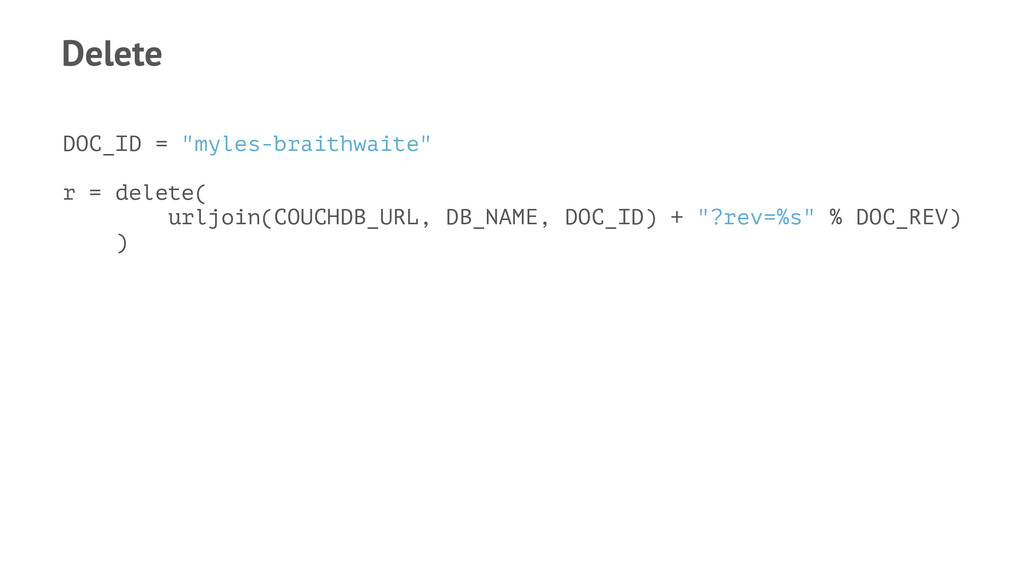
Delete DOC_ID = "myles-braithwaite" r = delete( urljoin(COUCHDB_URL, DB_NAME, DOC_ID)
+ "?rev=%s" % DOC_REV) )
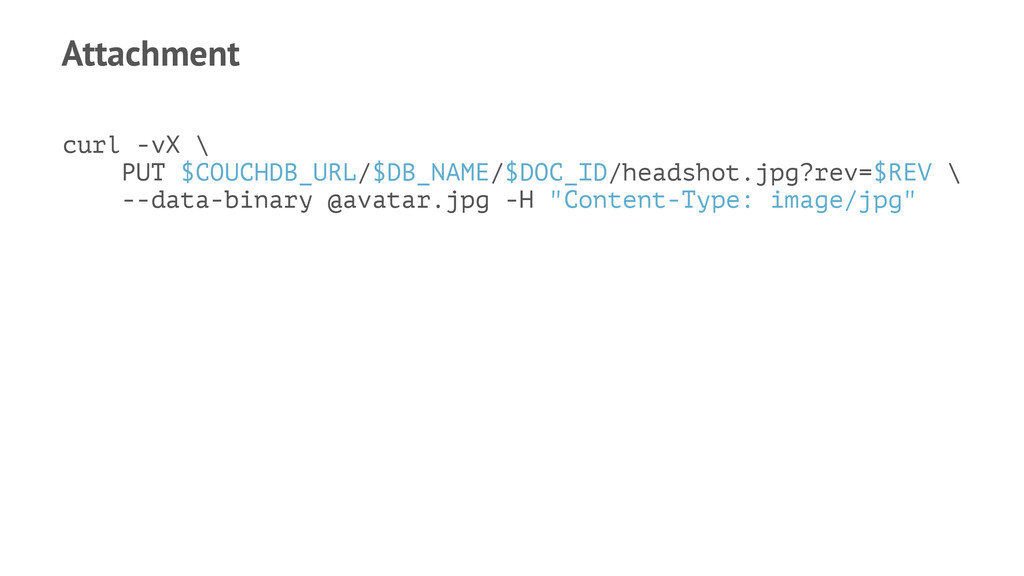
Attachment curl -vX \ PUT $COUCHDB_URL/$DB_NAME/$DOC_ID/headshot.jpg?rev=$REV \ --data-binary @avatar.jpg -H
"Content-Type: image/jpg"
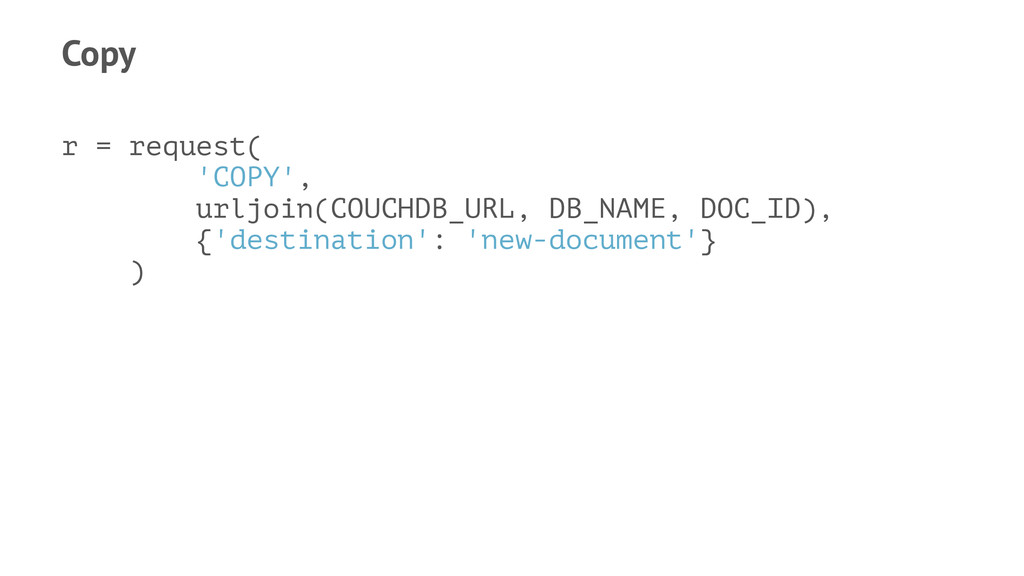
Copy r = request( 'COPY', urljoin(COUCHDB_URL, DB_NAME, DOC_ID), {'destination': 'new-document'}
)
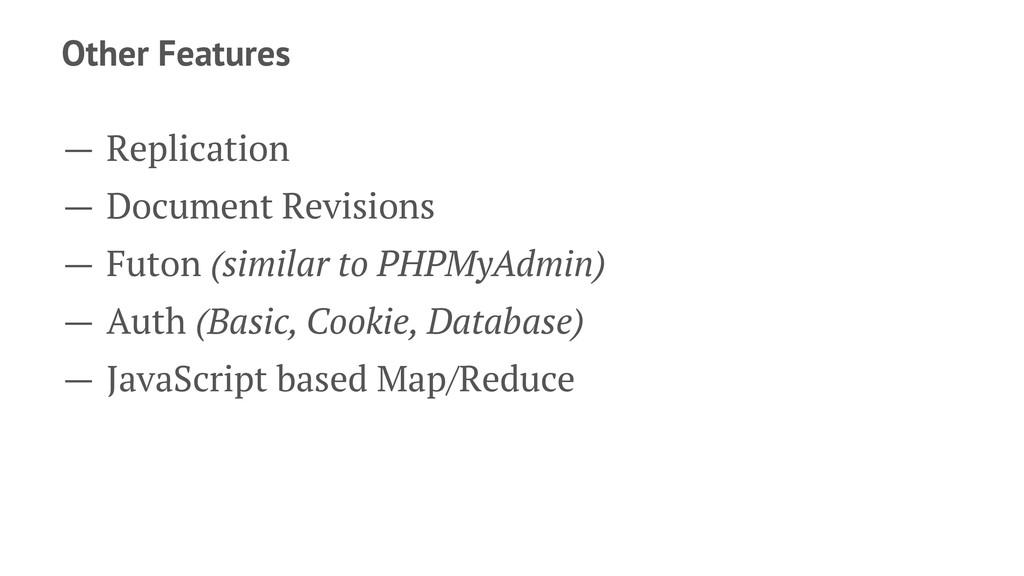
Other Features — Replication — Document Revisions — Futon (similar
to PHPMyAdmin) — Auth (Basic, Cookie, Database) — JavaScript based Map/Reduce
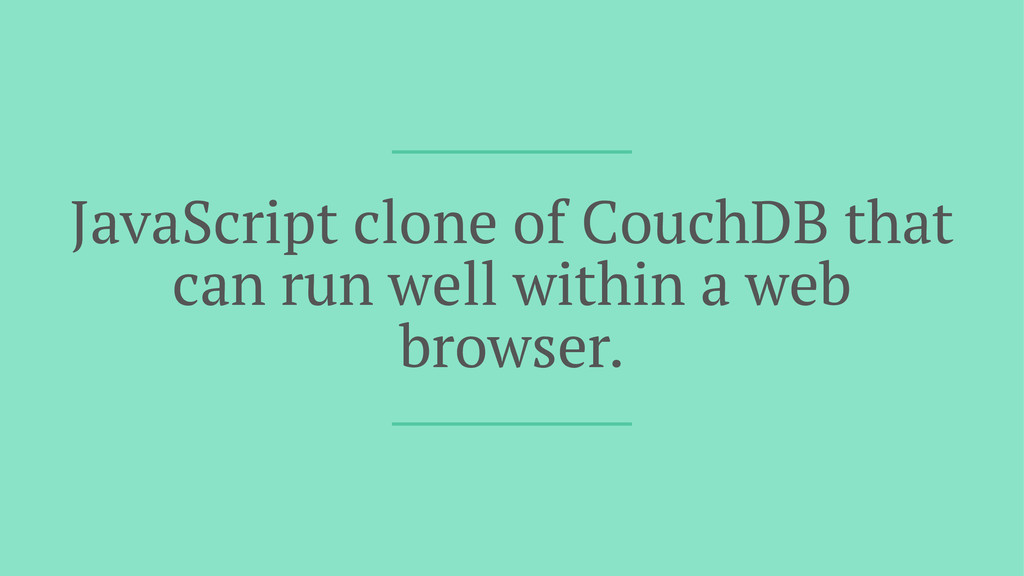
PouchDB
JavaScript clone of CouchDB that can run well within a
web browser.
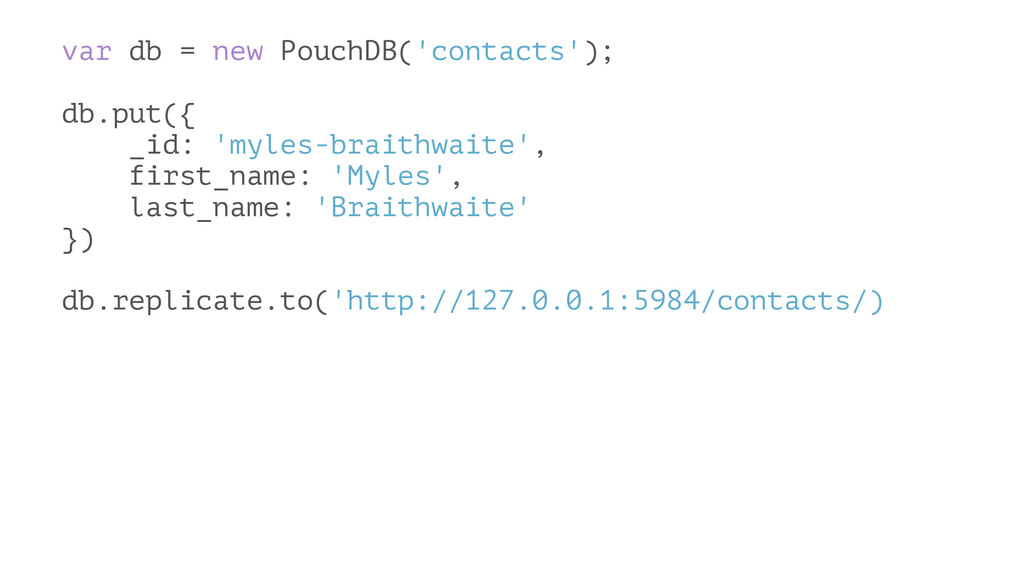
var db = new PouchDB('contacts'); db.put({ _id: 'myles-braithwaite', first_name: 'Myles',
last_name: 'Braithwaite' }) db.replicate.to('http://127.0.0.1:5984/contacts/)
Questions


 myles
myles
 grimoh
 tokuty
 ezaki
ezaki
 occhi
occhi
 genda
genda
 odashi
 takanorip
 jtakeda
 shugo
shugo
 puhitaku
 onk
onk
 takuroabe
 watany
 jeffersonlam
 jmmastey
 codingconduct
 keithpitt
 gurzu
gurzu
 garrettdimon
 techseoconnect
 emna__ayadi
 notwaldorf
 mayatellez
 nmsamuel
![Apache CouchDB Myles Braithwaite [email protected] | http://mylesb.ca | @mylesb](https://files.speakerdeck.com/presentations/7d1bae5145b2444d9e944829adcb6b2d/slide_0.jpg)