Share
Embed
pgloader
I gave a talk on 30 July 2018 on pgloader at Toronto Postgres User Group.
Myles Braithwaite
July 30, 2018
Transcript
23 slides
-
Hi, I'm Myles Braithwaite and tonight I'm going to be
talking about pgloader a Postgres utility to loading data from files or migrating a whole database to Postgres. pgloader Migrate things into Postgres good -
I'm a programmer and data scientist. I'm a Programmer &
Data Scientist -
I work for a company called GrantMatch. We make it
easier for companies to manage their funding strategy using a large dataset of funding programs and historical grant approval to match our users with the best available grants for their business. -
The application was being hosted on Digital Ocean, managed by
ServerPilot, and deployed with DeployBot. I wanted to migrate to Heroku for simpler management of the application (as I'm the only technical person at the company). -
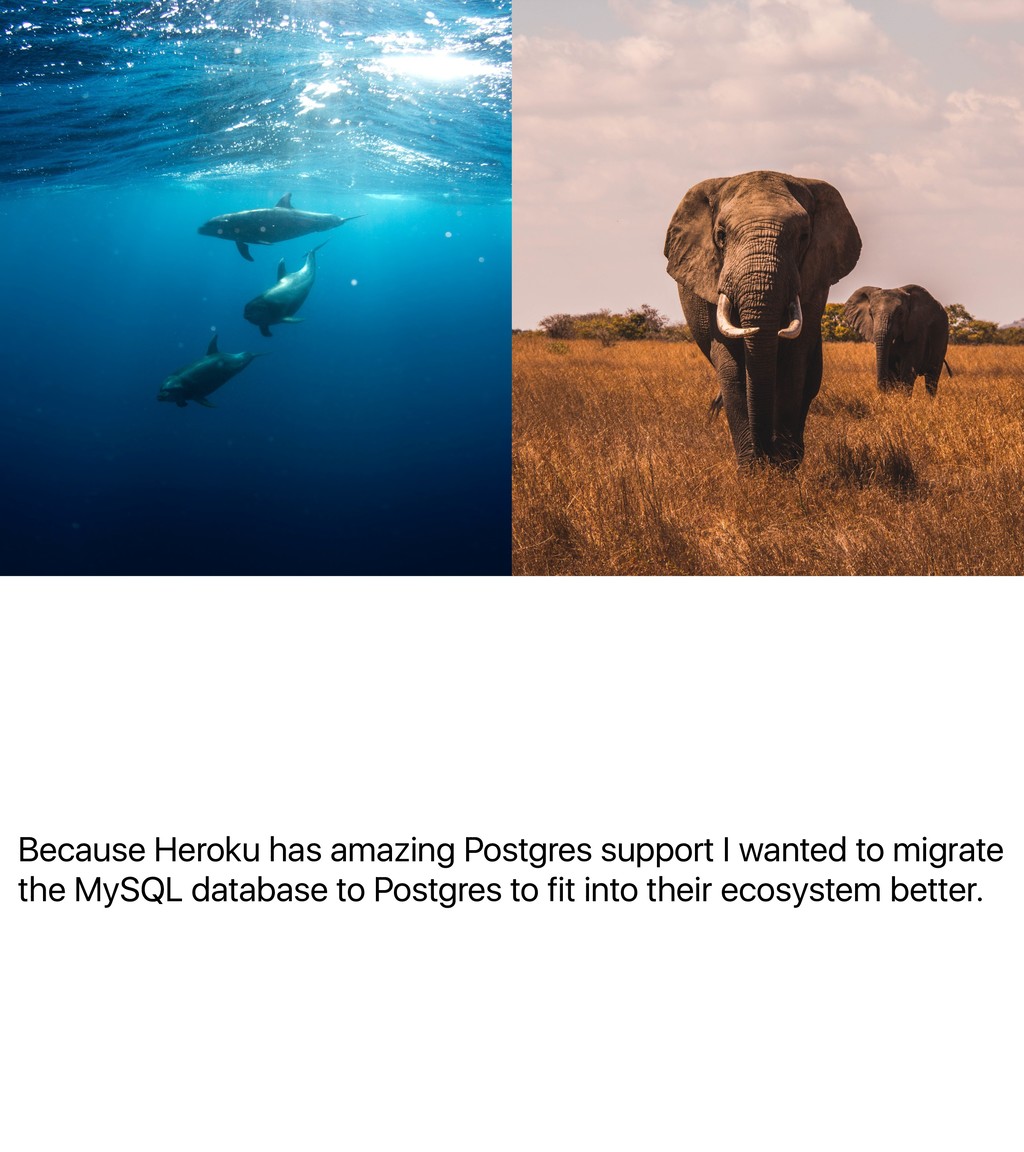
Because Heroku has amazing Postgres support I wanted to migrate
the MySQL database to Postgres to fit into their ecosystem better. -
So the original title of this talk was going to
be, 'How migrating a MySQL database to Postgres made me really sad'. -
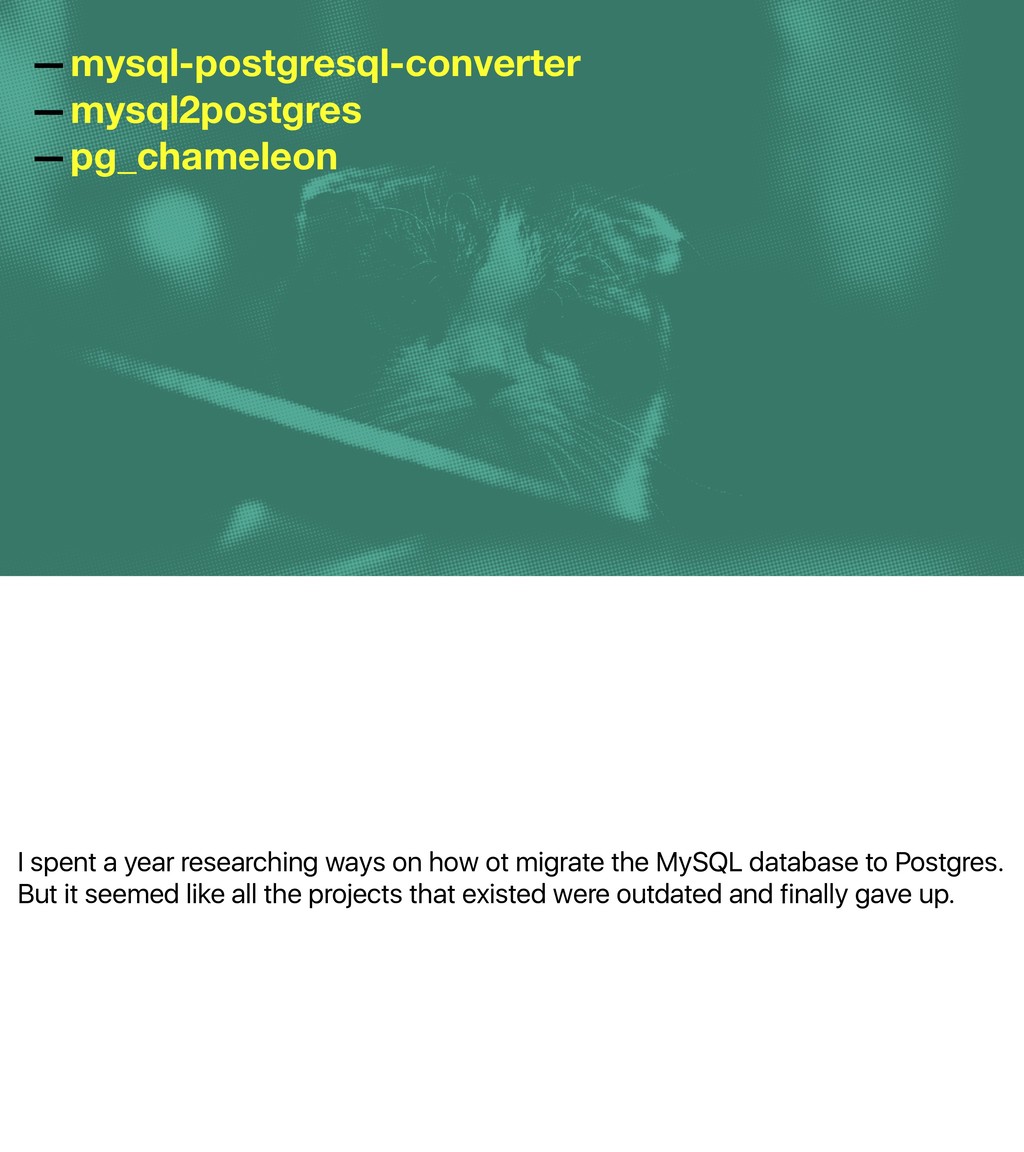
I spent a year researching ways on how ot migrate
the MySQL database to Postgres. But it seemed like all the projects that existed were outdated and finally gave up. —mysql-postgresql-converter —mysql2postgres —pg_chameleon -
But then I found pgloader and all it took was
a couple of commands to migrate the database. -
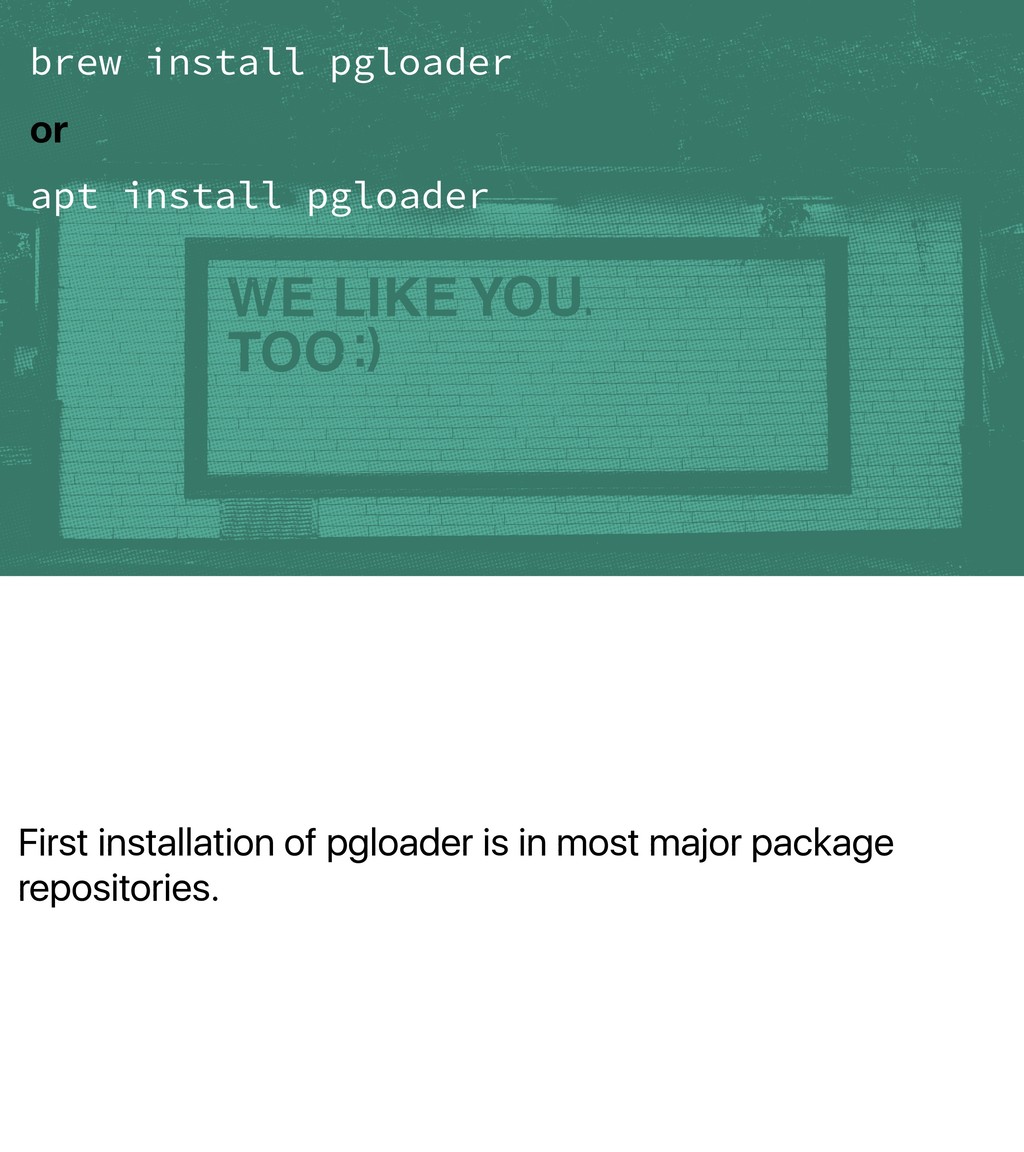
First installation of pgloader is in most major package repositories.
brew install pgloader or apt install pgloader -
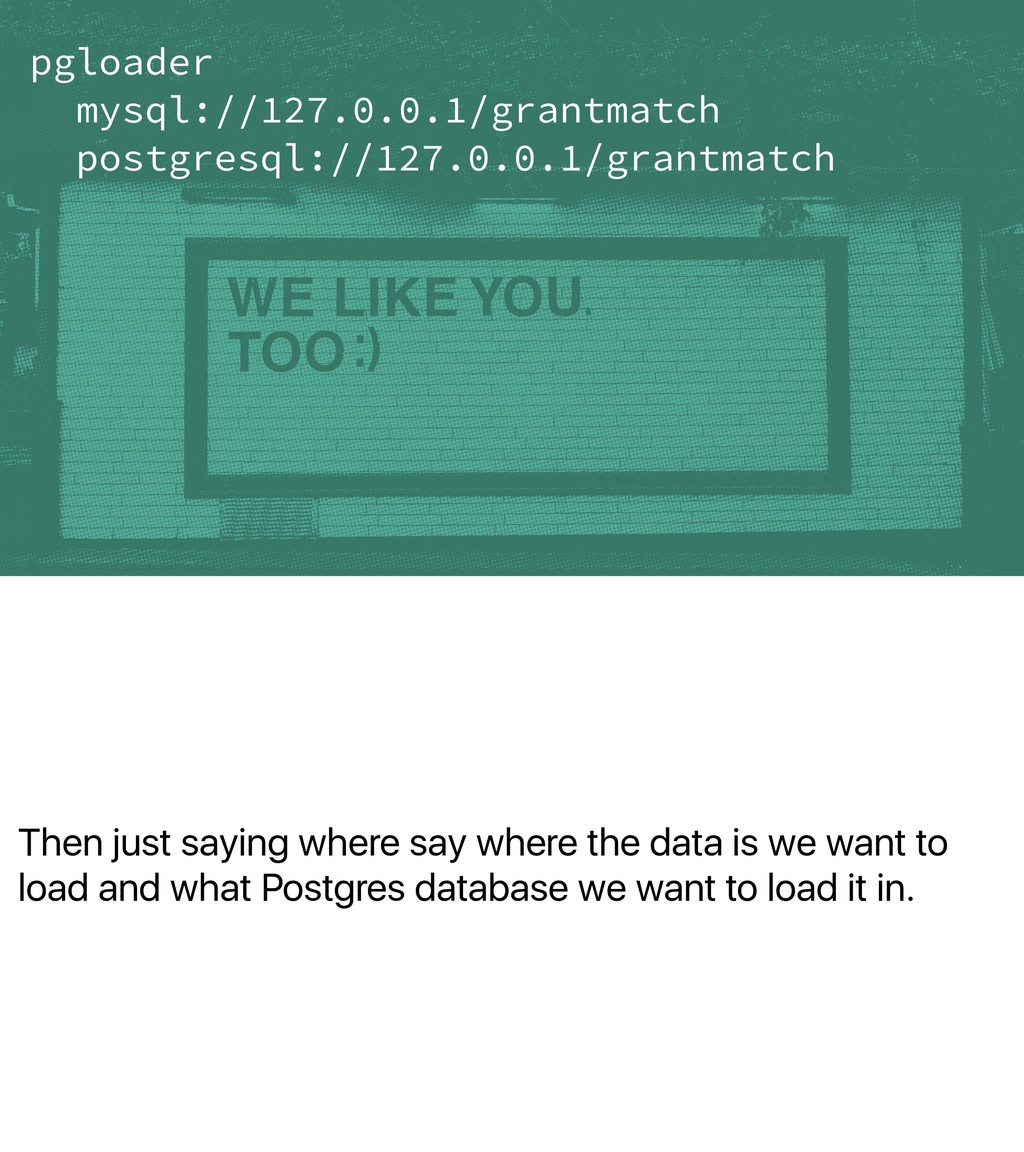
Then just saying where say where the data is we
want to load and what Postgres database we want to load it in. pgloader mysql://127.0.0.1/grantmatch postgresql://127.0.0.1/grantmatch -
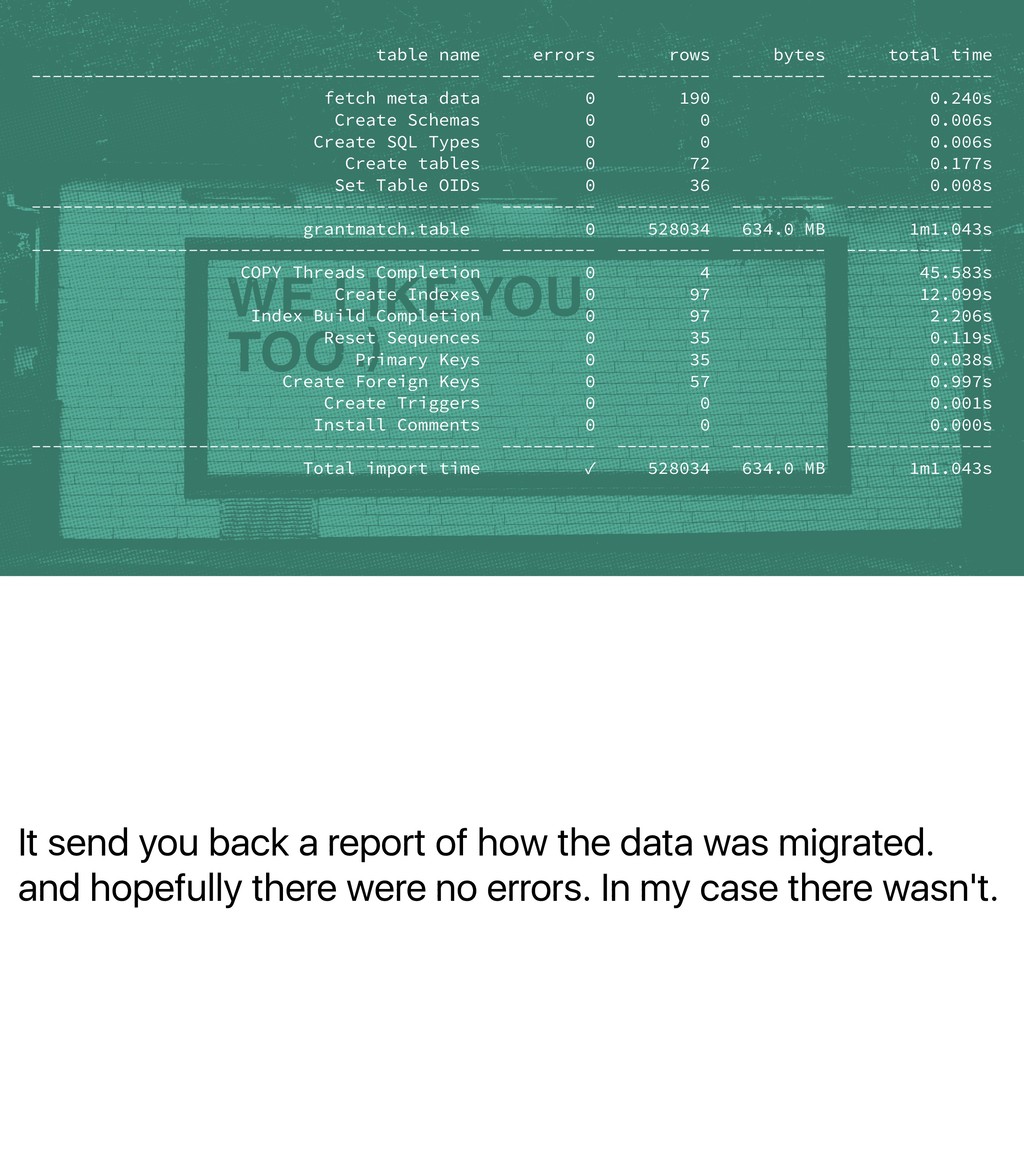
It send you back a report of how the data
was migrated. and hopefully there were no errors. In my case there wasn't. table name errors rows bytes total time ------------------------------------------- --------- --------- --------- -------------- fetch meta data 0 190 0.240s Create Schemas 0 0 0.006s Create SQL Types 0 0 0.006s Create tables 0 72 0.177s Set Table OIDs 0 36 0.008s ------------------------------------------- --------- --------- --------- -------------- grantmatch.table 0 528034 634.0 MB 1m1.043s ------------------------------------------- --------- --------- --------- -------------- COPY Threads Completion 0 4 45.583s Create Indexes 0 97 12.099s Index Build Completion 0 97 2.206s Reset Sequences 0 35 0.119s Primary Keys 0 35 0.038s Create Foreign Keys 0 57 0.997s Create Triggers 0 0 0.001s Install Comments 0 0 0.000s ------------------------------------------- --------- --------- --------- -------------- Total import time ✓ 528034 634.0 MB 1m1.043s -
In my case there wasn't. And because we were developing
the software using an ORM it took little time to migrate the application. -
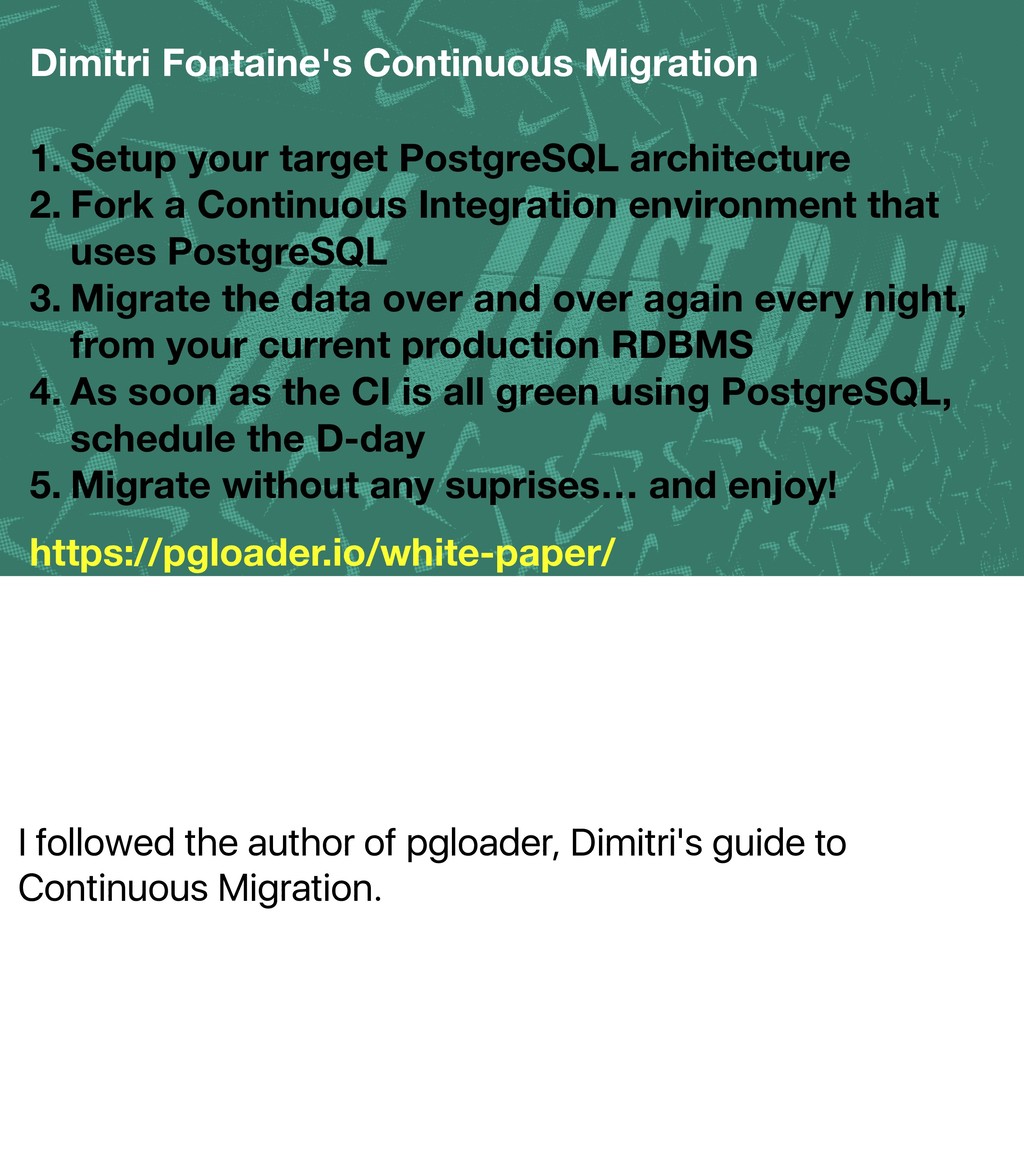
I followed the author of pgloader, Dimitri's guide to Continuous
Migration. Dimitri Fontaine's Continuous Migration 1. Setup your target PostgreSQL architecture 2. Fork a Continuous Integration environment that uses PostgreSQL 3. Migrate the data over and over again every night, from your current production RDBMS 4. As soon as the CI is all green using PostgreSQL, schedule the D-day 5. Migrate without any suprises… and enjoy! https://pgloader.io/white-paper/ -
CSV and maybe some Excel files. CSV is great but
when the files get large there sometimes is corruption worries. CSV -
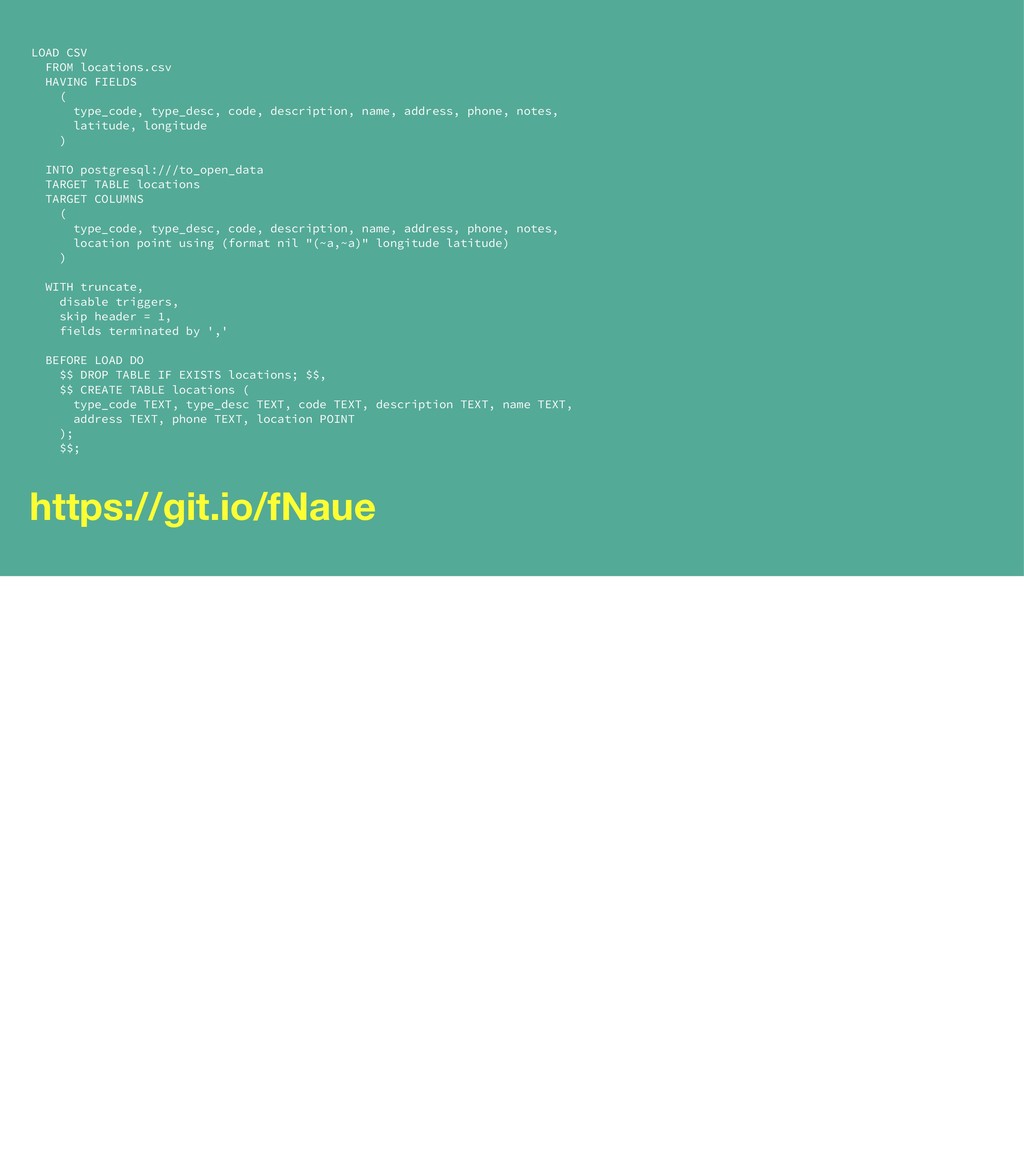
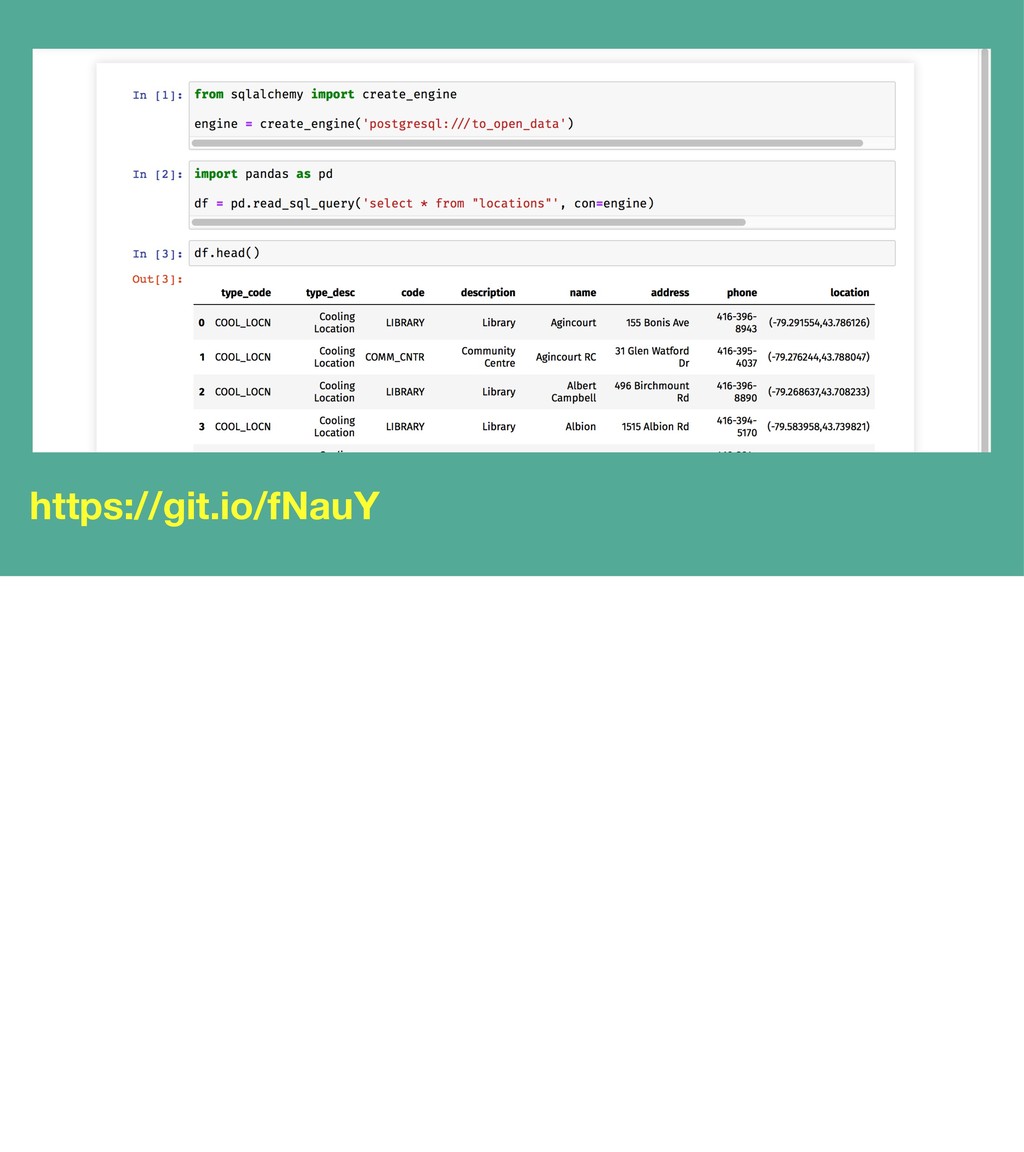
LOAD CSV FROM locations.csv HAVING FIELDS ( type_code, type_desc, code,
description, name, address, phone, notes, latitude, longitude ) INTO postgresql:///to_open_data TARGET TABLE locations TARGET COLUMNS ( type_code, type_desc, code, description, name, address, phone, notes, location point using (format nil "(~a,~a)" longitude latitude) ) WITH truncate, disable triggers, skip header = 1, fields terminated by ',' BEFORE LOAD DO $$ DROP TABLE IF EXISTS locations; $$, $$ CREATE TABLE locations ( type_code TEXT, type_desc TEXT, code TEXT, description TEXT, name TEXT, address TEXT, phone TEXT, location POINT ); $$; https://git.io/fNaue -
Photo Credits Tobias Fischer, Jefferson Santos, rawpixel, Talia Cohen, AJ
Robbie, FuYong Hua, Adam Jang, George Pagan III, Jeroen Wehkamp, and Markus Spiske.