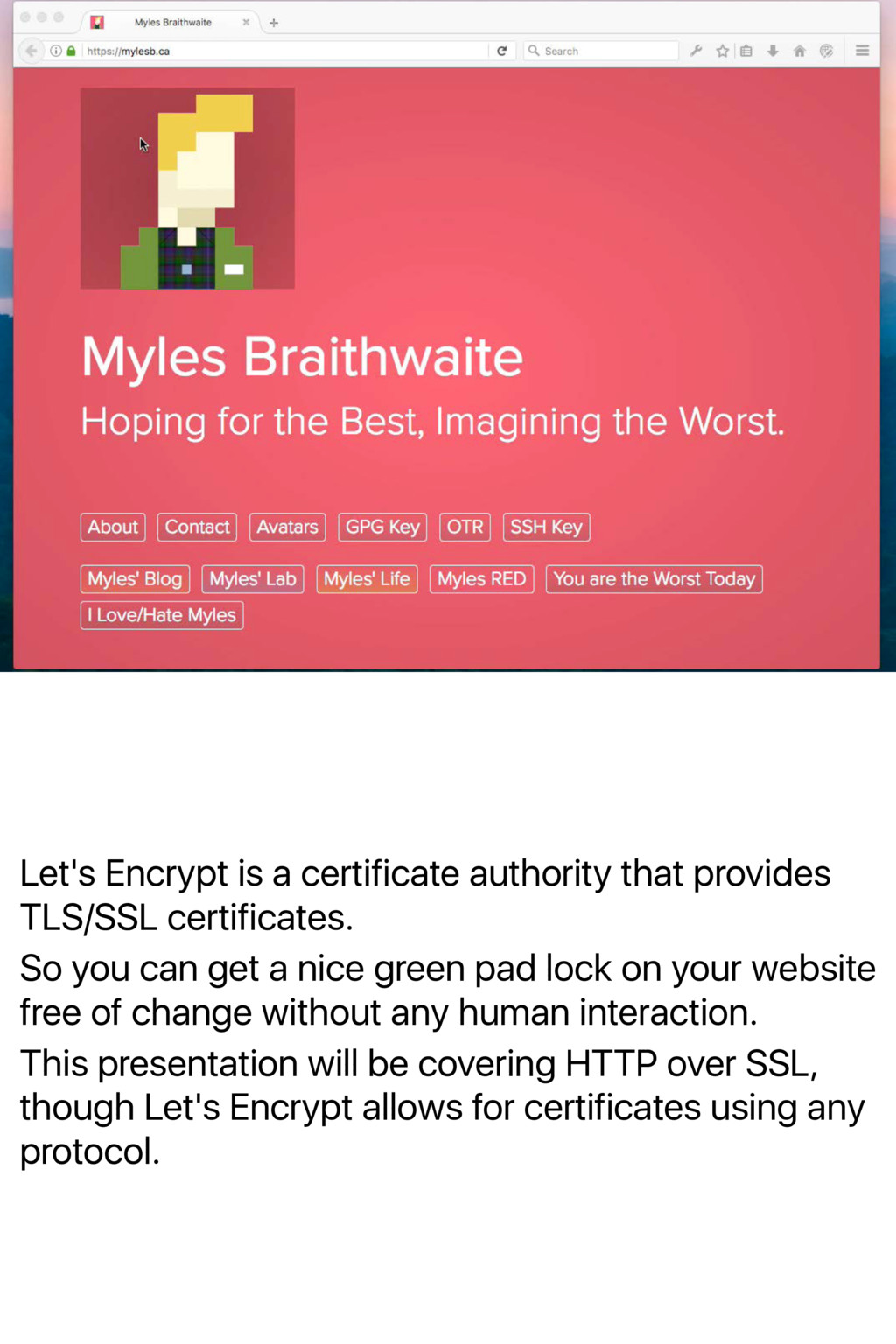
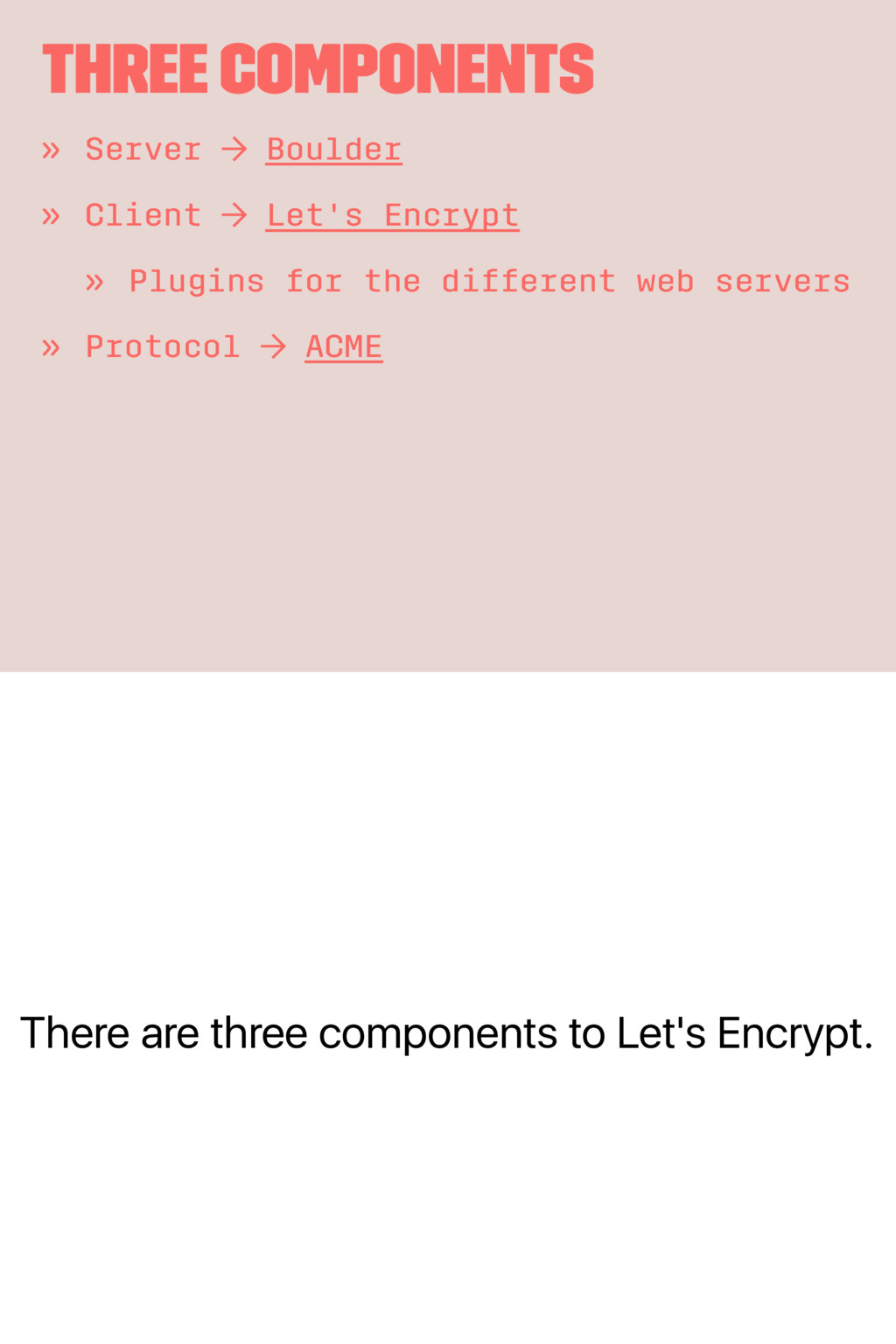
So you can get a nice green pad lock on your website free of change without any human interaction. This presentation will be covering HTTP over SSL, though Let's Encrypt allows for certificates using any protocol.
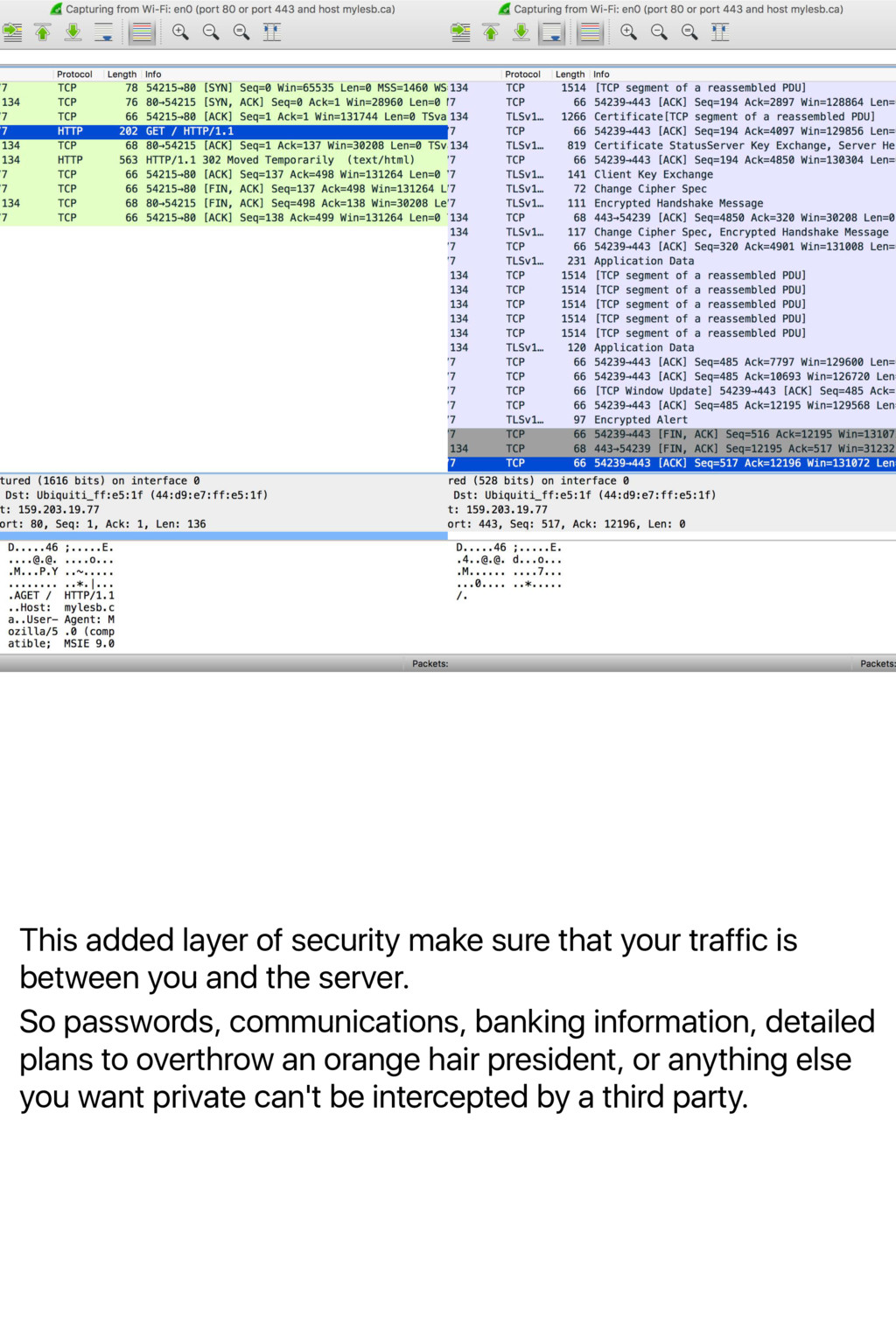
is between you and the server. So passwords, communications, banking information, detailed plans to overthrow an orange hair president, or anything else you want private can't be intercepted by a third party.
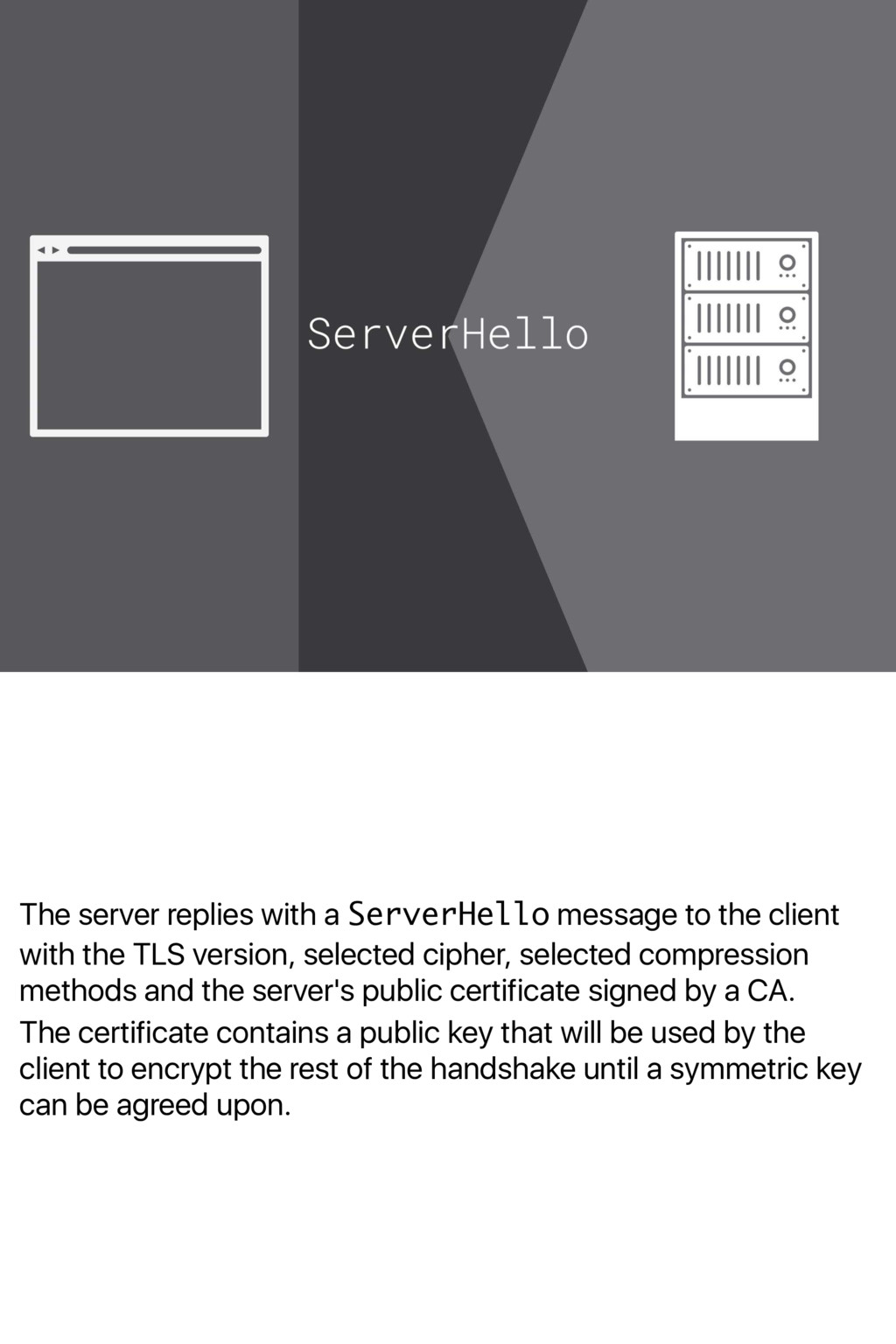
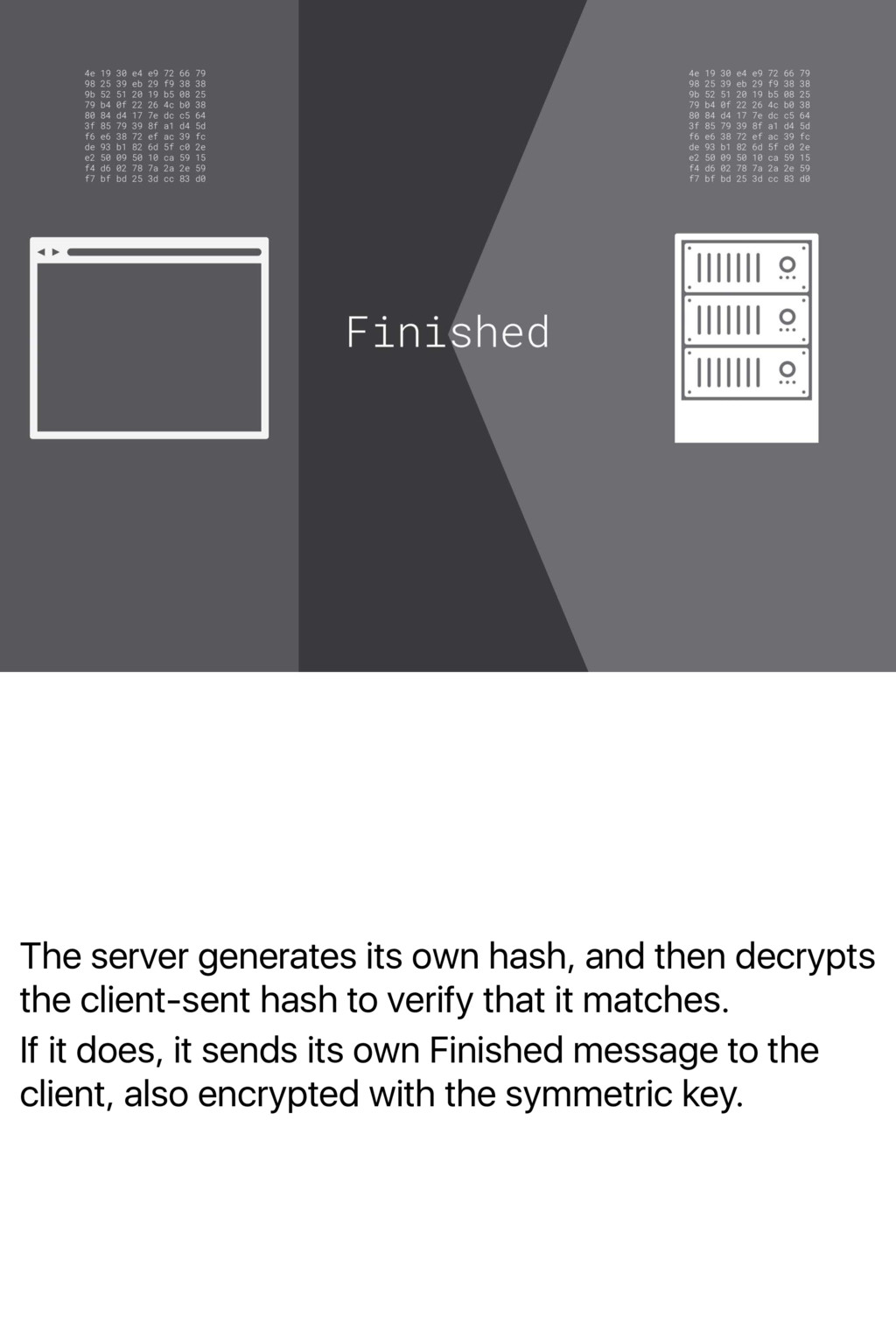
with the TLS version, selected cipher, selected compression methods and the server's public certificate signed by a CA. The certificate contains a public key that will be used by the client to encrypt the rest of the handshake until a symmetric key can be agreed upon.
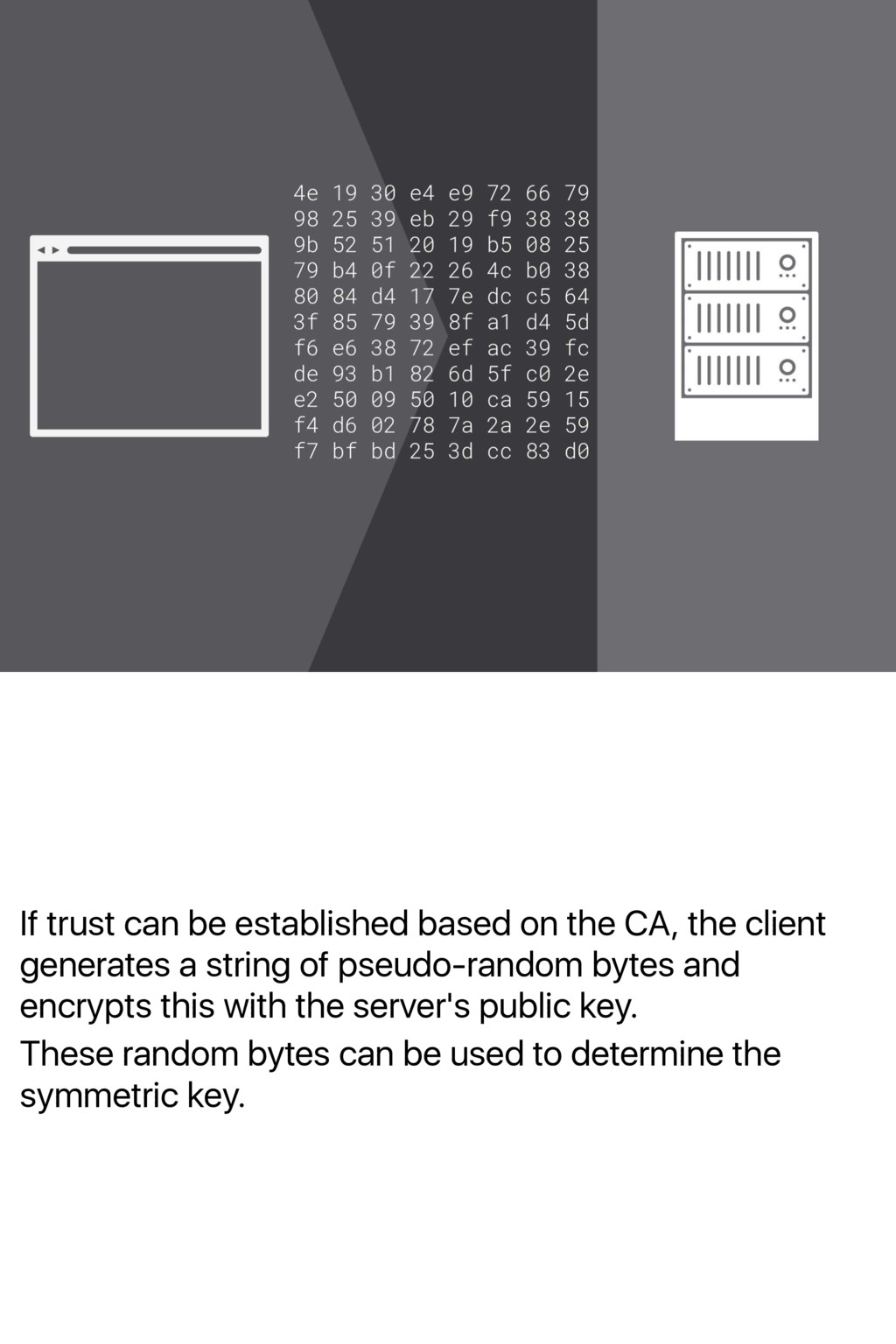
client generates a string of pseudo-random bytes and encrypts this with the server's public key. These random bytes can be used to determine the symmetric key.
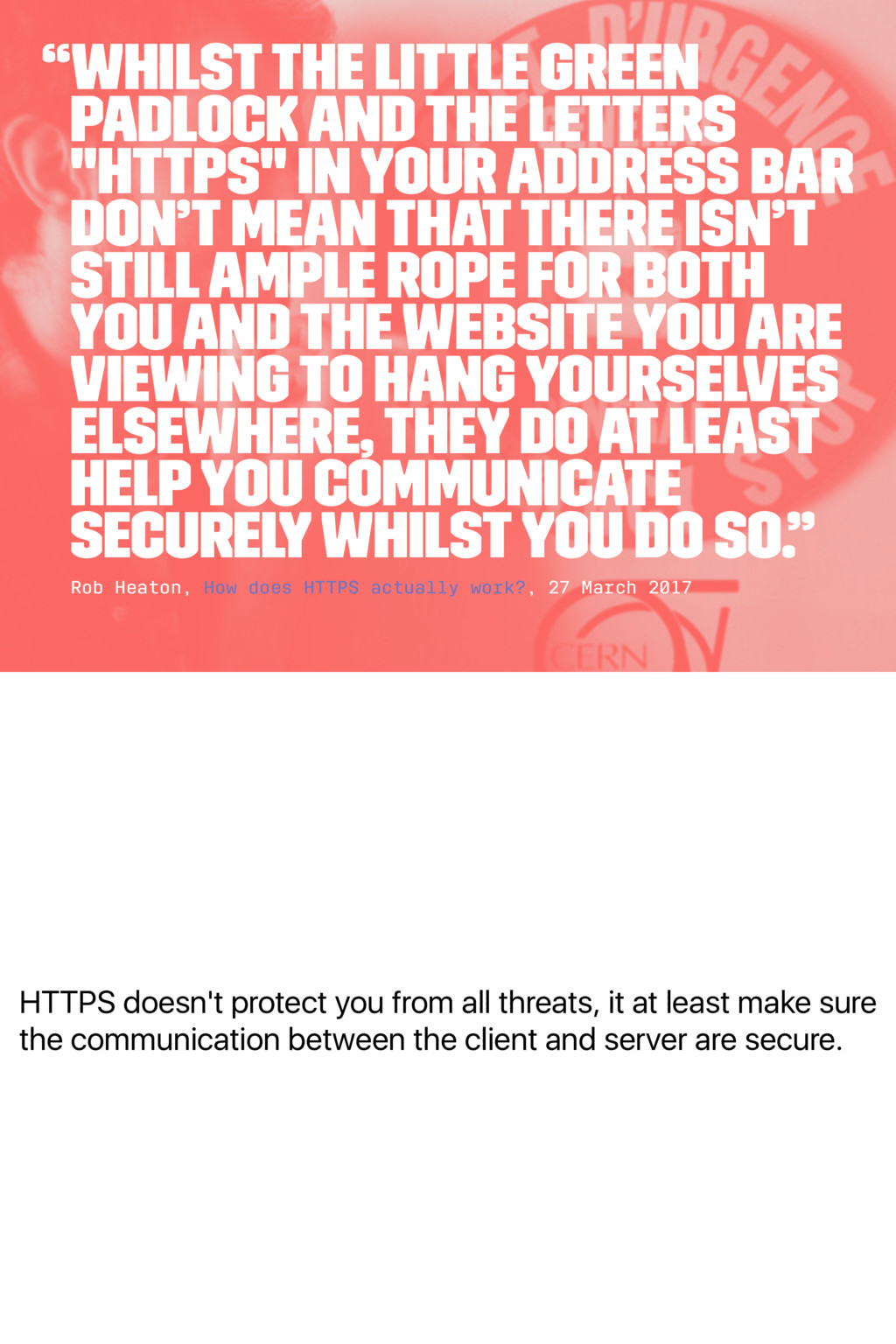
make sure the communication between the client and server are secure. “Whilst the little green padlock and the letters "https" in your address bar don’t mean that there isn’t still ample rope for both you and the website you are viewing to hang yourselves elsewhere, they do at least help you communicate securely whilst you do so.” Rob Heaton, How does HTTPS actually work?, 27 March 2017
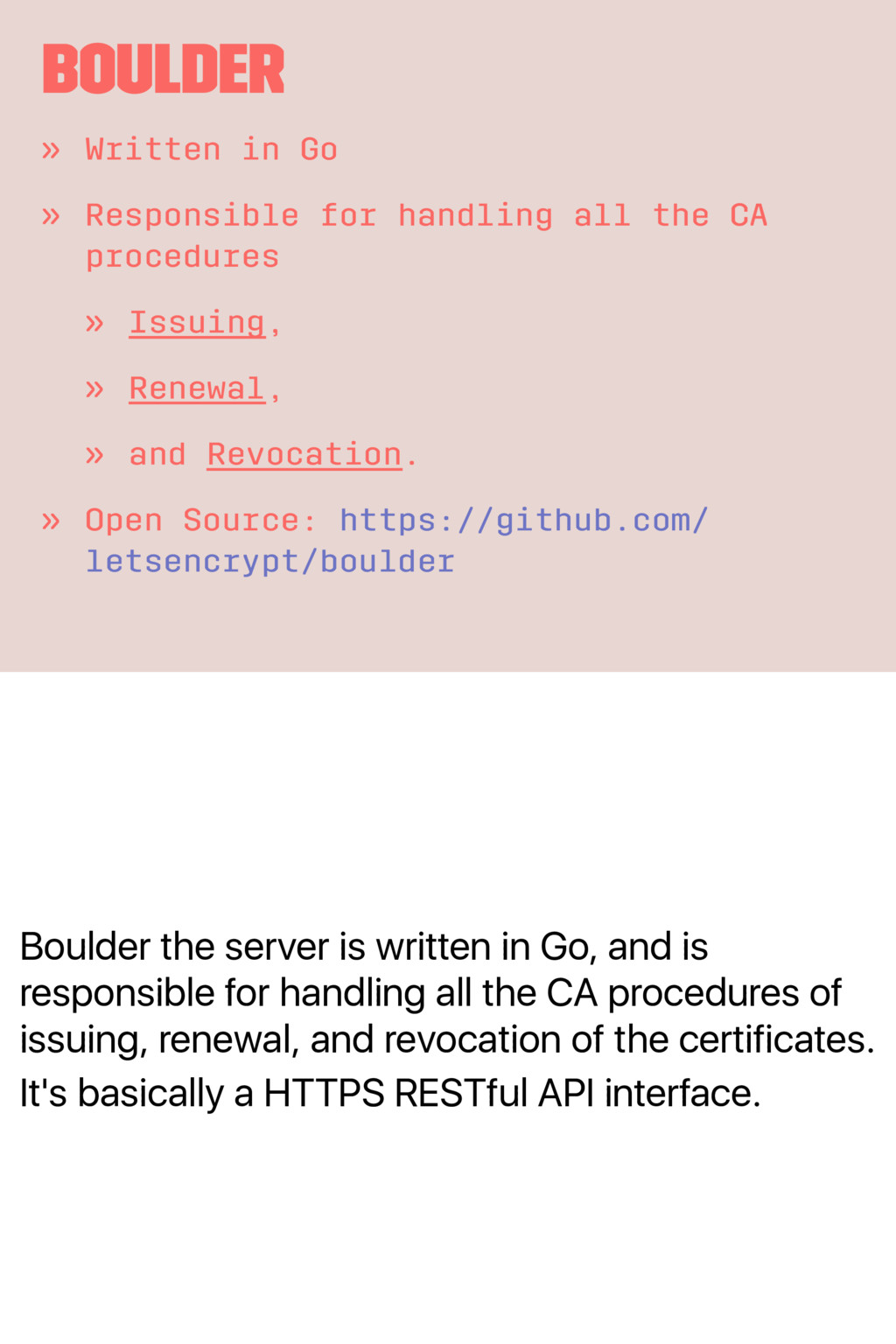
for handling all the CA procedures of issuing, renewal, and revocation of the certificates. It's basically a HTTPS RESTful API interface. Boulder » Written in Go » Responsible for handling all the CA procedures » Issuing, » Renewal, » and Revocation. » Open Source: https://github.com/ letsencrypt/boulder
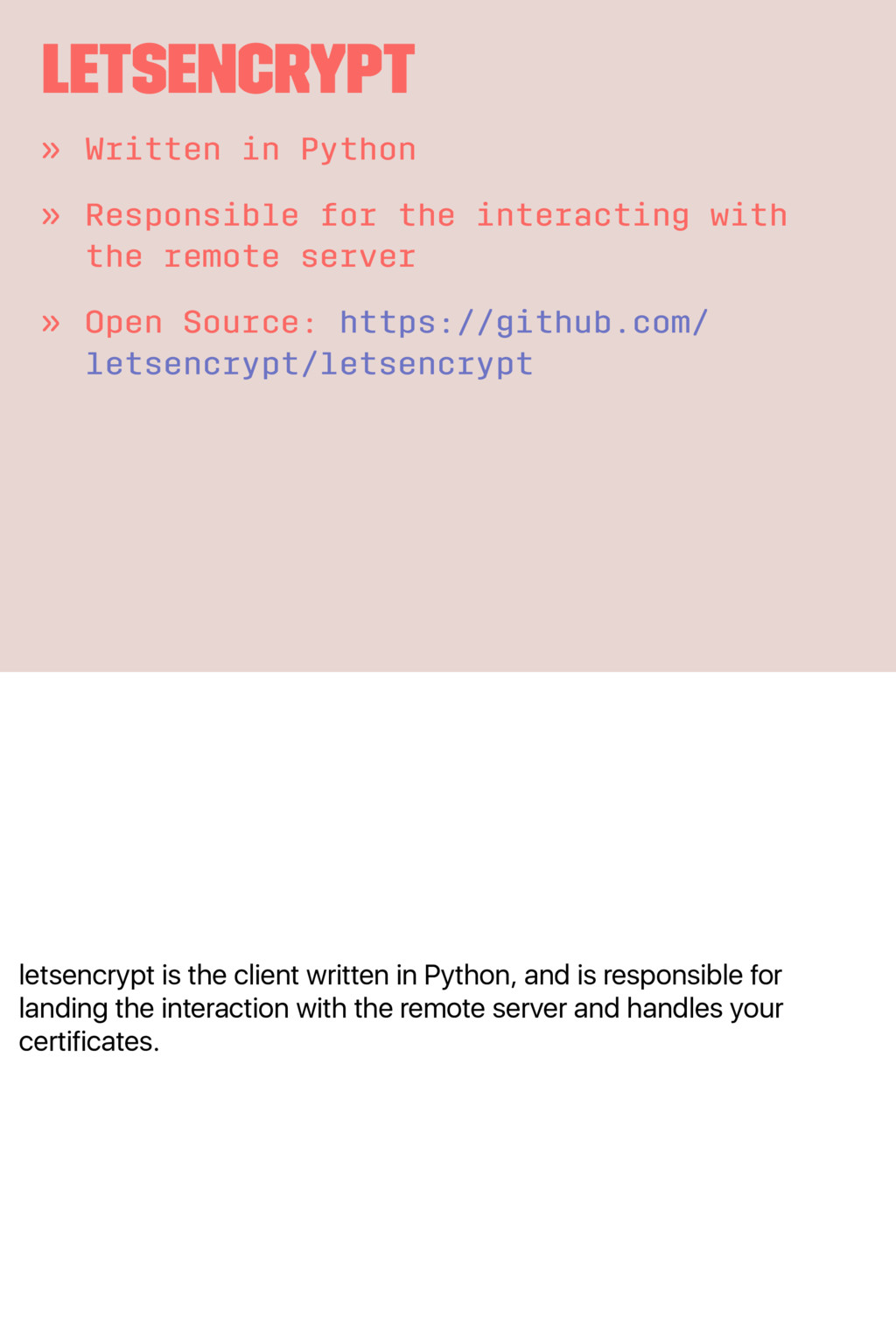
for landing the interaction with the remote server and handles your certificates. letsencrypt » Written in Python » Responsible for the interacting with the remote server » Open Source: https://github.com/ letsencrypt/letsencrypt
as JSON Web Signature. These documents contains all the requests and the responses between the client and server. ACME » Stand for Automated Certificate Management Environment » Exchanges of JWS between the client and server.
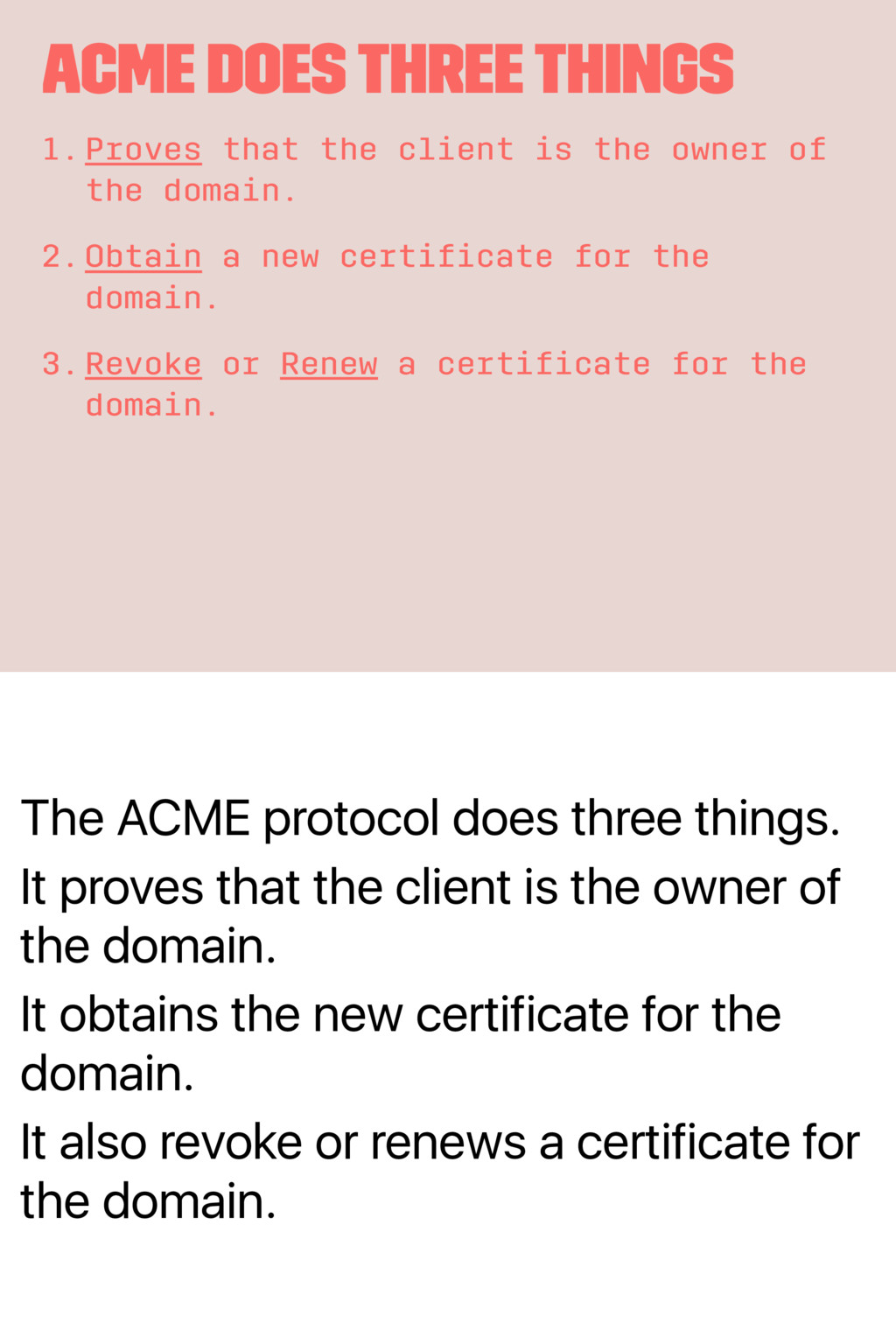
client is the owner of the domain. It obtains the new certificate for the domain. It also revoke or renews a certificate for the domain. ACME does Three Things 1.Proves that the client is the owner of the domain. 2.Obtain a new certificate for the domain. 3.Revoke or Renew a certificate for the domain.
Watch this hour long video by Josh Aas. More Detailed Information about How Let's Encrypt Works » Watch this video by Josh Aas: https:// youtu.be/ksqTu7TX83g


 myles
 carta_engineering
 csswizardry
 silmin_
 ota1022
 tkito
 pauli
 daishukojima
 k6s4i53rx
 mikanichinose
 munenick
 kmiya84377
 dkduppf
 michielstock
 jmmastey
 scottboms
 axbom
 lara
 aleyda
 helmedeiros
 eileencodes
 akademiya2063
 skoyamalab
 honzajavorek
 tapps