Upgrade to Pro — share decks privately, control downloads, hide ads and more …

NanoAI: A Practical Workflow for Comparing AI I...

Avatar for Nano AI Nano AI
October 13, 2026

NanoAI: A Practical Workflow for Comparing AI Image Models

A practical guide by NanoAI Team to writing a clear visual brief, comparing AI image outputs, and refining a result for a real use case. Includes a six-part brief, a simple review rubric, a product-image prompt example, and a final checklist. The rubric is an editorial workflow, not a model benchmark.

Explore NanoAI: https://nanoai.run/
Contact: [email protected]

Avatar for Nano AI

Nano AI

October 13, 2026

More Decks by Nano AI

Other Decks in Technology

Transcript

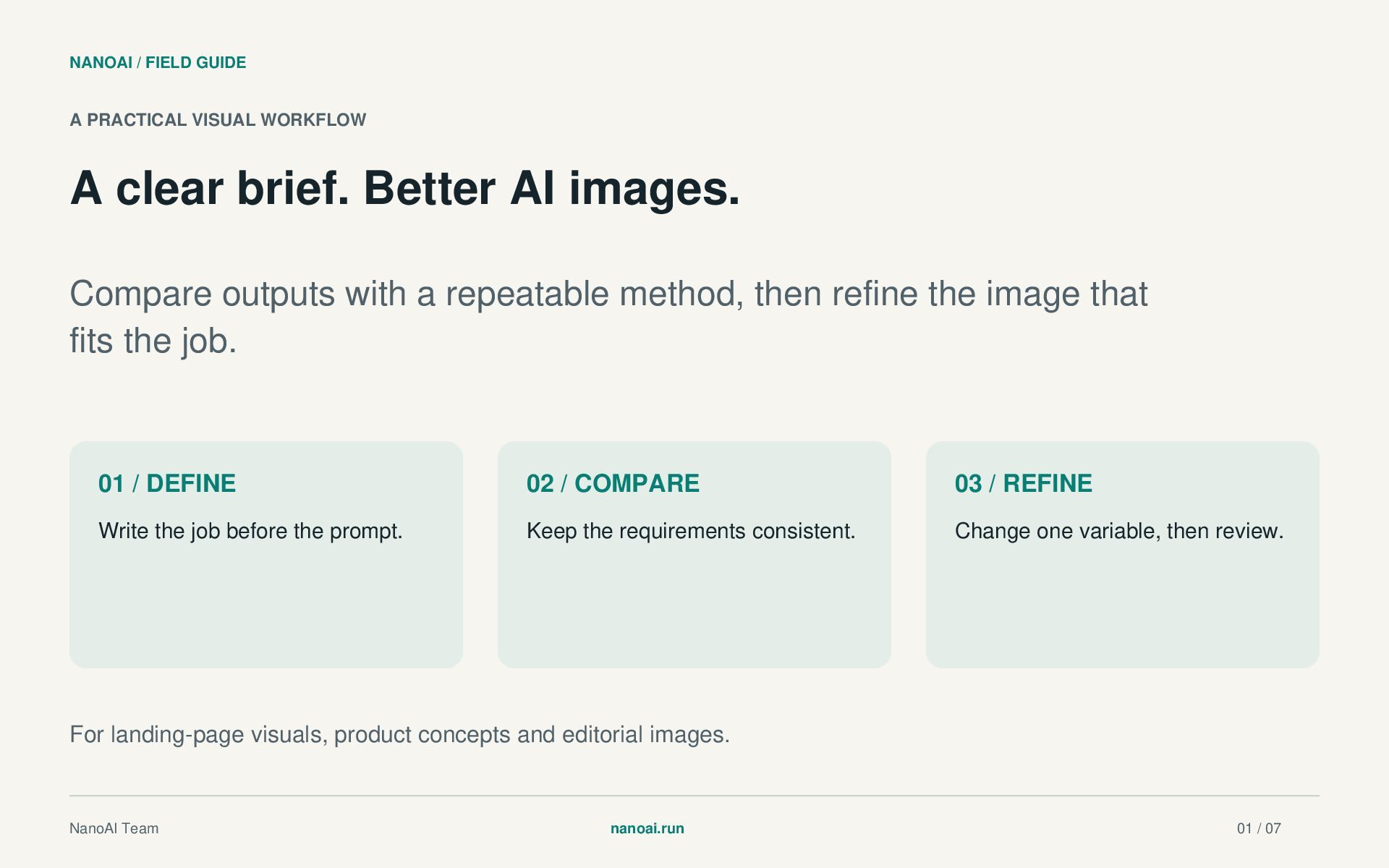
  1. NANOAI / FIELD GUIDE A PRACTICAL VISUAL WORKFLOW A clear

    brief. Better AI images. Compare outputs with a repeatable method, then refine the image that fits the job. 01 / DEFINE 02 / COMPARE 03 / REFINE Write the job before the prompt. Keep the requirements consistent. Change one variable, then review. For landing-page visuals, product concepts and editorial images. NanoAI Team nanoai.run 01 / 07
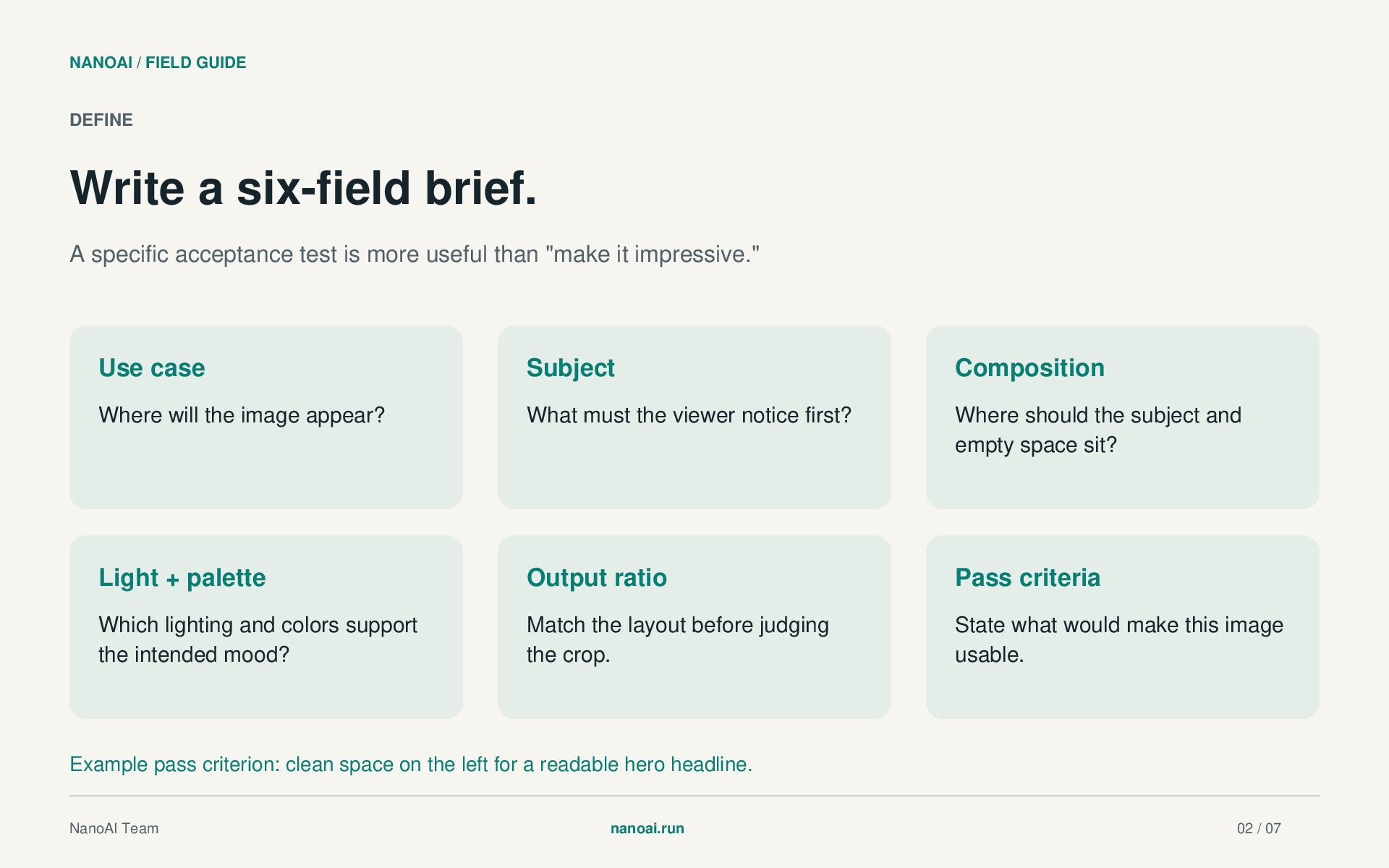
  2. NANOAI / FIELD GUIDE DEFINE Write a six-field brief. A

    specific acceptance test is more useful than "make it impressive." Use case Subject Composition Where will the image appear? What must the viewer notice first? Where should the subject and empty space sit? Light + palette Output ratio Pass criteria Which lighting and colors support the intended mood? Match the layout before judging the crop. State what would make this image usable. Example pass criterion: clean space on the left for a readable hero headline. NanoAI Team nanoai.run 02 / 07
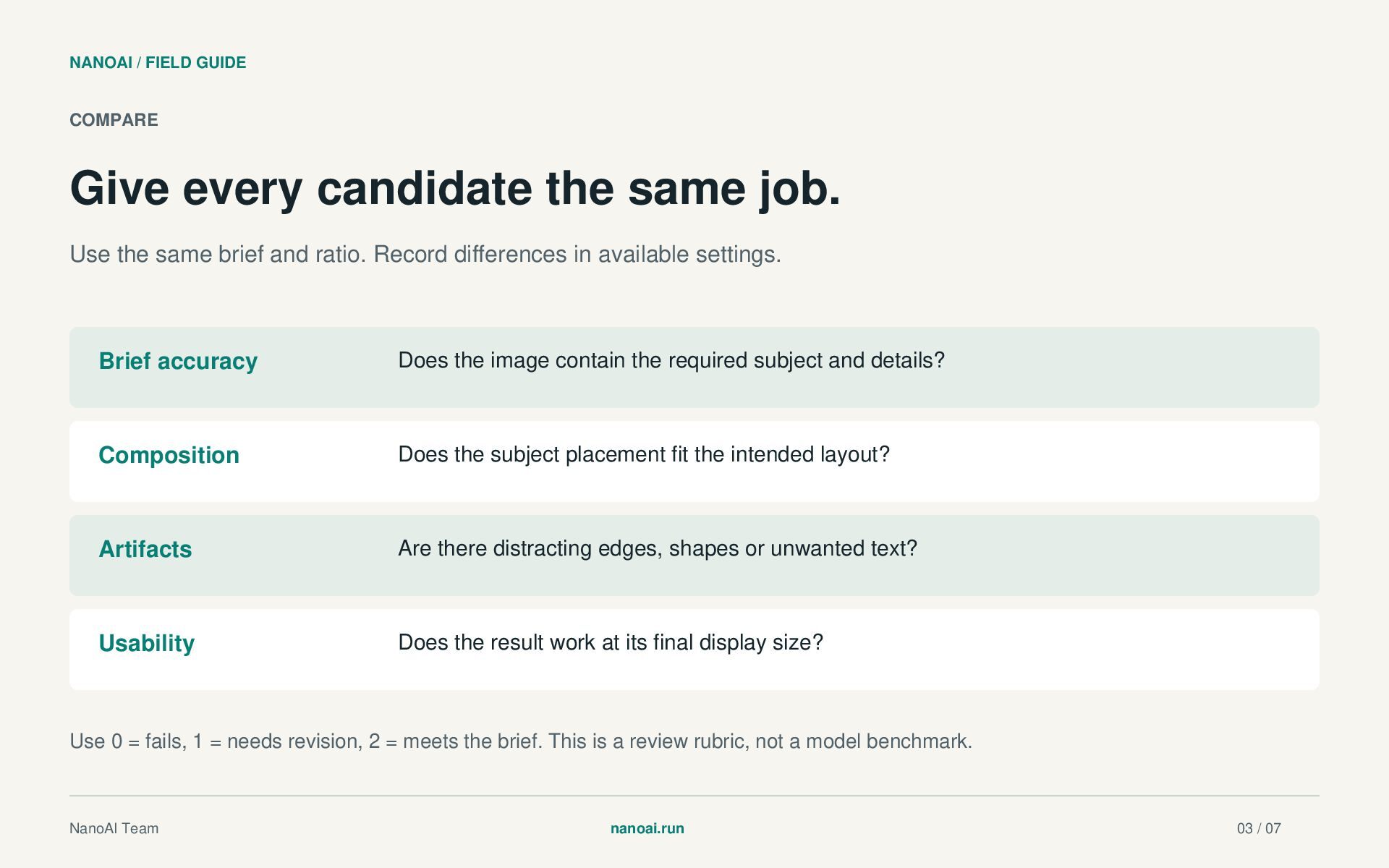
  3. NANOAI / FIELD GUIDE COMPARE Give every candidate the same

    job. Use the same brief and ratio. Record differences in available settings. Brief accuracy Does the image contain the required subject and details? Composition Does the subject placement fit the intended layout? Artifacts Are there distracting edges, shapes or unwanted text? Usability Does the result work at its final display size? Use 0 = fails, 1 = needs revision, 2 = meets the brief. This is a review rubric, not a model benchmark. NanoAI Team nanoai.run 03 / 07
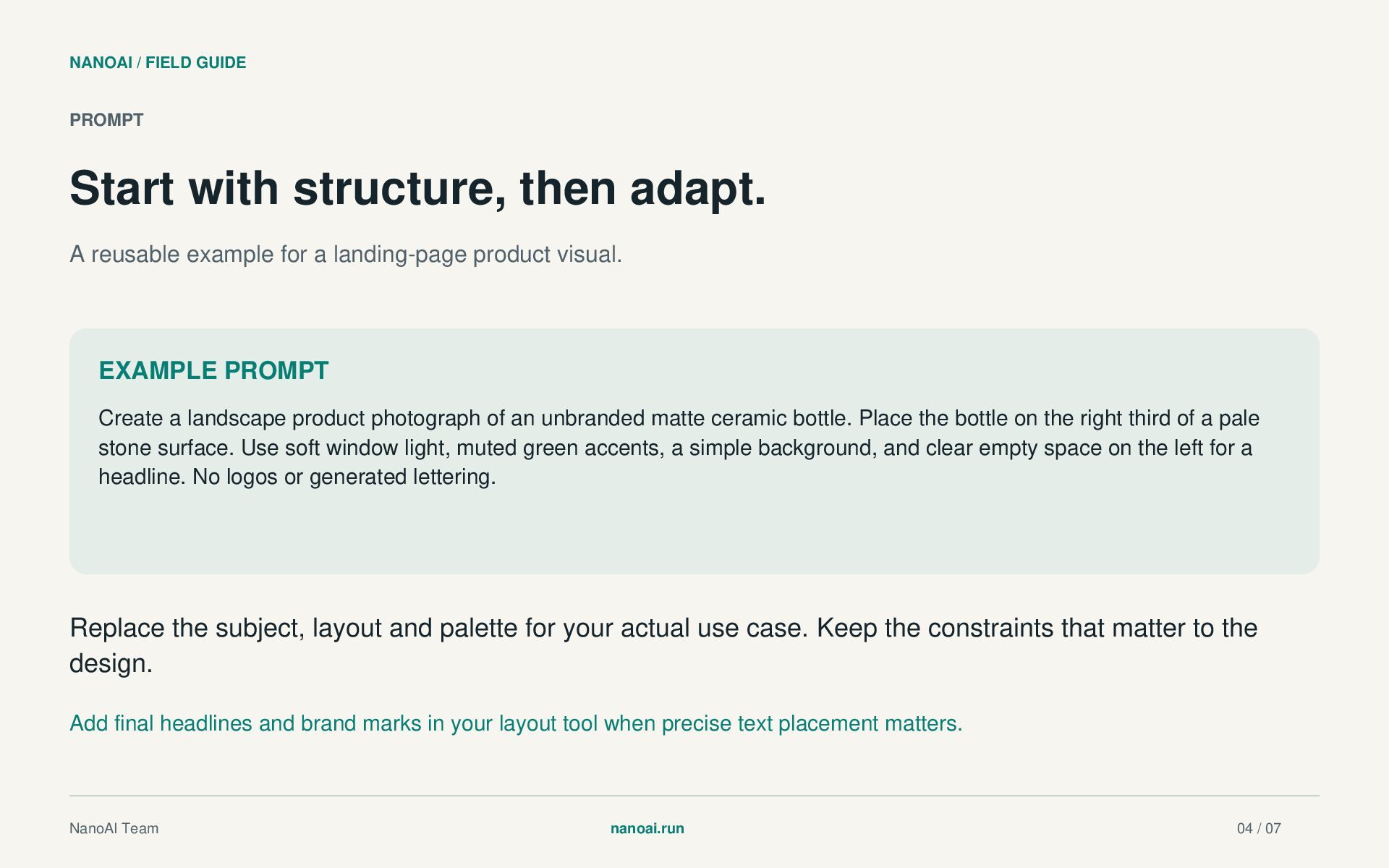
  4. NANOAI / FIELD GUIDE PROMPT Start with structure, then adapt.

    A reusable example for a landing-page product visual. EXAMPLE PROMPT Create a landscape product photograph of an unbranded matte ceramic bottle. Place the bottle on the right third of a pale stone surface. Use soft window light, muted green accents, a simple background, and clear empty space on the left for a headline. No logos or generated lettering. Replace the subject, layout and palette for your actual use case. Keep the constraints that matter to the design. Add final headlines and brand marks in your layout tool when precise text placement matters. NanoAI Team nanoai.run 04 / 07
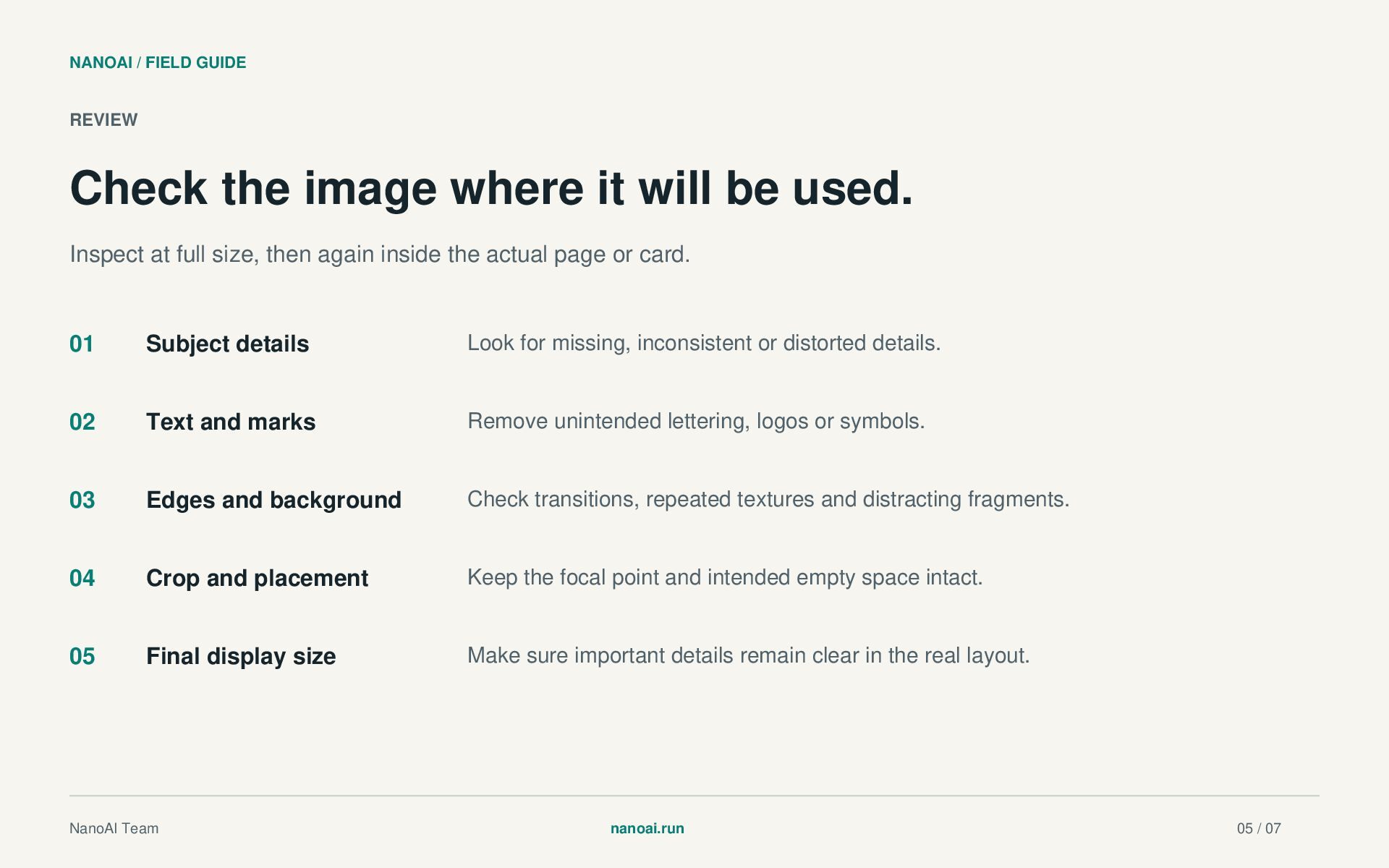
  5. NANOAI / FIELD GUIDE REVIEW Check the image where it

    will be used. Inspect at full size, then again inside the actual page or card. 01 Subject details Look for missing, inconsistent or distorted details. 02 Text and marks Remove unintended lettering, logos or symbols. 03 Edges and background Check transitions, repeated textures and distracting fragments. 04 Crop and placement Keep the focal point and intended empty space intact. 05 Final display size Make sure important details remain clear in the real layout. NanoAI Team nanoai.run 05 / 07
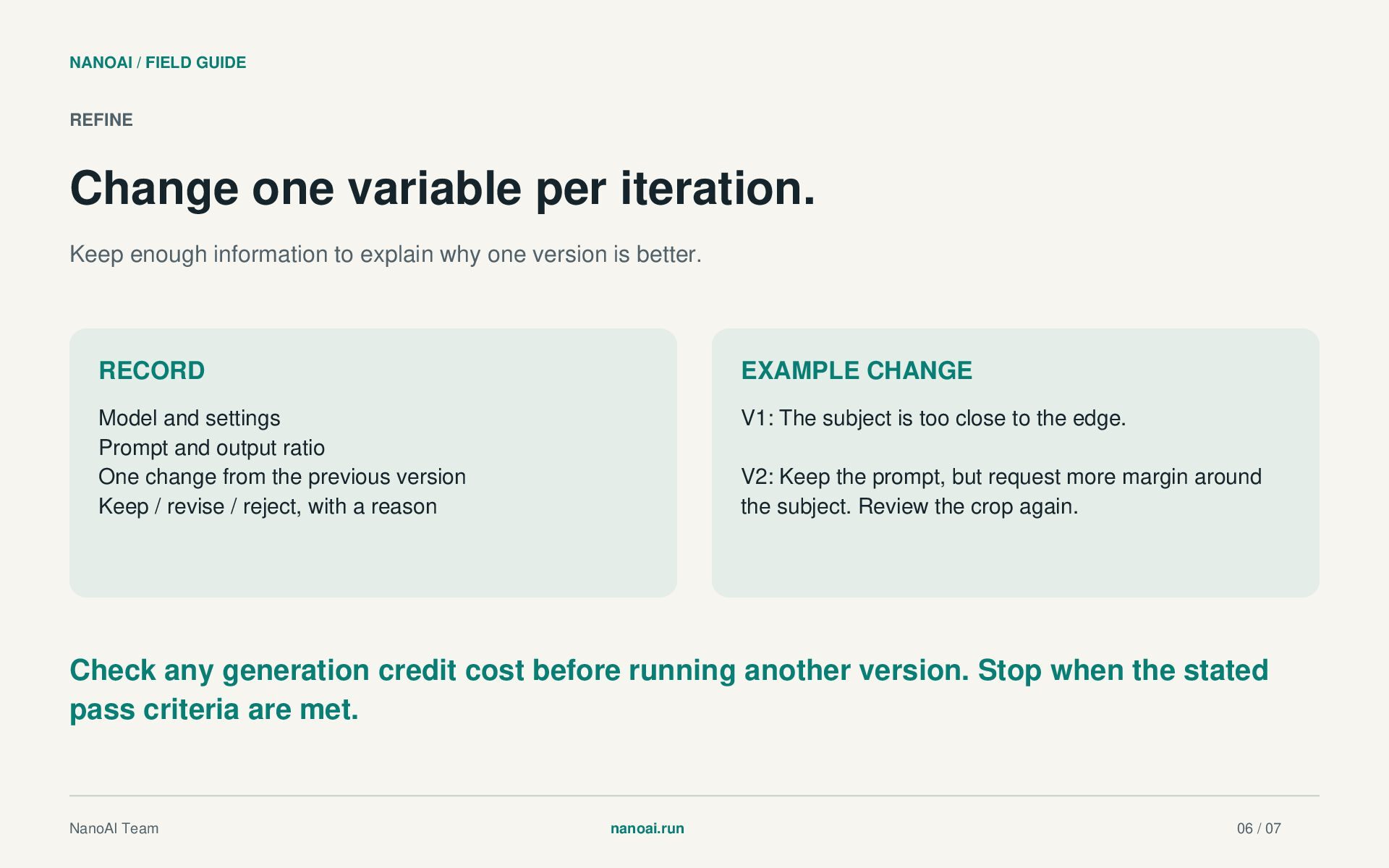
  6. NANOAI / FIELD GUIDE REFINE Change one variable per iteration.

    Keep enough information to explain why one version is better. RECORD EXAMPLE CHANGE Model and settings Prompt and output ratio One change from the previous version Keep / revise / reject, with a reason V1: The subject is too close to the edge. V2: Keep the prompt, but request more margin around the subject. Review the crop again. Check any generation credit cost before running another version. Stop when the stated pass criteria are met. NanoAI Team nanoai.run 06 / 07
  7. NANOAI / FIELD GUIDE TRY THE WORKFLOW Explore NanoAI. Keep

    your brief close. NanoAI is a browser workspace for AI image generation and editing with multiple models. Use a clear brief to explore options, compare results and refine useful visuals. Visit nanoai.run Official website: https://nanoai.run/ Brand contact: [email protected] Produced by NanoAI Team. This guide presents a practical review method; it does not claim that any one model is always best. Check current tool options and generation costs on the official website. NanoAI Team nanoai.run 07 / 07