Upgrade to Pro — share decks privately, control downloads, hide ads and more …

Five Checks Before Switching Image Editors — Ph...

Sponsored · Ship Features Fearlessly Turn features on and off without deploys. Used by thousands of Ruby developers. →
Avatar for Nano AI Nano AI
October 12, 2026

Five Checks Before Switching Image Editors — PhotoCraft Field Guide

A practical seven-page guide to testing a copy of a layered image project before switching editors: preserve the original, inspect layers and masks, check typography, compare colour, and reopen the export.

Created by PhotoCraft Hub, an independent guide and separate AI creative studio. Not affiliated with ArtCraft or Adobe.

Read the independent guide: https://artcraftphotocraft.app/
Official download sources explained: https://artcraftphotocraft.app/download
Workflow comparison: https://artcraftphotocraft.app/artcraft-photoshop

Avatar for Nano AI

Nano AI

October 12, 2026

More Decks by Nano AI

Other Decks in Design

Transcript

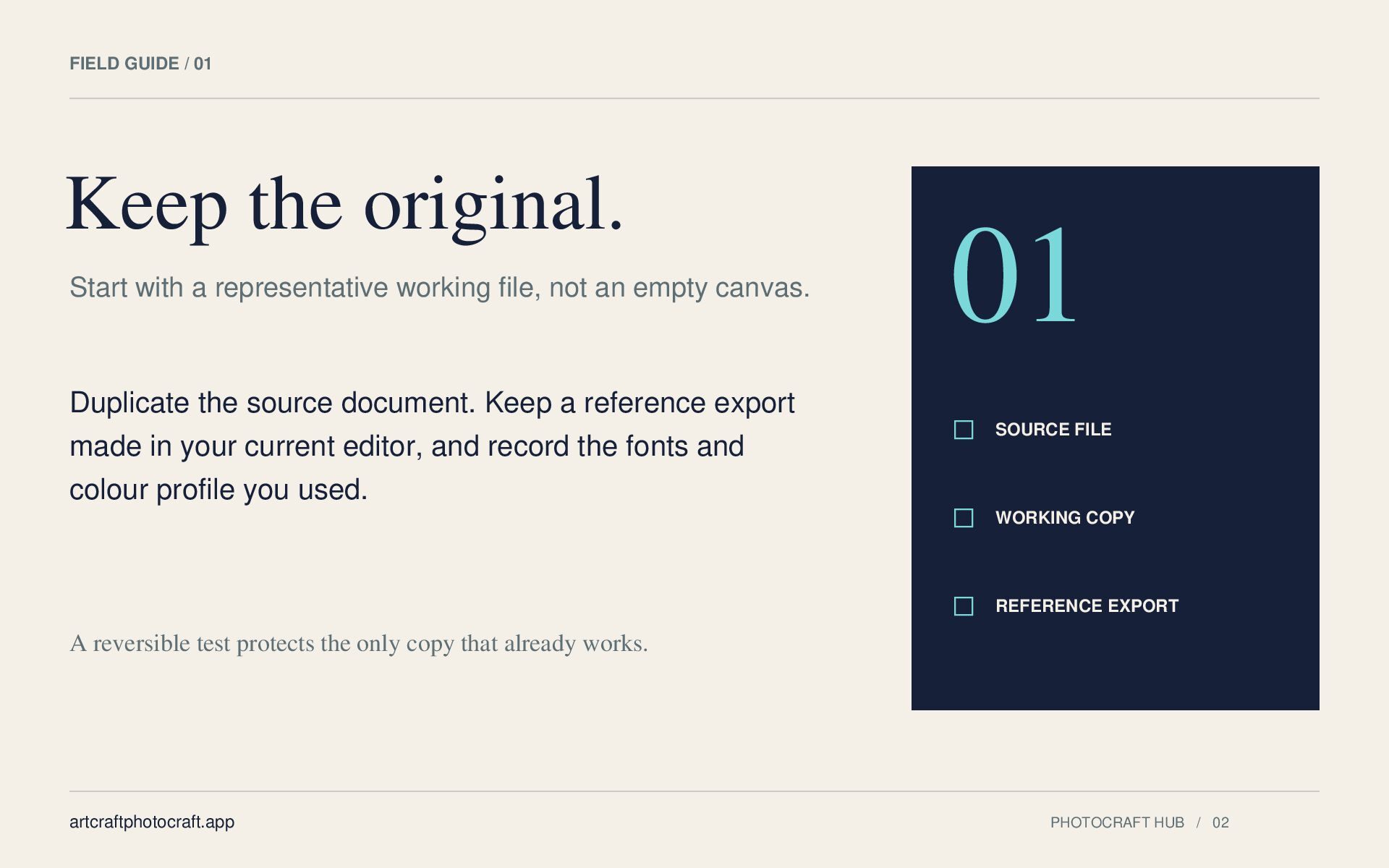
  1. FIELD GUIDE / 01 Keep the original. Start with a

    representative working file, not an empty canvas. Duplicate the source document. Keep a reference export made in your current editor, and record the fonts and colour profile you used. 01 SOURCE FILE WORKING COPY REFERENCE EXPORT A reversible test protects the only copy that already works. artcraftphotocraft.app PHOTOCRAFT HUB / 02
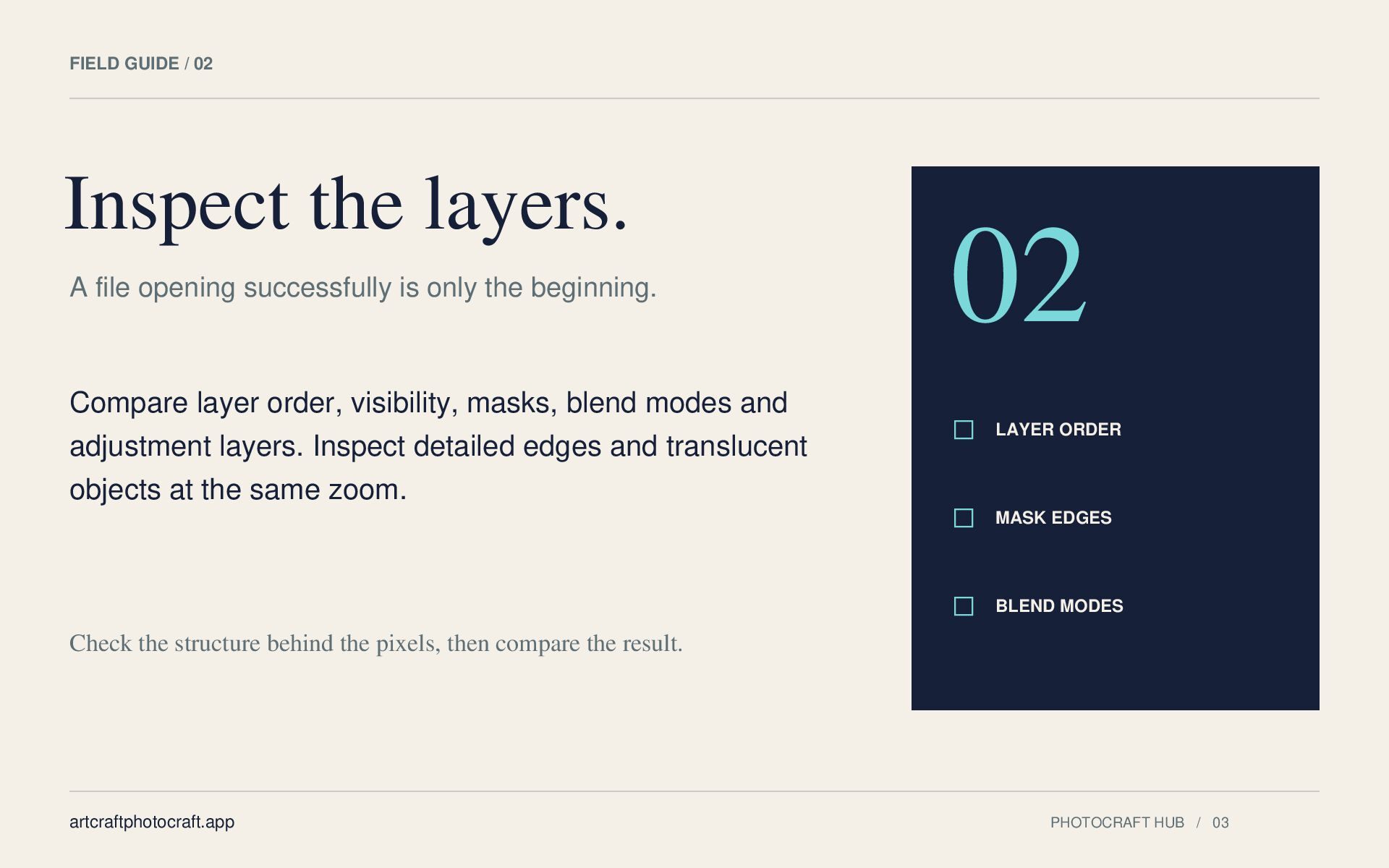
  2. FIELD GUIDE / 02 Inspect the layers. A file opening

    successfully is only the beginning. Compare layer order, visibility, masks, blend modes and adjustment layers. Inspect detailed edges and translucent objects at the same zoom. 02 LAYER ORDER MASK EDGES BLEND MODES Check the structure behind the pixels, then compare the result. artcraftphotocraft.app PHOTOCRAFT HUB / 03
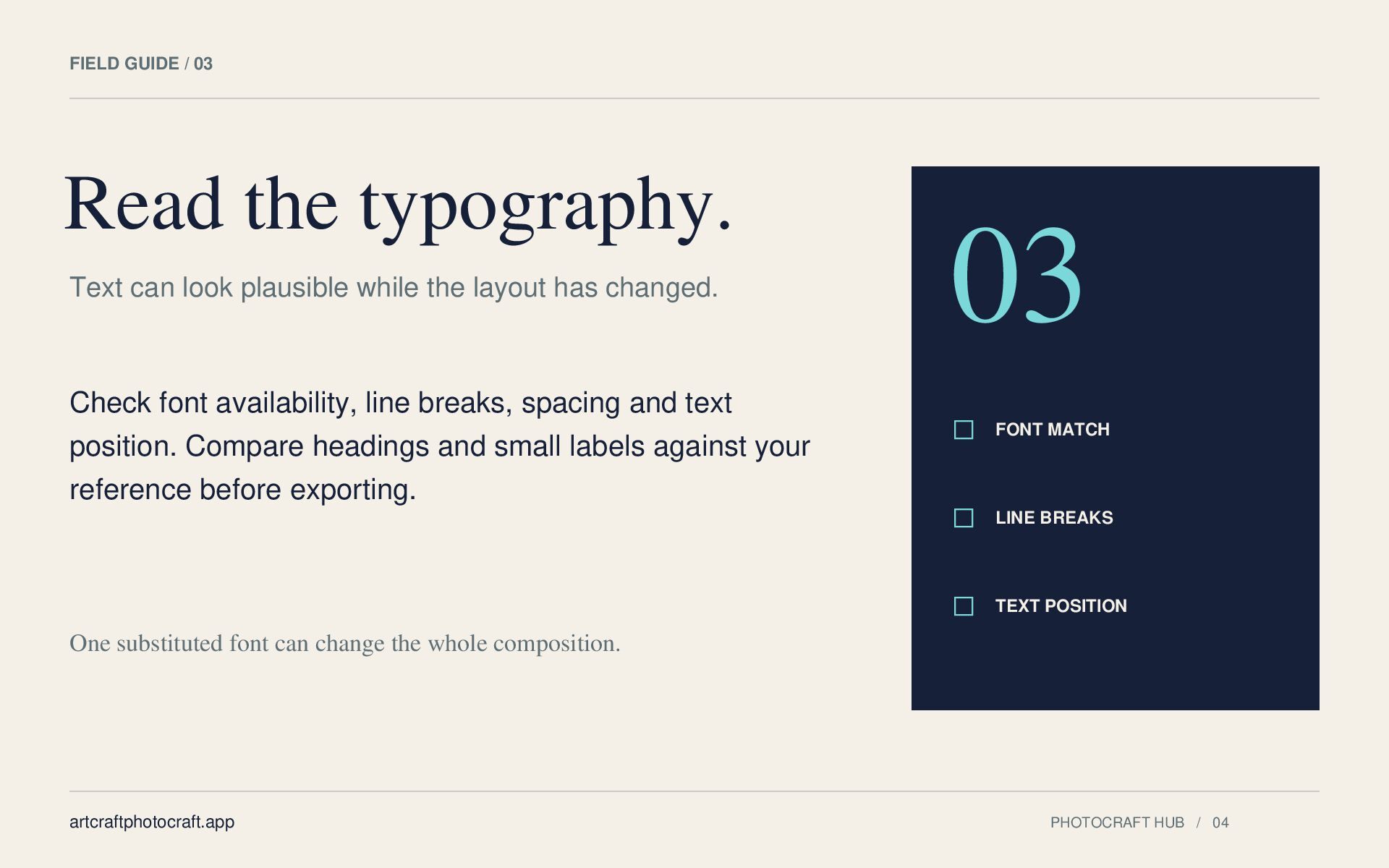
  3. FIELD GUIDE / 03 Read the typography. Text can look

    plausible while the layout has changed. Check font availability, line breaks, spacing and text position. Compare headings and small labels against your reference before exporting. 03 FONT MATCH LINE BREAKS TEXT POSITION One substituted font can change the whole composition. artcraftphotocraft.app PHOTOCRAFT HUB / 04
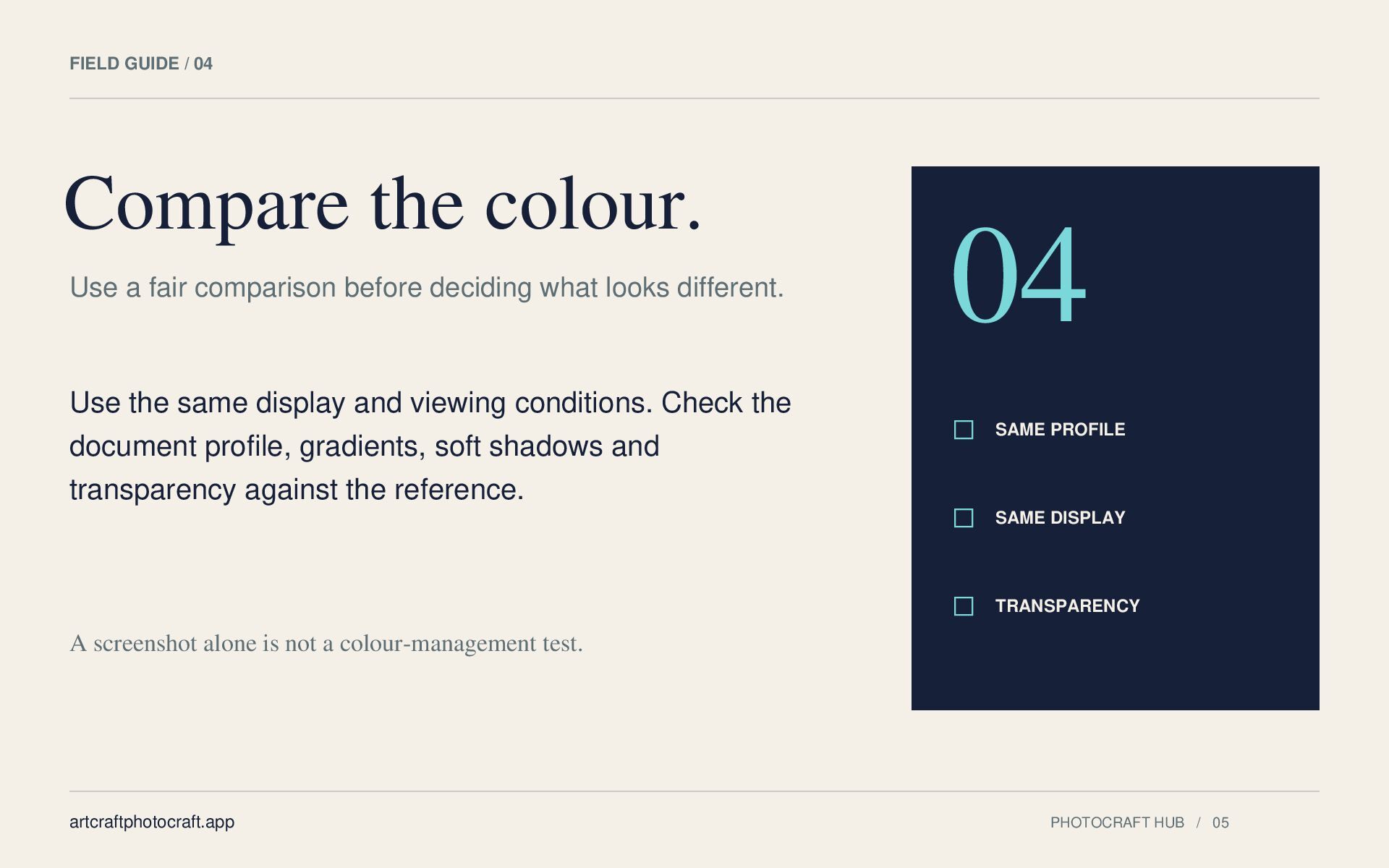
  4. FIELD GUIDE / 04 Compare the colour. Use a fair

    comparison before deciding what looks different. Use the same display and viewing conditions. Check the document profile, gradients, soft shadows and transparency against the reference. 04 SAME PROFILE SAME DISPLAY TRANSPARENCY A screenshot alone is not a colour-management test. artcraftphotocraft.app PHOTOCRAFT HUB / 05
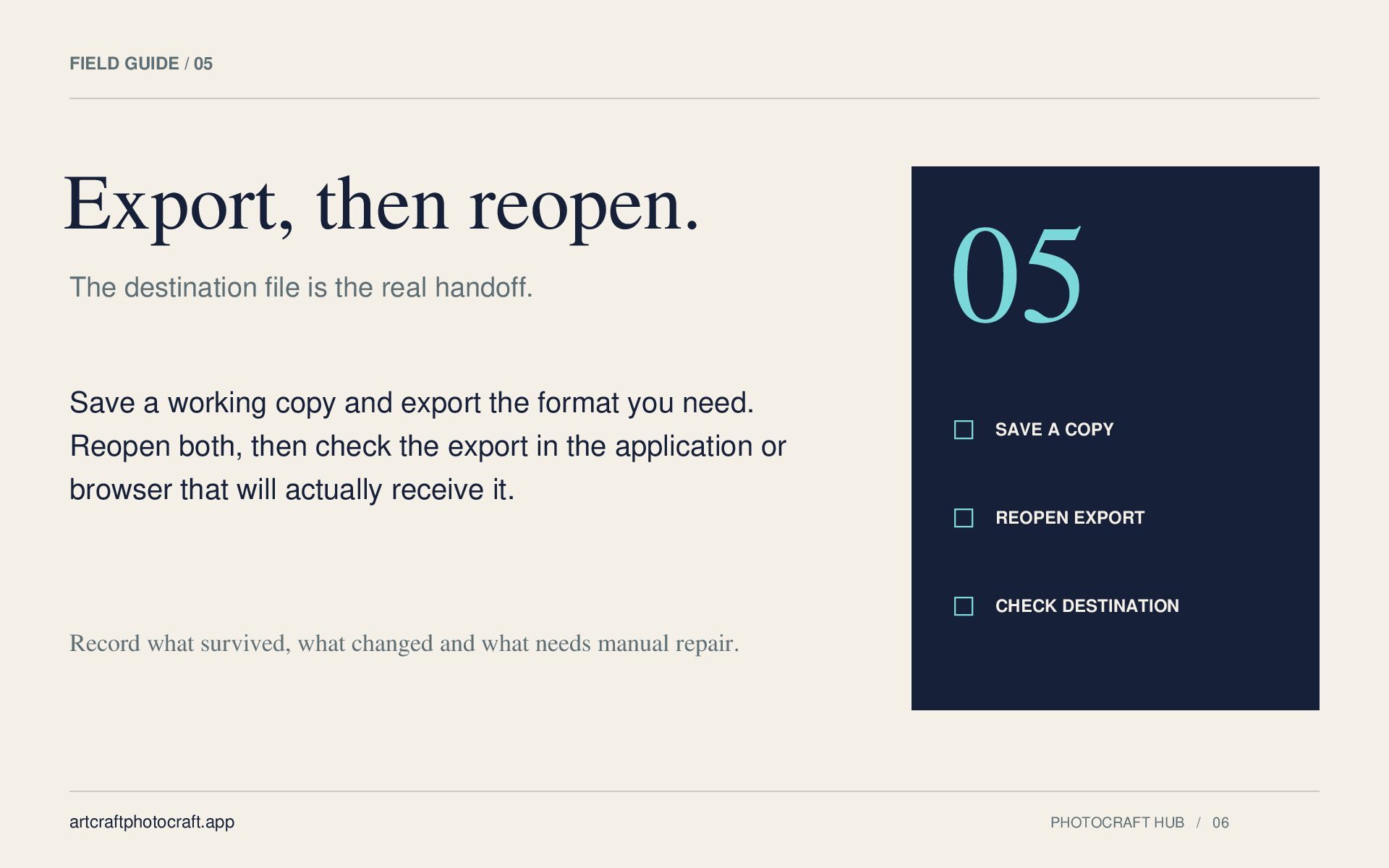
  5. FIELD GUIDE / 05 Export, then reopen. The destination file

    is the real handoff. Save a working copy and export the format you need. Reopen both, then check the export in the application or browser that will actually receive it. 05 SAVE A COPY REOPEN EXPORT CHECK DESTINATION Record what survived, what changed and what needs manual repair. artcraftphotocraft.app PHOTOCRAFT HUB / 06
  6. READ. TEST. KEEP YOUR OPTIONS. Take the next step. Independent

    guide artcraftphotocraft.app Official download sources, explained artcraftphotocraft.app/download PhotoCraft and Photoshop comparison artcraftphotocraft.app/artcraft-photoshop PhotoCraft Hub is an independent guide and a separate credit-based AI studio. It is not affiliated with ArtCraft or Adobe. This checklist is editorial guidance, not a compatibility benchmark. artcraftphotocraft.app PHOTOCRAFT HUB / 07