Genkit Dart Google’s open-source AI framework, now in the language you already write Gidudu Muyobo Nicholas Software Developer #droidConUG26 · Oct 28–29
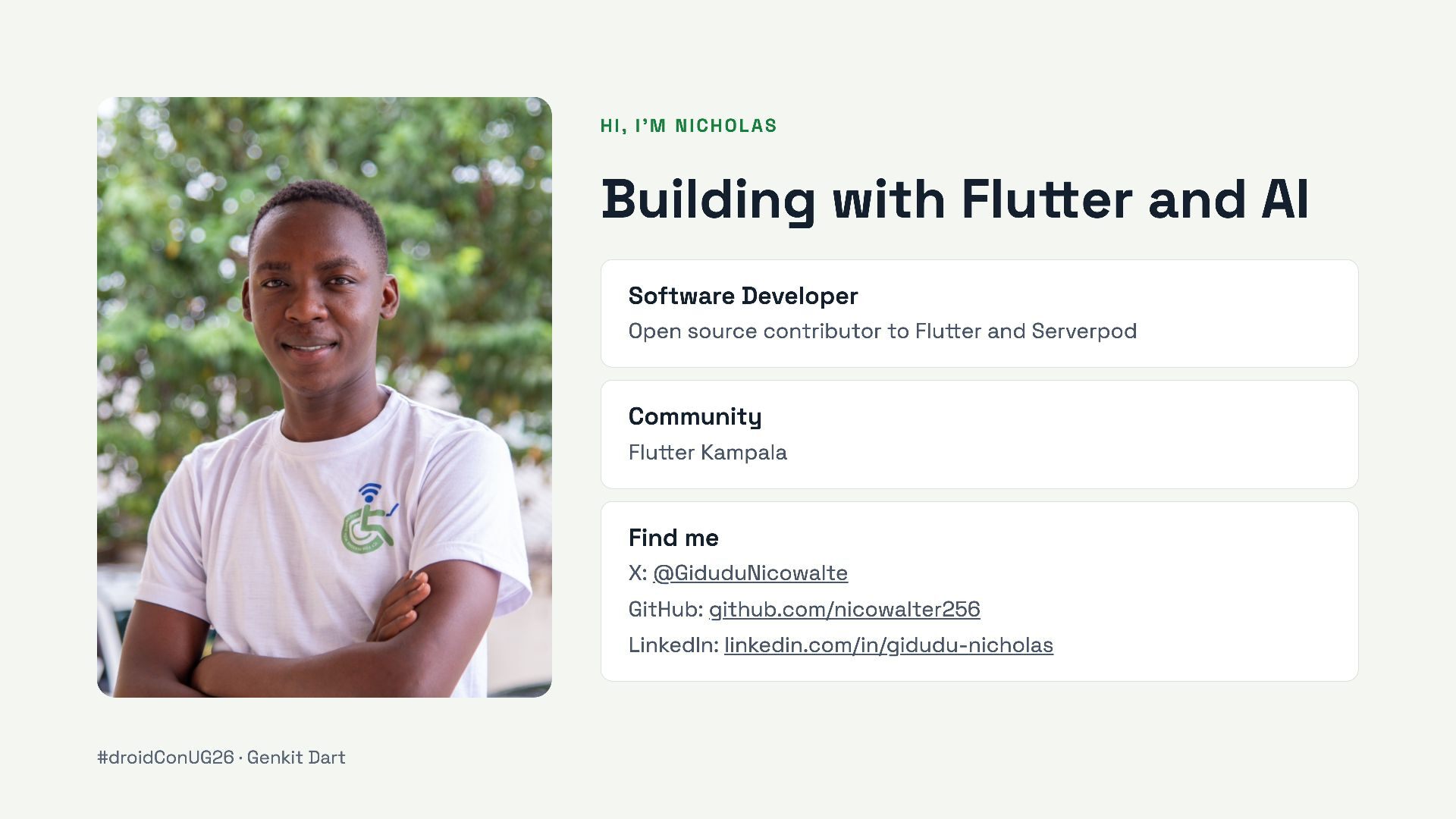
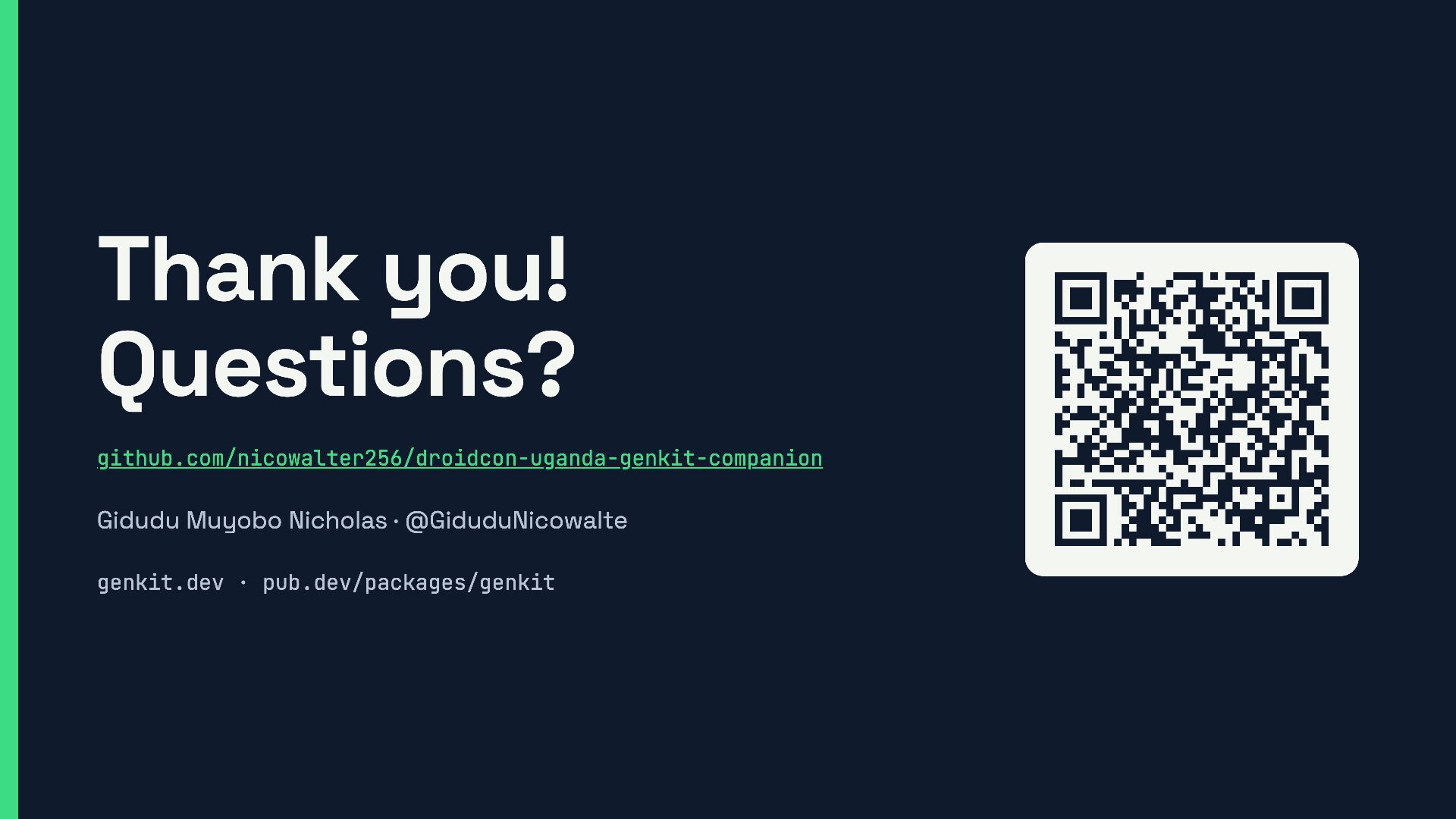
Open source contributor to Flutter and Serverpod Community Flutter Kampala Find me X: @GiduduNicowalte GitHub: github.com/nicowalter256 LinkedIn: linkedin.com/in/gidudu-nicholas #droidConUG26 · Genkit Dart
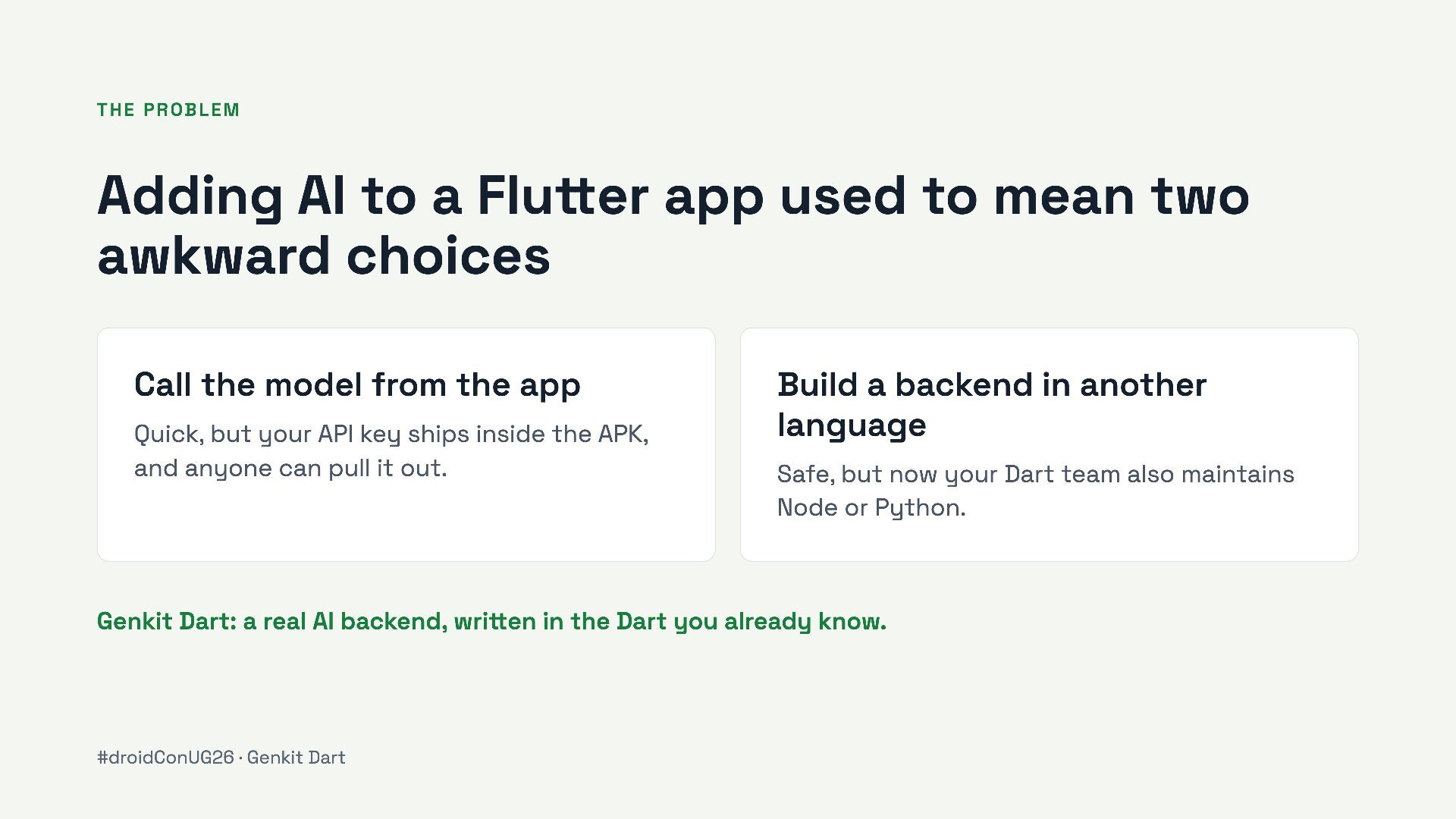
mean two awkward choices Call the model from the app Quick, but your API key ships inside the APK, and anyone can pull it out. Build a backend in another language Safe, but now your Dart team also maintains Node or Python. Genkit Dart: a real AI backend, written in the Dart you already know. #droidConUG26 · Genkit Dart
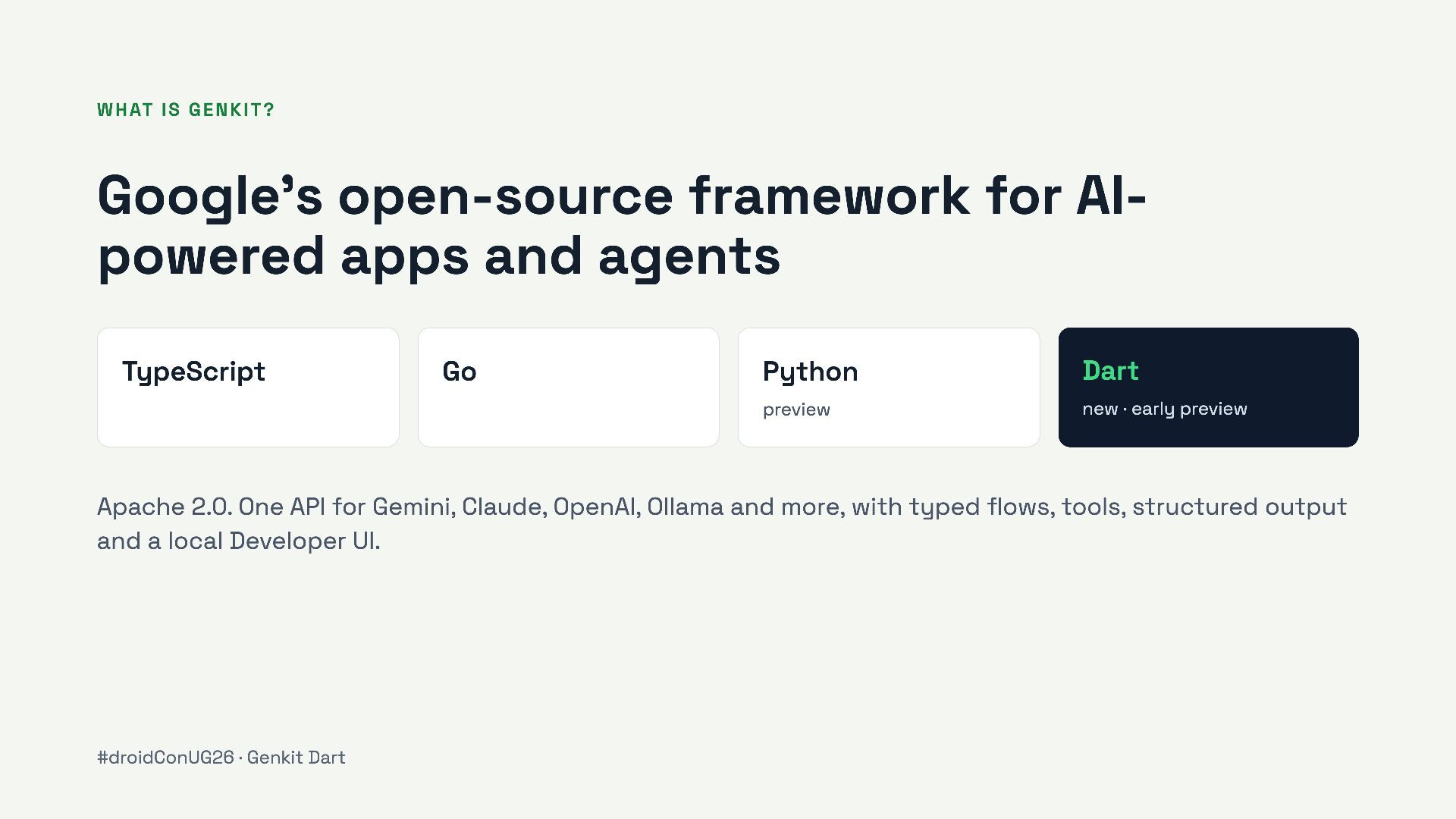
agents TypeScript Go Python Dart preview new · early preview Apache 2.0. One API for Gemini, Claude, OpenAI, Ollama and more, with typed flows, tools, structured output and a local Developer UI. #droidConUG26 · Genkit Dart
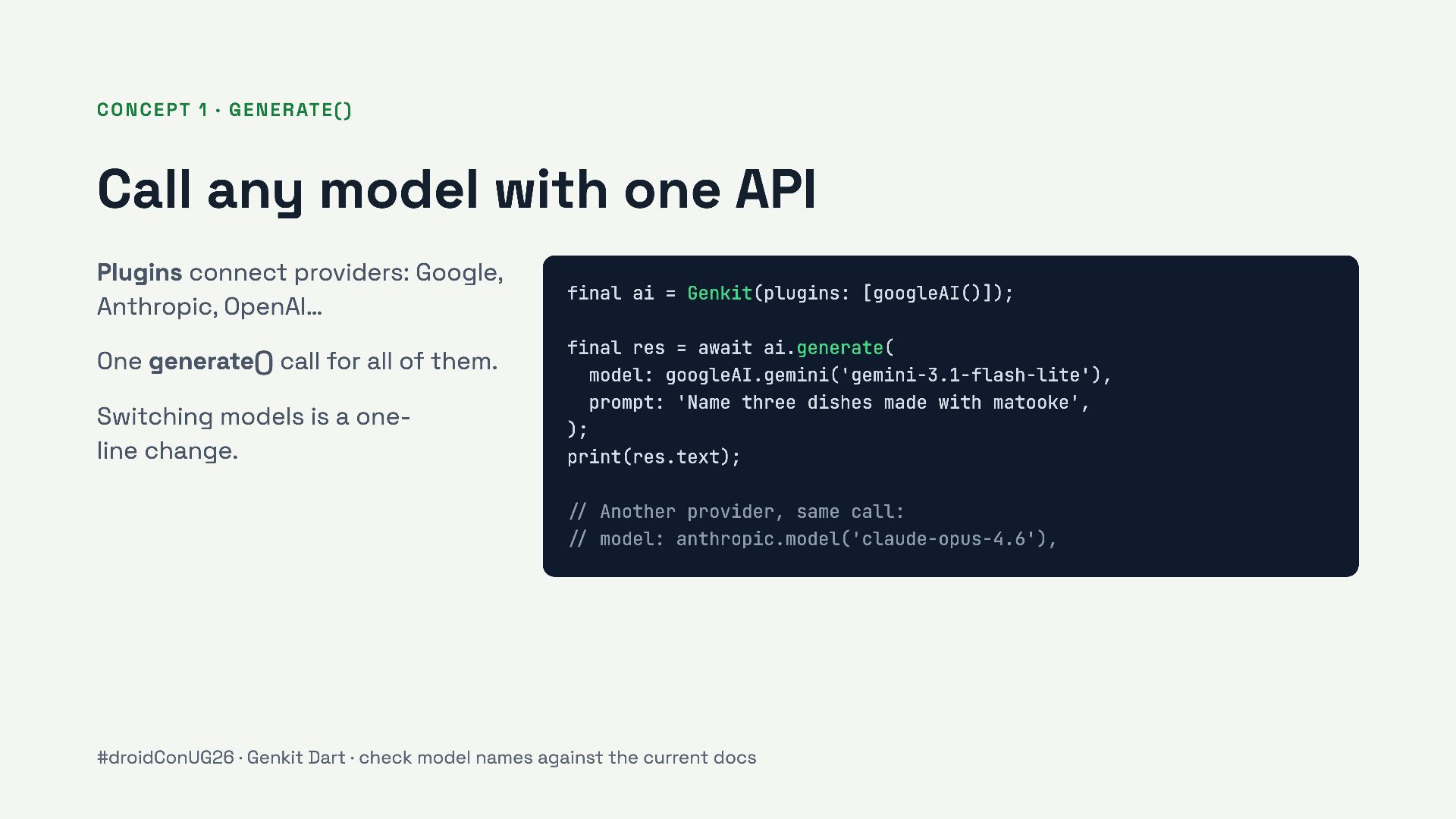
Plugins connect providers: Google, Anthropic, OpenAI… One generate() call for all of them. Switching models is a oneline change. final ai = Genkit(plugins: [googleAI()]); final res = await ai.generate( model: googleAI.gemini('gemini-3.1-flash-lite'), prompt: 'Name three dishes made with matooke', ); print(res.text); // Another provider, same call: // model: anthropic.model('claude-opus-4.6'), #droidConUG26 · Genkit Dart · check model names against the current docs
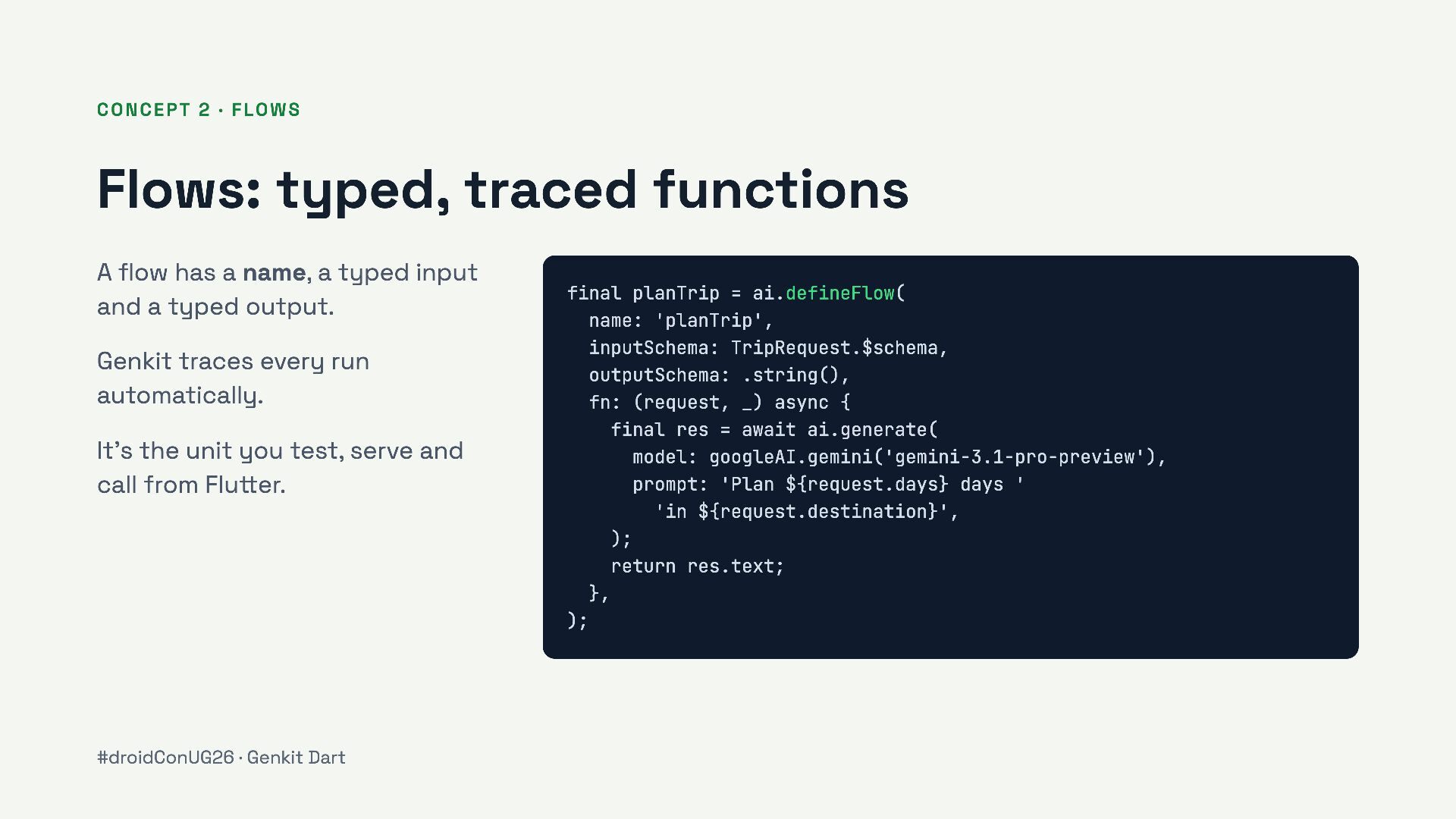
has a name, a typed input and a typed output. Genkit traces every run automatically. final planTrip = ai.defineFlow( name: 'planTrip', inputSchema: TripRequest.$schema, outputSchema: .string(), fn: (request, _) async { final res = await ai.generate( model: googleAI.gemini('gemini-3.1-pro-preview'), prompt: 'Plan ${request.days} days ' 'in ${request.destination}', ); return res.text; It’s the unit you test, serve and call from Flutter. }, ); #droidConUG26 · Genkit Dart
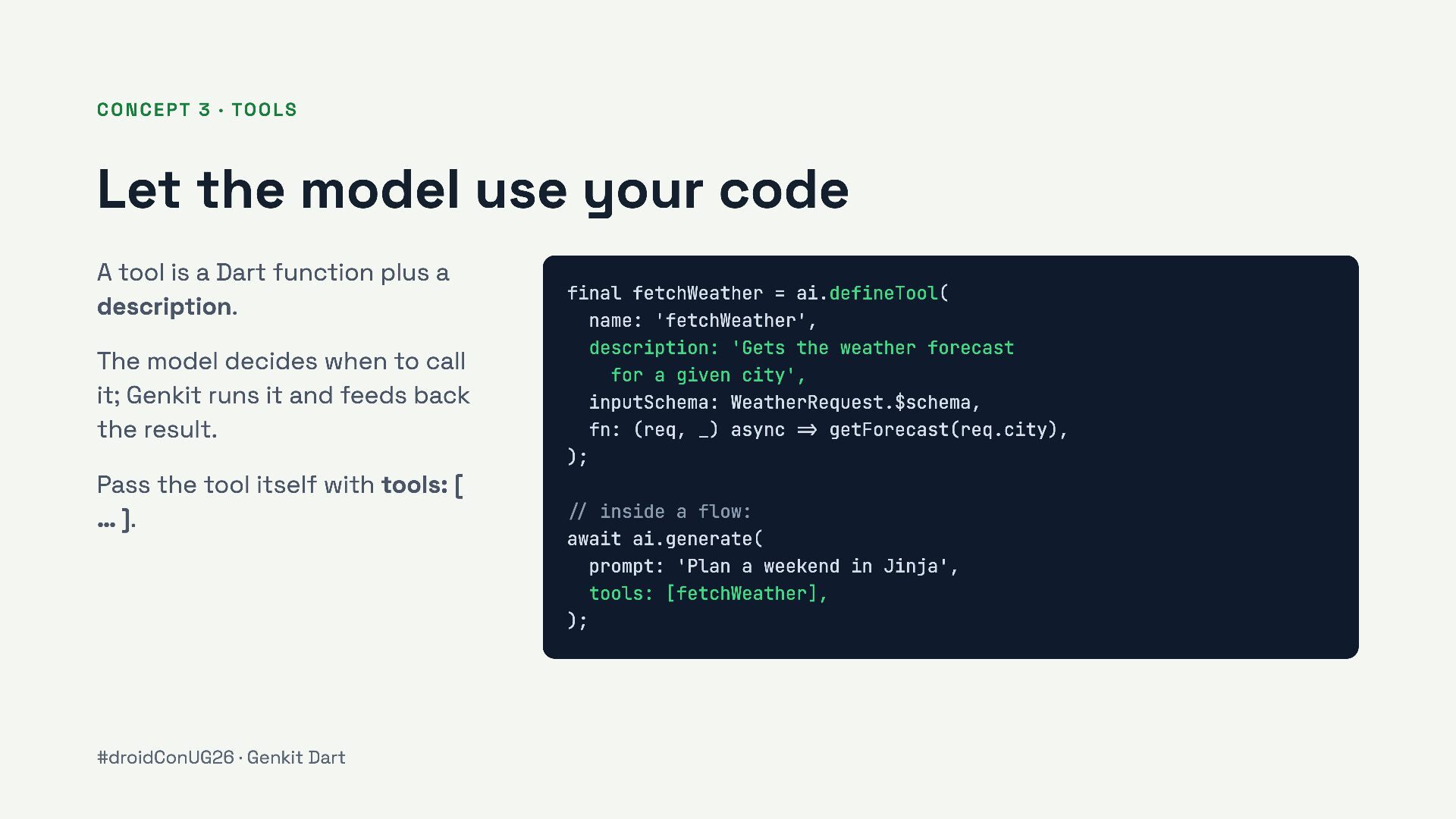
A tool is a Dart function plus a description. The model decides when to call it; Genkit runs it and feeds back the result. final fetchWeather = ai.defineTool( name: 'fetchWeather', description: 'Gets the weather forecast for a given city', inputSchema: WeatherRequest.$schema, fn: (req, _) async => getForecast(req.city), ); Pass the tool itself with tools: [ … ]. #droidConUG26 · Genkit Dart // inside a flow: await ai.generate( prompt: 'Plan a weekend in Jinja', tools: [fetchWeather], );
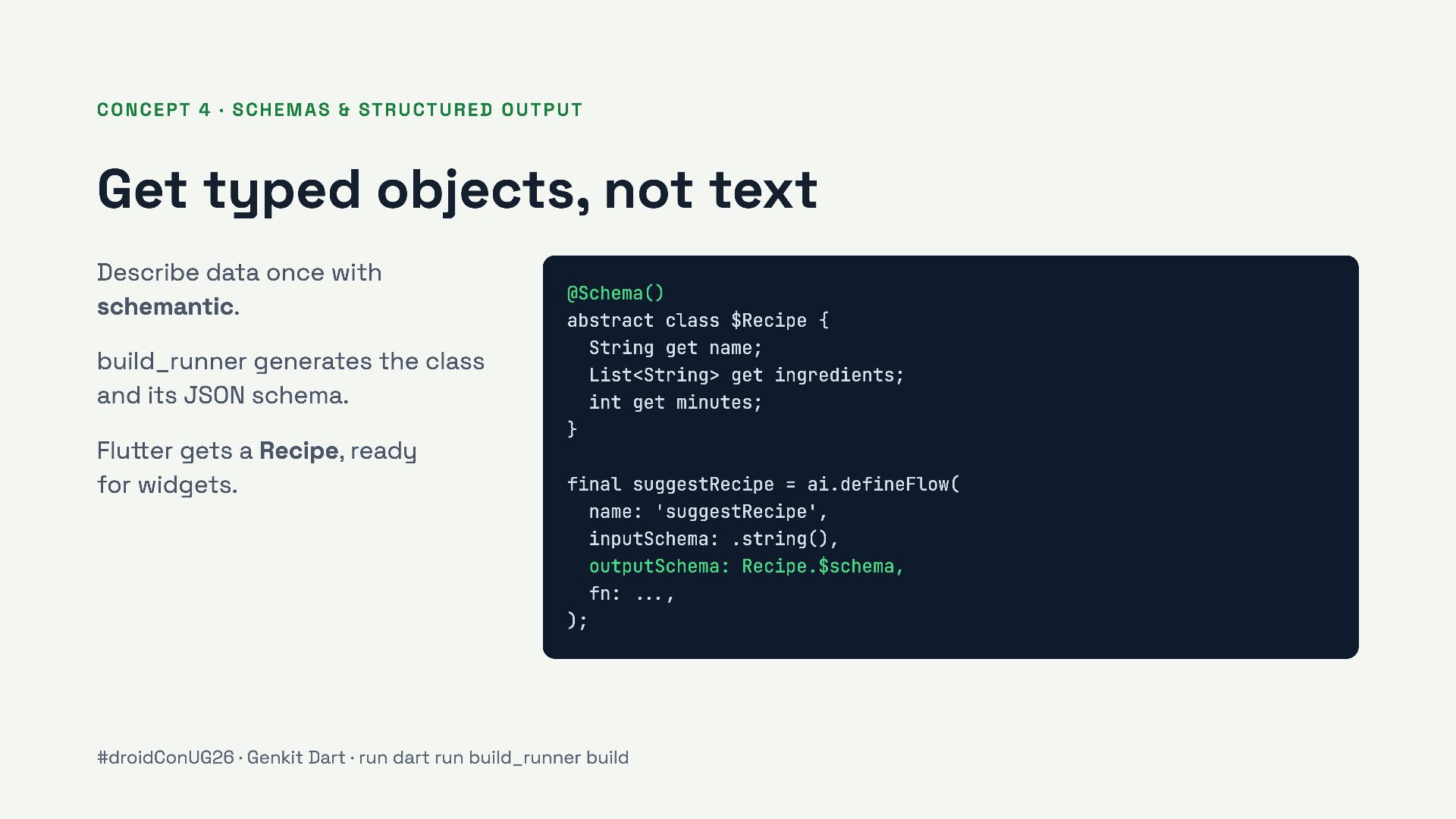
not text Describe data once with schemantic. build_runner generates the class and its JSON schema. @Schema() abstract class $Recipe { String get name; List<String> get ingredients; int get minutes; } Flutter gets a Recipe, ready for widgets. final suggestRecipe = ai.defineFlow( name: 'suggestRecipe', inputSchema: .string(), outputSchema: Recipe.$schema, fn: ..., ); #droidConUG26 · Genkit Dart · run dart run build_runner build
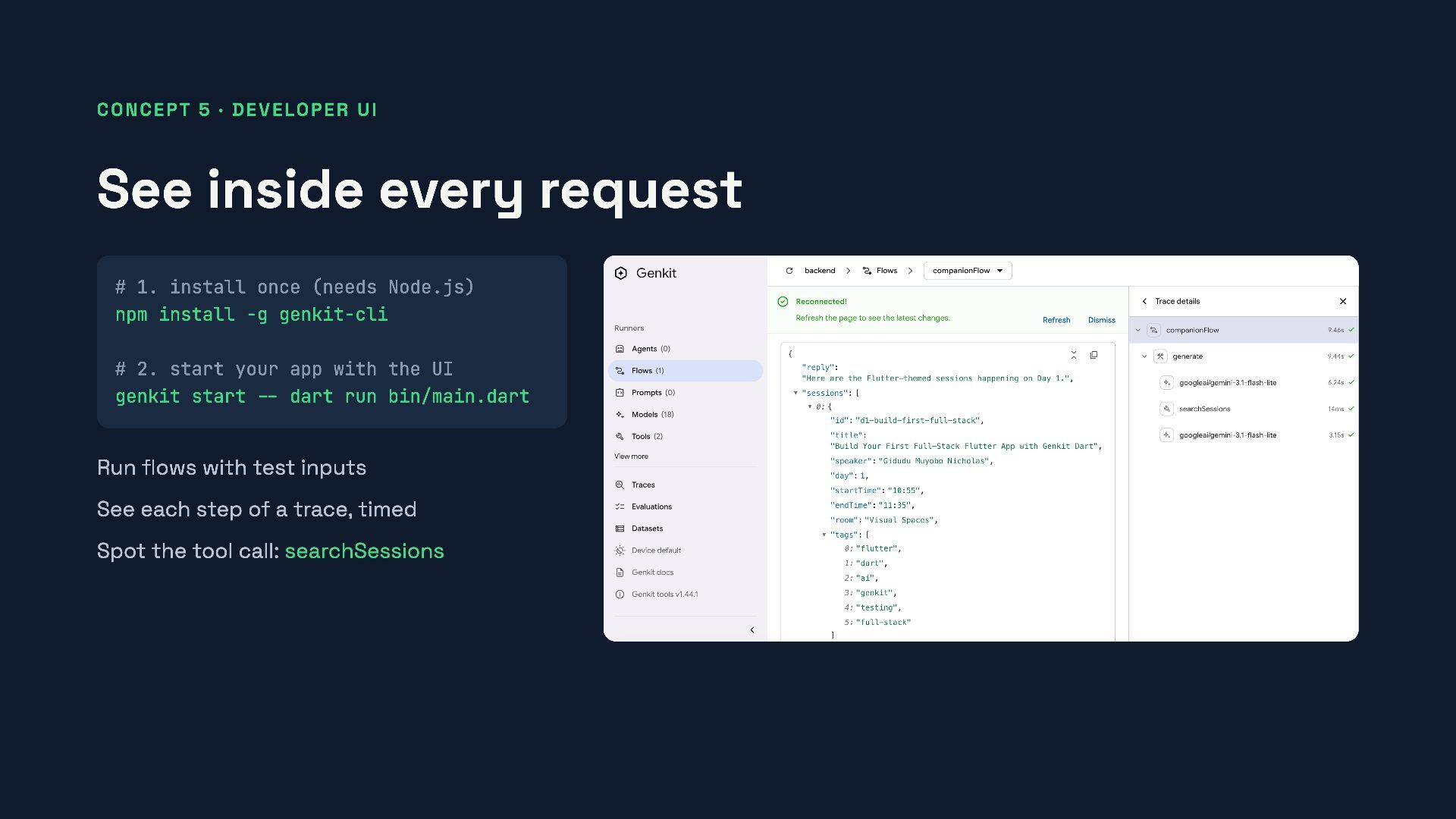
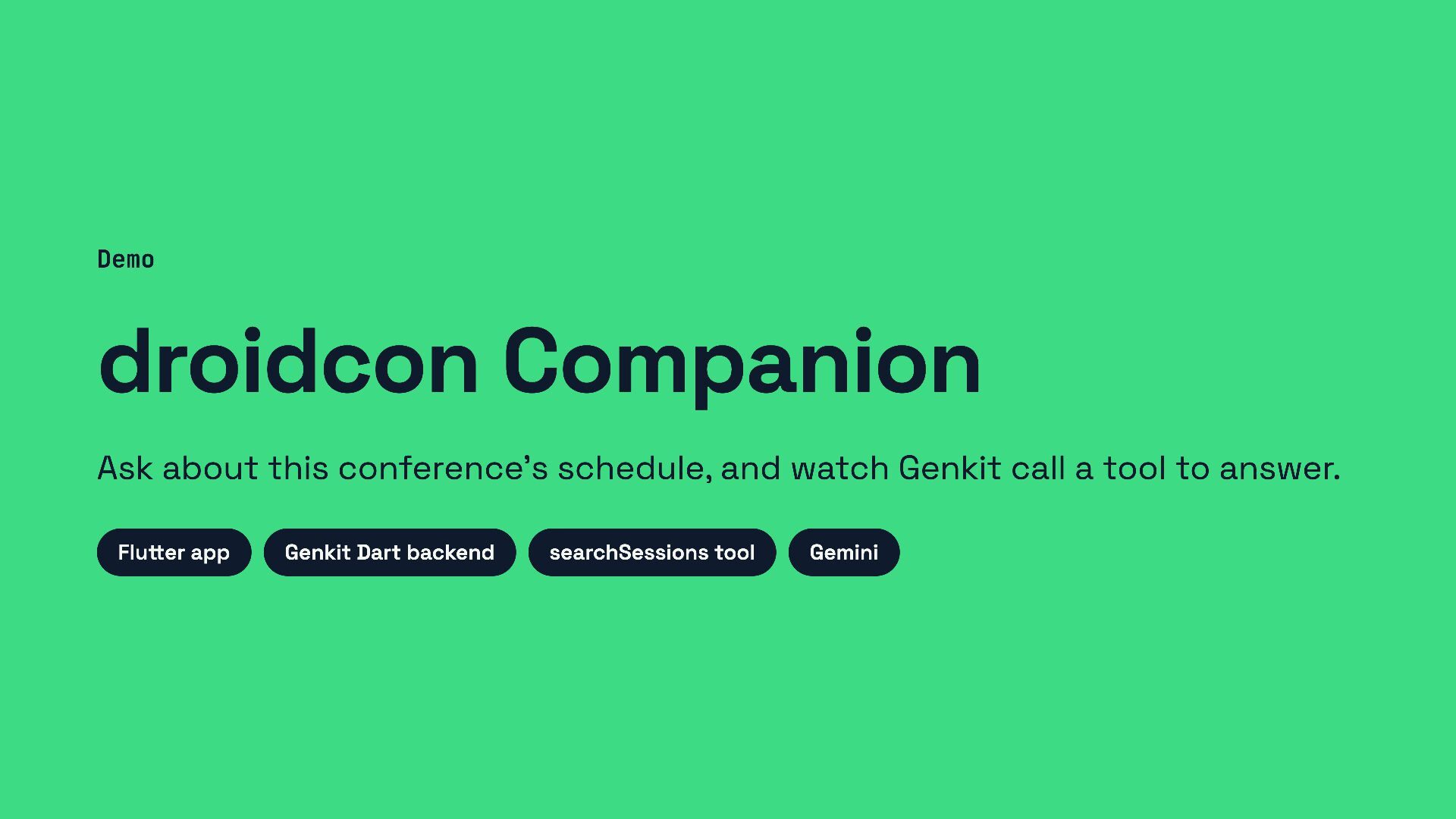
1. install once (needs Node.js) npm install -g genkit-cli # 2. start your app with the UI genkit start -- dart run bin/main.dart Run flows with test inputs See each step of a trace, timed Spot the tool call: searchSessions
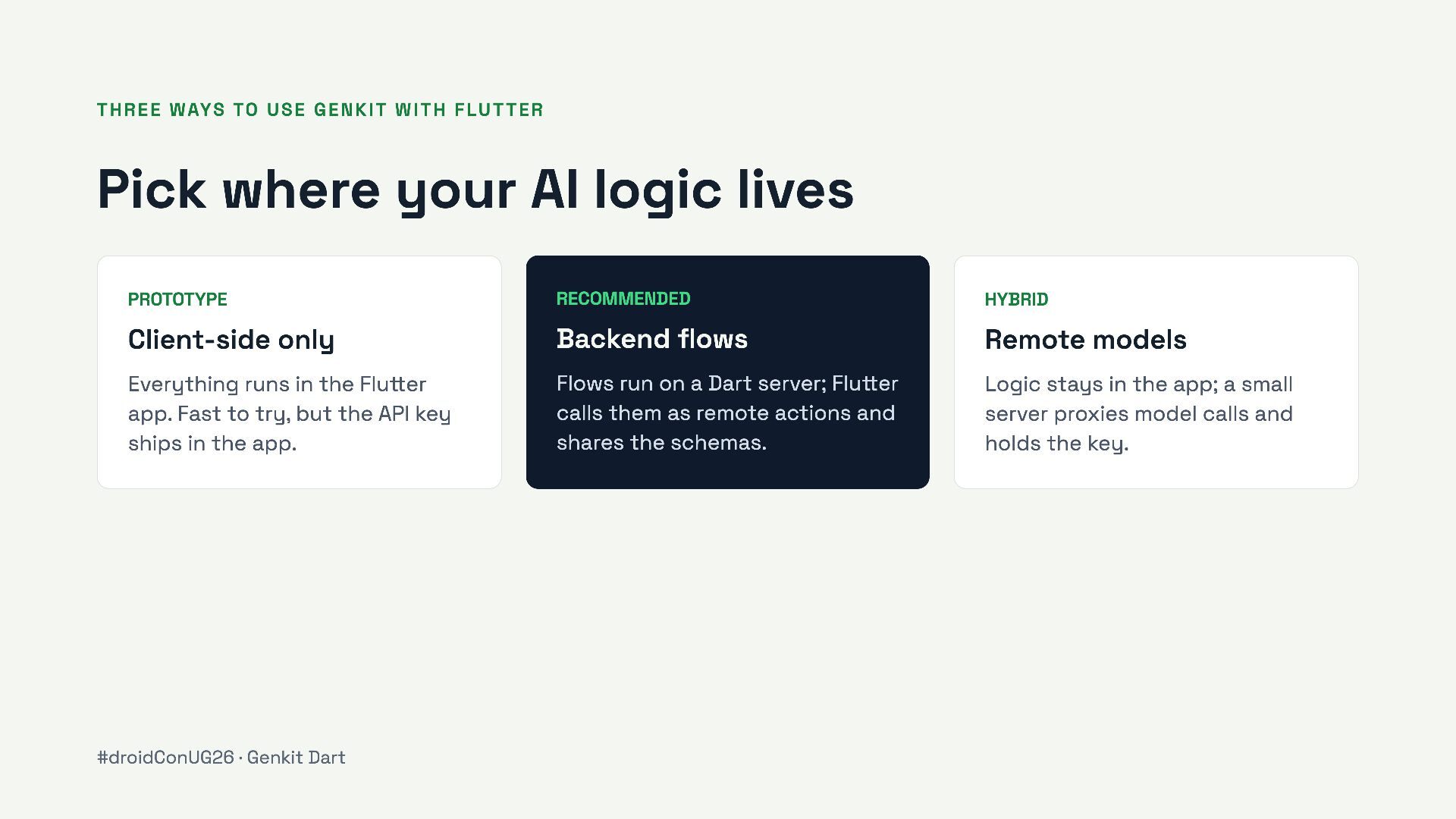
AI logic lives PROTOTYPE RECOMMENDED HYBRID Client-side only Backend flows Remote models Everything runs in the Flutter app. Fast to try, but the API key ships in the app. Flows run on a Dart server; Flutter calls them as remote actions and shares the schemas. Logic stays in the app; a small server proxies model calls and holds the key. #droidConUG26 · Genkit Dart
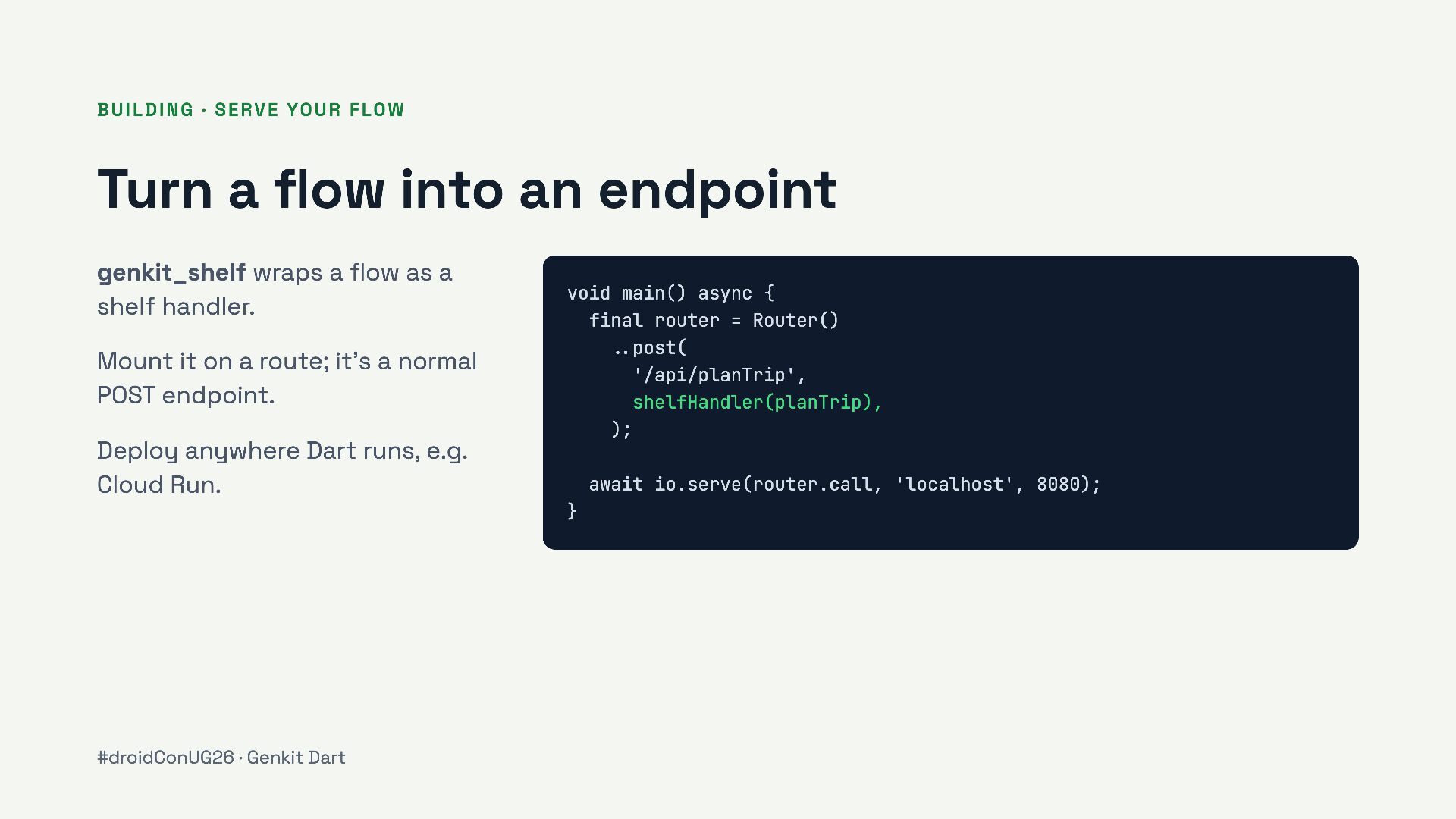
endpoint genkit_shelf wraps a flow as a shelf handler. Mount it on a route; it’s a normal POST endpoint. void main() async { final router = Router() ..post( '/api/planTrip', shelfHandler(planTrip), ); Deploy anywhere Dart runs, e.g. Cloud Run. await io.serve(router.call, 'localhost', 8080); } #droidConUG26 · Genkit Dart
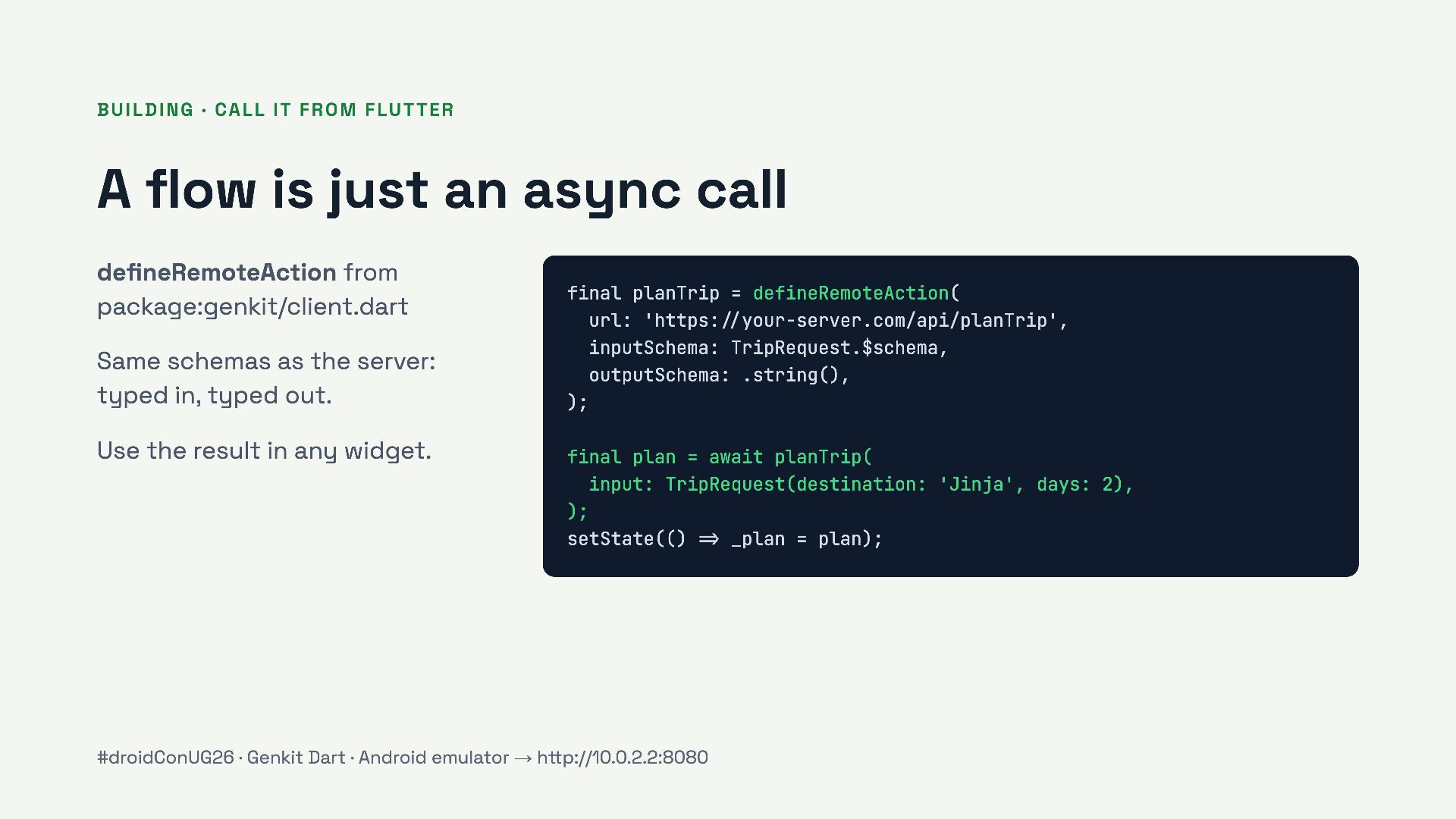
an async call defineRemoteAction from package:genkit/client.dart Same schemas as the server: typed in, typed out. Use the result in any widget. final planTrip = defineRemoteAction( url: 'https://your-server.com/api/planTrip', inputSchema: TripRequest.$schema, outputSchema: .string(), ); final plan = await planTrip( input: TripRequest(destination: 'Jinja', days: 2), ); setState(() => _plan = plan); #droidConUG26 · Genkit Dart · Android emulator → http://10.0.2.2:8080
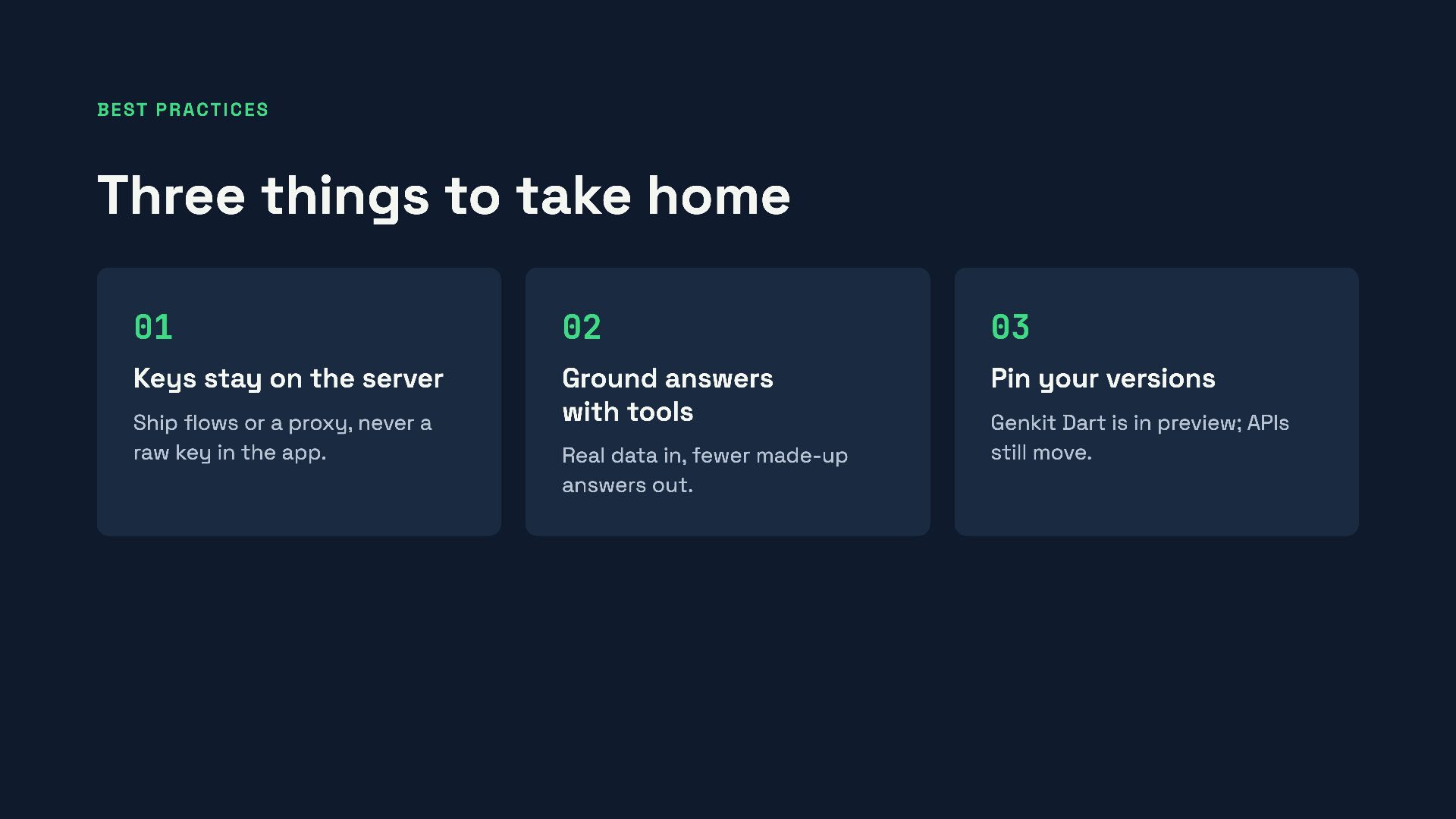
Keys stay on the server Ground answers with tools Pin your versions Ship flows or a proxy, never a raw key in the app. Real data in, fewer made-up answers out. Genkit Dart is in preview; APIs still move.


 nicowalter
 akashhashmi
 tmiket
 nikkihalliwell
 ianozsvald
 techseoconnect
 codingconduct
 szymonslowik
 tenderlove
 bluesmoon
 leimatthew05
 axbom
axbom
 helmedeiros