Upgrade to Pro — share decks privately, control downloads, hide ads and more …

Workshop of CSS architecture for Web Developer

Workshop of CSS architecture for Web Developer

Avatar for Nikeshsuwal

Nikeshsuwal

April 09, 2017

Other Decks in Programming

Transcript

  1. CSS is simple... It's simple to understand. But CSS is

    not simple to use or maintain “
  2. • CSS weaknesses • Preprocessor feature (SASS) • Preprocessor Misconception

    • Workflow and technique • SASS + SMACSS + BEM I will talk about
  3. Client:“Can we try changing our theme quickly? I think blue

    button would be more engaging!” You: “Hm...” It’s not that quick. Come back in 1 hours ? Client: After 1 hours and deployed to production server “ Ah it’s ugly! Can we try a lighter blue and compare it to this orange and green too?” At the office dealing with client
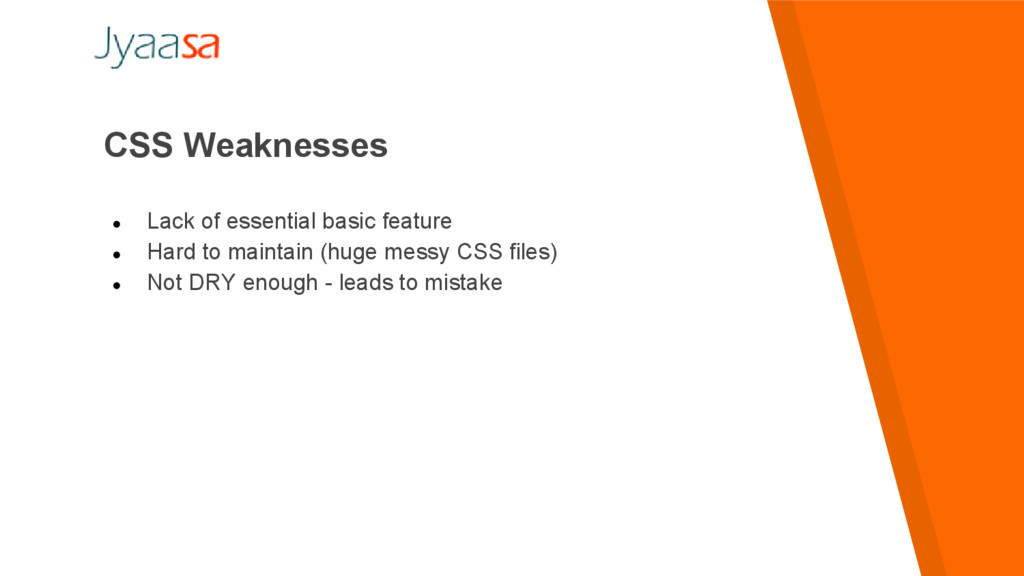
  4. • Lack of essential basic feature • Hard to maintain

    (huge messy CSS files) • Not DRY enough - leads to mistake CSS Weaknesses
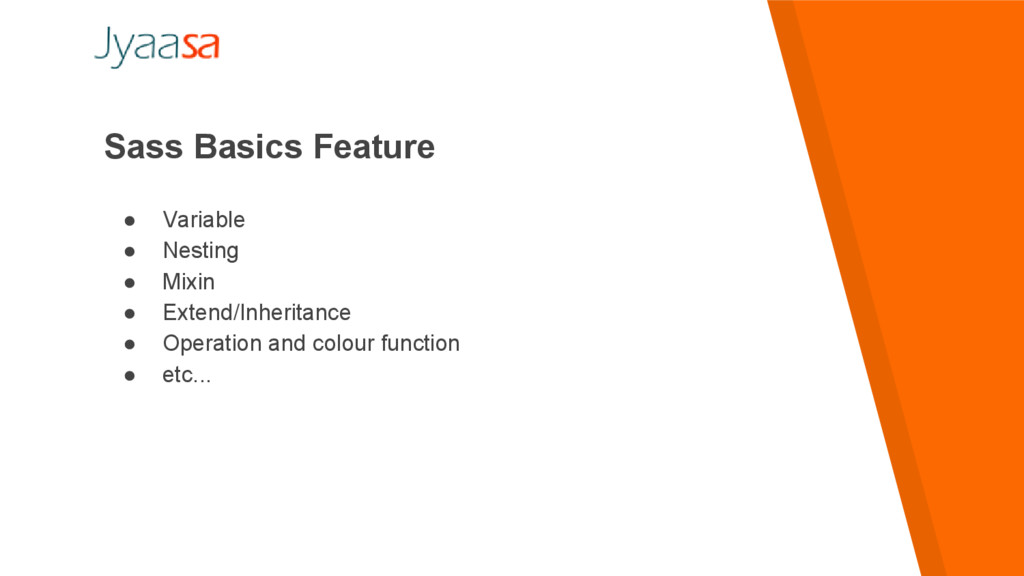
  5. Sass Basics Feature • Variable • Nesting • Mixin •

    Extend/Inheritance • Operation and colour function • etc...
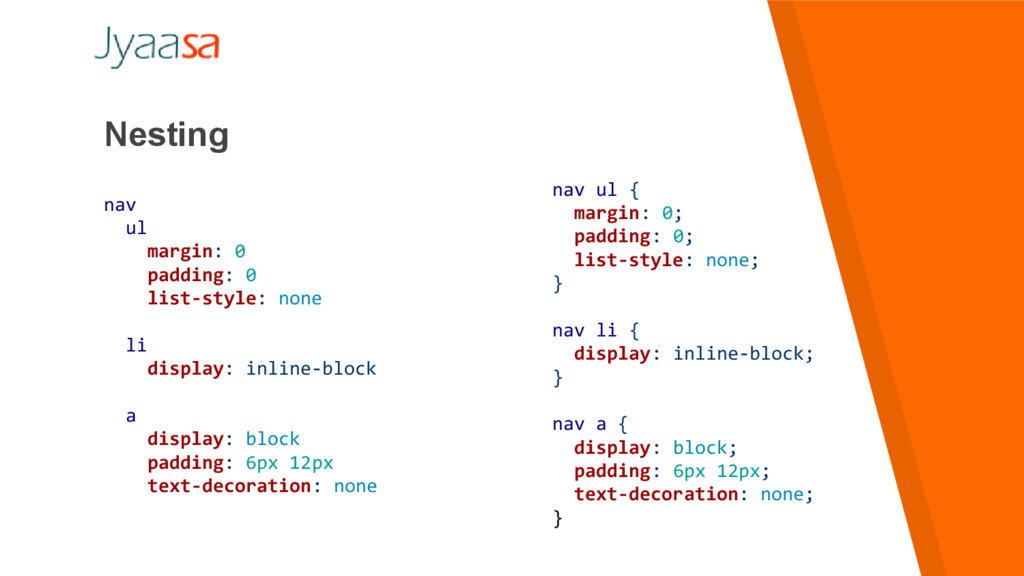
  6. Nesting nav ul margin: 0 padding: 0 list-style: none li

    display: inline-block a display: block padding: 6px 12px text-decoration: none nav ul { margin: 0; padding: 0; list-style: none; } nav li { display: inline-block; } nav a { display: block; padding: 6px 12px; text-decoration: none; }
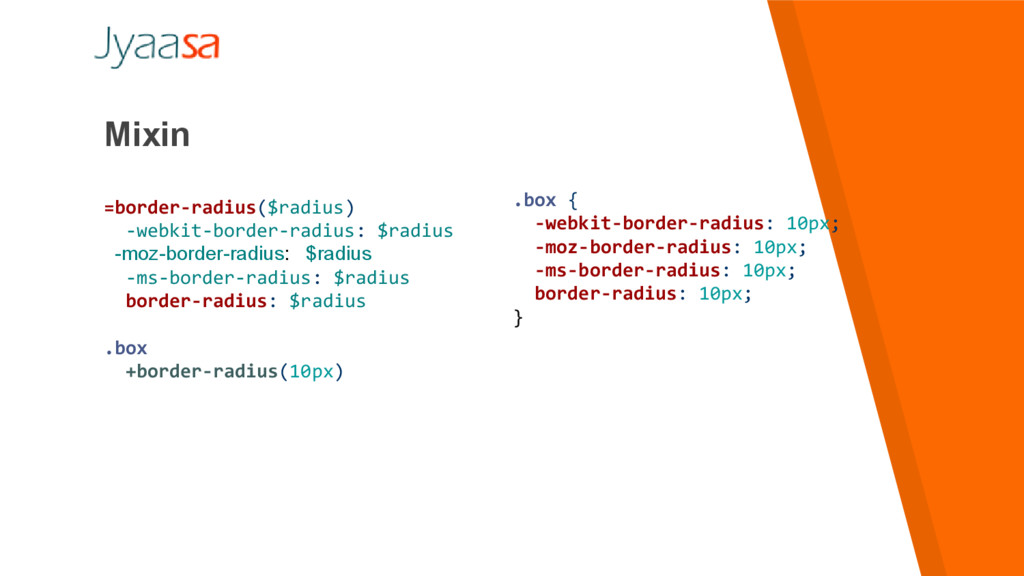
  7. Mixin =border-radius($radius) -webkit-border-radius: $radius -moz-border-radius: $radius -ms-border-radius: $radius border-radius: $radius

    .box +border-radius(10px) .box { -webkit-border-radius: 10px; -moz-border-radius: 10px; -ms-border-radius: 10px; border-radius: 10px; }
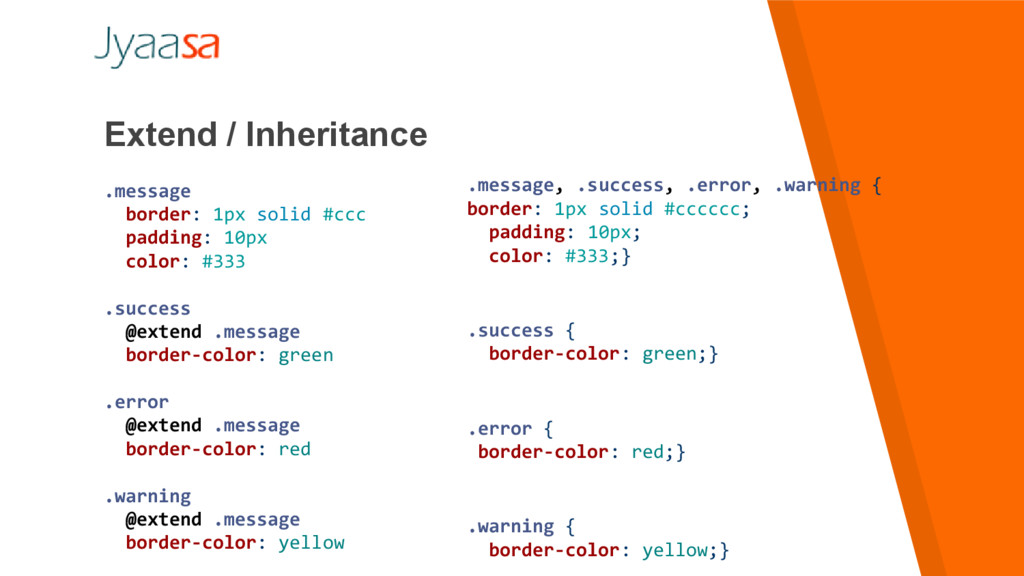
  8. Extend / Inheritance .message border: 1px solid #ccc padding: 10px

    color: #333 .success @extend .message border-color: green .error @extend .message border-color: red .warning @extend .message border-color: yellow .message, .success, .error, .warning { border: 1px solid #cccccc; padding: 10px; color: #333;} .success { border-color: green;} .error { border-color: red;} .warning { border-color: yellow;}
  9. Extend / Inheritance .container width: 100% article[role="main"] float: left width:

    600px / 960px * 100% aside[role="complementary "] float: right width: 300px / 960px * 100% .container { width: 100%; } article[role="main"] { float: left; width: 62.5%; } aside[role="complementary"] { float: right; width: 31.25%; }
  10. I need a Ruby This is NOT mean you need

    Ruby or Node on your production server to use them. SASS is written in Ruby You need them on your development machine.
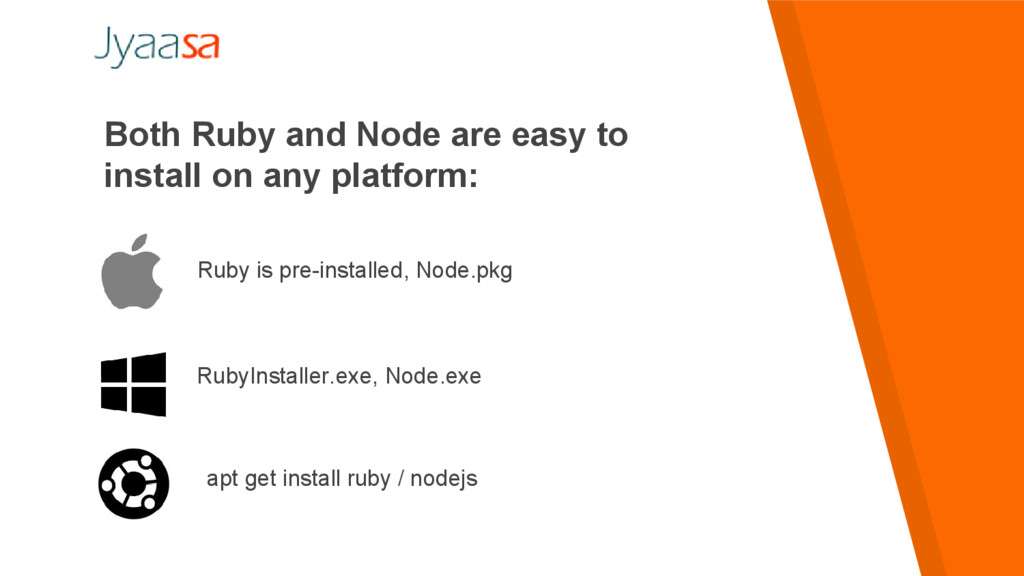
  11. Both Ruby and Node are easy to install on any

    platform: Ruby is pre-installed, Node.pkg RubyInstaller.exe, Node.exe apt get install ruby / nodejs
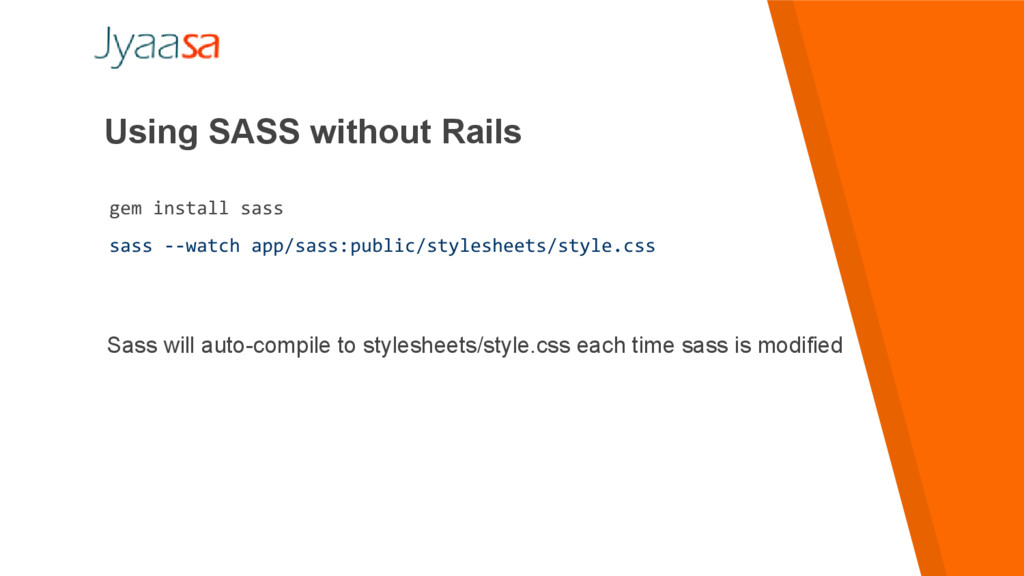
  12. Using SASS without Rails gem install sass sass --watch app/sass:public/stylesheets/style.css

    Sass will auto-compile to stylesheets/style.css each time sass is modified
  13. Using SASS without Rails gem install sass sass --watch app/sass:public/stylesheets/style.css

    Sass will auto-compile to stylesheets/style.css each time sass is modified
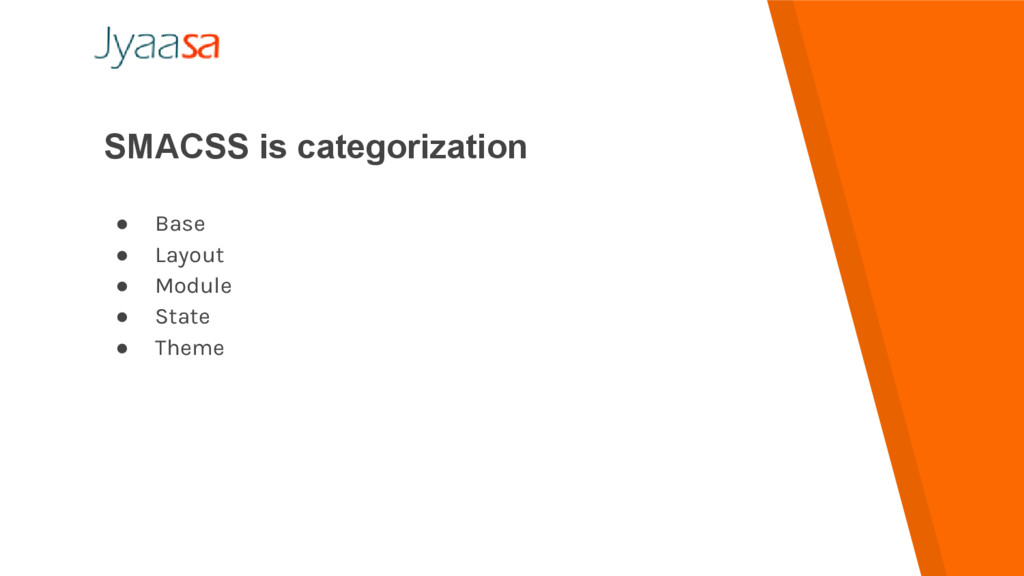
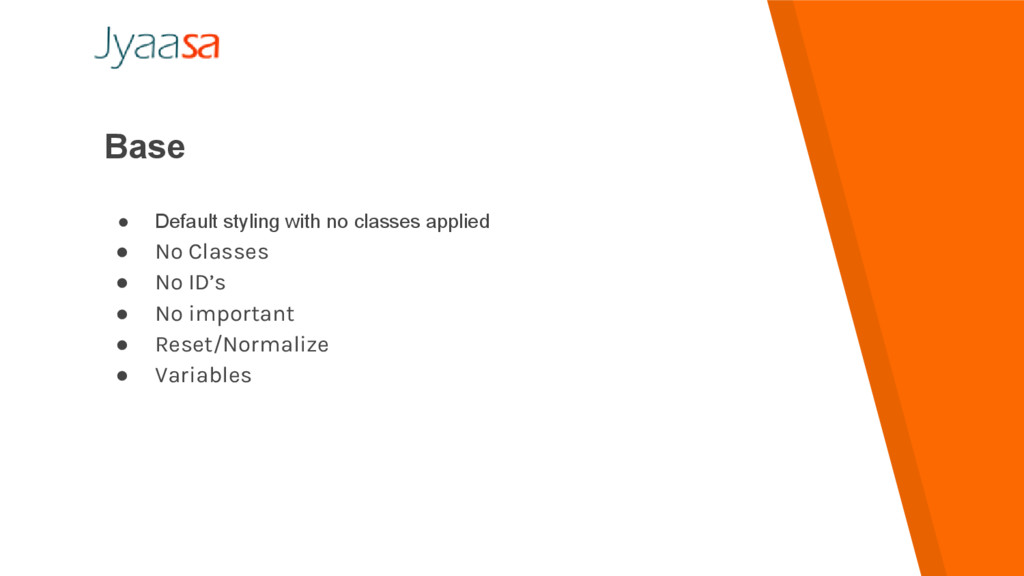
  14. Base • Default styling with no classes applied • No

    Classes • No ID’s • No important • Reset/Normalize • Variables
  15. Layout • Prefix with an l-header, l-footer, l-aside • Major

    component (Header, Footer, Grids, sidebar) • Reuseable page layouts
  16. Module • Reusable modular part of our design • Navigation

    bar, carousels, media block, etc • Uses BEM naming convention to break apart pieces of a component and keep the specificity low
  17. State • Way to describe how our module or layout

    will look when in a particular state. • Is it hidden or Expanded?
  18. Theme • Similar to state rules in that they describe

    how modules or layouts might look.
  19. BEM Block: Standalone entity that is meaningful on its own.

    Example: header, container, menu, checkbox, input
  20. BEM Element: A part of a block that has no

    standalone meaning and is semantically tied to its block. Example: menu item, list item, checkbox caption, header title
  21. BEM Modifier: A flag on a block or element. Use

    them to change appearance or behavior. Example: disabled, highlighted, checked, fixed, size big, color yellow
  22. Benefit • Never dependent on other elements on page •

    Never experience problem from cascading • Get the ability to transfer blocks from your finished projects to new ones. • gives your CSS code a solid structure that remains simple and easy to understand.