Database is one of the most important part of any project and now due to large size of data how the requirement of database changes.
NO-SOL is new concept of storing database with large scale
Why we need database management ◦ What is SQL? ◦ What is NOSQL? Why there is need of NOSQL? What are the advantages of NOSQL over SQL? What is the scope of NOSQL? Advantages And Disadvantages of NOSQL Application area of NOSQL Overview Conclusion Question References
a software package with computer programs that controls the creation, maintenance, and use of a database. It allows organizations to conveniently develop databases for various applications. A database is an integrated collection of data records, files, and other objects. A DBMS allows different user application programs to concurrently access the same database. DBMSs may use a variety of database models, such as the relational model or object model, to conveniently describe and support applications. It typically supports query languages, which are in fact high-level programming languages, dedicated database languages that considerably simplify writing database application programs. Database languages also simplify the database organization as well as retrieving and presenting information from it. A DBMS provides facilities for controlling data access, enforcing data integrity, managing concurrency control, and recovering the database after failures and restoring it from backup files, as well as maintaining database security.
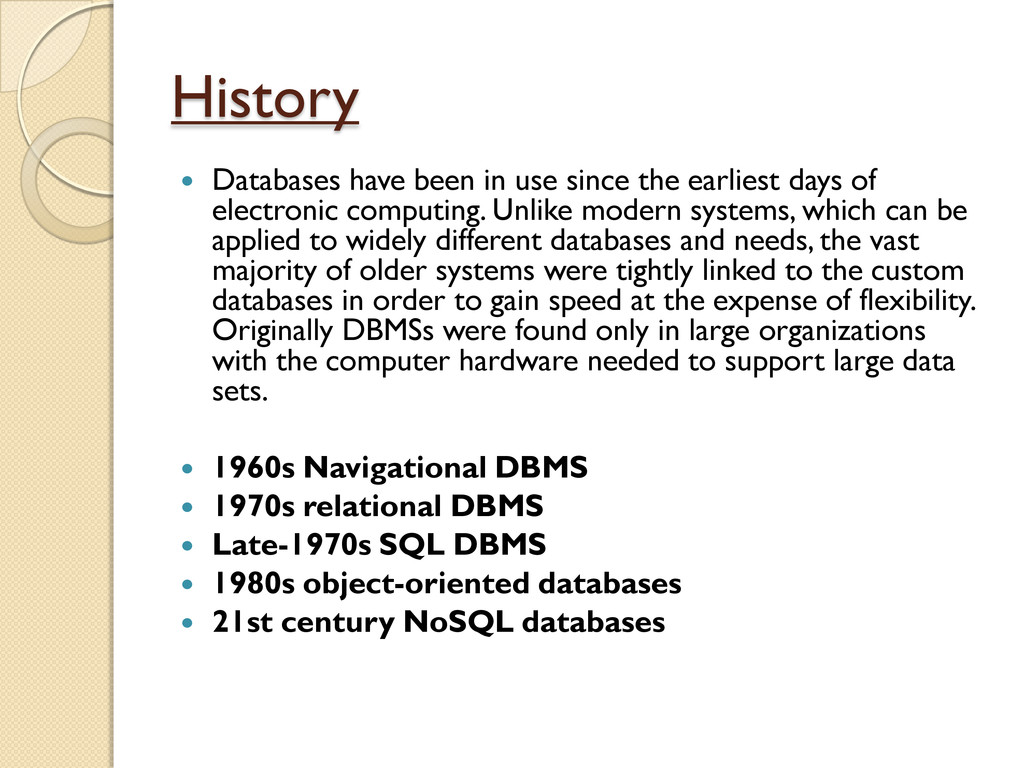
days of electronic computing. Unlike modern systems, which can be applied to widely different databases and needs, the vast majority of older systems were tightly linked to the custom databases in order to gain speed at the expense of flexibility. Originally DBMSs were found only in large organizations with the computer hardware needed to support large data sets. 1960s Navigational DBMS 1970s relational DBMS Late-1970s SQL DBMS 1980s object-oriented databases 21st century NoSQL databases
SQL language is used to create, transform and retrieve information from RDBMS (Relational Database Management Systems). SQL is pronounced SEQUEL. SQL was developed during the early 70‟s at IBM . SQL is a declarative programming language designed for creating and querying relational database management systems. SQL is relatively simple language, but it‟s also very powerful. SQL can insert data into database tables. SQL can modify data in existing database tables. SQL can delete data from SQL database tables. Finally SQL can modify the database structure itself – create/modify/delete tables and other database objects.
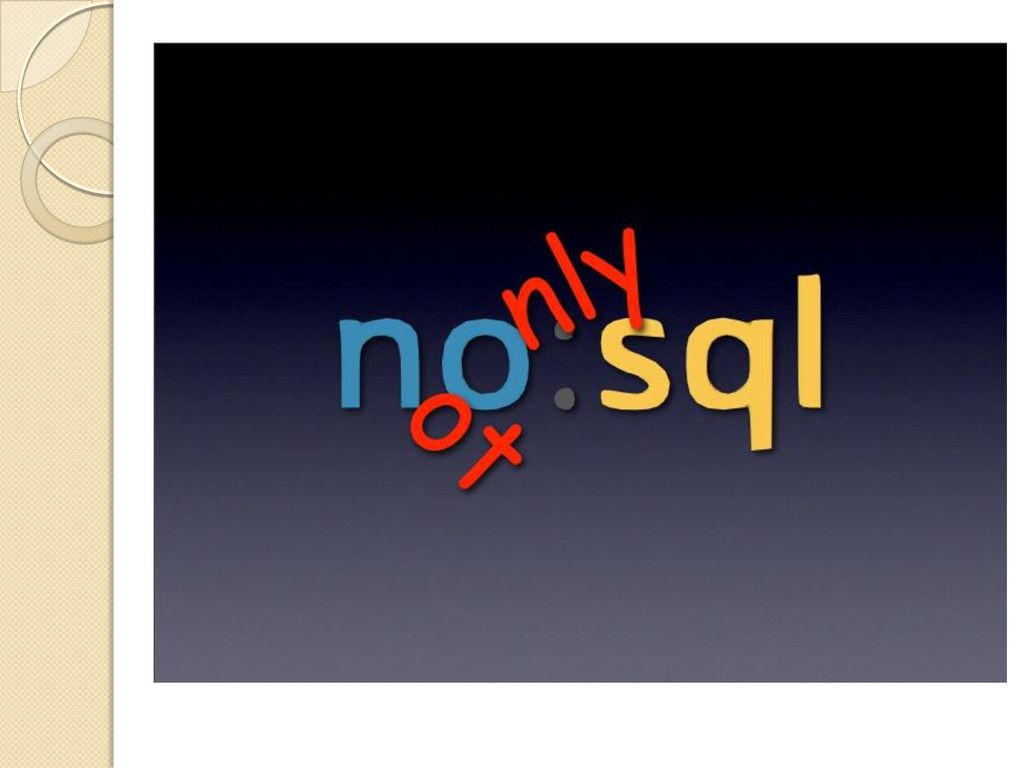
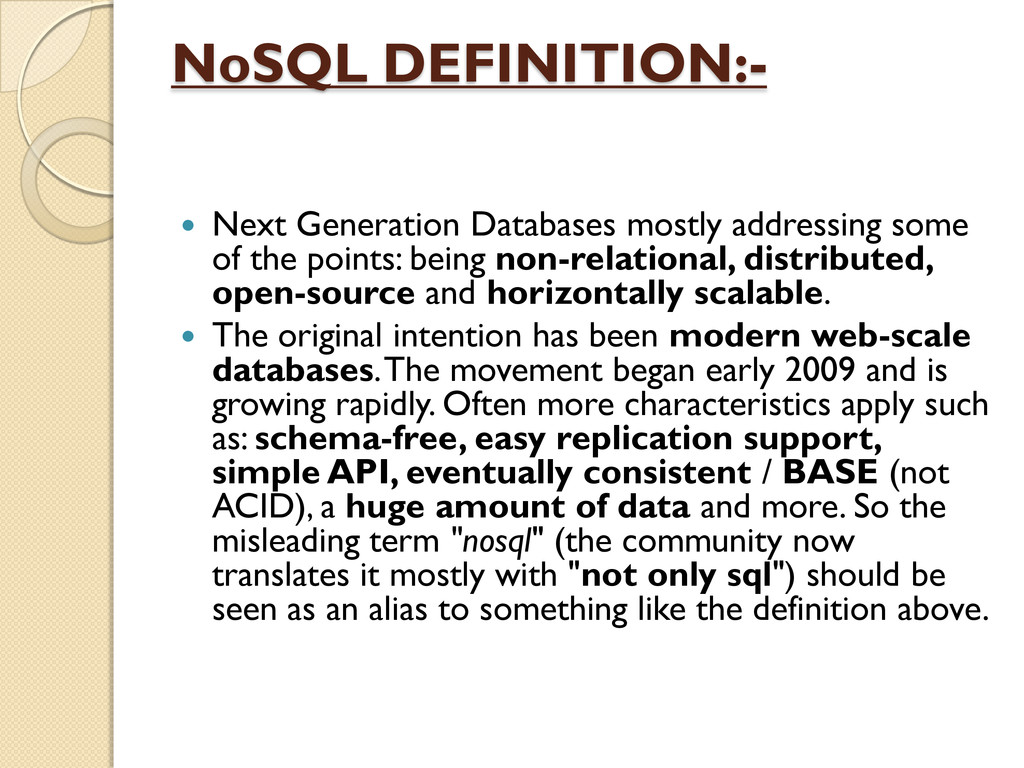
the points: being non-relational, distributed, open-source and horizontally scalable. The original intention has been modern web-scale databases. The movement began early 2009 and is growing rapidly. Often more characteristics apply such as: schema-free, easy replication support, simple API, eventually consistent / BASE (not ACID), a huge amount of data and more. So the misleading term "nosql" (the community now translates it mostly with "not only sql") should be seen as an alias to something like the definition above.
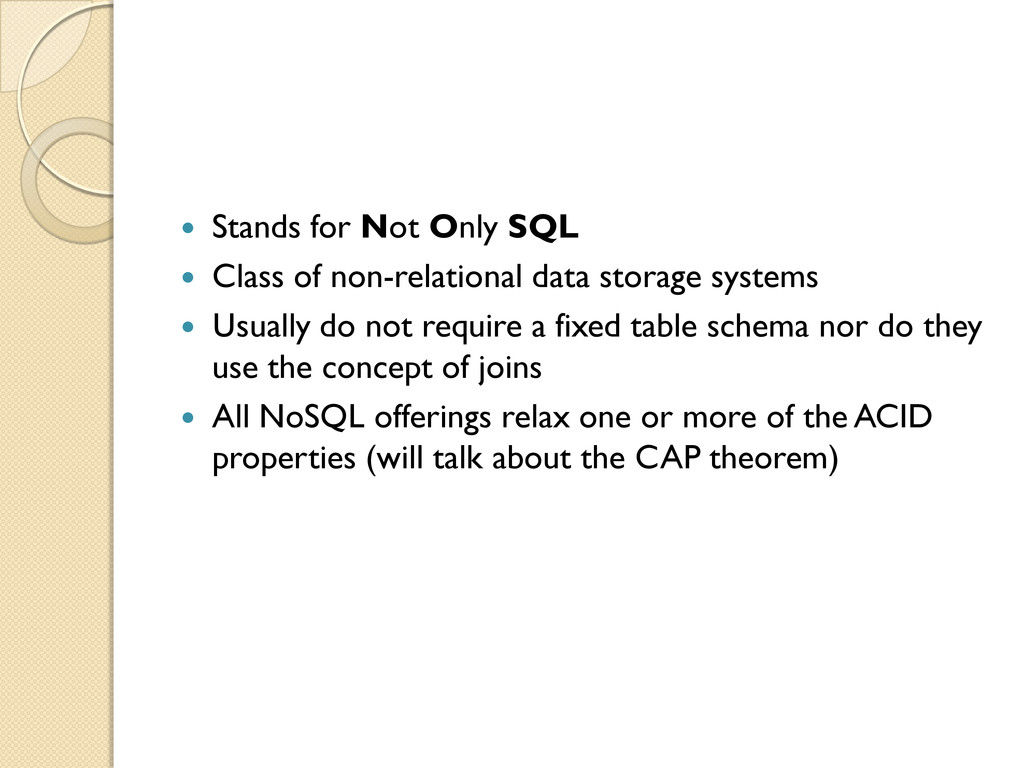
data storage systems Usually do not require a fixed table schema nor do they use the concept of joins All NoSQL offerings relax one or more of the ACID properties (will talk about the CAP theorem)
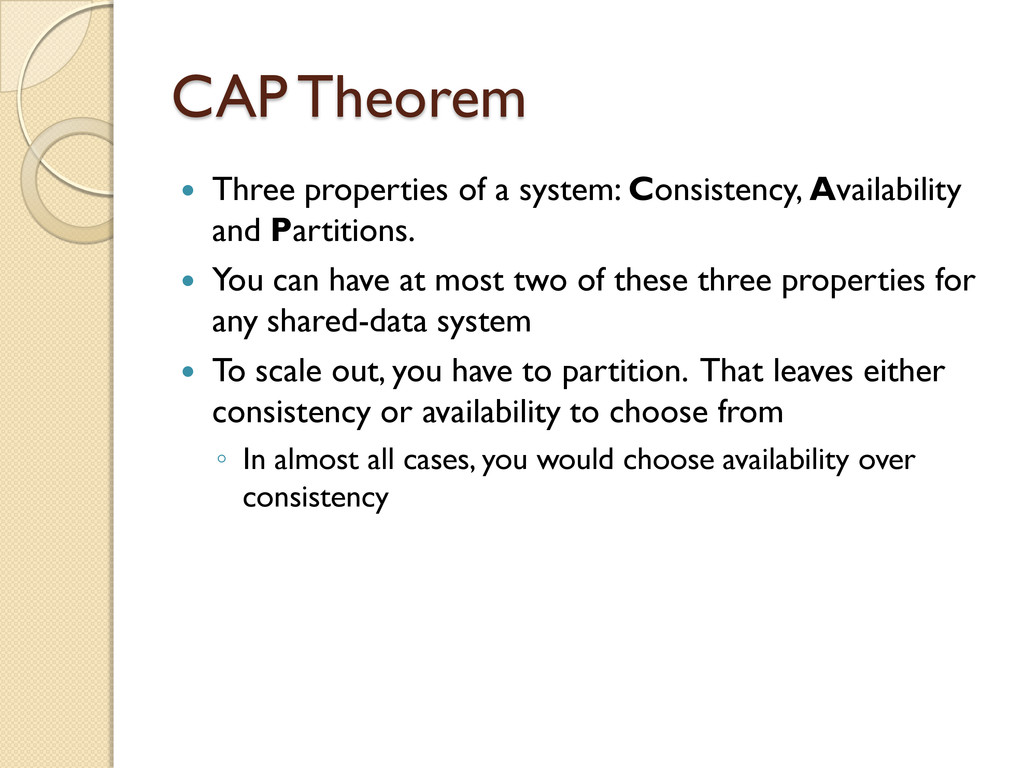
and Partitions. You can have at most two of these three properties for any shared-data system To scale out, you have to partition. That leaves either consistency or availability to choose from ◦ In almost all cases, you would choose availability over consistency
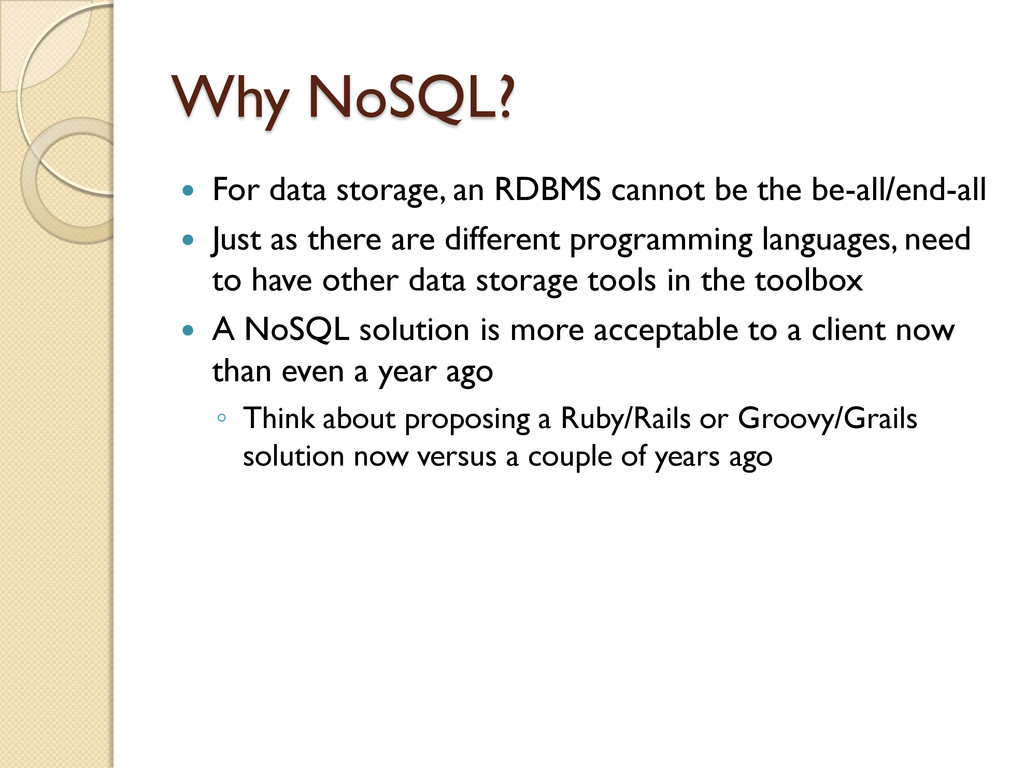
the be-all/end-all Just as there are different programming languages, need to have other data storage tools in the toolbox A NoSQL solution is more acceptable to a client now than even a year ago ◦ Think about proposing a Ruby/Rails or Groovy/Grails solution now versus a couple of years ago
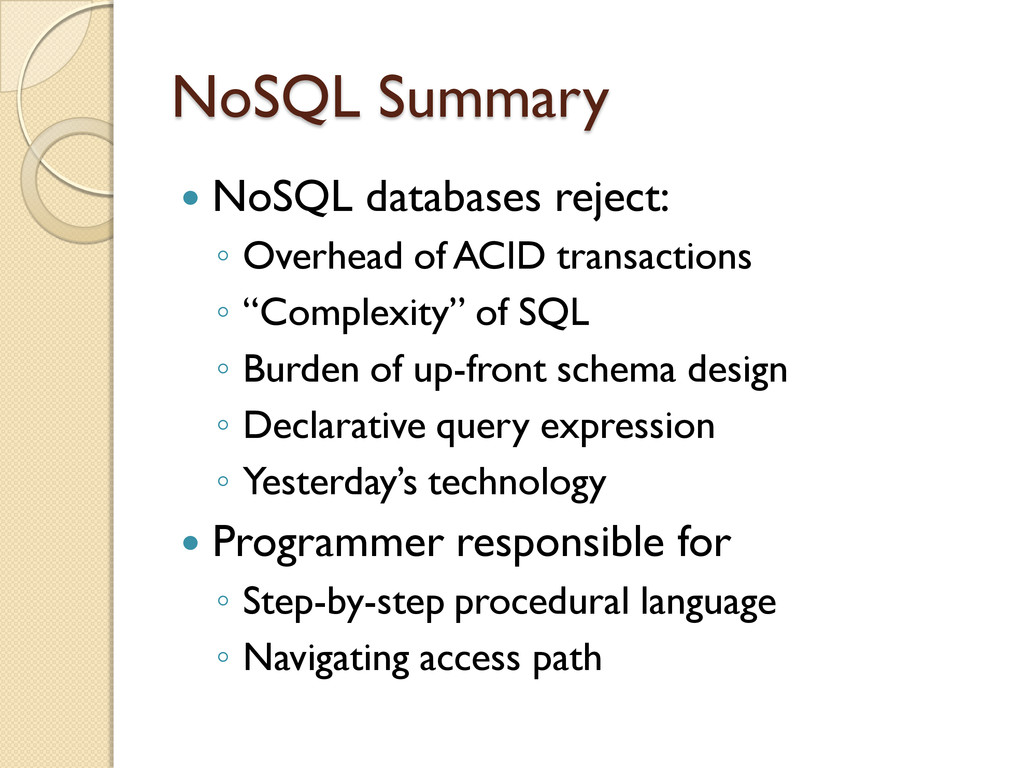
come together in a perfect storm Not a backlash/rebellion against RDBMS SQL is a rich query language that cannot be rivaled by the current list of NoSQL offerings
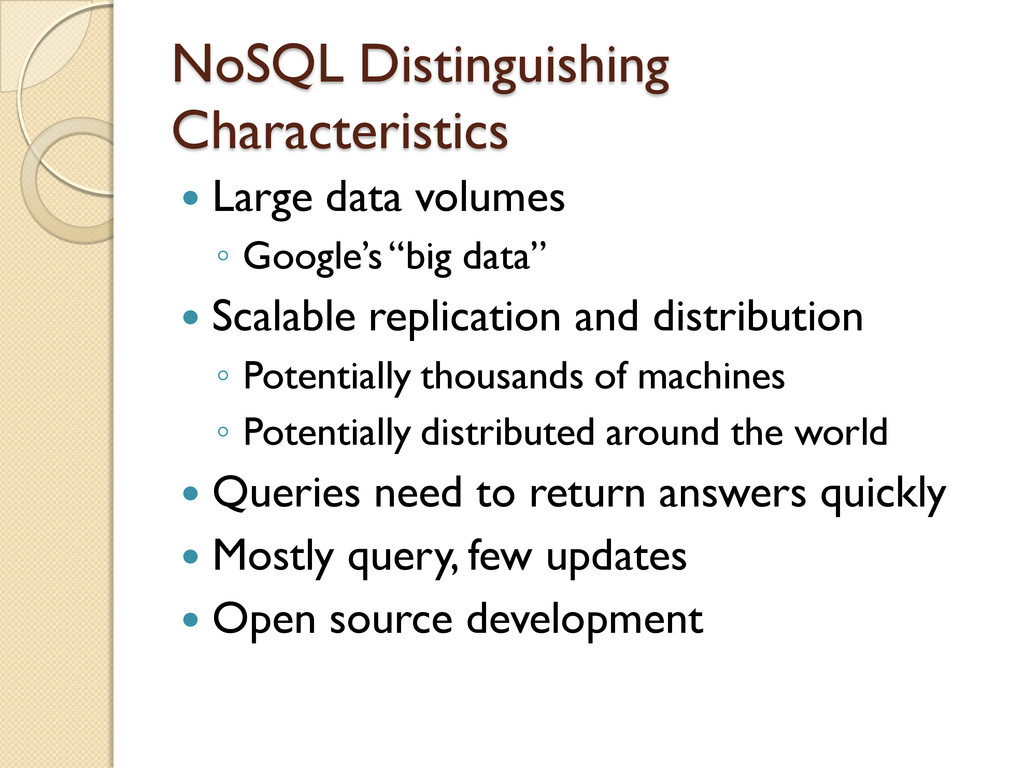
data” Scalable replication and distribution ◦ Potentially thousands of machines ◦ Potentially distributed around the world Queries need to return answers quickly Mostly query, few updates Open source development
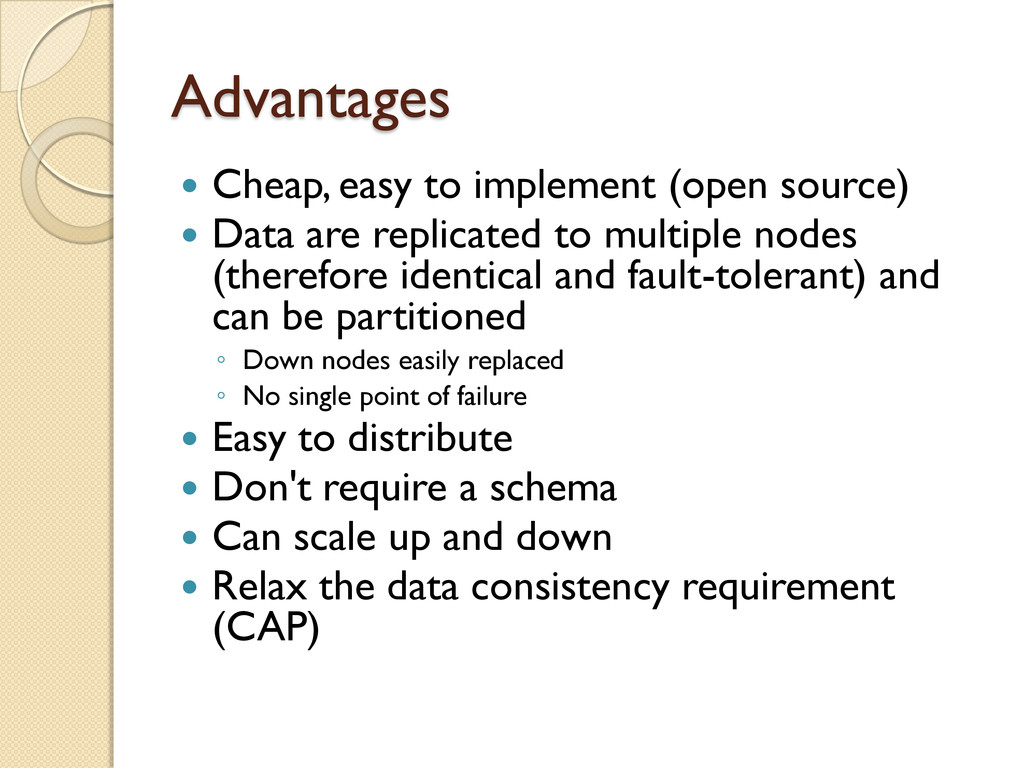
are replicated to multiple nodes (therefore identical and fault-tolerant) and can be partitioned ◦ Down nodes easily replaced ◦ No single point of failure Easy to distribute Don't require a schema Can scale up and down Relax the data consistency requirement (CAP)
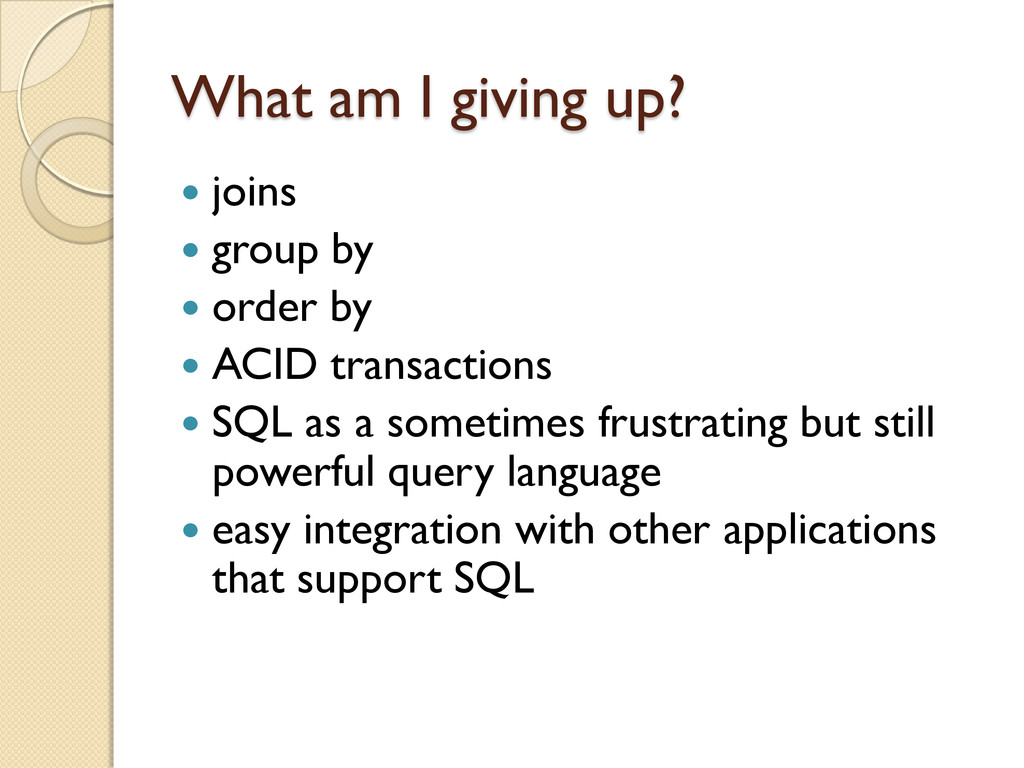
order by ACID transactions SQL as a sometimes frustrating but still powerful query language easy integration with other applications that support SQL
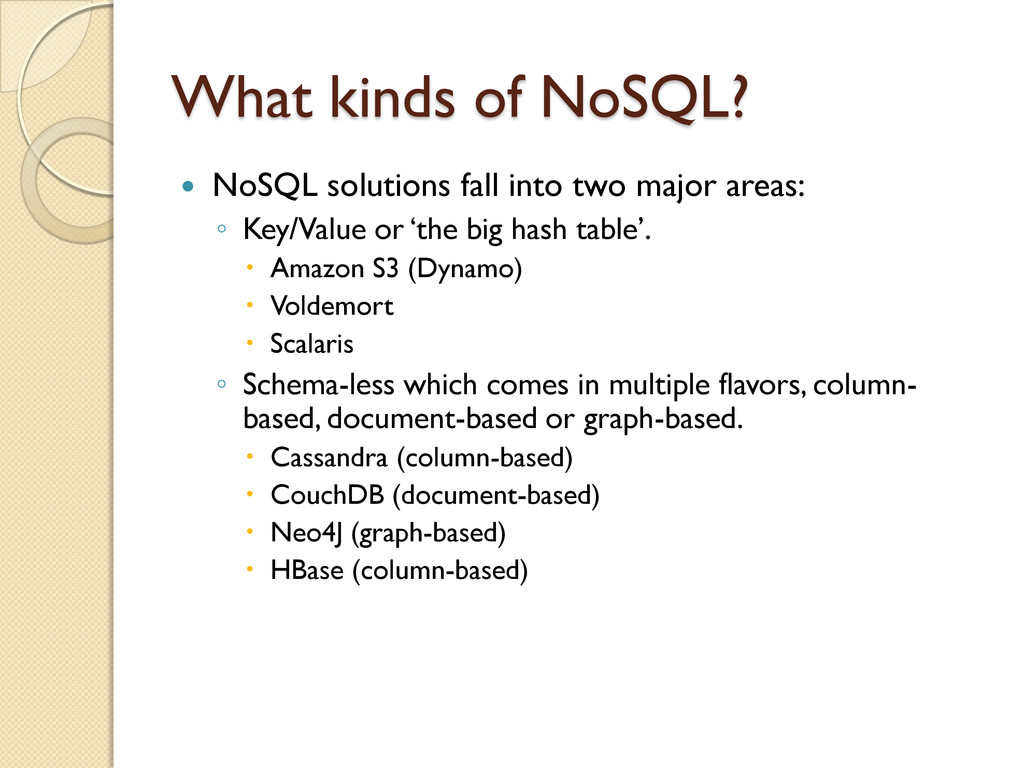
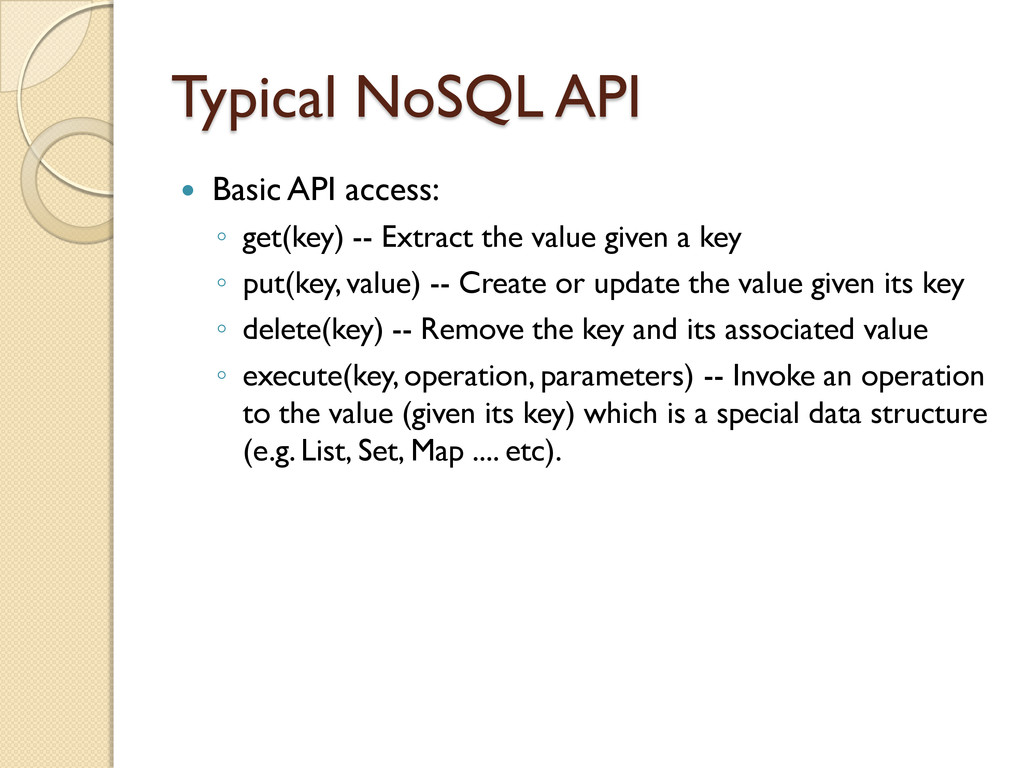
Extract the value given a key ◦ put(key, value) -- Create or update the value given its key ◦ delete(key) -- Remove the key and its associated value ◦ execute(key, operation, parameters) -- Invoke an operation to the value (given its key) which is a special data structure (e.g. List, Set, Map .... etc).
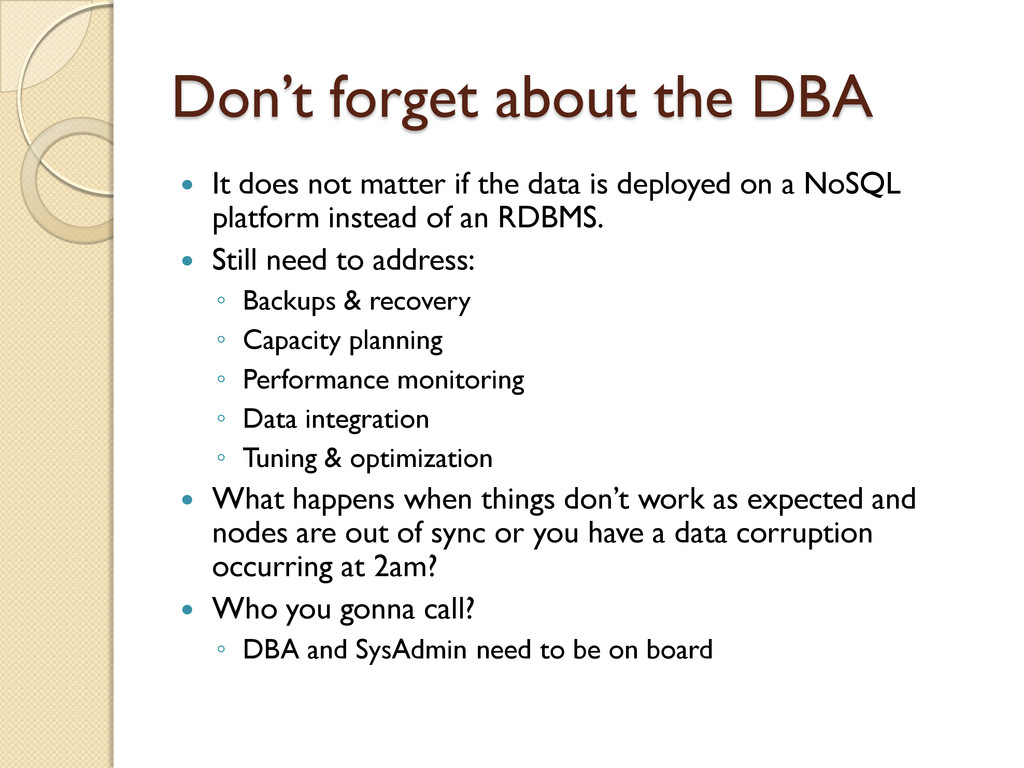
if the data is deployed on a NoSQL platform instead of an RDBMS. Still need to address: ◦ Backups & recovery ◦ Capacity planning ◦ Performance monitoring ◦ Data integration ◦ Tuning & optimization What happens when things don‟t work as expected and nodes are out of sync or you have a data corruption occurring at 2am? Who you gonna call? ◦ DBA and SysAdmin need to be on board
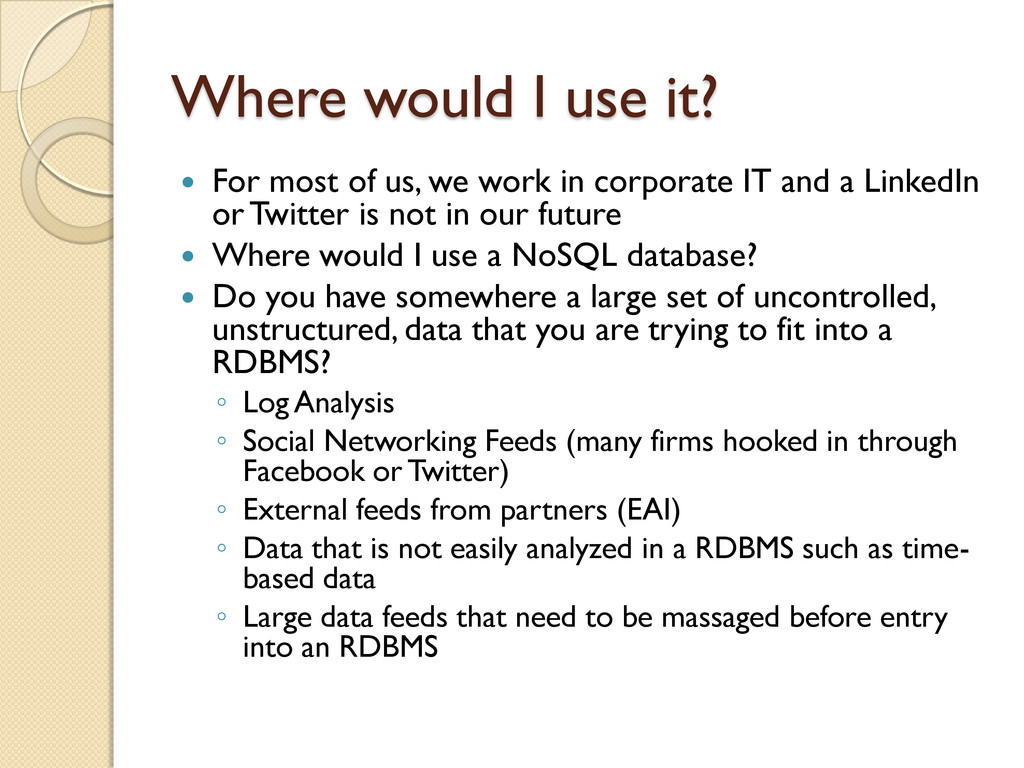
we work in corporate IT and a LinkedIn or Twitter is not in our future Where would I use a NoSQL database? Do you have somewhere a large set of uncontrolled, unstructured, data that you are trying to fit into a RDBMS? ◦ Log Analysis ◦ Social Networking Feeds (many firms hooked in through Facebook or Twitter) ◦ External feeds from partners (EAI) ◦ Data that is not easily analyzed in a RDBMS such as time- based data ◦ Large data feeds that need to be massaged before entry into an RDBMS
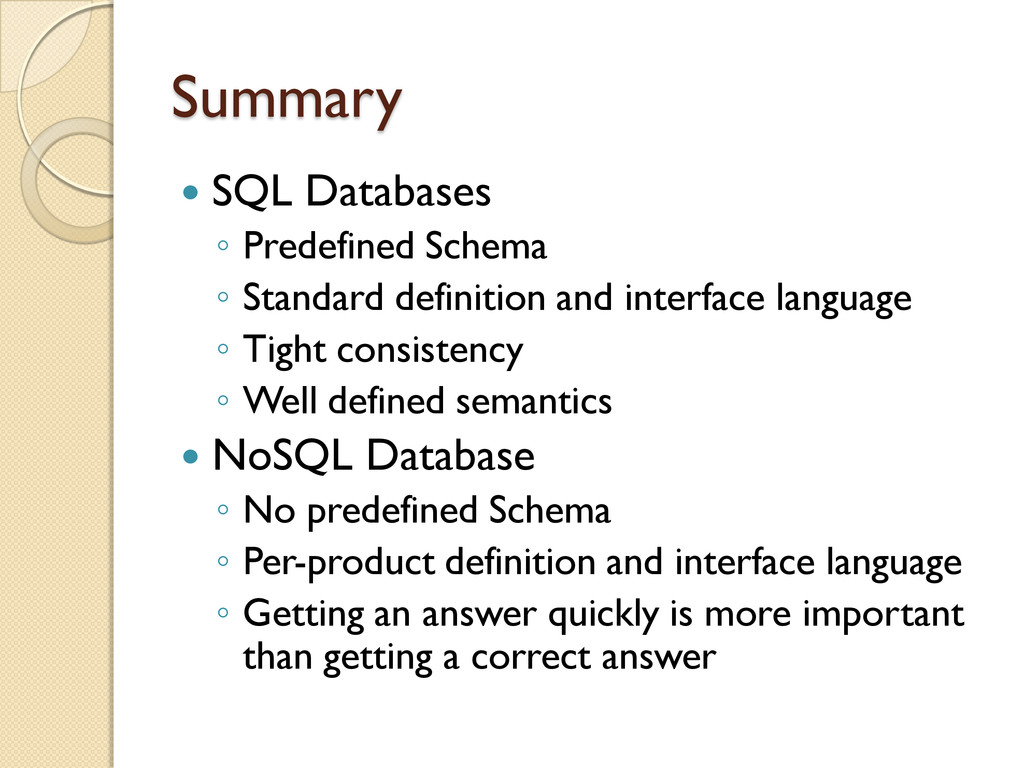
and interface language ◦ Tight consistency ◦ Well defined semantics NoSQL Database ◦ No predefined Schema ◦ Per-product definition and interface language ◦ Getting an answer quickly is more important than getting a correct answer


 gonta
gonta
 colorful12
 ___akari11
 kmars0605
 kishida
 oku053
 ryu1013
 tosite
 kasacchiful
 taiseiue
 falcon8823
 sorah
sorah
 leimatthew05
 3n
3n
 helmedeiros
 elsirapls
 palkan
 sabderemane
 stuffmc
 jonoalderson
 stephaniewalter
 rkendrick25
 davidcarrasco