framework that addresses the challenges of the single page application development process. Angular 2+ is the new version for this popular framework which comes with many fundamental changes. This session will be an introduction to the ngx* for the beginners. * New generation of Angular is sometimes referred as Angular 2+ or ngx.
2016 There is no version 3: Due to a misalignment in the router package’s version, Angular Team decided to go straight to the version 4. Latest stable release 5.2.3 (31 Jan 2018)
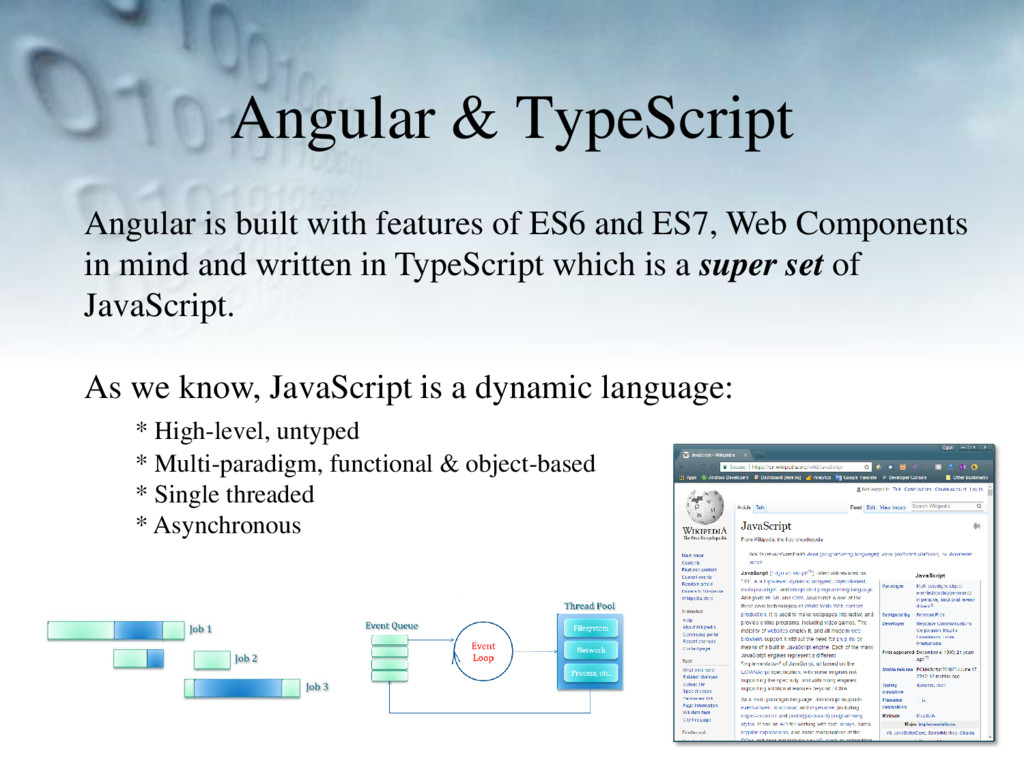
and ES7, Web Components in mind and written in TypeScript which is a super set of JavaScript. As we know, JavaScript is a dynamic language: * High-level, untyped * Multi-paradigm, functional & object-based * Single threaded * Asynchronous
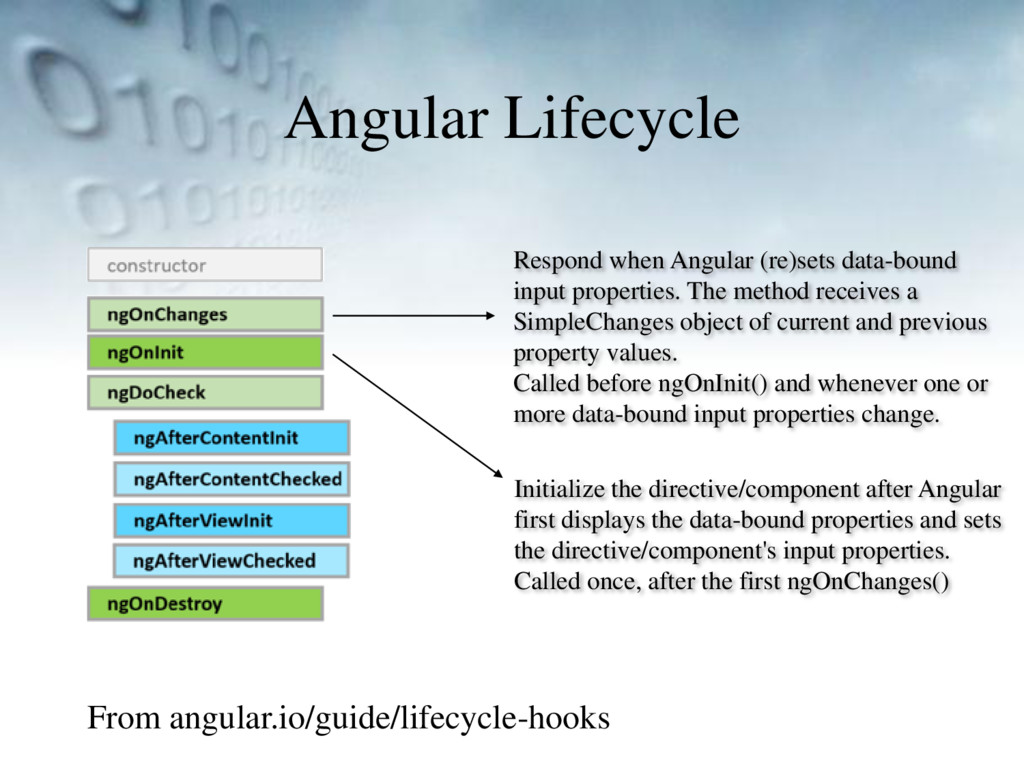
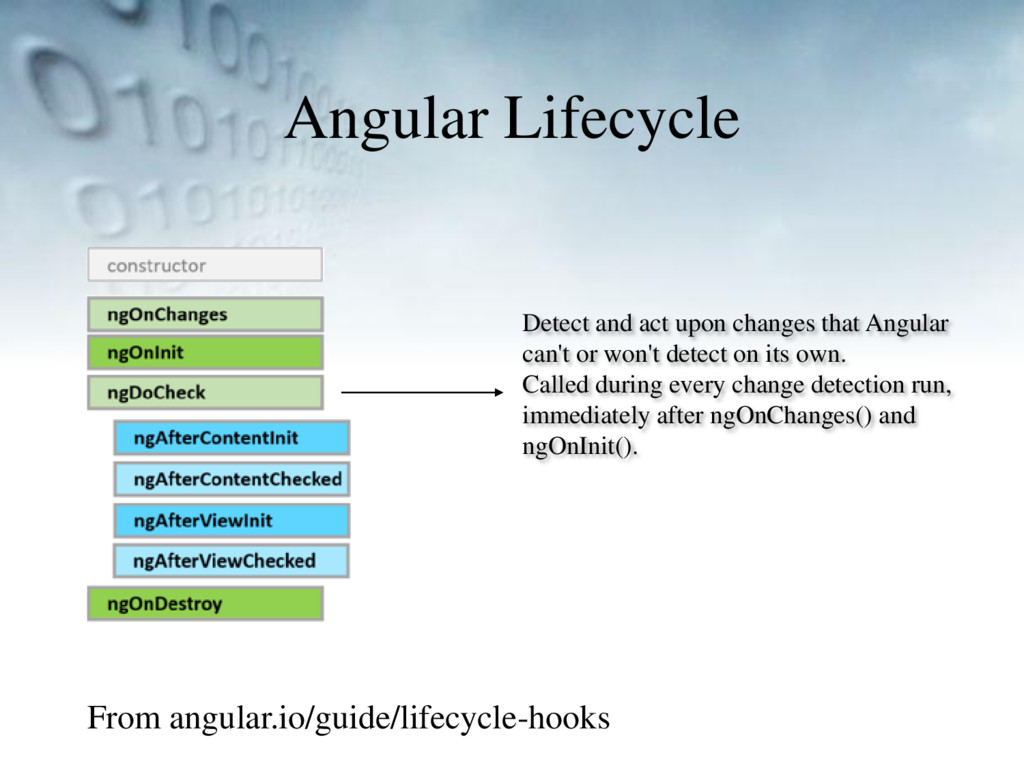
properties. The method receives a SimpleChanges object of current and previous property values. Called before ngOnInit() and whenever one or more data-bound input properties change. Initialize the directive/component after Angular first displays the data-bound properties and sets the directive/component's input properties. Called once, after the first ngOnChanges()
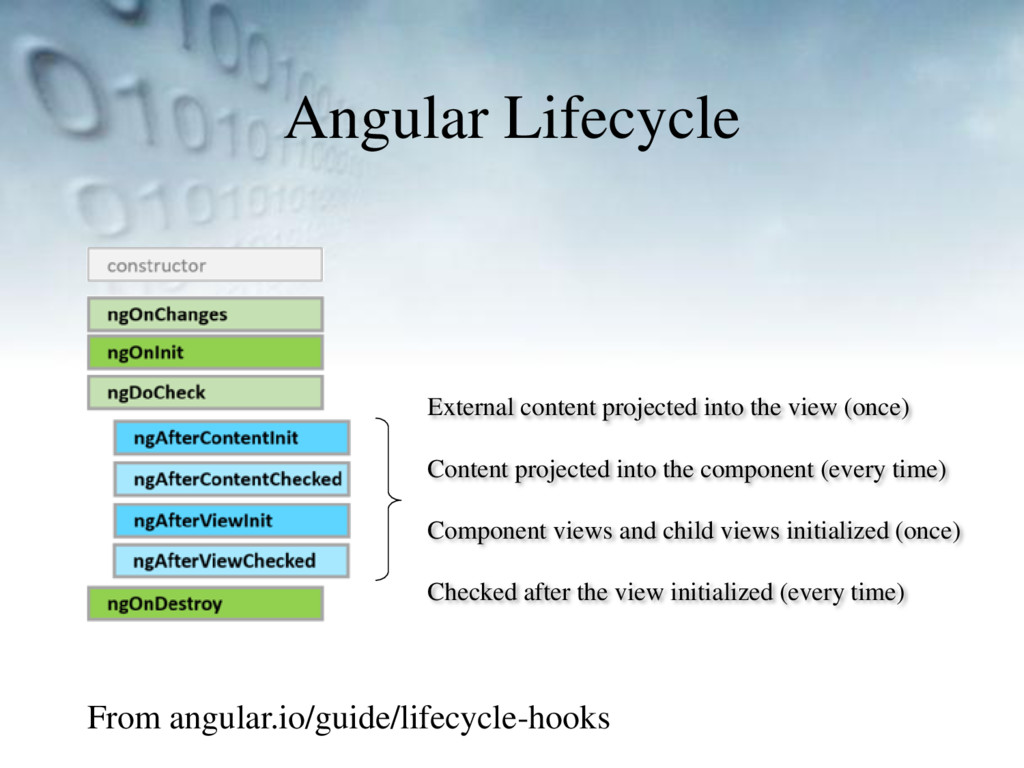
(once) Content projected into the component (every time) Component views and child views initialized (once) Checked after the view initialized (every time)
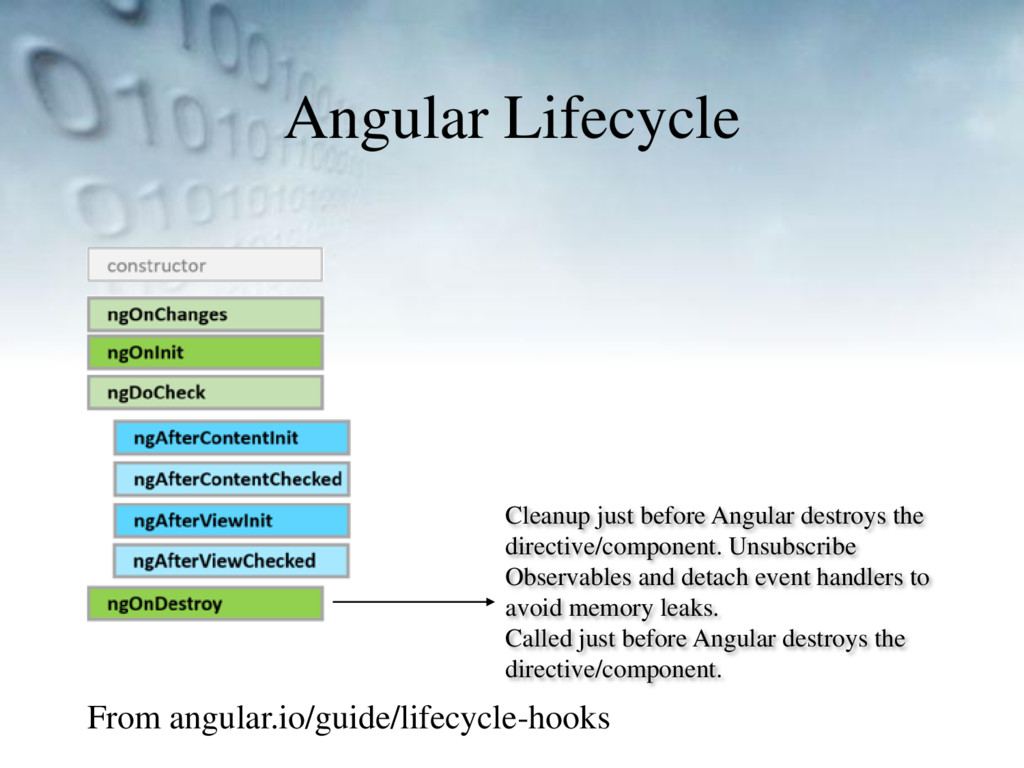
directive/component. Unsubscribe Observables and detach event handlers to avoid memory leaks. Called just before Angular destroys the directive/component.
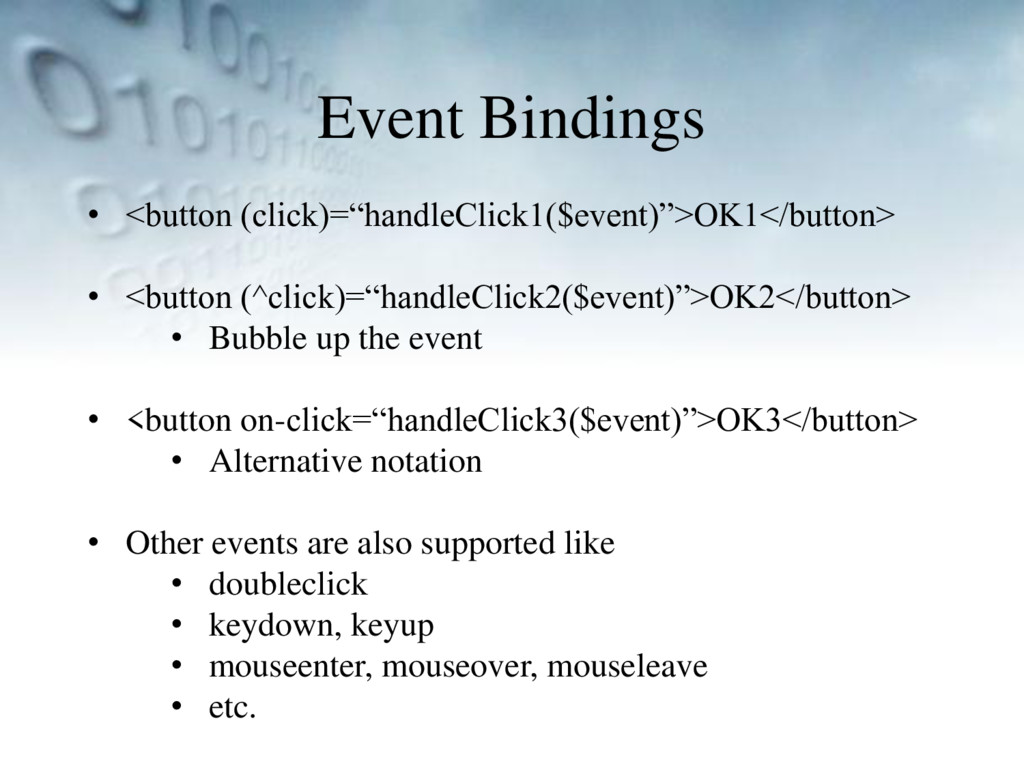
up the event • <button on-click=“handleClick3($event)”>OK3</button> • Alternative notation • Other events are also supported like • doubleclick • keydown, keyup • mouseenter, mouseover, mouseleave • etc.


 omt66
omt66
 ryu1013
 andpad
 o0h
o0h
 yuta_onishi_97
 timakin
 shihochan
 falcon8823
 taiseiue
 hollycummins
 clockmaker
 rkaga
rkaga
 sorah
sorah
 brettharned
 smashingmag
 62gerente
 rakko
rakko
 baasie
 malarkey
 axbom
axbom
 vanstee
 jct
jct
 maggiecrowley
 frankvandijk
 tonyrice

![Using Components Angular 1 angular.module(‘app’, [‘some.component’]); Angular 2+ import {Component}](https://files.speakerdeck.com/presentations/63be68b44ad14d9a95eda5853f4aa73e/slide_8.jpg)
![Property Binding • Data binding • <some-comp [data]=“myData”></some-comp> • Class](https://files.speakerdeck.com/presentations/63be68b44ad14d9a95eda5853f4aa73e/slide_15.jpg)
![Two-way Data Binding <some-comp [(ngModel)]=“some.data” /> [ ( ngModel )](https://files.speakerdeck.com/presentations/63be68b44ad14d9a95eda5853f4aa73e/slide_16.jpg)
![Input & Output Variables <todo-item [todo]=‘currentTodo’ (deleted)=‘handleDeletion($event)’ /> export class](https://files.speakerdeck.com/presentations/63be68b44ad14d9a95eda5853f4aa73e/slide_17.jpg)