Upgrade to Pro — share decks privately, control downloads, hide ads and more …

React is the new age Lego

React is the new age Lego

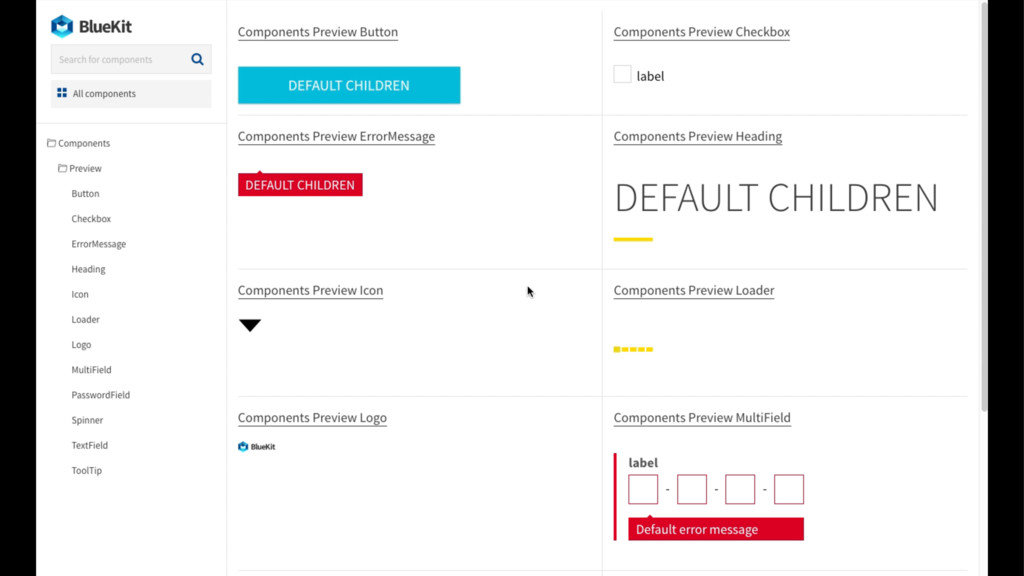
At Blueberry, we've been frustrated with maintaining and getting oriented in our React components and their props. That's why we made a tool for automatically generating a component library from a project's components.

We named it BlueKit and released it as open-source.

Developers, designers, and other project members can use the generated library to browse through components in a project, tweak their props, and see a live preview of these changes.

Avatar for Ondřej Bartas

Ondřej Bartas

October 27, 2016

Other Decks in Technology

Transcript

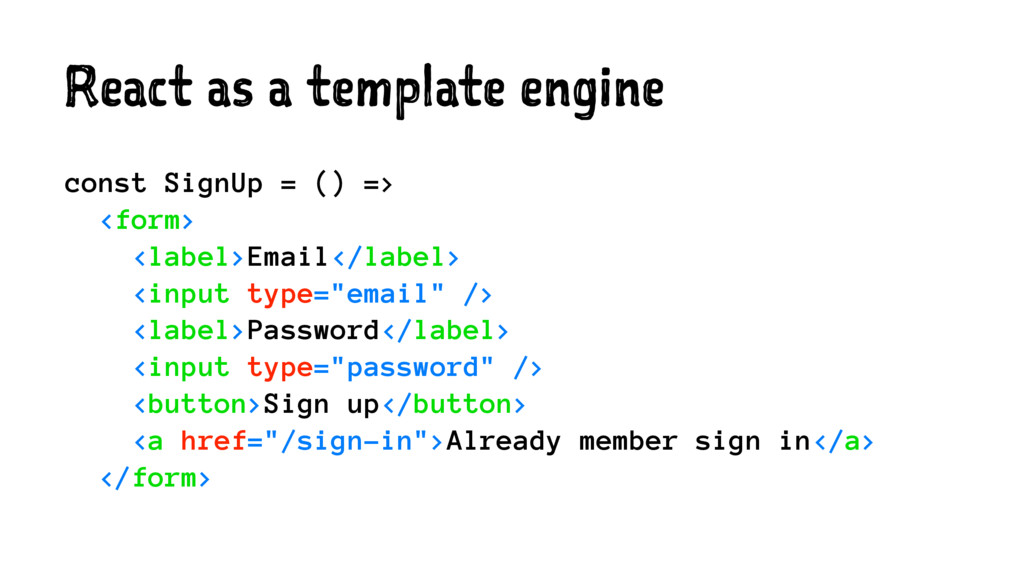
  1. React as a template engine const SignUp = () =>

    <form> <label>Email</label> <input type="email" /> <label>Password</label> <input type="password" /> <button>Sign up</button> <a href="/sign-in">Already member sign in</a> </form>
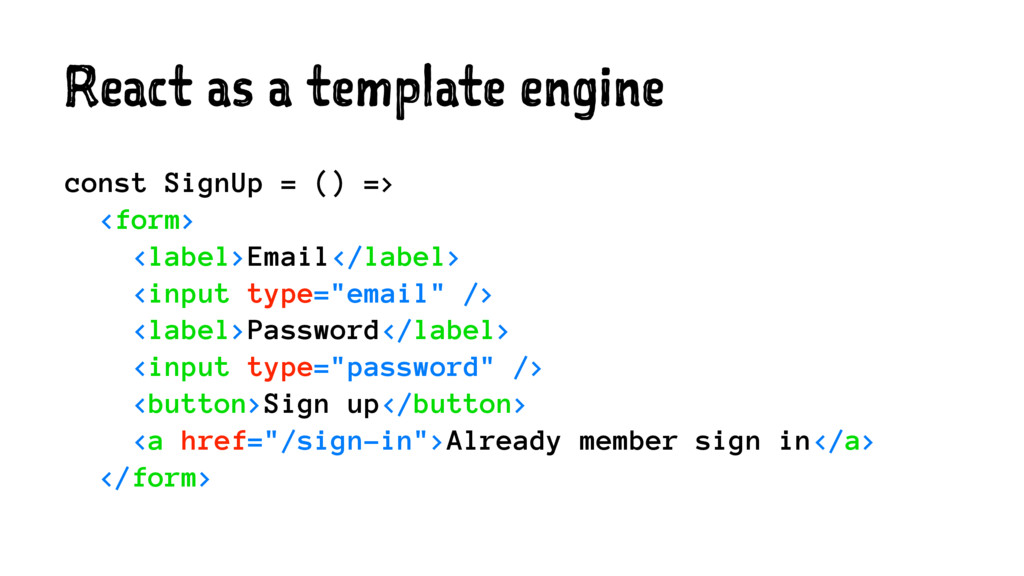
  2. React as a template engine const SignUp = () =>

    <form> <label>Email</label> <input type="email" /> <label>Password</label> <input type="password" /> <button>Sign up</button> <a href="/sign-in">Already member sign in</a> </form>
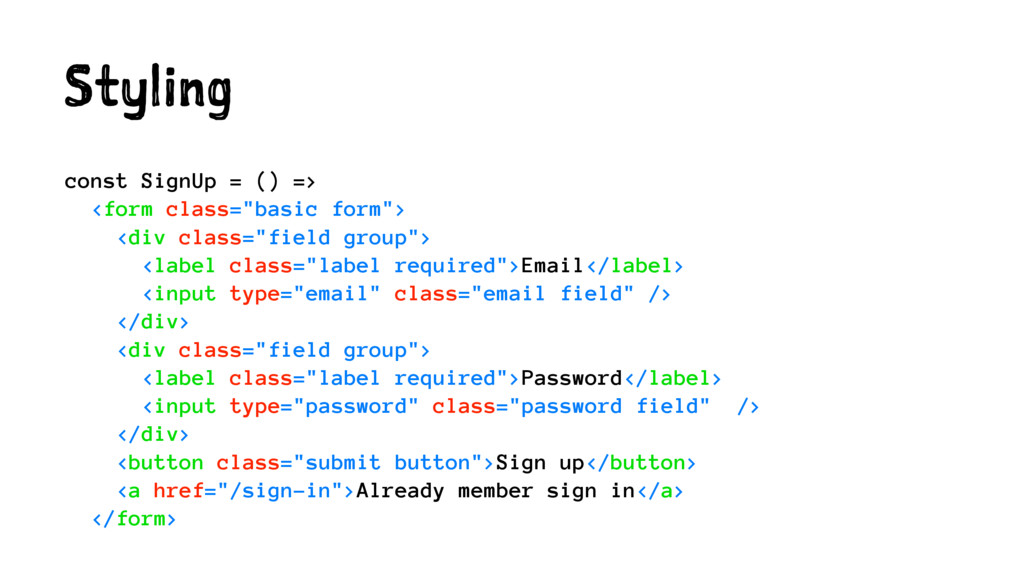
  3. Styling const SignUp = () => <form class="basic form"> <div

    class="field group"> <label class="label required">Email</label> <input type="email" class="email field" /> </div> <div class="field group"> <label class="label required">Password</label> <input type="password" class="password field" /> </div> <button class="submit button">Sign up</button> <a href="/sign-in">Already member sign in</a> </form>
  4. Copy & Paste const SignIn = () => <form> <label>Email</label>

    <input type="email" /> <label>Password</label> <input type="password" /> <button>Sign in</button> <a href="/sign-up">Not a member yet? Just sign up.</a> </form>
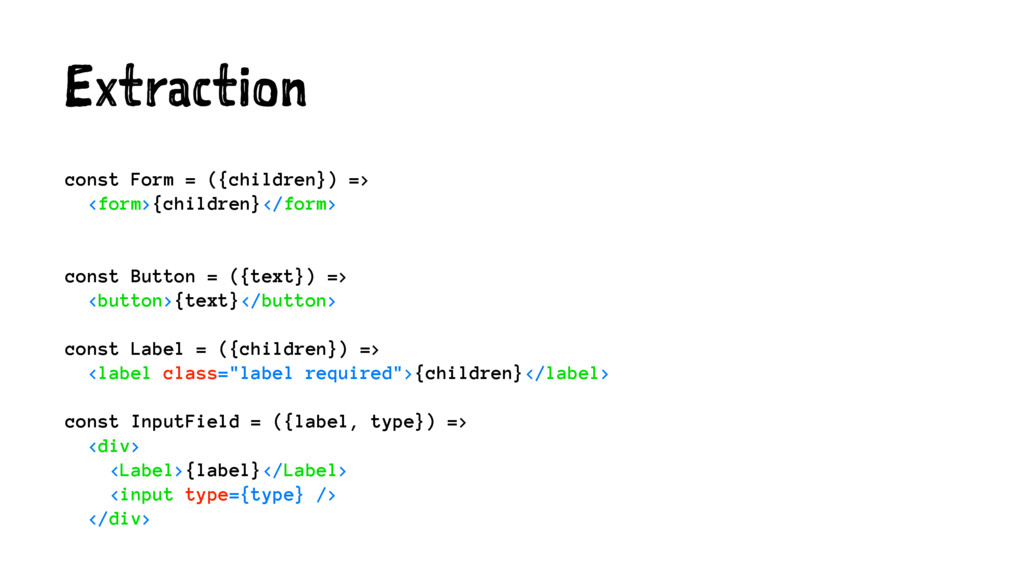
  5. Extraction const Form = ({children}) => <form>{children}</form> const Button =

    ({text}) => <button>{text}</button> const Label = ({children}) => <label class="label required">{children}</label> const InputField = ({label, type}) => <div> <Label>{label}</Label> <input type={type} /> </div>
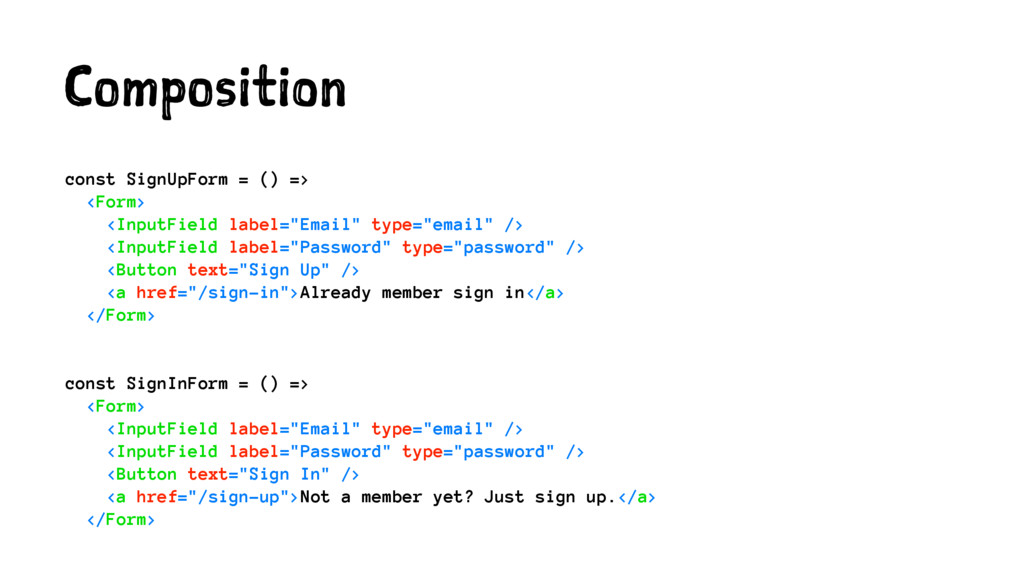
  6. Composition const SignUpForm = () => <Form> <InputField label="Email" type="email"

    /> <InputField label="Password" type="password" /> <Button text="Sign Up" /> <a href="/sign-in">Already member sign in</a> </Form> const SignInForm = () => <Form> <InputField label="Email" type="email" /> <InputField label="Password" type="password" /> <Button text="Sign In" /> <a href="/sign-up">Not a member yet? Just sign up.</a> </Form>
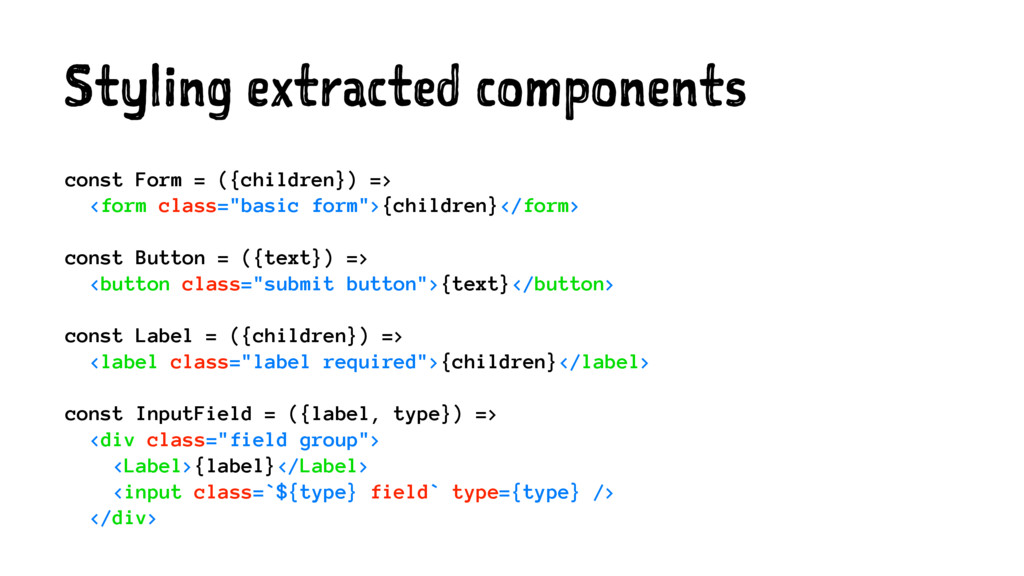
  7. Styling extracted components const Form = ({children}) => <form class="basic

    form">{children}</form> const Button = ({text}) => <button class="submit button">{text}</button> const Label = ({children}) => <label class="label required">{children}</label> const InputField = ({label, type}) => <div class="field group"> <Label>{label}</Label> <input class=`${type} field` type={type} /> </div>