Upgrade to Pro — share decks privately, control downloads, hide ads and more …

Never Name a Database "Standby" (and nine other...

Never Name a Database "Standby" (and nine other things they don't teach in Data Guard School)

Avatar for Seán Scott

Seán Scott PRO

December 03, 2025

More Decks by Seán Scott

Other Decks in Technology

Transcript

  1. Never Name a Database "Standby" 3 December 2025 Seàn Scott

    Oracle ACE Director Managing Principal Consultant Viscosity North America (and nine other things they don't teach in Data Guard School)
  2. Oracle ACE Director, MAA DR/HA Forensics Database Reliability Engineering Data

    Guard ⁘ RMAN ⁘ Partitioning ⁘ ILM Exadata ⁘ ZDLRA ⁘ ODA ⁘ ASM ⁘ RAC Modernization Upgrade ⁘ Migration ⁘ Patching Containers ⁘ Cloud Native Automation & DevOps IaC ⁘ Terraform ⁘ Vagrant ⁘ Ansible
  3. Tech Superstars Unite Get worldwide recognition as an Oracle ACE
    Oracle.com profile page Exclusive content Your own Oracle cloud account Swag, certification exam credit & event passes Networking events Travel support Learn more at: ace.oracle.com @oracleace Linkedin.com/groups/72183 @oracleace.bsky.social
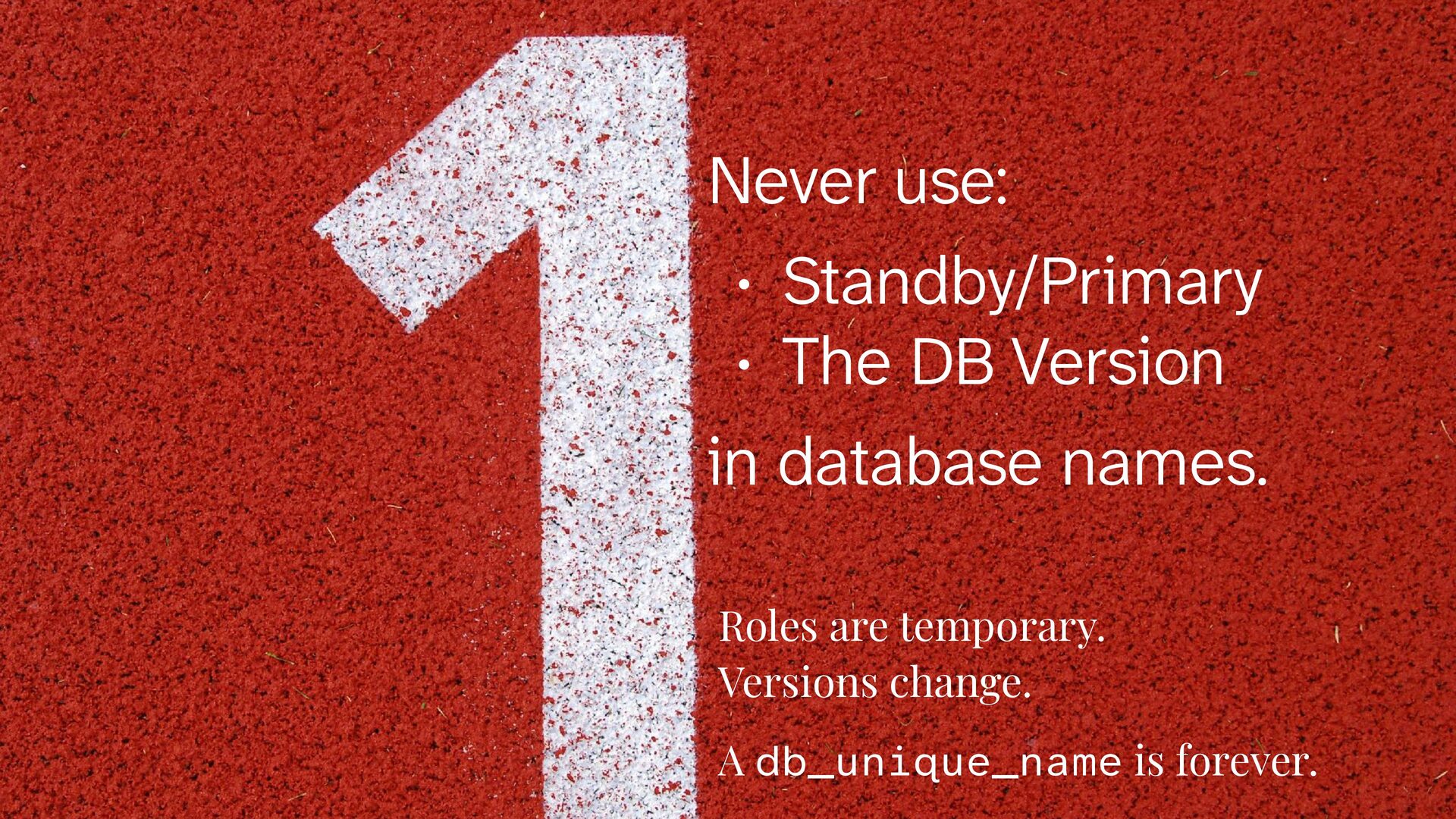
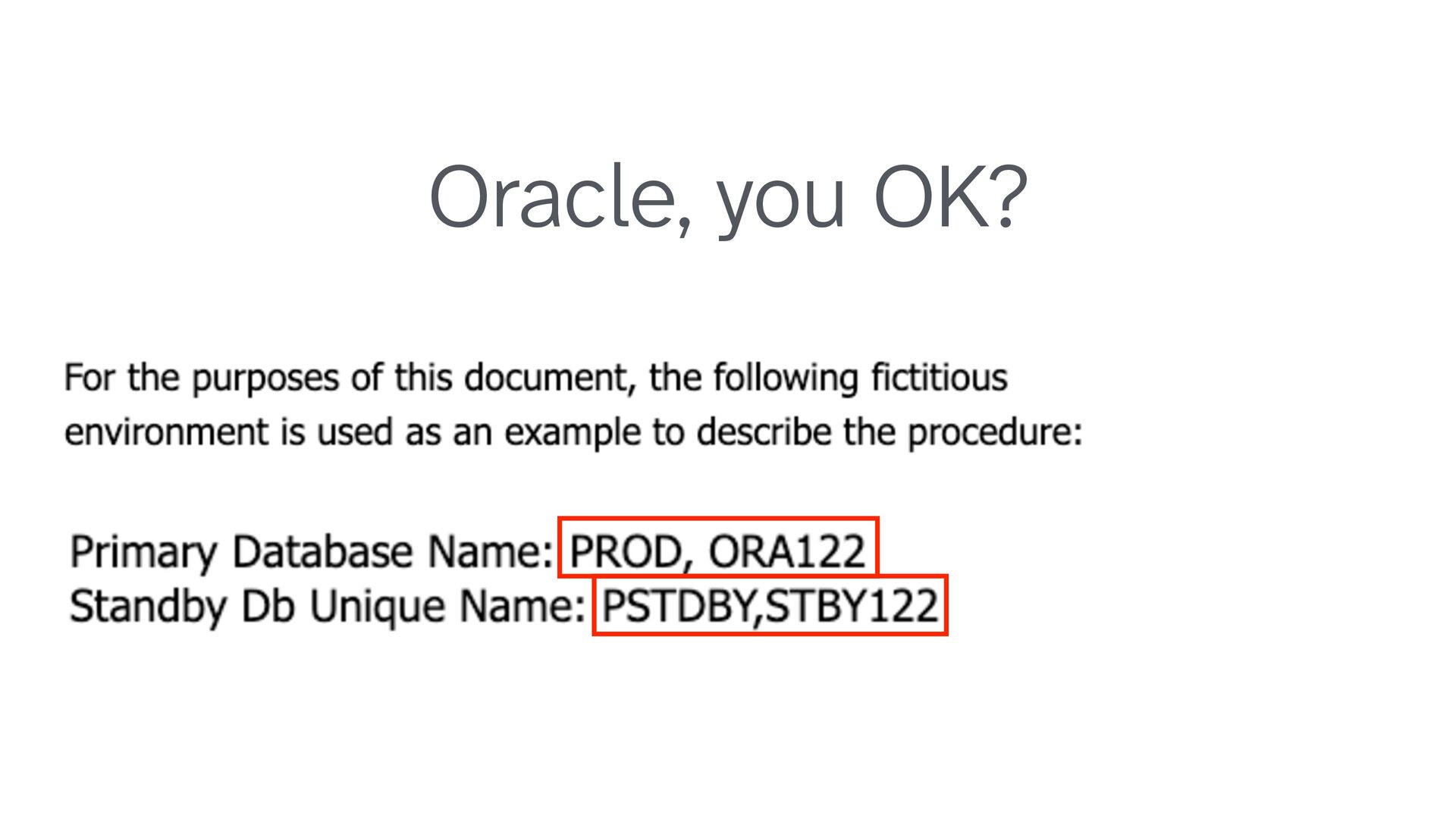
  4. Never use: • Standby/Primary • The DB Version in database

    names. Roles are temporary. Versions change. A db_unique_name is forever.
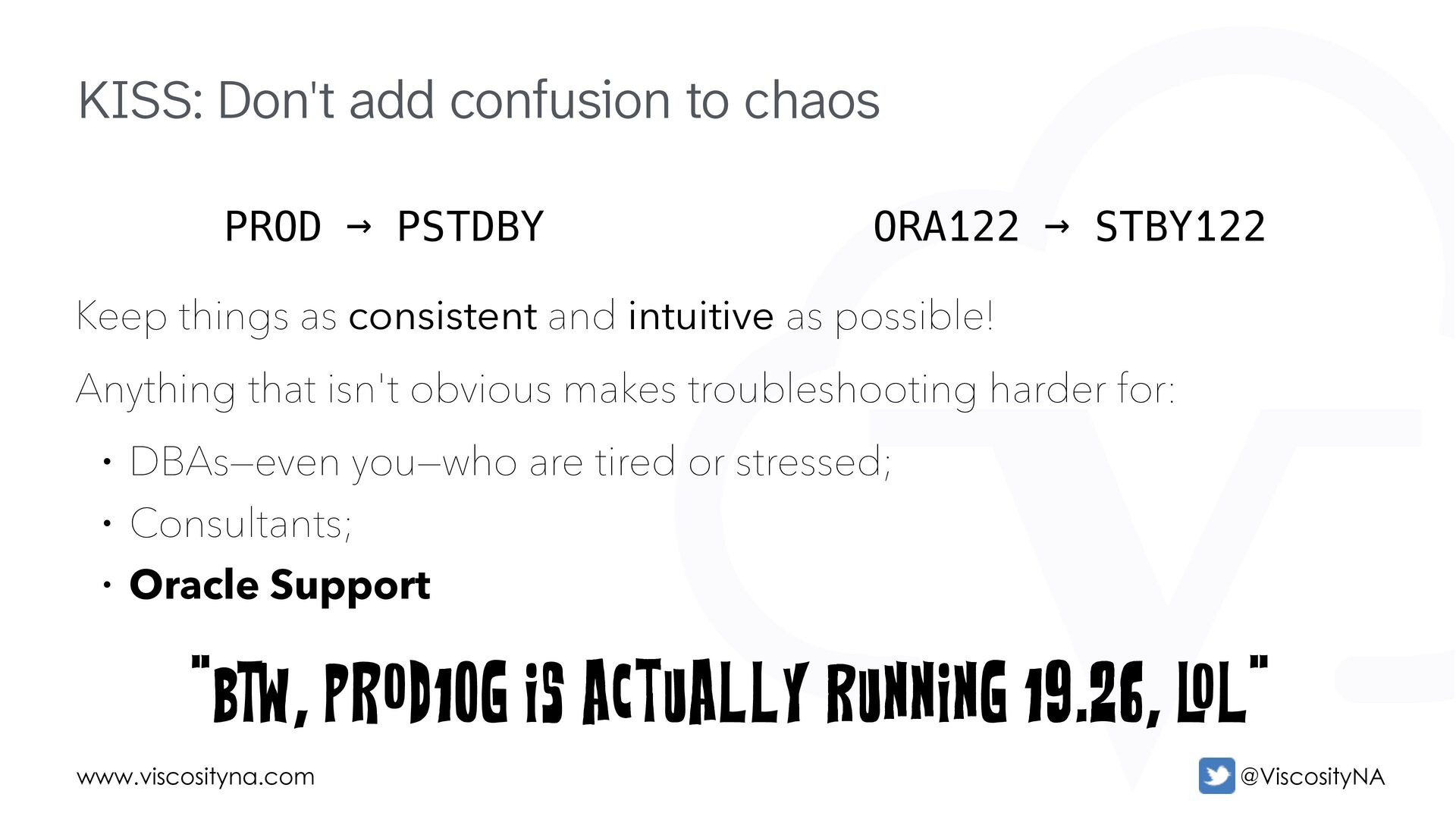
  5. www.viscosityna.com @ViscosityNA KISS: Don't add confusion to chaos Keep things

    as consistent and intuitive as possible! Anything that isn't obvious makes troubleshooting harder for: • DBAs—even you—who are tired or stressed; • Consultants; • Oracle Support PROD → PSTDBY ORA122 → STBY122 "BTW, PROD10G is actually running 19.26, L OL"
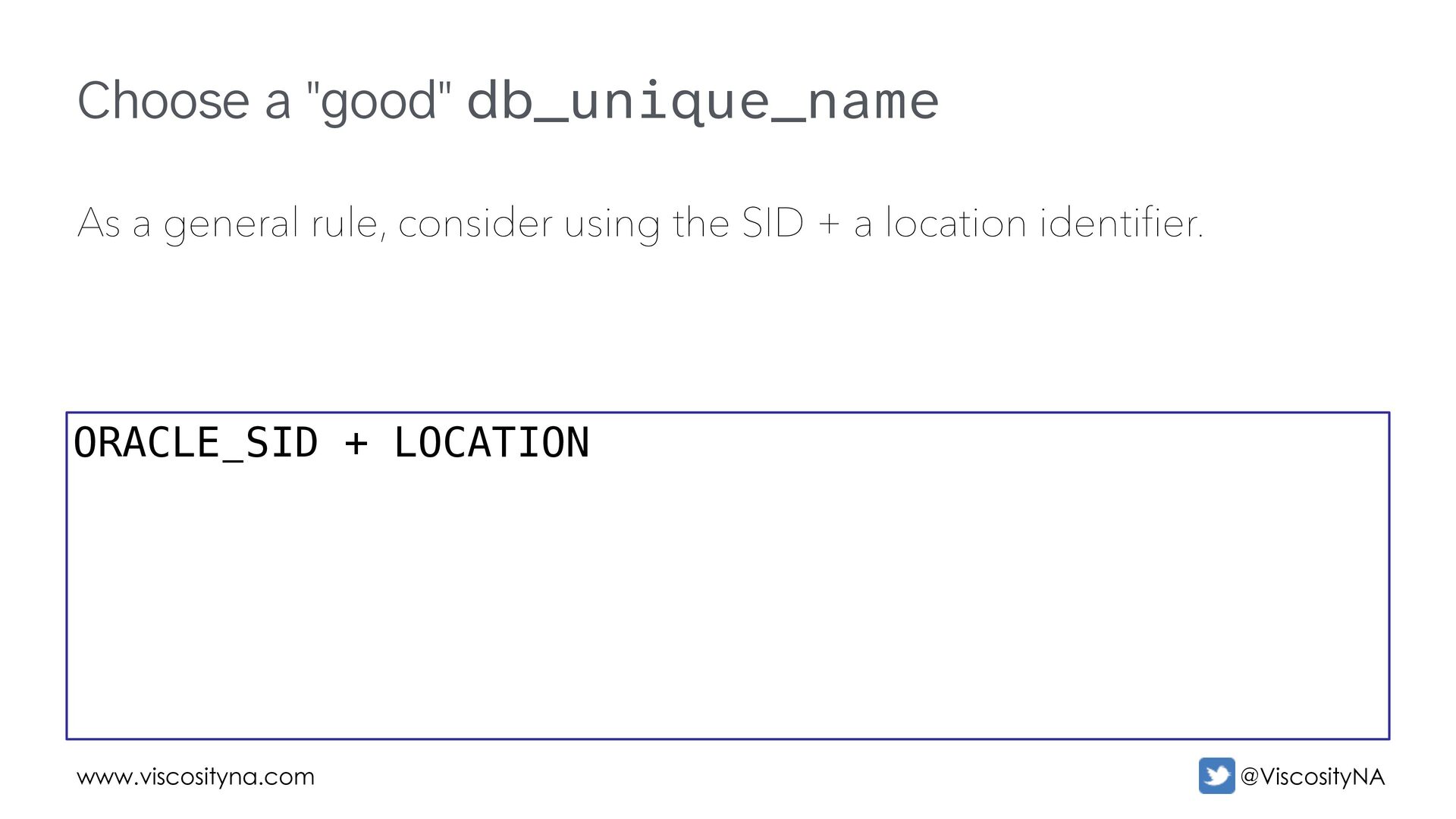
  6. www.viscosityna.com @ViscosityNA Choose a "good" db_unique_name As a general rule,

    consider using the SID + a location identifier. ORACLE_SID + LOCATION
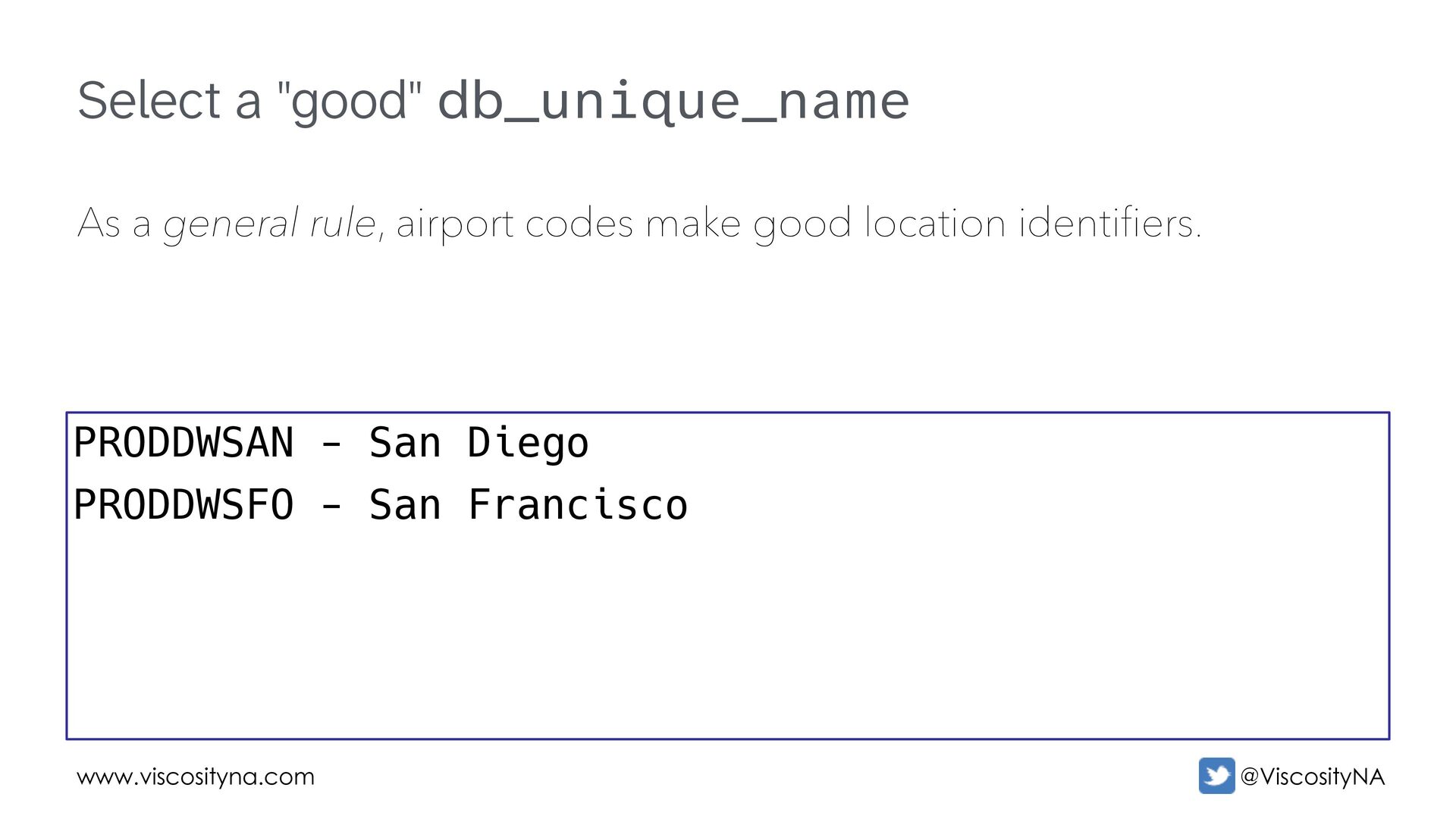
  7. www.viscosityna.com @ViscosityNA Select a "good" db_unique_name As a general rule,

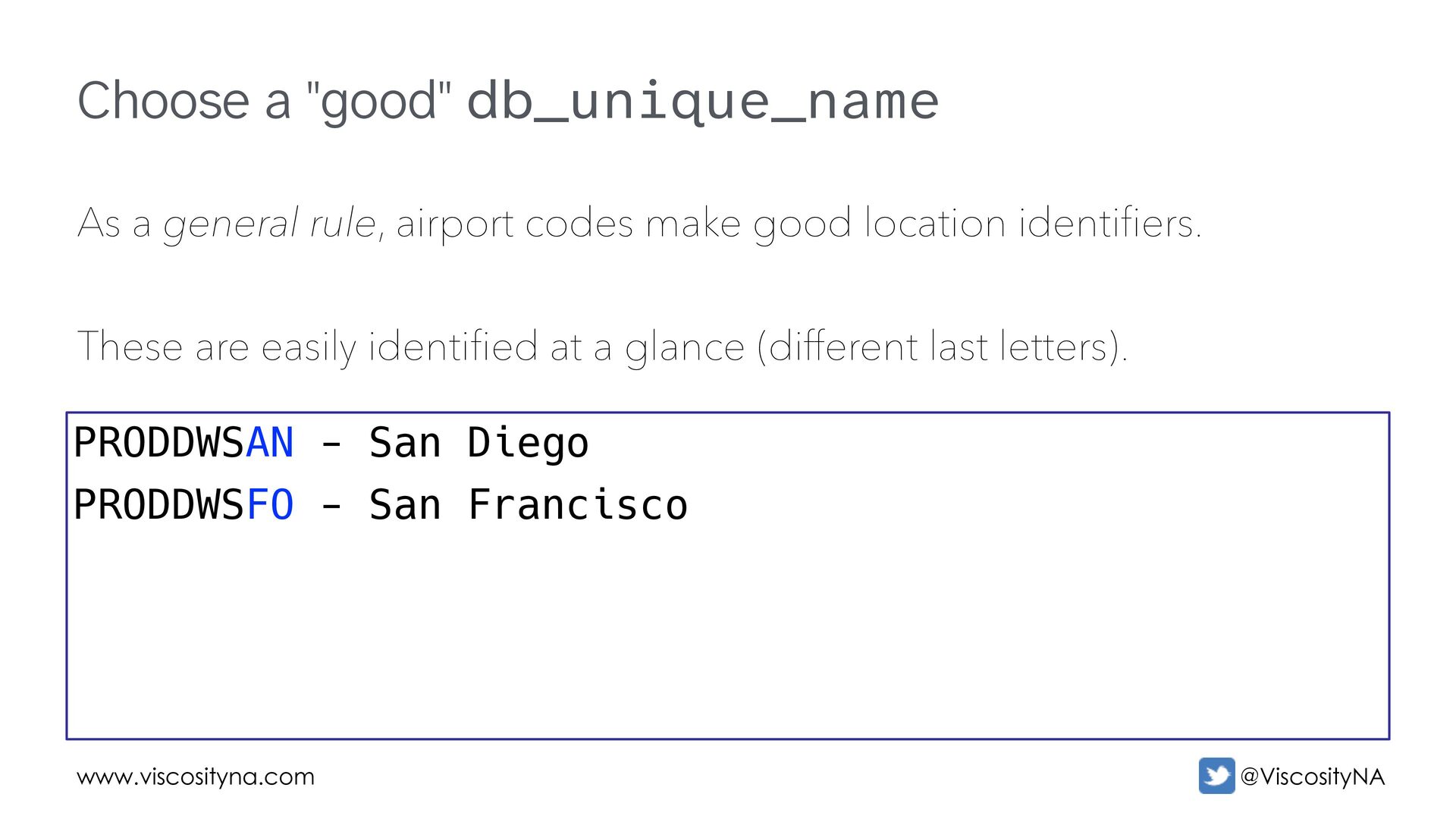
    airport codes make good location identifiers. PRODDWSAN - San Diego PRODDWSFO - San Francisco
  8. www.viscosityna.com @ViscosityNA Choose a "good" db_unique_name As a general rule,

    airport codes make good location identifiers. These are easily identified at a glance (different last letters). PRODDWSAN - San Diego PRODDWSFO - San Francisco
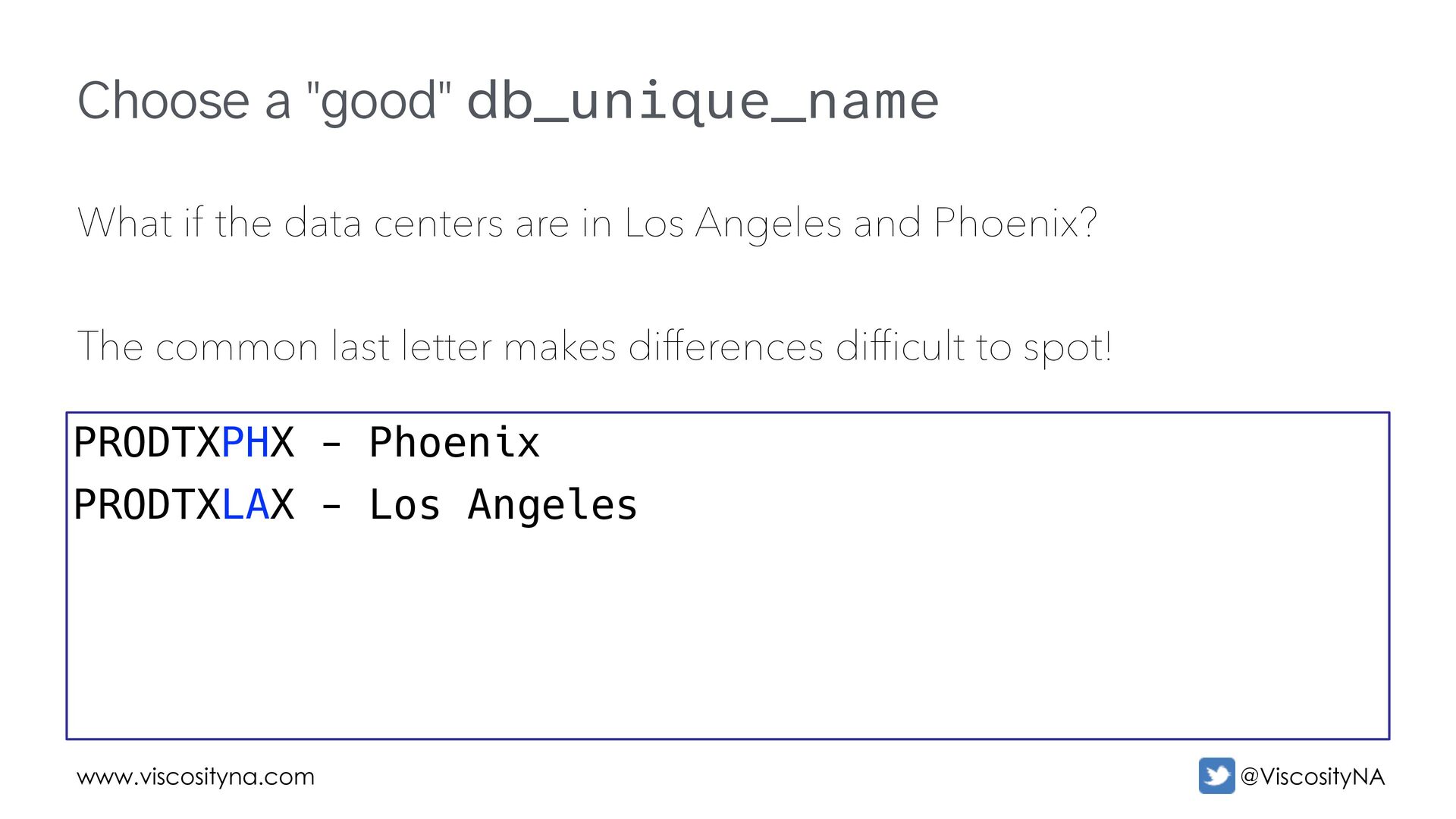
  9. www.viscosityna.com @ViscosityNA Choose a "good" db_unique_name What if the data

    centers are in Los Angeles and Phoenix? The common last letter makes differences difficult to spot! PRODTXPHX - Phoenix PRODTXLAX - Los Angeles
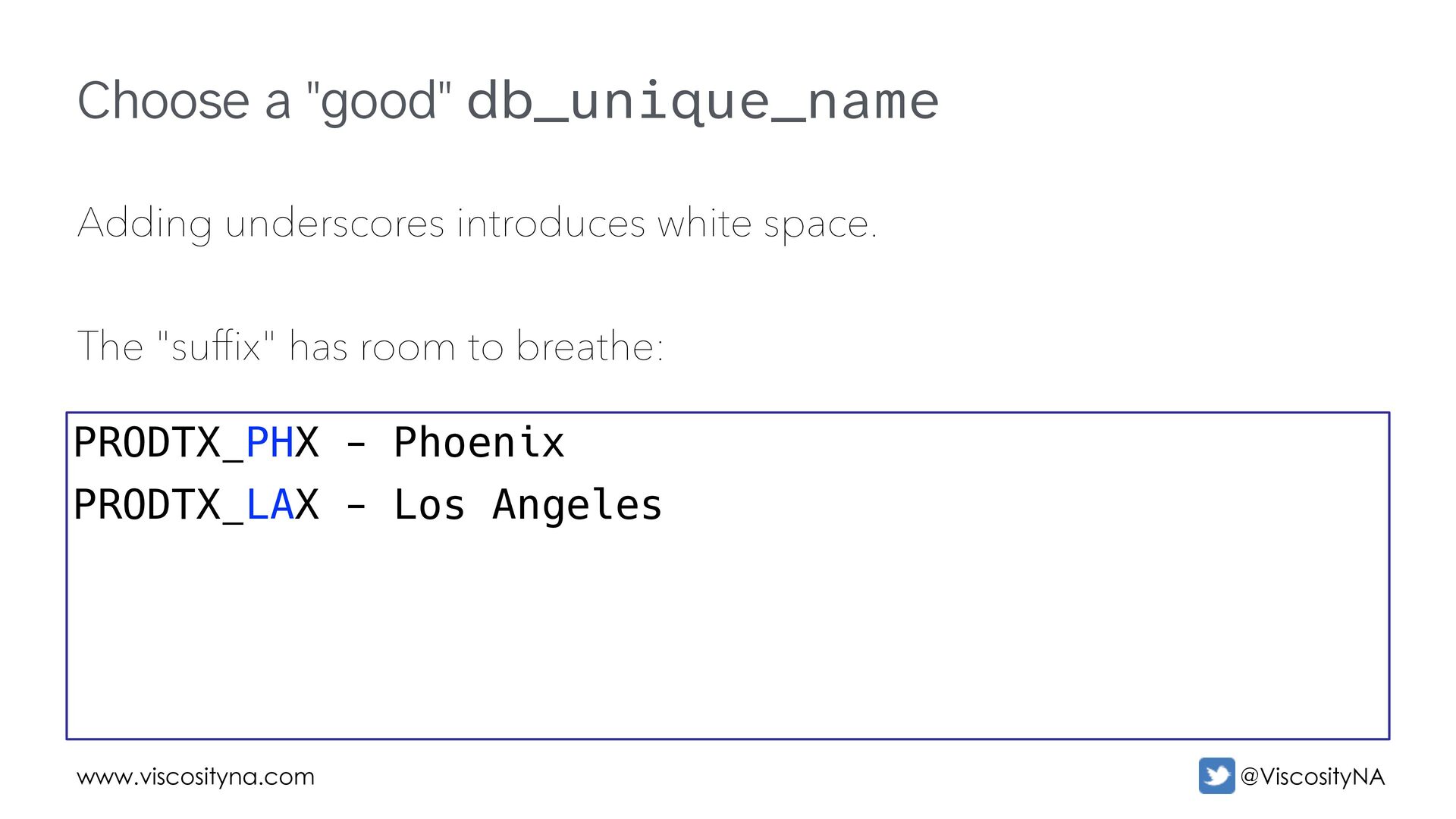
  10. www.viscosityna.com @ViscosityNA Choose a "good" db_unique_name Adding underscores introduces white

    space. The "suffix" has room to breathe: PRODTX_PHX - Phoenix PRODTX_LAX - Los Angeles
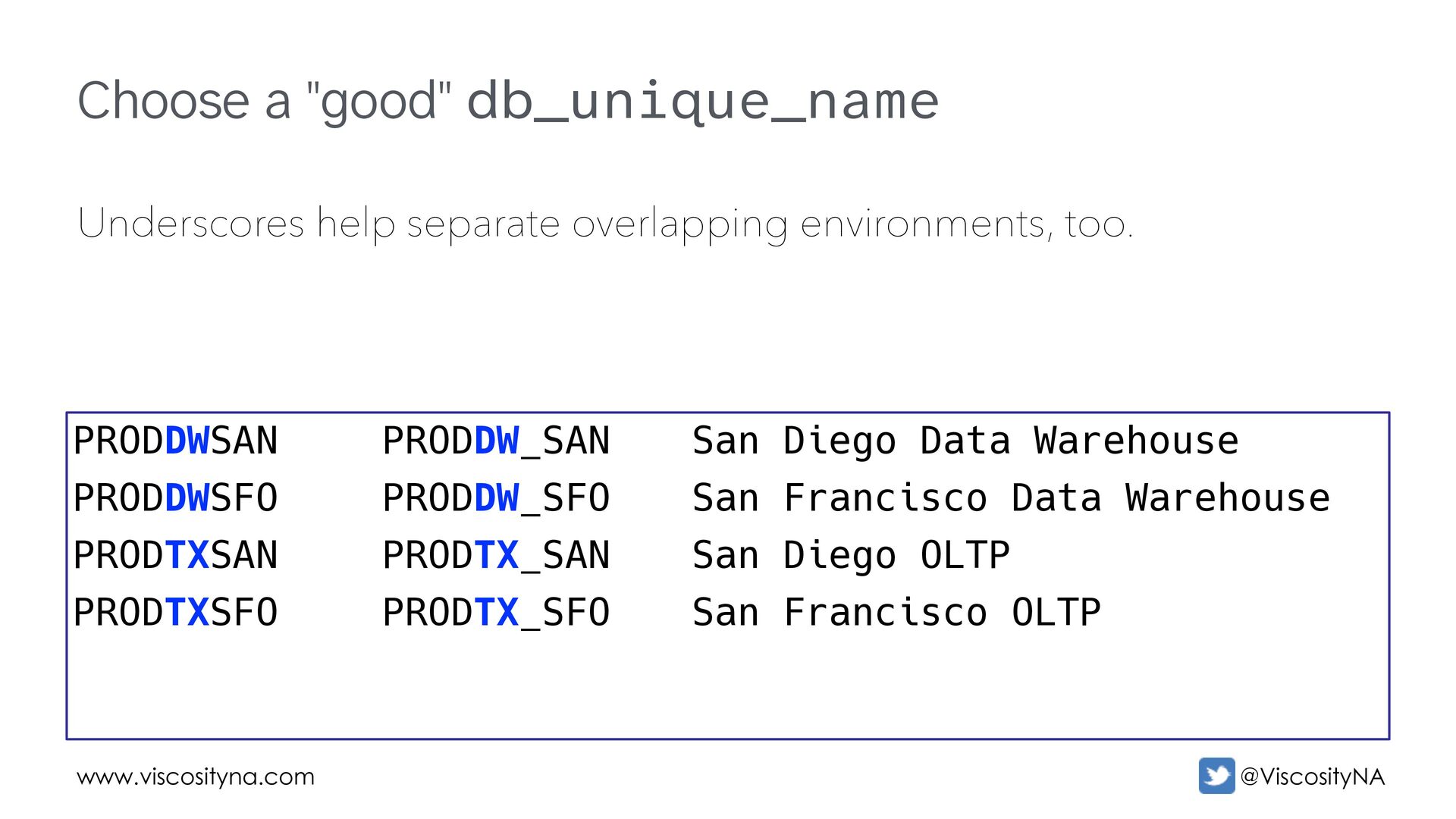
  11. www.viscosityna.com @ViscosityNA Choose a "good" db_unique_name Underscores help separate overlapping

    environments, too. PRODDWSAN PRODDWSFO PRODTXSAN PRODTXSFO PRODDW_SAN PRODDW_SFO PRODTX_SAN PRODTX_SFO San Diego Data Warehouse San Francisco Data Warehouse San Diego OLTP San Francisco OLTP
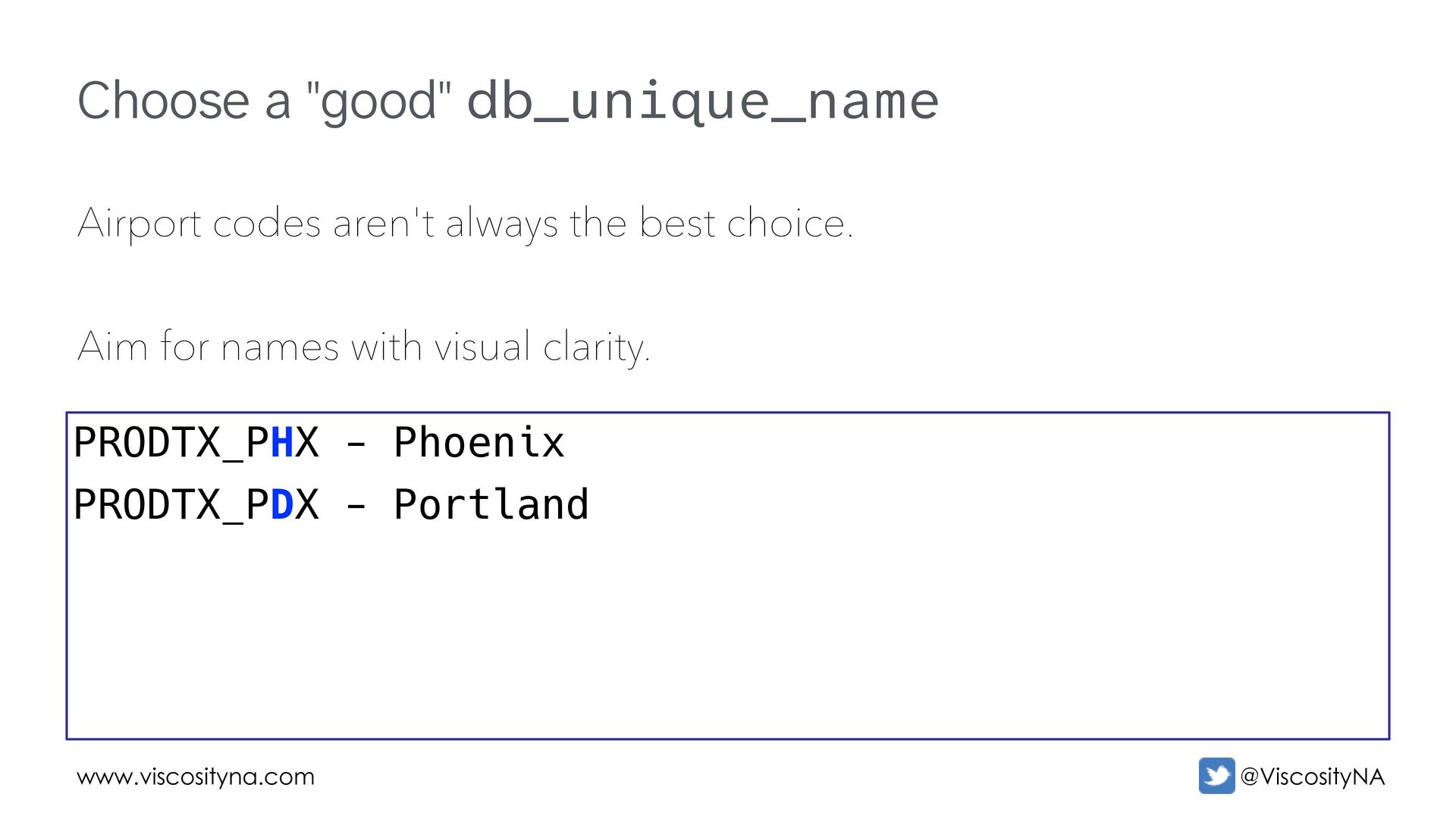
  12. www.viscosityna.com @ViscosityNA Choose a "good" db_unique_name Airport codes aren't always

    the best choice. Aim for names with visual clarity. PRODTX_PHX - Phoenix PRODTX_PDX - Portland
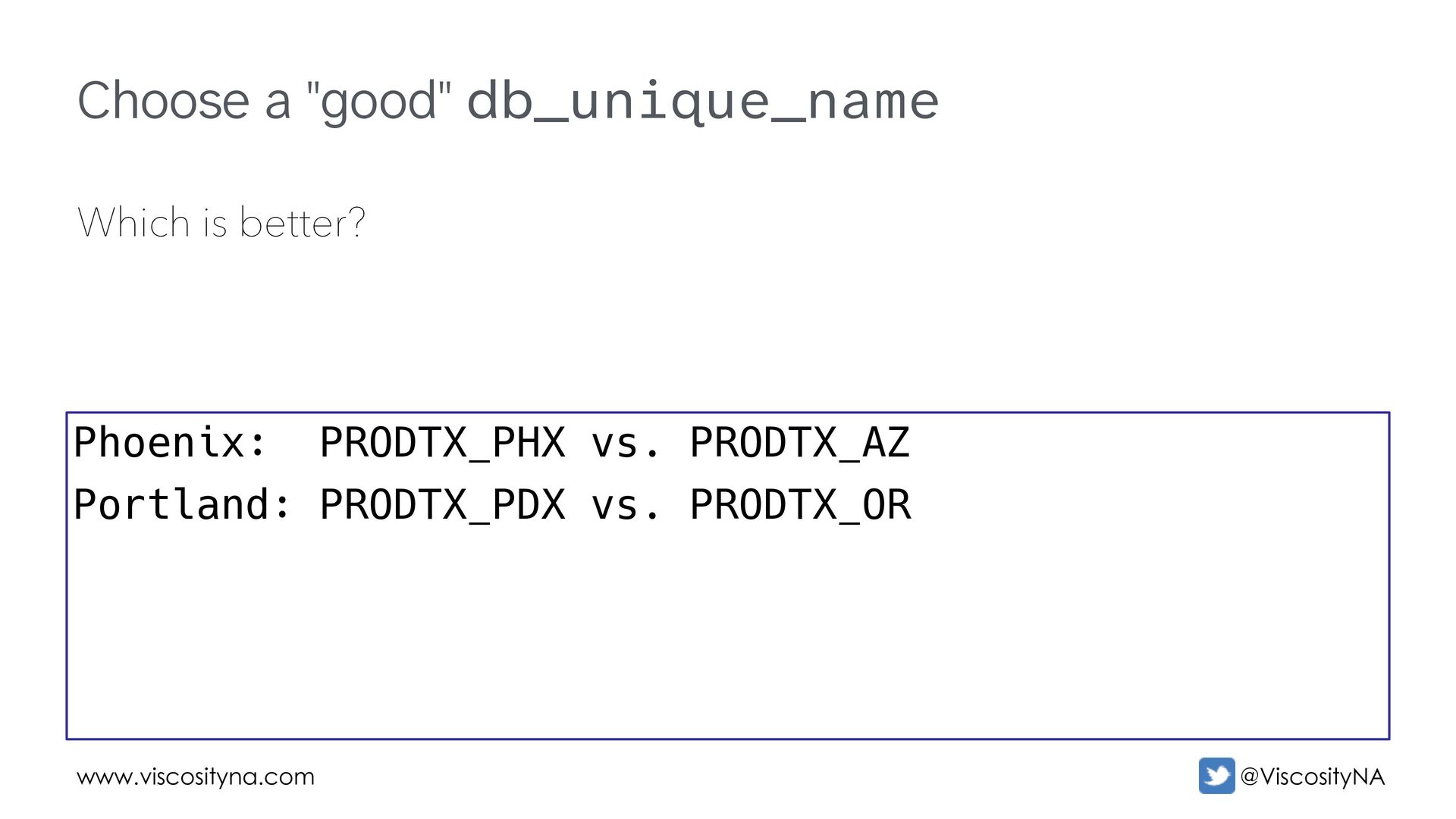
  13. www.viscosityna.com @ViscosityNA Choose a "good" db_unique_name Which is better? Phoenix:

    PRODTX_PHX vs. PRODTX_AZ Portland: PRODTX_PDX vs. PRODTX_OR
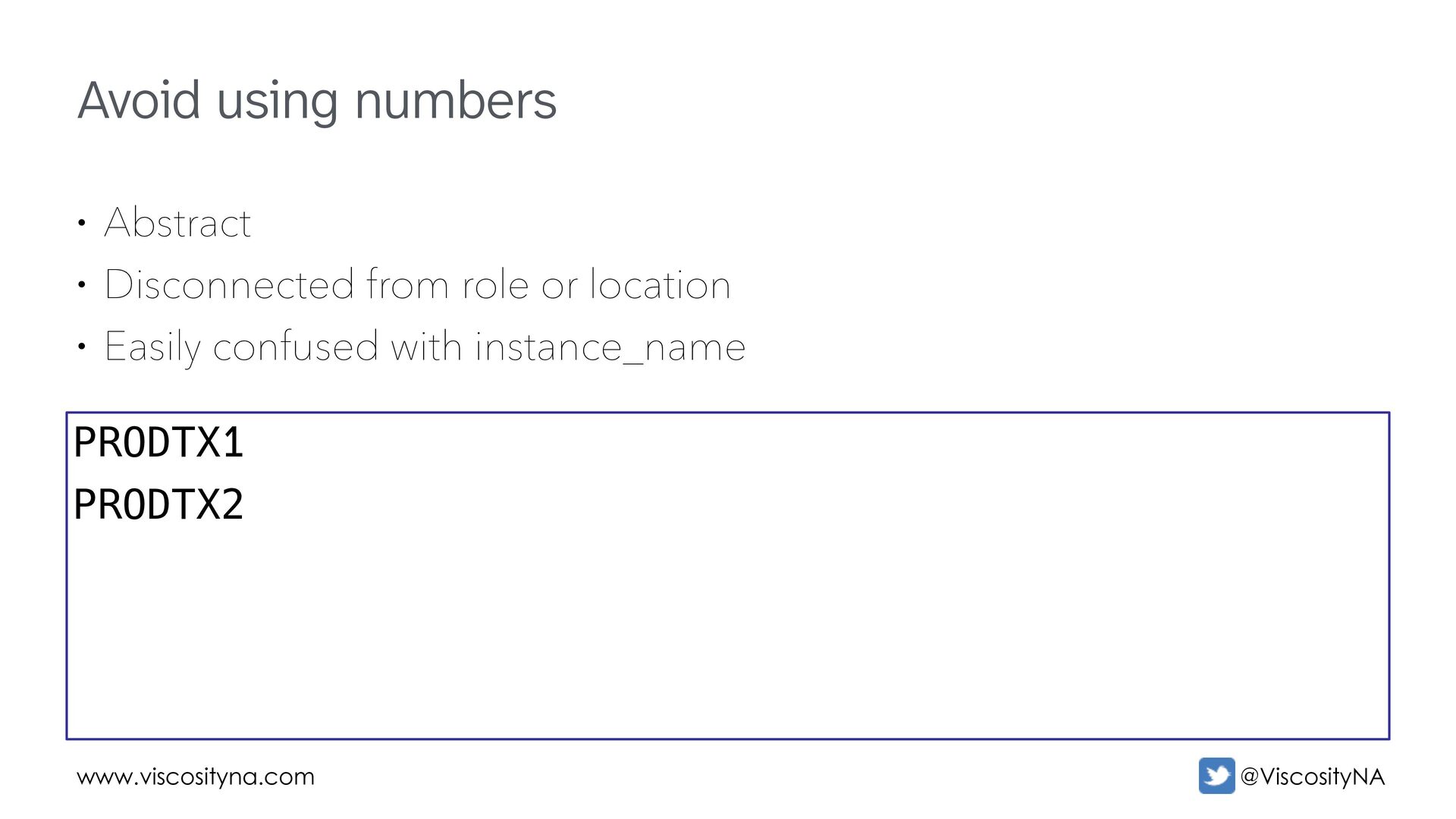
  14. www.viscosityna.com @ViscosityNA Avoid using numbers • Abstract • Disconnected from

    role or location • Easily confused with instance_name PRODTX1 PRODTX2
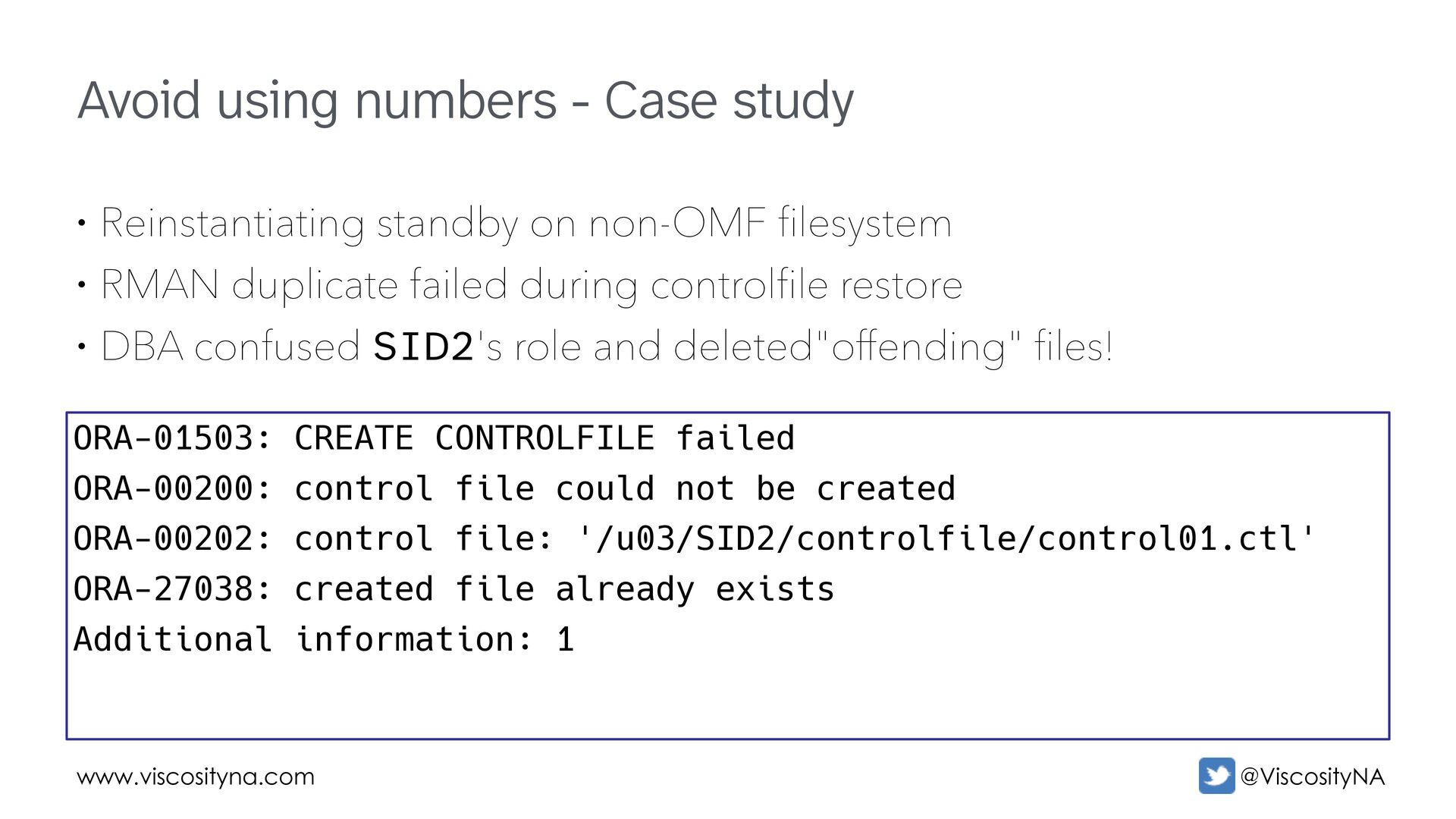
  15. www.viscosityna.com @ViscosityNA Avoid using numbers - Case study • Reinstantiating

    standby on non-OMF filesystem • RMAN duplicate failed during controlfile restore • DBA confused SID2's role and deleted"offending" files! ORA-01503: CREATE CONTROLFILE failed ORA-00200: control file could not be created ORA-00202: control file: '/u03/SID2/controlfile/control01.ctl' ORA-27038: created file already exists Additional information: 1
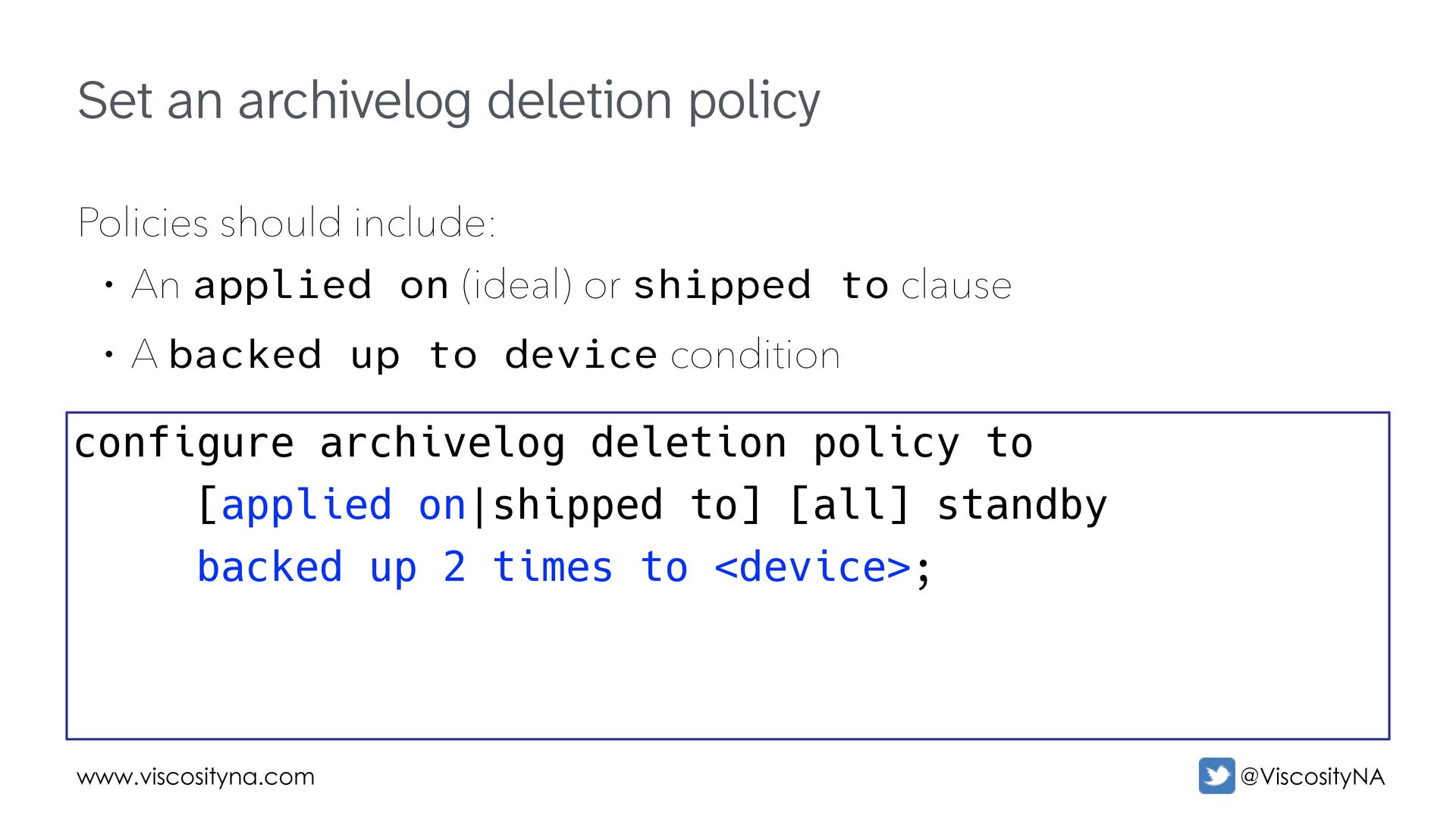
  16. www.viscosityna.com @ViscosityNA Set an archivelog deletion policy Policies should include:

    • An applied on (ideal) or shipped to clause • A backed up to device condition configure archivelog deletion policy to [applied on|shipped to] [all] standby backed up 2 times to <device>;
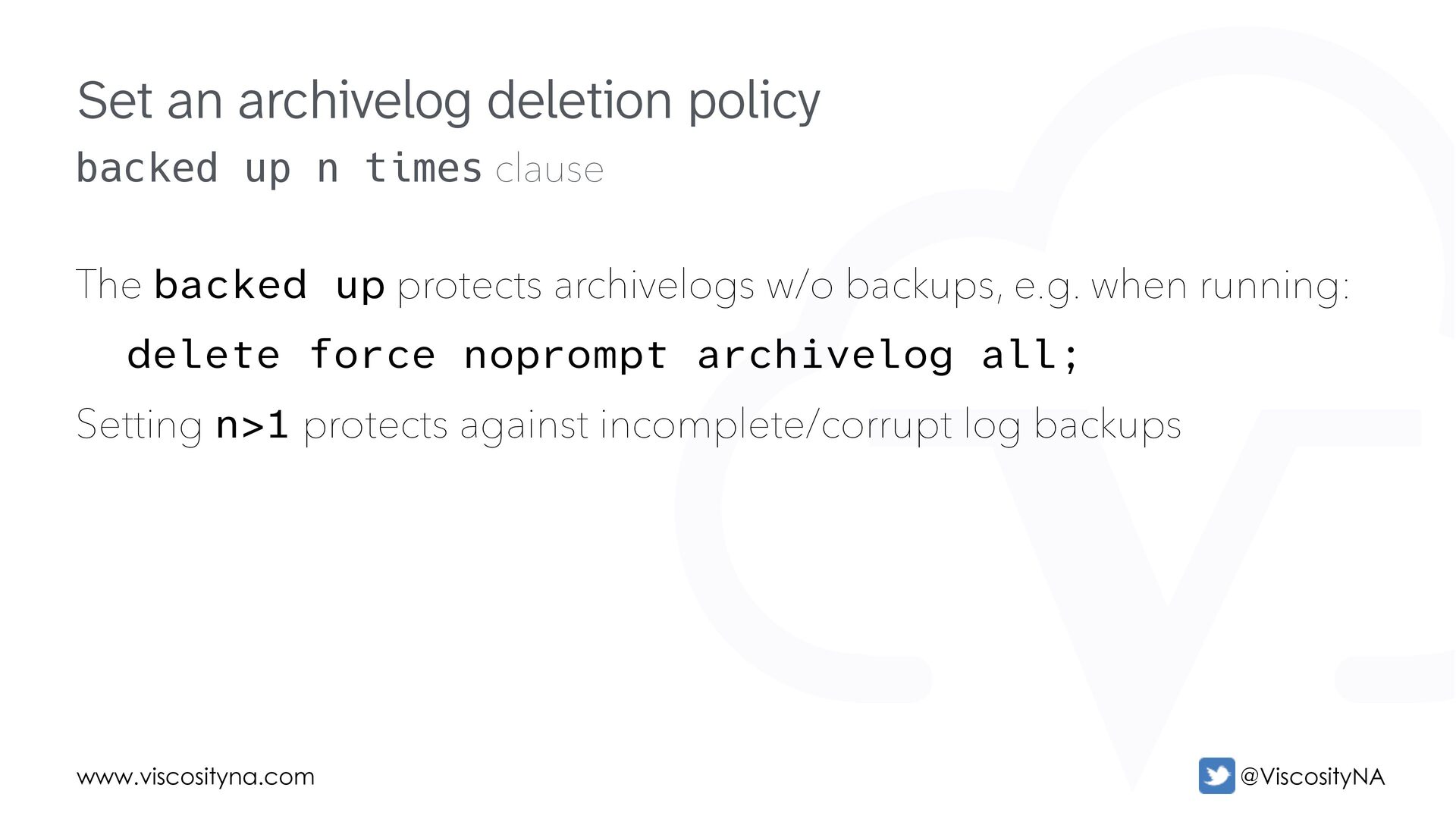
  17. www.viscosityna.com @ViscosityNA backed up n times clause The backed up

    protects archivelogs w/o backups, e.g. when running: delete force noprompt archivelog all; Setting n>1 protects against incomplete/corrupt log backups Set an archivelog deletion policy
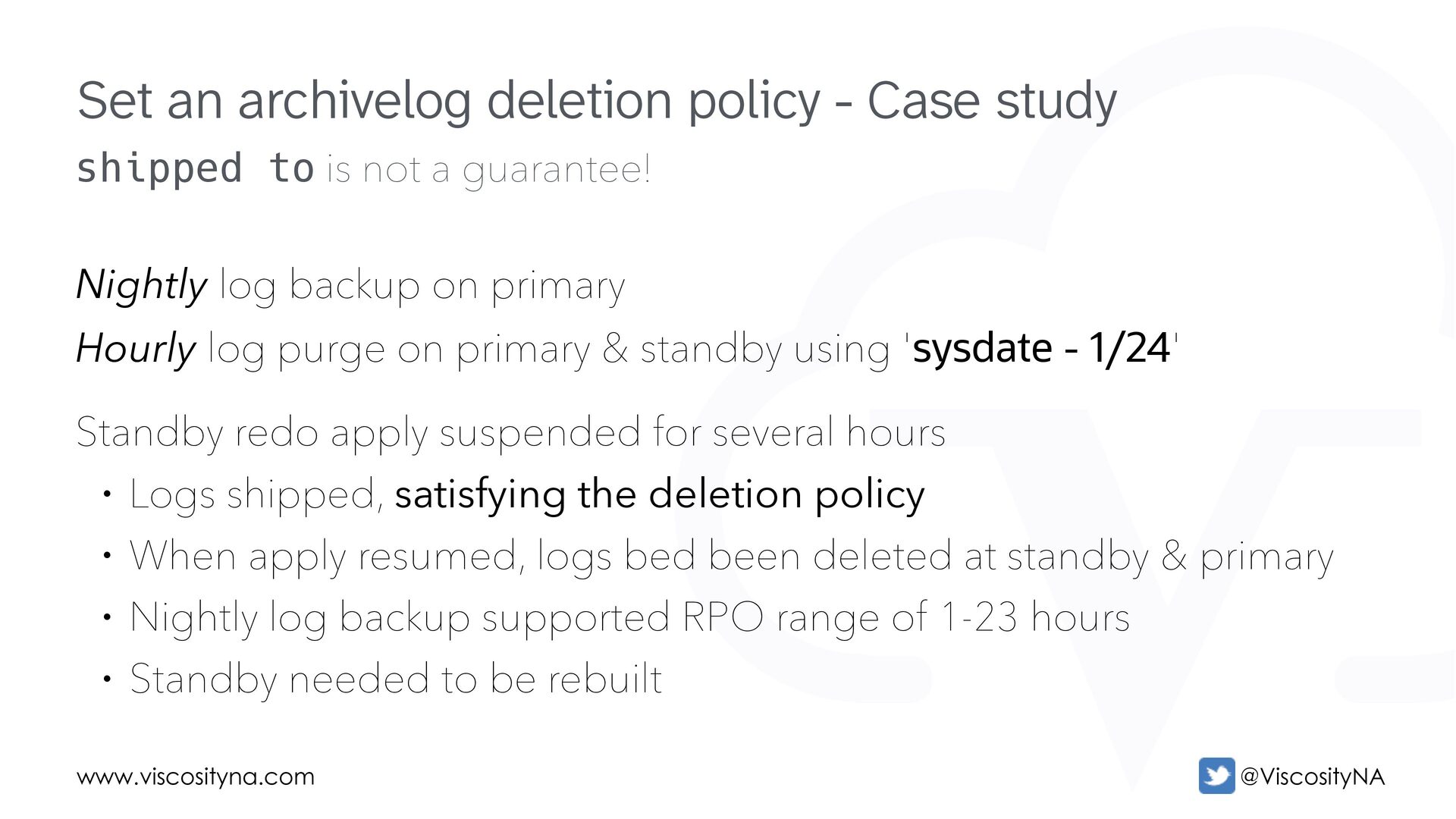
  18. www.viscosityna.com @ViscosityNA shipped to is not a guarantee! Nightly log

    backup on primary Hourly log purge on primary & standby using 'sysdate - 1/24' Standby redo apply suspended for several hours • Logs shipped, satisfying the deletion policy • When apply resumed, logs bed been deleted at standby & primary • Nightly log backup supported RPO range of 1-23 hours • Standby needed to be rebuilt Set an archivelog deletion policy - Case study
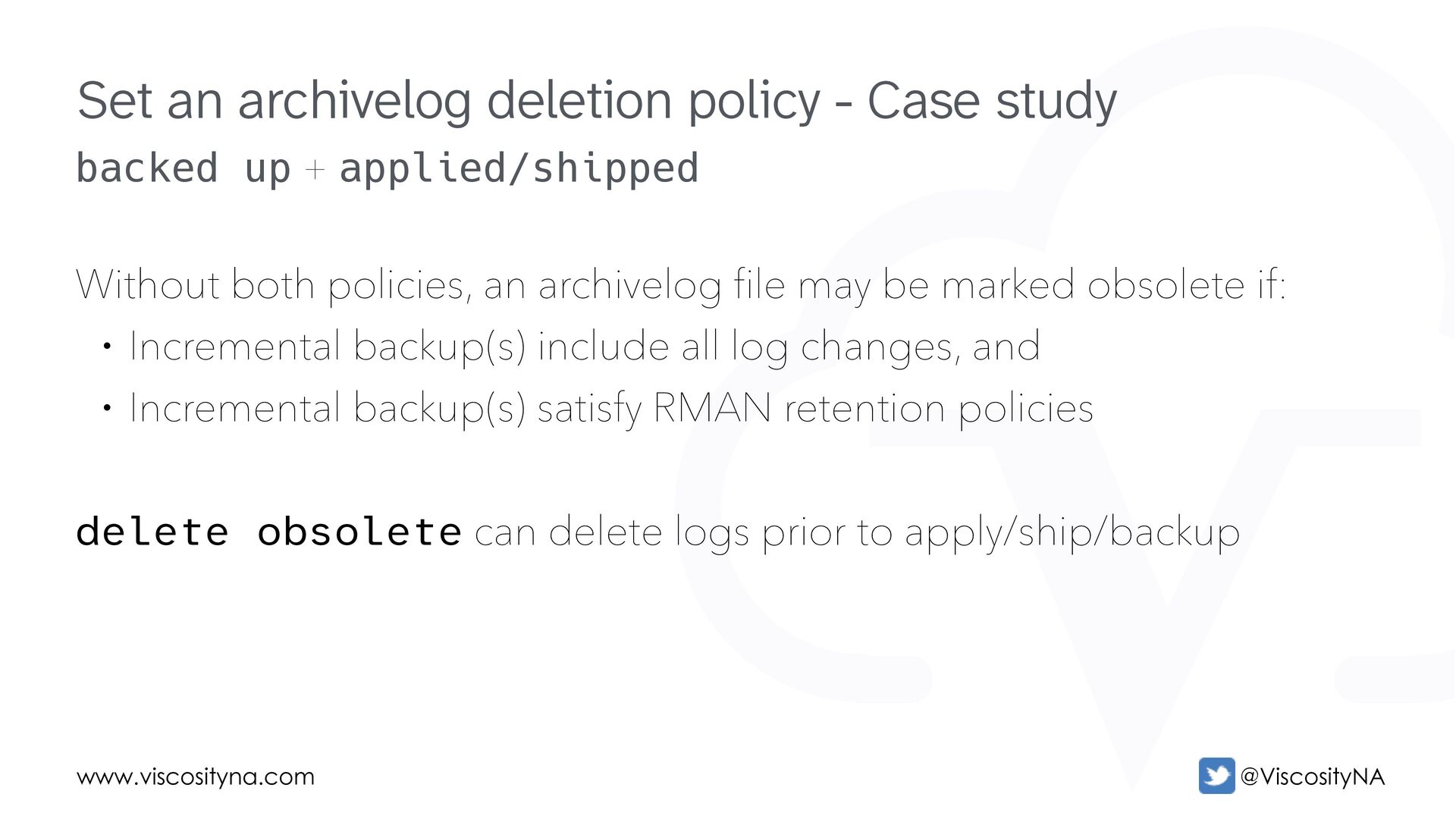
  19. www.viscosityna.com @ViscosityNA backed up + applied/shipped Without both policies, an

    archivelog file may be marked obsolete if: • Incremental backup(s) include all log changes, and • Incremental backup(s) satisfy RMAN retention policies delete obsolete can delete logs prior to apply/ship/backup Set an archivelog deletion policy - Case study
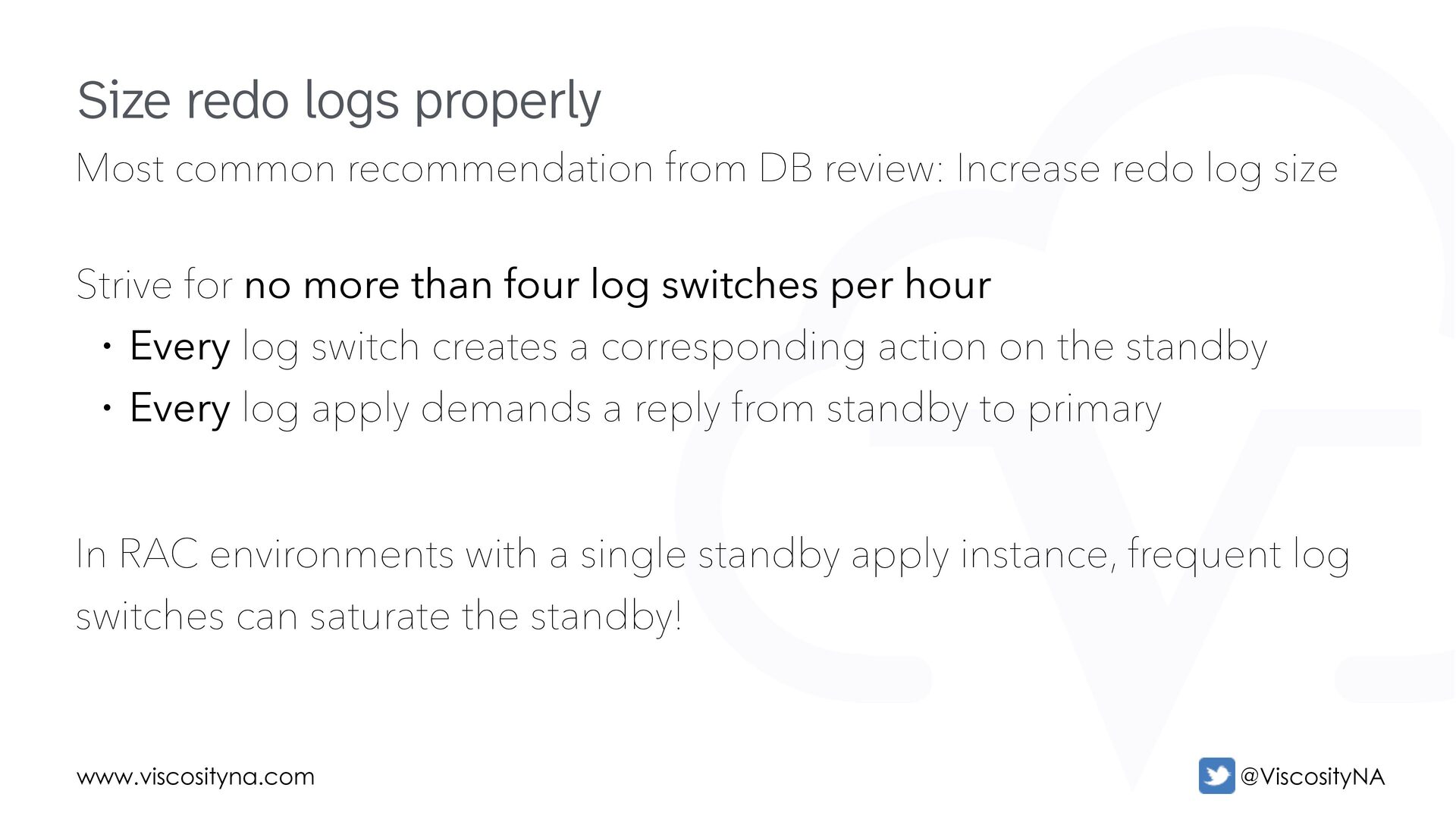
  20. www.viscosityna.com @ViscosityNA Most common recommendation from DB review: Increase redo

    log size Strive for no more than four log switches per hour • Every log switch creates a corresponding action on the standby • Every log apply demands a reply from standby to primary In RAC environments with a single standby apply instance, frequent log switches can saturate the standby! Size redo logs properly
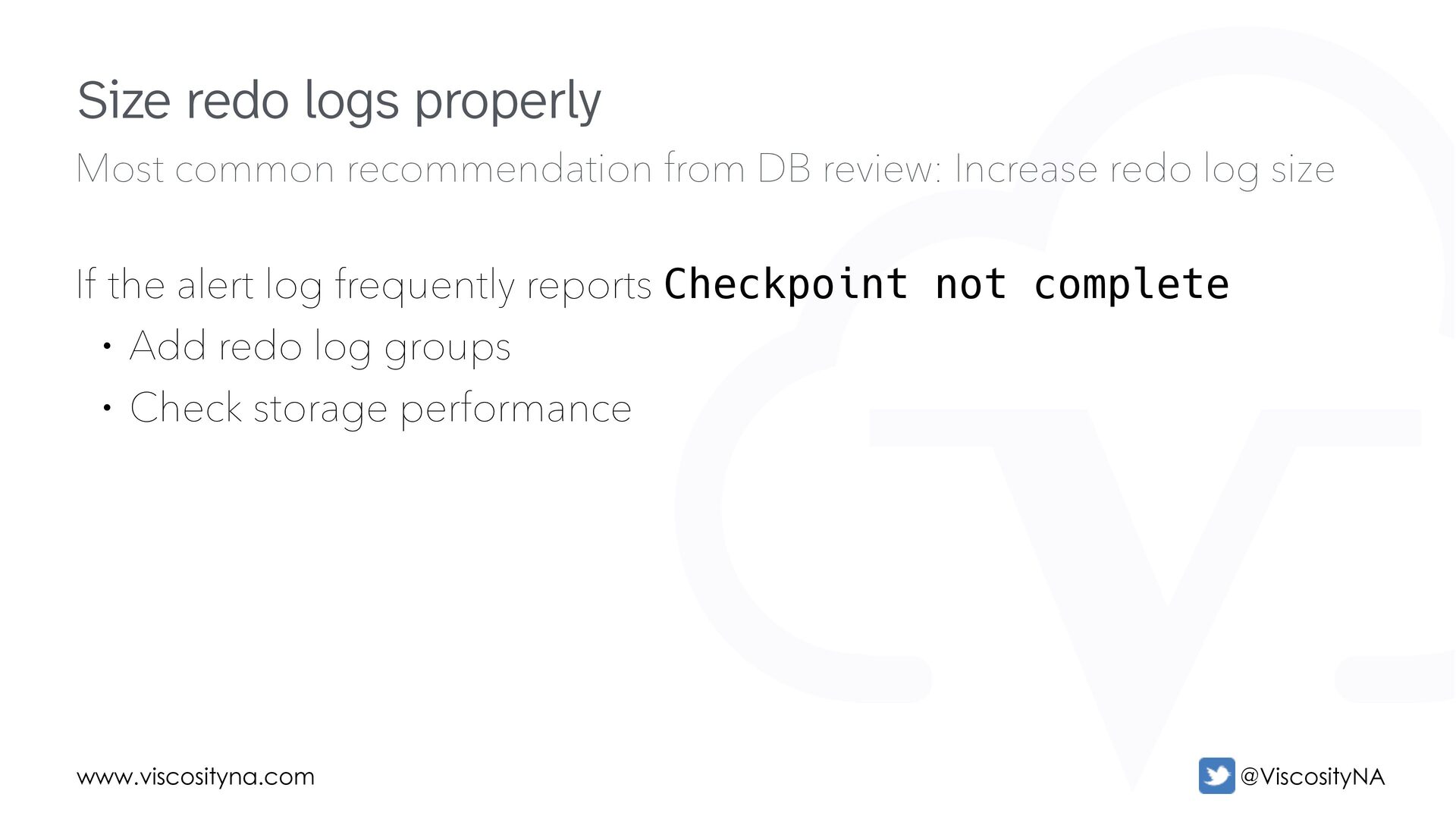
  21. www.viscosityna.com @ViscosityNA Most common recommendation from DB review: Increase redo

    log size If the alert log frequently reports Checkpoint not complete • Add redo log groups • Check storage performance Size redo logs properly
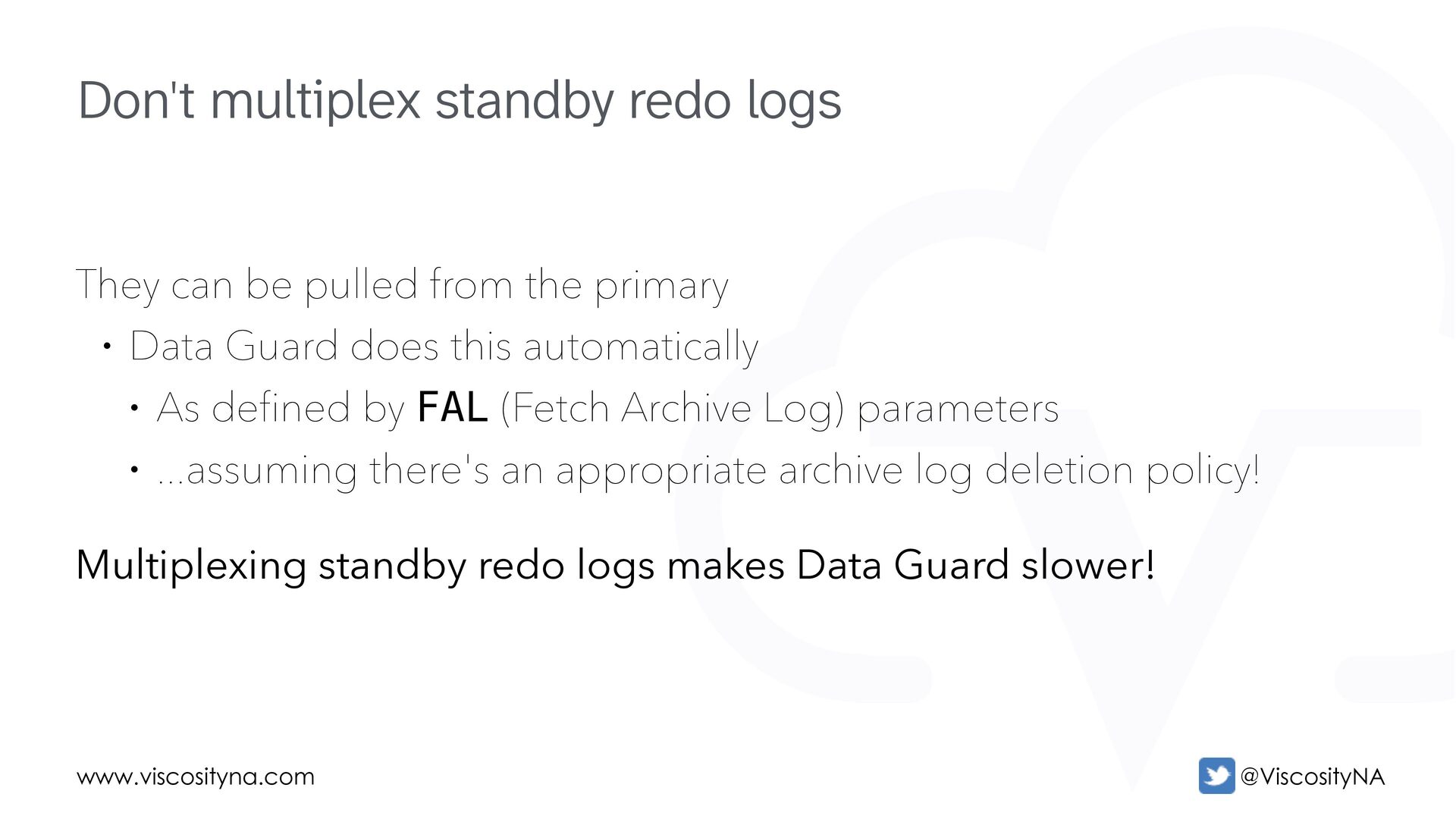
  22. www.viscosityna.com @ViscosityNA They can be pulled from the primary •

    Data Guard does this automatically • As defined by FAL (Fetch Archive Log) parameters • ...assuming there's an appropriate archive log deletion policy! Multiplexing standby redo logs makes Data Guard slower! Don't multiplex standby redo logs
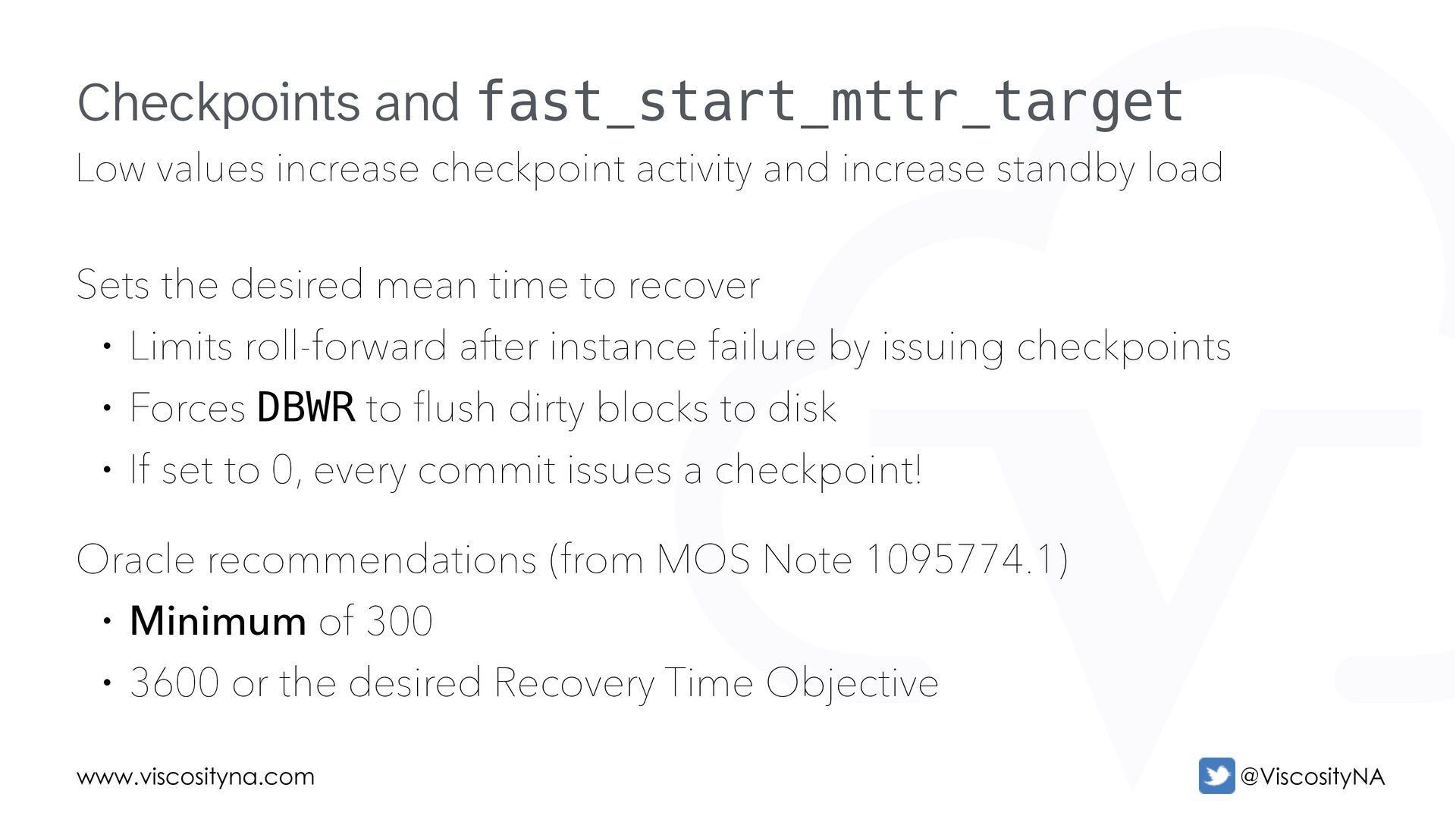
  23. www.viscosityna.com @ViscosityNA Low values increase checkpoint activity and increase standby

    load Sets the desired mean time to recover • Limits roll-forward after instance failure by issuing checkpoints • Forces DBWR to flush dirty blocks to disk • If set to 0, every commit issues a checkpoint! Oracle recommendations (from MOS Note 1095774.1) • Minimum of 300 • 3600 or the desired Recovery Time Objective Checkpoints and fast_start_mttr_target
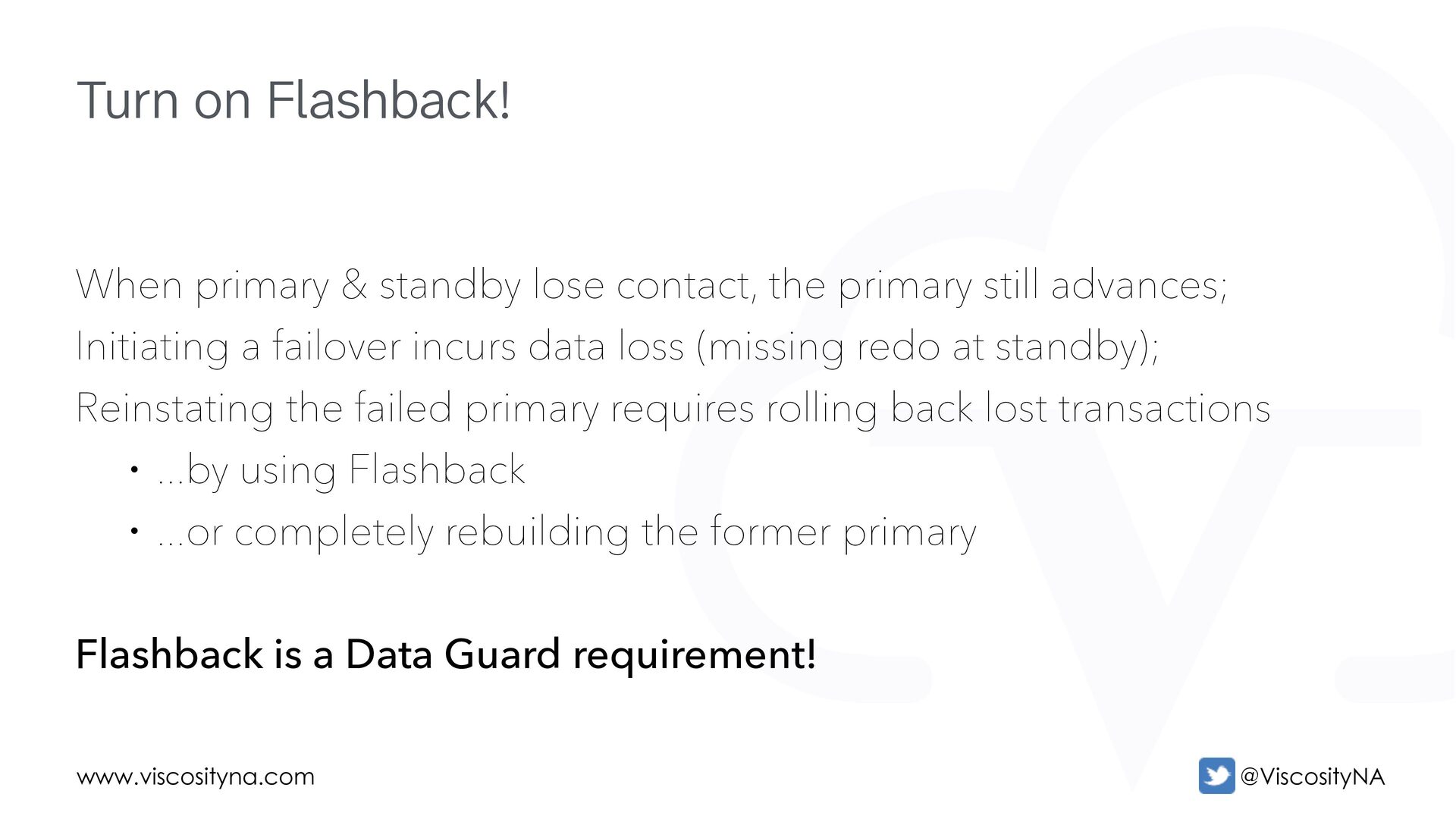
  24. www.viscosityna.com @ViscosityNA When primary & standby lose contact, the primary

    still advances; Initiating a failover incurs data loss (missing redo at standby); Reinstating the failed primary requires rolling back lost transactions • ...by using Flashback • ...or completely rebuilding the former primary Flashback is a Data Guard requirement! Turn on Flashback!
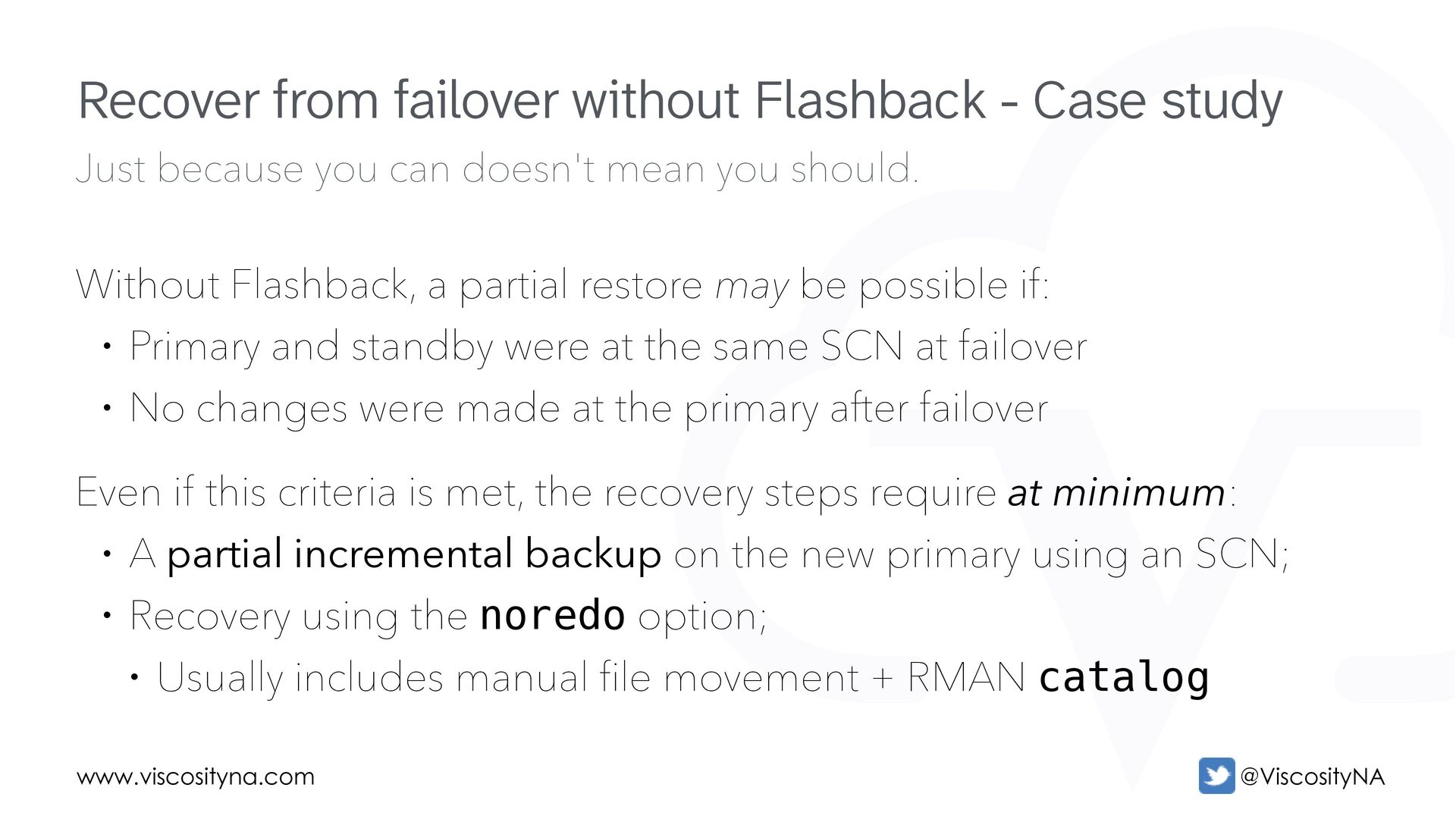
  25. www.viscosityna.com @ViscosityNA Just because you can doesn't mean you should.

    Without Flashback, a partial restore may be possible if: • Primary and standby were at the same SCN at failover • No changes were made at the primary after failover Even if this criteria is met, the recovery steps require at minimum: • A partial incremental backup on the new primary using an SCN; • Recovery using the noredo option; • Usually includes manual file movement + RMAN catalog Recover from failover without Flashback - Case study
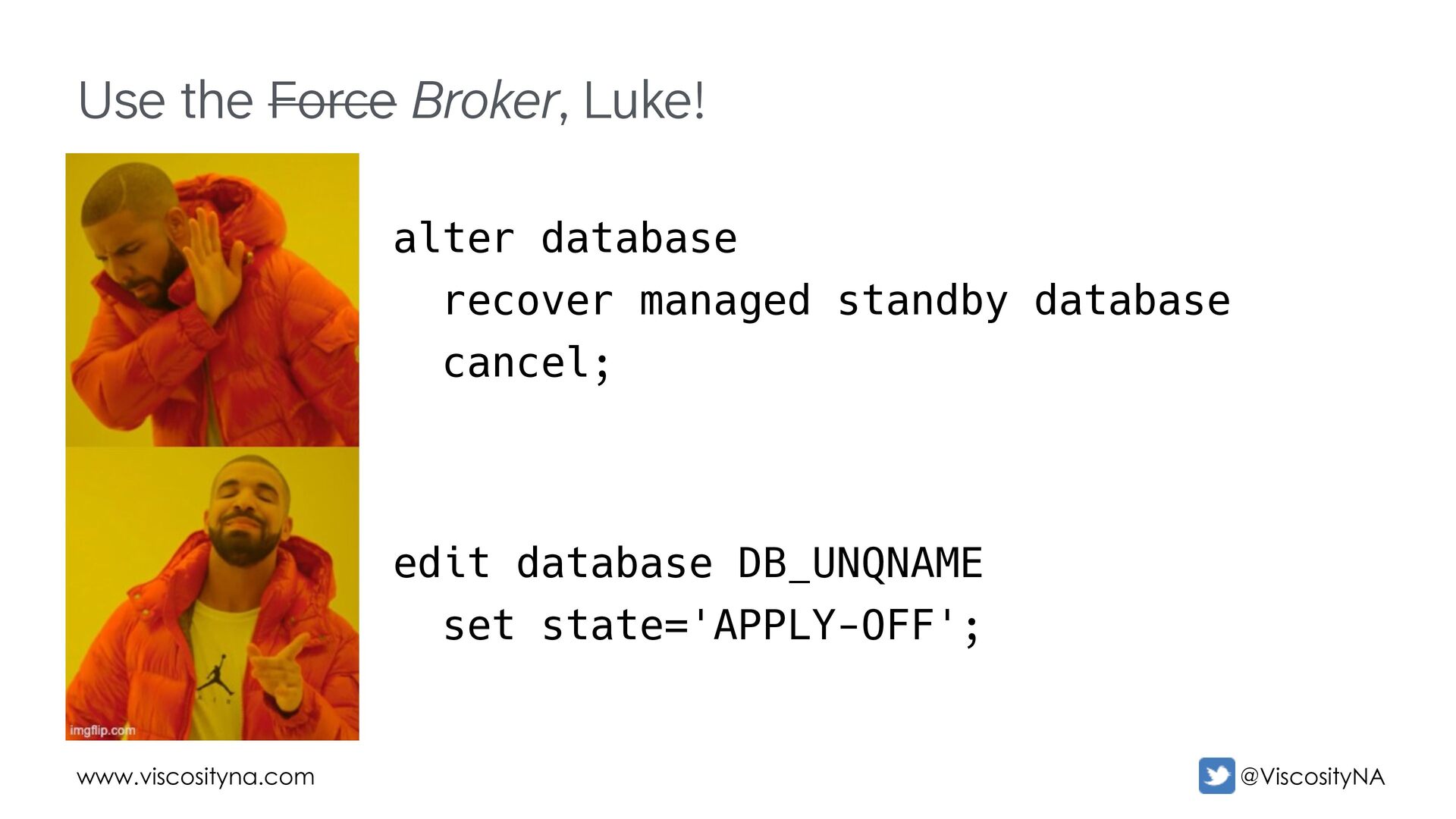
  26. www.viscosityna.com @ViscosityNA Use the Force Broker, Luke! edit database DB_UNQNAME

    set state='APPLY-OFF'; alter database recover managed standby database cancel;
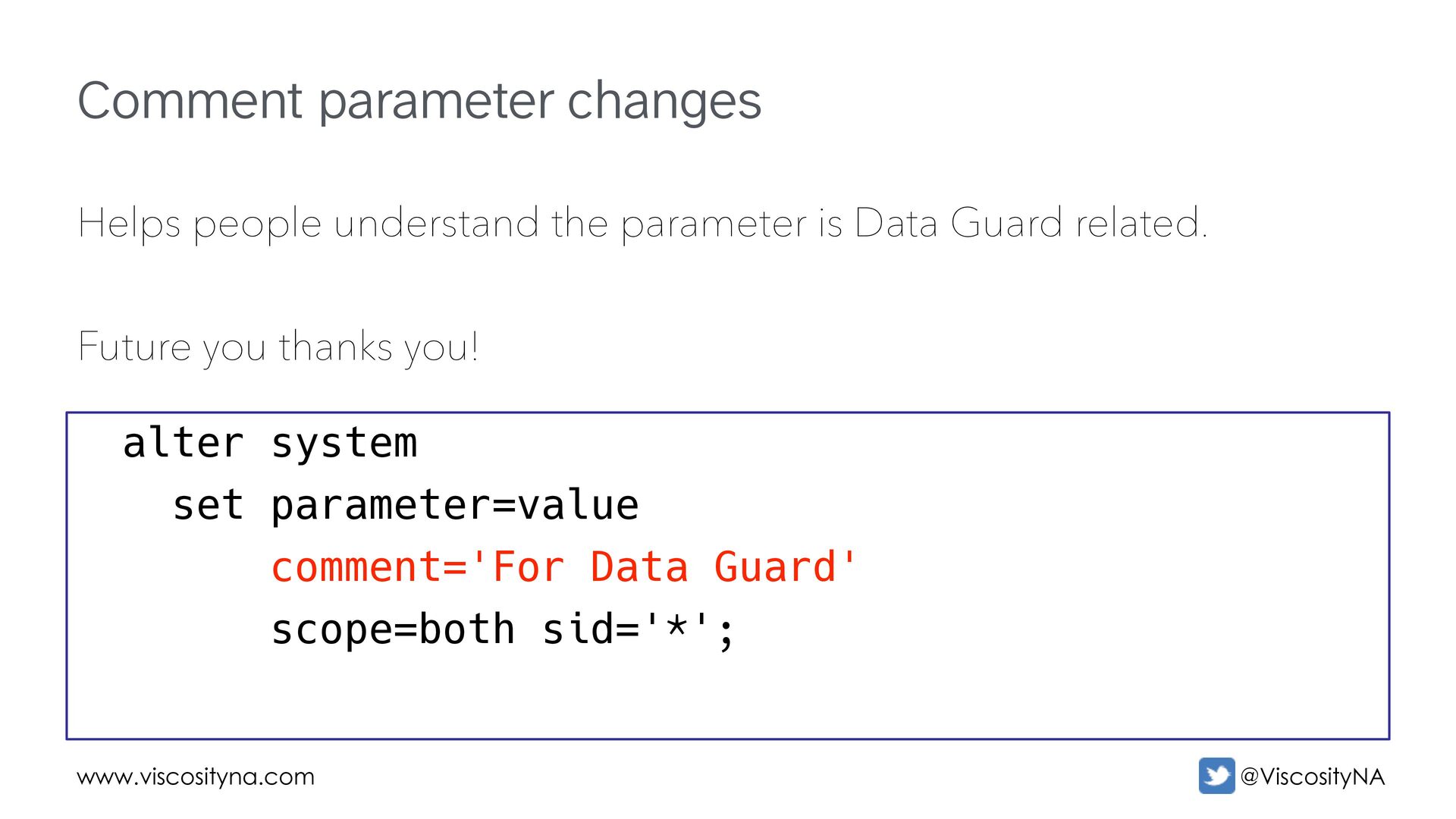
  27. www.viscosityna.com @ViscosityNA Comment parameter changes Helps people understand the parameter

    is Data Guard related. Future you thanks you! alter system set parameter=value comment='For Data Guard' scope=both sid='*';
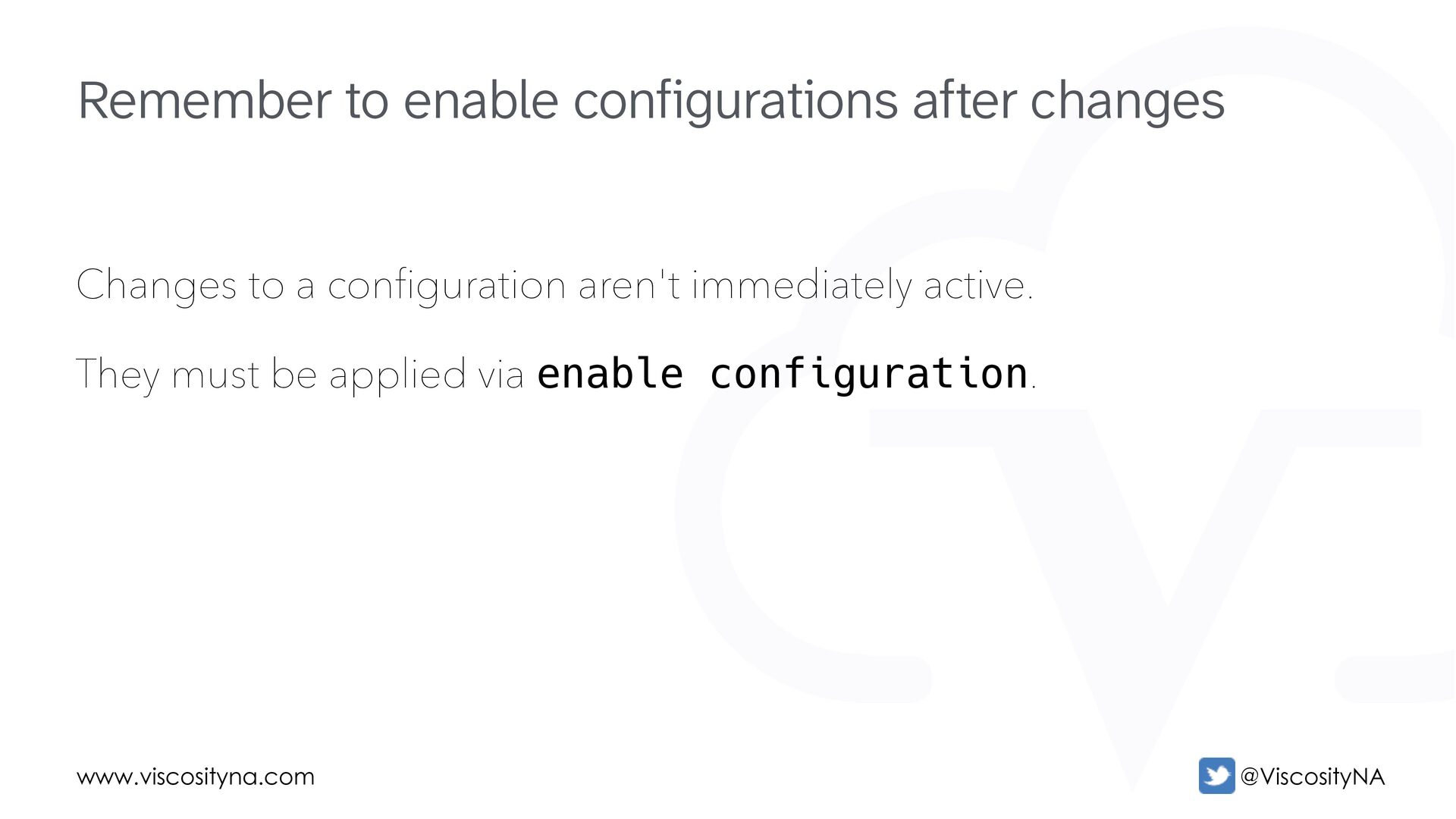
  28. www.viscosityna.com @ViscosityNA Changes to a configuration aren't immediately active. They

    must be applied via enable configuration. Remember to enable configurations after changes
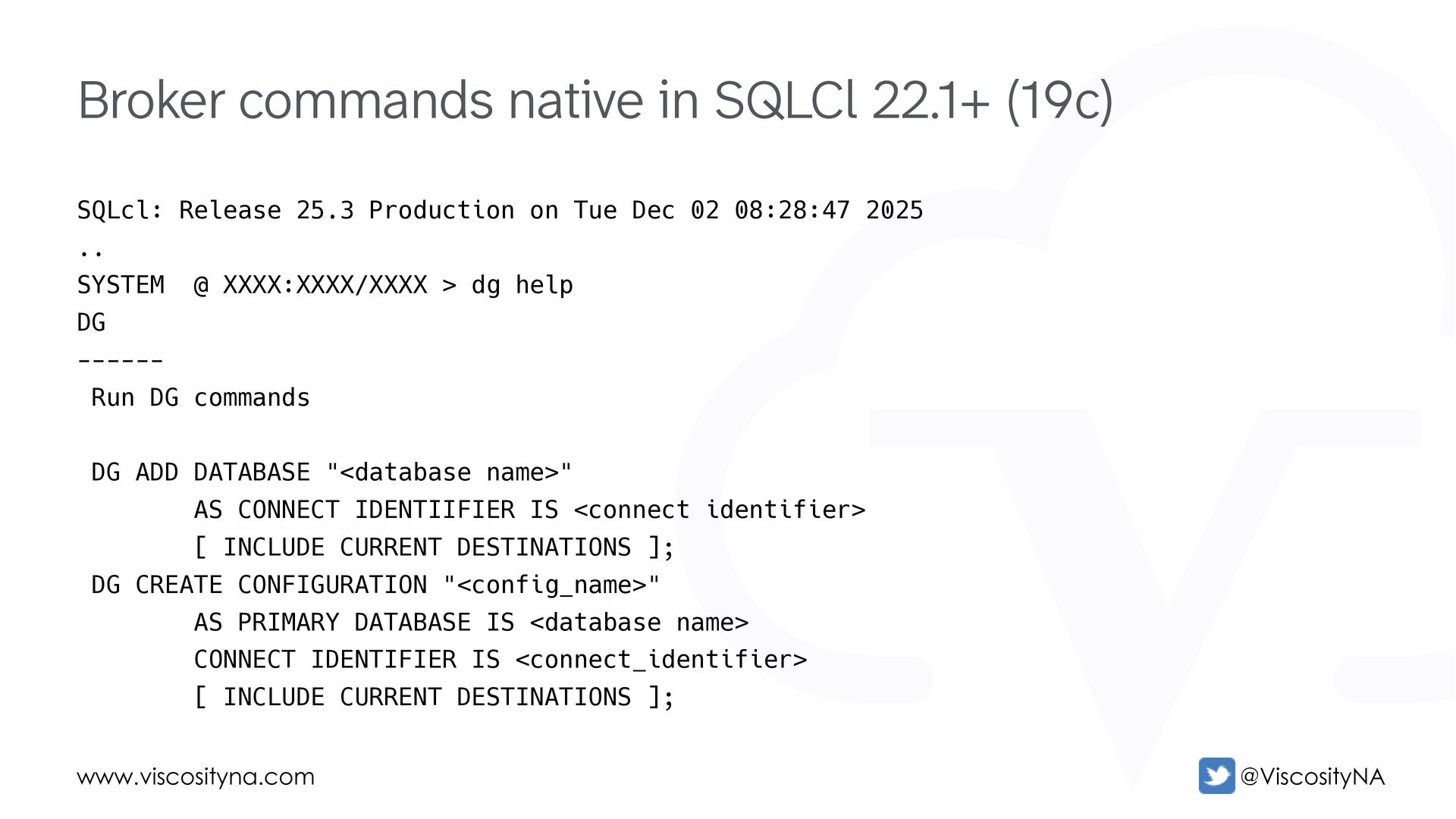
  29. www.viscosityna.com @ViscosityNA Broker commands native in SQLCl 22.1+ (19c) SQLcl:

    Release 25.3 Production on Tue Dec 02 08:28:47 2025 .. SYSTEM @ XXXX:XXXX/XXXX > dg help DG ------ Run DG commands DG ADD DATABASE "<database name>" AS CONNECT IDENTIIFIER IS <connect identifier> [ INCLUDE CURRENT DESTINATIONS ]; DG CREATE CONFIGURATION "<config_name>" AS PRIMARY DATABASE IS <database name> CONNECT IDENTIFIER IS <connect_identifier> [ INCLUDE CURRENT DESTINATIONS ];
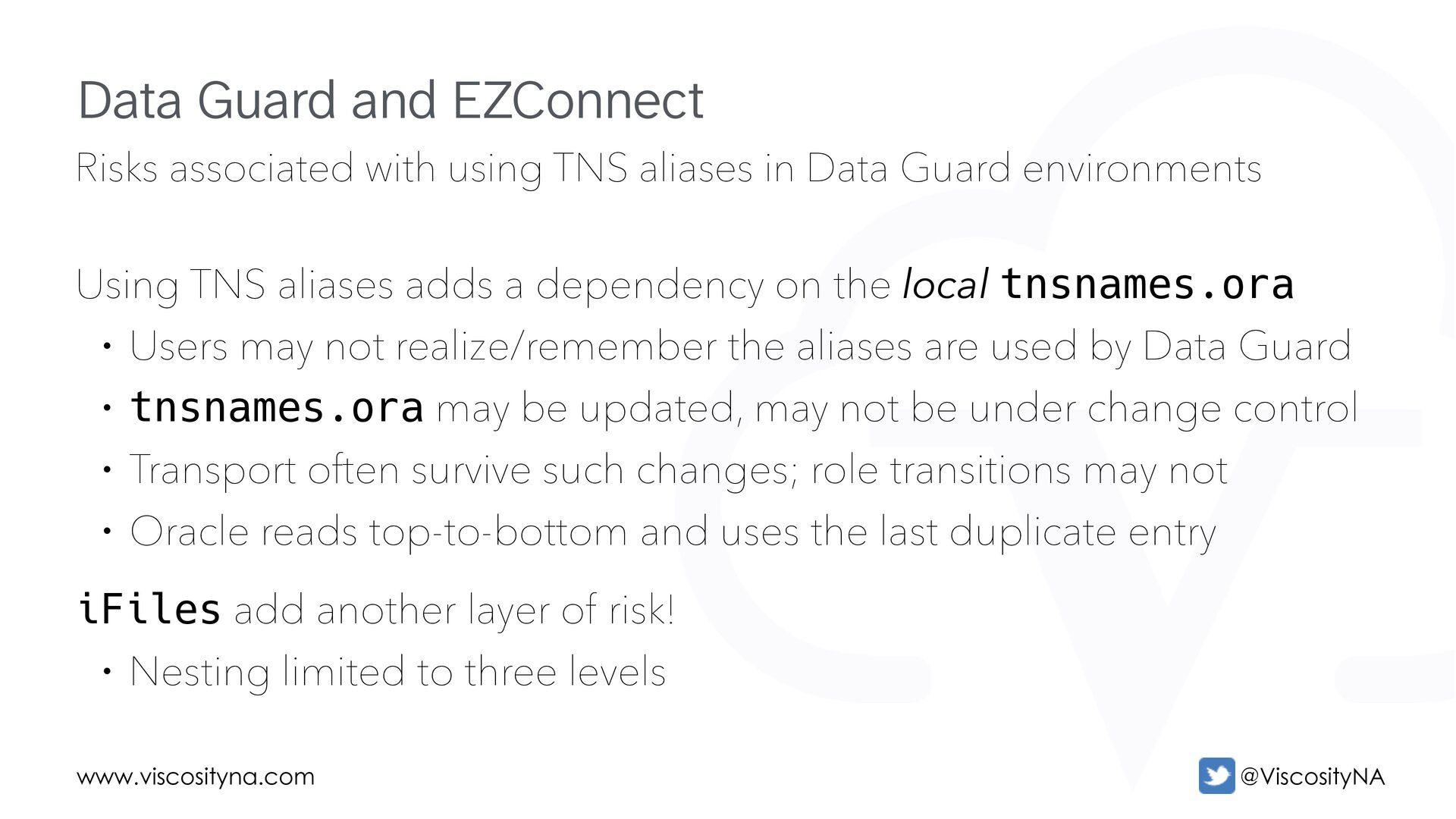
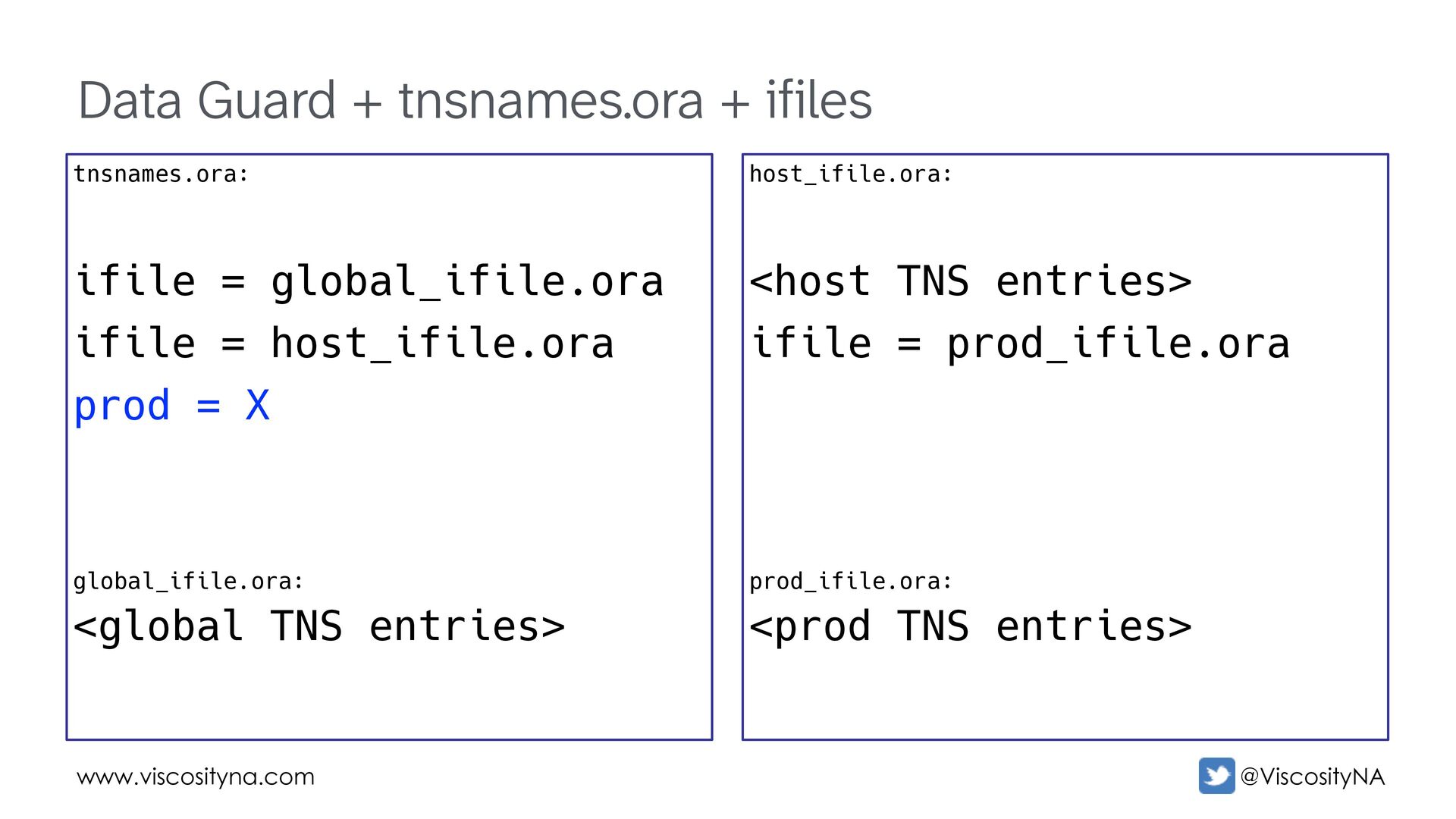
  30. www.viscosityna.com @ViscosityNA Risks associated with using TNS aliases in Data

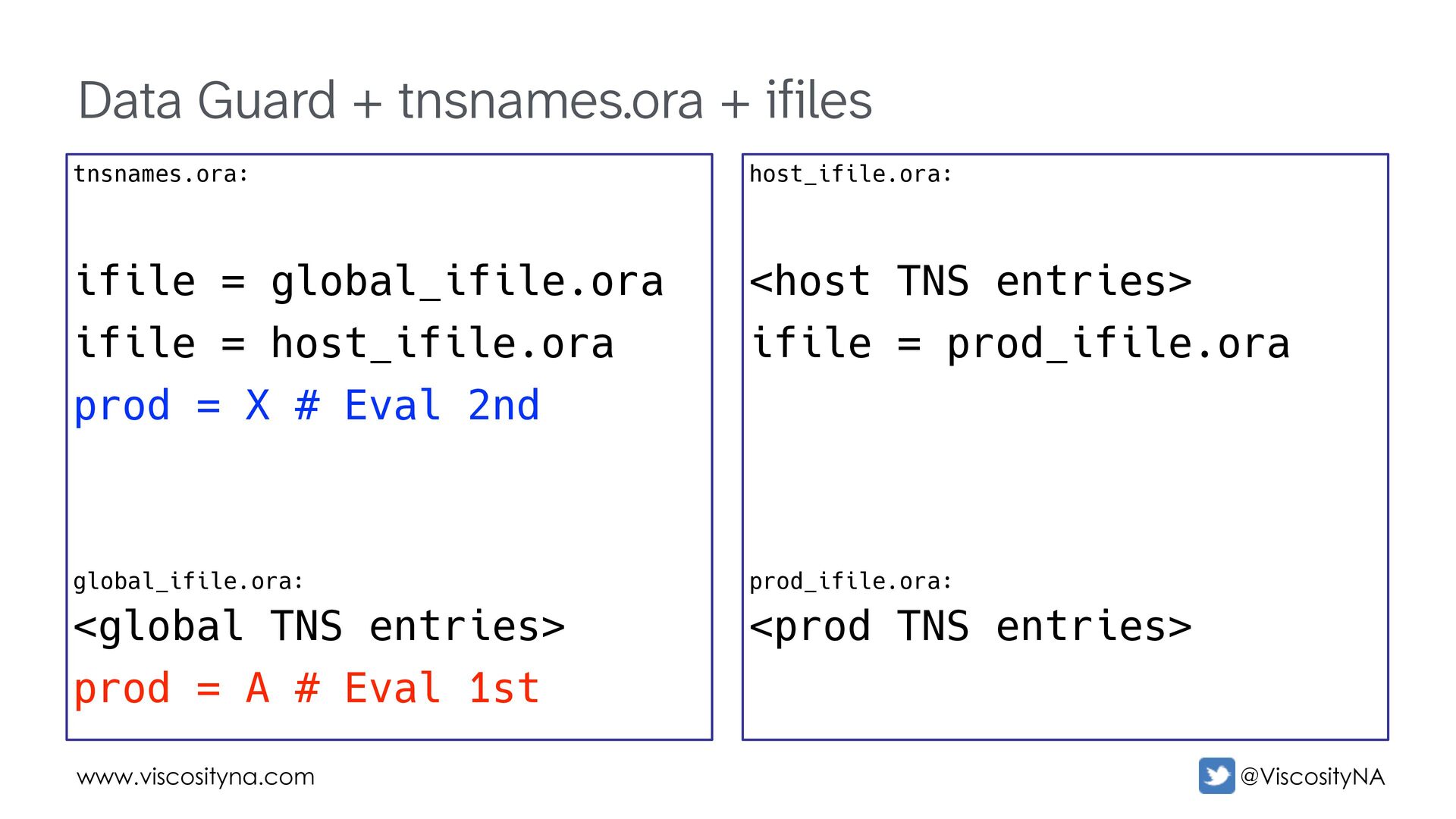
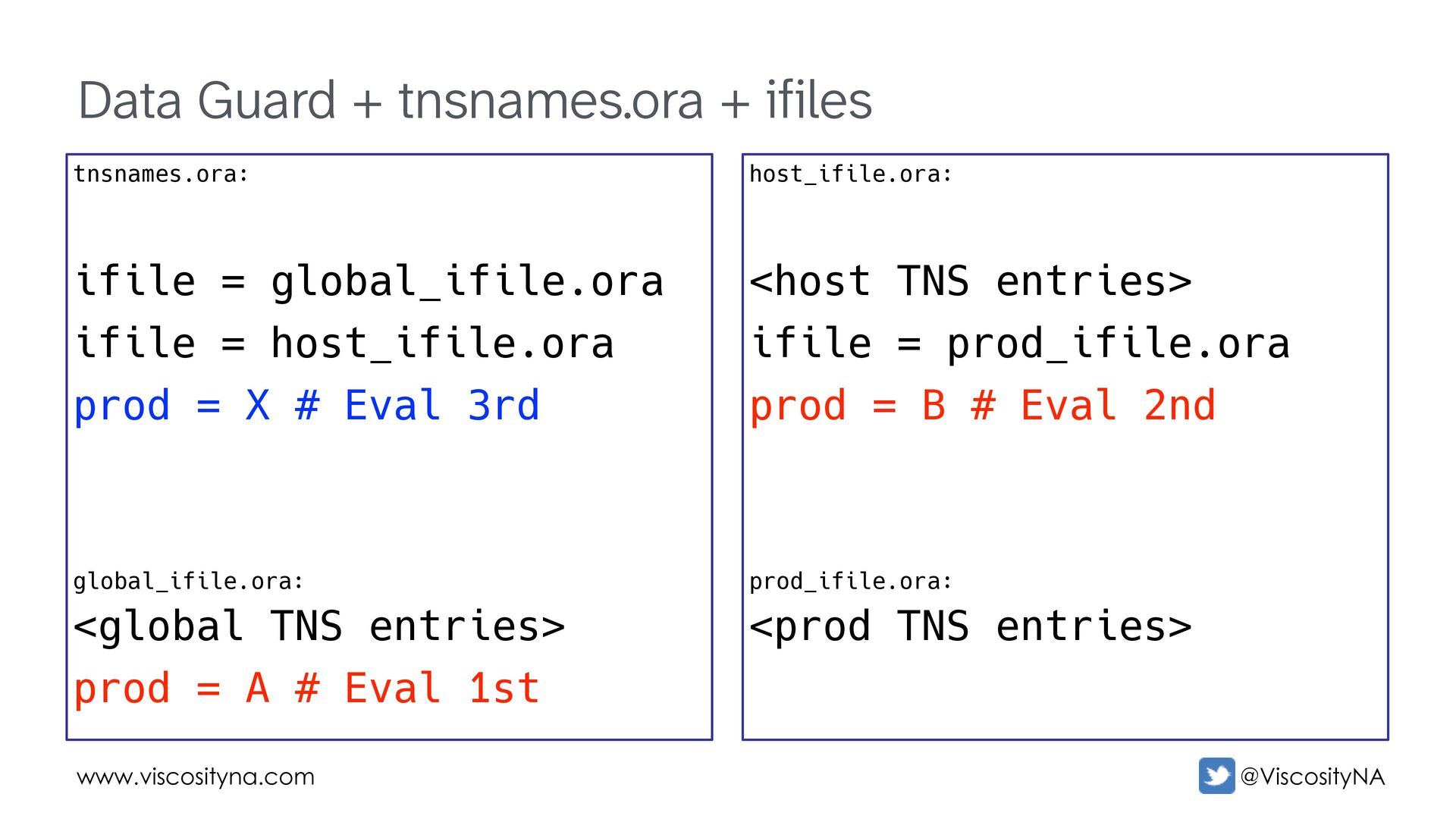
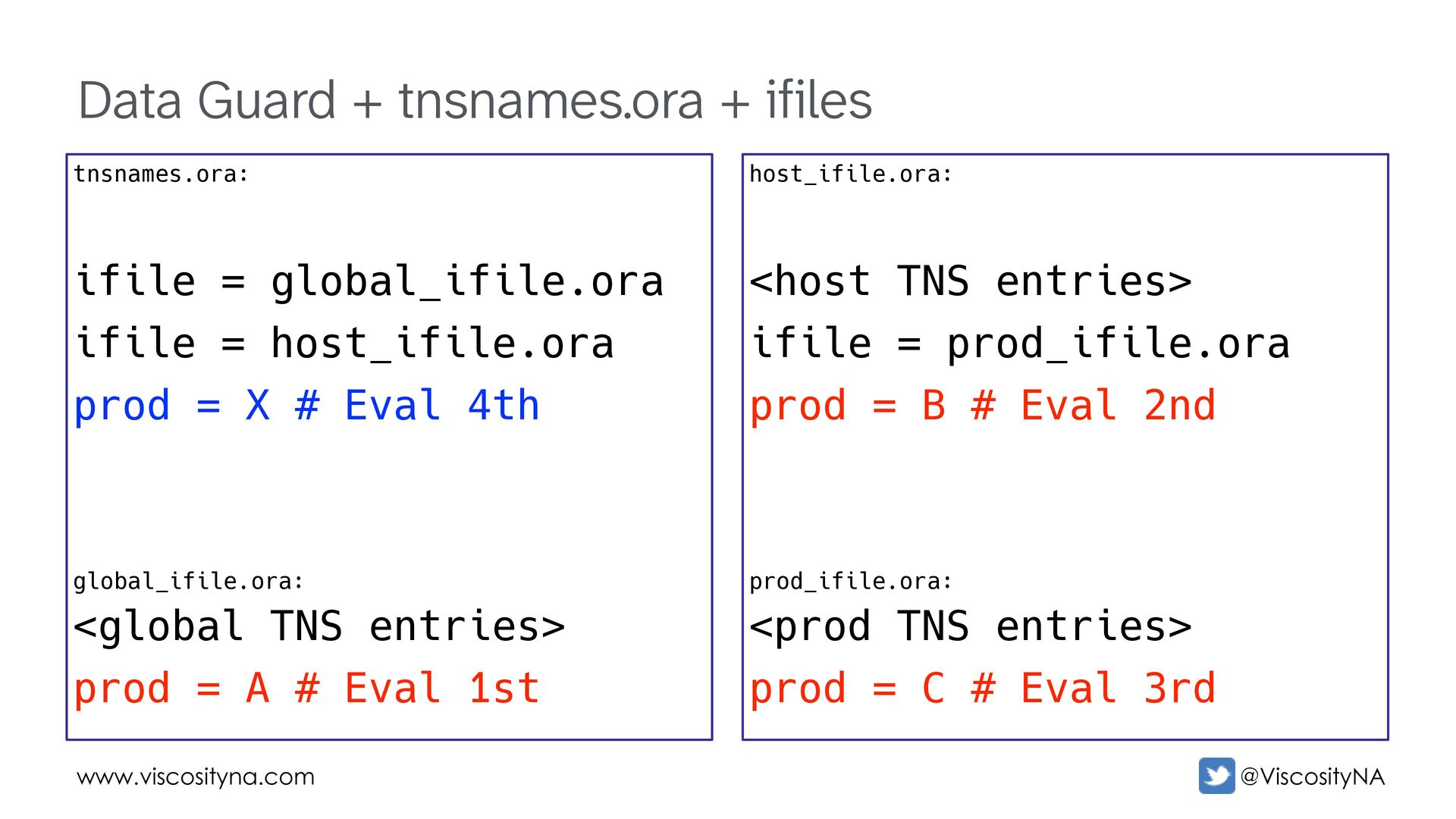
    Guard environments Using TNS aliases adds a dependency on the local tnsnames.ora • Users may not realize/remember the aliases are used by Data Guard • tnsnames.ora may be updated, may not be under change control • Transport often survive such changes; role transitions may not • Oracle reads top-to-bottom and uses the last duplicate entry iFiles add another layer of risk! • Nesting limited to three levels Data Guard and EZConnect
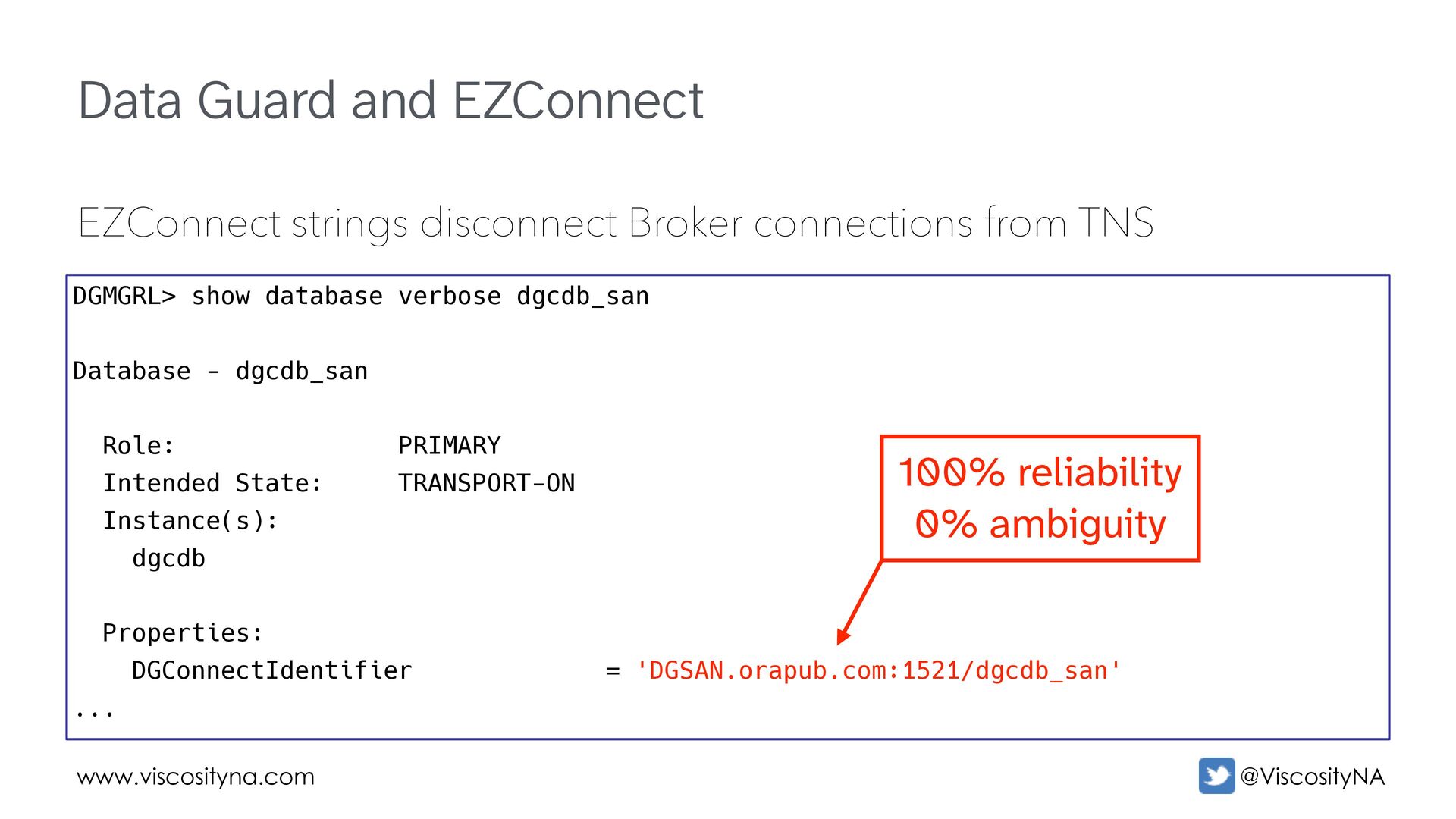
  31. www.viscosityna.com @ViscosityNA Data Guard and EZConnect EZConnect strings disconnect Broker

    connections from TNS DGMGRL> show database verbose dgcdb_san Database - dgcdb_san Role: PRIMARY Intended State: TRANSPORT-ON Instance(s): dgcdb Properties: DGConnectIdentifier = 'DGSAN.orapub.com:1521/dgcdb_san' ... 100% reliability 0% ambiguity
  32. www.viscosityna.com @ViscosityNA Data Guard + tnsnames.ora + ifiles host_ifile.ora: <host

    TNS entries> ifile = prod_ifile.ora prod_ifile.ora: <prod TNS entries> tnsnames.ora: ifile = global_ifile.ora ifile = host_ifile.ora prod = X global_ifile.ora: <global TNS entries>
  33. www.viscosityna.com @ViscosityNA Data Guard + tnsnames.ora + ifiles host_ifile.ora: <host

    TNS entries> ifile = prod_ifile.ora prod_ifile.ora: <prod TNS entries> tnsnames.ora: ifile = global_ifile.ora ifile = host_ifile.ora prod = X # Eval 2nd global_ifile.ora: <global TNS entries> prod = A # Eval 1st
  34. www.viscosityna.com @ViscosityNA Data Guard + tnsnames.ora + ifiles host_ifile.ora: <host

    TNS entries> ifile = prod_ifile.ora prod = B # Eval 2nd prod_ifile.ora: <prod TNS entries> tnsnames.ora: ifile = global_ifile.ora ifile = host_ifile.ora prod = X # Eval 3rd global_ifile.ora: <global TNS entries> prod = A # Eval 1st
  35. www.viscosityna.com @ViscosityNA Data Guard + tnsnames.ora + ifiles host_ifile.ora: <host

    TNS entries> ifile = prod_ifile.ora prod = B # Eval 2nd prod_ifile.ora: <prod TNS entries> prod = C # Eval 3rd tnsnames.ora: ifile = global_ifile.ora ifile = host_ifile.ora prod = X # Eval 4th global_ifile.ora: <global TNS entries> prod = A # Eval 1st
  36. www.viscosityna.com @ViscosityNA Data Guard + tnsnames.ora + ifiles host_ifile.ora: <host

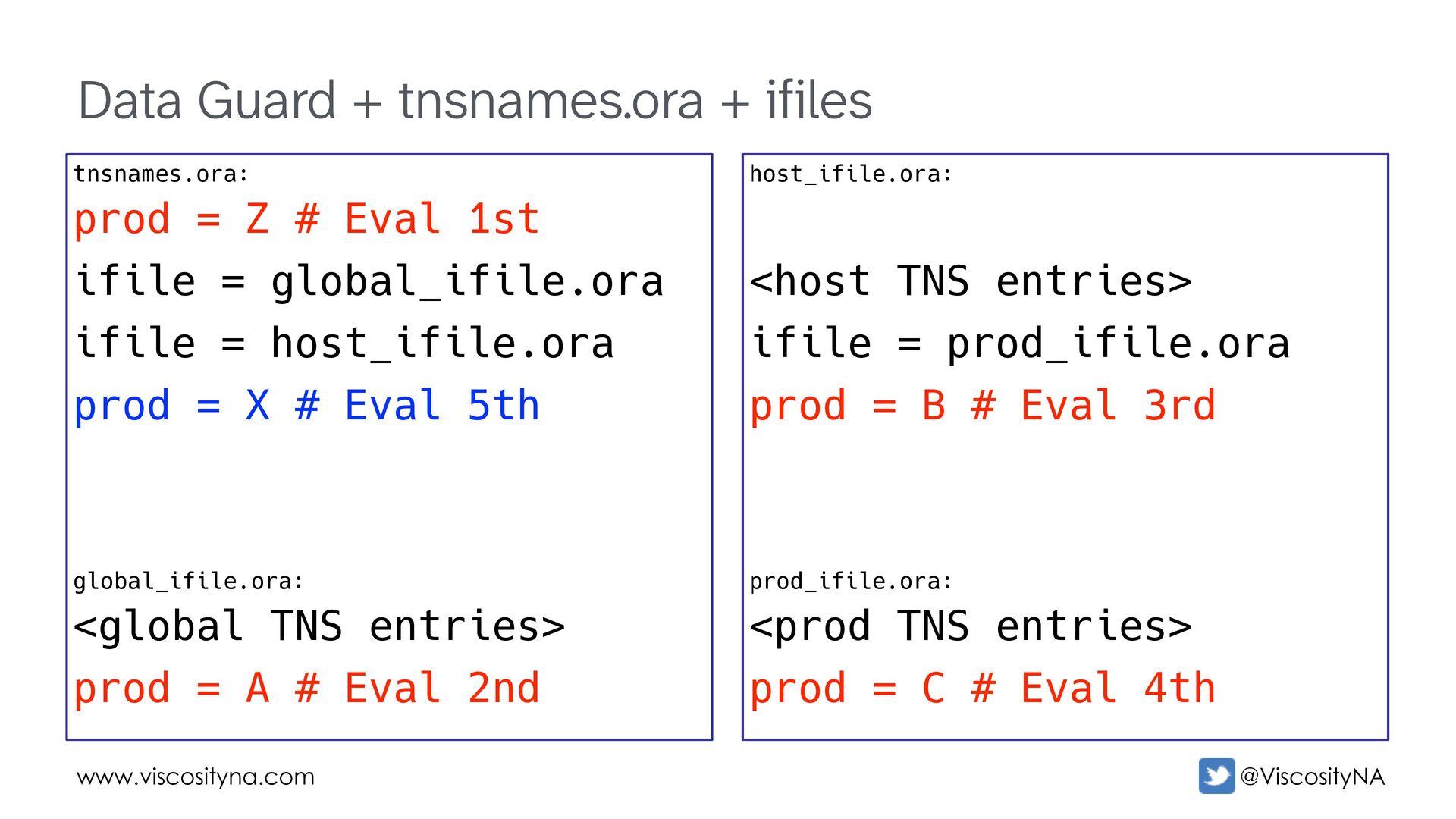
    TNS entries> ifile = prod_ifile.ora prod = B # Eval 3rd prod_ifile.ora: <prod TNS entries> prod = C # Eval 4th tnsnames.ora: prod = Z # Eval 1st ifile = global_ifile.ora ifile = host_ifile.ora prod = X # Eval 5th global_ifile.ora: <global TNS entries> prod = A # Eval 2nd
  37. www.viscosityna.com @ViscosityNA Data Guard + tnsnames.ora + ifiles host_ifile.ora: <host

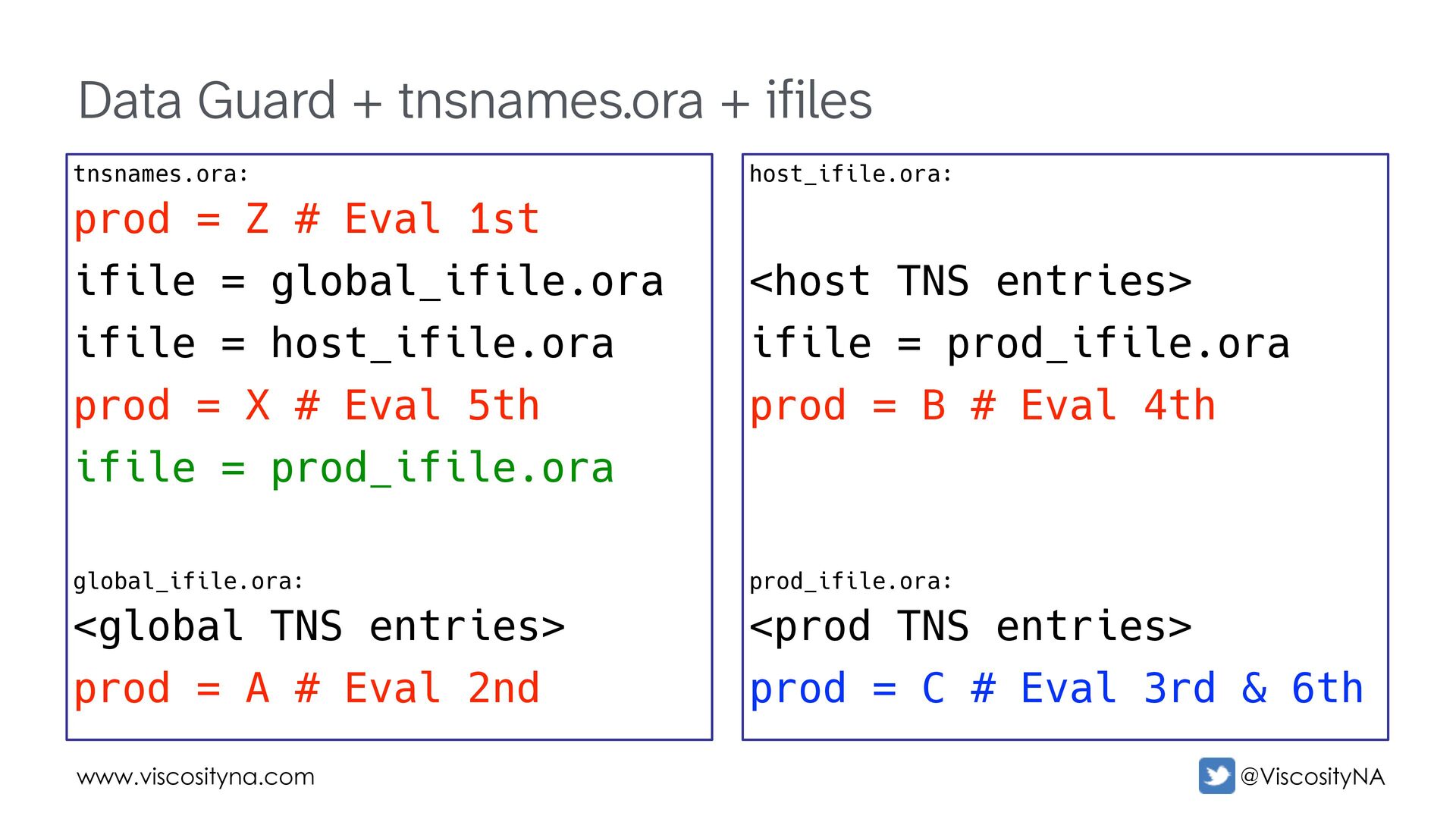
    TNS entries> ifile = prod_ifile.ora prod = B # Eval 4th prod_ifile.ora: <prod TNS entries> prod = C # Eval 3rd & 6th tnsnames.ora: prod = Z # Eval 1st ifile = global_ifile.ora ifile = host_ifile.ora prod = X # Eval 5th ifile = prod_ifile.ora global_ifile.ora: <global TNS entries> prod = A # Eval 2nd
  38. www.viscosityna.com @ViscosityNA Data Guard + tnsnames.ora + ifiles ifile2.ora: prod

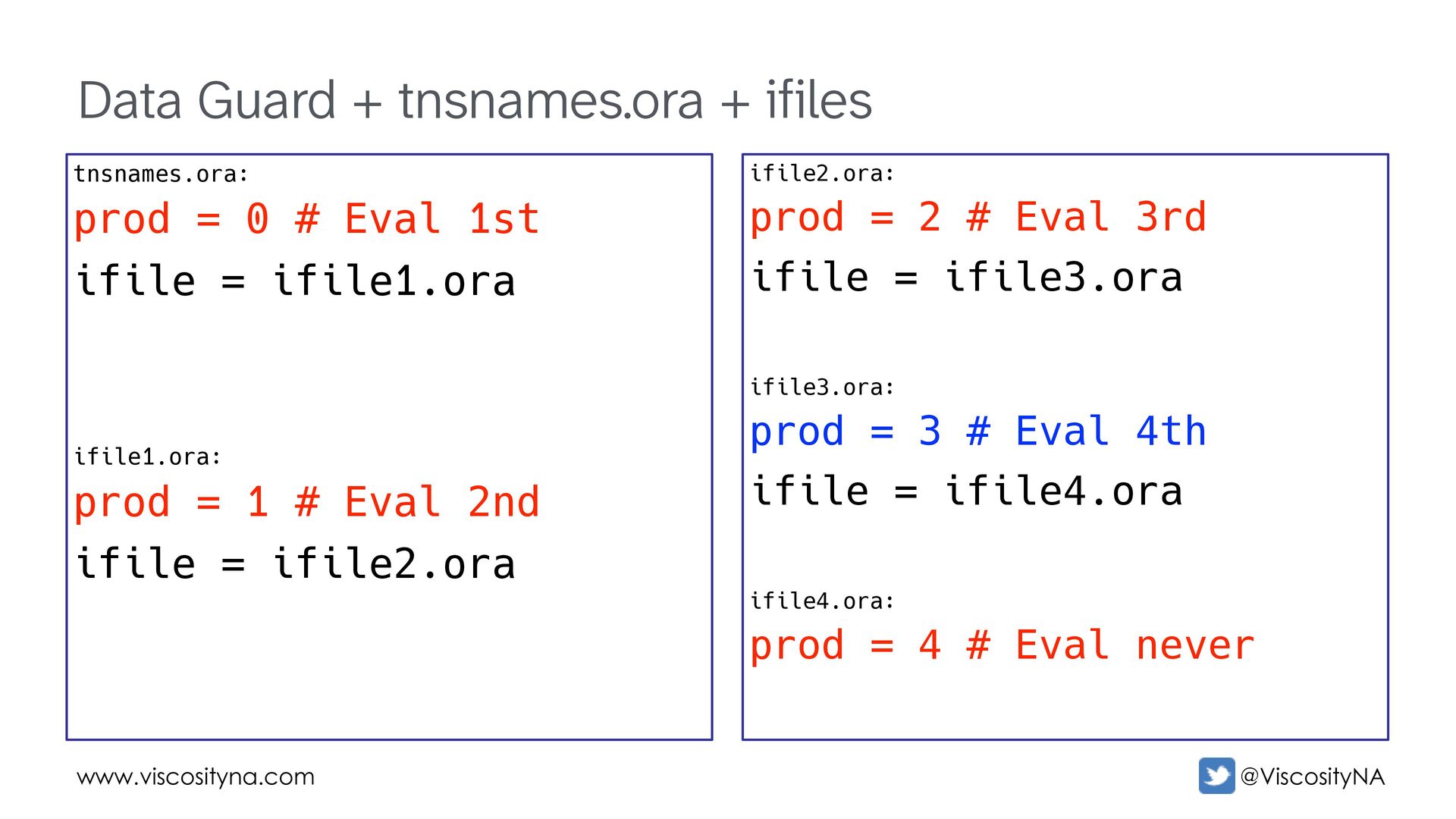
    = 2 # Eval 3rd ifile = ifile3.ora ifile3.ora: prod = 3 # Eval 4th ifile = ifile4.ora ifile4.ora: prod = 4 # Eval never tnsnames.ora: prod = 0 # Eval 1st ifile = ifile1.ora ifile1.ora: prod = 1 # Eval 2nd ifile = ifile2.ora
  39. www.viscosityna.com @ViscosityNA Used for communication among members in a configuration

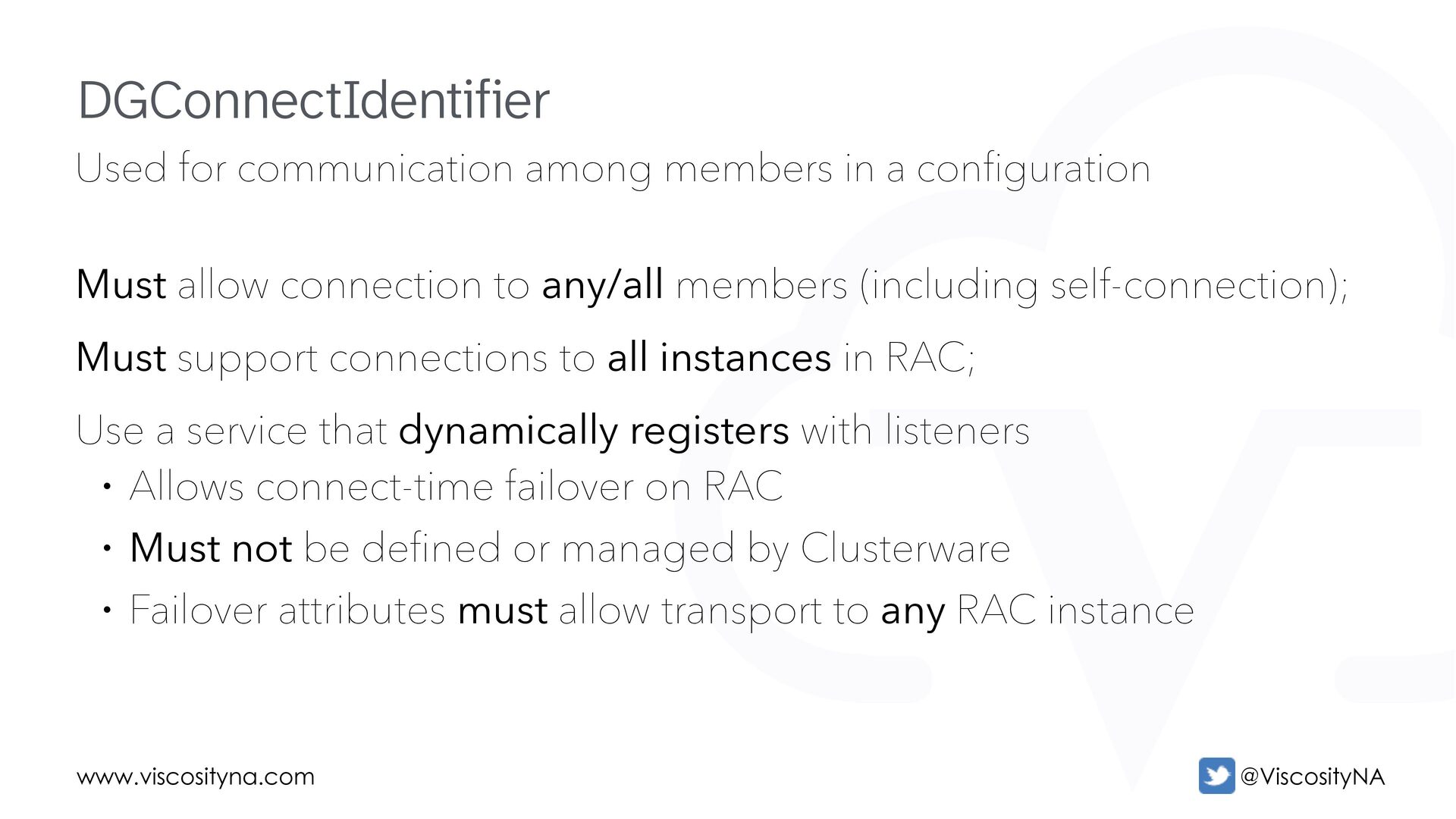
    Must allow connection to any/all members (including self-connection); Must support connections to all instances in RAC; Use a service that dynamically registers with listeners • Allows connect-time failover on RAC • Must not be defined or managed by Clusterware • Failover attributes must allow transport to any RAC instance DGConnectIdentifier
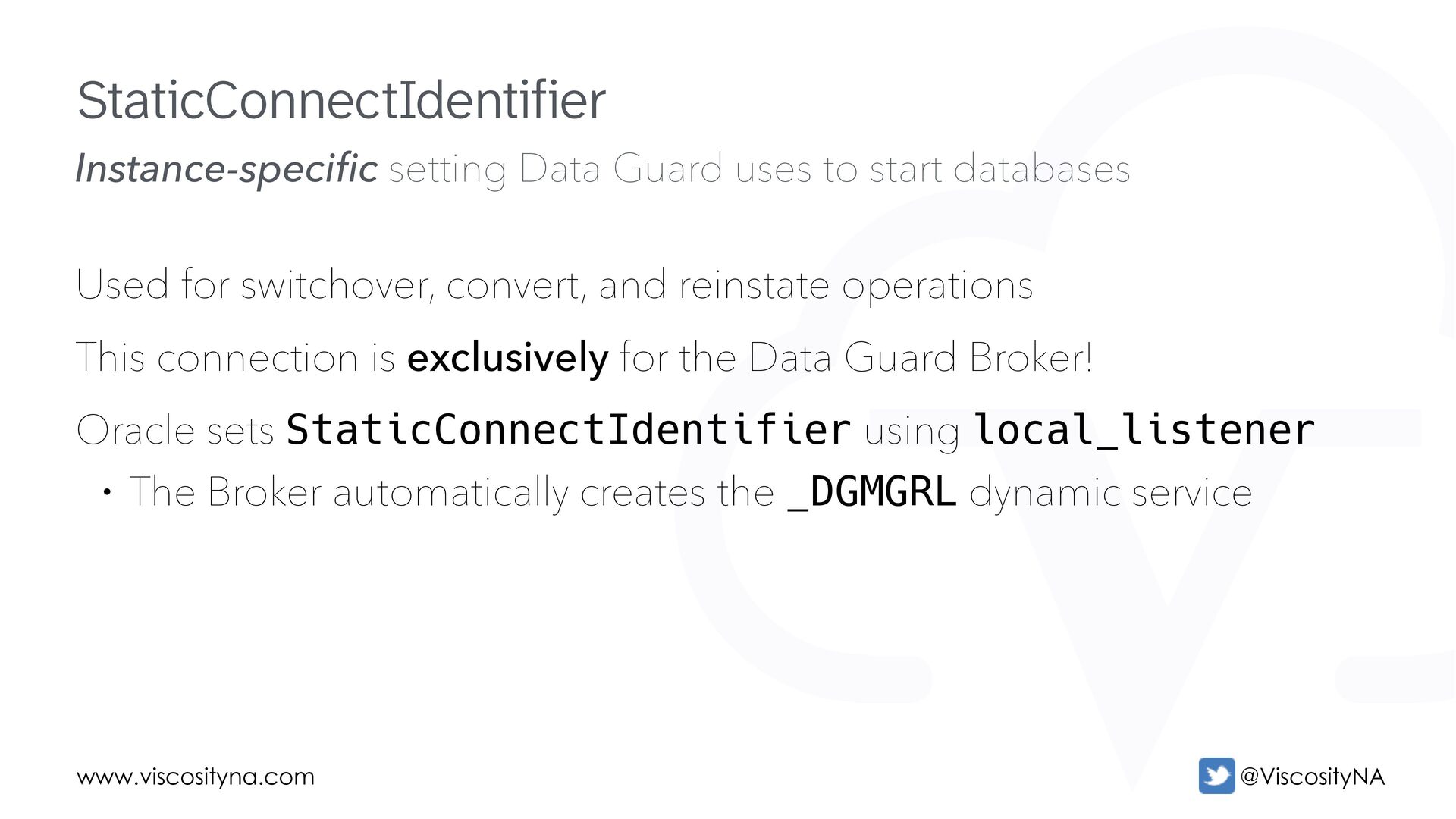
  40. www.viscosityna.com @ViscosityNA Instance-specific setting Data Guard uses to start databases

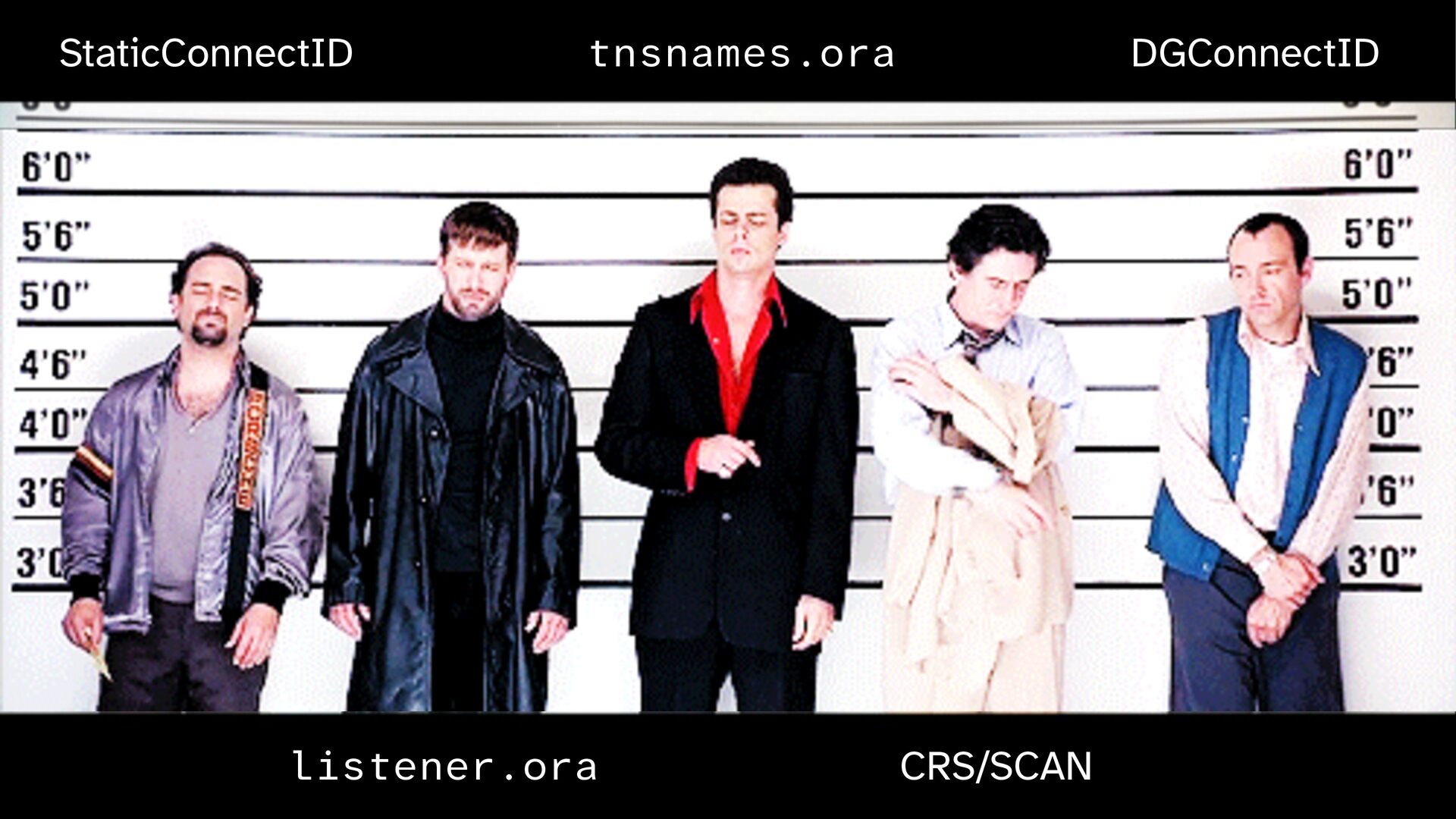
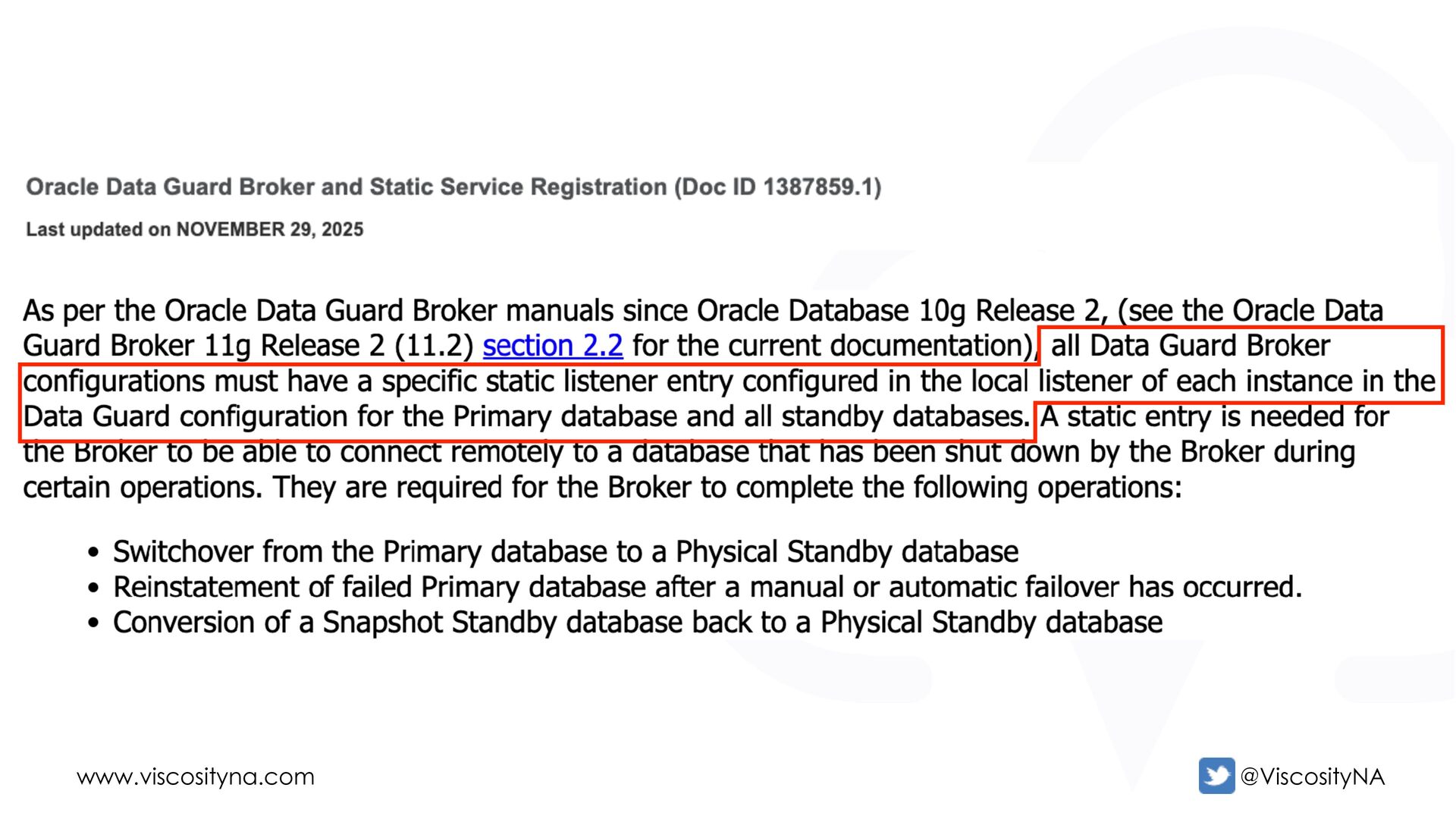
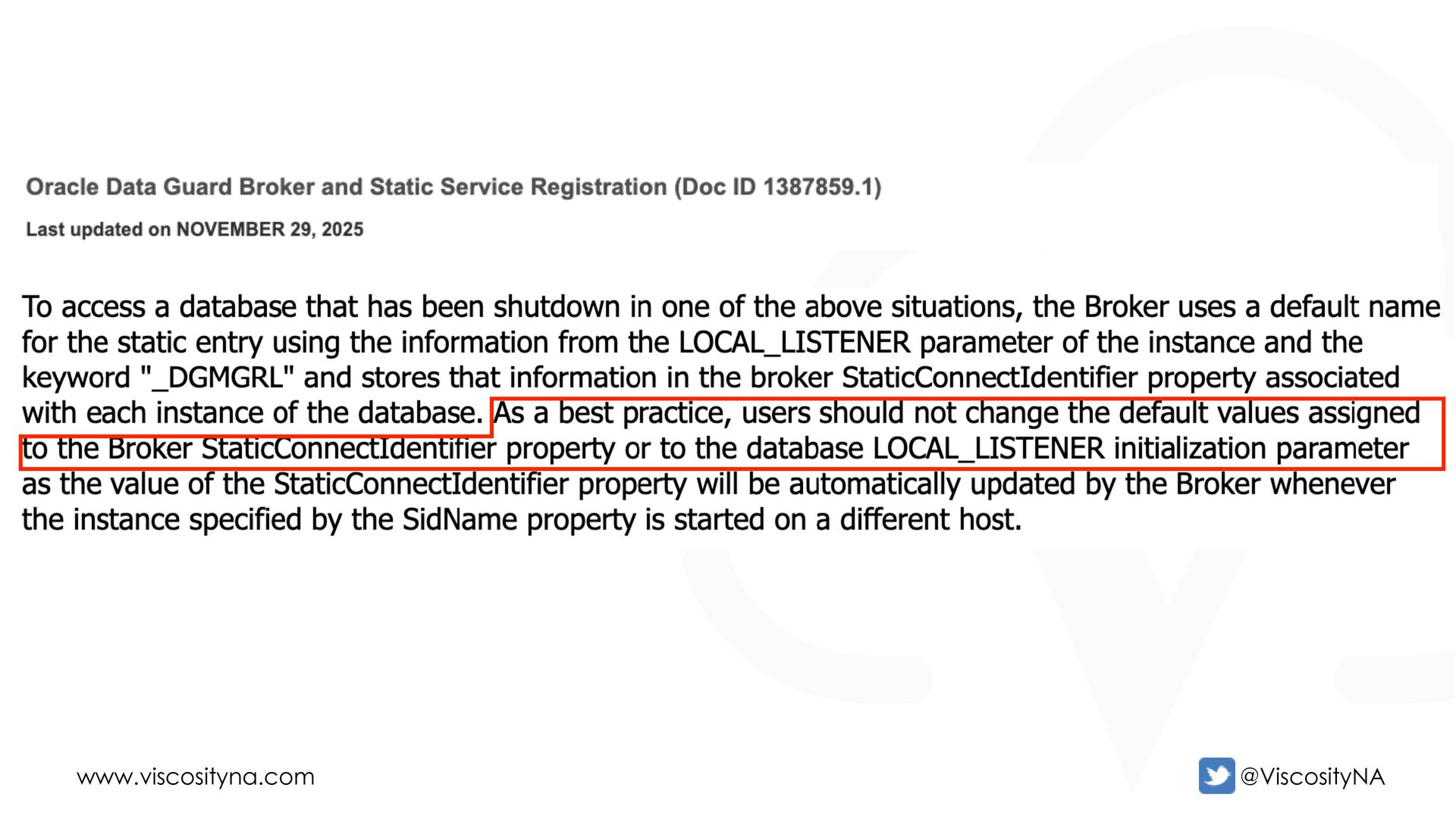
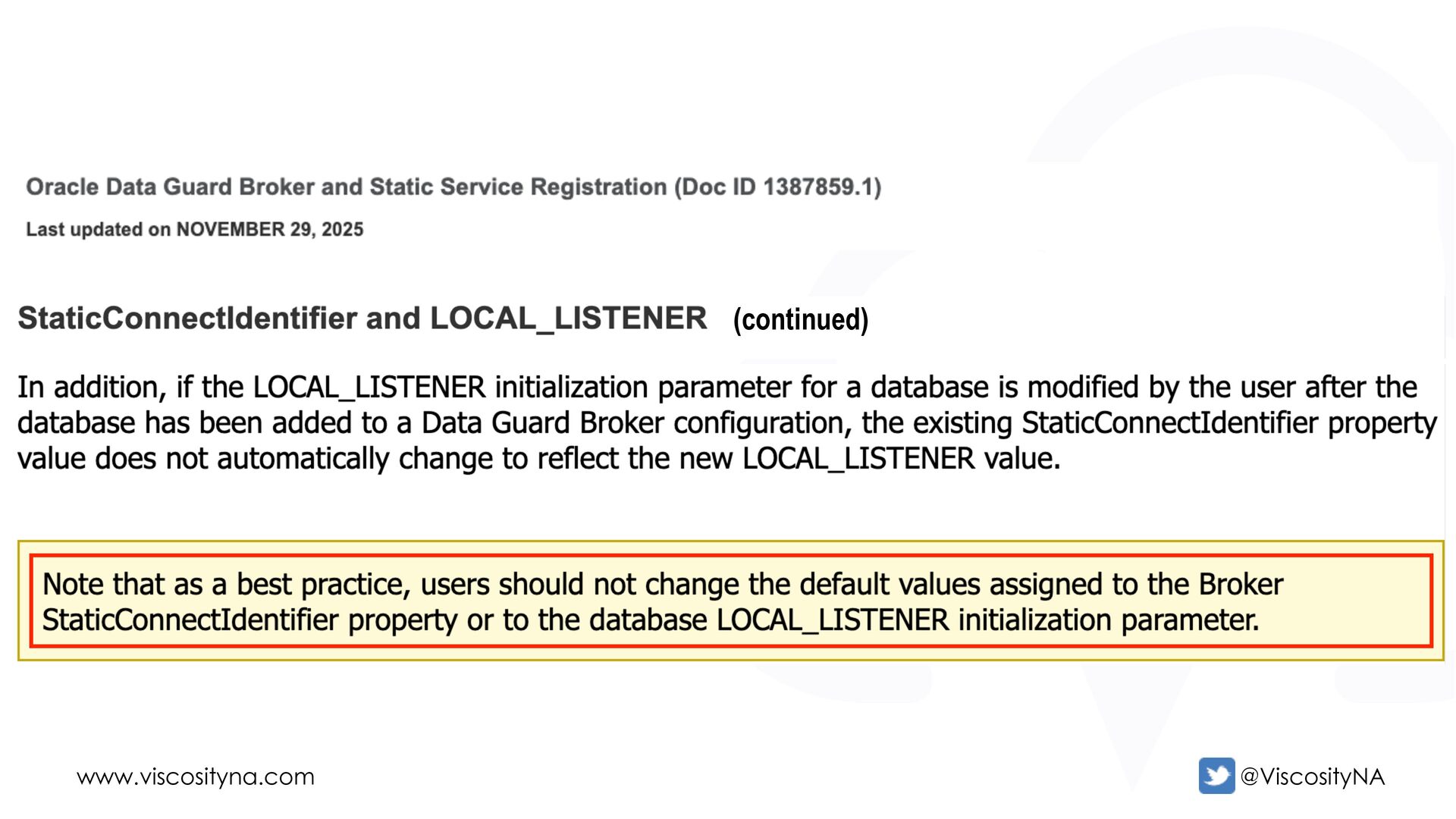
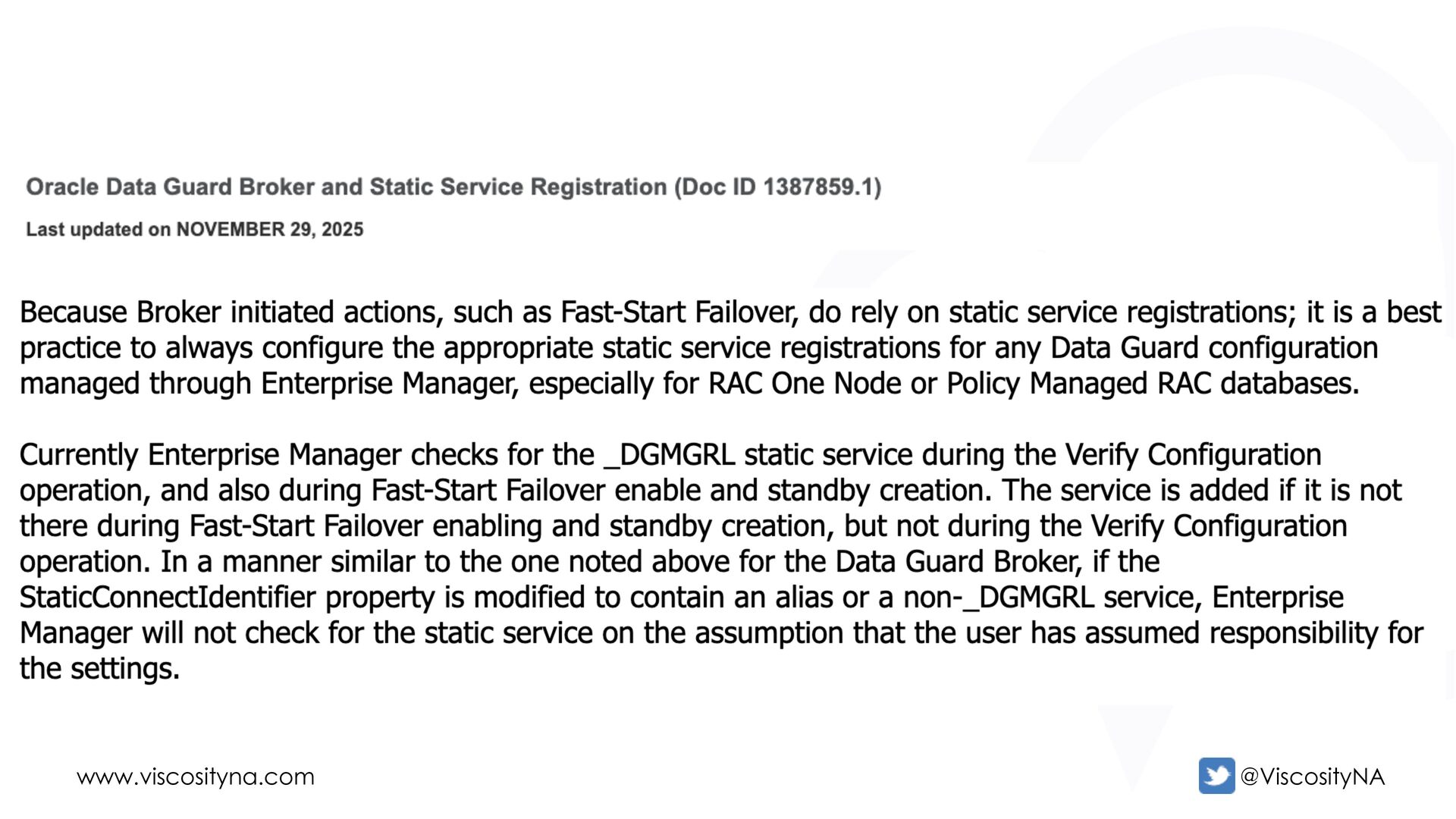
    Used for switchover, convert, and reinstate operations This connection is exclusively for the Data Guard Broker! Oracle sets StaticConnectIdentifier using local_listener • The Broker automatically creates the _DGMGRL dynamic service StaticConnectIdentifier
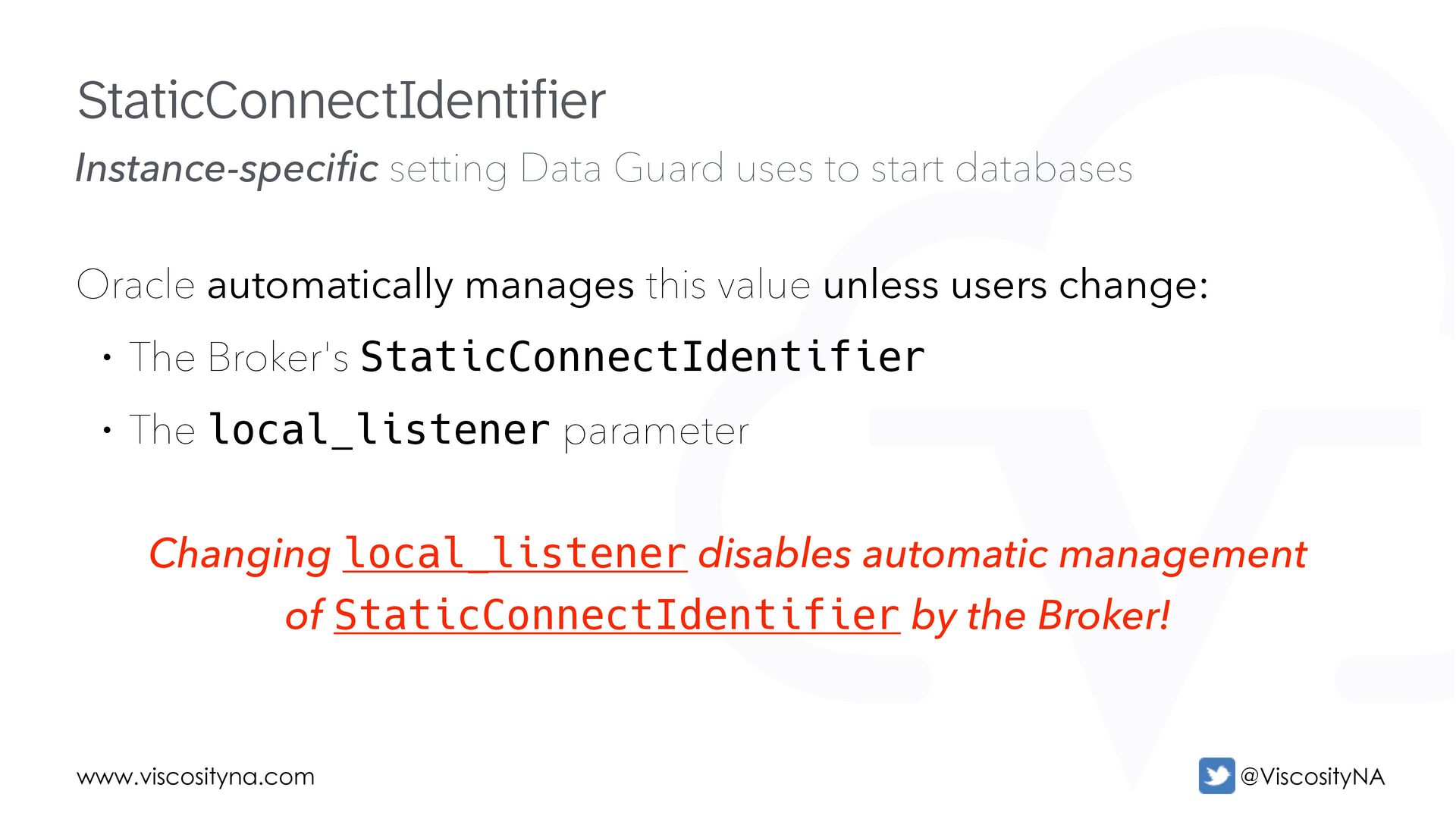
  41. www.viscosityna.com @ViscosityNA Instance-specific setting Data Guard uses to start databases

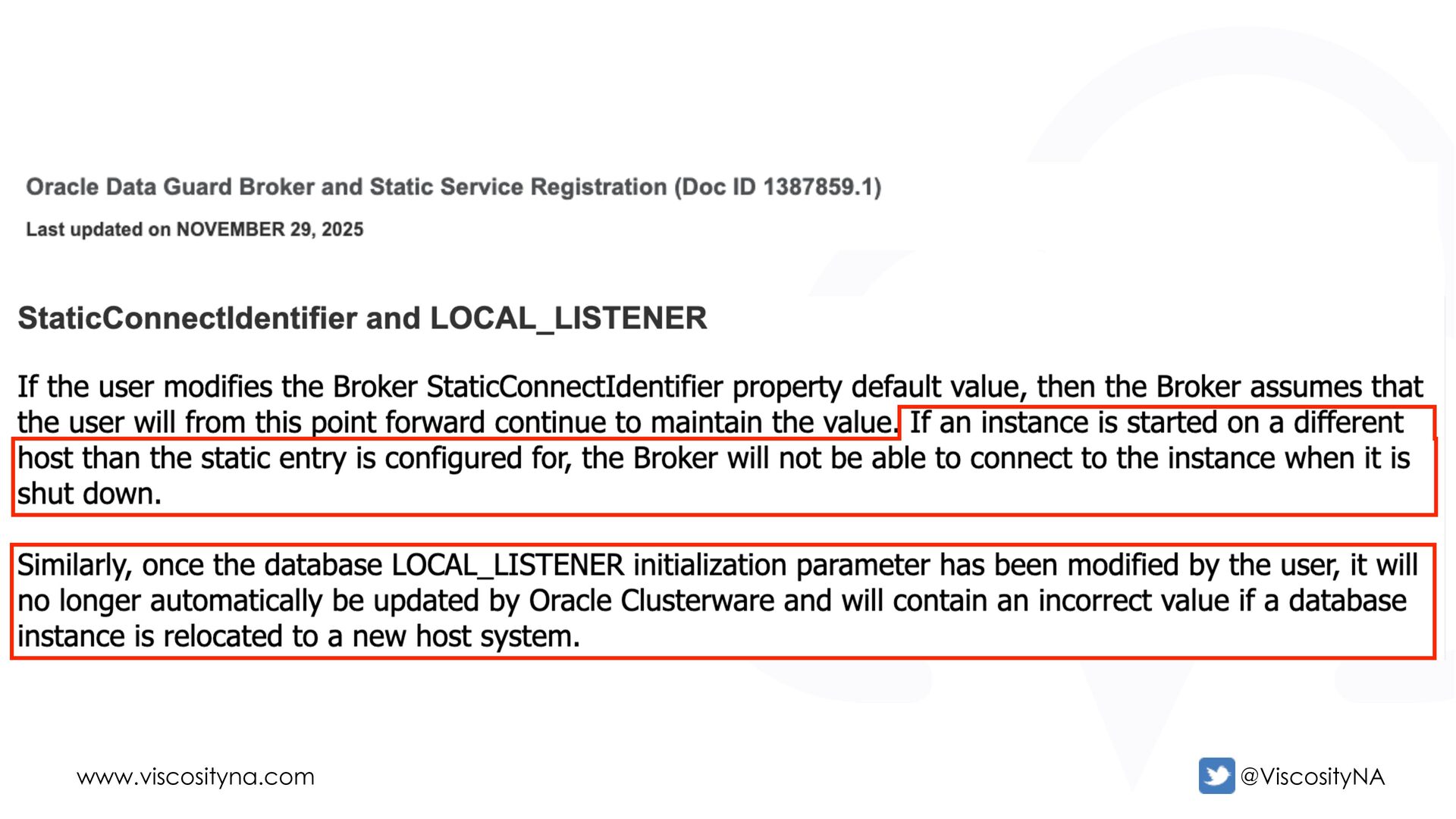
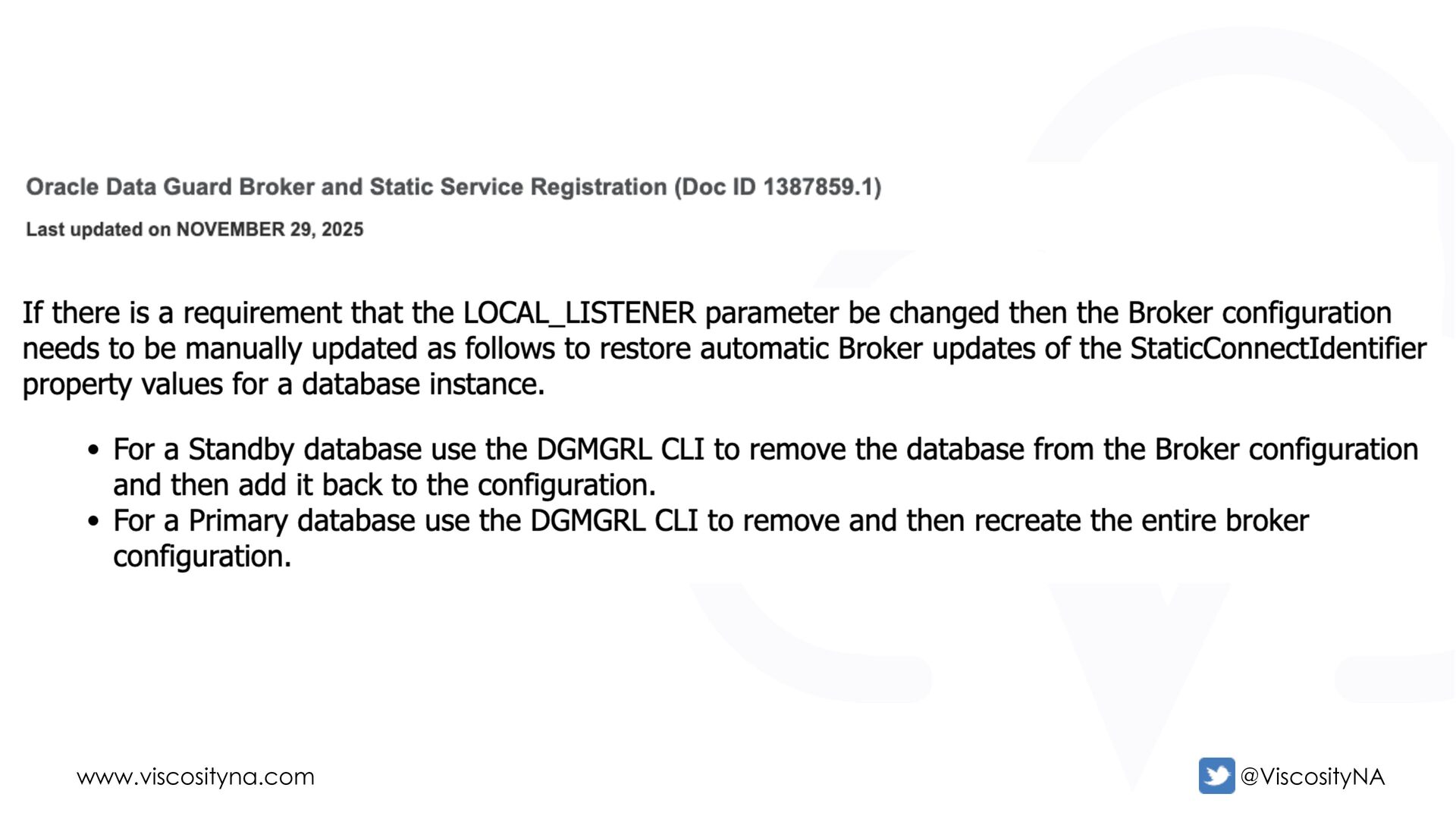
    Oracle automatically manages this value unless users change: • The Broker's StaticConnectIdentifier • The local_listener parameter Changing local_listener disables automatic management of StaticConnectIdentifier by the Broker! StaticConnectIdentifier
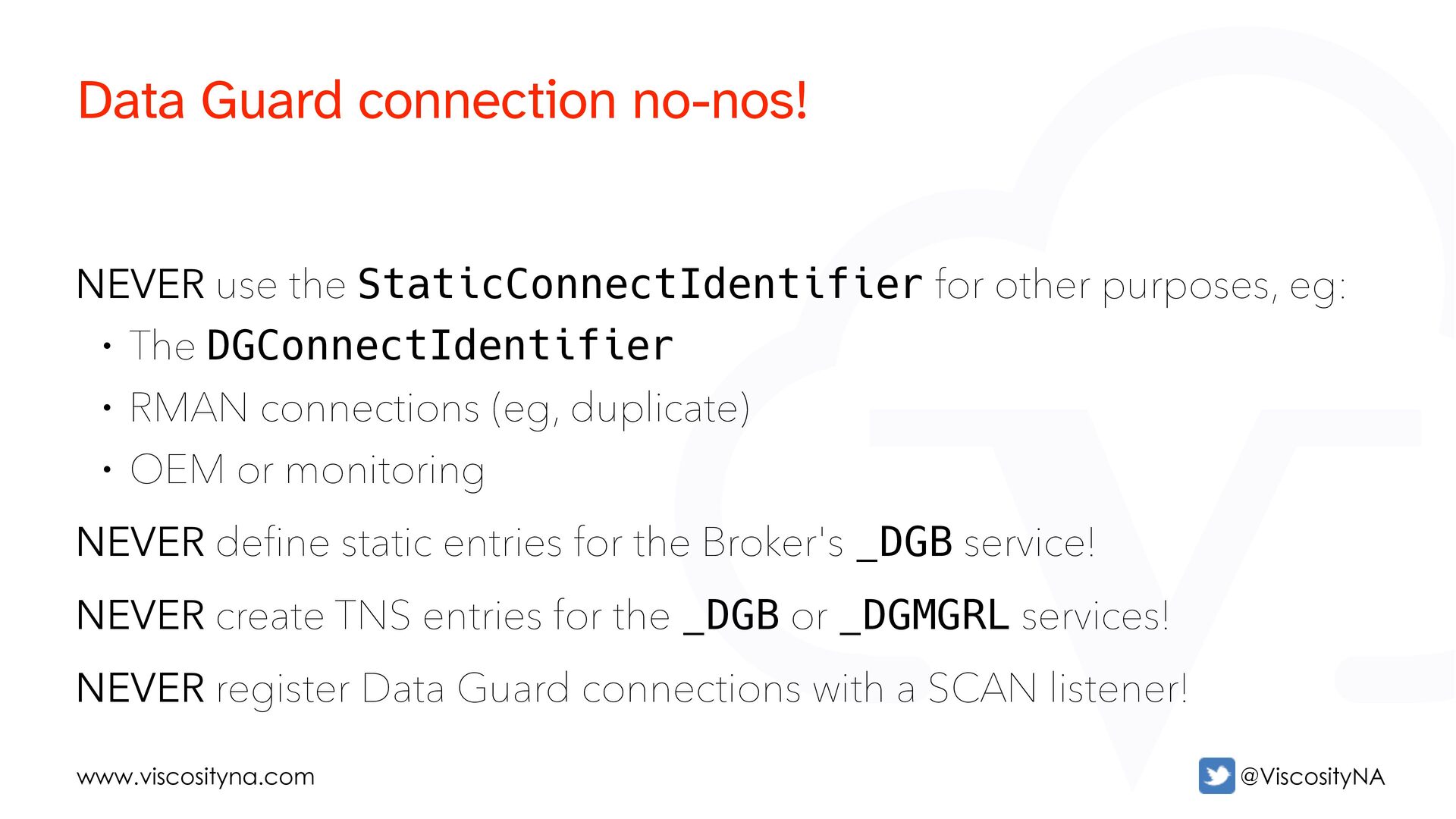
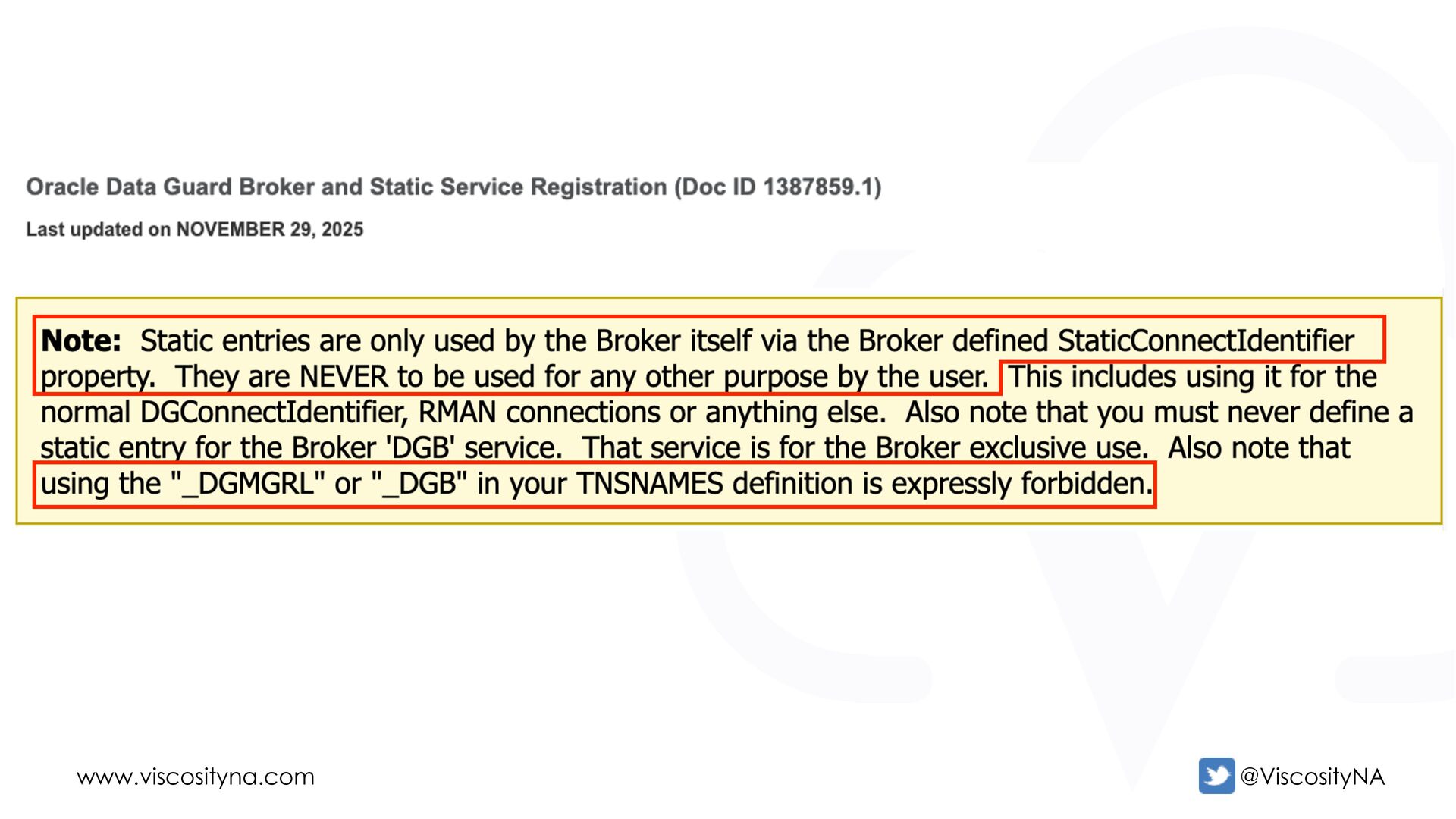
  42. www.viscosityna.com @ViscosityNA NEVER use the StaticConnectIdentifier for other purposes, eg:

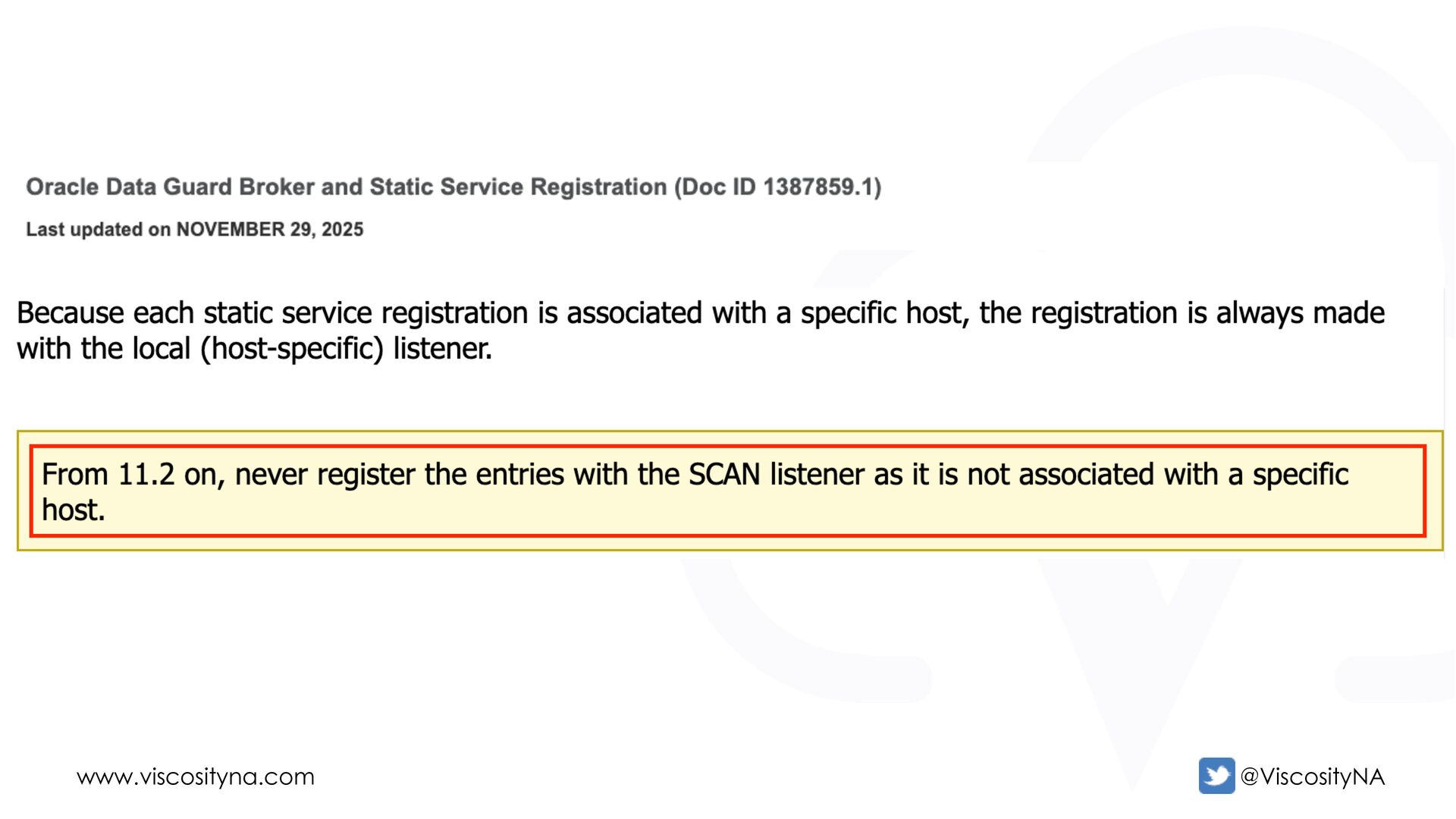
    • The DGConnectIdentifier • RMAN connections (eg, duplicate) • OEM or monitoring NEVER define static entries for the Broker's _DGB service! NEVER create TNS entries for the _DGB or _DGMGRL services! NEVER register Data Guard connections with a SCAN listener! Data Guard connection no-nos!
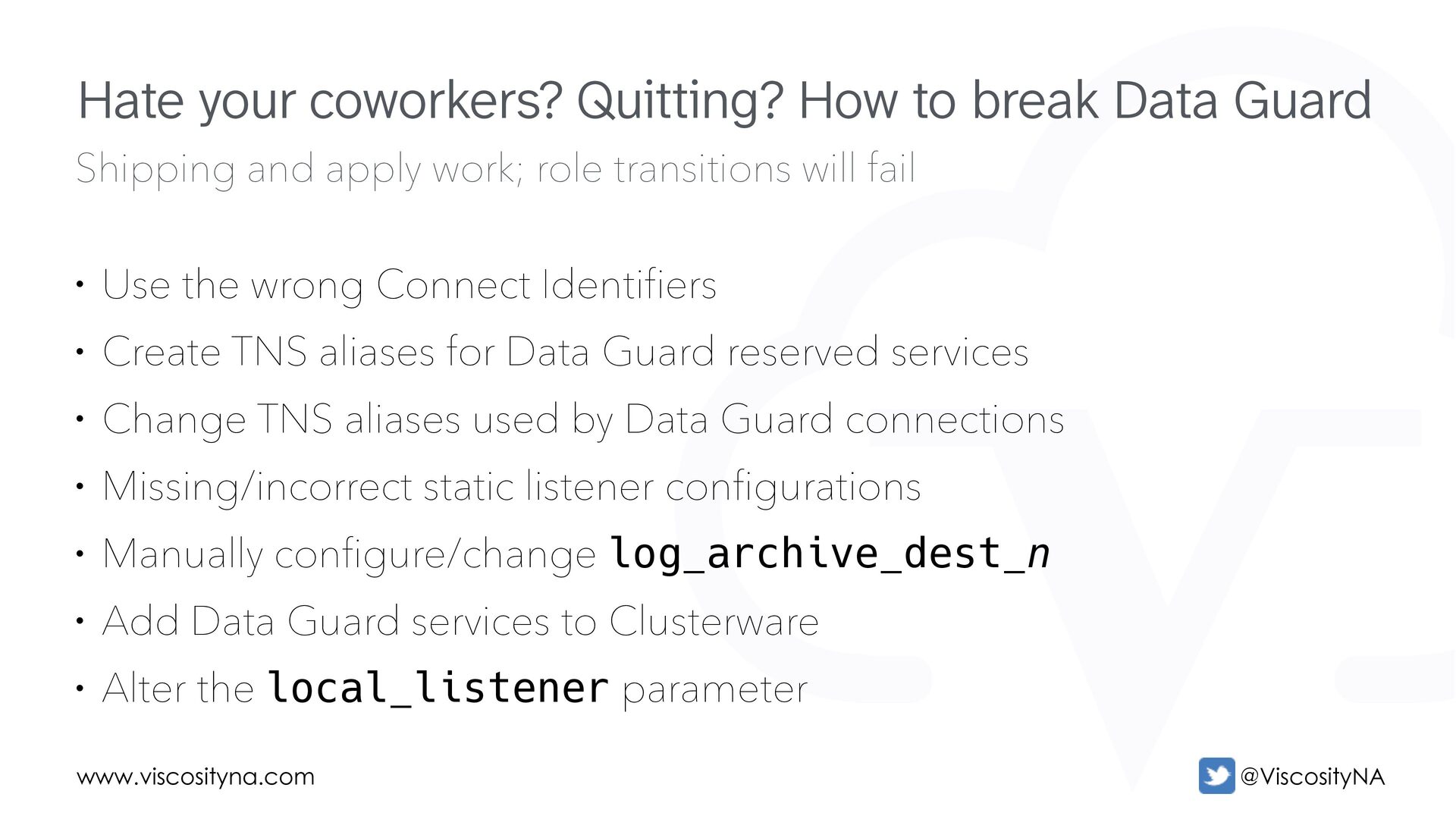
  43. www.viscosityna.com @ViscosityNA Shipping and apply work; role transitions will fail

    • Use the wrong Connect Identifiers • Create TNS aliases for Data Guard reserved services • Change TNS aliases used by Data Guard connections • Missing/incorrect static listener configurations • Manually configure/change log_archive_dest_n • Add Data Guard services to Clusterware • Alter the local_listener parameter Hate your coworkers? Quitting? How to break Data Guard
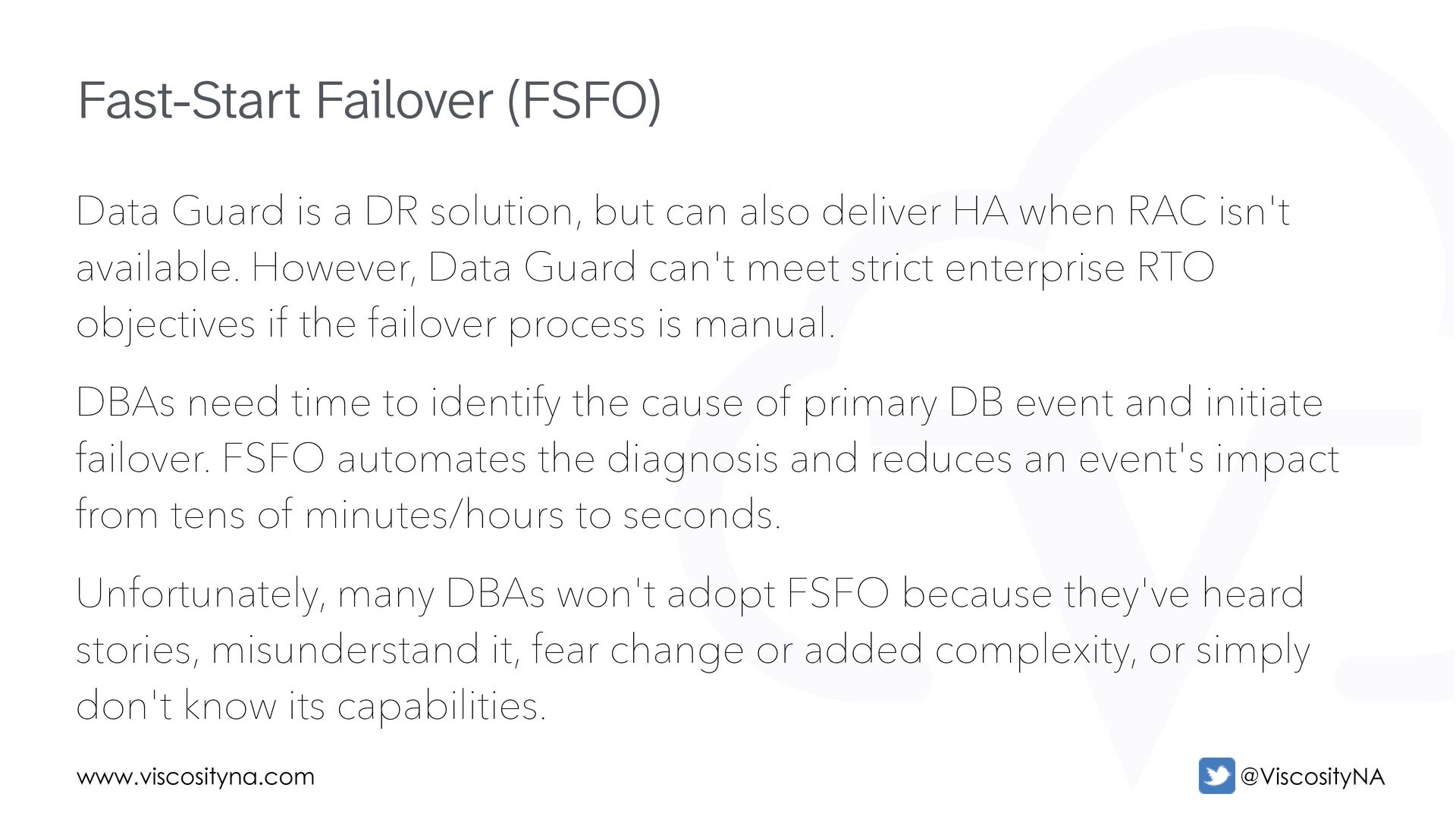
  44. www.viscosityna.com @ViscosityNA Data Guard is a DR solution, but can

    also deliver HA when RAC isn't available. However, Data Guard can't meet strict enterprise RTO objectives if the failover process is manual. DBAs need time to identify the cause of primary DB event and initiate failover. FSFO automates the diagnosis and reduces an event's impact from tens of minutes/hours to seconds. Unfortunately, many DBAs won't adopt FSFO because they've heard stories, misunderstand it, fear change or added complexity, or simply don't know its capabilities. Fast-Start Failover (FSFO)
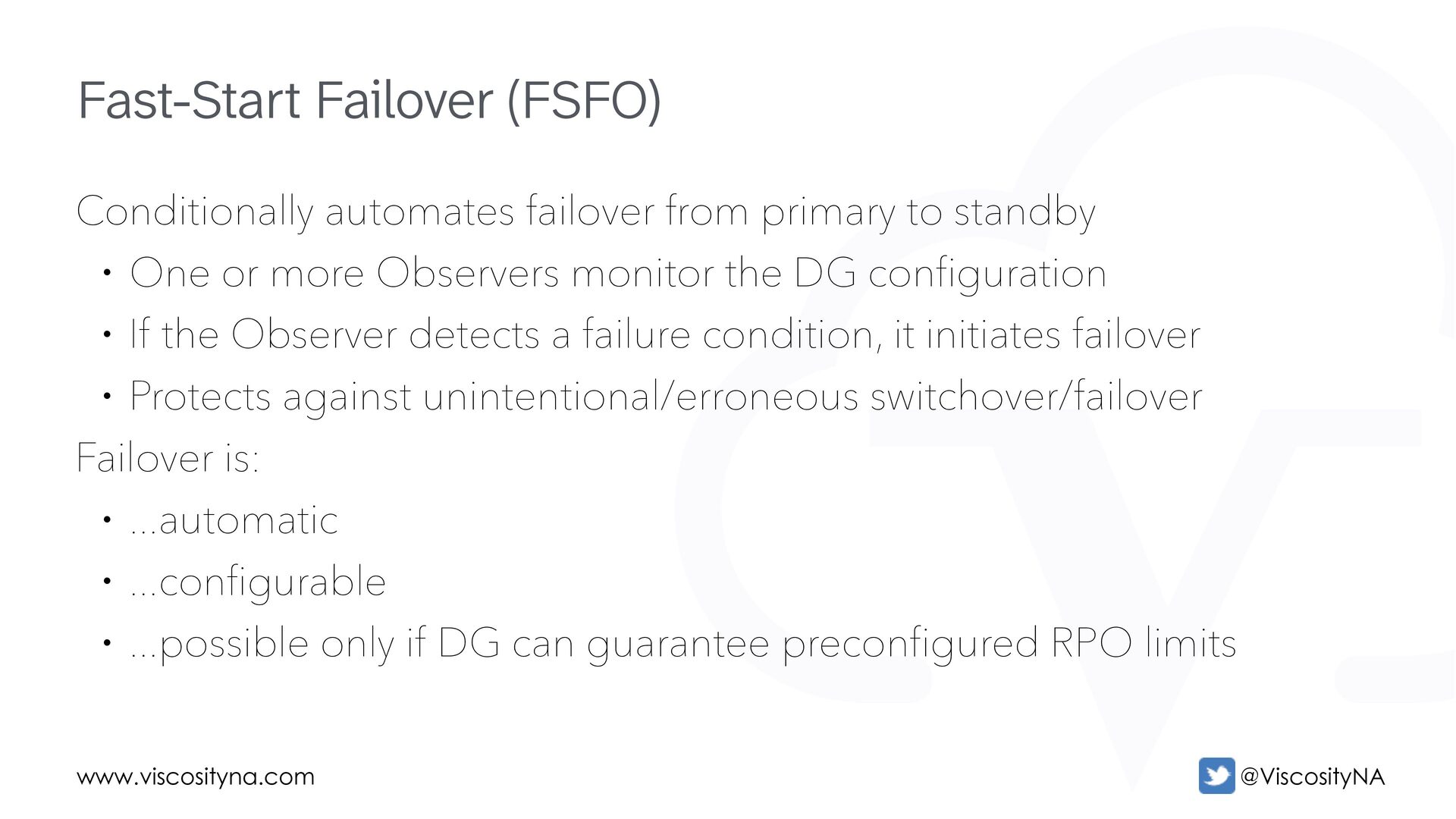
  45. www.viscosityna.com @ViscosityNA Conditionally automates failover from primary to standby •

    One or more Observers monitor the DG configuration • If the Observer detects a failure condition, it initiates failover • Protects against unintentional/erroneous switchover/failover Failover is: • ...automatic • ...configurable • ...possible only if DG can guarantee preconfigured RPO limits Fast-Start Failover (FSFO)
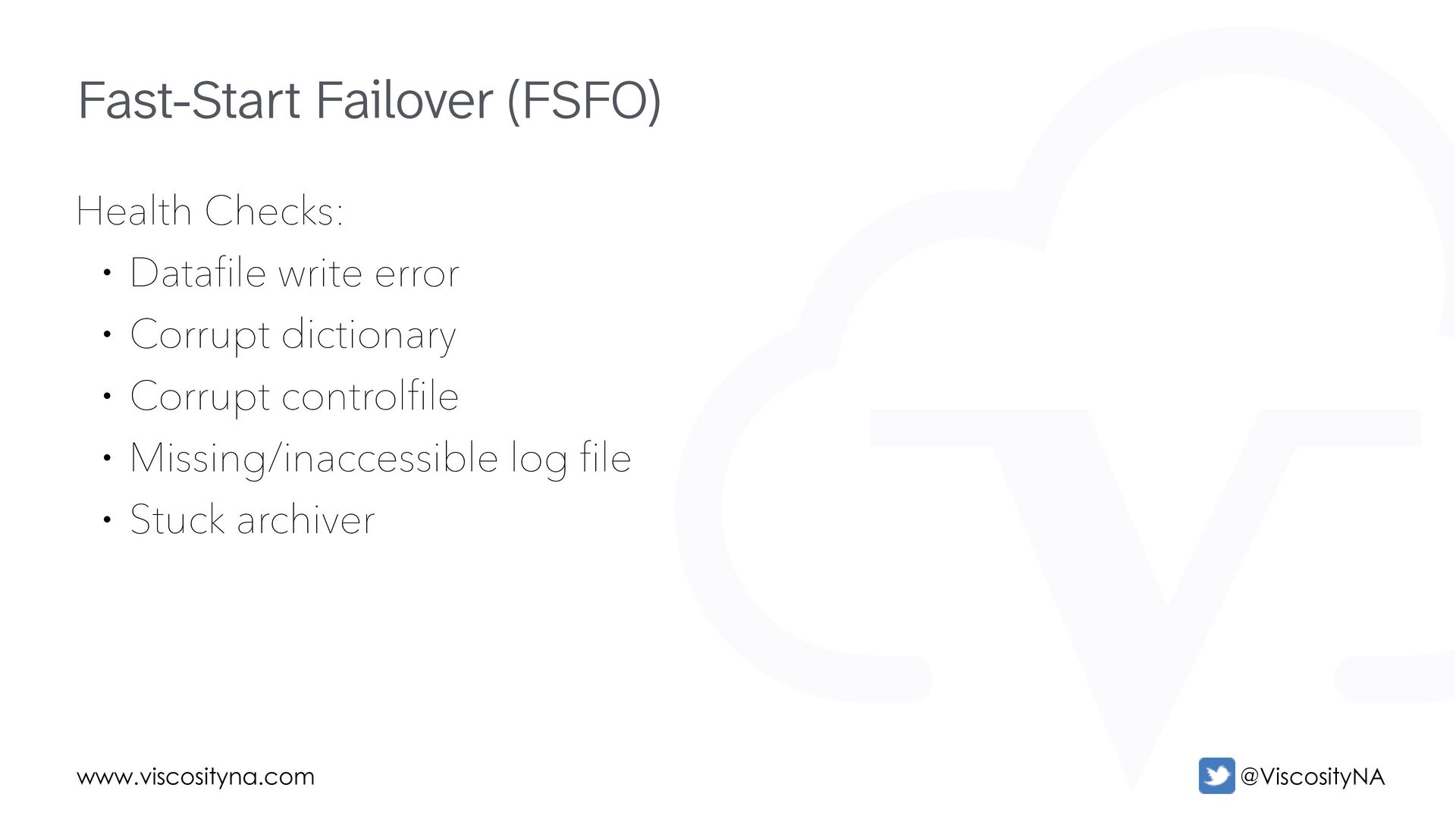
  46. www.viscosityna.com @ViscosityNA Health Checks: • Datafile write error • Corrupt

    dictionary • Corrupt controlfile • Missing/inaccessible log file • Stuck archiver Fast-Start Failover (FSFO)
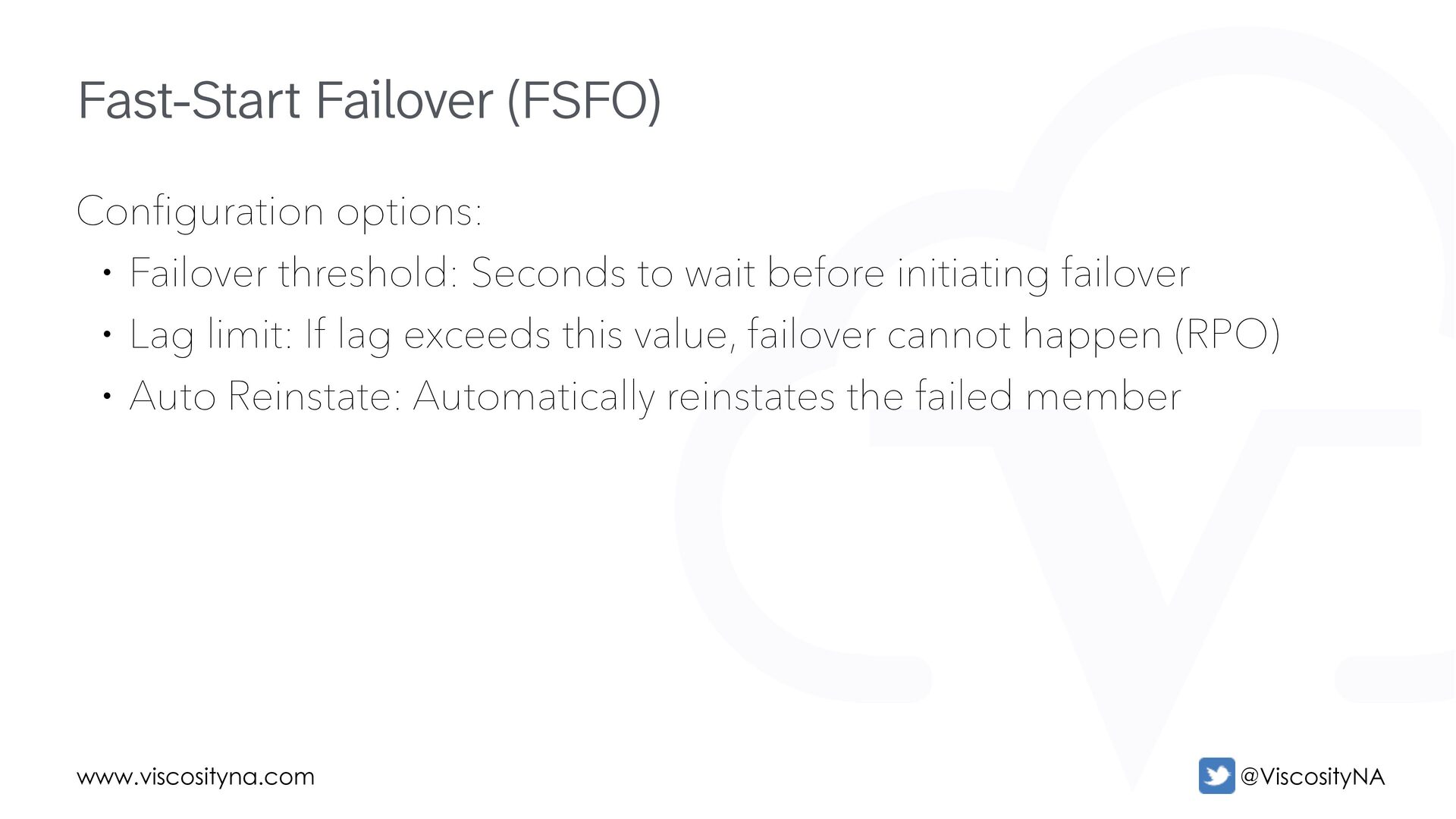
  47. www.viscosityna.com @ViscosityNA Configuration options: • Failover threshold: Seconds to wait

    before initiating failover • Lag limit: If lag exceeds this value, failover cannot happen (RPO) • Auto Reinstate: Automatically reinstates the failed member Fast-Start Failover (FSFO)
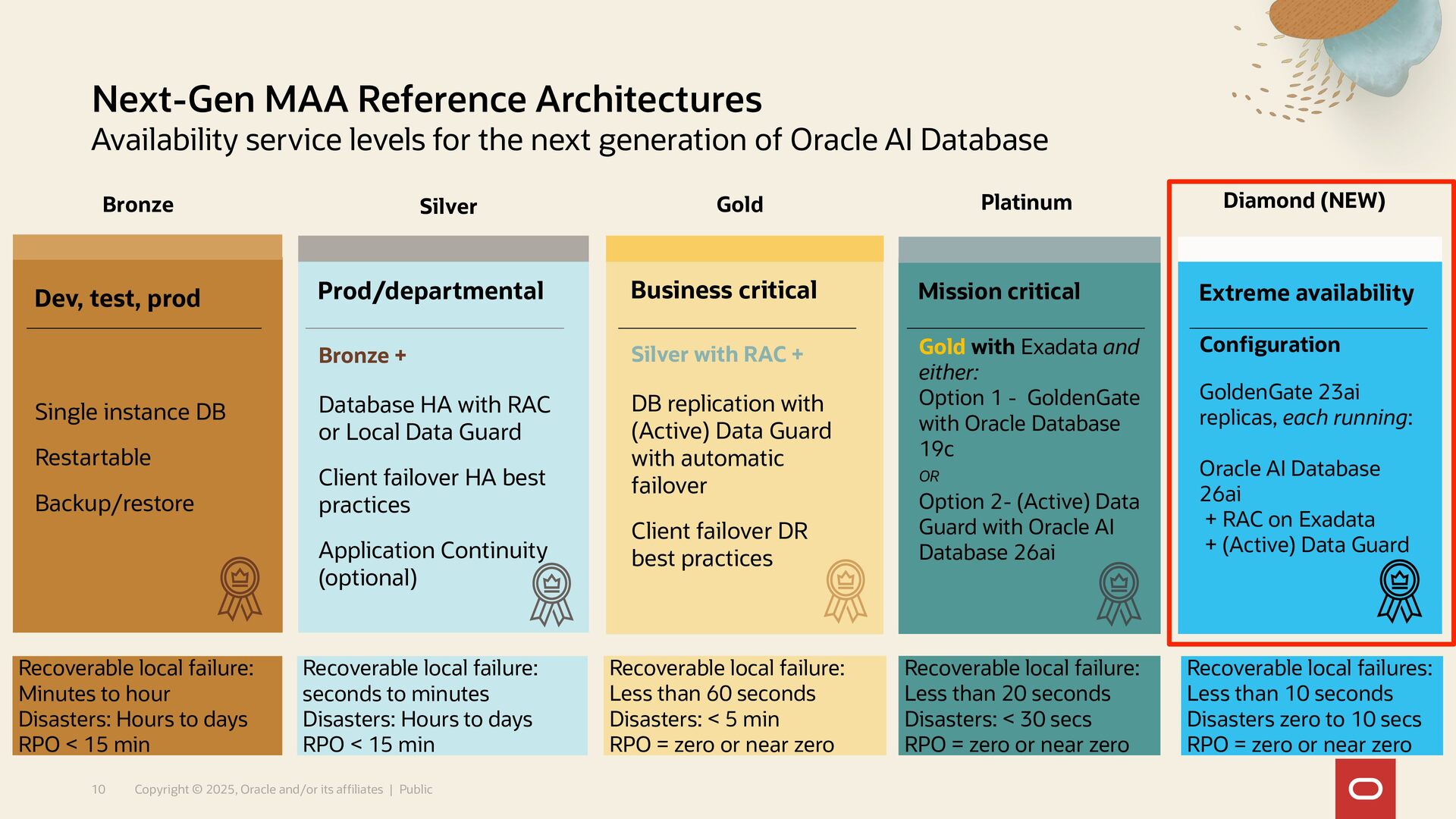
  48. Recoverable local failures: Less than 10 seconds Disasters zero to

    10 secs RPO = zero or near zero Next-Gen MAA Reference Architectures Availability service levels for the next generation of Oracle AI Database 10 Copyright © 2025, Oracle and/or its affiliates | Public Recoverable local failure: Minutes to hour Disasters: Hours to days RPO < 15 min Recoverable local failure: seconds to minutes Disasters: Hours to days RPO < 15 min Recoverable local failure: Less than 60 seconds Disasters: < 5 min RPO = zero or near zero Bronze Silver Gold Mission critical Gold with Exadata and either: Option 1 - GoldenGate with Oracle Database 19c OR Option 2- (Active) Data Guard with Oracle AI Database 26ai Platinum Extreme availability Configuration GoldenGate 23ai replicas, each running: Oracle AI Database 26ai + RAC on Exadata + (Active) Data Guard Diamond (NEW) Dev, test, prod Single instance DB Restartable Backup/restore Business critical Silver with RAC + DB replication with (Active) Data Guard with automatic failover Client failover DR best practices Prod/departmental Bronze + Database HA with RAC or Local Data Guard Client failover HA best practices Application Continuity (optional) Recoverable local failure: Less than 20 seconds Disasters: < 30 secs RPO = zero or near zero
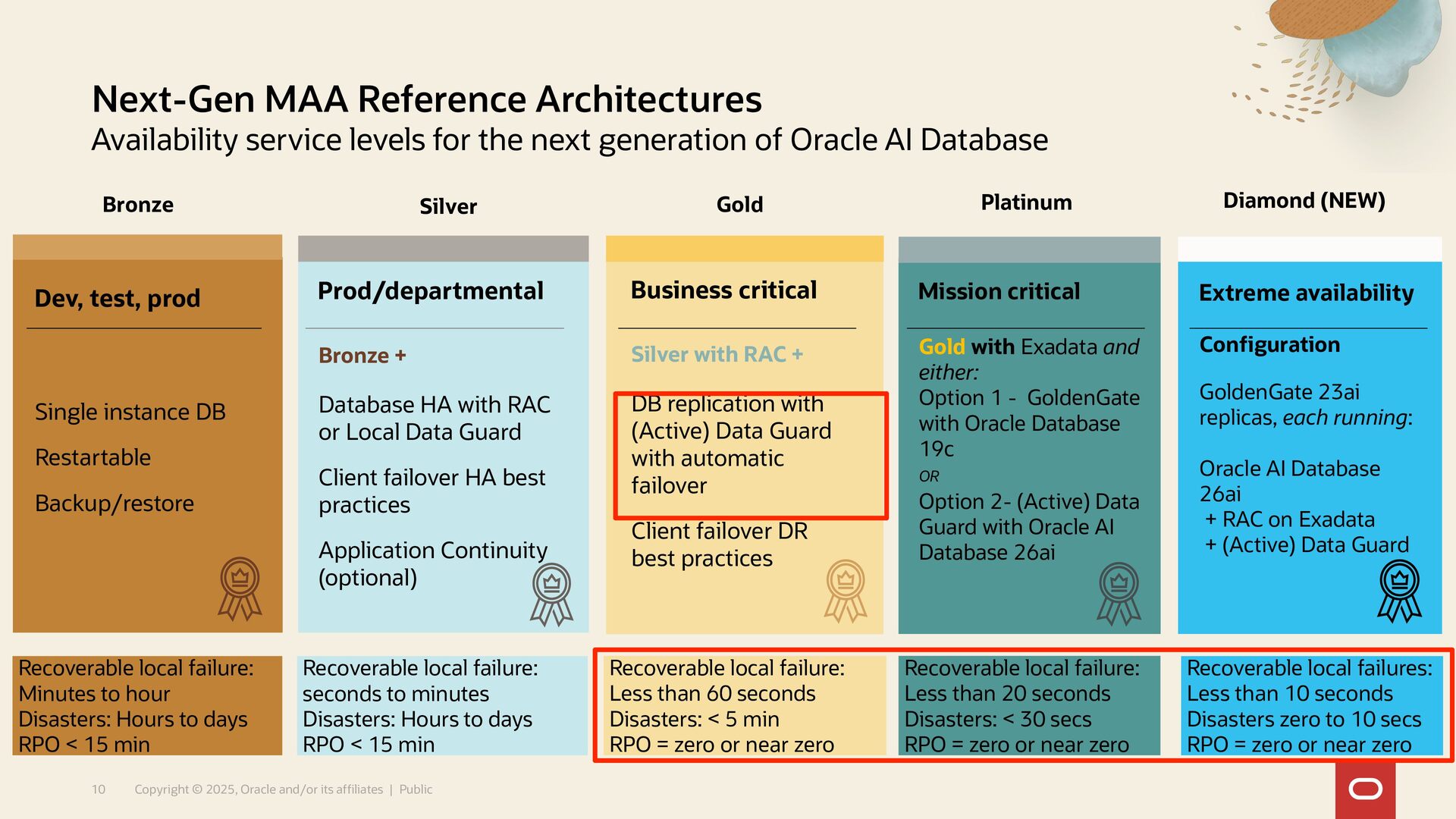
  49. Recoverable local failures: Less than 10 seconds Disasters zero to

    10 secs RPO = zero or near zero Next-Gen MAA Reference Architectures Availability service levels for the next generation of Oracle AI Database 10 Copyright © 2025, Oracle and/or its affiliates | Public Recoverable local failure: Minutes to hour Disasters: Hours to days RPO < 15 min Recoverable local failure: seconds to minutes Disasters: Hours to days RPO < 15 min Recoverable local failure: Less than 60 seconds Disasters: < 5 min RPO = zero or near zero Bronze Silver Gold Mission critical Gold with Exadata and either: Option 1 - GoldenGate with Oracle Database 19c OR Option 2- (Active) Data Guard with Oracle AI Database 26ai Platinum Extreme availability Configuration GoldenGate 23ai replicas, each running: Oracle AI Database 26ai + RAC on Exadata + (Active) Data Guard Diamond (NEW) Dev, test, prod Single instance DB Restartable Backup/restore Business critical Silver with RAC + DB replication with (Active) Data Guard with automatic failover Client failover DR best practices Prod/departmental Bronze + Database HA with RAC or Local Data Guard Client failover HA best practices Application Continuity (optional) Recoverable local failure: Less than 20 seconds Disasters: < 30 secs RPO = zero or near zero
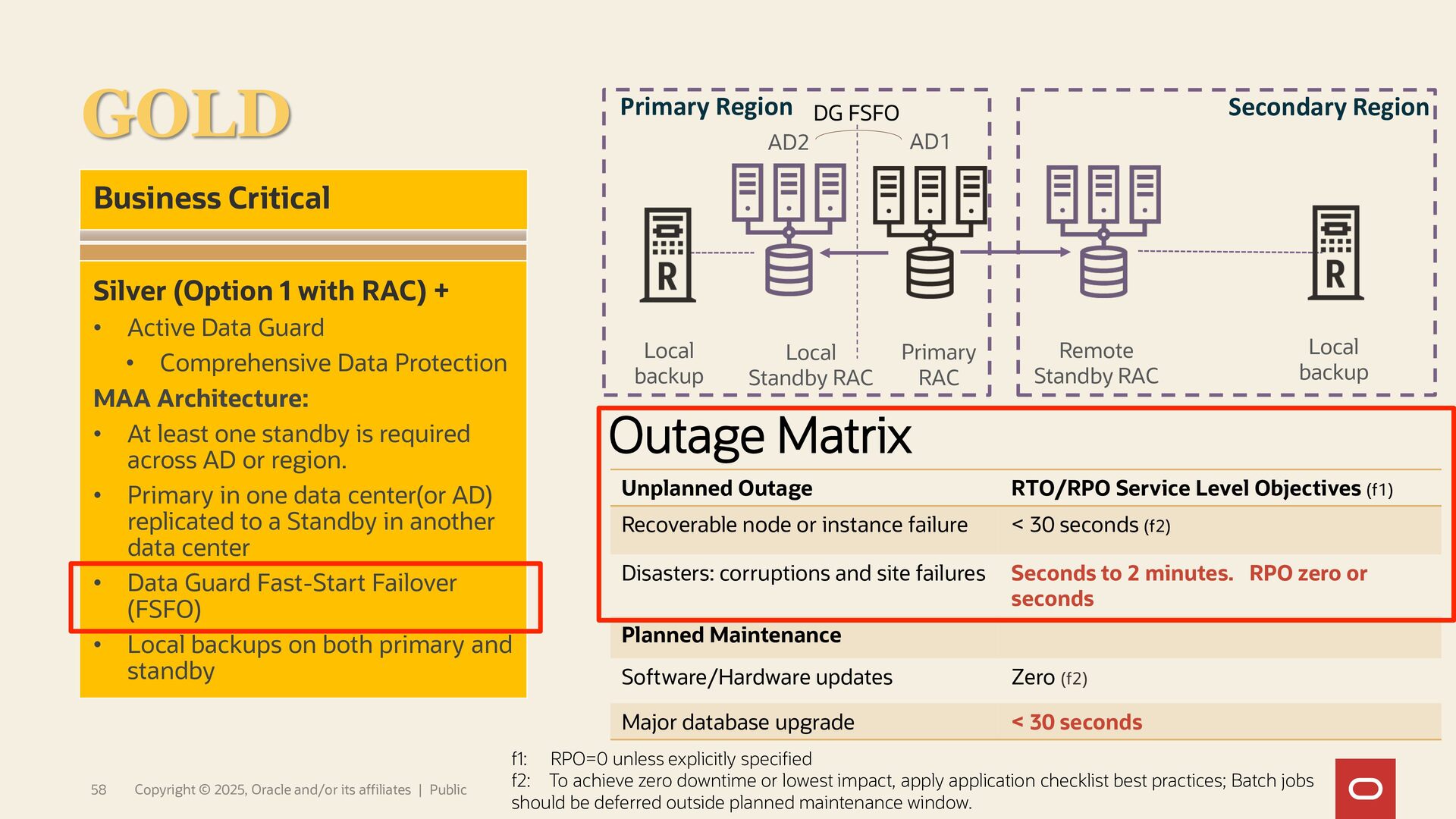
  50. f1: RPO=0 unless explicitly specified f2: To achieve zero downtime

    or lowest impact, apply application checklist best practices; Batch jobs should be deferred outside planned maintenance window. Outage Matrix Primary Region Secondary Region Local backup Remote Standby RAC Primary RAC Local Standby RAC Local backup AD2 AD1 Business Critical Silver (Option 1 with RAC) + • Active Data Guard • Comprehensive Data Protection MAA Architecture: • At least one standby is required across AD or region. • Primary in one data center(or AD) replicated to a Standby in another data center • Data Guard Fast-Start Failover (FSFO) • Local backups on both primary and standby GOLD DG FSFO Unplanned Outage RTO/RPO Service Level Objectives (f1) Recoverable node or instance failure < 30 seconds (f2) Disasters: corruptions and site failures Seconds to 2 minutes. RPO zero or seconds Planned Maintenance Software/Hardware updates Zero (f2) Major database upgrade < 30 seconds 58 Copyright © 2025, Oracle and/or its affiliates | Public
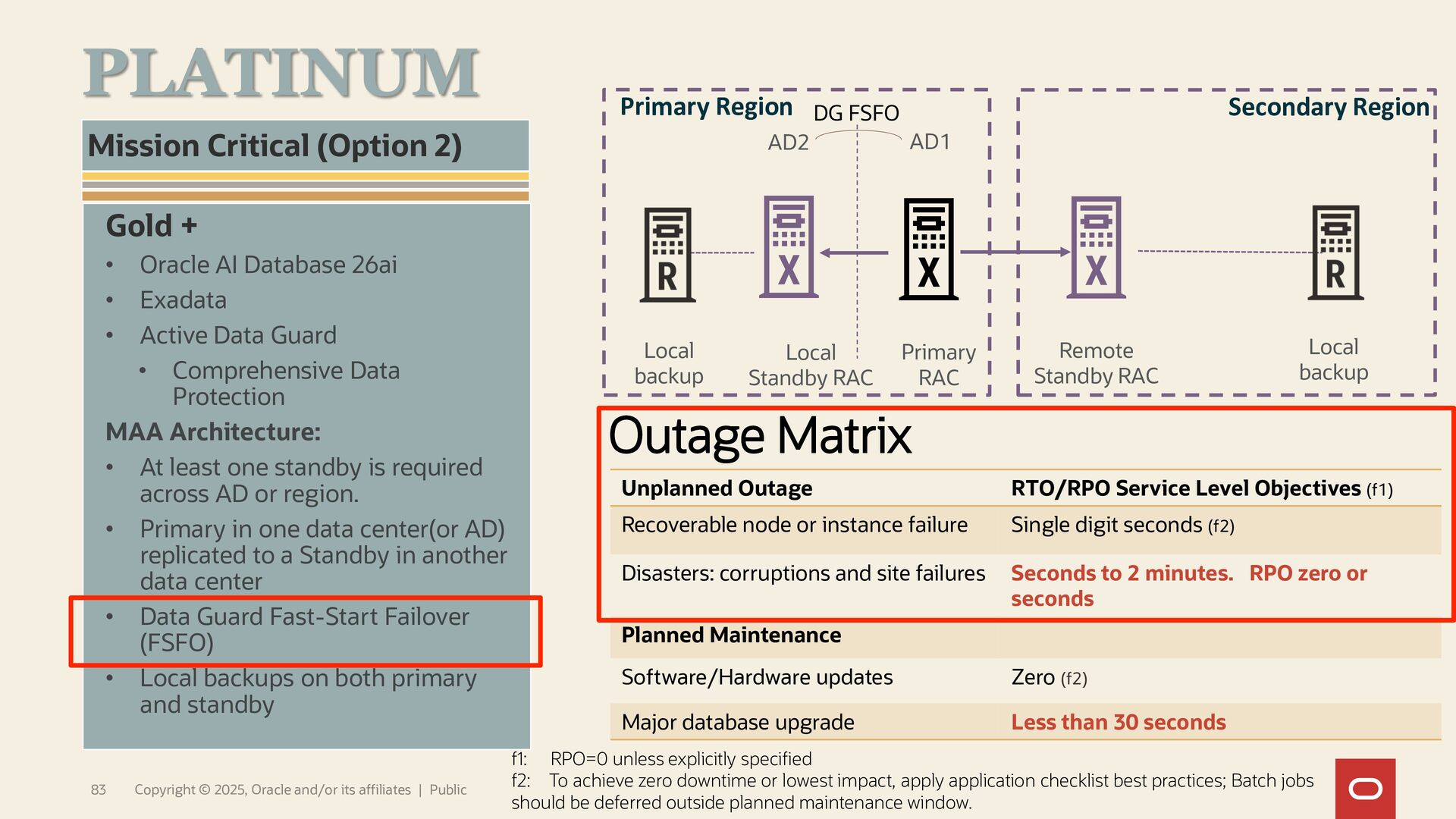
  51. f1: RPO=0 unless explicitly specified f2: To achieve zero downtime

    or lowest impact, apply application checklist best practices; Batch jobs should be deferred outside planned maintenance window. Outage Matrix Unplanned Outage RTO/RPO Service Level Objectives (f1) Recoverable node or instance failure Single digit seconds (f2) Disasters: corruptions and site failures Seconds to 2 minutes. RPO zero or seconds Planned Maintenance Software/Hardware updates Zero (f2) Major database upgrade Less than 30 seconds 83 Copyright © 2025, Oracle and/or its affiliates | Public Gold + • Oracle AI Database 26ai • Exadata • Active Data Guard • Comprehensive Data Protection MAA Architecture: • At least one standby is required across AD or region. • Primary in one data center(or AD) replicated to a Standby in another data center • Data Guard Fast-Start Failover (FSFO) • Local backups on both primary and standby Mission Critical (Option 2) PLATINUM Outage Matrix Primary Region Secondary Region Local backup Remote Standby RAC Primary RAC Local Standby RAC Local backup AD2 AD1 DG FSFO
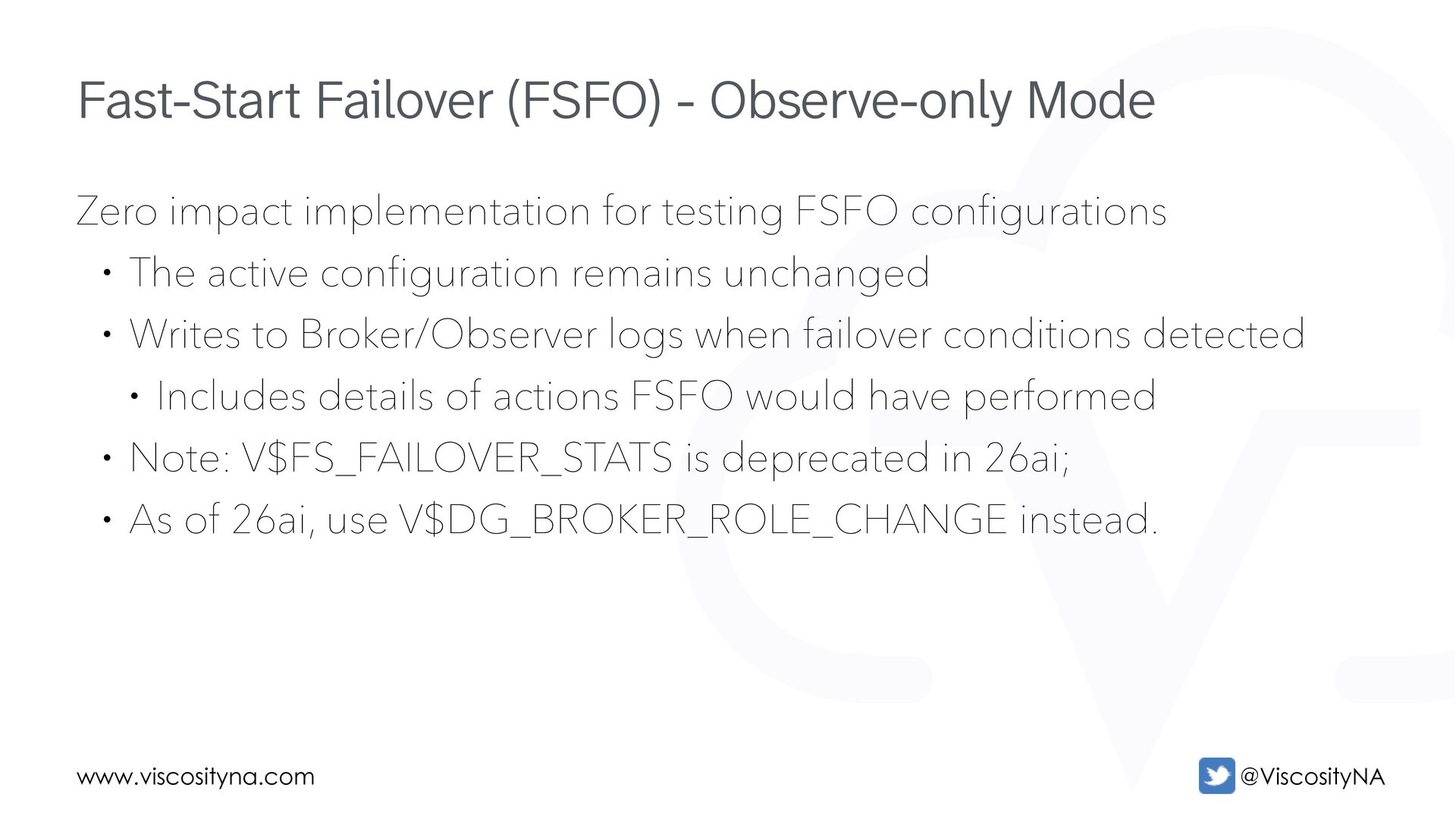
  52. www.viscosityna.com @ViscosityNA Zero impact implementation for testing FSFO configurations •

    The active configuration remains unchanged • Writes to Broker/Observer logs when failover conditions detected • Includes details of actions FSFO would have performed • Note: V$FS_FAILOVER_STATS is deprecated in 26ai; • As of 26ai, use V$DG_BROKER_ROLE_CHANGE instead. Fast-Start Failover (FSFO) - Observe-only Mode
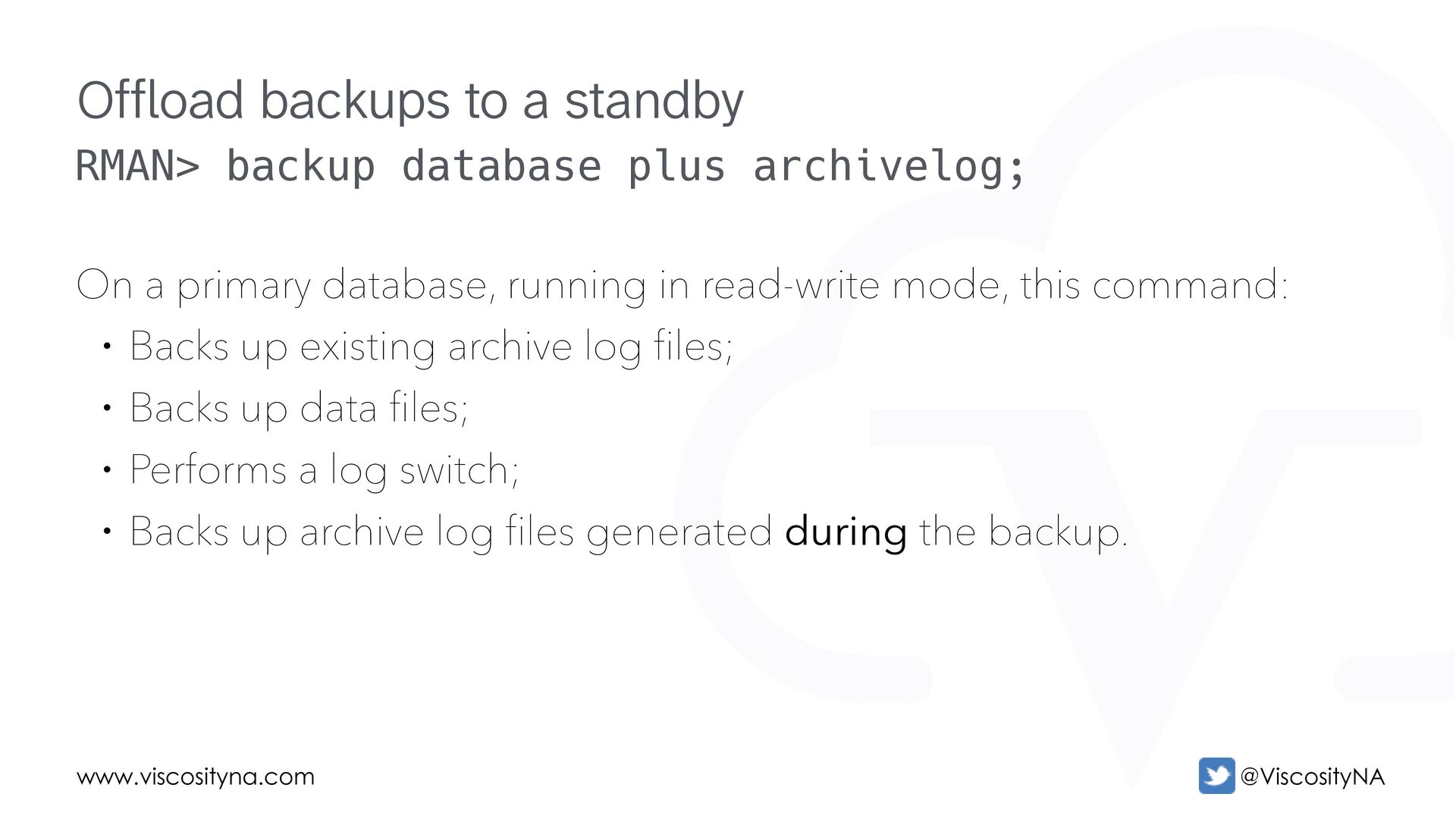
  53. www.viscosityna.com @ViscosityNA RMAN> backup database plus archivelog; On a primary

    database, running in read-write mode, this command: • Backs up existing archive log files; • Backs up data files; • Performs a log switch; • Backs up archive log files generated during the backup. Offload backups to a standby
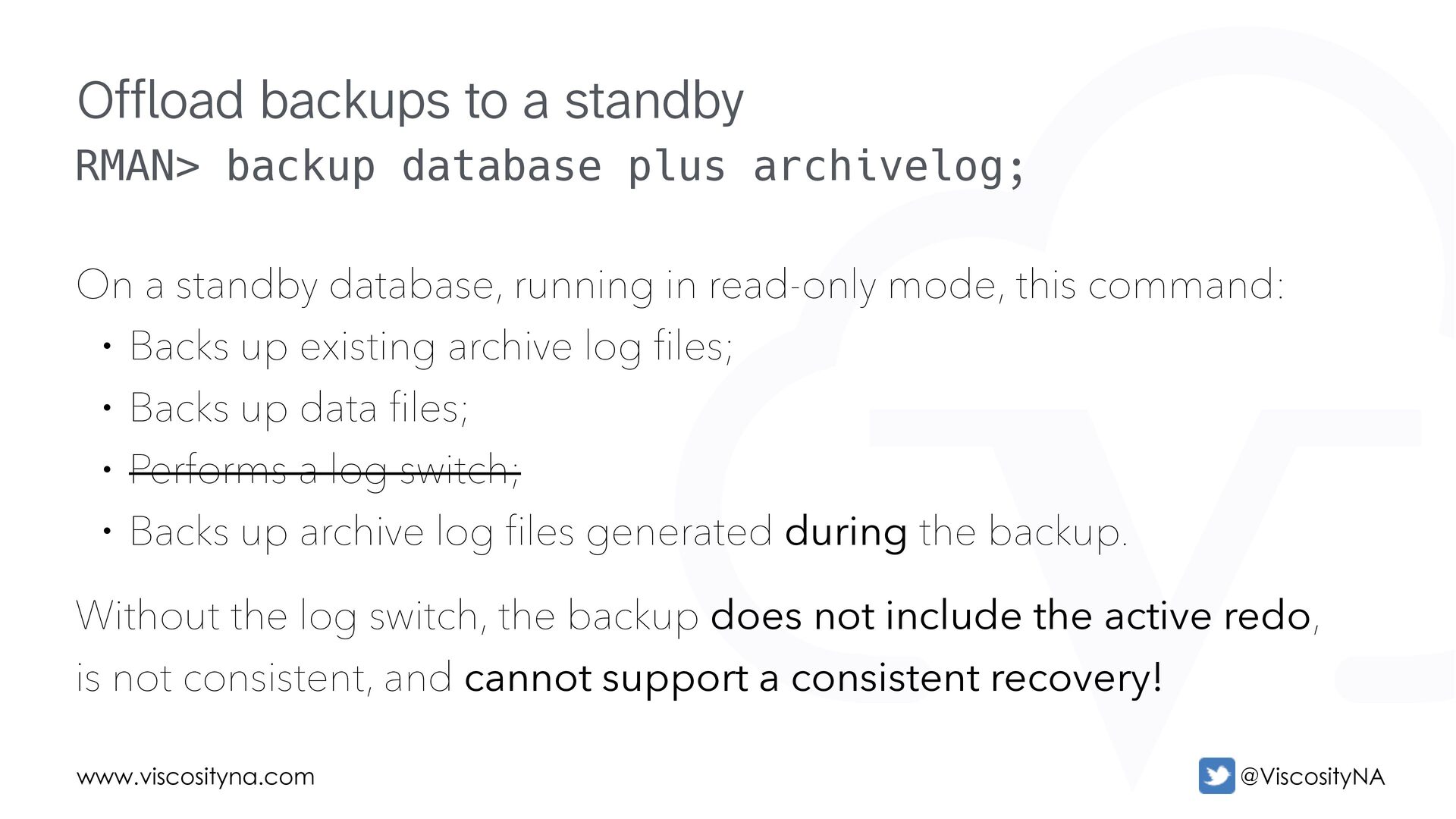
  54. www.viscosityna.com @ViscosityNA RMAN> backup database plus archivelog; On a standby

    database, running in read-only mode, this command: • Backs up existing archive log files; • Backs up data files; • Performs a log switch; • Backs up archive log files generated during the backup. Without the log switch, the backup does not include the active redo, is not consistent, and cannot support a consistent recovery! Offload backups to a standby
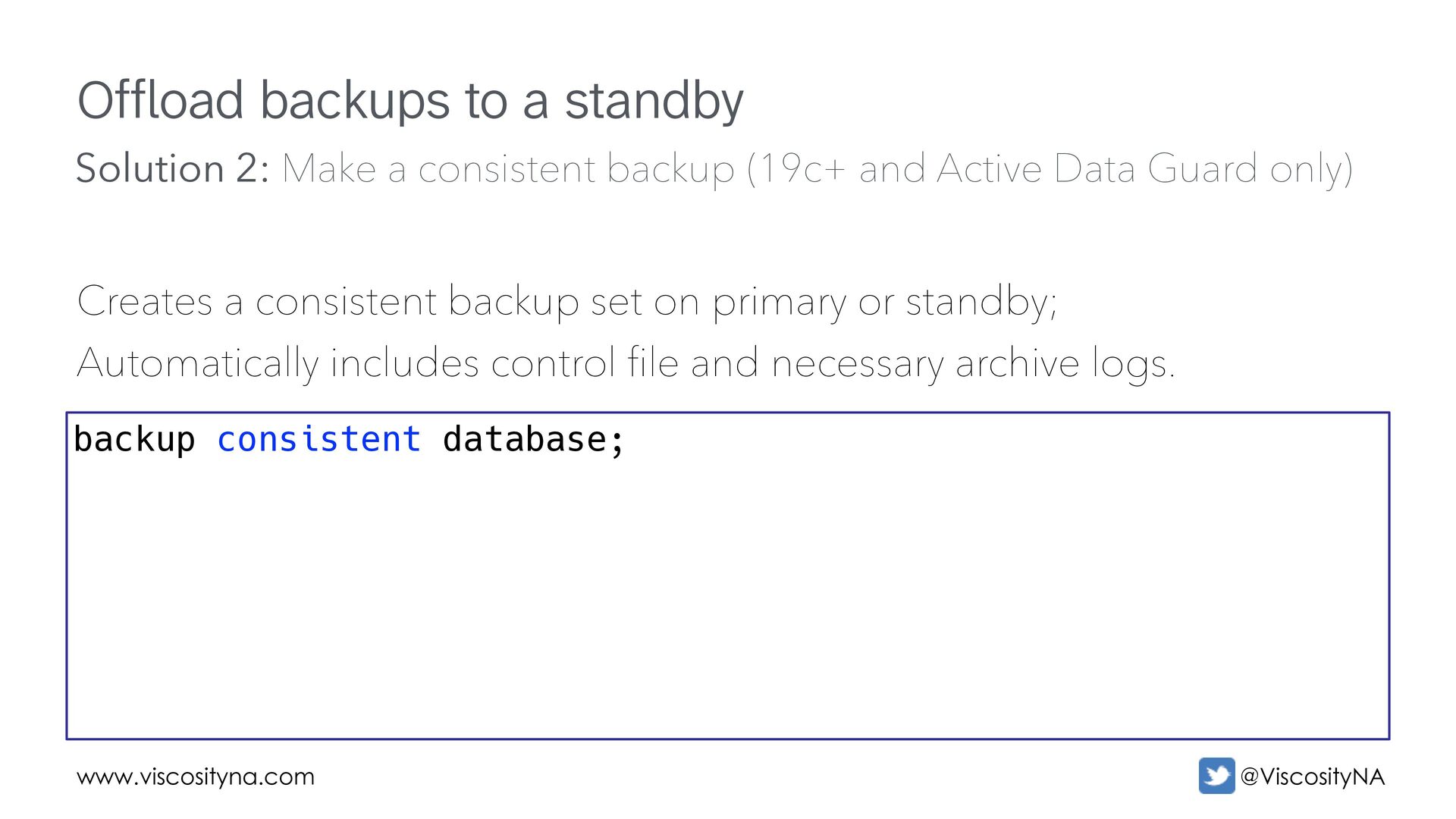
  55. www.viscosityna.com @ViscosityNA Offload backups to a standby Creates a consistent

    backup set on primary or standby; Automatically includes control file and necessary archive logs. backup consistent database; Solution 2: Make a consistent backup (19c+ and Active Data Guard only)
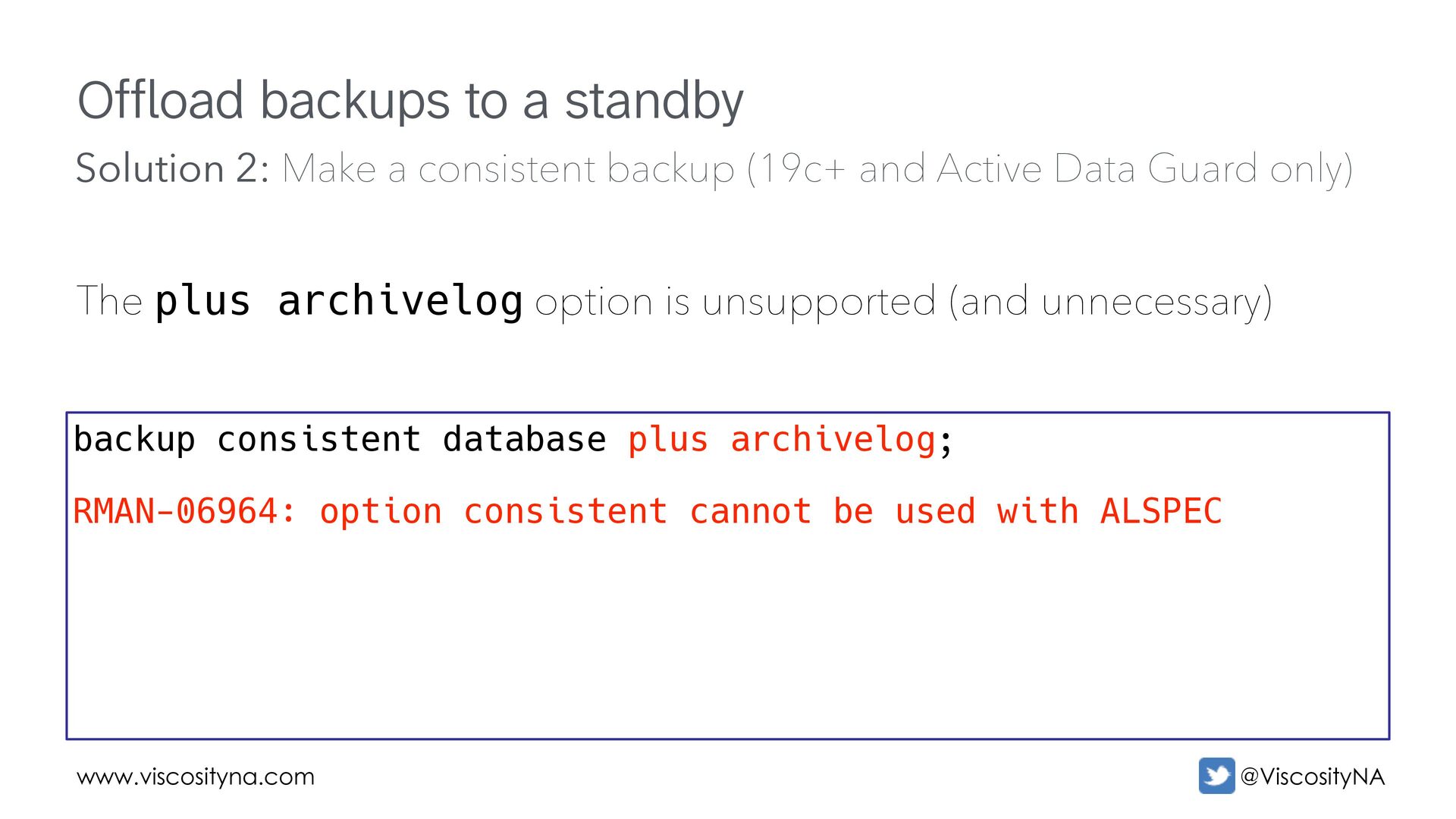
  56. www.viscosityna.com @ViscosityNA Offload backups to a standby The plus archivelog

    option is unsupported (and unnecessary) backup consistent database plus archivelog; RMAN-06964: option consistent cannot be used with ALSPEC Solution 2: Make a consistent backup (19c+ and Active Data Guard only)
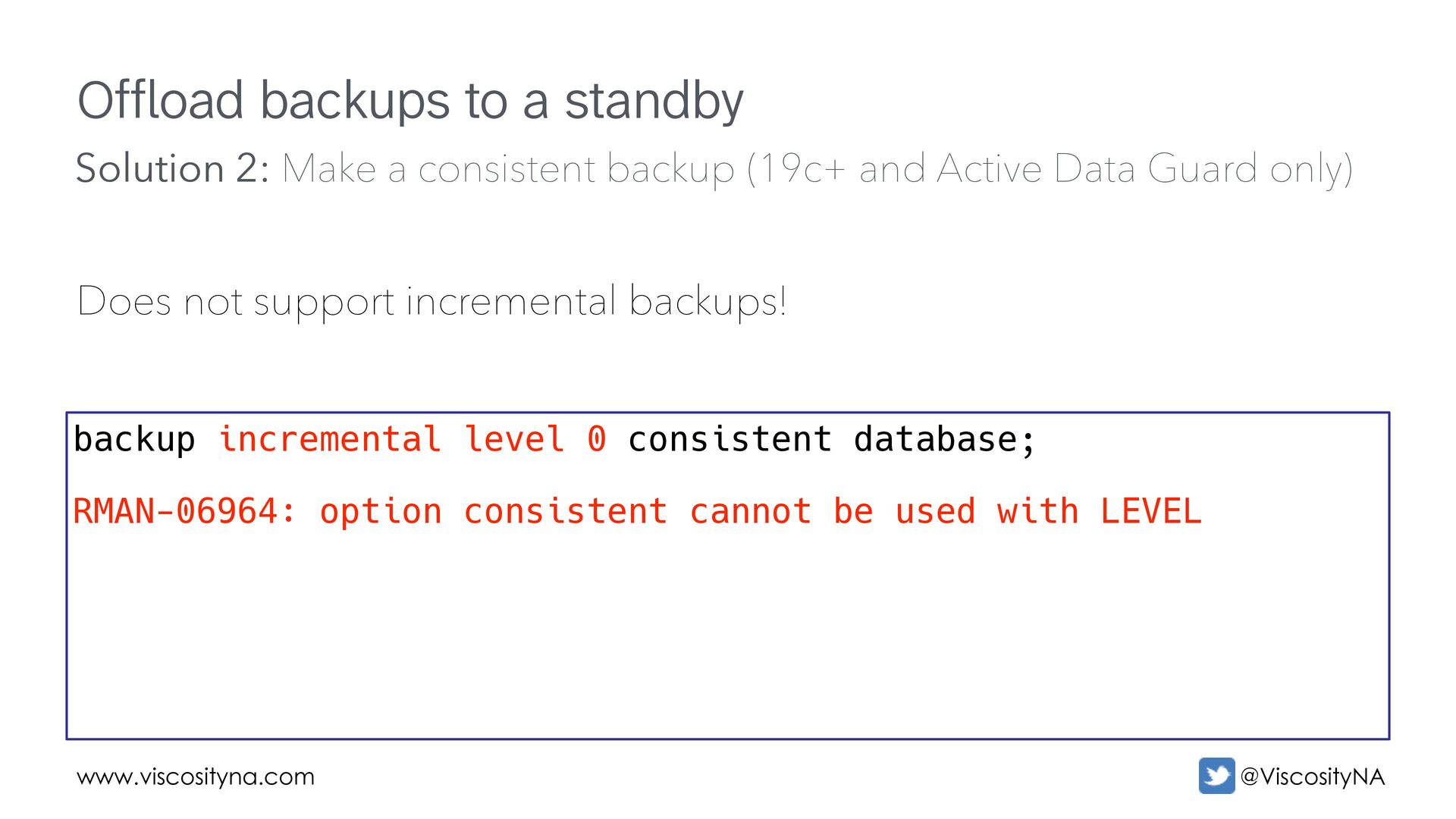
  57. www.viscosityna.com @ViscosityNA Offload backups to a standby Does not support

    incremental backups! backup incremental level 0 consistent database; RMAN-06964: option consistent cannot be used with LEVEL Solution 2: Make a consistent backup (19c+ and Active Data Guard only)
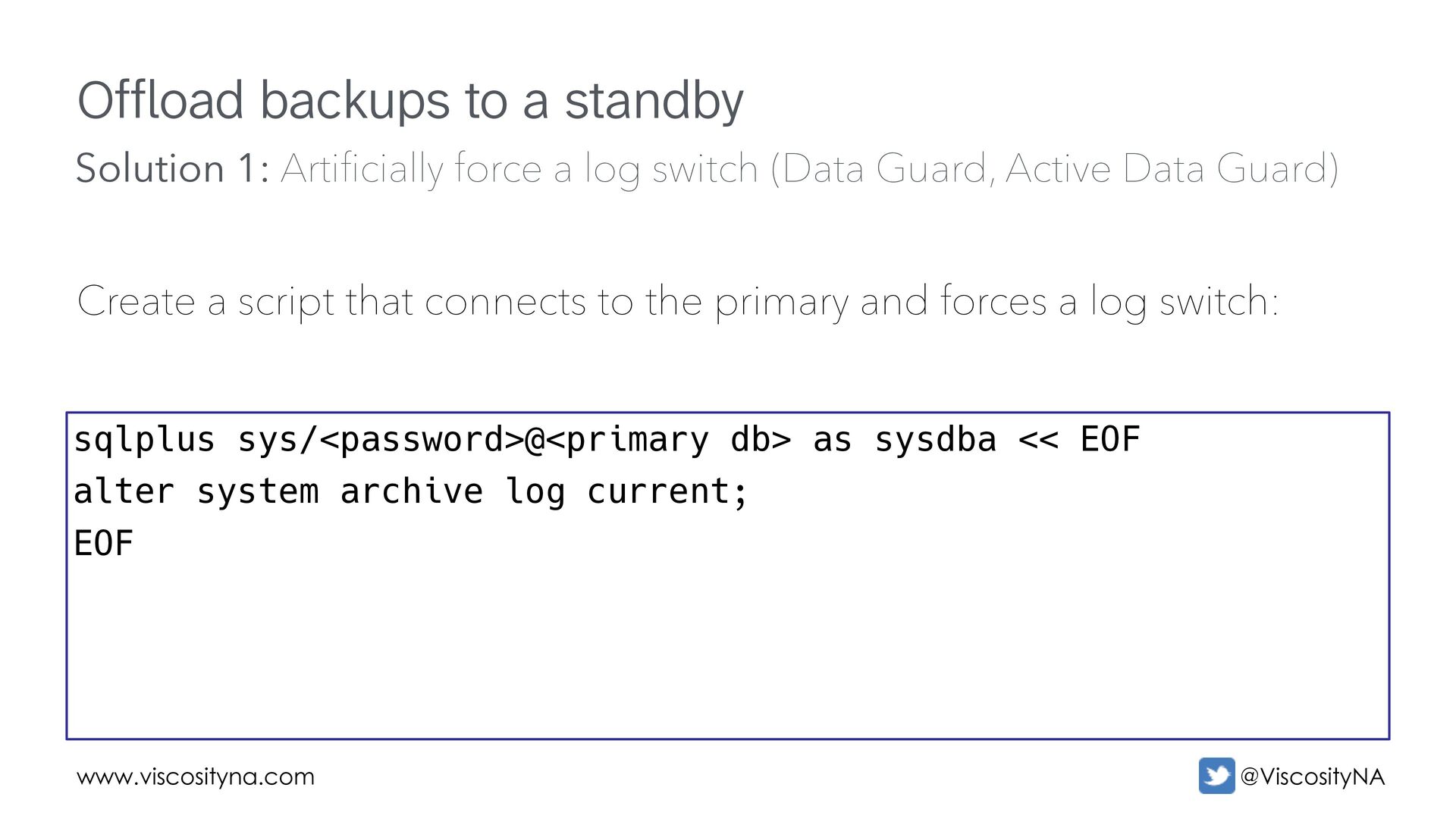
  58. www.viscosityna.com @ViscosityNA Offload backups to a standby Create a script

    that connects to the primary and forces a log switch: sqlplus sys/<password>@<primary db> as sysdba << EOF alter system archive log current; EOF Solution 1: Artificially force a log switch (Data Guard, Active Data Guard)
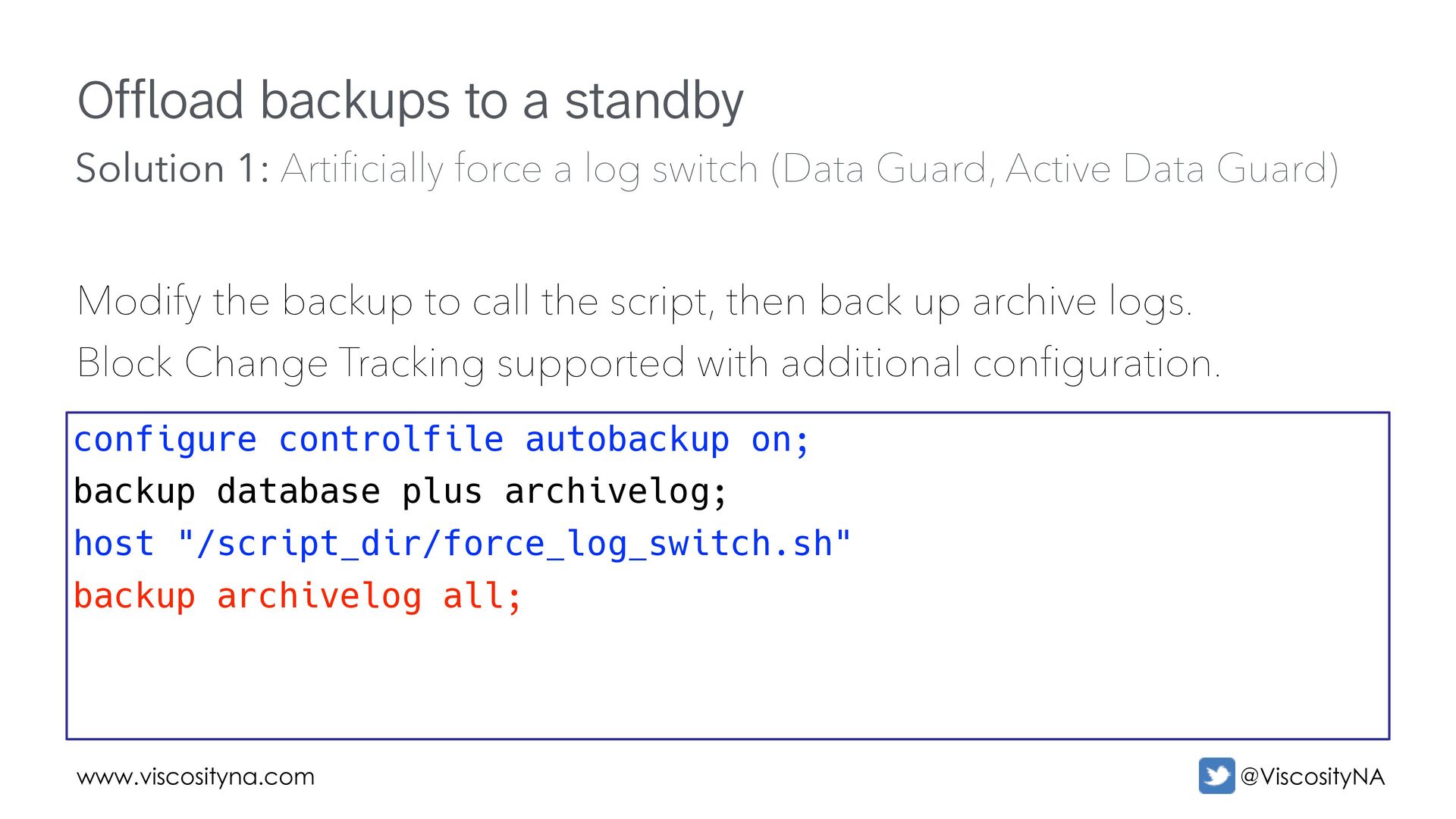
  59. www.viscosityna.com @ViscosityNA Offload backups to a standby Modify the backup

    to call the script, then back up archive logs. Block Change Tracking supported with additional configuration. configure controlfile autobackup on; backup database plus archivelog; host "/script_dir/force_log_switch.sh" backup archivelog all; Solution 1: Artificially force a log switch (Data Guard, Active Data Guard)
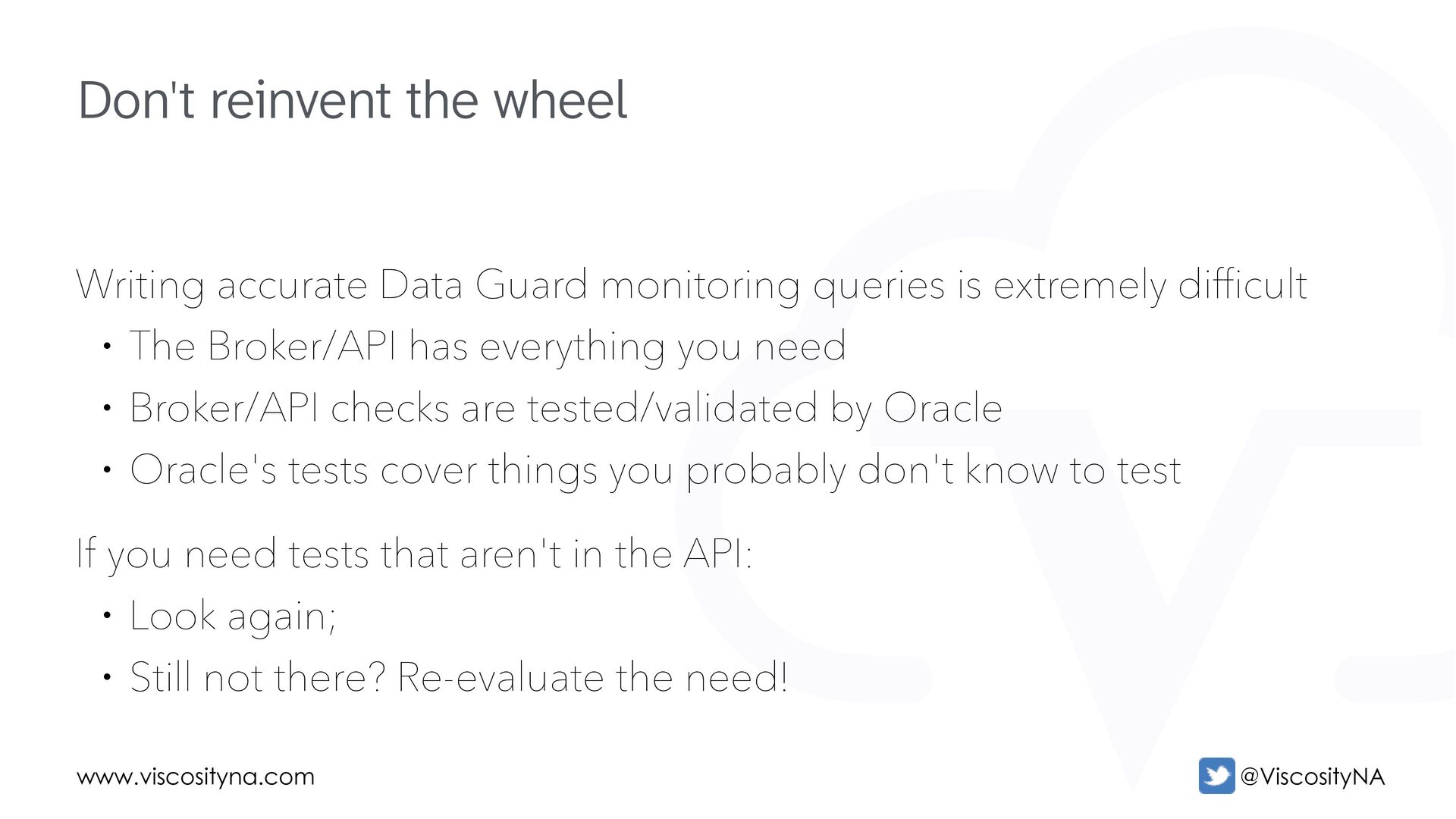
  60. www.viscosityna.com @ViscosityNA Writing accurate Data Guard monitoring queries is extremely

    difficult • The Broker/API has everything you need • Broker/API checks are tested/validated by Oracle • Oracle's tests cover things you probably don't know to test If you need tests that aren't in the API: • Look again; • Still not there? Re-evaluate the need! Don't reinvent the wheel
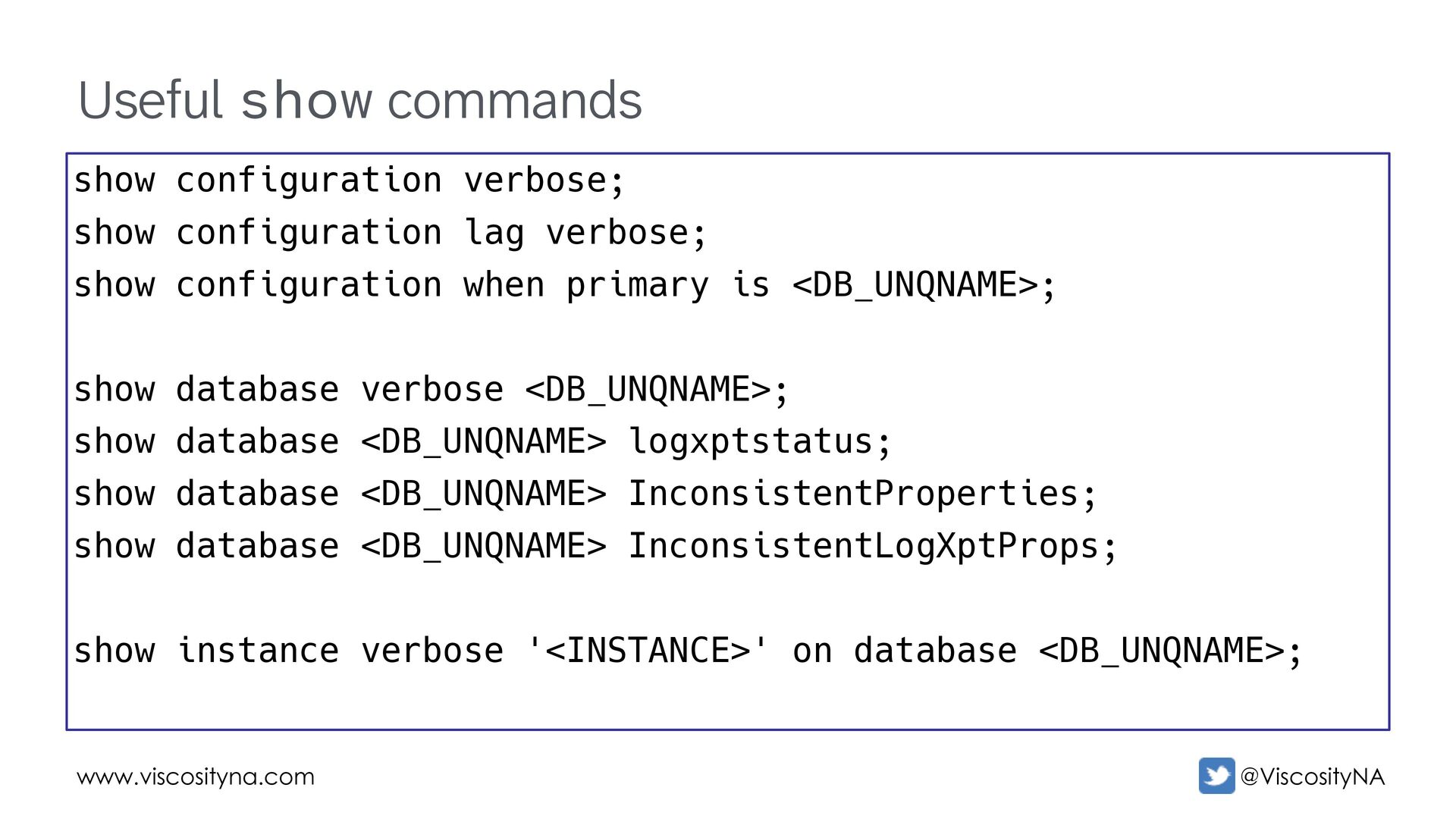
  61. www.viscosityna.com @ViscosityNA Useful show commands show configuration verbose; show configuration

    lag verbose; show configuration when primary is <DB_UNQNAME>; show database verbose <DB_UNQNAME>; show database <DB_UNQNAME> logxptstatus; show database <DB_UNQNAME> InconsistentProperties; show database <DB_UNQNAME> InconsistentLogXptProps; show instance verbose '<INSTANCE>' on database <DB_UNQNAME>;
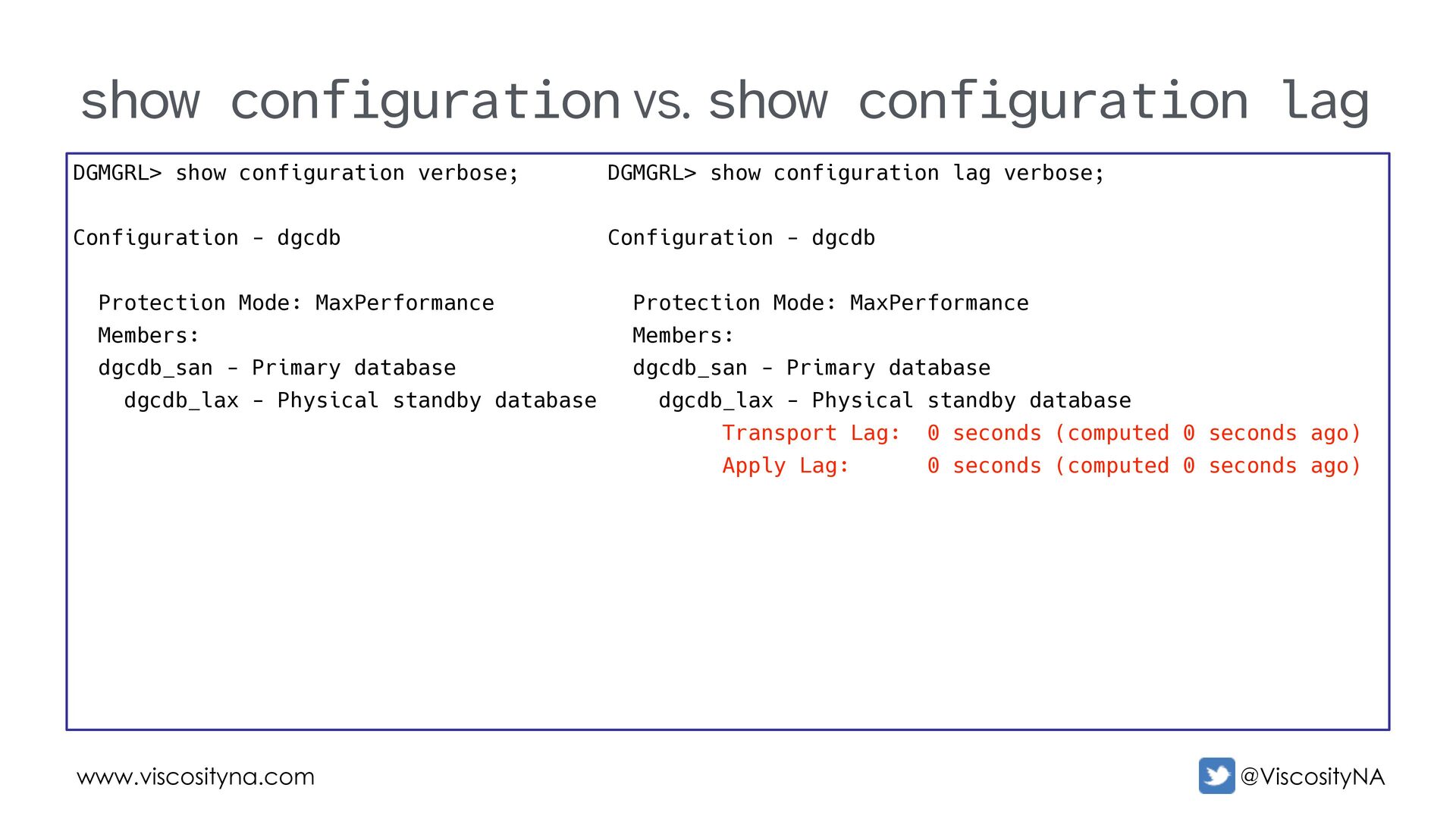
  62. www.viscosityna.com @ViscosityNA show configuration vs. show configuration lag DGMGRL> show

    configuration verbose; Configuration - dgcdb Protection Mode: MaxPerformance Members: dgcdb_san - Primary database dgcdb_lax - Physical standby database DGMGRL> show configuration lag verbose; Configuration - dgcdb Protection Mode: MaxPerformance Members: dgcdb_san - Primary database dgcdb_lax - Physical standby database Transport Lag: 0 seconds (computed 0 seconds ago) Apply Lag: 0 seconds (computed 0 seconds ago)
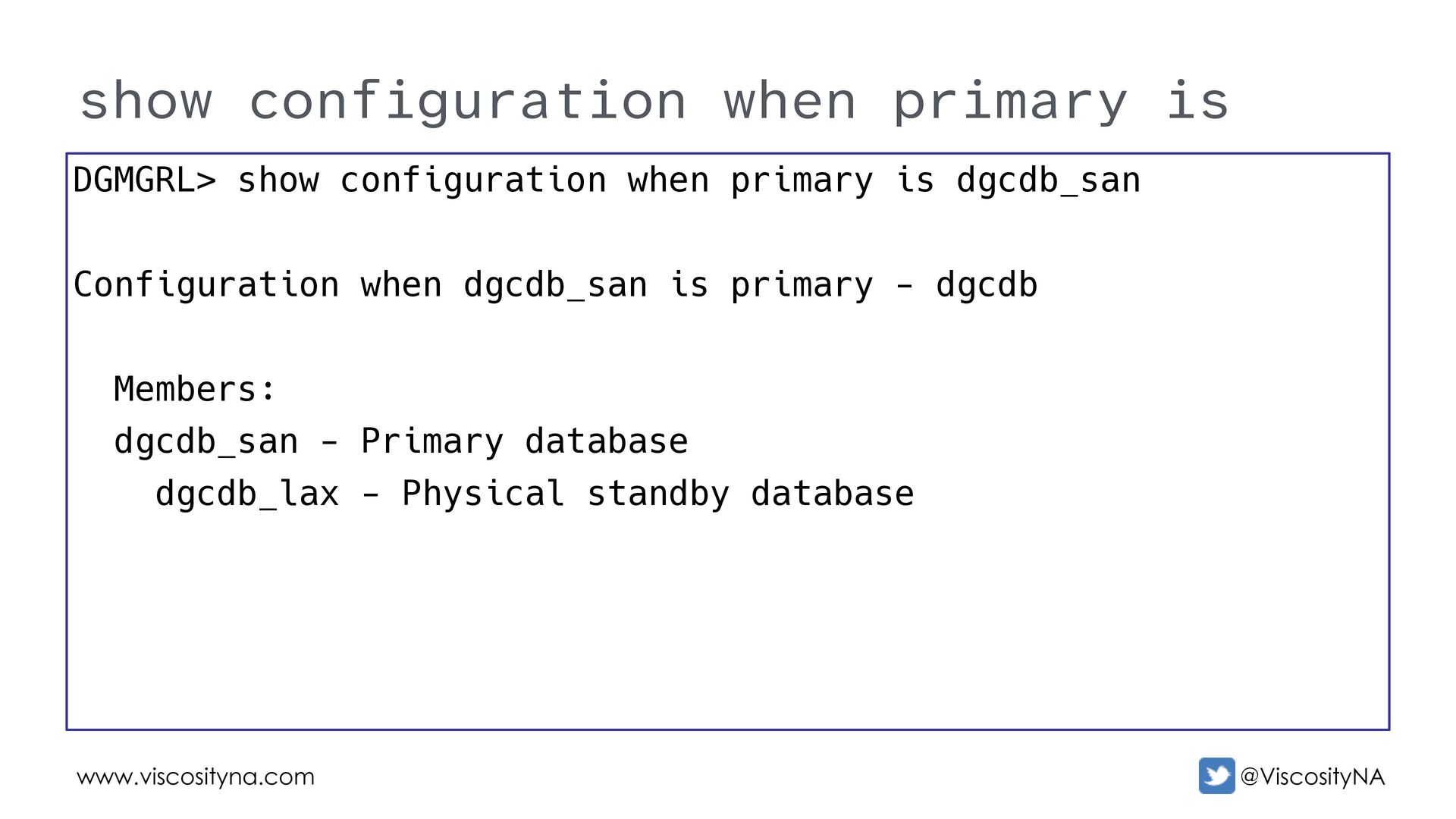
  63. www.viscosityna.com @ViscosityNA show configuration when primary is DGMGRL> show configuration

    when primary is dgcdb_san Configuration when dgcdb_san is primary - dgcdb Members: dgcdb_san - Primary database dgcdb_lax - Physical standby database
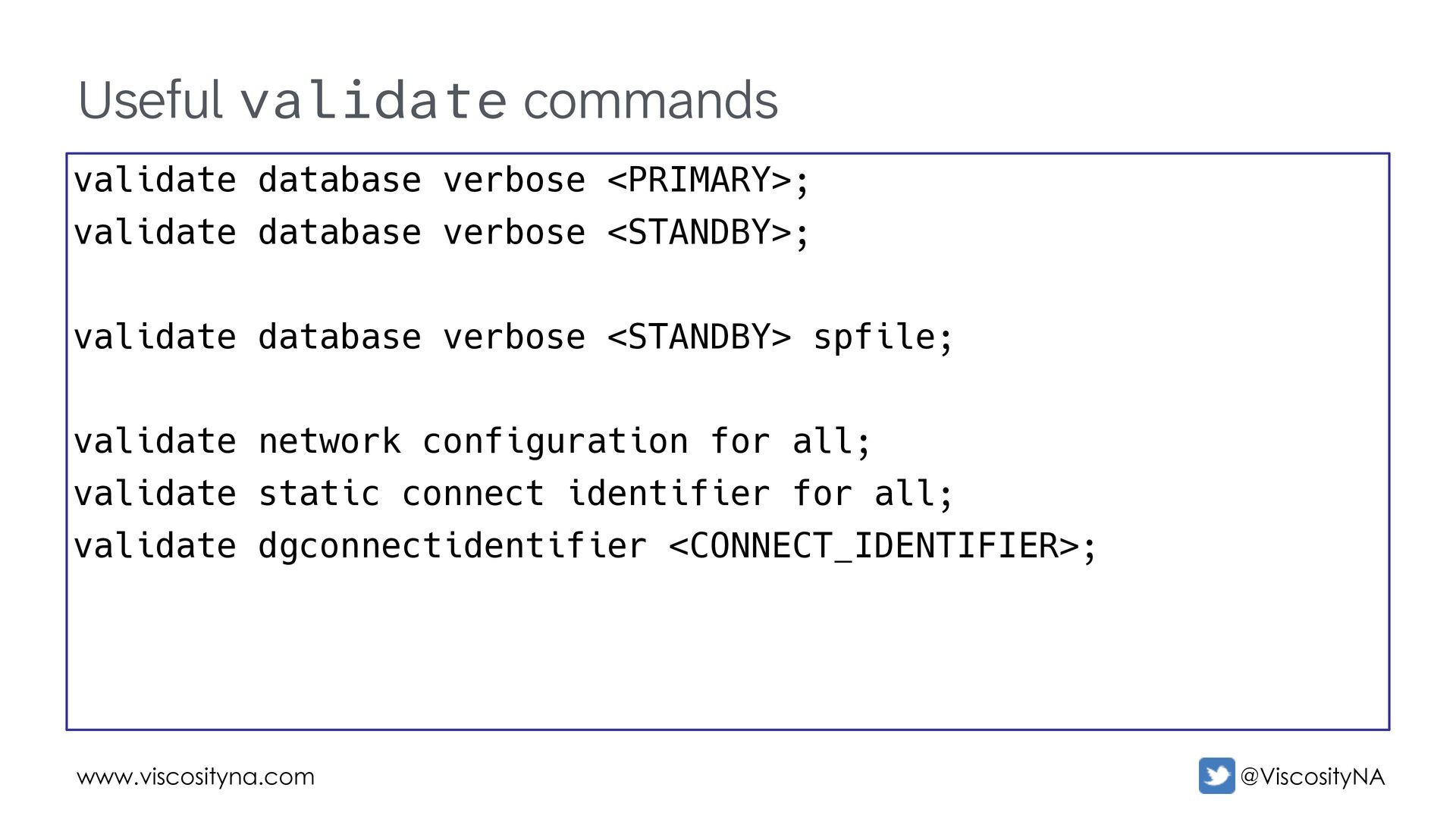
  64. www.viscosityna.com @ViscosityNA Useful validate commands validate database verbose <PRIMARY>; validate

    database verbose <STANDBY>; validate database verbose <STANDBY> spfile; validate network configuration for all; validate static connect identifier for all; validate dgconnectidentifier <CONNECT_IDENTIFIER>;
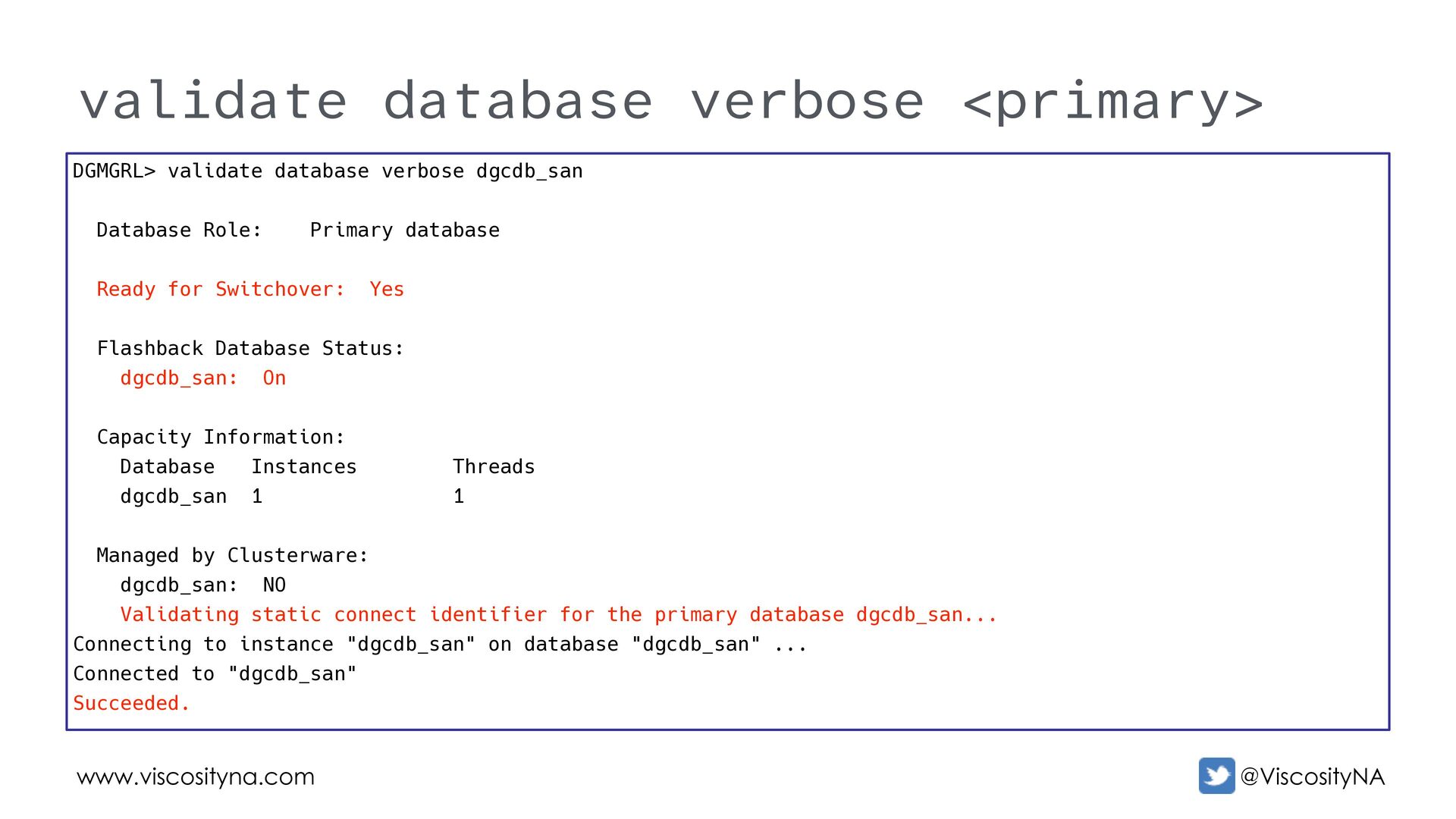
  65. www.viscosityna.com @ViscosityNA validate database verbose <primary> DGMGRL> validate database verbose

    dgcdb_san Database Role: Primary database Ready for Switchover: Yes Flashback Database Status: dgcdb_san: On Capacity Information: Database Instances Threads dgcdb_san 1 1 Managed by Clusterware: dgcdb_san: NO Validating static connect identifier for the primary database dgcdb_san... Connecting to instance "dgcdb_san" on database "dgcdb_san" ... Connected to "dgcdb_san" Succeeded.
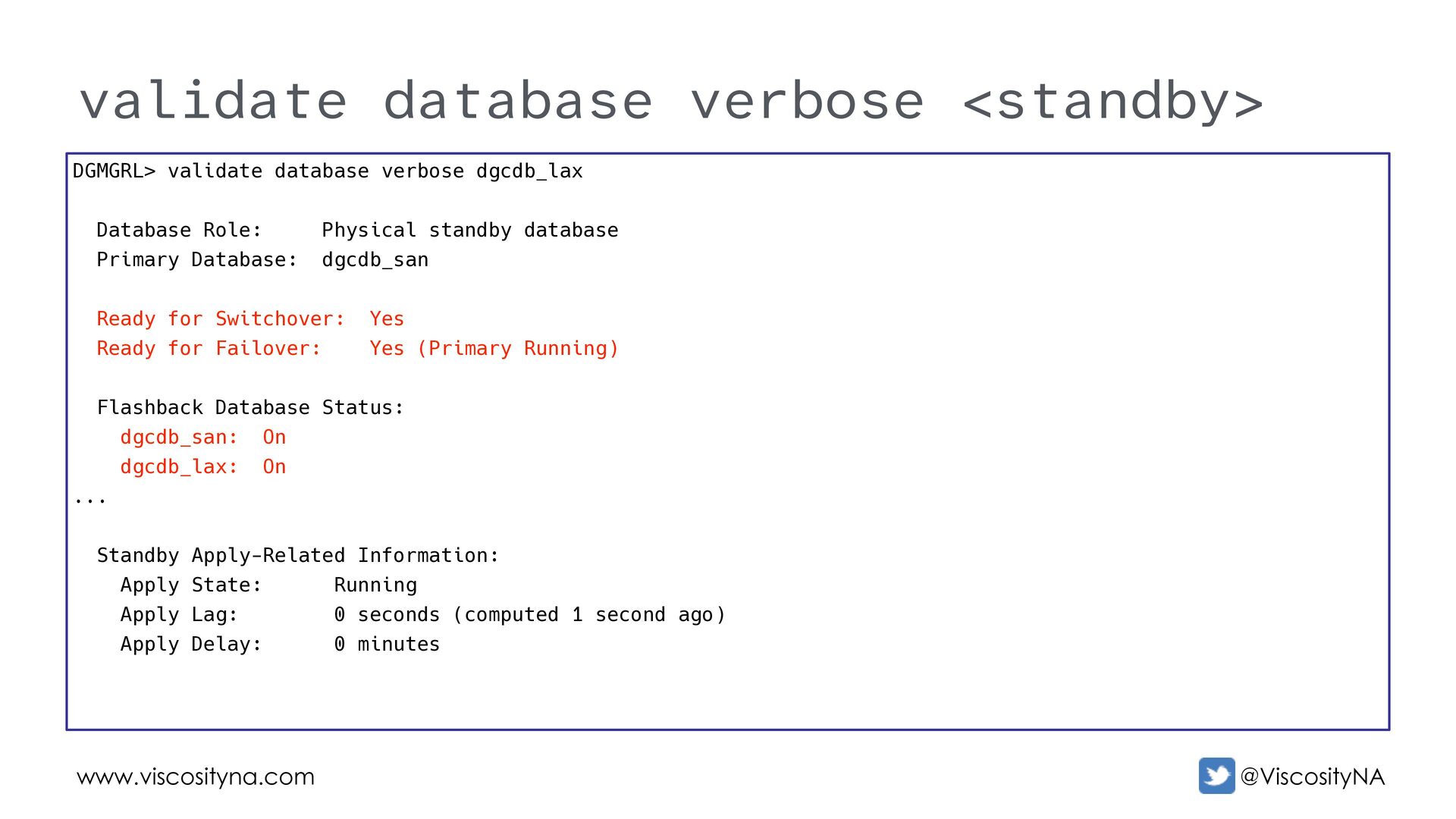
  66. www.viscosityna.com @ViscosityNA validate database verbose <standby> DGMGRL> validate database verbose

    dgcdb_lax Database Role: Physical standby database Primary Database: dgcdb_san Ready for Switchover: Yes Ready for Failover: Yes (Primary Running) Flashback Database Status: dgcdb_san: On dgcdb_lax: On ... Standby Apply-Related Information: Apply State: Running Apply Lag: 0 seconds (computed 1 second ago) Apply Delay: 0 minutes
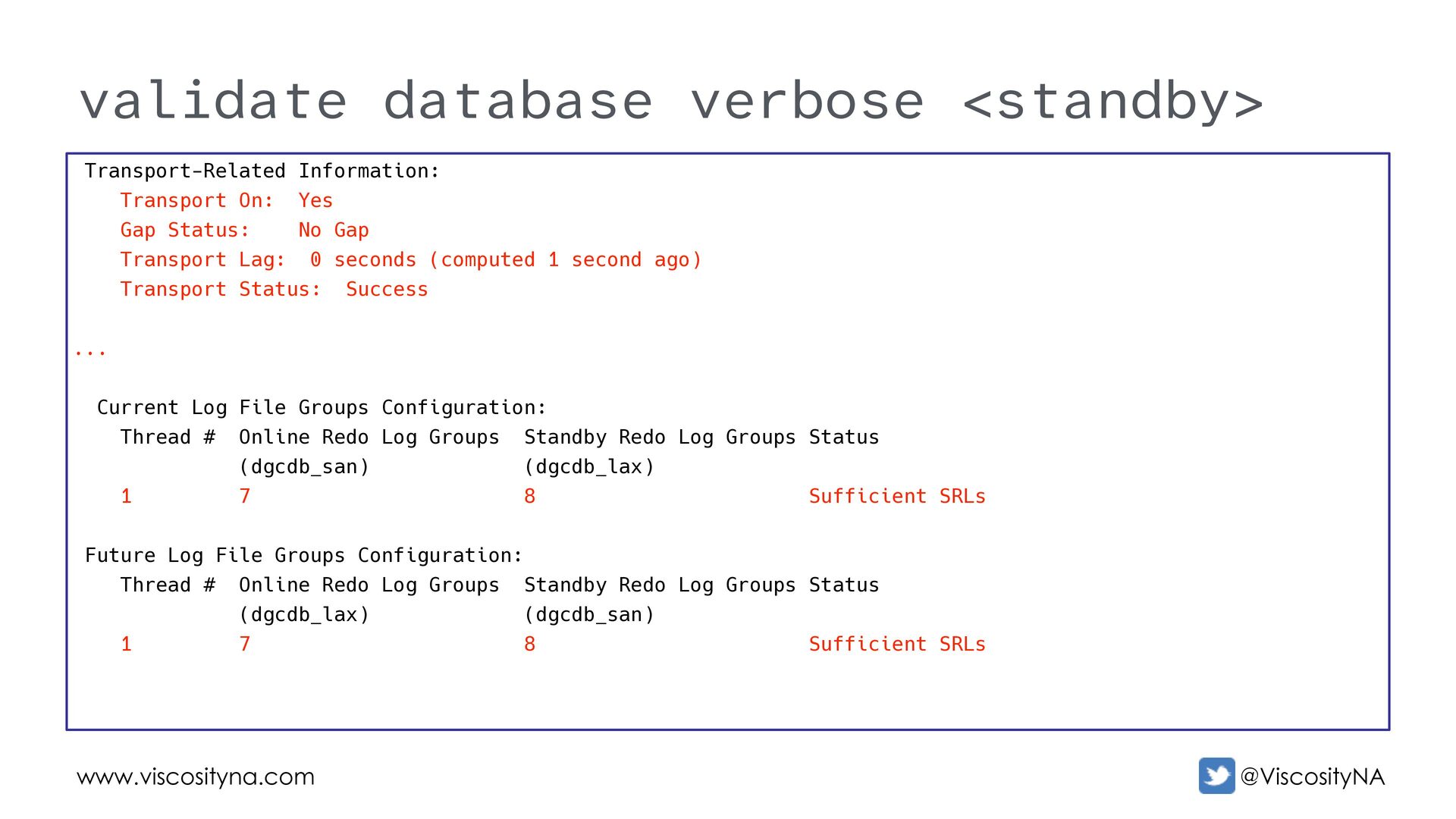
  67. www.viscosityna.com @ViscosityNA validate database verbose <standby> Transport-Related Information: Transport On:

    Yes Gap Status: No Gap Transport Lag: 0 seconds (computed 1 second ago) Transport Status: Success ... Current Log File Groups Configuration: Thread # Online Redo Log Groups Standby Redo Log Groups Status (dgcdb_san) (dgcdb_lax) 1 7 8 Sufficient SRLs Future Log File Groups Configuration: Thread # Online Redo Log Groups Standby Redo Log Groups Status (dgcdb_lax) (dgcdb_san) 1 7 8 Sufficient SRLs
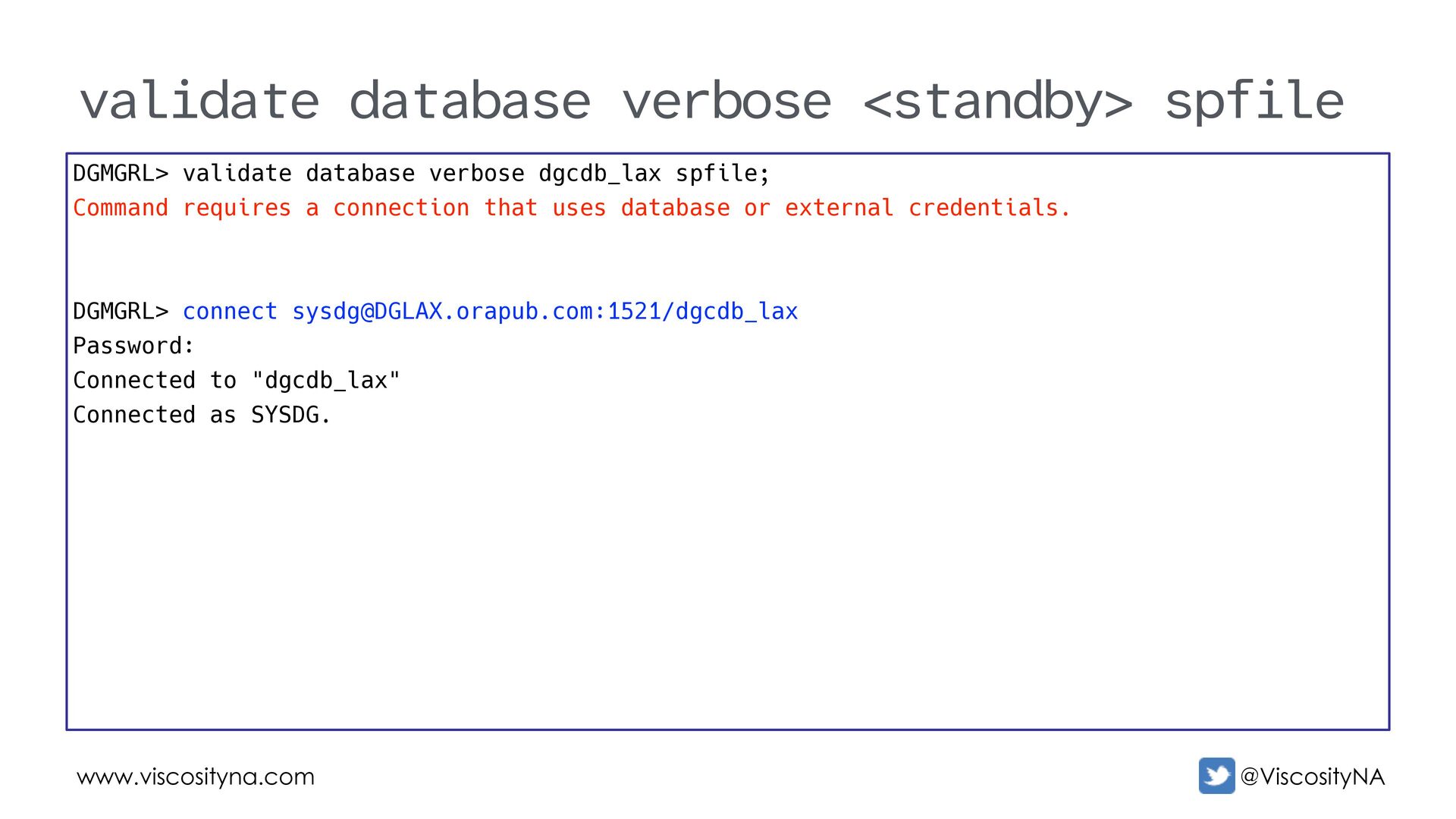
  68. www.viscosityna.com @ViscosityNA validate database verbose <standby> spfile DGMGRL> validate database

    verbose dgcdb_lax spfile; Command requires a connection that uses database or external credentials. DGMGRL> connect [email protected]:1521/dgcdb_lax Password: Connected to "dgcdb_lax" Connected as SYSDG.
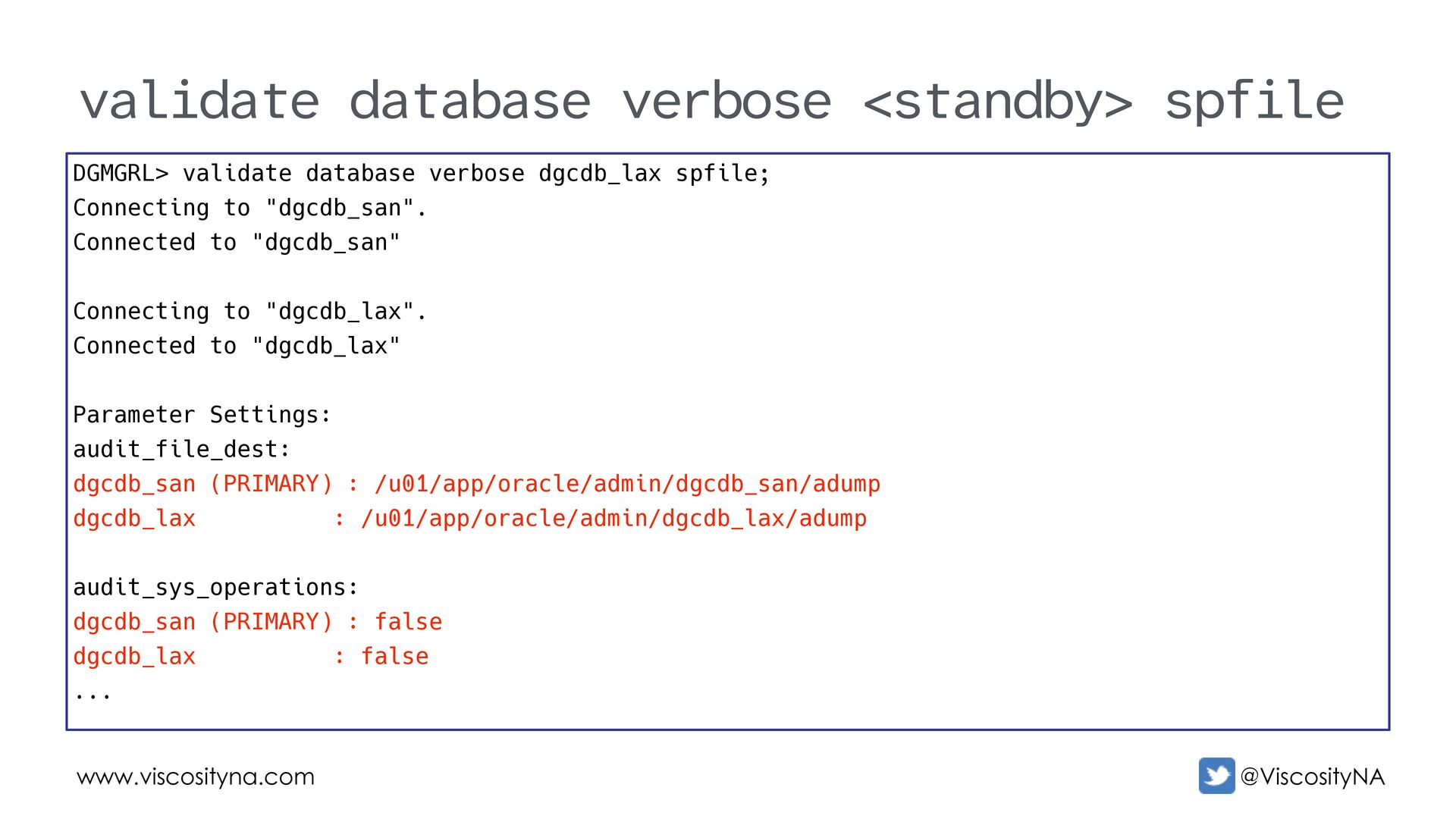
  69. www.viscosityna.com @ViscosityNA validate database verbose <standby> spfile DGMGRL> validate database

    verbose dgcdb_lax spfile; Connecting to "dgcdb_san". Connected to "dgcdb_san" Connecting to "dgcdb_lax". Connected to "dgcdb_lax" Parameter Settings: audit_file_dest: dgcdb_san (PRIMARY) : /u01/app/oracle/admin/dgcdb_san/adump dgcdb_lax : /u01/app/oracle/admin/dgcdb_lax/adump audit_sys_operations: dgcdb_san (PRIMARY) : false dgcdb_lax : false ...
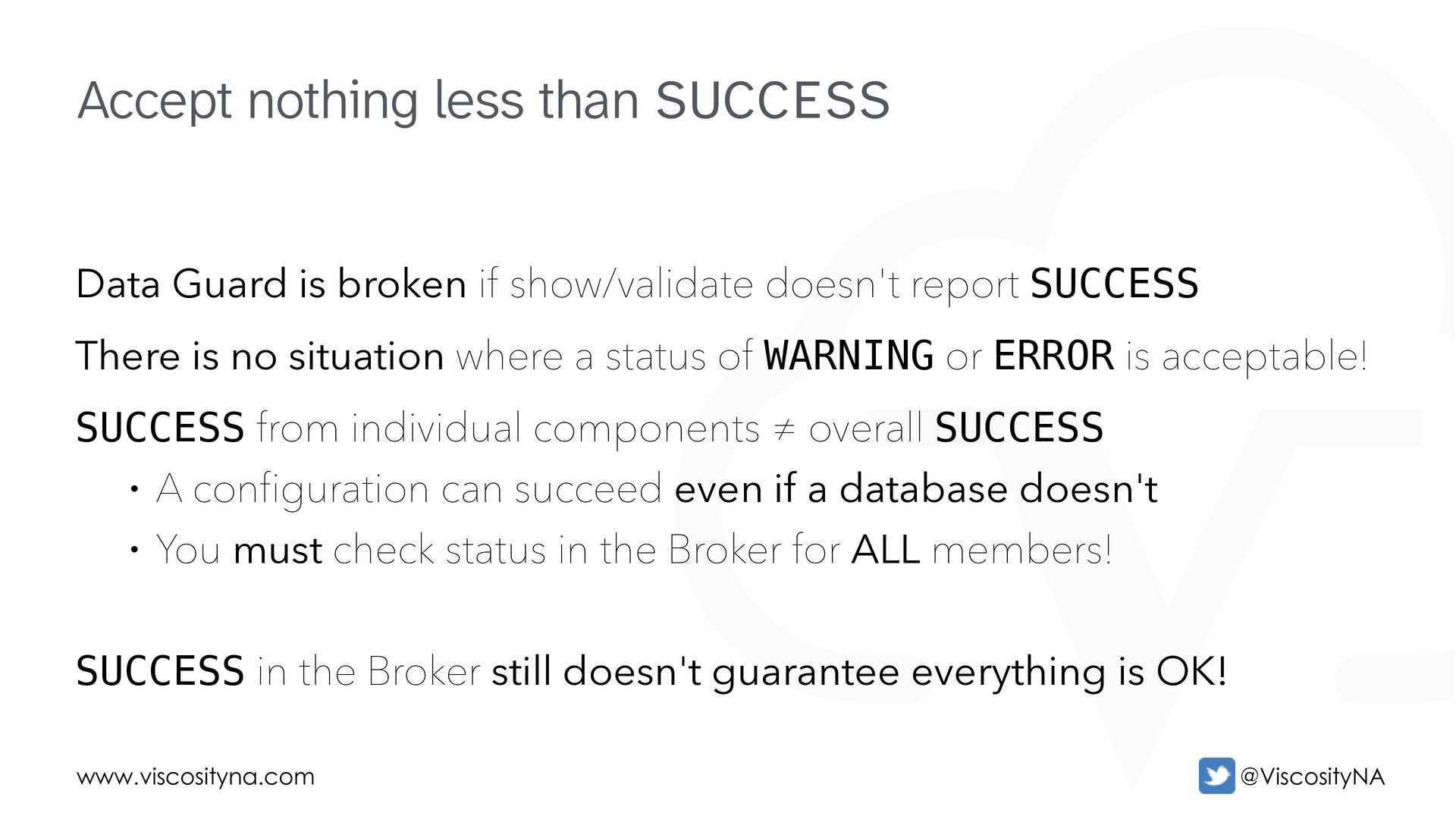
  70. www.viscosityna.com @ViscosityNA Data Guard is broken if show/validate doesn't report

    SUCCESS There is no situation where a status of WARNING or ERROR is acceptable! SUCCESS from individual components ≠ overall SUCCESS • A configuration can succeed even if a database doesn't • You must check status in the Broker for ALL members! SUCCESS in the Broker still doesn't guarantee everything is OK! Accept nothing less than SUCCESS
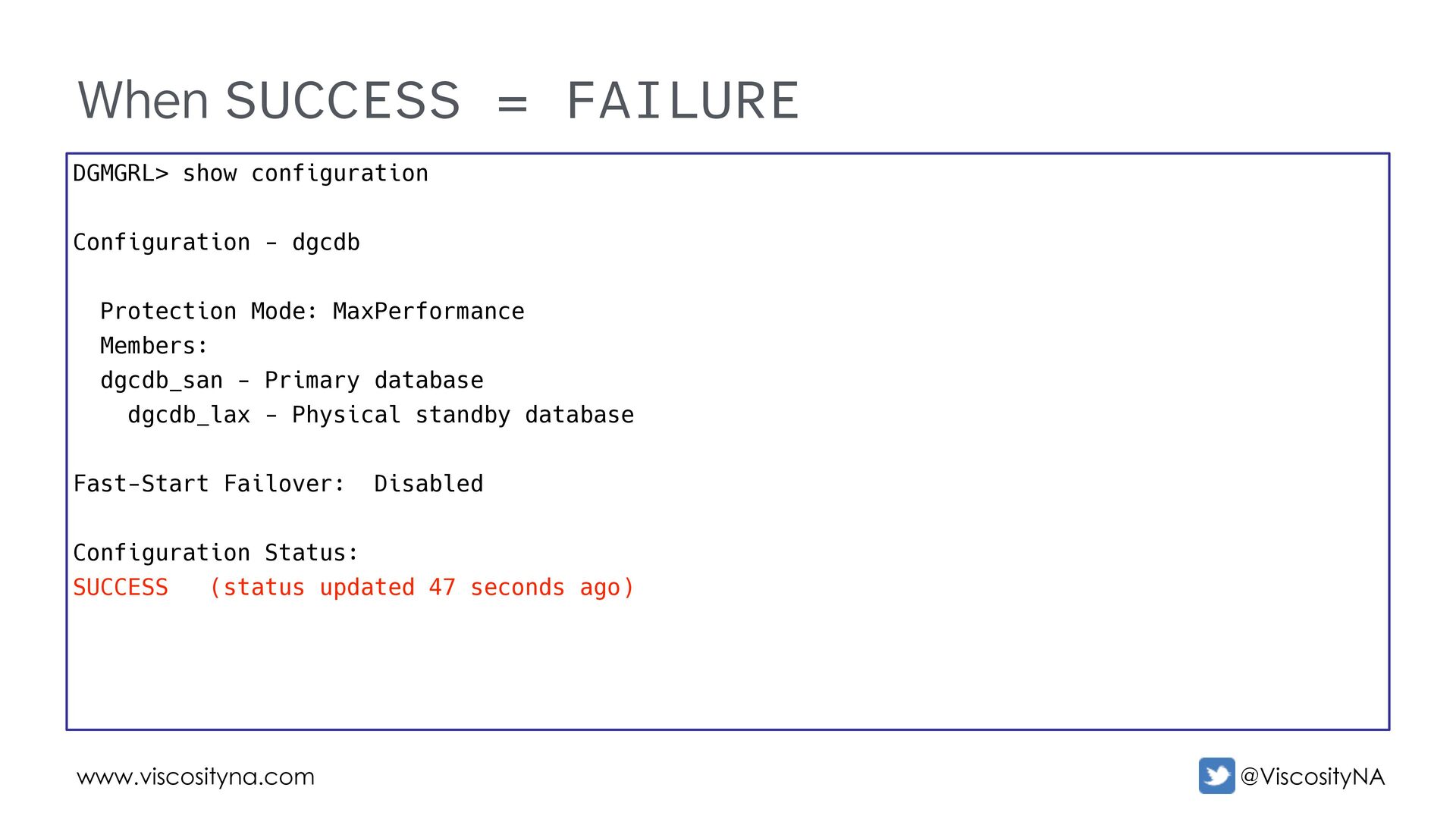
  71. www.viscosityna.com @ViscosityNA When SUCCESS = FAILURE DGMGRL> show configuration Configuration

    - dgcdb Protection Mode: MaxPerformance Members: dgcdb_san - Primary database dgcdb_lax - Physical standby database Fast-Start Failover: Disabled Configuration Status: SUCCESS (status updated 47 seconds ago)
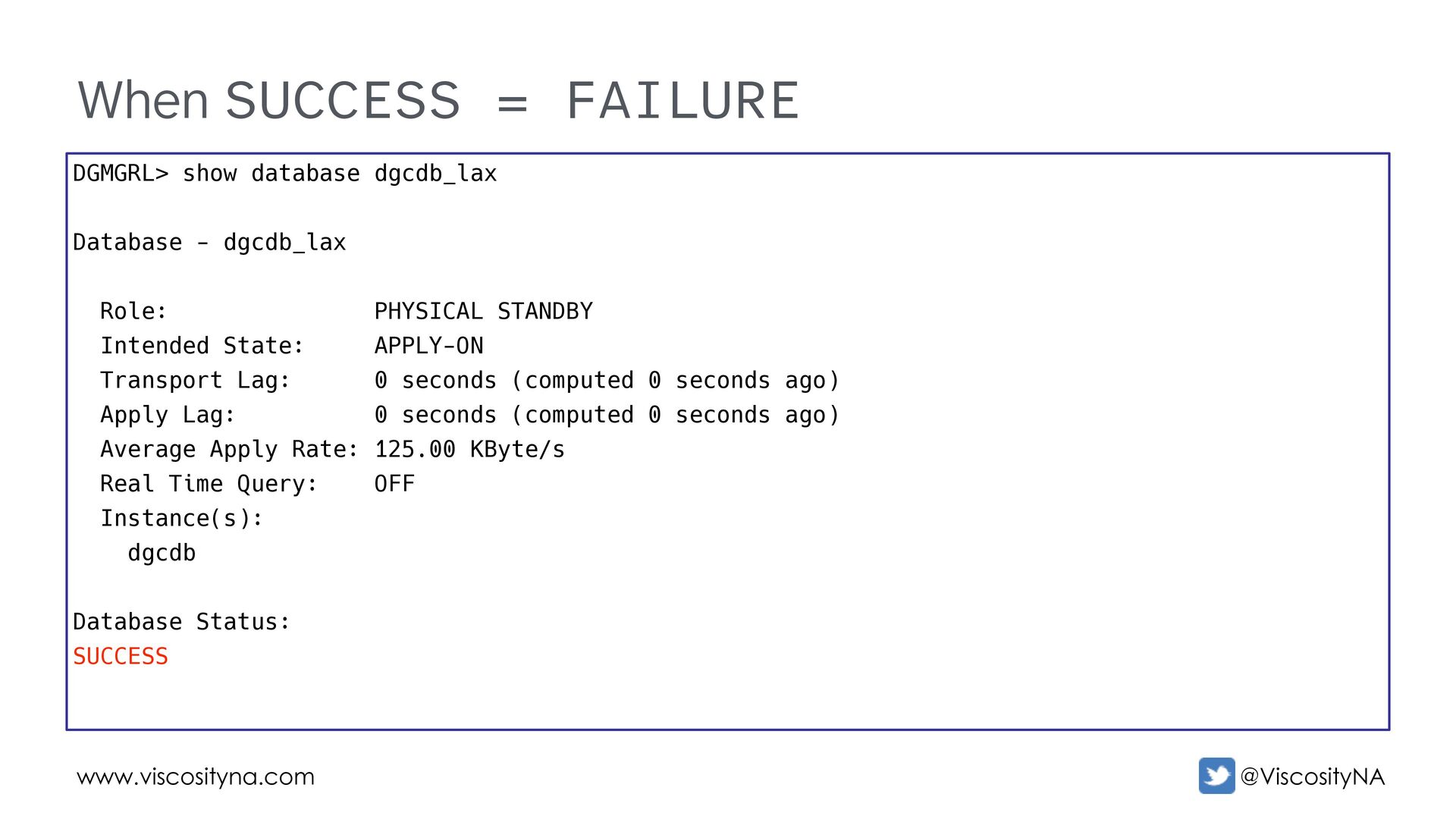
  72. www.viscosityna.com @ViscosityNA When SUCCESS = FAILURE DGMGRL> show database dgcdb_lax

    Database - dgcdb_lax Role: PHYSICAL STANDBY Intended State: APPLY-ON Transport Lag: 0 seconds (computed 0 seconds ago) Apply Lag: 0 seconds (computed 0 seconds ago) Average Apply Rate: 125.00 KByte/s Real Time Query: OFF Instance(s): dgcdb Database Status: SUCCESS
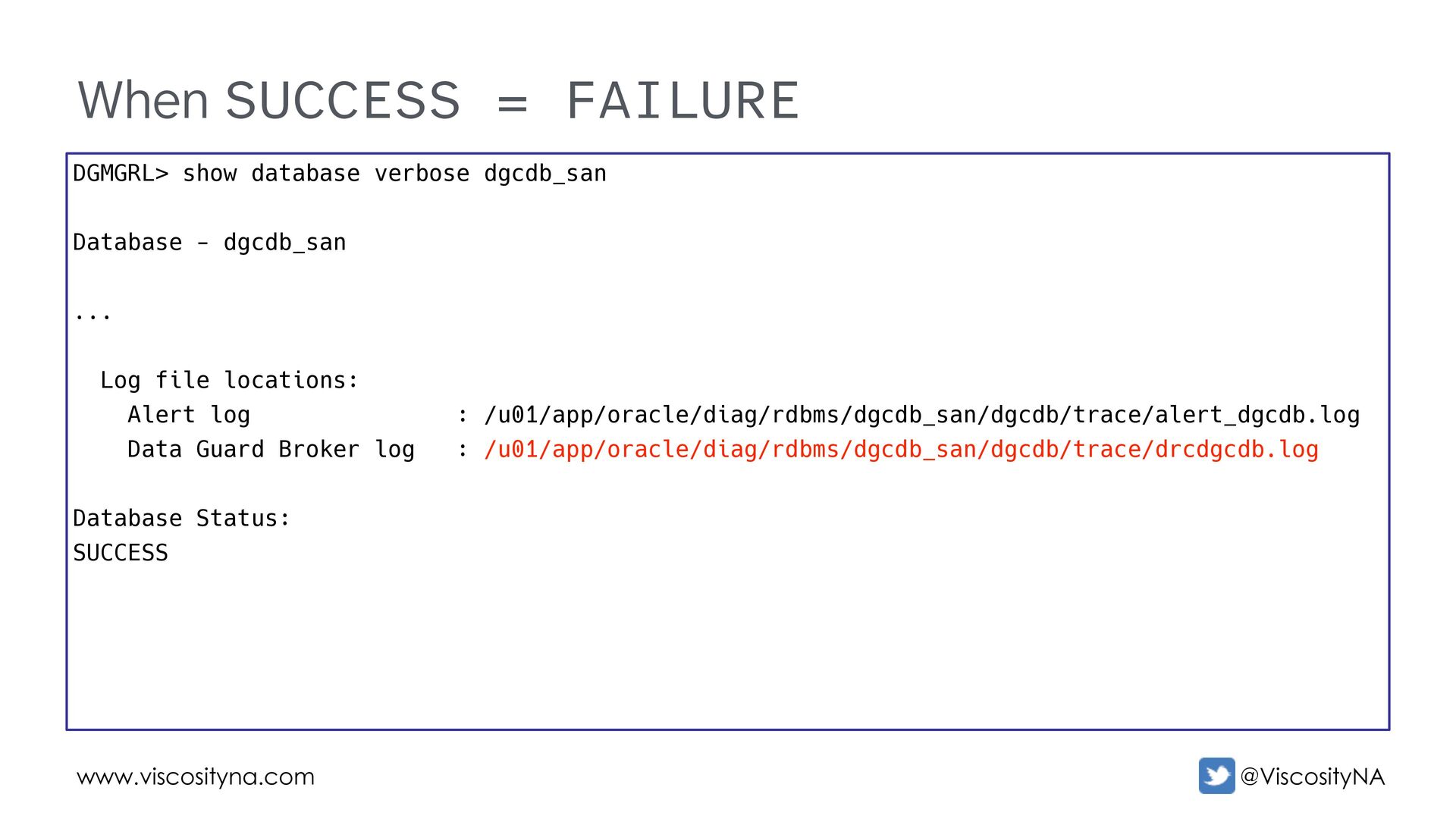
  73. www.viscosityna.com @ViscosityNA When SUCCESS = FAILURE DGMGRL> show database verbose

    dgcdb_san Database - dgcdb_san ... Log file locations: Alert log : /u01/app/oracle/diag/rdbms/dgcdb_san/dgcdb/trace/alert_dgcdb.log Data Guard Broker log : /u01/app/oracle/diag/rdbms/dgcdb_san/dgcdb/trace/drcdgcdb.log Database Status: SUCCESS
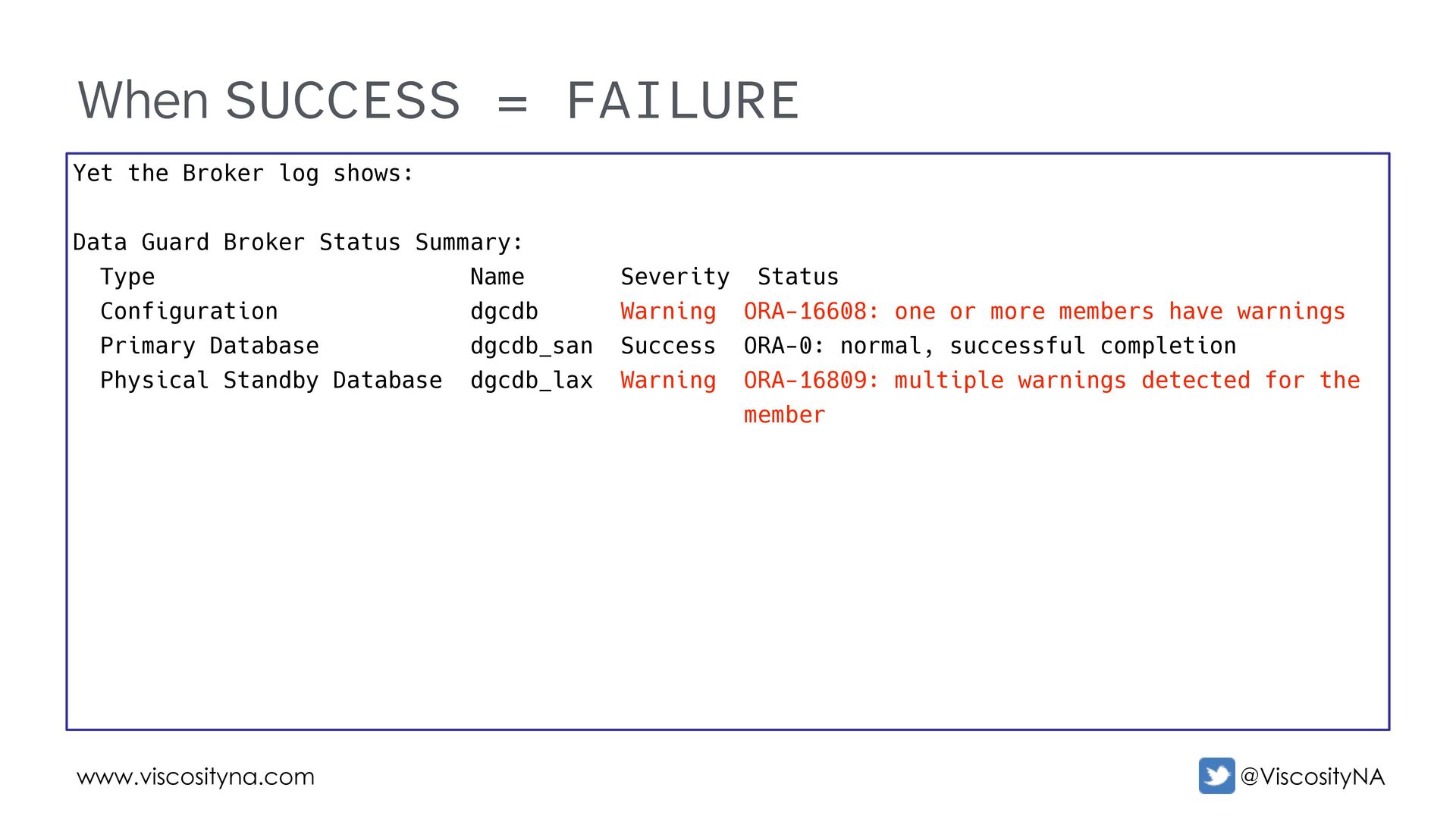
  74. www.viscosityna.com @ViscosityNA When SUCCESS = FAILURE Yet the Broker log

    shows: Data Guard Broker Status Summary: Type Name Severity Status Configuration dgcdb Warning ORA-16608: one or more members have warnings Primary Database dgcdb_san Success ORA-0: normal, successful completion Physical Standby Database dgcdb_lax Warning ORA-16809: multiple warnings detected for the member
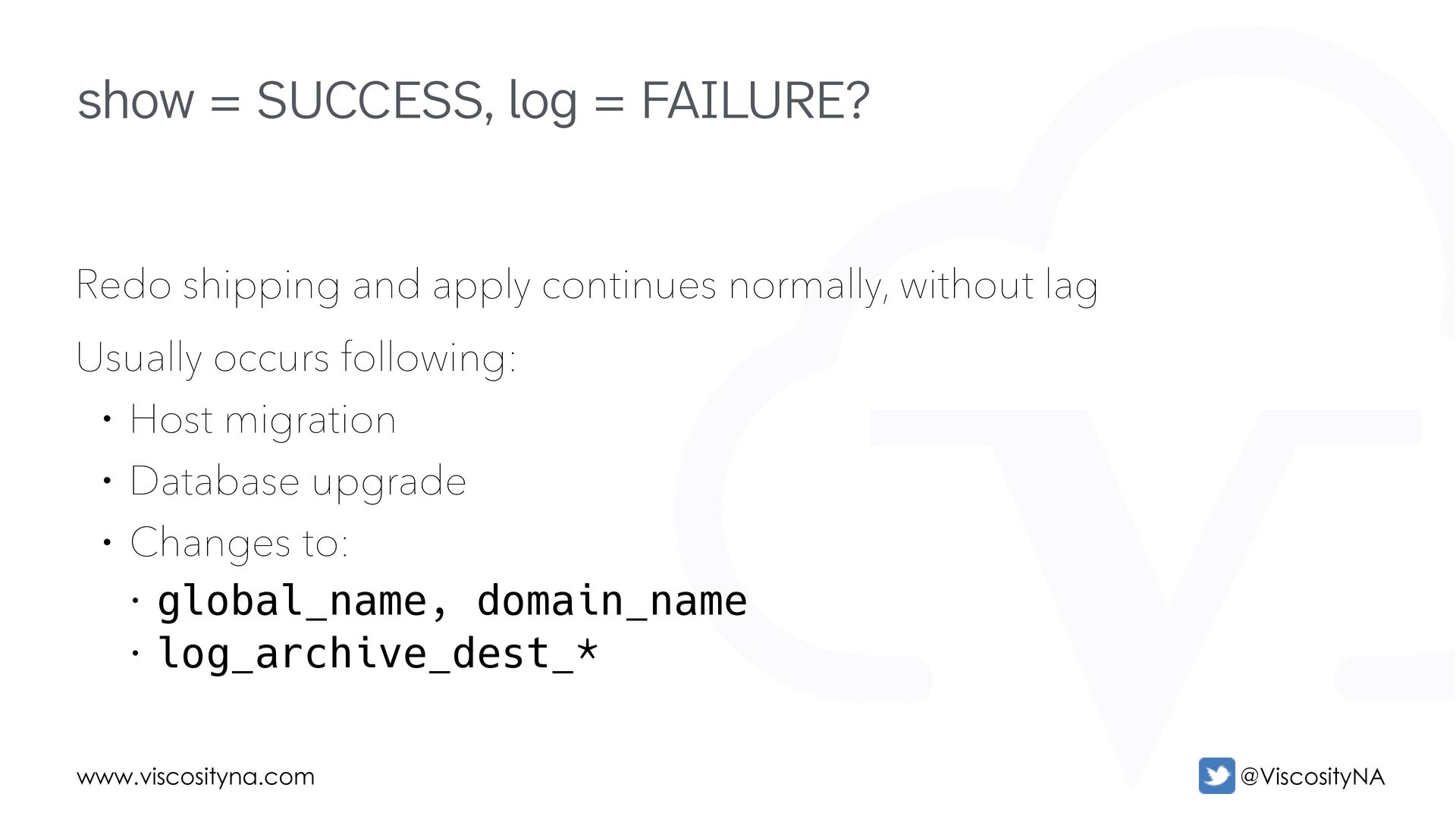
  75. www.viscosityna.com @ViscosityNA Redo shipping and apply continues normally, without lag

    Usually occurs following: • Host migration • Database upgrade • Changes to: • global_name, domain_name • log_archive_dest_* show = SUCCESS, log = FAILURE?
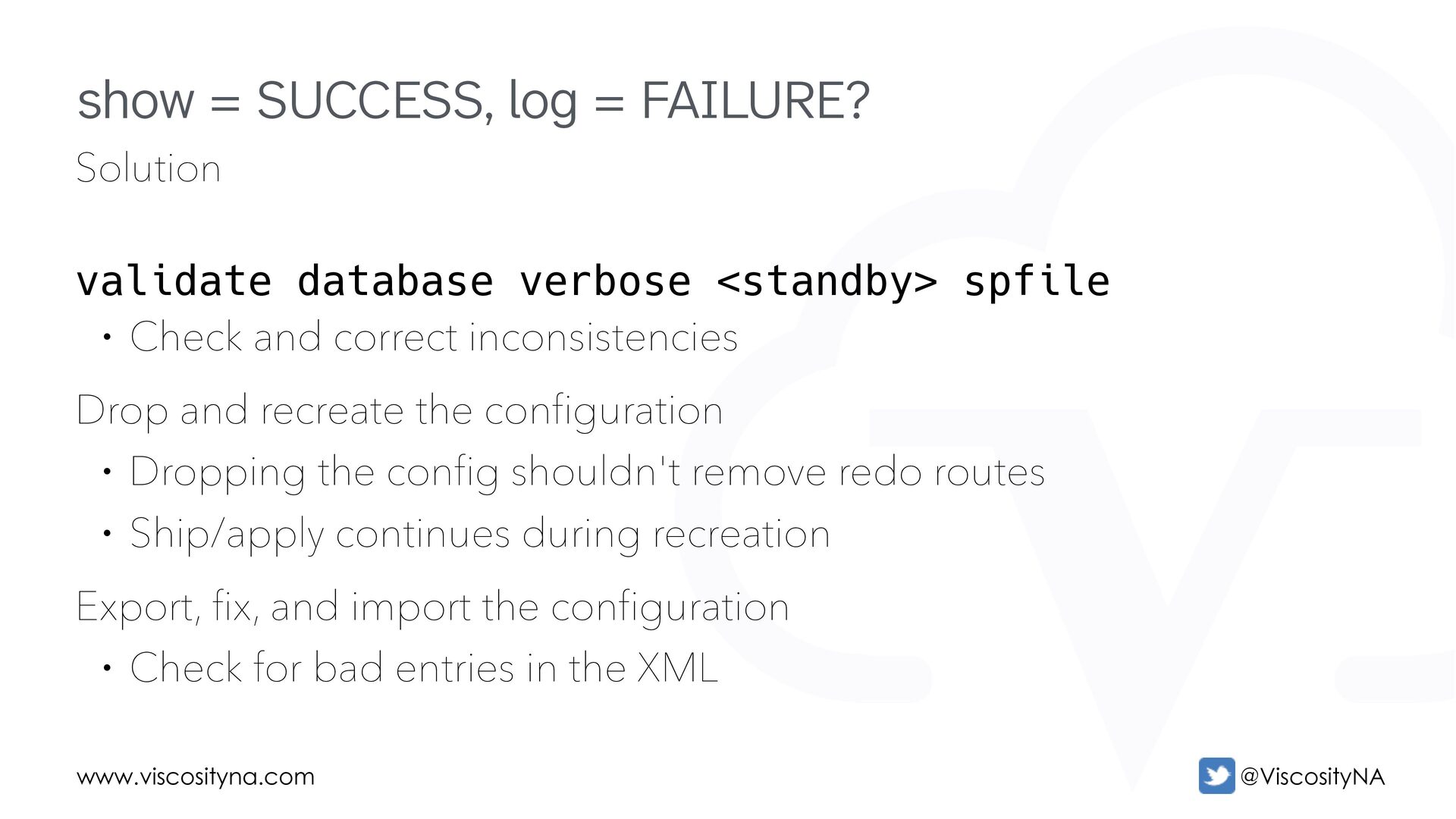
  76. www.viscosityna.com @ViscosityNA Solution validate database verbose <standby> spfile • Check

    and correct inconsistencies Drop and recreate the configuration • Dropping the config shouldn't remove redo routes • Ship/apply continues during recreation Export, fix, and import the configuration • Check for bad entries in the XML show = SUCCESS, log = FAILURE?
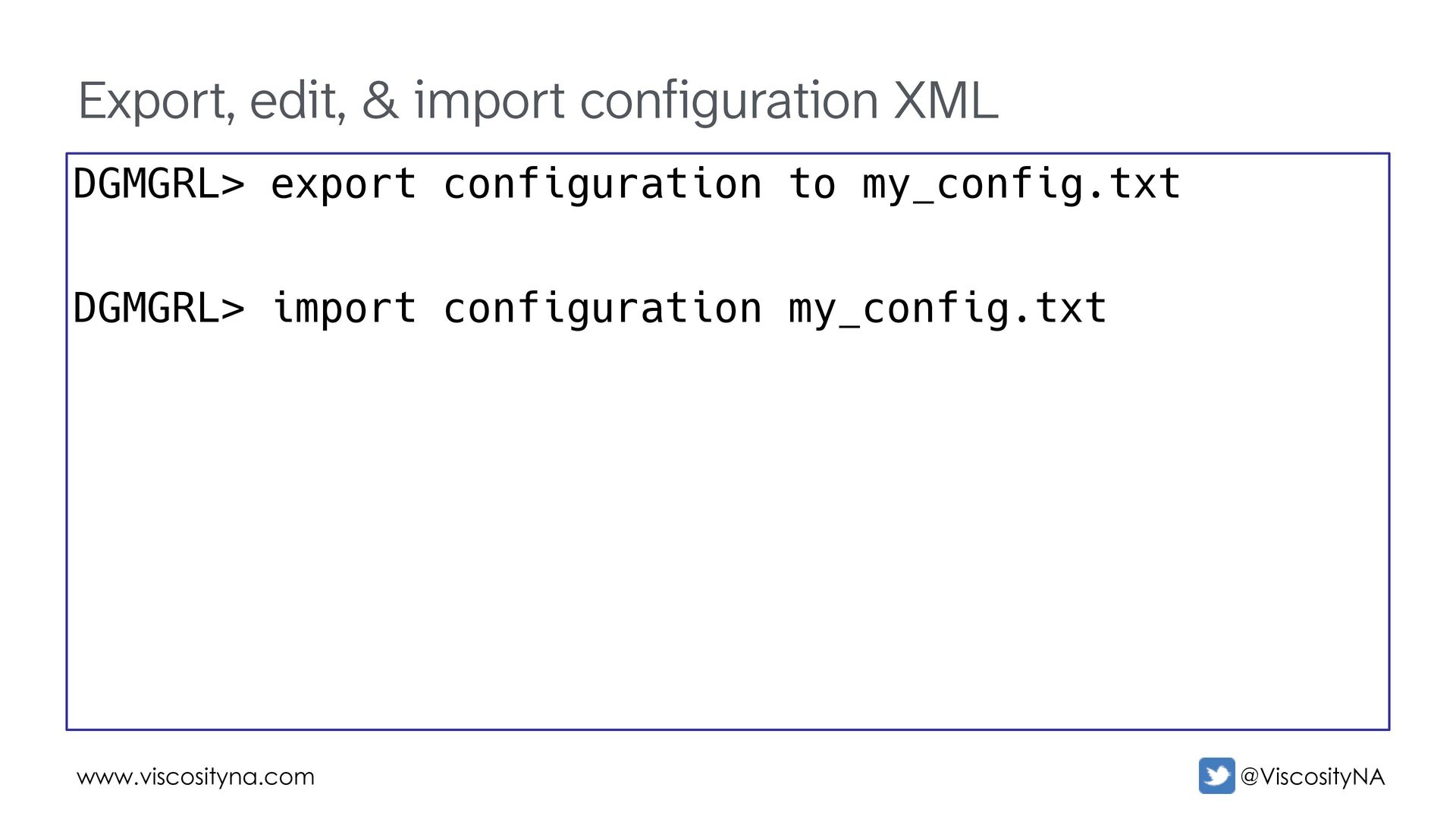
  77. www.viscosityna.com @ViscosityNA Export, edit, & import configuration XML DGMGRL> export

    configuration to my_config.txt DGMGRL> import configuration my_config.txt
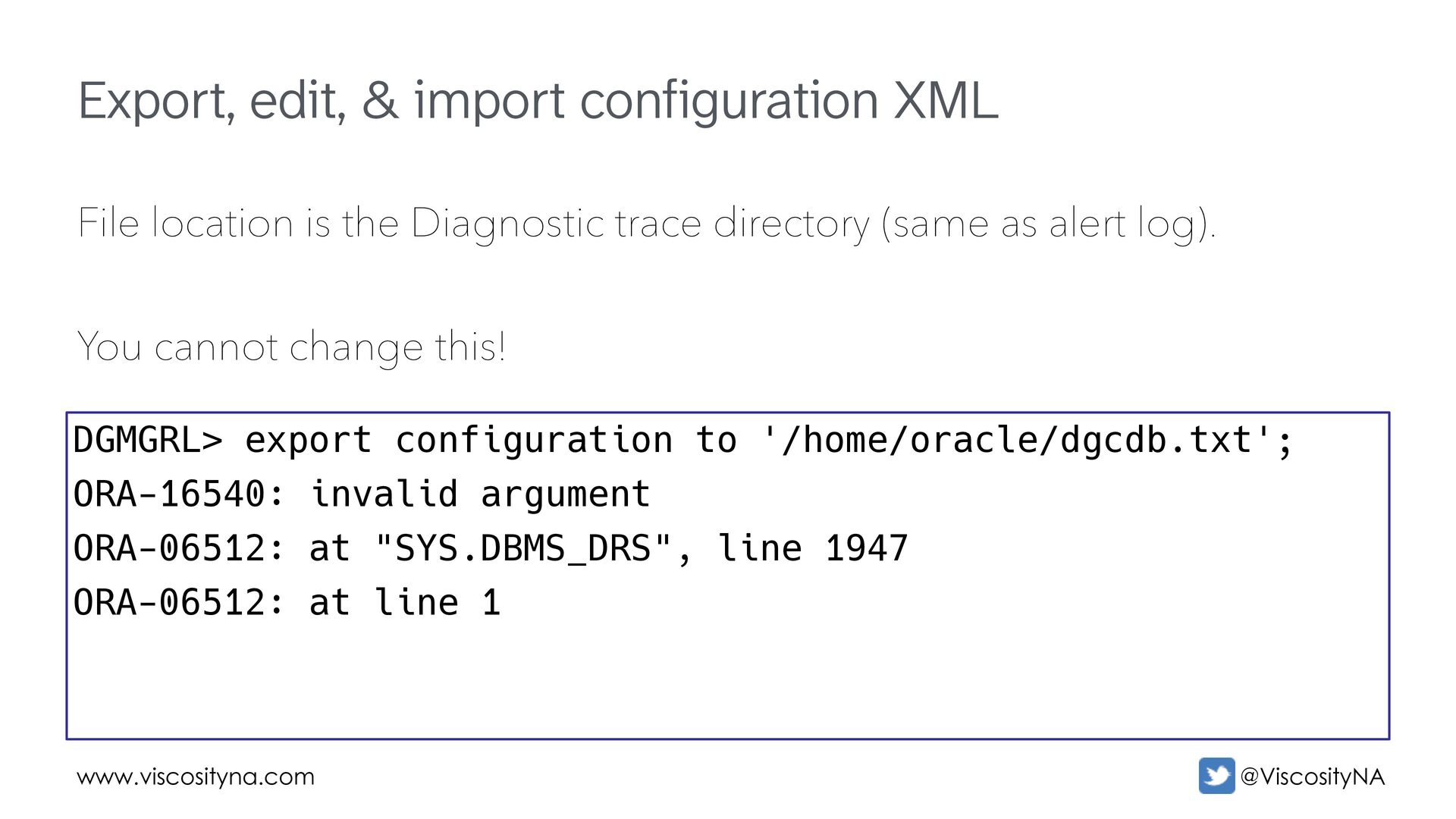
  78. www.viscosityna.com @ViscosityNA Export, edit, & import configuration XML File location

    is the Diagnostic trace directory (same as alert log). You cannot change this! DGMGRL> export configuration to '/home/oracle/dgcdb.txt'; ORA-16540: invalid argument ORA-06512: at "SYS.DBMS_DRS", line 1947 ORA-06512: at line 1
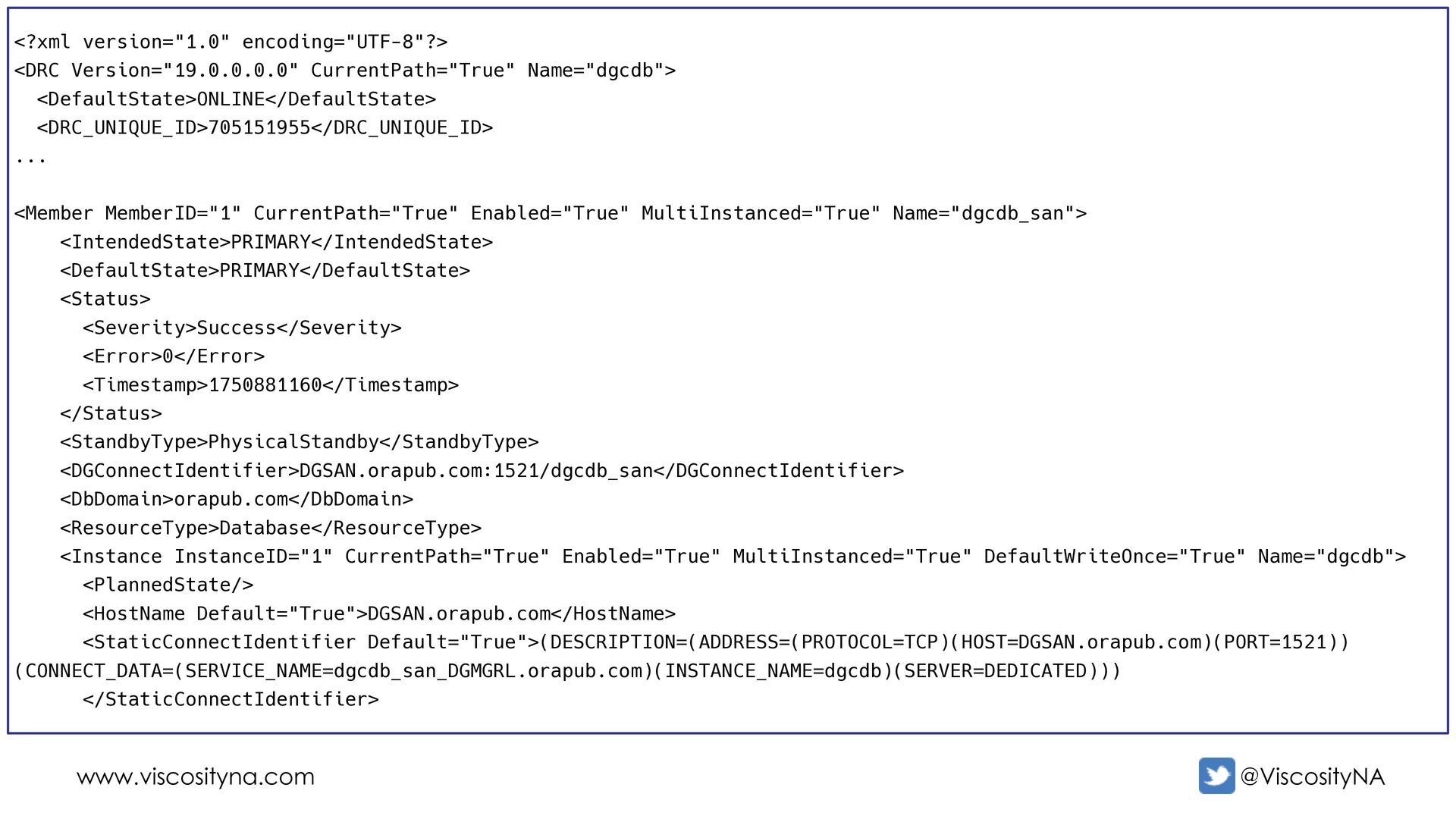
  79. www.viscosityna.com @ViscosityNA <?xml version="1.0" encoding="UTF-8"?> <DRC Version="19.0.0.0.0" CurrentPath="True" Name="dgcdb"> <DefaultState>ONLINE</DefaultState>

    <DRC_UNIQUE_ID>705151955</DRC_UNIQUE_ID> ... <Member MemberID="1" CurrentPath="True" Enabled="True" MultiInstanced="True" Name="dgcdb_san"> <IntendedState>PRIMARY</IntendedState> <DefaultState>PRIMARY</DefaultState> <Status> <Severity>Success</Severity> <Error>0</Error> <Timestamp>1750881160</Timestamp> </Status> <StandbyType>PhysicalStandby</StandbyType> <DGConnectIdentifier>DGSAN.orapub.com:1521/dgcdb_san</DGConnectIdentifier> <DbDomain>orapub.com</DbDomain> <ResourceType>Database</ResourceType> <Instance InstanceID="1" CurrentPath="True" Enabled="True" MultiInstanced="True" DefaultWriteOnce="True" Name="dgcdb"> <PlannedState/> <HostName Default="True">DGSAN.orapub.com</HostName> <StaticConnectIdentifier Default="True">(DESCRIPTION=(ADDRESS=(PROTOCOL=TCP)(HOST=DGSAN.orapub.com)(PORT=1521)) (CONNECT_DATA=(SERVICE_NAME=dgcdb_san_DGMGRL.orapub.com)(INSTANCE_NAME=dgcdb)(SERVER=DEDICATED))) </StaticConnectIdentifier>
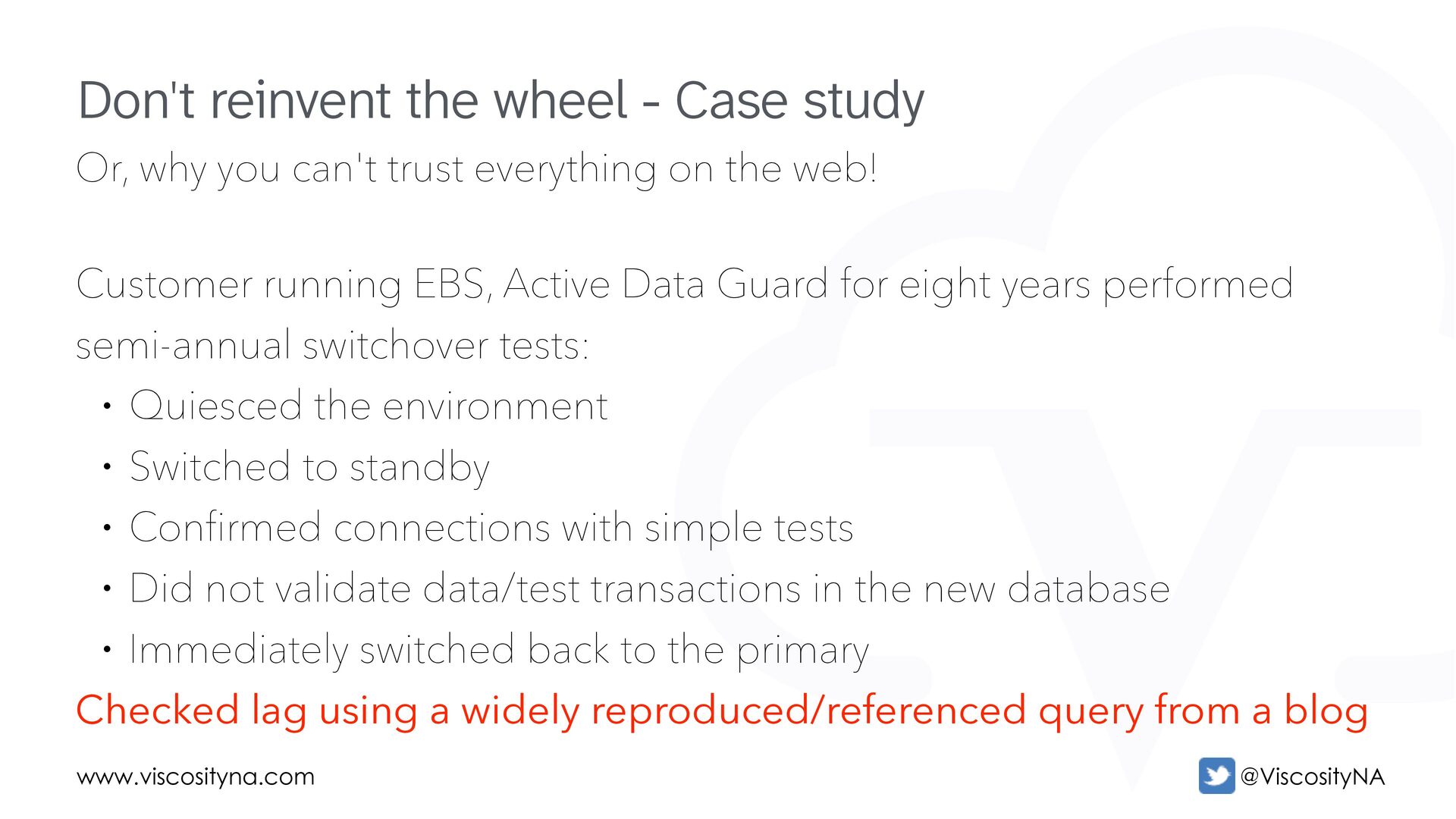
  80. www.viscosityna.com @ViscosityNA Or, why you can't trust everything on the

    web! Customer running EBS, Active Data Guard for eight years performed semi-annual switchover tests: • Quiesced the environment • Switched to standby • Confirmed connections with simple tests • Did not validate data/test transactions in the new database • Immediately switched back to the primary Checked lag using a widely reproduced/referenced query from a blog Don't reinvent the wheel - Case study
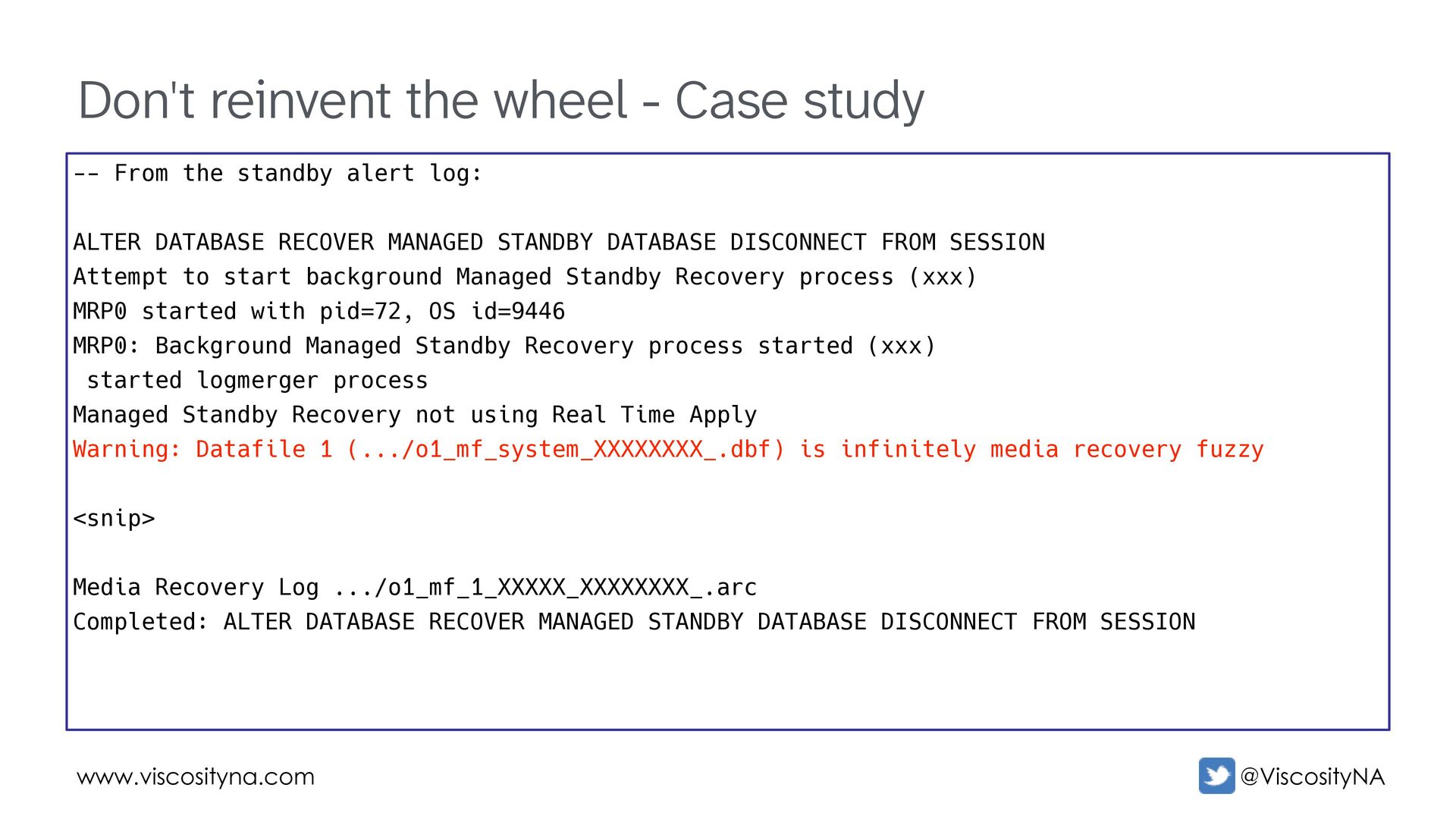
  81. www.viscosityna.com @ViscosityNA Don't reinvent the wheel - Case study --

    From the standby alert log: ALTER DATABASE RECOVER MANAGED STANDBY DATABASE DISCONNECT FROM SESSION Attempt to start background Managed Standby Recovery process (xxx) MRP0 started with pid=72, OS id=9446 MRP0: Background Managed Standby Recovery process started (xxx) started logmerger process Managed Standby Recovery not using Real Time Apply Warning: Datafile 1 (.../o1_mf_system_XXXXXXXX_.dbf) is infinitely media recovery fuzzy <snip> Media Recovery Log .../o1_mf_1_XXXXX_XXXXXXXX_.arc Completed: ALTER DATABASE RECOVER MANAGED STANDBY DATABASE DISCONNECT FROM SESSION
  82. www.viscosityna.com @ViscosityNA Don't reinvent the wheel - Case study alter

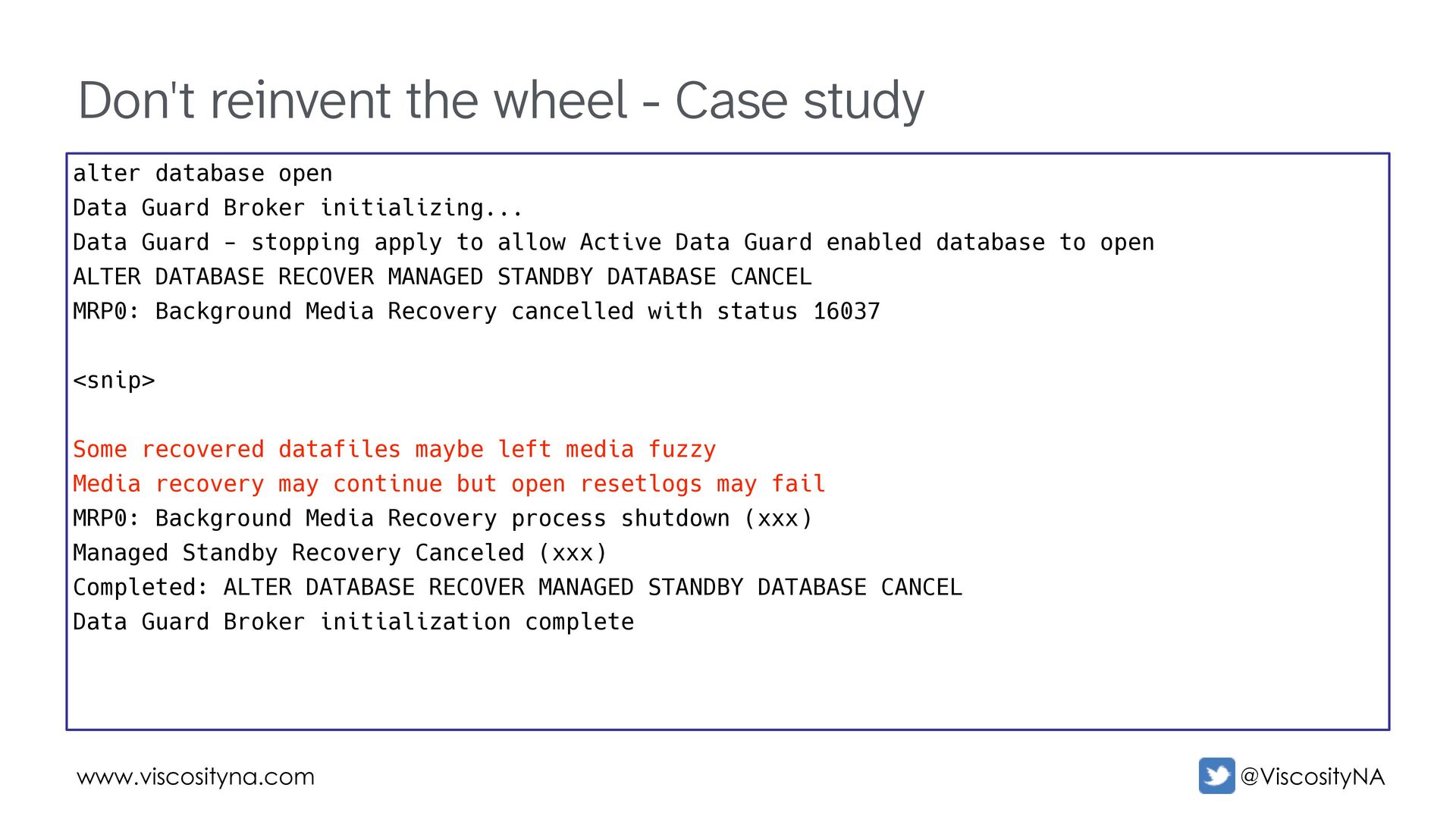
    database open Data Guard Broker initializing... Data Guard - stopping apply to allow Active Data Guard enabled database to open ALTER DATABASE RECOVER MANAGED STANDBY DATABASE CANCEL MRP0: Background Media Recovery cancelled with status 16037 <snip> Some recovered datafiles maybe left media fuzzy Media recovery may continue but open resetlogs may fail MRP0: Background Media Recovery process shutdown (xxx) Managed Standby Recovery Canceled (xxx) Completed: ALTER DATABASE RECOVER MANAGED STANDBY DATABASE CANCEL Data Guard Broker initialization complete
  83. www.viscosityna.com @ViscosityNA Don't reinvent the wheel - Case study Beginning

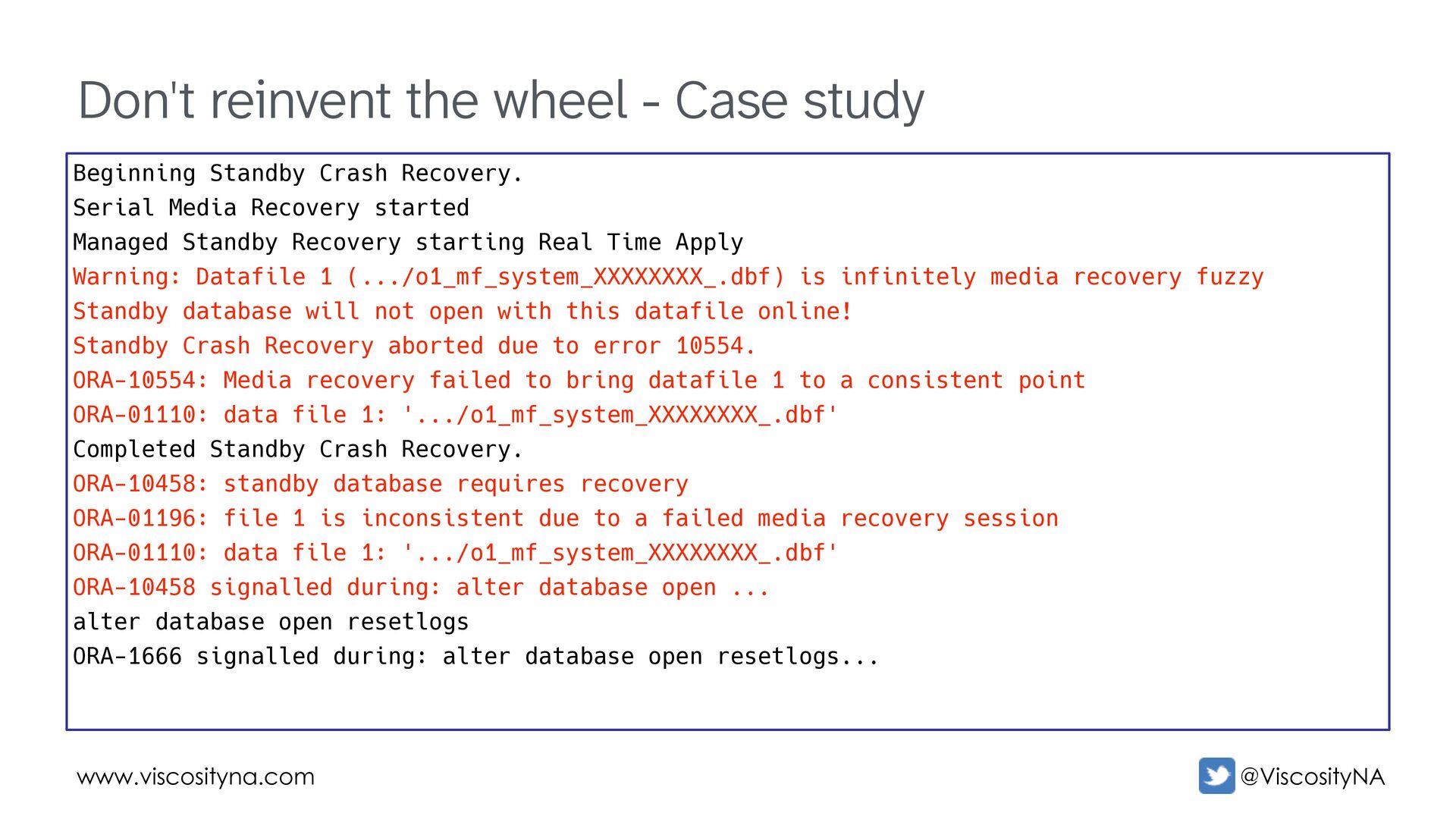
    Standby Crash Recovery. Serial Media Recovery started Managed Standby Recovery starting Real Time Apply Warning: Datafile 1 (.../o1_mf_system_XXXXXXXX_.dbf) is infinitely media recovery fuzzy Standby database will not open with this datafile online! Standby Crash Recovery aborted due to error 10554. ORA-10554: Media recovery failed to bring datafile 1 to a consistent point ORA-01110: data file 1: '.../o1_mf_system_XXXXXXXX_.dbf' Completed Standby Crash Recovery. ORA-10458: standby database requires recovery ORA-01196: file 1 is inconsistent due to a failed media recovery session ORA-01110: data file 1: '.../o1_mf_system_XXXXXXXX_.dbf' ORA-10458 signalled during: alter database open ... alter database open resetlogs ORA-1666 signalled during: alter database open resetlogs...
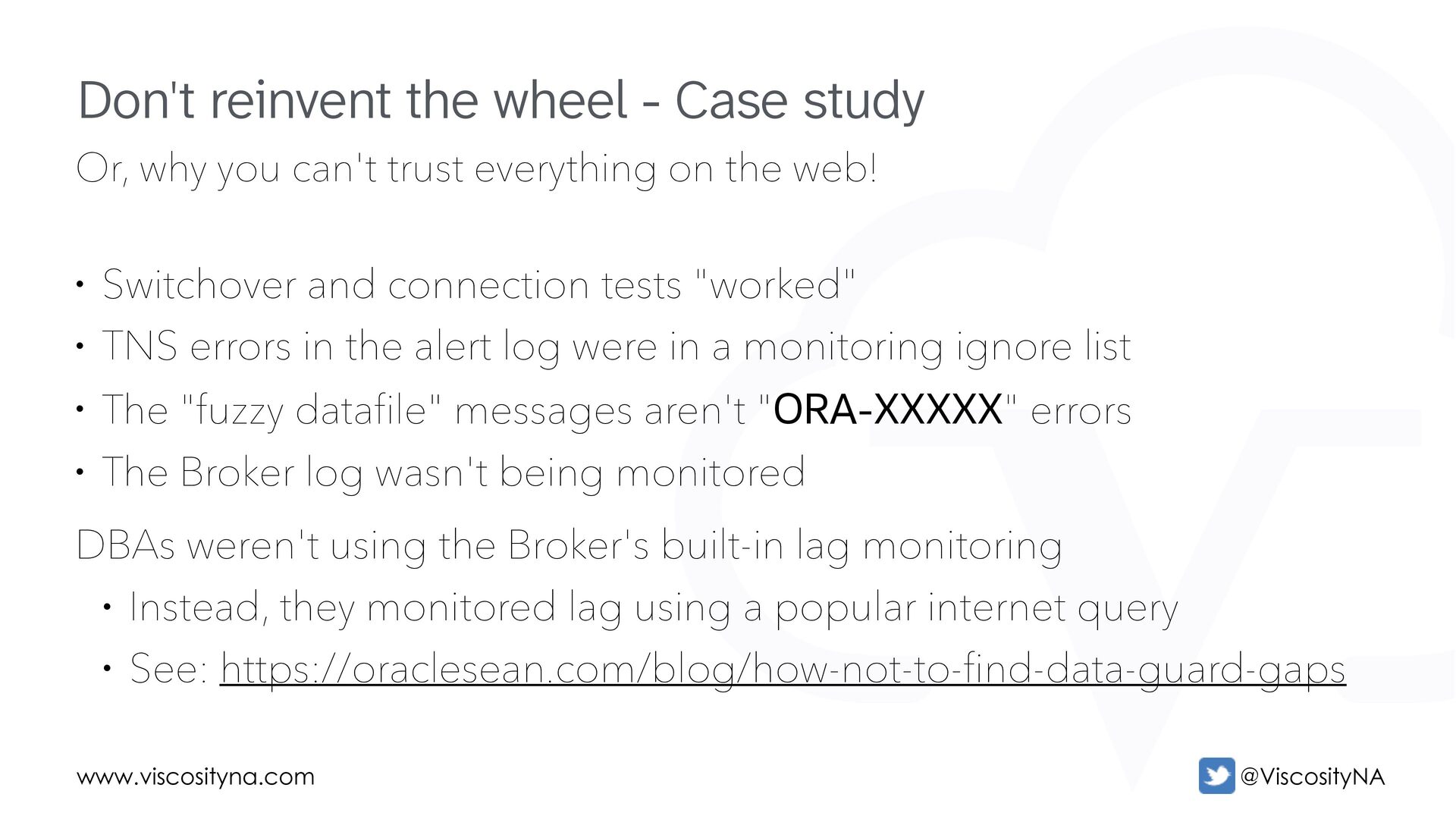
  84. www.viscosityna.com @ViscosityNA Or, why you can't trust everything on the

    web! • Switchover and connection tests "worked" • TNS errors in the alert log were in a monitoring ignore list • The "fuzzy datafile" messages aren't "ORA-XXXXX" errors • The Broker log wasn't being monitored DBAs weren't using the Broker's built-in lag monitoring • Instead, they monitored lag using a popular internet query • See: https://oraclesean.com/blog/how-not-to-find-data-guard-gaps Don't reinvent the wheel - Case study
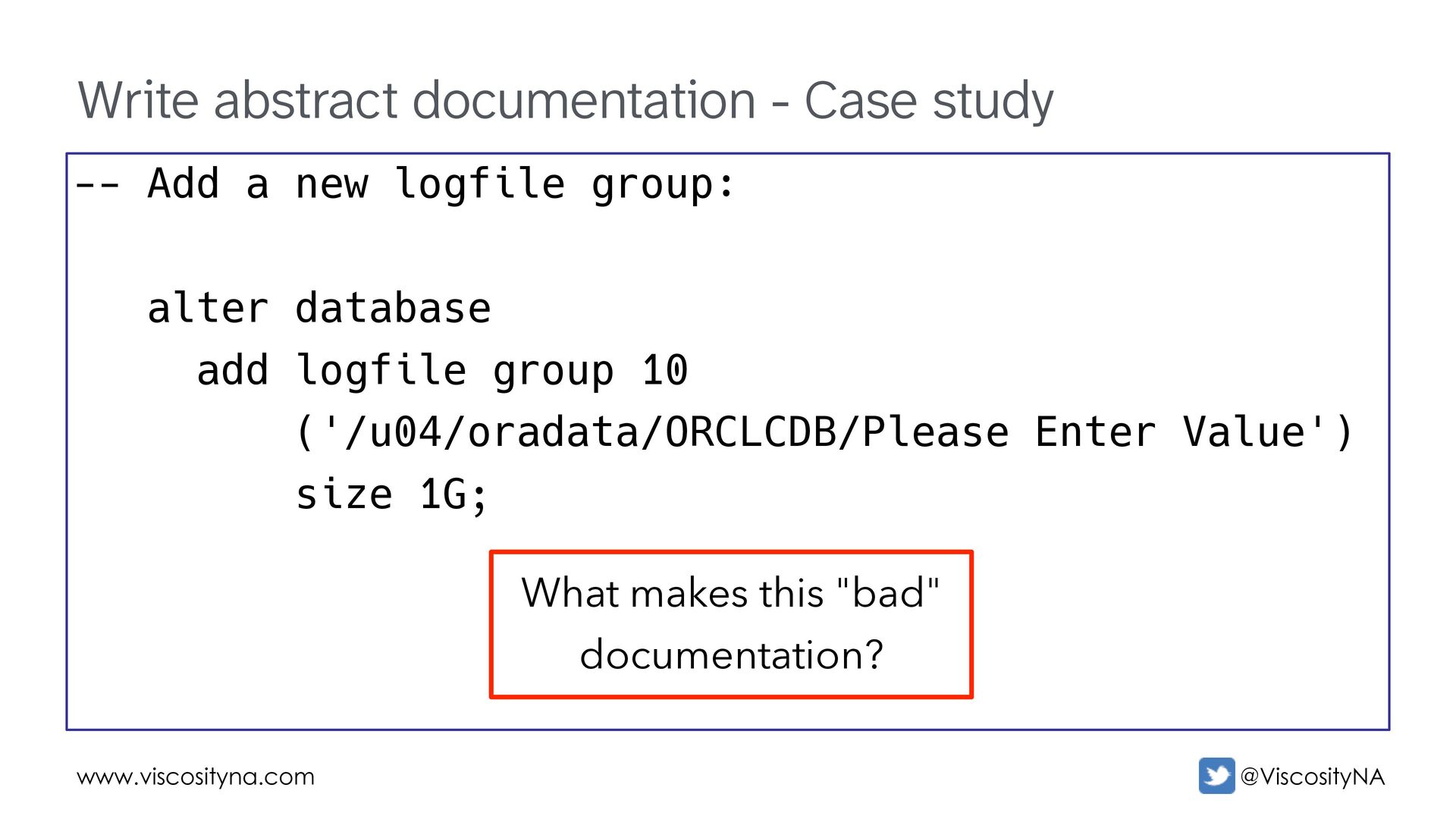
  85. www.viscosityna.com @ViscosityNA Write abstract documentation - Case study -- Add

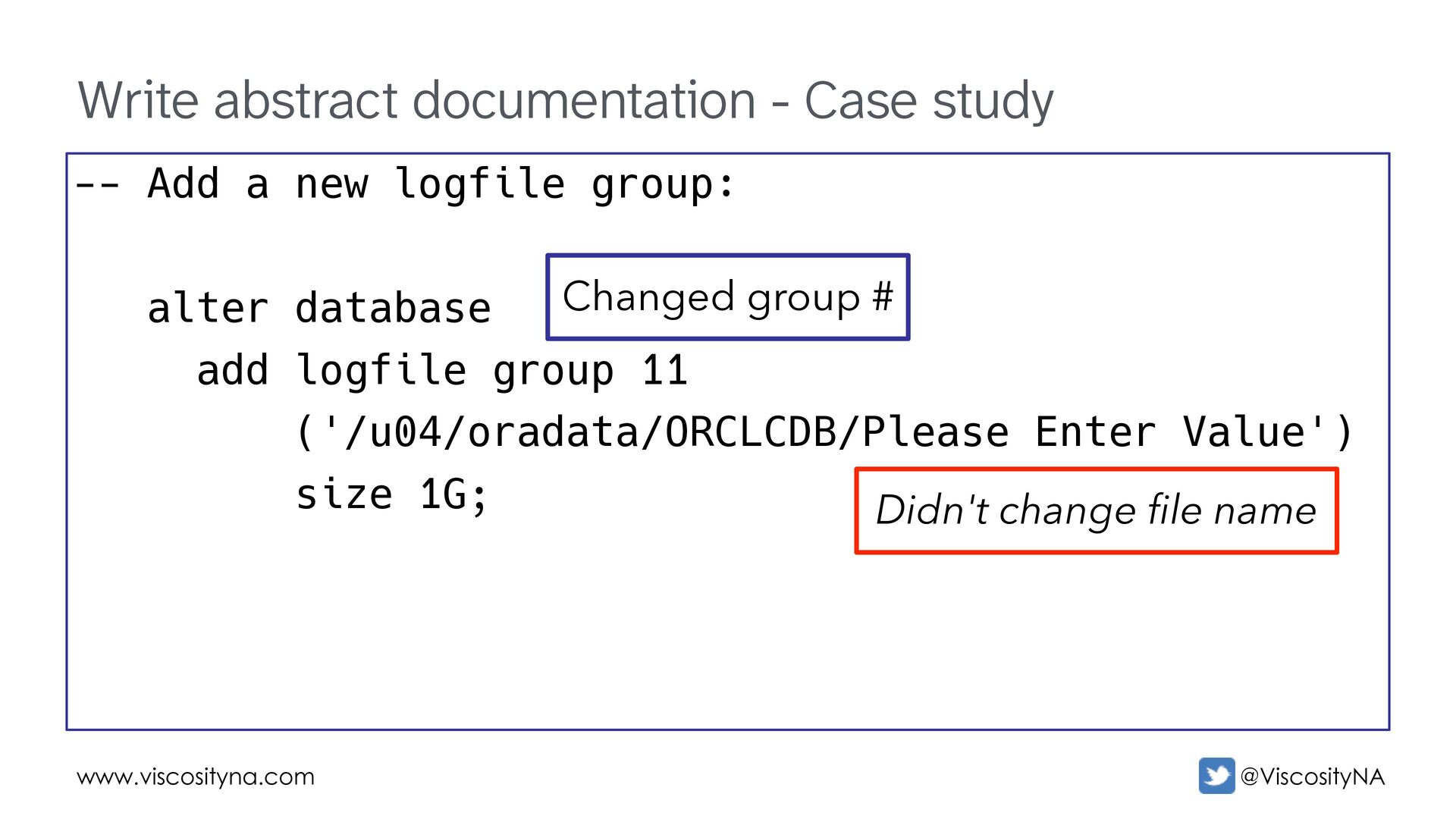
    a new logfile group: alter database add logfile group 10 ('/u04/oradata/ORCLCDB/Please Enter Value') size 1G; What makes this "bad" documentation?
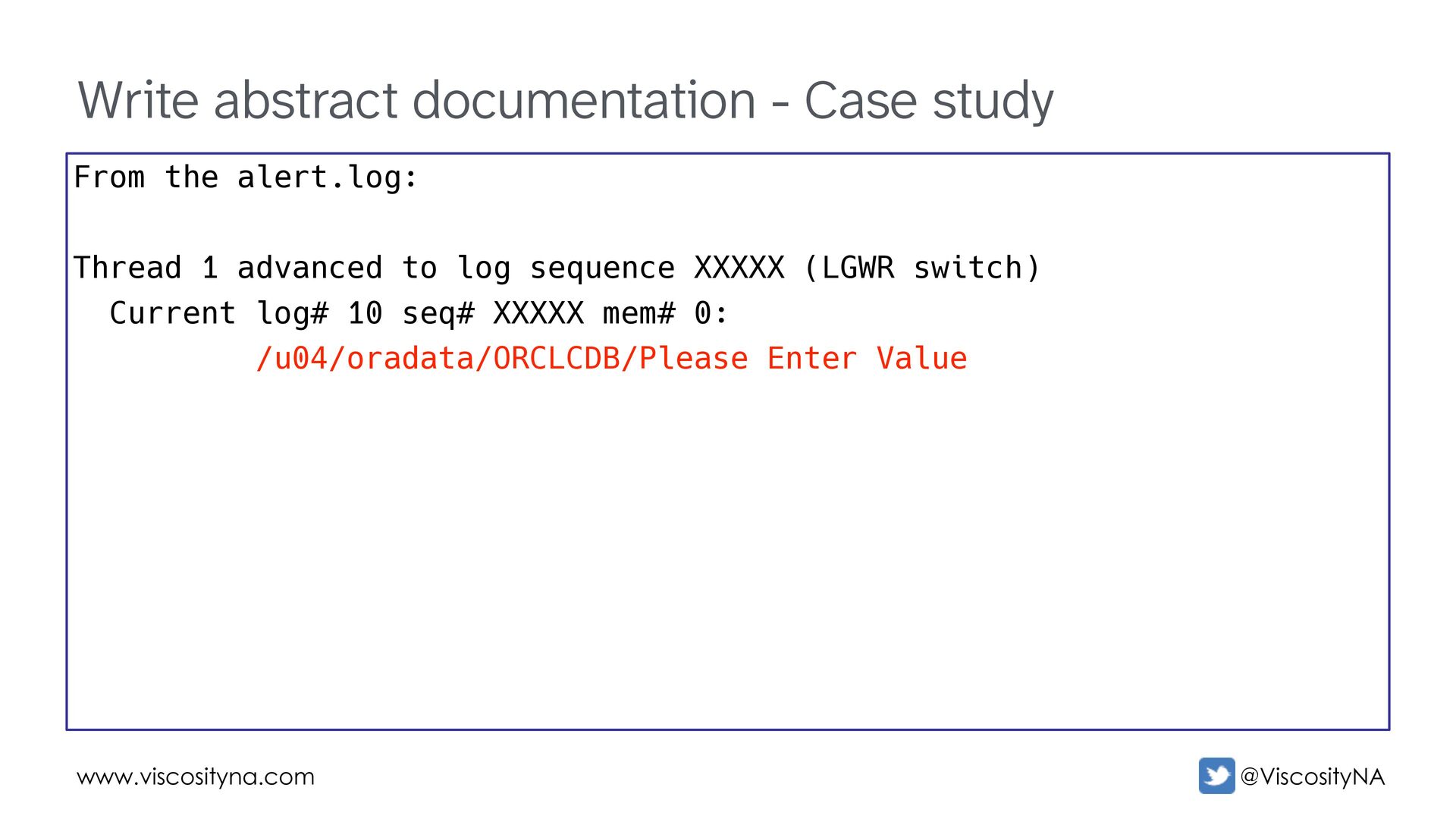
  86. www.viscosityna.com @ViscosityNA Write abstract documentation - Case study From the

    alert.log: Thread 1 advanced to log sequence XXXXX (LGWR switch) Current log# 10 seq# XXXXX mem# 0: /u04/oradata/ORCLCDB/Please Enter Value
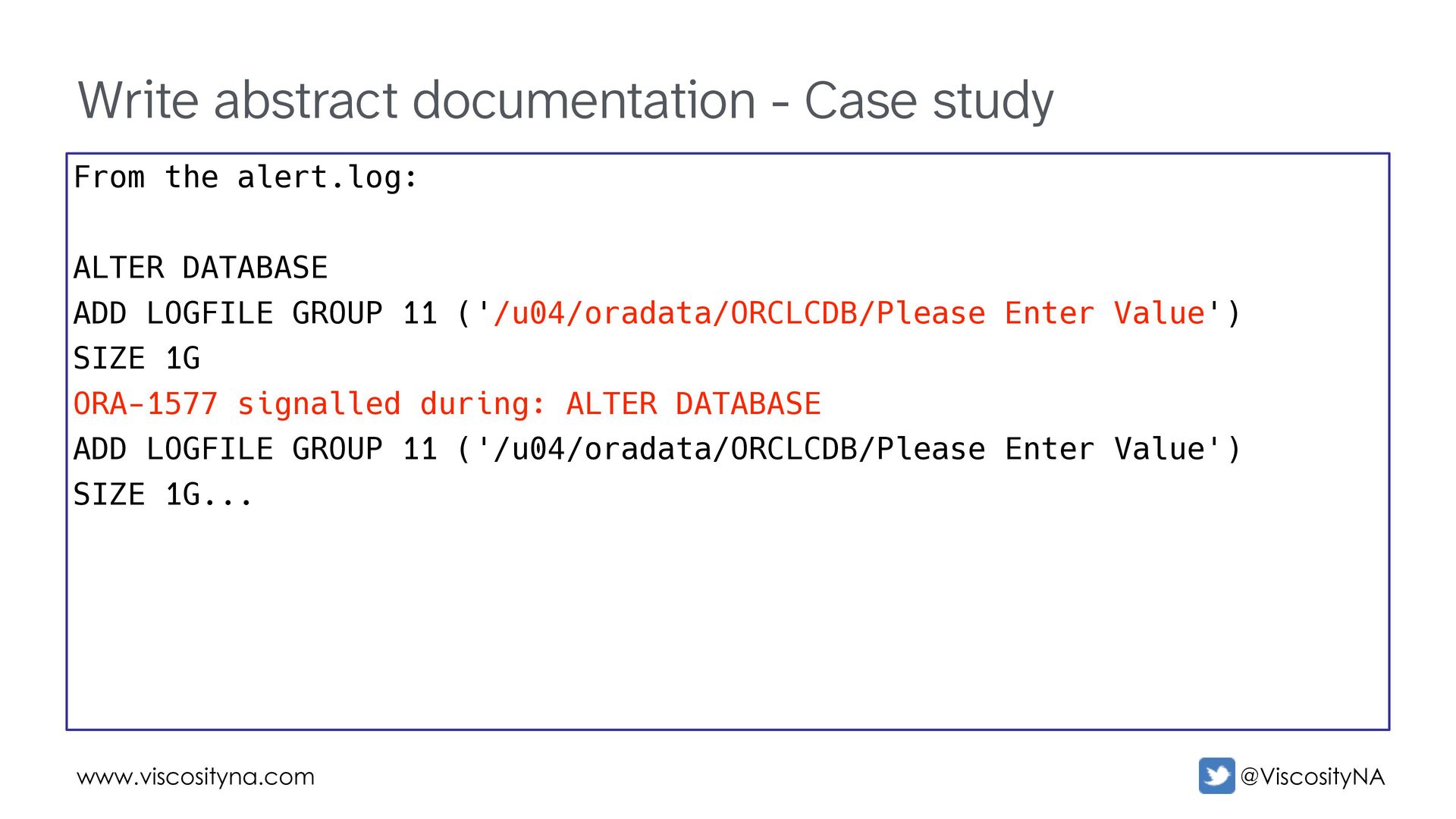
  87. www.viscosityna.com @ViscosityNA Write abstract documentation - Case study From the

    alert.log: ALTER DATABASE ADD LOGFILE GROUP 11 ('/u04/oradata/ORCLCDB/Please Enter Value') SIZE 1G ORA-1577 signalled during: ALTER DATABASE ADD LOGFILE GROUP 11 ('/u04/oradata/ORCLCDB/Please Enter Value') SIZE 1G...
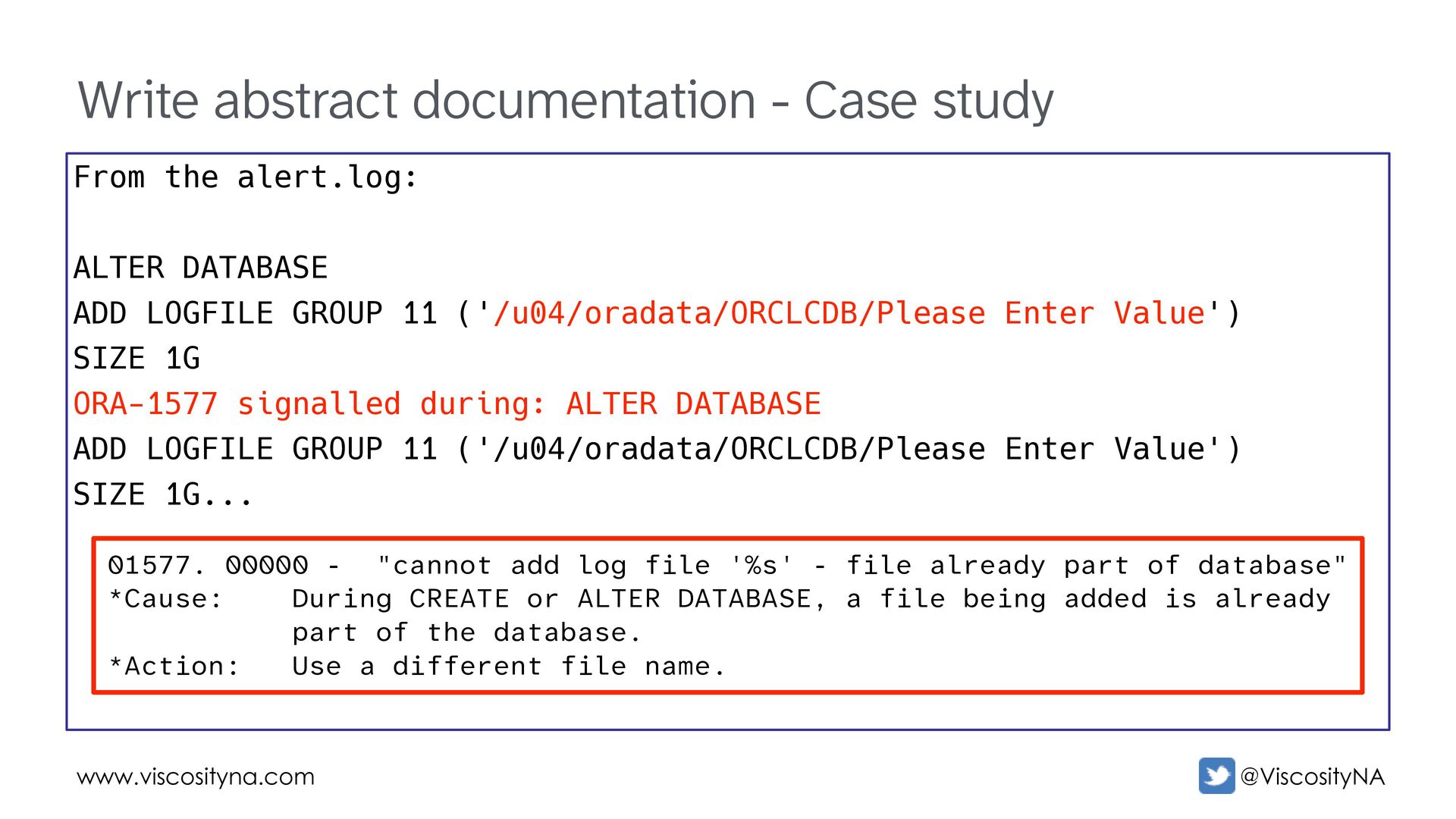
  88. www.viscosityna.com @ViscosityNA Write abstract documentation - Case study From the

    alert.log: ALTER DATABASE ADD LOGFILE GROUP 11 ('/u04/oradata/ORCLCDB/Please Enter Value') SIZE 1G ORA-1577 signalled during: ALTER DATABASE ADD LOGFILE GROUP 11 ('/u04/oradata/ORCLCDB/Please Enter Value') SIZE 1G... 01577. 00000 - "cannot add log file '%s' - file already part of database" *Cause: During CREATE or ALTER DATABASE, a file being added is already part of the database. *Action: Use a different file name.
  89. www.viscosityna.com @ViscosityNA Write abstract documentation - Case study -- Add

    a new logfile group: alter database add logfile group 11 ('/u04/oradata/ORCLCDB/Please Enter Value') size 1G; Didn't change file name Changed group #
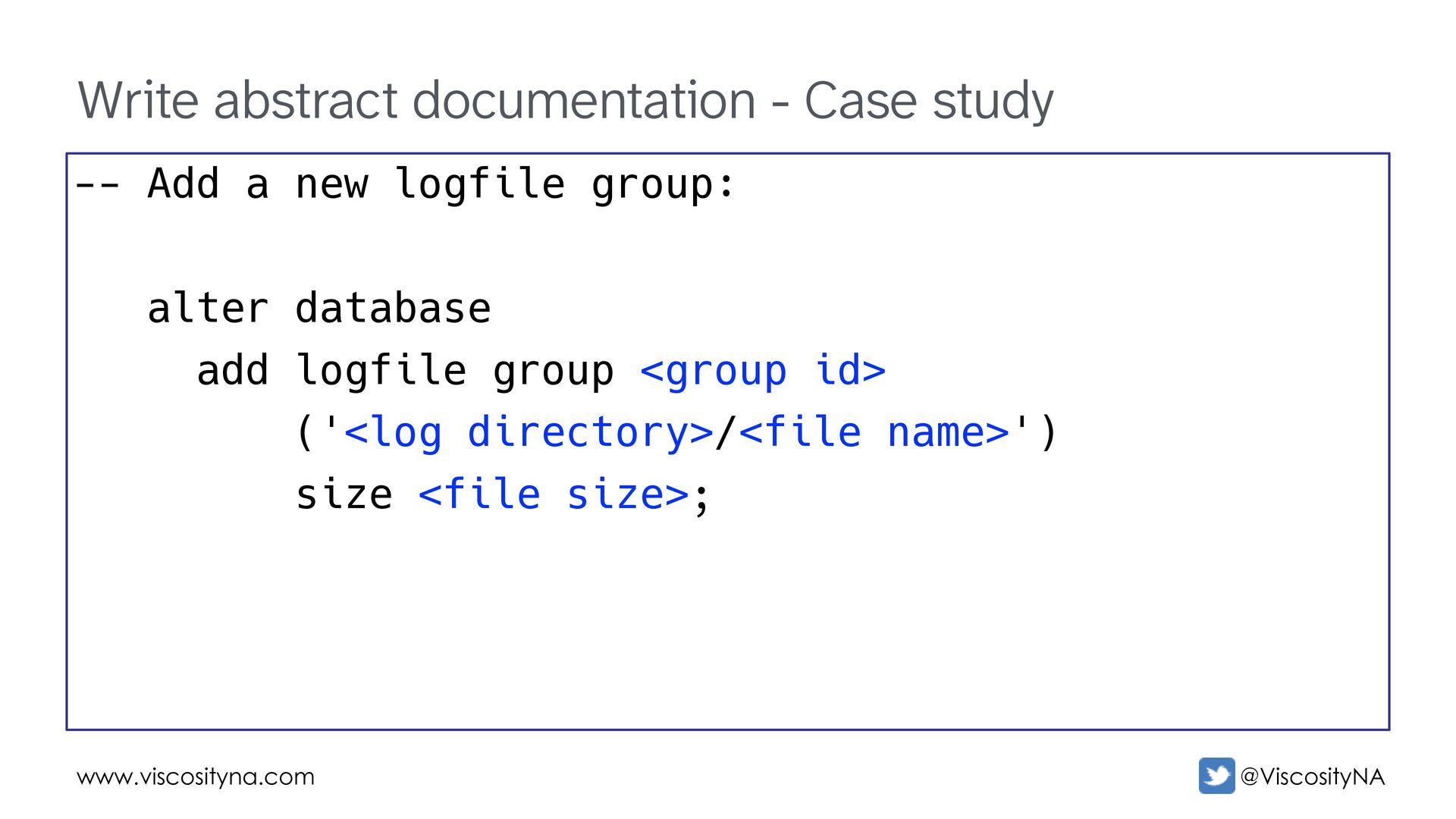
  90. www.viscosityna.com @ViscosityNA Write abstract documentation - Case study -- Add

    a new logfile group: alter database add logfile group <group id> ('<log directory>/<file name>') size <file size>;
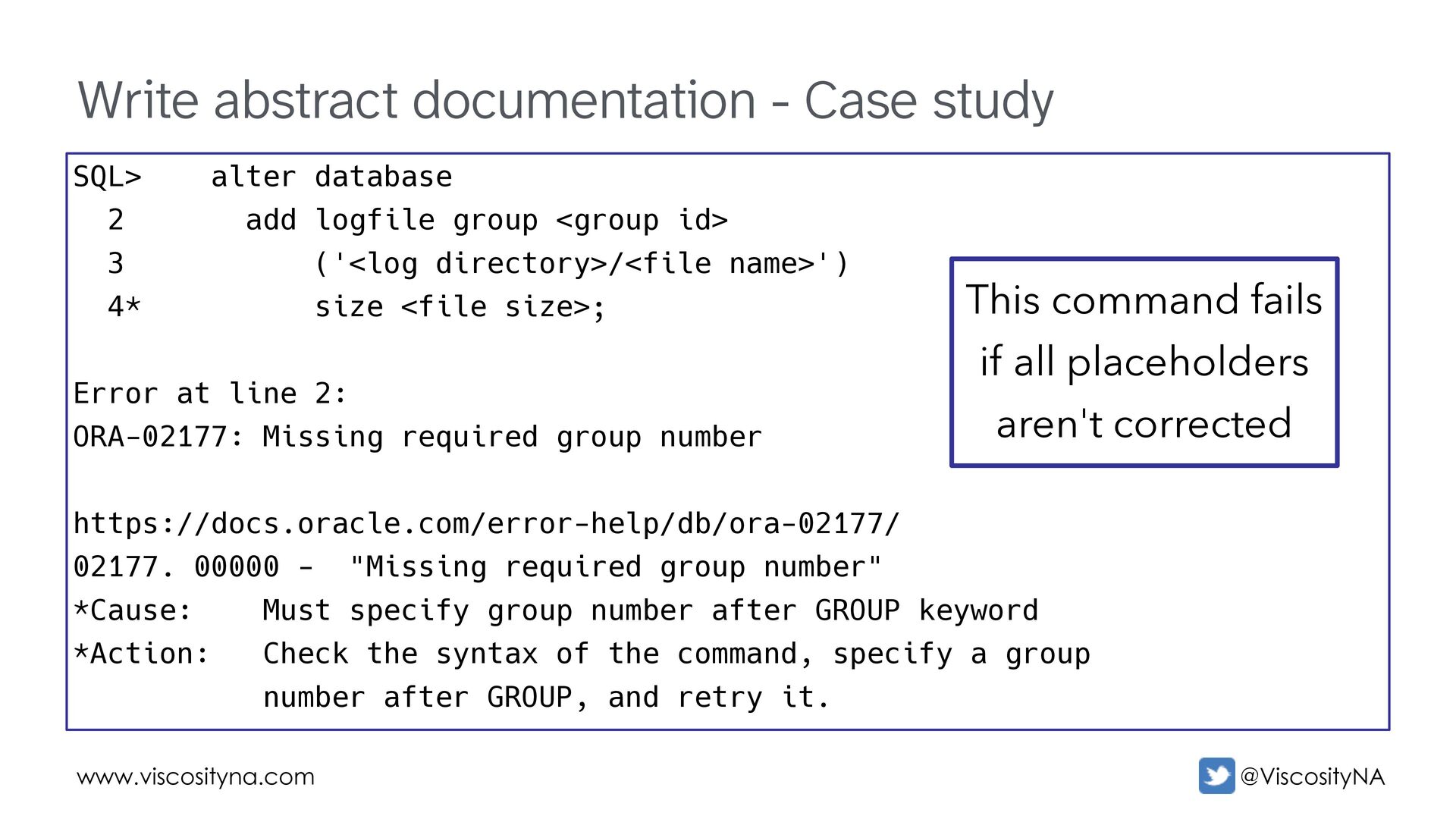
  91. www.viscosityna.com @ViscosityNA Write abstract documentation - Case study SQL> alter

    database 2 add logfile group <group id> 3 ('<log directory>/<file name>') 4* size <file size>; Error at line 2: ORA-02177: Missing required group number https://docs.oracle.com/error-help/db/ora-02177/ 02177. 00000 - "Missing required group number" *Cause: Must specify group number after GROUP keyword *Action: Check the syntax of the command, specify a group number after GROUP, and retry it. This command fails if all placeholders aren't corrected
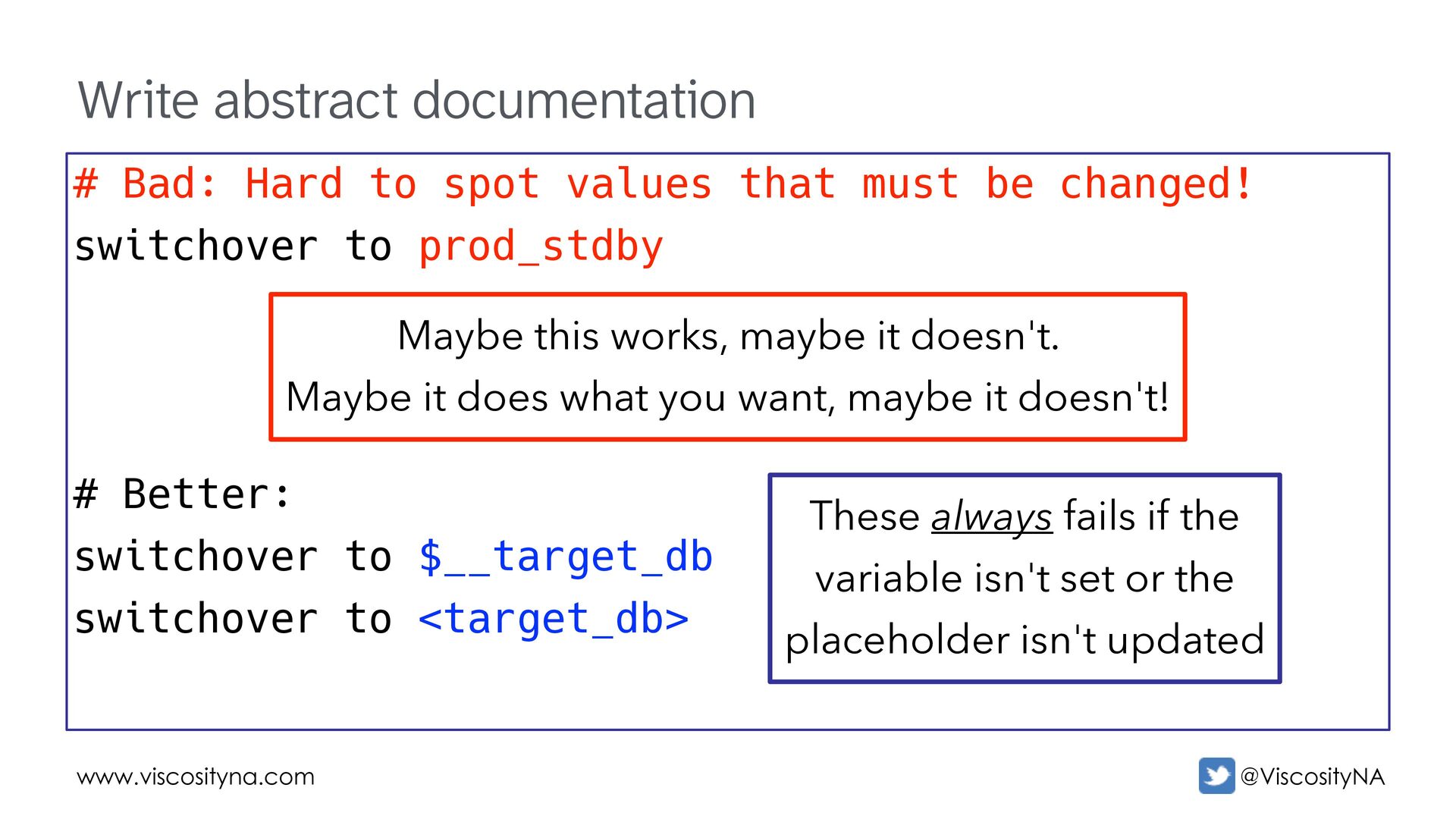
  92. www.viscosityna.com @ViscosityNA Write abstract documentation # Bad: Hard to spot

    values that must be changed! switchover to prod_stdby # Better: switchover to $__target_db switchover to <target_db> These always fails if the variable isn't set or the placeholder isn't updated Maybe this works, maybe it doesn't. Maybe it does what you want, maybe it doesn't!