don't teach in Data Guard school) DOUG 25 - Copenhagen 5 November 2025 Seàn Scott Oracle ACE Director Managing Principal Consultant Viscosity North America
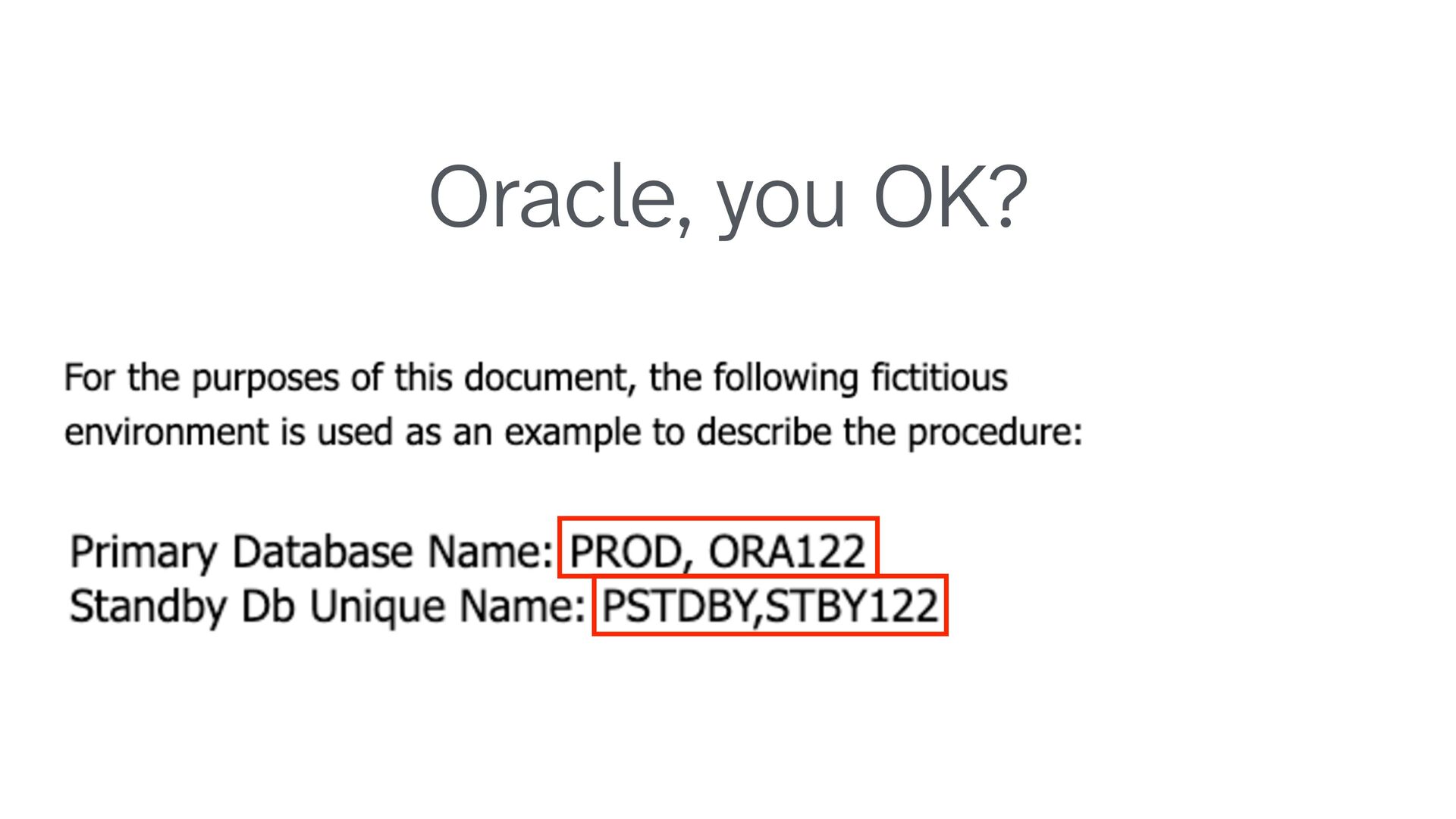
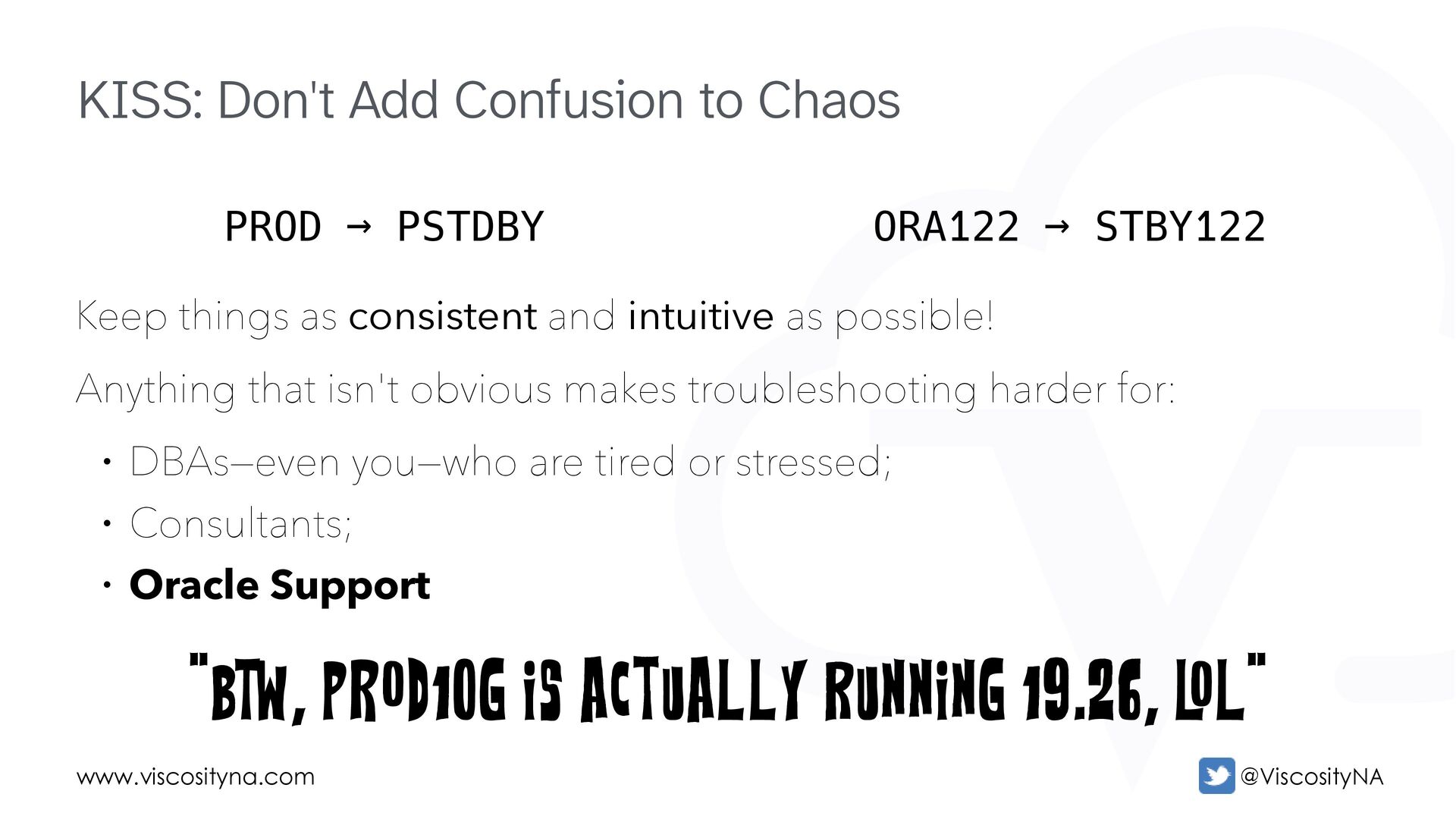
as consistent and intuitive as possible! Anything that isn't obvious makes troubleshooting harder for: • DBAs—even you—who are tired or stressed; • Consultants; • Oracle Support "BTW, PROD10G is actually running 19.26, L OL" PROD → PSTDBY ORA122 → STBY122
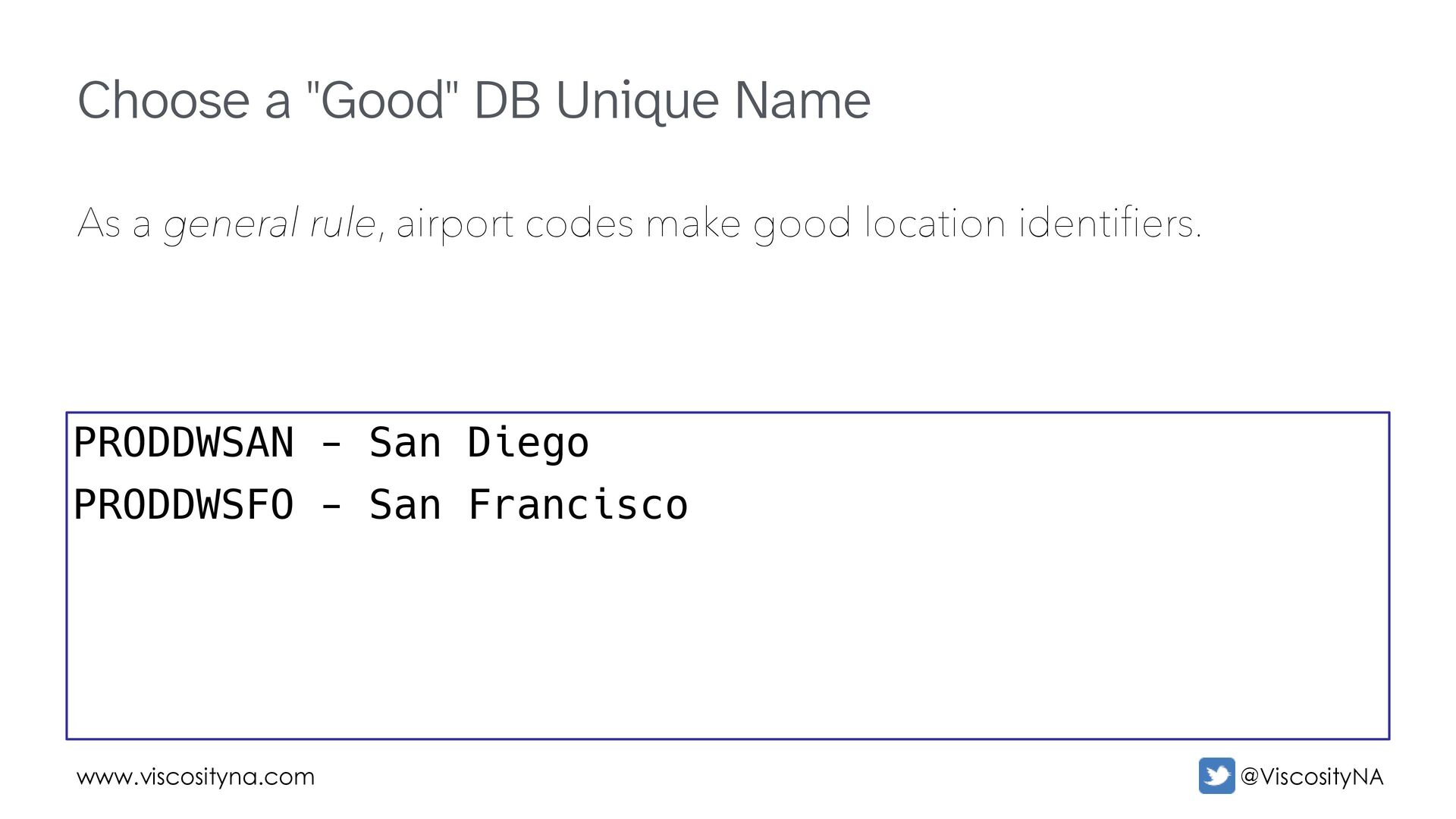
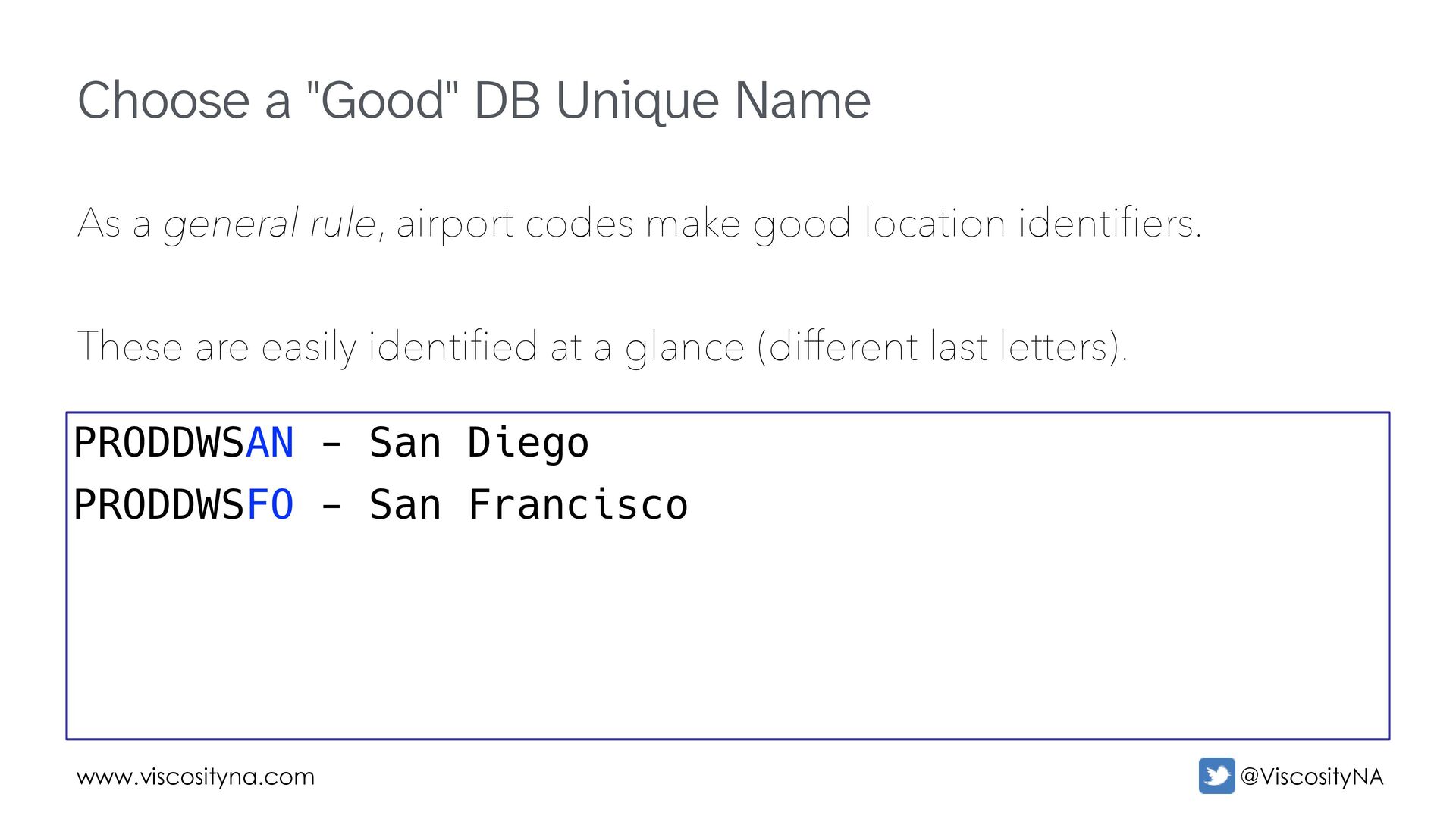
general rule, airport codes make good location identifiers. These are easily identified at a glance (different last letters). PRODDWSAN - San Diego PRODDWSFO - San Francisco
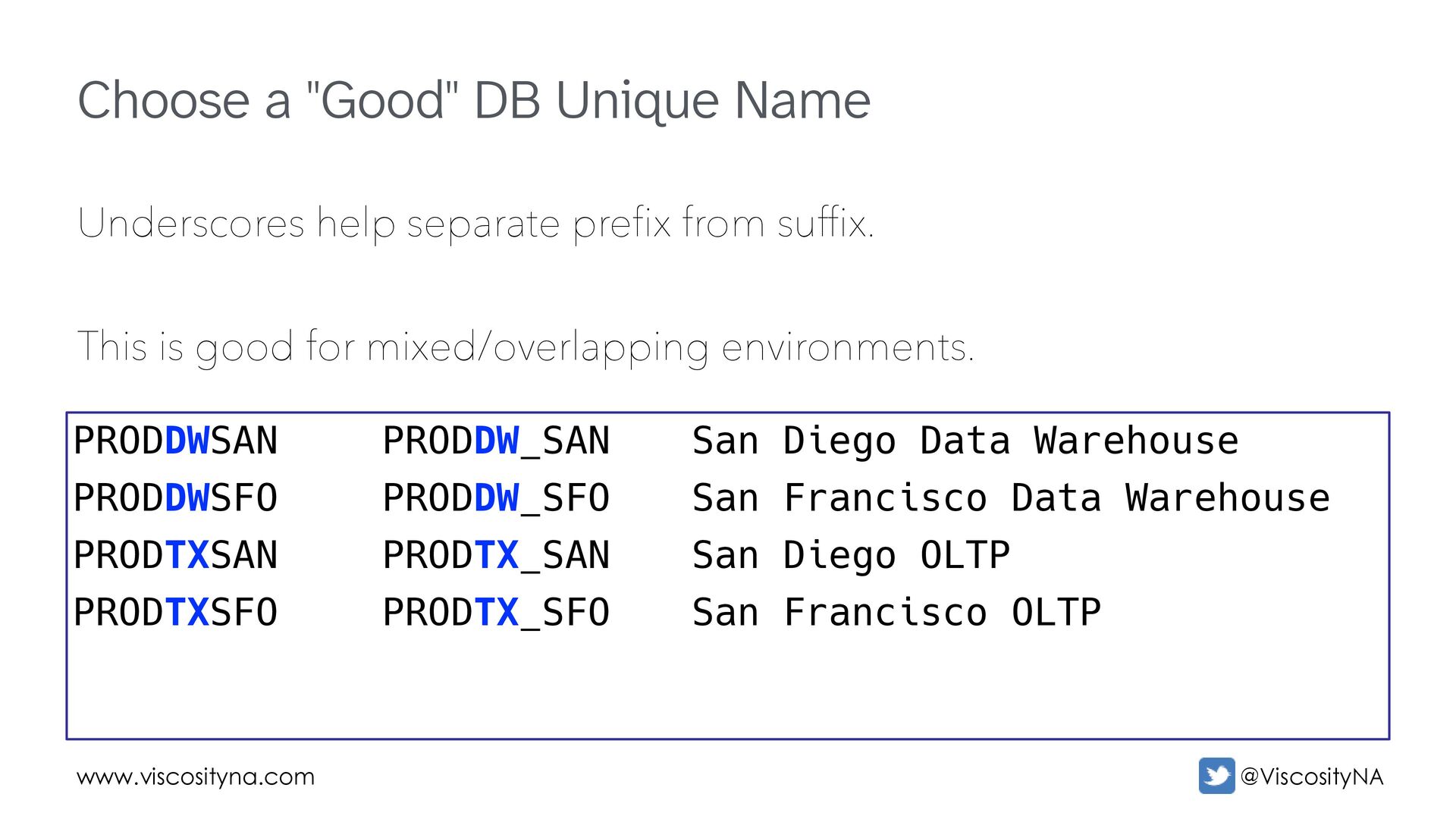
separate prefix from suffix. This is good for mixed/overlapping environments. PRODDWSAN PRODDWSFO PRODTXSAN PRODTXSFO PRODDW_SAN PRODDW_SFO PRODTX_SAN PRODTX_SFO San Diego Data Warehouse San Francisco Data Warehouse San Diego OLTP San Francisco OLTP
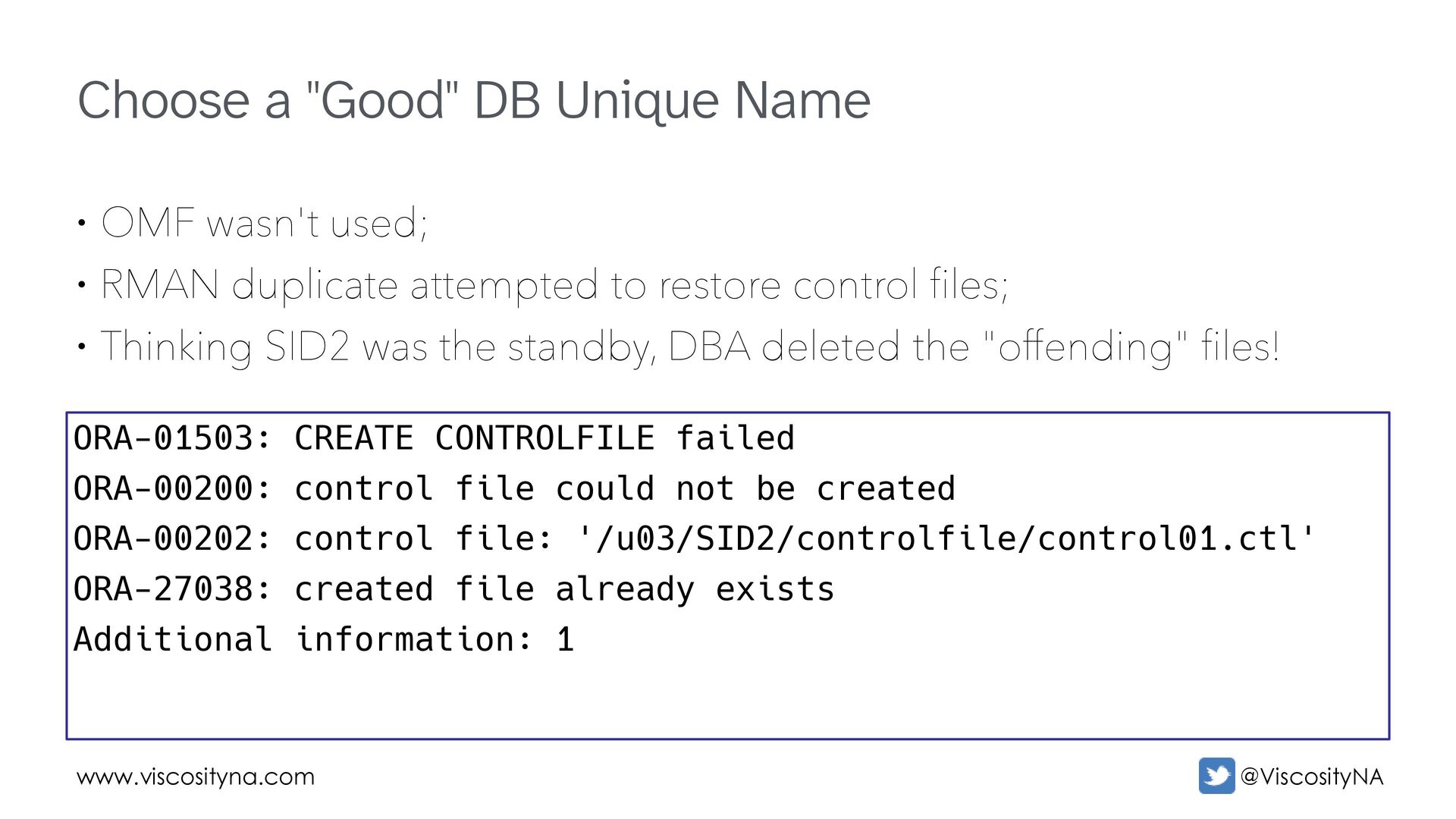
wasn't used; • RMAN duplicate attempted to restore control files; • Thinking SID2 was the standby, DBA deleted the "offending" files! ORA-01503: CREATE CONTROLFILE failed ORA-00200: control file could not be created ORA-00202: control file: '/u03/SID2/controlfile/control01.ctl' ORA-27038: created file already exists Additional information: 1
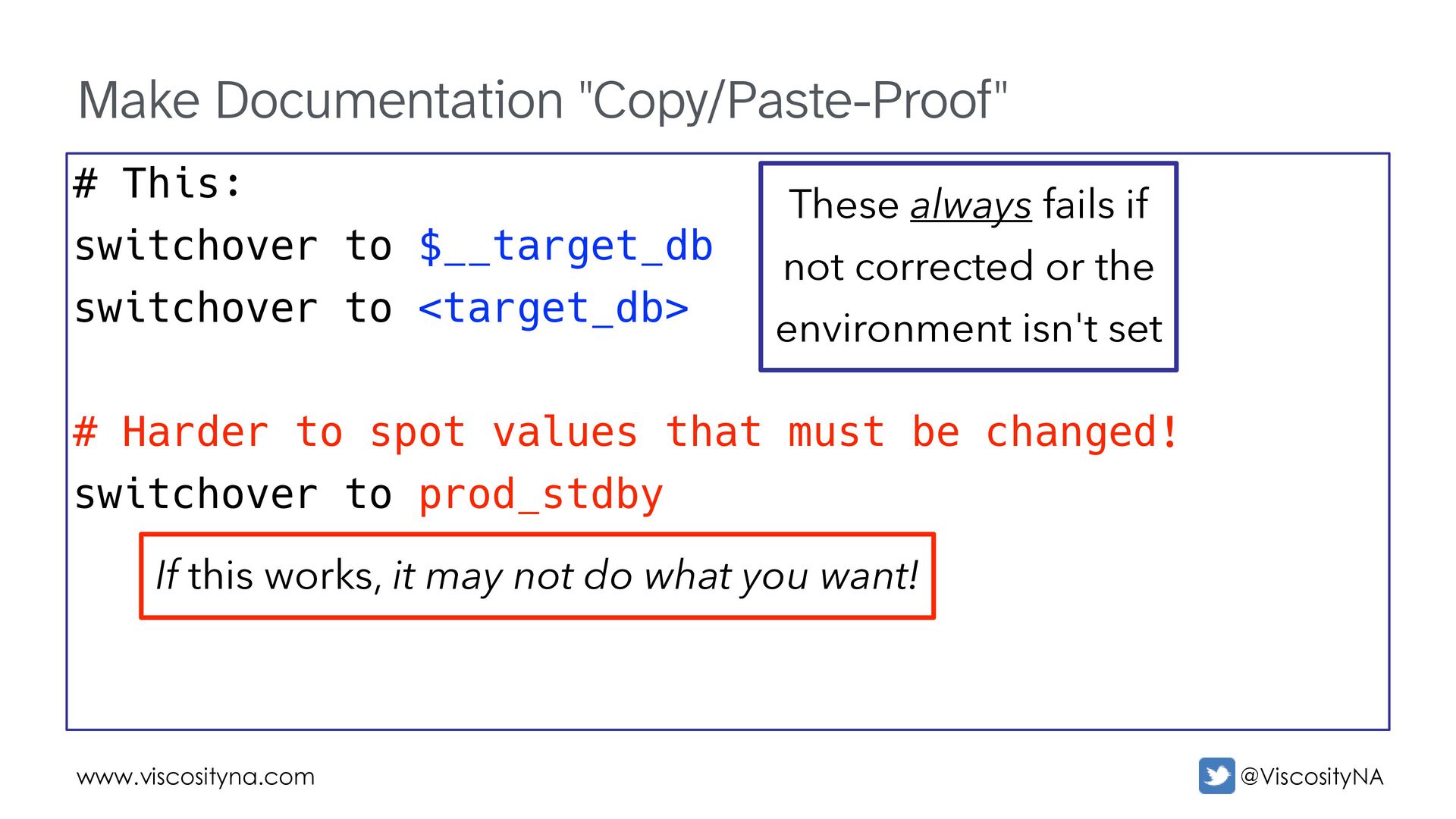
switchover to <target_db> # Harder to spot values that must be changed! switchover to prod_stdby These always fails if not corrected or the environment isn't set If this works, it may not do what you want!
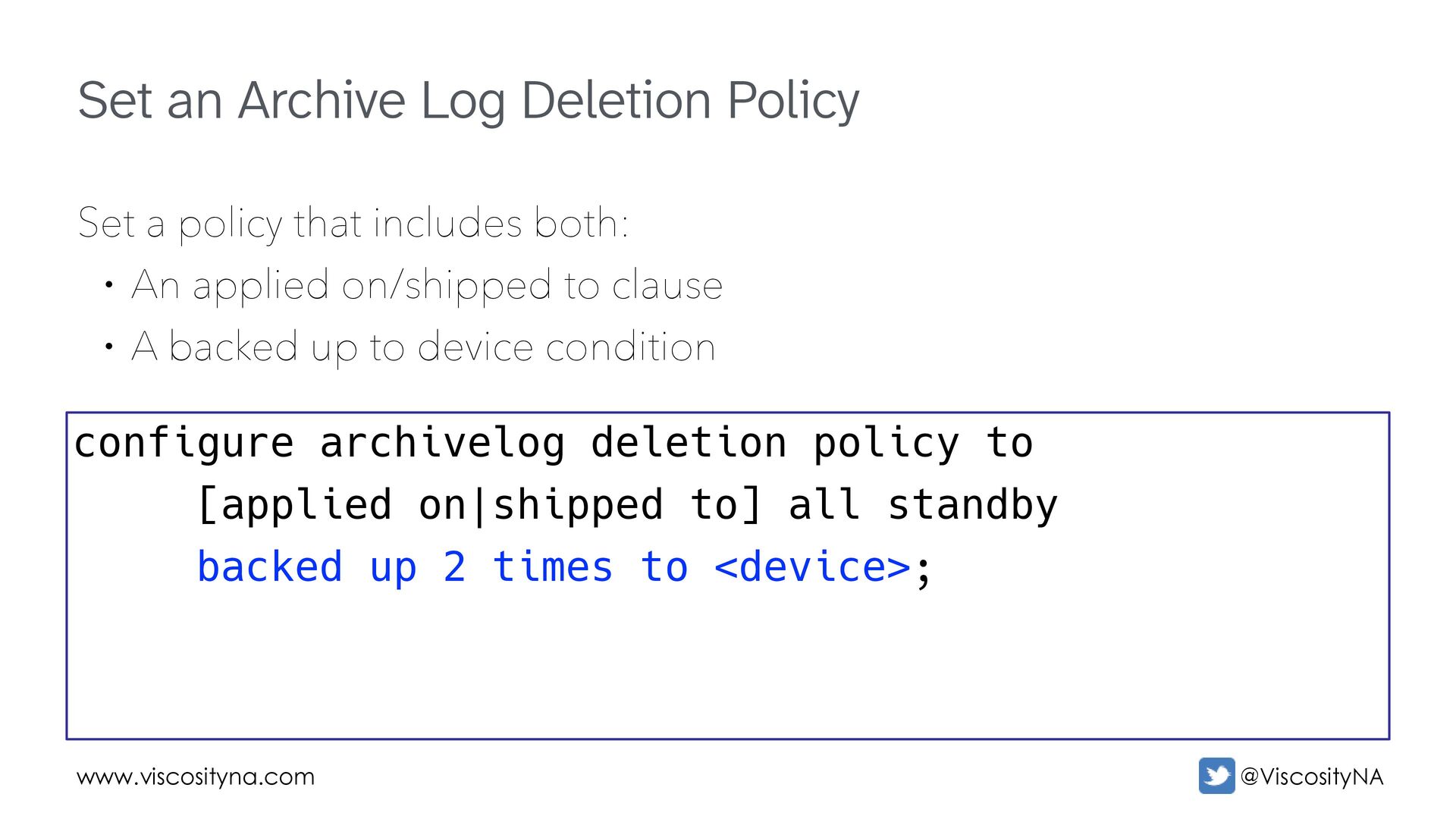
policy that includes both: • An applied on/shipped to clause • A backed up to device condition configure archivelog deletion policy to [applied on|shipped to] all standby backed up 2 times to <device>;
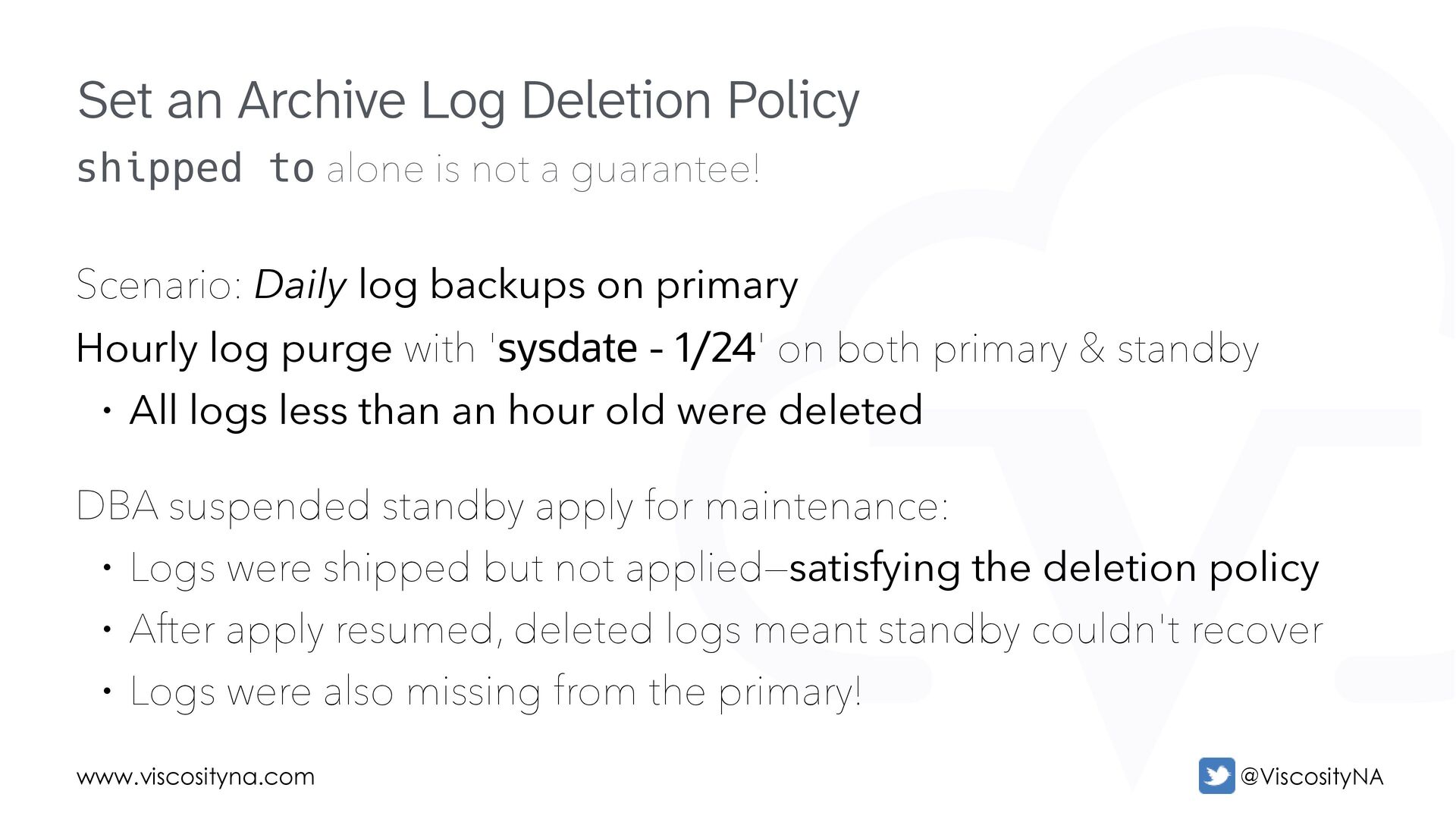
Daily log backups on primary Hourly log purge with 'sysdate - 1/24' on both primary & standby • All logs less than an hour old were deleted DBA suspended standby apply for maintenance: • Logs were shipped but not applied—satisfying the deletion policy • After apply resumed, deleted logs meant standby couldn't recover • Logs were also missing from the primary! Set an Archive Log Deletion Policy
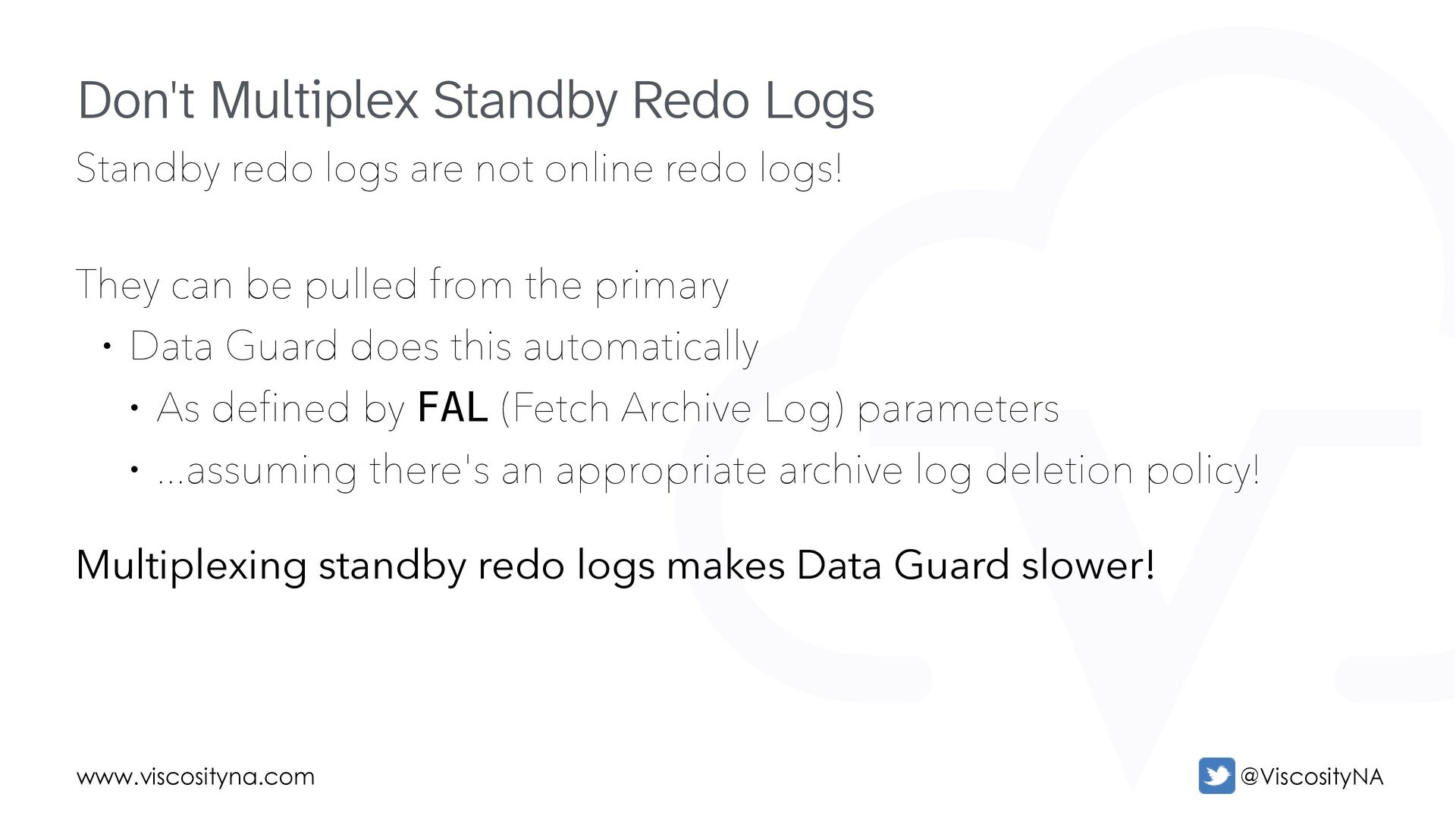
They can be pulled from the primary • Data Guard does this automatically • As defined by FAL (Fetch Archive Log) parameters • ...assuming there's an appropriate archive log deletion policy! Multiplexing standby redo logs makes Data Guard slower! Don't Multiplex Standby Redo Logs
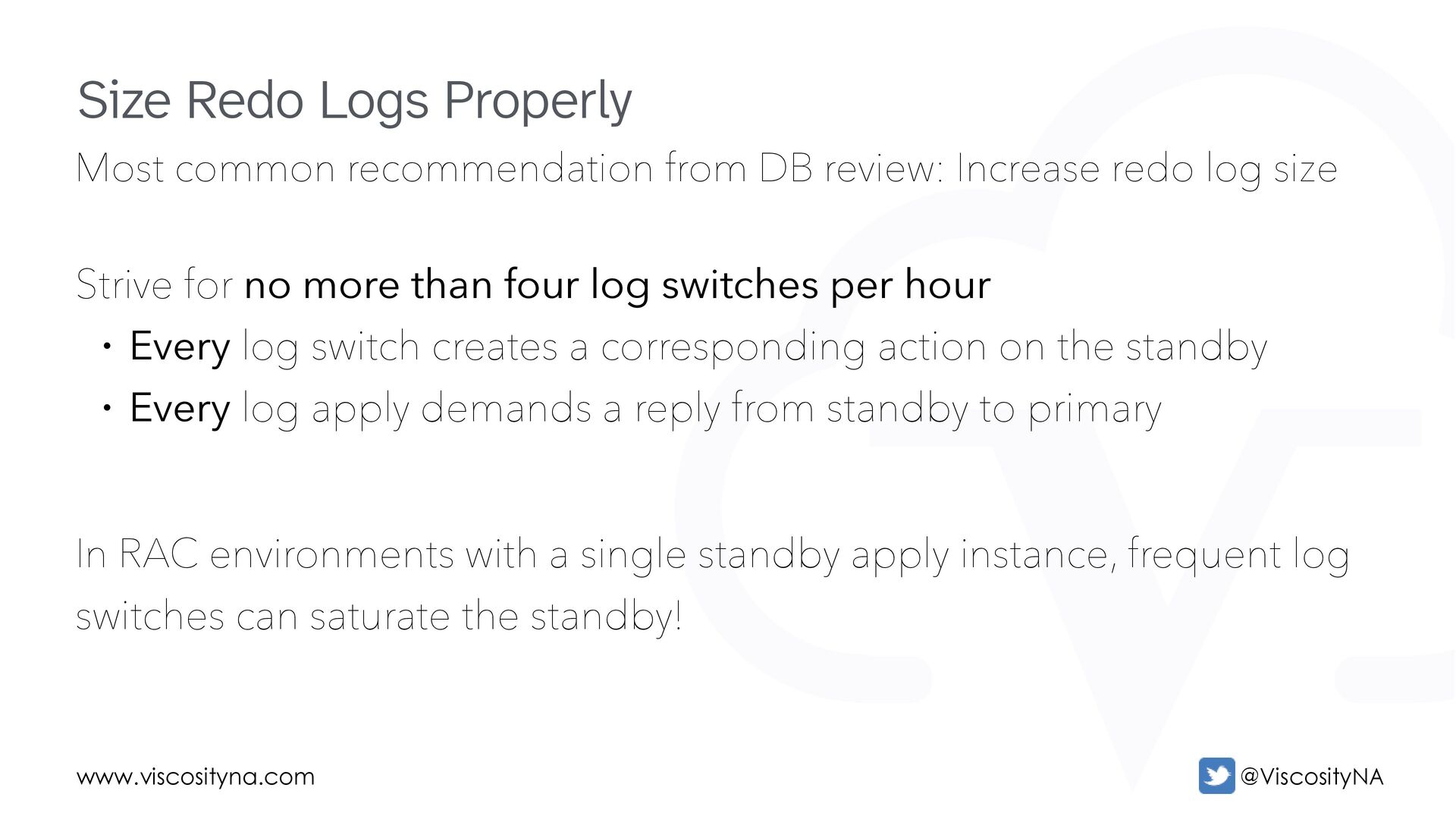
log size Strive for no more than four log switches per hour • Every log switch creates a corresponding action on the standby • Every log apply demands a reply from standby to primary In RAC environments with a single standby apply instance, frequent log switches can saturate the standby! Size Redo Logs Properly
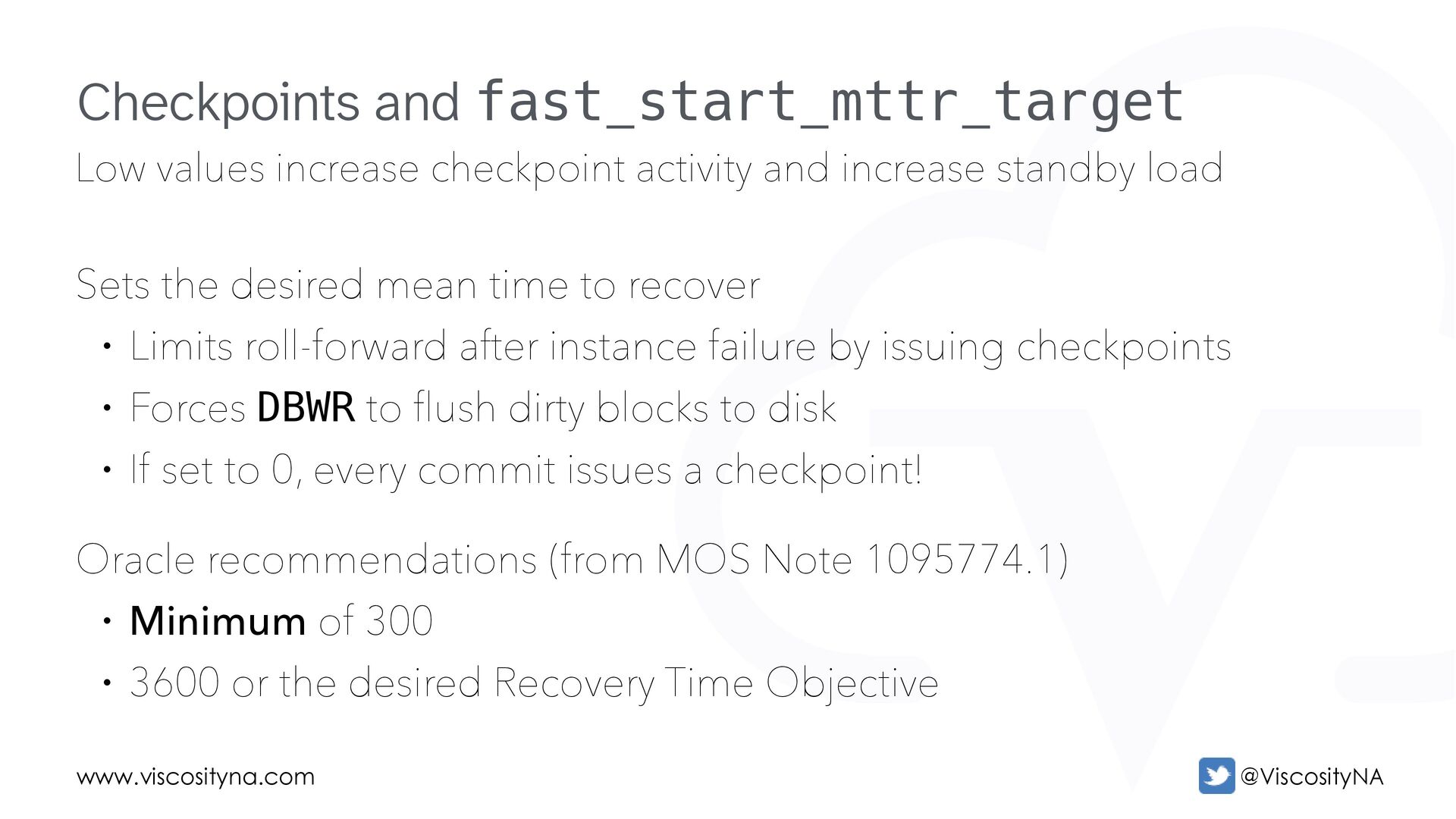
load Sets the desired mean time to recover • Limits roll-forward after instance failure by issuing checkpoints • Forces DBWR to flush dirty blocks to disk • If set to 0, every commit issues a checkpoint! Oracle recommendations (from MOS Note 1095774.1) • Minimum of 300 • 3600 or the desired Recovery Time Objective Checkpoints and fast_start_mttr_target
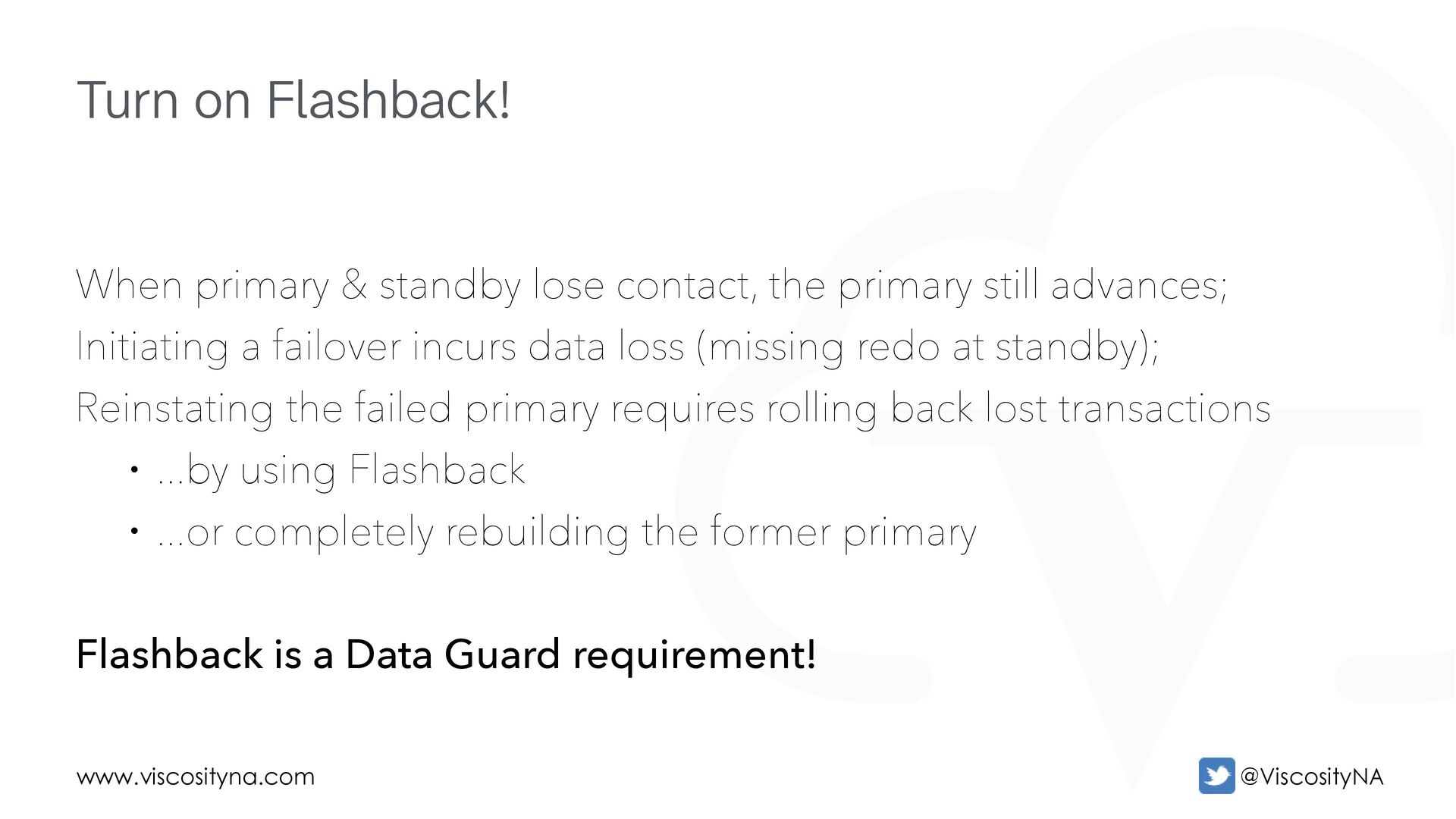
still advances; Initiating a failover incurs data loss (missing redo at standby); Reinstating the failed primary requires rolling back lost transactions • ...by using Flashback • ...or completely rebuilding the former primary Flashback is a Data Guard requirement! Turn on Flashback!
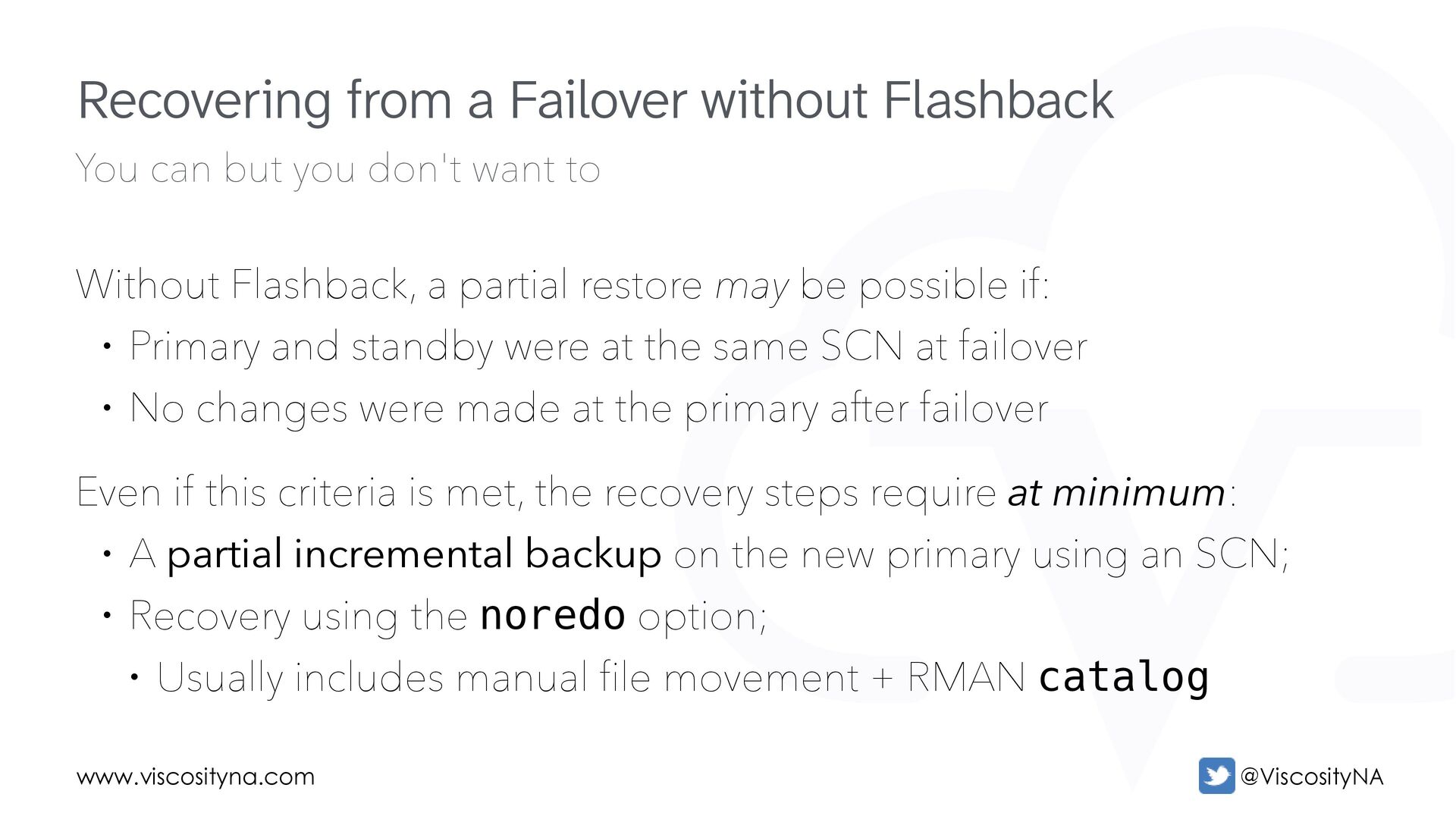
Flashback, a partial restore may be possible if: • Primary and standby were at the same SCN at failover • No changes were made at the primary after failover Even if this criteria is met, the recovery steps require at minimum: • A partial incremental backup on the new primary using an SCN; • Recovery using the noredo option; • Usually includes manual file movement + RMAN catalog Recovering from a Failover without Flashback
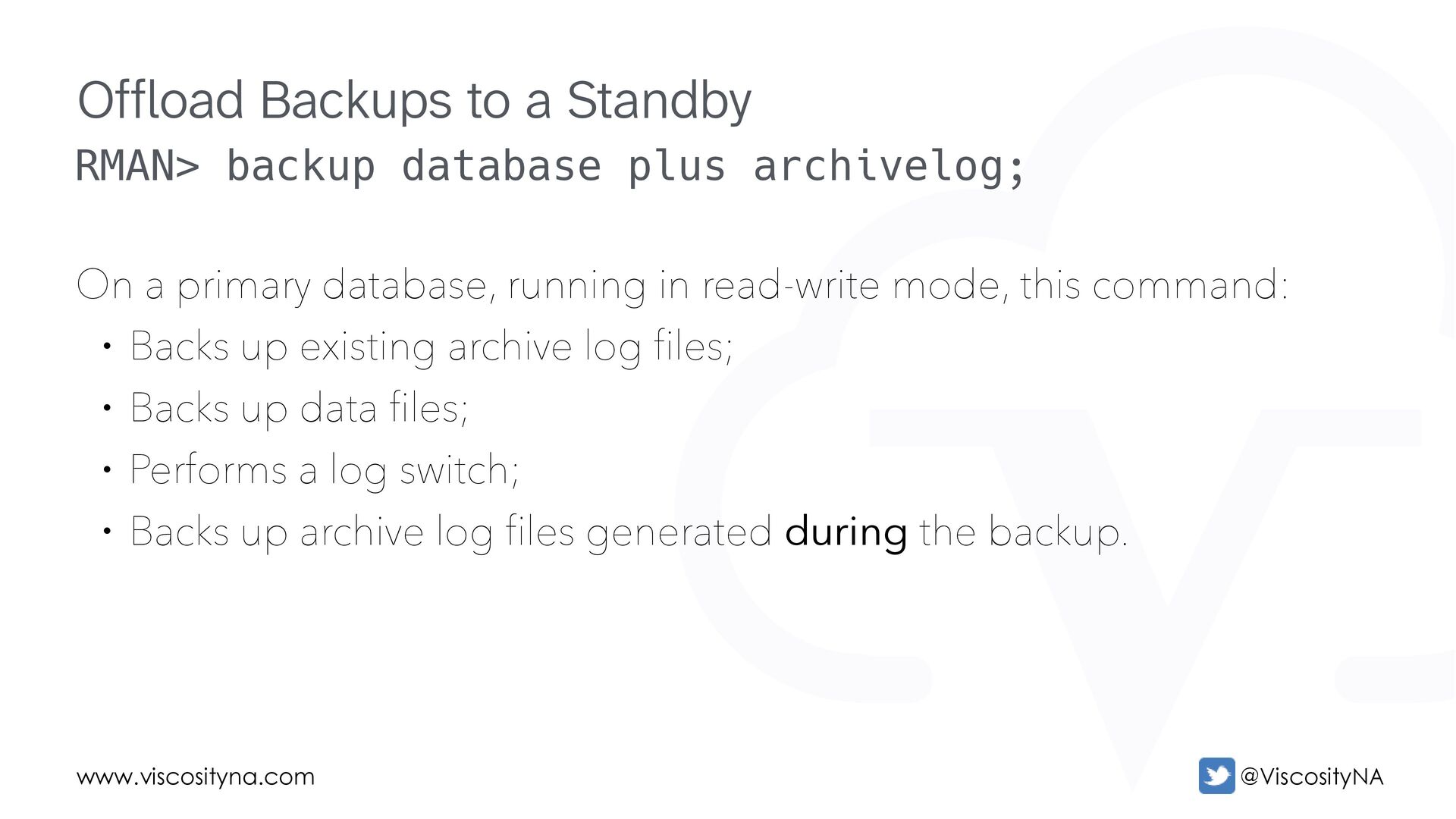
database, running in read-write mode, this command: • Backs up existing archive log files; • Backs up data files; • Performs a log switch; • Backs up archive log files generated during the backup. Offload Backups to a Standby
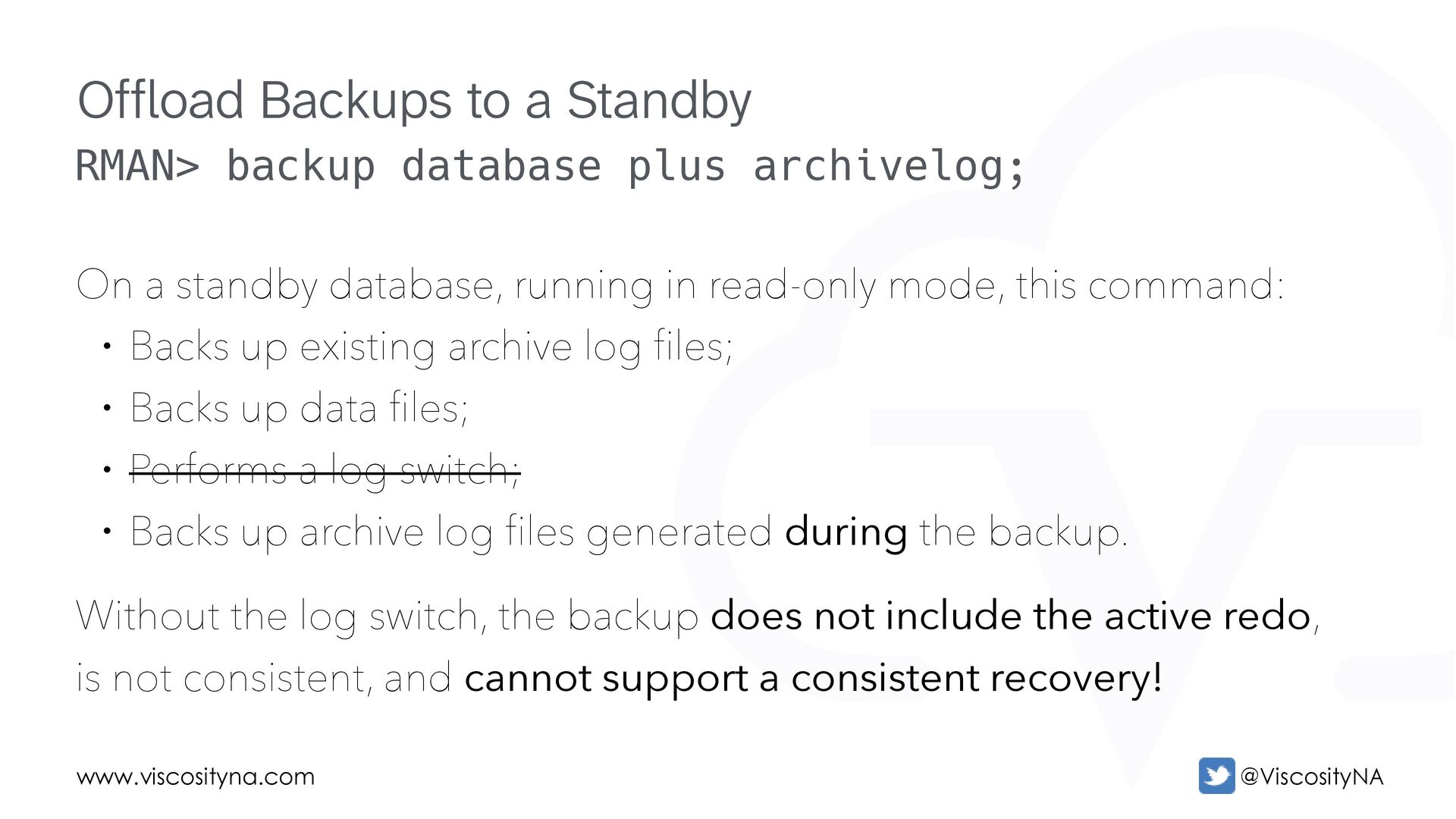
database, running in read-only mode, this command: • Backs up existing archive log files; • Backs up data files; • Performs a log switch; • Backs up archive log files generated during the backup. Without the log switch, the backup does not include the active redo, is not consistent, and cannot support a consistent recovery! Offload Backups to a Standby
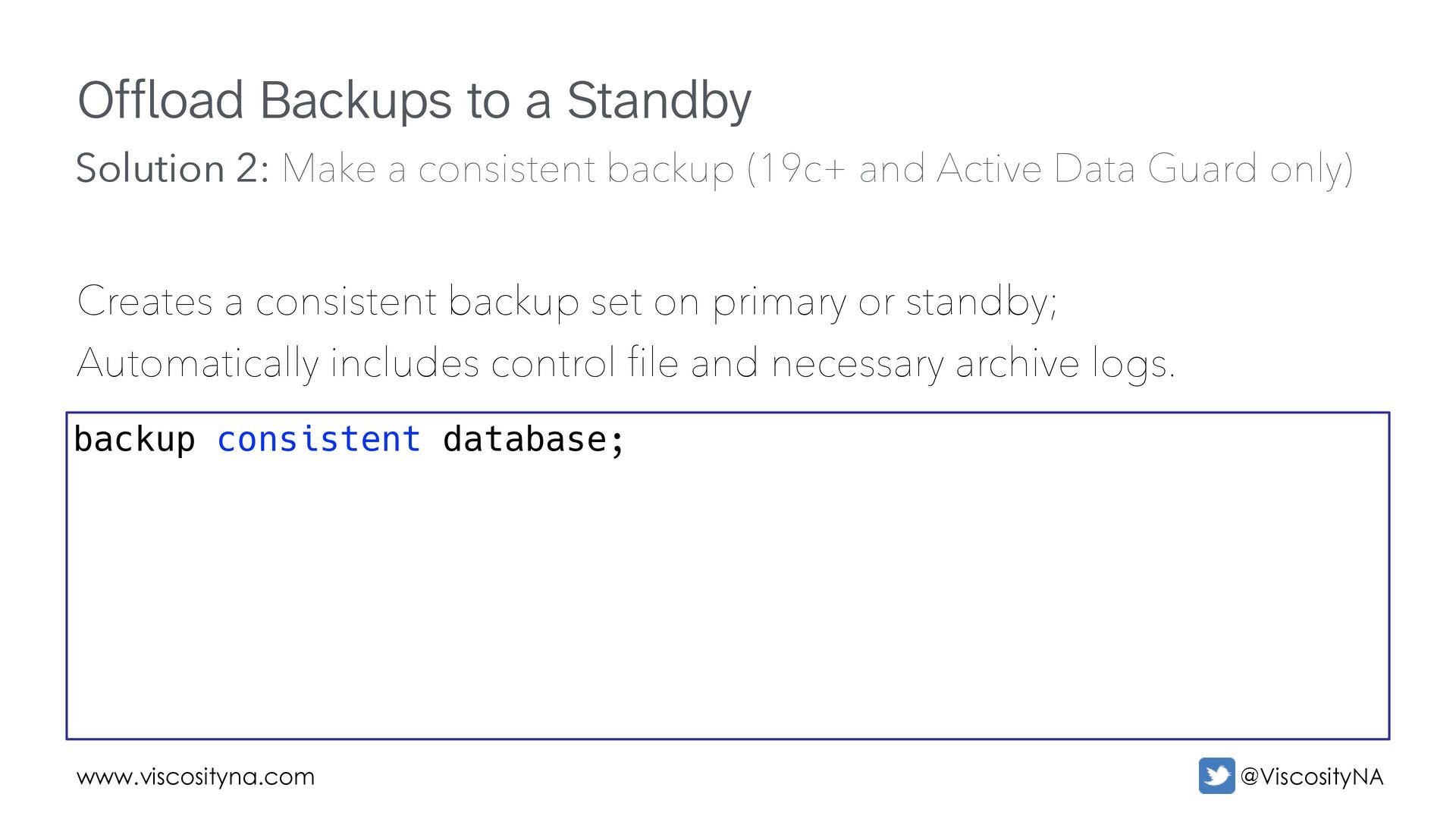
backup set on primary or standby; Automatically includes control file and necessary archive logs. backup consistent database; Solution 2: Make a consistent backup (19c+ and Active Data Guard only)
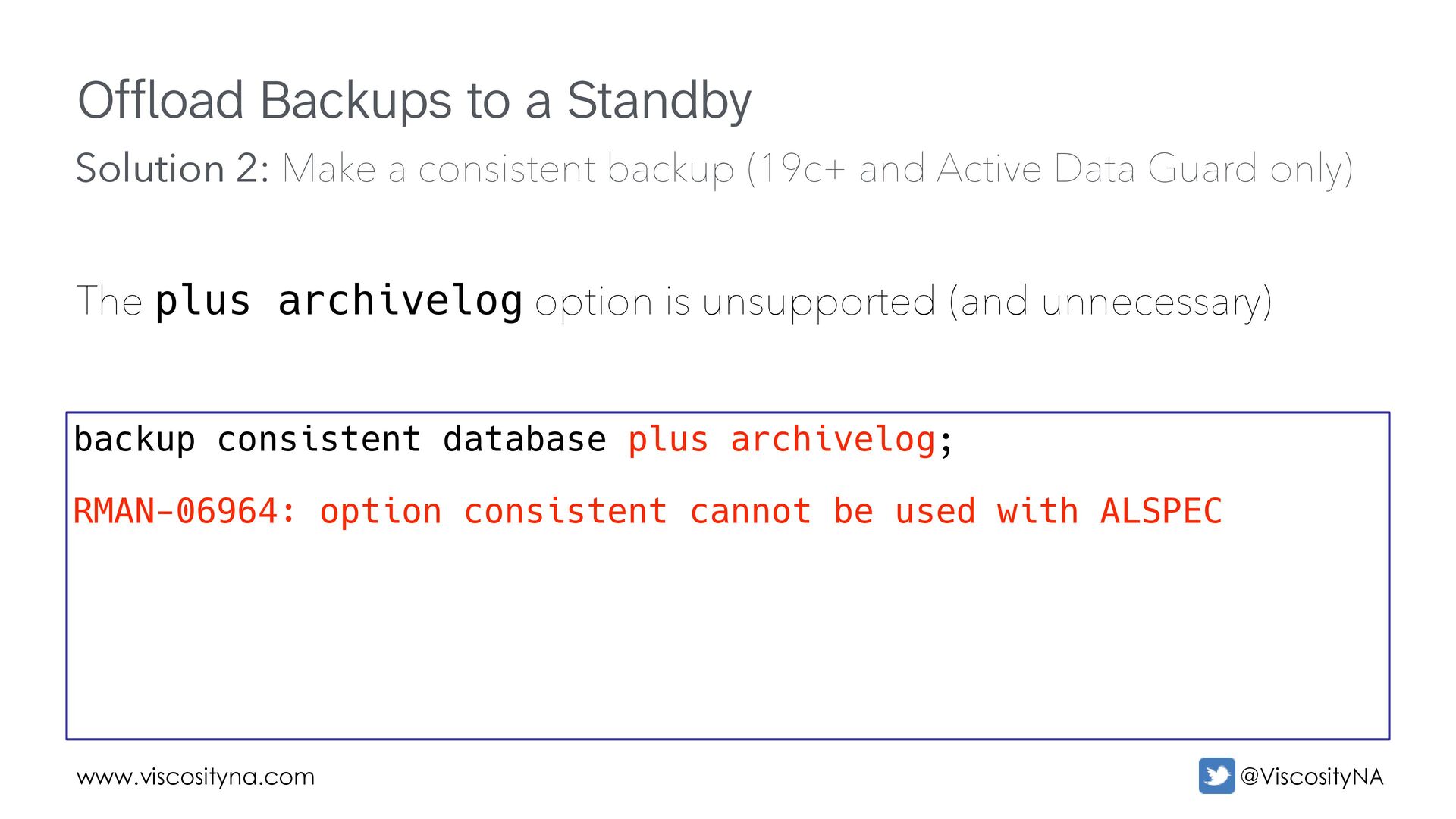
option is unsupported (and unnecessary) backup consistent database plus archivelog; RMAN-06964: option consistent cannot be used with ALSPEC Solution 2: Make a consistent backup (19c+ and Active Data Guard only)
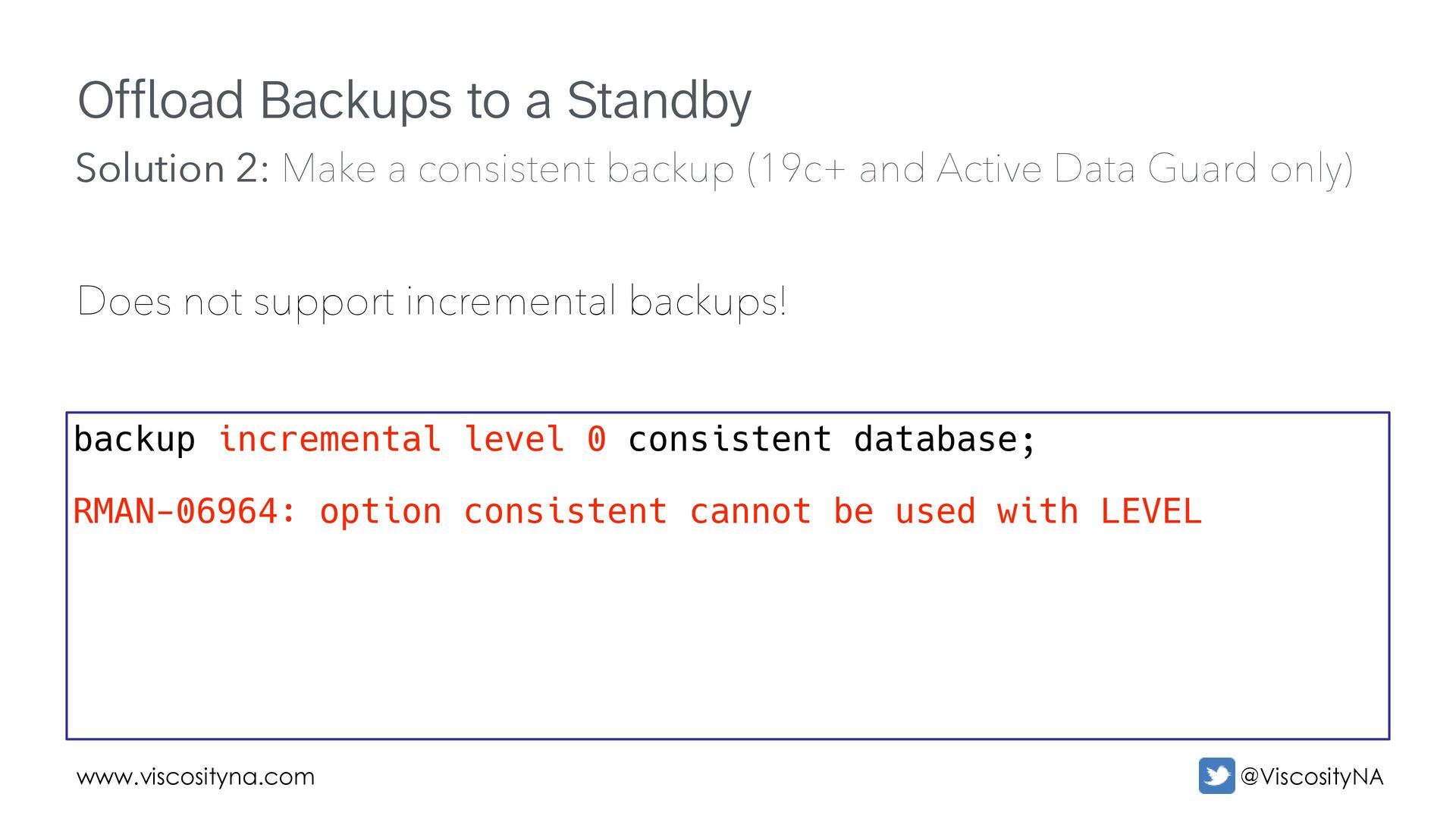
incremental backups! backup incremental level 0 consistent database; RMAN-06964: option consistent cannot be used with LEVEL Solution 2: Make a consistent backup (19c+ and Active Data Guard only)
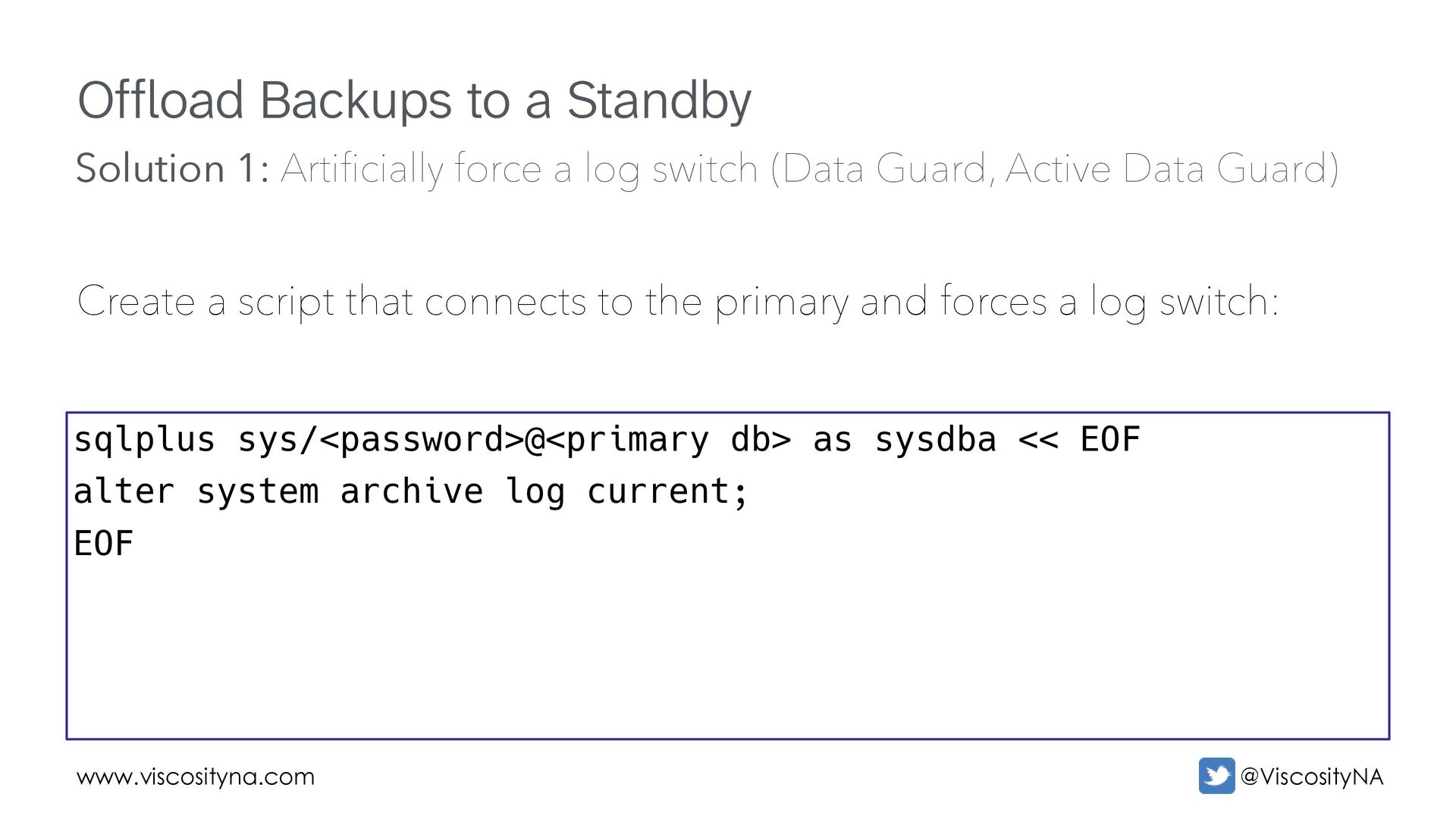
that connects to the primary and forces a log switch: sqlplus sys/<password>@<primary db> as sysdba << EOF alter system archive log current; EOF Solution 1: Arti fi cially force a log switch (Data Guard, Active Data Guard)
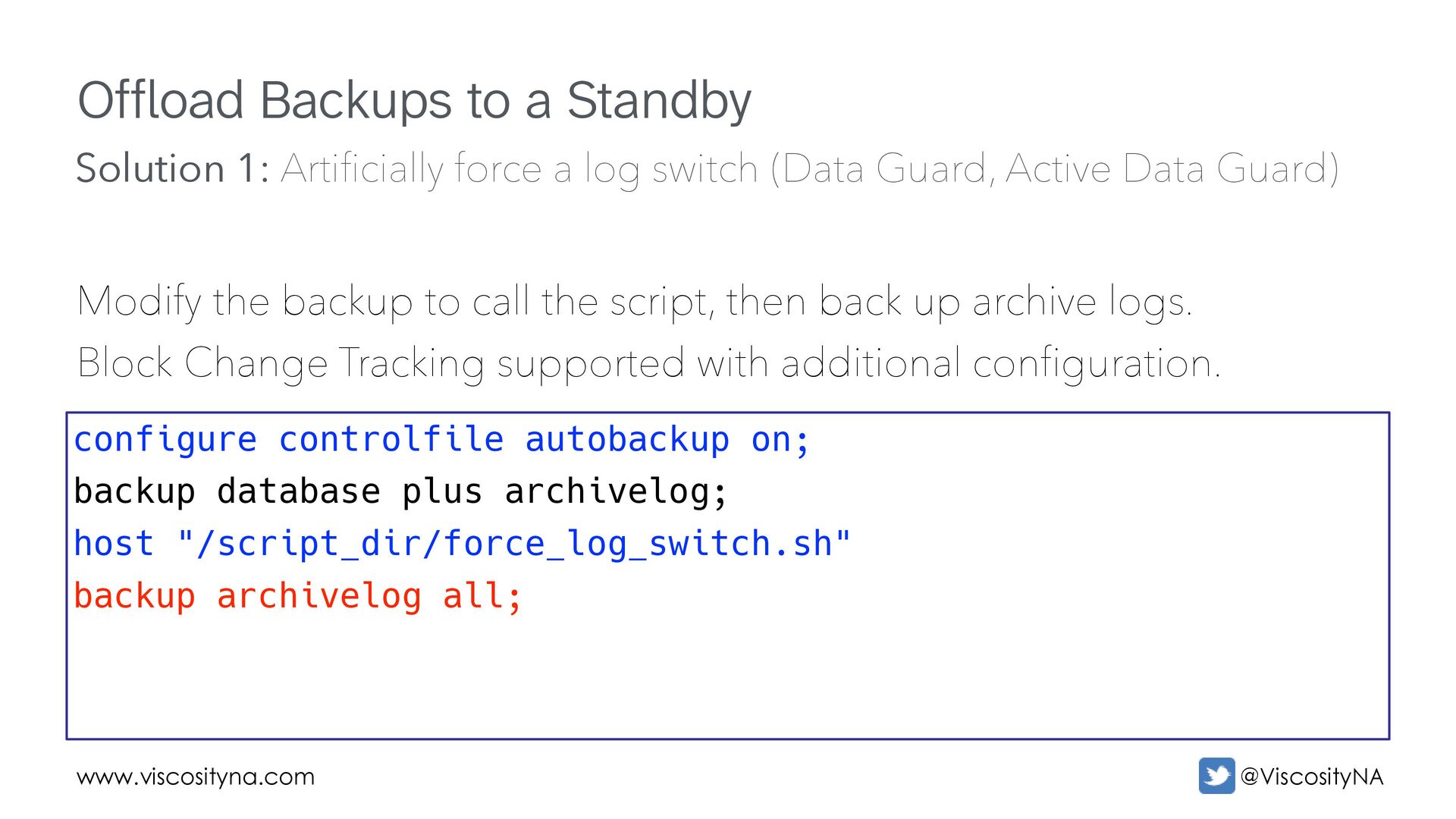
to call the script, then back up archive logs. Block Change Tracking supported with additional configuration. configure controlfile autobackup on; backup database plus archivelog; host "/script_dir/force_log_switch.sh" backup archivelog all; Solution 1: Arti fi cially force a log switch (Data Guard, Active Data Guard)
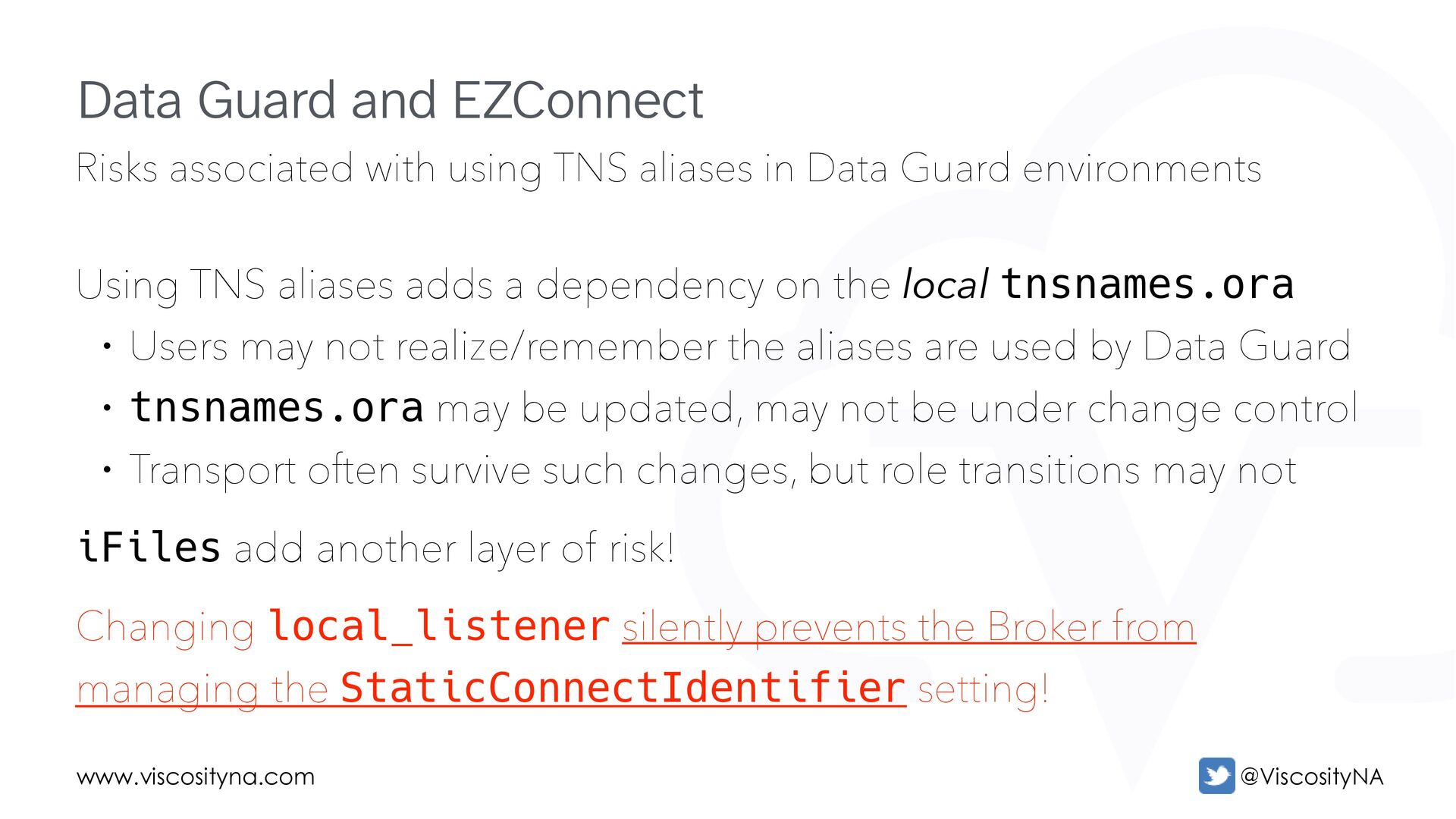
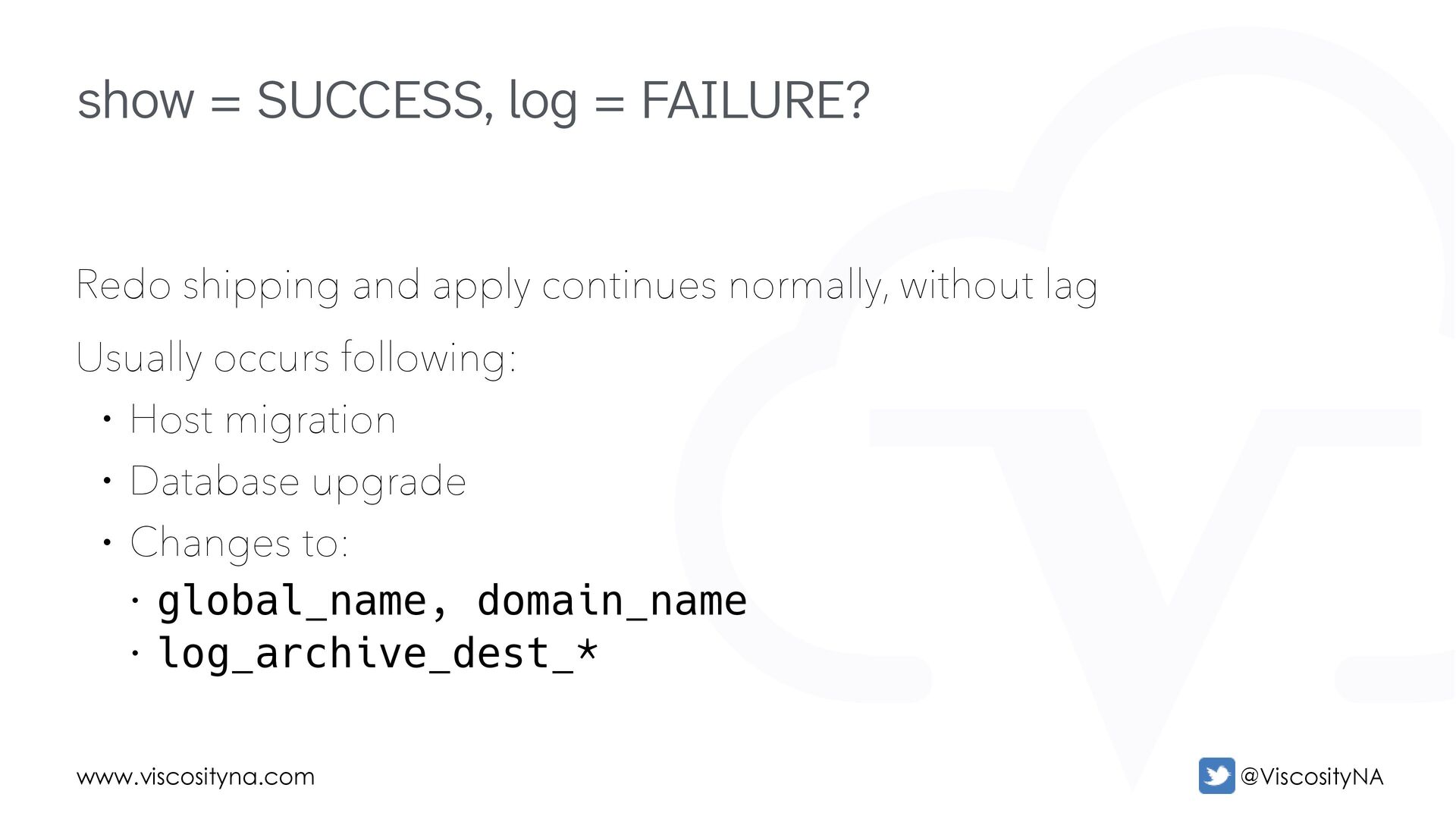
Guard environments Using TNS aliases adds a dependency on the local tnsnames.ora • Users may not realize/remember the aliases are used by Data Guard • tnsnames.ora may be updated, may not be under change control • Transport often survive such changes, but role transitions may not iFiles add another layer of risk! Changing local_listener silently prevents the Broker from managing the StaticConnectIdentifier setting! Data Guard and EZConnect
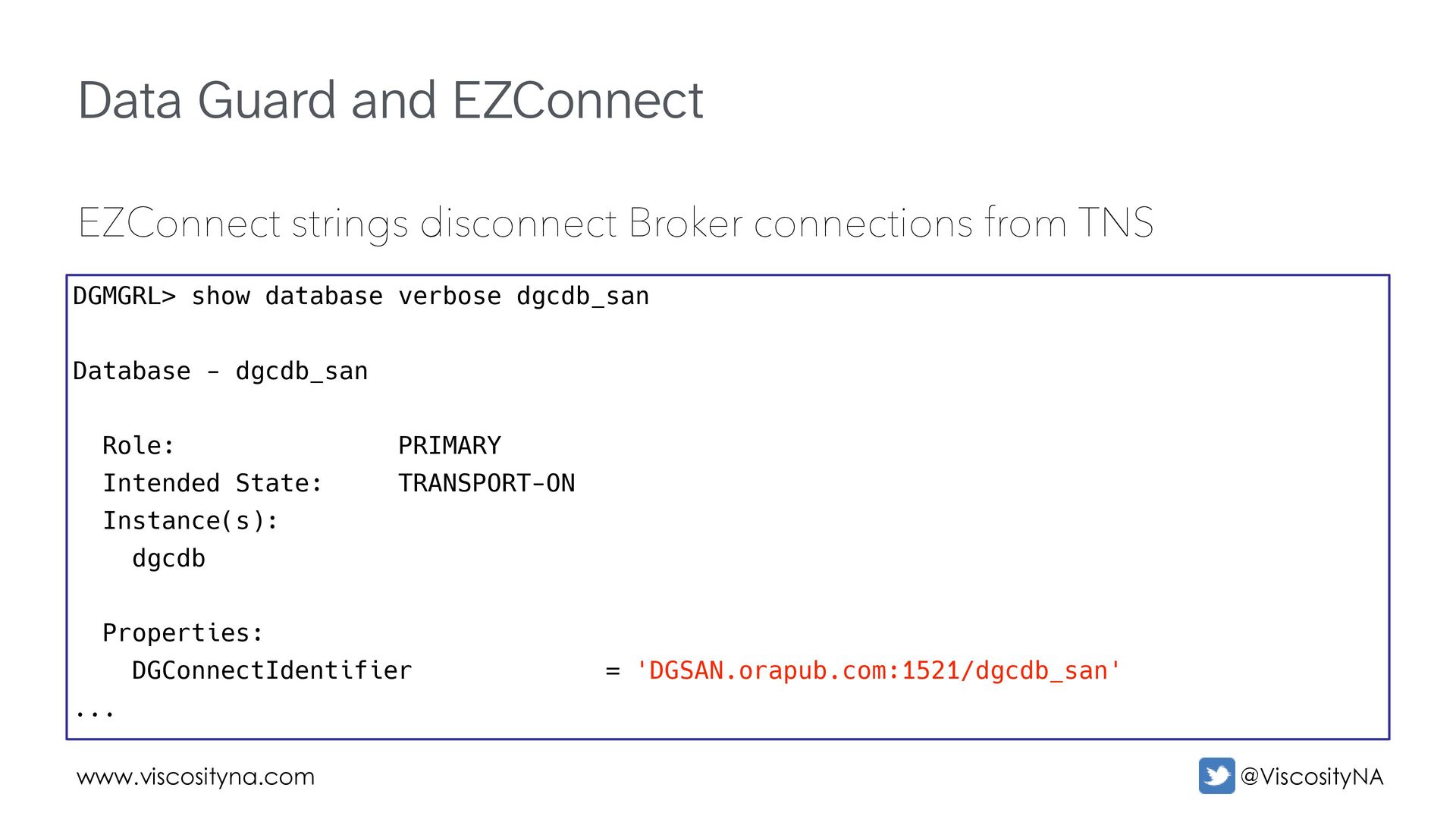
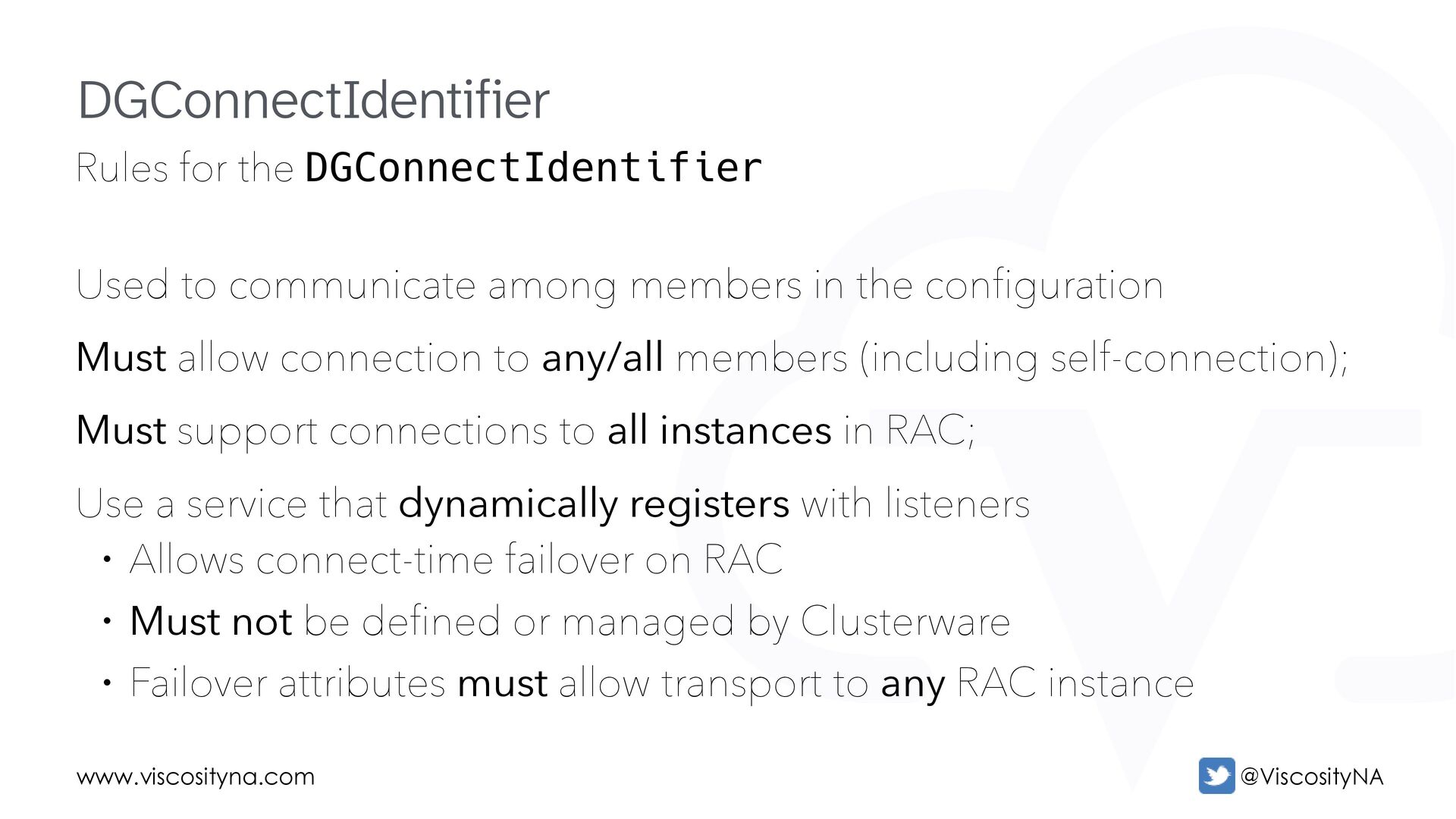
members in the configuration Must allow connection to any/all members (including self-connection); Must support connections to all instances in RAC; Use a service that dynamically registers with listeners • Allows connect-time failover on RAC • Must not be defined or managed by Clusterware • Failover attributes must allow transport to any RAC instance DGConnectIdentifier
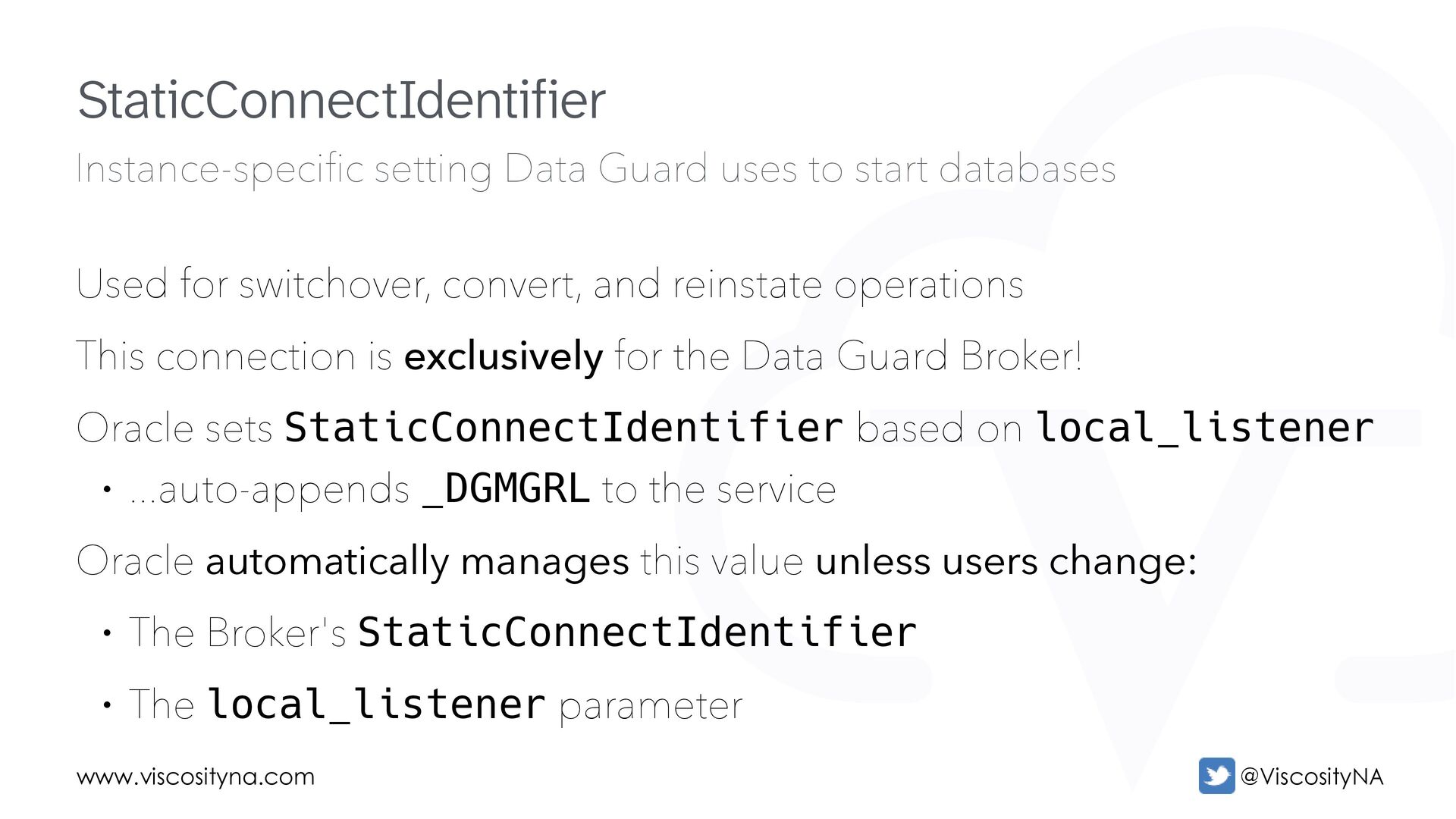
start databases Used for switchover, convert, and reinstate operations This connection is exclusively for the Data Guard Broker! Oracle sets StaticConnectIdentifier based on local_listener • ...auto-appends _DGMGRL to the service Oracle automatically manages this value unless users change: • The Broker's StaticConnectIdentifier • The local_listener parameter StaticConnectIdentifier
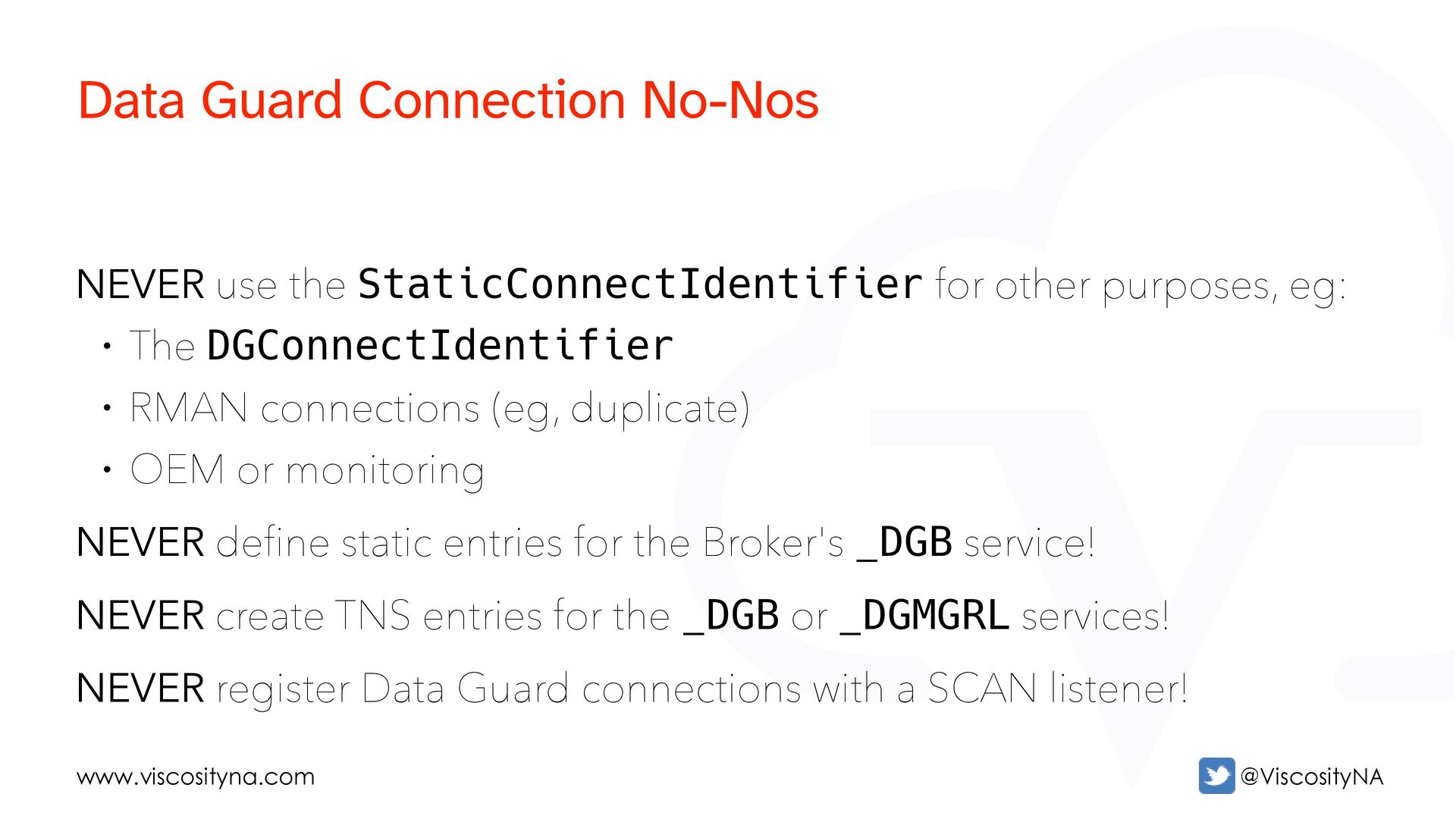
• The DGConnectIdentifier • RMAN connections (eg, duplicate) • OEM or monitoring NEVER define static entries for the Broker's _DGB service! NEVER create TNS entries for the _DGB or _DGMGRL services! NEVER register Data Guard connections with a SCAN listener! Data Guard Connection No-Nos
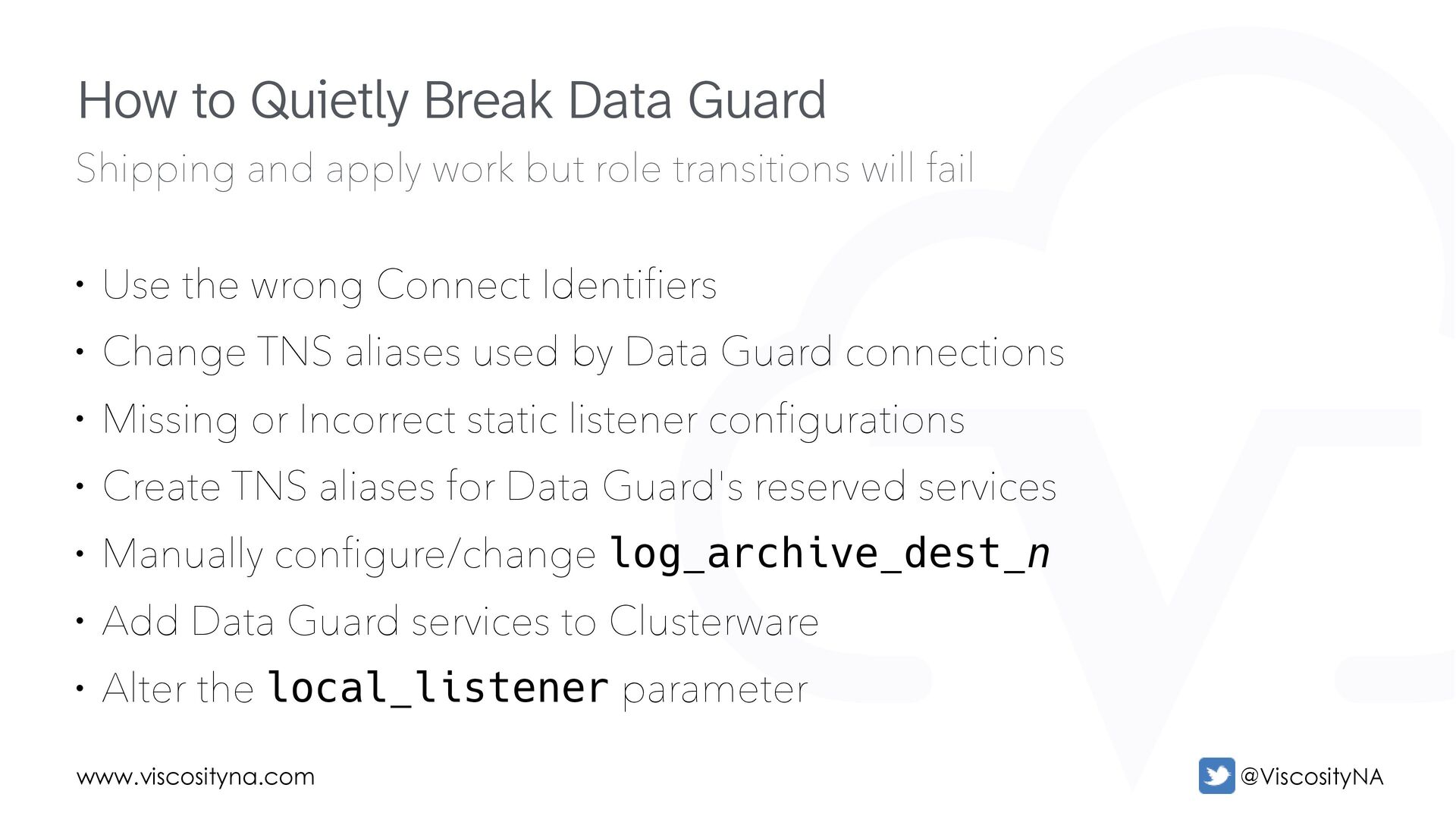
fail • Use the wrong Connect Identifiers • Change TNS aliases used by Data Guard connections • Missing or Incorrect static listener configurations • Create TNS aliases for Data Guard's reserved services • Manually configure/change log_archive_dest_n • Add Data Guard services to Clusterware • Alter the local_listener parameter How to Quietly Break Data Guard
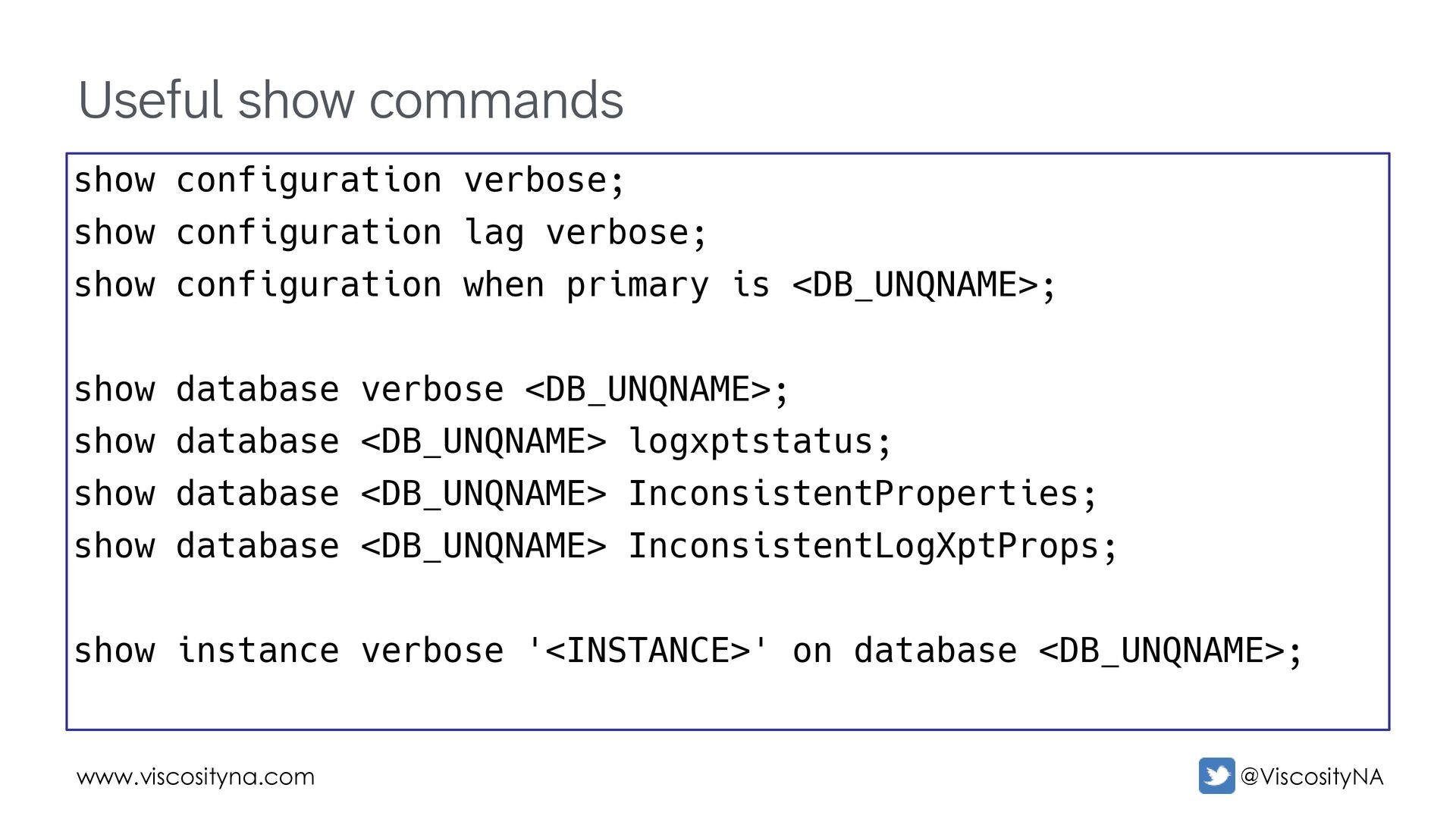
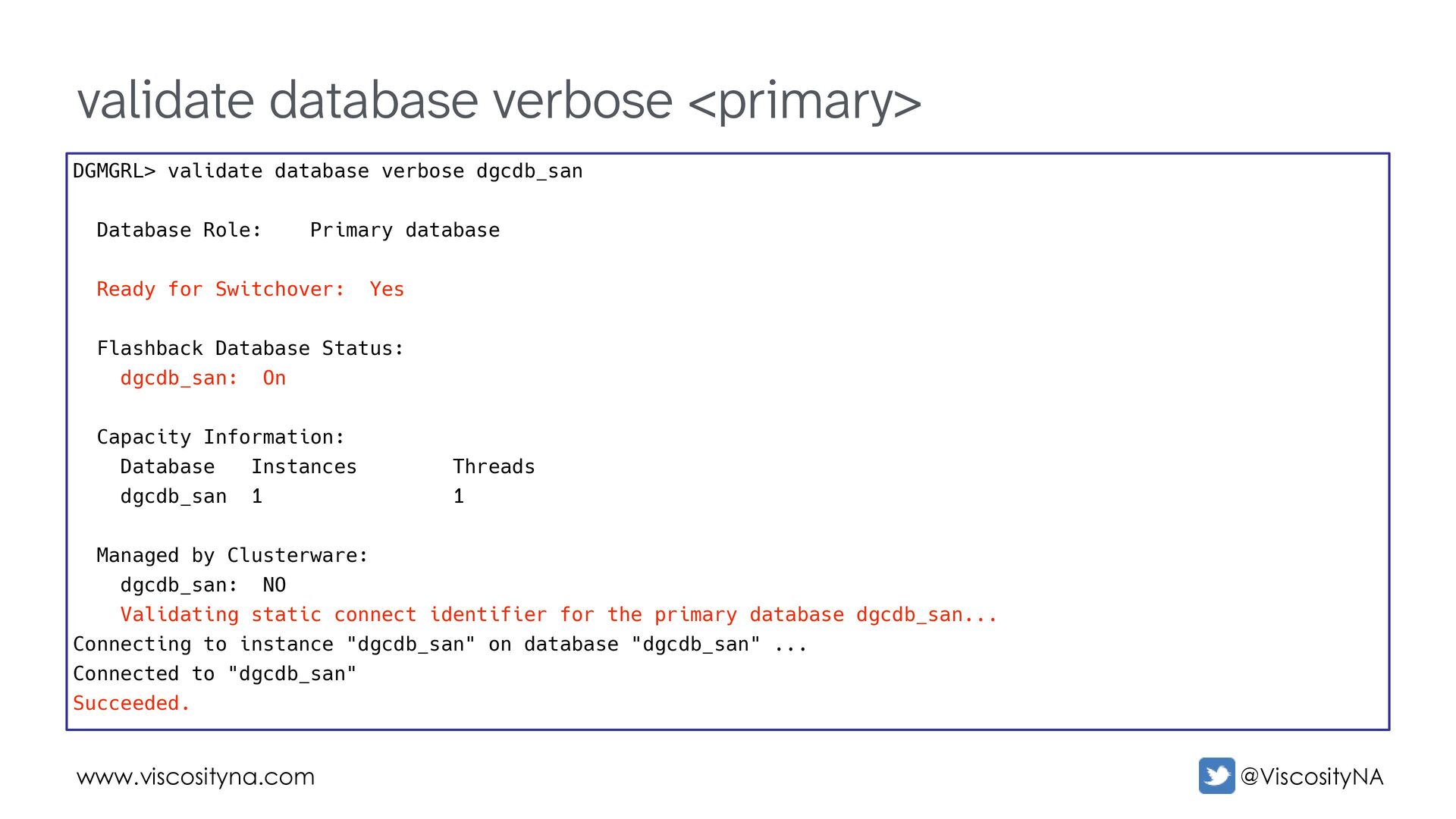
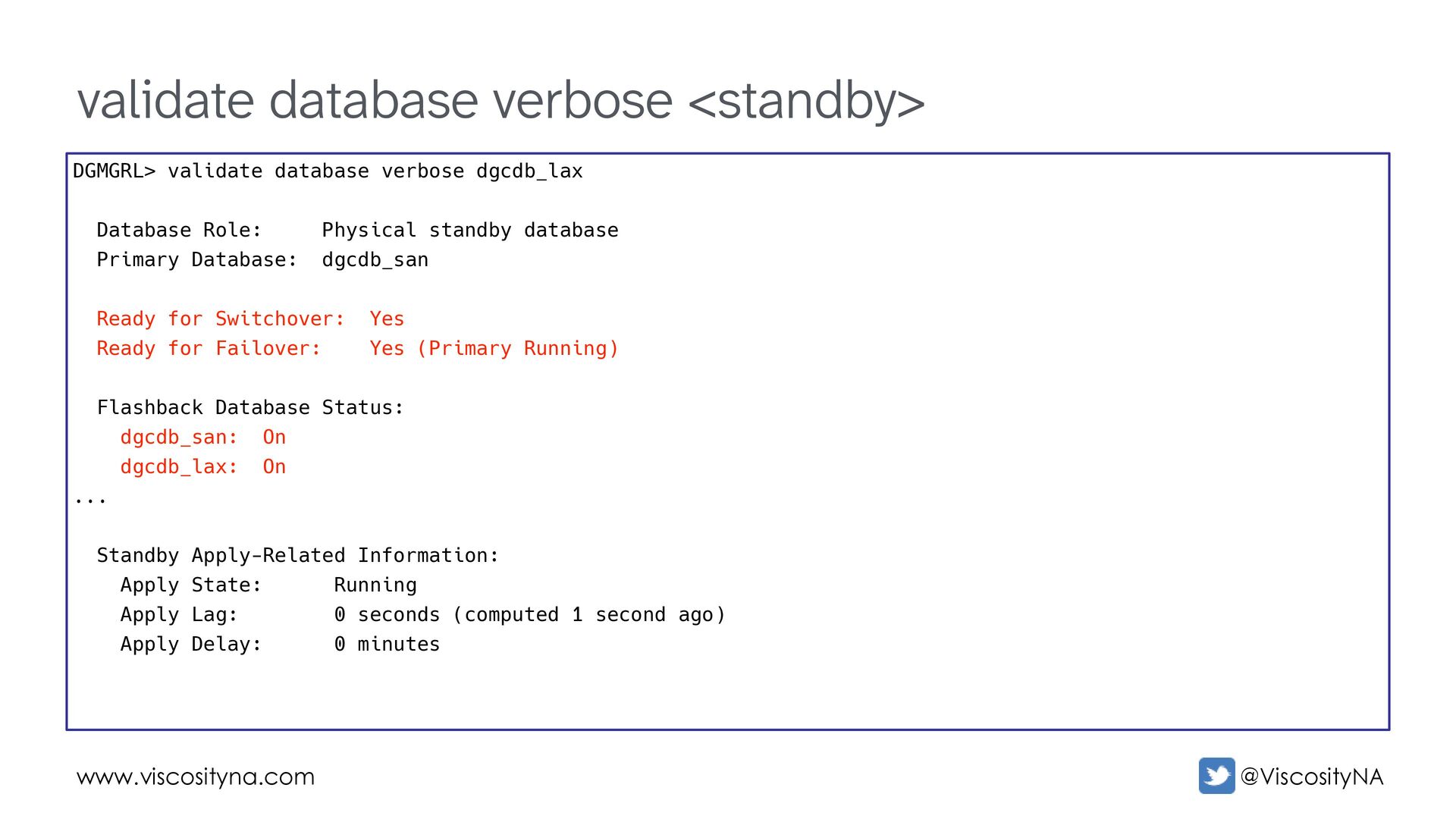
lag verbose; show configuration when primary is <DB_UNQNAME>; show database verbose <DB_UNQNAME>; show database <DB_UNQNAME> logxptstatus; show database <DB_UNQNAME> InconsistentProperties; show database <DB_UNQNAME> InconsistentLogXptProps; show instance verbose '<INSTANCE>' on database <DB_UNQNAME>;
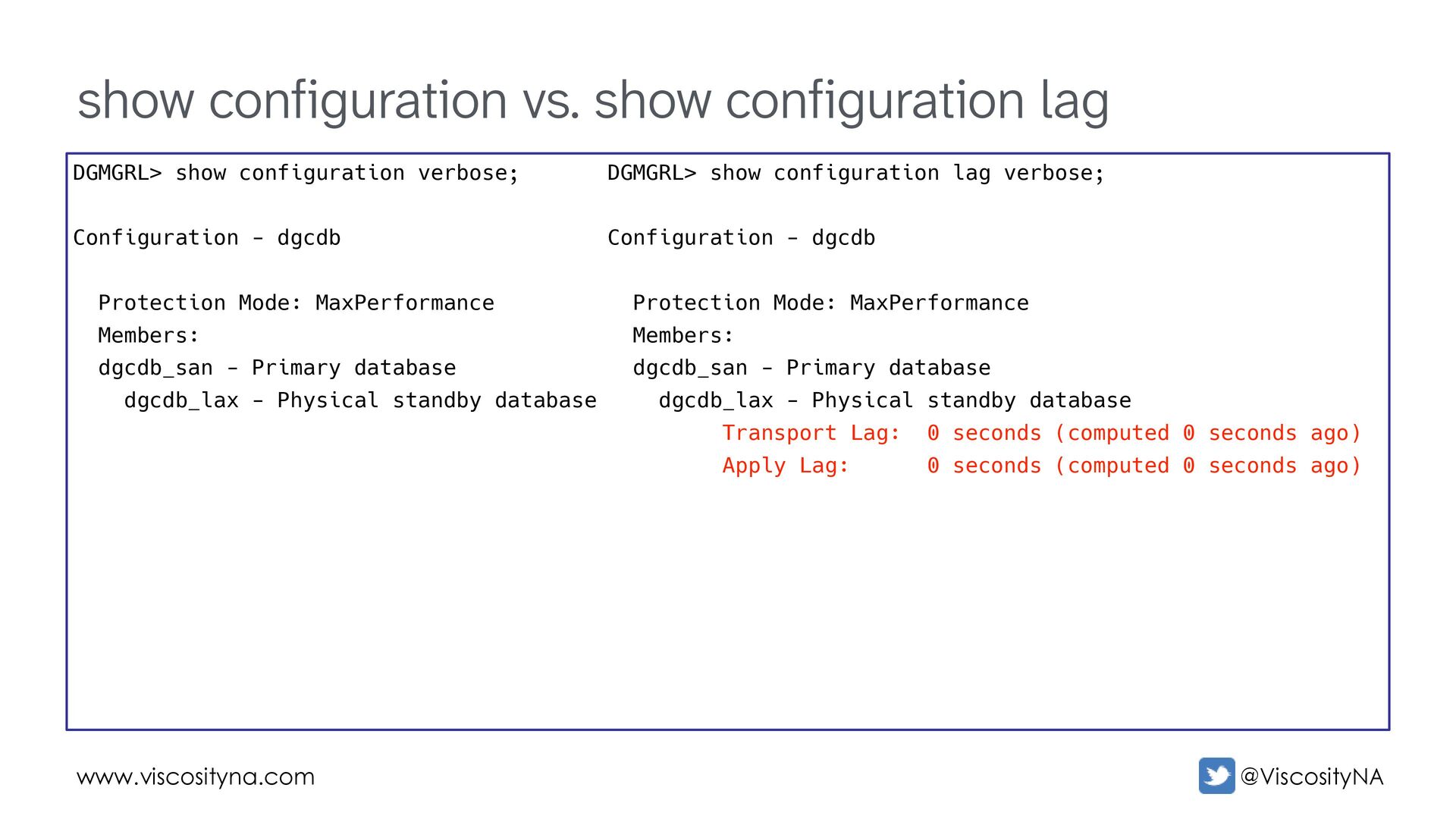
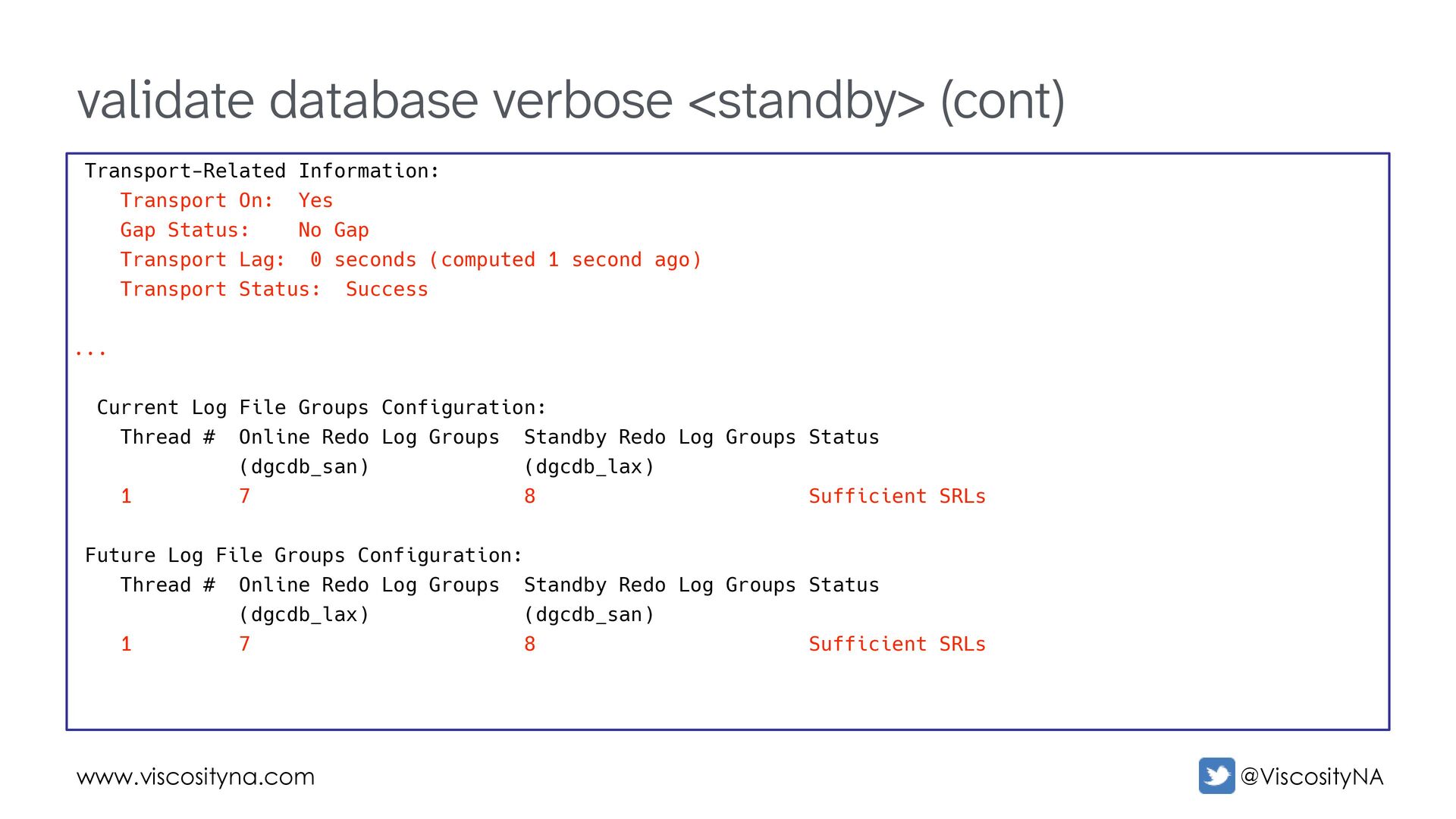
On: Yes Gap Status: No Gap Transport Lag: 0 seconds (computed 1 second ago) Transport Status: Success ... Current Log File Groups Configuration: Thread # Online Redo Log Groups Standby Redo Log Groups Status (dgcdb_san) (dgcdb_lax) 1 7 8 Sufficient SRLs Future Log File Groups Configuration: Thread # Online Redo Log Groups Standby Redo Log Groups Status (dgcdb_lax) (dgcdb_san) 1 7 8 Sufficient SRLs
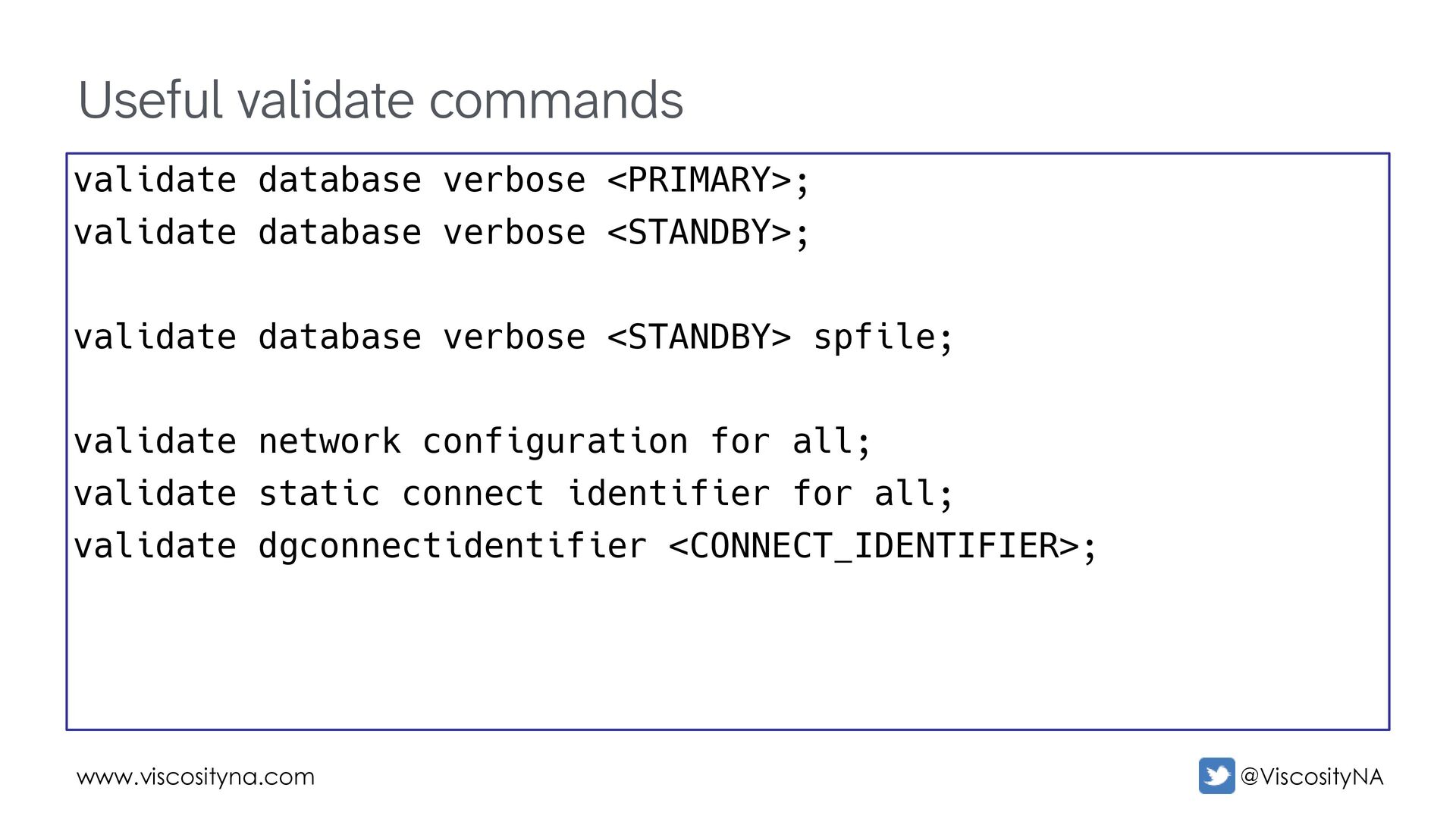
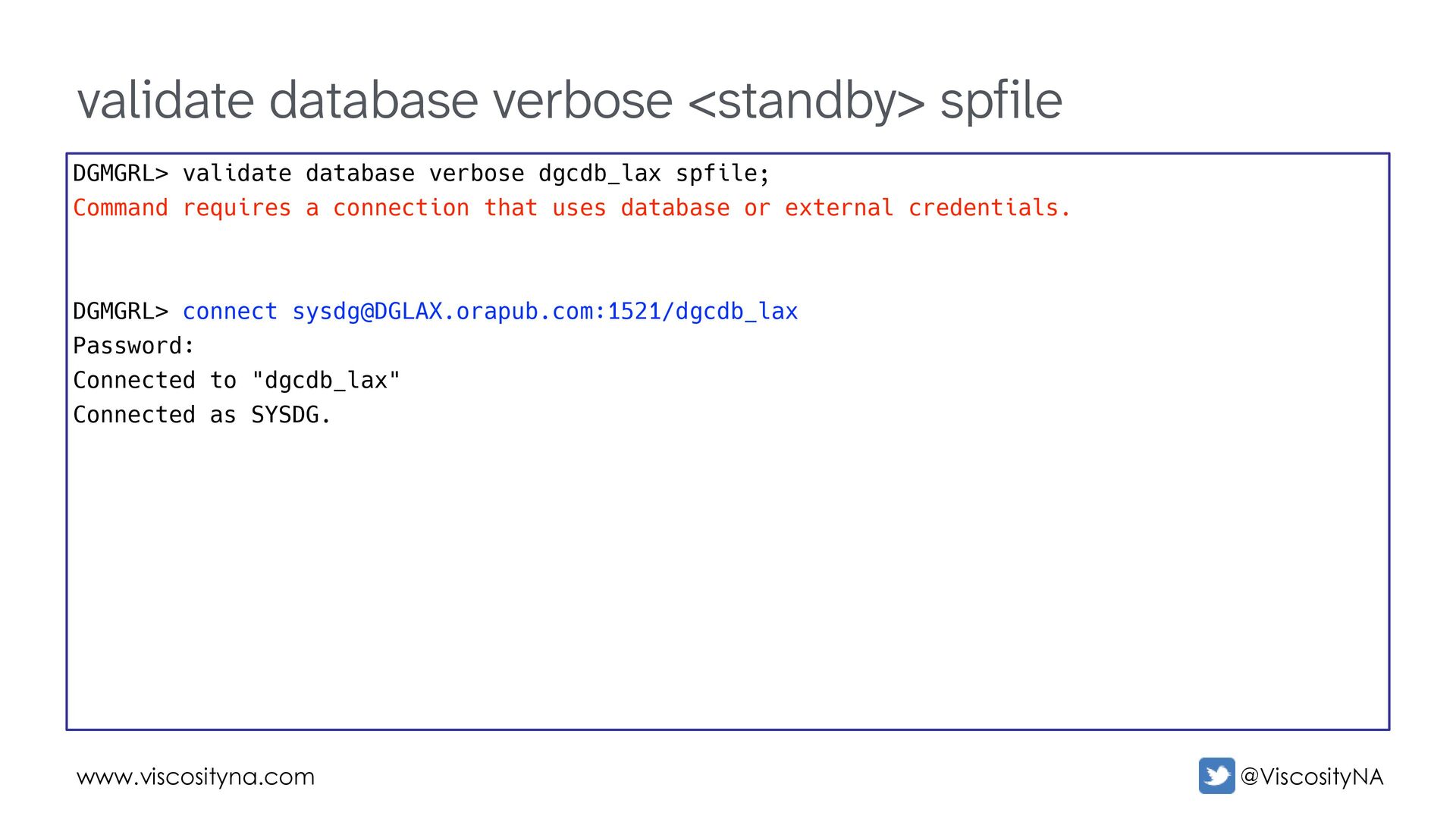
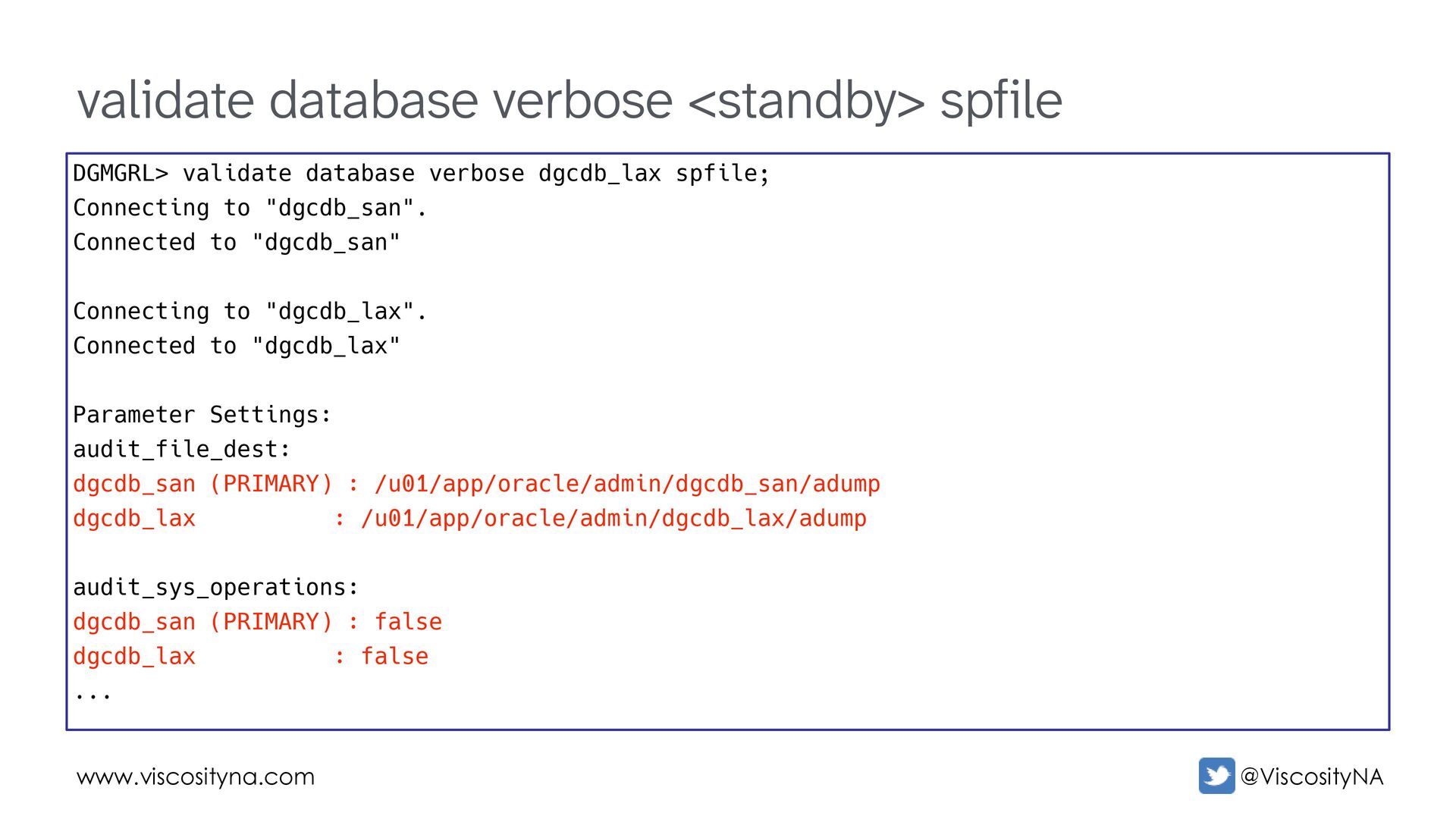
verbose dgcdb_lax spfile; Command requires a connection that uses database or external credentials. DGMGRL> connect [email protected]:1521/dgcdb_lax Password: Connected to "dgcdb_lax" Connected as SYSDG.
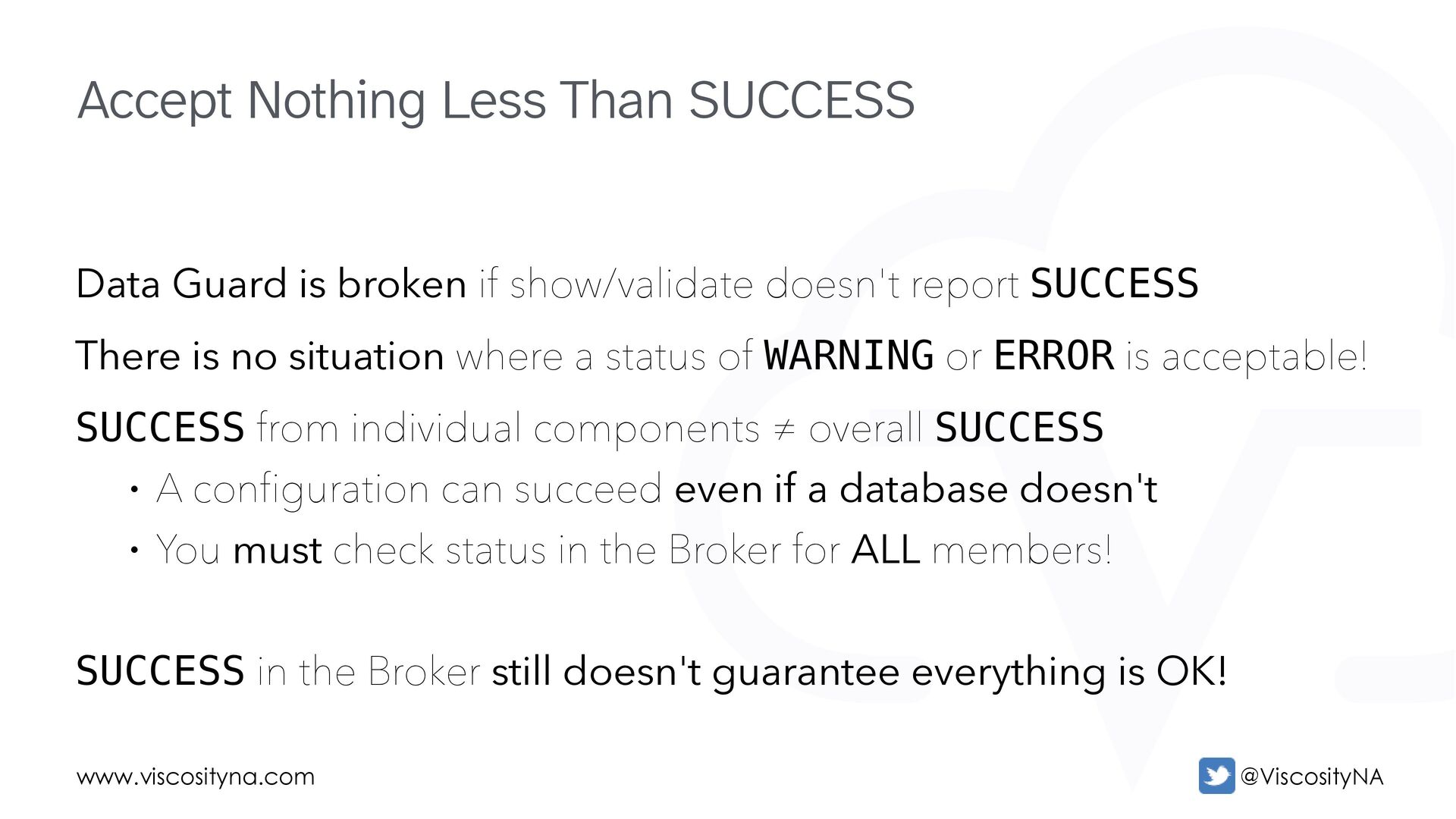
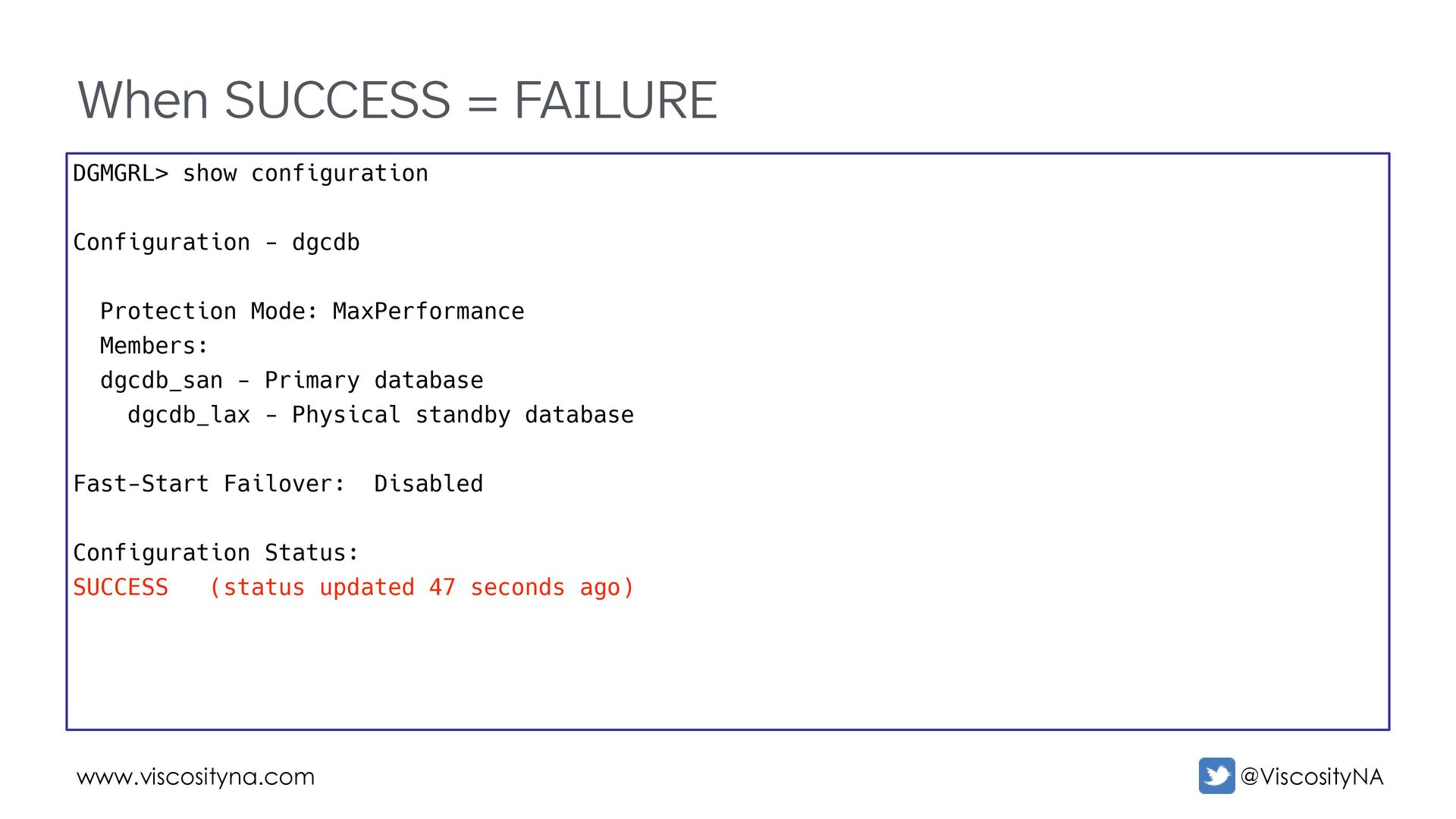
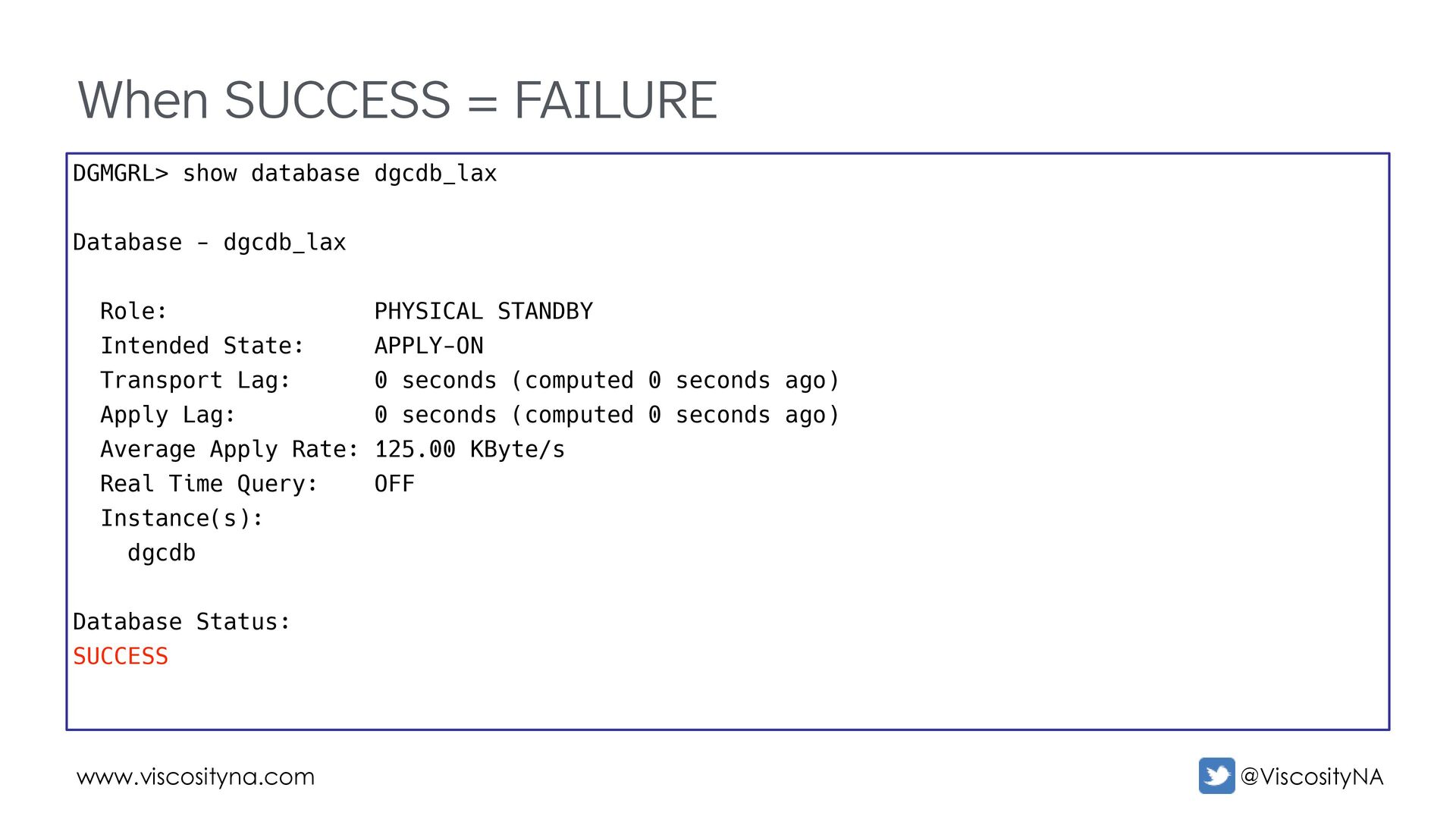
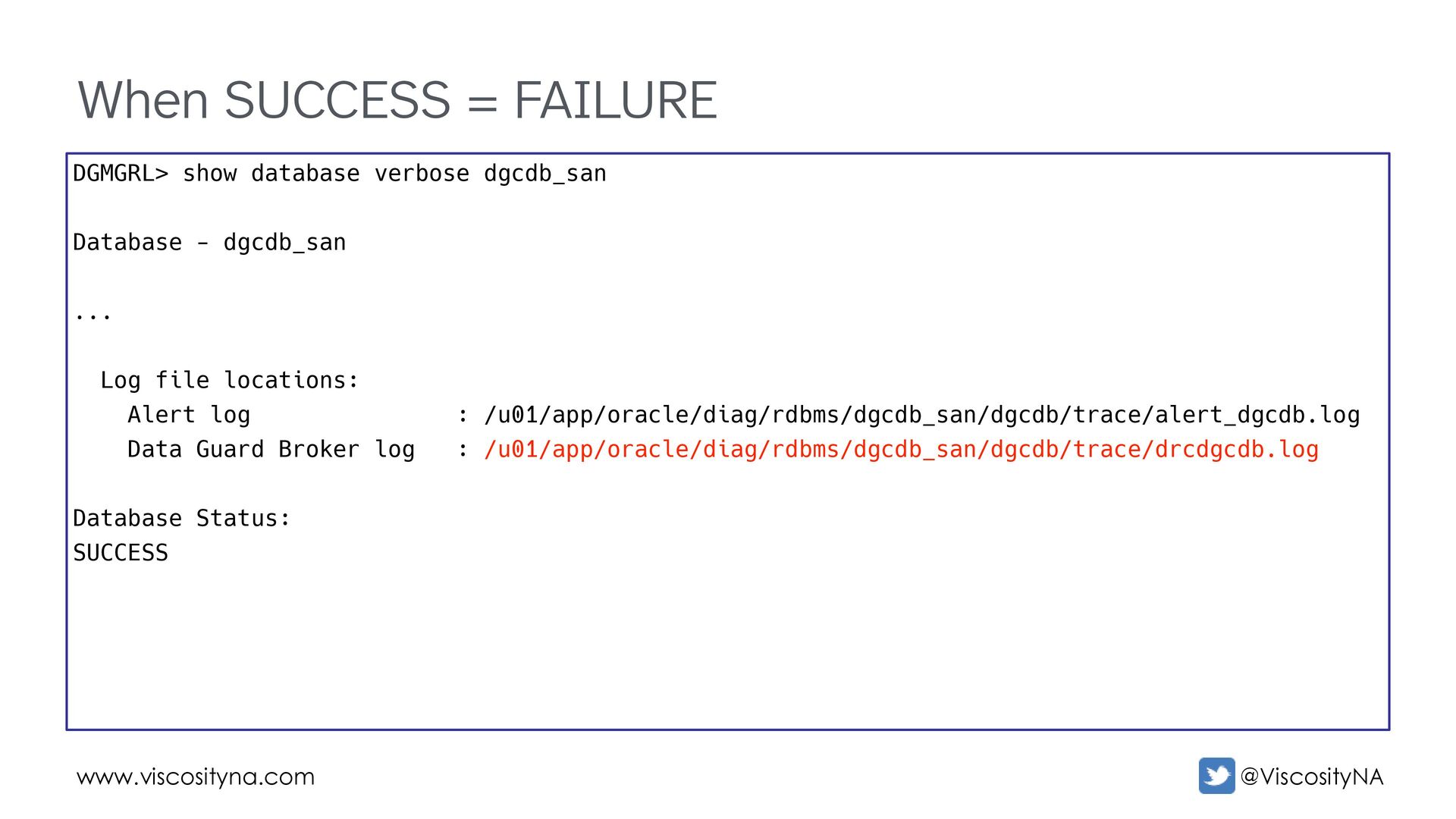
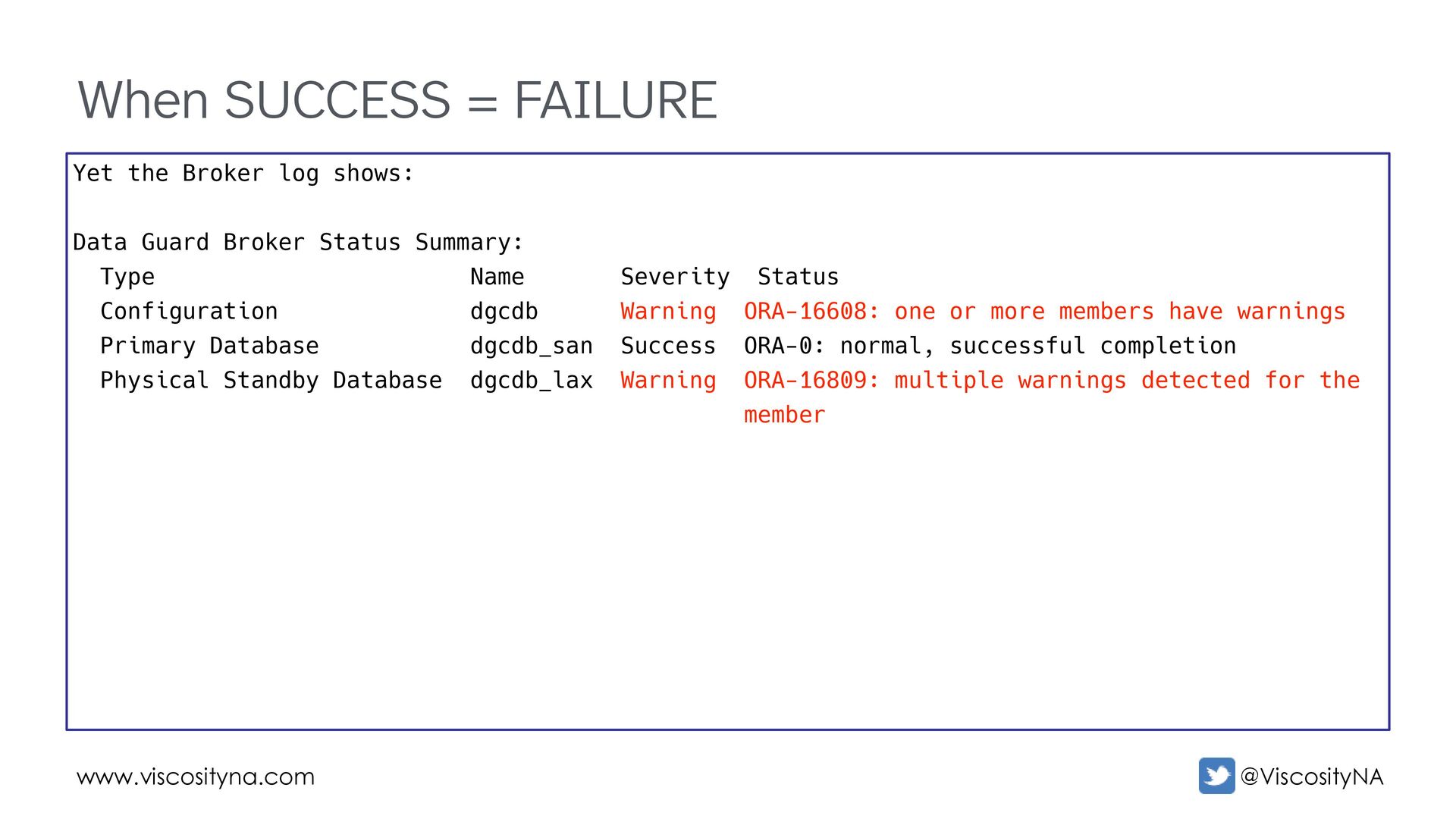
SUCCESS There is no situation where a status of WARNING or ERROR is acceptable! SUCCESS from individual components ≠ overall SUCCESS • A configuration can succeed even if a database doesn't • You must check status in the Broker for ALL members! SUCCESS in the Broker still doesn't guarantee everything is OK! Accept Nothing Less Than SUCCESS
shows: Data Guard Broker Status Summary: Type Name Severity Status Configuration dgcdb Warning ORA-16608: one or more members have warnings Primary Database dgcdb_san Success ORA-0: normal, successful completion Physical Standby Database dgcdb_lax Warning ORA-16809: multiple warnings detected for the member
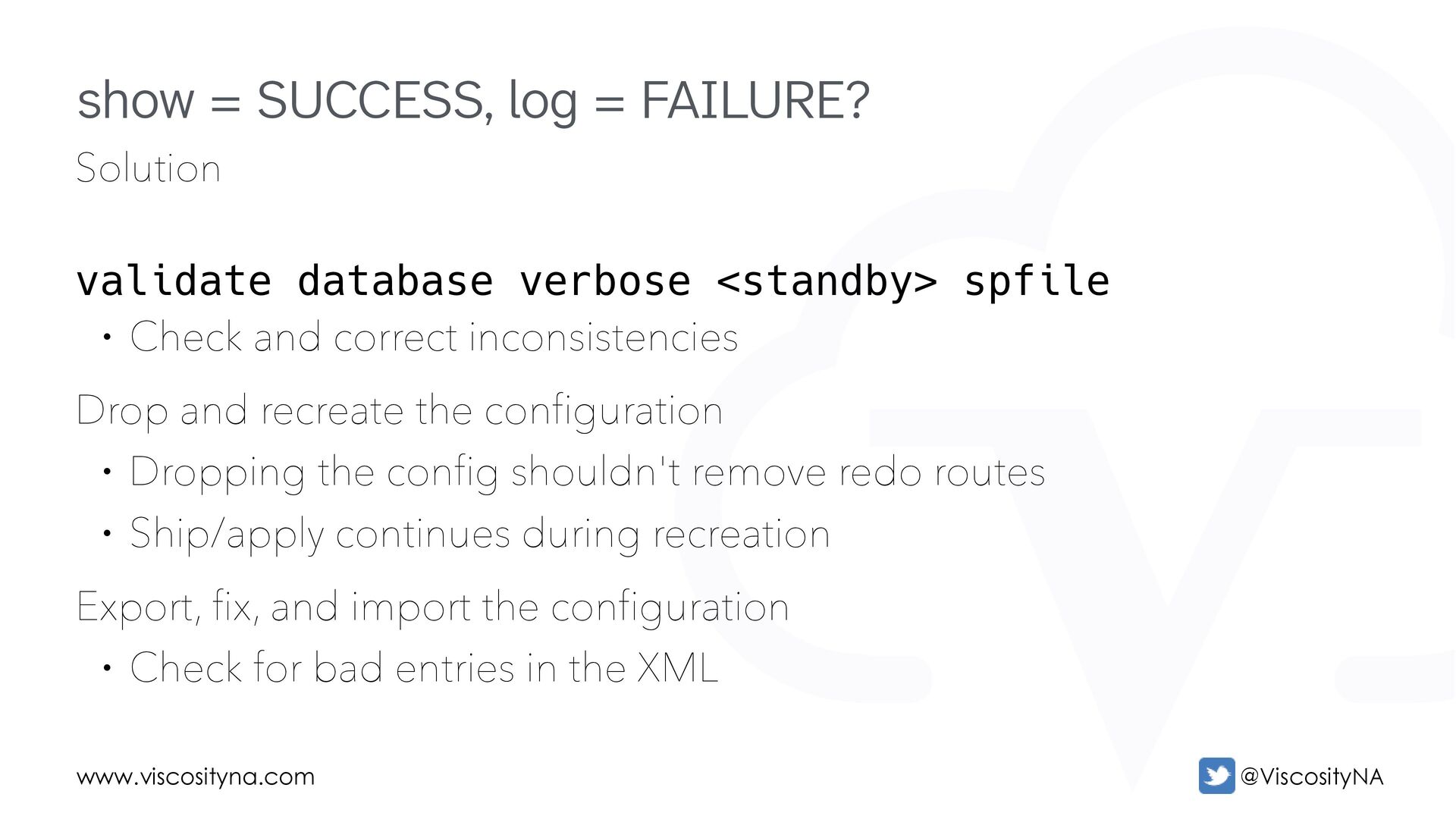
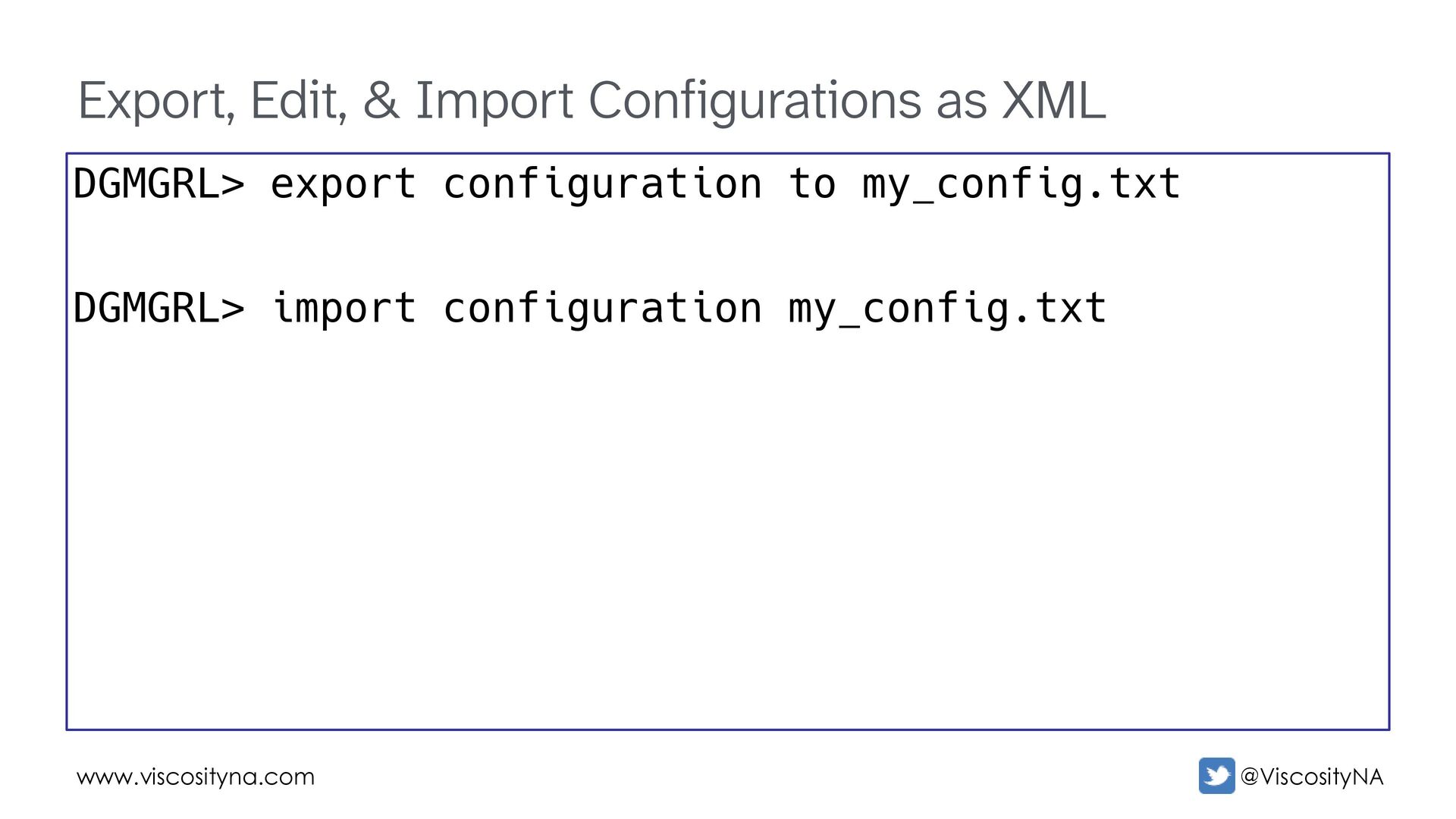
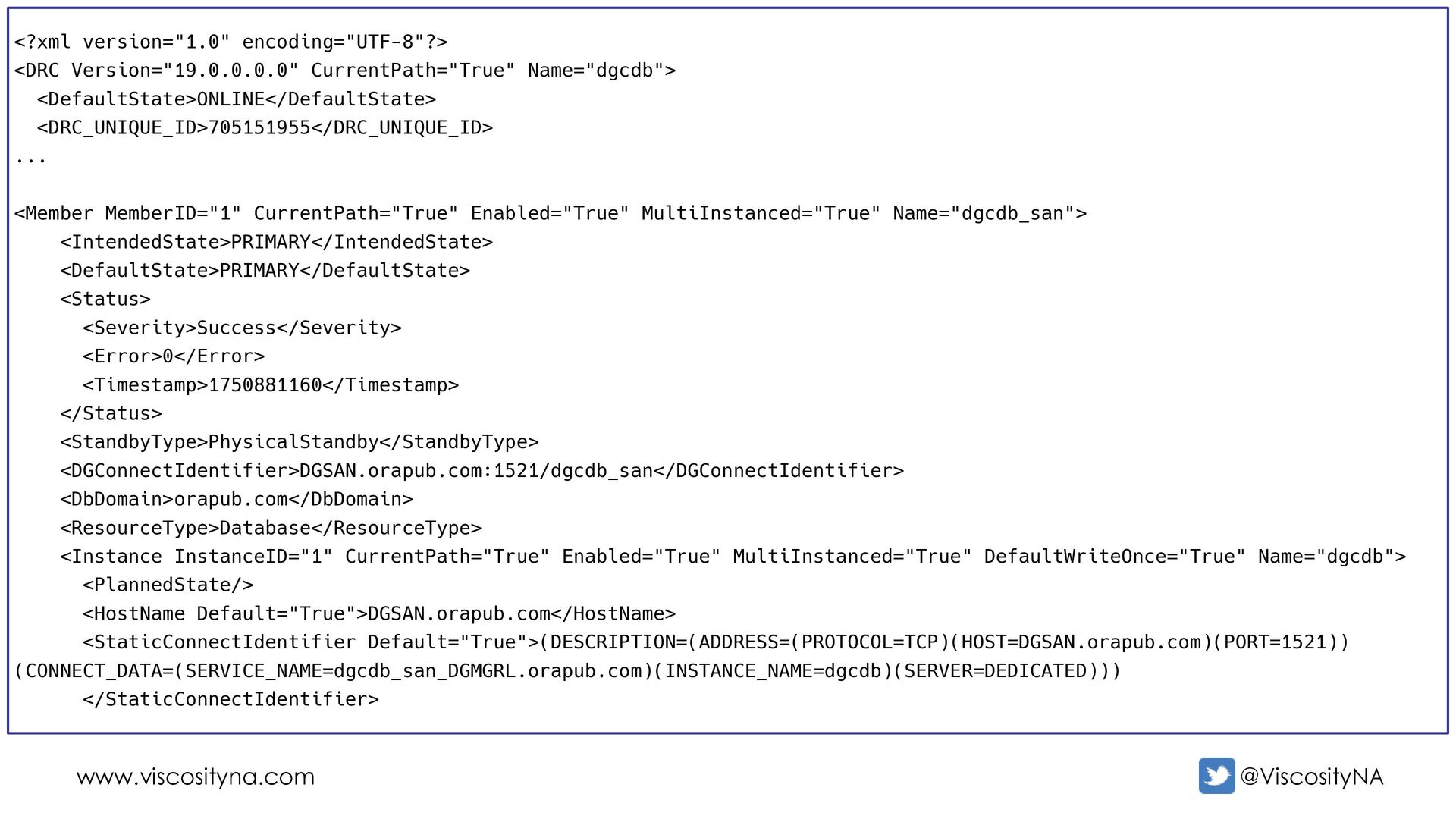
and correct inconsistencies Drop and recreate the configuration • Dropping the config shouldn't remove redo routes • Ship/apply continues during recreation Export, fix, and import the configuration • Check for bad entries in the XML show = SUCCESS, log = FAILURE?
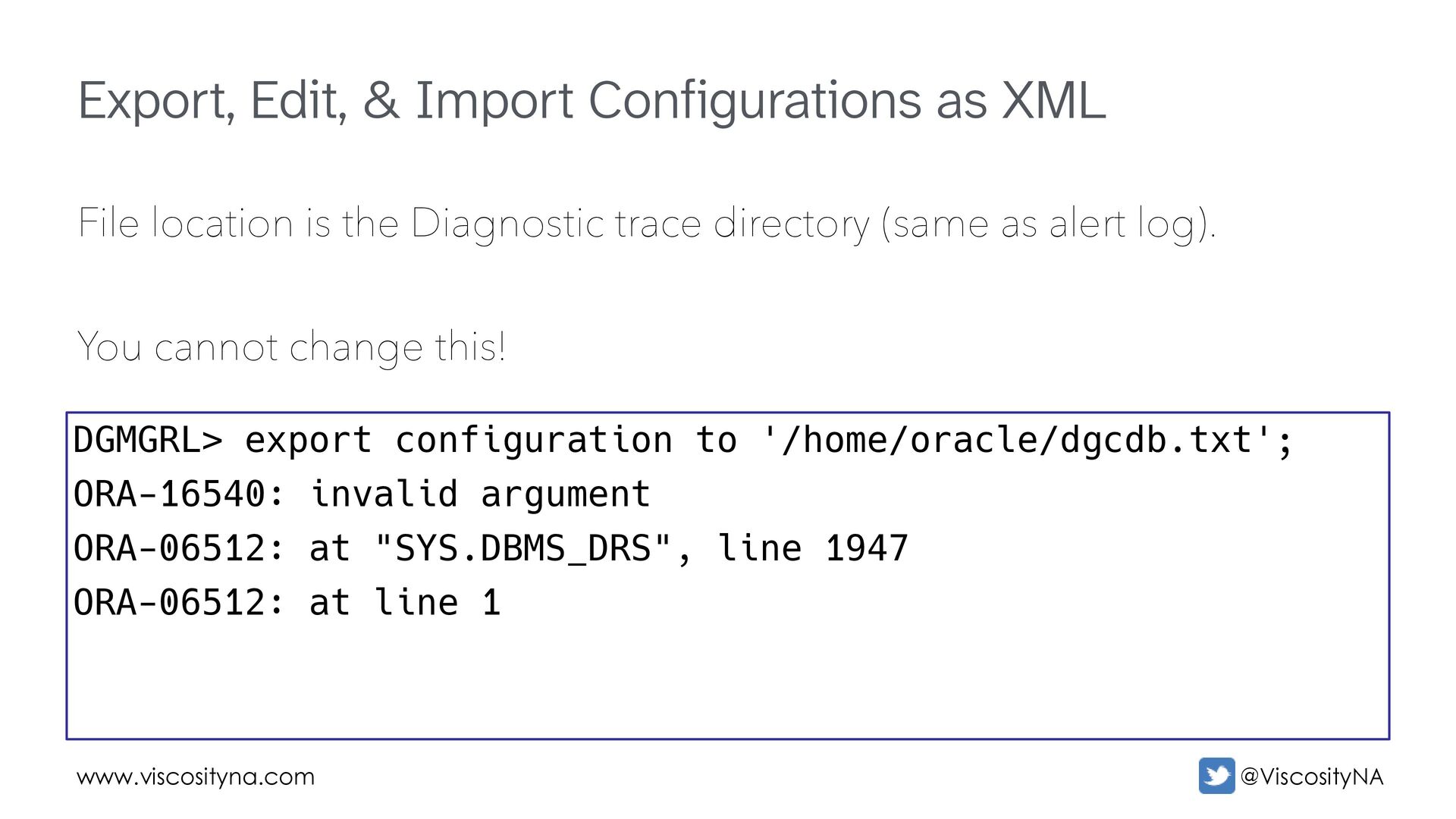
location is the Diagnostic trace directory (same as alert log). You cannot change this! DGMGRL> export configuration to '/home/oracle/dgcdb.txt'; ORA-16540: invalid argument ORA-06512: at "SYS.DBMS_DRS", line 1947 ORA-06512: at line 1
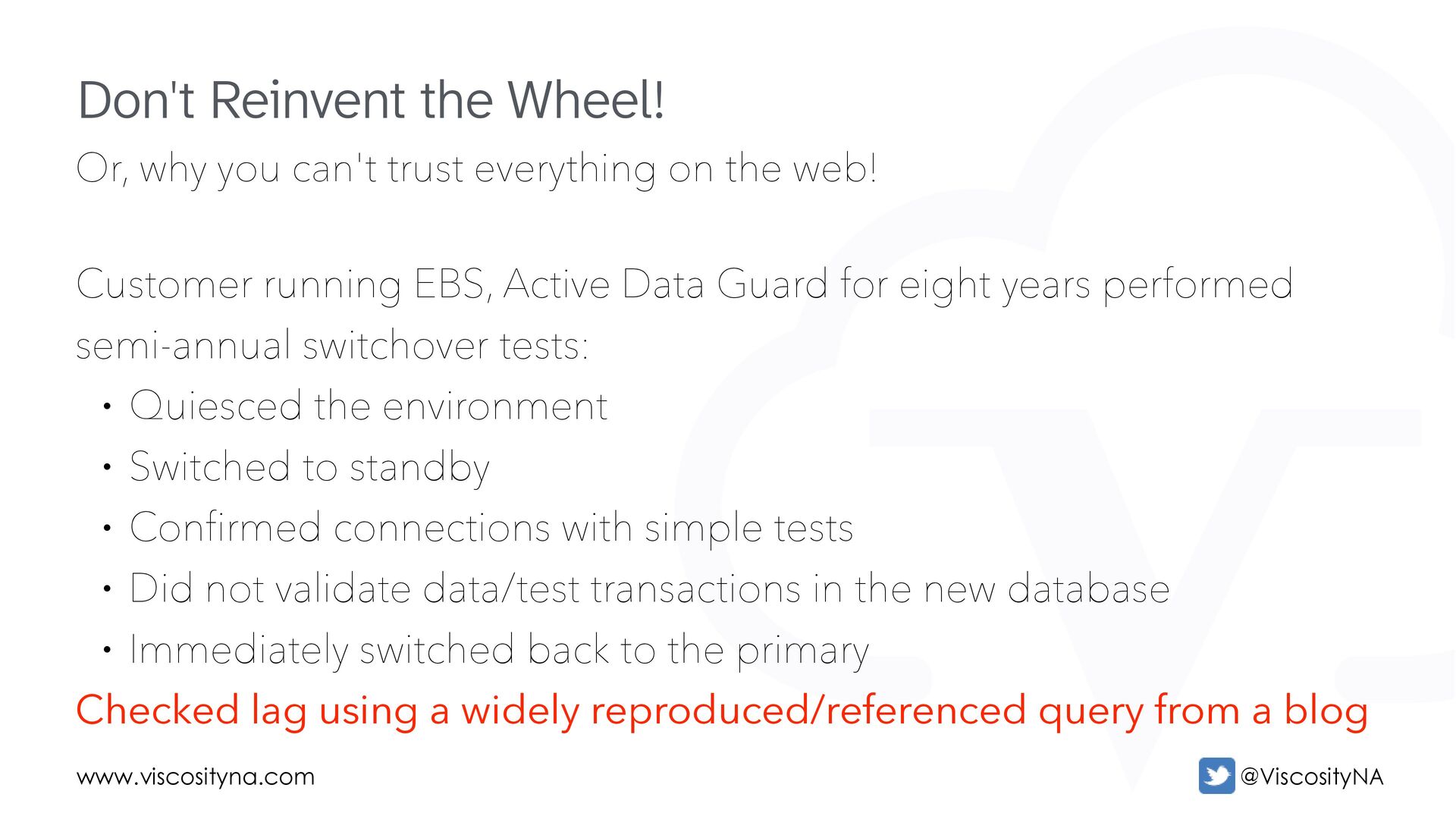
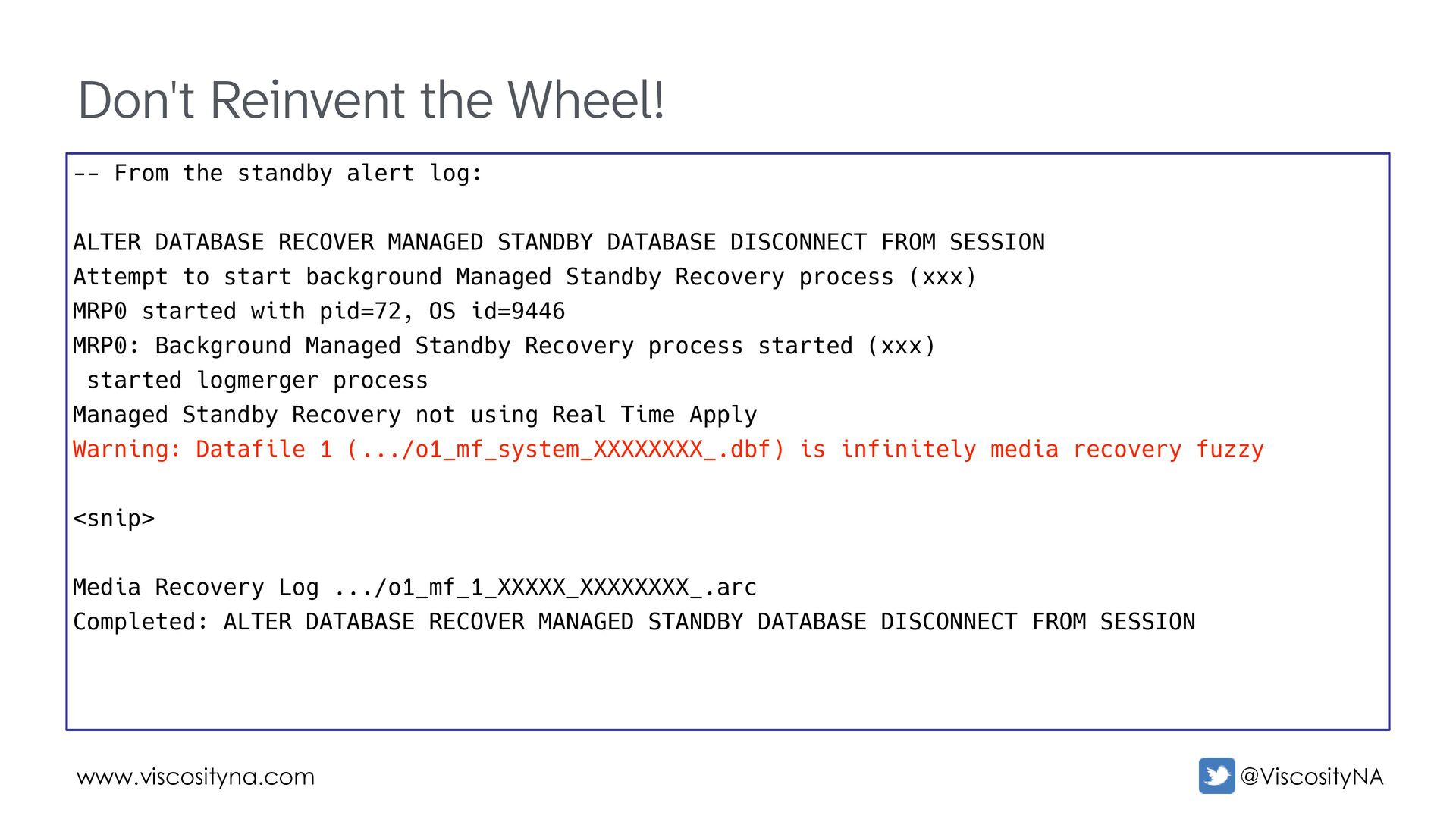
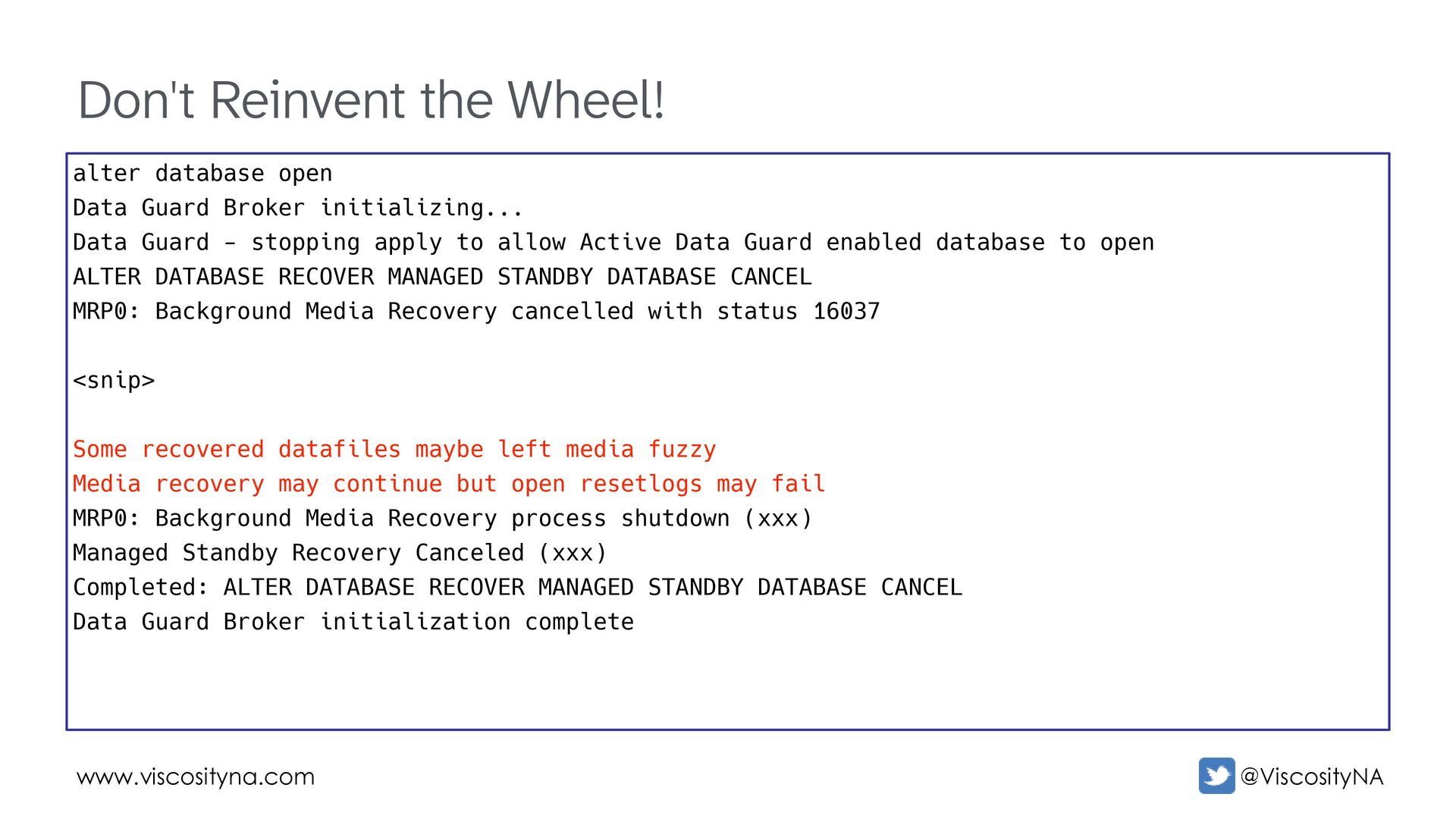
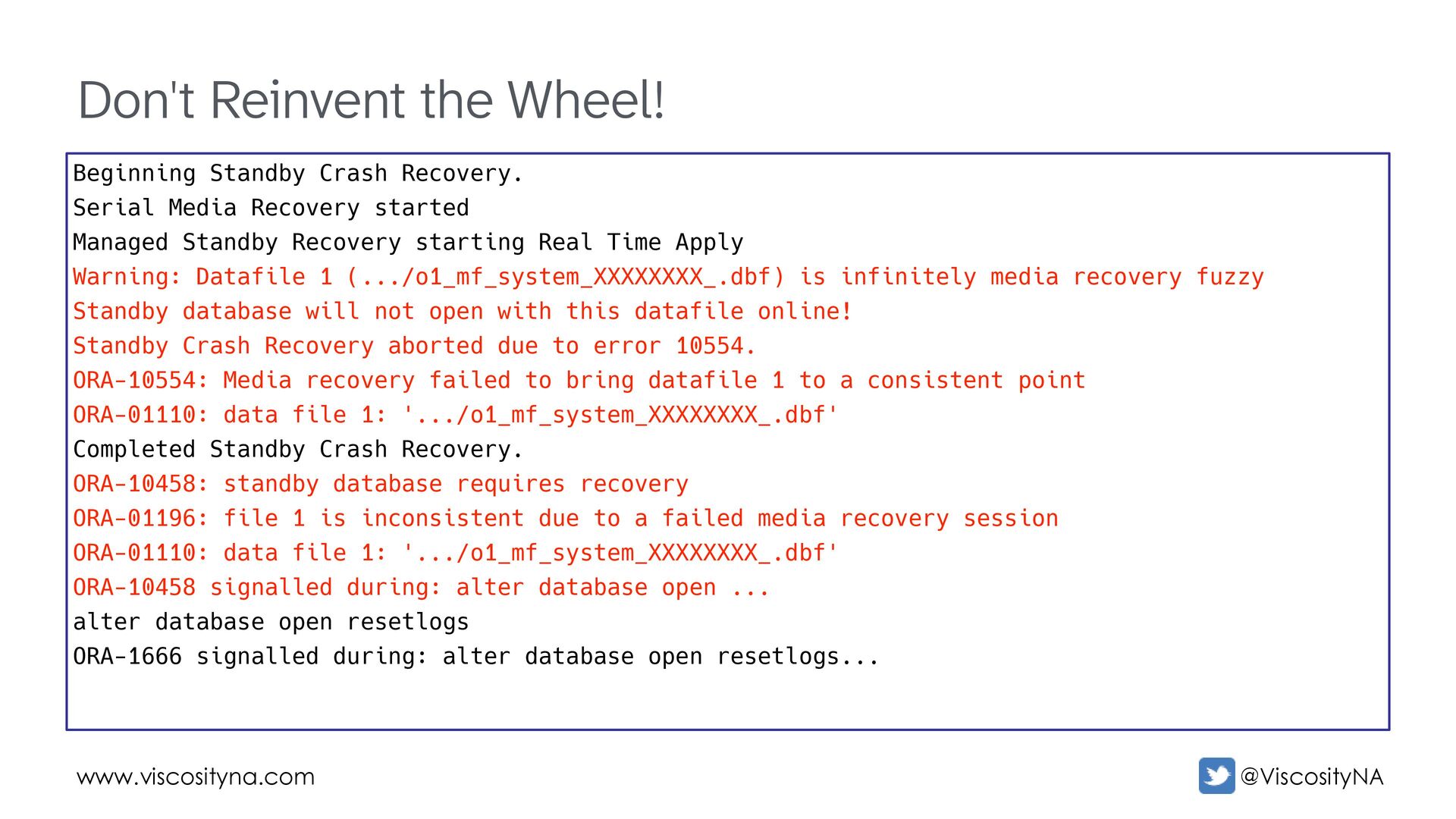
web! Customer running EBS, Active Data Guard for eight years performed semi-annual switchover tests: • Quiesced the environment • Switched to standby • Confirmed connections with simple tests • Did not validate data/test transactions in the new database • Immediately switched back to the primary Checked lag using a widely reproduced/referenced query from a blog Don't Reinvent the Wheel!
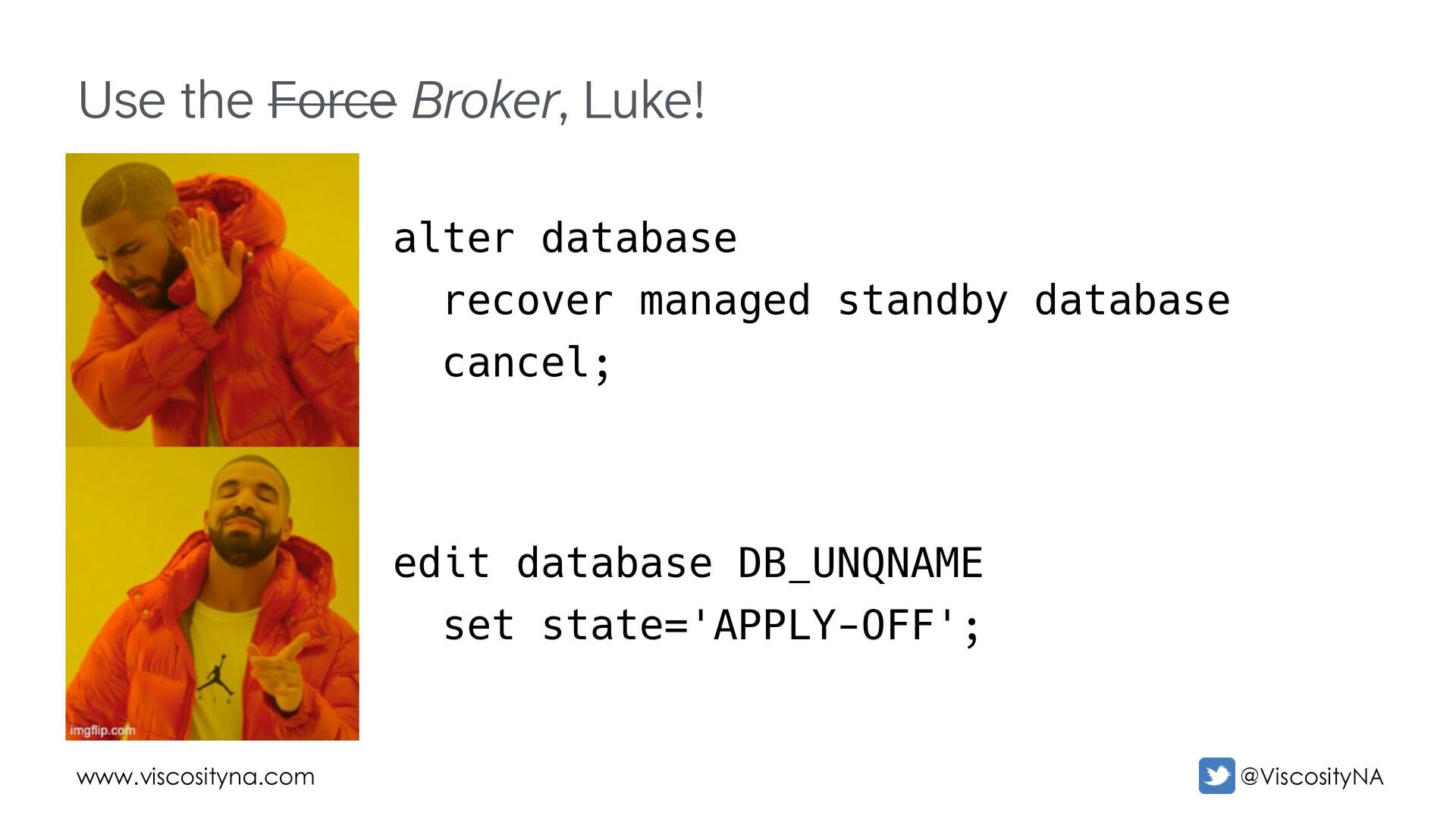
alert log: ALTER DATABASE RECOVER MANAGED STANDBY DATABASE DISCONNECT FROM SESSION Attempt to start background Managed Standby Recovery process (xxx) MRP0 started with pid=72, OS id=9446 MRP0: Background Managed Standby Recovery process started (xxx) started logmerger process Managed Standby Recovery not using Real Time Apply Warning: Datafile 1 (.../o1_mf_system_XXXXXXXX_.dbf) is infinitely media recovery fuzzy <snip> Media Recovery Log .../o1_mf_1_XXXXX_XXXXXXXX_.arc Completed: ALTER DATABASE RECOVER MANAGED STANDBY DATABASE DISCONNECT FROM SESSION
Guard Broker initializing... Data Guard - stopping apply to allow Active Data Guard enabled database to open ALTER DATABASE RECOVER MANAGED STANDBY DATABASE CANCEL MRP0: Background Media Recovery cancelled with status 16037 <snip> Some recovered datafiles maybe left media fuzzy Media recovery may continue but open resetlogs may fail MRP0: Background Media Recovery process shutdown (xxx) Managed Standby Recovery Canceled (xxx) Completed: ALTER DATABASE RECOVER MANAGED STANDBY DATABASE CANCEL Data Guard Broker initialization complete
Serial Media Recovery started Managed Standby Recovery starting Real Time Apply Warning: Datafile 1 (.../o1_mf_system_XXXXXXXX_.dbf) is infinitely media recovery fuzzy Standby database will not open with this datafile online! Standby Crash Recovery aborted due to error 10554. ORA-10554: Media recovery failed to bring datafile 1 to a consistent point ORA-01110: data file 1: '.../o1_mf_system_XXXXXXXX_.dbf' Completed Standby Crash Recovery. ORA-10458: standby database requires recovery ORA-01196: file 1 is inconsistent due to a failed media recovery session ORA-01110: data file 1: '.../o1_mf_system_XXXXXXXX_.dbf' ORA-10458 signalled during: alter database open ... alter database open resetlogs ORA-1666 signalled during: alter database open resetlogs...
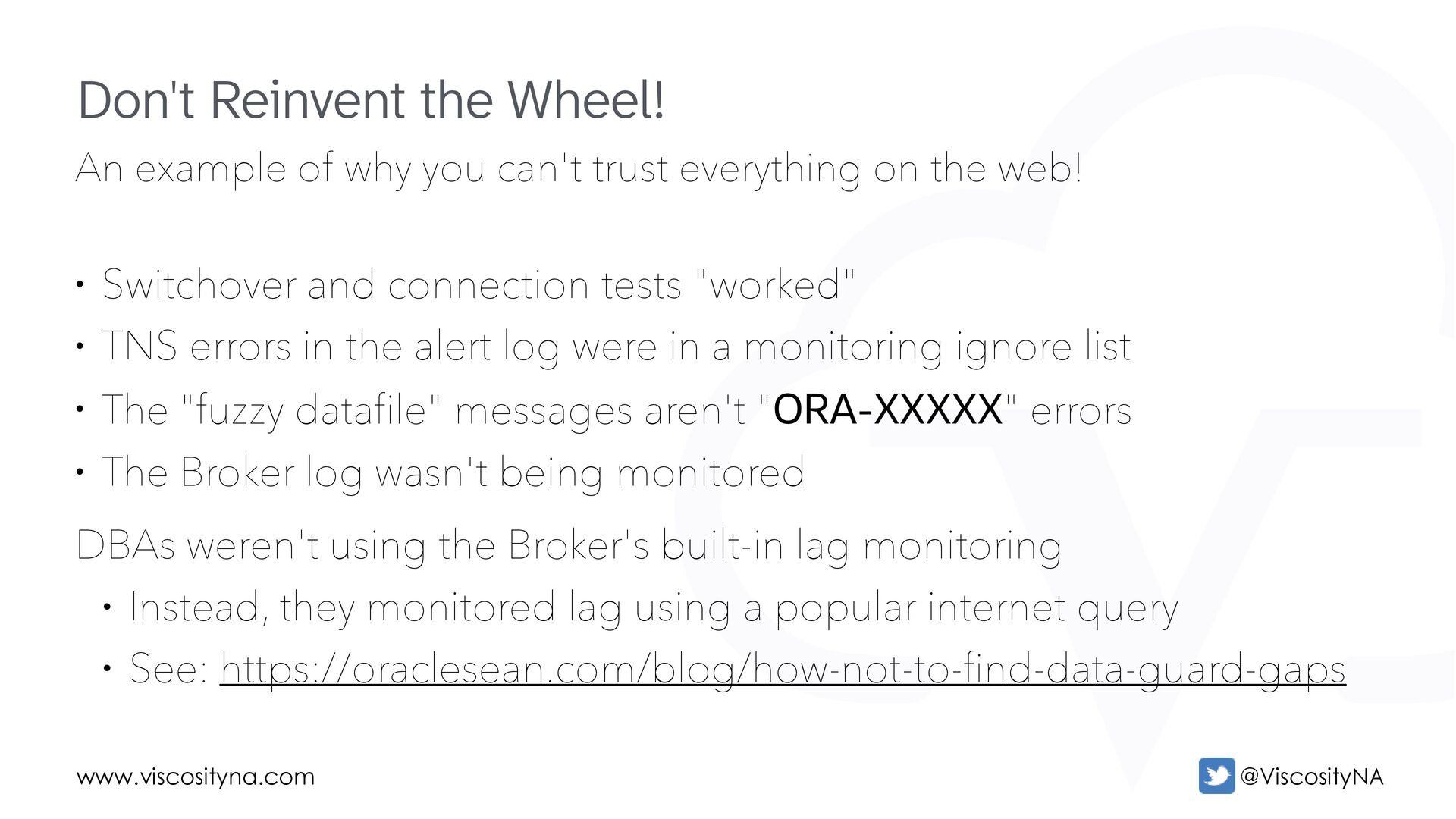
on the web! • Switchover and connection tests "worked" • TNS errors in the alert log were in a monitoring ignore list • The "fuzzy datafile" messages aren't "ORA-XXXXX" errors • The Broker log wasn't being monitored DBAs weren't using the Broker's built-in lag monitoring • Instead, they monitored lag using a popular internet query • See: https://oraclesean.com/blog/how-not-to-find-data-guard-gaps Don't Reinvent the Wheel!

 SiteGround - Reliable hosting with speed, security, and support you can count on.


 oraclesean
 kenichinakamura
 yut0naga1_fa
 keio_smilab
 yahonda
 willnet
 emiki
emiki
 k1style
 riyaamemiya
 masa_my
 kzkhykw1991
 x5gtrn
 yamahiro
 destraynor
 stephenakadiri
 katarinadahlin
 elsirapls
 geshan
 lara
lara
 akosma
 reverentgeek
 jmmastey
 shpigford
 morganepeng
 asonas





![Questions? Contact Me! [email protected] https://linktr.ee/oraclesean www.viscosityna.com](https://files.speakerdeck.com/presentations/126d05a889e3474ea6b0311eaa2b2183/slide_69.jpg)