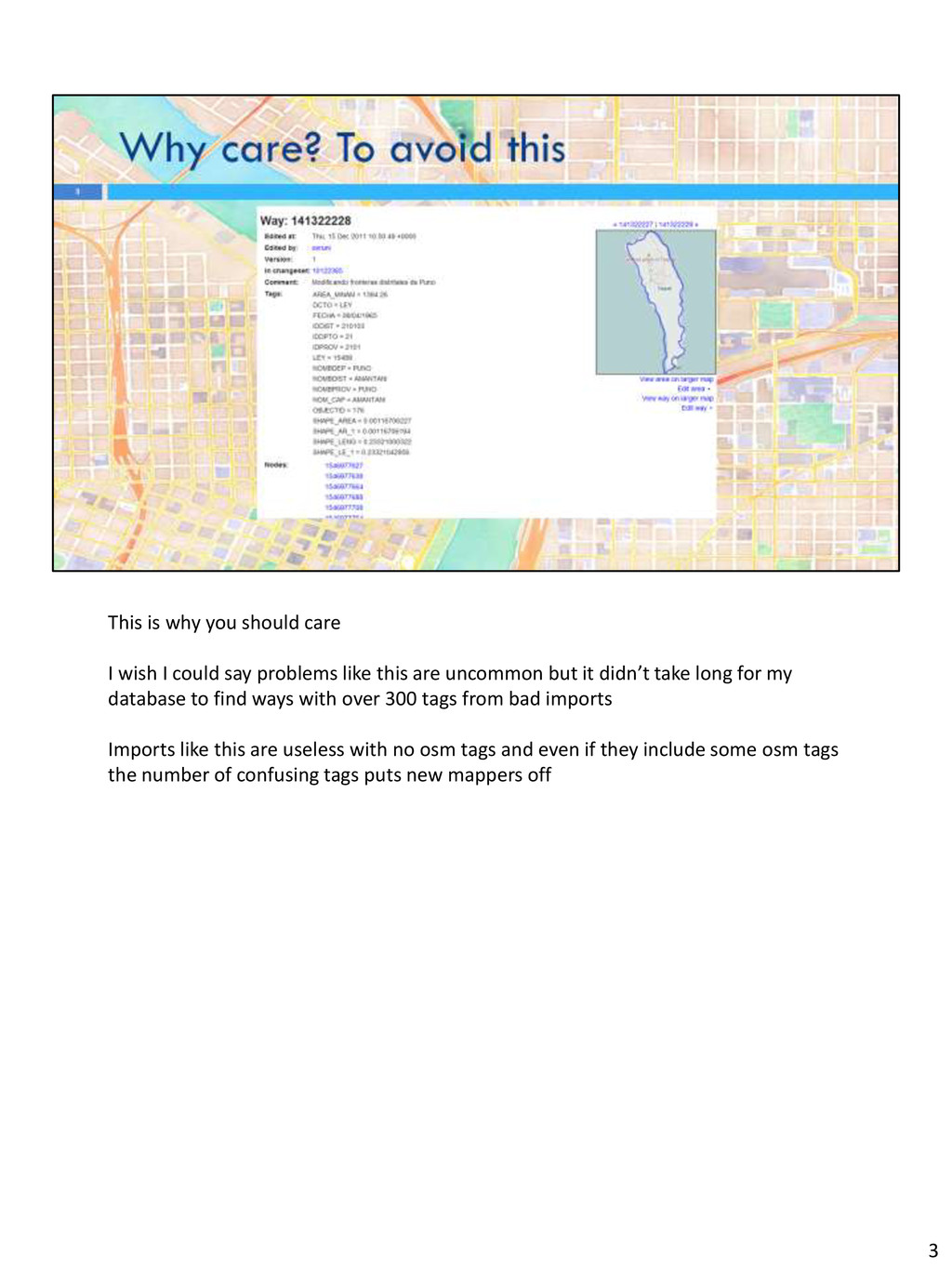
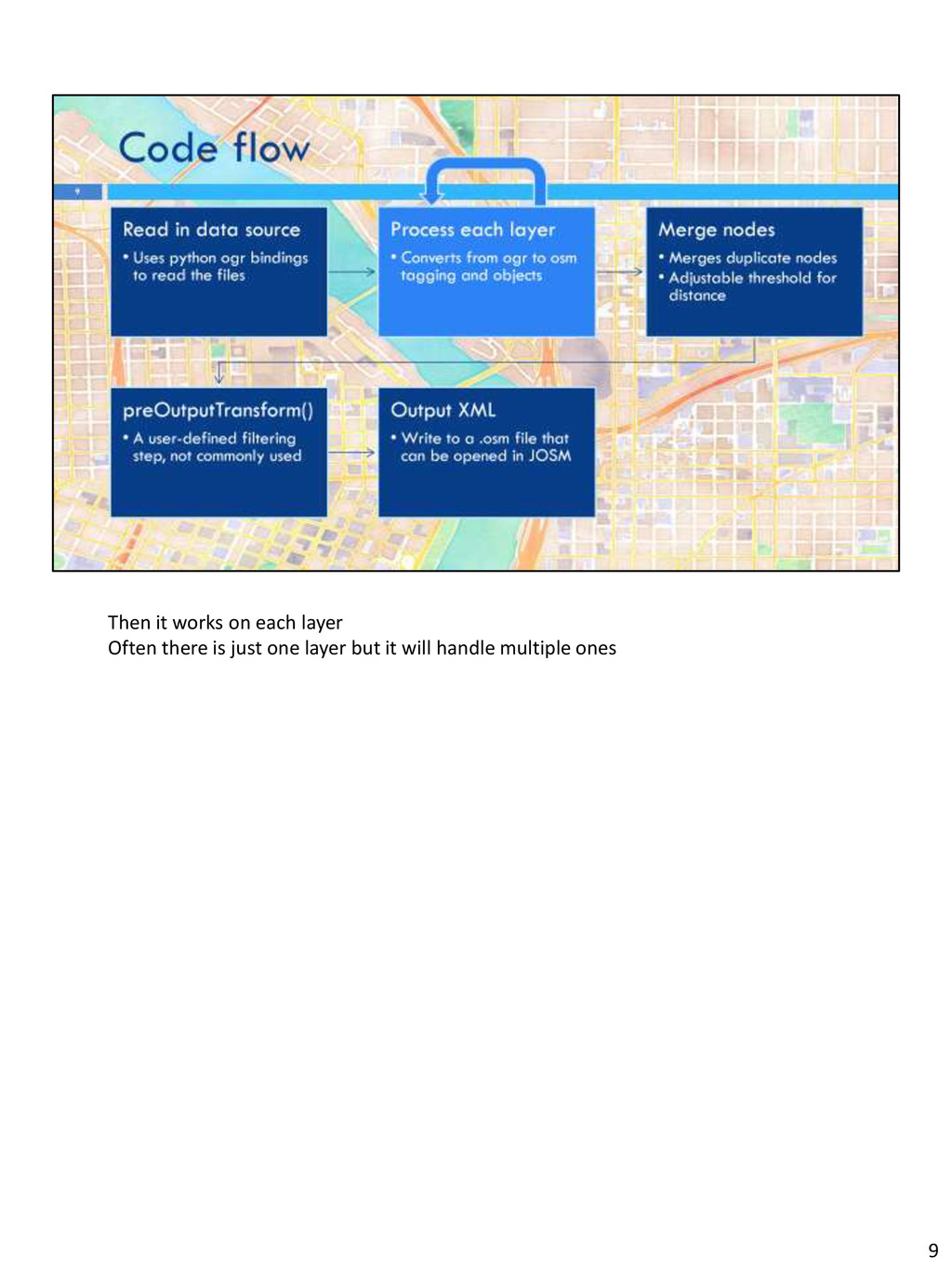
say problems like this are uncommon but it didn’t take long for my database to find ways with over 300 tags from bad imports Imports like this are useless with no osm tags and even if they include some osm tags the number of confusing tags puts new mappers off 3
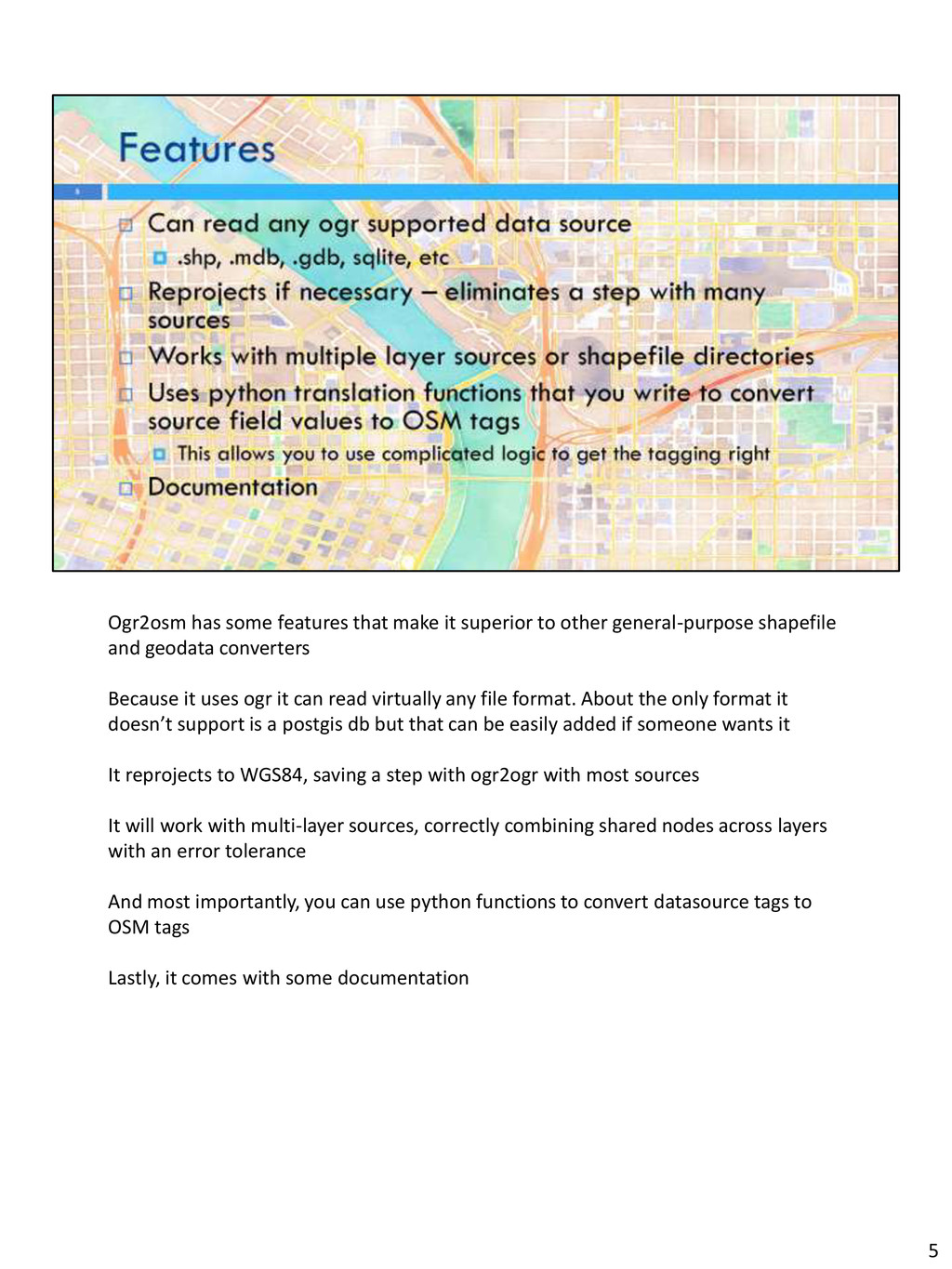
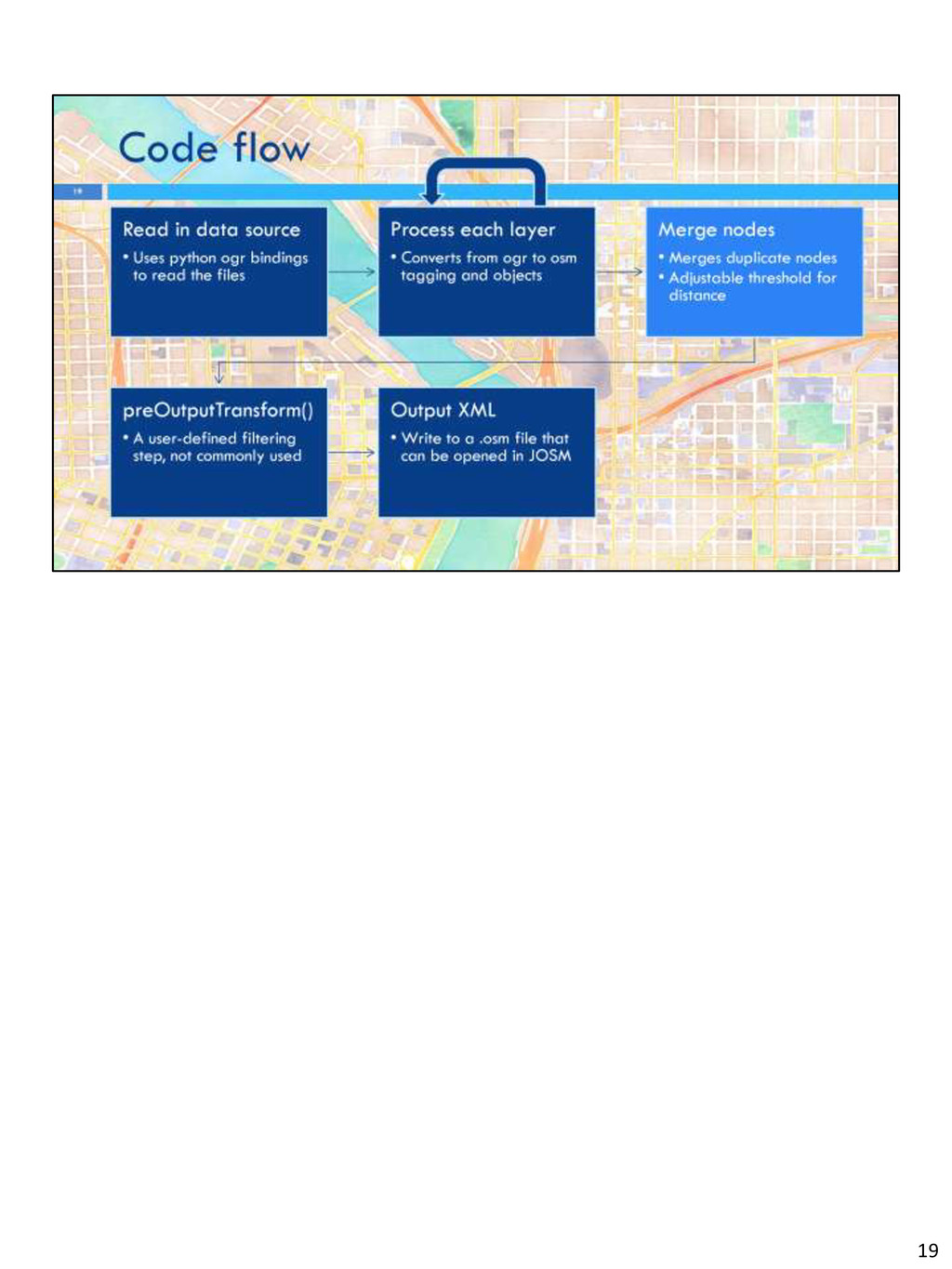
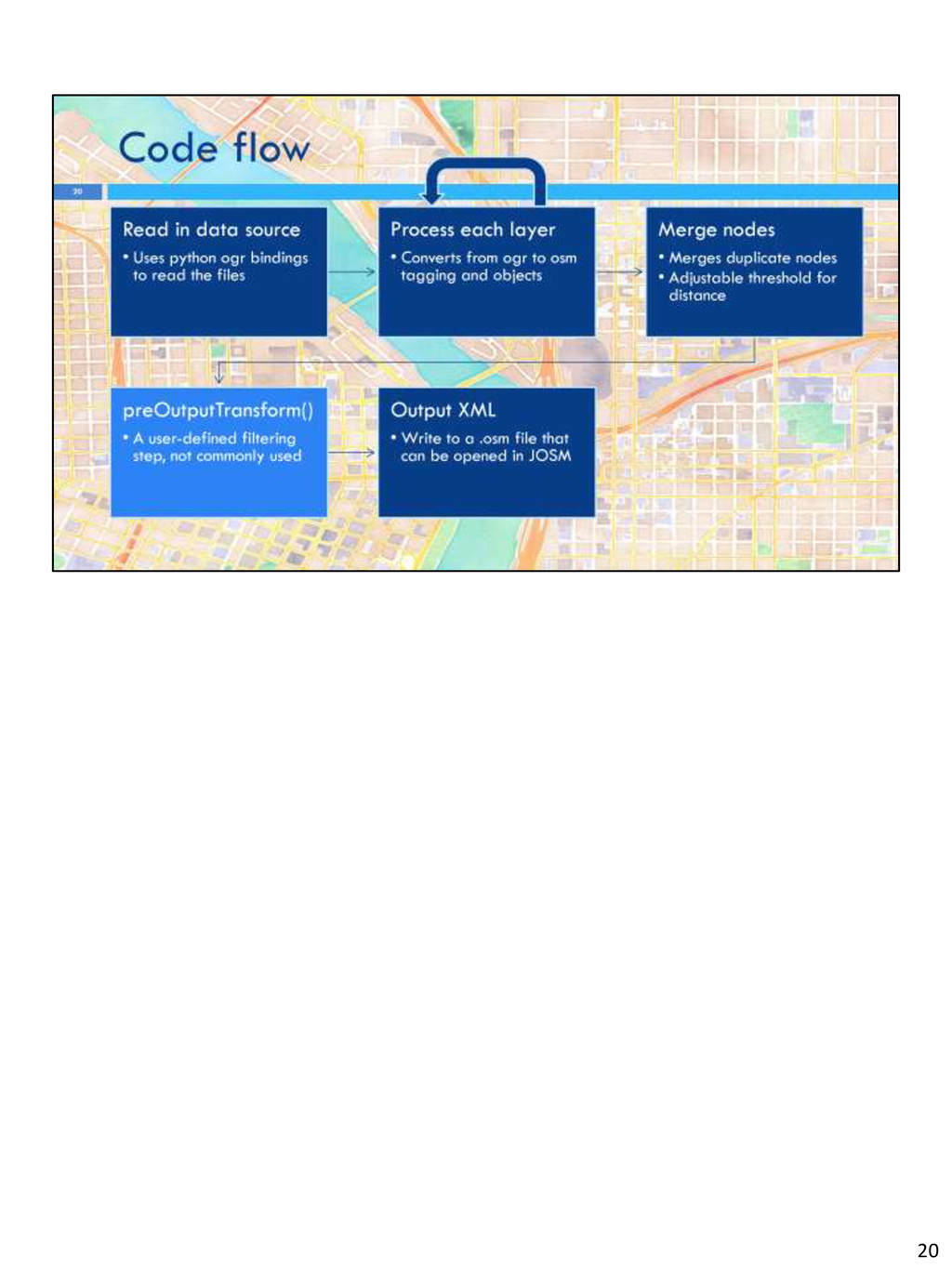
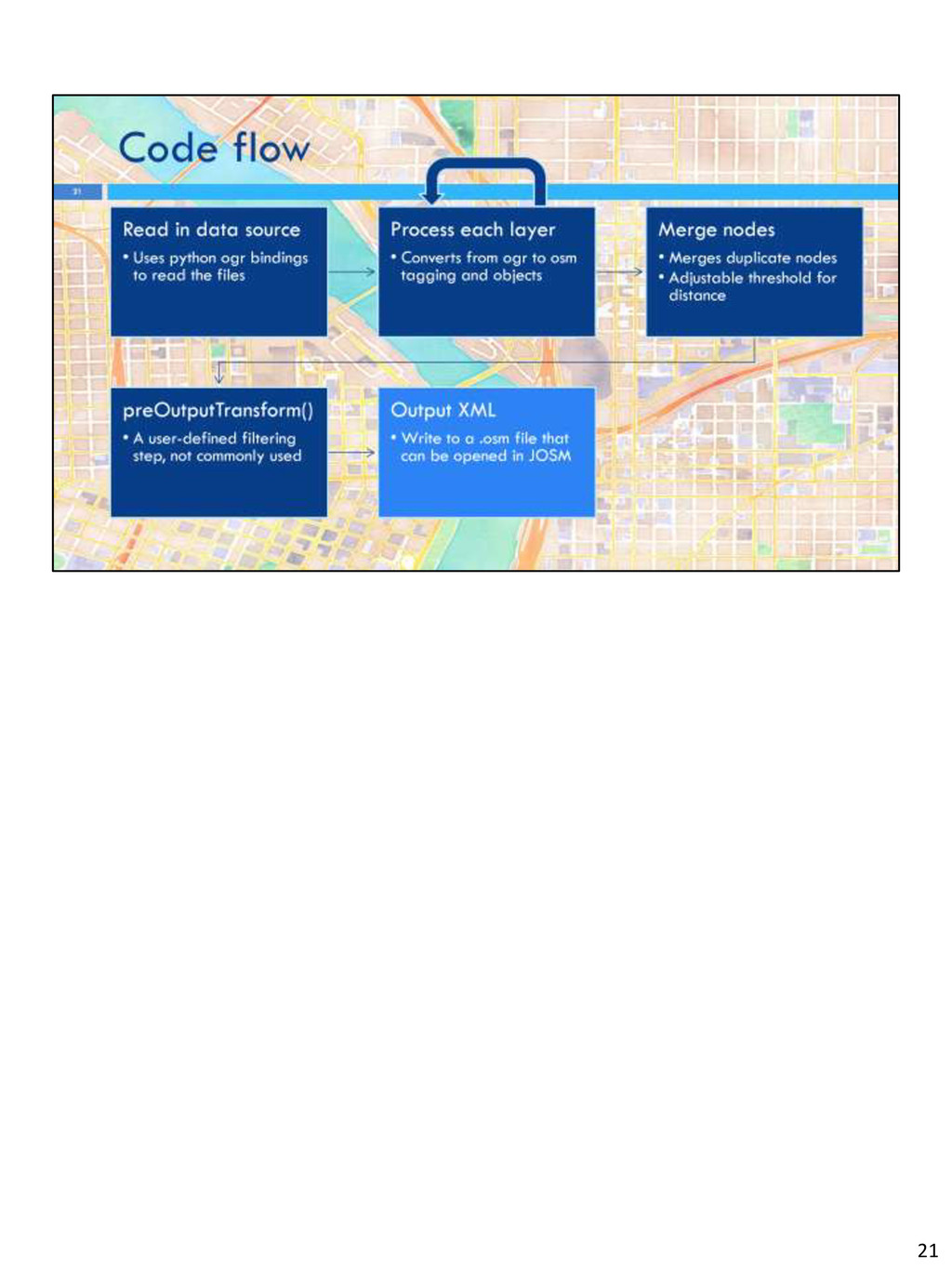
general-purpose shapefile and geodata converters Because it uses ogr it can read virtually any file format. About the only format it doesn’t support is a postgis db but that can be easily added if someone wants it It reprojects to WGS84, saving a step with ogr2ogr with most sources It will work with multi-layer sources, correctly combining shared nodes across layers with an error tolerance And most importantly, you can use python functions to convert datasource tags to OSM tags Lastly, it comes with some documentation 5
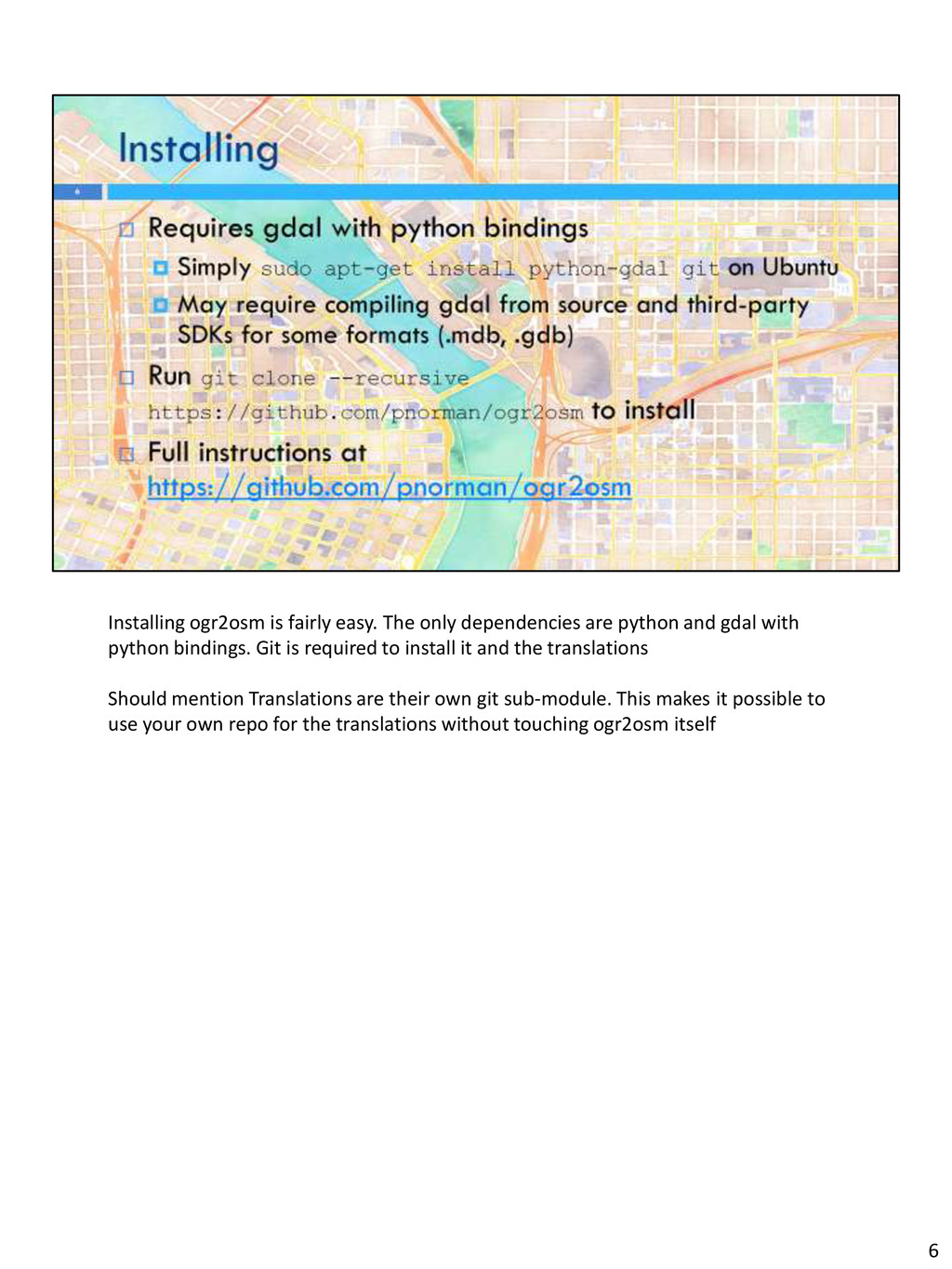
and gdal with python bindings. Git is required to install it and the translations Should mention Translations are their own git sub-module. This makes it possible to use your own repo for the translations without touching ogr2osm itself 6
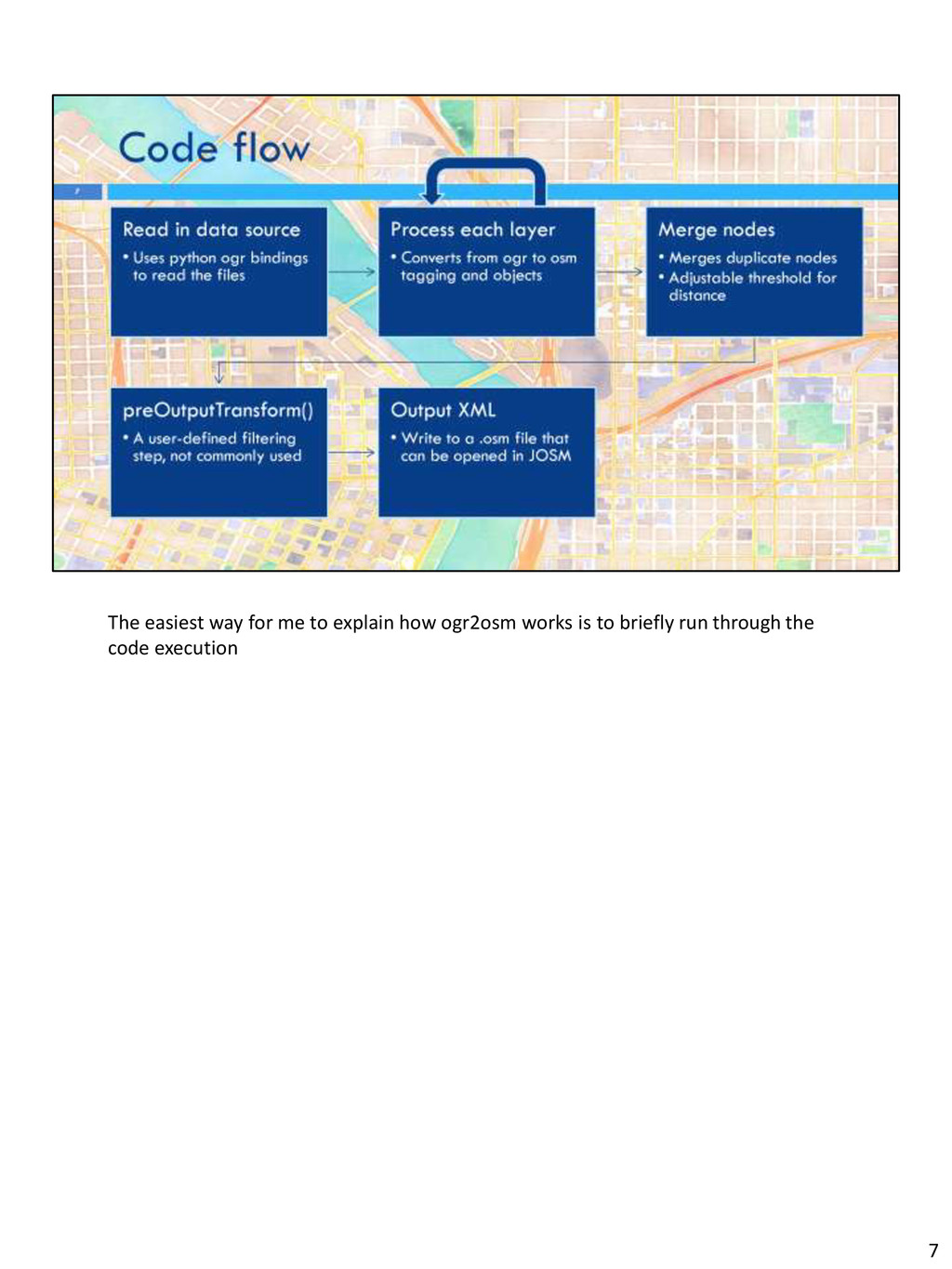
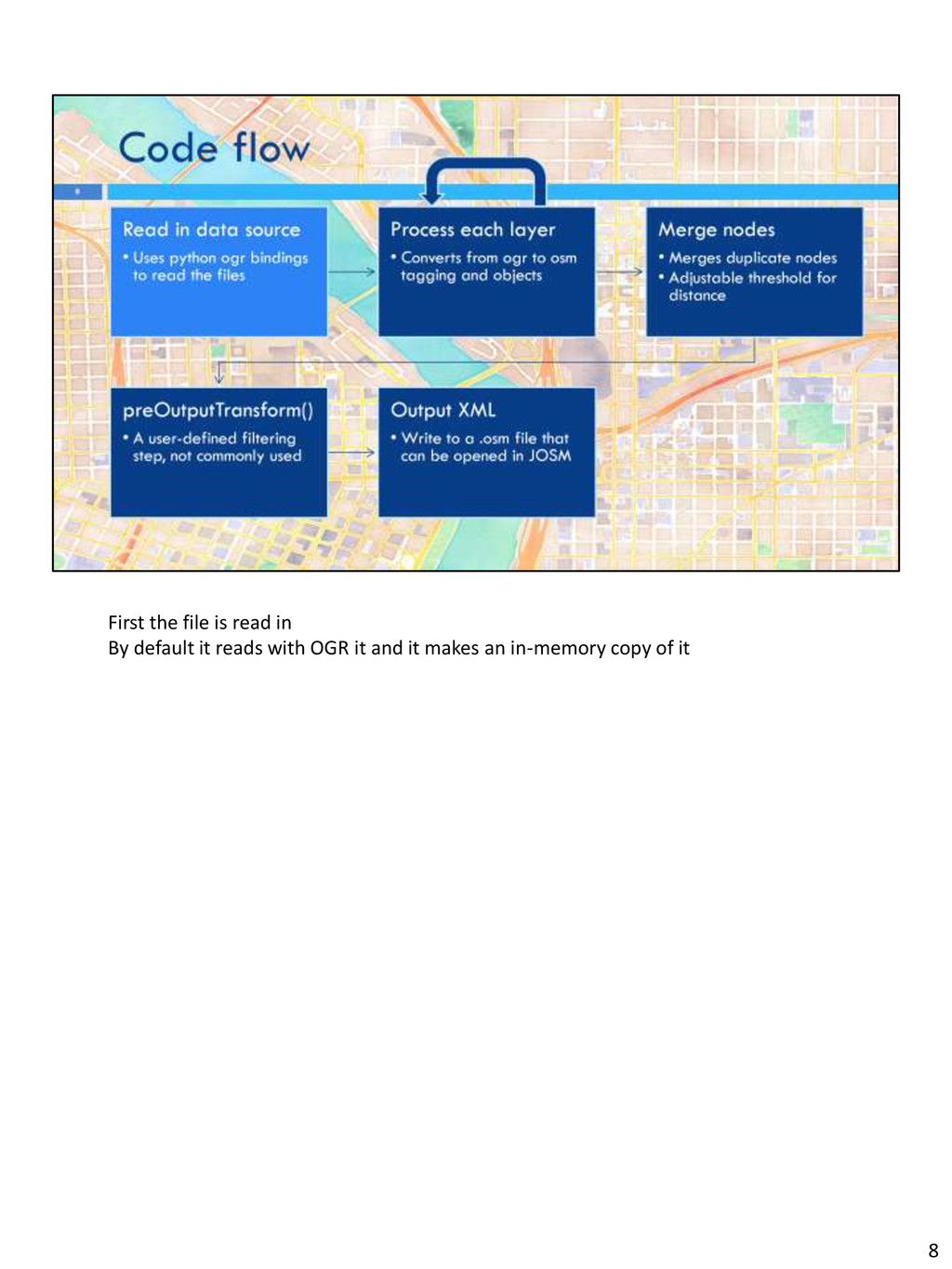
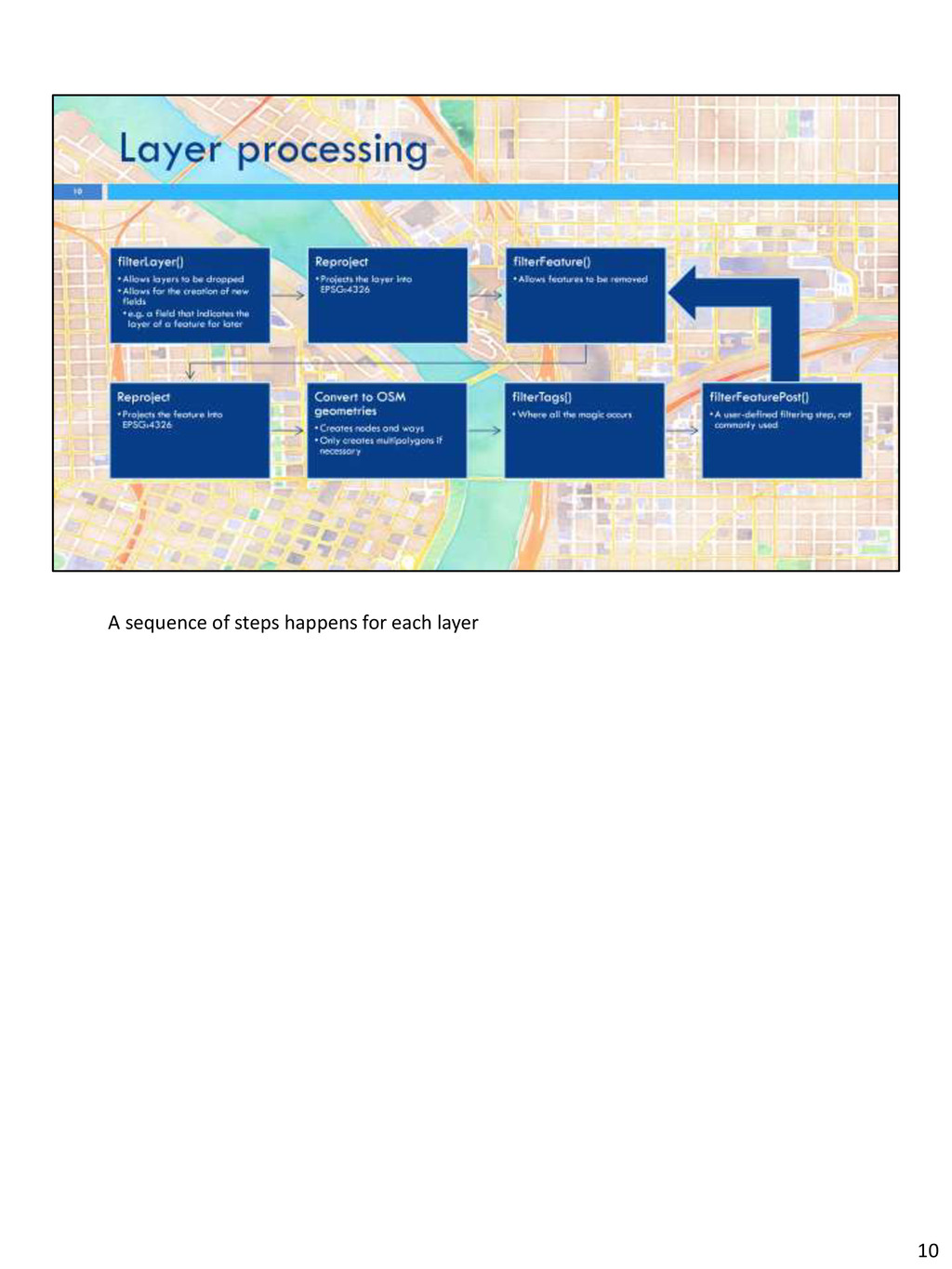
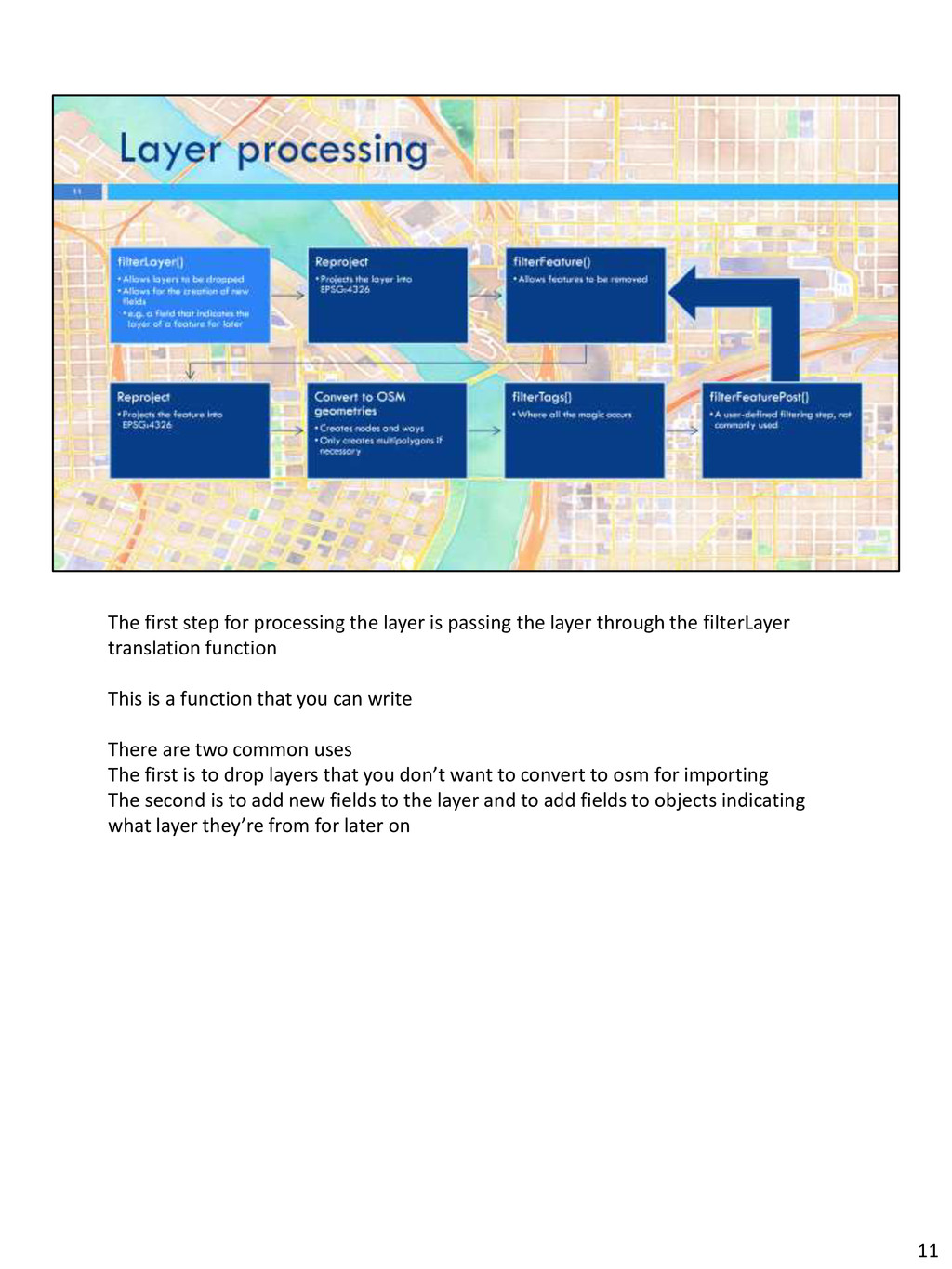
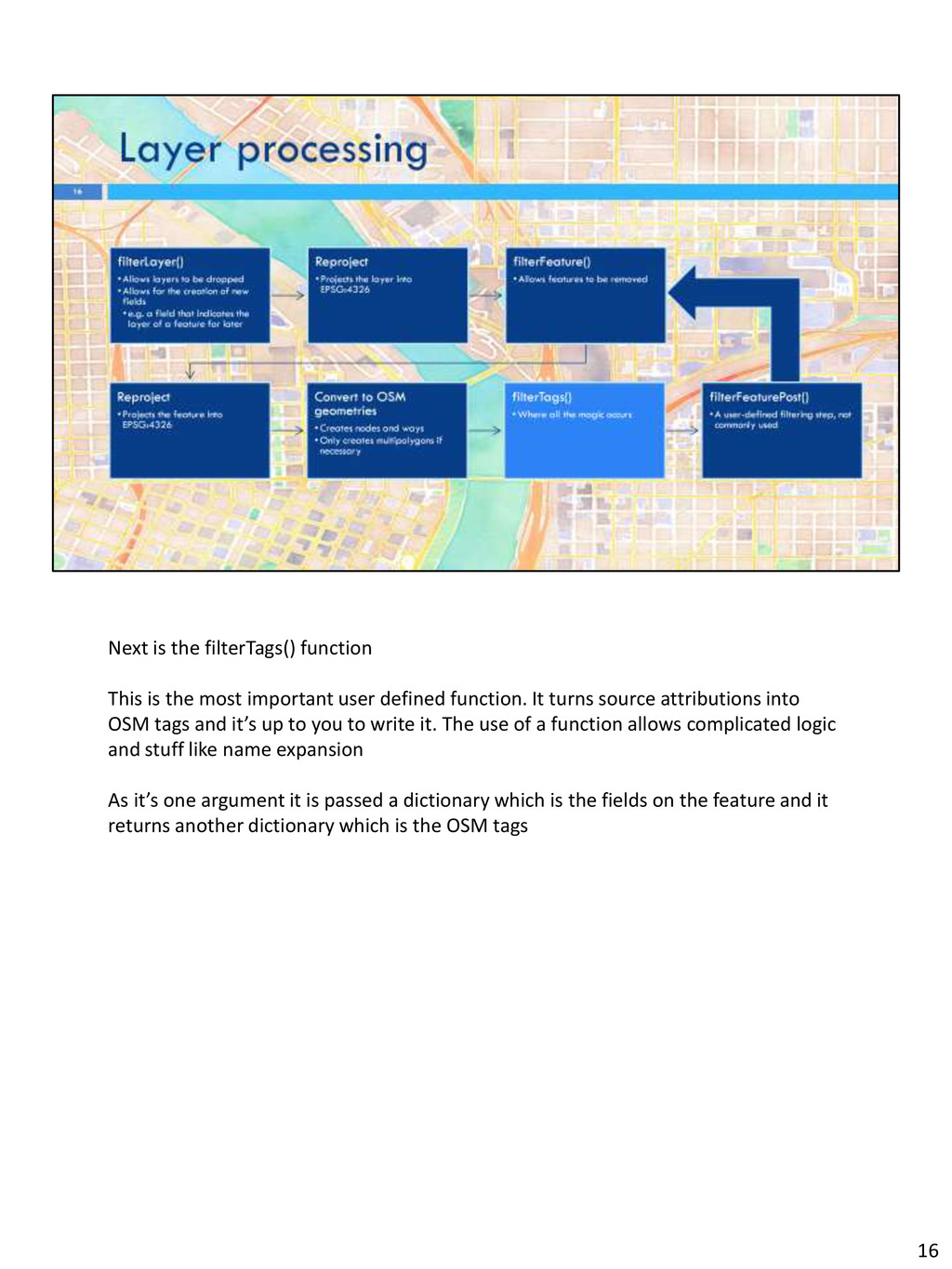
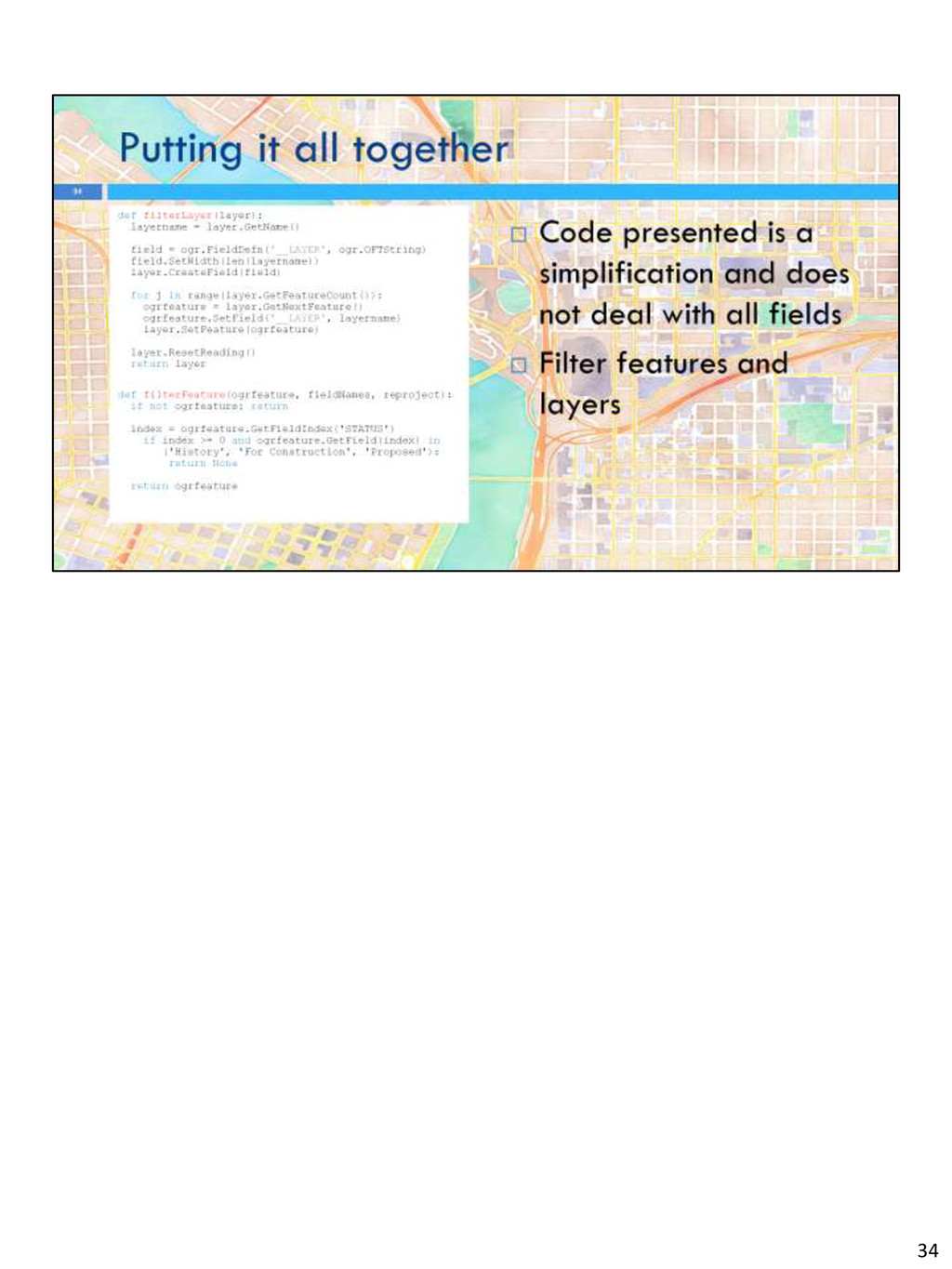
layer through the filterLayer translation function This is a function that you can write There are two common uses The first is to drop layers that you don’t want to convert to osm for importing The second is to add new fields to the layer and to add fields to objects indicating what layer they’re from for later on 11
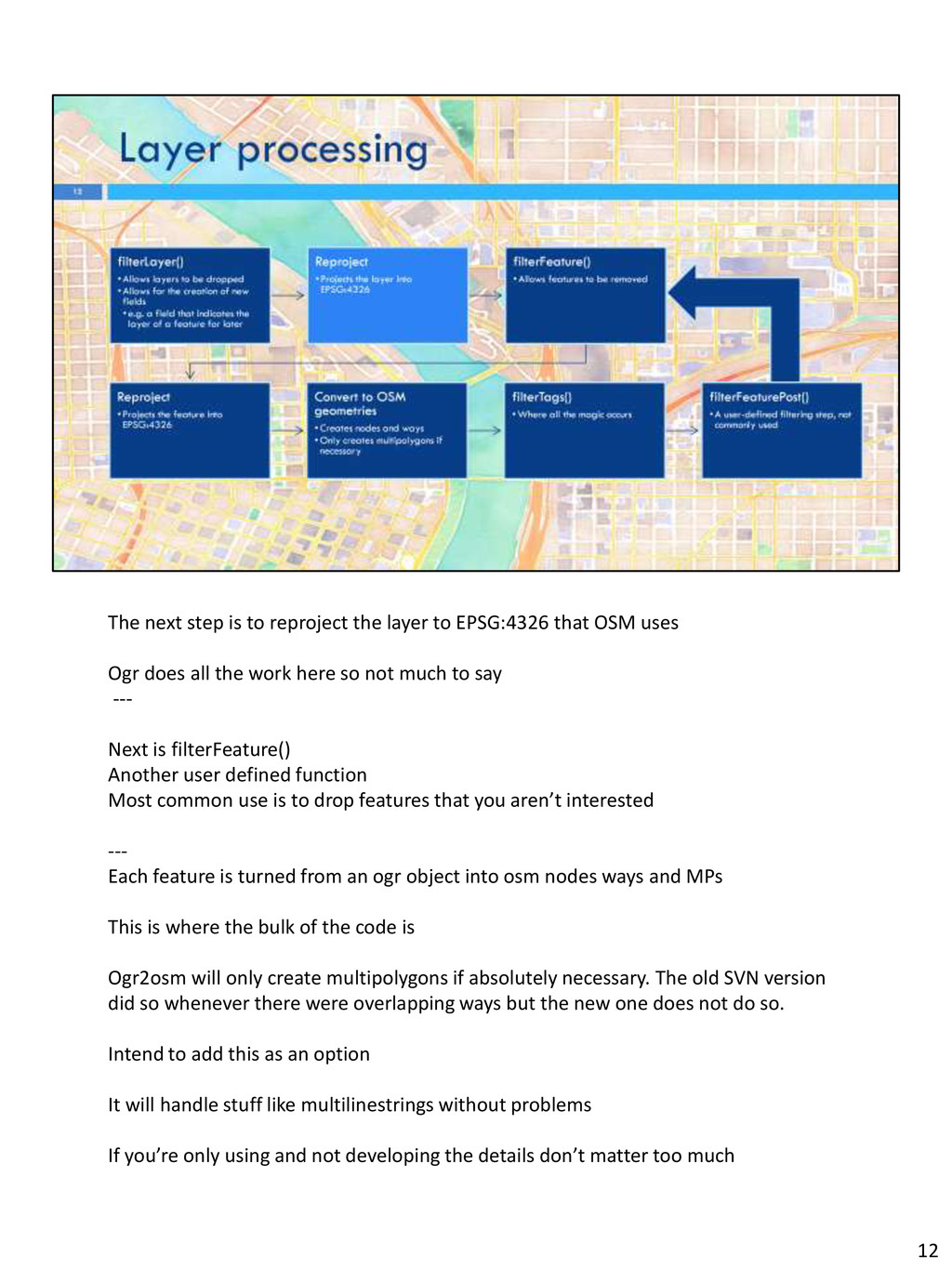
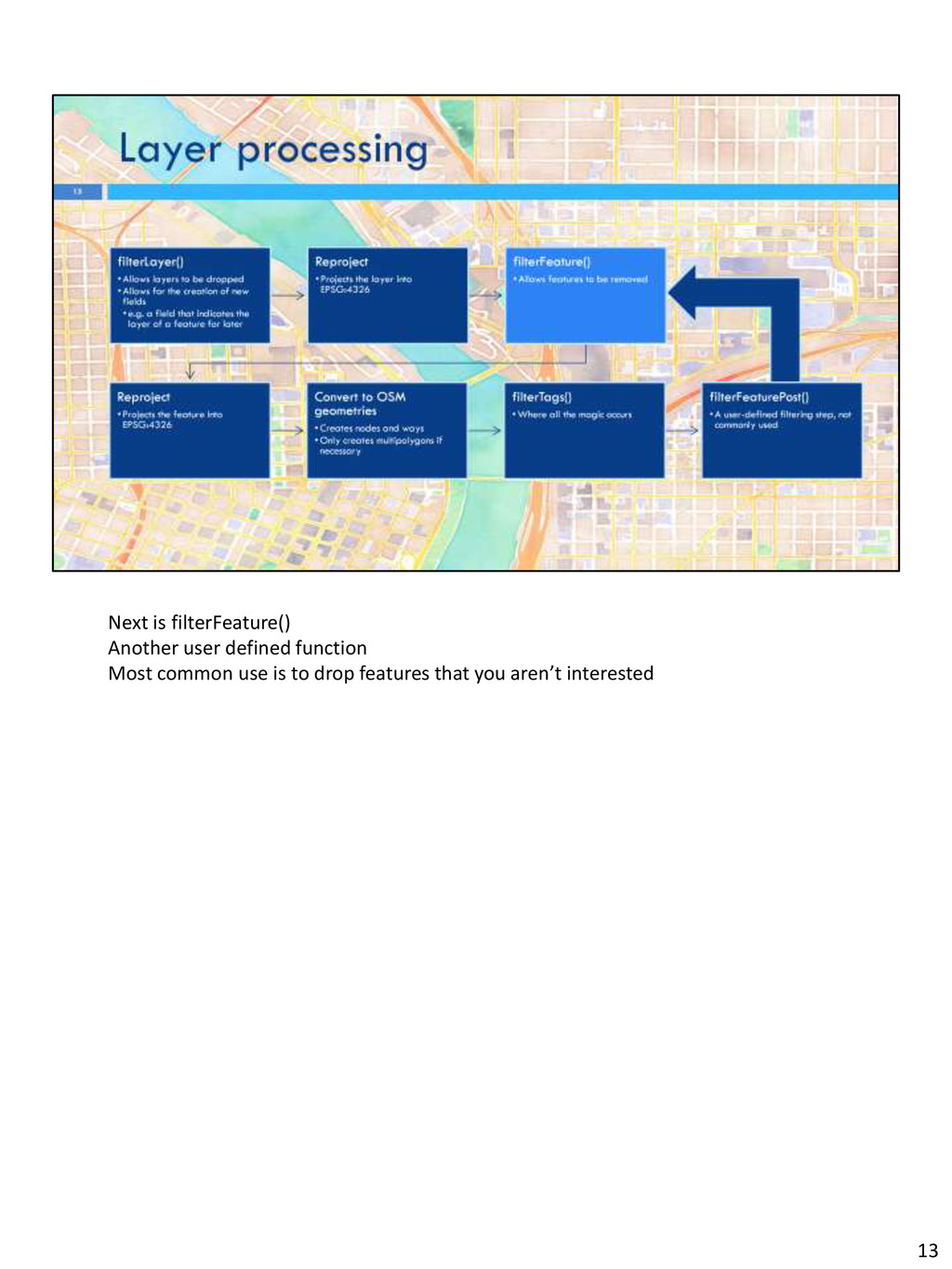
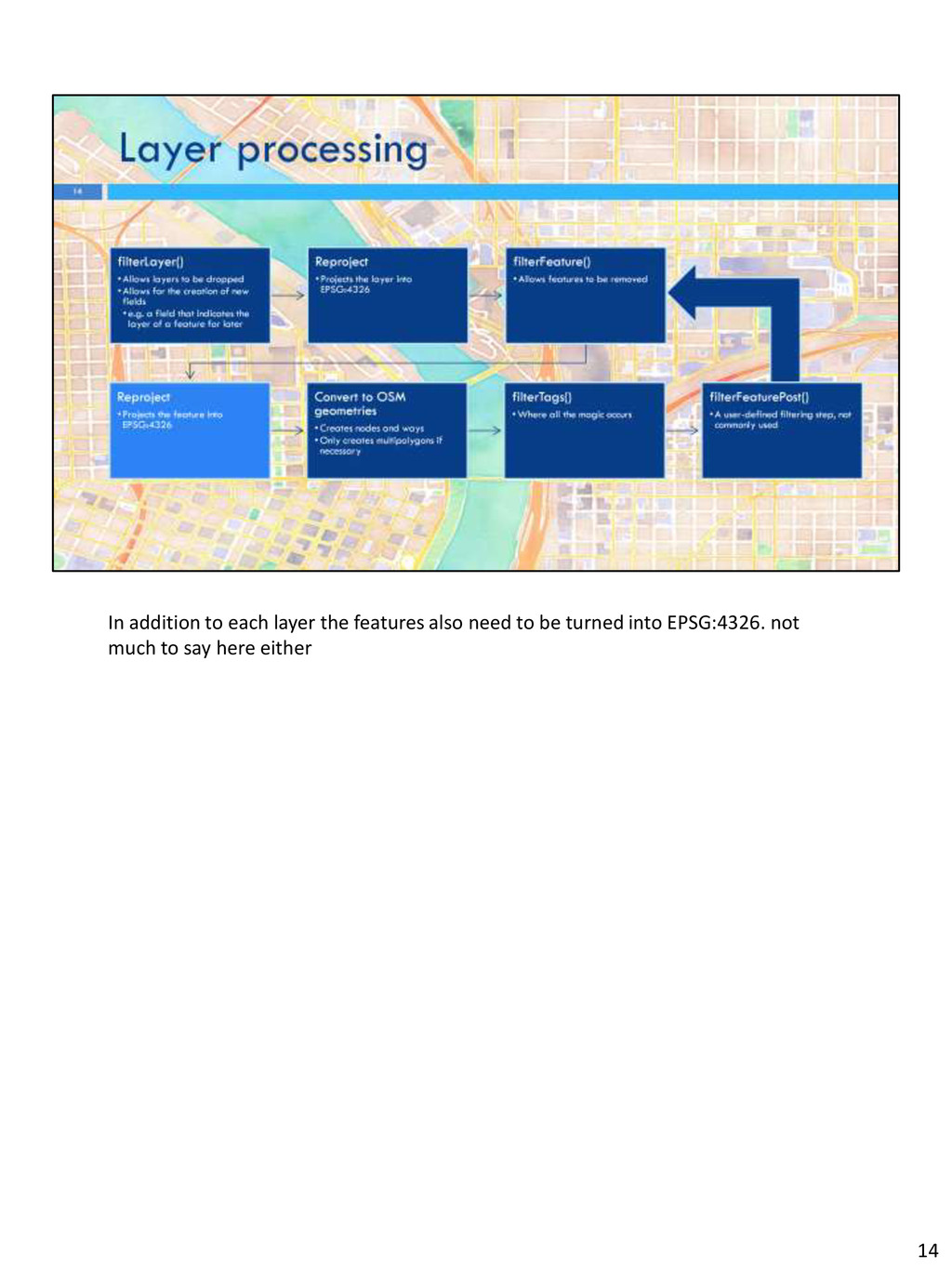
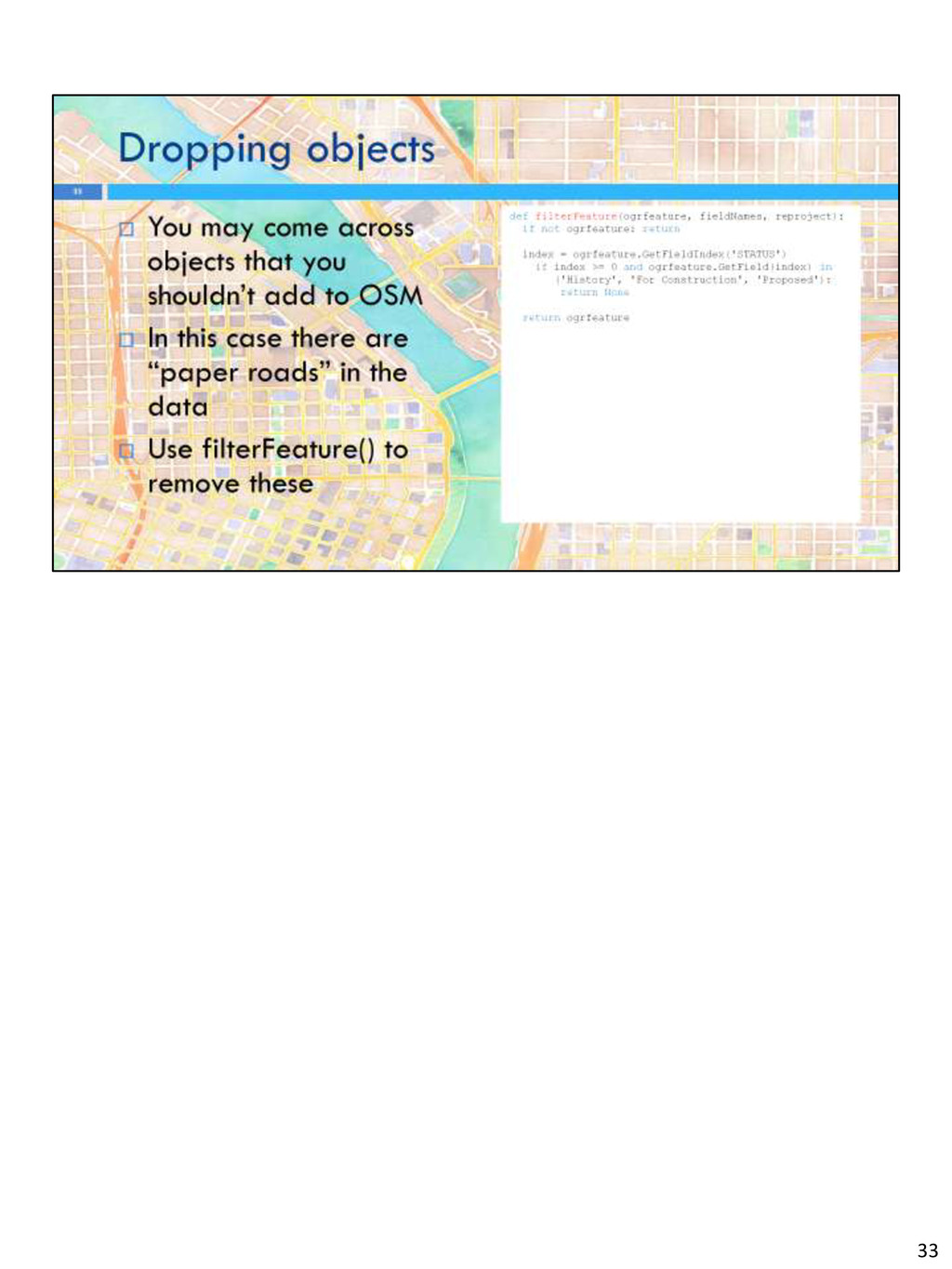
that OSM uses Ogr does all the work here so not much to say --- Next is filterFeature() Another user defined function Most common use is to drop features that you aren’t interested --- Each feature is turned from an ogr object into osm nodes ways and MPs This is where the bulk of the code is Ogr2osm will only create multipolygons if absolutely necessary. The old SVN version did so whenever there were overlapping ways but the new one does not do so. Intend to add this as an option It will handle stuff like multilinestrings without problems If you’re only using and not developing the details don’t matter too much 12
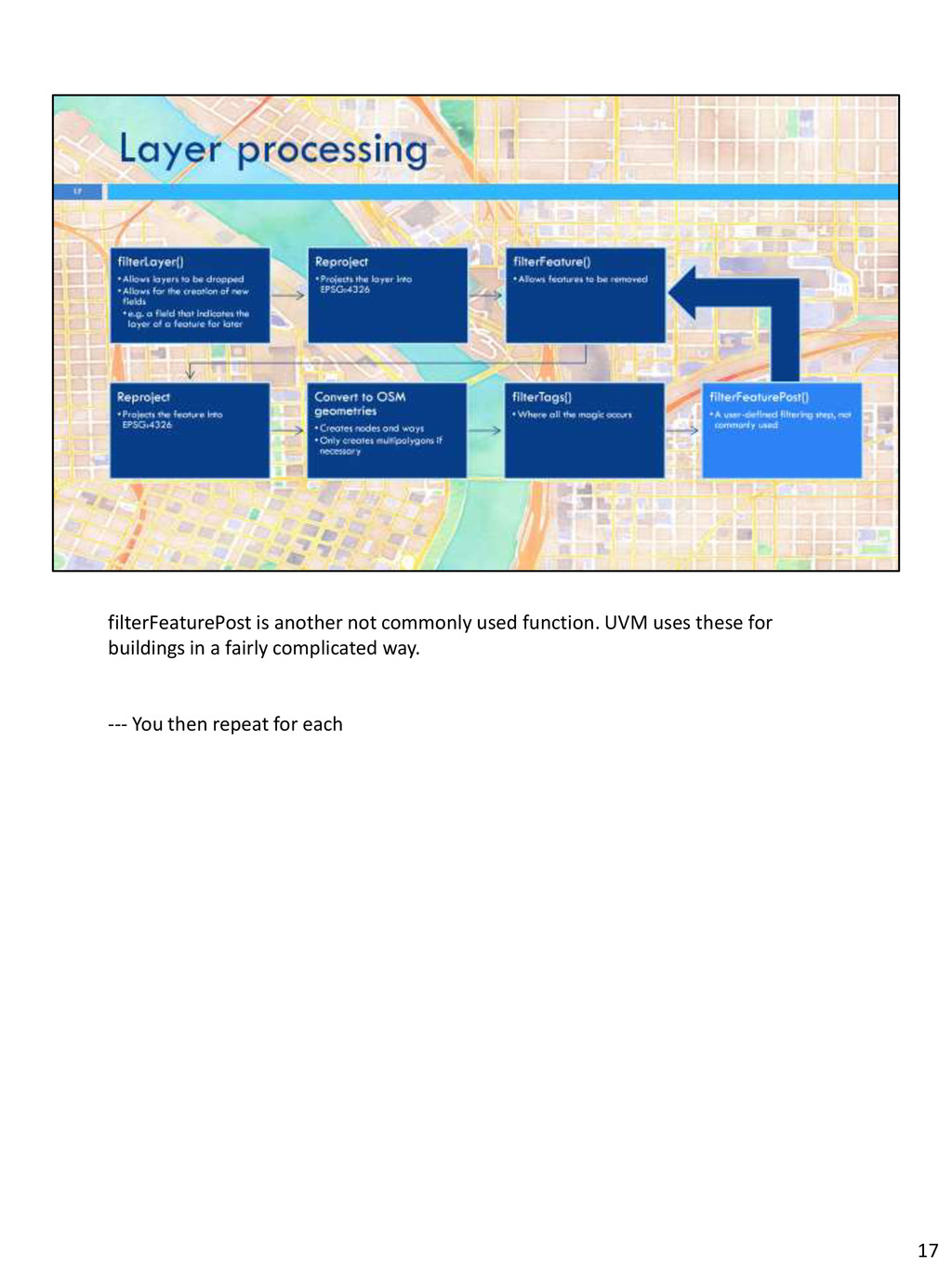
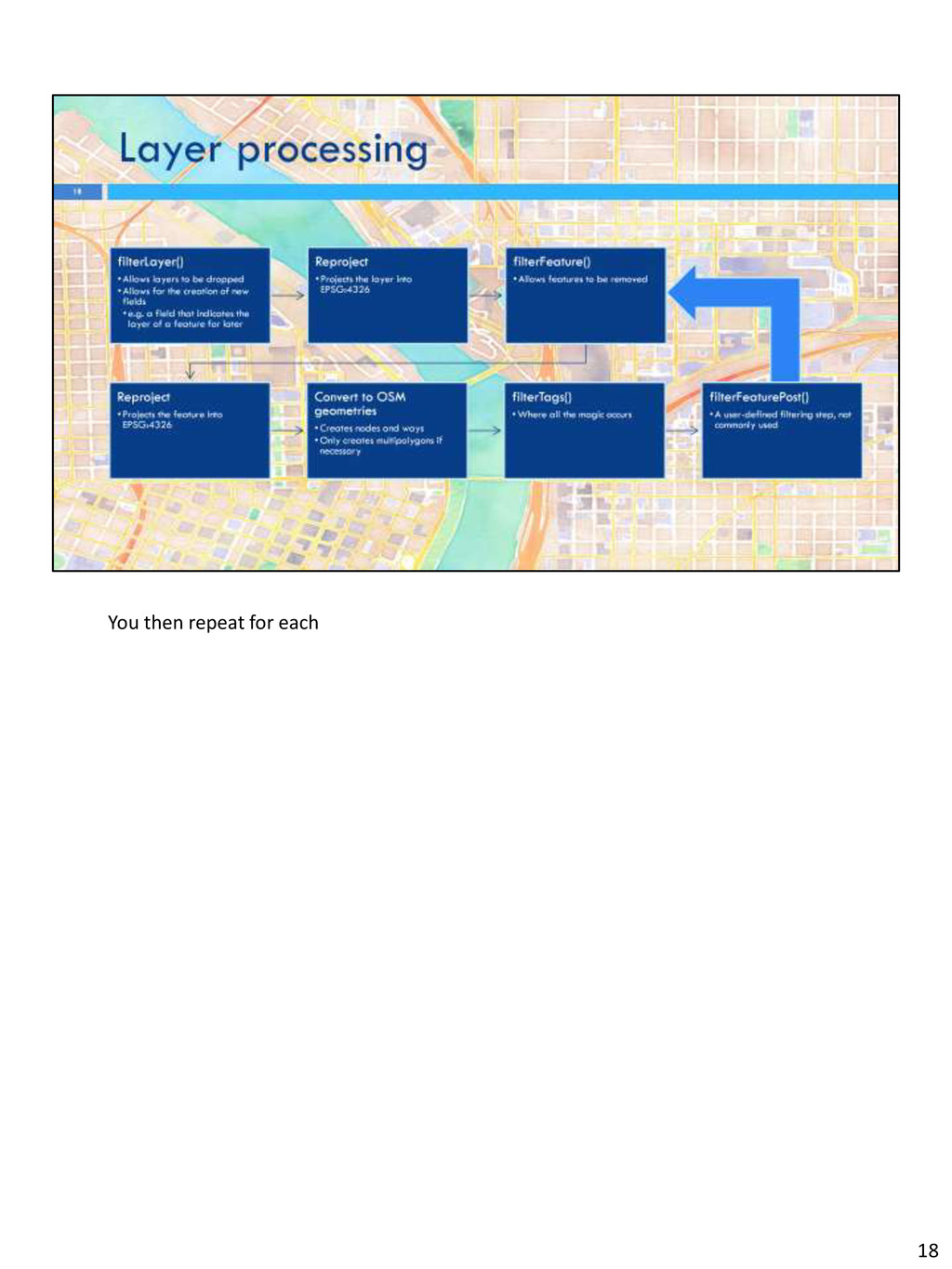
important user defined function. It turns source attributions into OSM tags and it’s up to you to write it. The use of a function allows complicated logic and stuff like name expansion --- filterFeaturePost is another not commonly used function. UVM uses these for buildings in a fairly complicated way. --- You then repeat for each 12
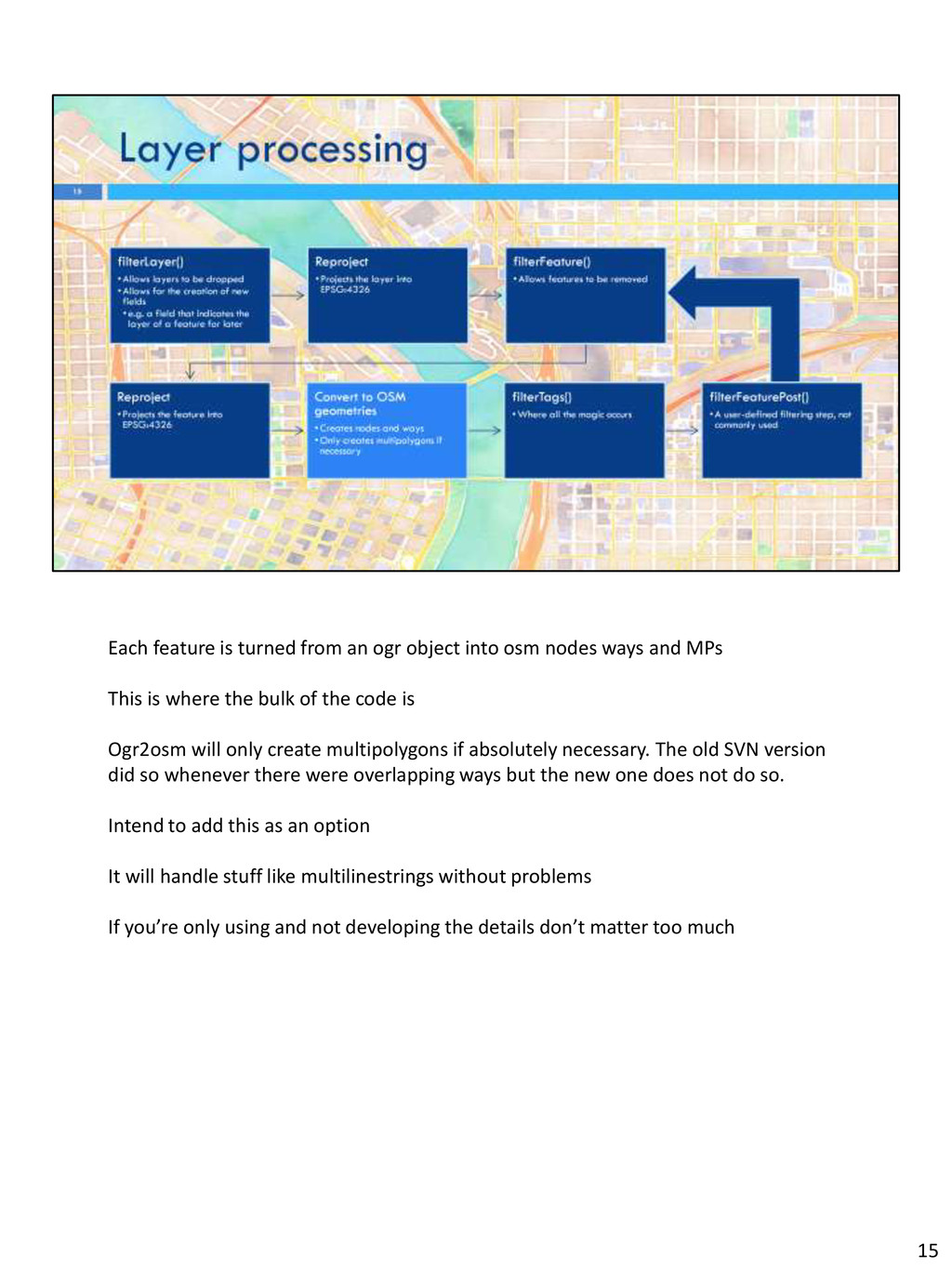
nodes ways and MPs This is where the bulk of the code is Ogr2osm will only create multipolygons if absolutely necessary. The old SVN version did so whenever there were overlapping ways but the new one does not do so. Intend to add this as an option It will handle stuff like multilinestrings without problems If you’re only using and not developing the details don’t matter too much 15
user defined function. It turns source attributions into OSM tags and it’s up to you to write it. The use of a function allows complicated logic and stuff like name expansion As it’s one argument it is passed a dictionary which is the fields on the feature and it returns another dictionary which is the OSM tags 16
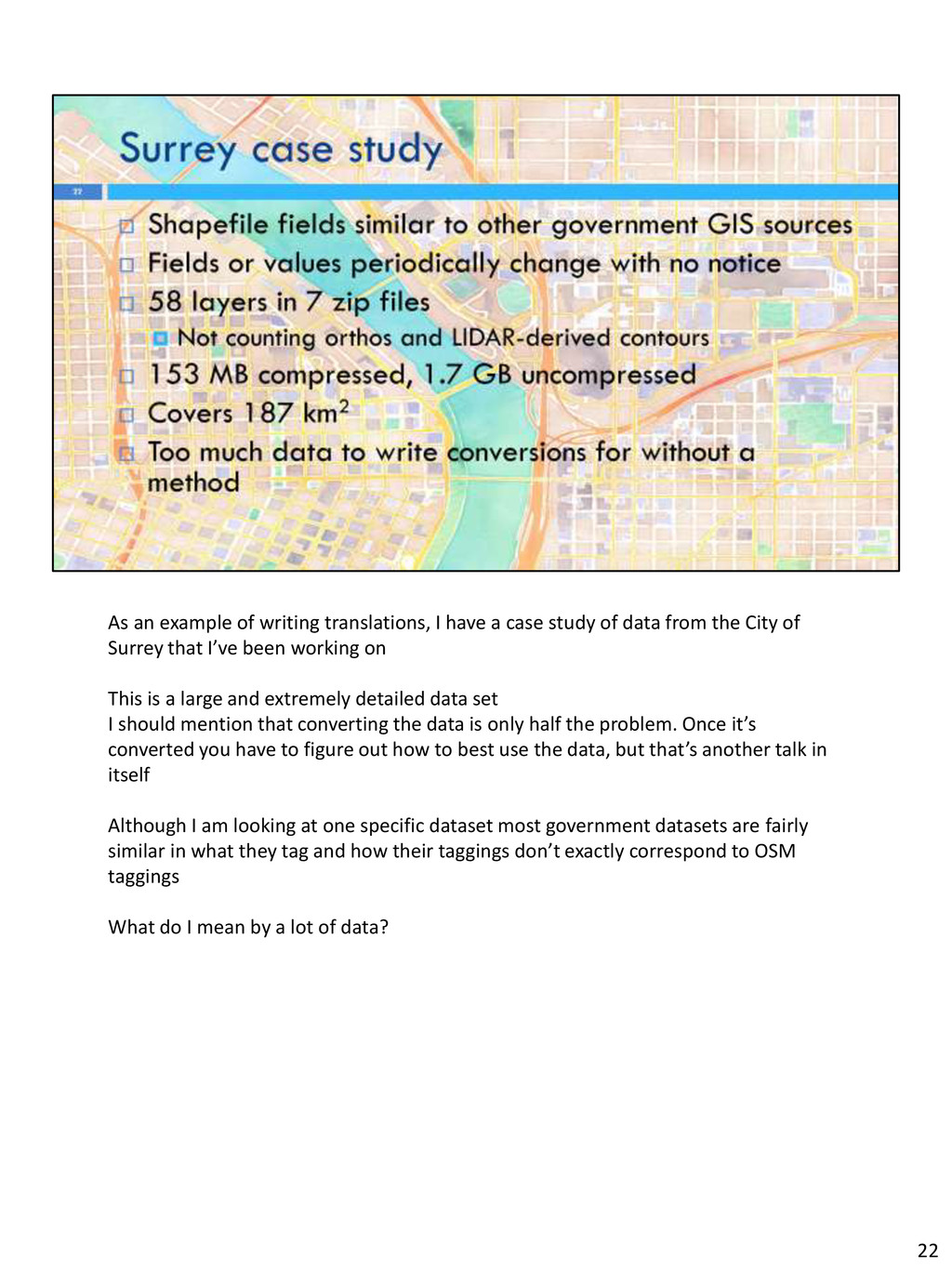
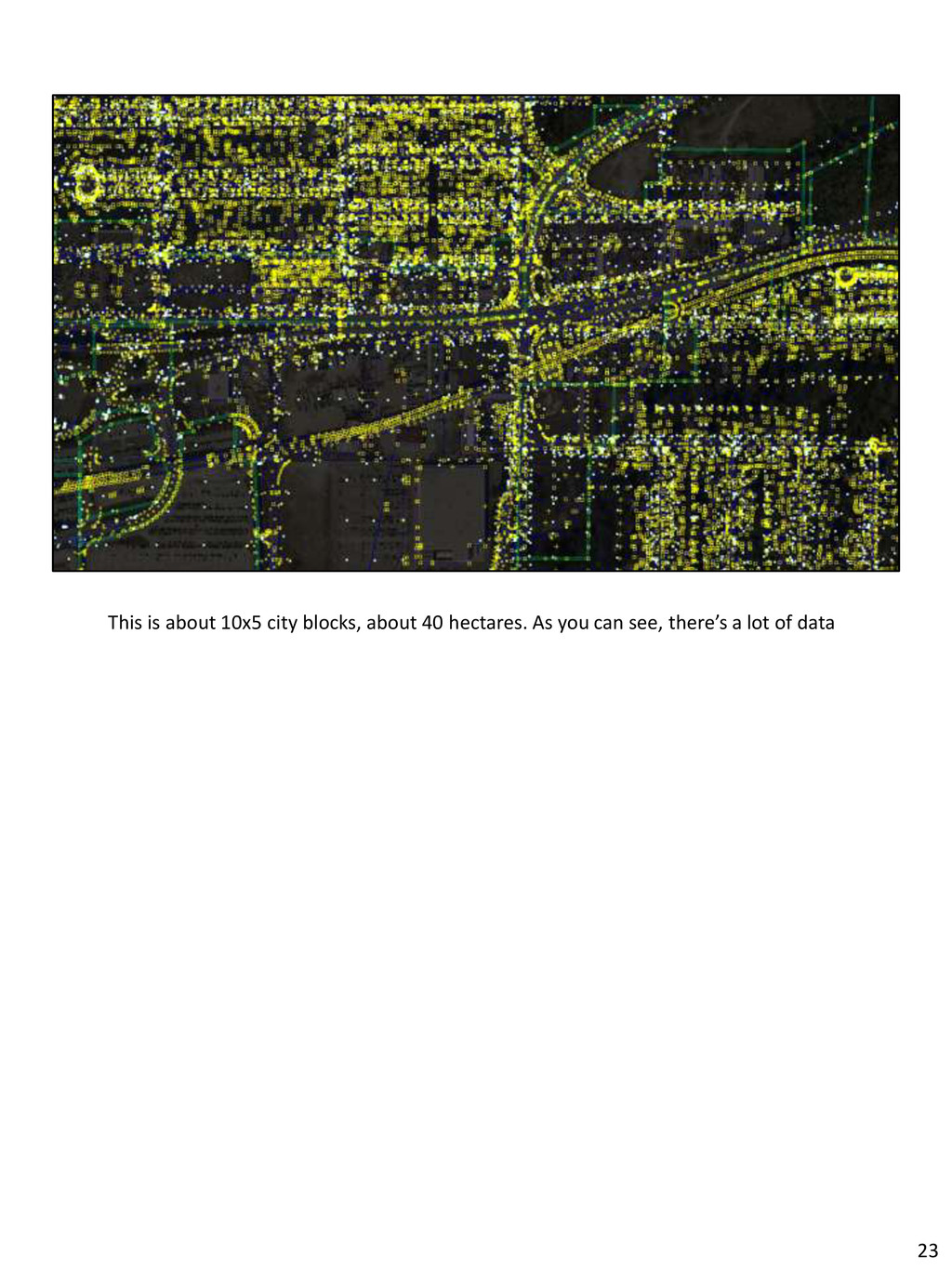
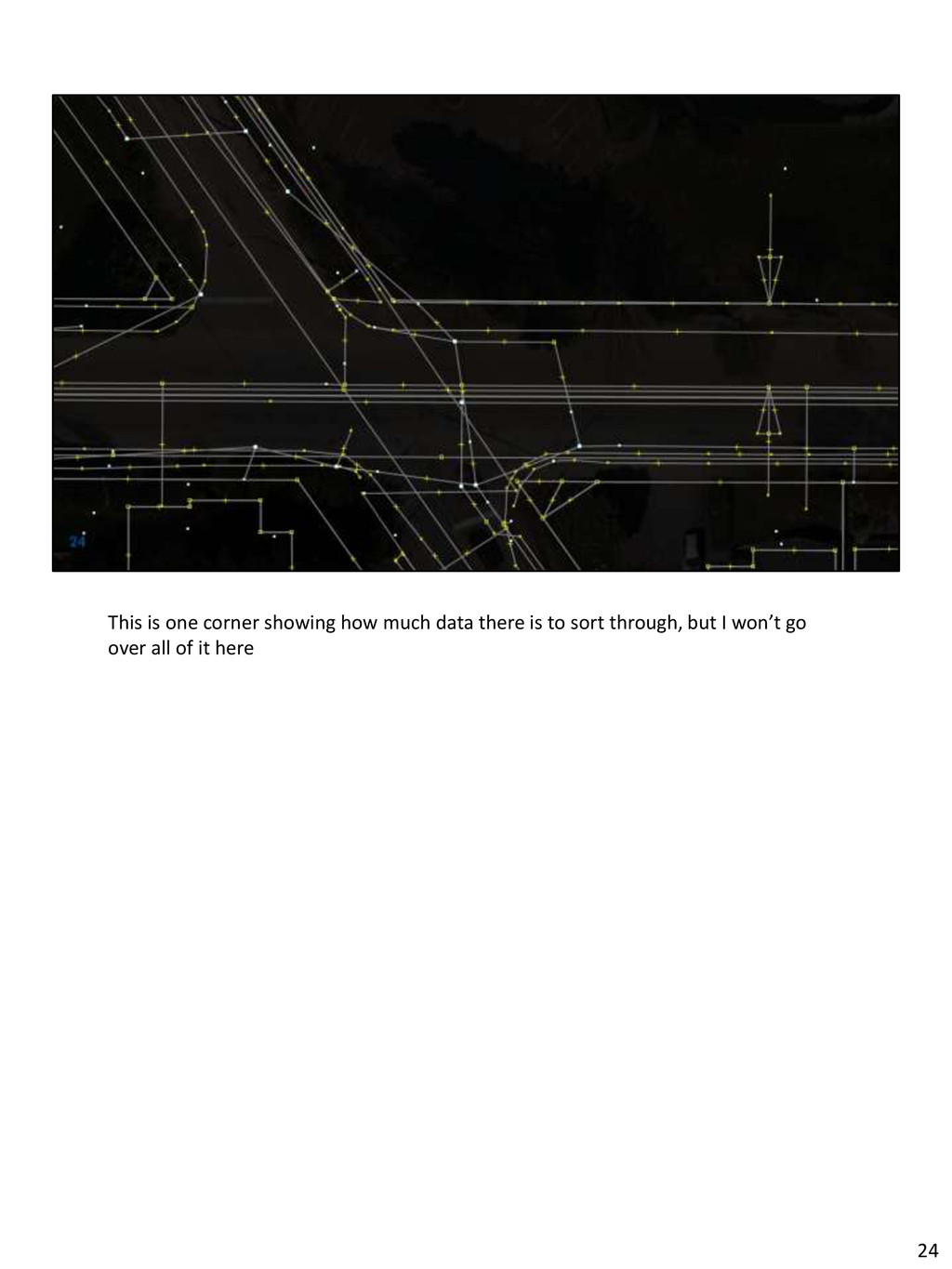
study of data from the City of Surrey that I’ve been working on This is a large and extremely detailed data set I should mention that converting the data is only half the problem. Once it’s converted you have to figure out how to best use the data, but that’s another talk in itself Although I am looking at one specific dataset most government datasets are fairly similar in what they tag and how their taggings don’t exactly correspond to OSM taggings What do I mean by a lot of data? 22
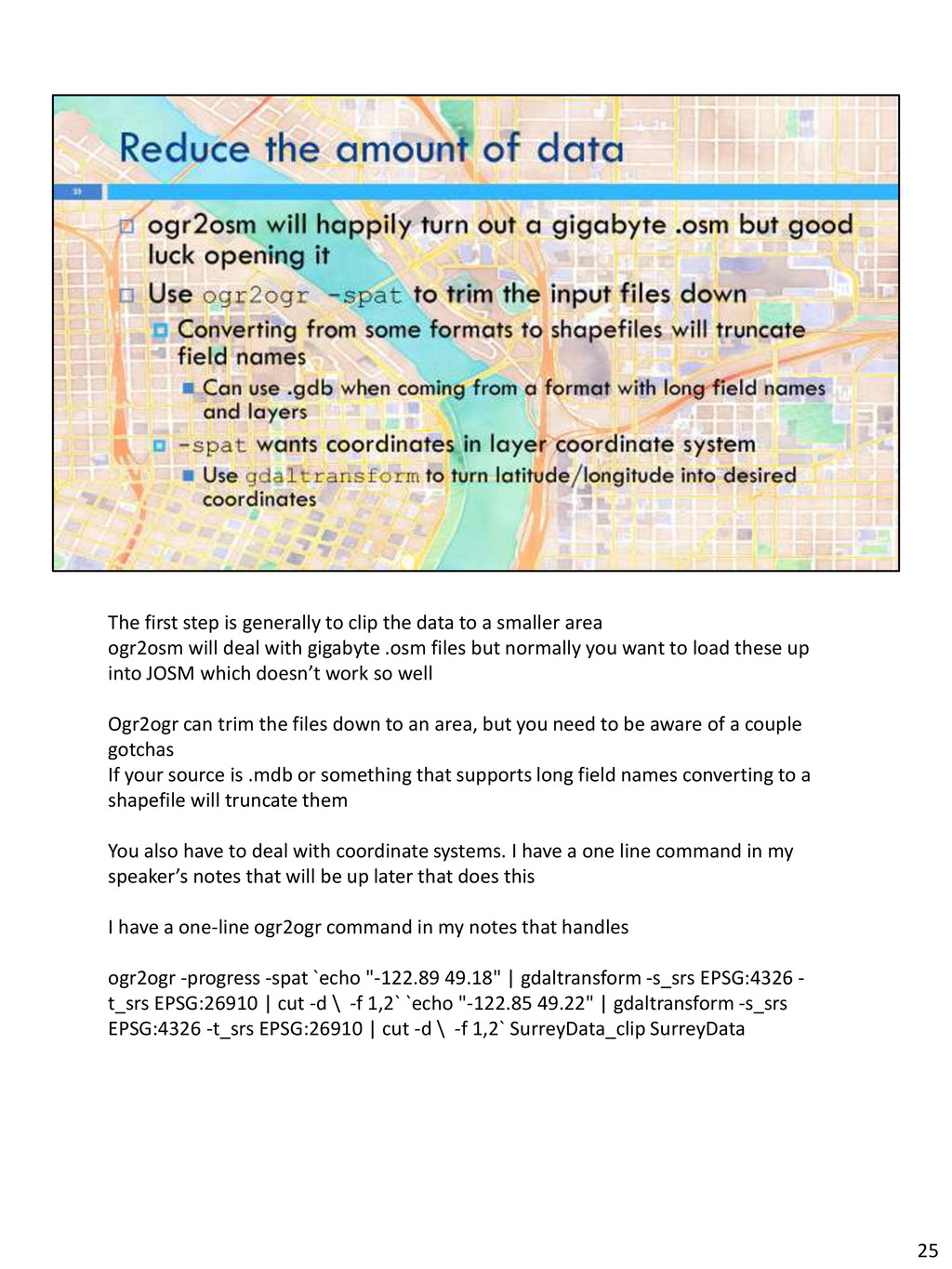
a smaller area ogr2osm will deal with gigabyte .osm files but normally you want to load these up into JOSM which doesn’t work so well Ogr2ogr can trim the files down to an area, but you need to be aware of a couple gotchas If your source is .mdb or something that supports long field names converting to a shapefile will truncate them You also have to deal with coordinate systems. I have a one line command in my speaker’s notes that will be up later that does this I have a one-line ogr2ogr command in my notes that handles ogr2ogr -progress -spat `echo "-122.89 49.18" | gdaltransform -s_srs EPSG:4326 - t_srs EPSG:26910 | cut -d \ -f 1,2` `echo "-122.85 49.22" | gdaltransform -s_srs EPSG:4326 -t_srs EPSG:26910 | cut -d \ -f 1,2` SurreyData_clip SurreyData 25
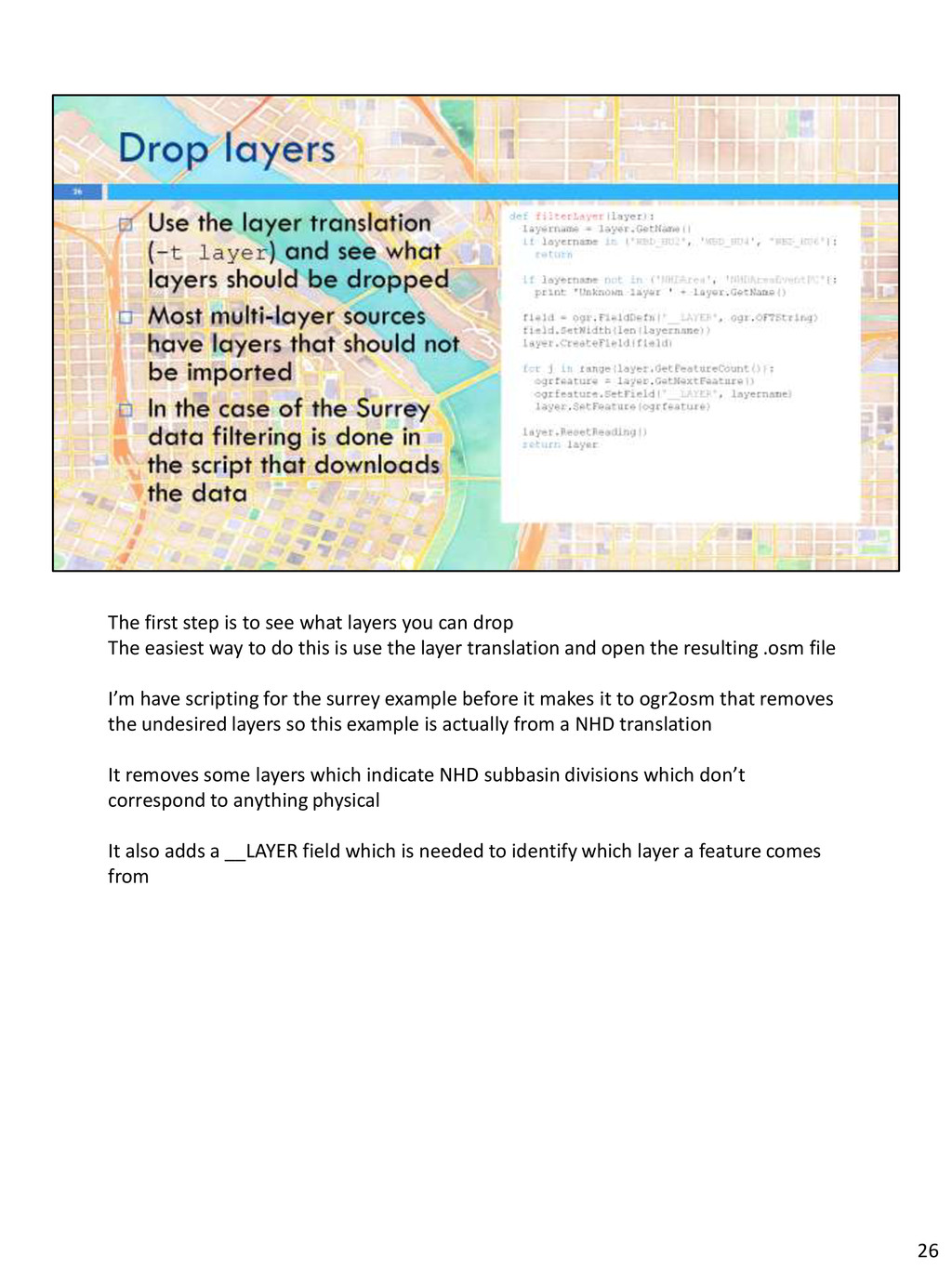
drop The easiest way to do this is use the layer translation and open the resulting .osm file I’m have scripting for the surrey example before it makes it to ogr2osm that removes the undesired layers so this example is actually from a NHD translation It removes some layers which indicate NHD subbasin divisions which don’t correspond to anything physical It also adds a __LAYER field which is needed to identify which layer a feature comes from 26
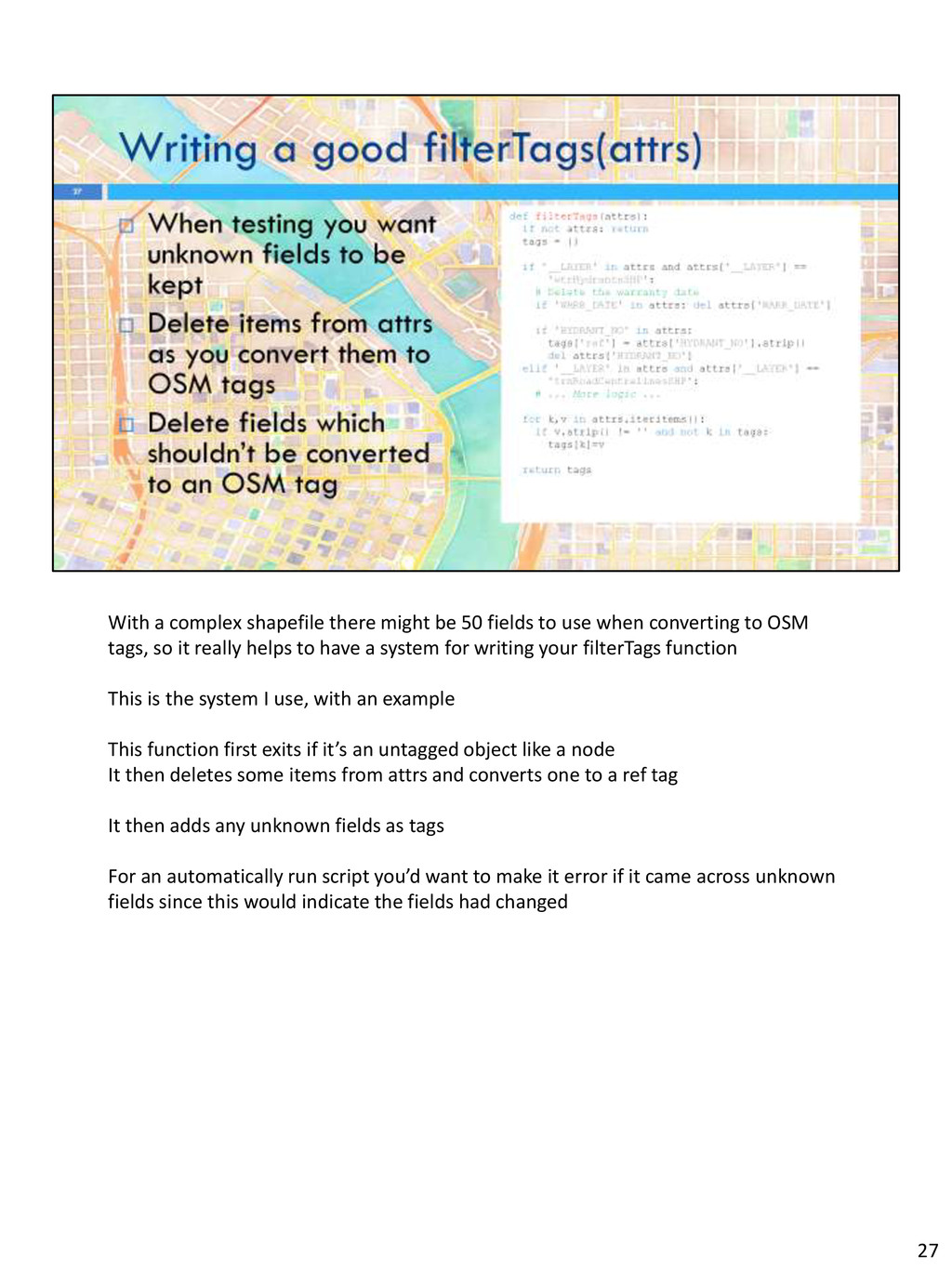
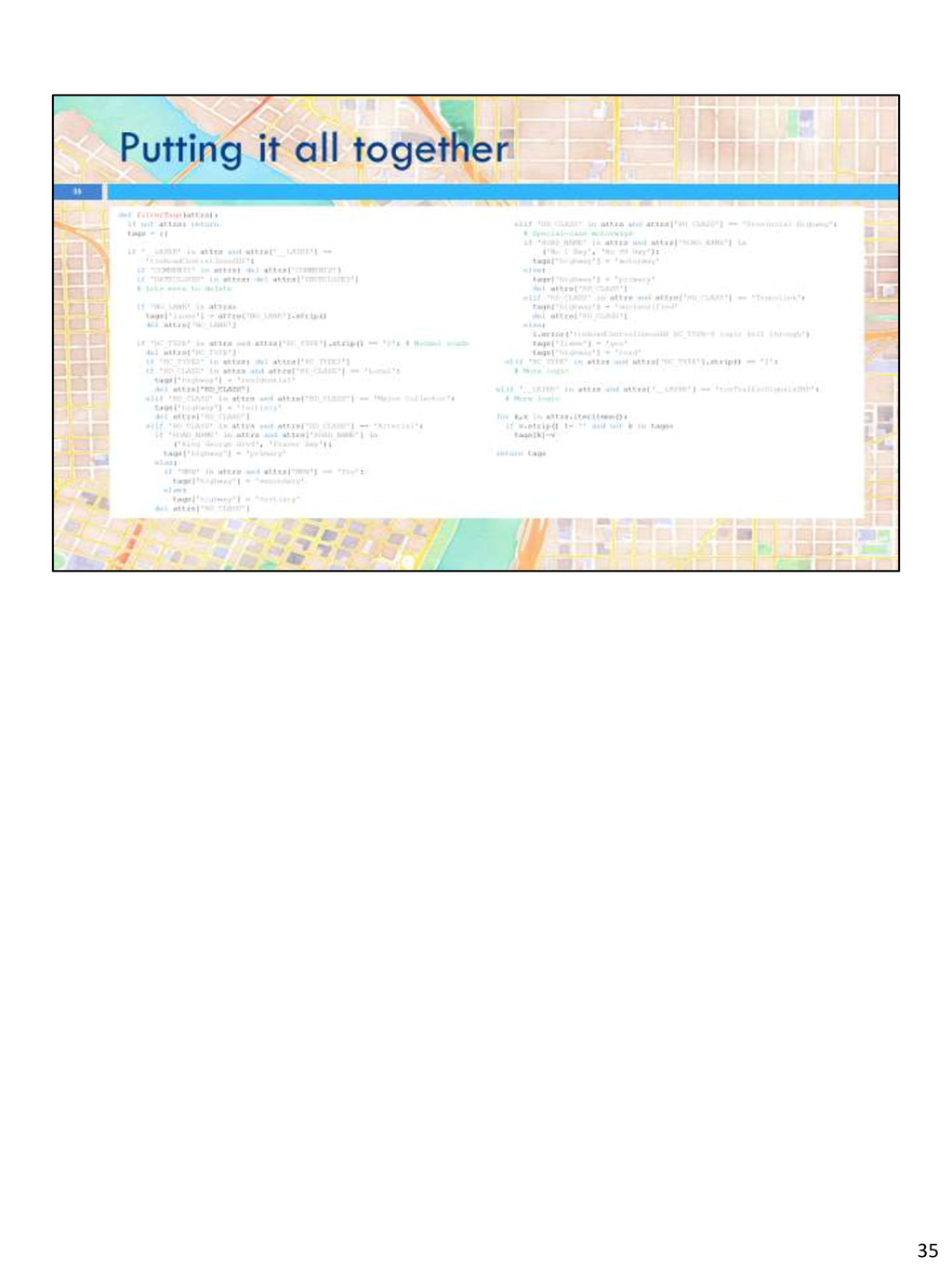
use when converting to OSM tags, so it really helps to have a system for writing your filterTags function This is the system I use, with an example This function first exits if it’s an untagged object like a node It then deletes some items from attrs and converts one to a ref tag It then adds any unknown fields as tags For an automatically run script you’d want to make it error if it came across unknown fields since this would indicate the fields had changed 27
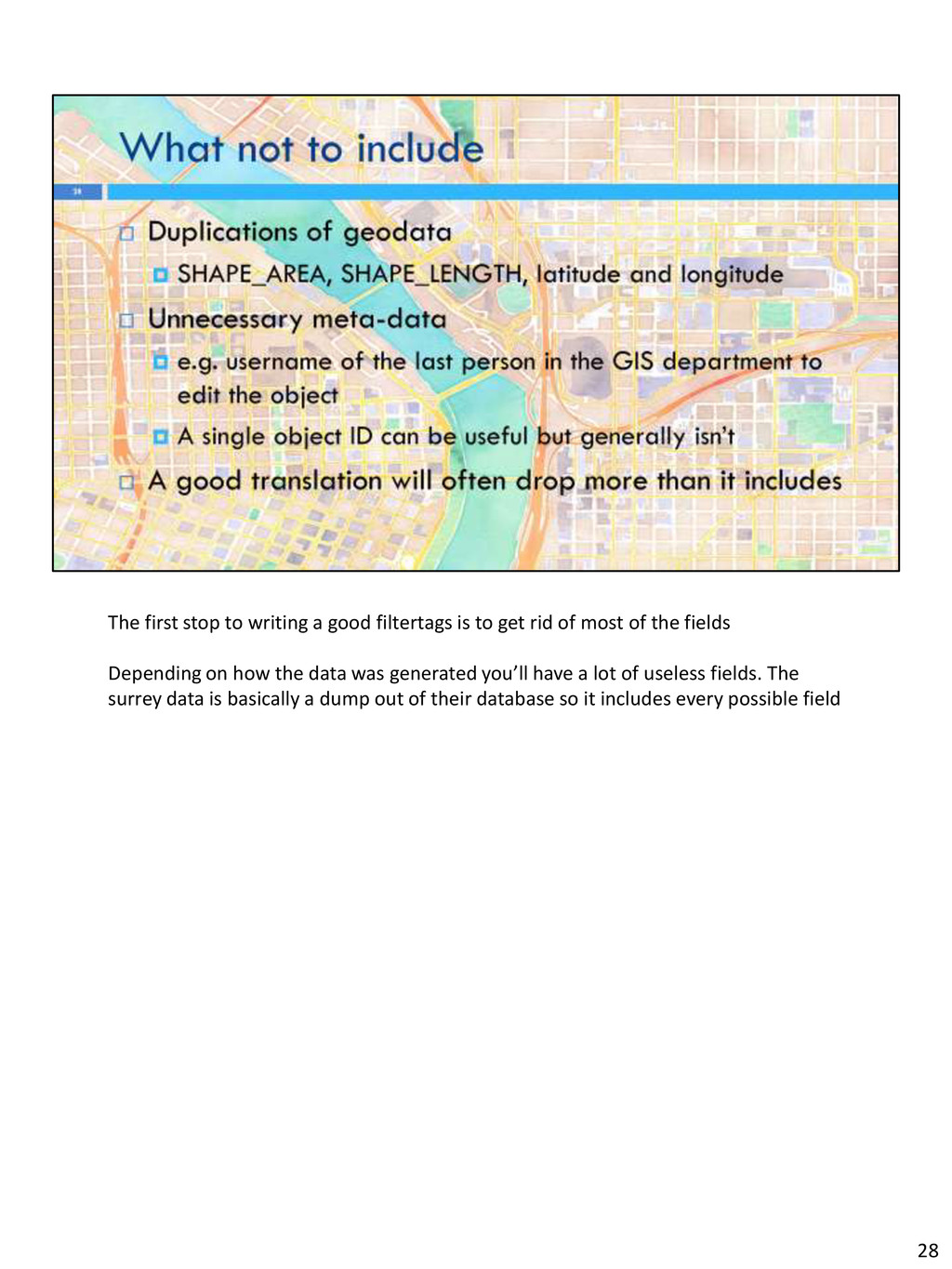
get rid of most of the fields Depending on how the data was generated you’ll have a lot of useless fields. The surrey data is basically a dump out of their database so it includes every possible field 28
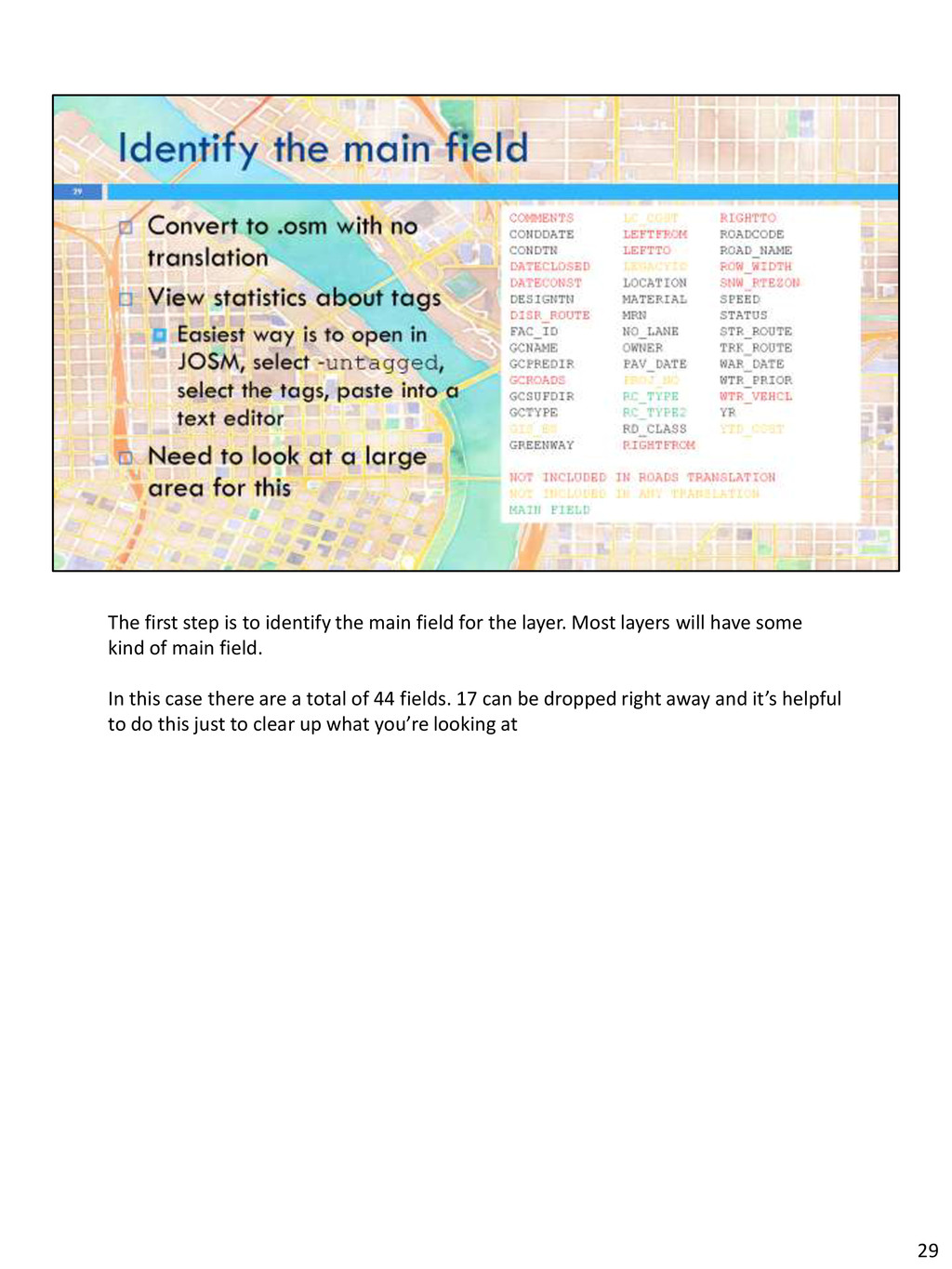
the layer. Most layers will have some kind of main field. In this case there are a total of 44 fields. 17 can be dropped right away and it’s helpful to do this just to clear up what you’re looking at 29
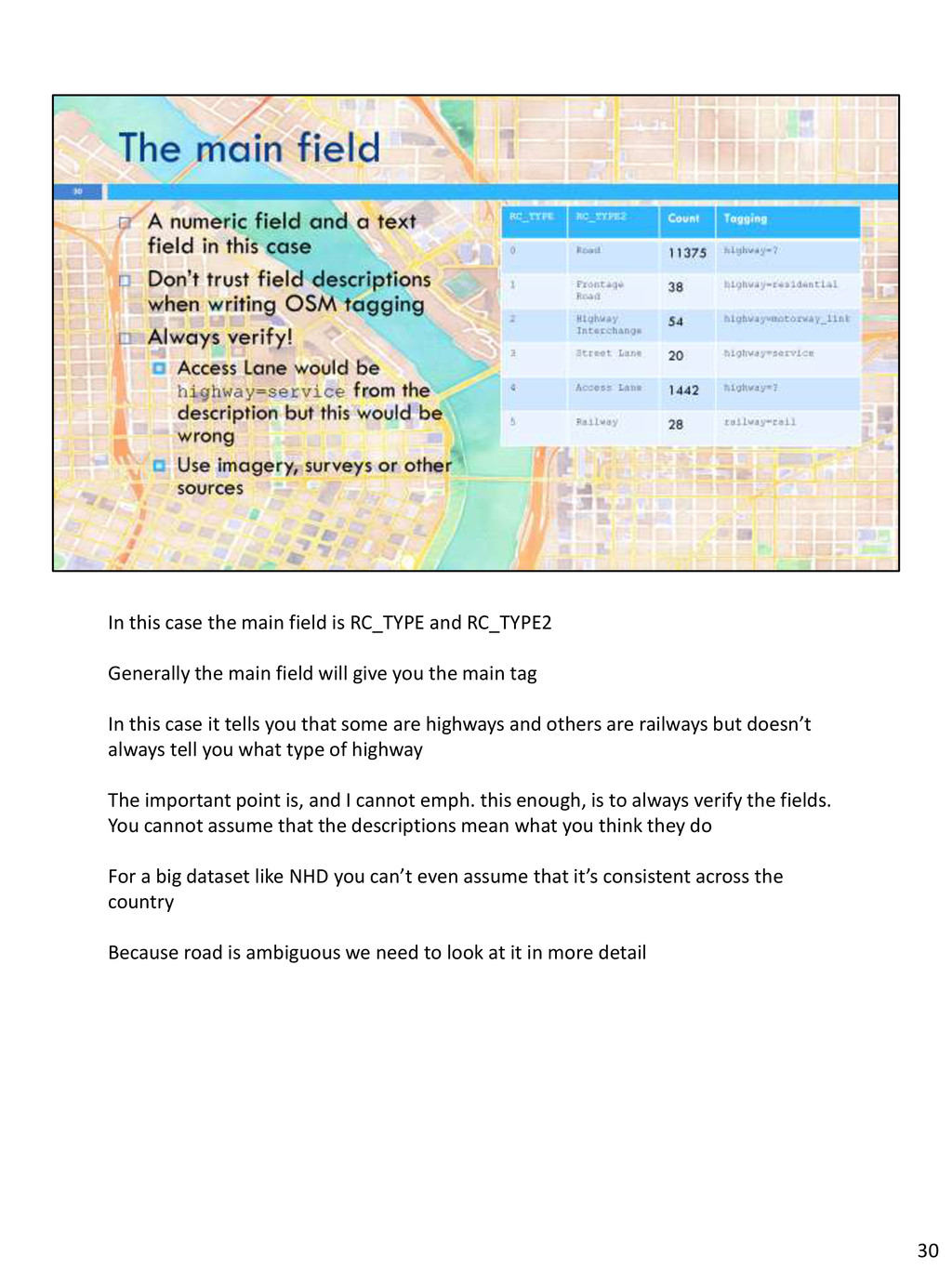
Generally the main field will give you the main tag In this case it tells you that some are highways and others are railways but doesn’t always tell you what type of highway The important point is, and I cannot emph. this enough, is to always verify the fields. You cannot assume that the descriptions mean what you think they do For a big dataset like NHD you can’t even assume that it’s consistent across the country Because road is ambiguous we need to look at it in more detail 30
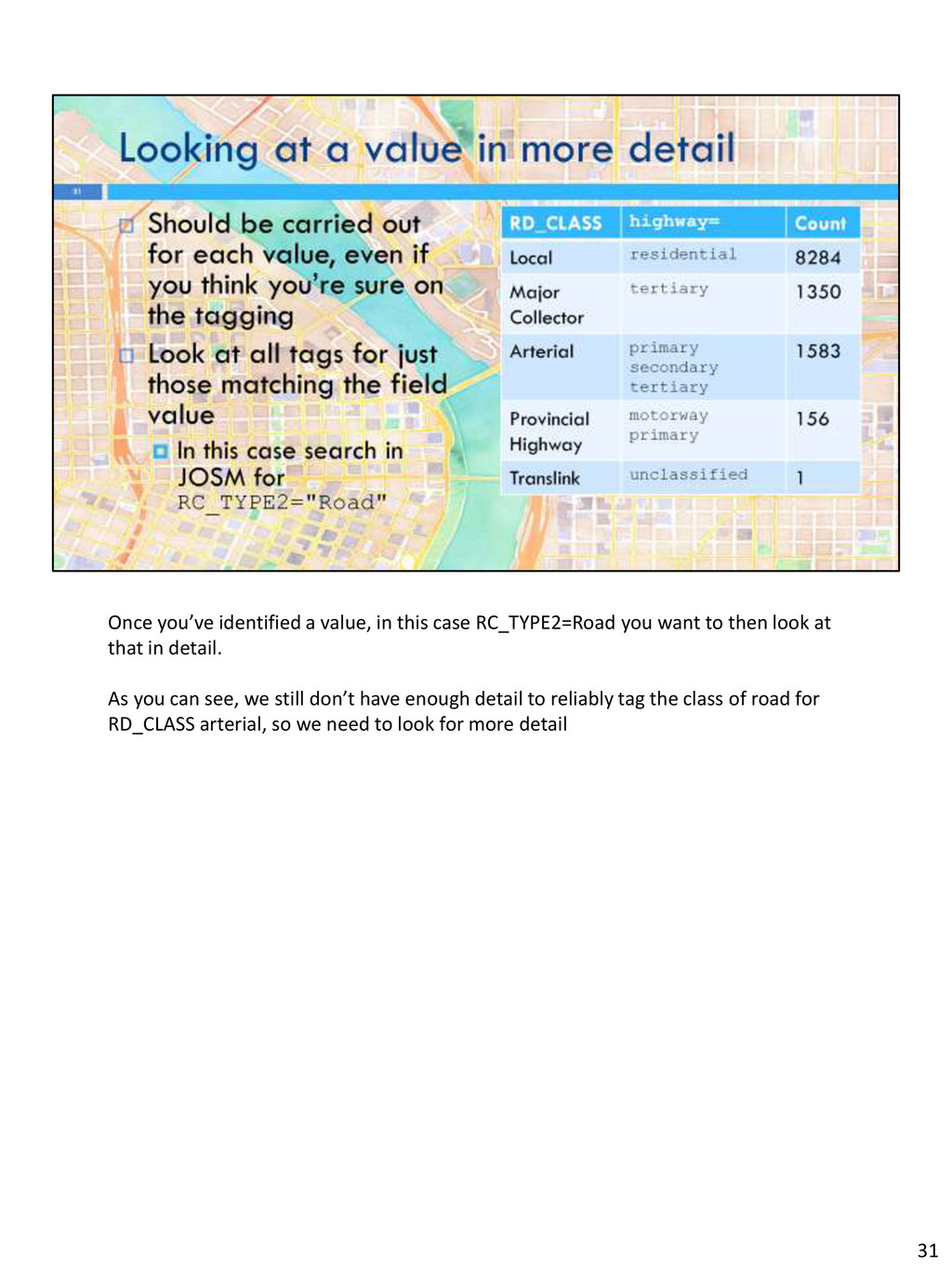
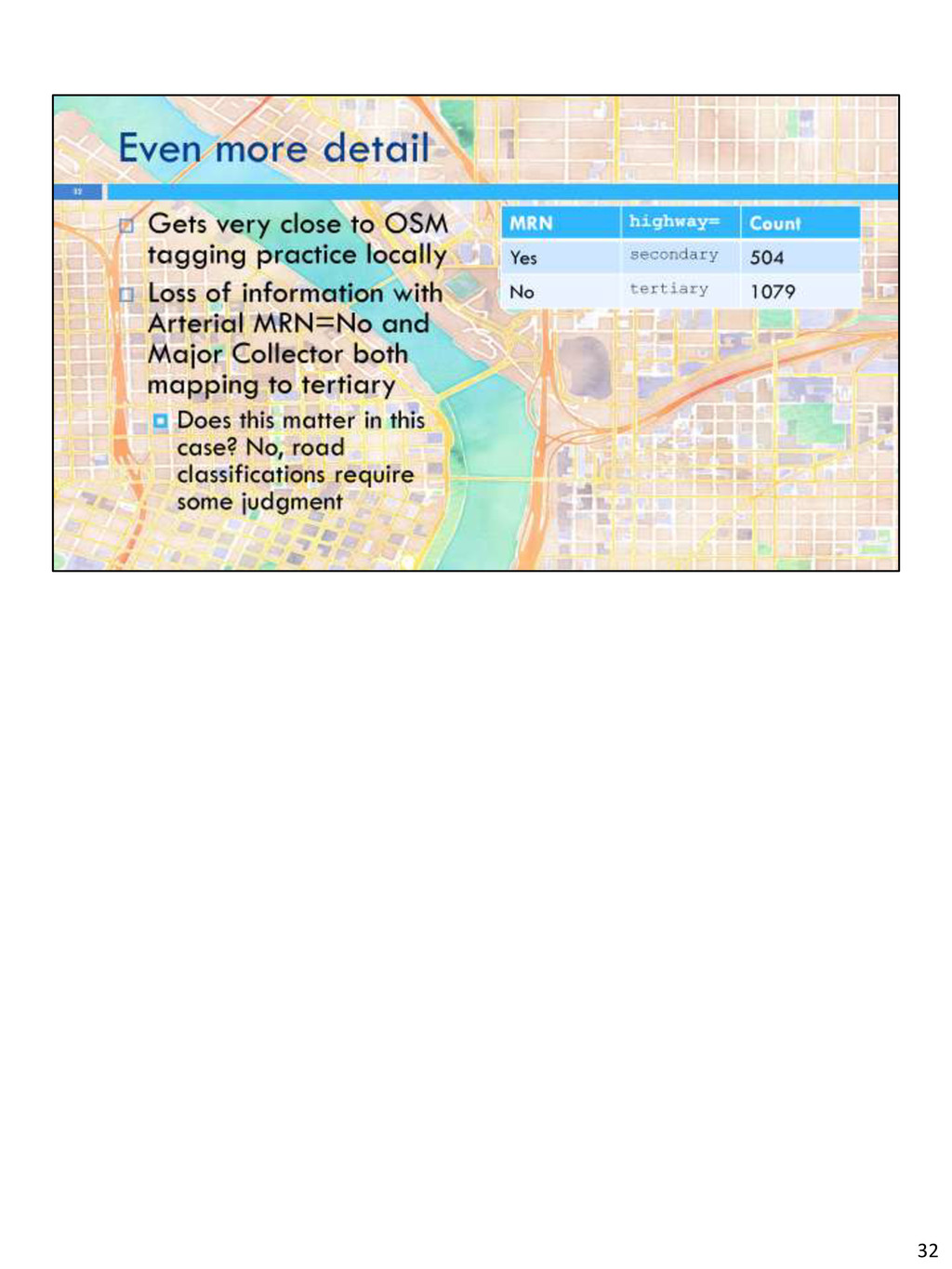
want to then look at that in detail. As you can see, we still don’t have enough detail to reliably tag the class of road for RD_CLASS arterial, so we need to look for more detail 31


 deka_morita
 oku053
 findyinc
 nokomoro3
 taiseiue
 florets1
 palkan
 yub0n
yub0n
 andpad
 rkaga
rkaga
 ryu1013
 mixplace
 gurzu
gurzu
 malarkey
 mclloyd
 rocio
rocio
 akosma
 jcasabona
 marketingsoph
 smashingmag
 samtorres
 jonoalderson
 reverentgeek
 ryanjones