Upgrade to Pro — share decks privately, control downloads, hide ads and more …

TENSORFLOW_DEV_SUMMIT_IBADAN.pdf

 TENSORFLOW_DEV_SUMMIT_IBADAN.pdf

This presentation talks about the comparative analysis between tensorflow and other deep learning frameworks and why there is so much increase in the usage of other frameworks.

I also talk about the new features available in Tensoflow version 2.0 and how they increase speed, ease of use and productivity in developing deep learning models.

Avatar for Michael

Michael

March 16, 2019

Other Decks in Technology

Transcript

  1. Who am I ? • Blockchain Developer • Machine Learning

    . • Passionate about open-source. • Interested in Big Data. • Penetration Testing
  2. Where I work ? Ellcrys helps you start, co-own and

    contribute to open source software products and organizations.
  3. What is TensorFlow TensorFlow is a free and open-source software

    library for dataflow and differentiable programming across a range of tasks. It is a symbolic math library, and is also used for machine learning applications such as neural networks.
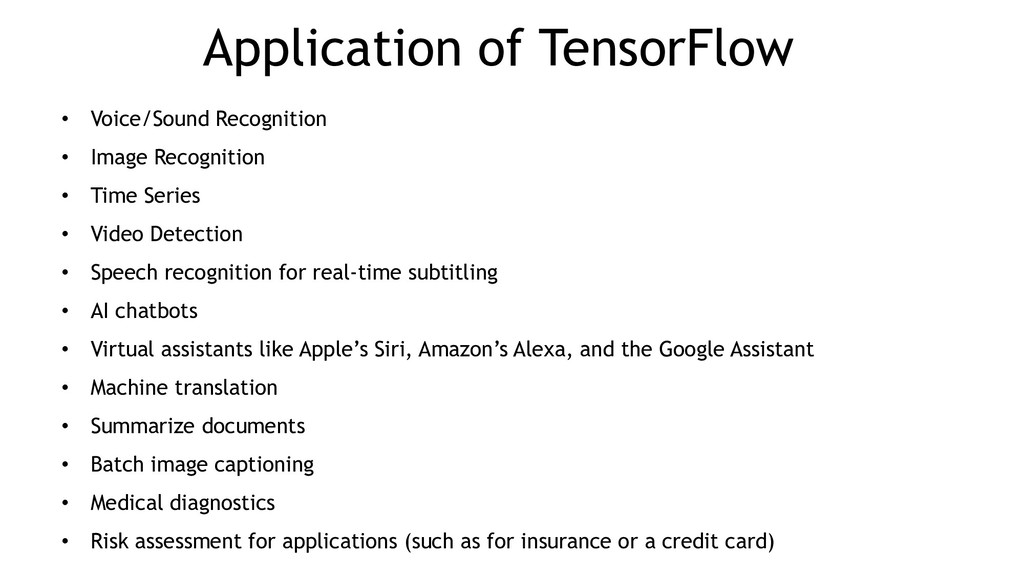
  4. Application of TensorFlow • Voice/Sound Recognition • Image Recognition •

    Time Series • Video Detection • Speech recognition for real-time subtitling • AI chatbots • Virtual assistants like Apple’s Siri, Amazon’s Alexa, and the Google Assistant • Machine translation • Summarize documents • Batch image captioning • Medical diagnostics • Risk assessment for applications (such as for insurance or a credit card)
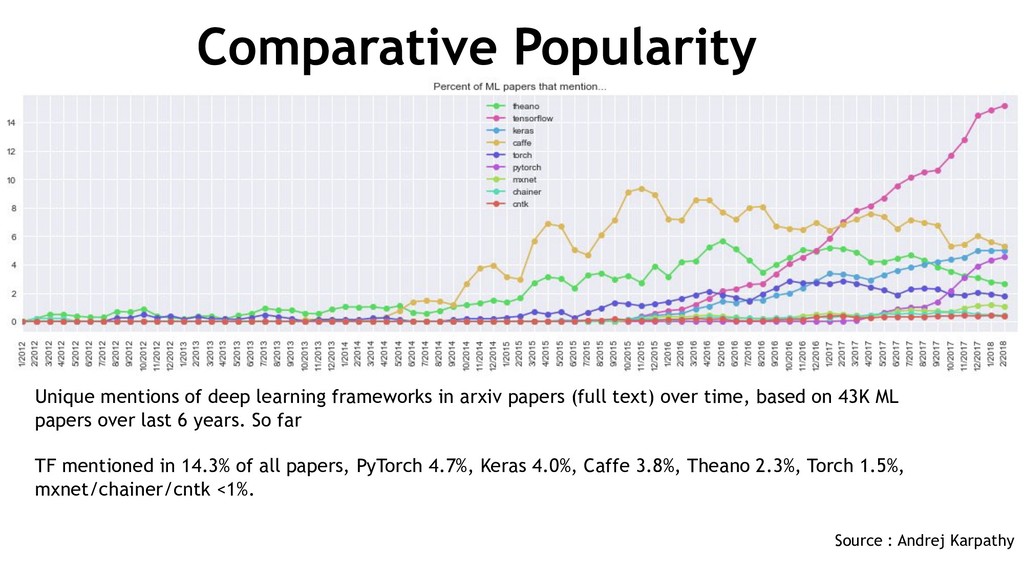
  5. Comparative Popularity Unique mentions of deep learning frameworks in arxiv

    papers (full text) over time, based on 43K ML papers over last 6 years. So far TF mentioned in 14.3% of all papers, PyTorch 4.7%, Keras 4.0%, Caffe 3.8%, Theano 2.3%, Torch 1.5%, mxnet/chainer/cntk <1%. Source : Andrej Karpathy
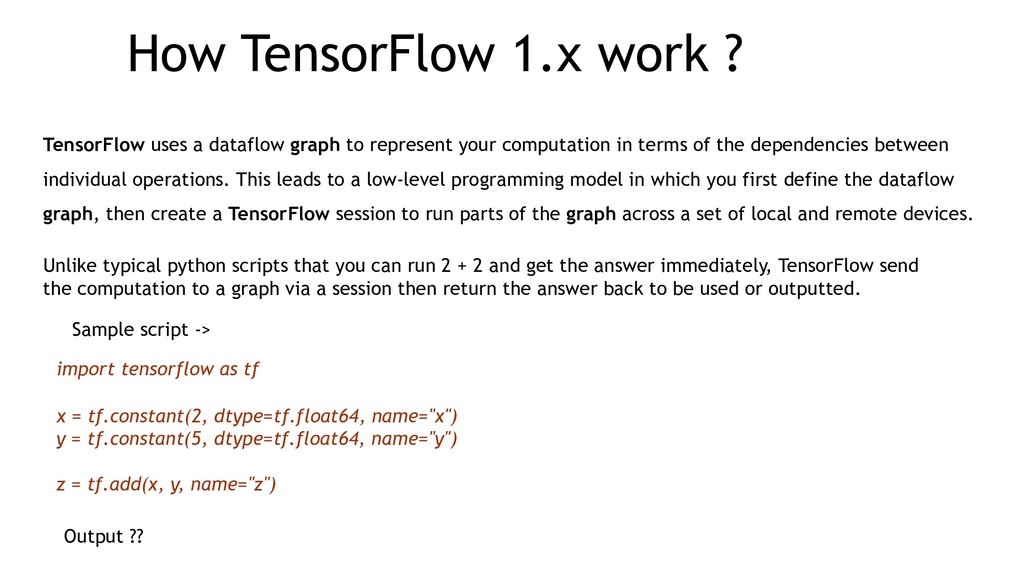
  6. How TensorFlow 1.x work ? TensorFlow uses a dataflow graph

    to represent your computation in terms of the dependencies between individual operations. This leads to a low-level programming model in which you first define the dataflow graph, then create a TensorFlow session to run parts of the graph across a set of local and remote devices. Unlike typical python scripts that you can run 2 + 2 and get the answer immediately, TensorFlow send the computation to a graph via a session then return the answer back to be used or outputted. import tensorflow as tf x = tf.constant(2, dtype=tf.float64, name="x") y = tf.constant(5, dtype=tf.float64, name="y") z = tf.add(x, y, name="z") Sample script -> Output ??
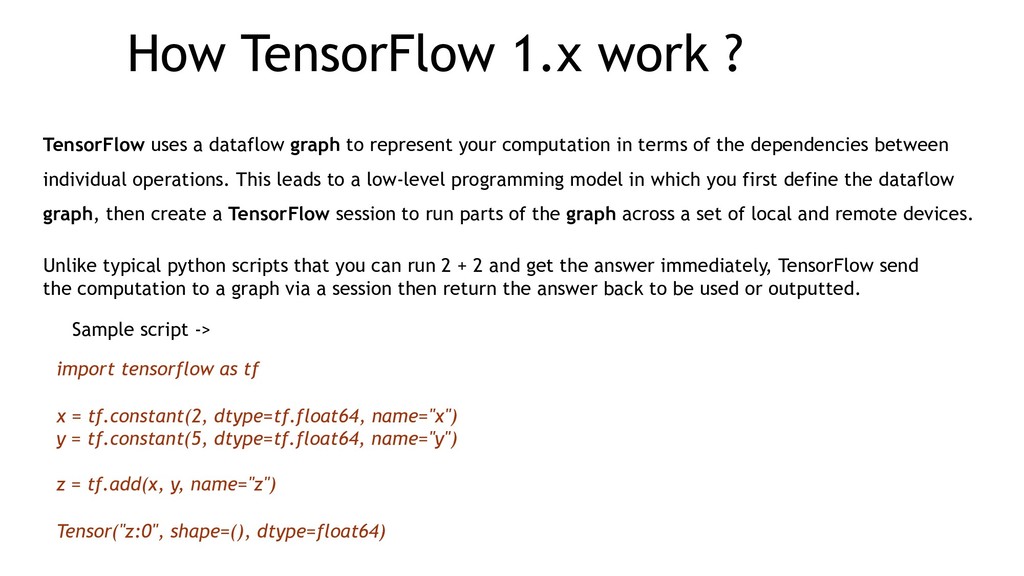
  7. How TensorFlow 1.x work ? TensorFlow uses a dataflow graph

    to represent your computation in terms of the dependencies between individual operations. This leads to a low-level programming model in which you first define the dataflow graph, then create a TensorFlow session to run parts of the graph across a set of local and remote devices. Unlike typical python scripts that you can run 2 + 2 and get the answer immediately, TensorFlow send the computation to a graph via a session then return the answer back to be used or outputted. import tensorflow as tf x = tf.constant(2, dtype=tf.float64, name="x") y = tf.constant(5, dtype=tf.float64, name="y") z = tf.add(x, y, name="z") Tensor("z:0", shape=(), dtype=float64) Sample script ->
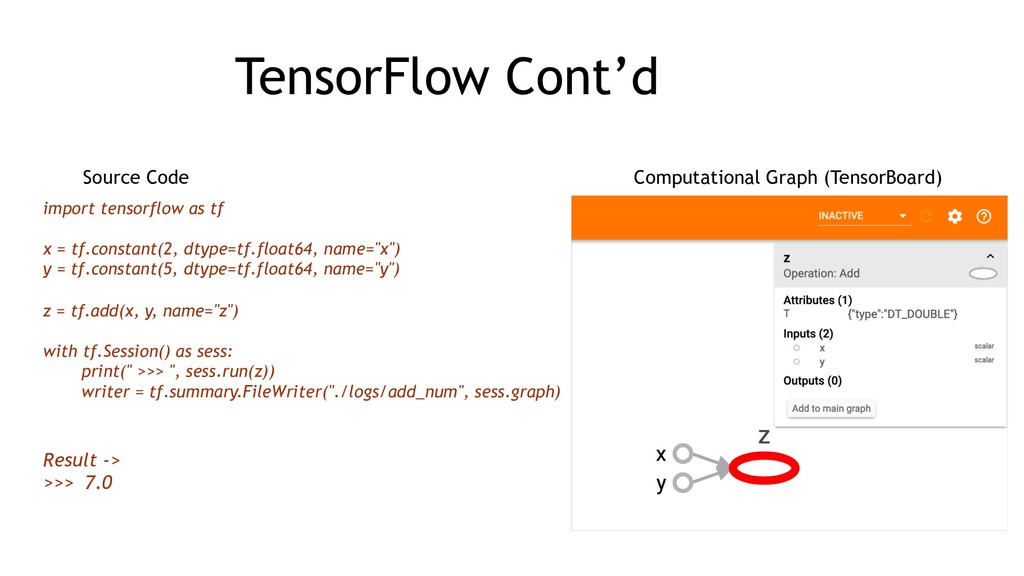
  8. TensorFlow Cont’d import tensorflow as tf x = tf.constant(2, dtype=tf.float64,

    name="x") y = tf.constant(5, dtype=tf.float64, name="y") z = tf.add(x, y, name="z") with tf.Session() as sess: print(" >>> ", sess.run(z)) writer = tf.summary.FileWriter("./logs/add_num", sess.graph) Result -> >>> 7.0 Source Code Computational Graph (TensorBoard)
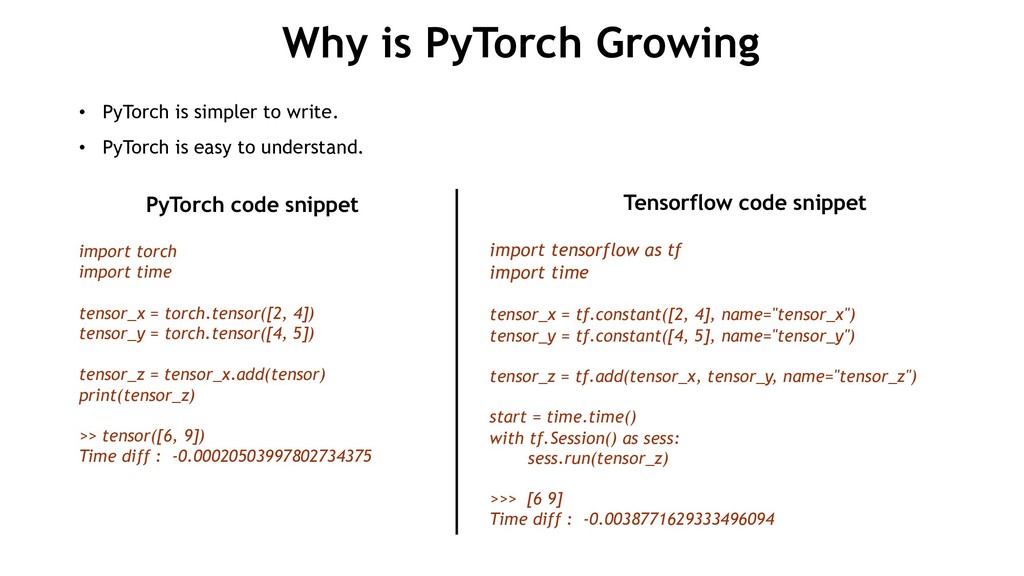
  9. Why is PyTorch Growing PyTorch code snippet import torch import

    time tensor_x = torch.tensor([2, 4]) tensor_y = torch.tensor([4, 5]) tensor_z = tensor_x.add(tensor) print(tensor_z) >> tensor([6, 9]) Time diff : -0.00020503997802734375 Tensorflow code snippet import tensorflow as tf import time tensor_x = tf.constant([2, 4], name="tensor_x") tensor_y = tf.constant([4, 5], name="tensor_y") tensor_z = tf.add(tensor_x, tensor_y, name="tensor_z") start = time.time() with tf.Session() as sess: sess.run(tensor_z) >>> [6 9] Time diff : -0.0038771629333496094 • PyTorch is simpler to write. • PyTorch is easy to understand.
  10. Import torch x = torch.tensor([0.]) y = torch.tensor([1.]) for i

    in range(50): x = x + y y = y / 2 Print(x) >>> tensor([2.]) Computing 1 + 11/ 2 + 11/ 4 + 11/ 8 = 2 PyTorch import tensorflow as tf x = torch.tensor([0.]) y = torch.tensor([1.]) x = tf.Variable(0.) y = tf.Variable(1.) add_op = x.assign(x + y) div_op = y.assign(y / 2) init = tf.global_variables_initializer() with tf.Session() as sess: init.run() for i in range(50): sess.run(add_op) sess.run(div_op) Print(x.eval()) >>> 2.0 TensorFlow • construction phase : where you build the graph. • execution phase : where you evaluates. • create session. • initialize all the variable. • It is more verbose. • Error prone. • Tensorflow graph mode is harder to debug. Issues and Observation
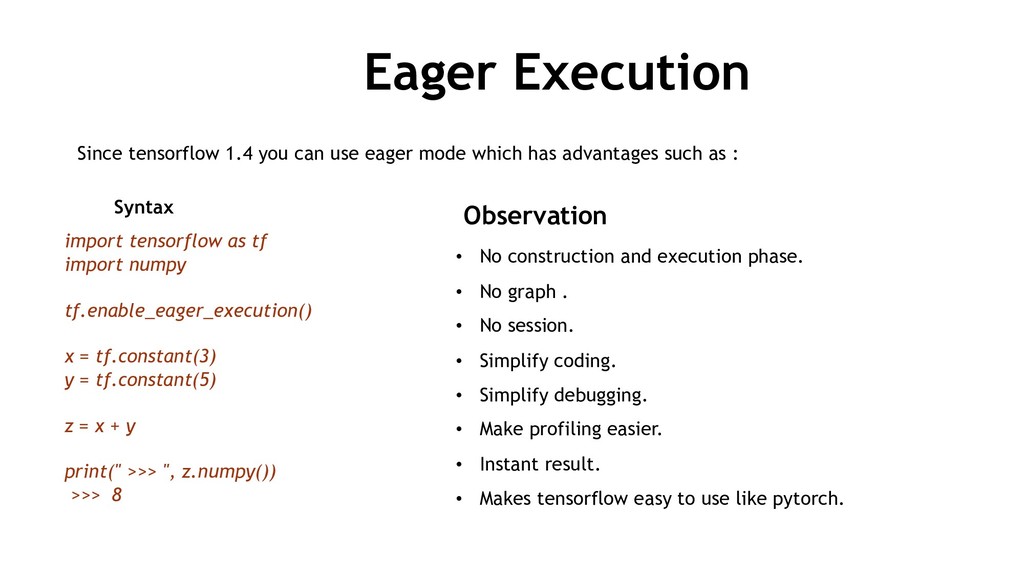
  11. Eager Execution Since tensorflow 1.4 you can use eager mode

    which has advantages such as : • No construction and execution phase. • No graph . • No session. • Simplify coding. • Simplify debugging. • Make profiling easier. • Instant result. • Makes tensorflow easy to use like pytorch. import tensorflow as tf import numpy tf.enable_eager_execution() x = tf.constant(3) y = tf.constant(5) z = x + y print(" >>> ", z.numpy()) >>> 8 Observation Syntax
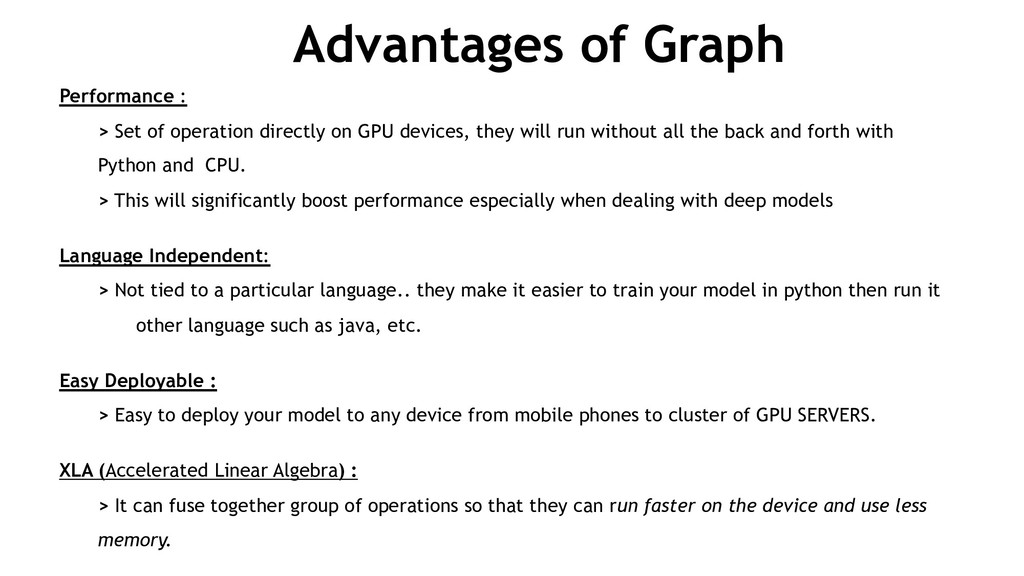
  12. Advantages of Graph Performance : > Set of operation directly

    on GPU devices, they will run without all the back and forth with Python and CPU. > This will significantly boost performance especially when dealing with deep models Language Independent: > Not tied to a particular language.. they make it easier to train your model in python then run it other language such as java, etc. Easy Deployable : > Easy to deploy your model to any device from mobile phones to cluster of GPU SERVERS. XLA (Accelerated Linear Algebra) : > It can fuse together group of operations so that they can run faster on the device and use less memory.
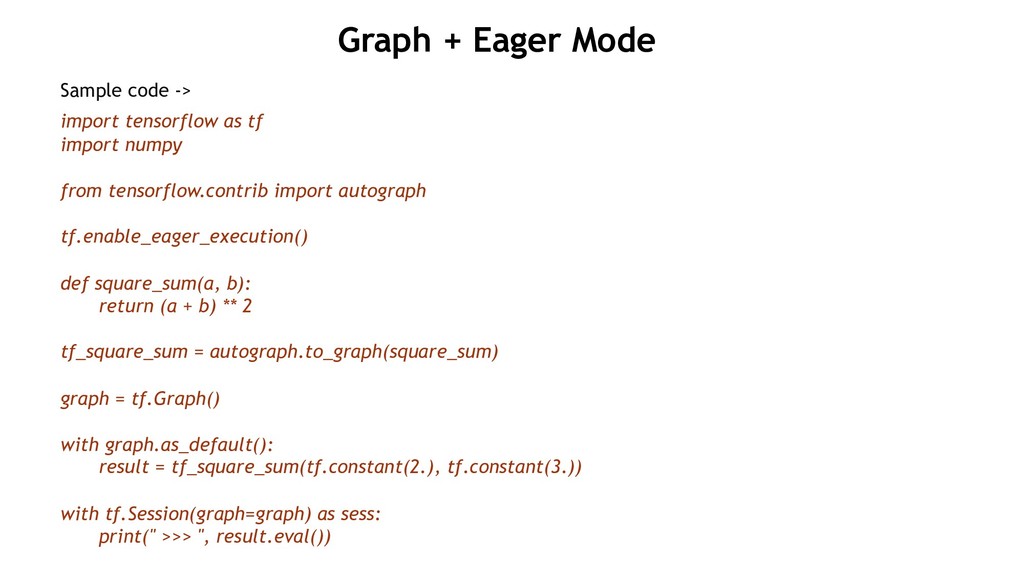
  13. Sample code -> import tensorflow as tf import numpy from

    tensorflow.contrib import autograph tf.enable_eager_execution() def square_sum(a, b): return (a + b) ** 2 tf_square_sum = autograph.to_graph(square_sum) graph = tf.Graph() with graph.as_default(): result = tf_square_sum(tf.constant(2.), tf.constant(3.)) with tf.Session(graph=graph) as sess: print(" >>> ", result.eval()) Graph + Eager Mode
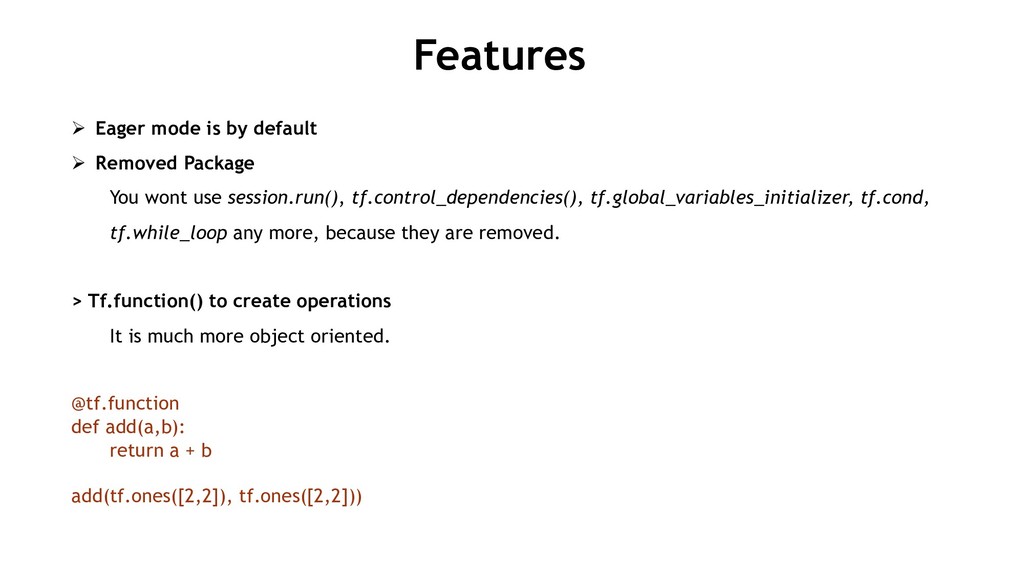
  14. Features Ø Eager mode is by default Ø Removed Package

    You wont use session.run(), tf.control_dependencies(), tf.global_variables_initializer, tf.cond, tf.while_loop any more, because they are removed. > Tf.function() to create operations It is much more object oriented. @tf.function def add(a,b): return a + b add(tf.ones([2,2]), tf.ones([2,2]))
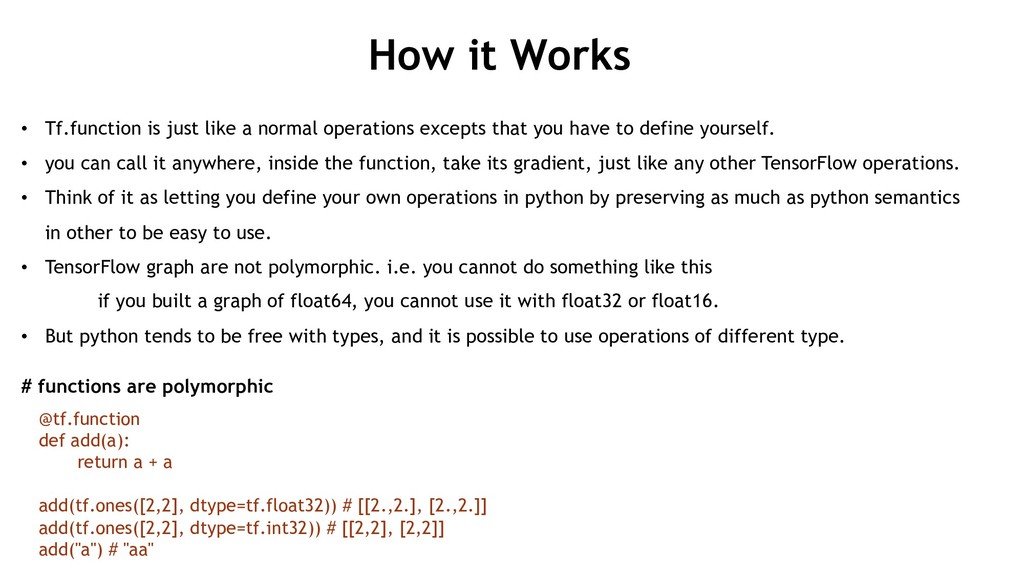
  15. How it Works • Tf.function is just like a normal

    operations excepts that you have to define yourself. • you can call it anywhere, inside the function, take its gradient, just like any other TensorFlow operations. • Think of it as letting you define your own operations in python by preserving as much as python semantics in other to be easy to use. • TensorFlow graph are not polymorphic. i.e. you cannot do something like this if you built a graph of float64, you cannot use it with float32 or float16. • But python tends to be free with types, and it is possible to use operations of different type. # functions are polymorphic @tf.function def add(a): return a + a add(tf.ones([2,2], dtype=tf.float32)) # [[2.,2.], [2.,2.]] add(tf.ones([2,2], dtype=tf.int32)) # [[2,2], [2,2]] add("a") # "aa"
  16. Why you should turn them on ? • New to

    or TensorFlow. Being able to play with all this object and manipulate them directly is a much nicer experience than having to build a graph and interacting with it during session. • It is a lot more intuitive and allow you to understand what is going on better. • If you are a researcher, and you want to quickly iterate over a model, changing internal properties, comparing them and trying to customize operations.. Eager execution allows you to understand what is going on.. in order to be productive and advance. • Debugging is easier in eager execution, because it is easier to step through your code in debugger as against running them in a session graph. • Ability to profile your model in any python profiling tool to find bottlenecks.
  17. Feature Cont’d Biggest focus on usability • keras has been

    adopted as the high level API integrately deeply with TensorFlow. • Keras gives you a clear path on how to develop your model and deploy modules. • It get you started quickly. • It now includes complete implementation of keras but extended with all the complete features of TensorFlow direct from tf.keras. Eager execution mode is default • Support eager mode and graph mode • It is much more object oriented.
  18. Feature Cont’d API • It is be better organized. •

    Some will be moved • Other will have new alias • They will be restructured in other to find related function Migration Tool • Migration tool is provided to convert tf 1.x code to 2.0.. • It still require fine tuning though. • It will at least take care of the significant part of the migration.
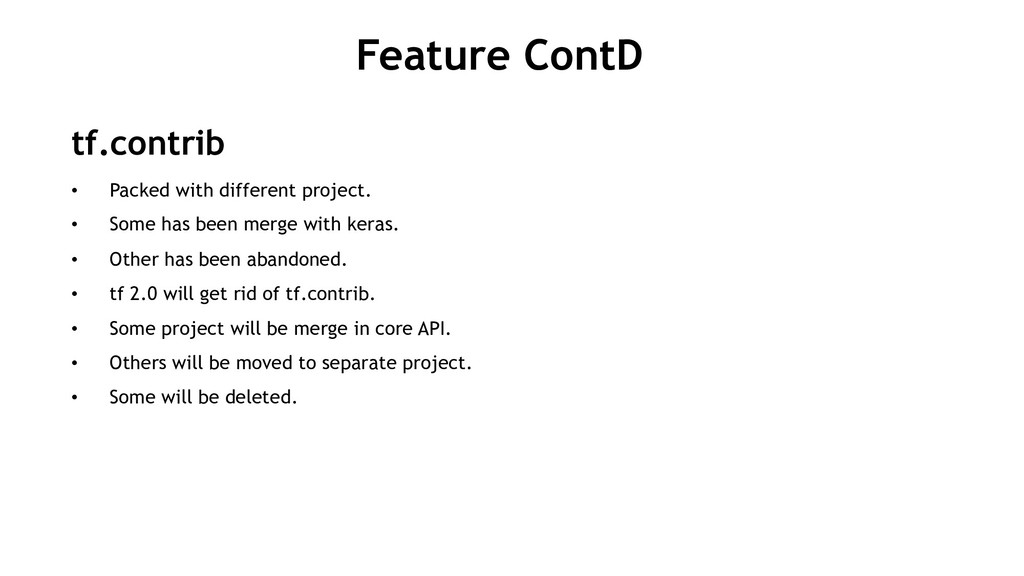
  19. Feature ContD tf.contrib • Packed with different project. • Some

    has been merge with keras. • Other has been abandoned. • tf 2.0 will get rid of tf.contrib. • Some project will be merge in core API. • Others will be moved to separate project. • Some will be deleted.