Upgrade to Pro
— share decks privately, control downloads, hide ads and more …
Speaker Deck
Sign up for free
Menu
Search
Features
All features
Private URLs
Password Protection
Custom URLS
Scheduled publishing
Remove Branding
Restrict embedding
Deck Collections
Notes
Features
All features
Private URLs
Password Protection
Custom URLS
Scheduled publishing
Remove Branding
Restrict embedding
Deck Collections
Notes
Explore
Featured decks
Featured speakers
Programming
Technology
Storyboards
Explore
Featured decks
Featured speakers
Programming
Technology
Storyboards
Pricing
Search
Sign in
Sign up for free
GithubCopilotCLI勉強会
Search
program-kitchen
April 09, 2026
1.4k
0
Share
Embed
Copy iframe code
Copy JS code
Copy link
Start on current slide
GithubCopilotCLI勉強会
program-kitchen
April 09, 2026
More Decks by program-kitchen
See All by program-kitchen
GithubCopilot勉強会
programkitchen
0
470
Google AI Antigravity勉強会
programkitchen
0
190
Featured
See All Featured
Dealing with People You Can't Stand - Big Design 2015
cassininazir
367
27k
Typedesign – Prime Four
hannesfritz
42
3.2k
Mind Mapping
helmedeiros
1
400
Accessibility Awareness
sabderemane
1
250
Fight the Zombie Pattern Library - RWD Summit 2016
marcelosomers
234
18k
First, design no harm
axbom
PRO
2
1.3k
More Than Pixels: Becoming A User Experience Designer
marktimemedia
3
560
Templates, Plugins, & Blocks: Oh My! Creating the theme that thinks of everything
marktimemedia
31
2.9k
Measuring & Analyzing Core Web Vitals
bluesmoon
9
1k
The agentic SEO stack - context over prompts
schlessera
0
970
The State of eCommerce SEO: How to Win in Today's Products SERPs - #SEOweek
aleyda
2
12k
Marketing to machines
jonoalderson
1
5.9k
Transcript
GitHub Copilot CLI マスタークラス ターミナルから操作する次世代の開発ワークフロー [Study Session]
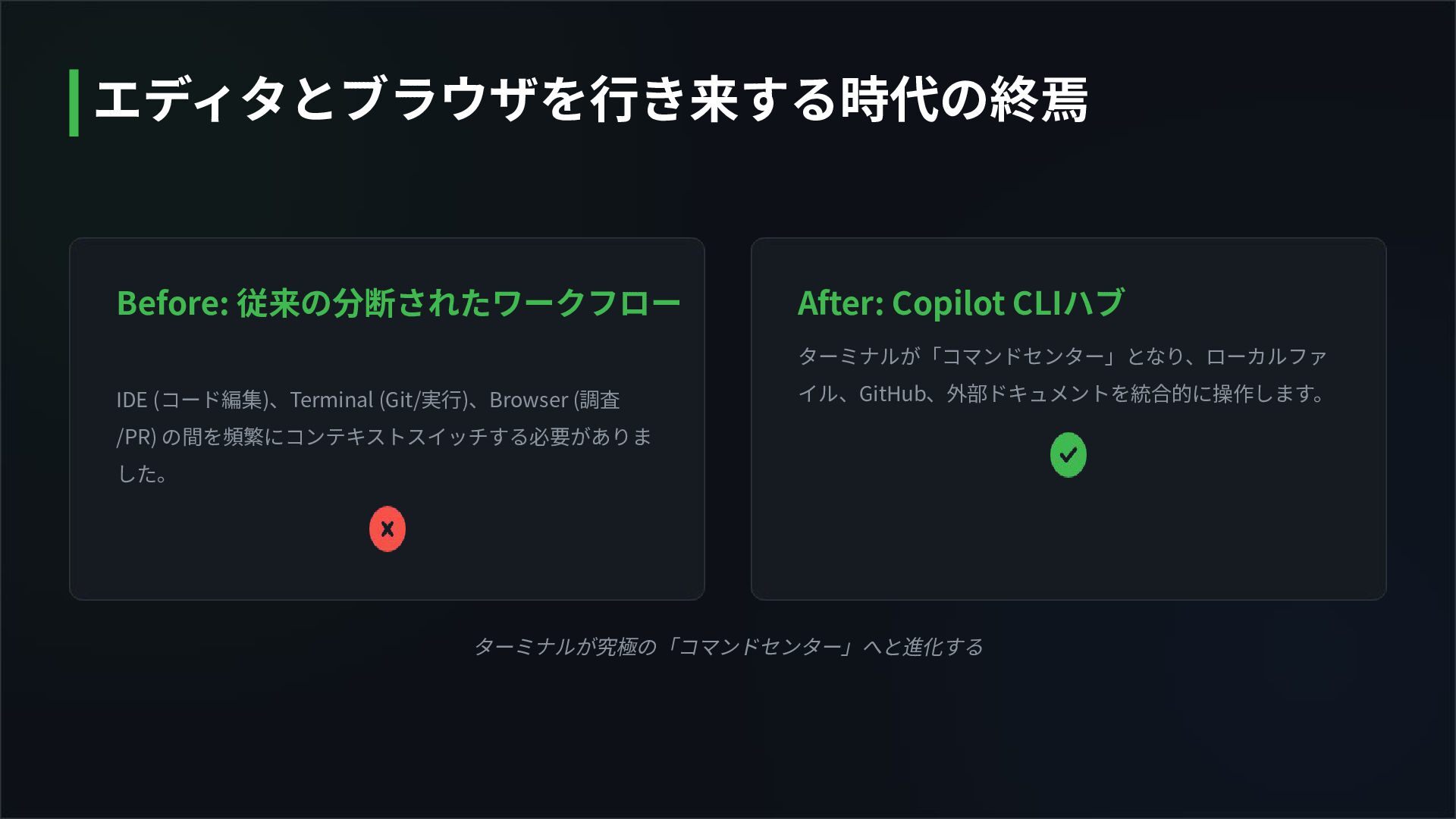
ターミナルが究極の「コマンドセンター」へと進化する Before: 従来の分断されたワークフロー IDE (コード編集)、Terminal (Git/実⾏)、Browser (調査 /PR) の間を頻繁にコンテキストスイッチする必要がありま した。
After: Copilot CLIハブ ターミナルが「コマンドセンター」となり、ローカルファ イル、GitHub、外部ドキュメントを統合的に操作します。 エディタとブラウザを⾏き来する時代の終焉
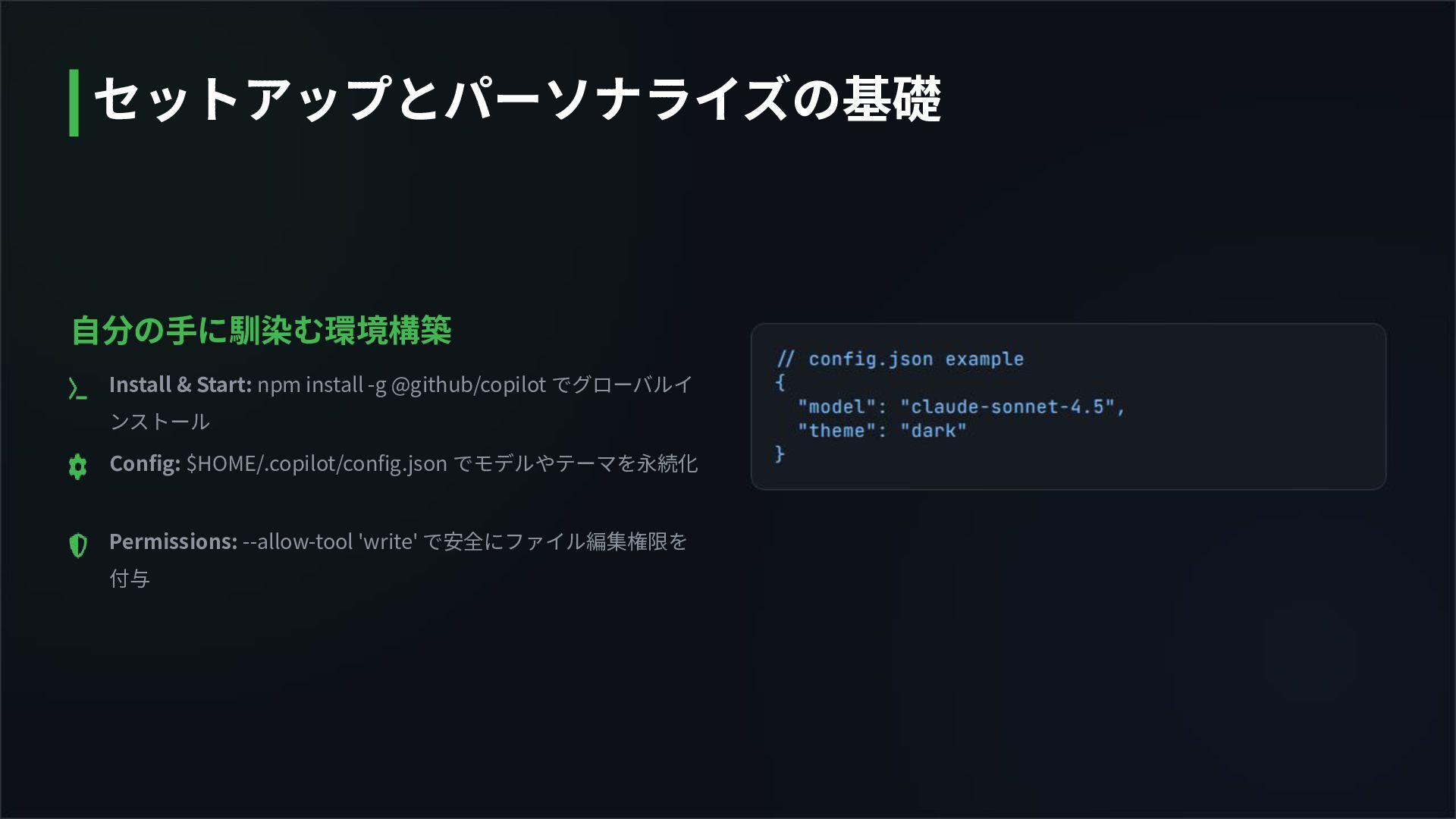
⾃分の⼿に馴染む環境構築 Install & Start: npm install -g @github/copilot でグローバルイ ンストール
Config: $HOME/.copilot/config.json でモデルやテーマを永続化 Permissions: --allow-tool 'write' で安全にファイル編集権限を 付与 セットアップとパーソナライズの基礎
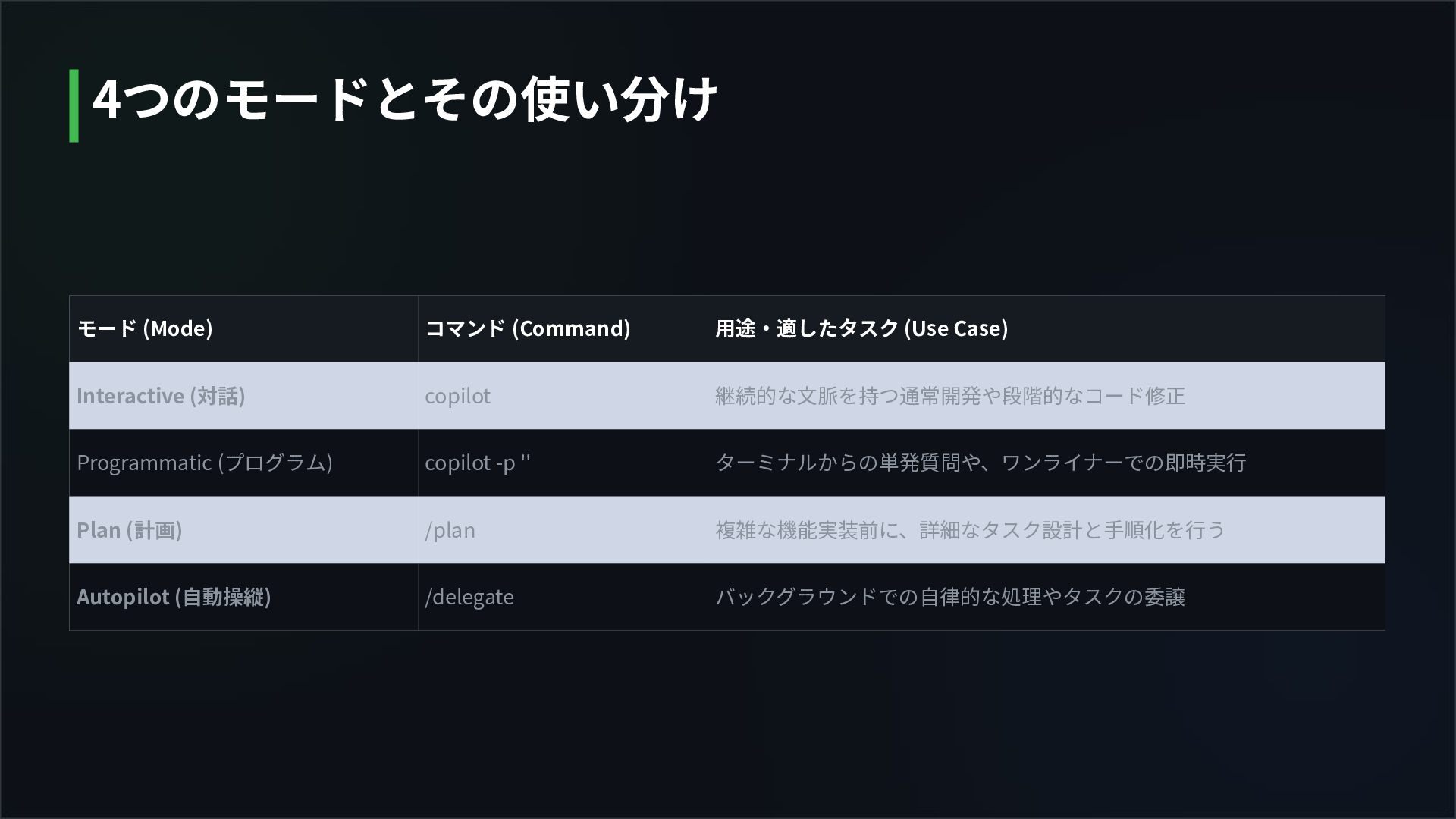
モード (Mode) コマンド (Command) ⽤途‧適したタスク (Use Case) Interactive (対話) copilot
継続的な⽂脈を持つ通常開発や段階的なコード修正 Programmatic (プログラム) copilot -p '' ターミナルからの単発質問や、ワンライナーでの即時実⾏ Plan (計画) /plan 複雑な機能実装前に、詳細なタスク設計と⼿順化を⾏う Autopilot (⾃動操縦) /delegate バックグラウンドでの⾃律的な処理やタスクの委譲 4つのモードとその使い分け
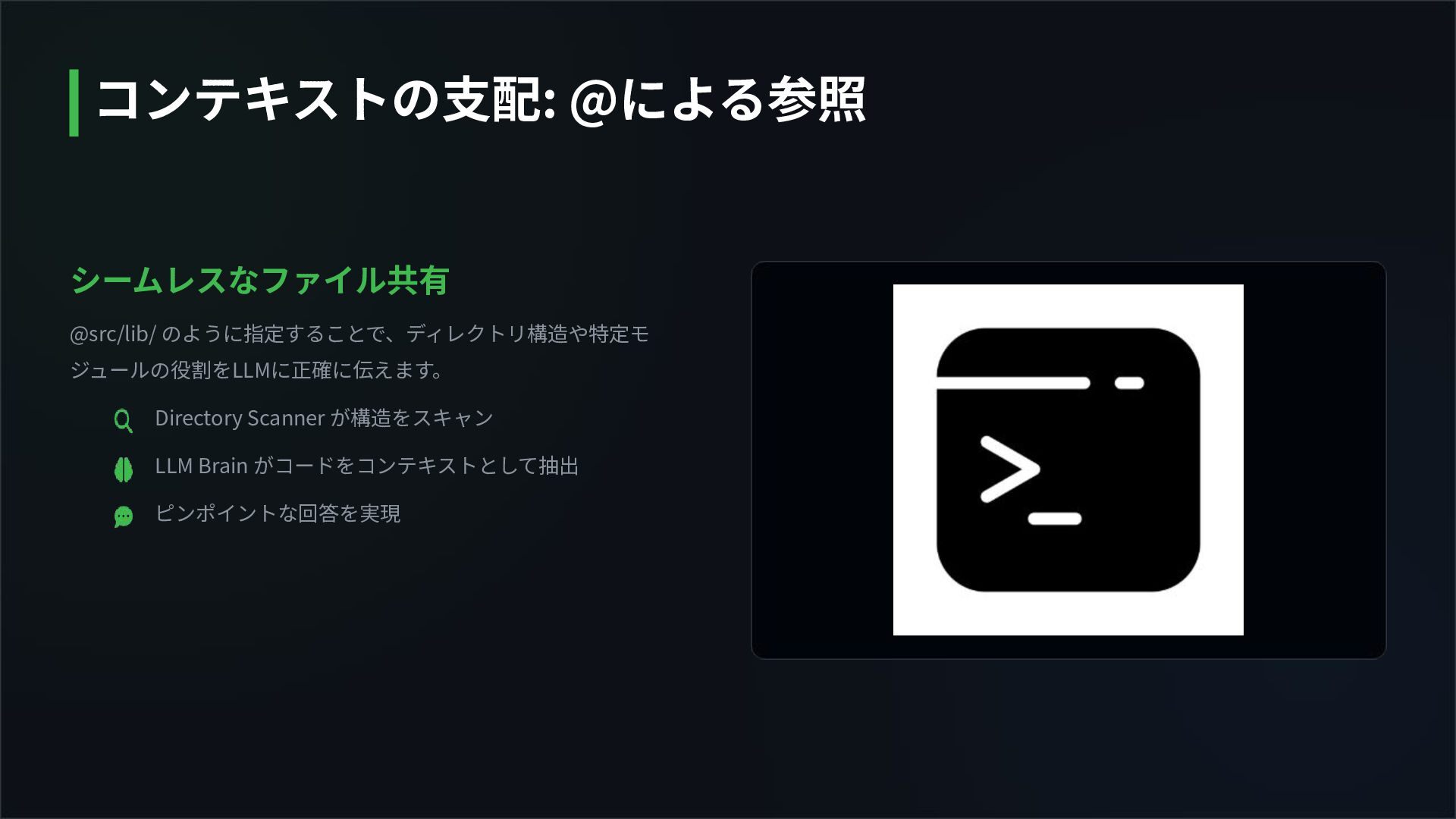
シームレスなファイル共有 @src/lib/ のように指定することで、ディレクトリ構造や特定モ ジュールの役割をLLMに正確に伝えます。 Directory Scanner が構造をスキャン LLM Brain がコードをコンテキストとして抽出
ピンポイントな回答を実現 コンテキストの⽀配: @による参照
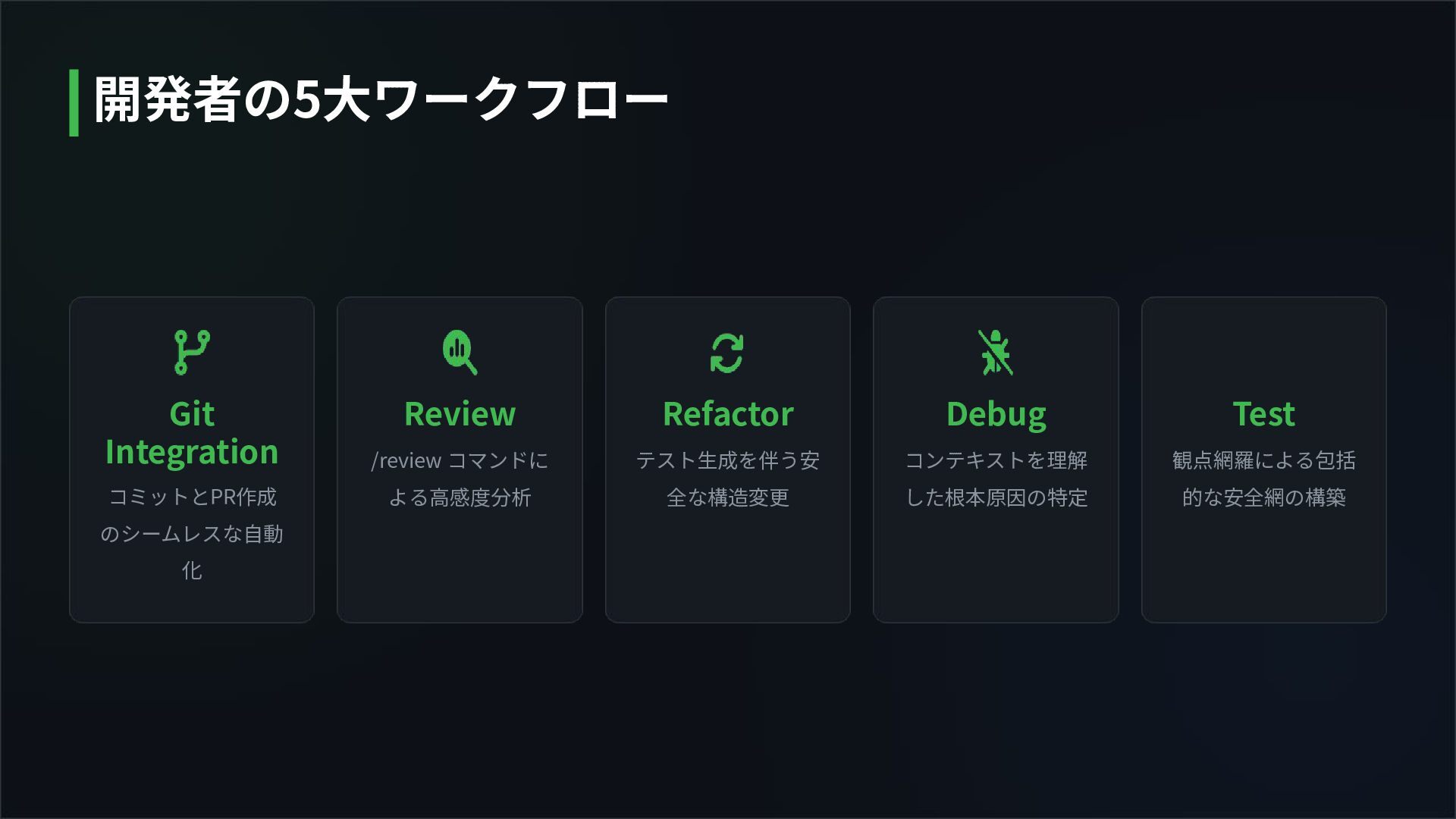
Git Integration コミットとPR作成 のシームレスな⾃動 化 Review /review コマンドに よる⾼感度分析 Refactor
テスト⽣成を伴う安 全な構造変更 Debug コンテキストを理解 した根本原因の特定 Test 観点網羅による包括 的な安全網の構築 開発者の5⼤ワークフロー
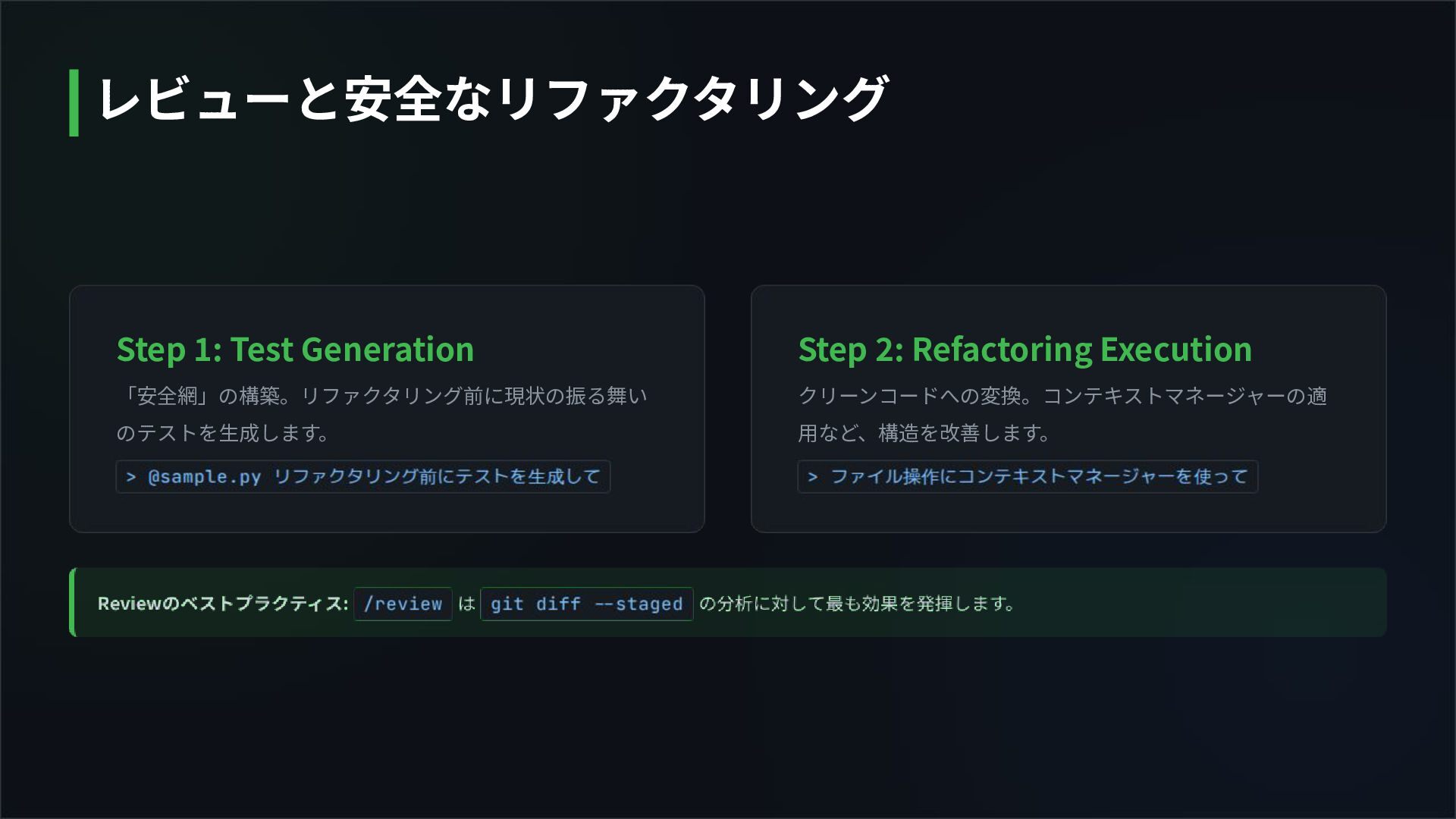
Step 1: Test Generation 「安全網」の構築。リファクタリング前に現状の振る舞い のテストを⽣成します。 Step 2: Refactoring Execution
クリーンコードへの変換。コンテキストマネージャーの適 ⽤など、構造を改善します。 レビューと安全なリファクタリング
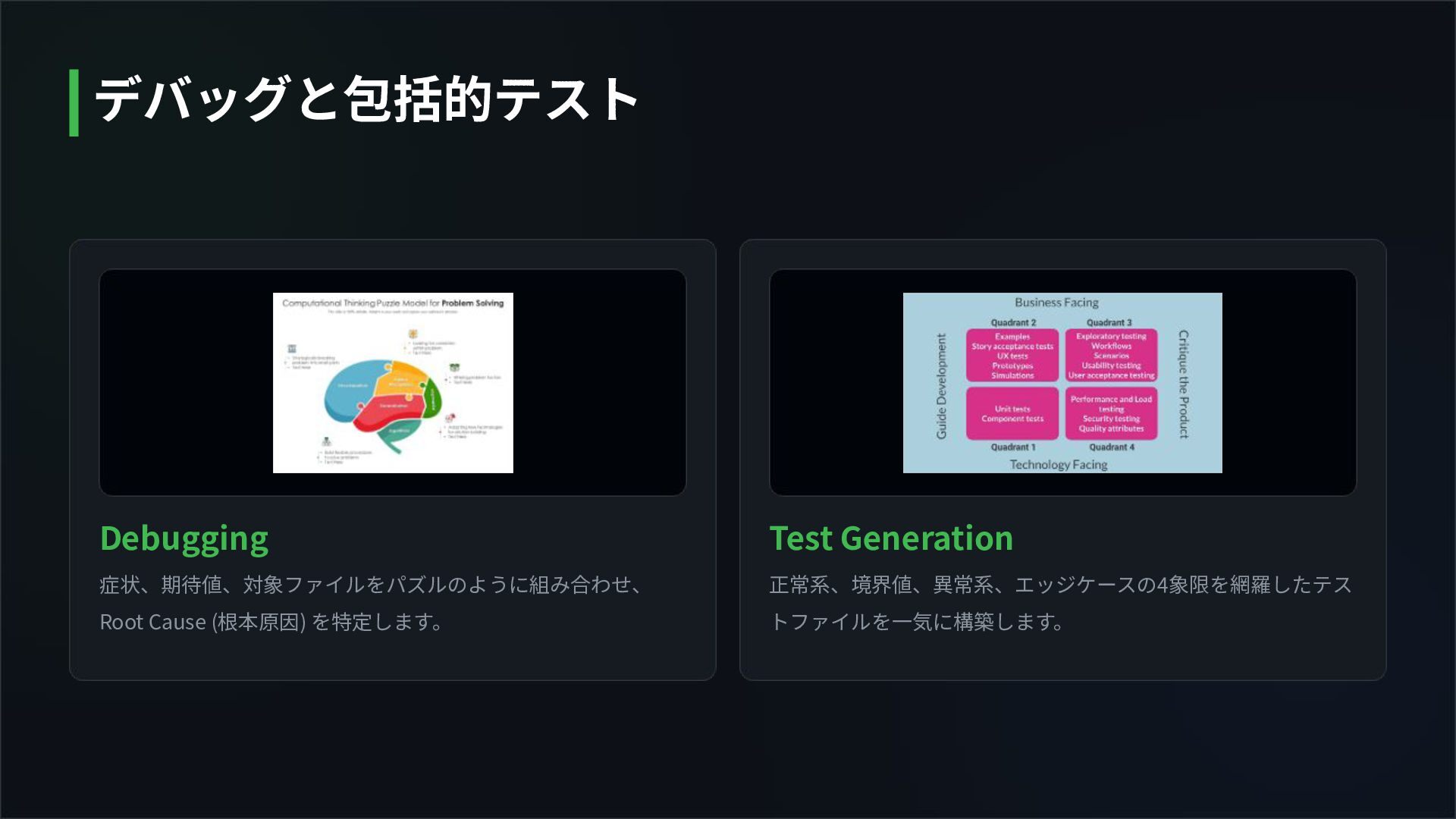
Debugging 症状、期待値、対象ファイルをパズルのように組み合わせ、 Root Cause (根本原因) を特定します。 Test Generation 正常系、境界値、異常系、エッジケースの4象限を網羅したテス トファイルを⼀気に構築します。
デバッグと包括的テスト
シームレスな⾃動化 Local Git Data (diff/log) をエンジンが解釈し、意味のあるアウトプッ トを⽣成します。 Commit Message: コンベンショナルなメッセージを⾃動⽣
成 Pull Request: /pr create でサマリーを⾃動作成 Delegation: 軽微な修正はAIに完全委譲 ワークフロー 5: GitとPRの完全統合
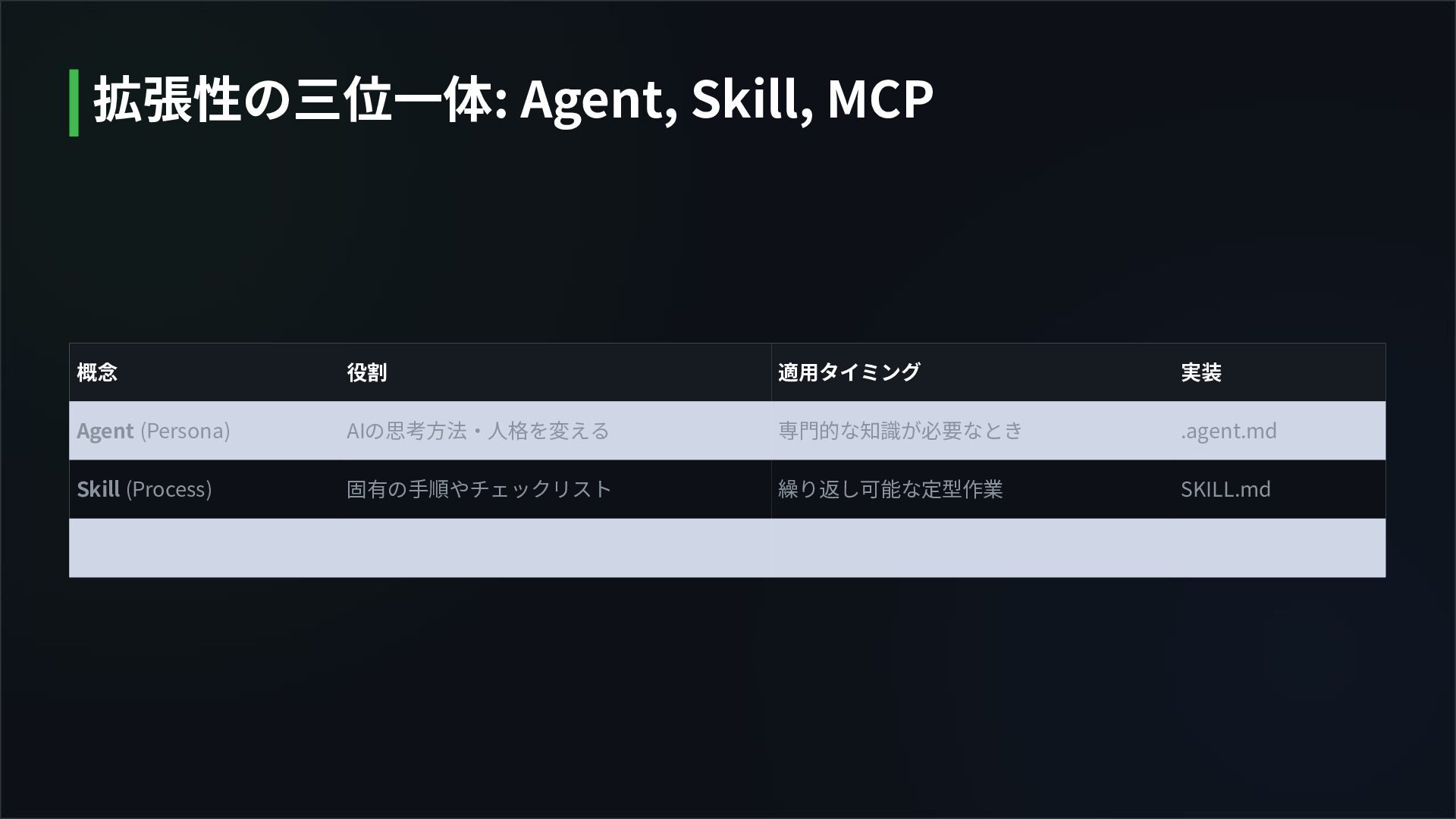
概念 役割 適⽤タイミング 実装 Agent (Persona) AIの思考⽅法‧⼈格を変える 専⾨的な知識が必要なとき .agent.md Skill
(Process) 固有の⼿順やチェックリスト 繰り返し可能な定型作業 SKILL.md 拡張性の三位⼀体: Agent, Skill, MCP
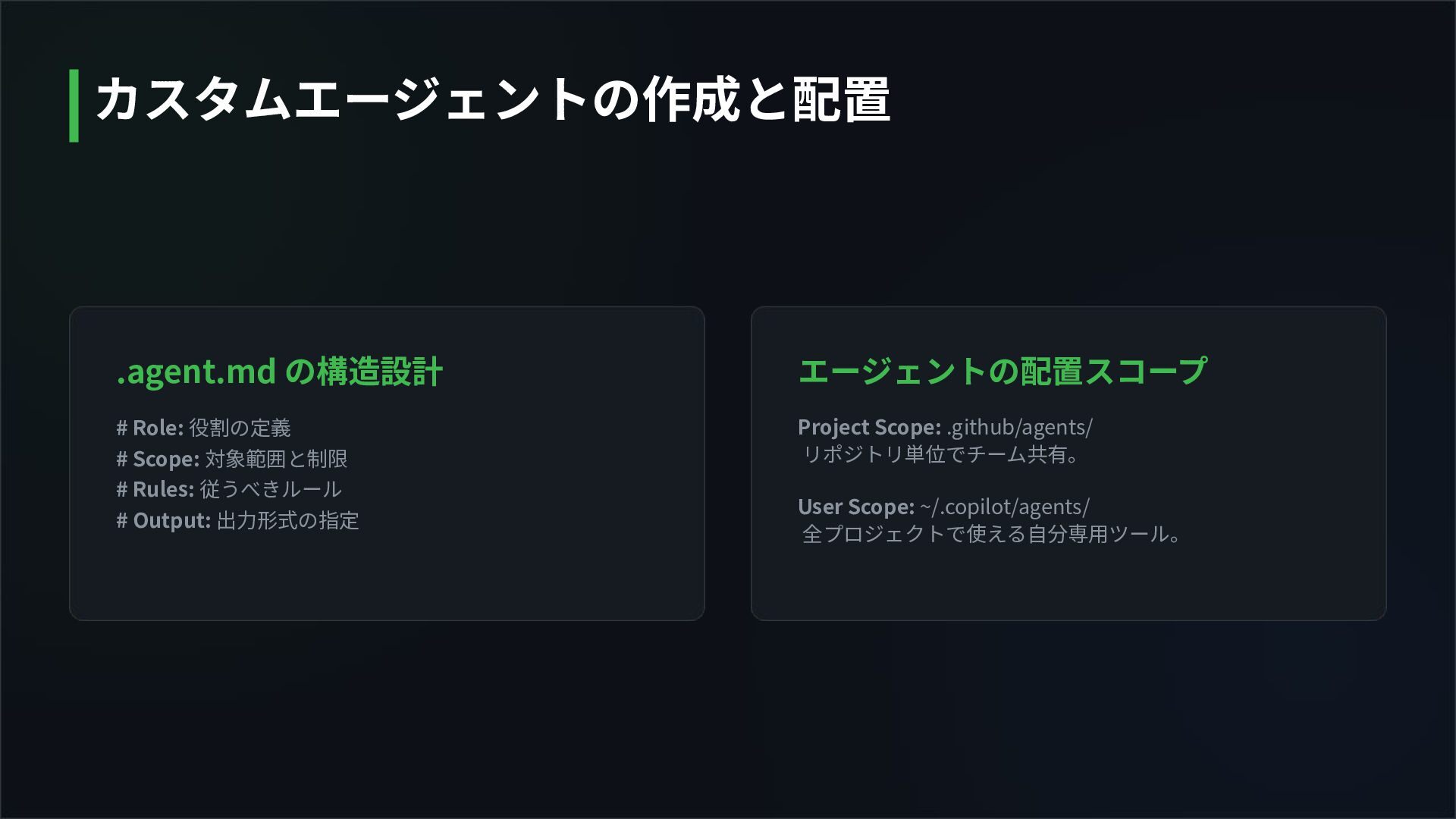
.agent.md の構造設計 エージェントの配置スコープ Project Scope: .github/agents/ リポジトリ単位でチーム共有。 User Scope: ~/.copilot/agents/
全プロジェクトで使える⾃分専⽤ツール。 # Role: 役割の定義 # Scope: 対象範囲と制限 # Rules: 従うべきルール # Output: 出⼒形式の指定 カスタムエージェントの作成と配置
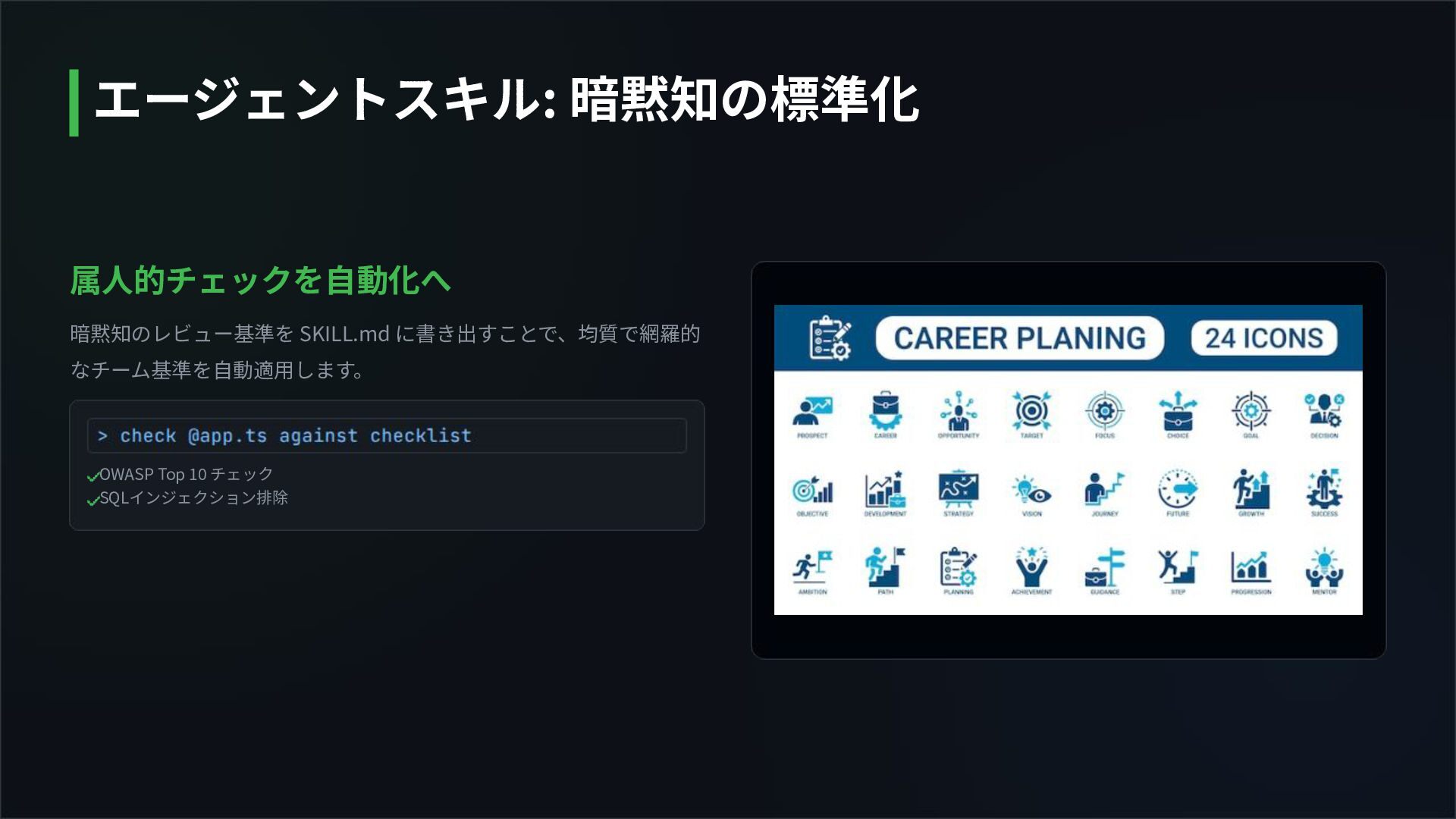
属⼈的チェックを⾃動化へ 暗黙知のレビュー基準を SKILL.md に書き出すことで、均質で網羅的 なチーム基準を⾃動適⽤します。 OWASP Top 10 チェック SQLインジェクション排除
エージェントスキル: 暗黙知の標準化
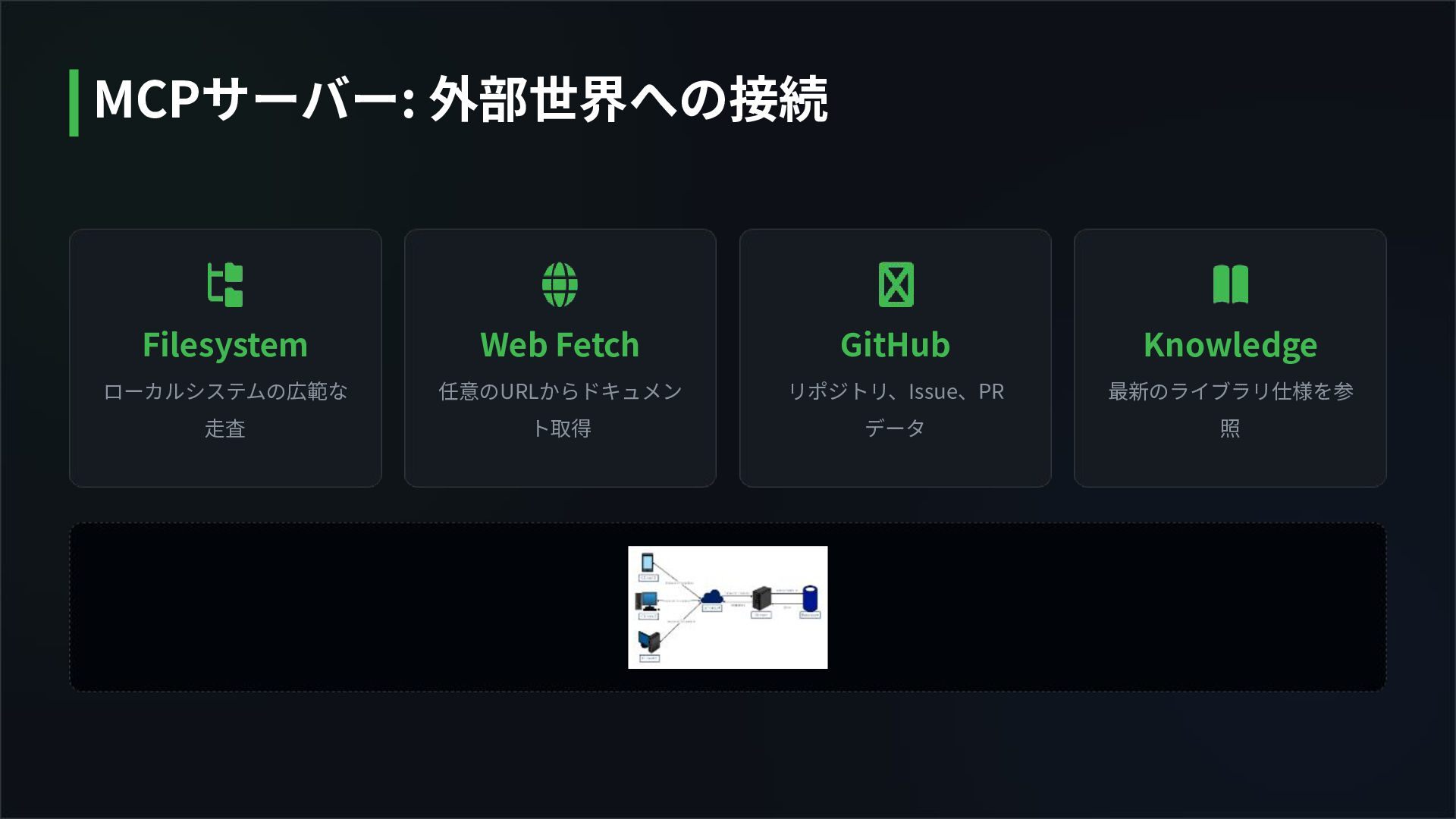
Filesystem ローカルシステムの広範な ⾛査 Web Fetch 任意のURLからドキュメン ト取得 GitHub リポジトリ、Issue、PR データ
Knowledge 最新のライブラリ仕様を参 照 MCPサーバー: 外部世界への接続
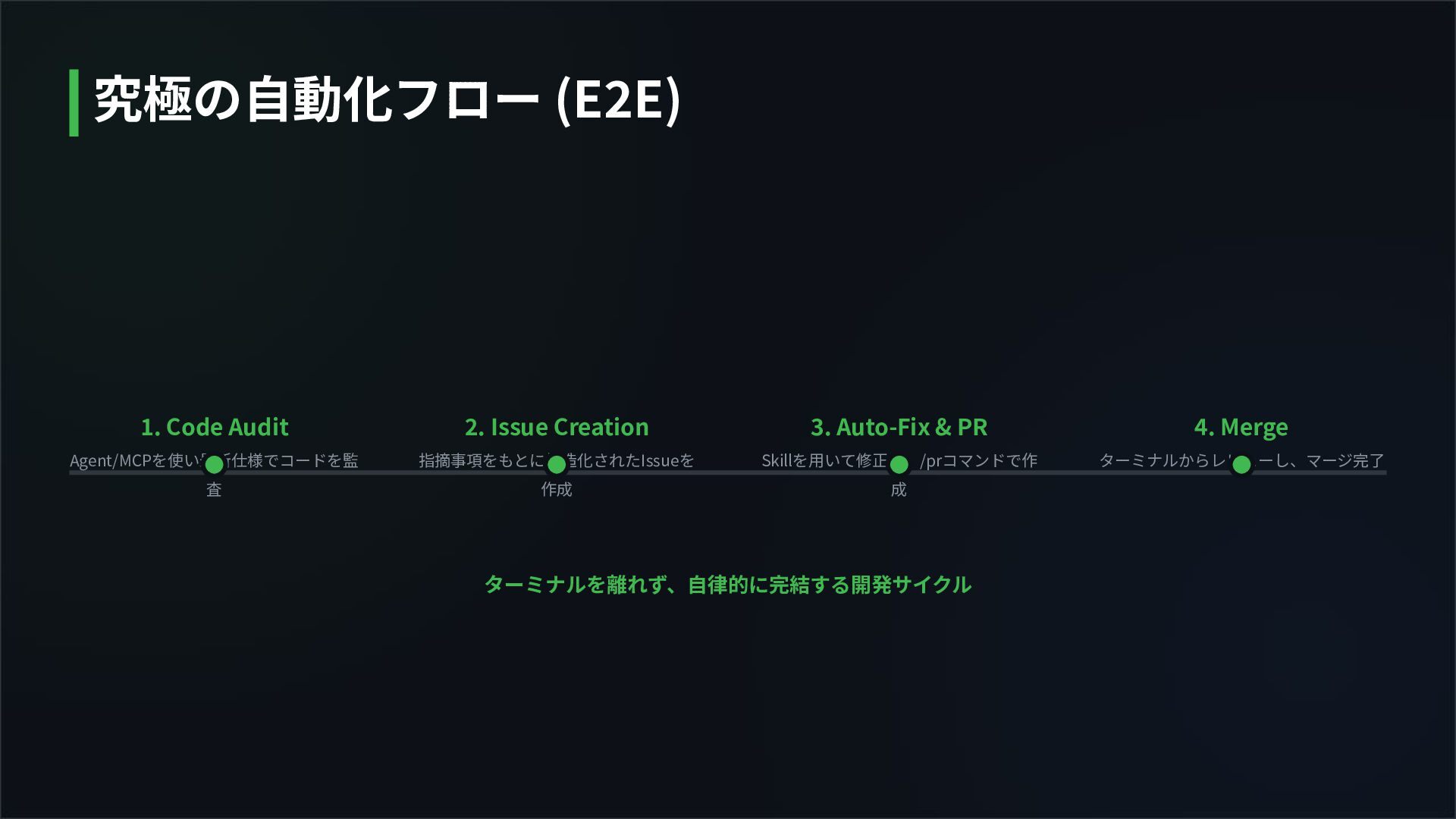
ターミナルを離れず、⾃律的に完結する開発サイクル 1. Code Audit Agent/MCPを使い最新仕様でコードを監 査 2. Issue Creation 指摘事項をもとに構造化されたIssueを
作成 3. Auto-Fix & PR Skillを⽤いて修正し、/prコマンドで作 成 4. Merge ターミナルからレビューし、マージ完了 究極の⾃動化フロー (E2E)
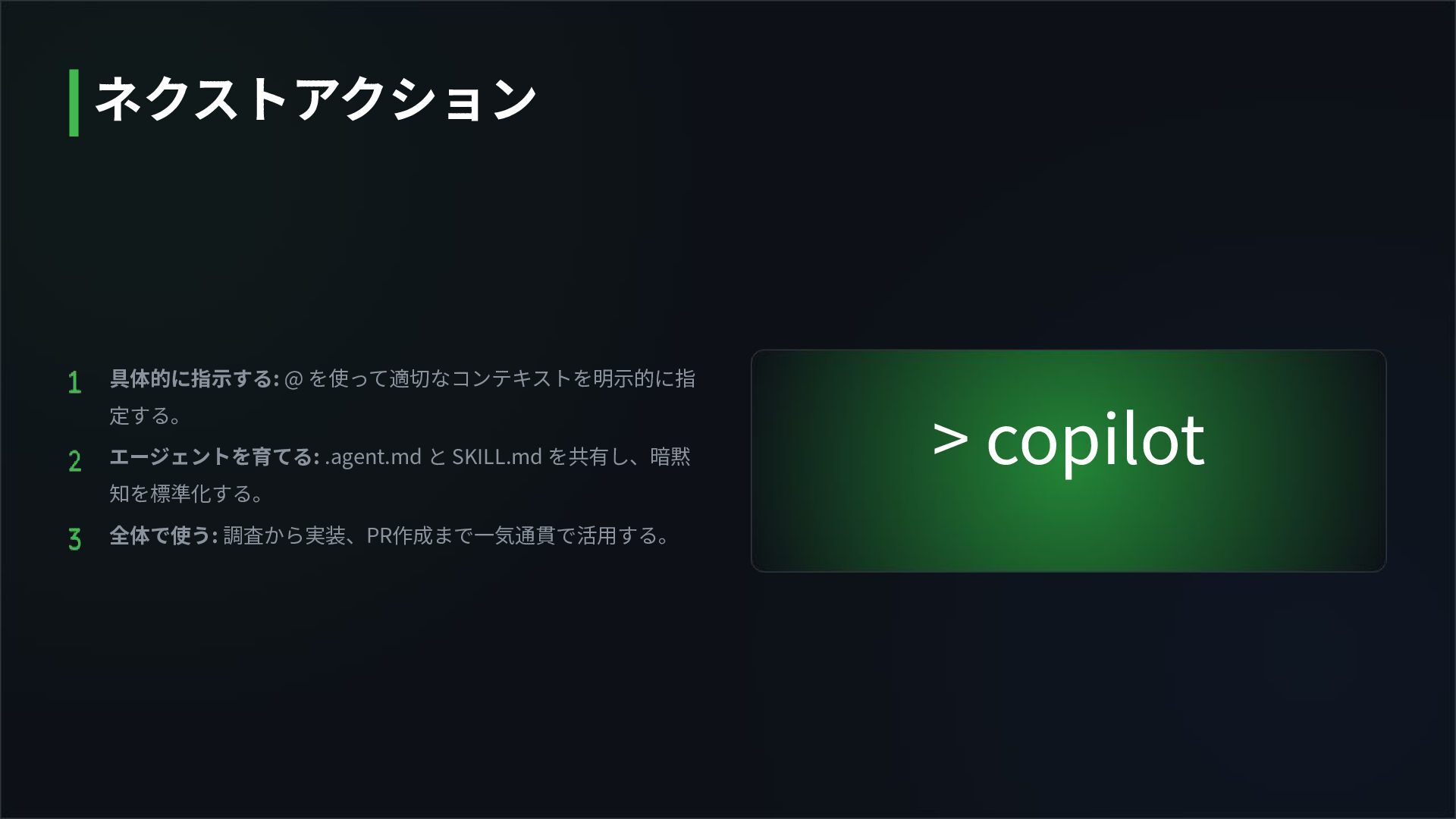
> copilot 具体的に指⽰する: @ を使って適切なコンテキストを明⽰的に指 定する。 エージェントを育てる: .agent.md と SKILL.md
を共有し、暗黙 知を標準化する。 全体で使う: 調査から実装、PR作成まで⼀気通貫で活⽤する。 ネクストアクション
Questions? Thank you for joining the Masterclass.
https://github.blog/wp-content/uploads/2022/06/Copilot.jpeg?fit=1200%2C630 Source: github.blog https://static.vecteezy.com/system/resources/previews/046/391/747/non_2x/terminal-icon-symbol-design-illustration-vector.jpg Source: www.vecteezy.com https://www.slideteam.net/media/catalog/product/cache/1280x720/c/o/computational_thinking_puzzle_model_for_problem_solving_slide01.jpg Source: www.slideteam.net https://res.cloudinary.com/hy4kyit2a/f_auto,fl_lossy,q_70/learn/modules/testing-types-and-the-agile-testing-quadrant/explore-the-agile-testing-quadrants/images/bd141
f351d7f5e1e8d3fbc5e09f9f865_kix.v4gtn8b5xvrk.jpg Source: trailhead.salesforce.com https://png.pngtree.com/png-vector/20260206/ourlarge/pngtree-a-git-branch-symbol-two-lines-merging-connected-to-server-tower-vector-png-image_18689887.webp Source: pngtree.com https://img.freepik.com/premium-vector/career-planning-icon-set-with-goal-target-strategy-growth-path-opportunity-vision-professional-development-symbols-dual-colo r-style-business-coaching-education-success-planning_1060463-7215.jpg Source: www.freepik.com Image Sources
https://edrawmax.wondershare.com/templates/Network/network-diagram-for-client-server.jpg Source: edrawmax.wondershare.com Image Sources


 programkitchen
 cassininazir
 hannesfritz
 helmedeiros
 sabderemane
 marcelosomers
 axbom
axbom
 marktimemedia
 bluesmoon
 schlessera
 aleyda
 jonoalderson
![GitHub Copilot CLI マスタークラス ターミナルから操作する次世代の開発ワークフロー [Study Session]](https://files.speakerdeck.com/presentations/64e15e5b040644c79c9d8b0eb59cff76/slide_0.jpg)