Upgrade to Pro — share decks privately, control downloads, hide ads and more …

Android Navigation Components

Android Navigation Components

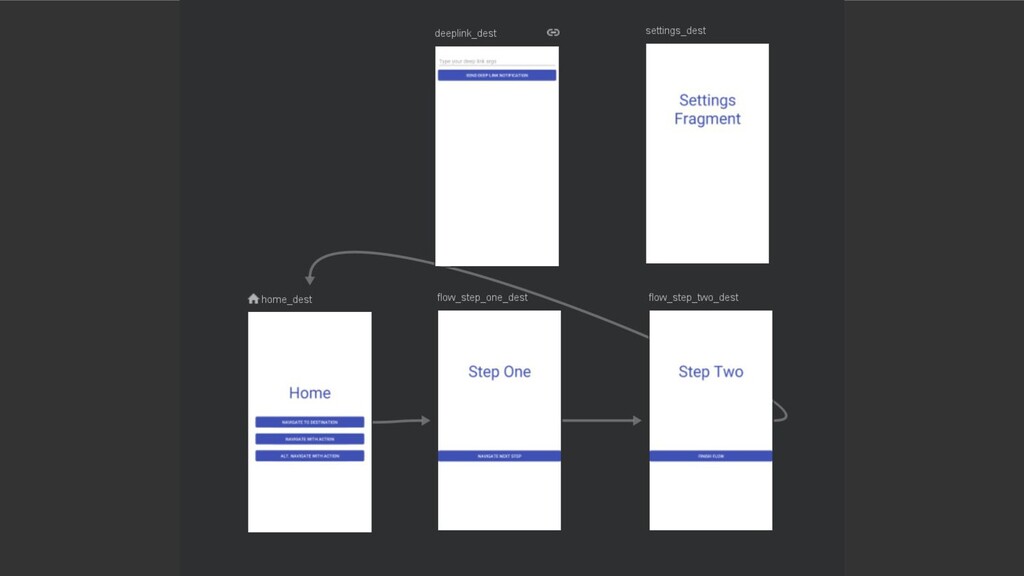
Building on the Navigation components Code Lab, this talk is intended to give insights into working with the new Navigation components. It shows how to work with the UI editor as well as the XML structure. It also gives some help in how to migrate an existing codebase to Navigation components and how to deal with some issues you may run into when trying this out.

Avatar for Peter Törnhult

Peter Törnhult

December 16, 2019

More Decks by Peter Törnhult

Other Decks in Programming

Transcript

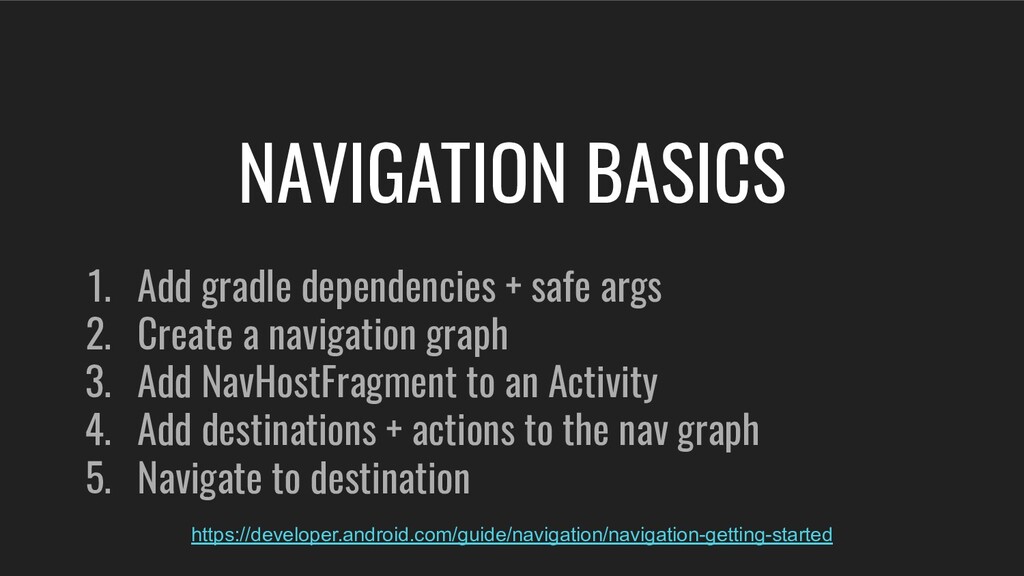
  1. 1. Add gradle dependencies + safe args 2. Create a

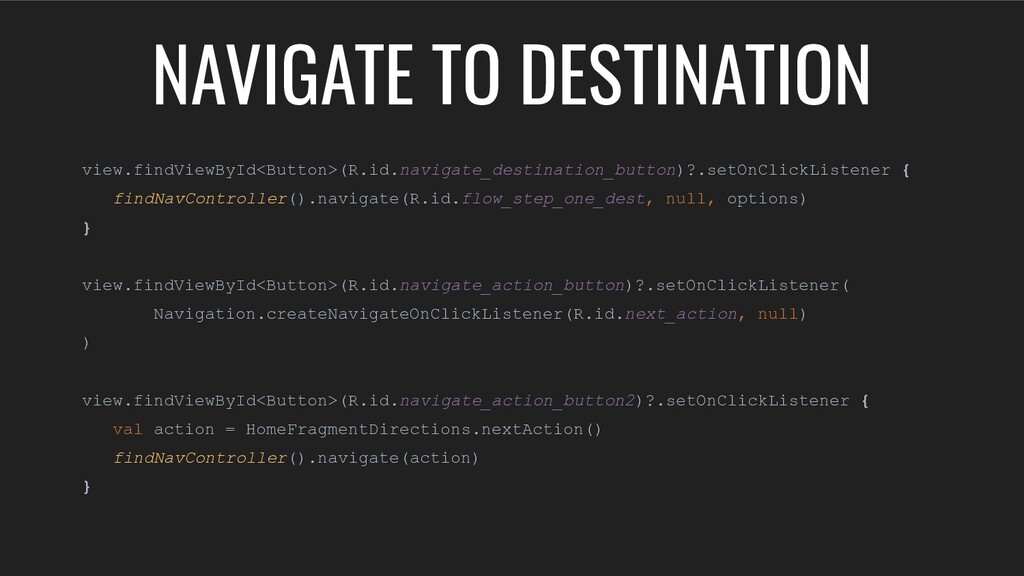
    navigation graph 3. Add NavHostFragment to an Activity 4. Add destinations + actions to the nav graph 5. Navigate to destination NAVIGATION BASICS https://developer.android.com/guide/navigation/navigation-getting-started
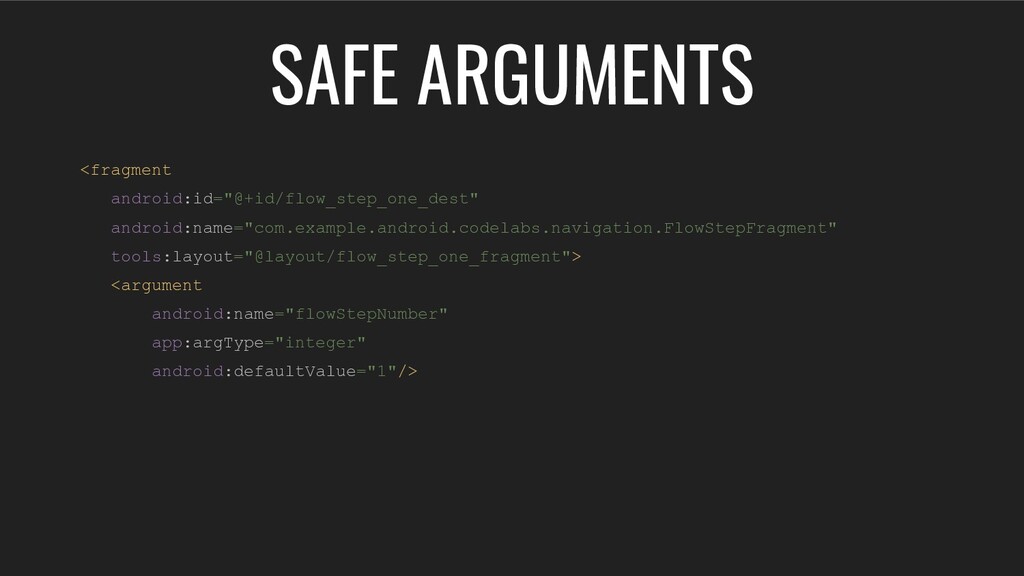
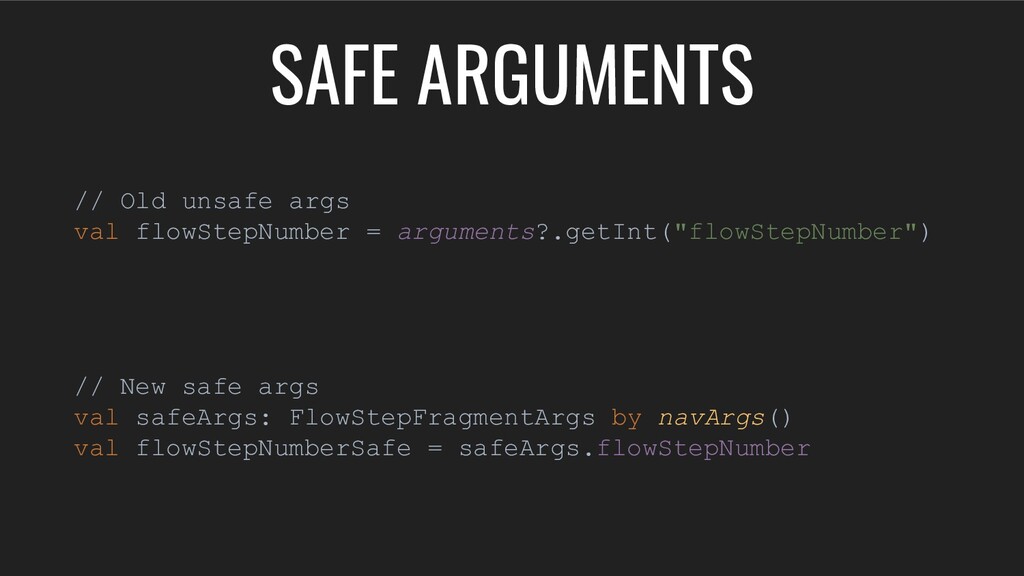
  2. // Old unsafe args val flowStepNumber = arguments?.getInt("flowStepNumber") // New

    safe args val safeArgs: FlowStepFragmentArgs by navArgs() val flowStepNumberSafe = safeArgs.flowStepNumber SAFE ARGUMENTS
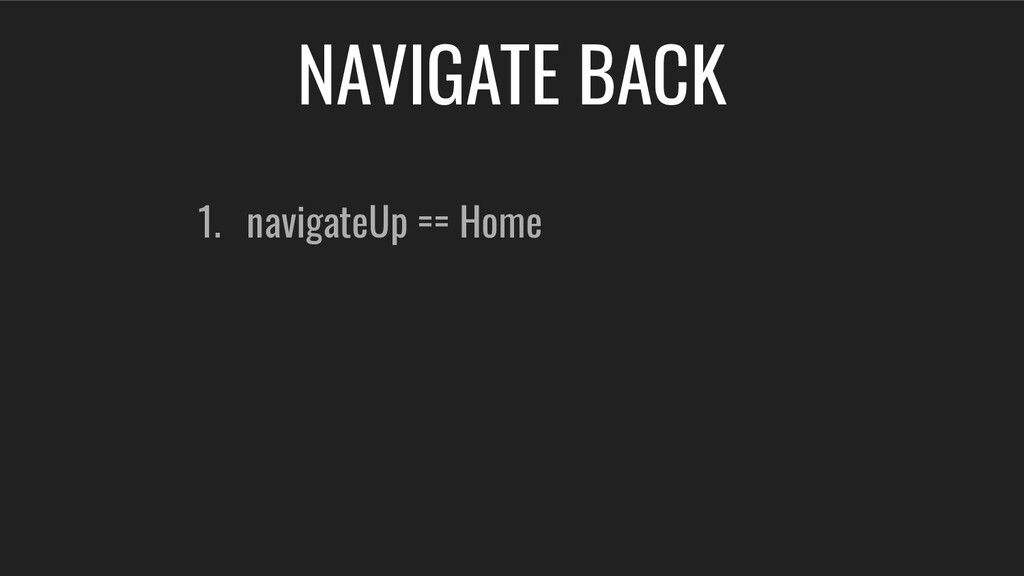
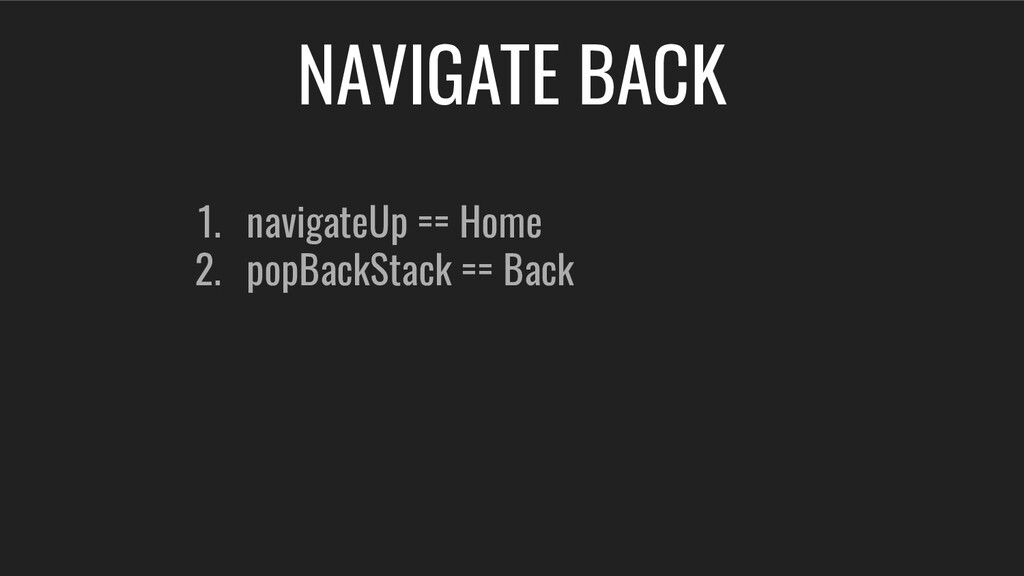
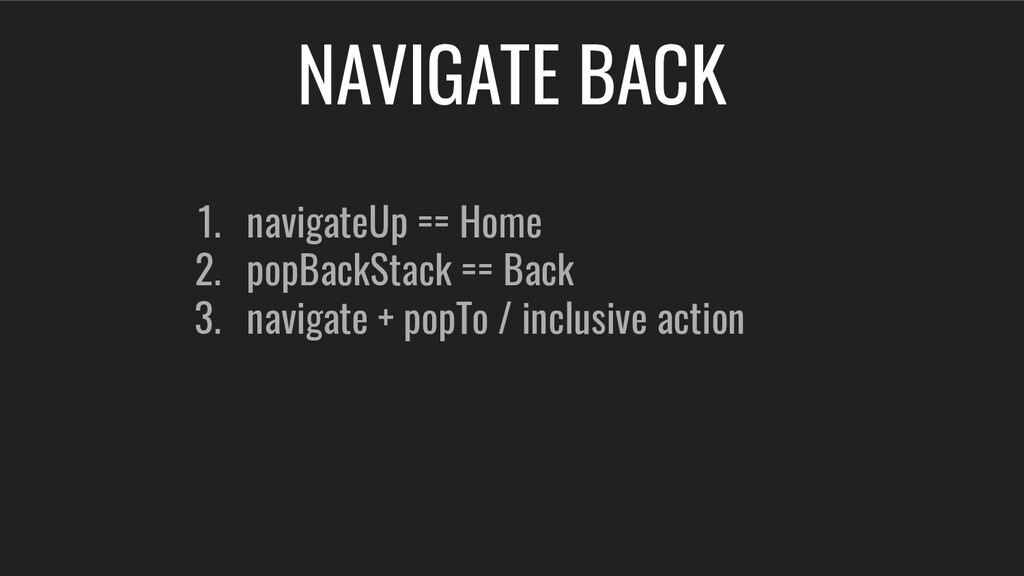
  3. 1. navigateUp == Home 2. popBackStack == Back 3. navigate
    + popTo / inclusive action NAVIGATE BACK
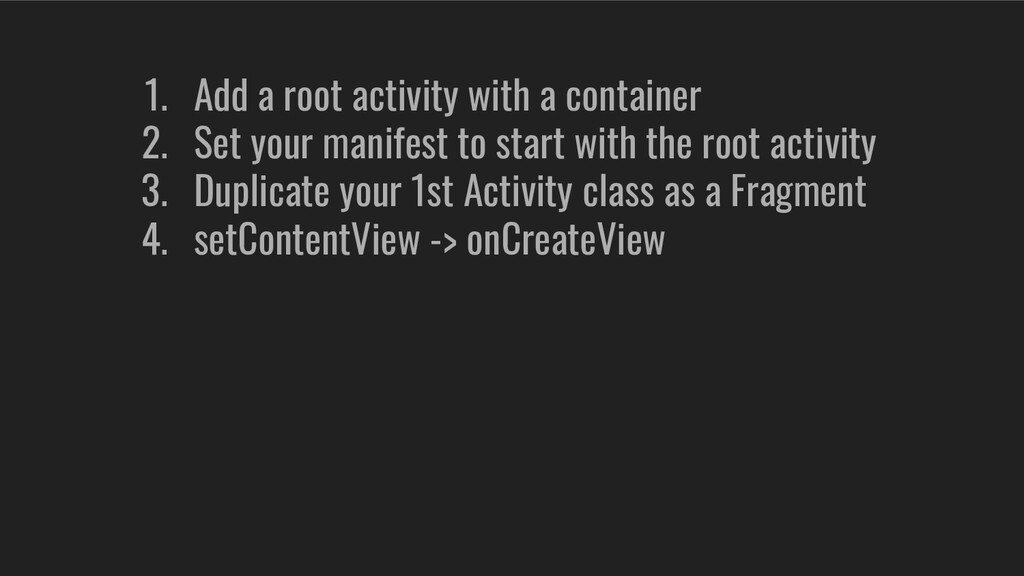
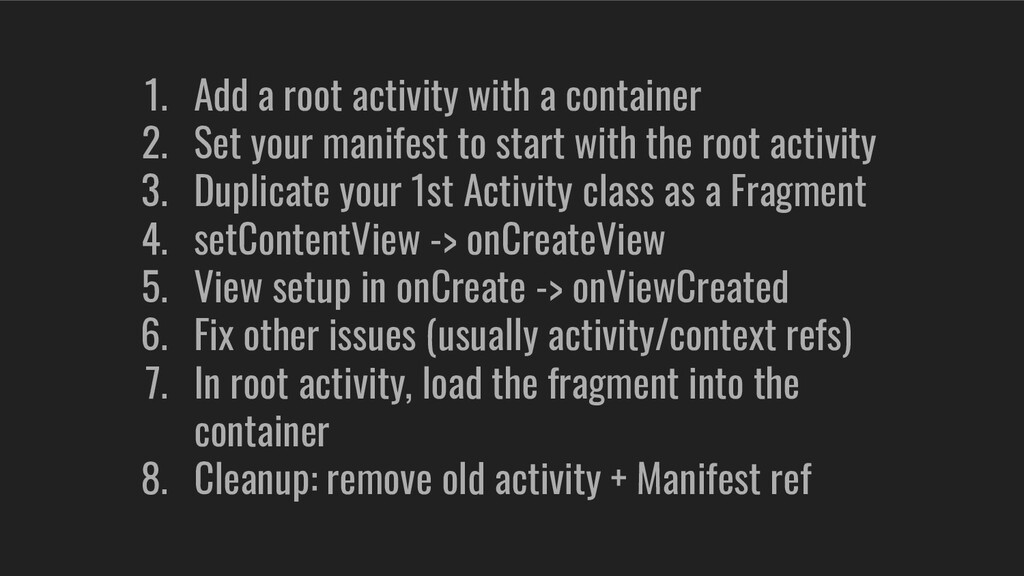
  4. 1. Add a root activity with a container 2. Set

    your manifest to start with the root activity
  5. 1. Add a root activity with a container 2. Set

    your manifest to start with the root activity 3. Duplicate your 1st Activity class as a Fragment
  6. 1. Add a root activity with a container 2. Set

    your manifest to start with the root activity 3. Duplicate your 1st Activity class as a Fragment 4. setContentView -> onCreateView
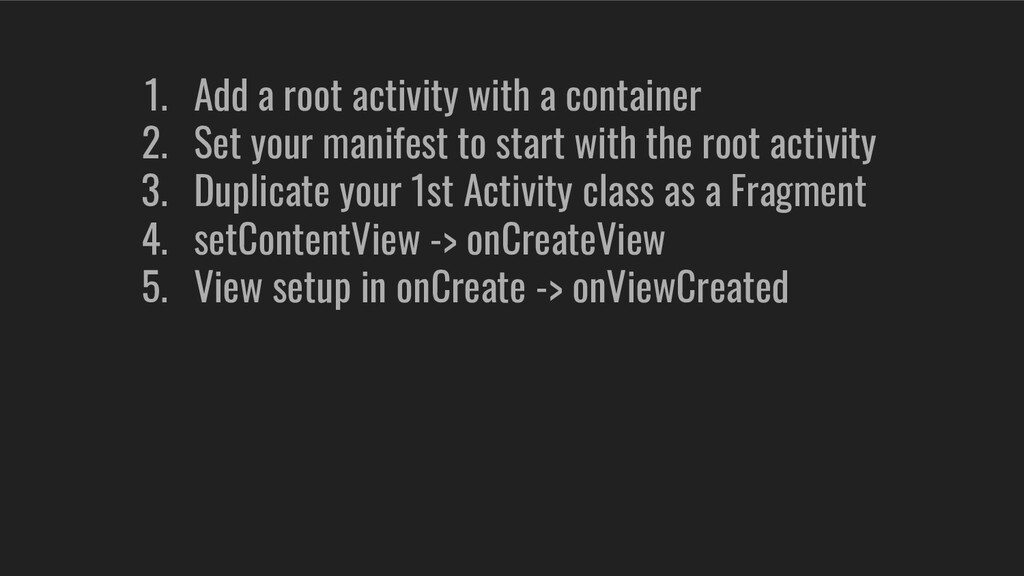
  7. 1. Add a root activity with a container 2. Set

    your manifest to start with the root activity 3. Duplicate your 1st Activity class as a Fragment 4. setContentView -> onCreateView 5. View setup in onCreate -> onViewCreated
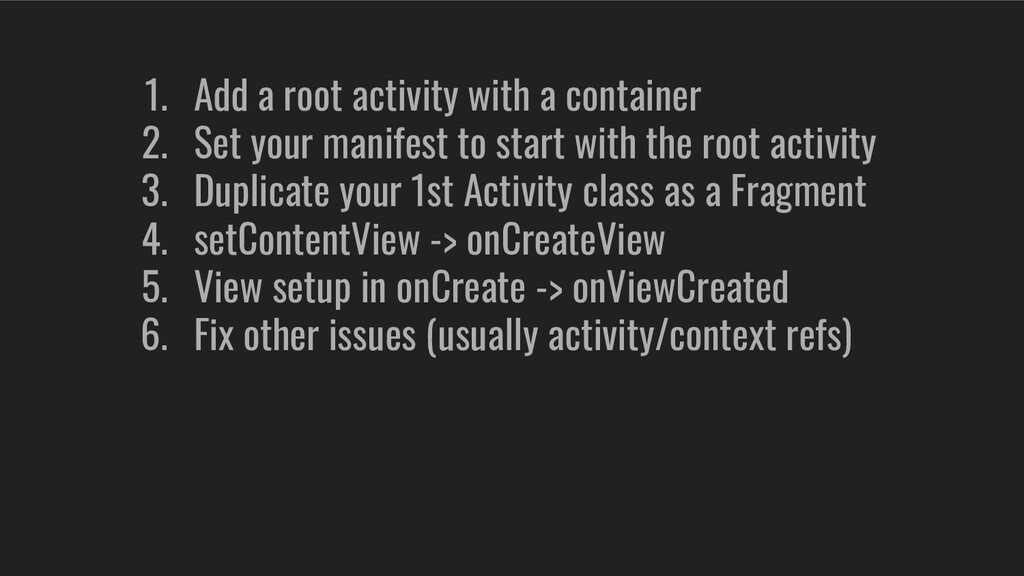
  8. 1. Add a root activity with a container 2. Set

    your manifest to start with the root activity 3. Duplicate your 1st Activity class as a Fragment 4. setContentView -> onCreateView 5. View setup in onCreate -> onViewCreated 6. Fix other issues (usually activity/context refs)
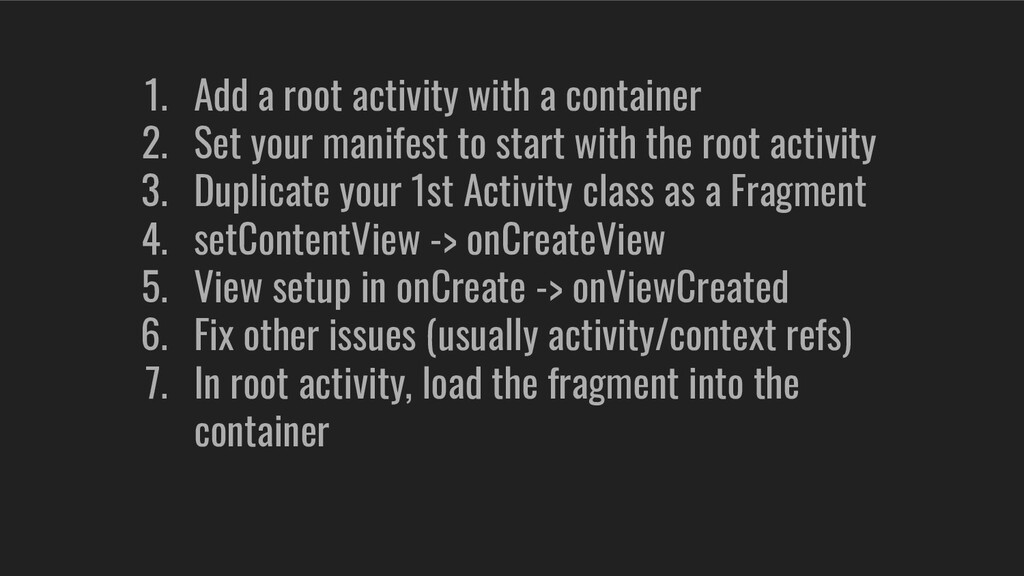
  9. 1. Add a root activity with a container 2. Set

    your manifest to start with the root activity 3. Duplicate your 1st Activity class as a Fragment 4. setContentView -> onCreateView 5. View setup in onCreate -> onViewCreated 6. Fix other issues (usually activity/context refs) 7. In root activity, load the fragment into the container
  10. 1. Add a root activity with a container 2. Set

    your manifest to start with the root activity 3. Duplicate your 1st Activity class as a Fragment 4. setContentView -> onCreateView 5. View setup in onCreate -> onViewCreated 6. Fix other issues (usually activity/context refs) 7. In root activity, load the fragment into the container 8. Cleanup: remove old activity + Manifest ref
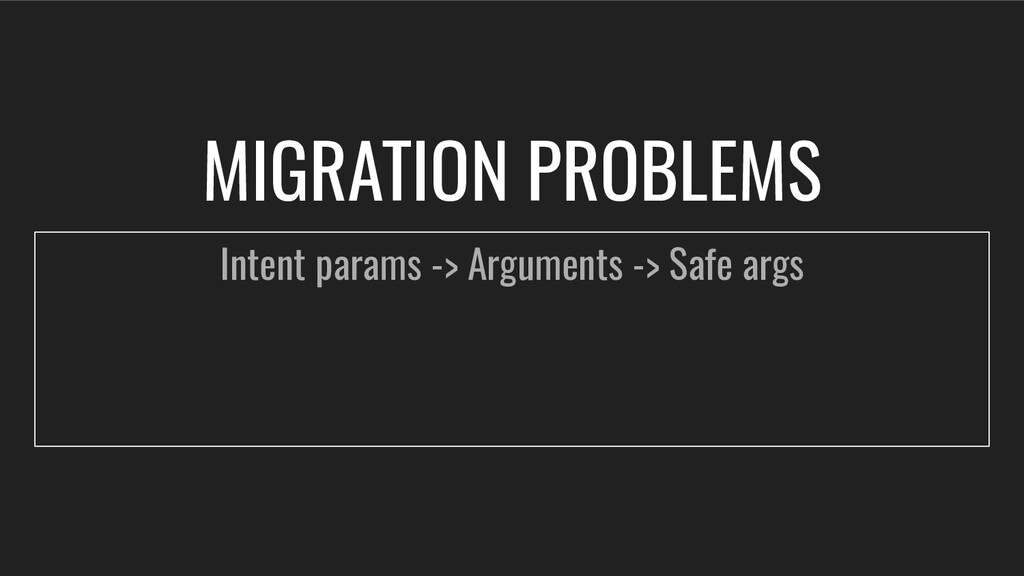
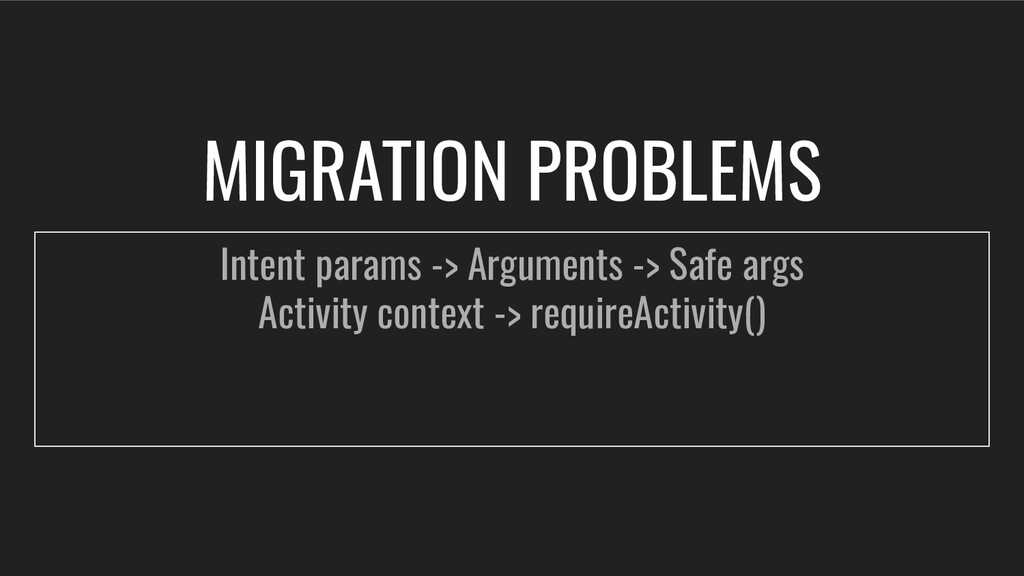
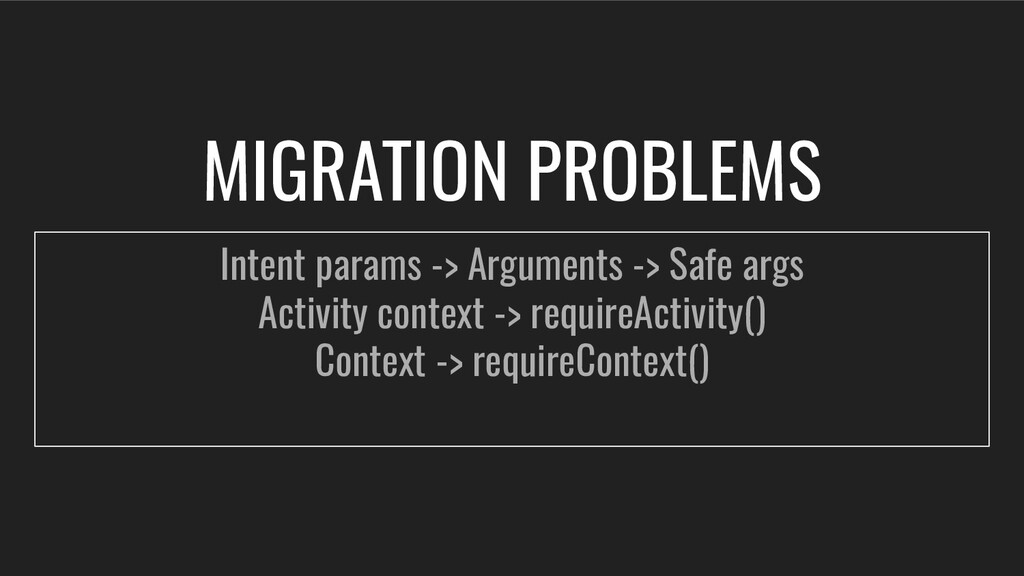
  11. MIGRATION PROBLEMS Intent params -> Arguments -> Safe args Activity

    context -> requireActivity() Context -> requireContext()
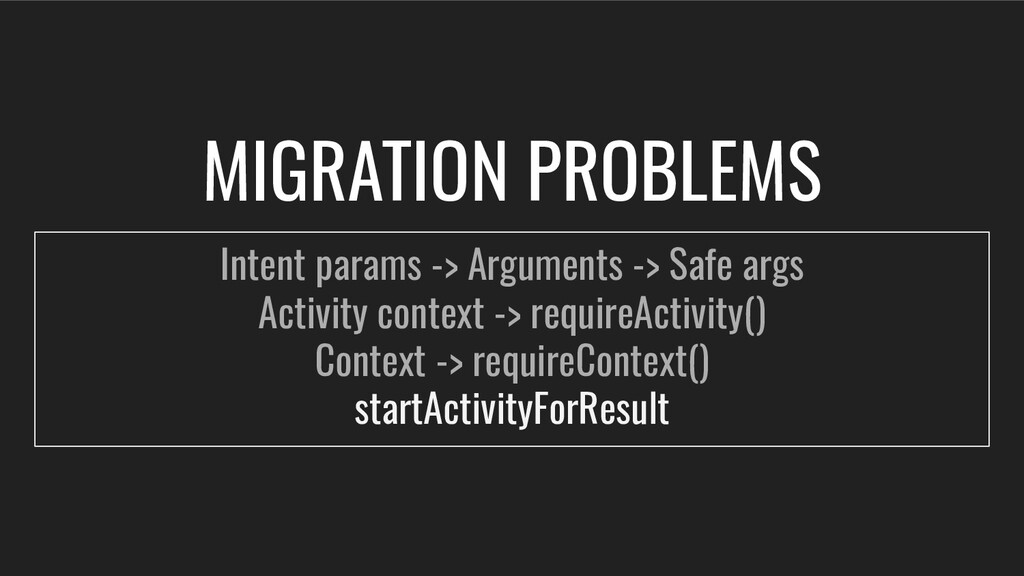
  12. MIGRATION PROBLEMS Intent params -> Arguments -> Safe args Activity

    context -> requireActivity() Context -> requireContext() startActivityForResult
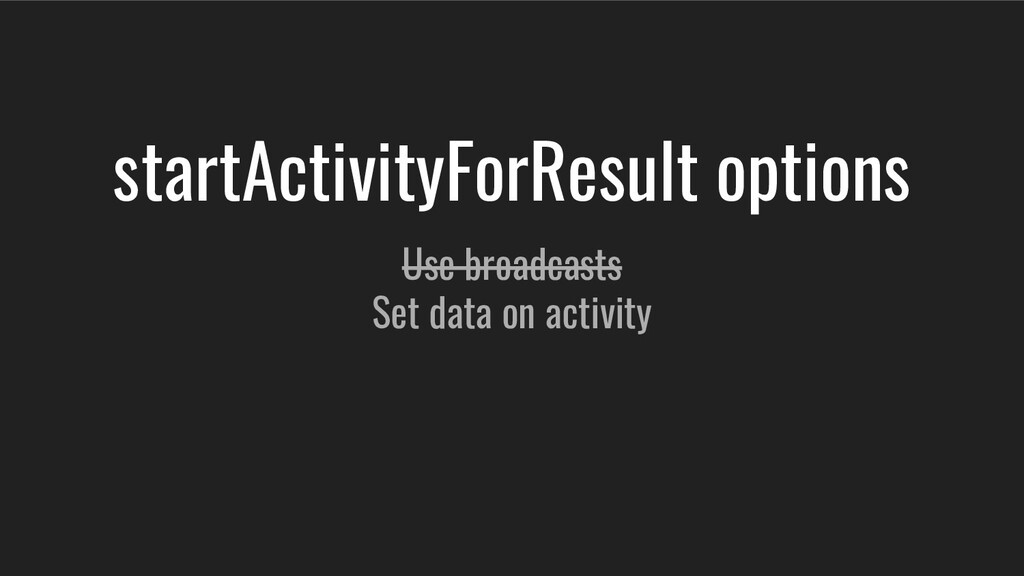
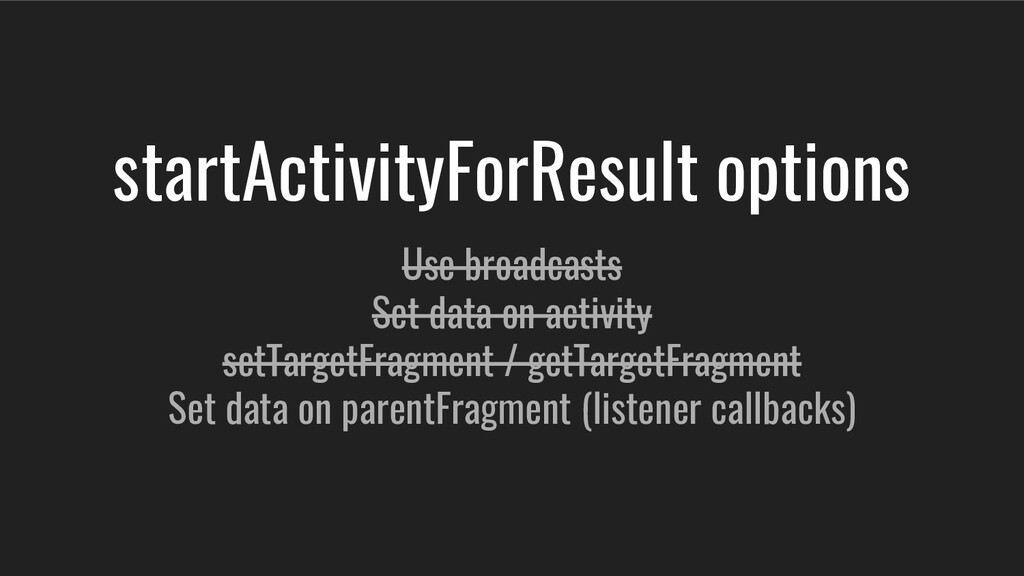
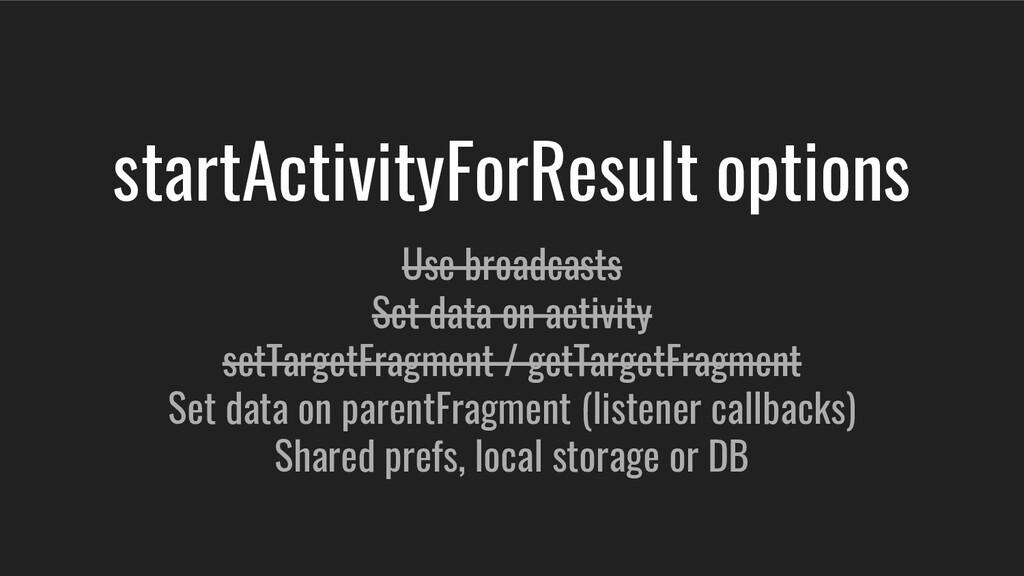
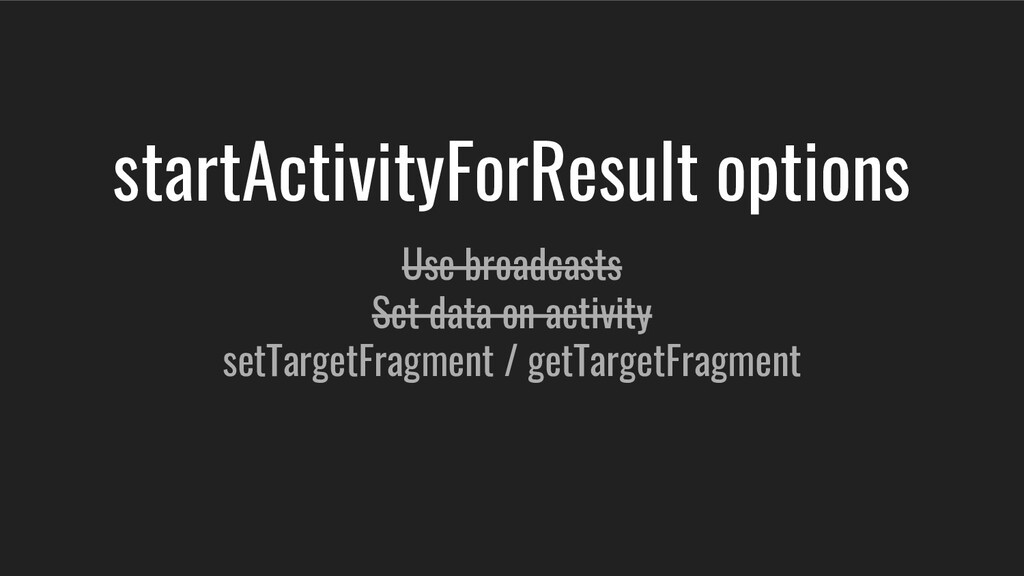
  13. startActivityForResult options Use broadcasts Set data on activity setTargetFragment /

    getTargetFragment Set data on parentFragment (listener callbacks)
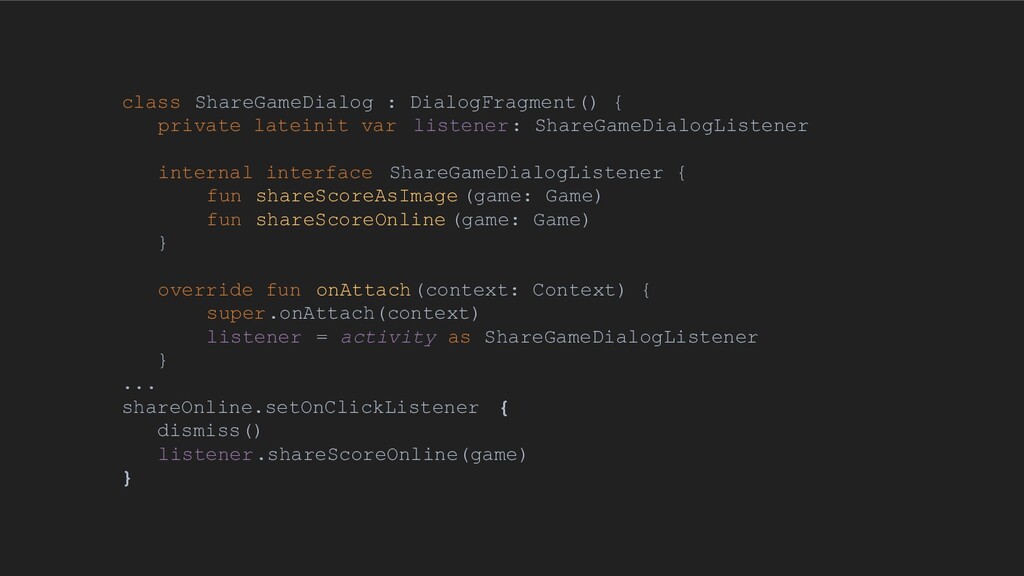
  14. class ShareGameDialog : DialogFragment() { private lateinit var listener: ShareGameDialogListener

    internal interface ShareGameDialogListener { fun shareScoreAsImage (game: Game) fun shareScoreOnline (game: Game) } override fun onAttach(context: Context) { super.onAttach(context) listener = activity as ShareGameDialogListener } ... shareOnline.setOnClickListener { dismiss() listener.shareScoreOnline(game) }
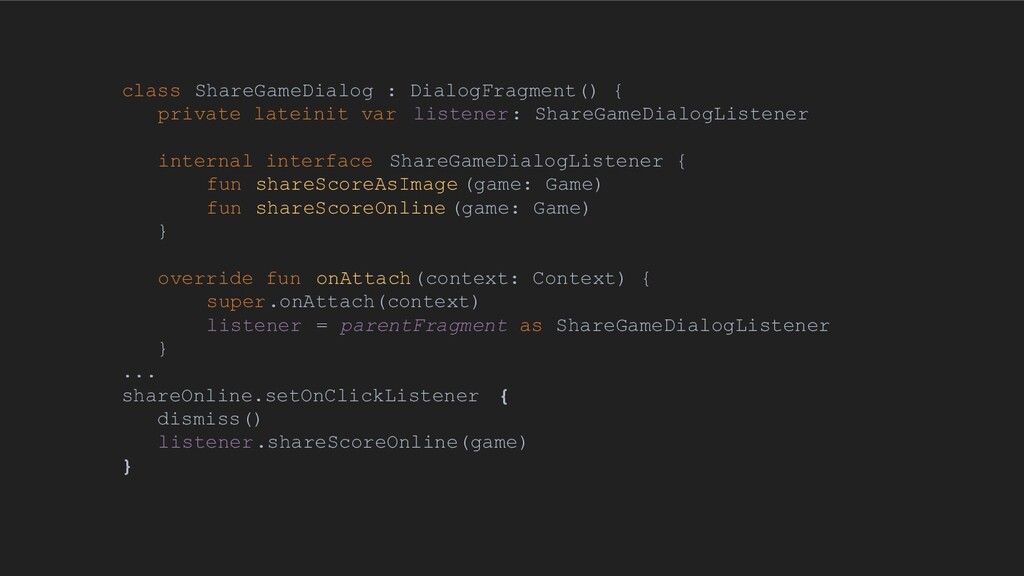
  15. class ShareGameDialog : DialogFragment() { private lateinit var listener: ShareGameDialogListener

    internal interface ShareGameDialogListener { fun shareScoreAsImage (game: Game) fun shareScoreOnline (game: Game) } override fun onAttach(context: Context) { super.onAttach(context) listener = parentFragment as ShareGameDialogListener } ... shareOnline.setOnClickListener { dismiss() listener.shareScoreOnline(game) }
  16. startActivityForResult options Use broadcasts Set data on activity setTargetFragment /

    getTargetFragment Set data on parentFragment (listener callbacks) Shared prefs, local storage or DB
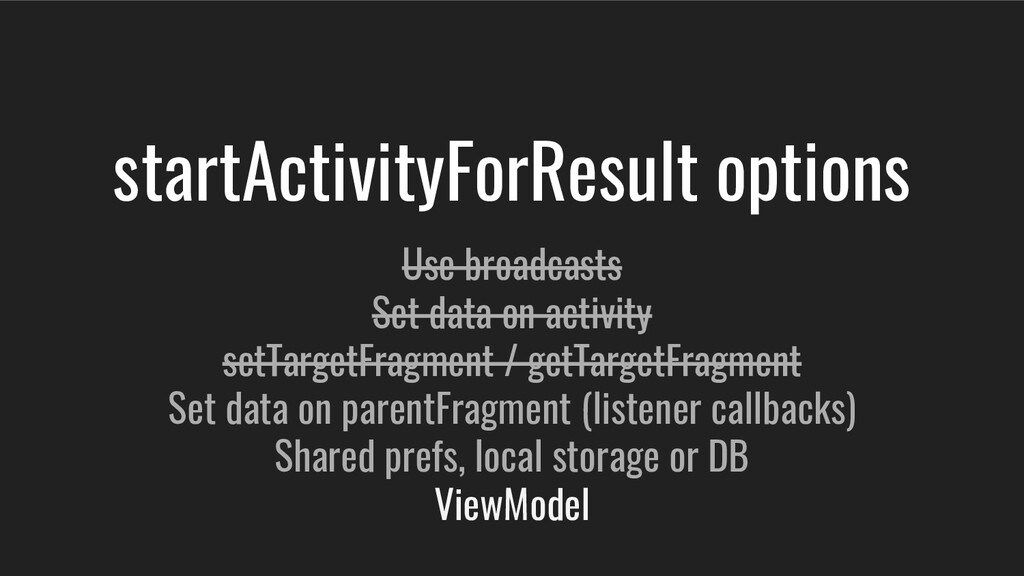
  17. startActivityForResult options Use broadcasts Set data on activity setTargetFragment /

    getTargetFragment Set data on parentFragment (listener callbacks) Shared prefs, local storage or DB ViewModel
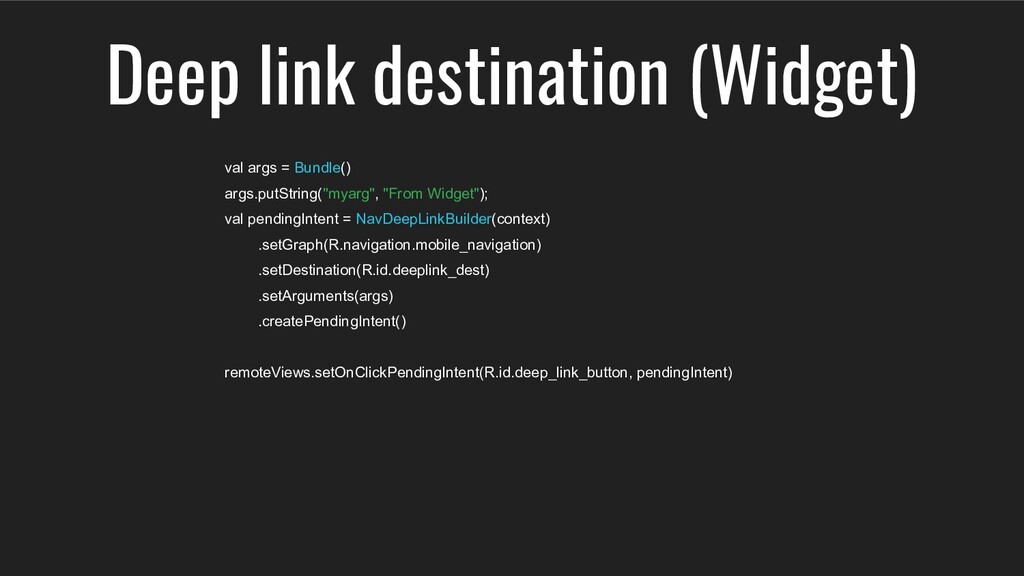
  18. val args = Bundle() args.putString("myarg", "From Widget"); val pendingIntent =

    NavDeepLinkBuilder(context) .setGraph(R.navigation.mobile_navigation) .setDestination(R.id.deeplink_dest) .setArguments(args) .createPendingIntent() remoteViews.setOnClickPendingIntent(R.id.deep_link_button, pendingIntent) Deep link destination (Widget)
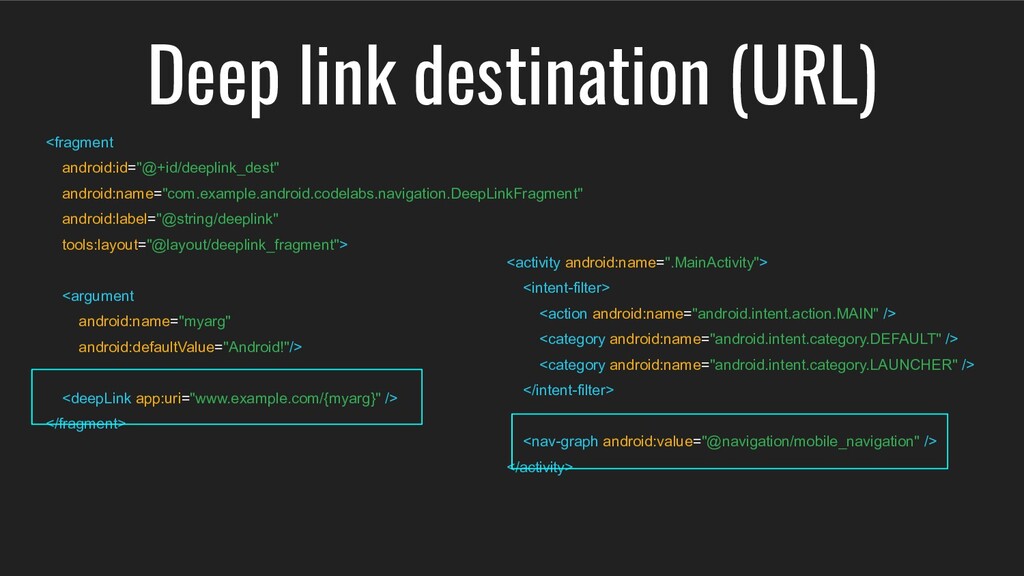
  19. <fragment android:id="@+id/deeplink_dest" android:name="com.example.android.codelabs.navigation.DeepLinkFragment" android:label="@string/deeplink" tools:layout="@layout/deeplink_fragment"> <argument android:name="myarg" android:defaultValue="Android!"/> <deepLink app:uri="www.example.com/{myarg}"

    /> </fragment> Deep link destination (URL) <activity android:name=".MainActivity"> <intent-filter> <action android:name="android.intent.action.MAIN" /> <category android:name="android.intent.category.DEFAULT" /> <category android:name="android.intent.category.LAUNCHER" /> </intent-filter> <nav-graph android:value="@navigation/mobile_navigation" /> </activity>