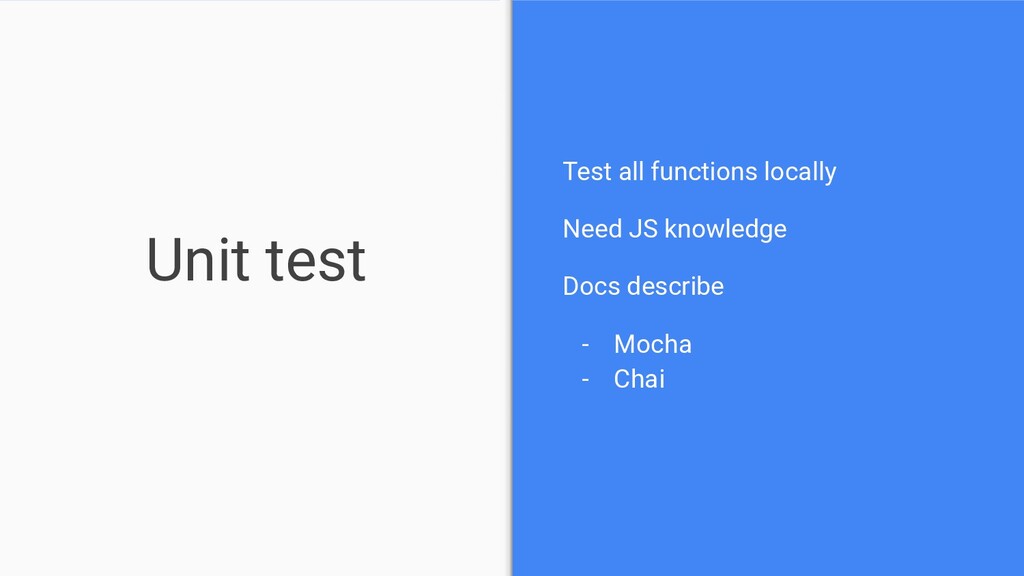
Upgrade to Pro — share decks privately, control downloads, hide ads and more …

WTFirebase

 WTFirebase

Having worked with a few Firebase components/services I wanted to get a better understanding of all the other possibilities offered by the Firebase components. This presentation gives an intro to almost all of the features and services with hands on experience provided by Firebase

Avatar for Peter Törnhult

Peter Törnhult

March 15, 2019

More Decks by Peter Törnhult

Other Decks in Programming

Transcript

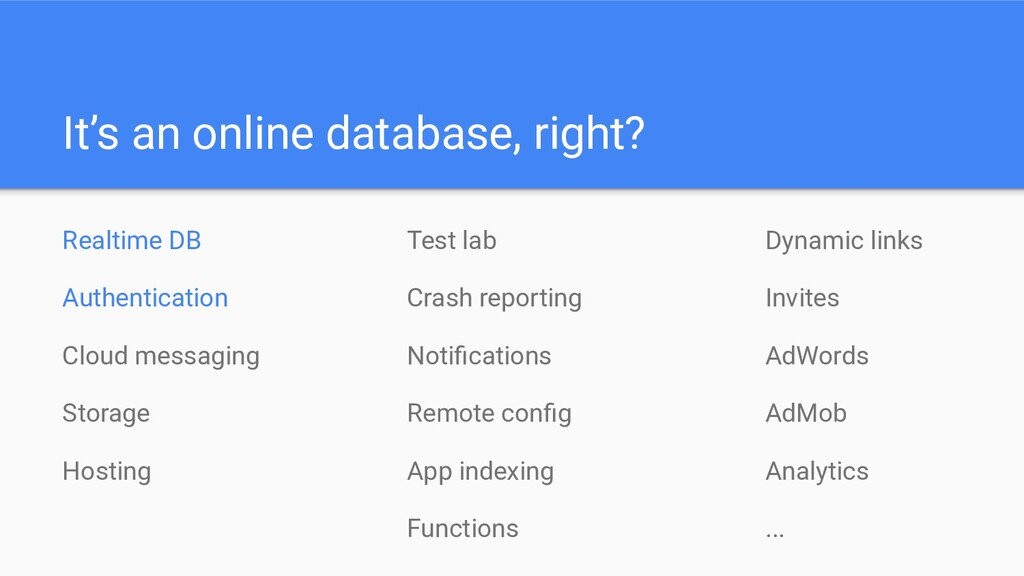
  1. It’s an online database, right? Realtime DB Authentication Cloud messaging

    Storage Hosting Test lab Crash reporting Notifications Remote config App indexing Functions Dynamic links Invites AdWords AdMob Analytics ...
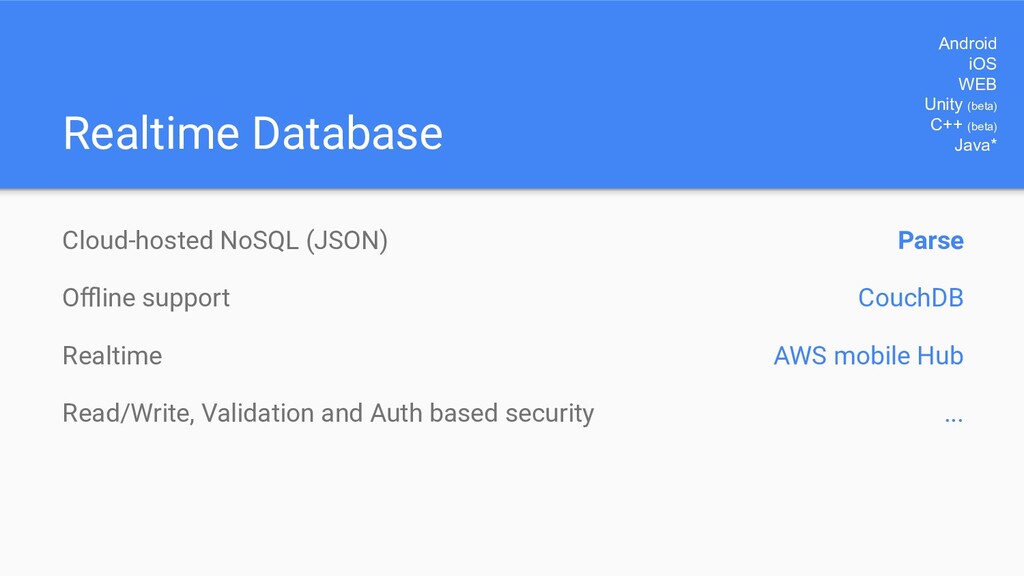
  2. Realtime Database Cloud-hosted NoSQL (JSON) Offline support Realtime Read/Write, Validation

    and Auth based security Android iOS WEB Unity (beta) C++ (beta) Java* Parse CouchDB AWS mobile Hub ...
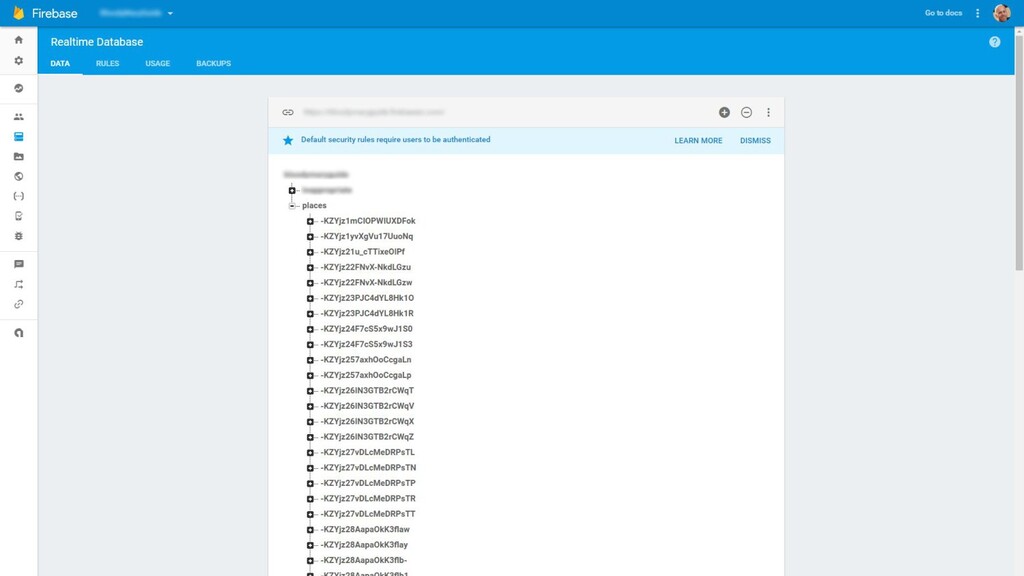
  3. Database [format] { "users": { "alovelace": { "name": "Ada Lovelace",

    "contacts": { "ghopper": true }, }, "ghopper": { ... }, "eclarke": { ... } } } JSON
  4. Database [types] Java type JSON / JS Firebase example String

    string { “foo”: “bar” } Long number { “value”: 10 } Double number { “value”: 10.23 } Boolean boolean { “value”: true } Map<String, Object> object { “foo”: { “bar”: true } } List<Object> array [ 0: “foo”, 1: “bar”, …]
  5. Database [arrays] Avoid arrays at all cost! “Firebase databases have

    no native support for lists or arrays. If we try to store an list or an array, it really gets stored as an "object" with integers as the key names” “if the data looks like an array, Firebase clients will render it as an ArrayList“ “In particular, if all of the keys are integers, and more than half of the keys between 0 and the maximum key in the object have non-empty values, then Firebase clients will render it as an ArrayList”
  6. Database [arrays] Avoid arrays at all cost! Synch becomes error

    prone if multiple users update the same array at the same time // starting data ['a', 'b', 'c', 'd', 'e'] // record at key 2 moved to position 5 by user A // record at key 2 is removed by user B // record at key 2 is updated by user C to foo // what ideally should have happened ['a', 'b', 'd', 'e'] // what actually happened ['a', 'c', 'foo', 'b']
  7. Database [arrays] Avoid arrays at all cost! So when is

    it okay to use an array? If all of the following are true, it's okay to store the array in your Firebase database: • Only one client is capable of writing to the data at a time • To remove keys, we save the entire array instead of using removeValue() • We take extra care when referring to anything by array index (a mutable key) Make sure you really need ordered data!
  8. Database [date] What about Date? Epoch timestamp (1488408145) Time string

    with timezone (2017-03-01T22:42:25+00:00) Custom (2017-03-01 22:42) ServerValue.TIMESTAMP
  9. Database [keys] { "users": { "alovelace": { "name": "Ada Lovelace",

    "contacts": { "ghopper": true }, }, "ghopper": { ... }, "eclarke": { ... } } } Keys Auto using: .push() Or manually, provided: • UTF-8 • <= 768 bytes Not • ., $, #, [, ], / • Ascii 0-31 or 127
  10. Database [structure] { "chats": { "one": { "title": "Historical Tech

    Pioneers", "messages": { "m1": { "sender": "ghopper", "message": "Relay malfunction found. Cause: moth." }, "m2": { ... }, // a very long list of messages } }, "two": { ... } } } Flatten / Denormalize
  11. Database [structure] { "chats": { "one": { "title": "Historical Tech

    Pioneers", "lastMessage": "Relay malfunction found. Cause: moth.", "timestamp": 1459361875666 }, "two": { ... } }, "members": {...}, "messages": {...}, } Flatten / Denormalize
  12. Database [serialization] class User { String name; long birthDate; ...

    } { “name”: “john”, “birthDate”: 1488408145 } .setValue(user); User user = dataSnapshot.getValue(User.class);
  13. Database [serialization] Fields @IgnoreExtraProperties public class Account { private String

    name; public String getName() { return name; }; public void setName(String name) { this.name = name; }; ...
  14. Database [avoid getters and setters hell] @AutoValue (by Google) +

    @FirebaseValue @AutoValue @FirebaseValue @IgnoreExtraProperties public abstract class Account implements Parcelable { @Nullable public abstract String key(); @Exclude public abstract String email(); public abstract long id(); + Immutable classes + toString, equals, hashCode + No need for getters and setters + email() or getEmail() - your choice + @Nullable + Automagic builder support + auto-value-parcel: Parcelable support
  15. Database [listeners] addListenerForSingleValueEvent(ValueEventListener listener) addValueEventListener(ValueEventListener listener) addChildEventListener(ChildEventListener listener) ValueEventListener onDataChange(DataSnapshot

    snapshot) onCancelled(DatabaseError error) ChildEventListener onCancelled(DatabaseError error) onChildAdded(DataSnapshot snapshot, String previousChildName) onChildChanged(DataSnapshot snapshot, String previousChildName) onChildMoved(DataSnapshot snapshot, String previousChildName) onChildRemoved(DataSnapshot snapshot)
  16. Database [listeners] Ex: all users dbRef.child("users").addListener... "users": { "alovelace": {

    "name": "Ada Lovelace", "contacts": { "ghopper": true }, }, "ghopper": { ... }, ... Paths Ex: user alovelace only dbRef.child("users/alovelace").addListener... "alovelace": { "name": "Ada Lovelace", "contacts": { "ghopper": true }, }
  17. Database [listeners] Async listeners - Remember to remove listeners onDataChange

    returns on main thread - Deserialization on main thread Async... RxJava (2) to the rescue + Cancel observers / subscriptions onDestroy + Deserialize on computation thread
  18. Database [query] Query Sort - orderByChild(), orderByKey(), orderByValue() - There

    can be only one! (per Query) Filter - limitToFirst(), limitToLast(), startAt(), endAt(), equalTo() - Some can be combined, others throw exceptions :( Simple queries only No joins No functions: distinct, count, sum, etc
  19. Database [query] Simple queries only? { "users": { "alovelace": {

    "name": "Ada Lovelace", "by_last_name": "Lovelace, Ada", "by_birth_date": 1401053334, … "user_birth_dates": { "alovelace": 1401053334, … Create your own indices
  20. Database [query] No joins? { "users": { "alovelace": { "name":

    "Ada Lovelace", "contacts": { "aeinstein": true, "jcaesar": true, … 1. Use refs to point to other data - More queries are required
  21. Database [query] No joins? { "users": { "alovelace": { "name":

    "Ada Lovelace", "contacts": { "aeinstein": { "name": "Albert Einstein" }, … 2. Don’t denormalize - May cause more data to be downloaded
  22. Database [query] No joins? 3. Create custom join(ed) tables -

    Harder to keep track of duplicated data - You’ll need to update all related tables if data changes { "users": ... "users_with_friends": { "alovelace": { "name": "Ada Lovelace", "contacts": { "aeinstein": { "name": "Albert Einstein" }, …
  23. Database [query] No functions { "user_count": 12345, "first_birth_date": 1401053334, "users":

    ... … } Distinct, sum, group by, average 1. Query and calculate in client 2. Create fields and additional tables to support what you need
  24. Database [transaction] Transaction “The Transaction class encapsulates the functionality needed

    to perform a transaction on the data at a location“ onTransaction(data) getValue Inspect and modify setValue onComplete( error, committed, currentData ) abort success Automatic retry Called from within the Firebase Database run loop
  25. Database [offline] Works locally, syncs when connected Handles expired Auth

    .keepSynch(true) for specific nodes 10MB cache limit NOTE! Will always read locally first Offline
  26. Database [security] Security .read, .write - cascade to all child

    nodes .validate - does not cascade - runs after write passes .indexOn - for your Queries { "rules": { ".read": true, "foo": { ".read": false, ".write": "$uid === auth.uid" ".validate": "newData.isString()" } } }
  27. Database [security] Security Predefined Variables now The current time in

    milliseconds since Linux epoch. This works particularly well for validating timestamps created with the SDK's firebase.database.ServerValue.TIMESTAMP. root A RuleDataSnapshot representing the root path in the Firebase database as it exists before the attempted operation. newData A RuleDataSnapshot representing the data as it would exist after the attempted operation. It includes the new data being written and existing data. data A RuleDataSnapshot representing the data as it existed before the attempted operation. $ variables A wildcard path used to represent ids and dynamic child keys. auth Represents an authenticated user's token payload.
  28. Database [security] Security { "messages": { "message0": { "content": "Hello",

    "timestamp": 1405704370369 }, "message1": { "content": "Goodbye", "timestamp": 1405704395231 }, ... } } { "rules": { "messages": { "$message": { // only messages from the last ten minutes can be read ".read": "data.child('timestamp').val() > (now - 600000)", // new messages must have a string content and a number timestamp ".validate": "newData.hasChildren(['content', 'timestamp']) && ..." } } } }
  29. Database [security] Security Does validation slow down your queries? Are

    validation rules running as “admin”, and if so could this expose sensitive data? Why are rules necessary at all if I don’t expose expose my apiKey and private app cert? Is local data protected? Versioning of rules?
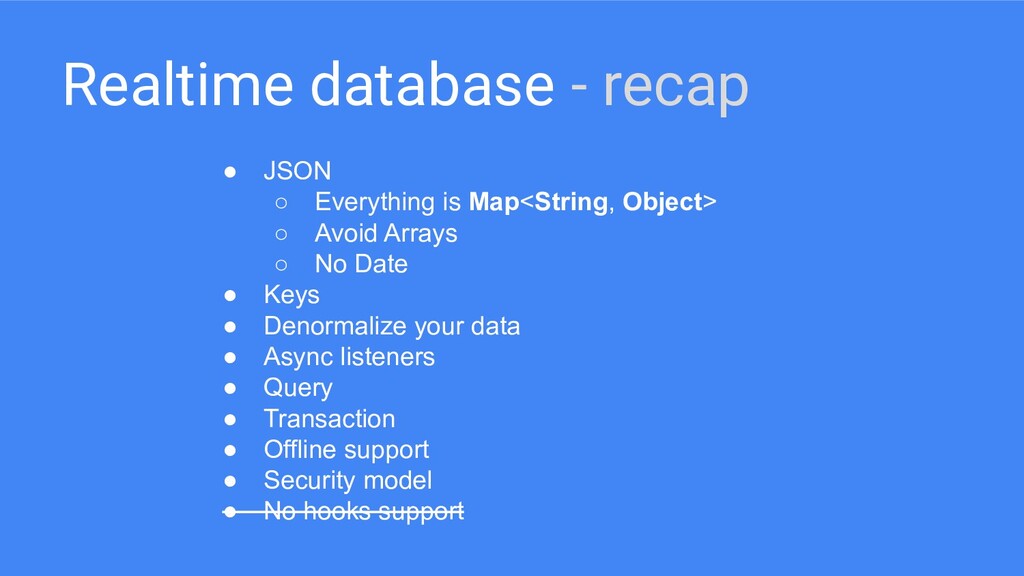
  30. Realtime database - recap • JSON ◦ Everything is Map<String,

    Object> ◦ Avoid Arrays ◦ No Date • Keys • Denormalize your data • Async listeners • Query • Transaction • Offline support • Security model • No hooks support
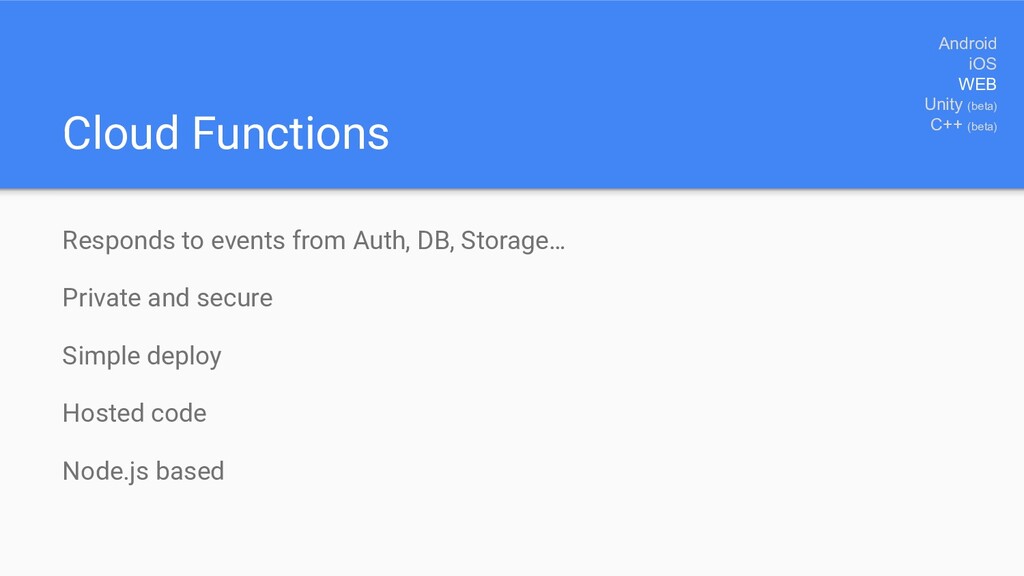
  31. Responds to events from Auth, DB, Storage… Private and secure

    Simple deploy Hosted code Node.js based Cloud Functions Android iOS WEB Unity (beta) C++ (beta)
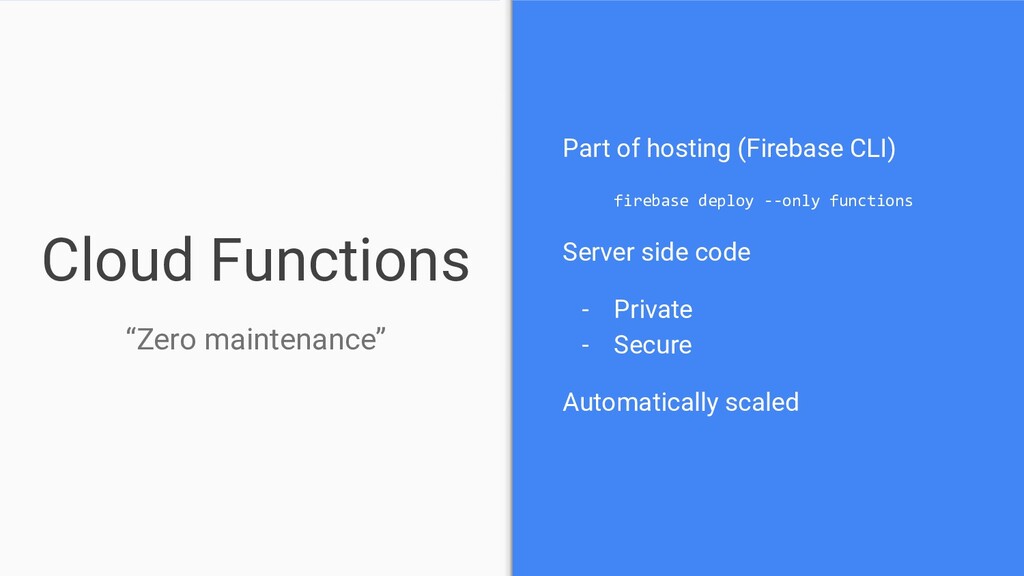
  32. Part of hosting (Firebase CLI) firebase deploy --only functions Server

    side code - Private - Secure Automatically scaled Cloud Functions “Zero maintenance”
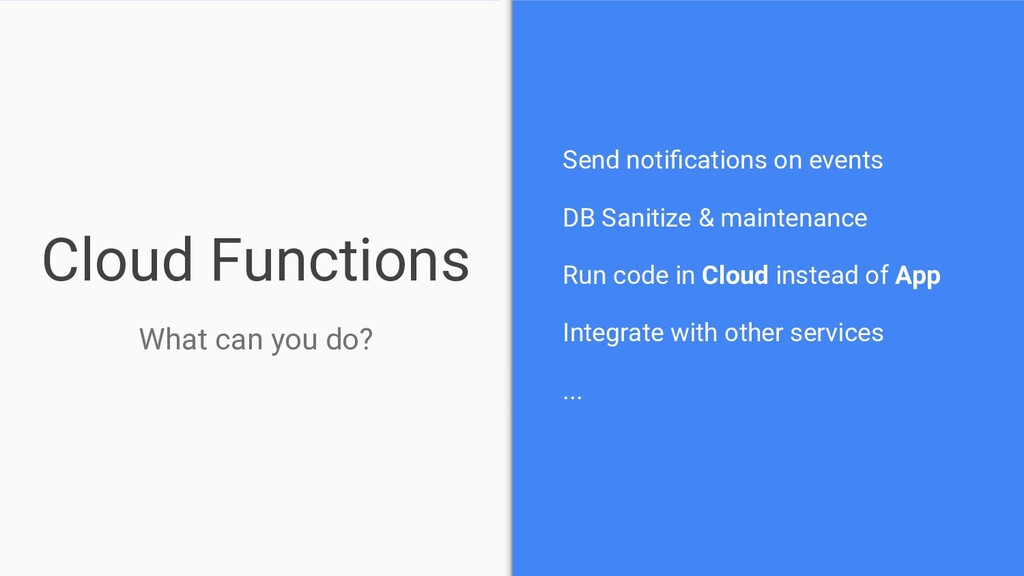
  33. Send notifications on events DB Sanitize & maintenance Run code

    in Cloud instead of App Integrate with other services ... Cloud Functions What can you do?
  34. Node.js - JavaScript based (no ES6) npm - Install packages

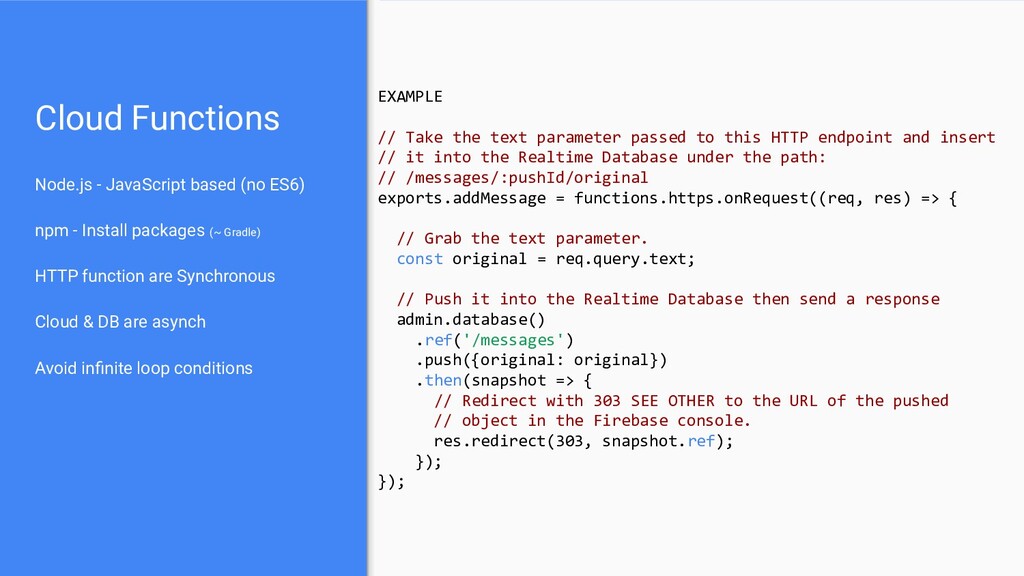
    (~ Gradle) HTTP function are Synchronous Cloud & DB are asynch Avoid infinite loop conditions Cloud Functions EXAMPLE // Take the text parameter passed to this HTTP endpoint and insert // it into the Realtime Database under the path: // /messages/:pushId/original exports.addMessage = functions.https.onRequest((req, res) => { // Grab the text parameter. const original = req.query.text; // Push it into the Realtime Database then send a response admin.database() .ref('/messages') .push({original: original}) .then(snapshot => { // Redirect with 303 SEE OTHER to the URL of the pushed // object in the Firebase console. res.redirect(303, snapshot.ref); }); });
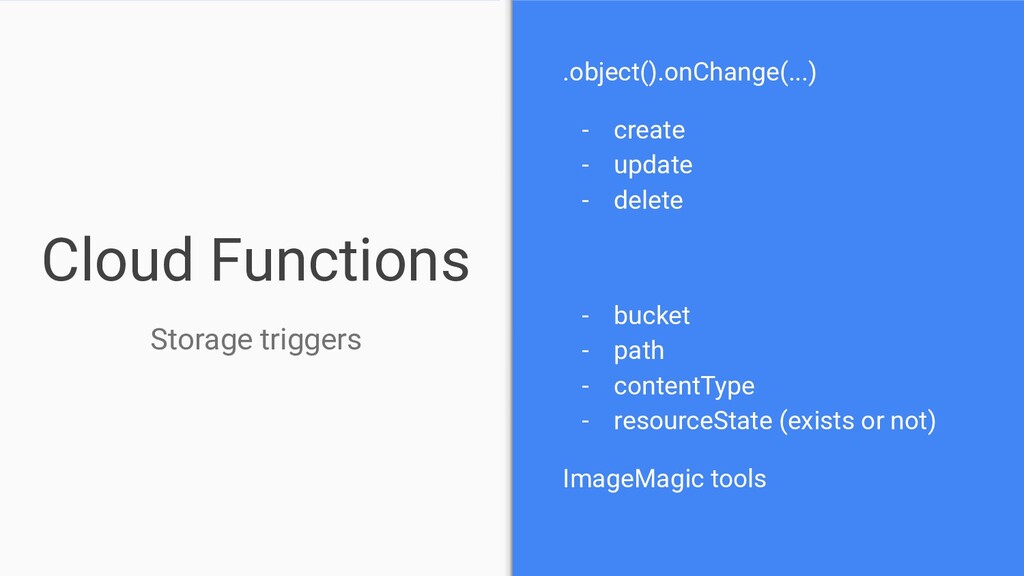
  35. Cloud Functions .object().onChange(...) - create - update - delete -

    bucket - path - contentType - resourceState (exists or not) ImageMagic tools Storage triggers
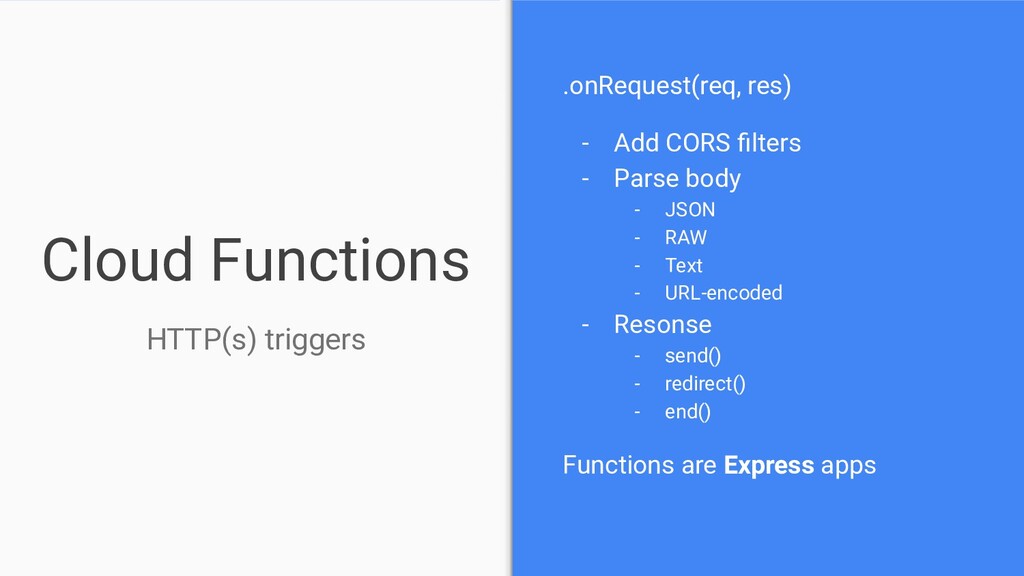
  36. Cloud Functions .onRequest(req, res) - Add CORS filters - Parse

    body - JSON - RAW - Text - URL-encoded - Resonse - send() - redirect() - end() Functions are Express apps HTTP(s) triggers
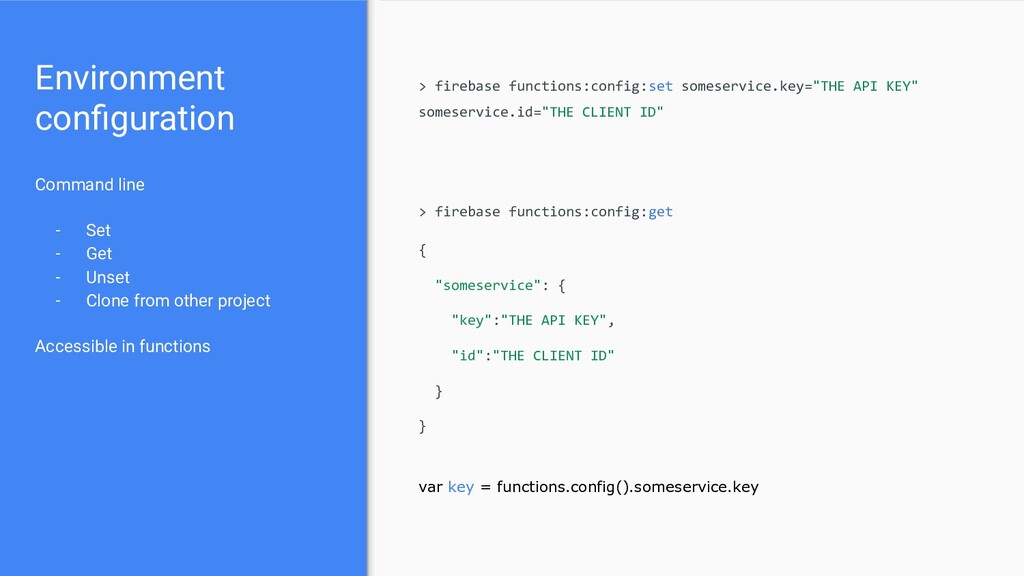
  37. Environment configuration Command line - Set - Get - Unset

    - Clone from other project Accessible in functions > firebase functions:config:set someservice.key="THE API KEY" someservice.id="THE CLIENT ID" { "someservice": { "key":"THE API KEY", "id":"THE CLIENT ID" } } > firebase functions:config:get var key = functions.config().someservice.key
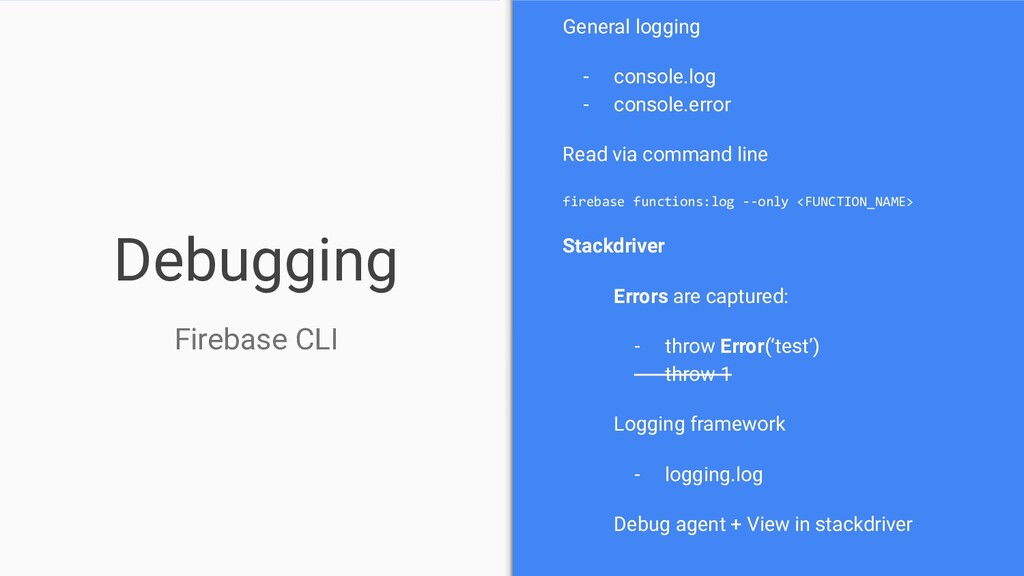
  38. Debugging General logging - console.log - console.error Read via command

    line firebase functions:log --only <FUNCTION_NAME> Stackdriver Errors are captured: - throw Error(‘test’) - throw 1 Logging framework - logging.log Debug agent + View in stackdriver Firebase CLI
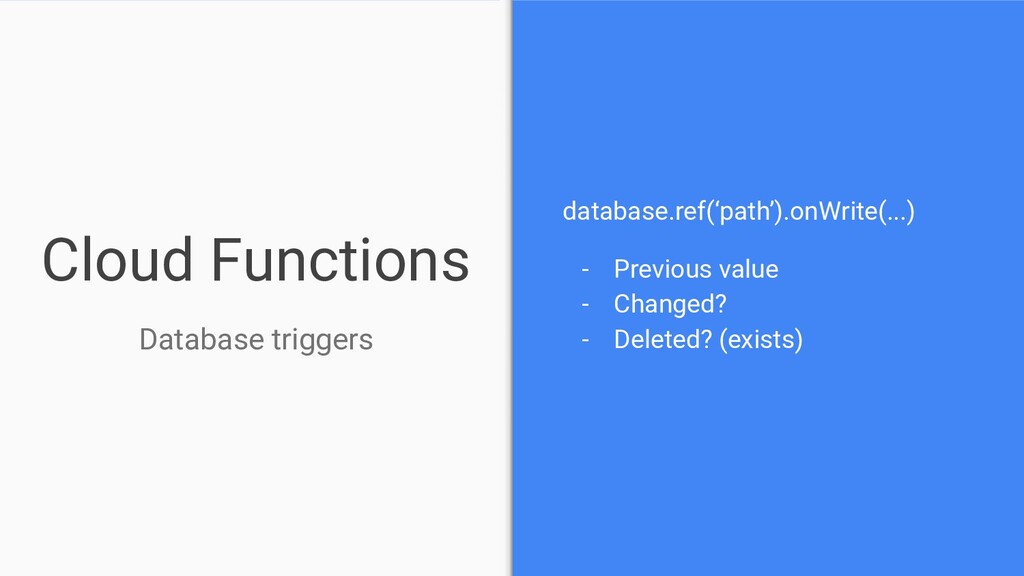
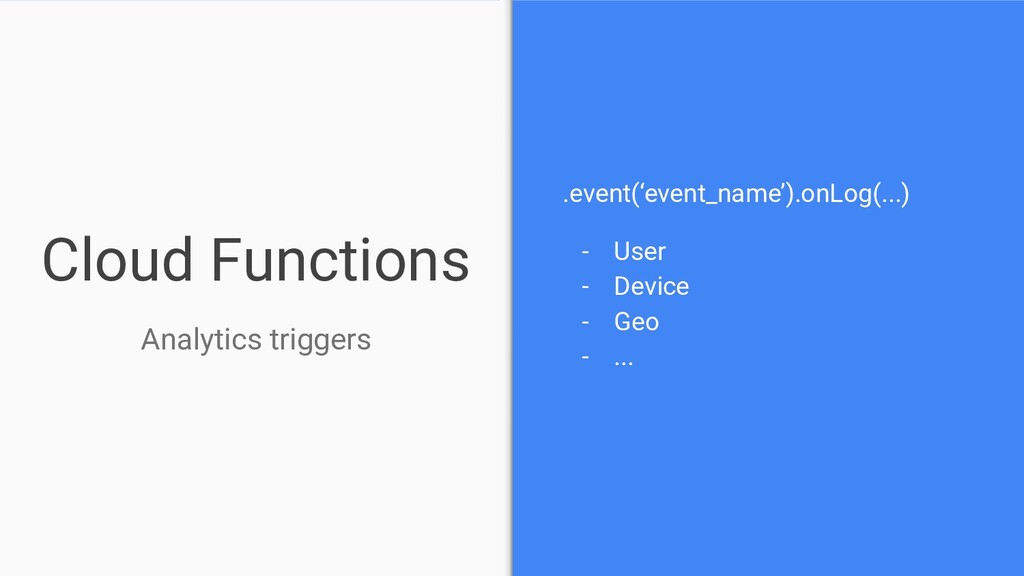
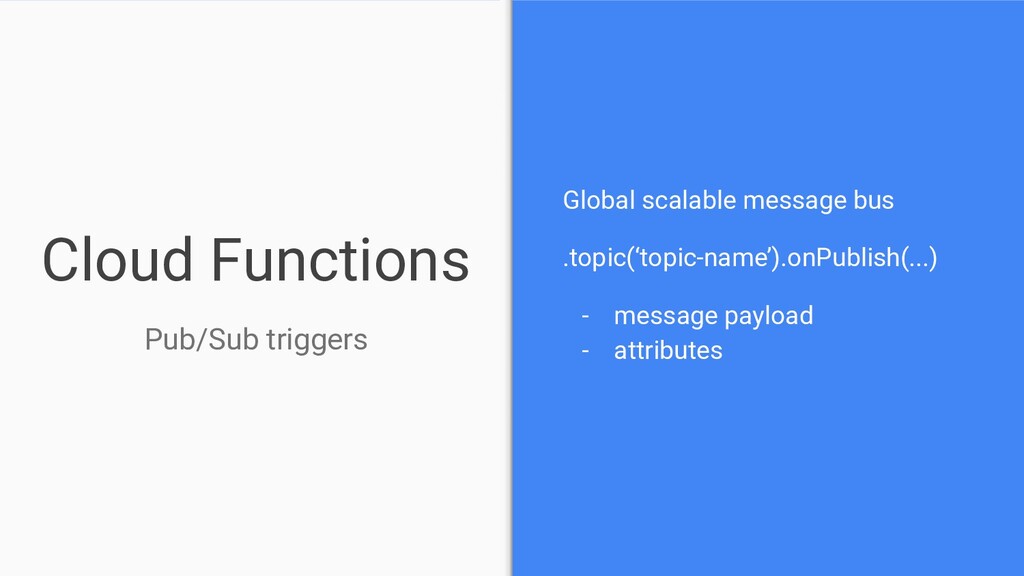
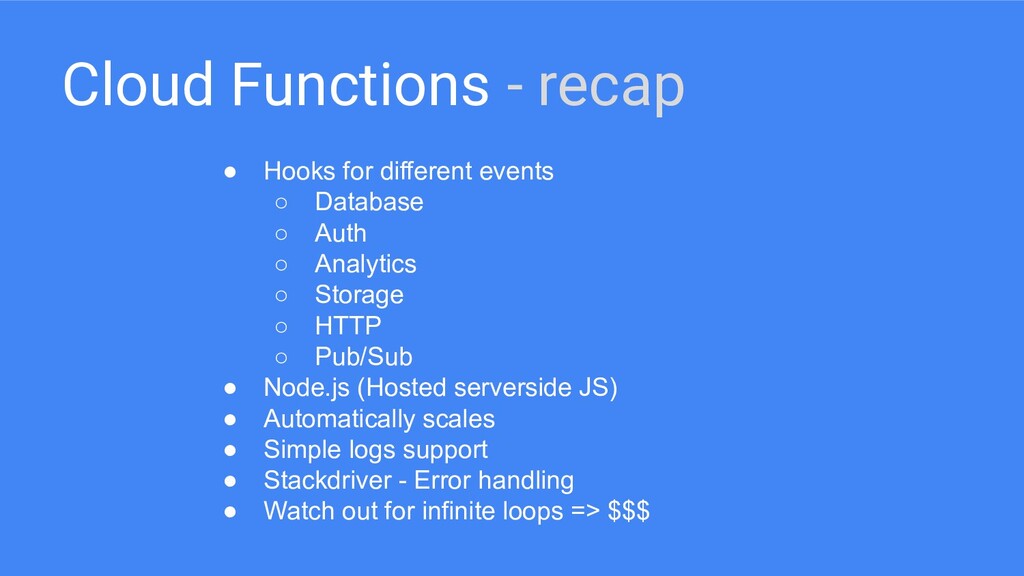
  39. Cloud Functions - recap • Hooks for different events ◦

    Database ◦ Auth ◦ Analytics ◦ Storage ◦ HTTP ◦ Pub/Sub • Node.js (Hosted serverside JS) • Automatically scales • Simple logs support • Stackdriver - Error handling • Watch out for infinite loops => $$$
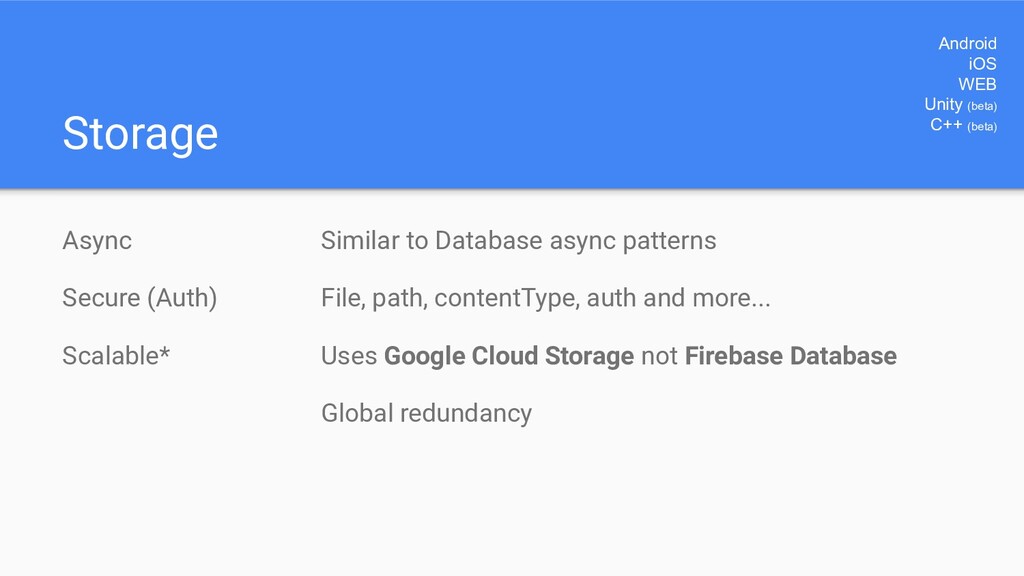
  40. Storage Async Secure (Auth) Scalable* Android iOS WEB Unity (beta)

    C++ (beta) Similar to Database async patterns File, path, contentType, auth and more... Uses Google Cloud Storage not Firebase Database Global redundancy
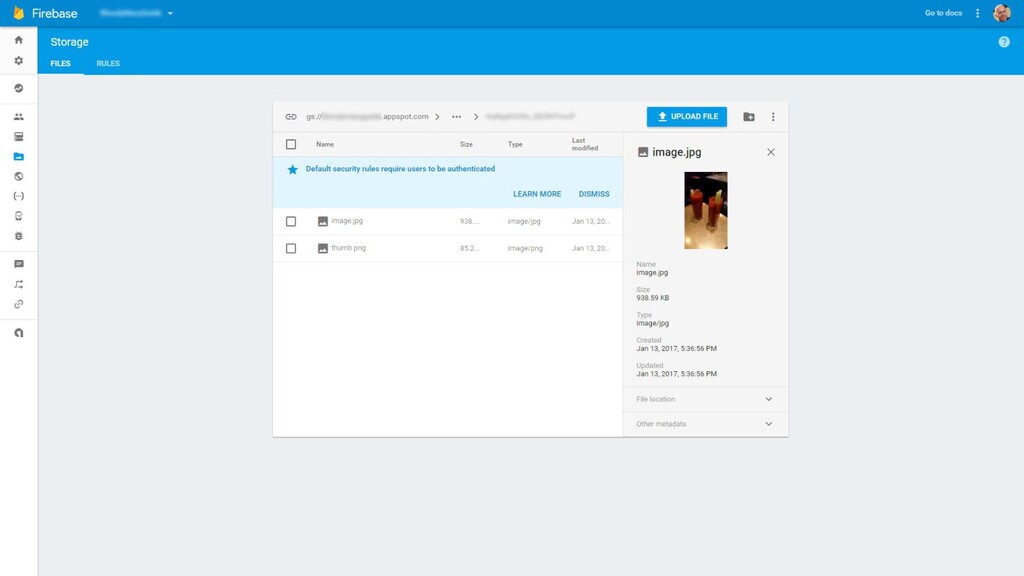
  41. Files Store images, videos or other files Folders/Path refs are

    similar to DB Admin view: preview paths and files Folders
  42. Files Uploading Async • File / Uri • Byte array

    • Stream Attach metadata • Content-Type • Time create • Disposition • Cache-Control • etc
  43. Files Downloading Async • File • Byte array • Stream

    • URL Get metadata separately • Content-Type • ...
  44. Storage [error handling] Code Reason storage/unknown An unknown error occurred.

    storage/object_not_found No object exists at the desired reference. storage/bucket_not_found No bucket is configured for Firebase Storage storage/project_not_found No project is configured for Firebase Storage storage/quota_exceeded Quota on your Firebase Storage bucket has been exceeded. If you're on the free tier, upgrade to a paid plan. If you're on a paid plan, reach out to Firebase support. storage/unauthenticated User is unauthenticated, please authenticate and try again. storage/unauthorized User is not authorized to perform the desired action, check your rules to ensure they are correct. storage/retry_limit_exceeded The maximum time limit on an operation (upload, download, delete, etc.) has been exceeded. Try again. storage/invalid_checksum File on the client does not match the checksum of the file received by the server. Try uploading again. storage/canceled User canceled the operation. storage/invalid_event_name Invalid event name provided. Must be "state_changed" storage/invalid_url Invalid URL provided to refFromURL(). Must be of the form: gs://bucket/object or https://firebasestorage.googleapis.com/v0/b/bucket/o/object?token=<TOKEN;>
  45. Storage [security] service firebase.storage { match /b/<your-firebase-storage-bucket>/o { match /{allPaths=**}

    { allow read, write: if request.auth != null; } } } Different syntax than Firebase DB rules Not aware of Firebase DB data Allows validation on folders and files - Size - Auth (user / group) - Content type - Name - NO Content validation No version control of files nor rules
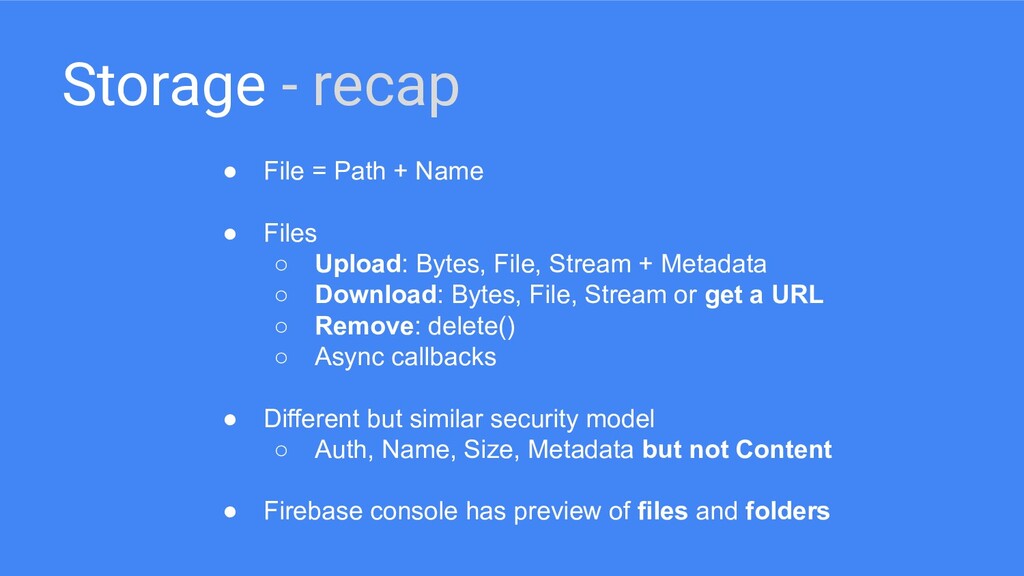
  46. Storage - recap • File = Path + Name •

    Files ◦ Upload: Bytes, File, Stream + Metadata ◦ Download: Bytes, File, Stream or get a URL ◦ Remove: delete() ◦ Async callbacks • Different but similar security model ◦ Auth, Name, Size, Metadata but not Content • Firebase console has preview of files and folders
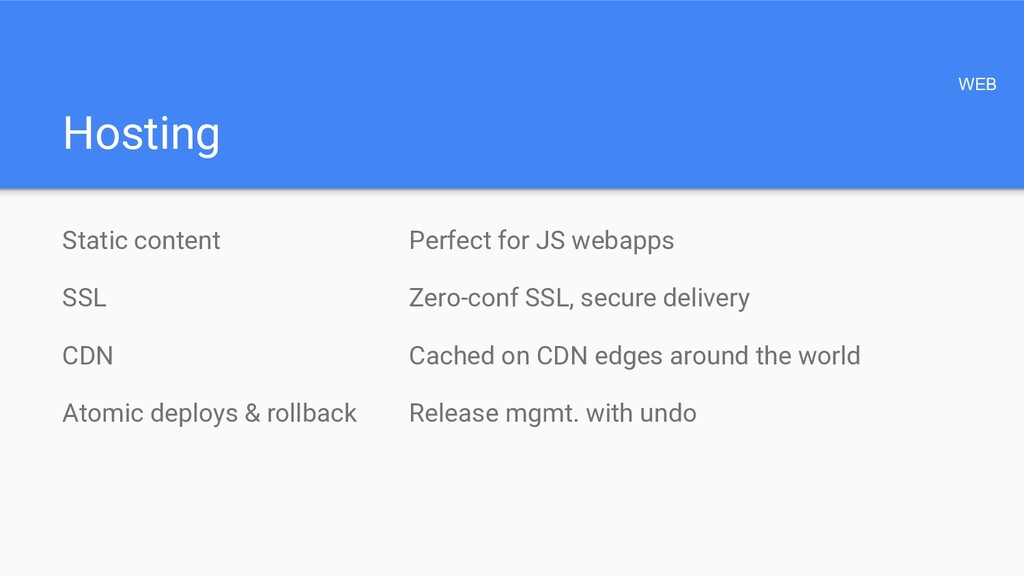
  47. Hosting Static content SSL CDN Atomic deploys & rollback WEB

    Perfect for JS webapps Zero-conf SSL, secure delivery Cached on CDN edges around the world Release mgmt. with undo
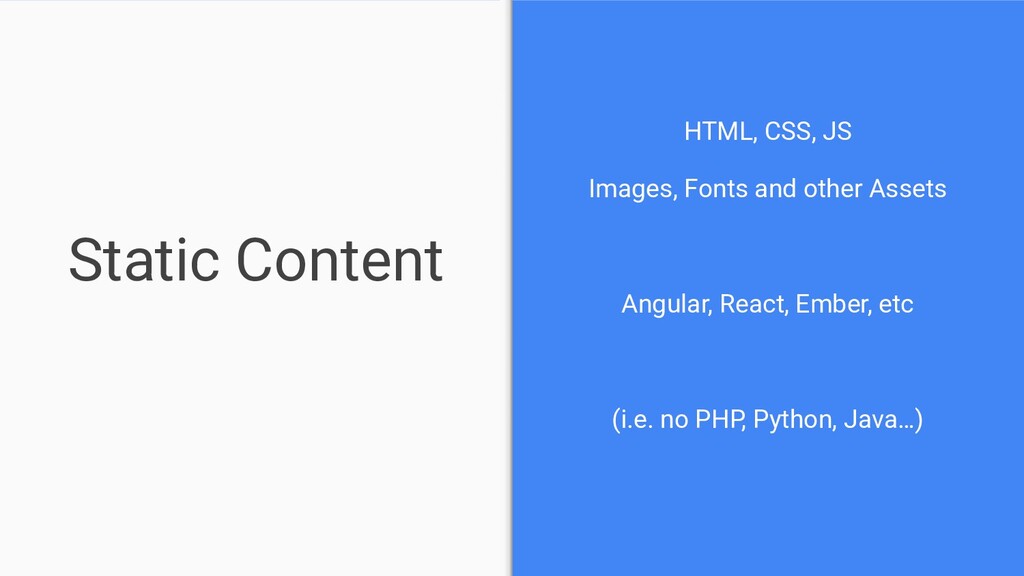
  48. Static Content HTML, CSS, JS Images, Fonts and other Assets

    Angular, React, Ember, etc (i.e. no PHP, Python, Java…)
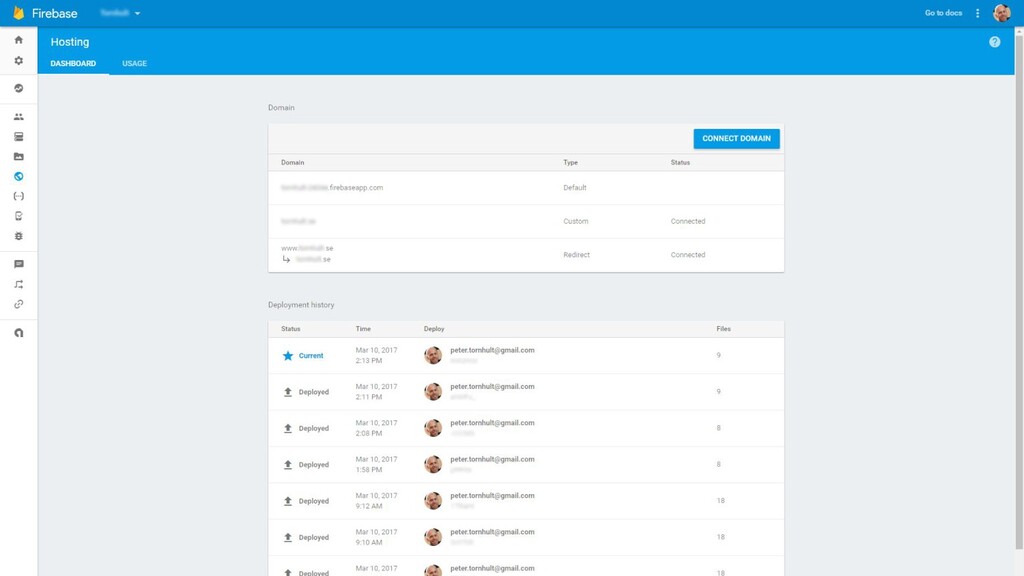
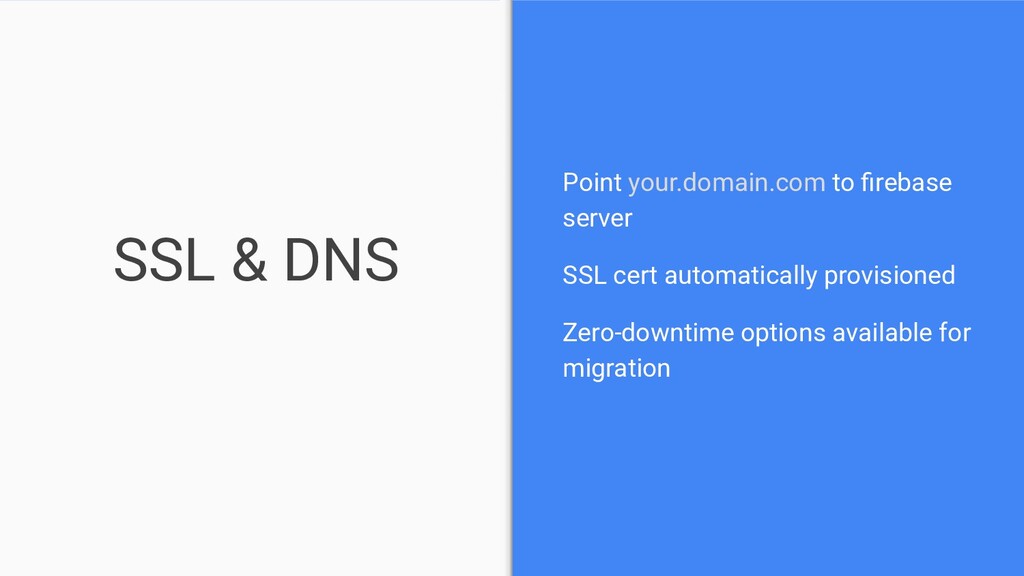
  49. SSL & DNS Point your.domain.com to firebase server SSL cert

    automatically provisioned Zero-downtime options available for migration
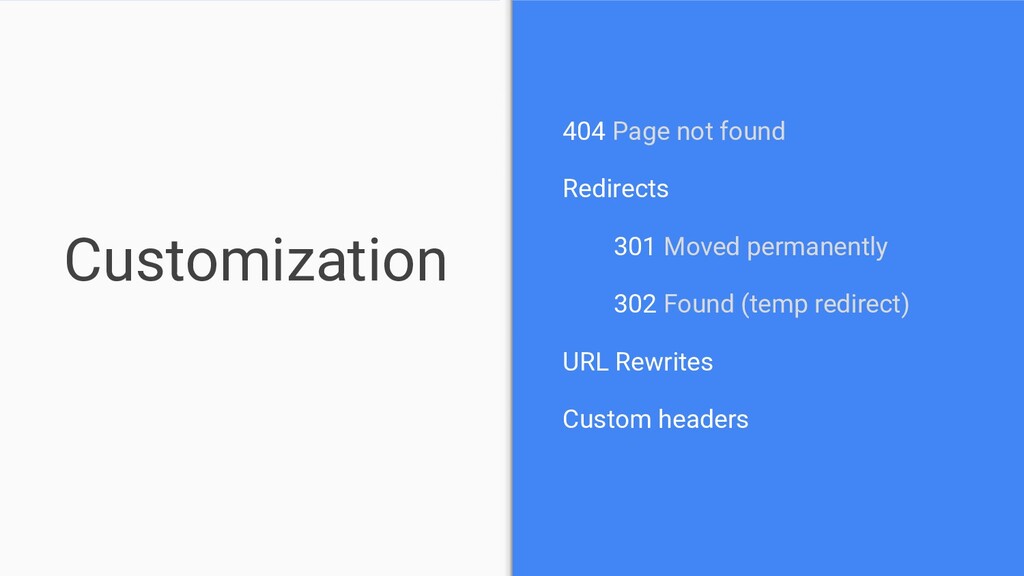
  50. Customization 404 Page not found Redirects 301 Moved permanently 302

    Found (temp redirect) URL Rewrites Custom headers
  51. Hosting - recap • Only for static content • CDN

    • SSL • Redirects • URL Rewrites • Custom headers
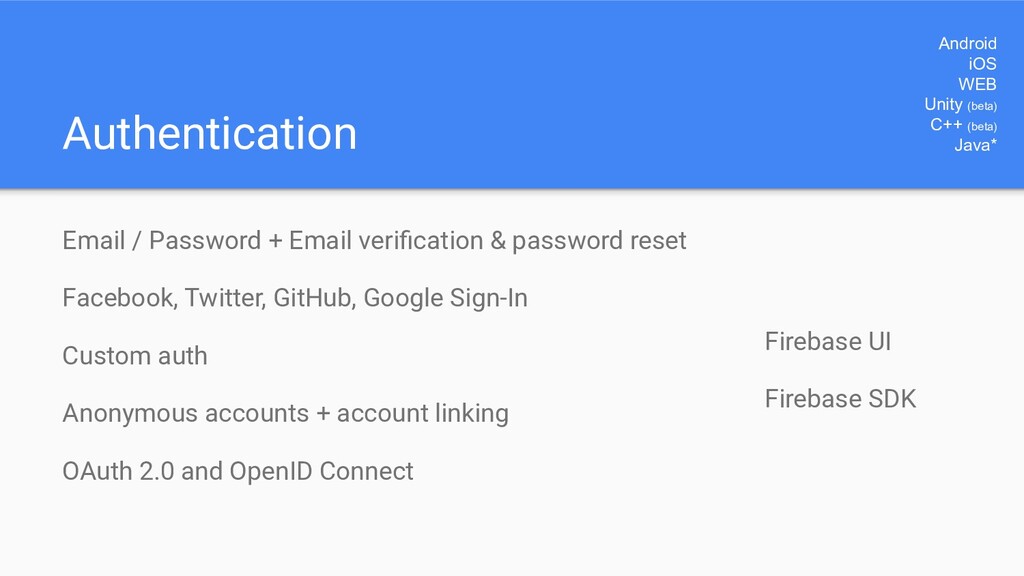
  52. Authentication Email / Password + Email verification & password reset

    Facebook, Twitter, GitHub, Google Sign-In Custom auth Anonymous accounts + account linking OAuth 2.0 and OpenID Connect Android iOS WEB Unity (beta) C++ (beta) Java* Firebase UI Firebase SDK
  53. Firebase UI Drop-in auth solution: - Android - iOS -

    WEB Email/Password, Google, Twitter, Facebook Best practices Open source
  54. Firebase SDK More flexibility - Android - iOS - WEB

    - C++ - Unity Email/Password, Google, Twitter, Facebook, Github, Custom, Anonymous
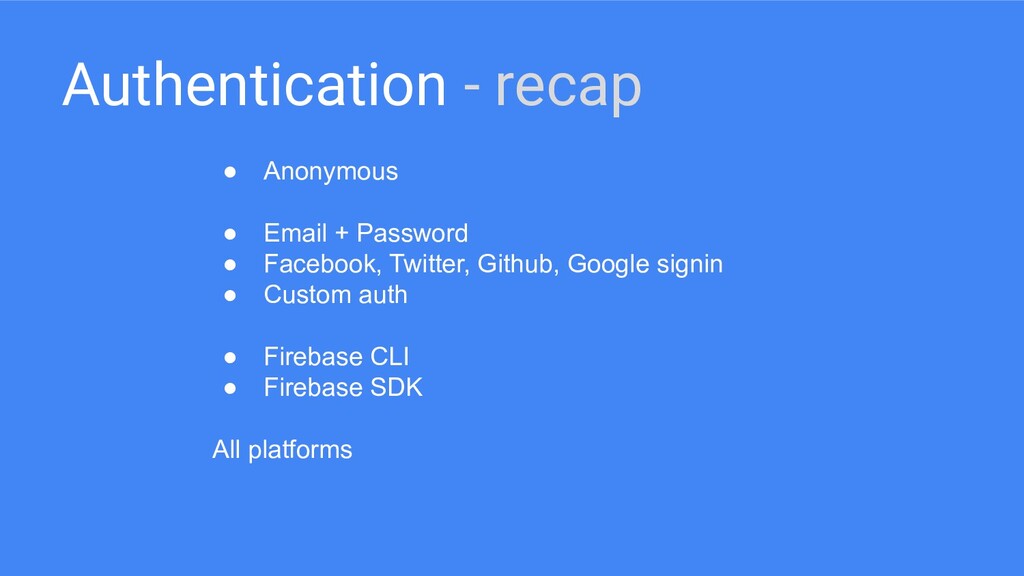
  55. Authentication - recap • Anonymous • Email + Password •

    Facebook, Twitter, Github, Google signin • Custom auth • Firebase CLI • Firebase SDK All platforms
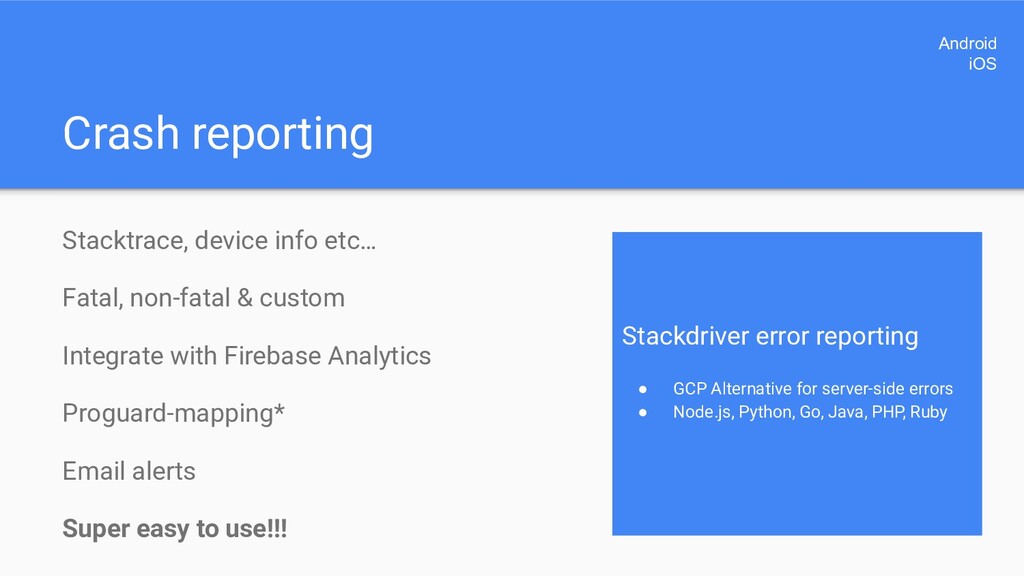
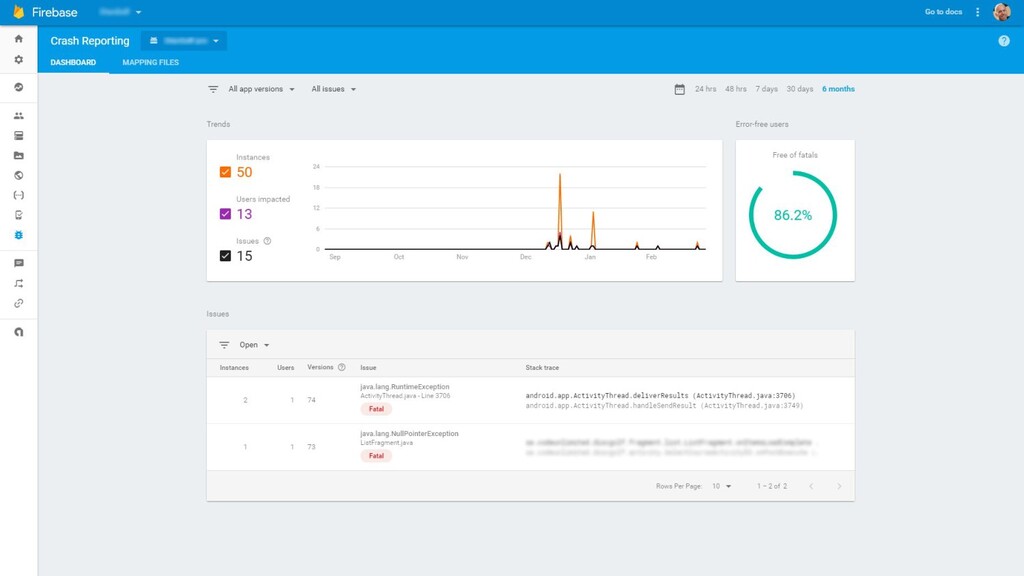
  56. Crash reporting Stacktrace, device info etc… Fatal, non-fatal & custom

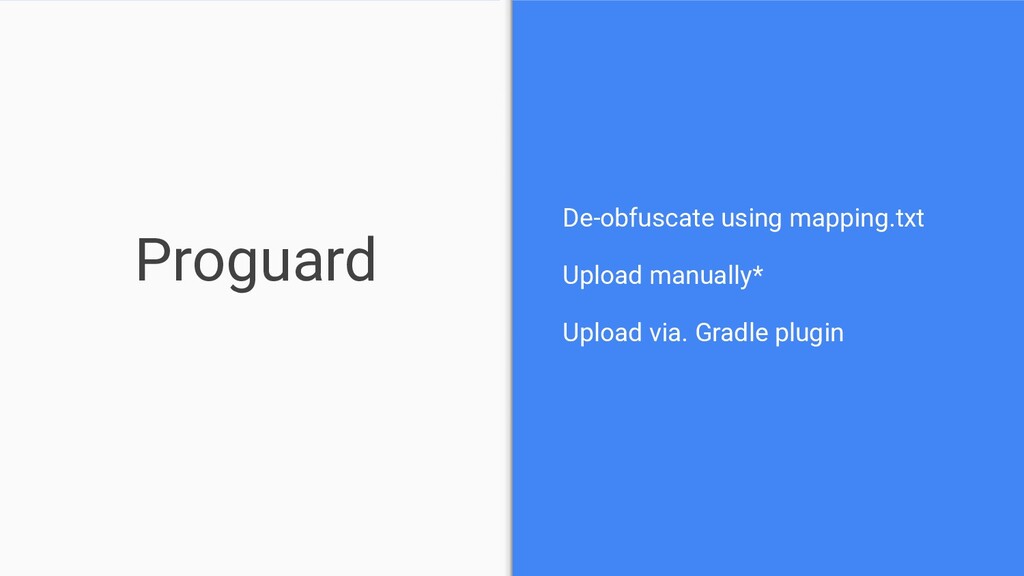
    Integrate with Firebase Analytics Proguard-mapping* Email alerts Super easy to use!!! Android iOS Stackdriver error reporting • GCP Alternative for server-side errors • Node.js, Python, Go, Java, PHP, Ruby
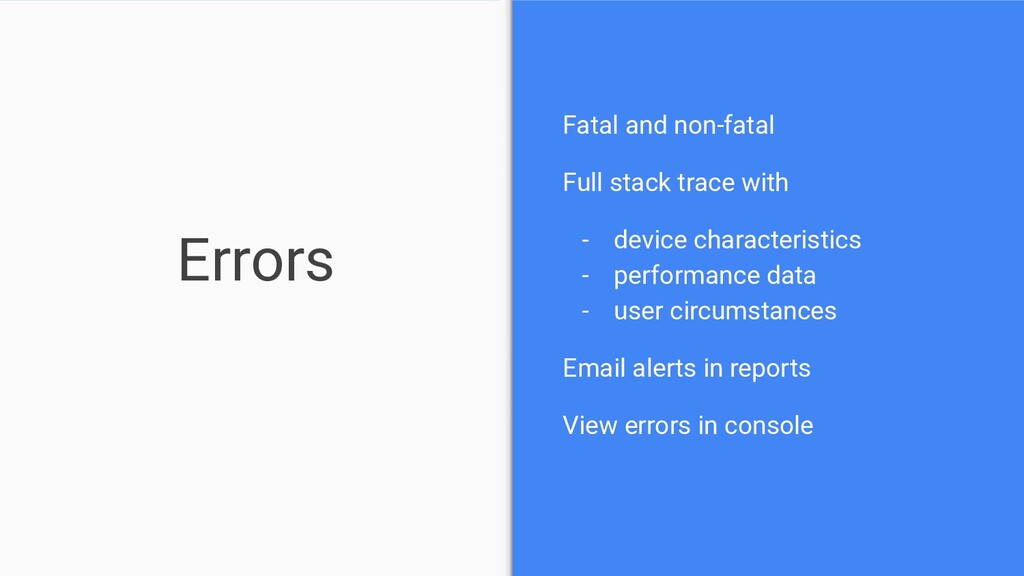
  57. Errors Fatal and non-fatal Full stack trace with - device

    characteristics - performance data - user circumstances Email alerts in reports View errors in console
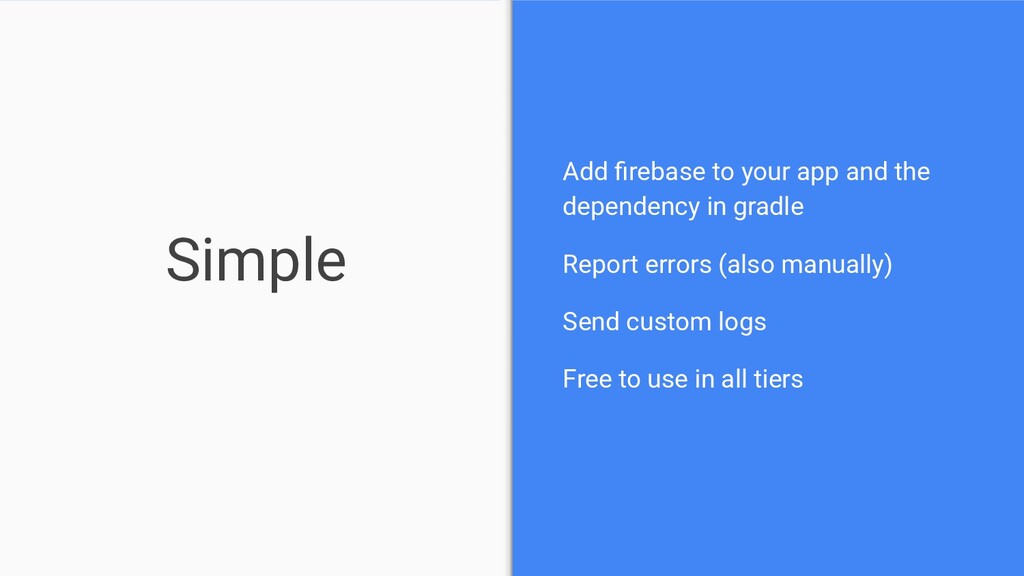
  58. Simple Add firebase to your app and the dependency in

    gradle Report errors (also manually) Send custom logs Free to use in all tiers
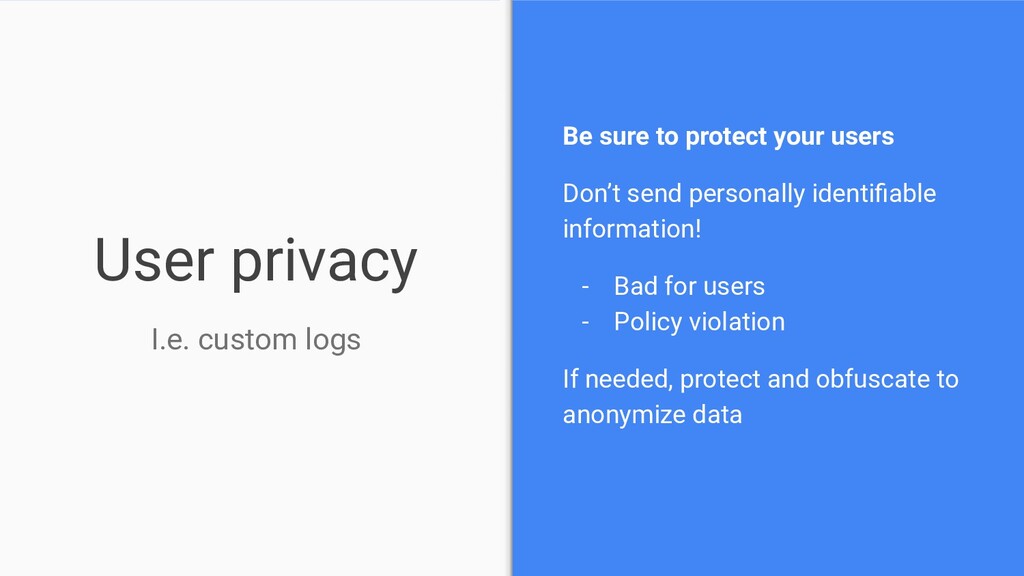
  59. User privacy Be sure to protect your users Don’t send

    personally identifiable information! - Bad for users - Policy violation If needed, protect and obfuscate to anonymize data I.e. custom logs
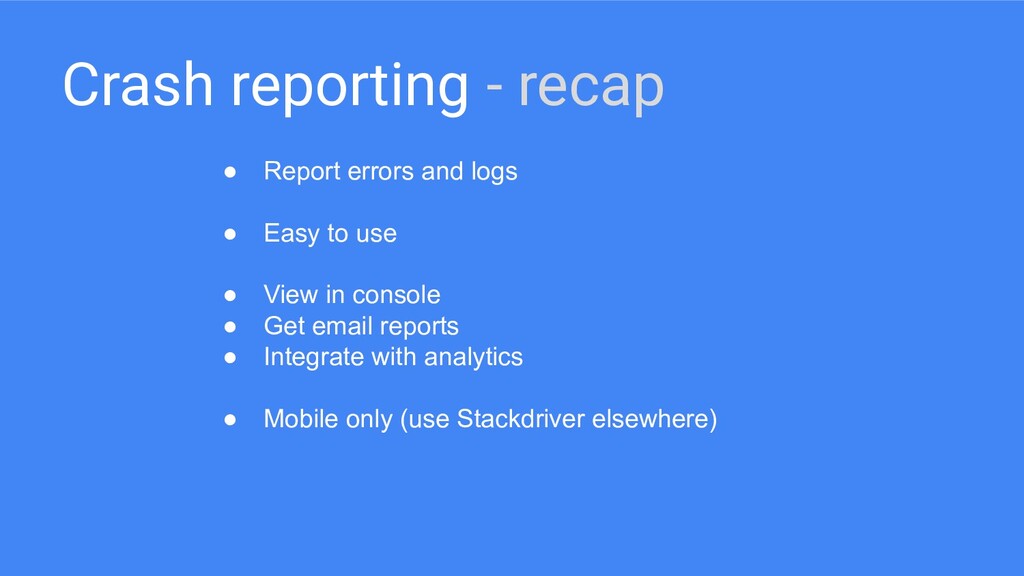
  60. Crash reporting - recap • Report errors and logs •

    Easy to use • View in console • Get email reports • Integrate with analytics • Mobile only (use Stackdriver elsewhere)
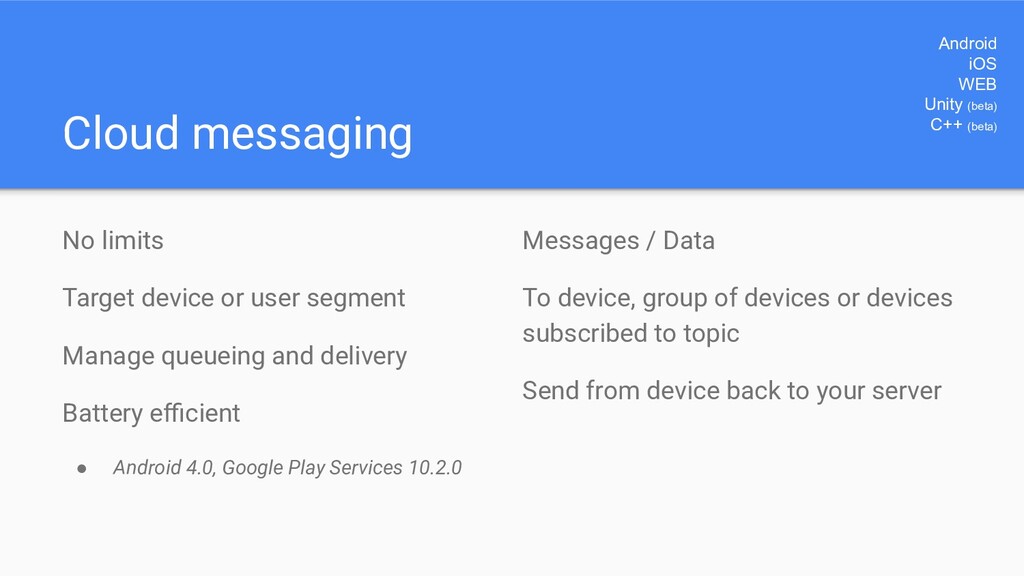
  61. Cloud messaging No limits Target device or user segment Manage

    queueing and delivery Battery efficient • Android 4.0, Google Play Services 10.2.0 Android iOS WEB Unity (beta) C++ (beta) Messages / Data To device, group of devices or devices subscribed to topic Send from device back to your server
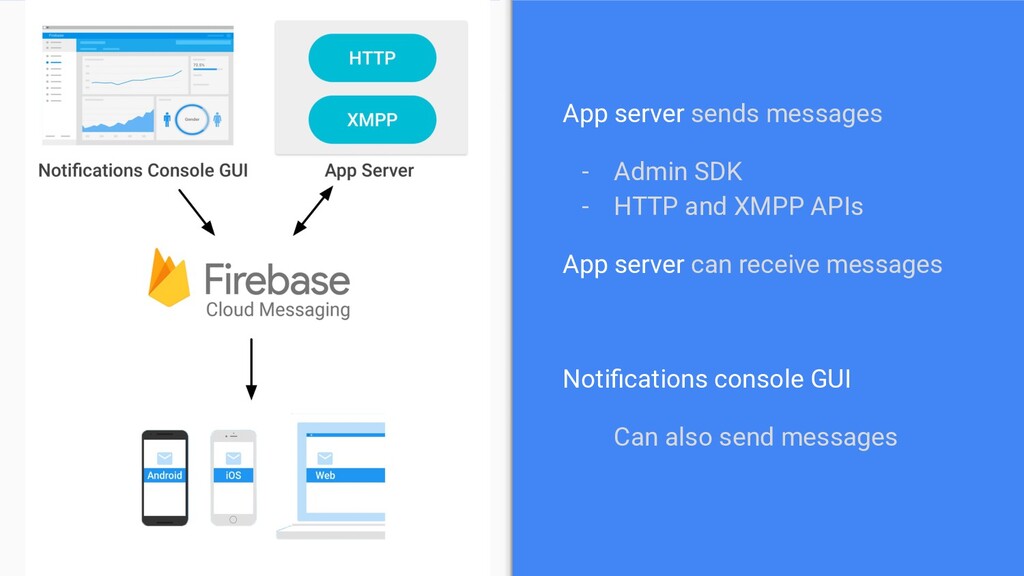
  62. App server sends messages - Admin SDK - HTTP and

    XMPP APIs App server can receive messages Notifications console GUI Can also send messages
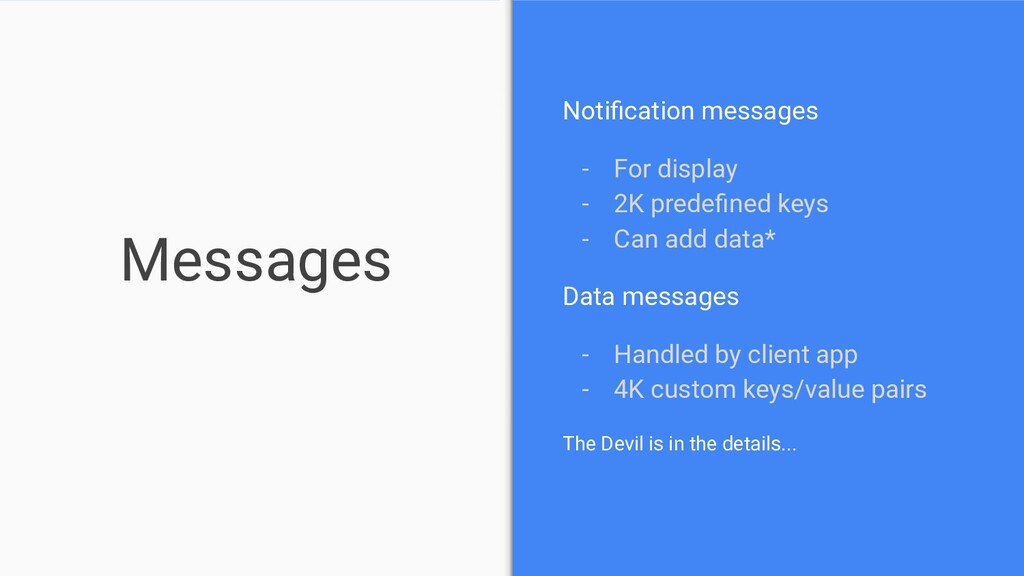
  63. Messages Notification messages - For display - 2K predefined keys

    - Can add data* Data messages - Handled by client app - 4K custom keys/value pairs The Devil is in the details...
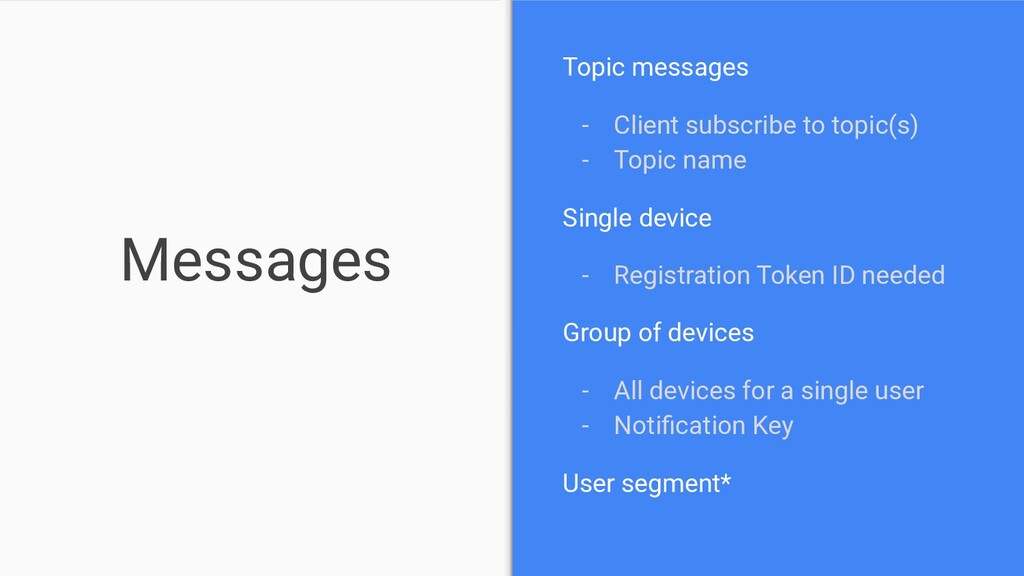
  64. Messages Topic messages - Client subscribe to topic(s) - Topic

    name Single device - Registration Token ID needed Group of devices - All devices for a single user - Notification Key User segment*
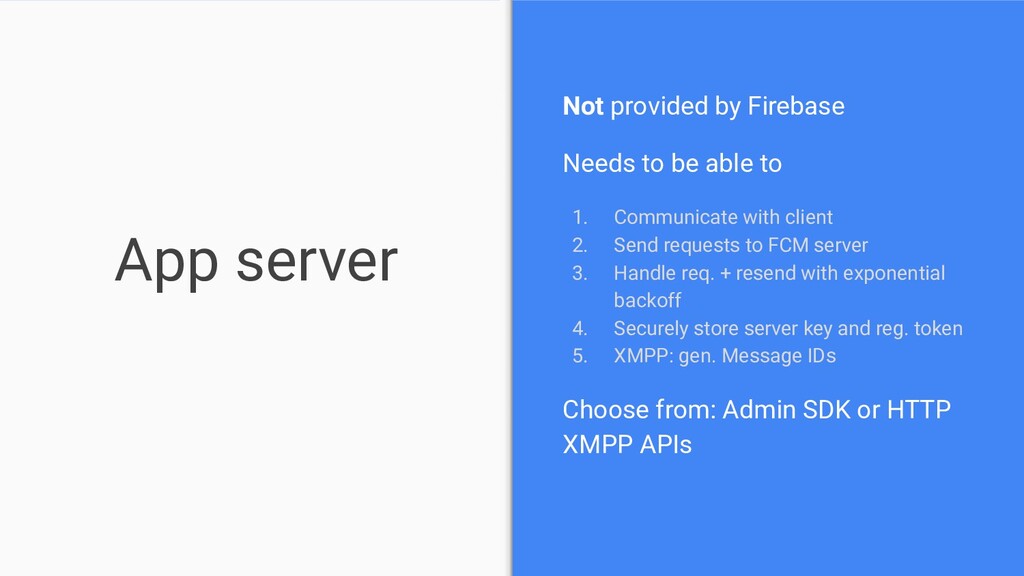
  65. App server Not provided by Firebase Needs to be able

    to 1. Communicate with client 2. Send requests to FCM server 3. Handle req. + resend with exponential backoff 4. Securely store server key and reg. token 5. XMPP: gen. Message IDs Choose from: Admin SDK or HTTP XMPP APIs
  66. Cloud messaging - recap • App server needed* • Send

    and receive • Messages or data • Complicated ¯\_(ツ)_/¯
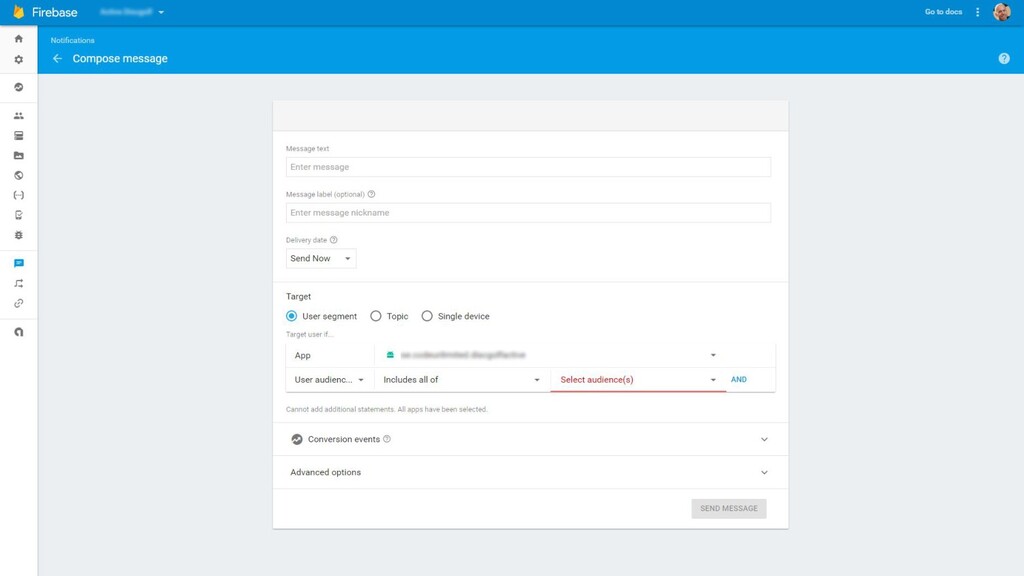
  67. Notifications No limit Notification GUI Schedule messages Integrate with Firebase

    analytics (Based on FCM) Android iOS Unity (beta) C++ (beta)
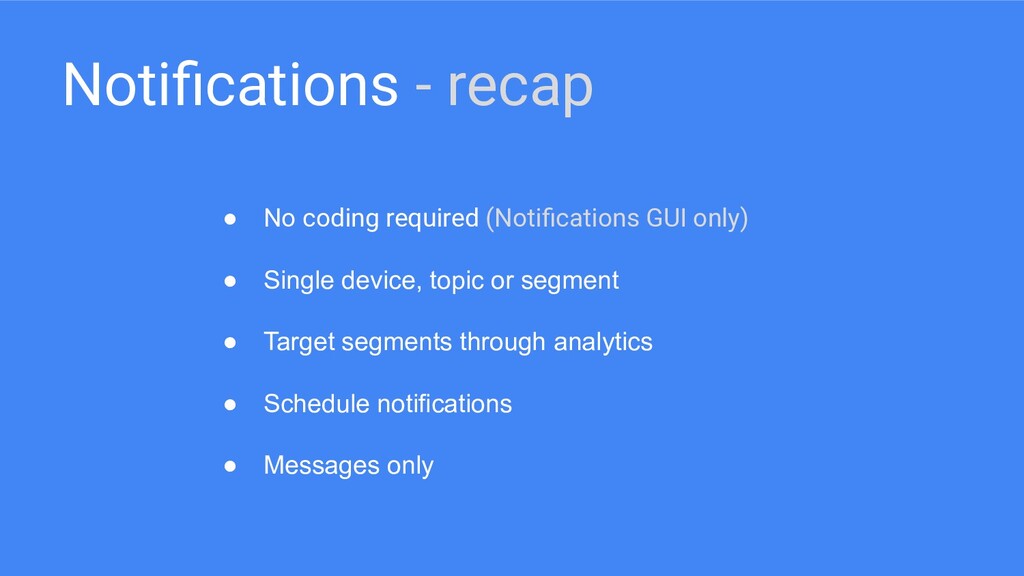
  68. Notifications - recap • No coding required (Notifications GUI only)

    • Single device, topic or segment • Target segments through analytics • Schedule notifications • Messages only
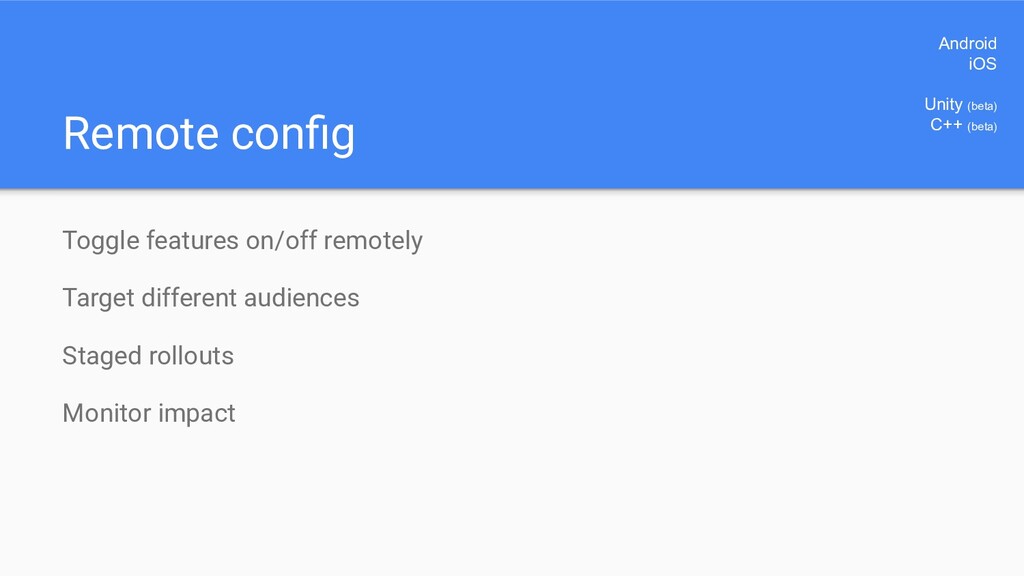
  69. Remote config Toggle features on/off remotely Target different audiences Staged

    rollouts Monitor impact Android iOS Unity (beta) C++ (beta)
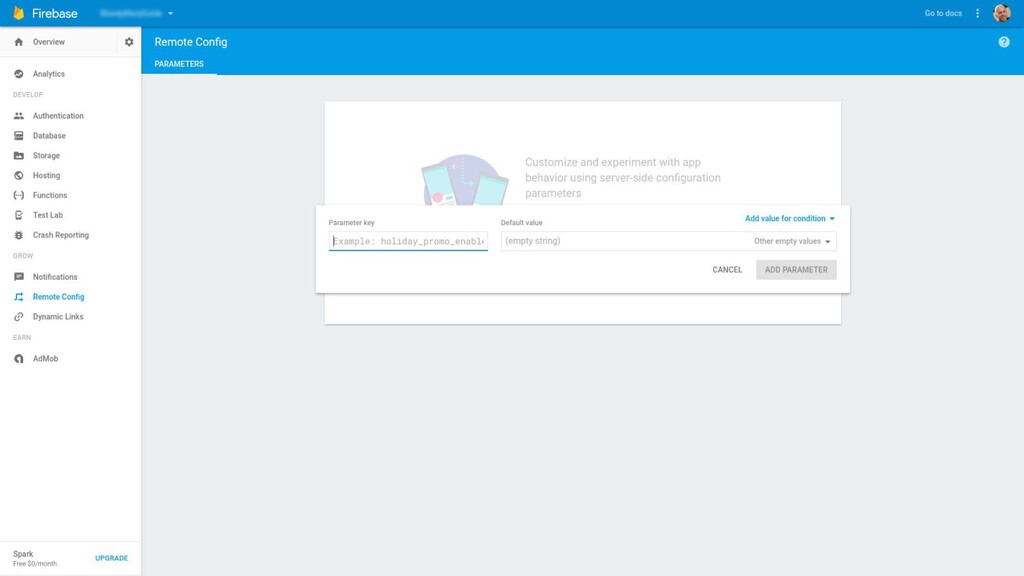
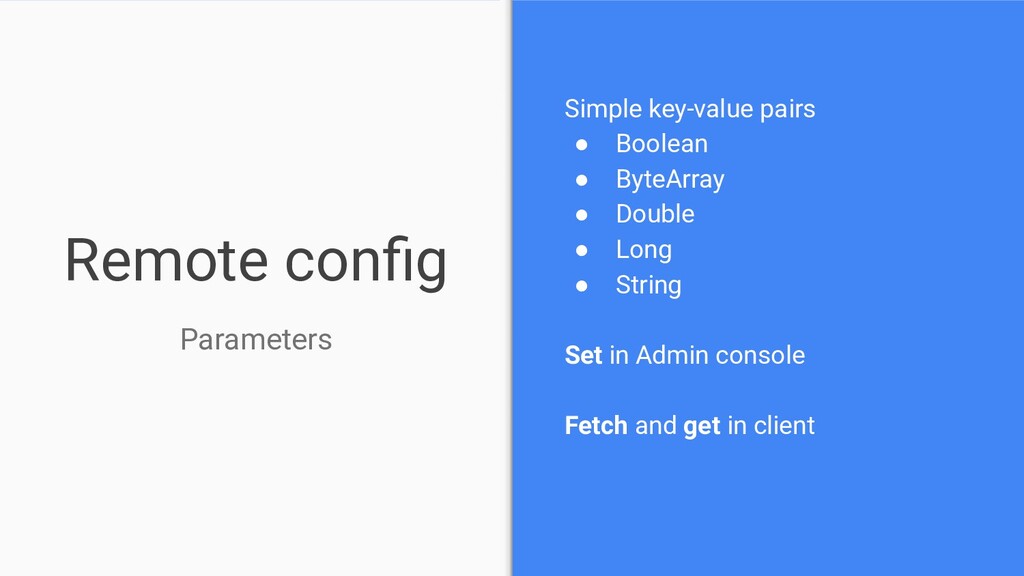
  70. Remote config Parameters Simple key-value pairs • Boolean • ByteArray

    • Double • Long • String Set in Admin console Fetch and get in client
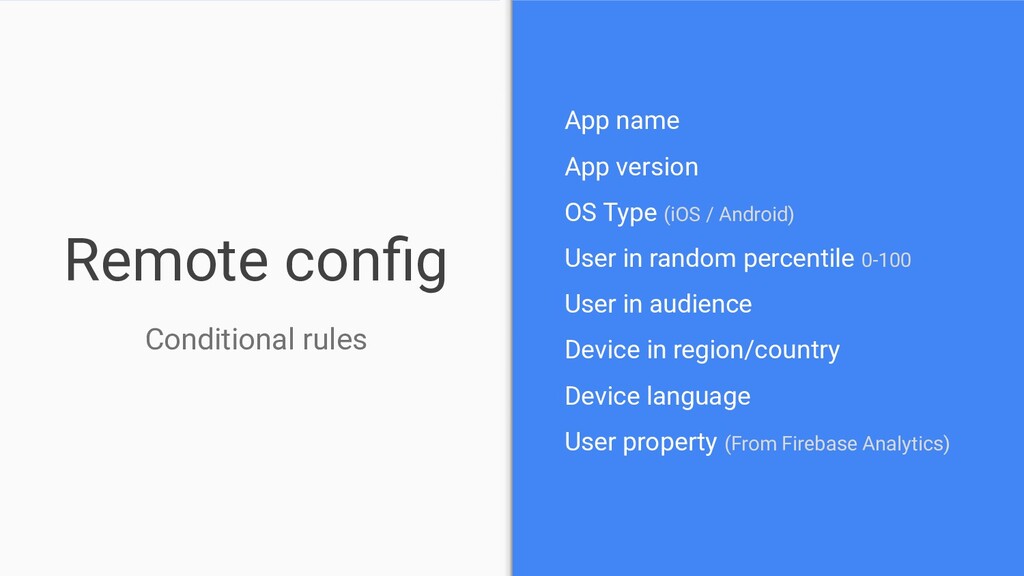
  71. Remote config Conditional rules App name App version OS Type

    (iOS / Android) User in random percentile 0-100 User in audience Device in region/country Device language User property (From Firebase Analytics)
  72. Remote config - recap • Toggle features on/off from GUI

    • Parameters and conditions • Specify precise conditions based on analytics • A / B test features
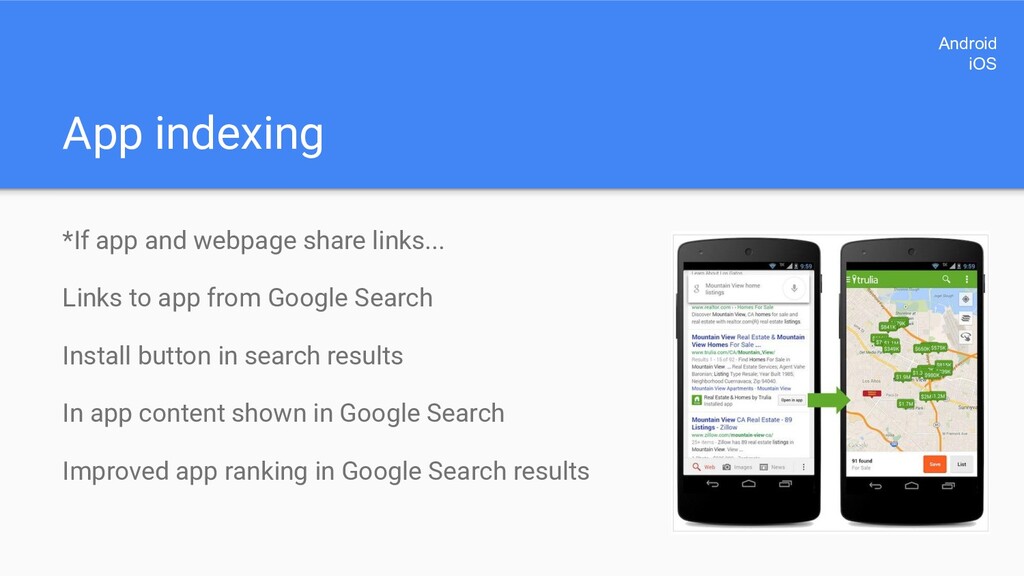
  73. App indexing *If app and webpage share links... Links to

    app from Google Search Install button in search results In app content shown in Google Search Improved app ranking in Google Search results Android iOS
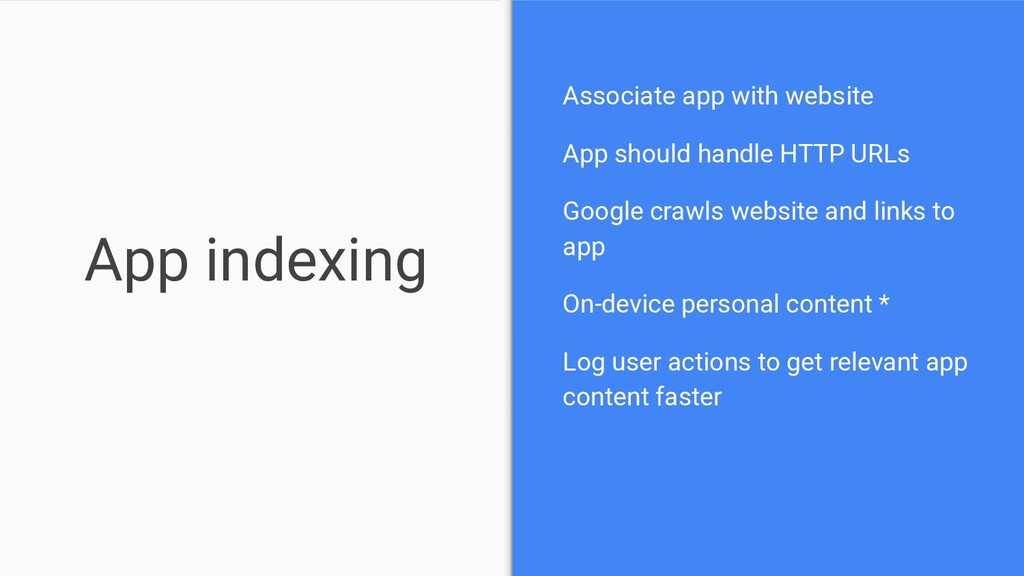
  74. App indexing Associate app with website App should handle HTTP

    URLs Google crawls website and links to app On-device personal content * Log user actions to get relevant app content faster
  75. App indexing - recap • Link to app directly from

    Google Search • Launch or install from results • Public and personal content • Index links in app
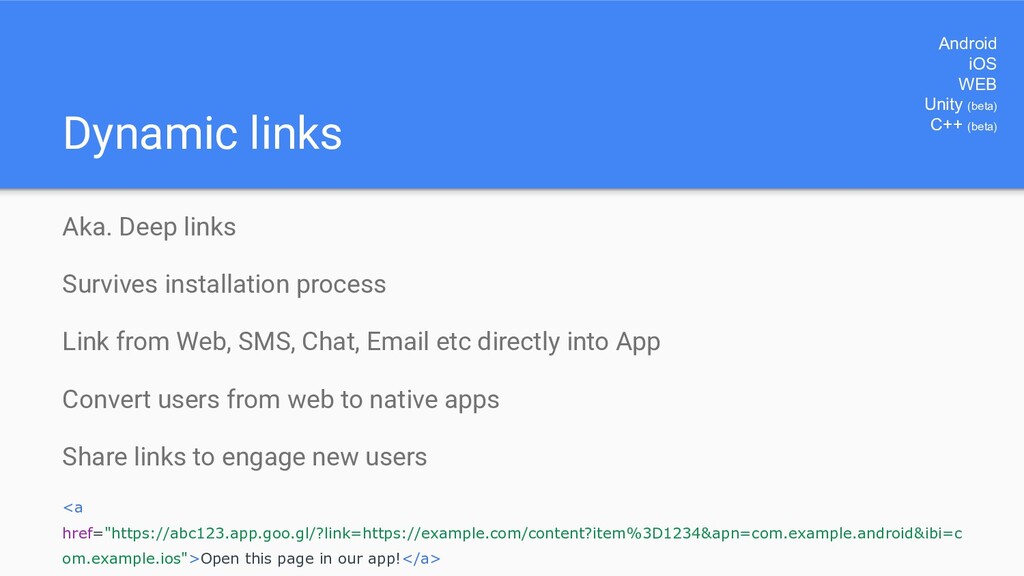
  76. Dynamic links Aka. Deep links Survives installation process Link from

    Web, SMS, Chat, Email etc directly into App Convert users from web to native apps Share links to engage new users <a href="https://abc123.app.goo.gl/?link=https://example.com/content?item%3D1234&apn=com.example.android&ibi=c om.example.ios">Open this page in our app!</a> Android iOS WEB Unity (beta) C++ (beta)
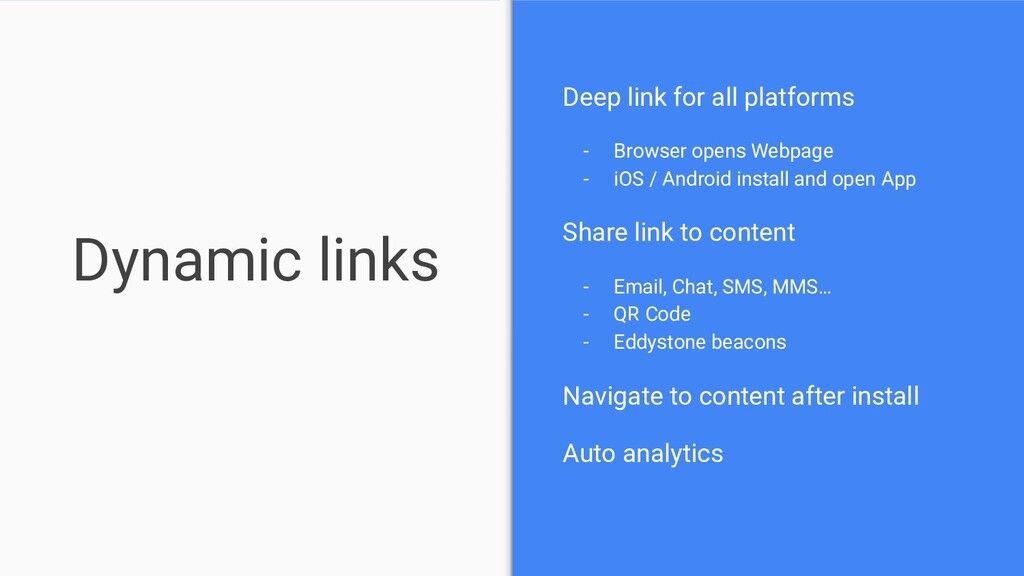
  77. Dynamic links Deep link for all platforms - Browser opens

    Webpage - iOS / Android install and open App Share link to content - Email, Chat, SMS, MMS… - QR Code - Eddystone beacons Navigate to content after install Auto analytics
  78. Dynamic links Webpage and App should share same URLs Firebase

    Dynamic Links URL shortener API Create via Firebase console, REST API or Manually Android and/or iOS App should handle links
  79. Dynamic links - recap • Deep link to content within

    your app • Convert web users to native app users • Invite new users by sharing • App needs to handle links • Web and mobile should share same URLs • URLs can be shortened
  80. Invites Share your app Relevant contacts Free Email / SMS

    delivery (built on Dynamic links) Android iOS Unity (beta) C++ (beta)
  81. Invites Simple version of Dynamic links Share via Email or

    SMS only Share with Google contacts and locally stored contacts Recommended contacts Custom text and rich-text email Sign-in not required
  82. Invites Customize the invitation Message Deep link Image CTA button

    text Rich text Email content Email subject
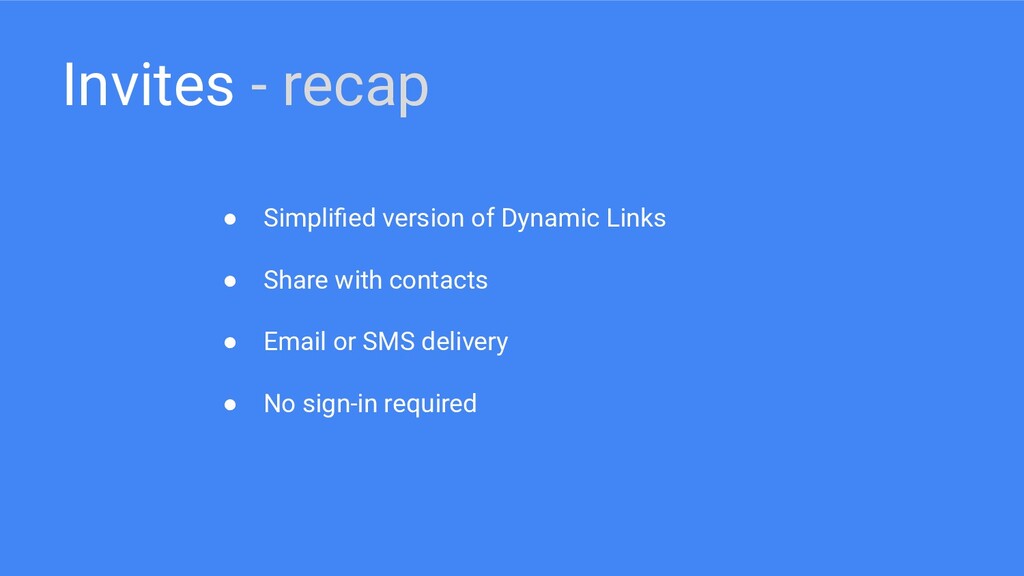
  83. Invites - recap • Simplified version of Dynamic Links •

    Share with contacts • Email or SMS delivery • No sign-in required
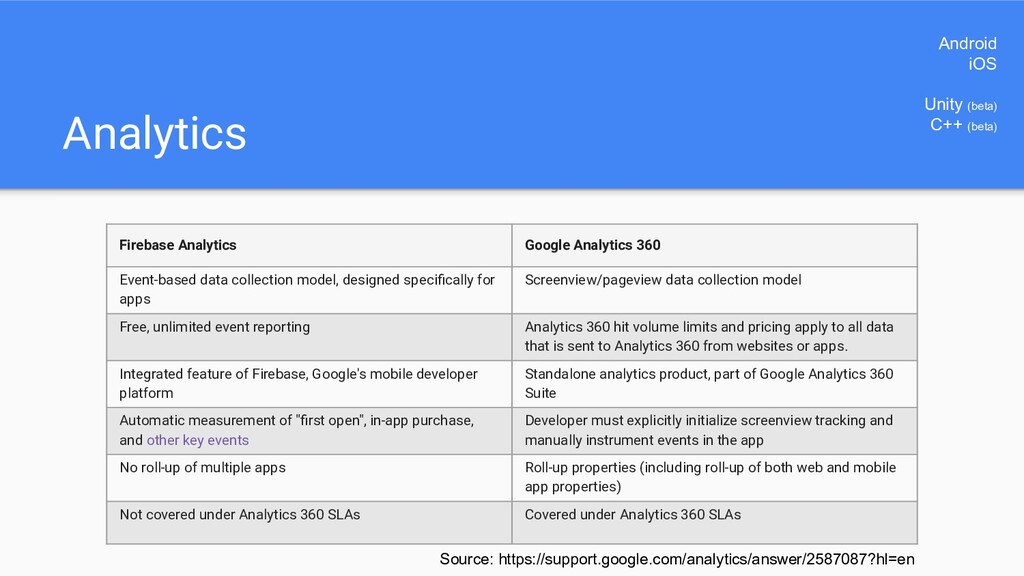
  84. Analytics Firebase Analytics Google Analytics 360 Event-based data collection model,

    designed specifically for apps Screenview/pageview data collection model Free, unlimited event reporting Analytics 360 hit volume limits and pricing apply to all data that is sent to Analytics 360 from websites or apps. Integrated feature of Firebase, Google's mobile developer platform Standalone analytics product, part of Google Analytics 360 Suite Automatic measurement of "first open", in-app purchase, and other key events Developer must explicitly initialize screenview tracking and manually instrument events in the app No roll-up of multiple apps Roll-up properties (including roll-up of both web and mobile app properties) Not covered under Analytics 360 SLAs Covered under Analytics 360 SLAs Source: https://support.google.com/analytics/answer/2587087?hl=en Android iOS Unity (beta) C++ (beta)
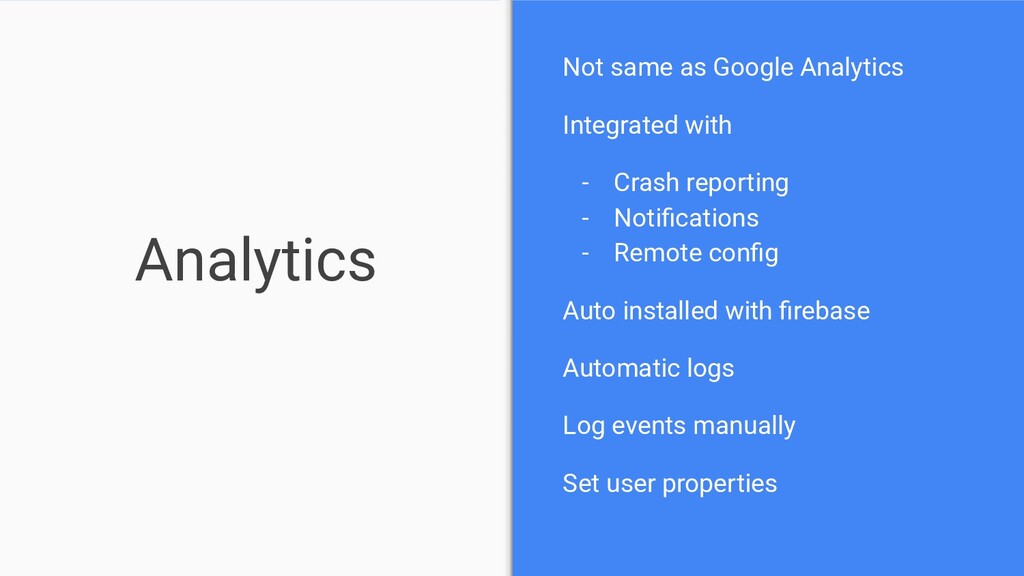
  85. Analytics Not same as Google Analytics Integrated with - Crash

    reporting - Notifications - Remote config Auto installed with firebase Automatic logs Log events manually Set user properties
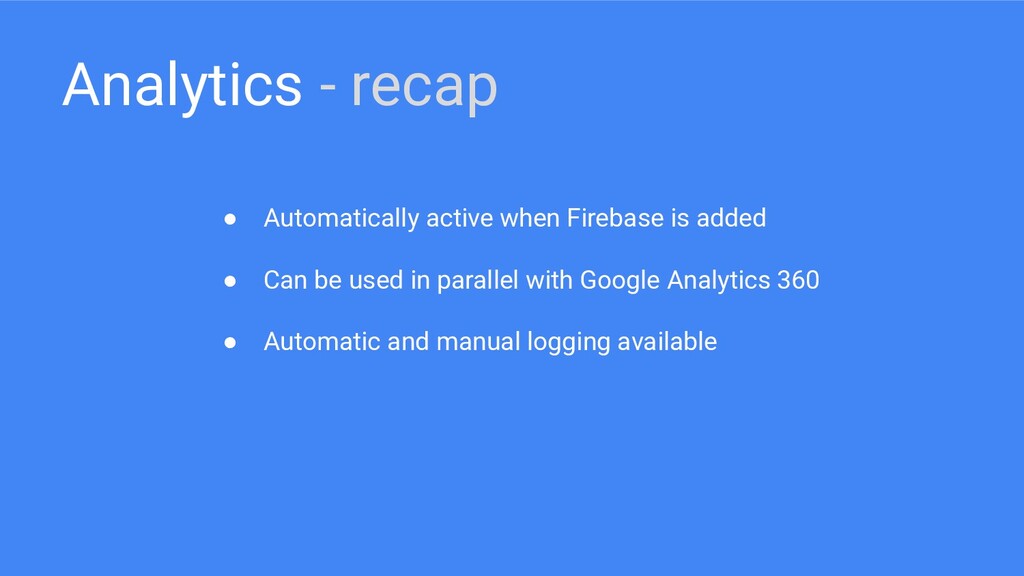
  86. Analytics - recap • Automatically active when Firebase is added

    • Can be used in parallel with Google Analytics 360 • Automatic and manual logging available
  87. Test lab Real and virtual devices Reports and Screenshots Automatic

    tests (Robo) Android Studio, CI, Command line, Web Android
  88. Test lab Integrate with Firebase console, AS, gcloud command line

    and CI systems Instrumentation tests - Espresso - Robotium - UI Automator 2.0 Logs, Screenshots, Activity map and Video
  89. Test lab Test dimensions - Specific device - Locale -

    API level - Screen orientation Run then investigate test results - Manually - On publish in Alpha/Beta channel
  90. Test lab - recap • Run instrumentation tests on real

    or virtual devices • Write or record tests • Robo test - automatic tests • Run from a variety of options • Analyze results, logs, screenshots and video
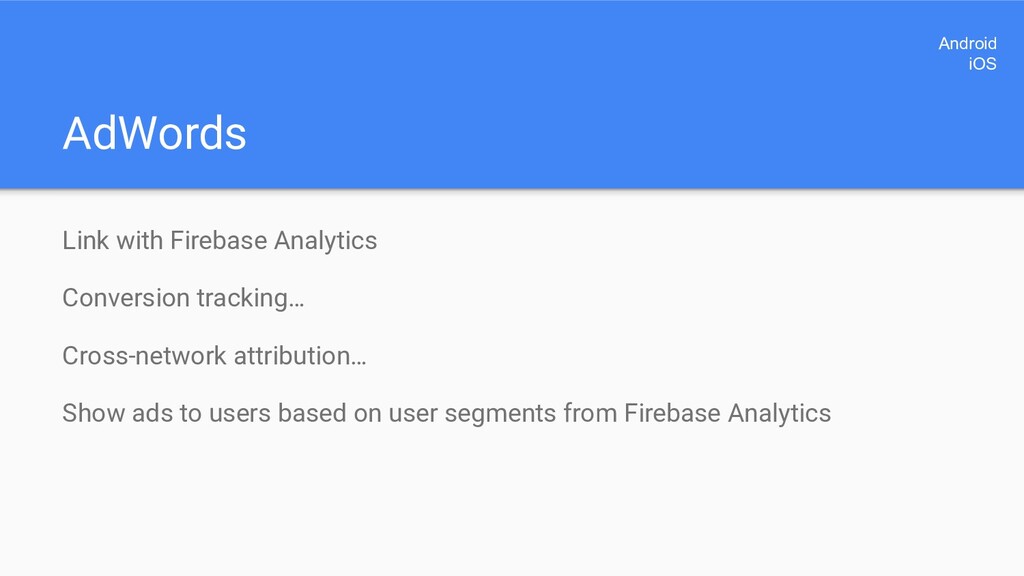
  91. AdWords Link with Firebase Analytics Conversion tracking… Cross-network attribution… Show

    ads to users based on user segments from Firebase Analytics Android iOS
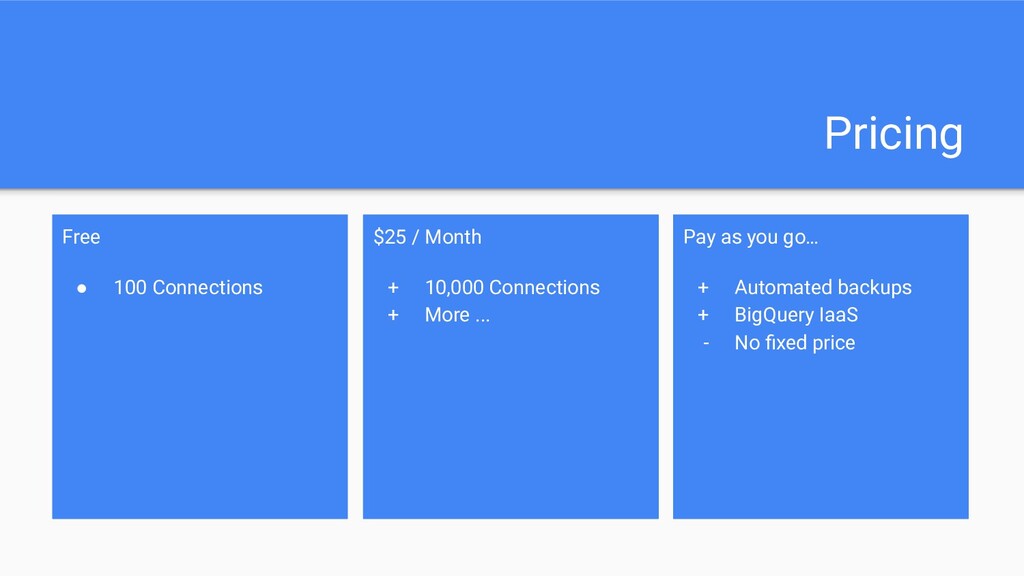
  92. Pricing Free • 100 Connections $25 / Month + 10,000

    Connections + More ... Pay as you go… + Automated backups + BigQuery IaaS - No fixed price