Upgrade to Pro — share decks privately, control downloads, hide ads and more …

Fun with Docker & Chef - I

Sponsored · Your Podcast. Everywhere. Effortlessly. Share. Educate. Inspire. Entertain. You do you. We'll handle the rest. →
Avatar for Puneet Goyal Puneet Goyal
November 16, 2013

Fun with Docker & Chef - I

This is a first part of two part series where we go from zero to having chef-server and docker setup on a DigitalOcean VM.

Avatar for Puneet Goyal

Puneet Goyal

November 16, 2013

More Decks by Puneet Goyal

Other Decks in Technology

Transcript

  1. Agenda - Day ONE - setup a cloud VM and

    install chef-server and docker on it. spread over today and tomorrow
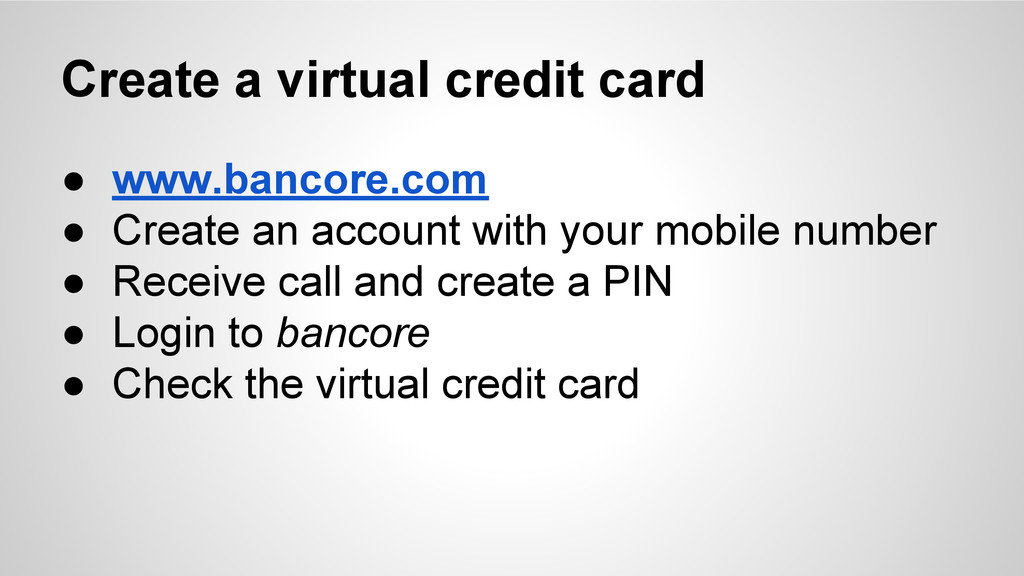
  2. Create a virtual credit card • www.bancore.com • Create an

    account with your mobile number • Receive call and create a PIN • Login to bancore • Check the virtual credit card
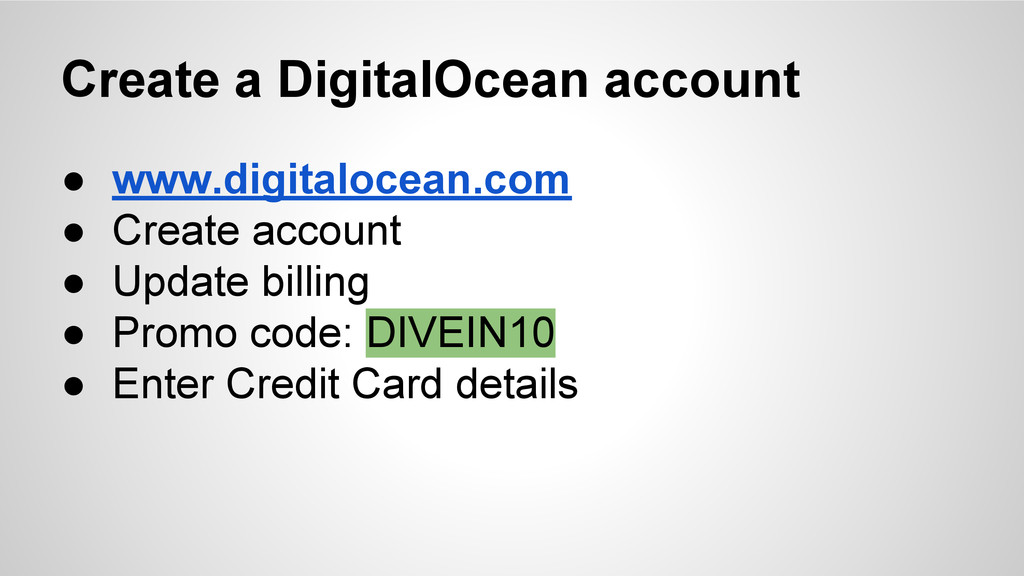
  3. Create a DigitalOcean account • www.digitalocean.com • Create account •

    Update billing • Promo code: DIVEIN10 • Enter Credit Card details
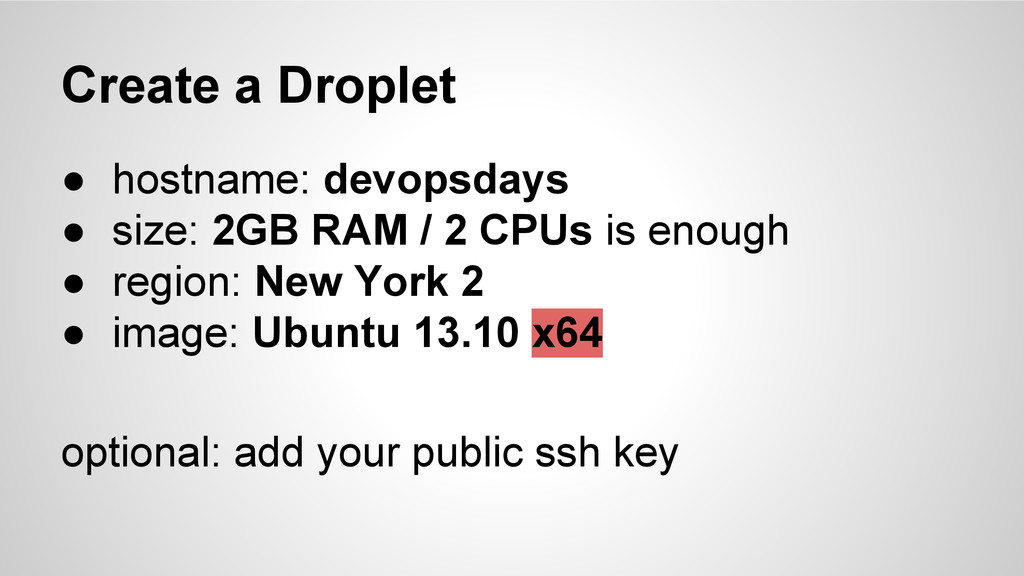
  4. Create a Droplet • hostname: devopsdays • size: 2GB RAM

    / 2 CPUs is enough • region: New York 2 • image: Ubuntu 13.10 x64 optional: add your public ssh key
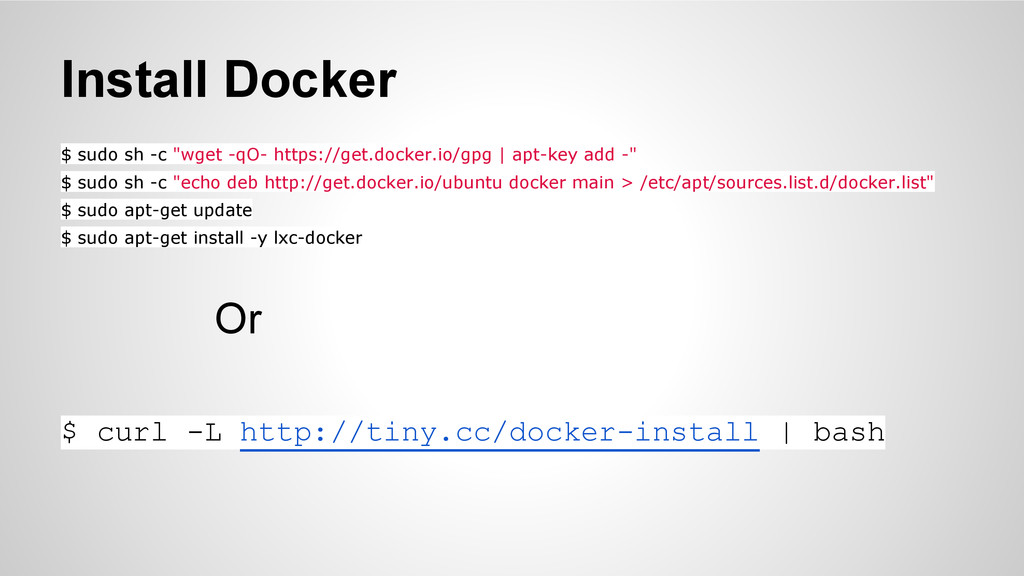
  5. Install Docker $ sudo sh -c "wget -qO- https://get.docker.io/gpg |

    apt-key add -" $ sudo sh -c "echo deb http://get.docker.io/ubuntu docker main > /etc/apt/sources.list.d/docker.list" $ sudo apt-get update $ sudo apt-get install -y lxc-docker Or $ curl -L http://tiny.cc/docker-install | bash
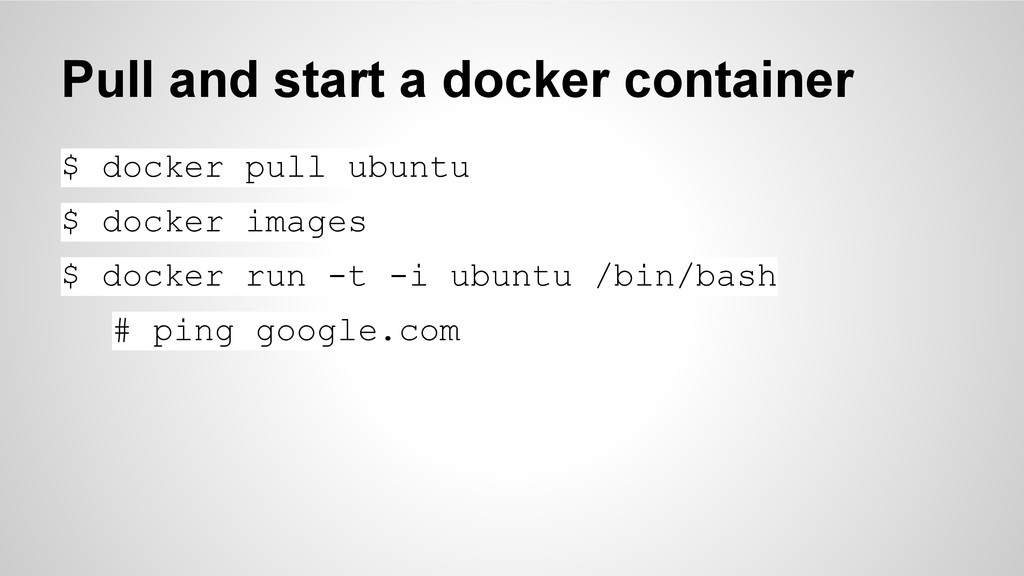
  6. Pull and start a docker container $ docker pull ubuntu

    $ docker images $ docker run -t -i ubuntu /bin/bash # ping google.com
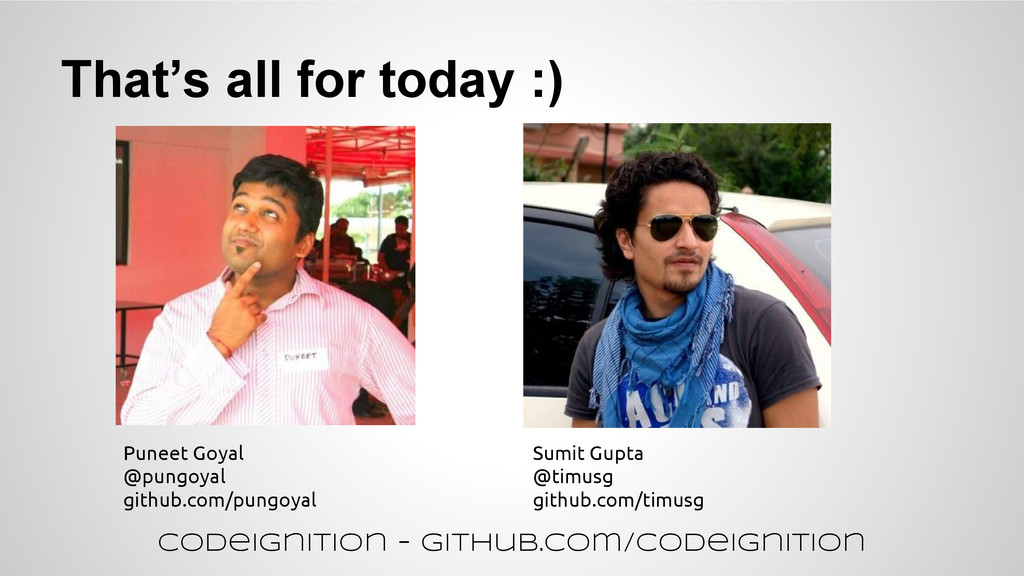
  7. That’s all for today :) Puneet Goyal @pungoyal github.com/pungoyal Sumit

    Gupta @timusg github.com/timusg CodeIgnition - github.com/codeignition