Upgrade to Pro — share decks privately, control downloads, hide ads and more …

Fun with Docker & Chef - II

Avatar for Puneet Goyal Puneet Goyal
November 17, 2013

Fun with Docker & Chef - II

This is the second part of the series where we learn how to spawn docker containers and bootstrap them with chef.

Avatar for Puneet Goyal

Puneet Goyal

November 17, 2013

More Decks by Puneet Goyal

Other Decks in Technology

Transcript

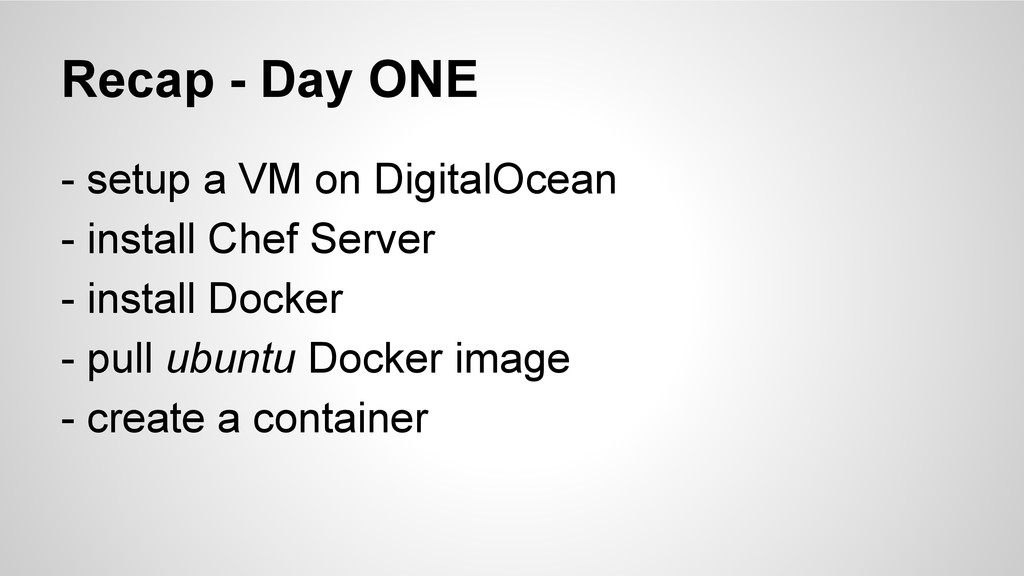
  1. Recap - Day ONE - setup a VM on DigitalOcean

    - install Chef Server - install Docker - pull ubuntu Docker image - create a container
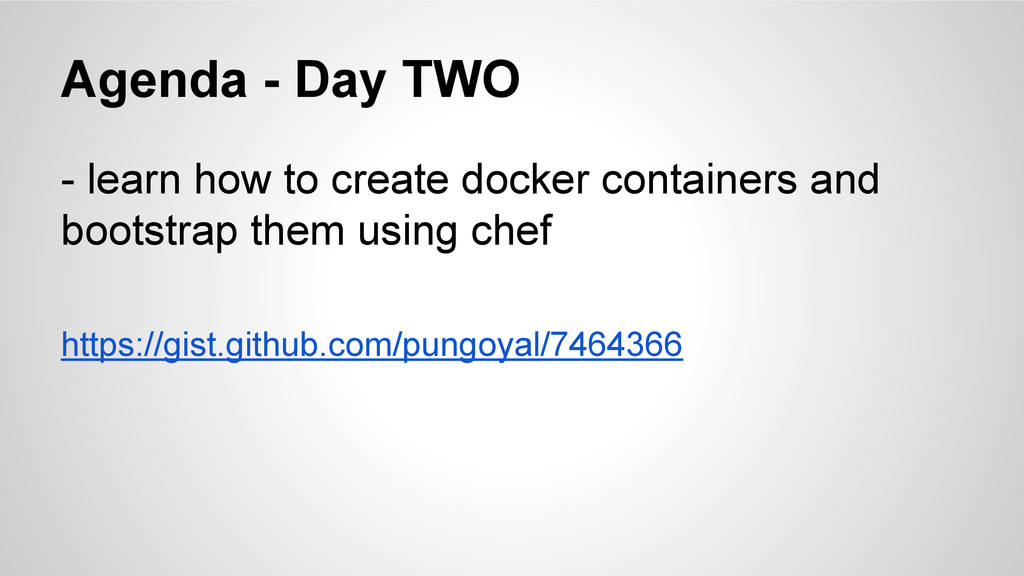
  2. Agenda - Day TWO - learn how to create docker

    containers and bootstrap them using chef https://gist.github.com/pungoyal/7464366
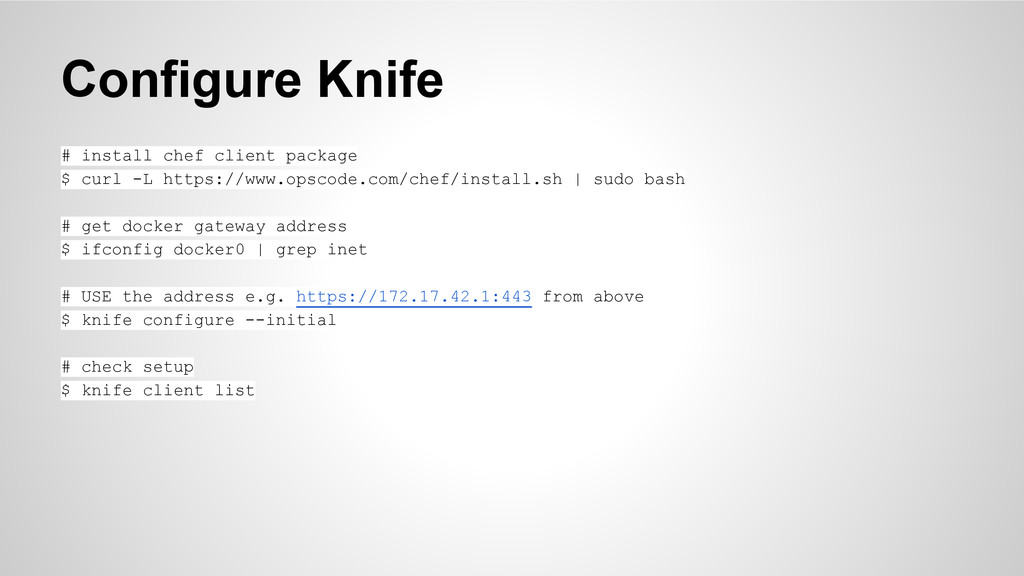
  3. Configure Knife # install chef client package $ curl -L

    https://www.opscode.com/chef/install.sh | sudo bash # get docker gateway address $ ifconfig docker0 | grep inet # USE the address e.g. https://172.17.42.1:443 from above $ knife configure --initial # check setup $ knife client list
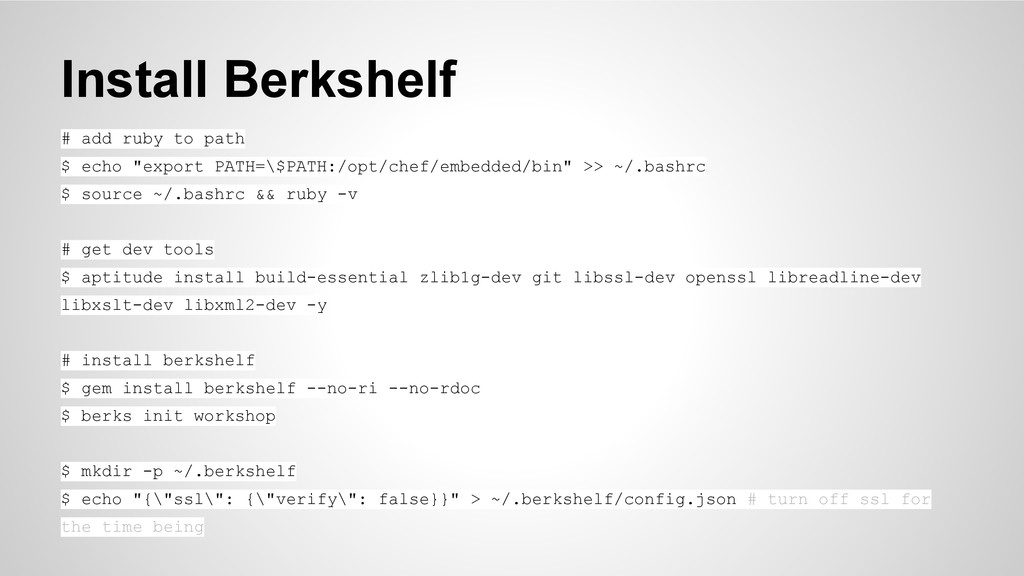
  4. Install Berkshelf # add ruby to path $ echo "export

    PATH=\$PATH:/opt/chef/embedded/bin" >> ~/.bashrc $ source ~/.bashrc && ruby -v # get dev tools $ aptitude install build-essential zlib1g-dev git libssl-dev openssl libreadline-dev libxslt-dev libxml2-dev -y # install berkshelf $ gem install berkshelf --no-ri --no-rdoc $ berks init workshop $ mkdir -p ~/.berkshelf $ echo "{\"ssl\": {\"verify\": false}}" > ~/.berkshelf/config.json # turn off ssl for the time being
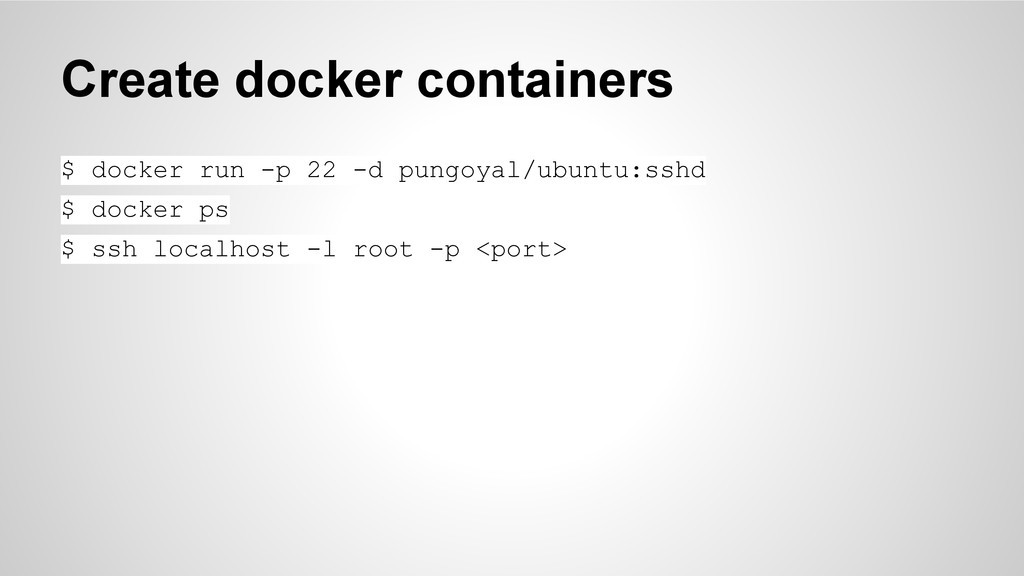
  5. Create docker containers $ docker run -p 22 -d pungoyal/ubuntu:sshd

    $ docker ps $ ssh localhost -l root -p <port>
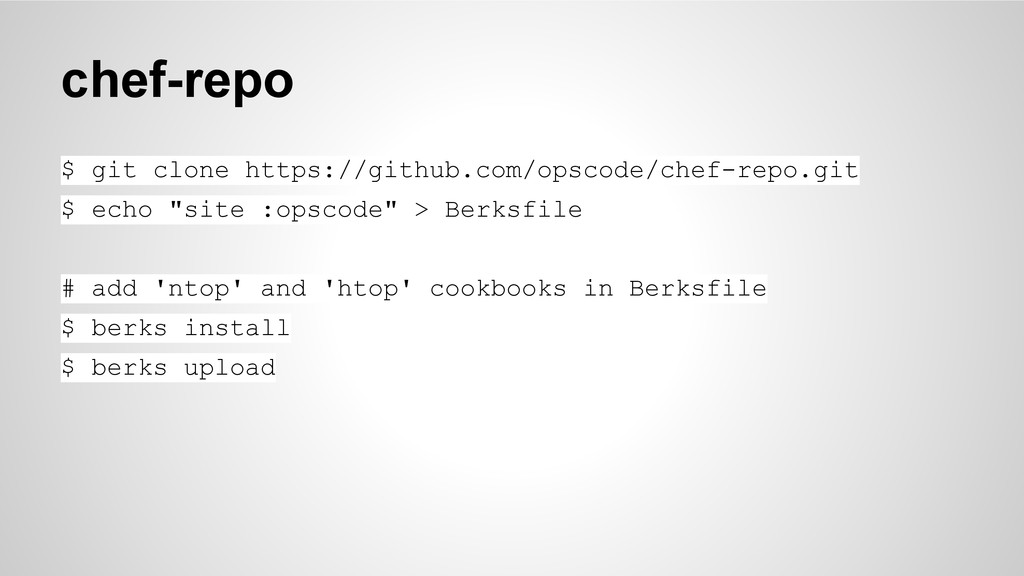
  6. chef-repo $ git clone https://github.com/opscode/chef-repo.git $ echo "site :opscode" >

    Berksfile # add 'ntop' and 'htop' cookbooks in Berksfile $ berks install $ berks upload
  7. That’s all folks :) Puneet Goyal @pungoyal github.com/pungoyal Sumit Gupta

    @timusg github.com/timusg CodeIgnition - github.com/codeignition