Upgrade to Pro — share decks privately, control downloads, hide ads and more …

Website & Internet: Step by Step

Website & Internet: Step by Step

The presentation about how the site works on the Internet and what happens when you open it in your browser. What happens under the hood of the server and browser.
https://www.simtechdev.com/cloud-hosting

---
Cloud hosting for CS-Cart, Multi-Vendor, WordPress, and Magento
by Simtech Development - AWS and CS-Cart certified hosting provider
free installation & migration | free 24/7 server monitoring | free daily backups | free SSL | and more...

Avatar for Roman Ananyev

Roman Ananyev

January 22, 2020

More Decks by Roman Ananyev

Other Decks in Technology

Transcript

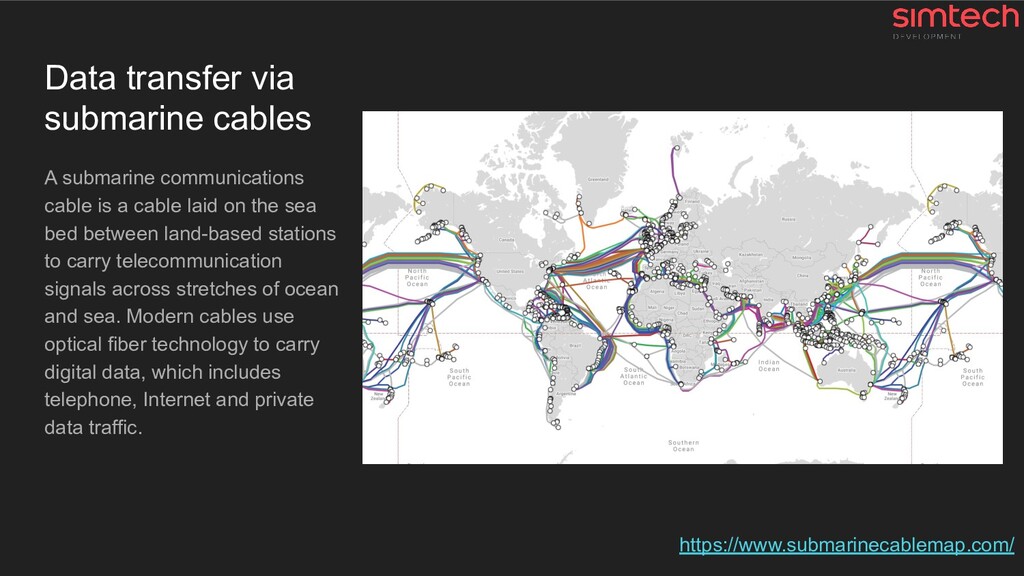
  1. Data transfer via submarine cables A submarine communications cable is

    a cable laid on the sea bed between land-based stations to carry telecommunication signals across stretches of ocean and sea. Modern cables use optical fiber technology to carry digital data, which includes telephone, Internet and private data traffic. https://www.submarinecablemap.com/
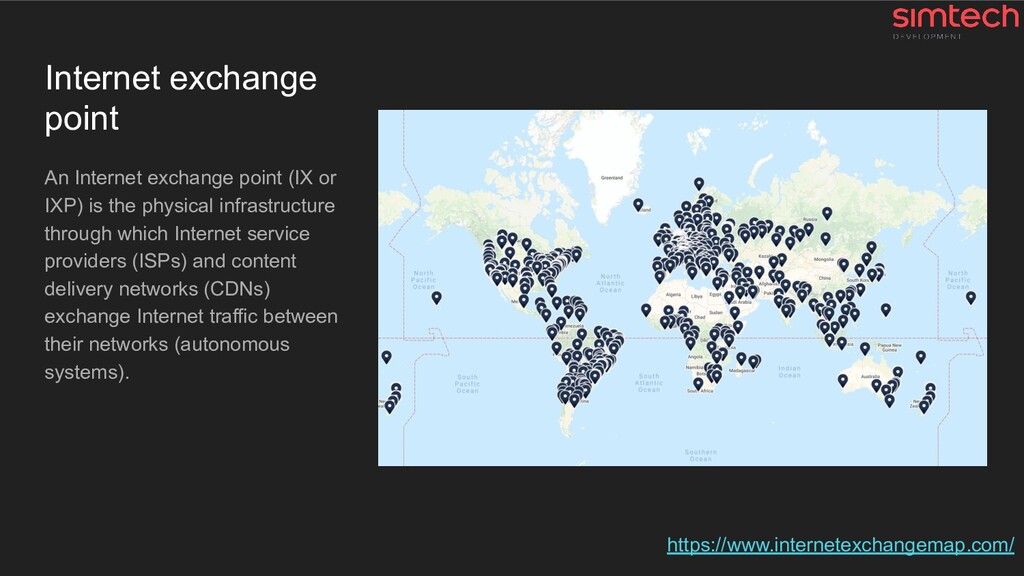
  2. Internet exchange point An Internet exchange point (IX or IXP)

    is the physical infrastructure through which Internet service providers (ISPs) and content delivery networks (CDNs) exchange Internet traffic between their networks (autonomous systems). https://www.internetexchangemap.com/
  3. Some issues • If project is based in Australia and

    the customer is in Europe ◦ Data will be transferred across the whole world → Network latency for each request ◦ Many requests → Slower website • …
  4. Let's look at it in the context of the website

    1. DNS 2. Sockets and extra tech stuff 3. SSL/HTTPS 4. HTTP 5. Browser
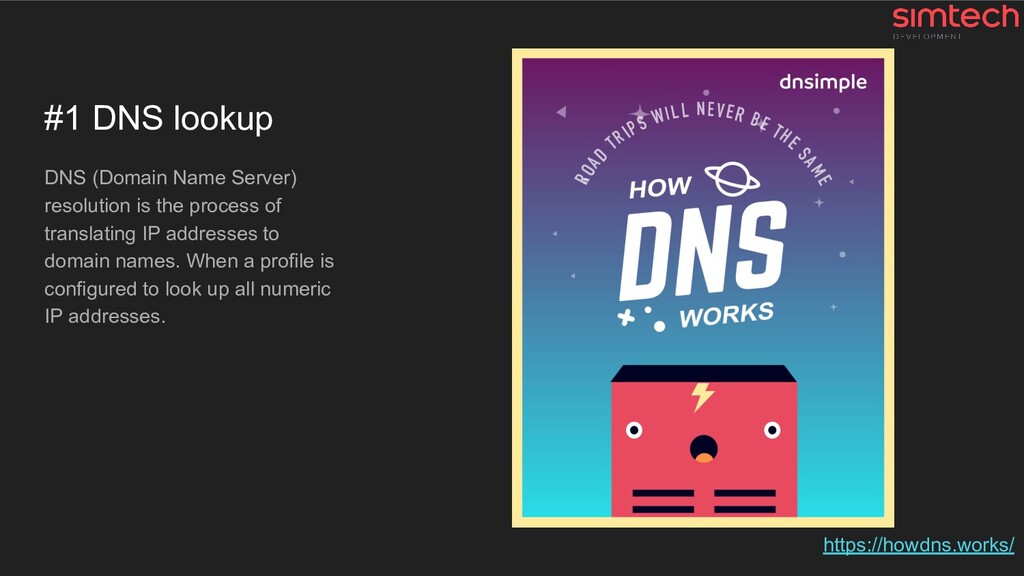
  5. #1 DNS lookup DNS (Domain Name Server) resolution is the

    process of translating IP addresses to domain names. When a profile is configured to look up all numeric IP addresses. https://howdns.works/
  6. What to do with DNS to speed it up? Good

    practice • ✅ Using Cloudflare • ✅ Choosing AWS Route 53 • Using GoDaddy and others Not so good (bad) practice • Using local DNS server • Using CPanel DNS feature * ✅ Included in our Cloud Hosting Solution * #why-we-dont-recommend-using-cpanel-plesk-etc
  7. #2 Tech magic A lot of tech stuff like •

    System sockets, TCP packet crafting, ... • AS, TTL, ISN, SYN, ACK, SEQ, FIN, ... • ClientHello, ServerHello, … • …
  8. #3 SSL/HTTPS A lot of tech stuff like • Cryptography

    (A LOT OF) • Handshakes • Certificates, Keys, Certificate Authorities, ... • ... https://howhttps.works https://tools.ietf.org/html/rfc8446
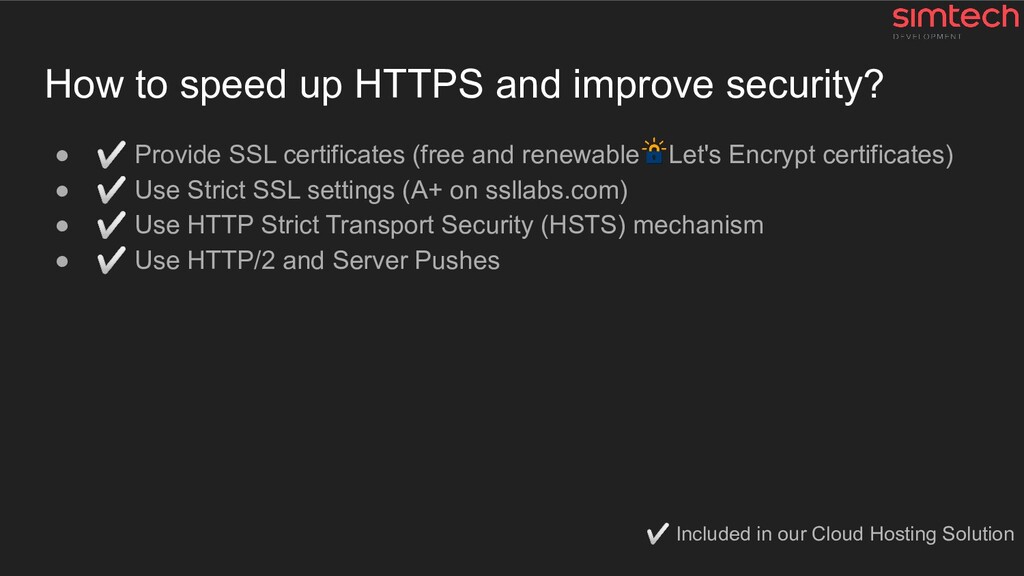
  9. How to speed up HTTPS and improve security? • ✅

    Provide SSL certificates (free and renewable Let's Encrypt certificates) • ✅ Use Strict SSL settings (A+ on ssllabs.com) • ✅ Use HTTP Strict Transport Security (HSTS) mechanism • ✅ Use HTTP/2 and Server Pushes ✅ Included in our Cloud Hosting Solution
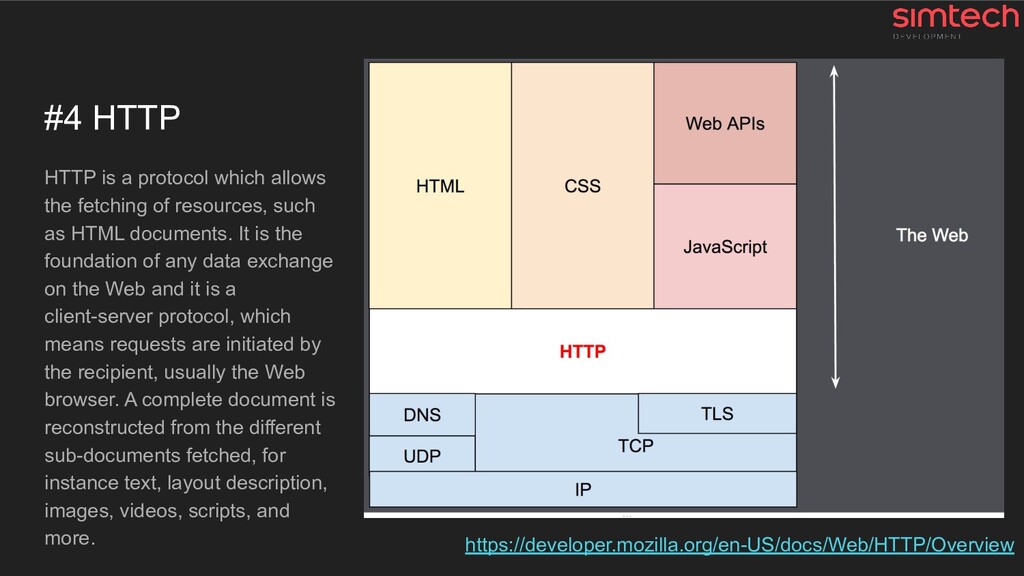
  10. #4 HTTP HTTP is a protocol which allows the fetching

    of resources, such as HTML documents. It is the foundation of any data exchange on the Web and it is a client-server protocol, which means requests are initiated by the recipient, usually the Web browser. A complete document is reconstructed from the different sub-documents fetched, for instance text, layout description, images, videos, scripts, and more. https://developer.mozilla.org/en-US/docs/Web/HTTP/Overview
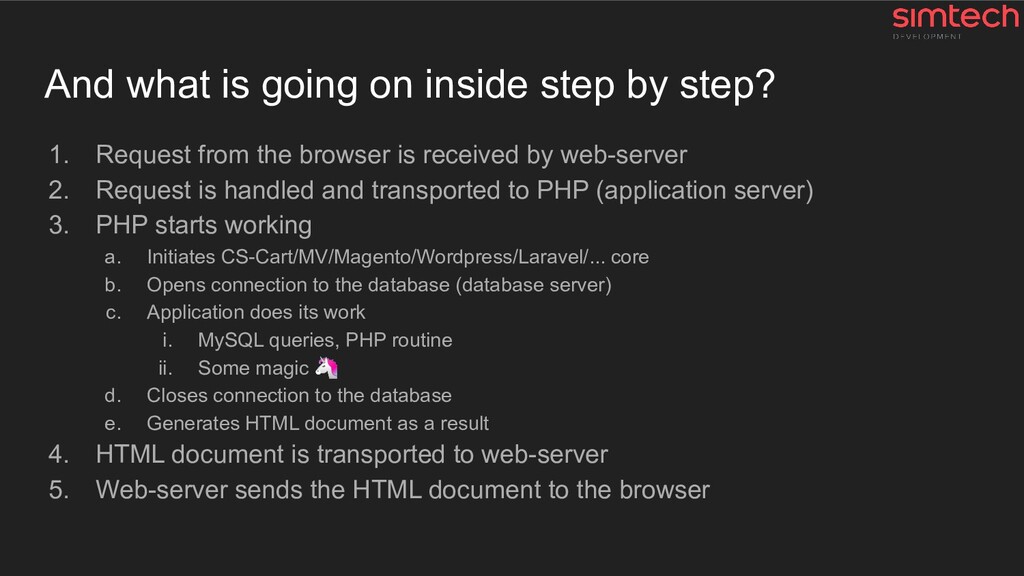
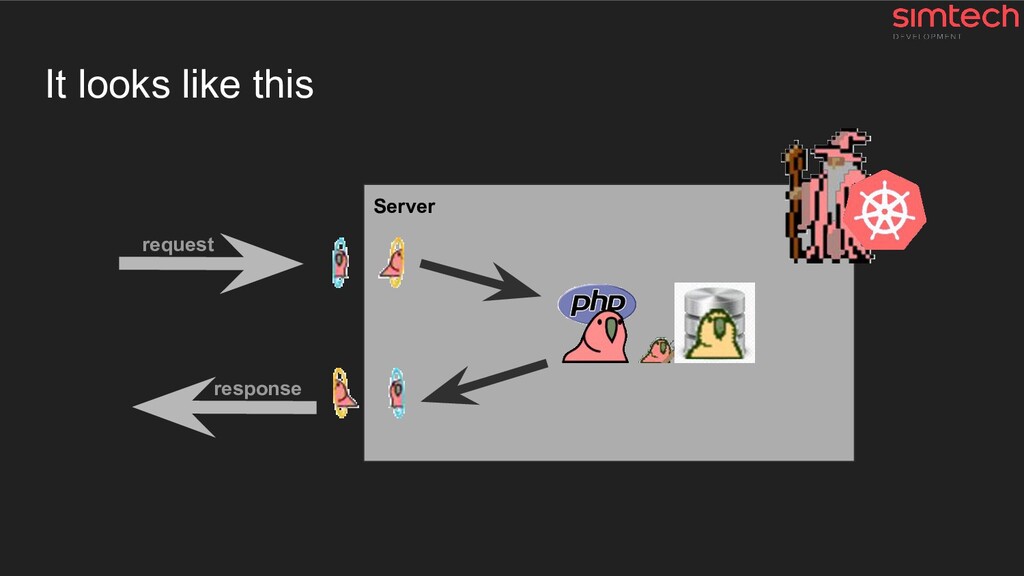
  11. And what is going on inside step by step? 1.

    Request from the browser is received by web-server 2. Request is handled and transported to PHP (application server) 3. PHP starts working a. Initiates CS-Cart/MV/Magento/Wordpress/Laravel/... core b. Opens connection to the database (database server) c. Application does its work i. MySQL queries, PHP routine ii. Some magic d. Closes connection to the database e. Generates HTML document as a result 4. HTML document is transported to web-server 5. Web-server sends the HTML document to the browser
  12. And now we got “Time to first byte” (TTFB) Time

    to first byte (TTFB) is not only the server performance metric ⚙ The largest and the main part of this metric is the work of the application itself and its code and database queries.
  13. How to speed up HTTP-connection & backend? • ✅ Use

    the latest server software • ✅ Apply performance patches • ✅ Use optimized configs for each part of system (don’t use the default ones) • ✅ Find the slowest stuff in the application server (PHP), profile everything • ✅ Find the slowest SQL queries in the database server • ✅ Monitor everything and make changes if needed ✅ Included in our Cloud Hosting Solution
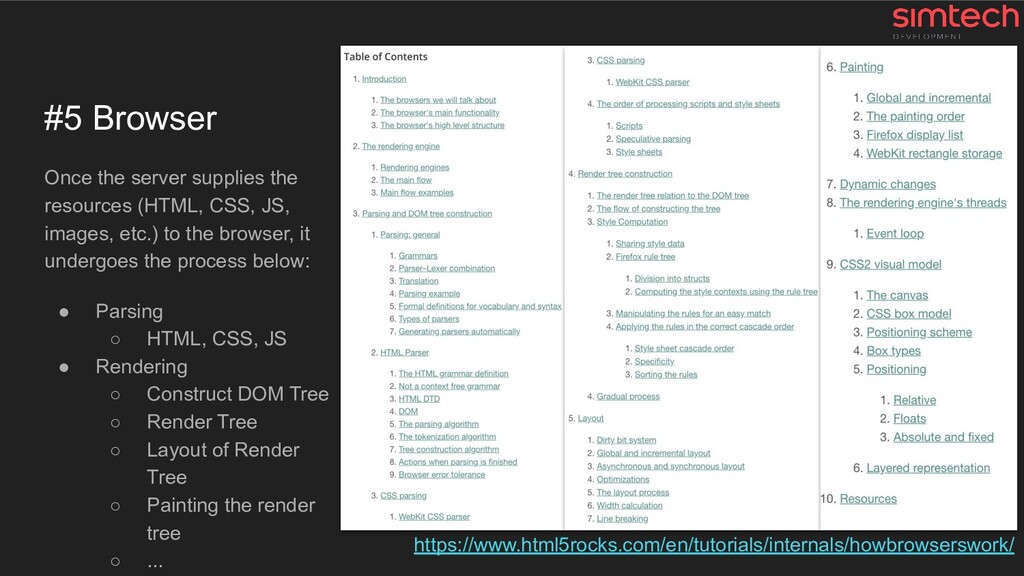
  14. #5 Browser Once the server supplies the resources (HTML, CSS,

    JS, images, etc.) to the browser, it undergoes the process below: • Parsing ◦ HTML, CSS, JS • Rendering ◦ Construct DOM Tree ◦ Render Tree ◦ Layout of Render Tree ◦ Painting the render tree ◦ ... https://www.html5rocks.com/en/tutorials/internals/howbrowserswork/
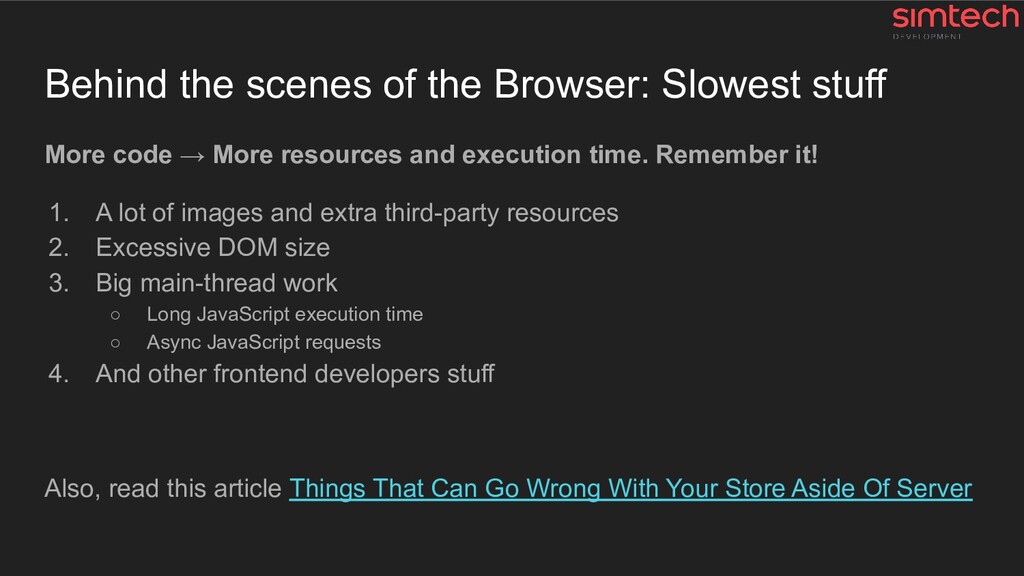
  15. Behind the scenes of the Browser: Slowest stuff More code

    → More resources and execution time. Remember it! 1. A lot of images and extra third-party resources 2. Excessive DOM size 3. Big main-thread work ◦ Long JavaScript execution time ◦ Async JavaScript requests 4. And other frontend developers stuff Also, read this article Things That Can Go Wrong With Your Store Aside Of Server
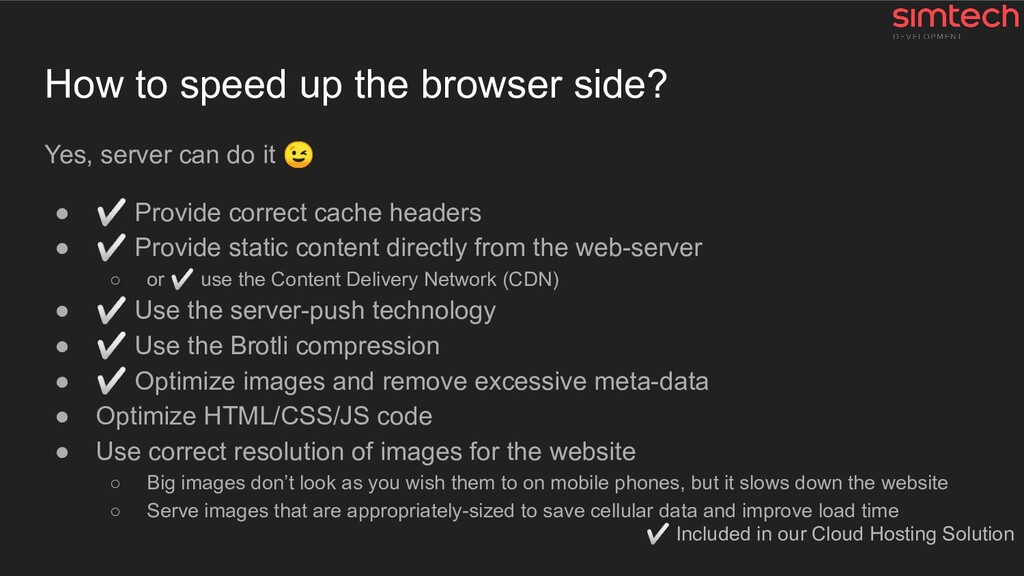
  16. How to speed up the browser side? Yes, server can

    do it • ✅ Provide correct cache headers • ✅ Provide static content directly from the web-server ◦ or ✅ use the Content Delivery Network (CDN) • ✅ Use the server-push technology • ✅ Use the Brotli compression • ✅ Optimize images and remove excessive meta-data • Optimize HTML/CSS/JS code • Use correct resolution of images for the website ◦ Big images don’t look as you wish them to on mobile phones, but it slows down the website ◦ Serve images that are appropriately-sized to save cellular data and improve load time ✅ Included in our Cloud Hosting Solution
  17. Don't hesitate to contact me --- Sincerely yours, Roman Ananev,

    Head of SRE & Cloud Hosting cloud (at) simtechdev.com rananev (at) simtechdev.com linkedin.com/in/rananev