Upgrade to Pro
— share decks privately, control downloads, hide ads and more …
Speaker Deck
Sign up for free
Menu
Search
Features
All features
Private URLs
Password Protection
Custom URLS
Scheduled publishing
Remove Branding
Restrict embedding
Deck Collections
Notes
Features
All features
Private URLs
Password Protection
Custom URLS
Scheduled publishing
Remove Branding
Restrict embedding
Deck Collections
Notes
Explore
Featured decks
Featured speakers
Programming
Technology
Storyboards
Explore
Featured decks
Featured speakers
Programming
Technology
Storyboards
Pricing
Search
Sign in
Sign up for free
rachelandrew-css3-selectors.pdf
Search
Ravikumar S
August 02, 2012
86
1
Share
Embed
Copy iframe code
Copy JS code
Copy link
Start on current slide
rachelandrew-css3-selectors.pdf
Ravikumar S
August 02, 2012
Featured
See All Featured
Agile that works and the tools we love
rasmusluckow
331
22k
The Spectacular Lies of Maps
axbom
PRO
1
1.1k
AI in Enterprises - Java and Open Source to the Rescue
ivargrimstad
0
1.5k
Highjacked: Video Game Concept Design
rkendrick25
PRO
1
480
Thoughts on Productivity
jonyablonski
76
5.4k
Believing is Seeing
oripsolob
1
240
Cheating the UX When There Is Nothing More to Optimize - PixelPioneers
stephaniewalter
287
14k
jQuery: Nuts, Bolts and Bling
dougneiner
66
8.6k
Put a Button on it: Removing Barriers to Going Fast.
kastner
60
4.6k
Performance Is Good for Brains [We Love Speed 2024]
tammyeverts
12
1.9k
How to audit for AI Accessibility on your Front & Back End
davetheseo
0
600
The MySQL Ecosystem @ GitHub 2015
samlambert
251
13k
Transcript
CSS3 Selectors The CSS Summit 2012
Rachel Andrew @rachelandrew rachelandrew.co.uk edgeofmyseat.com grabaperch.com
What is CSS3?
CSS3 is the next version of CSS
CSS3 is Modular
Some CSS3 modules are more complete than others
W3C Maturity Levels Working Draft Candidate Recommendation Proposed Recommendation W3C
Recommendation
CSS3 is supported by browsers Some browsers and some (parts
of) modules.
Selectors module W3C Recommendation http://www.w3.org/TR/css3-selectors/
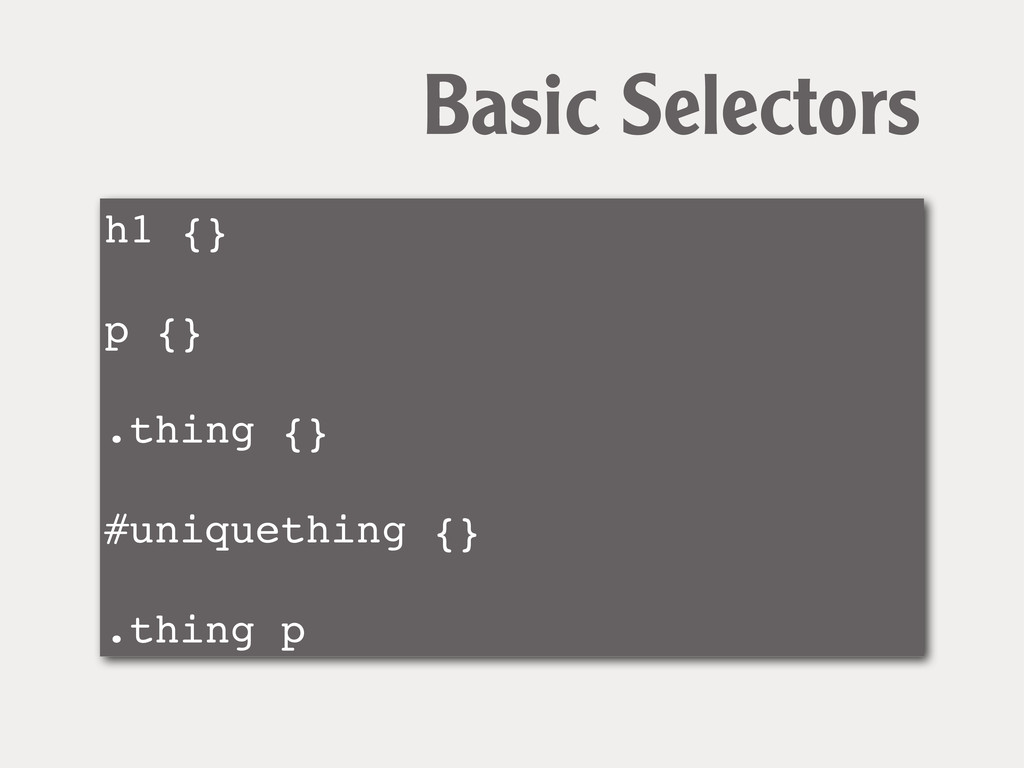
h1 {} p {} .thing {} #uniquething {} .thing p
Basic Selectors
The problem with CSS2 selectors
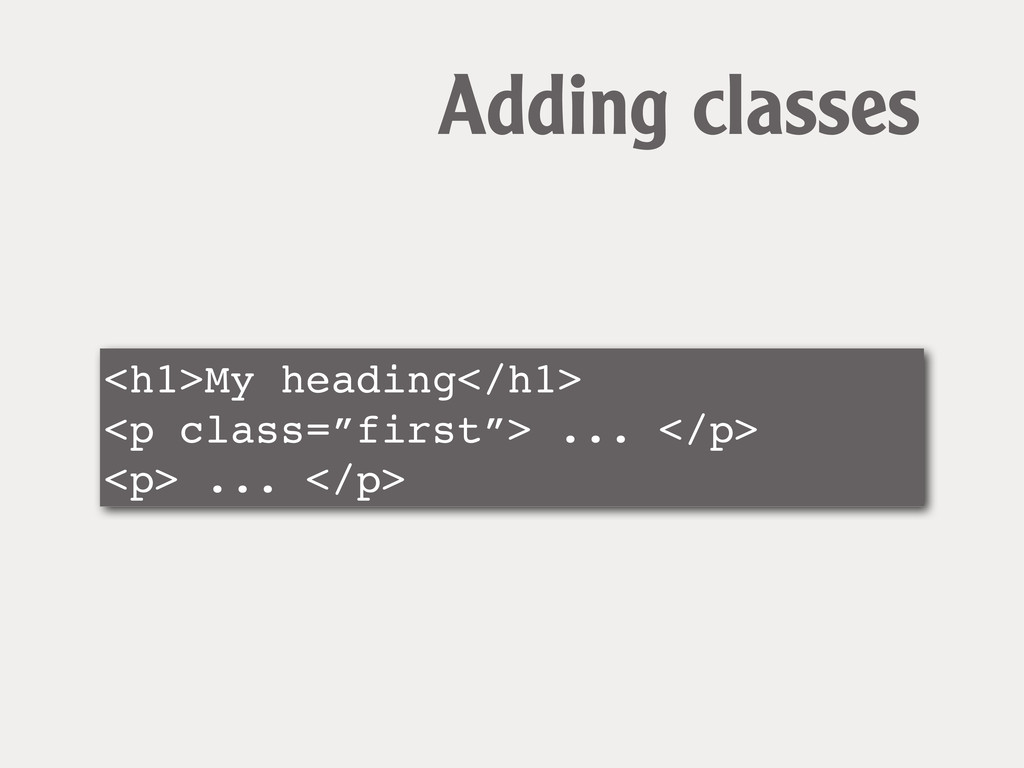
<h1>My heading</h1> <p class=”first”> ... </p> <p> ... </p> Adding
classes
CSS3 Selectors “Common sense” new selectors target elements more precisely
without adding classes
Attribute Selectors Select elements based on attributes
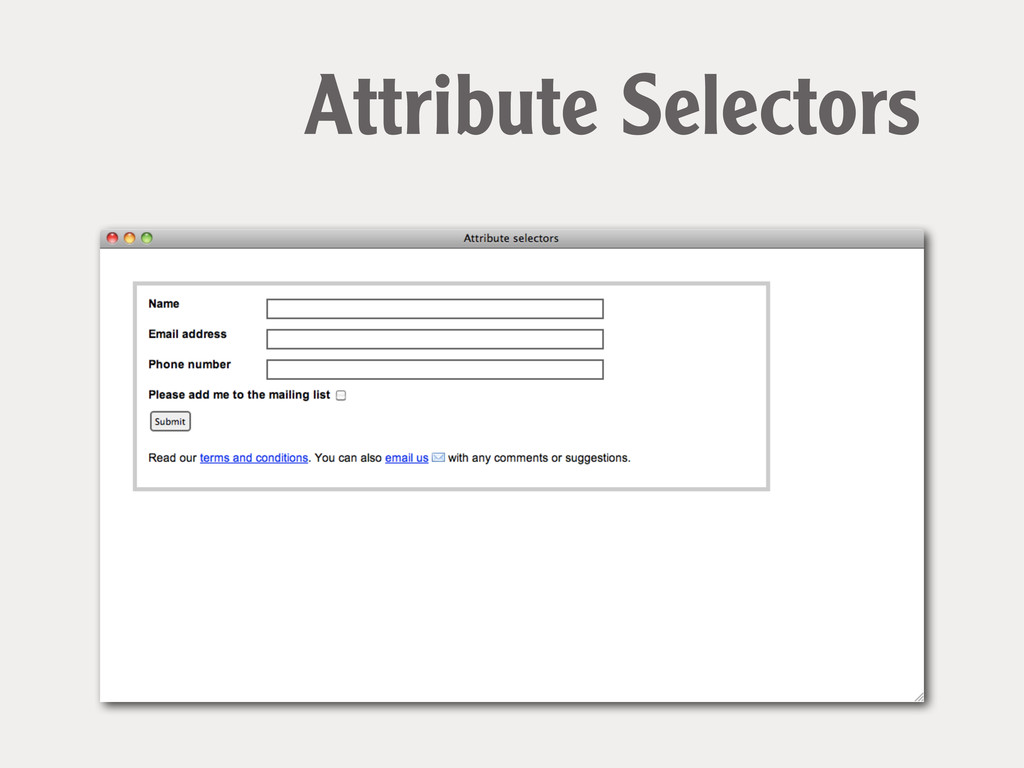
form input[type="text"] { } ! form input[type="submit"] { } Attribute
Selectors
Attribute Selectors
label[for="fContact"] { ! float: none; ! width: auto; } Attribute
Selectors
a[href ^="mailto:"] { padding-right: 20px; ! background-image:url(email.png); ! background-repeat: no-repeat;
! background-position: right center; } Attribute Selectors
Structural pseudo-class selectors
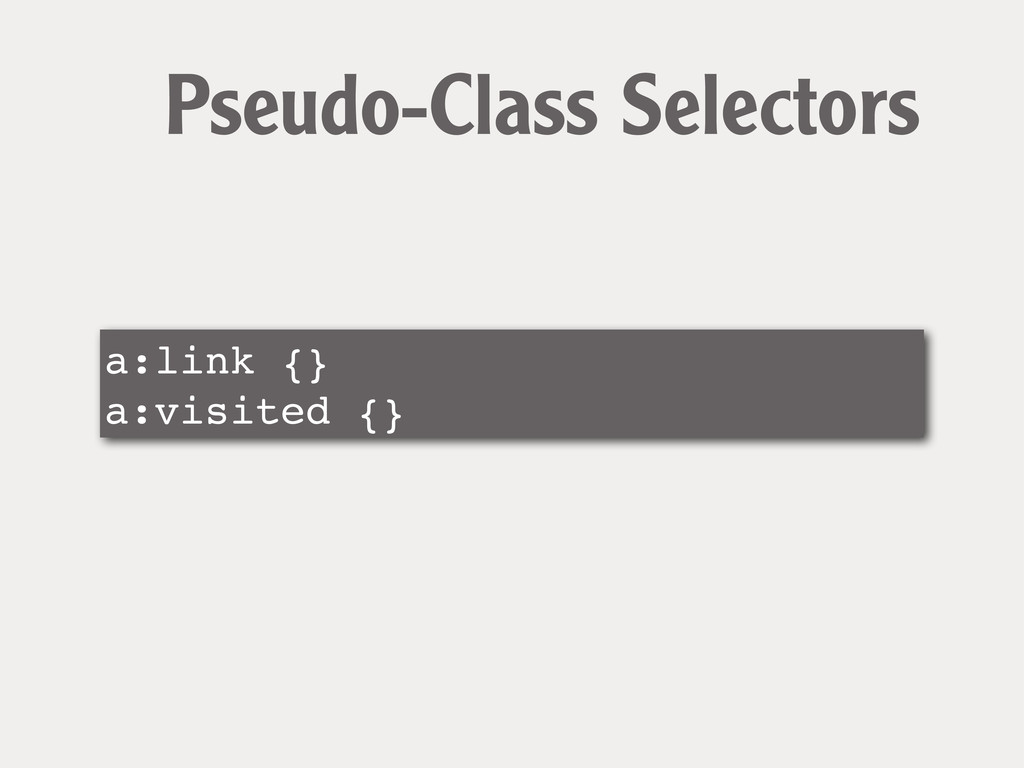
a:link {} a:visited {} Pseudo-Class Selectors
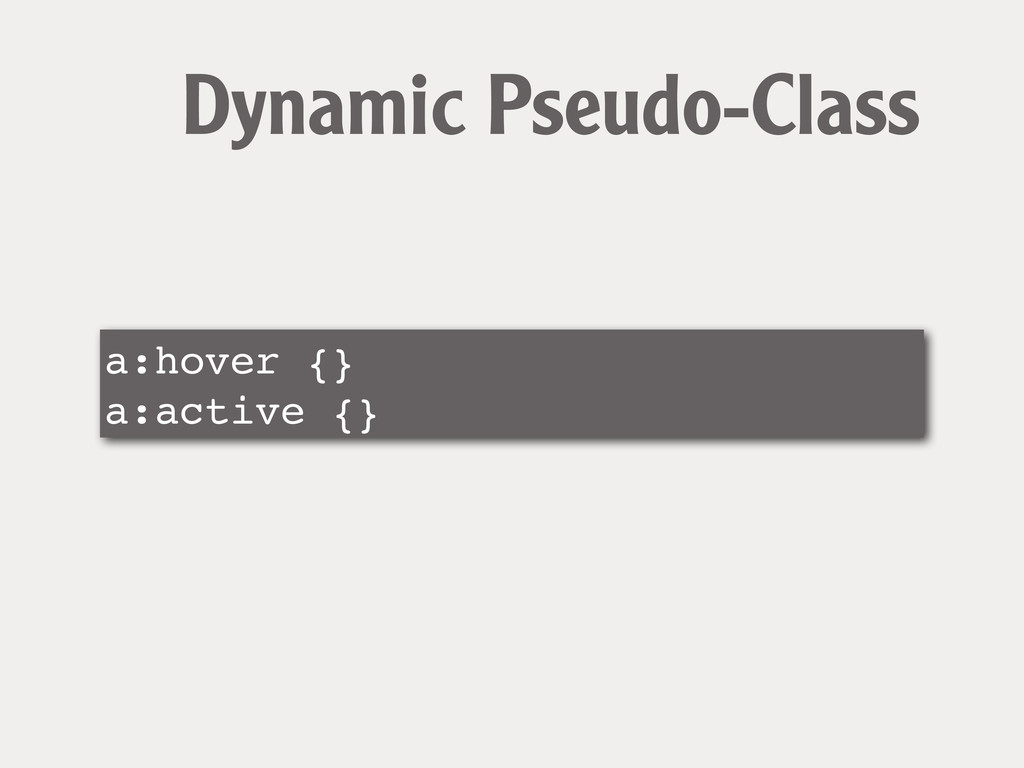
a:hover {} a:active {} Dynamic Pseudo-Class
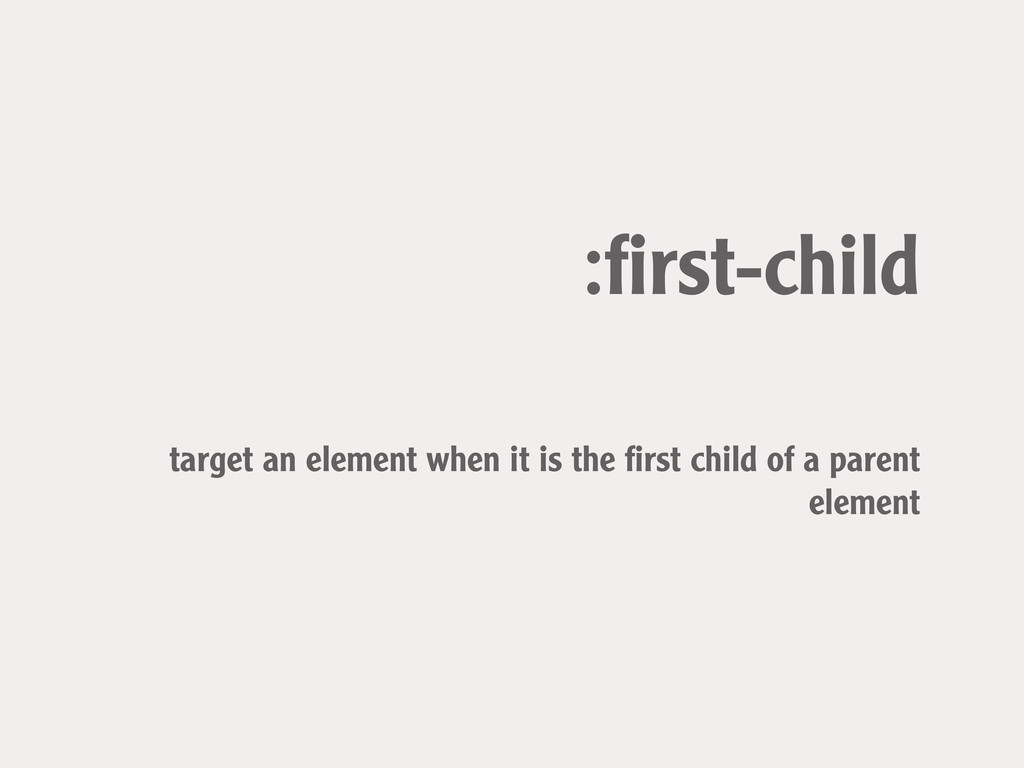
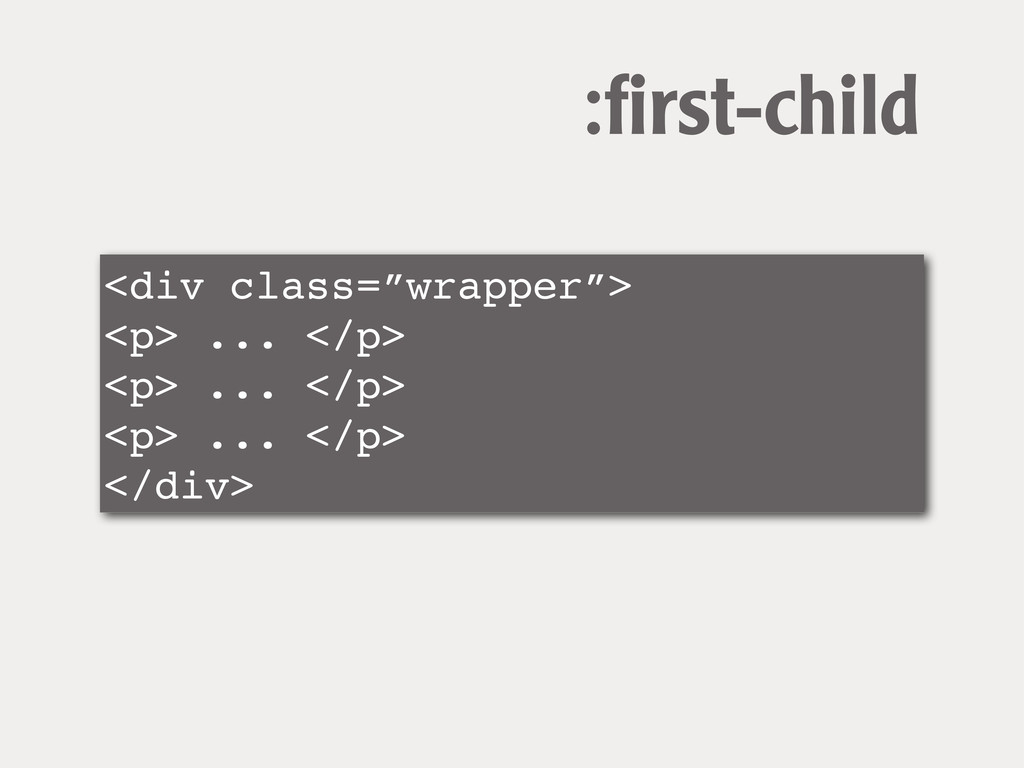
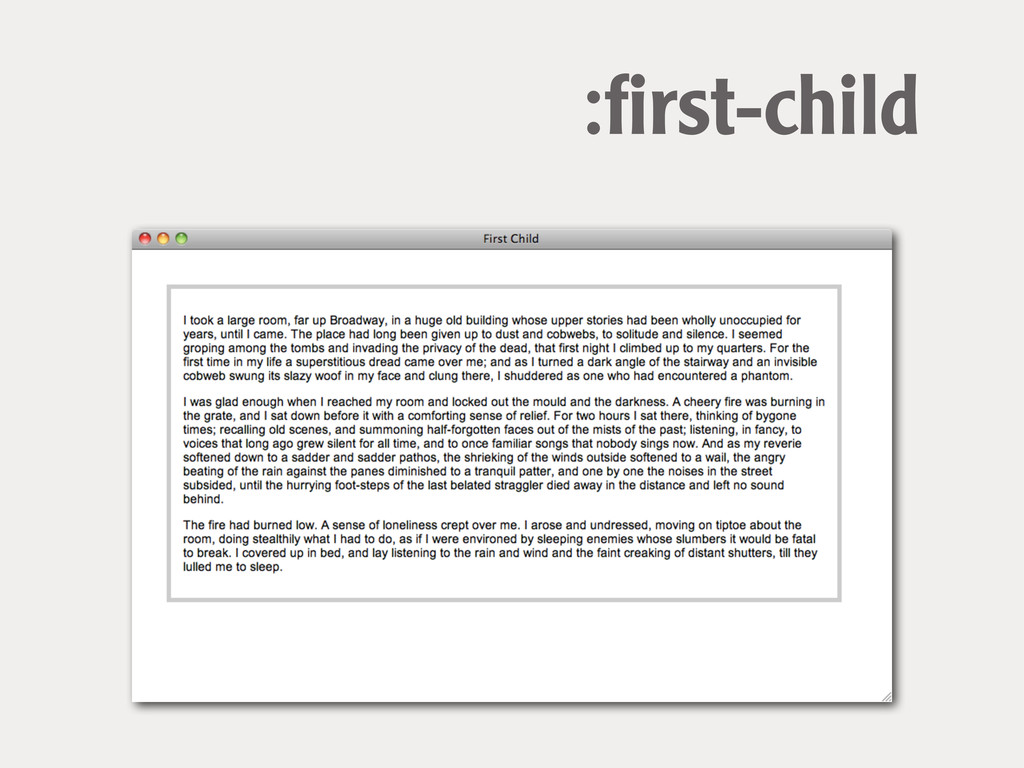
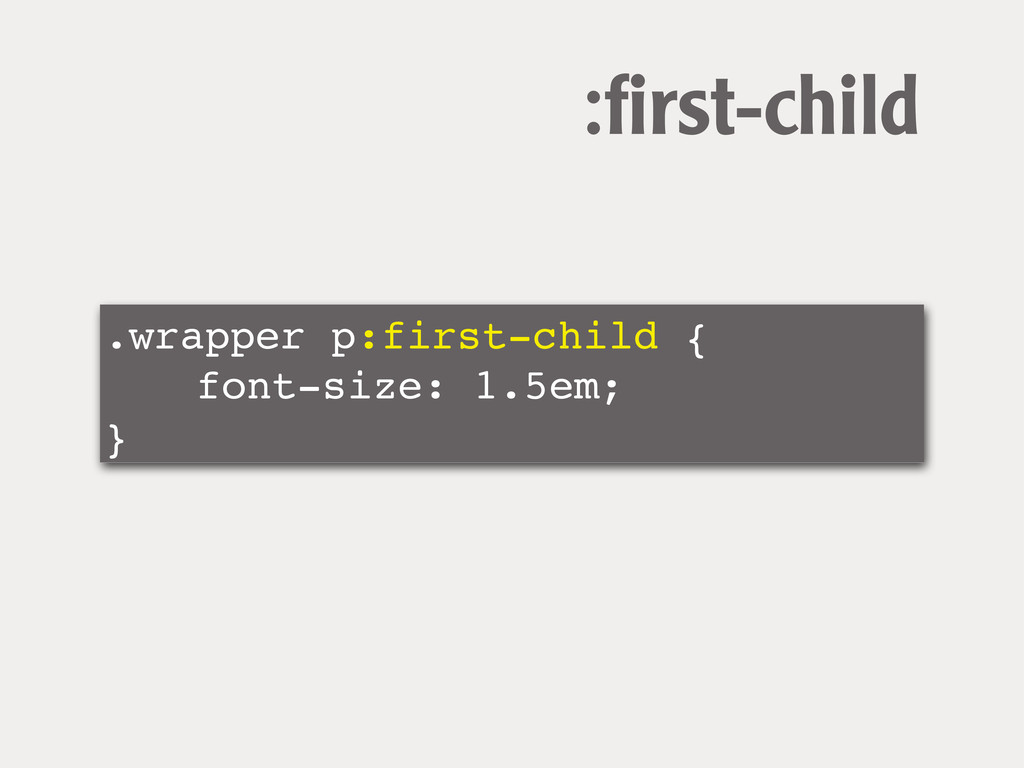
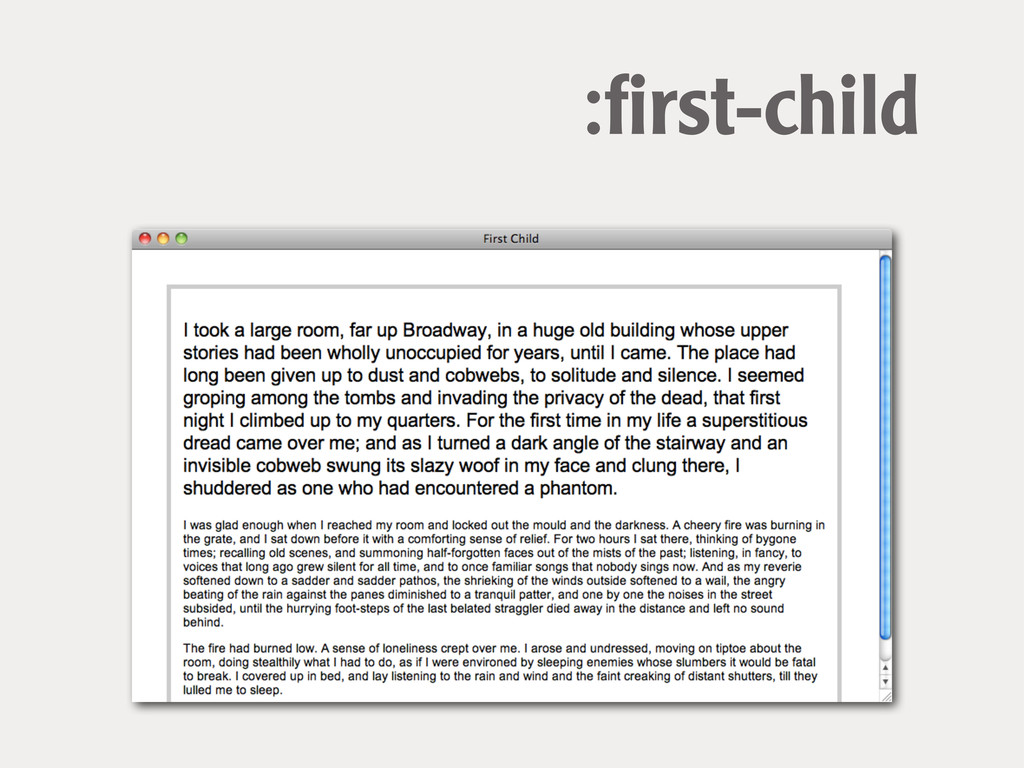
:first-child target an element when it is the first child
of a parent element
<div class=”wrapper”> <p> ... </p> <p> ... </p> <p> ...
</p> </div> :first-child
:first-child
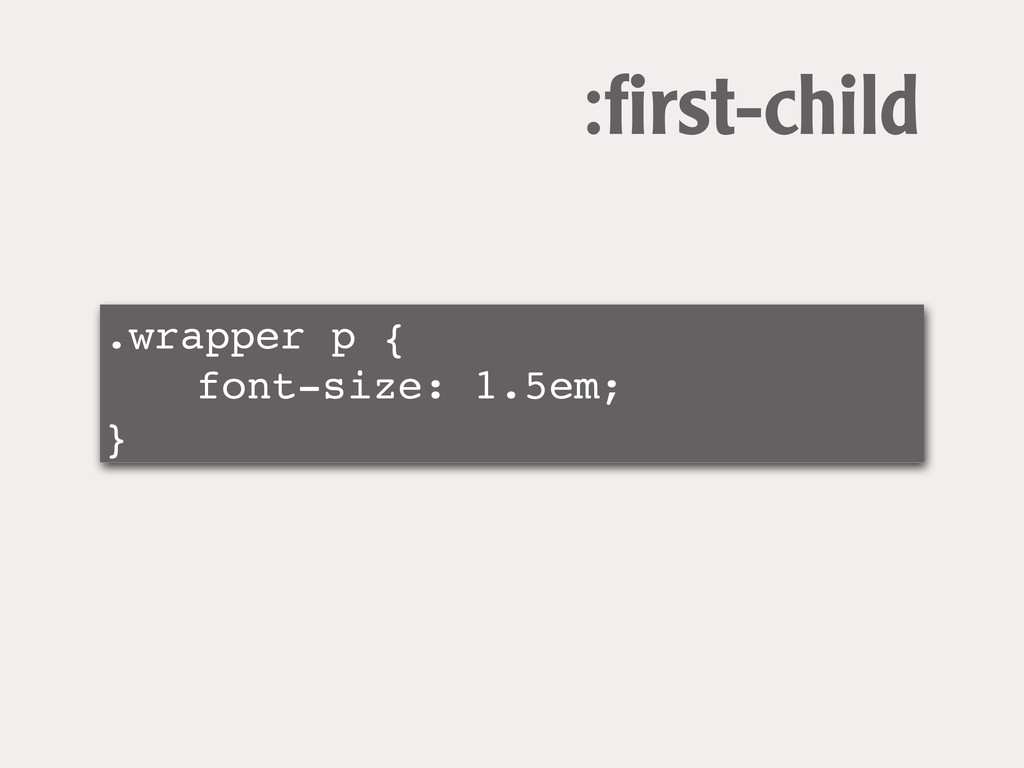
.wrapper p { ! ! font-size: 1.5em; } :first-child
.wrapper p:first-child { ! ! font-size: 1.5em; } :first-child
:first-child
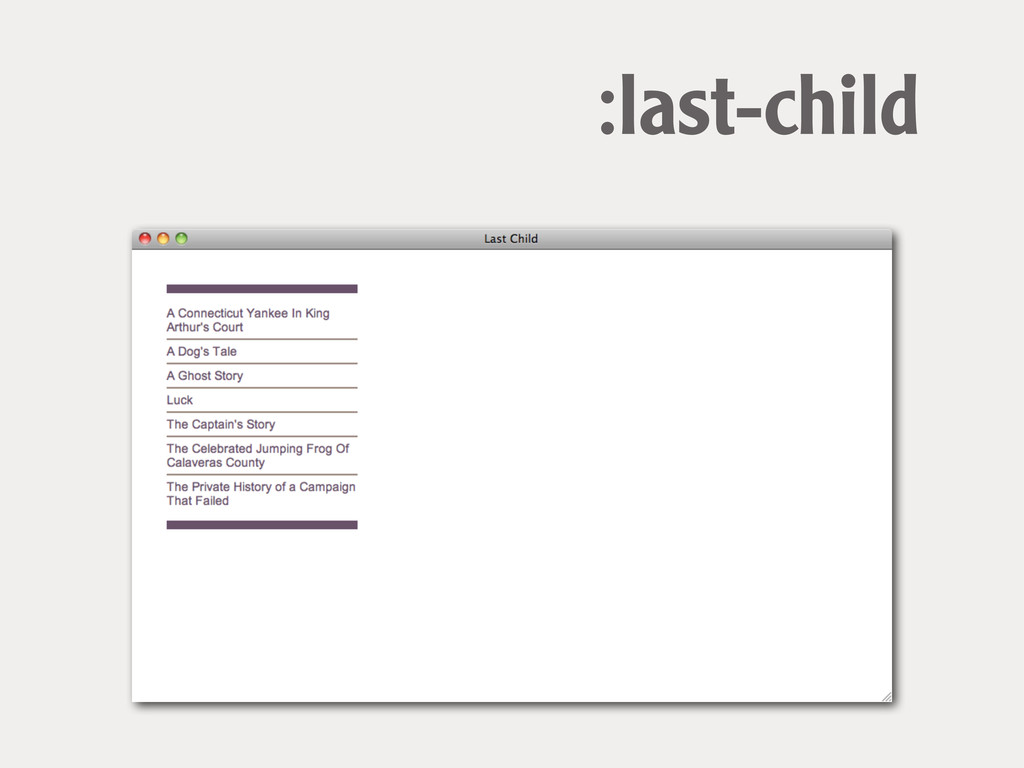
:last-child target an element when it is the last child
of a parent element
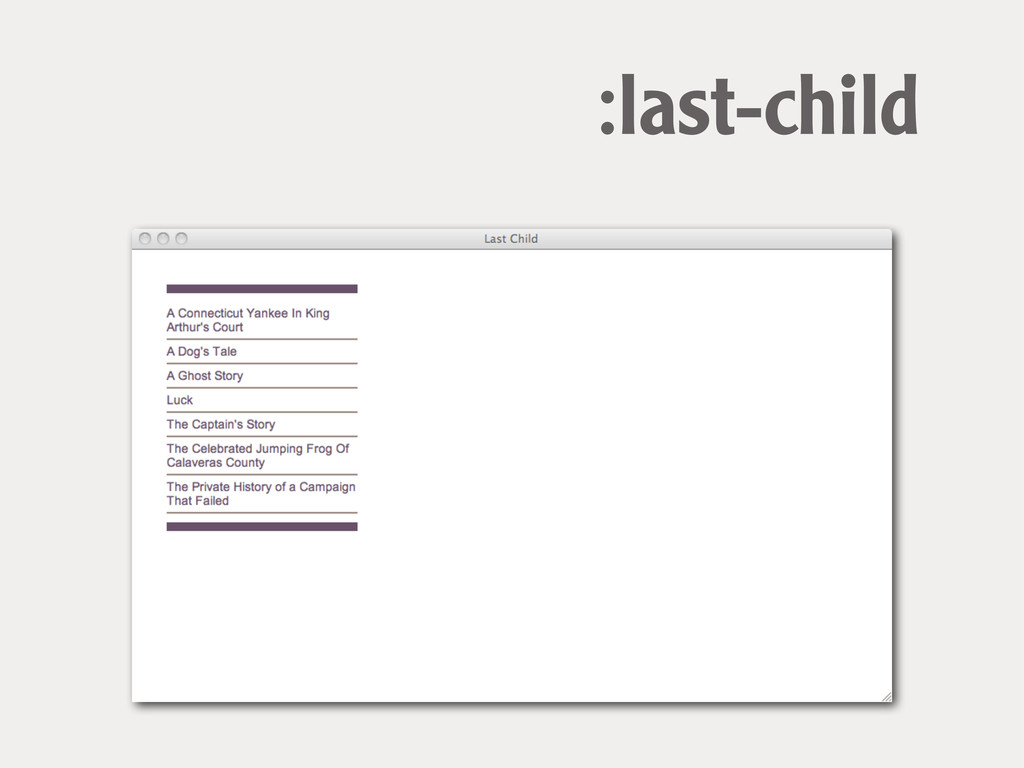
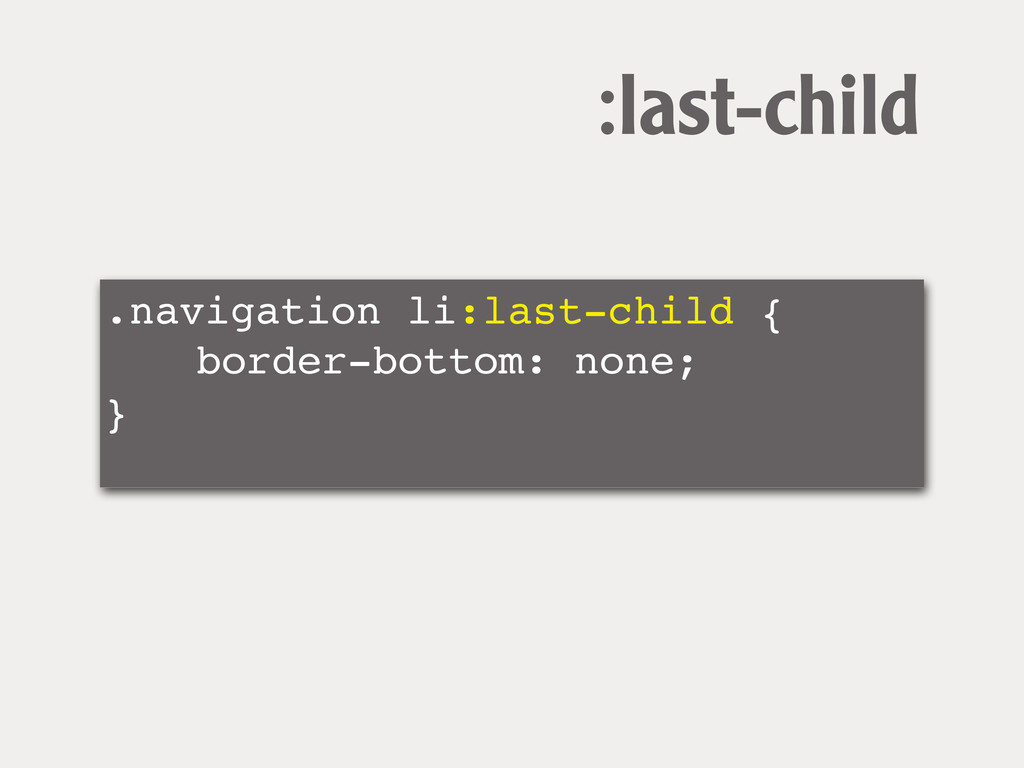
:last-child
.navigation li:last-child { ! ! border-bottom: none; } :last-child
:last-child
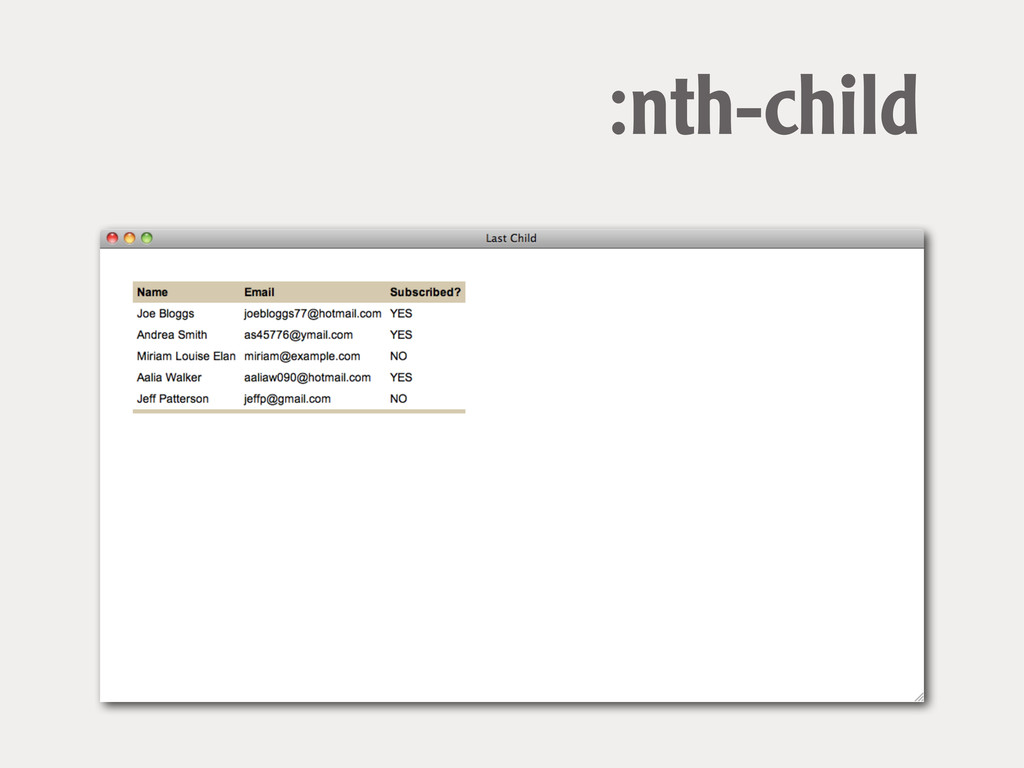
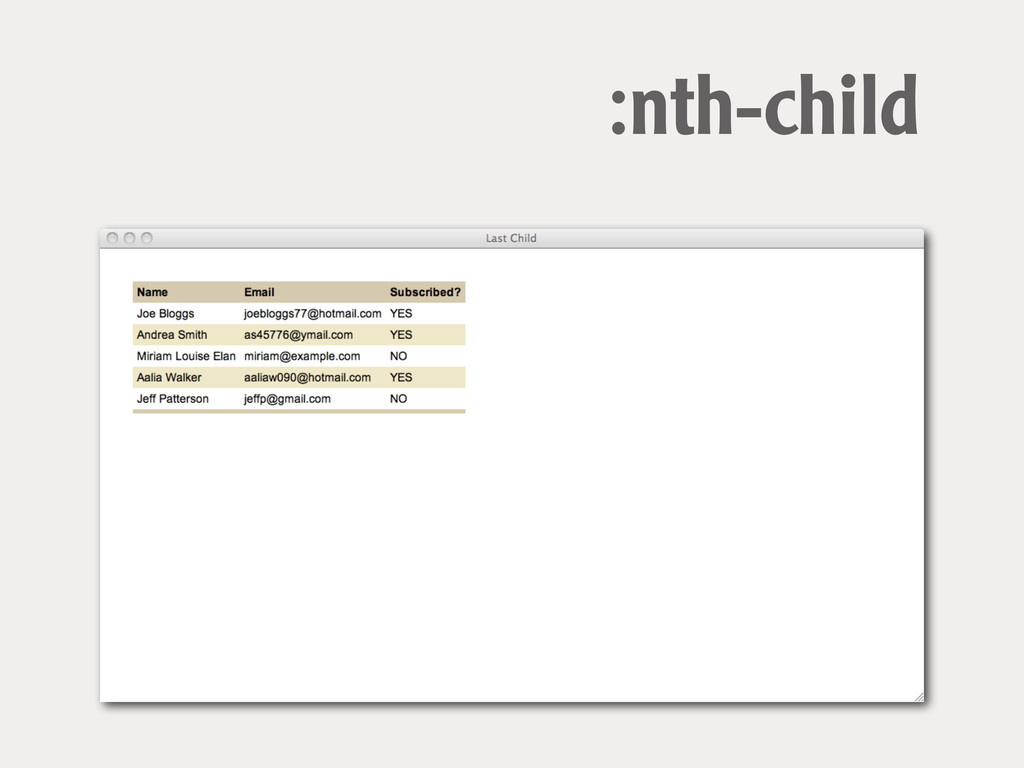
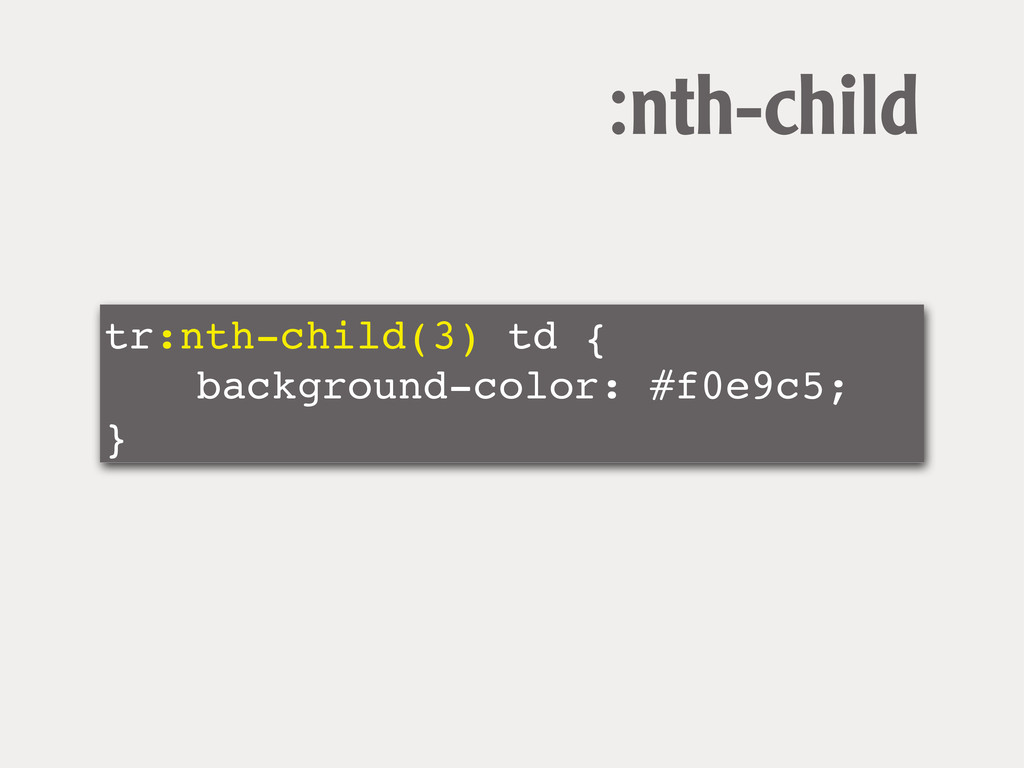
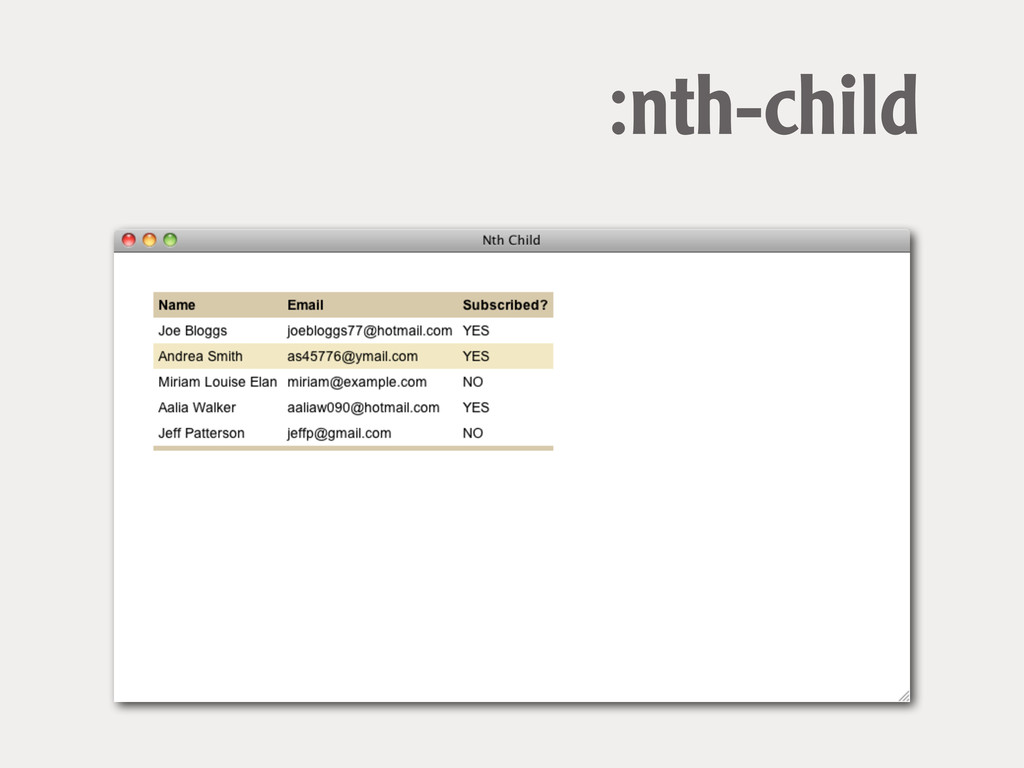
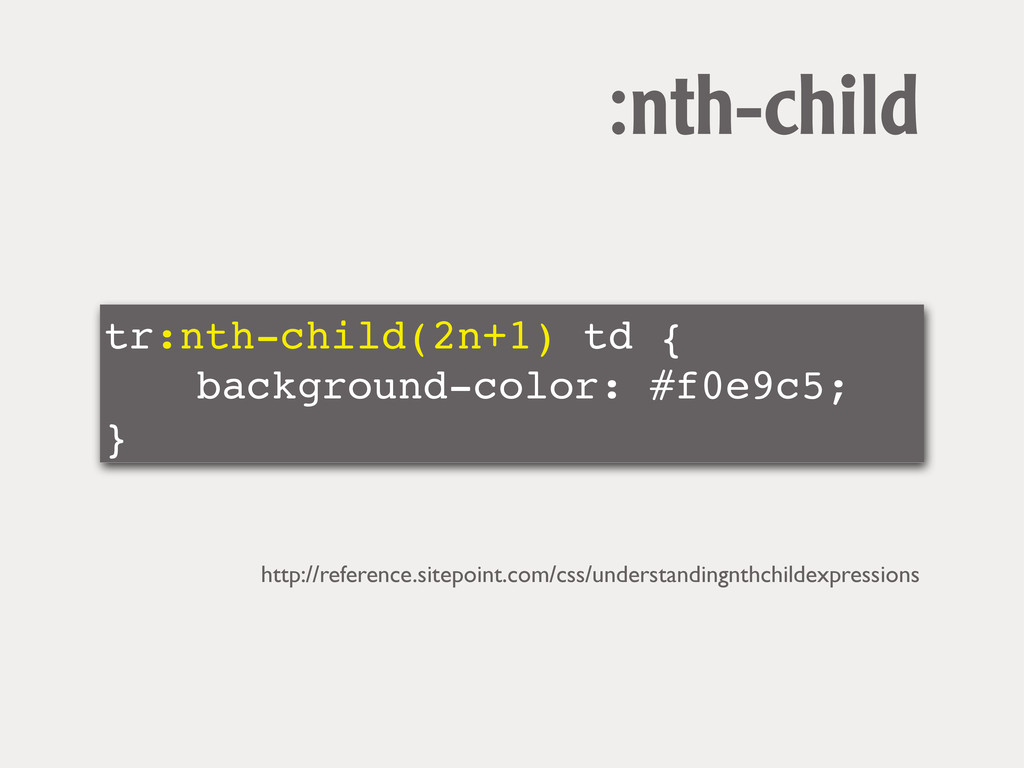
:nth-child select multiple elements according to their position in the
document tree
:nth-child
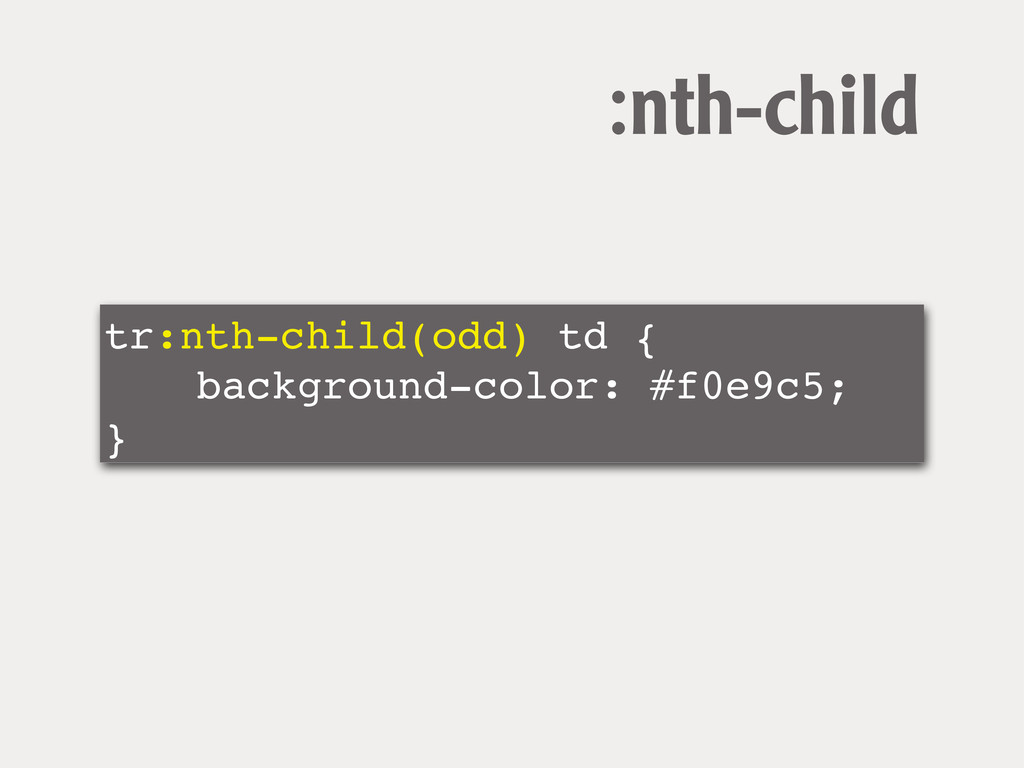
tr:nth-child(odd) td { ! ! background-color: #f0e9c5; } :nth-child
:nth-child
tr:nth-child(3) td { ! ! background-color: #f0e9c5; } :nth-child
:nth-child
tr:nth-child(2n+1) td { ! ! background-color: #f0e9c5; } :nth-child http://reference.sitepoint.com/css/understandingnthchildexpressions
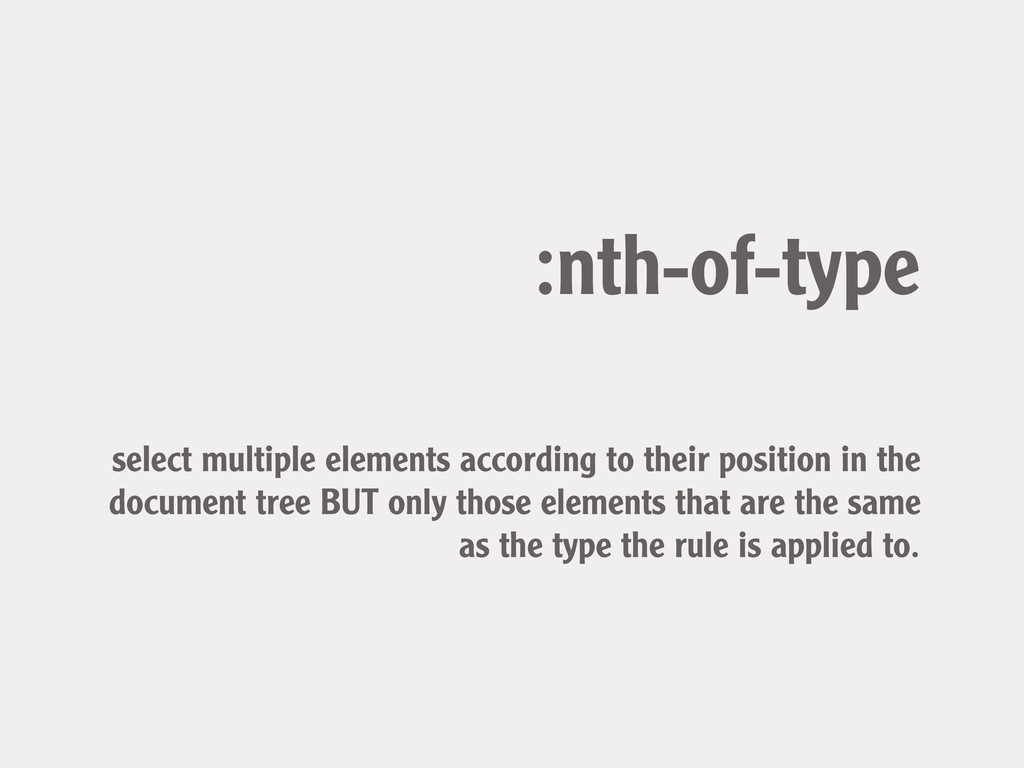
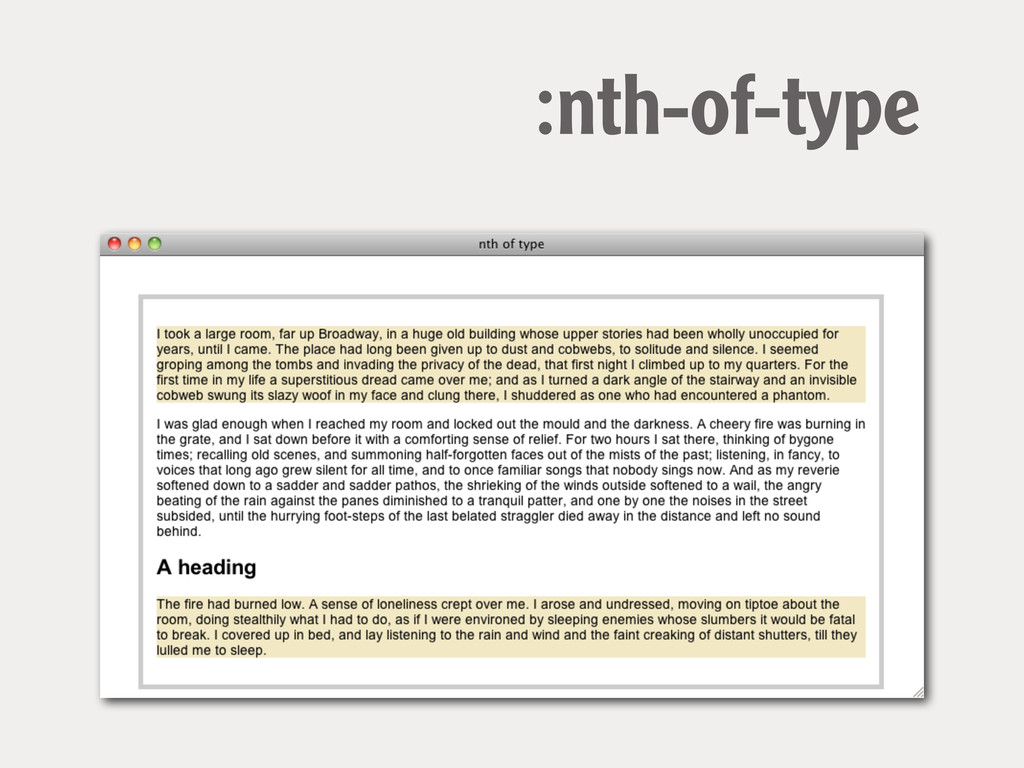
:nth-of-type select multiple elements according to their position in the
document tree BUT only those elements that are the same as the type the rule is applied to.
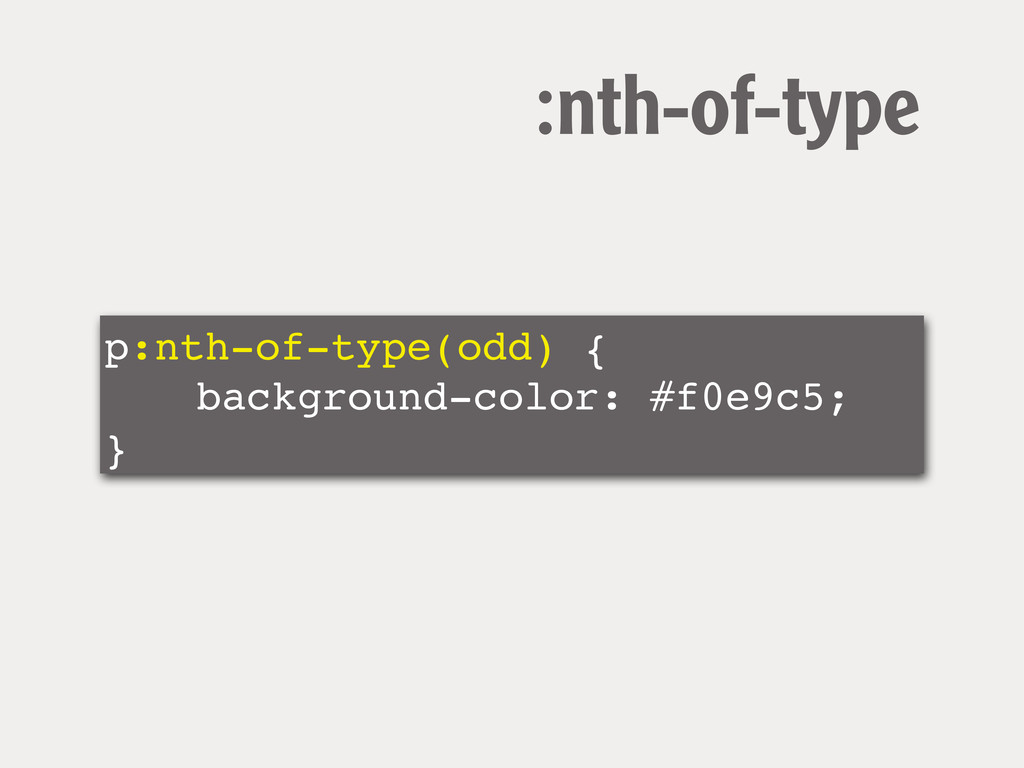
p:nth-of-type(odd) { ! ! background-color: #f0e9c5; } :nth-of-type
:nth-of-type
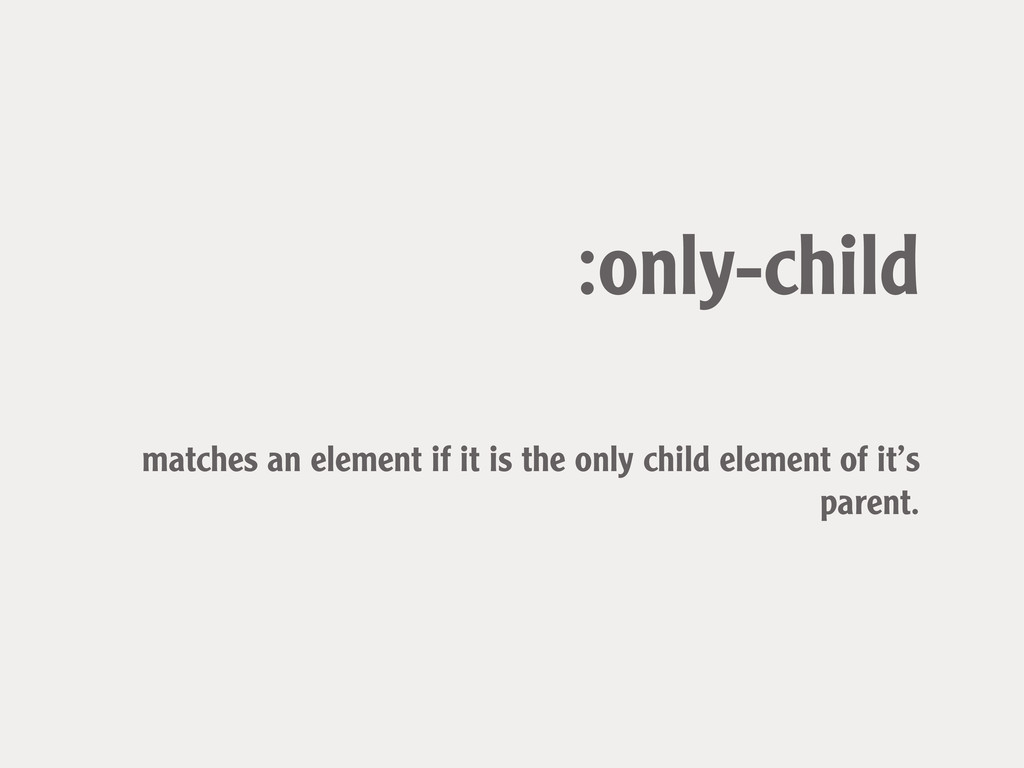
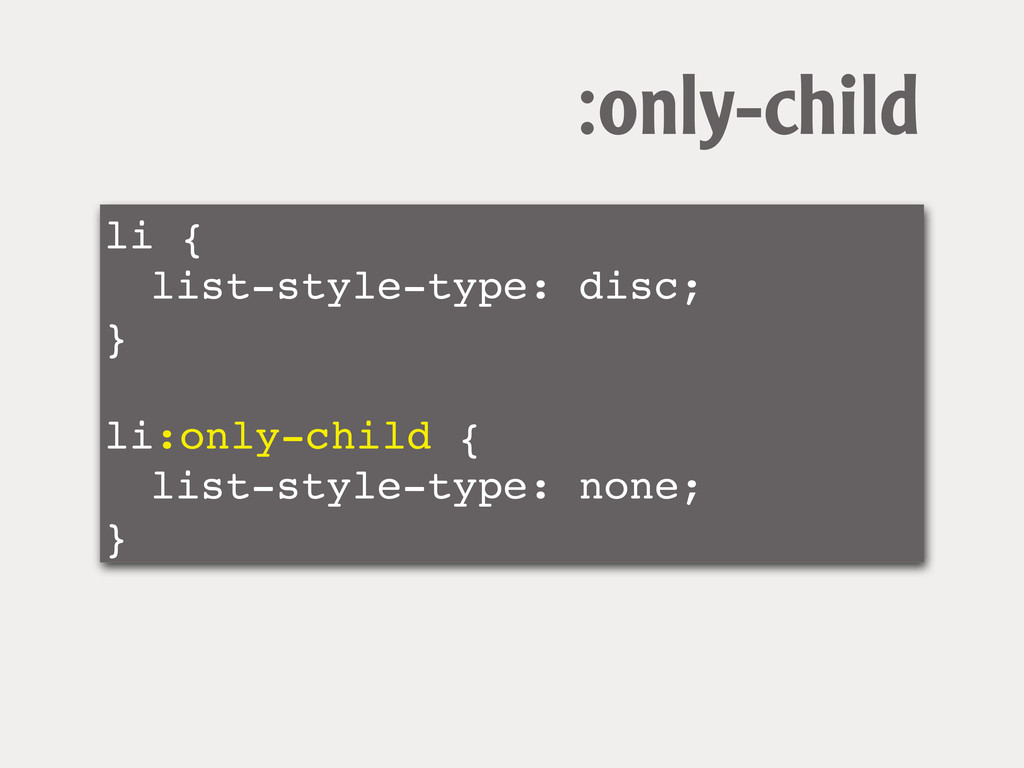
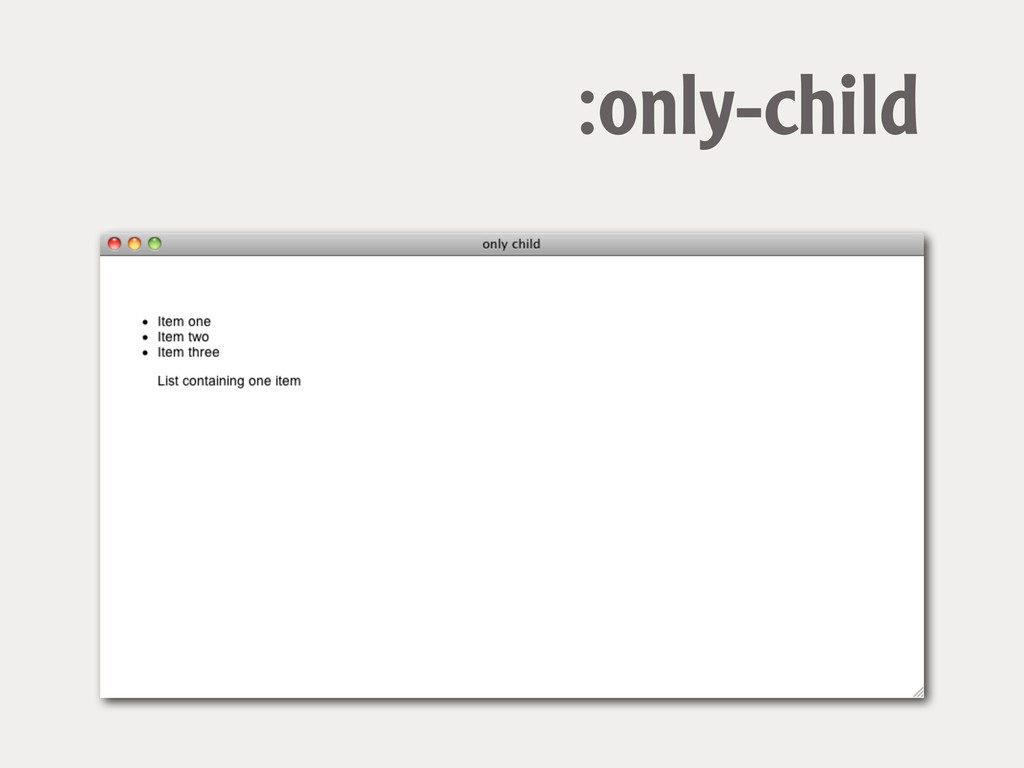
:only-child matches an element if it is the only child
element of it’s parent.
li { ! list-style-type: disc; } ! li:only-child { !
list-style-type: none; } :only-child
:only-child
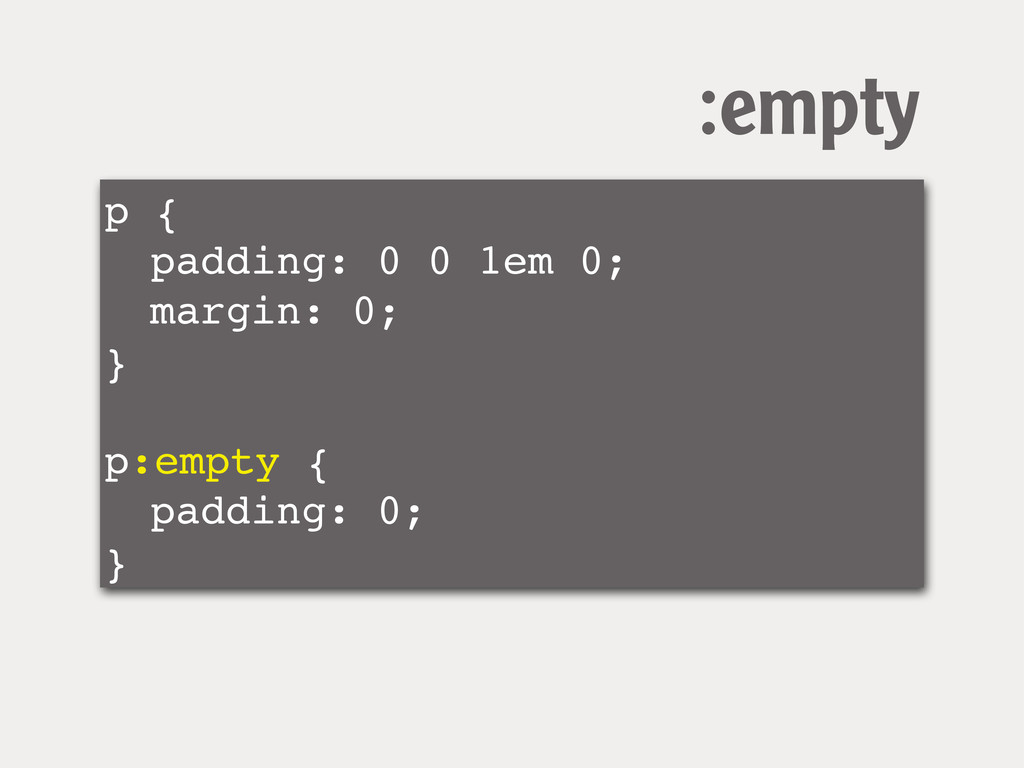
:empty matches an element if it is empty
p { ! padding: 0 0 1em 0; ! margin:
0; } ! p:empty { ! padding: 0; } :empty
For input elements Structural pseudo-classes for use with forms.
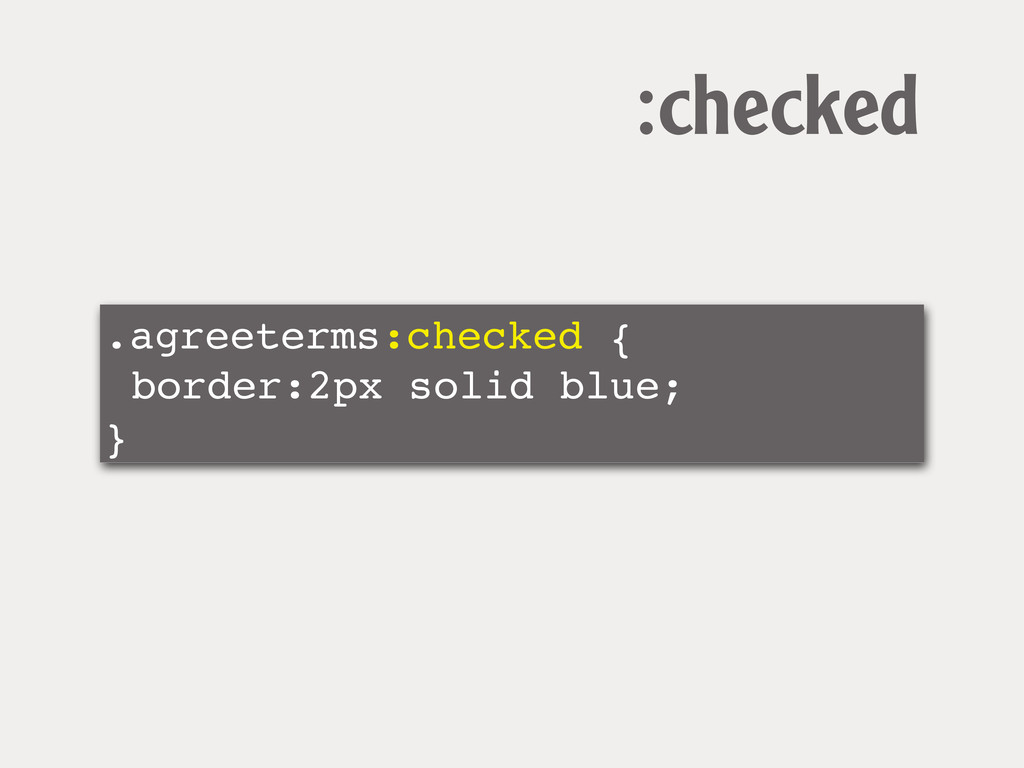
:checked the checked state of a checkbox or radio button
.agreeterms:checked { border:2px solid blue; } :checked
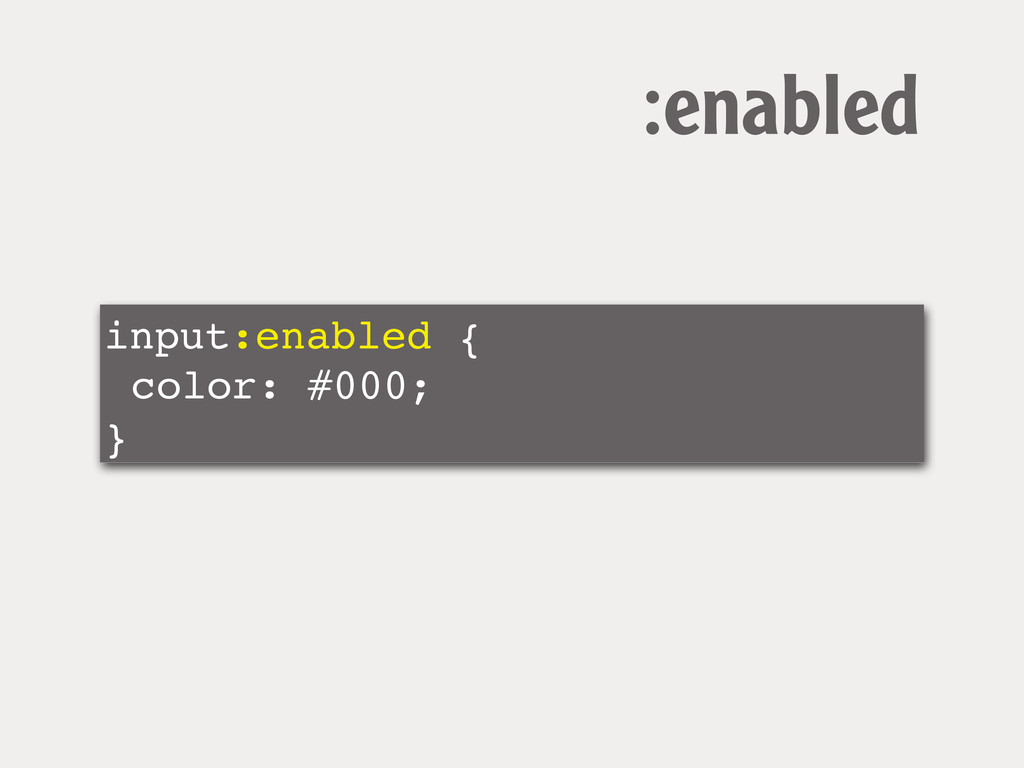
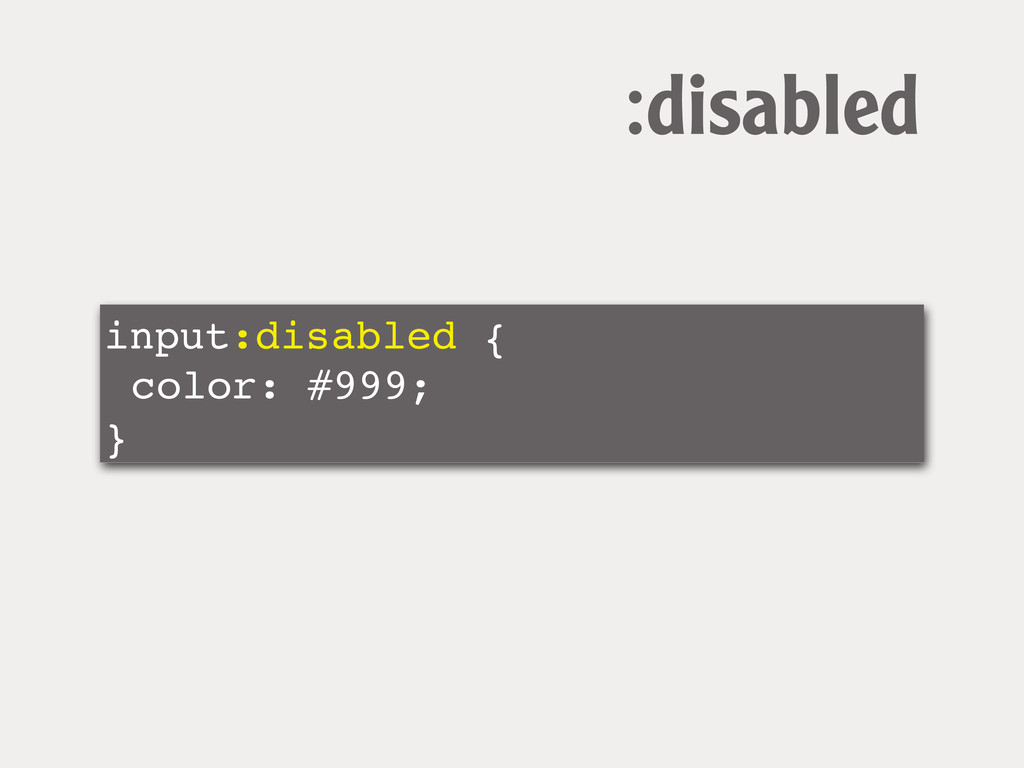
enabled and disabled detecting input element states
input:enabled { color: #000; } :enabled
input:disabled { color: #999; } :disabled
The CSS3 Basic User Interface Module http://www.w3.org/TR/css3-ui/ (Working Draft)
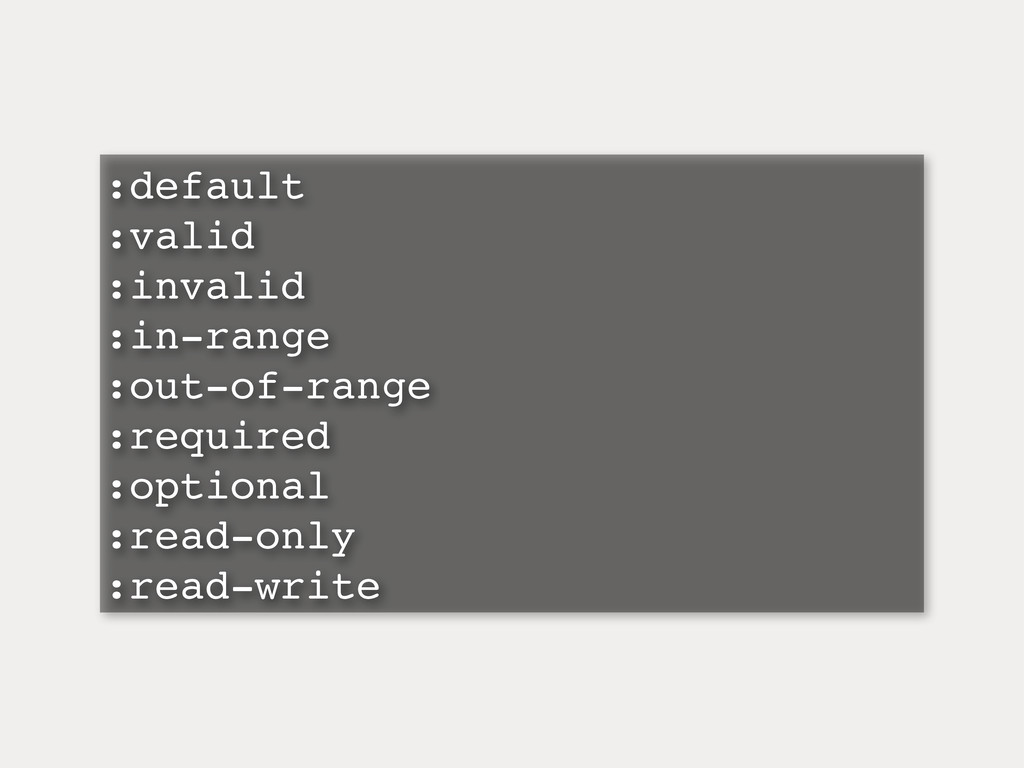
:default :valid :invalid :in-range :out-of-range :required :optional :read-only :read-write
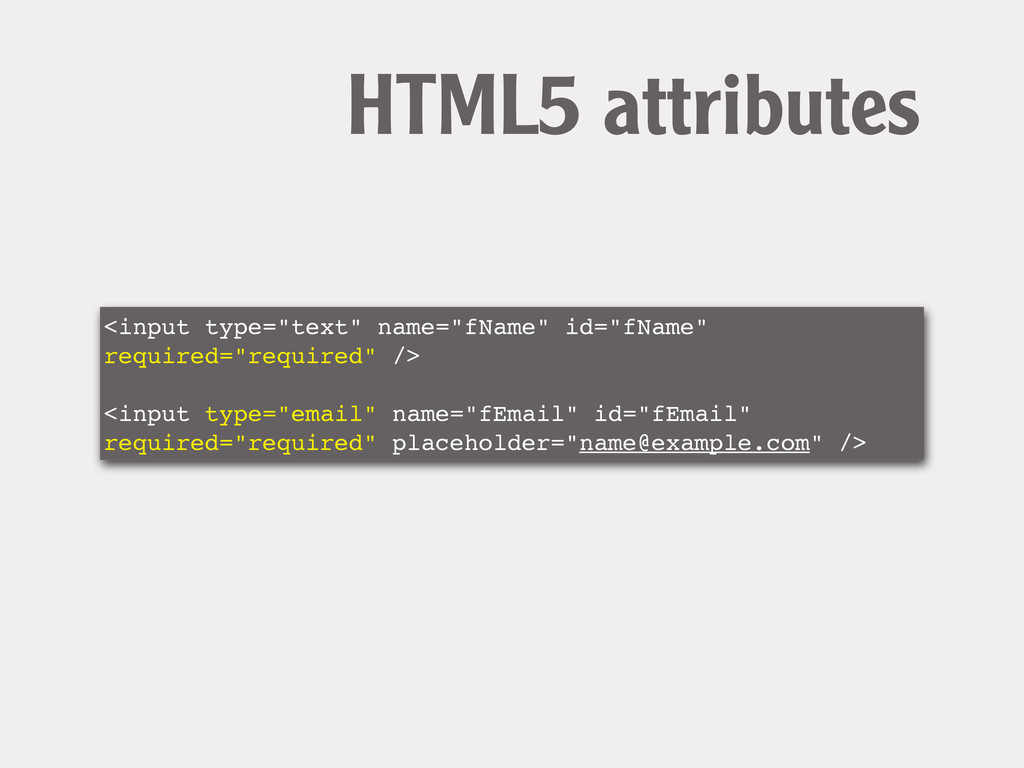
<input type="text" name="fName" id="fName" required="required" /> ! ! <input type="email"
name="fEmail" id="fEmail" required="required" placeholder="
[email protected]
" /> HTML5 attributes
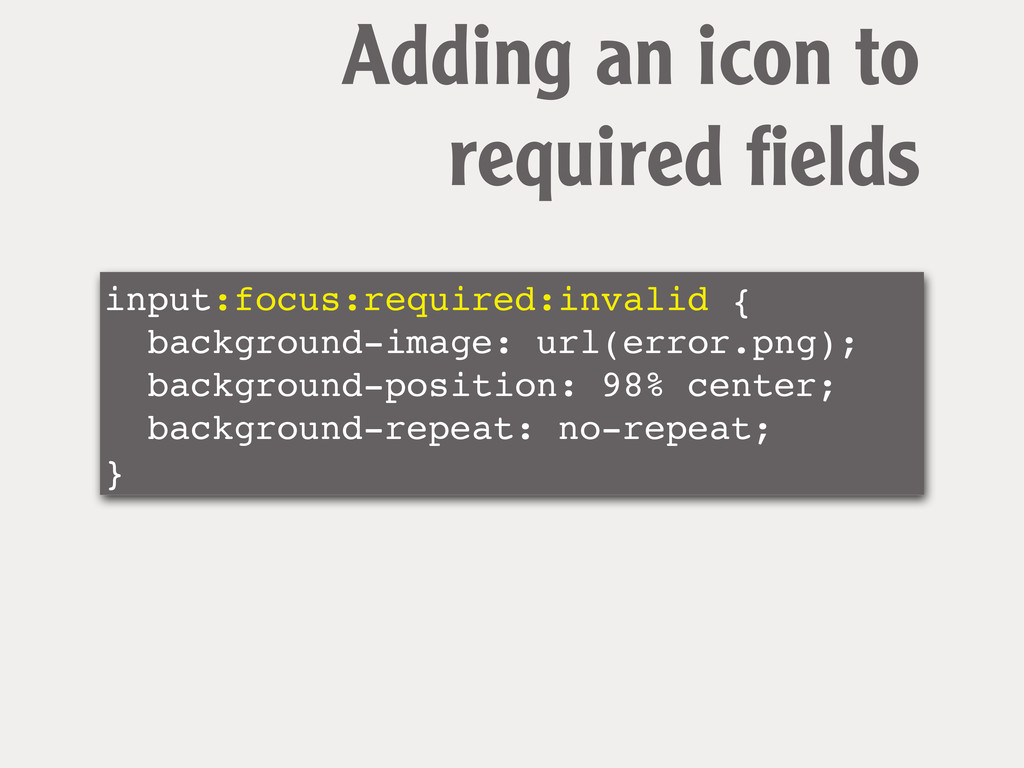
input:focus:required:invalid { background-image: url(error.png); background-position: 98% center; background-repeat: no-repeat; }
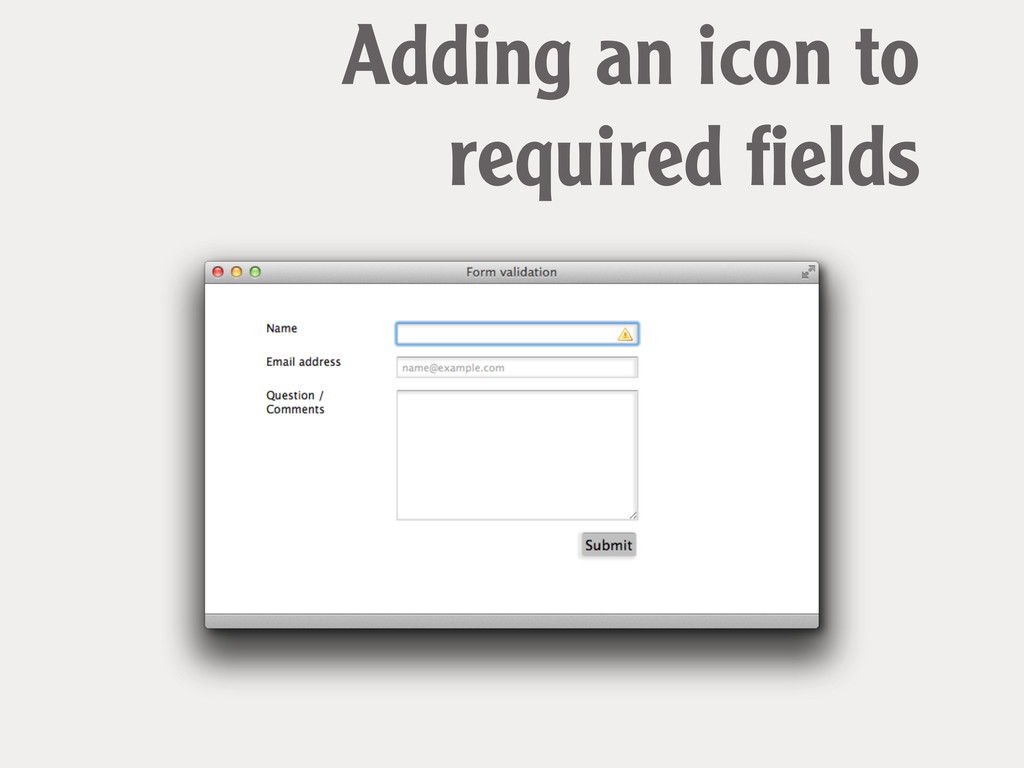
Adding an icon to required fields
Adding an icon to required fields
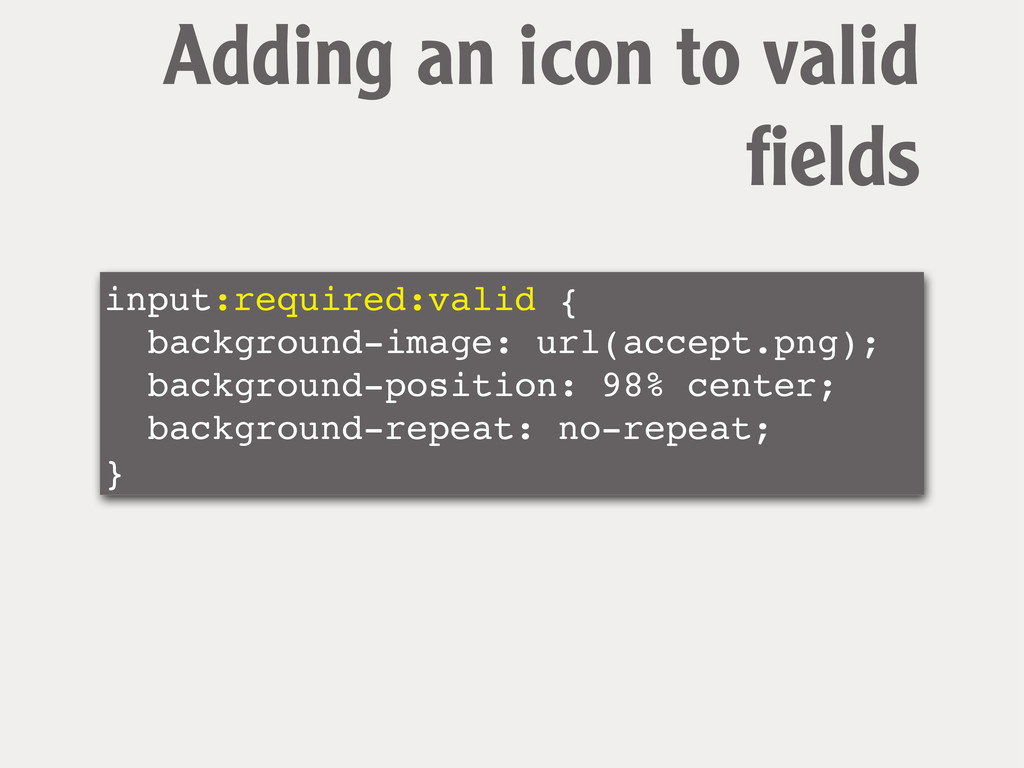
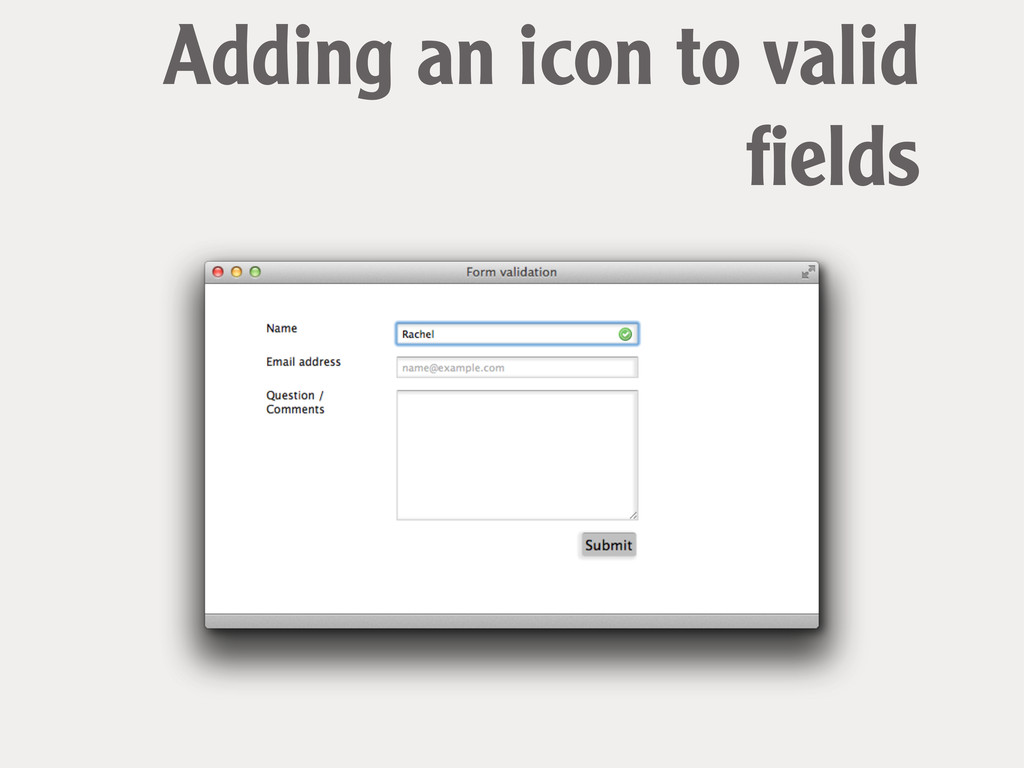
input:required:valid { background-image: url(accept.png); background-position: 98% center; background-repeat: no-repeat; }
Adding an icon to valid fields
Adding an icon to valid fields
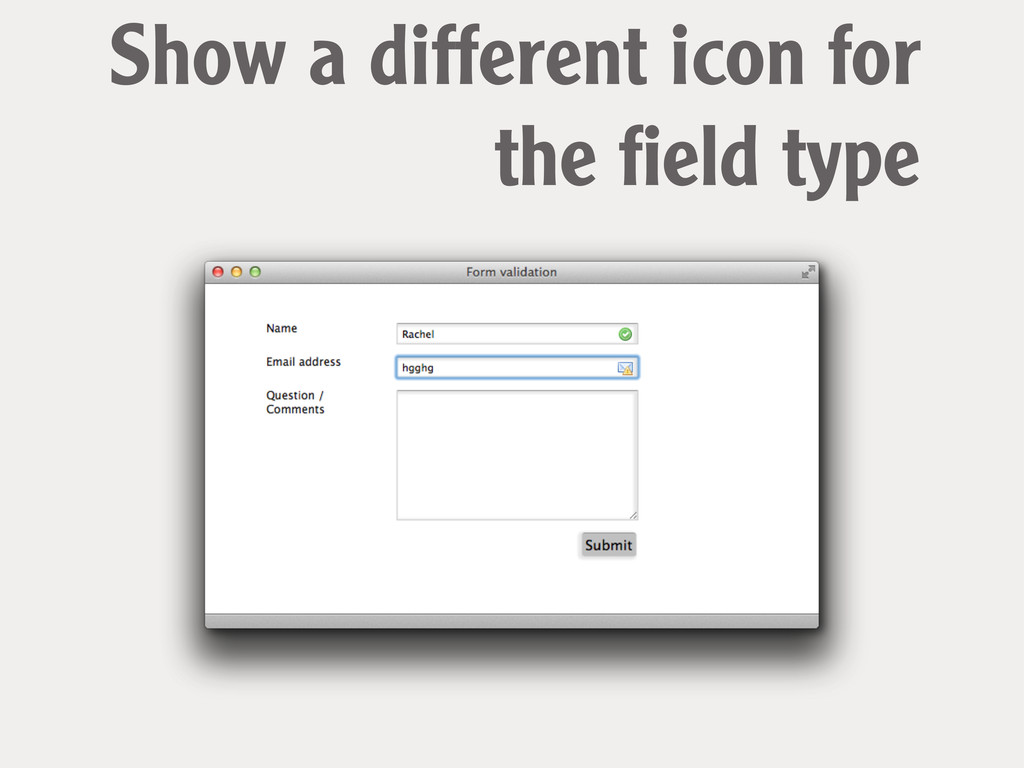
input[type="email"]:focus:required:invalid { ! background-image: url(email_error.png); } Show a different icon
for the field type
Show a different icon for the field type
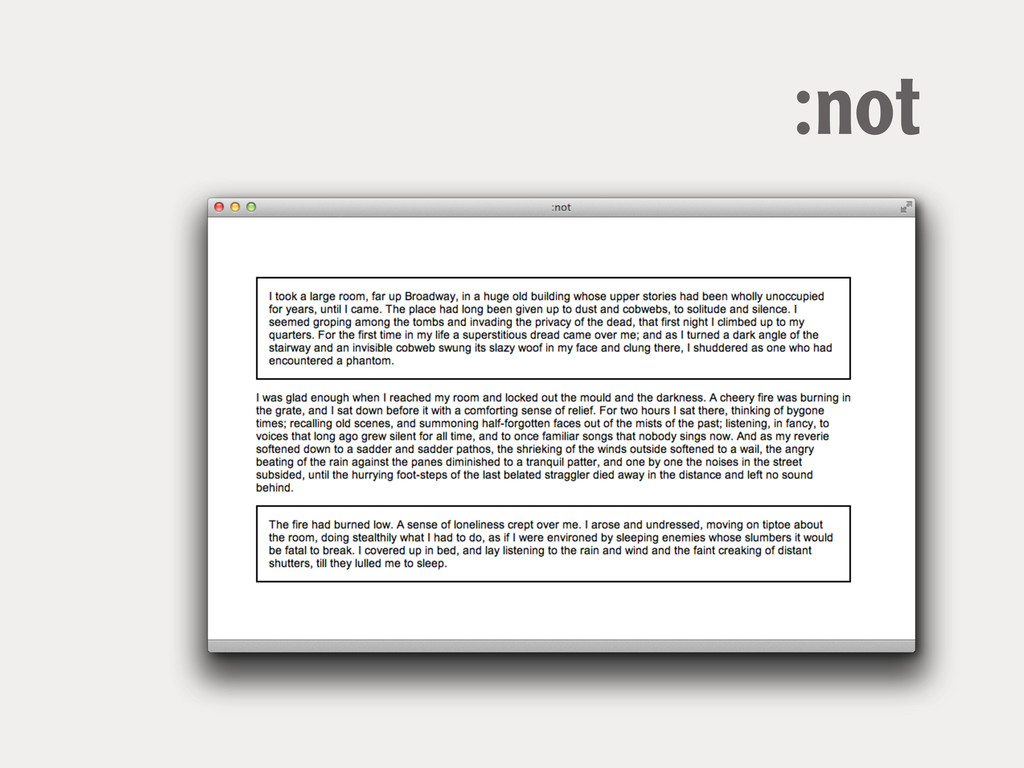
the Negation pseudo- class :not(selector)
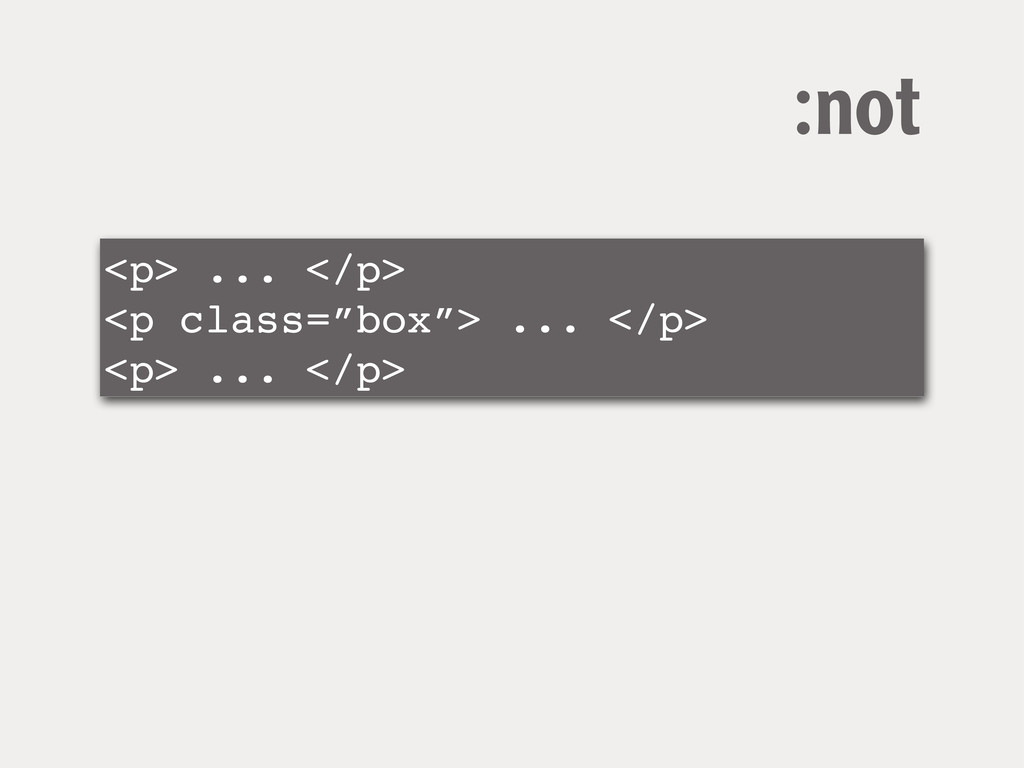
<p> ... </p> <p class=”box”> ... </p> <p> ... </p>
:not
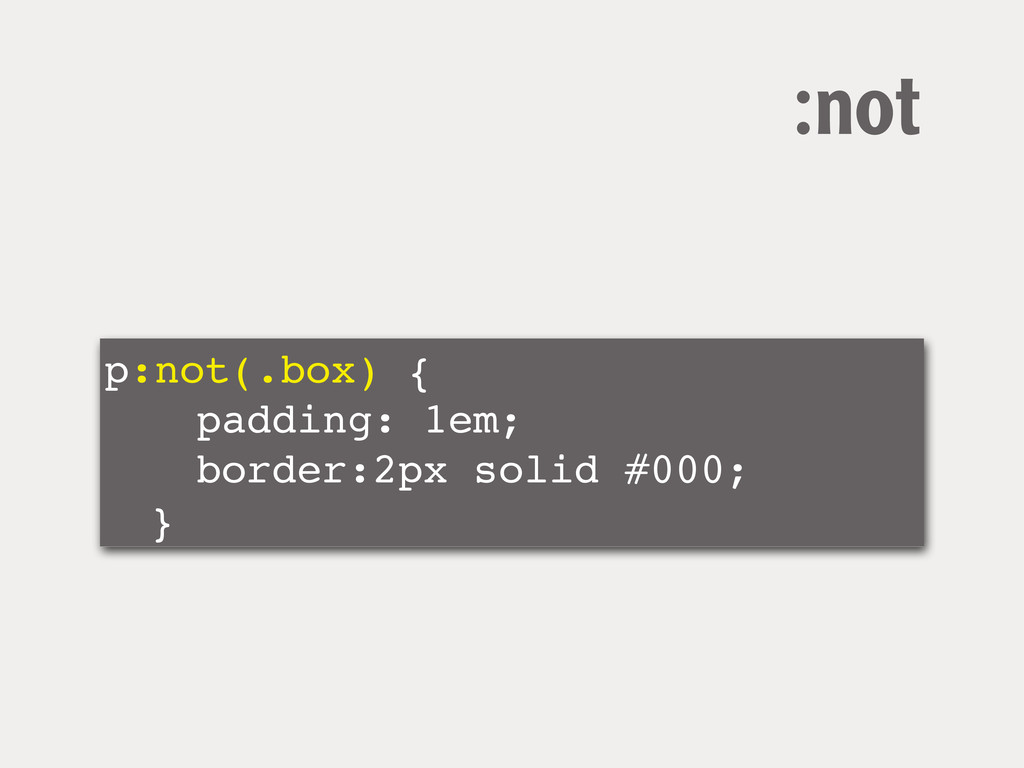
p:not(.box) { ! ! padding: 1em; ! ! border:2px solid
#000; ! } :not
:not
Pseudo-elements
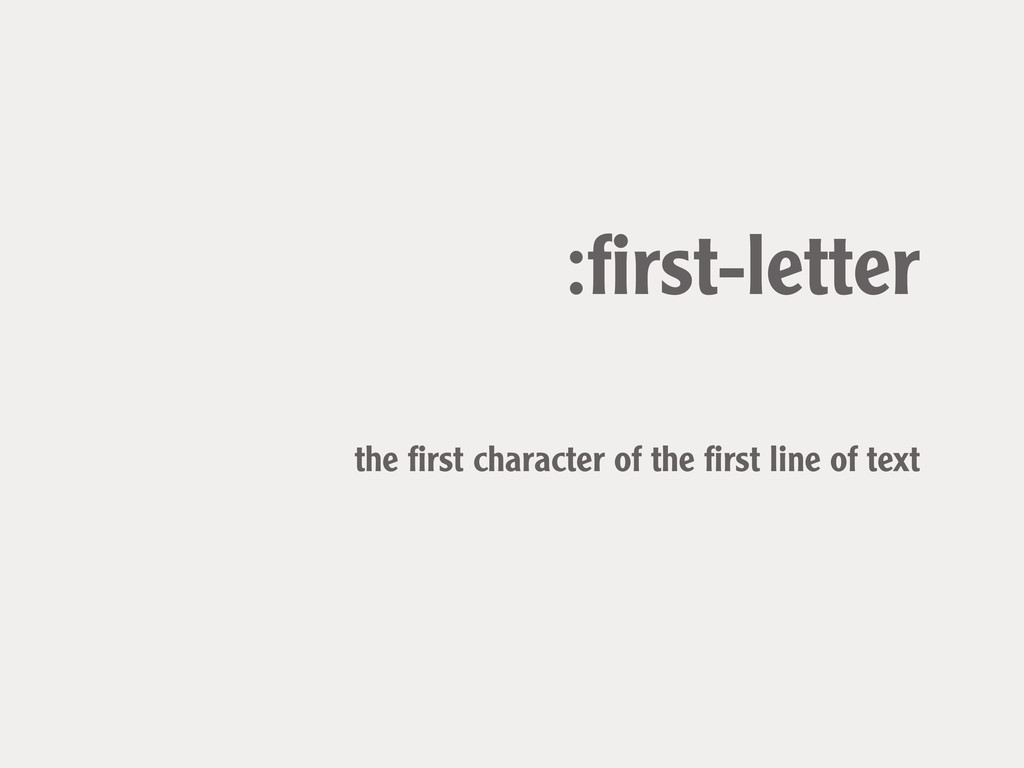
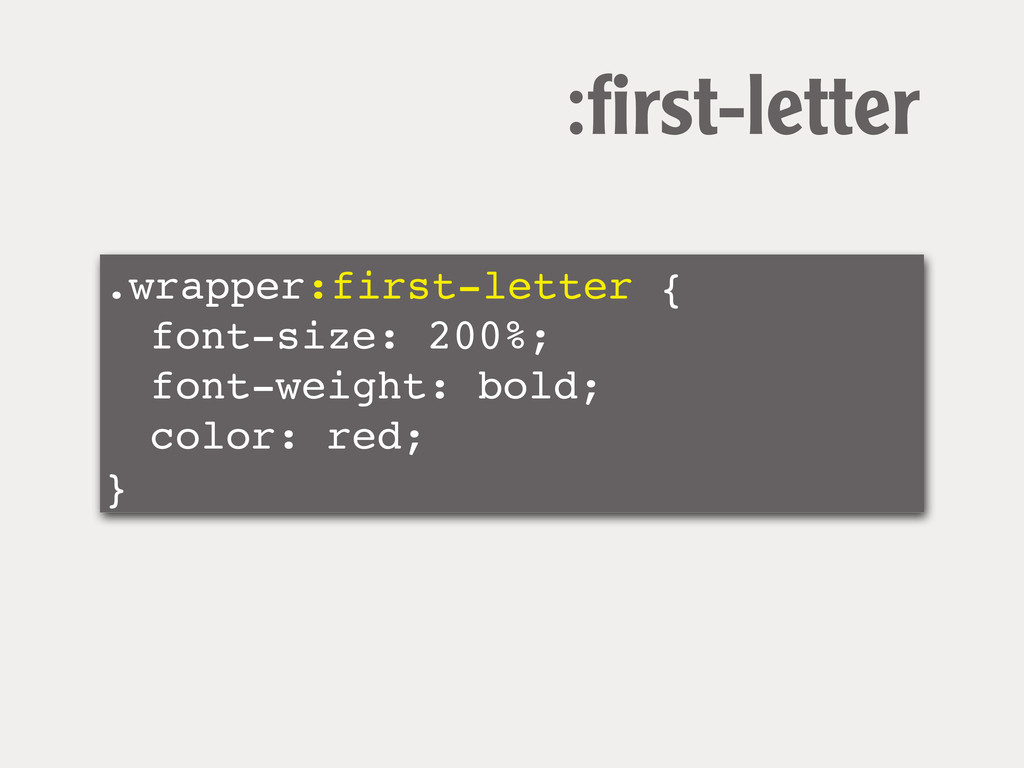
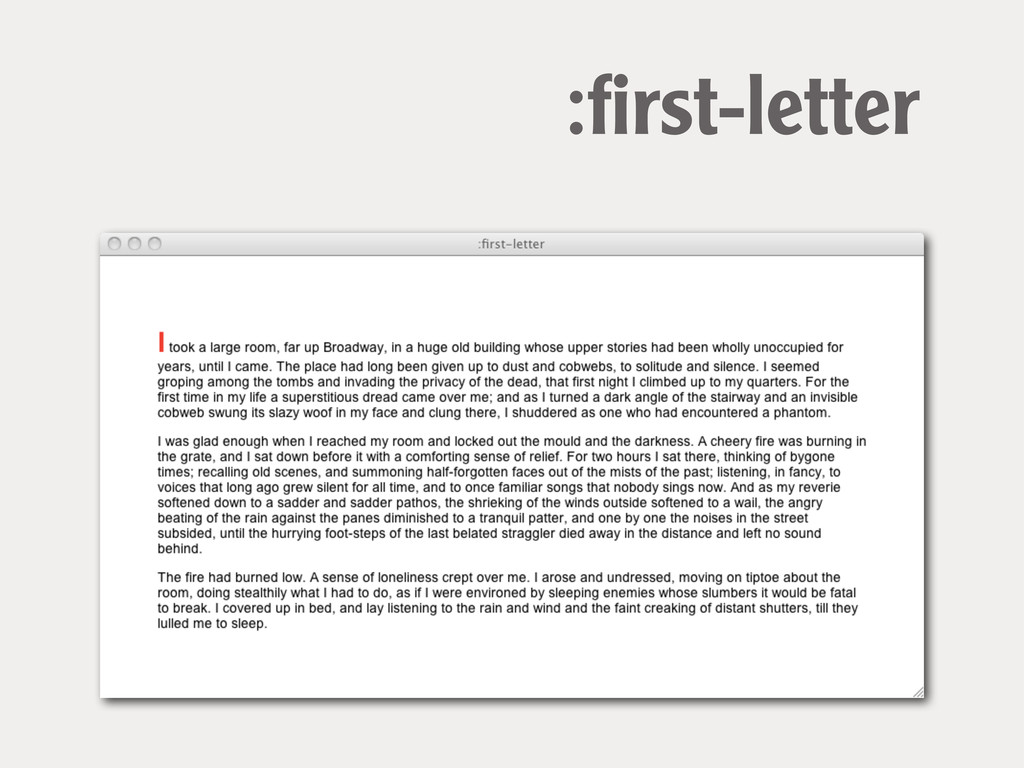
:first-letter the first character of the first line of text
.wrapper:first-letter { ! font-size: 200%; ! font-weight: bold; ! color:
red; } :first-letter
:first-letter
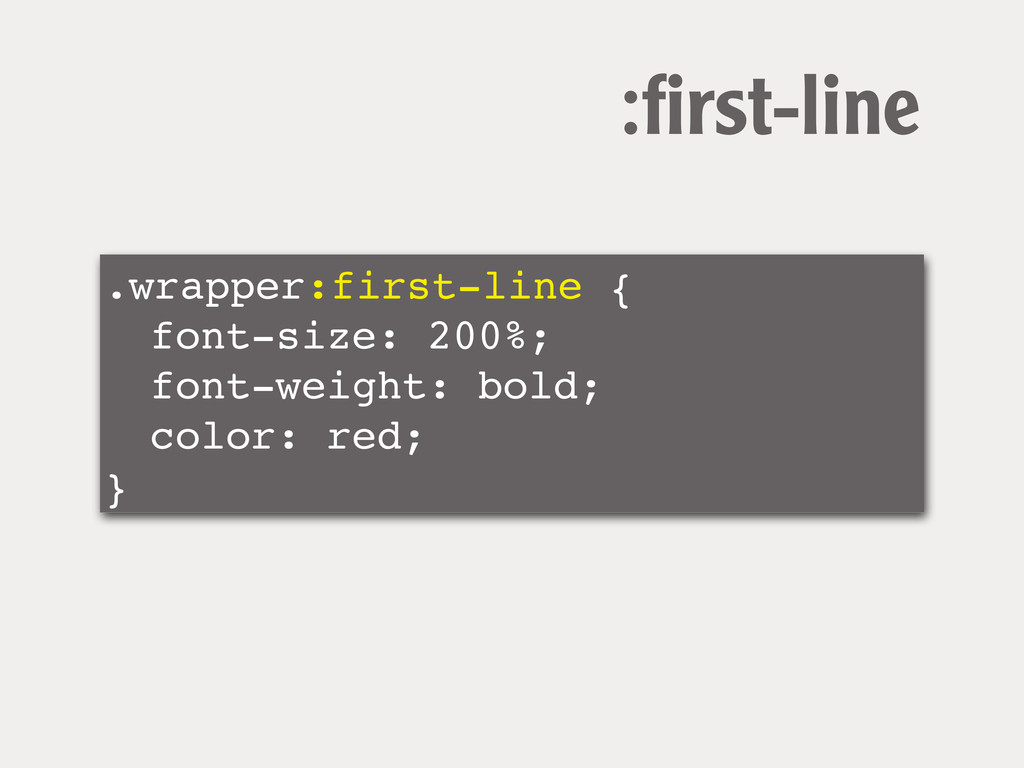
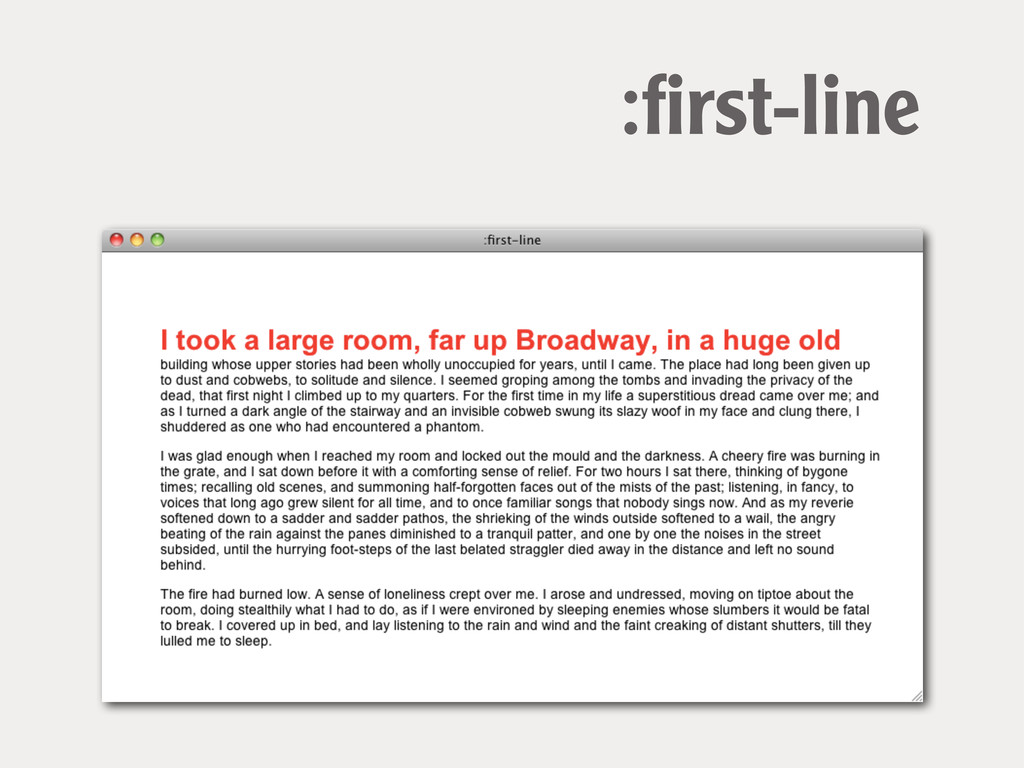
:first-line the first formatted line of text
.wrapper:first-line { ! font-size: 200%; ! font-weight: bold; ! color:
red; } :first-line
:first-line
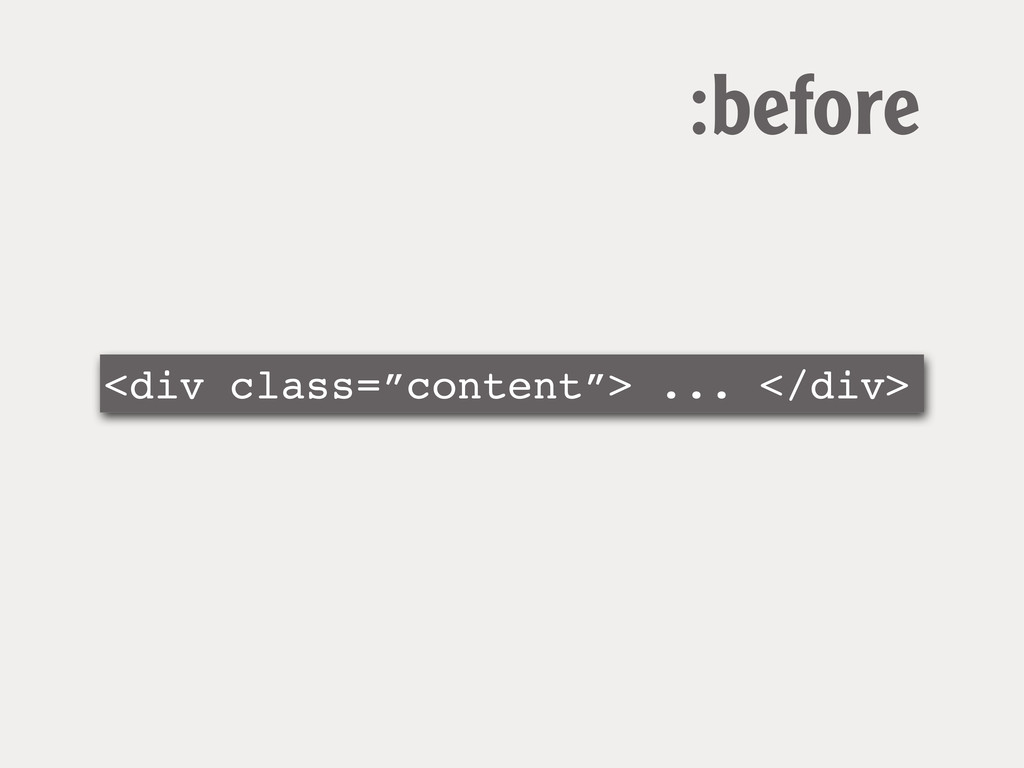
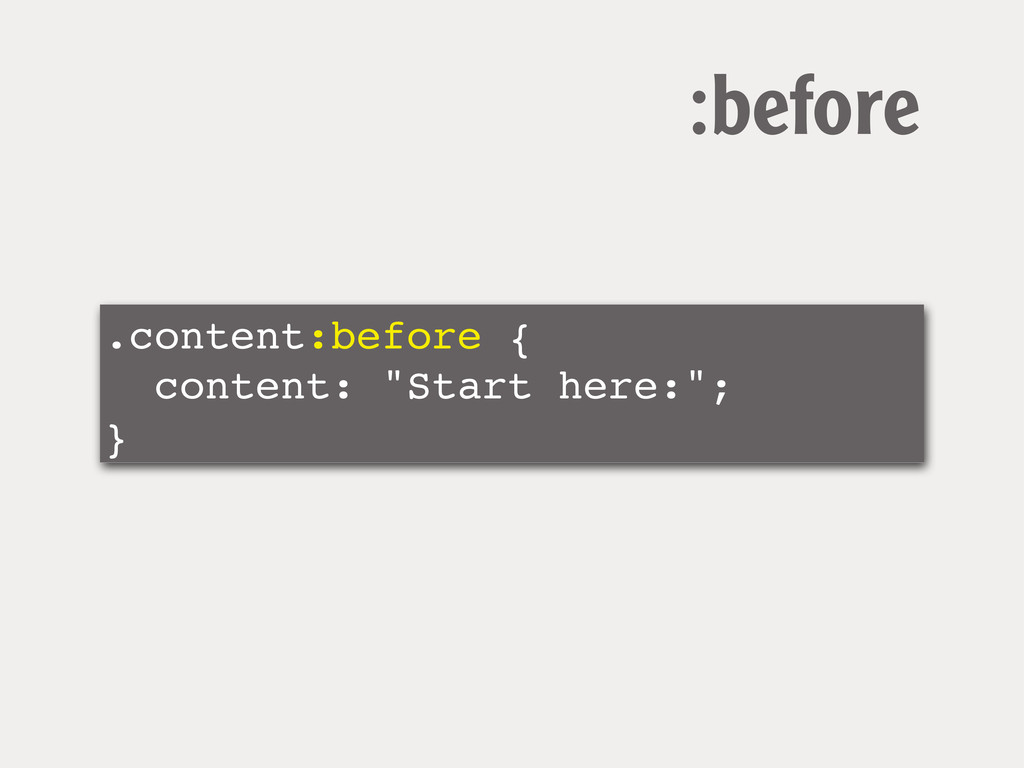
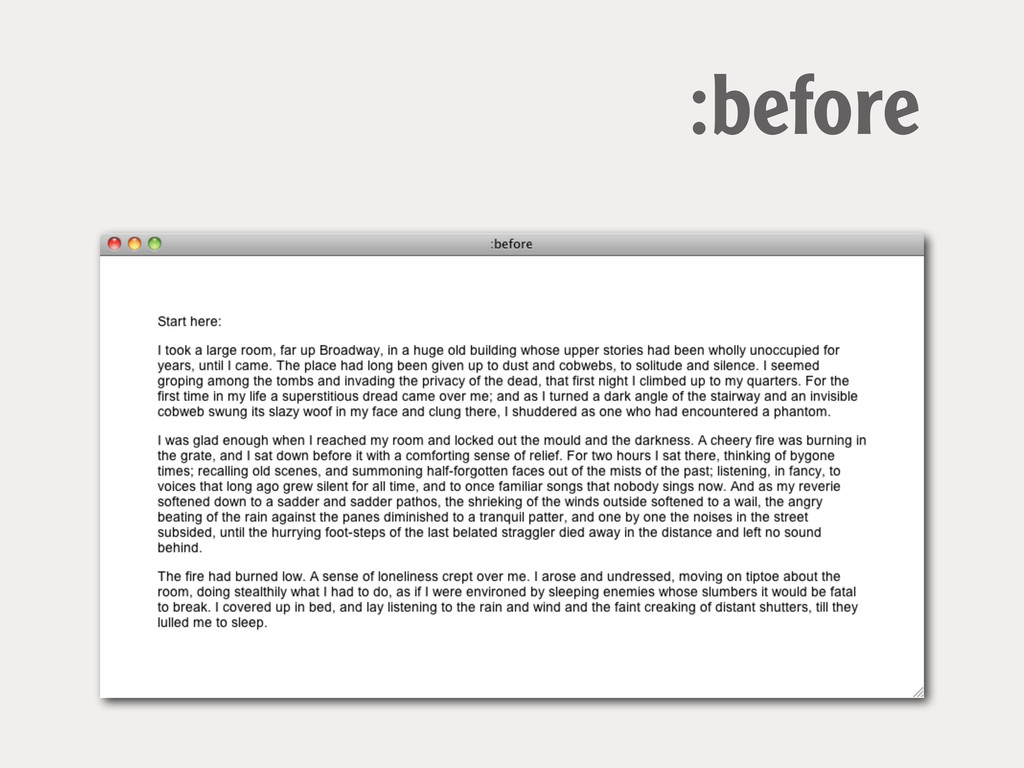
:before Render content before the element when using generated content
<div class=”content”> ... </div> :before
.content:before { content: "Start here:"; } :before
:before
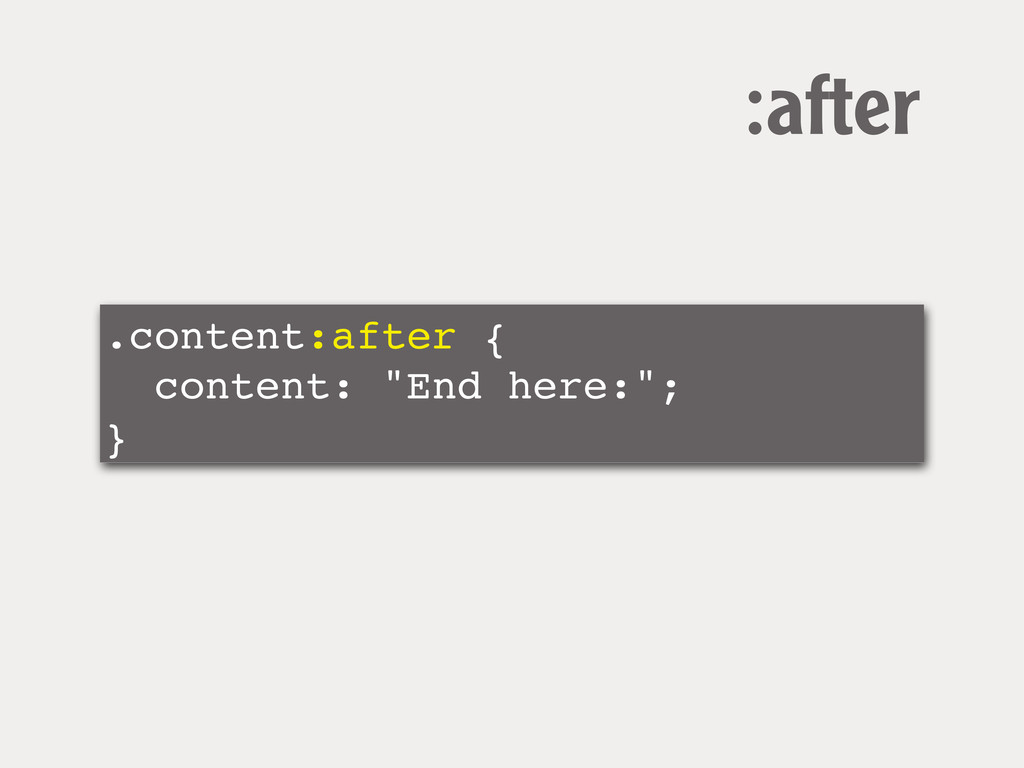
:after Render content after the element when using generated content
.content:after { content: "End here:"; } :after
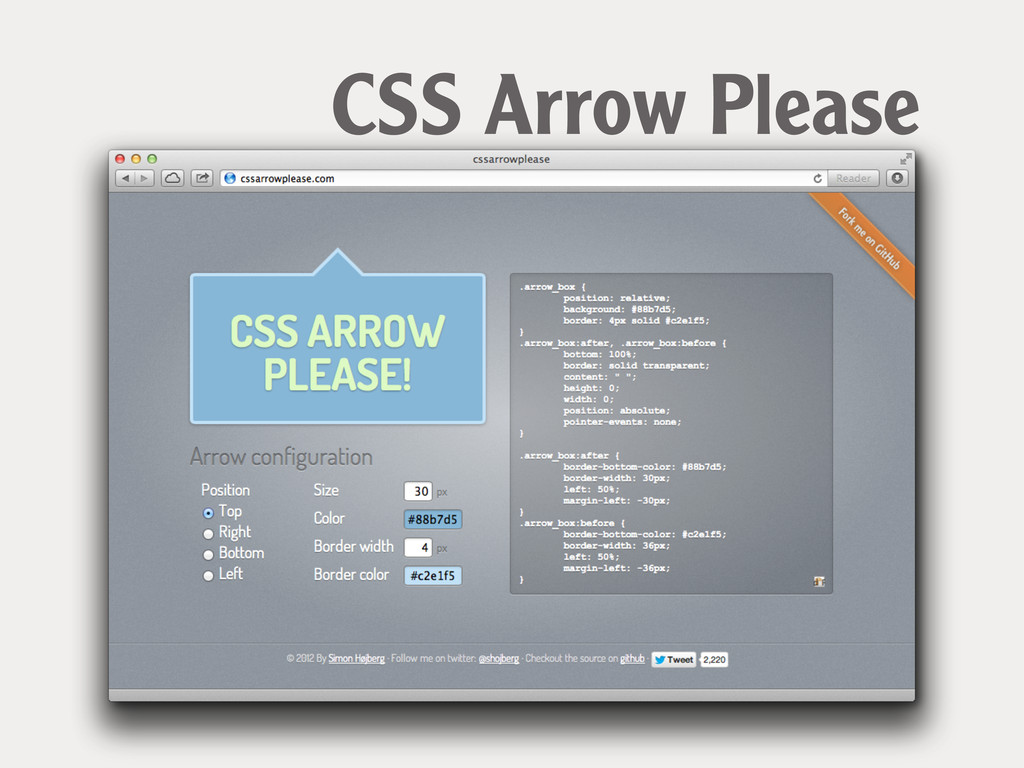
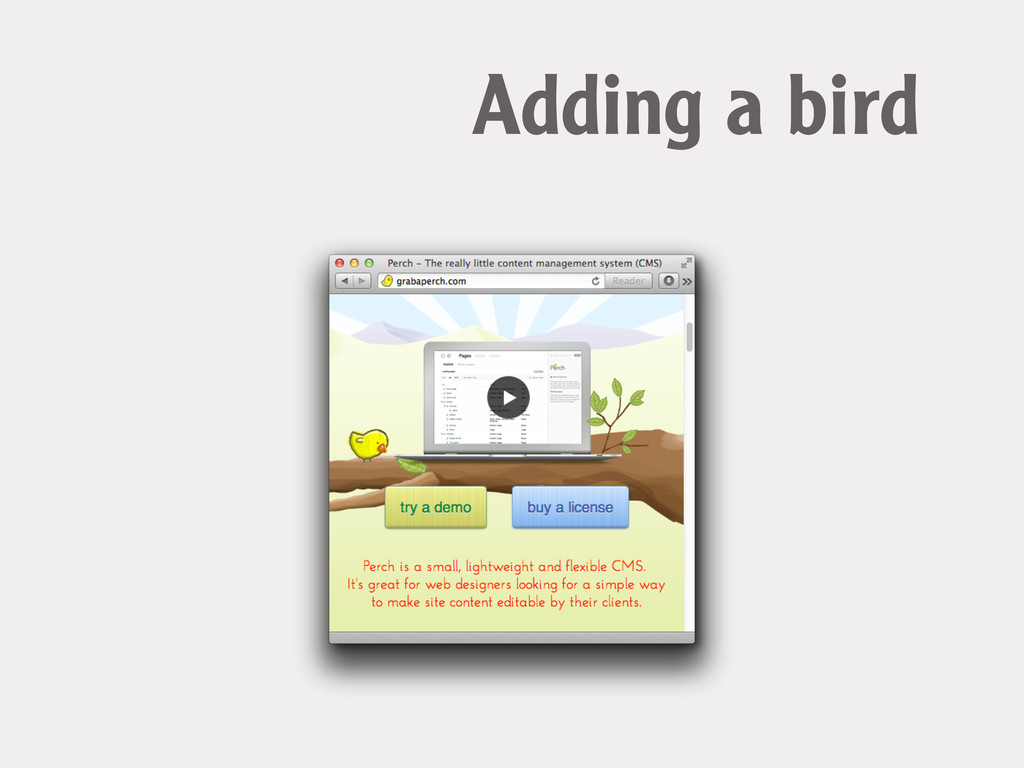
Generated content can be very useful...
CSS Arrow Please
Adding a bird
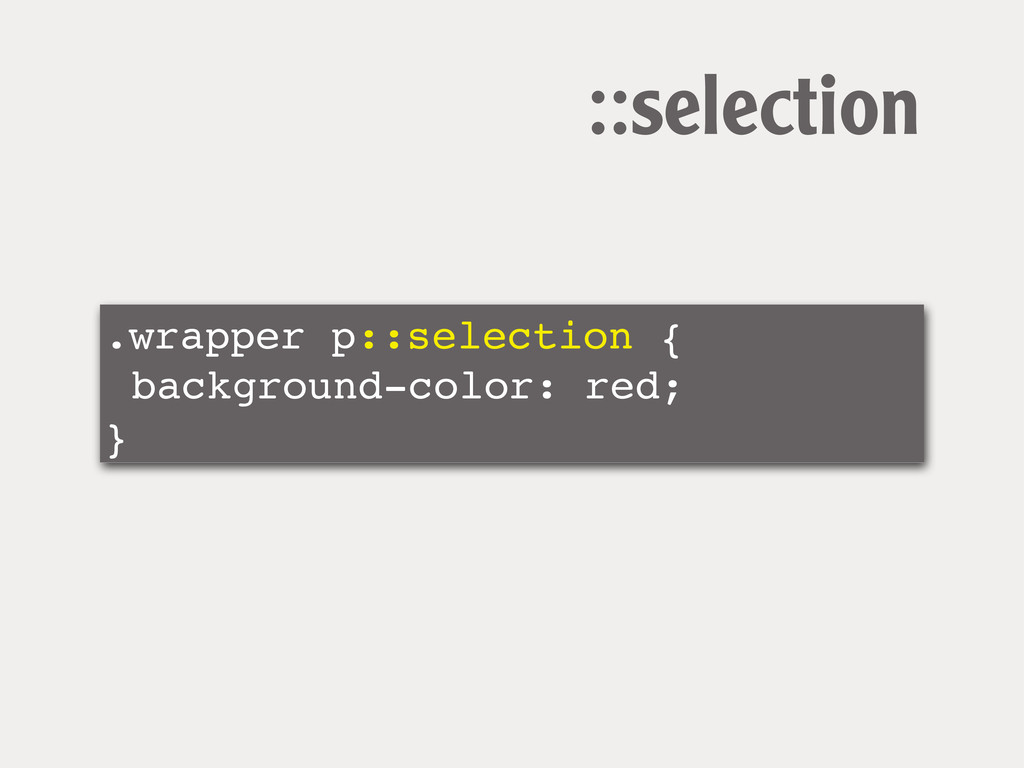
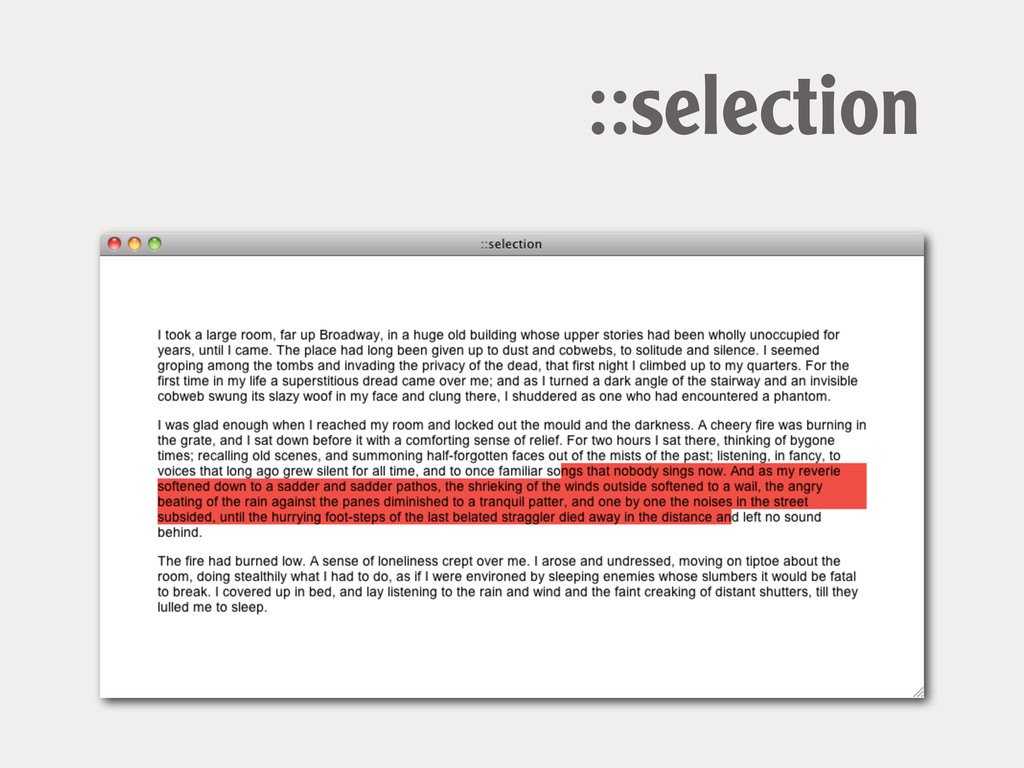
::selection Content selected in browser by the user
.wrapper p::selection {! background-color: red; } ::selection
::selection
Combinators Combining selectors to target elements
Descendant Selector Select all elements that are descendants of a
specified parent
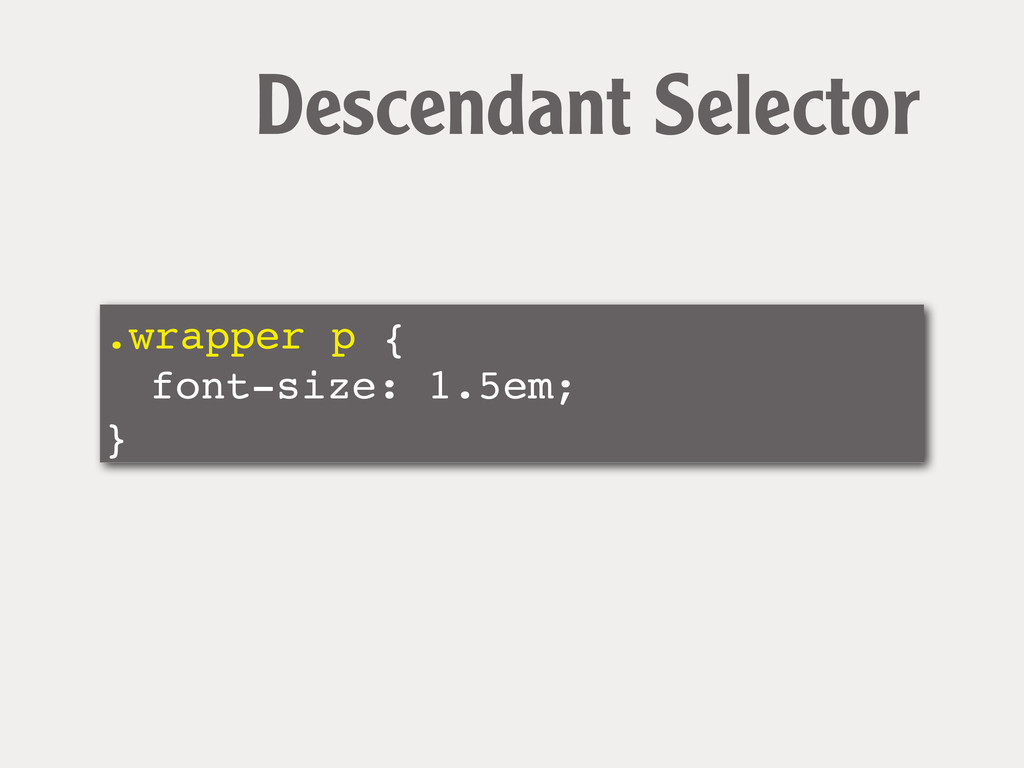
.wrapper p { ! font-size: 1.5em; } Descendant Selector
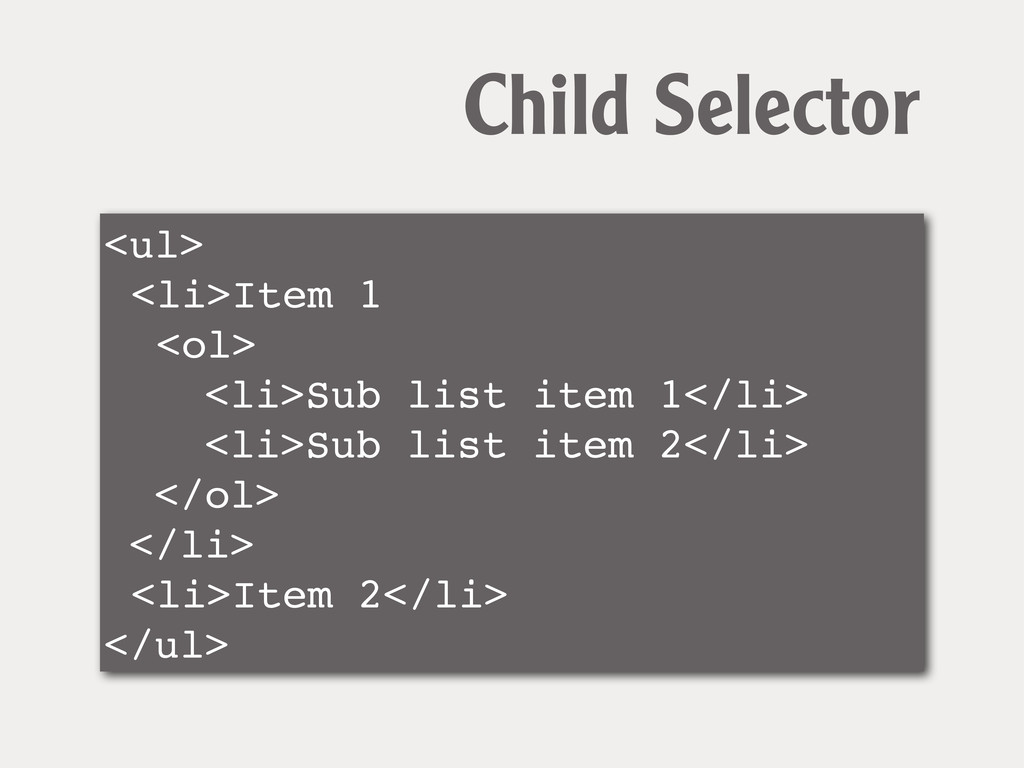
Child Selector Select all elements that are immediate children of
a specified parent
<ul> <li>Item 1 <ol> <li>Sub list item 1</li> <li>Sub list
item 2</li> </ol> </li> <li>Item 2</li> </ul> Child Selector
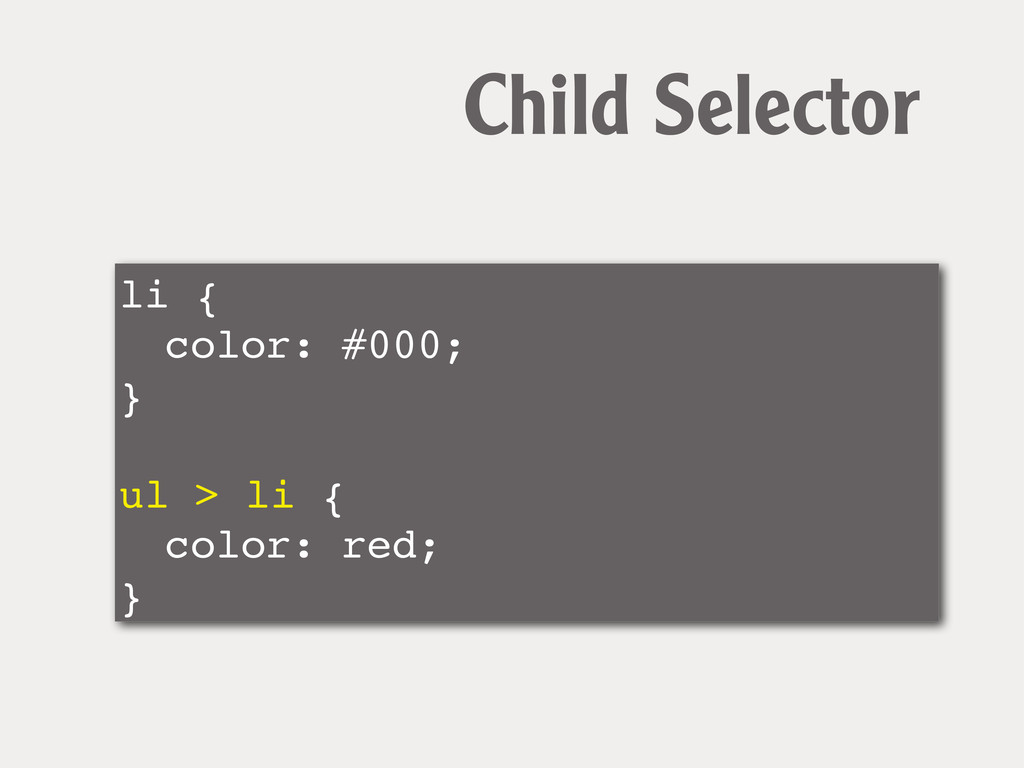
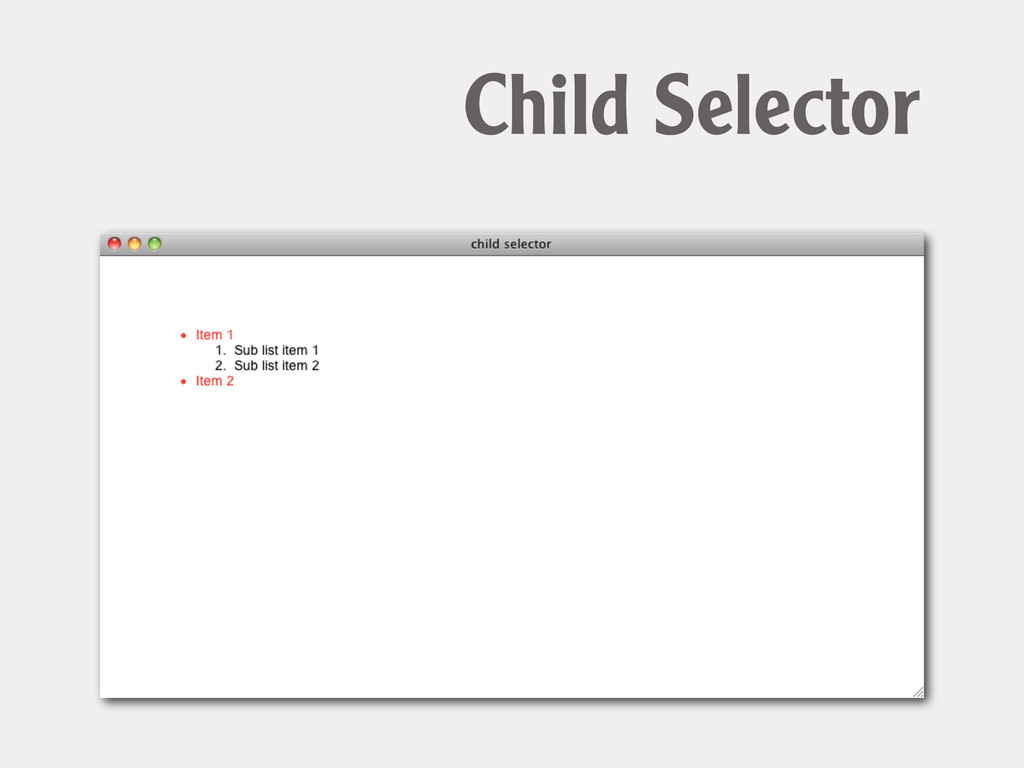
li { ! color: #000; } ! ul > li
{ ! color: red; } Child Selector
Child Selector
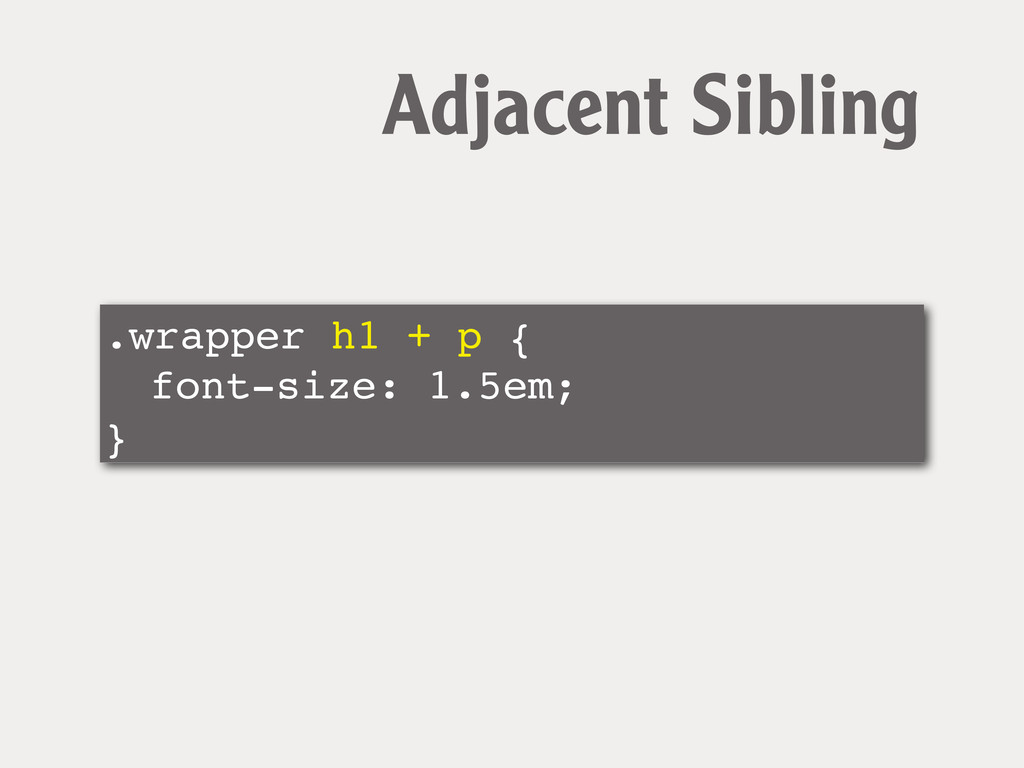
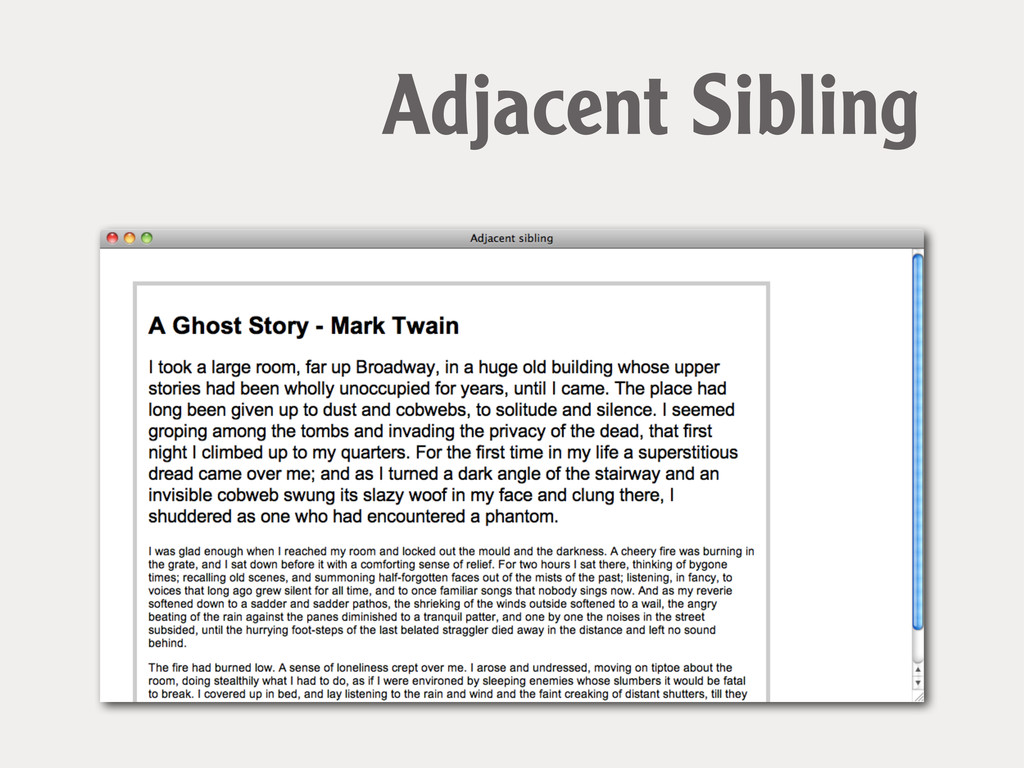
Adjacent Sibling Select elements that are the adjacent siblings of
an element
.wrapper h1 + p { ! font-size: 1.5em; } Adjacent
Sibling
Adjacent Sibling
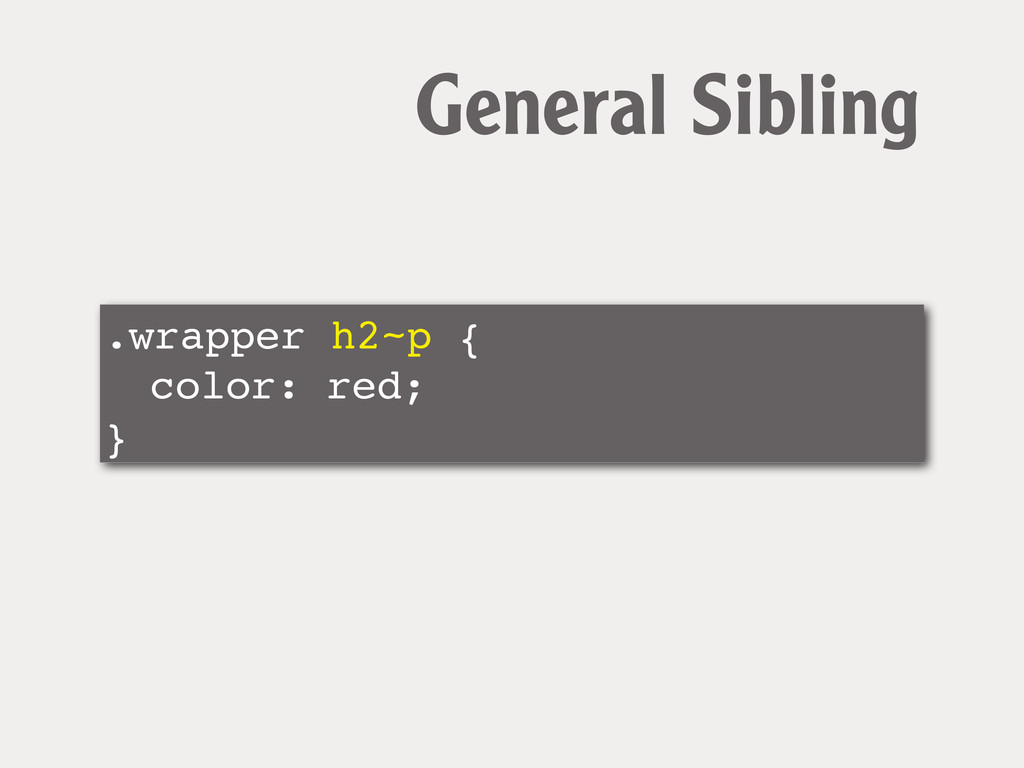
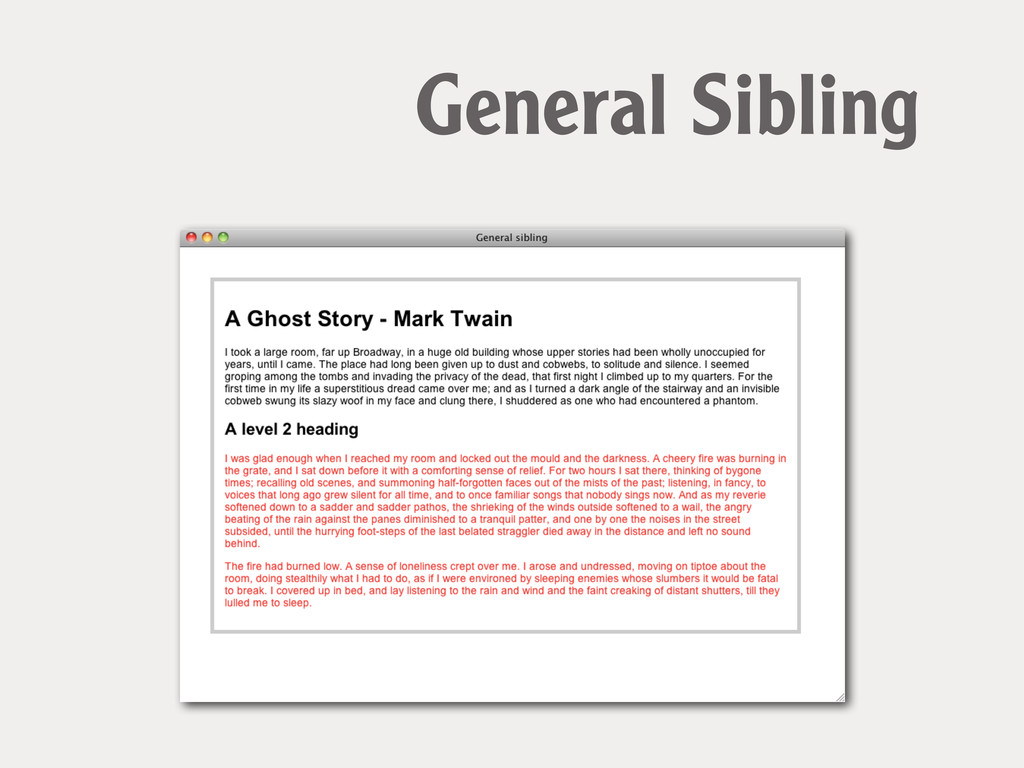
General Sibling Select elements that are the siblings of an
element
.wrapper h2~p { ! color: red; } General Sibling
General Sibling
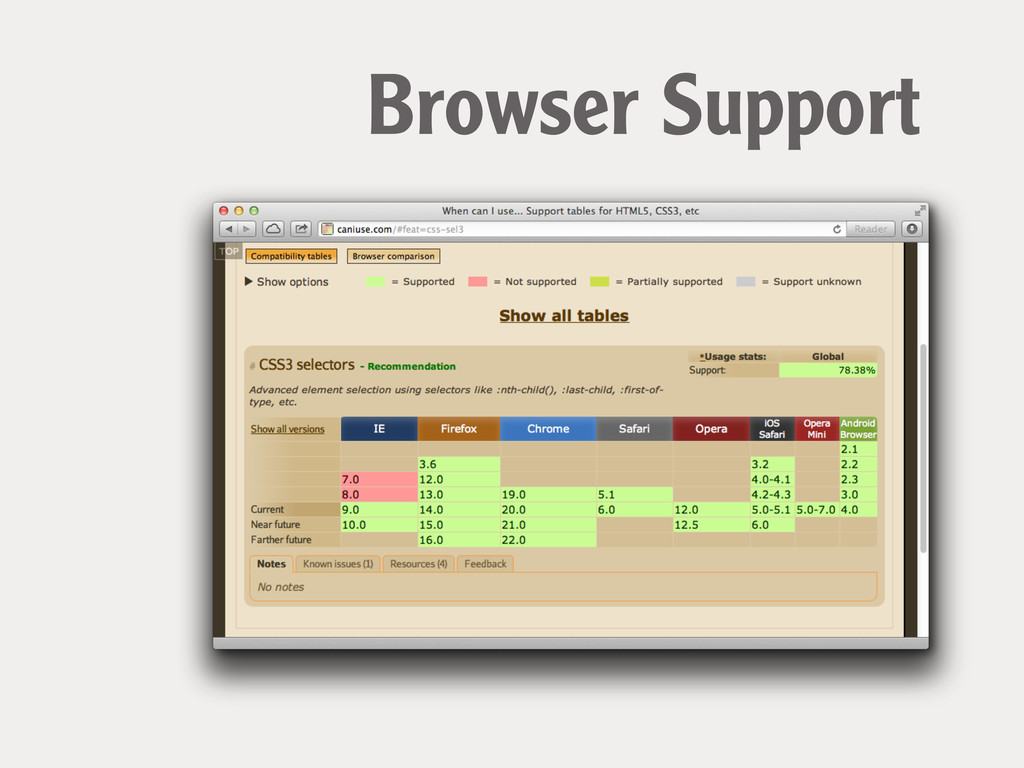
Browser Support
Browser Support
Your options
Do Nothing. or serve a simpler layout to older browsers
JavaScript Plug the holes in browser support using JavaScript.
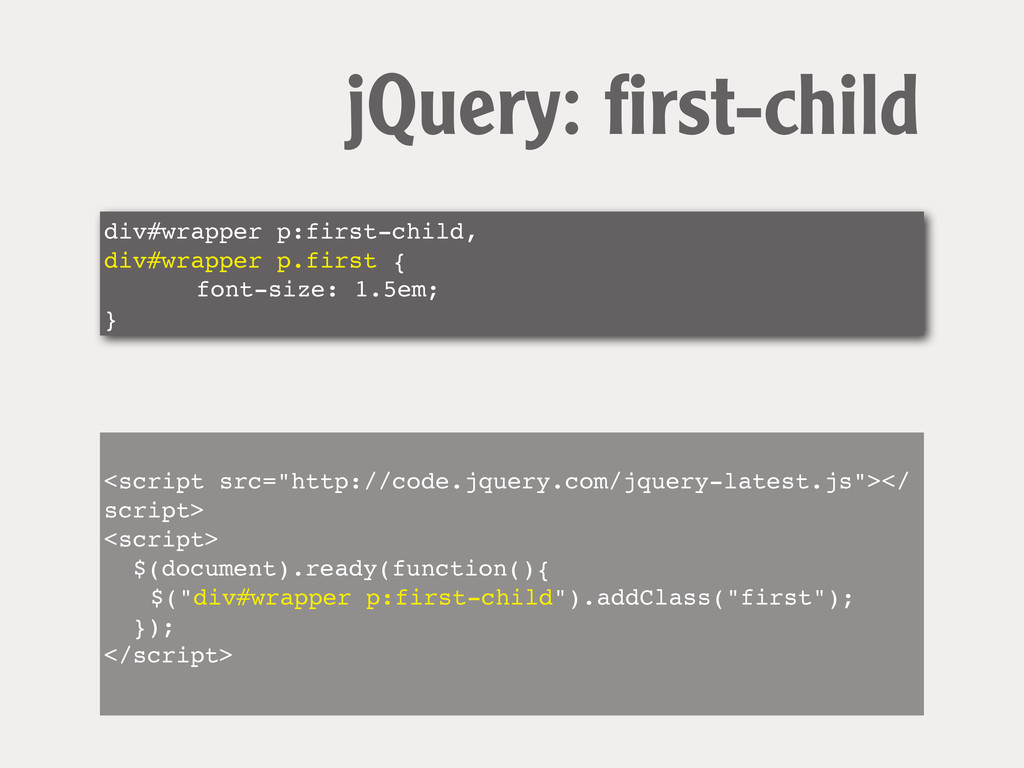
div#wrapper p:first-child, div#wrapper p.first { ! ! font-size: 1.5em; }
jQuery: first-child <script src="http://code.jquery.com/jquery-latest.js"></ script> <script> $(document).ready(function(){ ! $("div#wrapper p:first-child").addClass("first"); }); </script>
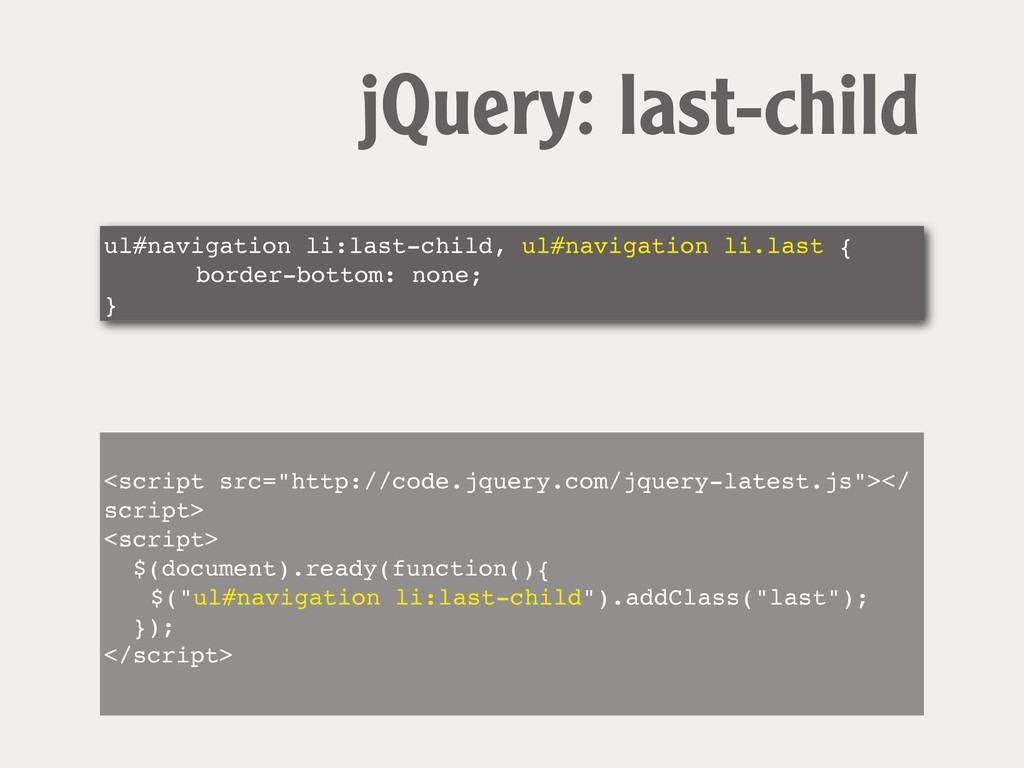
ul#navigation li:last-child, ul#navigation li.last { ! ! border-bottom: none; }
jQuery: last-child <script src="http://code.jquery.com/jquery-latest.js"></ script> <script> $(document).ready(function(){ ! $("ul#navigation li:last-child").addClass("last"); }); </script>
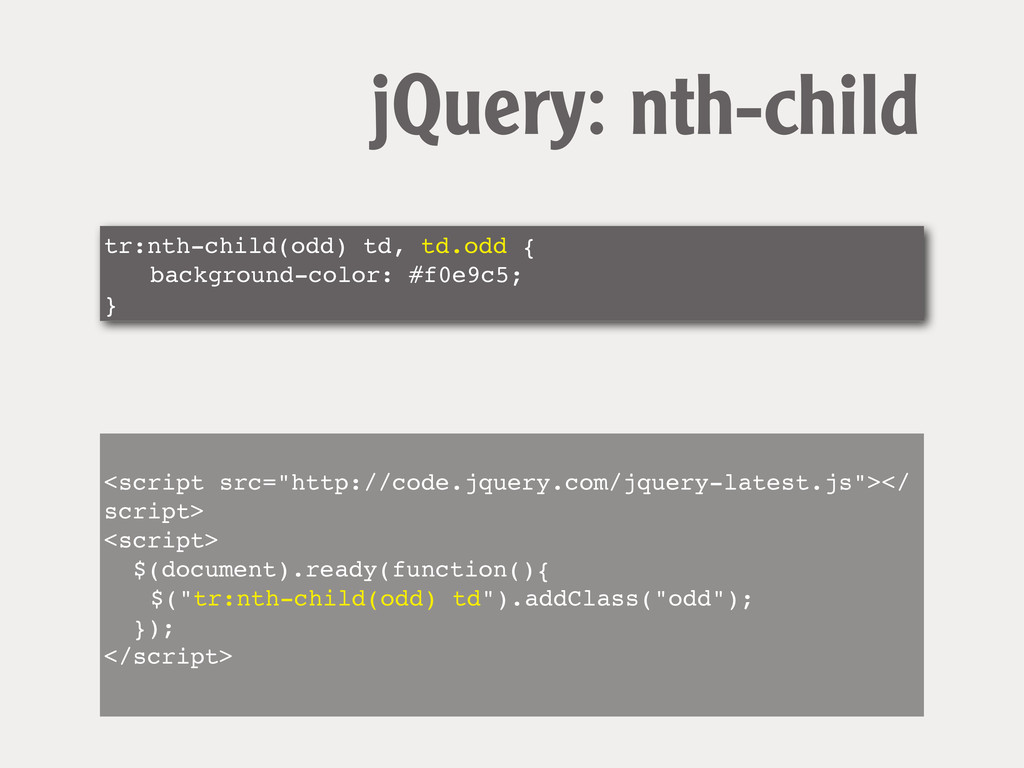
tr:nth-child(odd) td, td.odd { ! background-color: #f0e9c5; } jQuery: nth-child
<script src="http://code.jquery.com/jquery-latest.js"></ script> <script> $(document).ready(function(){ ! $("tr:nth-child(odd) td").addClass("odd"); }); </script>
CSS “PolyFills” plugging the holes in support
What is a polyfill? A polyfill, or polyfiller, is a
piece of code (or plugin) that provides the technology that you, the developer, expect the browser to provide natively. http://remysharp.com/2010/10/08/what-is-a-polyfill/
selectivizr http://selectivizr.com/
Check your stats.
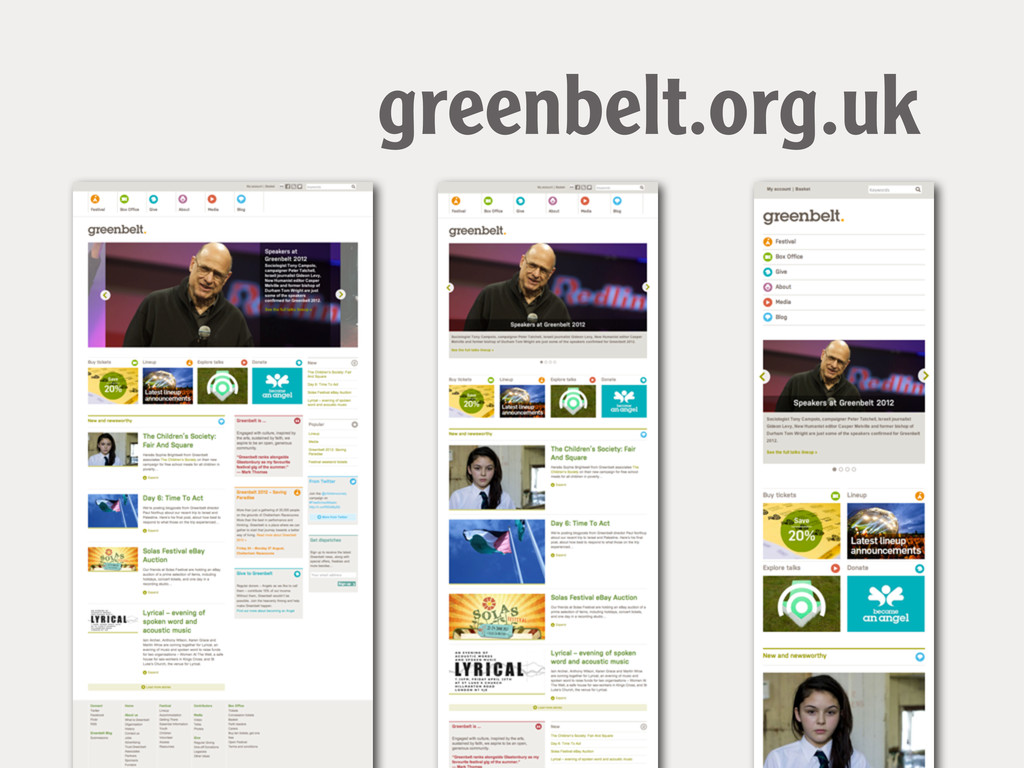
greenbelt.org.uk
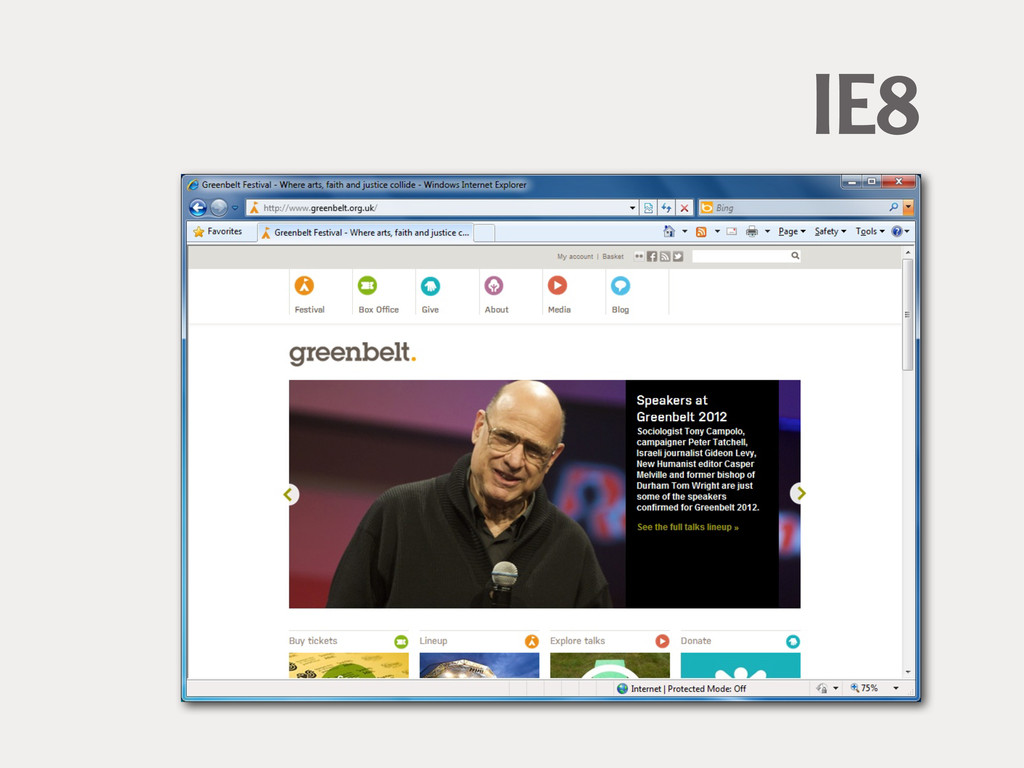
IE8
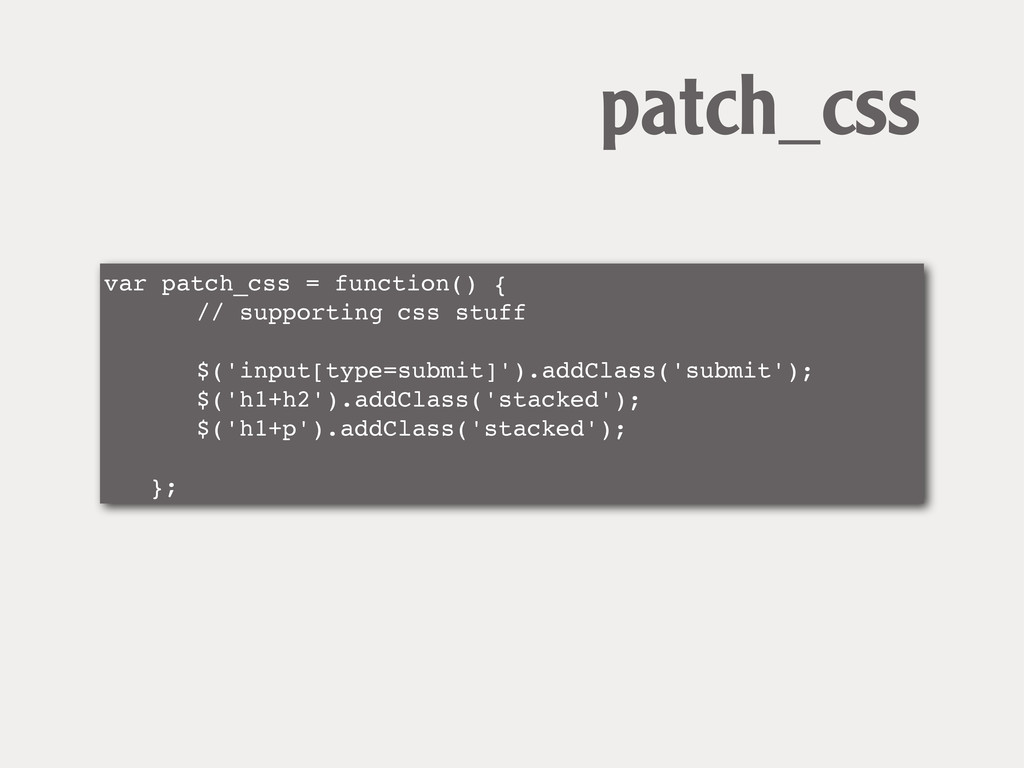
var patch_css = function() { ! ! // supporting css
stuff ! ! ! ! $('input[type=submit]').addClass('submit'); ! ! $('h1+h2').addClass('stacked'); ! ! $('h1+p').addClass('stacked'); ! ! ! }; patch_css
CSS3 Workflow How I approach my projects.
CSS3 Workflow Develop without any polyfill or JavaScript fixes in
place.
CSS3 Workflow Validate.
CSS3 Workflow Test & Fix in older browsers
CSS3 Workflow Decide if you need to use a polyfill
and which kind
CSS3 Workflow Test again.
Thank You! @rachelandrew rachelandrew.co.uk edgeofmyseat.com grabaperch.com


 rasmusluckow
 axbom
axbom
 ivargrimstad
 rkendrick25
 jonyablonski
 oripsolob
 stephaniewalter
 dougneiner
 kastner
 tammyeverts
 davetheseo
 samlambert



![form input[type="text"] { } ! form input[type="submit"] { } Attribute](https://files.speakerdeck.com/presentations/501a014ed2d1ae00020191d0/slide_14.jpg)
![label[for="fContact"] { ! float: none; ! width: auto; } Attribute](https://files.speakerdeck.com/presentations/501a014ed2d1ae00020191d0/slide_16.jpg)
![a[href ^="mailto:"] { padding-right: 20px; ! background-image:url(email.png); ! background-repeat: no-repeat;](https://files.speakerdeck.com/presentations/501a014ed2d1ae00020191d0/slide_17.jpg)
![input[type="email"]:focus:required:invalid { ! background-image: url(email_error.png); } Show a different icon](https://files.speakerdeck.com/presentations/501a014ed2d1ae00020191d0/slide_59.jpg)