Upgrade to Pro — share decks privately, control downloads, hide ads and more …

Fasten Mobile Development using Angular and Neb...

Fasten Mobile Development using Angular and Nebular

Using Angular and Capacitor, we could make mobile development faster.
Nebular will help you create UI faster than ever.

Avatar for Ridho Febriansa

Ridho Febriansa

September 22, 2019
Tweet

Other Decks in Technology

Transcript

  1. Profile • Muhammad Ridho Febriansa • Working on my thesis

    at Ubaya • In love with web and video games technologies, can’t wait for mixed reality as our daily device! • an INFJ-T (pardon my awkward, please)
  2. and I’m going to talk about: • Mobile Development Obstacles

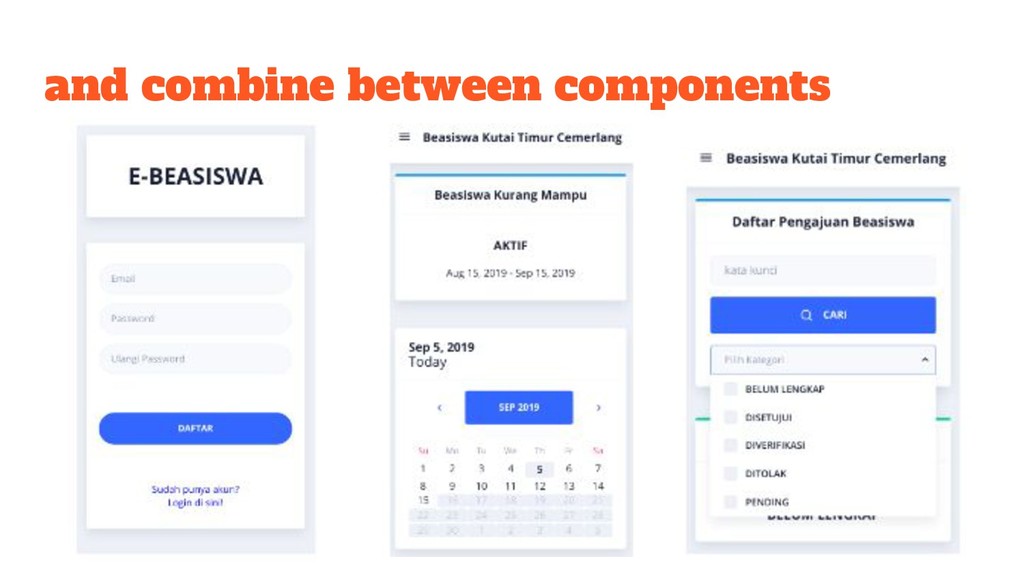
    • Develop Mobile App using Angular? • Make your app more catchy using Nebular
  3. but not gonna talk about: • How to install and

    code in Angular? • Practical implementation of Angular and Nebular
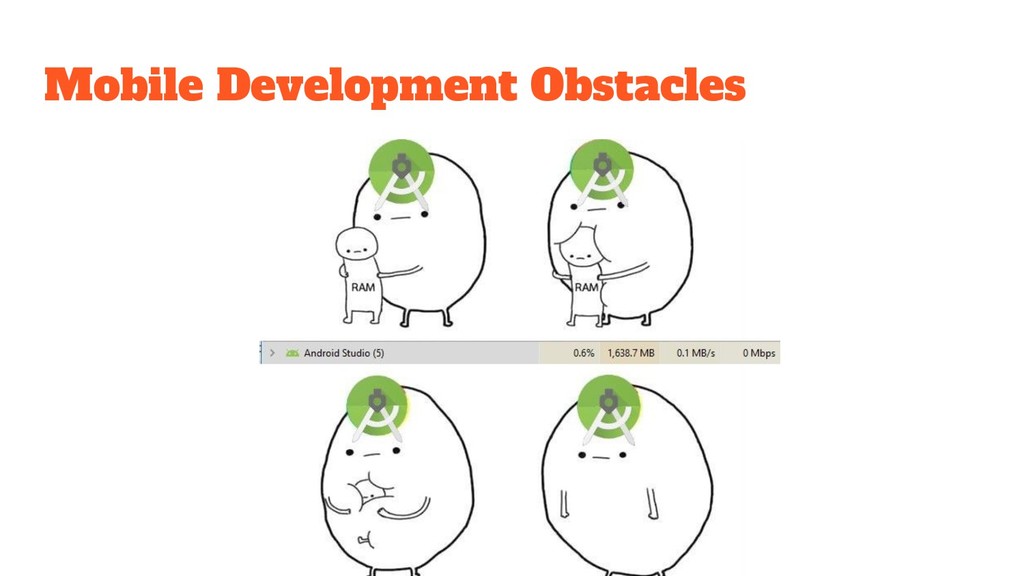
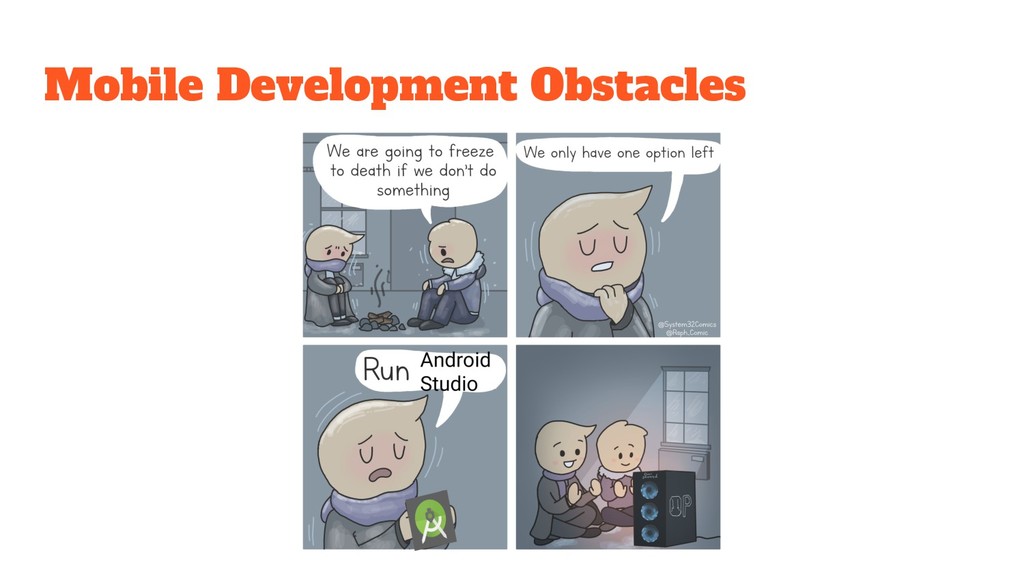
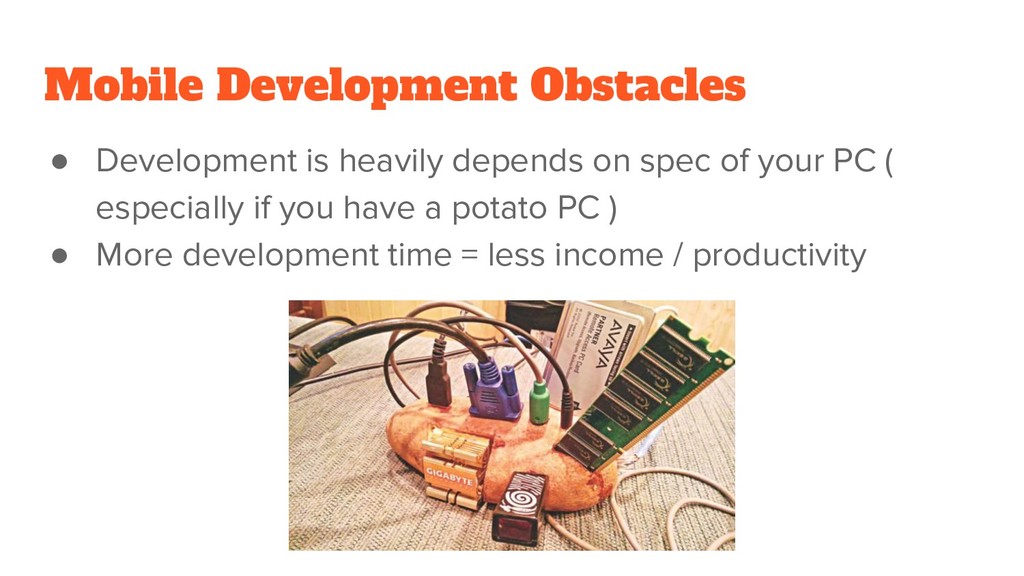
  4. Mobile Development Obstacles • Development is heavily depends on spec

    of your PC ( especially if you have a potato PC ) • More development time = less income / productivity
  5. Develop Mobile App using Angular Pros • Faster development process

    • Doesn’t need extra gigs of RAM to open stackoverflow • More profit! Cons • Limited usage of Android API (need extra improvement) • After publishing, the cycle might not as effective as making from stratch
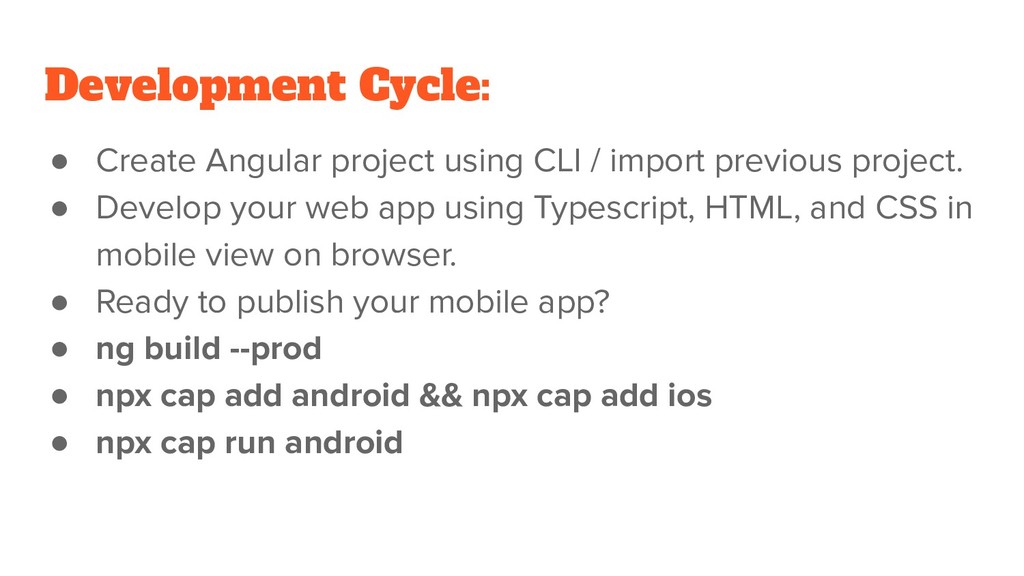
  6. Development Cycle: • Create Angular project using CLI / import

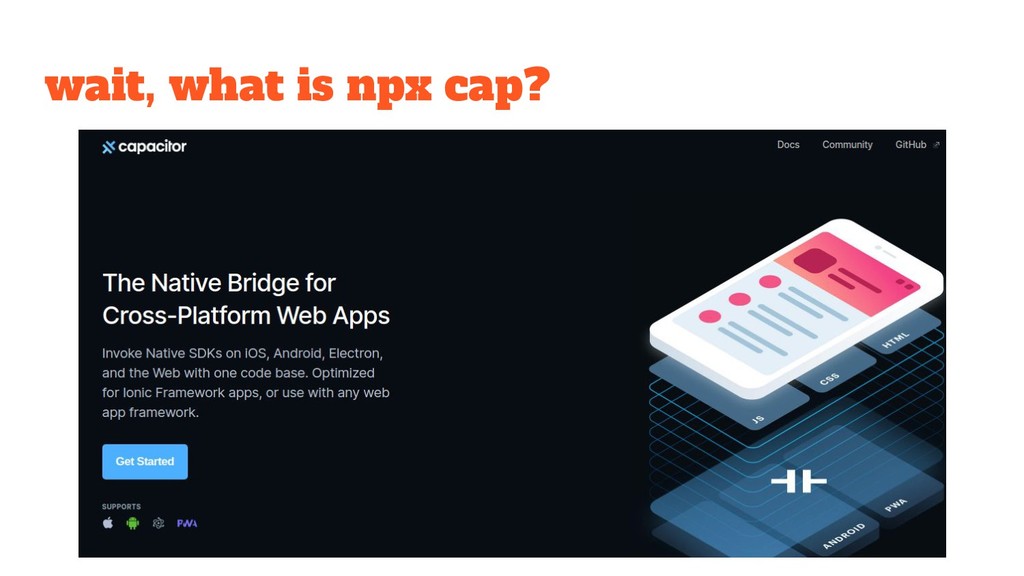
    previous project. • Develop your web app using Typescript, HTML, and CSS in mobile view on browser. • Ready to publish your mobile app? • ng build --prod • npx cap add android && npx cap add ios • npx cap run android
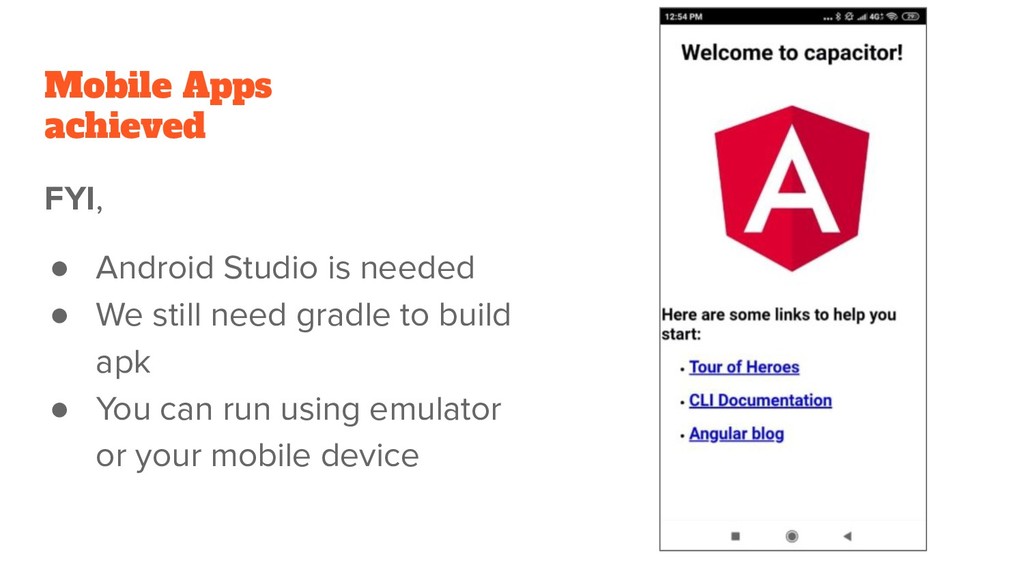
  7. Mobile Apps achieved FYI, • Android Studio is needed •

    We still need gradle to build apk • You can run using emulator or your mobile device
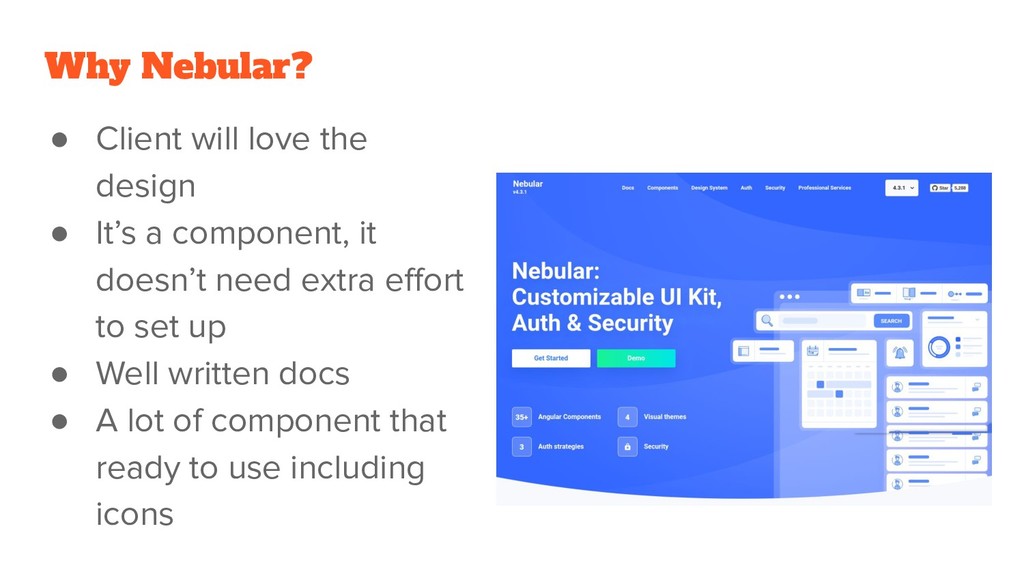
  8. Why Nebular? • Client will love the design • It’s

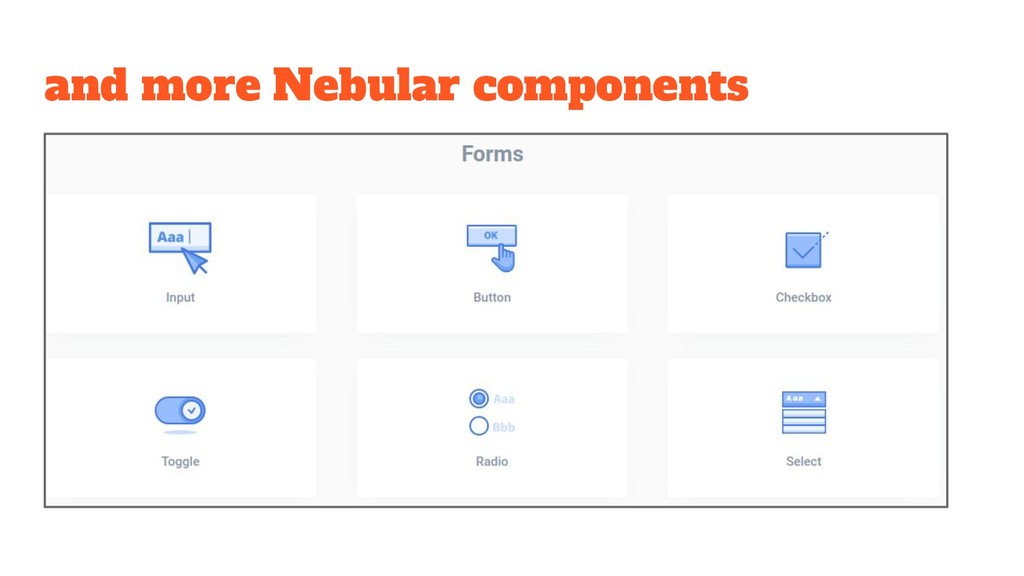
    a component, it doesn’t need extra effort to set up • Well written docs • A lot of component that ready to use including icons
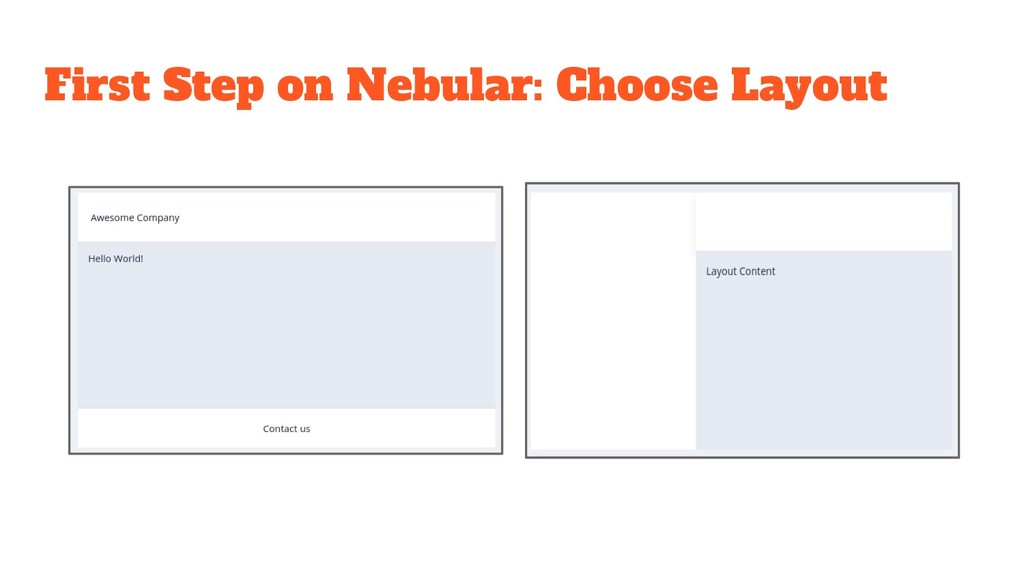
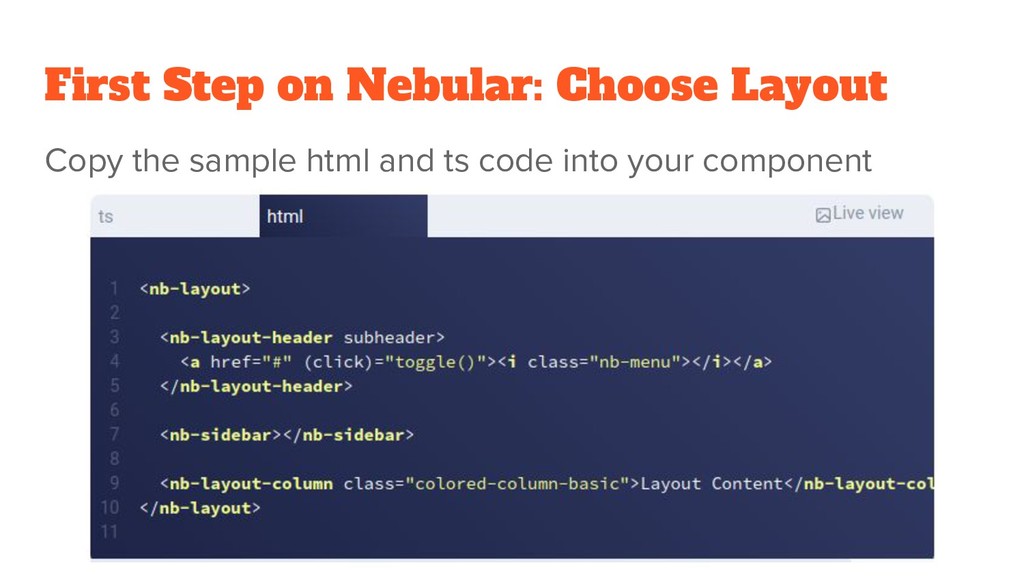
  9. First Step on Nebular: Choose Layout Import the component both

    on app.module.ts and your component.ts import { NbLayoutModule } from '@nebular/theme'; @NgModule({ imports: [ NbLayoutModule.forRoot(), ],