Upgrade to Pro — share decks privately, control downloads, hide ads and more …

CSS Workshop - The basics

CSS Workshop - The basics

Learn about concepts such as layouts and the box model, and understand CSS code with practical examples

Avatar for Romain

Romain

May 06, 2013

More Decks by Romain

Other Decks in Programming

Transcript

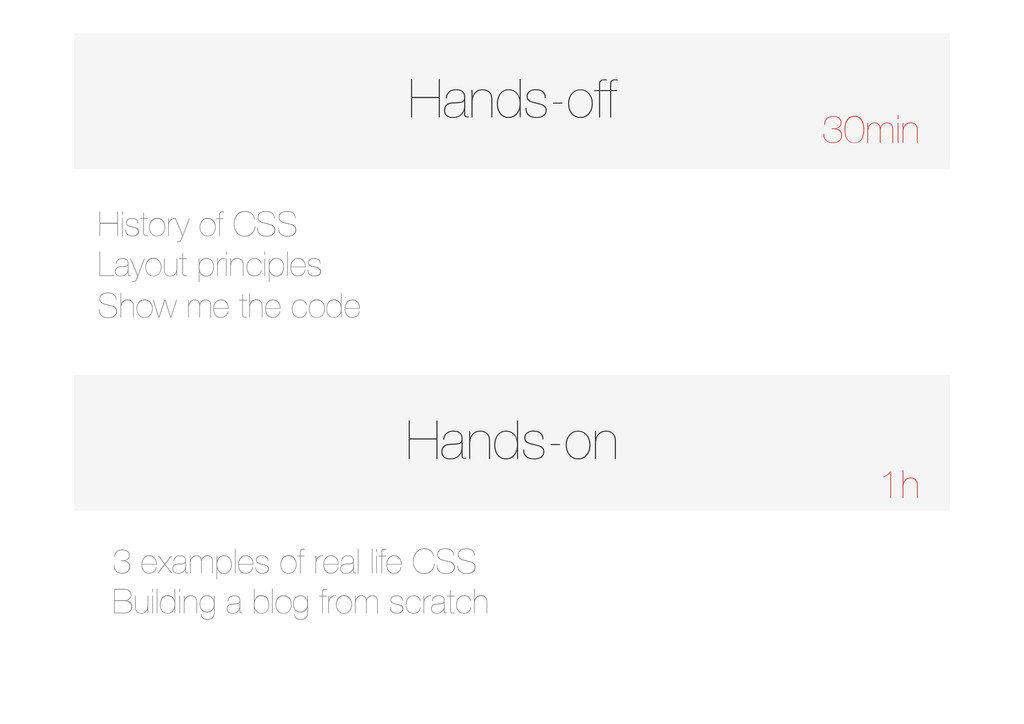
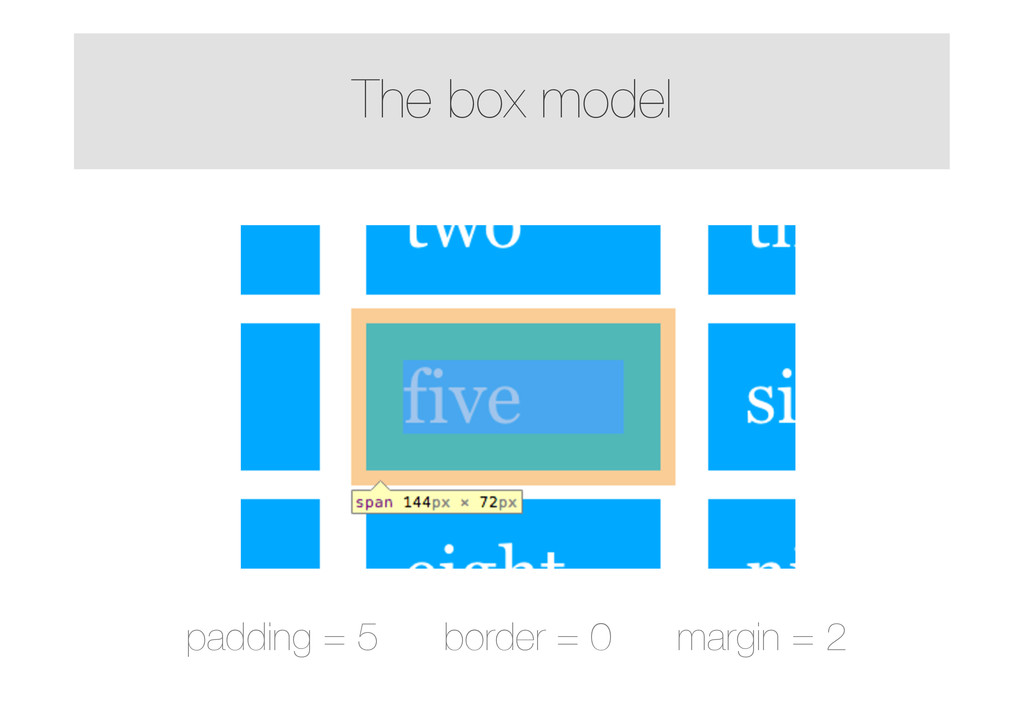
  1. Hands-off Hands-on 30min 1h History of CSS ! Layout principles

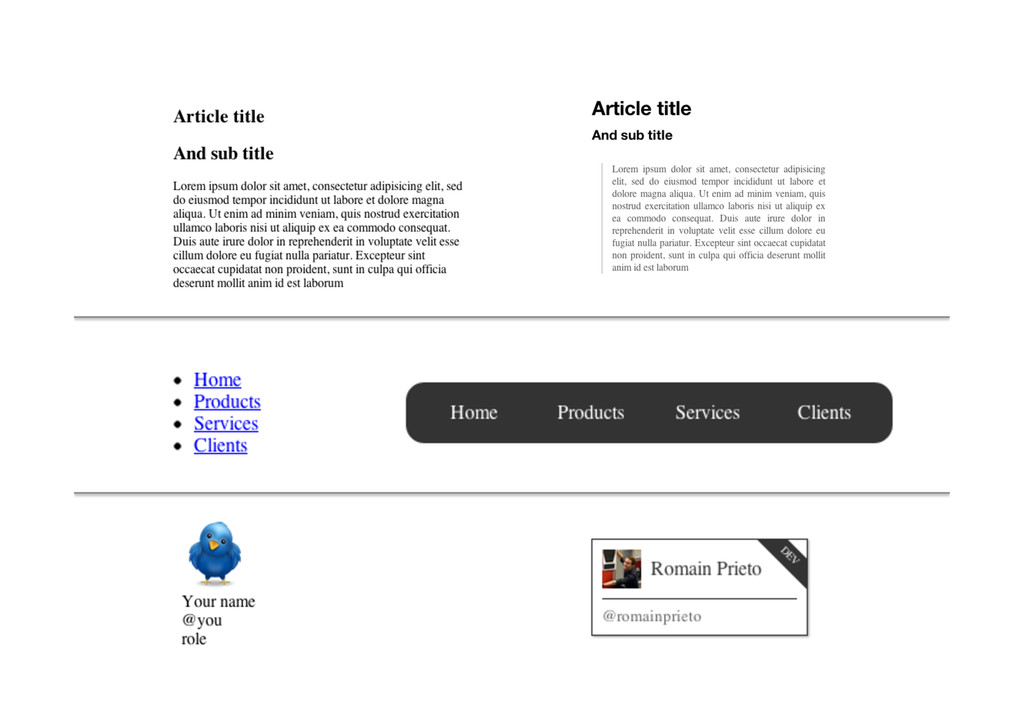
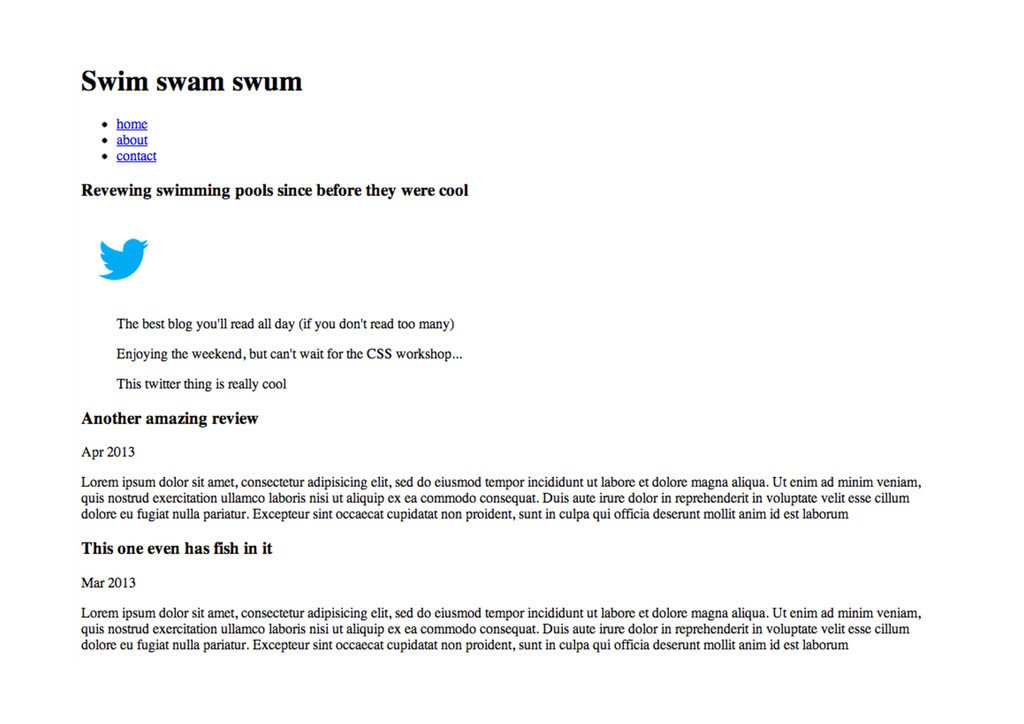
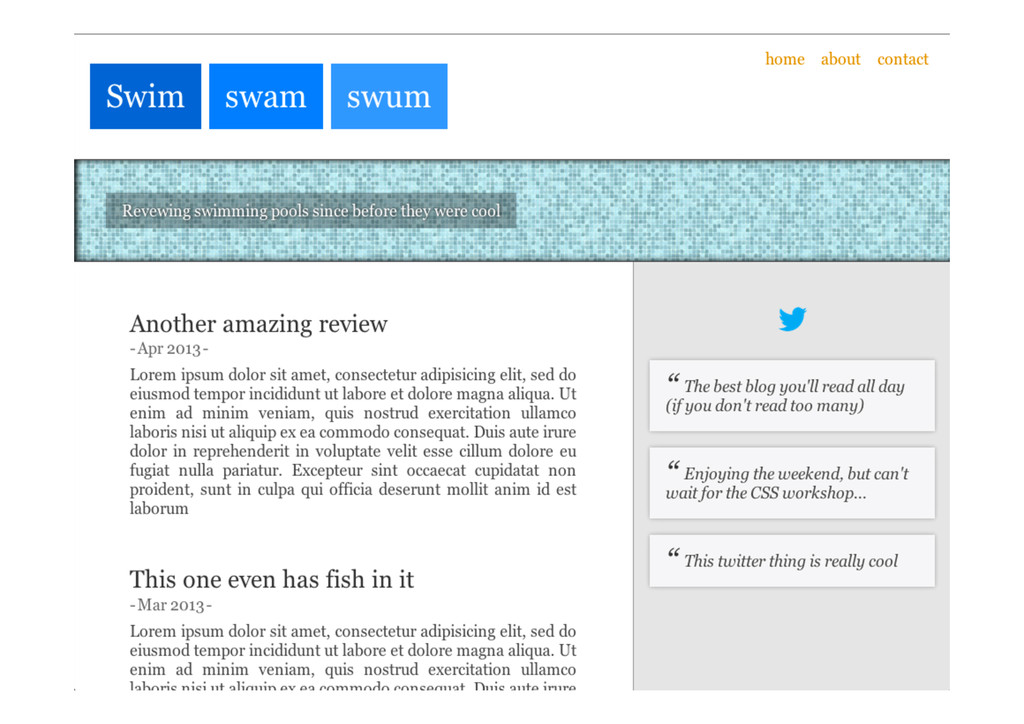
    ! Show me the code 3 examples of real life CSS ! Building a blog from scratch
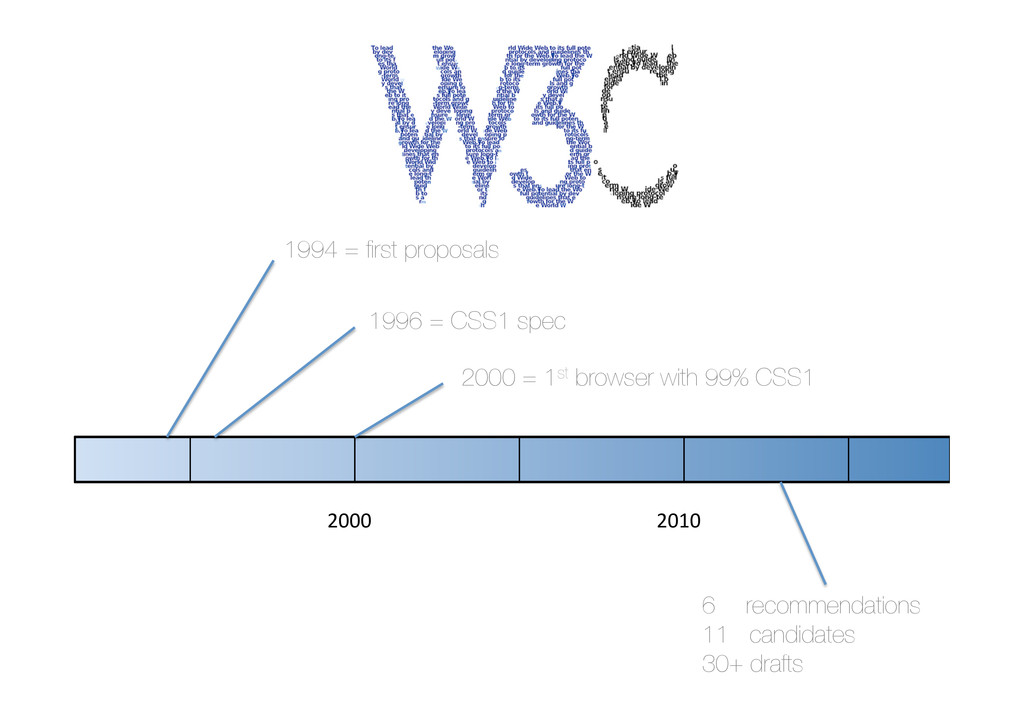
  2. 2000   2010   1994 = first proposals 1996 =

    CSS1 spec 2000 = 1st browser with 99% CSS1 6  recommendations 11 candidates 30+ drafts
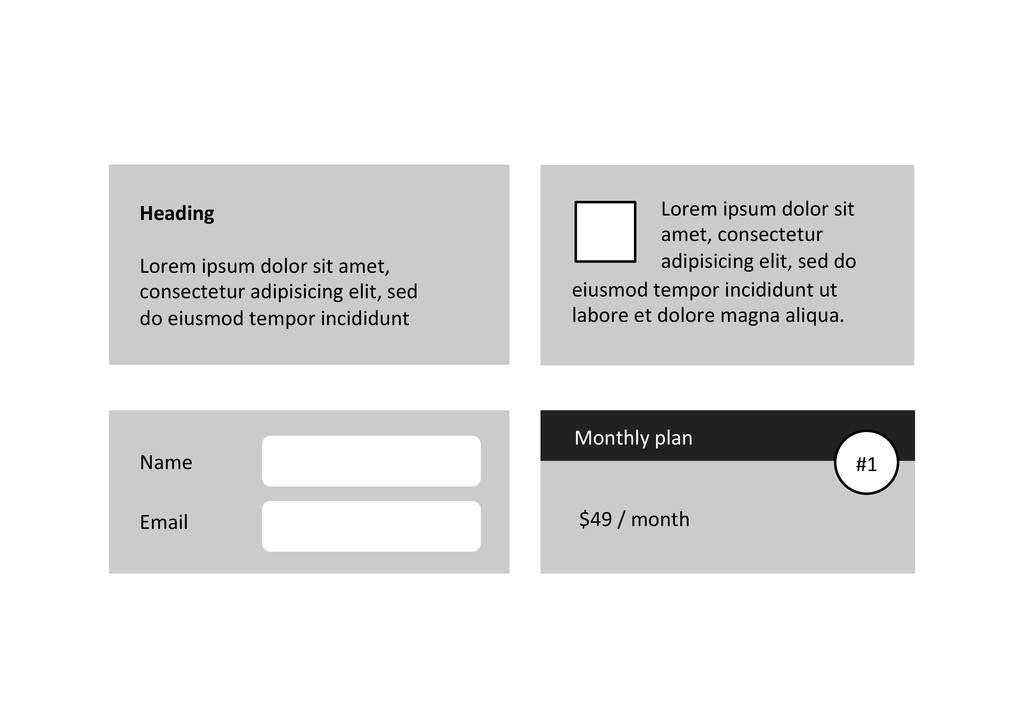
  3.          Monthly  plan        

         $49  /  month   #1   Name   Email   Heading   Lorem  ipsum  dolor  sit  amet,   consectetur  adipisicing  elit,  sed   do  eiusmod  tempor  incididunt   Lorem  ipsum  dolor  sit   amet,  consectetur   adipisicing  elit,  sed  do   eiusmod  tempor  incididunt  ut   labore  et  dolore  magna  aliqua.    
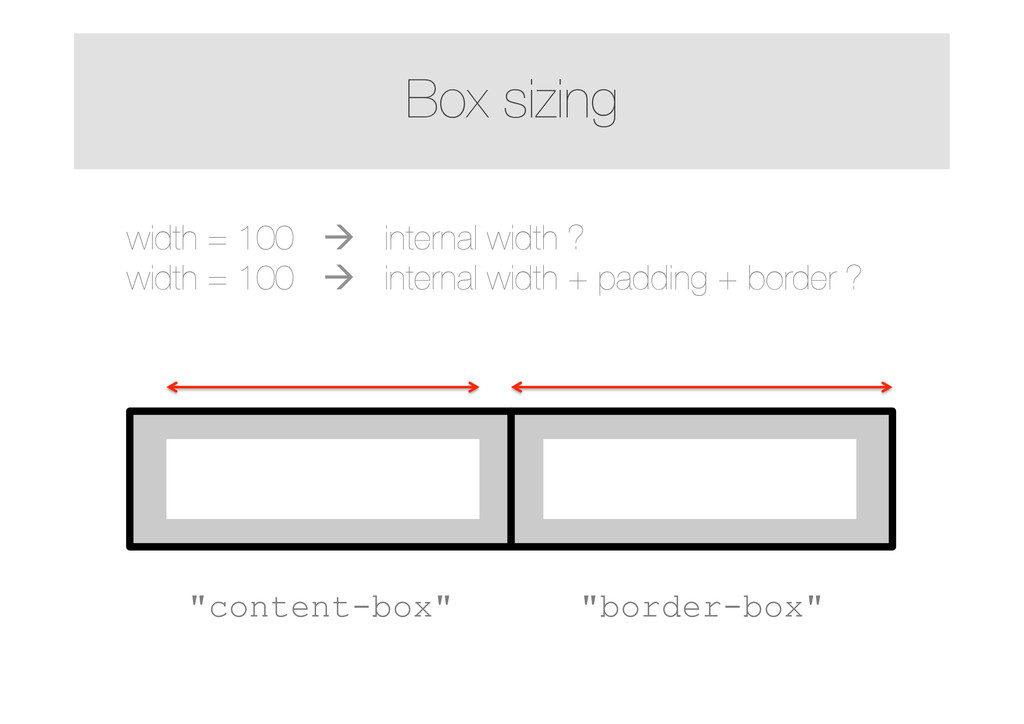
  4. Box sizing width = 100 à internal width ? width

    = 100 à internal width + padding + border ? width  =  50%   width  =  50%   "content-box" "border-box"
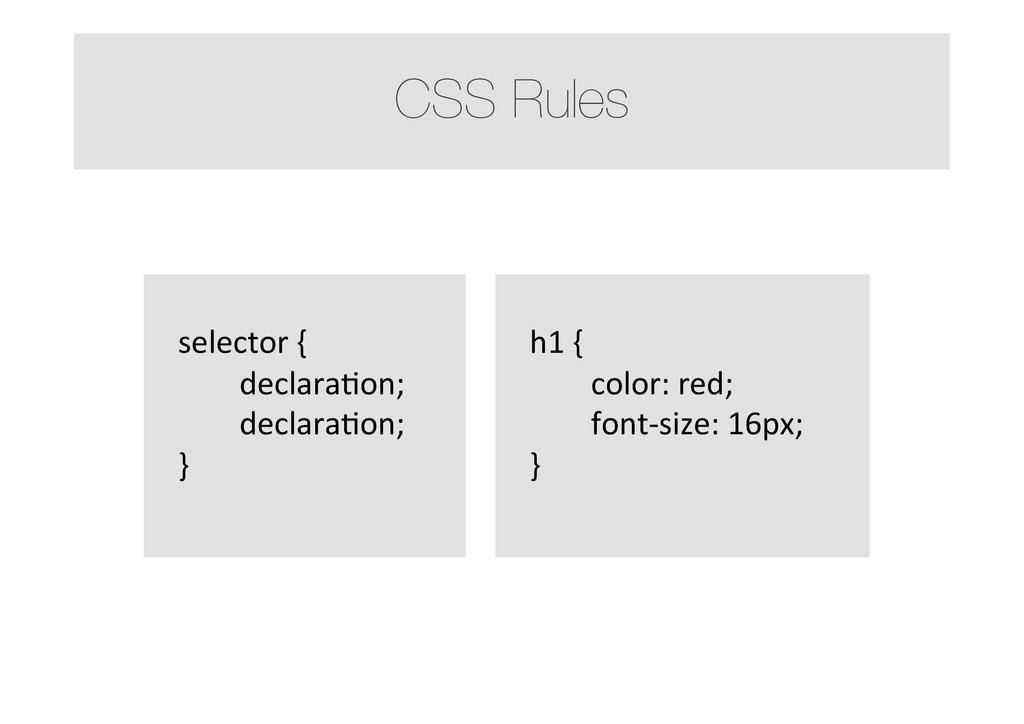
  5. CSS Rules   selector  {    declaraMon;    declaraMon;  

    }         h1  {    color:  red;    font-­‐size:  16px;   }      
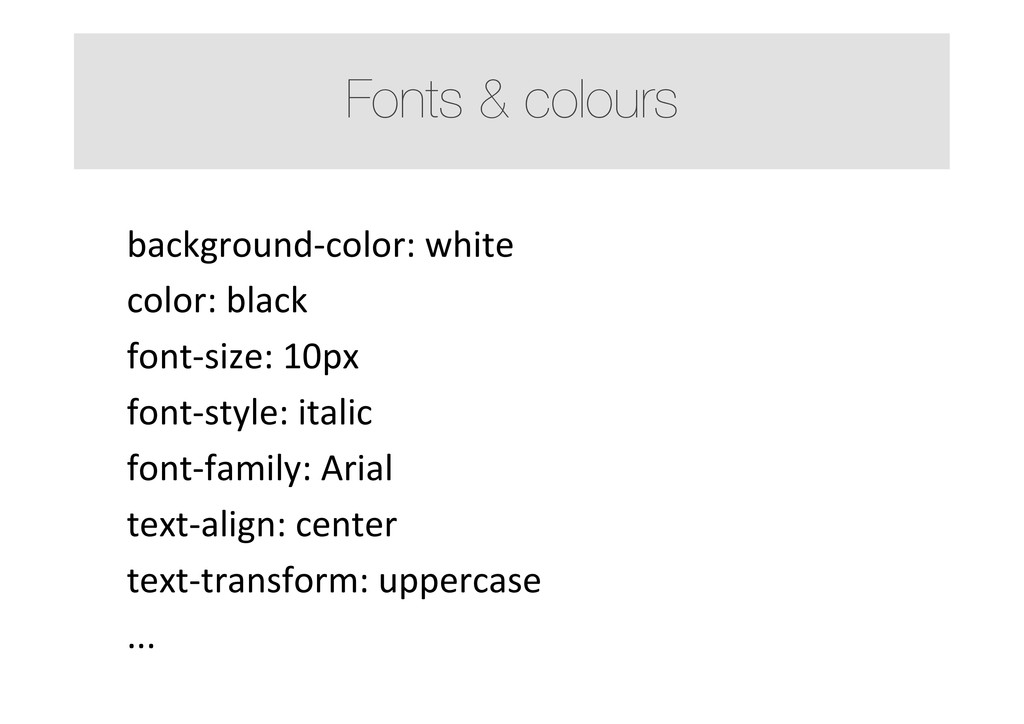
  6. Fonts & colours background-­‐color:  white   color:  black   font-­‐size:

     10px   font-­‐style:  italic   font-­‐family:  Arial   text-­‐align:  center   text-­‐transform:  uppercase   ...  
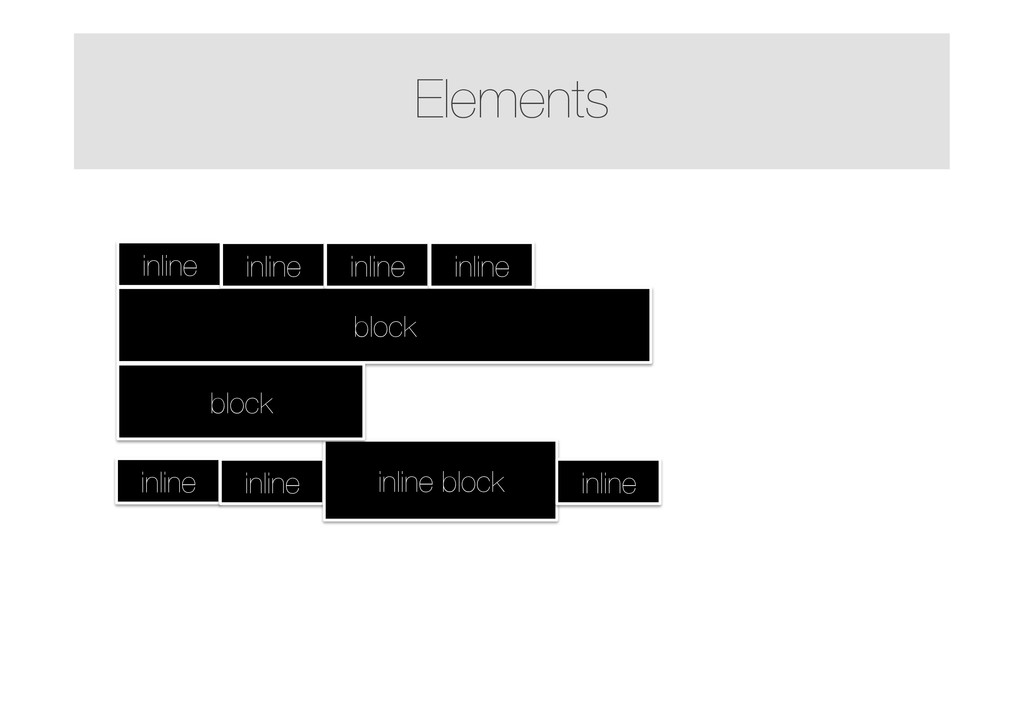
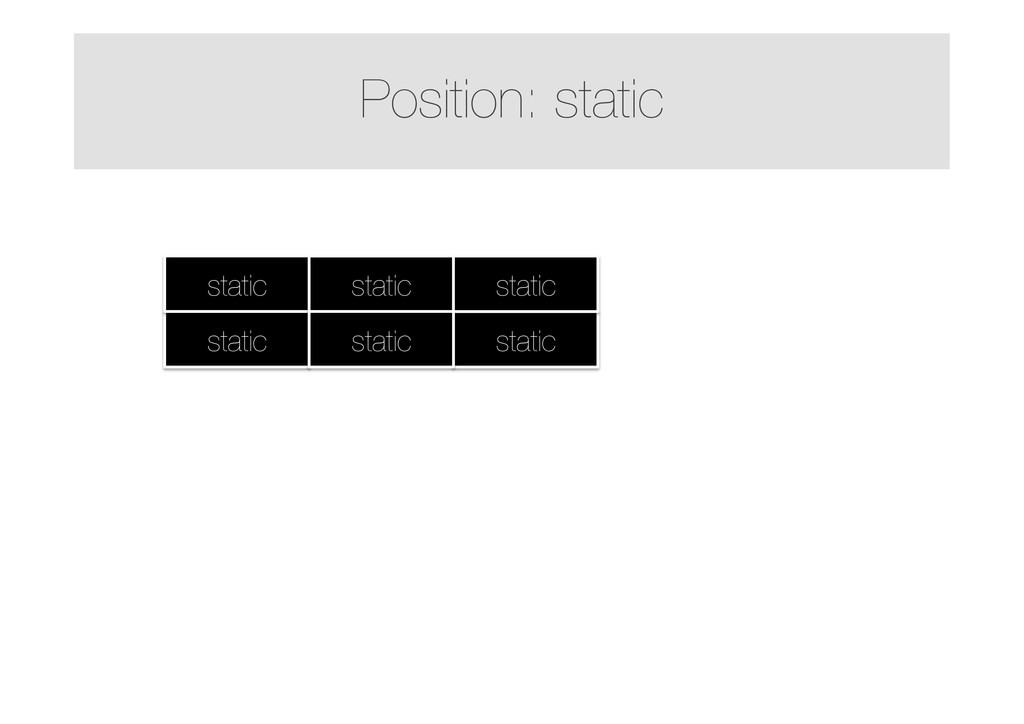
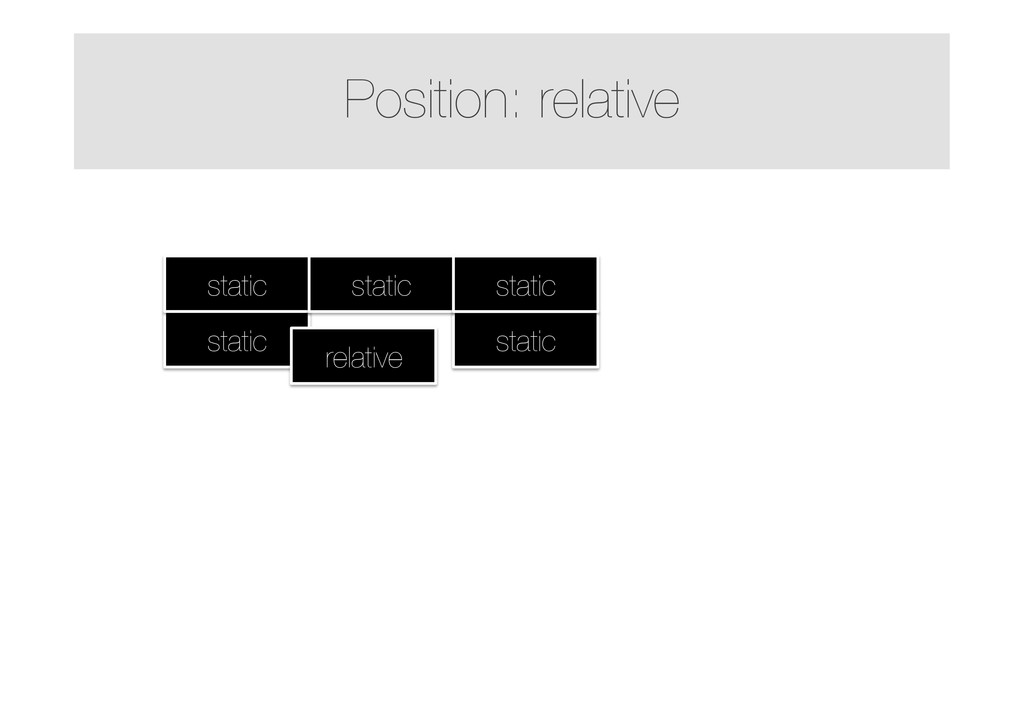
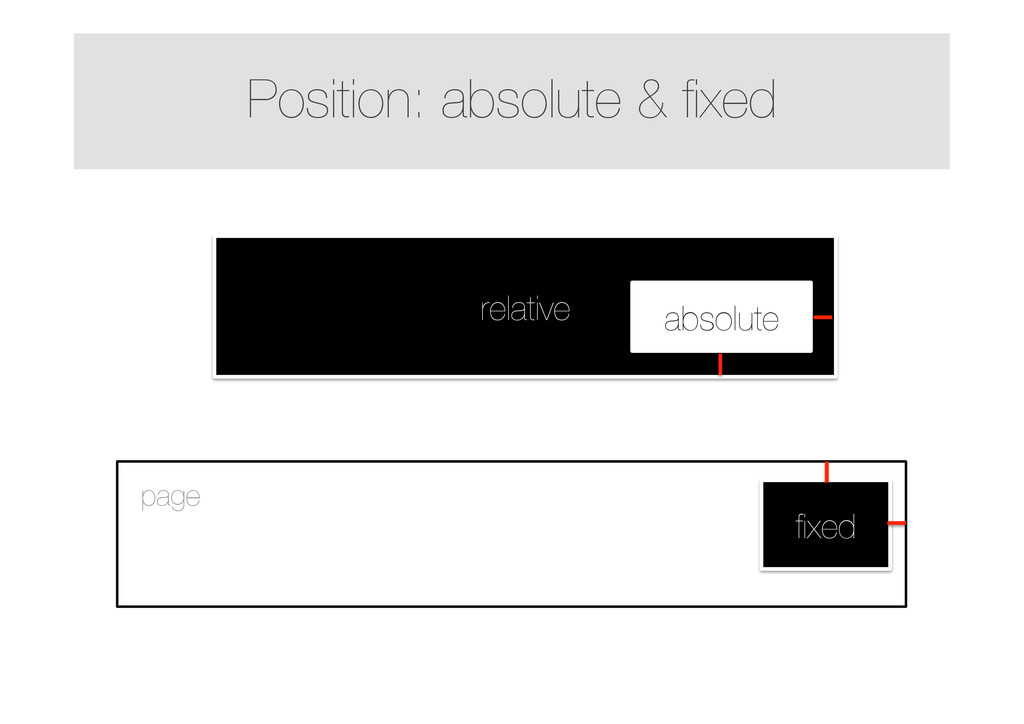
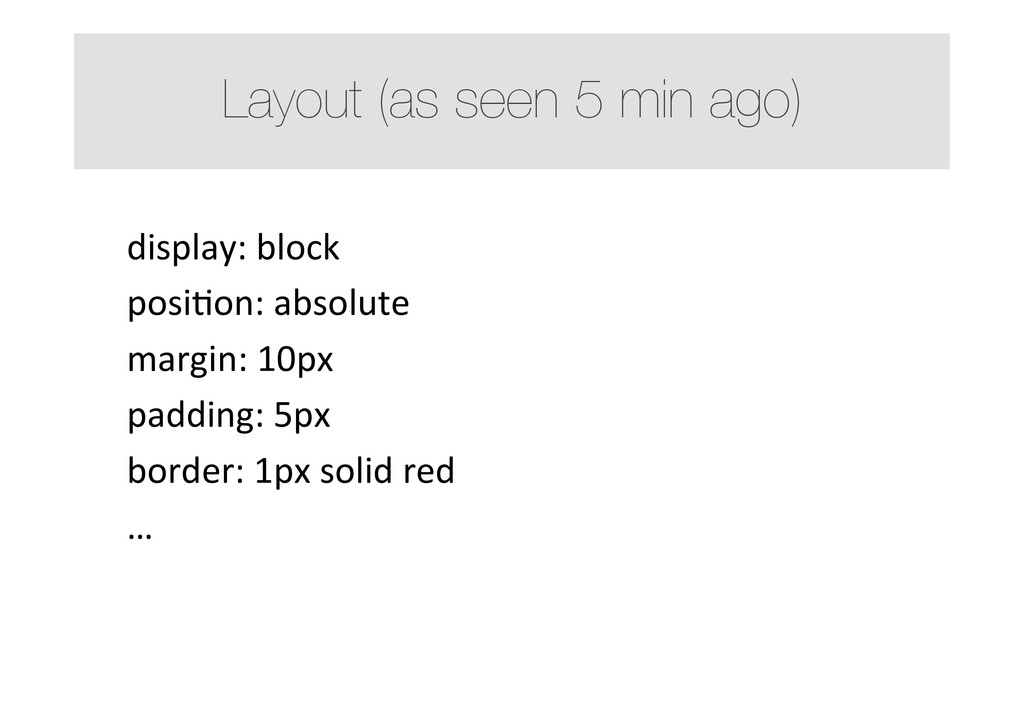
  7. Layout (as seen 5 min ago) display:  block   posiMon:

     absolute   margin:  10px   padding:  5px   border:  1px  solid  red   …    
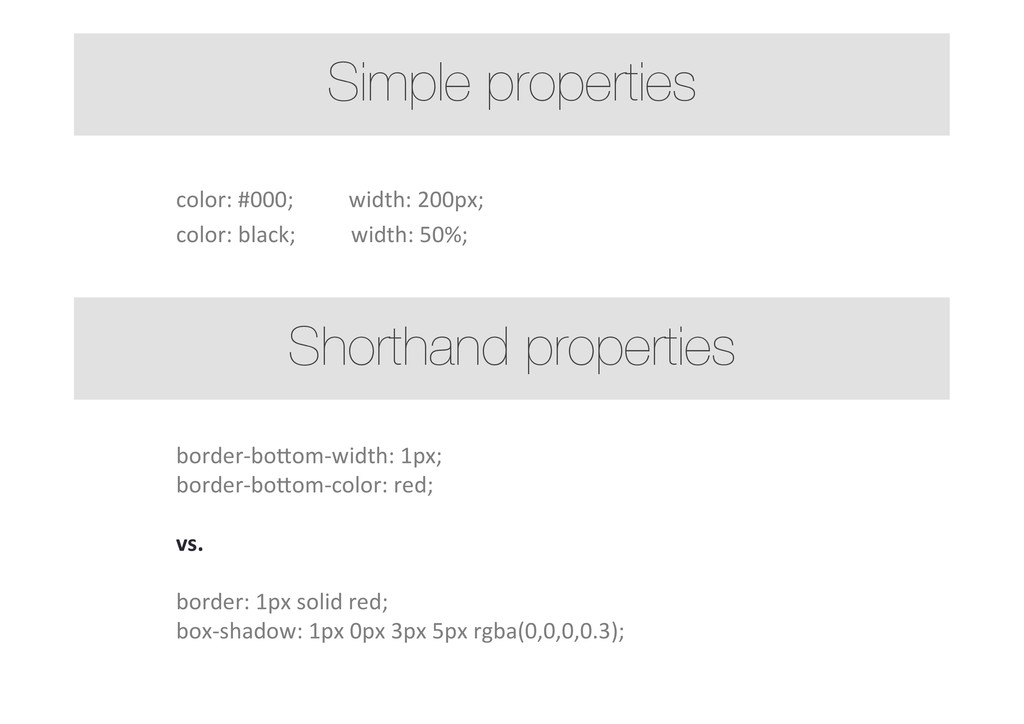
  8. color:  #000;                

       width:  200px;   color:  black;                    width:  50%;   border-­‐boYom-­‐width:  1px;   border-­‐boYom-­‐color:  red;     vs.     border:  1px  solid  red;   box-­‐shadow:  1px  0px  3px  5px  rgba(0,0,0,0.3);     Simple properties Shorthand properties
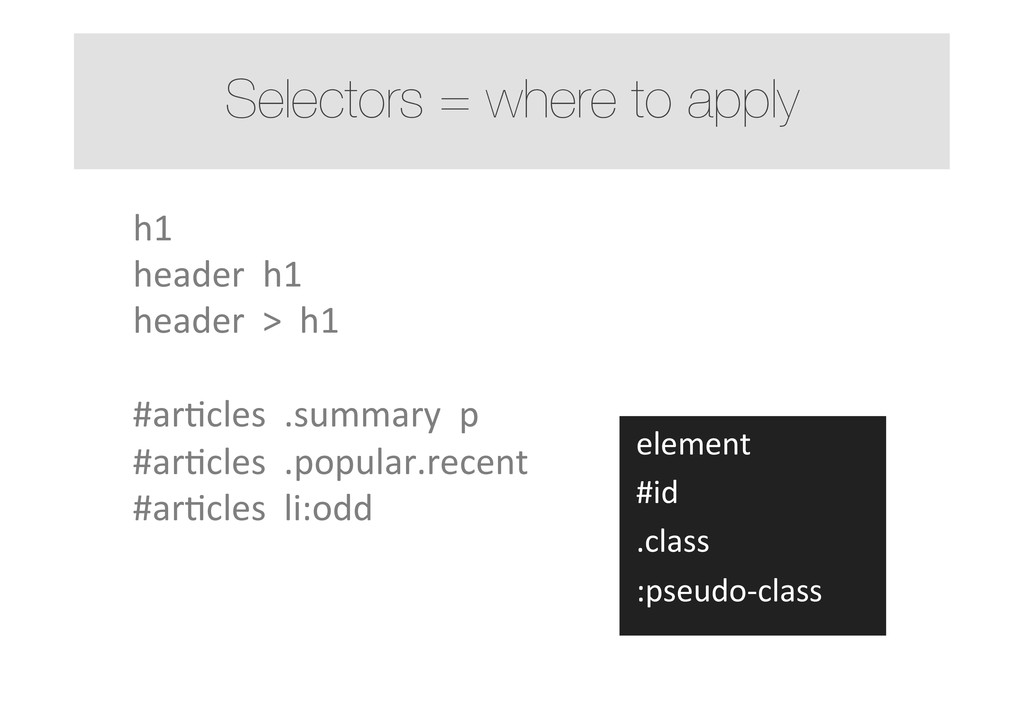
  9. Selectors = where to apply  element    #id    .class

       :pseudo-­‐class   h1   header    h1   header    >    h1     #arMcles    .summary    p   #arMcles    .popular.recent   #arMcles    li:odd    
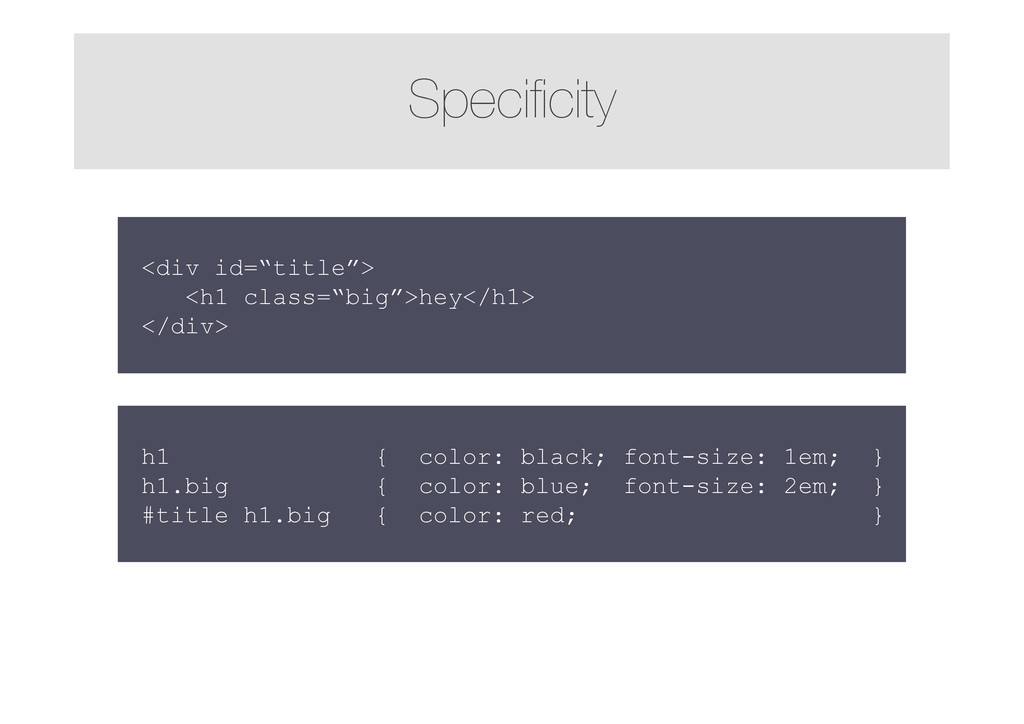
  10. Specificity h1 { color: black; font-size: 1em; } h1.big {

    color: blue; font-size: 2em; } #title h1.big { color: red; } <div id=“title”> <h1 class=“big”>hey</h1> </div>
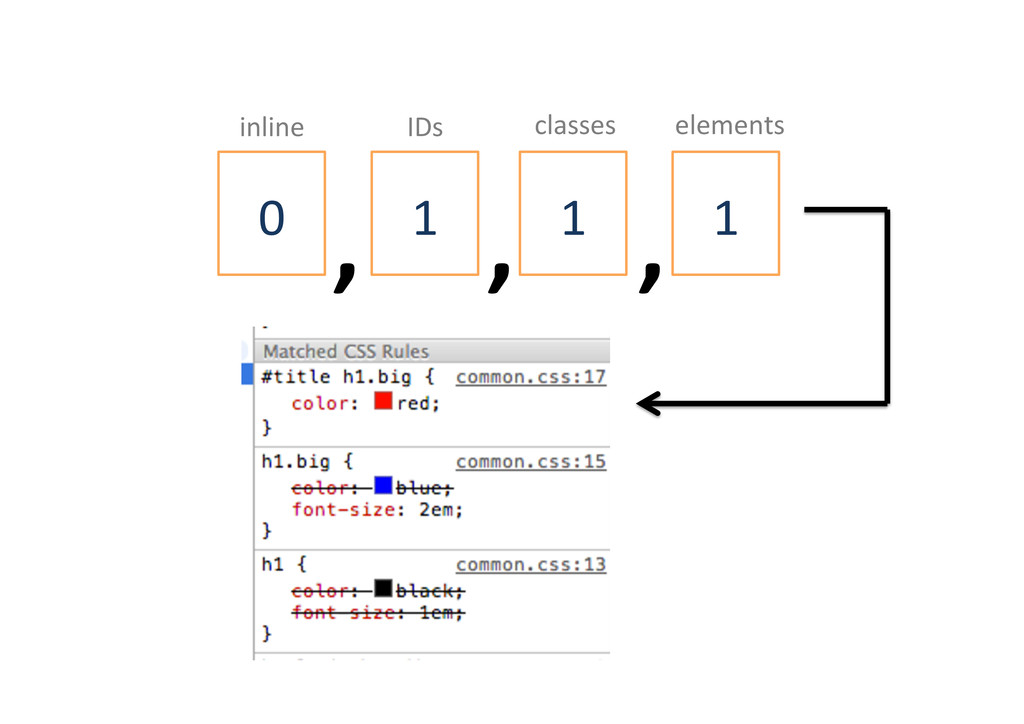
  11. 1   1   1   0   elements  

    classes   IDs   inline   , , ,
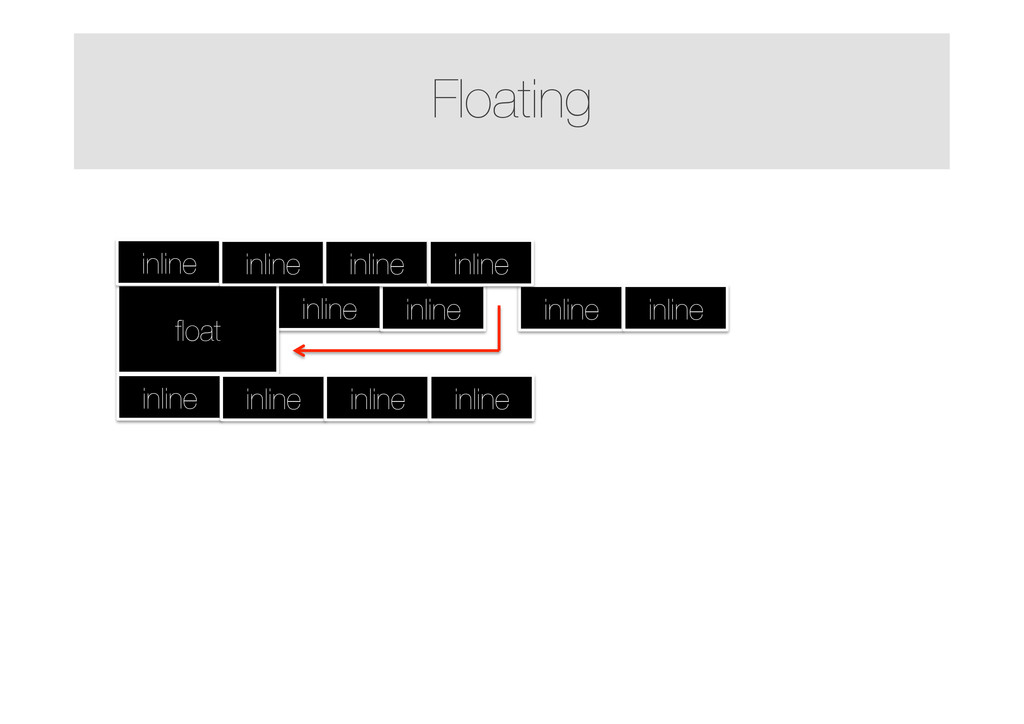
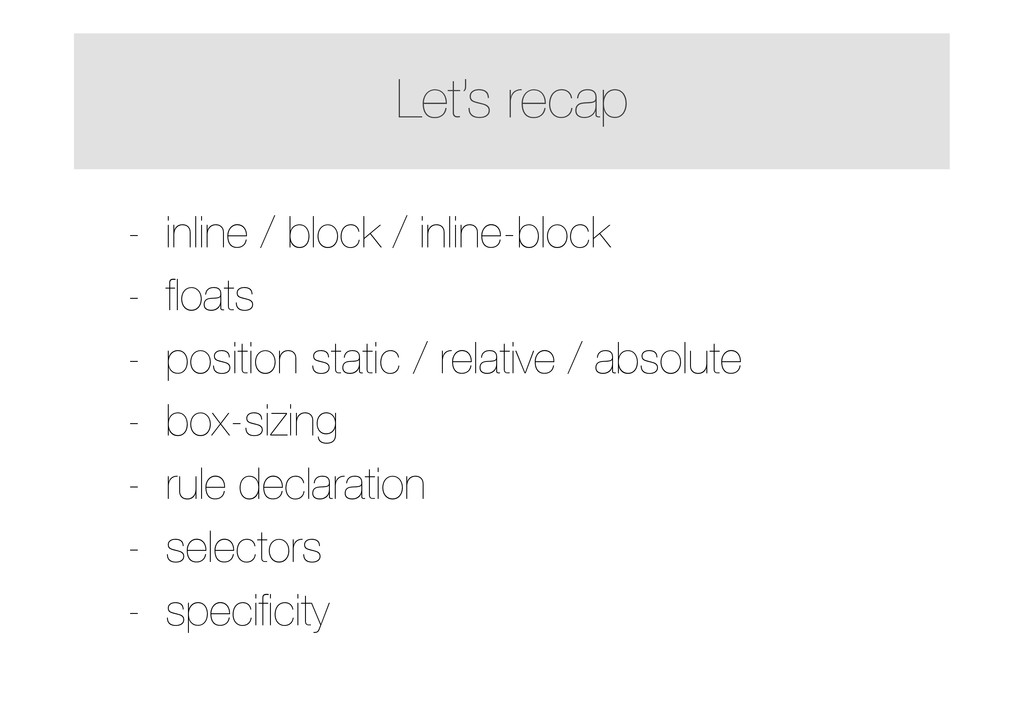
  12. Let’s recap - inline / block / inline-block - floats

    - position static / relative / absolute - box-sizing - rule declaration - selectors - specificity