Share
Embed
BitcoinDesign-GAAD-Workshop2
Accessibility Testing, Tools, and Design Pattern Resources. In honor of Global Accessibility Awareness Day.
RRBTC
May 16, 2025
Transcript
14 slides
-
GLOBAL ACCESSIBILITY AWARENESS DAY 2025 Bitcoin Design - GAAD Workshop
2: Accessibility Testing, Tools, and Design Pattern Resources -
WELCOME & INTRO Design for the edges, strengthen the core
Can you setup your favorite bitcoin wallet using only a keyboard or screen reader? User testing is experiential, not just automated -
MANUAL TESTING: ANDROID • Enable TalkBack • Navigate app with
gestures • Navigate using BT keyboard / Voice Access • Use high contrast or color inversion settings • Enable large text, magnification, and other accessibility shortcuts • Install Accessibility Scanner -
MANUAL TESTING: IOS • Enable VoiceOver • Use rotor navigation
and explore by touch • Enable dynamic type / bold text / increase contrast • Enable FKA (Full Keyboard Access) • Test Voice Control / Switch Control -
MANUAL TESTING: DESKTOP • Navigate using keyboard only (Tab, Shift+Tab,
Enter, Space) • Enable screen reader (JAWS, VoiceOver, NVDA, Orca, ChromeVox) • Zoom to 200% & 400%, enable high contrast mode • Use grayscale/color filters if available -
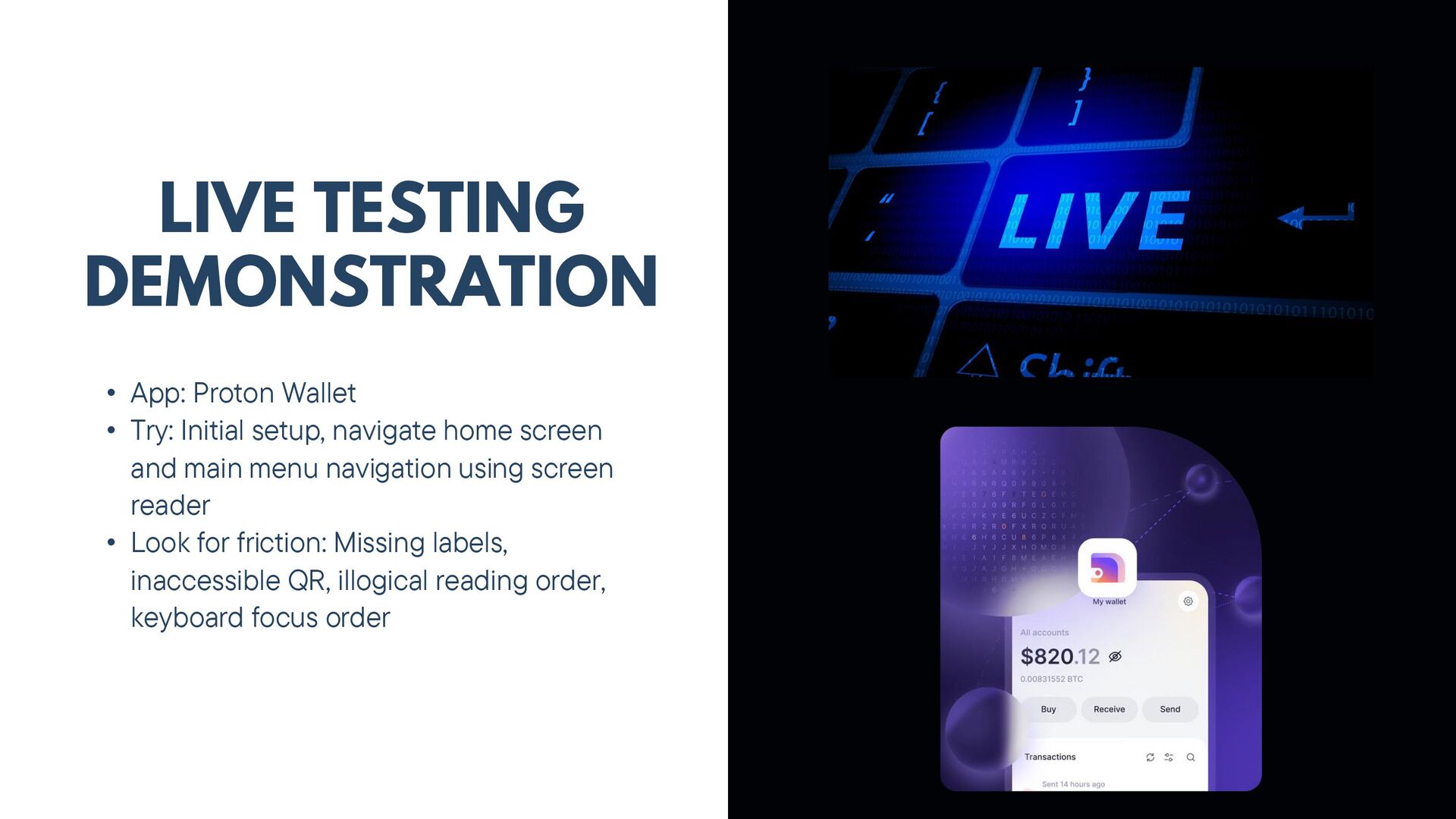
LIVE TESTING DEMONSTRATION • App: Proton Wallet • Try: Initial
setup, navigate home screen and main menu navigation using screen reader • Look for friction: Missing labels, inaccessible QR, illogical reading order, keyboard focus order -
TESTING TOOLS (BROWSER) • Lighthouse: Chrome DevTools audit for accessibility
(uses axe-core) • ARC Toolkit: Chrome DevTools (use TPGi ruleset) • Wave (WebAIM): In-page error and alt text diagnostics • Accessibility Insights: Guided testing for keyboard & landmarks -
TESTING TOOLS (CONTRAST) • Stark (Figma): Contrast and alt text
in design mocks • TPGi Colour Contrast Analyzer: WCAG ratio verification • APCA Contrast Calculator: Perceptual contrast rating -
TESTING TOOLS (MOBILE) • Accessibility Scanner (Google): Manual scan suggestions
• Android Accessibility Inspector: Node tree inspector • Xcode Accessibility Inspector: Apple’s iOS inspection tool -
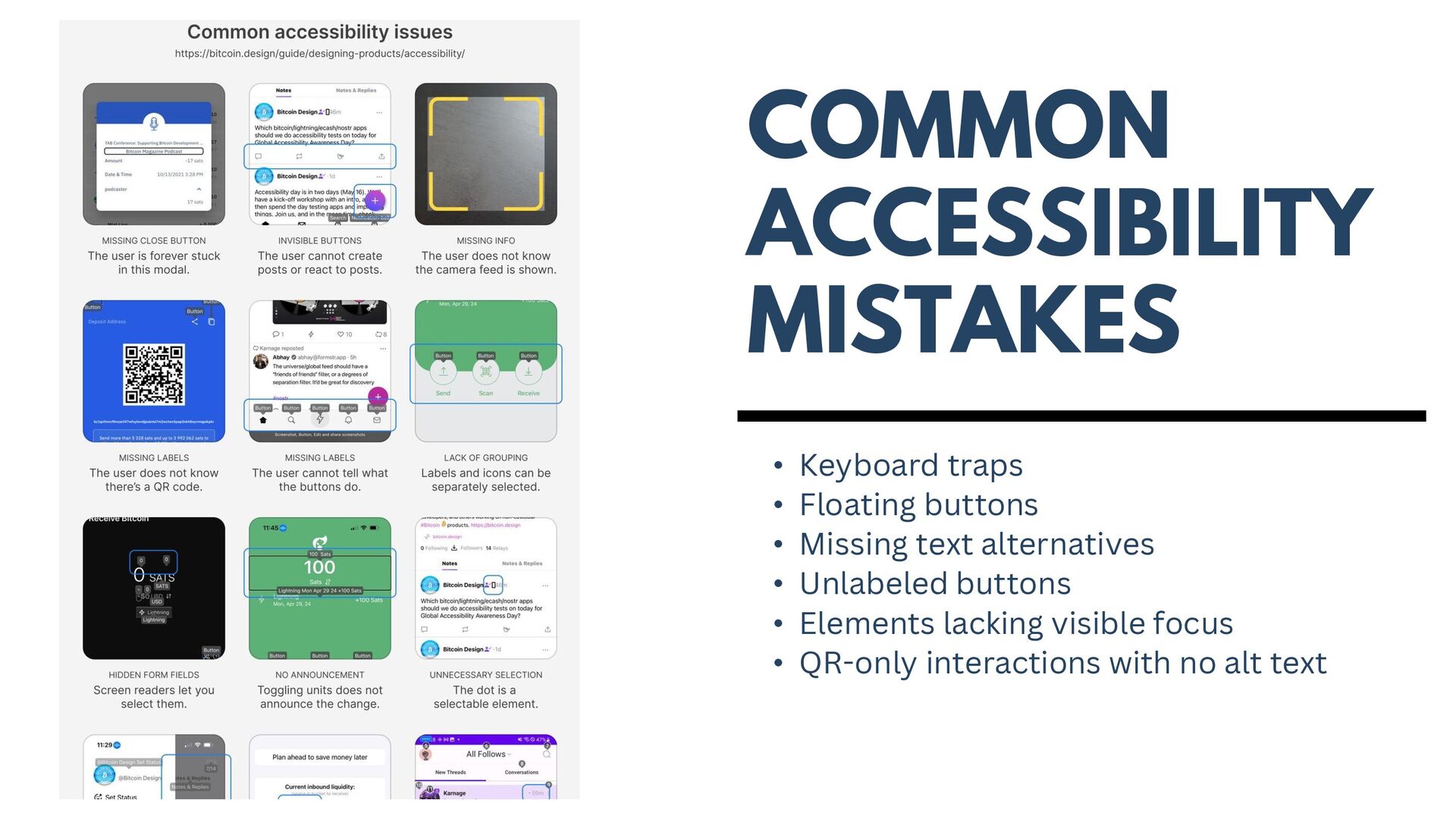
COMMON ACCESSIBILITY MISTAKES • Keyboard traps • Floating buttons •
Missing text alternatives • Unlabeled buttons • Elements lacking visible focus • QR-only interactions with no alt text -
ACCESSIBLE DESIGN PATTERNS • WAI-ARIA APG: Canonical source of accessibility
patterns from the W3C. • Dialogs: role="dialog", aria-labelledby, aria-modal, focus trap • Buttons: , aria-label, aria-pressed • Disclosures: role="button", aria-label, aria- expanded, aria-controls • Landmarks: nav, main, region -
DESIGN PATTERNS THAT SCALE Inclusive Components Thoughtful, real-world UI patterns
for the web with deep a11y insights by Heydon Pickering. shadcn/ui React components built on Radix UI—fully accessible, unstyled, and developer-owned. Tailwind + TypeScript support. Vue A11y Vue accessibility utilities and patterns: focus management, modals, and screen reader helpers with linting tools. -
CALL TO ACTION Explore issues and bounties: Zeus, Sphinx.Chat, Bitcoin
Design Guide, etc. Get involved: File an issue, add a role or label and submit a PR Join: Bitcoin Design #accessibility channel on Discord